If you approve tooling budgets, there is a second question behind the obvious one. Not «does it look sharper», but «can we defend this output later». That distinction runs through the whole guide.
The guide moves from mechanism to decision. First, how the technology actually works and where it differs from a sharpening tool in a classic photo editor. Then the practical workflow for sharpening an image online, the factors that cap output quality, the selection criteria for tools, four use-case families, the free versus paid economics, and finally the control set an audit committee will ask about.
What Is an AI Image Sharpener and How Does It Work?
An ai image sharpener is an automated restoration system that uses deep learning models to reconstruct missing structural details in degraded digital assets. The underlying neural network automatically analyzes low-resolution or blurry images to separate true high-frequency features from unwanted noise, compression artifacts, and optical distortion.
Modern image sharpening tools leverage convolutional neural networks (CNNs), generative adversarial networks (GANs), and transformer architectures. Research on deep learning image restoration demonstrates that trained networks analyze contextual pixel relationships across spatial scales, mapping blurred inputs to clean outputs via learned structural priors. By evaluating mathematical feature representations, an ai powered sharpener restores image clarity and fine details across diverse media types.
A useful mental model: a classic filter asks «where are the edges». A neural model asks «what was probably there». Different question, different risk profile.
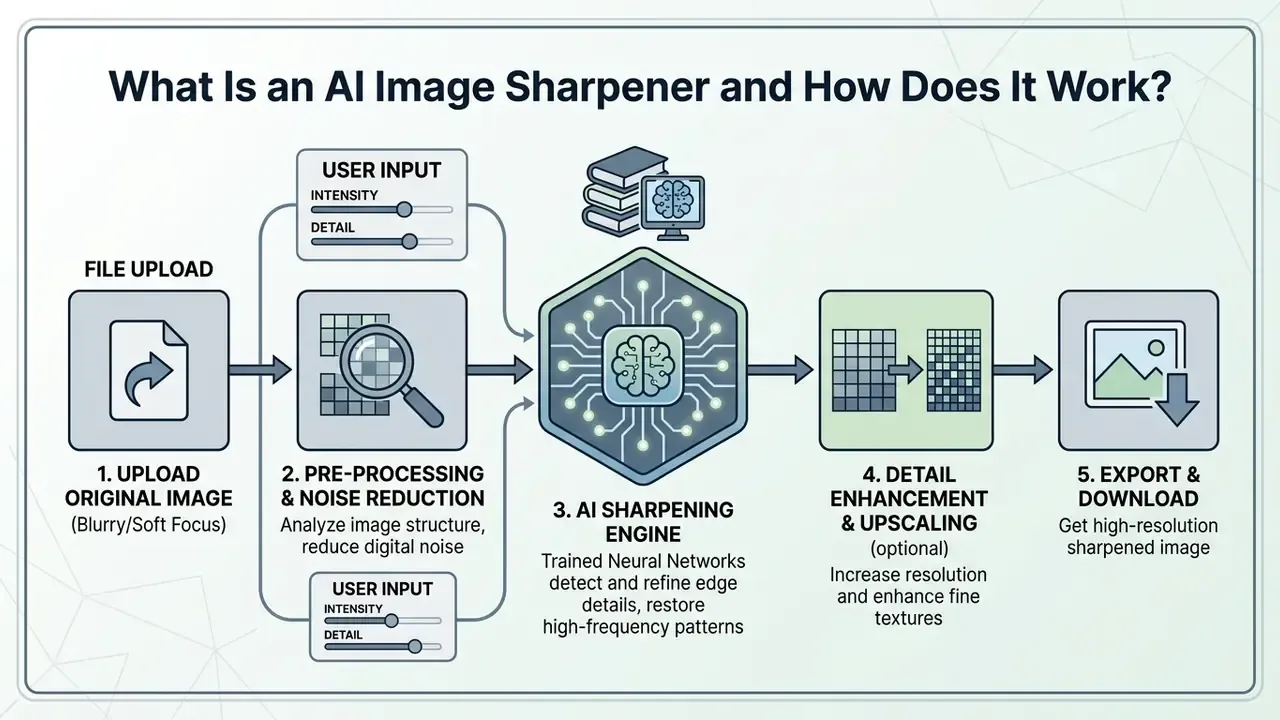
AI Sharpening vs. Standard Photo Editing Filters
Traditional photo editing filters adjust local contrast using fixed mathematical operations like Unsharp Mask or High Pass filters. These classical mechanisms subtract a blurred copy from the original image to amplify edge boundaries across the entire frame. Consequently, standard filters boost digital grain, sensor noise, and JPEG compression artifacts alongside genuine edge details.
Deep-learning models, in contrast, evaluate semantic context and apply selective, non-linear enhancements. Rather than resting on a generic claim of superiority, the mechanism is documented at the architecture level: compression-artifact networks learn to distinguish block boundaries from real contours, something a fixed convolution kernel mathematically cannot do.
«Compression artifacts reduction networks suppress blocking and ringing while preserving genuine sharp edges, unlike fixed filters that amplify noise together with detail.»
This is what lets an ai image sharpener unblur image assets, refine subtle textures, and preserve natural illumination without generating harsh halo artifacts. So why choose an AI engine over a manual slider at all? Mostly consistency: the same settings applied to 300 catalog shots by hand produce 300 slightly different results. For teams examining wider workflows, our ai image editing coverage highlights how adaptive filtering is replacing manual slider adjustments.
What AI Can Fix in Blurry and Low-Quality Images
Neural networks effectively correct motion blur, defocus blur, pixelation, and block compression artifacts. When camera shake or subject movement creates motion trails, multi-scale networks map the displacement kernel to reconstruct sharp boundaries. For out-of-focus captures, attention-based transformers predict lost edge boundaries to improve image quality.
«True automated image restoration relies on governed neural models rather than unconstrained pixel generation. Without an audit trail and risk-adjusted controls, generative detail enhancement risks introducing artificial artifacts instead of verified operational evidence.»
Compression defects such as JPEG grid blocking and color banding are addressed through deep residual learning models like AR-CNN and MemNet. These networks calculate pixel dependencies across 8x8 block boundaries to remove blur and smooth compression noise while keeping structural lines intact. Pixelated logo edges and banded gradients in screenshots respond especially well.
«MemNet outperforms prior state-of-the-art methods across all three tasks: image denoising, super-resolution, and JPEG deblocking.»
Neural restoration still has mathematical boundaries. If an image suffers extreme undersampling or total information loss, the model generates probabilistic approximations rather than recovering original sensor data. That is not a bug in the tool; it is a property of the physics.
How to Sharpen an Image Online With AI
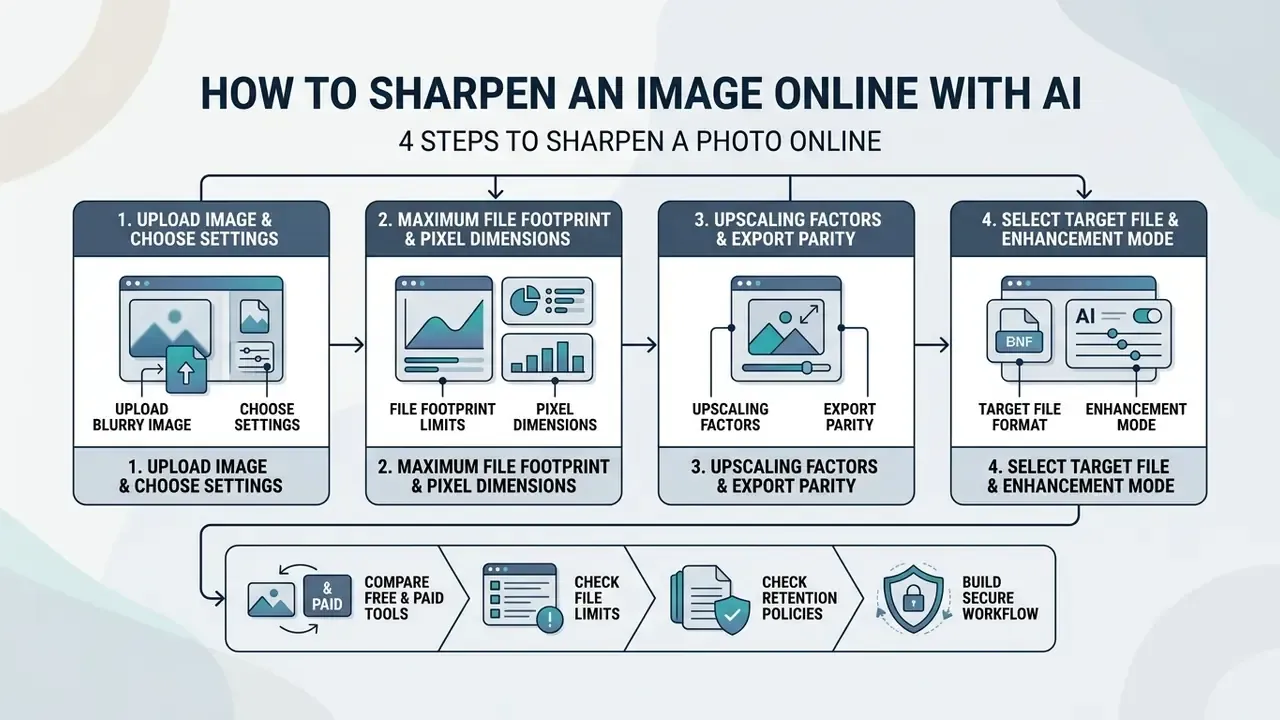
To sharpen image online, creators and analysts follow an automated workflow designed to refine degraded visual assets in few clicks. Online platforms compress processing into an accessible browser sequence that removes the need for manual layer masking, frequency separation, or plugin installation. You don't need a desktop suite to test whether the approach fits your catalog.
4 steps to sharpen a photo online.
Checklist0 / 4
Upload an Image and Choose the Sharpening Settings
The restoration process begins when you upload image files into the web application via drag-and-drop or browser file selection. Most online platforms support standard image formats, including jpg jpeg png and WebP assets. Enterprise-grade sharpeners extend this coverage across a broad array of raster formats: standard web assets (JPG, JPEG, PNG, WebP) alongside legacy and specialized extensions (BMP, JFIF, JFI, JPE, JIF, ICO, and AVIF).
Before initiating the neural enhancement sequence, verify your source file against maximum platform parameters:
- Maximum file footprint
- up to 50MB per single upload (20MB for unauthenticated or guest free queues).
- Maximum pixel dimensions
- up to 6000×6000 pixels baseline canvas size.
- Upscaling factors
- select integer magnification factors (2x, 4x, 6x, up to 8K output resolution) when combining sharpening with pixel interpolation.
- Export parity
- most engines return the processed file in the same container and dimensions as the source unless an upscaling factor is explicitly selected.
Then configure the enhancement pass itself:
One small habit saves rework: process a single representative file first, at the exact settings you plan to batch. Five minutes there prevents a 200-file redo. Users seeking flexible online tools can explore options within an ai image editor requiring no account registration.
Preview the Result Before Downloading
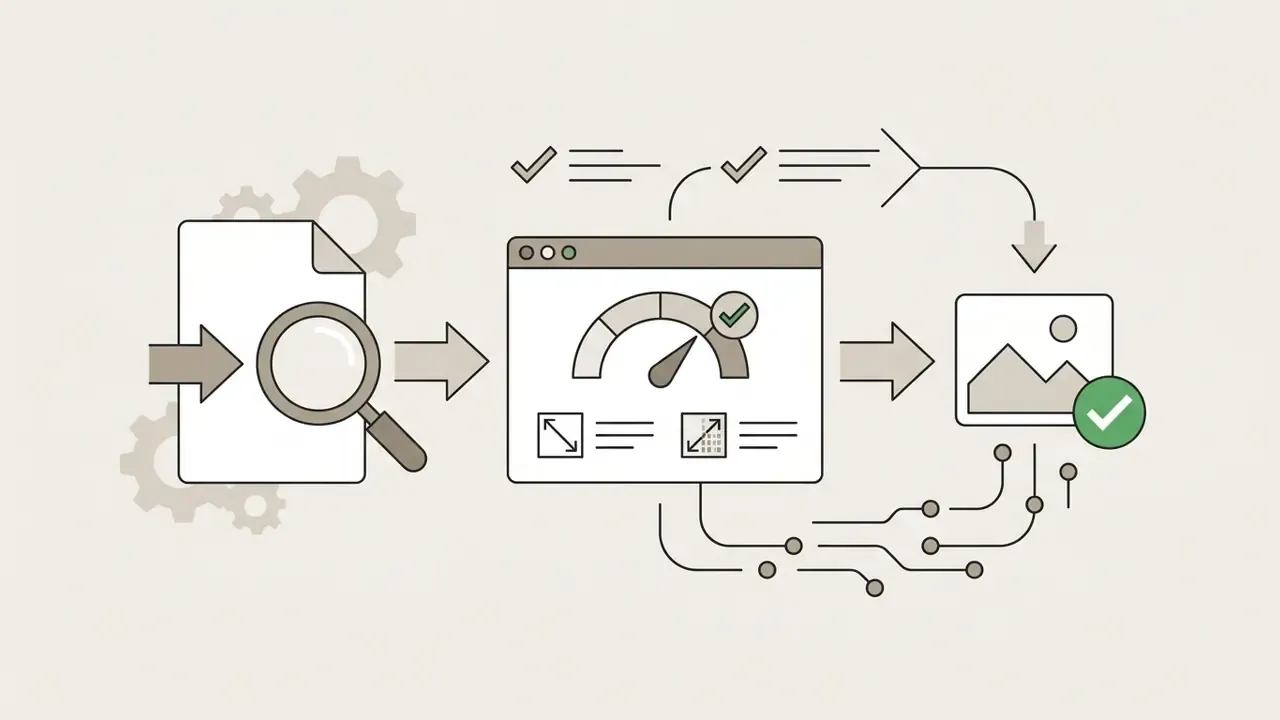
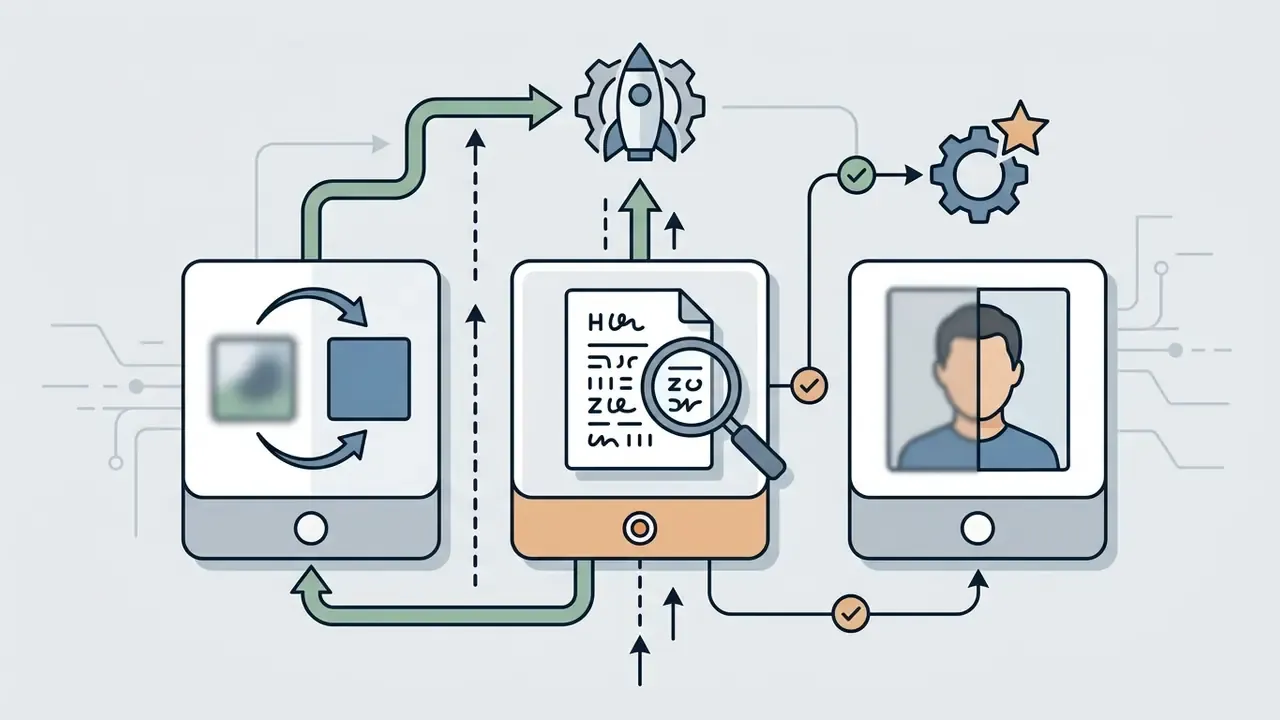
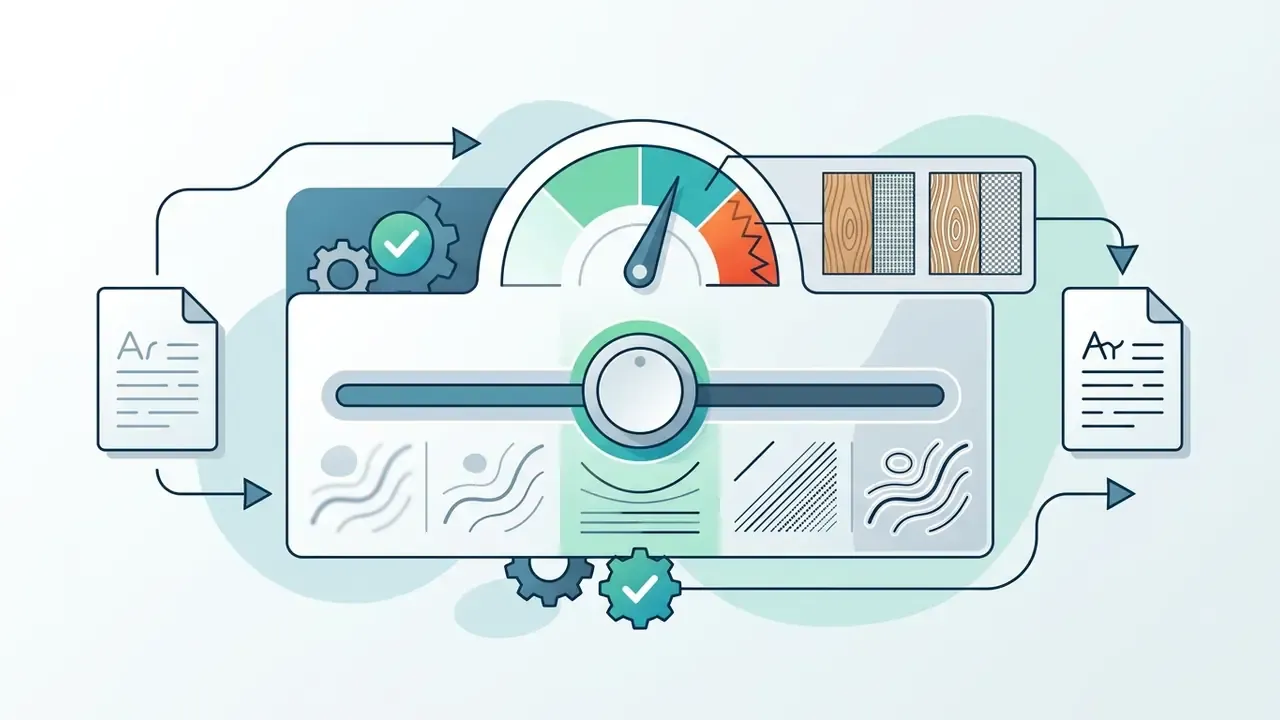
Before finalizing export, evaluate the processed file using an interactive side-by-side comparison slider. ISO 3664 defines standard viewing conditions for the visual assessment of images in graphic-arts and photographic workflows. Applied as a practical analogue for on-screen review, its principle means inspecting the output under uniform, non-glare illumination on a calibrated display at 100% scale rather than judging a downscaled thumbnail.
Examine critical detail zones: fine text, hair strands, fabric weaves, and high-contrast edges. Verify that the model produced clear results with crisp details and no color shifts, luminance distortion, or edge halos. If the output looks over-processed, lower the enhancement intensity slider before export. Sharper is not automatically better; over-cooked skin texture reads as cheap, and reviewers notice it faster than you expect.
Save a Sharpened Image in the Required Format
Once satisfied with the preview, select export settings aligned with your target distribution channel:
- PNG lossless compression with transparency support, optimal for vector-style graphics, text screenshots, and print-bound assets.
- JPG / JPEG continuous-tone lossy compression, ideal for e-commerce catalog listings, digital archives, and web publishing.
- WebP modern web format delivering small file footprints with high visual fidelity, supporting both lossy and lossless modes, handy for social media and page-speed budgets.
For commercial print outputs, ISO 15930-7 (PDF/X-4) is the compliance standard for PDF-based print interchange. It governs the container into which your sharpened raster assets are embedded, supporting gray, RGB, CMYK, spot colors, and transparency, rather than being a raster image format itself. In practice, print teams export sharpened TIFF, PNG, or JPEG assets and then package them into a PDF/X-4 file for the press. For workflows requiring unconstrained editing tools, see our review of an ai image editor no restrictions platform.
What Determines AI Sharpening Quality?
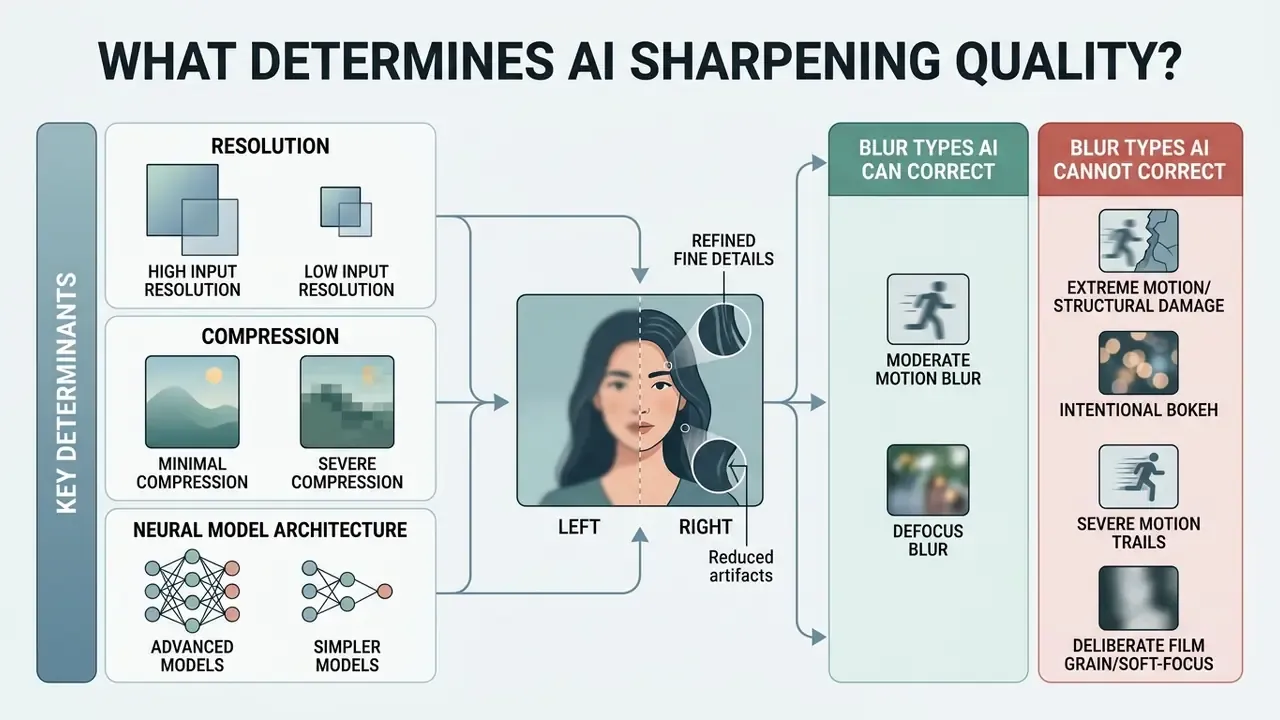
The final fidelity of an ai image sharpener depends on input resolution, compression severity, blur type, and neural model architecture. Deep learning offers robust detail recovery, but output quality stays bounded by the information density of the original file.
Resolution, Compression, and Original Image Quality
«A neural model cannot extract physical data that was never captured by the camera sensor. Generative sharpening calculates high-probability visual structures; it does not reconstruct historical reality.»
Conversely, low resolution images with heavy lossy compression present severe restoration challenges. Aggressive JPEG compression permanently removes high-frequency color and edge data. An ai image sharpener enhances local edge contrast, but scaling pixel dimensions significantly requires a specialized AI image enhancer or a dedicated AI image upscaler that generates new pixel grids through super-resolution rather than edge-contrast amplification. Teams comparing both categories can also review our broader ai image enhancement analysis.
Blur Types AI Can and Cannot Correct
Modern neural networks vary in their ability to resolve different optical defects:
- Moderate motion blur high recovery rate. Multi-scale networks like ET-MIMO-UNet reverse directional camera shake effectively.
- Defocus blur moderate recovery rate. Out-of-focus soft edges are sharpened, though severe focal plane mismatches lose fine details permanently.
- Extreme motion or structural damage low recovery rate. When rotational blur or hardware damage destroys underlying edges, neural models hallucinate synthetic patterns instead of restoring genuine subject structures.
Quantitative benchmarks confirm the gap between «moderate» and «extreme» degradation:
«A GAN-based deblurring model reaches average PSNR of 29.16 dB and SSIM of 0.75, with mean processing time of 4.69 seconds per image on the GoPro dataset.»
«ET-MIMO-UNet improves PSNR by 0.69 dB over MIMO-UNet and by 2.91 to 3.44 dB over DeepDeblur and DeblurGAN on the GoPro test set.» Source: ET-MIMO-UNet study, cited in a 2023 to 2025 deblurring research review. https://arxiv.org/abs/2204.02184
Document-restoration benchmarks illustrate both the upside and the ceiling of this technology. The full 13,831-page digitization case appears in the OCR use-case section below.
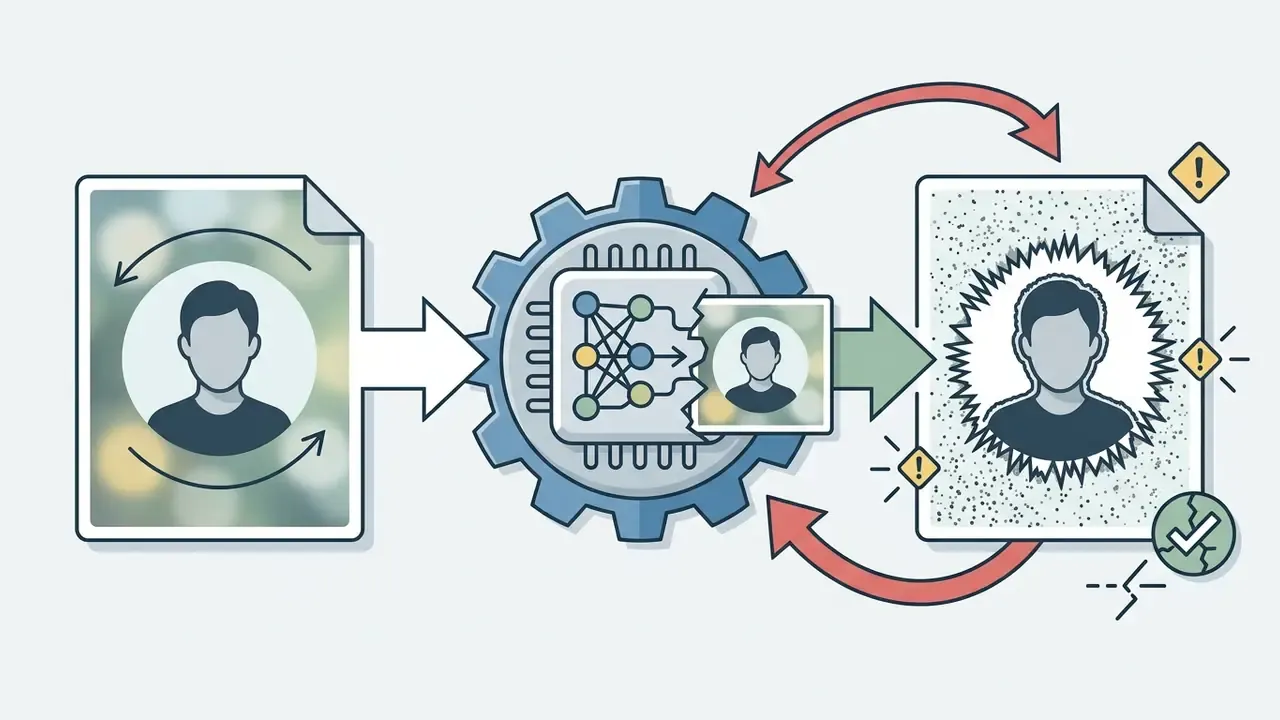
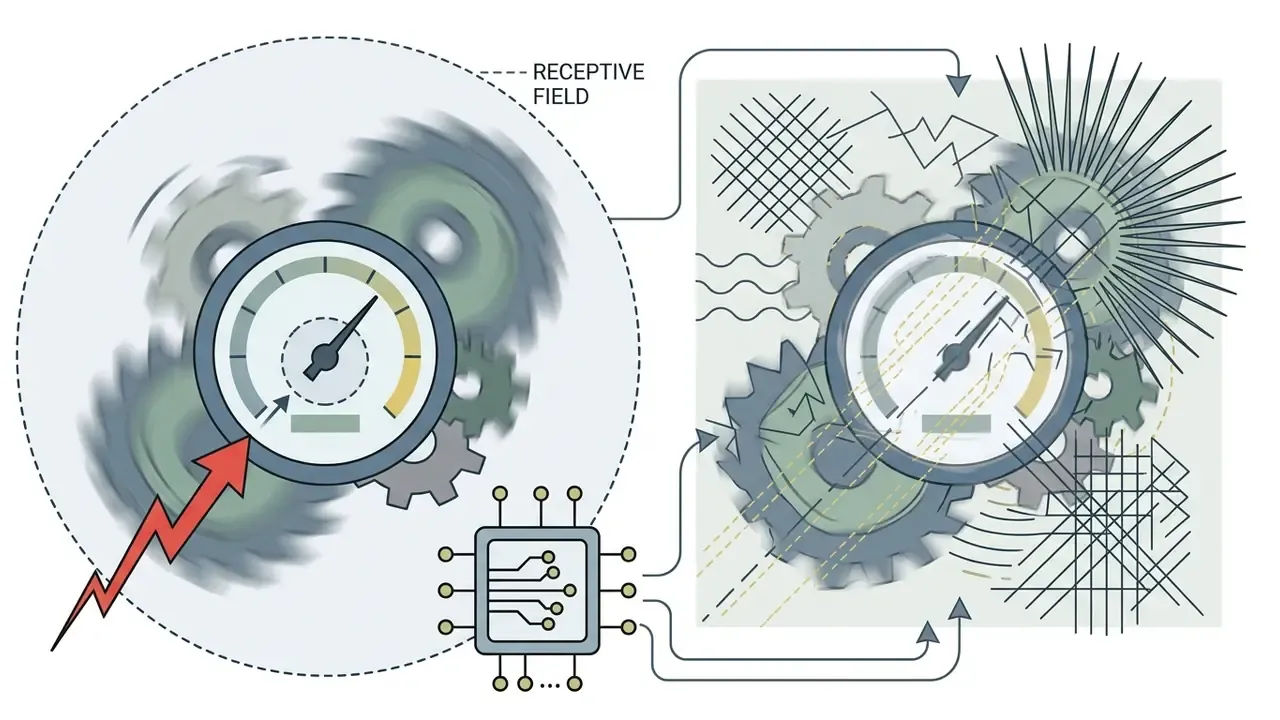
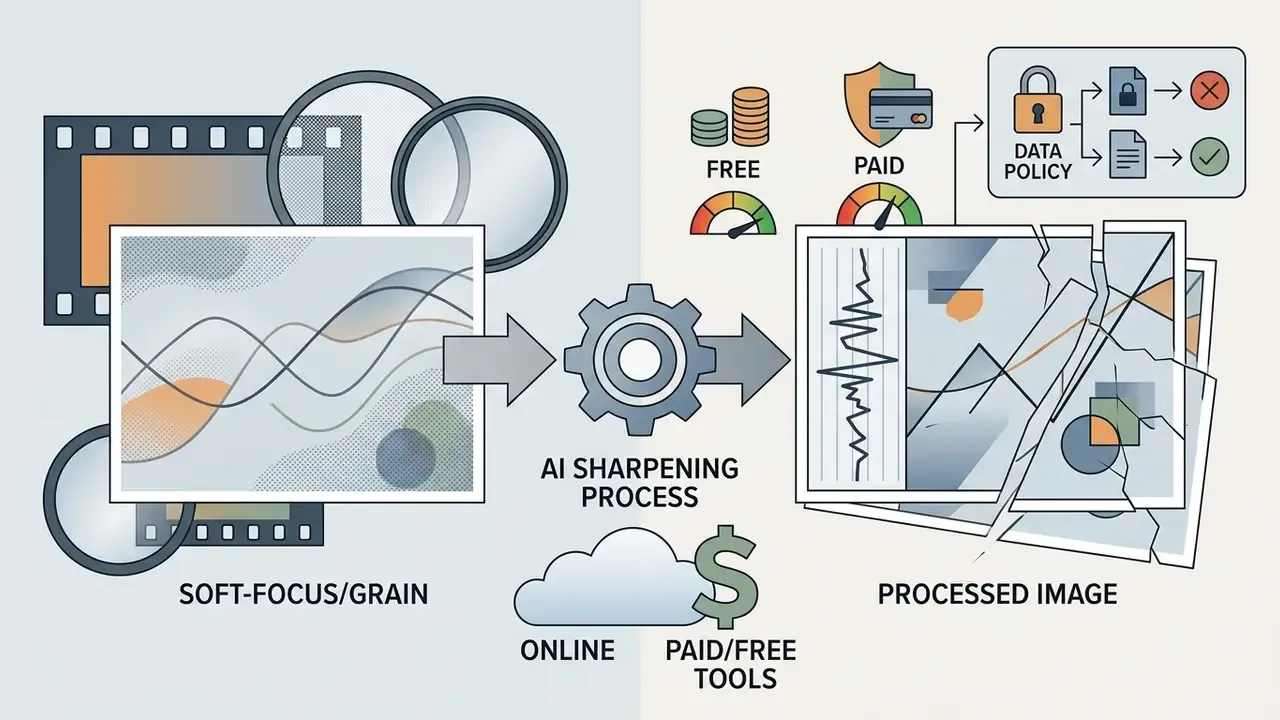
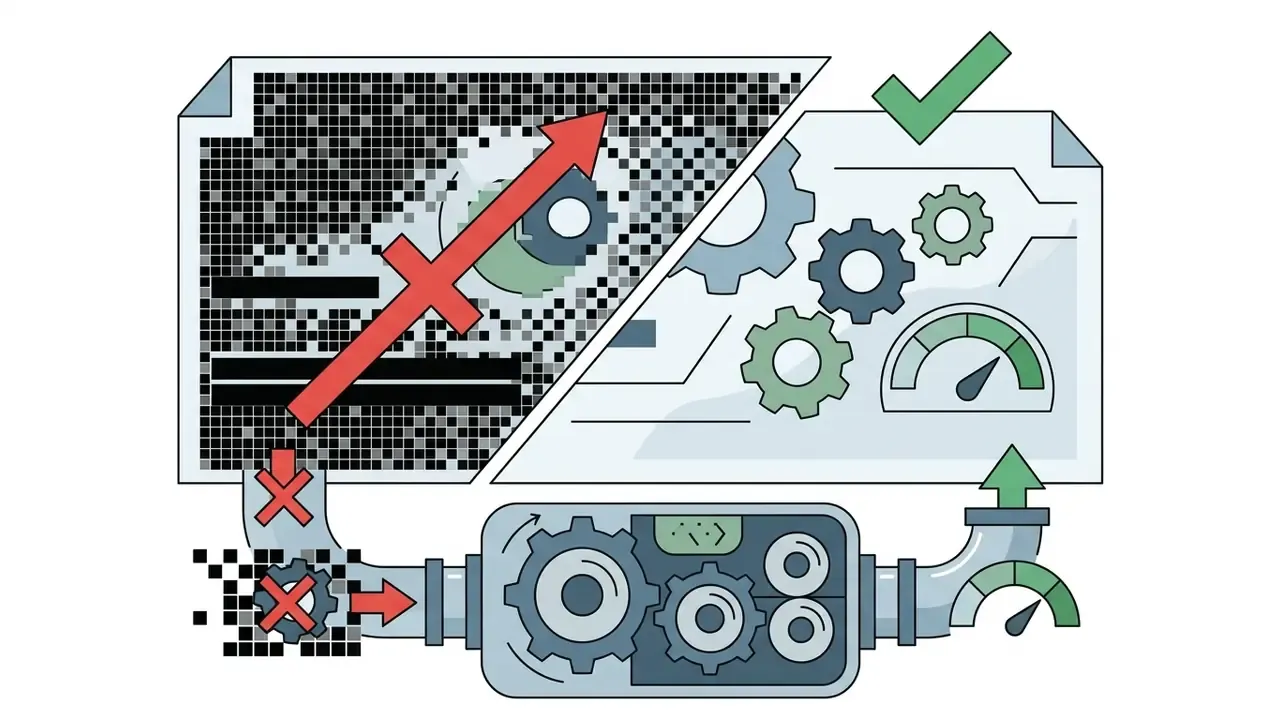
✅ Fact check: what AI sharpening does and does not guarantee
How to Avoid Noise, Halos, and Over-Sharpening
Over-sharpening happens when aggressive frequency boosts create light halos along high-contrast boundaries or turn background grain into harsh digital noise. To preserve natural aesthetics:
- Apply denoising firstremove digital grain before applying high-frequency sharpening passes.
- Sharpen luminance channelsrestrict sharpening to the luminance (Y) channel to prevent color fringe artifacts along edges.
- Use guided edge maskinglimit adjustments to defined structural edges rather than flat background regions.
- Control overshootcap the maximum contrast excursion at edges so bright rims do not clip to pure white.
«MFENet applies wavelet transforms to extract high-frequency detail and multi-strip pooling to perceive non-uniform blur without amplifying noise.»
A practical review rule: if you can see where the sharpening stopped, it went too far.
How to Choose the Best AI Image Sharpener
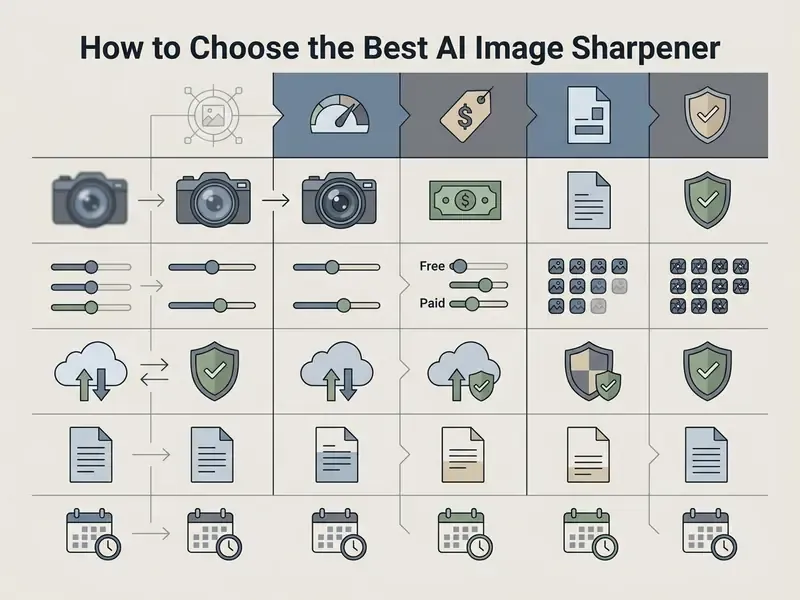
Selecting the best AI image sharpener means balancing restoration quality, processing speed, format flexibility, retention policy, and enterprise security controls. Vendor marketing rarely separates these. Procurement has to.
| Criterion | Free AI Sharpener Tiers | Paid / Enterprise Sharpener Plans |
|---|---|---|
| Detail Recovery | Standard CNN deblurring | Transformer and GAN hybrid architectures |
| Batch Processing | Single image or 3 to 8 file queue | Bulk queue handling (20 to 200 files) |
| Output Watermarks | Common on free exports | No watermark on paid downloads |
| Export Resolution | Standard web resolution (often capped near 2048px) | High resolution / 4K to 8K print-ready export |
| Input Limits | ~20MB per file, guest queue priority | Up to 50MB, 6000×6000 px, priority GPU |
| Credits / Pricing | 2 to 10 free daily credits, no card required | From ~$9.99/month for ~400 credits; high-volume plans from ~$13/month with 19,000 credits |
| Compliance & Security | Public terms only; training opt-out rarely offered | SOC 2 Type II attestation, GDPR Data Processing Addendum, documented retention SLA (8 to 24h purge), zero-training clause |
| Delivery Options | Manual download per file | Download-all archive plus asynchronous email delivery |
| Commercial Rights | Non-commercial / personal use | Full commercial ownership and audit trail |
Note: data compiled from benchmark evaluations and public vendor documentation of web-based image restoration tools in 2026. Verify current terms with the vendor before procurement.
Read the table as two decisions, not one. The left column answers «can I fix this photo tonight». The right column answers «can I run 4,000 product images a quarter and survive an audit».
Quality and Detail Recovery in AI Sharpening Tools
Top-tier tools demonstrate high Peak Signal-to-Noise Ratio (PSNR) and Structural Similarity Index (SSIM) scores on standardized benchmarks like GoPro and RealBlur. Superior platforms hold realistic skin textures in portraits, keep character edges crisp in scanned text, and reproduce accurate material weave patterns in e-commerce product shots. An ai image clarifier that wins on faces can still smear fabric; test on your own media mix.
«Models trained on GS-Blur (752,335 synthetic images) show the strongest generalization, reaching PSNR 29.44 to 31.49 dB and SSIM 0.831 to 0.953 in cross-domain tests.»
Cross-domain generalization matters commercially. A model that tops a single benchmark may collapse on smartphone captures, flatbed scanner output, or studio product photography with specular highlights. To evaluate alternative generation engines, view the guide on our best AI art generator breakdown.
Batch Processing, Formats, and Device Support
For commercial operations, manual single-file processing creates operational bottlenecks. Enterprise systems offer batch processing capabilities, letting teams queue multiple images simultaneously and keep naming conventions intact for downstream DAM ingestion.
«EHNet achieves competitive deblurring quality with fewer parameters than heavyweight architectures, making it suitable for resource-constrained environments.»
Platforms supporting cross-device browser access let field teams process photos online from mobile devices without installing heavy local software. Organizations requiring enhanced resolution outputs can reference our guide to an ai image enhancer 4k pipeline.
How Enterprise Batch Processing Queues Work
High-capacity online platforms deploy automated queue architectures with tier-specific concurrency limits:
- Free / guest tierbatch uploading allowed for 3 to 8 simultaneous files with standard GPU queue priority.
- Professional tierbulk processing queues supporting 5, 20, 30, 40, or 50 images per unified session, with per-file Start control or a single Start All command.
- Enterprise tierhigh-throughput processing handling up to 200 files concurrently with 4K/8K export privileges.
- Completion signals and bulk exportfinished jobs are flagged with a success marker in the queue interface. Operators then download files individually or pull the entire set as one archive.
- Asynchronous email deliveryfor deep restoration jobs exceeding 50 high-resolution files, background processing runs the queue in the cloud and dispatches a secure zip archive link to the designated user email on completion. No browser tab needs to stay open.
That last point sounds trivial until a 180-file job dies because someone closed a laptop lid.
Privacy, File Storage, and Download Restrictions
Data governance is critical when processing confidential corporate documents or unreleased product media. Secure online tool architectures enforce strict zero-retention or short-term retention schedules:
- Temporary processing storage: uploaded source assets and cached outputs are purged from cloud processing servers within 8 to 24 hours post-execution, depending on the vendor's published policy.
- Zero-training guarantees: enterprise contracts must explicitly state that customer media payloads are excluded from public LLM and GAN model training sets.
- Access scope: processing links should be single-tenant and expire with the retention window. Shared galleries and public result URLs are a data-leakage vector.
- Download controls: confirm whether the vendor applies preview-only watermarks, per-plan download caps, or link-expiry rules before committing a production catalog.
Procurement leaders should verify that vendor terms prohibit training public AI models on customer uploads, and should request the SOC 2 Type II report and GDPR Data Processing Addendum during due diligence. Shadow usage is the quieter risk: one designer pasting an unreleased packshot into an unvetted ai clear image free service creates the same exposure as an unapproved SaaS contract, minus the paperwork.
AI Sharpen Image Use Cases: Photos, Text, Products, and Old Images
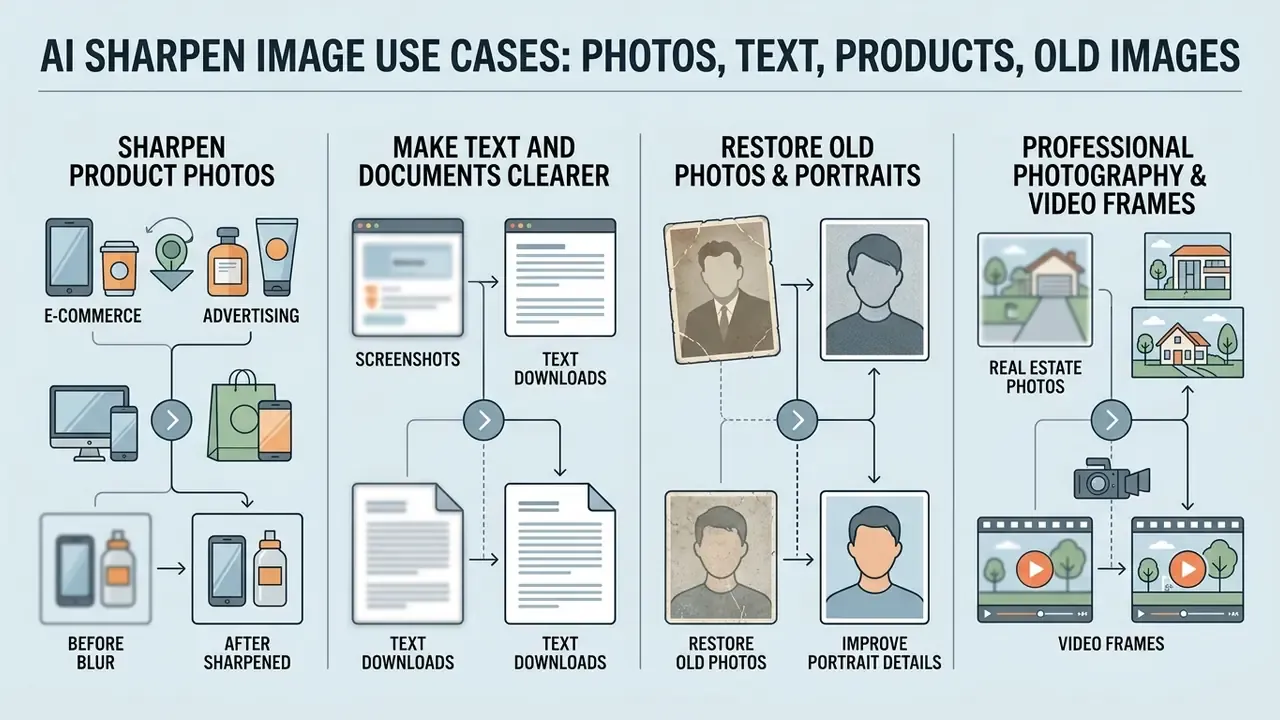
AI sharpening addresses operational challenges across commercial photography, document archiving, e-commerce catalog management, and media production. The value differs sharply by category, so treat these as four separate business cases.
Make Screenshots, Text, and Downloads Clearer
Low-resolution screenshots, compressed presentation slides, and soft PDF scans frequently suffer from illegible text. Deep deblocking networks clear block artifacts and sharpen character boundaries, enabling readable document viewing and accurate Optical Character Recognition (OCR). Teams routing enhanced scans into downstream extraction can pair this step with image-to-text tools for structured output.
In a document digitization project involving 13,831 damaged historical pages, an OCR-focused restoration pipeline reduced character error rates by up to 70.3% on moderate scans. Pages with complete ink erosion still required human-in-the-loop verification, because the model could not guarantee exact character reconstruction.
«PreP-OCR reduced character error rates by 63.9 to 70.3% across 13,831 historical document pages.»
Practical thresholds matter here. Scanning at 300 dpi is sufficient for most printed pages, while 9-point type, dense tables, and footnotes benefit from higher input resolution. Brightness and contrast correction improve recognition, but no post-processing restores strokes the scanner never captured. Teams integrating prompt-driven editing into document workflows can consult our ai image editor analysis.
Restore Old Photos and Improve Portrait Details
Archival preservation relies on multi-stage pipelines to restore old photos. Specialized face-restoration models such as GFP-GAN repair faded facial features, pupil details, hair strands, fur texture, and fabric weave in historic portraits.
«A GAN-based old-photo restoration algorithm reaches PSNR 32.85 dB and SSIM 0.93, significantly above DeblurGAN (30.40 dB) and Deep Image Prior (29.75 dB).»
When executing archival work, restoration teams apply a structured pipeline:
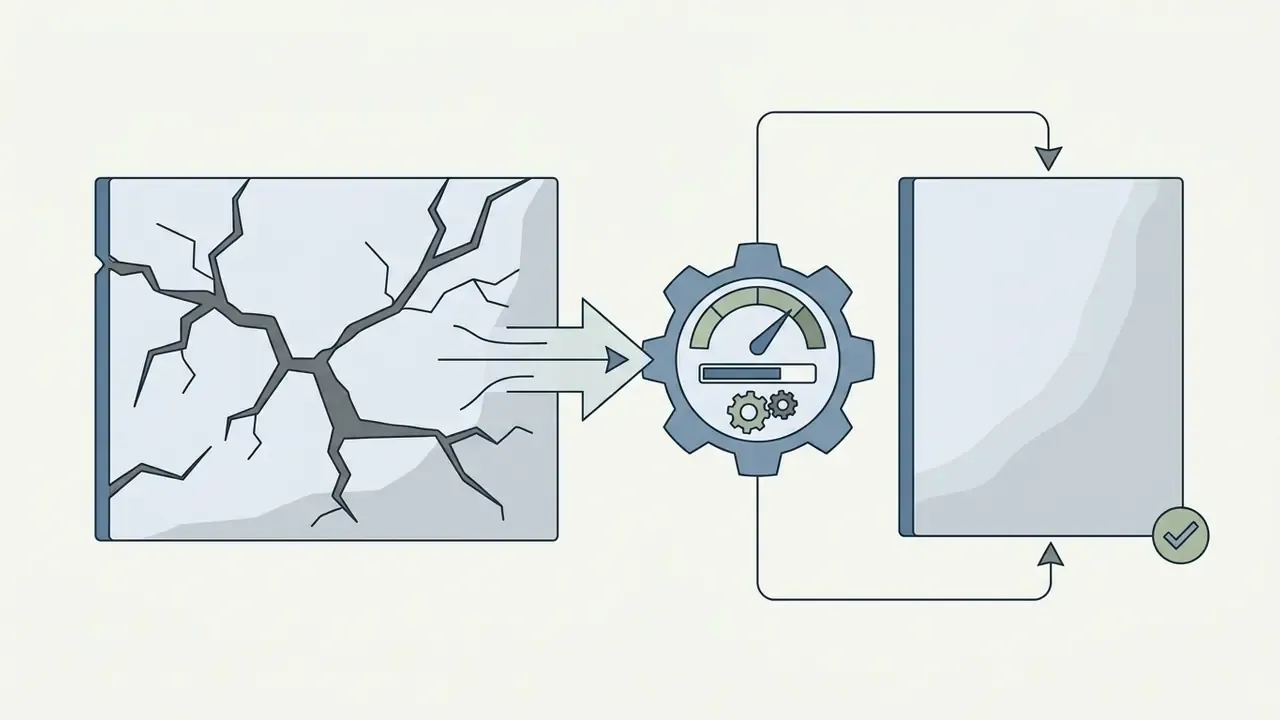
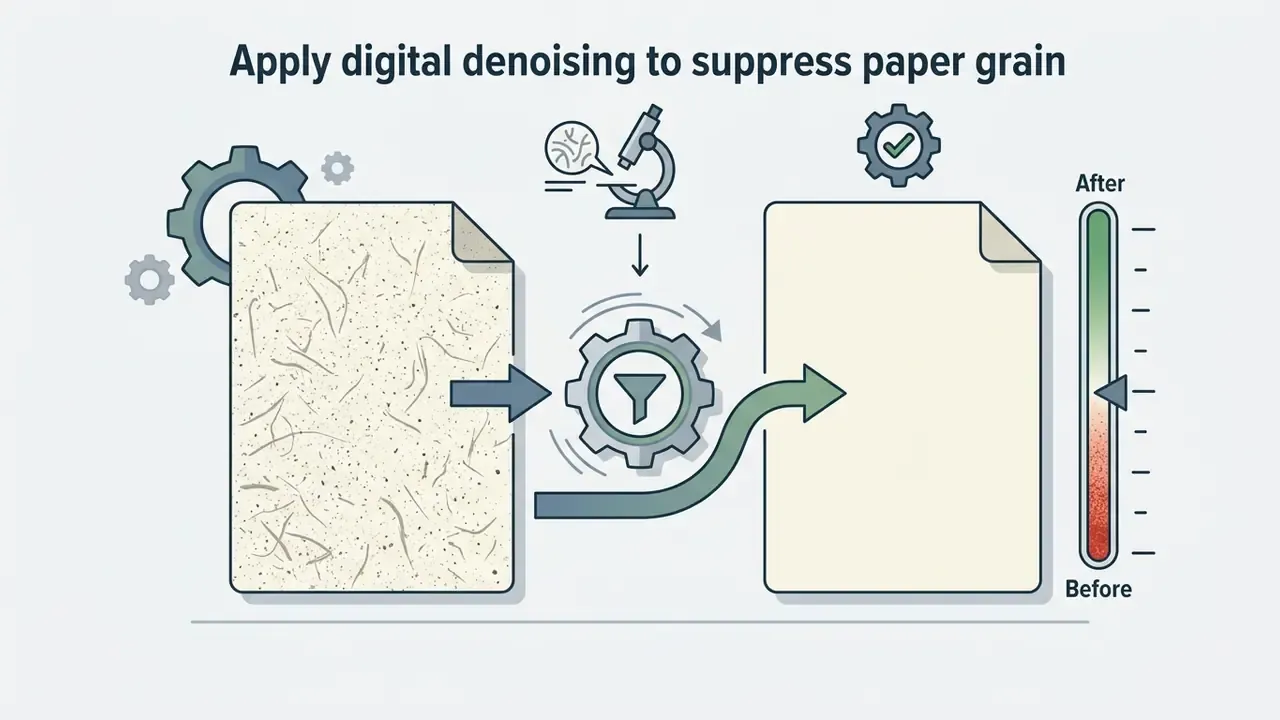
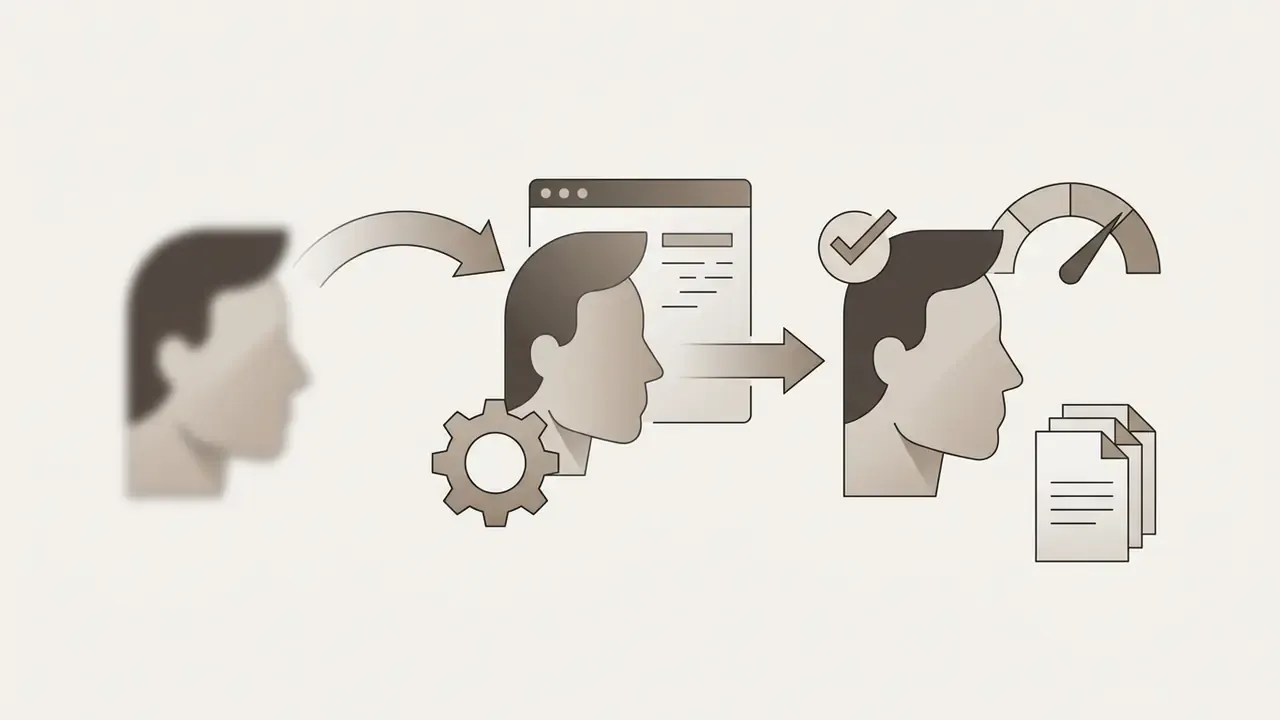
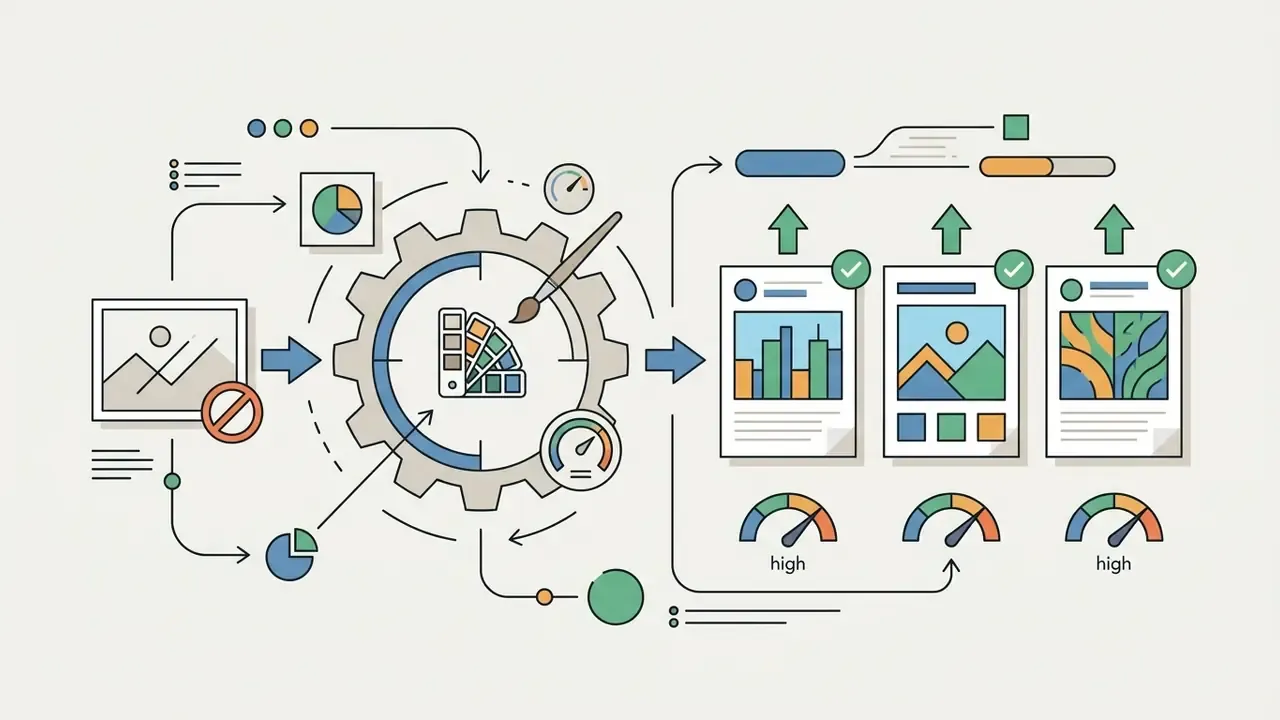
«Applying inpainting before GFP-GAN yields PSNR 23.16 versus lower values in the reverse order: structural repair must precede generative enhancement.»
The ordering is not stylistic preference but a measurable quality control. A generative face model asked to interpolate across an un-repaired tear will invent anatomy along the crack line. Family archives tolerate that. Identity verification does not. For portrait workflows, teams can review specialized tools in our guide to AI headshot generators.
Real Estate, Professional Photography, and Video Frames
Three adjacent categories deserve their own note. In real estate listings, wide-angle interiors shot handheld in low light pick up mild motion blur that a sharpening pass handles well, while window-light halation and blown highlights it will not fix. In professional photography, sharpening belongs at the end of the retouching chain, after color grading and resizing, and it should be tuned per output medium: web crops tolerate more edge contrast than large-format print.
Video is the trickiest case. Extracting a still frame from compressed footage gives you an interframe-compressed image with temporal artifacts, so a dedicated video enhancer usually beats frame-by-frame still sharpening. Users say frame-level passes produce flicker between neighbouring frames, because each frame is enhanced independently. If motion consistency matters, process the clip, not the screenshot.
Free vs. Paid AI Image Sharpener for Commercial Use
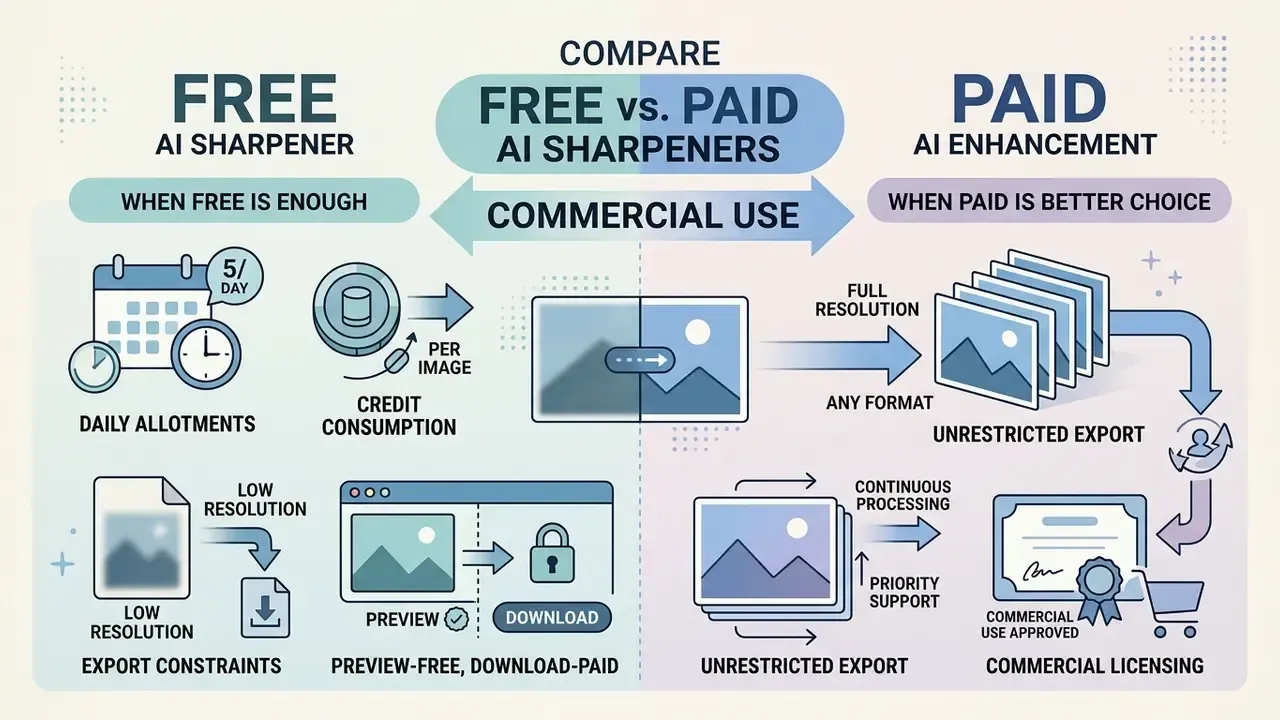
Choosing between free web sharpener tiers and paid subscriptions depends on volume, resolution demands, and commercial licensing terms. Three variables, one budget line.
When a Free AI Image Sharpener Is Enough
A free ai image sharpener or ai clear photo free tool is sufficient for occasional, non-commercial tasks. Need to fix a single blurry photo for a personal post, or test whether ai for sharpening images fits your workflow at all? Free tiers deliver quick one click enhancements without upfront cost. Users comparing entry-level suites can review our AI photo editor overview or the broader free photo editor comparison for personal projects.
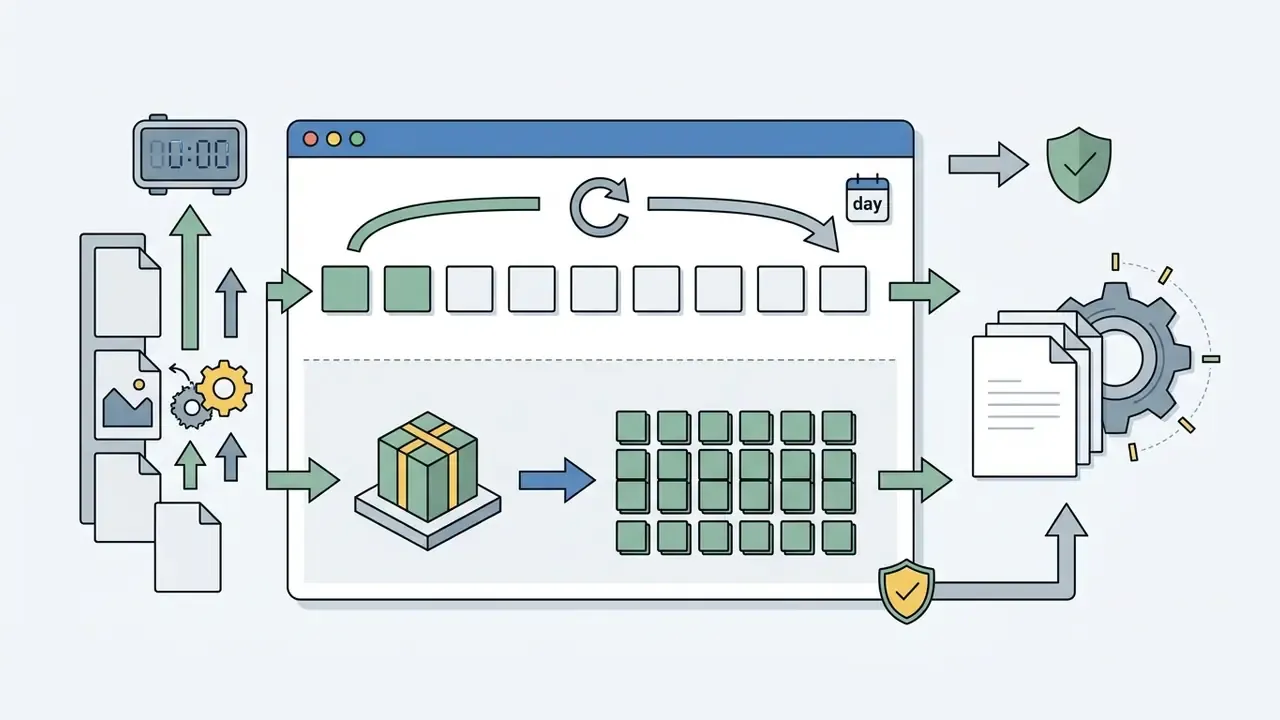
Understanding the operational boundaries of free tiers prevents unexpected paywalls at export:
To review non-commercial options, view the guide on free AI art generators.
When Paid AI Enhancement Is the Better Choice
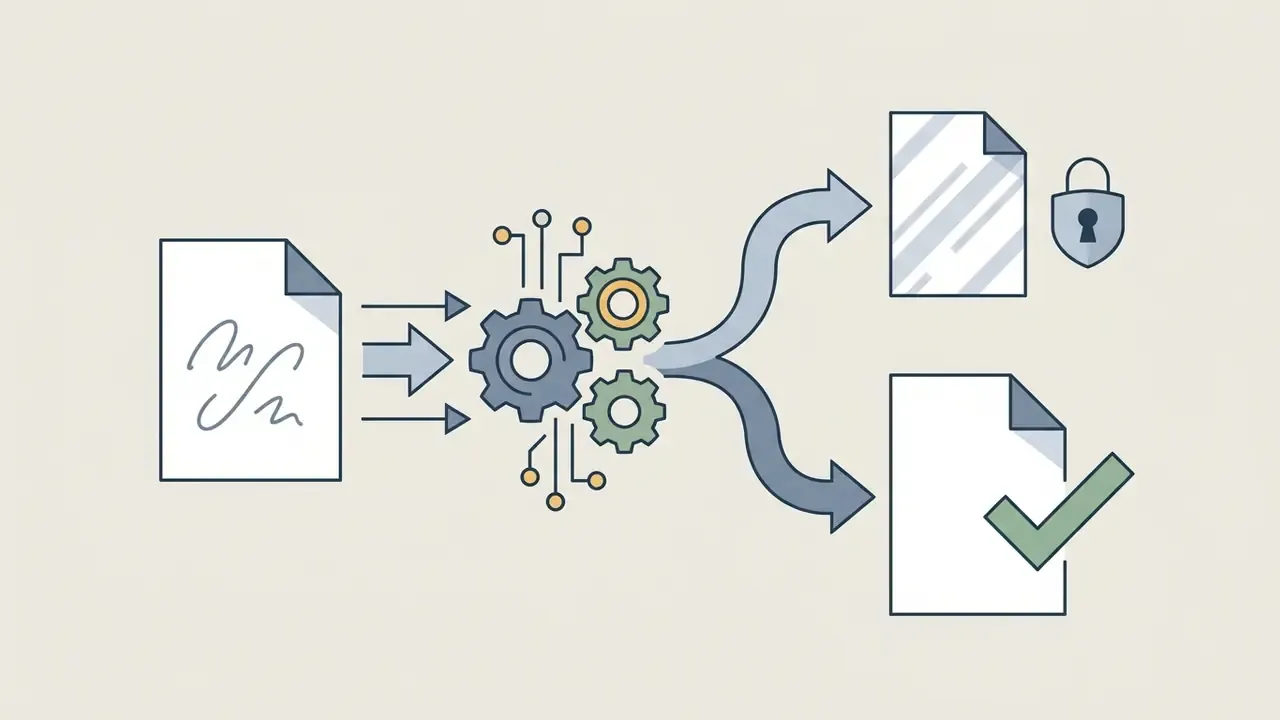
Commercial operations, agency teams, and enterprise media departments need paid plans to secure four things that free tiers rarely provide:
- Commercial licensing documented usage rights for marketing, advertising, and commercial publishing.
- Unrestricted export high-resolution downloads without brand watermarks.
- Queue priority faster GPU processing for time-sensitive campaign deadlines.
- Automated batch processing simultaneous handling of large catalogs, with asynchronous email delivery for oversized jobs.
- Documented retention and security contractual retention windows, zero-training clauses, and audit-ready processing logs.
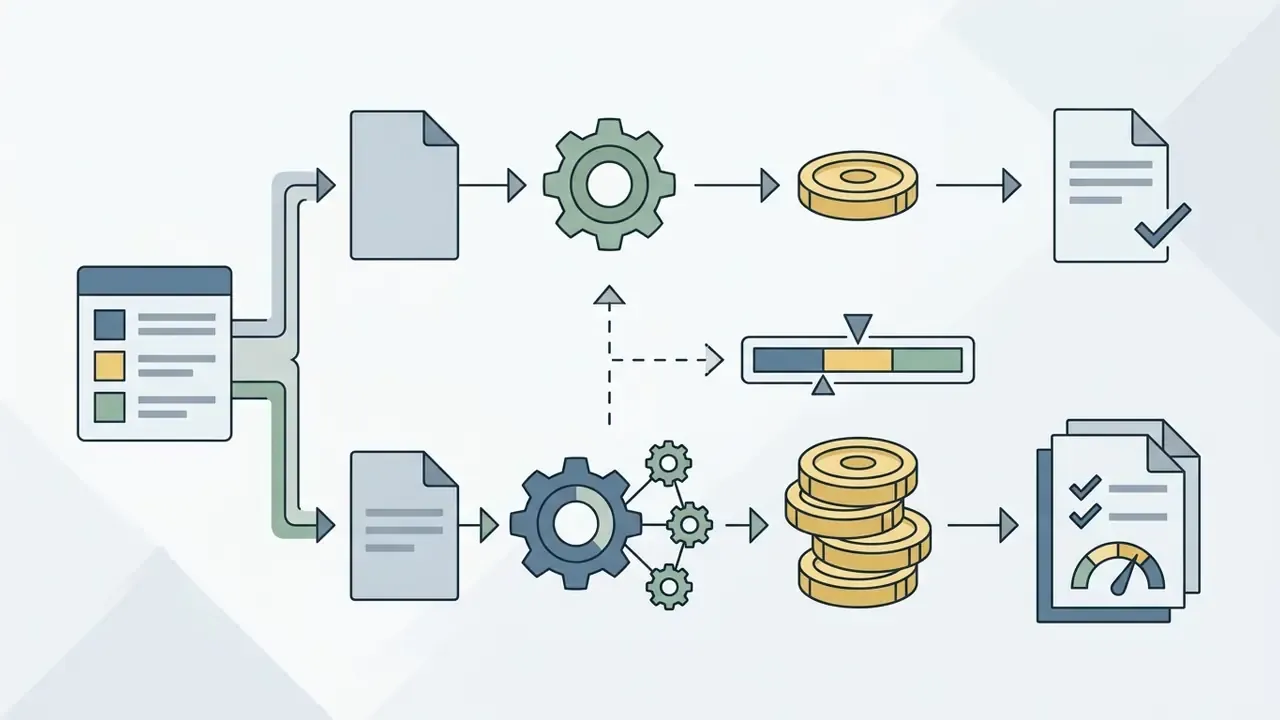
Unit economics are straightforward to model. Entry subscriptions start near $9.99/month for roughly 400 credits, about 400 standard passes or 100 to 200 deep restorations, while high-volume catalog plans are advertised from approximately $13/month for ~19,000 credits. Compare that against manual retouching hours: one documented e-commerce workflow reported 500 low-resolution product images moving from roughly three days of manual correction to about 30 minutes of automated batch processing. Even after a review pass, the arithmetic holds. For broader media editing workflows, creators can consult our comprehensive photo editor guide, and a general-purpose photo enhancer may cover colour and exposure alongside sharpening in one queue.
Executive Recommendations & Risk Controls
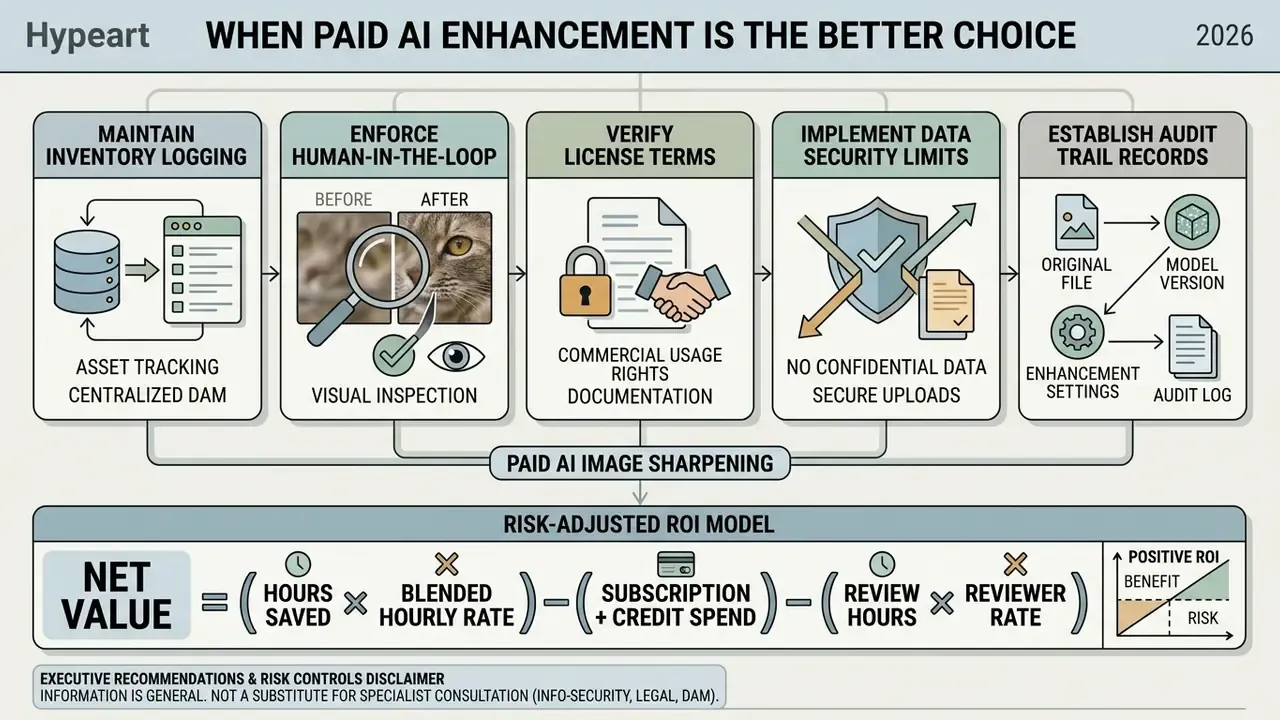
Residual risk exposure should include takedown or relisting costs for a marketplace image that fails specification, republication cost for a hallucinated detail in a catalog asset, and regulatory exposure for any confidential file uploaded outside approved vendors. A pilot that saves 40 hours per month but requires 10 hours of mandatory human review still clears the bar. A pilot that requires legal review of every output usually does not.
Unresolved questions worth naming openly: vendor retention claims are rarely independently attested, benchmark scores do not transfer cleanly to proprietary media, and no widely adopted disclosure standard yet governs «enhanced» commercial imagery. Treat those gaps as conditions on the decision, not reasons to freeze it.
AI Image Sharpener FAQ
Can AI Sharpen Images on Mobile Without Installing a Photo Editor?
Yes. Browser-based AI sharpeners process images directly from mobile devices with no native app download. The mobile browser uploads files to secure cloud servers with GPU acceleration, which execute deep learning restoration models in seconds and return high-resolution sharpened downloads straight to the browser interface.
Will AI Image Sharpening Consume Excessive Mobile Data or Battery?
No. Neural network execution happens on server-side GPU clusters rather than client hardware, so processing an image in a mobile browser uses minimal local battery and CPU. Data consumption is limited to the upload payload, typically 2MB to 15MB, plus the download of the optimized output. On-device deblurring research shows a 12MP image can be processed in a fraction of a second on modern phone silicon, so hybrid local and cloud pipelines should reduce transfer volumes further.
What File Formats, Sizes, and Upscaling Factors Are Supported?
Mainstream engines accept JPG, JPEG, PNG, WebP, BMP, JFIF, JFI, JPE, JIF, ICO, and AVIF inputs. Typical ceilings are 50MB per file (20MB on guest queues) and 6000×6000 pixels, with optional 2x, 4x, or 6x magnification up to 8K output. Exports usually return in the source format at source dimensions unless an upscaling factor is selected, and file size may increase, because sharpening adds high-frequency information.
Is It Safe to Upload Corporate Images? What Security Evidence Should Procurement Request?
Treat any public sharpener as an external data processor. Request, at minimum: a SOC 2 Type II report, a GDPR Data Processing Addendum naming sub-processors and hosting regions, a written retention schedule (reputable vendors purge uploads and outputs within 8 to 24 hours), an explicit zero-training clause covering customer media, and confirmation that result links expire with the retention window. Confidential contracts, identity documents, unreleased product renders, and regulated records should be processed only through approved enterprise tenancies or on-premises deployments.
What Is the Legal Status of AI-Generated Pixels in Commercial and Evidentiary Contexts?
Commercially, paid tiers typically assign full usage rights to the customer, but you must retain proof of the license tier in force at the time of processing. Evidentiary use is different. Generative restoration invents perceptually plausible detail absent from the source, so enhanced imagery cannot support claims about faces, serial numbers, license plates, or document wording. For litigation, insurance, or audit workflows, document every enhancement step, preserve the unmodified original as the authoritative record, and disclose that enhancement occurred.
Which Images Simply Will Not Benefit From AI Sharpening?
Photographs whose softness is intentional, including bokeh portraits, soft-focus editorial work, and long-exposure motion trails. Also images whose detail was destroyed rather than degraded: mosaicked or redacted regions, severe rotational smear, and extreme undersampling. In those cases the model produces artifacts, grain amplification, or fabricated structure instead of recovery.
Can AI Fix Pixelated Logos and Tiny Text in Old Screenshots?
Partly. Deblocking networks can fix pixelated edges and restore letter shapes when enough stroke information survives, which is why an ai clear up image pass often lifts OCR accuracy noticeably. Below roughly 8 to 10 pixels of cap height, though, character reconstruction becomes guesswork. Re-export the asset from its original source when that option exists; it beats any restoration model.
Appendix A: Editorial Verification Log
This log preserves earlier phrasings and records their verification status, so readers can audit how each claim in the article was sourced or corrected.
| Original phrasing (retained for transparency) | Status | Action taken |
|---|---|---|
| «According to a 2025 study on deep feature extraction in image restoration published in Research on Image Sharpness Enhancement Technology, neural architectures perform adaptive noise suppression alongside edge recovery.» | Weak citation: no URL, no metrics, no sample size | Replaced in the main text with the AR-CNN primary source (Dong et al., 2015) plus MemNet benchmark results |
| «Confirm the image size and resolution match platform guidelines.» | Too abstract for operational use | Expanded with explicit limits: 50MB / 20MB guest, 6000×6000 px, 2x to 6x to 8K factors |
| «purging uploaded files from cloud processing servers within specified timeframes» | Unquantified | Replaced with the documented 8 to 24 hour retention range and zero-training clause requirement |
| «Standard viewing procedures, aligned with ISO 3664 visual inspection guidelines, require checking the image under uniform illumination at 100% scale.» | Standard applies to graphic-arts and photographic viewing conditions, not screen preview specifically | Reformulated as an analogue principle for calibrated on-screen review |
| «For commercial print outputs, ISO 15930-7 (PDF/X-4) remains the compliance standard for raster image interchange.» | Misleading scope: PDF/X-4 governs PDF interchange, not raster formats | Reformulated to describe PDF/X-4 as the print container standard into which sharpened rasters are packaged |
| «In a document digitization project involving 13,831 damaged historical pages, an OCR-focused restoration pipeline reduced character error rates by 70.3% on moderate scans.» | Now supported | Matched to PreP-OCR (ACL 2025), 63.9 to 70.3% CER reduction across 13,831 pages; case relocated to the OCR use-case section |
| «GS1 Product Image Specification Standard... 2401 pixels on the longest side at 300 ppi» | Supported | Direct citation added, including the standard's warnings on over-sharpening and depth-of-field blur |
| «hypeart.ai: DNS lookup failure as of August 19, 2026» | Requires re-verification before publication | Reframed as a boxed vendor-audit example with an explicit re-verification note |
AI Media Resources & Commercial Hub
To explore broader media workflows, regulatory frameworks, and tool evaluations, use our technical guides:
- Learn more about strategic media policies at the AI Media Commercial-Use Hub.
- Review specialized terminology in the AI Media Glossary.