Originally launched as DALL·E mini by machine learning engineer Boris Dayma in July 2021, the tool was previously known under that name until June 2022, when it was rebranded to Craiyon to prevent brand confusion with OpenAI's DALL·E models.
Executive Summary for Risk, Compliance, and Creative Leads
Two-sentence outcome: Craiyon is a genuinely useful zero-friction ideation tool for drafts, memes, storyboards, and slide visuals, but its free tier publishes generations to a public gallery and cannot produce reproducible audit evidence. That combination makes it acceptable for non-confidential creative drafting and unsuitable for regulated, confidential, or audit-bound workflows without a paid private tier and a written internal usage policy.
| Question | Short answer |
|---|---|
| What is it? | Free browser-based text-to-image generator at craiyon.com, formerly DALL·E mini, built by Boris Dayma (Craiyon LLC). |
| Cost | Free tier ($0, ad-supported) plus paid Supporter, Professional, and Ultra subscriptions. |
| Output quality | Base generation grid at 256×256 px; upscaled output up to 1024×1024 px. Draft-grade, not production photorealism. |
| Free-tier privacy risk | High. Free generations are public by default and appear in Craiyon's searchable gallery, a direct Shadow AI exposure path for confidential concepts. |
| Commercial use | Permitted. Free tier requires attribution (text credit or retained logo); entities above $1,000,000 USD annual gross revenue need a separate enterprise license. |
| Indemnification | None published. Craiyon does not offer the commercial IP indemnity that Adobe Firefly or Azure-hosted DALL·E 3 provide. |
| Auditability | Weak. No user-exposed fixed seed or deterministic replay, so outputs are not reproducible for model validation evidence. |
| Mobile app | None official. Any Craiyon-branded app in the App Store or Google Play is an unauthorized copycat. |
| Best fit | Concept drafts, memes, classroom visuals, storyboards, internal moodboards. |
| Poor fit | Client-facing photorealism, confidential product concepts, regulated model workflows, legible typography. |
How to read what follows: the first half answers the product questions (what it is, what it costs, how to drive it), and the governance material sits inside the commercial-use section, where the licensing, Shadow AI, and auditability limits belong together. If you only have five minutes, read the two control sections and the governance comparison matrix.
What Is Craiyon AI Art and What Is the Generator Used For?
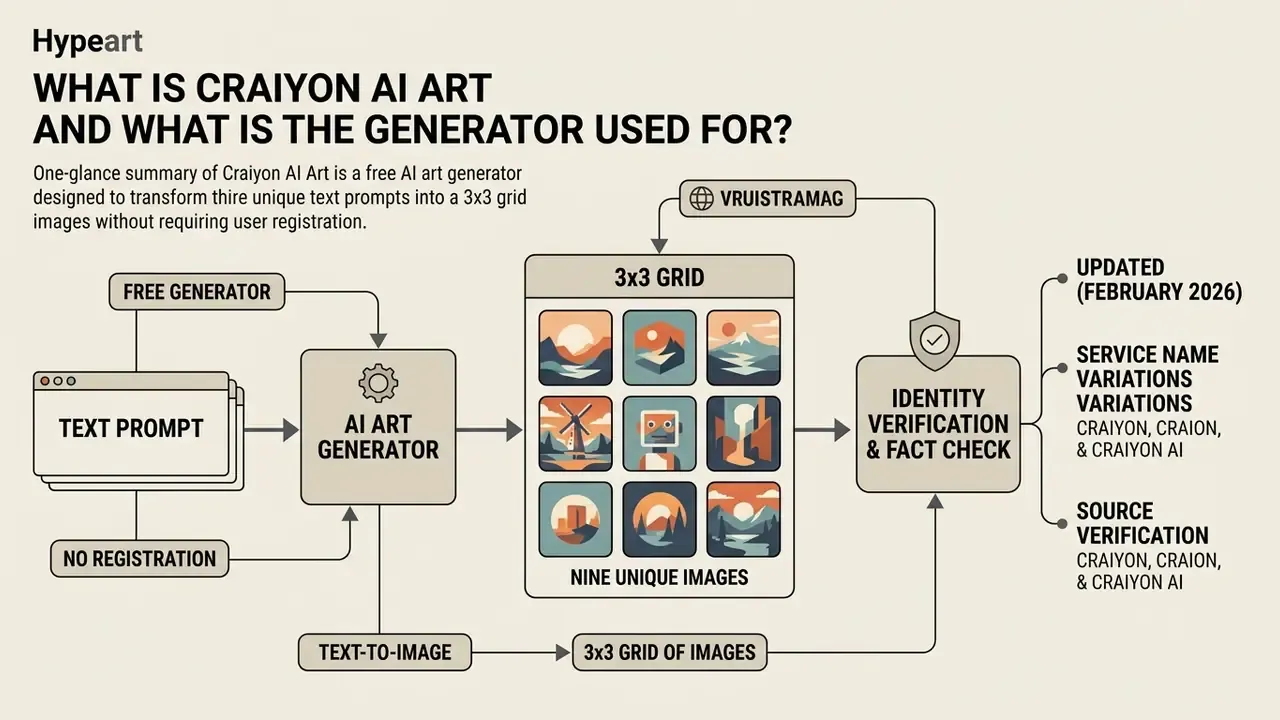
Craiyon AI Art is a free ai art generator designed to transform text prompts into a 3x3 grid of nine unique images without requiring user registration. Readers comparing no-account tools can also review our roundup of free AI art generators to see how unlimited-but-watermarked models differ from credit-based ones. The tool serves primary use cases such as rapid concept ideation, character sketches, storyboarding, social media visuals, informal meme creation, and business illustration drafts for creators, educators, and marketers.
According to a study on generative model adoption (Joynt et al., 2024), accessible tools like Craiyon let non-technical users explore visual concepts quickly before committing resources to high-resolution production.
«Craiyon and comparable tools produced acceptable imagery for general nuclear-energy themes but failed on technical accuracy and demographic representation.»
It lacks the photorealistic precision of advanced diffusion models. That is the trade. What it gives back is immediate value for low-stakes visual brainstorming and preliminary layout design, which is exactly why it spreads inside organizations without anyone approving it. For a broader field view, our comparison of the best AI art generators maps where draft-grade tools sit against production-grade platforms.
How Craiyon Converts a Text Prompt into AI Generated Images
Because the platform outputs multiple images per prompt, Craiyon lets users compare several visual interpretations of the same prompt in a single generation cycle instead of re-running single-image jobs. For an art director sketching three directions before a pitch, that is the whole appeal.
Craiyon, Craion, and Craiyon AI: Service Name Variations
Craiyon AI is the official project name, though users frequently search for terms like craion ai art, ai generator crayon, or the tool's original moniker, dall·e mini. The official platform operates exclusively on craiyon.com. Queries for an ai picture generator craiyon or an ai image generator free craiyon all land on the same web application.
As documented in Wired (2022) and NPR (2022), developer Boris Dayma renamed the project from DALL·E mini to Craiyon in June 2022 following a request from OpenAI to avoid trademark ambiguity. Search queries containing alternate spellings or reference terms like craion ai art point to the same underlying web platform. "Craion" and "Crayon AI" are third-party misspellings, not official branding, and they matter operationally: your proxy allow-list should target the real domain, not the folklore spellings.
Fact Check & Identity Verification
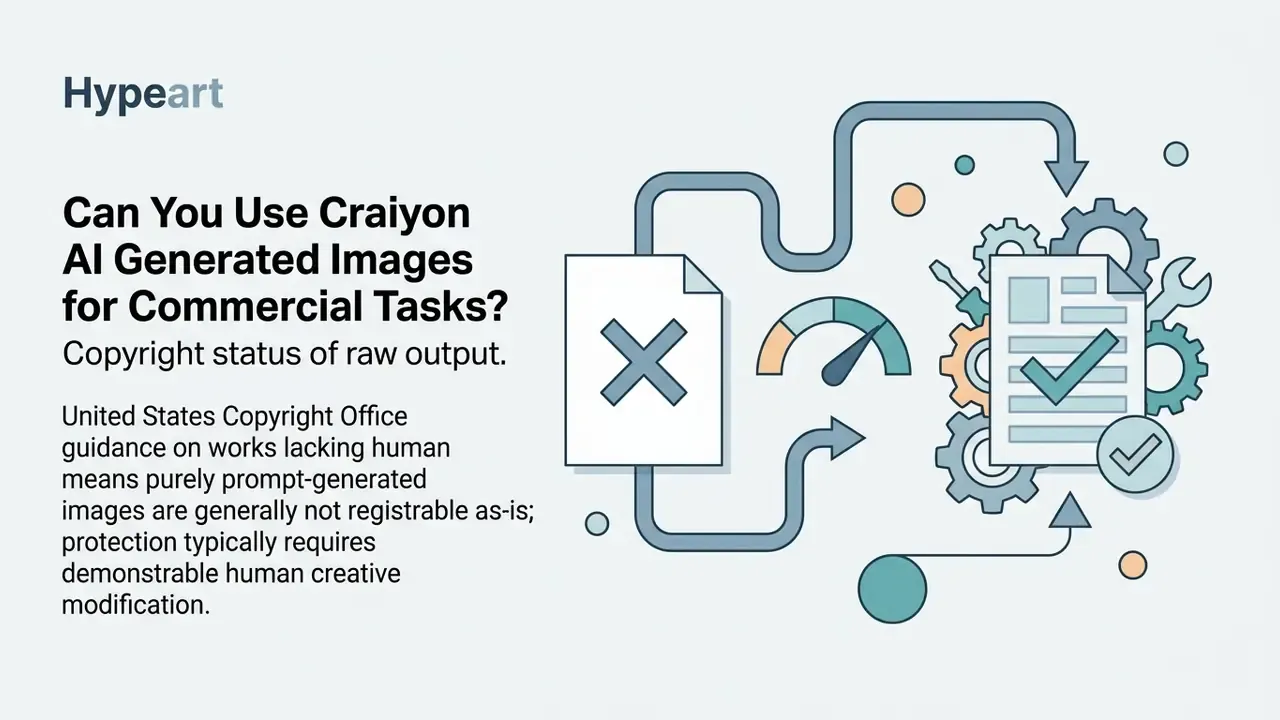
Can You Use Craiyon AI Generated Images for Commercial Tasks?
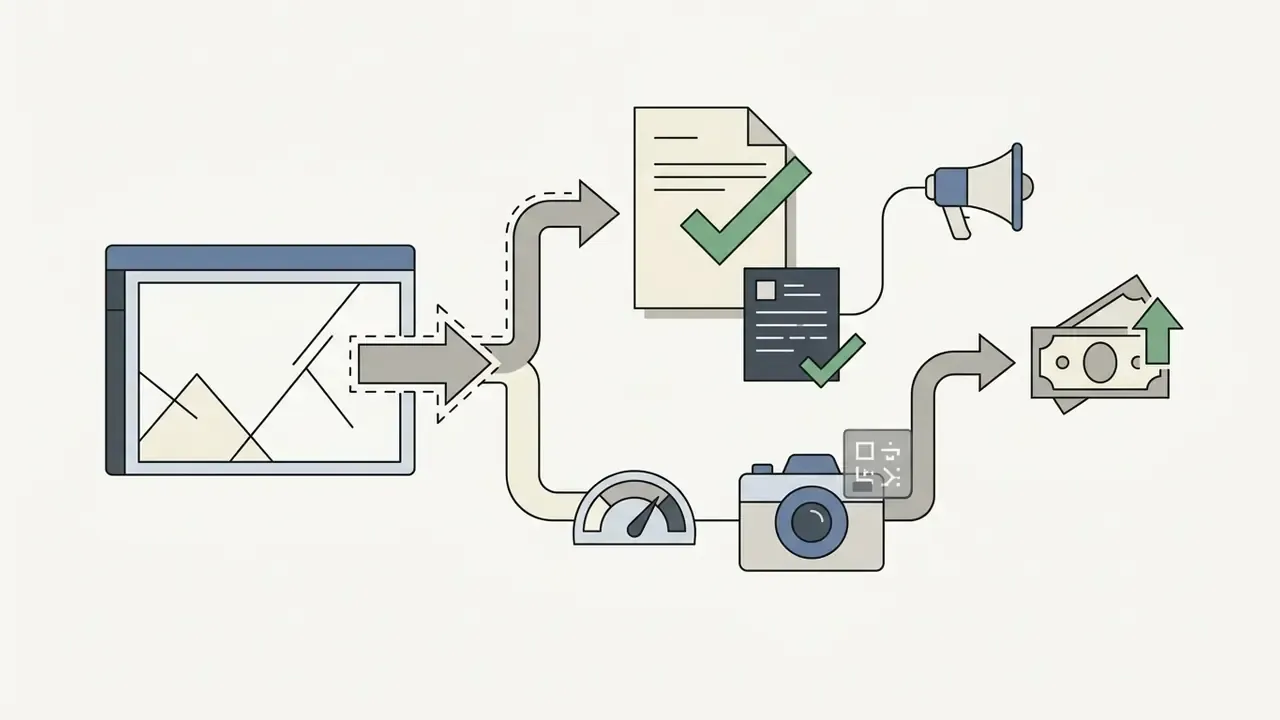
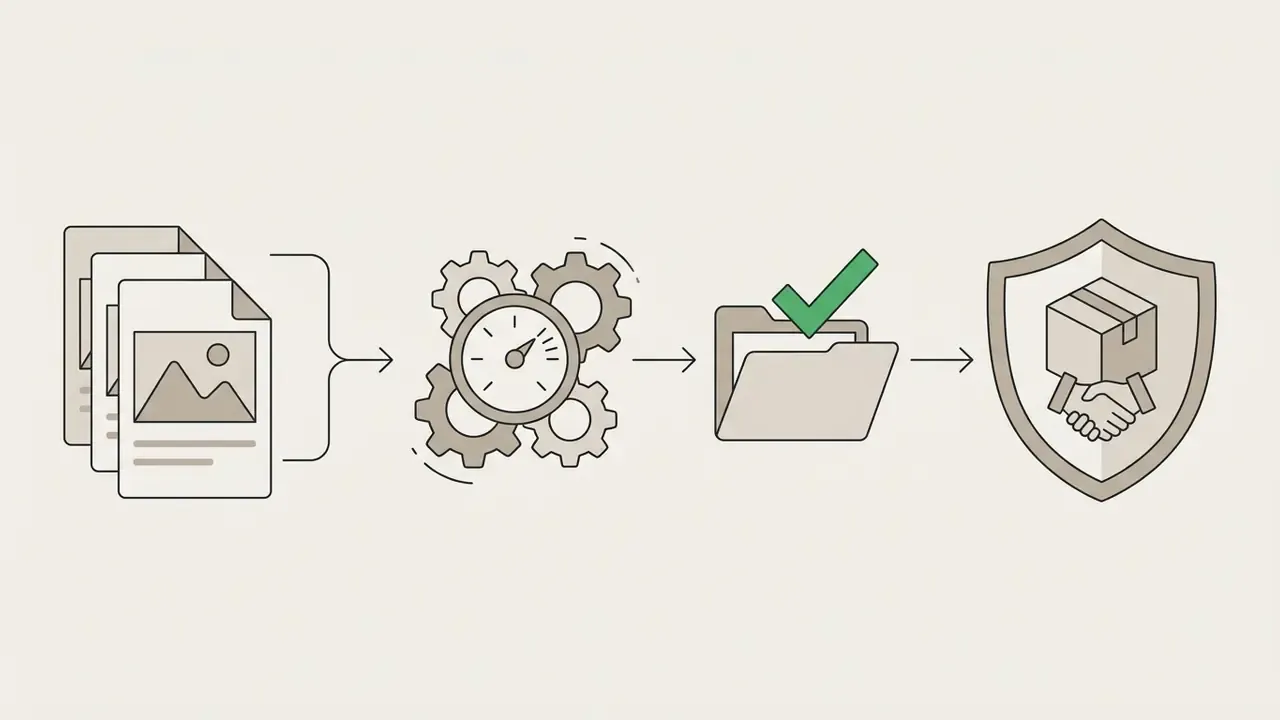
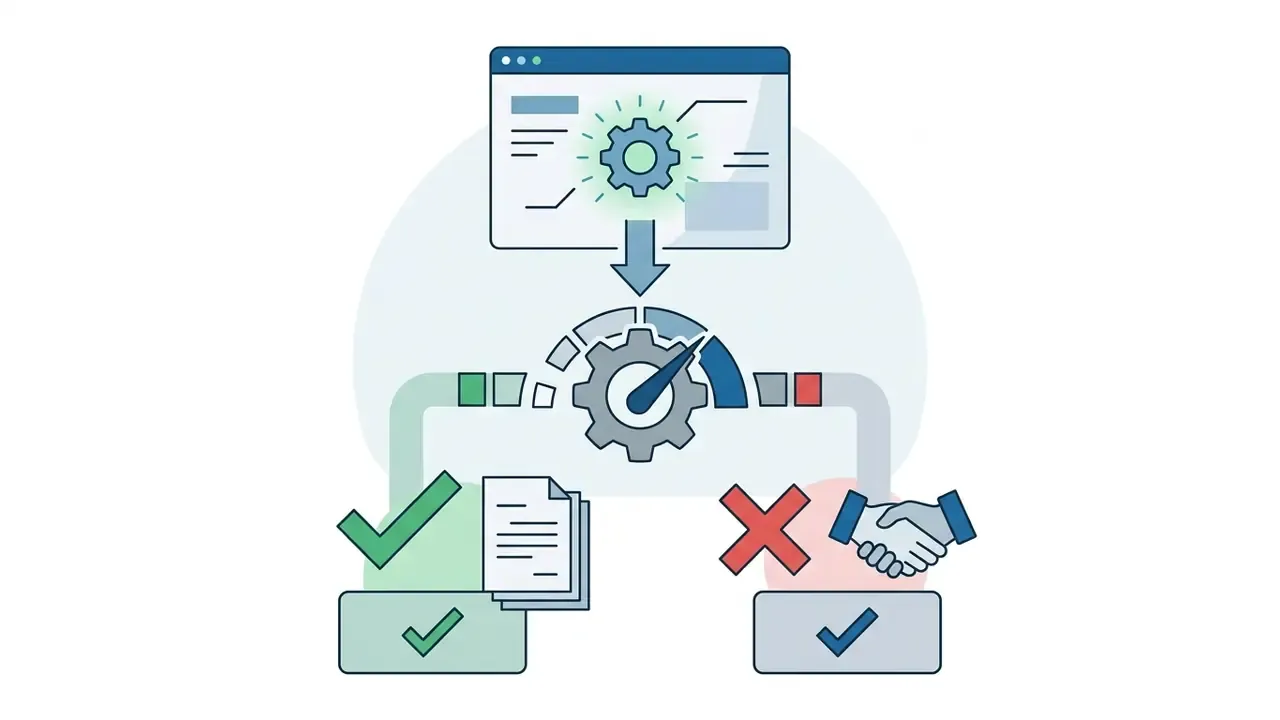
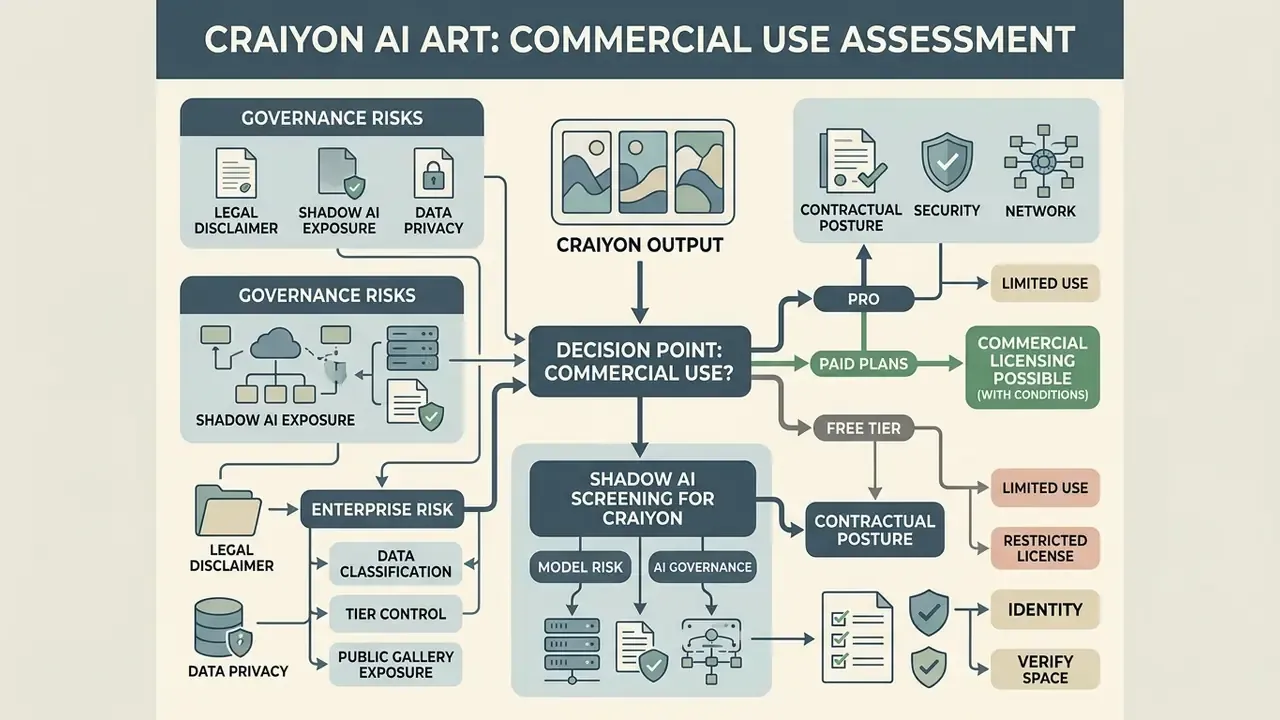
Yes, Craiyon permits commercial use of generated images, but free-tier users must provide text attribution or retain the Craiyon logo, while high-revenue entities must secure custom enterprise terms.
According to Craiyon's Terms of Service:
Bias is a material commercial risk, not only an ethical one:
«In DALL·E mini outputs, white individuals account for roughly 85% of depicted people, and many occupations are rendered exclusively as male or female.»
For consumer-facing campaigns in regulated sectors, that skew can create fair-representation and advertising-review problems, so human review of every published asset is mandatory. Picture a credit-card acquisition banner where every depicted borrower reads as the same demographic; marketing review will catch it, and if it does not, someone outside the bank will. Teams that publish AI visuals externally often pair this review with provenance checks; our overview of AI reverse-image-search tools explains how to trace whether a near-identical asset already circulates online.
Legal Disclaimer
Shadow AI, Data Privacy, and Enterprise Exposure
Shadow AI Screening for Craiyon (for Model Risk / AI Governance)
Checklist0 / 10
One more control worth naming: ownership. Decide who signs off on the tool, who owns the published assets, and who escalates when a prompt containing client data shows up in the gallery. Tools without an owner become everyone's problem at the worst moment.
Model Auditability: Seeds, Reproducibility, and Validation Limits
«Diffusion-based systems demonstrate very high image quality, diversity, and controllability with stable training, in contrast to autoregressive systems.»
For teams that need control and repeatability, diffusion platforms with exposed sampler and seed parameters are the more defensible architecture choice. The rule of thumb we keep coming back to: no evidence, no autonomy, and no unlogged tool in a workflow that ends up in front of a regulator.
Craiyon AI Pricing: Free Tier, Paid Plans, and No Watermark
Craiyon operates on a freemium pricing structure, offering an ad-supported free tier alongside paid monthly and annual plans (Supporter, Professional, and Ultra) that remove watermarks, unlock Pro models, and increase server priority.
Craiyon AI Plan Comparison (verified February 2026)
| Feature | Free Tier | Supporter Plan | Professional Plan | Ultra Plan |
|---|---|---|---|---|
| Price (billed annually) | $0 / month | $5 / month ($60/yr) | $20 / month ($240/yr) | $70 / month ($840/yr) |
| Model access | Standard base model (Lite generations) | Pro models: v4 Auto, Pro Photo, Pro Illustration | Priority Pro models plus early access to new models | Priority Pro models plus highest queue weighting |
| Pro credits allowance | 0 (Lite only) | 120 Pro credits / month | 250 Pro credits / month | 900 credits / month |
| Edit credits (upscale / remove bg) | Limited | 100 / month | 220 / month | 900 / month |
| Output resolution | 256x256 px base grid | Upscale to 1024x1024 px | Upscale to 1024x1024 px (HD downloads) | Upscale to 1024x1024 px (HD downloads) |
| Generation speed | 60–120 seconds | under 45 seconds | under 20 seconds | Highest priority |
| Watermark | Yes (Craiyon logo) | No watermark | No watermark | No watermark |
| Image privacy | Public gallery | Private images | Private images | Private images |
| Attribution required | Yes (credit craiyon.com) | No | No | No |
| Advertisements | Ad-supported | Ad-free | Ad-free | Ad-free |
| API / custom models | No | No | No | Enterprise contact required |
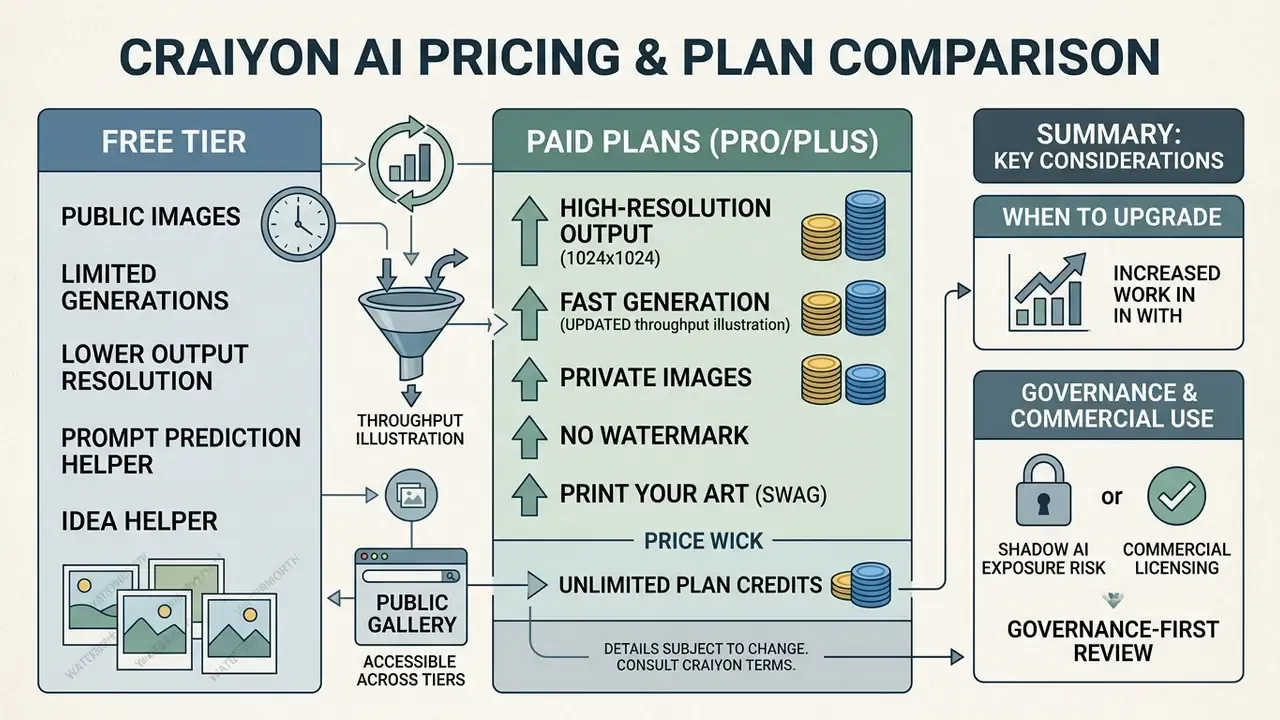
Before committing budget, it is worth benchmarking the subscription against the field. Our comparison of the best AI image and art generators shows where a $20/month Craiyon plan competes and where it plainly does not.
What Is Available in Craiyon AI Image Generator Free
The craiyon ai free image generator tier provides unlimited standard-speed Lite generations without requiring an account or credit card registration. As a free tool it asks almost nothing of you, which is both the attraction and the problem.
Free generations are watermarked with Craiyon branding on exported images (placement is set by the platform and may change without notice), display third-party advertisements on the web interface, and publish created assets to Craiyon's public search database. Free-tier queues are shared, so waits of roughly 60–120 seconds per batch are normal during peak US business hours. Feel free to experiment there with public-safe subjects: landscapes, abstract art, cartoon animals, generic office scenes.
When It Makes Sense to Upgrade to a Paid Plan
Upgrading to paid plans like the Supporter or Professional tier makes sense for high-volume creators, marketers, and businesses that need faster generation, private generations, access to Pro models, and clean output with no watermark.
Upgrade triggers worth using as a decision rule:
- You publish externally and cannot carry a Craiyon watermark or text credit.
- Your prompts describe internal concepts that must not appear in a public gallery.
- You need more than a handful of upscales or background removals per week.
- You generate in bursts and cannot absorb two-minute queue waits.
- Your organization exceeds $1,000,000 USD annual gross revenue, in which case a separate enterprise license, not a consumer plan, is the correct path.
A caveat that procurement teams sometimes miss: a paid consumer subscription buys privacy and speed, not audit evidence. Seeds, logs, and tenant identity controls are still absent at that tier.
Craiyon AI Capabilities: Generation, Styles, and Image Editing
«The Keyword Image Gallery explanation method was preferred by users in 83.7% of choices between text-to-image model explanation methods.»
In practice, this is why example-driven prompt helpers teach faster than written instructions. People copy patterns; they rarely read manuals.
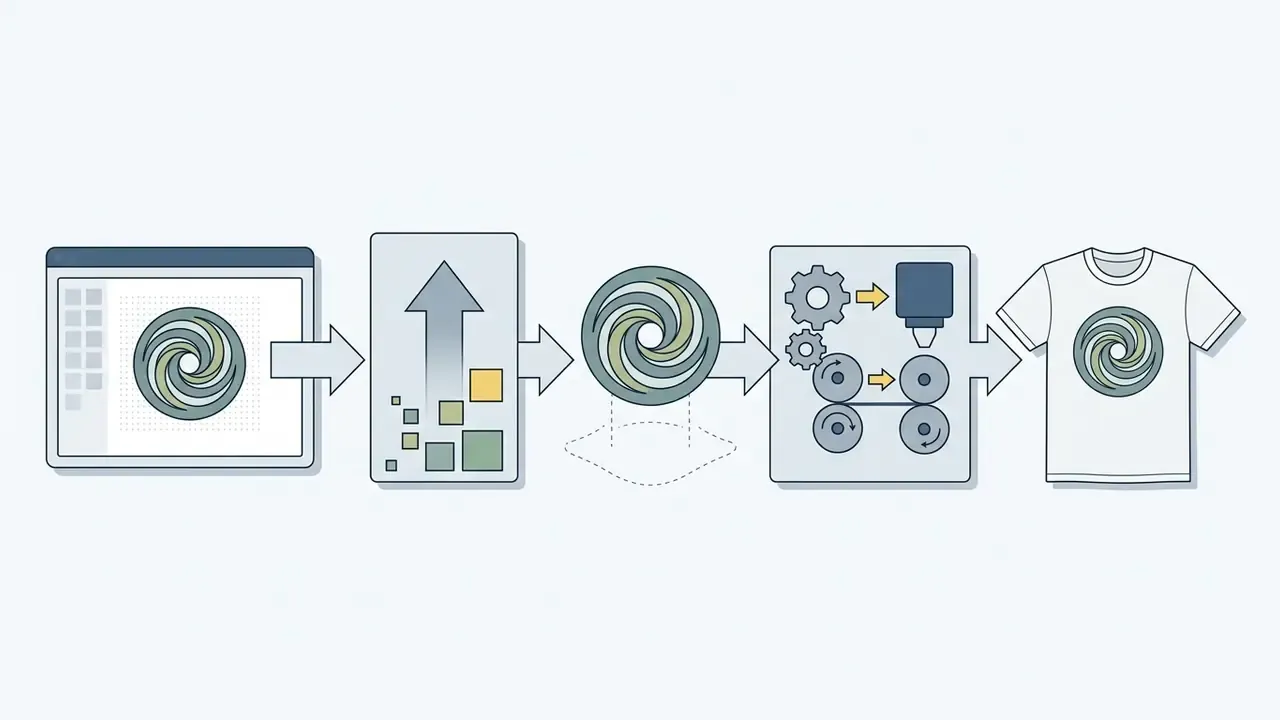
Print Your Art (Swag): generated artwork can be routed to an integrated print-on-demand option to produce custom t-shirts and physical merchandise straight from the preview dashboard. Useful for community giveaways, event swag, or testing a design before a larger print order.
Public gallery and category browsing: the home page exposes trending categories (animals, food, fantasy, memes) and a public database of community prompts. It is an efficient prompt-learning resource, and it is also the exact mechanism that makes free-tier generation unsuitable for confidential concepts. Same feature, two verdicts, depending on who is reading.
Exclude Elements and Negative Words for Result Control
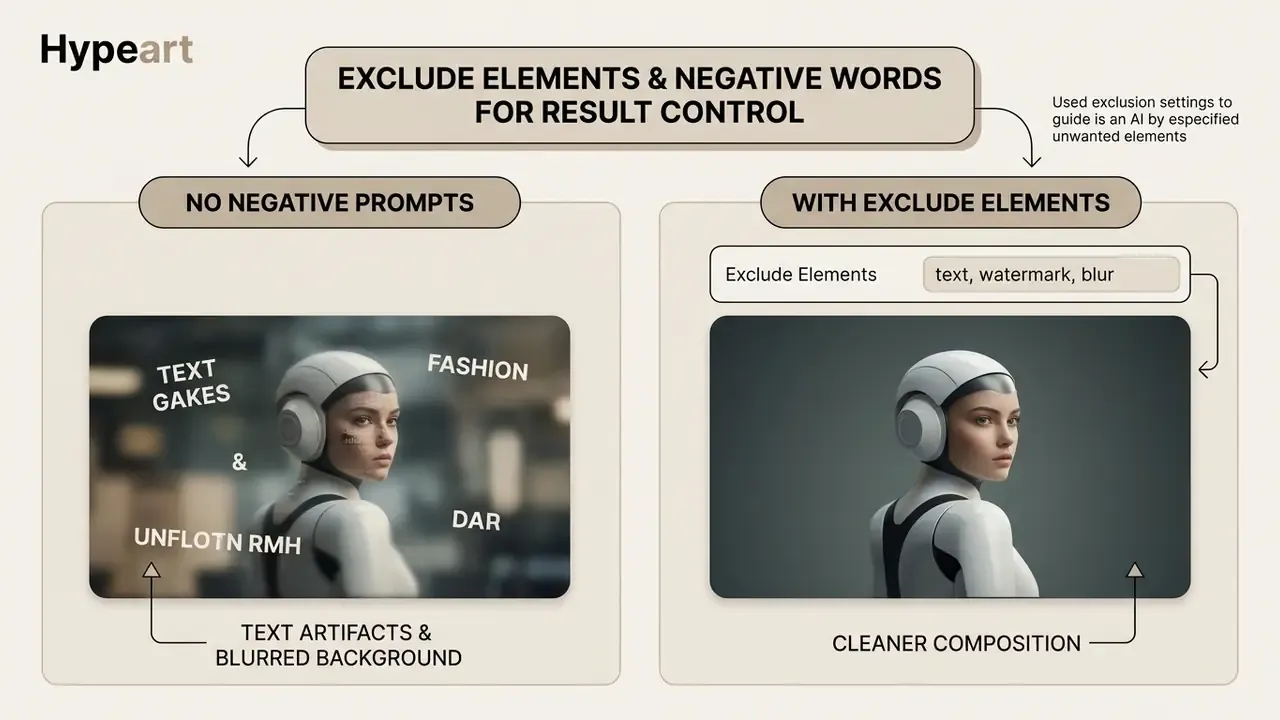
«Users systematically append exclusion phrases after failed iterations, correcting unwanted artifacts through negative instructions.»
Entering negative terms such as watermark, text, blurry, extra limbs, distorted framing, deformed hands, signature suppresses those visual tokens during generation. Negative prompts also influence colour and light: if you don't want a blue-dominant palette, add blue to the exclusion field and the dominance drops. This control mechanism cleans up outputs and prevents recurring artifacts in complex scenes.
Background Remover, Image Upscaler, and Enhancing Image Quality
Craiyon integrates an automated background remover and an image upscaler directly into its web preview panel to convert low-resolution drafts into usable graphics.
The background remover isolates the main subject and generates a transparent PNG export, which is why the tool is frequently used for product mockups and social cards. Users who need layer control, masking, or colour correction after export will want a full editor; our guides to online photo editors and free photo editors compare those capabilities and export limits.
The native upscaler sharpens line work and increases pixel density, raising output from the base 256x256 pixel grid toward 1024x1024 pixels for higher quality exports. Expectations matter here: the platform's own guidance notes that repeat upscaling of the same image does not compound resolution gains, and available documentation provides no benchmarked quality metrics (no published PSNR/SSIM figures, format ceilings, or failure rates), so upscaler performance should be treated as qualitative rather than measured. Independent verification of upscaler fidelity remains an open data gap, and we would rather say so than pretend otherwise.
Users seeking alternative enterprise tools for expanding visual canvases can check our comparative analysis of the Microsoft AI image ecosystem, review AI outpainting tools for expanding images, or compare the leading AI image generators on control and licensing.
How to Use Craiyon AI Image Generator: Step-by-Step Guide
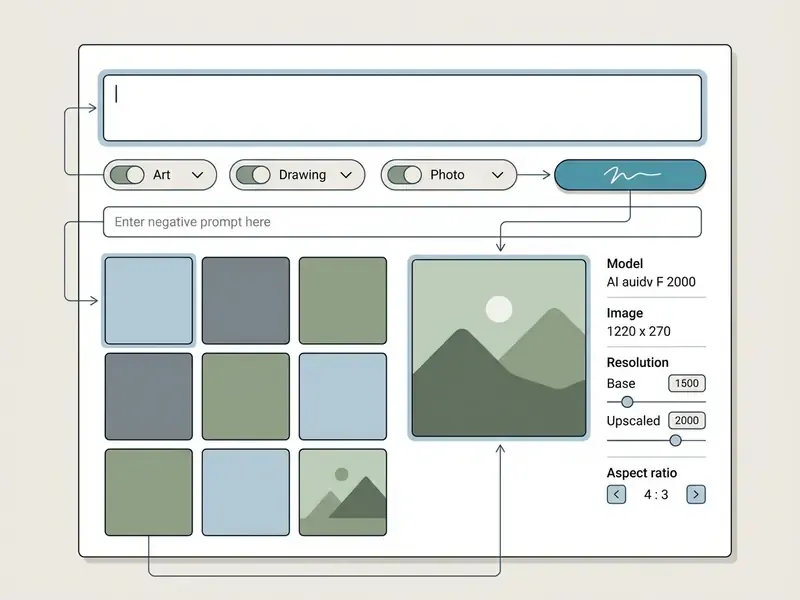
To use the craiyon ai image generator, navigate to craiyon.com, enter a descriptive text prompt into the main input bar, select an optional visual style, and click the orange "Draw" button.
- Access the platformOpen
craiyon.comin any modern desktop or mobile browser. No installation, account, or credit card is required for the free tier. - Enter your text promptType your target image description into the main prompt field, or use the prompt helper to expand a short keyword.
- Select a visual styleChoose between Art, Drawing, Photo, or None/Auto presets.
- Define excluded elementsUse the negative prompt field to list objects, colors, or visual artifacts to avoid.
- Initiate generationClick the orange hit draw button or press Enter to generate your images. Estimated wait is displayed in the interface, commonly one to two minutes on the free tier.
- Review and downloadSelect an image from the 3x3 grid to view, upscale, remove the background, share, or save as PNG.
How to Write a Prompt for Your First Generation
An effective first prompt combines a clear subject, specific style descriptors, environmental context, and lighting cues rather than relying on a single vague word.
The Craiyon Official Blog (2024) recommends structuring text prompts using the following formula: Subject + Medium/Style + Perspective + Vibe/Lighting + Key Modifiers. Source: https://www.craiyon.com/blog/how-to-write-the-best-prompts-for-ai-art-generators
- Basic prompt: "A futuristic city"
- Optimized prompt: "A futuristic city with glass skyscrapers, golden hour lighting, cinematic perspective, digital art style"
Write general to specific, separate concepts with commas, and keep one dominant subject per prompt. Multi-subject compositions with precise spatial relationships are where this model class degrades fastest. Two characters shaking hands over a signed contract? Expect disappointment.
How to Choose the Model, Style, and Aspect Ratio
Craiyon provides four primary style presets, Art, Drawing, Photo, and None/Auto, to guide how the ai model interprets your input text. Paid tiers additionally expose Pro model variants such as v4 Auto, Pro Photo, and Pro Illustration, with v3 Drawing and Craiyon V3 appearing in image metadata.
- Art Best for digital paintings, illustrations, and stylized concept art.
- Drawing Ideal for sketches, line art, anime aesthetics, and watercolor styles.
- Photo Configured for realistic lighting, portraits, and photographic compositions.
- None / Auto Lets the raw text prompt drive visual representation without preset bias.
Standard generations default to a 1:1 square aspect ratio, which works seamlessly for digital avatars and standard social posts; the image detail panel displays the applied ratio alongside model name and Base/Upscaled resolution state. Documentation across sources diverges on how many ratio presets are exposed, so verify the current selector in the interface rather than trusting a blog post. For specialized layout workflows, see our overview of AI art generators and their style controls.
How to Download and Refine Your Generated Image
To download an image, select your preferred tile from the grid and click the "Download" button to export a PNG file. There is no separate craiyon ai image generator download step for software, since everything happens in the browser.
Craiyon includes built-in editing controls directly on the output screen. Users can apply an automatic background remover to isolate foreground subjects or run the image upscaler to sharpen line clarity before saving. If your project needs advanced retouching beyond the built-in tools, review online photo editor workflows for masking, colour grading, and print-prep steps, or use AI outpainting tools when a square 1:1 output has to become a wide banner.
How to Improve Craiyon AI Image Quality
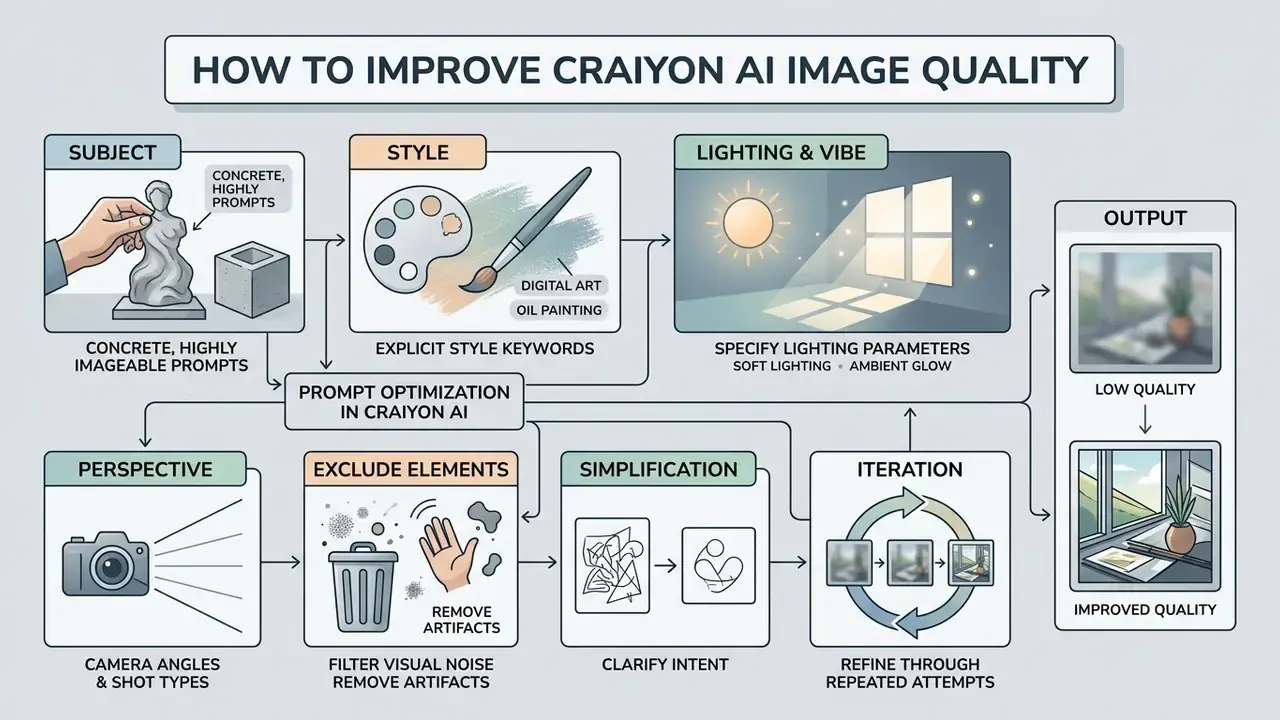
Improving Craiyon image quality requires writing concrete, highly imageable prompts, applying explicit style keywords, specifying lighting parameters, and filtering visual noise with negative prompts.
Research on computational imageability (Psycholinguistic Study on Text-to-Image Alignment, 2023) shows that prompts using concrete, tangible nouns produce higher visual homogeneity and closer semantic alignment than abstract concepts.
Prompt Optimization in Craiyon AI
Checklist0 / 8
«Users often attribute failed results to their own mistakes, although mismatches frequently stem from structural model limitations.»
The practical implication: when three well-structured prompts in a row fail on the same requirement, legible text, an exact object count, a specific hand pose, stop rewriting the prompt and change tools. A 2024 comparative study also found Craiyon underperformed DALL·E 2 on both original and modified prompts, with unrealistic characteristics in generated imagery, which means prompt engineering has a hard ceiling here. Knowing where that ceiling sits saves more time than any prompt template.
Ready Prompt Directions: Characters, Memes, Illustration, and Social
Different creative tasks need tailored prompt structures. The lines below double as craiyon ai generated images examples you can paste and adapt:
- Character Concept Art "Full body concept art of an armored knight, intricate steel plate, standing pose, neutral background, digital art style, high detail."
- Stylized Memes "A funny cat wearing a tiny top hat sitting at an office desk, retro 90s lighting, vibrant colors, humorous vibe."
- Digital Illustration "A peaceful forest cabin near a reflective lake, dusk lighting, soft atmospheric mist, watercolor illustration style."
- Social Posts "Minimalist flat-lay vector graphic of coffee cup and laptop, clean background, modern pastel aesthetic."
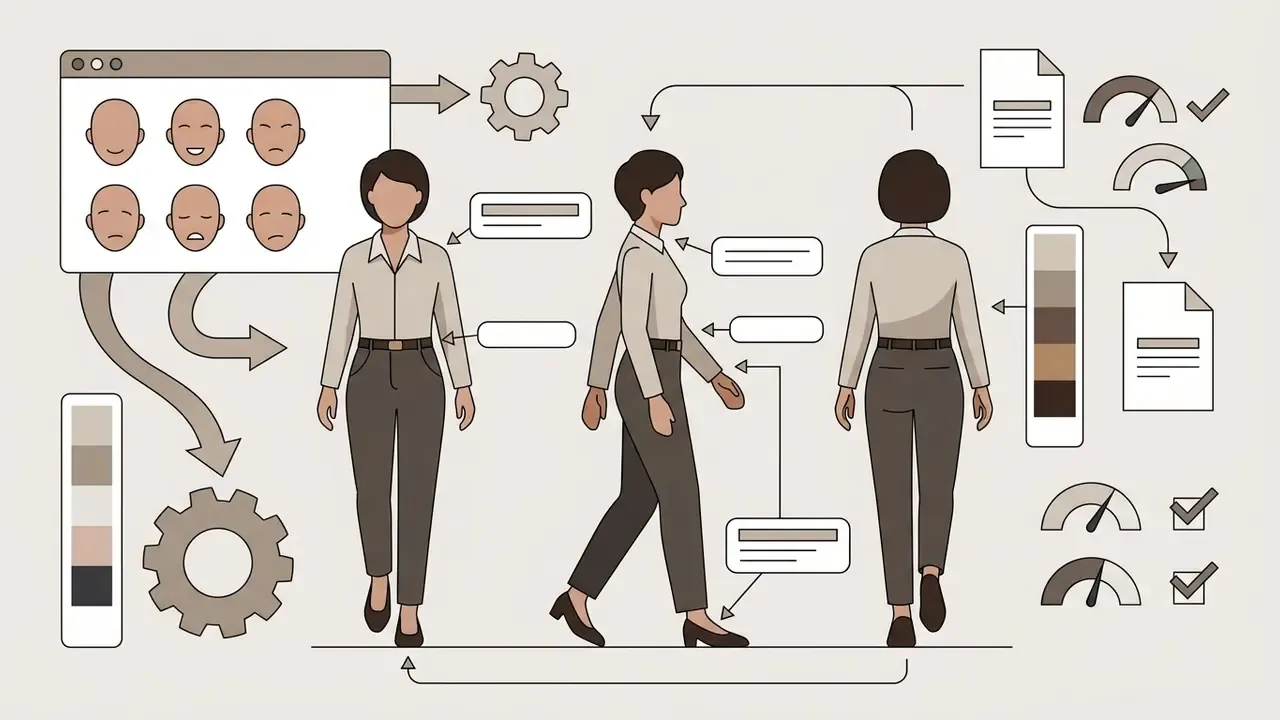
For corporate, training, and presentation contexts, the same formula works with neutral subject matter:
Note the recurring no text instruction. It is there because typography is the model's weakest area, and a garbled word on a slide undoes an otherwise usable graphic.
Why Results May Not Match Your Prompt
Mismatches between text prompts and generated images occur mainly because of architectural limitations, training data bias, complex multi-object spatial requirements, or peak server congestion.
A study in the ACM Journal of Responsible Computing (Cheong et al., 2024) notes that models trained on public web data inherit structural biases and struggle with precise spatial logic.
«Autoregressive models struggle with object counting, spatial relationships, and logical consistency in complex multi-object scenes.»
When servers experience too much traffic, generation queues may introduce additional compression artifacts or slow down rendering cycles. The base 256×256 generation path also explains a large share of perceived blur and lost fine detail. That is a resolution constraint, not always a prompt failure, and no amount of adjective stacking will fix it.
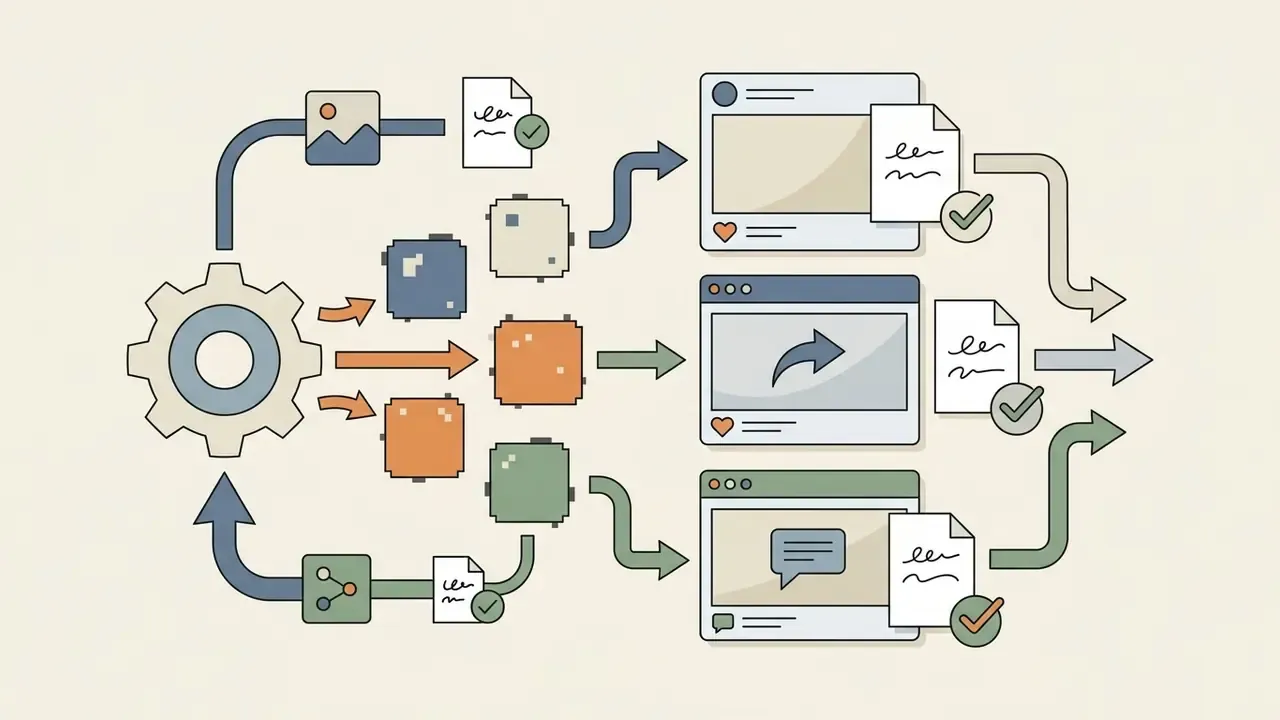
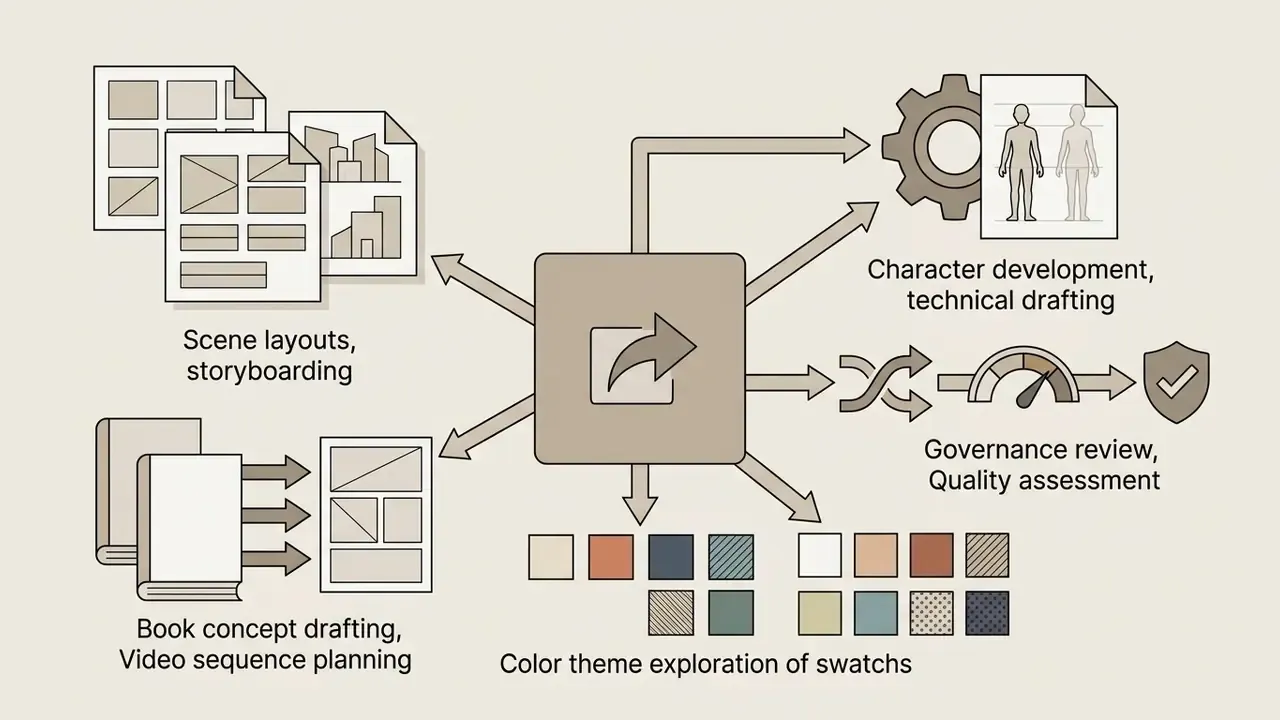
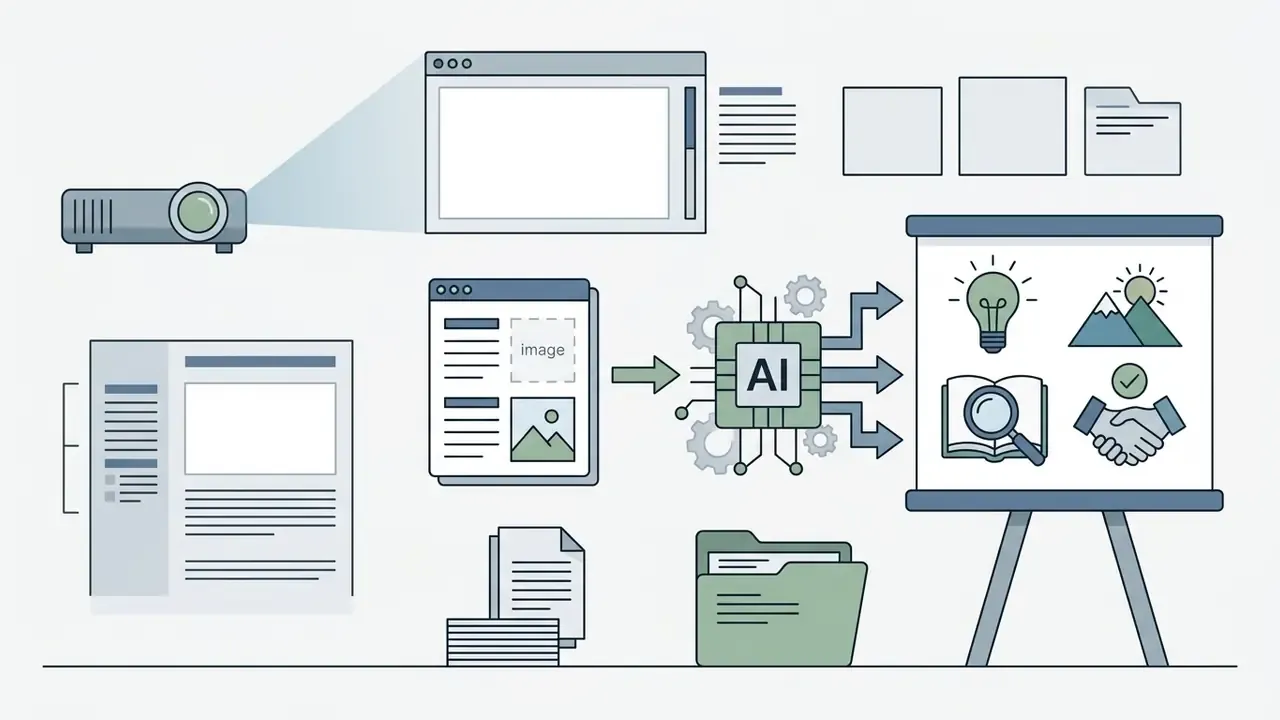
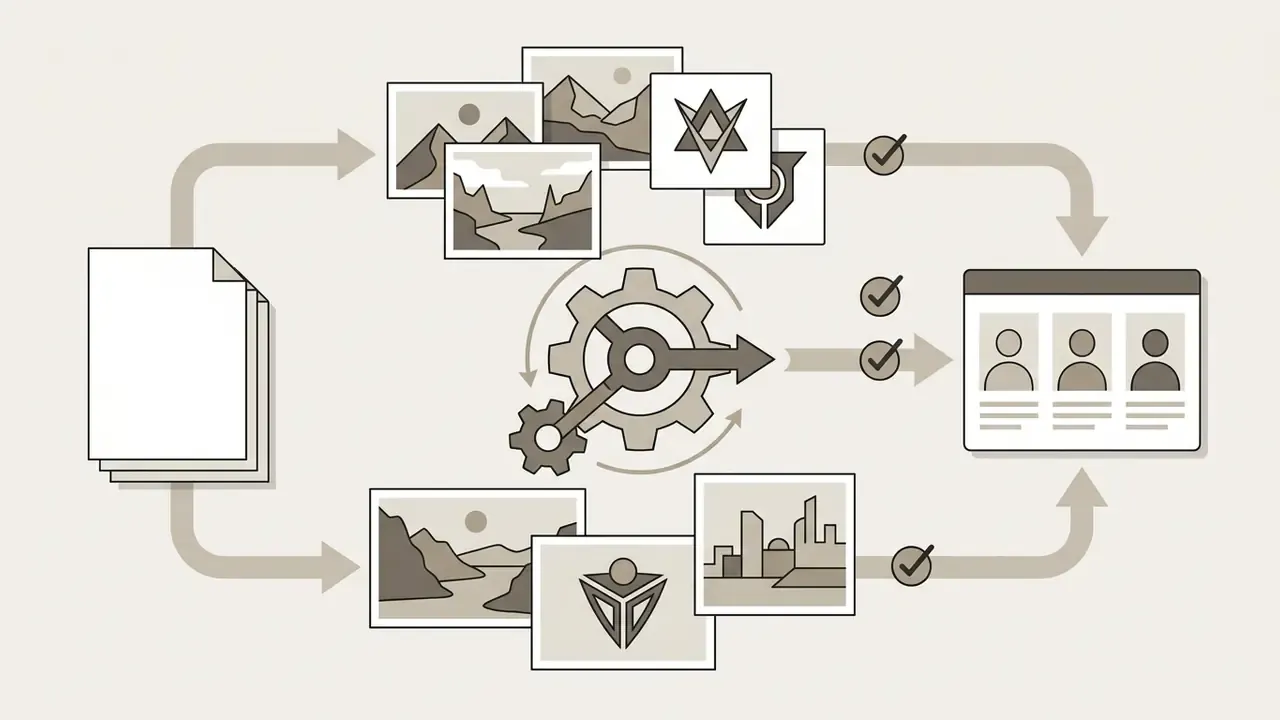
Practical Use Cases for Craiyon AI Graphics
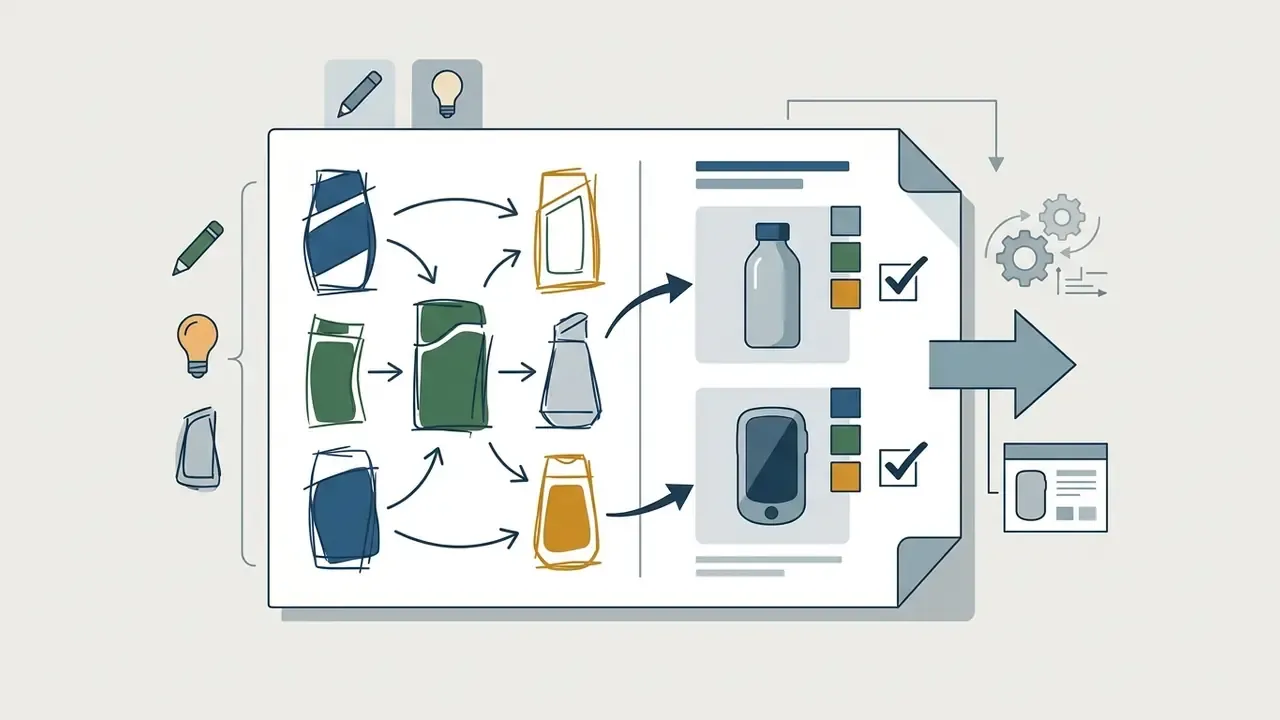
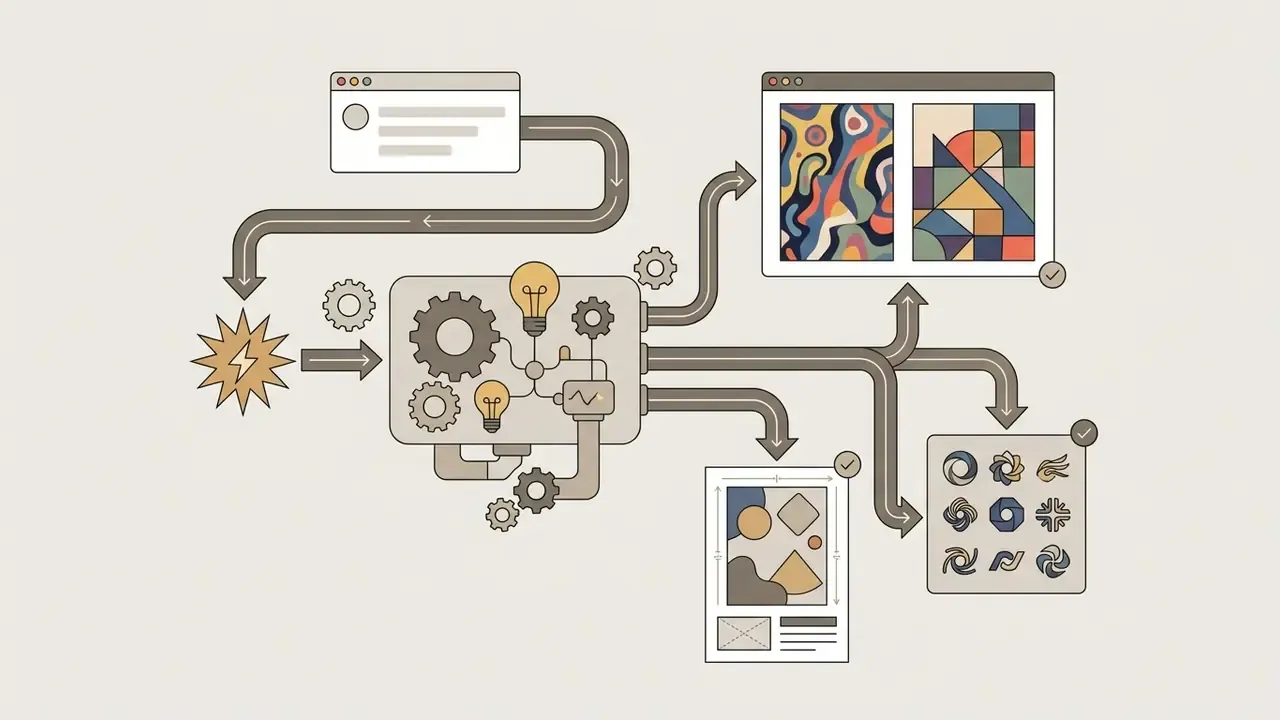
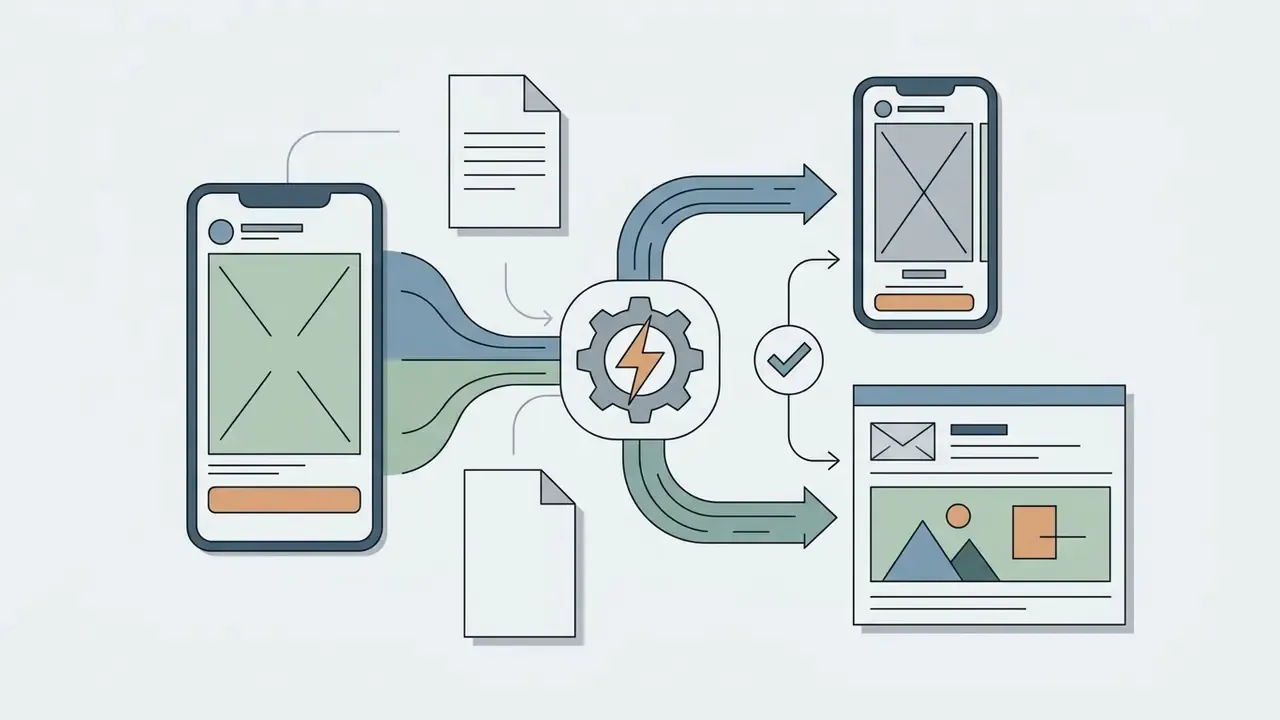
Pros and Cons of Craiyon AI and Comparison with Alternatives
Craiyon excels in accessibility and ease of use but offers lower visual resolution and less spatial precision than premium alternatives like Midjourney or Stable Diffusion.
Comparison of popular AI art generators
| Platform | Primary strength | Free tier availability | Relative output quality | Commercial rights |
|---|---|---|---|---|
| Craiyon AI | No signup, unlimited web access | Yes (ad-supported) | Moderate / draft grade | Allowed (attribution required on free tier) |
| Midjourney | Photorealism and fine aesthetic control | No (paid subscription) | Professional / high | Allowed on paid plans (above $1M revenue requires Pro/Mega) |
| DreamStudio (Stable Diffusion) | Granular model parameter tuning, seed control | Credit-based trial (1 credit = $0.01) | High / customizable | Included with paid credits |
| Lensa AI | Mobile portrait and avatar editing | Limited trial / in-app purchases | High (portraits) | Subject to app terms |
| DALL·E 3 | Exact text prompt adherence and complex typography | Via ChatGPT Plus / Bing free access | Very high | Full commercial rights for generated images |
| Adobe Firefly | Commercially safe vector and photo generation | Yes (free monthly credits) | High / professional | Designed for commercial workflows (trained on licensed stock) |
| Leonardo AI | Game asset generation, strong speed-to-quality ratio | Yes (daily free credits) | High / stylized | Allowed on free and paid tiers |
| Canva AI (Magic Media) | Direct integration into social and marketing templates | Yes (limited lifetime queries) | Moderate | Subject to Canva content licence rules |
| Microsoft Designer / Copilot | Office-adjacent creation with managed tenant controls | Yes (Microsoft account) | High | Consumer vs enterprise terms differ by tenant |
| NightCafe | Multi-model community generation and style variety | Yes (daily credits) | Moderate to high | Allowed under platform terms |
| StarryAI | Mobile-first fast generation | Yes (daily free credits) | Moderate | User retains rights per app terms |
| Deep Dream Generator | Surreal style transfer experiments | Yes (limited) | Stylized / niche | Allowed under platform terms |
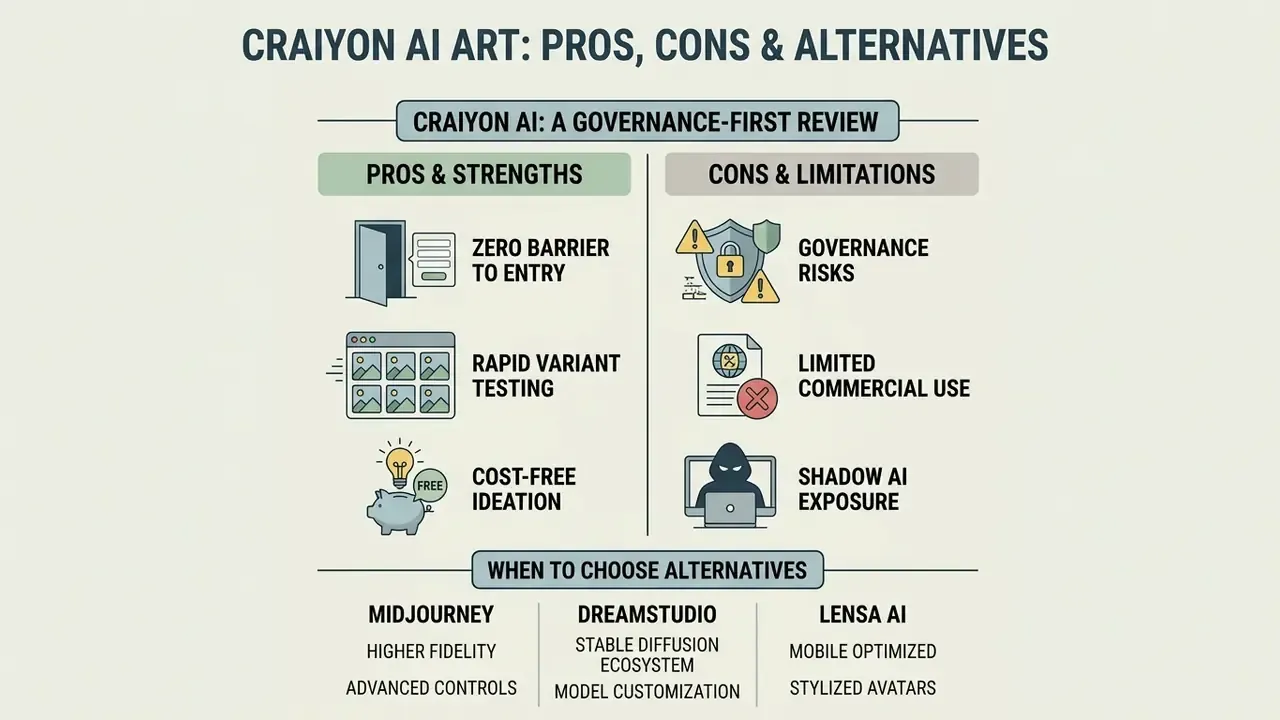
Short verdict from the matrix: Craiyon wins on access and loses on fidelity, typography, and rights certainty. For selection decisions driven by controls and licence terms rather than aesthetics, see our head-to-head reviews of Midjourney image generation, ChatGPT picture generation, the Canva AI generator, Bing AI image creation, and the Google AI image generator.
Enterprise Governance Comparison
Image quality is the wrong first filter for organizations under supervisory scrutiny. The matrix below compares the same tools on control surface rather than aesthetics.
Governance and control comparison (public documentation, February 2026)
| Platform | Default output privacy | SSO / admin controls | Seed / reproducibility | IP indemnity published | API access |
|---|---|---|---|---|---|
| Craiyon AI | Public on free tier; private on paid | Not documented on consumer tiers | No user-exposed seed | No | Enterprise contact only |
| Midjourney | Public by default; Stealth Mode on Pro/Mega | Limited | Seed parameter available | No | Limited |
| DreamStudio / Stability API | Private by account | Developer keys | Yes (seed and sampler control) | No | Yes (credit-based) |
| Adobe Firefly | Private by account | Enterprise plans available | Partial | Yes (enterprise terms) | Yes |
| DALL·E 3 via Azure OpenAI | Private within tenant | Full tenant IAM / SSO | Partial; logged requests | Yes (customer copyright commitment) | Yes |
| Microsoft Designer / Copilot (enterprise) | Private within tenant | Full tenant controls | Partial | Yes (tenant-dependent) | Via Azure |
Read the matrix as a routing rule: Craiyon for public, non-sensitive drafting; Azure-hosted DALL·E 3 or Firefly enterprise for anything that touches confidential material, customer communications, or regulated disclosure. If your inventory cannot say which of the two a given team is using today, that gap is the first finding, not the tool choice.
Strengths of Craiyon for Beginners and Quick Visual Ideas
Craiyon offers real advantages for entry-level users thanks to its frictionless, user friendly browser workflow, zero account requirements, and instant 3x3 image grid output.
For adjacent stylistic workflows, readers can also compare Ghibli-style AI image generators or, for motion work, review animation makers.
When to Choose Midjourney, DreamStudio, or Lensa AI
Professional creators should move to advanced platforms when tasks demand photorealistic rendering, intricate typography, or precise lighting controls.
- Midjourney Recommended for high-end marketing collateral, cover art, and photorealistic images; Midjourney image generation also documents that Standard, Pro, and Mega plans include unlimited Relax generations, that Pro and Mega add Stealth Mode for private output, and that companies above $1,000,000 USD annual gross revenue must use Pro or Mega.
- DreamStudio Preferred by developers and designers needing fine-grained control over sampling steps and seed values, with credit-based pricing at 1 credit = $0.01 and coverage of upscaling, inpainting, outpainting, and background removal.
- Lensa AI Optimized specifically for mobile portrait retouching and personal avatar creation, sold by in-app subscription; for corporate portraiture, compare it against dedicated AI headshot generators.
- Azure-hosted DALL·E 3 or Adobe Firefly The default recommendation when privacy, tenant identity controls, and published indemnity outweigh cost. For a bank, that is usually the entire argument.
Teams extending beyond stills into motion or audio can continue with our guides to free AI video generators, the Google Veo implementation path, AI voice generators, video compressors, and YouTube editing workflows.
FAQ: Frequently Asked Questions About Craiyon AI Art
Is there an official Craiyon AI mobile app on iOS or Android?
Updated: No. Craiyon operates exclusively via web browser at craiyon.com, and no official native application is published on the Apple App Store or Google Play Store. The vendor's own help content states plainly that the real product does not have an app yet, so any craiyon ai image generator app you find in a store listing deserves suspicion.
⚠️ Security Warning: Third-party applications using the Craiyon, Craion, or DALL·E mini name in app stores are unauthorized copycats. Do not enter personal data, account credentials, or payment details into any mobile app claiming to be an official Craiyon product. Downloadable APK packages circulating under the Craiyon name are third-party web wrappers, not vendor software; some third-party catalogues list a lightweight PWA-style wrapper, but installing it is unnecessary because the browser version provides complete feature access.
No desktop application exists either. If Craiyon ever ships an official app, it will be announced on craiyon.com and its official channels first.
What to do when receiving "Too Much Traffic" or missing images
If you hit a "Too Much Traffic" error or generation stalls, pause for 15–30 seconds, refresh your browser page, and click the Draw button again. Paid subscribers receive queue priority and see this message far less often.
To resolve persistent server load delays:
- Retry the Draw action: A second or third attempt often clears a transient queue rejection.
- Refresh the page: This resets the web application state.
- Clear Browser Cache: Reset site cookies and script caches, or open the site in an incognito window or a different browser.
- Enable JavaScript: Ensure your browser permits active scripts on
craiyon.com. - Check connectivity: A stable connection is required to submit the prompt and receive the returned grid.
- Restart the device: If images still fail to appear after the steps above, restart the phone or computer and retry.
- Retry Off-Peak: Run generations outside high-traffic US business hours, or upgrade to a paid tier for faster generation and queue priority.
Will Craiyon's text-to-image generation always be free?
Craiyon states an intention to maintain a free tier, funded by advertising and optional paid subscriptions that also finance model research. Free access should still be treated as subject to change rather than contractually guaranteed.
Can Craiyon produce higher-quality images?
Yes, within limits. Subscribing unlocks Pro models with more detail and sharpness, and the Upscale action raises a selected image from the 256×256 base grid toward 1024×1024 for high resolution exports. Running upscale repeatedly on the same file does not increase resolution further.
Are there biases or limitations in Craiyon's AI-generated art?
Yes. Because the model learns from human-created web imagery, it can reproduce societal stereotypes; peer-reviewed analysis of DALL·E mini output documented heavy skew toward white subjects and gender-locked occupational depictions. Human review of every published asset is required, particularly for people, professions, and cultural symbols.
Do prompts in languages other than English work?
The interface is English-first, and English prompts are the documented path. Non-English prompts are reported to work in unofficial community sources, but results are inconsistent and should be tested rather than assumed.
Can I sell merchandise made with Craiyon images?
Commercial sale is permitted under the Terms, subject to attribution on the free tier, compliance with the Code of Conduct, and a separate enterprise agreement above $1,000,000 USD annual gross revenue. Craiyon also offers an integrated print option for turning artwork into t-shirts and swag. Because raw AI output is generally unregistrable for copyright in the United States, exclusivity of a merchandise design cannot be assumed.
Can Craiyon be approved for use inside a regulated financial institution?
Sometimes, on narrow terms. A defensible pattern looks like this: paid private tier only, a named business owner, prompts restricted to data classified as Public, mandatory human review before publication, and an explicit note in the AI inventory that the tool is non-material and unvalidated. Anything touching customer data, credit decisions, KYC or AML material, or regulatory disclosure belongs on a tenant-controlled platform instead.
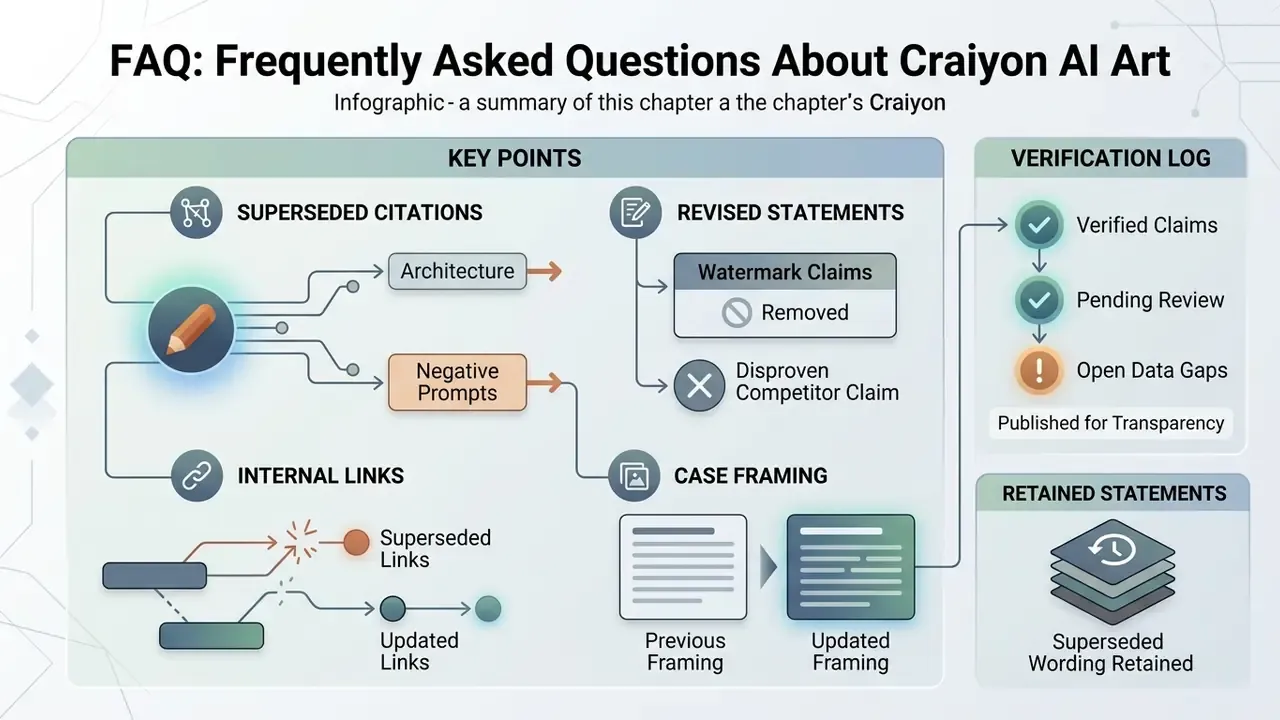
Appendix A: Corrections, Superseded Statements, and Verification Log
A Safe Next Step
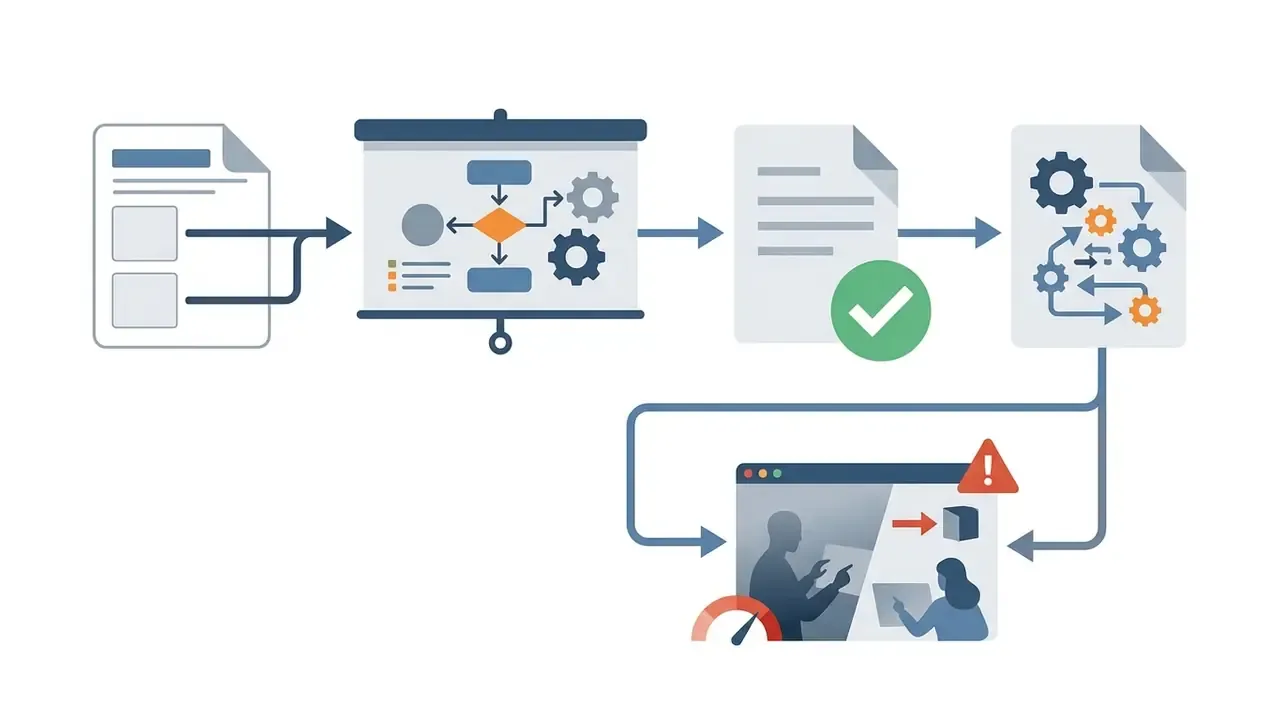
If you are responsible for AI oversight and this article made you uneasy, start small and reversible. Pull a two-week proxy report for craiyon.com and comparable generators, ask the teams appearing in it what they used the outputs for, and classify the prompt data they entered. Then decide one thing only: allow on a paid private tier with named ownership, or block and offer a sanctioned alternative. Policy without an approved substitute simply moves the activity to personal devices, which is the worst of both outcomes.
Footer navigation note: for comprehensive licensing details and enterprise compliance frameworks, visit our dedicated commercial use research on managed generative platforms, or start with the best AI art generator comparison.