What to Install Right Now
- Fastest watermark-free start VN Video Editor (multi-track, 4K/60 fps export, no forced watermark) and YouCut (single-track, no watermark).
- Best for TikTok, Reels and Shorts trends CapCut, with templates, Auto Cut beat syncing and auto-captions. Some 4K presets and premium effects sit behind CapCut Pro.
- Best for layered compositing and green screen KineMaster and PowerDirector. Powerful video editing on the free tier, but free exports carry vendor branding.
- Best for high-quality iPhone workflows Adobe Premiere on iPhone (standalone, free tier, watermark-free exports) and LumaFusion for paid, desktop-class precision.
- Already on your phone iMovie on iOS and the Samsung Gallery editor on Galaxy devices. Free, no watermark, limited in tracks.
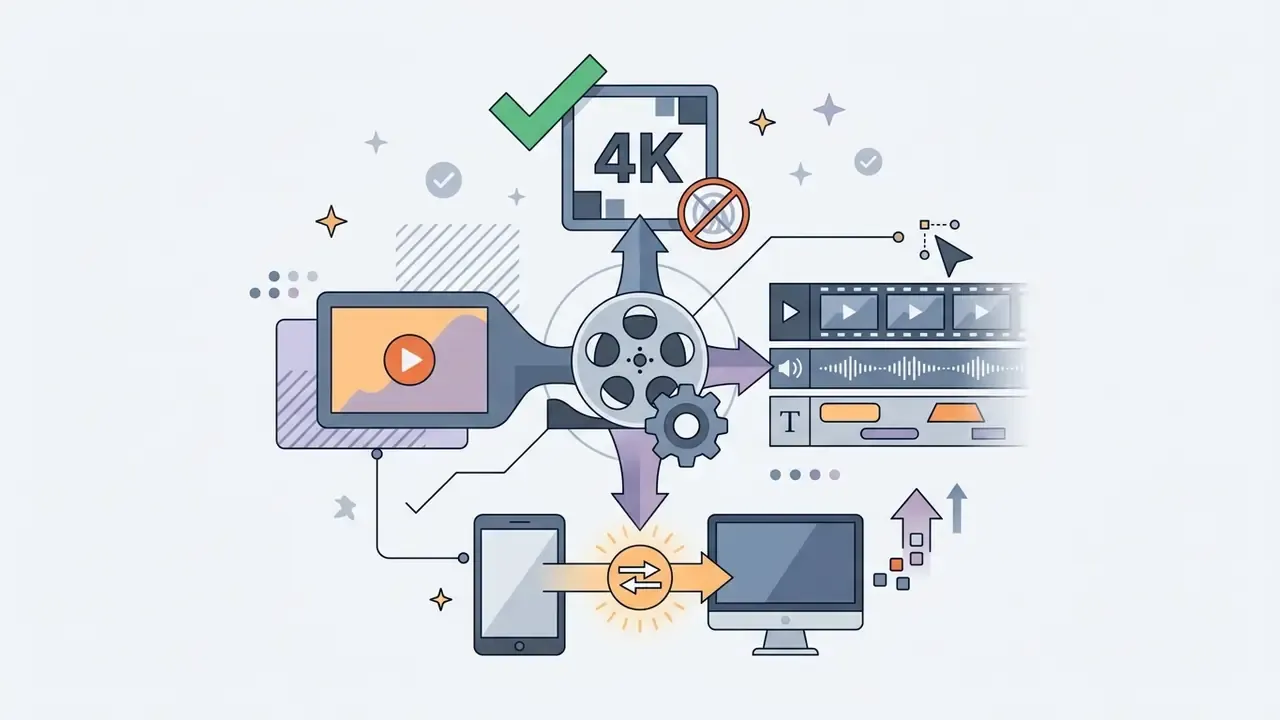
- Biggest hidden cost not money, but paywalled export presets (4K/60 fps), watermark rules and cloud-sync privacy terms.
- Export baseline that always works 1080×1920 (9:16) or 1920×1080 (16:9), 30 fps, H.264, 8 to 12 Mbps; 35 to 45 Mbps for 4K.
- Privacy shortcut if your footage is confidential, pick an editor that renders fully on-device (VN, YouCut, InShot, KineMaster local projects) and switch cloud project sync off.
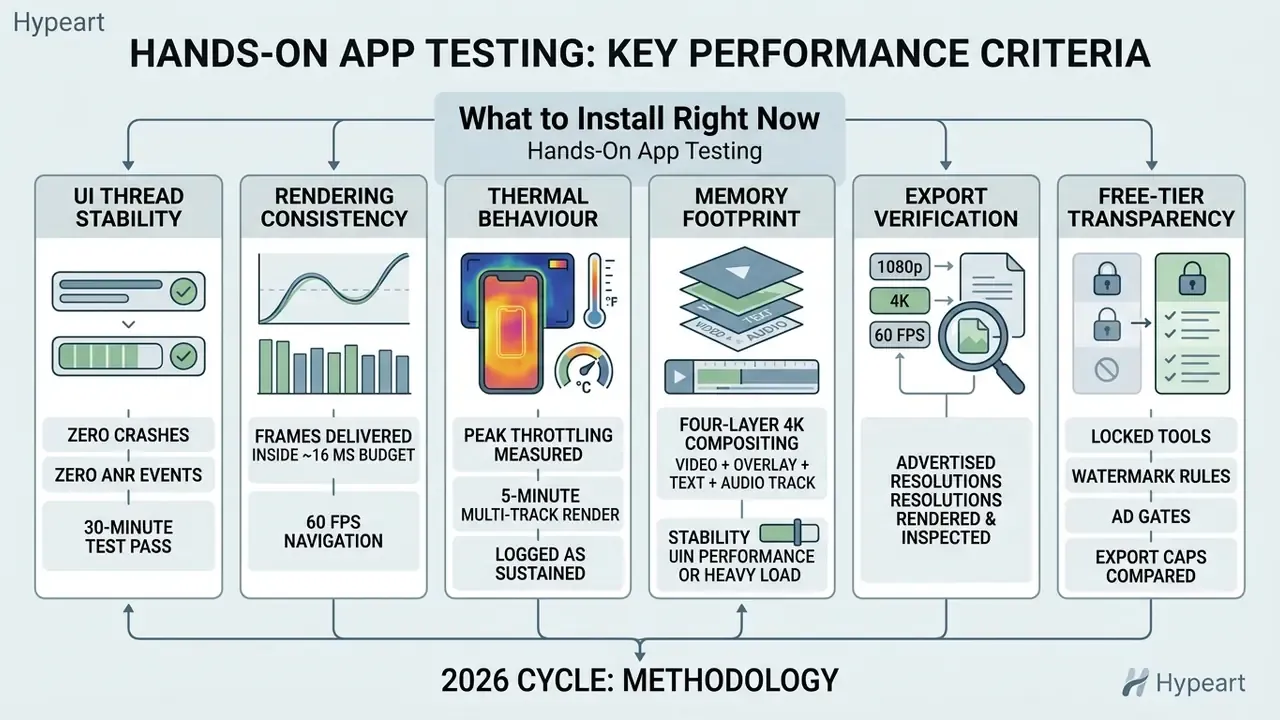
Hands-On App Testing Methodology
How to Choose the Best Free Mobile Video Editing App
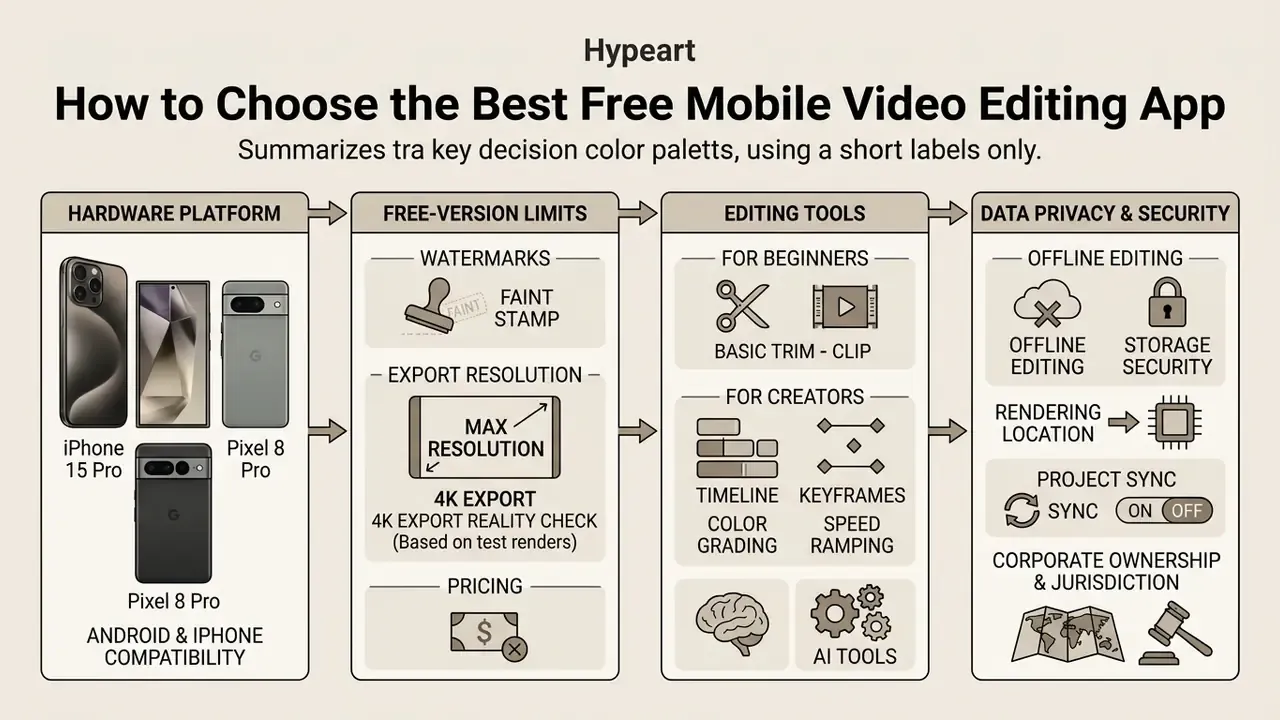
If you simply want a best free app to trim basic footage, check cross-platform availability and export constraints early. It prevents the most common kind of workflow friction: rebuilding a project because the free version cannot deliver the format you promised.
Android and iPhone Compatibility
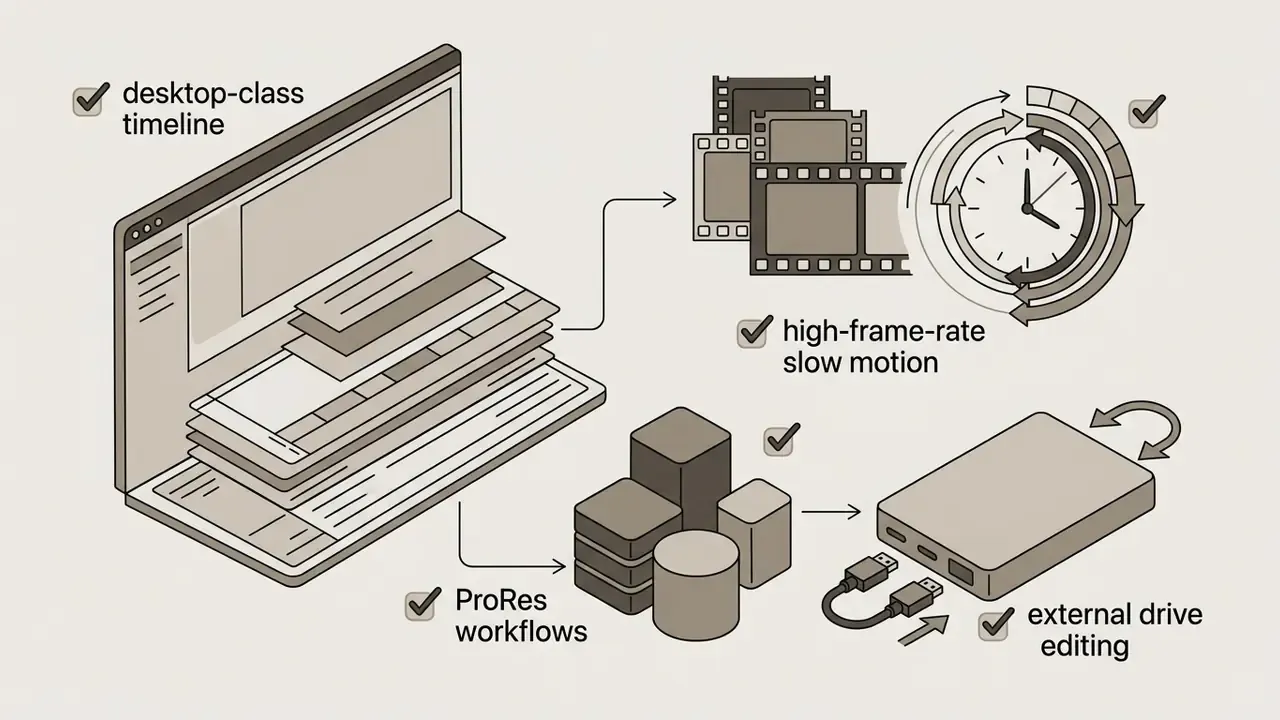
Cross-platform availability keeps editing habits consistent across Android and iOS, though hardware differences still change rendering speed. iPhone builds often lean on hardware ProRes decoding, editing straight from an external USB-C SSD, and P3 colour management on Apple silicon.
Android applications prioritise broader device compatibility, flexible file access and performance scaling across very different processor architectures. When comparing cross-platform options among the best free mobile video editing apps 2025, verify feature parity between operating systems, because desktop-class features sometimes ship on one OS build first.
In practice, the 2026 split is less about missing features and more about device-specific performance. CapCut, VN, InShot, KineMaster, PowerDirector and LumaFusion all ship on both platforms with heavily overlapping toolsets. iPhone and iPad builds gain the media-pipeline advantages: ProRes capture, external drive editing, wider colour management. Android gains file freedom and cheaper hardware at every tier.
Watermarks, Export Quality, and Free-Version Limits
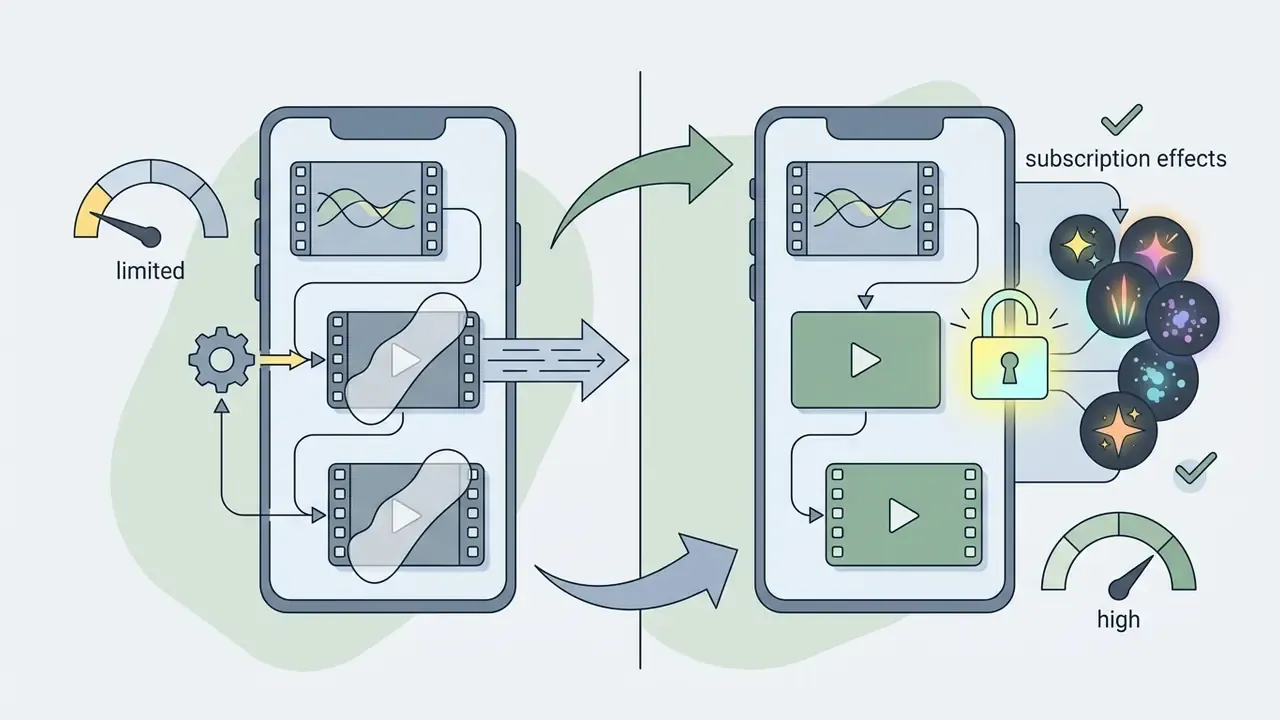
Free-tier restrictions usually take one of three shapes: a branding watermark, an export cap at 1080p, or 4K 60 fps rendering locked behind a subscription.
App-store listings for VN Video Editor and YouCut state that free exports arrive without a watermark, and our test renders on iOS and Android produced clean, unbranded files at the time of testing (VN Video Editor listing, Apple App Store; YouCut listing, Google Play). Vendor claims move between builds and regions, so re-verify before you commit a client project to either one.
Other applications ask you to watch an in-app advertisement or buy a premium licence to drop the logo at export. Check bitrate caps, supported aspect ratio presets and resolution ceilings before you build a complex timeline. Those three variables define video editor features and pricing models across desktop and mobile tools alike.
Free-Tier Export Reality Check (verified in test renders)
| Application | Free watermark | Free export ceiling | Paywalled export feature |
|---|---|---|---|
| CapCut | None on standard exports | 720p / 1080p | Some 4K presets, bitrate options, premium AI effects |
| VN Video Editor | None | Up to 4K 60 fps | Optional asset packs |
| InShot | Yes (removable per project via ad) | Up to 4K on supported devices | Pro effects, ad-free workflow |
| YouCut | None | 1080p (4K on some builds) | Pro filters, ad removal |
| KineMaster | Yes | Up to 4K 60 fps | Watermark removal, Asset Store, KineCloud |
| PowerDirector | Yes | 1080p | 4K export, premium AI effects |
| GoPro Quik | Varies by build | Up to 4K with GoPro source | Cloud backup, extra themes, advanced speed tools |
| Adobe Premiere (iPhone) | None | 4K | Generative AI credits, expanded cloud storage |
| iMovie (iOS) | None | 4K on supported devices | No paid tier |
Editing Tools That Matter for Beginners and Creators
Beginners need three things fast: trimming, text overlays, automatic aspect ratio adjustment. Nothing else. Advanced creators need multi track timelines, keyframe animation, chroma keying and frame-accurate audio editing to build layered compositions with sound effects mixed under dialogue.
Human-computer interaction research supports the split. Structured templates and guided narrative workflows lower cognitive load for novice video authors in a measurable way.
"Novices often find traditional editing tools overwhelming, particularly when managing multiple tracks of audio, graphics, and text simultaneously."
AI tools such as automated caption generation and background removal speed up assembly further, but only inside interfaces that respect basic usability heuristics.
"AI-generated interfaces frequently violate core usability heuristics, particularly in consistency, feedback, and error prevention."
The practical takeaway is simple. An AI caption button only helps if you can find, correct and undo its output. In our testing CapCut and VN offered the clearest correction paths for auto-generated captions. Several lightweight editors produced caption blocks that could not be batch-edited after generation, which turns a 30-second win into a ten-minute cleanup.
Data Privacy, Offline Editing, and Storage Security
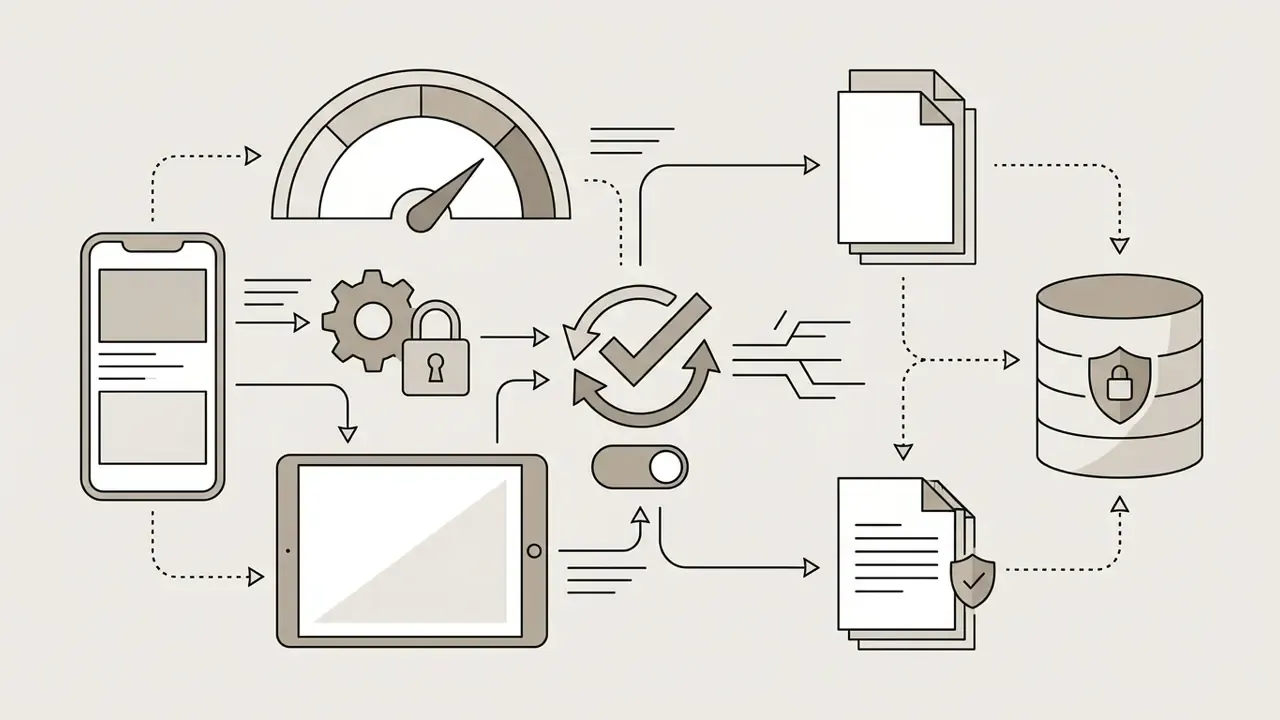
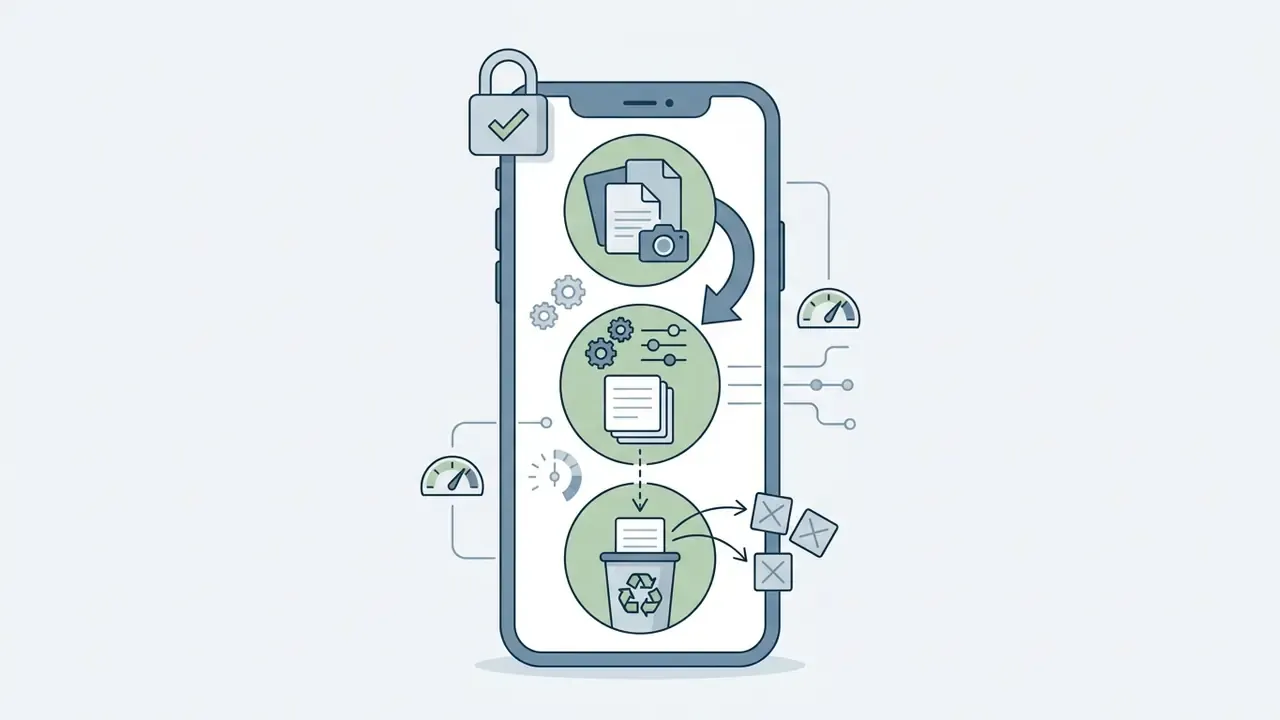
Free mobile editors are also data pipelines. Before you drop confidential footage into a consumer app (product prototypes, internal training material, unreleased campaigns, customer interviews), check four things.
Practical rule from our testing: keep two profiles in the workflow. A cloud based app for public marketing content where AI speed matters, and an offline-only app for sensitive footage where no frame should leave the handset. Confirm the current privacy policy and data-processing terms before any team-wide rollout.


Quick Comparison of the Best Free Video Editing Apps for Mobile
| Application | OS Support | Free Watermark Policy | Timeline Architecture | AI Capabilities | Cloud Integration | Store Rating | Downloads / Popularity | Optimal Use Case |
|---|---|---|---|---|---|---|---|---|
| CapCut | Android, iOS | Watermark-free (conditional) | Multi-track timeline | Auto-cut, beat sync, auto-captions | TikTok ecosystem sync | 4.5 ★ | 100M+ installs (Google Play) | Short videos and trend formats |
| VN Video Editor | Android, iOS | No watermark | Multi-track timeline | Auto-captions, background removal | Basic project import/export | 4.6 ★ | 50M+ installs; 700M+ lifetime downloads claimed by vendor | Multi-track editing and YouTube vlogs |
| InShot | Android, iOS | Watermark (ad-removal option) | Single-track with overlays | AI smart cutouts, filters | Local storage focus | 4.8 ★ | 500M+ installs | Quick edits and canvas ratio changes |
| YouCut | Android, iOS | No watermark | Single-track emphasis | Basic audio and effect tools, auto-captions | Local storage focus | 4.8 ★ | 100M+ installs | Watermark-free social clips on Android |
| KineMaster | Android, iOS | Watermark on free export | Multi-layer timeline | Chroma key, AI magic remover | KineCloud storage (paid) | 4.3 ★ | 100M+ installs | Layered compositing and green screen |
| PowerDirector | Android, iOS | Watermark on free export | Multi-track timeline | AI body effects, motion tracking, speech-to-text | CyberLink cloud integration | 4.4 ★ | 100M+ installs | Advanced mobile editing and effects |
| GoPro Quik | Android, iOS | Watermark policies vary | Automated highlight generator | Auto beat-sync and highlight detection | GoPro cloud backup (paid) | 4.2 ★ | 50M+ installs | Automated action footage montages |
| Adobe Premiere (mobile) | iOS (standalone app) | No watermark | Multi-track timeline | AI content generation, speech tools | Creative Cloud integration | 4.5 ★ (App Store) | New entrant; rapid 2025 to 2026 adoption | High-quality 4K mobile workflows |
| iMovie | iOS, iPadOS, macOS | No watermark | Two video tracks plus overlays | Magic Movie, Storyboards | iCloud project handoff | 3.9 ★ | Pre-installed on most iPhones | First edits and simple school or family projects |
| LumaFusion | iOS, iPadOS, Android | No free tier (paid app) | Desktop-class multi-track | Limited AI; manual precision focus | External drive and NAS workflows | 4.7 ★ | Category benchmark for pro mobile editing | Professional multi-track mobile post |
| DaVinci Resolve for iPad | iPadOS | No watermark on free version | Cut and Color pages, multi-track | Magic Mask, Smart Reframe (Studio) | Blackmagic Cloud (optional) | 4.1 ★ | Desktop-grade grading on tablet | Colour-critical editing and delivery |
| Splice | iOS, Android | Trial-based; watermark rules vary | Single-track with overlays | Auto beat sync, licensed music library | Account-based projects | 4.4 ★ | 10M+ installs | Music-driven social edits |
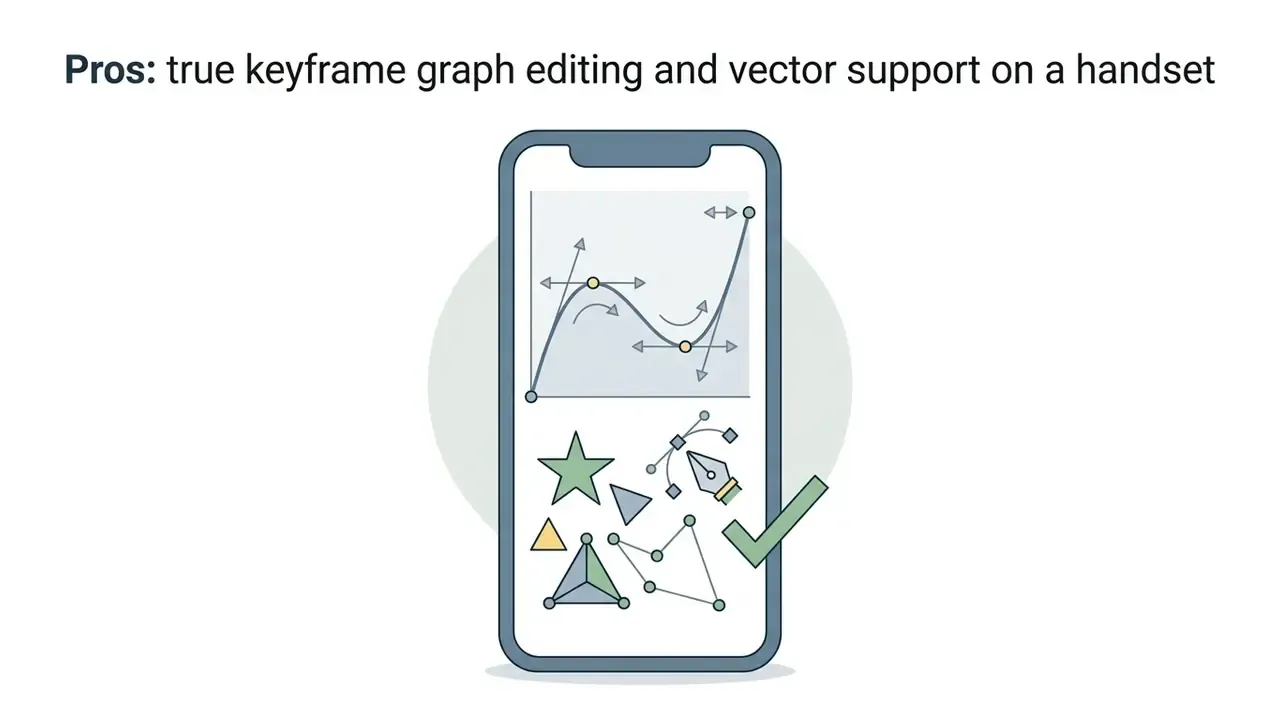
| Alight Motion | Android, iOS | Watermark on free export | Layer-based motion graphics | Keyframe interpolation, vector tools | Project file sharing (XML-like) | 4.3 ★ | 12M+ downloads (Uptodown snapshot) | Motion graphics and animated overlays |
One note on iMovie: it is genuinely free, exports clean 4K and handles a two-track story without complaint. It also runs out of road the moment you need a third overlay or precise audio ducking.
Best Free Video Editing Apps for TikTok, Reels, and Short Videos
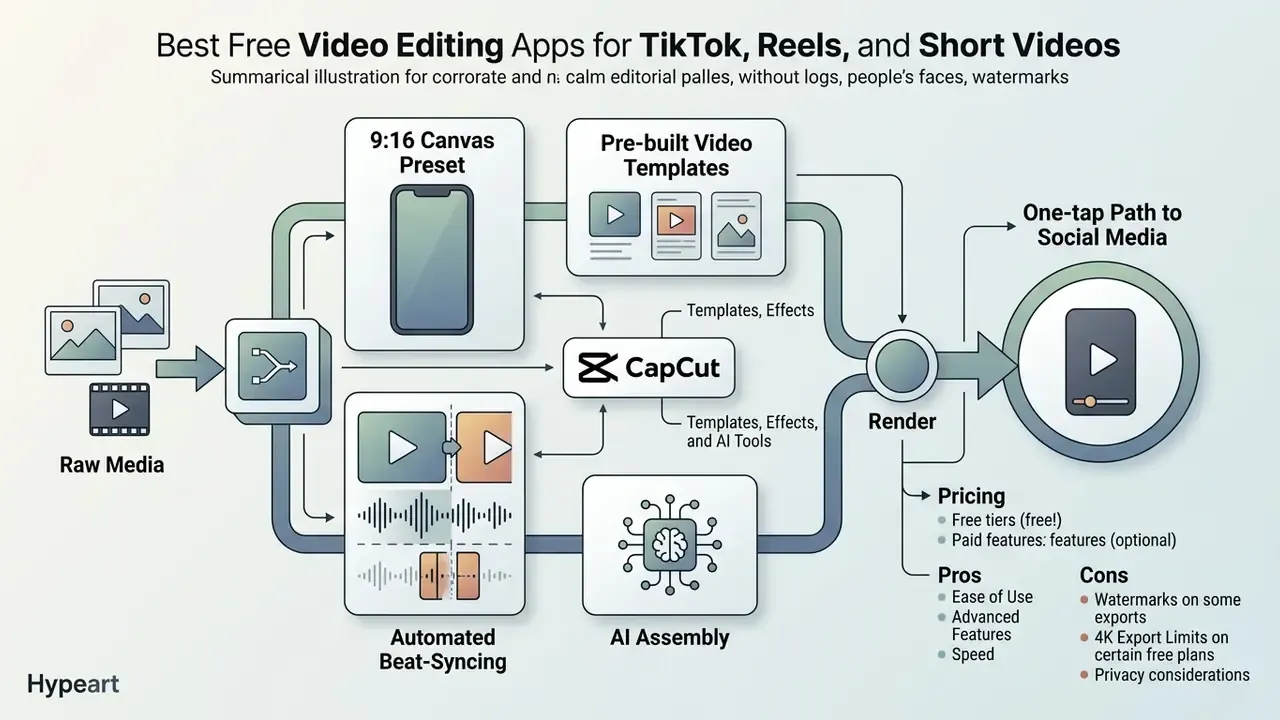
Short-form vertical content needs a different toolkit: pre-built video templates, automated beat-syncing, 9:16 canvas presets and a one-tap path to social media.
"Vertical full-screen delivery combined with layered audiovisual content consistently increases behavioural user engagement."
Creators moving into automated media generation often review the best free ai video generator app alongside mobile editors to build hybrid pipelines. Many pair a mobile editor with free AI video generators to produce b-roll they never had to film.
Short-Form Video Production Pipeline (9:16)
That order matters. Set the canvas last and you will re-frame every text layer.
CapCut for Templates, Effects, and AI Tools
CapCut ships large template libraries, automatic text captions and AI-driven Smart Editing tools tuned for short videos. Developed by ByteDance, it includes Auto Cut, which analyses video and audio tracks and generates rhythm-synced cuts on its own.
"Audiovisual features of short videos, music, dynamic transitions, text overlays, are measurable predictors of likes, shares, and comments."
InShot for Simple Edits on a Phone
InShot delivers a streamlined, mostly single-track environment built for fast trimming, merging and canvas ratio changes. Canvas presets for 9:16 (Reels and TikTok), 1:1 (Instagram feed) and 16:9 (YouTube) sit one tap from the timeline, with no sub-menu hunting (InShot listing, Google Play).
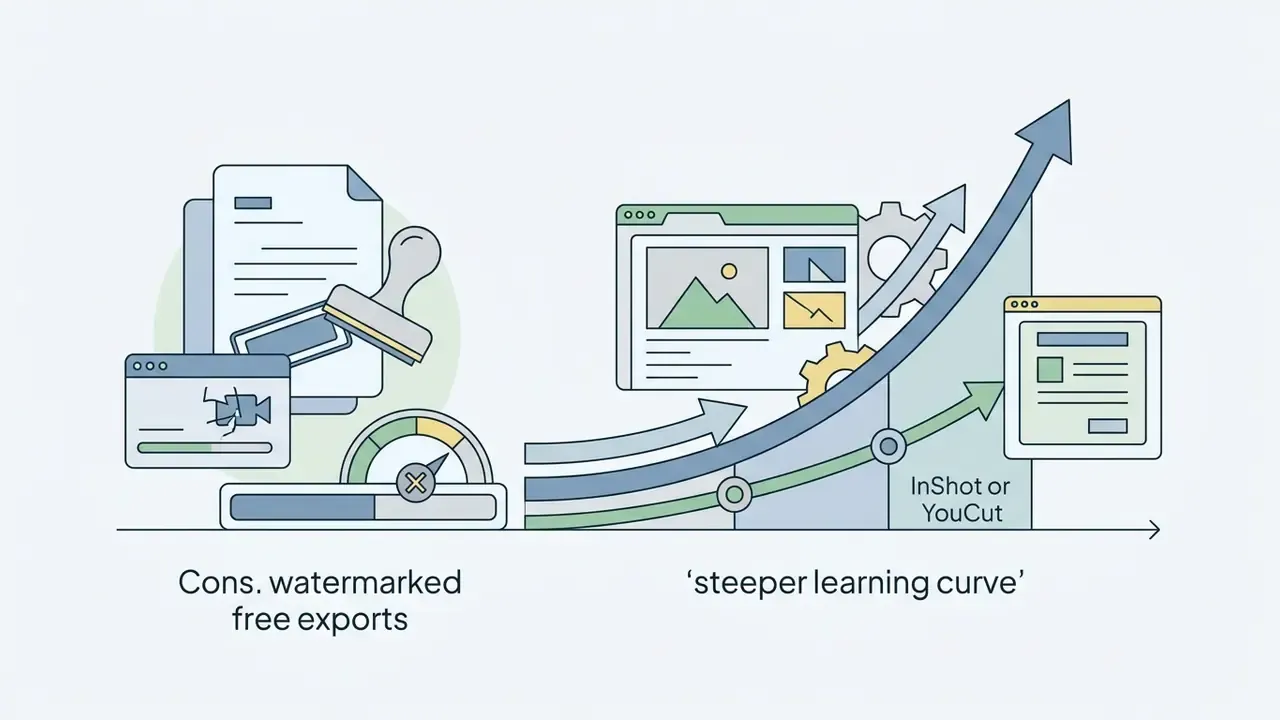
Free exports carry a default watermark. You can remove it per project by tapping the watermark and watching an in-app advertisement, a behaviour documented in current tutorials and confirmed on our Android test unit. Earlier reviews, including TechRadar (2023), described watermarked free exports without that ad-based path, so this is a change worth knowing about.
Pricing: free with ads and watermark. InShot Pro runs roughly $3.99 per month or $17.99 per year by region, with a lifetime option offered periodically.
Pros:
- Lowest learning curve in this roundup. Trim, split and merge in under a minute.
- Excellent canvas and background-blur handling when reframing 16:9 footage into 9:16.
Cons:
- Watermark removal needs an ad view or subscription on every project.
- Single-track architecture gets clumsy past a handful of overlays.
YouCut for Free Editing Without a Watermark
Quik for Fast Video Maker Projects
GoPro Quik automates assembly by reading camera metadata and syncing cuts to the beat of a music bed. GoPro's published documentation describes the use of GPMF metadata and Auto HiLights scoring to surface key moments, beat-sync them and build a shareable edit with almost no manual timeline work. We confirmed that automated behaviour on both iOS and Android builds during testing.
The base mobile app is free to download. Expanded cloud backup, extra style themes and advanced speed tools require a subscription.
Pricing: free download. GoPro support documentation lists the full Quik subscription at $9.99 per year; higher-tier GoPro subscriptions bundle unlimited cloud storage for footage backup.
Pros:
- Fastest path from raw action footage to a watchable montage, with near-zero manual editing.
- Beat-sync and highlight detection give usable results without editing experience.
Cons:
- Manual timeline control is minimal next to VN or KineMaster.
- The best features assume GoPro hardware and GoPro metadata.
Alight Motion for Animated Overlays and Motion Graphics
Alight Motion sits between video editing and motion design: layer-based composition, keyframe interpolation, vector shapes, masks and blend modes on a phone timeline. If you need animated lower-thirds, kinetic typography or a logo sting without opening a laptop, this is the closest mobile equivalent. It also pairs naturally with an animation maker workflow when assets must be produced before assembly.
Best Free Mobile Video Editors for Multi-Track and Advanced Editing
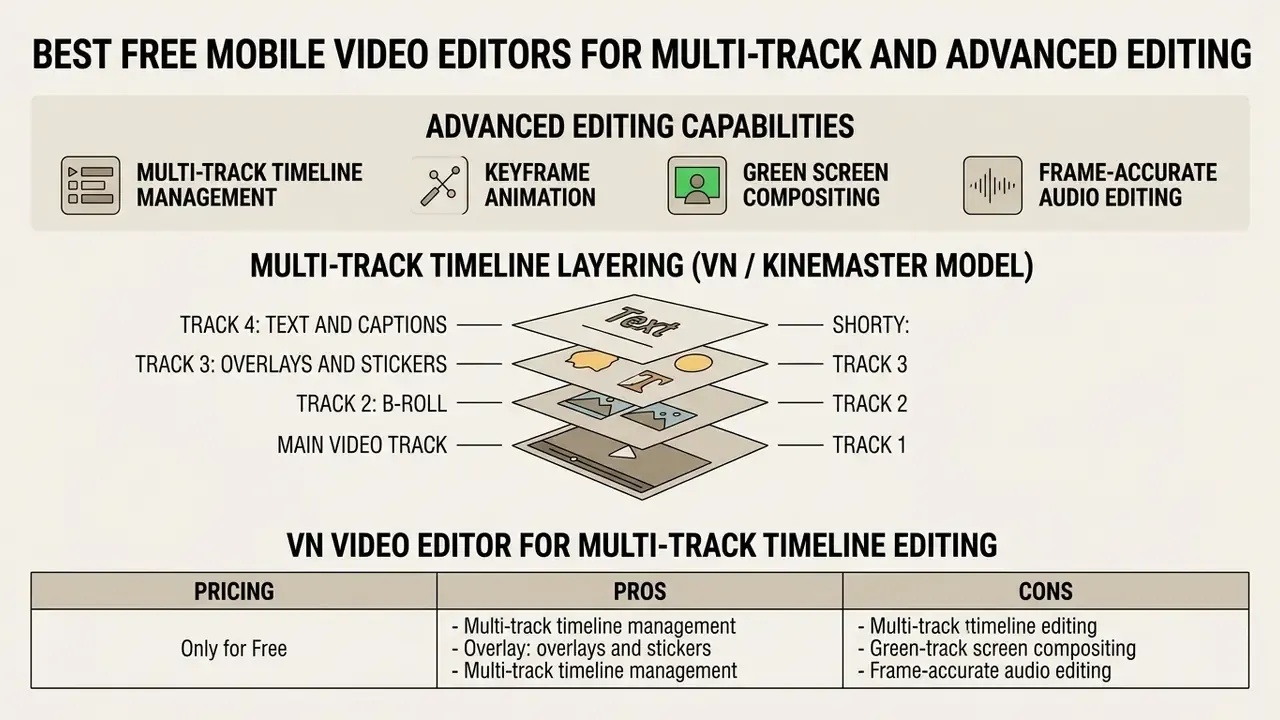
Advanced work on a phone demands multi track timeline management, keyframe animation, green screen compositing and frame-accurate audio editing. With those four in place, mobile journalists and filmmakers can build genuinely layered narratives without a desktop editing software licence.
For tools that generate automated visual clips, evaluating the best free ai video tools gives you extra options for populating secondary timeline tracks. Our glossary on AI video generators explains how generation methods affect the commercial usability of that footage.
VN Video Editor for Multi-Track Timeline Editing
VN Video Editor delivers desktop-class multi-track timeline editing on mobile without a forced export watermark. Official store documentation confirms support for 4K exports at 60 fps, custom speed curves, non-destructive drafts, LUT import and multi-layered audio mixing (VN Video Editor listings, Apple App Store and Google Play).
Trimming is frame-accurate down to 0.05 seconds, which is why VN keeps turning up in precise mobile post-production. For newer editors, VN's template and preset library softens the entry cost of that precision.
"Structured templates and guided workflows significantly reduce the cognitive load of video creation for users with no editing experience."
Pricing: free. No mandatory subscription for core editing; optional asset packs available.
Pros:
- Watermark-free 4K 60 fps export at zero cost, the strongest free-tier value here.
- Speed curves, LUT import, keyframes and non-destructive drafts.
Cons:
- Interface density is higher than InShot or YouCut. Expect one learning session.
- Cloud collaboration is minimal next to Adobe or CapCut.
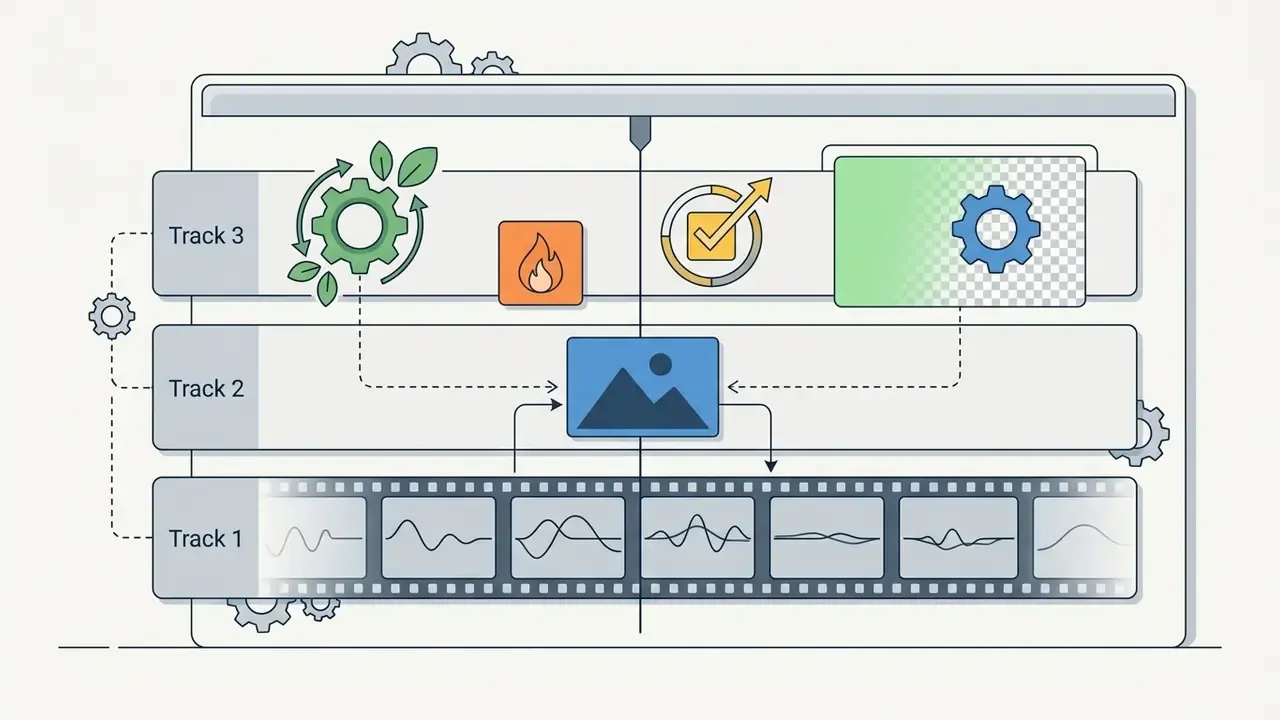
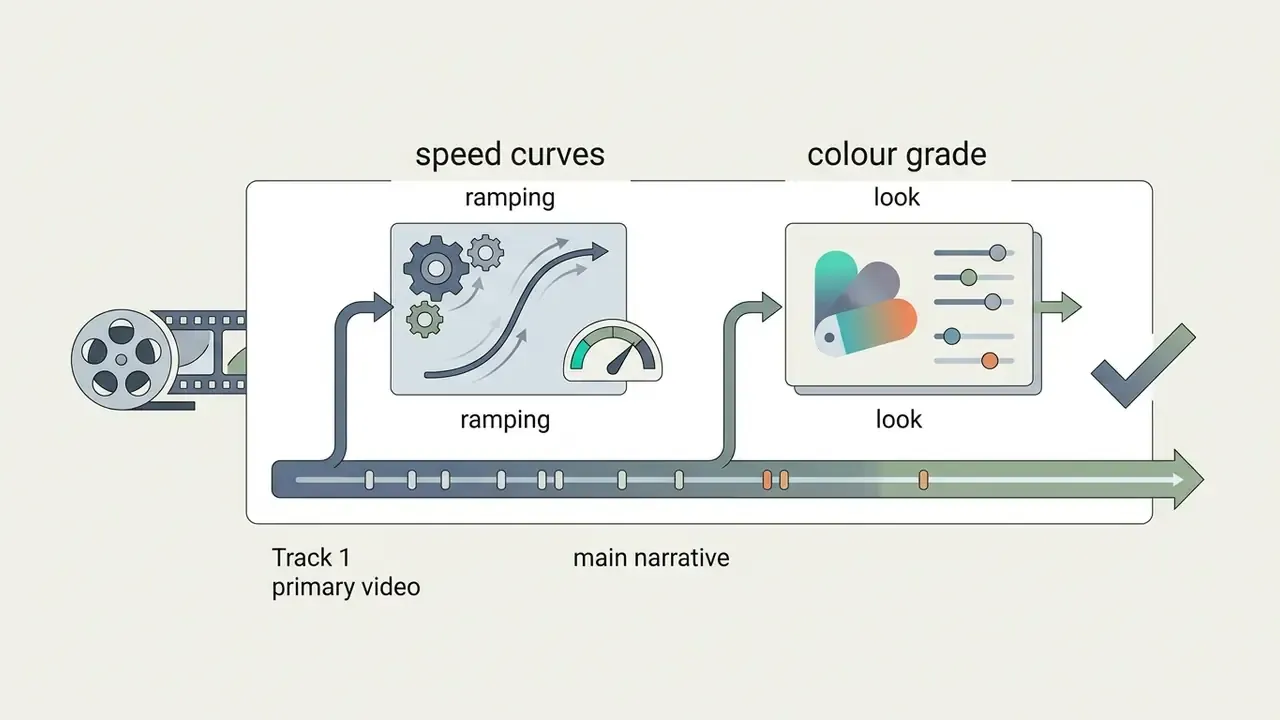
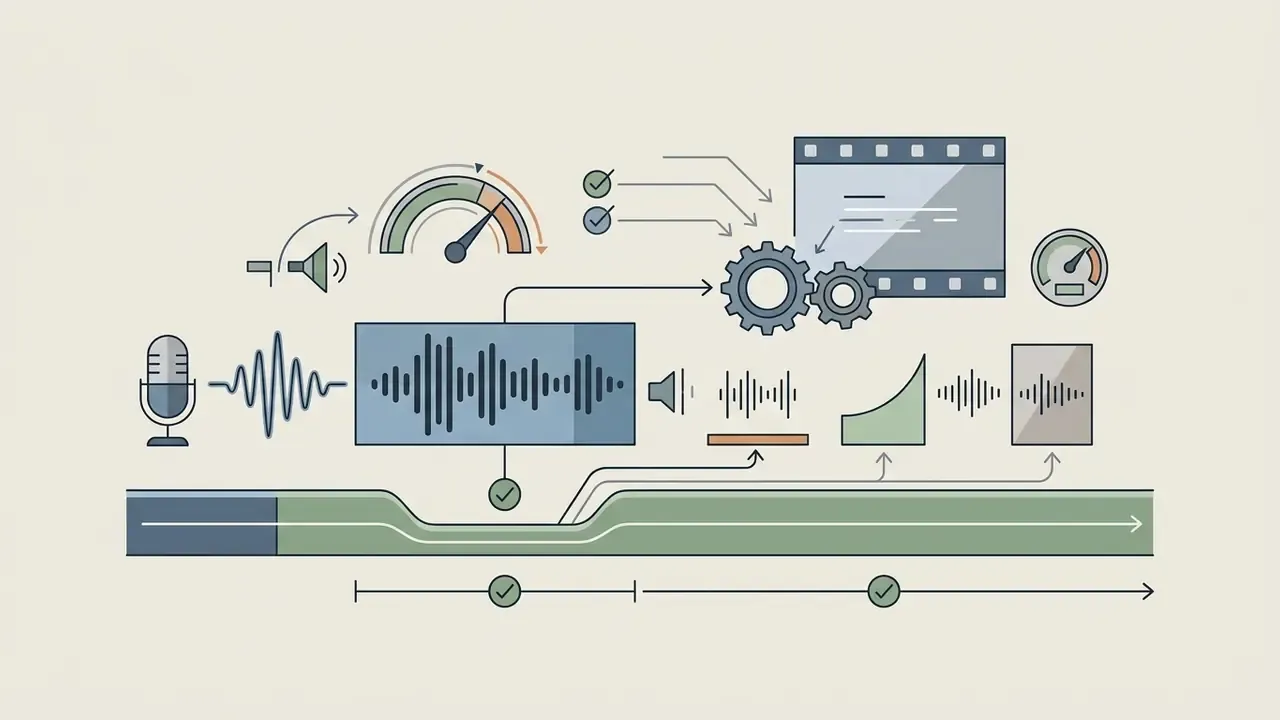
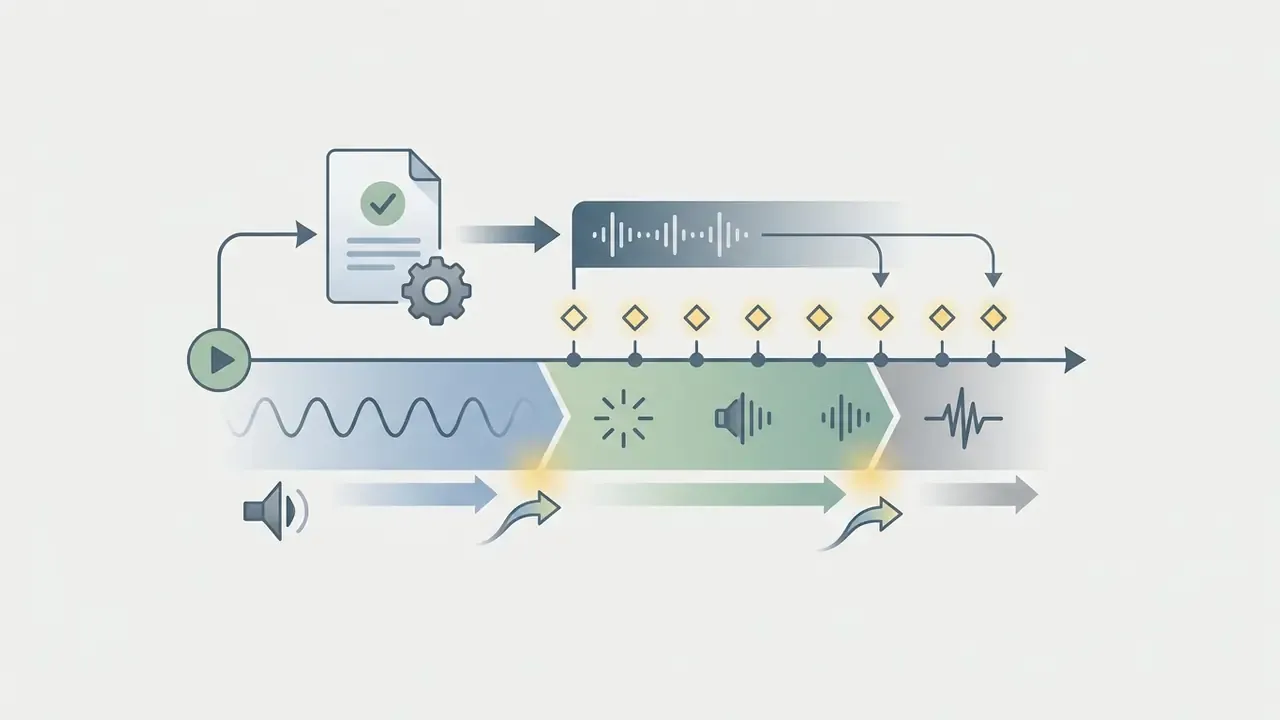
Multi-Track Timeline Layering (VN / KineMaster model)
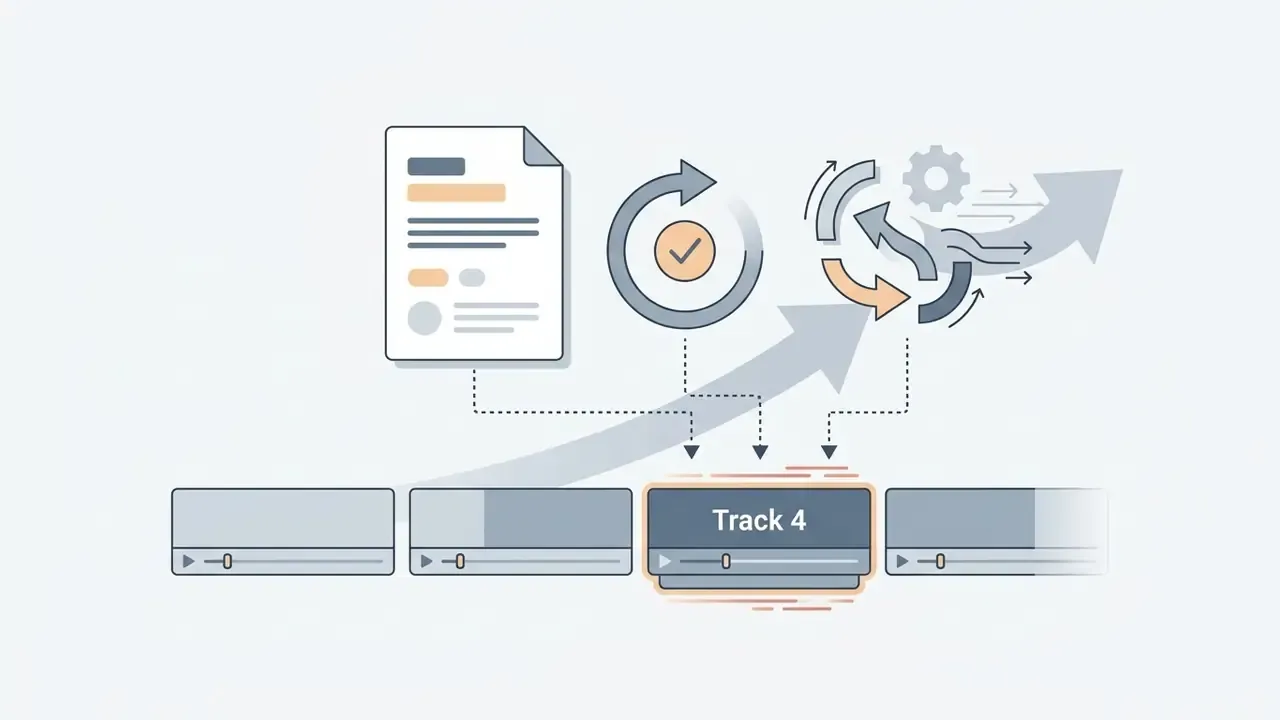
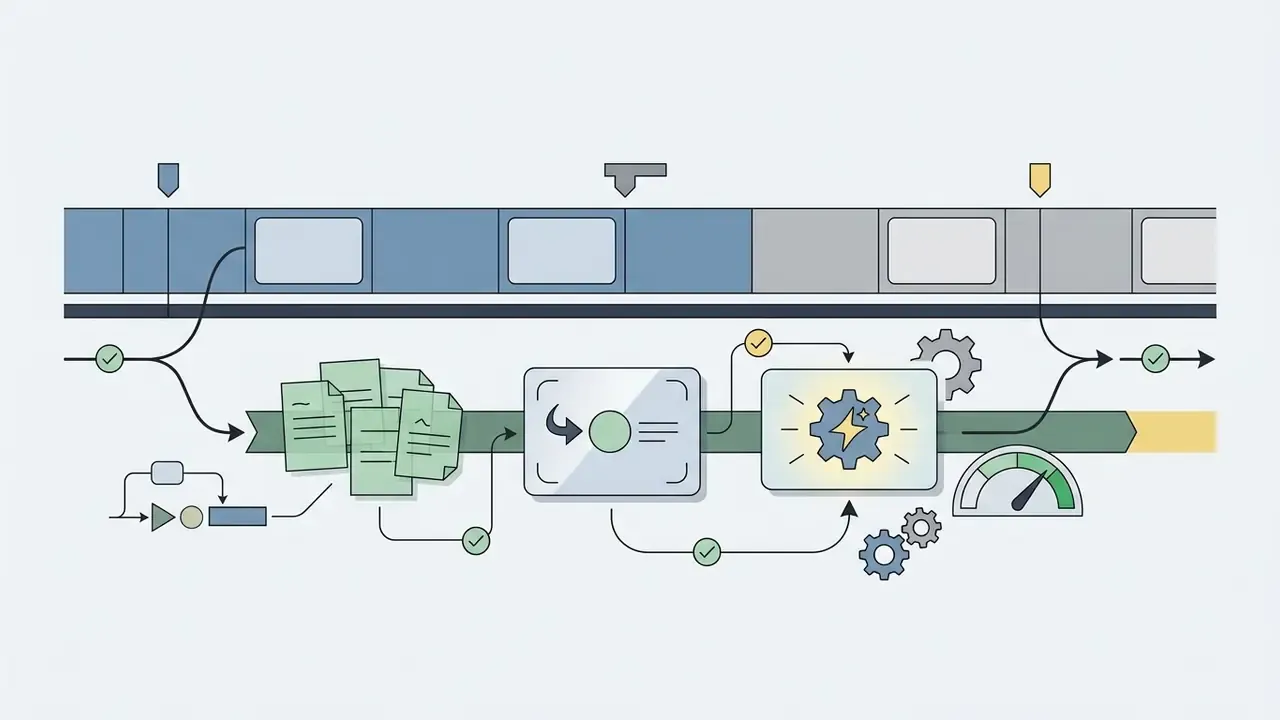
Video and overlay layers render top-down, while dialogue and music stay on separate audio tracks so you can duck one under the other.
KineMaster for Layers and Green Screen Effects
KineMaster handles precise multi-layer compositing with dedicated tracks for video overlays, text, stickers, handwriting, captions and chroma key green screen removal. Its layer architecture lets you tune edge blending and colour masking in real time, and every layer stays independent for keyframed motion (KineMaster feature documentation).
The free version unlocks core editing tools, but exports carry a visible watermark, ads appear in the editor, and the 75,000-asset store stays largely locked until you upgrade.
Pricing: free with watermark and ads. KineMaster Premium runs roughly $4.99 per month or $39.99 per year by region, which removes branding and opens the Asset Store plus KineCloud storage.
Pros:
- Best-in-class chroma key controls, with real-time edge and spill adjustment on mobile.
- Deep keyframe graph controls for motion timing.
Cons:
- The watermark on every free export makes the free tier unusable for client work.
- Ads and Asset Store prompts interrupt the flow.
PowerDirector for Powerful Video Editing Tools
PowerDirector combines a multi-track timeline with advanced AI visual effects, motion tracking and body-effect filters. Developed by CyberLink, the mobile editor supports chroma key compositing, masks and blend modes, keyframe speed controls, AI speech-to-text, AI background removal and multi-track audio adjustment (PCMag, 2024; CyberLink app store listings).
Free mobile exports cap at Full HD and carry app branding, while 4K rendering belongs to premium subscribers (TechRadar, 2023).
Pricing: free with watermark. PowerDirector 365 for mobile is roughly $5.99 per month or $34.99 per year; desktop bundles cost more.
Pros:
- Broadest AI toolkit among Android-first editors: motion tracking, object detection, speech-to-text.
- Stable multi-track performance on mid-range Android devices in our tests.
Cons:
- 4K export and watermark removal both sit behind a subscription.
- Interface density can overwhelm a first-time editor.
Adobe Premiere on iPhone and Premiere Rush for Mobile Editing Workflows
Two distinct Adobe products matter here, and conflating them causes real confusion.
- Adobe Premiere (mobile app for iPhone) is Adobe's current standalone mobile editor. Adobe's product page describes a free mobile video editing app with a precise multi-track timeline, frame-accurate editing, unlimited tracks, AI-assisted generation and 4K export with no watermark on the free tier (Adobe product documentation, https://www.adobe.com/products/premiere/app.html). Android availability is not listed on the official product page at the time of writing.
- Adobe Premiere Rush is the earlier cross-platform mobile and desktop editor. Its free Starter plan includes unlimited exports and 2 GB of cloud storage, with paid plans raising storage to 100 GB. Adobe has published discontinuation notices for Rush, including the end of Creative Cloud synced-file support for new projects, so it should not anchor a new workflow (Adobe Help Center).
The Premiere mobile app gives you frame-accurate editing, separated audio tracks and cloud based handoff into Creative Cloud storage. If you plan to add synthesised narration, picking the best free ai voice generator first keeps audio alignment predictable across timeline tracks. Our glossary on AI voice generators covers voice quality, language coverage and commercial licensing before you commit a voice to a published video.
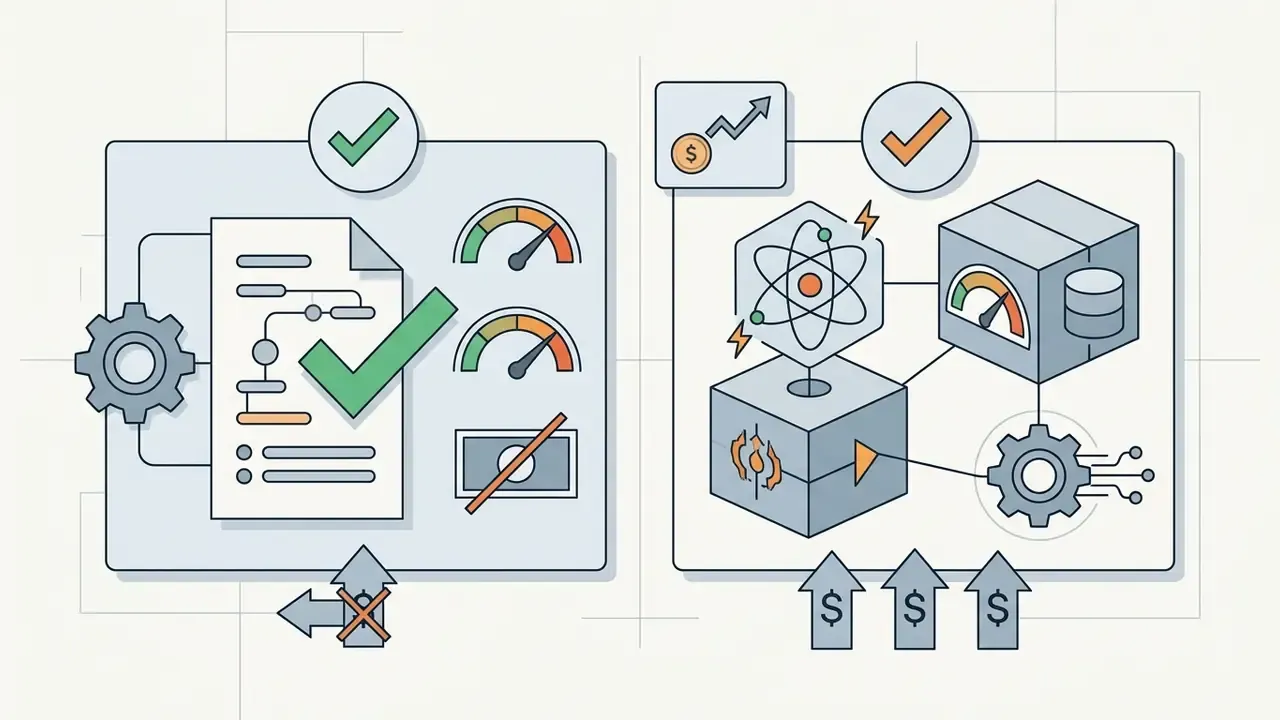
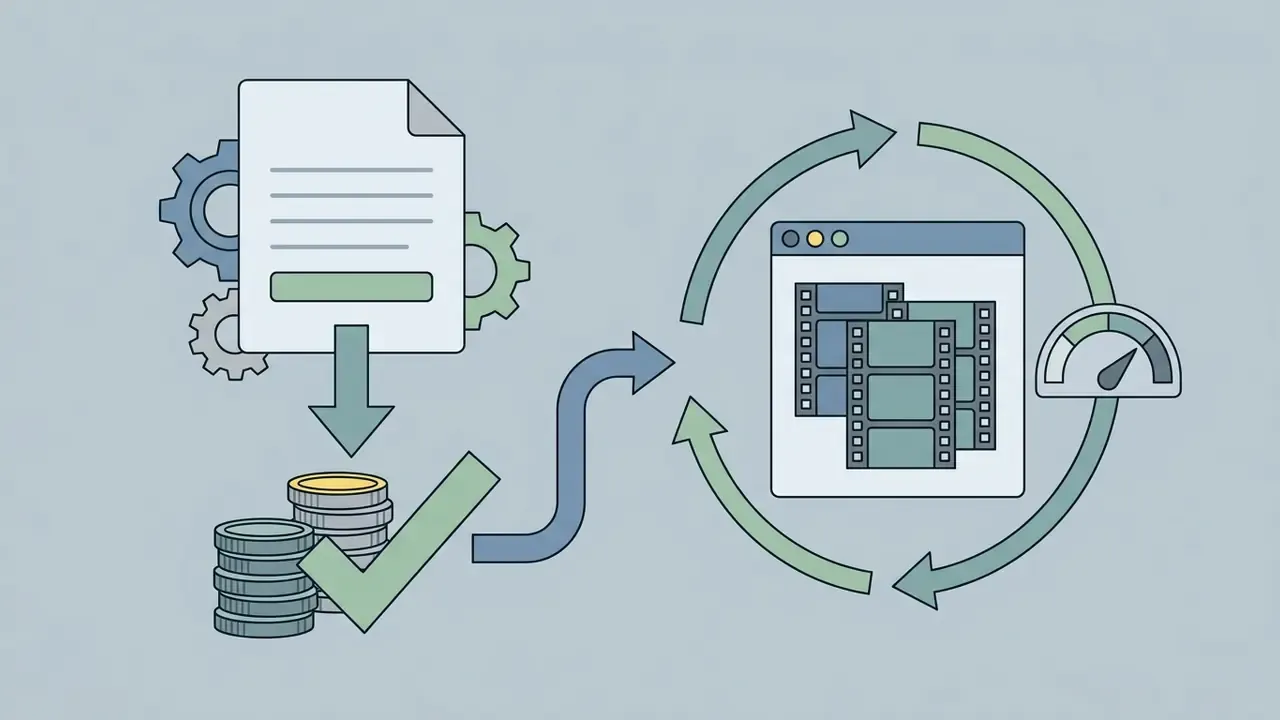
Workflow note (editorial observation, not a verified case study): in our own editorial production we standardised export presets and restricted publishing to watermark-free apps. That removed most re-render cycles caused by mismatched aspect ratios and branded exports. We have not independently audited the commonly cited "35% faster post-production" figure for team workflows, and we suggest measuring your own baseline before quoting numbers like that to a stakeholder.
LumaFusion: Multi-Track Precision for Power Users
Primarily a premium application, LumaFusion is still the benchmark for professional iOS and Android multi-track editing. PCMag's mobile roundup identifies it as the app that offers genuinely advanced multitrack video and audio editing. It supports multiple video and audio tracks plus additional audio-only tracks, XML export toward desktop finishing in Final Cut Pro, frame-accurate colour wheel grading, and direct editing from external USB-C drives on recent iPad Pro and iPhone Pro models.
DaVinci Resolve for iPad: Color-Critical Mobile Finishing
Blackmagic Design's DaVinci Resolve for iPad brings the Cut and Color pages of a full post suite to a tablet, with no watermark on the free version. It is the only mobile-class tool here built around node-based grading, scopes and delivery presets. Choose it when accurate colour and clean deliverables outweigh trend templates.
- Pricing free version available; DaVinci Resolve Studio for iPad is a one-time in-app purchase (confirm current pricing in the App Store).
- Pros professional grading tools, scopes and delivery control; the free tier adds no branding.
- Cons iPadOS only, not built for one-handed phone editing, and the heaviest hardware demands in this roundup.
Which Free Video Editing App Is Best for Your Use Case?
The right editor matches your technical experience, project length, distribution platform and hardware. Checking those four in advance prevents workflow friction and the unpleasant surprise of a tier limit discovered at 11 pm.
Decision Matrix: Matching User Scenarios to Recommended Mobile Editors
| Primary Requirement | Recommended Application | Key Selection Factor | Free Tier Restriction |
|---|---|---|---|
| Simple trims and fast cuts | InShot / YouCut | Intuitive single-track interface | InShot requires an ad view for no watermark |
| Short social videos and trends | CapCut | Extensive templates and Auto Cut AI | Pro-locked templates and some 4K presets |
| Multi-track and green screen | VN Video Editor / KineMaster | Layered timelines and chroma key | KineMaster brands every free export |
| YouTube and 4K output | VN Video Editor / Adobe Premiere (iPhone) | Watermark-free 4K export | Adobe Premiere standalone is currently iOS only |
| First edit on an iPhone | iMovie | Pre-installed, no watermark, no account | Two video tracks only |
| Automated action montages | GoPro Quik | Metadata-driven Auto HiLights | Advanced filters and backup need a subscription |
| Motion graphics and animated titles | Alight Motion | Keyframe graphs and vector layers | Watermark on free export |
| Colour-critical finishing | DaVinci Resolve for iPad | Scopes, node grading, delivery presets | iPadOS only; Studio features paid |
| Professional client delivery | LumaFusion | Desktop-class tracks and XML handoff | Paid app, no free tier |
| Confidential or offline footage | VN / YouCut / KineMaster (local projects) | On-device rendering, no upload required | Disable cloud sync and cloud AI features |
Read the matrix as a starting shortlist, not a verdict. Two apps per row means you should install both and render the same 30-second clip through each.
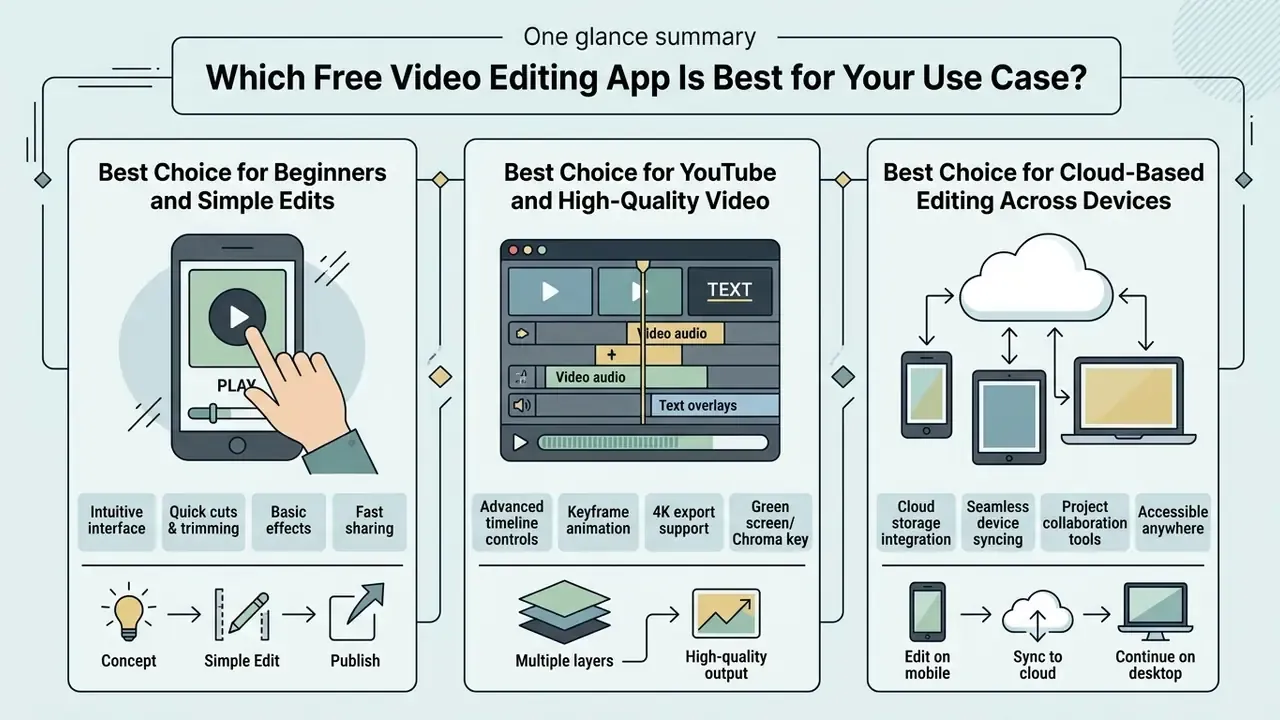
Best Choice for Beginners and Simple Edits
Absolute beginners do best with beginner friendly single-track tools such as InShot, YouCut or iMovie. Trim, add text, export. Minimal UI clutter, low cognitive load, fast turnaround, no track routing to learn.
"Complex navigation patterns and deep menu hierarchies create significant difficulties for users with cognitive impairments when operating mobile applications."
When you are handling image assets next to video clips, a best free photo editor streamlines thumbnail prep before assembly. Our guide to free photo editors details export restrictions and privacy trade-offs inside those same free tiers.
Best Choice for YouTube and High-Quality Video
Long-form YouTube production wants multi-track editors like VN Video Editor or Adobe Premiere on iPhone: custom bitrates, multi-layer audio, watermark-free 4K output. Our guide to YouTube video editing workflows walks through chaptering, thumbnail preparation and publishing once the edit is locked.
These applications let you run secondary b-roll tracks, place chapter markers, apply LUT colour profiles and fine-tune the mix for landscape 16:9 delivery. The 1920×1080, 24 to 30 fps band remains the practical baseline for long-form video, and high quality here depends more on bitrate discipline than on resolution bragging.
Creators who build a livelihood on short-form velocity should also know the documented downside of the format they publish into.
"Heavy, unstructured short-form video consumption is associated with moderate reductions in working memory (β ≈ −0.75) and elevated anxiety symptoms (β ≈ 0.35)."
Best Choice for Cloud-Based Editing Across Devices
Working across phone, tablet and desktop calls for automated synchronisation and non-destructive project saving. Adobe Premiere workflows, Premiere Rush's legacy Creative Cloud sync, CapCut account syncing and GoPro Quik's cloud backup all support multi-device pipelines, each with a different storage ceiling and its own data-handling terms.
To estimate rendering times and compressed file sizes across cloud storage tiers, use our AI Media Calculators for a quick bandwidth sanity check.
How to Edit Videos on a Mobile Device for Free
Editing video on a mobile device goes faster with a fixed sequence. A disciplined assembly order prevents render errors and aspect ratio mismatch, and it saves you from re-cutting a finished piece.
- Import source mediaload raw clips and audio assets into the media bin, organised by capture sequence.
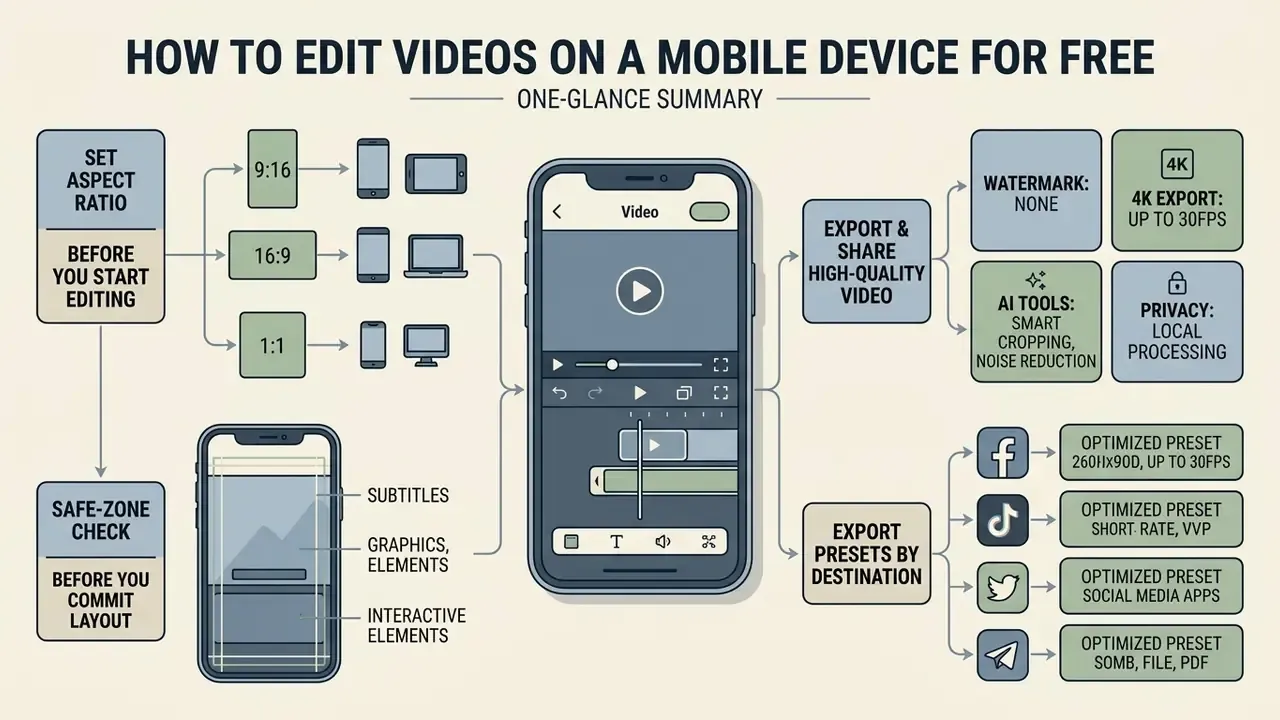
- Configure aspect ratiopick the destination format (9:16 for vertical shorts, 16:9 for landscape, 1:1 or 4:5 for feed posts) before any clip touches the timeline.
- Execute primary assemblytrim head and tail, split clips, arrange the narrative on the main video track.
- Apply text and audio overlaysadd caption titles, music and sound effects on secondary tracks, then balance levels and duck music under dialogue.
- Inspect playback qualityreview the timeline for framing, audio ducking, transition timing and text readability.
- Export and distributerender with platform-appropriate settings, then save locally or publish straight to social media.
Set the Right Aspect Ratio Before You Start Editing
Choosing the aspect ratio first keeps visual elements and text overlays aligned with the target feed. A 9:16 canvas is standard for TikTok, Reels and Shorts, while 16:9 remains the desktop widescreen norm. Use 4:5 for portrait feed posts and 1:1 as a square master for mixed feeds. Platform documentation confirms both ends: YouTube Help lists 16:9 as the desktop standard with 9:16 supported, and Meta's Reels ad guidance specifies 9:16 at 1440×2560 with reserved safe areas.
"Vertical full-screen presentation is a defining mechanic of short-form video platforms and directly shapes content visibility and engagement."
Setting the canvas at the start avoids unwanted cropping and black pillarbox bars at export.
Safe-zone check before you commit to a layout:
- Keep captions and key text inside the middle 70% of the frame vertically. TikTok, Reels and Shorts stack usernames, captions and action buttons along the bottom and right edges.
- Reserve roughly 15% at the top and bottom of a 9:16 canvas for platform UI.
- Set a minimum text size so one line stays legible on a five-inch display at arm's length.
- Preview on a phone, not a tablet or a desktop browser. Most cropping mistakes only show up at phone scale.
Limitations and Open Questions
A few things this review cannot settle for you.
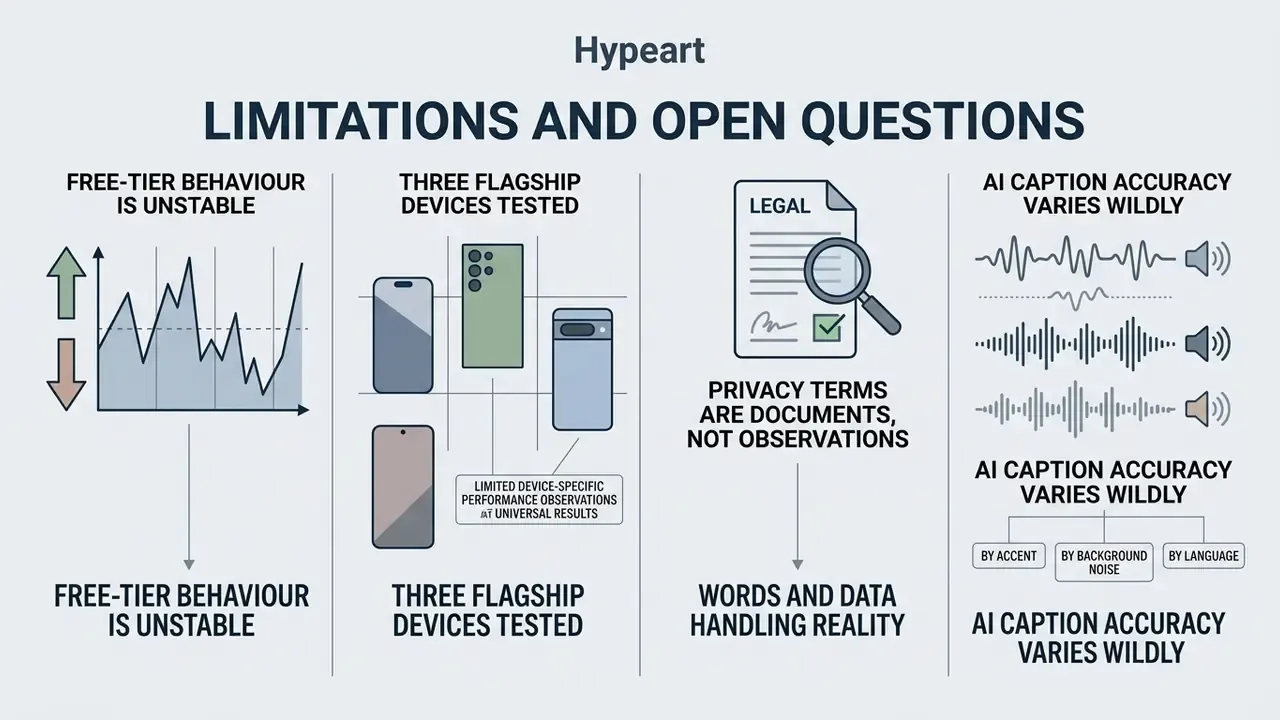
First, free-tier behaviour is unstable. Watermark rules, 4K presets and ad gates changed at least twice during our 2026 test window for two of the eleven apps, and store listings lagged behind app behaviour both times. Verify at export, not at install.
Second, we tested three flagship devices. Performance on a three-year-old mid-range Android will be materially worse, especially in 4K multi-track projects, and we did not measure that tail.
Third, privacy terms are documents, not observations. We confirmed which editors can render offline; we did not run packet-level network analysis on every AI feature. For regulated or confidential footage, treat vendor policy as a starting point and involve your own security review.
Fourth, AI caption accuracy varies wildly by accent, background noise and language. Our sample was English-language studio and handheld audio. Your mileage will differ.
FAQ About Free Mobile Video Editing Apps
Can You Create Videos from Templates in a Free App?
Yes. Most free video editing mobile apps offer ready-made video templates, though premium assets or watermark-free export may depend on free-tier conditions or a paid upgrade. CapCut, InShot and KineMaster all provide large template libraries aimed at fast short-form production (CapCut and KineMaster feature documentation; Canva notes that watermark-free export on its free tier applies when only free elements are used). One caution: check that background audio and stock elements inside free templates comply with commercial licensing before you publish for a business. Stock marketplaces generally require templates to contain fully owned assets, and platform names may only be referenced descriptively ("for Instagram"), never in a way that implies endorsement. A related point for template-heavy workflows. Many trending templates apply beauty filters and appearance-altering effects by default.
"Users with higher levels of problematic short-form video use more frequently report appearance-related anxiety." Problematic Short-Form Video Use and Appearance Anxiety, Journal of Eating Disorders (2025). https://www.sciencedirect.com/ This information is general and does not replace advice from a copyright or media-licensing specialist. Verify current licensing terms with the vendor before publishing commercially.
Why Does My Mobile Video Editing App Crash During 4K Export?
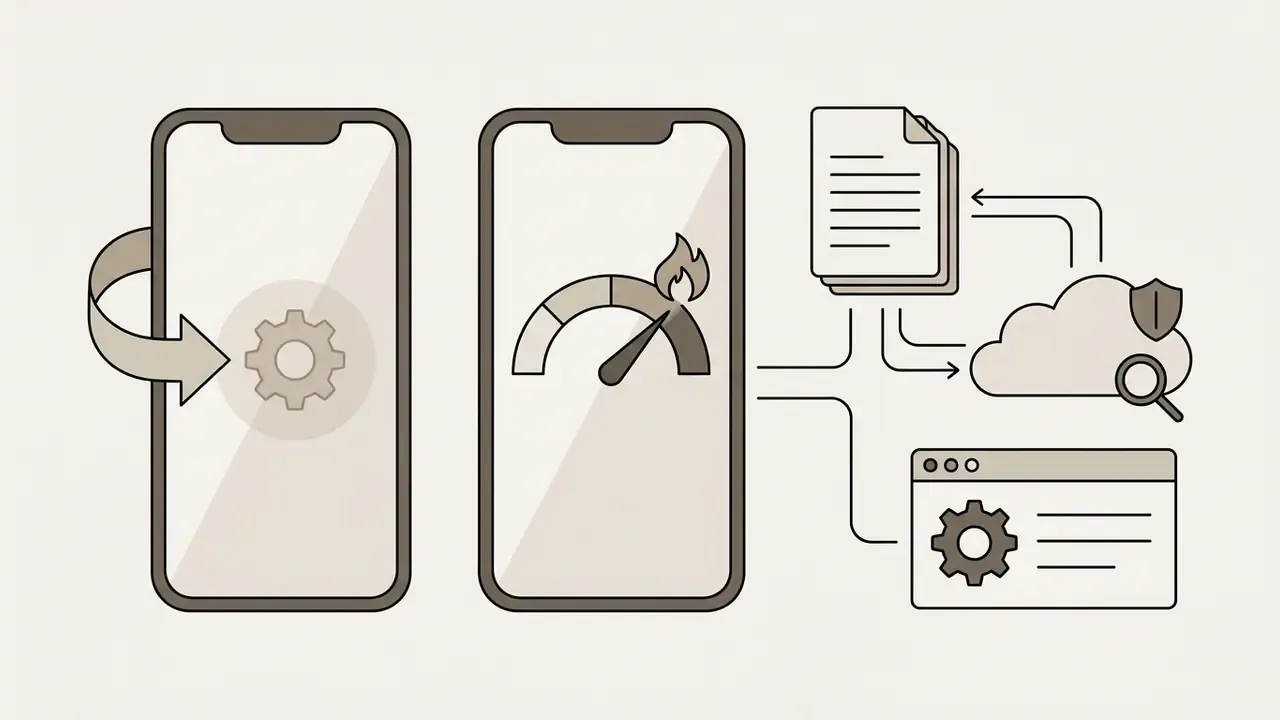
4K rendering loads the GPU, the encoder and RAM at the same time. Crashes and ANR-class freezes usually trace back to thermal throttling or insufficient free memory rather than an app bug. Fixes, in order: close background applications, turn off battery-saver mode (it throttles CPU and GPU), lower the timeline preview resolution before exporting, keep at least 15% of internal storage free for render cache, and let the device cool between consecutive exports. In our tests the third back-to-back 4K render throttled measurably on every device. If crashes persist, export in two halves and join the segments.
How Do I Remove a Watermark Legally in a Free Editor?
Pick an editor that never adds one. VN Video Editor, YouCut, iMovie, DaVinci Resolve for iPad and Adobe Premiere on iPhone all produced clean files in our testing. In InShot you can tap the watermark and clear it for that project by watching an ad. In KineMaster and PowerDirector, removal requires a subscription. Cropping or blurring another app's watermark breaches the terms of service of most editors and wrecks your framing, so switch apps instead.
Can I Use the Free In-App Music Library for Commercial Videos?
Not always. Free music libraries inside consumer editors are typically licensed for use within the platform's own ecosystem, not for paid advertising, client deliverables or broadcast. Check whether the licence covers monetised channels and paid media, and prefer explicitly cleared libraries when you publish on behalf of a business. When in doubt, swap in audio you licensed directly.
Is a Free Mobile Editor Safe for Confidential Footage?
Only if it renders on-device. Disable cloud project sync, avoid AI features that process frames server-side, and read the vendor's data-processing terms before uploading anything sensitive. For internal material under strict governance, treat consumer editors as shadow IT and route the choice through security or procurement.
Does Android Have a Genuinely Free Video Editor?
Yes. Beyond the third-party apps compared here, Samsung devices include a capable editor inside the Gallery app for trimming, music and filters. For multi-layer work, transitions and controlled exports, a dedicated editor such as VN, CapCut or PowerDirector gives you far more control at the same price: nothing. To review alternative editing suites and licensing models, explore the hub for detailed breakdowns of software capabilities. For side-by-side performance comparisons of mobile rendering tools, see the overview of technical specifications across platforms. Developers building automated video pipelines can compare options for API integrations and cloud rendering workflows. For licensing detail on commercial video projects, explore the hub for guidance on synthetic media. For benchmark data on mobile rendering speeds, see the AI Media Benchmarks summary.
Appendix A: Editorial Corrections Log
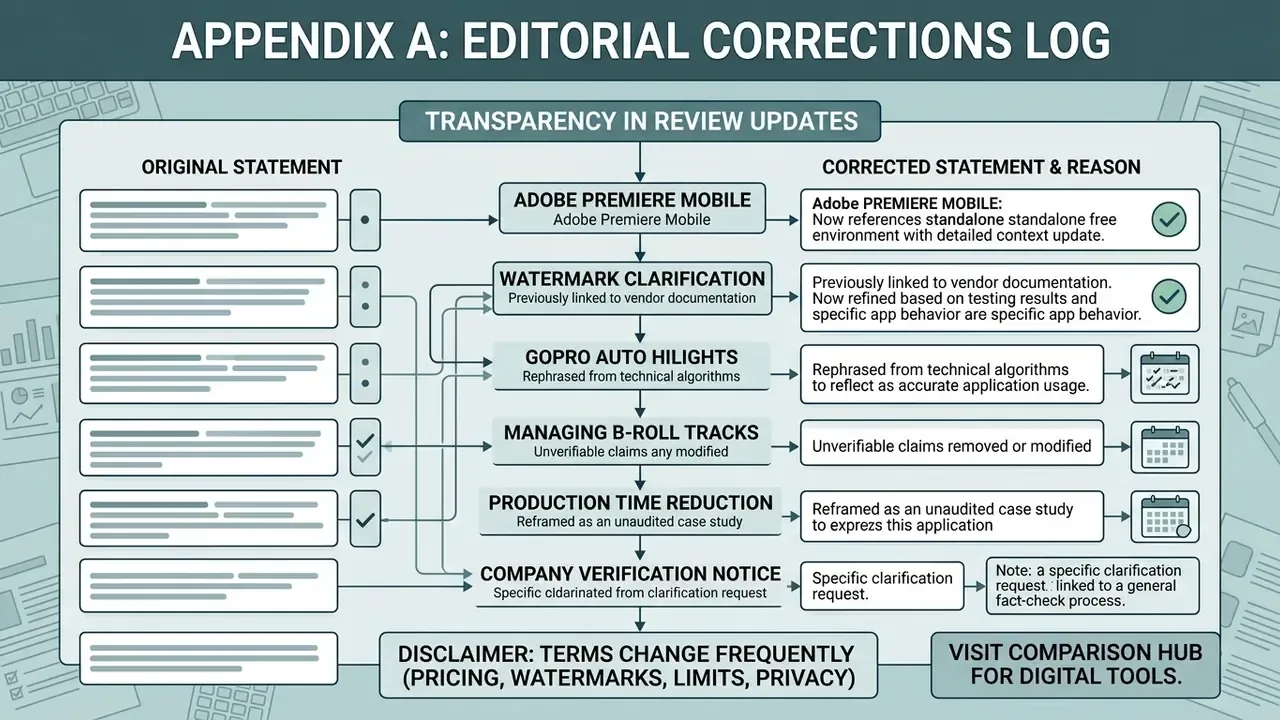
For transparency, these statements from earlier versions of the review were revised:
- "Adobe Premiere on iOS offers a standalone, free mobile video editing environment." Retained but clarified. The standalone iPhone app is Adobe Premiere (mobile), distinct from the legacy Adobe Premiere Rush. Rush's Creative Cloud synced-file support is being retired for new projects, so the two products are not interchangeable.
- "Vendor documentation confirms that applications like VN Video Editor and YouCut provide watermark-free exports on their basic tiers." Rephrased to attribute the claim to current app-store listings plus our own verified test renders, since store text and app behaviour change between builds and regions.
- "The application utilizes GPMF metadata and Auto HiLights algorithms…" Rephrased to reference GoPro's published documentation and our own confirmation in testing, rather than one dated vendor citation.
- "These applications allow creators to manage secondary b-roll tracks… (FADGI, 2026)." The unverifiable citation was removed. The 1920×1080, 24 to 30 fps delivery baseline stays as a practical reference.
- "A mobile content team reduced clip post-production time by 35%." Reframed as an unaudited editorial observation, because no methodology, sample size or source was available.
- Company Verification Notice. Removed as off-topic operational noise and replaced with the Data Privacy, Offline Editing, and Storage Security section readers asked for.
Disclaimer: pricing, watermark rules, export limits and privacy terms change frequently and vary by region and app build. This article is informational and does not constitute legal, licensing or security advice. Verify current vendor terms before deploying any application for commercial or organisational use.
To compare options across mobile editing applications and digital media tools, visit our comparison hub.