Author Profile and Editorial Governance
Marcus Hale, author. Editorial assessments here evaluate software tools, production models, and media architectures against one working standard: "No evidence, no autonomy." Cost bands are cross-checked against studio proposals, freelance rate cards, and AI platform subscription tiers before publication. Bands move; treat them as ranges, not quotes. For broader terminology across digital media and automated video workflows, consult the AI Media Glossary.
Key Decisions This Guide Resolves
Most teams do not arrive here asking "what is animation." They arrive with a budget line to defend and a compliance question attached to it. So the guide is organised around six decisions:
If you work in a regulated environment, the last item is usually the one that stalls projects. Worth reading twice.
What Is an Animated Explainer Video?
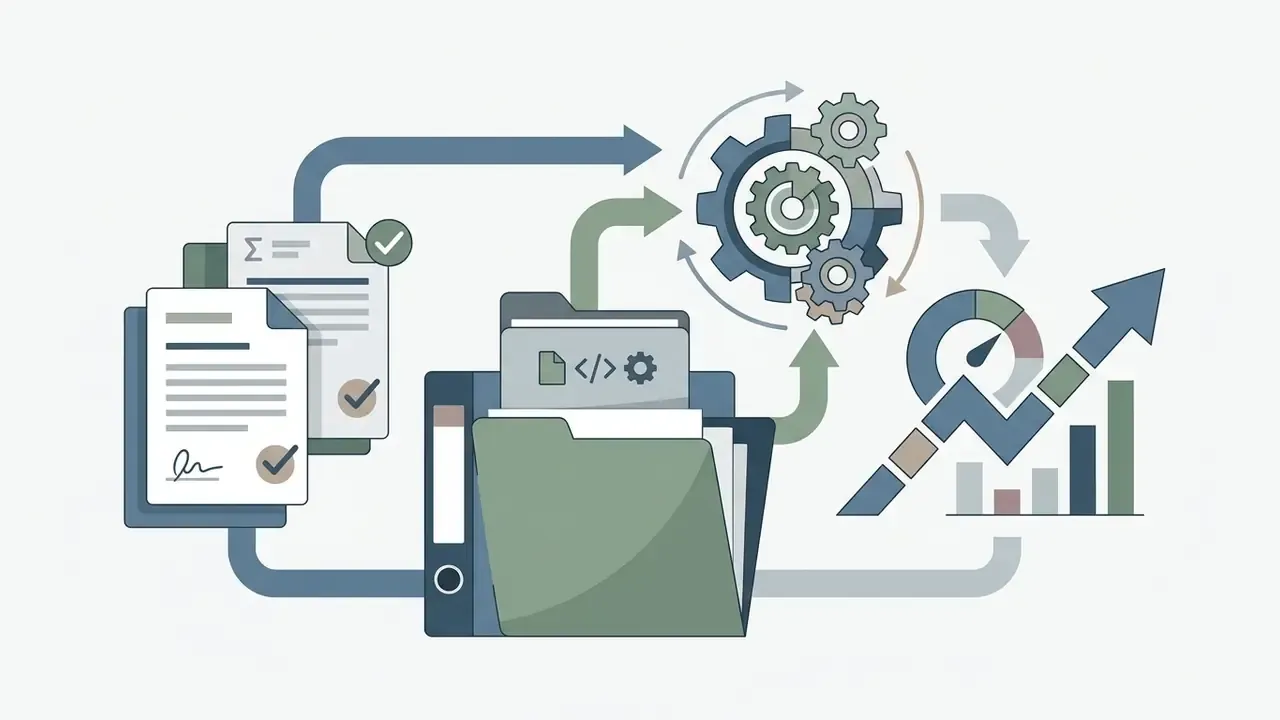
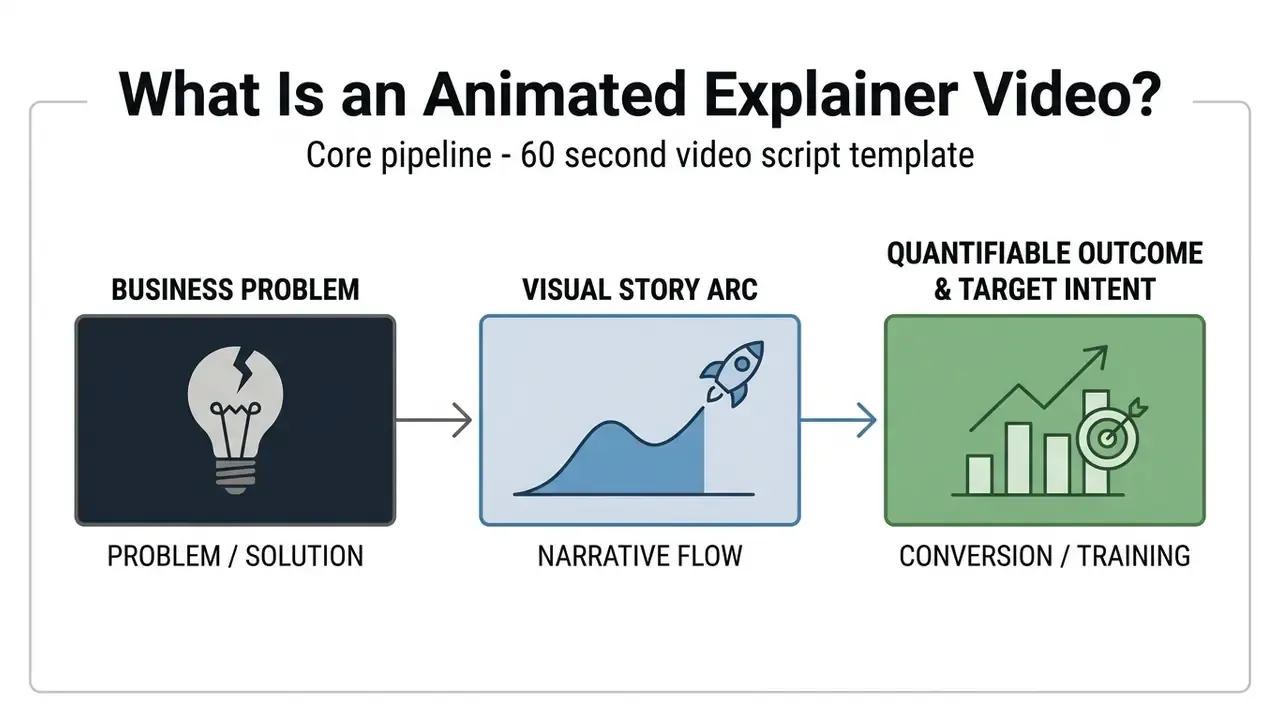
An animated explainer video is a short, focused motion piece designed to communicate a single business concept, product, or service within 60 to 120 seconds. Organizations deploy an animated explainer video to turn complex processes, software architectures, or corporate offerings into clear, structured visual narratives. By combining concise audio narration with dynamic motion graphics, these assets remove friction from customer acquisition and internal training.
Two examples from financial services make the category concrete. A bank explaining new KYC document requirements to retail customers is producing an animated informational video. A fintech explaining reconciliation automation to a CFO is producing an animated product explainer video. Same tooling, different objective.
How Animated Explainer Videos Simplify Complex Messages
An animated explanation video simplifies intricate ideas by leveraging dual-channel information processing, distributing cognitive load between visual and auditory pathways. According to Richard E. Mayer's Multimedia Learning framework, pairing spoken narration with animated illustrations offloads verbal data from the visual channel, freeing visual working memory to process procedural relationships.
Research from Teachers College, Columbia University indicates that structured visual storytelling reduces extraneous cognitive load, letting viewers digest abstract data systems, financial structures, or scientific mechanics faster than through dense text alone. That is the whole mechanism, really: fewer things to hold in memory at once.
Teams that want to translate this mechanism into a repeatable workflow often begin by evaluating AI video generators that automate narration timing and scene sequencing before committing to a full studio pipeline. A caution worth stating early: automation compresses production time, not editorial responsibility.
Product, Corporate and Informational Explainer Video Formats
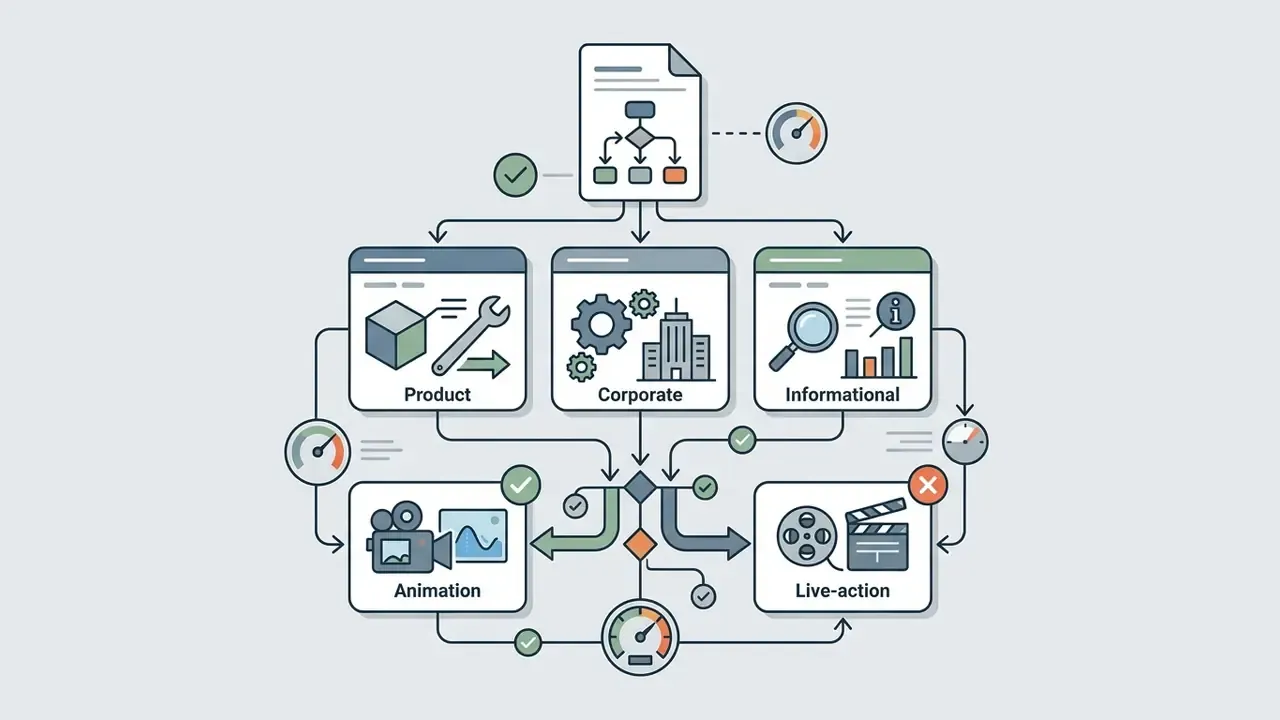
Commercial animation falls into three primary functional categories:
- Product formats An animated product explainer video isolates a specific digital tool, software interface, or physical device. It outlines the core problem, demonstrates the value proposition, and illustrates key feature workflows within 60 to 90 seconds. The audience is prospects in active evaluation; the objective is conversion.
- Corporate formats A corporate animated explainer video communicates institutional strategy, brand values, or operational standards to investors, employees, or enterprise clients. These run 1 to 3 minutes and prioritise trust over immediate transactional conversion.
- Informational formats Animated informational videos cover public policy, compliance standards, or educational concepts. Public sector agencies use these modules to explain regulatory mechanisms without sales messaging. Runtime usually stays within 60 to 90 seconds unless the subject is procedurally complex, in which case chaptering beats stretching.
The distinction between the three derives from audience and objective, sales-oriented, organization-oriented, or knowledge-oriented, not from the animation style chosen during production. That point gets confused constantly in agency briefs.
When an Animated Video Explainer Is Better Than Live Action
Using animated video explainers offers complete visual control when presenting conceptual software, backend workflows, or abstract data architecture. Live-action footage requires physical locations, actors, and real-world lighting, which makes it expensive to shoot and awkward to update when a software interface or business rule changes. Video animation explainer assets, by contrast, let creators manipulate vector elements, simulate interface interactions, and represent invisible data transfers without physical constraints.
Live action keeps a clear advantage where human credibility drives the purchase: founder narratives, professional services, and recruitment messaging. Hybrid production, live footage with animated UI overlays and data callouts, is the standard compromise for enterprise SaaS brands that need both a human face and accurate product proof.
One more practical factor: audit trails. Animated assets can be versioned, re-rendered, and re-approved from source files. Reshooting a compliance-sensitive live segment because one on-screen figure changed is a different kind of expense.
Why Businesses Use Animated Explainer Videos
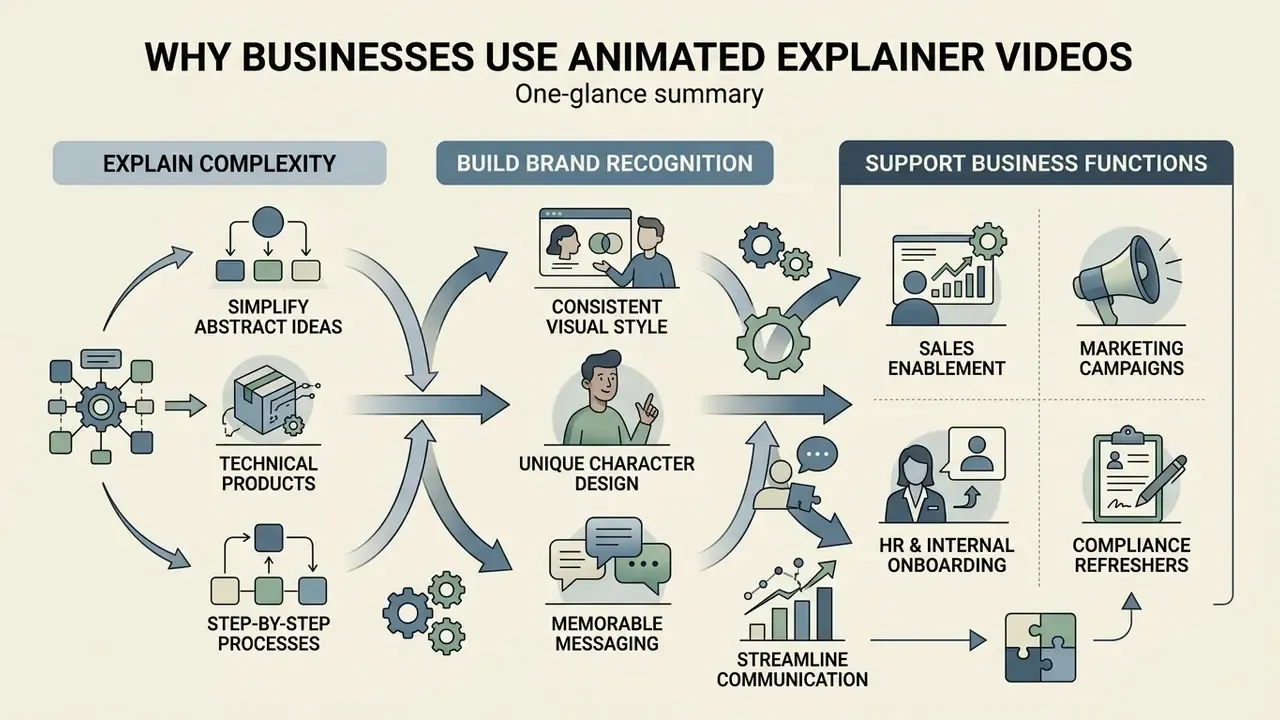
Businesses deploy animated explainer videos for business applications to accelerate buyer decisions, streamline onboarding, and scale customer communication.
When evaluating complex solutions, executive buyers need fast clarity on functional value, integration cost, and operational risk. An explainer animation video distils multi-layered value propositions into repeatable visual assets that serve marketing, sales enablement, and internal alignment at once. Procurement teams comparing production platforms frequently start from a shortlist of the best AI video generators before deciding whether internal capacity is sufficient.
Explaining Products, Services and Complex Solutions
Explaining B2B software, financial infrastructure, or healthcare technology demands absolute clarity. An animated explainer video for my business or enterprise solution breaks complex operations into step-by-step visual models.
Building Brand Recognition Through Animation Style
Using animated explainer videos for branding establishes a distinct visual identity through consistent typography, palette structure, and motion design. Published corporate brand systems, including IEEE's 2025 Brand Identity Guidelines and Dow's Video and Animation Guidelines, treat fixed colour palettes, approved illustration styles, and standardized output specifications (16:9, 4K preferred, 1920x1080 accepted) as mandatory identity controls rather than creative suggestions. Applying those rules across every touchpoint is what converts individual videos into a recognisable system.
Custom illustrations, consistent visual assets, and intentional movement rules turn a standard explainer video and animation project into a corporate asset that reinforces brand equity. One governance note: keep an approved asset library. Without one, three agencies produce three visual dialects of the same brand, and nobody notices until the sales deck looks assembled from spare parts. Teams also need a stated policy on synthetic imagery, since illustration libraries and generated visuals now overlap. Guidance on generated human likenesses, including categories such as ai women pictures, belongs in the same brand policy rather than in an animator's inbox.
Supporting Sales, Marketing, Training and Internal Communication
Animation works as a versatile asset across departments:
- Sales enablement Reps embed short clips in pitch decks to clarify positioning before technical discovery calls. Synthesia and Adobe Express both publish sales-enablement and CRM dashboard training templates, which suggests this use case is now a standard production category rather than an experiment.
- Marketing campaigns Demand generation teams deploy explainer animated videos on landing pages to lift engagement and reduce bounce rates.
- HR and internal onboarding Enterprise teams use explainer videos animated to standardise employee onboarding, shortening training cycles and compliance review time. Public-sector onboarding guidance from the U.S. Office of Personnel Management recommends granting access to online training modules before a hire's first day, and state agencies specify MP4 plus SCORM delivery so a single animated asset can serve both a web page and an LMS.
- Compliance and policy refreshers Annual attestation content is a strong fit for animation because the underlying rules change in small increments, and a versioned source file makes each update cheap. Pair the video with a knowledge check; a supporting worksheet built through an ai worksheet generator gives you evidence of comprehension, not just completion.
A small aside on internal video culture. Consumer-facing tools have normalised short instructional formats to the point that even a fitness app built around an ai workout generator ships onboarding animation. Employees now expect the same clarity from a payments policy module. Fair expectation, honestly.
Top 5 Enterprise Explainer Video Case Studies
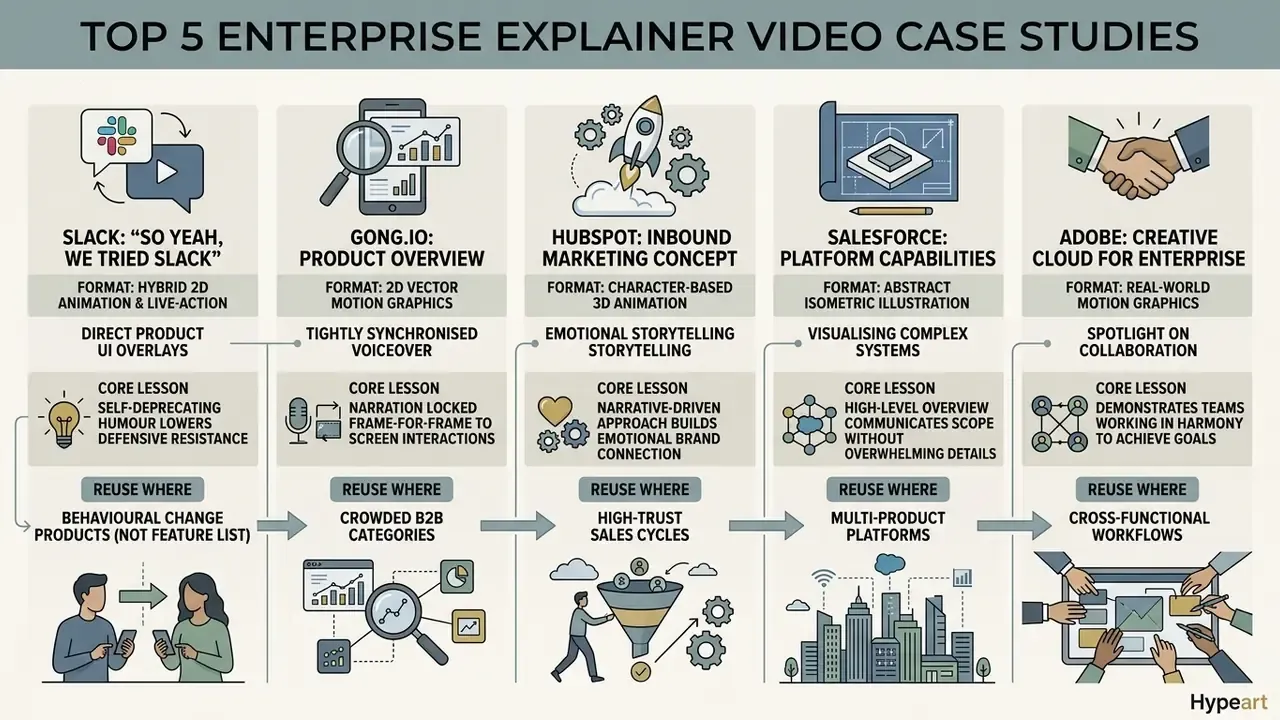
Abstract categories only become actionable when mapped to production decisions that measurably worked. The following five reference videos are widely cited across marketing and product communities, and each illustrates a different structural mechanism worth reusing.
1. Slack, "So Yeah, We Tried Slack"
- Format: 2D animation and live-action hybrid with direct product UI overlays.
- Core lesson: Self-deprecating humour lowers defensive resistance before any feature appears on screen. The narrative frames the outcome, a sharp reduction in internal email volume, as the payoff rather than the toolset.
- Reuse where: Category-creation products whose value is behavioural change instead of a feature list.
2. Gong.io, Product Overview Video
- Format: 2D vector motion graphics with tightly synchronised voiceover.
- Core lesson: Narration is locked frame-for-frame to screen micro-interactions, creating a show-and-tell effect, while review badges and award marks appear inside the first 15 seconds to establish social proof before the pitch begins.
- Reuse where: Crowded B2B categories where credibility must land before comprehension.
3. Dropbox, "What is Dropbox?"
- Format: Cutout and vector animation, classic explainer arc.
- Core lesson: The script spends its entire opening on the pain of losing and re-emailing files before demonstrating a single feature. The launch-era asset is routinely credited with driving tens of millions in incremental revenue, which is why the problem-first structure remains the default template.
- Reuse where: Products whose function is obvious but whose necessity is not.
4. Calendly, "How It Works"
- Format: Kinetic typography combined with a UI screencast.
- Core lesson: Friction is removed by showing the exact three-step booking flow in under 45 seconds, then pre-empting the objections a prospect would otherwise raise in a sales call.
- Reuse where: Self-serve products with a short activation path.
5. Headspace, "Meditation Made Simple"
- Format: Custom 2D character animation.
- Core lesson: Soft palettes, slow pacing, and fluid morphing transitions physically lower perceived cognitive stress. Here the animation style itself carries the value proposition.
- Reuse where: Wellness, healthcare, and consumer brands where emotional tone is the product.
Two supporting patterns recur across other frequently cited examples. Monday.com opens on a familiar dashboard and explicitly names who benefits, which lets viewers self-qualify within seconds. Certainly.io uses ambient shopping sounds, browser clicks and checkout tones, to make an abstract chatbot workflow feel physically concrete.
Animation Styles for an Explainer Video
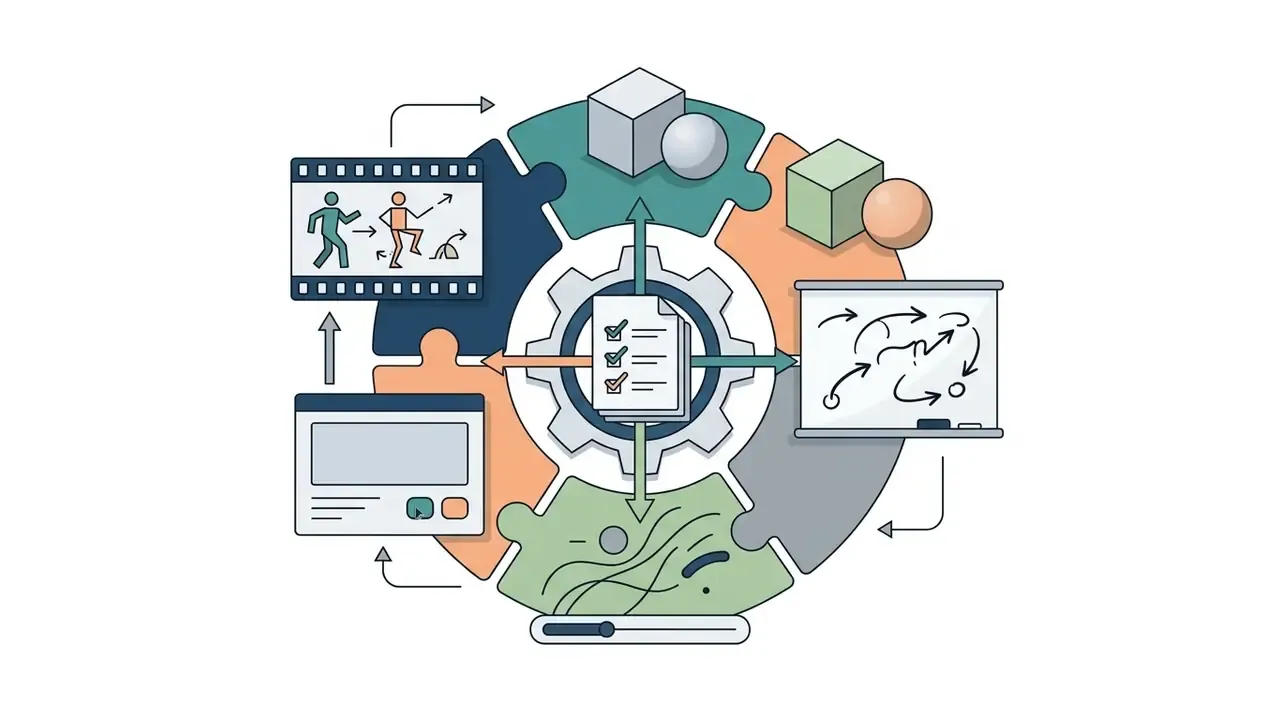
Selecting the right visual style for an explainer animated video means balancing narrative goals, visual complexity, and production constraints. Different frameworks, from flat 2D vector layouts to fully rendered 3D spatial models, serve different communication objectives.
| Animation Style | Production Complexity | Typical Timeline | Primary Business Use Case | Target Audience Fit | Relative Cost Tier |
|---|---|---|---|---|---|
| 2D Motion Graphics | Moderate | 3 to 5 weeks | SaaS platforms, data flows, product overviews | B2B buyers, general consumers | Mid-Tier ($2,000 to $10,000) |
| 2D Character Animation | High | 5 to 8 weeks | Brand storytelling, HR onboarding, customer education | Consumer brand audiences, internal teams | Mid to High ($3,000 to $15,000) |
| 3D Animation | Very High | 8 to 16 weeks | Physical product engineering, medical devices, spatial mechanics | Enterprise buyers, technical specialists | Premium ($8,000 to $30,000+) |
| Whiteboard / Sketch | Low to Moderate | 2 to 4 weeks | Step-by-step training, educational topics, simple workflows | Students, internal staff, seminar attendees | Entry to Mid ($1,500 to $5,000) |
| Kinetic Typography | Low | 1 to 2 weeks | Quick announcements, social promos, brand messaging | Social feeds, mobile-first viewers | Entry-Level ($1,000 to $3,000) |
| Screencast & UI Demo | Very Low | 24 to 72 hours | SaaS walkthroughs, onboarding, feature updates | Product managers, existing users, trial signups | Entry ($200 to $1,000) |
No matching rows Clear one or more filters to restore the matrix.
Teams comparing browser-based production suites against studio pipelines can review capability tiers across animation makers before locking a style decision, because some styles, notably 3D and full character rigging, are effectively unavailable outside a professional pipeline.
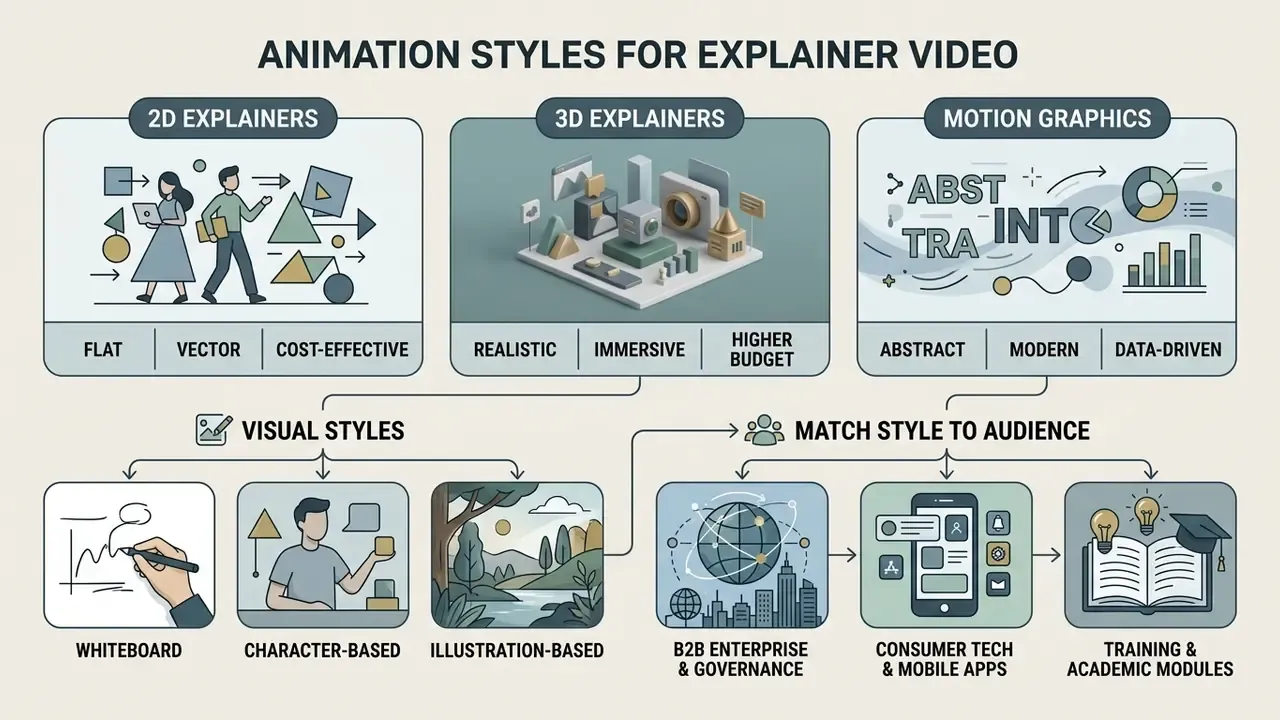
2D, 3D and Motion Graphics Explainers
2D motion graphics use vector shapes, interface mockups, and animated typography to convey operational mechanics cleanly. When a physical demonstration is required, illustrating internal hardware architecture or medical technology, 3D graphics deliver realistic depth and spatial accuracy. However, 3D pipelines demand serious rendering capacity and longer schedules, whereas 2D explainer video animation turns around faster for digital software products. Motion graphics remain the most concise and data-led of the three, which is why financial, analytics, and infrastructure products default to them.
A quick reality check on lead times: a 3D pipeline that quotes eight weeks rarely absorbs a late script change without slipping. Lock copy first.
Whiteboard, Character and Illustration-Based Videos
Whiteboard animation uses simulated hand-drawn illustrations that unfold sequentially on a clean background, supporting step-by-step procedural learning.
"The progressive drawing sequence in whiteboard animation supports comprehension of causal and temporal relationships within a process."
Character-based animation introduces custom avatars, enabling real-world scenarios that create emotional resonance. The cost premium comes from rigging, in-betweening, facial expression sets, and secondary motion. Illustration-driven videos blend static art assets with subtle motion, an elegant approach for institutional reports and strategic corporate messaging. Where existing brand illustration already exists, animating it directly, through workflows such as akool image to video, avoids redrawing assets that the brand team has already approved.
How to Match Visual Style to Your Brand and Audience
Matching visual style to audience requires reading both positioning and message complexity:
- B2B enterprise and governanceClean 2D motion graphics, restrained palettes, structured typography. Published B2B animation style guides explicitly tell designers to avoid cartoony or flat-cute aesthetics in this segment.
- Consumer tech and mobile appsHigh-energy character animation, dynamic colour, fast transitions. Mobile-first teams often prep supporting stills in an android photo editor so social cuts match app store creative.
- Training and academic modulesWhiteboard or illustrative styles that direct attention sequentially without visual clutter.
"In a randomized controlled trial with 239 students in grades 9 to 11, interactive videos with embedded prompts produced significantly larger conceptual gains than text-based materials."
The practical implication for training assets: where comprehension must be verified rather than assumed, add interaction points, chapter prompts, knowledge checks, or branching paths, instead of extending runtime. Longer is not stronger.
How to Plan an Effective Animated Explainer Video
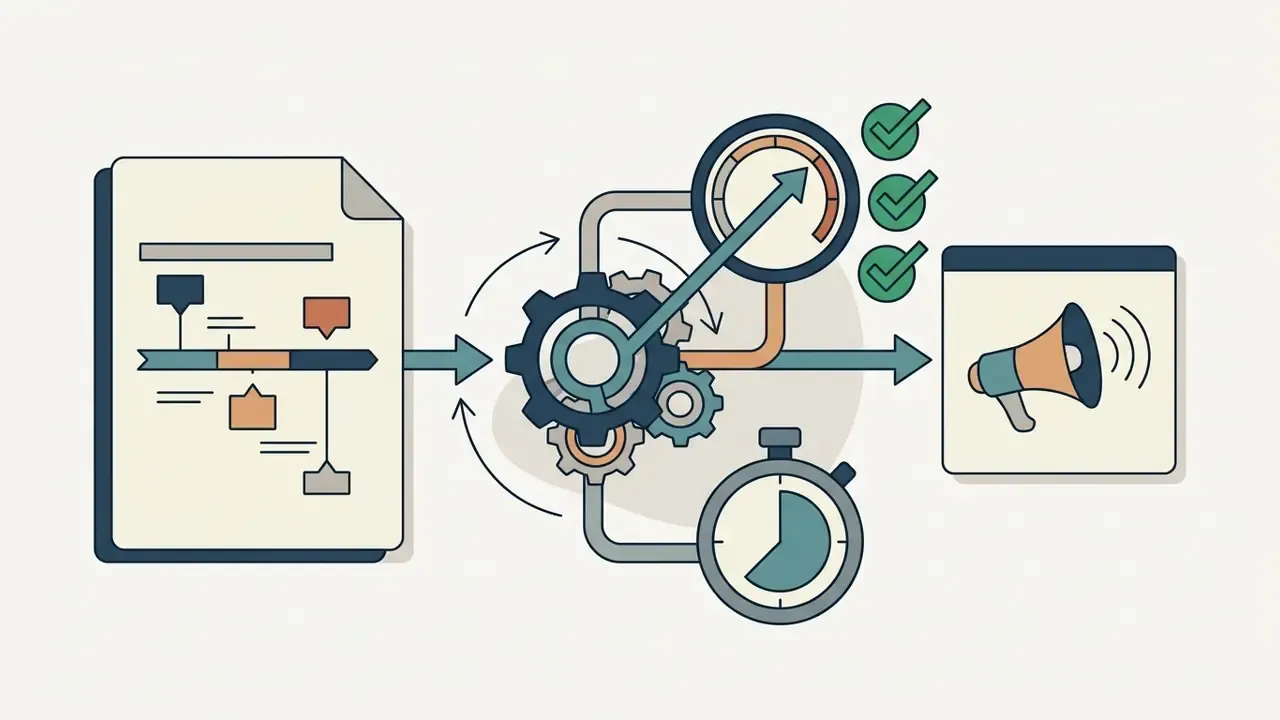
Planning an effective animation explainer video means structuring the narrative before any graphic design or keyframing starts. A disciplined script structure keeps visual assets tied to commercial objectives and real user pain points.
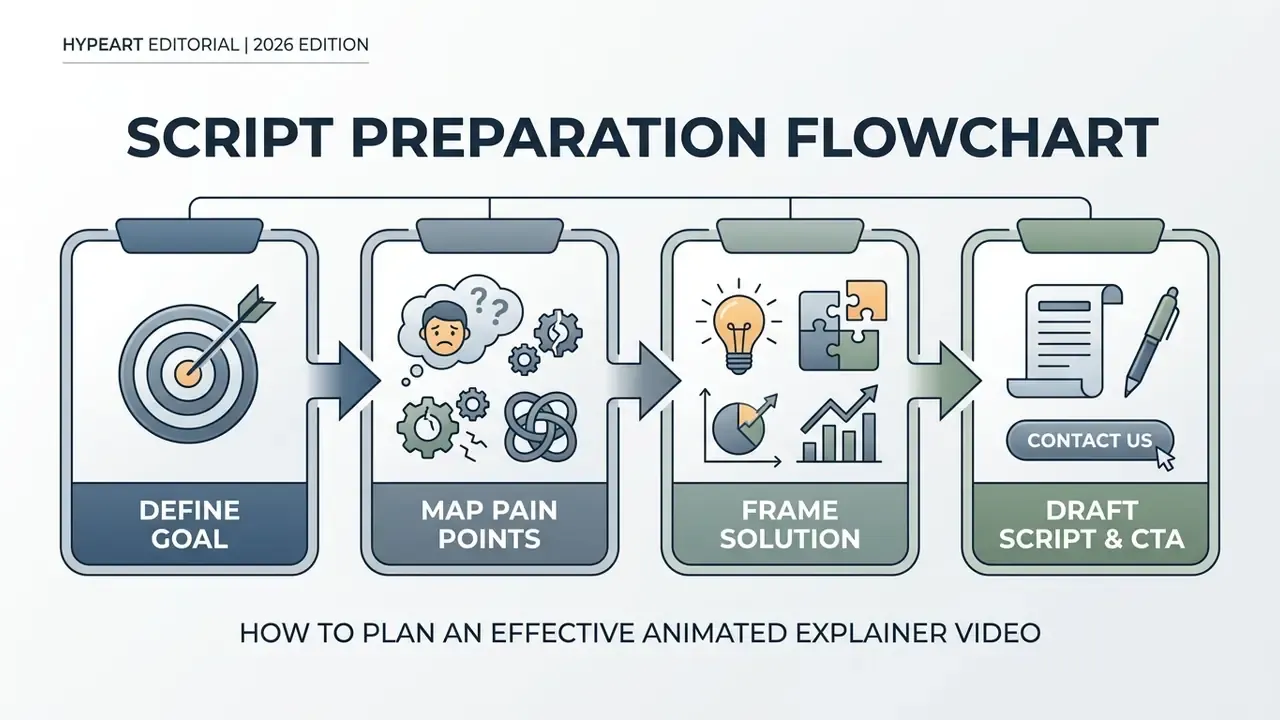
Define the Objective and Audience Pain Points
Before drafting copy, isolate one primary objective and name the core pain point of the target audience. Which operational bottleneck or confusion is actually blocking the prospect? Answering that narrows scope, and a narrow scope prevents information overload. Standard planning worksheets require four answers before a single line is written: who the audience is, what motivates them, what frustrates them today, and what action they should take after watching.
If two objectives survive the discussion, you have two videos. Split them.
Build a Clear Story: Problem, Solution and Key Message
Effective explainer scripts follow a proven structural arc:
- The hook (0 to 10s) State the audience's primary pain point or operational inefficiency directly.
- The problem (10 to 25s) Explain why standard approaches fail or add friction.
- The solution (25 to 45s) Introduce the product, service, or framework as the logical resolution, showing key functional features.
- The proof (45 to 55s) Present a concrete outcome, efficiency metric, or validation point.
Whether this is labelled Hook, Story, Offer or Problem, Agitate, Solution, the sequence is identical: name the pain, raise the stakes, resolve, then ask for one action.
Write a Short Script With a Strong Call to Action
A standard 60-second script contains roughly 130 to 150 spoken words. Voiceover pacing must stay natural, leaving visual transitions room to breathe. A quick runtime check before recording: word count divided by 2.3 is approximately runtime in seconds at a conversational narration pace.
The 60-Second, 140-Word Script Framework
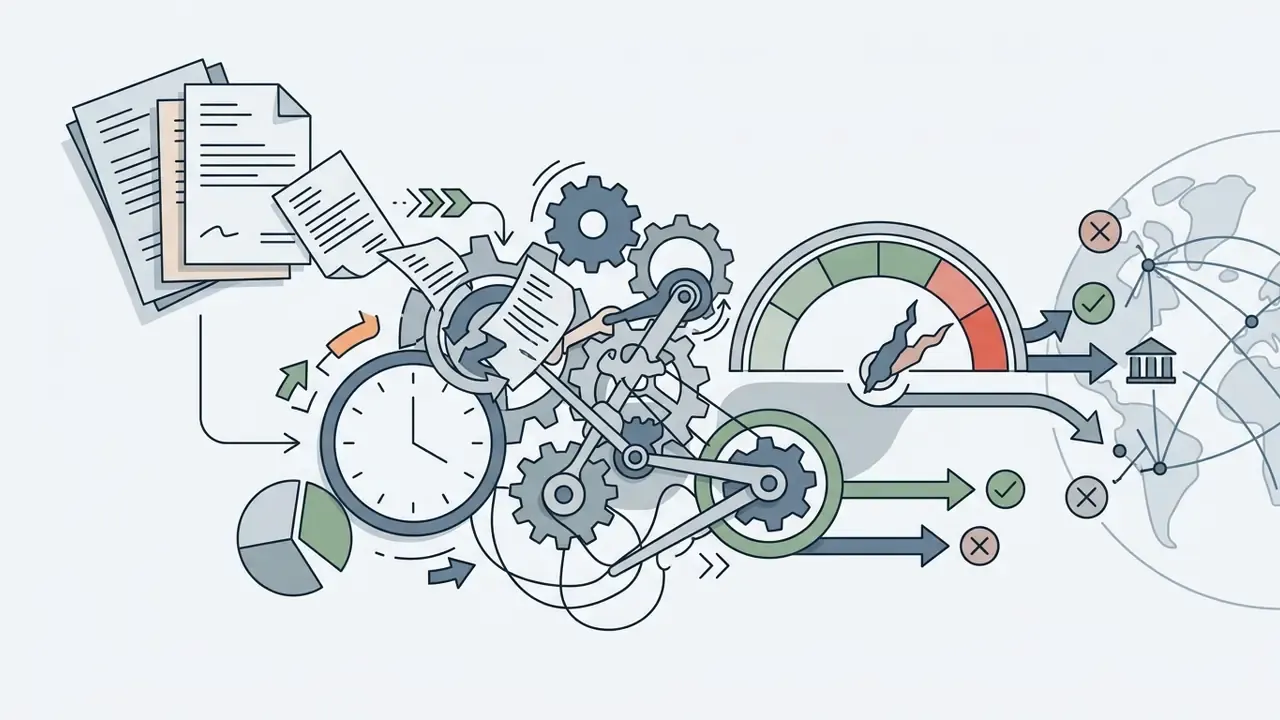
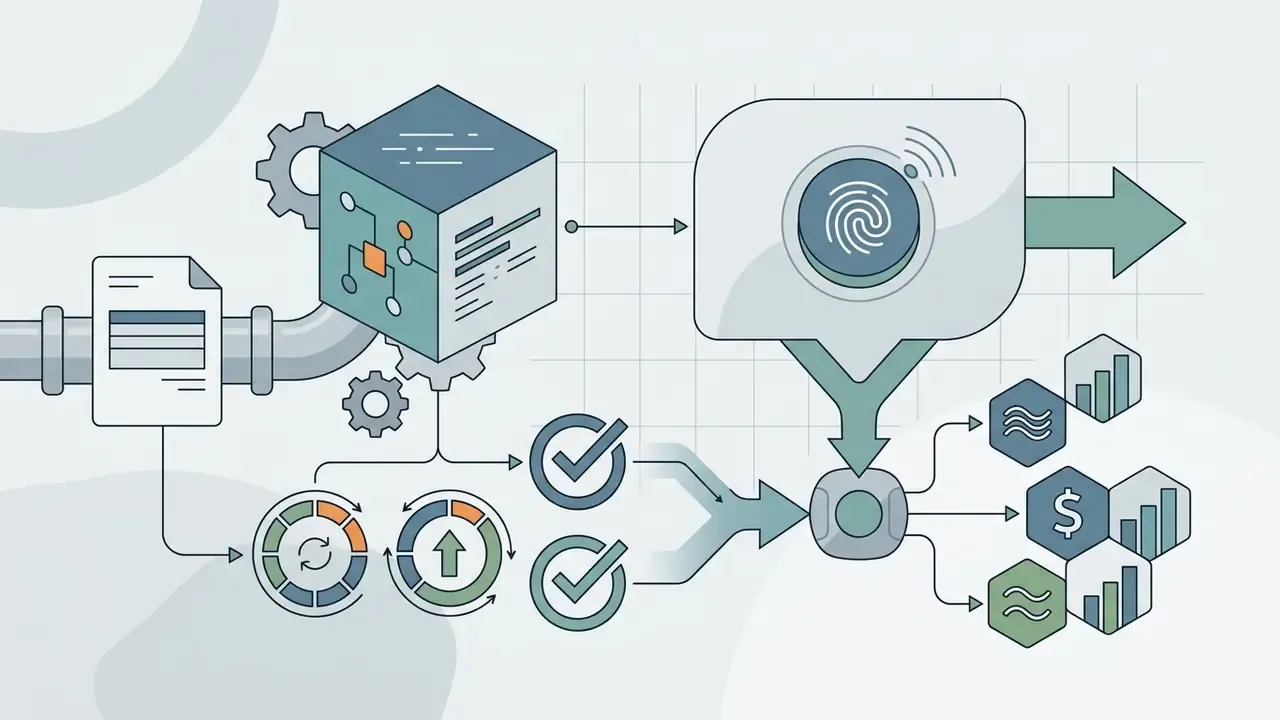
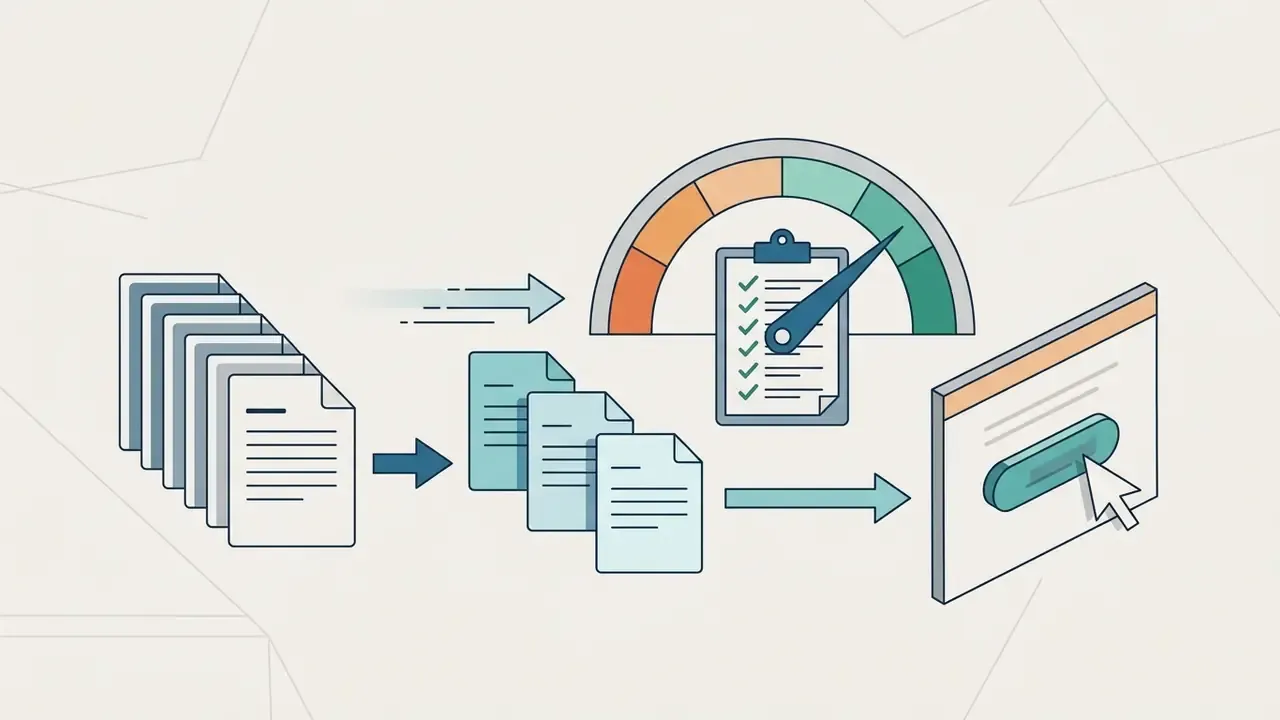
Write the script in two columns, audio on one side, on-screen visuals and directions on the other, so animators never have to guess intent. Drafting assistance from an ai writing generator can speed the first pass, though a human owner still signs off on every claim, especially any performance figure that will appear on screen. The script must end with one unambiguous call to action, such as requesting a demo or visiting a dedicated URL. Keep the spoken CTA to one or two sentences, five to ten seconds, reinforce it on screen, and hold the end card visible for at least four seconds. For standard technical requirements around script asset management and video parameters, see AI Media Support and Troubleshooting.
How to Create an Animated Explainer Video
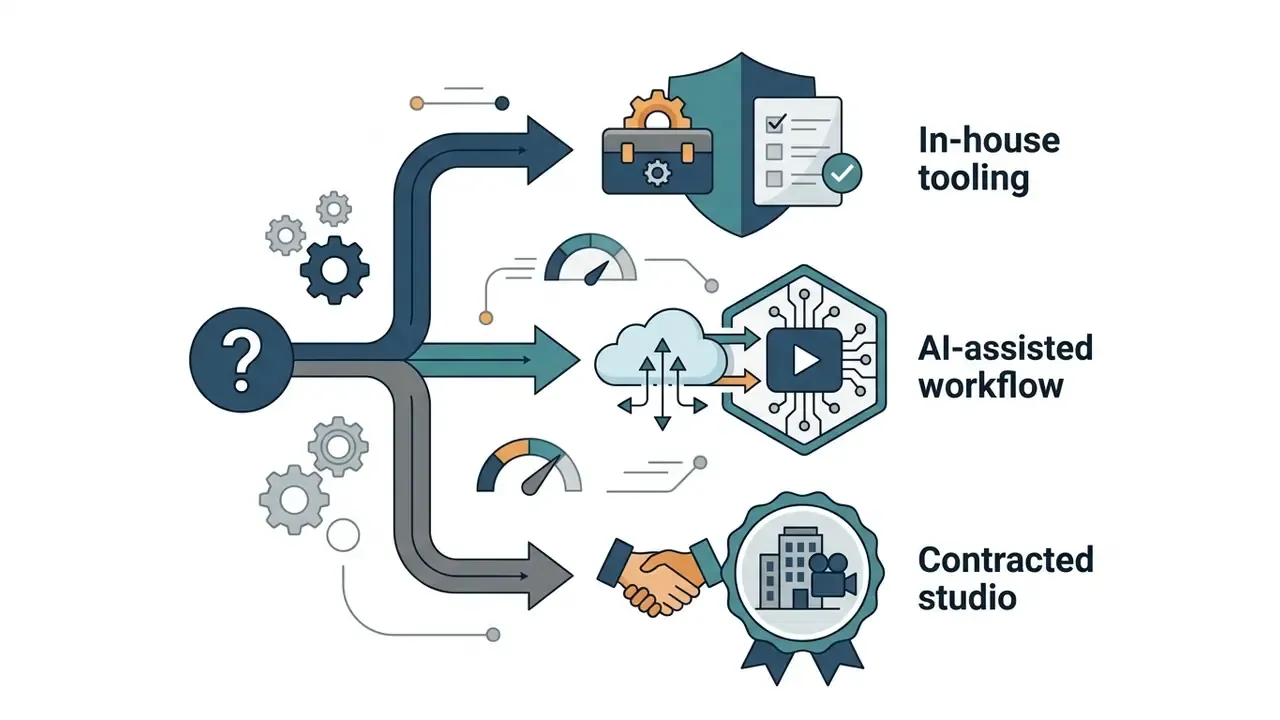
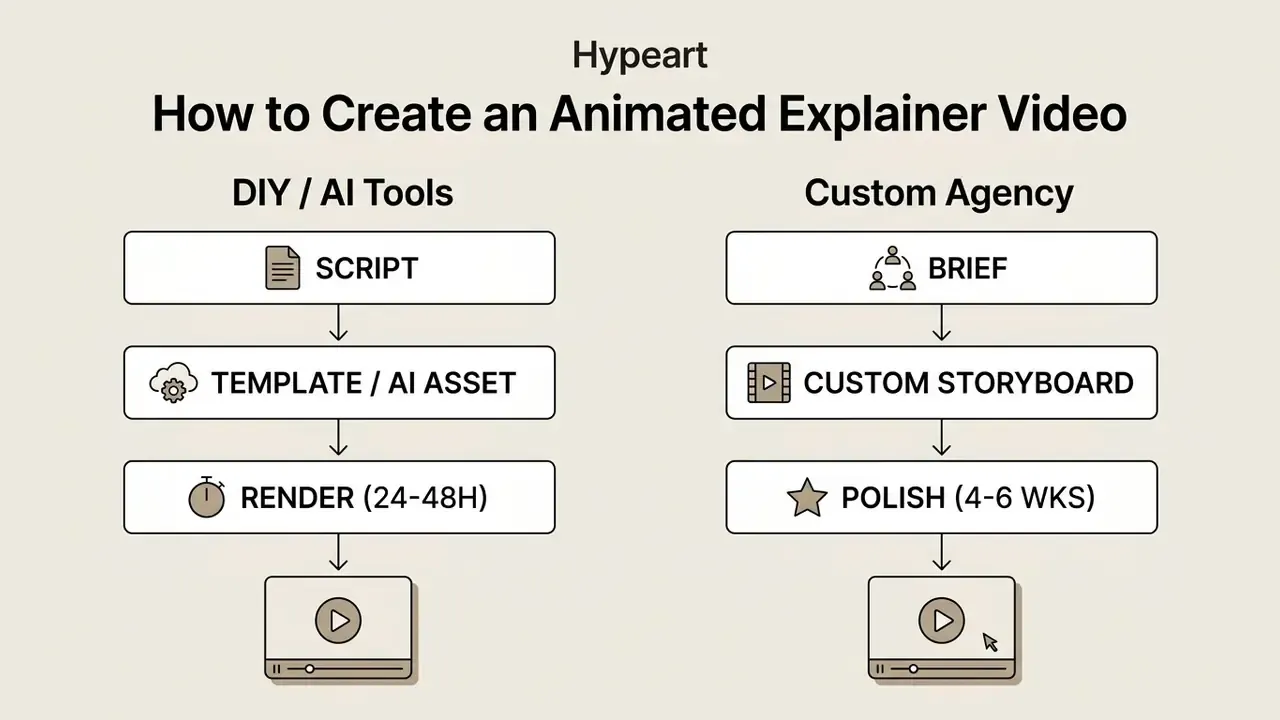
Producing an explainer video animated format can run through automated software platforms or specialised production studios. The right path depends on internal technical skill, timeline, and budget.
DIY Video Makers, Templates and AI-Powered Tools
Screencast and Interactive UI Walkthroughs
For digital SaaS products, high-budget custom animation is not always necessary. A structured screencast, combining direct screen recordings via tools like Loom or Camtasia with animated callouts, cursor spotlighting, and dynamic zoom transitions, delivers high functional clarity at a fraction of the production time. Use screencasts when demonstrating multi-step UI workflows or feature updates where exact interface familiarity matters.
The production sequence is short and repeatable:
- Plan the scenes.Sketch a rough storyboard and write one line describing what each scene must prove, for example "show the viewer where the audit log lives."
- Write the script.Convert scene descriptions into narration, then record voiceover or generate it with AI text-to-speech to compress the recording stage.
- Record and annotate.Capture the product at a clean 1080p or higher, then trim, stitch, and layer annotations, callouts, background music, and an end-card CTA.
The real advantage is maintenance cost. When the interface ships a change, a screencast can be re-recorded in an afternoon, whereas custom-animated UI mockups require the original studio to reopen project files. That difference compounds across a product with a monthly release cadence.
Working With an Explainer Video Agency or Creative Team
Enterprise organizations that need bespoke visuals and strategic narrative development usually engage specialised agencies. A studio pipeline covers scriptwriting, custom character design, storyboard sign-off, professional voiceover casting, custom keyframe animation, and audio mastering. Team composition is fairly standard across professional studios: producer or production manager, director, art director, storyboard artist, animators, compositor and editor, sound designer. Quality gates sit at script lock, style-frame approval, animatic review, animation polish, and final delivery. The collaborative workflow typically spans 4 to 8 weeks and keeps output aligned to brand identity standards.
Ask one question in every agency shortlist call: who owns the project files at handover? The answer predicts your cost of ownership for the next three years.
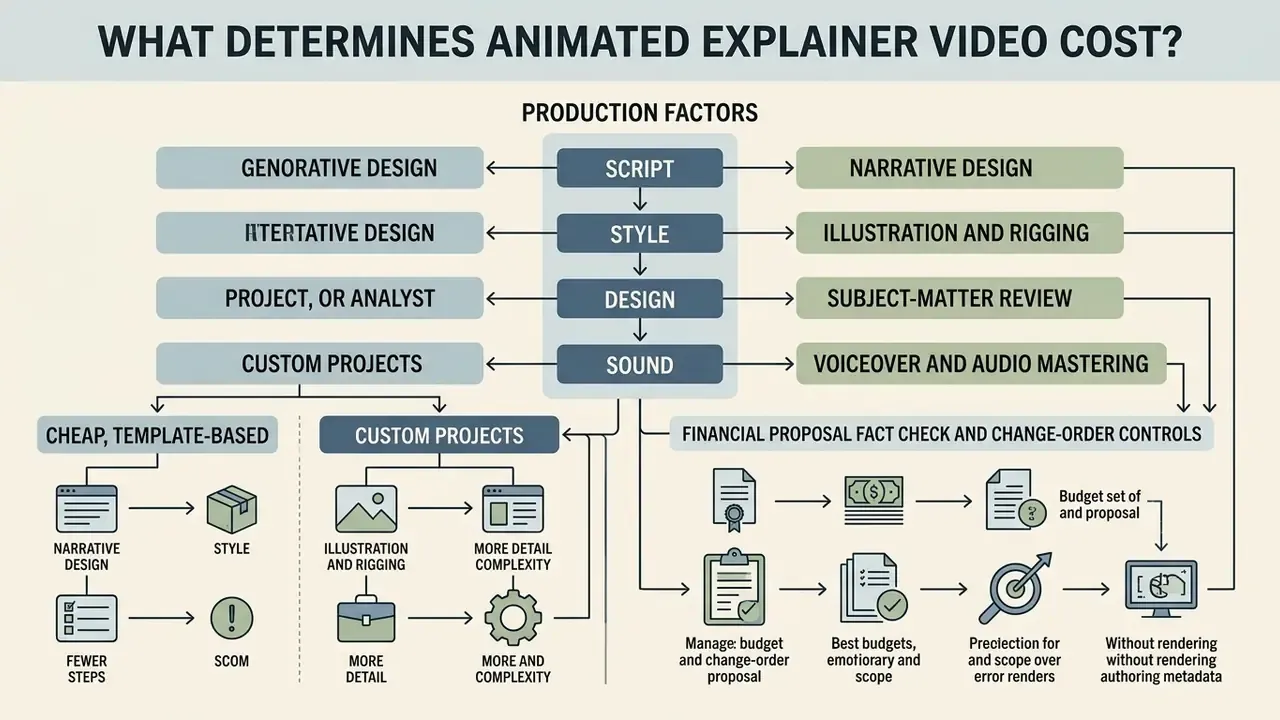
What Determines Animated Explainer Video Cost?
The budget for an animated explainer video is driven by production complexity, design customization, and rendering demands. A cheap animated explainer video built from generic templates costs far less than a custom 2D or 3D campaign designed by a dedicated studio team.
| Production Cost Factor | Low-Budget / DIY ($500 to $2,000) | Mid-Tier / Hybrid ($2,000 to $8,000) | Custom Studio ($8,000 to $25,000+) |
|---|---|---|---|
| Scriptwriting | Internal draft or AI generated | Professional copywriter edit | Senior agency strategist |
| Visual Assets | Stock vector templates | Customized stock or hybrid | 100% custom illustration |
| Animation Quality | Automated movement, presets | Custom keyframing, basic rigging | Frame-by-frame, advanced rigging |
| Voiceover & Audio | Automated AI voiceover | Single professional voice artist | Custom voice casting plus sound design |
| Revision Rounds | Limited (1 to 2 standard edits) | Structured (2 to 3 revision passes) | Multi-stage sign-offs (script, board, animation) |
| Delivery Timeline | 24 hours to 1 week | 1 to 3 weeks | 6 to 10 weeks (premium: 8 to 16 weeks) |
Quick Cost Estimation Formula
Total Budget = (Base Runtime in Minutes x Style Multiplier) + Voiceover Licensing + Revision Buffer
- 2D motion graphics base: about $3,000 per finished minute
- 2D character animation base: about $5,000 per finished minute
- Custom 3D spatial base: about $10,000 per finished minute
- Add-ons: professional agency scriptwriting (+$1,500); commercial voiceover broadcast rights (+$500); each additional animated character (+15% to 25%); complex custom character design (+20% to 50%); rush delivery (+20% to 40%)
- Revision buffer: reserve 10% to 15% of total for in-scope revision passes
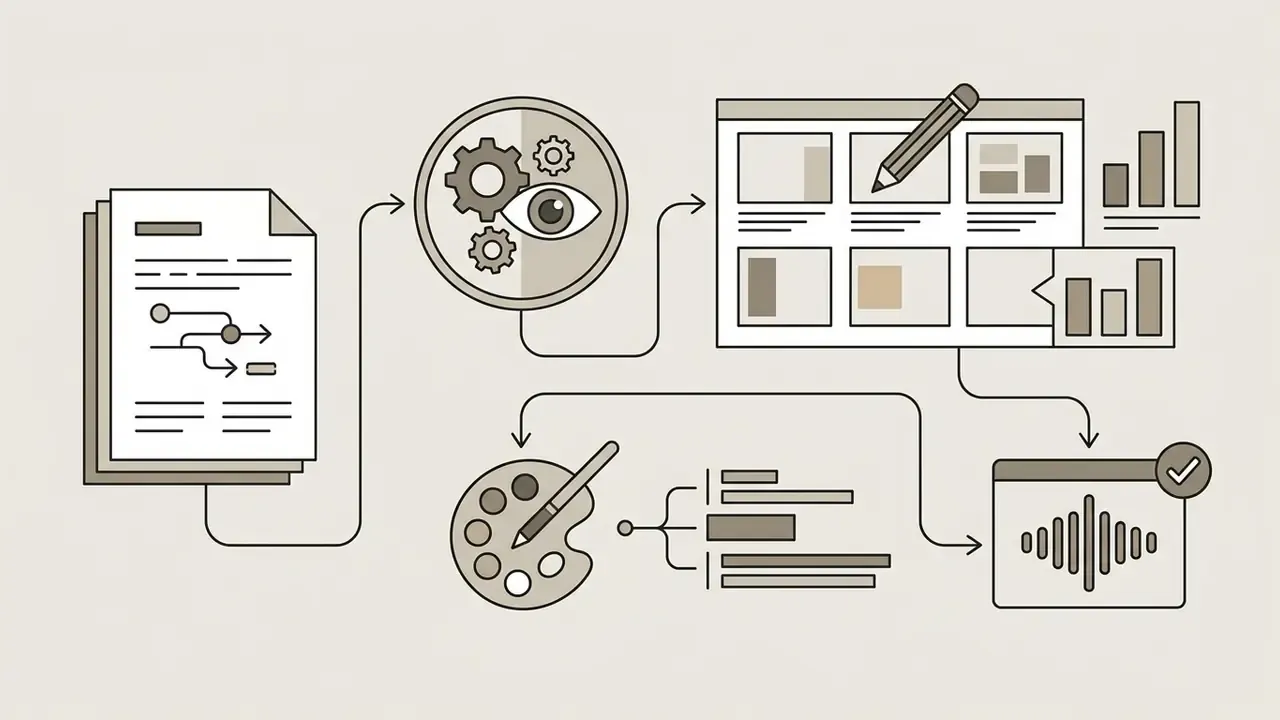
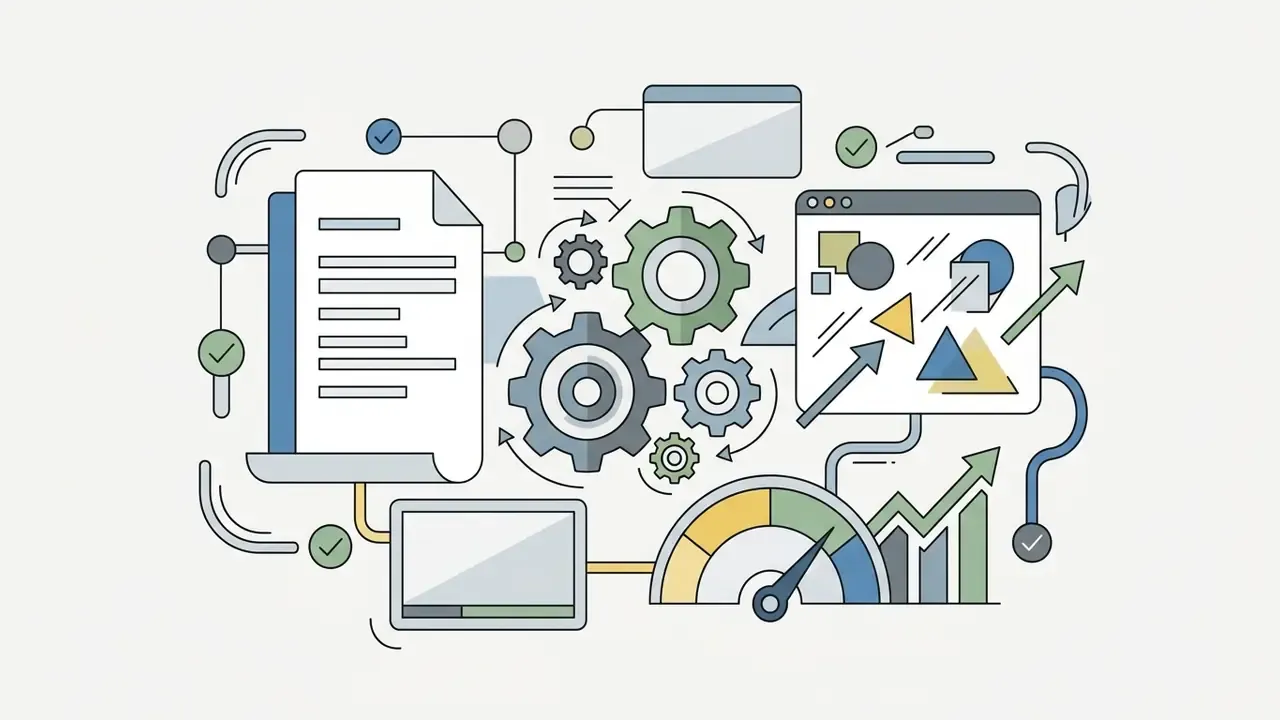
Production Factors: Script, Style, Design and Sound
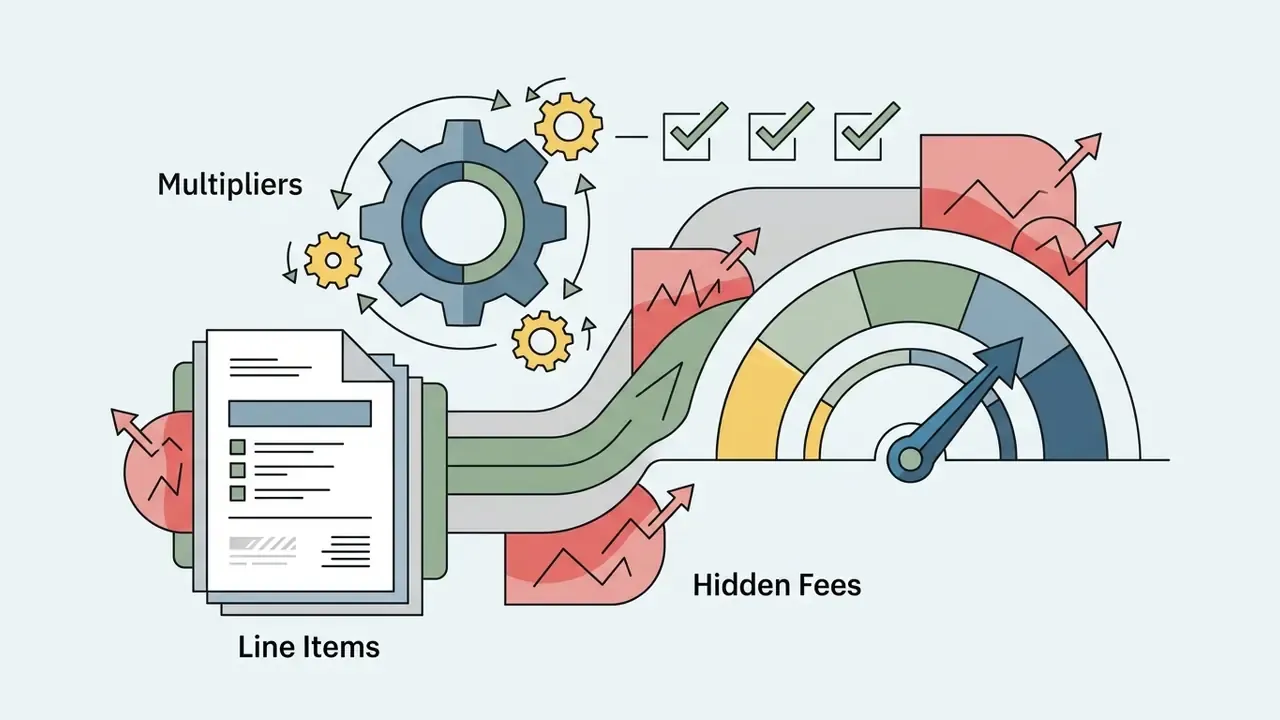
Primary line-item expenses include:
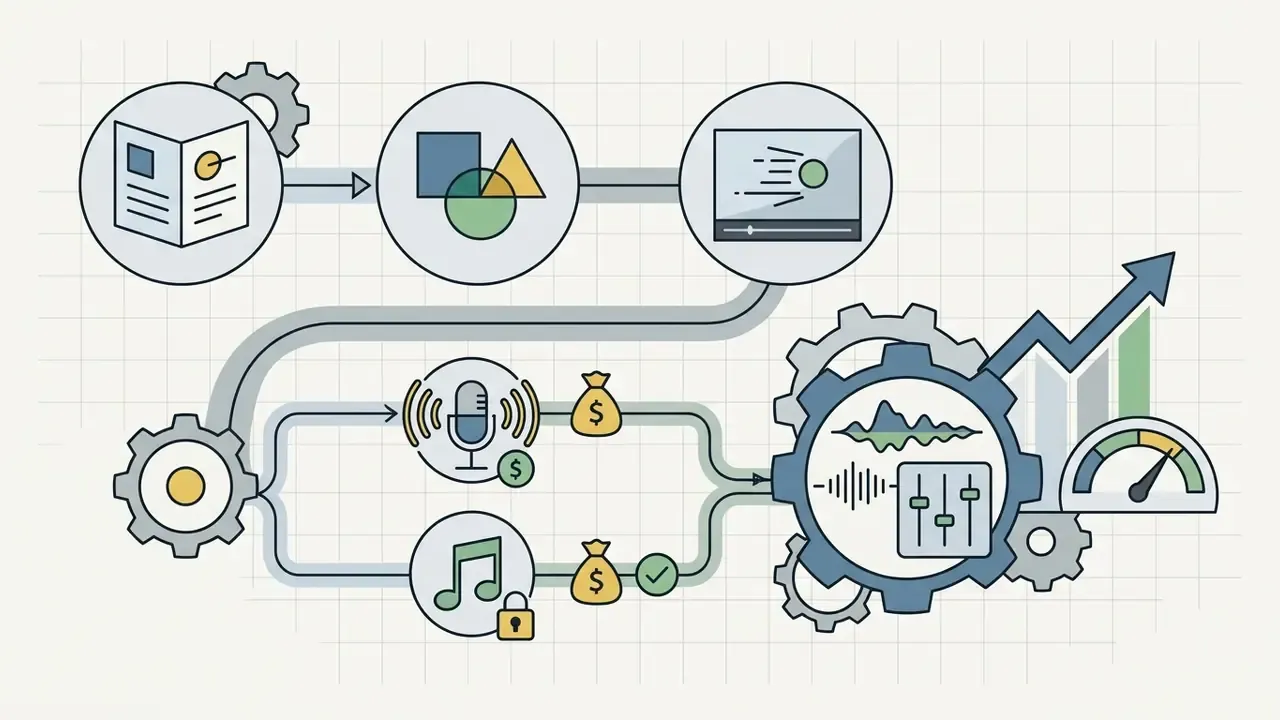
How to Compare Cheap, Template-Based and Custom Projects
Template-based projects deliver fast at low cost, but they risk visual monotony when competitors draw from the same stock library. Semi-custom and AI-assisted production sits between the poles: brand-adapted graphics and partially bespoke scenes, typically $1,000 to $10,000 across one to three weeks. Fully custom studio projects demand higher upfront investment and return unique assets that strengthen brand identity.
The decision reduces to a single question. Is the video's primary objective rapid informational distribution, or long-term brand differentiation? Answer that honestly and the tier chooses itself.
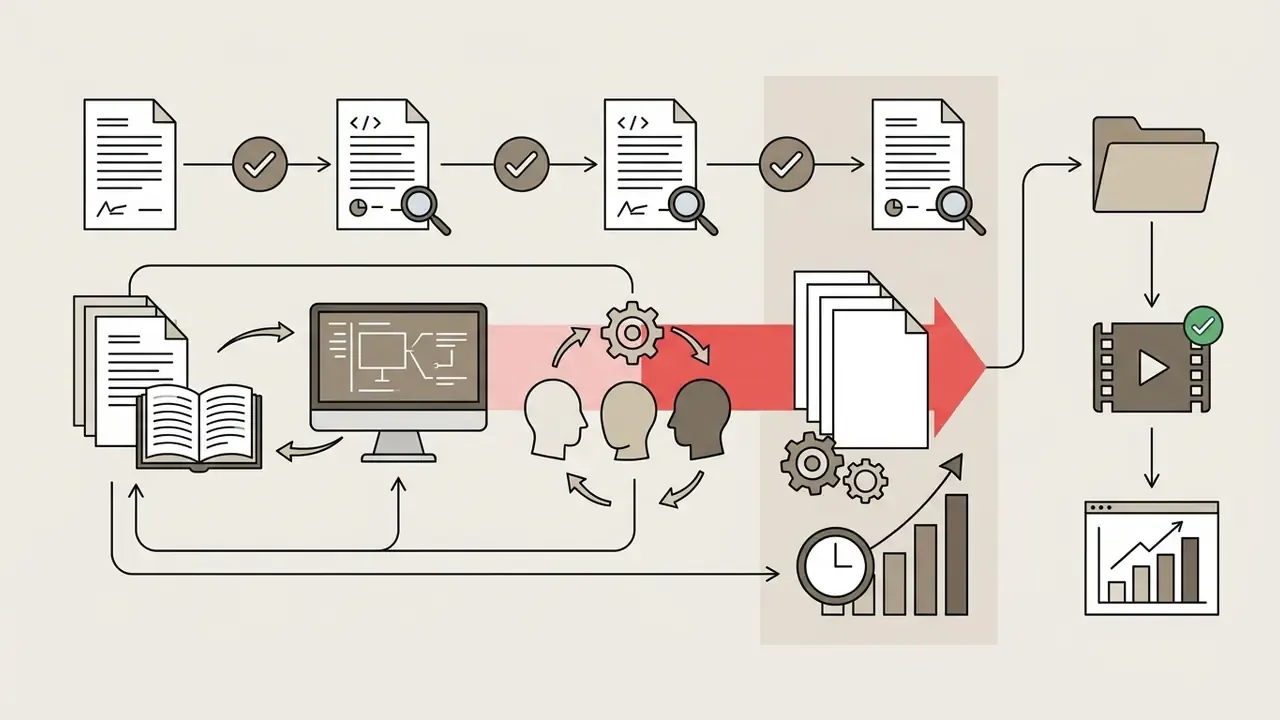
Financial Proposal Fact Check and Change-Order Controls
Commercial proposals from animation studios should itemise scope explicitly: script revisions, custom art development, voiceover usage rights, sound mixing, and allowable revision cycles. Require an attached line-item costing sheet that separates direct labour, stock and font licensing, subcontracted talent, indirect overhead, and contingency. Unscoped modifications, such as changing approved script dialogue after keyframing begins, normally trigger formal change orders that add labour charges and extend timelines. The controlled pattern is simple: no work outside the signed scope proceeds until a change order documenting revised project value and revised delivery date is countersigned. Hidden cost categories worth interrogating before signing include rush processing fees, stock asset licences billed at cost-plus, additional language versions, aspect-ratio re-cuts for social, and post-delivery source-file access.
Regulatory, Licensing, Confidentiality and Commercial Considerations
This section provides general information on commercial and licensing practice. It is not legal advice. Confirm obligations with qualified counsel or a licensing specialist before signing production contracts.
Deploying animated media in commercial products requires attention to copyright licensing, voiceover usage contracts, and corporate compliance standards. Organizations must secure explicit commercial usage rights for all underlying vector illustrations, custom typography, audio compositions, and voice actor tracks. In advertising and corporate communications, failure to obtain non-exclusive or perpetual commercial licences can lead to copyright disputes. For analyses of media licensing disputes and intellectual property standards, review current discussions in AI Litigation and Legal Frameworks.
Four control areas deserve explicit contract language in enterprise projects:
- IP assignment and source files.Specify whether the studio assigns copyright in delivered artwork or grants a licence, and whether editable project files (After Effects, Illustrator, rig files) are delivered at completion. Without source-file access, every future edit is locked to the original vendor.
- Voice and music term limits.Voiceover contracts frequently limit usage by channel, territory, and duration. A perpetual, worldwide, all-media buyout costs more upfront but removes renewal exposure when a video sits on a landing page for three years.
- Confidentiality when disclosing product internals.Explainer production for unreleased software, financial infrastructure, or regulated processes means disclosing architecture diagrams, roadmap timing, and sometimes production data. Execute an NDA before the discovery call, restrict access to named studio personnel, require subcontractor flow-down obligations, use redacted or synthetic UI data in screen recordings, and define asset-destruction obligations at project close.
- Data handling in public AI tools.Uploading confidential scripts, internal screen recordings, or customer data into consumer-tier AI video platforms may grant the provider broad processing or training rights under default terms. Before any AI-assisted workflow touches sensitive material, verify enterprise-tier data-processing terms, retention windows, and training opt-outs. Where verification is not possible, restrict AI use to non-confidential marketing content and keep regulated material inside contracted studios or internal tooling.
One governance habit that costs nothing: log every animated asset in the same inventory you use for other production content, with owner, approval date, licence expiry, and source-file location. Shadow marketing assets create the same evidence gap as shadow AI tools. Nobody can attest to what nobody has listed.
Where to Use an Animated Explainer Video and How to Evaluate Results
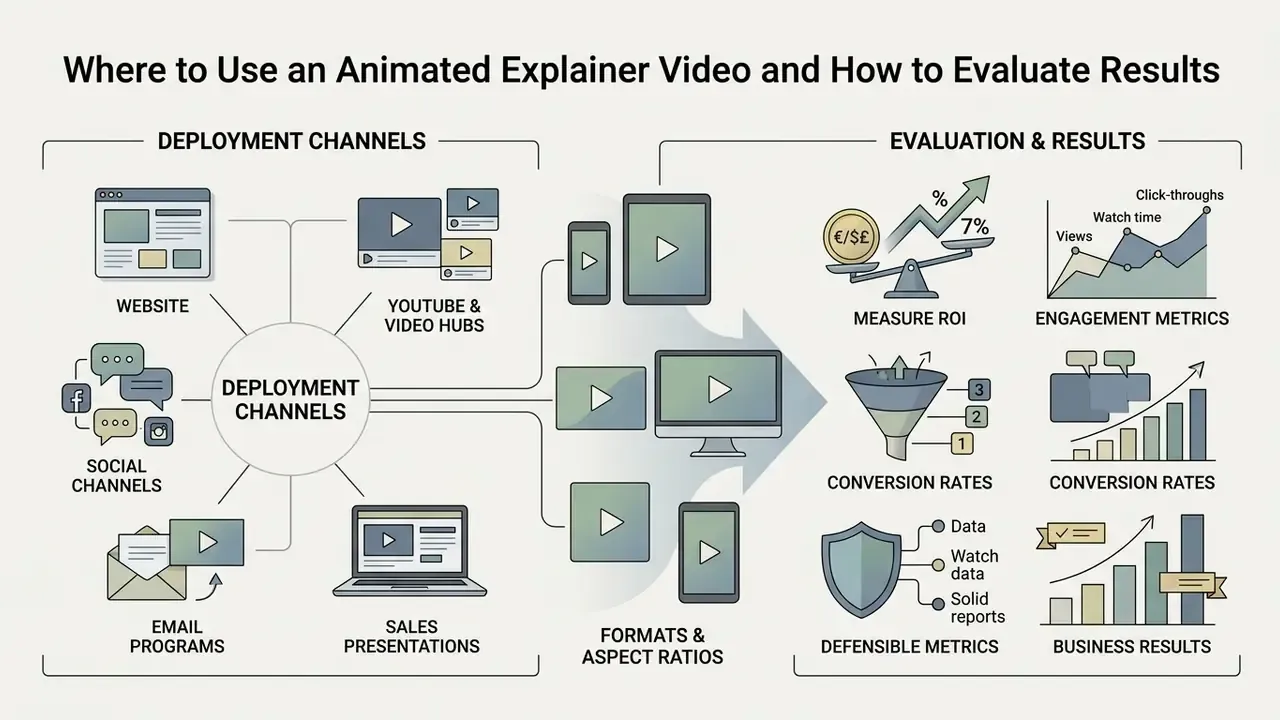
Deploying an animated explainer video across distribution channels means tailoring formats and aspect ratios to platform constraints. Tracking post-launch performance lets marketing and operations teams judge business impact rather than guess at it.
Website, YouTube, Social Media and Sales Presentations
- Corporate website Place the video above the fold on landing pages to capture initial attention. Set the player to mute by default to preserve accessibility, and avoid autoplay with sound.
- YouTube and video hubs Optimise titles, descriptions, and custom thumbnails around primary search intent. Add chapter markers so viewers can jump to the section they came for.
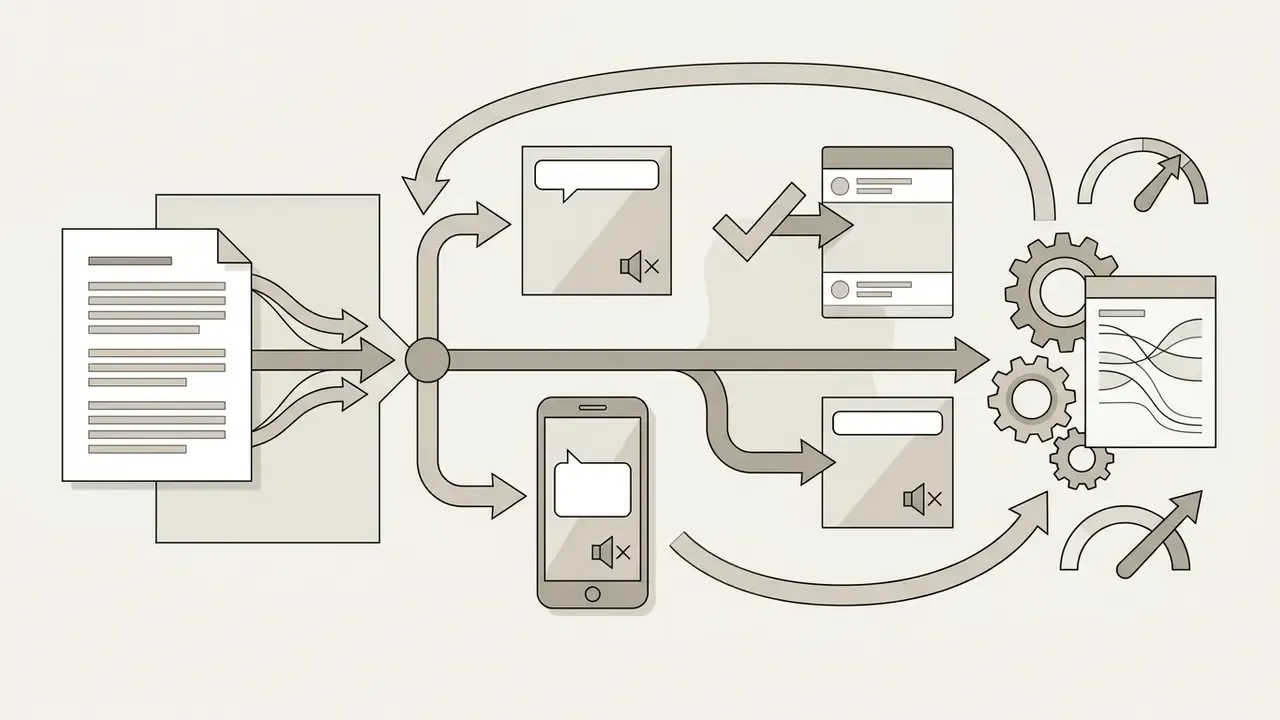
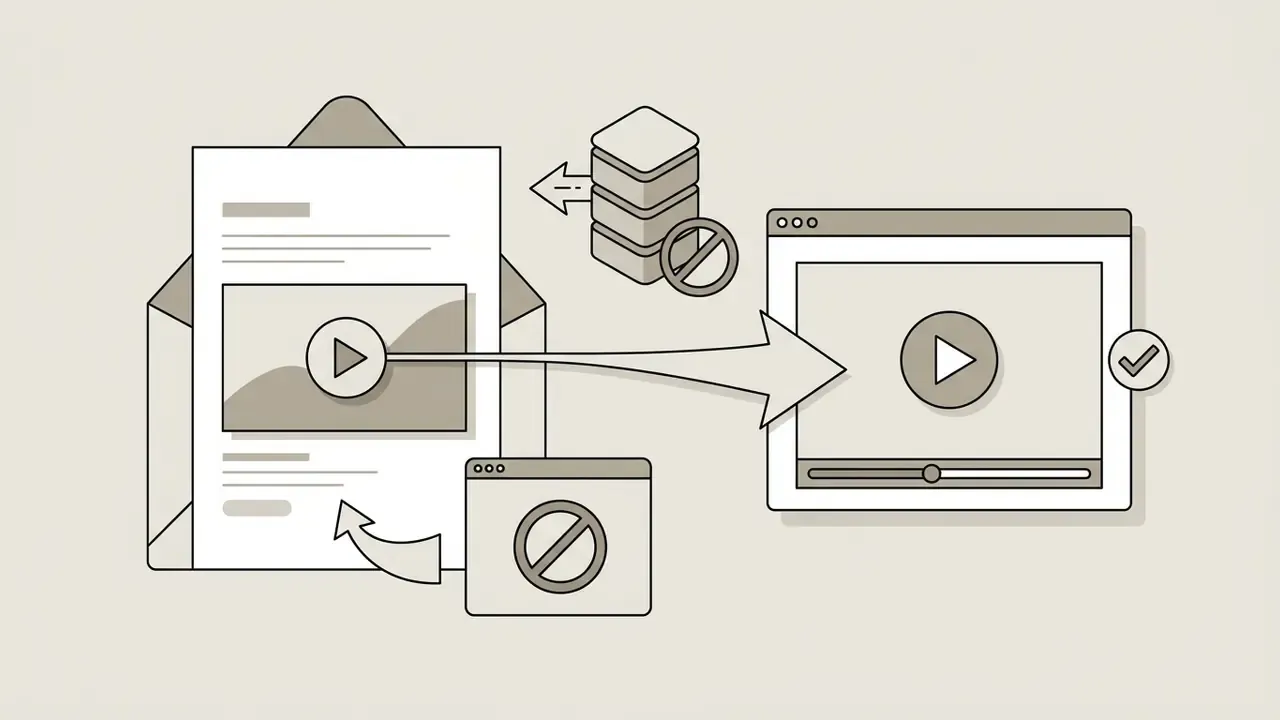
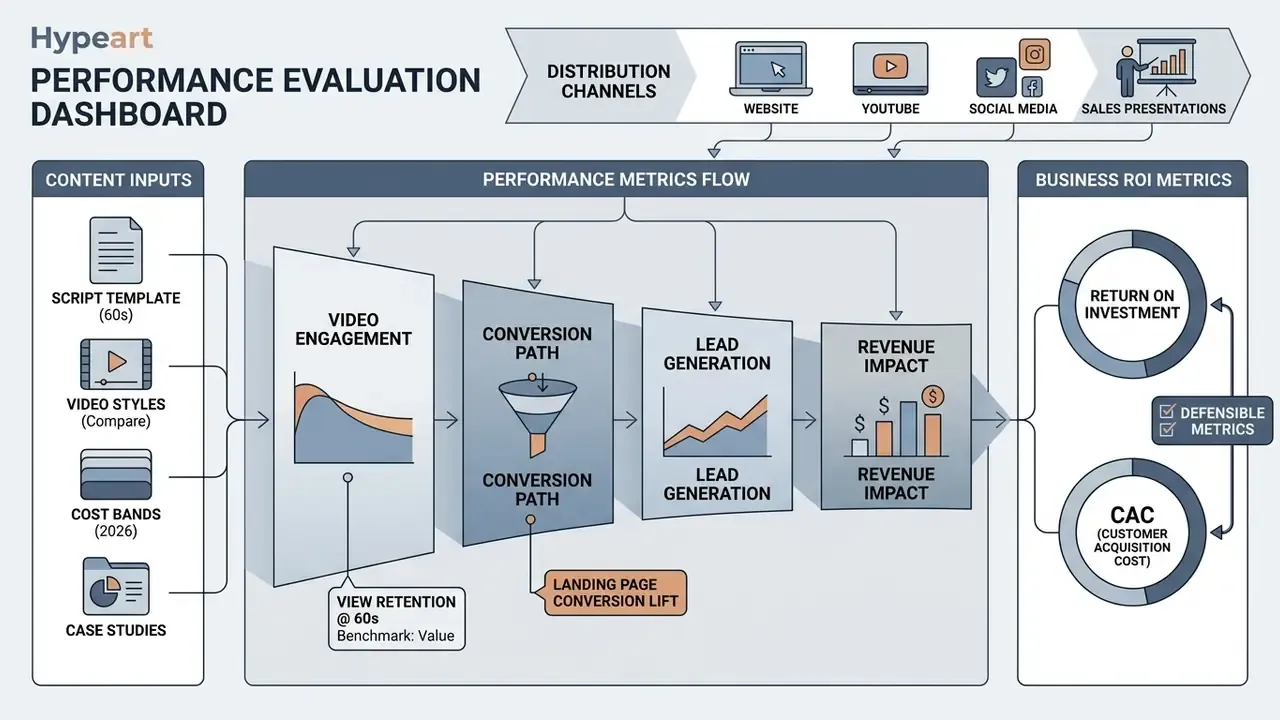
Evaluating commercial results means measuring conversion lift, retention curves, and customer acquisition cost against a baseline. Published B2B benchmarks report homepage retention of roughly 70% at 60 seconds, 50% at 90 seconds, and 30% at 120 seconds (ContentBuck, 2026), which is the practical argument for holding marketing explainers under 90 seconds.
Attribute revenue with UTM parameters or CRM source tagging, then calculate:
ROI % = ((Attributed Revenue - Total Video Cost) / Total Video Cost) x 100
For internal assets, substitute revenue with cost avoidance: support tickets deflected multiplied by average handling cost, or onboarding hours saved multiplied by loaded hourly rate.
"Watching an explanation video before assessment improved performance, with stronger effects among students with higher prior achievement."
The governance implication is direct: measure by segment. A single blended conversion number can hide the fact that a video is working for informed evaluators while failing cold, unfamiliar traffic. That distinction determines whether you shorten the hook or deepen the proof. Set explicit performance indicators before launch and the post-mortem becomes an analysis instead of an argument.
Summary Checklist for Business Animation Projects
To protect ROI and keep production predictable, review this execution checklist before kickoff:
- Isolate a single message.Focus the script on one core business problem and one resolution.
- Set strict runtime limits.Keep marketing explainers between 60 and 90 seconds, roughly 130 to 150 words.
- Lock the script early.Finalise copy before keyframing to avoid costly change orders.
- Enforce brand guidelines.Apply standardized palettes and motion rules across all assets, and confirm your team has access to compliant video editing tools for post-launch re-cuts.
- Include a clear call to action.Close with one direct, single-action directive.
- Confirm licensing and confidentiality.Verify commercial usage rights, source-file delivery, and NDA coverage before any product internals leave the organization.
- Baseline your metrics.Record pre-launch conversion rate, ticket volume, and onboarding time so post-launch impact is measurable rather than anecdotal.
- Assign an owner.One named person approves the final cut, holds the source files, and reviews the asset at a set date, for example twelve months out.
Limitations and Open Questions
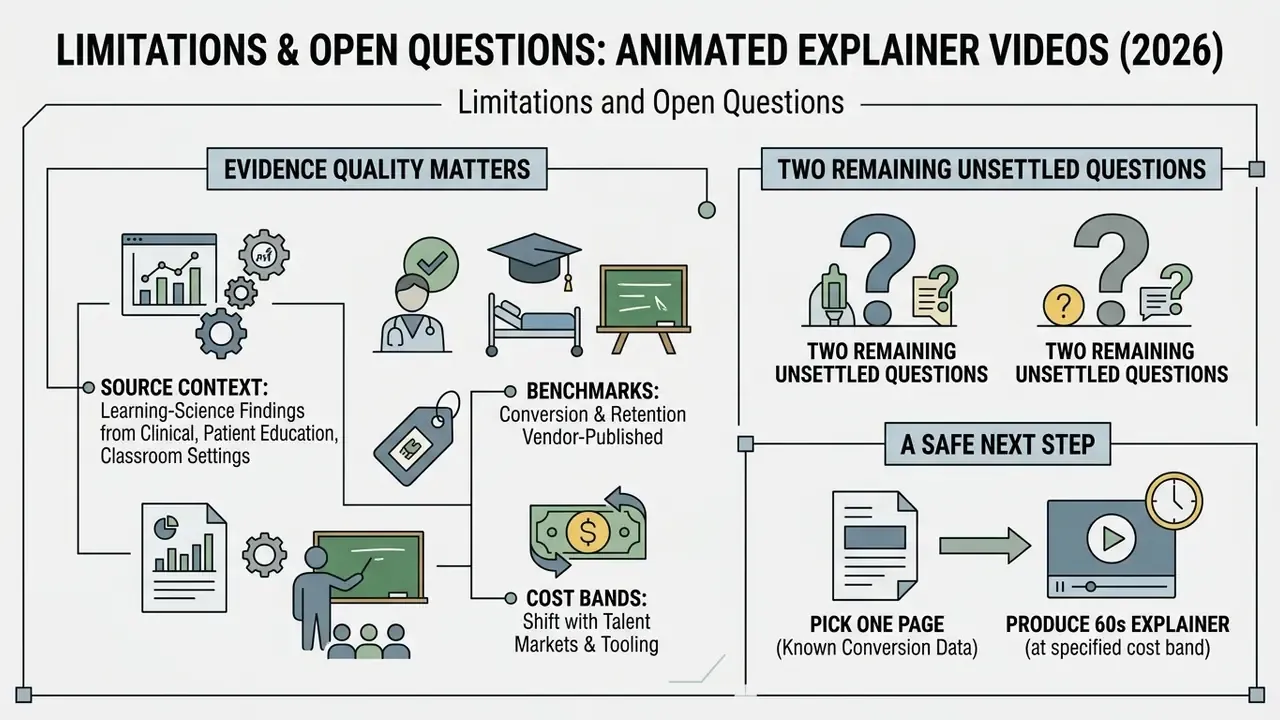
Honesty about evidence quality matters more than a confident number.
The learning-science findings cited here come from clinical, patient education, and classroom settings. They support the mechanism, that paired narration and animation reduce cognitive load, but they were not measured on enterprise buyers evaluating software. Transfer is plausible, not proven.
The conversion and retention benchmarks are vendor-published. They reflect self-selected samples and rarely disclose baseline traffic quality. Use them to frame a hypothesis, then test against your own analytics before a budget request depends on them.
Cost bands shift with talent markets and tooling. AI-assisted production has compressed entry-tier pricing sharply over two years, and it may compress mid-tier pricing next. What has not compressed is review time for regulated content, which stays stubbornly human.
Two questions remain genuinely unsettled. First, how AI-generated animation will be treated in copyright and disclosure terms across jurisdictions, which affects long-lived brand assets. Second, whether audiences discount synthetic narration once they recognise it. Neither has a reliable answer yet. Plan for both, and keep a documented, defensible record of how each asset was made.
A safe next step: pick one existing page with known conversion data, produce a 60-second explainer at the lowest tier that meets brand standards, and measure lift against the recorded baseline for 60 days. Scale the format only after the numbers hold.
FAQ: Animated Explainer Videos
How long should an animated explainer video be?
60 to 90 seconds for marketing and product explainers, 1 to 3 minutes for corporate and investor-facing pieces, and up to 10 minutes for training modules where procedural depth matters. Retention benchmarks show the sharpest viewer drop after the 90-second mark.
How much does a 60-second animated explainer video cost in 2026?
Roughly $200 to $1,000 for a structured screencast, $500 to $2,000 for template or AI-assisted output, $2,000 to $8,000 for semi-custom production, and $8,000 to $25,000 or more for custom studio work. Premium 3D and cinematic campaigns exceed $25,000.
How long does production take?
24 to 72 hours for a screencast, under a week for template output, 3 to 5 weeks for 2D motion graphics, 5 to 8 weeks for character animation, and 8 to 16 weeks for premium 3D.
Is AI-generated animation suitable for enterprise use?
For non-confidential marketing and internal updates, yes, provided the platform's commercial licence and data-retention terms are verified. For unreleased product internals or regulated data, keep production inside contracted studios or enterprise-tier tooling with documented processing terms.
What is the difference between animated explanation videos and product demos?
Animated explanation videos compress the why into 60 to 90 seconds using illustrated abstraction. A product demo shows the actual interface at length for an audience already in evaluation. Many teams need both, sequenced.
Which metric proves an explainer video worked?
Conversion lift on the hosting page, support ticket deflection, or onboarding time reduction, each measured against a pre-launch baseline. View counts alone do not demonstrate commercial value.