Executive summary
- Open-source wins on rights, freemium apps win on input comfort.Pencil2D (GPL-2.0) and Wick Editor grant unrestricted commercial use of exported animations with no watermark. FlipaClip's free tier caps projects at 3 layers, stamps a watermark, and permits personal non-commercial use only. That single sentence decides most procurement conversations.
- Hardware, not software, is the real Chromebook bottleneck.Frame-by-frame 2D sketching runs on 4 GB RAM. Multi-layer compositions, Linux (Crostini) builds and 3D pipelines need 8 GB or more, x86 Intel/AMD silicon, plus a USI 1.0/2.0 stylus for pressure sensitivity and palm rejection.
- Export format determines downstream cost.GIF89a and WebM cover social loops, MP4 covers video distribution, PNG sequences with alpha cover compositing, and
.FBX/.OBJ/.STLextend the pipeline into Unity, Unreal Engine and 3D printing. - Watermarks are a legal signal, not a cosmetic annoyance.If a free tier brands your export, the terms usually restrict where that file may travel.
Who this guide is for. Three groups tend to land here. Educators and internal L&D teams who need a cheap animated explainer on managed Chromebooks. Marketing and brand teams testing whether a free tool can legally carry a paid campaign. And risk, procurement or IT reviewers who must sign off on cloud storage, licence scope and data residency before a tool spreads across a fleet. Each group gets a different answer, so the licensing and hardware sections carry more weight here than the feature lists.
What is a drawing animation maker and what can you create?
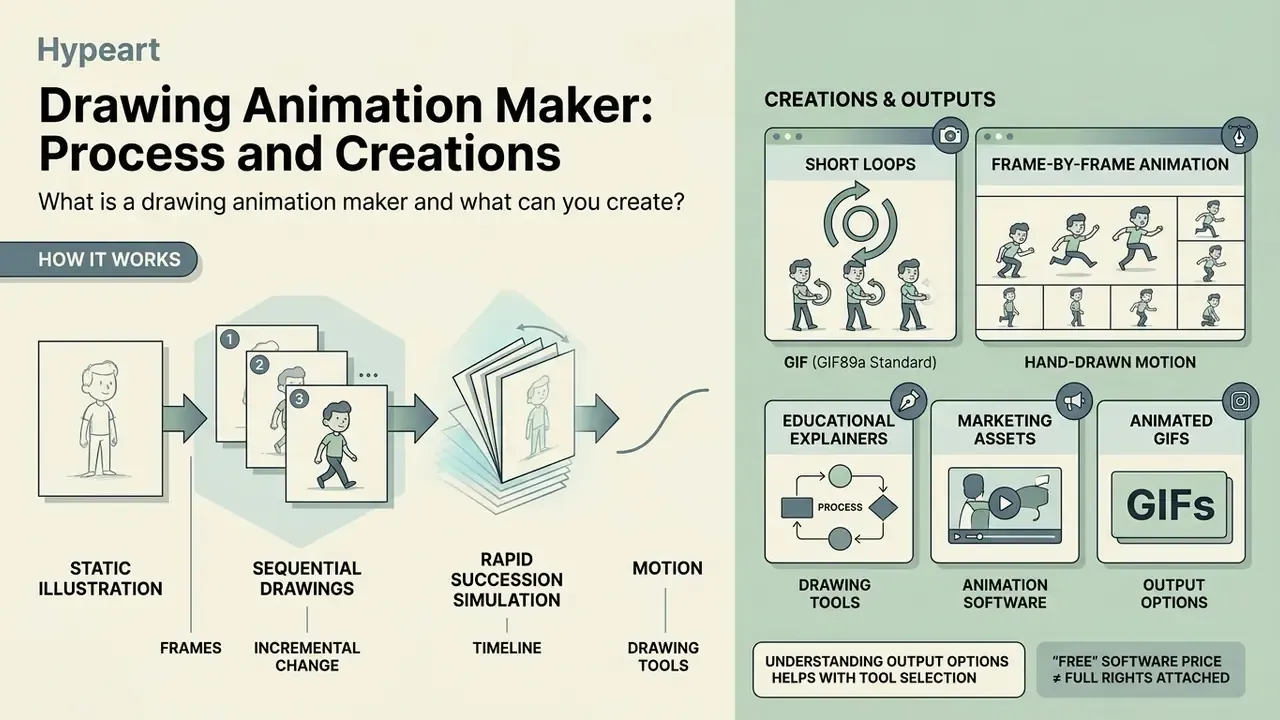
A drawing animation maker turns static illustrations into motion through sequential frames or vector keyframes. Outputs range from looping GIFs and MP4 explainers to interactive web graphics and micro-learning assets.
A drawing animation maker is a software environment or web application that builds moving imagery from static illustrations or sequential hand-drawn frames. These platforms range from simple frame-by-frame sketch pads to advanced vector suites, enabling artists to produce 2D animated sequences, short video clips, dynamic web graphics, and looping media. Unlike 3D animation software that relies on skeletal rigging and three-dimensional rendering pipelines, a drawing animation maker works primarily in two-dimensional space through raster or vector drawing layers.
Understanding the output options helps organizations select the right tool for educational, marketing, or operational assets. Creators can produce animated GIFs for web banners, continuous motion graphics for social channels, or micro-learning assets that sit inside an LMS module. Organizations often cross-reference tool capabilities in an AI Media Glossary to standardize technical definitions across cross-functional teams, and category-level overviews such as the guide to animation makers help teams align on creation methods, templates and export options before procurement.
One small caveat worth stating early: "free" describes the price of the software, not the rights attached to the file it produces. Those two questions are separate, and confusing them is the most common failure we see in review cycles.
Frame-by-frame drawing animation, GIFs and short loops
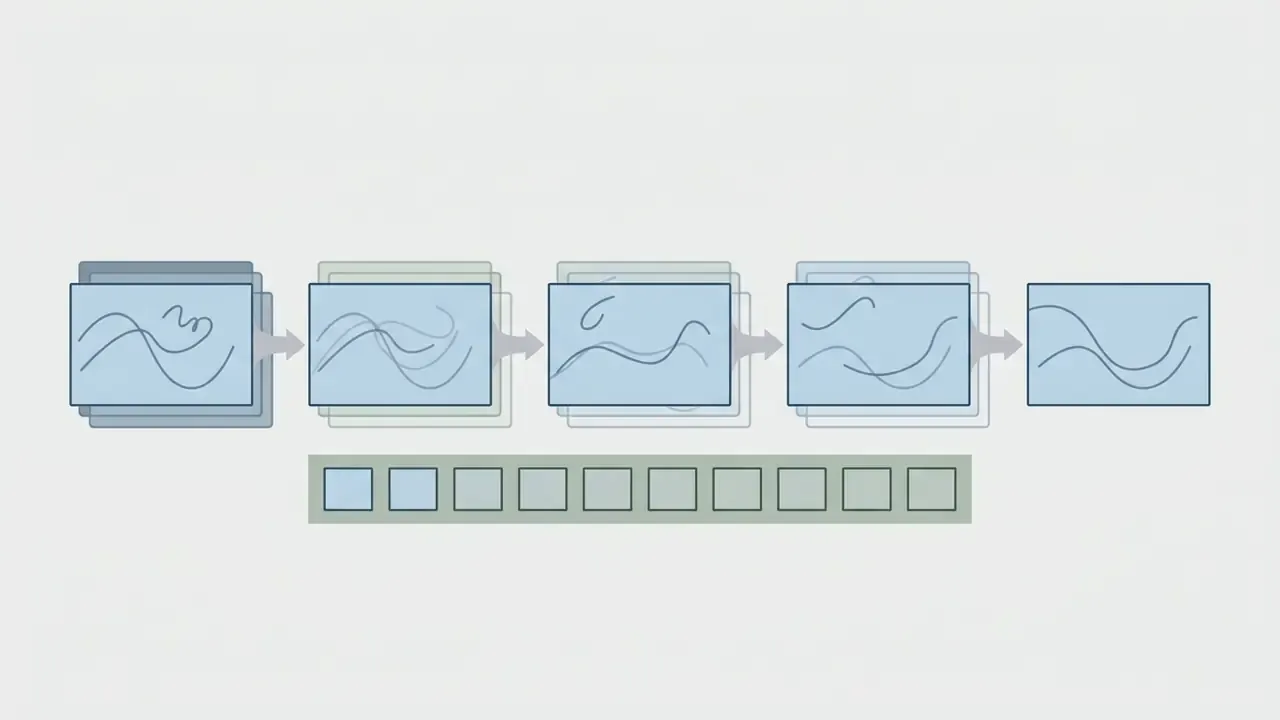
Frame-by-frame animation displays incremental drawings in rapid succession. Short loops repeat seamlessly because the final frame flows back into the first.
Frame-by-frame animation works by showing a series of drawn images in rapid succession to simulate continuous motion. In a standard make drawing animation workflow, each frame represents an incremental movement: a walking character, a rotating gear, a changing physical diagram. Short repeating loops rely on continuous playback, where the final frame transitions back into the initial frame without a visible seam.
"Both animation forms, frame-by-frame and whiteboard, significantly improved students' knowledge acquisition, p < 0.001 for within-group results."
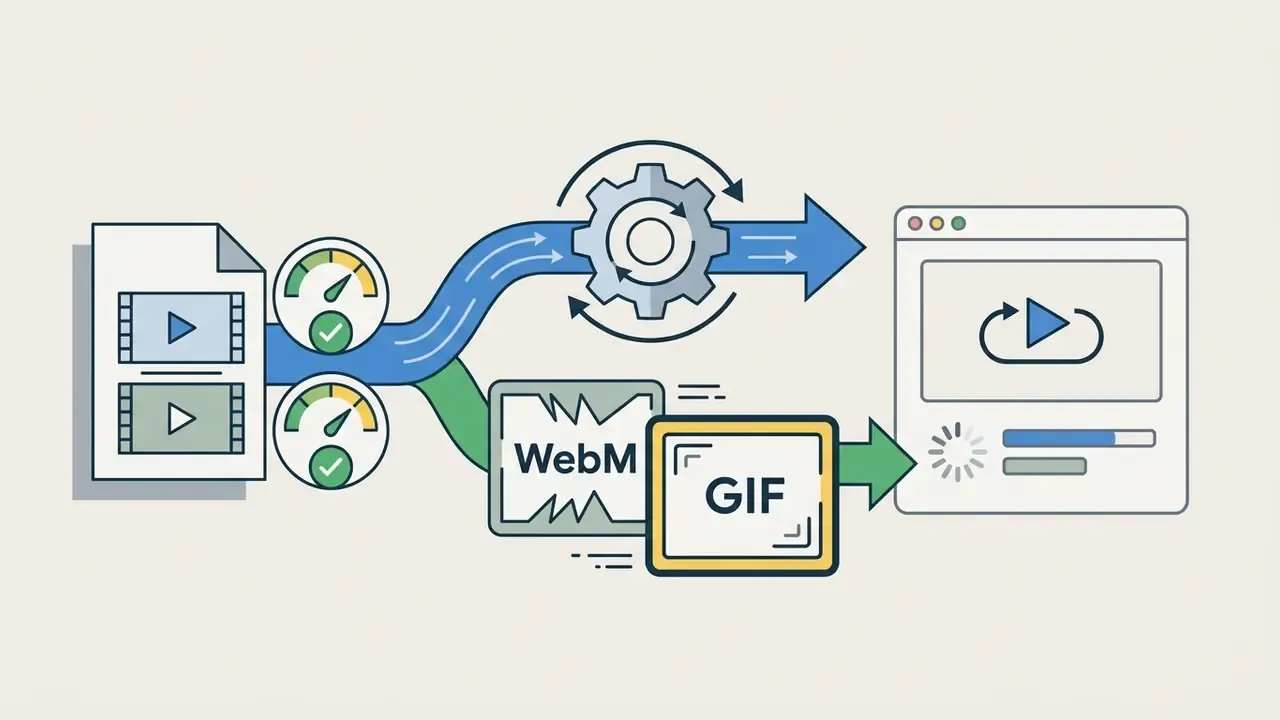
The primary export format for short loops is the animated GIF (GIF89a standard), which stores multiple images with frame-delay timing data inside a single file (W3C Specification, GIF89a). The specification itself is modest about the ambition: animation is possible "in a limited way" through multiple images plus control data in one file, and the loop counter lives in the Netscape application extension, where a value of 0 means repeat forever. Modern containers like MP4 and WebM offer better compression and colour depth, yet GIFs survive because every browser plays them and nobody has to press play. Teams weighing hand-drawn loops against generative pipelines often benchmark them against free AI video generators to understand quality, duration limits and watermark trade-offs before committing production hours.
Browser-based drawing tools versus animation software
Browser tools launch instantly inside a sandboxed WebGL/HTML5 canvas. Desktop suites reach native GPU memory and sustain heavy multi-layer scenes.
Browser-based online drawing tools execute entirely within modern browsers using WebGL or HTML5 canvas APIs, so nothing gets installed locally. Full-featured desktop animation software runs natively on the machine, with direct access to GPU acceleration and far more generous memory management.
Table: architecture comparison, WebGL browser sandbox versus native desktop animation engine.
| Architectural layer | Browser-based drawing tool | Native desktop animation software |
|---|---|---|
| Rendering path | HTML5 canvas / WebGL context inside the browser process | Direct OS graphics API access (OpenGL, Vulkan, Metal, DirectX) |
| Memory ceiling | Per-tab heap limits; large multi-layer scenes can exhaust the tab and force a reload | Bound only by installed system RAM and swap allocation |
| Hardware acceleration | Browser-mediated; GPU and video decode acceleration is not yet supported inside the ChromeOS Linux container | Full GPU acceleration where drivers are present |
| Installation and admin rights | None required, which suits managed fleets without local admin privileges | Installer or package manager access required |
| Data residency | Projects frequently autosave to vendor cloud storage, so retention terms need review | Project files stay on local disk or company-controlled storage |
| Best fit | Short loops, banners, classroom exercises, collaborative review | Long-form narrative production, heavy bitmap brushes, studio pipelines |
Reading the table: browser applications win on instant deployment and lightweight hardware, but complex multi-layer compositions can hit browser memory limits during high-frame-rate rendering. Desktop animation suites absorb multi-layer scenes and heavy bitmap brushes far more comfortably, which is why long-form narrative production still lives there.
Teams evaluating cross-platform utility frequently consult an AI Media Comparison to weigh web access against local processing performance. Documentation from professional suites reinforces the gap: OpenToonz describes itself as "full-featured 2D animation creation software", Pencil2D positions itself as "lightweight and easy to use", and studio pipeline interfaces such as Toon Boom's WebCC exist only for remote scene checkout, not as a browser replacement for the desktop system.
How to choose an animation maker for drawing
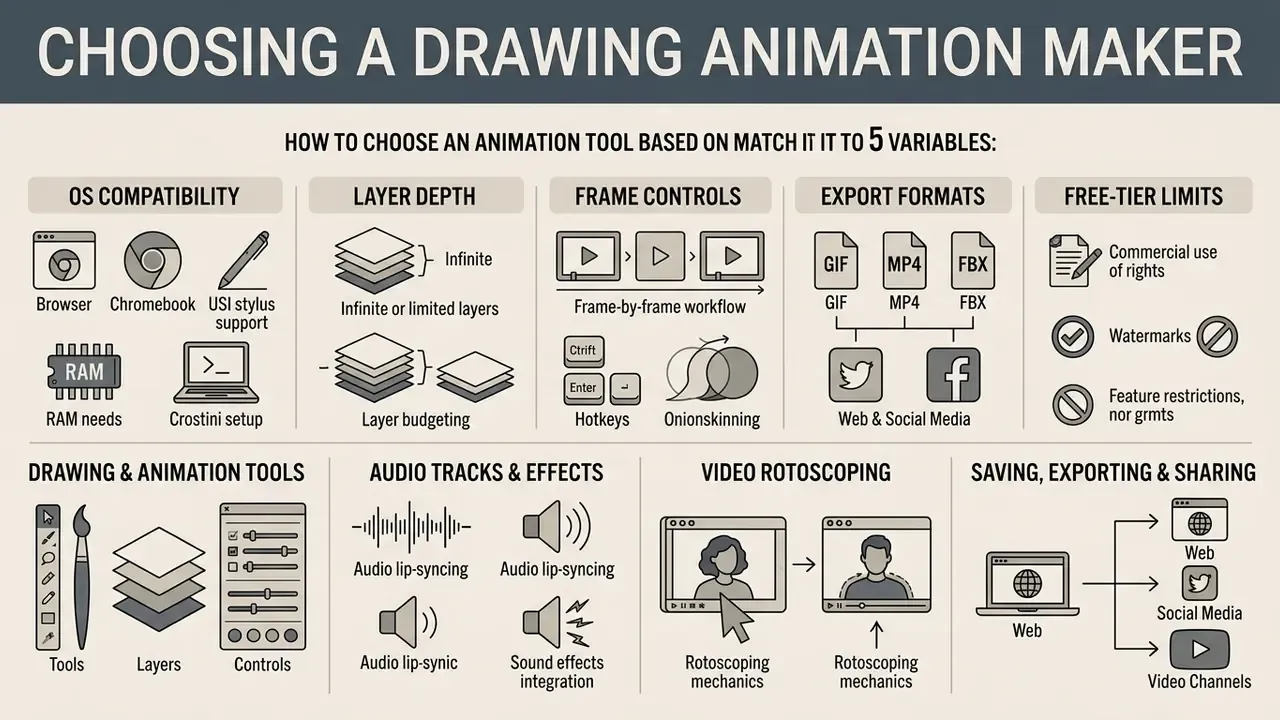
Match the tool to five variables: OS compatibility, layer depth, frame controls, export formats and free-tier legal limits. Skipping the licence review is the most expensive mistake teams make.
Selecting a draw animation maker means assessing operating system compatibility, layer controls, frame-rate settings, export capabilities, and licensing terms. Decision-makers first have to answer one question honestly: does this workflow need lightweight web accessibility, or deep desktop control? Teams that also evaluate generative pipelines can benchmark drawing tools against the best AI art generators to see where hand-drawn frames still outperform automated output on brand control.
Organizations should check whether an online tool restricts commercial rights, appends mandatory watermarks, or caps export resolution. A systematic selection process keeps tool choice aligned with operational requirements and avoids licensing conflicts discovered mid-campaign. Vendor documentation shows how widely capabilities diverge: Synfig Studio advertises 50+ layer types, Krita ships a timeline with onion skinning plus export to video or image sequence, Clip Studio Paint exports flattened cel sequences as BMP, JPEG, PNG, WebP, TIFF or Targa, and FlipaClip caps free accounts at 3 layers while FlipaClip Plus raises the ceiling to 10 and removes the watermark.
Table: comparative matrix of drawing animation maker categories.
| Tool category | Representative model | Frame-by-frame support | Browser / cloud access | Free tier availability | Interface complexity | Primary business use case |
|---|---|---|---|---|---|---|
| Browser 2D editor | Wick Editor | Native timeline | Full web operation | Fully free (open source) | Moderate | Web graphics, quick tutorials, interactive banners |
| Chromebook native app | FlipaClip (Android) | Touch / stylus frames | Local app via Google Play | Freemium (watermarked, 3 layers) | Low to moderate | Hand-drawn sketches, mobile storyboards, education |
| Desktop 2D software | Pencil2D | Raster and vector layers | Local installation required | Fully free (GPL-2.0) | Moderate | Traditional 2D hand-drawn animation production |
| 3D animation suite | Spline / Blender (Crostini) / WebGL 3D | Keyframe and rigging focus | Hybrid WebGL, desktop, cloud render | Tiered freemium (Blender fully free) | High | 3D web elements, product visualization, interactive assets |
Summary of matrix findings: browser-based 2D tools provide immediate access with zero deployment friction, whereas native desktop software offers unrestricted local processing power. Android apps running on Chromebooks bridge touch-screen sketching with mobility, though freemium tiers frequently constrain commercial use. If your fleet blocks installers, the first column is effectively your entire shortlist.
Drawing tools, layers and frame controls
Layer isolation plus onion skinning is the minimum viable feature set for consistent motion. Both appear in Adobe Animate, Toon Boom Harmony, Krita and Blender Grease Pencil under different UI placements.
Professional animation workflows depend on precise vector and raster tools animation capabilities to keep assets consistent across hundreds of frames. Brush customization, pressure sensitivity, and stable colour palettes let artists hold a distinct visual style instead of drifting frame by frame.
Layer management lets animators isolate backgrounds, foreground elements, and active characters onto separate visual planes. Timeline controls provide onion skinning, which superimposes adjacent frames at adjustable opacity to guide transitions. It appears as a dedicated timeline button in Adobe Animate, as per-layer toggles in Toon Boom Harmony's Timeline view and Blender Grease Pencil, and as an Onion Skin Docker in Krita. Same feature, four different hiding places.
Teams standardizing instructional content often generate structural diagrams with an ai flowchart generator before bringing vector assets into an animation timeline.
Integrating audio tracks and video rotoscoping
Beyond static frame manipulation, modern drawing tools support multi-track audio and video rotoscoping:
- Audio lip-syncing and sound effects. Animators import WAV or MP3 stems onto dedicated timeline tracks. Scrubbing the audio enables frame-accurate placement of mouth shapes (phonemes) and effects, which is why FlipaClip markets audio as a first-class feature alongside drawing. Teams that need narration rather than library effects can review options in the guide to AI voice generators, including language support and commercial licensing terms.
- Rotoscoping mechanics. Import an MP4 clip as a base reference layer, trace live-action movement frame by frame on an upper layer, then delete the original video track before export. The result reads as fluid stylized motion, and the technique shortens the learning curve for walk cycles and hand gestures dramatically.
- Layer budgeting. Rotoscoping consumes at least two layers (reference plus trace), so a 3-layer free tier leaves almost nothing for backgrounds. That constraint alone pushes many teams toward open-source desktop tools or a paid upgrade.
Saving, exporting and sharing animations
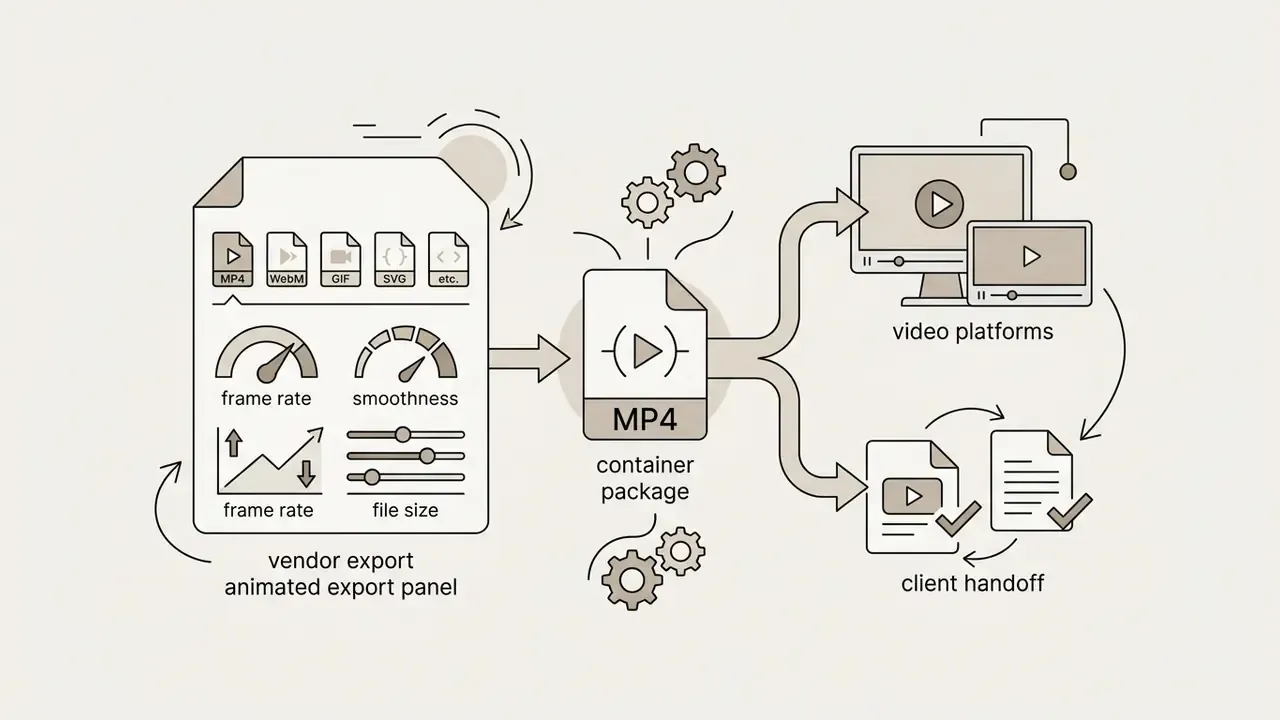
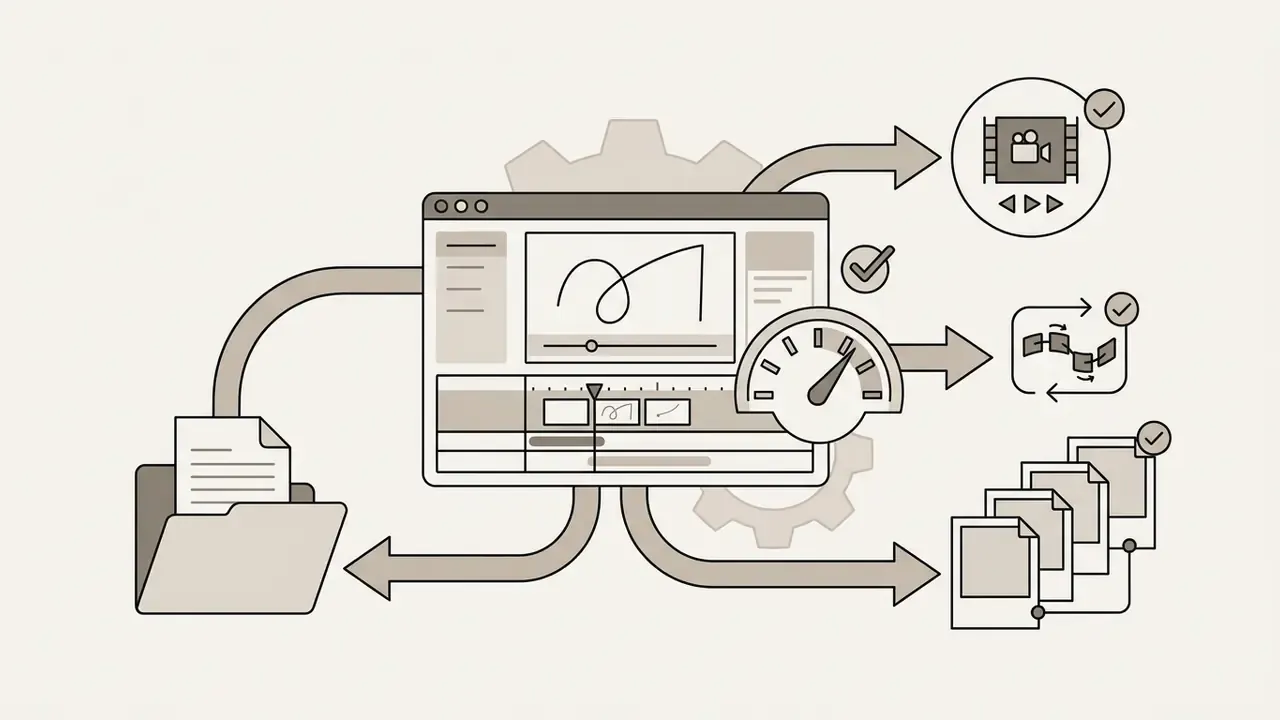
Always save the editable project file before rendering. Then pick the delivery format that matches the destination: web loop, video platform, compositing handoff, game engine or 3D printer.
Data integrity requires saving raw editable project files before rendering final output. Project files store vector paths, layer structures, frame timings, and audio tracks, which is what makes revision two weeks later possible instead of painful.
Export requirements vary by distribution channel:
Organizations managing multi-channel collateral often supplement animated assets with printed promotional materials created using an ai flyer generator.
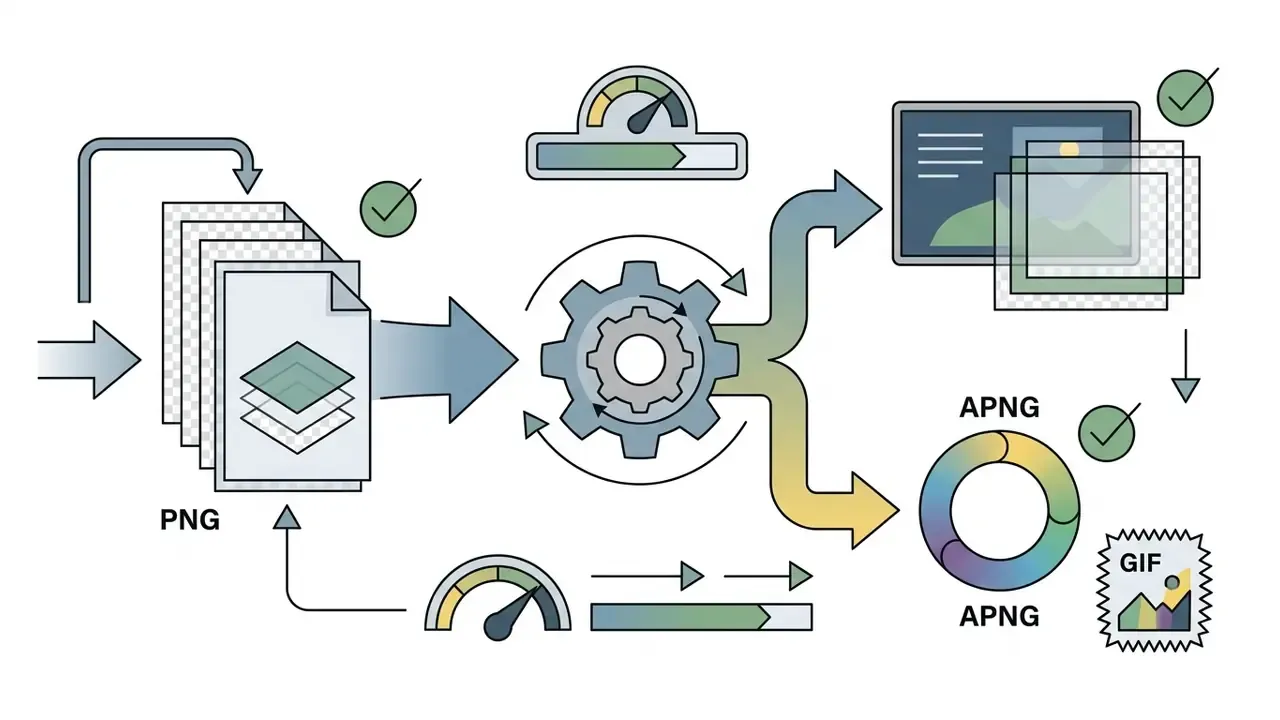
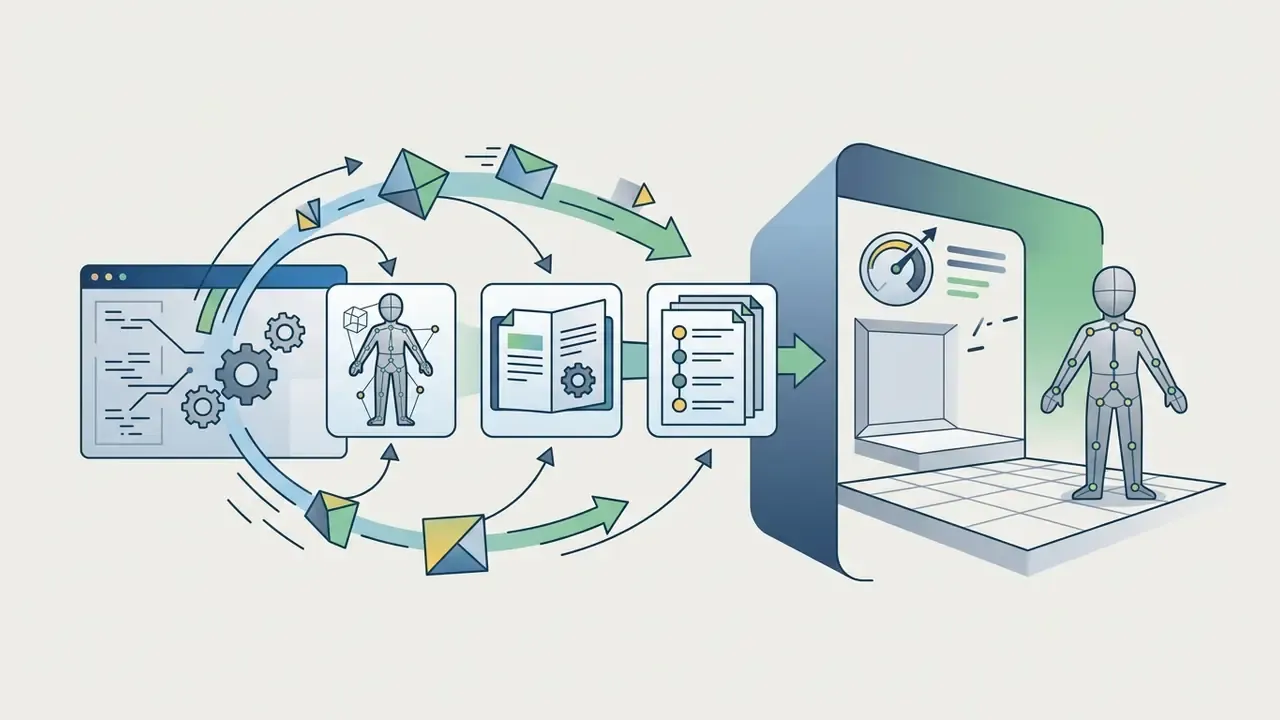
.FBX and .OBJ preserve 3D keyframe rigs and mesh data for import into Unity or Unreal Engine, which matters when drawn 2D assets sit inside rigged 3D scenes.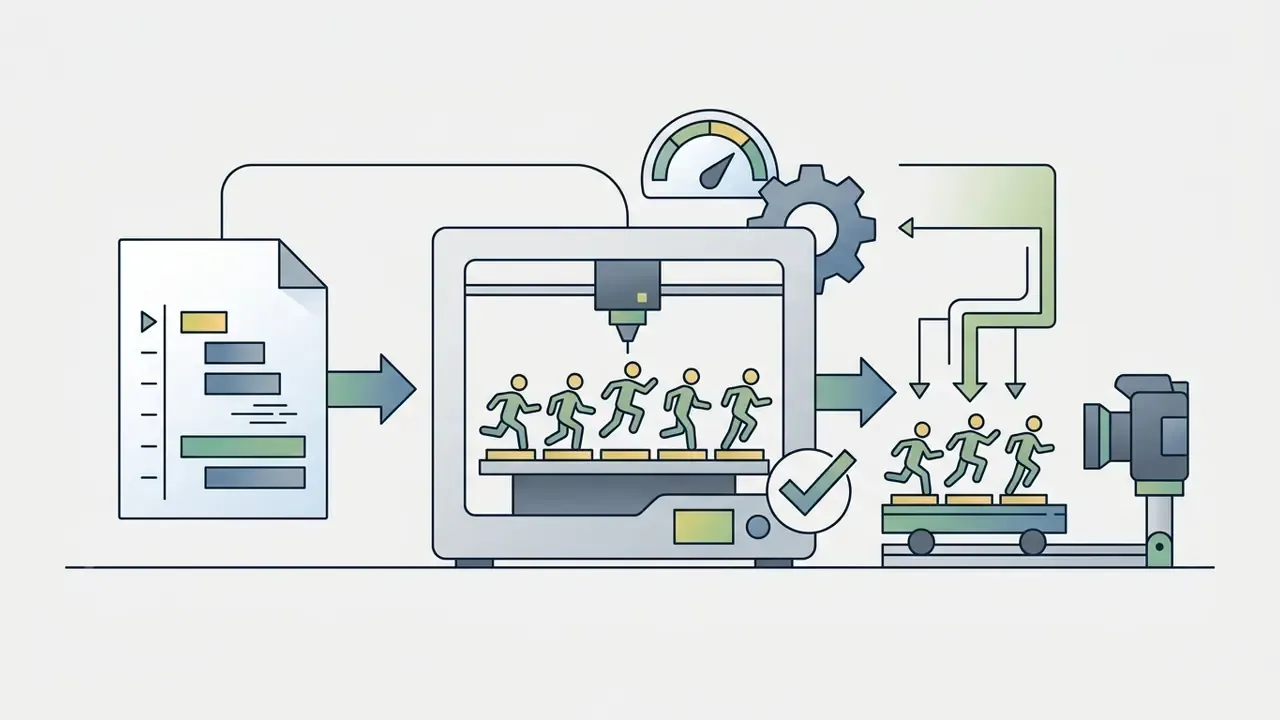
.STL files lets animators 3D-print sequential physical models for real-world stop-motion capture. That workflow also needs a free slicer on the Chromebook side.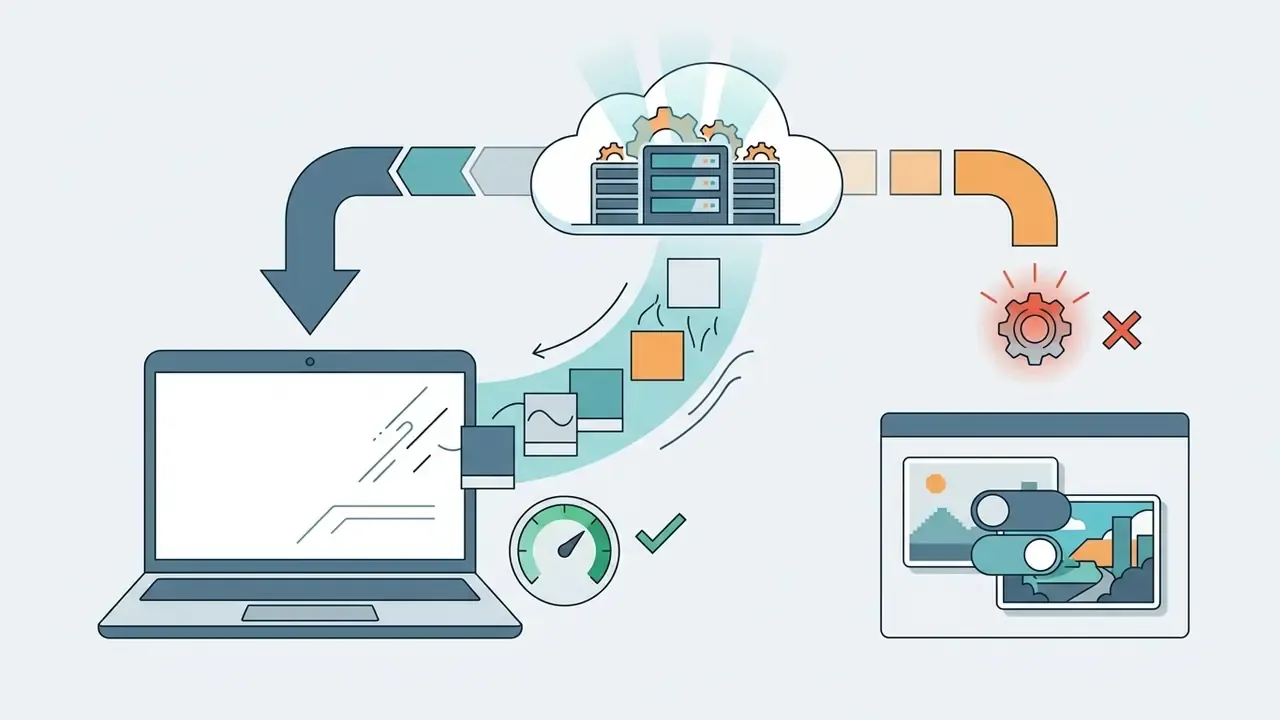
Best free drawing animation makers for browser and Chromebook
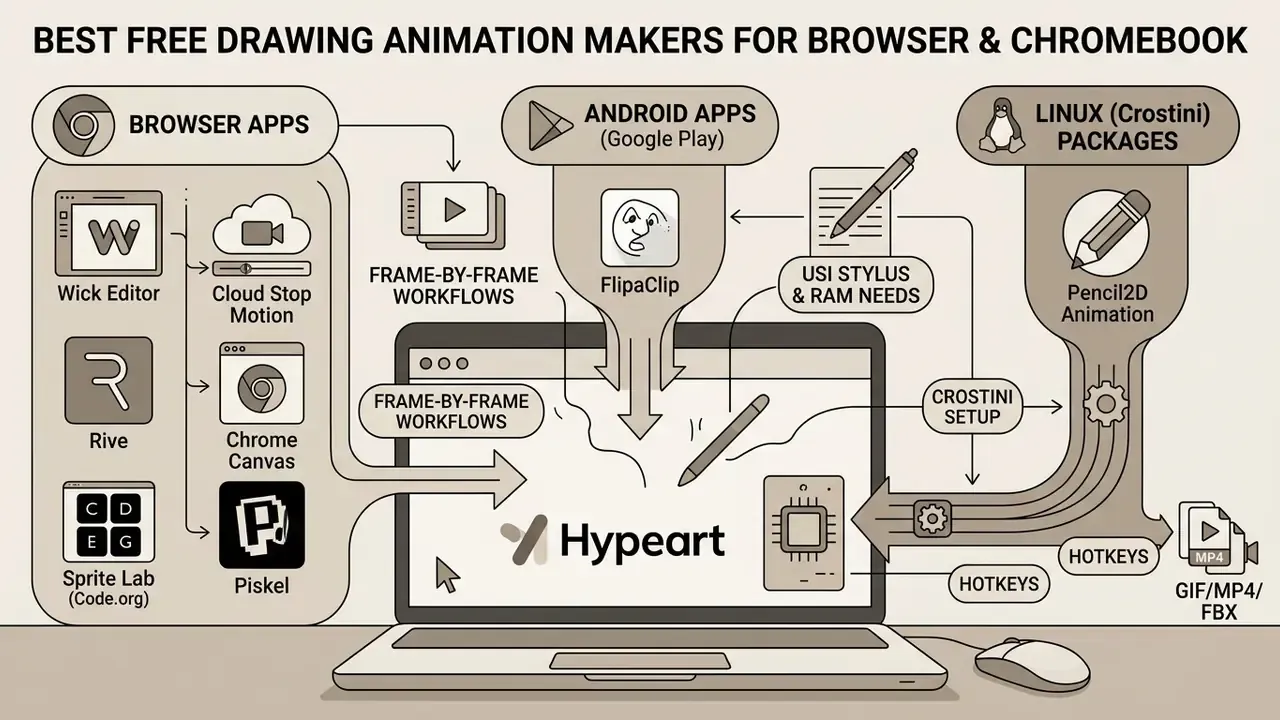
ChromeOS supports three animation routes: browser apps, Android apps from Google Play, and Linux (Crostini) packages. Browser tools require no admin rights, which suits managed school and enterprise fleets.
Chromebook environments in corporate or educational settings need efficient web-based software or lightweight container apps. Choosing among free animation websites for chromebook depends on one policy question: does the device policy permit local Linux binaries, or is execution restricted to the browser? Ask IT before you shortlist anything.
Web-based animation tools for Chromebook
Teams preparing educational resources on web platforms often pair an ai flashcard maker with animated visual aids to reinforce learner retention.
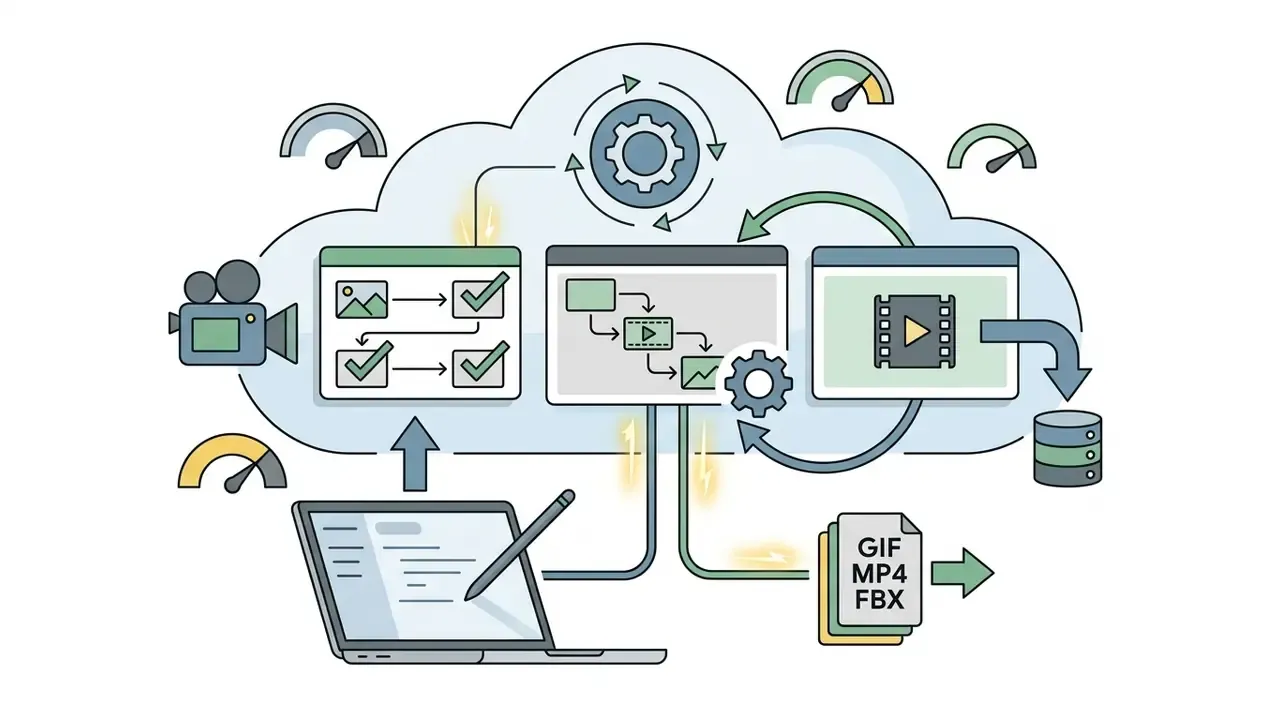
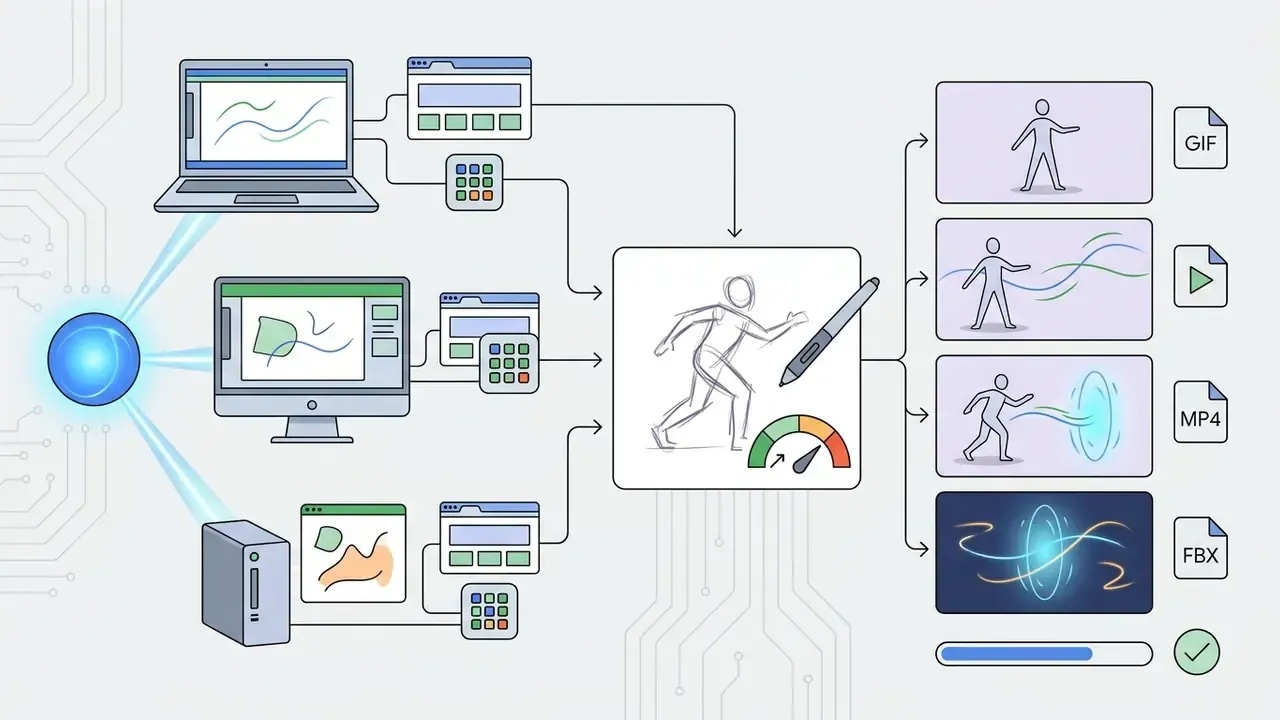
Chromebook animation apps and open-source software
When browser applications lack a required feature, ChromeOS also supports Android applications and Linux container installations (Crostini). That widens the set of animation apps free for chromebook considerably, and it changes the licensing picture too.
"Under the FlipaClip Terms of Use (revision dated 12 January 2026), the application is intended exclusively for personal, non-commercial use." FlipaClip Terms of Use, last modified 12 January 2026. https://flipaclip.com/terms-of-use
"Pencil2D is distributed under the GPL-2.0 licence and supports Windows, macOS, Linux and FreeBSD; version 0.7.0 was released on 12 July 2024." Pencil2D GitHub Repository (updated 2024-07-12). https://github.com/pencil2d/pencil
- FlipaClip (Android app)
- available through the Google Play Store on supported Chromebooks, and featured on Google Play's "Best for Chromebooks" editorial list. It offers intuitive frame-by-frame drawing tools, audio track integration, rotoscoping from imported video, onion skin, grid and stylus support. The free version limits projects to 3 active layers and appends an export watermark; FlipaClip Plus removes the watermark and raises the cap to 10.
- Pencil2D Animation (Linux/Crostini)
- an open-source 2D animation editor supporting bitmap and vector workflows. It runs on ChromeOS via the Linux container, providing a fully free workspace with no export watermark.
- Blender (Linux/Crostini)
- a complete free 3D pipeline covering modelling, rigging, rendering and VFX, available on ChromeOS once the Linux environment is enabled. It demands higher specifications and a steeper learning curve than any 2D tool here.
- Synfig Studio (Linux/Crostini)
- free and open-source 2D animation software advertising 50+ layer types for vector-driven motion.
- OctoStudio and Scratch
- MIT Media Lab's OctoStudio is free on Chromebooks, tablets and smartphones; Scratch's official app supports Chrome and Android tablets and remains a common first step for beginner animation projects.
Compatibility fact check and verification (2026 audit)
For a broader category map of tools, templates and AI features across price tiers, see the reference guide to animation makers.
Chromebook hardware requirements and stylus standards
Smooth animation on ChromeOS depends on digitizer support and memory headroom, not just app choice. USI-compatible styluses plus 8 GB RAM on x86 silicon cover almost every 2D and light 3D workflow.
- Stylus compatibility: look for devices supporting the Universal Stylus Initiative (USI 1.0/2.0) protocol, such as the Acer Spin 514 or Lenovo IdeaPad Duet, to get pressure sensitivity and palm rejection in apps like FlipaClip. Google publishes a list of compatible touchscreen devices, and animators frequently cite the Acer Spin 514 as a capable creative machine.
- RAM and processor boundaries: frame-by-frame 2D sketching needs a minimum of 4 GB RAM. Heavy multi-layer compositions or Linux-based 3D applications, Blender via Crostini being the obvious case, want 8 GB or more and x86 Intel/AMD processors rather than entry-level ARM chipsets. Lower-specification models hit RAM or GPU ceilings during 3D rendering or dense frame stacks, usually at the worst moment: final export.
- Graphics acceleration caveat: Google's Linux-on-ChromeOS documentation states that hardware acceleration, including GPU and video decode, is not yet supported inside the Linux container. Plan on cloud rendering for heavy scenes.
- Storage and portability: cloud-first project storage protects work against device failure and supports real-time collaboration. Long battery life keeps Chromebooks practical for classroom and field production, which is half the reason schools standardized on them.
Once Linux is active, professional-grade open-source tools become available, and cloud rendering can absorb projects that exceed local GPU capacity. One warning: managed enterprise and school devices often disable this toggle by policy, so verify before promising a workflow to stakeholders.
sudo apt-get install pencil2d.How to make a drawing animation online
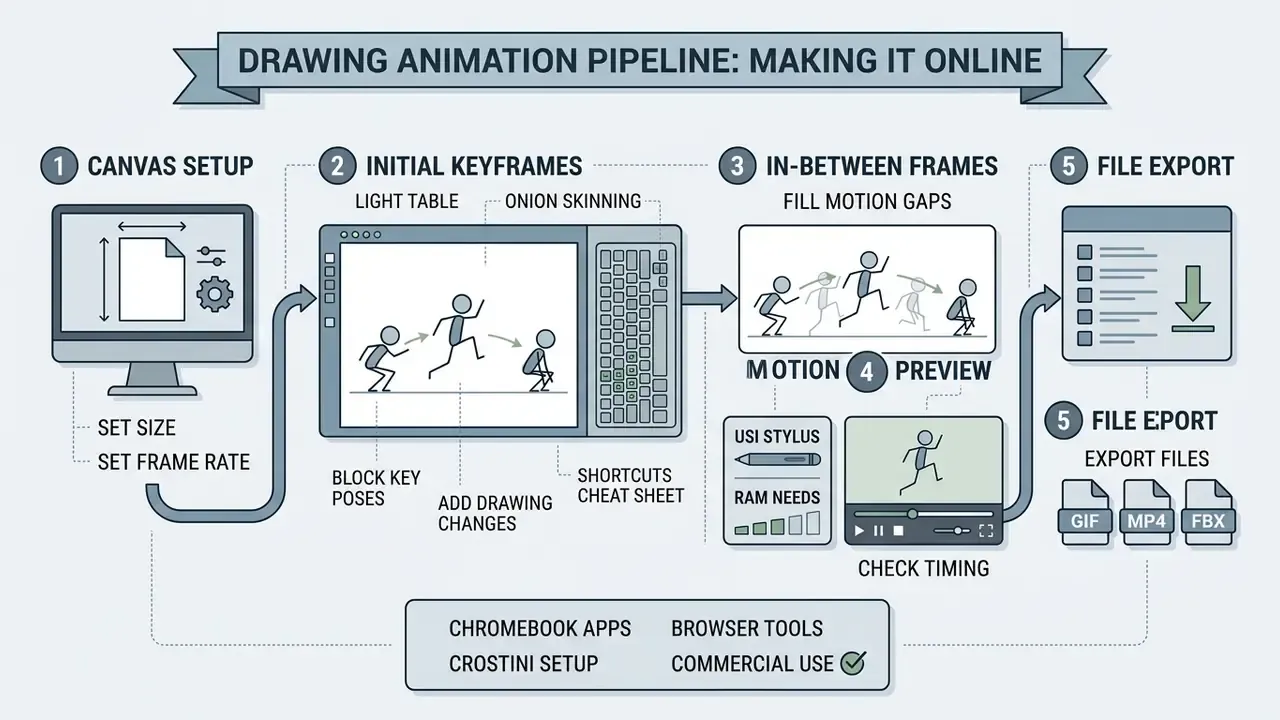
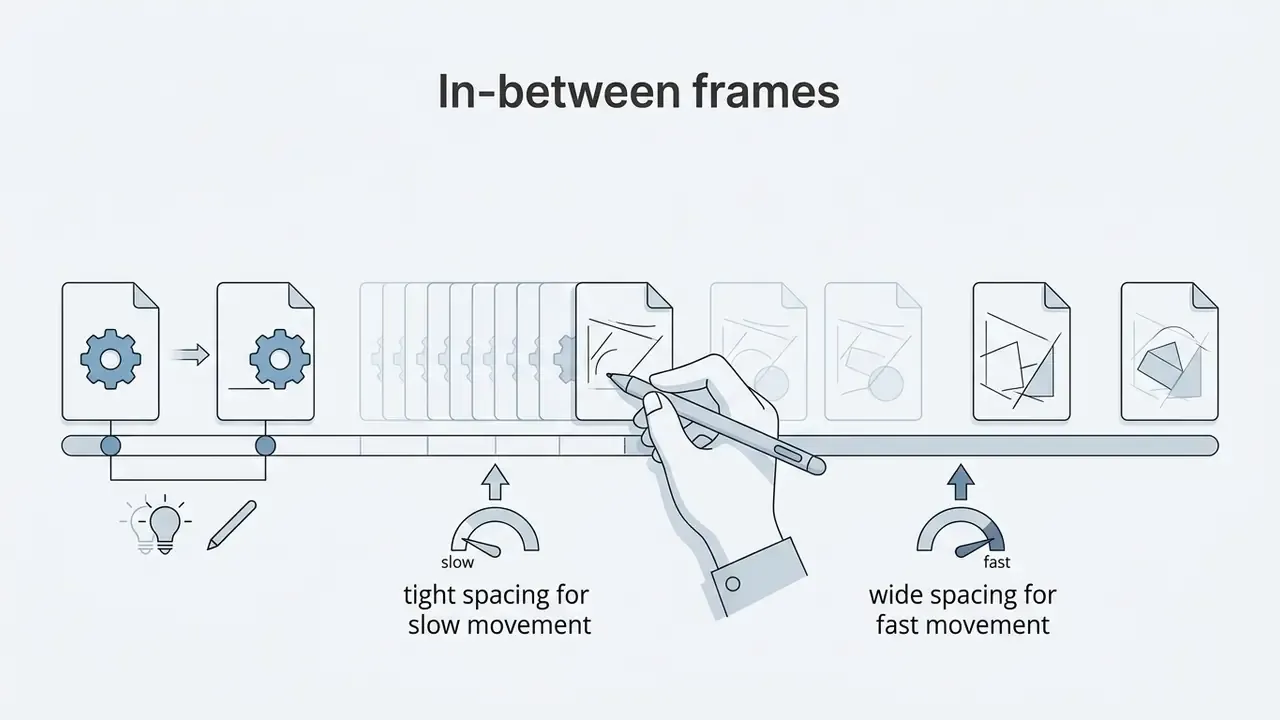
The pipeline never changes: set the canvas, block key poses, add in-betweens, preview timing, export. Beginners should start at 12 fps on twos and move to 24 fps on ones only when spacing is consistent.
Creating a sketch animation maker sequence online follows a structured production pipeline: canvas setup, keyframe sketching, in-between adjustments, timing review, and final rendering. The same five steps apply whether you draw animation online in a browser tab or in a desktop suite.
Table: step-by-step online animation production sequence.
| Step | Action | Recommended settings | Common beginner error |
|---|---|---|---|
| 1 | Canvas setup | 1920x1080; 12 fps for "on twos", 24 fps for "on ones" | Choosing 30 fps and then abandoning the shot because of frame count |
| 2 | Key poses | 2 to 4 extremes per action; hard round brush, 8-12 px | Drawing every frame sequentially with no extremes planned |
| 3 | In-betweens | Onion skin at 30-50% opacity, one frame back and forward | Even spacing everywhere, which flattens acceleration |
| 4 | Motion preview | Full-speed loop playback; hold key poses for 2 frames | Judging timing frame by frame instead of at playback speed |
| 5 | Export | GIF for loops, MP4 for video, PNG sequence for compositing | Exporting before saving the editable project file |

Create the first frame and add drawing changes
The first frame establishes the spatial foundation for the whole sequence. Artists draw key subject outlines on an active layer while reserving lower layers for static background elements.
Subsequent frames carry incremental positioning changes. With onion skinning on, the artist sees a semi-transparent ghost of previous frames, and that ghost is what keeps proportions honest while motion accumulates. This is the whole basis of animation online drawing work: draw, ghost, adjust, repeat.
"Frame-by-frame animation provides an accurate representation of movement and cause-and-effect processes, allowing temporal and spatial changes to be observed in detail."
Designers who want a distinct visual identity for animated title cards often combine custom typography from an ai font generator with hand-drawn frames.
Keyboard shortcut cheat sheet
| Standard action | Universal shortcut (PC) | macOS equivalent | Canvas / timeline effect |
|---|---|---|---|
| Brush tool | B | B | Activates active raster/vector brush |
| Eraser tool | E | E | Toggles eraser mode on current layer |
| Undo / Redo | Ctrl + Z / Ctrl + Y | Cmd + Z / Cmd + Shift + Z | Reverts or restores frame stroke |
| Adjust brush size | [ / ] | [ / ] | Decreases or increases pixel radius |
| Toggle onion skin | O | O | Overlays ghost outlines of adjacent frames |
| Play / Pause loop | Spacebar | Spacebar | Triggers real-time timeline playback |
| New frame | N or Ctrl + Shift + N | Cmd + Shift + N | Inserts an empty frame after the current one |
| Duplicate frame | Ctrl + D | Cmd + D | Copies current frame for incremental edits |
On touchscreen Chromebooks and tablets, the same actions map to finger or USI-stylus gestures. Browser games such as Toonle document the identical B / E / [ / ] convention, so muscle memory transfers between tools with almost no retraining.
Preview motion and save the animation
Regular motion previews catch timing errors while they are still cheap to fix. Adjusting frame exposure, holding a key pose for two frames instead of one, changes the perceived speed and weight of the movement more than adding drawings does.
Practical scenario (illustrative, not a client case)
- Situation an internal communications team at a mid-size financial services firm needed an animated explainer for a policy training module. External studio licensing sat outside the budget, and the fleet ran managed Chromebooks with no local admin rights, so anything requiring an installer was off the table.
- Action the team built a 15-second frame-by-frame loop in an open-source browser animation editor, set playback to 12 fps, used onion skinning for smooth transitions, and confirmed in advance that the open-source licence permitted commercial internal distribution with no watermark.
- Result the finished GIF shipped across internal portals within 4 hours at zero incremental software cost, with the editable project file archived on company-controlled storage for the next policy revision.
After the preview is approved, export. Keep local backups in native project formats to preserve editable layers for later adjustments. Teams that want to extend a static frame into generated motion can review implementation constraints and API costs in the Google Veo implementation guide.
Free plans, pricing limits and commercial-use decisions
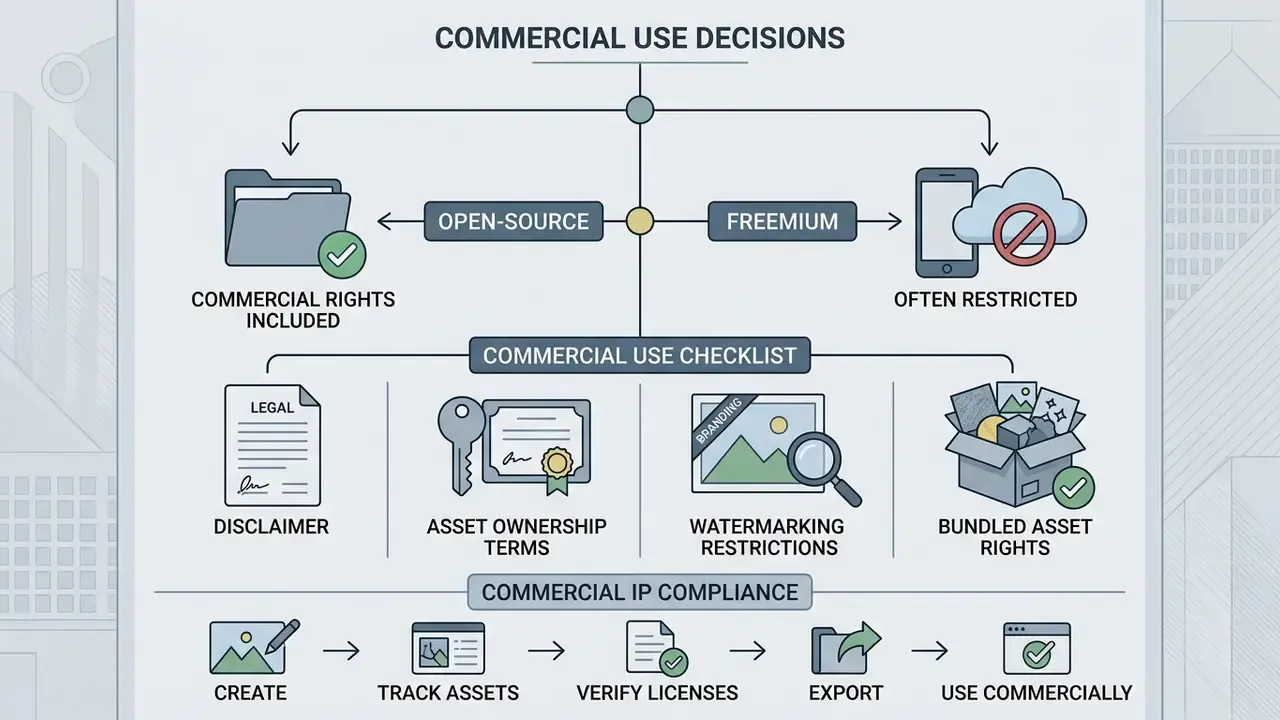
Open-source licences grant commercial rights outright; freemium mobile and cloud tiers usually do not. Confirm watermark policy, resolution caps and bundled-asset rights before any paid campaign.
Free plans are an excellent way to test software and a risky way to ship client work. Organizations should review the licence before using free tools for commercial campaigns or deliverables. Comparable patterns repeat across the market: Animaker and Renderforest watermark free exports and gate commercial rights behind paid plans, Vidu's free tier caps output at 720p with a visible watermark and excludes commercial use, while some vendors, Maxon for instance, allow watermark-free export but cap video at 1080p and reserve AI motion features for paid tiers.
Table: free plan features versus commercial use rights.
| Software / platform | Free tier export limits | Watermark policy | Commercial use granted? | Official terms reference |
|---|---|---|---|---|
| Pencil2D | Uncapped resolution | No watermark | Yes (GPL-2.0 open-source licence) | Pencil2D licensing terms (2026 verified) |
| Wick Editor | Uncapped browser export | No watermark | Yes (open-source codebase) | Wick Editor Terms (2026) |
| Blender (via Crostini) | Uncapped; local or cloud render | No watermark | Yes (GPL open-source licence) | Blender licensing documentation (2026) |
| FlipaClip Free | Standard video output; 3 layers | Mandatory watermark | No (personal non-commercial use only) | FlipaClip Terms of Use (rev. 12 Jan 2026) |
| FlipaClip Plus | Standard video output; 10 layers | Watermark removed | Subject to current subscription terms, verify before campaign use | FlipaClip Knowledge Base (2026) |
| Cloud commercial suites | Capped at 720p / credit-metered | Mandatory watermark | Requires paid subscription tier | Vendor pricing documentation (2026) |
Summary of licensing data: open-source desktop and web utilities generally grant unrestricted commercial rights for created assets. Proprietary mobile apps and commercial cloud tools restrict free tiers to personal, non-commercial use unless upgraded. If a tool cannot show you the clause, treat the answer as "no" until it can.
What to check before using animations commercially
Commercial asset IP compliance checklist
Checklist0 / 6
Organizations planning commercial campaigns can consult the AI Media Commercial-Use Hub for guides on intellectual property standards. For financial modelling on software licensing, teams can estimate costs with AI Media Calculators or review subscription options on the AI Media Pricing page. Staying current on intellectual property disputes is easier with reference to AI Litigation and Case Timelines.
Animation maker games and creative practice tools
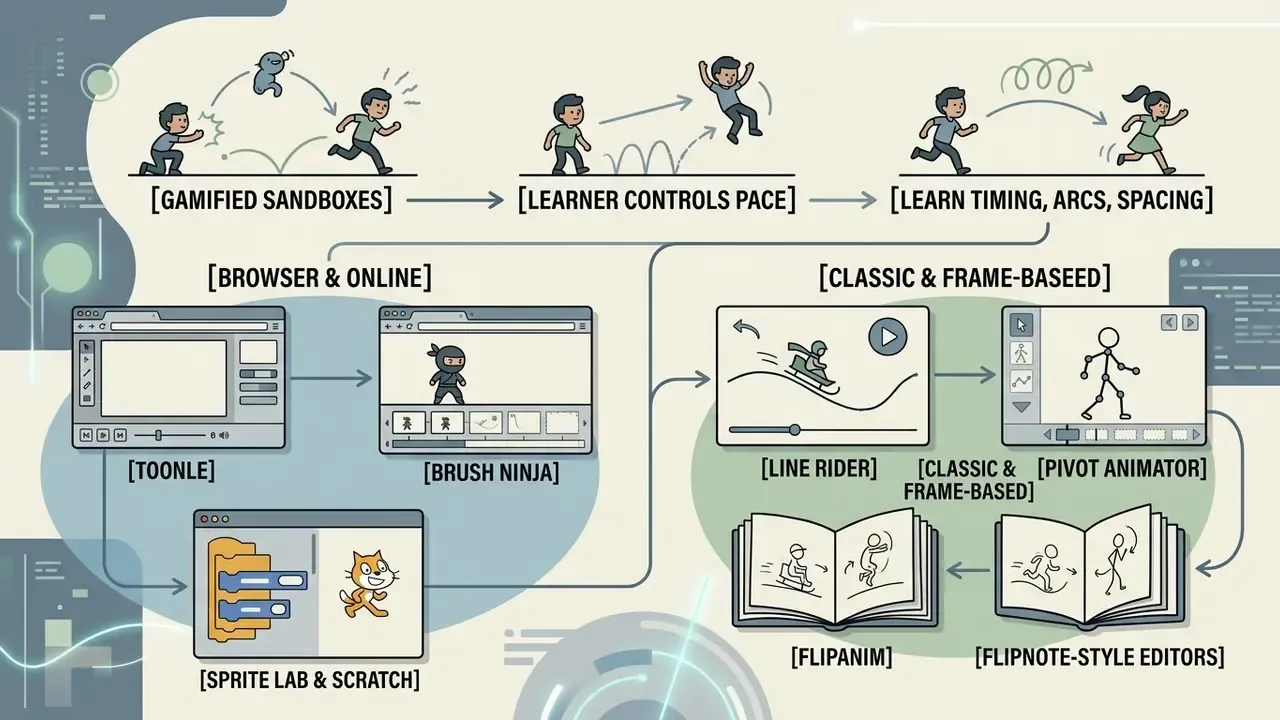
Gamified animation sandboxes teach timing, arcs and spacing faster than static tutorials because the learner controls pace. Research on designed animation in classrooms reports measurable gains in comprehension and attitude.
Interactive tools and web-based practice environments let beginners rehearse motion concepts without the overhead of a full production suite. An animation maker game turns timing, squash-and-stretch and trajectory exercises into short challenges, which is exactly why they stick.
"Designed animations integrated into primary school science lessons improved children's attitudes toward science and their level of comprehension."
Instructional-animation research adds one design condition: learners comprehend animation better when they control the pace, which is precisely what a sandbox provides. Purpose-built courseware modules have taught three foundational principles directly, arcs, timing, and squash-and-stretch, while mainstream pedagogy still organizes practice around the classical 12 principles of animation.
Tools worth adding to a training rotation, most of them playable as an animation game online with no account:
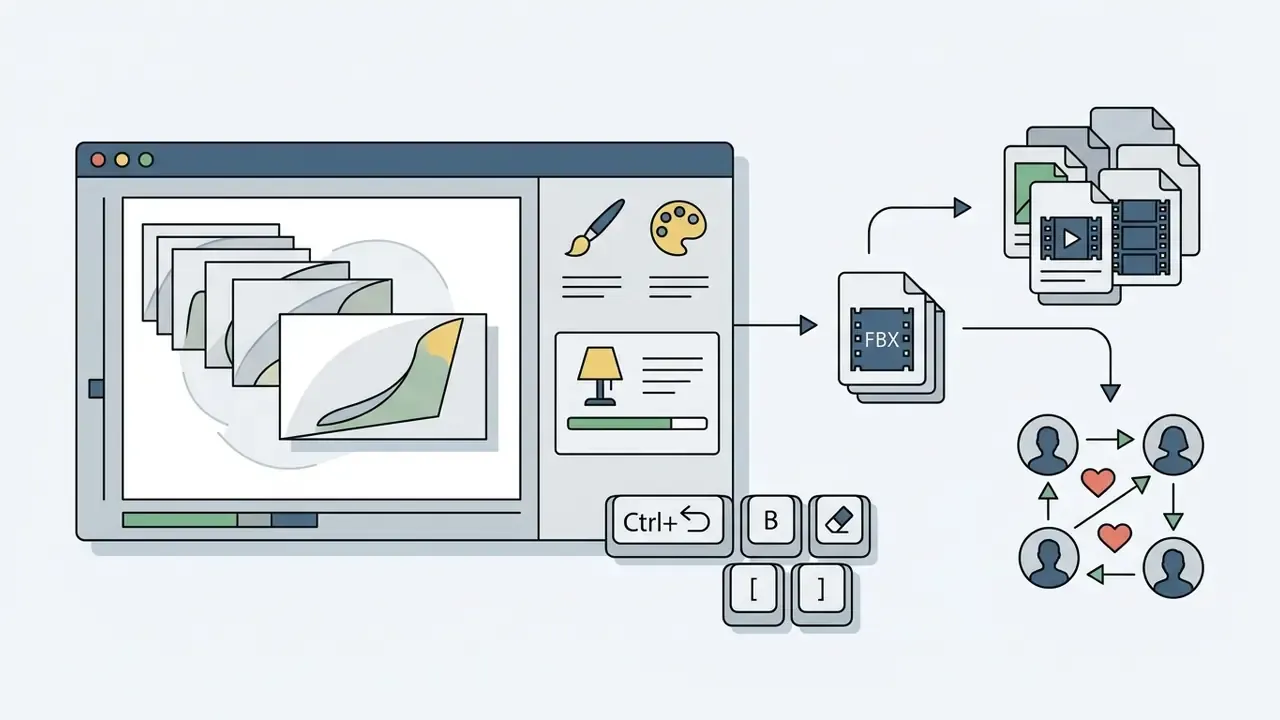
Ctrl+Z / B / E / [ / ] layout.
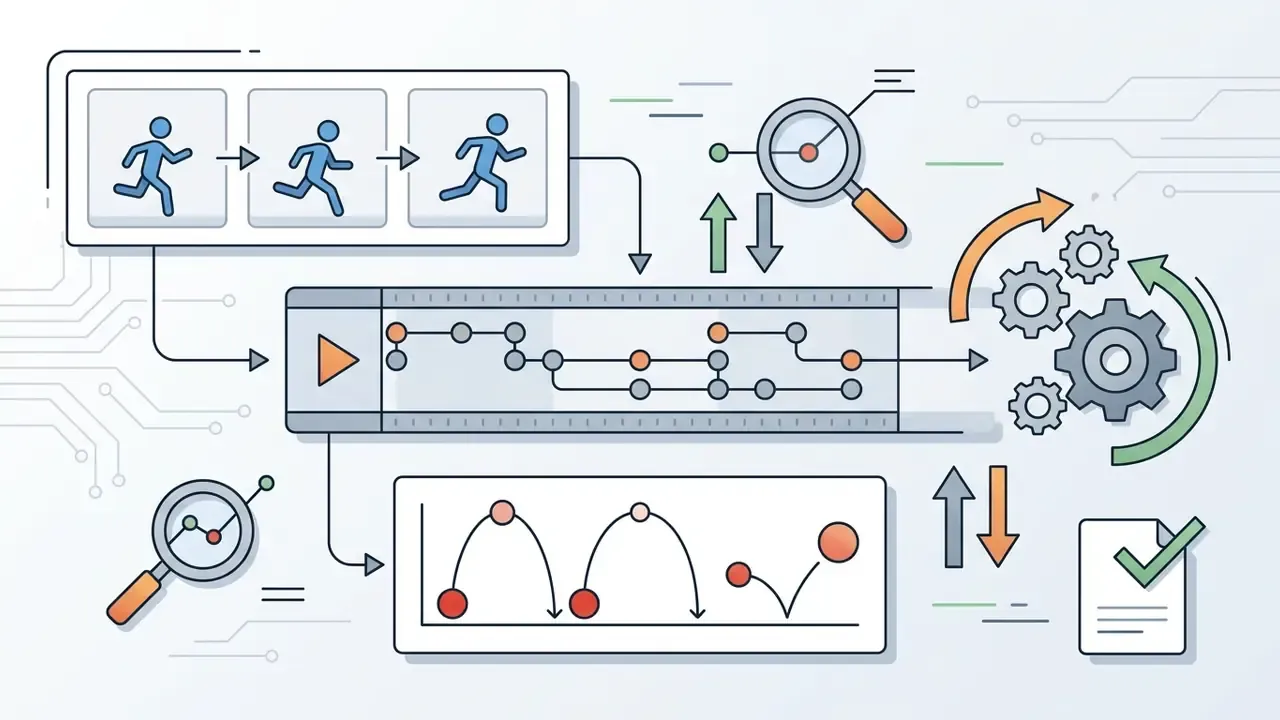
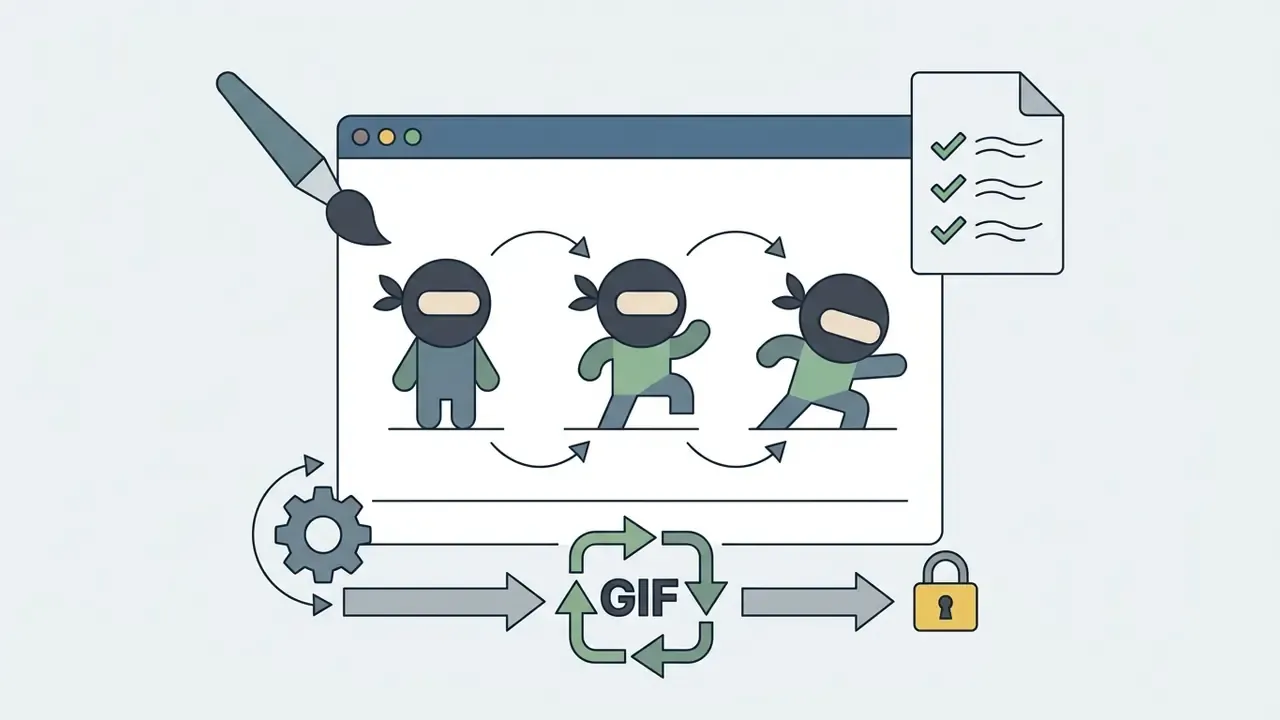
By adjusting playback speed and frame positioning inside these animation maker games, users build an intuitive sense of motion arcs and spacing before they touch professional suites. A draw animation anim creator style sandbox is not a production tool, and it should not be sold internally as one; it is a rehearsal room. Creators who later want to blend drawn frames with generated footage can compare capabilities across free AI video generators.
Adjacent tools for asset preparation
Drawn frames rarely ship alone. Static asset generation, retouching, voice and compression usually surround the animation step.
Rather than scattering tool references through the drawing sections, treat asset preparation as its own pipeline stage:
- Static asset generation before frame assembly an ai filter, a custom ai flag generator, or the shortlist of free AI art generators can produce backgrounds, badges and props that are then traced or composited onto lower layers.
- Image cleanup and framing reference photos for rotoscoping benefit from the crop, contrast and background work described in the guides to online photo editors and free photo editors, including export restrictions and privacy considerations.
- Documentation and learning collateral an ai flowchart generator and an ai flashcard maker turn a finished animation into a complete micro-learning module.
- Delivery weight a video compressor trims MP4 and WebM files for email, LMS upload and low-bandwidth regions without re-rendering the animation.
FAQ about drawing animation makers
Is a flipnote animation online tool suitable for beginners?
Yes. A flipnote animation online editor focuses on fundamental frame-by-frame work without complex timeline menus or layer hierarchies. Users draw directly on sequential cels, toggle onion skinning, and play back their loops instantly. The reduced visual clutter makes core concepts like spacing and timing easier to feel. The original Flipnote Studio toolset, pen, eraser, paint brush, three colours, speed control, copy/paste pages and sound recording, set the template that modern browser clones still follow, and community platforms such as Sudomemo show how creation and sharing merge into one workflow. Anyone testing flip animation online for the first time can produce a readable 12-frame loop in under an hour.
"Using FlipaClip as an instructional media tool increases the creativity of elementary school students and addresses low learning interest." FlipaClip cartoon animation videos as learning media for increasing elementary school students' creativity, Basicedu Journal (2023). https://journal.universitaspahlawan.ac.id/index.php/basicedu
Should you use animation apps or browser-based tools?
The choice depends on device hardware, input preference, and licensing needs:
- Browser-based tools: ideal for multi-platform environments and any animation maker for chromebook scenario. They require no installation and often run on open-source codebases that permit unrestricted commercial asset use. Users frequently pair them with adjacent resources such as free AI art generators for background plates.
- Installed mobile and tablet apps: better for stylus and touch-screen sketching, and they keep working offline. Free tiers, though, frequently restrict commercial usage rights and add export watermarks.
- Installed desktop suites: the deepest control over keyframes, tweening, vector drawing and export targets, at the cost of local resources and a steeper learning curve.
What frame rate should a first animation use?
Start at 12 fps drawing "on twos", two exposures per drawing, which halves the workload while staying readable. Move to 24 fps "on ones" for fast action, dialogue or camera moves once spacing and arcs are consistent. Technical previews tolerate 10-15 fps, and higher frame rates increase both smoothness and file size proportionally.
Where are browser-based animation projects stored, and what should risk teams check?
Most browser editors autosave to vendor cloud storage. Convenient for collaboration, relevant to confidentiality review. Before adopting a tool fleet-wide, request the retention period, data-location statement, sub-processor list and any available security attestation, then confirm whether projects can be exported and deleted on demand. For unreleased campaign material, prefer tools that support local project files: Pencil2D and Blender via Crostini keep data on company-controlled storage by default.
Do free tools cover 3D animation on a Chromebook?
Partly. Blender via the Linux container provides a complete free 3D pipeline, and browser tools such as Tinkercad and Vectary handle simple modelling and animation. The practical limits are the missing GPU acceleration inside the Linux container, storage constraints and slow local rendering of complex physics. That is why cloud rendering remains the standard workaround for anything beyond short scenes.
Which export format should be chosen for each channel?
Use GIF for short looping embeds with universal browser support, WebM for native web playback, MP4 for video platforms and client handoff, PNG or APNG sequences for compositing with transparency, .FBX or .OBJ for game-engine import, and .STL when frames become 3D-printed models for physical stop-motion.
What is the fastest way to pilot a tool without licensing risk?
Run a two-week pilot on a single non-public asset, using an open-source tool with a documented licence. Record who owns the output, where the project file lives, and which plan was used. If the pilot succeeds, the same evidence pack supports a paid rollout later without a second review cycle. To compare specialized creative software options, browse the AI Media Comparison portal or reach technical assistance through the official support hub. Developers seeking custom API integrations can refer to the AI Media API Guides.