What is an AI filter and how it differs from a standard photo filter
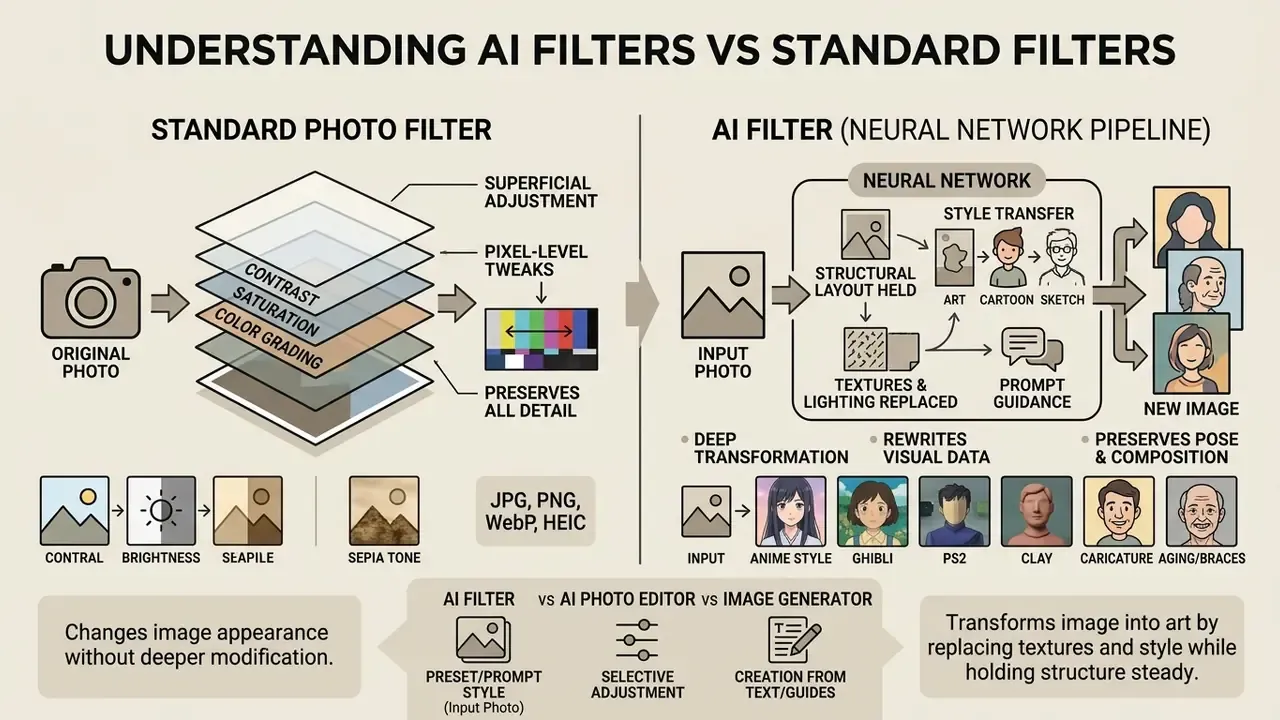
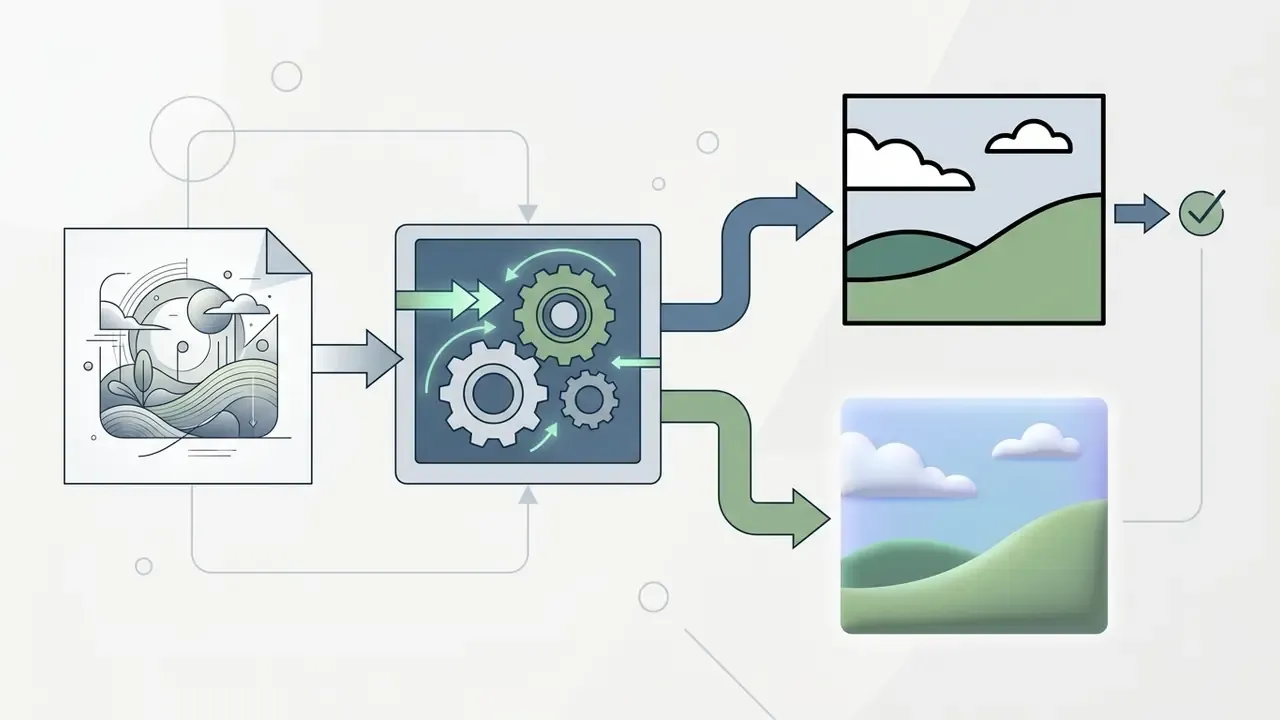
An ai filter is a neural network pipeline that transforms an input photo into a new image by holding the structural layout steady while replacing textures, lighting, and style details. Standard color lookup tables (LUTs) and parametric photo filters apply fixed color adjustments across the whole frame. An ai filter effect does something different: it generates new pixel values based on patterns learned from very large image datasets.
«Style transfer is formalized as a mapping that preserves the structural semantics of the content image while matching the stylistic statistics of a reference image.»
Traditional filters change contrast, saturation, or color grading. They never invent shapes. A 3D LUT is a discrete color-transformation table, and even when a neural network predicts or compresses that table, the operation stays chromatic rather than textural. Generative ai filter effects work at another level: they analyze facial feature landmarks, background depth, and semantic contours, then synthesize paint brushstrokes, pencil shading, or comic outlines. Details that never existed in the source pixels at all.
That distinction sounds academic until you see the failure mode. A LUT cannot break a face. A generative model can.
How AI transforms photos into art, cartoon, sketch, and other styles
An AI turns a photo into art, cartoon, sketch, or anime by mapping the original image content into a neural feature space and conditioning the output on target style statistics. Deep learning models, including diffusion pipelines and neural style transfer (NST) algorithms, separate semantic content such as eyes, noses, and silhouettes from stylistic traits such as stroke direction and color palette.
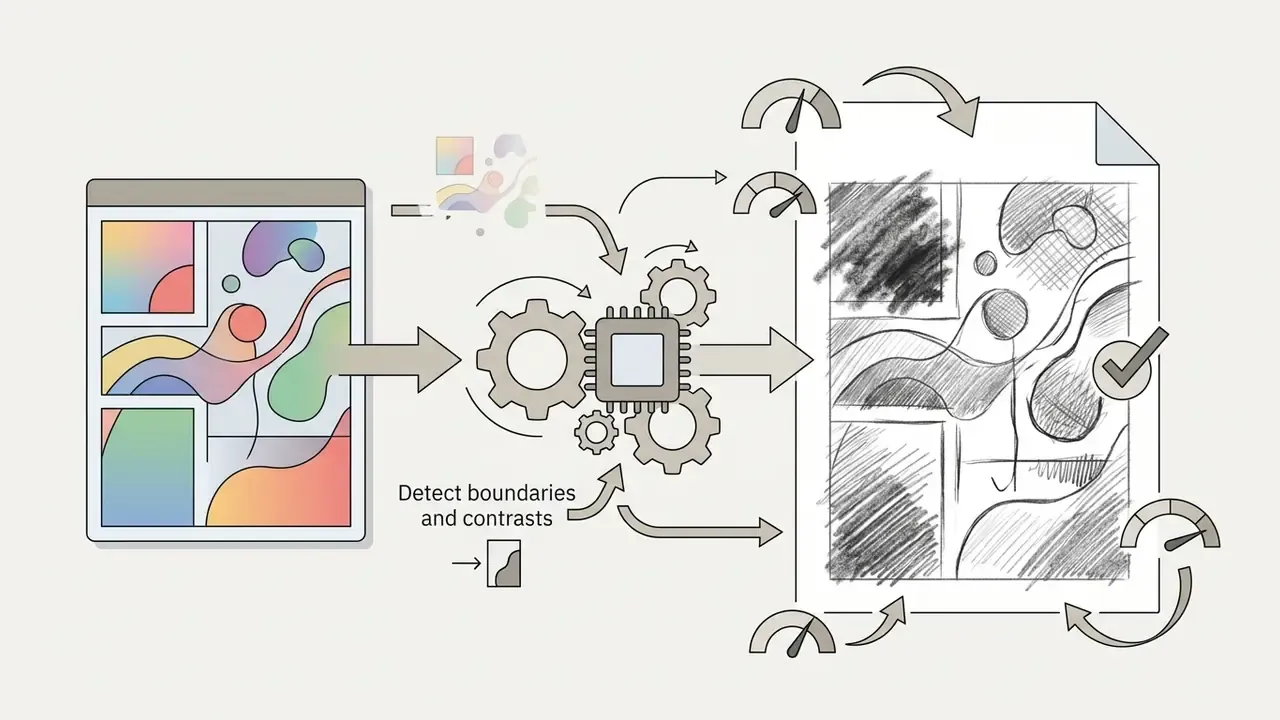
When a portrait becomes an anime or cartoon frame, the algorithm flattens color gradients into blocks and sharpens outlines. Cartoonization research (MS-CartoonGAN, CartoonGAN) shows how: edge-promoting adversarial losses plus hierarchical content losses that weight semantic regions differently. For sketch and painting transformations, the network synthesizes line textures and brushwork over the original geometry, so the pose survives while the medium changes completely.
«Activation smoothing and residual diffusion conditioning preserve fine facial structures while applying expressive artistic transformations.»
AI filter, AI photo editor, and image generator: tool differences
An ai filter applies a preset or prompt-guided visual style to an uploaded base photo while preserving its composition. An AI photo editor gives you granular, localized controls: remove a background object, retouch skin, swap a backdrop. An AI image generator synthesizes an entirely new visual from text prompts or random noise, with no source photo required.
People shopping for digital media software mix up these three categories constantly:
- Filters focus on full-frame style transforms with minimal manual adjustment.
- Editors provide layered, localized correction tools for existing media.
- Generators create brand-new assets from conceptual prompts.
«A diffusion model can learn the average visual representation of photographic concepts and steer it through textual prompts.»
To compare editing software across workflows, creators can compare options or read the practical breakdown of online photo editors and their pricing tiers.
Comparison of traditional photo filter, AI filter, AI photo editor, and AI image generator
| Tool Type | Principle of Operation | User Input | Output Type | Primary Use Case |
|---|---|---|---|---|
| Standard Photo Filter | Applies static mathematical color transformations, LUTs, or vignette overlays across color channels. | Existing photo with manual adjustment sliders for exposure or tint. | Modified original photo with shifted color temperature or contrast levels. | Quick color correction and consistent visual mood across photographic series. |
| AI Filter | Re-synthesizes pixel data using neural networks (CNNs, diffusion) matching style feature statistics. | Existing photo plus optional preset choice or text prompt guidance. | Stylized variant of the input image with reconstructed lines and textures. | Transforming photos into art, cartoon, anime, or enhanced portrait avatars. |
| AI Photo Editor | Integrates segmentation, inpainting, and object detection to alter specific visual elements. | Existing photo combined with brush selections, region masks, or edit instructions. | Edited photo featuring localized object removal, background swaps, or retouching. | Professional image cleanup, commercial asset prep, and targeted manipulation. |
| AI Image Generator | Samples latent noise distributions guided by text prompts to build images from scratch. | Textual descriptions, negative prompts, and structural control seeds. | Newly synthesized image unconnected to a source input photograph. | Concept art creation, stock visual synthesis, and abstract illustration generation. |
Which AI filters to choose for photos, faces, and images
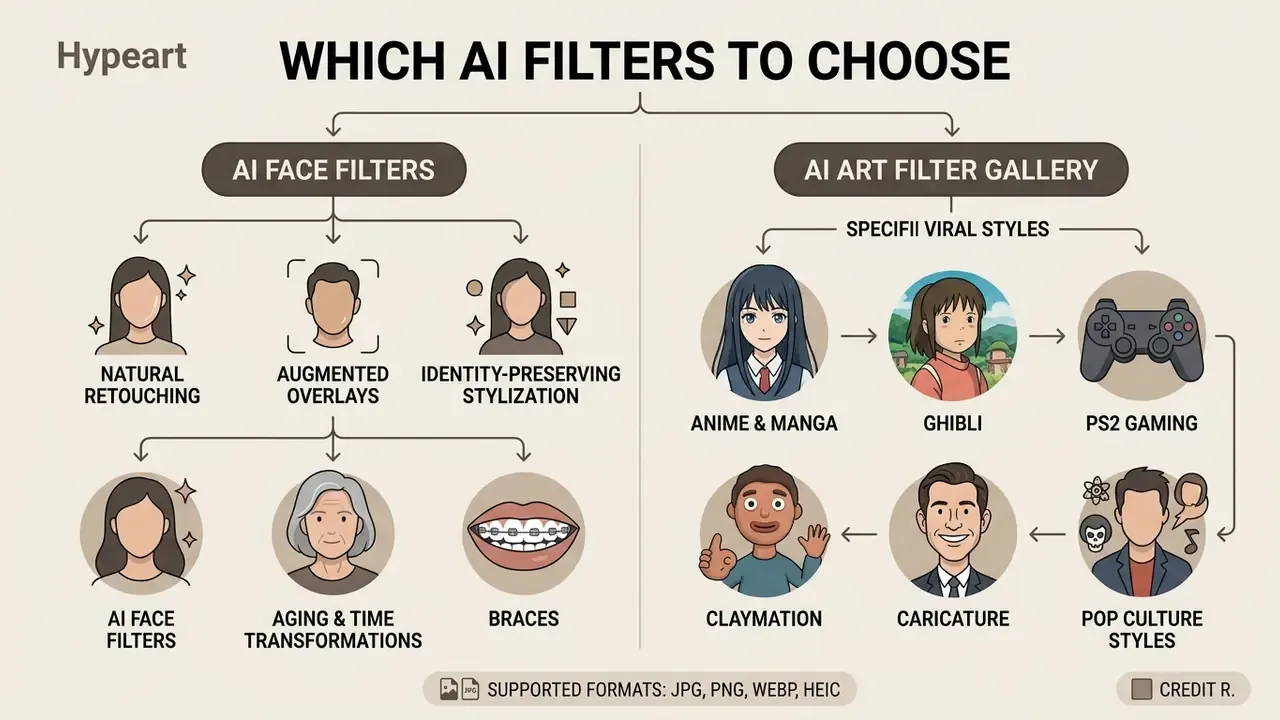
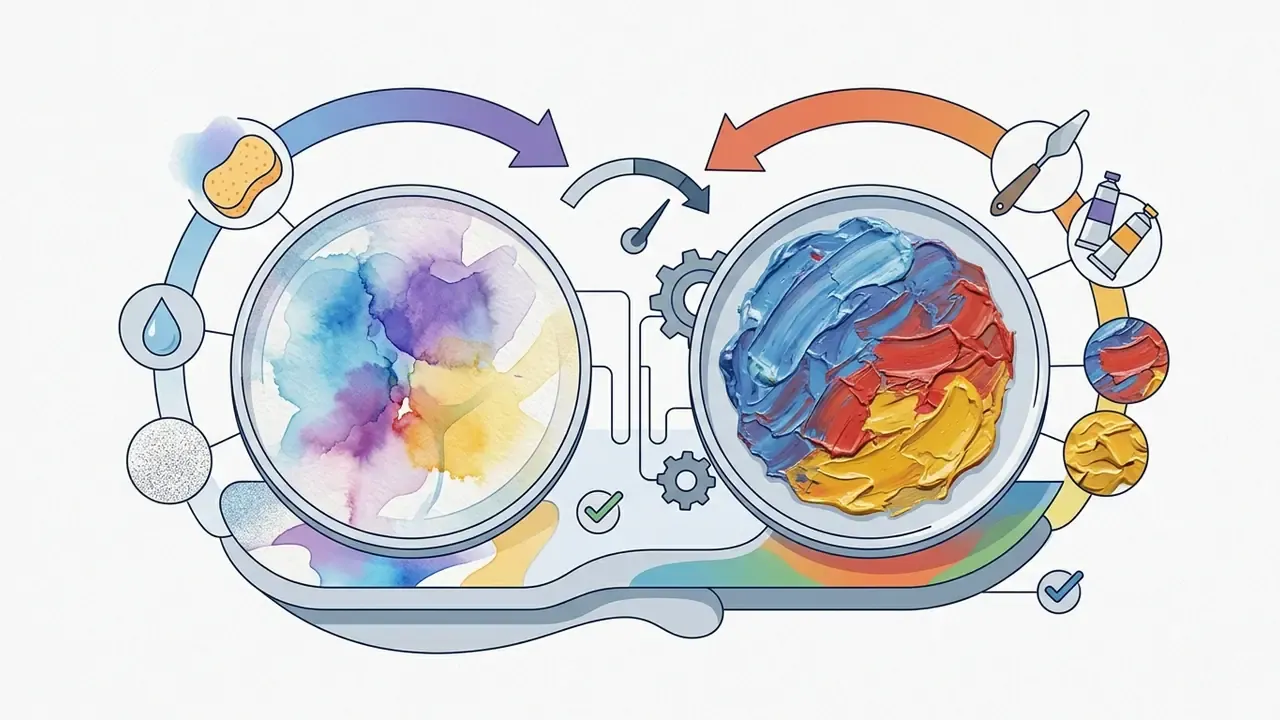
Picking the right ai art filter depends on the subject, the level of detail you need, and where the image will be published. Portraits need identity-preserving algorithms. Landscapes and conceptual shots tolerate, and often reward, expressive stylization such as watercolor or oil paint.
Specialized ai filters are tuned for specific image categories, and an ai filter for images behaves differently depending on the content type:
- Facial portraits require landmark alignment to avoid distorting features.
- Architectural photos need strong edge detection to hold perspective lines.
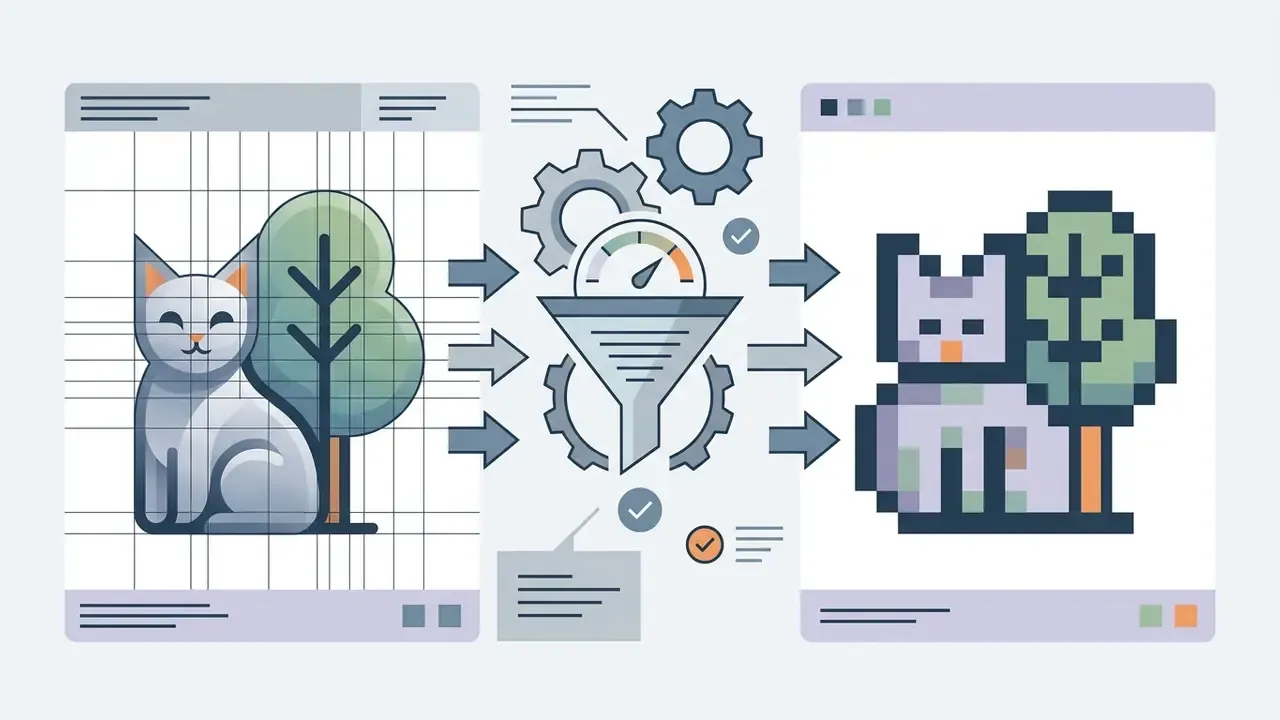
- Social media graphics benefit from bold treatments such as pixel art or pop art.
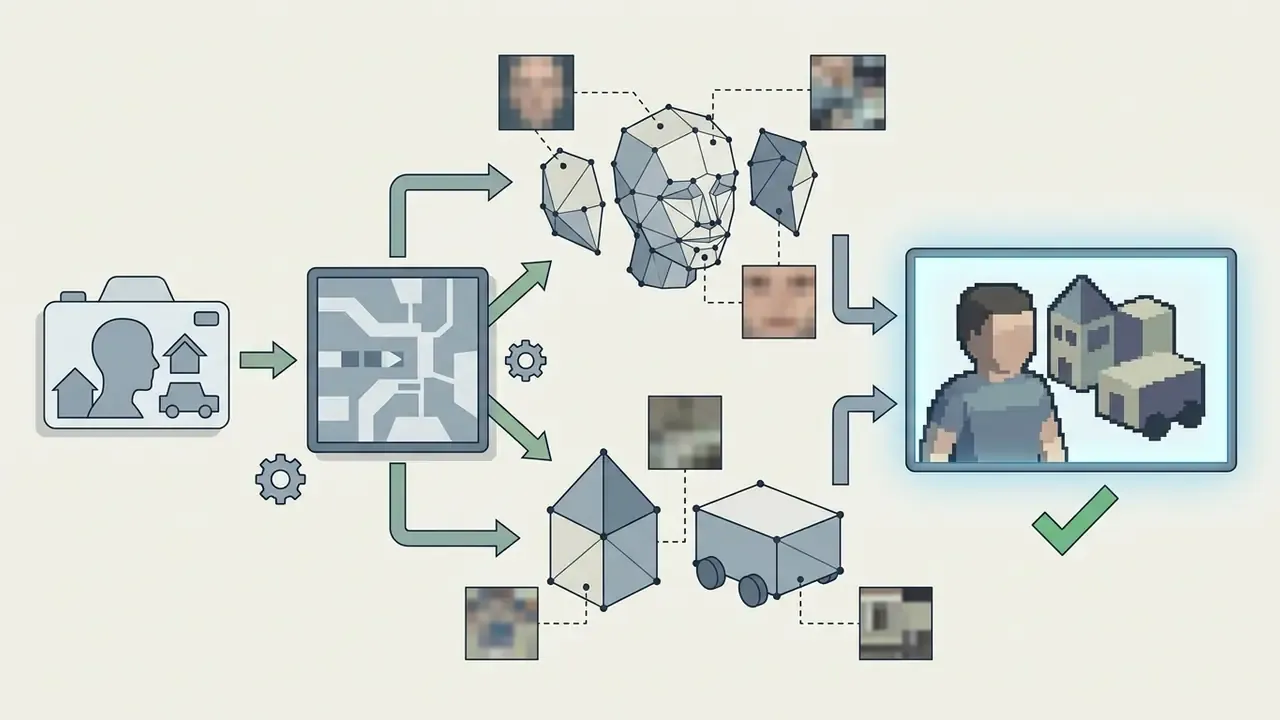
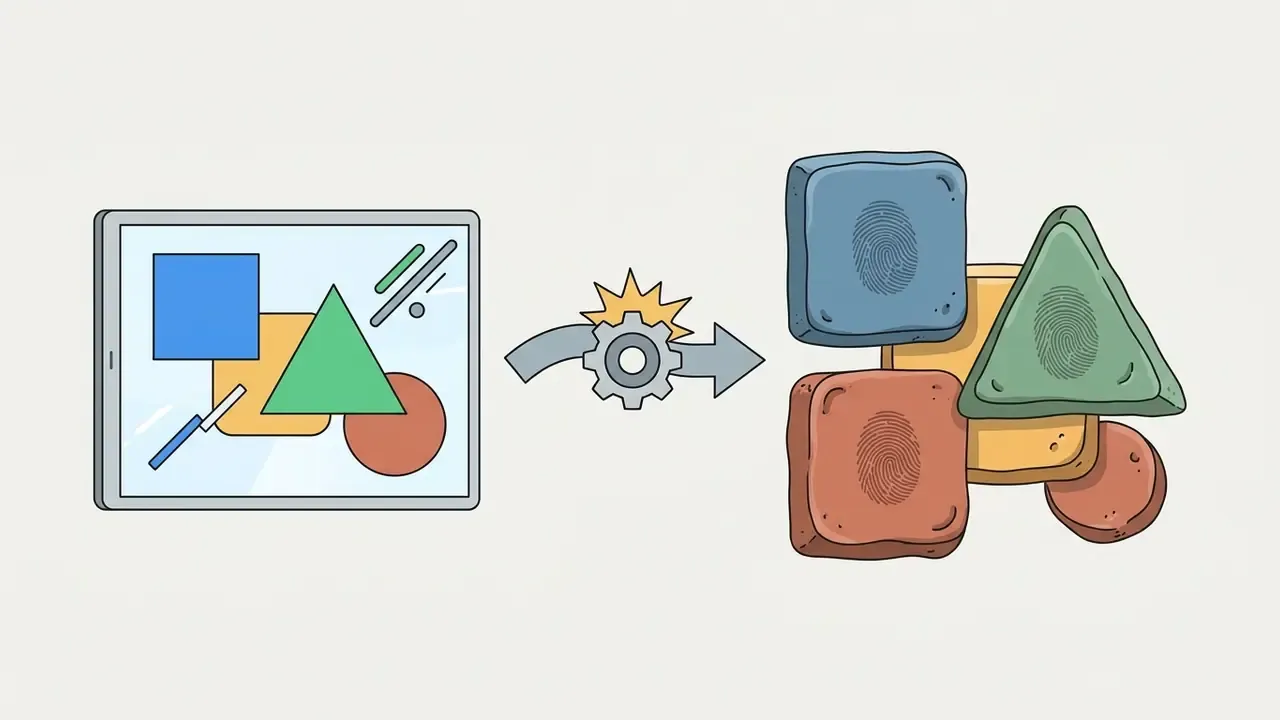
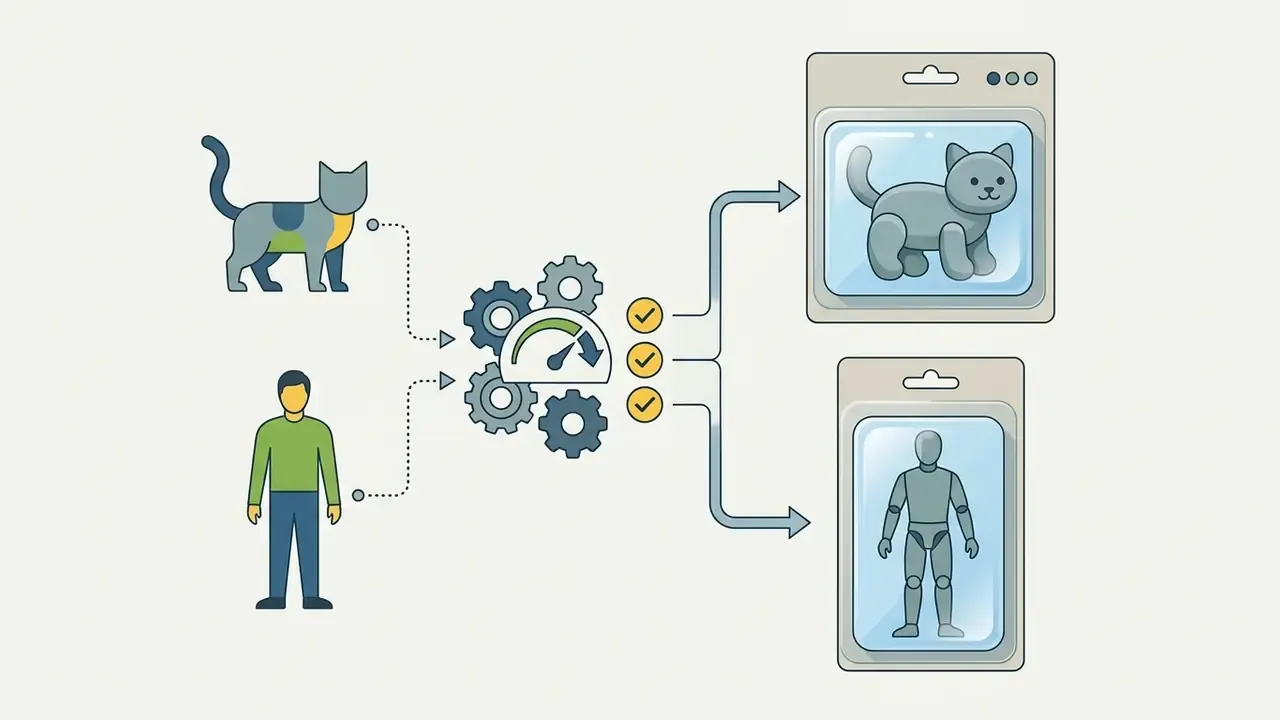
- Pet and product photography loves texture-heavy filters: plush toy, clay, miniature figurine renders.
For text-based creative workflows running alongside visuals, teams often add an ai message generator to the same content stack, and audio-first creators sometimes pair it with an ai midi generator for short-form soundtracks.
AI face filter for selfies, portraits, and profile pictures
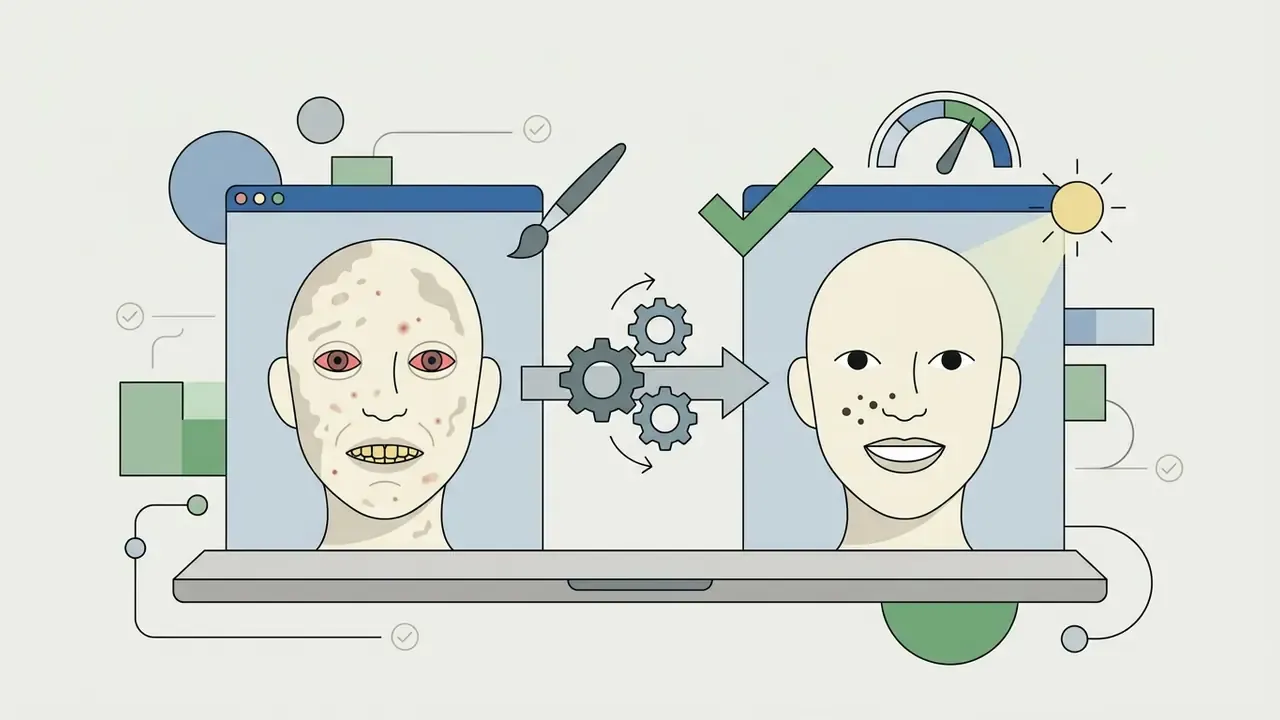
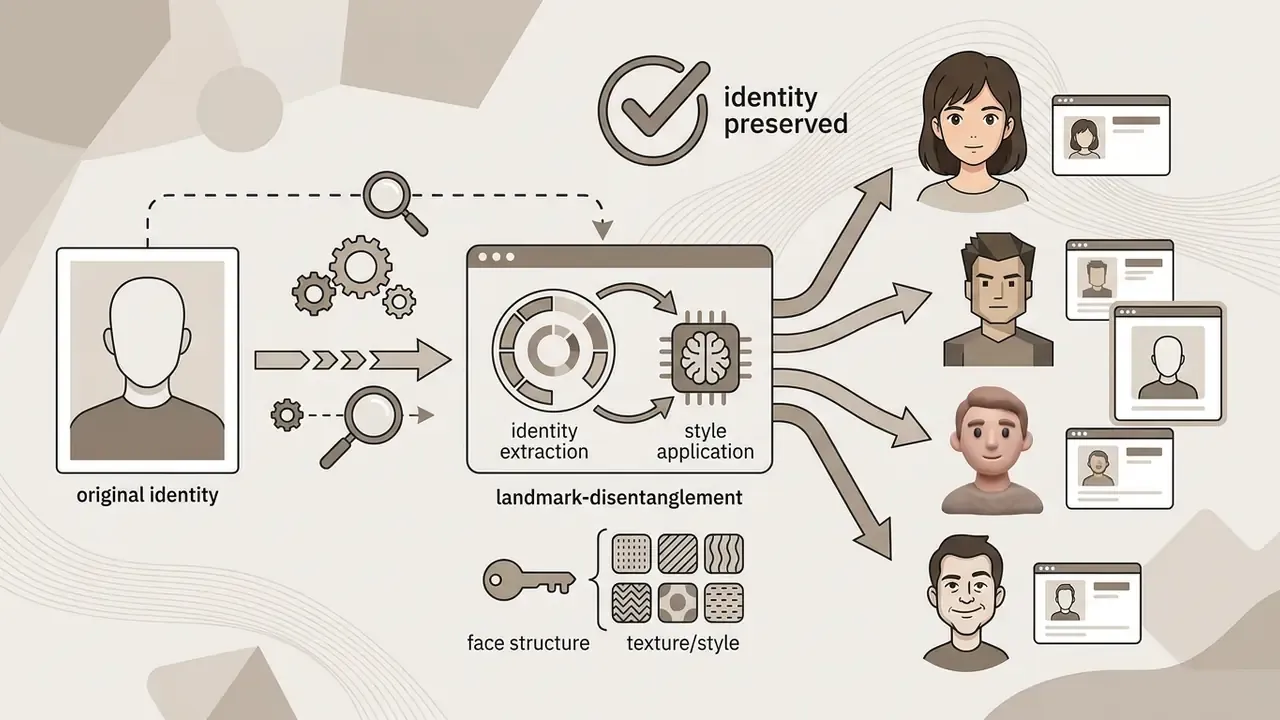
An ai face filter online tool reads facial geometry landmarks, then applies skin retouching, lighting adjustment, or stylization while keeping the person recognizable. Good facial models separate identity markers from background noise and style effects. Landmark-based beautification detects a landmark set, reshapes it toward a learned target geometry, and warps the source image accordingly. That is exactly why eye occlusion or aggressive warping is the fastest way to destroy recognizability.
When evaluating an ai face filter free platform, check whether core facial symmetry survives. Strong face filters rebalance lighting, soften temporary blemishes, and sharpen eye detail without collapsing proportions. An ai face filter online free tier usually caps resolution first and style variety second.
«Consumer selfie-filter overlays have become a new threat surface for face-recognition systems, because such filters imitate biometric traits.»
Disclaimer: this information is general in nature and does not replace consultation with an information-security specialist when biometric data is processed.
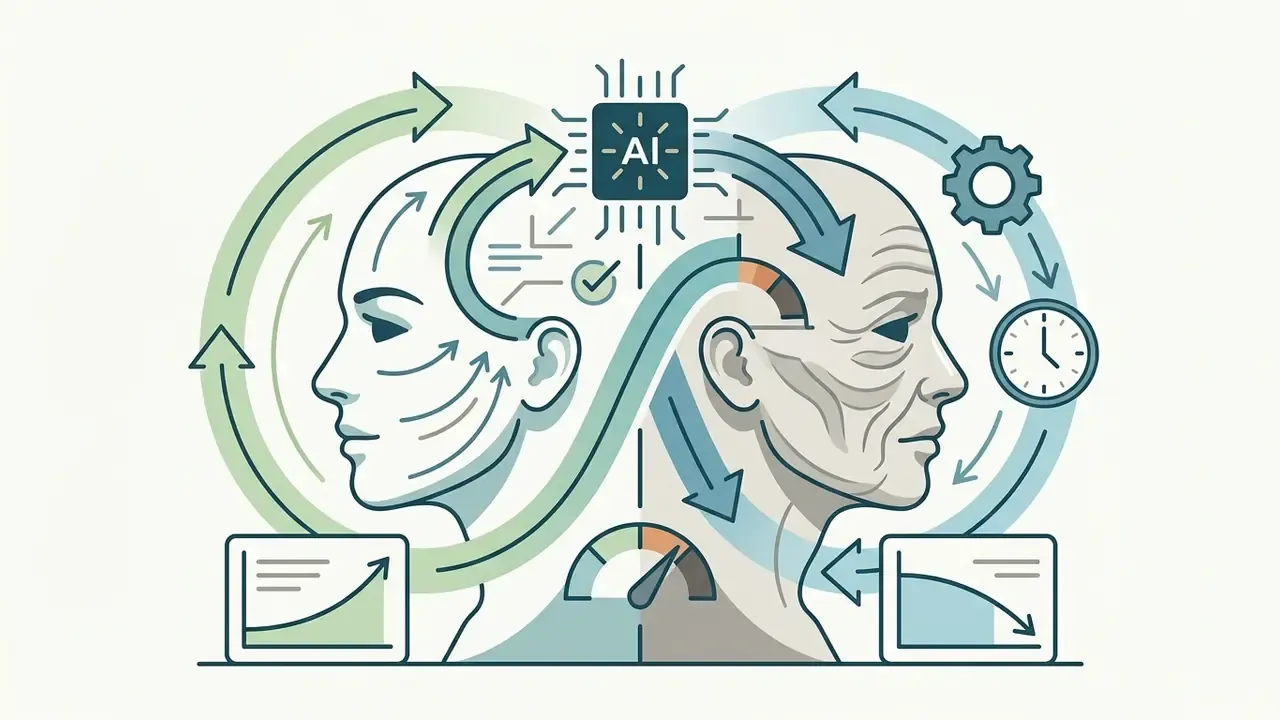
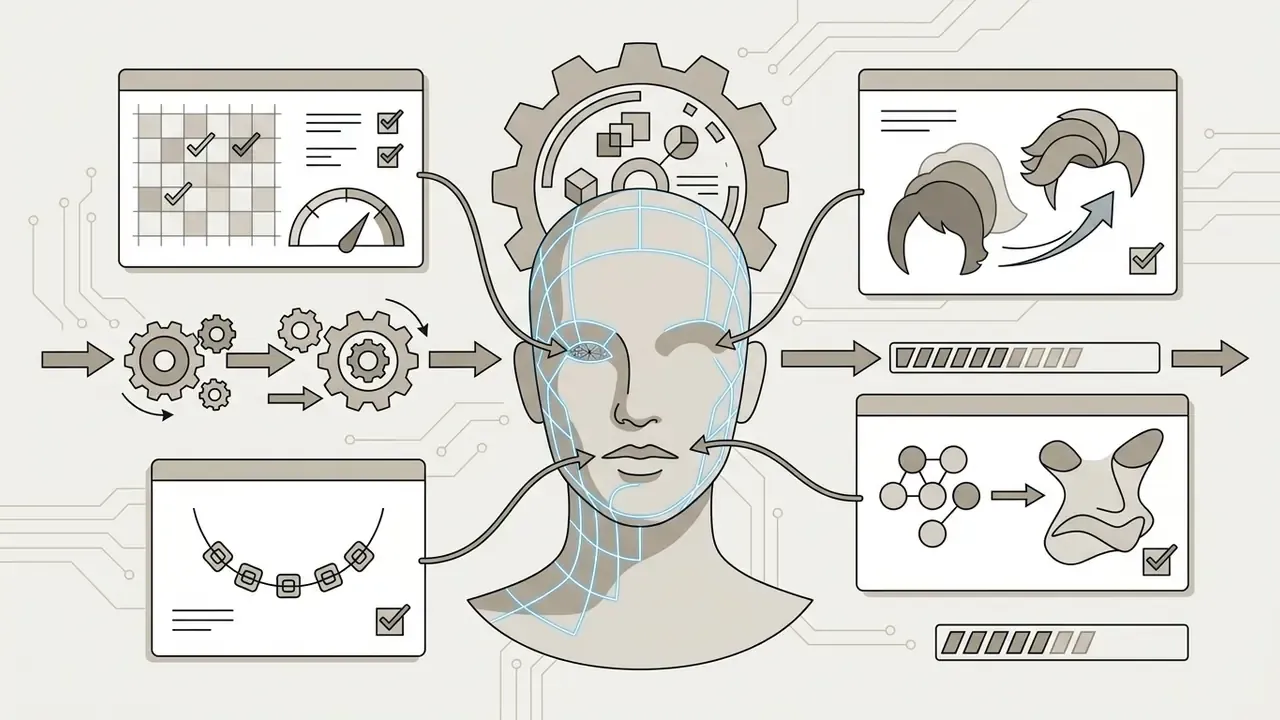
Advanced AI face filters go past full-style transformation and offer targeted, landmark-aware editing:
These tools are the standard route to a polished profile picture (PFP) for professional networks and social channels. Teams that need studio-grade consistency usually benchmark them against dedicated AI headshot generators.
AI art filter gallery: anime, gaming, pop culture, and viral styles
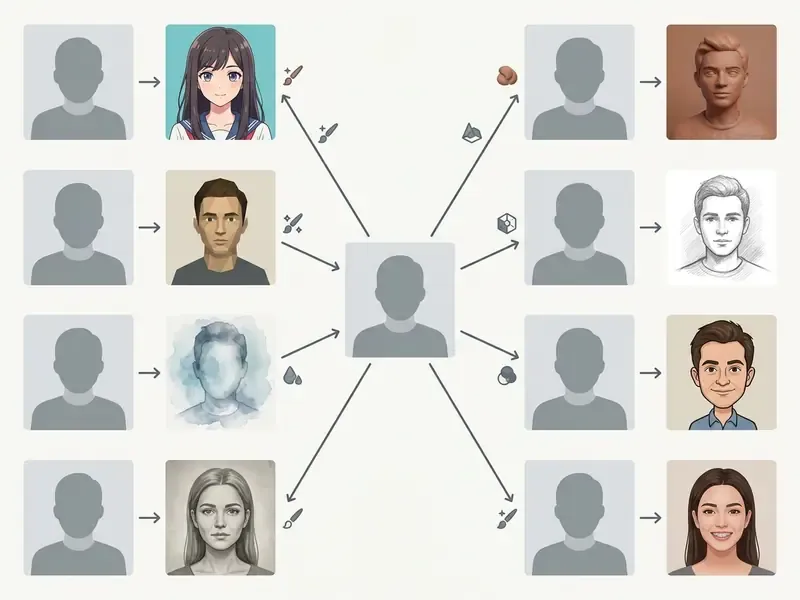
An ai art filter converts ordinary pictures into distinct aesthetic mediums: anime illustration, 2D or 3D cartoon, classical oil painting, pencil sketch, retro pixel art. Each style depends on its own training data triplets to reproduce medium-specific behavior, and modern catalogs stretch well past fine art into internet-native AI art styles. An ai art filter online catalog now updates faster than most brand guidelines do.
«The OmniStyle-1M dataset contains more than one million content–style–stylization triplets across 1,000 style categories with textual descriptions and instruction prompts.»
Classic artistic mediums
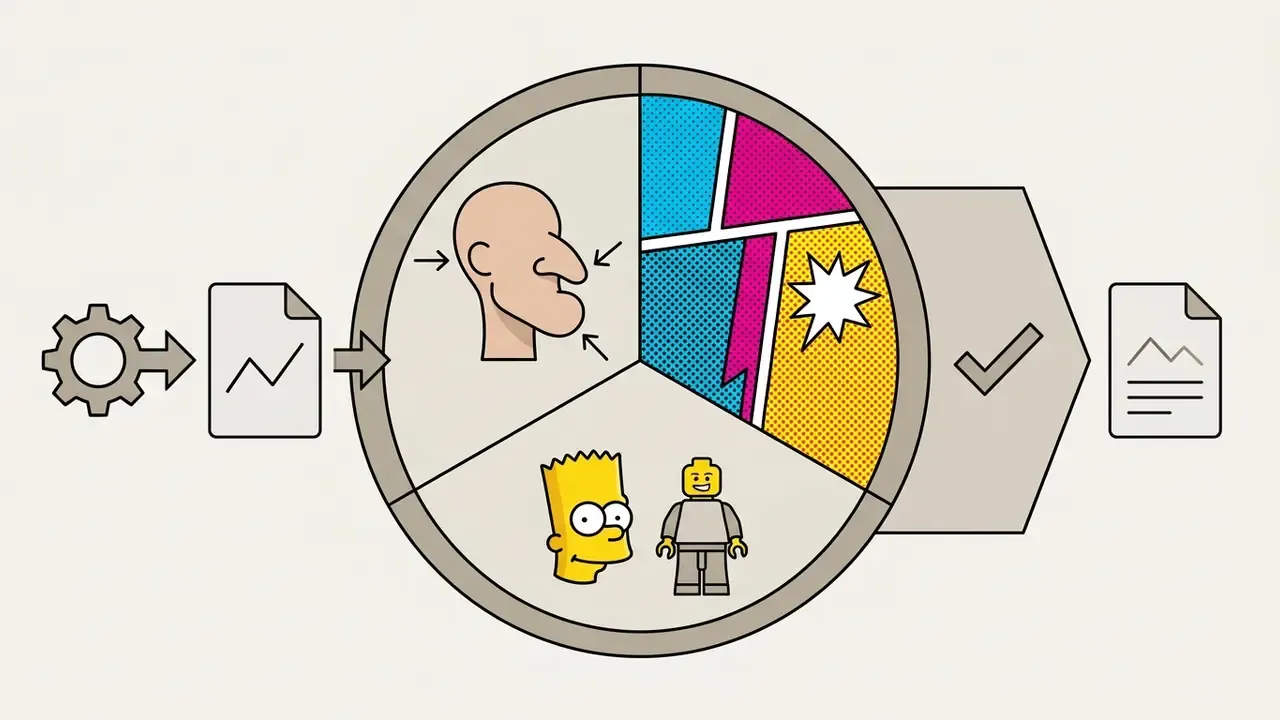
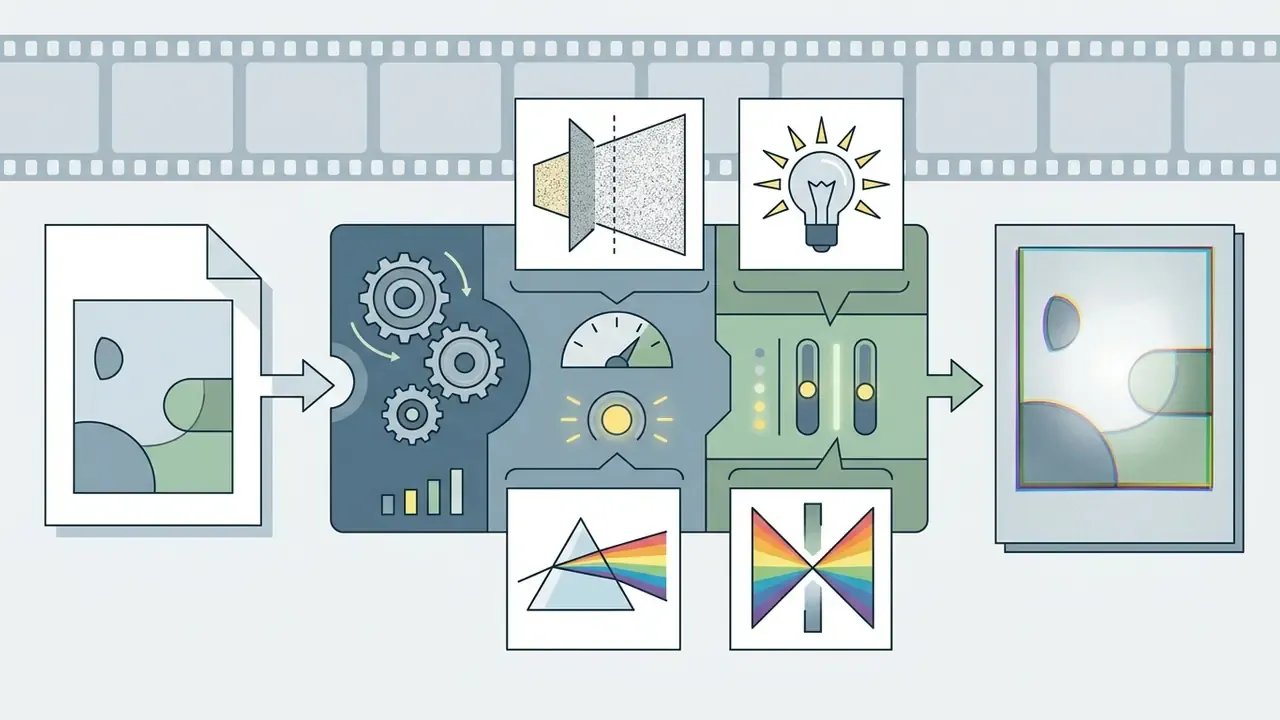
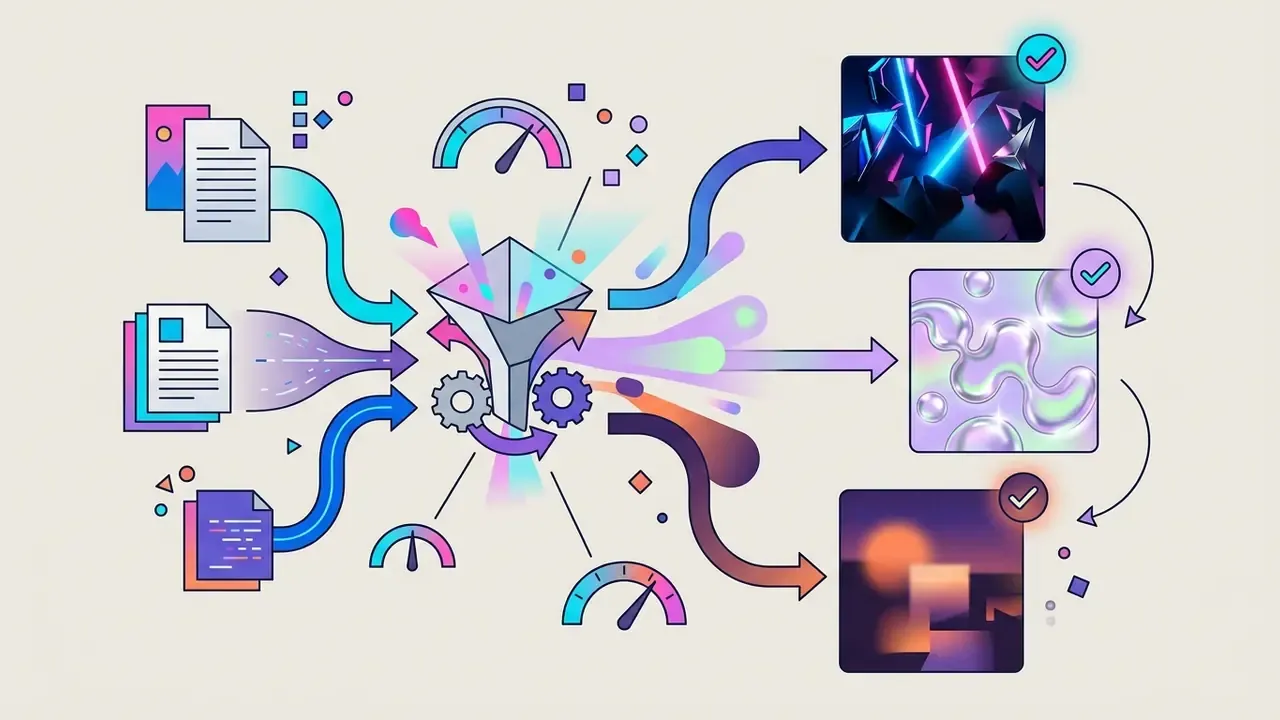
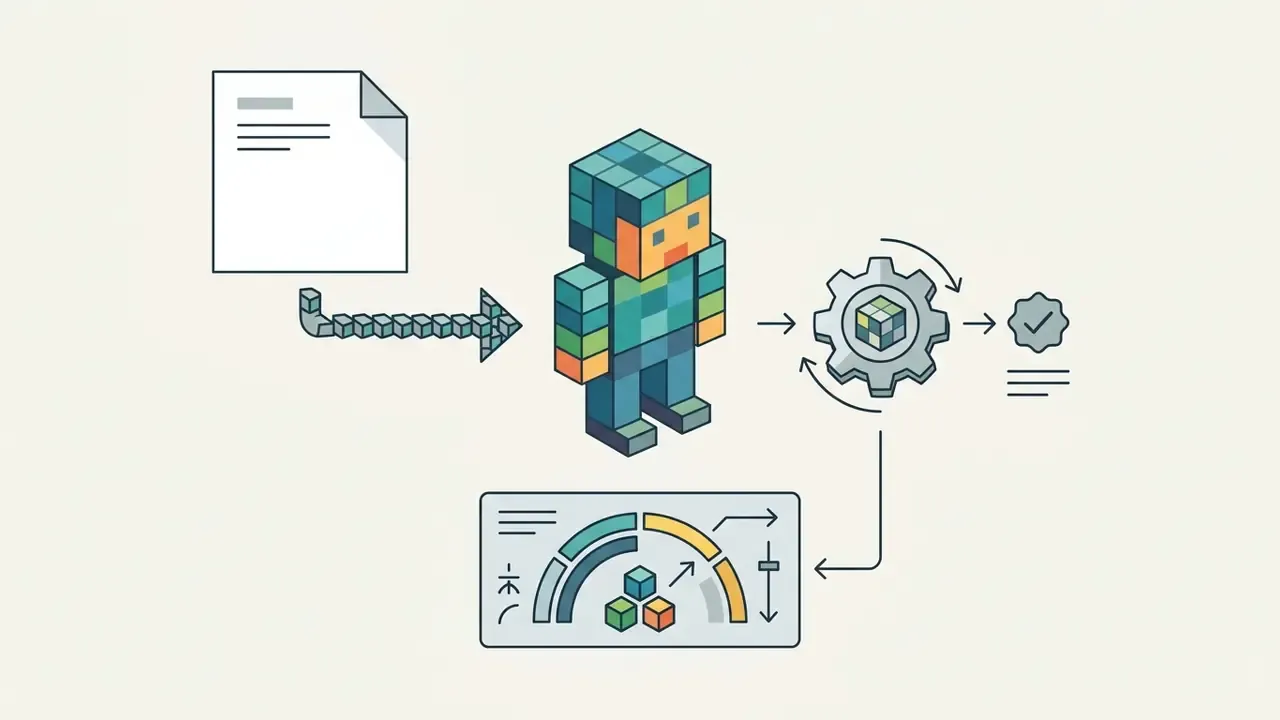
Trending viral and pop-culture AI filters
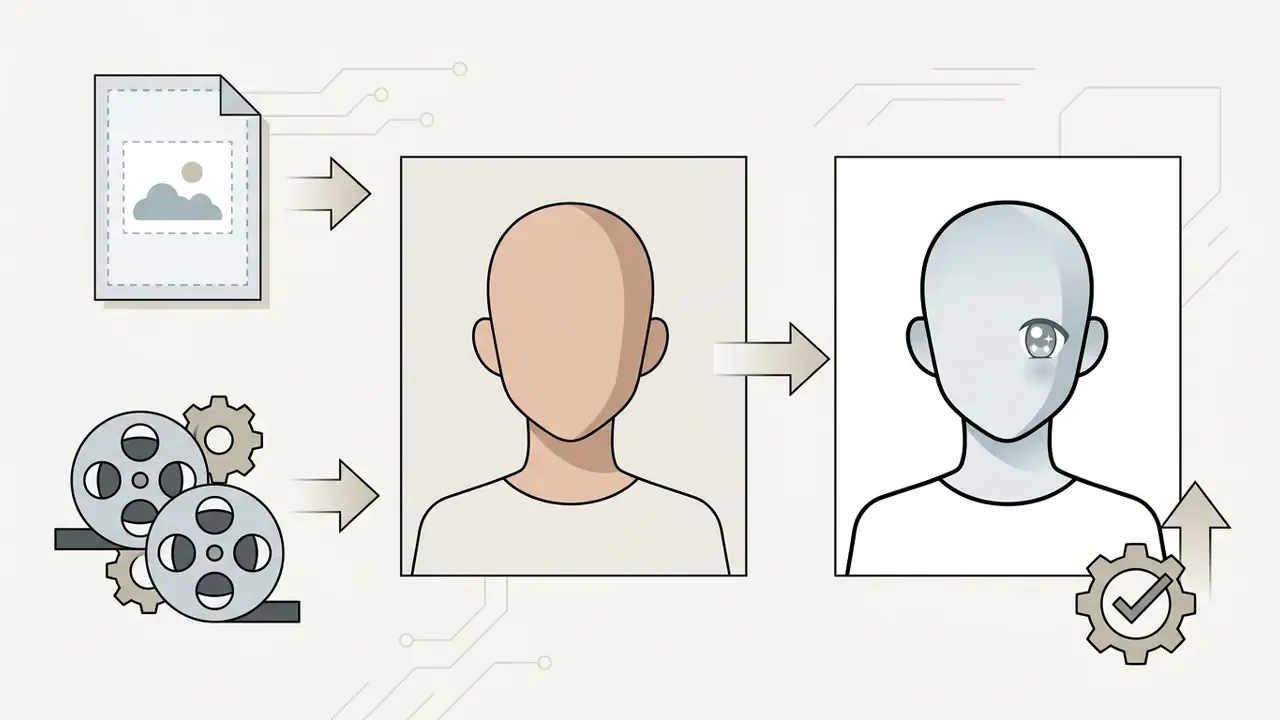
Generative models reach far beyond traditional fine art now, which lets creators drop a viral trend straight onto their own media:
Fair warning: viral styles decay quickly. A format that carries reach in one quarter can read as dated in the next, so treat the trend list as perishable inventory rather than a permanent brand asset.
AI camera filter for fast online photo processing
An ai camera filter processes live camera feeds or quick snapshots directly in a browser using lightweight models and WebGL or WebGPU acceleration. No installer, no cloud round trip, no waiting room.
By running shader computation locally on client hardware, an ai filter camera online system keeps preview latency low. WebGPU lets modern web apps render complex neural effects at high frame rates, and the same API now drives in-browser model inference with WebAssembly fallbacks for older devices. Which matters more than it sounds: local inference means the photo never leaves the machine.
«A mobile neural style-transfer pipeline reaches high-quality inference in roughly 3–5 seconds on standard mobile hardware.»
How to apply an AI filter to a photo online
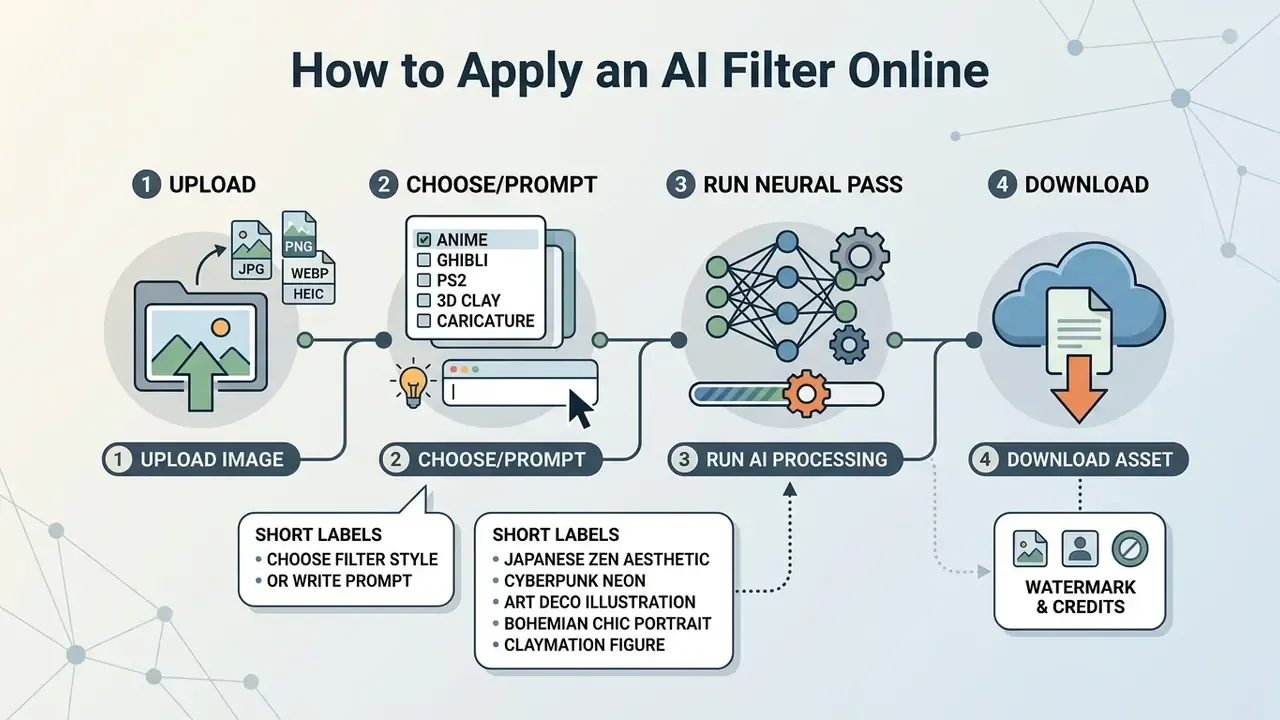
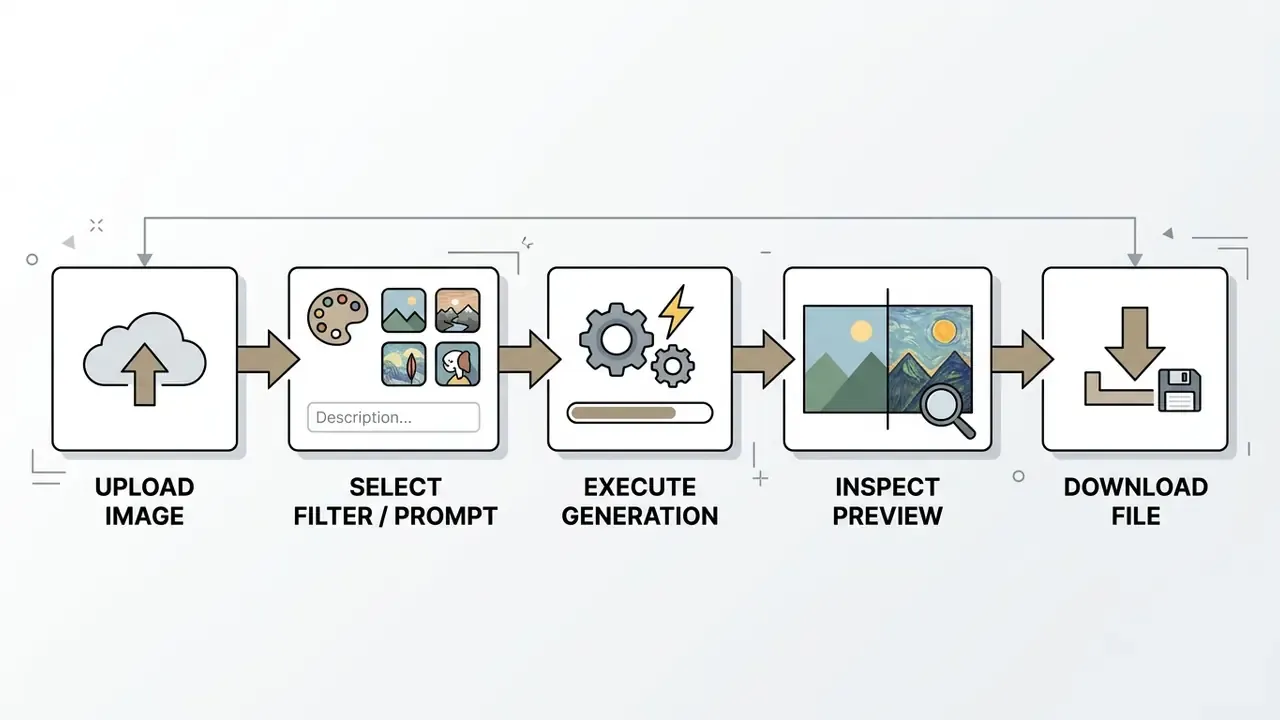
Applying an ai filter online is a four-step loop: upload a source file, choose a filter style or write a prompt, run the neural pass, download the stylized asset. Browser interfaces give non-technical users access to advanced style transfer without installing graphics software.
«AI image tools are used primarily to create realistic scenes (66%) and abstract art (41%).»
To review automated production tools across media workflows, creators can open the hub.
Upload a photo or image for processing
For a clean transformation, upload a sharp, well-lit image in a standard web format: JPEG, PNG, WebP, or HEIC. High-contrast sources with minimal motion blur hand the network clean feature boundaries. Face-capture standards recommend balanced three-point illumination that avoids heavy shadow and hot spots, and publication guidance commonly treats 300 DPI as the working floor for photographic inputs.
A corporate design team needed 200 employee headshots converted into stylized team-page avatars. After standardizing upload rules (frontal lighting, neutral background, 300 DPI source files), the team reported a visibly lower rate of generation artifacts and reruns compared with its first unstructured batch. The exact reduction was never measured under controlled conditions, so read that as directional, not benchmarked. Delivery took two business days.
Teams that need geometry-preserving conversions rather than pure stylization often pair filters with image-to-image transformation tools.
Select an AI effect filter or describe the desired style with text
You can pick a pre-configured ai effect filter preset or type a natural language prompt to steer the transformation. Presets are predictable. Prompts give finer control over palette, lighting mood, and artistic reference, at the cost of consistency across a batch. Both routes belong in the same ai effects filter toolkit.
With prompt-driven filtering, the influence strength setting is the whole game. Low values keep strict photographic layout. High values let the model invent. Vendor interfaces label this as Prompt Strength, Strength, Subject Similarity, or Face Similarity, and prompt syntax can also weight individual tokens.
«Diffusion models provide a unique platform for fine-grained image editing, controlling spatial layout and visual aesthetics through attention mechanisms.»
Example prompt templates for custom AI filters
Structure a prompt as [Style/Medium] + [Lighting/Mood] + [Texture/Detail]:
For campaign-level ideation before anything gets rendered, teams frequently benchmark free AI art generators to lock the aesthetic direction first, then move mock layouts into an ai mockup generator for presentation.
How to choose an AI filter online: free, in-browser, or with download
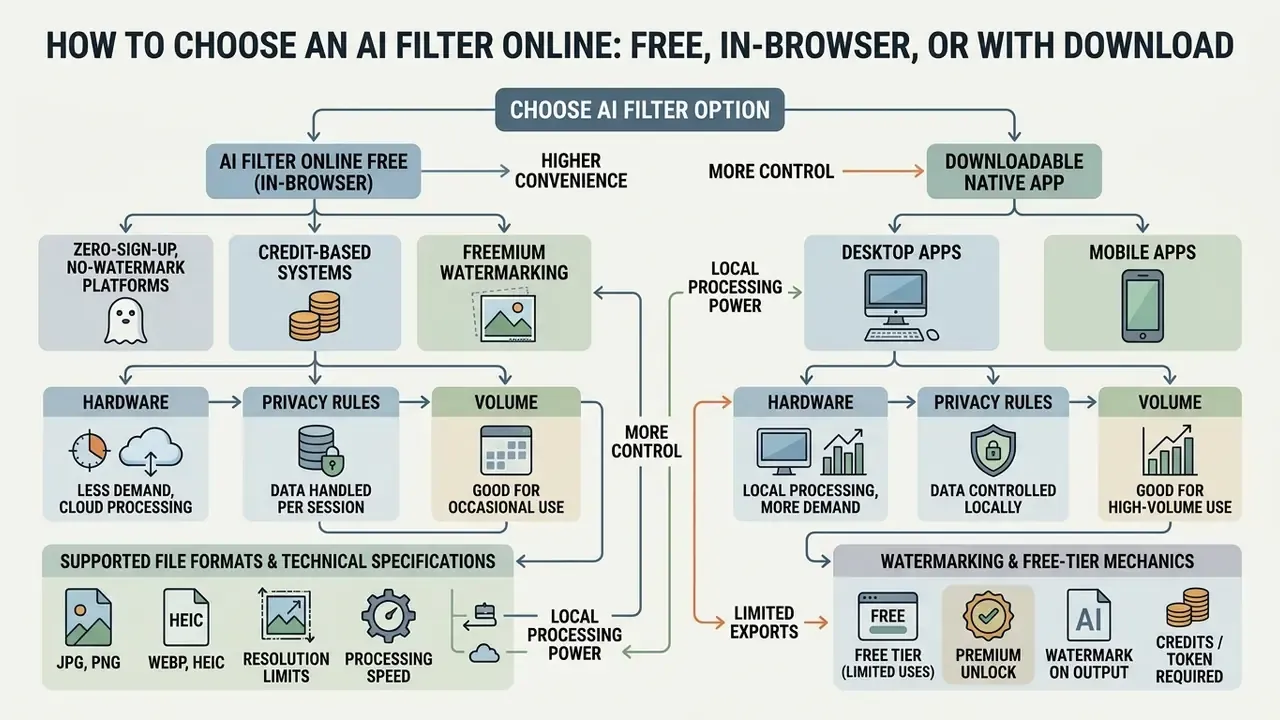
The choice between an ai filter free online browser tool and a downloadable native app comes down to three things: hardware, privacy rules, and volume. Browser tools win on convenience. Local apps win when you have a GPU, a policy against uploads, or hundreds of files per week.
To review pricing structures and subscription tiers for design tools, users can explore the hub.
Supported file formats and technical specifications
Before processing, confirm the media meets input requirements. Silent downscaling is more common than outright errors, and far easier to miss.
Typical input and output specifications for browser-based AI filters
| Processing phase | Supported formats | Maximum file size | Recommended resolution |
|---|---|---|---|
| Input (upload) | JPG/JPEG, PNG, WebP, HEIC | Commonly up to 50 MB (some services allow 100 MB) | 1080p to 4K, minimum 300 DPI for print reuse |
| Output (export) | High-resolution JPG, lossless PNG | Not capped on paid tiers | Matches source proportions and aspect ratio |
HEIC support matters for iPhone workflows, since unconverted HEIC files are the single most frequent cause of failed uploads. WebP is the cheapest option for web publishing. PNG stays the safest export whenever the stylized asset will be layered, cropped, or re-filtered later.
Watermarking, credits, and free-tier mechanics
With an ai filter free online service, limitations fall into three structural tiers:
- Zero-sign-up, no-watermark platforms instant browser rendering and standard exports without an account. Ideal for one-off style trials and for anyone who refuses to hand over an email address.
- Credit-based systems daily complimentary generation tokens. Previewing is usually free; downloading uncompressed HD output burns credits. Extra credits often come from daily tasks rather than payment.
- Freemium watermarking a transparent brand overlay on free exports, removed on a paid plan. Stripping that watermark in an external editor normally violates the platform's terms.
Free tiers may also cap resolution, lock premium style packs, and deprioritize your queue position at peak load. For a systematic view of those constraints, compare the documented limits of free photo editors and their export restrictions.
AI filter online vs downloadable app: which is more convenient
Browser-based ai filter online free tools run instantly on any operating system and consume no local storage. Native applications bring offline processing, batch execution, and deeper hardware integration.
- Browser editors best for quick single-image edits, social posts, and cross-platform access. Local WebGPU inference keeps data on the device.
- Desktop and mobile apps better for high-volume batch work, raw file support, and offline privacy where uploads are prohibited by policy.
Teams evaluating API integration options for enterprise media tools can compare options.
What is typically included in free AI filters
A standard ai filter free tier gives you core style presets, standard-definition exports, and a daily generation allowance. That is often enough to answer the only question that matters early: does this model handle our faces without breaking them? An ai art filter free tier usually restricts the trendiest packs, which is where paid plans earn their keep.
Premium upgrades unlock HD exports, watermark removal, custom LoRA training, and commercial usage licenses. An ai filter for photos free plan is fine for testing; heavy commercial users should model usage caps and queue priority before committing a campaign to it. Also worth saying plainly: free access and commercial rights are separate permissions, and they are frequently confused.
How to verify terms of use for AI images in commercial tasks
Quality, formats, and safety of AI photo filters
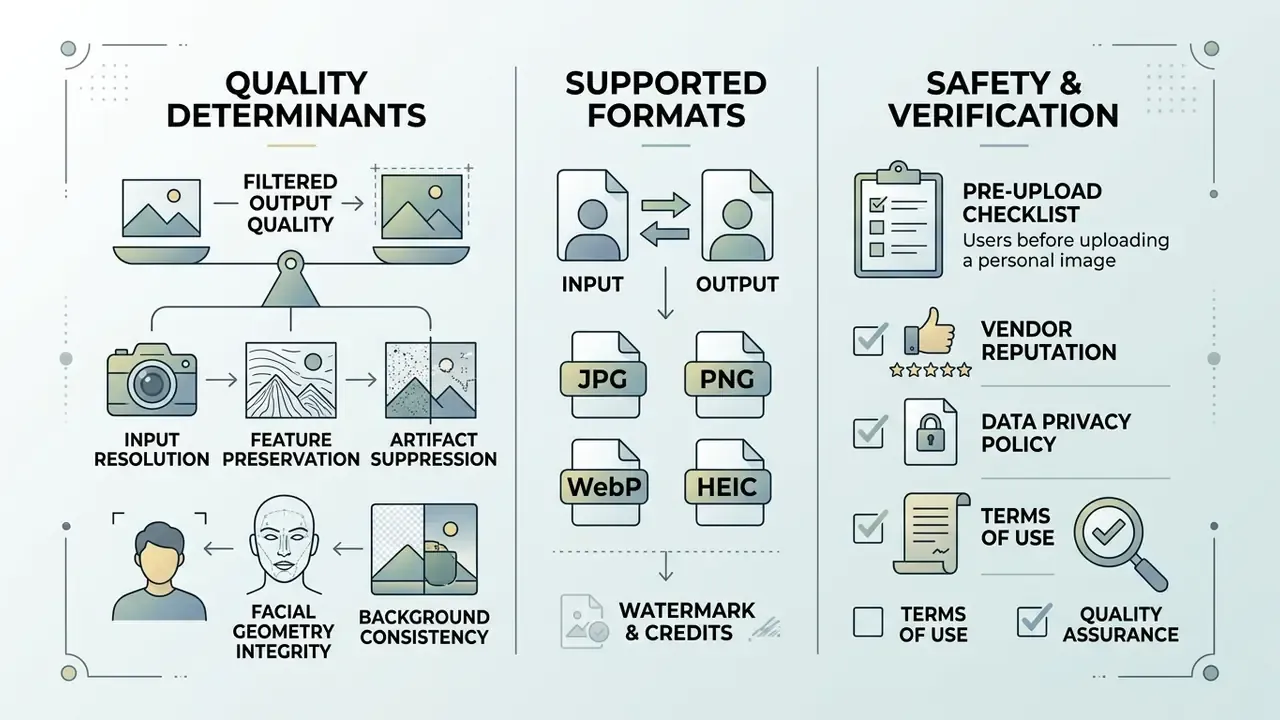
Clean ai filter for photos output is a balance between input resolution and model conditioning. Push style too hard on a soft source and the model fills the gap with invention. Push too little and nothing interesting happens.
Uploading personal or sensitive enterprise photographs raises a second question entirely: what does the vendor keep, and for how long?
Organizations building a branding framework should align filter presets with existing brand rules and keep a human review step before publication. Institutional guidance on AI-generated imagery treats that review as a control, not a courtesy.
What determines the quality of an AI filter effect
Final quality of an ai filter effect photo depends on source resolution, network architecture depth, and parameter balance. Low-resolution inputs with heavy compression artifacts produce blurred lines and unnatural hallucinations, every time.
Key technical parameters:
- Input resolutionclean source files (minimum 300 DPI or 1080p geometry) give precise edge boundaries for style mapping. When the original is too small, run source-file upscaling before filtering, not after.
- Feature preservationadvanced pipelines pair ControlNet-style structural conditioning with IP-Adapter image-prompt conditioning to hold pose, edges, and facial proportions while the style changes. IP-Adapter is documented by Hugging Face as a lightweight adapter that injects reference-image features into the diffusion process. ControlNet and IP-Adapter combinations are described in the 2025 arXiv preprint ICAS: IP-Adapter and ControlNet-based Attention Structure (https://arxiv.org/html/2504.13224v1). The earlier in-text reference to an "ICAS Survey, 2025" should be read as this preprint.
- Artifact suppressionproper denoising step configuration prevents visual noise, ringing, and unnatural line blending in detailed regions.
«Increasing the number of inversion and denoising steps improves reconstruction quality, yet errors accumulate along the conditional Markov chain and reduce editing fidelity.»
- Facial geometry integrityface super-resolution research reports that weak geometry preservation produces landmark distortion and identity loss, the most common complaint about aggressive stylization.
- Background consistencyface-image quality frameworks score background uniformity separately, because background corruption drags down perceived quality even when the subject looks fine.
What to verify before uploading a personal photo or image
Before uploading personal selfies or corporate imagery, inspect the platform's data retention, biometric processing, and privacy policies. Secure services auto-delete processed files from cloud storage within a stated window. Vague wording here is a finding, not a formality.
«Consumer selfie filters can imitate biometric traits and create a privacy threat; specialized recognition models reach 87.25% accuracy on filtered imagery.»
Documented market practice gives a usable benchmark. Some vendors purge original uploads within 60 minutes, others within 72 hours after generation, while trained personal models and face data are commonly destroyed 30 days after account deletion. European guidance adds a procedural expectation: a data protection impact assessment for high-risk biometric processing.
Pre-upload vendor and quality checklist
| Check | What to confirm | Why it matters |
|---|---|---|
| Retention window | Explicit deletion timeline for uploads and derived models (60 min to 72 h typical; 30 days after account closure) | Limits exposure if the vendor is breached |
| No-training clause | Written statement that user photos are not used to train public or open models | Prevents irreversible data reuse |
| Biometric classification | Whether face images are treated as biometric data and whether an impact assessment exists | Determines legal obligations |
| Encryption and access | Transport and at-rest encryption, plus who inside the vendor can access files | Controls insider risk |
| Source quality | 300 DPI or 1080p+, frontal balanced lighting, no motion blur | Reduces artifacts and reruns |
| Format compatibility | JPG, PNG, WebP, HEIC accepted; export format matches downstream use | Avoids failed uploads and quality loss |
| Commercial rights | License covers the intended commercial channel; consent held for identifiable people | Prevents licensing and likeness disputes |
| Watermark policy | Whether free exports are watermarked and how removal is licensed | Avoids terms violations |
A legal review team audited third-party image processing vendors against internal policy. By shortlisting providers that guarantee automatic file deletion within 72 hours and prohibit training public models on user uploads, the firm cut its data exposure surface while still letting employees produce marketing visuals. Not a dramatic project. Just a documented one.
To analyze contractual terms or policy documentation, teams can view the guide.
Disclaimer: this information is general in nature and does not replace consultation with a specialist in data protection and cybersecurity.
What tasks to use AI filters for
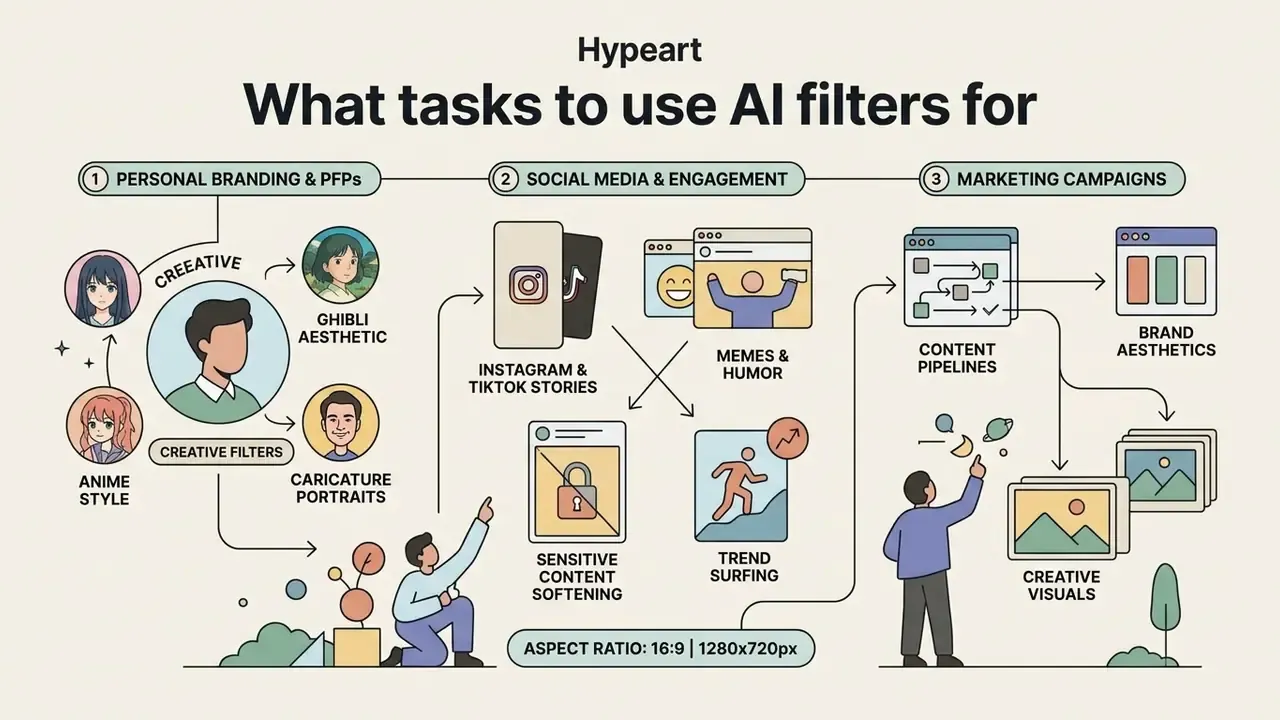
An ai filter for art or portrait processing serves a wide spread of workflows: personal branding, marketing campaigns, content pipelines. Neural filters help creators hold one visual theme across every public channel, which is harder than it sounds when three people are posting from three devices.
Design teams building product prototypes fold stylized visuals into presentation assets and channel art. Video-first teams usually extend the same style system into their YouTube editing workflow.
AI filters for social media posts, stories, and memes
Creators use an ai filter for pictures to build scroll-stopping posts, short-form stories, and memes. A distinctive treatment buys attention in a crowded feed, at least until everyone copies it.
«A drawing-style AI filter reduces negative emotional response by 30.38% while preserving image interpretability at 97.19%.»
Platform behavior matters as well. Instagram ships native filter packs, text styles, and AI sticker creation from user photos, and filters applied inside Stories bake into the published image rather than staying a reversible layer. Plan the export accordingly.
For help with media workflow integrations, users can contact AI Media Support.
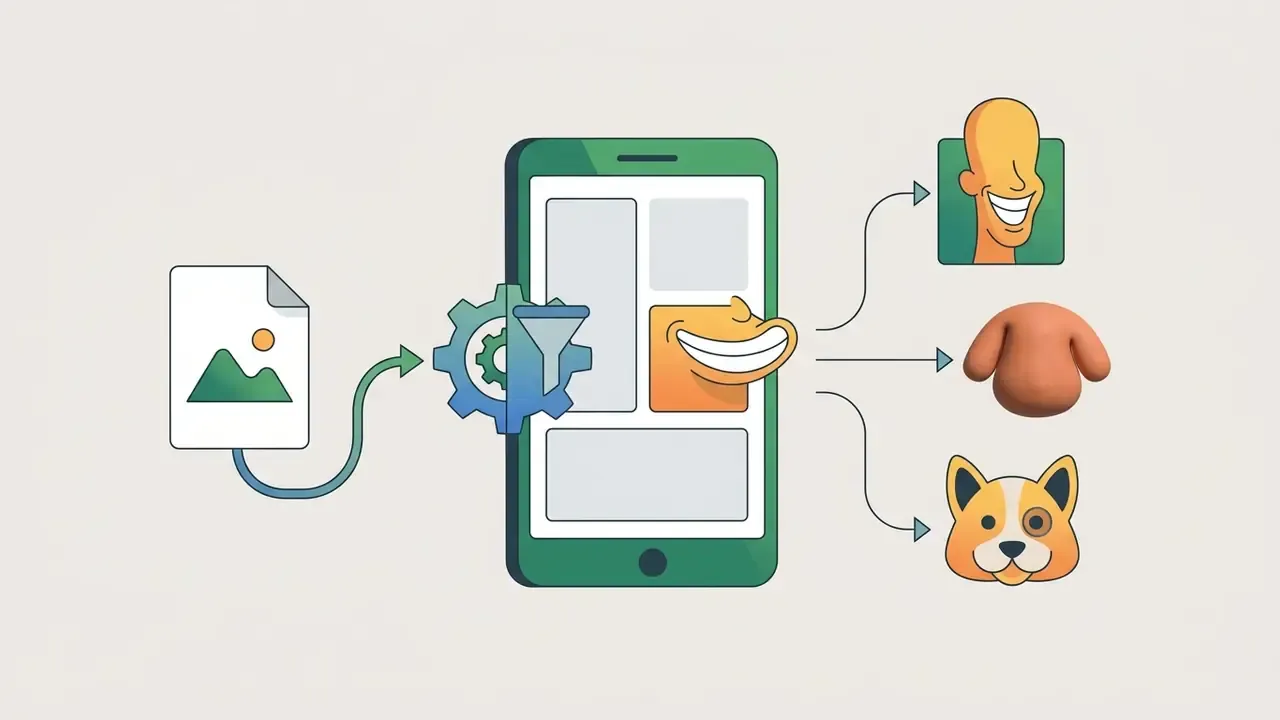

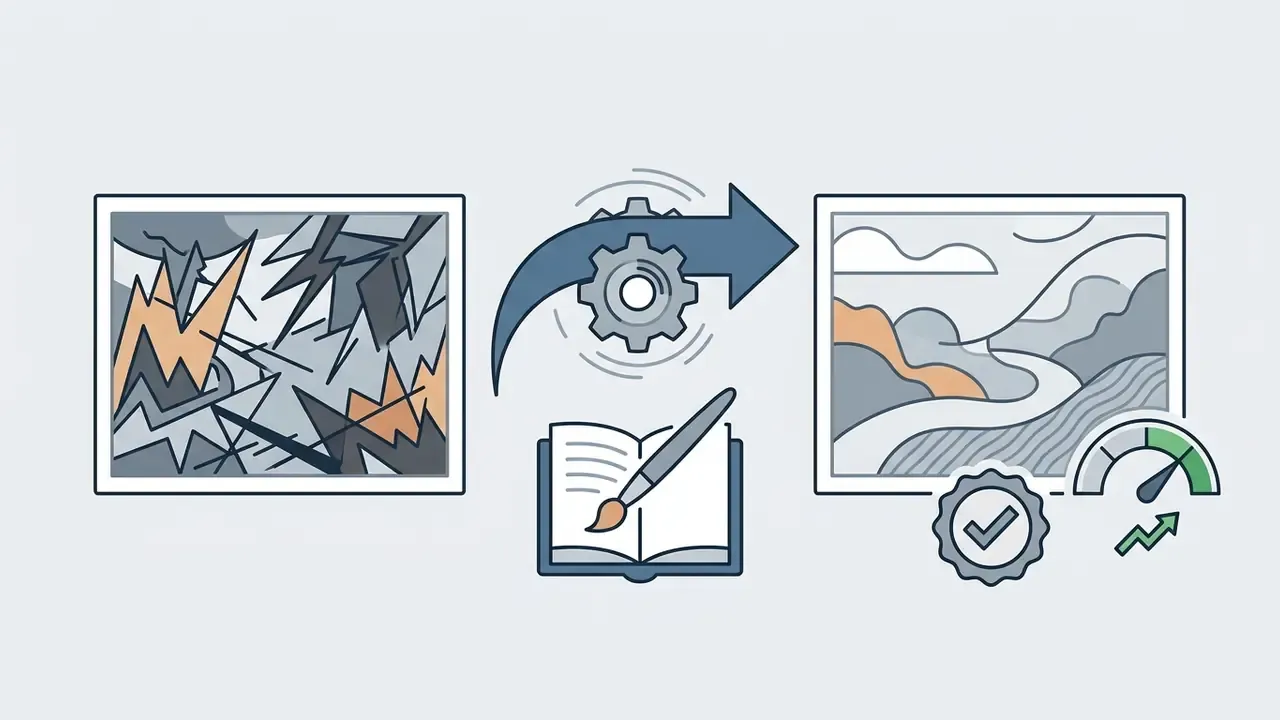
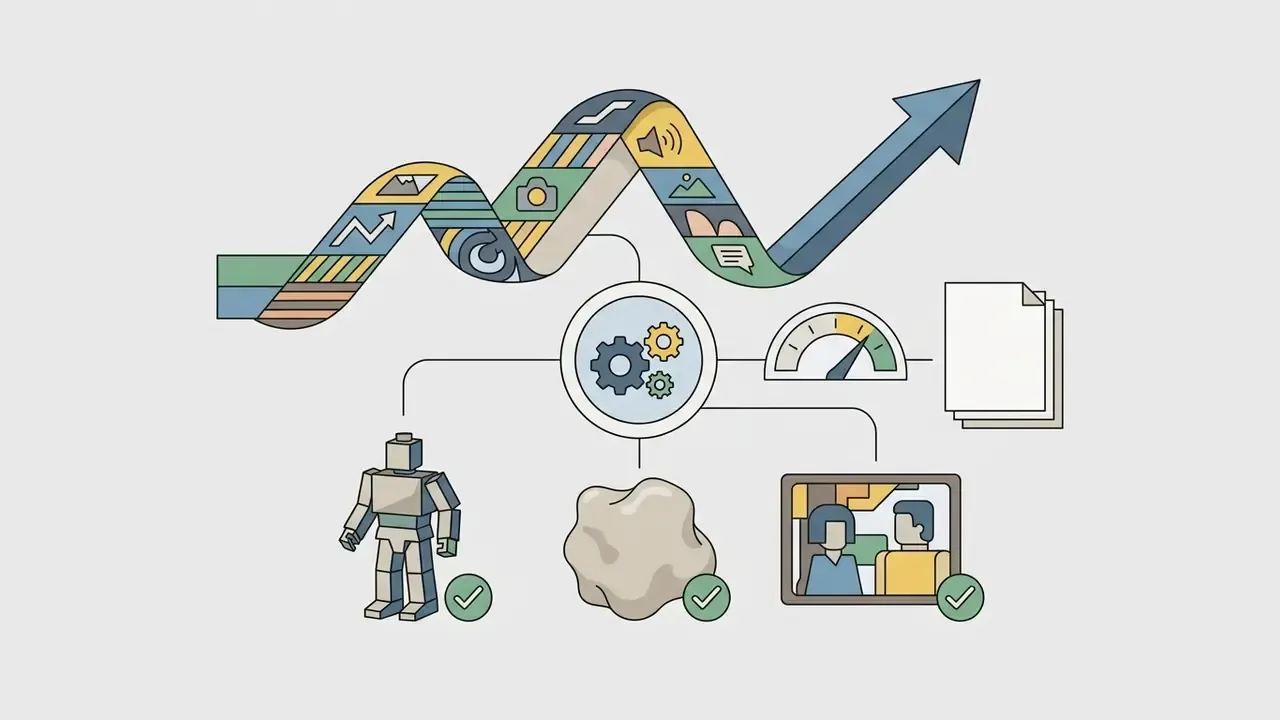
AI art filter for PFPs, portraits, and creative visuals
Applying an ai filter for photo assets lets professionals and creators produce unique profile pictures, concept art, and branded promotional media from what they already have. Stylized avatars also add a layer of privacy while keeping a credible public presence. Useful for anyone who would rather not publish a literal selfie.
Digital creators routinely turn standard headshots into stylized avatar portraits for YouTube, Discord, and personal blogs. Ai art filters deliver a consistent identity across platforms without commissioning custom illustration each time. Research on personal branding notes that AI-assisted visual tooling supports image shaping, visibility growth, and audience engagement. A 2026 Wiley study on beauty filters and appearance self-esteem adds the counterweight: heavy retouching carries psychological trade-offs worth naming in brand guidelines, especially when employees appear in the assets.
FAQ about AI filters
Can you use an AI filter for video, not just photos?
Yes. AI filters apply to video through frame-by-frame neural style transfer with temporal consistency algorithms. Video needs far more GPU memory than static editing to prevent inter-frame flicker: published pipelines report training on 32 A100 80G GPUs for video upscaling, and roughly 80 ms per iteration for an 800×480 frame on consumer hardware.
«StyleMamba, a state-space model, enables dynamic temporally consistent style transfer for video sequences.» Style Transfer: A Decade Survey (2025). Public DOI not available in the reviewed research set.
Modern video pipelines also use optical flow data to smooth transitions between adjacent frames. Creators moving from stylized clips to full synthesis usually continue with AI video tooling.
Do you need a special editor to create a custom AI filter?
Building a custom filter from scratch means training a lightweight adapter, typically a Low-Rank Adaptation (LoRA) module, in a dedicated ML framework. Adapters load in prompts with syntax like , and practical fine-tuning guides suggest starting learning rates near 2e-4. Applying an existing custom filter is far simpler: pick a pre-built preset or type a prompt into a web generator. The fastest route is choosing among the best AI art generators that already expose style IDs and reference-image conditioning.
Which image formats do AI filters support?
Most browser tools accept JPG/JPEG, PNG, WebP, and HEIC as input, usually up to 50 MB, and export high-resolution JPG or lossless PNG. Convert HEIC if a service rejects it, and keep PNG for any asset you plan to layer or re-filter.
Are AI filters really free, and will there be a watermark?
Three models dominate. No-sign-up tools render and export without watermarks but limit style variety. Credit-based tools preview free and charge credits for HD downloads, with credits often replenished by daily tasks. Freemium tools watermark free exports and remove the overlay on paid plans. Check whether the free tier includes commercial rights, because free access and commercial licensing are separate permissions.
Which AI filters are trending right now?
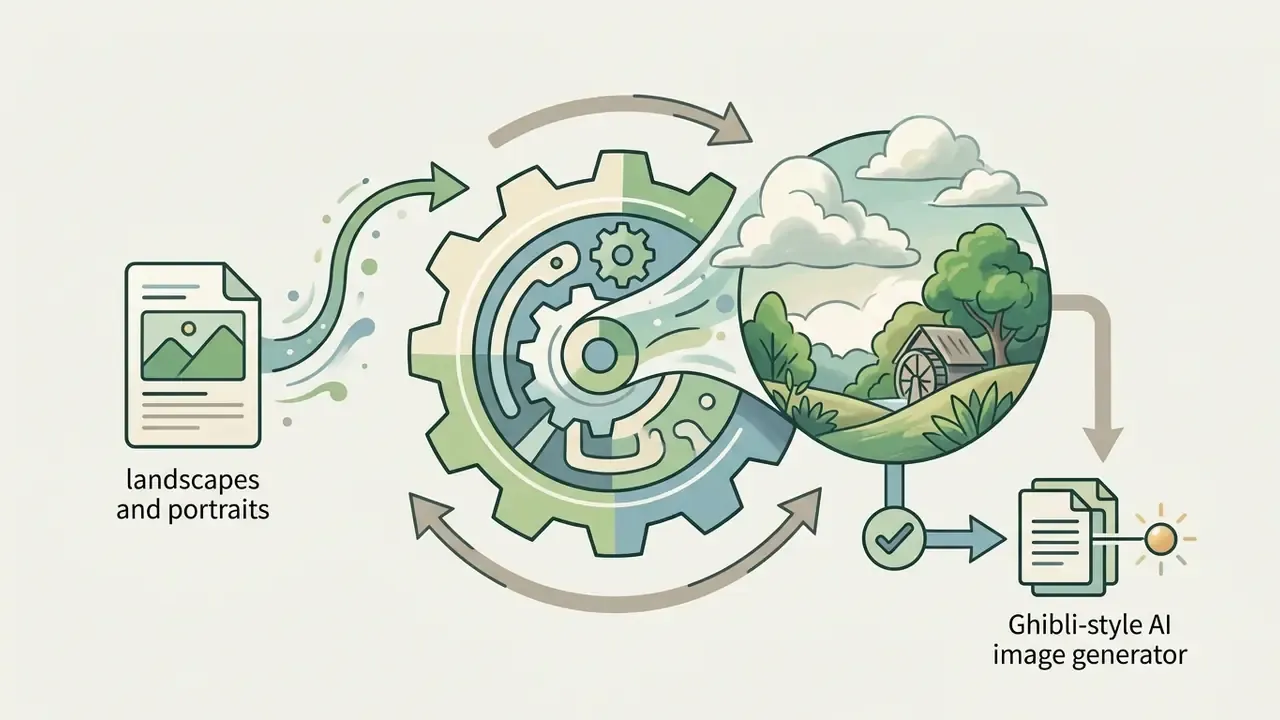
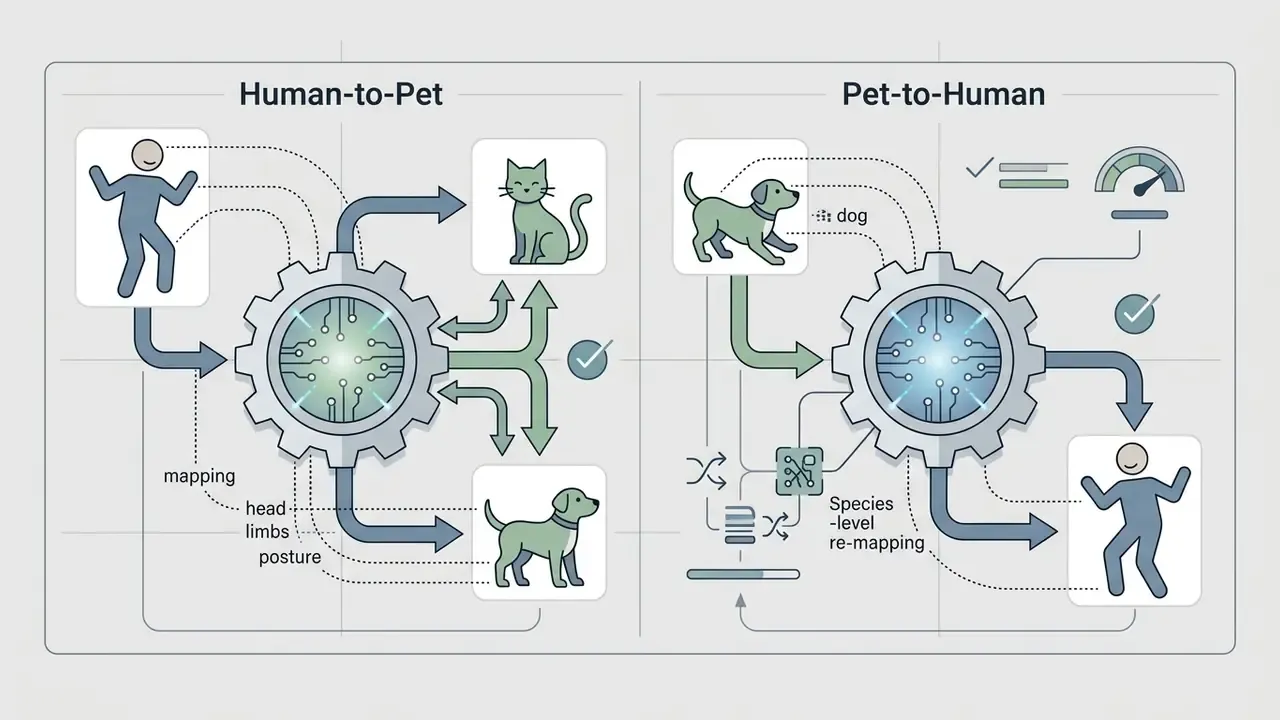
Demand currently concentrates on retro on-camera flash and 35mm film looks, editorial fashion realism, 3D clay and miniature avatars, PS2 and blocky voxel game styles, Ghibli-style animation, action figure packaging, caricature and Simpson-style memes, AI aging timelines, braces overlays, and pet-to-human transformations.
Can filtered photos be used commercially?
If you own the source photo, or hold rights and consent for any identifiable person, filtered versions can usually be used commercially, provided the platform license permits it. If you do not own the original image and lack the owner's consent, commercial use is off the table regardless of which filter you applied.
To evaluate pricing structures across enterprise tools, users can explore the hub.
To access financial analysis tools for software procurement, users can open the hub.
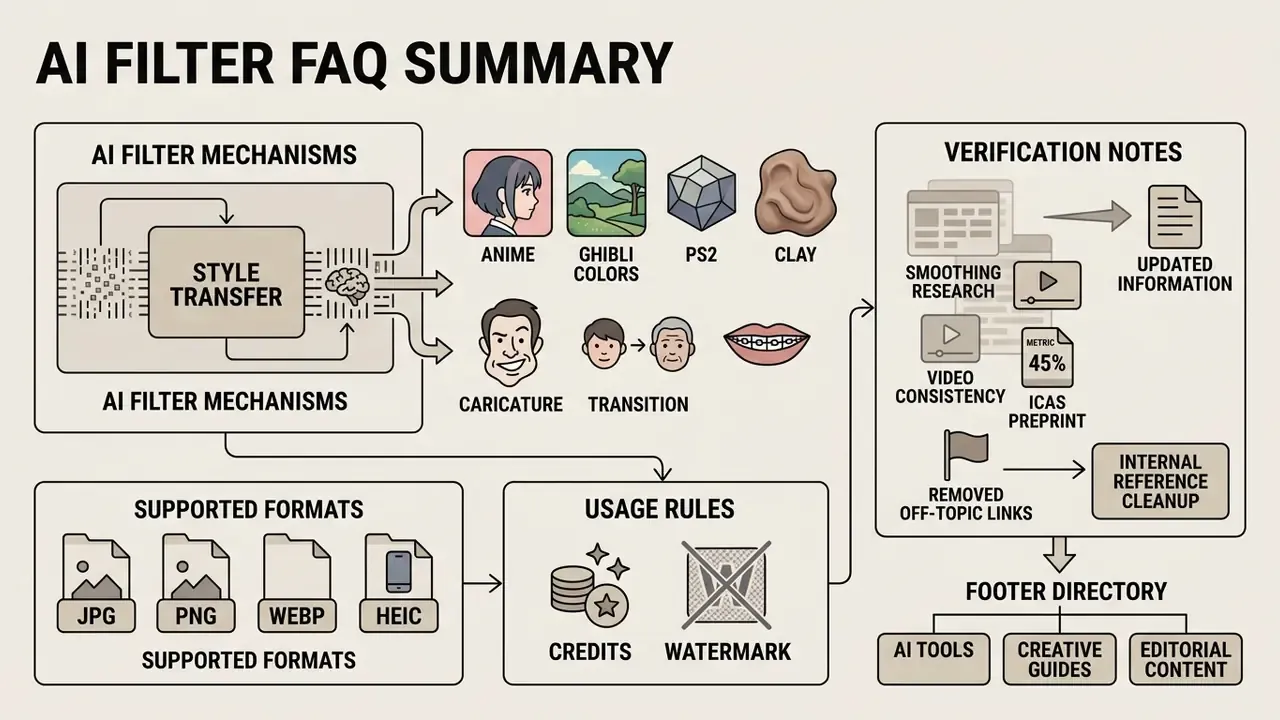
Appendix A. Superseded formulations and verification notes