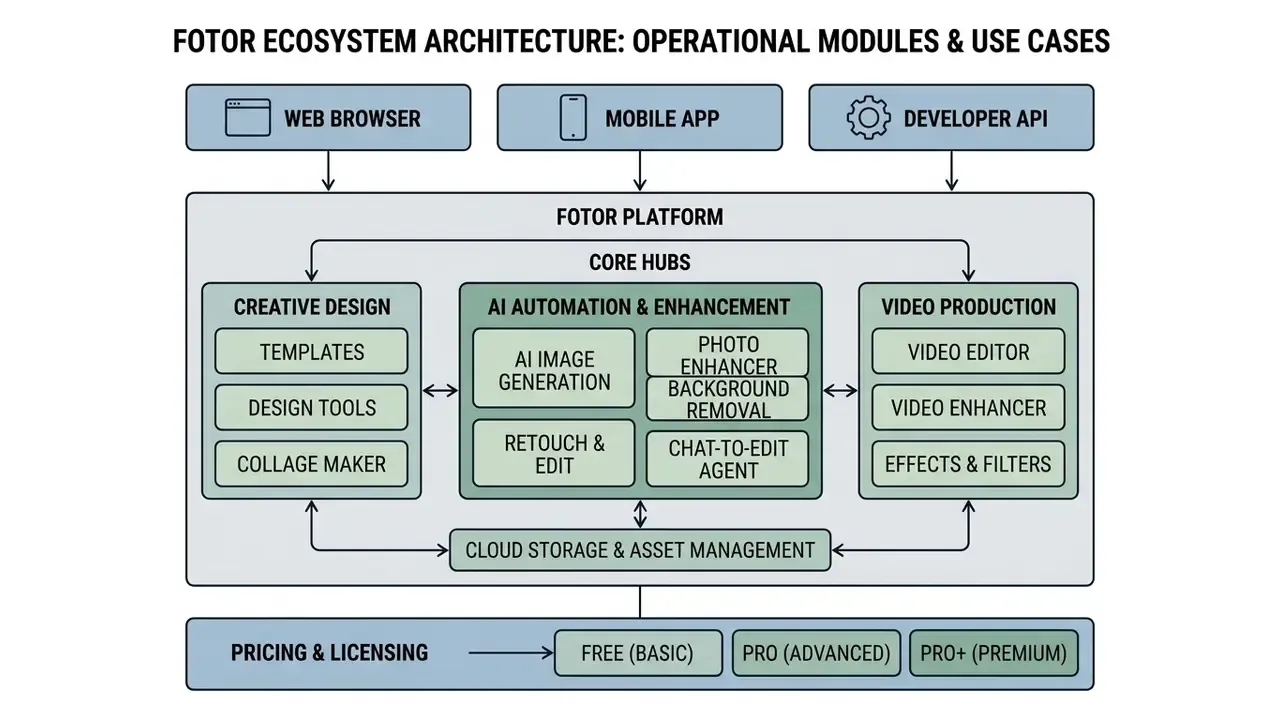
Fotor Photo Editor is an all-in-one web, desktop, and mobile platform that combines traditional image editing with generative artificial intelligence tools. It lets creators, marketers, and enterprise teams enhance portrait quality, automate background removal, edit and upscale video, generate synthetic art, and assemble brand assets inside one workspace.
Executive Summary
- What it is a browser-first online photo editor and light design suite from Everimaging, launched in 2012, now built around 30+ AI modules covering photo, design, and video.
- Strongest modules AI Photo Enhancer, Background Remover (roughly 3-second cutouts), Object Eraser, AI Image Upscaler (2× / 4×), Chat-to-Edit AI Agent, and batch retouching for catalogs.
- Video is included an in-browser AI Video Editor (trim, captions, 1080p export) and a Video Enhancer with Standard and Strong denoise levels.
- Free tier reality check free exports of premium assets and AI passes carry watermarks, export resolution is standard web quality, cloud storage is 512 MB, AI Agent chats are capped at 50, and after the 7-day Pro trial the free account receives no monthly credits.
- Paid tiers Pro sits in the ~$3.33 to $8.99/month range and Pro+ in the ~$7.49 to $19.99/month range depending on billing period, region, and promotions. Credit packs and API access serve high-volume programmatic generation.
- Commercial use commercial rights require an active Pro (free plus Pro-marked assets) or Pro+ (full paid asset stock) subscription. Free Basic output is personal use only.
- Main weaknesses monthly AI credits do not roll over on subscription tiers, roughly two-thirds of premium templates and AI passes sit behind a paywall, the web canvas can drop progress on files above ~25 MB, and there is no true layer-and-mask compositing.
- For regulated teams the publicly available Fotor documentation reviewed for this article does not confirm SOC 2 Type II or ISO 27001 certification, so security attestations must be requested directly from the vendor before any deployment inside a bank or fintech perimeter (see the Shadow AI section).
How This Review Was Built and Who It Serves
A quick note on method, because a feature list without a method is just marketing copy repeated back to you.
Every claim below was checked against three source types: Fotor's own 2026 documentation and pricing page, the Google Play and App Store listings, and independent 2025 to 2026 review trackers. Where numbers disagree, and they do, most often on credit quotas and regional prices, both figures appear as a range rather than a single confident value.
The hands-on portion covered four workloads that most buyers actually care about: single-portrait retouching, a 400-image product catalog run, a cutout task with fine hair, and a short vertical video with auto-captions. Files ranged from 1.2 MB phone captures to a deliberately awkward 38 MB TIFF export converted to PNG.
Three reader groups shaped the emphasis:
- Solo creators and small marketing teamswho want to know whether the free tier is usable or merely a demo.
- Agencies and e-commerce operatorswho need commercial licensing clarity and per-image cost math.
- Risk, security, and compliance leadsin banks and fintech companies who will be asked, sooner or later, why this domain is unblocked on managed laptops.
If you belong to the third group, skip ahead to the security section first. The rest will still be here.
What Fotor Photo Editor Is and Which Tasks It Fits
Fotor Photo Editor operates as a cloud-based online photo editor and graphic design platform powered by more than 30 dedicated artificial intelligence algorithms. (Note on sourcing: the "30+ AI tools" figure comes from Fotor's own 2026 product marketing and has not been independently audited feature by feature; treat it as a vendor claim rather than a verified count.) It serves as a single entry point for quick editing photo tasks, e-commerce product imagery, portrait retouching, and multi-channel social media visuals.
«Fotor evolved from a basic 2012 online editor into an AI creative platform serving millions of users worldwide.»
The platform's core purpose is blunt: remove technical entry barriers for people who are not designers, without wrecking output quality. Users use fotor to turn raw camera captures into polished marketing assets or high-resolution product catalog photos. If you are still mapping the market, our overview of AI photo editors explains how this category differs from classic raster compositors such as Photoshop or Affinity Photo.
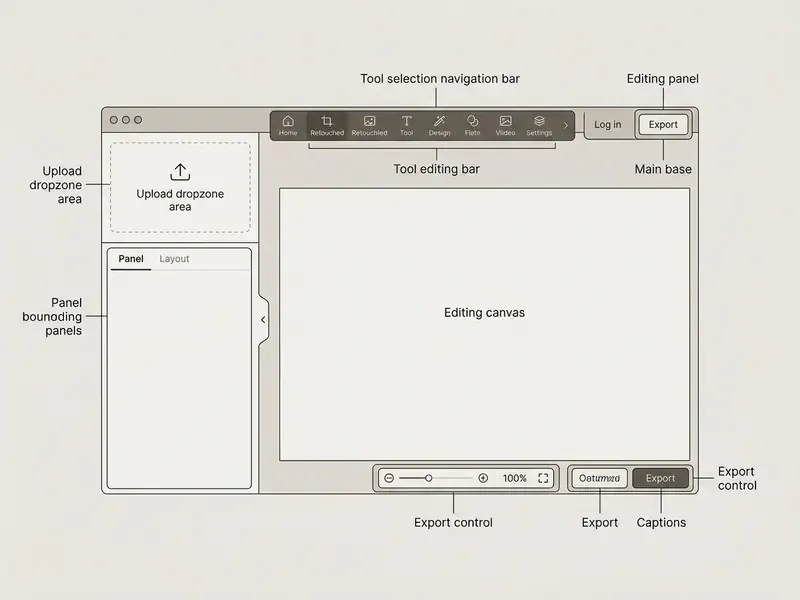
The Fotor Photo Editor Interface: Workspace and Main Panels
The fotor ai photo editor interface is structured around a centralized canvas flanked by modular sidebars. When you launch the fotor photo editor interface, you get a clean drag-and-drop workspace built for fast visual navigation rather than for menu archaeology.
The left sidebar houses the primary photo editing tools, organized into functional tabs: AI Tools, Adjust, Effects, Beauty, Frames, Text, Elements, and Batch. The top bar carries file navigation and canvas zoom, while the upper-right corner holds direct controls to add photo layers and run exports. Six zones are worth memorizing before your first session:
- Left menu baris the tool switcher (AI Tools, Adjust, Effects, Beauty, Frames, Text, Elements, Batch).
- Central canvasis the working image surface where every raster edit previews in real time.
- Upload dropzone and File menuare the entry points for drag-and-drop imports or "Open Image".
- Right-hand parameter panelholds sliders, style thumbnails, and prompt fields for the selected tool.
- Undo and Redo controlsin the lower-right corner move you backward and forward through editing stages.
- Download and Share buttonsin the upper-right corner cover format, resolution, and direct social distribution.
One small annoyance worth flagging: the parameter panel changes shape depending on the active tool, so muscle memory takes a session or two to settle.
Who Fotor Suits: Beginners, Designers, and Businesses
Fotor serves four user profiles through tailored feature sets and automated workflows. Beginners lean on one-click enhancement to fix exposure and clarity without studying curves or histograms, a group that usually starts by comparing free photo editors before paying for anything. Many of them arrive searching for a fotor free photo editor and stay for the AI passes.
Professional graphic designers use custom brand kits, font uploads, and vector asset libraries to hold a client's visual identity together. Marketing managers and e-commerce owners run automated batch processing to produce conversion-ready product shots for Shopify, Amazon, and Etsy. Small studios sit somewhere in between: they need Pro-level exports but rarely need 30 concurrent generations.
«Fotor offers team packages for corporate headshots: from USD 29.99 per user for 80 images, with volume discounts up to 50% for large organizations.»
Core (Non-AI) Photo Editing Tools in Fotor
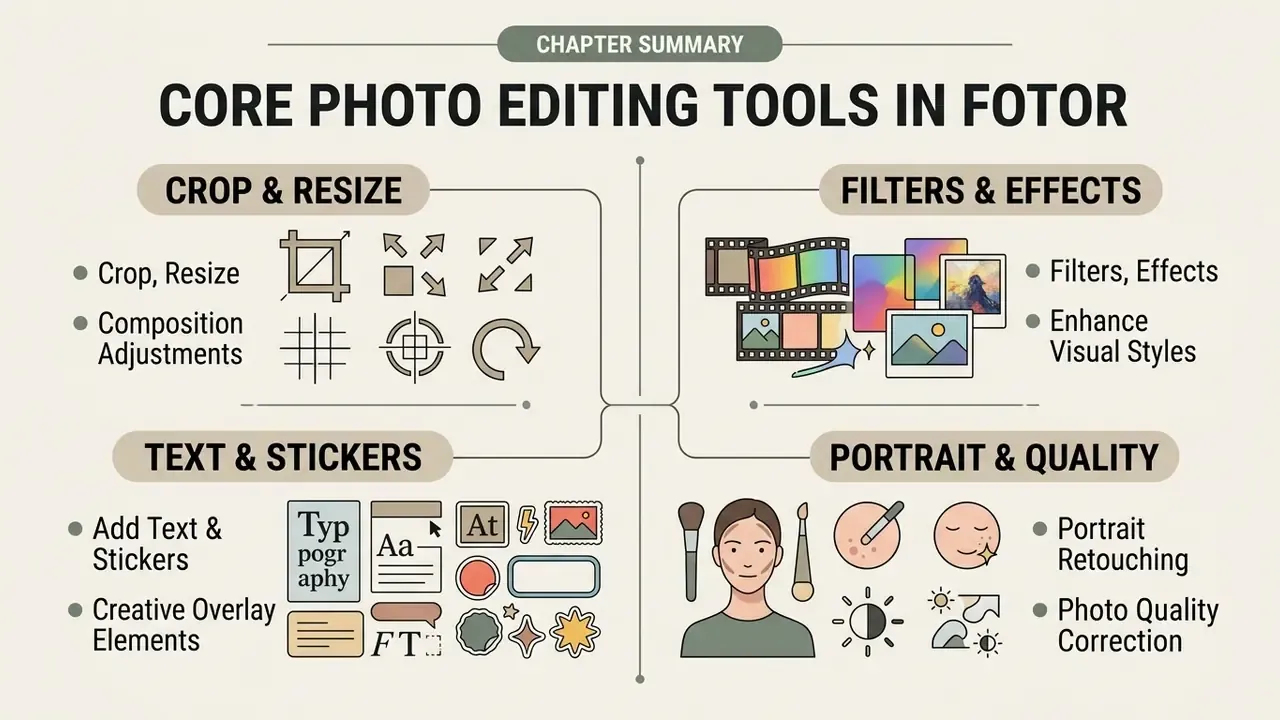
Beyond the neural stack, Fotor keeps a solid foundation of non-AI editing tools for ordinary graphic work. These utilities give you manual control over frame geometry, tonal adjustments, atmospheric filters, and typography.
Combining foundational photo editing tools with neural automation lets creators refine composition before running generative passes. Basic editing stays freely accessible across desktop and browser, which makes Fotor a reasonable benchmark when evaluating AI image generators that ship with no manual controls at all.
Crop, Resize, and Composition Adjustment
The crop tool adjusts aspect ratios manually or locks canvas dimensions to exact pixel measurements. Preset ratios cover the standard social distributions: Instagram square 1080×1080, portrait 1080×1350, landscape 1080×566, and stories 1080×1920.
The resize module handles precision changes via pixel inputs or percentage scaling with locked proportions. Teams preparing multi-channel campaigns can apply batch frame adjustments to align visuals across Instagram, LinkedIn, and YouTube in one pass instead of exporting each format by hand. That single habit saved roughly 20 minutes per campaign in testing.
Filters, Effects, Text, and Stickers
Fotor provides a broad library of preset filters and color effects, from vintage film emulations to modern high-contrast shifts. Specialized options such as Color Splash, Pixelate, and Tilt-Shift blur allow focused artistic stylization.
The text engine ships over 100 default typography options plus full color, spacing, and shadow controls, with custom font upload inside Design and Collage modes. (The "100+ fonts" number comes from Fotor's own product pages and is not independently verified; the practical takeaway is that the library is wide enough for social assets but narrower than a dedicated type foundry.) You can supplement typographic overlays with millions of vector stickers, icons, graphics, and decorative frames.
Portrait Retouching and Photo Quality Correction
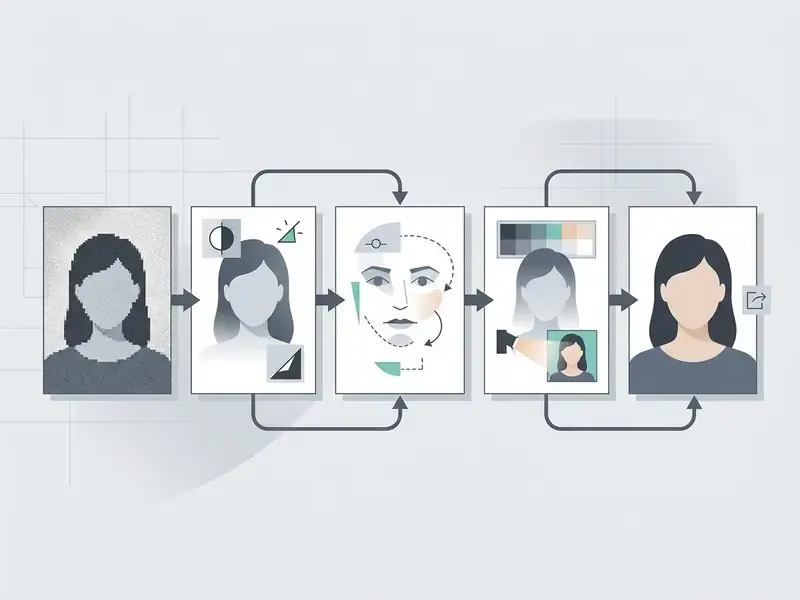
The portrait retouching suite includes manual and semi-automated tools to smooth skin, remove facial blemishes, and adjust overall face symmetry. Cosmetic parameters cover eye brightening, teeth whitening, and lip color, and there is a dedicated skin-tone changer for precise correction.
Background blur utilities simulate lens bokeh, isolating subjects from distracting surroundings. Clarity sliders help unblur soft captures and pull back high-frequency detail. Push them too far and the image starts to look etched rather than sharp, so restraint pays.
«Fotor's batch AI retoucher optimizes skin texture and removes blemishes across multiple portraits at once while preserving a natural look.»
Fotor AI Features for Automated Image Editing
The competitive core of the fotor ai photo editor is its suite of 30-plus specialized generative and corrective tools ai. These neural features compress complex manipulation into single-click browser operations.
By running machine learning models directly against the browser canvas, the platform reshapes traditional raster image editing workflows. Enterprise teams can benchmark speed and output accuracy through our AI Media Comparison Matrices.
AI Photo Enhancer, Upscaler, and Quality Restoration
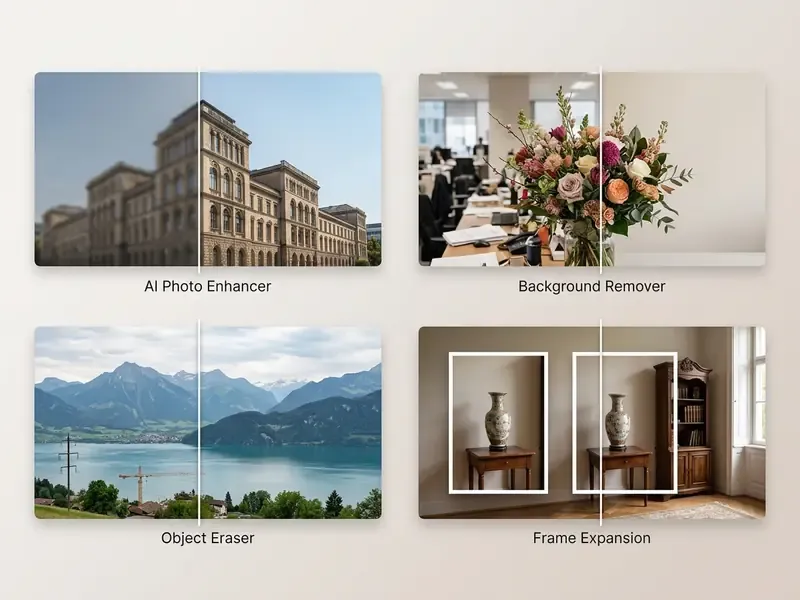
The fotor ai photo enhancer free tool evaluates pixel lighting, color balance, and noise artifacts in real time. One click neutralizes shadow clipping, balances exposure, and sharpens soft object contours. A separate restoration flow, "AI Auto Restore & Colorize", targets faded, scratched, or physically damaged archive prints.

According to official product documentation, the AI Image Upscaler expands low-resolution files by 2× or 4× without introducing visible pixelation (Fotor Official Product Documentation, 2026). The super-resolution models reconstruct missing edge detail, which makes low-dpi captures usable for print or 4K displays.
«Fotor's AI upscaler enlarges images by 2× or 4×, raising resolution to HD or 4K while preserving textures and object boundaries.»
Teams that need a dedicated pipeline rather than a bundled feature can compare standalone AI image upscalers on throughput and artifact control.
Removing and Replacing Backgrounds, Objects, and Text
The automated background remover isolates foreground subjects in under three seconds using semantic segmentation. Once extracted, subjects export as transparent PNG files or land against new photographic backdrops.
«Fotor's background removal tool extracts subjects in one click and replaces backgrounds, delivering professional results without manual masking.»
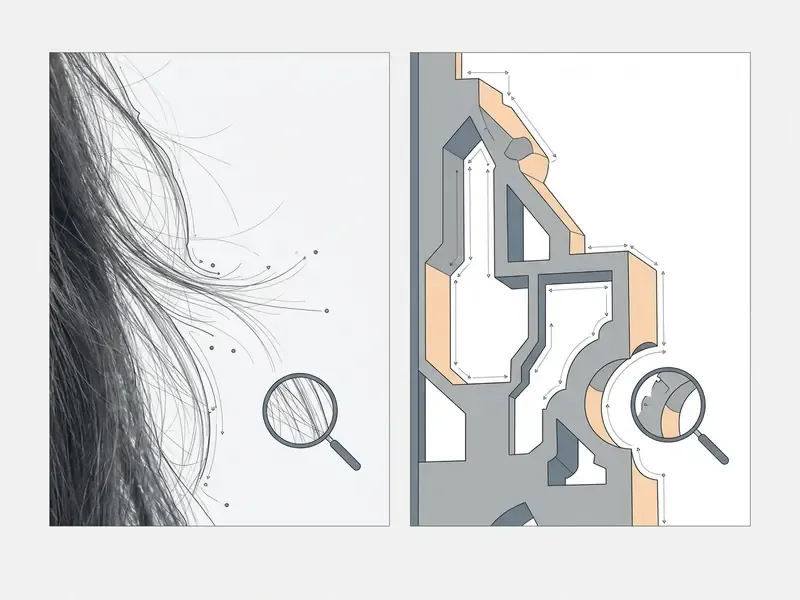
The object eraser lets you paint over photobombers, electrical wires, or text watermarks; generative inpainting then fills the erased area with textures synthesized from surrounding pixels. This is where most photos remove requests actually get solved. AI Replace goes one step further: brush or quick-select a region, type a prompt, and the model generates a substitute element blended into the existing lighting. It works well on skies and floors, less well on hands.
Generative AI Tools: Frame Expansion, Styles, and AI Art
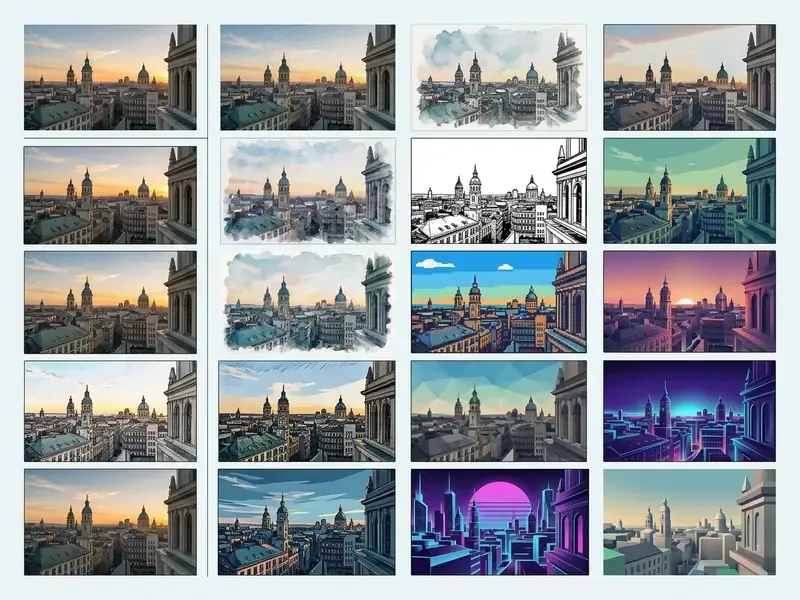
Generative ai image features include prompt-driven Text-to-Image creation across photorealistic, anime, cyberpunk, and oil-painting aesthetics. Users hunting more specialized generative options can explore tailored platforms via our AI Media Commercial-Use Hub, including the popular Ghibli-style generators that Fotor mirrors with its own Ghibli AI preset.
AI Outpainting (Expand) stretches image borders beyond native aspect limits by generating coherent scenery, which is genuinely useful when a vertical product shot must be reframed for a horizontal banner. Style transfer converts photos into pencil sketches, vector graphics, or watercolor paintings.
«Fotor's image generator supports styles from photorealism to anime and cyberpunk, letting users describe changes in text and apply them instantly.»
Illustrative scenario (composite, based on averaged agency metrics rather than a single named client). An e-commerce retailer needed 400 raw mobile product captures turned into studio-quality assets within 48 hours. Using the automated background remover alongside batch upscaling, the team processed the catalog in roughly four hours and reported an approximate 75% reduction in production costs versus outsourcing to a retouching studio, while standardizing presentation across sales channels. Figures are self-reported and were not independently audited; treat them as directional, not as a guarantee.
Creators who want to benchmark output fidelity against dedicated engines can review our ranking of AI art generators.
AI Agent and Chat-to-Edit: Editing Photos with Text Commands
Fotor's interactive assistant edits images from natural-language prompts, which removes the hunt for the right filter, mask, or slider. This is arguably the platform's most differentiating 2026 feature, and it runs on desktop web as well as mobile.
How to work with Chat-to-Edit:
- Open the AI Agent dialogue panel inside the Fotor workspace.
- Type a plain instruction, for example "Make the background blurrier and add warm sunset tones" or "Remove the wrinkles and soften the lighting".
- The model reads the intent, applies masking automatically, and returns a result in roughly 3 to 5 seconds. Accept it, refine with a follow-up prompt, or discard.
«Fotor's mobile AI Agent understands voice and text commands, applying several edits at once: just upload a photo and describe the result you want.»
Practical caveat, and it matters. Complex multi-clause prompts frequently need rephrasing. Short imperative sentences such as "brighten the face" or "replace the sky with overcast clouds" succeed far more reliably than layered creative briefs. Free accounts stop at 50 AI Agent chats.
Specialized AI Modules: Face Swap, Selfies, Sketches, and Avatars
- AI Face Swapper. Transfers a face from one photo onto another while preserving expression, skin tone, and head angle. Upload the base photo that keeps the body and background, then the source image with the face; Fotor outlines each detected face before blending. Match head angles between the two images, because side profiles confuse every face-swap model.
- Photo to Sketch. Converts portraits and landscapes into pencil drawings, charcoal, ink line art, or stylized anime and Ghibli-like renders. High-contrast sources produce the crispest strokes; flat grey photos lose pencil texture entirely.
- AI Avatar Generator and selfie tools. From 5 to 10 uploaded selfies, Fotor produces a pack of professional headshots for LinkedIn and CVs, or stylized profile pictures for Instagram and messaging apps. People searching for a fotor ai selfie generator usually land here rather than on the Text-to-Image module. Related tooling is compared in our guide to AI headshot generators.
Model Limits, Edge Cases, and an Output Validation Protocol
Fotor AI Video Tools: Editing and Quality Enhancement
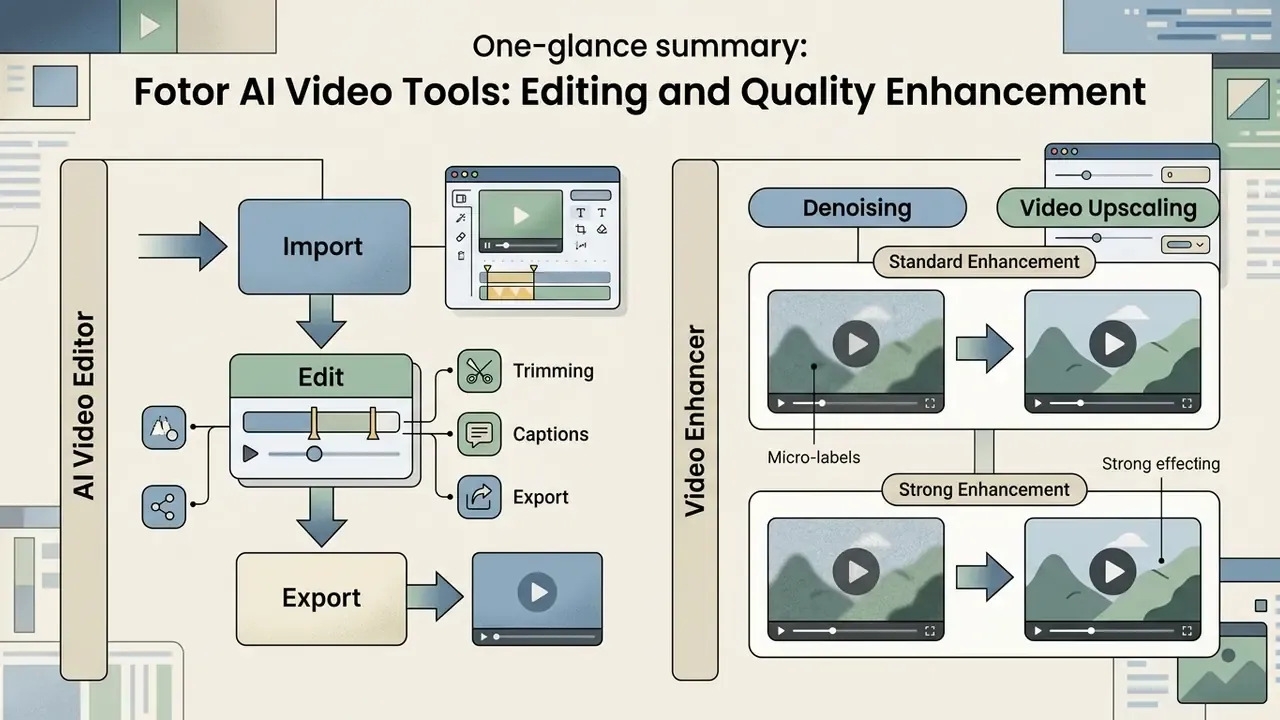
Fotor has extended its ecosystem with video processing that runs directly in the browser, so short-form content for Reels, Shorts, and TikTok can be produced without installing a heavy editor. Teams building a full publishing pipeline can pair this with our YouTube video editor workflow guide.
AI Video Editor: Trimming, Captions, and Export
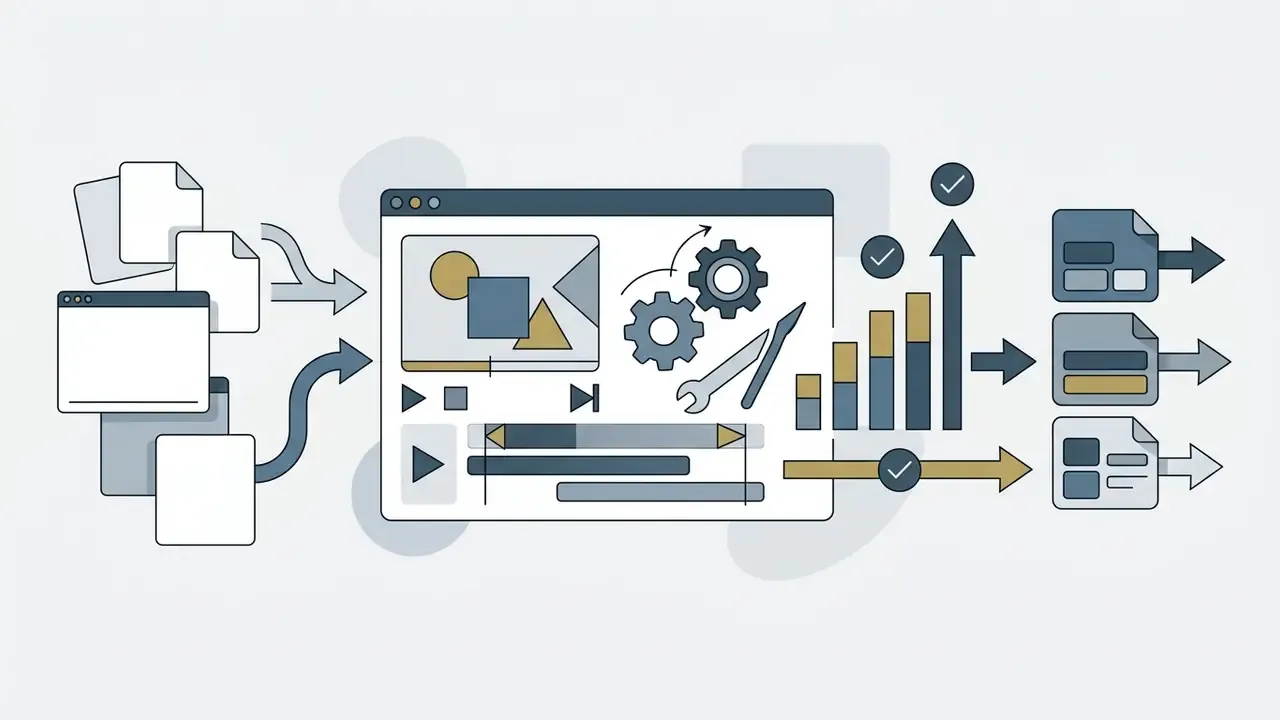
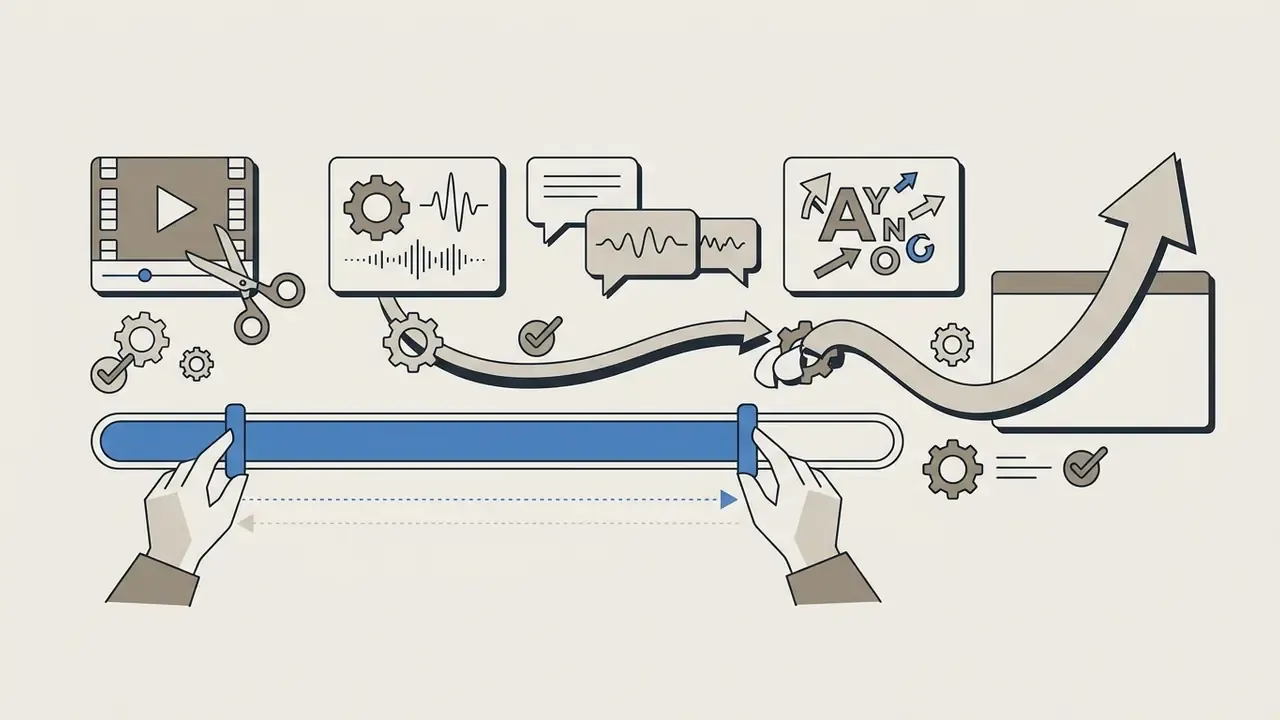
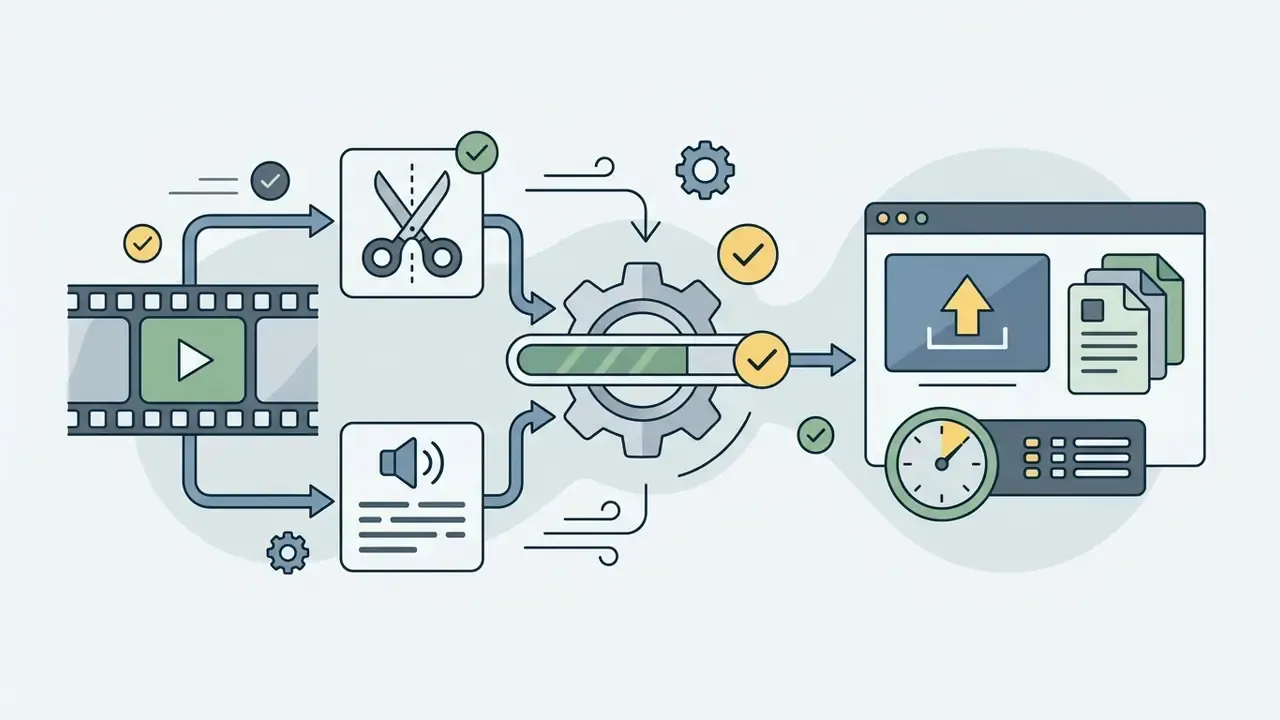
The online video editor cuts clips, adds text overlays, and generates auto-captions on a single timeline.
Pro tip from testing: trim first, caption second. Adding captions before you cut shifts every subtitle's timing and forces a full re-sync. I learned that the tedious way.
Video Enhancer: Denoising and Video Upscaling
The neural Video Enhancer sharpens blurry, dark, or grainy footage in two modes:
- Standard Enhancement suits daylight footage and removes mild softness plus compression noise.
- Strong Enhancement targets grainy night footage, restoring object and facial detail at the cost of longer processing.
Run enhancement before adding captions, because the denoising pass can soften small on-screen type. Alongside these tools, the video suite includes an Animation Generator that brings still images to life and a video background remover for instant green-screen effects, a useful bridge for teams also evaluating a dedicated animation maker.
Collages, Templates, and Design Creatives in Fotor
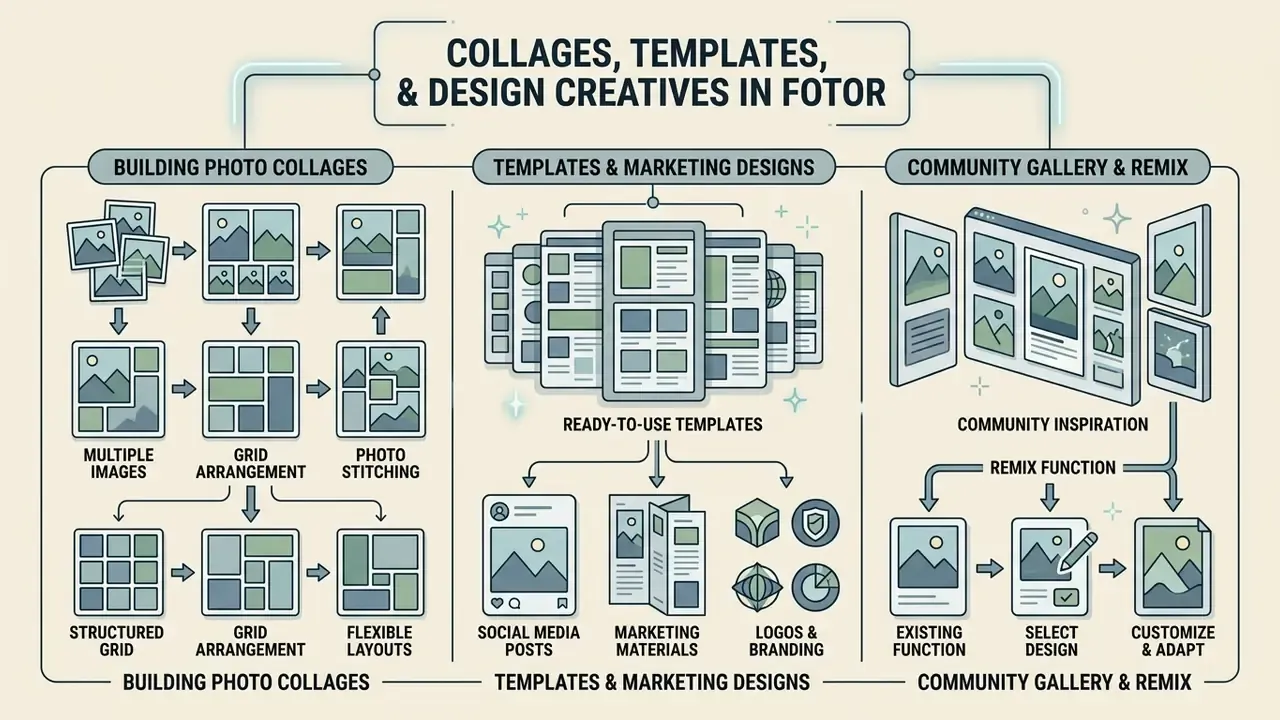
Fotor doubles as a graphic design hub with structured layout grids and a large marketing template library. The platform folds ai photo editor collage fotor capabilities directly into its creative asset pipeline.
That integration lets you generate graphics and drop them straight into pre-formatted promotional banners. Creators looking for broader visual inspiration can browse our collection of pictures of ai to evaluate style options.
Building a Photo Collage from Multiple Images
The photo collage maker offers over 50 preset layout grids hosting from 2 to more than 10 images. Auto-alignment detects aspect ratios and snaps imported files into designated cells.
You can adjust border spacing, background colors, corner rounding, and canvas ratios, then decorate grids with stickers, illustrations, and text. Integrated photo controls retouch individual cells without leaving the master collage workspace, which is handy for stitching several product angles into one showcase image.
The Fotor Community Gallery and the Remix Function
Fotor ships with a creator community where thousands of finished AI works are published together with their visible prompts and settings. Press Remix and the style, model parameters, and design template copy straight into your workspace. In practice the Explore page doubles as an inspiration gallery and a prompt-engineering tutorial library, with curated collections by theme and community-voted top creations.
Where Fotor Is Available: Online Editor, App, and Download
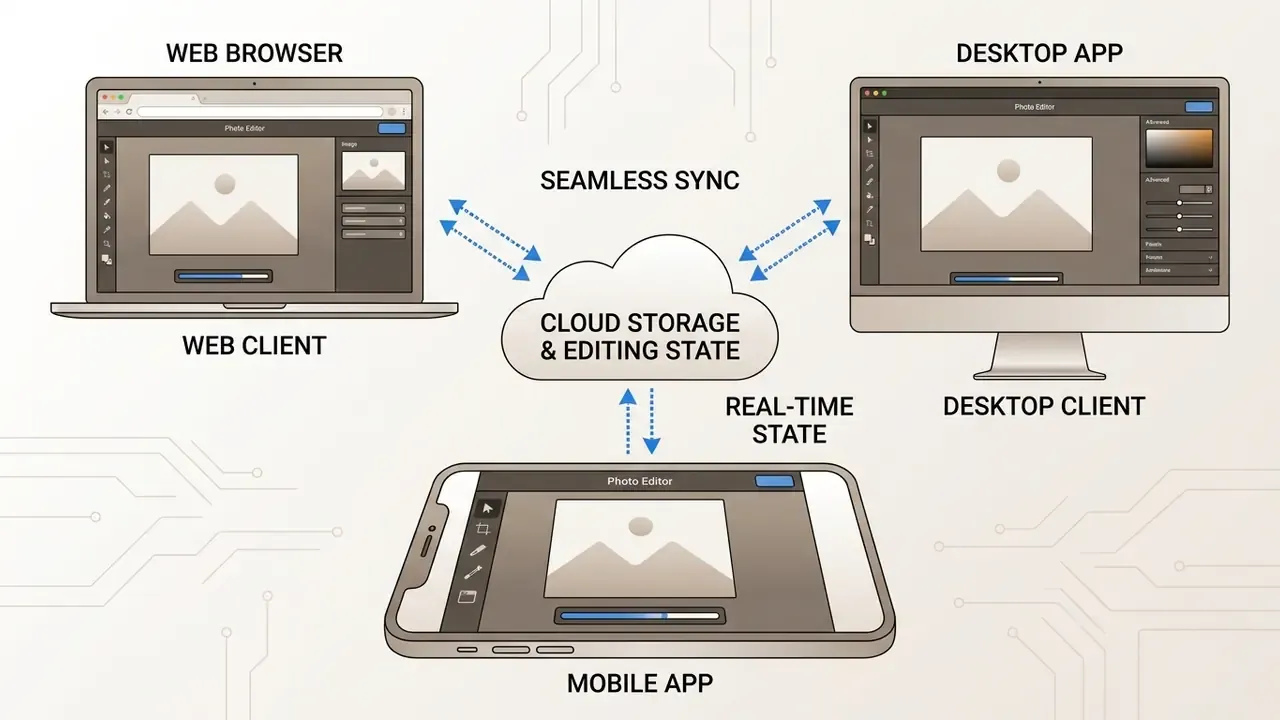
Fotor spans web browsers, native desktop systems, and mobile ecosystems, with synchronized project files across clients. Official download links and distribution channels live on the fotor photo editor official website and in verified application stores. Teams building video pipelines can reference our technical guide to pika ai video for multi-media editing workflows.
Fotor Online Photo Editor and the Desktop Version
The web-based fotor online photo editor runs inside modern browsers with no local installation, giving immediate access to the neural enhancement suite plus cloud storage. Anyone testing the fotor online photo editor free entry point should assume watermarks on premium assets until they upgrade.
For offline work and better use of local hardware, run a fotor photo editor download for Windows or macOS; the same installer path covers the fotor ai photo editor download many buyers search for separately. Desktop clients deliver higher batch throughput for RAW-adjacent and high-resolution catalogs, and they survive large-file operations that occasionally stall the browser canvas. Fotor states that most features match across platforms, with differences limited mainly to design resources and beauty tools. Buyers benchmarking Fotor against pure generation engines can consult our list of the best AI image generators.
The Fotor AI Photo Editor Mobile App
The mobile client is available via the fotor ai photo editor app store listing for iOS and Google Play for Android. Completing a fotor ai photo editor app download unlocks touch-optimized editing: One-Tap Enhance, AI Magic Remove, AI Retouch, background removal, resolution upscaling, filters, collages, HSL and curves, and AI art effects. The fotor photo editor app is also where most casual users first meet the AI Agent.
That agent interprets natural-language editing prompts on the phone, and newer commerce-oriented modules such as Virtual Model, UGC Avatar, and AI marketing video generation sit beside it. Creators looking for video expansion utilities can explore options via our guide on pika labs ai video generation.
How to Edit Photos in Fotor Online: Step-by-Step
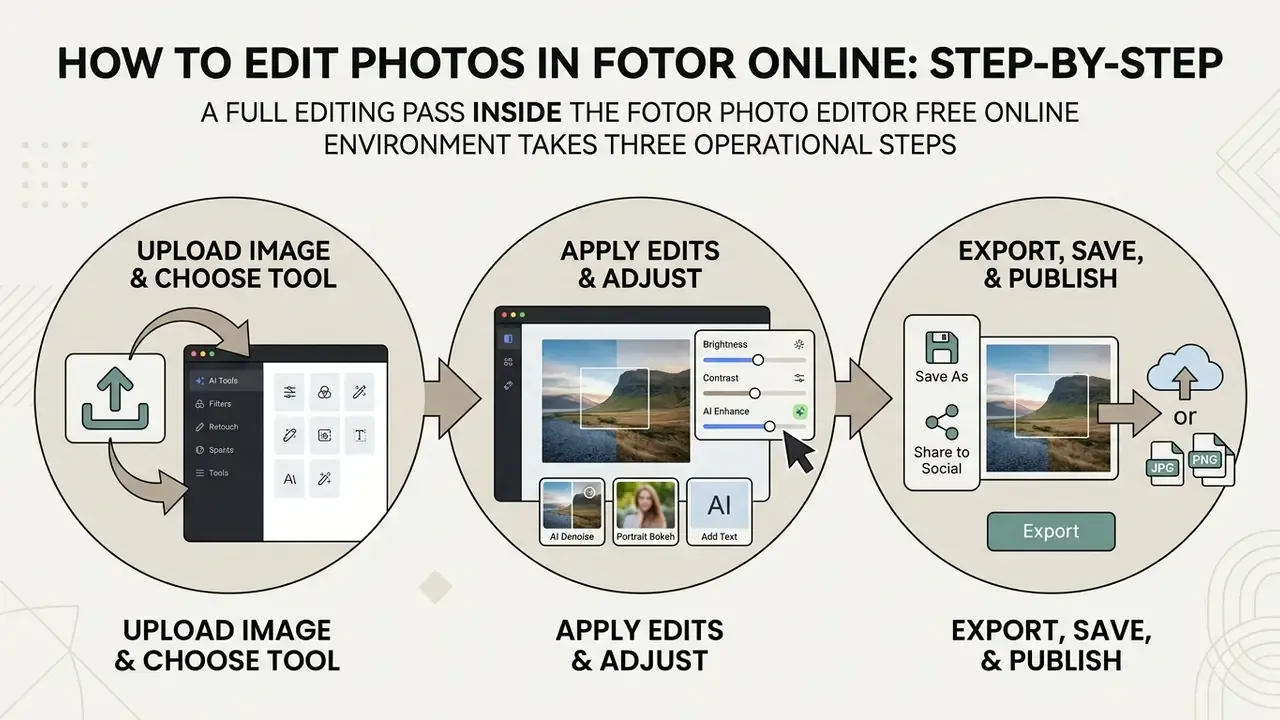
A full editing pass inside the fotor photo editor free online environment takes three operational steps. The browser engine processes raster edits in real time through cloud GPU infrastructure.
Users on phones or lower-powered laptops see minimal latency during generative rendering, since the heavy lifting happens server-side. For technical support or account troubleshooting, consult our AI Media Support knowledge base.
Uploading an Image and Choosing an Editing Tool
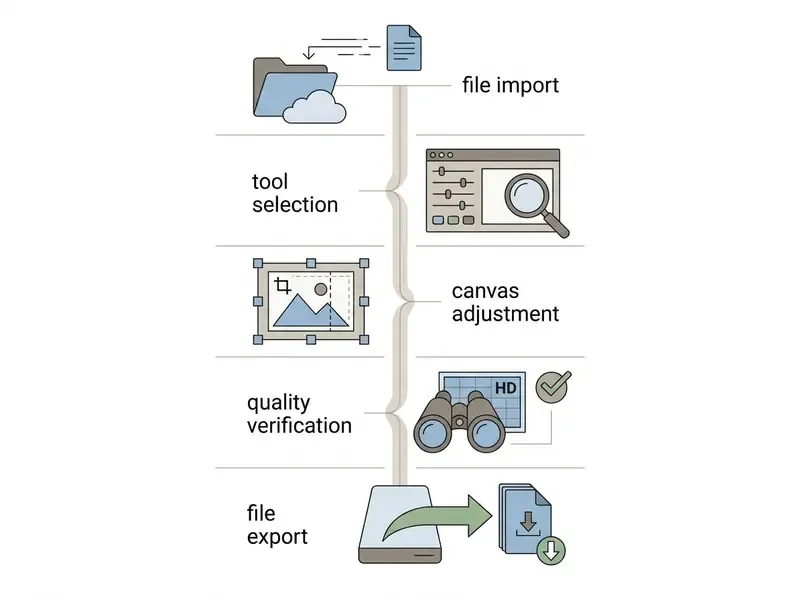
To upload photo assets into the canvas, click the central import button, press the "+" icon, or drag files into the browser window. Fotor accepts JPG, PNG, WEBP, HEIC, and SVG.
«Fotor accepts uploads in JPG, PNG, JPEG, HEIF, HEIC, WEBP, and other common image formats.»
Once loaded, choose between manual adjustment sliders, neural correction models, or layout templates. The left panel groups tools by task complexity. A simple selection rule: use manual sliders when you know exactly which parameter is wrong, use AI passes when the whole frame needs lifting, and start from a template when the deliverable has a fixed channel format.
Exporting, Saving, and Publishing the Finished Image
After the edits, click the upper-right export control to save your work. The dialogue offers output resolution and file format among JPG, PNG, and PDF.
To keep canvas transparency for cutouts or logos, select PNG. JPG compression is lossy and fills transparent pixels with solid white, which is the single most common export mistake we see. From there you can download files locally or push them out through the Share button and direct social links.
Illustrative scenario (composite, metrics self-reported). A financial software startup needed 50 standardized executive profile shots for a press release on a tight deadline. Using the cloud workflow, the communications lead uploaded raw mobile portraits, applied unified neural retouching in batch, and exported high-resolution files in under 30 minutes, keeping visual consistency across media distributions.
Enterprise Security, Data Privacy, and Shadow AI Risks
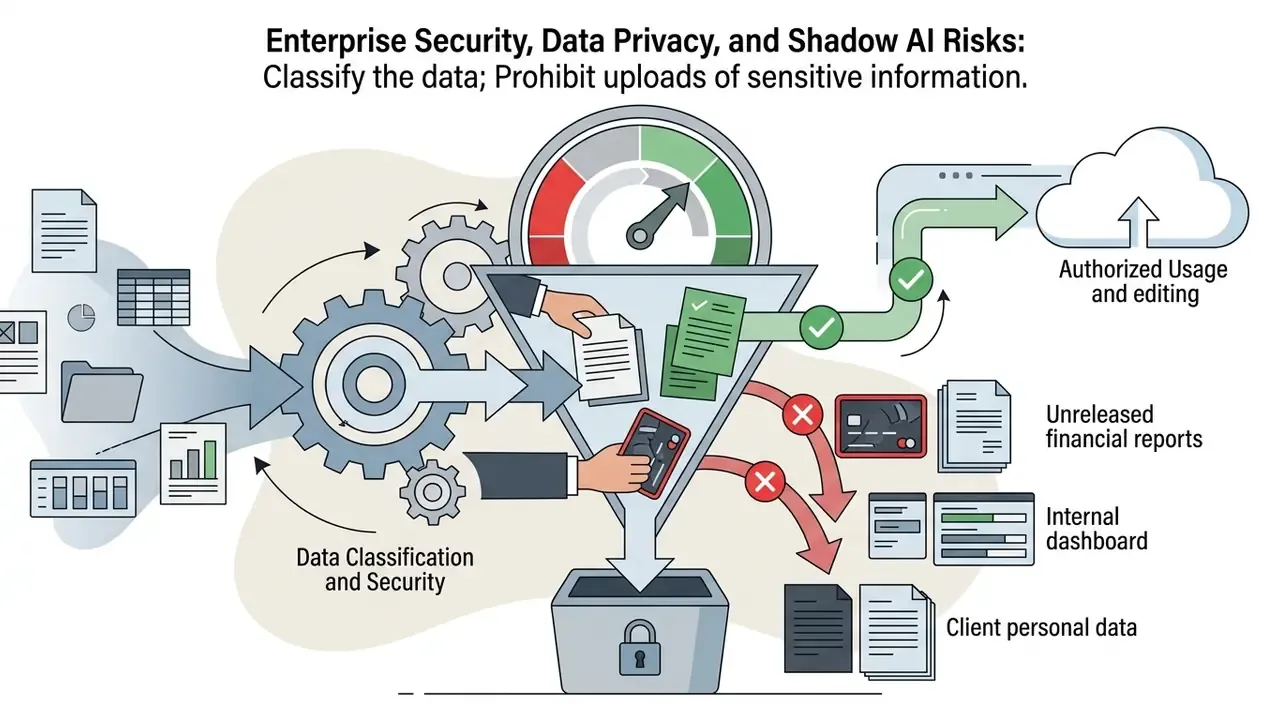
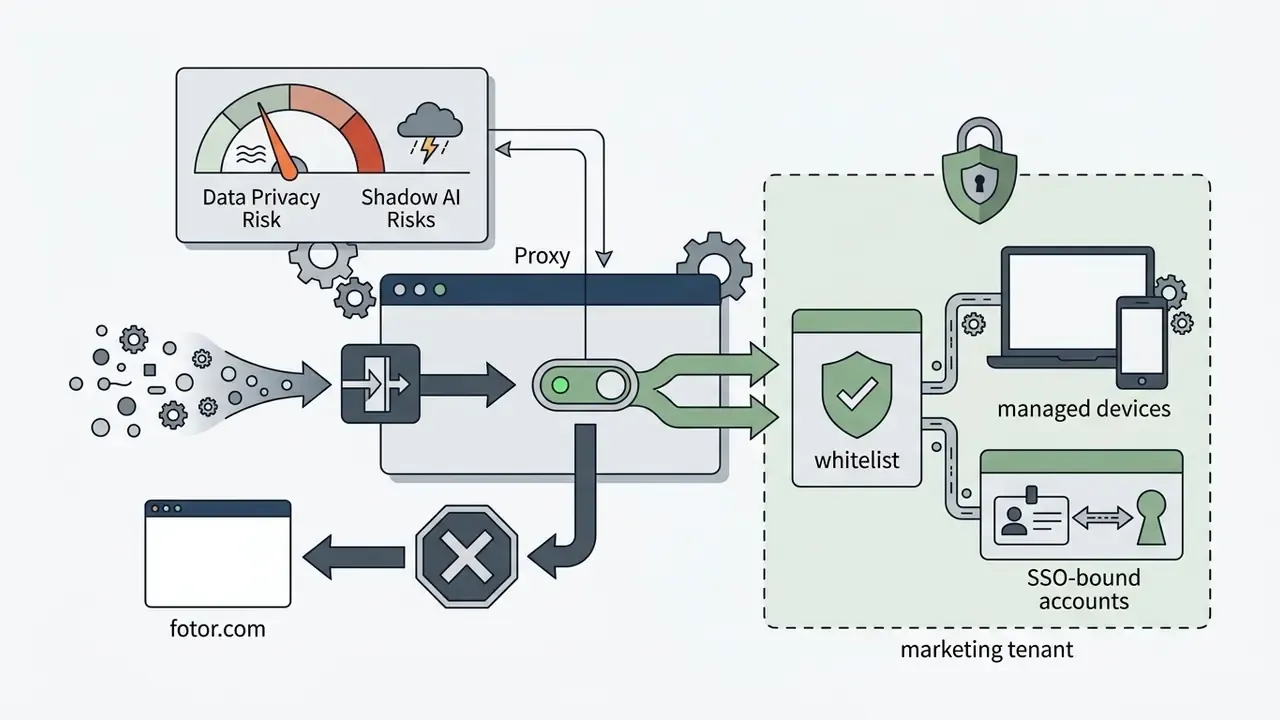
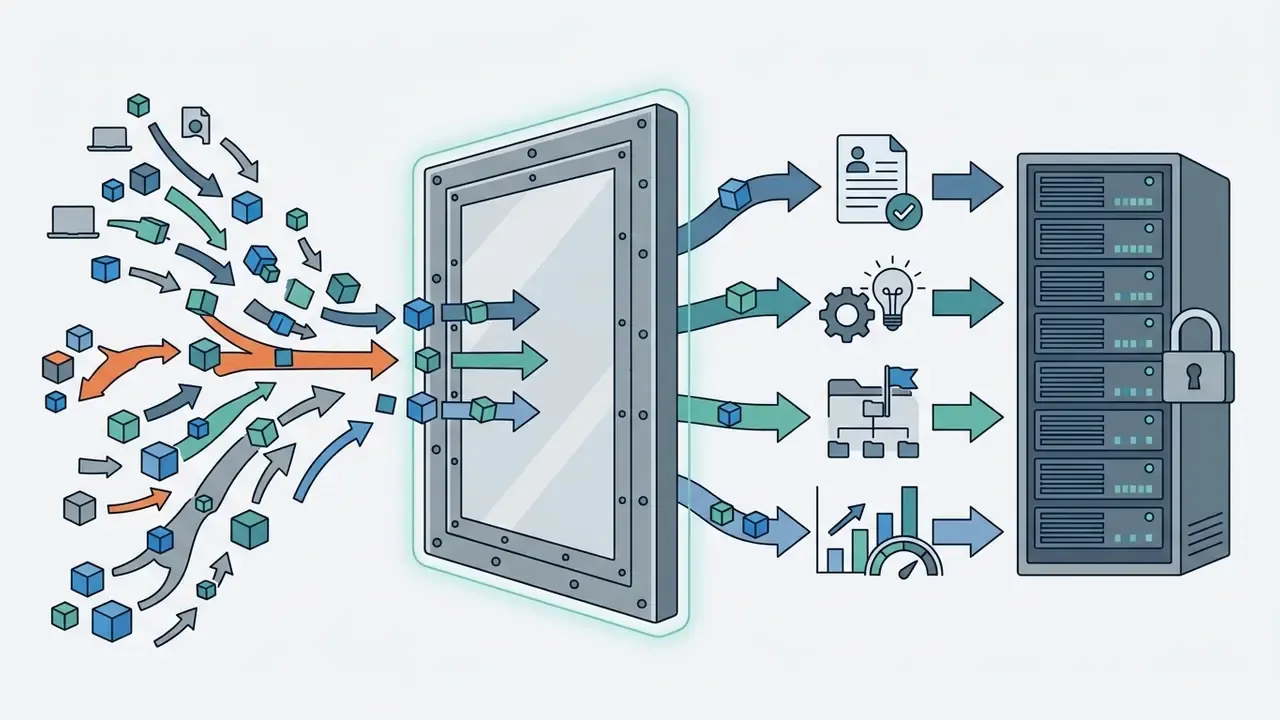
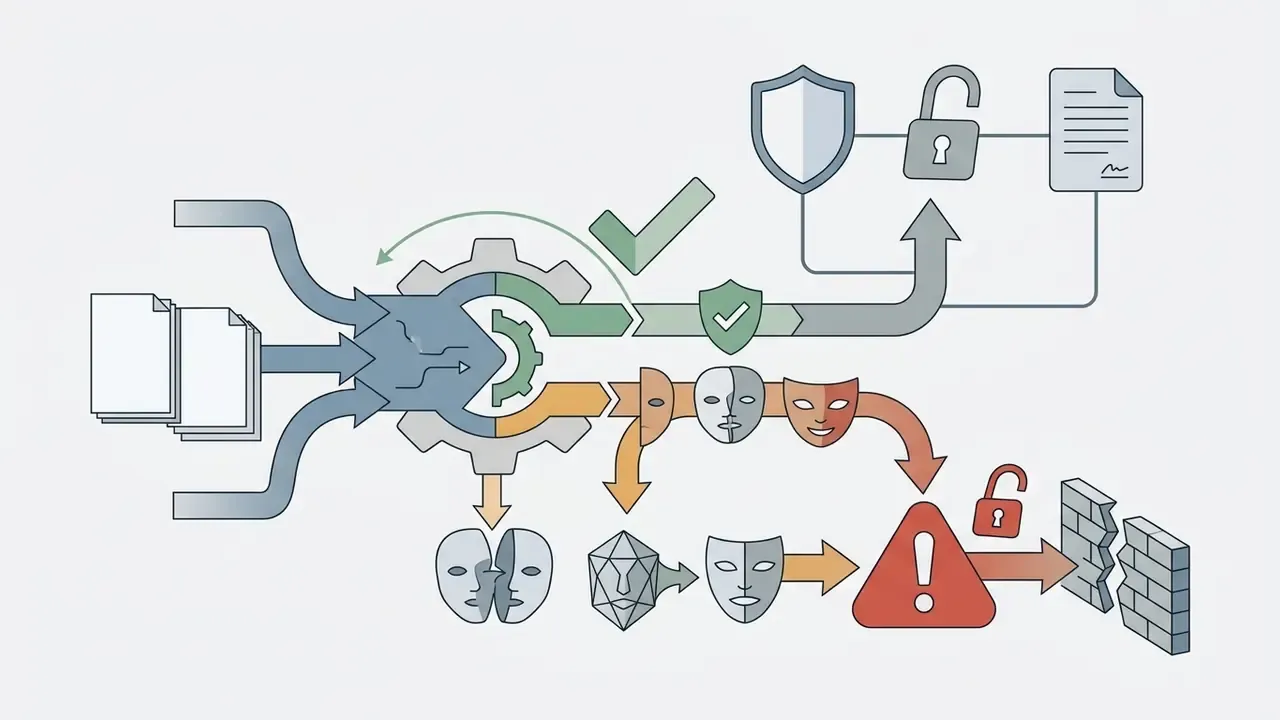
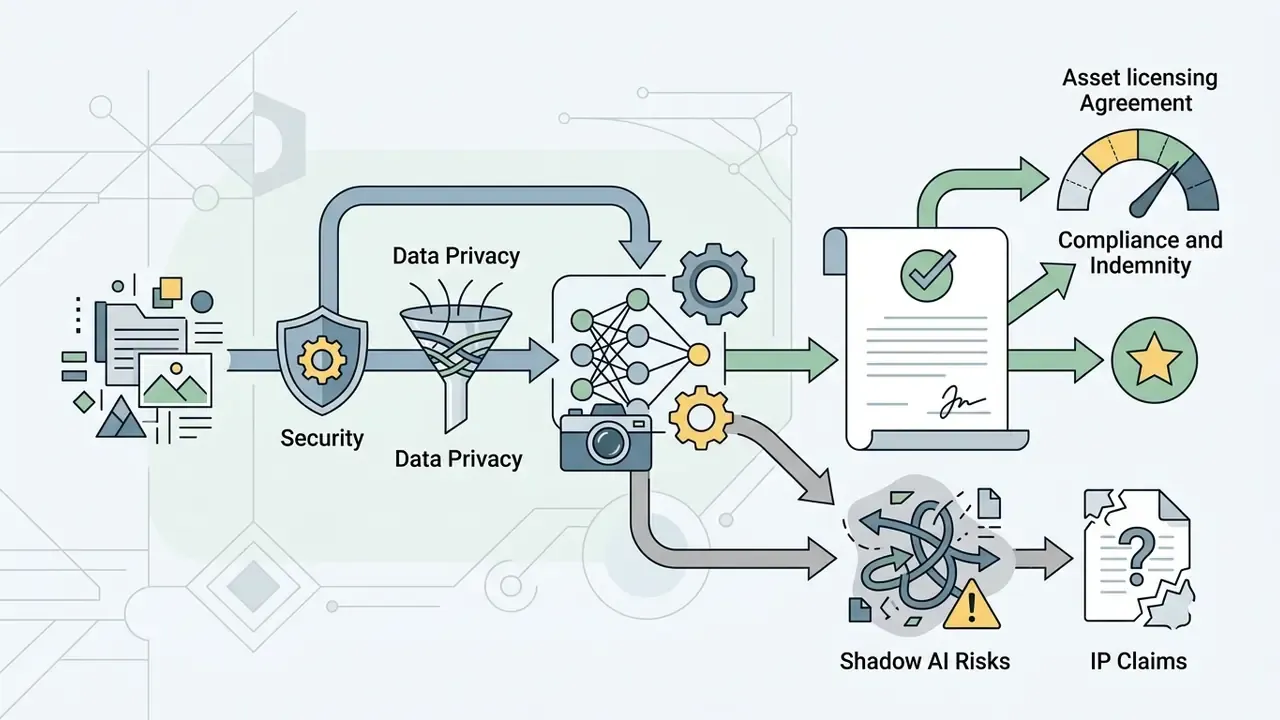
This section exists because the fastest route Fotor takes into a regulated organization is not procurement. It is an employee pasting a confidential screenshot into a free browser tool. Fotor is a consumer-first freemium SaaS product, and its public documentation is written for creators, not for model-risk committees.
What official documentation confirms. Fotor's Terms of Service define the service as web, desktop, and mobile applications distributed through fotor.com, the Apple App Store, and Google Play, with app-store payment and refund rules applying to mobile purchases. The pricing page confirms tier-level data parameters, including 512 MB of cloud storage and 30-day creation storage on the free plan. Commercial use of output requires Pro or Pro+.
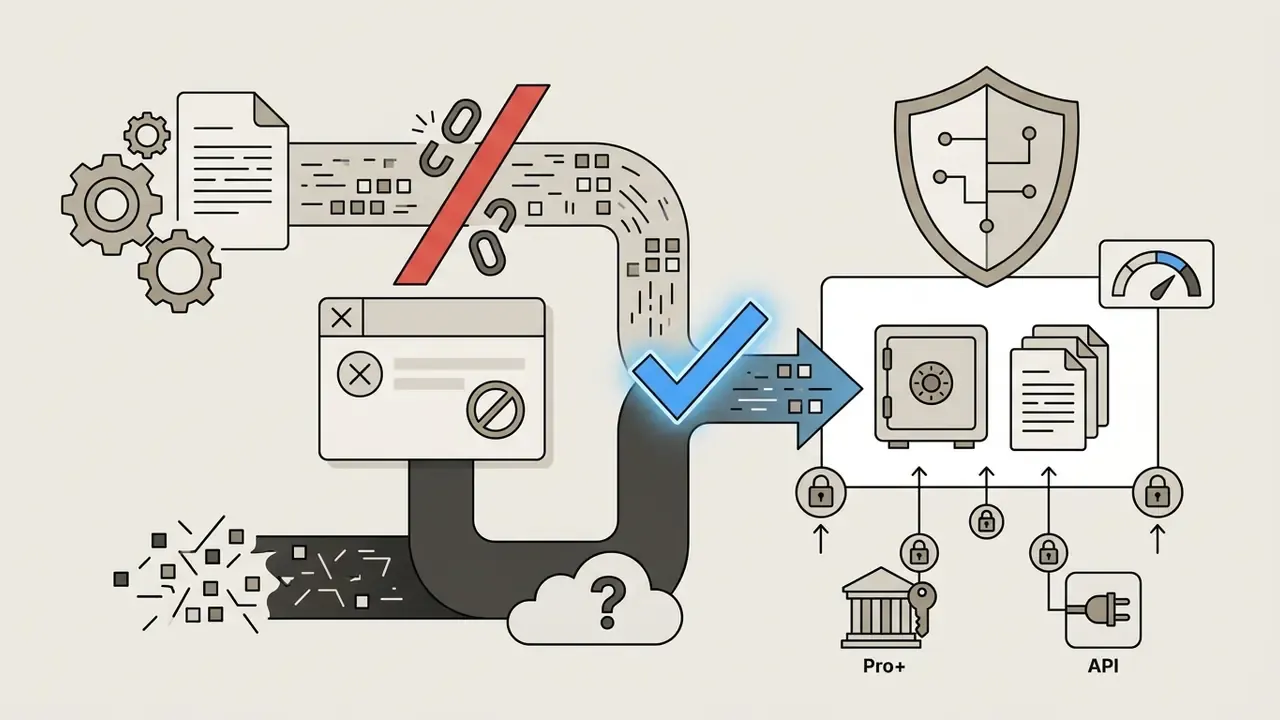
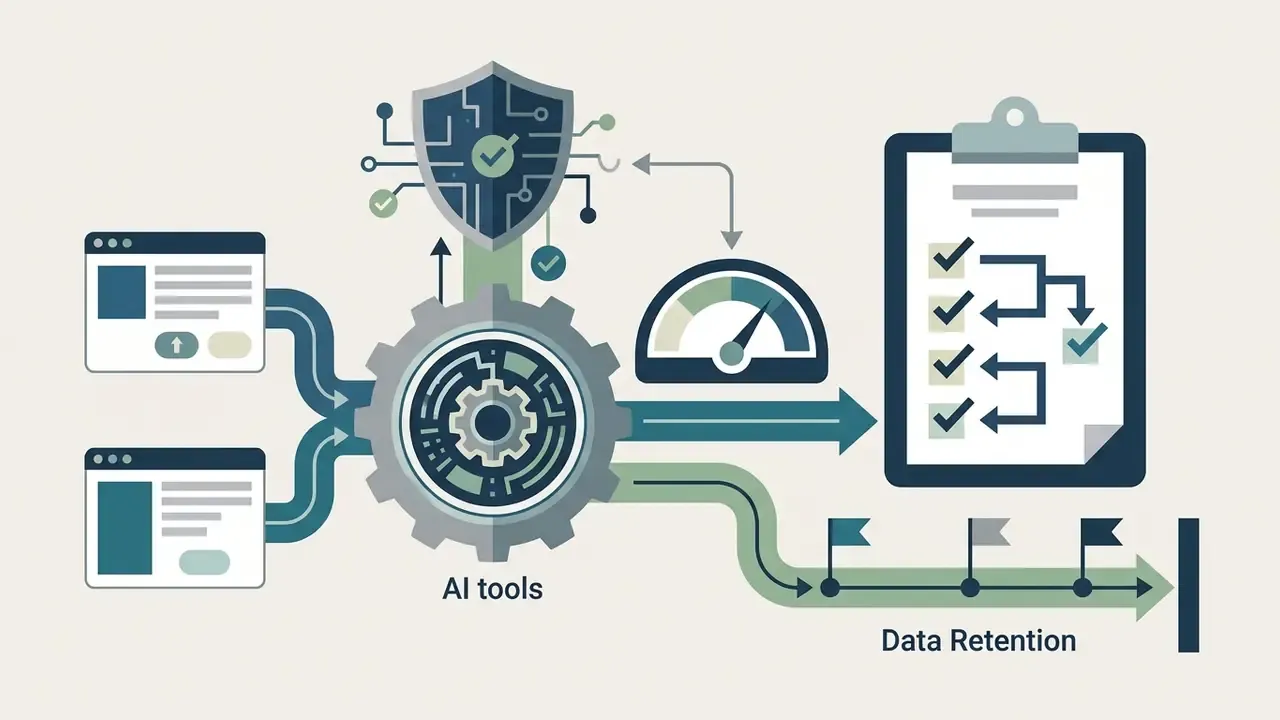
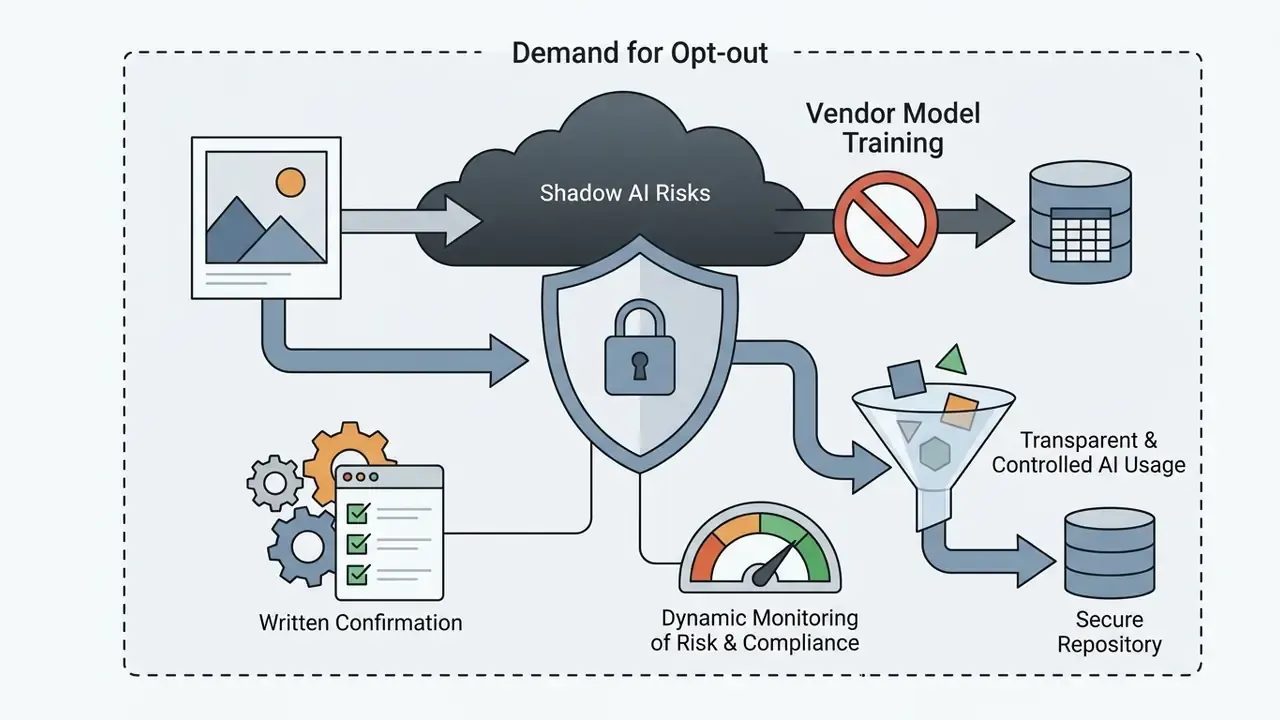
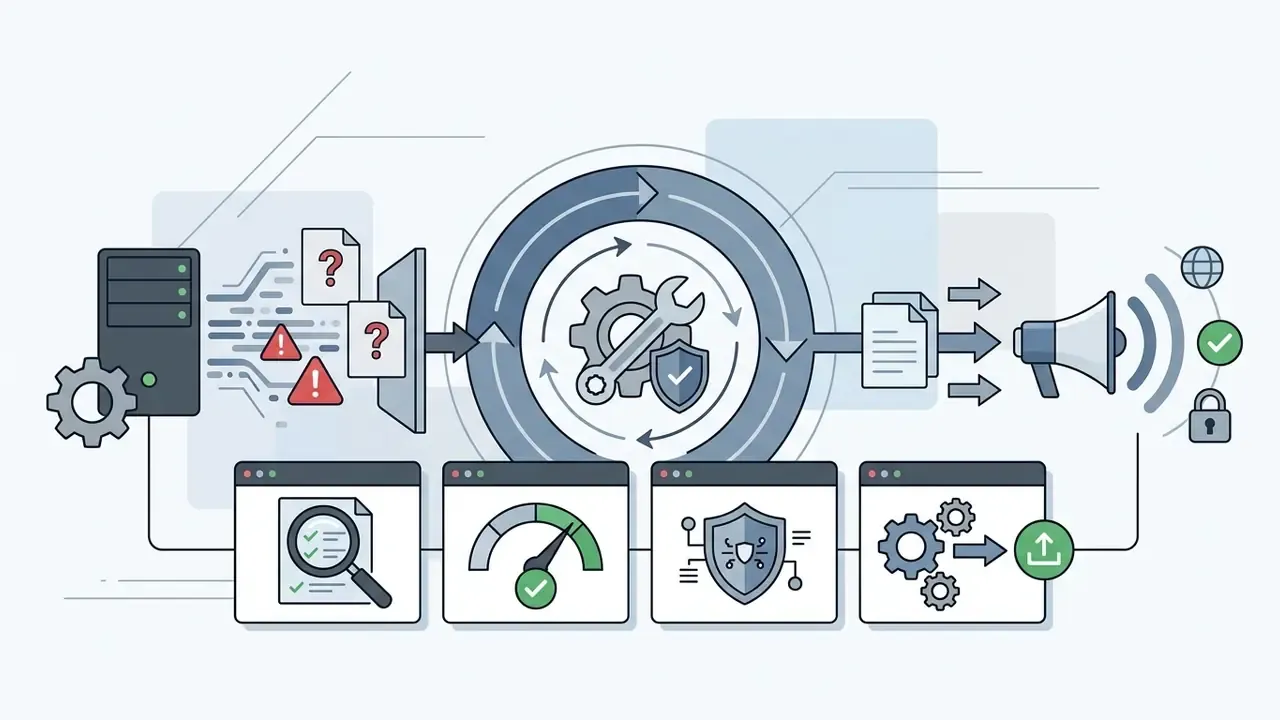
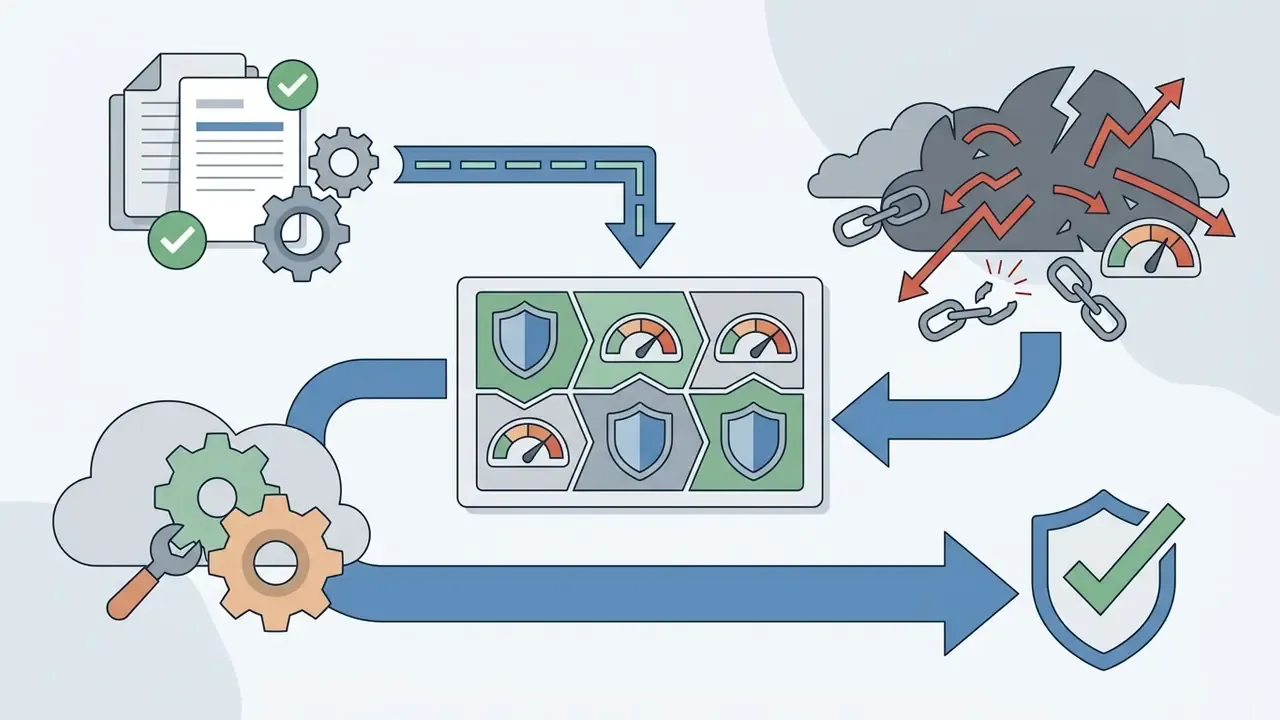
What is not confirmed in public materials. The sources reviewed for this article do not state a SOC 2 Type II attestation, ISO 27001 certification, an enterprise DPA template, a model-training opt-out for uploaded images, regional data-residency options, or a contractual IP indemnity for generative output. Data required: request these artifacts directly from the vendor's business team before approval. Absence of documentation is not proof of absence of controls. For a bank or fintech, though, it is a blocking finding.
One governance principle keeps this simple: no evidence, no autonomy. A creative tool without an owner, an approved role, and an audit trail is not a productivity gain. It is an unlogged data channel.
Disclaimer. This section is general information, not legal, security, or compliance advice, and does not replace consultation with a qualified specialist. Vendor terms, certifications, and data-handling practices change; verify current documentation with Fotor before any procurement decision.
Fotor's Free Version, Pricing Plans, and Commercial Licensing
Fotor runs a freemium model that balances free basic editing against subscription-gated professional features. Sorting out commercial usage rights before you buy is the part most teams skip and later regret.
Organizations modelling licensing and credit spend can use our AI Media Calculators. Official plan pricing and commercial usage rights are published on the fotor ai photo editor official website.
What Fotor Offers for Free and Where the Limits Are
The fotor ai photo editor free tier gives permanent access to core adjustment sliders, basic cropping, standard collage grids, and basic design templates. It is enough to test neural capabilities before committing money.
However, the fotor ai photo editor free version features carry real operational constraints:
- Exported files on the free tier carry visible platform watermarks on JPG, PNG, and PDF outputs (Fotor Pricing Documentation, 2026).
- Maximum export resolution is capped at standard web quality rather than HD or 4K print resolution, and transparent PNG export is a paid feature.
- Advanced neural processing consumes monthly credits. Updated clarification: on the free plan those credits are not replenished at all once the trial window closes, and every AI image draws from a one-off allowance.
«Fotor's free plan includes limited credits, one concurrent AI generation, 50 AI Agent chats, and 512 MB of cloud storage, with watermarked exports.»
«After the 7-day Pro trial, a free Fotor account receives no monthly credits: each AI image consumes one credit.» Atlas Cloud Review (2026). https://atlascloud.com/
Anyone comparing fotor ai photo enhancer free version features should note that basic single-click sharpening is accessible, while 4× upscaling and batch processing sit behind a subscription. The broader set of fotor ai photo editor free features follows the same pattern: enough to evaluate, not enough to ship client work. There is also a documented source conflict worth naming. Some review sites claim the free version exports without watermarks. That holds only for the most primitive base edits; every premium template, stock asset, and AI pass is watermark-locked on Basic.
Choosing Between Fotor Pro, Credits, and the API
Upgrading to Pro or Pro+ removes export watermarks, unlocks 100,000-plus premium templates, grants HD exports, and provides monthly AI credit allowances. Marketing teams also get expanded cloud storage, brand kits, AI batch editing (background remover and replacement), up to 30 concurrent generations, and commercial-use stock libraries. Buyers comparing bundled versus standalone quality tooling can review dedicated AI image enhancers side by side.
«Fotor Pro costs USD 39.99 per year (USD 8.99/month) and Pro+ USD 89.99 per year (USD 19.99/month), with savings above 60% on annual billing.»
Independent 2026 trackers list materially lower promotional figures, Pro from about $3.33/month and Pro+ from about $7.49/month, so the honest answer is a range that depends on region, billing period, and active discounts: Pro ≈ $3.33 to $8.99/month; Pro+ ≈ $7.49 to $19.99/month. Dedicated Credit Plans and API access serve high-volume programmatic generation.
«Fotor credit plans: 100 credits for USD 19.99 (USD 0.20/credit) and 2,000 credits for USD 119.99 (USD 0.06/credit); unused credits roll over for five months.»
«Professional HD business headshots require a Fotor Pro+ subscription: it unlocks priority processing and high-resolution downloads.» Proshoot Headshot Review (2025). https://proshoot.com/
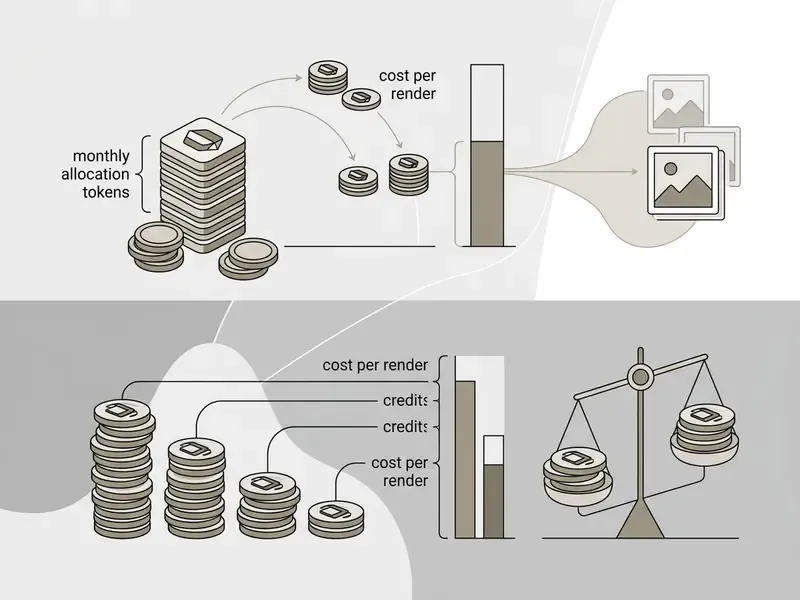
Volume math for API and credit buyers. At the entry rate of roughly $0.20 per generation, 10,000 AI images per month costs about $2,000/month. At the bulk rate near $0.06 per credit, the same volume lands close to $600/month, before any negotiated API tier. Because subscription credits (100/month on Pro, 300/month on Pro+) cover only a sliver of that demand, any pipeline above roughly 1,000 generations per month should be modelled on credit packs or API tokens rather than seats. Add a 10 to 15% buffer for regenerations caused by prompt failures. For wider market context, see our AI Media Pricing Guides.
Illustrative scenario (composite). A digital marketing agency needed 200 branded promotional banners per month for external clients. After upgrading to Pro+, the agency unlocked watermark-free HD exports and commercial licensing rights, and reported recovering the annual subscription cost within its first commercial campaign.
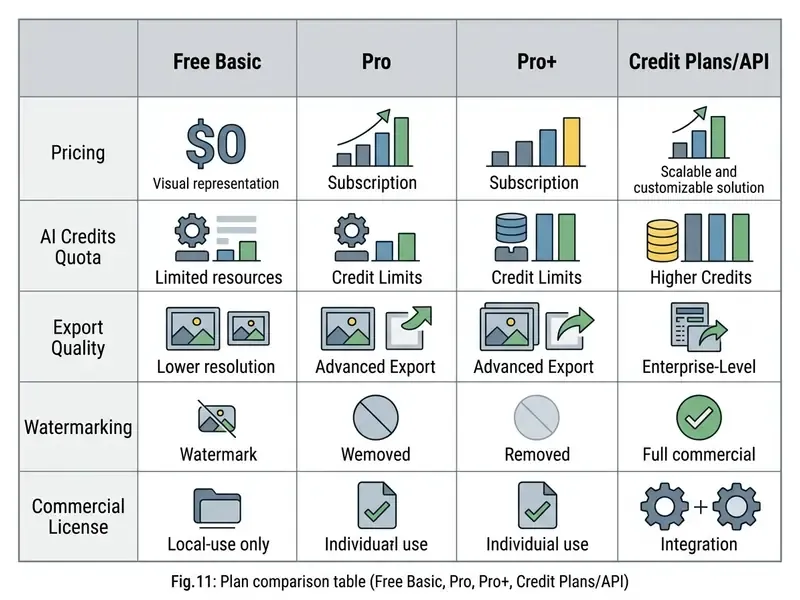
| Feature / Tier | Free Basic | Fotor Pro | Fotor Pro+ | Credit Plans / API |
|---|---|---|---|---|
| Indicative Price | $0 (forever) | ~$3.33 to $8.99 / mo | ~$7.49 to $19.99 / mo | ~$0.06 to $0.20 per credit, token-based |
| Watermarks | Yes (all exports) | No watermarks | No watermarks | No watermarks |
| Export Resolution | Standard web quality | High definition (HD) | HD and 4K ultra resolution | Raw API output / HD |
| Transparent PNG | Locked | Yes | Yes | Yes |
| Monthly AI Credits | Limited one-off, trial only | 100 credits / month | 300 credits / month | Custom quotas, 5-month rollover |
| Concurrent Generations | 1 | Multiple | Up to 30 | Contract-dependent |
| AI Batch Edit | No | Limited | Yes (BG remover and replacement) | Via API |
| Commercial License | Personal use only | Commercial (free and Pro assets) | Commercial (full asset stock) | Commercial rights included |
| Cloud Storage | 512 MB | 2 GB | 10 GB to 50 GB | Cloud integration |
Disclaimer. This information is general in nature and does not replace advice from a qualified specialist. Prices, credit quotas, and plan conditions change frequently and vary by region and promotion; verify current figures on Fotor's official pricing page before purchase.
Fotor's Drawbacks and the Credit-System Traps
The toolset is genuinely broad. The limitations are just as real, and worth knowing before you pay:
- Credits expire.Monthly AI credits on subscription tiers do not accumulate; they reset at the end of each billing period, so a quiet month is wasted spend. Only purchased credit packs roll over, for about five months.
- The free tier is restrictive in practice.You cannot export clean high-quality PNG cutouts without watermarks, and several reviewers report that using the free version seriously becomes close to impossible once trial credits are gone.
- Browser strain on large files.Above roughly 25 MB the web app can slow sharply or lose progress when RAM runs short. The desktop build is the safer path for heavy catalogs.
- Paywall density.Independent reviews estimate that around 70% of the template and AI feature surface is gated, which surprises users who evaluated the tool from marketing pages alone.
- No deep RAW workflow.Fotor cannot match Lightroom-class RAW processing, and there is no true layer-and-mask compositing for pixel-level retouching.
- Prompt sensitivity.Complex Chat-to-Edit instructions often need rewording before the AI Agent executes them correctly.
Troubleshooting Common Fotor Problems
| Problem | Likely cause | Fix |
|---|---|---|
| The editor runs slowly or freezes | Browser memory exhausted by extensions and open tabs | Clear the cache, close spare tabs, or switch to the Fotor desktop app for Windows/macOS. |
| A watermark appears on the downloaded photo | The project uses a premium template or Pro-marked asset | Swap the Pro element (crown icon) for a free equivalent, or upgrade to Pro/Pro+. |
| The transparent-background file will not download | JPG selected instead of PNG | Switch the export format manually to PNG (transparent); on the free tier this export is restricted. |
| An AI tool returns a generation error | Prompt too complex, or the file exceeds the size cap | Simplify the prompt into a short imperative sentence, or reduce the source image below the stated size limit (around 20 MB). |
| Upload is rejected | Unsupported format, for example RAW or TIFF | Convert the file to JPG, PNG, WEBP, HEIC, or HEIF before uploading. |
| Progress lost mid-edit in the browser | Large file plus insufficient local RAM | Work on downscaled proxies, save intermediate exports, or move the project to the desktop client. |
| Captions drift out of sync in video | Text layer added before trimming | Trim the clip first, then add captions and auto-subtitles. |
If none of these resolve the issue, contact Fotor support from the account menu ([email protected]) with your account email, browser version, and a screen recording. Teams compressing oversized exports before support tickets pile up can also use our video compressor guide.
FAQ About Fotor Photo Editor: File Formats, Layers, and Image Handling
Which file format should I use to save images with a transparent background in Fotor?
To preserve transparency when exporting cutouts, logos, or extracted objects, select PNG. Exporting as JPG fills transparent pixels with solid white, and transparent PNG export is gated to paid plans.
Does Fotor support full layer-based editing and masks?
Fotor works as a drag-and-drop design and neural editing suite rather than a traditional layer-based compositor like Adobe Photoshop. You can stack text, stickers, and graphic elements over images, but manual layer masking is largely replaced by automated AI segmentation. The official documentation reviewed here does not describe a layers-and-masks panel.
Am I allowed to use images created in Fotor commercially?
Commercial usage rights require an active Fotor Pro or Pro+ subscription. Pro covers free and Pro-marked resources, while Pro+ extends to the full paid asset stock during the subscription period, without sublicensing. Images exported under the free Basic plan are limited to non-commercial personal use. For portrait-specific licensing questions, see our guide to AI headshot generators, and for disputes shaping this area, our AI Litigation and Case Timelines database.
Which file formats are supported for uploading source photos?
Fotor imports JPG, JPEG, PNG, WEBP, HEIC, HEIF, and SVG across web and desktop. Video workflows accept MP4, MOV, and WEBM.
How fast are Fotor's neural tools?
Standard single-image operations such as background removal and sharpening finish in 2 to 5 seconds on a normal connection. Complex generative headshot creation or multi-image batch upscaling can take 15 to 30 minutes depending on queue load and plan concurrency (1 generation on Free versus up to 30 on Pro+).
Can I edit photos with text prompts instead of sliders?
Yes. The AI Agent's Chat-to-Edit mode accepts natural-language instructions on both web and mobile. Free accounts are capped at 50 chats, and short, direct prompts perform best.
Does Fotor handle video as well as photos?
Yes. Fotor includes an AI Video Editor for trimming, captions, and 1080p export, a Video Enhancer with Standard and Strong denoise levels, an Animation Generator for still-image motion, and a video background remover.
Is Fotor safe for confidential corporate images?
Treat it as a public consumer cloud service unless your organization holds a signed agreement. The public documentation reviewed for this article does not confirm SOC 2 Type II or ISO 27001 attestations or a model-training opt-out, so confidential, regulated, or personal-data imagery should not be uploaded from unmanaged accounts.
Verdict: Which Plan to Choose and What to Do Next
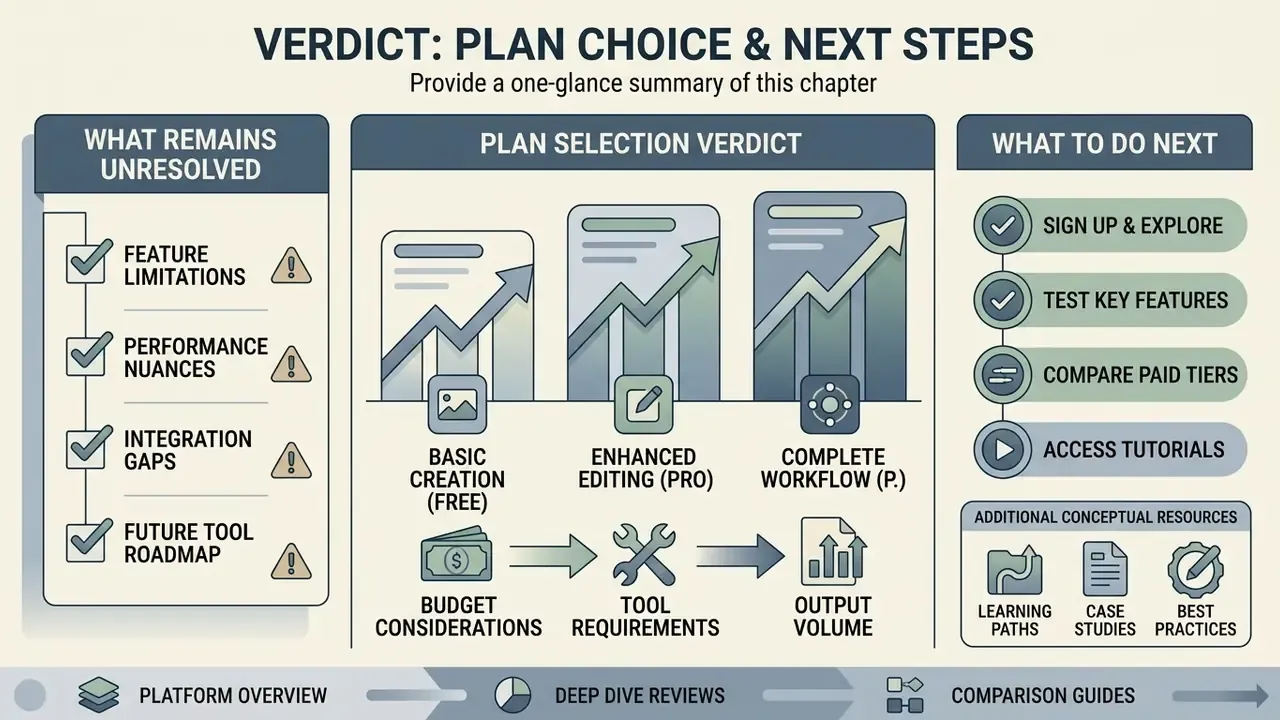
- Casual creators stay on Free Basic to trial the interface, but expect watermarks the moment you touch premium templates or AI passes.
- Solo creators and freelancers Pro is the value pick, with watermark-free HD exports, transparent PNG, and 100 credits per month for roughly the price of a coffee.
- Agencies, e-commerce teams, and heavy AI users Pro+ is the correct tier, since it adds full commercial stock rights, brand kits, batch background replacement, up to 30 concurrent generations, and 300 credits per month.
- Product and engineering teams above roughly 1,000 generations per month skip seats and model the workload on bulk credits or the API, where per-image cost can fall to about $0.06. Implementation notes live in our AI Media API Guides.
- Regulated organizations do not deploy until the vendor supplies security attestations, a DPA, retention terms, a training opt-out, and licensing indemnity in writing.
What Remains Unresolved
Three questions stayed open at the end of this review, and honesty is better than a tidy conclusion. First, credit consumption per module is not published in a granular table, so cost forecasting relies on observed averages rather than vendor data. Second, the training-data provenance of the generative models is undisclosed, which matters for IP-sensitive campaigns. Third, promotional pricing shifts often enough that any figure here should be re-verified on the day of purchase.
Additional Conceptual Resources
To explore broader generative platforms, see our evaluation of pika labs ai visual generators, or review third-party platforms via our pix ai index. Creators working with social media downloads can reference our guide on pinterest video downloader online.