Executive Summary
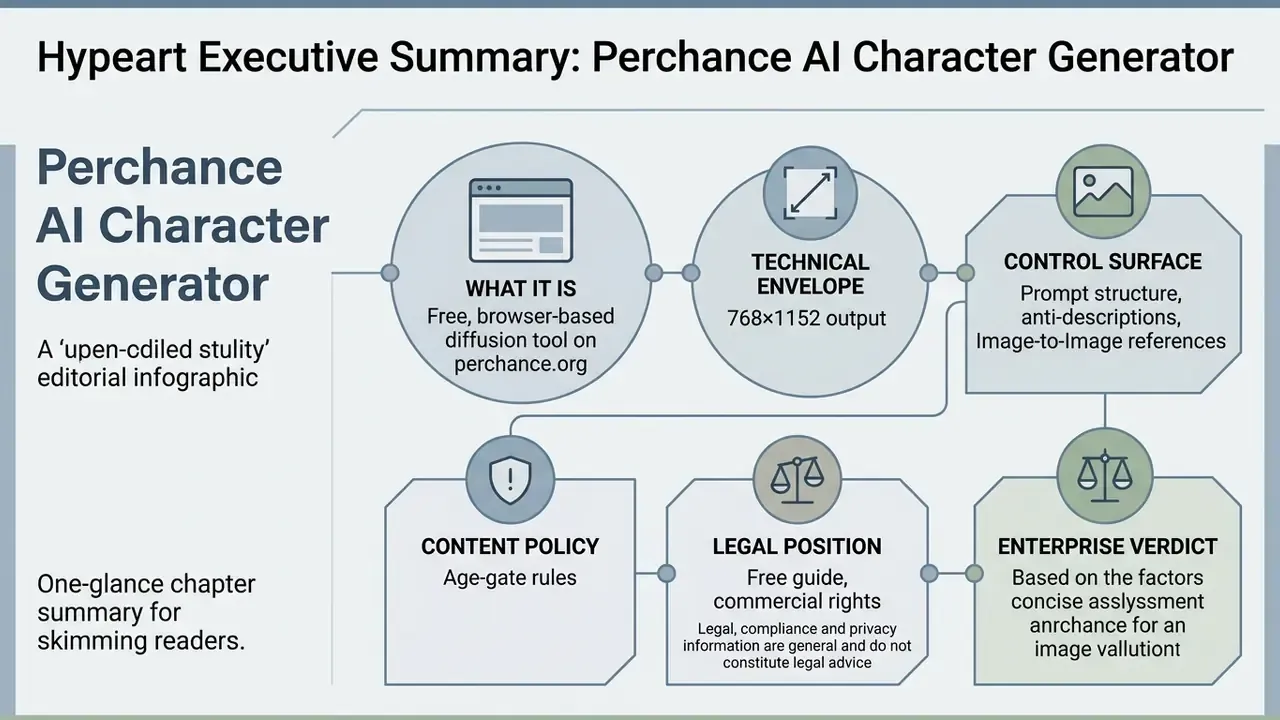
For readers who need the verdict before the mechanics:
- What it is. The perchance ai character generator is a free, browser-based diffusion tool on perchance.org that converts written descriptions into character artwork and, through companion generators, structured text profiles. No account, no credit card, no installation (Perchance.org, 2024).
- Technical envelope. Base renders come out at roughly 768 × 1152 px (2:3 portrait ratio), exported as PNG or JPEG. Reference-image workflows accept up to 9 images, 25 MB per file and about 50 MB total.
- Control surface. Three levers decide output quality: the positive description, the Anti-Description exclusion field, and the style preset. Everything after that is iteration.
- Content policy. The generator relies on an age-confirmation gate (18+) rather than a hard keyword blocklist. That materially widens creative range and, in the same motion, widens corporate risk.
- Legal position. Raw machine output is not registrable as copyright in the United States without demonstrable human creative control (U.S. Copyright Office, 2025). Commercial deployment needs documented human authorship.
- Enterprise verdict. Perchance is a public browser sandbox, not an enterprise platform. No SSO, no SLA, no SOC 2 attestation, no audit log, no contractual confidentiality guarantee. Regulated organisations should treat unmanaged staff usage as Shadow AI and control it at the network layer.
Legal, compliance and privacy sections below are general information and do not constitute legal advice.
Who This Guide Serves and Where to Start
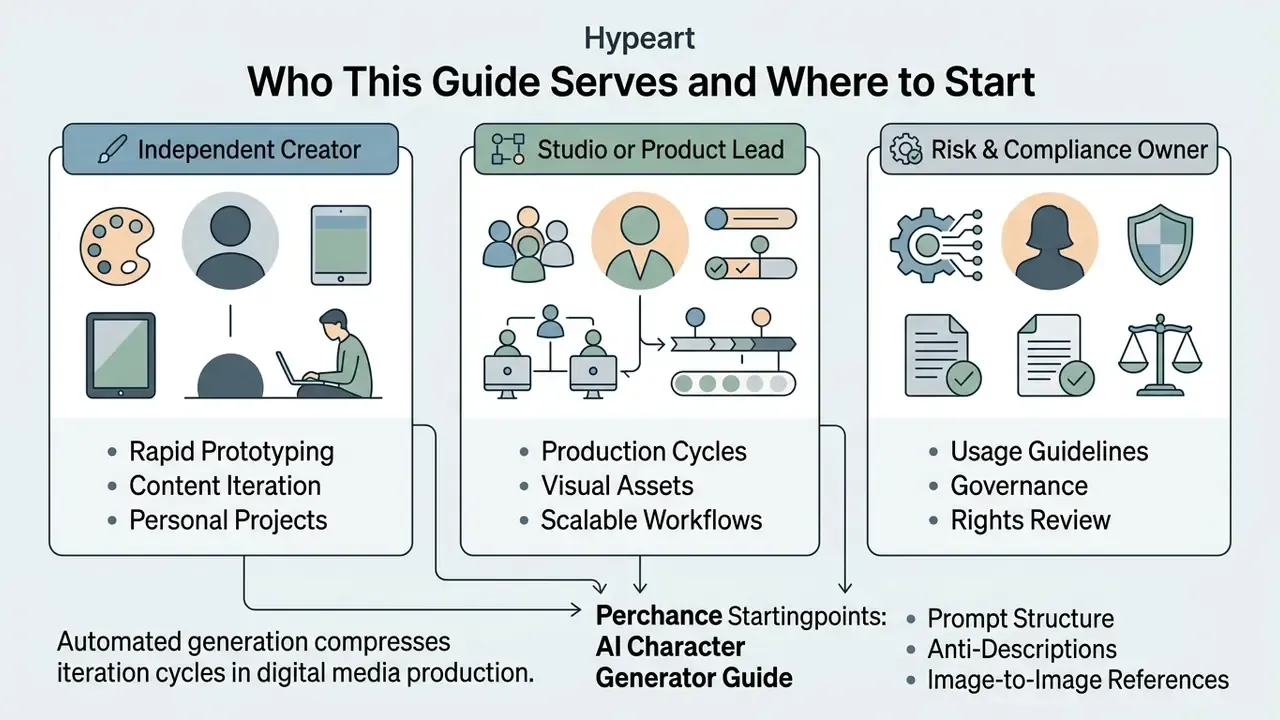
Three reader profiles use a tool like this for very different reasons, and each needs a different entry point.
The independent creator. Goal: a usable character portrait tonight, at zero cost. Start with the prompt structure in section 9, then the anime tag syntax in section 5, then the repair loop in section 10. Access friction is the main selling point here, and Perchance removes almost all of it.
The studio or product lead. Goal: repeatable visual identity across dozens of assets. Read the technical envelope in section 4.1 first, because a 768 × 1152 px base render decides what you can and cannot ship to print. Then read the Image-to-Image path, since face consistency across scenes depends on reference conditioning rather than on longer descriptions.
The risk, compliance or model-governance owner. Goal: decide whether staff may touch this domain at all. Sections 11 and 12 carry the operative material: age-gate behaviour, absent privacy documentation, prompt exposure, and the human-authorship evidence trail your legal team will ask for. One practical note from review: the gap that matters most is not image quality. It is the missing retention statement.
Digital media production increasingly leans on automated visual generation to compress iteration cycles. Evaluating these platforms means analysing prompt construction mechanics, output fidelity, rendering limits, data-handling exposure, and the legal parameters governing commercial deployment. Quality is the easy part. Evidence is the hard part.
What Is the Perchance AI Character Generator and What Problems Does It Solve
The perchance ai character generator is a web-based artificial intelligence tool that turns natural language descriptions into custom digital character artwork and structured persona profiles. Operated on the perchance.org platform, it lets game developers, narrative writers, digital artists and tabletop roleplay creators render character concept art without installing software or paying a subscription (Perchance.org, 2024). Readers surveying the wider category of free AI generators without sign-up will find that Perchance sits at the most permissive end of the access spectrum: the generator index itself remains actively maintained, with platform pages updated through 2026.
Unlike rigid graphic template systems, using perchance ai character tools enables deep customization across physical attributes, artistic mediums and situational backgrounds. Content creators lean on an ai character generator to close the gap between written description and visual representation. The input prompt does the real work: it steers the underlying diffusion model on facial structure, clothing texture, lighting parameters and camera angle for the generated character.
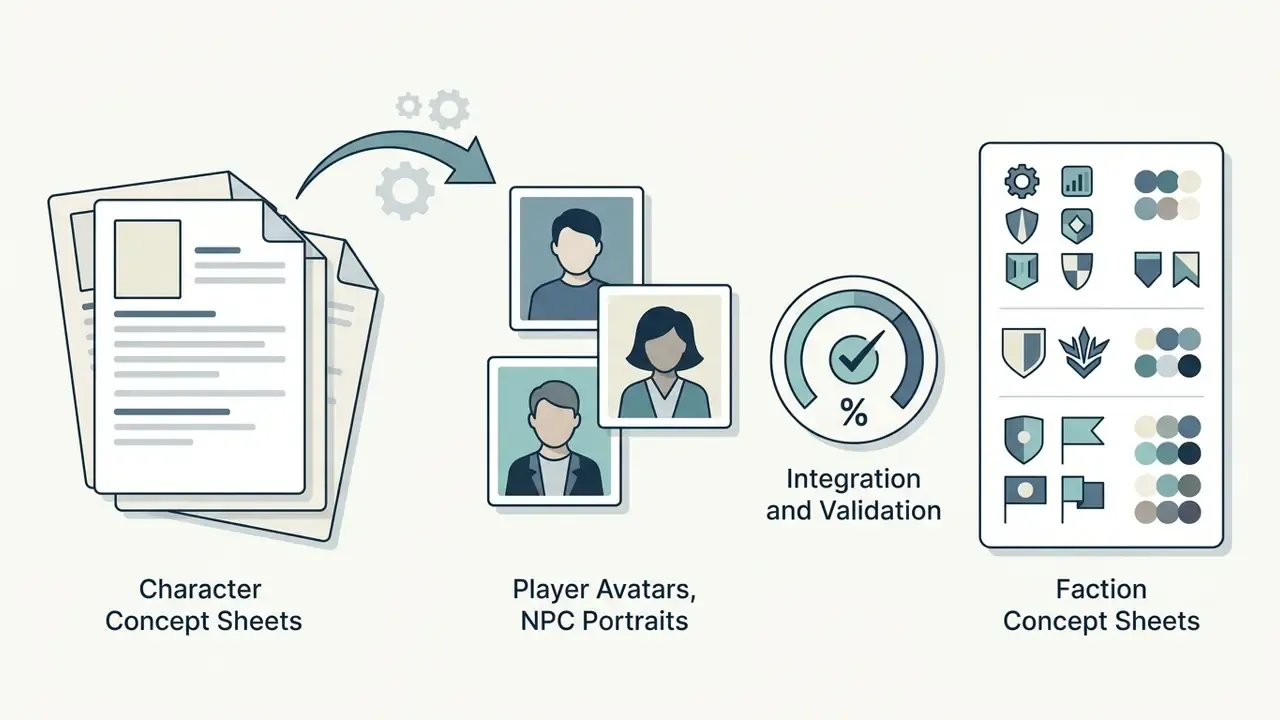
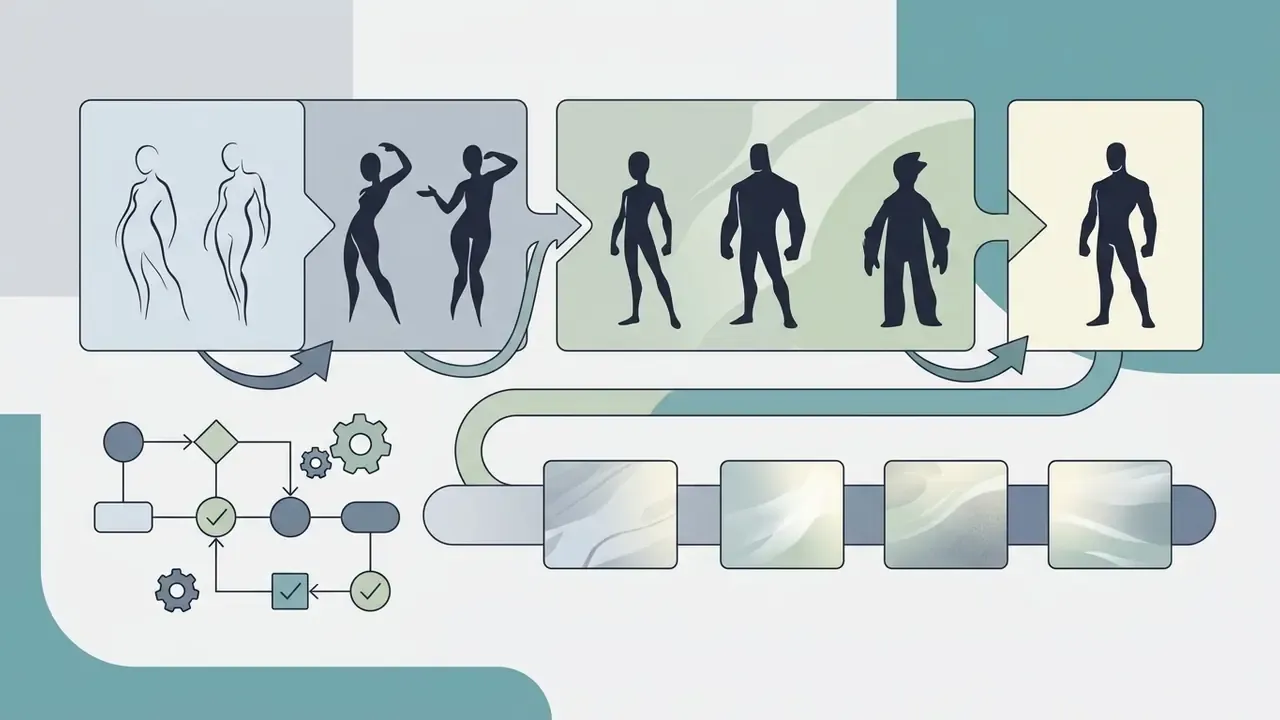
Documented production scenarios cluster into four groups:

How the AI Character Creator on Perchance Differs From Ready-Made Character Templates
«Users go through a "prompt journey": they apply descriptive sentences, templates, or structured overviews to manage query complexity». Is It AI or Is It Me? Understanding Users' Prompt Journey with Text-to-Image Generative AI Tools, CHI (2023). https://doi.org/10.1145/3591196.3591234
Broader platform capabilities are mapped in our AI Media Comparison guide.
Which Character Elements You Can Describe in a Prompt
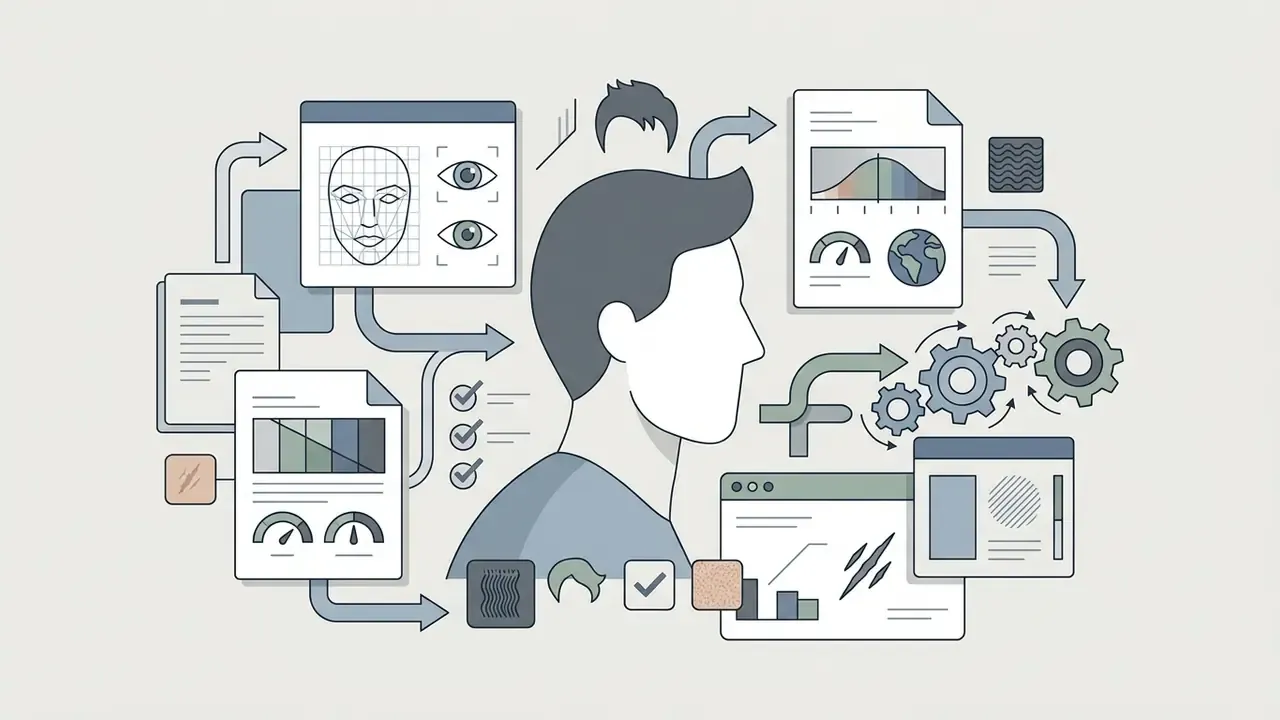
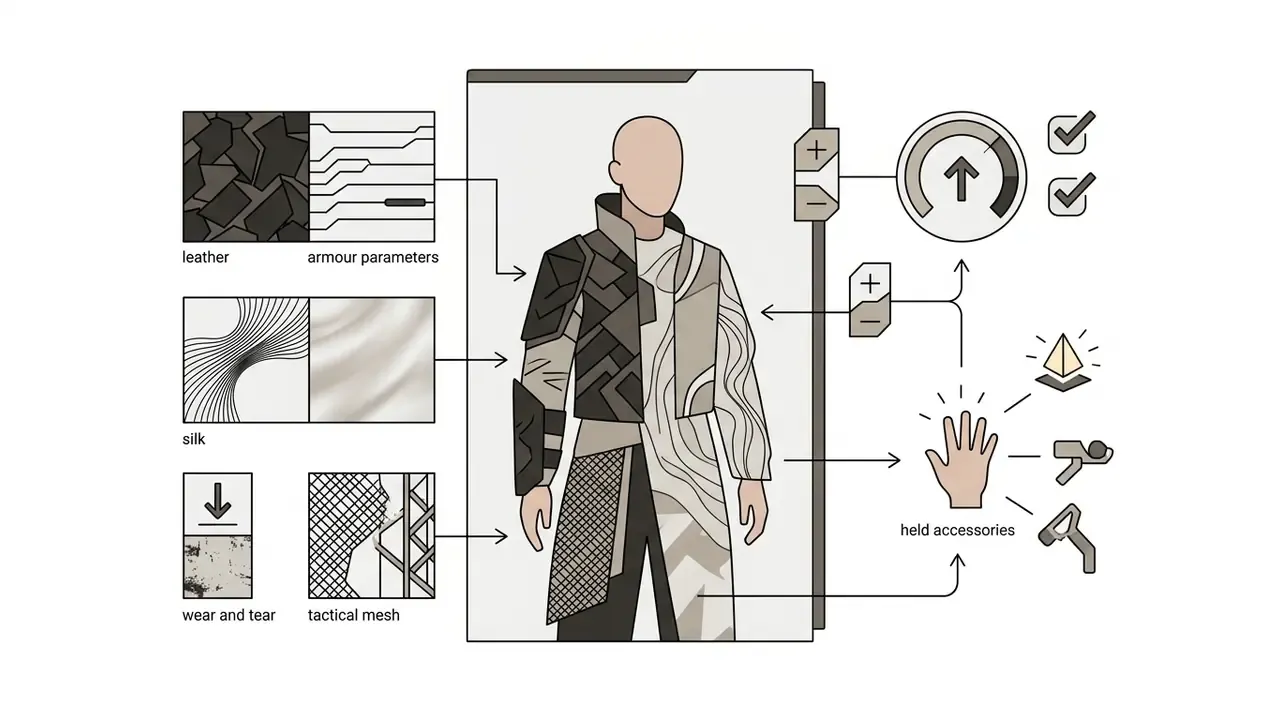
Building a specific visual prompt means segmenting attributes into semantic layers. Empirical studies on text-to-image prompt engineering show that structuring queries into distinct descriptor categories improves model alignment:
«Users most frequently use artist names as the primary stylistic specifier alongside a description of the main subject». Examining the Text-to-Image Community of Practice: Why and How do People Prompt Generative AIs?, Creativity & Cognition (2023). https://doi.org/10.1145/3591196.3591234
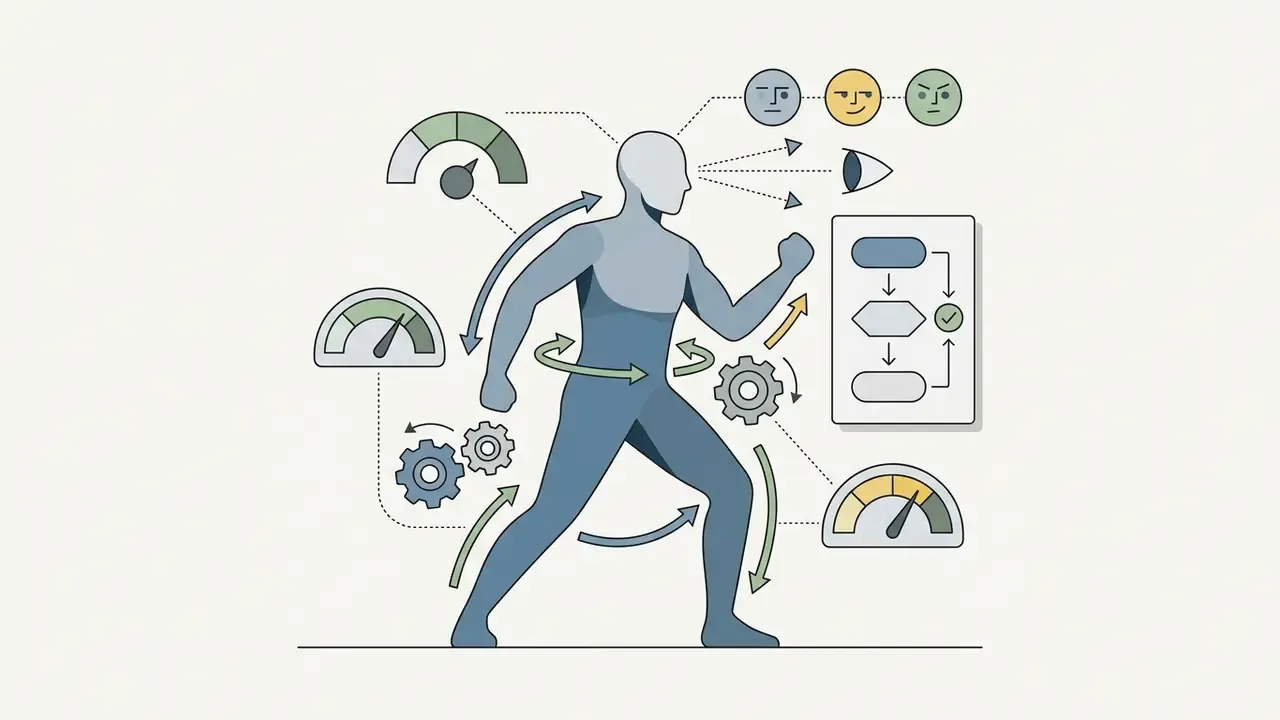
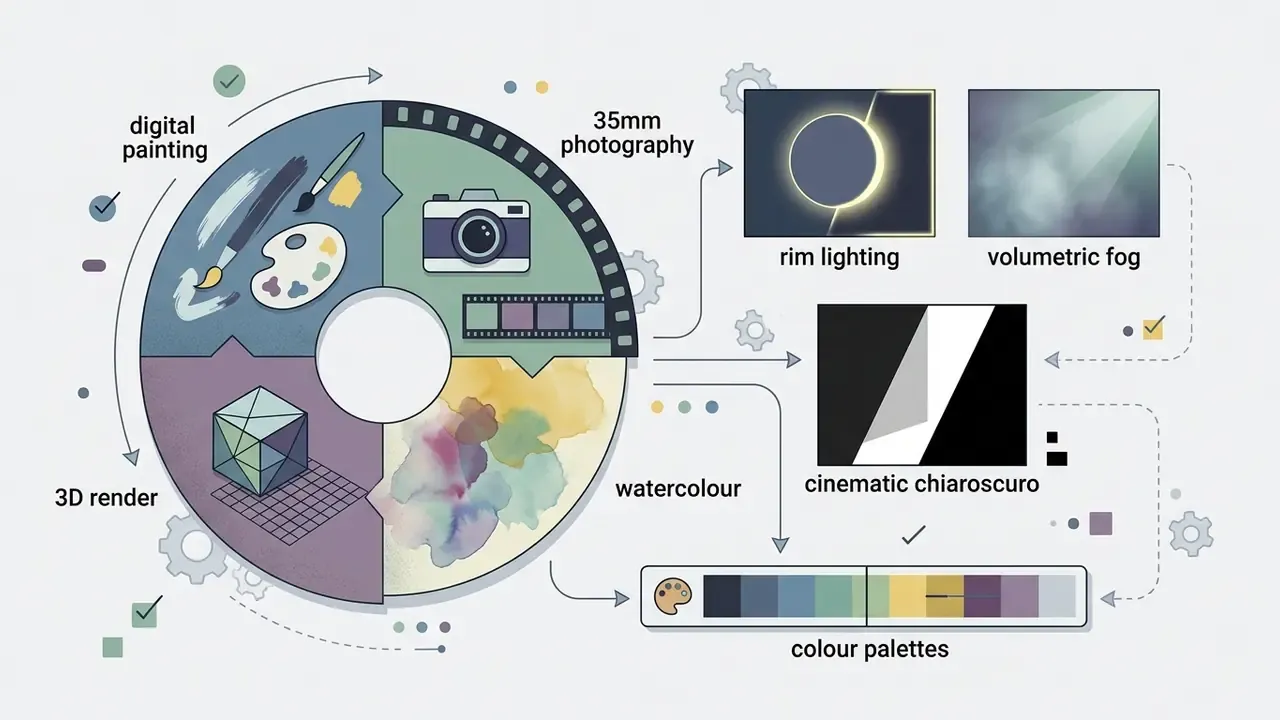
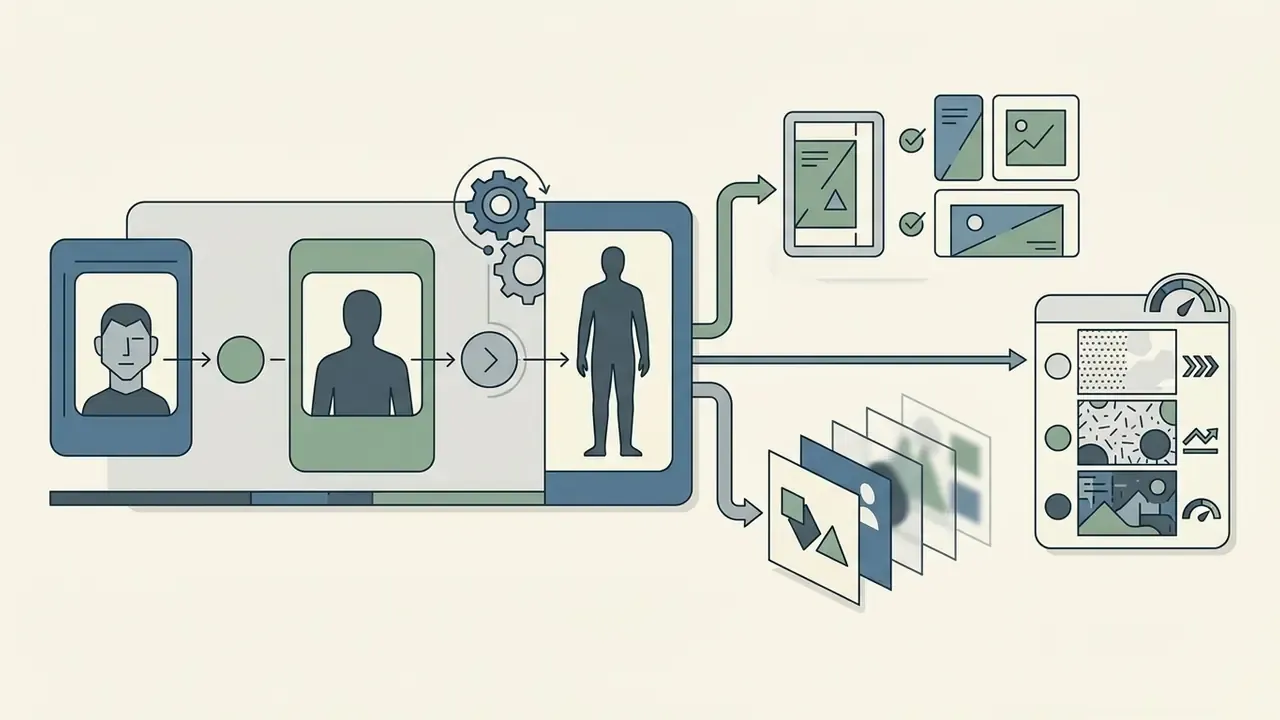
Creators benchmarking descriptor syntax across platforms can compare alternative AI image generators to see how the same semantic layers behave under different model architectures. If you are weighing prompt-driven tools against standalone frameworks, reviewing solutions like openart ai adds useful context on specialised style transfer models.
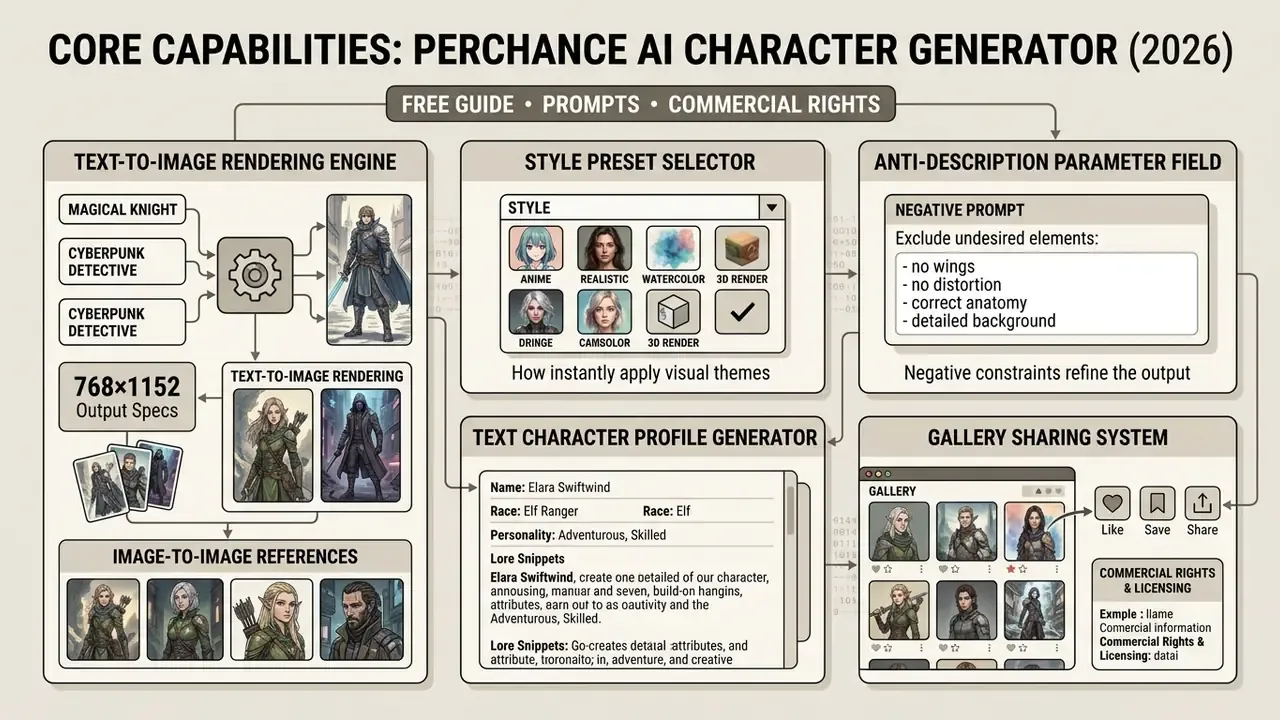
Core Capabilities of the Perchance AI Character Generator
The perchance ai environment pairs image rendering with narrative text frameworks. Core features: prompt customization fields, explicit negative descriptor inputs, preset style libraries and companion text generation engines (Perchance AI, 2026). Teams weighing licensing implications across the category can review how comparable AI image generators handle output rights and usage terms, and our AI Media Commercial-Use library collects the licensing detail in one place.
These automated tools support high-quality creations by balancing user control against neural rendering. Production pipelines use them to generate consistent visual assets alongside structured narrative profiles for interactive applications.
Technical Parameters and Working With Reference Photos (Image-to-Image)
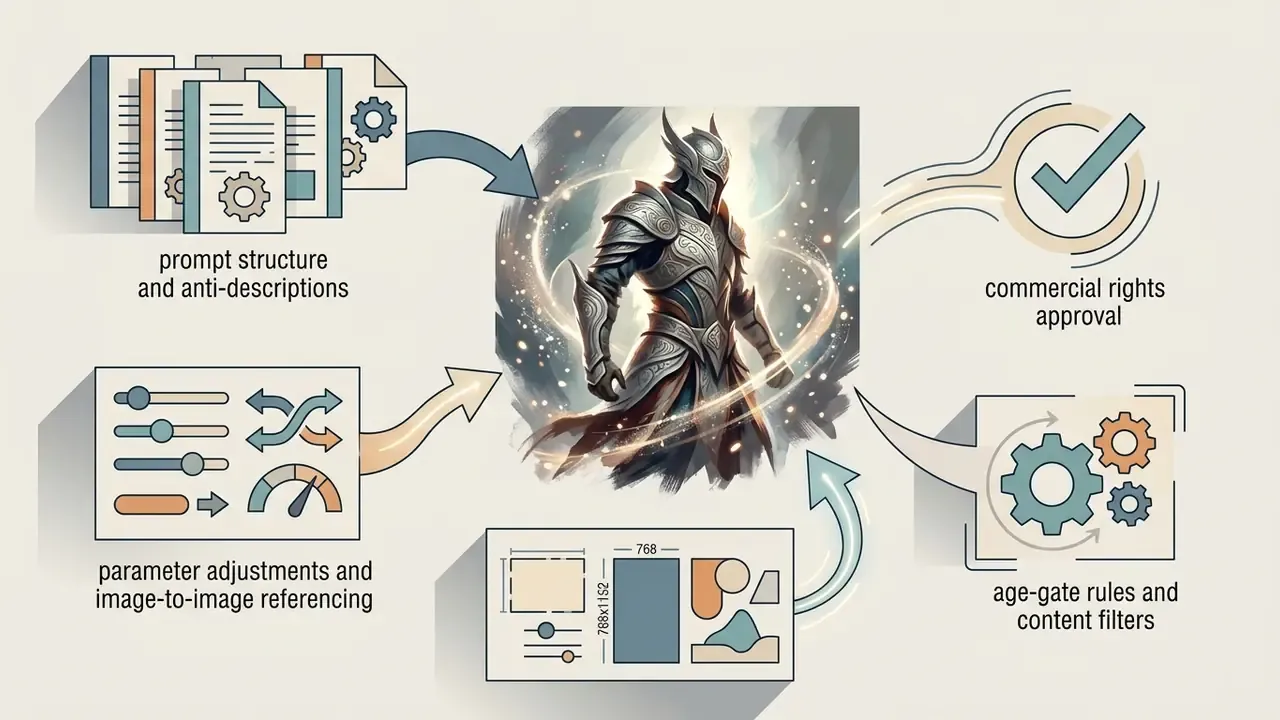
Browser-based character generators of this class operate inside a fixed rendering envelope. Knowing the numbers before production planning saves wasted iterations.
| Parameter | Documented value | Practical implication |
|---|---|---|
| Base output resolution | 768 × 1152 px (2:3 portrait) | Ideal for portraits and character cards; below print DPI for A4 |
| Export formats | PNG, JPEG | PNG preferred for later background removal |
| Reference image count | Up to 9 images per request | Enables multi-angle face conditioning |
| File size ceiling | 25 MB per file, about 50 MB total | High-resolution scans must be downscaled first |
| Aspect options | Portrait, square, landscape | Landscape suits environment-plus-character shots |
| Text profile export | .txt / .json | Direct import into game engines and narrative tooling |
Using facial-feature transfer (Reference Image)
To hold recognisable facial geometry across separate generations, use the Reference Image / Image-to-Image path instead of re-describing the face each time:
- Upload a clear portrait of the character: close crop, even lighting, neutral expression, minimal motion blur.
- In the prompt field, describe only what should change, for example:
wearing cybernetic armor, background illuminated by neon signage, storm weather, cinematic rim light. - The model renders a new scene while retaining eye spacing, nose structure and face shape from the reference.
- Repeat with a second reference angle when the character must appear in three-quarter or profile views.
Practical tip: if 768 × 1152 px is too small for print, packaging or high-resolution concept boards, pass the result through an external upscaler (Upscayl or a comparable neural enhancer) for a 2x to 4x resolution increase before manual retouching. Our overview of AI image enhancement tools covers the quality trade-offs at each upscale factor.
Configuring Style and Appearance for an AI Character
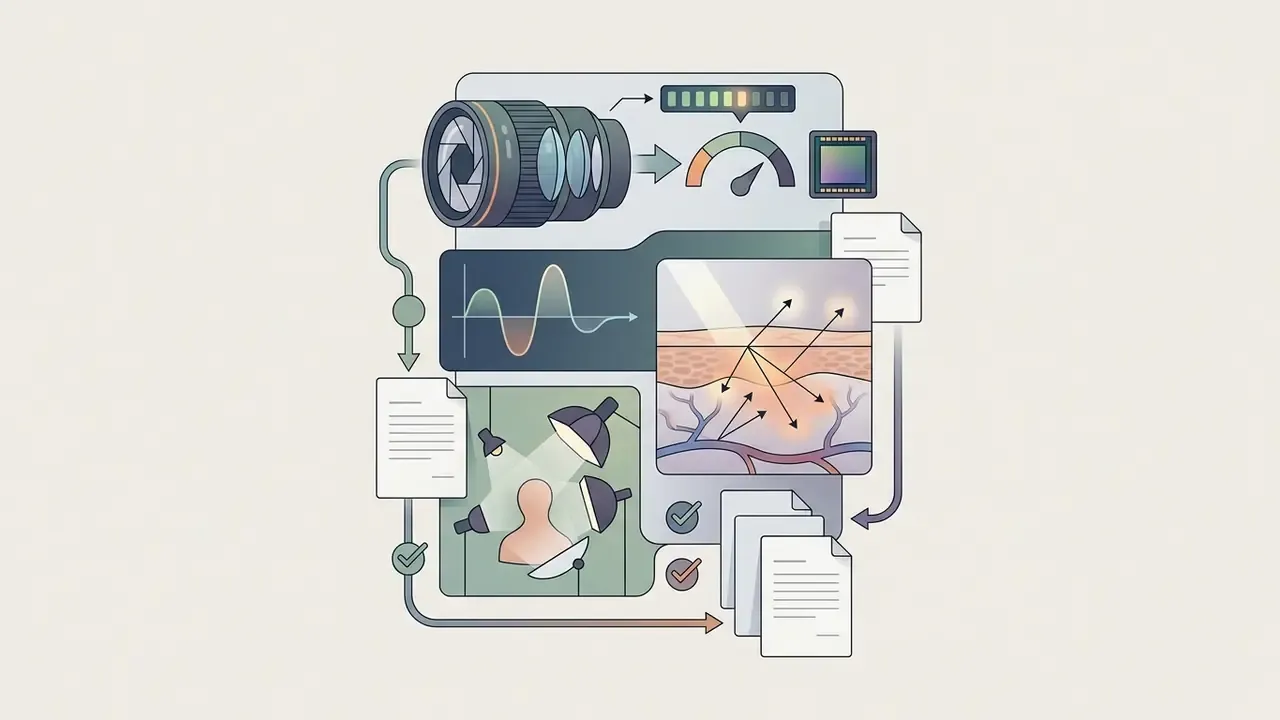
Controlling artistic style inside a character generator perchance ai workflow means selecting explicit visual tags or built-in style presets. Presets are not cosmetic wrappers. They silently inject extra prompt and anti-prompt terms, which is why choosing "no style" changes the result even when your description stays identical.
Research into prompt mechanics indicates that artistic medium tags and named stylistic references act as the primary control lever for visual texture:
«Artist names are the dominant stylistic specifier: users combine them with subject descriptions to steer aesthetics». Examining the Text-to-Image Community of Practice, Creativity & Cognition (2023). https://doi.org/10.1145/3591196.3591234
Available art styles include:
Detailed control of physical appearance depends on combining these style parameters with clear physical descriptors, so the output lands close to the creator's intent. Mostly. Diffusion still surprises you.

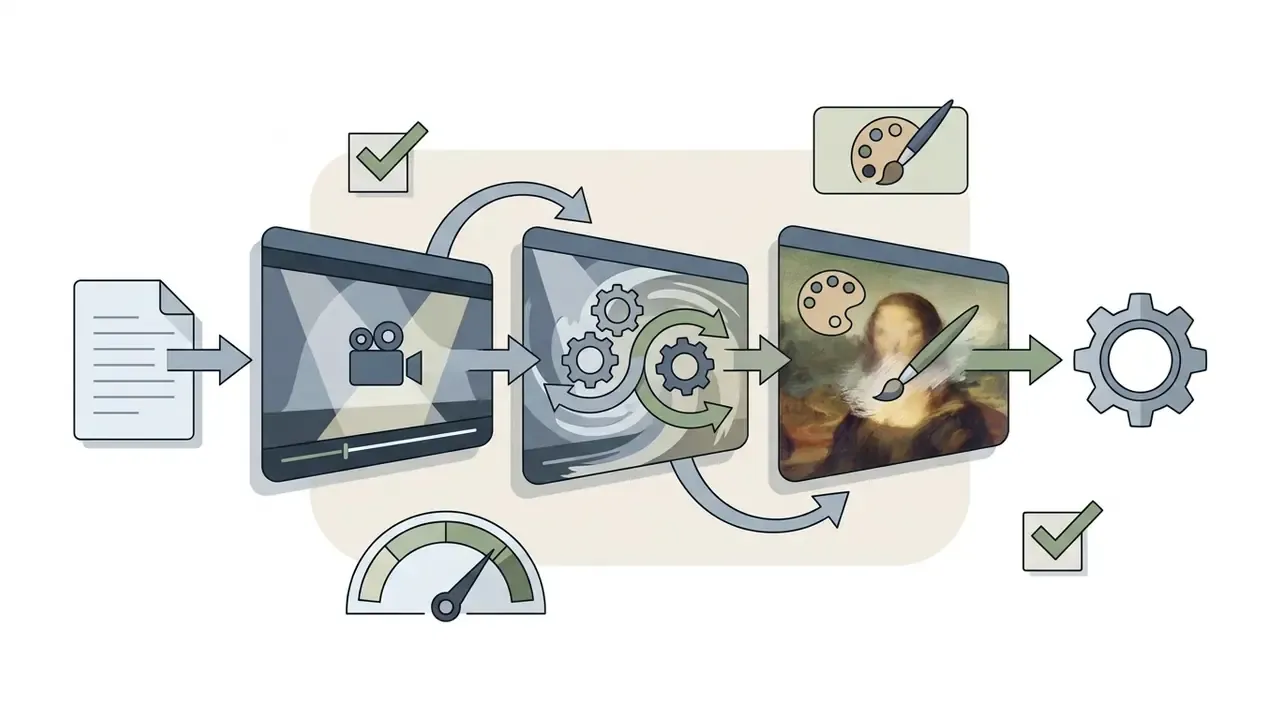
Prompt syntax for anime and manga (tag-based input)
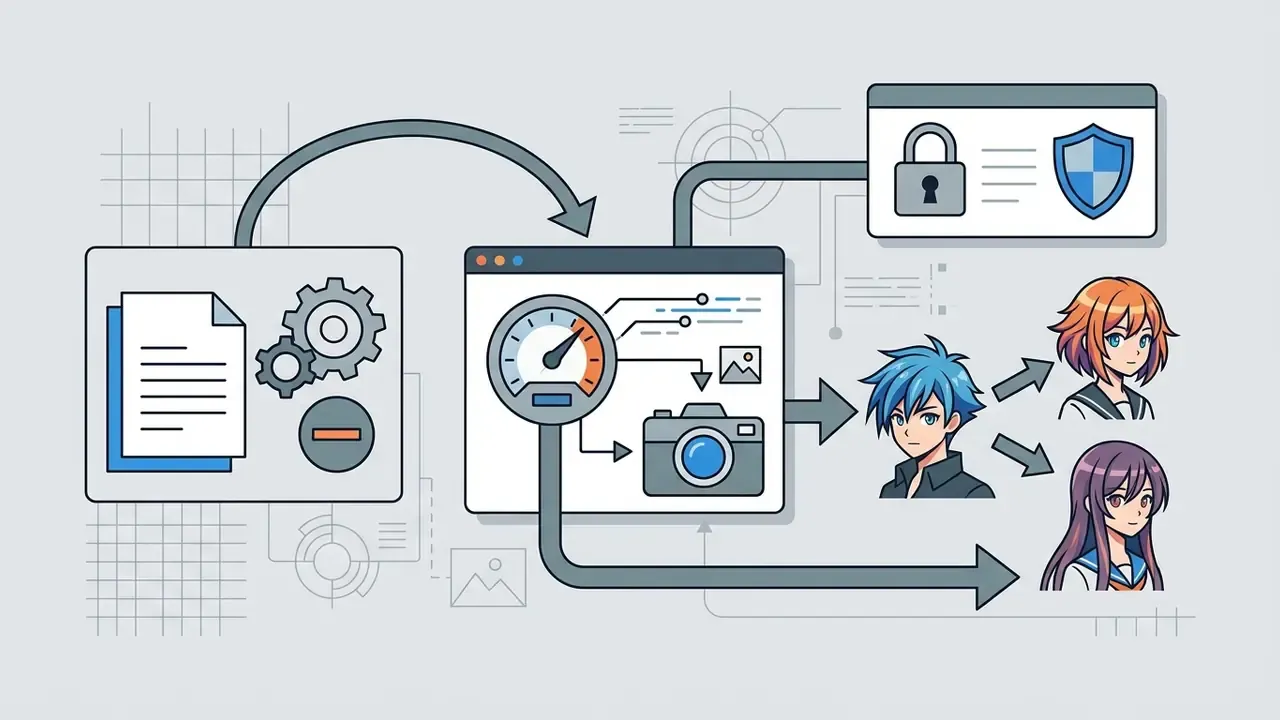
With the Anime / Manga preset selected, the underlying model answers comma-separated tags (the Danbooru convention) far more predictably than flowing prose:
1girl (or 1boy), solo, upper body, masterpiece, detailed eyes, pastel purple hair, twintails, sailor suit, smiling, looking at viewer, cherry blossoms background, anime screencap style, simple background, white background.
Tested variants for character sheets follow the same skeleton: subject count, framing, hair, eyes, expression, outfit, prop, background, style.
1boy, dark green hair, orange eyes, adventurous grin, explorer's gear, holding map, confident pose, upper body, looking at viewer, anime style, simple background1boy, spiky red hair, amber eyes, rebellious look, punk attire, electric guitar, action pose, upper body, anime style, white background
Prompts, Negative Prompts and Anti-Descriptions for Output Control
Character Profiles and Roleplay Dossiers
Beyond image synthesis, the platform hosts text-based profile generators: a Character Profile generator, an AI Character Description Generator and an AI-Assisted Character Card Creator. An ai roleplay character generator produces narrative dossiers with backstory, personality matrices, behavioural constraints and dialogue style guides.
Evaluating roleplay language models means measuring persona adherence, dialogue consistency and engagement across extended turns:
«The key roleplay metric is similarity to the portrayed role; QWEN2.5-7B-ROLEMRC-DPO achieved the best "single" evaluation score of 6.53». RoleMRC: A Fine-Grained Role-Playing Instruction-Following Dataset, RoleMRC Benchmark (2025). https://arxiv.org/abs/2412.00000
Structured character profiles supply the foundational rules that keep character integrity intact during automated text sessions. Effective persona prompts separate five blocks: identity, environment, tone, goal and guardrails. Describe who the character is and how their world works, rather than over-scripting behaviour for every possible situation. Over-scripting, in practice, is what makes personas sound wooden.
How to Create a Character in Perchance AI: Step-by-Step Instructions
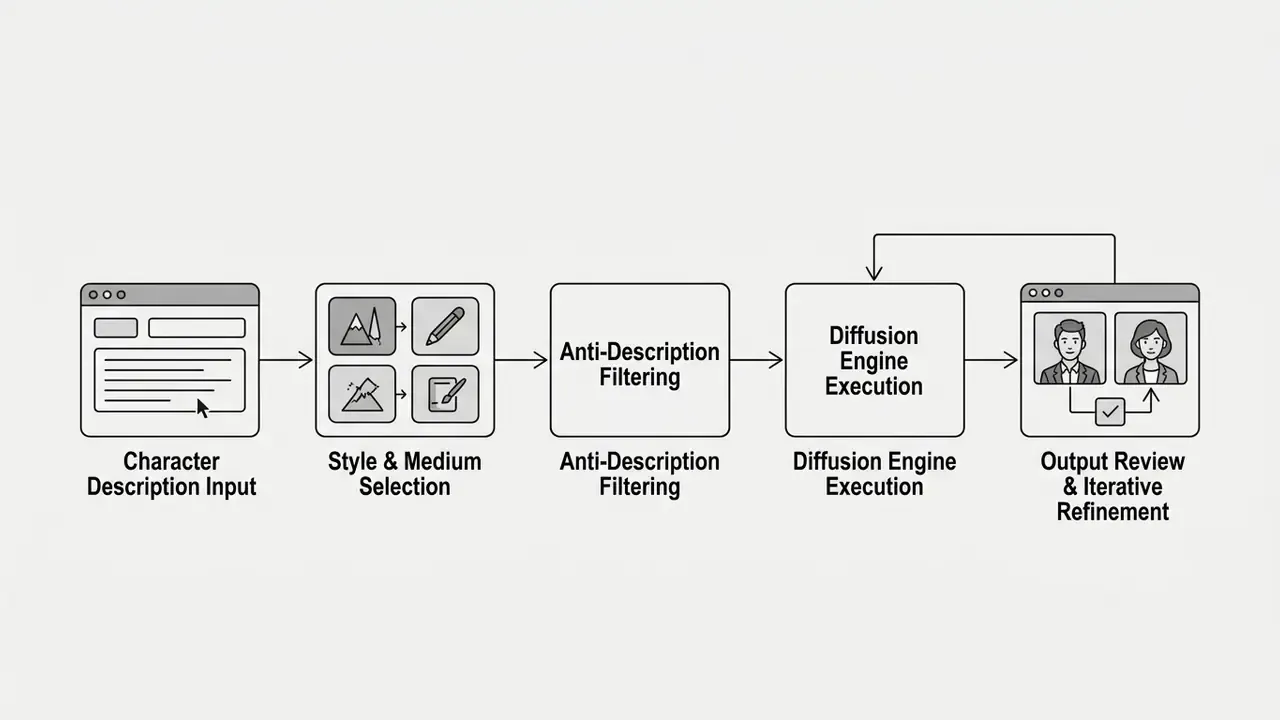
Generating visual assets through an ai character creator perchance workflow runs in a clear sequence, from prompt composition to local file export. Structured inputs cut trial-and-error sharply.
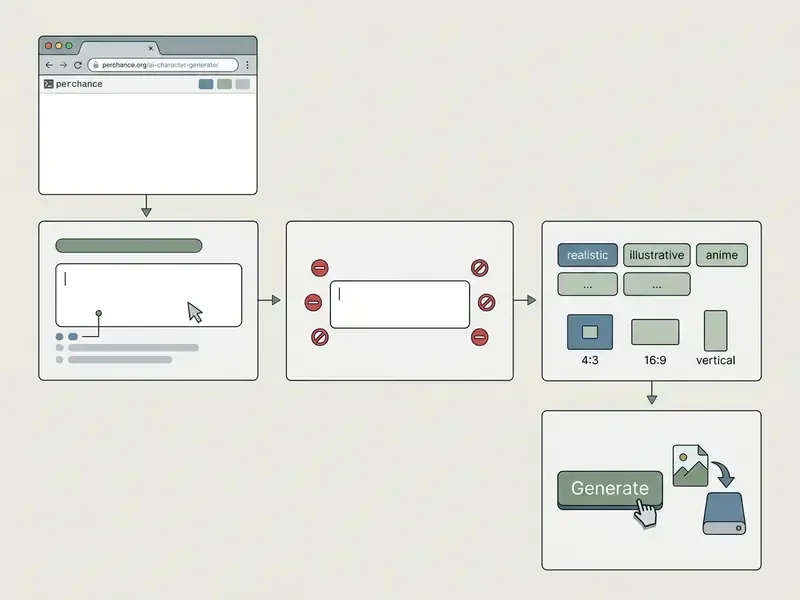
Saving behaviour differs by device. On desktop, use the download control or right-click, then Save image as. On mobile browsers, long-press the rendered output to trigger the native save dialog.
How to Write Your First Character Description
Composing an initial character prompt is a balance between detail density and syntax order. Prompt engineering frameworks recommend ordering the query logically: main subject and core identity first, then key physical details, attire, setting context, and finally artistic rendering parameters (OpenAI, 2026). Academic work confirms this ordering can even be automated:
«The PRISM algorithm automatically produces interpretable and transferable prompts using only black-box access to text-to-image models». PRISM, Transactions on Machine Learning Research (2025). https://arxiv.org/abs/2412.00000
For inspiration, seed the query with a random prompt generator, or follow this baseline structure:
[Subject Identity] + [Physical Attributes & Hair] + [Clothing & Accessories] + [Pose & Expression] + [Environment / Background] + [Artistic Style & Lighting]
Example initial query:
A battle-hardened female rogue, short undercut dark hair, sharp green eyes, wearing fitted leather armor with silver buckles, crouched on a rain-slicked cobblestone street at night, cinematic rim lighting, 8k dark fantasy concept art style.
Three specificity rules shorten the path to a usable render: name one character per prompt, attach three to five concrete traits instead of adjectives such as "beautiful", and state the framing explicitly (headshot, upper body, full body). When you need basic headshots or reference photos, compare utility against specialised tools such as a passport photo editor.
How to Fix a Failed Generation
First outputs often carry minor visual flaws or stylistic drift. The fix is targeted prompt adjustment, not a full rewrite.
- Isolate artifacts name the specific failure (distorted hands, wrong eye colour, intrusive background objects).
- Update anti-descriptions add terms describing the defect to the exclusion field, for example
asymmetrical eyes, mutated hands, cluttered background. - Adjust descriptive weight rephrase ambiguous terms with concrete nouns. Replace
beautiful facewithsymmetrical facial structure, high cheekbones, smooth skin tone. - Lock the seed re-run with an identical seed after each single edit, so the change in output is attributable to that edit alone.
- Iterate continuously re-run while holding core style keywords steady, and evaluate incremental modifications one at a time.
Free Access, Content Policy, Age Verification and Commercial Rights
Content policy, age verification and NSFW generation
Unlike tightly regulated commercial platforms such as DALL·E 3 or Midjourney, Perchance runs community-configurable generators with a comparatively permissive moderation model:
- Age verification (age gate) on first use, the interface asks for confirmation of legal adult age. Third-party documentation of the platform states plainly that "the AI asks for confirmation of legal age. After that confirmation, no restrictions are placed when creating the images."
- No broad keyword blocklist after confirmation, most automatic blocks on anatomical detail, dark-fantasy themes or battle-aftermath imagery lift, and the output is governed mainly by the user's own prompt.
- Community and statutory limits prohibited categories are the ones that breach applicable US and EU law, most notably sexualised depictions of minors and non-consensual deepfakes of identifiable real people.
- Governance consequence because moderation is prompt-dependent rather than platform-enforced, any organisational use needs an internal acceptable-use policy layered on top of the platform's own rules.
Commercial-use conditions matrix
| Condition / Parameter | Perchance status | Legal or governance requirement | Operational recommendation |
|---|---|---|---|
| Access fee structure | Free access, no sign-up required | Platform index verified (Perchance, 2024) | Suitable for cost-free initial prototyping |
| Published usage limits | No documented daily cap or credit system | No SLA or capacity guarantee published | Do not build deadline-critical pipelines on it |
| Commercial usage rights | Permissive stance in secondary documentation | Subject to US and EU human authorship law | Requires human editing for enforceable IP rights |
| Copyright ownership | Raw AI output lacks human authorship protection | US Copyright Office Report Part 2 (2025) | Disclaim unedited AI elements in formal IP filings |
| Content filtering | Age-gated, community-managed generation rules | Compliance with statutory regulations | Run internal review before public commercial distribution |
| Attribution | Not required per secondary documentation | Contract terms may still require disclosure | Record tool and date in asset metadata |
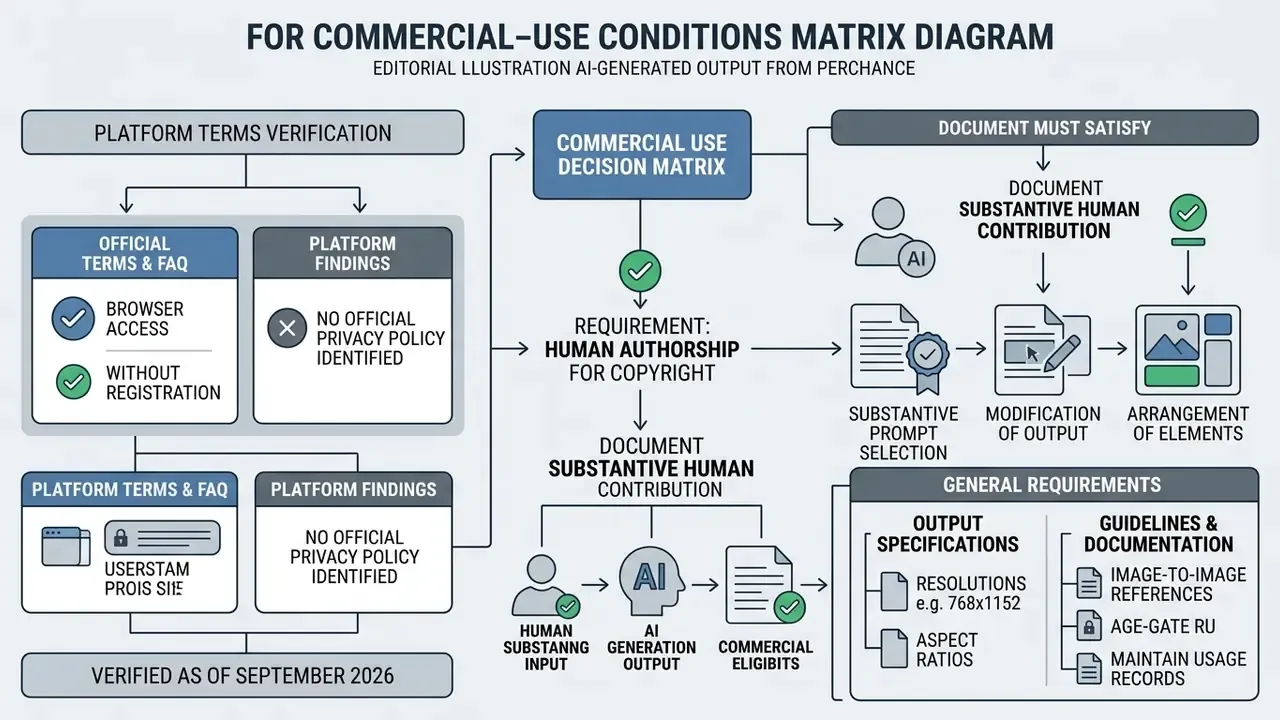
Under United States copyright law, output generated purely by machine algorithms, without sufficient human creative control, is not eligible for registration:
«Copyright extends to AI-assisted content only where a human determined sufficient expressive elements; merely writing a prompt does not create a protectable work». Copyright and Artificial Intelligence, Report Part 2, U.S. Copyright Office (2025). https://www.copyright.gov/ai/
European standards likewise require a work to reflect the author's own intellectual creation:
«In the EU, copyright in AI-generated content depends on who holds the rights: the algorithm developer, the user, or nobody, where the work is unprotected». Artificial intelligence and copyright: use of generative AI tools to develop new content, EU IP Helpdesk (2024). https://intellectual-property-helpdesk.ec.europa.eu/
Data Privacy, Shadow AI and Enterprise Controls
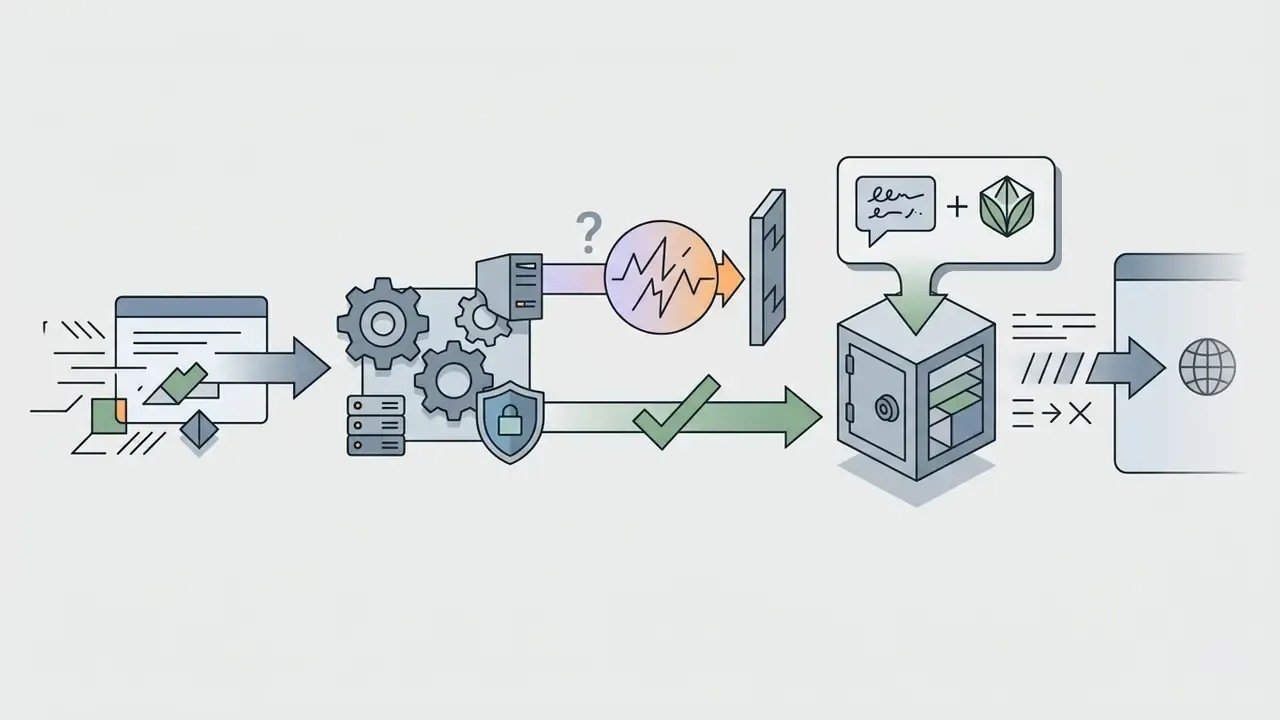
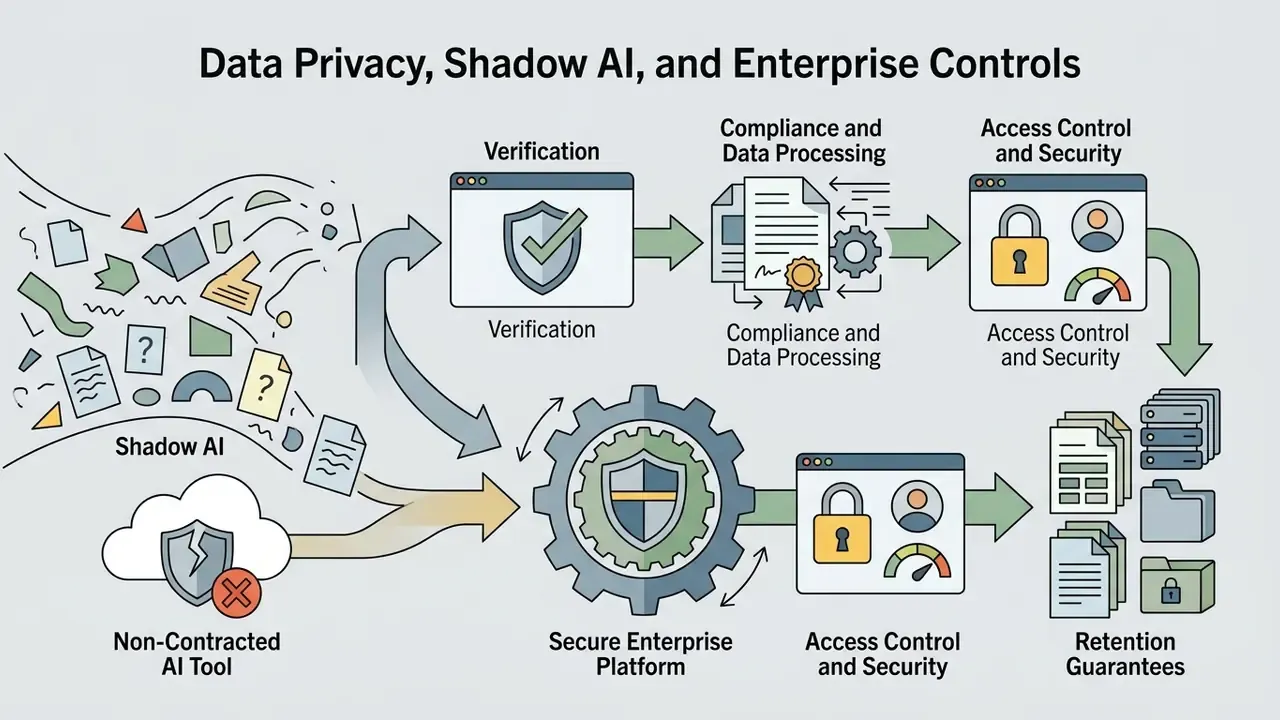
The very properties that make Perchance attractive to independent creators, no login, no billing relationship, no installation, make it a textbook Shadow AI vector inside a regulated organisation. There is no account boundary to audit and no contract to enforce. That is the whole problem in one sentence.
Risk profile to assess before permitting use:
- Prompt content exposure. Prompts travel to a third-party public service. Any confidential product name, customer identifier, internal codename or PII typed into the description field should be treated as disclosed outside your control.
- Reference image exposure. Uploading a colleague's, client's or customer's portrait as an Image-to-Image reference amounts to biometric-adjacent personal data processing with no data processing agreement behind it.
- Absent retention documentation. No official privacy policy page was identified on perchance.org in the reviewed material, so prompt and output retention periods cannot be evidenced to an auditor.
- Public gallery leakage. Community gallery features exist to share output. One careless "send to gallery" action can publish an internal concept asset.
- No reproducible audit trail. Seeds and prompts must be logged by the user manually. The platform offers no organisation-level generation log.
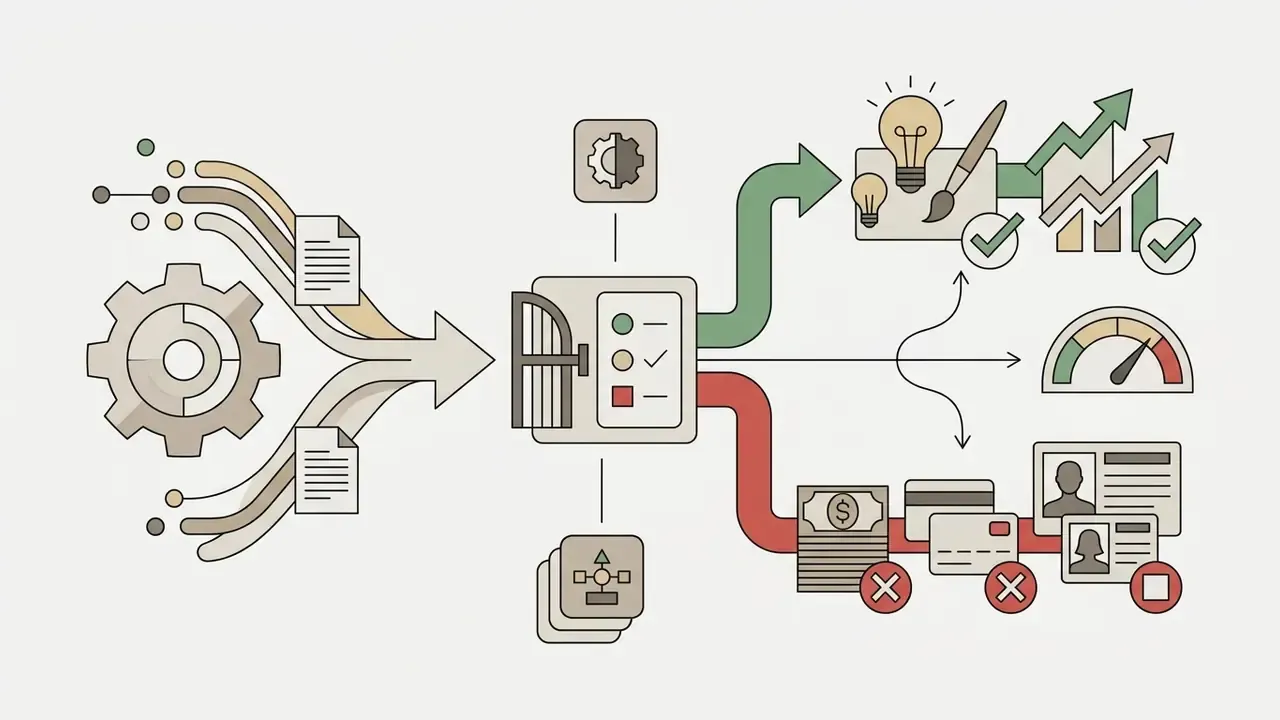

Public browser sandbox versus enterprise GenAI platform
| Criterion | Perchance (public sandbox) | Contracted enterprise GenAI platform |
|---|---|---|
| Authentication / SSO | None required | SSO, SCIM, role-based access |
| PII and confidentiality guarantee | Not contractually guaranteed | DPA, defined retention, regional hosting |
| Audit log | User-maintained only | Centralised, exportable generation logs |
| Certifications (SOC 2 / ISO) | Not published | Typically attested |
| SLA / uptime | None published | Contractual uptime targets |
| IP indemnity | None | Frequently offered on business tiers |
| Cost | Free | Per-seat or per-credit subscription |
| Best fit | Ideation, personal projects, indie and hobby work | Regulated production, client deliverables |
A short governance framing that travels well: name an owner for the tool, define the approved role, cap the data it may touch, and keep a shutdown path. No evidence, no autonomy.
Perchance AI Compared With Alternative Character Generators
The right tool depends on your priority: zero-friction ideation, maximum render fidelity, conversational persona depth, or genotype-level facial control.
| Parameter / Platform | Perchance AI | Midjourney (v6) | Character.ai | Artbreeder |
|---|---|---|---|---|
| Cost | Free, no published limits | Subscription (from about $10/month) | Free and freemium tiers | Free credits, paid tiers |
| Registration | Not required | Required (Discord or Web) | Required | Required |
| Text profile / backstory generation | Yes (companion text generators) | No (visual only) | Yes (conversational AI) | No (visual only) |
| Anti-description control | Dedicated exclusion field | Parameter flag (--no) | Not applicable | Gene sliders |
| Deep facial customization | High (prompt plus Image-to-Image) | High (prompt plus references) | Low (text persona only) | Maximum (genotype blending) |
| Base output resolution | About 768 × 1152 px | Higher, upscaler included | Not applicable | Variable by model |
| Content policy | Age-gated, permissive | Strict moderation | Strict filters | Moderated |
| Commercial use | Yes, subject to human-authorship rework | Yes, on paid plans | Restricted by ToS | Yes, per tier |
| Enterprise controls | None | Limited | Limited | Limited |
Practical reading of the matrix: Perchance wins on access friction and text-plus-image coverage, Midjourney on raw fidelity, Character.ai on sustained conversational persona, Artbreeder on precise facial morphology. Teams benchmarking the wider field can consult our comparison of best AI art generators alongside the round-up of free AI image generators for quality-versus-limits trade-offs.
Prompts for the Perchance AI Person Generator, Roleplay and Tabletop RPGs
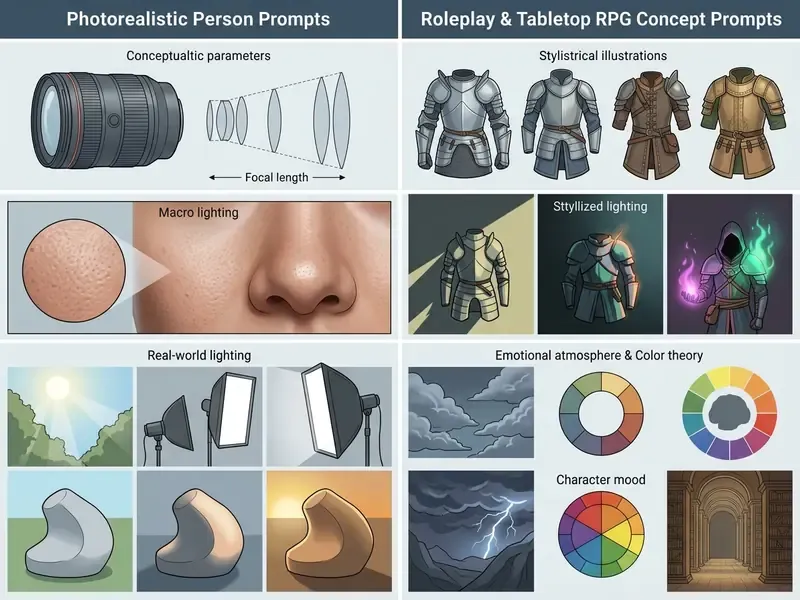
Asset creation needs tailored prompt structures depending on the goal: a photorealistic portrait via the perchance ai person generator, or an interactive narrative persona via the perchance ai roleplay character generator. The perchance character ai generator pages sit in the same index, so switching between them costs nothing but a URL change.
What to Add to a Prompt for a Truly Unique Character
Prompt Template for D&D and Tabletop RPG Character Sheets
For character-card art in tabletop campaigns, structure the prompt around game-system attributes, race, class, gear and alignment, rather than free-form description.
Prompt formula:
[Race & Class] + [Gender & Age] + [Armor & Weapon] + [Pose/Action] + [Environment] + [Art Style]
Ready-to-use D&D prompt:
Tiefling warlock, male, obsidian skin, curved ram horns, glowing yellow eyes, wearing leather robes with arcane runes, casting a purple fire spell from his right hand, standing in an ancient underground crypt, dark fantasy art, highly detailed, dramatic side lighting, 8k resolution.
Companion text generator parameters for the backstory: specify race, class, alignment (Chaotic Good, for example), key flaw, ideal, bond, and defining childhood event. Add physical statistics the visual model can act on, such as approximate height, weight and build, because those change silhouette and armour fit. Export the profile as .txt or .json for import into a virtual tabletop or campaign wiki.
Suggested field set for a complete character sheet:
| Sheet field | Feeds the image prompt? | Feeds the text profile? |
|---|---|---|
| Race / lineage | Yes | Yes |
| Class / archetype | Yes | Yes |
| Height and build | Yes | Yes |
| Armour and weapon | Yes | Yes |
| Alignment | No | Yes |
| Flaw / ideal / bond | No | Yes |
| Signature spell or ability | Yes (visual effect) | Yes |
Using the Random Prompt Generator for Ideas
The built-in random prompt generator tools on Perchance run on configurable text templates that combine randomised trait arrays. The generator identity itself is editable at URL level, which explains the flood of community variants.
To make random output production-ready, treat the generated phrase as a seed, not a finished brief. Pull the core identity traits (cyborg monk, say), then inject specific lighting parameters, camera angles and anti-descriptions by hand. Three habits make randomisation productive: modify rather than accept, mix elements from two unrelated random prompts, and deliberately attempt one concept outside your usual genre.
FAQ: Common Questions About the Perchance AI Character Generator
Working the wider ecosystem around perchance ai character generator tools means understanding asset management, export paths and the complementary utilities on the platform. For technical operational help, consult our AI Media Support and Troubleshooting resource hub.
Is it genuinely free? Yes. The official generator page is labelled "free, no sign-up, unlimited", and the reviewed material shows no paywall or credit system for core use. No published numeric quota exists either, which also means no guaranteed capacity.
What resolution do I get? Roughly 768 × 1152 px per render, exported as PNG or JPEG. Upscale externally for print.
Can I upload a photo? Yes, through the reference-image path: up to 9 images, 25 MB each, about 50 MB total.
Is there NSFW filtering? The platform relies on an adult-age confirmation gate rather than an extensive keyword blocklist. Statutory prohibitions still apply.
Can I use the results commercially? The platform does not restrict commercial use, but raw output is not copyrightable in the US without human creative contribution. See the human-authorship checklist above.
Does it support other languages? Prompts in major European languages often work, though English descriptors remain the most predictable, since most published prompt research and community tag conventions are English-first.
Where to Find Ideas and Examples of Finished Characters
- Perchance community gallery: publicly shared generator output showing original prompt sequences and seed numbers. Items can be marked public or private when sent to the gallery.
- Platform example pages: built-in template pages such as seed-and-prompt and prompt-order demonstrations, which expose parameter hierarchy and style keyword performance.
- Community forums: active discussion communities such as r/perchance, where creators trade tested prompt formulas, anti-description strings and custom generator code, with live 2025 to 2026 threads on realistic character-chat prompting.
- Specialised art platforms: studying prompt architecture on general platforms like openart offers transferable insight into descriptor syntax, and a wider survey of the best AI art generators shows how the same descriptors migrate between models.
Can You Save or Export a Created Character
Visual assets rendered in the character generator interface download straight to local storage in standard formats, PNG or JPEG. Mobile browser users long-press the output image for native save options; desktop users take the download control or right-click, then Save image as. Gallery-saved images may retain prompt and seed metadata, which is the practical foundation of a reproducible asset record, and third-party add-ons can package a full gallery into numbered ZIP downloads for bulk retrieval. Text-based character dossiers and roleplay chat threads export as structured .txt or .json files, ready for import into external game engines or narrative software. Creators sizing resource usage across production pipelines can use our calculators to estimate compute and storage overhead.
Which Perchance AI Tools Complement the Character Generator
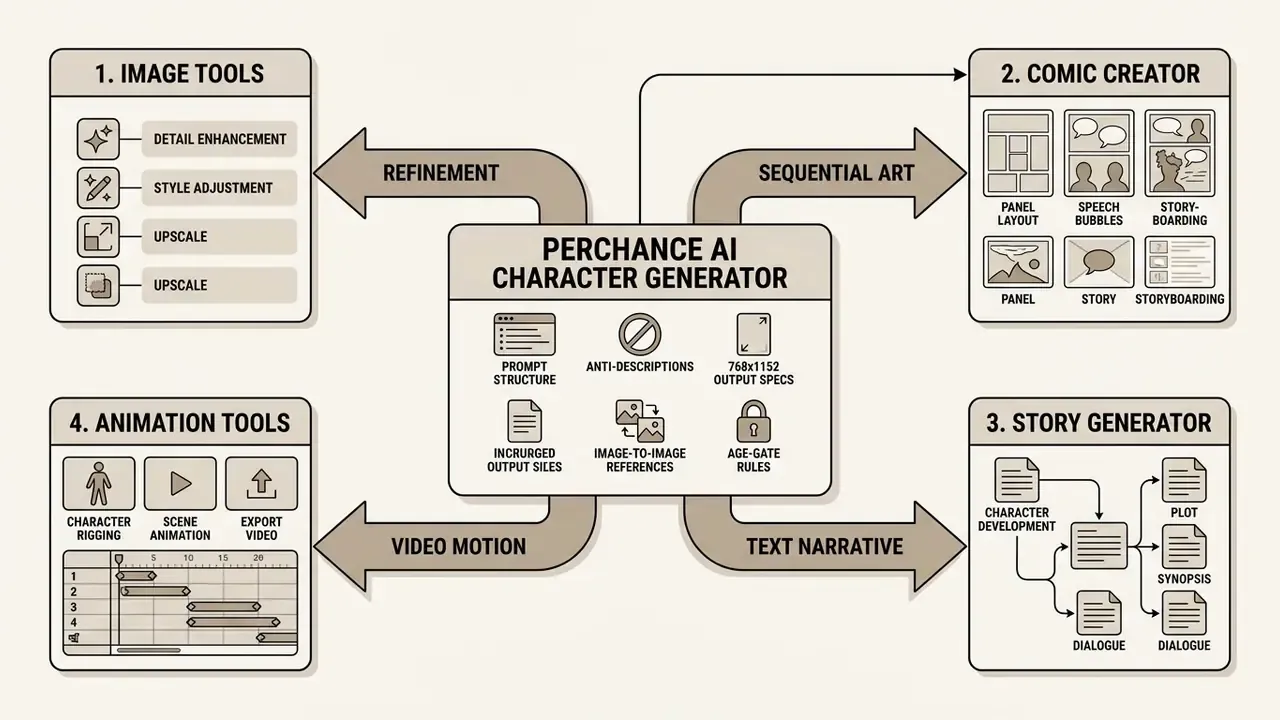
Visual designs made in the primary generator become foundational assets for adjacent production modules on the platform:
- AI Comic Creator / Story to Comic Generator: arranges generated portraits into sequential comic panels with custom text callouts.
- Animation Creator: applies motion synthesis models to static headshots to produce character video. The adjacent category of AI video generators covers longer-form motion output.
- Story AI generators: synthesise narrative fiction paragraph by paragraph from generated character profiles.
- AI Text Adventure and AI Character Chat: turn a finished dossier into an interactive session, using
.jsonimport and export for persona portability. - Image editing utilities: secondary cropping, background removal and colour adjustment. Accessibility deserves explicit planning in any multi-tool pipeline:
«GenAssist showed that blind and low-vision users need textual feedback about the composition and key elements of a generated image». GenAssist: Making Text-to-Image Generation Accessible for Blind and Low-Vision Creators, CHI (2023). https://doi.org/10.1145/3591196.3591234 In practice that means writing descriptive alt text and a short composition summary for every published character asset. Not only for compliance either: those descriptions double as reusable prompt documentation.
Voice-over and animation pipeline (multimedia extension)
A Perchance visual asset can become a full video avatar in three steps:
- Voice generation (TTS): export the character's generated dialogue and pass it to a speech synthesis service, matching timbre, pacing and accent to the persona. Our guide to AI voice generators compares voice quality and commercial licensing across providers.
- Facial animation (lip-sync): upload the Perchance portrait plus the audio file into a portrait-animation service to synchronise mouth movement and micro-expressions automatically.
- Video integration: deploy the talking character as a narrator, an in-game NPC cutscene, an explainer host or a virtual presenter, then finish the edit in a conventional timeline editor. Creators folding character assets into video workflows can review alternative editing solutions in our guides to openshot video editor and specialised style options such as the openart studio ghibli filter.
Platform Verification Summary
Limitations and Open Questions
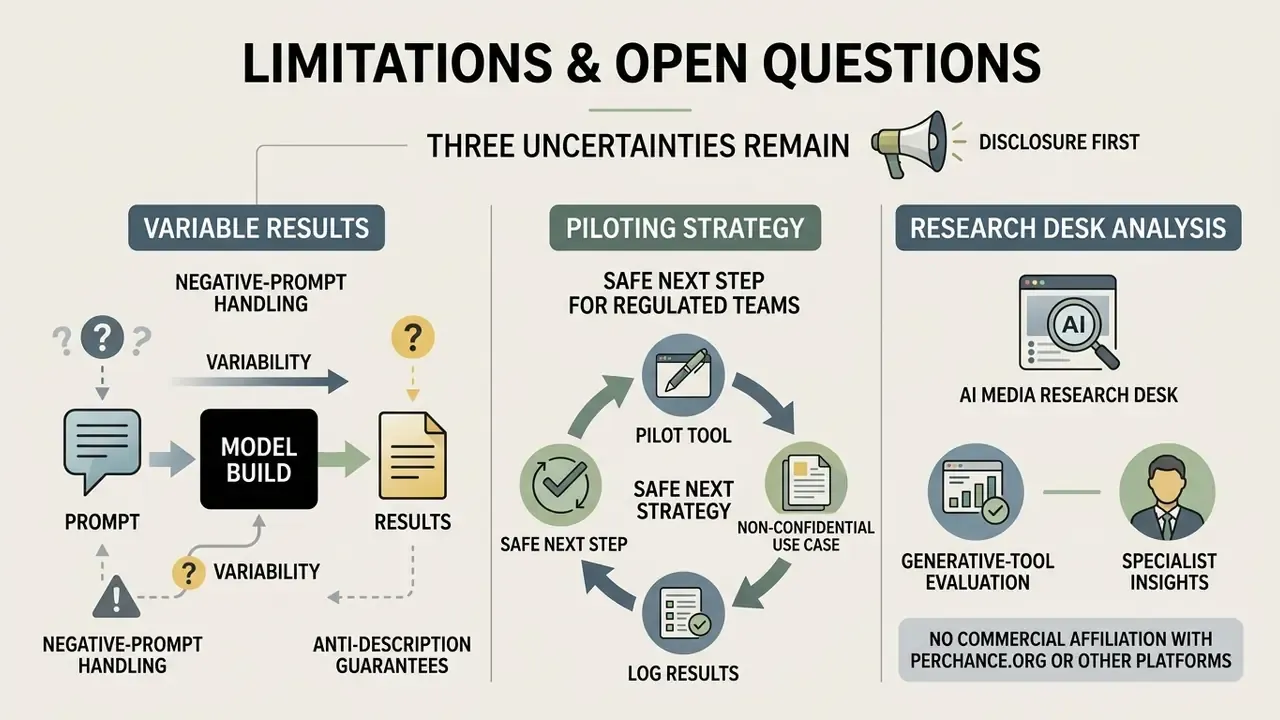
Three uncertainties remain, and pretending otherwise would be dishonest.
First, negative-prompt handling varies by model build, so anti-description results are not guaranteed to reproduce across sessions. Second, retention of prompts, reference images and outputs cannot be evidenced without a published policy, which blocks any formal data protection impact assessment. Third, commercial-rights language sits mostly in secondary documentation rather than in a signed contract, so the enforceable position depends on your own human-authorship record rather than on the platform.
A safe next step for a regulated team: pilot the tool in a non-confidential creative use case only, log prompts and seeds internally, and revisit the decision when a privacy policy and retention statement become verifiable.
Appendix A: Revision Notes and Superseded Wording
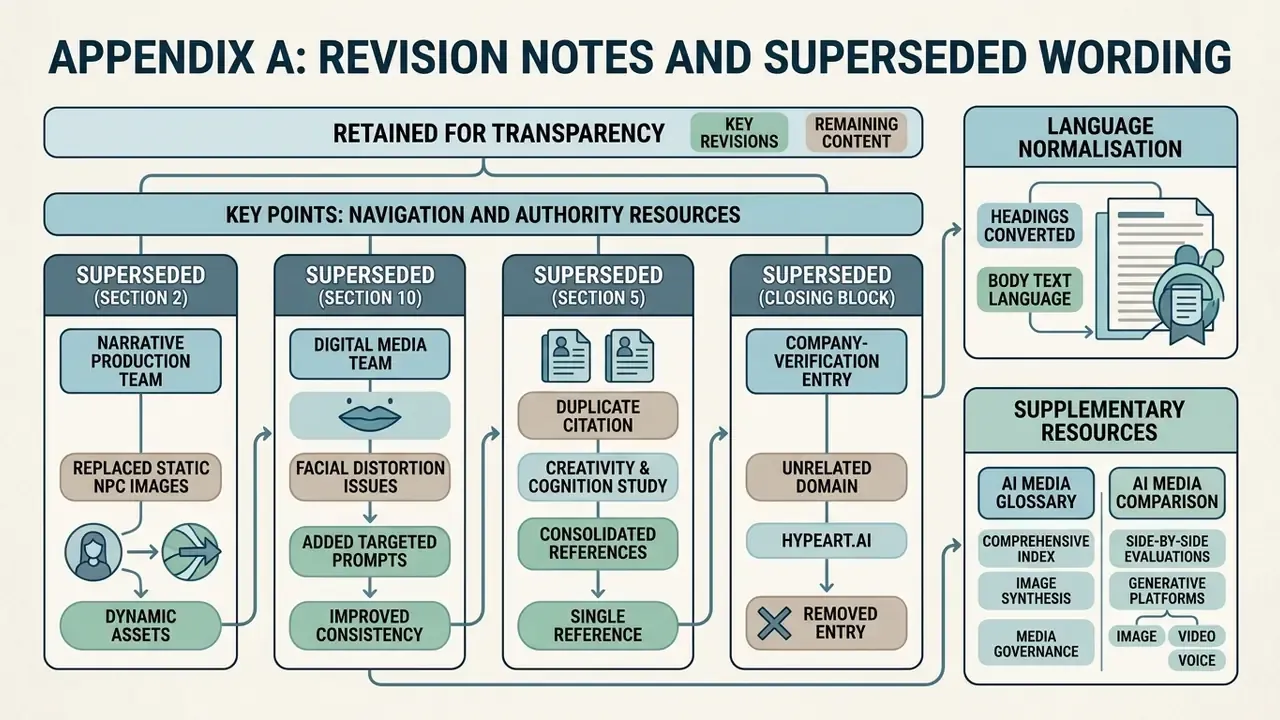
Retained for transparency, since several statements were revised rather than removed:
- Superseded (section 2): "a narrative production team replaced static pre-rendered non-player character (NPC) placeholders with prompt-driven character iterations, which reduced visual concept creation timelines by 65% while maintaining distinct facial identity markers across multiple game chapters." Retained above with a verification note; the 65% figure is an unpublished internal estimate and needs independent measurement.
- Superseded (section 10): "A digital media team experiencing persistent facial distortion added targeted anti-description exclusions and locked specific lighting tags, achieving visual alignment within three prompt iterations." Retained above as illustrative practitioner testimony; the general practice is instead evidenced by the Prompt Artists study of 161 text-to-image users.
- Superseded (section 5): the earlier duplicate citation of the Creativity & Cognition (2023) study without a quotation has been replaced with a direct quoted finding on artist-name stylistic specifiers.
- Superseded (closing block): the previous company-verification entry for the unrelated domain
hypeart.ai(non-resolving as of August 2026, no verifiable entity records) has been replaced with a verification summary for perchance.org, the platform actually under review. - Language normalisation: all section headings were converted to the language of the body text for scanning consistency, and the legal and compliance material was moved ahead of the prompt libraries to serve decision-makers first.