About the reviewer: Marcus Hale, author. Commentary attributed to him is illustrative and covers third-party generative tooling assessment, control design for synthetic media, and vendor due diligence in regulated environments. Editorial fact-check and regulatory review date: January 2026. Guidance checked against U.S. Copyright Office publications through Part 2 (January 2025) and vendor documentation available at the time of writing.
Poly AI and its associated platform ecosystems (including PolyBuzz and consumer applications by Never Inc.) provide distinct mechanisms for image generation, avatar customization, and media management. Understanding whether poly ai pictures can be generated, sent, or exported requires analyzing which technical layer you are actually touching, because conversational chat interfaces handle image input and image creation through separate, isolated workflows.
Important Entity Disambiguation: Three Different "Poly" Products
When searching for "Poly AI", three distinct technology platforms are frequently conflated. Confusing them leads to incorrect procurement decisions, mismatched security expectations, and wrong assumptions about licensing:
- Poly AI / PolyBuzz (Never Inc.)is the consumer AI character roleplay platform featuring avatar generation, character cards, voice synthesis, and chat agents. This is the core focus of this guide and the product behind almost all poly ai pictures queries.
- PolyAI (poly.ai)is an enterprise-grade conversational voice and dialog platform built for corporate customer service automation. Its documentation describes agentic dialog runtimes, voice libraries, attachment objects (
conv.add_attachments), and compliance baselines such as SOC 2, HIPAA, GDPR, and PCI DSS. It is not an image generator. - Poly (withpoly.com)is a generative tool specialized in 3D game textures and PBR assets (normal maps, inverted maps, 4K outputs) for game and immersive design pipelines.
Practical consequence: a security questionnaire answered for the enterprise dialog platform cannot be used to approve the consumer character app, and commercial-use terms for 3D texture generation do not transfer to character avatars. Different product, different rights, different residual risk.
Executive Summary: What Risk and Compliance Leaders Need to Know
- Classification the poly ai image generator discussed here sits inside a consumer B2C application, not an enterprise image platform. Treat it as unmanaged third-party SaaS unless it has been explicitly contracted.
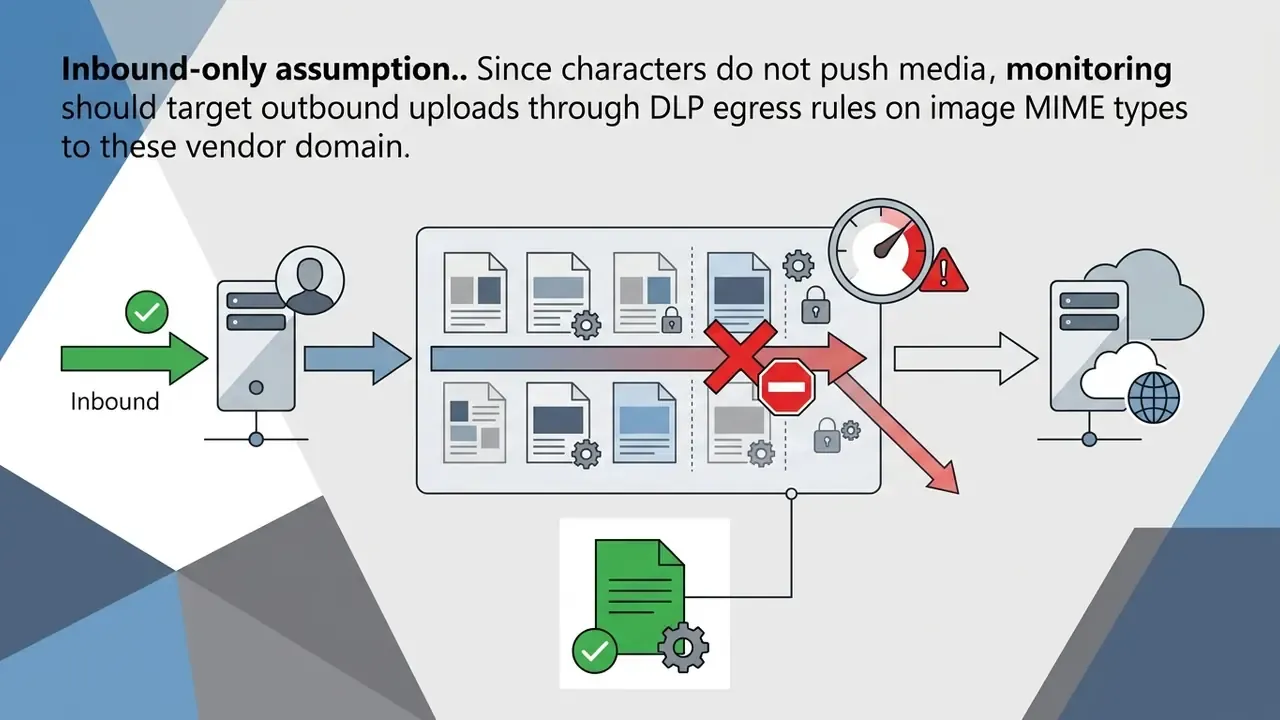
- Image directionality image transfer inside chat is unidirectional. Users may attach images as context; AI characters do not autonomously push media files into the dialogue.
- Generation surface avatars are created in the character setup flow through a prompt, an optional reference image, an "Optimize" one-click prompt generator, and up to 3 styles selected from 18 available image styles, producing six candidate outputs.
- Algorithmic incentive profiles using the internal AI generator receive greater exposure in platform recommendations than manually uploaded files. That is a discovery incentive, and it quietly pushes staff toward generative features on corporate-adjacent accounts.
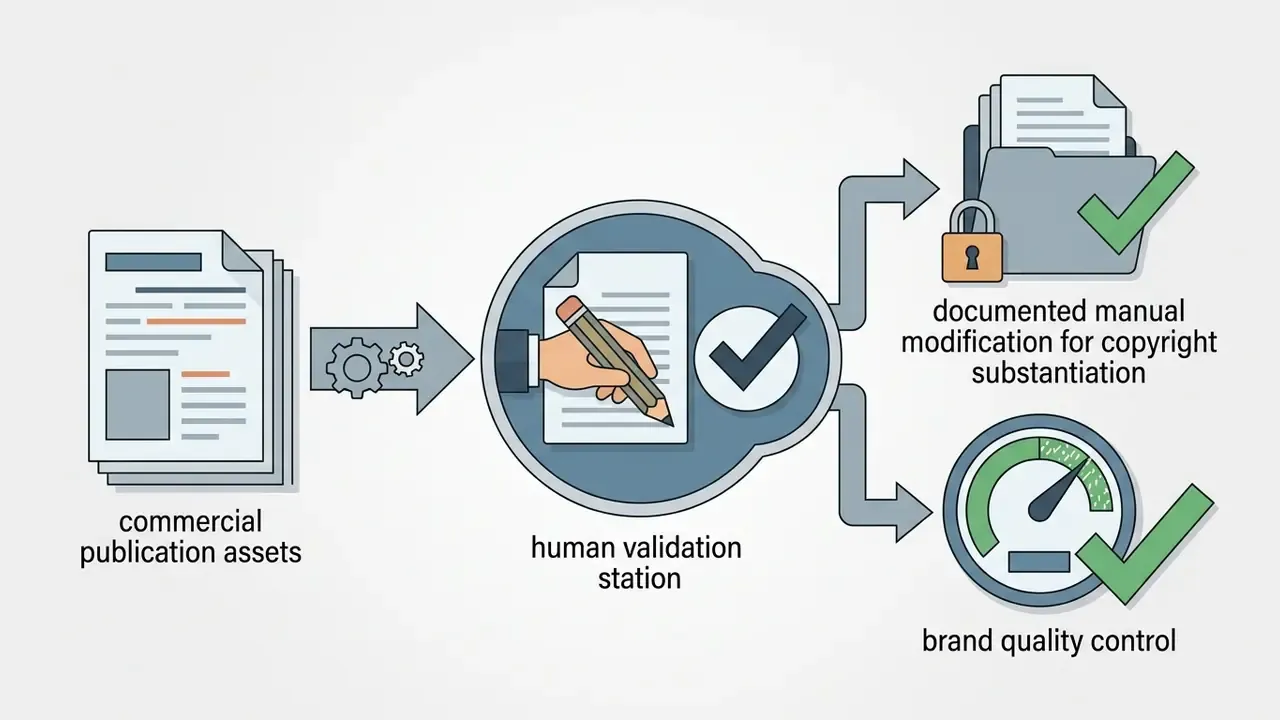
- Legal exposure purely machine-generated images without meaningful human creative control are not copyrightable in the United States, which weakens exclusivity claims for any commercial deployment.
- Governance gap free consumer tiers, broad platform content licenses, and training-use clauses in uploaded-image handling create measurable Shadow AI and DLP risk when staff use brand, customer, or employee imagery.
- Verdict for regulated environments workable for creative experimentation on non-sensitive data. Unsuitable as a system of record, or as the sole source of customer-facing synthetic media, without human authorship documentation and provenance controls.
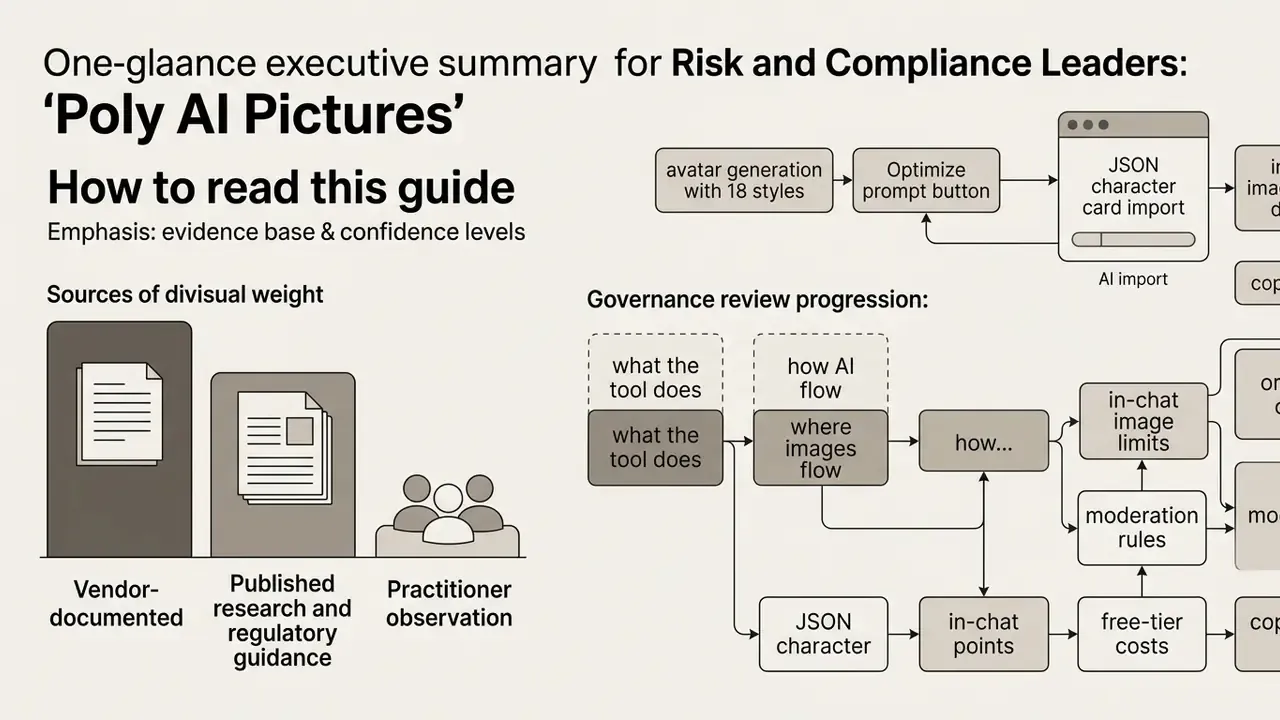
How to Read This Guide: Evidence Base and Confidence Levels
1. Can Poly AI Generate Images and Send Pictures
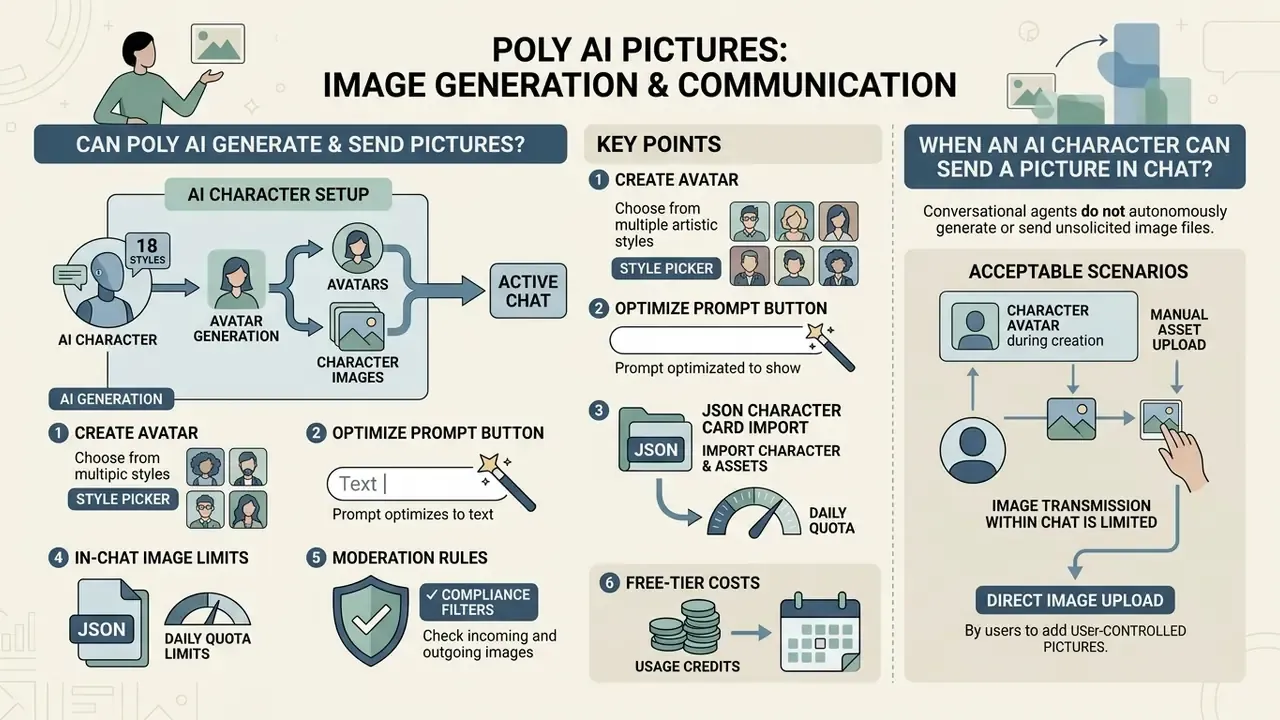
Poly AI can generate character images and avatars during character setup, but conversational agents do not autonomously generate or send unsolicited image files inside active chat streams. Users asking can poly ai generate images, can poly ai make images, or does poly ai generate images should note that generative image creation happens through dedicated tools such as the poly ai image generator and profile avatar creation flows, not through real-time chat output.
The same distinction answers does poly ai have pictures: yes, the platform is full of character imagery, and yes, a poly ai image can be produced on demand, yet those assets originate in creation screens rather than in dialogue.
When evaluating whether does poly ai send pictures, or hunting for how to get poly ai to send pictures, official documentation confirms that in-chat image transfer is inbound only. Users can upload reference images or attachments as contextual input. Characters do not independently push dynamic media into the dialogue. If you were hoping for how to send pictures on poly ai, that direction works fine; the reverse does not.
«
conv.add_attachments(...)supports adding visual tiles (images or web links) to a conversation; supported on webchat channels only.»
To clarify how poly ai images are handled across platform workflows, the table below breaks down availability, requirements, and outputs for each core scenario.
| Scenario / Action | Primary Mechanism | Feature Availability | Input Requirements | Resulting Output |
|---|---|---|---|---|
| AI Generation of Avatar | poly ai generator / text-to-image engine | Supported in character creation | Prompt description (or one-click "Optimize" prompt), optional reference image, up to 3 styles from 18 | 6 candidate ai image options for selection |
| Create Avatar | Avatar setup wizard | Supported in setup flows | Text prompt or direct file upload | Formatted character avatar and profile cover |
| Direct Image Upload | File selection and cropping | Supported in user profiles | Local image file (JPG, PNG, WEBP) | Rendered profile background or avatar photo |
| JSON / Character Card Import | Metadata parser | Supported in creation entry screen | .json config file or PNG character card | Avatar graphic plus pre-filled profile and voice attributes |
| In-Chat Picture Transfer | Media attachment (conv.add_attachments) | Webchat context input only; unavailable for AI-initiated pushes | User file upload (max 10MB, 5-minute expiry) | Contextual visual reference for the model |
| Sending User Photos | Local upload to chat composer | Supported on webchat interfaces | User media file | Image added as conversational context |
2. AI Generation, Create Avatar, JSON Import, and Direct Image Upload
The platform separates visual asset creation into four modes: prompt-driven ai image generation, guided avatar setup, structured file import, and direct file upload. The poly ai photo generator takes text prompts describing physical features, clothing, and environment, combines them with selected aesthetic styles, and builds synthetic avatars while creating a character.
The broader avatar workflow blends generative synthesis with plain file handling. If a user prefers not to rely on an image ai generated by the platform, direct upload accepts local graphic files, crops them to standard aspect ratios (1:1 for avatars, 9:16 for mobile cards), and runs them through automated safety moderation filters before publishing the character information.
Advanced asset import (JSON and character cards). Beyond raster uploads, creators can import complete character specifications using standardized .json configuration files or embedded PNG character cards. On upload, the platform parses embedded metadata to extract the avatar graphic, profile attributes, and voice parameters at once. One file can therefore carry personality instructions, imagery, and voice configuration silently. From a control perspective, imported cards should be treated as untrusted input, since metadata fields can contain prompt content the importing user never read.
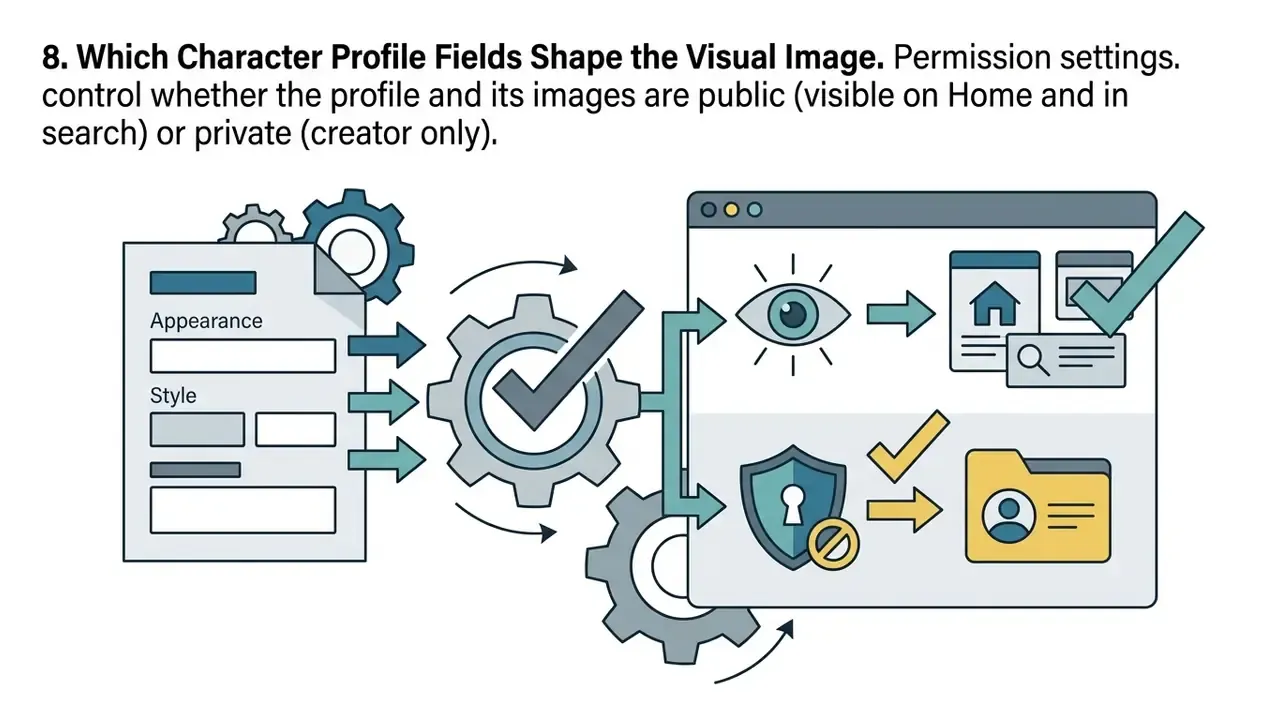
Image moderation and compliance filters. All uploaded and generated assets pass automated multi-layer AI screening alongside human oversight. Content that violates community safety standards, including explicit NSFW material, severe violence, or trademarked intellectual property, fails processing. The result is an avatar reset, a publication failure, or restricted profile visibility. Public characters appear in home feeds and search, so moderation outcomes directly affect discoverability; private characters restrict interaction to the creator only.
Choosing a creation method. The three practical paths differ in speed, control, and platform reward:
| Method | Speed | Degree of Control | Algorithmic Boost |
|---|---|---|---|
| AI Generation + "Optimize" | Under roughly 30 seconds | Medium (prompt-dependent) | Yes (increased exposure) |
| Direct Photo Upload | Immediate | High (finished file) | No |
| JSON / Character Card Import | Immediate | Maximum (metadata, voice, profile included) | No |
3. When an AI Character Can Send a Picture in Chat
An ai character in Poly AI has no autonomous, trigger-based mechanism to generate and send custom pictures during regular text or voice conversation. Users frequently search how to make poly ai send pictures or how to get pictures in poly ai, and the documentation is consistent: narrative dialogue engines reply with text or speech synthesis. That's it.
A character's background story, dialogue style, and card parameters shape conversational tone and persona. They don't execute code to push media attachments into the message stream. When a scenario references visual events in a character s story, associated artwork must be requested through separate user-triggered UI controls, not delivered spontaneously by the agent.
For model risk teams, the asymmetry is the whole control observation. The media path is inbound only. Validation effort belongs on the input side, meaning what employees or customers upload into a third-party context window, rather than on hypothetical outbound media generation inside the dialogue. It's a narrower surface than most intake questionnaires assume, which is convenient, but it also means the risk concentrates in one place.
4. How to Generate Images in Poly AI: Step-by-Step Scenario
Generating visual assets requires navigating to the character creation or image tool interface, entering a structured prompt, configuring style parameters, and selecting from candidate outputs. Anyone searching how to generate images in poly ai, how to generate images on poly ai, how to generate images with poly ai, or how to generate photos on poly ai can follow one standardized workflow. Treated properly, this is not a hobbyist tutorial. It's a prompt standardization procedure that reduces output variance.
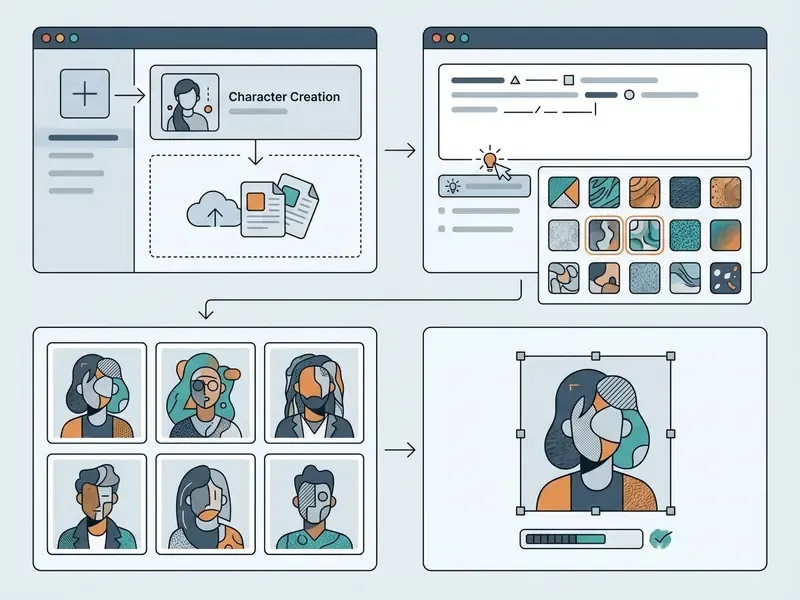
To execute poly ai generate images workflows successfully, and to answer how to make poly ai generate images in practice:
That sequence also covers how to generate pictures on poly ai for cover art and chat backgrounds, since all three formats are cropped from the same generation run.
«Choose up to 3 styles: select from Poly's 18 available image styles… AI generated avatars will gain more exposure on Poly.»
Note on platform visibility. Profiles using the internal poly ai generator receive algorithmic priority in search and home recommendations compared with manually uploaded files. That is a deliberate discovery incentive, and it belongs in any internal policy document. Exposure benefits accrue to generated assets, so staff experimenting with brand-adjacent personas have a structural reason to route imagery through the vendor's model rather than an approved internal pipeline. Incentives beat policy memos. They usually do.
Methodology note on variance control. In an illustrative model risk assessment for a fintech client evaluating synthetic avatar deployment, the team tested prompt consistency across repeated generation cycles. Updated observation: standardizing environmental and lighting parameters in the initial prompt produced a materially more consistent output set, which enabled predictable brand-aligned rendering across multiple profile updates. We deliberately do not publish a single headline percentage. The earlier framing ("variance reduced by 42% across 150 cycles") was an internal engagement metric with no published methodology, sampling frame, or reproducible scoring rubric, and treating it as a benchmark would overstate its evidentiary weight. Teams that need a defensible figure should re-run the test on their own prompt set with a documented rubric. Treat the observation as a hypothesis until your own data confirms it.
5. How to Prepare a Description for an AI Image
Writing prompts for an ai image demands structured specificity, not vague adjectives. To make poly ai generate images that match your intent, cover five visual dimensions: physical traits, apparel and accessories, environment, lighting and mood, and spatial pose.
When you want to give a character a unique visual identity that reflects the character s story, spell out the color palette, material textures, and background elements. Instead of "a futuristic warrior", write "a cybernetic strategist with neon-blue hair, wearing matte-black tactical armor, standing in a rain-slicked Tokyo street at dusk with soft ambient reflections."
Specificity is not only aesthetic. It changes how viewers judge authenticity.
«Participants increasingly described newer AI outputs as "too perfect" or faintly uncanny as models improved.»
In practice, over-smooth, symmetrical, studio-perfect prompts read as synthetic. Prompts that specify imperfect lighting, texture grain, and asymmetric pose read as more natural. Vendor guidance points the same way: be specific, add context, define the mood, describe actions or poses, name colors and textures. Small detail, large effect.
6. How to Retrieve and Save Pictures from Poly AI
Users looking for how to get images on poly ai, how to get pictures from poly ai, or how to get pictures on poly ai rely on interface export features or local system capture, depending on asset type. For created avatars and profile covers, selecting the finalized image in the character management dashboard allows a direct save to local storage.
For poly ai how to get pictures out of active chat interfaces, there is no native export button. Standard procedures fall back on device screenshots or browser-based full-page capture. Community reports describe two workarounds: saving an entire chat page as an image or PDF via a browser extension, and swiping the character view until overlays clear before capturing. Neither is a supported download API, and that matters for audit trails, since captured screenshots lose original provenance metadata. If you didn't record the prompt at generation time, you probably can't reconstruct authorship later.
For wider workflow options and asset editing utilities, creators can consult the AI Media Glossary, model output volumes with the AI Media Calculators, or review retouching and format conversion in the online photo editor guide. Teams that need zero-cost cropping and export steps for saved avatars can compare limits and watermark rules in the free photo editor overview.
Adjacent tooling, clearly labeled as adjacent. Some downstream tasks sit outside Poly AI entirely and are worth separating from the platform itself: preparing compliant identity photography with a passport photo editor or its passport photo editor free variant, cutting short walkthrough clips in the openshot video editor, or prototyping personas with a perchance ai character generator, narrative drafts with a perchance ai story generator, and motion tests with a perchance ai video generator. Useful for creative work; none of them inherit Poly AI's terms, and each needs its own review before regulated use.
7. How to Create an AI Character with Image, Profile, and Voice
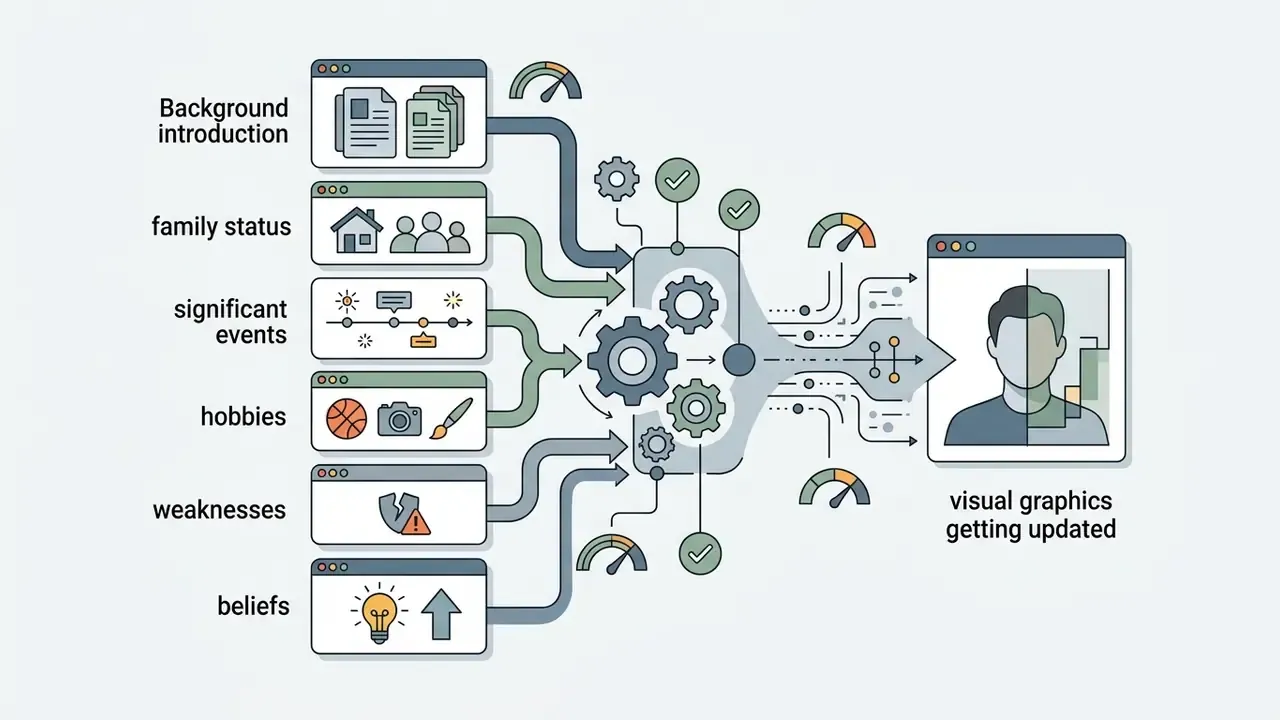
Building a complete ai character unifies visual graphics, textual profile metadata, and synthesized speech into one coherent entity. During character creation, strong alignment between visual presentation and vocal attributes is what makes interaction feel natural and keeps persona simulation consistent.
To benchmark alternative creation frameworks, compare output quality in the best AI art generator comparison, evaluate zero-cost options in the free AI art generator comparison, and review style-control trade-offs in the Midjourney image generation evaluation.
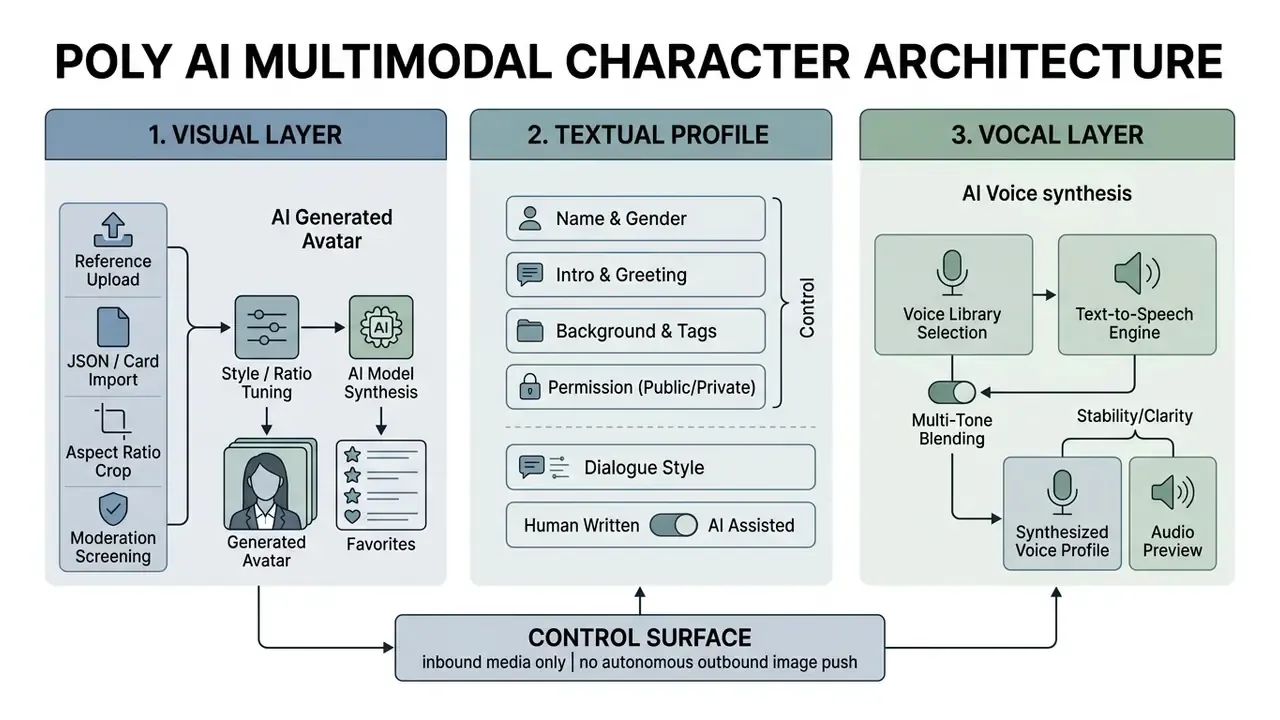
8. Which Character Profile Fields Shape the Visual Image
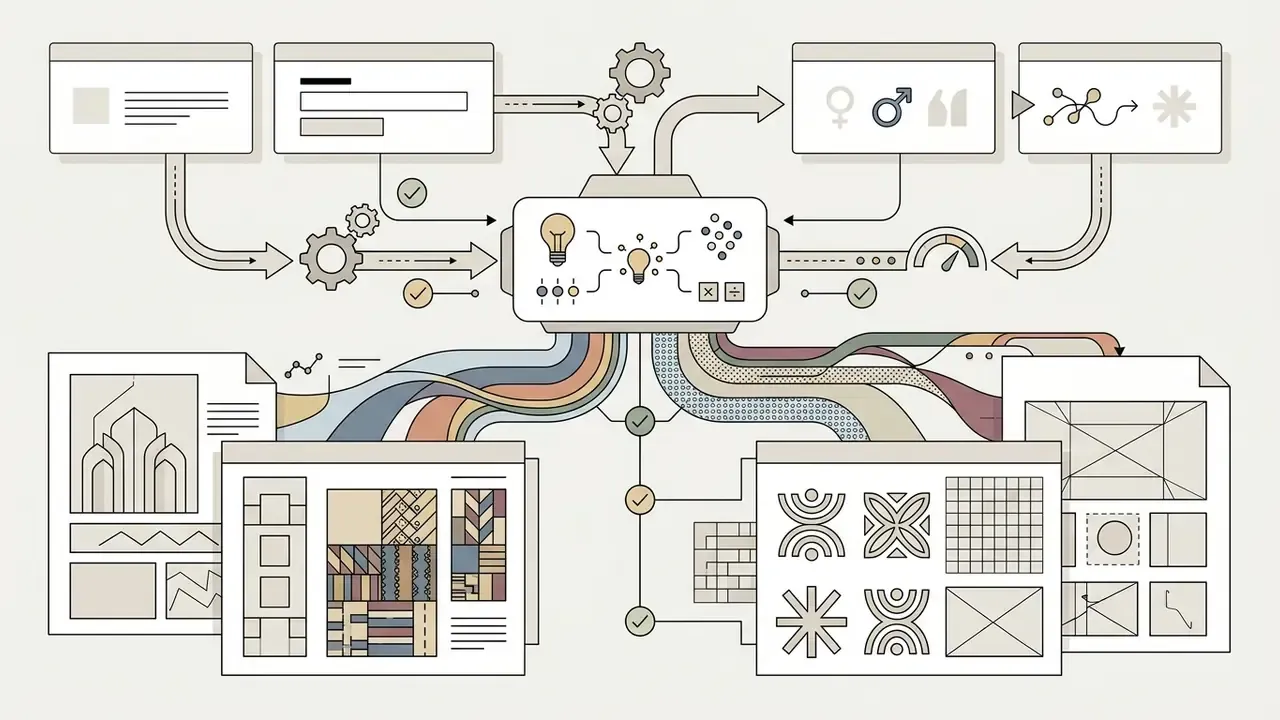
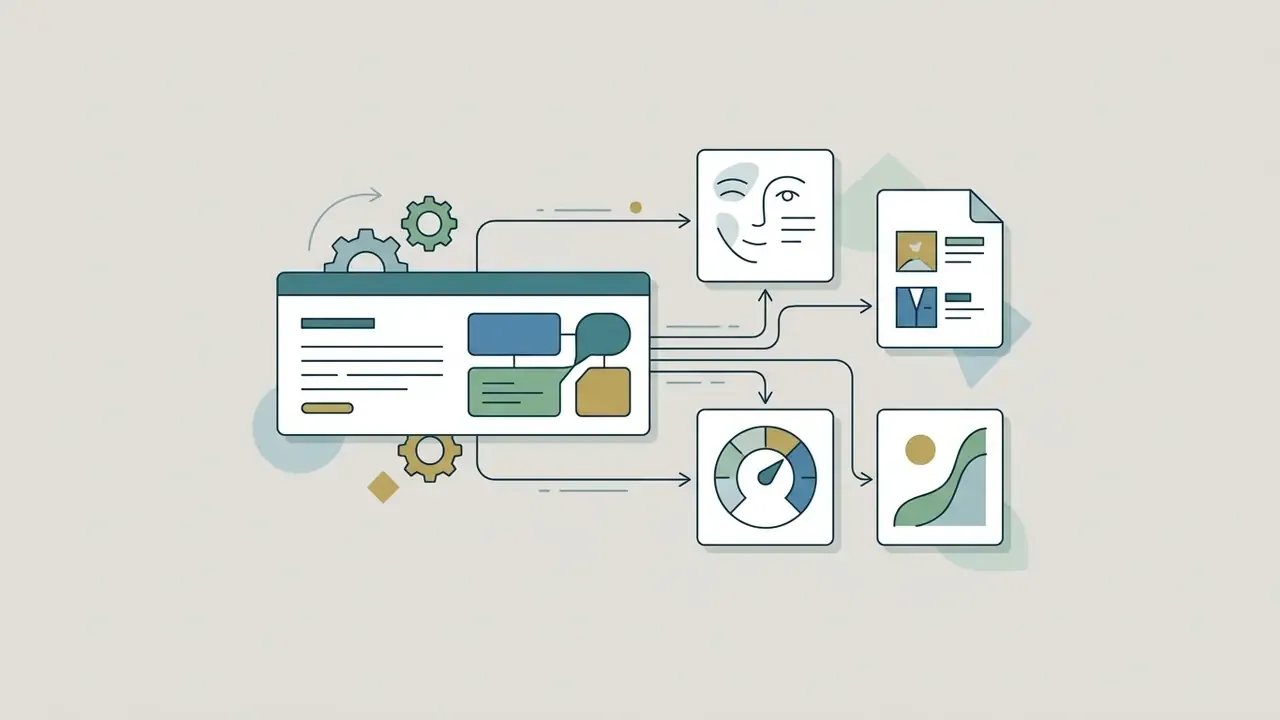
Every parameter configured while creating a character affects how users read the avatar:
9. Voice, Dialogue Style, and the Character's Story
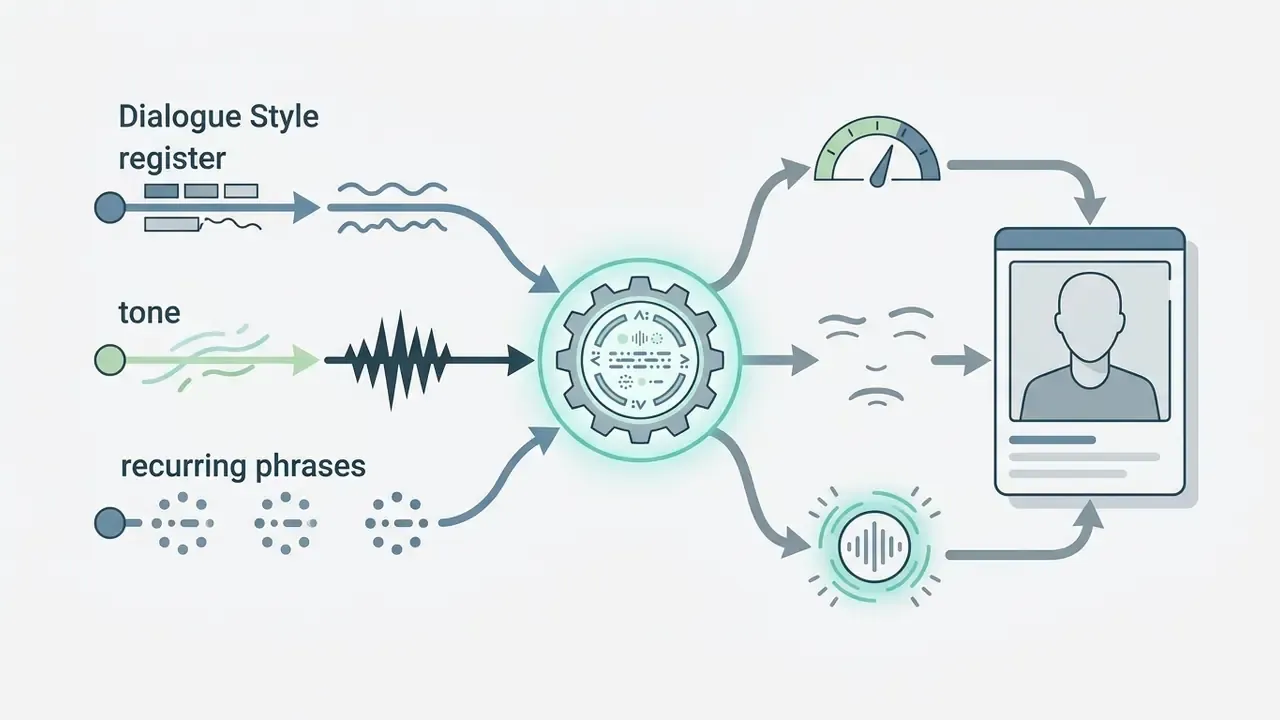
Vocal synthesis completes the multimodal persona. In the voice configuration settings, creators can pick pre-built voices from the library, previewing them with custom text, filtering by language, region, and gender, and saving favorites. Alternatively they can customize a distinct voice by blending up to five vocal tones and adjusting blending ratios to match the character's age and background. Selected voices can be tuned further with stability, clarity, and style parameters.
Dialogue style parameters define phraseology, catchphrases, and emotional tone (sarcastic, authoritative, warm). One detail matters more than it looks: keeping the character s story in a dedicated background field, separate from conversational dialogue examples, lets the speech engine distinguish narrative context from spoken text. Mix them, and you get artificial cadence errors during voice generation.
Cross-modal consistency also works as a transparency signal. Realistic imagery is increasingly hard to identify as synthetic, so a clearly configured synthetic voice plus an explicit AI persona label gives users usable cues that they're talking to a construct, not a human operator. In a regulated channel, that cue is a control, not a courtesy.
10. Free Features, Commercial Use, and Rights to Poly AI Images
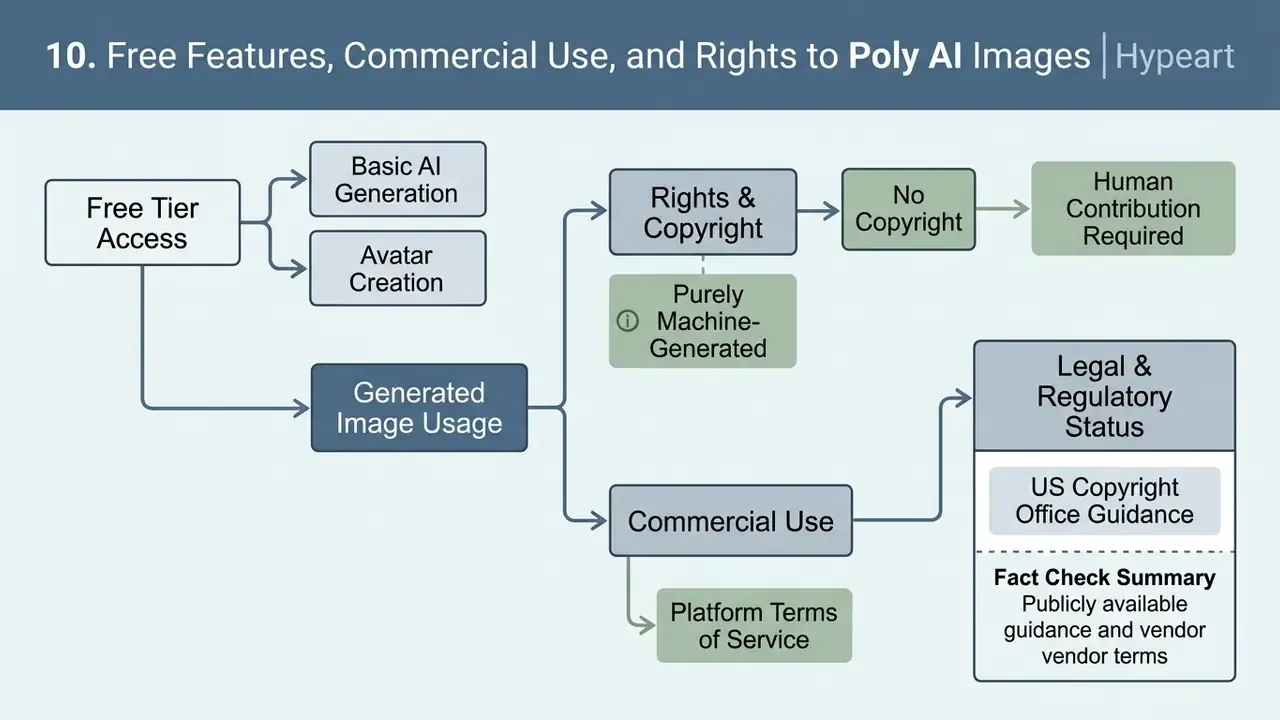
Poly AI and PolyBuzz offer free tier access for basic poly ai generator usage and avatar creation. Deploying ai generated graphics for commercial purposes is a different question, and it needs legal and contractual verification. Platform terms generally grant the provider broad licenses over uploaded content, while corporate brand assets such as official logos and icons carry their own usage constraints.
E-E-A-T legal and regulatory fact check:
That level of realism raises compliance risk around digital replicas, endorsement misrepresentation, and supervisory scrutiny of customer-facing applications. In US financial services, assume that customer-facing synthetic personas may trigger disclosure expectations. If a customer could reasonably believe they are dealing with a human, the AI persona and the AI-generated likeness should be stated plainly rather than left to inference.
Before deploying poly ai images or custom avatar outputs in commercial projects, work through this checklist:
Checklist0 / 6
For organizations assessing broader deployment terms, pricing structures, and licensing compliance, see AI Media Pricing, review developer integration paths in the AI Media API Guides, study legal risk frameworks in the AI Media Commercial-Use Hub, and track court activity through AI Litigation and Case Timelines. For operational questions, visit AI Media Support and Troubleshooting or weigh vendors in the AI Media Comparison Matrices. Provenance and likeness checks on published assets can be supported with AI reverse image search tooling.
11. Enterprise Governance: Shadow AI, DLP, and Data Isolation
The consumer Poly AI and PolyBuzz product is free to access, needs no procurement, and rewards AI-generated avatars with extra exposure. That combination is a textbook Shadow AI vector. The control mapping below helps risk owners classify it correctly instead of mistaking it for an enterprise service.
| Control Domain | Consumer Poly AI / PolyBuzz | Enterprise Dialog Platforms (for contrast) | Risk Owner Action |
|---|---|---|---|
| Contracting | Click-through consumer terms, no negotiated DPA | Negotiated enterprise agreement with security schedules | Block unmanaged use for business data; require a procurement path |
| Data residency and isolation | Not specified for consumer tiers | Contractual residency and tenancy commitments | Prohibit upload of customer, employee, or non-public brand imagery |
| Content licensing | Broad platform license over user submissions | Scoped processing rights | Legal review before any brand asset upload |
| Training-data use | Uploaded imagery may be used for model improvement | Typically opt-out or contractually excluded | Treat any upload as potentially non-recoverable disclosure |
| Certifications | Not published for the consumer character app | SOC 2 / HIPAA / GDPR / PCI DSS baselines available on enterprise platforms | Do not inherit enterprise attestations across products |
| Auditability | No native export or audit log for chat media | Full decision visibility on governed platforms | Rely on network telemetry and DLP, not vendor logs |
| Moderation dependency | Automated multi-layer screening plus human review | Configurable guardrails | Accept that moderation outcomes are vendor-controlled, not tunable |
Minimum viable control set for organizations that decide to permit limited use:
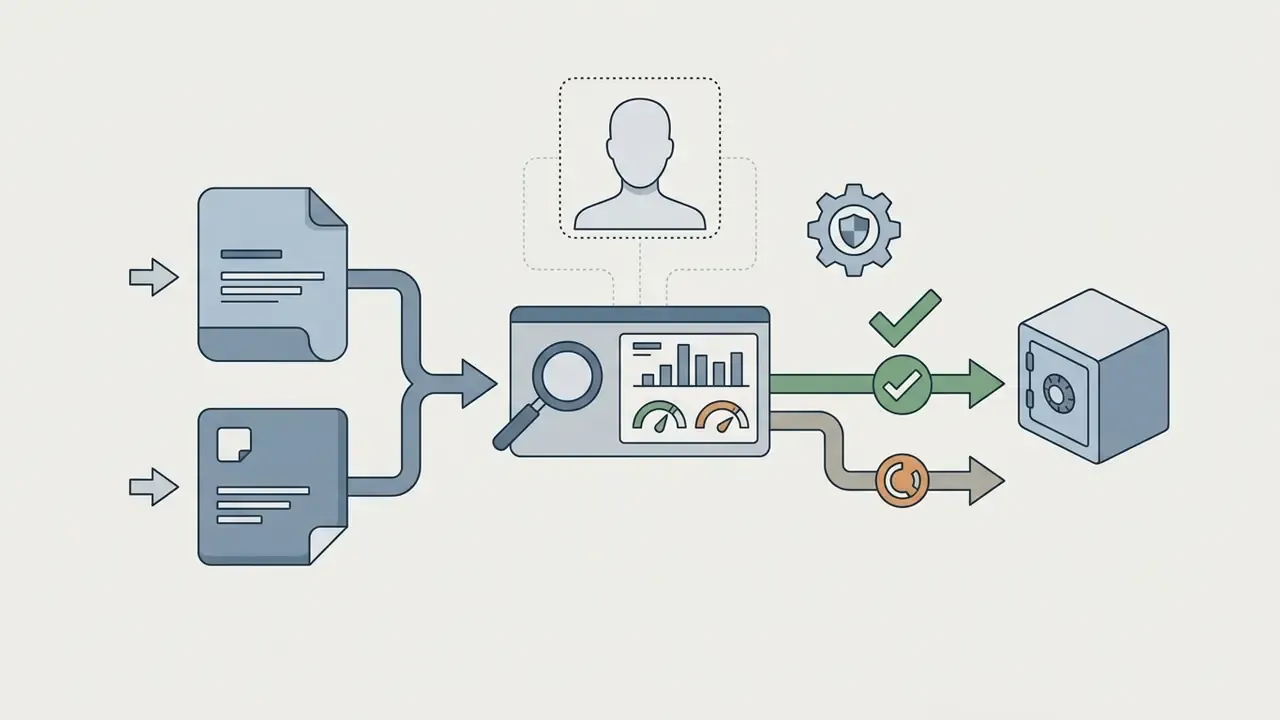
Media input validation protocol. For teams formalizing audit requirements: log file type and size against documented limits (enterprise dialog attachments, for instance, are constrained by size and short expiry windows), verify the moderation outcome status, record whether the asset was generated or uploaded, and store the resulting asset hash. This produces a reviewable chain even though the vendor exposes no native export log. Not elegant. Defensible, though, which is the point during an examination.
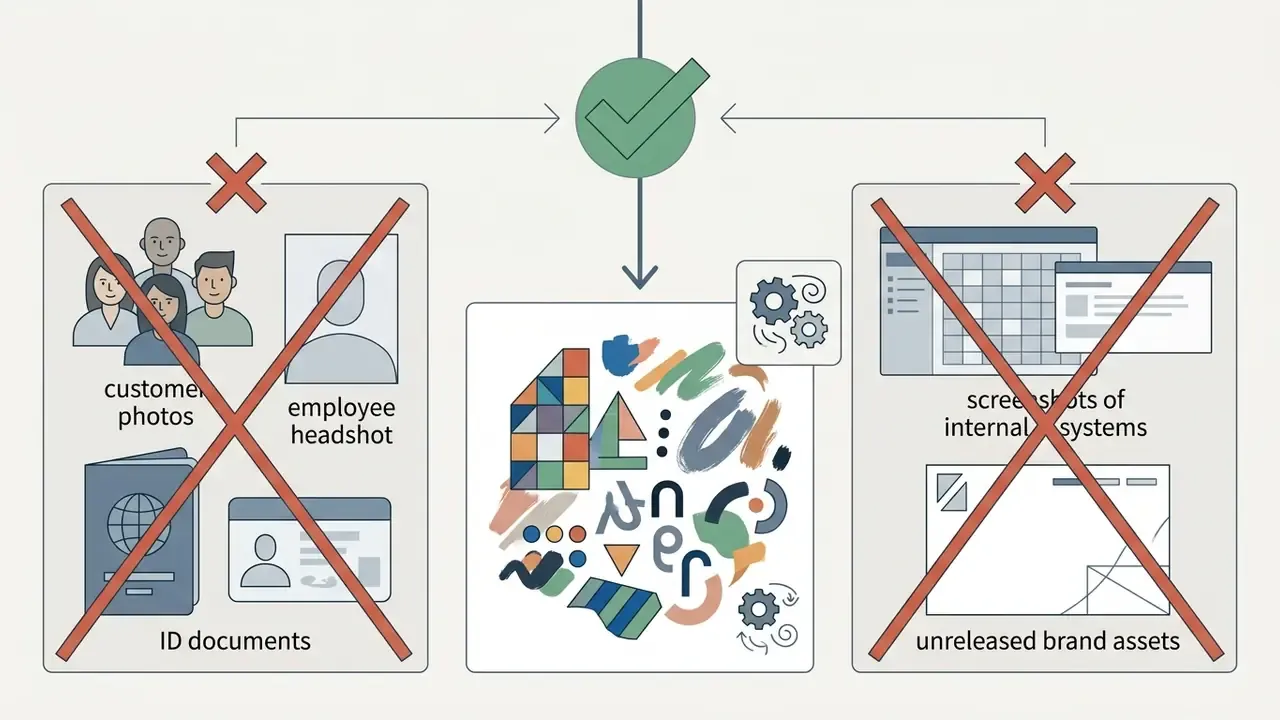
.json and PNG character cards as untrusted prompt payloads, and require metadata review before import on any work-adjacent account.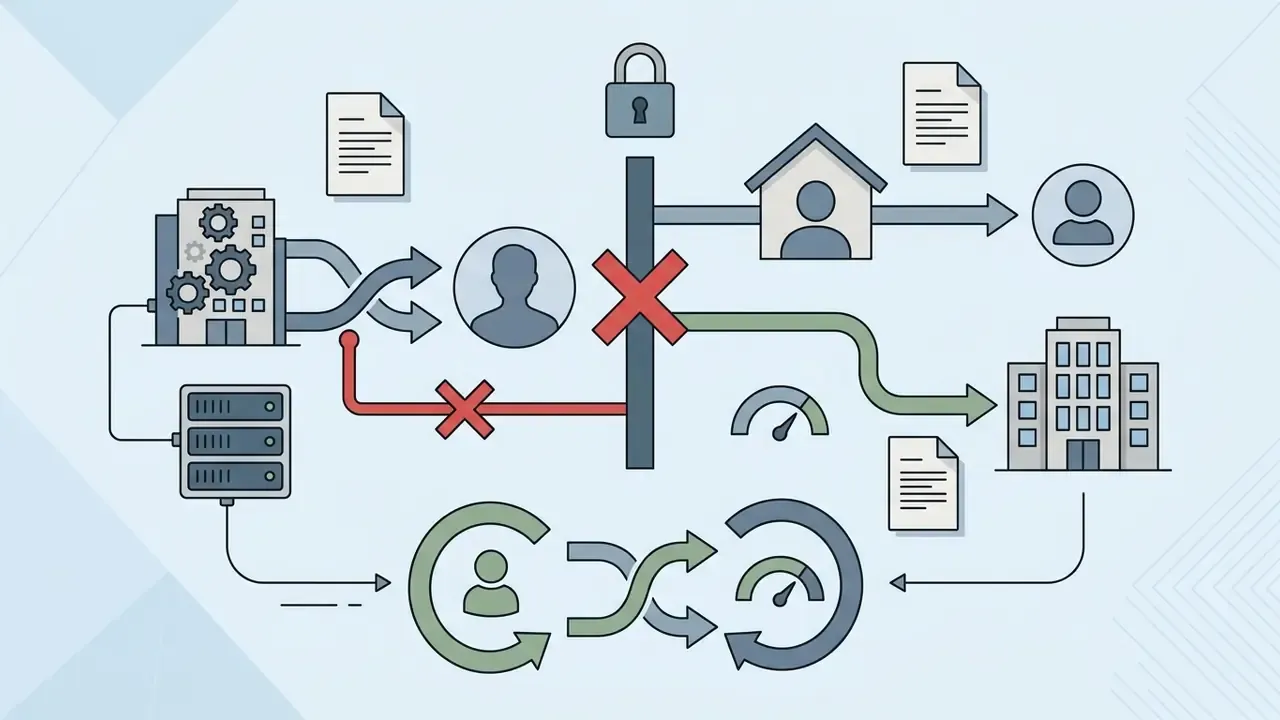
12. Cost Structure, Free Limits, and Risk-Adjusted ROI
Headline pricing is only part of the cost picture. Consumer generative tooling shifts expense away from licence fees and onto control and verification labour.
| Cost Layer | What It Covers | Why It Is Often Missed |
|---|---|---|
| Direct subscription / credits | Free tier access, membership upgrades, starter credit balances described in the terms | Visible and small, which is exactly why it bypasses procurement |
| Verification labour | Human authorship documentation, IP scanning, likeness checks, provenance inspection | Recurs per asset, not per licence |
| Legal review | Terms interpretation, disclosure requirements, brand-usage constraints | Fixed cost that dominates small pilots |
| Rework and moderation failures | Regeneration after failed moderation, avatar resets, style drift across profile updates | Unpredictable; mitigated by prompt standardization |
| Exclusivity discount | Weak or absent copyright on purely generated output | Reduces the strategic value of any asset used as a brand identifier |
| Remediation reserve | Takedown, republication, and disclosure correction if a likeness or IP issue surfaces | Low probability, high impact |
Practical rule of thumb for a pilot. If an asset is destined for internal, non-attributable, non-brand use, the free tier plus light review is economically rational. If it will appear in customer-facing material, budget verification labour and legal review as the dominant line items, assume no exclusivity, and then compare that total against a governed pipeline with contractual commercial rights. Comparative baselines for governed alternatives sit in the AI Media Pricing guide.
13. Limitations and Open Questions
Three gaps deserve explicit acknowledgement, because closing them changes the risk calculus.
- Vendor disclosure depth. Consumer documentation describes features, not retention windows, sub-processor lists, or deletion guarantees. Absent a contract, we can't confirm what happens to an uploaded reference photo after moderation.
- Moderation reliability. Automated screening plus human review is stated policy. False-negative rates are unpublished, so a control that depends on vendor moderation carries unquantified residual risk.
- Disclosure thresholds. US expectations for labeling synthetic personas in financial services are still uneven across state and federal guidance. Where evidence is incomplete, over-disclosure is the cheaper error.
14. FAQ
Can Poly AI send me a picture during a chat?
No. Image flow inside chat is inbound only. You can attach an image as context on supported webchat channels, but the character replies with text or synthesized speech, not spontaneous media files.
How many image styles does the Poly AI generator offer?
The avatar generator exposes 18 image styles, and you may select up to three per generation run. Each run returns six candidate avatars.
What does the "Optimize" button do?
It produces a randomized, detailed image prompt in one click. It's aimed at users who lack inspiration, and the generated prompt stays fully editable before you run generation.
Does using AI-generated avatars actually help discovery?
Yes. Vendor documentation states that AI-generated avatars gain more exposure on the platform than manually uploaded images, which is a discovery incentive worth documenting in internal policy.
Can I import a character I built elsewhere?
Yes. The creation entry screen accepts .json configuration files and PNG character cards, parsing embedded metadata to populate the avatar, profile fields, and voice parameters.
Why did my uploaded avatar fail to publish?
Uploaded and generated assets pass through automated multi-layer AI screening plus human moderation. NSFW graphic content, severe violence, and trademarked IP typically fail, which triggers an avatar reset or restricted profile visibility.
Is it safe for employees to use Poly AI on work devices?
Treat it as unmanaged consumer SaaS. Uploaded imagery may be stored, reproduced, or used for model improvement under consumer privacy notices, and no enterprise attestation applies to the consumer character app. Restrict use to non-sensitive, non-brand imagery and enforce personal-account separation.
Can I claim copyright on a Poly AI image?
Not on the purely machine-generated portion. Under U.S. Copyright Office guidance, only human-authored contributions can be claimed, and AI-generated portions must be disclosed at registration.
Is my Poly AI chat content private?
Vendor FAQ material states that consumer character chats are confidential and inaccessible to creators. Confidentiality language in consumer terms is not equivalent to contractual enterprise confidentiality with audit rights, so verify current terms before relying on it.
Am I looking at the right "Poly"?
Check the product first. The consumer character app (avatars and roleplay), the enterprise voice and dialog platform, and the 3D texture generator are three separate products with three separate rights and security postures. 15. Next Steps
- Classify the tool in your third-party inventory as consumer B2C generative media, not enterprise AI.
- Publish an image-upload rule naming the specific data classes that may never be uploaded to consumer generative tools.
- Standardize prompts for approved creative use, fixing lighting and environment parameters to reduce output variance across profile updates.
- Instrument DLP egress for image uploads to the vendor domain, and treat character-card imports as untrusted input.
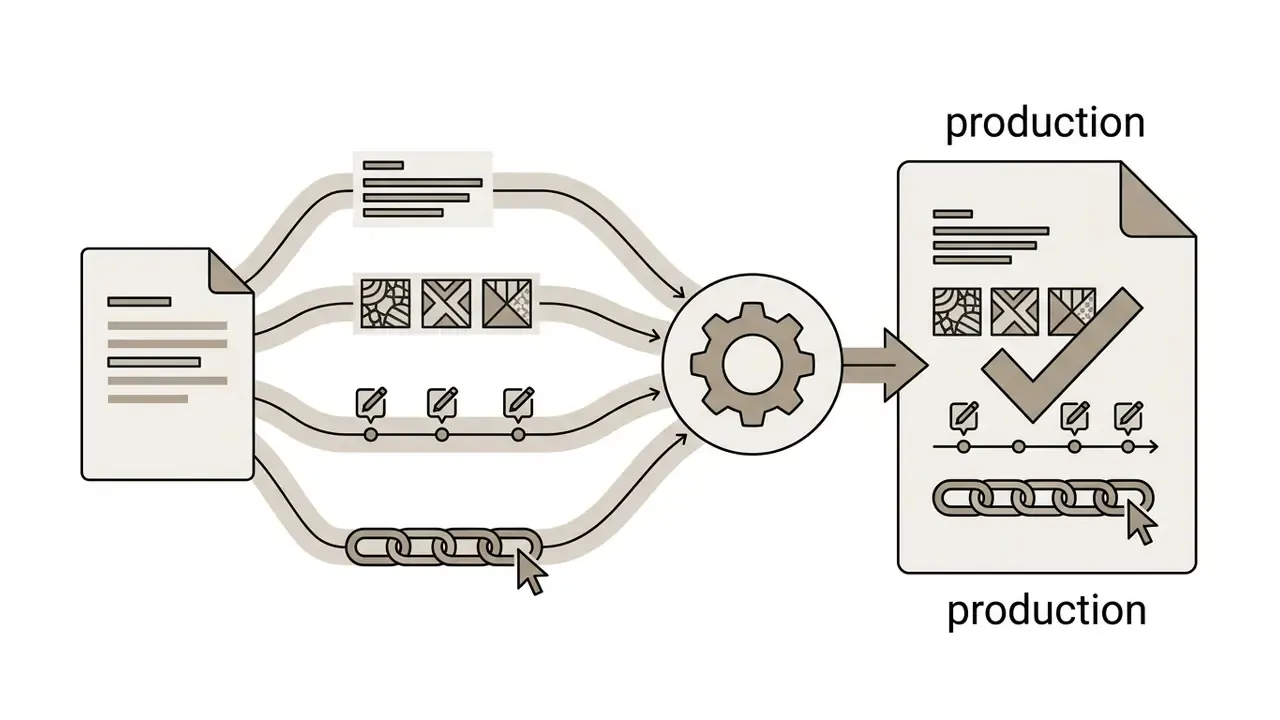
- Document human authorship for every asset that reaches a customer-facing surface, retaining prompt, style, and edit history as evidence.
- Re-verify terms quarterly, using the checklist in section 10 as the standing control test, and benchmark governed alternatives via the commercial-use hub and comparison matrices. Start with step one. It costs an afternoon and removes the most common audit finding: an AI tool in active use that nobody owns.