If you approve technology spend inside a bank, an insurer or a mature fintech, generative video looks like a marketing line item. It rarely is. The moment a prompt contains client data, an unreleased product name or a regulated disclosure, pricing becomes a control question. That is why the exact cost structure of Google Veo 3 and Veo 3.1 matters to CROs, model risk leads, procurement owners and media decision-makers alike in 2026.
Across consumer subscriptions, credit-based creative workspaces and enterprise API endpoints, Google Veo AI video generator pricing runs from $0.05 per generated second on Veo 3.1 Lite (720p) up to $0.60 per second for Veo 3.1 Standard 4K. Consumer plans sit between $19.99/month (Google AI Pro) and $249.99/month (Google AI Ultra), with free one-year Google AI Pro access for verified university students.
Executive Summary for Decision-Makers
| Question | Short answer (2026 data) |
|---|---|
| Cheapest legitimate route to a finished 8-second clip? | Veo 3.1 Lite at 720p via Gemini API: $0.40 per clip ($0.05/sec). |
| Cheapest flagship-quality 8-second clip? | Veo 3.1 Standard 1080p: $3.20 per clip ($0.40/sec); 4K costs $4.80. |
| Best fixed-cost plan for one creator? | Google AI Pro: $19.99/month, 1,000 Flow credits, roughly 100 Lite / 50 Fast / 10 Quality clips. |
| Best plan for studios above ~300 clips/month? | Google AI Ultra: $249.99/month, 25,000 Flow credits, 50% credit discount on Lite and Fast, no Veo watermark. |
| Does the consumer plan brand my video? | Yes on Pro (visible Veo watermark). No watermark on Ultra or on direct API output. |
| Is there a free path? | 50 free Flow credits per day (non-accumulating), plus $300 in Google Cloud trial credits for 90 days, roughly 6,000 seconds of Veo 3.1 Lite 720p. |
| Which route is enterprise-safe? | Vertex AI on Google Cloud: RBAC, data residency, audit logging, SLAs, IP indemnification, no consumer credit pool. |
| Where do unmanaged costs and risks appear? | Employee-owned consumer subscriptions, the classic Shadow AI pattern: no central logging, no DPA coverage, no spend visibility. |
| Can I cut API cost further? | Yes. Shorten clips to 4 or 6 seconds, and on selected third-party endpoints (fal.ai, Replicate) disable audio to save roughly 33 to 40% per second. |
Governance Questions to Settle Before the Pricing Conversation
Price comparison is the easy part. The harder part, at least in my experience reviewing AI adoption files, is that nobody can name the owner of the video pipeline. Seven questions worth answering before a plan is approved:
- Who owns this capability by name, and who can switch it off in an afternoon?
- Is the generator listed in the AI inventory, or does it live outside it as an unlogged tool?
- Which data classes are permitted in prompts, and who enforces that boundary?
- What is the escalation path when an output misrepresents a product, rate or disclosure?
- What evidence will internal audit see: prompt text, model version, requester, approval record?
- Does the ROI model include review labour, logging and storage, or only the per-second rate?
- Are third-party API aggregators mapped as sub-processors, with retention windows on paper?
If five of the seven are unanswered, the cheapest tier is still the wrong purchase. Sequence matters.
What Determines the Cost of Video Generation in Google Veo
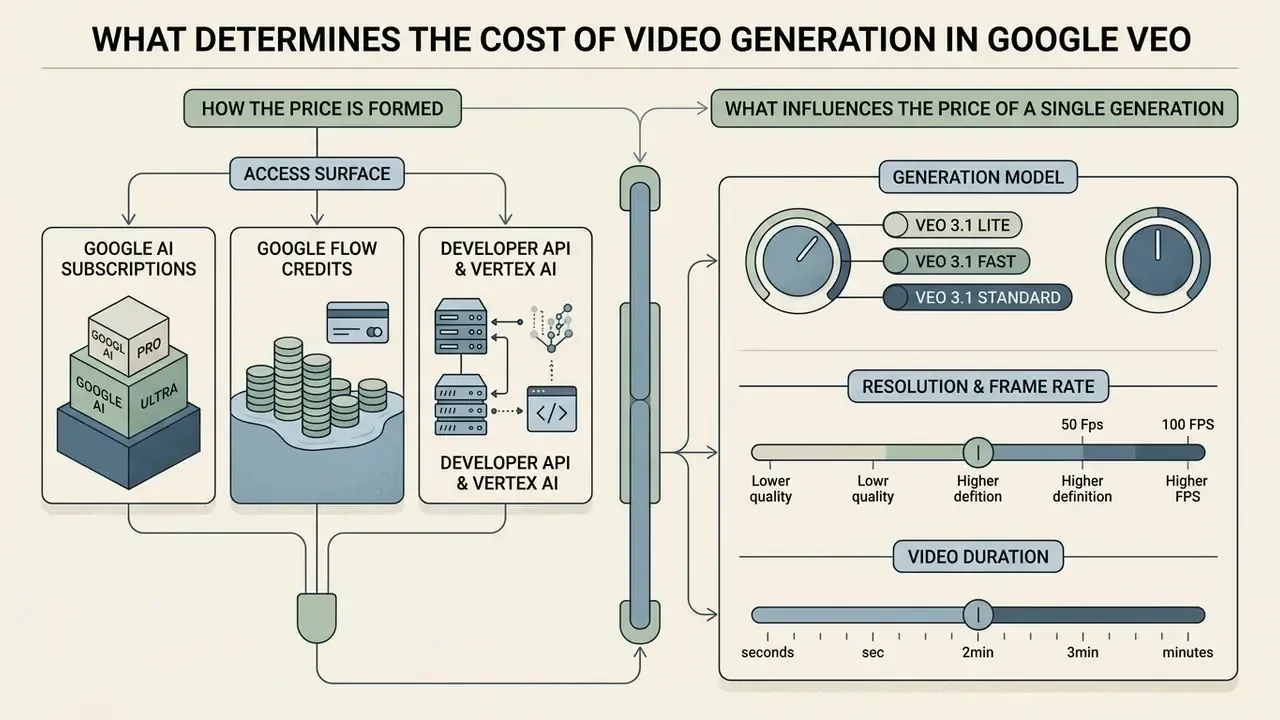
The cost of video generation in Google Veo depends on three primary factors: the access surface (consumer subscription, Flow credit pool or cloud API), the chosen generation model (Veo 3.1 Standard, Fast or Lite), and output specifications such as duration, resolution and native audio.
When evaluating Google Veo AI video generation cost, separate predictable flat-rate subscriptions from usage-based per-second billing. Consumer workflows inside Google Flow consume credit allocations. Enterprise developer pipelines on Google Cloud incur direct per-second charges, billed as generated seconds of output.
Subscription, Flow Credits or API: How the Price Is Formed
Google Veo pricing runs on three distinct financial tracks:
- Google AI subscriptions.Fixed monthly fees ($19.99/month for Pro, $249.99/month for Ultra) that grant a recurring allowance of Flow credits.
- Google Flow credits.A unit-based consumption model inside the Google Flow application, where each prompt consumes a set number of credits by model quality: Veo 3.1 Lite 10 credits, Fast 20, Quality 100 for non-Ultra users.
- Developer API and Vertex AI.Direct pay-per-use billing metered per output second, from $0.05 to $0.60, managed through Google Cloud billing accounts. For category context on how these tools are classified, see our reference entry on AI video generators.
For broader context on generative video unit economics, compare platforms in our analysis of text-to-video AI tooling, our AI Video Pricing overview and the cross-vendor AI Media Comparison Matrices.
What Influences the Price of a Single Generation
Four operational parameters set the price per video:
- Generation model. Flagship Veo 3.1 Quality/Standard costs substantially more per second, and per credit, than the optimised Veo 3.1 Fast or Veo 3.1 Lite variants.
- Resolution and frame rate. Standard 720p and 1080p share one baseline rate ($0.40/sec on API), while 4K carries a 50% premium ($0.60/sec). Veo 3.1 Lite does not support 4K at all.
- Video duration. API costs scale linearly per second. An 8-second clip costs exactly double a 4-second clip at the same tier.
- Native audio integration. Synchronised speech, ambience and sound effects are bundled into default Veo 3.1 per-second rates on Google's own endpoints. On selected third-party endpoints, audio generation can be switched off for a lower rate. See the reseller comparison below.
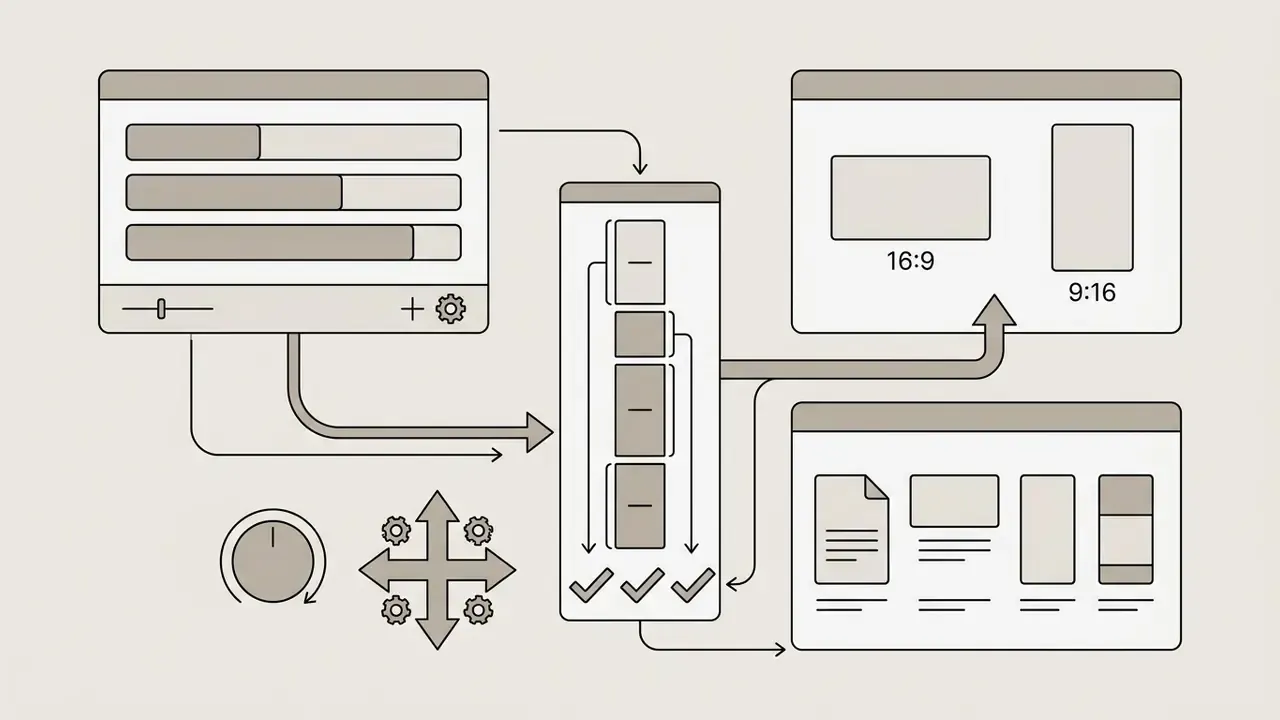
Configuring Duration (4s, 6s, 8s) and Aspect Ratio (16:9, 9:16)
The official Veo 3.1 API allows flexible clip length. Unlike the fixed 8-second credit deduction inside the Flow interface, API billing is calculated strictly against the requested number of seconds:
- Savings example: a 4-second test on Veo 3.1 Fast (1080p) costs $0.48 ($0.12 × 4 sec) instead of $0.96 for eight seconds.
- Constraint: reference-image-to-video workflows are documented at 8 seconds only, so storyboard economics differ between text-to-video and image-conditioned jobs.
Legacy Veo 2 Support (API Only)
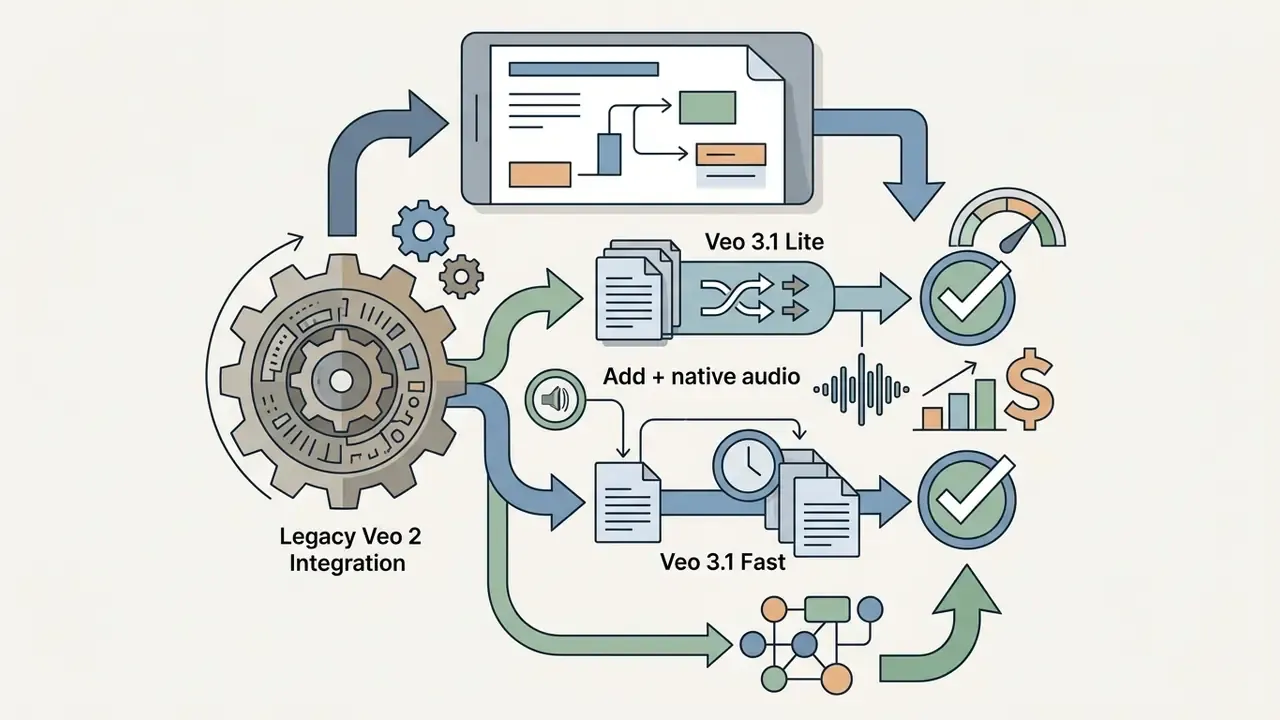
For systems integrated before the 3.1 family shipped, Google retains Veo 2 access exclusively through the API surfaces at a flat $0.35 to $0.50 per second (Gemini API and Vertex AI respectively), without native audio support. Veo 2 is no longer offered inside Flow. Migrating an existing Veo 2 pipeline to Veo 3.1 Lite cuts generation spend by roughly 84 to 90% while adding synchronised audio. For engineering teams, that is probably the fastest cost-optimisation win still sitting untouched in 2026.
Google Veo 3 API Pricing via Vertex AI and Gemini API
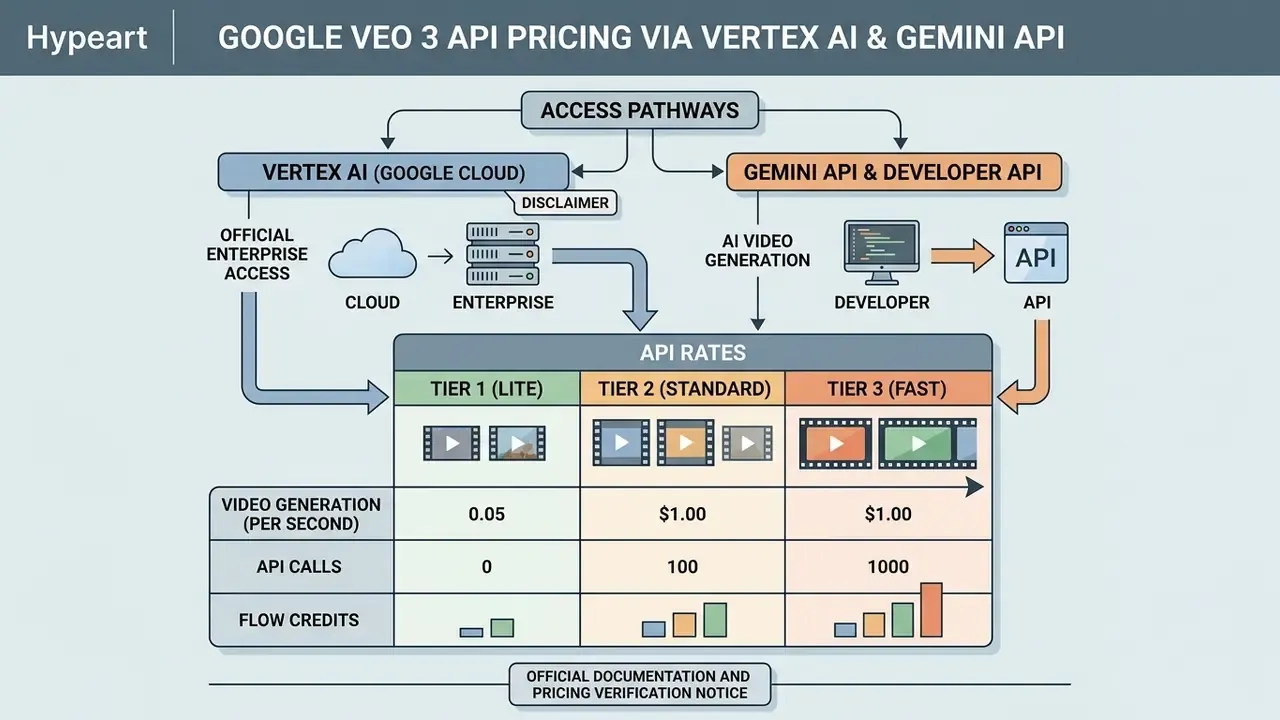
For commercial applications, enterprise automation and software integration, Google offers direct programmatic access to Veo 3 and Veo 3.1 through Vertex AI on Google Cloud and the Gemini Developer API. Google Veo 3 AI video generation pricing on API endpoints is metered strictly per output second, which gives elasticity for high volume work and no fixed monthly commitment.
Teams planning backend video pipelines can inspect implementation details in our technical review of the Google Veo implementation guide, and benchmark zero-cost options against our comparison of free AI video generators.
Table: Google Veo 3.1 API billing matrix (Gemini Developer API and Vertex AI, 2026 data, verified September 2026)
| Model variant | Output resolution | Audio status | Price per second (USD) | 8-second cost | 4-second cost | 1,000 seconds | Primary API use case |
|---|---|---|---|---|---|---|---|
| Veo 2 (legacy) | 720p / 1080p | Video only, no audio | $0.35 to $0.50 | $2.80 to $4.00 | $1.40 to $2.00 | $350 to $500 | Maintenance of pre-3.1 integrations |
| Veo 3.1 Lite | 720p | Video + native audio | $0.05 | $0.40 | $0.20 | $50.00 | Mass content generation, social drafts |
| Veo 3.1 Lite | 1080p | Video + native audio | $0.08 | $0.64 | $0.32 | $80.00 | Economical HD output (4s/6s/8s) |
| Veo 3.1 Lite | 4K | Not supported | n/a | n/a | n/a | n/a | Upgrade to Fast or Standard for UHD |
| Veo 3.1 Fast | 720p | Video + native audio | $0.10 | $0.80 | $0.40 | $100.00 | Rapid prototyping, interactive apps |
| Veo 3.1 Fast | 1080p | Video + native audio | $0.12 | $0.96 | $0.48 | $120.00 | Standard commercial application rendering |
| Veo 3.1 Fast | 4K | Video + native audio | $0.30 | $2.40 | $1.20 | $300.00 | High-speed Ultra HD generation |
| Veo 3.1 Standard | 720p / 1080p | Video + native audio | $0.40 | $3.20 | $1.60 | $400.00 | Flagship production video, visual effects |
| Veo 3.1 Standard | 720p / 1080p | Video only (Vertex AI option) | $0.20 per count | $1.60 equivalent | $0.80 equivalent | $200.00 | Silent plates for post-production scoring |
| Veo 3.1 Standard | 4K | Video + native audio | $0.60 | $4.80 | $2.40 | $600.00 | Broadcast-quality cinematic deliverables |
Formula behind every row: duration in seconds multiplied by the per-second rate for the selected tier and resolution. Nothing else is added at generation time.
Vertex AI: Official Enterprise Access to Veo via Google Cloud
Vertex AI is Google Cloud's enterprise gateway for pushing the Veo video generation model into production applications. Billed through Google Cloud infrastructure, it carries the governance features an examiner will ask about: role-based access control (RBAC), data residency selection, service level agreements, IP indemnification for generated output and Cloud Audit Logging.
Rates on Vertex AI mirror the Gemini Developer API matrix, from $0.05/sec for Lite 720p up to $0.60/sec for Standard 4K. One wrinkle: regional endpoints outside global defaults may carry roughly a 10% premium depending on region selection. For example, a non-global Gemini endpoint priced at $0.75 per 1M input tokens globally is listed at $0.825 regionally.
That downward trajectory continued into 2026. Veo 3.1 Fast moved from $0.15/sec flat to $0.10/sec (720p) and $0.12/sec (1080p), and 4K Fast dropped from $0.35 to $0.30/sec. Budget models built on 2025 assumptions therefore overstate current spend by 60 to 75% and should be re-baselined before the next planning cycle.
Gemini API and Developer API for AI Video Generation
The Gemini Developer API lets developers generate video programmatically from text or image prompts. Billing is calculated on total output volume, metered in generated seconds or equivalent token counts of 5,792 tokens per second at 720p. Full parameter behaviour is documented in our breakdown of the Google Veo implementation surface.
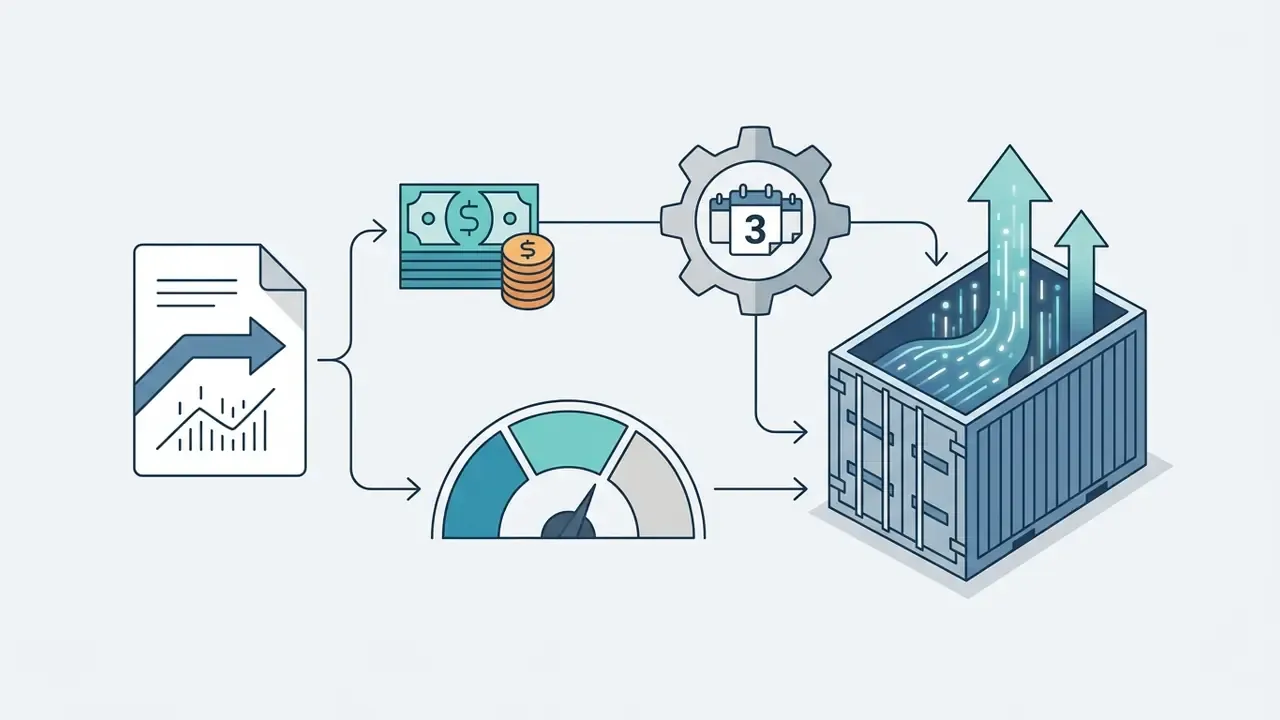
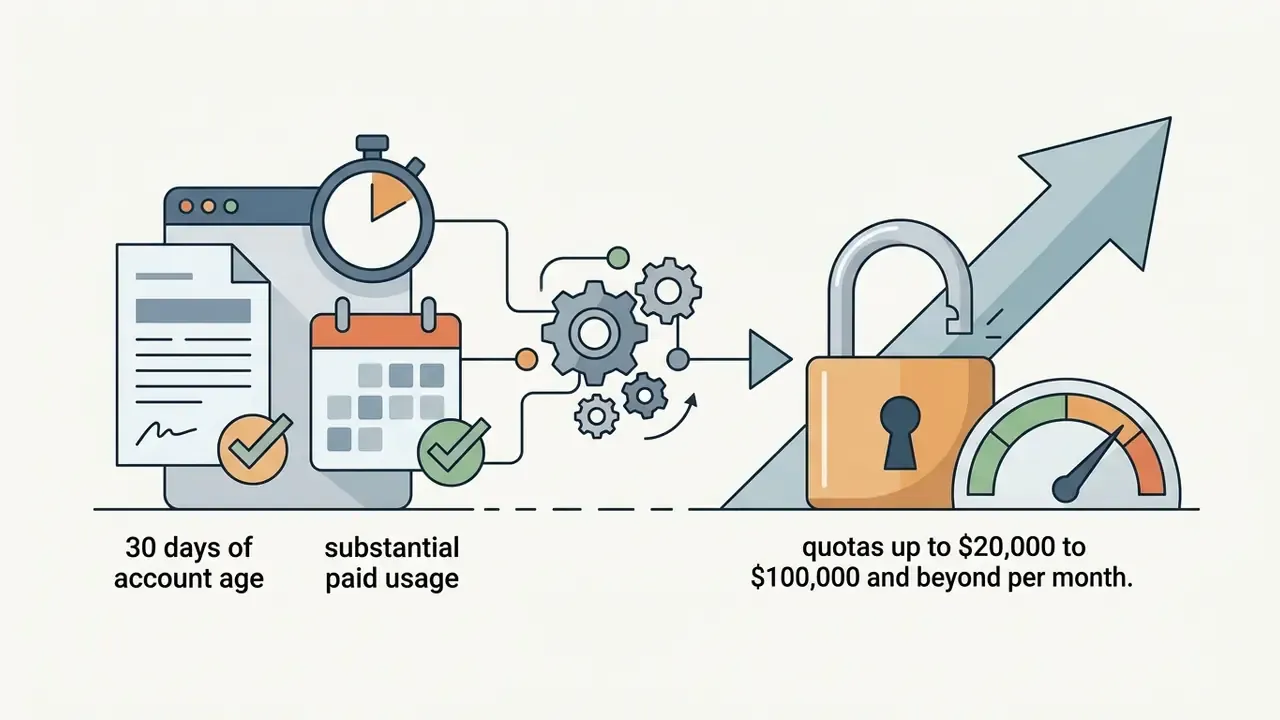
To keep cost under control as API access scales, Google applies developer billing tiers:
These caps double as a budget guardrail. Pin a pilot project at Tier 1 and a runaway automation loop simply cannot exceed $250 in a month. Cheap insurance.

Official documentation and pricing verification notice
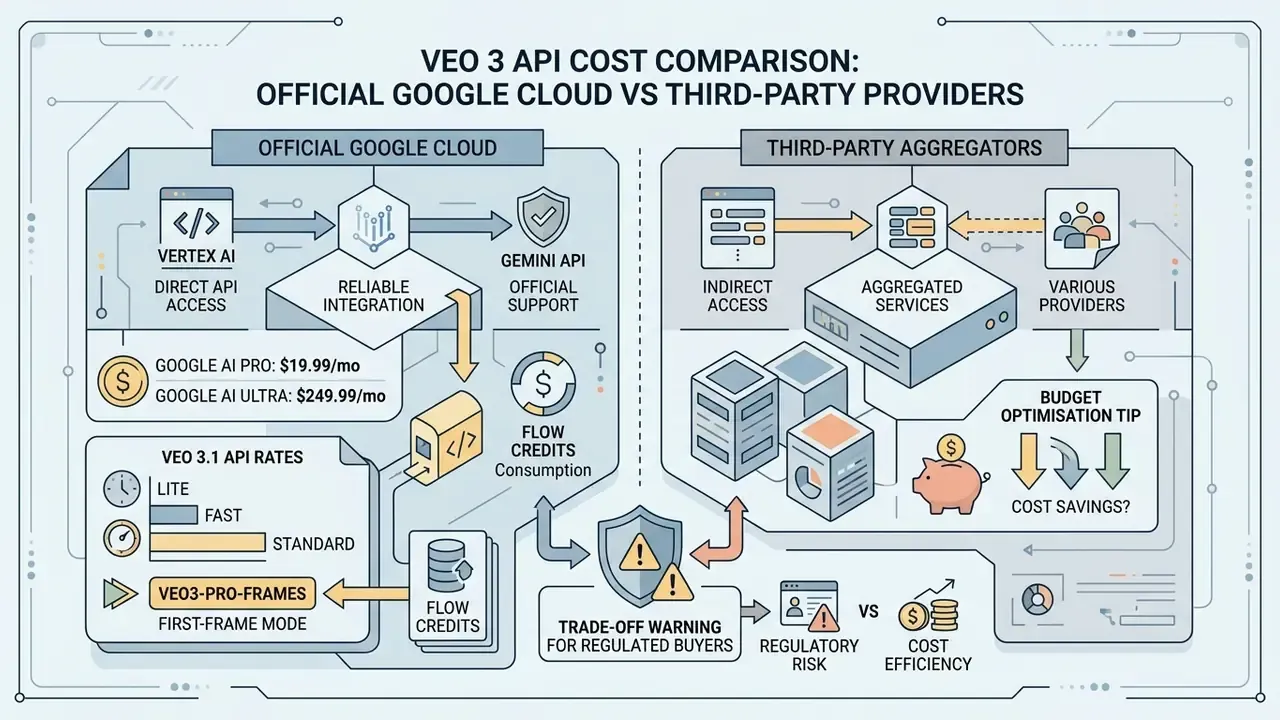
Veo 3 API Cost Comparison: Official Google Cloud vs Third-Party Providers
| Provider / platform | Veo model | Per second (no audio) | Per second (with audio) | 8-second clip total | Features and limitations |
|---|---|---|---|---|---|
| Google Gemini API / Vertex AI | Veo 3.1 Lite (1080p) | n/a, audio bundled | $0.08 | $0.64 | Official SLA, region selection, IP indemnification |
| Google Gemini API / Vertex AI | Veo 3.1 Standard (1080p) | $0.20 per count (Vertex video-only) | $0.40 | $1.60 to $3.20 | Flagship quality, synchronised audio, zero platform-ban risk |
| fal.ai | Veo 3.1 Standard / Fast | $0.25 | $0.40 | $2.00 to $3.20 | Up to roughly 38% saving with audio generation disabled |
| Replicate | Veo 3.1 Standard / Fast | $0.25 | $0.40 | $2.00 to $3.20 | Component-level billing, silent-render option, Veo 2 at $0.50/sec |
| Kie.ai | Veo 3 Fast / Quality | n/a | $0.05 to $0.25 | $0.40 to $2.00 | Credit billing at $0.005/credit; claims up to 60% saving on Fast |
| CometAPI | Veo 3 Pro / Fast / veo3-pro-frames | n/a | Flat per-clip rate | $0.40 to $2.00 | OpenAI Chat-compatible schema, first-frame initialisation mode |
First-frame mode (veo3-pro-frames). Several aggregators expose a first-frame conditioning endpoint that accepts a reference still as the opening frame, billed at the Fast-tier flat rate rather than the Pro rate. For brand-consistent sequences, where every shot must start from an approved key visual, this cuts both retake volume and per-clip price. Functionally it sits close to the image-to-video AI workflows used in commercial production.
Budget optimisation tip. If your pipeline layers custom sound design, licensed music or professional voice-over during the edit, call fal.ai or Replicate with the audio module disabled. Direct cost moves from $0.40 to $0.25 per second, so $2.00 instead of $3.20 for an 8-second clip, a 37.5% reduction on every render. Voice can then be rebuilt with a dedicated AI voice generator at a fraction of the bundled-audio premium. Teams weighing platform swaps entirely can also scan our AI Media Alternatives by Reason index and the kling ai video generator pricing breakdown.
Trade-off warning for regulated buyers. Third-party resellers insert an extra data processor into the chain. Before routing prompts that contain client data, product roadmaps or customer information through an aggregator, confirm sub-processor disclosure, retention windows, DPA coverage and whether prompt logs feed any secondary purpose. For banks, insurers and healthcare organisations, a 30 to 60% saving rarely offsets an unmapped data-transfer path. Those workloads belong on Vertex AI.
Veo 3.1, Veo 3.1 Fast and Veo 3.1 Lite: Differences in Price and Quality
Choosing the right Google Veo 3 AI video generator pricing tier means balancing visual fidelity against unit cost. Google splits model access into three performance profiles.
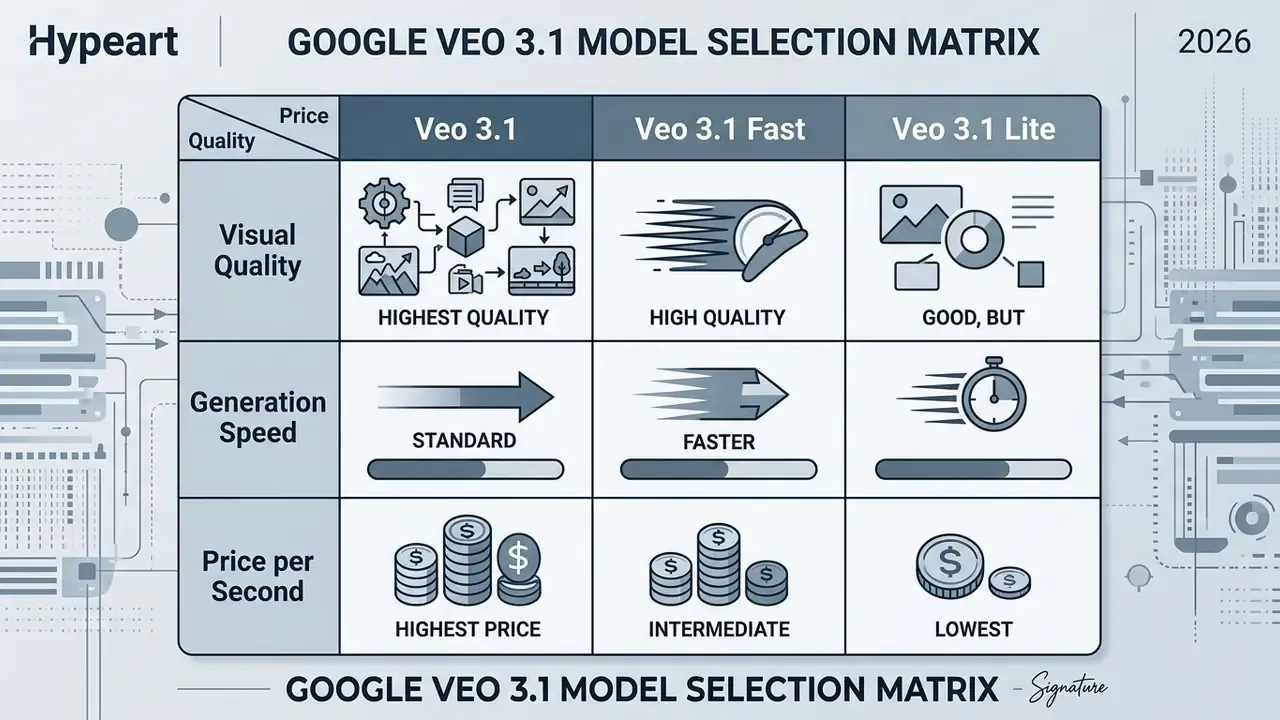
Veo 3.1: Full Quality for Complex Video Creation
Veo 3.1 Standard is Google's flagship video model. It delivers maximum prompt adherence, complex motion dynamics, spatial consistency, character persistence across shots and native synchronised audio including dialogue with lip-sync. At $0.40 per second for 1080p ($3.20 per 8-second clip) and $0.60 per second for 4K ($4.80 per clip), Standard is built for final commercial deliverables where visual artifacts cannot survive review. It also anchors advanced workflows such as clip extension and frame-conditioned generation, and pairs naturally with image-to-video AI pipelines built on approved key art. As a filmmaking tool it is the only tier most colourists will accept without complaint.
Veo 3.1 Fast: The Trade-off Between Speed and Video Cost
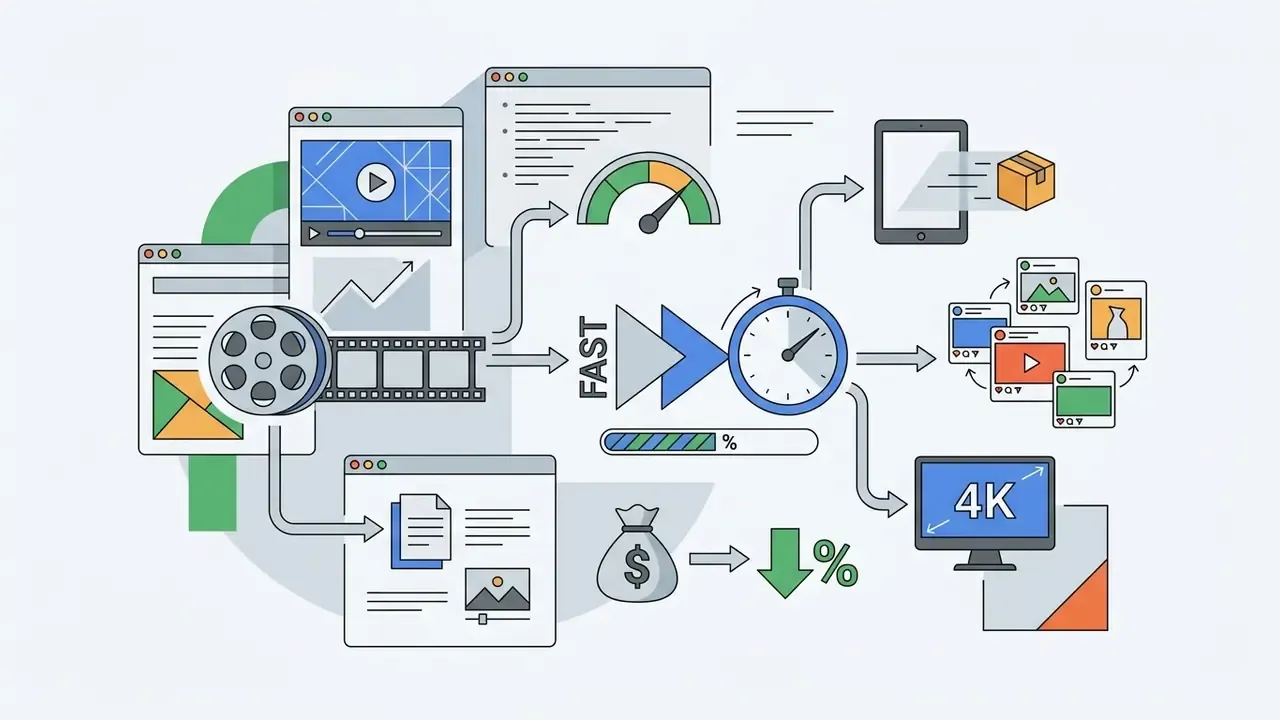
Veo 3.1 Fast occupies the middle ground, rendering quickly at 25 to 30% of Standard's cost. At $0.10 per second for 720p ($0.80 per 8s clip) and $0.12 per second for 1080p ($0.96 per clip), Fast suits interactive media products, rapid storyboarding and dynamic marketing templates. It also keeps 4K support at $0.30 per second, making it the only tier that combines UHD output with sub-$0.35 per-second economics.
When managing downstream assets generated on Fast or Lite, teams usually need file-size optimisation before CDN delivery. Our guide on video compressors covers that step.
Veo 3.1 Lite: The Option for Large-Scale, Economical Generation
Veo 3.1 Lite is Google's lowest-cost video generation model, aimed at high volume automated pipelines and mass social media content. At $0.05 per second for 720p ($0.40 per 8s clip) and $0.08 per second for 1080p ($0.64 per clip), Lite cuts generation costs by 87% against Standard 1080p and runs at roughly half the price of Fast at comparable speed. There is no 4K output on Lite, but it keeps native audio generation, full text-to-video and image-to-video prompting, 16:9 and 9:16 aspect ratios, and selectable 4, 6 or 8-second durations.
Google AI Pro and Google AI Ultra Subscription Costs for Veo
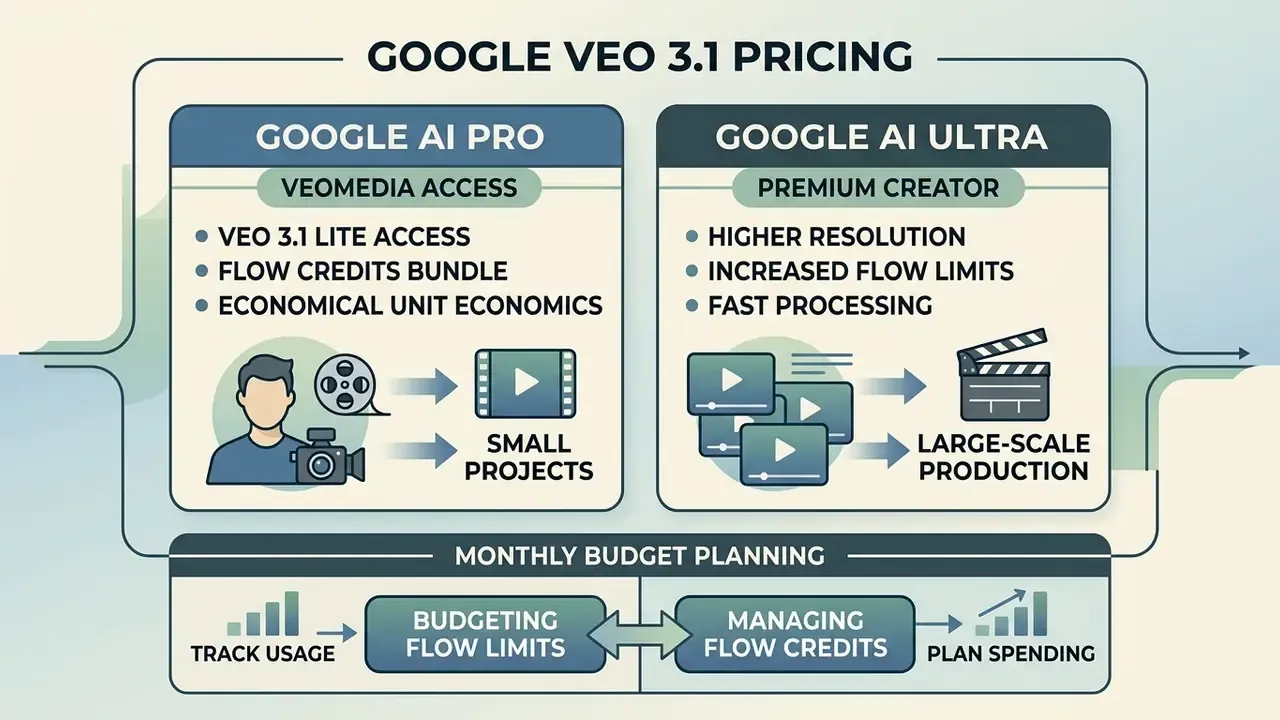
| Subscription tier | Monthly price (USD) | Monthly Flow credits | Lite credit cost | Fast credit cost | Quality credit cost | Estimated monthly videos (Fast) | Default resolution | Veo watermark | Target use case |
|---|---|---|---|---|---|---|---|---|---|
| No subscription (free lane) | $0 | 50 credits per day, no roll-over | 10 credits | 20 credits | 100 credits (unreachable) | ~2 Fast videos per day | 720p | Yes | Evaluation, single-clip experiments |
| Google AI Pro | $19.99 (free one year for verified students) | 1,000 credits | 10 credits | 20 credits | 100 credits | ~50 Fast videos, or 10 Quality / 100 Lite | 720p | Yes, visible Veo watermark | Individual creators, social media, initial testing |
| Google AI Ultra | $249.99 (regional variants $99.99 to $199.99) | 25,000 credits (10,000 on some regional tiers) | 5 credits (50% discount) | 10 credits (50% discount) | 100 credits | ~2,500 Fast videos, or 250 Quality / 5,000 Lite | 1080p plus 4K upscaling | No watermark | Agencies, creative studios, high volume teams |
Google AI Pro: Veo Access for Individual Creators
Google AI Pro at $19.99 per month gives an individual creator 1,000 monthly Google Flow credits. That makes it a sensible entry tier for short-form social media production and storyboarding. Under standard non-Ultra consumption rates, 1,000 credits buys roughly 100 Veo 3.1 Lite clips, 50 Veo 3.1 Fast clips, or 10 full-quality Veo 3.1 shots per billing cycle.
Worked unit economics. Spend the whole allowance on 20-credit Fast generations and you get 50 renders. If roughly 45 of those 50 outputs pass review, the effective cost lands near $0.44 per usable asset, with no overage exposure, since Flow simply stops generating once credits run out. To be clear, that is arithmetic derived from Google's published credit table, not a measured customer benchmark.
Creators who want to judge output quality before paying anything should exhaust the daily free lane first, or compare it against free AI video generators in adjacent ecosystems.
How to Account for Flow Limits and Credits in a Monthly Budget
Budgeting for Google Flow means allocating credits across three phases: initial prompt testing (Lite), shot refinement (Fast) and final master renders (Quality). Because monthly Flow credits are use-it-or-lose-it and never roll over, utilisation has to track your campaign calendar rather than your enthusiasm.
Unsubscribed users get a baseline daily lane of 50 free Flow credits that refresh every 24 hours. Enough to trial the platform before comparing it against free AI video generators elsewhere. However, daily credits cannot be pooled to fund a 100-credit Quality generation, which makes a paid plan mandatory for flagship output.
A practical allocation template for a 1,000-credit Pro month: 300 credits for Lite prompt validation (30 drafts), 400 credits for Fast refinement (20 renders), 300 credits for three Quality masters. Roughly 50 generations and three broadcast-ready hero clips inside a $19.99 envelope. Tight, but workable.
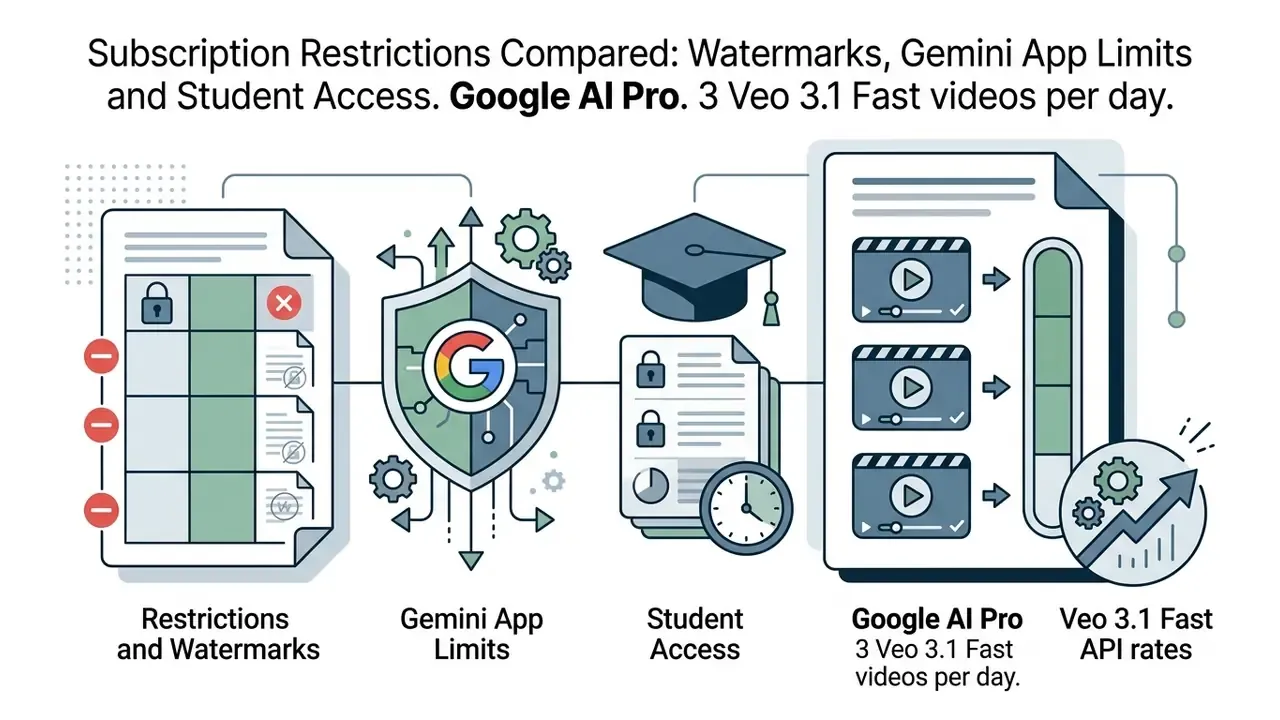
Subscription Restrictions Compared: Watermarks, Gemini App Limits and Student Access
Choosing between Google AI Pro and Google AI Ultra is not only about the credit pool. Branding rules on finished video and the separate limits inside the Gemini App often decide it:
- Watermarking. Every video generated under Google AI Pro carries a visible Veo watermark. Google AI Ultra removes it entirely, delivering clean masters for commercial use. Direct API output via Vertex AI and the Gemini API also arrives without a visible consumer watermark, though invisible SynthID provenance marking stays embedded on all routes.
- Direct Gemini App limits. Beyond monthly Flow credits, subscribers receive daily generations inside the Gemini App itself:
These allowances sit outside the Flow credit pool and reset every 24 hours, effectively adding around 90 Fast clips per month on Pro and 150 Standard clips per month on Ultra to the headline figures.
- Free access for students. Verified higher-education students receive one year of Google AI Pro at no cost, keeping the full 1,000 Flow credits per month, the same model access and the same daily Gemini App limits. For universities, media schools and research labs, that is the cheapest legitimate route to a complete Veo 3.1 evaluation.
Commercial implication. If you deliver paid client work, the watermark rule alone often settles the tier. A studio shipping 40 client deliverables a month cannot hand over Pro-watermarked output, which pushes the decision to Ultra at $249.99 or to direct API billing, where 40 eight-second Fast 1080p renders cost only $38.40 plus governance overhead.

Shadow AI, Data Privacy and Enterprise Security Overhead
Pricing tables describe the visible portion of cost. For regulated organisations, the larger exposure comes from which surface employees actually use. A consumer Google AI Pro subscription bought on a personal card sits outside corporate identity management, spend visibility and data-processing agreements. Textbook Shadow AI.
| Control dimension | Google AI Pro / Ultra (consumer) | Vertex AI on Google Cloud (enterprise) |
|---|---|---|
| Identity and access | Personal Google account, no SSO enforcement | Cloud IAM, SSO, role-based access control |
| Contract and data terms | Consumer terms, no enterprise DPA | Cloud DPA, enterprise terms, IP indemnification for output |
| Data residency | Not selectable by the user | Region and endpoint selection (non-global roughly +10% rate) |
| Prompt and output logging | Not exportable for compliance review | Cloud Audit Logs, Cloud Logging, export to BigQuery |
| Spend visibility | Invisible to finance if paid personally | Billing account, budgets, alerts, Tier 1 to 3 spend caps |
| Watermark on output | Yes on Pro, none on Ultra | None visible, SynthID provenance retained |
| Concentration of risk | Fragmented across individual accounts | Centralised, auditable, revocable |
| Cost model | Fixed monthly fee, credits expire monthly | Metered per generated second, no fixed commitment |
Auditability, SynthID and Model-Risk Requirements
Model risk managers need to know what the per-second price does and does not include before a pilot becomes production.
- Provenance marking is included, not billed separately. Google applies SynthID provenance watermarking to Veo output across access surfaces. It is embedded at generation time and carries no additional fee. The visible consumer watermark on Google AI Pro is a separate, branding-level artifact.
- Audit trails are a Google Cloud service, not a Veo feature. Per-second Veo pricing covers generation only. Reproducible evidence, meaning prompt text, seed, model version, requester identity, timestamp and safety-filter verdict, must be captured through Cloud Audit Logs, Cloud Logging and a durable store such as BigQuery or Cloud Storage. Those services bill independently and belong in your TCO model, not in the per-second line.
- Reproducibility caveat. Generative video is not bit-for-bit reproducible across model versions. Model-risk documentation aligned with supervisory expectations for model validation, SR 11-7 style frameworks for instance, should record model version pinning, prompt and parameter provenance, and human-review sign-off, rather than promising deterministic re-generation.
- Framework alignment. Organisations mapping generative media to the NIST AI Risk Management Framework or EU AI Act transparency obligations should document four things: disclosure of synthetic origin to end users, retention policy for prompts and outputs, human-in-the-loop approval for published assets, and a third-party processor inventory where resellers are used.
- Pre-production checklist for corporate buyers:
- Confirm enterprise SLA and support tier on the chosen endpoint.
- Confirm region and endpoint selection plus the applicable non-global surcharge of roughly 10%.
- Confirm IP indemnification scope for generated output.
- Set Tier 1 to 3 billing caps and budget alerts before the first production call.
- Enable and retain audit logs, then define retention duration and access roles.
- Inventory every third-party API aggregator in the pipeline with its sub-processor disclosure.
- Define who approves publication and where that approval is recorded.
How to Calculate the Real Cost of One Veo Video
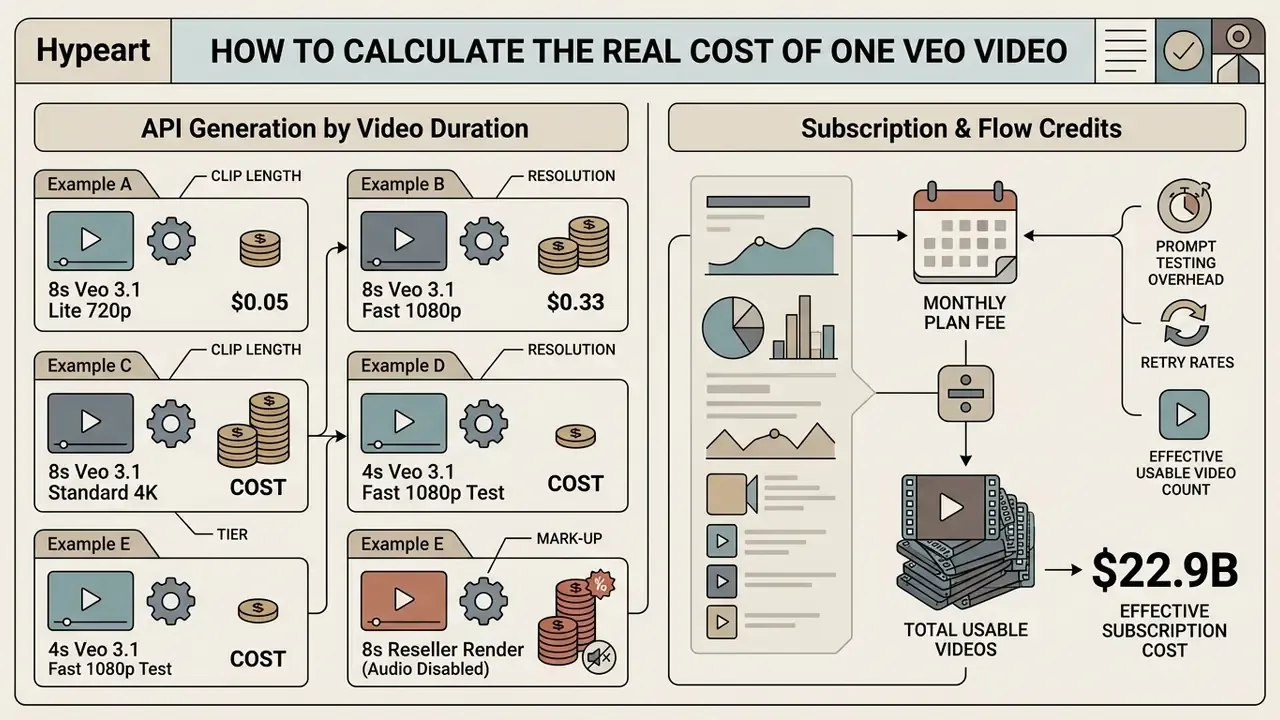
Determining the effective Google Veo 3 video generation cost means factoring in prompt testing overhead, retry rates and clip length, not just the sticker price of a single generation.
Prefer to model it outside this page? Our AI Media Calculators hub covers the same inputs for neighbouring platforms.
Calculating the Price of API Generation by Video Duration
For successful outputs, apply the duration formula:
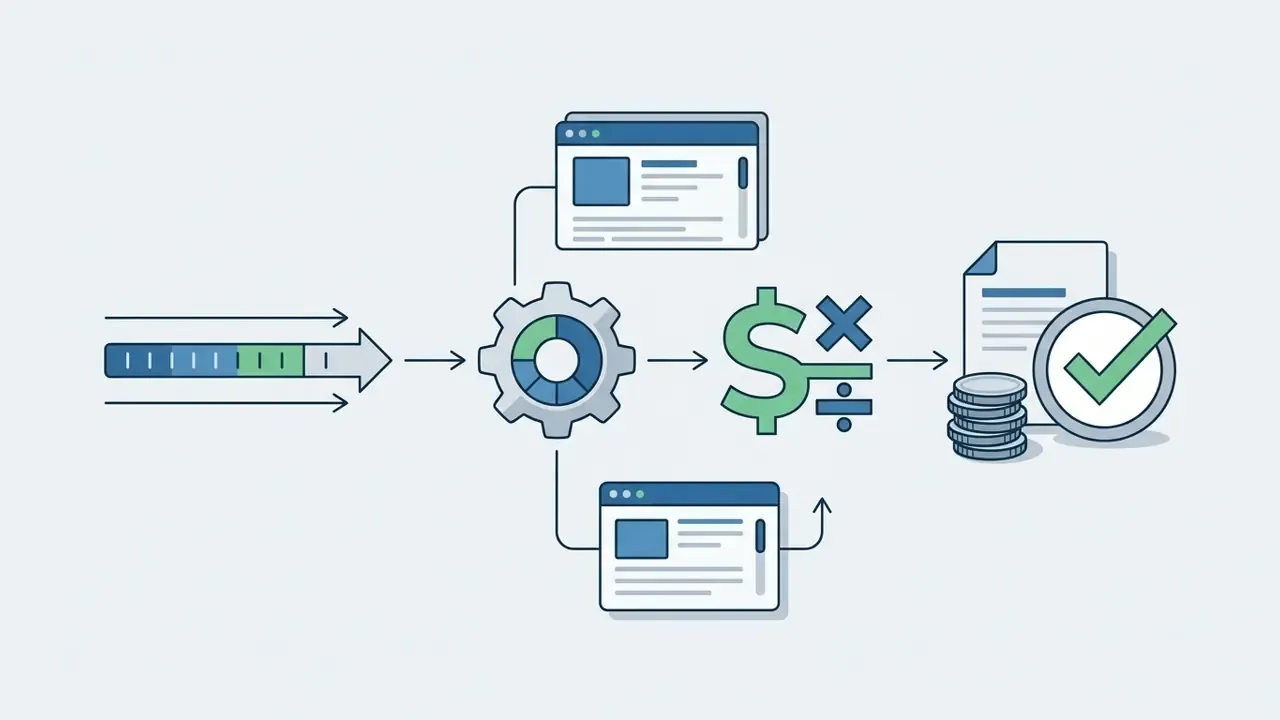
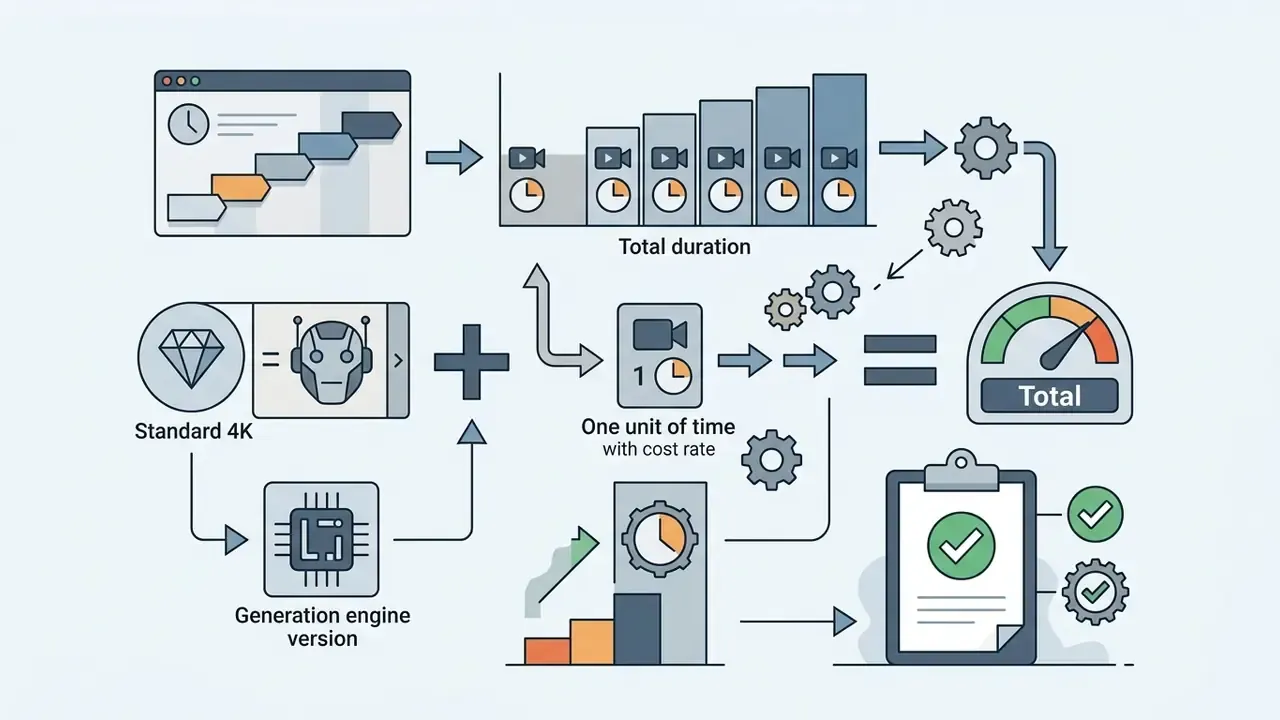
Direct API cost = duration in seconds × per-second rate
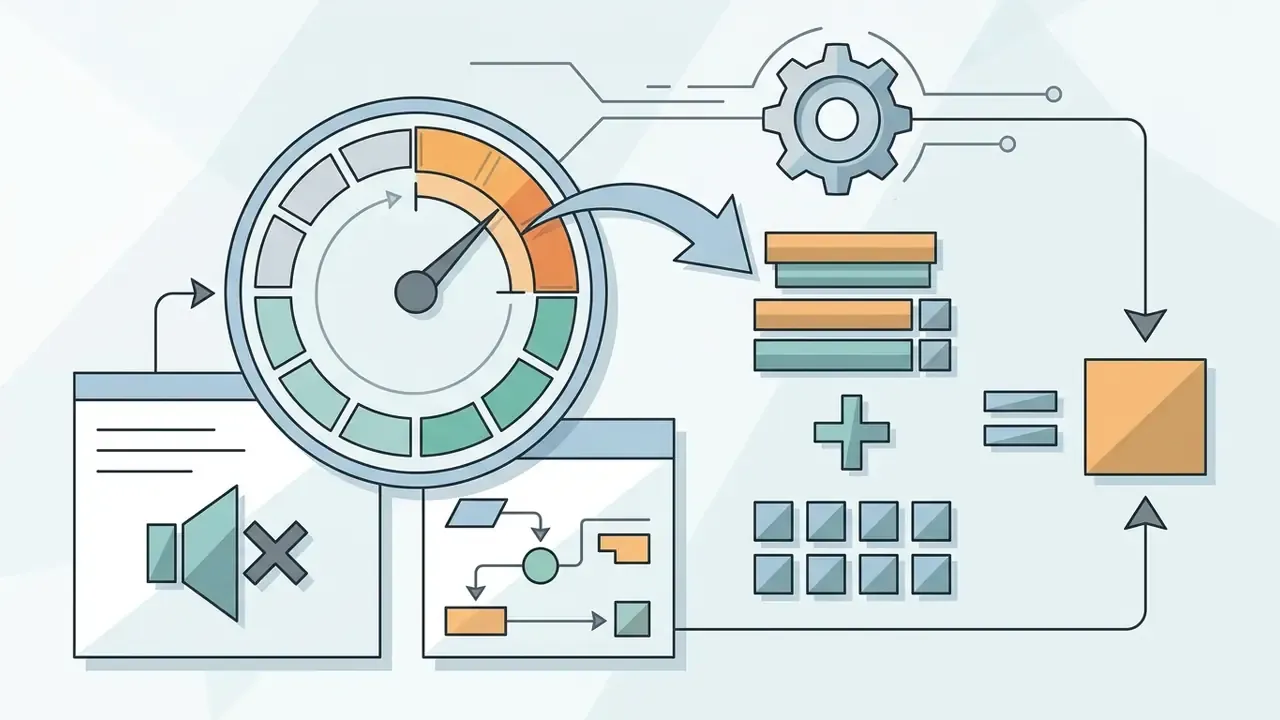
Calculating the Price via Subscription and Flow Credits
For consumer subscriptions, divide the monthly plan price by the number of videos the credit limit allows:
Effective subscription cost = monthly plan fee ÷ total usable videos generated
A Google AI Pro subscriber at $19.99 per month spending all 1,000 credits on Veo 3.1 Fast (20 credits per clip, so 50 clips) pays $19.99 ÷ 50 = $0.40 per clip. An Ultra subscriber at $249.99 consuming 25,000 credits on Fast at the discounted 10-credit rate gets 2,500 clips, so $249.99 ÷ 2,500 = roughly $0.10 per clip.
The Full Enterprise TCO Formula
Direct generation cost is only the first term once validation, logging and compliance obligations enter the picture:
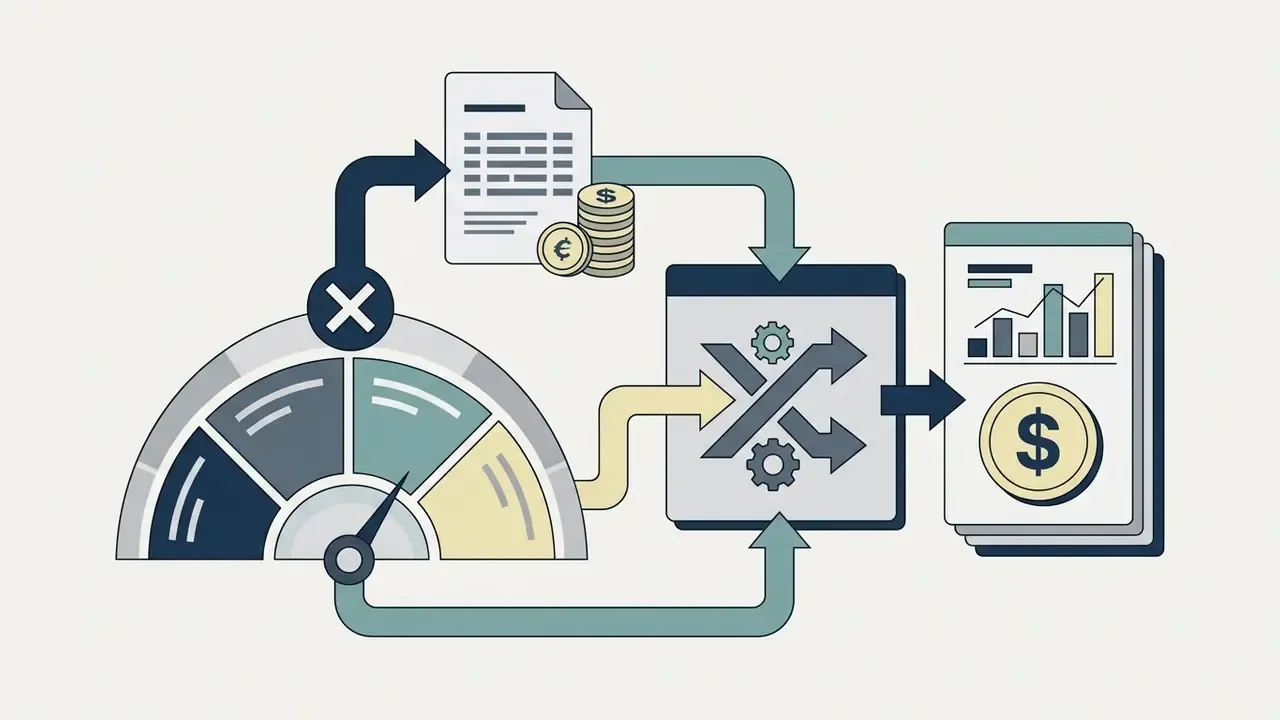
Total enterprise cost = direct API cost + validation and audit overhead + storage, logging and delivery cost
Expanded, with retake exposure included:
Cost per accepted video = (duration × rate) ÷ (1 − fail rate) + review labour + log and storage allocation
Worked enterprise example. A team producing 100 accepted 8-second Fast 1080p clips per month at a 20% rejection rate:
- Direct generation: $0.96 ÷ 0.80 = $1.20 per accepted clip, so $120 per month
- Human review at six minutes per clip and a $60 per hour blended rate: $600 per month
- Logging, storage and CDN egress allocation: around $40 per month
- Fully loaded: roughly $760 per month, or $7.60 per accepted clip, about 6× the raw API line item.
That ratio is the single most common budgeting error in generative video procurement. Teams approve a $120 API forecast, then quietly absorb $640 of unplanned control cost.
Retakes, Prompt Tests and Additional Expenses
In real creative work, an approved asset usually takes several prompt adjustments. Published 2026 cost guides converge on 2 to 4 generation attempts per finalised clip, with iteration-heavy cinematic shots reaching 3 to 10 attempts, and they recommend a 10 to 15% retry buffer on any forecast.
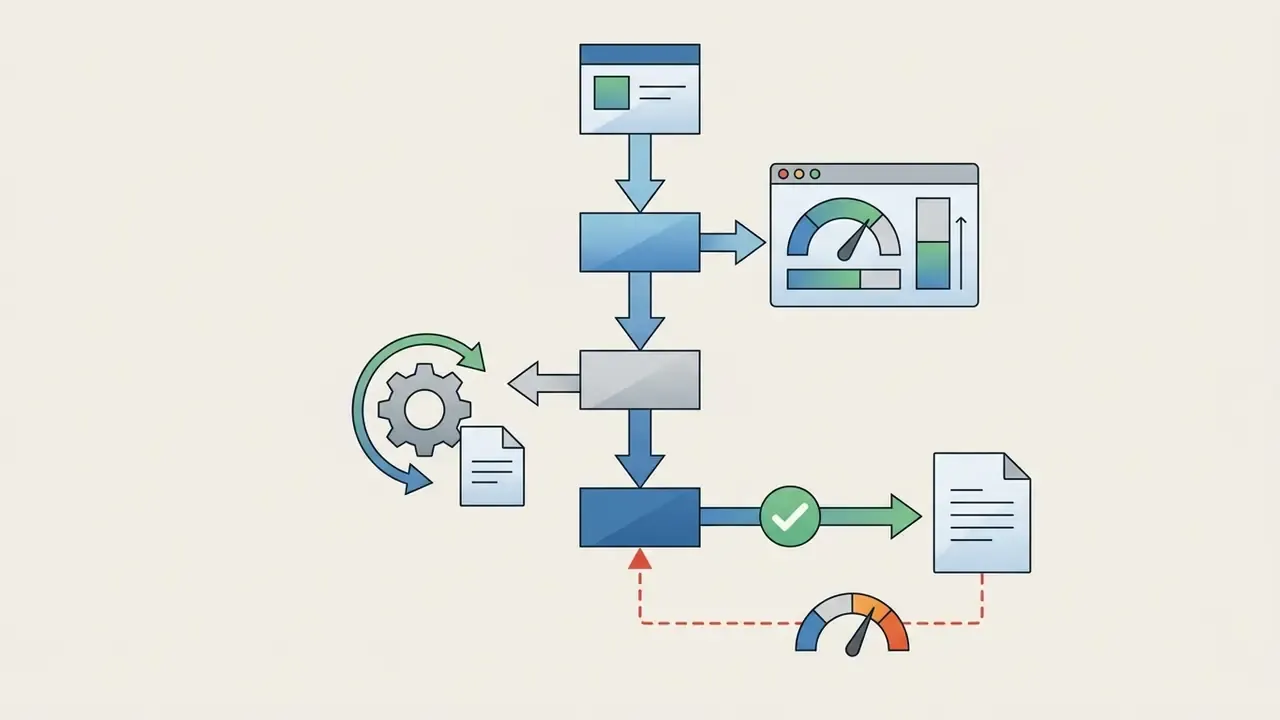
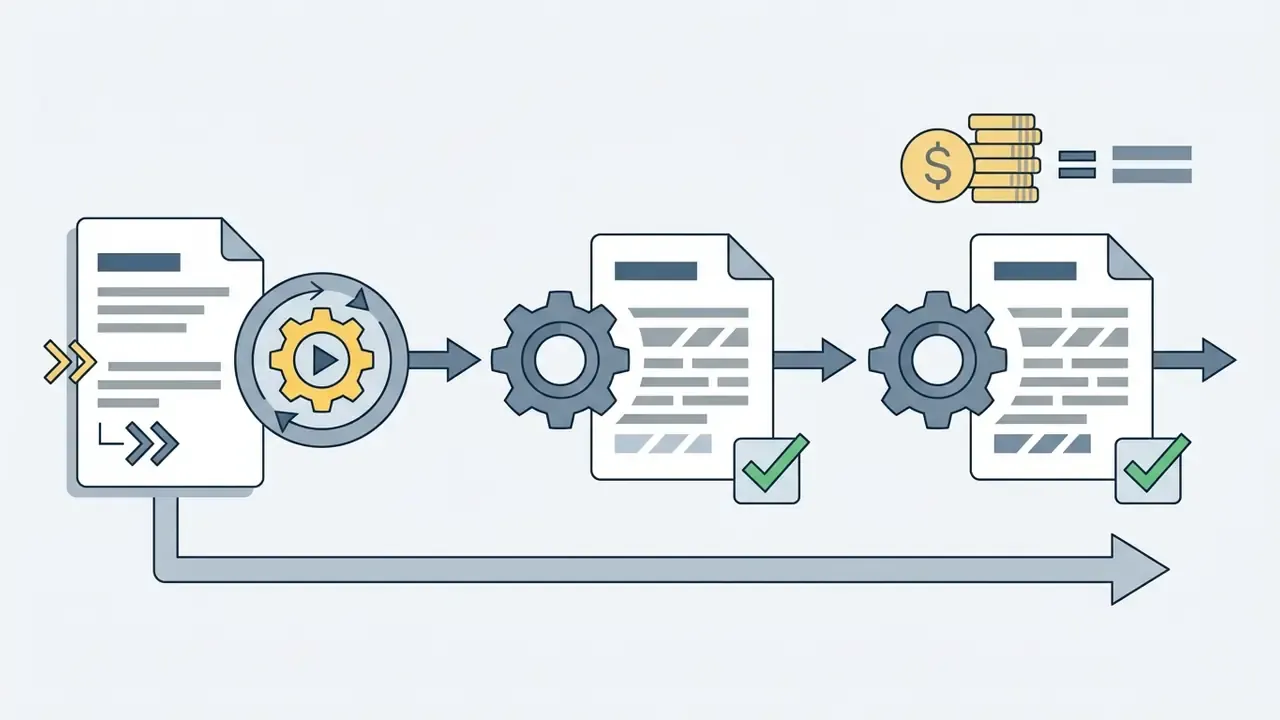
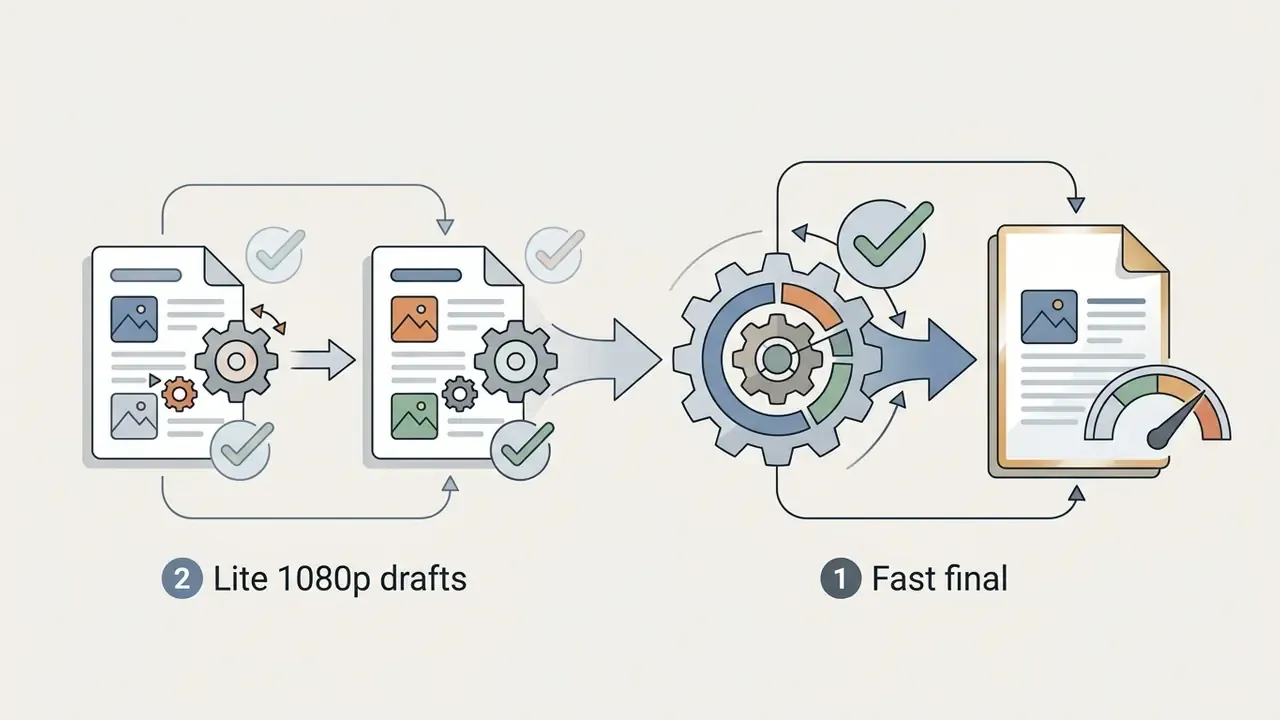
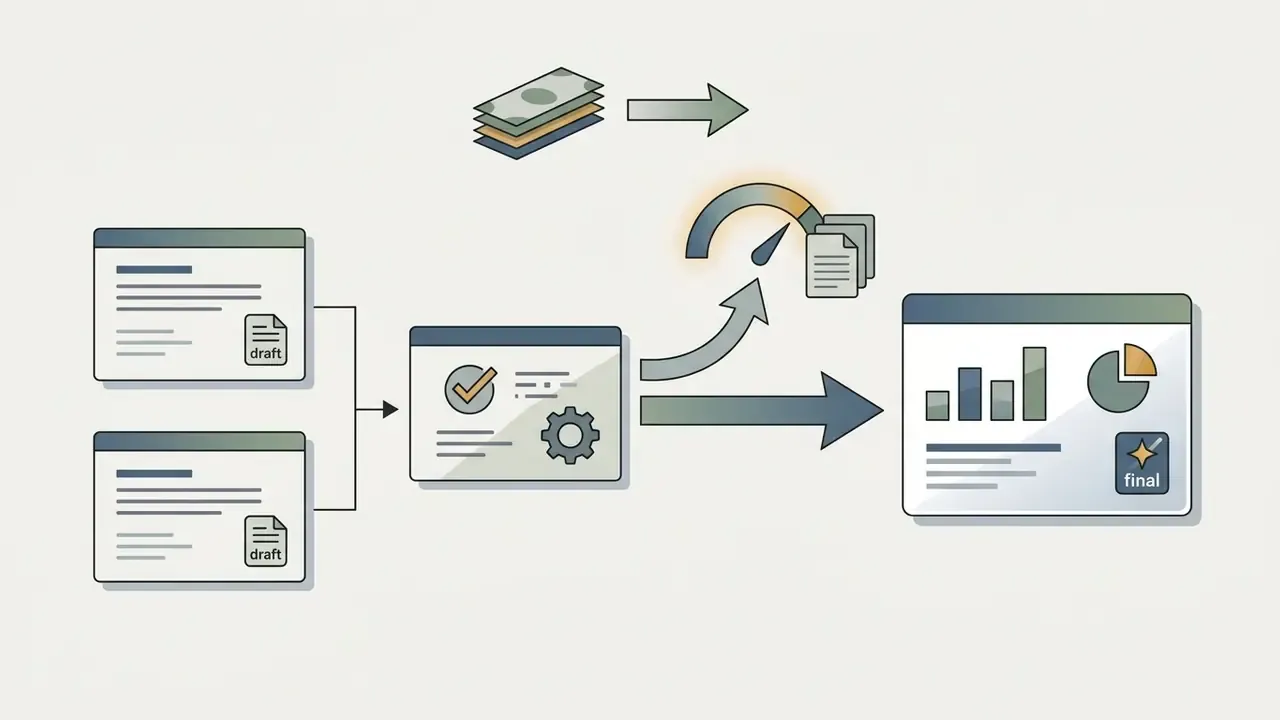
Under official Google Flow rules, generations that fail because of system errors do not deduct credits. If a generation renders successfully but arrives without audio or simply underwhelms, credits are still consumed and the documented remedy is to contact Google One support. Using Veo 3.1 Lite for initial prompt validation cuts total iteration spend by up to 50%, and compressing approved masters with a dedicated video compressor keeps storage and egress proportional to that saving.
Which Google Veo Payment Route to Choose for Different Tasks
The right payment structure depends on organisation size, integration requirements, governance obligations and volume. Buyers still shortlisting vendors should narrow the field first with our AI video generator comparison, or start from the Hypeart AI Media Decision Support hub.
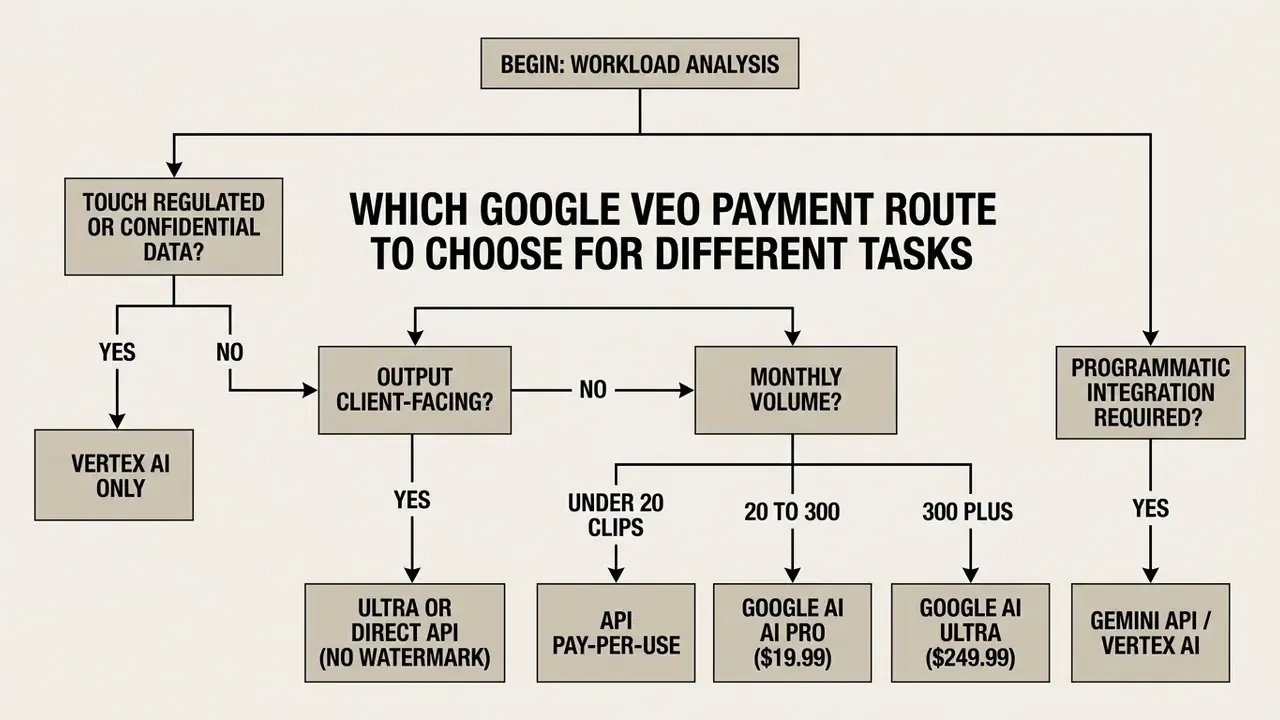
API Access for Products, Automation and High Volume
Direct API access through Vertex AI or the Gemini API is the requirement for product engineering teams, automated SaaS platforms and enterprise pipelines that generate video programmatically. Billing scales elastically with no fixed monthly commitment, and Google Cloud supports enterprise throughput up to 30,000 online inference requests per minute per region, plus organisation-level throughput tiers for high volume workloads.
This is also the only route that satisfies enterprise governance end to end: RBAC, region pinning, audit logging, spend caps and IP indemnification. Organisations building broader media suites can benchmark capability trade-offs in our AI video generator comparison and plan distribution with our guide to YouTube video editors.
Google AI Pro or Ultra Subscriptions for Video Creators
Teams building motion graphics and explainers around Veo footage can stretch the same budget with a template-driven animation maker instead of paying flagship per-second rates for simple motion.
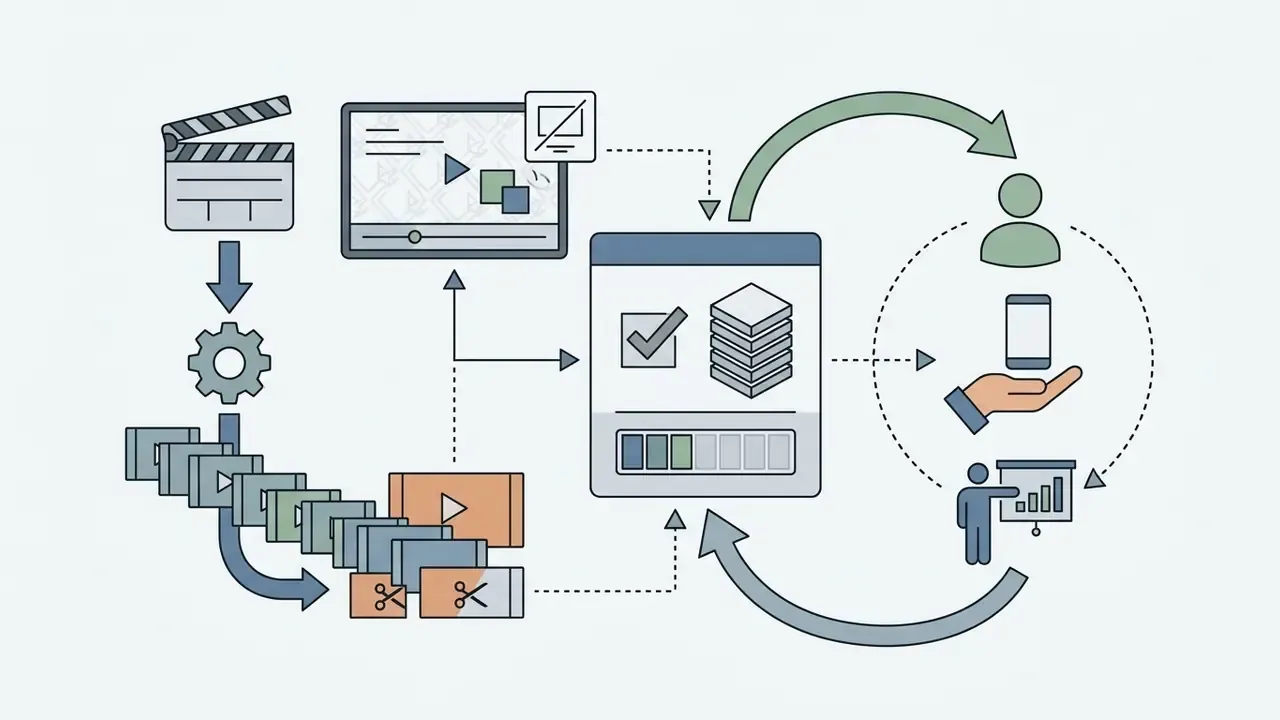
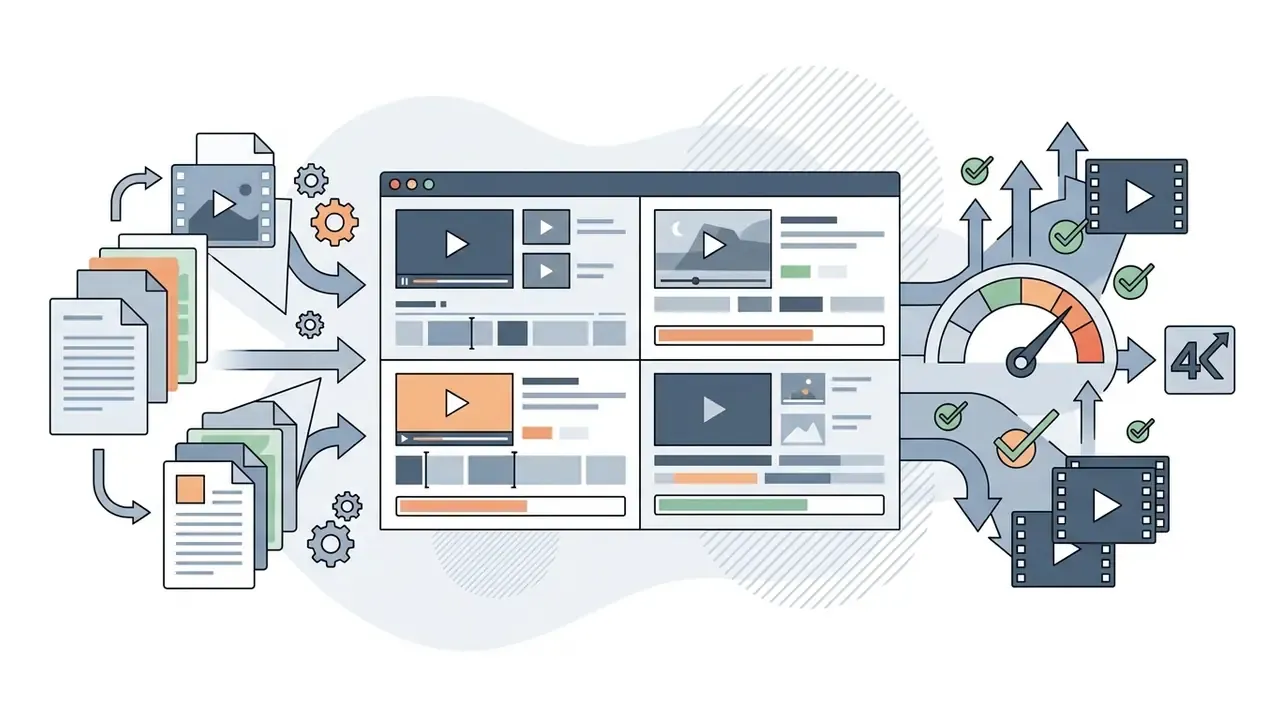
When Veo 3.1 Fast or Veo 3.1 Lite Is More Cost-Effective

💡 7 Expert Tips to Minimise Google Veo Spend
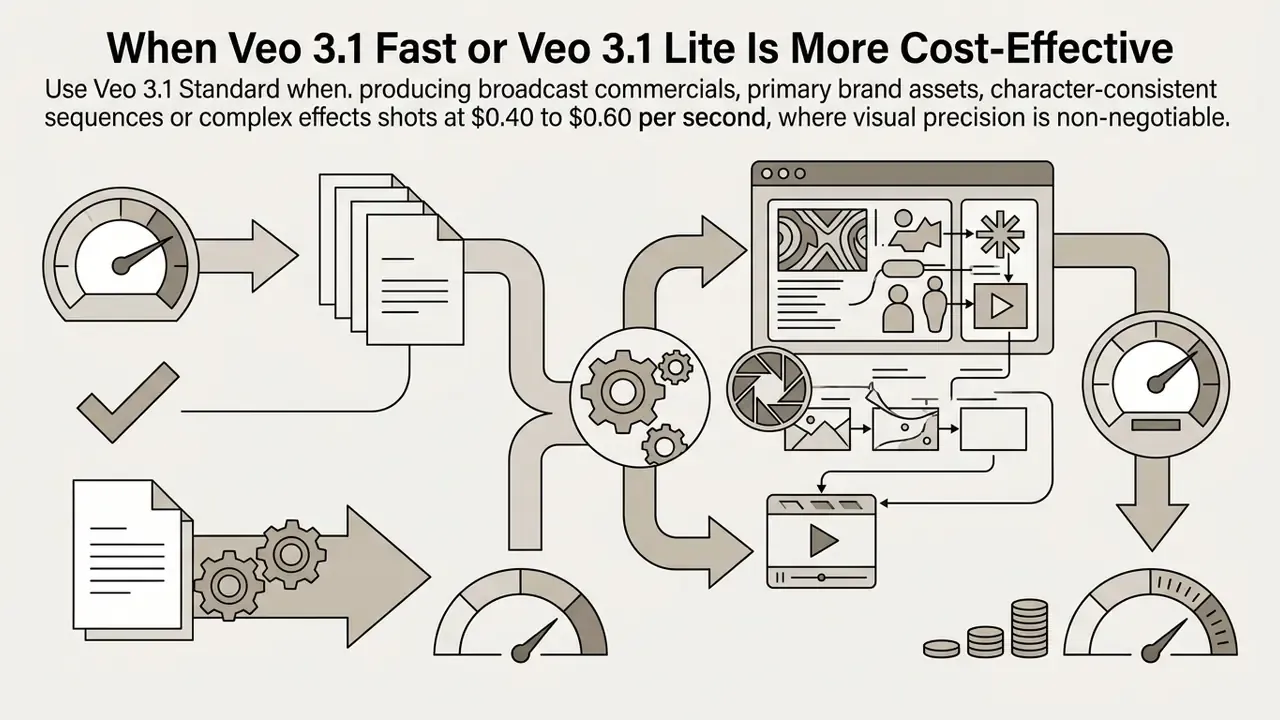
- Apply the 80/20 rule.Run Veo 3.1 Lite or Fast for 80% of the workflow (drafts, storyboards, hypothesis tests) and reserve Veo 3.1 Standard for the final 20%: hero shots, paid advertising, client masters.
- Disable audio on third-party APIs.If sound design happens in the edit, generate silent video via fal.ai or Replicate, save 33 to 40% of the per-second rate, and rebuild dialogue afterwards with a dedicated AI voice generator.
- Use the $300 Google Cloud trial.New Google Cloud accounts receive $300 in credits valid for 90 days, roughly 6,000 seconds of Veo 3.1 Lite 720p output, or 750 eight-second clips, at zero cash cost.
- Respect the 8-second ceiling.A 9-second concept needs two generations and doubles spend. Design scenes in multiples of 4, 6 or 8 seconds, and use clip extension only where it beats a full re-render.
- Validate prompts on Lite.Catch artifacts, framing errors and prompt-adherence failures at $0.05 per second before sending an approved prompt to a 4K render at $0.60 per second. That is a 12× difference on every wasted second.
- Switch to Ultra above roughly 300 clips per month.The 50% credit discount on Lite (5 credits) and Fast (10 credits) pushes the effective per-video cost down to about $0.05 to $0.10 and removes the watermark.
- Control watermarks and spend caps together.For client work use Ultra or direct API only, and pin pilot projects to Gemini API Tier 1 with its $250 monthly cap so an automation bug never becomes a budget incident.
FAQ: Frequently Asked Questions About Google Veo Pricing
Can Google Veo be used without a Google AI subscription?
Yes. Developers and organisations can use Google Veo without a consumer Google AI subscription by working with developer API keys via the Gemini API, or by setting up a project on Google Cloud Vertex AI. In that mode, usage is billed strictly pay per second through standard Google Cloud billing. New Google Cloud accounts also receive $300 in trial credits valid for 90 days, which can be applied directly to Vertex AI Veo model testing.
«Developers can use Veo 3.1 through the Gemini API without a consumer subscription: billing is strictly per generation, with no fixed monthly fee.» (Gemini Developer API Pricing Documentation, Google, 2026. https://ai.google.dev/gemini-api/docs/pricing) There is also a limited no-cost consumer lane: 50 free Flow credits per day, refreshing every 24 hours and never accumulating.
Is Google Veo free?
Not in any production-grade sense. The free lane of 50 Flow credits per day covers roughly 5 Lite or 2 Fast generations daily, watermarked, and the Google Cloud trial provides $300 for 90 days. Sustained output needs either a subscription or a billing account.
Does Google AI Pro put a watermark on my videos?
Yes. Google AI Pro output carries a visible Veo watermark. Google AI Ultra removes it, and direct Vertex AI or Gemini API output has no visible consumer watermark. Invisible SynthID provenance marking stays present on all routes by design and cannot be switched off.
How long can a single Veo video be?
Each generation produces a maximum of 8 seconds, with 4-second and 6-second options available through the API on Lite and Fast. Reference-image workflows are documented at 8 seconds only. A 16-second sequence needs two generations, doubling cost or credits. Clip-extension features on Standard can chain shots, but every additional generated second is billed.
What is the difference between Veo 3.1 Lite, Fast and Quality/Standard?
Lite is the cheapest tier at $0.05 to $0.08 per second, 10 Flow credits, for drafts and high volume iteration, capped at 1080p. Fast balances speed and quality at $0.10 to $0.30 per second, 20 credits or 10 on Ultra, and supports 4K. Standard, called Quality inside Flow, delivers the highest realism, character consistency and cinematic control at $0.40 to $0.60 per second, 100 credits, for final deliverables.
Are failed generations charged?
Under Google Flow rules, generations that fail due to system errors do not consume credits. Generations that complete but disappoint creatively, with wrong framing, missing audio or weak prompt adherence, do consume credits, and the documented escalation path is Google One support. On the API, every successfully returned generation is billed regardless of creative outcome. That is exactly why a retry multiplier belongs in every forecast.
Is Veo 2 still available, and should I migrate?
Veo 2 remains accessible through the API surfaces at $0.35 to $0.50 per second without native audio, and it is no longer offered inside Flow. Migration to Veo 3.1 Lite cuts generation cost by 84 to 90% and adds synchronised audio, so migration is financially justified for nearly every workload.
Are third-party API resellers cheaper than Google?
Sometimes, and unevenly. Kie.ai advertises Veo 3 Fast at $0.40 per 8-second clip, and fal.ai and Replicate allow audio to be disabled at $0.25 per second instead of $0.40. But resellers add a data processor to your chain, rarely offer enterprise DPAs or IP indemnification, and may lag behind Google's own price cuts. For regulated data, use Vertex AI whatever the headline rate says.
Do vertical videos for Reels or TikTok cost more?
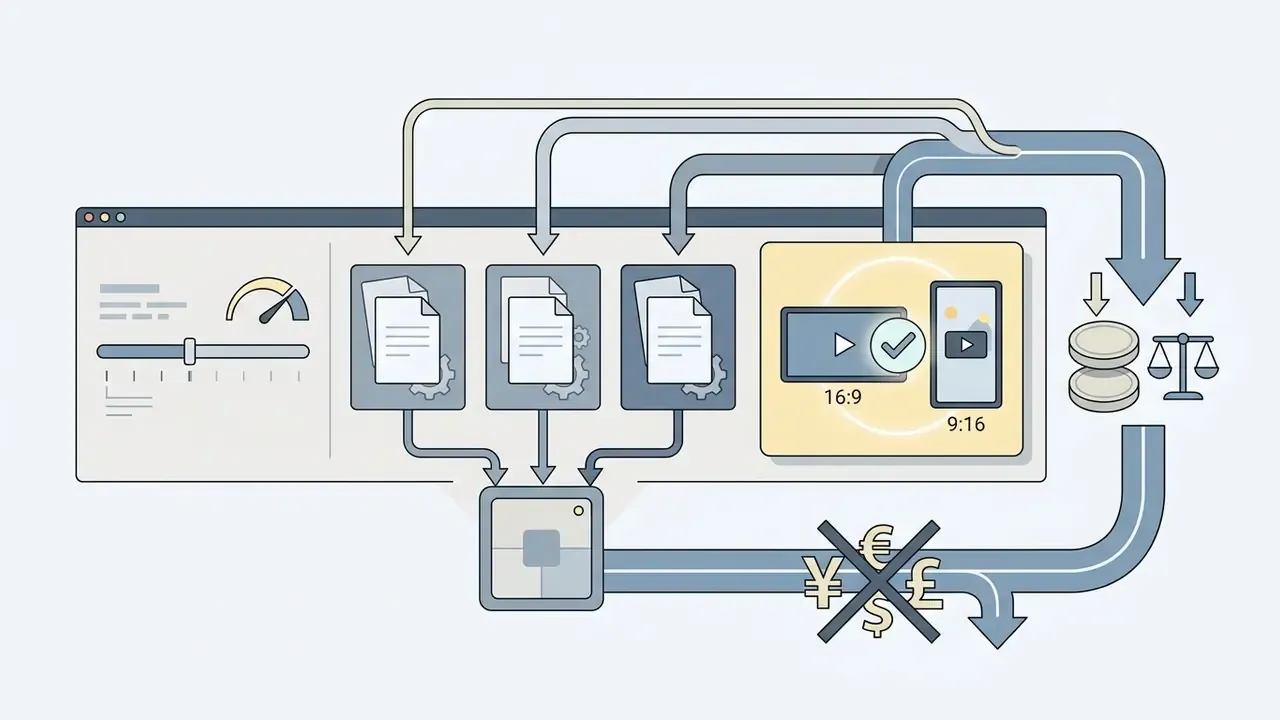
No. Veo 3.1 Lite, Fast and Standard render 9:16 and 16:9 at the same per-second rate. Only three levers change price: model tier, resolution and duration.
What is not included in the per-second price?
Cloud storage of generated assets, CDN egress and delivery, transcoding and compression, audit logging and log retention, human review labour, and any post-production tooling. For enterprise buyers these routinely exceed the generation line item. See the TCO formula above.
Summary and Next Steps
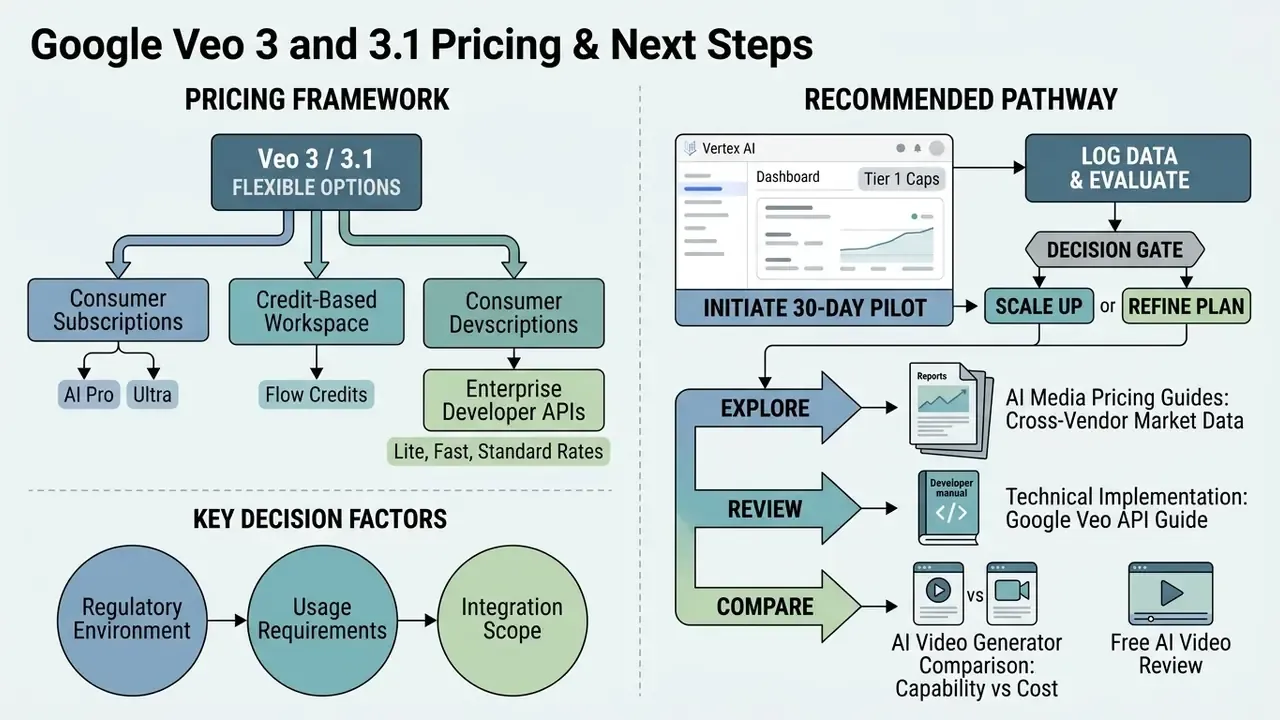
Google Veo 3 and 3.1 offer flexible pricing across consumer subscriptions, credit-based creative workspaces and enterprise developer APIs. Match the pipeline to the tier, Lite for storyboarding, Fast for rapid production, Standard for master deliverables, and the generative video budget behaves predictably. Finished renders still need assembly, colour and captioning in a conventional video editor, and that human time, not the per-second rate, usually dominates the real cost per published asset.
For regulated buyers, three decisions matter more than the sticker price. Route confidential workloads to Vertex AI rather than consumer plans. Budget the full TCO, including validation and logging. Settle watermark and provenance requirements before the first client delivery, not after the complaint arrives.
A safe next step, if this is new ground: run one 30-day governed pilot on Vertex AI at Tier 1 caps, log every generation, and review the evidence pack with model risk before anyone asks for volume pricing.
For further comparative analyses and platform evaluations:
- Explore the AI Media Pricing Guides hub for cross-vendor market data.
- Review technical implementation guidance in our Google Veo API guide.
- Compare capability and cost trade-offs in our AI video generator comparison and our review of free AI video generators.
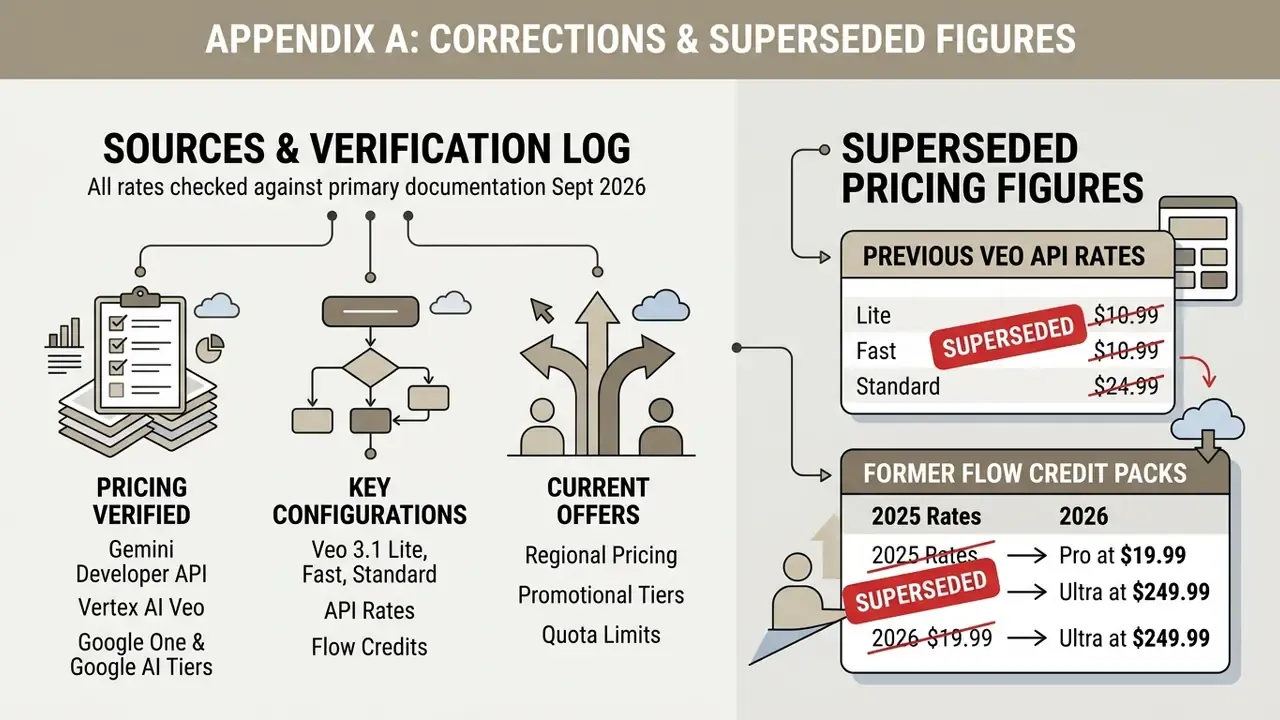
Appendix A: Corrections and Superseded Figures
Retained for transparency and version traceability. These figures appeared in earlier documentation or earlier revisions of this guide and should not be used for 2026 budgeting.
| Superseded statement | Status | Current position |
|---|---|---|
| "Gemini API rate for Veo 3 is $0.75 per second (video plus audio)." | Outdated, 2025 launch pricing | Veo 3 Standard was reduced to $0.40/sec; the Veo 3.1 family bills at $0.05 to $0.60/sec depending on tier and resolution. |
| "Veo 3 Fast costs $0.15 per second flat." | Outdated | Veo 3.1 Fast is now $0.10/sec (720p), $0.12/sec (1080p), $0.30/sec (4K). |
| "Veo 3.1 output is always 8 seconds." | Corrected | 4, 6 and 8-second durations are selectable on Lite and Fast via API; reference-image-to-video remains 8 seconds. |
| "Synchronised audio is always bundled into the per-second rate." | Clarified | True for Google's Gemini API and Vertex AI defaults. Vertex offers a $0.20 per count video-only option, and fal.ai and Replicate allow audio to be disabled at $0.25/sec. |
| "Google AI Ultra is $249.99 per month." | Regionally variable | Google's subscription page shows $249.99. Regional and promotional variants at $99.99, $124.99 for the first three months and $199.99 also appear, with Ultra credit pools of 10,000 or 25,000 depending on tier. |
| Earlier phrasing: "a fintech content team tested prompt iteration speeds using Google AI Pro and achieved $0.44 per usable asset." | Reframed | Retained as an arithmetic illustration derived from Google's published credit table, not a verified customer benchmark. Methodology and sample were never disclosed in the original claim. |
| Earlier internal links to unrelated generator pricing pages, including lesson plan and thank-you note tools. | Removed | Replaced with topically relevant references to AI video pricing guides, comparison matrices, calculators and the Google Veo API implementation guide. |
Sources and Verification Log
All rates in this guide were checked against primary documentation in September 2026. Where a figure comes from an internal analytical report rather than a public page, the citation says so explicitly.
- Gemini Developer API pricing: https://ai.google.dev/gemini-api/docs/pricing
- Vertex AI Veo pricing and configurations: https://cloud.google.com/vertex-ai/generative-ai/docs/image-video/veo-pricing
- Google One and Google AI subscription tiers, including Pro, Ultra and student eligibility: official Google One plan pages, checked September 2026.
Regional pricing, promotional tiers and quota limits change often. Re-verify before any procurement decision, and record the verification date in your own evidence pack.
- Google Flow credit consumption per model tier
- in-product credit table, checked September 2026.
- Third-party endpoint rates (fal.ai, Replicate, Kie.ai, CometAPI)
- vendor pricing pages, checked September 2026; subject to change without notice and not covered by Google SLAs.
- Duration configurability
- CNET reporting on the Veo 3.1 Lite launch, 2026.
- Gemini Developer API pricing
- Vertex AI Veo pricing and configurations