Key Takeaways First
- "No watermark" is not "no provenance."A clean MP4 can still carry C2PA metadata and invisible SynthID or spatial-frequency markers inside the bitstream.
- "No watermark" is not "commercial license."Removing a logo grants zero legal rights; the provider's terms of service decide whether you may monetize the clip.
- Free tiers are capped on four axescredits (3 to 125), clip length (3 to 10 seconds), resolution (480p to 720p) and queue priority.
- Single clips are not the ceiling.Agentic multi-scene pipelines stitch dozens of short renders into coherent 3 to 10 minute videos with continuous voiceover.
- Character drift is solvable.Anchor images, multi-angle references and motion locking eliminate most "AI morphing" between shots.
- Free web tools are a data-governance surface.Prompts, scripts and reference images uploaded to consumer tiers may be retained or used for model improvement. Never paste confidential material.
How to read this guide
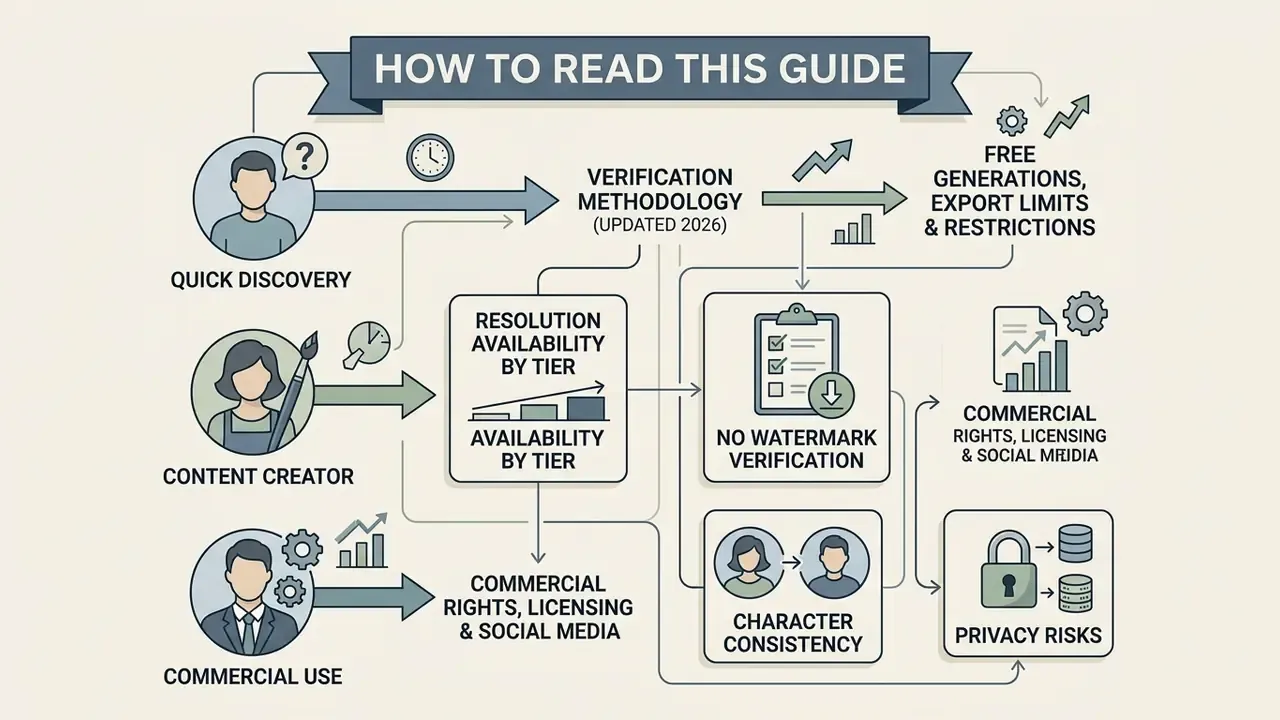
Three reader profiles usually land on a page like this, and each needs a different path.
If you simply want a clean MP4 today, start with the comparison matrix, then follow the six-step creation and export check. If you are producing client work, read the licensing subsection first; a logo-free file and a commercially licensed file are two different products. If you sit in a governance, brand-safety or compliance seat, jump to the data-privacy section, where the free web generator is treated as an outbound data channel rather than a creative toy.
One methodological caveat before the tables. Every credit count, resolution cap and watermark rule below reflects vendor documentation checked in 2026, and these plans change mid-year without notice. Treat the numbers as a snapshot, not as a contract.
What "Free Without Watermark" Means for AI Text to Video
| Claim verified | Current status | Source of record |
|---|---|---|
| OpenAI Sora | Watermark-free downloads require a ChatGPT Pro tier and apply only to text-prompt videos that do not depict public figures or characters. Plus/Business tiers are limited to roughly 720p and 10-second outputs with a visual watermark; Pro raises this to 1080p/20s. Tier conditions change frequently, so verify current OpenAI billing terms before planning production. | OpenAI Help Center, "Sora Billing FAQ" (2026) |
| Vivideo & Free.ai | Confirmed web-based watermark-free exports on public credit quotas; no credit card required at sign-up. | Vendor product pages (2026) |
| EaseMate AI | 30 free credits on sign-up plus daily check-in credits; exports documented as watermark-free. | Vendor FAQ (2026) |
| Adobe Firefly Video | Outputs are designed for commercial use because of licensed and public-domain training data, but free tiers run on strict monthly generative credit allocations that reset daily or monthly. | Adobe Generative AI Additional Terms (2026) |
| Kling AI | Free tier generations include a visible watermark; memberships unlock watermark-free 1080p exports, with 4K reserved for Pro plans. | Kling AI official FAQ (2026) |
| Invisible provenance | C2PA metadata and SynthID invisible watermarking remain embedded in generated media across major platforms even when visible logos are absent. | Google Cloud AI policy / OpenAI provenance documentation (2026) |
How to verify that a downloaded video has no watermark
Verifying that a generated clip carries no visible branding means examining both the export preview and the final rendered file. Web interfaces often display a clean preview canvas, then apply a visual overlay during the encoding step. The reverse happens too: some editors show a preview-only overlay that never reaches the exported file. That is exactly why the preview window alone is never proof.
Practical verification sequence:
- Download the MP4 asset instead of judging the browser preview.
- Play the file in a standalone media player (VLC, QuickTime, MPV), not the vendor's web player.
- Inspect the four corners, the lower margin and the final 2 seconds of footage frame by frame.
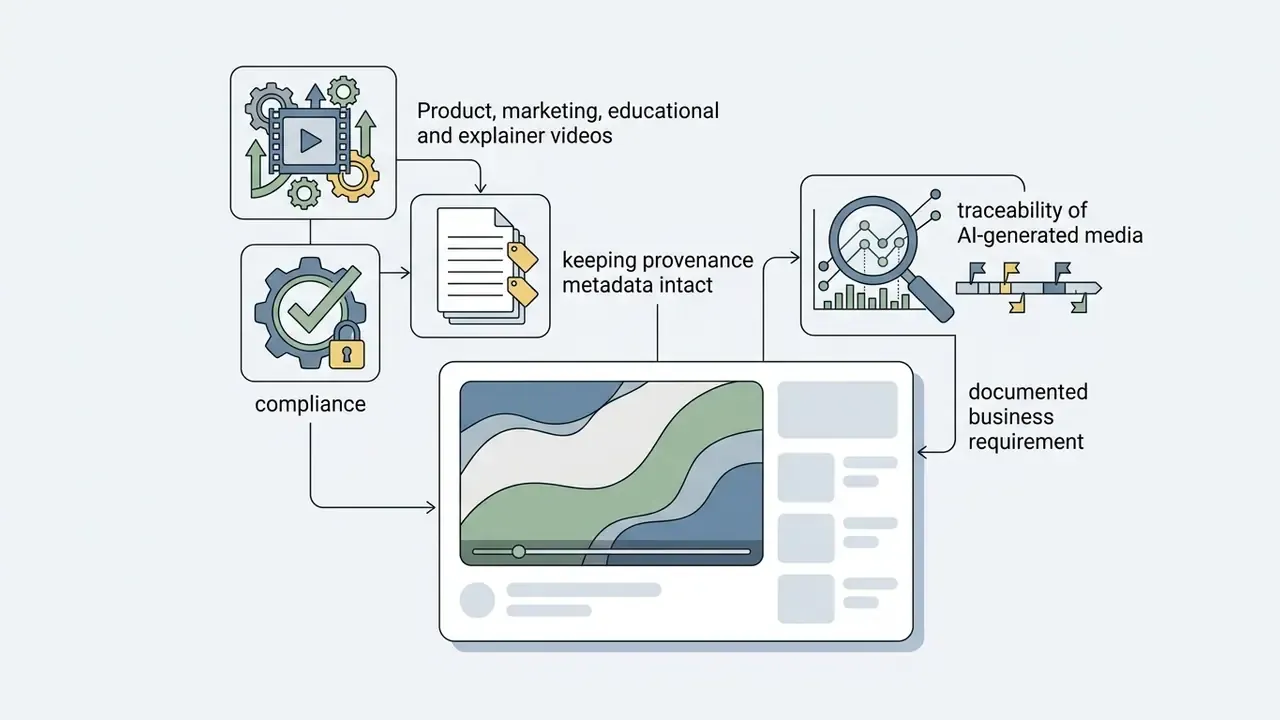
- Check file metadata for C2PA manifests and provenance fields. A clean picture does not mean a clean container.
- Re-check after any re-encode. Cropping or downscaling removes logos but does not reliably strip distributed, frequency-domain marks.
Academic research on video watermarking demonstrates that invisible spatial-frequency markers can persist inside the bitstream even when no visual logo is present.
«Invisible latent-space watermarks survive cropping, frame removal and downscaling in video diffusion pipelines.»
«SPDMark reaches 99.5% decoding accuracy on SVD-XT and 98.8% on ModelScope while fully preserving visual quality.» SPDMark: Selective Parameter Displacement for Robust Video Watermarking (2025, preprint)
For audit and traceability purposes this distinction matters far more than aesthetics. A marketing team may legitimately need a logo-free clip, while a compliance team may still need to prove the same asset was AI-generated.
Best Free AI Text to Video Generators Without Watermark: Comparison
Selecting the best text to video ai free without watermark platform means matching project requirements against credit systems, model capabilities and export rules. The matrix below analyzes verified free-tier behaviour across text-to-video AI tools and the leading video generation models.
| Tool / Model | Watermark on Free Download | Free Generation Allowance | Max Clip Duration | Resolution Cap | Aspect Ratio Options | AI Voice / Avatars | Commercial Use License |
|---|---|---|---|---|---|---|---|
| Vivideo | None (clean MP4) | Daily reset quota (no card required) | 5 seconds per clip; agentic stitching to ~10 min | 720p free / 4K paid | 16:9, 9:16, 1:1 | AI avatars, voice cloning, brand kits | Personal use default |
| Free.ai | None (clean MP4) | GPU-based free generations | 4 seconds | 720p | 16:9 | No | Non-commercial restriction |
| EaseMate AI | None (clean MP4) | 30 credits on sign-up + daily check-in | 4 to 10 seconds (model-dependent) | 720p | 16:9, 9:16, 1:1, 4:3, 3:4 | Native audio sync | Standard web license |
| Runway (Gen-2 / Gen-3) | Present on free tier | 125 one-time credits | 4 seconds | 720p | 16:9, 9:16 | No | No non-commercial restriction from Runway; paid tier recommended |
| Kling 3.0 | Present on free tier | ~66 daily login credits | 5 s free / up to 15 s multi-shot on paid | 720p free / 1080p membership / 4K Pro | 16:9, 9:16, 1:1 | Native audio + multi-speaker lip-sync | Permitted for ads and social on paid tiers |
| Google Veo 3.1 | Platform-dependent (credits + provenance metadata) | Limited trial credits via partner platforms | 4 / 6 / 8 seconds | 720p to 1080p | 16:9 default, 9:16 supported | Native audio generation | Governed by Google AI terms + SynthID provenance |
| OpenAI Sora 2 | Yes on free/Plus; clean on Pro (text prompts only) | Monthly plan-based allowance | 10 s (Plus) / 20 s (Pro) | 720p (Plus) / 1080p (Pro) | 16:9, 9:16 | Native audio | Plan-dependent; API metered at per-second rates |
| Wan 2.2 | None (self-hosted, Apache-licensed) | Unlimited if self-hosted on your GPU | Model/VRAM dependent | Up to 1080p and above | Flexible | External TTS required | Permissive open-source licence |
| Pika Labs | Present on free tier | 80 monthly credits | 3 seconds | 480p | Flexible | Voiceover generation | Paid tier required |
| Adobe Firefly Video | Clean export on select plans | Monthly generative credits, daily allotment resets | 5 seconds | 720p | 16:9, 9:16 | No | Designed for commercial use (licensed training data) |
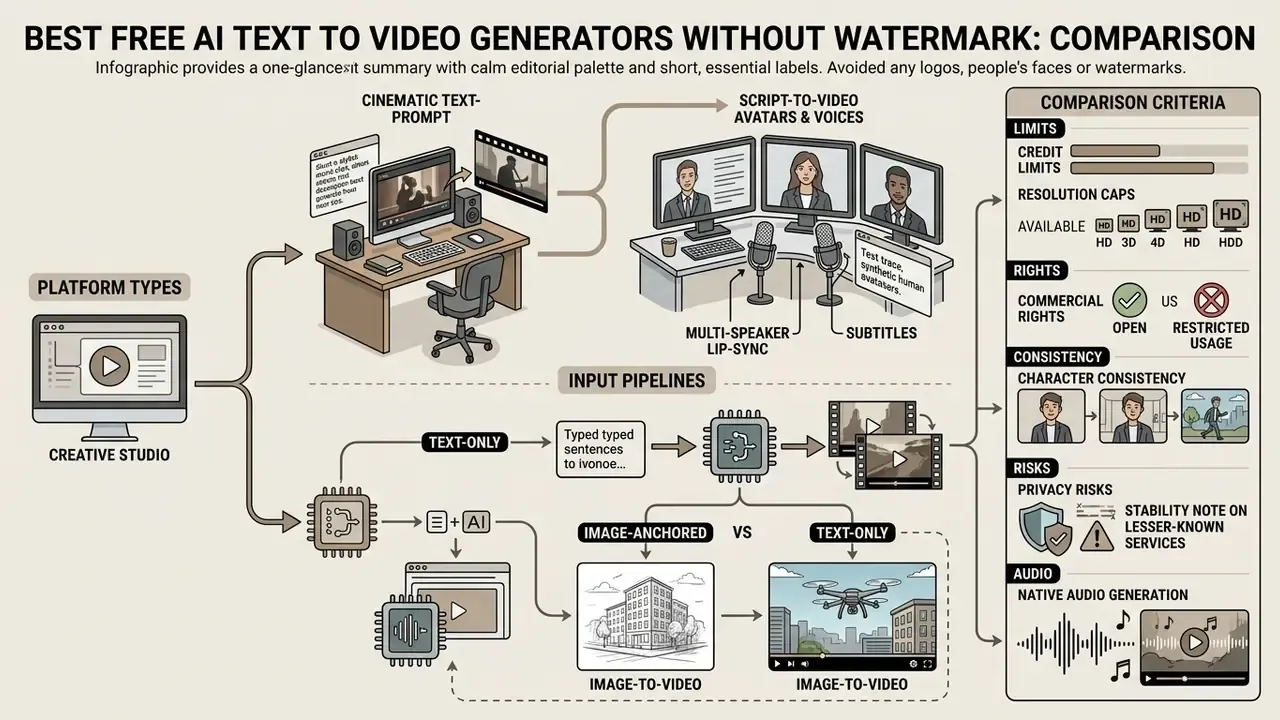
Text-prompt AI video generators for cinematic clips
Cinematic video tools specialize in turning descriptive text prompts into realistic camera movement, lighting and environmental physics. Systems like the best AI video generators, including Runway, Kling, Veo and open-source models such as Wan 2.1 and 2.2, rely on specialized motion controls to simulate pan, tilt, zoom, dolly and crane shots. Research between 2024 and 2026 converged on explicit camera-pose conditioning: CameraCtrl introduced plug-and-play trajectory control on top of a video diffusion backbone, and follow-up work (GEN3C, AC3D, CameraCtrl II) extended it to temporally consistent 3D camera paths.
Visual fidelity, however, still runs ahead of reasoning fidelity.
When drafting cinematic prompts, specifying shot size, lighting parameters and lens length yields noticeably higher temporal consistency. To compare underlying generative frameworks, browse the hub for technical specifications, or review the Google Veo implementation guide for API-level duration, aspect-ratio and cost constraints.
Script-to-video tools with avatars, voices and subtitles
Script-focused platforms convert multi-line text scripts directly into structured video presentations with digital presenters, synthesized voiceovers and closed captions. HeyGen, Kapwing and VEED let you paste raw text, select AI avatars and map sentence structure to B-roll footage automatically. HeyGen's documentation confirms script-to-avatar generation with captions returned either as a separate SRT file or burned into the render; output ratios include 16:9, 9:16, 4:5, 5:4 and 1:1.
These systems pair text-to-speech engines with automated lip-syncing modules. For corporate communications and training material, script-to-video pipelines cut post-production overhead by combining asset generation, script editing and subtitle burning into a single online workflow. If voice quality and language coverage are the deciding factor, compare engines in our AI voice generator guide before committing to a platform.
Native audio generation and multi-speaker lip-sync. Newer engines no longer treat sound as a post-production step. Kling 3.0 generates matched voices and realistic lip movement across multiple languages and regional accents, and lets creators assign which character speaks in multi-character scenes without third-party tools. Veo 3.1, Sora 2 and Seedance expose an explicit audio toggle: audio ON produces AI-generated dialogue, ambience and effects synchronized to motion; audio OFF renders silent video at lower credit cost. Practical rule of thumb: generate dialogue natively when lip-sync matters, and generate silent clips when you plan to layer a licensed music bed and a cloned voiceover in an editor.
Image-to-video tools for animating static images
Image-to-video AI tools take static images, such as Midjourney renders, brand photography or vector graphics, and apply optical flow diffusion to introduce movement. ImgVid, JoyPix AI and Vidu let creators upload a starting frame plus an optional ending frame to control the animation trajectory. ImgVid documents single-image, multi-image and start-end frame modes with watermark-free output, while Wan supports first-frame and last-frame control when self-hosted.
During a recent media transition project, an editorial team converted 40 static product photographs into animated 5-second video clips for a digital showcase. By pairing high-resolution start frames with precise motion prompts, the team produced consistent 720p assets without visual distortion and reported a substantial reduction in manual motion-graphics work compared with keyframing each asset by hand (internal project estimate, not a benchmarked figure).
Image-anchored versus text-only pipelines:
| Dimension | Text-only prompt pipeline | Image-anchored (image-to-video) pipeline |
|---|---|---|
| Input control | Language only; composition is inferred | Exact composition, colour and product geometry locked by the frame |
| Temporal consistency | Moderate; subjects can drift between frames | High; the anchor frame constrains identity and layout |
| Prompt fidelity | Depends on model world knowledge | Prompt governs motion only, raising hit rate |
| Best for | Cinematic B-roll, abstract scenes, concept tests | Product cards, catalogue animation, brand-accurate assets |
| Typical failure mode | Wrong object count, physics errors | Unnatural motion, warped edges near high-contrast borders |
Character Consistency, Motion Locking and Long-Form Video
Character consistency and motion locking controls
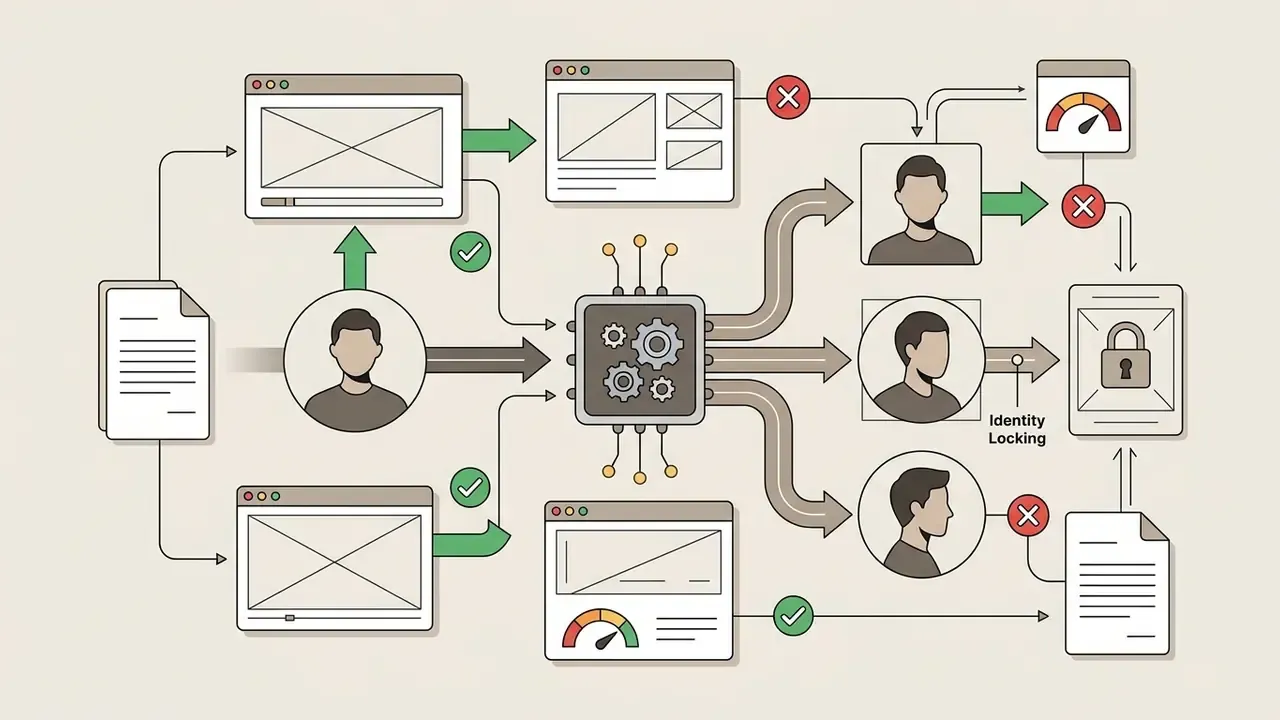
When generating multi-shot videos, conventional diffusion engines suffer from "AI morphing": facial structure, hairlines and clothing drift between renders, so two clips of the same character look like two different people. Modern video engines solve this with identity conditioning rather than prompt repetition.
How to lock a character in practice:
- Upload a primary anchor photo.One clean, well-lit frontal portrait becomes the identity reference for every subsequent clip.
- Add multi-angle references.Kling 3.0 accepts a short video or several angles as reference input, which materially reduces morphing on profile turns and fast motion.
- Lock features before prompt processing.Set the character reference first, then write the motion prompt. Reverse that order and the text description overrides facial geometry.
- Fix wardrobe and palette in the prompt.Repeat garment colour, fabric and hairstyle tokens verbatim across all shots.
- Control motion intensity.Lower intensity preserves identity; high intensity buys dynamism at the cost of facial stability.
- Reuse the same seed and style tokensso lighting and grading do not shift between adjacent shots.
Anchor image plus motion locking is what makes faceless YouTube channels, recurring brand mascots and multi-episode explainer series viable on short-clip engines. Without it, every render is a new casting call.
Multi-scene orchestration and agentic long-form video
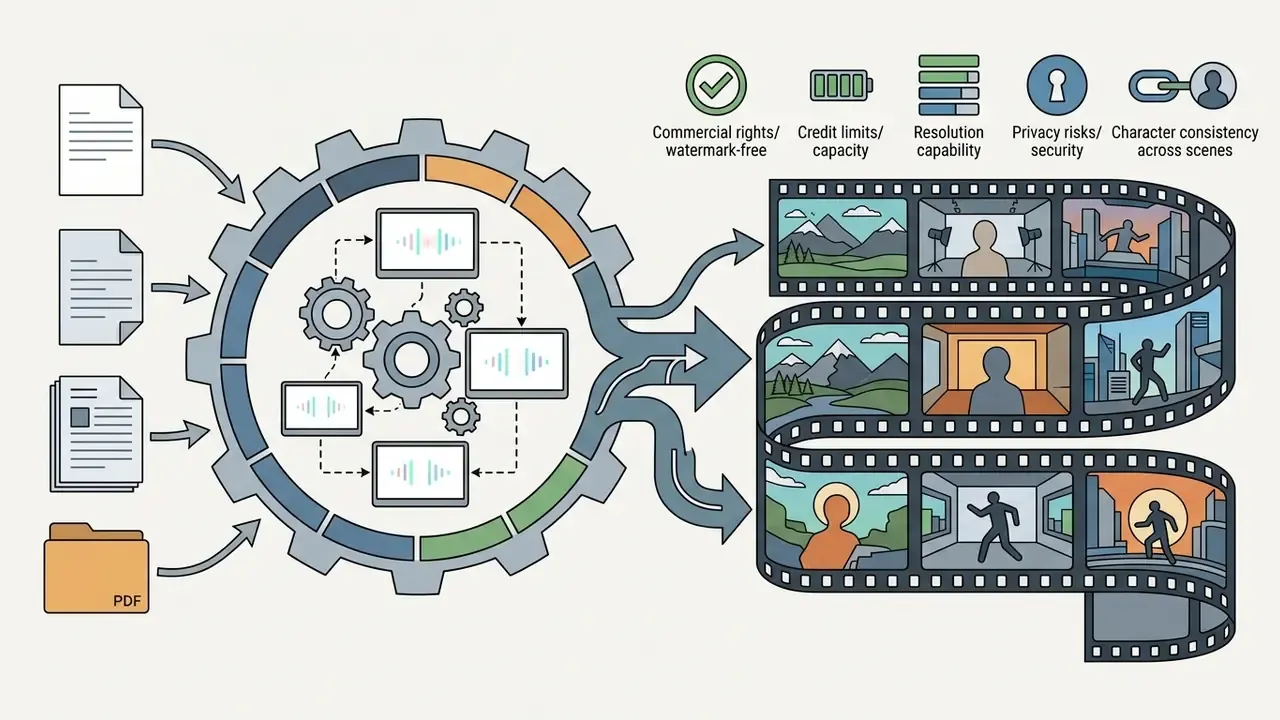
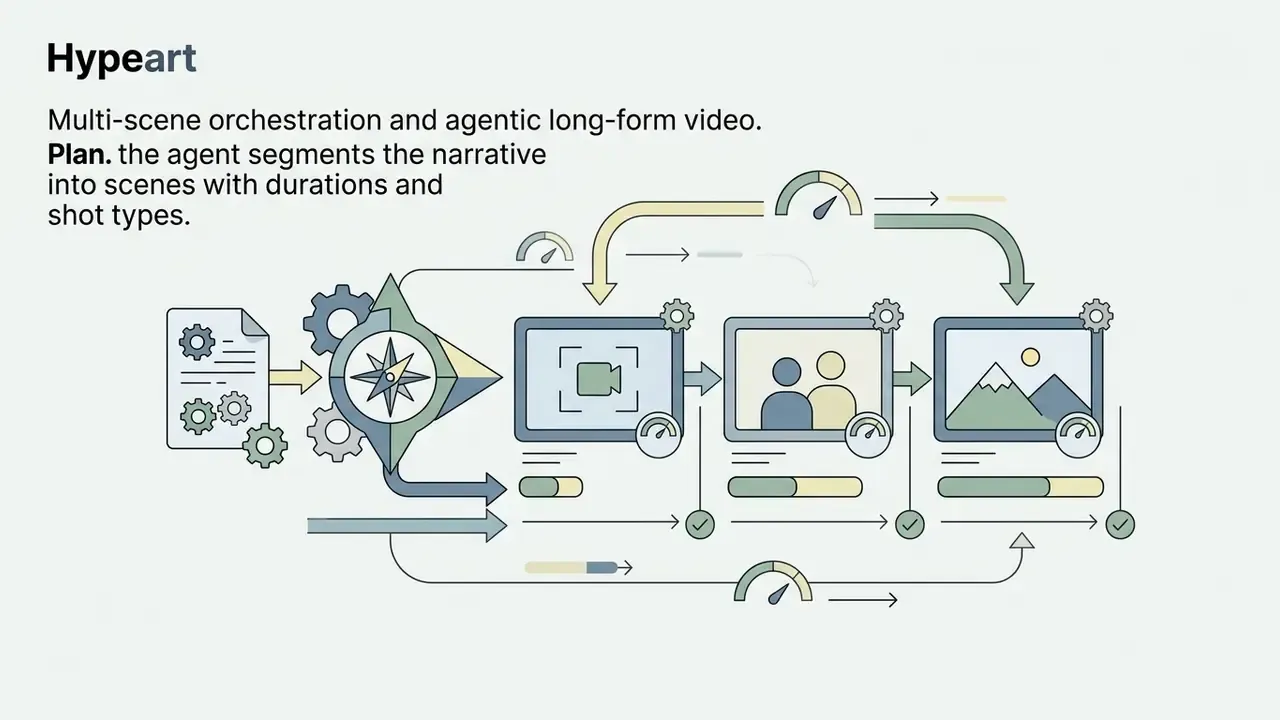
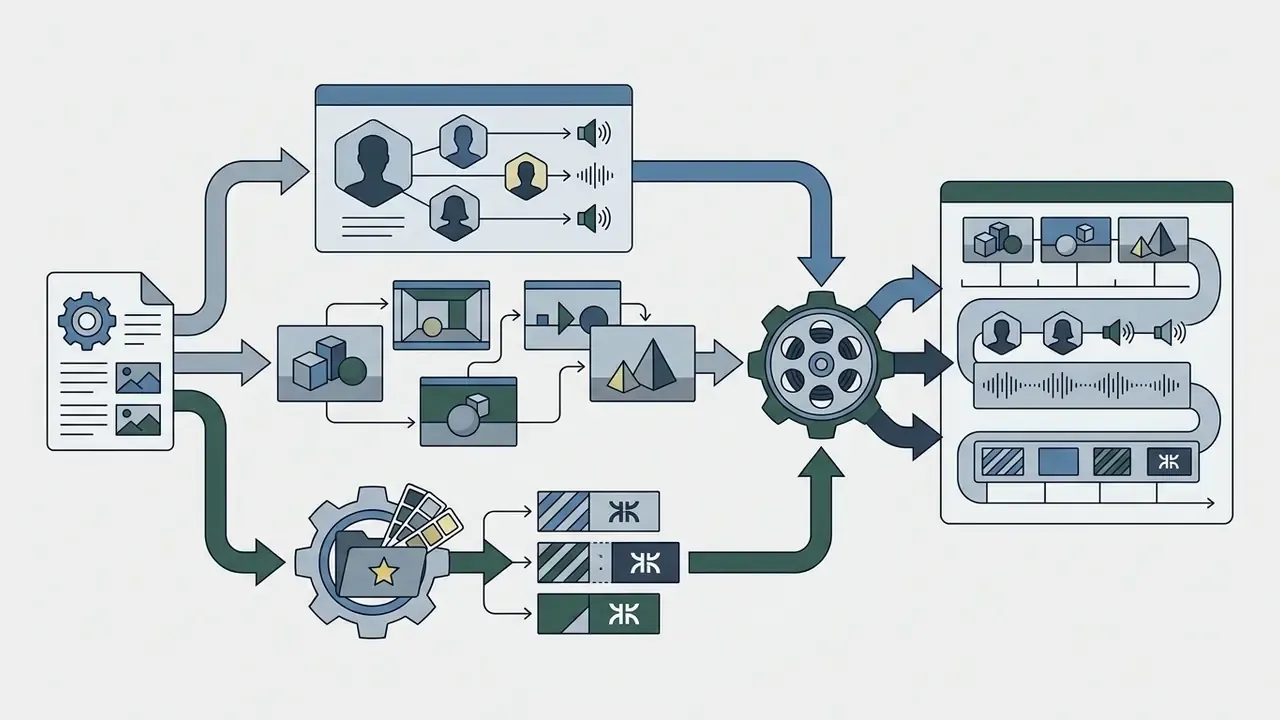
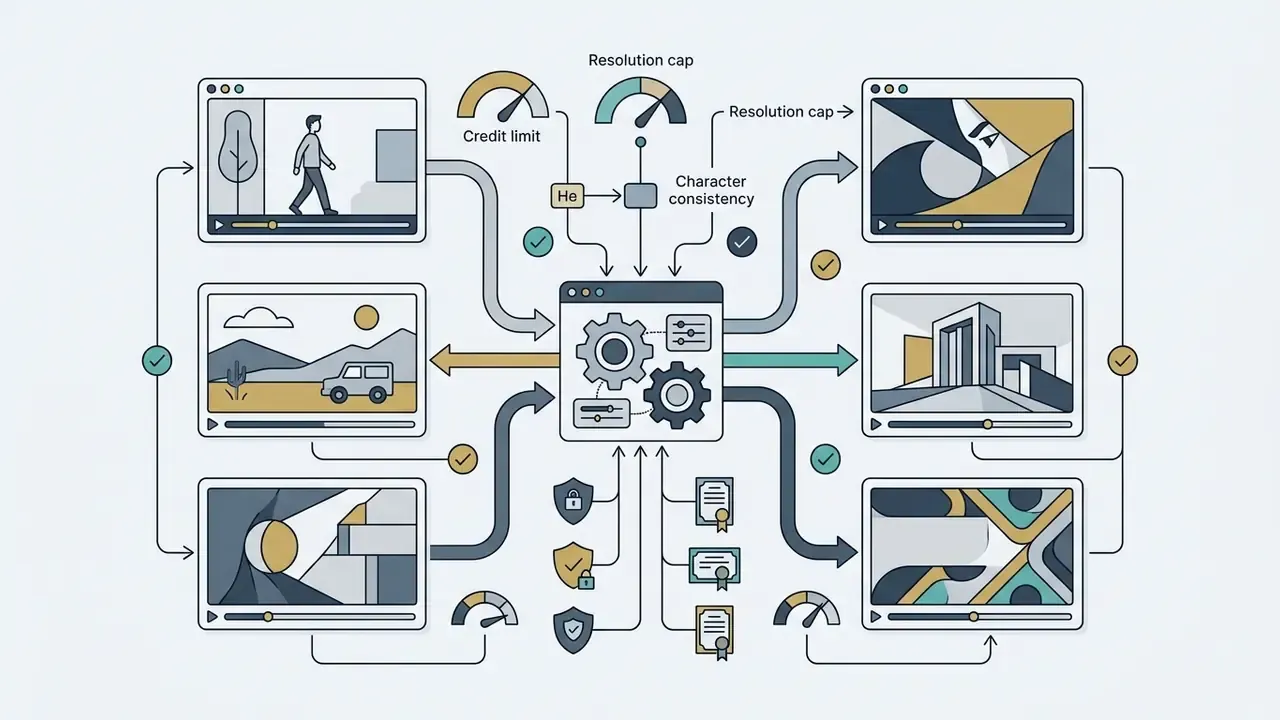
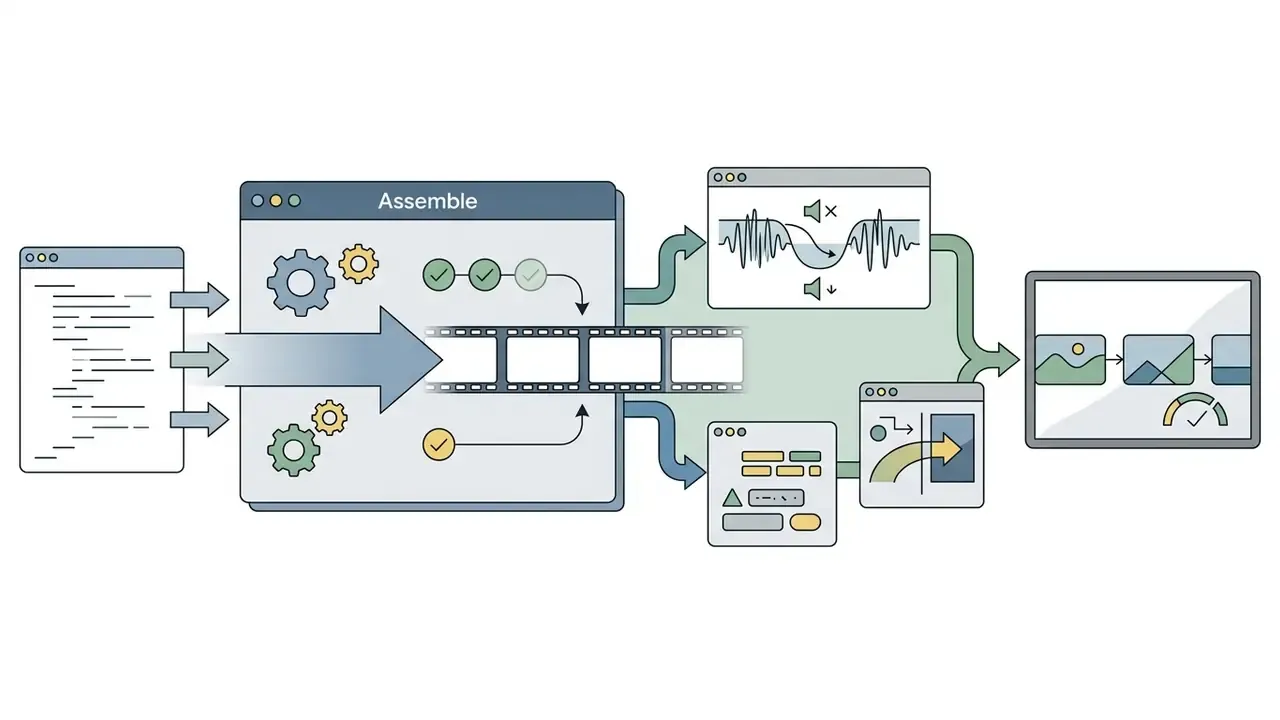
The single-clip duration limit of 4 to 15 seconds is a property of the render engine, not of the workflow. To bypass it, modern platforms use AI video agents, that is LLM-driven script orchestrators, instead of manual clip-by-clip generation. The agent parses a full script, plans a storyboard, casts avatars and voices, generates individual scene prompts with shared style tokens, renders background clips using underlying models (Veo 3.1, Sora 2, Kling 3.0 or Seedance), then stitches everything into a coherent 3 to 10 minute explainer with continuous voiceover and subtitles.
A workable agentic pipeline looks like this:
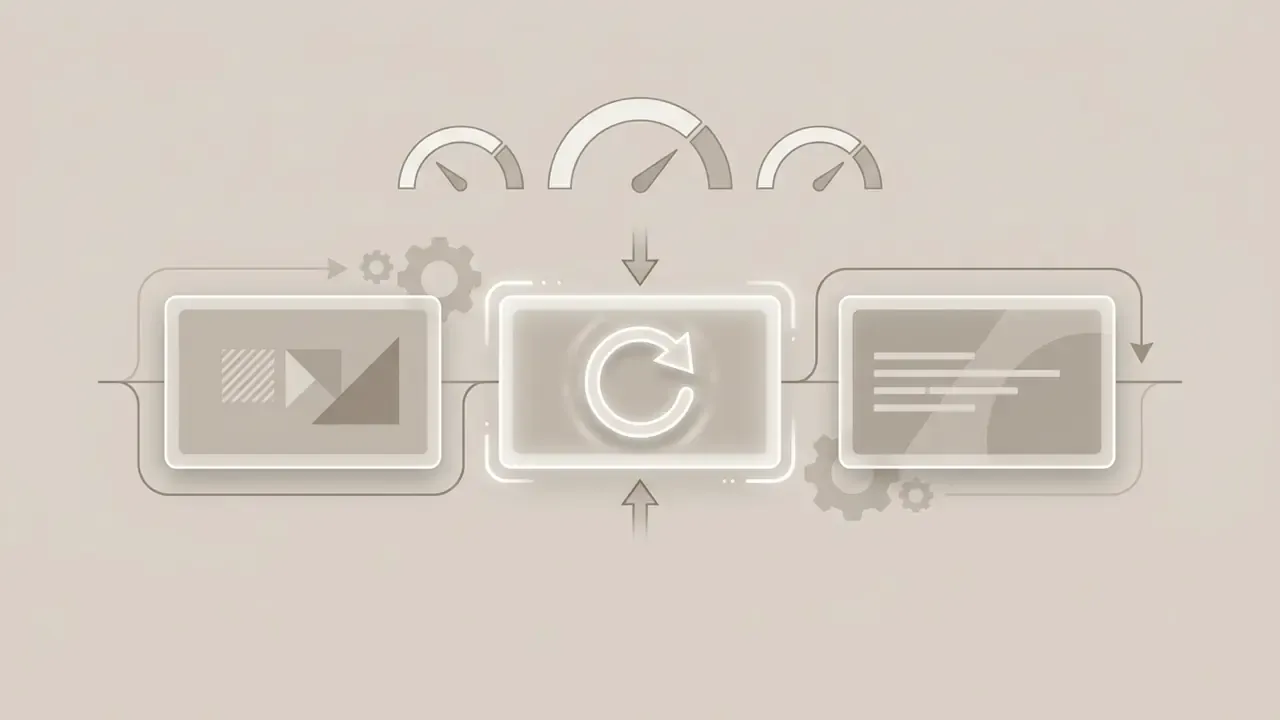
Practical limits still apply. Continuity degrades as scene count grows, and free tiers rarely include agentic orchestration at all. For teams publishing recurring long-form content, pairing an agent with a manual pass in a YouTube editing workflow remains the most reliable route to a broadcast-ready cut.
A governance footnote worth keeping in mind: an orchestrating agent is still a digital worker. It needs an owner, an approved role, access limits and an audit trail of what it published and when. No evidence, no autonomy.
How to Choose a Free Text to Video AI Tool Without Watermark
Choosing the right ai text to video generator free without watermark depends on target video length, aspect ratios, generation speed and built-in editing capability. Match the tool to the operational workflow and you avoid pipeline bottlenecks plus unnecessary re-renders.
Selection matrix, task to optimal tool type:
| Content Requirement | Primary Tool Category | Key Evaluation Criterion | Alternative Option |
|---|---|---|---|
| TikTok / Reels / Shorts | Vertical T2V diffusion models | Native 9:16 support, fast motion, native audio | Image-to-video animation from static templates |
| Corporate Presentations | Script-to-video with AI avatars | Accurate lip-sync and SRT subtitle export | Template-based animation generator |
| Product Demos | Hybrid image-to-video systems | Start/end frame anchoring for product fidelity | Screen recording plus AI voiceover |
| Cinematic B-Roll | High-capacity text-prompt generators | Camera motion controls (pan/dolly/crane), 1080p export | Licensed stock footage plus editing |
| Recurring Character Series | Engines with identity locking (Kling 3.0, Wan 2.2) | Multi-angle reference support, low morphing | Consistent-seed image-to-video chains |
| Explainers over 3 Minutes | Agentic multi-scene orchestrators | Scene continuity, continuous voiceover, revision control | Manual stitching in a video editor |
No matching rows Clear one or more filters to restore the matrix.
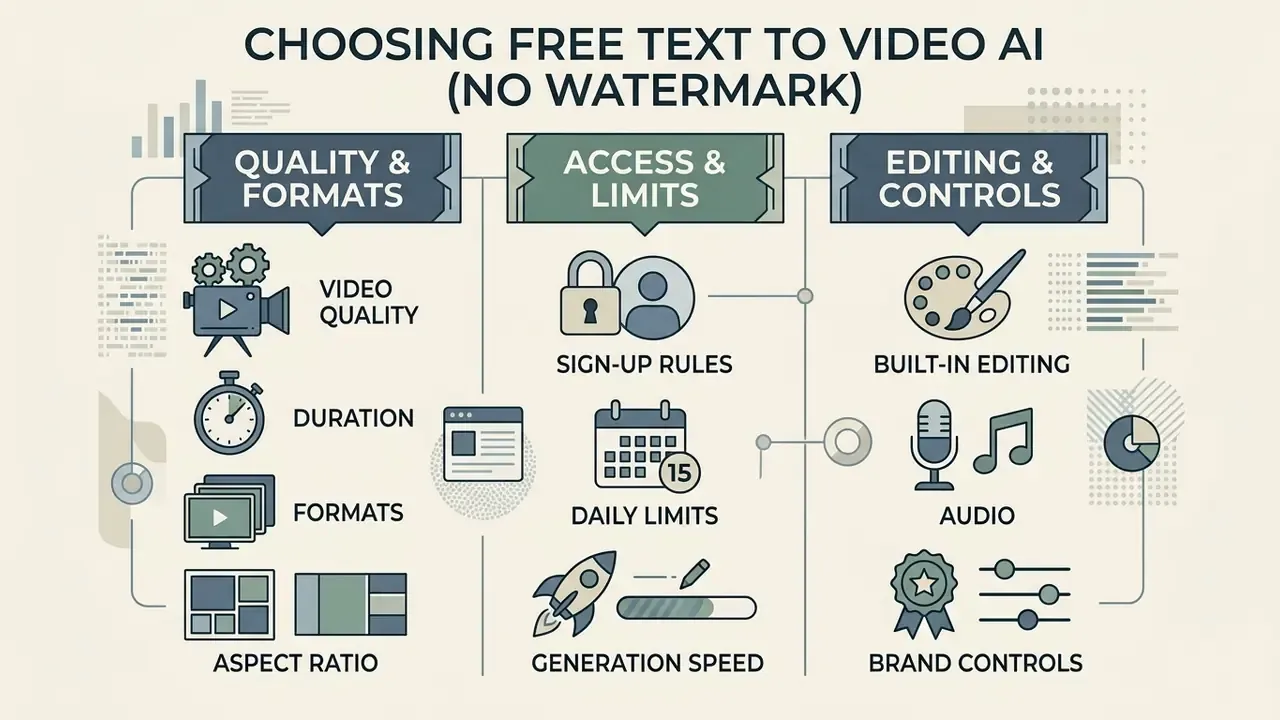
Video quality, duration, formats and aspect ratio
Output standards vary widely across free text to video generator no watermark platforms. Short social clips for TikTok or Instagram need native 9:16 vertical framing, whereas YouTube presentations demand 16:9 landscape.
«Most video generators execute fewer than 20% of requested temporal compositional changes, even at high visual quality.»
That finding explains the most common free-tier frustration. The clip looks good, but the requested sequence of events ("the cup fills, then tips over") is simply not rendered. Split such prompts into separate single-action clips rather than fighting the model.
Aspect ratio compatibility map:
| Ratio | Pixel logic | Primary destinations | Support status in 2026 |
|---|---|---|---|
| 16:9 | Landscape, short edge sets resolution | YouTube, websites, presentations | Default on virtually every engine |
| 9:16 | Vertical | TikTok, Reels, Shorts, Stories | Widely supported, including Veo and HeyGen |
| 1:1 | Square | Feed posts, marketplace cards | Available on Pixverse, EaseMate, HeyGen; absent from some Veo endpoints |
| 4:5 / 5:4 | Portrait/landscape feed | Instagram feed, LinkedIn | Avatar platforms (HeyGen) more than diffusion engines |
| 21:9 | Ultra-wide | Cinematic title cards | Rare in video, more common in image models |
Most free platforms limit single-clip duration control to 4 to 8 seconds. For longer video creation, generate individual clips separately and stitch them in a free video editing software no watermark application. If you need to pick that editor first, compare options among the best free video editors, or work straight in a free online video editor no watermark when you would rather not install anything.
Sign-up rules, daily limits and generation speed
Access friction varies across generator online platforms. A small number of tools permit instant testing with no sign-up, but most require an account via email or SSO to manage usage quotas. Credit cards are rarely required for trial credits: Kling issues roughly 66 daily login credits, PixVerse grants sign-up credits plus about 60 credits every day, and Wan-based free access commonly uses a daily check-in worth one 720p/5s render.
Daily credit resets give you a recurring generation allowance, whereas one-time welcome credits expire once depleted. Rendering speed on free tiers depends heavily on server queue volume, with average waits spanning 2 to 15 minutes per 5-second clip during peak traffic. Avatar platforms on starter plans have been reported to queue for 20 minutes or longer.
Built-in editing, audio and brand controls
Integrated AI video generator editor features simplify media management and cut reliance on external software. Higher-utility platforms bundle AI music libraries, voice selection, text overlay tools and brand kits for storing logos and colour palettes. Synthesia, HeyGen and Quso all document editable brand kits covering colours, fonts, logos and reusable templates; some, like Vidocu, extend brand-kit control to music, opening and closing scenes, captions, voice and language.
With native audio toggles enabled, the video generator synthesizes ambient sound effects or background tracks that sync with on-screen motion. For advanced sound design or multi-track audio editing, finish the project in a dedicated free video editing application. If you need frame-by-frame control instead of diffusion motion, an animation maker may be the better primary tool.
How to Create Text to Video AI Free Without Watermark
Producing clean AI video without watermark assets takes a structured approach, from prompt drafting through final export verification. A systematic process keeps prompt adherence consistent and prevents watermark surprises at download.
Process flow: creation and export verification:
- Prepare the script or prompt.Define subject, action, camera and exclusions ("no on-screen text, no logos, no watermark").
- Configure parameters.Model, aspect ratio, duration, motion intensity, audio toggle, character reference.
- Generate and wait out the queue.Note the credit cost per render before submitting.
- Inspect for watermarks and artifacts.Corners, lower third, final frames, plus metadata.
- Download in the highest available resolution.Then archive prompt, seed and licence snapshot.
- Publishin the destination platform's required ratio, with AI disclosure where mandated.
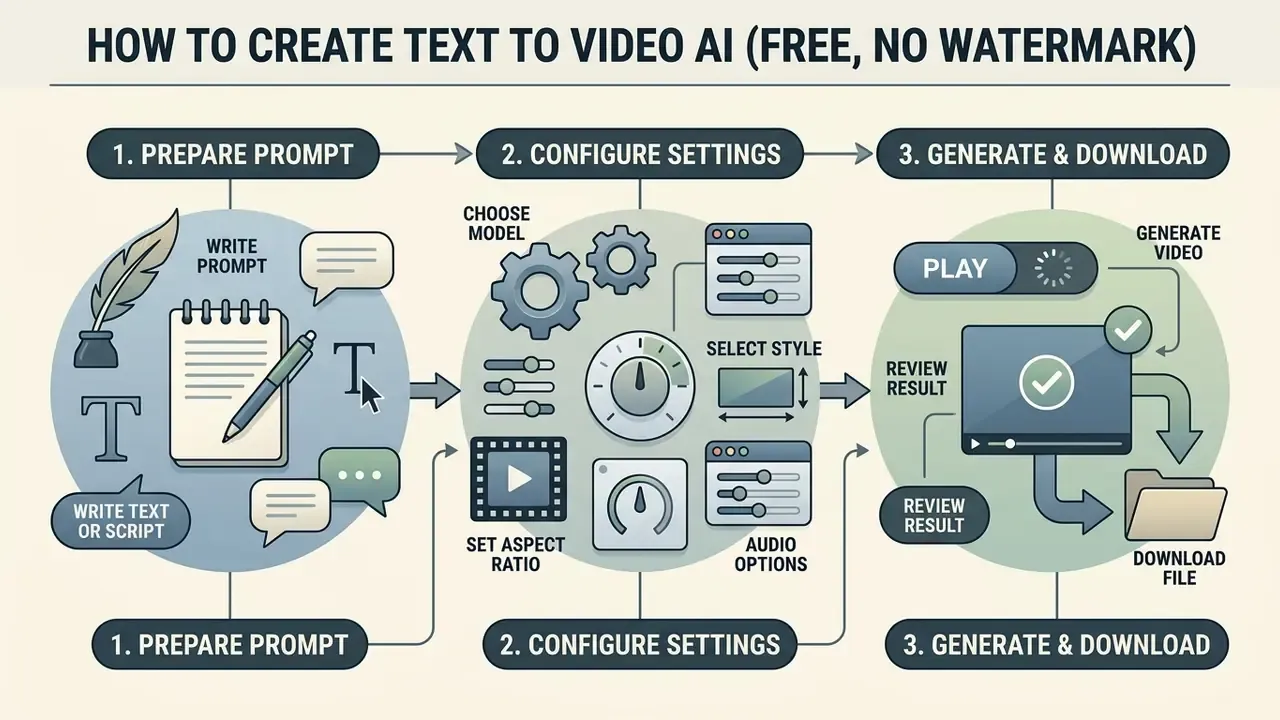
Write a text prompt or prepare a video script
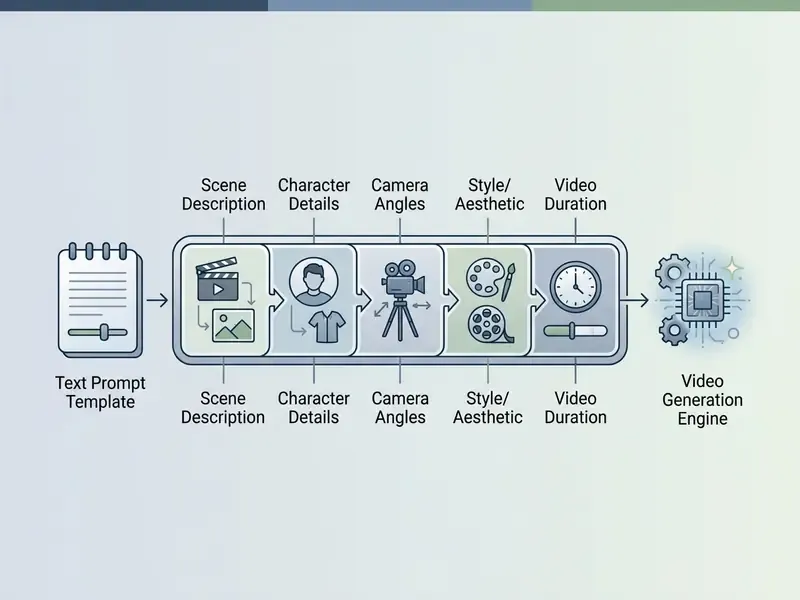
Effective text prompts follow a structured sequence: cinematography, subject, action, context, style. Specify camera placement first ("wide cinematic angle"), describe the main subject and its specific motion, then establish environmental lighting and colour grading. Runway's own prompting guidance orders the same elements as shot size, angle, movement, subject and action, lens and look, lighting and mood, then what the shot reveals.
Avoid abstract concepts and non-descriptive terms. To make a model generate speech or narrative action, describe the character's physical delivery rather than inserting conversational filler. Google's Veo guidance explicitly recommends denoting speech through the speaker's action and avoiding quotation marks. State exclusions directly: "no watermark", "no extra text", "no logos or trademarks" are recognized negative constraints across the major engines. No editing skills required here, just type what the camera should see.
Choose a model, style, aspect ratio and audio settings
Before you click generate, tune the video creation parameters to match your distribution channel. Set frame orientation (16:9 for desktop and landscape, 9:16 for mobile and vertical) and pick the visual style preset (cinematic, photorealistic, 3D animation). Choose the model before enabling audio: audio toggles, voice configuration and per-second billing differ by model, and switching models later resets those settings.
If the platform offers an AI voice or sound toggle, decide whether ambient audio should be synthesized during the diffusion pass or added later in post.
Generate, review and download the final video
Click generate to submit the request to the rendering queue. Once processing finishes, review the generated videos in full-screen playback.
Check for visual distortion, temporal flickering or unwanted text overlays in the corners. Compare the export against the preview, since some tools apply overlays only at encode time and others only in the preview window. When you are satisfied with output quality, hit export to download the MP4 file to local storage. If file size is a constraint for your CMS, run it through a video compressor rather than re-rendering at lower quality. For specialized workflows that require clean video rendering with no embedded logos, review dedicated No-Watermark AI Video solutions.
Production-Ready Prompt Templates
Copy these structures and substitute your own nouns. Keep the bracket order intact, because ordering affects how engines weight camera versus subject.
1. Cinematic B-roll
[Camera: slow dolly zoom, 35mm lens] + [Subject: futuristic electric sports car] + [Action: driving through a rain-soaked neon city street] + [Lighting: volumetric wet reflections, cool blue key, warm signage fill] + [Motion: fluid, high temporal coherence] + [Exclusions: no on-screen text, no logos, no watermark]
2. E-commerce product showcase
[Input: studio product shot as start frame] + [Action: rotating 360 degrees on a polished oak display] + [Camera: locked-off, slight parallax] + [Style: soft-box lighting, photorealistic, highest available resolution, zero visual distortion] + [Exclusions: no text overlays, no reflections of crew or equipment]
3. Viral social hook (9:16)
[Format: vertical 9:16, first frame carries the message] + [Camera: handheld push-in, fast] + [Subject: close-up of hands unboxing a matte black device] + [Action: lid lifts in the first second, product revealed by second two] + [Style: high-contrast, punchy grade, native ambient audio ON] + [Exclusions: no captions burned in, no watermark]
4. Talking presenter / explainer
5. Character-consistent series shot
[Character reference: anchor_portrait_v1 + three-angle reference set] + [Wardrobe: charcoal overcoat, red scarf, short dark hair, repeat verbatim in every shot] + [Seed: fixed] + [Motion intensity: low] + [Shot: medium, eye level, walking left to right] + [Exclusions: no facial restyling, no age change]
Data Privacy, Retention and Shadow AI Risks
Free browser-based generators are not only a creative tool. They are an outbound data channel. Before pasting a script or uploading brand media, treat every free tier as a public endpoint.
What typically happens to your inputs on consumer free tiers:
- Prompts and scripts may be stored for abuse monitoring, quality review and, on some consumer plans, model improvement. Unreleased product names, pricing, legal language and unpublished campaign copy therefore leave your perimeter.
- Reference images and start/end frames carry extra exposure: unreleased packaging, employee likenesses and customer photos count as personal or confidential data in most jurisdictions.
- Generated outputs are frequently retained in a cloud gallery tied to the account, sometimes with public-by-default sharing on community-oriented platforms.
- Provenance metadata (C2PA, SynthID) is designed to persist. Good for auditability, but it also means the asset stays permanently identifiable as AI-generated.
- Model routing on aggregator platforms means your prompt may be forwarded to a third-party model provider under that provider's terms, not the aggregator's.
Controls that reduce Shadow AI exposure:
- Publish an approved-tools list and block unvetted free generators at the network level.
- Require enterprise or API tiers, where retention and training opt-outs are contractual, for anything touching confidential material.
- Use synthetic placeholders (fictional brand names, stock stand-ins) during prototyping on free tiers.
- Prohibit uploads of identifiable faces of employees, customers or minors to consumer-grade endpoints.
- Check whether the vendor offers an opt-out from training use, and record whether it applies to the free plan.
- Delete cloud-stored generations after download, and verify that gallery visibility is private.
- Log tool, plan, date and prompt for each published asset so provenance questions can be answered later.
Self-hosting is the strongest mitigation. An Apache-licensed model such as Wan 2.2 running on your own GPU keeps prompts, reference frames and outputs inside your infrastructure, at the cost of hardware and setup effort. Not free in the cash sense, then, but free in the data sense.
This section describes general risk-management practice and does not constitute legal or compliance advice; validate requirements with your own counsel and data-protection officer.
Alternatives and Switching: When to Change Your AI Video Generator
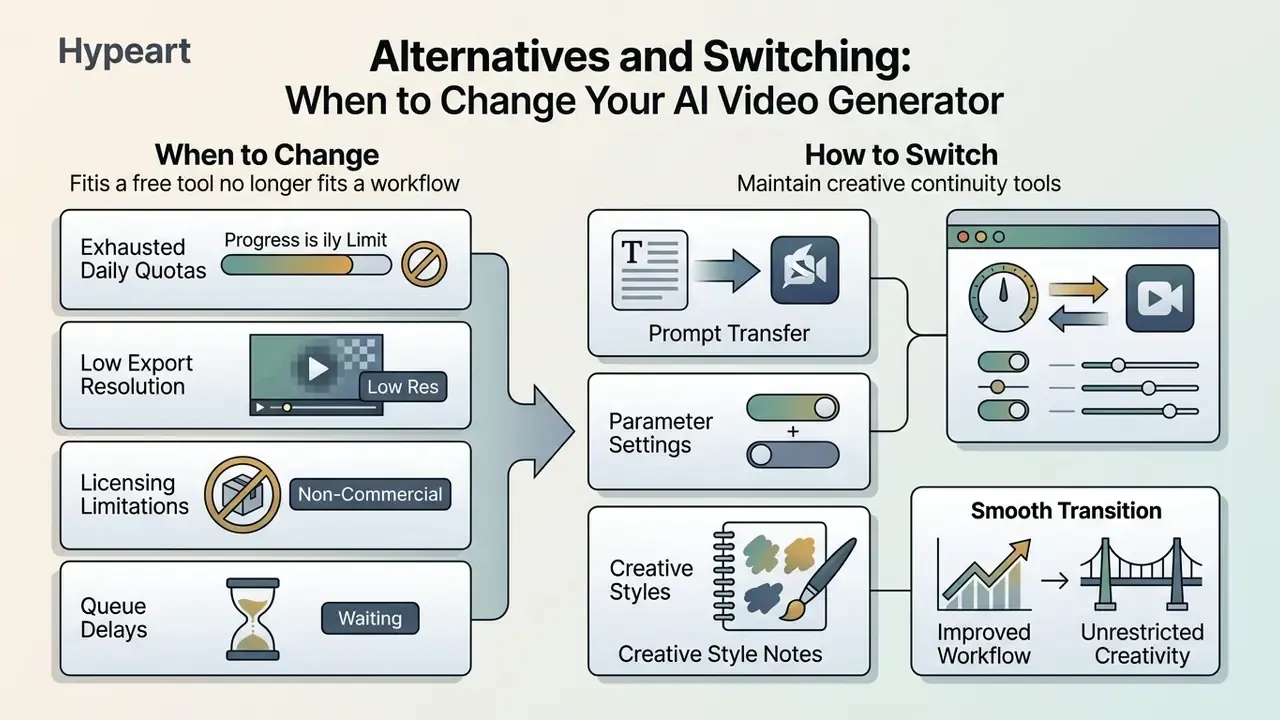
Free AI video tools earn their place in rapid prototyping and short clips. Operational growth, though, tends to expose functional bottlenecks fast. Recognizing when a tool no longer meets production requirements keeps transitions timely rather than panicked.
Signs that a free tool no longer fits your workflow
Workflow constraints tell you when to upgrade or switch. The usual indicators:
- Exhausted daily quotas running out of free generations mid-session. Adobe, for instance, states that free users receive a daily allotment that resets each day, after which a subscription is required.
- Low export resolution 480p or 720p output looking pixelated on high-resolution displays or in commercial ad placements.
- Licensing limitations no commercial use rights for client deliverables or monetized social media campaigns.
- Queue delays server queue times past 20 minutes per short clip during time-sensitive projects.
That trade-off usually explains a fifth switching trigger: prompt rejections. When a free tool refuses legitimate creative briefs such as combat choreography, medical visuals or historical conflict, the cause is a conservative safety filter rather than a prompt error. The fix is a different model, not a rewritten prompt.
Faced with persistent logo overlays on otherwise usable clips, creators often reach for an online video watermark tool as a stopgap. Switching to a native clean-export generator delivers higher visual fidelity, and, critically, stripping a visible mark never adds commercial rights.
How to switch tools without losing prompts and creative consistency
Migrating between AI video platforms requires preserving creative assets so visual continuity survives across campaigns. Standardize prompt structures in an external document library, logging camera tags, lighting descriptions and negative prompts.
Build a migration package with four locked asset classes plus metadata:
| Asset class | What to store | Metadata to attach |
|---|---|---|
| Prompt library | Base templates, negative prompts, exclusions | Tool, model version, date, result notes |
| Reference images | Anchor portraits, multi-angle sets, seed images | Seed value, aspect ratio, licence status |
| Brand/style guide | Palette hex codes, fonts, logo files, grade look | Brand-kit version, approval owner |
| Shot templates | Scene durations, camera moves, transition rules | Target platform, ratio, duration cap |
Use Cases for Watermark-Free AI Generated Videos
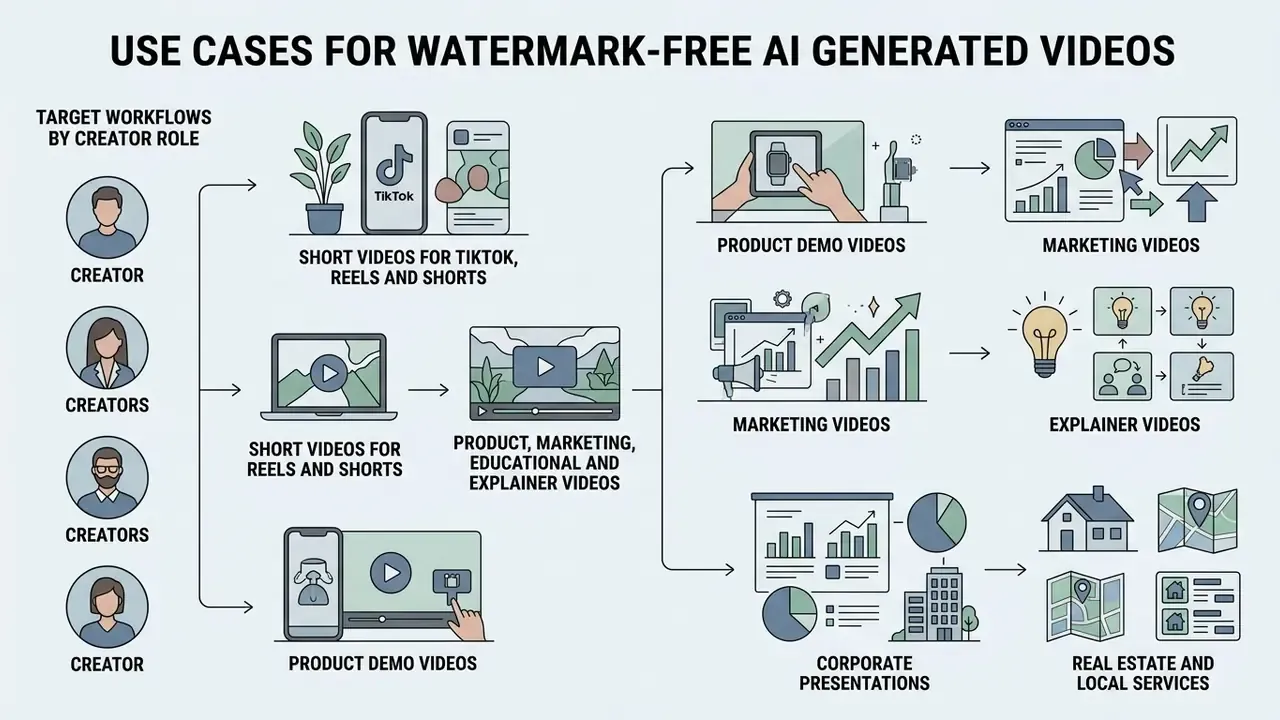
Clean, unbranded AI-generated videos serve a broad range of content creation and digital marketing applications. Removing visual watermarks lets generated clips blend into professional media campaigns, and in practice unbranded assets are also what platform algorithms treat as native rather than recycled content.
Short-form assembly walkthrough (60-second vertical post): generate five to eight 5-second clips sharing one seed and style token set, order them hook-first with the payoff frame inside the first second, add captions in the vertical safe zone at 4 to 8 words per card, layer trending audio or a cloned voiceover, export 9:16 at the highest available resolution, then verify corners and final frames before upload.
Target workflows by creator role
| Role | Primary tool type | Configuration to prioritize | Practical output |
|---|---|---|---|
| E-commerce & retailers | Image-to-video with start/end frame control | Motion vectors for 360° fabric movement, virtual try-on avatars, fixed product geometry | Shoppable product cards, AI fashion models, marketplace listing videos |
| Educators & trainers | Script-to-video with lip-synced presenters | Auto-generated SRT subtitles, multilingual voices, PPT/PDF-to-video ingestion | Course modules, micro-learning clips, 3D concept simulations |
| Social media creators | High-motion vertical T2V with native audio | 9:16 framing, first-frame hook, native ambience, low motion smoothing | TikTok/Reels/Shorts series, faceless channels, meme formats |
| Small business owners | Free-tier T2V plus template editor | Brand kit, commercial-use verified plan, 16:9 and 9:16 dual export | Promo clips, product announcements, local ads without a videographer |
| Agencies & client work | Paid tiers with clean export and 1080p or higher | Watermark-free licence in writing, API access, white-label delivery | Client deliverables, campaign variations, pitch reels |
Short videos for TikTok, Reels and Shorts
Short-form vertical formats live or die on visual engagement inside the first 1 to 3 seconds. Clean, unbranded video clips generated from descriptive text prompts let creators sustain high-volume posting schedules without visual clutter. Current platform-side guidance converges on a first-frame hook: one clear promise, curiosity gap or specific outcome, with visual, audio and on-screen text signals synchronized, and no "hey guys" filler. Timing expectations differ slightly by destination, roughly 1 to 2 seconds on TikTok, 2 to 3 on Reels, up to 3 on Shorts.
By combining 4-second cinematic clips with dynamic captions and trending audio, content creators can produce engaging TikTok videos, Instagram Reels and YouTube Shorts at pace. Vendor-reported figures deserve caution, though. One 2026 case-study page claims unbranded AI videos outperformed watermarked alternatives by 3.8x on engagement, but that is self-reported marketing data rather than independent measurement, so treat it as a hypothesis to A/B test on your own account. For creator teams managing high-volume production, see the overview to align tool costs with content budgets.
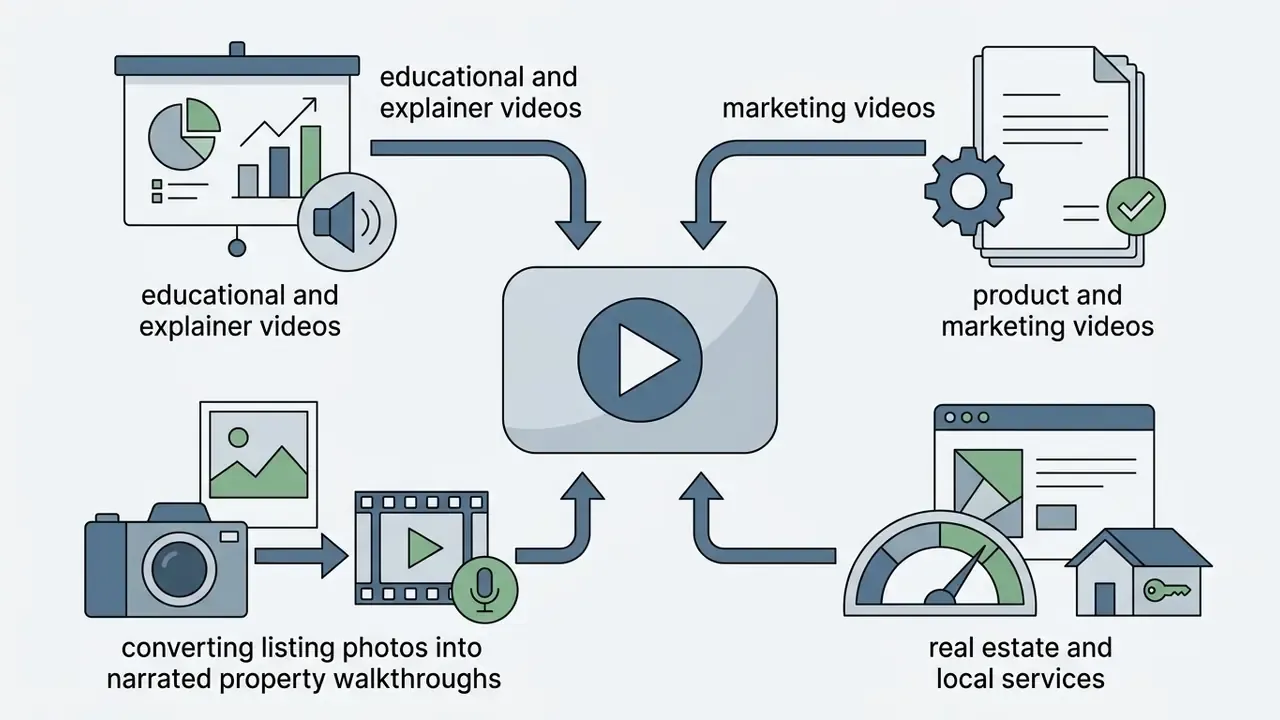
Product, marketing, educational and explainer videos
Unbranded AI video assets support commercial communication across several marketing and corporate touchpoints:
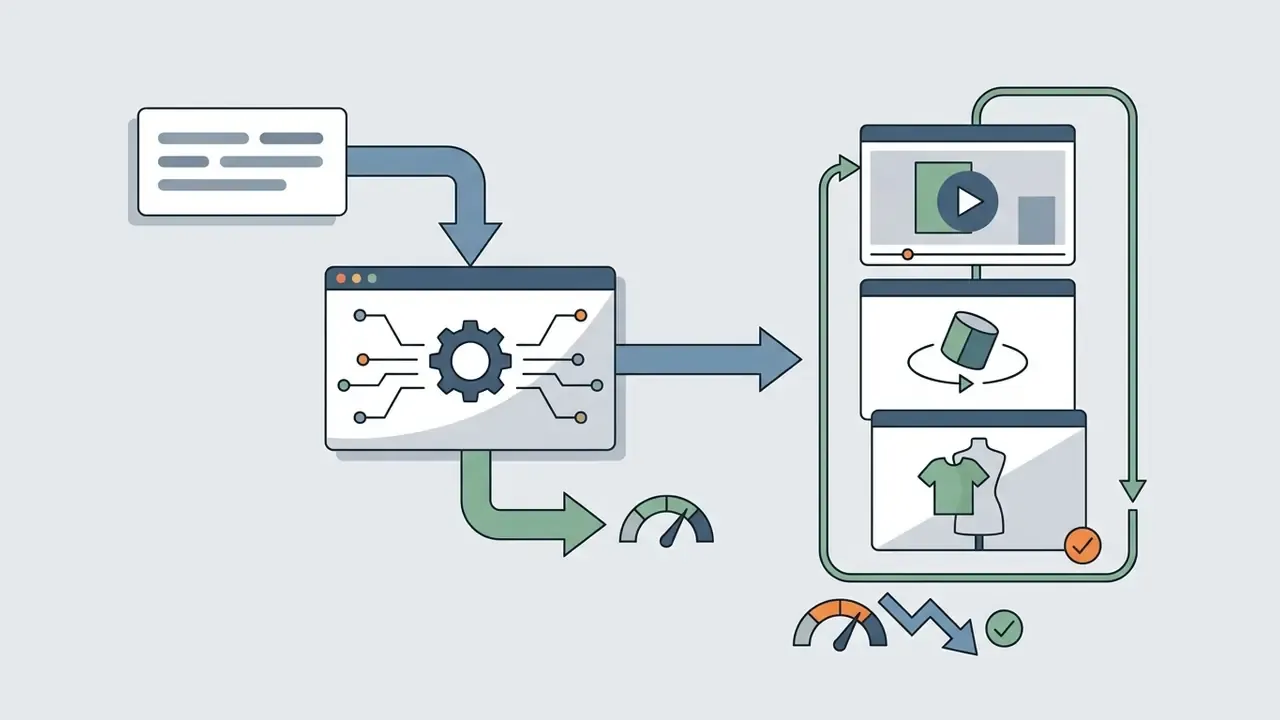
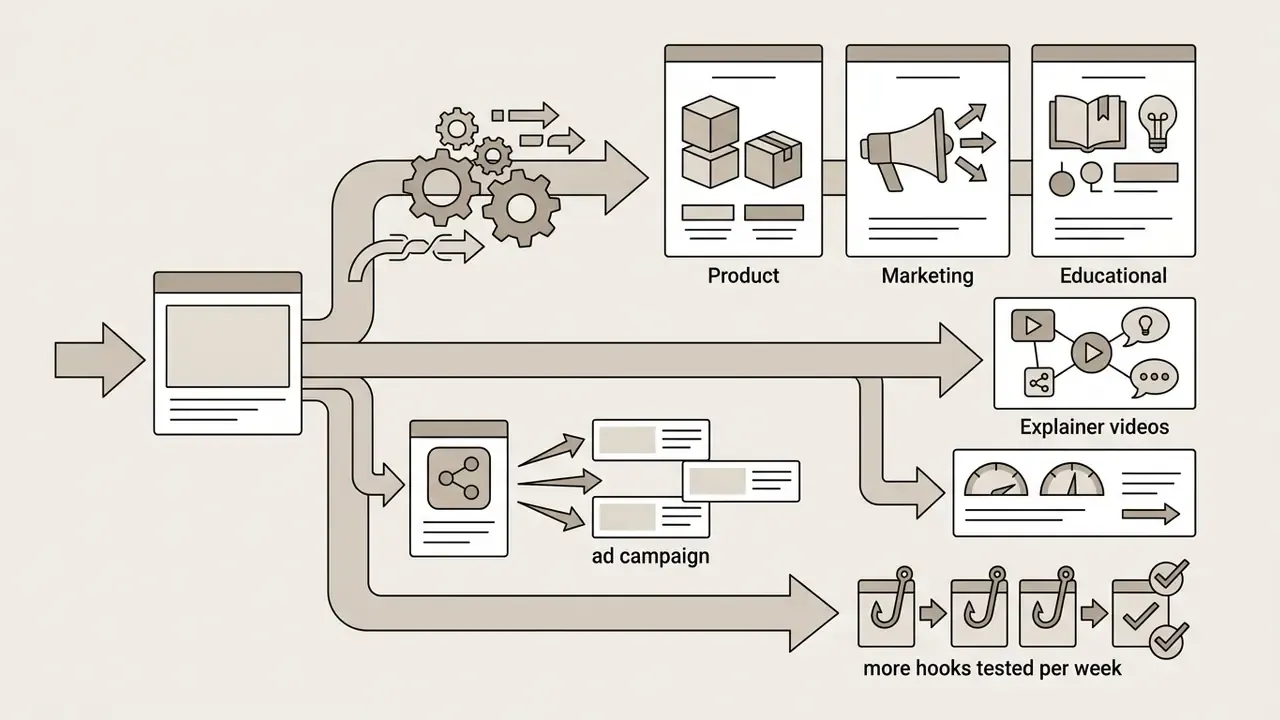

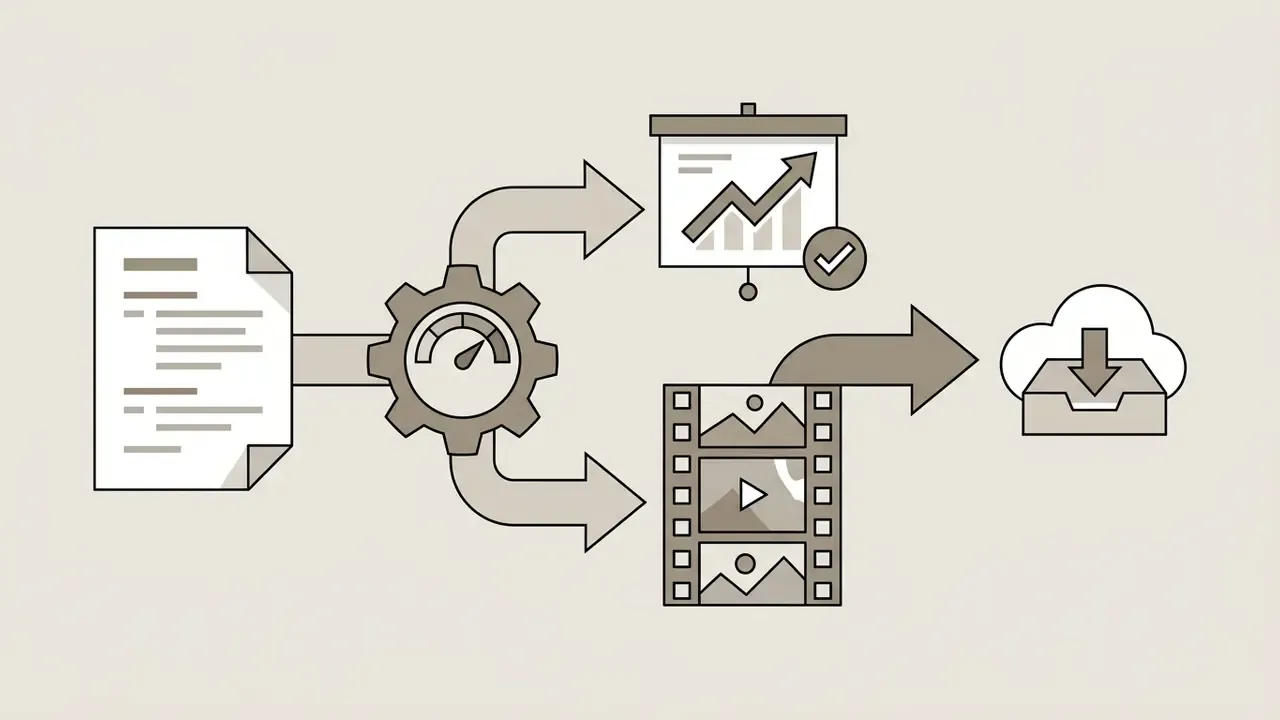
To evaluate side-by-side performance benchmarks across competing video engines, check our direct versus analysis guides.
FAQ About Free AI Text to Video Without Watermark
How long does it take to generate a video from text?
Generating a 4 to 8 second video clip from a text prompt usually takes 1 to 5 minutes under standard server conditions. Processing time depends on queue volume, model parameter complexity, requested frame rate and export resolution. Updated: independent research measures pure inference separately from queue time. Published characterizations of open text-to-video models report that latency scales roughly quadratically with frame count, and that the same pipeline can finish in under two minutes on a datacentre GPU yet take tens of minutes on consumer hardware. Prompt length itself often has little effect, because text encoders pad or truncate to a fixed token budget. Treat any single "seconds per clip" figure as hardware-specific rather than universal.
«Academic benchmarks standardize clips at roughly four seconds, partly because of compute constraints during large-scale generation.» EvalCrafter: Benchmarking and Evaluating Large Video Generation Models (2023 to 2024). https://arxiv.org/abs/2310.11440 On free public tiers, extra time goes to shared job queues during peak traffic hours. Selecting lower resolution presets or simpler camera motion parameters helps cut overall generation times.
Is text to video AI really free without a watermark?
Some services genuinely export clean MP4 files on free plans. Vivideo, Free.ai and EaseMate AI were verified doing so in 2026 testing. Others, including Kling, Pika and Fliki, watermark free output and sell removal with a subscription. "Free" therefore needs two separate checks: no visible logo, and a recurring generation allowance rather than a one-off credit grant.
Can I use free AI-generated video commercially?
Only if the plan you generated on grants that right. Adobe's generative terms restrict certain experimental output from commercial use entirely; Kling permits commercial use but watermarks free renders; Runway states no non-commercial restriction on user-created content. Copyright status of AI output is also still being examined by regulators, so ownership and reuse depend on both vendor terms and jurisdiction. Run the clearance checklist above before publishing.
Do free AI video tools train on my prompts and uploads?
Consumer free tiers frequently reserve broad rights over inputs for service improvement, model training included, while enterprise and API tiers more often provide contractual opt-outs. Because policies vary by vendor and plan, assume free-tier inputs are non-confidential unless the terms explicitly say otherwise. And never upload unreleased product media or identifiable customer faces to a consumer endpoint.
How do I make a video longer than 10 seconds?
Two routes. Manual: generate multiple clips with a fixed seed and identical style tokens, then stitch them in an editor. Agentic: use a platform whose AI agent plans scenes, renders them in parallel and assembles a continuous 3 to 10 minute cut with one voiceover track. Kling 3.0 also extends single-generation length to 15 seconds with native multi-shot storyboard controls.
Why does my character's face change between clips?
Because the model re-imagines the subject from text each time. Fix it by uploading an anchor portrait (ideally with multi-angle references), locking identity before the motion prompt, repeating wardrobe tokens verbatim, holding the seed constant and lowering motion intensity.
Does removing a watermark make the video untraceable?
No. Visible logos and invisible provenance are separate layers. C2PA manifests and SynthID-style signals are designed to survive routine editing, and academic watermarking systems report decoding accuracy above 98% after cropping, frame removal and downscaling. Assume AI-generated media stays identifiable as such.
Which resolution should I target for social platforms?
720p is generally acceptable for Shorts, Reels and TikTok, where aggressive platform re-encoding limits the visible benefit of a higher master. Move to 1080p or above for paid placements, YouTube long-form, landing pages and any large-screen display.
Appendix A: Revised Statements and Methodology Notes
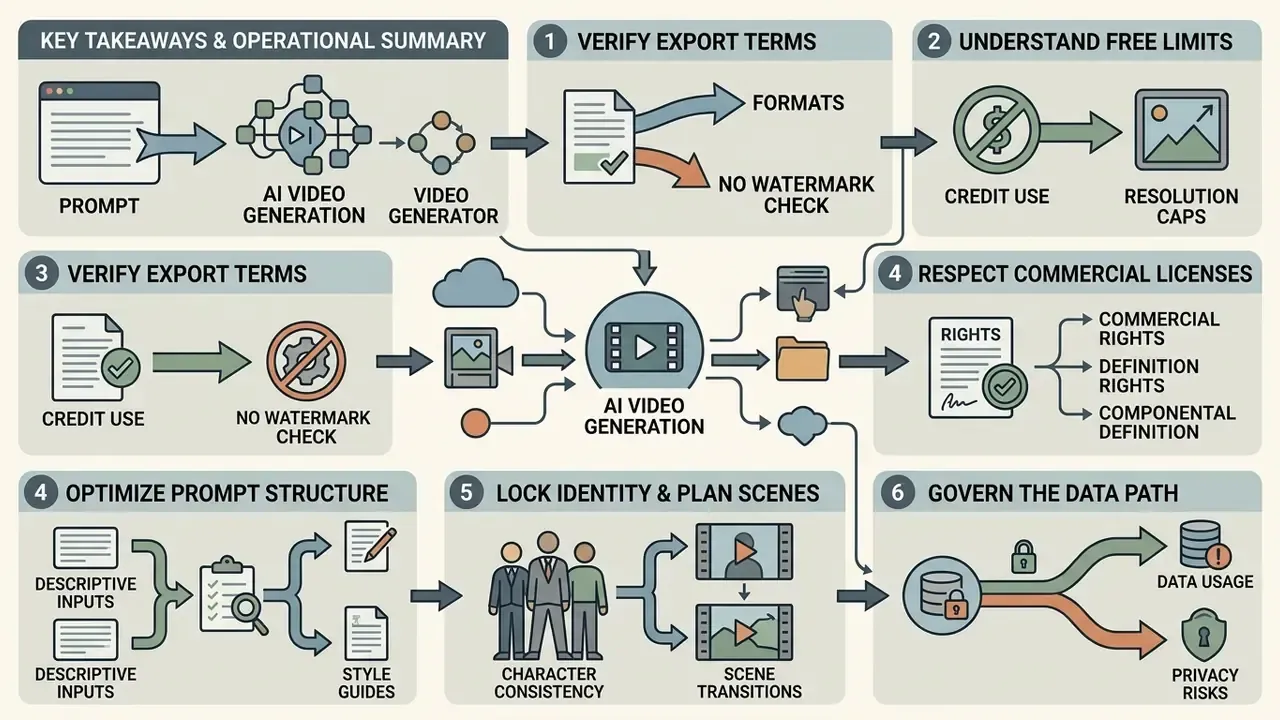
Key Takeaways and Operational Summary
- Verify export terms. Confirm clean MP4 downloads by testing exports in an external media player, and keep visual overlays conceptually separate from digital provenance metadata (C2PA/SynthID).
- Understand free limits. Free platforms enforce credit quotas, resolution boundaries (480p to 720p) and clip duration caps (4 to 10 seconds), plus reduced queue priority.
- Respect commercial licenses. Make sure platform terms explicitly permit commercial deployment before a clip enters a monetized campaign or client project, and archive the licence snapshot with each asset.
- Optimize prompt structure. Structure text prompts with clear cinematography, subject, motion, lighting cues and explicit exclusions to squeeze the most visual quality out of free generations.
- Lock identity and plan scenes. Use anchor images and motion locking for recurring characters, and agentic orchestration when the deliverable outgrows a single clip.
- Govern the data path. Treat free web generators as public endpoints; keep confidential scripts, unreleased products and identifiable faces off consumer tiers.
A safe next step, if you are evaluating this class of tooling for a team rather than yourself: run one week of prototyping on a watermark-free free tier with synthetic placeholder content, log every prompt and export, then decide what actually needs a paid or self-hosted path. The log is the artefact that makes the second conversation, the one with legal or risk, much shorter.