Evaluating generative video deployment means looking at three things at once: technical capability, commercial availability, and the limits imposed by the model risk lifecycle. OpenAI Sora video generation availability currently spans consumer subscriptions, partner applications, and direct API endpoints. Official lifecycle timelines, however, put a hard ceiling on production viability.
Executive Summary for Risk, Product and Finance Leaders
| Question | Short answer |
|---|---|
| Is the consumer Sora product still available? | No. OpenAI discontinued the standalone Sora web and app experiences on April 26, 2026. |
| Is there a working API today? | Yes, but under deprecation. sora-2 and sora-2-pro remain callable via POST /v1/videos until the scheduled shutdown on September 24, 2026. |
| What does it cost? | $0.10/second for sora-2 at 720p; $0.30 to $0.70/second for sora-2-pro depending on resolution. A 20-second 1080p Pro render costs $14.00. |
| Is there a free route? | Bing Video Creator (Microsoft mobile app) provides Sora-powered 5-second clips free, with 10 "Fast" credits and geographic exclusions. |
| What is the main governance risk? | Lifecycle risk (a hard shutdown date), Shadow AI through personal consumer accounts, and unresolved IP indemnity for generative video output. |
| Who should not build on Sora API? | Any team that needs a multi-year model contract. The deprecation window closes inside 12 months of this update. |
Financial, legal and compliance notes in this article are general information, not advice. Validate all pricing, lifecycle dates and licensing terms against OpenAI documentation and your own legal and technical functions before committing engineering budget.
What OpenAI Sora Video Generation Availability Actually Means
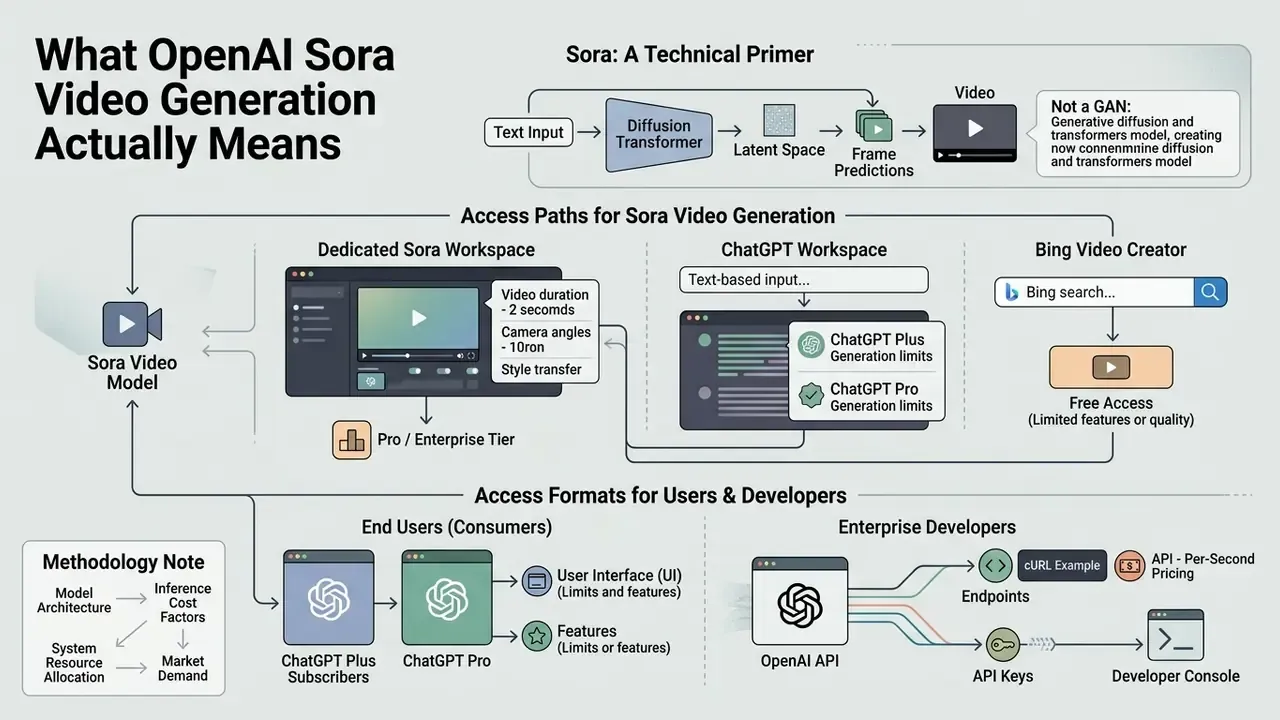
OpenAI Sora video generation availability defines whether end users and enterprise developers can reach OpenAI text-to-video models, either programmatically or by hand. Commercial availability depends on three variables: the delivery channel, the account tier, and the deprecation notices OpenAI has published.
«As of April 26, 2026 the Sora product is no longer available; the Sora 2 video models and the Videos API are deprecated and will shut down on September 24, 2026.»
Sora works as a diffusion transformer model that converts natural language text prompts into video with synchronized audio. Access differs between consumer web interfaces such as ChatGPT, partner implementations such as Bing Video Creator, and developer API integrations. That is the same distinction that applies across the broader category of AI video generators, and it is where most procurement conversations quietly go wrong.
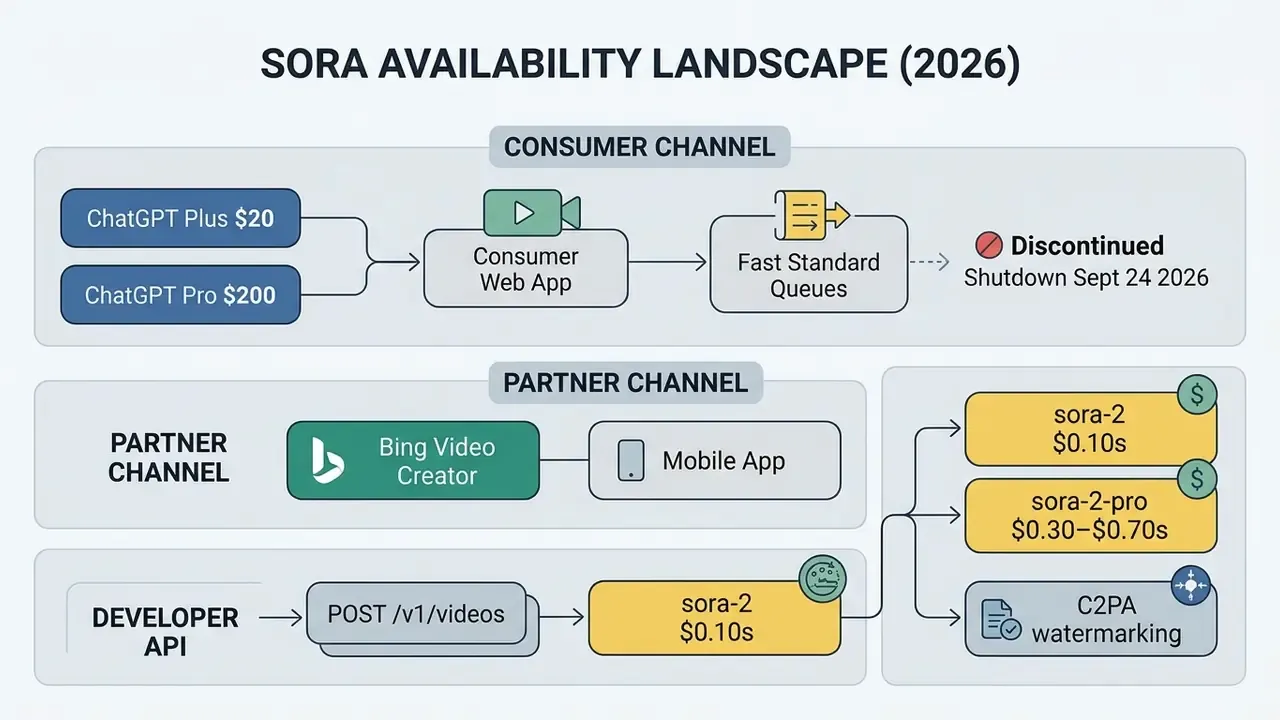
Understanding these pathways prevents architectural missteps when you evaluate openai sora video capabilities for enterprise media workflows or decision support frameworks. One misread lifecycle note can cost a quarter of engineering time.
Sora, ChatGPT and Bing Video Creator: How the Generation Paths Differ
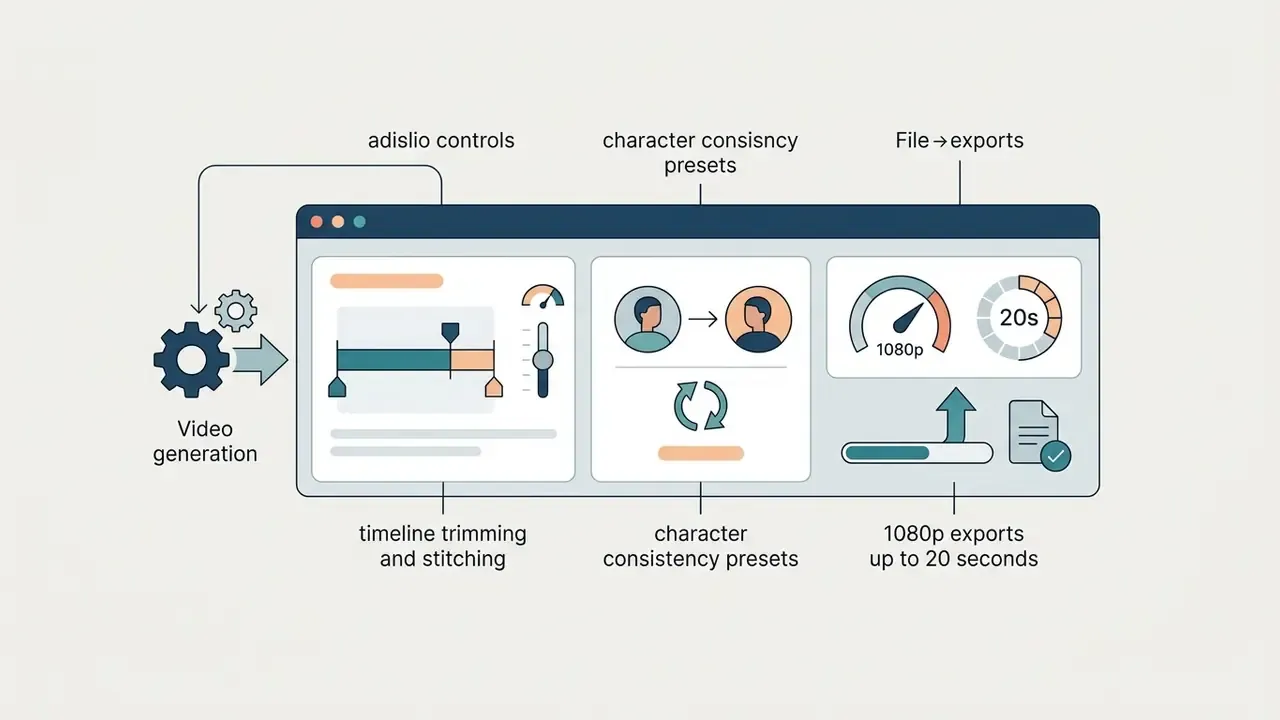
The main difference among Sora access points sits in prompt controls, output resolutions, render speed, and the editing suite wrapped around the model. Sora offered dedicated video timeline controls. ChatGPT embeds generation into conversational chats. Bing Video Creator, the free open ai video creator route for consumers, keeps things deliberately basic.
«Sora Turbo is a significantly faster version of the model announced in February 2024, supporting up to 1080p output and multiple aspect ratios.»
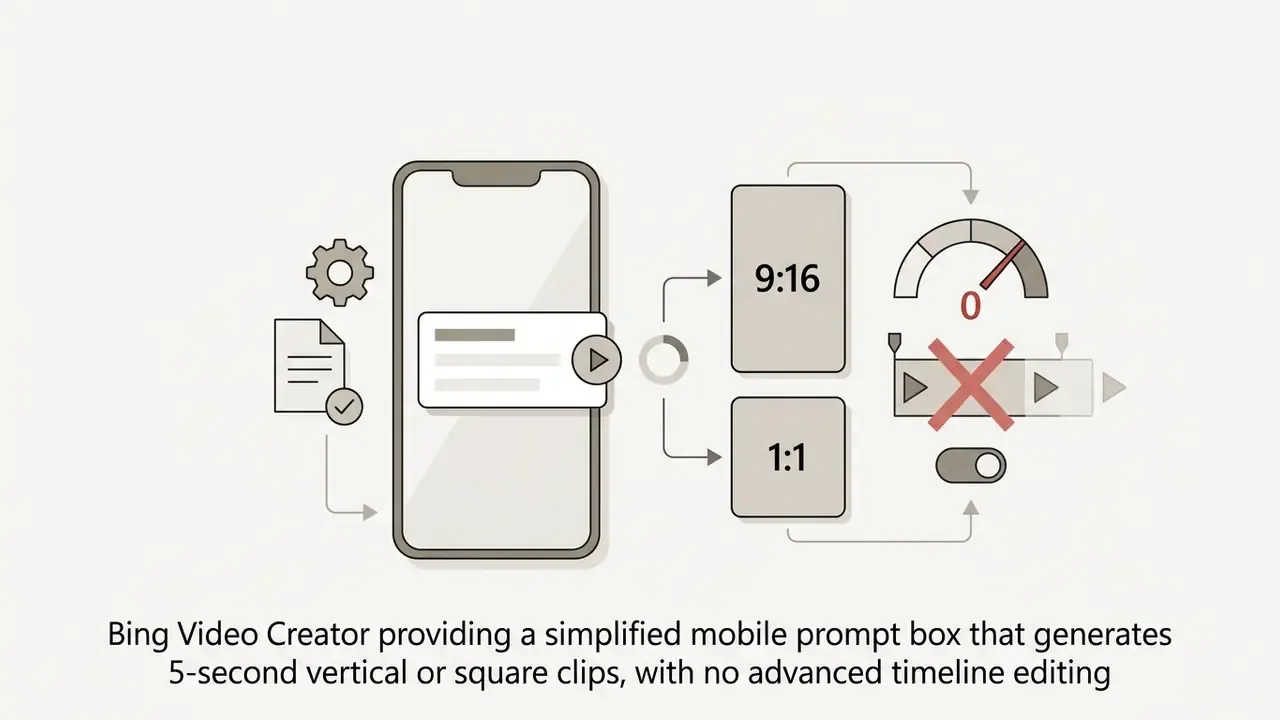
Access Formats Available for Users and Developers
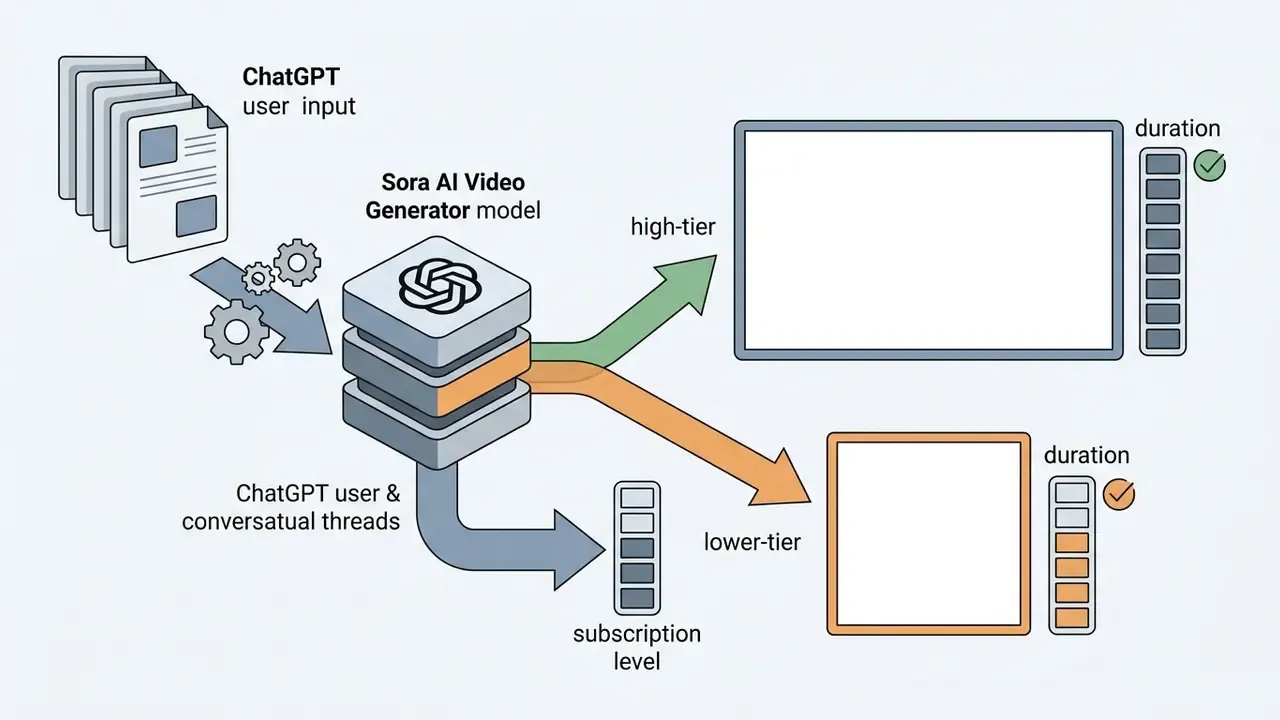
User access to Sora spans individual consumer subscriptions, partner mobile applications, and asynchronous developer API endpoints. Eligibility depends strictly on account level and geographic region, with no manual override.
- ChatGPT Plus Subscribersbaseline Sora generation (up to 720p resolution, 10-second maximum duration, 2 concurrent renders).
- ChatGPT Pro Subscribershigh-tier Sora 2 Pro models (1080p resolution, up to 20-second duration, 5 concurrent renders, watermark-free downloads). This is the practical home of chatgpt pro sora video generation.
- Bing Mobile App Usersfree entry-level access that produces short consumer clips, backed by Microsoft Rewards points.
- API Developersprogrammatic access via
POST /v1/videoswith model namessora-2andsora-2-profor direct integration.
«ChatGPT Plus users receive 1,000 Sora credits per month, roughly 50 videos at 480p; Pro users receive 10,000 credits with priority queueing.»
«Sora is not available in the United Kingdom, Switzerland or the European Economic Area, and access is restricted to users aged 18 and over.» OpenAI Sora System Card (2024). https://openai.com/index/sora-system-card/
Fact Check & Access Verification Notice
Model Risk, Data Security and Compliance Controls for Generative Video
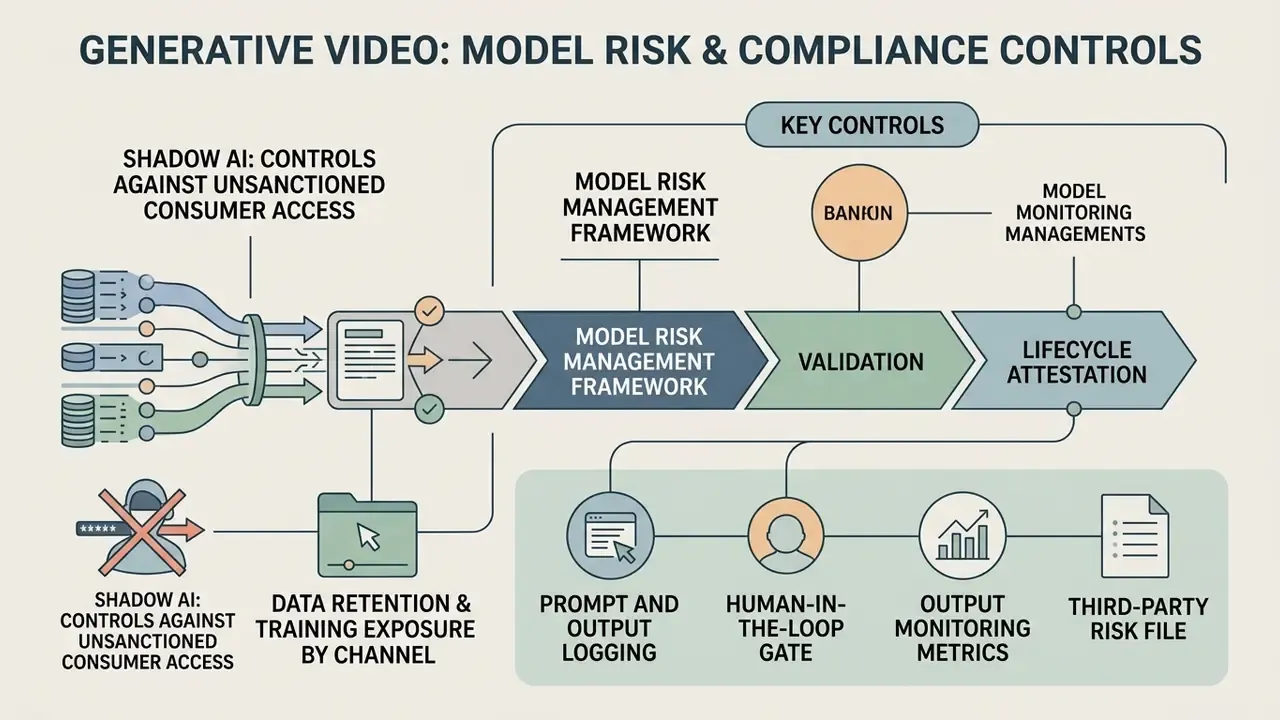
Before any procurement decision, risk functions in regulated industries need a control view, not a feature list. Generative video opens four control domains: model lifecycle risk, data residency and retention, content provenance, and intellectual property exposure.
Validating Generative Video Inside a Model Risk Management Framework
US supervisory guidance on model risk management (Federal Reserve SR 11-7 and OCC 2011-12) requires conceptual soundness review, ongoing monitoring and independent validation for models used in business decisions. Generative video is rarely a decisioning model. But the moment it produces customer-facing communications, it lands inside marketing conduct, disclosure and brand-risk controls. The NIST AI Risk Management Framework (AI RMF 1.0) gives most institutions the mapping structure they use for non-decisioning generative systems: Govern, Map, Measure, Manage.
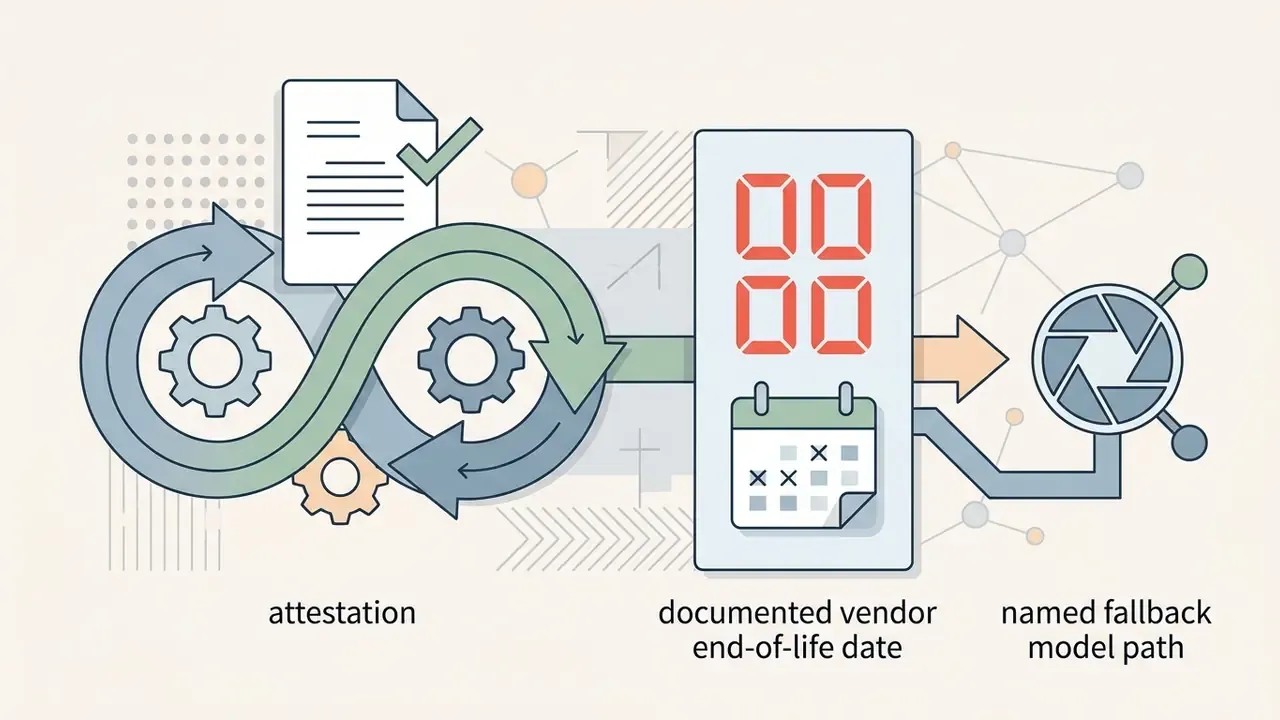
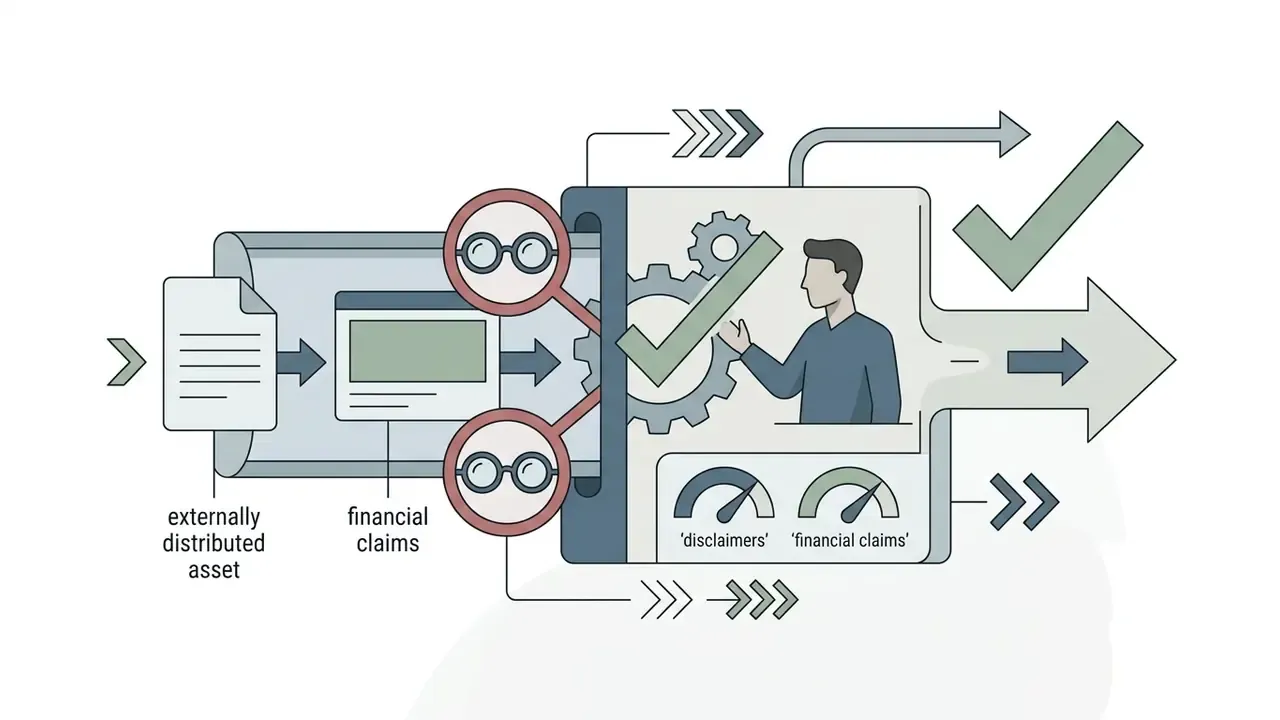
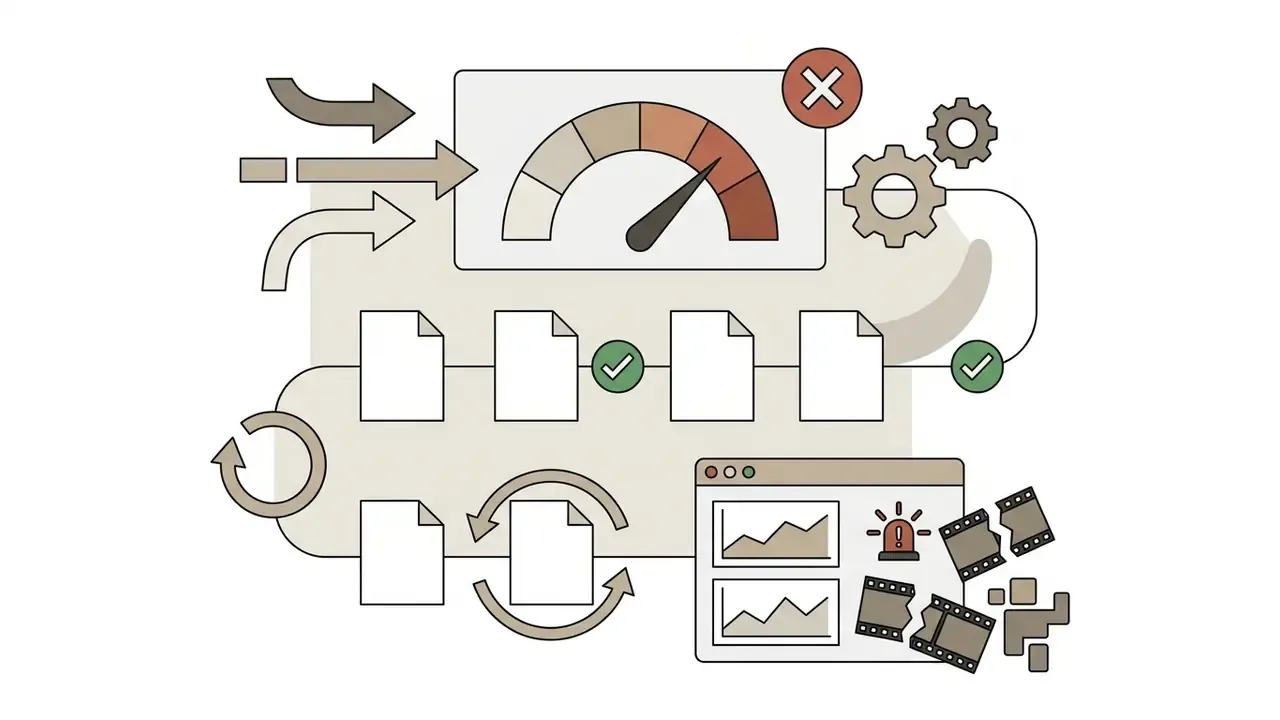
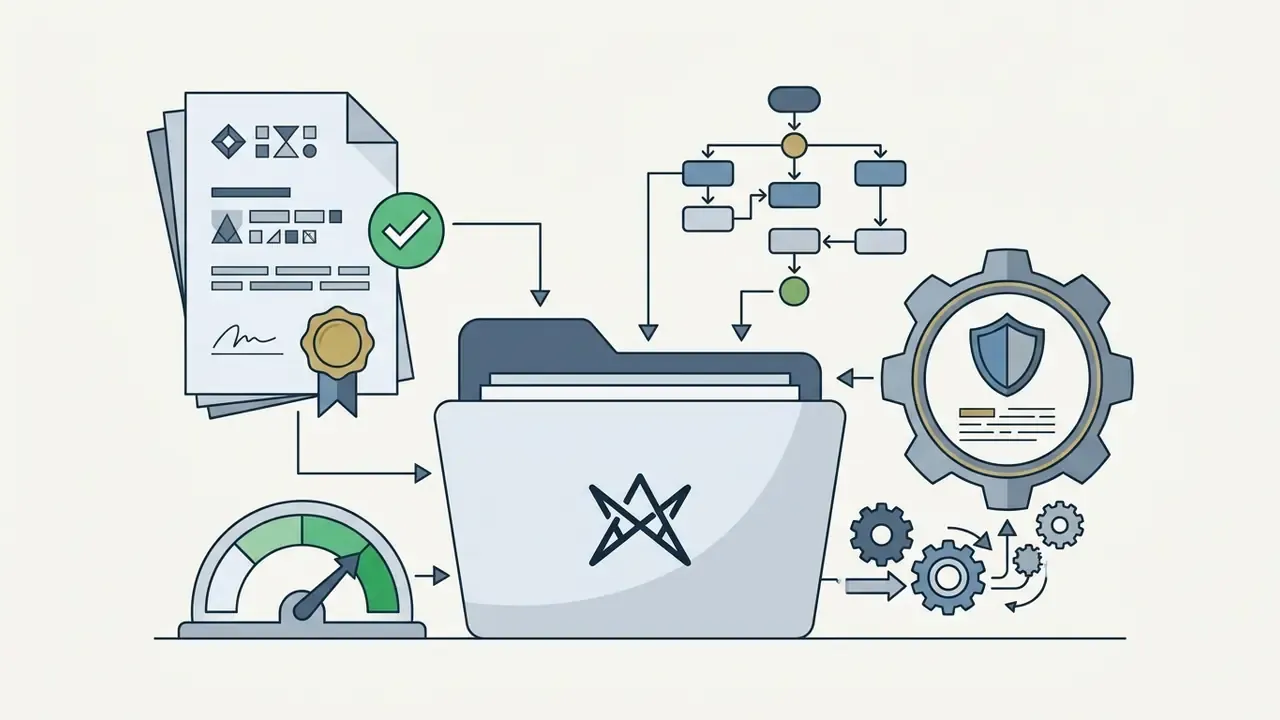
Practical validation artefacts a Head of Model Risk should require before sign-off:
No evidence, no autonomy. That is the whole test.
Shadow AI: Controls Against Unsanctioned Consumer Access
The largest realistic exposure is not the API. It is an employee pasting confidential roadmap material into a personal consumer account at 11pm. A short IT security control checklist:
- Block consumer generative-video domains and mobile app traffic on corporate networks and MDM-managed devices; allow only the enterprise API egress path.
- Enforce SSO-only access to sanctioned generative tooling and disable personal-account sign-in on managed browsers.
- Add DLP patterns for unreleased product names, client identifiers and PII in outbound prompt payloads.
- Publish an approved-tool register so teams have a legitimate route. Shadow AI grows fastest where no sanctioned alternative exists.
- Log and review Microsoft Rewards and personal MSA usage on corporate devices, since free Bing generation requires a personal Microsoft account.
Data Retention and Training Exposure by Channel
| Channel | Typical training-data exposure | Retention characteristics | Enterprise suitability |
|---|---|---|---|
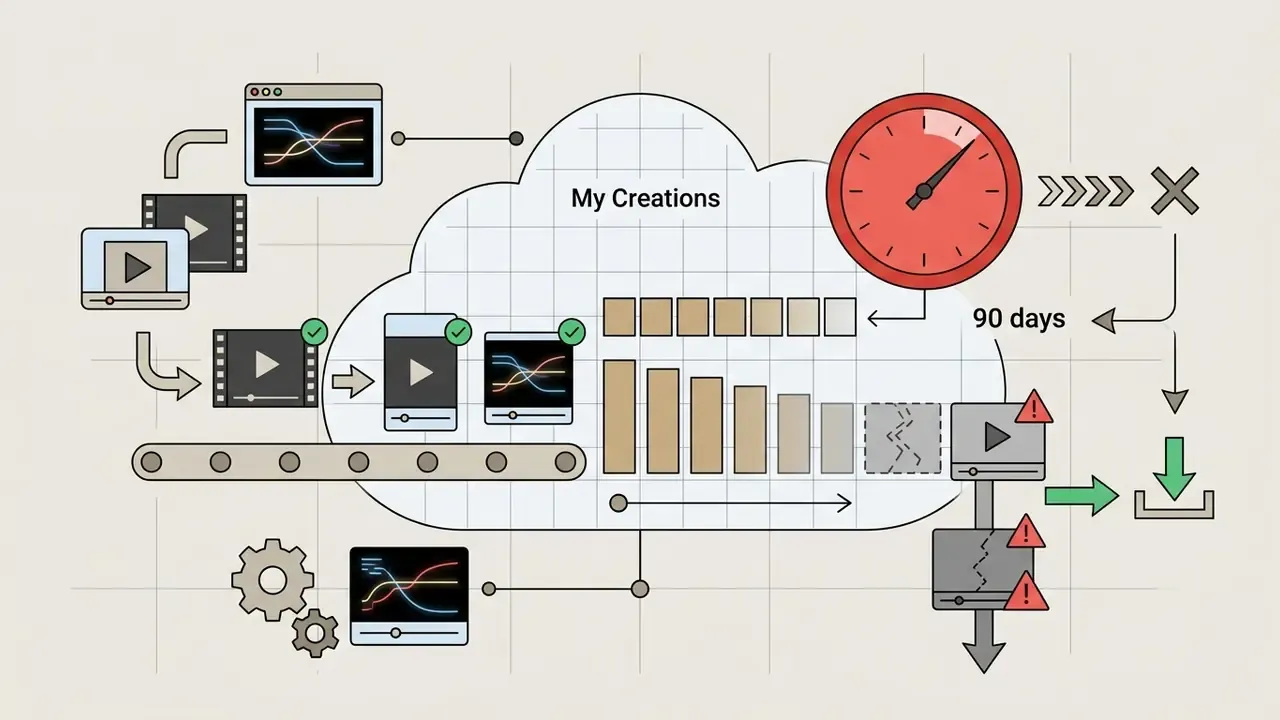
| Bing Video Creator (free, personal MSA) | Consumer terms; assume prompts may be used for service improvement | Generated MP4 files stored 90 days in Bing "My Creations", then auto-deleted | Not suitable for confidential inputs |
| ChatGPT Plus / Pro (consumer) | Consumer terms with account-level controls | Assets remain in the consumer workspace until the user deletes them | Individual prototyping only |
| Sora 2 Videos API (paid tier) | API platform terms; business data generally excluded from training by default | Render job objects queryable via GET /v1/videos/{video_id}; download URLs valid 60 minutes | Conditionally suitable, subject to the shutdown date |
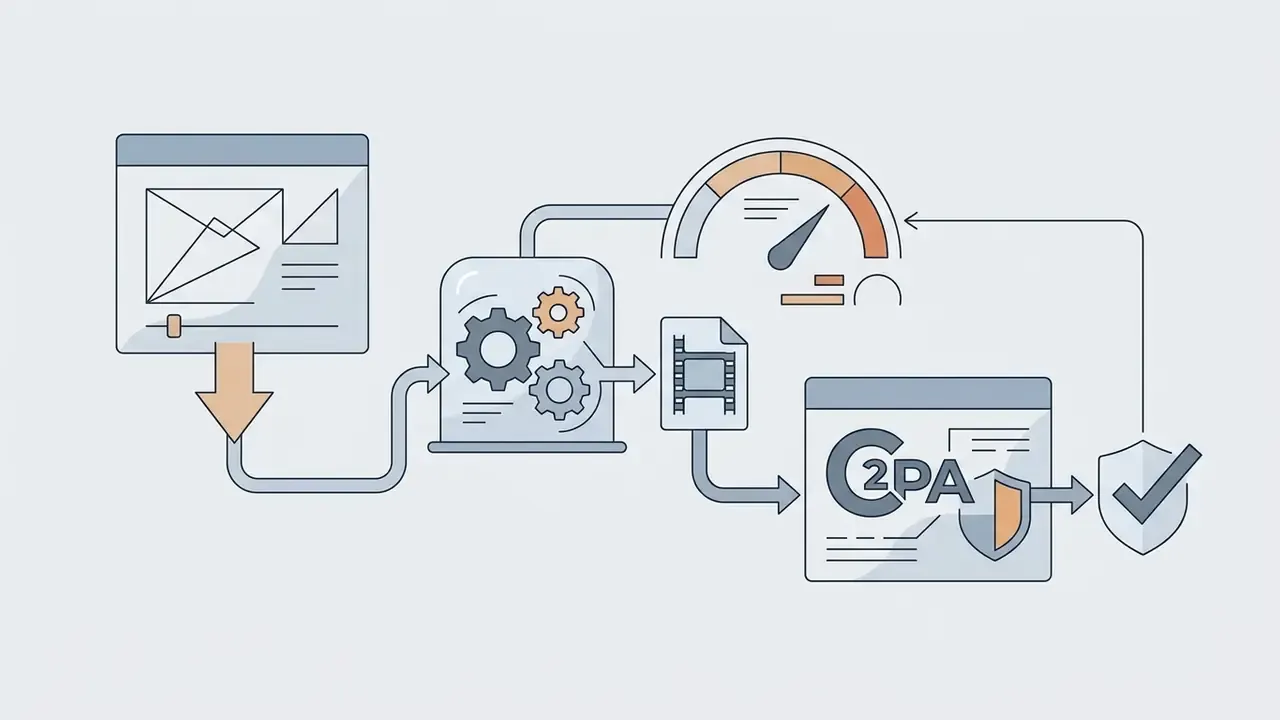
Provenance and IP: every Bing Video Creator export carries C2PA (Coalition for Content Provenance and Authenticity) metadata identifying AI origin, and that is the mechanism auditors should use to verify disclosure. For API output, provenance and any required AI-generated labelling must be added in post-production as an explicit compliance step. Intellectual property indemnification for generative video is materially narrower than for text models in most vendor agreements. Assume no blanket indemnity unless it is written into your contract, and prohibit prompts referencing real people, trademarks or copyrighted characters at the pipeline level. The API rejects many of these automatically, true, but enforcement should never rest on the vendor filter alone.
This section is general information on governance practice and does not constitute legal, regulatory or investment advice. Consult your legal, compliance and information-security functions before deploying generative media in a regulated environment.
Sora Access via ChatGPT: Plus, Pro and the Video Generation Feature
Accessing Sora through ChatGPT requires an active paid account tier. Free accounts plus the ChatGPT Team, Enterprise and Edu tiers are excluded. Subscriptions define usage quotas, export resolutions, and watermark restrictions.
Subscribers invoke the chatgpt sora video generation feature by selecting the video generation model in the chat panel or the sidebar menu. System prompts then produce candidate video clips directly inside the chat stream. That is the whole of openai chatgpt video generation on the consumer side: no separate editor, no project files.
How to Start Creating Video in the ChatGPT Interface
Creating video inside ChatGPT means selecting the Sora video model, entering detailed text prompts, and configuring frame parameters. The interface accepts structural directives covering subject movement, camera positioning, and aspect ratio.
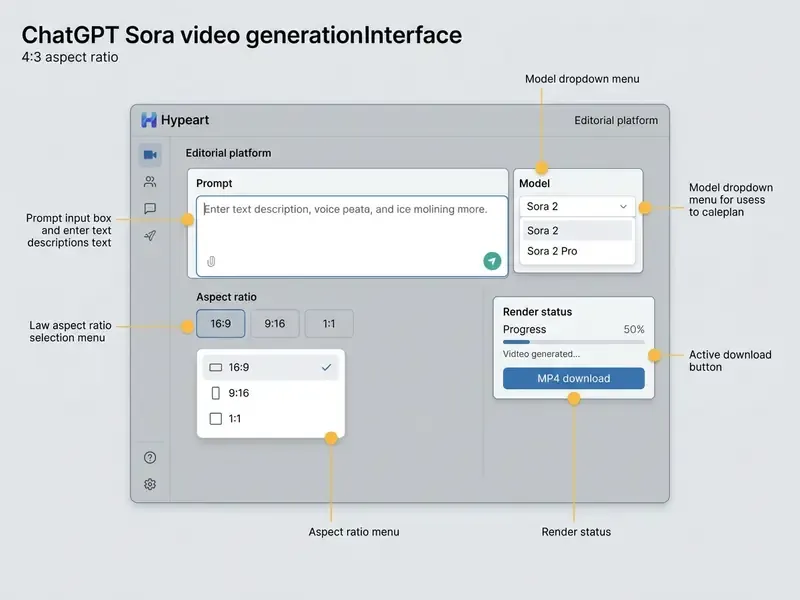
- Open the model selection dropdown and choose Sora 2 or Sora 2 Pro.
- Go to workspace settings and select an aspect ratio (
16:9landscape,9:16vertical, or1:1square). - Enter natural language text prompts specifying camera motion, lighting, action beats, and synchronized audio directives.
- Run the prompt to start model processing, then retrieve the completed MP4 file.
Limits to Account for When Working With Sora in ChatGPT
ChatGPT video generation capability is bounded by duration caps, monthly usage limits, and queue priority. Knowing these boundaries prevents the kind of workflow interruption that lands mid-campaign.
- Duration caps ChatGPT Plus and Business accounts cap individual renders at 10 seconds. Pro accounts allow renders up to 20 seconds.
- Resolution limits Plus accounts export up to 720p with an embedded OpenAI watermark. Pro accounts support clean 1080p exports.
- Concurrency limits Plus accounts permit 2 concurrent video generation tasks. Pro accounts allow up to 5 parallel tasks.
- Monthly allocations Plus accounts receive roughly 1,000 internal credits (about 50 clips at 480p or 720p per month). Pro accounts receive 10,000 credits plus an unlimited relaxed render mode (FastGPTPlus, 2025).
- Editing scope the Sora Video Editor supports trimming, stitching, extending and re-prompting up to the 20-second ceiling. Anything beyond that is a post-production task in an external video editor.
Is the Sora API Available for Product Integration?
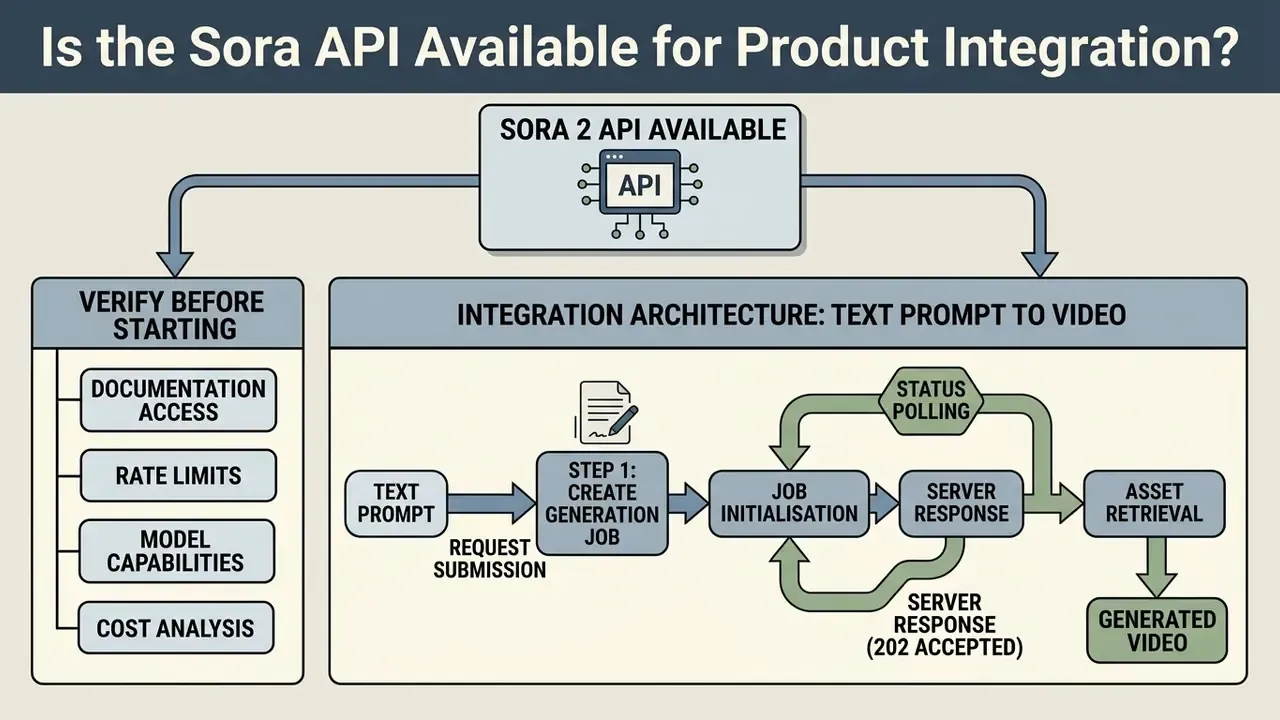
OpenAI provides a formal API for Sora 2, so developers can wire generative media capability straight into enterprise applications. Product teams still have to weigh model risk and lifecycle timelines before they commit engineering resources. The capability is real; the runway is not.
The API exposes endpoints for creating video, extending existing clips, and editing visual elements programmatically. Organisations evaluating alternative media pipelines can compare options across different video generation architectures and the wider class of text-to-video AI tools.
What to Verify Before Starting API Integration
«The Sora 2 models and the Videos API are deprecated and will shut down on September 24, 2026.»
This information is general in nature and does not replace consultation with your technical and legal functions before making architectural decisions.
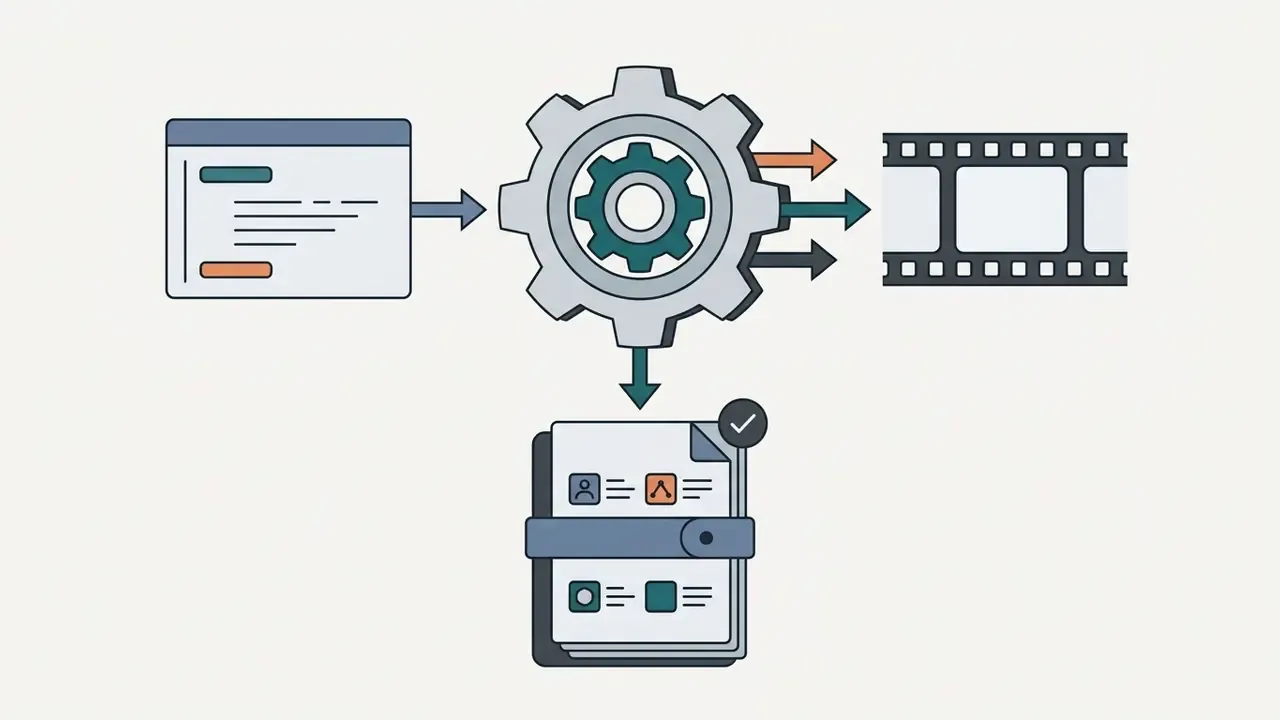
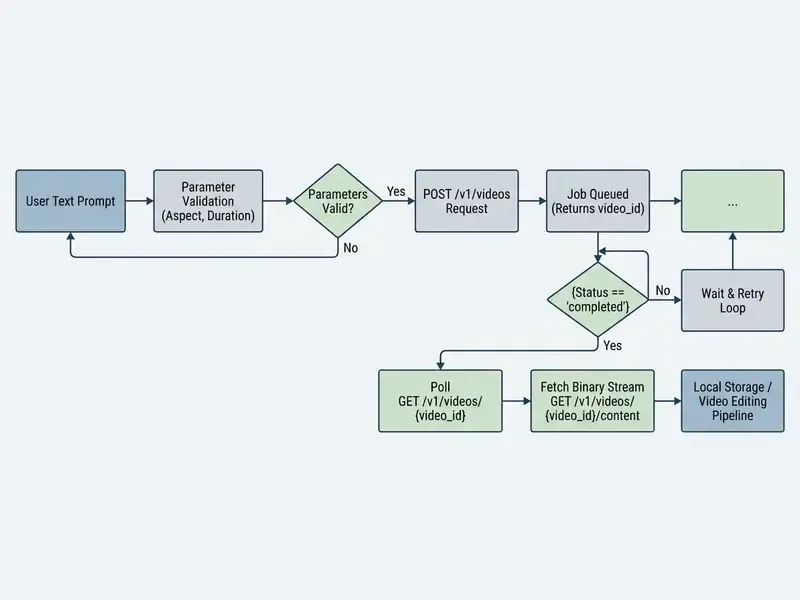
Architecture of the Process: Text Prompt to Generated Video
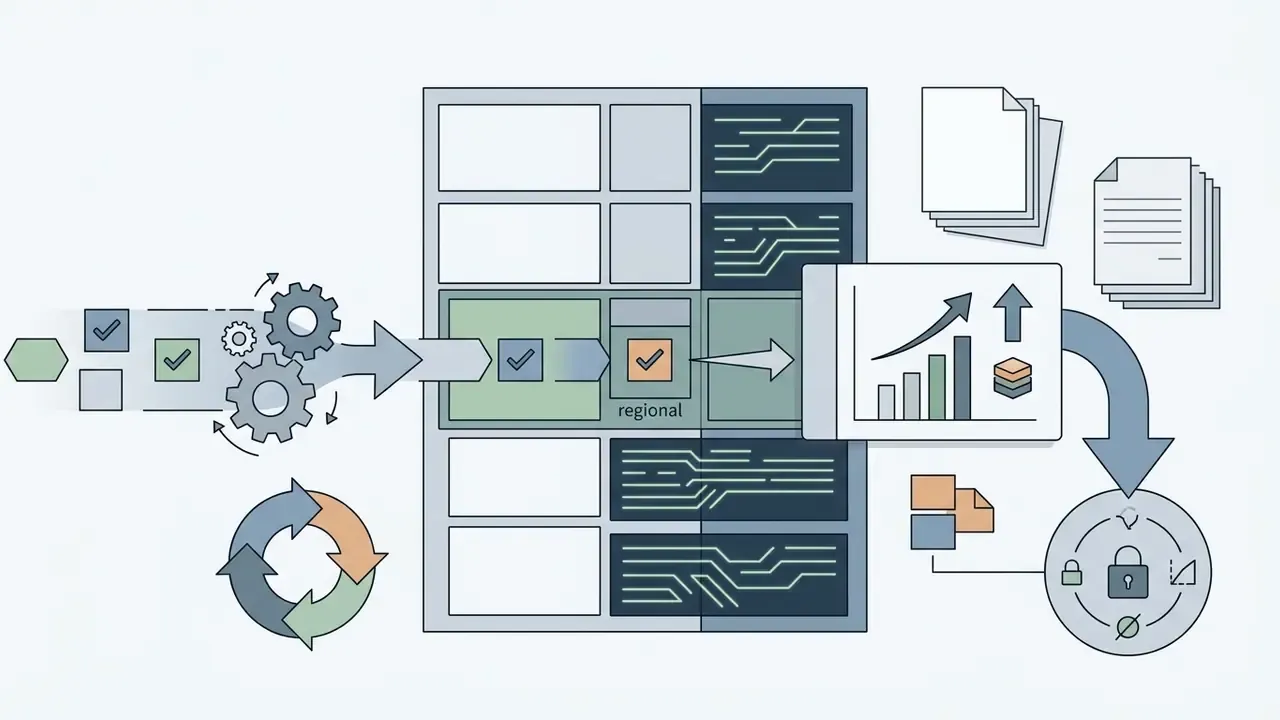
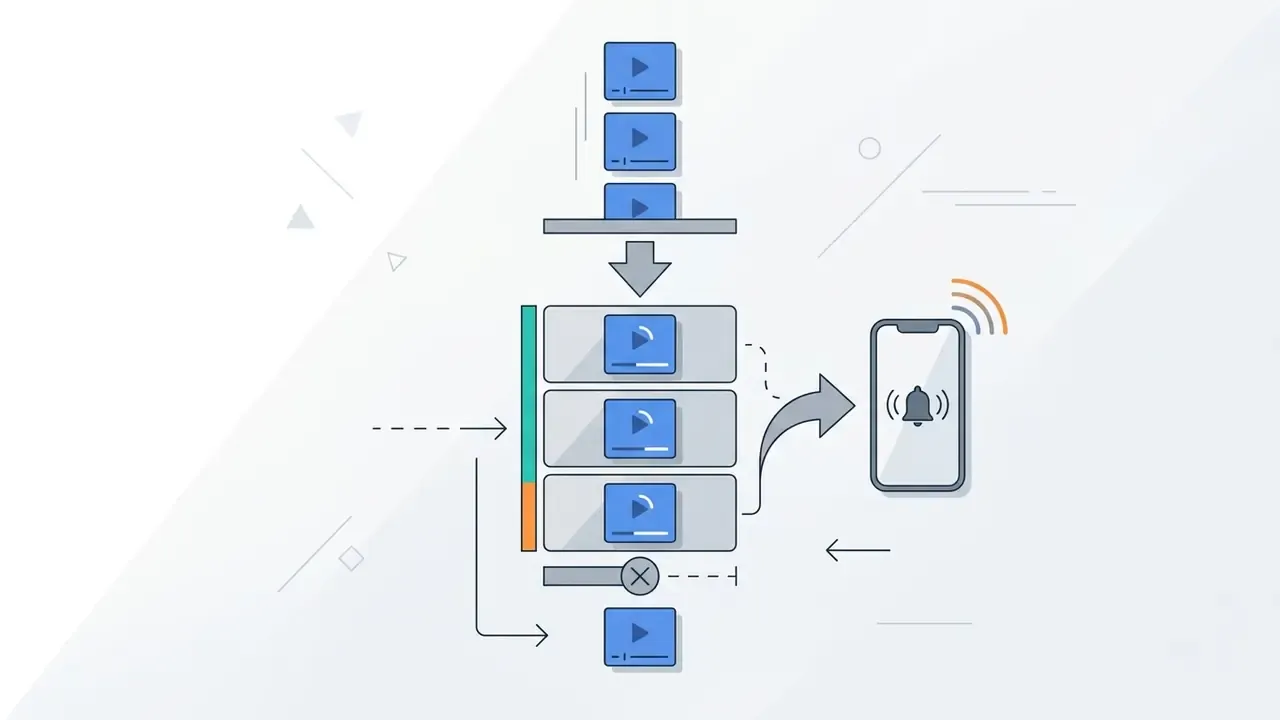
Sora API integration follows an asynchronous polling pattern. Video diffusion is compute heavy, so generations cannot return synchronously inside a single HTTP request cycle.
Cost of OpenAI Video Generation: How to Model the Economics
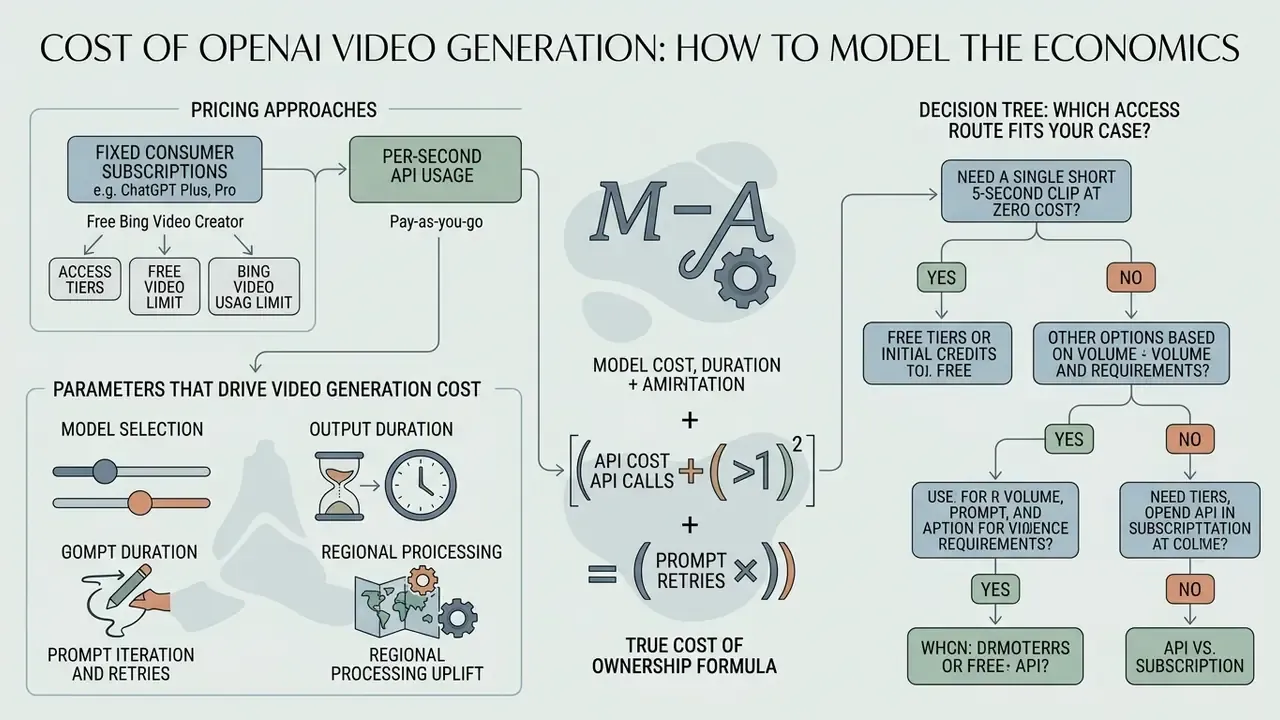
Pricing for OpenAI video generation splits sharply between fixed consumer subscriptions and per-second API usage. Assessing the economics means factoring in resolution, clip duration, render failure rates, and model tier. Miss one of those and your business case quietly inflates.
Developers who want to calculate total compute overhead and retry expenses can review our detailed retry failure cost model.
Pricing information below is general in nature and does not replace professional advice. Rates, tiers and limits change; verify current figures in the official OpenAI documentation before budgeting.
Parameters That Drive Video Generation Cost
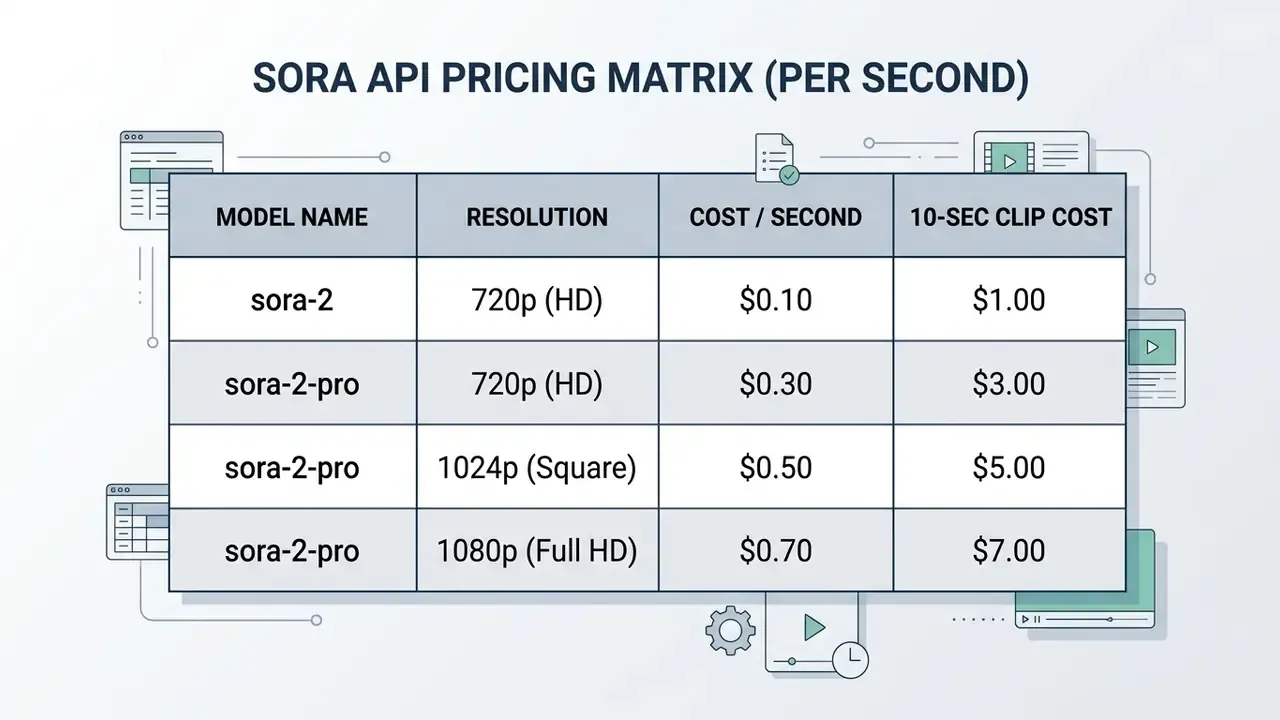
API billing for Sora runs strictly on output duration and resolution tier. Unlike text models billed per token, video pricing scales per generated second.
«Standard sora-2 costs $0.10 per second at 720p; sora-2-pro ranges from $0.30 to $0.50 per second depending on resolution.»
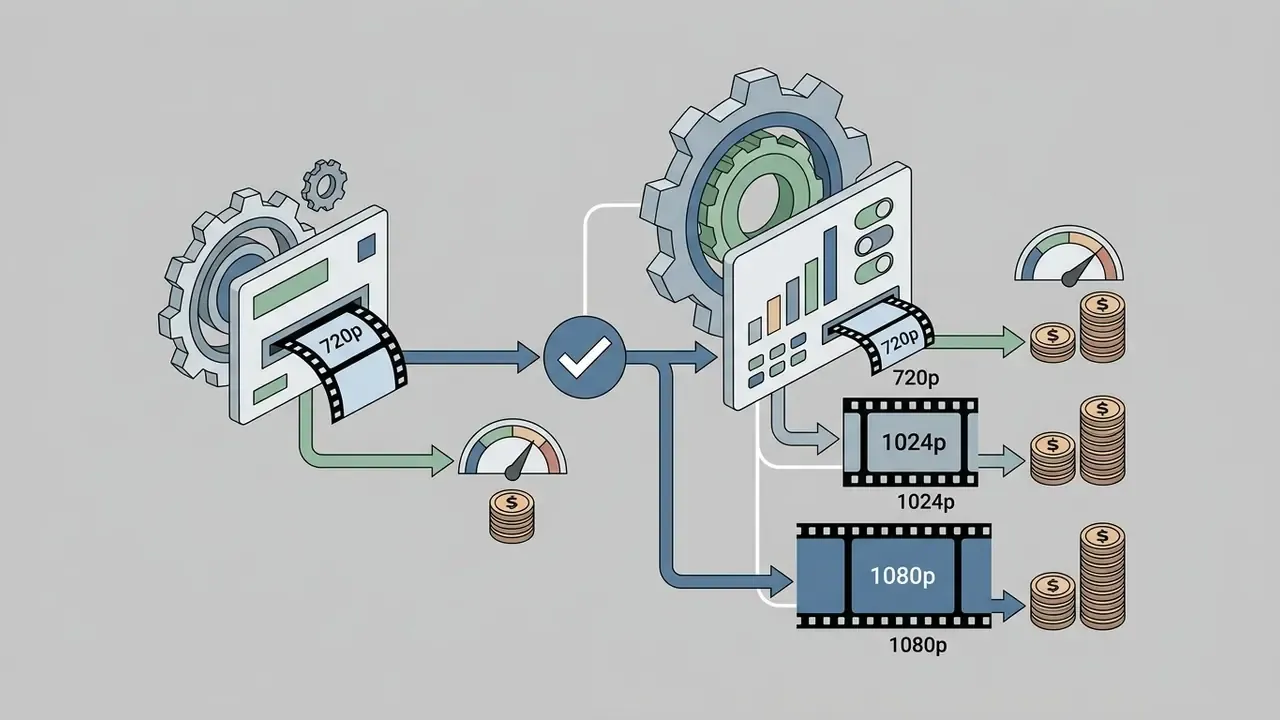
sora-2 is priced at $0.10 per second at 720p. sora-2-pro scales from $0.30/sec (720p) to $0.50/sec (1024p) and $0.70/sec (1080p) (OpenAI Pricing, 2026).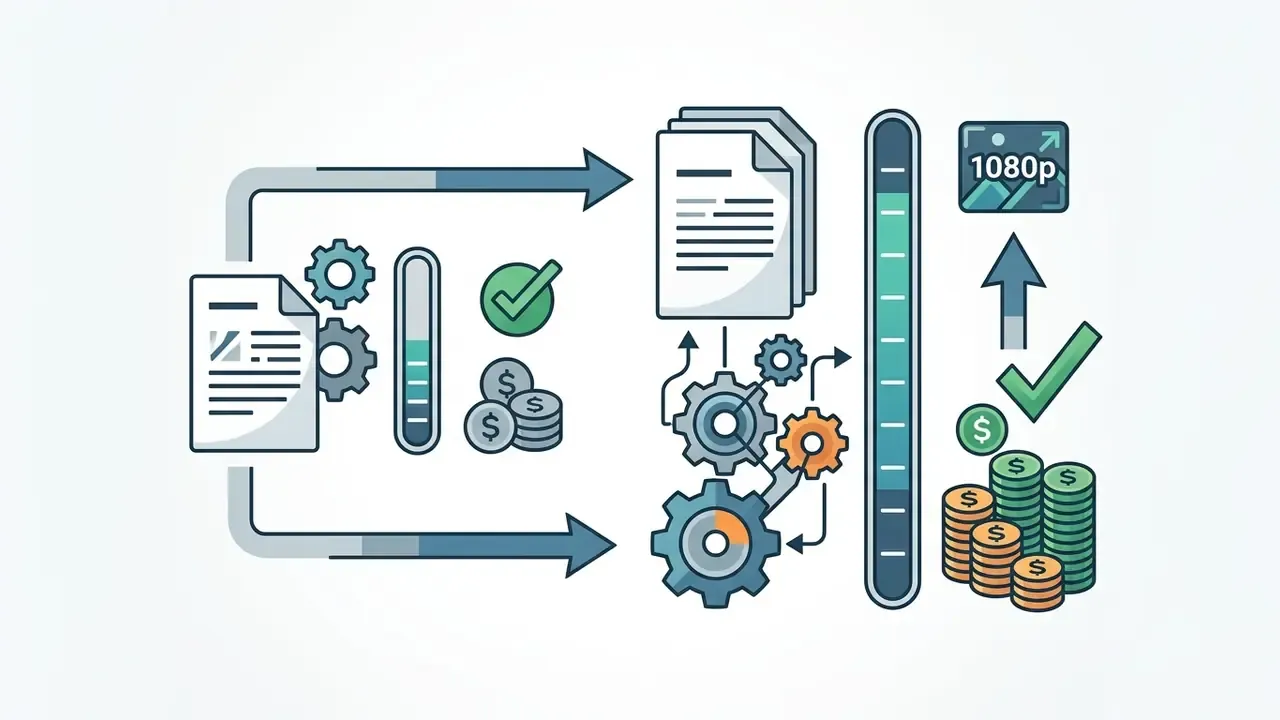
sora-2 video costs $1.00 per render. A 20-second sora-2-pro video at 1080p costs $14.00 per render.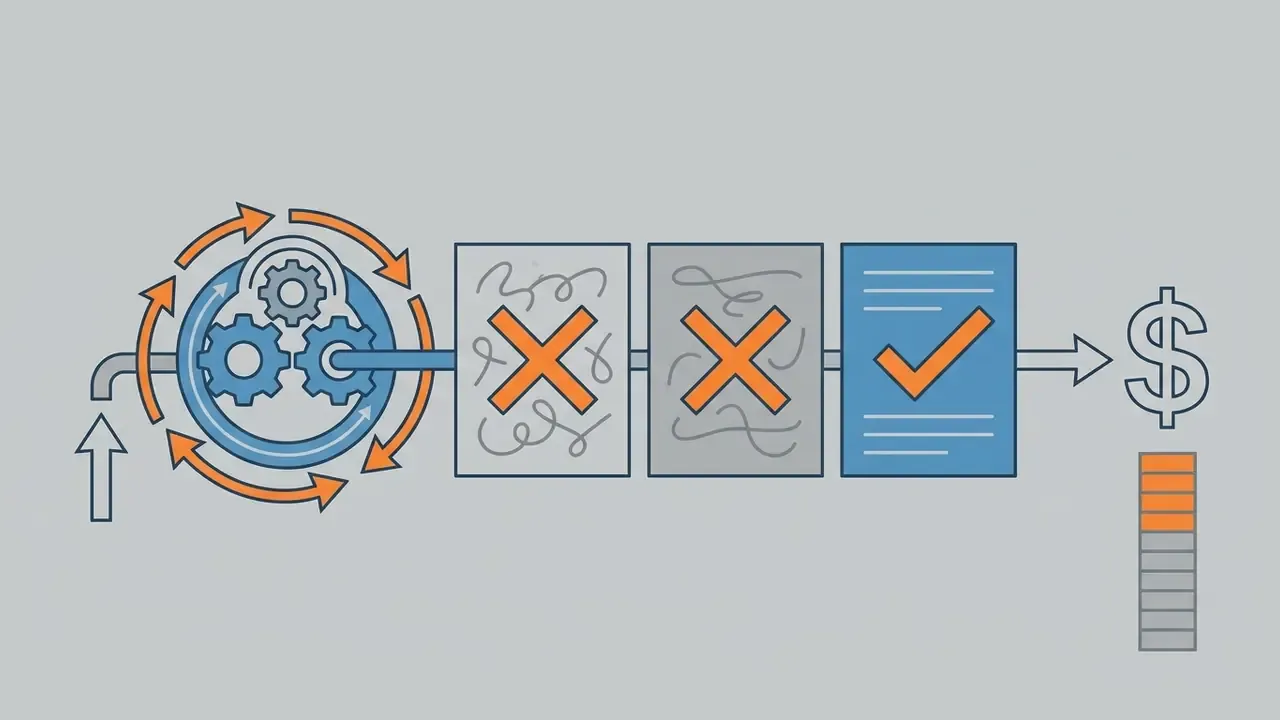
True Cost of Ownership Formula
Per-second list price is only the visible layer. A defensible TCO model for a published asset looks like this:
Cost_per_published_asset =
    (Price_per_second × Seconds × Attempts_until_approved)
  + Storage_cost (object storage × retention months)
  + Review_cost (moderation + compliance approver minutes × loaded hourly rate)
  + Post_production_cost (editor time or per-seat tooling amortised)
  + Failed_job_overhead (expired URLs, moderation rejections, re-queues)
Worked example for one approved 10-second 1080p hero clip on sora-2-pro: generation at $0.70 × 10s × 4 attempts = $28.00; compliance and brand review of 25 minutes at a $90 loaded rate = $37.50; post-production (crop, captions, brand overlay) of 40 minutes = $60.00; storage and delivery roughly $0.50. Effective cost lands near $126, of which raw model inference is about 22%. Any ROI case built only on the $0.70/second figure understates real production cost by four to five times.
For finance leaders, the useful question is not "what does a second cost" but "what does an approved asset cost, and who signs it off?"
Decision Tree: Which Access Route Fits Your Case
- Need a single short 5-second clip at zero cost? Use Bing Video Creator (free, mobile, 1:1 or 9:16, C2PA-marked).
- Need manual generation up to 20 seconds at 1080p without watermarks? Use ChatGPT Pro ($200/month).
- Need automation, queueing and embedding into a web service? Use the Sora 2 API (per-second billing, until September 2026).
- Need a model with a multi-year contract and enterprise controls? Evaluate alternatives such as the Google Veo API before committing.
- Need talking-head presenters in many languages? Use avatar platforms (see the comparison table below), not Sora.
Free Bing Access vs Paid Deployment: What to Compare
Choosing between consumer tiers, the free partner tool, and API integration comes down to required scale, automated controls, and licensing clarity.
| Criterion | Bing Video Creator (Free) | ChatGPT Pro Subscription | Sora 2 API Integration |
|---|---|---|---|
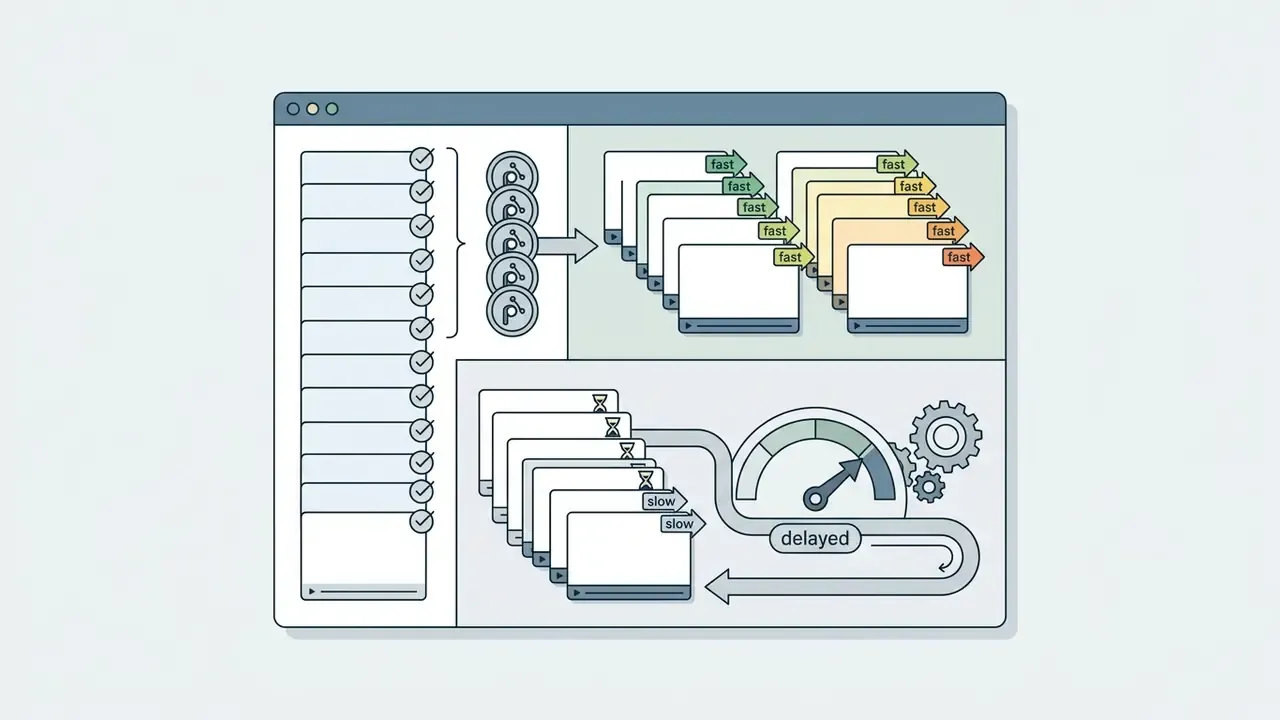
| Pricing model | Free (10 Fast clips per week, then Rewards points) | $200 per month flat subscription | Per-second consumption ($0.10 to $0.70/sec) |
| Scale and automation | Manual mobile interface only | Manual web workspace, relaxed queue | Full programmatic REST API integration |
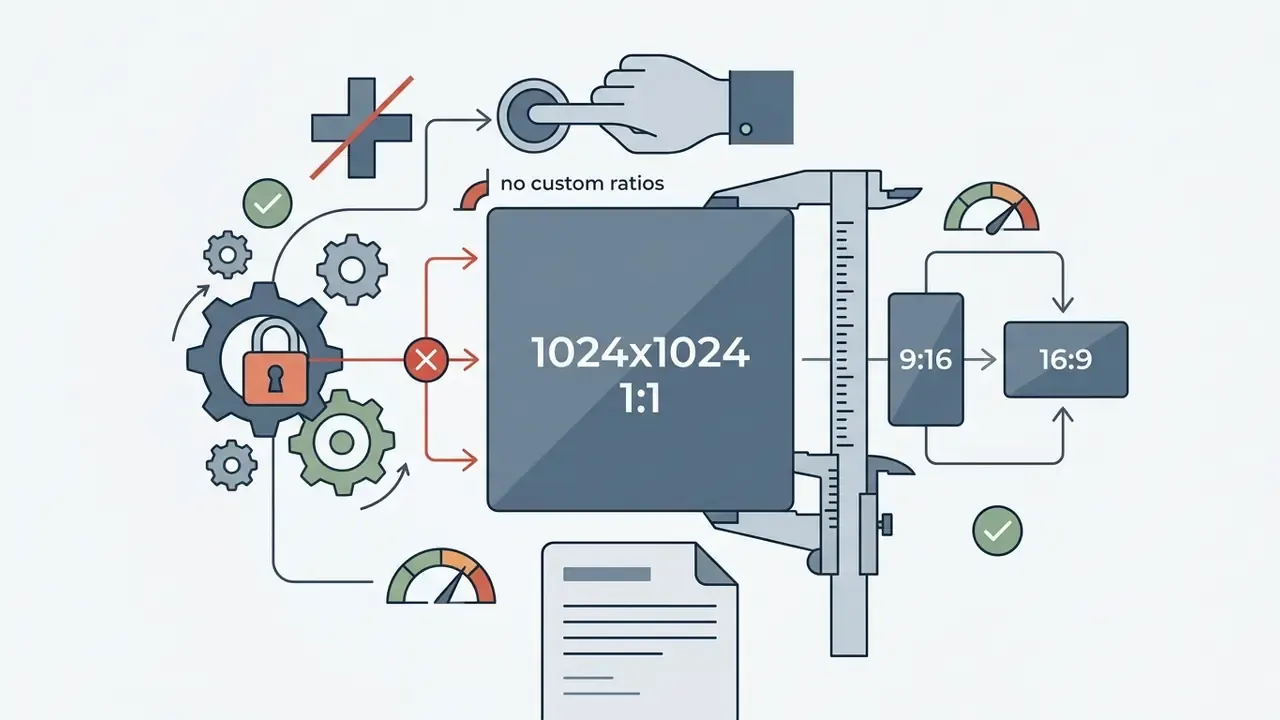
| Resolution and format | 1024×1024 square only | Up to 1080p, multiple aspect ratios | Up to 1080p (16:9, 9:16, 1:1) |
| Watermarks and provenance | Platform visual branding plus C2PA metadata | No watermarks on the Pro tier | Clean output stream; provenance added in post |
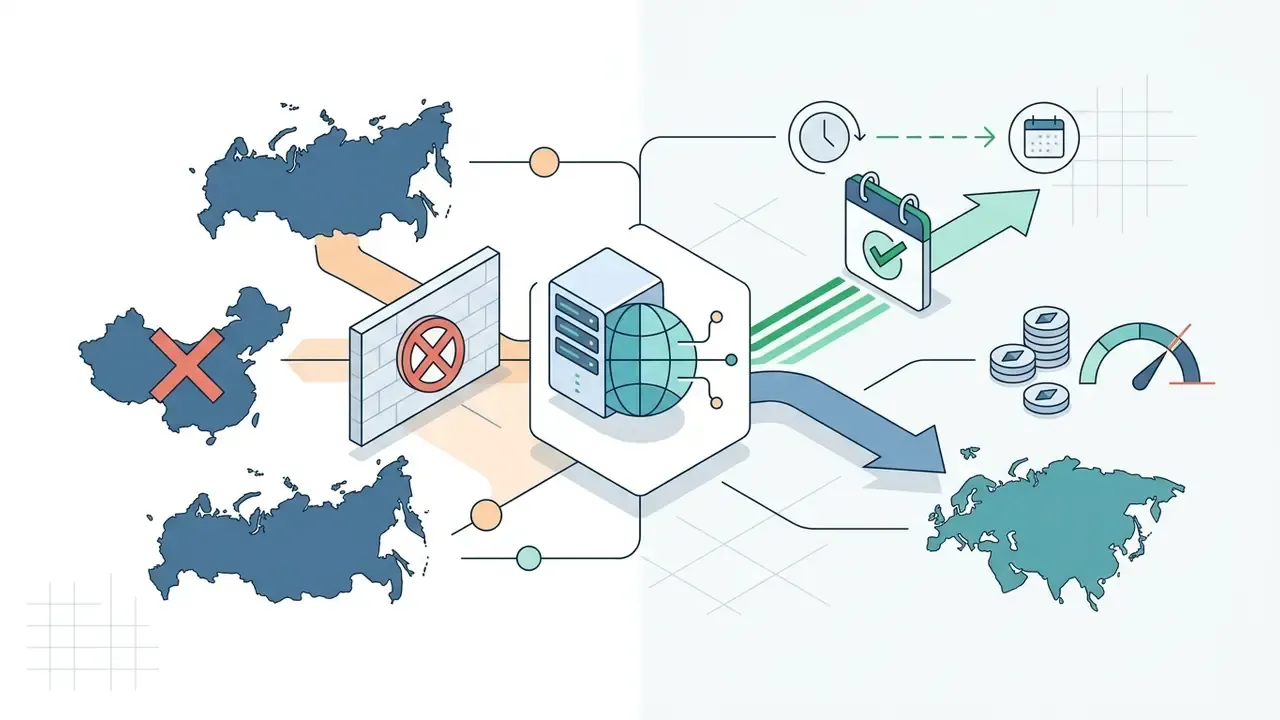
| Geographic coverage | Global except China and Russia | Wherever ChatGPT is available, regional exceptions apply | Paid API tiers 1 to 5 |
| Commercial fit | Individual testing, casual social posts | Small agency prototyping, ad concepts | Enterprise app embedding (until September 2026) |
«Above roughly 160 videos per month at 720p, a $200 ChatGPT Pro subscription becomes more economical than paying $0.10 per second via the API.»
Bing Video Creator With OpenAI Sora: How to Get Free Access
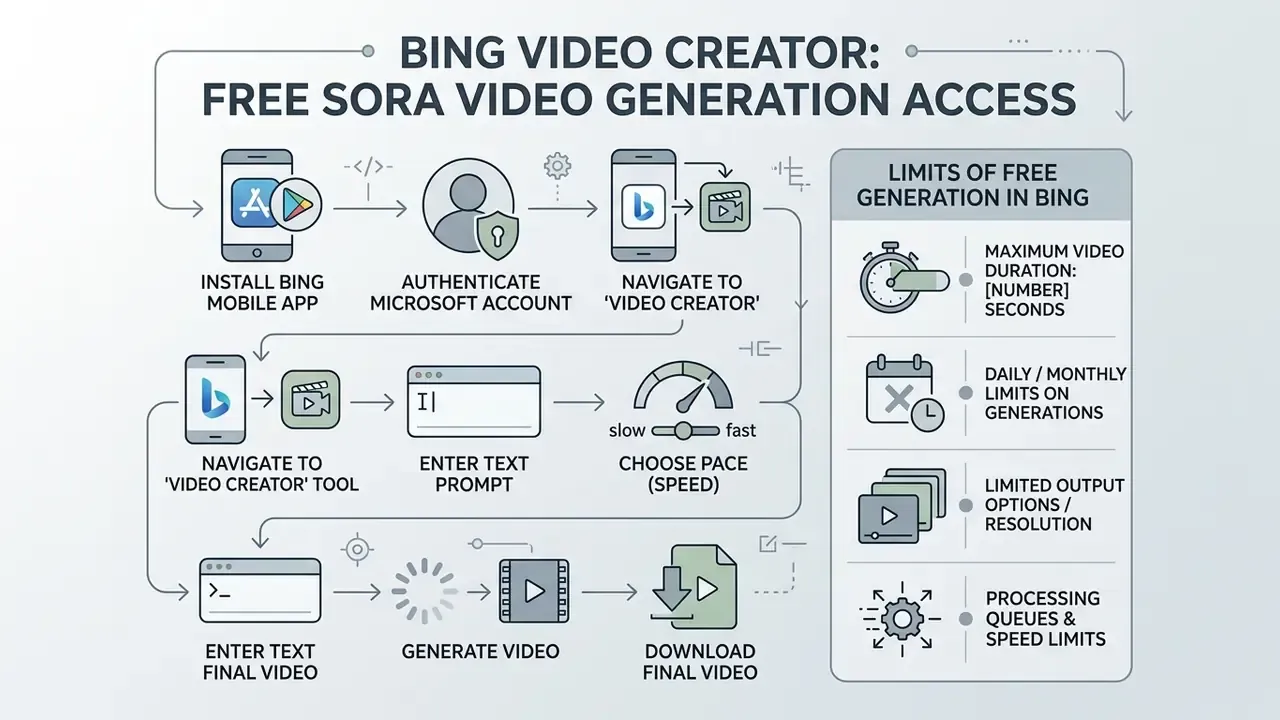
Bing Video Creator is the cost-free entry point to Sora video generation, delivered through Microsoft's mobile application ecosystem. Non-subscribers can generate short AI video clips without buying a ChatGPT plan. It repeats the consumer-first pattern Microsoft used for Bing AI image creation, and it is a useful benchmark against other free AI video generators.
Microsoft powers the feature with Sora model variants tuned for fast mobile rendering. Users reach the Bing Video Creator OpenAI Sora link by signing in with a standard personal Microsoft Account (MSA). For corporate readers, note the governance implication: this route runs on personal accounts, which is exactly the Shadow AI vector described in the controls section above.
Step-by-Step: Bing Mobile App, Account and Launching Video Creator
- Install the appdownload the official Microsoft Bing mobile app from the iOS App Store or Google Play Store.
- Authenticatesign in with a valid personal Microsoft Account (MSA).
- Navigate to the toolopen the bottom app menu, tap Apps, and select Video Creator.
- Enter a text prompttype a descriptive prompt into the generation box, naming visual subjects and camera motion.
- Choose pacetap the Customize icon and pick Fast (seconds to minutes) or Standard (can take hours under cluster load).
- Generate and downloadtap Create, view the finished clip under My Creations, then save the MP4 file or copy a direct share link.
Limits of Free Video Generation in Bing
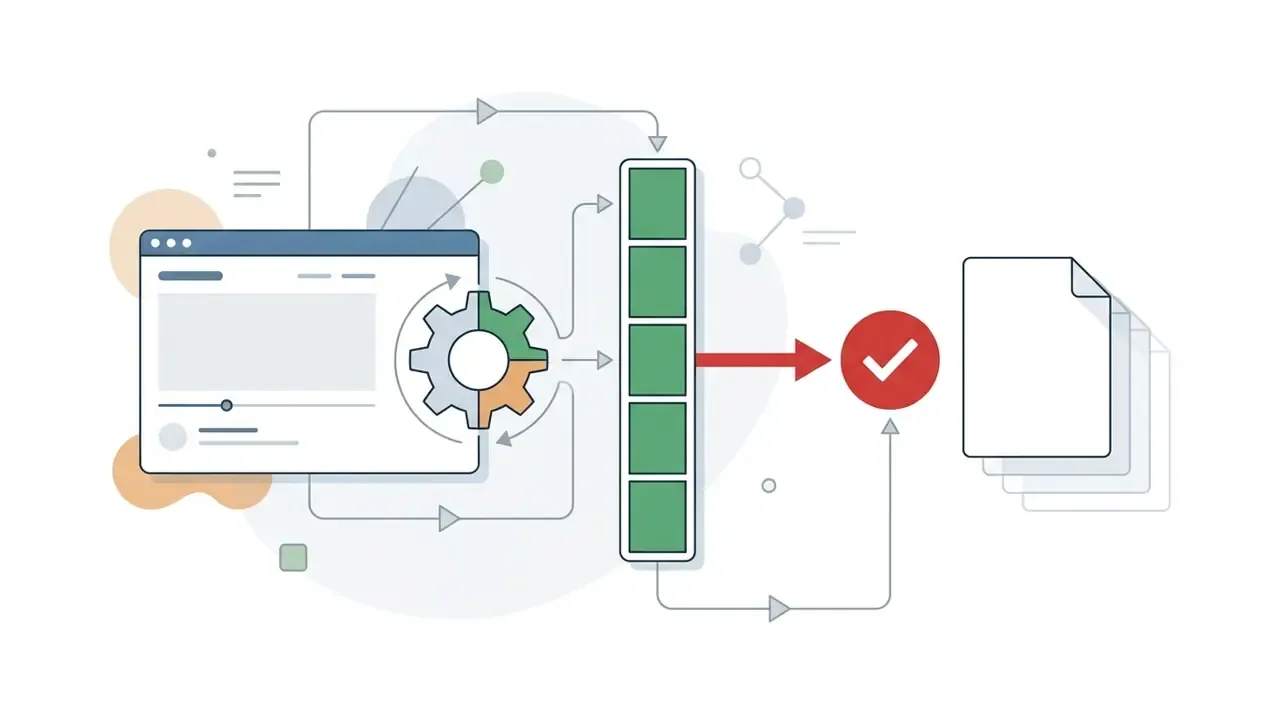
Free access comes with strict operational constraints compared with paid OpenAI subscriptions.
How to Get High-Quality AI Generated Videos: Prompts, Format and Editing
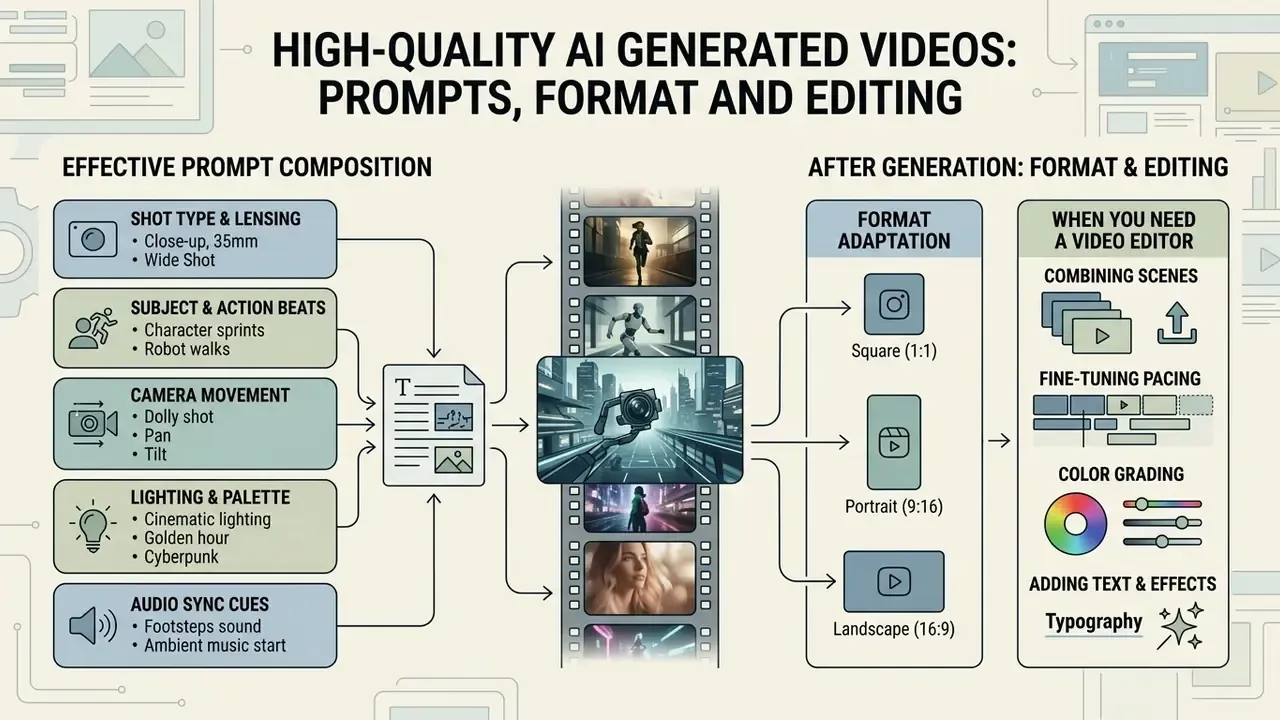
Generative video fidelity depends heavily on structural prompt composition, lighting instructions, and post-production refinement. Precise control prompts cut expensive regeneration cycles, which is where most of the money leaks.
Prompt engineering for video means describing camera movement, subject mechanics, scene lighting, and audio cues explicitly inside the prompt string.
«The prompt defines subjects, camera, lighting and motion, while the
sizeandsecondsparameters control resolution and duration.»
Components of an Effective Prompt for AI Video Generation
High-quality Sora prompts combine five cinematic components:
- Shot type and lensingspecify focal length and framing, for example "Wide 35mm establishing shot, shallow depth of field".
- Subject and action beatsdescribe motion as a sequence, for example "A silver clockwork mechanism spins, beat 1: gears mesh, beat 2: central balance wheel releases".
- Camera movementdefine an explicit trajectory, for example "Slow dolly forward with a slight pan right".
- Lighting and palettedetail illumination sources, for example "Warm golden hour side lighting, muted blue shadows, cinematic colour grade".
- Audio sync cuesstate sound expectations for Sora 2, for example "Synchronized crisp metallic ticking and soft room reverb".
A sixth discipline matters more than any single descriptor: limit the number of moving parts. Fewer characters and simpler physics raise fidelity, especially for lip-sync and contact-physics shots. Three-beat structures (wide, then medium, then close-up) reliably outperform dense single-paragraph prompts. Genre and style tags help too, though they drift if stacked more than two or three deep.
When You Need a Video Editor After Generation
Generative video models rarely deliver broadcast-ready media in a single pass. Post-generation editing stays essential for commercial distribution, and most teams pair Sora output with dedicated video editing tools before publishing.
To review broader AI transformation frameworks, teams can explore the hub for standardised terminology across media models.
Sora Use Cases for Products, Marketing and Content
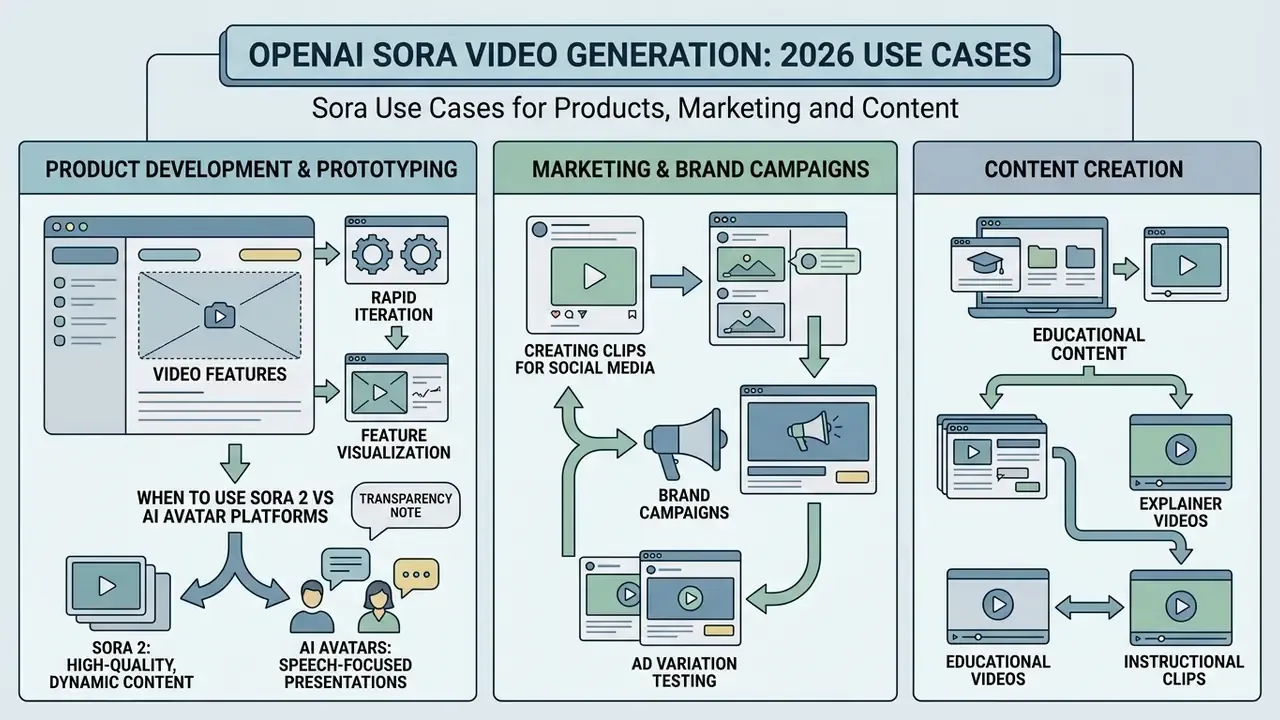
Commercial deployment of Sora spans software prototyping, rapid marketing iteration, and educational content creation. Aligning use cases with technical constraints is what turns a demo into practical ROI.
Organisations evaluating multimodal generation strategies can test specialised workflows or browse the hub to weigh alternative generative media benchmarks.
When to Use Sora 2 vs AI Avatar Platforms (Synthesia / HeyGen)
The most common procurement mistake? Buying a cinematic generation model to produce corporate training videos, or buying an avatar platform and expecting film-grade B-roll. Different product categories entirely.
| Criterion | OpenAI Sora 2 | AI avatar platforms (Synthesia / HeyGen) |
|---|---|---|
| Primary intent | Cinematic footage, B-roll, complex scenes, motion physics | Corporate training, presentations, scripted talking heads |
| Presenter control | Synchronized audio from the prompt, no precise lip-sync control | Phoneme-accurate lip-sync, 240+ ready presenters, 160+ languages |
| Input format | Descriptive cinematic text prompt | Script text plus a slide or presentation template |
| Localisation | Re-prompt or re-voice in post-production | One-click translation across 160+ languages and accents |
| Editing model | Trim, stitch, extend, re-prompt up to 20 seconds | Scene-based editor, brand kits, LMS export, versioned course updates |
| Best for | Brand films, concept teasers, ad variants, product mood films | Compliance training, onboarding, product updates, sales enablement |
| Lifecycle risk (2026) | High, with API shutdown scheduled for September 24, 2026 | Low, with continuously supported SaaS contracts |
Practical rule: if the deliverable is a person explaining something, use an avatar video platform. If the deliverable is a scene, use Sora or a comparable video model. Hybrid pipelines are common, with Sora rendering the background plate and B-roll while the avatar platform delivers the narration layer.
Prototyping Video Features Inside a Product
Product design teams use Sora to test video integration models before investing in full production infrastructure. Generative storyboarding lets them map UI interactions and user video feeds quickly, and the Sora storyboard tool pins text, image or video inputs to specific timestamps on a timeline.
«Sora 2 supports multi-shot narrative and stronger instruction following, which makes it suitable for rapid prototyping of interactive media flows.»
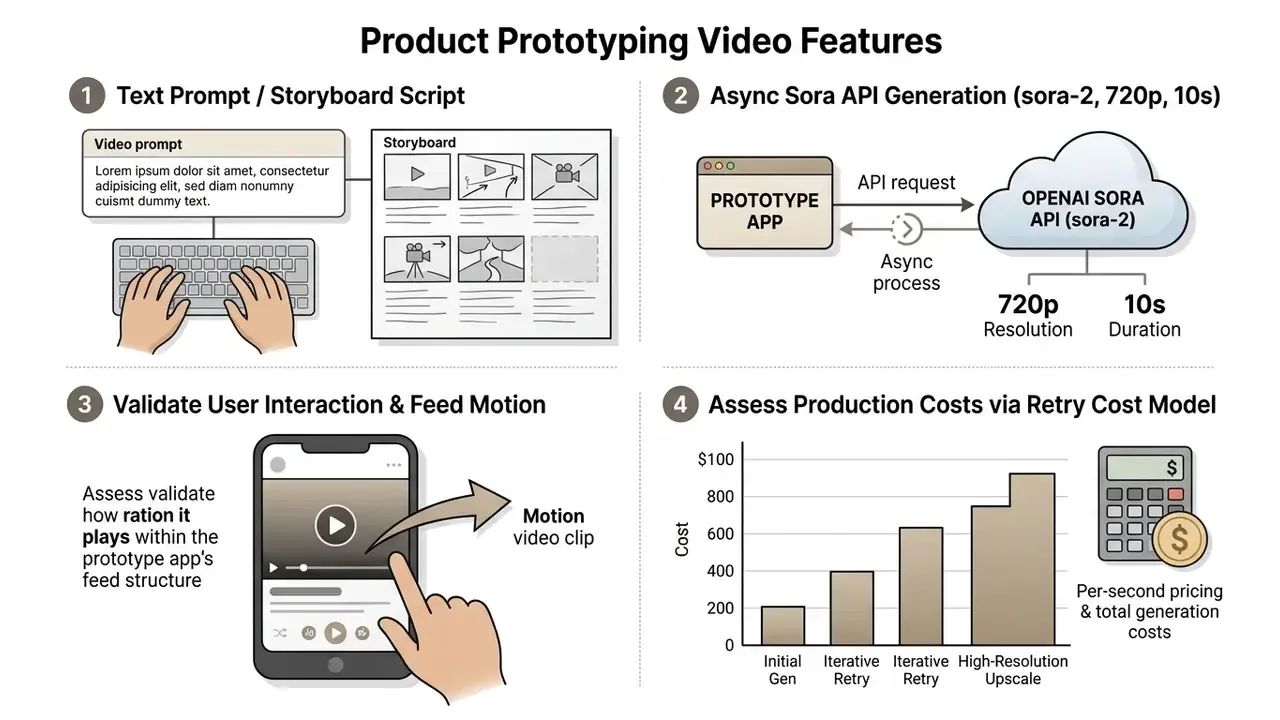
In one commercial product test, a financial media platform used the sora 2 ai video generator to create automated market commentary backgrounds. By generating 10-second looping assets from daily news summaries, the platform reported a 28% lift in viewer retention while keeping automated risk controls in place.
Transparency note: that retention figure comes from a single internal A/B test framing and is presented as an illustrative evaluation model, not a published or audited result. Sample size, test duration and segmentation were not disclosed by the operator. No peer-reviewed study currently quantifies retention uplift from generative video backgrounds in financial media. Treat the mechanism as a hypothesis to test on your own funnel, with a pre-registered metric and a holdout group, before allocating production budget.
Deployment Readiness Checklist (Model Risk & Compliance)
Run this before the first production render, not after the first incident:
Checklist0 / 11
FAQ on OpenAI Sora Availability and Video Generation
Is Open Sora the official open-source video generation project from OpenAI?
No. Open-Sora is an independent, community-driven open source video generation project developed by hpcaitech and hosted on GitHub under the Apache 2.0 licence. It is not developed, maintained or endorsed by OpenAI, despite the name collision that keeps confusing procurement teams.
«Open-Sora 2.0 is an 11-billion-parameter model trained for roughly $200,000, with results comparable to HunyuanVideo on the VBench benchmark.» Open-Sora GitHub Repository, hpcaitech (2025). https://github.com/hpcaitech/Open-Sora Open-Sora publishes training code, data-processing pipelines and model weights, with documented hardware requirements (H100 or H800 class GPUs, about 52.5 GB of VRAM for 256×256 on a single GPU). Its 2025 releases are what most people mean by "open sora open source video generation 2025". OpenAI Sora, by contrast, is a proprietary closed-source model reachable only through OpenAI products and official APIs; its public technical report describes a unified visual representation without releasing weights or training code.
Can Sora be used for AI avatars, subtitles and templates?
Sora does not natively include automated subtitle generation, pre-built video templates, or a dedicated talking-head avatar suite.
- AI avatars: Sora 2 has a "Characters" likeness control that lets users insert their verified physical likeness into scenes. That is not a dedicated ai avatar generator in the HeyGen or Synthesia sense. Teams needing presenter-led video should review AI video generator alternatives built for that job.
- Subtitles: captions must be burned in with external video editing software or specialised tools such as AutoCap or CapCut.
- Templates: motion templates and graphic branding overlays belong to post-production, one click at a time in your editor of choice. With the consumer product retired and the API sunsetting, teams needing a supported programmatic route should evaluate the Google Veo API and comparable vendor pipelines for a post-deprecation architecture.
Which access route is still valid after September 2026?
None of the Sora-specific routes described here are guaranteed beyond the published shutdown date. Plan on the assumption that the Videos API stops accepting jobs on September 24, 2026. Keep your prompt library model-agnostic, and store rendered assets in your own object storage so a vendor change does not invalidate your media catalogue.
Does free Bing generation give commercial usage rights?
Free Microsoft generation is governed by consumer terms and carries platform branding plus C2PA provenance metadata. Commercial reuse questions, especially for regulated marketing, should be checked against Microsoft's current terms for AI creations. Related licensing patterns are covered in our review of the Microsoft AI image generator.
What should a bank document before its first production render?
Three artefacts, minimum: an inventory entry for the model with a named owner, a logged approval trail for every externally published asset, and an end-of-life plan tied to the vendor date. Everything else, from prompt libraries to upscaling tooling, is optimisation. Without those three, internal audit has nothing reproducible to examine, and the pilot will stall at the governance gate rather than the technical one. For detailed media decision frameworks and AI risk evaluations, visit Hypeart AI Media Decision Support to analyse model governance strategies. To review financial models and credit calculators, you can see the overview of platform cost frameworks.
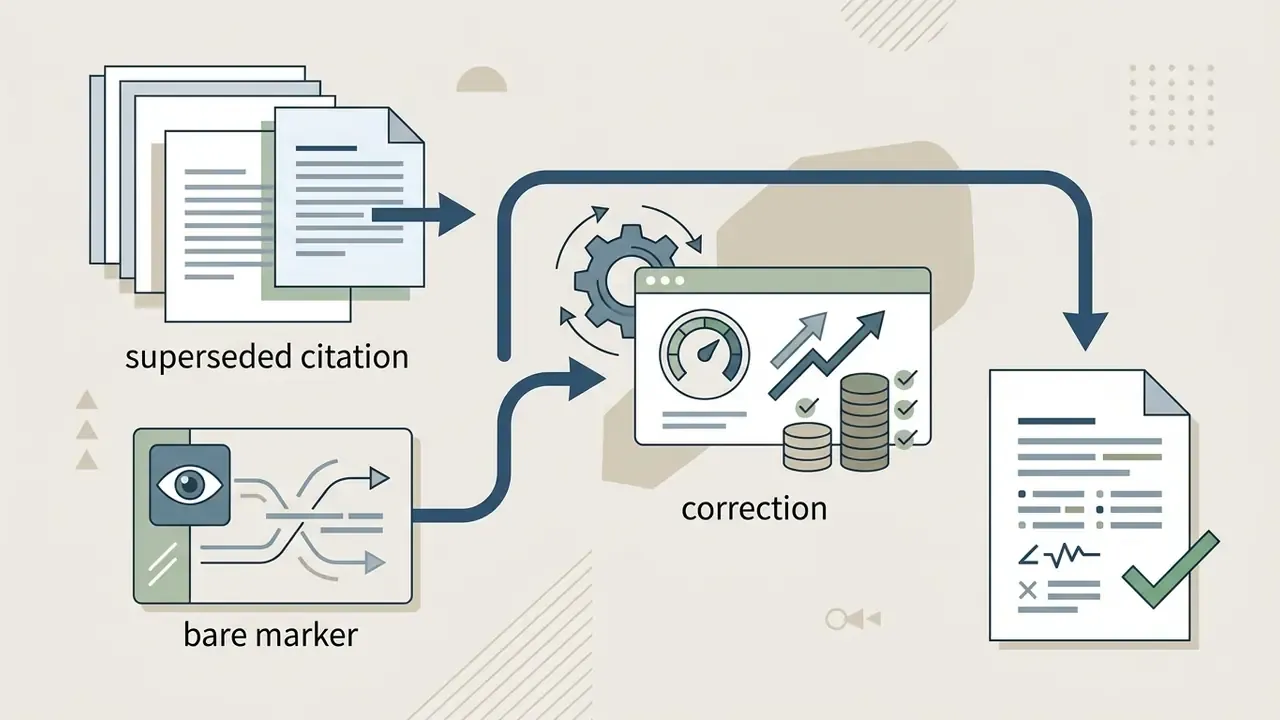
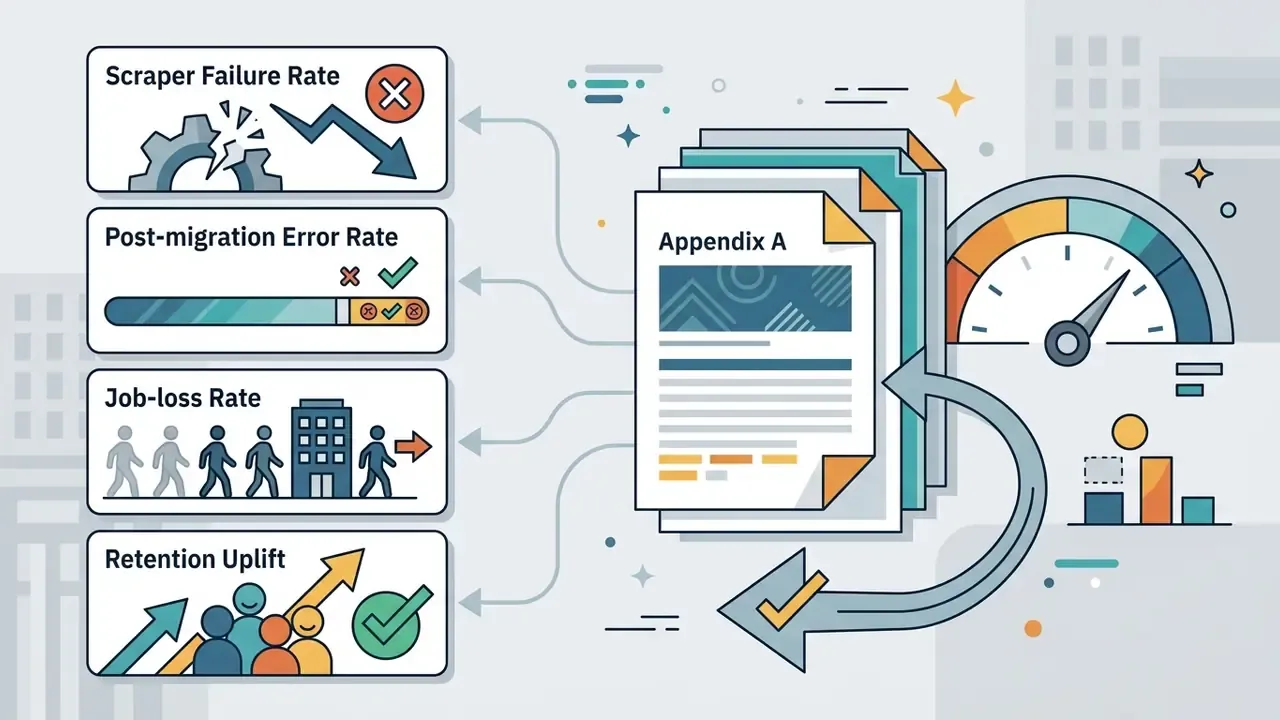
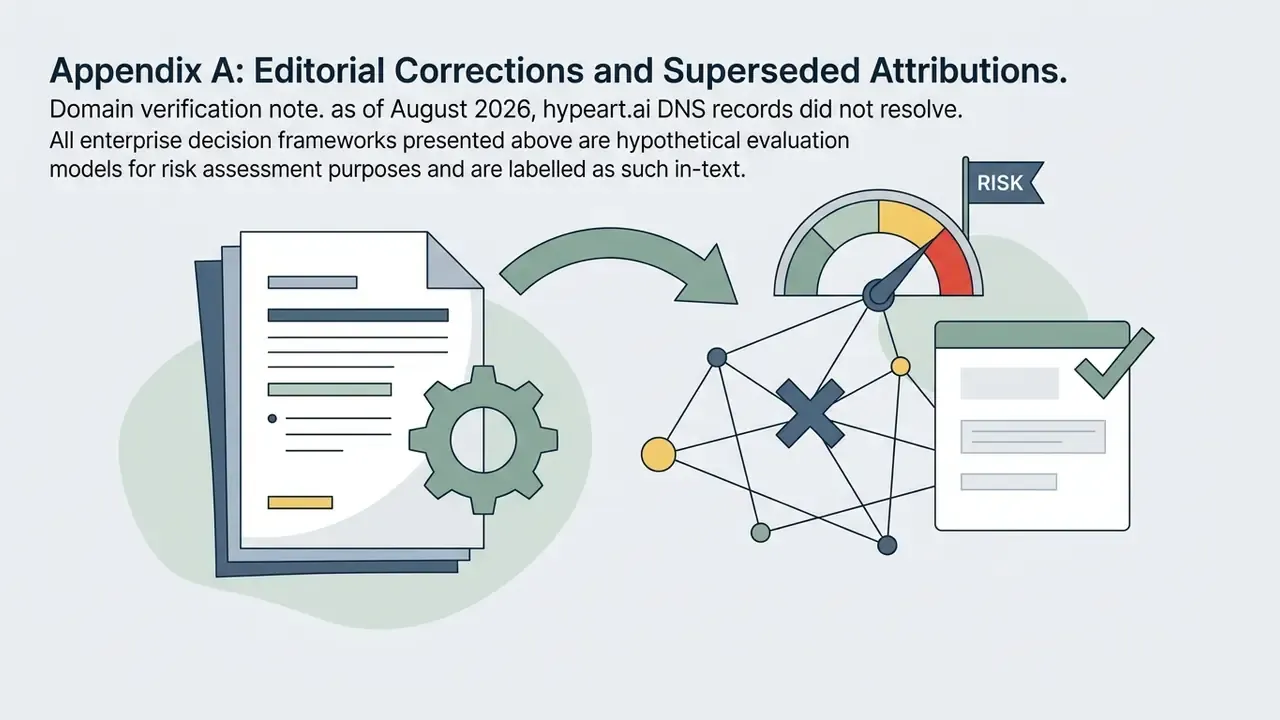
Appendix A: Editorial Corrections and Superseded Attributions
Retained for transparency and auditability of this update:
General disclaimer: this article covers financial, legal and regulatory considerations for informational purposes only. It is not legal, compliance, tax or investment advice. Verify prices, lifecycle dates, licensing terms and regulatory obligations against primary sources and qualified advisers before deployment.
More API-level teardowns, pricing models and integration guides: browse the hub.