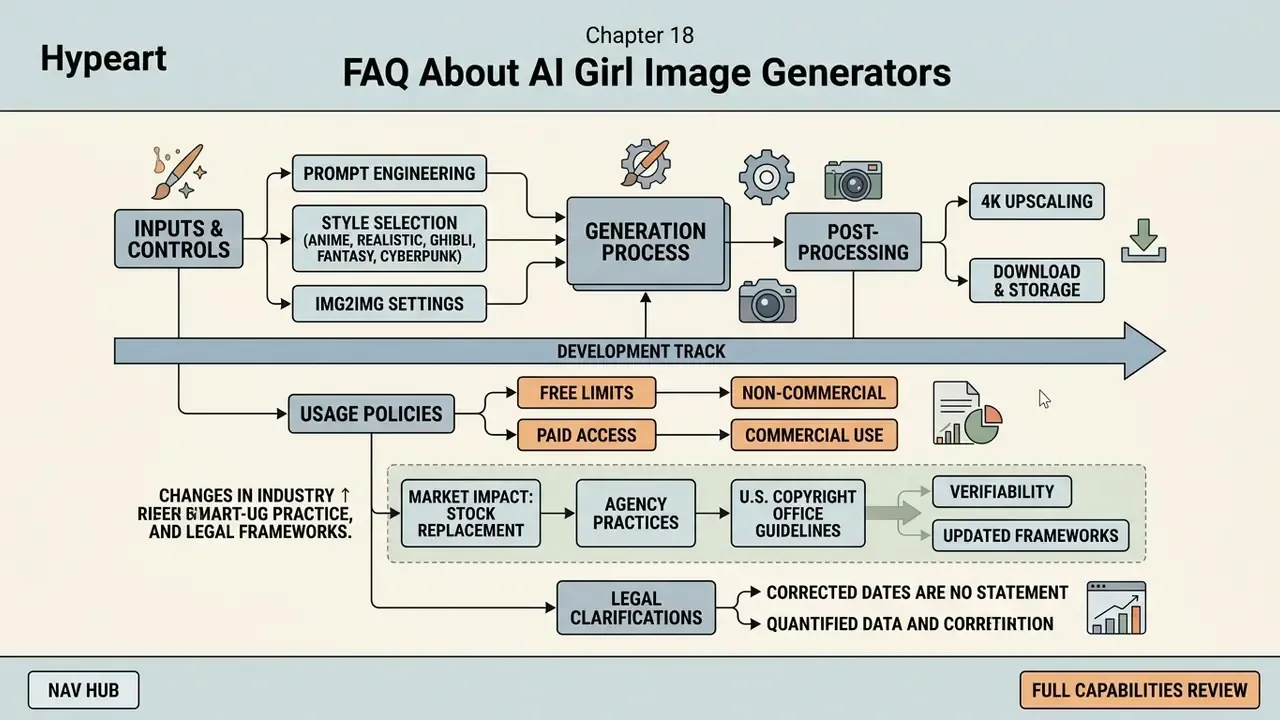
- Author Marcus Hale, AI Governance & Model Risk author
- Last updated February 2026
- Reading time ~14 minutes
What You Need to Know in 30 Seconds
- An ai girl image is a synthetic render produced by a diffusion model or GAN from a text prompt or a reference photo. It is a statistical sample, not a photograph of a real person.
- Ready-to-copy prompt blocks for realistic, anime, Ghibli, fantasy, cyberpunk, 3D/clay and line-art styles sit below, with lens and lighting cheat sheets.
- Free tiers usually cap output at 720p to 1024 px, stamp a watermark, and limit you to personal use. Paid tiers unlock 2K/4K exports, commercial rights and control features (LoRA, ControlNet, seed locking).
- Legally, purely AI-generated visuals lacking human creative control are not eligible for U.S. copyright protection, so commercial use depends on platform contracts, likeness and trademark avoidance, plus documented human input.
An ai girl image is a synthetic visual asset generated by deep learning algorithms, primarily latent diffusion models or generative adversarial networks (GANs), conditioned on text prompts or reference images rather than captured by a camera. Modern neural networks synthesize these outputs by progressively denoising latent tensors into coherent portraits, avatars or character illustrations. The same pipeline produces an ai female image for a landing page, a stylised avatar for Discord, or a character sheet for a visual novel.
Why should a risk-minded reader care about a creative topic? Because synthetic faces now enter brand assets, onboarding flows and social channels faster than most control frameworks can log them.
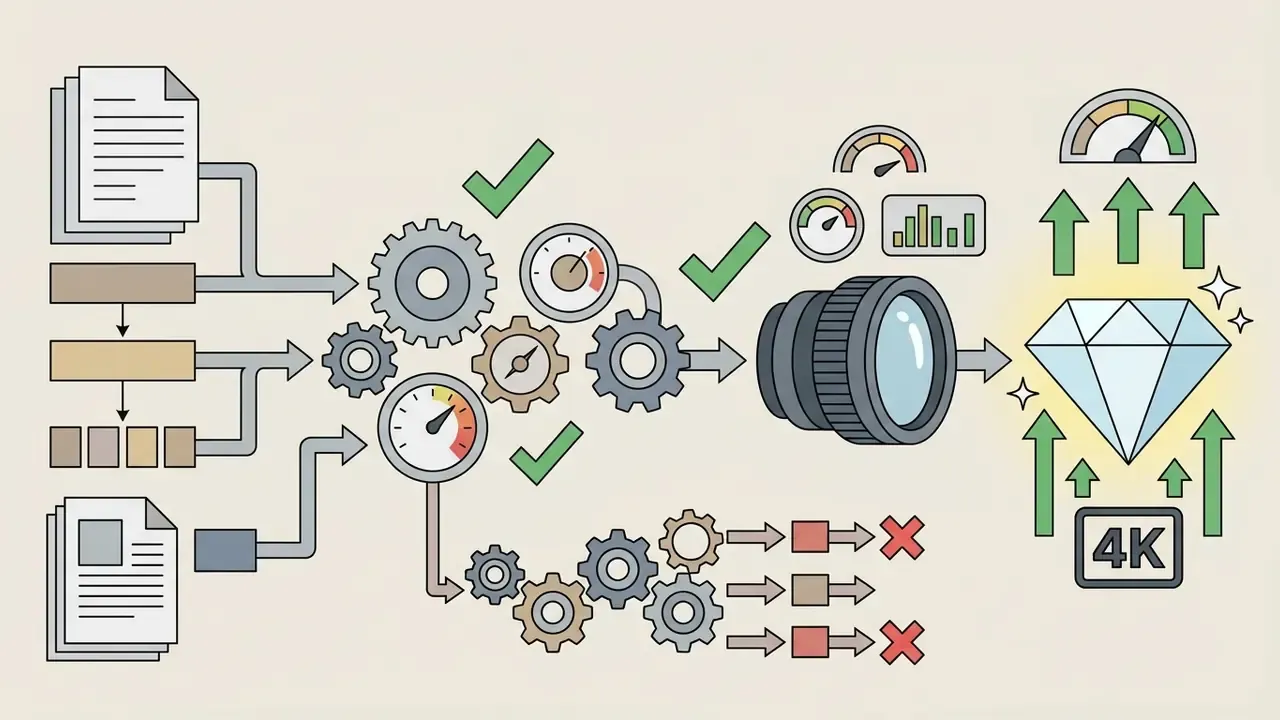
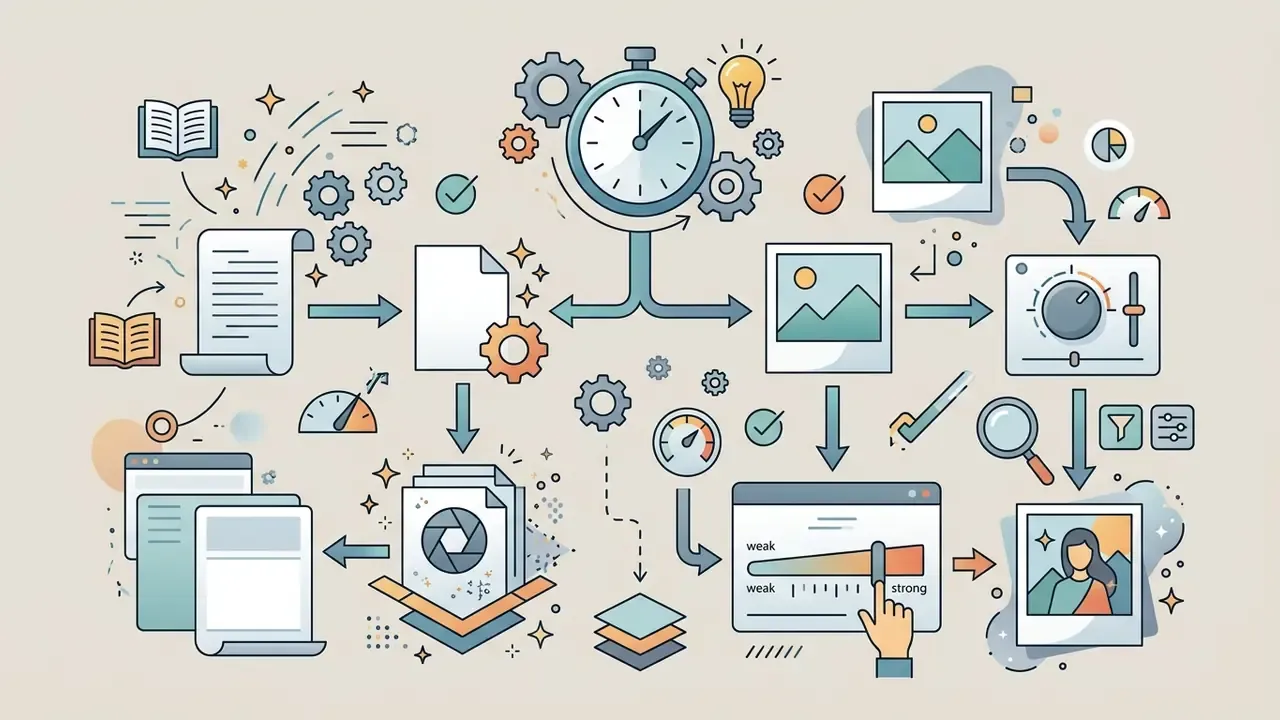
«AI-generated portraits are statistical samples drawn from a learned feature distribution, not snapshots of real people; without verifiable metadata, no synthetic render should be treated as documentary reality.»
To evaluate creative workflows and enterprise asset licensing options across current generative tools, readers can open the hub and review the foundational terminology and validation frameworks first.
1. What Is an AI Girl Image and How Does the Generator Work
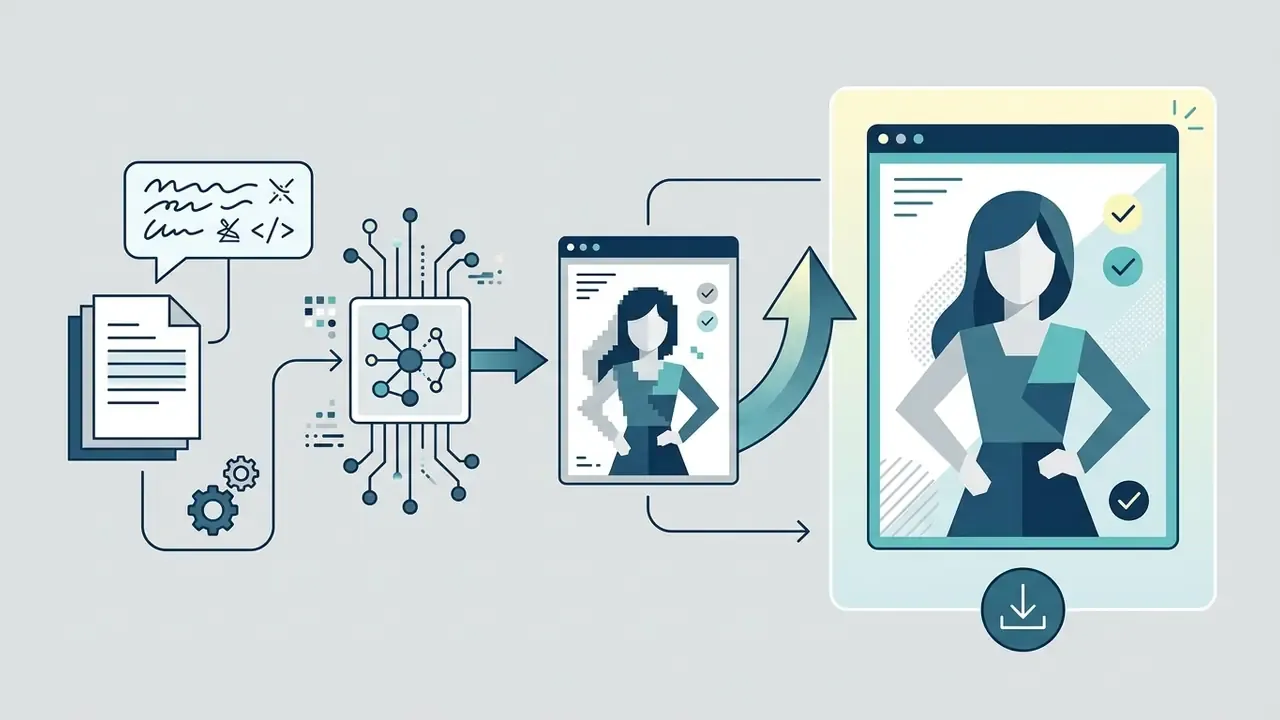
Short answer: the generator turns words into numbers, then numbers into pixels. No photograph is retrieved, copied or collaged at any stage.
An ai girl image is an algorithmically rendered digital representation created by a text-to-image or image-to-image generative system. The underlying ai image generator does not search or collage existing photography. Instead it processes user-supplied text prompts into latent vector embeddings using transformer encoders such as CLIP or T5, which then guide an iterative denoising process that synthesizes an ai generated photo of a girl or a stylized portrait out of Gaussian noise.
Plain-language version for beginners: imagine a sculptor starting with a block of visual static. Your prompt is the brief. Each of the 20 to 50 sampling steps chips away noise until a face, hair, fabric and background emerge that statistically match that brief. Change one word and the sculptor carves a different person. Not a similar person. A different one.
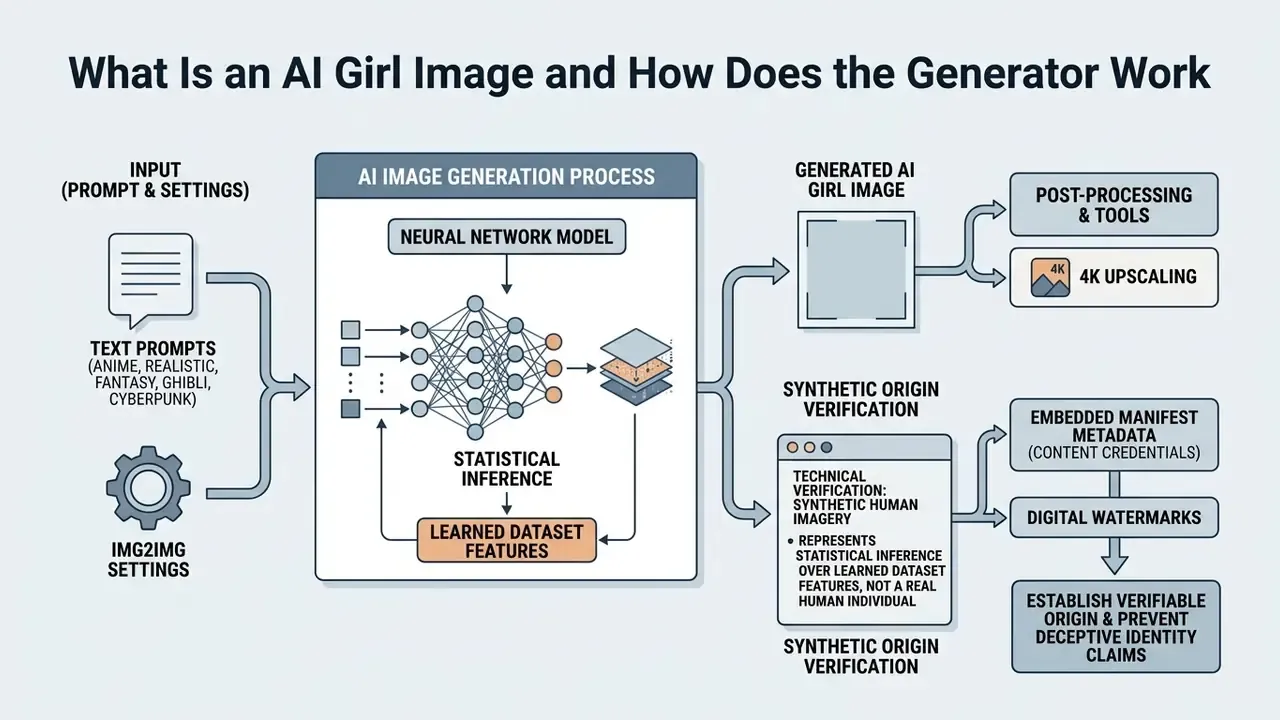
When operating an ai girl generator or a girl generator online, the system samples feature vectors that correspond to the visual attributes you named: facial geometry, lighting, hair texture, wardrobe. Technical audits by Zhang et al. (2024) confirm that latent diffusion models such as Stable Diffusion, Flux and Midjourney run generation inside compressed latent spaces, which optimizes both spatial fidelity and prompt alignment.
«Latent diffusion models have become the dominant text-to-image approach because they are more efficient and more accurate at high resolutions than pixel-space methods.»
Consequently, every ai generated picture of a girl stays a purely synthetic output governed by probability distributions. Readers who want to compare concrete platforms and their usage terms can review the landscape of AI image generators before committing budget to a paid workflow.
To see how structured evaluation matrices rank enterprise image platforms side by side, consult the AI Media Comparison Matrices.
2. Which AI Girl Image Styles You Can Create (with Copy-Paste Prompts)
Short answer: style is chosen twice. Once by the checkpoint you load, and once by the style tokens in your prompt. Both must agree, otherwise the model averages two aesthetics into mush.
Generative architectures support a wide spectrum of visual mediums, from hyper-realistic photographic renders to flat stylized illustration. Users who want ai cute girl images or photorealistic ai girl pictures can select specific checkpoint weights, fine-tuned LoRAs (Low-Rank Adaptations) or custom text embeddings to control atmospheric depth, line weighting and colour palette.
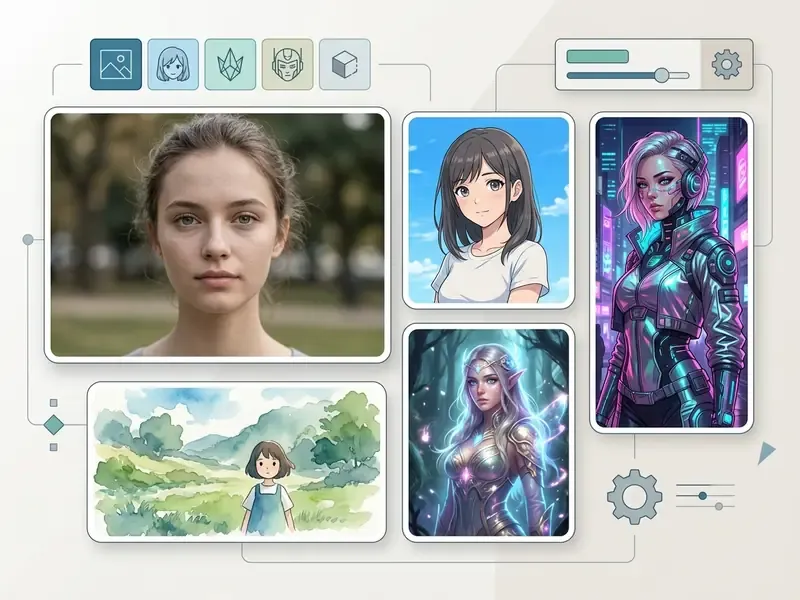
Copy-paste prompt (Photorealistic):
photorealistic portrait of a young woman, auburn wavy hair, light freckles,
natural makeup, calm confident expression, soft window side-light,
85mm lens, f/1.4, shallow depth of field, bokeh background,
natural skin texture with visible pores, sharp focus on the eyes, high resolution
💡 Prompt hack: lens references (85mm, 50mm, 135mm) and aperture values (f/1.4, f/2.0) push the model toward photographic priors instead of illustration priors.
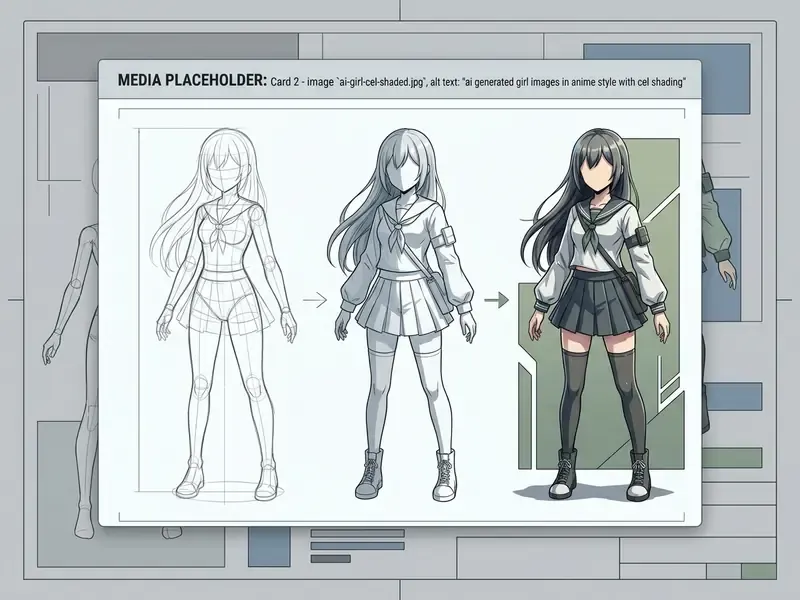
Copy-paste prompt (Anime):
masterpiece, best quality, anime girl, silver hair, expressive violet eyes,
Japanese school uniform, cherry blossom background, soft studio lighting,
clean line art, cel shading, Kyoto Animation quality
💡 Prompt hack: naming a studio (Kyoto Animation quality, Makoto Shinkai style) sharpens line geometry and colour grading far more reliably than vague praise like "beautiful". On many anime checkpoints the class phrase anime girl performs noticeably better than the bare Danbooru tag 1girl.
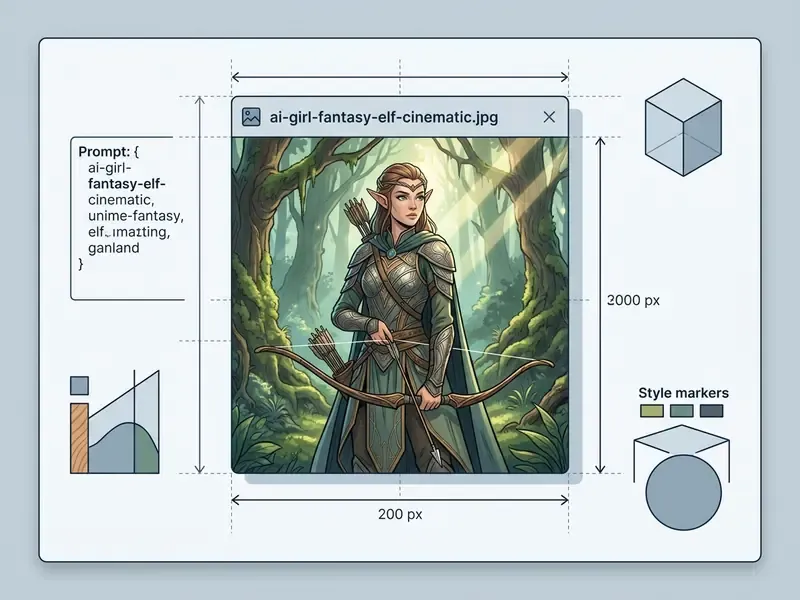
Copy-paste prompt (Fantasy):
fantasy elf girl, long white hair, glowing blue eyes, ornate silver armor with
glowing runes, enchanted moonlit forest, ethereal god rays, volumetric mist,
epic cinematic composition, highly detailed digital art, 4K
💡 Prompt hack: ethereal god rays plus epic composition instruct the sampler to build depth layers instead of a flat character sticker.
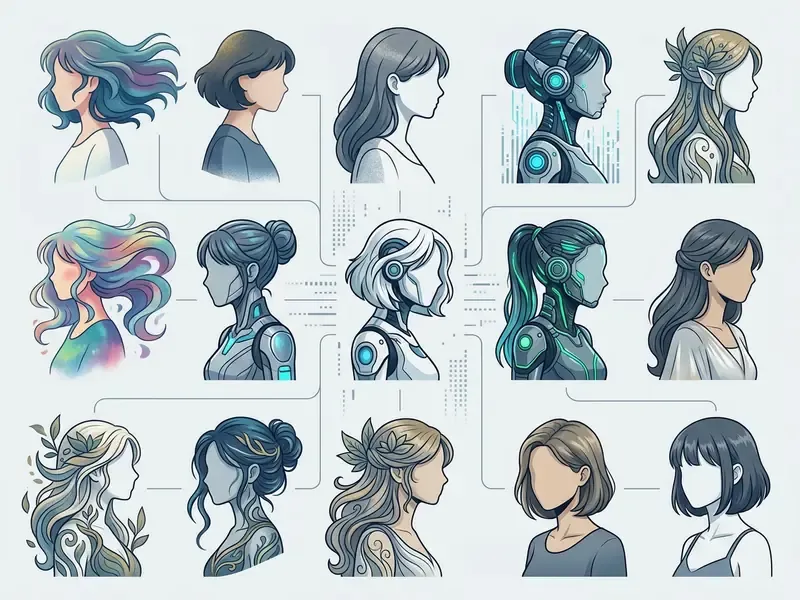
Copy-paste prompt (Digital Art / Concept Art):
digital painting of a female warrior, three-quarter profile, textured
brushstrokes, layered colour blending, dramatic key light with cool rim light,
concept art sheet composition, matte painting background, artstation quality
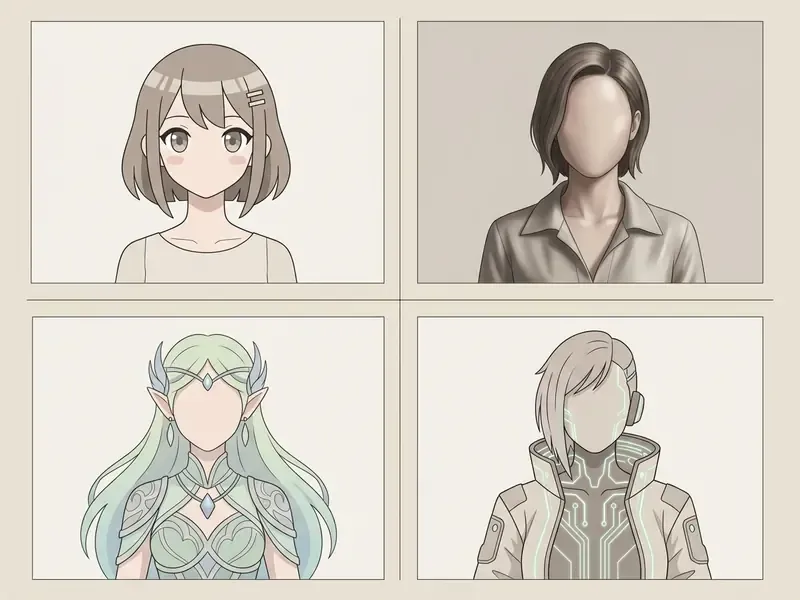
Copy-paste prompt (Cute / Kawaii):
cute and adorable girl character, rounded face, big circular reflective eyes,
pastel sweater, soft gradients, warm ambient fill light, gentle smile,
simplified proportions, smooth shading, charming illustration
Universal negative prompt (paste into the negative field):
deformed hands, extra fingers, extra limbs, fused fingers, over-smoothed skin,
plastic skin, watermark, text, signature, low resolution, blurry, jpeg artifacts,
asymmetric eyes, disfigured face
💡 Reality check: generative image models do not reliably interpret the word "no". Absence conditions belong in the negative prompt field, never inside the positive description. That limitation is documented in 2025 academic prompt-engineering research on negation handling in text-to-image systems.
Filters in the gallery block should never hide these cards from indexing. Keep every variant in the DOM.
3. Realistic AI Girl and Photorealistic Portraits
Short answer: photorealism is an optics problem before it is an art problem. Describe the camera, then the person.
A realistic ai girl portrait relies on camera-specific prompting parameters and human-centric dataset priors. To render a photorealistic ai portrait, prompt engineering frameworks add optical settings such as 85 mm focal length, f/1.4 aperture, rim lighting and explicit skin-texture descriptors, which suppress the over-smoothed plastic look that gives cheap renders away instantly.
Research on human-focused neural architectures, notably MoLE (NeurIPS 2024), shows that dedicated low-rank experts for facial geometry and sub-surface scattering measurably improve skin pores, iris highlights and believable hair color variation.
«MoLE trains specialised low-rank experts on more than one million human images, including dedicated face and hand subsets, outperforming baseline models on human-centric generation.»
Optics and Lighting Cheat Sheet for Photorealistic AI Girls
| Shot intent | Focal length token | Aperture token | Lighting scheme token | Typical failure to avoid |
|---|---|---|---|---|
| Close-up portrait | 85mm lens | f/1.4 (creamy background blur) | rim lighting, soft key light | Over-smoothed "plastic" skin |
| Beauty / editorial headshot | 135mm lens | f/2.0 | butterfly lighting, soft reflector fill | Flat, shadowless face |
| Full-body / lifestyle | 35mm lens | f/8.0 (sharp environment) | golden hour sunlight, natural fill | Warped hands and limbs |
| Environmental storytelling | 24mm wide lens | f/5.6 | overcast diffuse daylight | Distorted facial proportions |
| Cinematic frame | 50mm anamorphic | f/2.0 | dramatic chiaroscuro, neon bokeh | Blown-out highlights |
| Moody indoor | 50mm lens | f/1.8 | single window side-light, Rembrandt loop | Muddy shadow detail |
One practical note from production work: raise resolution before you chase micro-detail. A sharp 1024 px render upscaled cleanly beats a 512 px render stuffed with quality tags.
Teams building professional portrait pipelines can compare specialised tools in the guide to AI headshot generators, where portrait quality, privacy handling and pricing are benchmarked side by side.
4. Anime Girl, Cute Girl and Fantasy Girl
Short answer: anime aesthetics live in the checkpoint. A general-purpose model forced into "anime style" gives soft, inconsistent line art. An anime-trained model gives clean contours out of the box.
Rendering an anime girl, a fantasy girl or any stylized character requires models trained on domain-specific anime datasets and Danbooru tag taxonomies. Specialized checkpoints lean on style tokens such as cel shading, expressive eyes and masterpiece to produce crisp digital art or ai anime visuals. Published model cards confirm the dependency: they instruct users to insert explicit trigger words (for example ANIME for anime-oriented checkpoints, or dgs together with illustration style for cyberpunk-anime models) and to raise token weights such as (anime:1.35) when the style needs reinforcement.
Empirical evaluations by Cao et al. (2023) on models like AnimeDiffusion show that diffusion-based colorization and tag-conditioned sampling outperform legacy GAN architectures. They hold clean line contours while still delivering rich colour distribution for ai generated cute girl images and character art.
«AnimeDiffusion was trained on 31,696 paired anime-face line drawings and colour images; quantitative metrics and a user study confirm it outperforms GAN baselines.»
Start anime prompts with three to five strong tokens, then add taxonomy tags for framing (from above, from below), sub-style (chibi style, retro anime, modern anime) and palette. Overloading the first tokens dilutes the style signal. Actually, to be precise: it does not dilute the tokens themselves, it dilutes their relative weight in the attention map. Same outcome, softer picture.
5. Niche Styles: Ghibli, 3D/Pixar, Clay, Cyberpunk, Line Art, Chibi
Short answer: five aesthetics cover roughly 90% of demand beyond "realistic versus anime". Each has its own token cluster.
Ghibli / nostalgic anime. Soft pastel watercolour, hand-painted backgrounds, 1990s atmosphere, gentle ambient light.
Security-checked girl in nostalgic 90s anime style, Studio Ghibli aesthetic, hand-drawn watercolour background, soft diffuse lighting, school uniform, sitting by a window, warm nostalgic colour paletteUsers comparing dedicated engines for this look can review the breakdown of Ghibli-style AI image generators by style accuracy, controls and usage rights.
3D render / Pixar-style. Volumetric characters, smooth subsurface shading, stylised proportions.
Security-checked 3D render of a cheerful girl character, Pixar style, smooth shading, subsurface scattering, large expressive eyes, cinematic studio lighting, unreal engine render, cinematic smoothClay / brick-toy filter. Tactile stop-motion aesthetics: clay fingerprints, or plastic construction-brick figures.
Security-checked claymation girl character, handmade plasticine texture, visible fingerprints, stop-motion diorama set, soft tabletop lighting, shallow depth of fieldCyberpunk / sci-fi. Neon reflections, holographic tattoos, rain-soaked night streets.
Security-checked cyberpunk girl, neon pink hair, holographic tattoos, rain-soaked Tokyo street, neon sign reflections on wet asphalt, volumetric lighting, dramatic chiaroscuro contrast, hyper-detailed, cinematic💡 Prompt hack: combining weather with a named city (
rain-soaked Tokyo,foggy Berlin) adds depth cues the model cannot infer from "cyberpunk" alone.Line art / watercolour / mosaic illustration. Minimal strokes or traditional-media texture for editorial and merch use.
Security-checked line art portrait of a girl, single-weight black ink contour, minimal detail, white background, editorial illustration, clean vector-like strokes- Chibi / SD. Oversized head-to-body ratio, tiny limbs, sticker-friendly silhouettes. Ideal for Discord emotes and merch sheets (
chibi style, 1:2 head-to-body ratio, sticker sheet, thick outline).
Once the base render exists, a stylised image can be reframed, extended or cleaned up with an AI photo editor or an outpainting tool for expanding images into banner and cover aspect ratios.
6. How to Create an AI Girl Image from Text or an Existing Photo
Short answer: decide before writing the prompt whether you are inventing a character (Text-to-Image) or transforming one (Image-to-Image). The prompt syntax is similar. The control parameters are not.
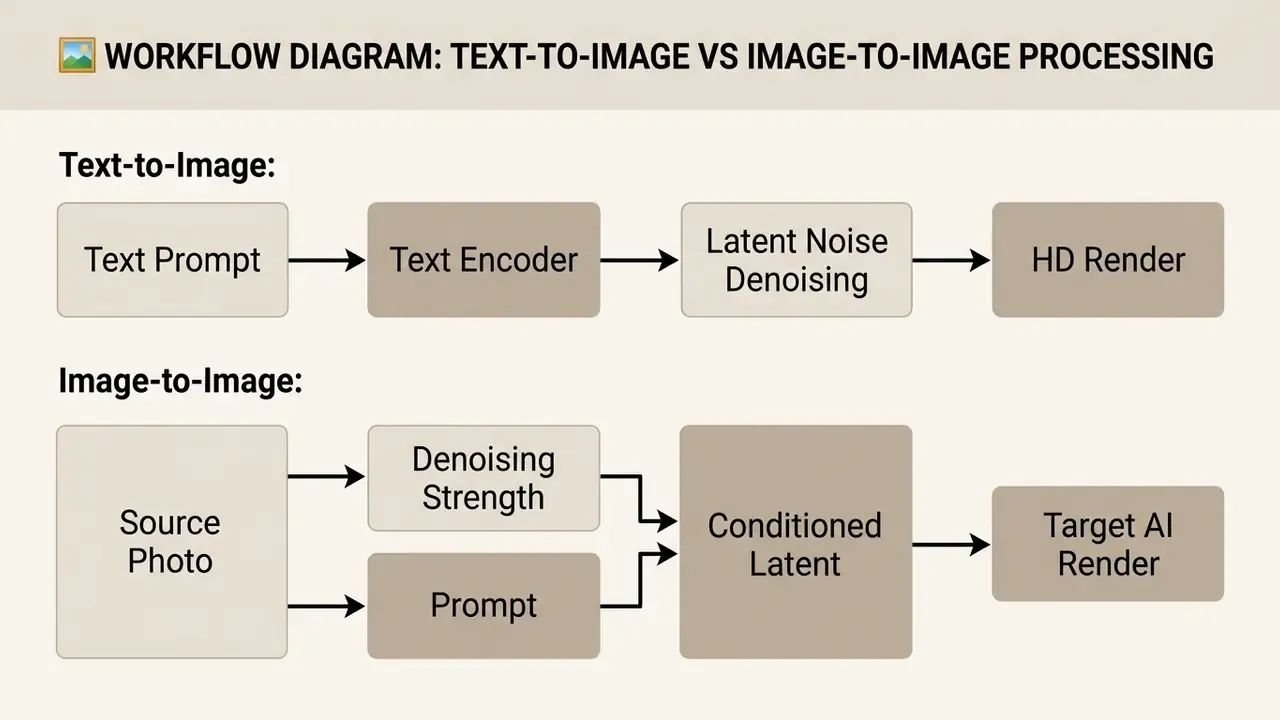
Creating an ai girl image follows two primary technical modalities: Text-to-Image, which synthesizes new visuals directly from natural language, and Image-to-Image, which transforms a reference photograph or sketch into a newly stylized render.
Creators who want to benchmark transformation-first platforms can study comparisons of image-to-image generators and proprietary implementations such as Microsoft's AI image generator before standardising a workflow.
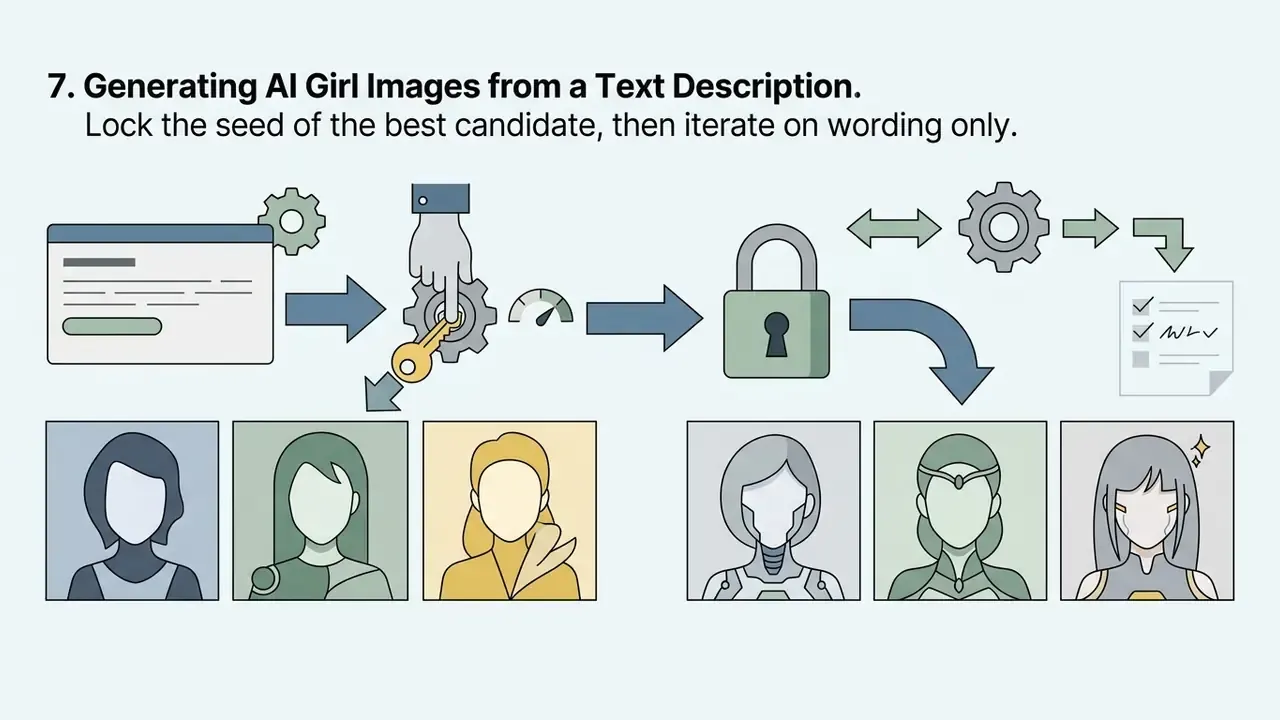
7. Generating AI Girl Images from a Text Description
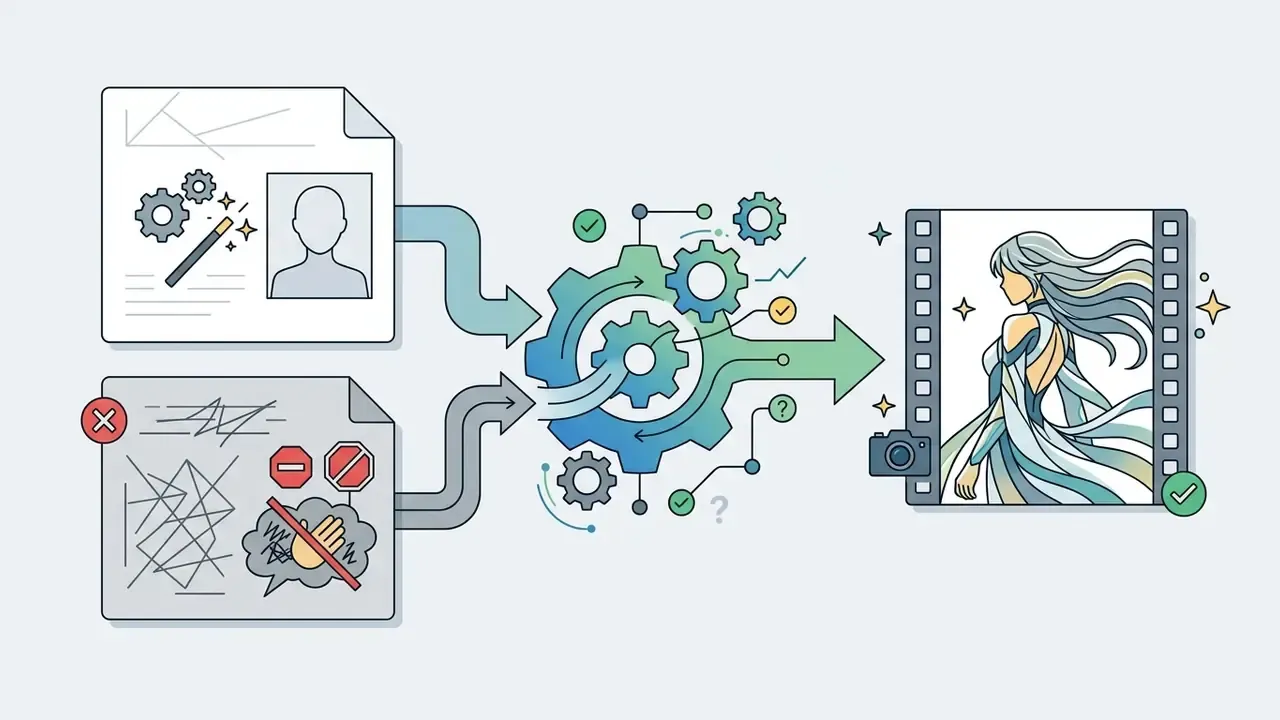
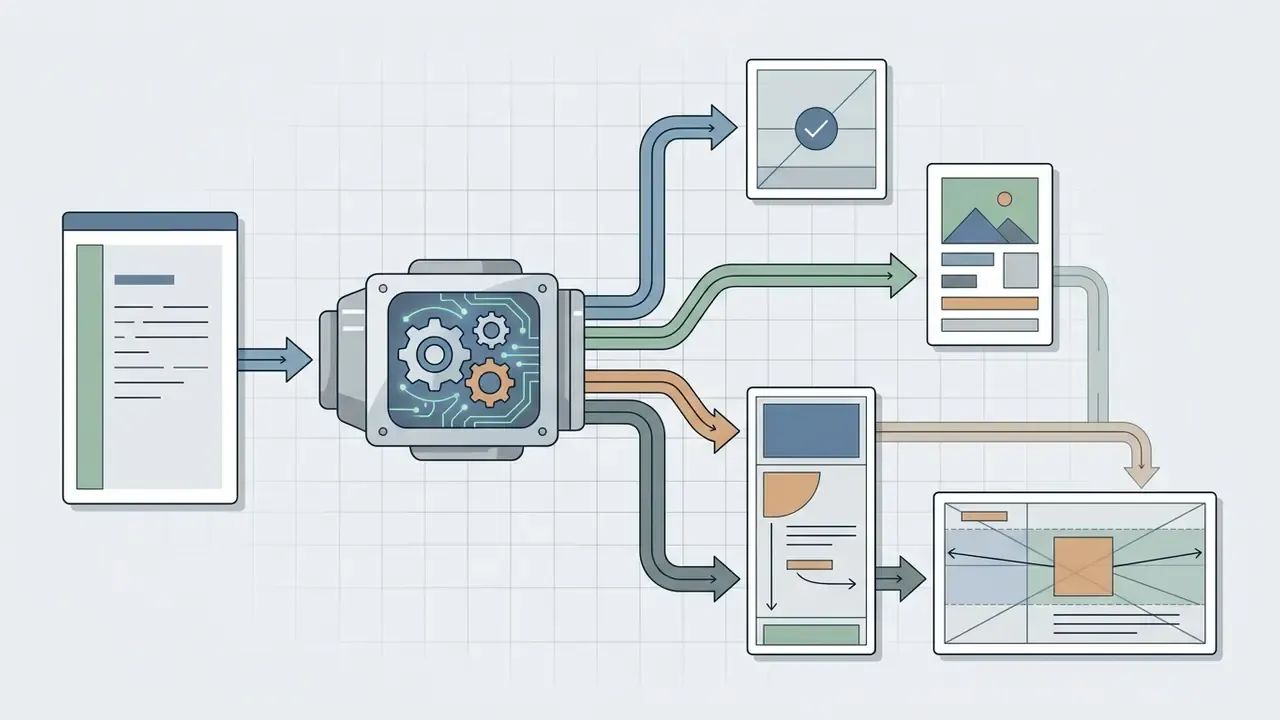
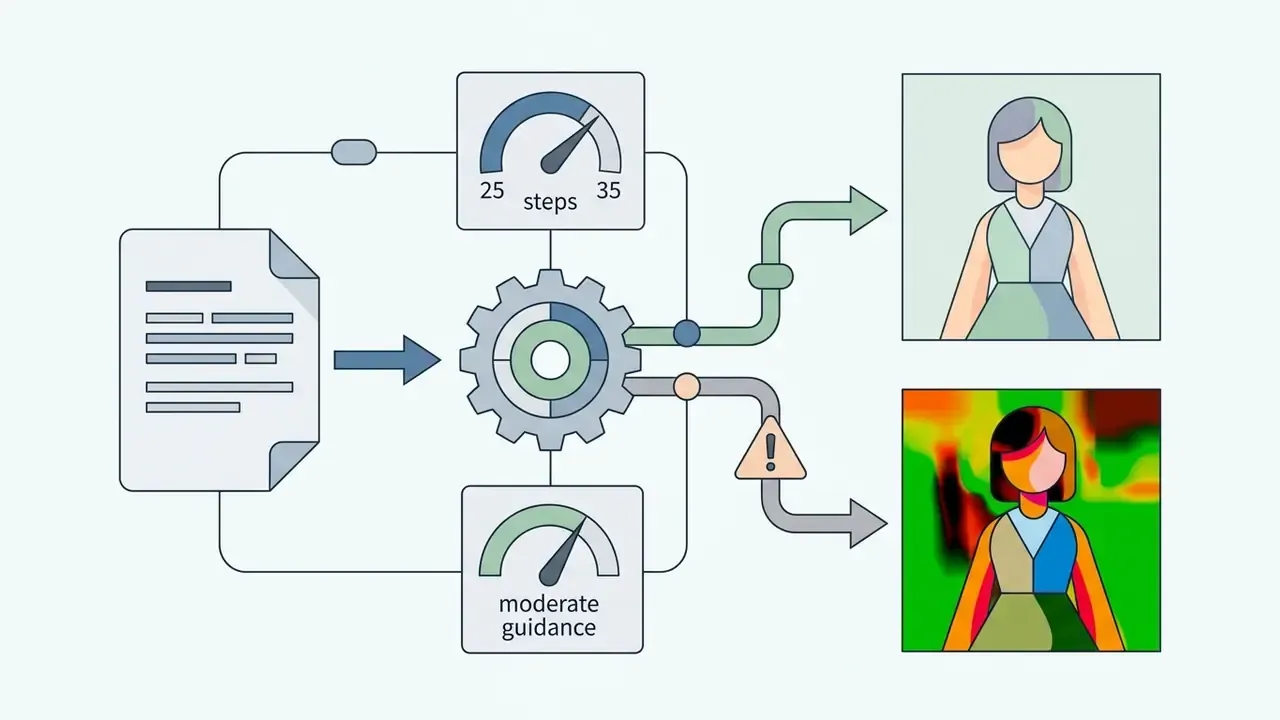
In a pure Text-to-Image pipeline the user types a detailed description into an ai image generator. The system encodes that text via CLIP or T5 embeddings, samples a random noise latent driven by a fixed seed, and runs a multi-step denoising schedule, typically 20 to 50 steps with DDIM or Euler schedulers, to output a unique ai render in high resolution.
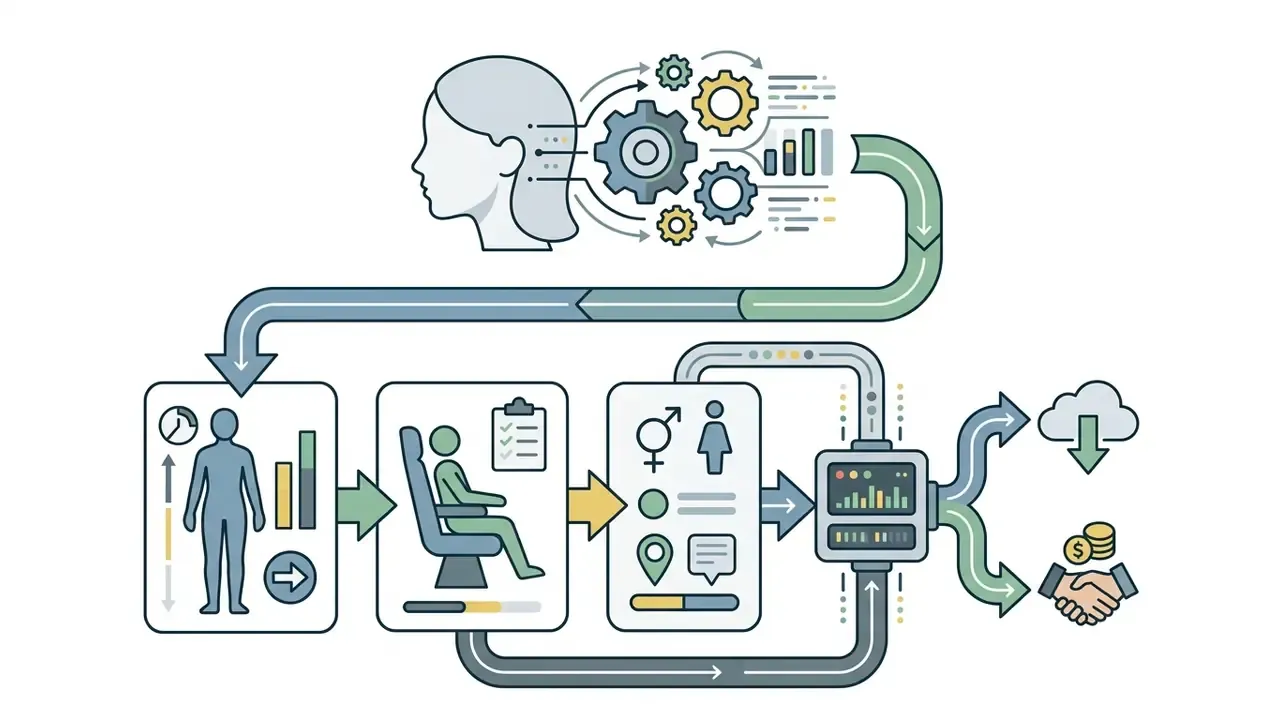
Known limitation worth planning for: audits of face generation report systematic mismatches between prompted demographic attributes and the visual output, driven by training-data composition.

«Audits identified systematic inconsistencies between demographic attributes specified in prompts and the visual outputs of diffusion models.»
To test how web interfaces streamline text prompting, users can try an online art generator and judge prompt responsiveness directly, or review access terms for Google's AI image generator.
8. Transforming a Source Image into an AI Girl
In an Image-to-Image (img2img) transformation, an existing photo or a structural sketch acts as spatial conditioning for the latent diffusion model. Technically, denoising strength sets the starting point in the noise schedule: lower values inject less noise and therefore permit smaller deviations from the original. The user sets that parameter between 0.0 and 1.0:
- Low denoising (0.2 to 0.4)
- retains original lighting, pose and colour composition while applying minor style refinement.
- Medium denoising (0.5 to 0.7)
- balanced style transfer, for example converting a real photograph into an anime style or fantasy girl portrait.
- High denoising (0.8 to 1.0)
- overwrites structural guidance, so the system behaves almost like a raw text-to-image prompt.
«A diffusion model with classifier-free guidance outperforms GAN analogues when converting line drawings into coloured anime portraits, according to quantitative metrics and a user study.»
What Survives at Each Denoising Level (Parameter Transfer Table)
| Attribute of the source photo | 0.2 to 0.4 (Refine) | 0.5 to 0.7 (Style transfer) | 0.8 to 1.0 (Reimagine) |
|---|---|---|---|
| Pose and silhouette | Fully preserved | Mostly preserved | Frequently rewritten |
| Facial identity | Recognisable | Partially recognisable | Lost, a new person |
| Lighting direction | Preserved | Blended with prompt | Prompt-driven |
| Colour palette | Preserved | Shifts toward style | Prompt-driven |
| Background details | Preserved | Stylised | Replaced |
| Best use | Retouch, texture polish | Photo to anime or fantasy | Concept exploration |
9. How to Write a Prompt for AI Generated Girl Images
Short answer: a prompt is a specification, not a wish. Six ordered slots beat one long poetic sentence every single time.
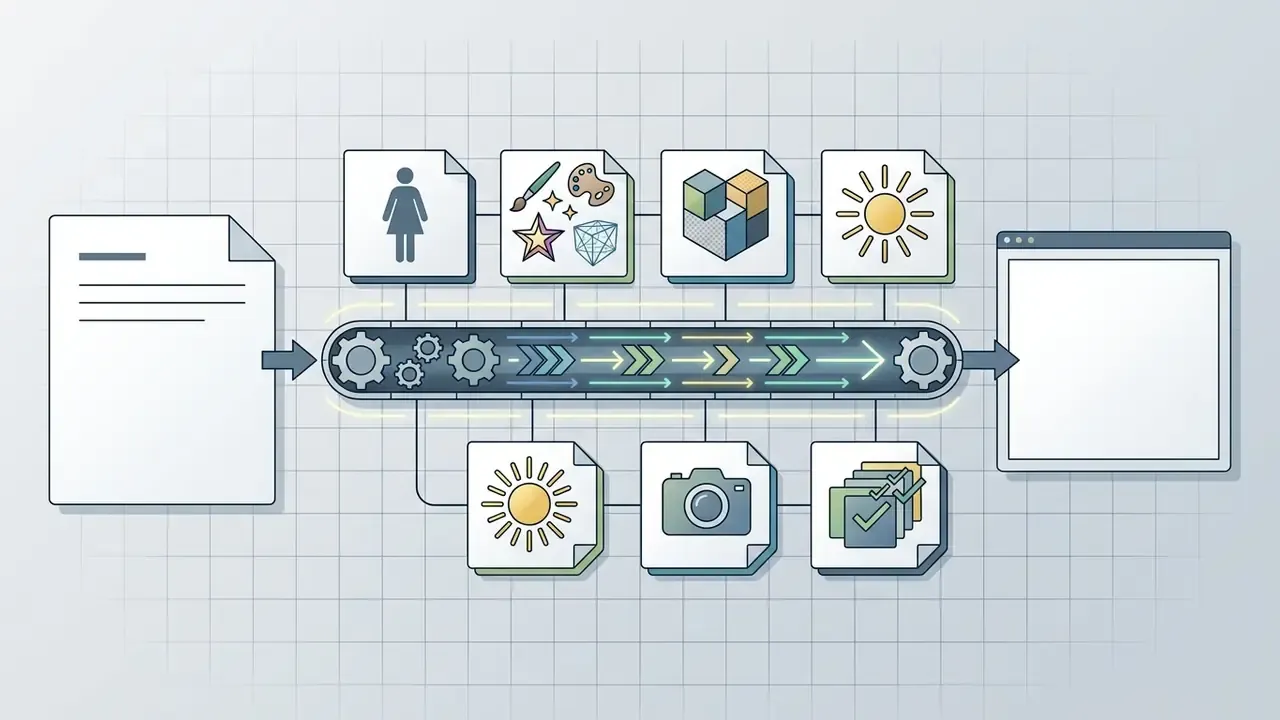
Writing an effective prompt for an ai girl image requires a structured sequence of tokens that define subject, aesthetic style, lighting, camera settings and composition. Unstructured descriptions produce generic output or attribute leakage, where hair colour bleeds into the background. Systematic construction gives you control over each visual feature instead.
«NeuroPrompts automatically enhances user prompts using constrained text decoding trained on prompts from experienced users, consistently improving generated image quality.»
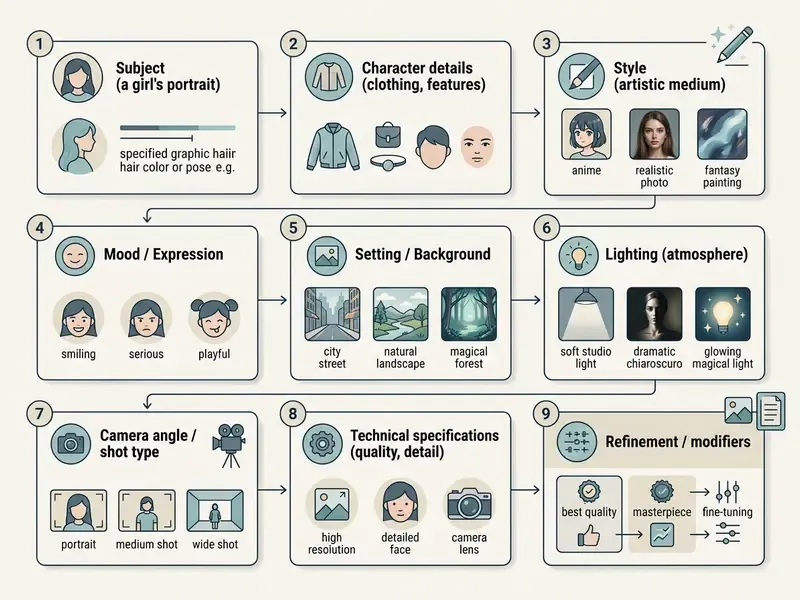
portrait of a young woman, relaxed seating pose.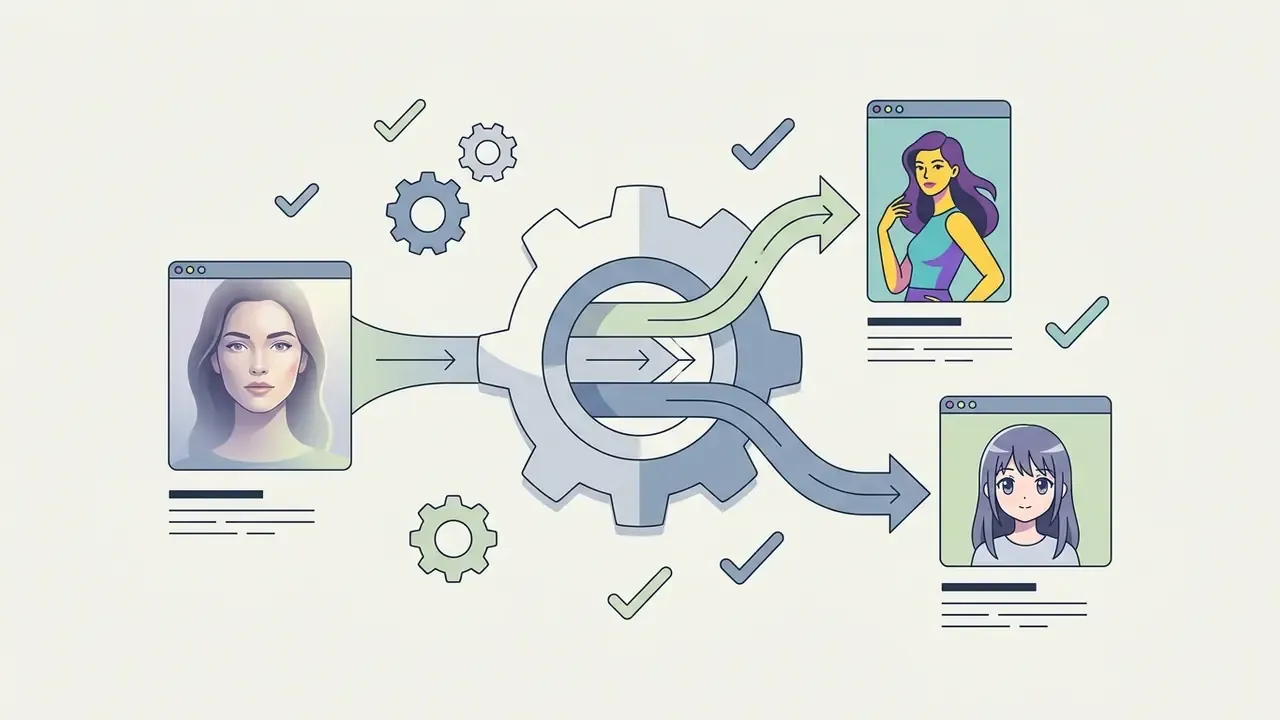
photorealistic portrait, digital illustration, anime style.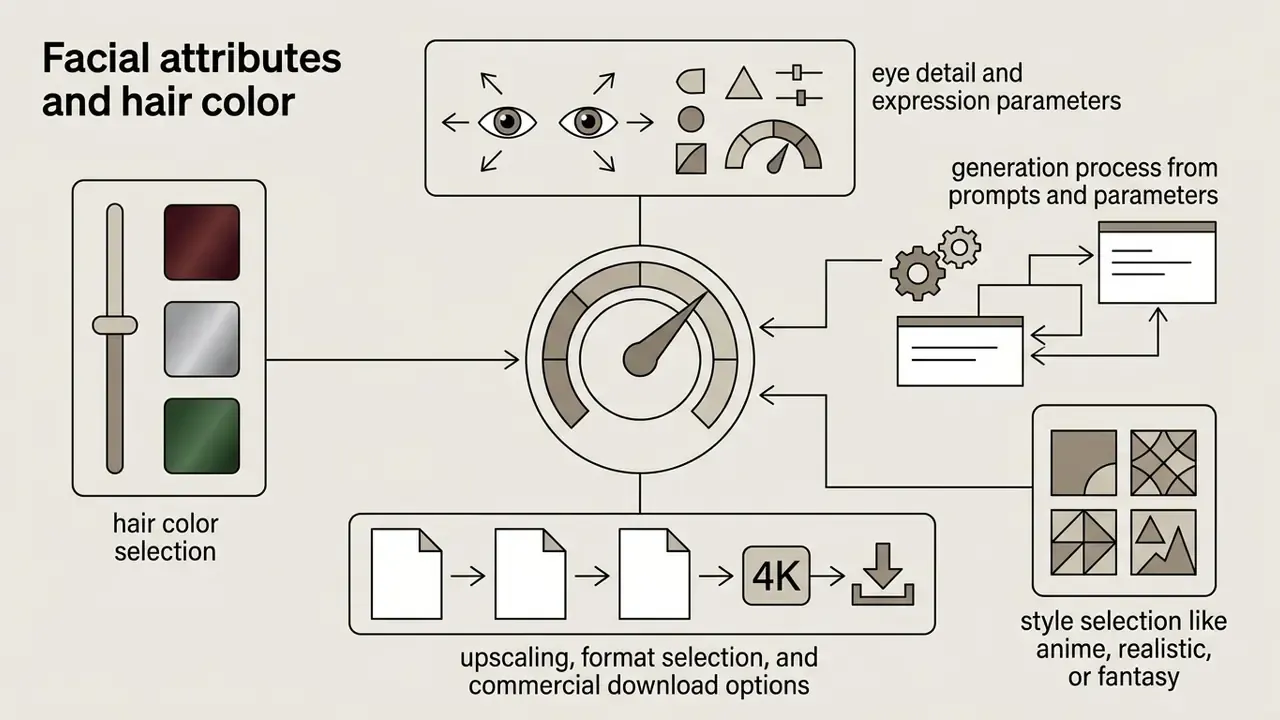
sharp blue eyes, wavy dark auburn hair, natural smile.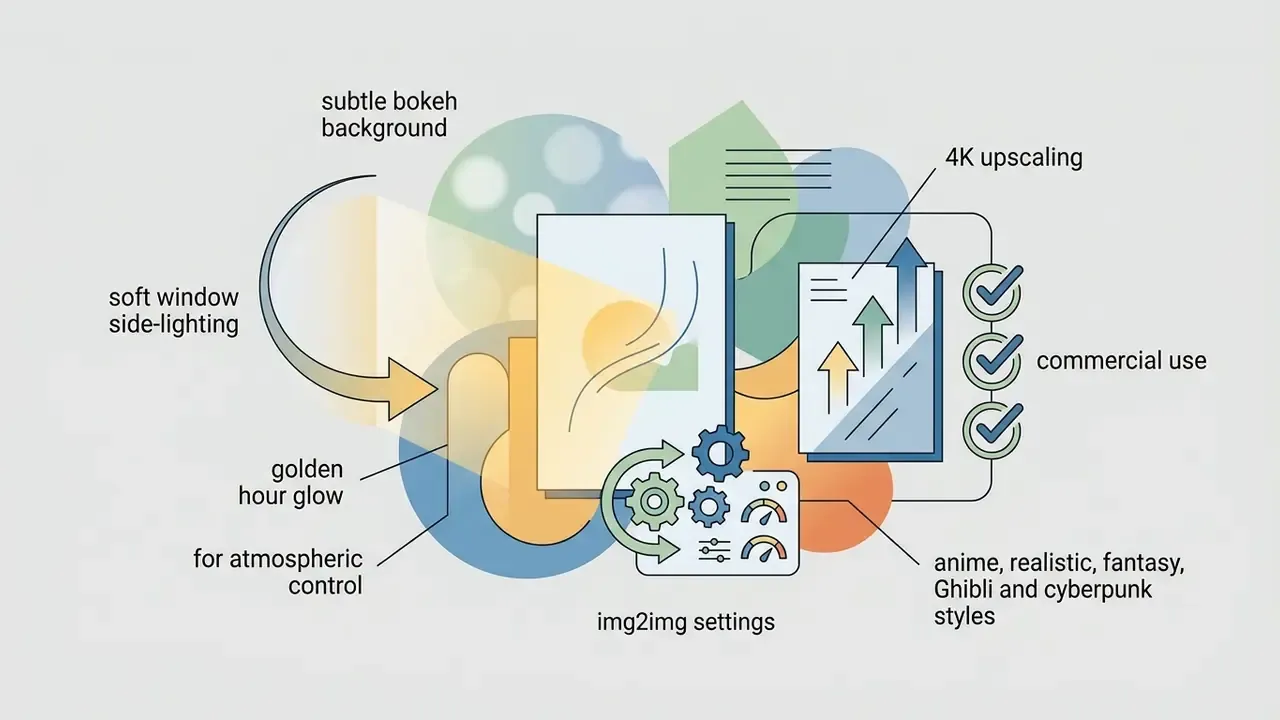
soft window side-lighting, golden hour glow, subtle bokeh background.
85mm f/1.8 lens, shallow depth of field, natural skin texture, high resolution.
WIDTHxHEIGHT, each edge a multiple of 16, edges capped at 3,840 px, aspect ratios within roughly 3:1.«BeautifulPrompt uses reinforcement learning from visual feedback (PickScore and aesthetic scores) to transform simple descriptions into high-quality prompts, significantly improving final images.»
Prompt structure maps cleanly onto general prompt-engineering doctrine. NIST's 2025 prompt-engineering tutorial frames every prompt around context setting, specificity, format control, domain-specific language and explicit constraints. Same five levers, applied to pixels instead of text.
For technical teams writing standard operating procedures for creative assets, a b2b trust checklist gives risk-adjusted guidelines for prompt safety and brand protection. Readers still choosing a platform can consult the comparison of the best AI art generators by style control and licensing.
10. Which Appearance and Style Details to Specify
Short answer: swap adjectives about quality for nouns about reality. "Ultra-detailed" tells the model nothing. "Linen blazer, matte skin, catchlights in both eyes" tells it everything.
To maximize prompt adherence when you want to generate ai girl visuals, spell out individual attributes instead of leaning on buzzwords. Name garment fabrics, precise facial expressions, framing angles such as close-up shot or three-quarter profile, lighting angles and small facial details.
Studies by Tarasiou et al. (2024) on synthetic face captioning show that fine-tuning with detailed appearance-focused descriptors, rather than vague ambient wording, substantially improves fidelity to the requested features and style.
«Roughly 250,000 synthetic appearance captions were generated for public face datasets; fine-tuning on them improved attribute fidelity and portrait realism.»
Token classifier you can reuse:
| Slot | Working vocabulary |
|---|---|
| Hair length / cut | pixie cut, shoulder-length bob, long layered waves, braided crown, high ponytail, curly afro |
| Hair colour | platinum blonde, dark auburn, ash brown, jet black with blue sheen, pastel lilac |
| Face and build | heart-shaped face, high cheekbones, soft jawline, athletic build, freckled complexion |
| Expression | calm confident gaze, gentle half-smile, surprised wide eyes, neutral editorial expression |
| Wardrobe | linen blazer, wool turtleneck, leather forest armour, school uniform, silk evening gown |
| Framing | close-up shot, three-quarter profile, full body, head and shoulders, low angle |
| Mood and palette | nostalgic warm palette, cool cinematic teal, high-key pastel, high-contrast noir |
Note the boundary between creative and compliance imagery. Biometric standards such as NIST SP 800-76-2 and ICAO portrait-quality rules demand a neutral non-smiling expression, closed mouth, unobstructed eyes and hair clear of the eye region. Those constraints exist for identity documents. They are not a creative taxonomy, and synthetic portraits must never be submitted into identity workflows. That line is not negotiable.
11. How to Improve the Result After the First Generation: Upscaling, Inpainting, Face Swap
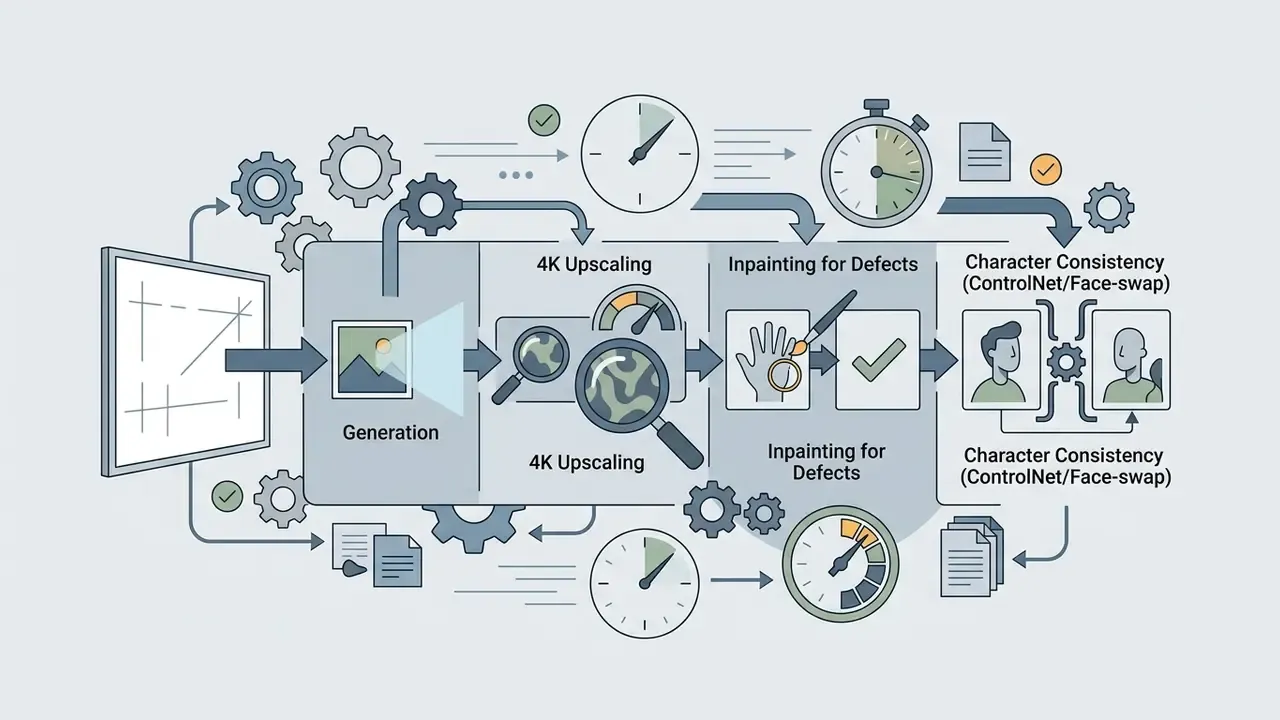
Short answer: the first render is a draft. Professional output comes from three repeatable passes: fix defects, lock identity, then upscale.
When initial outputs need refinement, creators iterate on wording, lock the seed, or reach for regional editing tools like inpainting. If an ai generated girl photo shows structural defects, extending the negative prompt with deformed hands, over-smoothed skin, extra limbs constrains those unwanted latent attributes.
Advanced workflows use ControlNet conditioning vectors to freeze facial pose geometry while the style prompt changes, or apply tiled upscaling pipelines to raise resolution without disturbing composition.
«RATTPO iteratively optimises prompts through LLM queries without being tied to a specific reward function, running 4.8× faster than naive search while matching specialised methods.»
How to Reach 4K and Repair Defects, Step by Step
- AI upscaling (resolution).A base generation usually lands at 1024×1024 px. Run a 4K tile upscaler with
denoising strength 0.30 to 0.35so the model repaints eyelashes, fabric weave and skin pores without changing composition. Vendor APIs expose this as dedicated flags, for example--only_upscaleand--tiled_upscale_v2. Output target: 3840×2160 px, print- and merch-ready. - Inpainting (regional repair).Six fingers again? Mask the hand in the editor, prompt
perfect human hand, five fingers, natural anatomyand regenerate only that region. Official Diffusers documentation defines inpainting as image plus mask plus prompt, and recommends cropping and upscaling the masked area for sharper results. - Face swap and identity locking.To keep one recurring character across outfits and settings, use ReActor-style face transfer or a ControlNet IP-Adapter reference. Diffusers exposes conditioning strength via
controlnet_conditioning_scale, withguess_mode=Trueand guidance around 3.0 to 5.0 for looser structural hints. - Seed discipline.Reusing the same seed with the same prompt, model and version reproduces the same image. That reproducibility is the foundation of A/B prompt testing, and incidentally the foundation of any audit trail. Leave the seed blank only when you want variety.
- Colour and crop finishing.Final grading, cropping and text overlays go faster in a conventional editor. See the guide to free photo editors for export-limit caveats before you commit a brand asset to one.
12. Where to Use AI Generated Girl Photos and Pictures (Real Scenarios)
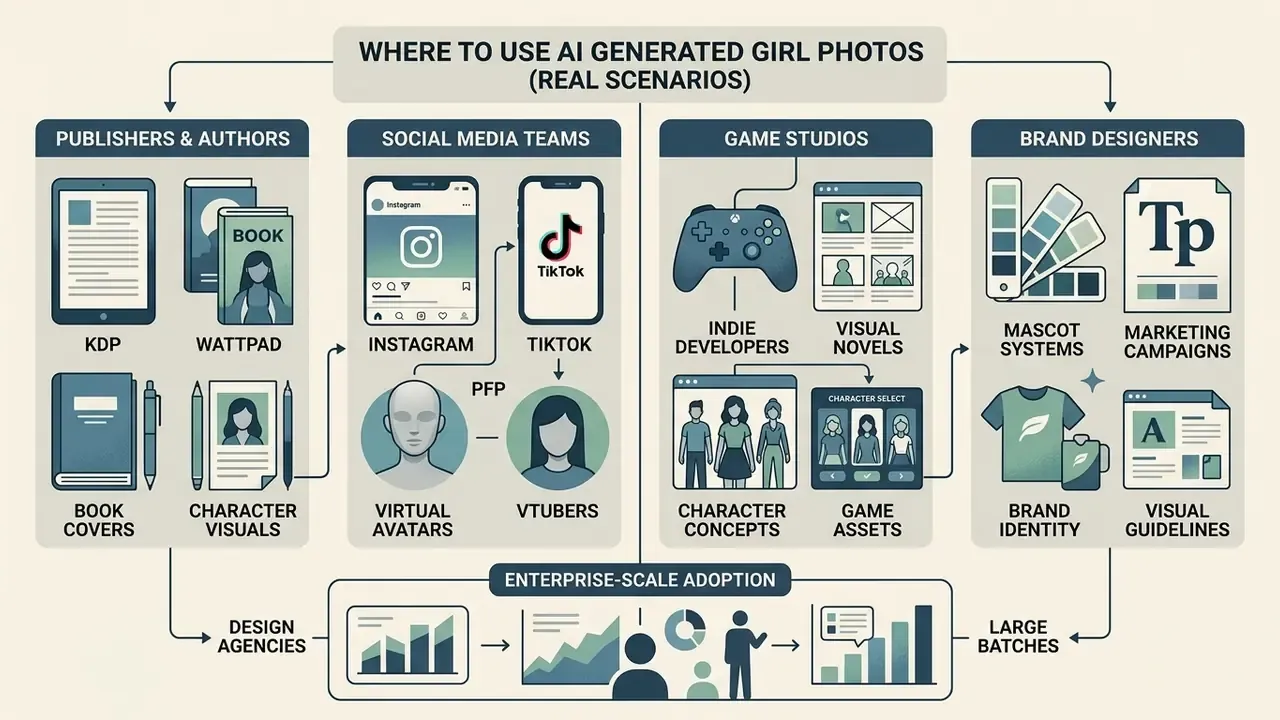
Short answer: four buyer profiles dominate demand: publishers, social teams, game studios and brand designers. Each needs a different resolution, licence and consistency level.
Organizations and independent creators deploy ai generated girl photos and synthetic portraits across commercial and creative applications. Compared with commissioning a photo shoot or an illustrator, a controlled generative pipeline compresses iteration cycles from weeks of scheduling and revisions to same-day turnaround, while allowing precise visual customization. The exact time and cost saving depends on the team, the tooling and the review workflow, so measure it internally rather than assuming a vendor number. (Updated, see Appendix A for the earlier formulation.)
Case 1, indie author on KDP and Wattpad. Task: a cover for a romantic-fantasy novel. Prompt: fantasy elf princess, ornate silver armor, glowing runes, moonlit forest, cinematic depth, 2:3 book cover composition. Workflow: generate 10 to 12 concepts in around five minutes, pick one, upscale to 4K, hand off to a designer for typography and spine layout. Documented practice in this segment reports replacing multi-week illustration commissions that cost several hundred dollars per cover with same-day iterations, with one important caveat: only the human-authored layout and typography attract copyright protection.
Case 2, SMM manager and virtual avatars on Instagram, TikTok or VTuber channels. Task: one recurring character across a month-long content plan. Workflow: fix the appearance prompt, lock the seed, then vary only environment tokens (café, gym, airport, rainy street) so the persona stays consistent while locations change. A fashion account manager working this way can fill a posting calendar with editorial-quality ai girl model images in brand colours between shoots, publishing the same day. Mandatory step: label the persona as synthetic in the bio.
Case 3, indie game developer or visual novel studio. Task: NPC and protagonist concept art. Workflow: generate dozens of variations across armour types, silhouettes and facial expressions in one session, export a character sheet, hand the strongest silhouettes to a 3D artist. What used to take weeks of concept rounds becomes an afternoon of curation.
Case 4, brand designer building mascot systems. Task: a proprietary female mascot for an app or campaign, reproducible across banners, packaging mockups and app-store screenshots via IP-Adapter identity locking plus outpainting for each format.
Enterprise-scale evaluations of this substitution pattern come from design agencies reporting large batches of AI lifestyle visuals produced for landing pages, blog posts and ad creative inside a single sprint. Independent consumer research adds a counterweight worth reading twice: peer-reviewed 2025 studies found AI-generated imagery can underperform authentic photography on trust and purchase intent in high-stakes contexts such as finance, health and news. So A/B testing per channel is not optional, especially for regulated brands.
Teams auditing where synthetic assets already circulate in their brand ecosystem can start with tools for AI reverse image search.
14. Images for Characters, Covers and Creative Projects
Publishers, indie game developers and digital marketers use ai generated girls images to build character concept art, ebook covers, banner advertisements and marketing mockups. Diffusion tools let designers explore costume, lighting and mood variations before any production asset is locked. Vendor documentation from the major suites confirms these exact intents: character concept art from silhouette, costume, mood and setting descriptions; prompt-to-cover generators for manuscripts, ebooks and print layouts; and campaign pipelines covering ads, landing pages, packaging and social media.
For ai art and merch programmes, the practical constraint is rarely aesthetics. It is file size and licence. Check whether your tier permits high-resolution ai generated girl images free download or whether exports arrive watermarked at 1024 px, because print at 300 dpi is unforgiving.
Design teams working inside template-driven ecosystems can review the Canva AI generator overview for export options and commercial licensing, while studios needing motion assets can extend a still portrait using an animation maker or an image-to-video model.
To review how proprietary systems structure public image creation, examine the bing ai image feature analysis or explore the broader bing ai image functional guide.
15. Free AI Girl Generator or Paid Tool: How to Choose
Short answer: free tiers are for learning prompts. Paid tiers are for shipping assets. The dividing lines are resolution, watermark and licence.
Choosing between a free ai girl platform and a commercial, enterprise-tier generator depends on required output resolution, daily quotas, licensing rights and parameter control. Free tiers frequently impose generation queues, visible watermarks and non-commercial licence terms.
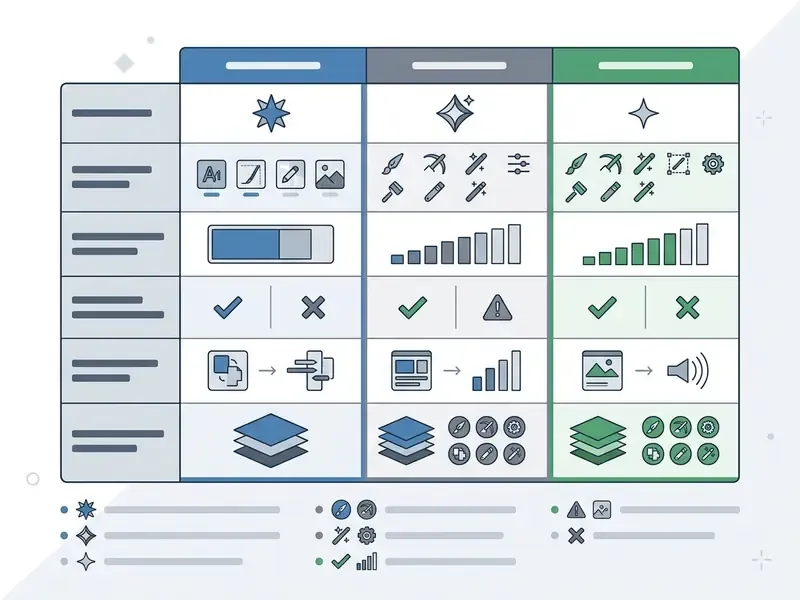
| Feature / Criteria | Free AI Girl Generator Tiers | Paid / Enterprise AI Platforms |
|---|---|---|
| Generation limits | ~3 to 20 renders per day or month (5/day on some tools, 3/month on others), or an unlimited slow queue | Unlimited fast iterations or large monthly credit pools |
| Output resolution | 720p or a 1024 px cap | 1080p, 2K, 4K (3840×2160) and custom aspect ratios |
| Watermark enforcement | Visible watermark on most free outputs, waived on a few tools | Clean export without watermarks |
| Commercial rights | Personal, non-commercial use only | Full commercial licence, sometimes with corporate indemnification |
| Fine-tuning and control | Basic text prompts only | ControlNet, LoRA loading, inpainting, seed locking, IP-Adapter |
| Upscaling | Rarely available | 4K tile upscaling, face restoration, batch processing |
| Processing speed | Low-priority queue, delayed processing | Dedicated GPU cluster, 5 to 15 s per image |
| Privacy / training opt-out | Often unclear, or opt-in by default | Contractual no-training guarantees on business plans |
| API access | Not included | REST API, webhooks, usage dashboards |
No matching rows Clear one or more filters to restore the matrix.
Key takeaway in plain text: if you need a clean 4K export with commercial rights, a watermark-free generator free tier will not carry the job, no matter how good its samples look in the marketing gallery.
Model scale, by the way, is not a neutral quality dial. That matters when you compare tiers:
«Larger models generate higher-quality images but exhibit more pronounced gender and social biases, so scale alone does not solve fairness.»
Capability-wise, the 2026 landscape splits predictably. Self-hosted Stable Diffusion offers maximum control, fine-tuning, LoRA and ControlNet workflows plus local privacy. Midjourney delivers the most polished defaults with minimal prompting, which is why it still wins "stunning ai output with three words" tests. Flux leads on photorealism, text rendering and prompt adherence. Leonardo.ai and task-specific services optimise narrow jobs such as game assets or consistent characters. Public rankings disagree mainly because some benchmark artistic polish and others measure photorealism, so the "best" advanced ai tool depends on your brief, not on a leaderboard.
While a free tier is fine for first experiments with an ai girl pic, scaling brands need paid plans to secure commercial rights, remove watermarks and export at high resolution. Readers narrowing a shortlist can consult the comparison of the best free AI art generators by output quality, limits and watermarks, or the head-to-head review of Midjourney versus competing generators.
16. Safety, Consent and Content Boundaries (Including Shadow AI)
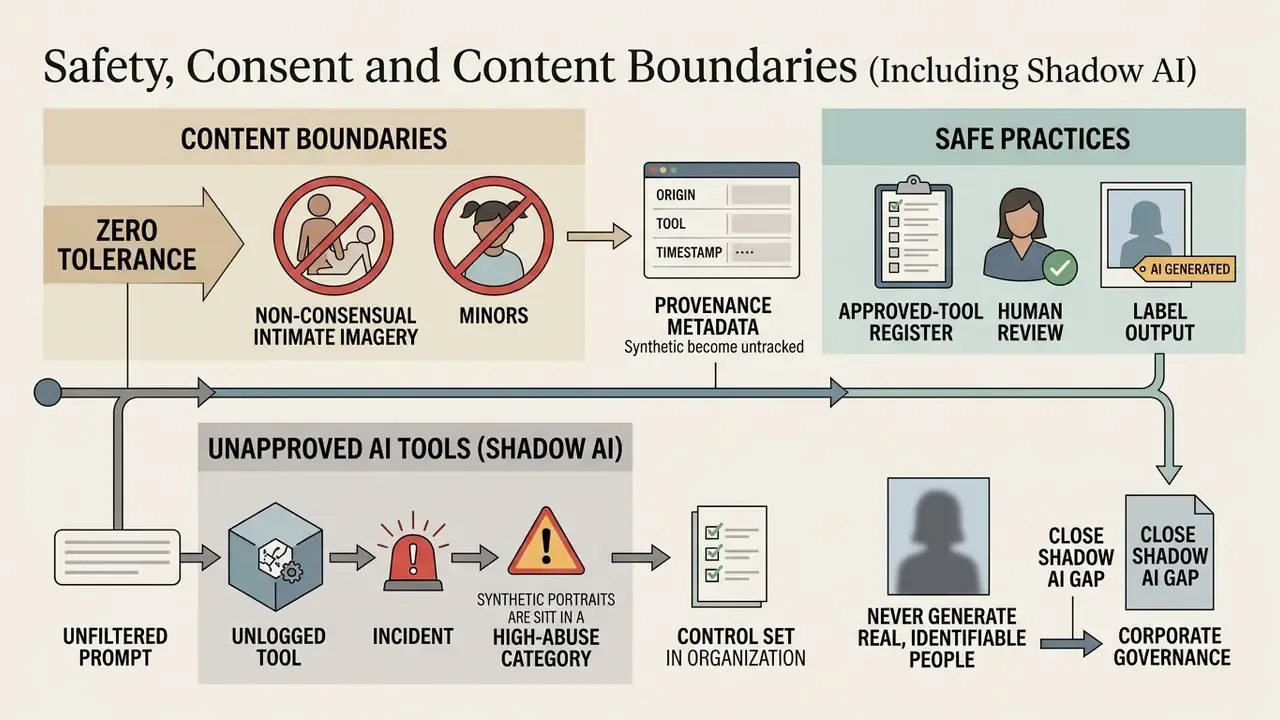
Who owns this control set in your organisation? If the answer takes more than one sentence, that is the gap.
17. Commercial Usage: What to Check Before Publishing AI Girl Images
Before deploying an ai girl image in advertising, product packaging or a monetized campaign, review the platform Terms of Service and the legal frameworks governing synthetic media in your market.
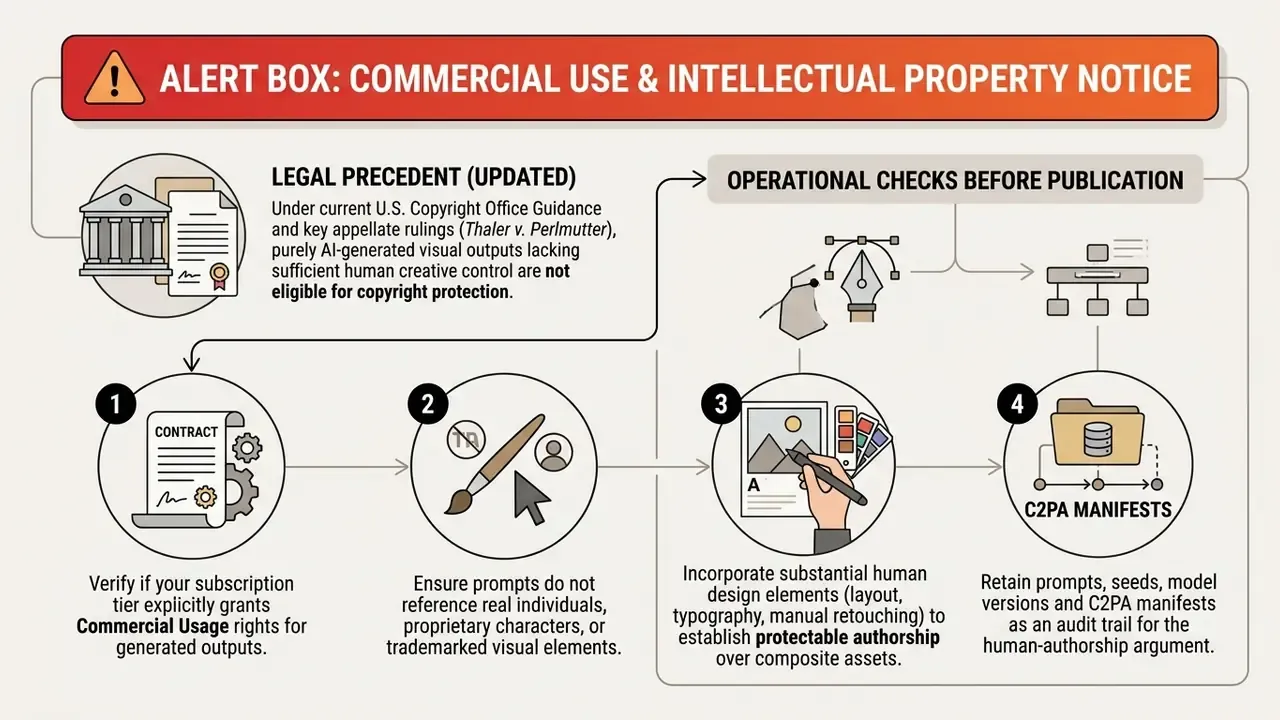
Two primary sources define the current registration mechanics:
«Applicants must disclose AI-generated content and exclude it from protection, listing human contributions under „Author Created" and AI material under „Material Excluded".»
«With current technology, prompts alone do not provide sufficient human control to make the user the author of an AI-generated image.» Source: U.S. Copyright Office, "Copyright and Artificial Intelligence, Part 2: Copyrightability" (January 2025). https://www.copyright.gov/ai/copyright-and-artificial-intelligence-part-2-copyrightability-report.pdf
18. FAQ About AI Girl Image Generators
Can I create an AI girl image without registration?
Yes. Several girl generator online portals let users produce basic ai generated girls photos with no account. Guest tiers normally cap daily generations, limit resolution to 720p, apply a visible watermark and forbid commercial use. In 2026 the segment splits into genuinely account-free tools advertising "no login required" with queue-based generation, and "guest mode" services that still impose daily caps, pop-ups or watermarks after the first render. Test any such claim in a fresh incognito session before you build a workflow on it, and compare options in the roundup of free AI art generators.
Does an AI girl generator work on mobile devices?
Yes. Modern ai tools run well on mobile browsers and dedicated iOS or Android apps. Local hardware rendering still wants a desktop GPU, but cloud generators handle inference on remote clusters and deliver high-resolution renders to a phone in seconds. On-device generation is maturing too: SnapGen (CVPR 2025) reported 1024×1024 output in roughly 1.4 seconds with a 372M-parameter model, while a 2024 Kybernetika study measured 512×512 generation at about 6.2 seconds average latency on a Samsung S23 Ultra. A 2025 edge-deployment paper still found mobile generation slower than web counterparts, with several mobile models not commercially available, so cloud rendering remains the default for production work.
Can I turn a photo into an anime girl?
Yes. Turning a real photo into an anime girl character is routine with Image-to-Image translation or fine-tuned checkpoints such as AnimeGAN and DualStyleGAN. Supply the source photo, select an anime checkpoint, set denoising strength between 0.5 and 0.7, and the generator keeps pose and facial structure while applying stylized line art and shading. Technically, unpaired photo-to-anime pipelines rely on grayscale style loss, colour reconstruction and preservation loss, and region-smoothness constraints, with global and patch-level discriminators. CVPR 2022 work on DualStyleGAN demonstrated exemplar-based portrait stylisation at 1024×1024. Post-generation touch-ups are easiest in an AI photo editor. Ethical boundary: stylising your own photo is fine, stylising someone else's without permission is not.
Can I use AI girl images commercially?
Only if three conditions hold. The platform licence grants commercial rights for your tier. The image contains no recognisable real person and no trademarked or proprietary character. And where protection matters, you add substantial human authorship on top: layout, typography, retouching, composition. Free tiers usually restrict use to personal projects, while paid and enterprise tiers commonly assign broad commercial licences. Keep a record of prompts, seeds and model versions.
How do I keep the same AI girl character across many images?
Lock the seed, keep the appearance portion of the prompt byte-identical, and add an identity anchor: an IP-Adapter reference image, a ControlNet face condition or a trained character LoRA. Vary only environment, wardrobe and lighting tokens. That is the standard method behind consistent virtual influencers, VTuber avatars and any "own ai girl" mascot programme.
How do I get a print-ready 4K file?
Generate at the model's native resolution, repair defects with inpainting, then run a tiled 4K upscaler at denoising strength 0.30 to 0.35. Declare resolution explicitly as WIDTHxHEIGHT where supported, keeping each edge a multiple of 16 and within documented pixel-count limits.
Why do hands and eyes still look wrong?
Hands are underrepresented and highly variable in training data, and fine facial symmetry degrades at low resolution. Fix them regionally with inpainting and a targeted prompt instead of regenerating the whole frame, and keep anatomy terms in the negative prompt permanently.
Appendix A: Superseded and Updated Statements