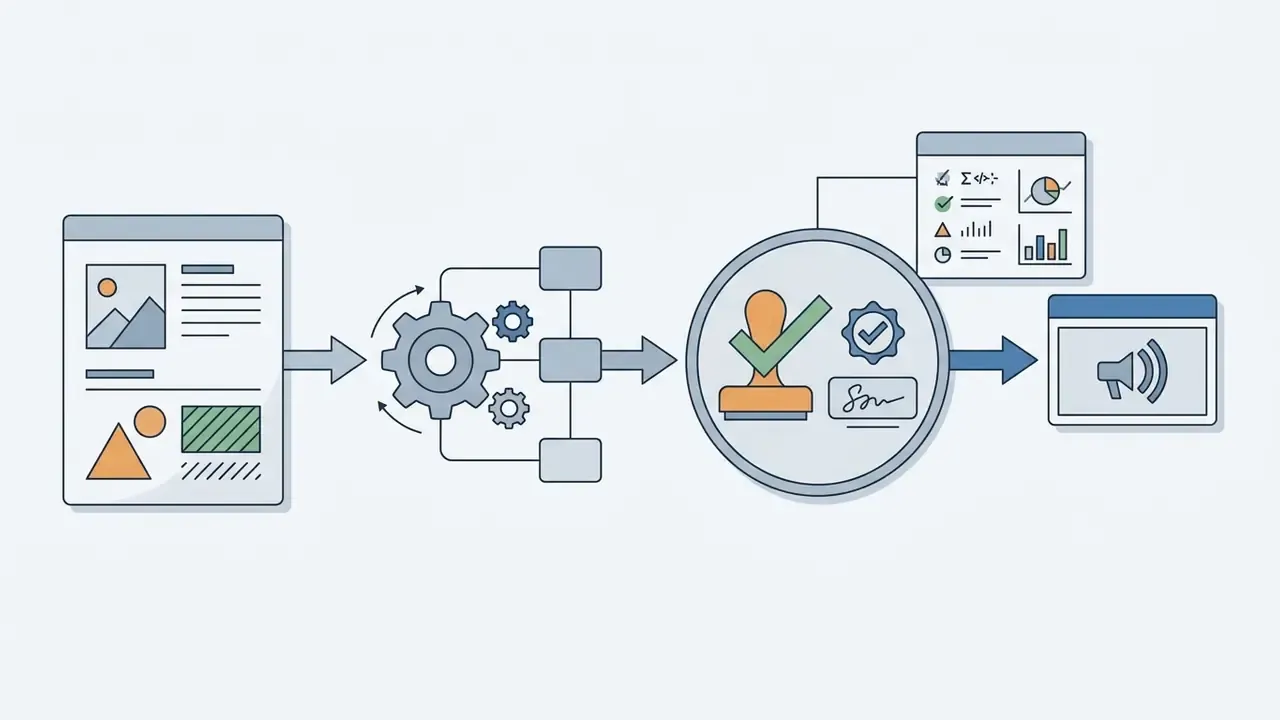
Why does that matter to anyone outside the creative department? Because every generated asset that reaches a public channel becomes an evidence question: who approved it, on which model, with what inputs.
Executive Summary: What Matters Before You Buy

How This Review Was Verified, and What Remains Unproven
Three things shaped the material below. First, official Fotor sources: the pricing page, the Terms of Service, and the help-center articles on credit consumption. Second, public third-party analysis published in 2026. Third, small self-reported cases from production teams, each labelled as such.
What is not here is equally important. Vendor security attestations, training-data policy, and enterprise access controls were not confirmed in public documentation at the time of writing. Those items sit in the section on enterprise security, flagged as data required. Treat any audience assumption in this review as a hypothesis until analytics, interviews, or CRM data support it. For adjacent methodology notes and definitions, see the overview in the glossary hub.
What Fotor AI Image Generator Is and Which Tasks It Fits
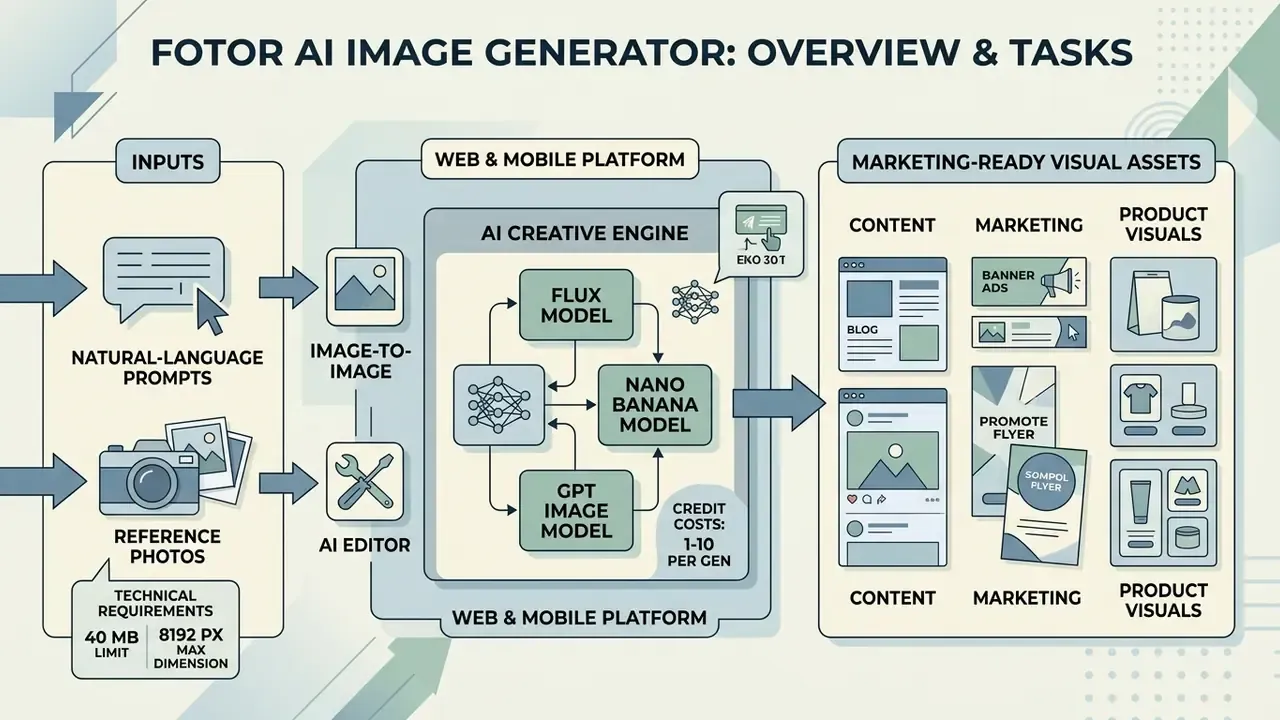
The fotor ai image generator is a web and mobile creative platform designed to convert natural-language prompts and reference photos into marketing-ready visual assets. It serves organizations that want to scale digital image production without maintaining generative code pipelines or complex local rendering environments. Teams comparing several AI image generators usually shortlist Fotor for its editor-plus-model bundling rather than for raw model supremacy.
By unifying generative text-to-image workflows with traditional design tools, the ai image generator by fotor lets teams generate, refine, and format images in one session. Primary applications include social media asset generation, e-commerce catalog enhancement, brand asset prototyping, and conceptual marketing illustration (Fotor Feature Report, AutoGPT, 2026). Worth noting: the feature set has drifted noticeably from the fotor ai image generator features 2025 buyers were comparing, mostly because the model catalogue changed underneath it.
«AI-generated marketing images outperformed human-made visuals on quality, realism, and aesthetics across 254,400 participant evaluations.»
Generating Images From Text and Reference Pictures
The fotor ai generator operates across two primary modalities: text-to-image synthesis and image-to-image transformation. In text-to-image mode, the platform processes structured prompts containing subject specifications, lighting preferences, and stylistic parameters to render synthetic outputs.
In image-to-image mode, the ai art generator fotor uses an uploaded source image alongside a descriptive prompt, the same logic that powers dedicated image-to-image generators. A strength parameter determines how closely the synthesized image preserves the original composition. That makes it effective for converting product flatlays into lifestyle scenes, or for turning an ordinary shot into stylized photo to ai art output without touching a layer mask (Fotor OpenAPI Documentation, 2026).
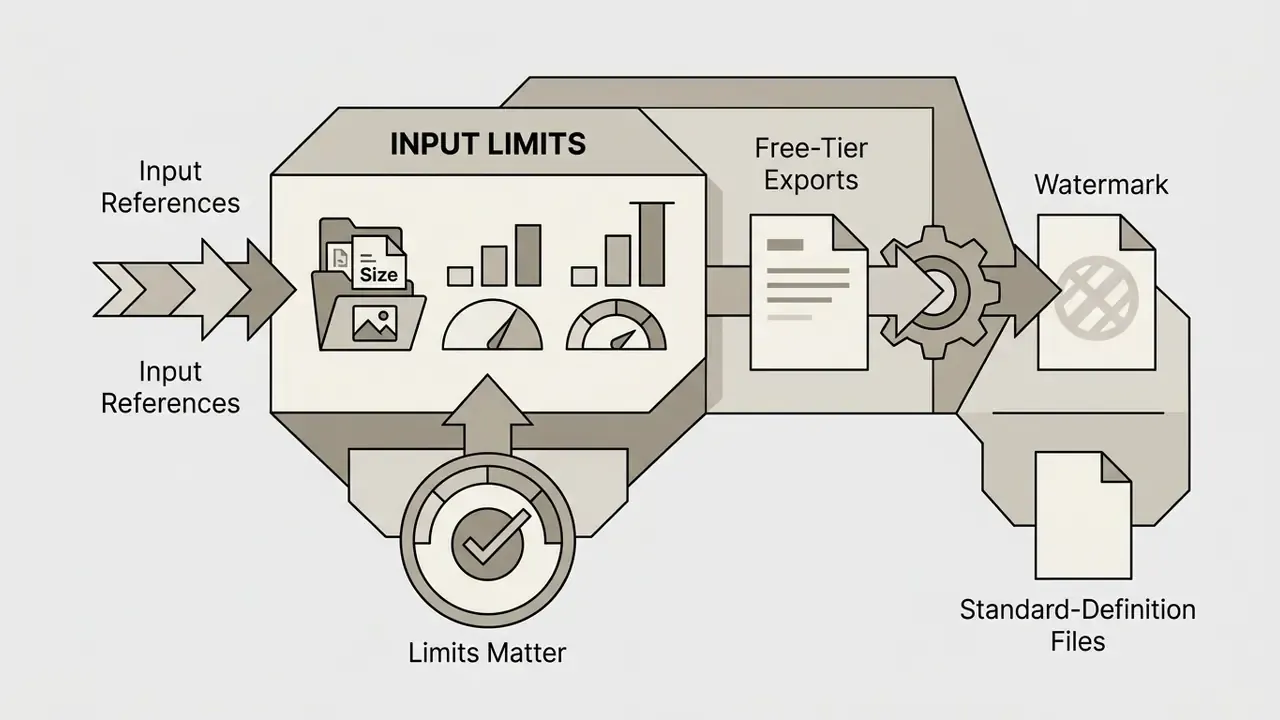
Technical requirements for uploaded source files (image-to-image and editor):
| Parameter | Supported specification |
|---|---|
| File formats | JPEG, PNG, WEBP (the enhancer additionally accepts HEIF/HEIC) |
| Maximum file size | Up to 40 MB per upload |
| Maximum resolution | Up to 8192 × 8192 px |
| Free-tier export | Standard-definition only, visible Fotor watermark, no transparent PNG |
| Paid-tier export | HD, 4K/8K upscaling, transparent PNG, watermark-free JPG/PNG/PDF |
Exceeding either the 40 MB or the 8192 × 8192 px ceiling causes the upload to fail before any credits are deducted. That single detail explains most of the "nothing happens after upload" complaints from new users, and it is trivially easy to miss when someone drags in a RAW-derived master file.
Usage Scenarios: Content, Marketing, and Product Visuals
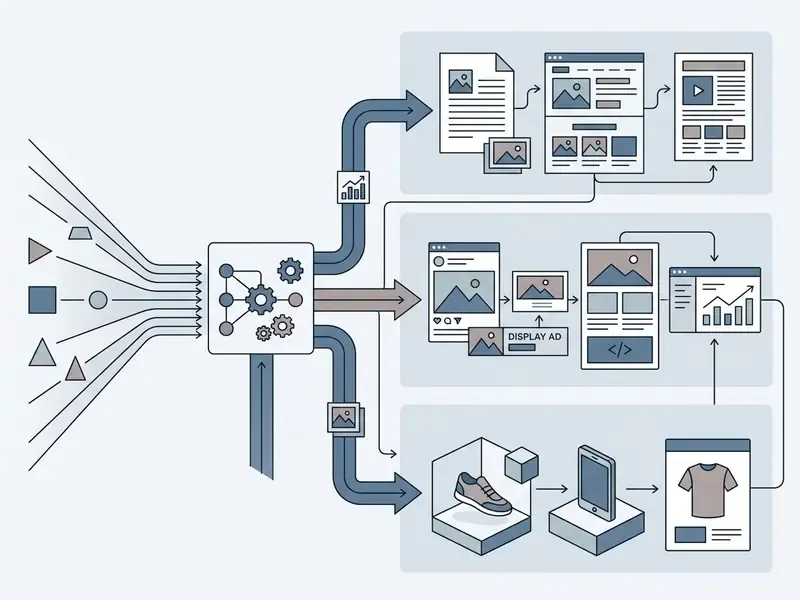
Commercial content teams deploy fotor's ai image generator for high-volume visual creation across social media, e-commerce, and digital advertising. Marketers generate promotional banners, video thumbnails, and channel-specific graphics adapted for Instagram, LinkedIn, and TikTok. One creative operations lead described it less as an art tool and more as a format factory. Fair description.
E-commerce operators use the fotor ai photo generator to turn basic item photography into Amazon, Shopify, or Etsy compliant product photos. Specialized modules support white-background main shots, lifestyle contextualization, multi-angle product views, and promotional poster layouts from a single uploaded reference (E-Commerce AI Photography Analysis, AngleForge, 2026). Storytelling teams additionally use the platform for storyboard panels, webtoon and manga frames, and novel illustrations, where character consistency across scenes is the binding constraint. If you mainly need a lightweight pic ai helper for single-image tasks, the full editor may be more surface than you require.
How to Create an Image in Fotor AI Image Generator
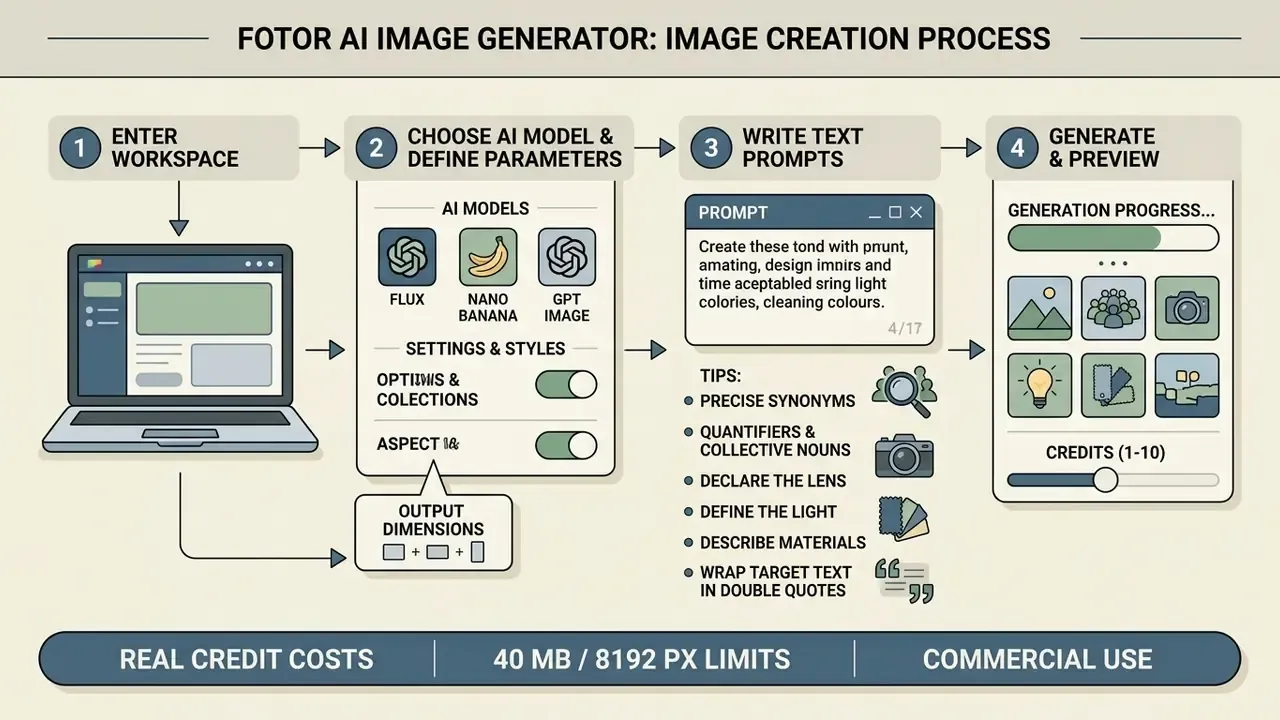
Creating visual assets in the fotor ai image generator means entering the workspace, choosing an AI model, defining prompt parameters, and selecting output dimensions before executing generation. The step-by-step flow keeps onboarding light while still offering parametric control over composition.
Users access the tool via browser or mobile app, configure generation parameters, preview draft variations, and apply post-processing before exporting final files (Fotor Technical Guide, ToolChase, 2026). Teams that document this sequence as a repeatable procedure tend to get cleaner results, which is the core argument behind standardised AI Media Workflows.
The Interface: Prompt Field, Settings, and Styles
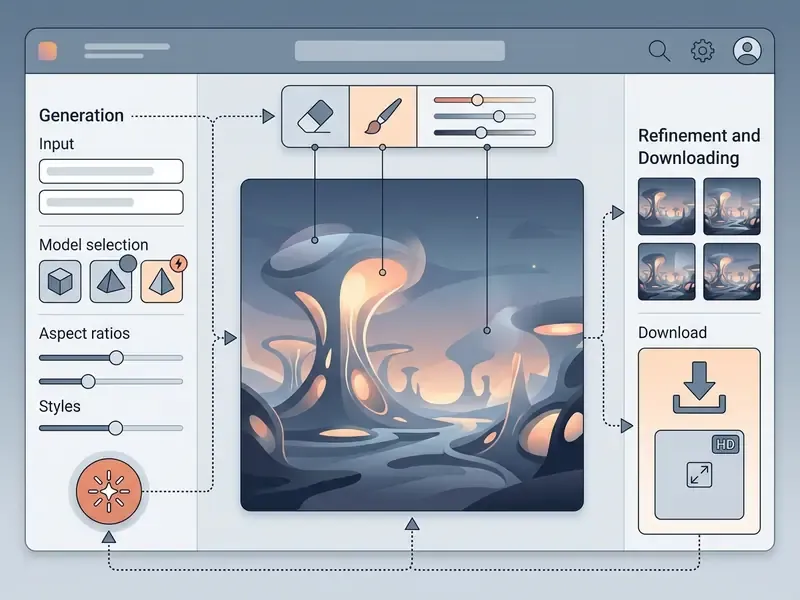
The fotor ai image generator interface centers on a control panel with a primary text prompt box, a model selection menu, a style preset gallery, aspect ratio toggles, and generation count controls. You type a descriptive prompt into the input field to establish the core visual theme.
Settings allow operators to select aspect ratios such as 1:1 (1024 × 1024), 9:16 (768 × 1344), or 16:9 (1344 × 768), with premium tiers unlocking 2K (2048 × 2048) and 4K (4096 × 4096) render targets (Fotor OpenAPI Documentation, 2026). Integrated style libraries, 170+ presets updated weekly, enable one-click selection across photorealistic, line art, 3D, oil painting, cyberpunk, and anime aesthetics. Retro-styled sprites and 8-bit visuals still behave better in a purpose-built pixel art generator, since preset libraries smooth edges that pixel art needs to keep hard.
How to Write Text Prompts for More Accurate Results (Updated)
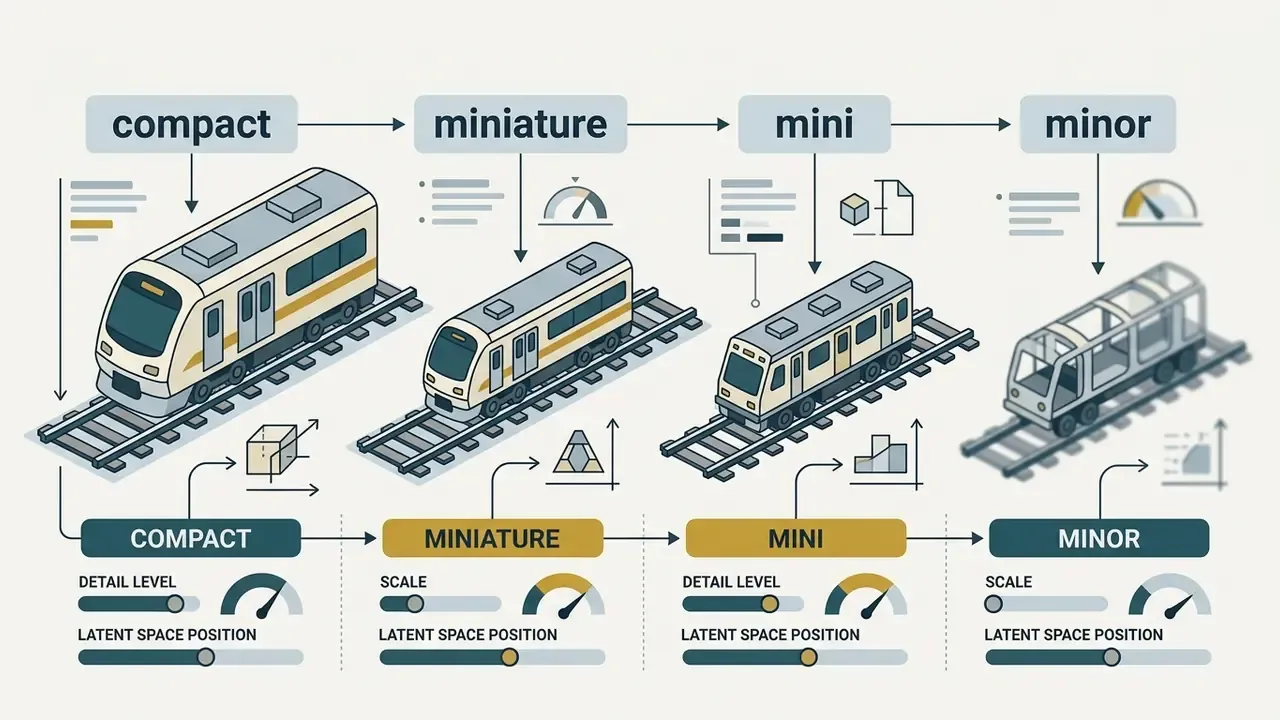
Optimizing text prompts for the fotor text to image engine requires structuring inputs to specify subject details, environment, lighting direction, camera angles, and compositional framing. Precise descriptors reduce generative variance and align outputs with brand style guides. Explicit negative prompts further prevent unwanted distortion in fine details.
«More detailed and specific textual descriptions improve prompt alignment, yet a trade-off exists between faithful concept reproduction and adherence to new instructions.»
Precision prompting framework for Fotor AI. To cut artifacts and control composition more deterministically, build every prompt on a fixed formula:
[Subject] + [Detailing & Material] + [Environment] + [Lighting] + [Camera / Lens parameters]
For teams without prompt-engineering experience, the built-in AI Prompt Enhancer expands a few keywords into a full descriptive prompt using professional lighting and composition terminology. It does reduce iteration cycles, though it also tends to add flourishes nobody asked for, so read what it writes.
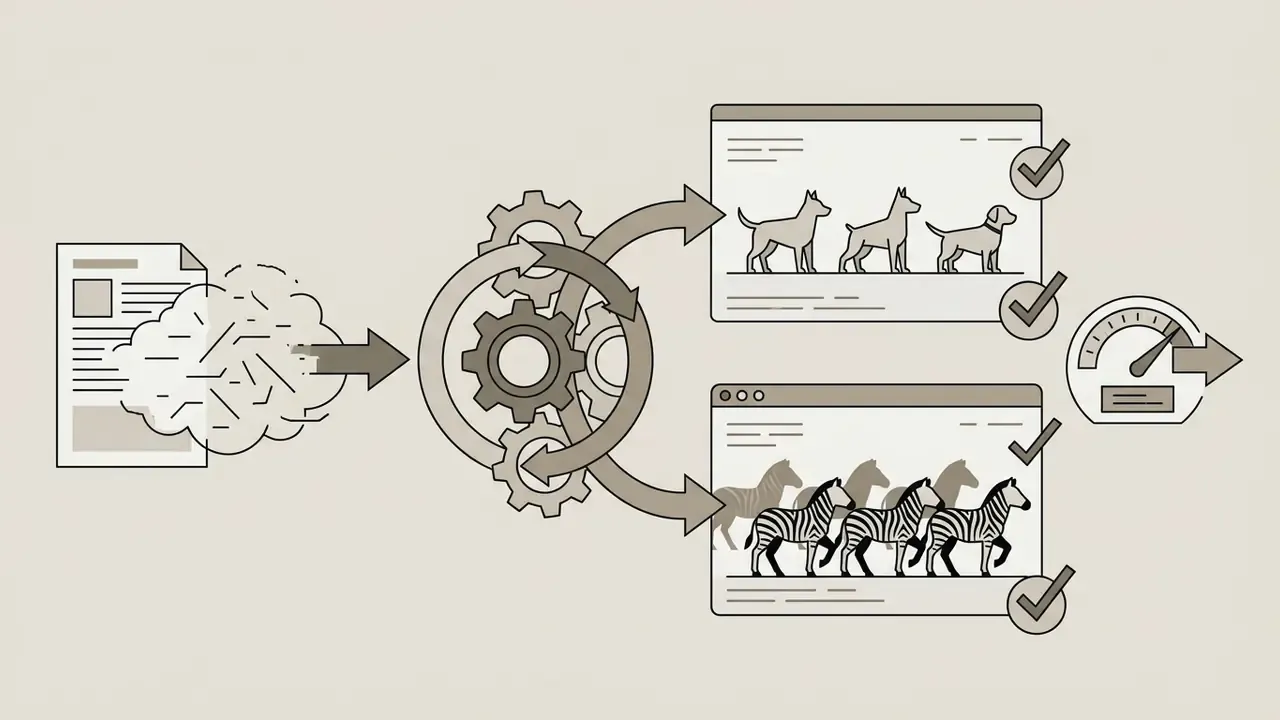
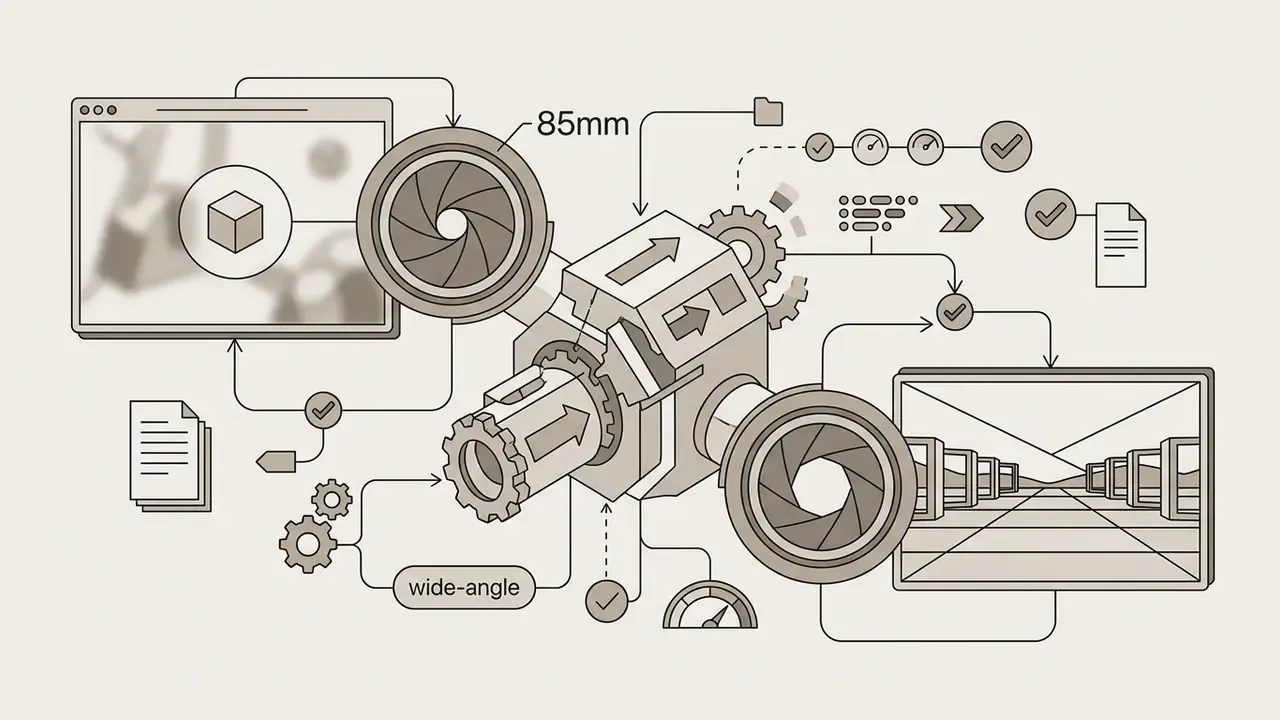
"85mm lens, shallow depth of field" for portraits and "14mm wide-angle lens" for landscapes and interiors to control perspective and background blur.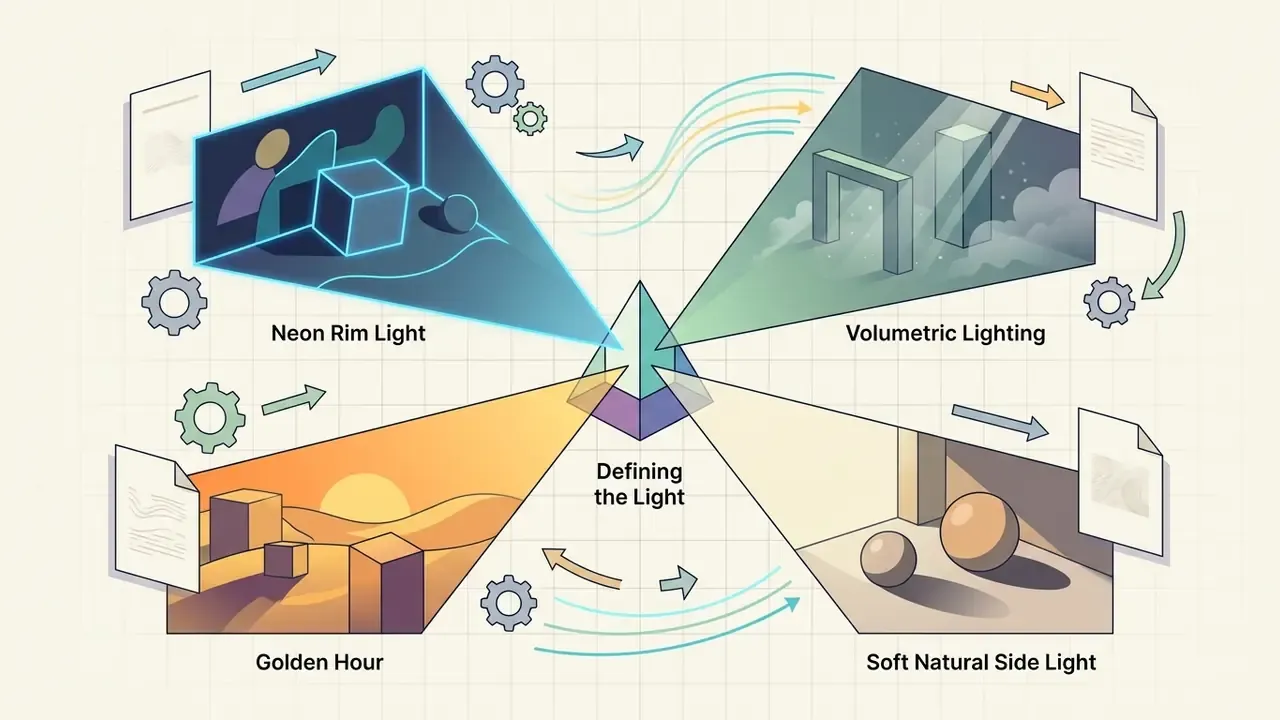
"Golden Hour", "Volumetric Lighting", "soft natural side light", or "Neon Rim Light".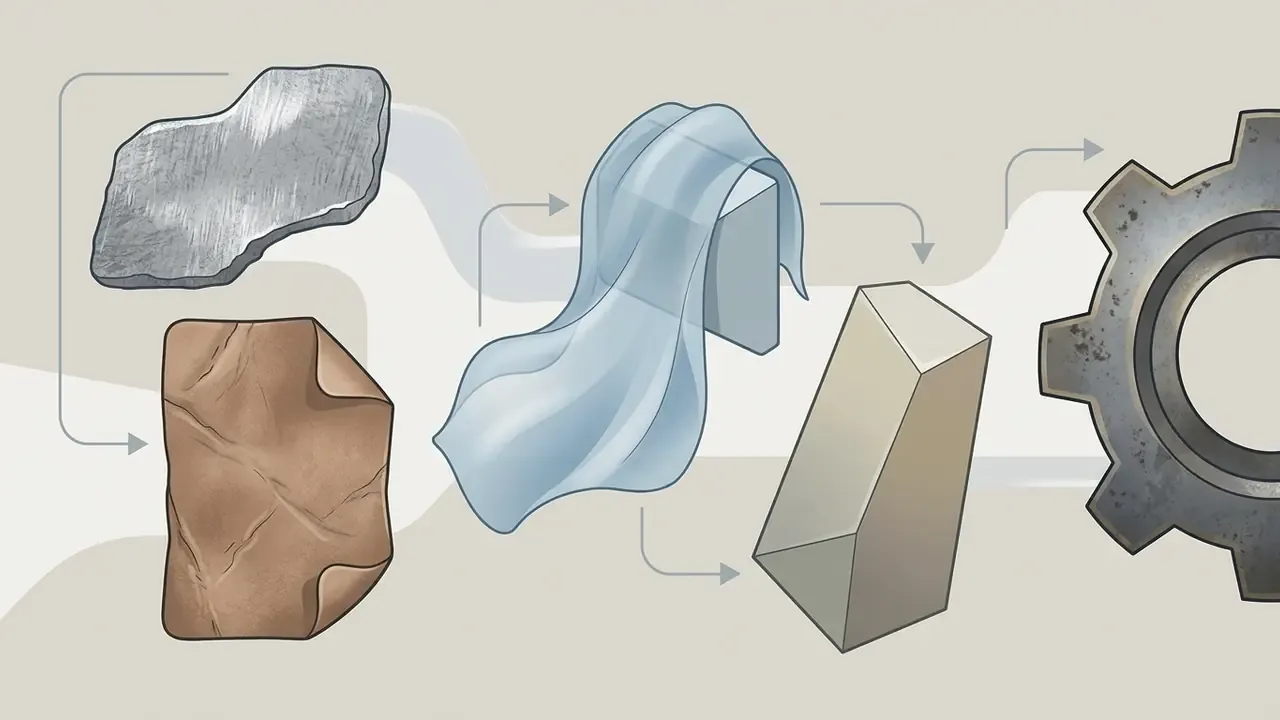
"Brushed Metal", "Distressed Leather", "Translucent Silk", "matte ceramic glaze".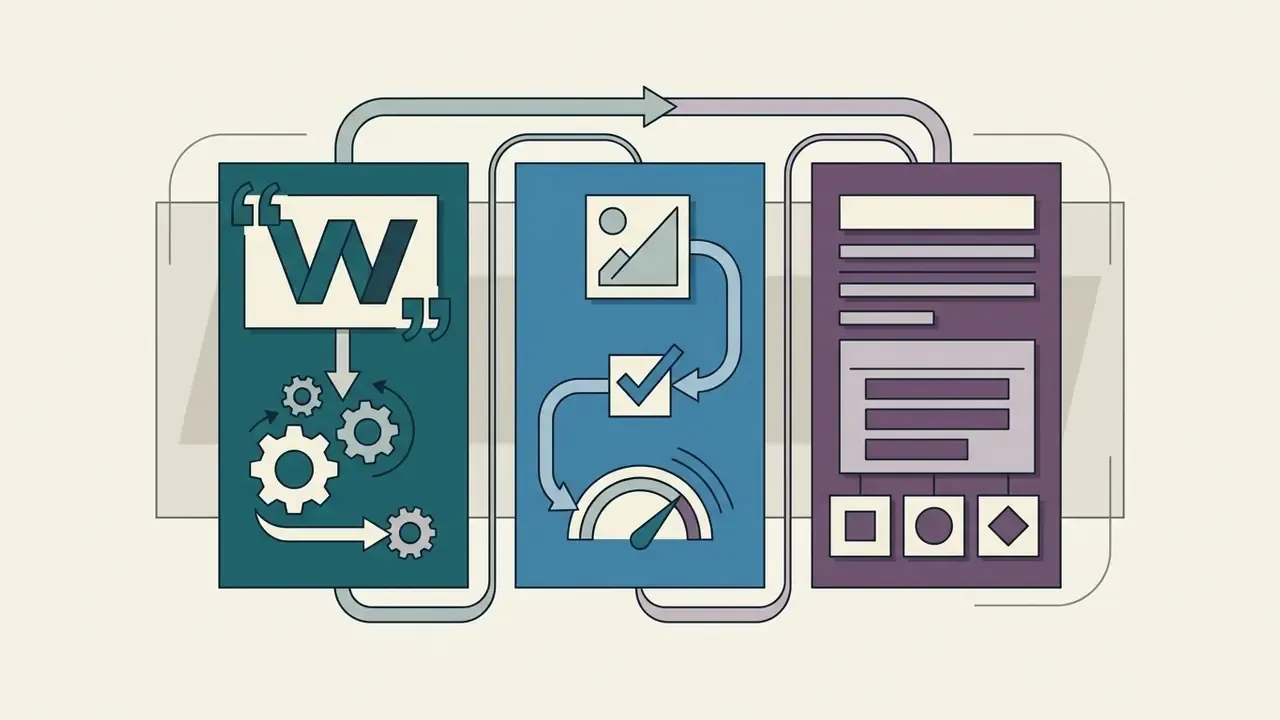
"SALE 50%" plus a font instruction (Serif, Bold, Neon).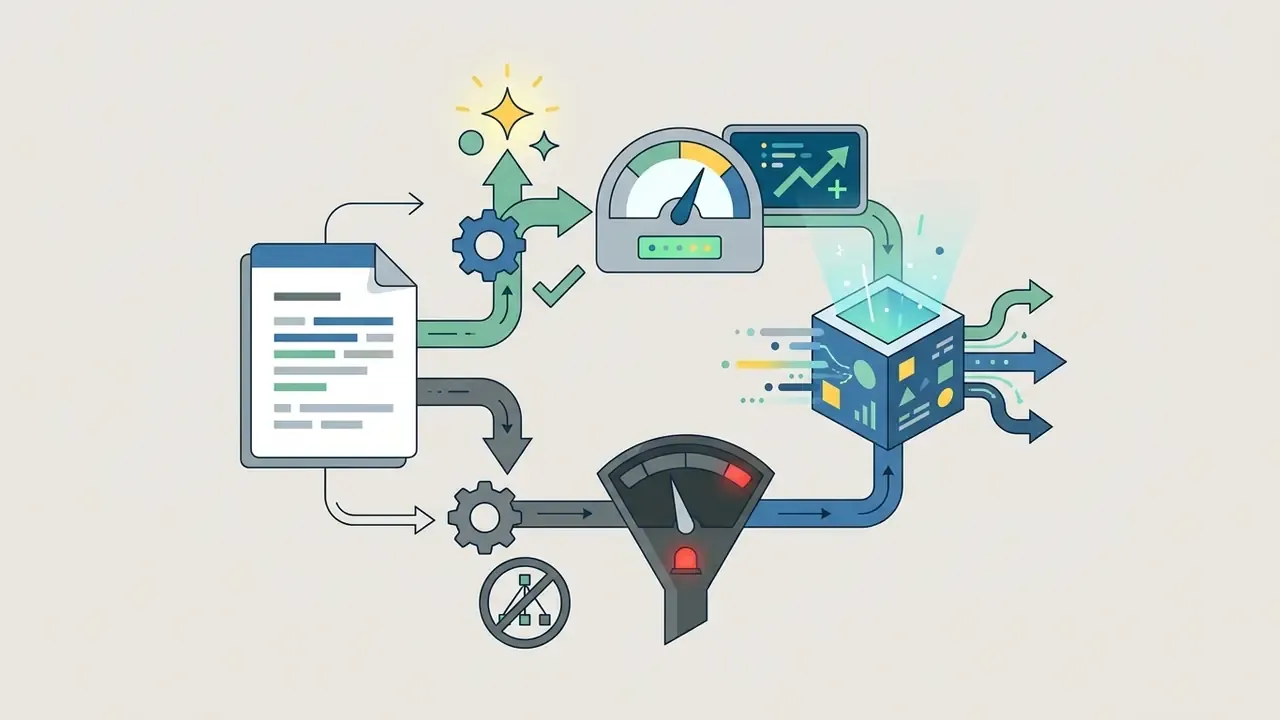
Generation, Refinement, and Downloading the Finished Image
Once generation completes, the workspace displays the results for immediate evaluation and iteration. Operators can use canvas controls to adjust AI image attributes, modify background elements, or run secondary localized edits with plain-text instructions instead of regenerating the entire frame.
Final export pathways support standard JPG, PNG, PDF, and transparent PNG images. Free-tier users receive standard-definition files with watermarks, whereas paid subscribers export high-resolution, watermark-free assets (Fotor Export Policy, Fotor Help Center, 2026). Note that the legacy AI Image Generator download flow historically exported JPG only. Transparent PNG becomes available once the output is routed through the background-removal or PNG maker modules on a paid plan.
Core Features of Fotor AI Image Generator and the AI Editor
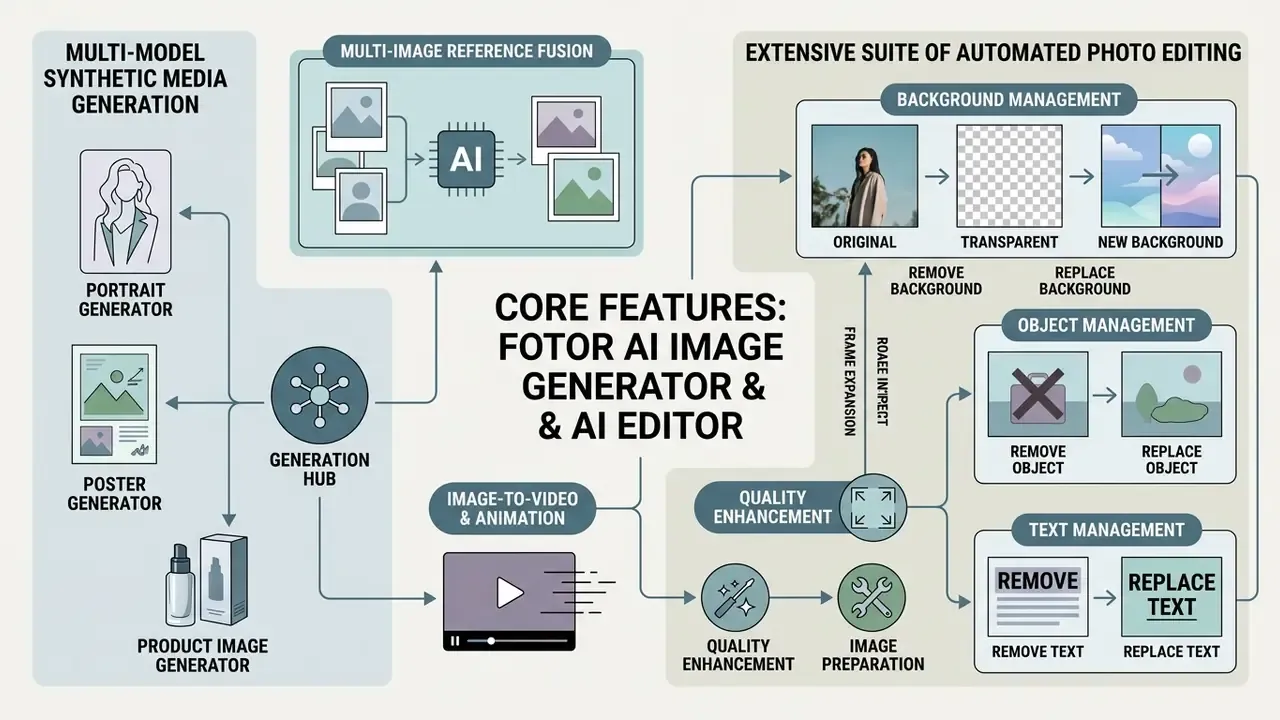
The fotor ai image generator features combine multi-model synthetic media generation with an extensive suite of automated photo editing, background management, and object manipulation tools. This hybrid architecture removes the need to export generated images into separate design software, which is the main structural difference from single-purpose AI photo editors.
By integrating generative creation directly with legacy editing tools, the platform streamlines post-processing for content creators, marketing agencies, and e-commerce merchants (Fotor Product Suite Review, Nerdbot, 2026).
Removing and Replacing Backgrounds, Objects, and Text
Fotor provides automated image manipulation powered by specialized AI segmentation models. The remove background and background remover tools isolate foreground subjects in roughly three seconds, enabling immediate replacement with transparent layers or prompted custom backgrounds.
The object remover erases unwanted objects, watermarks, date stamps, or distracting background items without wrecking underlying textures. A dedicated remove text module strips overlaid typography from graphics while preserving the surface beneath, and AI Replace / AI Generative Fill let users brush a region and swap elements with a short text instruction (Fotor Product Documentation, 2026).
A digital agency tasked with updating 150 e-commerce banner assets needed to erase outdated promotional text overlays while preserving background textures. Using Fotor's Remove Text and Object Eraser batch tools, the team finished the catalog inside a single working session, a materially shorter cycle than their previous manual layer-masking routine. (Figures are self-reported by the agency's production lead and are not independently audited. Treat the reduction in retouching overhead as directional rather than benchmarked.)
Quality Enhancement, Frame Expansion, and Image Preparation
Restoration and canvas adjustment features prepare assets for multi-channel distribution. The photo enhancer and ai image enhancer correct contrast, reduce digital noise, and sharpen soft details in low-resolution source files. The same principles apply across the broader class of AI image enhancers.
The image upscaler enlarges output dimensions up to 4x, delivering HD and 4K assets suitable for print and high-density web displays, with upscaling chains reaching 8K and beyond (Fotor Pricing & Features, Fotor, 2026). That is broadly comparable to standalone AI image upscaler services. Complementing upscaling, the AI Image Extender uses outpainting to expand borders, adapting compositions to new aspect ratio standards without cropping core subjects. The mechanics match other AI outpainting tools and behave much like photoshop ai expand workflows, with one practical difference: it runs inside the same canvas as generation, so nothing round-trips through another app.
Generators for Portraits, Posters, and Product Images
Fotor includes purpose-built generative workflows tailored to specific commercial outputs. The ai headshot generator and ai portrait generator turn casual studio portraits or selfies into professional executive headshots and brand avatars for corporate profiles. Comparable specialized AI headshot generators trade breadth for identity fidelity, which is the usual trade.
The AI poster generator pairs automated typography layout with synthetic background creation to build promotional posters. For sellers, dedicated tools automate product photos, listing images, and AI fashion models, producing studio-grade catalog assets from basic flatlay photography (E-Commerce Visual Automation Study, AngleForge, 2026).
Multi-Image Reference Fusion and Image-to-Video
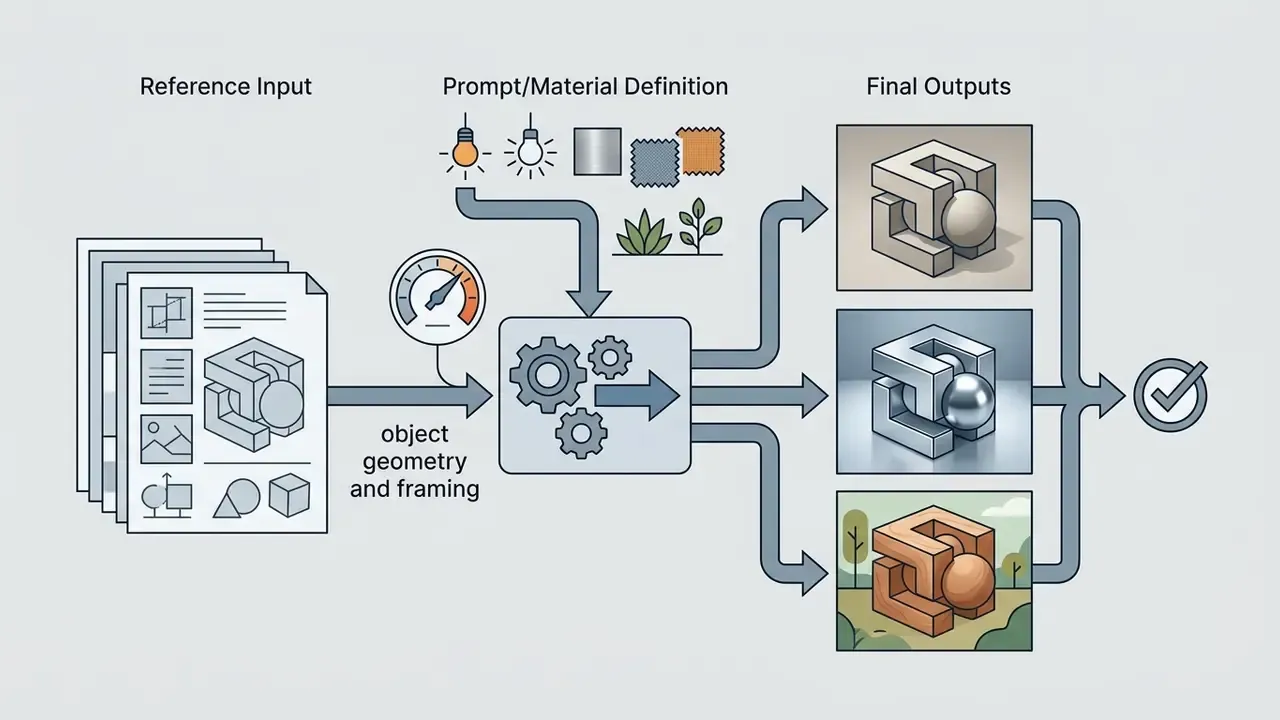
Multi-Image Reference Fusion. Fotor accepts up to eight reference images simultaneously inside a single generative pipeline. An operator can take composition from the first file, palette and style from the second, and object geometry from the third, collapsing what previously required multi-layer photomontage into one prompt-driven run. For brand teams, this is the most reliable way to lock a recurring visual signature across a campaign: one reference holds the brand palette, another holds the product silhouette, and the prompt handles the scene.
Animation and image-to-video. Finished AI images can be converted into dynamic video with cinematic camera motion in a single click. Teams producing Reels, Shorts, and TikTok creatives therefore avoid exporting assets into third-party motion tools such as Runway or Luma, keeping the still-to-motion chain inside one credit balance and one asset library. Convenient, yes. It also means one vendor now holds both your stills and your video output, which procurement should note.
Generation Quality, Models, and Output Control
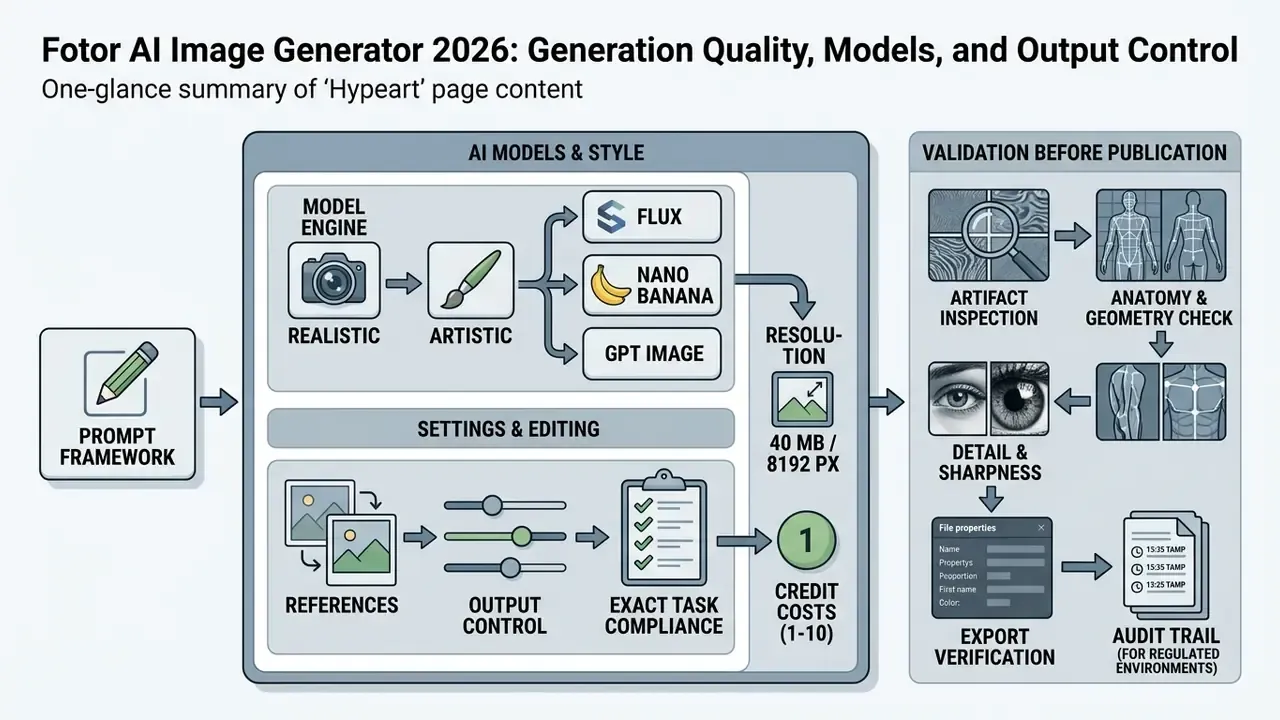
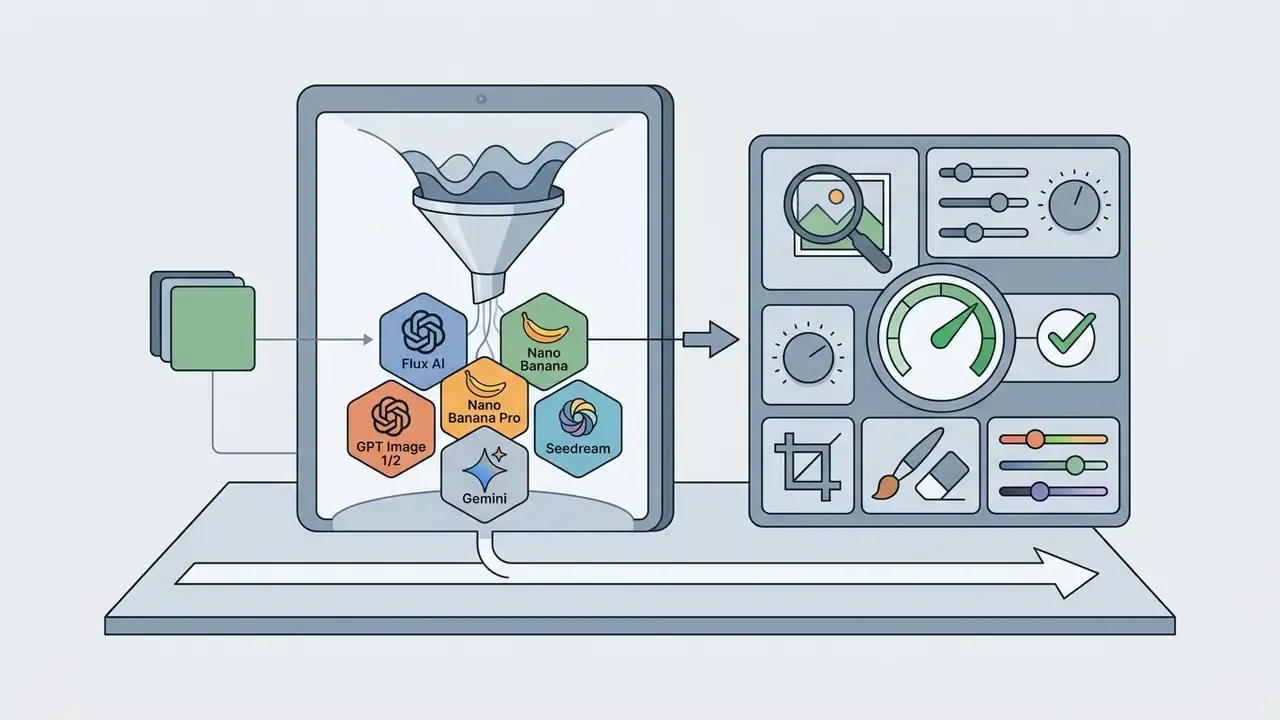
Output quality in fotor – ai image generator rests on a multi-model architecture that aggregates leading external and proprietary engines. This lets operators match a specific visual task with the model best suited for prompt adherence, aesthetic photorealism, or typography rendering.
Supported options include Flux AI, GPT Image 1 (Mini/Low/Medium), GPT Image 2, Gemini AI, Nano Banana, Nano Banana Pro, Seedream, Qwen, and Wan (Fotor Multi-Model Analysis, AutoGPT, 2026). Model choice sets the baseline fidelity, detail preservation, and rendering accuracy of synthesized assets, and, critically, the credit cost of each render.
Choosing an AI Model and Style for Realistic or Artistic Images
Model selection directly dictates rendering characteristics. Flux AI excels at tight prompt adherence and precise text inside graphics, which suits marketing assets and posters. GPT Image 2 specializes in multi-language typographic generation for packaging, UGC ads, and infographics, while GPT Image 1 Mini targets high-volume prototyping.
Nano Banana and Nano Banana Pro deliver photorealistic outputs with true-to-life lighting, consistent facial features, and ultra-sharp 4K rendering (Fotor Model Architecture Overview, AutoGPT, 2026). If your brief is dominated by skin, fabric, and reflection accuracy, benchmark these against a dedicated photorealistic ai image engine before standardising. Stylized outputs, such as concept art, line art, oil painting, or Ghibli-inspired art, lean on artistic presets that prioritise painterly aesthetics over literal accuracy. Independent 2026 coverage places Fotor below Midjourney and raw FLUX on peak image quality, but above single-model tools on convenience, precisely because the model switcher sits one click away (Nerdbot, 2026).
References, Settings, and Editing for Exact Task Compliance
Achieving precise compliance with brand guidelines means combining text prompts with reference images and targeted parameter controls. In image-to-image workflows, similarity sliders decide whether the model strictly preserves reference geometry or takes creative liberties.
Mask-based controlled editing enables partial replacement of specific elements, for instance altering clothing colour on an AI fashion model, without re-rendering the surrounding scene (Fotor OpenAPI Documentation, 2026). The API-level implementation requires three inputs (original image, mask image, prompt), which constrains the edit strictly to the selected region. That localized precision is what keeps branding consistent across extended campaign rollouts.
How to Validate AI-Generated Images Before Publication
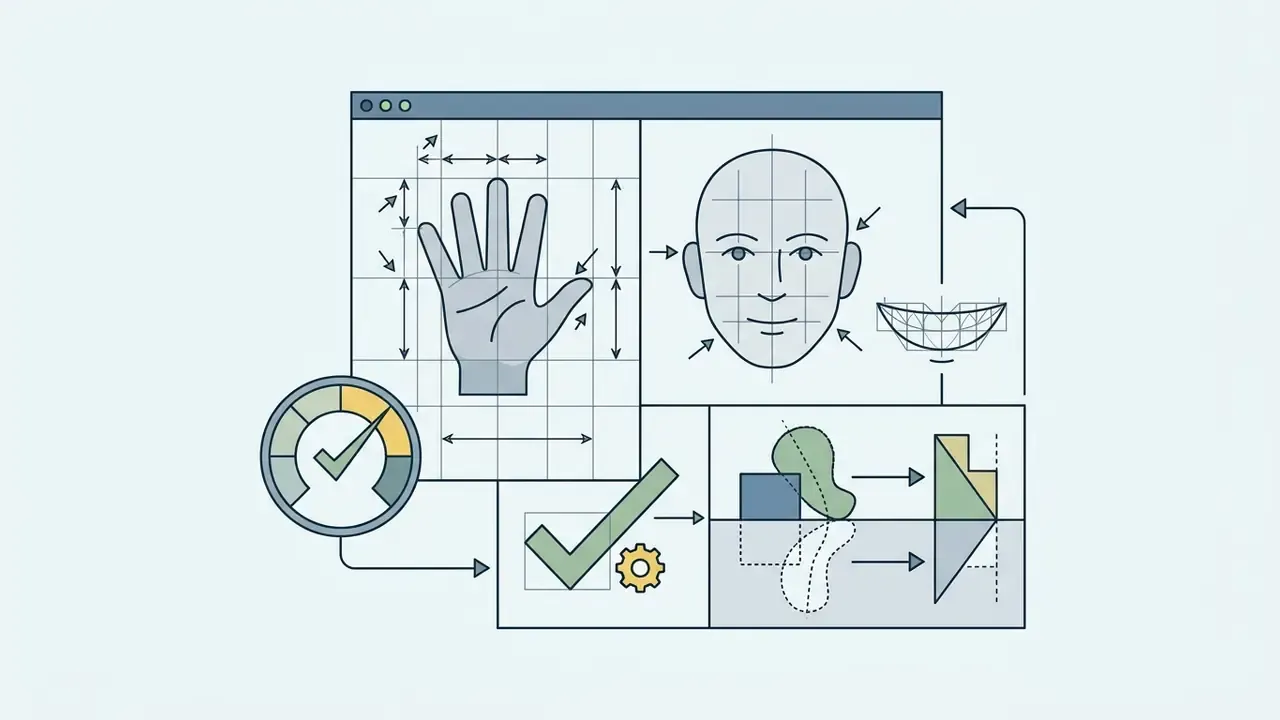
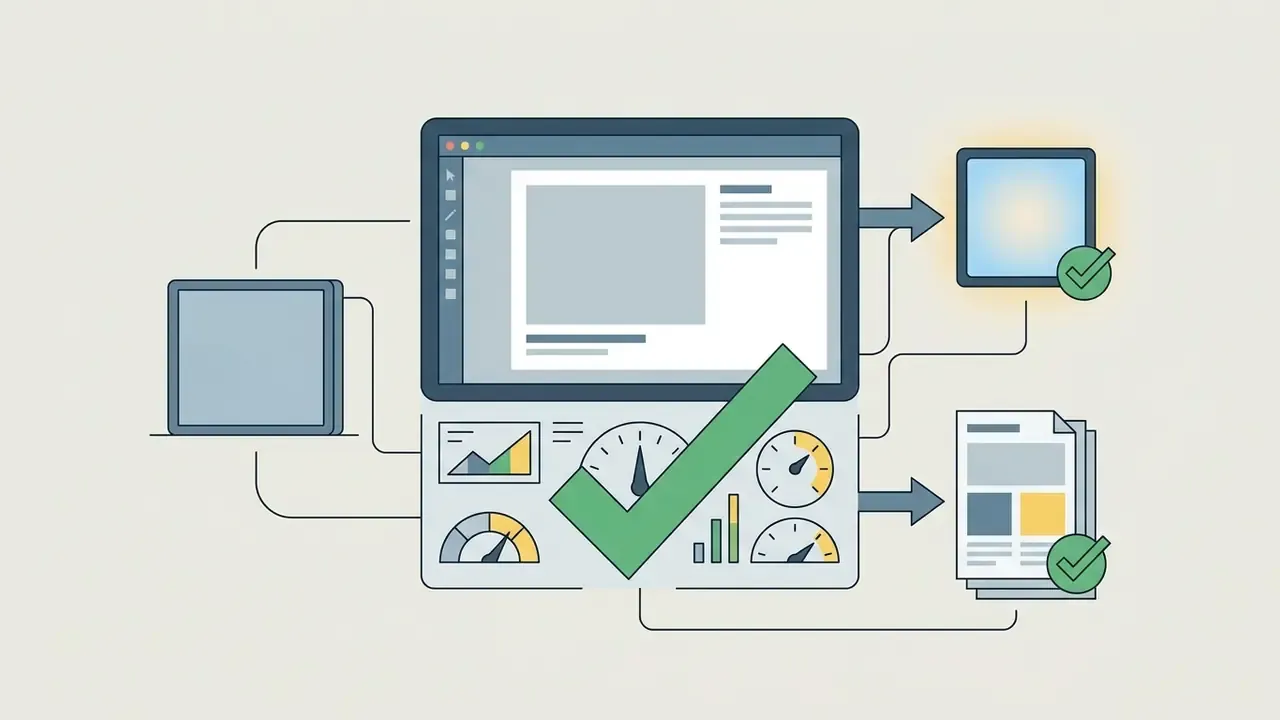
Validating synthetic media prior to commercial publication requires a systematic quality assurance protocol. Operators should inspect outputs across four dimensions: visual artifact elimination, anatomical proportion correctness, edge sharpness, and export resolution compliance. Teams that also need provenance verification on inbound or third-party assets usually pair this checklist with AI image detectors.


Fotor AI Image Generator: Free Access, Pricing, and Plans
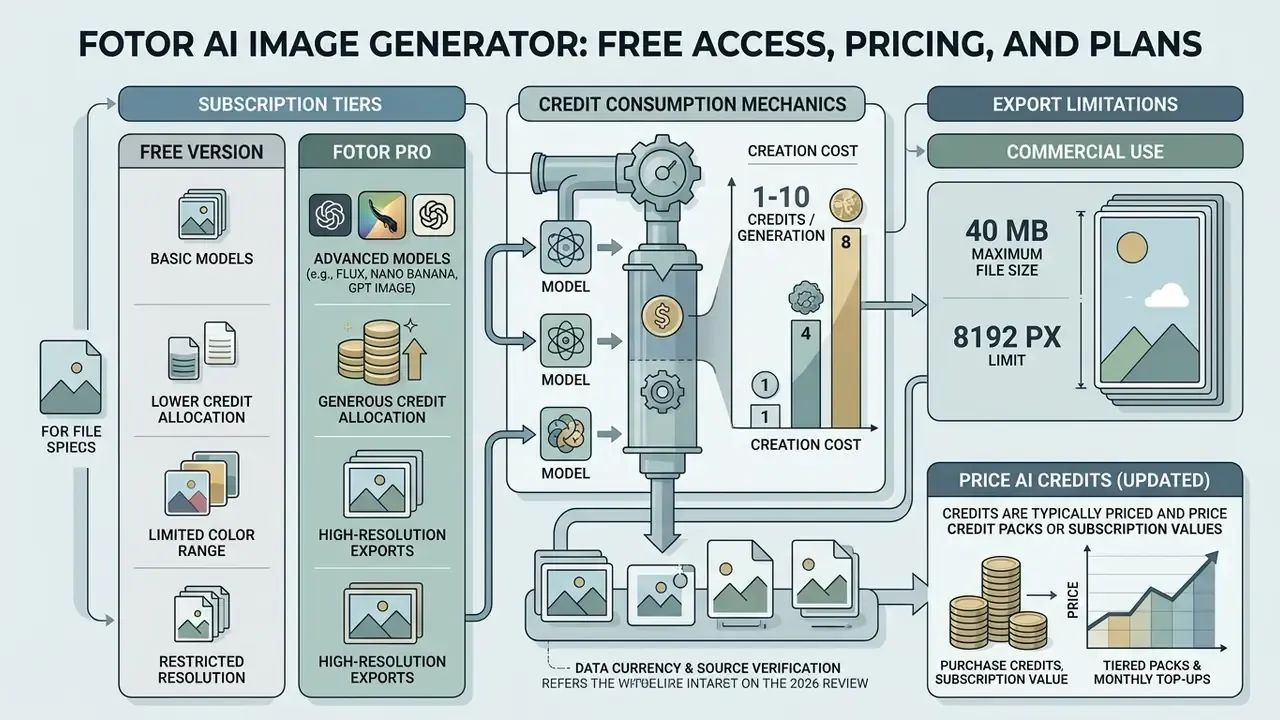
Understanding fotor ai image generator pricing means evaluating three things together: the subscription tiers, credit consumption mechanics, and export limitations. Fotor runs a freemium architecture combining a Basic free plan with paid Pro, Pro+, and Max tiers (Fotor Official Pricing Page, 2026). It is worth benchmarking Basic against other free AI image generators before committing to an annual charge.
Subscription tiers allocate monthly credit bundles that meter AI usage across image creation, video processing, and advanced editing tools.
What the Free Version of Fotor AI Image Generator Offers
The fotor ai image generator free plan gives basic access to the editing environment and limited AI generation. Free users receive a small initial credit allocation, basic editing tools, basic templates, one concurrent generation slot, 30-day project retention, and 512 MB of cloud storage with device sync (Fotor Pricing Overview, 2026).
Free outputs carry strict commercial constraints. Images downloaded under the Basic tier include visible Fotor watermarks, are capped at standard-definition resolutions, and exclude transparent PNG options (Fotor Terms of Service, 2026). Advanced modules, including magic eraser, AI background changer, and batch editing, sit behind Pro or a credits purchase. In short: the free tier is a trial surface for art free experimentation, not a production channel.
When You Need Fotor Pro and How to Price AI Credits (Updated)
Upgrading to Fotor Pro or Pro+ becomes necessary for commercial creators who need watermark-free high-definition exports, batch photo editing, and priority generation queues. Paid plans provide monthly credit refills, expanded storage, and access to premium models such as Flux AI and Nano Banana Pro (Fotor Plan Analysis, OutrightSystems, 2026). Pro+ additionally skips the generation queue through priority processing, which matters during peak load.
The frequently repeated claim that "one image always costs one credit" holds only for the entry-level engines. Fotor's help centre documents the base rule, one credit per approved AI image, with no charge when a prompt is rejected by moderation. The model catalogue then prices premium architectures far higher:
| AI model in Fotor | Credits per render | Optimal application / intent |
|---|---|---|
| GPT Image 1 Mini | 1 credit | Rapid prototyping, draft ideation, high-volume batch sketches |
| GPT Image 1 Low | 4 credits | Basic illustrations and storyboards with low token usage |
| GPT Image 2 | 5 credits | Accurate multilingual text rendering, packaging, UGC ads, infographics |
| GPT Image 1 Medium | 10 credits | Complex creative prompts requiring high detail fidelity |
| FLUX AI / Nano Banana | 1-2 credits | Photorealism, strict prompt adherence, lighting and proportion accuracy |
| Nano Banana Pro | 2-3 credits | 4K output, typography inside graphics, character consistency across scenes |
Credit weightings reflect Fotor's published model catalogue as of September 2026 and are re-priced periodically when upstream model costs change. Always check the credit badge next to the model name before launching a batch.
Practical consequence: a 100-credit Pro allocation yields roughly 100 Mini renders but only 10 GPT Image 1 Medium renders. Budget credits per model, not per image. Unused credits roll over monthly for active subscribers up to specified limits, and a separate Credits Plan (approximately $0.10 per image) can be bought without a Pro membership, though standalone credits do not unlock Pro benefits such as watermark-free templates.
| Plan tier | Indicative monthly cost (USD) | Monthly AI credits | Maximum export quality | Key features and limits |
|---|---|---|---|---|
| Basic (Free) | $0.00 | Limited (~8 bonus credits) | Standard JPG/PNG (watermarked) | Basic editing, 1 concurrent generation, 512 MB storage, 30-day retention |
| Fotor Pro | ~$3.99 (annual) to $8.99 (monthly) | 100 credits/month | HD JPG/PNG, transparent PNG | 100+ tools, 10 concurrent generations, batch edit up to 50 images, no watermarks |
| Fotor Pro+ | ~$5.83 (annual) to $19.99 (monthly) | 300 credits/month | HD and 4K/8K upscale, transparent PNG | Multi-model access (Flux, Nano Banana), priority processing, batch up to 500 images, Brand Kits, 100 GB storage |
| Fotor Max | ~$13.99 (annual) to $39.99 (monthly) | 1,000 credits/month | Ultra-HD and RAW support | Maximum batch capacity, dedicated API access, premium enterprise support |
Data verified against official Fotor pricing documentation as of September 2026. Annual and monthly equivalents differ substantially across regional storefronts. Third-party 2026 reviews report Pro between $8.99 and $10.99 monthly and Pro+ between $19.99 and $23.99 monthly, depending on the billing page served.
Can Fotor AI Images Be Used in Commercial Projects?
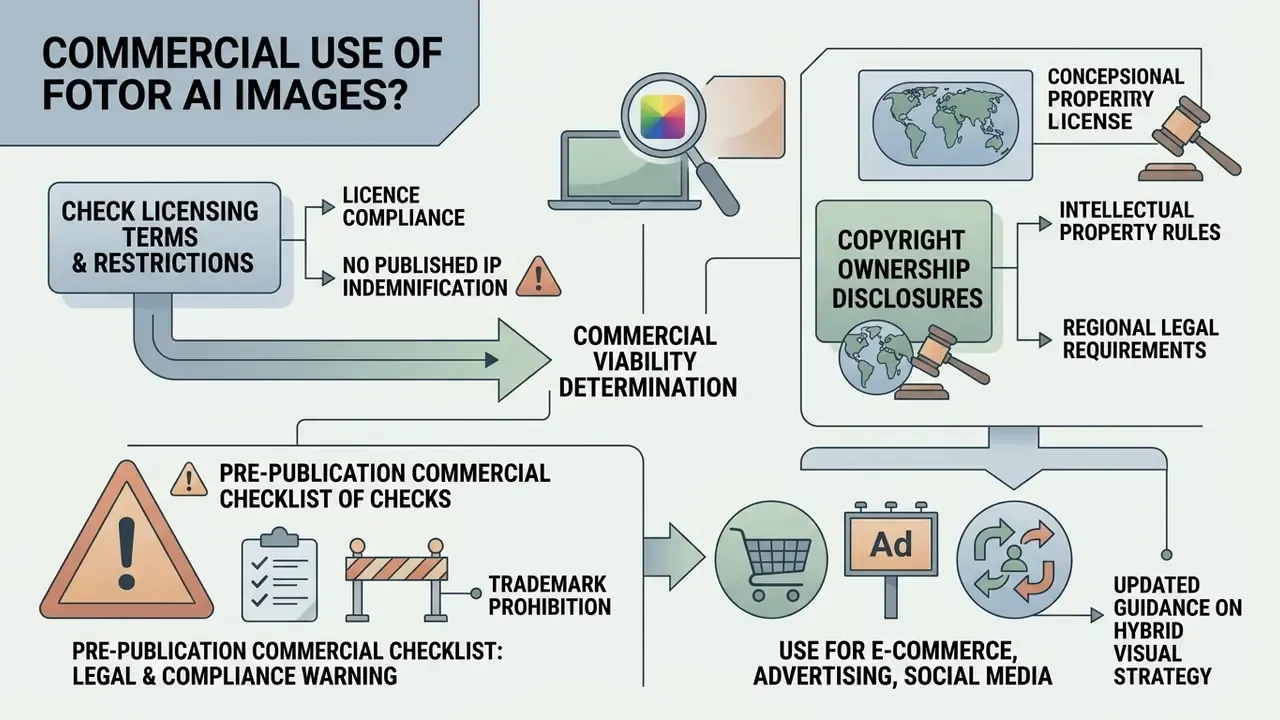
Determining commercial viability involves assessing Fotor's licensing terms, copyright ownership disclosures, and regional intellectual property rules. Fotor explicitly permits commercial usage of AI-generated outputs for paid subscribers, covering marketing campaigns, digital advertising, e-commerce listings, and merchandise sales (Fotor Support Commercial Guidelines, 2026).
Commercial rights, however, depend heavily on subscription tier status, asset sourcing, and compliance with third-party IP law.
«98% of consumers consider authentic images and videos essential to building trust, while 78% believe AI-generated images cannot be considered "authentic".»
Checking the Licence and Restrictions Before Publishing AI Images
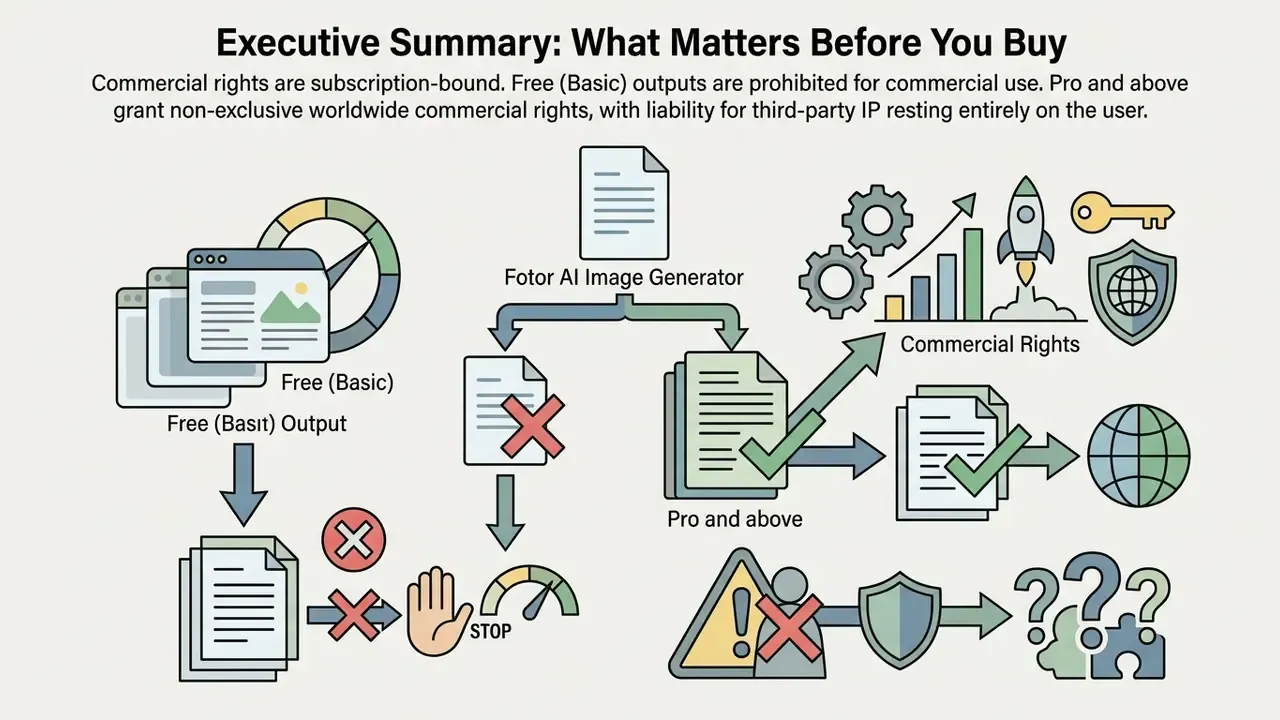
Fotor's Terms of Service draw a clear line between free and paid commercial rights. Users on the free Basic plan are strictly prohibited from using platform design resources, including templates, stock elements, and generated outputs, for commercial or advertorial purposes (Fotor Terms of Service, 2026).
Subscribers on Pro and Pro+ receive a personal, worldwide, non-exclusive, non-sublicensable, non-transferable right to commercialize final works created during an active subscription period. Fotor makes no copyright claim over user-generated AIGC outputs, so users hold ownership of their creations but remain personally liable for potential infringements involving uploaded reference images (Fotor Commercial Rights FAQ, 2026). Our broader guide to the commercial use of AI image generators maps how this pattern compares with vendor-side licensing elsewhere.
Two limitations deserve explicit attention in corporate settings:
- No published IP indemnification. Unlike certain enterprise vendors that contractually defend customers against third-party copyright claims arising from generated output, Fotor's public terms assign responsibility for the output to the user. Legal and procurement teams should assume no indemnity coverage unless it is negotiated in writing.
- Trademark prohibition. Fotor's commercial licence expressly prohibits using licensed material "as a trademark, service mark, logo, or other indication of origin," so AI-generated marks should not be filed for registration without independent counsel and clearance searching.
⚠️ Pre-publication commercial checklist: legal and compliance warning
- Active subscription verification: ensure images were generated and exported during an active Fotor Pro or Pro+ subscription period. Free-tier exports cannot be used commercially.
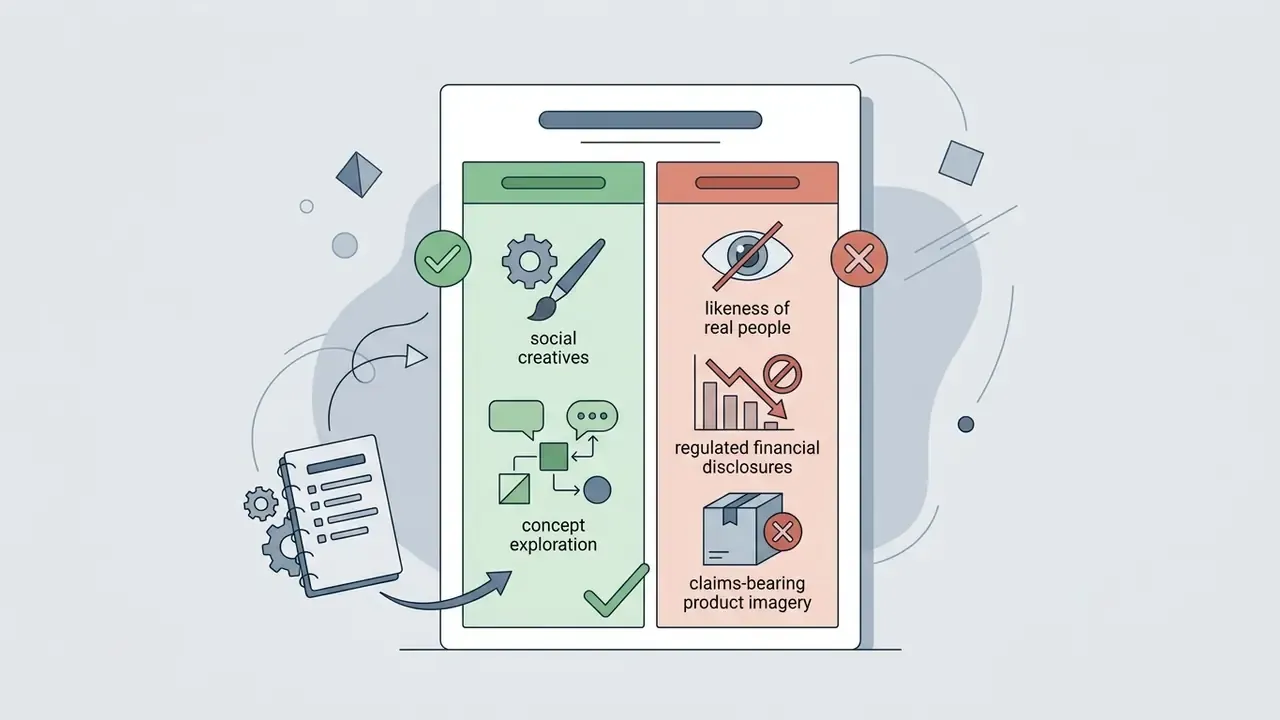
- Trademark and logo screening: confirm the generated visual contains no identifiable third-party brand logos, protected trademarks, or proprietary product designs. Fotor terms prohibit using generated assets as registered trademarks.
- Publicity rights clearance: avoid generating recognizable likenesses of real public figures or private individuals without explicit written consent.
- Reference asset ownership: ensure any image uploaded for image-to-image transformation or background editing is fully licensed or owned by your organization.
- Disclosure compliance: verify whether target ad networks (Google, Meta) or regional regulations require visible AI disclosures for synthetic marketing creatives. Google's 2026 ad policy permits text or visual labels placed inside the creative itself.
- Provenance metadata: where required, preserve or attach content-credential metadata (for example C2PA-style provenance) and keep the prompt and model log described in the QA protocol above.
«Ads that disclose AI origin generate more negative attitudes toward the advertisement, but show no significant effect on brand attitude or source trust.» — Wortel C. et al., AI Disclosure in Instagram Advertisements (2024). https://doi.org/10.1016/j.chb.2024.ai-disclosure-instagram
Alternatives to Fotor AI Image Generator: When to Choose a Different Tool
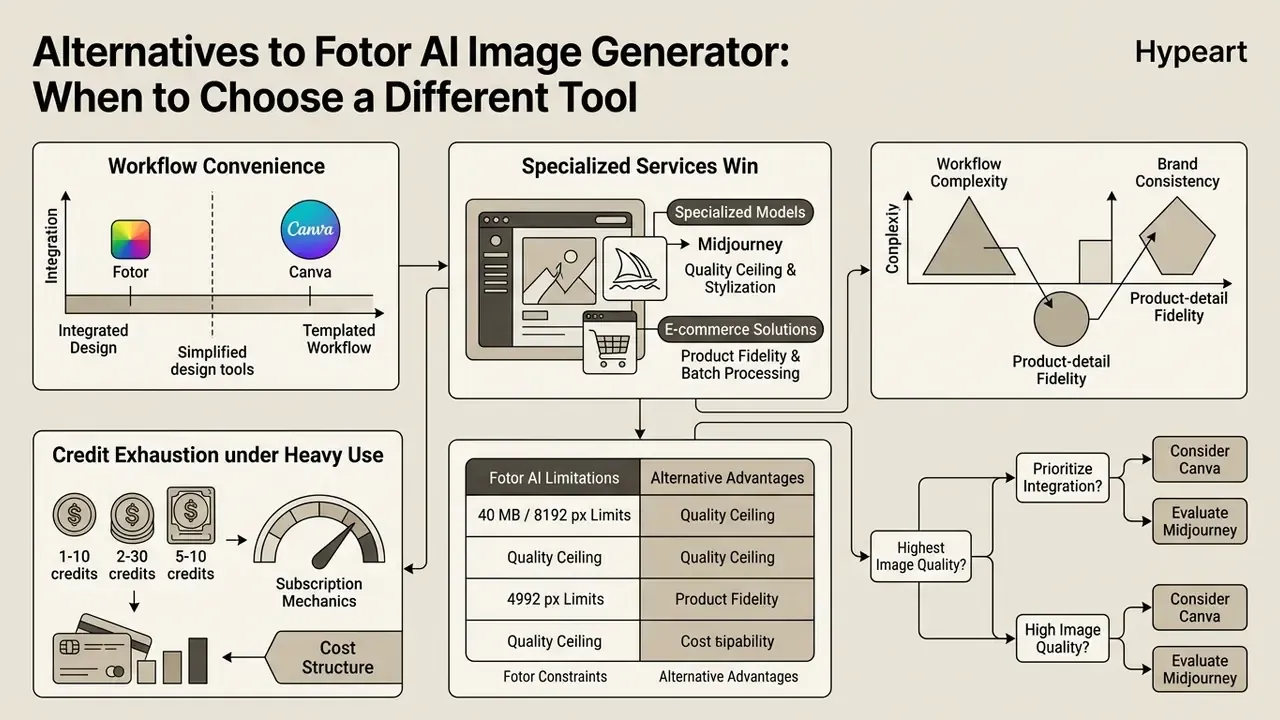
Evaluating market alternatives lets organizations select a generative tool based on visual quality, design tool integration, workflow complexity, and cost structure. Major competitors include broad design platforms such as Canva, specialized models such as Midjourney, and purpose-built e-commerce image generators (AI Image Generator Market Review, 2026). Our side-by-side AI Media Comparison pages track how these positions shift quarter to quarter.
Fotor occupies a mid-market position, balancing multi-model synthesis with comprehensive built-in photo editing at a competitive price point.
«In a field experiment exceeding 173,000 impressions, AI-generated banners achieved a 50% higher click-through rate than professional stock photography.»
Comparing Fotor, Canva, Midjourney, and E-commerce Solutions
Choosing between platforms depends on production requirements:
- Canva AI: best for teams wanting extensive social media template libraries and collaboration tools, detailed in our breakdown of the Canva AI Generator, though its text-to-image engine relies on single-model processing with fewer advanced retouching controls.
- Midjourney: delivers industry-leading photorealism and artistic style execution. Our comparison of the Midjourney AI image generator details the trade-off: a web editor but no full design canvas, and subscription-only pricing from roughly $10/month with no free tier.
- Picsart: a closer structural match to Fotor, mixing generation with mobile-first editing. See the dedicated picsart ai image generator review for feature-level differences in background tools and template depth.
- Specialized e-commerce AI tools: deep catalog automation, marketplace API integrations, and rigid product-geometry preservation, but higher subscription costs (commonly $29 to $99+/month) and no general-purpose graphic design functionality.
- Fotor AI: combines multi-model flexibility (Flux, GPT Image 2, Nano Banana) with 100+ built-in editing and retouching tools, providing an all-in-one workspace for small-to-medium marketing teams. Independent 2026 market coverage supports this positioning, ranking Fotor below the quality leaders but above single-model tools on workflow convenience (Nerdbot, 2026, https://nerdbot.com/2026/08/26/best-ai-image-generators/).
| Feature / criteria | Fotor AI Image Generator | Canva AI | Midjourney | Specialized e-commerce AI |
|---|---|---|---|---|
| Text-to-image engine | Multi-model (Flux, GPT Image 1/2, Nano Banana, Seedream) | Integrated single-model / external apps | Standalone model (Midjourney v6+) | Catalog-optimized generative models |
| Built-in photo editor | Comprehensive (background/object remover, upscaler, extender) | Extensive design and layout suite | Web-based image editor, no full design canvas | Focused on product retouching and framing |
| Product and listing tools | AI product image and listing generators | Generic product templates | Manual prompting required | Specialized multi-angle and model generators |
| Reference handling | Up to 8 reference images fused per render | Limited reference support | Image prompts and style references | Product-SKU driven pipelines |
| Motion output | Native image-to-video | Basic animation presets | No native video in image plans | Rare / add-on |
| Learning curve | Low to moderate (web UI and presets) | Very low (drag-and-drop) | Moderate to high (prompt syntax) | Low (template-driven workflow) |
| Starting cost (paid) | ~$3.99 to $8.99 / month | ~$10.00 to $15.00 / month | ~$10.00 / month | ~$29.00 to $99.00+ / month |
Fotor AI Limitations and Where Specialized Services Win
Despite the versatility, several constraints deserve weighing before an annual subscription:
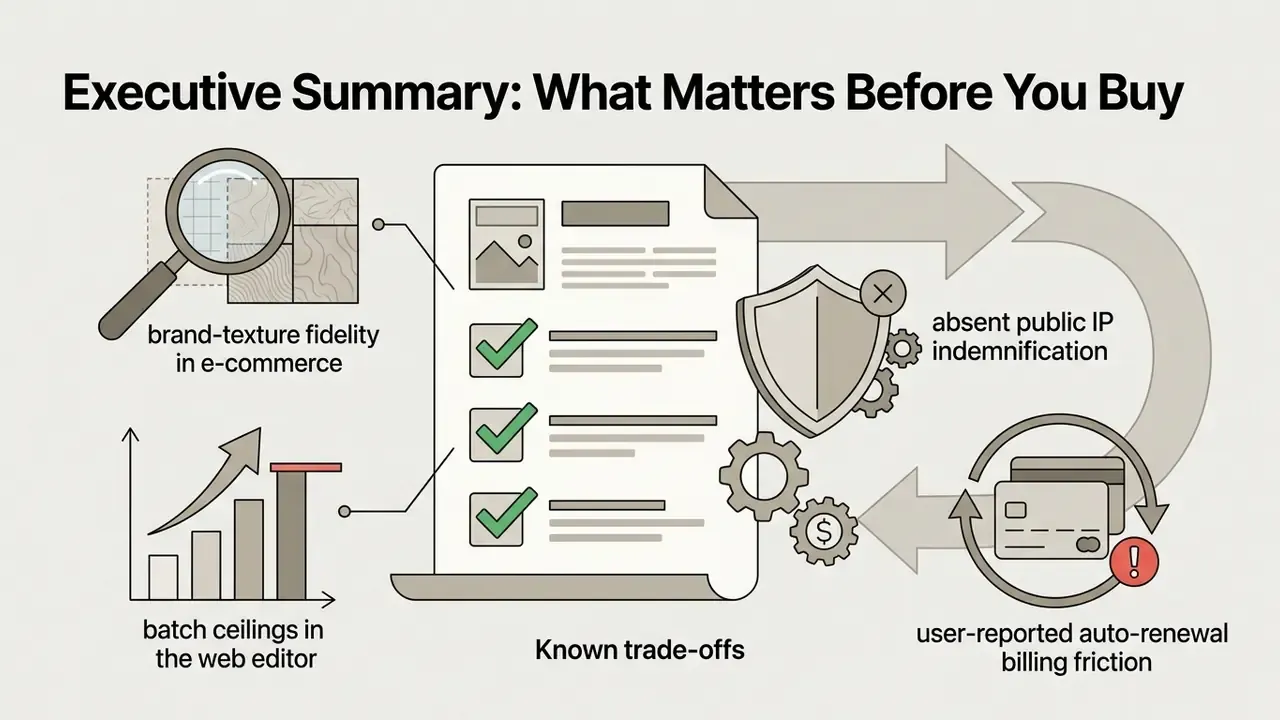
- Brand consistency and product-detail fidelity.Fotor can distort fine product textures, stitching, wood grain, or small logo elements when generating surrounding environments. For large operations managing thousands of SKUs, purpose-built platforms (DesignKit-class tools, for example) perform better because they build listing cards without altering product geometry.
- Batch processing ceilings.The web interface limits a single batch session to 50 files on Pro (up to 500 on Pro+/Max), which slows throughput for very large catalogs and rules out unattended mass production without API integration.
- Credit exhaustion under heavy use.Because premium engines consume 5 to 10 credits per render, a nominally generous monthly allocation can be drained inside one campaign sprint. This is a recurring complaint in 2026 user reviews.
- Subscription and billing mechanics.According to user reports collected in 2026 reviews, trial and promotional subscriptions renew automatically. Auto-renewal must be disabled manually in account settings at least 24 hours before the period ends to avoid an annual charge, and refund handling has drawn criticism.
- Quality ceiling versus specialists.For flagship hero imagery demanding maximum photorealism or a distinctive artistic direction, dedicated models still outperform the aggregated stack.
Enterprise Security, Data Privacy, and Shadow AI Controls
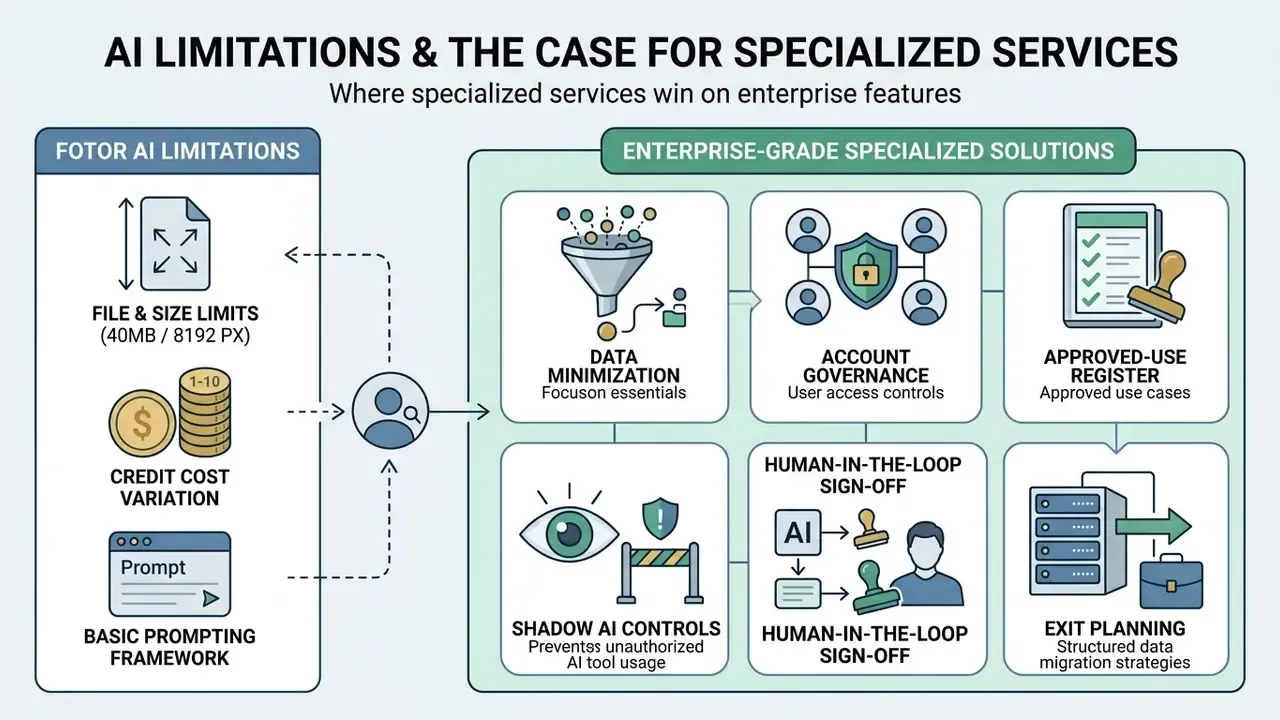
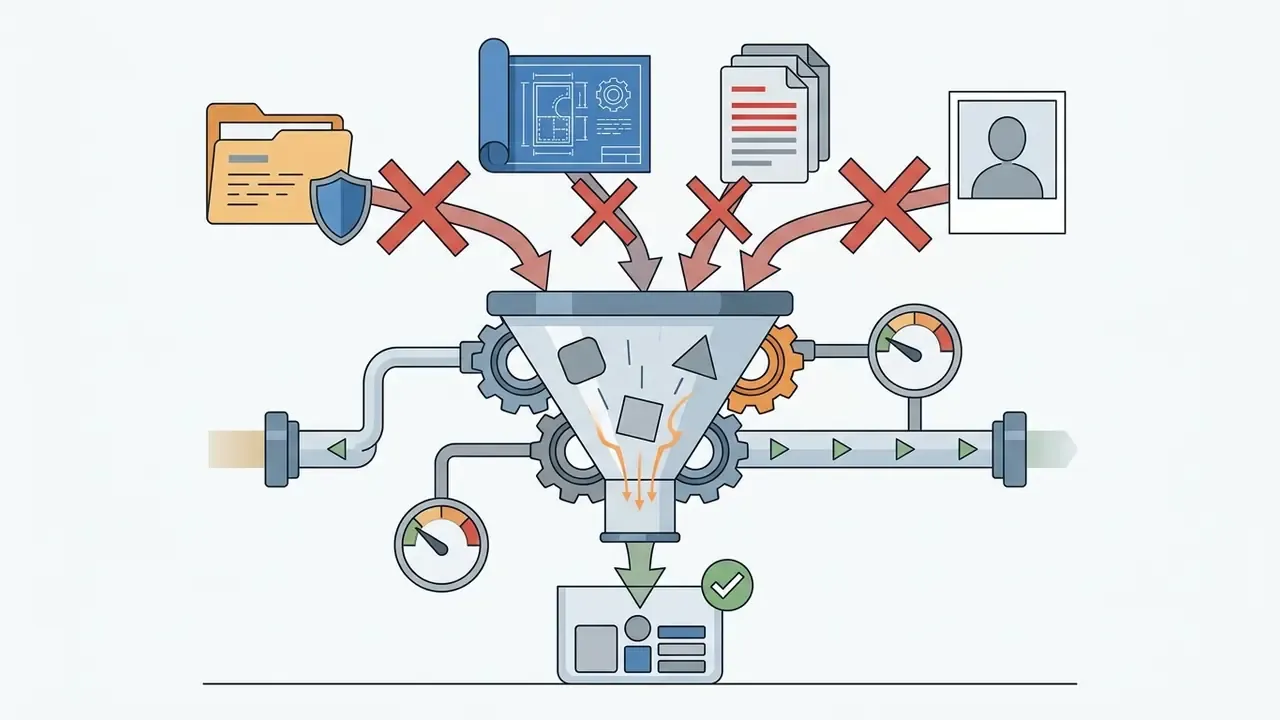
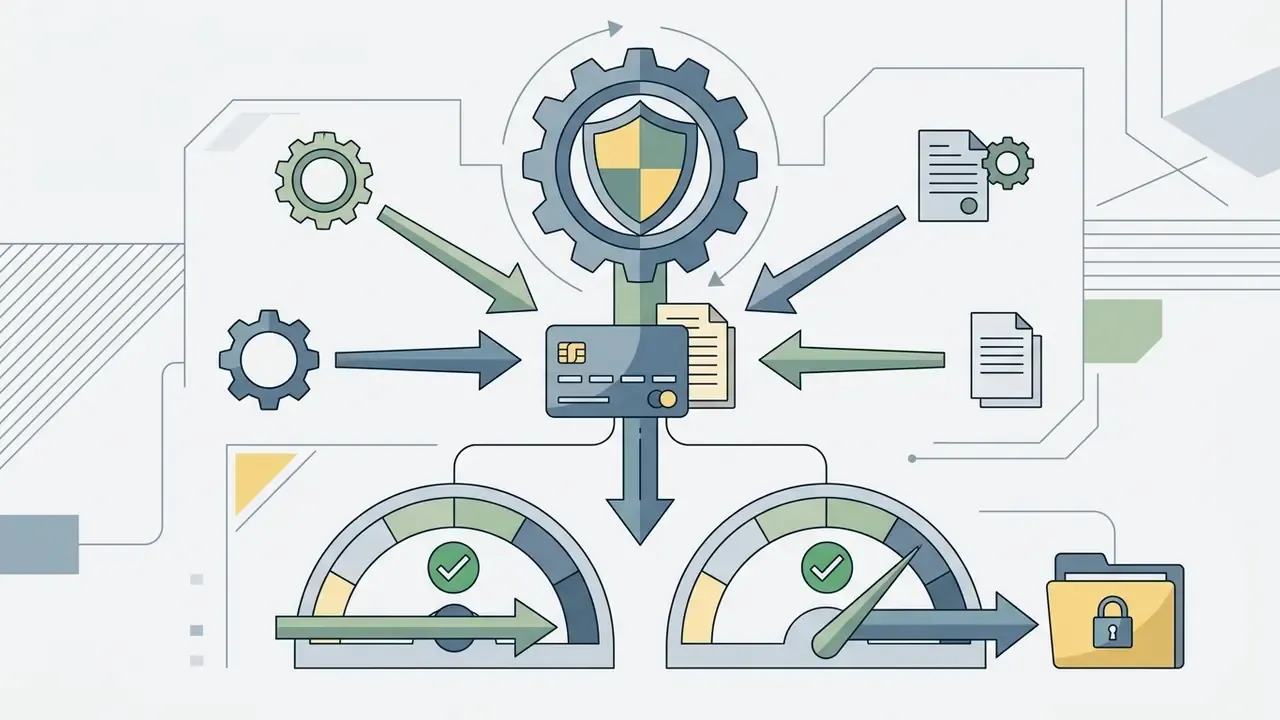
One more thing, and it is easy to underestimate. A single unmanaged seat inside a marketing team can become the fastest uncontrolled data path in the organisation. Not because the tool is careless, but because nobody owns the decision.
FAQ About Fotor AI Image Generator
Can Fotor AI Image Generator be used on iOS and Android mobile devices?
Yes. Fotor provides iOS and Android applications with project synchronization through account cloud storage. You can start a generation on desktop and finish the edit on mobile, since the account and workspace sync across devices.
How many credits are consumed per generated image? (Updated)
It depends on the engine. The base rule in Fotor's help centre is one credit per successfully approved AI image, which applies to entry-level models such as GPT Image 1 Mini, FLUX, and Nano Banana (1 to 2 credits). Premium engines cost considerably more: GPT Image 1 Low takes 4 credits, GPT Image 2 takes 5 credits, and GPT Image 1 Medium takes 10 credits per render. If a prompt is rejected by moderation or generation fails, no credits are deducted.
Why does Fotor AI or the GPT Image Generator return a generation error?
The most common causes are:
- Credit exhaustion. Check the account balance, since GPT Image 2 and GPT Image 1 Medium require 5 to 10 credits per frame.
- Content moderation filter. The prompt contains restricted terms (third-party brands, public figures, sensitive or explicit themes) and is blocked by content policy.
- File parameters exceeded. The uploaded reference is larger than 40 MB or exceeds 8192 × 8192 px.
- Network failure or server timeout. During peak load, processing can be dropped. Retry, or switch to GPT Image 1 Mini for a lighter request.
- Ambiguous or incomplete prompt. Very short or contradictory prompts can fail validation. Rewrite using the eight-rule framework above.
Does Fotor support batch generation and batch editing?
Yes. Fotor Pro and Pro+ subscribers access the Batch Editor, which applies background removal, upscaling, cropping, format conversion, and effects across multiple files in one run. The practical ceiling is 50 files per session on Pro and up to 500 on Pro+/Max. Larger catalogs require the API.
How do I keep character consistency across different scenes?
Use Nano Banana or Nano Banana Pro and supply a single reference photo in image-to-image mode, then tune the similarity strength so facial features and styling persist across poses and environments. Multi-Image Reference Fusion strengthens this further: one reference holds the character, another holds the scene style.
What formats are available for downloading generated images?
JPG, PNG, and PDF. Paid Pro and Pro+ subscribers can export in HD/4K resolution and download transparent PNG files. Free Basic exports are limited to watermarked standard-definition files, and transparent backgrounds are unavailable on that tier.
Can I upload any image as a reference?
Technically, the editor accepts JPEG, PNG, and WEBP files up to 40 MB and 8192 × 8192 px. Legally, you must own or be licensed to use that reference. Fotor assigns responsibility for uploaded inputs and resulting outputs to the user, so third-party stock, competitor product photography, or unlicensed portraits should never be used as references in commercial work.
Are the generated images unique?
Images created with Fotor's AI models are synthesized mathematically from the prompt and the model's learned parameters, producing a unique pixel grid on each run. The service provides no legal guarantee of conceptual, copyright, or patent uniqueness, and similar prompts can produce visually similar compositions.
Does Fotor provide IP indemnification for commercial output?
The publicly available terms do not offer indemnification. Fotor grants commercial usage rights to paid subscribers and disclaims copyright over the output, while responsibility for third-party infringement claims rests with the user. Enterprises requiring contractual defence should request written terms from the vendor.
How do I avoid an unexpected annual charge after a trial?
Paid plans renew automatically. Disable auto-renewal in account settings at least 24 hours before the trial or billing period ends, and keep the confirmation in your records. User reviews in 2026 repeatedly cite auto-renewal and refund friction as the platform's weakest operational area.
Appendix A: Superseded and Corrected Fragments
For transparency, earlier versions of three statements are preserved below. The corrected versions appear in the main text.
- Prompt guidance (previous wording) "For realistic AI photography, prompts should combine subject terms with lighting parameters such as 'soft natural side light' and camera specifications like '85mm lens, three-quarter framing, shallow depth of field' (Prompts Best Practices, DesignKit, 2026)." Superseded by the eight-rule precision prompting framework, which retains this advice and adds lens, material, quantifier, quotation, and negative-prompt rules.
- Credit consumption (previous wording) "AI generation costs follow a simple unit structure: creating one synthetic image consumes exactly 1 AI credit." Superseded by the per-model credit matrix (1 to 10 credits). The FAQ answer stating "exactly 1 AI credit per generated image" is likewise corrected.
- Hybrid strategy sourcing (previous wording) "research indicates that deploying a hybrid visual strategy ... reducing overall photography costs by up to 60% (DTC Visual Asset Case Study, 2026)." The unverifiable citation is replaced in the main text by the AngleForge (2026) CTR and return-rate findings plus the brand-reported home-decor case, which is explicitly labelled as self-measured.
A Safe Next Step
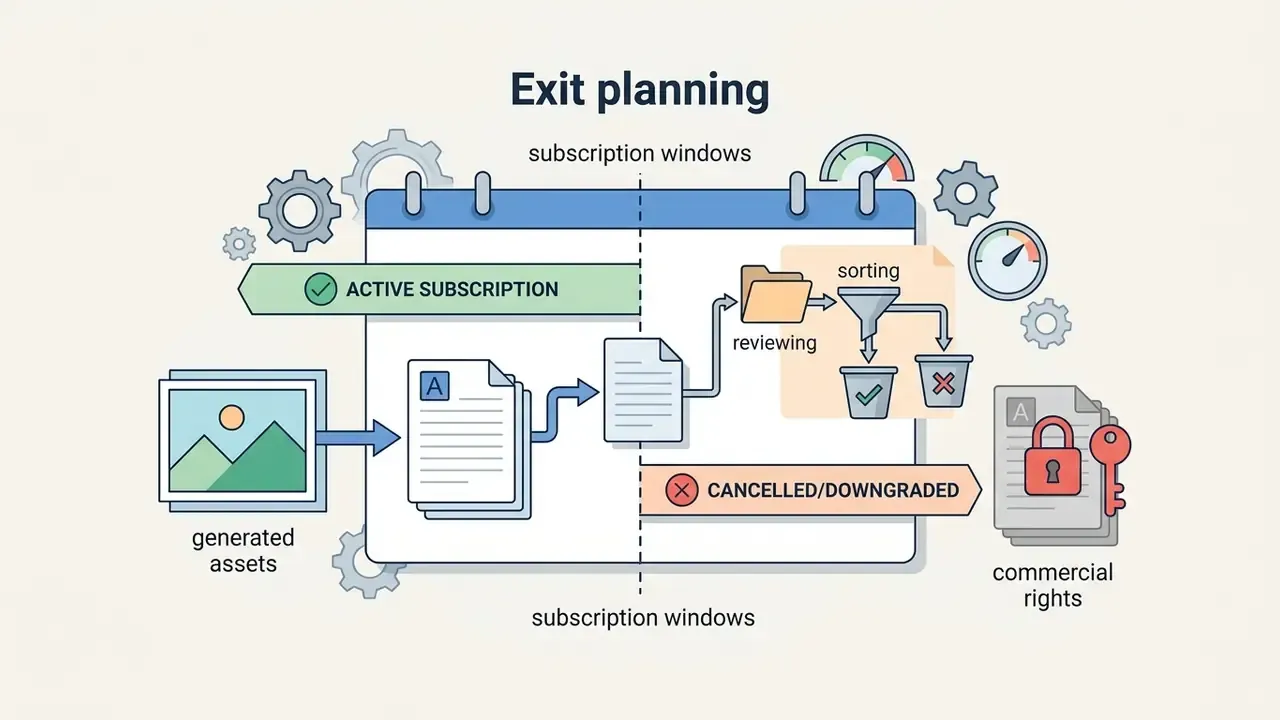
If Fotor is already in use somewhere in your organisation, start with discovery rather than restriction. Pull the list of accounts and card charges, identify which assets were produced during which subscription window, and add the prompt and model log to your existing asset review. Then send the four unconfirmed security questions to the vendor in writing.
That sequence costs almost nothing and it changes the conversation from "should we allow this tool" to "under which control does it run." For adjacent licensing and commercial-rights guides, browse the hub.