Executive Summary
- What it is A browser-based, multi-model generation hub aggregating 30+ image and video models (Flux 2, DALL·E 3, Ideogram V3, Seedream 4, SDXL, Nano Banana, GPT Image 2.5) plus legacy engines such as VQGAN+CLIP and CLIP-Guided Diffusion. One interface replaces several single-model subscriptions.
- Cost structure A freemium credit economy. Five daily credits after midnight UTC, +1 credit per published creation, +3 credits for daily challenge participation, and unlimited base Stable Diffusion generations. Paid PRO tiers run from roughly $12.49 to $62.49 per month, with Fast Credit allocations of 200 to 1,400 credits.
- Rights posture NightCafe contractually transfers its IP claims in delivered artwork to the user and permits commercial use. However, U.S. Copyright Office guidance (2025) confirms that raw, prompt-only AI outputs are not eligible for statutory copyright registration. Input reference images must be independently licensed.
- Governance gap to plan for Free and individual PRO tiers are consumer-grade accounts. Teams handling confidential visual material should classify NightCafe as a public-cloud creative tool, restrict uploads of proprietary references, and control unmanaged (Shadow AI) usage through policy rather than assuming enterprise-grade data isolation.
Who This Review Is For and How to Read It
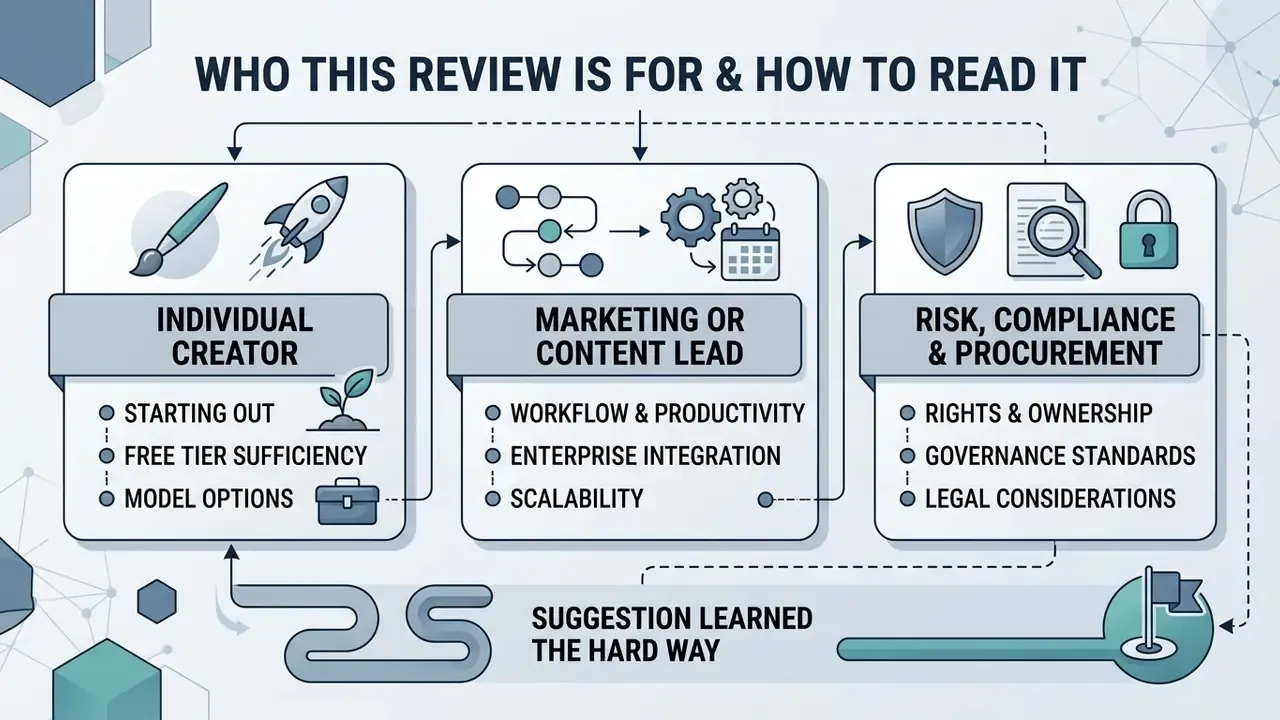
- The individual creator wants to know whether the free tier is enough to start creating and which model produces the look they have in mind. Sections on prompts, models, and credits answer that.
- The marketing or content lead is buying a workflow, not a toy. The pricing table, the troubleshooting patterns, and the cost-per-approved-asset logic matter most.
- The risk, compliance, or procurement reviewer cares about two things only: what rights come with the output, and where uploaded files go. Those live in the commercial-use and data-privacy sections.
One suggestion, learned the hard way. Read the rights and data-handling parts before you standardize a prompt library across a team. Retrofitting provenance records onto 400 published assets is miserable work. Actually, worse than miserable: it is often impossible, because nobody logged the seed or the model name at the time.
What is NightCafe AI Image Generator and Which Tasks Does It Support?
NightCafe is a browser-based multi-model platform built to generate, edit, and manage digital visual assets from text descriptions and image references. It acts as an operational hub where content creators, digital marketers, and visual designers run text-to-image and image-to-image workflows across diverse neural architectures.
Officially documented capabilities include text-to-image generation, image editing, image-to-image regeneration, inpainting, style and subject referencing, and short-form video generation. NightCafe's own marketing pages claim the platform offers more models than any other AI art platform. Treat that as a positioning claim rather than an independently audited metric, though it is broadly consistent with the published model catalog on the nightcafe ai art generator nightcafe studio site.
What Images Can Be Created in NightCafe AI?
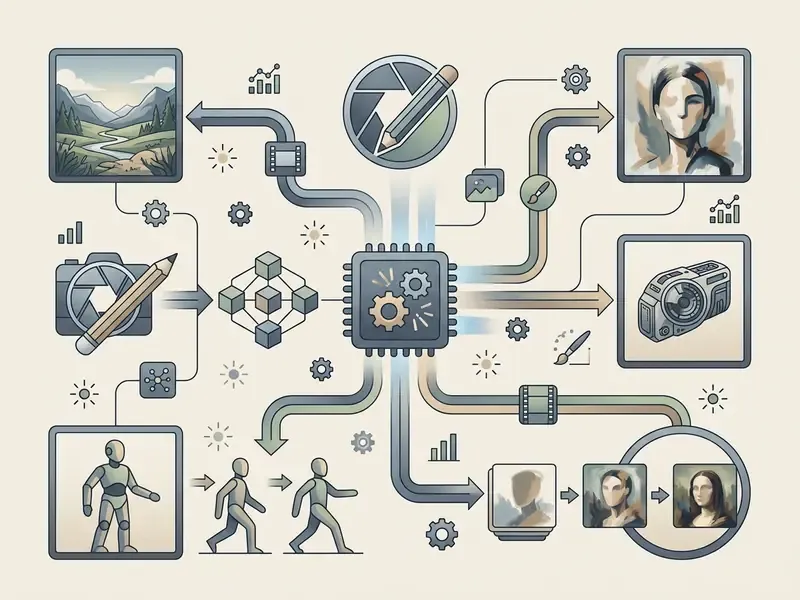
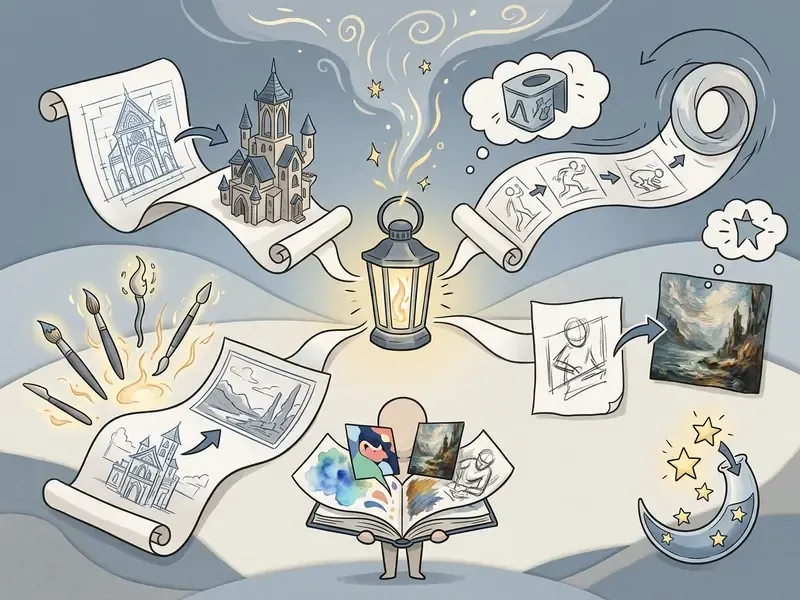
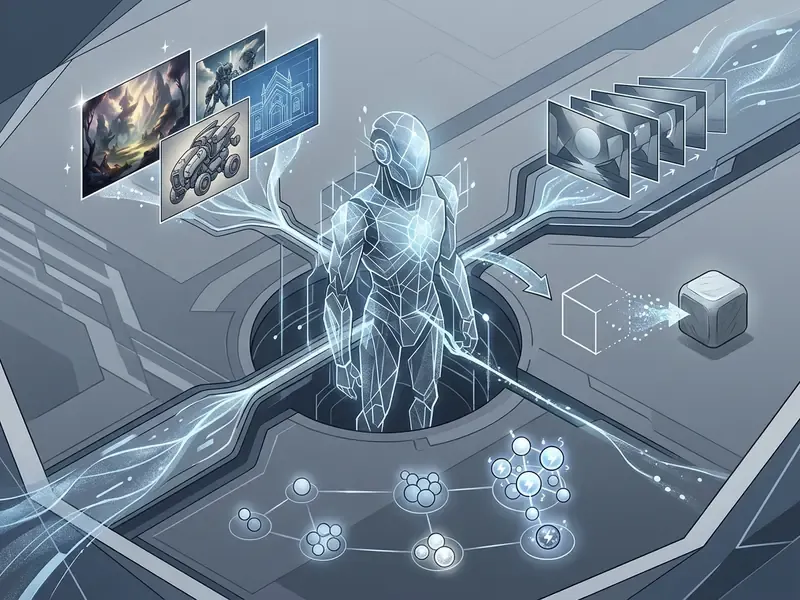
The night cafe art generator produces static visuals ranging from photorealistic renderings to stylized digital illustrations, 3D graphics, and anime. Output quality depends on the selected underlying neural network and the specificity of user-provided text prompts.
"Newer models achieve higher aesthetic scores, yet representational fairness can degrade even as image quality improves."
By selecting dedicated models such as Ideogram 3 or Seedream 4, users produce high-resolution photorealistic scenes or complex concept art. Peer-reviewed benchmarking of text-to-image synthesis shows that larger model architectures yield higher aesthetic scores and better object-count fidelity, while output alignment remains tethered to prompt structure. See Chen et al. (2024), arXiv:2407.04215, and Masrourisaadat et al., Quality, Bias and Performance Analysis Across Text-to-Image Models, arXiv (2024), https://arxiv.org/abs/2404.01292.
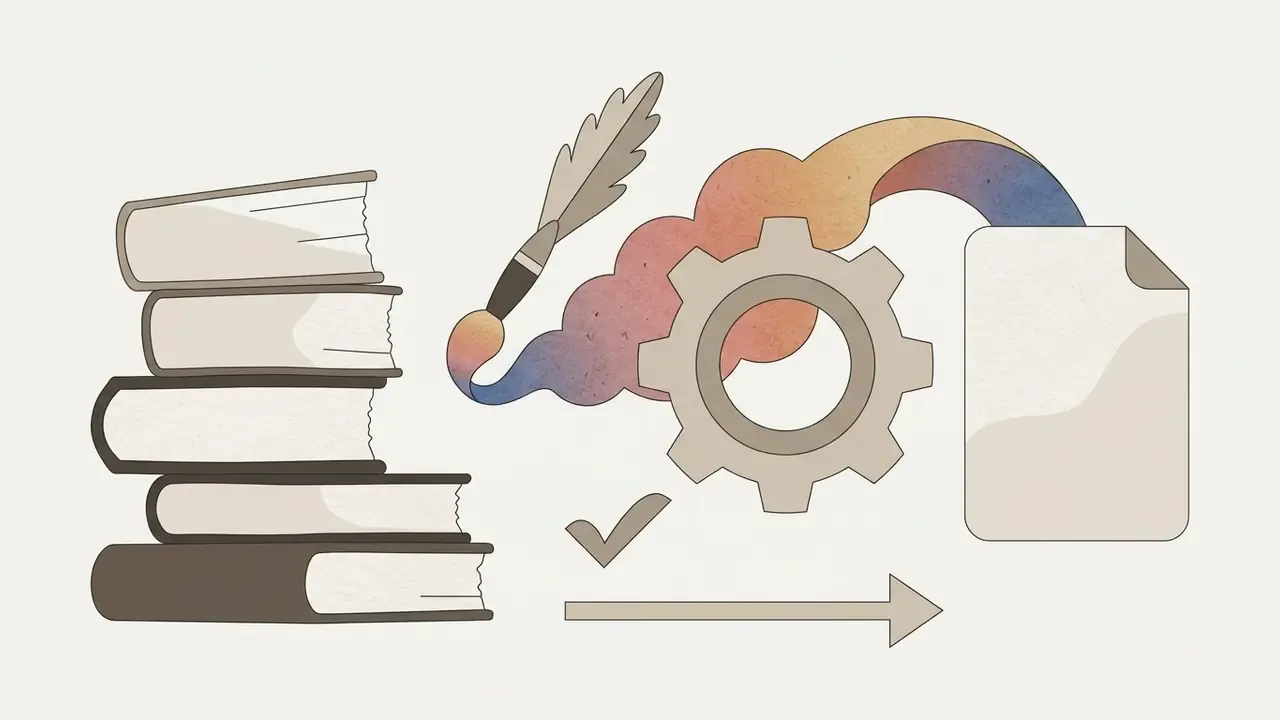
Documented style coverage maps to concrete prompt patterns:
One boundary worth stating plainly: this is a visual tool. If your campaign also needs a soundtrack, that belongs to an AI music generator, not to NightCafe. The platform does not produce ai music or voice tracks, so plan audio separately.
3D, octane render, cycles.
oil on canvas, watercolour, sketch, photography.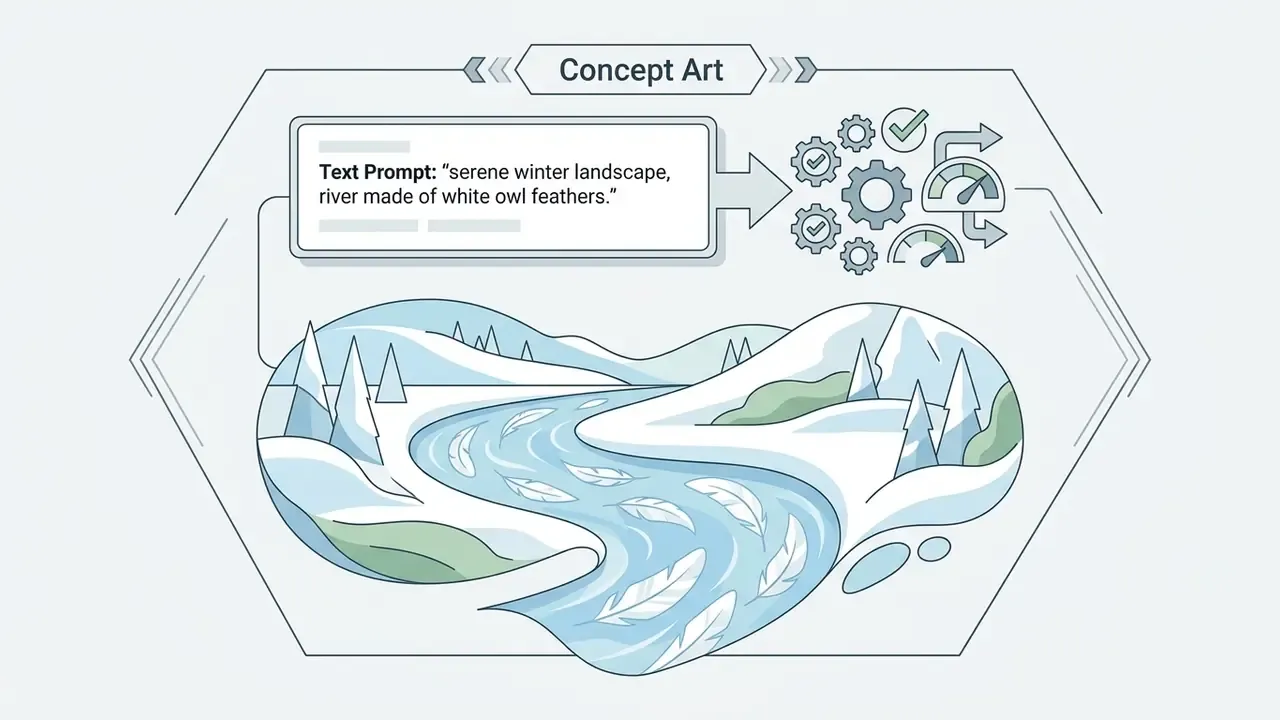
soft shoujo shading or dark seinen look. Hybrid prompts like "photorealistic anime portrait, soft studio lighting, 8K" produce realism-anime crossovers.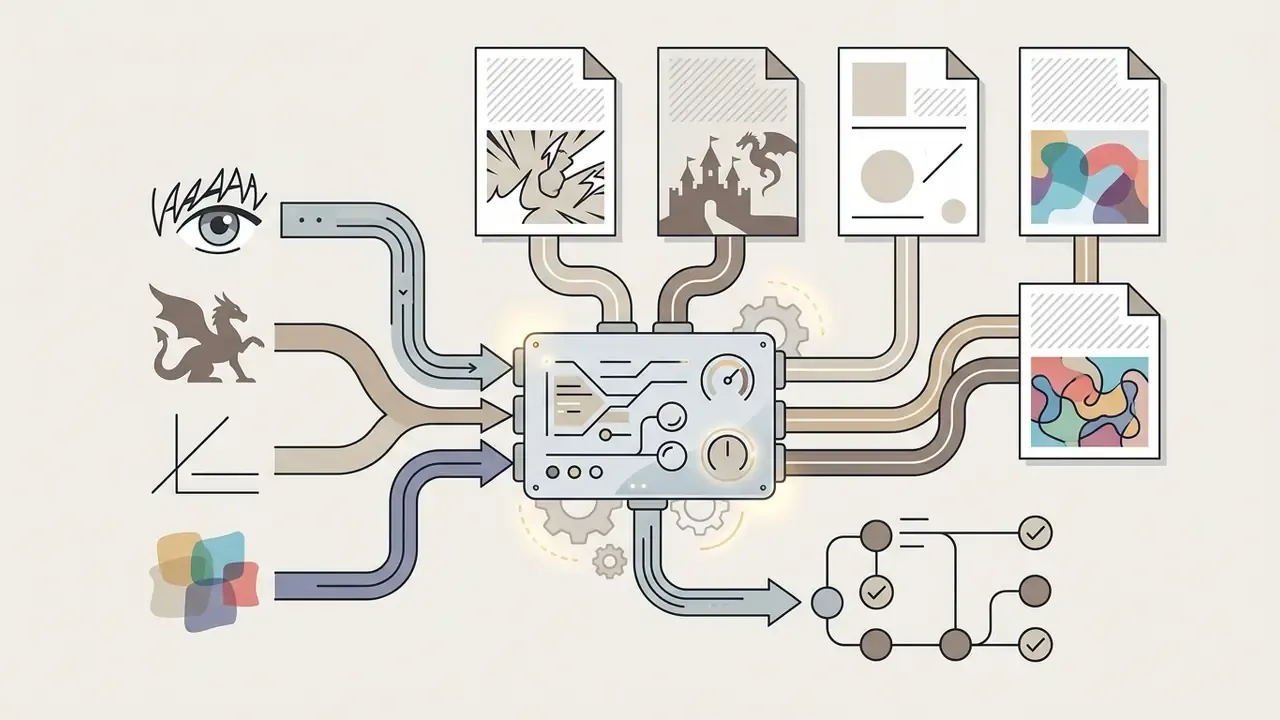
manga, fantasy, minimalism, abstract, graffiti, combined with mood and compositional elements.Who Should Use NightCafe Creator?
The nightcafe ai creator addresses specific operational needs for marketing specialists, content creators, bloggers, and non-technical professionals who need visual assets without opening graphic design software. Readers comparing the wider market can weigh functional trade-offs across leading AI art generators before committing a production budget, or see the overview of tool categories first.
"54% of users report increased creative inspiration and 51% cite time and cost savings when working with AI image tools."
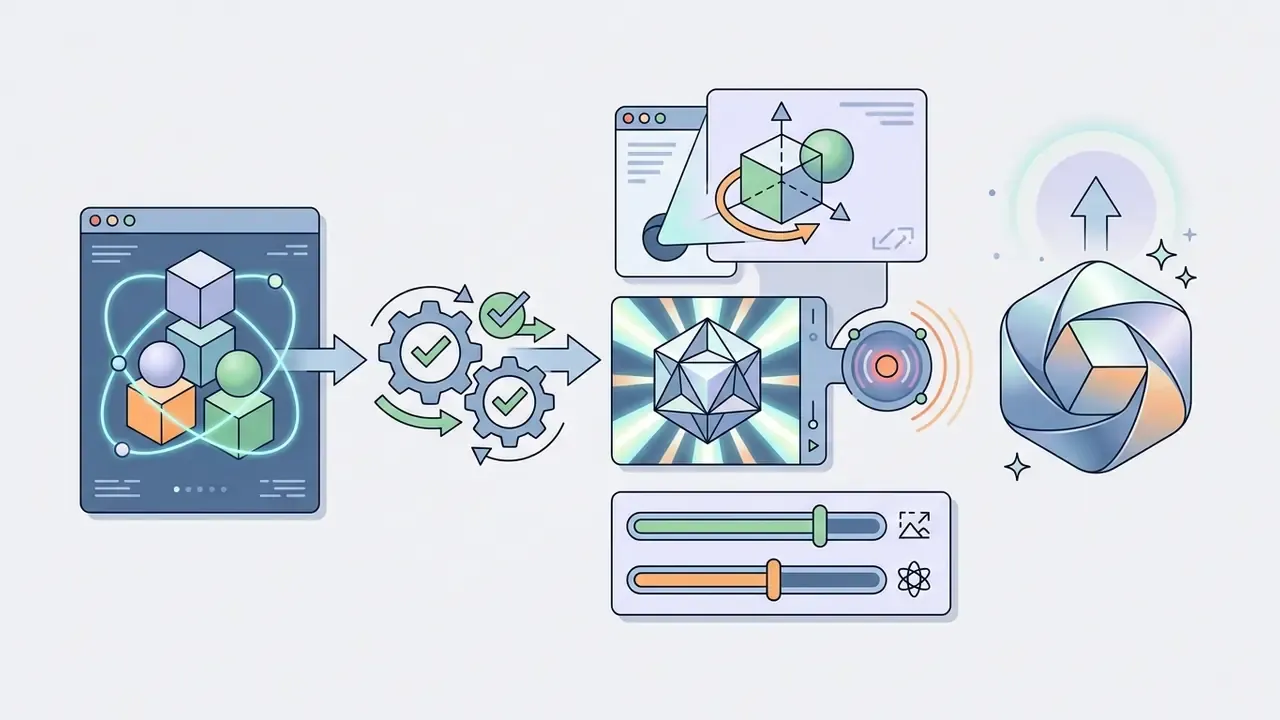
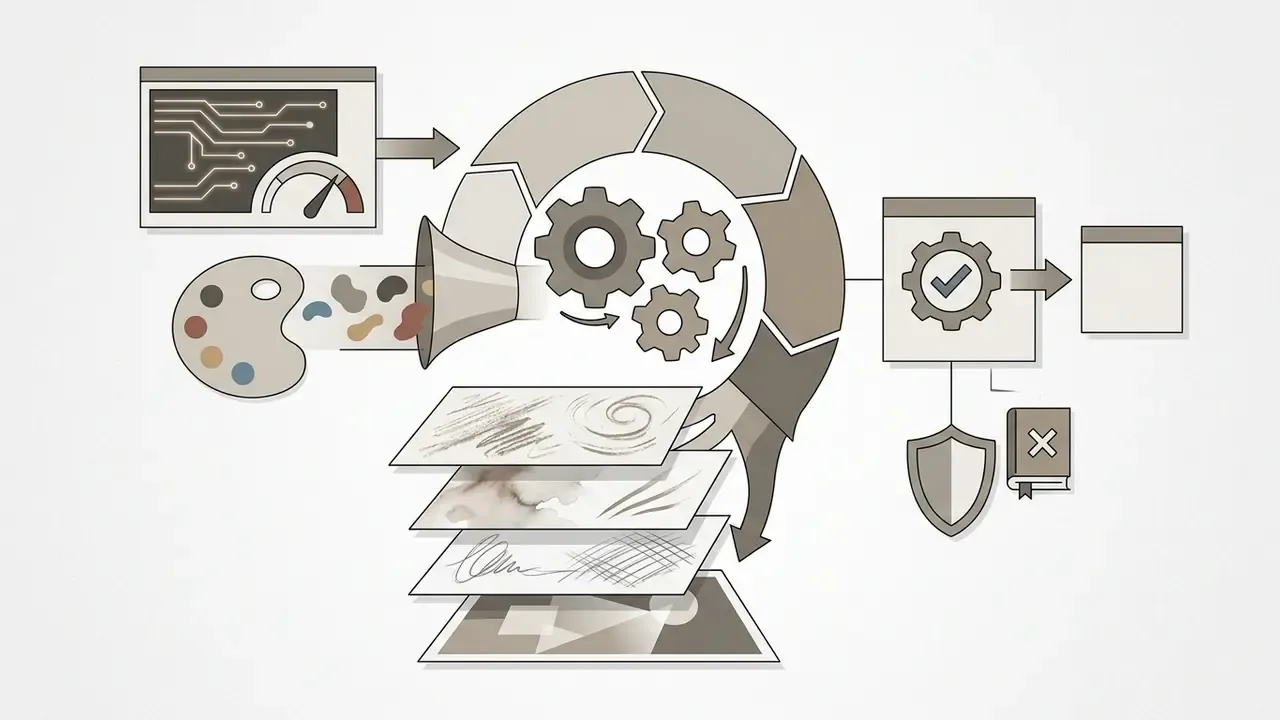
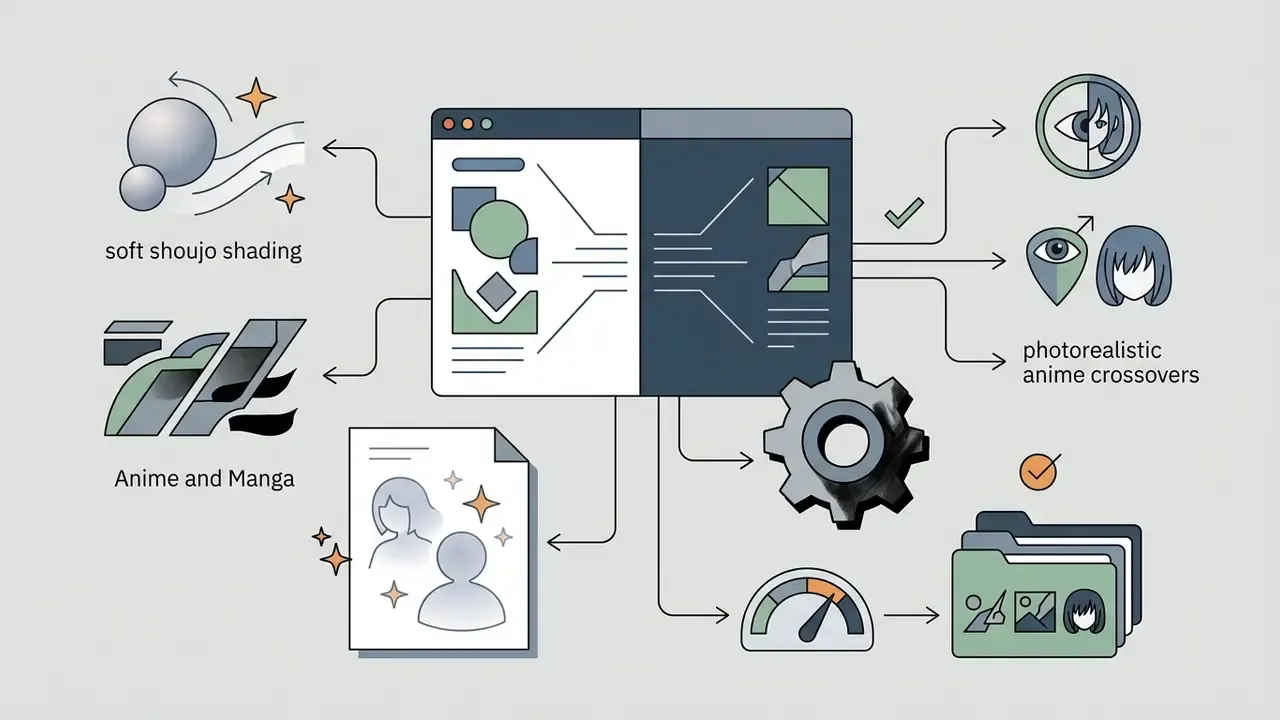
A short illustrative case, and one that is composite rather than audited. During an asset migration for a fintech educational hub, an editorial team needed 40 unique conceptual illustrations in three business days. By standardizing text prompts through structured templates inside an ai image generator nightcafe workspace, the team produced every required visual and handled colour correction in-house. The production-time saving was an internal project estimate, not a benchmark, so treat directional efficiency gains as workflow-dependent and validate them against your own stock-sourcing baseline. Post-generation polishing in an external AI image enhancer is often still required before print-grade deployment.
How AI Art Generation Works in NightCafe
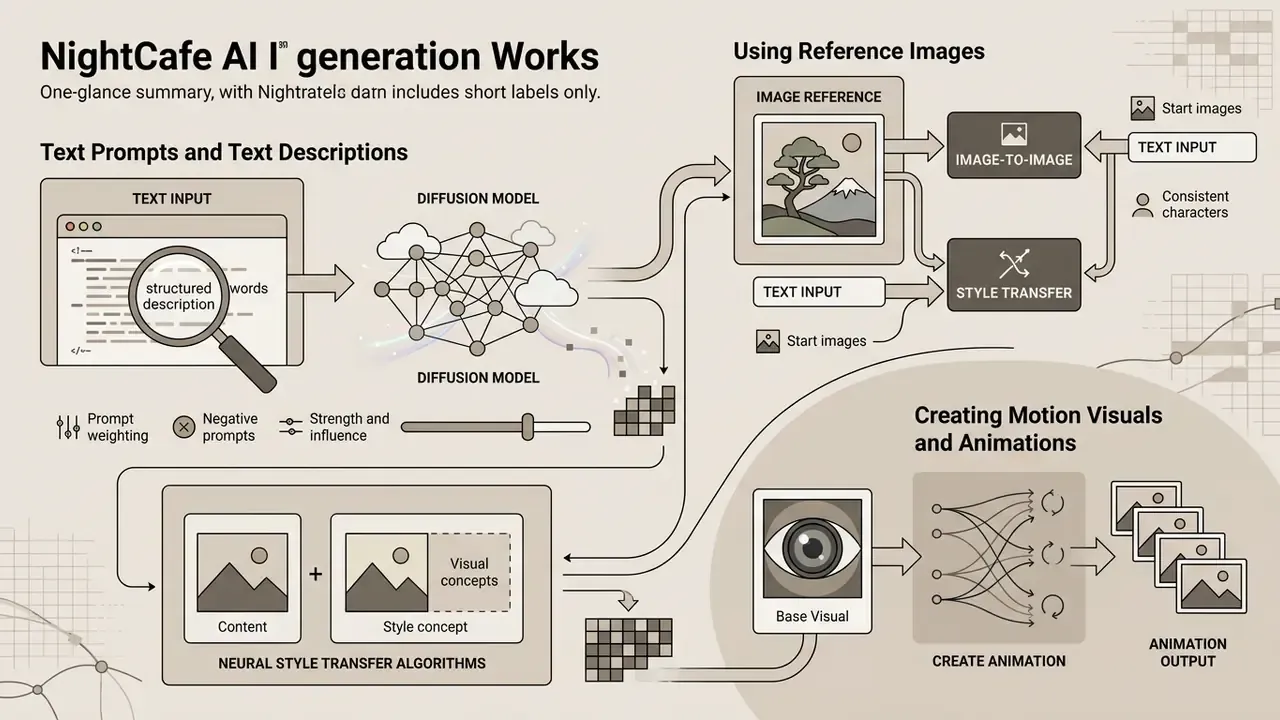
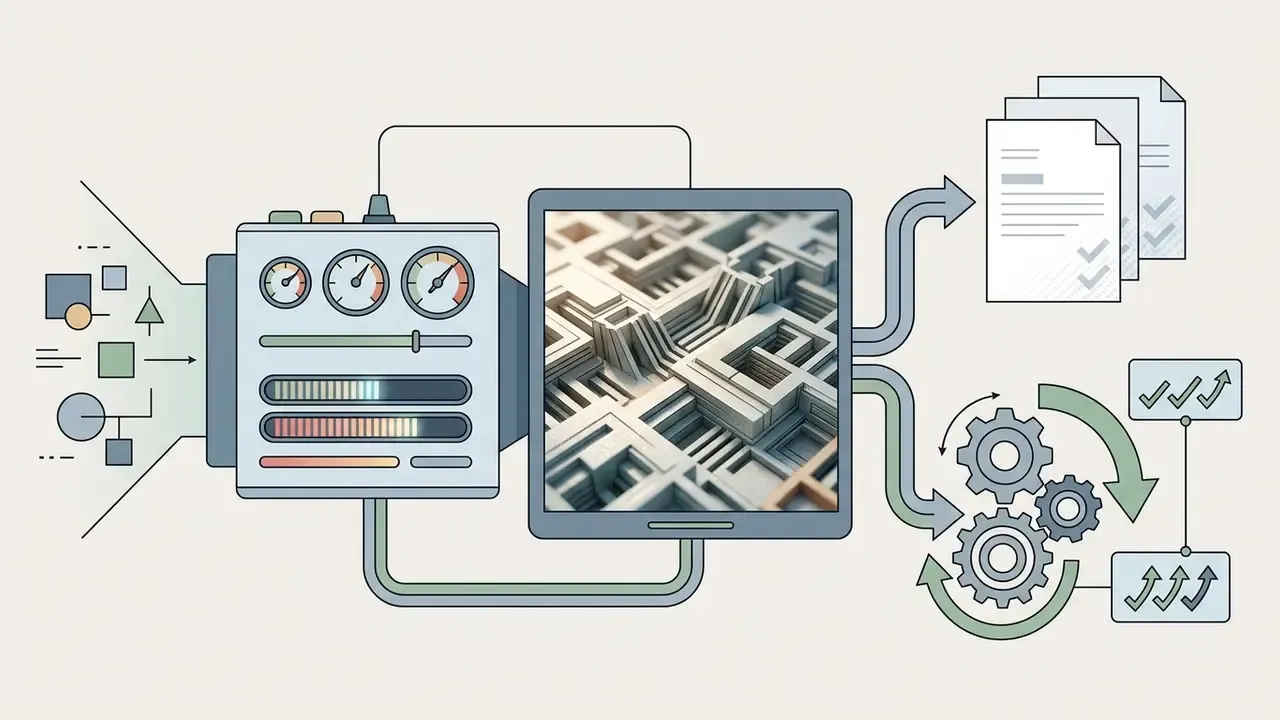
Generation inside NightCafe converts structured text inputs or uploaded visual references into image pixels using diffusion models and neural style transfer algorithms. The platform exposes parameter controls that govern model guidance, sampling iterations, and prompt influence.
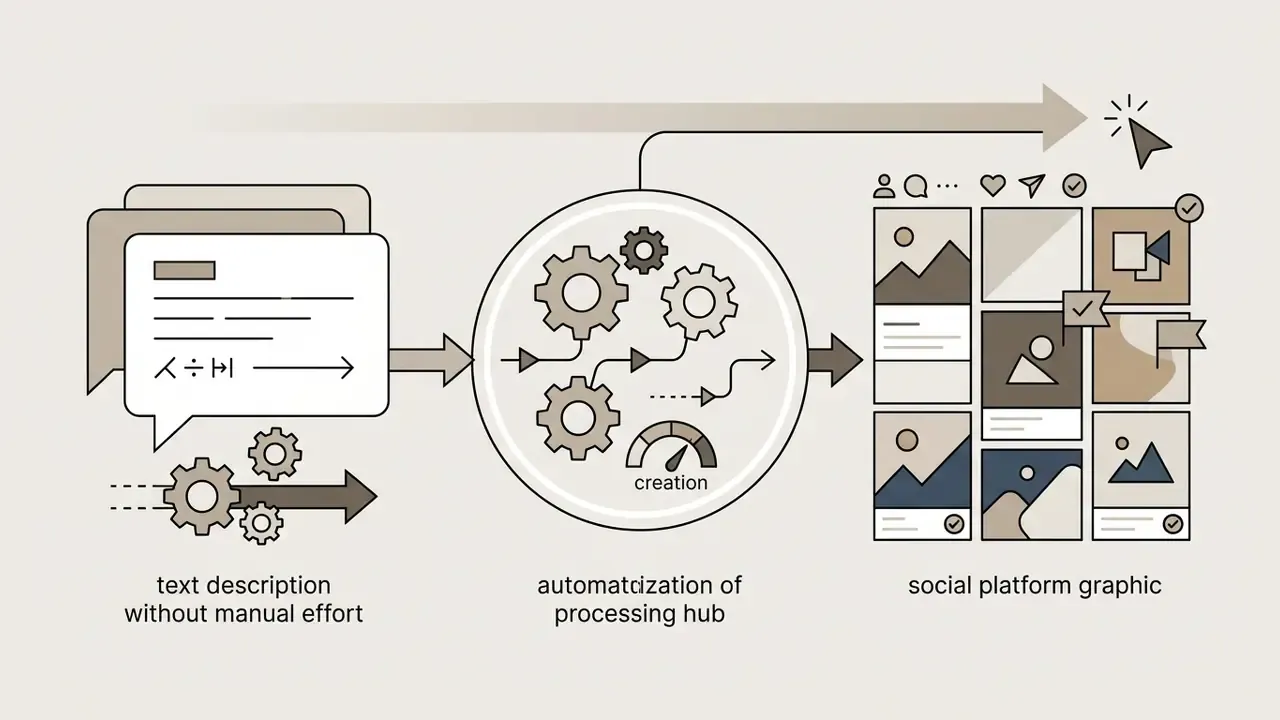
Visual sequence: Text Prompts or Reference Images, then Select AI Models, then Configure Parameters, then Run Generation Tool, then Refine, Upscale, or Animate Output.
Image Generation via Text Prompts and Text Descriptions
Text-to-image creation relies on text prompts combining subject, style, lighting, and composition directives. The nightcafe ai image generation engine interprets these text descriptions through text-encoder models such as CLIP or T5 before running iterative diffusion steps.
"Iterative prompt adjustments substantially improve alignment between generated images and target visuals, with the largest gains in early refinement rounds."
Using Reference Images in AI Art Creation
The nightcafe ai art platform supports image-to-image creation through reference images and start images. Uploading a source visual supplies an initial structural layout, letting the system preserve composition, character identity, or pose while generating something new. Specialized image-to-image workflows outside NightCafe may offer finer reference control for production pipelines.
- Start images
- initializing generation from an uploaded file replaces the initial random noise. Enable Advanced mode, click Choose a Start Image, upload from your device, set the Noise Weight value, and confirm with Done. Noise Weight controls how far the output diverges from the source: higher noise weight, greater divergence.
- Consistent characters
- upload one to four reference images, assign a character name (for example
@character), and the platform maintains facial and visual identity across scenes whenever that name appears in later prompts. - Prompt weighting
- wrapping terms in parentheses with numeric modifiers, such as
(lighting:1.2), shifts the model's focus. Official documentation recommends staying near 1.0 and never above 1.5 to avoid pixel distortion. - Strength and influence slider
- NightCafe's documentation uses image weight, strength, and influence interchangeably. All three describe how strongly the reference constrains generation. Lower influence keeps more of the original composition.
Creating Motion Visuals and Animations
NightCafe converts static renders into animated clips using integrated motion models such as AnimateDiff and Luma Dream Machine. That closes the gap between static asset production and short-form social video without exporting to a separate editor.
- Select base visual: choose a previously generated static image from your workspace, or upload an external reference file.
- Apply the Animate tool: click Animate in the post-processing panel.
- Set motion dynamics: define camera trajectory (Pan, Zoom, Tilt) and set the Motion Weight slider. A range of
0.3to0.6avoids pixel tearing and frame smearing. - Render and export: process the job to export an MP4 or looping GIF. Animated renders typically consume 3 to 7 Fast Credits depending on frame count and resolution.
Note the technical ceiling. NightCafe's integrated Luma model generates roughly five seconds at 24 fps and often struggles with text rendered inside frames. For longer sequences or template-driven motion design, a dedicated animation maker stays the more controllable option.
Step-by-Step Guide to Using NightCafe AI Art Generator
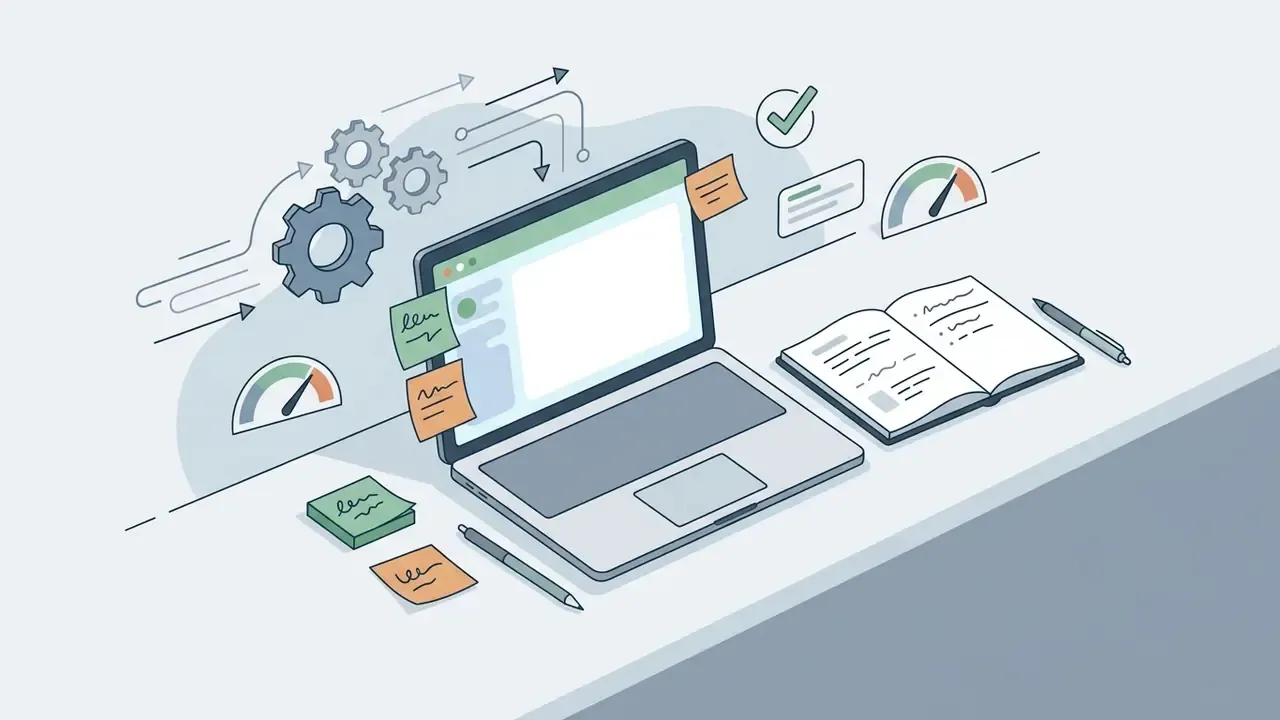
A structured workflow reduces credit waste and keeps output quality consistent in the free ai image generator nightcafe workspace. Complete the launch sequence first, then move into model selection and post-processing.
- Select generation mode: text-to-image or image-to-image.
- Input prompt: enter a structured prompt (Subject, Environment, Style, Lighting).
- Choose AI model: match style requirements, for example Ideogram for realism, Animagine for anime.
- Configure parameters: set aspect ratio (1:1, 16:9, 9:16) and sampling steps.
- Add reference image: upload the source and set Noise Weight if applicable.
- Run generation: click Create to process the asset.
- Post-process: apply inpainting, remove background, upscale, or animate before export.
- Export: download the file or batch-export from "My Creations".
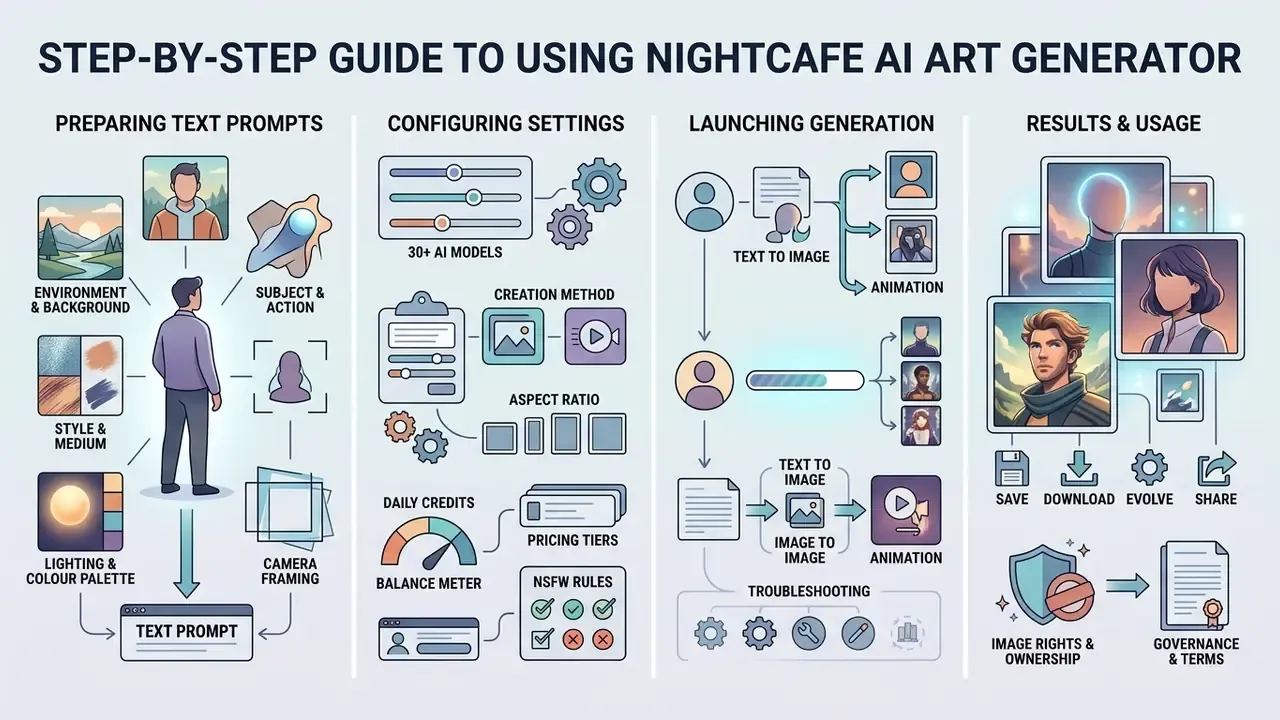
Preparing Text Prompts for Clear Results
To create unique assets without visible artifacts, break prompts into clear semantic units: subject, action, environment, transformation.
- Subject and action "A financial risk manager reviewing digital audit logs on a glass tablet."
- Environment and background "Inside a modern high-rise office at twilight, city skyline visible."
- Style and medium "Clean editorial graphic style, corporate digital illustration."
- Lighting and colour palette "Soft volumetric lighting, muted blue and slate gray tones."
- Camera framing "Wide shot, low angle" or "close-up" to control composition explicitly.
Avoid clutter and contradictory statements. A prompt asking for "minimalist, highly ornate baroque detail" will give you neither.
"Adaptive elicitation of user intent raised perceived output alignment by 19.8% without increasing workload, in a 128-participant study."
The 19.8% improvement above comes from a controlled two-benchmark evaluation plus a recruited user study, which replaces vaguer claims about prompt-engineering folklore. The implication holds either way: clear, feature-specific requirements outperform unorganized description when you want to create stunning results on the first or second attempt.
Configuring Settings and Launching AI Image Generation
Before clicking "Create", adjust the operational parameters in Advanced Mode:
- Aspect ratiopick presets by distribution channel. Square (1:1) for general feeds, mobile vertical (9:16) for stories, portrait (3:4) for editorial, widescreen (16:9) for web banners, landscape (4:3) for presentations.
- CFG or guidance scale7.0 to 9.0 for standard diffusion models, 2.0 to 3.0 for specialized Lightning models, which prevents over-saturation and burned highlights.
- Sampling stepsstandard generations perform well between 20 and 30 steps. Lightning checkpoints such as Dreamshaper XL Lightning and Atomix XL v4 Lightning finish in 3 to 10.
- Seed and output countfix the seed to reproduce a composition across parameter tests. This matters more than it sounds, because seed plus model name plus prompt is the minimum record for reproducibility audits in regulated content pipelines.
Refining Results Before Publication
After the first pass, review output for anatomical anomalies and background flaws. Apply built-in editing tools or inpainting masks to repair isolated regions. External AI photo editors still handle colour grading and retouching the in-platform panel does not cover. Once refined, upscale the asset to target production resolution and download the high-resolution file, or use batch download from "My Creations" for multi-asset projects. Teams that repeat this sequence weekly may want to view the guide to codifying it as a documented workflow.
NightCafe AI Models and Tools for Image Creation
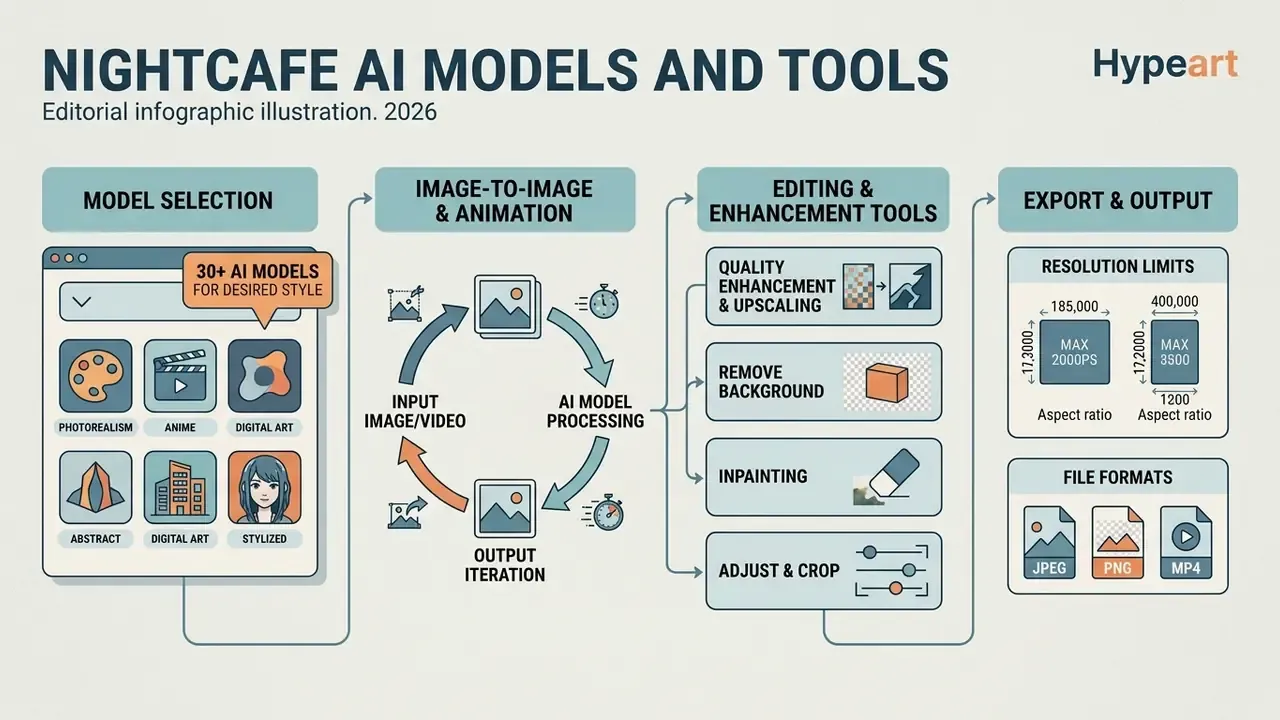
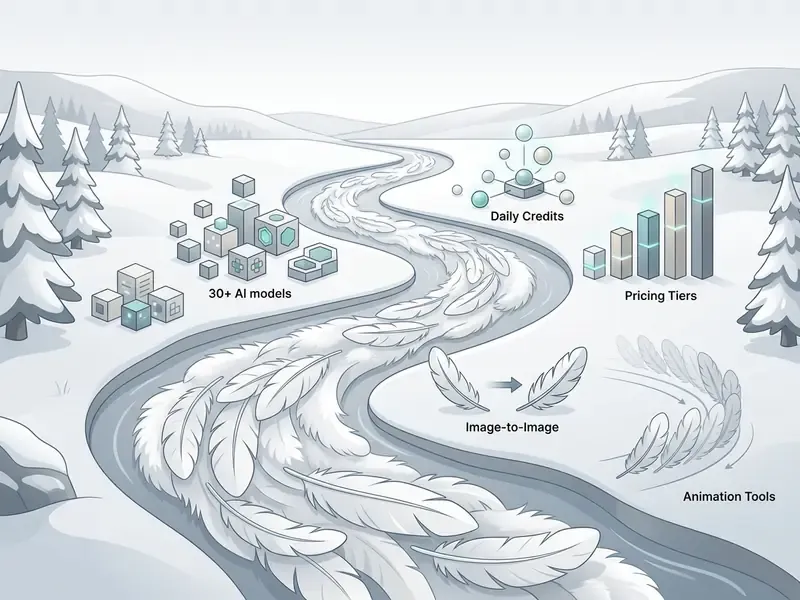
NightCafe works as a multi-model ecosystem, giving users access to more than 30 image and video models inside one interface. That removes the overhead of maintaining separate subscriptions across several AI services.
Modern workflows lean on contemporary diffusion architectures (SDXL, Flux, Ideogram, Seedream), yet the platform retains historical support for classic generative algorithms. Legacy creators can still run jobs with VQGAN+CLIP (surfaced as the "Artistic" algorithm), CLIP-Guided Diffusion (the "Coherent" algorithm), and classic Neural Style Transfer, alongside Real-ESRGAN for upscaling. Those engines reproduce early-era AI textures and mathematical art artifacts that modern latent diffusion simply cannot imitate.
Selecting AI Models for Your Desired Style
Different ai models excel at distinct aesthetics and structural tasks. Matching the asset requirement to the right neural network optimizes both credit consumption and output fidelity.
| Target style or task | Recommended AI model | Key strengths | Credit consumption |
|---|---|---|---|
| Photorealism and product | Ideogram V3 (Realistic), Flux 2 Dev | Precise text rendering, photographic lighting, lifelike textures | Medium to high |
| Digital art and concept visuals | GPT Image 2.5, Seedream 4.x, Muse Image | Rich painterly textures, complex fantasy scenes, artistic detail | Medium to high (about 1.5 to 22 credits) |
| Fantasy and illustrative scenes | DreamShaper v8, Seedream 4.0 | Blends realism, anime, and illustration; strong on fantastical scenes | Medium |
| Anime and manga | Animagine XL, Blue Pencil XL, AAM XL Anime Mix | Specialized anime checkpoints, clean line art, soft shading | Low to medium |
| Fast prototyping | Flux 2 Klein, Z-Image Turbo | Rapid generation, low credit footprint, lightweight drafts | Low (included in base tiers) |
| Style transfer and inpainting | GPT Image 2.5, GPT Image 2, Muse Image | High-precision mask handling, seamless background blending | Medium |
Model choice carries a governance dimension too, not only an aesthetic one:
"Higher-capacity models produce better image quality but exhibit gender and social biases, particularly when generating faces and groups of people."
So teams producing customer-facing or editorial imagery should review representational outcomes at the prompt-template level, especially for prompts depicting professions, demographics, or group scenes. The newest checkpoint is not automatically the safest one. That assumption has embarrassed more than one campaign.
Credit mechanics also differ by queue type. Fast Credits run at full speed with no waiting, while Relax Credits are processed at lower priority, with waits from a few seconds to about a minute. Unlimited base generations apply only to curated model sets and only to base generations. Add a start image or ControlNet and the credit cost returns.
Editing Tools, Quality Enhancement, and Background Removal
Beyond first-pass generation, this powerful AI workspace includes native editing tools for refining assets before commercial deployment.
- Inpainting apply a mask over specific canvas areas and enter a new prompt to replace or rebuild elements without touching the rest of the image. Open the creation, access Start Images, create or select a mask, paint the region to change, then generate. Noise Weight governs how aggressively the masked area is rewritten.
- Remove background automated segmentation algorithms remove background layers and produce transparent PNG assets for graphic design compositing.
- Image enhancer and upscaling fixed multipliers (2x, 4x) raise resolution while preserving edge sharpness and fine surface detail. Comparable vendor tooling distinguishes structure-preserving from detail-regenerating modes, and dedicated AI image upscalers may offer higher multipliers for print workflows.
- Adjust and crop brightness, contrast, and saturation controls plus cropping allow final framing without leaving the browser.
Export Formats and Resolution Limits
| Export type | Supported formats | Max native resolution | Recommended use case |
|---|---|---|---|
| Static image | PNG, JPG | Up to 8K via the Real-ESRGAN upscaling chain | Web editorial, print, marketing banners |
| Transparent asset | PNG with alpha channel | 4K | Graphic design compositing, product overlays |
| Video or motion | MP4, GIF | 1080p | Social media stories, short video hooks |
| Batch archive | ZIP (mixed PNG/JPG) | Per-asset limits apply | Bulk campaign delivery, client handoff |
Free NightCafe AI Image Generator: Daily Credits, Pricing, and Payments
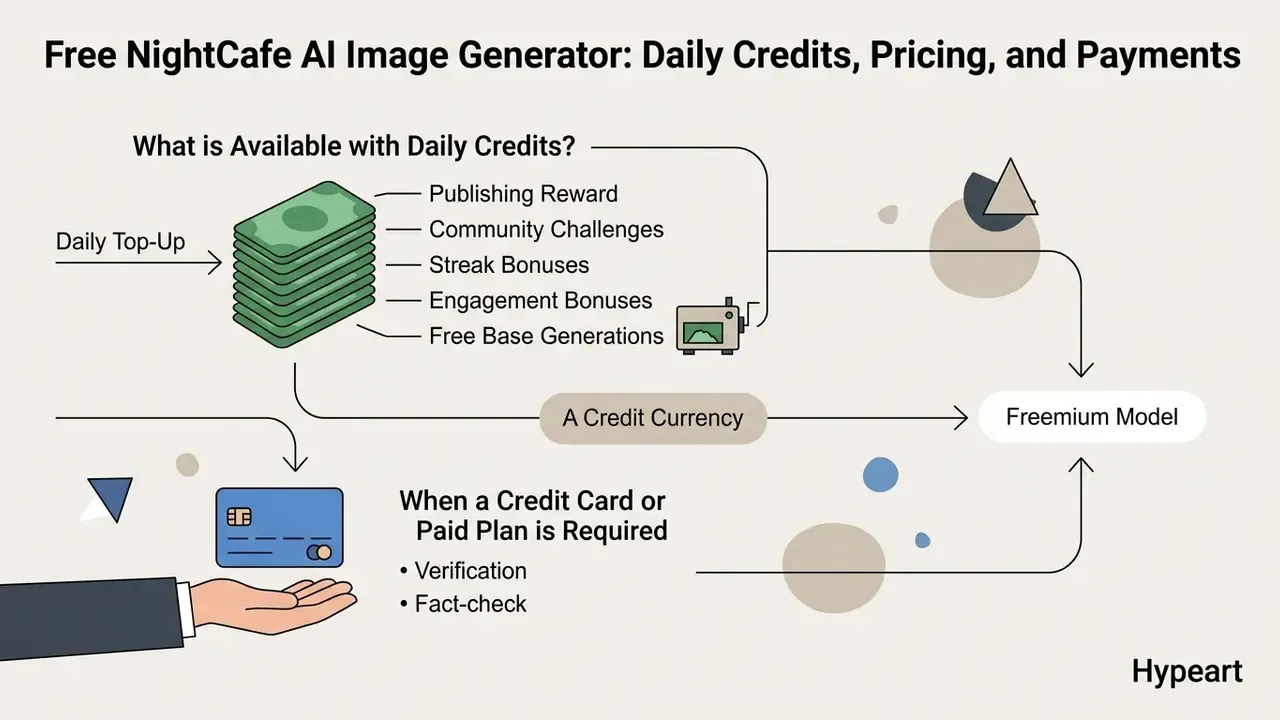
NightCafe runs a freemium model built on a credit currency. Understanding the daily allocations and plan tiers is what keeps generation budgets from drifting.
What is Available with Daily Credits?
The nightcafe ai art generator free framework grants daily allocations to active users with no upfront financial commitment. Comparing those allowances against other free AI image generators clarifies whether a paid tier is genuinely necessary.
- Daily top-up active accounts receive 5 daily credits on logging in after midnight UTC. Claims are available once per 24-hour window, and missed days cannot be reclaimed.
- Publishing reward 1 free credit for every original creation published to the public NightCafe community feed, subject to daily platform caps.
- Community challenges entering and voting in daily art challenges awards up to 3 extra credits per day. PRO is not required to enter or place.
- Streak and engagement bonuses a 5-day activity streak grants 10 Relax Credits. Additional credits come from sharing creation links on external social channels, linking other users' creations, and completing profile setup.
- Free base generations unlimited base generations on selected Stable Diffusion v1.5 and base checkpoints run without consuming credits in draft mode, which makes the nightcafe ai image generator free tier a reasonable sandbox for experimentation.
When a Credit Card or Paid Plan is Required
A credit card payment or PRO subscription becomes necessary when production demand exceeds the daily allocation, or when workflows need advanced model access, higher-resolution exports, video models, or faster queue priority.
| Plan tier | Monthly price (USD) | Monthly Fast Credits | Access to models | Key features |
|---|---|---|---|---|
| Free | $0.00 | 5 daily credits | Base curated models | Unlimited base Stable Diffusion generations |
| AI Beginner / Hobbyist | about $12.49 | 200 | Flux 2 Klein, Z-Image Turbo, SDXL Lightning, Flux Schnell | Fast processing queue, credit top-ups, basic video models |
| AI Enthusiast | about $24.99 | 500 | Adds HiDream, Flux fine-tunes, Qwen Image | Access to all AI video models |
| AI Creator | about $39.99 | 850 | Adds GPT Image 2.5 Low, GPT Image 2 Low, Muse Image, Flux 2 Dev | Higher parallel processing limits |
| AI Artist | about $62.49 | 1,400 | Full access including Seedream 4, Nano Banana, Flux 2 Pro | Priority processing, maximum fast quota |
| Team / Enterprise | Not published | Not published | Not published | No centralized billing, SSO, or admin console is documented on the public pricing pages. Procurement should treat accounts as individual consumer subscriptions unless the vendor confirms otherwise |
One-time credit top-up packs also exist. Third-party 2026 reviews report entry prices around $4.79 to $5.99 for 100 credits, but pack pricing varies between sources, so verify in-app before purchase.
"46% of professional users are dissatisfied with image quality and 30% with price; among non-professionals, price dissatisfaction reaches 35%."
Those figures explain why credit budgeting matters at all. Dissatisfaction clusters exactly where free-tier quality collides with paid-tier cost. A cheap discipline helps: run structured prompt templates on inexpensive Lightning models first, then re-render only approved compositions on premium checkpoints. Cost per approved asset becomes predictable, which is the number a finance lead will actually ask about.
Can NightCafe AI Images Be Used in Commercial Projects?
Contractual versus statutory rights. NightCafe's Terms of Service transfer the platform's intellectual property claims in generated artwork to the user. U.S. Copyright Office guidance (2025) nonetheless states that purely machine-generated visuals lacking substantial human creative contribution are not eligible for statutory copyright protection. Users must ensure all input reference images are properly licensed before commercial deployment.
What to Verify Before Commercial Use of AI Creations
NightCafe's terms permit commercial use of generated images, including advertising, marketing materials, websites, social media, product packaging, editorial content, and prints, under specific contractual conditions. Broader guidance on the commercial use of AI-generated images covers licensing patterns across competing platforms.
- Input asset ownershipthe creation process must not incorporate copyrighted source images or reference files without express authorization. NightCafe's FAQ conditions its ownership transfer on exactly this point.
- Style transfer rightsin image-to-image workflows, you need clearance for both the content image and the style input image.
- Platform rights transfercontractually, NightCafe transfers its IP rights in the output to the user upon delivery, and that applies to free-tier accounts as well as paid plans.
- Jurisdictional checkNightCafe's own legal blog notes that AI-generated art may not be copyrightable at all in certain markets. Ownership language in a contract cannot create protection that national law withholds.
NSFW Content Policies and Filtering Rules
NightCafe permits artistic nudity and mild sensual themes when the content meets platform safety standards. To stay compliant:
- Mandatory tagging any creation containing non-explicit nudity or mature themes must be flagged as NSFW in job settings before publishing to the public feed.
- Prohibited content explicit pornography, non-consensual depictions, and extreme violence are blocked by primary model prompt filters (DALL·E 3, SDXL safety checkers) and by NightCafe Community Standards.
- Model restrictions third-party API endpoints enforce independent filters, and NSFW safety settings inject hidden negative prompts. If a prompt triggers an automatic block, credits are not consumed but the job halts. The same prompt may still succeed on a different model with different safety parameters.
Data Privacy, Retention, and Shadow AI Controls
For regulated organizations, licensing is only half the risk picture. The other half is what happens to uploaded material.
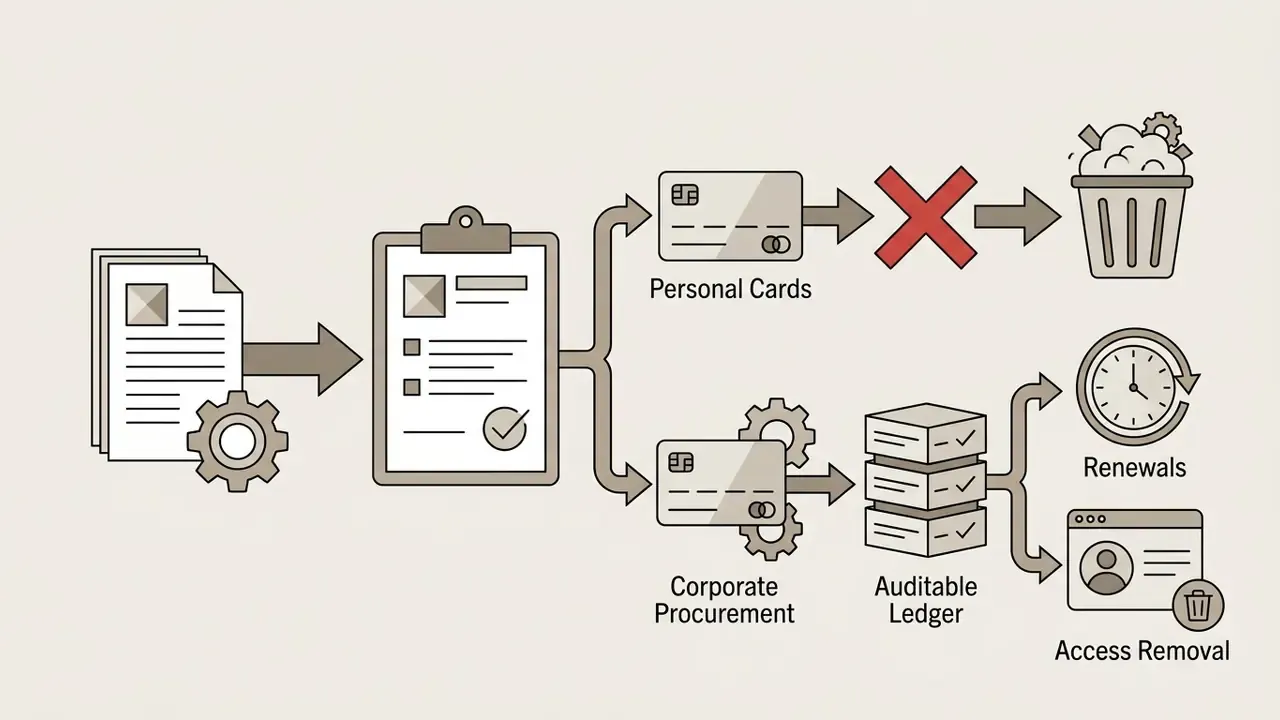
NightCafe's public documentation does not publish SOC 2 Type II or ISO 27001 attestations, nor a contractual no-training guarantee covering user-uploaded reference images. Absent such commitments, treat the service as a public creative cloud: never upload unreleased product renders, client-confidential artwork, customer photographs, or internal design files that cannot tolerate third-party processing.
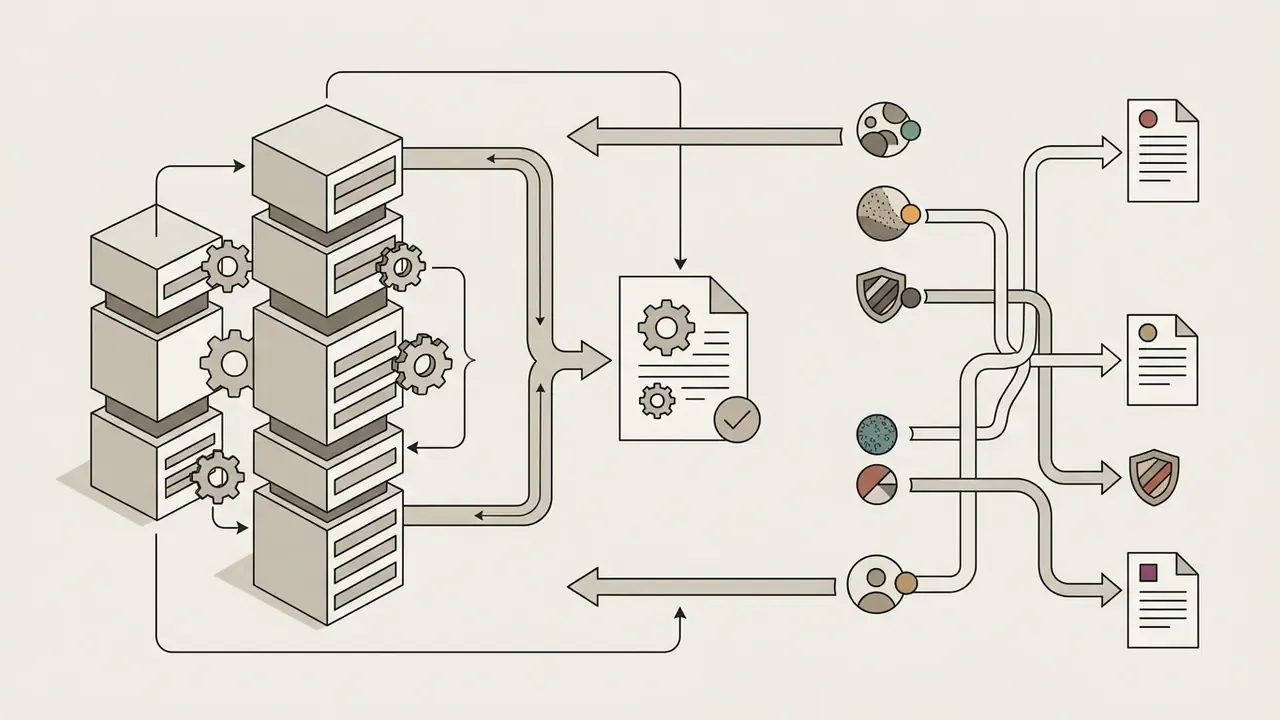
Shadow AI risk checklist for team leads:
None of this is exotic. It is the same inventory-plus-ownership discipline a model risk team already applies to analytical models, applied to a creative tool that nobody thought to inventory.
NightCafe AI Generator vs. Alternative AI Tools: How to Choose
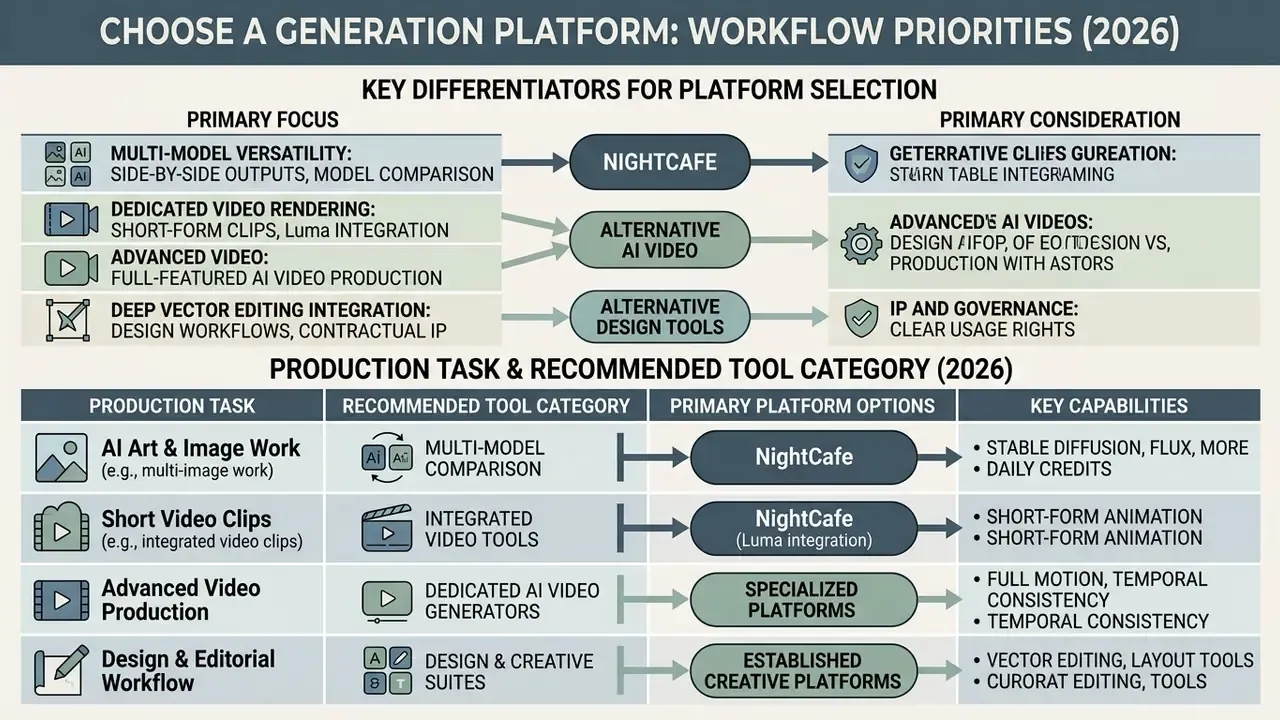
Choosing a generation platform depends on whether your workflow prioritizes multi-model versatility, dedicated video rendering, deep vector editing integration, or contractual IP protection with indemnification.
When NightCafe is Best for AI Art and Image Work
The nightcafe ai generator shines when a workflow needs side-by-side comparison of outputs across multiple neural models in one place. Its freemium structure, daily top-ups, and community challenges make it cost-effective for static asset creation, early design prototyping, and content marketing graphics. Anyone evaluating the nightcafe ai image generator website as a team tool should test that comparison advantage first, because it is the platform's real differentiator.
"Improvements when moving to stronger models stem in equal measure from increased model capability and from users adapting their prompting strategies."
That result matters directly for multi-model platforms. Switching to a premium checkpoint delivers only part of the gain; standardized prompt templates capture the rest. It is also the practical case for NightCafe's core value proposition, namely the ability to A/B one structured prompt across a dozen architectures before committing campaign budget. Readers weighing single-model premium tools can review a direct Midjourney comparison for the fidelity-versus-flexibility trade-off.
When Dedicated AI Video Generators Are Required
NightCafe supports basic short-form clip creation through integrated models such as Luma, but dedicated AI video generators like Runway and Pika deliver better temporal consistency, motion brush control, and multi-camera orchestration. Documented NightCafe constraints reinforce the point: Luma output is capped near five seconds at 24 fps, the Runway Gen-3 Alpha Turbo entry does not support text-to-video, Stable Video Diffusion is marked legacy and no longer available, and "all video models" unlock only on higher tiers. If your brief is to create videos at scale, budget for a specialist tool.
| Production task | Recommended tool category | Primary platform options | Key capabilities | IP and enterprise protection level |
|---|---|---|---|---|
| Multi-style static visuals | Multi-model image generator | NightCafe AI, Leonardo.ai | Broad model selection, flexible style transfer | Contractual rights transfer; no published indemnification or security attestations |
| High-fidelity photorealism | Premium image generator | Midjourney, Ideogram Native | Exceptional detail, strong prompt fidelity | Commercial rights on paid tiers; limited enterprise controls |
| Long-form and cinematic video | Dedicated AI video generator | Runway Gen-3, Pika, Sora-class models | Advanced camera controls, motion consistency | Varies by vendor; stricter rules on likeness and real people |
| Vector graphics and UI design | Design system integrations | Adobe Illustrator, Figma with Firefly | Scalable vector paths, seamless canvas editing | Strongest posture: enterprise agreements and IP indemnification available from Adobe |
For readers who prefer definitions before decisions, the AI Media Glossary explains the underlying terminology, and Hypeart AI Media collects the comparison sets behind this matrix.
Common NightCafe AI Troubleshooting and Solutions
Generative workflows hit processing errors, content filter blocks, browser-session failures, and visual defects. Systematic remedies restore both quality and throughput.
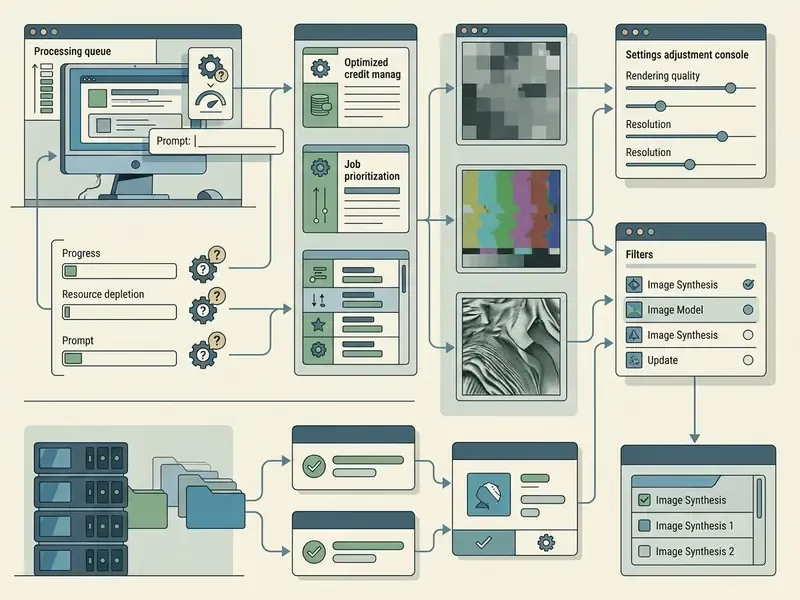
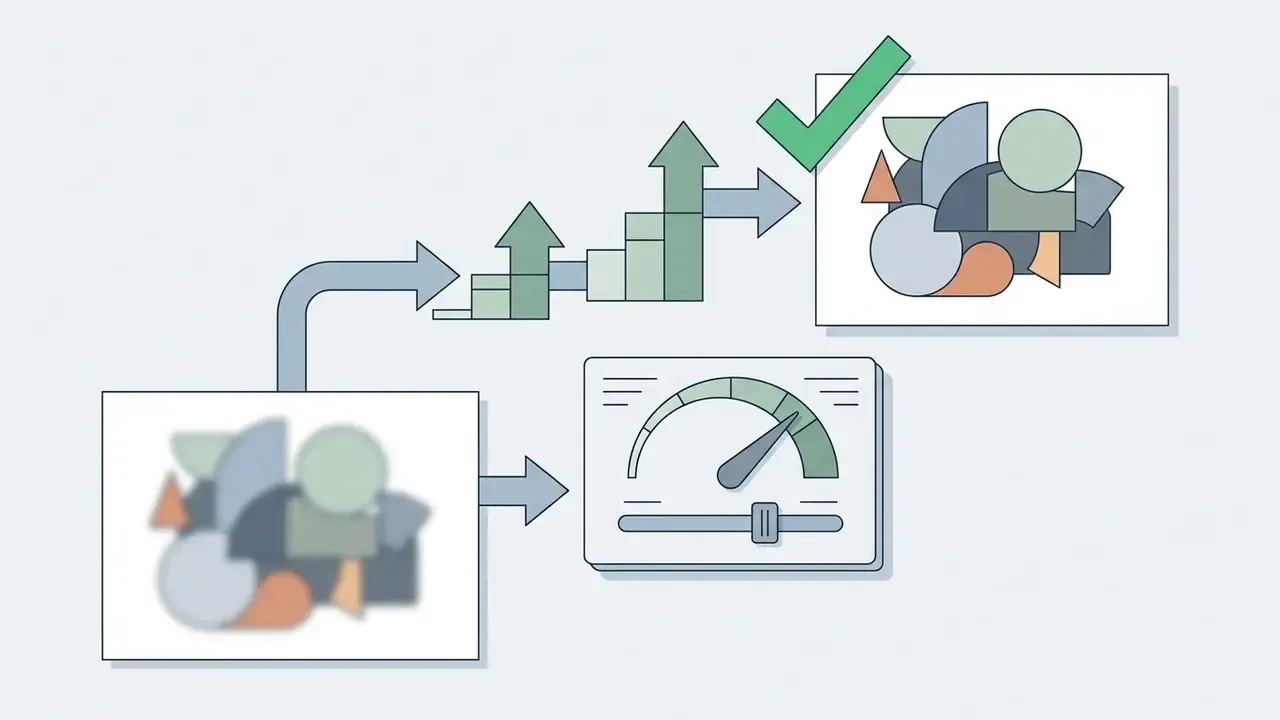
In a marketing visual workflow, 15% of generated character assets showed hand distortions and blurred background elements. The team enabled Advanced Mode, applied a standardized negative prompt targeting structural defects ("poorly drawn hands, extra limbs, deformed, blurry"), and lowered the CFG scale from 11.0 to 7.5. Re-running the pipeline produced clean, professional assets without manual retouching and without burning extra generation credits.
Field pattern: negative prompting plus guidance-scale correction as a defect-reduction tactic.
Why AI Image Generation Fails to Match Expectations
When nightcafe ai image generator output diverges from expectation, the cause is usually a mismatch between prompt parameters and model limitations, not a broken platform.
"16% of AI app reviews cite performance limitations: 5% point to weak request comprehension and 4% to inconsistent accuracy."
poorly drawn hands, poorly drawn face, extra limbs, deformed. NightCafe's default negative prompt already targets these defects and works as a baseline template. Negative prompts are supported on Stable Diffusion (SD 1.4, 1.5, SDXL), Coherent, and Artistic algorithms.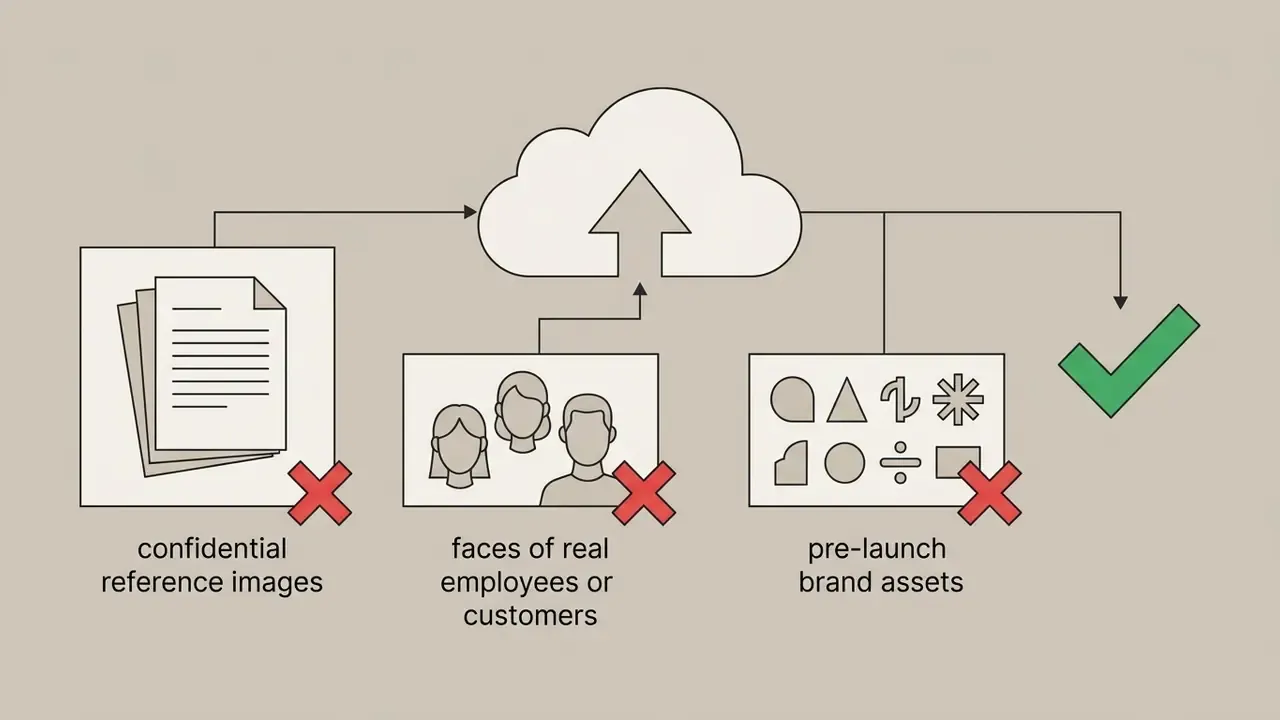
(red car:1.2).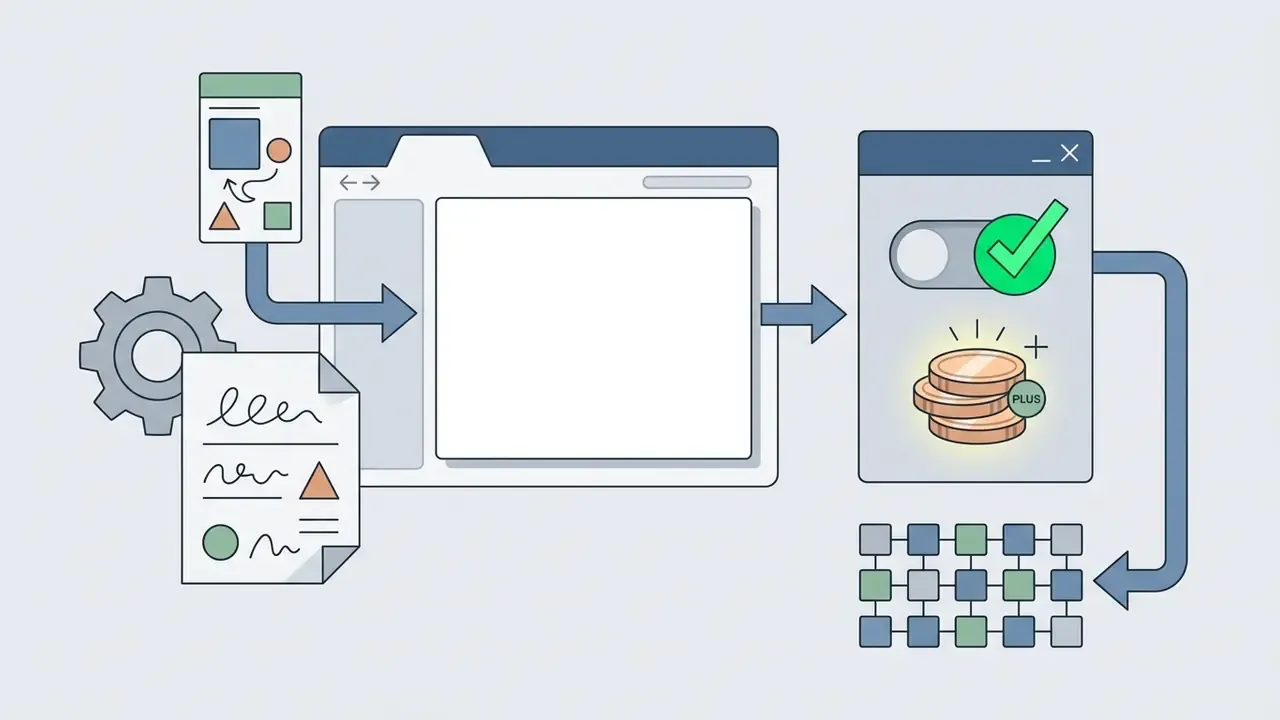
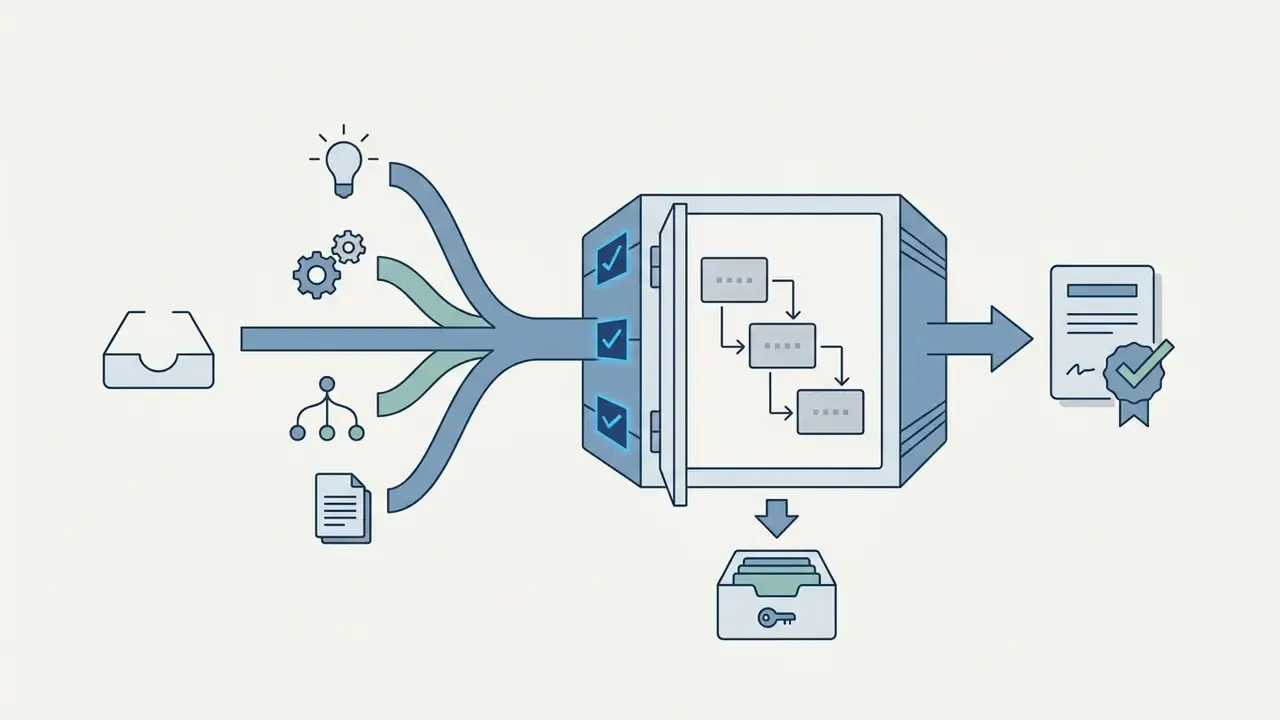
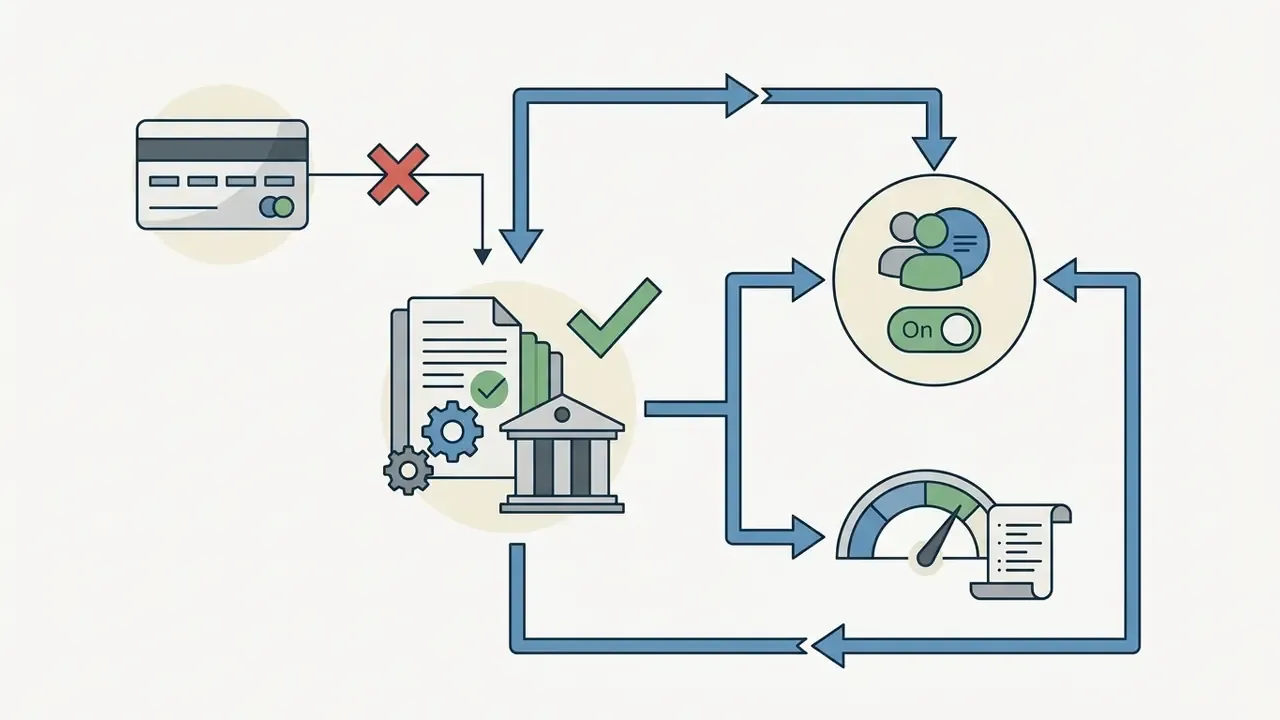
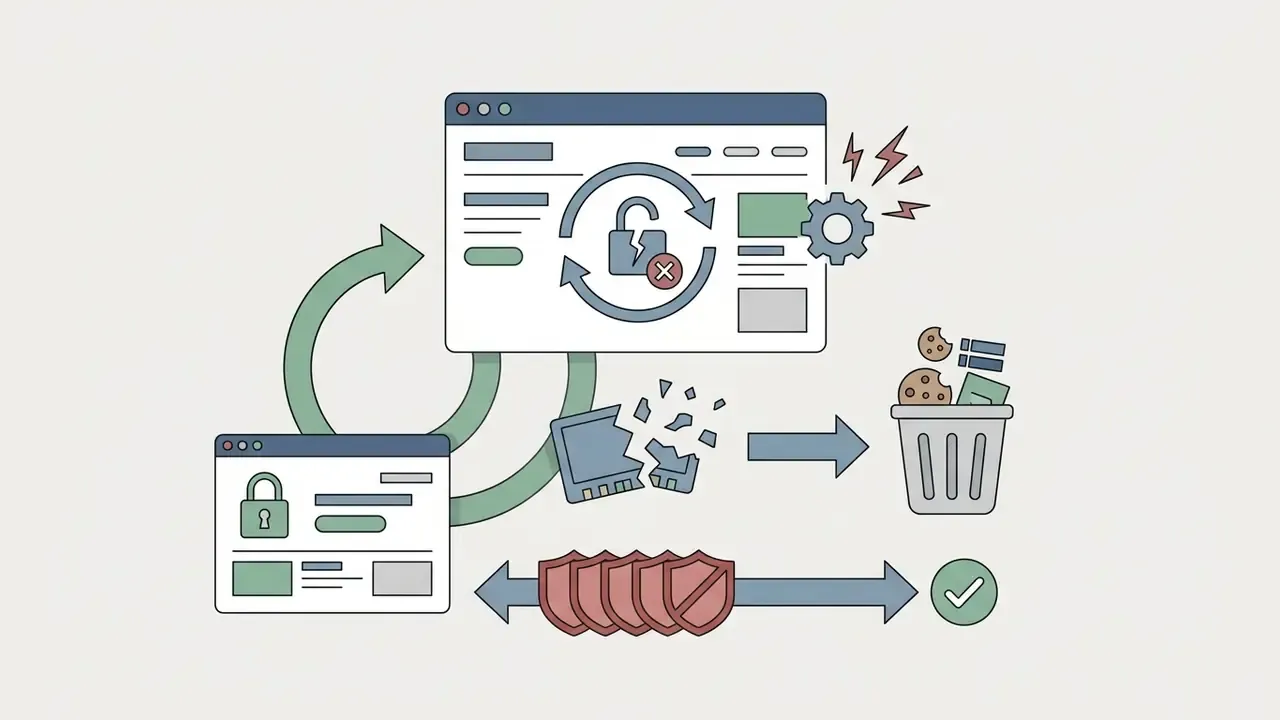
creator.nightcafe.studio, disable strict ad-blockers and tracking-prevention extensions, then refresh.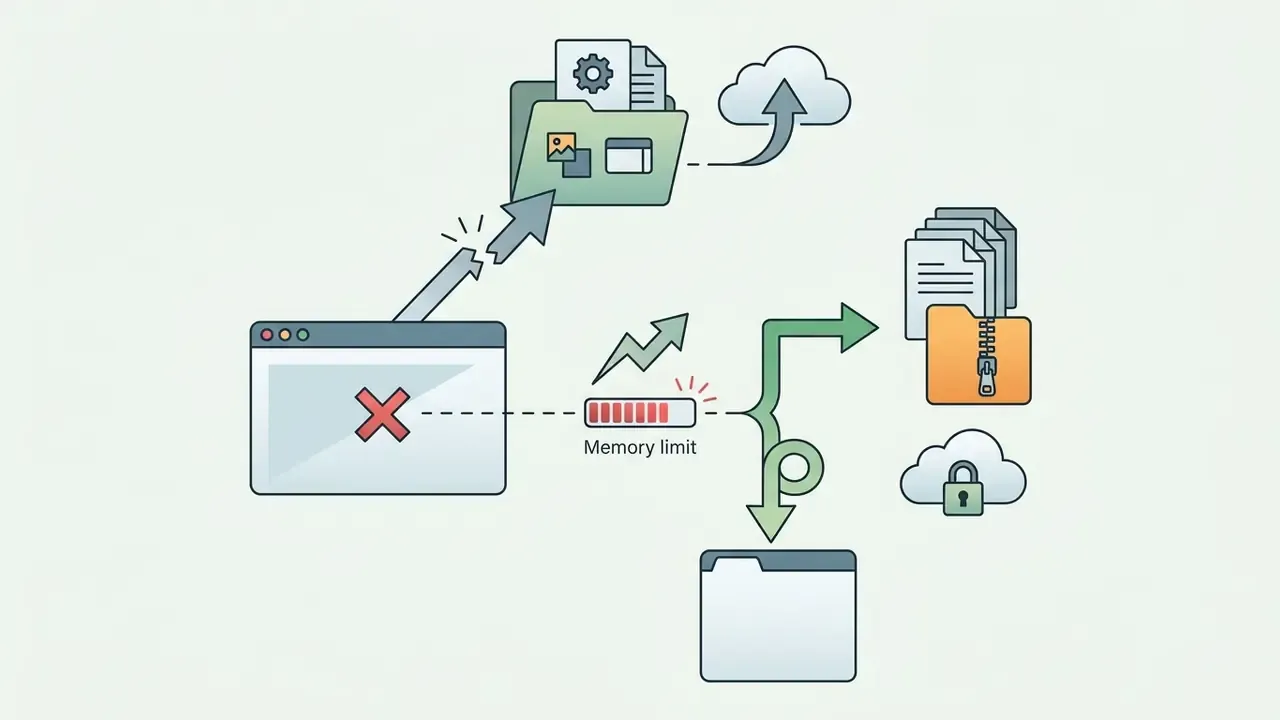
Limitations, Open Questions, and a Safe Next Step
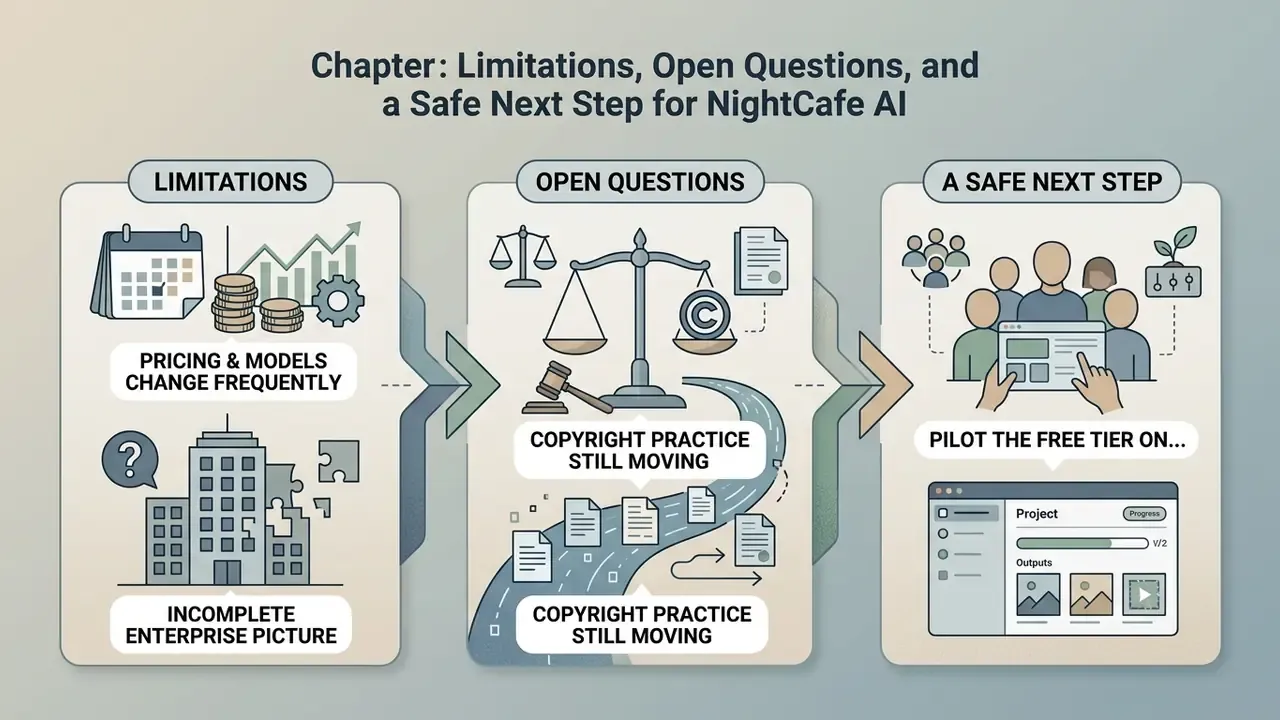
Honest assessment requires naming what is not settled.
First, pricing and model catalogues on the nightcafe ai image generator site change frequently, sometimes monthly. Any figure in this review is a snapshot, and the vendor's own pages outrank it as a source of truth.
Second, the enterprise picture stays incomplete. Without published attestations or a written no-training commitment, a compliance reviewer has nothing to validate against. That is not an accusation; it is an evidence gap, and evidence gaps are resolved by vendor questionnaires, not by optimism.
Third, copyright practice is still moving. Registration guidance from 2025 clarified the human-authorship bar, but the amount of human contribution required for protection remains fact-specific and litigated.
A reasonable next step for a team, and a deliberately unaggressive one: pilot the free tier on non-confidential briefs for two weeks, log prompt, model, seed and reference licence for every asset you actually publish, then compare cost per approved asset against your current stock or agency spend. If the numbers hold, escalate to procurement with an inventory entry and an upload policy already drafted. If they do not, you lost nothing but a few evenings of prompting.
FAQ: NightCafe AI Image Generator
Is NightCafe completely free?
No. NightCafe runs a freemium model. Unlimited base Stable Diffusion generations and 5 daily credits are free, with additional free credits from publishing creations, daily challenges, streaks, social sharing, and profile completion. Advanced models, video models, and priority queues require a PRO subscription or credit top-up.
Does NightCafe allow NSFW content?
Partially. Artistic nudity and mild mature themes are permitted when the creation is explicitly tagged NSFW before publishing. Explicit pornography, non-consensual imagery, and extreme violence are blocked by model-side safety checkers and platform community standards.
Can I sell images generated on NightCafe?
Contractually yes. NightCafe transfers its IP rights in the delivered artwork to the user, including on the free plan, provided no copyrighted input or reference images were used without permission. Statutory copyright protection is a separate question governed by national law.
Can NightCafe create animations or video?
Yes, through integrated motion models. Static renders can be animated with camera-trajectory and motion-weight controls, then exported as MP4 or GIF, typically at 1080p and around five seconds per clip. Longer or more precisely choreographed sequences need a dedicated video platform.
Which AI models does NightCafe use?
The current catalogue spans Flux 2, DALL·E 3, Ideogram V3, Seedream 4, Nano Banana, GPT Image 2.5, SDXL, HiDream, Qwen Image, and Google Imagen and Gemini models, plus legacy VQGAN+CLIP, CLIP-Guided Diffusion, Neural Style Transfer, and Real-ESRGAN upscaling.
What happens to credits if a generation fails?
Errored generations are refunded automatically and shown as "ERROR - REFUNDED". Prompts halted by a safety filter also do not consume credits.
Can I extract text or captions from images inside NightCafe?
No. NightCafe generates and edits visuals; it does not perform optical character recognition. For reading text out of a picture, use an image to text converter online, an image to text translator for multilingual material, or a typographic image to text styling tool when the goal is decorative lettering rather than data capture.
Further reading across the hub: AI Media Commercial-Use.