Image-to-AI technologies transform existing input images, such as visual references, product captures, hand-drawn sketches, or architectural base designs, into modified outputs or structured synthetic assets using conditioned neural networks. Unlike pure text-to-image synthesis, an image to AI workflow grounds generative diffusion on pre-existing spatial layouts, color palettes, and structural geometry. That distinction is what makes the technology usable inside a bank. This controlled approach lets financial institutions, fintech design teams, industrial designers, and marketing operations hold strict brand continuity, regulatory asset compliance, and predictable visual outputs across commercial media pipelines.
Executive Summary
- Three dominant workflows in 2026 image generation, local instruction-guided editing (inpainting and outpainting), and image-to-video animation. The most visible commercial ecosystems are Google Vertex AI / Gemini, Adobe Firefly / Photoshop, and OpenAI / Azure OpenAI.
- Control beats creativity in regulated environments denoising strength
0.2–0.4preserves composition; values above0.8trigger structural reinterpretation. IP-Adapter scale near0.5balances text prompt and reference fidelity. - Prompting is a formula, not an art Retention targets + Delta modifications + Constraints. Naming what must not change is the single highest-leverage control.
- Legal position is stable and narrow purely AI-generated output without substantial human creative input generally lacks copyright protection under US Copyright Office guidance. Commercial usability is therefore governed by vendor Terms of Service and IP indemnification clauses.
- Vendor selection is a GRC exercise verify SOC 2 Type II / ISO 27001 posture, zero-retention or no-training clauses, model version pinning, API throughput SLAs, and exportable audit logs before production rollout.
- Latency expectations static generation and local edits typically run 0.25 to 9 s; short image-to-video clips run from roughly 2 s (LTX-Video on an H100) to 30 s depending on architecture, resolution, and queue priority.
- One caveat up front the most powerful AI model on a public leaderboard is rarely the best AI choice for a regulated pipeline. Reproducibility usually wins over raw aesthetics.
What image to AI is and which tasks the technology solves
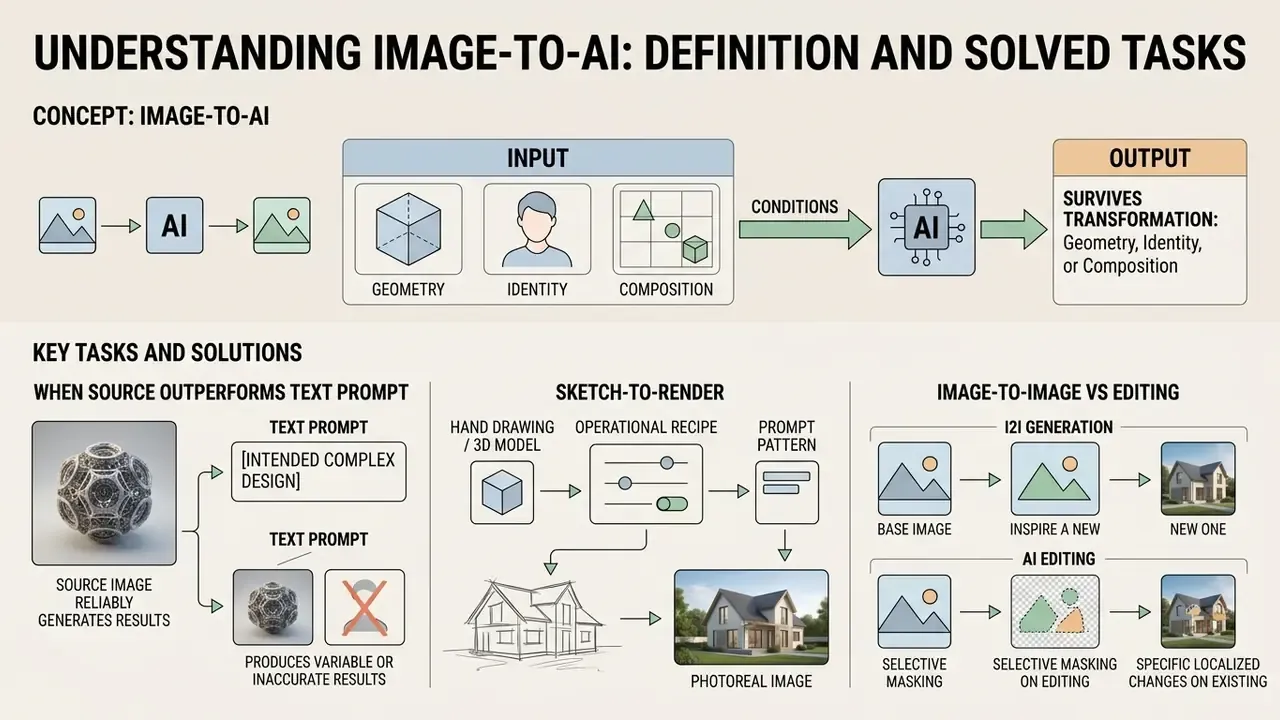
In two sentences: Image to AI conditions a generative model on an existing image so that geometry, identity, or composition survives the transformation. It replaces manual pixel work with parameterized, repeatable, auditable asset transformation.
Image to AI refers to conditioned neural generative workflows where a source image acts as a primary structural or semantic anchor alongside optional instruction prompts. By conditioning reverse diffusion iterations on an input tensor, an AI image generator transforms original assets into modified visuals while retaining core geometry, composition, or subject identity. Bringing image editing and image generation together in one place replaces manual pixel retouching with deterministic, model-driven asset transformation.
The practical task inventory is broad and measurable: product recontextualization for e-commerce catalogs, brand-locked marketing variants, restoration of damaged archival assets, mockup generation for packaging and signage, sketch and CAD render acceleration, corporate portrait normalization, and motion extension of static campaign photography. Vendor documentation frames the same spread. Google Vertex AI documents prompt-based edits and product recontextualization for existing images; Microsoft's MAI-Image-2.5 model card positions the model for creative generation, design tasks, and production editing workflows.
For a CCO, the appeal is not novelty. It is variance reduction: the same source asset, the same parameters, the same output, every time a disclosure-bearing visual is rebuilt.
Image-to-image, text-to-image, and editing AI art: what is different
Text-to-image generation constructs novel visual outputs purely from natural language text prompts, relying entirely on the latent priors of the model. Image-to-image processing conditions the diffusion process on a source reference image, using image guidance to constrain layout, character identity, or spatial composition while applying prompt-guided adjustments. Editing AI art, whether inpainting, outpainting, or masked retouching, operates on specific localized sub-regions of an image tensor, modifying only selected pixels while keeping unmasked areas untouched.
Distinction table
| Mode | Primary input | Edit scope | Typical failure mode |
|---|---|---|---|
| Text-to-image | Prompt only | Entire canvas synthesized | Layout drift, unrepeatable composition |
| Image-to-image | Reference image + prompt | Global transformation under spatial constraint | Over-strength denoising erases identity |
| Inpainting | Image + binary mask + prompt | Masked region only | Out-of-mask drift, seam artifacts |
| Outpainting | Image + expanded canvas mask | Newly added border area | Perspective and horizon mismatch |
Outpainting extends beyond the original borders by treating the new canvas area as the editable mask. OpenAI describes it as expanding the image beyond its borders from a natural language description, while AWS documents the same operation as extending the canvas, masking the added area, and filling it from a text instruction. Teams running frequent aspect ratio migrations can benchmark dedicated AI outpainting tools for expanding images instead of rebuilding the workflow per campaign.
When a source image outperforms a text prompt
A reference image outperforms text-only prompts when an enterprise workflow requires exact retention of character identity, spatial perspective, product geometry, or complex brand aesthetics. Natural language prompts often fail to describe subtle geometric relationships, fine surface textures, or strict corporate design tokens. Try describing the exact curvature of a card chip in words. It rarely survives the round trip.
A reference image provides a continuous spatial condition that fixes global composition, allowing text prompts to focus purely on delta adjustments such as lighting modifications, background recontextualization, or surface color changes. For asset-level execution, dedicated image-to-image generators expose the reference-weight controls that pure prompt interfaces hide.
Vendor documentation converges on the same functional split: character reference locks the appearance of a person, style reference governs visual look, color, and design language, and multi-reference systems additionally control objects, effects, and camera perspective. Peer-reviewed work on image prompts reports that initial images increase the variety of perspectives and improve global composition compared with text-only conditioning.
Sketch-to-render: turning hand drawings and 3D models into photoreal images
Architectural, industrial, and packaging teams rarely start from prose. They start from a line drawing, a CAD viewport screenshot, or an untextured 3D mesh. This is the highest-value B2B image-to-AI scenario, and it demands edge-preserving conditioning rather than free interpretation.
Operational recipe:
- Export the sketch or viewport capture at the target aspect ratio, ideally 1536 px or more on the long edge, with clean black lines on white.
- Apply a structure-locking conditioner:
ControlNet Scribblefor freehand sketches,ControlNet LineartorCannyfor CAD exports,Depthfor massing studies. Use conditioning weight1.0withguidance_end ≈ 0.8, so late denoising steps refine materials without deforming geometry. - Keep denoising strength at
0.35–0.55: high enough to synthesize concrete, glass, brushed aluminium, and vegetation, low enough to keep window grids and structural rhythm intact. - For material fidelity across iterations, use a texture-lock or consistency-rendering mode. The source texture map is held as an additional condition while lighting and environment are regenerated.
- Validate against the drawing. Overlay the render on the original line art at 50% opacity and inspect wall alignment, opening counts, and roof pitch.
Prompt pattern for sketch-to-render:
"photorealistic architectural render of the sketched building, preserve exact massing, window grid and roof pitch; materials: exposed board-formed concrete, oak slats, low-iron glazing; overcast afternoon light, shallow depth of field, 35mm perspective, no added floors, no changed footprint"
The same pipeline serves mockup generation, where logos, patterns, furniture, and signage are placed on physical substrates, because the substrate photo supplies the spatial condition and the prompt supplies only material and lighting deltas. One small caution from practice: freehand sketches with broken lines produce phantom openings, so clean the scan before conditioning rather than fighting it in the prompt.
How to use image to AI: from upload to finished asset
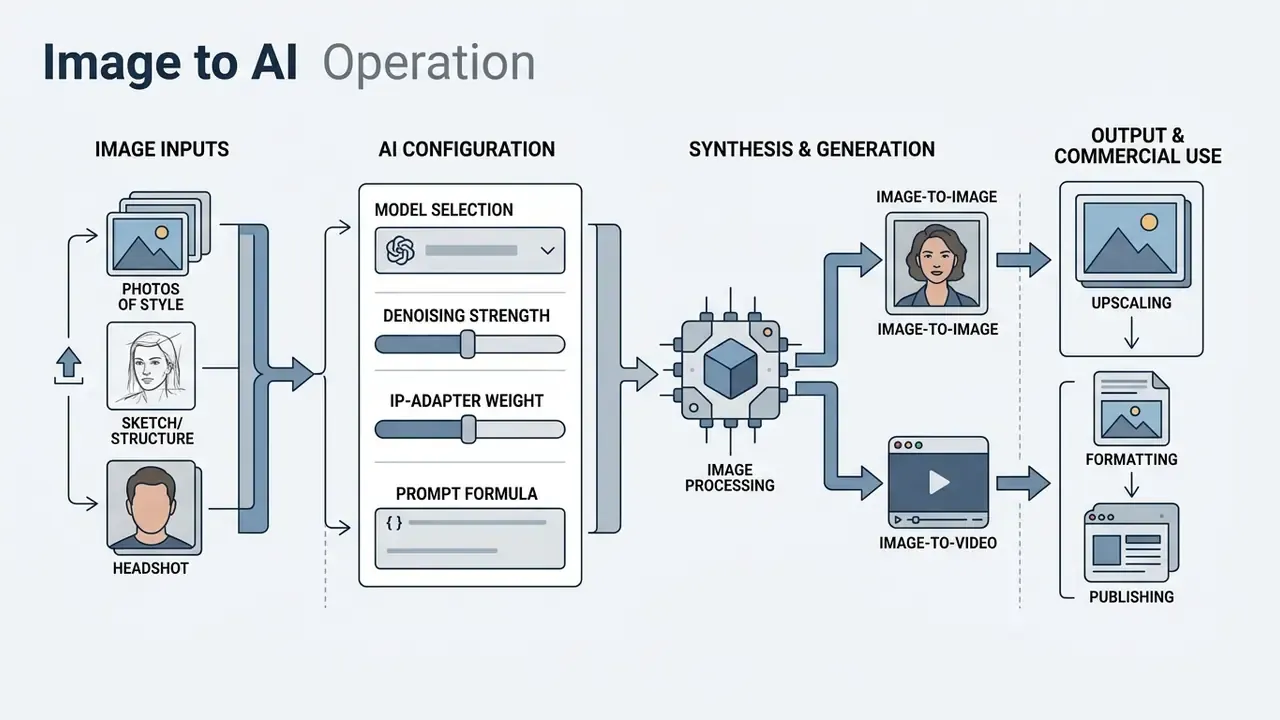
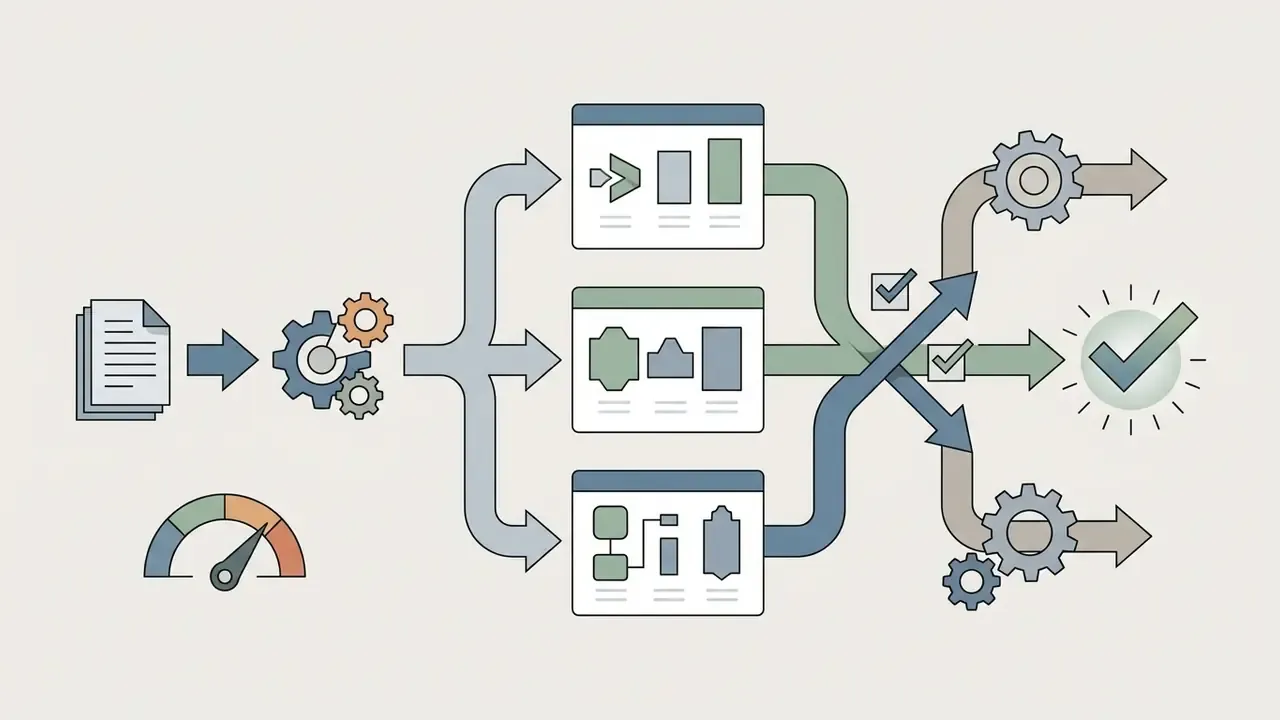
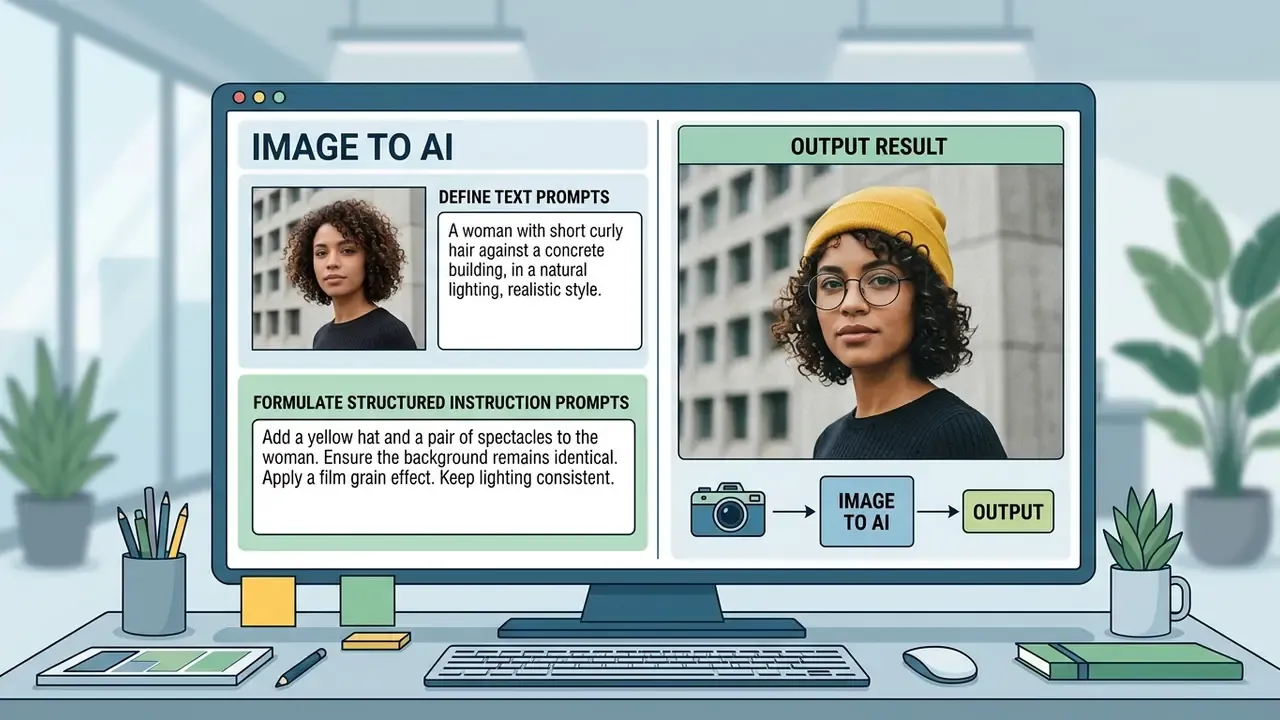
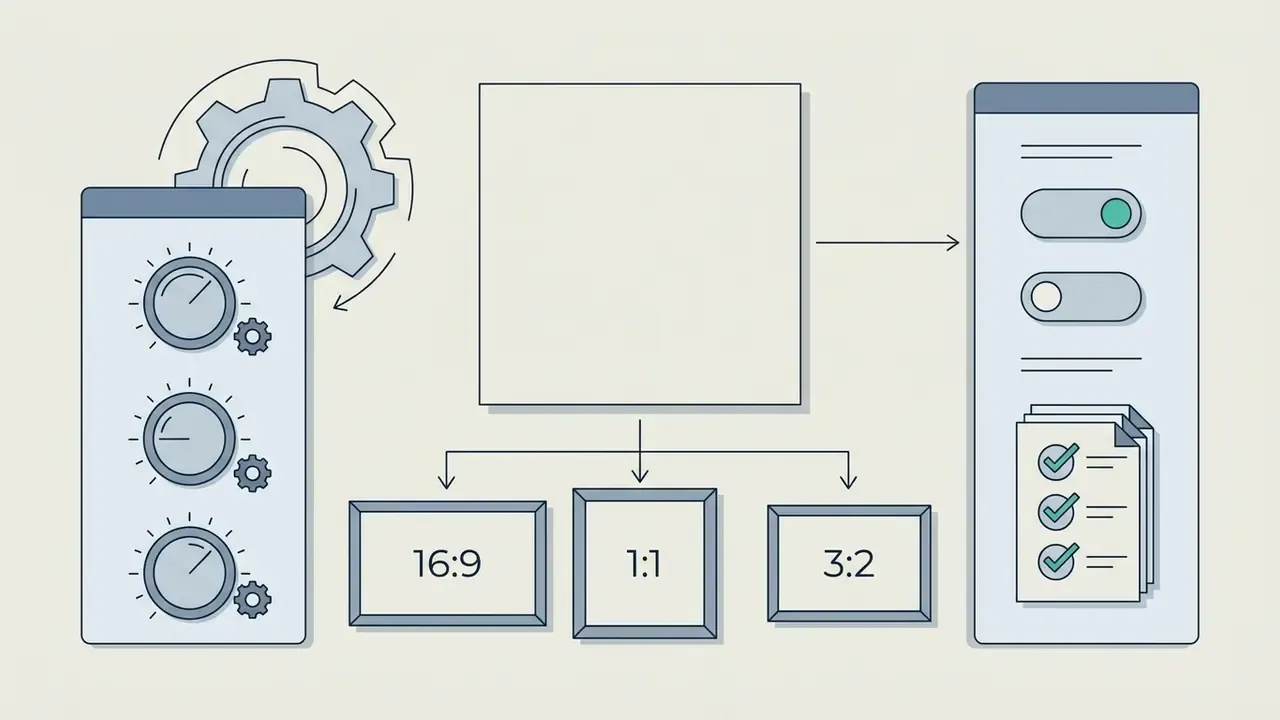
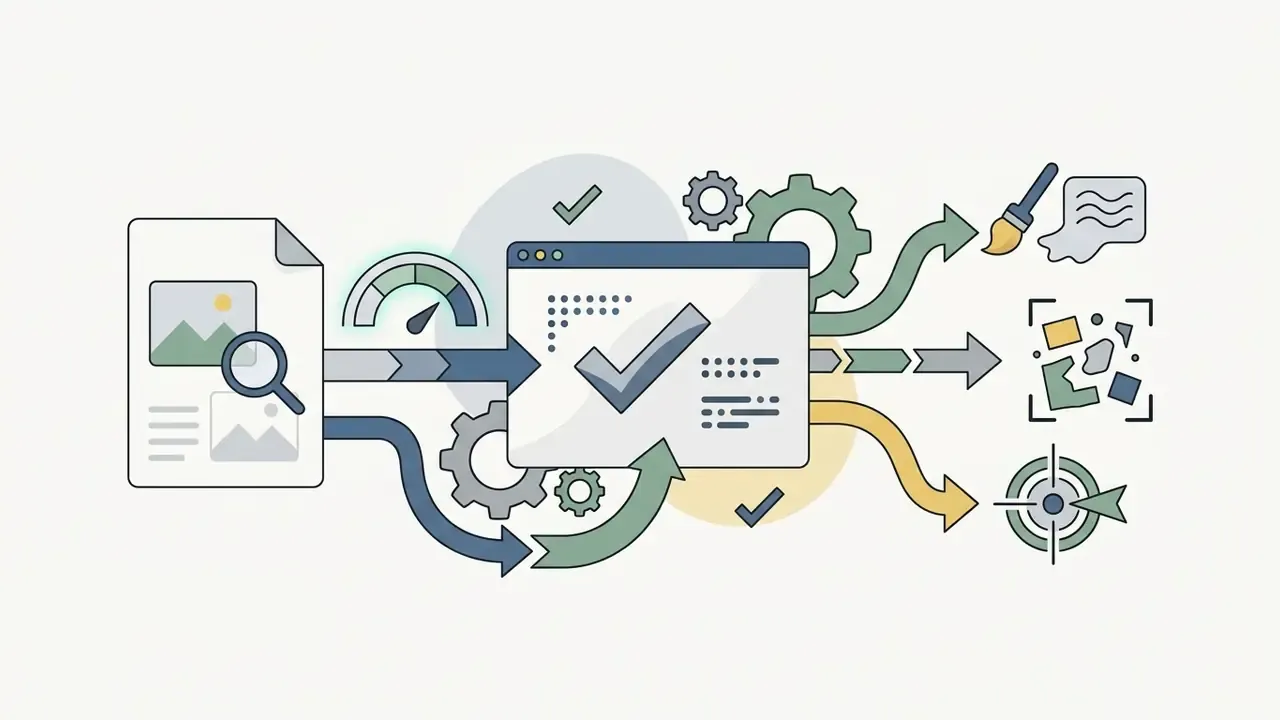
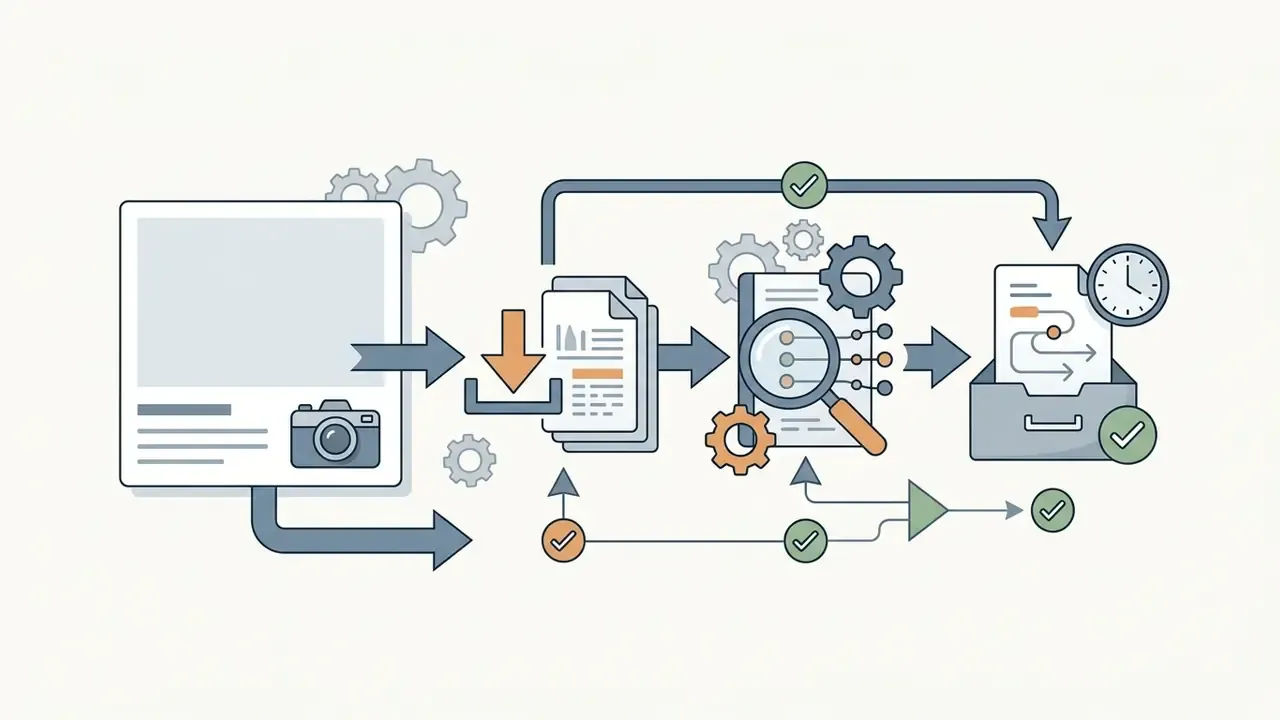
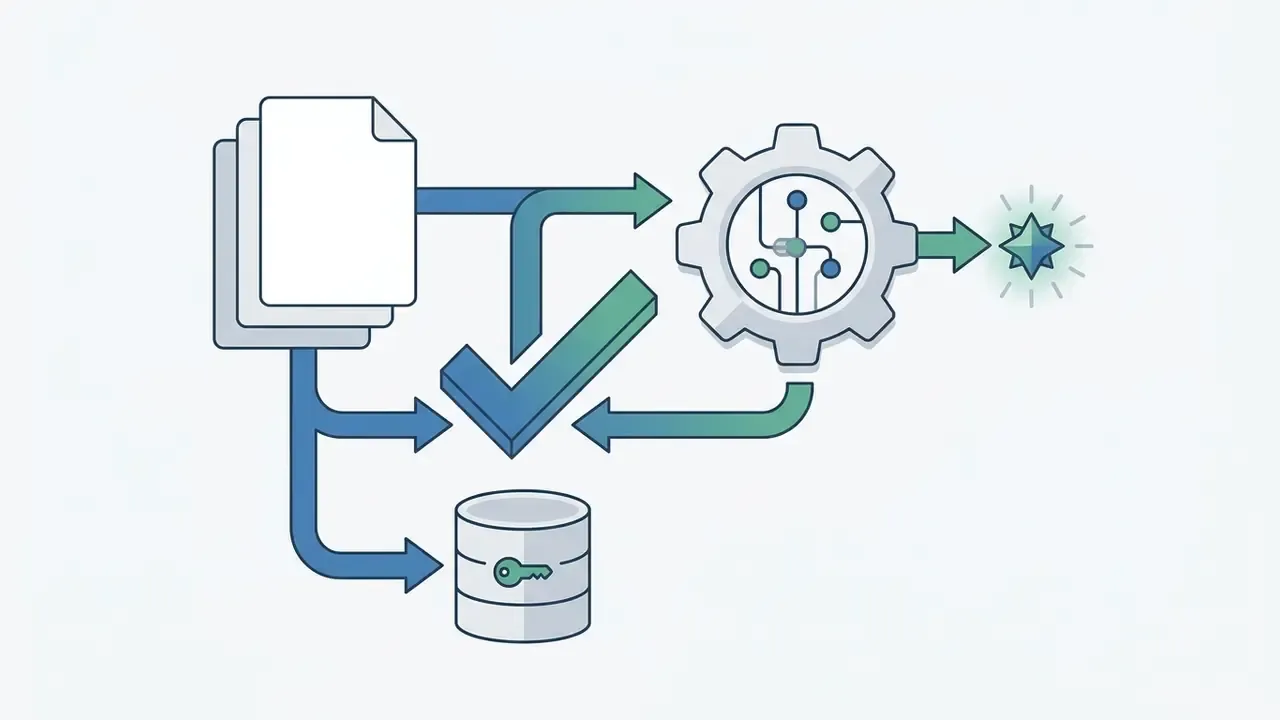
Executing a controlled image to AI pipeline requires a structured, repeatable operational sequence to ensure output fidelity, brand compliance, and predictable aspect ratio alignment. Six steps, no shortcuts.
How to write text prompts for precise image transformation
Precise text prompts for image transformation must employ structured preservation clauses alongside modification instructions to prevent unintended scene drift. A proven operational formula relies on three components: Retention targets ("preserve facial geometry, primary product placement, and lighting orientation"), Delta modifications ("change the background setting to a minimalist modern office interior"), and Constraints ("maintain original color saturation and aspect ratio"). Explicitly defining what must remain unchanged prevents neural noise from altering critical brand elements.
Three complementary patterns show up across vendor prompting guides and peer-reviewed editing research:
Style transformation prompt templates
- Preserve, Change, Constrain
- state the preservation clause first, then a single primary change, then export and review constraints.
- Anchor, Delta, Cohesion
- name the anchor (identity, geometry, camera angle), the delta, then the cohesion requirement (matching reflections, shadow direction, film grain).
- Source prompt, Target prompt, Fixed seed
- the prompt-to-prompt method edits by altering the instruction while holding the seed and the shared attention structure of the original generation.
| Target style | Prompt template | Recommended parameters |
|---|---|---|
| Ghibli / hand-drawn anime | "hand-drawn anime style, lush green landscape, soft painterly light, warm pastel palette, preserve subject pose and framing" | denoise 0.55–0.65, IP-Adapter 0.4 |
| Cartoon / 3D animation | "stylized 3D animated character render, large expressive eyes, subsurface skin shading, studio three-point lighting, keep facial proportions" | denoise 0.5, ControlNet Depth 0.8 |
| Cyberpunk / neon | "neon glow, futuristic night city, rain-slick asphalt reflections, volumetric haze, high-tech surface detail, preserve original composition" | denoise 0.6, Canny 0.7 |
| Oil painting / watercolor | "hand-made oil painting texture, visible brush strokes, canvas grain, preserve subject silhouette and color identity" | denoise 0.45–0.55 |
| Product photography restyle | "studio softbox product photography, seamless gradient backdrop, crisp specular highlights, preserve exact product geometry and label text" | denoise 0.3, Lineart 1.0 |
Teams that need a style-specific rather than generic engine can compare Ghibli-style AI image generators by style accuracy, controls, and usage rights before committing a brand pipeline to a single vendor.
How to verify quality before downloading the result
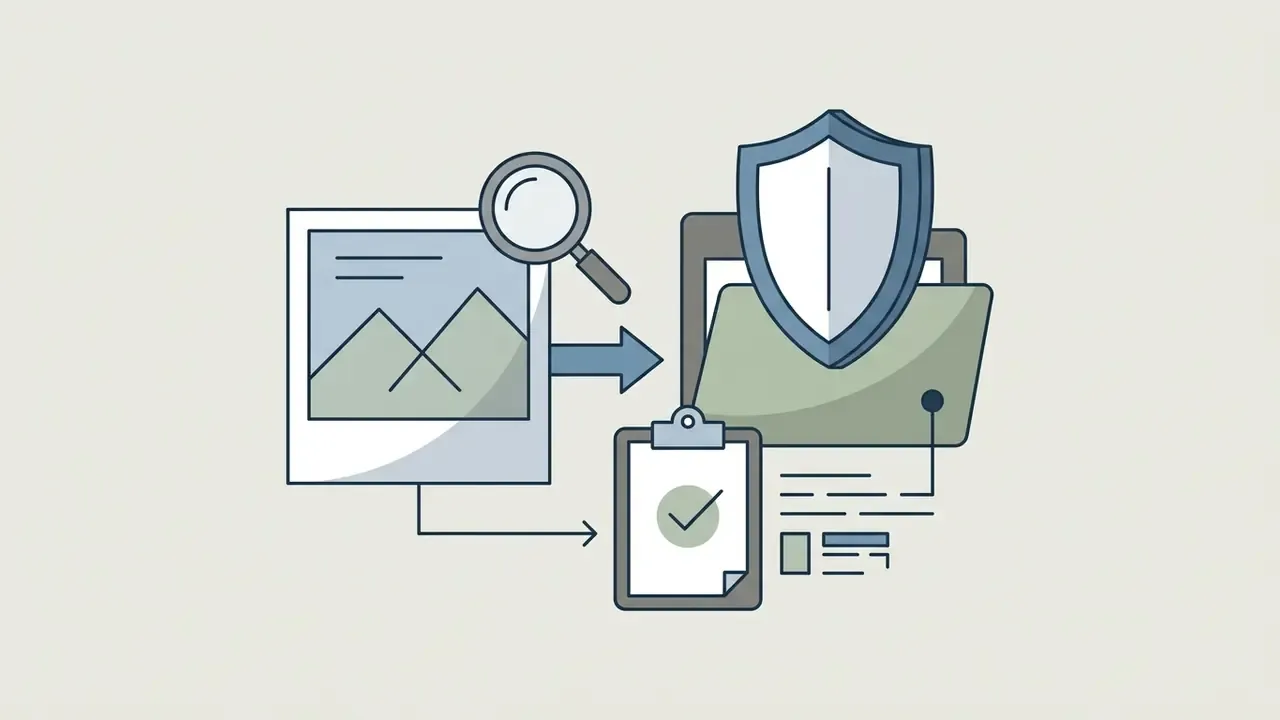
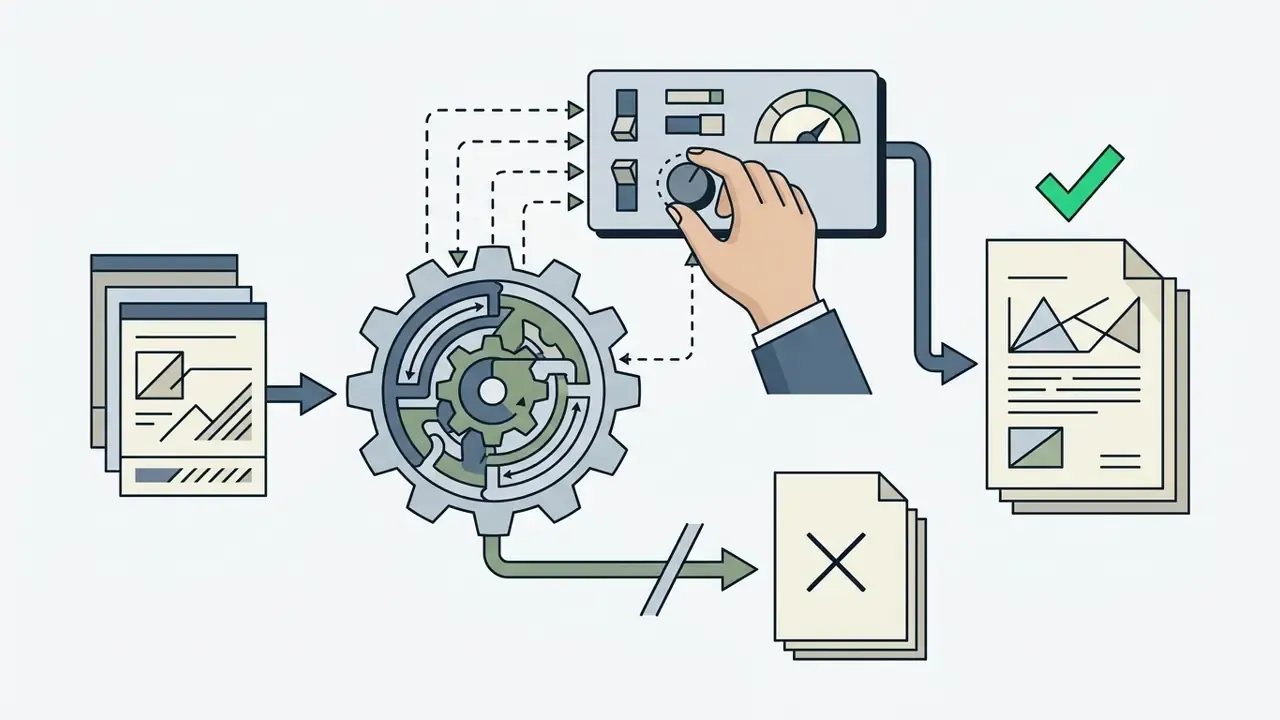
Before exporting a generated asset for production deployment, creative teams must evaluate prompt adherence, anatomical and geometric integrity, edge boundaries, and file resolution parameters.
Step 6 in detail: the audit trail schema
Tools for editing AI art and photographs
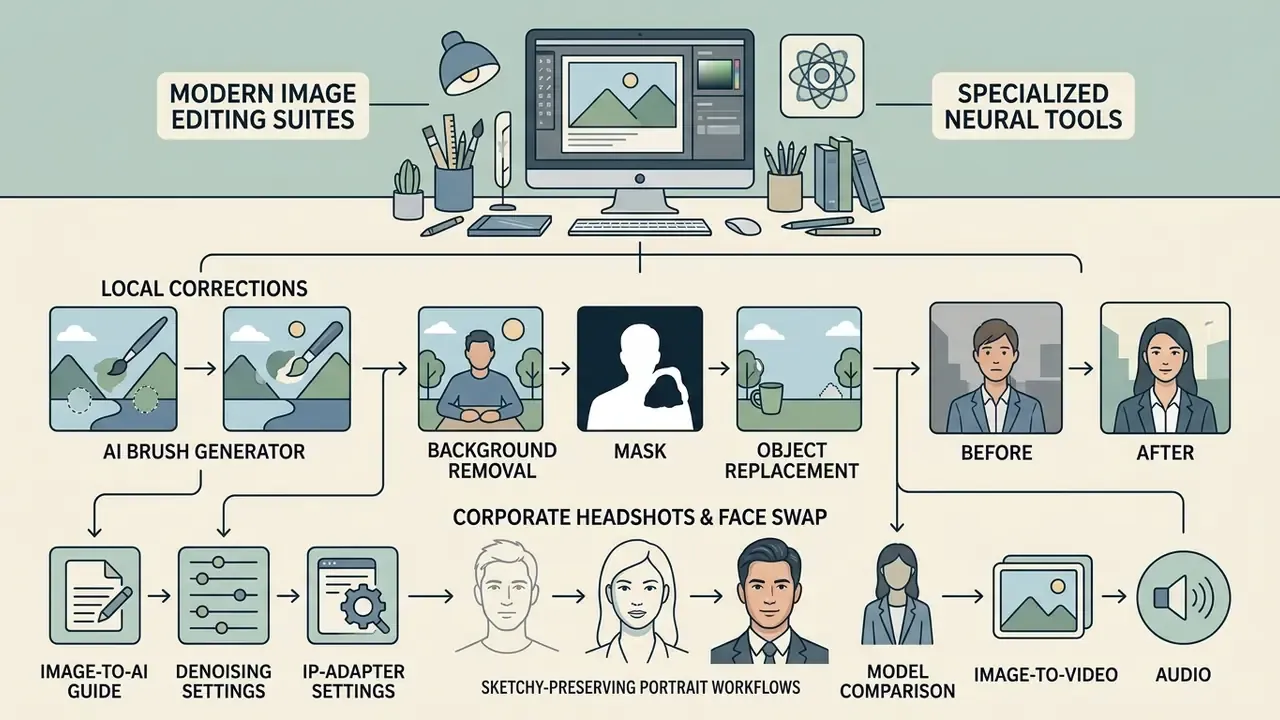
Modern image editing suites offer specialized neural tools designed for targeted local modifications, automated background removal, and object replacement without requiring full image regeneration. Teams standardizing on one suite can review platform-level capabilities in a comparison of AI photo editors alongside conventional online photo editor feature sets and pricing tiers.
Research and product scope diverge in a useful way here. Academic work (eLIR-Net, WACV 2025; InstantRetouch, 2026) optimizes fidelity and instruction-guided retouching, while commercial tools emphasize immediate mask-based cleanup and, increasingly, on-device processing that avoids server upload entirely. For regulated imagery, that last point is a meaningful control rather than a convenience feature.
A newer branch deserves a separate mention: conversational editors. Google's Gemini image family, informally known as Nano Banana and Nano Banana Pro, accepts plain-language edit requests without a hand-drawn mask, which lowers the skill floor considerably. It also raises a governance question, because the model decides the edit region rather than the operator. Naming and capabilities shift between releases, so verify behavior on the current model card before writing it into a procedure.
AI brush generator for local corrections
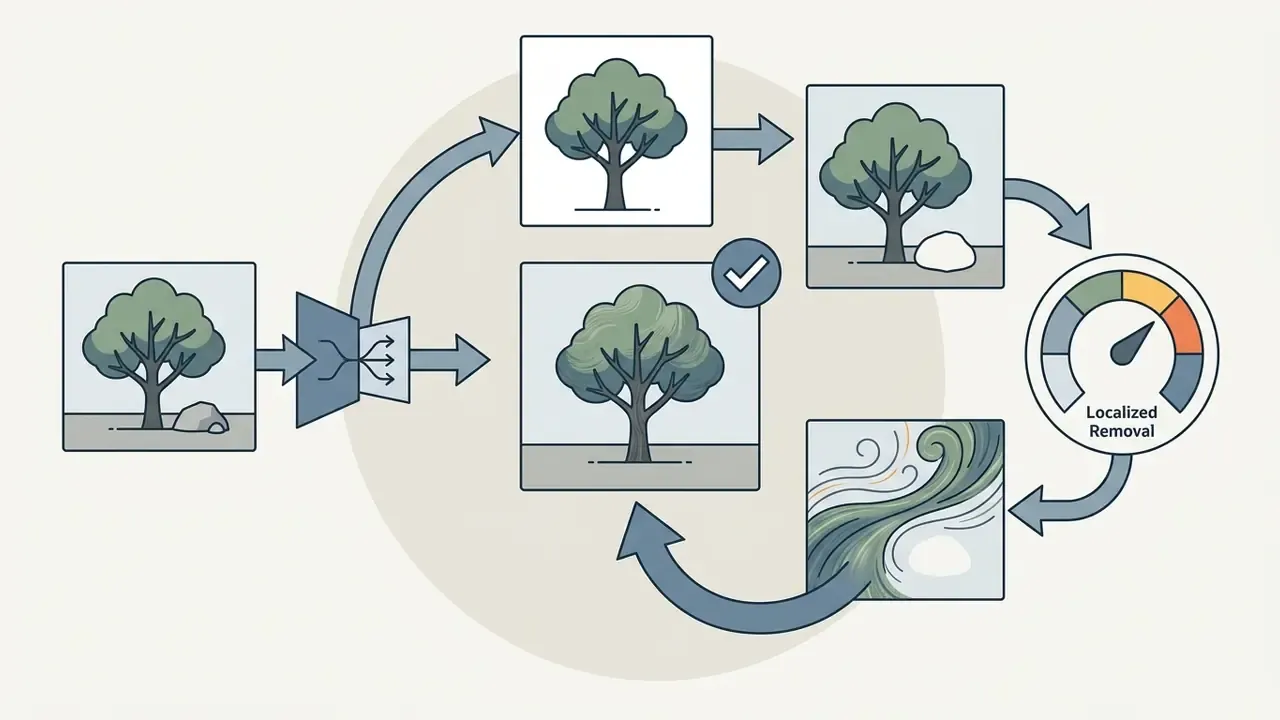
An AI brush generator, in practice an inpainting brush, enables precise local editing by generating a binary mask over specific pixel regions, instructing the underlying diffusion model to modify only the masked selection. The model analyzes surrounding unmasked pixels to extract contextual information such as lighting, depth, and texture, ensuring that newly synthesized objects or retouching elements integrate into the source photo without a visible seam.
Two implementation details matter operationally. First, training-time masks in research models are synthesized as free-form irregular strokes with randomized length, width, and angle to imitate human erasing behavior. User-drawn brush masks in production tools follow the same conditioning logic, only with human-controlled shape. Second, newer pipelines derive a target caption from the masked object before reconstruction, which reduces prompt-free hallucination inside the mask. For editing AI art at scale, that single change cuts a surprising share of rework.
Background removal and one-click object deletion
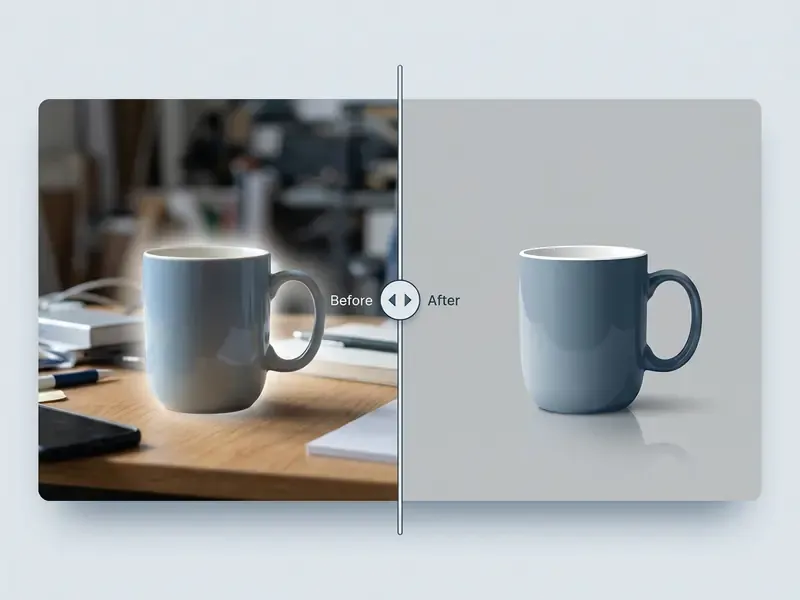
Single-click background removal algorithms extract foreground subjects by calculating continuous alpha matte boundaries, separating complex details such as hair or translucent glass from background elements. For object deletion, generative remove tools combine masking with local inpainting, erasing selected distractions and synthesizing matching background textures in one click. Where the cutout is only the first step, downstream image quality enhancement and upscaling restores the edge detail lost to aggressive matting.
Known technical limits are explicit in the literature. Exemplar-based inpainting fails on curved structures and depth ambiguities, which is exactly where one-click removal breaks in occluded or perspective-heavy scenes. Background replacement is a separate instruction-conditioned compositing task, not a by-product of the cutout, and it should be validated separately for shadow direction and color temperature match. Mismatched shadows are the single most common reason a composited product shot reads as fake.
Corporate headshots and face swap: identity-preserving portrait workflows
Portrait normalization is the most frequent internal request in enterprise creative queues. Hundreds of inconsistent selfies must become a coherent directory of studio-grade headshots without altering how people actually look.
Headshot pipeline.
- Input requirement: frontal or near-frontal face, both eyes visible, subject occupying 25 to 45% of frame height, no hard backlight.
- Mask everything except the face and hair, then run background and lighting replacement only. Typical instruction:
"studio softbox portrait lighting, neutral grey seamless backdrop, business attire, preserve exact facial geometry, skin texture, eye color and hairline". - Keep identity fidelity high. Denoising strength on the face region belongs at
0.15–0.25, or exclude the face from the mask entirely and rely on relighting. - Validate against the source. Compare interocular distance, nose-to-lip ratio, and mole or scar placement. Any drift means the mask or the strength setting is wrong, not the prompt.
Volume teams should evaluate purpose-built AI headshot generators on portrait quality, customization, privacy posture, and professional licensing rather than repurposing a general restyling engine.
Face swap: capability and control. Face-swap models (ReActor-class pipelines, InsightFace embeddings, and vendor video face-swap features with frame-consistent output) transfer identity embeddings onto a target frame. Two rules are non-negotiable in commercial use: documented consent from the identity holder, and embedded provenance metadata on every exported frame. Swapping a face onto a real person's body, or into political, medical, or financial contexts, is where an editing feature becomes a deepfake-liability event. The control set sits in section [15a].
AI models for image to AI: matching the model to the task
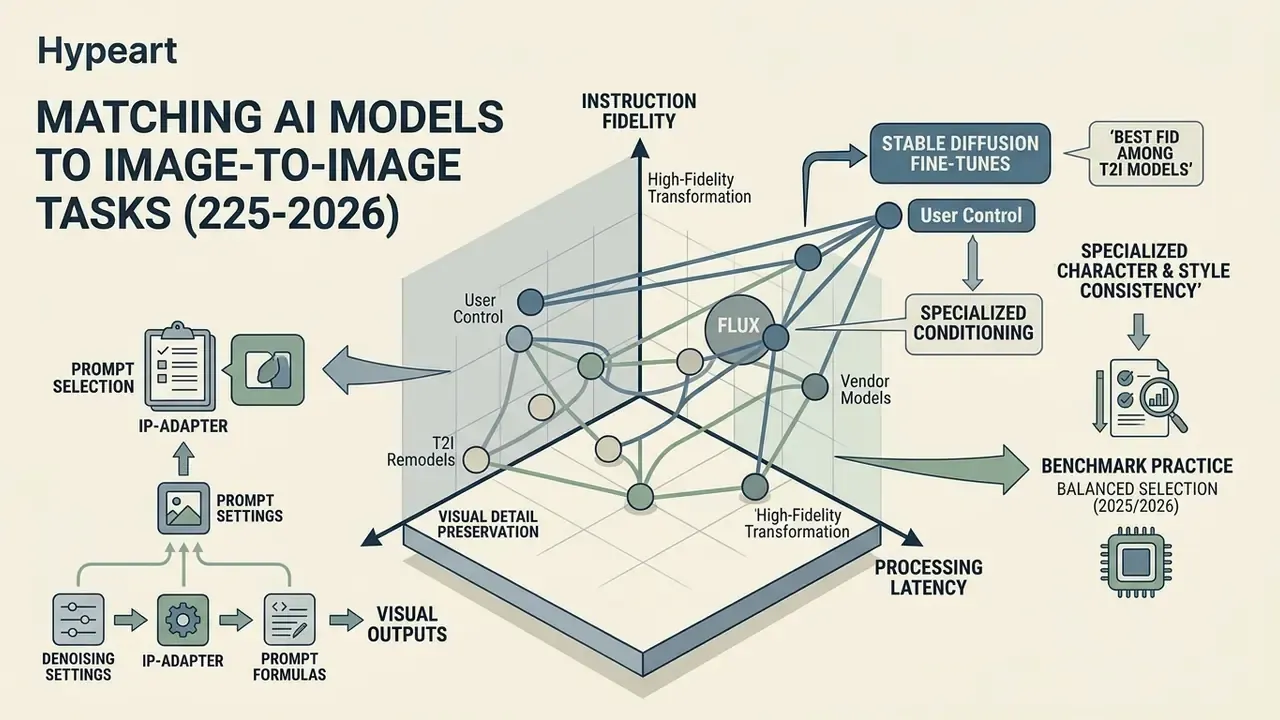
Selecting the optimal AI models requires balancing instruction-following fidelity, visual detail preservation, processing latency, and user control over visual outputs. For a style-oriented view of the same landscape, see the comparison of AI art generators. For budget-constrained pilots, the free AI art generator comparison covers output limits, watermarks, and licensing.
Benchmark practice in 2025 and 2026 organizes selection along three task-specific axes. ICE-Bench evaluates creation by aesthetic quality, image quality, prompt following, and reference consistency. GEditBench v2 measures editing by instruction following, visual quality, and visual consistency, explicitly penalizing unintended changes outside the edit region. Stylization benchmarks split scoring into content preservation versus style fidelity using ArtFID, LPIPS, FID, CLIP score, and user studies.
Which AI models suit generation and transformation
For high-fidelity image-to-image transformations, specialized fine-tunes built on Stable Diffusion, FLUX, and proprietary enterprise architectures offer varying balances of reinterpretation versus exact preservation. That trade-off is mapped in the comparison of AI image generators. Lower denoising strength settings, roughly 0.2 to 0.4, on FLUX or SD models preserve core composition and character details, whereas higher settings above 0.8 initiate broad structural reinterpretation.
Vendor documentation reinforces the same parameter logic from different directions. Stable Diffusion img2img docs define strength 1.0 as full destruction of init-image information. FLUX image-to-image guidance states that low strength preserves composition, layout, subject structure, and color relationships, while values above 0.8 begin visible transformation. Stability AI's "Conservative Upscale" is documented as minimizing alterations and explicitly "should not be used to reimagine an image". Midjourney's editor keeps visible layer areas unchanged, and its Retexture mode treats original structure "like a template", yet it prioritizes stylized reinterpretation over literal copying. Google's Nano Banana class Gemini image models are positioned for conversational, multi-turn editing and character consistency across turns, which is convenient for iteration but weaker as a deterministic control surface, so log the full turn history if you deploy them. No current official image-to-image preservation document was retrieved for the DALL·E line, so it is excluded from the preservation ranking rather than ranked on inference.
Controlling style, detail, and consistency across iterations
Maintaining character and style consistency across iterative generations requires specialized conditioning adapters such as IP-Adapter or ControlNet. IP-Adapter uses decoupled cross-attention to inject style and identity signals from reference images. Setting the IP-Adapter scale near 0.5 balances text prompt influence with reference image fidelity, while 1.0 shifts to image-only conditioning, and lower values increase diversity at the cost of reference match.
Two practical constraints. IP-Adapter works best with square inputs because CLIP center-crops, so non-square references lose outer content unless resized. And masks must match the output height and width when aspect ratios differ. Fixed-resolution conditioning, the documented 512×512 pretraining stage, is part of why iteration consistency degrades when resolution changes mid-series. Pin resolution for a campaign, then upscale.
| Task category | Representative AI models | Target output / primary use case | User control level | Preservation and quality metric | Typical latency |
|---|---|---|---|---|---|
| Image generation | FLUX, Midjourney v6, DALL-E 3, MAI-Image-2.5, Nano Banana Pro | Synthetic visuals from text and reference inputs | Medium (prompts plus reference weights) | High aesthetic realism, FID alignment | ~1–9 s |
| Image editing and inpainting | PartEdit, InstructPix2Pix, SDXL Inpaint | Localized object insertion, editing AI art, retouching | High (binary masks plus AI brush generator) | High visual consistency, minimal out-of-mask drift | ~1–6 s |
| Sketch / CAD rendering | ControlNet Scribble / Lineart / Depth, texture-lock fine-tunes | Photoreal renders from sketches and 3D viewports | Very high (edge maps plus conditioning weights) | Geometry retention, material plausibility | ~2–8 s |
| Portrait and face swap | InsightFace-based pipelines, ReActor-class, headshot fine-tunes | Studio headshots, identity-consistent portraits | High (identity embeddings plus face-region masks) | Identity fidelity, skin texture retention | ~1–5 s |
| Background removal | Deep-Image API, BRIA AI, PhotoScissors | Cutout generation, transparent background PNG | High (one click automated or High_control API) | Alpha matte boundary precision (hair, transparency) | <1–3 s |
| Image-to-video | Seedance 2.0, Grok Imagine 1.5, Luma Dream Machine, LTX-Video | Animated video generation from a static photo source | High (first and last frames plus motion prompts) | Temporal consistency, motion smoothness | ~2–30 s per short clip |
API-level control taxonomies differ by vendor and are not directly comparable. Deep-Image exposes background.remove modes (auto, v2, human, item, generative), BRIA defines Base, High_control, and Fast background modes, and Venice splits /image/edit from /image/background-remove with a multi-edit mode for masks, overlays, and reference layers. Build your scorecard on your own test set rather than on cross-vendor marketing labels.
How to select an image to AI service for commercial use
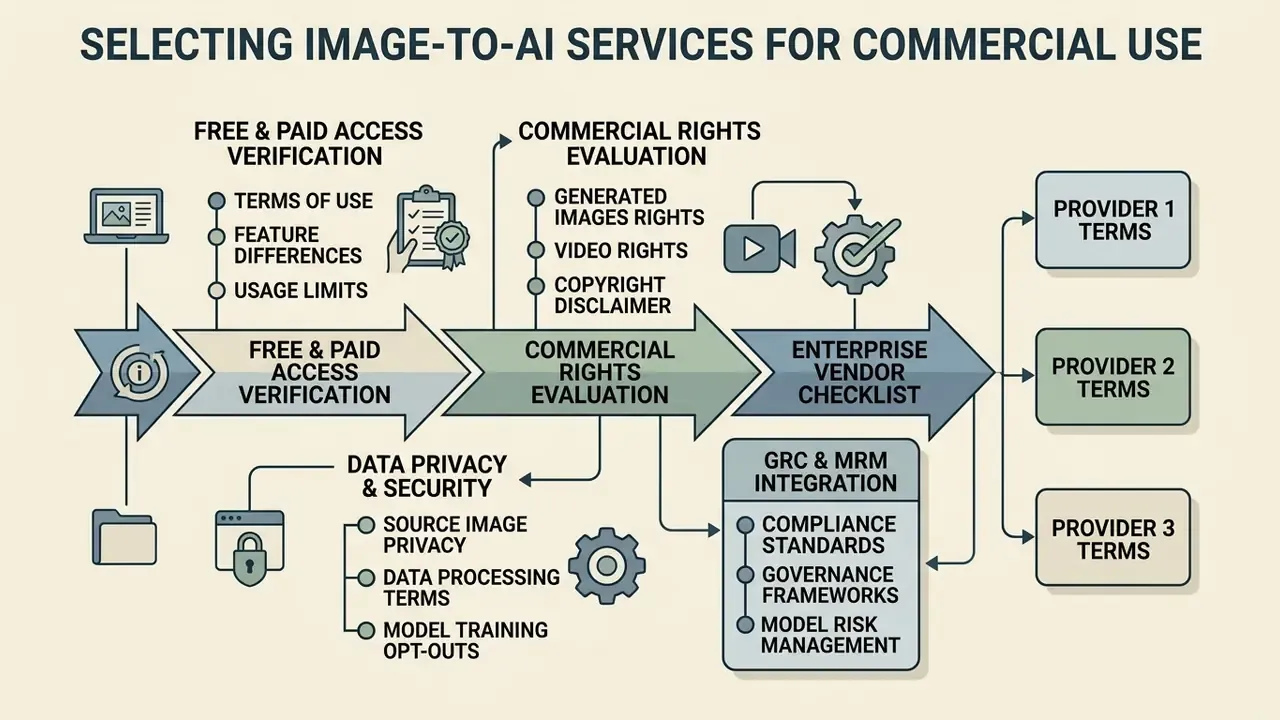
Deploying AI image video and generation services inside regulated commercial environments requires rigorous evaluation of licensing terms, data privacy protections, model security, and operational pricing models. Government procurement guidance points the same direction. The Japanese Generative AI Procurement Guideline (v2.0, 2025) requires procurement specification documents, contract check sheets, and regular post-implementation verification of safety and quality, with risk cases reported to a designated AI officer.
Free and paid access: what to verify before you start
Free ai tiers typically enforce restrictive daily usage quotas, apply resolution caps, process jobs on lower-priority shared queues, and route requests to smaller fallback models. Paid enterprise subscriptions remove volume limits, grant access to flagship commercial models (GPT-Image series, Firefly, Grok Imagine 1.5), provide higher resolution output, and guarantee dedicated API throughput.
Documented quota patterns across consumer tiers illustrate the scale of the gap: roughly 10 messages per 5 hours on one major assistant's free tier, 15 to 40 per 5 hours on another, 10 to 20 per 2 hours on a third. After the cap, free users are commonly routed to lighter fallback models. Teams piloting without procurement approval can start with free AI image generators that require no sign-up, but should treat those outputs as throwaway prototypes, not production assets. Shadow AI usually starts exactly here, with a convenient free tab and no record of what was uploaded.
To track broader market developments and benchmark feature releases across commercial tiers, teams regularly consult dedicated coverage on ai image tools news.
Commercial rights to AI generated images and video
Under current legal frameworks, purely AI-generated visual outputs created without substantial human creative input generally lack copyright protection under US Copyright Office guidelines. The Office's 2025 report states that only human-authored portions of mixed AI and human works can be claimed, and that prompts alone do not create copyright. Guidance in 2026 conditions registrability on the degree of human creative control. UK government materials in 2026 likewise keep protection anchored to human creativity while proposing removal of specific protection for wholly computer-generated works.
Commercial use rights, however, are governed by platform Terms of Service. Enterprise deployments require explicit contractual guarantees that training data was legally sourced and that the provider offers IP indemnification against third-party copyright claims.
WIPO's Generative AI: Navigating Intellectual Property supplies a checklist-style method for assessing IP exposure before adoption, and OECD-linked copyright principles (2024) expect providers to publish a sufficiently detailed summary of copyright-protected content used in training. Where court practice is still forming, including a documented Russian refusal to treat AI-created images as copyright objects alongside pending disclosure rules, treat jurisdictional divergence as a procurement input rather than a settled question. For emerging precedent and IP governance analysis, the litigation review index tracks the cases that keep moving.
Privacy of source images and data processing
Enterprise data governance requires verifying that vendor processing terms prohibit using uploaded customer images for model retraining. Major cloud AI platforms publish enterprise terms stating that customer data is not used to train or fine-tune models without prior permission or instruction. Google Cloud states this explicitly for its Gemini Developer API and Vertex AI, while also noting limited-period retention in some configurations. Treat these as contractual commitments to be confirmed in your executed agreement and data processing addendum, not as universal platform defaults.
NSW IPC guidance (2026) is the most operational public checklist available: contractually prohibit vendor use of customer data for model training, define retention and deletion timeframes, align breach obligations with privacy law, and prefer in-jurisdiction data residency. Australia's OAIC adds a scope point many creative teams miss. If an AI system generates or infers personal information, including images, that is itself a collection of personal information subject to privacy obligations.
Enterprise vendor evaluation checklist (GRC and MRM integration)
Use this as a gate before any image-to-AI tool touches production assets. Score each line pass or fail, with evidence attached.
| # | Control area | What to verify | Evidence artifact |
|---|---|---|---|
| 1 | Security certification | SOC 2 Type II or ISO/IEC 27001 scope covers the generation endpoints, not just the corporate website | Current report plus scope statement |
| 2 | Data retention | Zero-retention or bounded retention with a documented deletion SLA | DPA clause reference |
| 3 | No-training clause | Contractual prohibition on training or fine-tuning on customer inputs and outputs | Executed agreement section |
| 4 | Data residency | Region pinning for processing and logs | Endpoint region configuration |
| 5 | IP indemnification | Written indemnity for third-party copyright claims on outputs, with stated caps and exclusions | Contract schedule |
| 6 | Training-data provenance | Licensed or owned corpus statement, or a published training-content summary | Vendor disclosure |
| 7 | Model version control | Pinnable model_version, deprecation notice period, change log | API documentation |
| 8 | Reproducibility | Seed, parameter, and prompt logging; ability to regenerate a prior asset | Audit log sample |
| 9 | Provenance metadata | Content credentials or C2PA-style signing on export | Sample exported file |
| 10 | Safety filtering | Documented filters for likeness, minors, trademarks; override governance | Policy document |
| 11 | Throughput and SLA | Concurrency limits, p95 latency, uptime credits | SLA annex |
| 12 | Exportability and lock-in | Asset export in open formats, prompt and config portability, no proprietary-only project files | Export test |
| 13 | Access control | SSO/SAML, SCIM provisioning, role separation between creator and approver | Tenant configuration |
| 14 | Human-in-the-loop | Enforced approval step before publication, with approver identity logged | Workflow screenshot or log |
| 15 | Monitoring | Post-deployment quality and incident review cadence, mapped to NIST AI RMF "Manage" functions | Governance calendar |
Map the completed checklist to your existing model risk inventory. An image-generation endpoint used for customer-facing material behaves, from a control standpoint, like a low-criticality model with a high reputational surface. It needs documented inputs, validation evidence, and a named owner, even if it never touches a credit decision.
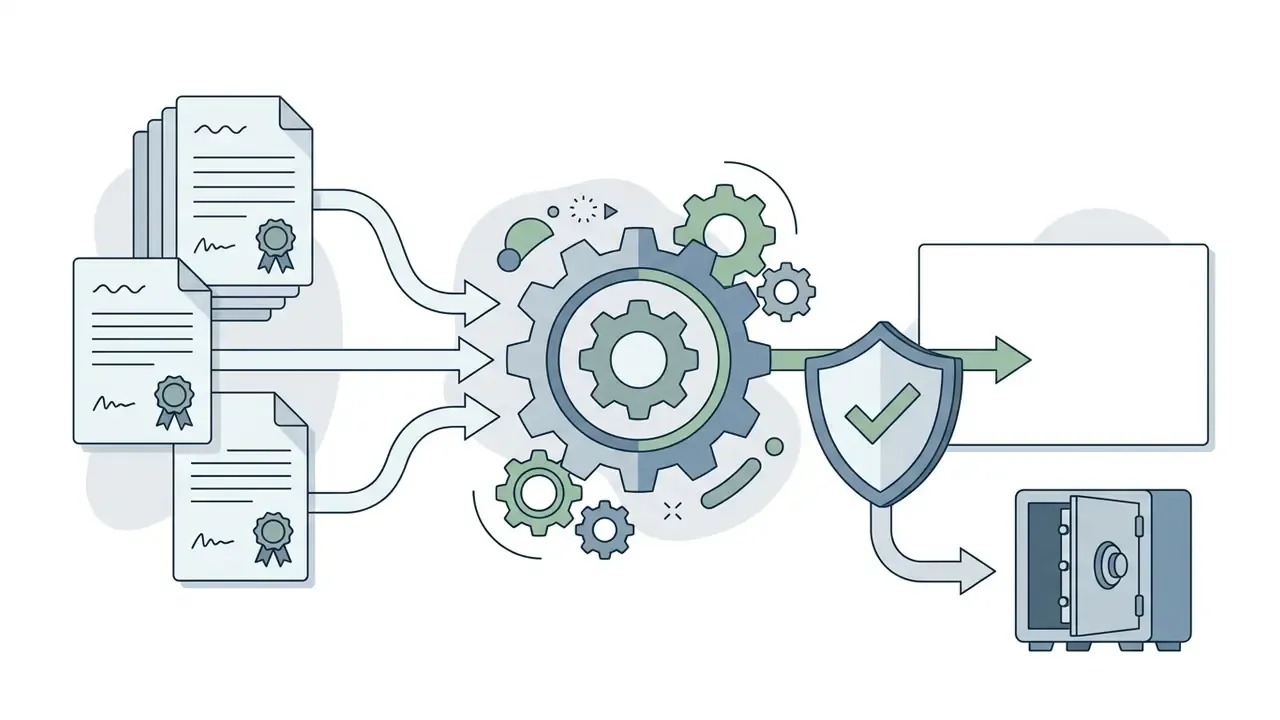
Fact check and governance verification summary
How to turn an image into AI video
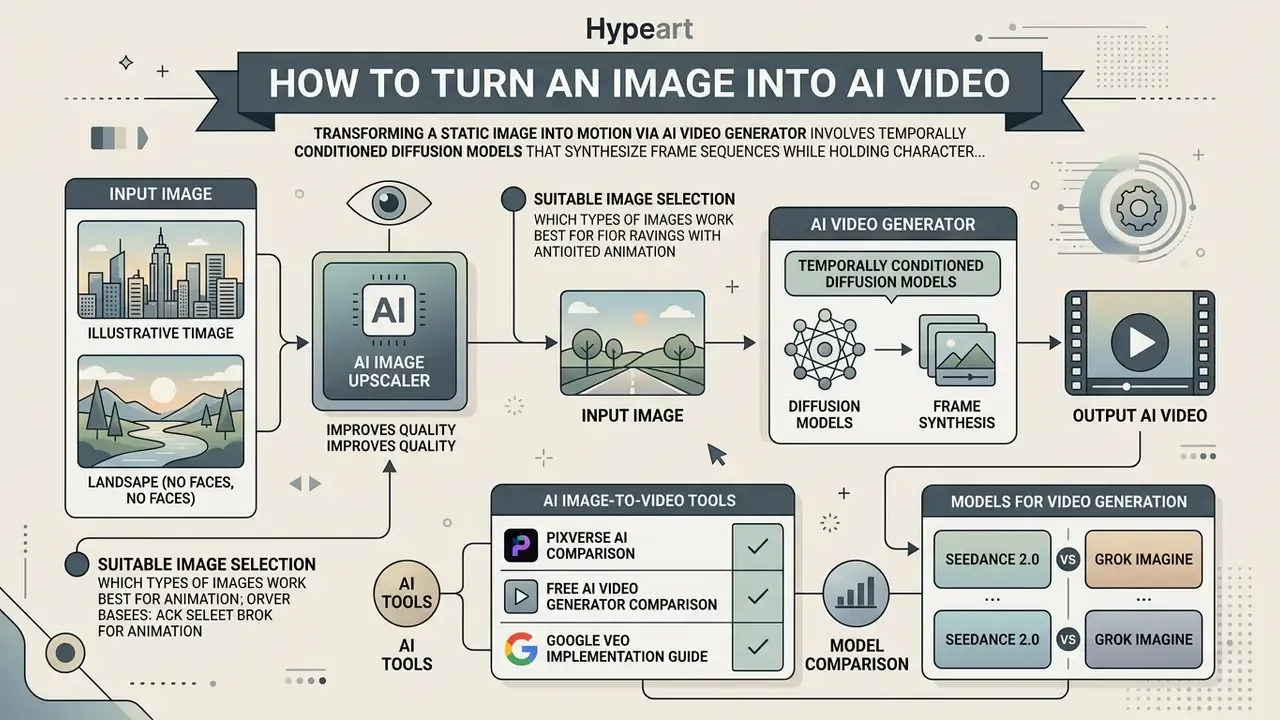
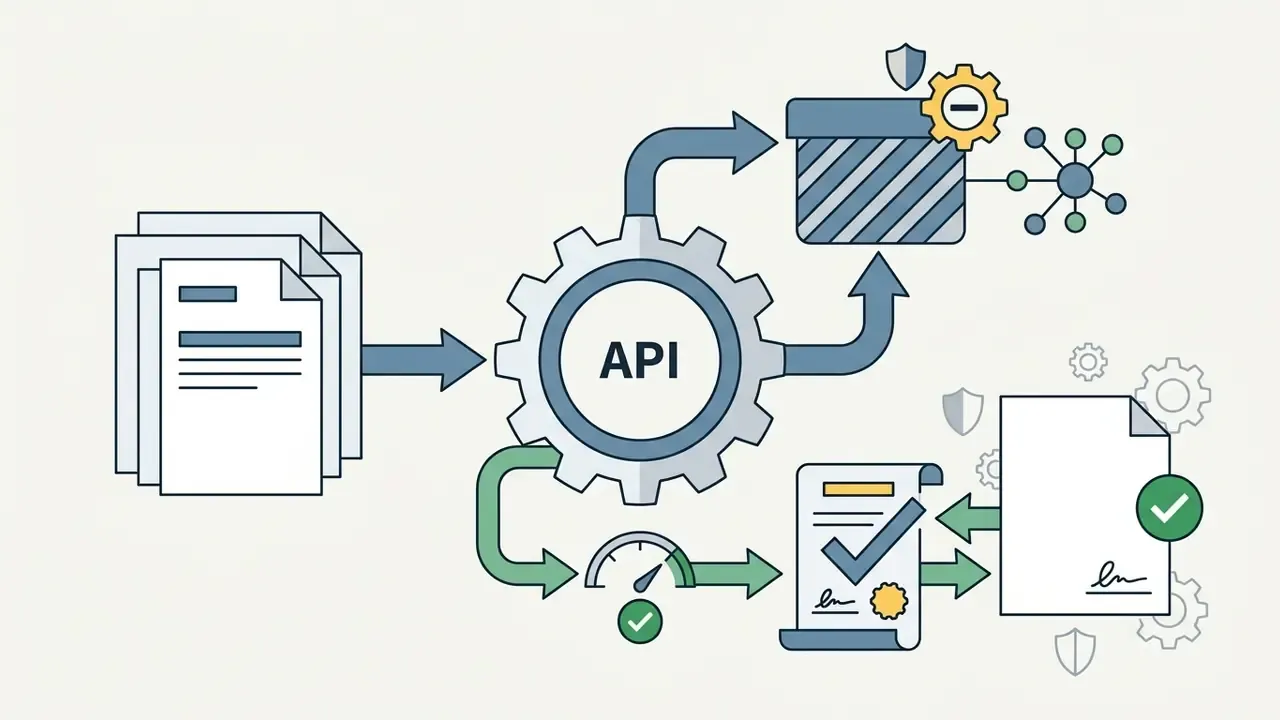
Transforming a static image into motion via an AI video generator involves temporally conditioned diffusion models that synthesize frame sequences while holding character identity and background structure constant. Architecturally, current systems combine cascaded video diffusion, meaning base generation plus spatial and temporal super-resolution, with pose or reference guidance. That approach was formalized in Animate Anyone (CVPR 2024) and Google's Imagen Video.
Image-to-video: which images are suitable for animation
Optimal input assets for video generation require high resolution, well-defined exposure contrast, clean subject and background separation, and minimal initial compression artifacts. Obscured subjects or noisy textures can cause spatial warping during motion synthesis.
Vendor guidance is consistent on the essentials and divergent on thresholds. Runway states that the input image supplies composition, subject matter, lighting, and style, and should be high quality and free of visual artifacts. LTX requires the source image to match the target aspect ratio, because it is resized to the configured resolution. Minimum-resolution recommendations range from roughly 360 px in one guide to 1080p or 1920×1080 and above in others, so treat the stricter number as model-dependent. To keep video outputs fluid, creators often adjust initial asset parameters with an ai image upscaler before running temporal generation models. Teams new to the discipline can start from a practical overview of image-to-video AI tools.
- ai image upscaler
- image-to-video AI tools
Models for video generation: Seedance 2.0 and Grok Imagine
Leading temporal architectures offer advanced multi-reference handling and high-definition rendering:
- Seedance 2.0: developed by ByteDance's Seed Team, it supports joint audio-video generation, 4 to 15 second clip durations, native 1080p resolution, and up to nine reference images using an
@image1-style syntax to lock subject identity across camera movements. Multi-reference token syntax is vendor- and endpoint-specific, so verify the exact notation in the API you deploy against; the same capability is exposed differently across platforms. Seedance is distributed through partner surfaces including the PixVerse AI platform. - Grok Imagine Video 1.5: developed by xAI, this model supports native 1080p video generation, photo-to-video animation from a source image URL, base64 data URI, or file API input, and up to seven multi-modal references including character face and voice locking across extended scenes.
Duration and physics claims should be compared on primary documentation. Seedance 2.0 documents 4 to 15 s clips with consistent physics plus text and reference prompting; Luma's agent documentation defaults video generation to 5 s. For cross-vendor cost and quality positioning, see the comparison of AI video generators, the free AI video generator comparison for pilot budgets, and the Google Veo implementation guide for API-level cost and limit planning.
For creators expanding static photography into promotional campaign visuals, converting landscape photography into motion graphics is a key workflow. An ai landscape generator lets design teams convert flat background captures into dynamic environments ready for video synthesis.
Risk controls for animated and synthetic-likeness video
Image-to-video amplifies two risk classes that static generation only hints at.
Synthetic likeness, or deepfake exposure. Animating a recognizable person, or swapping a face into a video, creates content that can imply speech, endorsement, or conduct that never occurred. Minimum control set: written consent covering animation and voice; a prohibited-context list (political, medical, legal, financial advice, crisis events); mandatory provenance metadata and, for external publication, visible disclosure; retention of the source-consent record alongside the asset audit log; and a named approver distinct from the creator. For a bank, the residual risk here is not a takedown request. It is a market-moving fake attributed to your brand.
Temporal instability artifacts. Frame-to-frame drift shows up as identity morphing, limb duplication, flickering textures, text degradation on signage or packaging, and background "boiling." Mitigations in order of effectiveness: supply first- and last-frame anchors instead of a single frame; lock identity with character references rather than prompt description; keep motion prompts to one dominant camera move plus one subject action; cap clip length and concatenate rather than requesting a long single generation; and review at 25% playback speed, since drift is often invisible at full speed. Score outputs on temporal consistency and motion smoothness explicitly. AIGCBench-style four-dimension scoring works well as an internal rubric.
FAQ: frequently asked questions about image to AI
Common practical questions on format compatibility, processing times, watermarks, batch throughput, ownership, and browser access for image to AI services.
Which image formats can be uploaded to image to AI tools
Most commercial image to AI tools accept PNG, JPEG, WEBP, and HEIC/HEIF files. Google's Gemini API documents image input by URL, inline base64, or File API upload with PNG, JPEG, WEBP, HEIC, and HEIF support. OpenAI's vision documentation lists PNG, JPEG, WEBP, and non-animated GIF, supplied by URL, base64 data URL, or file ID. Google Cloud Vision additionally accepts BMP, RAW, ICO, PDF, and TIFF with a 20 MB payload guidance limit.
On format and quality. Uncompressed or lossless inputs such as PNG avoid JPEG block artifacts that can propagate into mask edges during background removal and inpainting, so PNG is the safer default for production source assets. Independent 2023 to 2025 benchmarks, though, standardize on JPEG and PNG corpora (MS-COCO, ImageNet) without isolating container format as a variable. Read the advantage as an artifact-avoidance argument rather than a measured quality delta.
When working with international assets or multi-language infographics, creative teams often use an ai image translator to parse and translate embedded visual text before starting a style transformation, paired with text recognition tools for images when the source text must be extracted for localization review.
How long does generation and editing take
Static image generation and local editing typically take between 0.25 and 9.0 seconds depending on model size, resolution, and hardware acceleration. Image-to-video generation takes longer, with documented benchmarks spanning roughly 2 to 30 seconds for short clips. LTX-Video reports 2 s for 5 seconds of 24 fps video at 768×512 on an NVIDIA H100. MobileI2V reports about 96 ms per frame in single-step inference and 0.23 s total latency at 1280×720 in a distilled two-step configuration, while higher-quality neural rendering pipelines on older hardware have been documented at up to 30 s per frame.
«Grok Imagine generates clips up to 10 seconds at 720p with synchronized audio; Video 1.5 supports native 1080p with extension to longer sequences.»
Source: xAI, Grok Imagine documentation (2024).
Queue priority matters as much as raw model speed. Free tiers are documented as slower under peak traffic and subject to queueing, while paid tiers are described as faster and more consistent. For high-tempo social and campaign operations, rapid iteration formats, including fast caption-driven variants produced with an ai meme generator from image, are useful for testing message-market fit before committing studio budget to the winning concept.
Is an app installation required to work with AI tools
Short answer: no, not for most enterprise solutions. Modern AI tools run directly in web browsers via cloud APIs, consolidating generation, editing, background removal, and video transformation in one place. Grok Imagine is exposed through a browser interface, and Seedance 2.0 is reachable through partner web platforms such as PixVerse, with no local runtime to deploy.
Official guidance frames the trade-off precisely. Single-window web tools accelerate information finding, summarization, and drafting, and they centralize multilingual and interactive assistance. Against that, Vermont DCF training materials (2026) warn that AI tools can expose confidential data during processing and that multi-system solutions fail on API and identity-management gaps, while the Congressional Research Service (2026) lists hallucinations, misinformation, security failures, and downstream inequities as core generative-AI risks. Where data sensitivity, compliance, or system integration dominates, locally hosted or private-endpoint deployments remain the stronger choice. Browser-based options without installation, including free AI video generators, are appropriate for low-sensitivity prototyping.
For early-stage branding and identity projects, design leads can consult specialized ai logo generator workflows directly inside web suites to generate vector-aligned brand marks and campaign mark variants without provisioning local software. Useful for internal concept rounds, though never a substitute for trademark clearance review.
Are outputs watermarked, and is batch processing supported
Commercial API tiers from major vendors (OpenAI's image models, FLUX Pro, Adobe Firefly) deliver watermark-free raster output. Several consumer free tiers, by contrast, either apply a visible watermark or cap resolution. Separately from visible watermarks, enterprise-grade providers embed provenance metadata and content credentials. That is a compliance feature, not a branding overlay, and it should be preserved rather than stripped.
For volume work, avoid the UI entirely. Batch throughput comes from REST API or SDK calls with bounded parallelism, typically 4 to 16 concurrent requests tuned to the vendor's documented rate limits, plus idempotency keys per asset, exponential backoff on 429 responses, and a manifest file pairing each source asset with its prompt, seed, and output path. Log every job into the audit schema shown in section [6a]. A batch of 5,000 product images with no per-asset parameter record is unreviewable after the fact.
Who owns the output, and can it be used in paid advertising
Ownership and usability are two different questions. Ownership of the copyright in a purely machine-generated image is generally unavailable under US Copyright Office guidance, while the right to use the asset commercially flows from the vendor's Terms of Service. For paid media, require three things in writing: transferred or licensed output rights, IP indemnification with a stated cap, and a training-data provenance statement. Add an internal likeness check, meaning no recognizable real person without consent, and a trademark check, meaning no third-party logos synthesized into the frame, before the asset enters a media buy.
How do we keep a character or product consistent across a whole campaign
Pin four variables and change only the prompt delta: model_version, seed, resolution, and reference configuration. Use character reference for identity and style reference for look, hold IP-Adapter scale near 0.5, and for products prefer a structure conditioner (Lineart or Depth from the authoritative product photo) over verbal description. Generate the campaign's hero frame first, then treat it as the reference image for every derivative rather than re-prompting from scratch. Multi-image reference blending in Nano Banana Pro class models can help here, though conversational editors log less cleanly than parameterized pipelines, so keep the turn history. This is the same anchor logic that makes sketch-to-render and headshot pipelines reproducible.
Appendix A: Superseded formulations and source corrections
Retained for transparency and version traceability. Each item below was revised in the body text above; the original wording is preserved here with the reason for the change.
- Resolution constraint (section [6]).
- Original wording: "the target aspect ratio complies with platform deployment limits, such as OpenAI's maximum 3:1 edge-length constraint or 3840px long-edge limit [OpenAI, 2026]." Revised because current documentation defines supported sizes through preset grids plus explicit pixel windows. The updated text now states preset ratios, the 3840 px long-edge bound, the 3:1 edge ratio, and the 655,360 to 8,294,400 total-pixel window, and cross-references Google Cloud Vision and Amazon Titan limits.
- Quantified rejection-rate claim (section [6]).
- Original wording: "By enforcing pre-export quality checks, the team reduced asset rejection rates by 42% and eliminated manual re-renders." Revised because the 42% figure is not supported by any cited source. The body text now describes the mechanism qualitatively and instructs readers to measure the delta on their own volume.
- Cloud confidentiality claim (section [19]).
- Original wording: "Major cloud providers (e.g., Google Cloud Vertex AI, Azure OpenAI) explicitly contractually guarantee that customer input assets remain confidential and are not ingested into public training sets." Revised to the documented formulation, namely that customer data is not used to train or fine-tune models without prior permission or instruction, with the instruction to confirm the commitment in the executed agreement and DPA.
- Format-quality claim (section [21]).
- Original wording: "High-resolution input assets with uncompressed details (such as PNG) yield cleaner boundary detection during background removal and inpainting tasks." Revised to an artifact-avoidance argument, since independent benchmarks do not isolate container format as a measured variable.
- Browser-access citation (section [23]).
- The original attribution to a US Department of Energy publication for the claim about browser-based AI tooling was replaced with vendor documentation for Grok Imagine and Seedance/PixVerse. The DoE and CRS materials are retained only for the general efficiency and risk framing, where they are on-topic.
- Video processing-time citation (section [22]).
- The original [LTX-Video, 2025; MobileI2V, 2025] bracket was expanded into explicit, numeric benchmark statements and supplemented with vendor-documented Grok Imagine clip specifications.
- Multi-reference syntax (section [15]).
- The
@image1notation is retained as documented for Seedance-class multi-reference input, with an added caveat that token syntax is vendor- and endpoint-specific. - Domain verification note (metadata).
- Original wording: "As of August 19, 2026, hypeart.ai does not resolve through DNS lookup. No verified commercial USP, product catalog, or official corporate entity exists. No verified information available." Replaced in the body by the editorial and methodology note below, since a resolution failure at a single point in time is an operational observation rather than a substantive statement about sourcing. No company USP has been independently verified for this article, so none is claimed.
Editorial and Methodology Note
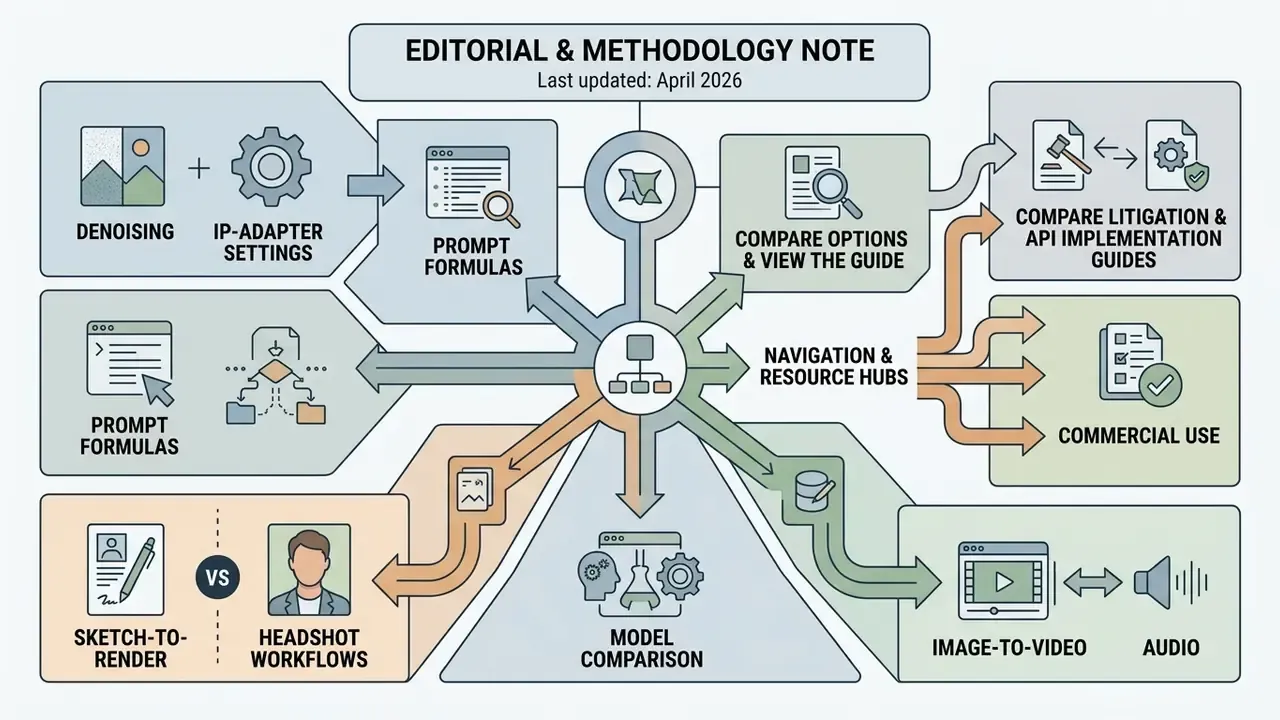
Last updated: April 2026.
How this guide was built. Technical parameters were taken from primary vendor documentation (OpenAI, Google Cloud Vertex AI / Gemini, Adobe Firefly, Stability AI, xAI, ByteDance Seed, BRIA, Deep-Image, Luma) and from peer-reviewed or preprint literature published between 2022 and 2026: Palette; the 2024 survey of diffusion-based image editing; RefDiffuser; PartEdit; IIDM; EvalMuse-40K; REAL; AIGCBench; LTX-Video; MobileI2V; eLIR-Net; InstantRetouch; Animate Anyone; Imagen Video. Governance framing follows the NIST AI Risk Management Framework 1.0, supervisory model-risk guidance (SR 11-7 and OCC 2011-12), WIPO's generative-AI IP checklist, OECD-linked copyright principles, the Japanese Generative AI Procurement Guideline v2.0, NSW IPC 2026 privacy guidance, and OAIC guidance on AI and personal information.
Numbers that are model-dependent, including resolution caps, clip durations, latency, and pricing, change with model versions. Verify each against the specific endpoint and model version you deploy, and pin model_version in production configurations.
About the author. Marcus Hale, author. They do not imply real employment, clients, regulatory authority, or documented business results.
Commercial and regulatory disclaimer. This document provides general technical and governance analysis for informational purposes and does not constitute formal legal, regulatory, financial, or data-protection advice. Decisions on copyright, likeness rights, indemnification, cross-border data transfer, or model risk classification should be reviewed with qualified counsel and your internal risk function.
A safe next step. Pick one low-sensitivity asset class, marketing mockups are the usual candidate, run it through the checklist in section [19a], and log ten assets with the schema in section [6a]. If you cannot regenerate asset number seven from its record, the control gap is in your pipeline, not in the model.