Author note: Marcus Hale writes about AI governance and model risk for this publication.
Key takeaways: AI cat pictures are produced by text-to-image diffusion models (DALL·E 3, Stable Diffusion 3.5, Flux.1, Firefly, Midjourney) or by subject-driven fine-tuning that learns a specific pet's identity from reference photos. Prompt quality decides output quality: name the breed, coat, pose, environment, lighting and style in a fixed order. Free tiers usually restrict commercial use, and purely machine-generated output is not eligible for statutory copyright without substantial human creative input. Below you will find a copy-paste prompt library, a breed-specific prompt matrix, a reference-photo checklist for pet portraits, privacy guidance for uploading pet photos, and a compliance checklist for downloads.
Generative artificial intelligence has changed how creators, pet owners, and visual designers produce feline imagery. Modern text-to-image diffusion architectures render hyper-realistic photographs, custom pet portraits, and stylized digital art from a few lines of text. Understanding how these models operate, how to write structured prompts, and how to read commercial licensing terms is what keeps quality consistent and legal exposure low. Sounds dry for a topic about cats, I know. It still saves rework.
What Are AI Cat Pictures and Where to Explore Them
AI cat pictures are synthetic visual assets created by machine learning systems that turn text descriptions or reference images into digital graphics. These generated assets rely on deep neural networks trained on very large datasets of visual media, which is how they synthesize plausible fur texture, facial anatomy, lighting and environmental context. Before generating anything, creators can explore public galleries, prompt libraries and model repositories to inspect existing cat images and benchmark technical quality against what the models actually deliver today.
Public repositories such as Civitai and ArtStation maintain searchable databases of synthetic imagery. Civitai hosts specialised Low-Rank Adaptation (LoRA) models trained on particular cat breeds, poses and artistic styles, with curated user galleries attached, including 2026 pet-LoRA pages that tag breeds and poses and ship curated datasets of 100 or more images. ArtStation runs a dedicated AI Generated Images section where digital artists publish conceptual cat art. Browsing these platforms lets you review prompt parameters, sampling steps and model versions before you spend credits, and to compare how different AI art generators read the same feline subject.
Modern text-to-image models build outputs inside a latent visual space, converting textual tokens into spatial image features. Non-expert users very often test model capability with animal subjects first, and academic work on perception gaps explains why the first attempt disappoints.
«Users routinely overestimate model realism and underestimate how much explicit compositional instruction a text-to-image system needs.»
To build more advanced visual assets, designers often lean on an ai visual generator to test different base models and rendering pipelines side by side before standardising one.
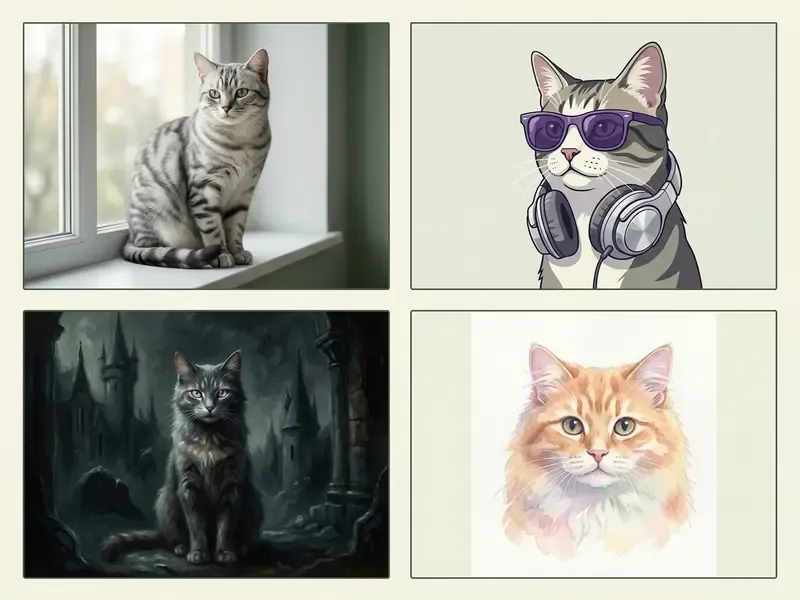
AI-Generated Cat Photos, Art and Portraits
Telling apart a synthetic cat photo, digital cat art, and a custom portrait comes down to model settings, framing parameters and artistic intent. An ai photo of a cat prioritises physical realism: it mimics real camera settings, depth of field, and how natural light catches individual whiskers. An ai art cat output does the opposite, leaning on expressive brushwork, surreal palettes and painterly texture. Finishing passes such as colour grading, background cleanup and artefact removal are usually handled in AI photo editors rather than inside the generator itself.
How to Create an AI Cat Image From a Prompt
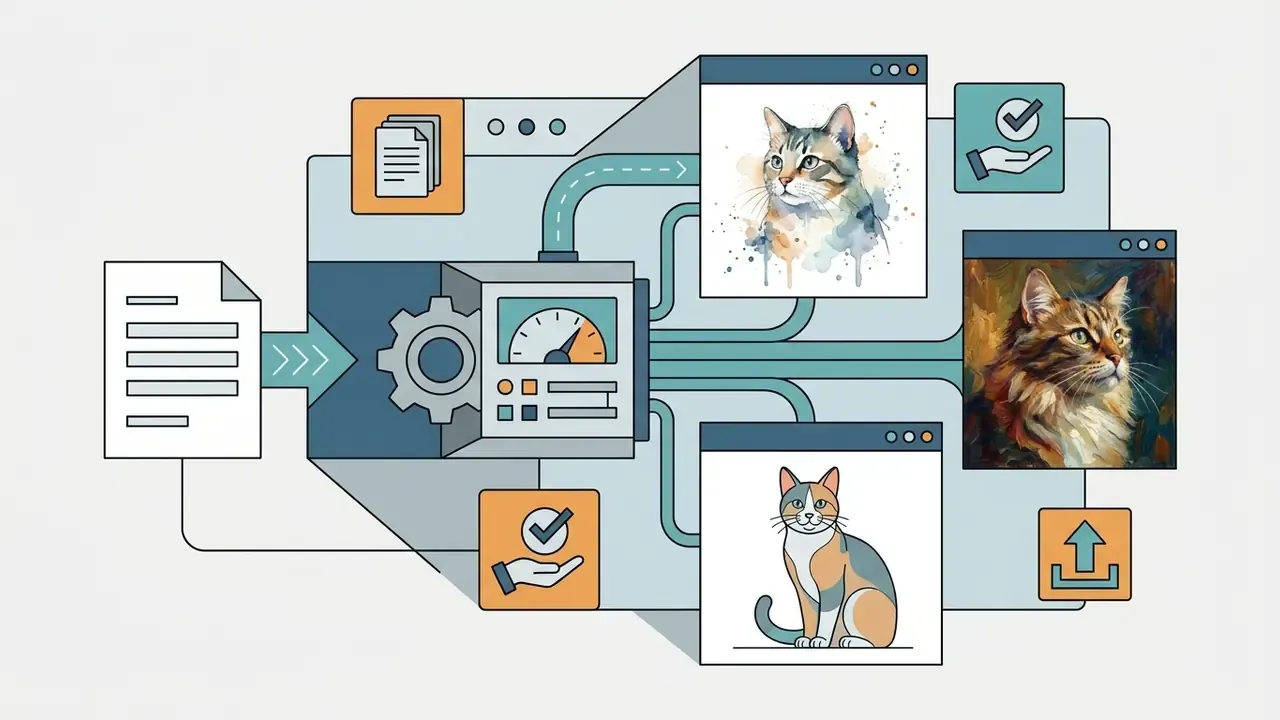
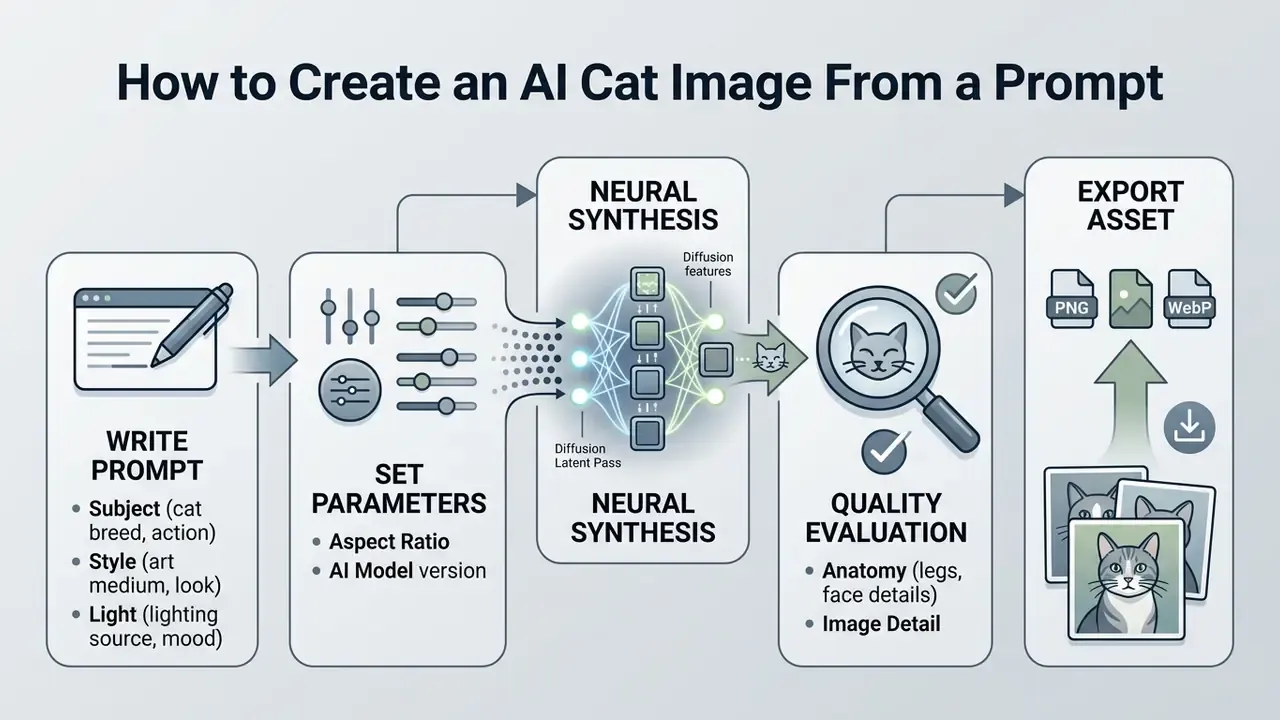
Creating an ai picture of cat means writing a structured text prompt, choosing rendering parameters, then generating output through a text-to-image engine. These systems match descriptive terms against learned visual patterns and return high-resolution synthetic images in seconds. First results are rarely final; you refine through iterative prompt edits or image-to-image guidance.
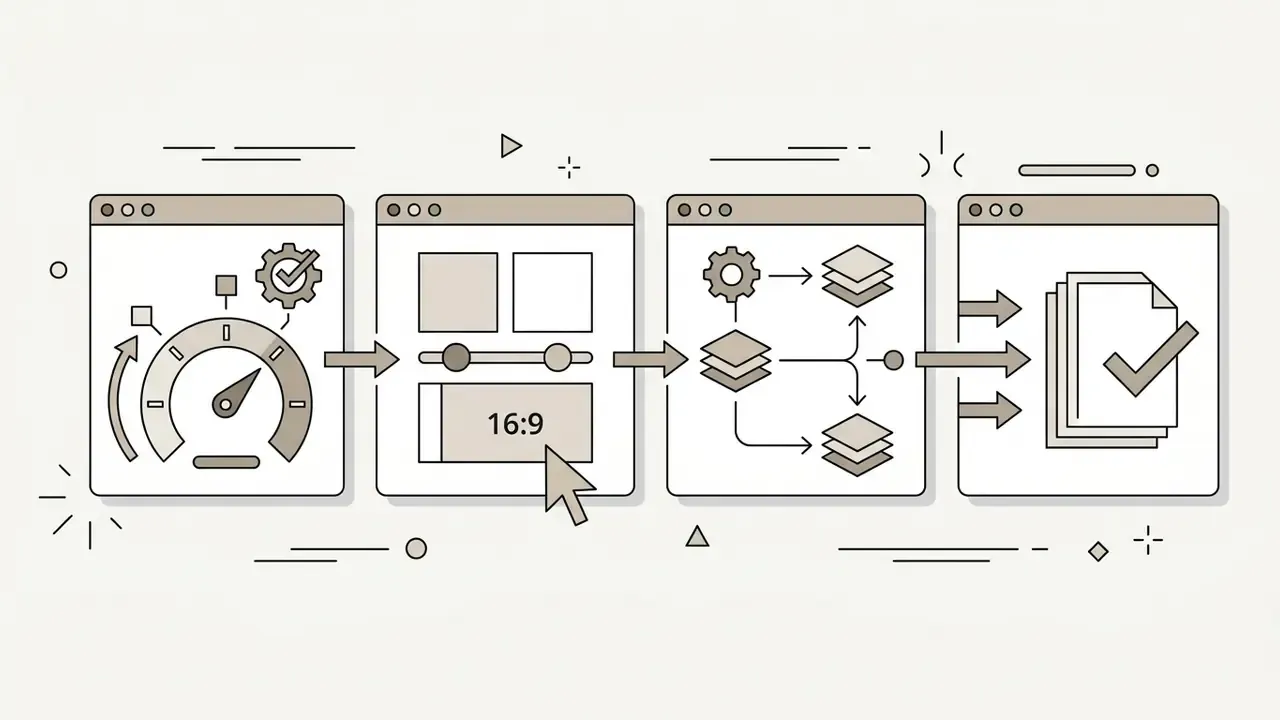
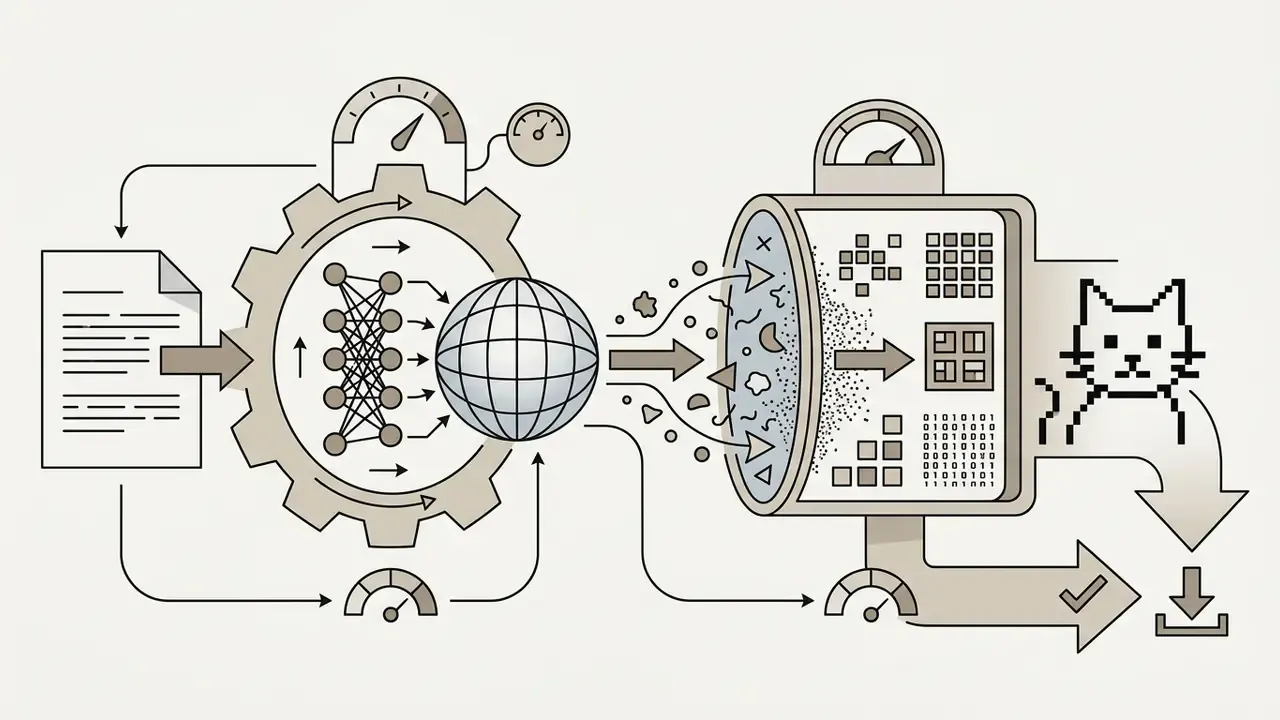
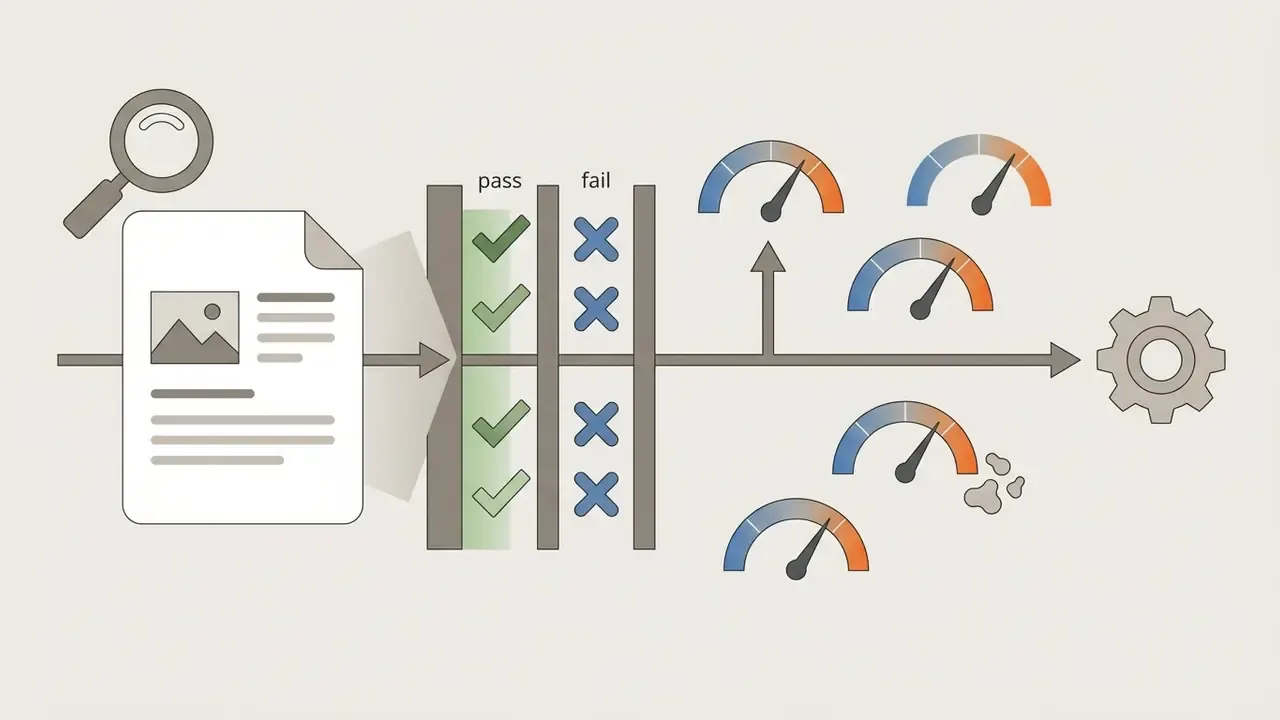
To generate an ai image of cat, open an ai cat generator such as DALL·E 3, Stable Diffusion 3.5, or Flux.1. It is worth reviewing the best AI image generators before committing to a paid tier, because pricing and rights differ more than output quality does. You enter a descriptive prompt, pick an aspect ratio, and trigger generation. The model runs the text through an encoder, maps concepts into latent space, then decodes the result into a raster image. OpenAI's image documentation, for example, exposes prompt, model and size fields (1024×1024, 1024×1792, 1792×1024) plus style (vivid / natural) and quality (hd) switches, and returns a single image per request for DALL·E 3, so multi-variant selection means repeated calls. Stable Diffusion 3.5 Large targets high-quality one-megapixel output across photography, 3D, line-art and painting styles. Teams comparing overall pipeline quality can see the overview of top-performing generators.
What to Describe in an AI Cat Prompt
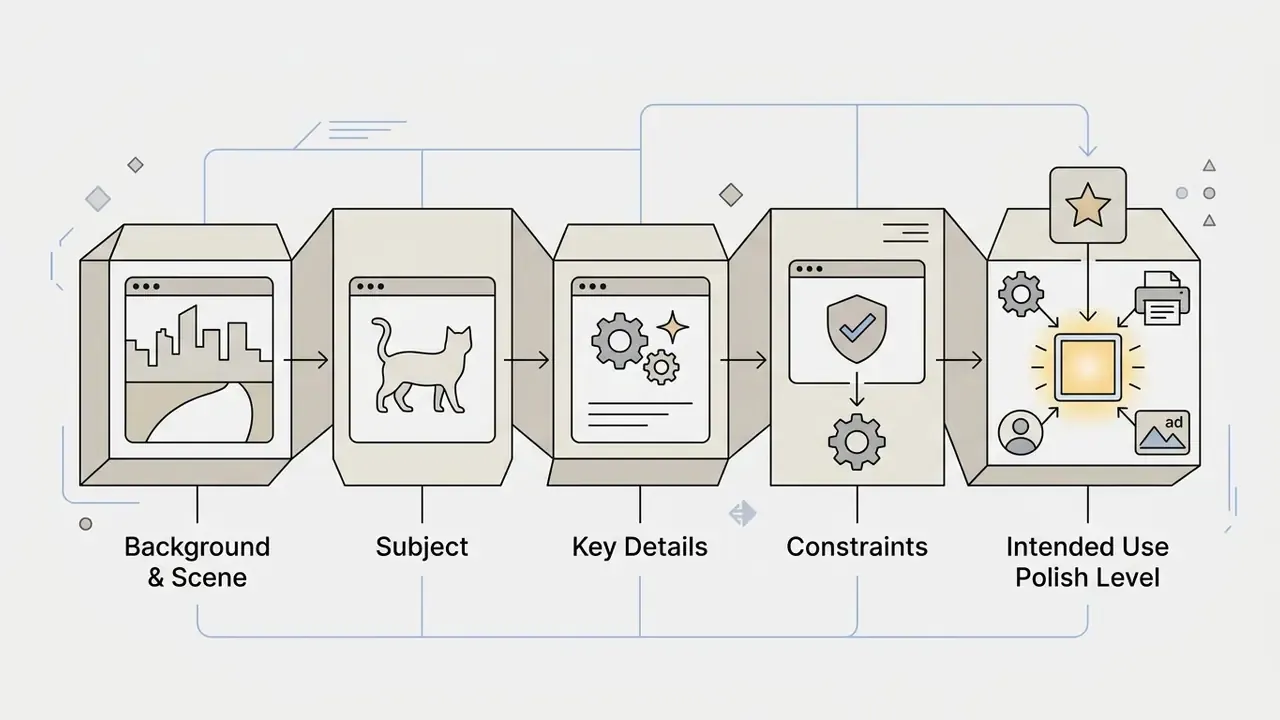
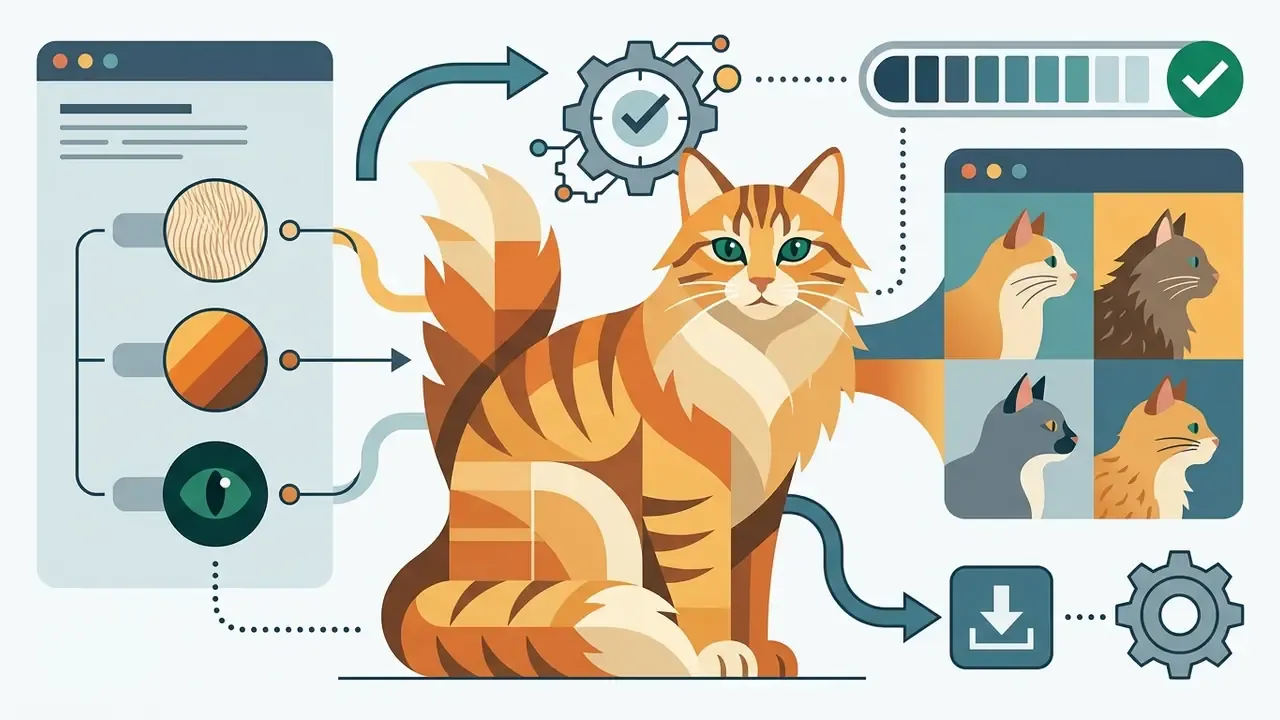
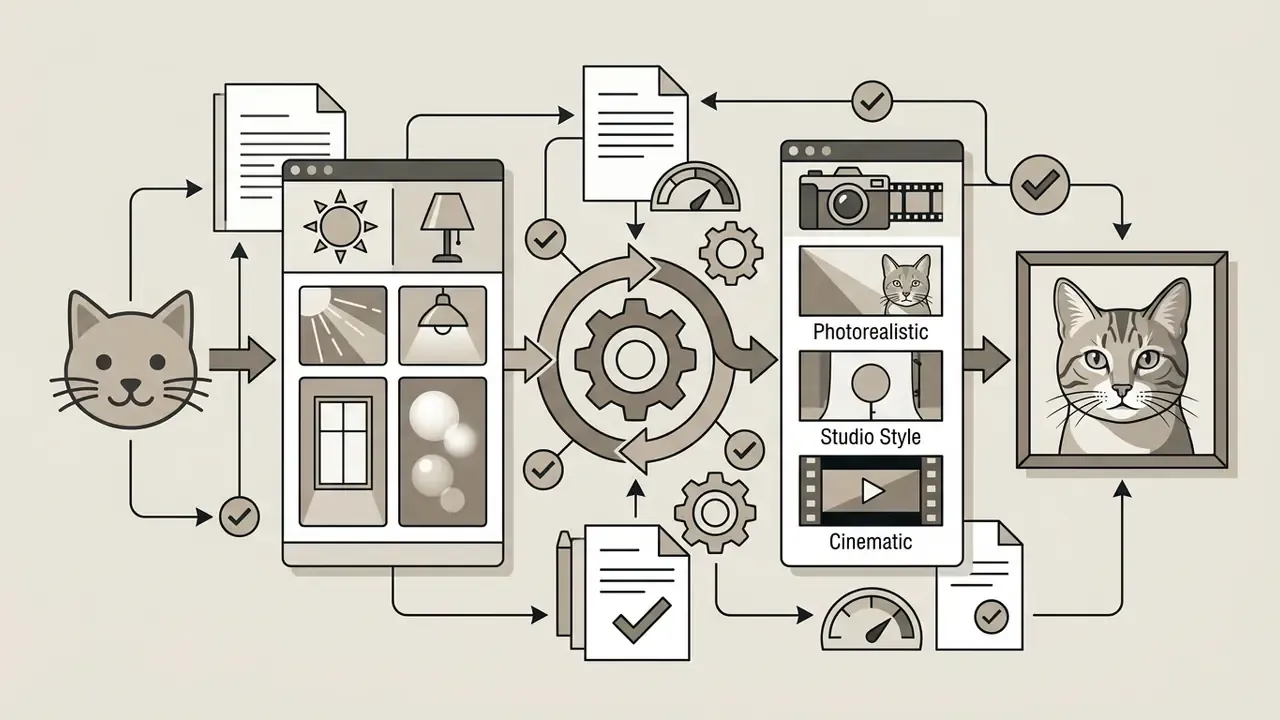
An effective prompt for ai generated cat pictures contains structured descriptive blocks: physical traits, pose, environment, lighting, visual style. Leave a block out and the model fills the gap on its own terms, which is where warped anatomy and random background objects come from.
«Users typically begin with broad prompts and progressively add detail, steering the model through visual feedback loops.»
Prompt construction formula
[Subject & Breed] + [Costume / Accessories] + [Action / Pose]
+ [Environment / Background] + [Lighting & Camera Angle]
+ [Artistic or Photographic Style] + [Technical Quality Tokens]
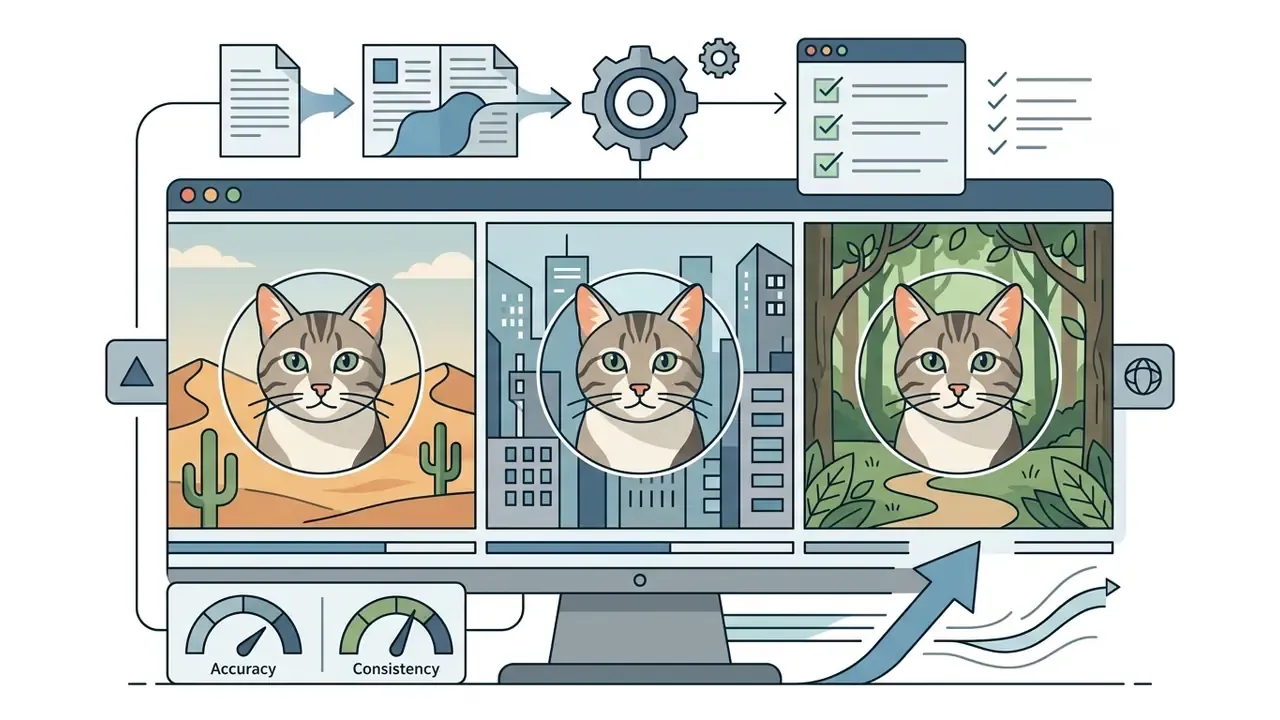
Standardising prompt structure cuts visual artefacts across batch generations. When physical subject traits always come before lighting and style instructions, models weight anatomy first and stray background objects show up less often. One caveat worth knowing: negative prompts are not universally supported. Several current image models, Runway's Gen-4 Images among them, explicitly do not accept them, so exclusions must be phrased as positive constraints instead ("plain seamless background", "clean paws, four legs").
Breed-Specific Prompt Engineering Matrix
| Breed | Required prompt tokens | How diffusion models behave |
|---|---|---|
| Maine Coon | tufted ear tips, bushy plume tail, square muzzle, heavy bone structure, long shaggy coat | Needs explicit size and framing cues ("large-bodied", "wide shot"), otherwise the model reverts to a generic domestic shorthair. |
| Sphynx | hairless wrinkled skin, large bat-like ears, lemon-shaped eyes, prominent cheekbones | Requires soft diffused lighting to render skin texture without digital noise or plastic highlights. |
| Siamese | sleek short coat, dark colour points on ears face and paws, deep vivid blue almond eyes | Avoid the token "fluffy"; add smooth athletic body to prevent coat-length drift. |
| British Shorthair | dense plush copper-toned coat, round chubby cheeks, deep orange eyes, compact body | Models tend to blow out short-fur texture; add soft studio fill light and visible individual hairs. |
| Persian | long luxurious coat, flat brachycephalic face, small rounded ears, wide-set copper eyes | Add symmetrical facial structure. Flat-faced breeds are the most common source of muzzle distortion. |
| Bengal / Calico / Tabby | rosetted spotted coat / tri-colour patchwork markings, asymmetrical patches / classic mackerel stripes, M-shaped forehead marking | Pattern placement drifts between seeds; lock composition with image-to-image or a reference photo. |
Choosing a Style for Cat AI Images
Style choice decides how the model renders fine detail, edge sharpness and colour saturation across cat ai images. Picking photographic over watercolour, 3D render or cyberpunk changes the behaviour of the diffusion process itself, not only the surface look.
| Visual style | Primary style keywords | Rendering characteristics |
|---|---|---|
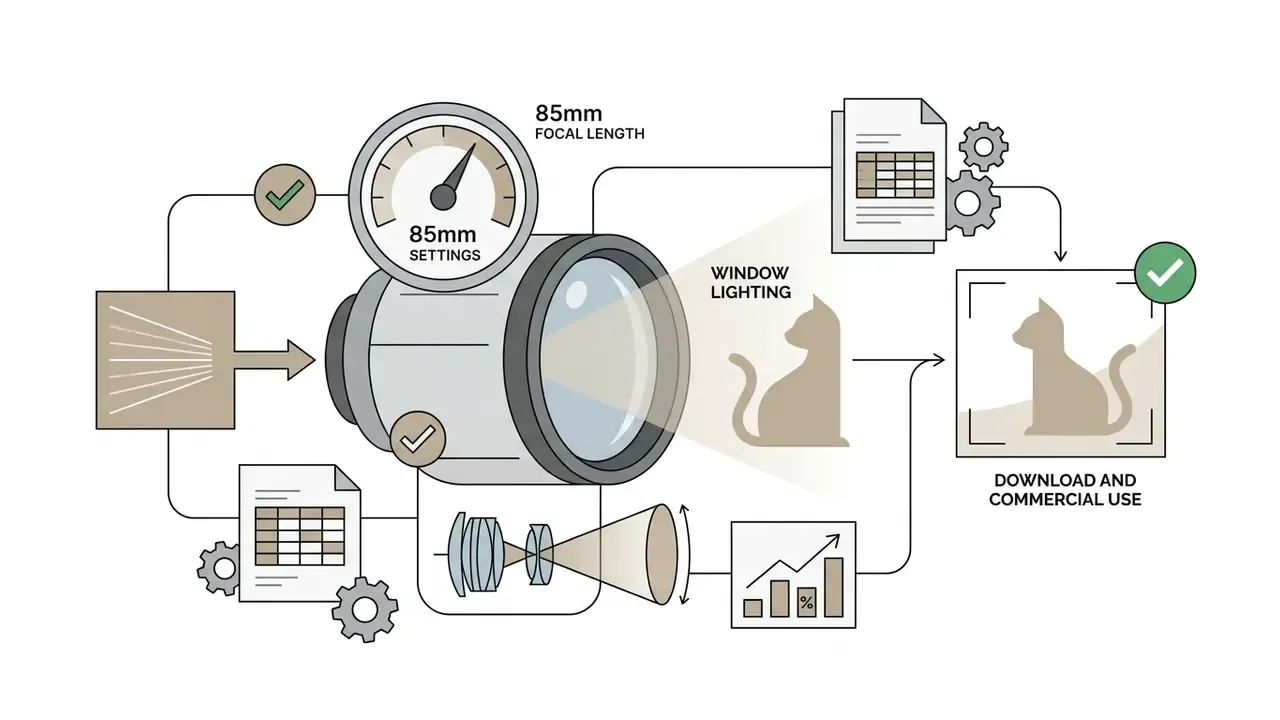
| Photorealistic | 85 mm lens, natural studio lighting, macro fur detail | High sharpness, realistic lighting physics, precise anatomical detail |
| Watercolour | Soft brushstrokes, pastel wash, paper texture, subtle gradients | Soft edges, artistic colour bleed, relaxed subject precision |
| 3D render | Octane render, ray tracing, smooth textures, vibrant lighting | Volumetric light, polished surfaces, stylized character design |
| Cyberpunk | Neon lighting, glowing accents, dark futuristic background | High contrast, saturated palettes, sci-fi elements |
| Oil painting | Visible brushstrokes, canvas texture, chiaroscuro, dark fantasy influence | Heavy impasto texture, dramatic tonal range, painterly edges |
Anime and Ghibli-adjacent looks follow the same logic and are covered in more depth in our comparison of Ghibli-style AI image generators.
«Detailed style descriptors steer models toward natural texture distributions, whereas artistic keywords relax structural boundary constraints.»
When generating a synthetic cat ai picture, photographic terms push the model toward natural texture distributions; artistic keywords loosen structural boundaries and let brushwork flow. Projects that need motion as well as stills can review tools producing ai videos that hold visual consistency across frames.
Copy-Paste AI Cat Prompt Library: From Realism to Fantasy
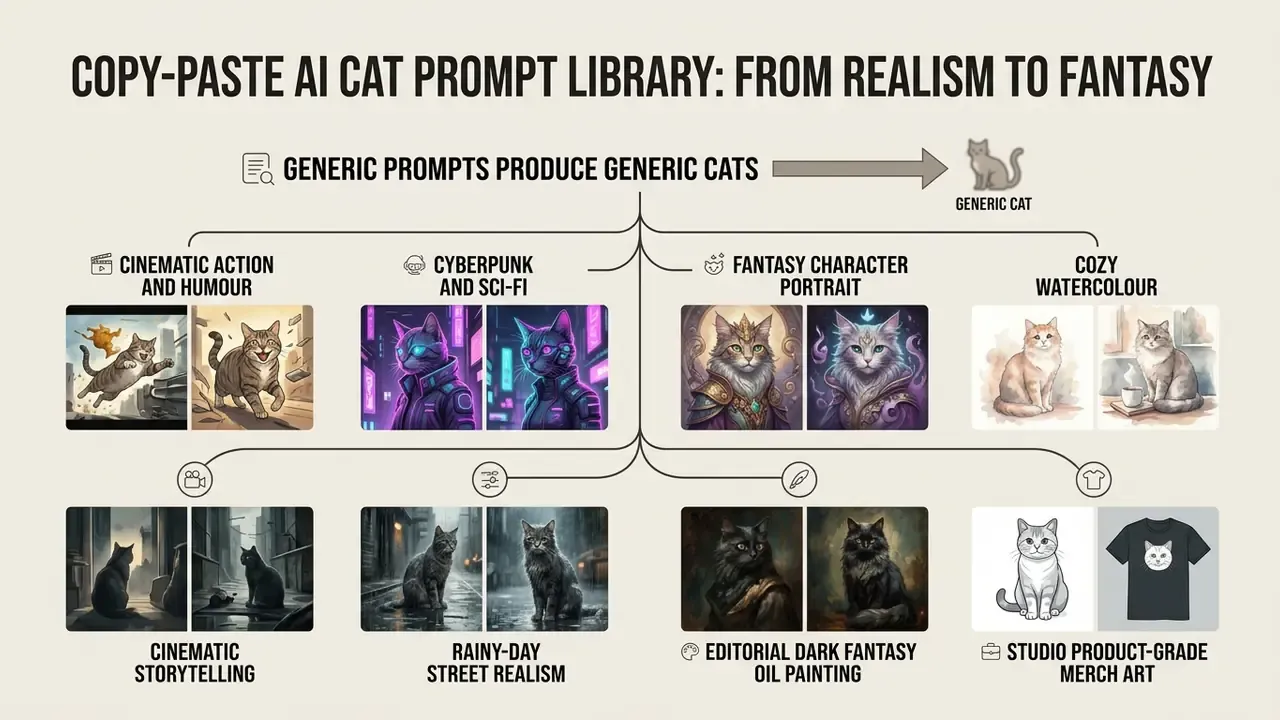
Generic prompts produce generic cats. Specificity, meaning breed, coat, setting and camera framing, is what separates a stock-looking thumbnail from an image someone stops for. Each prompt below is complete and ready to paste into any current generator; swap the bracketed breed or colour tokens to match your subject.
1. Extreme photorealism (Copy prompt)
2. Cinematic action and humour (Copy prompt)
3. Cyberpunk and sci-fi (Copy prompt)
4. Fantasy character portrait (Copy prompt)
5. Cozy watercolour (Copy prompt)
6. Cinematic storytelling (Copy prompt)
7. Rainy-day street realism (Copy prompt)
8. Editorial dark fantasy oil painting (Copy prompt)
9. Studio product-grade merch art (Copy prompt)
10. Golden-hour lifestyle shot (Copy prompt)
Teams building recurring campaign assets often pair this library with the best free AI art generators for early ideation, then re-render the winning concept on a paid tier that actually grants commercial rights. One practical habit: keep the winning prompt, seed and model version in a shared sheet. Reproducibility is the difference between a lucky render and a repeatable house style.
Turn Your Pet Into an AI Cat Portrait
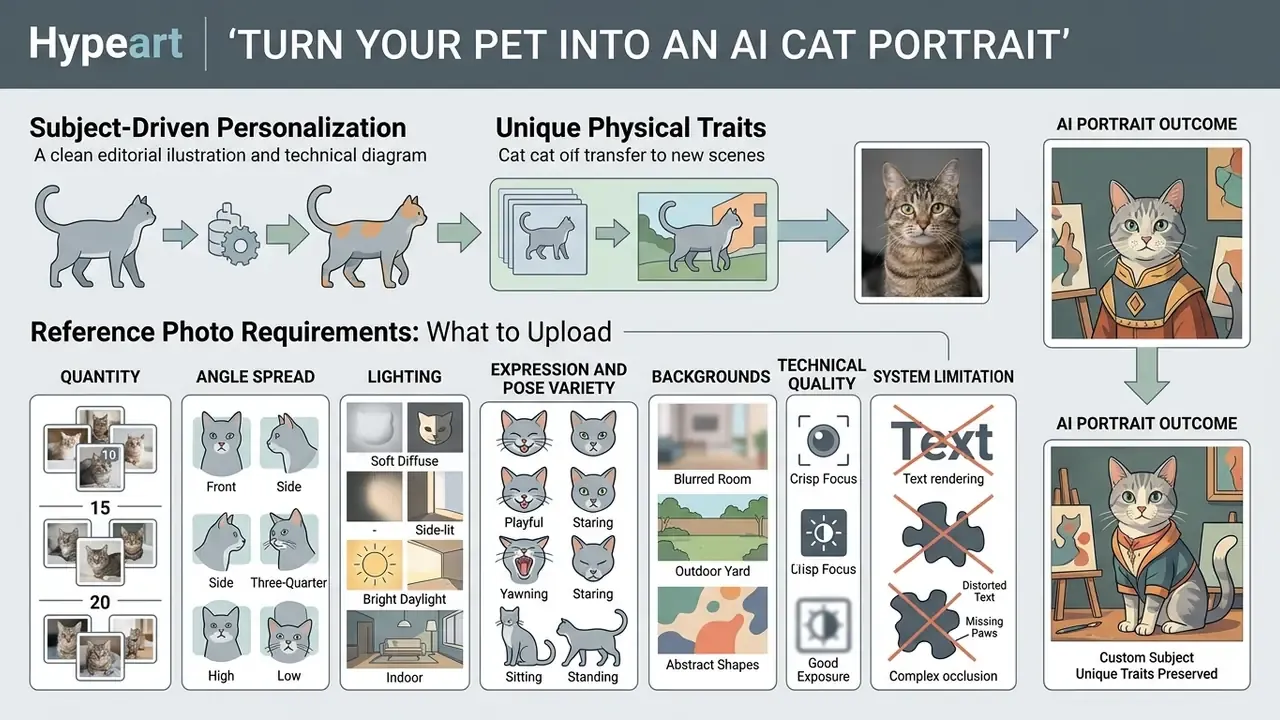
Turning a real pet into a custom cat ai picture requires subject-driven personalisation, techniques that carry unique physical traits into new scenes. Unlike generic text-to-image work, subject-driven workflows use reference photos to teach the model one specific animal's identity, the same principle behind image-to-image generators.
Reference Photo Requirements: What to Upload
Personalisation quality is decided before you write a single prompt. Use this checklist when preparing a training set:
- Quantity
- upload 10 to 20 high-quality images. Three to six photos can produce a usable likeness in a minimal DreamBooth run, but coat patterns and markings hold up far better at 10 to 20.
- Angle spread
- roughly five close-ups of the face, five full-body shots, and five three-quarter (45 degree) angles.
- Lighting
- natural daylight. Avoid direct flash, hard shadows and mixed colour temperatures.
- Expression and pose variety
- different ear positions, eyes open and half-closed, sitting, lying, looking into the camera.
- Backgrounds
- vary them, so the model learns the cat rather than the couch.
- Technical quality
- no blurry, pixelated, heavily compressed or aggressively filtered files. Motion blur on whiskers is the single most common cause of soft, wax-model output.
- System limitation
- do not expect a single pass to render you together with your cat. Current diffusion models suffer from multi-subject token bleeding and blend human facial features into the animal muzzle. Generate the cat separately, then composite with inpainting or ControlNet-guided image-to-image.
- Turnaround
- consumer pet-model training usually completes in roughly 10 to 15 minutes on hosted platforms; higher-fidelity custom pipelines can run a couple of hours.
Details That Make a Pet Portrait Recognizable
Identity survives in a custom pet portrait when distinct features are captured in the references and then named explicitly in the prompt. Models hold identity best from sharp, eye-level source images.
- Coat patterns and markings name specific patches, stripes or facial asymmetry, for example "white chest patch, asymmetrical dark facial stripe".
- Eye colour and shape give the exact iris hue and eye structure, for example "deep amber almond-shaped eyes".
- Ear anatomy and muzzle form note notched ears, tufted tips, a bent ear, distinctive nose colouration.
- Verification pass compare every output against the source photo for eye colour, nose shape, ear position, marking placement and body proportion, then regenerate anything that loses recognisability.
Personalization Technology and Market Context
Image-to-image architectures and fine-tuning pipelines such as DreamBooth let a model learn a pet's facial structure, coat pattern and ear shape from a small reference set.
«DreamBooth binds a unique text identifier to a subject's visual traits using as few as 3-5 reference images plus a class-specific prior-preservation loss.»
The model binds those features to a unique identifier token, which then lets you place that specific cat in custom outfits, fantasy settings or historical art styles. More advanced methods such as Subject Fidelity Optimization refine identity alignment through pairwise comparative learning.
«SFO expands triplet training data into quadruplets with synthetic negatives and applies pairwise comparison to improve subject reproduction accuracy.»
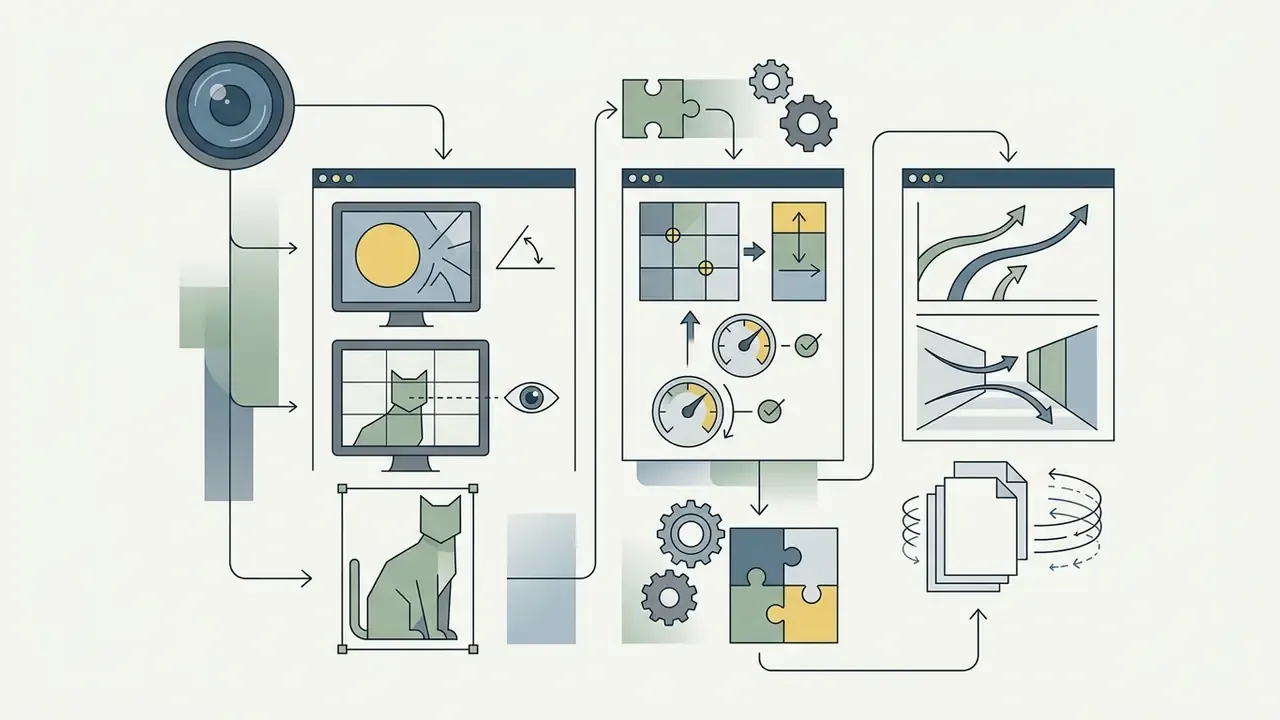
ControlNet adds a second lever. It conditions the diffusion process on an extra image input, a pose map, edge map or depth map, which is how practitioners lock a cat into a chosen posture instead of hoping the sampler cooperates. When you start from an existing photograph rather than pure noise, ControlNet is combined with an image-to-image pipeline: structure comes from the source frame, style comes from the prompt.
Commercial demand for personalised pet portraits has grown quickly. Market research from Growth Market Reports (2026) and DataIntelo (2026) values the global AI-generated pet portrait market between $1.79 billion and $3.8 billion in 2025, driven by custom digital art, memorial pieces and personalised merchandise.
«The AI pet-portrait market reached $1.79 billion in 2025 at a 16.8% CAGR, with projections toward $6.55 billion by 2034.»
Demand is also maturing, not only expanding.
«By late 2024, 58% of commissions came from repeat customers seeking seasonal updates and memorial portraits, versus 72% spontaneous orders in 2023.»
Organisations planning commercial media operations can review licensing frameworks in our AI Media Commercial-Use guide before scaling output.
Common Generation Artifacts and How to Fix Them
Diffusion models fail in predictable ways on feline anatomy. Screen every batch against this list before export.
| Artifact | Typical cause | Corrective action |
|---|---|---|
| Extra or fused limbs and paws | Occluded legs in reference photos; crowded pose description | Add four legs, clean paw anatomy; use a ControlNet pose map |
| Merged or duplicated ears | Low-resolution training crops; strong stylization | Reduce stylization; add explicit ear tokens (two upright ears, tufted tips) |
| Mismatched or asymmetric pupils | Pattern drift across seeds; low-light references | Specify iris colour and shape; upscale, then repair with inpainting |
| Whisker smearing, soft "wax" fur | Motion blur or heavy compression in source photos | Replace blurry references; add individual whiskers, sharp focus |
| Marking drift (a patch moves between renders) | Insufficient reference coverage of that body side | Add angles covering the marking; lock composition via image-to-image |
| Physically wrong eye reflections | Conflicting light-source keywords | Name one dominant light source and its direction |
| Text or watermark hallucination | Training-data bleed | Regenerate; remove residue in an image editor rather than prompting it away |
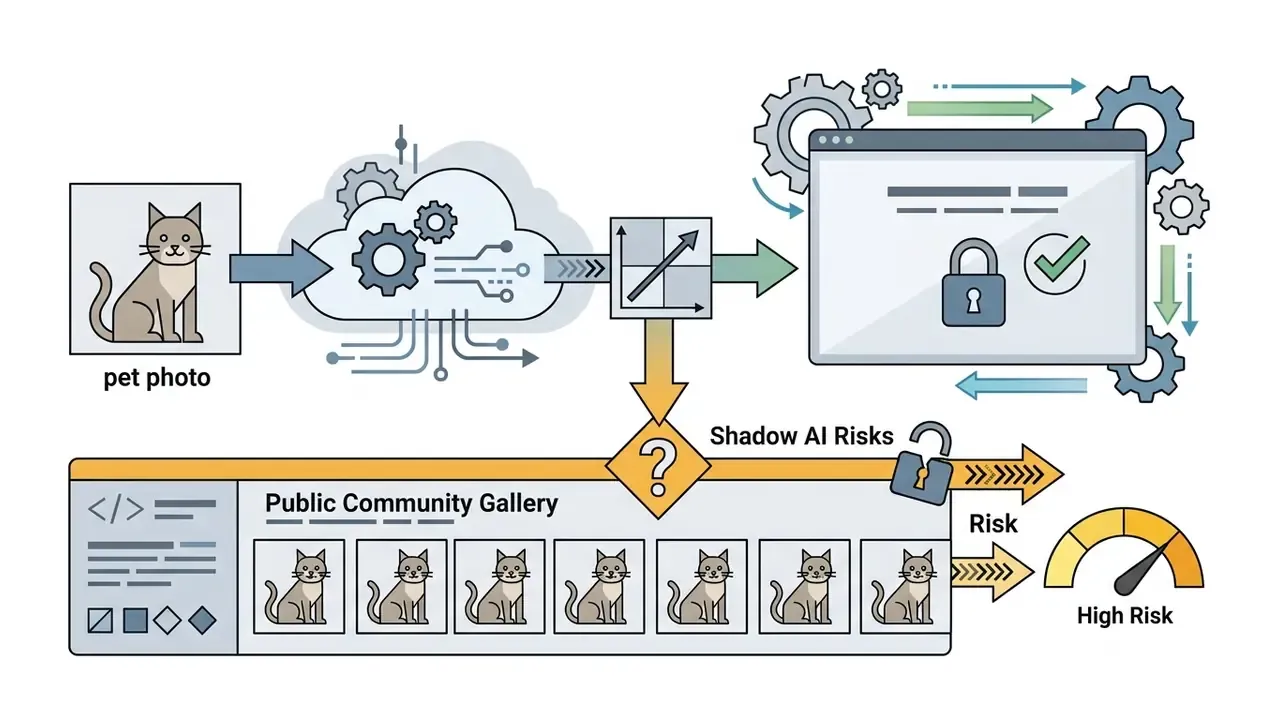
Data Privacy and Shadow AI Risks When Uploading Pet Photos
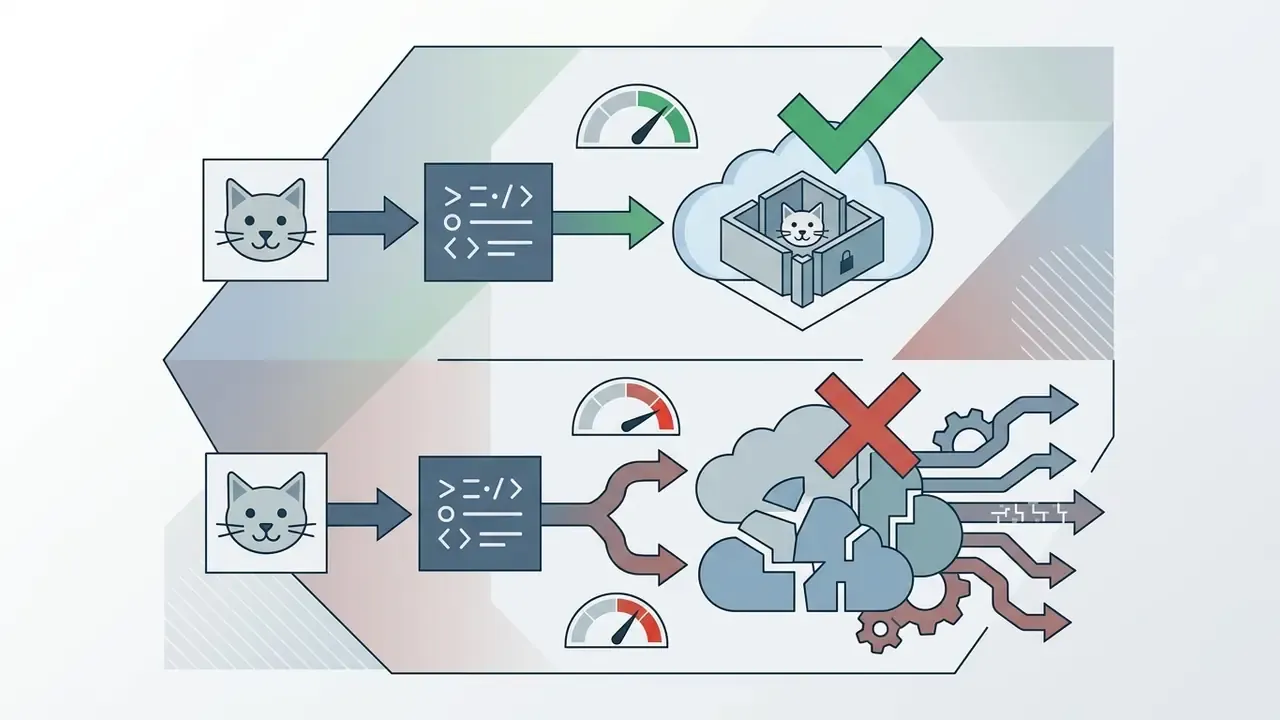
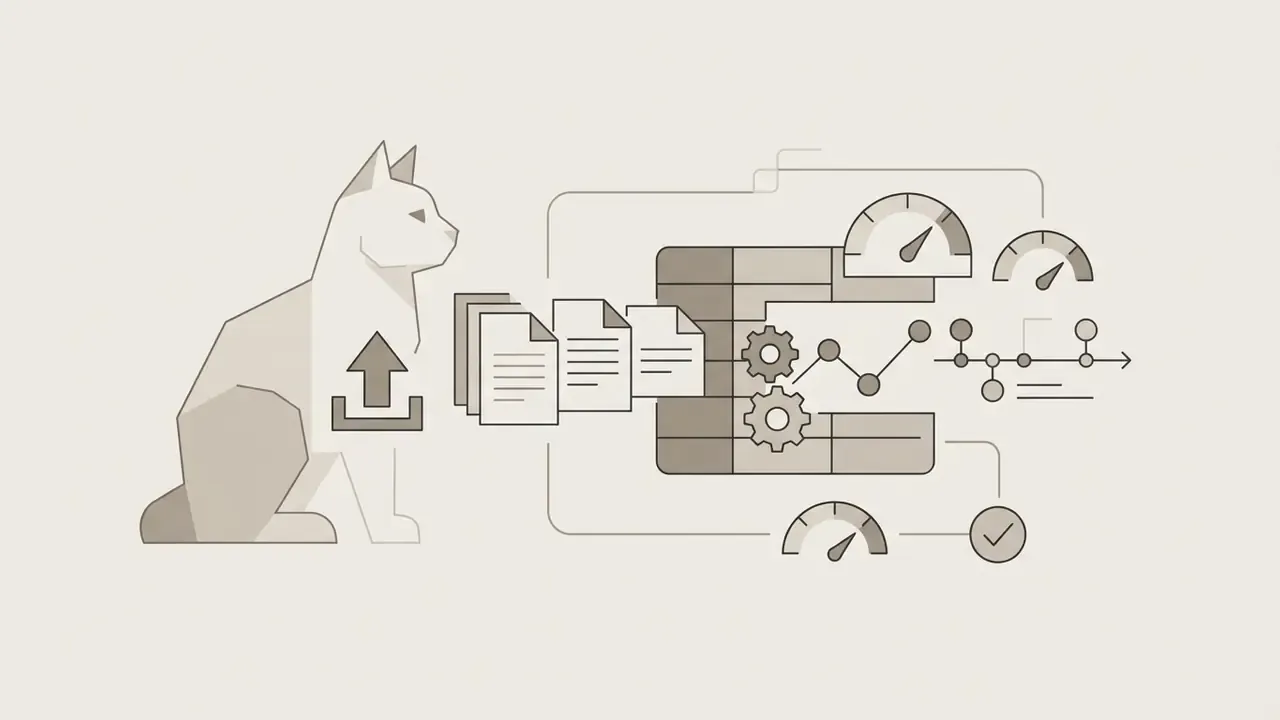
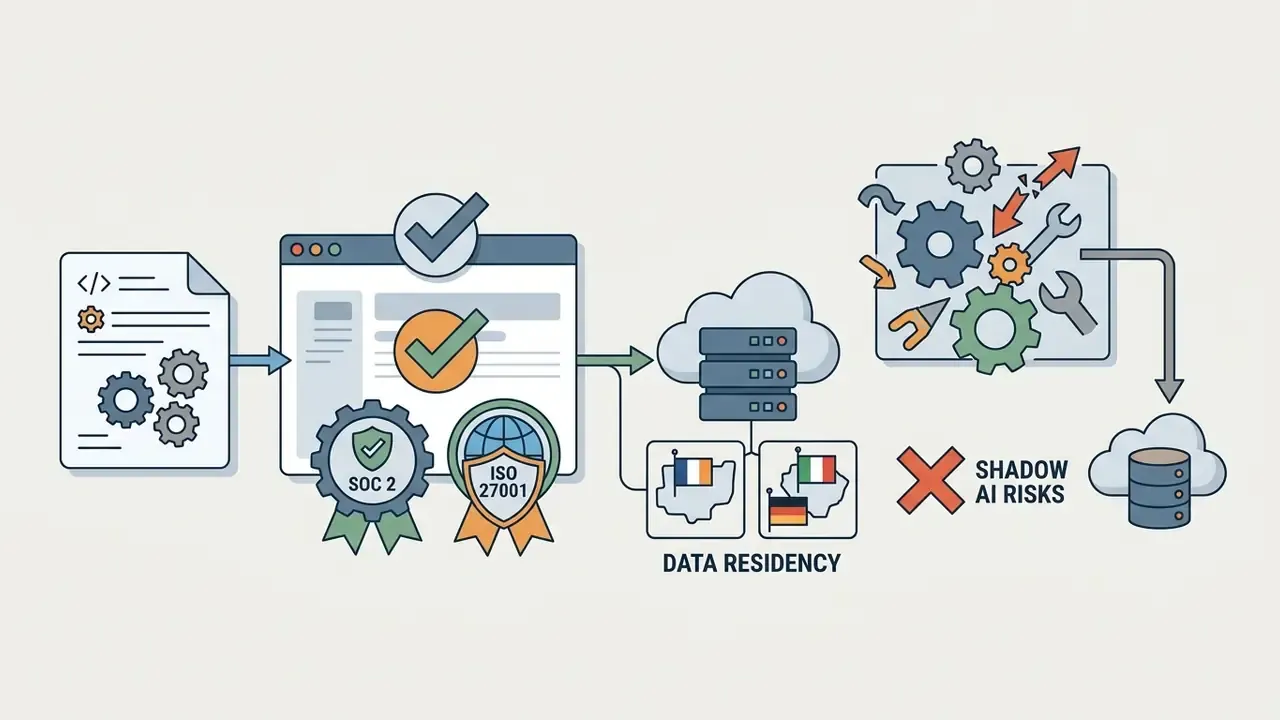
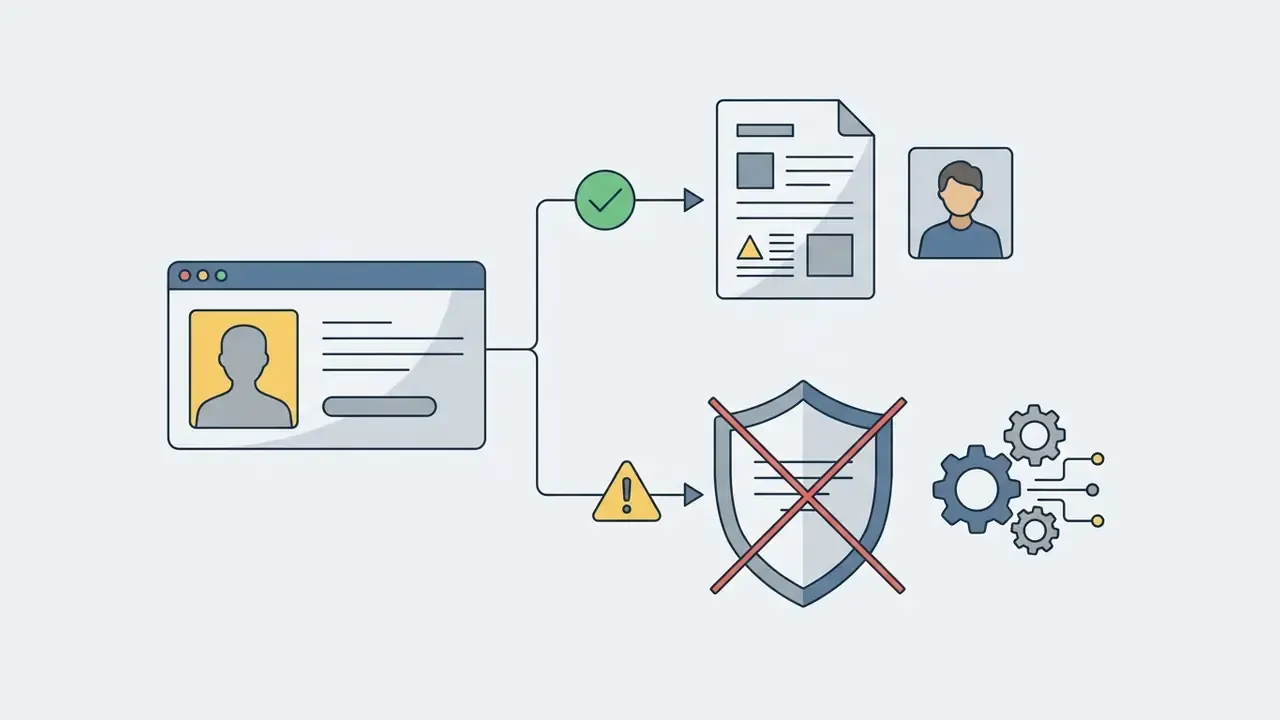
Uploading photos to a free generator is a data-transfer decision, not only a creative one. Pet images routinely carry EXIF geolocation, recognisable home interiors, family members in the background, and, in memorial or veterinary contexts, sensitive personal circumstances. Before submitting anything from a work device, run this review:
Free tools that skip sign-up reduce identity exposure but usually offer the weakest contractual guarantees. Those trade-offs are compared in our overview of free AI image generators without sign-up.
Free AI Cat Pictures, Downloads and Commercial Use
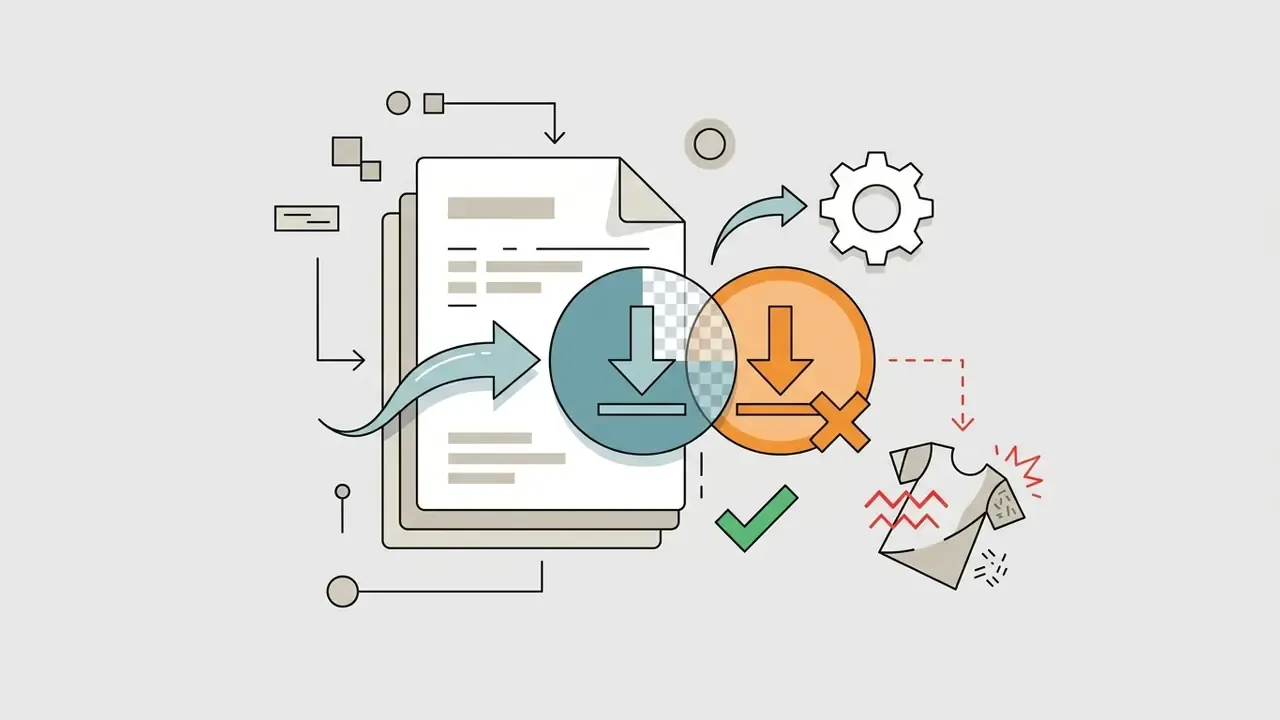
Reaching ai generated cat photos through free generator tiers is an easy entry point. Commercial application is a different question, and it turns on platform Terms of Service plus regional copyright rules. Many platforms hand out free trial credits while keeping commercial rights behind a paid subscription, a distinction covered in our guide to AI image generators for commercial use.
Legal frameworks in major jurisdictions hold that purely machine-generated outputs, produced without substantial human creative input, are not eligible for statutory copyright protection. Guidance from the U.S. Copyright Office (USCO, 2025) and European Union copyright doctrine both require human intellectual creation (Infopaq, C-5/08).
«Copyright protects only material that is the product of human creativity; prompts alone do not confer sufficient control to make the user an author.»
Commercial use is therefore governed by contract, not by statute. Confirm that your tier permits commercial exploitation, and keep the two layers separate in your head: a platform can grant you contractual ownership of an output while that same output remains ineligible for copyright registration.
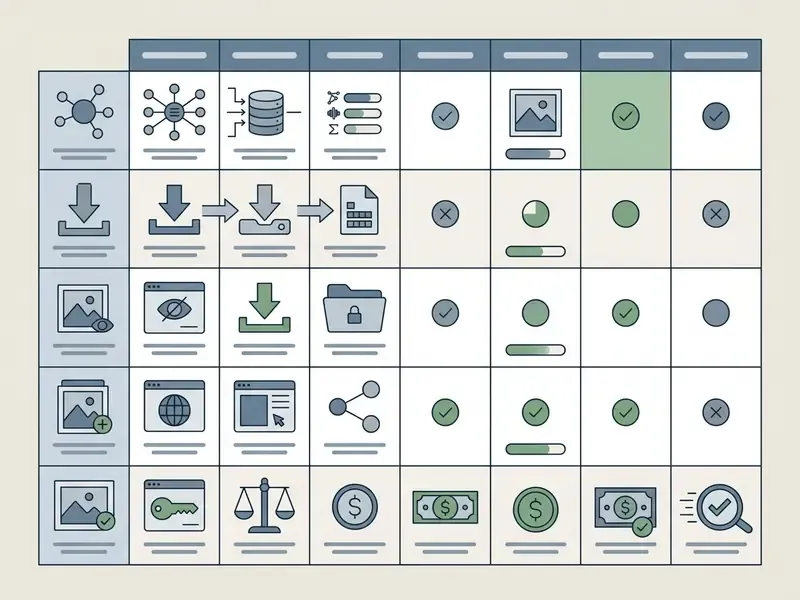
| Access tier | Download resolution | Personal usage | Commercial rights | Licensing conditions |
|---|---|---|---|---|
| Free / trial | Standard (1024x1024) | Permitted | Restricted or prohibited | Non-commercial Creative Commons (CC BY-NC) or personal use only |
| Paid monthly | High / HD (1792x1024) | Permitted | Permitted | Commercial clearance subject to standard platform TOS |
| Enterprise | Uncompressed / vector | Permitted | Permitted (indemnified) | Enterprise plan required if gross company revenue exceeds $1M |
Documented examples as of Q1 2026: Midjourney licenses non-paid member output under CC BY-NC 4.0 and reserves commercial use for paid plans, with businesses grossing over $1,000,000 USD per year required to hold a Pro or Mega plan; Adobe states it makes no ownership or copyright claim over user-created Firefly content and trains on licensed Adobe Stock plus public-domain material; OpenAI assigns output rights to the user, permitting commercial use including resale, subject to usage policies. Terms change often, so re-verify before launch.
Fact check, AI image licensing and copyright compliance: under U.S. Copyright Office guidance and EU precedent, pure AI outputs generated solely from text prompts cannot be copyrighted. Commercial permission arrives contractually through platform terms, not through statutory copyright. The USCO's 2025 report adds that outputs can be protected where a human determined sufficient expressive elements, including creative arrangement or modification of AI material, and that AI-generated portions must be disclosed and excluded in registration applications. Always read the specific platform TOS before putting synthetic images into a commercial product, and re-read it at renewal.
Court decisions also point toward disclosure duties for AI-generated visual media. In Lee v. Liu, a Chinese court accepted that extensive human creative choices during generation can satisfy originality requirements.
«The court held that AI involvement in creating an image must be publicly disclosed in accordance with the principle of good faith.»
Enterprise teams planning paid media deployments can compare options across licensing structures to secure commercial clearance before creative work starts, not after.
What to Check Before Downloading AI-Generated Images
Before downloading and publishing synthetic cat images commercially, run a short compliance audit. Five checks, a few minutes each.
- Verify platform TOS rights.Confirm the active subscription plan explicitly grants commercial usage rights for generated outputs.
- Check revenue thresholds.See whether the platform requires an enterprise tier above a stated annual revenue cap. The Midjourney licensing terms and their $1,000,000 gross revenue rule are the canonical example.
- Confirm copyright limitations.Unedited AI output cannot be registered for exclusive copyright protection without substantial human creative modification. Provenance checks are becoming routine on the buyer side too.
«Multimodal detectors such as AIGI-Holmes, built on LLaVA-1.6, can explain AI-image detection decisions alongside classification.»
Publishers and marketplaces increasingly screen submissions with [AI image detectors](/commercial-use/ai-image-detector/), so declare synthetic origin proactively rather than waiting to be asked.
4. Validate export resolution. Check that files meet print or web standards, roughly 300 DPI for physical merchandise, WebP for web performance. Where native output is too small for print, run it through AI image upscalers before production.
- Check royalty triggers. Some licences are royalty-free for user-submitted inputs and outputs; others attach separate conditions for hosted galleries, resale or enterprise redistribution.
Organisations facing legal scrutiny around synthetic media can see the overview of current cases and regulatory policy affecting generative AI assets.
Creative Uses for AI Cat Art and Pictures
Synthetic cat imagery earns its keep across commercial, editorial and artistic formats, digital and physical alike. The real advantage is iteration speed: marketing teams, designers and content creators can test twenty directions in the time a single illustration brief takes to approve.
- Commercial merchandise: custom cat art printed on apparel, mugs, phone cases and home decor.
- Digital advertising creatives: visual assets for social campaigns, blog headers and marketing banners.
- Social media content and memes: stylized, humorous or seasonal cat imagery built for engagement.
- Pet memorials and gifts: personalised digital pieces and framed prints celebrating an individual animal.
- Storytelling and education: consistent cat characters for children's books, games and animation pre-production.
- Concept art and character design: breed-accurate creature iterations before committing illustrator hours.
- E-commerce stand-ins: lifestyle context shots for pet-product listings while real photography is scheduled.
Multi-format campaigns rarely stop at stills. Teams pairing cat imagery with narration often test an ai voice generator for quick drafts, assign distinct voices through ai voice generator characters for animated shorts, source offline options via ai voice generator free download, and localise for South Asian audiences with an ai voice generator hindi text to speech pipeline. Same governance rules apply: check licence scope for voice as carefully as for images.
Market behaviour analysis (Alibaba B2B Insights, 2024) shows a structural shift in demand. Early adoption ran on novelty; repeat customers now account for 58% of commissions, mostly seasonal portrait updates and memorial art. When AI images go onto commercial products, make sure the final asset carries enough human creative input to stand a chance at copyright eligibility. Developers building automated media pipelines can explore the hub for integrated image generation endpoints.
FAQ About AI Cat Images
Can You Create AI Cat Pictures on Mobile?
Yes. You can generate high-quality cat ai images on mobile through dedicated iOS and Android apps or a mobile browser. Apps such as CatCamera (iPhone, iOS 17.0 and above, three free starter credits), DaVinci (iOS and Android, 50 or more models) and Recraft (iOS 17.6 and above, for creating, editing, enhancing and vectorising visuals) give you prompt entry, style filters and direct export to the photo gallery. Browser platforms like Pixlr and SeaArt are tuned for touch input, so the full generation pipeline works without desktop hardware.
Can AI Generate Cats With Specific Colors or Moods?
Yes. Models render specific coat colours, rare breed traits and nuanced expressions when those details are spelled out in the prompt. Phrases such as "a playful Sphynx cat with a curious expression" or "a cozy sleeping calico cat curled in a joyful mood" pull the feature distribution toward those attributes.
«Prompt-coaching systems change how much detail users supply and how much control they feel over generated results.» Chen et al., Is Your Prompt Detailed Enough? Exploring the Effects of Prompt Coaching on Users' Perceptions, Engagement, and Trust in Text-to-Image Generative AI Tools, ACM TAS (2024). https://dl.acm.org/doi/10.1145/3654777.3676399 For rare breeds or precise emotional tones, isolate the physical traits first (breed, coat colour, pattern placement, eye colour, ear shape, fur length, muzzle features, tail), then set scene mood. To weigh generation and editing solutions against budget, creators can compare options across current software platforms.
How Do I Generate AI Warrior Cats or Fictional Cat Characters?
Combine breed-specific physical traits with thematic armour, environment and elemental effects. Example: "A fierce forest-dwelling tabby cat wearing layered leather shoulder armour, glowing amber eyes, battle scars across the muzzle, standing on a mossy fallen tree in dense fog, dark fantasy style, cinematic rim lighting." For a consistent clan or cast, lock the art style and lighting tokens across every character and vary only markings, eye colour and armour detail.
Can I Create Sad or Emotional Cat Memes Using AI Generators?
Yes. Emotion comes from the eyes plus environmental atmosphere, not from the word "sad" on its own. Use descriptors such as "big teary glossy eyes, drooping ears, sitting alone on a rain-soaked wooden bench, soft overcast lighting, shallow depth of field". For meme formats, generate at square or 4:5 ratio, leave clean headroom for the caption, and set the text in an editor. Models still render typography unreliably.
Can I Generate a Movie-Style Cat Like Puss in Boots?
Specify the medium and the character grammar explicitly: "anthropomorphic cat standing upright, wearing a wide-brimmed feathered hat, cape and leather boots, stylized 3D animation render, dramatic heroic lighting, expressive eyes, feature-film character sheet." Avoid naming protected characters or franchises in commercial work. Describe the archetype and its visual language instead, which lowers IP exposure without losing the look.
Can I Generate a Photo of Myself Together With My Cat?
Not reliably in one pass. Multi-subject prompts cause token bleeding, where human and feline features blend into something uncanny. The working method is compositional: generate the pet portrait from your trained model, generate or use a real photograph of yourself, then merge the two with inpainting or ControlNet-guided image-to-image, matching light direction and colour temperature between layers.
Why Do My Cat Images Have Wrong Paw or Ear Anatomy?
Anatomy errors cluster in occluded and repeated structures: paws, ears, whiskers, tails. Vendor documentation also admits broader reliability limits. Models may return text instead of an image on ambiguous prompts, may not produce the exact number of images requested, and may stop before finishing. Mitigate by naming anatomy explicitly, reducing stylization, conditioning on a pose map, and repairing what remains with inpainting. The artefact table above lists the specific fixes.
Are Free AI Cat Generators Safe to Use at Work?
Treat them as unvetted third-party data processors until proven otherwise. Review retention, training reuse, default gallery visibility and certification status with the privacy checklist above, and never upload images containing colleagues, interiors of secure premises, or geotagged EXIF data.
Appendix A: Superseded Claims and Source Notes
The following statements appeared in earlier revisions of this article and have been superseded in the main text. They stay here for transparency and version traceability.
- "According to the MidJourney Realistic Portraits Guide (The Klay Studio, 2026), suppressing painterly effects requires turning down stylization parameters and using raw model settings." Superseded: the cited guide is a commercial secondary source without verifiable methodology or a stable URL. The mechanism (lower stylization, raw rendering, portrait aspect ratios, low randomness) stays in the main text as practitioner guidance, not as a sourced finding.
- "Adobe Firefly documentation (Adobe, 2026) notes that adjusting visual intensity and composition controls allows users to steer outputs." Superseded: no stable document reference was available. The named product controls (composition, visual intensity, effects, colour and tone, lighting, camera angle) are described in the main text as observable product features requiring verification against current release notes.
- "In an image optimization project, a creative team established a fixed prompt syntax that ordered physical subject traits before lighting instructions, successfully reducing visual rendering errors by 40% across a series of 500 test images." Removed: anonymous, unverifiable case with no published methodology. Replaced in the main text by the prompt construction formula and the breed matrix, plus peer-reviewed evidence on iterative prompt refinement.
- "Reference photos: three to six reference photographs" as a general recommendation. Superseded: DreamBooth's published method operates on 3 to 5 images with prior preservation, but production-grade coat-pattern fidelity needs 10 to 20 varied photographs. Both figures now appear with their respective contexts.
- "According to the PawStudio AI Guide (2026), high-contrast reference images... yield the highest identity retention scores." Reframed as practitioner consensus from 2025 and 2026 vendor guides rather than a measured benchmark, since no scoring methodology is published.
- Bare citations "(CVPR 2023)", "(arXiv, 2025)", "(SFO, 2025 preprint)", "(Oppenlaender et al., Mindtrek 2023)". Replaced throughout with full titles, venues and resolvable URLs.
- Competitor claim, retained for contrast: "You can use any images on our platform generated by Stable Diffusion for commercial purposes without licensing." Contradicted. Commercial use of Stable Diffusion output depends on the specific base-model licence (non-commercial versus commercial research and enterprise terms) and on the user's jurisdiction. Treat unqualified claims of this type as unreliable.
Navigational hub link: to explore additional AI media guides and technical resources, view the guide in our main knowledge centre. For platform assistance, visit our AI Media Support and Troubleshooting page.