Executive Summary: The Short Version
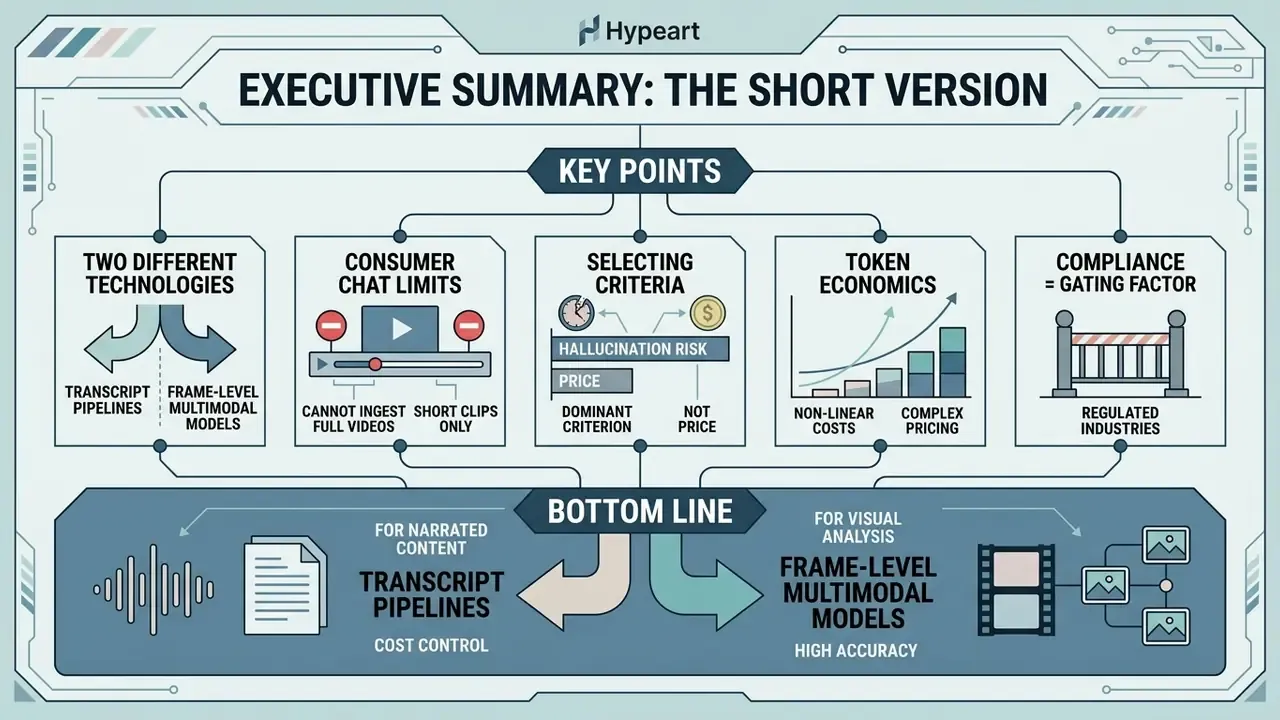
For decision-makers who want the conclusions before the technical detail:
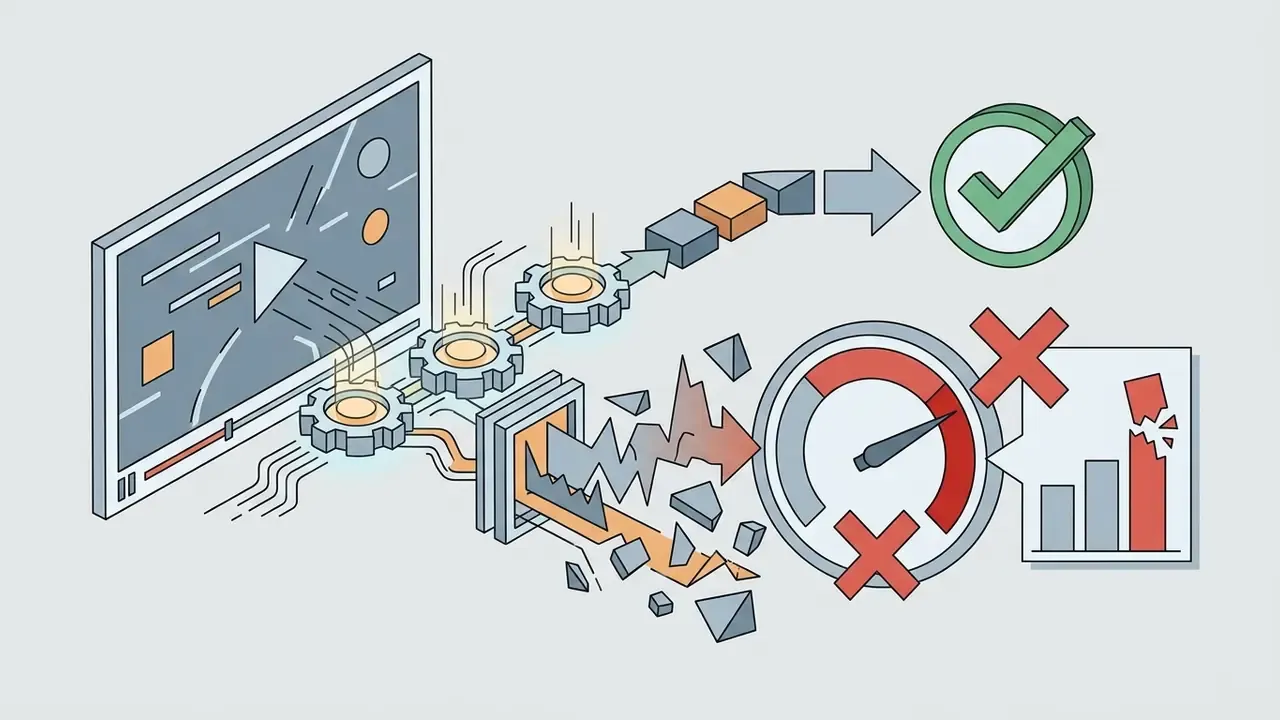
- Two different technologies wear the same label. Most tools marketed as "AI that watches video" only read the speech-to-text transcript. True video understanding samples visual frames, runs OCR on them, and reasons over the timeline. If your answer lives on a slide, a chart, a trading screen, or a code editor, a transcript-first tool will never find it.
- Consumer chat subscriptions cannot ingest full videos. ChatGPT Plus and Claude Pro do not accept raw long-form video files. Gemini Advanced and the Gemini API remain the only mainstream consumer-facing stack with native video and public YouTube URL ingestion. Everything else needs frame extraction or a specialized platform.
- Hallucination risk is the dominant selection criterion, not price. Published research shows up to 57% of generated caption sentences can contain ungrounded claims, and grounded VideoQA evaluations report visual localization accuracy (Acc@GQA) frequently below 16%. Translation: a "correct" answer is often not visually verified.
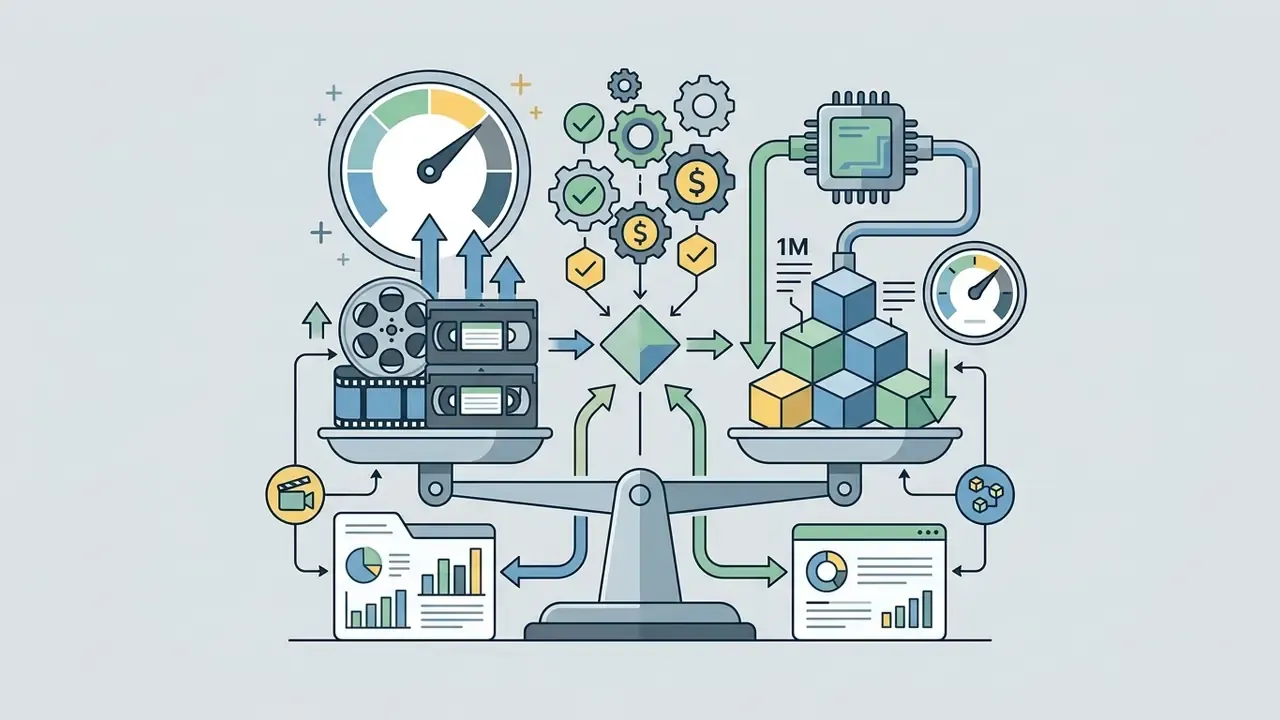
- Token economics are non-linear. Video billing runs per second, per minute of annotation, or per video token depending on the vendor. A one-hour ingest at 1 fps can cost orders of magnitude more than transcript-only summarization of the same asset.
- Compliance is the gating factor in regulated industries. Uploading recorded client calls, KYC sessions, or internal meetings into a public summarizer creates Shadow AI exposure, biometric-privacy liability (Illinois BIPA, for example), records-retention conflicts (SEC Rule 17a-4, FINRA), and model-risk documentation gaps under Federal Reserve SR 11-7 / OCC 2011-12.
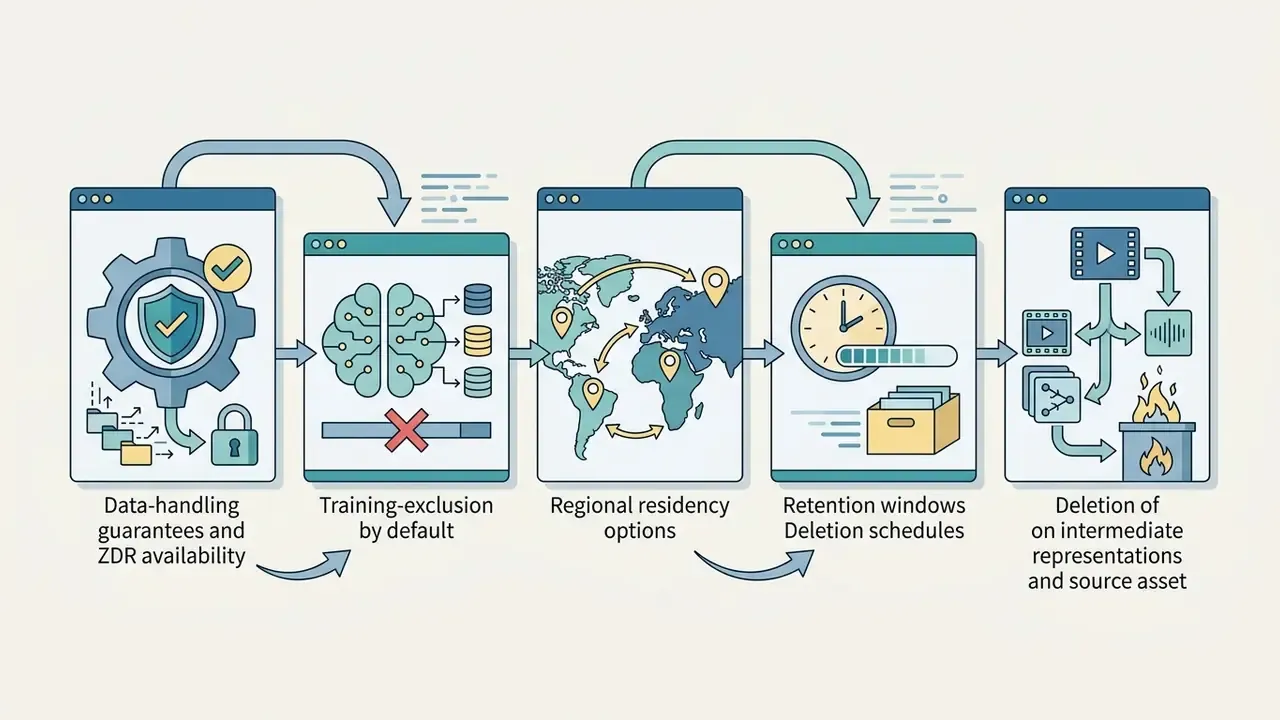
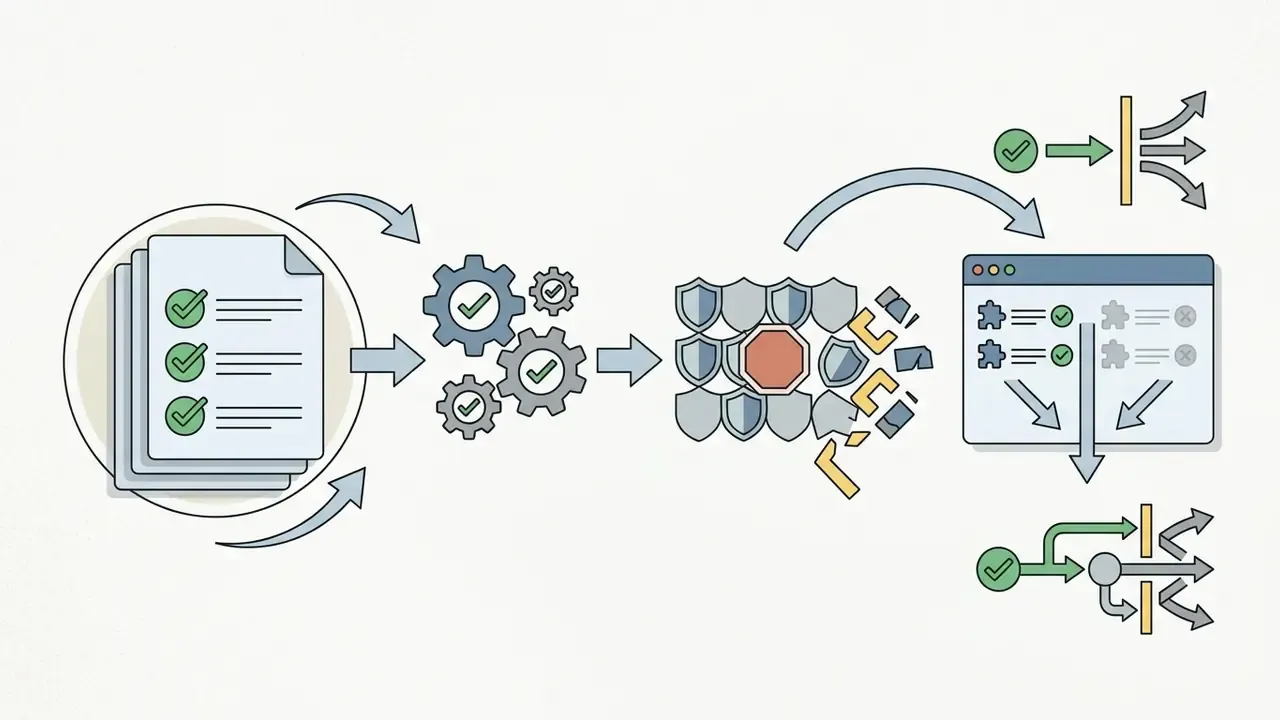
Bottom line: use transcript pipelines for narrated content and cost control, frame-level multimodal models for visual evidence, and enterprise APIs with Zero Data Retention (ZDR), SOC 2 Type II, and audit logging whenever the footage contains regulated data.
Can AI Really Watch Videos and Understand What Happens?
Yes. Modern AI models can watch videos by ingesting sequential visual frames, time-aligned audio, and text transcripts, then fusing them into a single multimodal representation. The experience is nothing like human viewing. An AI system samples discrete visual data points, converts audio to text, and uses deep learning architectures to reason over combined spatial and temporal information.
What "Watching a Video" Means for an AI Model
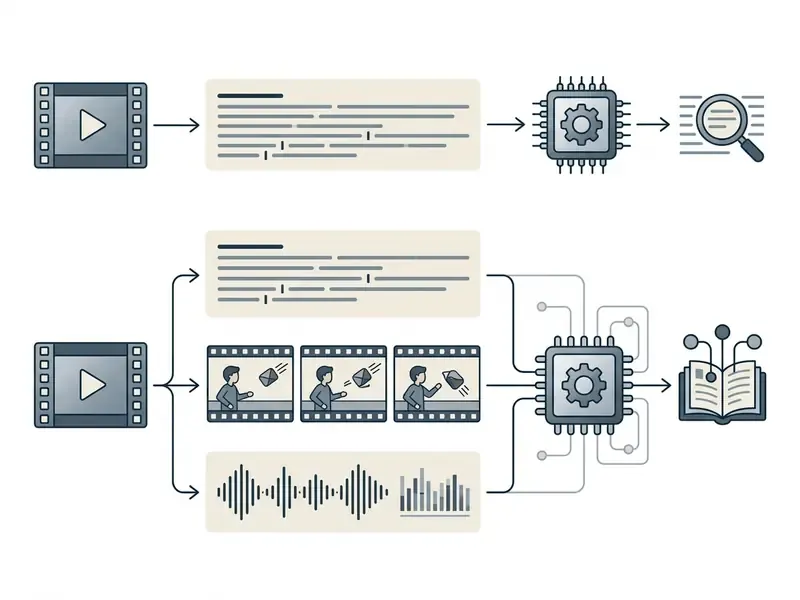
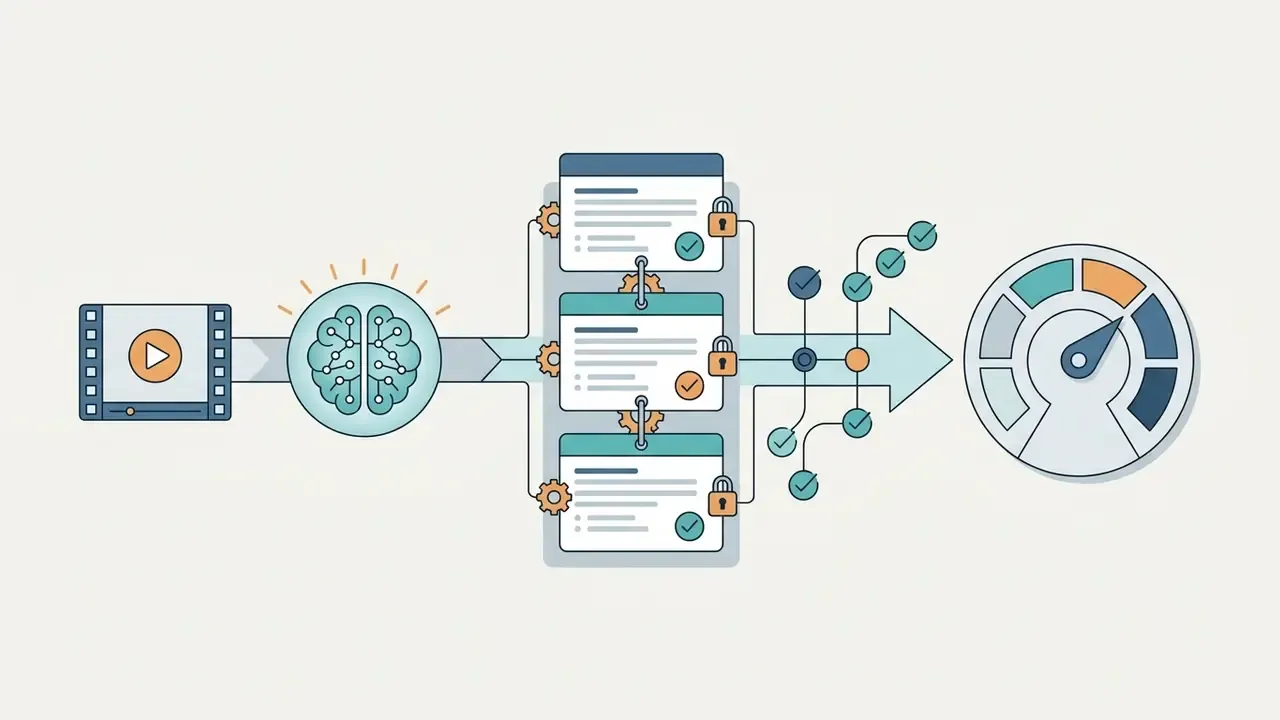
For a multimodal AI model, watching a video means converting a time-ordered sequence of images and synchronized audio into mathematical embeddings a neural network can process. Systems sample video at a defined rate, typically 1 to 8 frames per second (fps), and pass those frames through a vision encoder that extracts spatial features: objects, on-screen text, facial expressions, scene transitions. In parallel, the audio track runs through Automatic Speech Recognition (ASR) to produce a timestamped transcript. The model then fuses visual, acoustic, and textual feature vectors into a joint embedding space so a large language model backbone can reason across the timeline.
Two engineering parameters quietly decide output quality. The first is the sampling rate. At 1 fps a sixty-minute video becomes 3,600 images; at 8 fps it becomes 28,800, a 700% increase in visual token consumption for marginal gains on slow-moving content. The second is temporal position encoding. Without explicit time embeddings, a model can identify what appeared but not reliably when, or in which order two events happened. That is exactly the failure mode that breaks procedural and compliance review, where the sequence is the finding.
Worth restating, because teams keep learning it the expensive way: more frames does not mean more truth. It means more tokens.
Video Understanding vs Transcript Reading
Video understanding evaluates the visual frame sequence and spatial-temporal events. Transcript reading relies exclusively on spoken words converted to text. This split is the foundation for comparing any category of video understanding tools and for decoding vendor claims that use the verb "watch" loosely.
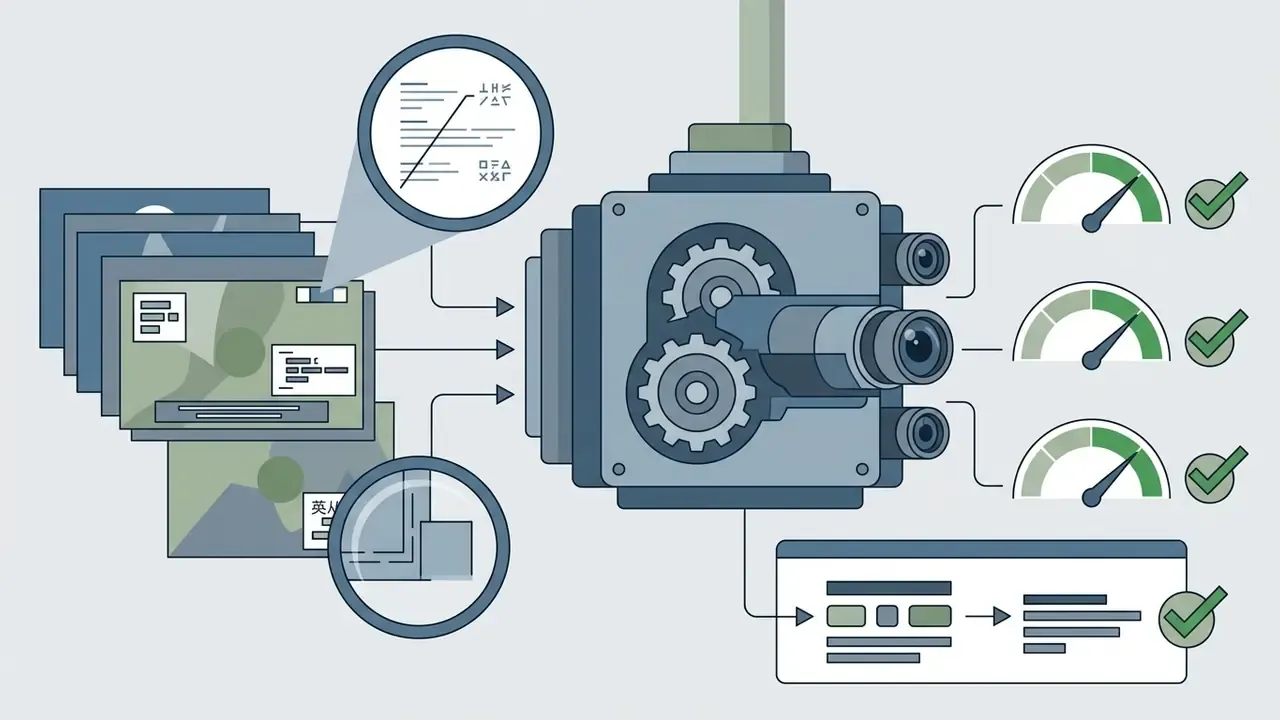
A transcript-only pipeline ingests speech-to-text data, which leaves it blind to visual actions, on-screen text, chart values, or physical context where nobody speaks. True computer vision adds optical character recognition (OCR) on individual frames plus spatial detection, so unstated actions become visible.
Research on modality importance documents a strong text bias in standard video benchmarks:
«A large portion of video question-answering tasks can be solved using transcripts alone, without processing visual frames.»
Comprehensive analysis still needs both streams. The LVSum benchmark study puts the split plainly:
A banking example makes the gap concrete. During a recorded advisory call, a relationship manager says: "as you can see, the projected drawdown is well within your tolerance." The transcript captures a compliant, harmless sentence. The screen share, meanwhile, shows a performance chart with a projected return figure that was never spoken aloud. A transcript-first summarizer reports "advisor discussed drawdown tolerance" and closes the ticket. A frame-level model with OCR surfaces the numeric claim on screen, which is the artifact a suitability review, a marketing-compliance check, or an SEC-style examination actually needs. The same asymmetry shows up in KYC document capture, screen-shared pricing sheets, and trading-floor recordings.
How AI Video Watchers Analyze Uploads and YouTube Videos
AI video watchers analyze content by ingesting binary media files or pulling streaming data through public URLs, extracting metadata, segmenting media into processing chunks, and running multimodal inference. Users then ask questions, request automated summaries, and receive clickable timestamps tied to precise moments.
Uploading a Video File for AI Analysis
Uploading a video file directly to an AI platform involves media decoding, preliminary compression, and chunking to fit model payload limits. Consumer web interfaces usually accept MP4 or MOV capped between 200 MB and 2 GB, with duration limits from 30 minutes to 6 hours. Enterprise API environments handle far larger datasets. The Google Gemini API File API supports files up to 20 GB on paid tiers, while Microsoft Azure AI Content Understanding enforces direct upload limits of 200 MB and 30 minutes per file, and Azure AI Video Indexer allows 2 GB / 6 hours for device uploads versus up to 30 GB for URL-based ingestion (Microsoft Azure AI Documentation, 2026). After upload, the platform splits the container into an audio stream for ASR transcription and keyframes sampled at fixed intervals for visual feature extraction.
Pre-processing lowers both cost and failure rate. Normalize to H.264/MP4, downscale to 720p unless small on-screen text must be read, strip silent dead air, and split long recordings on shot boundaries rather than fixed intervals. Teams that keep hitting payload ceilings should standardize one repeatable compression step. Our guide to video compression workflows covers the quality-versus-size trade-offs that decide OCR legibility.
Analyzing a YouTube Video by Link
Analyzing a YouTube video by pasting a link depends on access to public video streams and metadata endpoints, not on downloading restricted media. Platforms query the YouTube Data API to fetch parameters through videos.list (titles, descriptions, durations, caption availability, and privacyStatus values of public, private, or unlisted) and pull closed captions through captions.list and captions.download (Google YouTube Data API Documentation, 2026). One detail trips developers up: captions.list returns only the track inventory. The subtitle text itself requires captions.download, and retrieving private user data requires an authorization token.
If a video is private or restricted, external AI services cannot fetch the stream without authenticated user credentials. For public videos, tools parse the caption track for fast semantic indexing, or download low-resolution streams to run frame-level visual analysis. Free-tier limits also apply at the model layer: Google documents an 8-hour-per-day YouTube ingestion cap on the Gemini free tier, with no video-length limit on paid tiers, and supports one YouTube URL per request.
Ingestion Methods: Web Apps, Chrome Extensions, Batch Mode and Desktop Clients
When selecting a video-watching AI, the ingestion interface shapes workflow velocity as much as the model does:
- Web applications (single-asset workflow): the default path. Drag a file or paste a URL, wait for processing, ask questions. Good for occasional ad-hoc review, poor at volume, because every asset needs manual handling.
- Browser extensions (Knowt, NoteGPT, ChatTube-style overlays): render directly on the YouTube page, enabling one-click transcript extraction, summaries, and Q&A without switching tabs. Very fast for research and study work, but they request broad page-read permissions, a material Shadow AI consideration on managed corporate devices.
- Batch processing pipelines (ScreenApp batch mode, enterprise APIs, playlist processors such as NoteGPT): upload whole directories of MP4/MOV files or an entire YouTube playlist at once. The system processes assets asynchronously and can cross-reference across files, which is the right architecture for interview corpora, competitor monitoring, broadcast surveillance, or a semester of recorded lectures. One vendor frames the distinction neatly: batch mode exists "for when you have a folder rather than a video."
- Native desktop clients (Mac/Windows): capture local system screen audio and frames directly, bypassing browser upload size limits for recorded Zoom or Teams meetings and keeping raw media on the endpoint until an explicit sync.
- Server-side API integration: the only ingestion path supporting queueing, retries, per-request logging, model-version pinning, and injection of results into a GRC or DAM system. Therefore the only one that satisfies auditable enterprise deployment.
From Video Data to Answers, Summaries and Insights
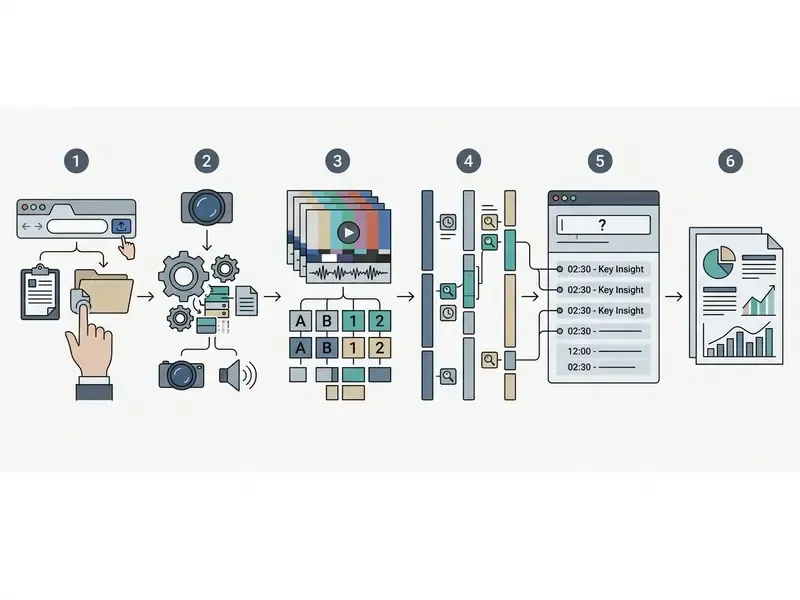
Turning raw video into usable intelligence means passing fused multimodal embeddings to a language model primed with structured prompts. The system maps extracted visual events and spoken sentences to continuous timecodes in H:MM:SS format. When a user asks a question, the model runs semantic search across the internal temporal index, picks the most relevant clip segments, and synthesizes a response. Platforms attach clickable timestamps to summaries and answers so users can jump straight to the frame where an event, quote, or visual anomaly occurred.
The canonical user-facing flow has three steps: paste a URL or upload a file; the system transcribes, samples frames, segments the timeline into topics or chapters, and indexes them; the user reads a structured summary and asks follow-ups, with each claim carrying a timestamp that jumps to the exact moment. To weigh specialized asset options across adjacent generative formats, consult our AI Media Comparison Matrices for cross-platform benchmarks, and review Google Veo implementation economics if your pipeline also generates video rather than only analyzing it.
Types of AI Tools That Can Watch Videos
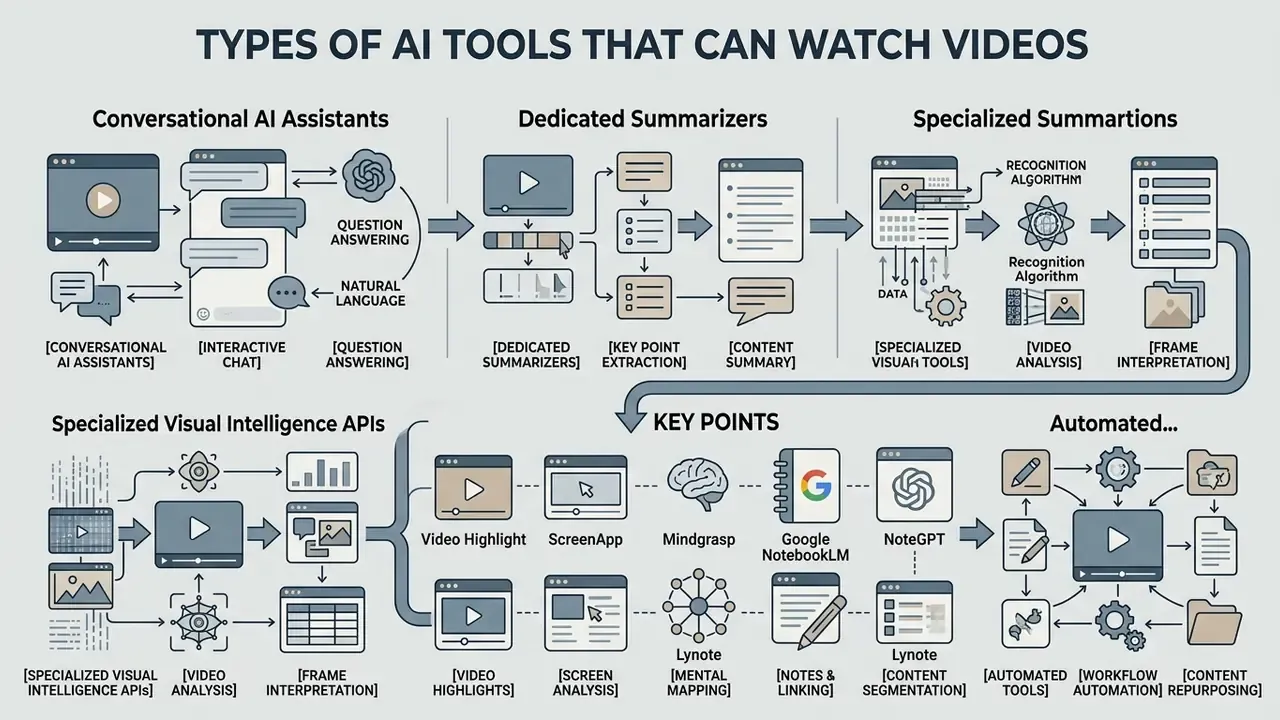
The market for video-capable AI tools splits into four categories: conversational AI assistants, dedicated summarizers, specialized visual intelligence APIs, and automated metadata indexing platforms. Which architecture fits depends on whether you need natural-language interaction, structured database tags, or bulk archival indexing.
AI Video Summarizers and Question-Answer Tools
AI video summarizers and conversational assistants aim at fast information extraction: ask natural-language questions, receive bulleted highlights. Readers assessing adjacent generative categories can cross-reference our overview of AI video generation methods to keep analysis tools and creation tools apart.
Applications here ingest transcripts alongside keyframes to produce executive summaries, chapter breakdowns, and exportable meeting notes, with exports in Markdown, PDF, DOCX, and subtitle formats (SRT/VTT). The current field, broader than the three names usually cited:
- Video Highlight- timestamped transcripts, highlights, chat with video, and playlist or channel-level questioning; advertises transcript generation in dozens of languages and exports to PDF, DOCX, Markdown, SRT, and VTT.
- ScreenApp- accepts uploaded MP4/MOV/WebM/AVI files plus YouTube, Vimeo, or Loom links, combines visual frames with the audio transcript, and offers batch mode alongside native Mac and Windows recorders. Positions itself explicitly against consumer chat subscriptions on full-length video handling.
- Mindgrasp- study- and meeting-oriented summarization with notes, quizzes, and Q&A over uploaded lectures and documents.
- Google NotebookLM- imports YouTube transcript text as a source, produces summaries, suggested questions, and citations pointing back to transcript locations, plus generated Audio Overviews. Strong for research synthesis across many sources. It reads transcripts, not frames, and video-length availability shifts over time.
- NoteGPT- extracts transcripts from YouTube videos and uploaded files, and specializes in batch playlist processing plus export of notes into mind maps. Confirm current upload limits and subtitle-language coverage before launching a large batch job.
- WayinVideo- transcribes with speaker diarization (speaker labels), generates timestamped summaries and mind maps, and ties chat answers to interactive timecodes. Useful for multi-speaker interviews and panels.
- Lynote- converts a video into a structured, searchable document with semantically labelled notes anchored to synchronized frames and jump-to-moment links.
- Knowt- academic focus: turns lecture videos into summaries, practice questions, and flashcards, imported mainly through a Chrome extension on YouTube pages. Supports multi-file uploads (PDF, video, audio, slides) into one resource.
- ChatTube- chat-first YouTube assistant needing no transcript upload. Paste a URL, get answers with clickable timestamps, plus summaries, downloadable subtitles, mind maps, and translations. Free access is metered by daily conversation count rather than minutes.
- Atlas-class research readers- answer questions strictly from an imported transcript and return citation badges that open the underlying source passage. Deliberately narrow: no frame inspection, no flashcards, but the strongest verifiability trail for citation-bound work.
| Tool | Reads visual frames? | Primary ingestion | Signature output | Check before you commit |
|---|---|---|---|---|
| Video Highlight | Partial (keyframes) | YouTube URL, playlists | Timestamped chat + highlights | Whether answers cite exact text or only a rough time |
| ScreenApp | Yes (frames + audio) | Upload, URL, batch, desktop app | Timestamped Q&A + transcript | Visual-analysis claims and plan limits change fast |
| Mindgrasp | Transcript-first | Upload, URL | Notes, quizzes | Export formats and academic licensing |
| NotebookLM | No | YouTube transcript, docs | Cited summaries, Audio Overview | Video-length and regional availability |
| NoteGPT | Transcript-first | URL, playlist batch, upload | Mind maps, batch summaries | Upload caps, caption languages |
| WayinVideo | Partial | URL, upload | Speaker-labelled summaries | Free-minute limits, multilingual coverage |
| Lynote | Frame-synced notes | Upload, URL | Structured searchable notes | Languages, export formats, pricing |
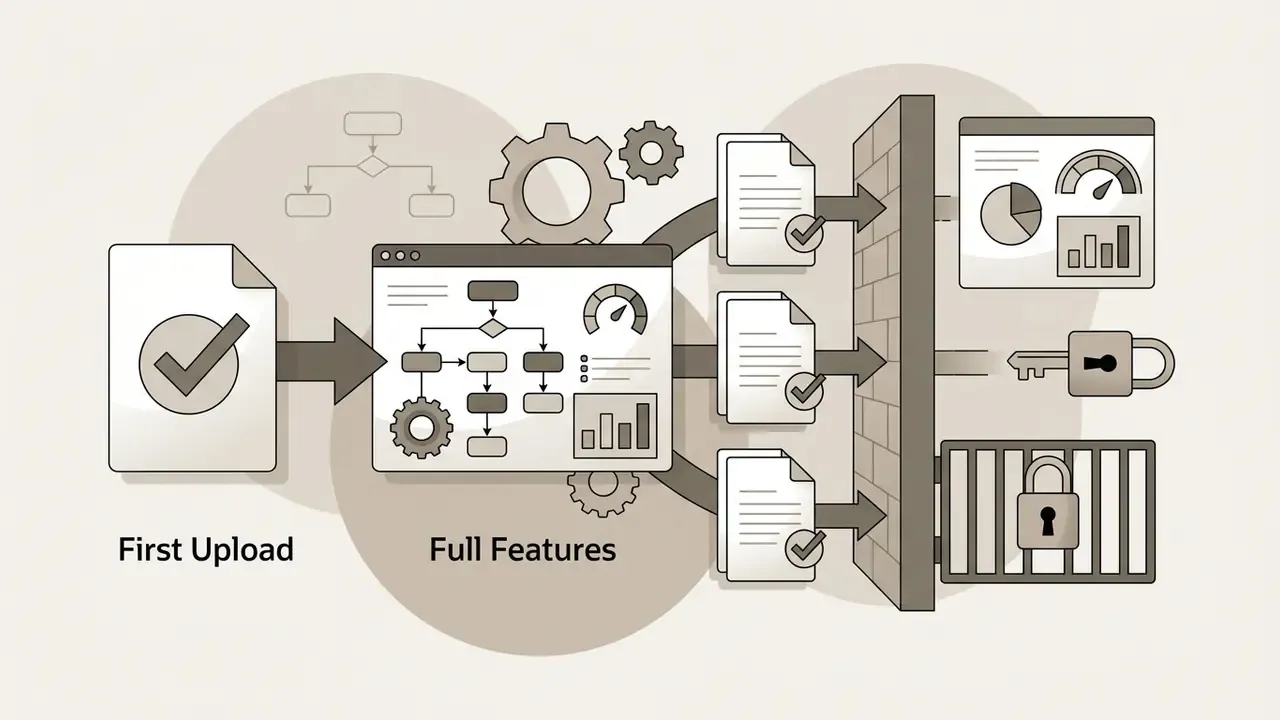
| Knowt | Transcript-first | Chrome extension, multi-upload | Flashcards, practice questions | Free tier is first-upload only |
| ChatTube | No (captions/ASR) | YouTube URL | Chat + clickable timestamps | Daily free conversation cap |
| Atlas-class readers | No | Transcript import | Cited answers with source badges | Requires a usable transcript |
Reading the table in one line: only two entries genuinely inspect pixels, which is the single variable most buyers forget to check. For operators exploring specialized character and narrative analysis tools, review our guide on the ai backstory generator for comparative asset generation workflows.
Visual Analysis Platforms and Video Intelligence APIs
Two caveats belong in any procurement note. First, forensic guidance is explicit that AI video-analysis performance is site-dependent and must be validated on local footage rather than accepted from vendor benchmarks. Second, interoperability standards exist and should appear in RFPs: the ONVIF Video Analytics Service Specification and the OMG Video Analytics standard define vendor-neutral interfaces and output semantics.
AI Tools for Searchable Notes, Chapters and Metadata
Automated indexing tools generate structured metadata, chapters, and searchable taxonomies for large video libraries. Enterprise solutions such as Azure AI Video Indexer ingest raw footage, run facial recognition, topic extraction, and OCR in parallel, and output metadata schemas aligned with IPTC Video Metadata Hub guidelines (IPTC Standards, 2026).
Developers can pipe indexing output into video player frameworks, for example Mux, whose AI workflow derives chapter start times and titles from captions, producing automated chapter markers and frame-accurate deep search across corporate archives. Teams wiring indexing into production pipelines will also find adjacent animation and video creation tools useful for turning indexed highlights into publishable assets, while publishing teams should align chaptering with their existing YouTube video editing workflows. Archival practice increasingly pairs machine annotation with human verification: recent computational-archives work describes combining frame extraction, classification, interval-level annotation, and manual review before metadata is committed to a catalog. To analyze adjacent API pricing structures for digital assets, review our AI Media API Guides.
Enterprise-Ready vs Consumer and SMB Tools
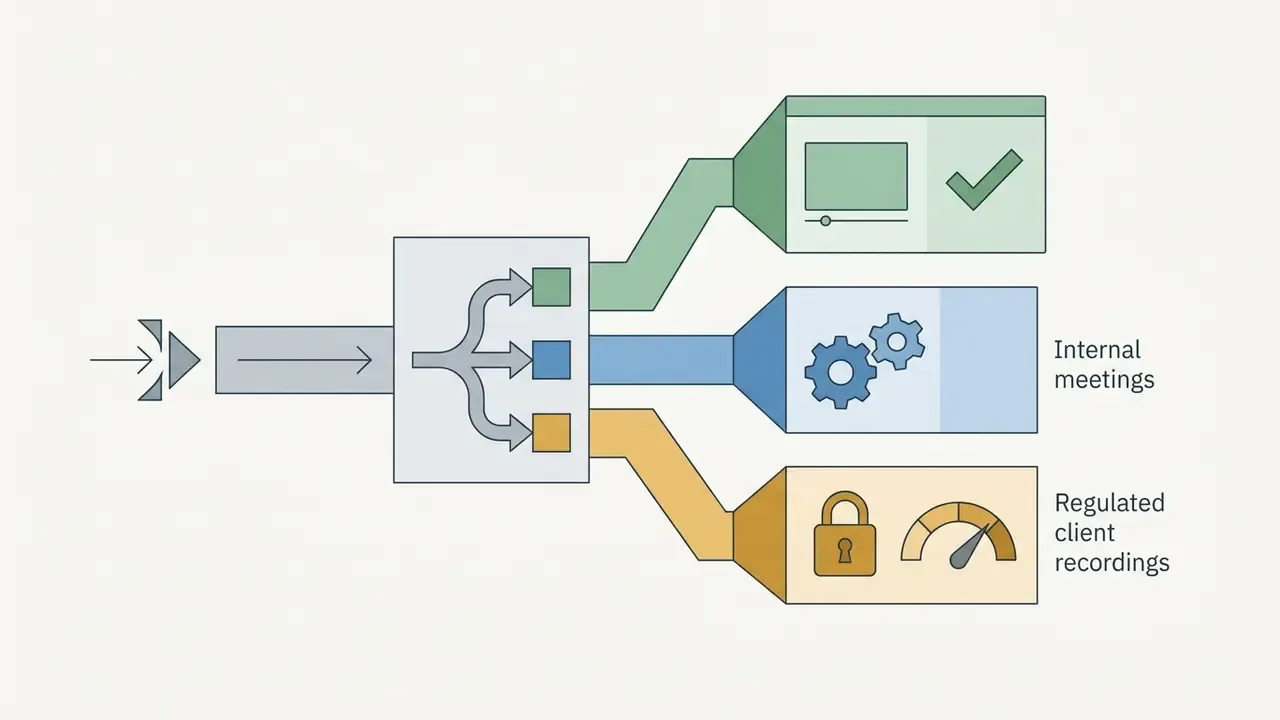
Because the same search query returns both a $19/month browser extension and a cloud API with a signed DPA, the practical taxonomy for corporate buyers is not "by feature" but by governance readiness:
- Tier 1: enterprise API and cloud indexers (Google Cloud Video Intelligence, Azure AI Video Indexer / Content Understanding, AWS Rekognition Video, Gemini API on Vertex, Snowflake Cortex). VPC or regional isolation, contractual ZDR, no training on customer data by default, SOC 2 / ISO 27001 attestation, per-request logging, model-version pinning. The only category defensible under formal model-risk validation.
- Tier 2: business SaaS with enterprise plans (ScreenApp Business, Otter Business, enterprise summarizers). Usable for internal meeting workflows with an executed DPA, SSO, retention controls, and admin audit logs. Verify whether visual analysis is genuinely frame-level or transcript-only.
- Tier 3: consumer and SMB assistants and extensions (ChatTube, NoteGPT, Knowt, Lynote, free NotebookLM usage). Excellent for public content, study material, and competitor research. Not appropriate for recorded client interactions, KYC footage, or any recording holding personal or material non-public information. Treat this tier as your primary Shadow AI surface and manage it accordingly.
Which AI Models Can Look at Videos?
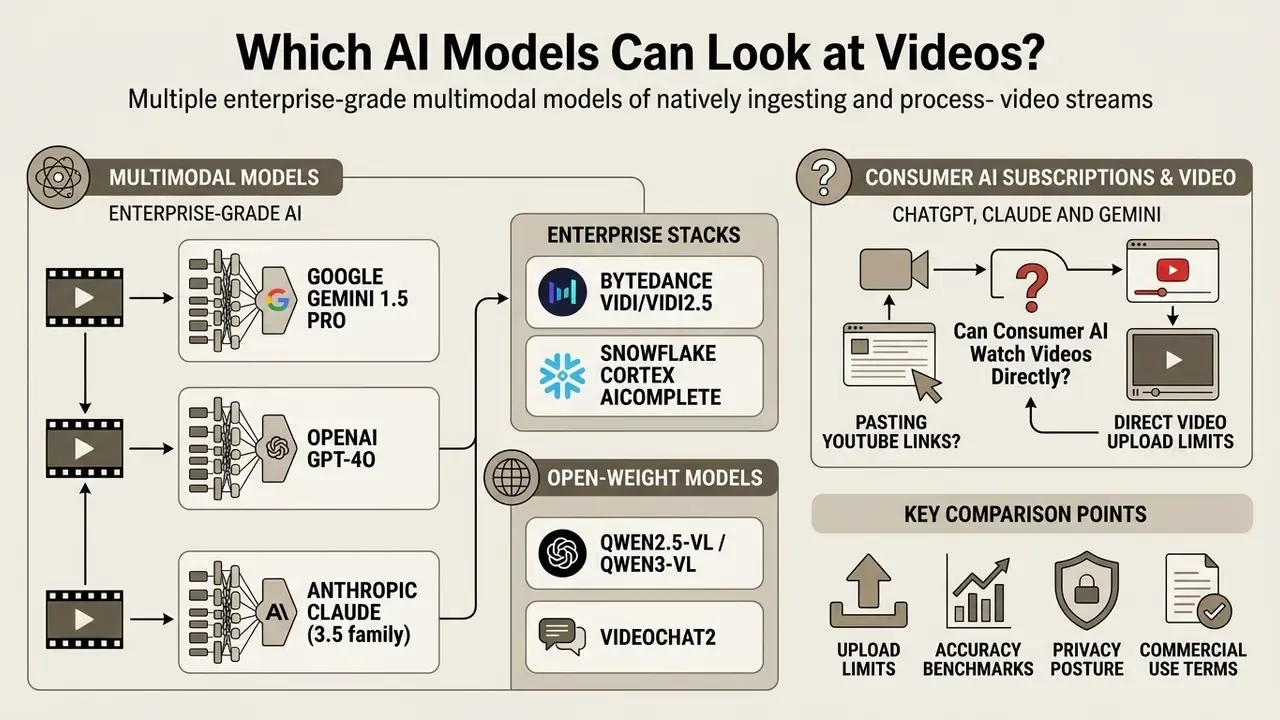
Several enterprise-grade multimodal models can ingest and process video streams natively. Evaluating them means assessing context window size, temporal localization precision, frame-budget restrictions, per-token deployment cost, and, decisively for regulated deployments, data-handling guarantees.
Multimodal Models That Accept Video Inputs
Flagship multimodal models differ substantially in how they handle native video input and long-context reasoning:
- Google Gemini 1.5 Pro: native context window up to 2 million tokens, capable of processing up to 10.5 hours of video in internal testing setups.
«Gemini 1.5 Pro reaches 72.2% accuracy on 1H-VideoQA using full video at one frame per second, versus 45.2% when limited to 16 frames.»
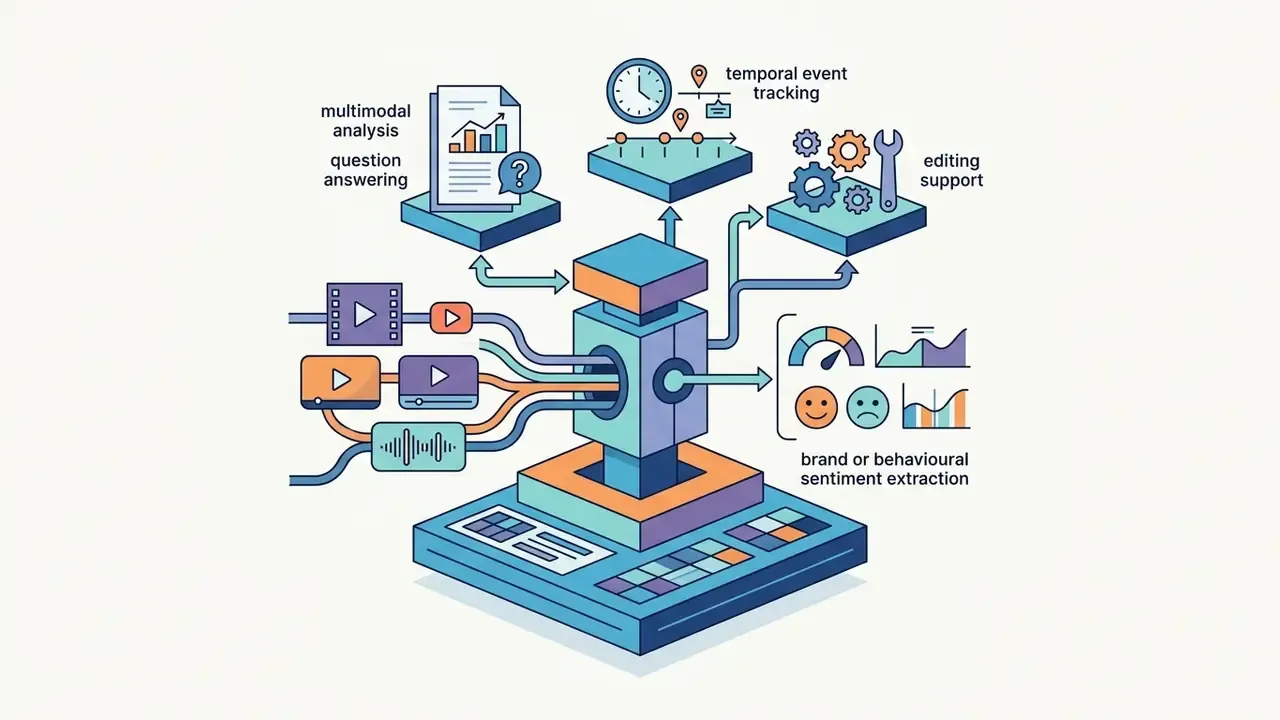
AI_COMPLETE)positioned for video understanding, editing support, temporal event tracking, and brand or behavioural sentiment extraction. Snowflake's documentation describes multimodal analysis of video and audio content inside the data platform, which keeps footage within an existing governed warehouse boundary (Snowflake Documentation, 2026). Independent accuracy benchmarks for these specific enterprise models remain thin, so require a proof-of-concept on your own footage rather than trusting vendor claims.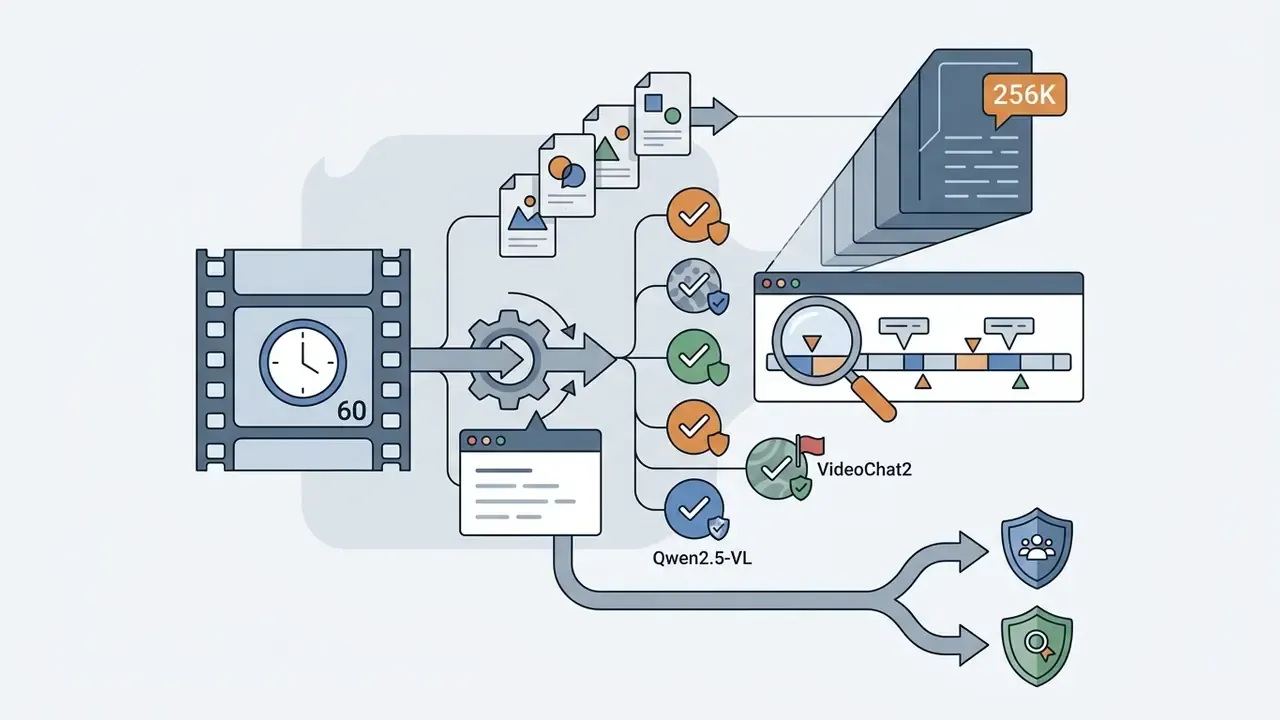
ChatGPT, Claude and Gemini: Can Consumer AI Subscriptions Watch Videos Directly?
This is the most common practical question, and the honest answer is that most consumer chat interfaces cannot do what their marketing implies. The foundation models are capable of video reasoning. The consumer chat interfaces built on top of them enforce their own ingestion restrictions:
| Subscription / Platform | Direct Video File Upload | YouTube URL Parsing | Native Visual Frame Processing | Primary Limitation for Video |
|---|---|---|---|---|
| ChatGPT Plus (GPT-4o class) | No (short clips / extracted frames only) | No (requires third-party plugin or custom GPT) | Frame-by-frame sampling of images you supply | Cannot process raw long-form video files natively in the web UI |
| Claude Pro (Claude 3.5 Sonnet) | No (text and image files only) | No | No | Limited to text transcripts or uploaded static frames |
| Google Gemini Advanced | Yes (via Google Drive / API) | Yes (native YouTube integration) | Yes (native visual context) | Usage rate limits on long, high-resolution video |
| Perplexity Pro | No | Yes (public transcript retrieval) | No | Analyzes public text transcripts and summaries, not visual frames |
| Specialized video platform (ScreenApp-class) | Yes (MP4, MOV, WebM, AVI; any length) | Yes (direct) | Yes (frames + audio) | Requires a separate subscription outside your existing LLM plan |
So why can't you just paste a YouTube link into ChatGPT? Three reasons stack up. First, the web interface treats text and images as first-class inputs; a video container is not an accepted upload type, so the file is rejected or truncated. Second, retrieving a YouTube stream needs either the Data API with authorization or a stream download, and the chat product does not do that on your behalf. Third, even with frames in hand, a one-hour video at a usable sampling rate would blow past the practical token budget of a 128K context window. Gemini avoids the first two problems because YouTube ingestion is a first-party integration and the File API accepts video containers directly.
For teams comparing generative and analytical tooling side by side, our AI video generator comparison covers the adjacent creation-side market.
Direct Video Uploads, Frames and Transcripts
Models process video through three ingestion methods: direct continuous stream processing, uniform keyframe extraction, or transcript-only processing. Direct stream processing preserves full spatial-temporal context and consumes substantial memory and token budget. Keyframe extraction cuts overhead by sampling representative images (one frame every 2 seconds, or at shot changes), converting the video into an image array for models like GPT-4o. Transcript-only processing skips visual work entirely, analyzing ASR text with attached timecodes. Cheap, fast, and blind to any visual event nobody narrated.
These are complementary layers of one pipeline, not competing philosophies. Production systems typically segment video into shots, select one representative keyframe per shot, run OCR on that frame, and align both OCR output and ASR transcript to the same timecode index. That alignment is what makes a later answer traceable to a specific second.
What to Compare Before Choosing an AI Model
Selecting a model means benchmarking core parameters against your own constraints:
| Model / Tool Architecture | Native Video Ingestion | Visual OCR / Spatial Analysis | Public YouTube Link Support | Max Context / Video Length Ceiling | ZDR / No-Training Option | Audit Trail & Version Pinning | Primary Output Format |
|---|---|---|---|---|---|---|---|
| Google Gemini 1.5 Pro (API / Vertex) | Yes (direct file & API) | Yes (high precision) | Yes (public URLs) | 2,000,000 tokens (~10.5 hours) | Yes, on enterprise/Vertex terms | Yes (request logging, pinned model IDs) | Conversational Q&A, summaries, JSON |
| OpenAI GPT-4o (API) | No (requires frame extraction) | Yes (frame-by-frame) | No (requires pre-processing) | 128,000 tokens (~1-2 hours sampled) | API data not used for training by default; ZDR by agreement | Yes (dated model snapshots) | Natural language, structured text |
| Google Cloud Video Intelligence API | Yes (Cloud Storage / stream) | Yes (object/text tracking) | No (direct video files) | Unlimited (billed per minute) | Yes (enterprise privacy controls) | Yes (Cloud Audit Logs) | Structured JSON annotations |
| Azure AI Video Indexer | Yes (direct upload / URL) | Yes (face/text/topic) | Yes (supported via ingestion) | 2 GB / 6 h upload; 30 GB via URL | Yes (documented processing-only retention) | Yes (Azure Monitor / activity logs) | Searchable index, metadata, SRT |
| Consumer chat subscription (ChatGPT Plus / Claude Pro) | No | Limited / none | No | Chat context limits | Consumer terms; limited controls | No enterprise audit trail | Chat text |
| Open-weight (Qwen2.5-VL / VideoChat2, self-hosted) | Yes (self-hosted) | Yes (moderate precision) | No (local input) | Model/GPU dependent (e.g., 256K) | Full control (data never leaves VPC) | Yes, if you build the logging layer | Local text / embedding vectors |
Reading this table from a governance seat, the pattern is blunt: capability and controllability rarely arrive in the same product tier by default. You buy one and contract for the other.
Validating Video AI Under Model Risk Management (SR 11-7)
Regulated institutions cannot deploy a video-watching model on the strength of a vendor benchmark. Federal Reserve SR 11-7 / OCC Bulletin 2011-12 frames validation around three pillars, and each maps cleanly onto multimodal video analysis (Federal Reserve, Supervisory Guidance on Model Risk Management, 2011):
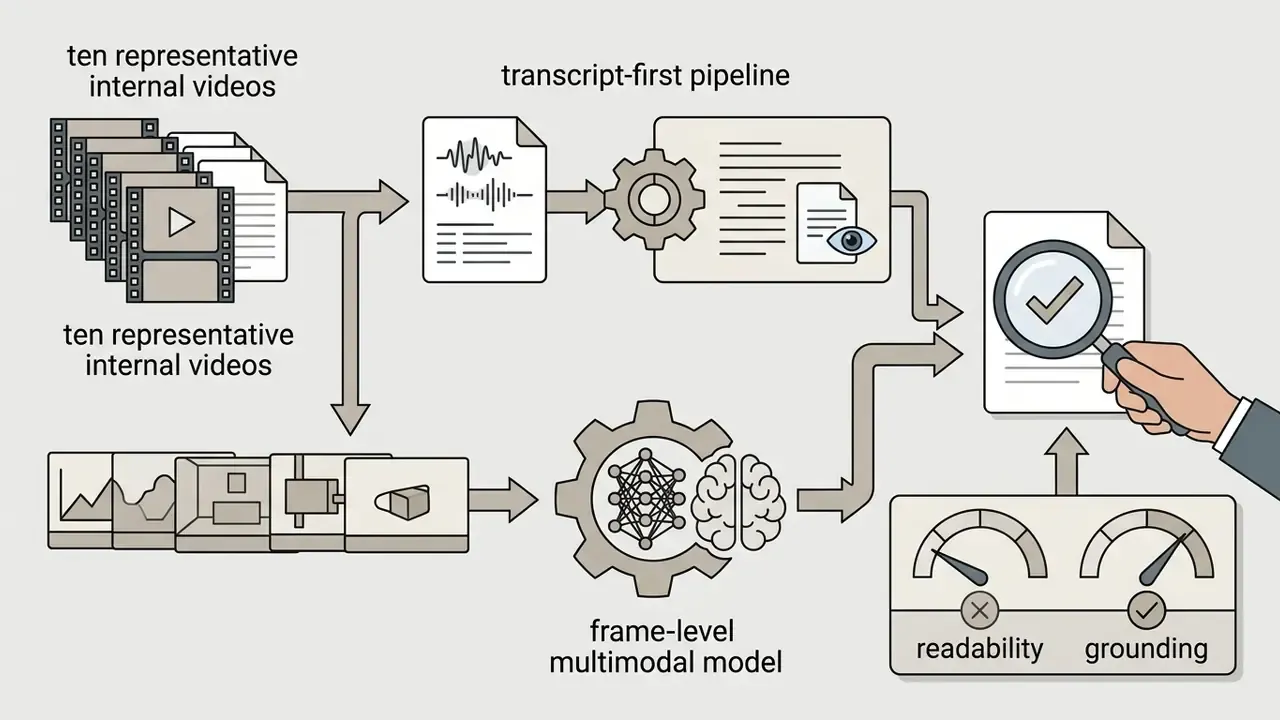
- Conceptual soundness.Document why the chosen architecture can answer the business question. If the use case depends on on-screen numeric disclosures, a transcript-only pipeline is conceptually unsound by construction: the required signal is simply not in the input. Record the sampling rate, OCR component, and fusion method as model design choices, not implementation trivia.
- Ongoing monitoring and outcomes analysis.Maintain a golden test set of representative internal footage (noisy audio, accented speech, screen shares, redacted documents) and re-run it on every model-version change. Track grounding metrics, not just answer accuracy, so you know whether the cited timestamp actually contains the evidence. Vendor upgrades are silent unless you pin versions; an un-pinned endpoint is an uncontrolled change by definition.
- Outcomes benchmarking and challenger models.Compare the primary model against a second, architecturally different one, for instance frame-level multimodal versus transcript-plus-LLM. NIST guidance on validating AI output recommends exactly this: use multiple tools, compare their outputs, and require expert review, because plausible-but-inaccurate output is the expected failure mode (NIST AI 600-1, Generative AI Profile, 2024).
Additional MRM artifacts specific to video: an inventory entry recording the model, version, vendor, data classification of ingested footage, and retention terms; an evidence chain linking every automated finding to a stored timecode and frame hash; documented human-in-the-loop escalation thresholds; and a records-retention assessment, since transcripts of client communications may themselves become books-and-records under SEC Rule 17a-4 and FINRA supervision requirements.
How to Choose an AI That Watches Videos for Your Task
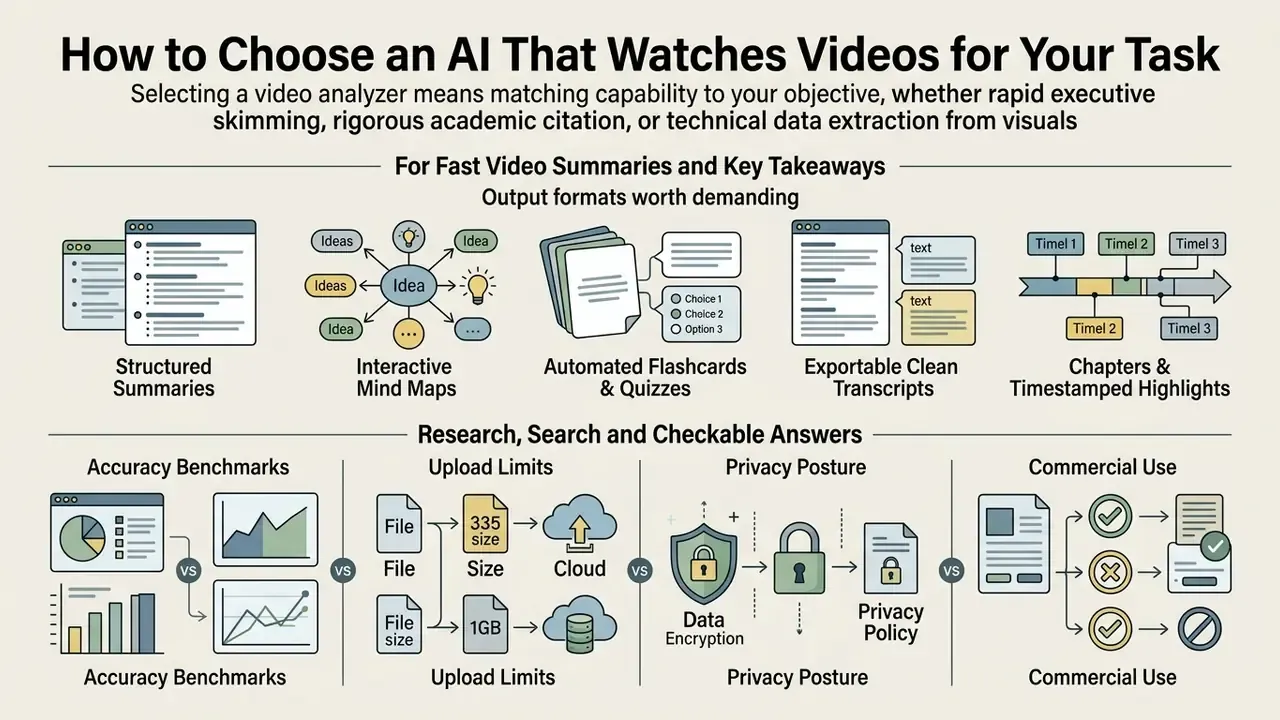
Choosing the right video analyzer means matching capability to objective, whether that is rapid executive skimming, rigorous academic citation, or technical data extraction from screen recordings.
For Fast Video Summaries and Key Takeaways
When the goal is quick synthesis from lectures, webinars, or corporate meetings, prioritize transcript-centric LLM pipelines. Budget-conscious teams can start by benchmarking free AI video tooling before committing to a paid tier, and model the annual spend with our AI Media Pricing Guides. Because speech carries the primary semantic load in narrated content, tools that push ASR transcripts through lightweight models such as GPT-4o-mini or Claude 3.5 Haiku produce fast, inexpensive executive summaries. The caveat matters: LVSum-style evaluation shows transcript-only pipelines systematically miss visual-only content, so accuracy claims must be scoped to spoken material, not to the video as a whole.
Prompting practices that measurably improve summary quality, drawn from published university guidance:
- Chunk long inputs and summarize section by section before synthesizing a top-level abstract.
- Set target length and detail level explicitly rather than leaving it to the model.
- Require speaker attribution, and require that questions raised in the recording be paired with the answer given.
- Strip irrelevant and redundant material before summarization, then mandate human review of the final artifact.
Output formats worth demanding. Modern summarizers differ more in output surface than in raw quality:
For workflows needing visual asset changes alongside video summaries, see our overview of the ai background generator. For narration and dubbing of the resulting summaries, see our guide to AI voice generators and commercial licensing.
For Research, Search and Checkable Answers
Academic and legal research demands temporal citation rigor and verifiable accuracy. Architectures must enforce precise timestamp signatures (H:MM:SS) for every generated claim, in line with citation standards such as APA 7th Edition, which requires a specific location, page, paragraph, or timestamp, for every direct quotation (APA Style Guidelines). Structured publishing pipelines should preserve access metadata: NISO JATS 1.4 records the examined date and time of a cited resource via date-in-citation, replacing the deprecated time-stamp element. That matters when the underlying video is later edited or removed.
Bluebook Rule 18 likewise permits date-and-time identification for dated web sources. Evaluators should test candidate tools against the "referring reasoning" framework established in benchmarks such as LongVideoBench, checking that the AI links conclusions to verifiable visual or acoustic evidence instead of inventing something plausible (LongVideoBench, NeurIPS 2024 preprint). One operational rule deserves emphasis: a citation badge is a route to the source, not proof the answer is correct. Open the cited passage, read the surrounding sentences, confirm the claim, then reuse it.
For Technical Content and Specific Data Extraction
Analyzing technical screencasts, coding demonstrations, engineering walkthroughs, or medical procedures requires specialized visual OCR and spatial-temporal tracking. Standard ASR transcript tools fail here because the critical information, code syntax, circuit diagrams, software error codes, appears on screen and is never spoken. Teams that routinely extract text from frames should also evaluate dedicated reverse-image and visual search tooling for provenance checks on the extracted visuals.
Deploy models evaluated on video-specific OCR benchmarks. The MME-VideoOCR benchmark (arXiv preprint, 2025) exists precisely because image OCR results do not transfer to video, where text appears across frames, moves, and gets partially occluded. Alternatively, pair dedicated OCR frame-extraction engines with multimodal LLMs to capture text from low-resolution or small-font screen areas. Note that mainstream document OCR pipelines, Adobe Acrobat's searchable-text layer for example, operate on file-based image and PDF inputs. That fits extracted frames and slide decks, but it is not video-native understanding.
Practical mitigations: raise the sampling rate at shot changes, avoid aggressive downscaling of code and chart regions, and de-duplicate near-identical frames before inference. For specialized image expansion or visual frame padding, consult our analysis on ai expand image, and for frame-level retouching before OCR, see our guide to online photo editors.
Free Plans, Pricing Limits and Commercial-Use Rights
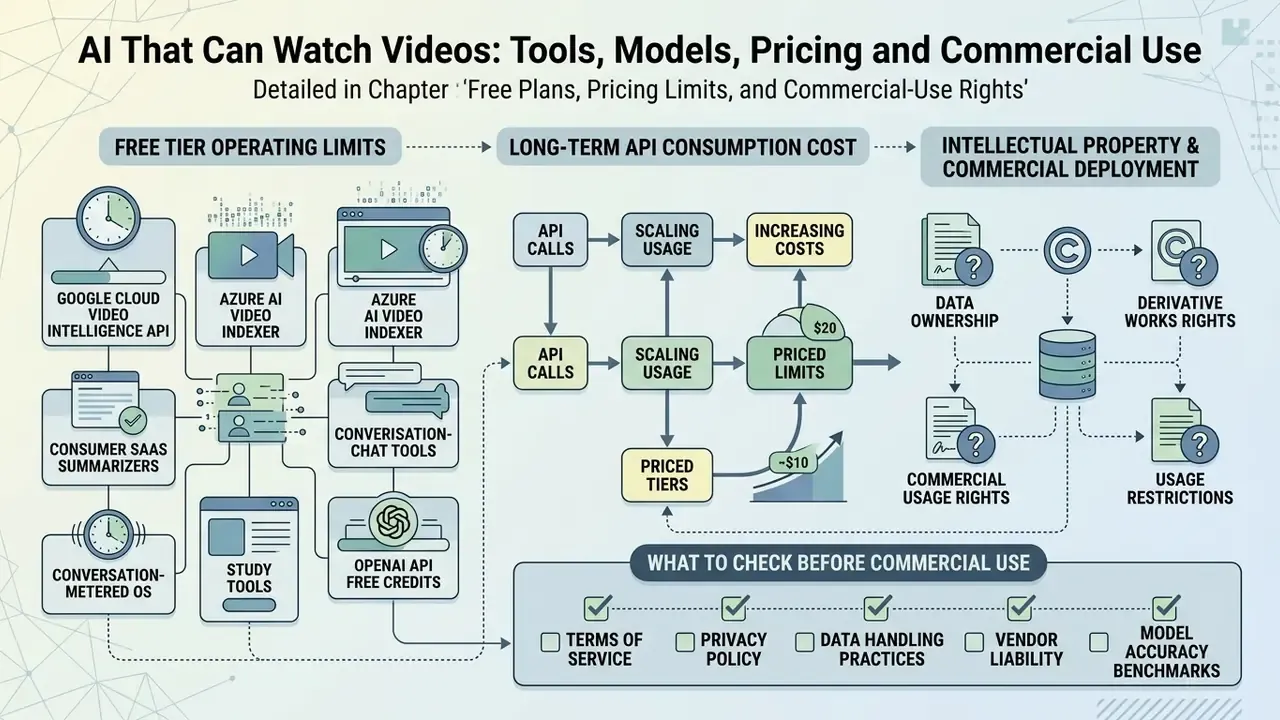
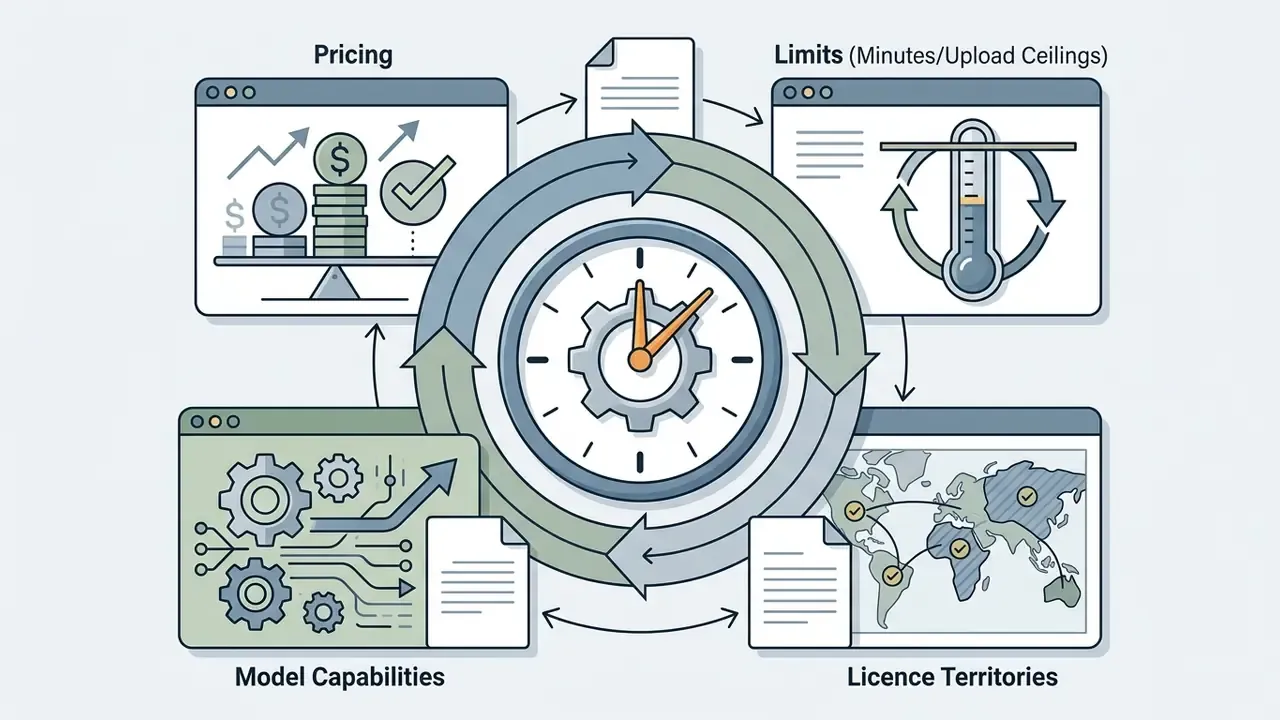
Commercial deployment of AI video analysis tools requires clarity on three things: free-tier operating limits, long-term API consumption cost, and the intellectual property rights covering generated outputs and extracted transcripts.
What Free AI Video Watcher Plans Usually Include
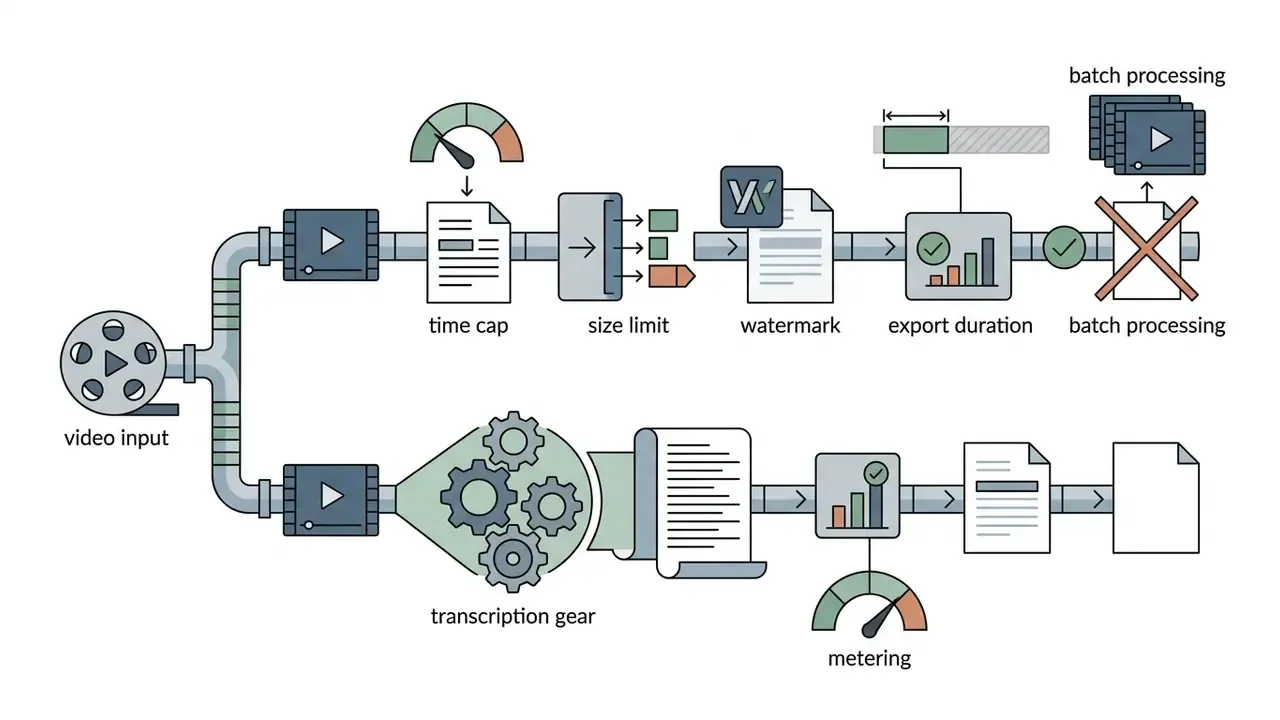
Free plans function mostly as evaluation sandboxes, with strict limits on duration, file size, processing speed, and export:
- Google Cloud Video Intelligence API: 1,001 free minutes per month for each annotation feature, such as label detection or shot detection, after which per-minute billing applies.
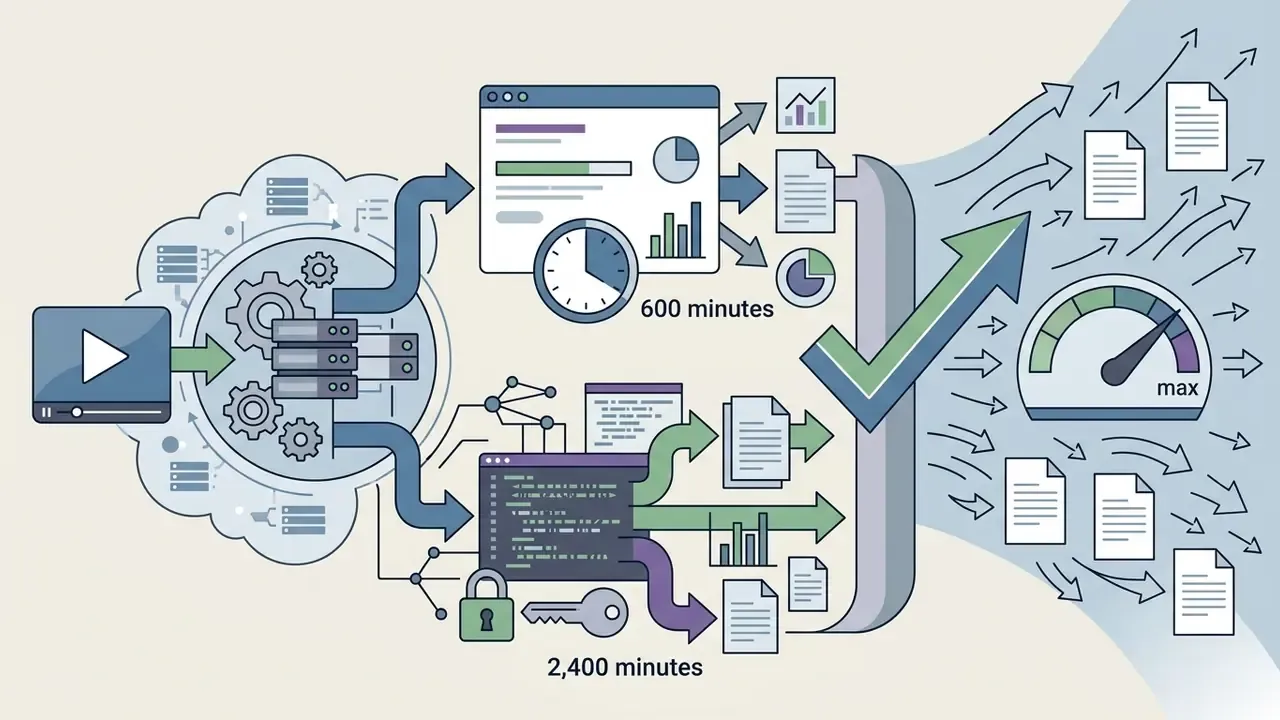
What to Check Before Commercial Use
This information is general and does not substitute for advice from qualified counsel on intellectual property, data protection, or regulatory compliance. Requirements vary by jurisdiction, industry, and contract.
Before putting an AI video analyzer into commercial workflows, legal teams should audit four dimensions:
To review comprehensive commercial licensing standards, visit our AI Media Commercial-Use Hub.
| Vendor / Service Level | Free Tier Limits | File Size / Duration Caps | Commercial Usage Rights | Export & Integration Limits | ZDR / Training Exclusion | Certifications (SOC 2 / ISO) | Biometric & GDPR Posture | Audit Trail |
|---|---|---|---|---|---|---|---|---|
| Google Cloud Video API | 1,001 min/month free per feature | Max 50 GB per file | Granted for paid & free tiers | Full JSON payload access via API | Yes (enterprise privacy controls) | Yes (GCP-wide attestations) | Face detection must be assessed under BIPA/GDPR before enabling | Cloud Audit Logs |
| Azure AI Video Indexer | 600 min trial (2,400 via API portal) | 2 GB / 6 h upload; 30 GB URL | Granted on paid tiers | SRT, VTT, searchable index, API | Documented processing-only storage | Yes (Azure compliance portfolio) | Face features gated by responsible-AI review | Azure Monitor / activity logs |
| OpenAI API (gpt-4o) | Pay-as-you-go / trial credits | Limited by token context (128K) | Fully granted to API user | API response output (JSON/text) | API data not used for training by default; ZDR by agreement | Yes (enterprise attestations) | Customer remains controller; DPA required | Dated model snapshots + request logs |
| Consumer SaaS (e.g., Otter Basic) | ~300 transcription min/month | 30 min cap per conversation | Restricted / personal evaluation | Basic TXT export; no advanced API | No (consumer terms) | Not applicable to free tier | Not suitable for regulated footage | None |
| Consumer chat AI (ChatGPT Plus / Claude Pro) | Message/usage caps in rolling window | No long-form video ingestion | Personal-plan terms | Chat text only | Limited controls | Not enterprise-scoped | Do not upload client footage | None |
| Enterprise SaaS (e.g., ScreenApp Business-class) | 1 recording + trial | Unlimited upload on paid plans | Full commercial IP rights granted | PDF, SRT, VTT, DOCX, webhooks, batch | Vendor-dependent; require in contract | SOC 2 claimed on enterprise tiers | Verify DPA + sub-processors | Admin logs on business plans |
Accuracy, Privacy and Limits of AI Video Analysis
Multimodal architecture has advanced quickly, and current video watchers still carry documented limitations: temporal visual hallucinations, transcript dependence, long-context truncation, and privacy exposure from biometric data ingestion. Published benchmarks are candid about the ceiling. LLM context-length limits and GPU memory constrain how many frames can be processed, and few-shot video question answering remains below human accuracy.
When AI Answers Need Manual Verification
Outputs require mandatory human verification in high-risk or low-signal conditions. Read the two headline research figures, 57% of generated caption sentences containing factual errors (Models See Hallucinations, 2023) and grounded accuracy (Acc@GQA) frequently below 16% (Can I Trust Your Answer? Visually Grounded VideoQA, CVPR 2024), as design constraints rather than trivia. They mean the system will hand you confident, fluent, beautifully formatted answers that are not anchored to the footage.
Escalation triggers documented in annotation and forensic practice:
- Low-volume, clipped, crackling, or overlapping audio where not every word is audible.
- Slang, idiolect, heavy accents, or domain jargon missing from the ASR vocabulary.
- Partially occluded, blurred, or low-resolution objects, and small or unreadable on-screen text.
- Any output headed for a regulatory filing, legal submission, personnel decision, or public claim.
Temporal instability is a related trap. Work on synthetic media, including the frame-consistency issues catalogued in our reviews of ai baby videos and tools such as an ai baby video generator, shows how easily models mis-order or invent frames. Analysis models inherit the same weakness from the opposite direction: they can report an event that the timeline never contained.
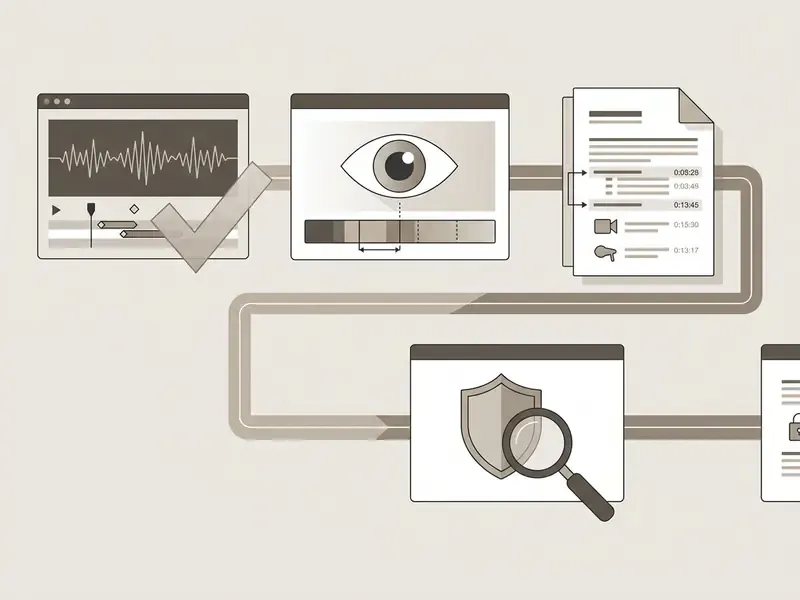
Checklist0 / 15
Video review depends on good playback tooling as much as on good models, so teams building a manual verification step should pair their AI stack with reliable video editing and review software. To benchmark additional generative image and video capability, explore our comparative review of the best ai art generator and check financial modeling parameters with our AI Media Calculators. For technical troubleshooting, see AI Media Support and Troubleshooting.
Frequently Asked Questions (FAQ)
Can ChatGPT watch a video and answer questions about it?
Not as a full video file. ChatGPT accepts text and images, plus short clips or frames you extract yourself. It cannot ingest an hour-long MP4 or fetch a YouTube stream from a pasted link in the standard web interface. Practical options: extract keyframes and upload them as images, supply the transcript as text, or use a platform with native video ingestion.
Which AI can actually accept a video upload?
Gemini (via the File API, Google Drive, or Gemini Advanced), Google Cloud Video Intelligence API, Azure AI Video Indexer and Content Understanding, AWS Rekognition Video, and specialized platforms such as ScreenApp-class tools that accept MP4, MOV, WebM, and AVI directly.
Is there a genuinely free AI that watches videos and answers questions?
Yes, with metering. Expect caps expressed as free minutes per month (Google Cloud's 1,001 minutes per feature, Azure's 600-minute trial), conversations per day (some YouTube chat tools allow three), or a single free upload with full features. Free tiers often restrict commercial use, watermark exports, and disable batch processing.
Can AI read text on slides and in code editors?
Only if it performs frame-level OCR. Transcript-only tools cannot see anything that is not spoken aloud. For code demos, engineering drawings, and dashboards, require a model evaluated on video OCR tasks and raise the frame sampling rate at shot changes.
How do I process a whole folder of videos at once?
Use batch mode in a platform that supports it, a playlist processor, or a server-side API with an asynchronous queue. Single-file web uploads stop scaling past roughly a dozen assets, at which point manual handling becomes the bottleneck.
How accurate is AI video analysis?
Accuracy depends more on source audio and video quality than on brand choice, and grounding is weaker than answer fluency suggests. Published benchmarks report ungrounded claims in up to 57% of generated caption sentences and grounded localization accuracy often below 16%. Treat every timestamped answer as a pointer to evidence you still verify.
Can I use AI-generated transcripts and summaries commercially?
Usually on paid tiers, subject to the vendor's terms. The underlying video's copyright, the host platform's terms of service, and privacy obligations over faces and voices stay in force regardless of what the AI vendor grants you.
What to Do Next
Appendix A: Citation Audit and Source-Verification Notes
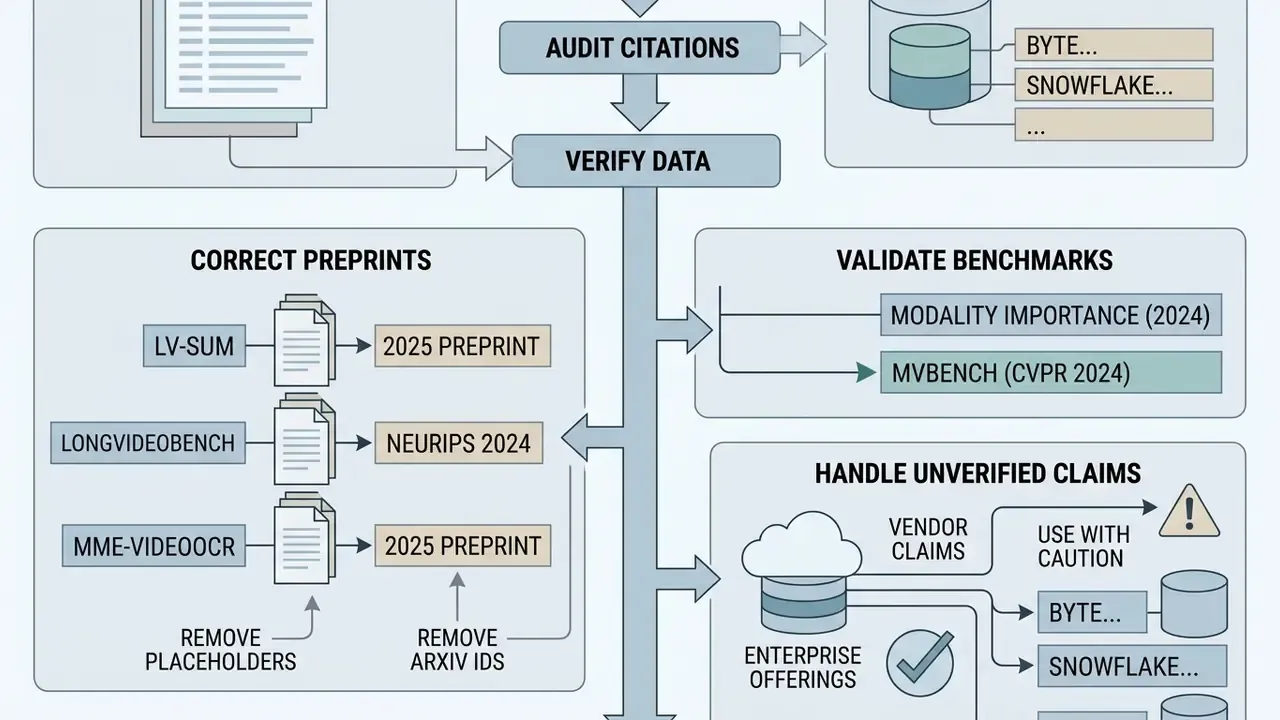
Several benchmark references in earlier drafts of this guide carried forward-dated years and placeholder arXiv identifiers. For transparency about what has been verified and what has not, those references are recorded here with corrected status:
- Park et al., Modality Importance Score in VideoQA - retained as a textual citation (2024). The previously used arXiv identifier was a placeholder and has been removed pending a verified DOI. The substantive finding, a strong text bias in VideoQA benchmarks, is consistent with independent long-video evaluations.
- LVSum Benchmark Study - corrected to a 2025 preprint reference; placeholder URL removed. Finding retained: transcripts contribute more to summary quality than frames alone, but both modalities are required for best results.
- LongVideoBench - corrected to the NeurIPS 2024 preprint. Placeholder URL removed. Corpus statistics (3,763 videos up to one hour; 6,678 questions) retained.
- MME-VideoOCR Benchmark - corrected to a 2025 arXiv preprint; placeholder URL removed, benchmark retained as a textual reference for video-specific OCR evaluation.
- Unverified vendor claims - enterprise multimodal offerings (ByteDance Vidi/Vidi2.5, Snowflake Cortex
AI_COMPLETE) are described from vendor documentation only. No independent accuracy benchmarks were located, so a customer-footage proof of concept is recommended over reliance on published claims. - Newly added verified reference - MVBench (CVPR 2024, https://arxiv.org/abs/2311.17005), cited for the >15-point temporal-understanding improvement of VideoChat2 over its predecessor.
- Models See Hallucinations (2023)
- and Can I Trust Your Answer? Visually Grounded VideoQA (CVPR 2024) - retained as textual citations without placeholder URLs. The 57% caption-error and sub-16% Acc@GQA figures are the load-bearing numbers in this guide's accuracy section and should be re-verified against the published papers before external reuse.
- Vendor documentation dates
- (Azure, AWS, OpenAI, Snowflake, Google Cloud, YouTube Data API) - normalized to 2026 documentation snapshots checked during this update. Vendor limits and pricing are volatile; the linked pages remain the authoritative current source.