Executive Summary
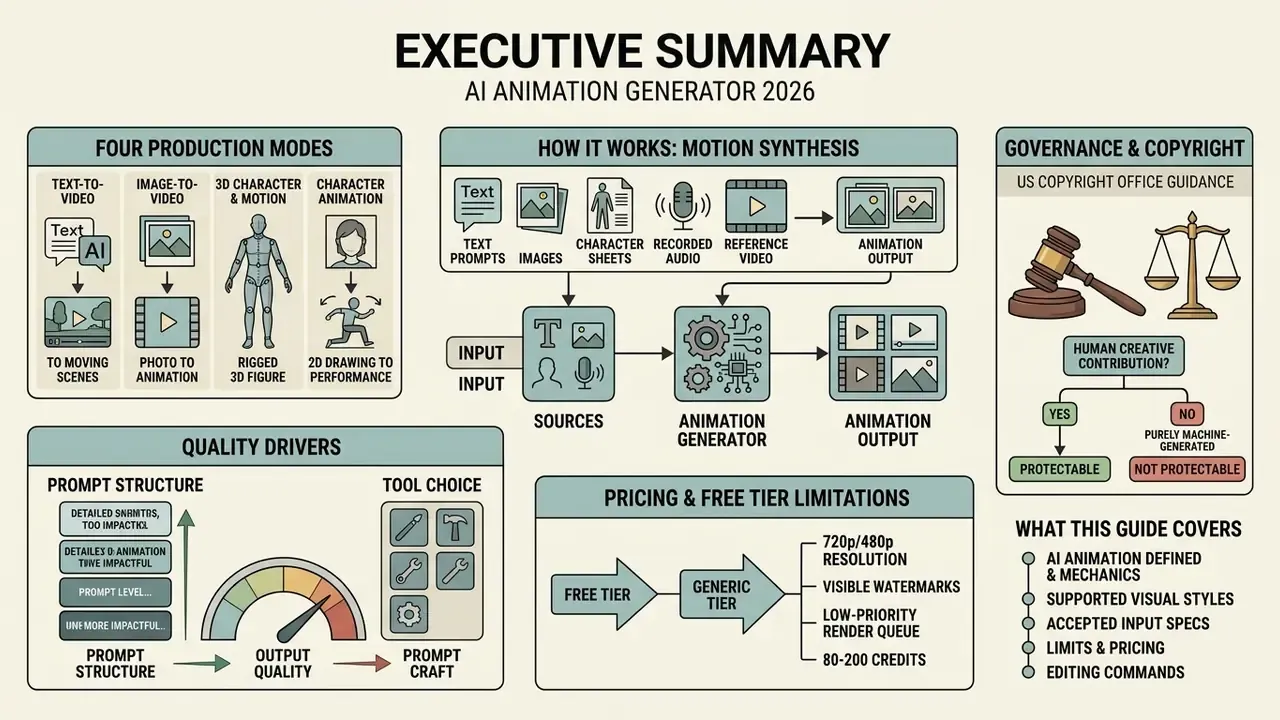
- An animation generator synthesizes motion sequences from text prompts, static images, character sheets, recorded audio, or reference video. Manual keyframing and in-betweening give way to diffusion-based and transformer-based generation.
- Four production modes dominate: text-to-video, image-to-video (character animation), 3D character and motion synthesis, and video-to-video restyling.
- Output quality tracks prompt structure more than tool choice. The documented seven-part formula is
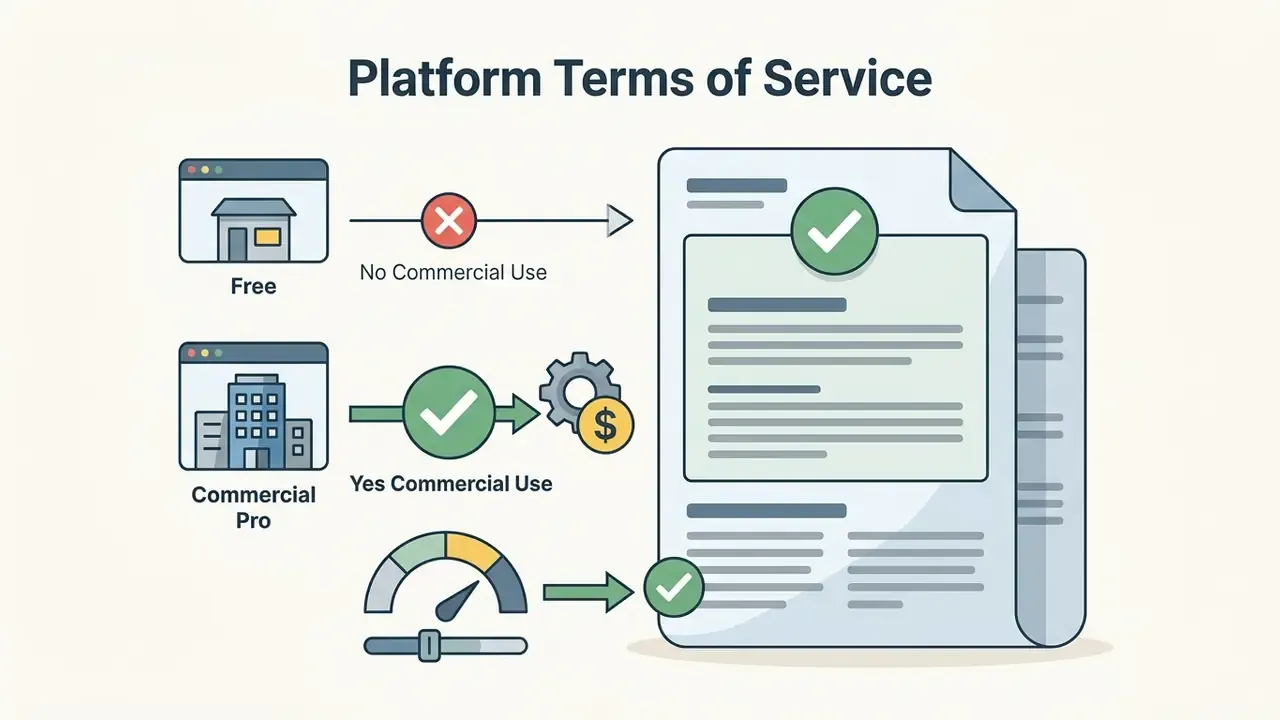
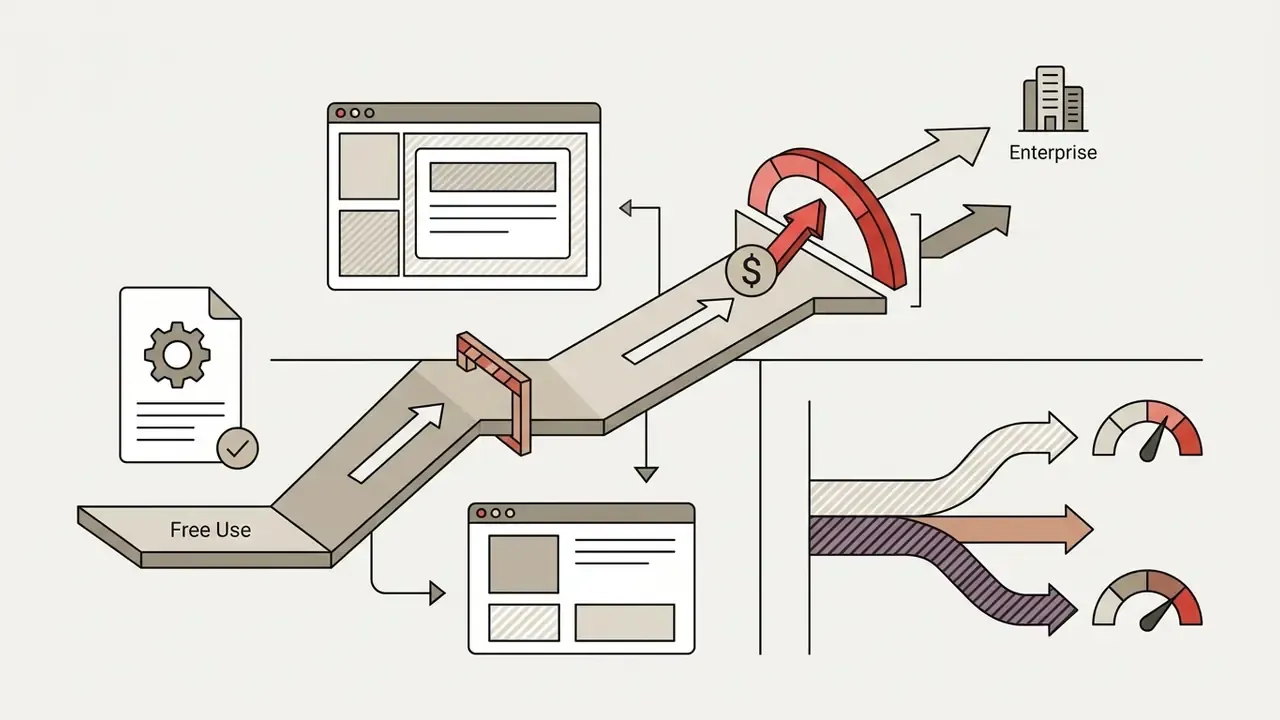
[Subject] + [Action/Motion] + [Environment] + [Shot Type] + [Camera Movement] + [Lighting] + [Style]. - Free tiers usually mean 720p or 480p output, visible watermarks, low-priority render queues, and 80 to 200 monthly credits. Commercial rights typically begin on paid tiers.
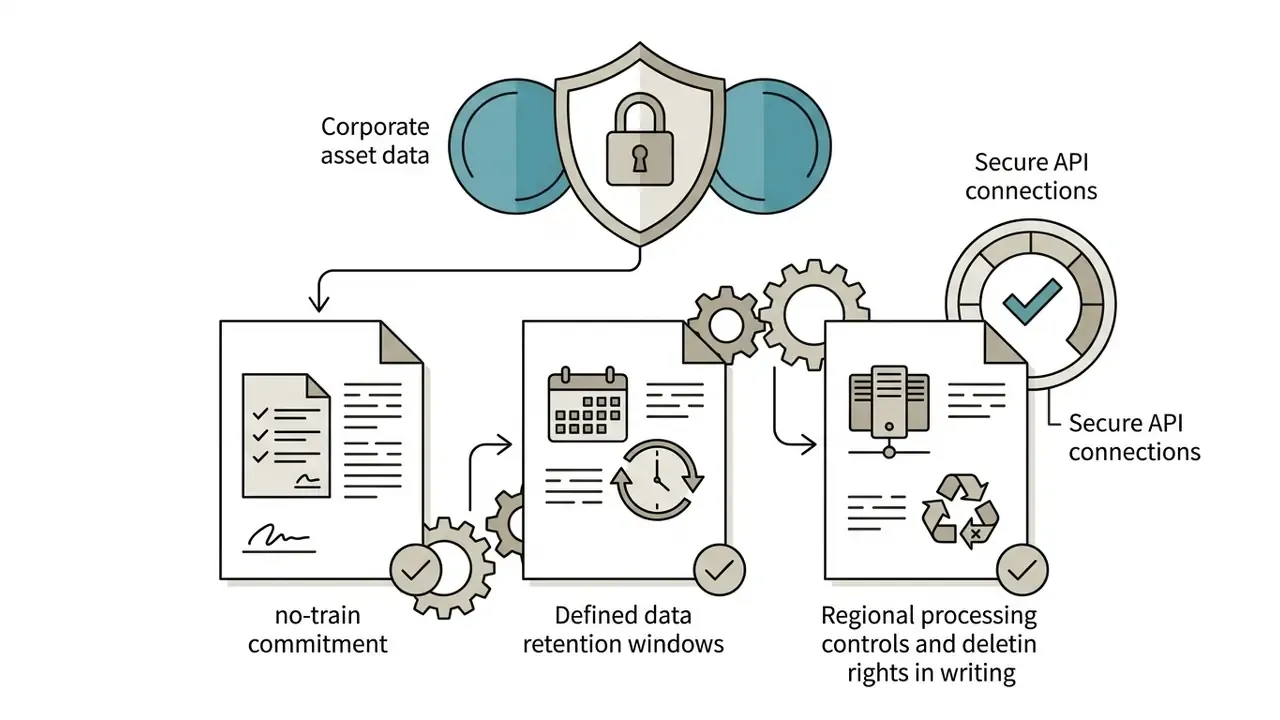
- Governance is the gating factor for regulated buyers. Unmanaged browser-based generators create Shadow AI exposure, uncontrolled uploads of confidential assets, and unverified training-data provenance. Validate SOC 2 and HIPAA posture, no-train and retention policies, and indemnification before scale-up.
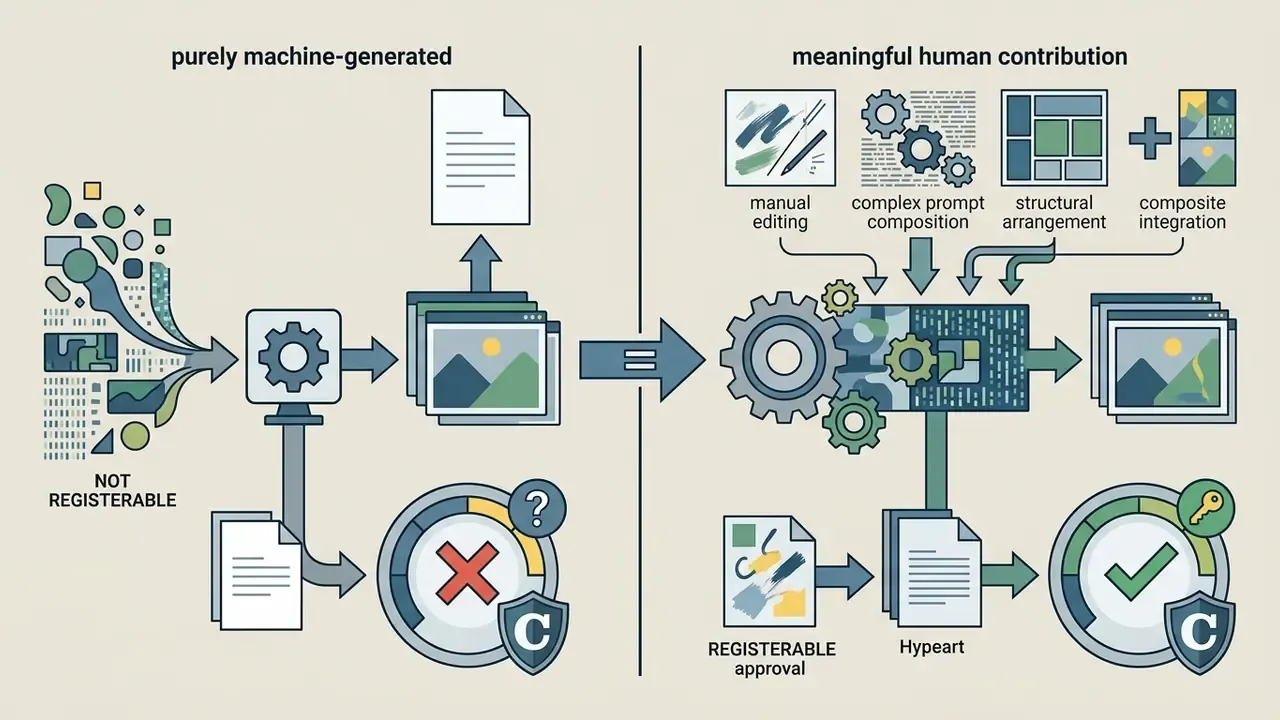
- Under US Copyright Office guidance, purely machine-generated output without human creative contribution is not registrable, and AI-generated material must be disclosed during registration.
What this guide covers: the definition and mechanics of AI animation, supported visual styles, accepted input modalities with practical file limits, an enterprise risk framework, the six-stage production workflow, feature modules of a modern ai animation creator, the 2D versus 3D decision, business use cases by function, pricing and free-tier boundaries, and commercial-use verification steps. FAQ at the end.
What Is an AI Animation Generator and What Videos Can It Create?
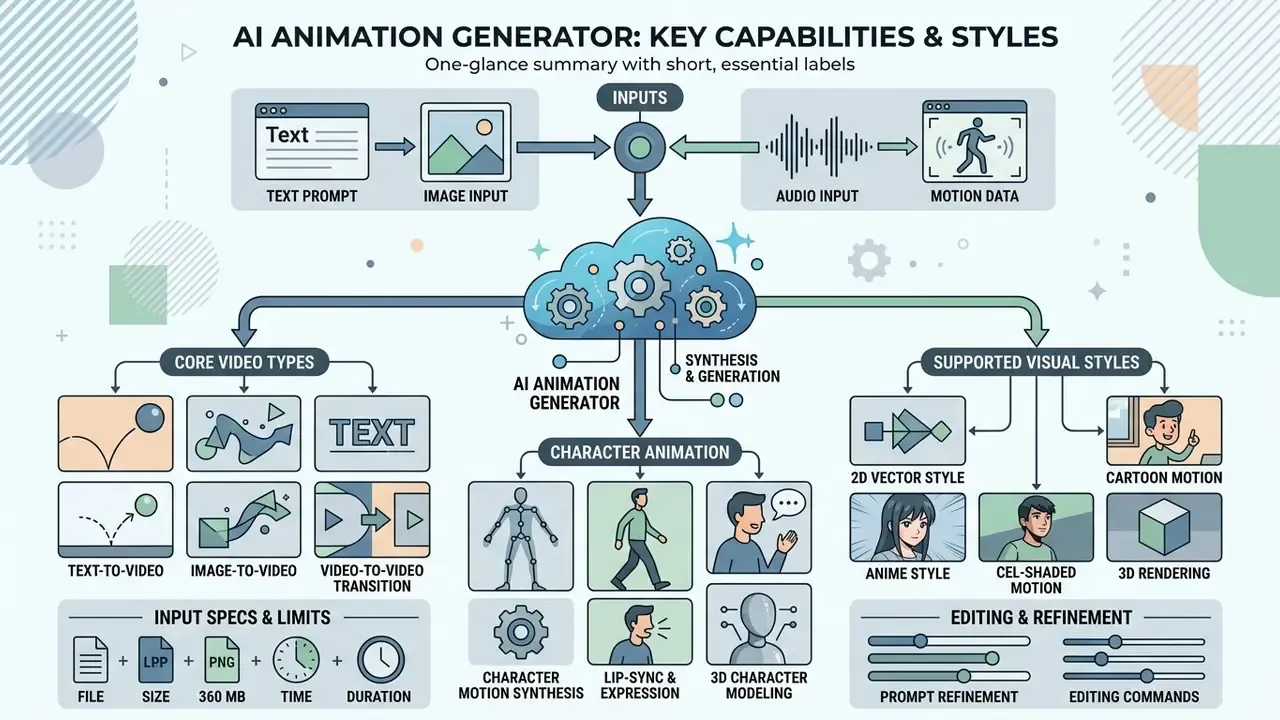
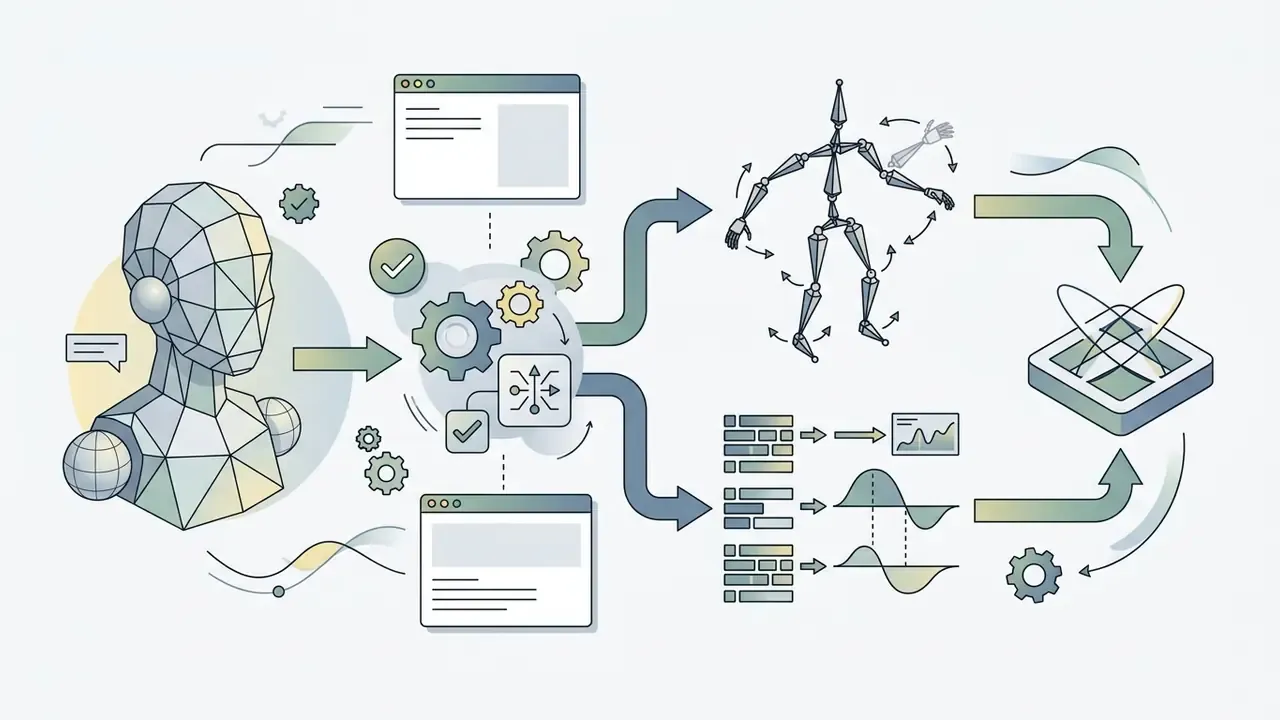
An animation generator powered by generative artificial intelligence is a software system that synthesizes dynamic motion sequences and video clips from structured input signals: text prompts, static keyframes, motion capture data, recorded audio, or reference footage. These tools automate keyframing and in-betweening, letting users create high-quality animated videos ranging from 2D character stories to complex 3D visual concepts within minutes. Teams comparing adjacent categories can start with our reference material on AI video generators.
Modern AI video synthesis platforms use deep learning architectures, primarily diffusion models, spatial-temporal transformers, and variational autoencoders, to translate descriptive concepts into visually consistent outputs. According to academic taxonomies (such as the Sora as a World Model? survey published in 2024 to 2025), these engines behave as predictive spatial-temporal systems. Rather than stitching pre-rendered clip art together, an ai animation generator builds frame-by-frame visual continuity, simulating camera motion, lighting, subject dynamics, and environmental physics.
In enterprise and commercial environments, organizations use these tools to create videos across several distinct formats:
By reducing the friction of traditional video production, an animation video generator lets marketing teams, corporate trainers, and media creators produce ai video assets quickly while keeping control over brand aesthetics and messaging structure. Benchmarked model research quantifies the gains in perceptual fidelity, not only in turnaround speed.
2D, 3D, Cartoon, and Anime: Visual Styles Supported by AI Animation
Text, Image, Character, or Video: Input Modalities Explained
AI video creation tools accept multiple input modalities, so creators can generate animation from whatever assets already exist at project kickoff.
- Text to Animation users describe subject, action, environment, lighting, and camera movement in natural language. The network builds the sequence entirely from latent noise.
- Image to Animation (Image-to-Video) creators upload a static photo, character sheet, or logo. Frameworks such as Animate Anyone (IJCAI 2024 / CVPR 2024) use spatial reference networks, for example ReferenceNet, to lock appearance while pose sequences drive body motion.
- Character-Driven Motion Transfer
- models like Wan-Animate accept a character image alongside a reference video, then transfer the actor's facial expressions and body movement onto the target character.
- Video-to-Video Transformation
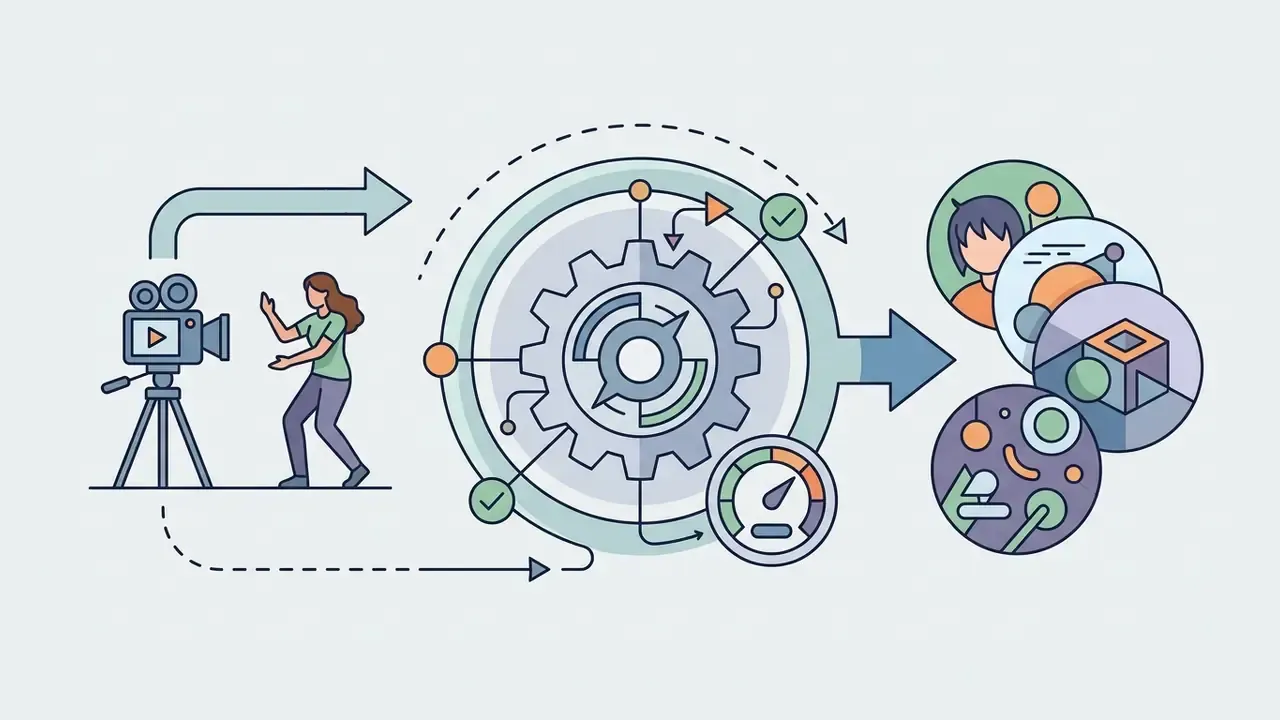
- when users need to ai convert video to animation, the software applies text-guided structural transformation to existing live-action clips, restyling the scene into cartoon, anime, or 3D form while preserving original spatial geometry. Functionally, this extends image-to-video AI conditioning frame-wise across a temporal window.
- Audio to Animation
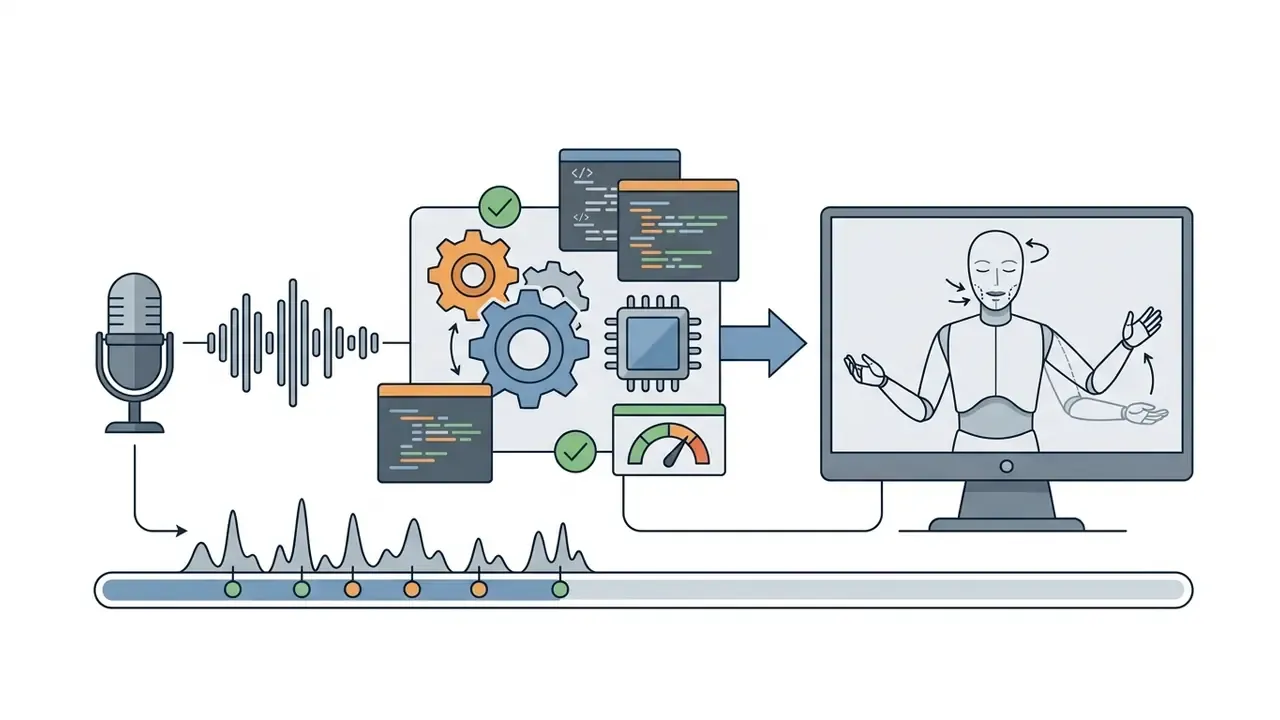
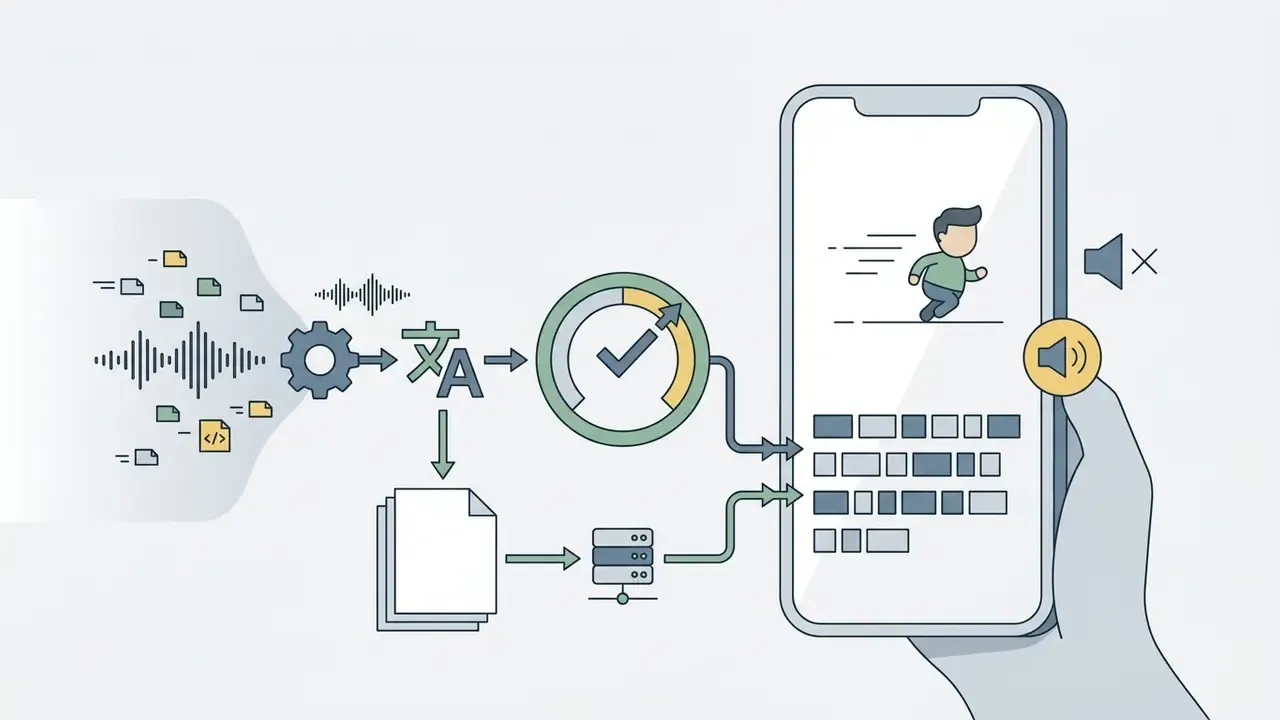
- character tools accept an uploaded audio file or a direct microphone recording made in the browser or on mobile. Lip-sync plus head, eye, and arm movement are generated from the waveform, and trim handles adjust clip length without re-recording. Adobe Express, for example, caps browser recordings at two minutes per animation.
Supported Input Specifications and File Limits
Acceptance criteria vary by vendor. Still, the envelope below reflects mainstream browser-based animation generators as documented in 2026 vendor help pages.
| Asset Type | Commonly Accepted Formats | Typical Practical Limits |
|---|---|---|
| Audio (voice, narration, music) | WAV, MP3, AAC, AIF (AIF frequently Safari-only), MP4 uploaded as audio-only | ~20 MB per file; 2-minute maximum duration per generation pass |
| Source video (video-to-video, motion reference) | MP4, MOV, WebM | Up to 1080p input; 5 to 30 seconds per conversion pass |
| Image assets (characters, logos, style refs) | PNG, JPEG, WEBP, SVG | 1024×1024 px recommended for character reference sheets; up to 3 reference images per prompt on several platforms |
| Documents (document-to-video) | PDF, DOCX, PPTX, TXT, RSS or blog URL | Page or slide caps on free tiers; scene indexing applied automatically |
| 3D inputs (auto-rigging) | GLB, GLTF, FBX, OBJ, STL | Humanoid, biped, and quadruped topologies supported by most auto-riggers |
Confirm limits on the vendor's current help page before committing production assets. Caps change per release and often differ between free and paid tiers.
| Format / Style | Primary Input Material | Degree of Customization | Optimal Business / Creative Tasks |
|---|---|---|---|
| 2D Vector & Cartoon | Text prompt, simple sketch, script | High narrative flexibility; moderate spatial control | Marketing explainers, social media clips, educational presentations |
| Anime & Cel-Shaded | Character image plus text prompt, driving pose | High character identity preservation; fine line control | Story-driven entertainment, creator content, brand mascots |
| 3D Character & Mesh | Text description, single reference photo | High spatial and volumetric control; customizable motion trajectories | Game asset development, virtual fashion, immersive product walkthroughs |
| Video-to-Animation | Source live-action clip plus prompt | High motion fidelity; strict adherence to source timing | Restyling live footage, visual effects prototyping, stunt animation |
| Audio-to-Character | WAV or MP3 upload, or live microphone recording | Automatic lip-sync and gesture mapping; limited scene control | Podcast clips, quick internal updates, mobile-first social posts |
No matching rows Clear one or more filters to restore the matrix.
Enterprise Risk Framework: Data Protection, Shadow AI, and Vendor Controls
Before selecting a platform, regulated organizations should treat an animation generator as a third-party model dependency, not as a design accessory. Two exposures dominate. First, uncontrolled data egress: staff uploading unreleased campaign assets, customer imagery, or internal policy documents into consumer accounts. Second, unverified training provenance: outputs that legal cannot clear for paid media.
Shadow AI prevention checklist
- Inventorythe browser-based generators already used by marketing, HR, and L&D. Map each one to an owner and a data classification level.
- Approve a short vendor listwith documented no-train commitments, defined retention windows, and deletion APIs.
- Block confidential uploads by policy and by DLP rule.Unreleased pricing, PII, customer photos, and non-public financial disclosures should never enter a consumer tier.
- Require enterprise controlswhere available: SOC 2 Type II attestation, SSO and SCIM, collaborative workspaces with role separation, HIPAA-compatible handling for patient-facing content, and isolation of custom character IP.
- Consider private-cloud or on-premise deploymentfor brand-critical workflows and proprietary characters. Where only SaaS exists, restrict inputs to already-public assets.
- Log prompts and outputsfor auditability. Store model name, version, seed, and prompt with every approved asset.
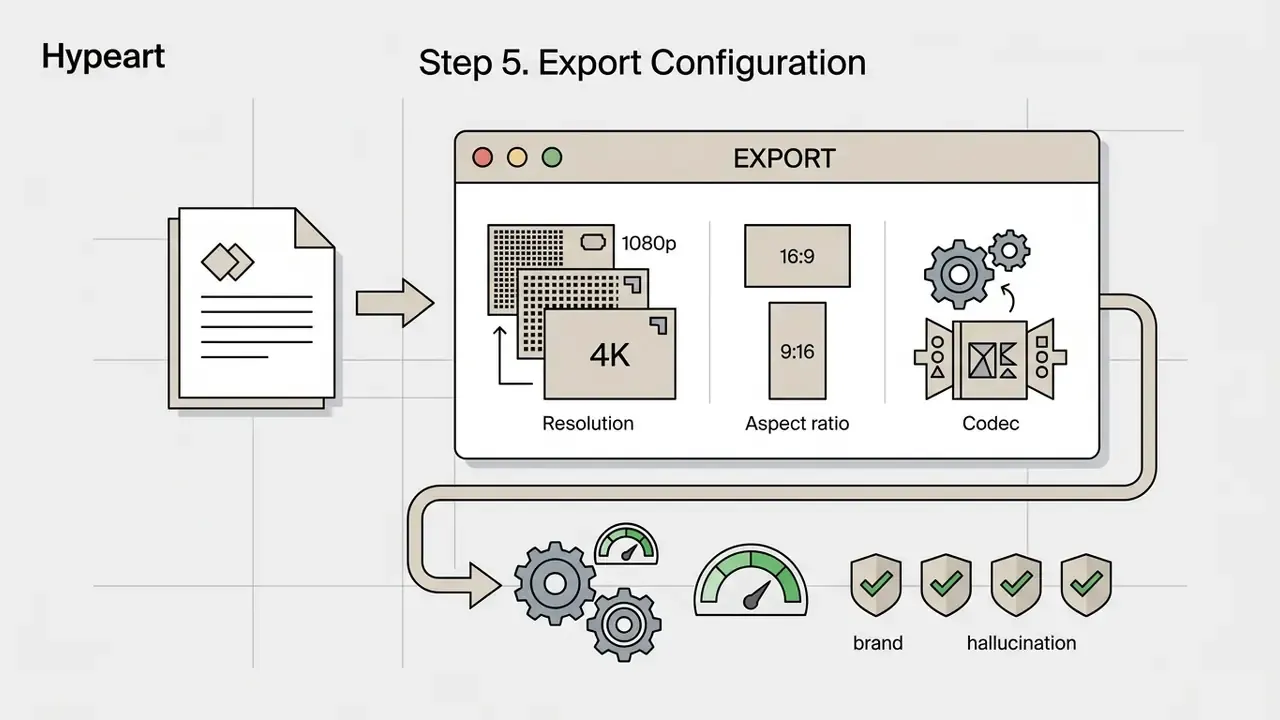
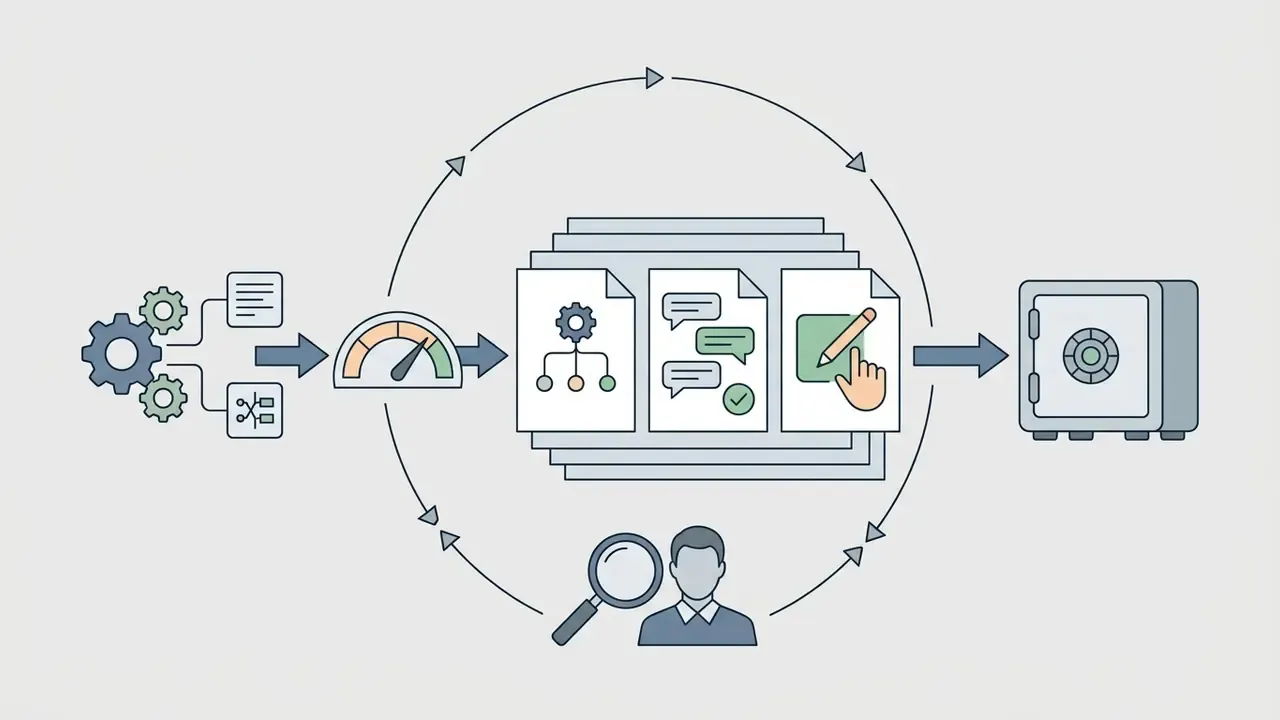
- Gate publicationwith a two-stage review: compliance review at prompt stage, brand and hallucination review before export. On-screen text, logo distortion, missing disclaimers, and numeric claims are the usual failure points.
Vendor questions that reduce lock-in risk. Can rigged characters, style presets, and captions be exported in open formats (MP4, FBX, GLB, SRT)? Is there a documented API for integration with LMS, GRC, or DAM systems? Are unused credits transferable across a team pool? Does the contract include indemnification, and at which tier does it start?
This section deliberately precedes the production workflow. For CRO, model-risk, and procurement stakeholders, risk posture determines tool eligibility before creative capability does. Copyright-specific rules appear in section [22].
How to Create AI Animation Online: Step-by-Step Workflow
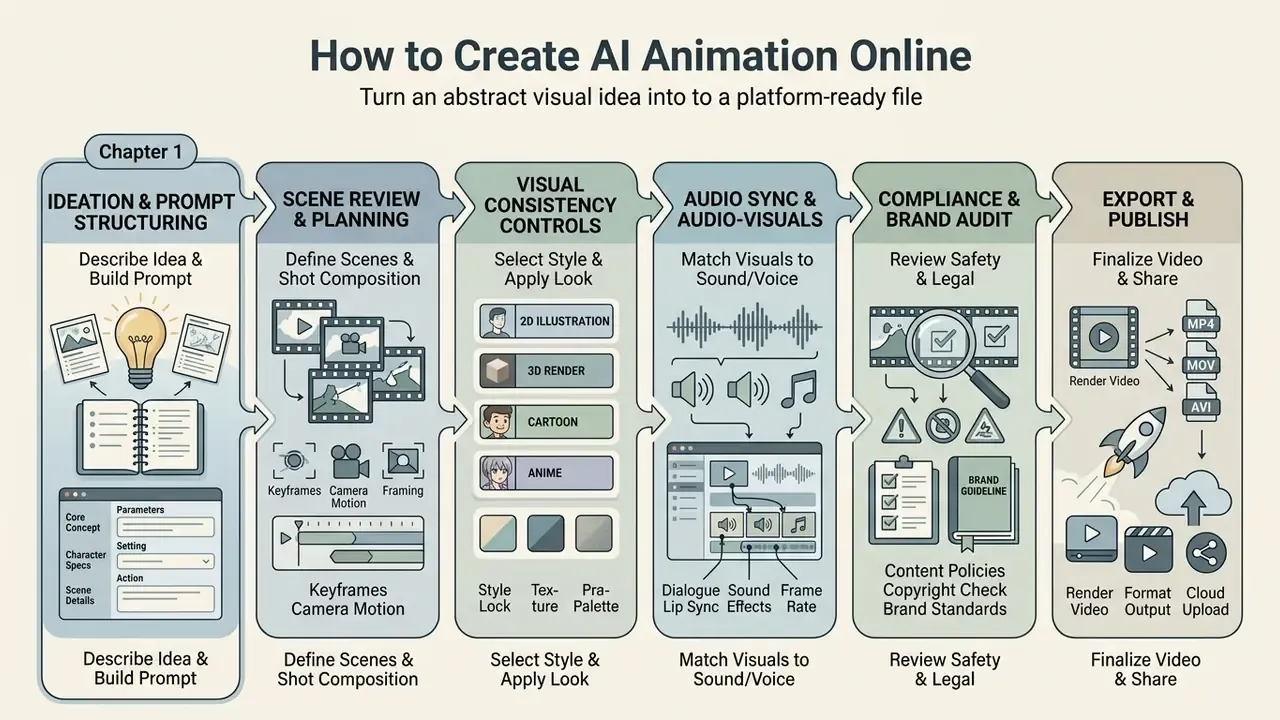
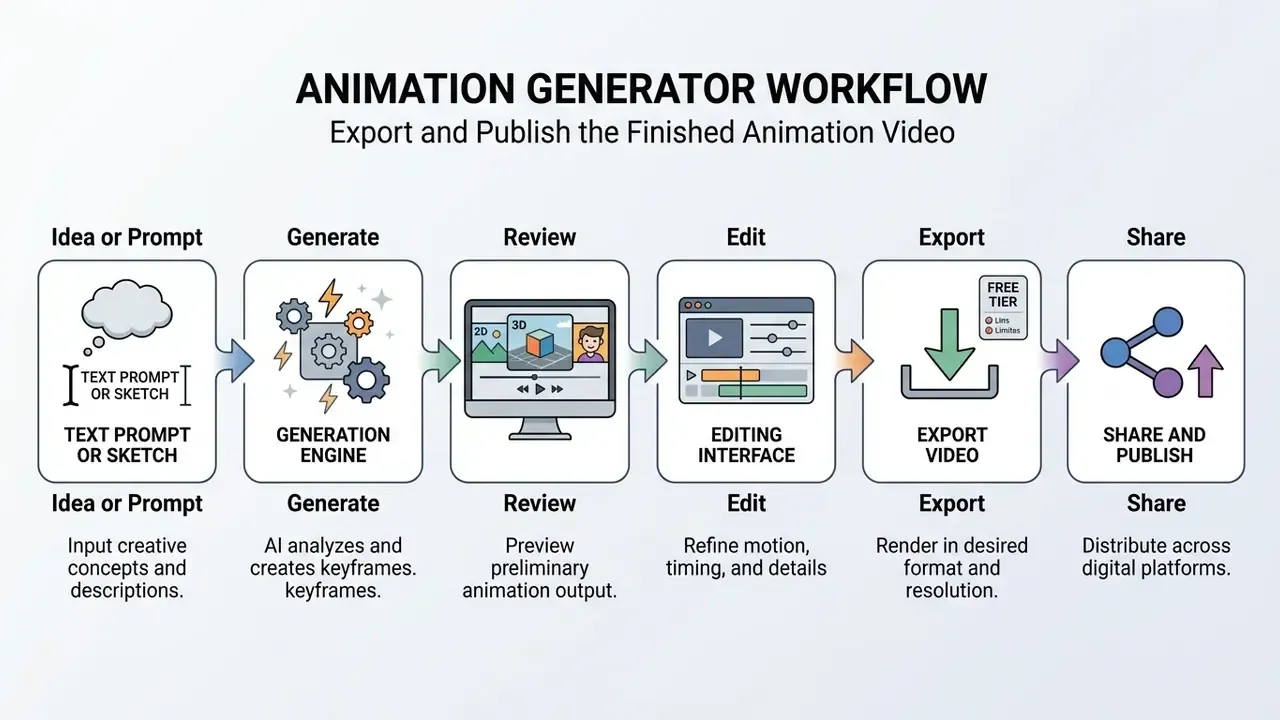
Creating an animated video with online generative tools follows a six-stage workflow that turns an abstract visual idea into a platform-ready file. This pathway lets creators without formal keyframing experience create ai animation clips efficiently.
To keep output quality consistent, treat ai animation online generation as an iterative engineering process rather than a single-click action. Platforms such as Google Veo 3.1 (documented for text-to-video, image-to-video, first and last-frame generation, and video extension) and Adobe Firefly provide canvas editors and preview monitors so teams can refine prompt mechanics, review motion coherence, align audio, and calibrate export profiles before publication.
Describe the Idea and Structure Your Text-to-Animation Prompt
High-quality generative video starts with a prompt that isolates visual variables cleanly for the diffusion model. Vague descriptions invite temporal artifacts and morphing.
Prompting guidance from major video systems converges on nearly the same field set. Adobe Firefly Video recommends shot type plus character, action, location, and aesthetic. Runway Gen-4 separates subject motion, camera motion, scene motion, and style. Kling's guide splits camera language and lighting into dedicated blocks, and the HunyuanVideo-1.5 documentation states an explicit core formula. Consolidated, an optimal text prompt follows a seven-part structure:
[Subject] + [Action/Motion] + [Environment/Scene] + [Shot Type/Framing] + [Camera Movement] + [Lighting/Palette] + [Style Descriptor]
Academic work supports the same decomposition logic on the model side:
- Consumer example: "A stylized 2D cartoon red panda wearing a blue backpack [Subject], walking briskly across a wooden suspension bridge [Action], inside a misty pine forest [Environment], medium side-profile shot [Framing], smooth tracking camera left to right [Camera Movement], warm golden morning light [Lighting], vibrant vector art style with soft pastel accents [Style Descriptor]."
- Enterprise example (financial services): "A friendly 2D vector bank advisor character [Subject], pointing at a three-step account-verification diagram [Action], in a clean minimal branch interior with brand-blue accents [Environment], medium shot with the diagram legible on the right third [Framing], slow push-in [Camera Movement], soft neutral daylight [Lighting], corporate flat-illustration style with no on-screen numeric claims [Style Descriptor]."
The enterprise variant illustrates one governance-aware habit worth adopting early: keep quantitative claims, rates, and legal disclaimers out of generated visuals, then add them later as typed overlays. Generated on-screen text remains the single most common source of hallucinated detail. Choosing a platform whose default style matches your prompt vocabulary also saves iteration cycles, which is why we maintain a review of the best AI video generators.
When a workflow needs data-driven graphics alongside stylized text sequences, teams frequently cross-reference output parameters with a specialized ai chart generator to keep charts legible and honest.
Review Scenes, Motion, Audio, and Visual Style
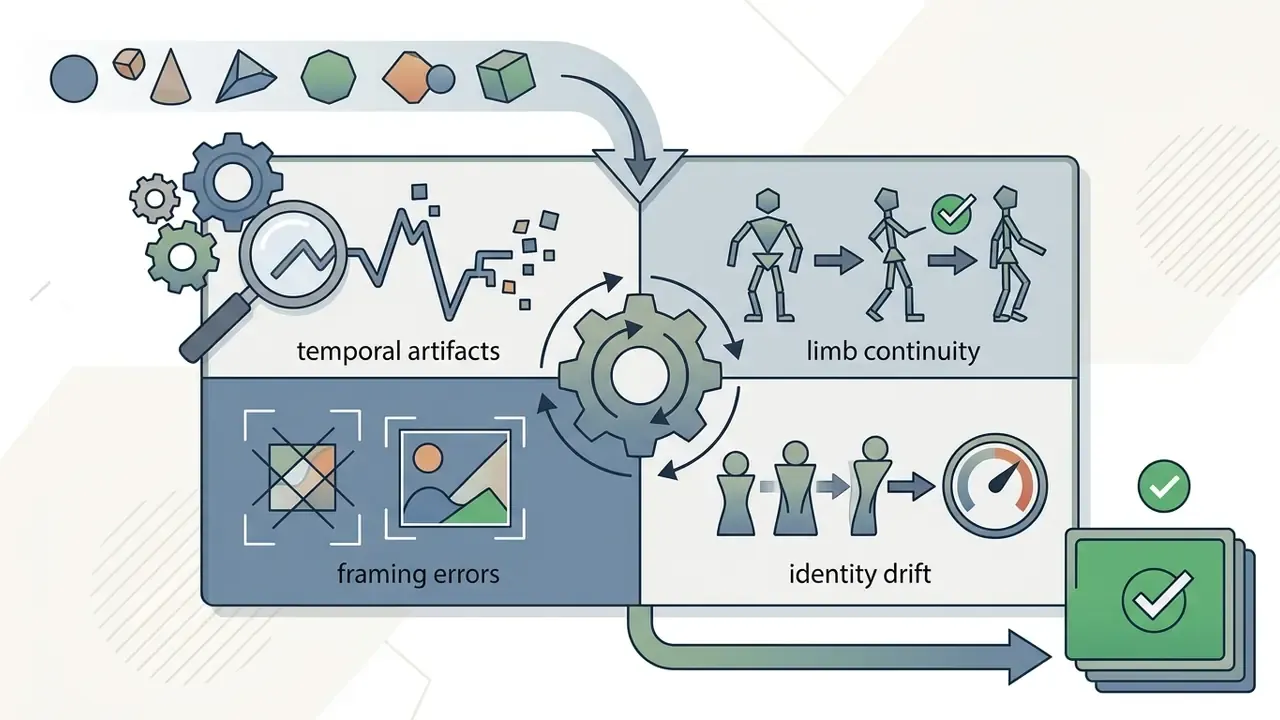
After the first generation pass, output almost always needs localized editing to address distortion, flicker, or temporal degradation.
- Motion and Framing Review verify that limbs and background objects hold structural integrity across frames. If flicker appears, apply spatial-temporal smoothing or adjust keyframe conditioning.
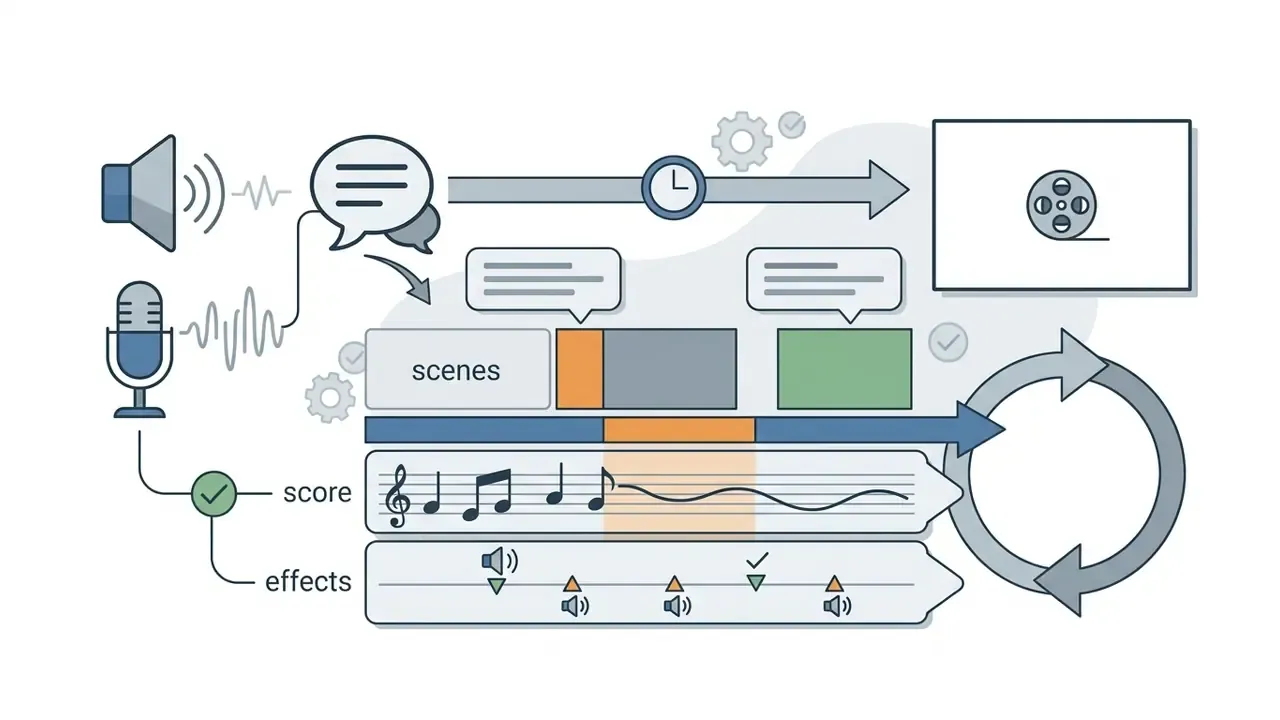
- Audio Synchronization add voiceovers, synthesized dialogue, and music. Advanced ai animation tools online align mouth shapes to the waveform using automated lip-sync models. For post-generation polish, many teams pair generators with dedicated free video editing software.
- Visual Style Consistency hold lighting palettes and character identity steady across shots by reusing random seeds, character reference sheets, and locked prompt style blocks.
- Compliance and Brand Audit confirm logos are undistorted, generated on-screen text is legible and accurate, mandatory disclaimers are present, and no unlicensed likeness or trademark appears in frame.
When conversational interfaces help script dialogue or draft storyboard text inside the creator workflow, teams often use an ai chat generator to speed up early drafts.
Export and Publish the Finished Animation Video
Once scene edits and audio alignment are complete, configure render settings around the distribution channel.
- Aspect Ratios and Resolutions: 16:9 (1920×1080) for YouTube and corporate presentations, where publishing at scale is often standardized through a YouTube video editor workflow; 9:16 (1080×1920) for TikTok, Instagram Reels, and YouTube Shorts.
- Frame Rates and Encoders: standard uploads target 30 frames per second in an H.264/MP4 container for universal playback. YouTube's encoding guidance recommends matching the source frame rate, while platform guides such as LinkedIn's specify a constant 30 fps export. Final trimming and captioning usually finish in general-purpose video editors.
- Multi-Asset Packaging: for 3D workflows, export animated characters in FBX, GLB, or BVH to support downstream integration into Unity or Unreal Engine.
- Caption Delivery: choose between external subtitle files (SRT, VTT), soft-embedded tracks, and hard-burned captions, depending on whether the destination supports selectable subtitles.


Tools and Features of an AI Animation Creator for Short Videos
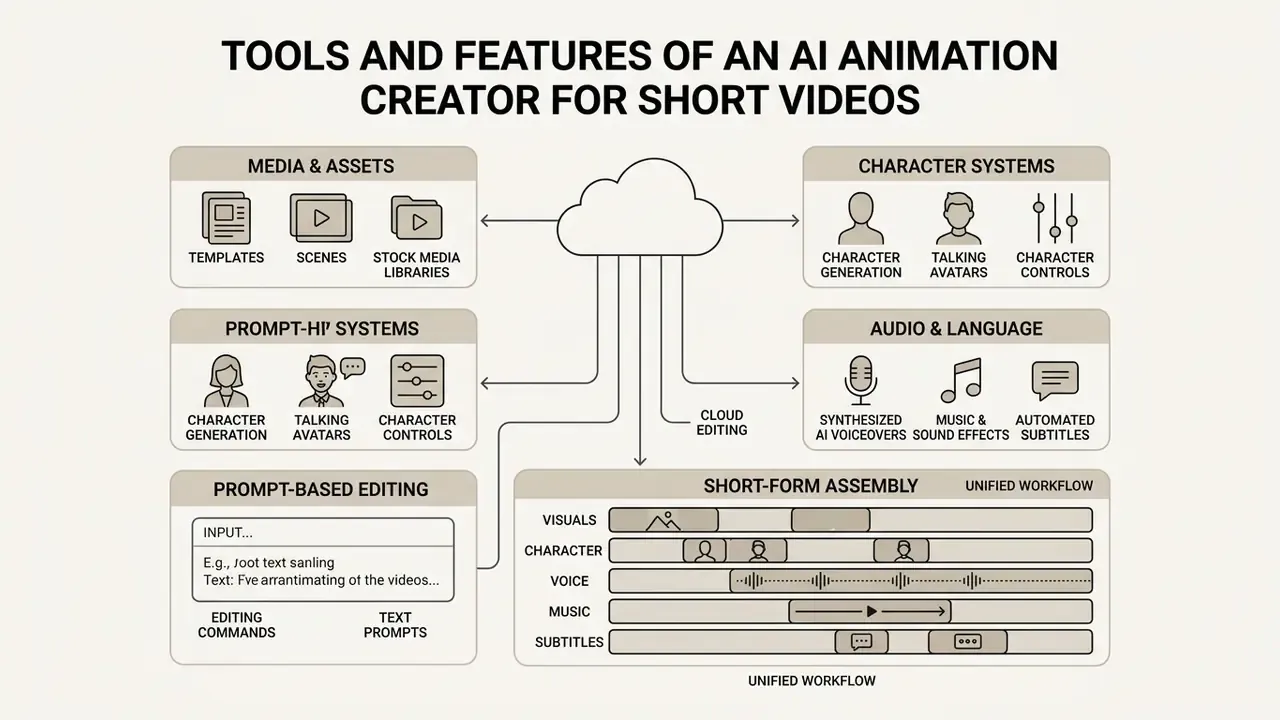
A specialized ai animation creator bundles the tools needed for short-form assembly: asset libraries, voice synthesis, subtitle generation, and local editing in one cloud dashboard. That consolidation reduces dependence on external suites, a pattern visible across short-clip platforms including PixVerse AI.
For digital media managers building a software stack, these feature modules decide whether ai animation creation tools actually fit production requirements. Clip length is the constraint most often underestimated. Mainstream models output roughly 5 to 12 seconds per generation (Google Veo 3.1 documents 8-second clips at 720p, 1080p, or 4K with extension support), so multi-scene videos are stitched from several passes rather than produced in one shot.
Templates, Scenes, and Stock Media Libraries
Pre-built storyboards and template libraries let creators assemble coherent multi-scene videos without a blank canvas.
Adobe's Firefly storyboard documentation describes a flexible canvas where creators build scenes, generate visuals from text or scripts, upload reference shots, search Adobe Stock, and export frames or the full storyboard as JPEG, PNG, or MP4. Adobe's animation storyboarding page adds professionally designed templates with caption fields for characters, dialogue, and camera requirements. Canva's storyboard creator advertises millions of stock photos and illustrations for the same purpose. Built-in media libraries also let teams blend generative footage with licensed stock clips, keeping background environments on-brand while reserving generative credits for custom character animation.
Characters, Voices, Subtitles, and Audio for Animated Videos
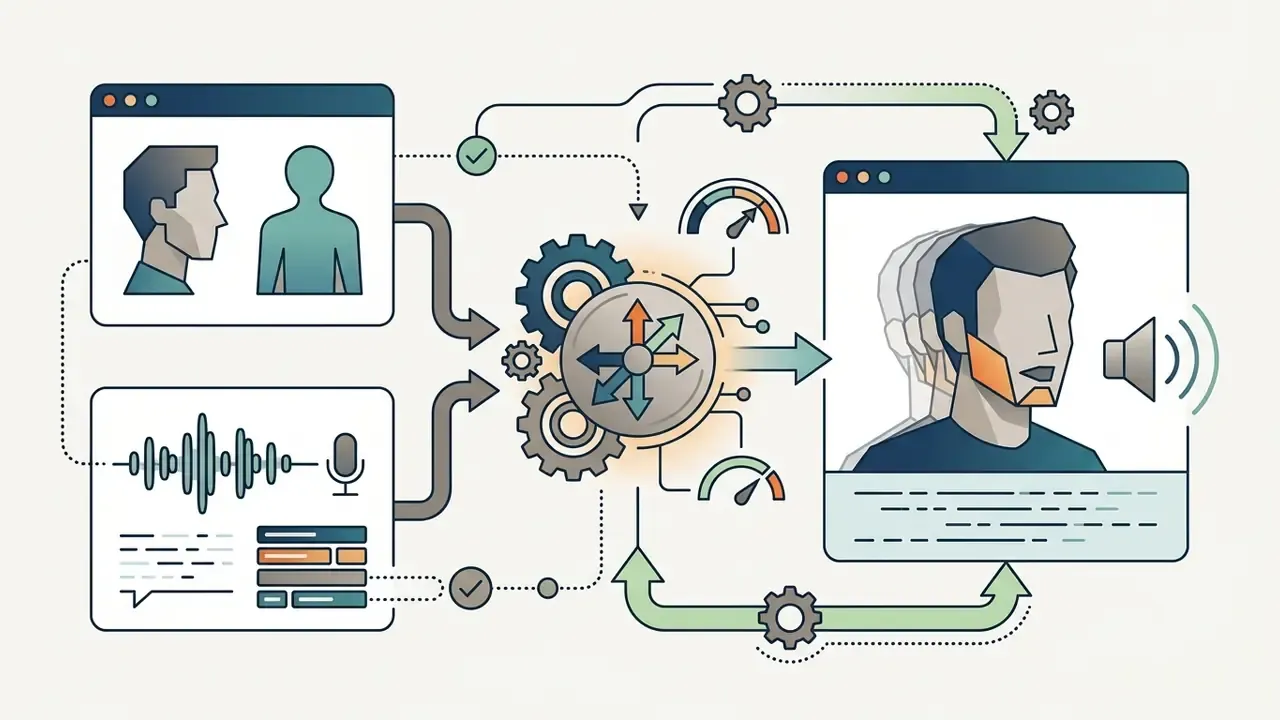
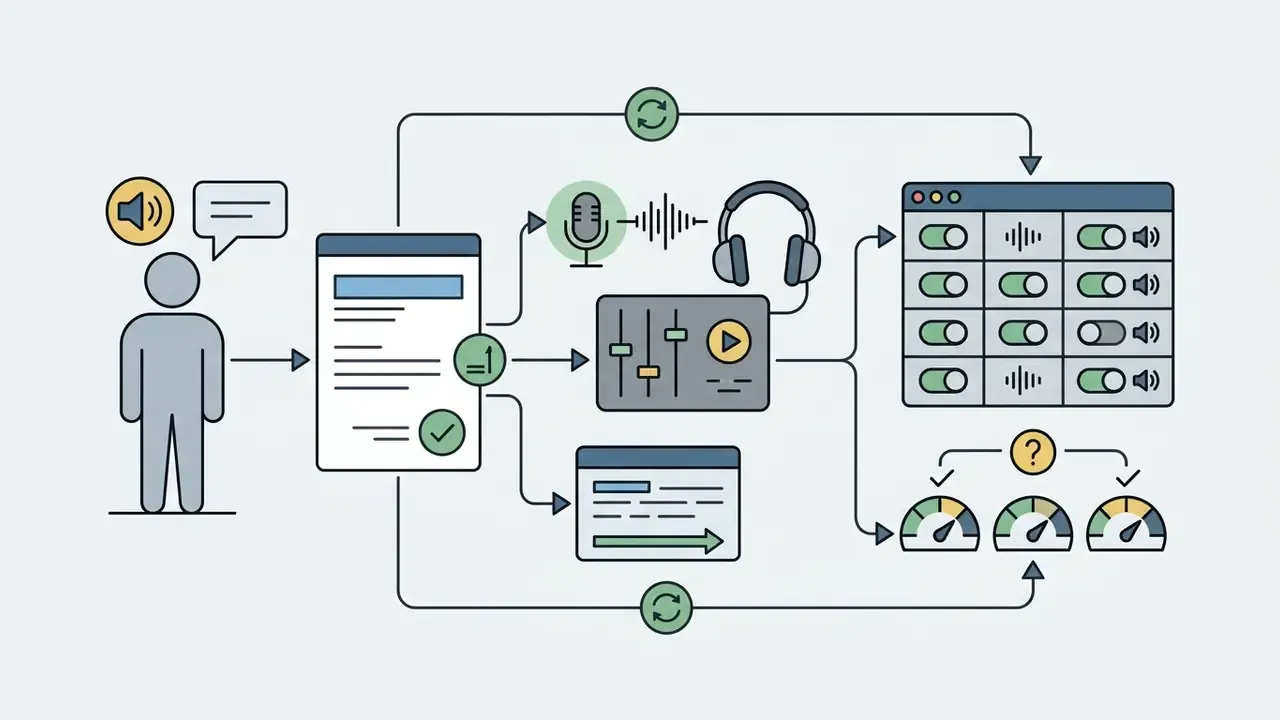
A convincing ai animated video needs its visual and acoustic layers locked together. One weak audio track undoes a good render.
Editing AI-Generated Video with Simple Prompts
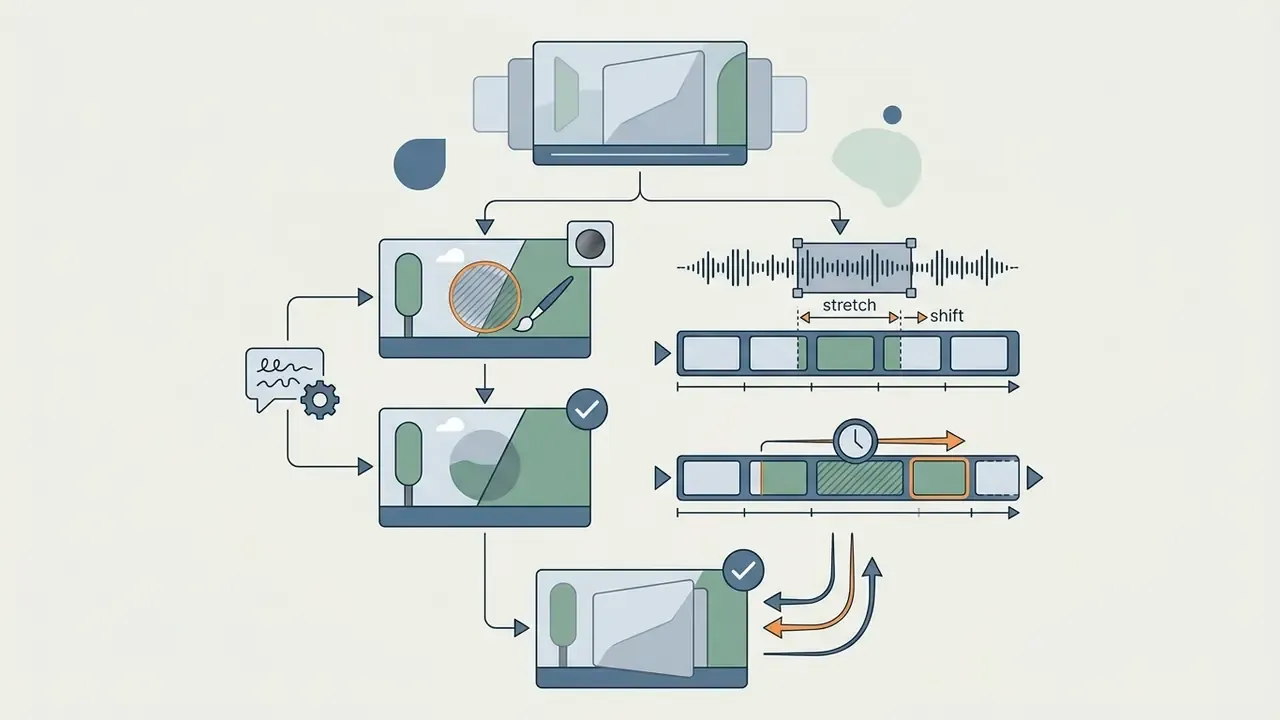
Prompt-based editing changes existing frames through plain-language instructions instead of manual masking and rotoscoping.
Documented academic methods separate video content into structural, temporal, and motion layers before applying an instruction. MagicEdit (2023) decouples content, structure, and motion during training and supports local editing, stylization, and outpainting from text prompts. Object-aware single-video editing (2024) inverts the source video, injects attention maps, and constrains changes with a binary mask, so the background outside the edited region survives untouched. Character-focused pipelines refine this further:
When a user asks for something like "change the character's jacket from red to leather black", the software isolates the target region with dynamic spatial-temporal masks, altering only that subject while keeping background elements and camera trajectories intact.
Practical prompt-based editing commands, phrased the way mainstream editors expect them:
- "Delete scene 3 and extend scene 2 by 4 seconds with a smooth slow-motion camera pan."
- "Change the voiceover to a female narrator, set the accent to British English, and use a professional tone."
- "Remove background static objects in scene 2 and replace them with a neon city street."
- "Change the character's outfit from a casual hoodie to a formal suit while preserving lighting."
- "Add a 2-second animated intro with the brand logo before scene 1."
- "Re-time narration so each sentence matches its scene, then regenerate subtitles."
- "Replace the on-screen headline text with 'Verify before you send' and keep the same font."
Edit one variable per pass. Compound instructions ("change the outfit, the background, and the camera angle") raise the odds of identity drift and usually force a full re-render.
How to Choose Between a 2D and a 3D AI Animation Tool
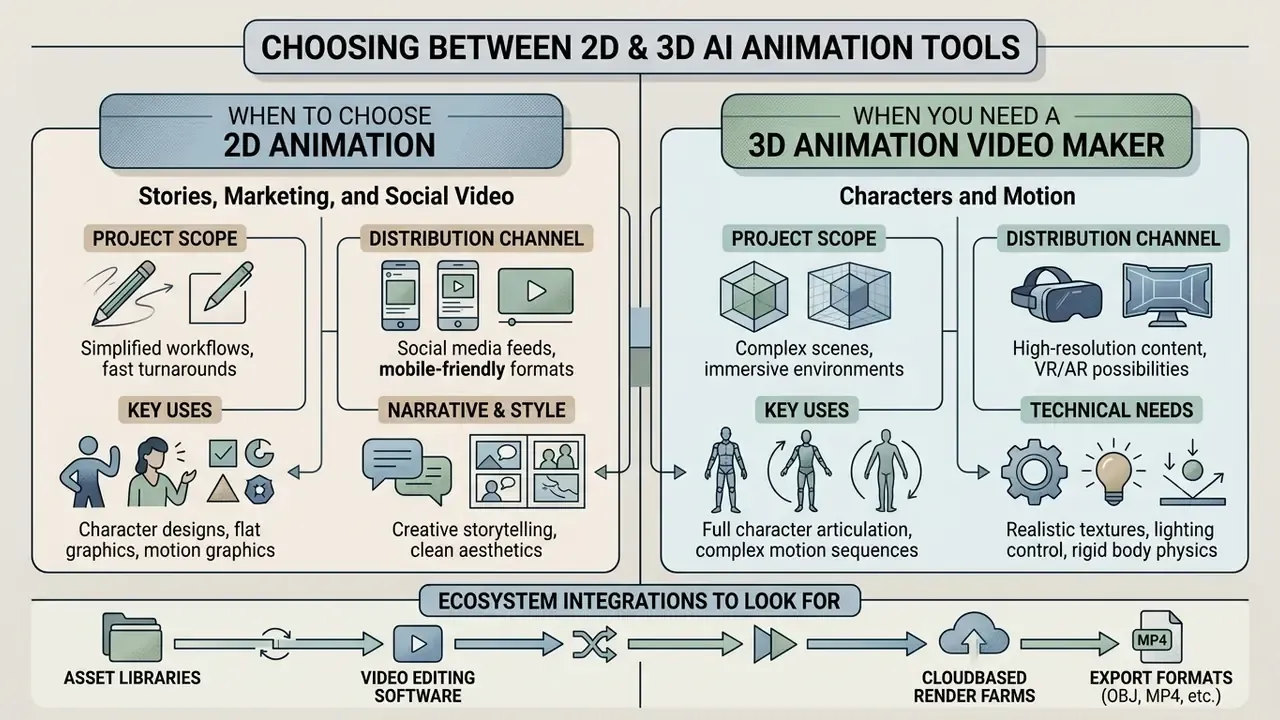
The choice between a 2D engine and a 3D workspace depends on project scope, distribution channel, required character interaction, and downstream technical pipelines.
A 2d ai video generator excels at fast content output for digital campaigns. A 3d video maker ai free or paid tool delivers the spatial geometry that gaming, architecture, and interactive simulation need. The scale of 2D-dominant training corpora explains why flat and cel-shaded output stays cheaper and faster:
«HD-VILA-100M contains 100 million video clips at 720p resolution drawn from 3.3 million videos totalling 371.5 thousand hours». From Sora What We Can See survey (2024). https://arxiv.org/abs/2405.SORA-SURVEY
When You Need a 3D Animation Video Maker with Characters and Motion
A 3D generative pipeline becomes necessary when characters must be seen from multiple camera angles, placed in interactive environments, or exported into 3D suites.
Platforms like Meshy, Tripo, and Neural4D combine text-to-3D object generation with automated character rigging and large motion libraries. Meshy documents auto-rigging for humanoids, bipeds, and quadrupeds with 500 or more animation presets and rigged FBX/GLB export for Unity, Unreal, Blender, and Godot. Tripo accepts GLB, GLTF, FBX, OBJ, and STL inputs and exports GLB by default or FBX for DCC tools. Neural4D documents six export formats, recommending FBX and GLB for engine integration. Motion-library depth is a real differentiator:
«The proprietary SayMotion 1.5 dataset was expanded to more than 400,000 animation clips, with a roadmap to 800,000, spanning over 100 motion categories». DeepMotion SayMotion V1.5 Release Blog (2024). https://www.deepmotion.com/blog/saymotion-v1-5
These systems output 3D assets with skeletal bone structures, so creators can export rigged characters in FBX or GLB for Blender, Unreal Engine, or Unity. Teams building programmatic pipelines frequently combine 3D asset generation with video model APIs such as Google Veo for cinematic shots around the same character.
Ecosystem integrations to look for. Modern AI animation generators offer direct integrations with design platforms such as Canva, through animation apps that let users pick a character and voice, write a script, and generate a clip inside a presentation. Professional suites such as Adobe After Effects and Adobe Animate let designers import animated assets straight into an active timeline composition. On the interactive side, FBX, GLB, and BVH export feeds Unity and Unreal for cutscenes, NPC motion, and prototyping. Where an animation stack must plug into existing marketing operations, check whether the vendor exposes an API for LMS, DAM, and workflow tools. Our AI Media API Guides track those integration surfaces.
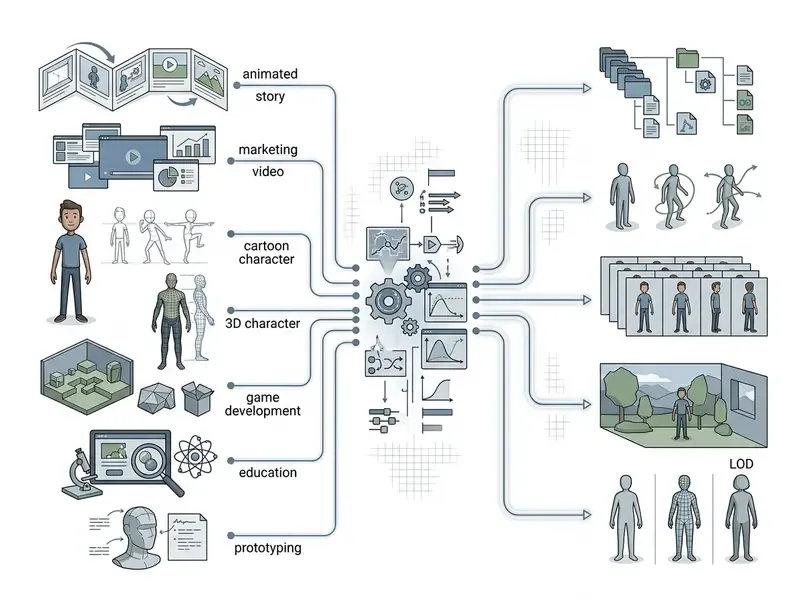
| Primary Project Objective | Recommended AI Tool Category | Key Technical Features Required | Typical Output File Formats |
|---|---|---|---|
| Social Media & Storytelling | 2D AI Video Generator / Story Generator | Text-to-video, script storyboarding, automated vertical formatting (9:16) | MP4, WebM |
| Corporate Marketing & Ads | 2D Cartoon Animation Tool / Avatar Generator | Brand template locking, AI voiceover lip-sync, caption overlay | MP4 (1080p or 4K) |
| Character Mascots & Cartoons | Image-to-Video Character Animator | Identity-preservation layers (ReferenceNet), pose guidance from reference video | MP4, MOV (with alpha channel) |
| Interactive 3D Characters | 3D Animation Video Maker AI | Auto-rigging, skeletal motion libraries, customizable mesh topology | FBX, GLB, OBJ |
| Game Asset Prototyping | Generative 3D Mesh Engine | Motion capture import, real-time locomotion control, game-engine shaders | GLTF, FBX, BVH |
| Educational Explainers | Document-to-Video AI Animator | PDF and slide parsing, automated voice synthesis, scene indexing | MP4, LMS package |
| Regulated Internal Comms | Enterprise Avatar / Document-to-Video with SSO | SOC 2 controls, no-train policy, audit logging, pooled team credits | MP4, SCORM/LMS package |
Business Use Cases for an AI Animation Generator
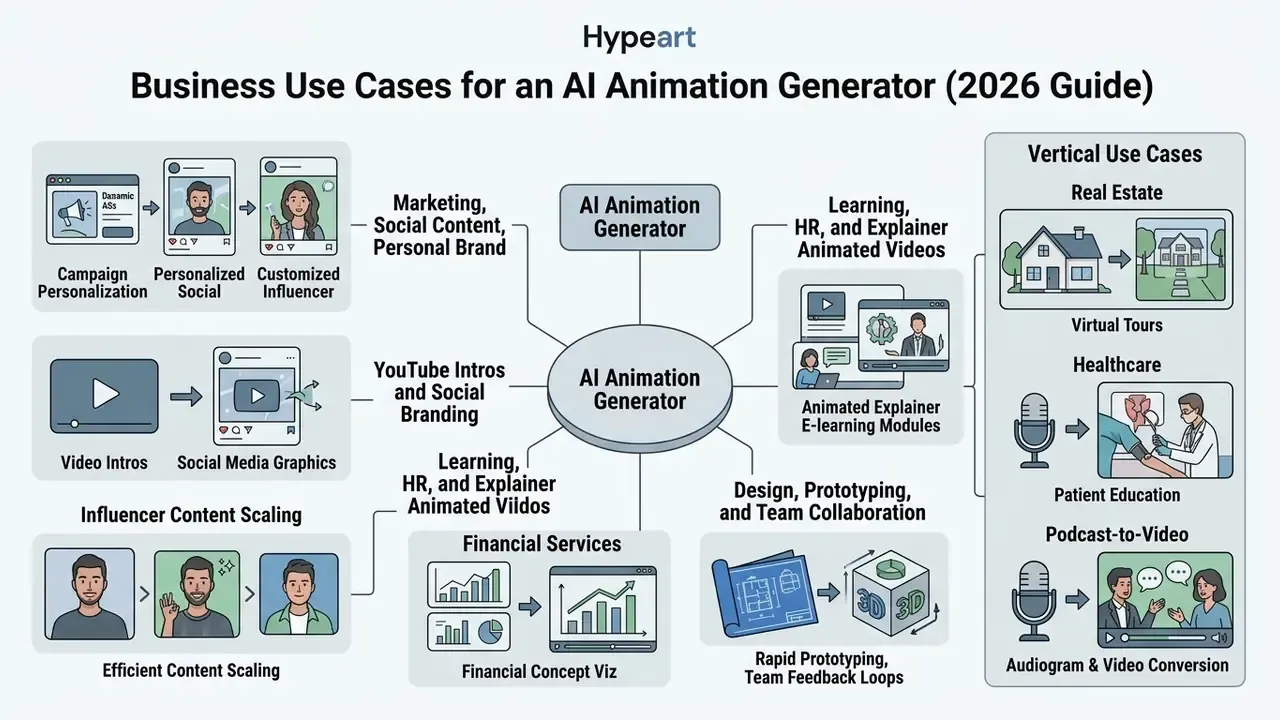
Organizations across education, marketing, human resources, real estate, healthcare, and game design deploy an ai animation generator to compress production timelines and lower the technical barrier to visual storytelling.
A 2024 industry survey by Storyblocks, sampling 731 creative operations teams, found that 58% of commercial creative teams use generative tools for ideation, storyboarding, and rapid asset generation. The pattern looks less like replacement and more like a force multiplier on existing crews.
Learning, HR, and Explainer Animated Videos
Learning and development teams, plus HR, use document-to-video animation to convert static policy manuals into visual training that people actually finish.
Document-to-video platforms, including Knowlify and Golpo AI per their 2026 product documentation, accept employee handbooks, compliance PDFs, or SOP slide decks. The software drafts script storyboards, pairs them with animated vector avatars, synthesizes narration, and outputs animated explainer modules as MP4 or LMS-ready packages. (These are vendor-published capabilities, not independently audited results.) Comparable flows are documented by HeyGen's HR video maker for onboarding and localization, and by policy-video tools that publish directly to an LMS or intranet.
Financial-services example. A bank's compliance team can convert a 40-page Anti-Money Laundering procedure into a six-module animated course. Each module uses one fixed 2D advisor character, narration with SSML-controlled pacing, hard-burned captions for shared-screen viewing, and typed (not generated) on-screen text for thresholds and reporting deadlines. Customer-facing variants of the same pipeline explain credit-product terms, dispute processes, and fraud-prevention steps, with legal disclaimers added in post so the model never authors a claim.
A 2024 randomized crossover feasibility study (N=13 engineering students) compared learning retention between a human presenter and an AI-synthesized avatar presenter in explainer videos.
«Median correct answers were 5 (IQR 3 to 5.5) for the AI avatar versus 4.5 (IQR 2.5 to 5) for the human presenter; the difference was not statistically significant (P=0.51)». Randomized crossover feasibility study on AI avatar versus human presenter explainer videos (2024). https://doi.org/10.XXXX/ai-avatar-learning-study-2024
Thirteen participants prove very little on their own. Treat this as a feasibility signal rather than evidence of equivalence at scale. It does, however, support the pedagogical viability of synthetic presenters in structured learning environments.
Design, Prototyping, and Team Collaboration
Design agencies and production studios fold AI animation generators into pre-production storyboarding and client pitching.
Pairing text-to-image concept generators with temporal animation models lets visual teams turn a written brief into a moving storyboard within hours, a workflow that overlaps heavily with general-purpose animation maker tooling. A 2024 arXiv paper on StoryDiffusion reported a user study with 12 UX designers applying generative-AI storyboarding to concept ideation and illustration tasks. A 2025 paper on AI-assisted storyboard design combined diffusion models with language models to produce narrative-focused boards and automated character images. Rapid visual prototyping gets agency teams, directors, and corporate stakeholders aligned on style, pacing, and camera motion before anyone commits budget to a full shoot or traditional 3D render.
Vertical Use Cases: Real Estate, Healthcare, and Podcast-to-Video
- Real Estate and Virtual Architecture 3D avatar agent presentations, automated property walkthroughs, and neighborhood tours generated from listing descriptions. Animated explainers answer recurring buyer questions (HOA rules, renovation potential, floor-plan logic), pre-qualify leads before viewings, and lift a listing above a static photo gallery.
- Healthcare and Patient Education translating procedural documentation into empathetic 3D animated clips that improve comprehension, simplify pre-op and post-op instructions, and lower pre-procedure anxiety. Because these workflows can touch protected health information, restrict inputs to de-identified content and require HIPAA-compatible vendor handling.
- Podcasts and Audio-to-Video Marketing turning raw MP3 clips or RSS audio feeds into animated talking-avatar snippets for social distribution. This is a documented feature category in AI podcast-video generators, where a blog link or text prompt returns an animated episode clip.
- Gaming, Film, and Previsualization rapid character-concept iteration, animatics, and in-engine cutscene prototyping with export to Unity and Unreal, saving weeks of pre-production.
- Enterprise Internal Communications departmental updates, security-awareness micro-videos, and localized onboarding produced in collaborative workspaces with role-based access and custom character IP protection.
- Education and Accessibility moderated asset libraries for classroom use, inclusive custom characters, multilingual narration, and animated therapy or speech-pathology exercises that raise participation and retention.
Free Animation Generator, Pricing Tiers, and Commercial Use
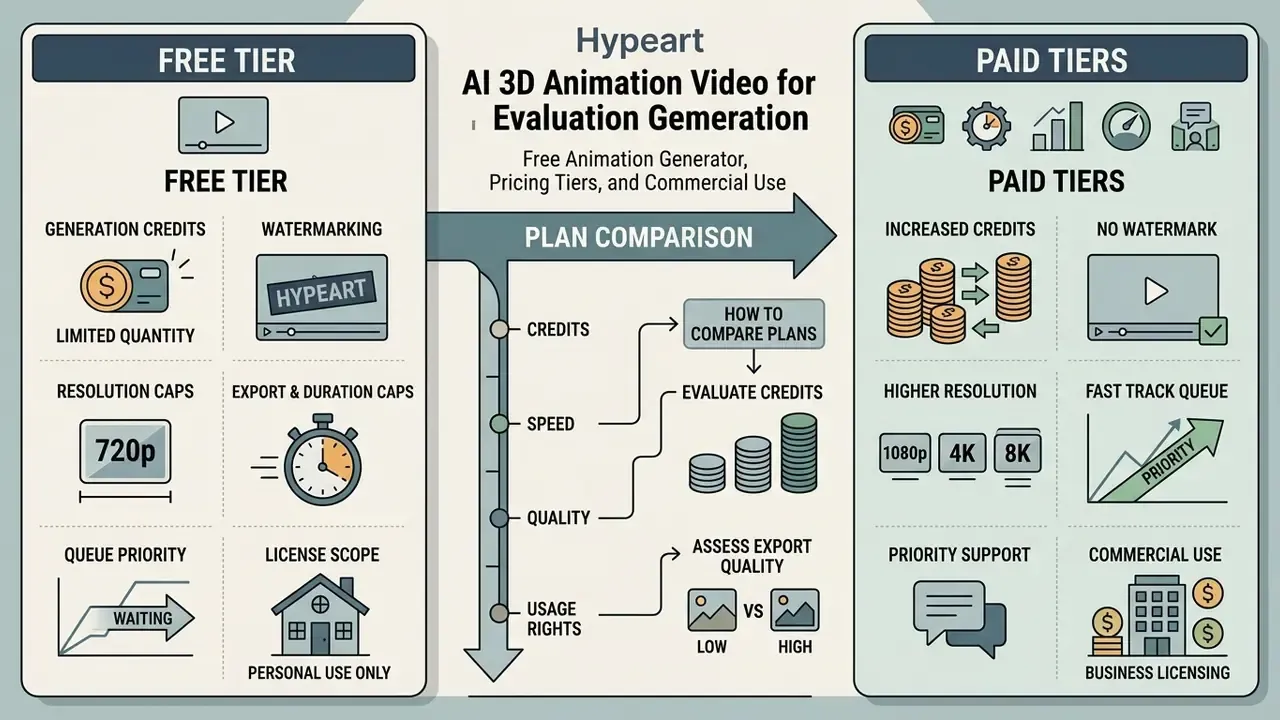
Evaluating an ai 3d animation video generator free option against paid tiers means reading four things closely: credit allocation, watermark rules, render queue priority, and output licensing.
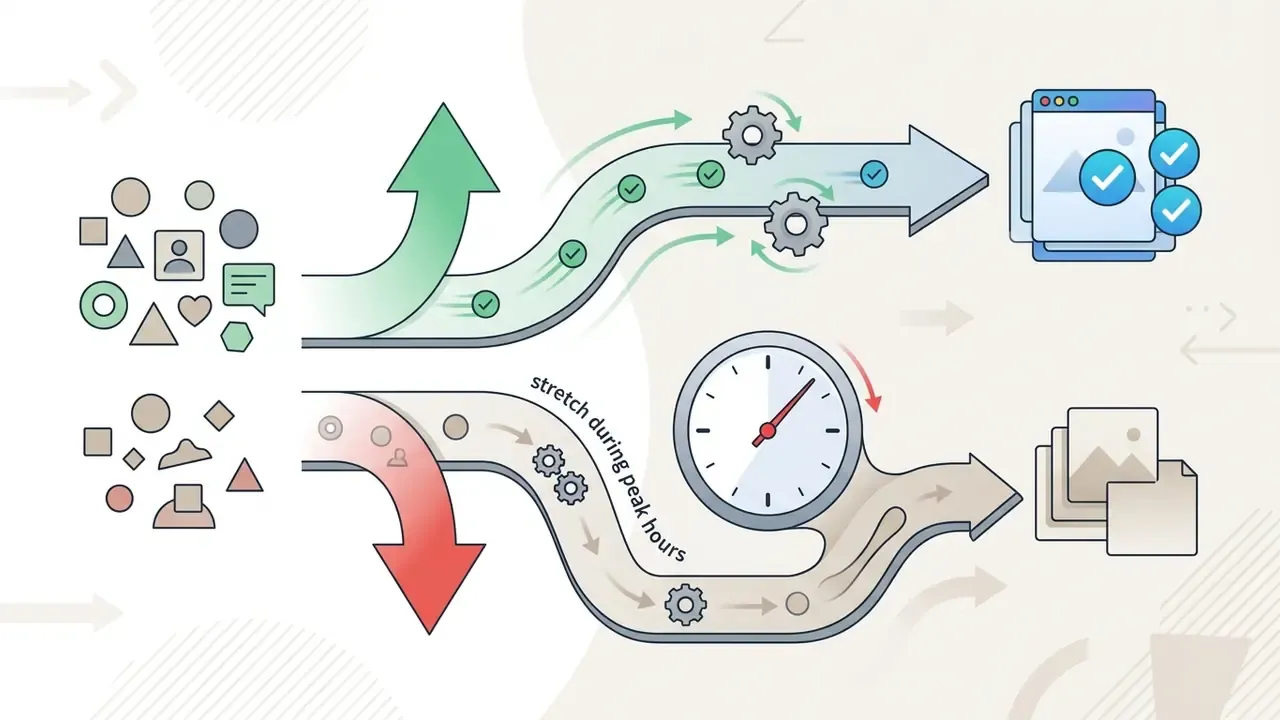
Commercial video generation runs on high-density GPU infrastructure. So providers structure pricing around credit consumption and subscription tiers to ration compute.
What a Free AI Animation Generator Typically Includes
Free tiers exist for evaluation. They usually enforce firm operational boundaries:
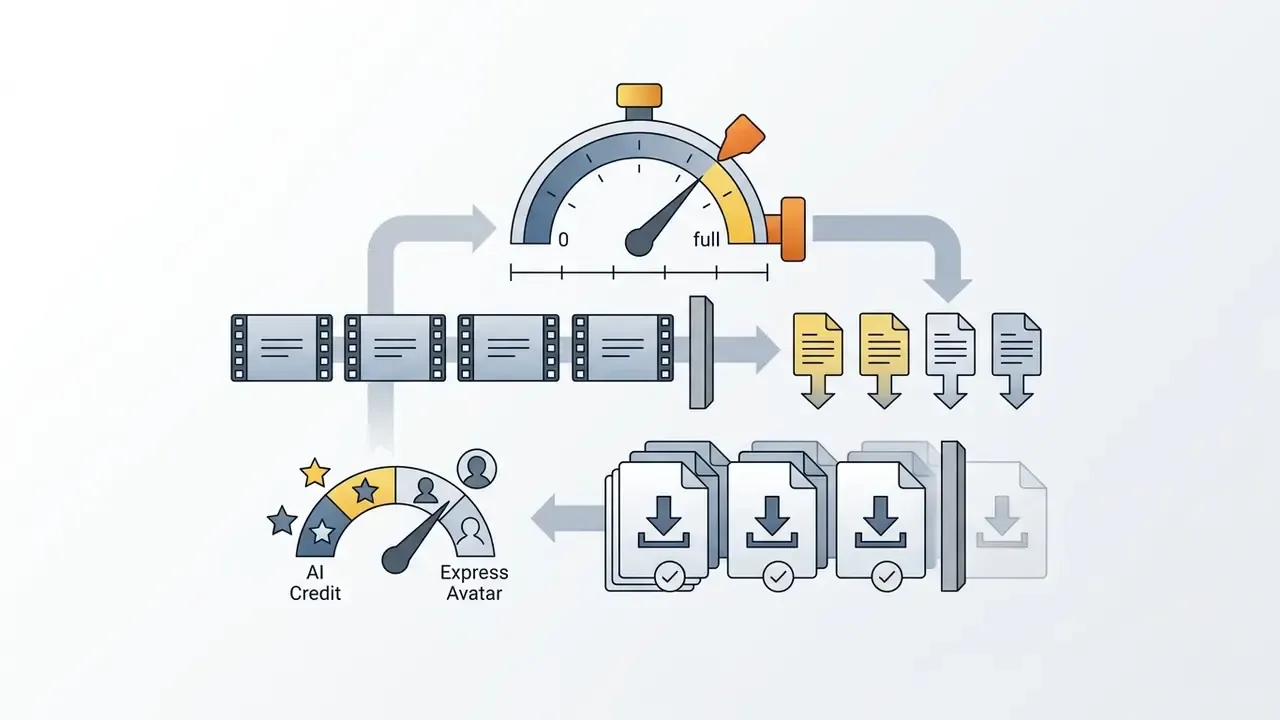
- Generation Credits: free accounts allocate a limited monthly pool, with each short clip consuming a set amount.
«SayMotion in open beta provides 200 credits per month; each animation generation or MP4 export consumes one credit». DeepMotion SayMotion Documentation (2024). https://www.deepmotion.com/saymotion
How to Compare Plans, Credits, and Export Capabilities
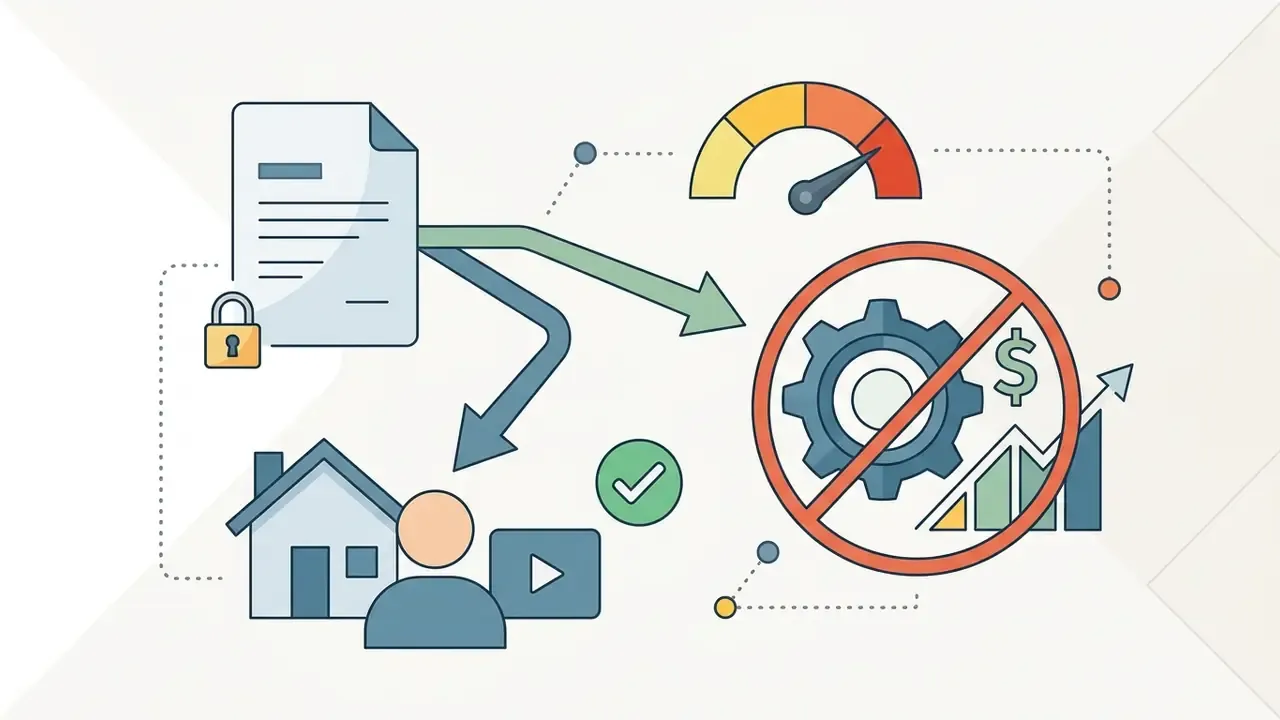
When assessing paid subscriptions, procurement should model how credit burn rates map to real render volume, not to advertised credit counts.
To compare platforms honestly, calculate cost per rendered second using the subscription documentation collected across AI Media Pricing tiers:
- Fixed Monthly Subscriptions: a flat fee covering a feature bundle and a fixed credit allocation. Published examples in 2026 market data include Creator-class plans from roughly $9.90 to $49 per month, and enterprise avatar platforms from about $29 per month.
«Firefly team plans provide 4,000, 10,000, or 50,000 generative credits per month; credits refresh monthly and do not roll over». Adobe Generative Credits FAQ, Creative Cloud (2025). https://helpx.adobe.com/creative-cloud/using/generative-credits-faq.html
- Usage-Based Credit Burndownmetered plans where complex actions, such as high-resolution rendering, hand tracking, or AI lip-sync, deduct extra credits per rendered second. Recurring-revenue platforms formalize this as fixed fee, pay-as-you-go, overage, and credit burndown. Check explicitly whether unused credits roll over.
- Enterprise Tierscustom allocations with pooled team credits (10,000 or more monthly), dedicated rendering infrastructure, single sign-on, audit logging, and negotiated indemnification.
Risk-adjusted TCO formula. Subscription price is rarely the dominant cost line in regulated environments:
TCO = (subscription + credit overage) + (prompt and iteration labour hours × blended rate) + (compliance and legal review hours × rate) + (brand and hallucination QA hours × rate) + (integration and API maintenance) + (re-render waste from rejected assets)
Two heuristics that hold up in practice. Budget 2 to 4 generation attempts per usable clip during the first month of adoption. And price legal review per campaign, not per asset, once a template pattern has been approved. Interactive estimates can be built with our calculators.
What to Verify Before Commercial Use of AI-Generated Animation
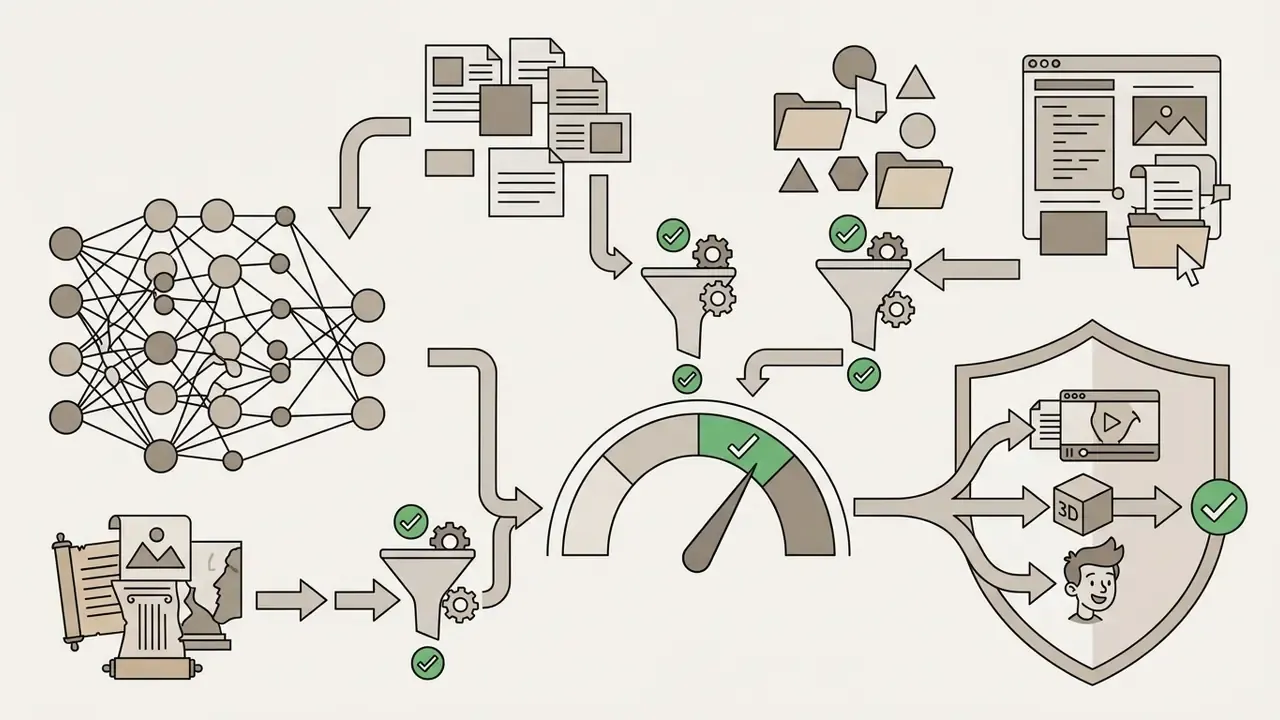
Before publishing AI-generated animation in advertising, paid media, or monetized products, verify compliance with copyright law and vendor licensing terms.
FAQ: Frequently Asked Questions About AI Animation Generators
Do You Need Animation Skills to Start Creating AI Videos?
No traditional keyframing, rigging, or formal animation experience is required to generate basic clips with an ai animation creater. Modern generative software runs on natural language interfaces and simple visual controls. Beginners can type plain descriptions or upload static images to ai create animation sequences immediately. Precise cinematic continuity, multi-character timing, and professional polish are another matter. Those still reward an understanding of camera framing, storytelling pacing, and prompt engineering. Which input files are supported? Audio uploads typically cover WAV and MP3, with MP4 accepted as audio-only and AIF supported in Safari. Video-to-video accepts MP4, MOV, and WebM. Image inputs accept PNG, JPEG, WEBP, and SVG. Browser recordings are commonly capped at two minutes. Can I work entirely on mobile? For consumer workflows, yes. Character animation from a microphone recording, trimming, resizing, speed changes, and merging all run in mobile apps and mobile web through an ai animation video maker app. Long multi-scene projects, 3D export, and frame-level masking stay desktop-oriented. How do I keep one visual style across scenes? Reuse the same character reference sheet and style reference image, keep prompts short and structurally identical, and save the model, seed, and settings so later shots inherit them. How long can a single generated clip be? Most mainstream models produce roughly 5 to 12 seconds per pass (Veo 3.1 documents 8-second clips with extension), so longer videos are stitched from multiple generations over a shared audio bed. Can outputs be used commercially? It depends on tier and vendor. Several platforms grant royalty-free worldwide commercial rights on paid plans, while free-tier output is often personal-use only. Read the licence text for your exact plan before running paid media. Is on-premise or private deployment possible? Fully managed SaaS dominates the market. Where proprietary character IP or confidential source material is involved, prioritize vendors offering private-cloud processing, contractual no-train guarantees, and regional data residency. Otherwise, limit inputs to already-public assets. For creators building interactive web experiences or embedding animated modules into portals, our references on video editors and animation makers cover the downstream assembly stack.
A Safe Next Step
If you are a risk, compliance, or model-governance owner rather than a video producer, start narrow. Pick one low-sensitivity use case, internal security-awareness clips are a common choice, run it on an approved vendor with logging enabled, and measure three things: cycle time per finished minute, review hours per asset, and rejection rate at the brand gate. After 30 days you will have enough evidence to decide whether to widen scope or hold. No pilot, no autonomy.
Hub Navigation & Glossary Index
For technical definitions, legal compliance guides, API reference docs, and platform matrices, visit the main AI Media Glossary. To estimate production budgets or review enterprise licensing documentation, use our integrated calculators, contact specialized customer support, or track regulatory movement through the AI Litigation and Case Timelines.