Last updated: 2026. Editorial review: AI Media research desk.
The short version
- What it is a tool that assembles a drawing assignment from five slots, namely subject, action, setting, mood and palette.
- How to use it pick a mode, pick a category, set skill level and medium, set palette style and color count, then generate.
- Six modes Random, Daily, Creative Challenge, Cozy/Chill, Weird & Chaos, Pattern & Texture, plus a separate Mindful Art mode for art-therapy sessions.
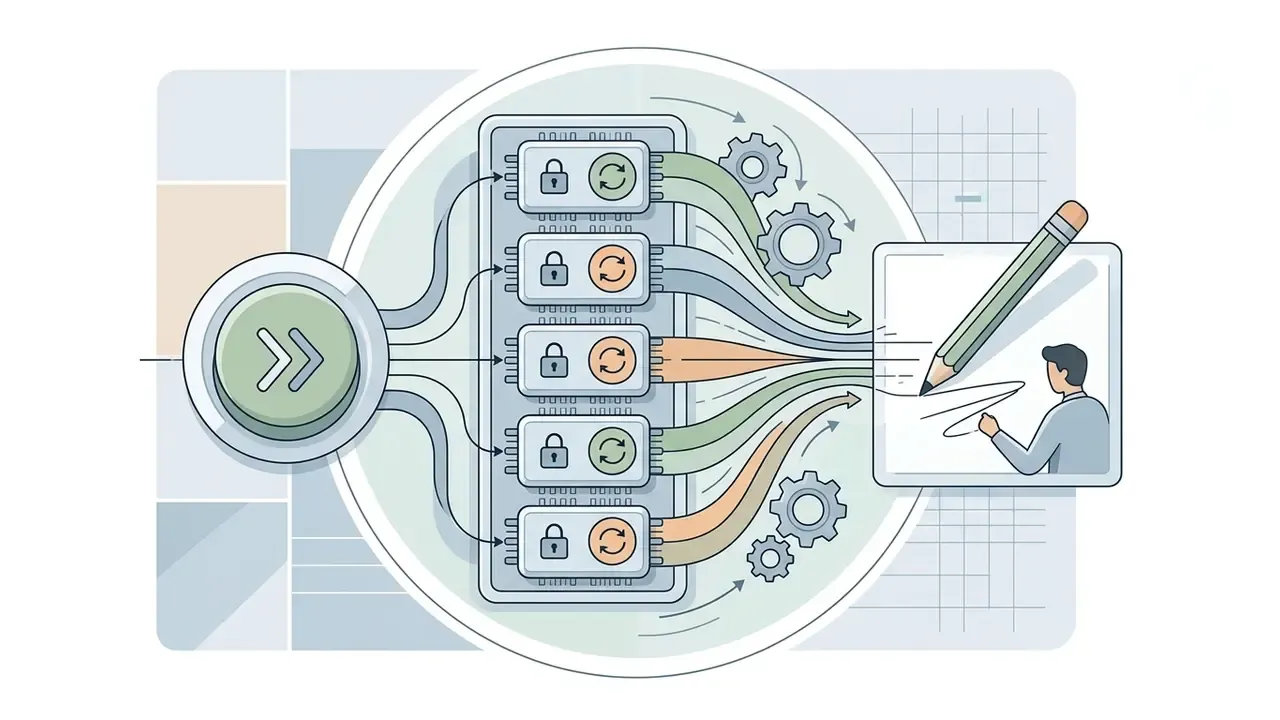
- Fine-tune, don't reroll everything lock the parts that work, reroll only the parts that don't, copy palette HEX codes, export the prompt card as PNG or print it.
- Ready to copy 30+ prompt specifications below, sorted by characters, landscapes, creatures, objects, abstraction and mindful practice.
- Rights the prompt text itself is not copyrightable in the U.S.; a drawing you make by hand from that prompt is yours. Raw AI output requires human authorship to be registrable.
- Safety never paste confidential, client or internal data into a public prompt widget. See the data-safety checklist further down.
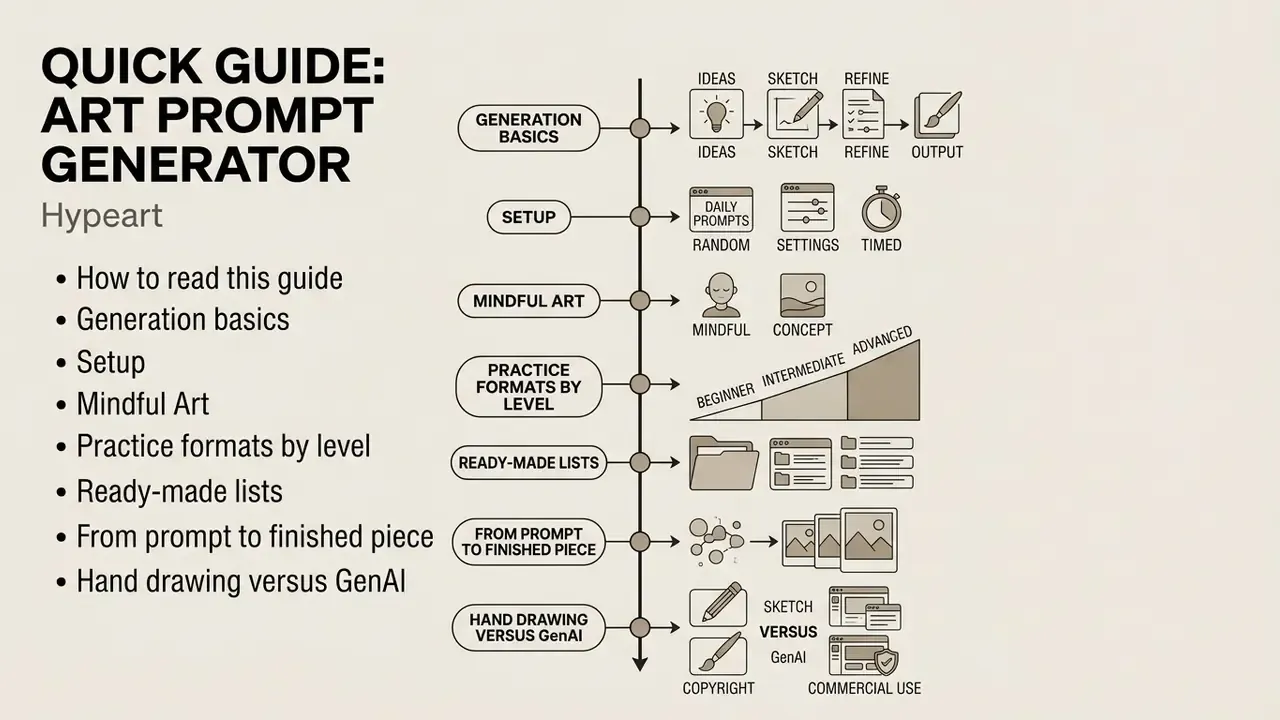
How to read this guide
Nine blocks, each answering one question. Skim the ones you need.
- Generation basics. What a random art prompt is made of and how the widget assembles it.
- Setup. Modes, categories, skill level, medium, palette style and color count.
- Mindful Art. A slower session format for burnout and creative fatigue.
- Practice formats by level. Warm-ups, daily sketches, longer creative experiments.
- Ready-made lists. More than thirty prompt specifications you can copy immediately.
- From prompt to finished piece. Interpretation, simplification, one prompt across variants.
- Hand drawing versus GenAI. Two different prompt-writing disciplines, side by side.
- Data safety. What not to paste into a third-party widget, especially inside an organization.
- Access and rights. Free use, saved prompts, commercial-use boundaries, then a short FAQ.
Art Prompt Generator: how to get a random drawing idea
You can get a random text prompt for drawing from an automated algorithm that builds a balanced textual specification. The tool instantly produces a finished assignment, removing the long search for a subject and reducing the starting resistance in front of a blank page.
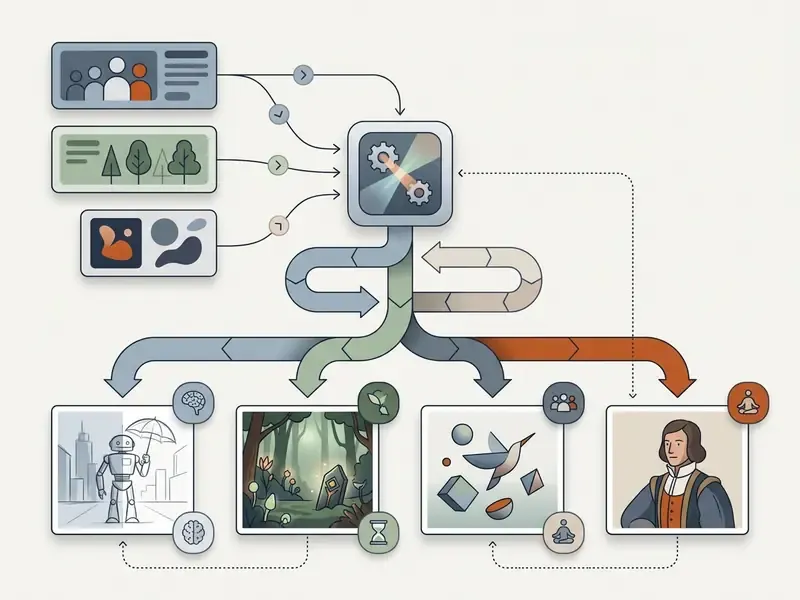
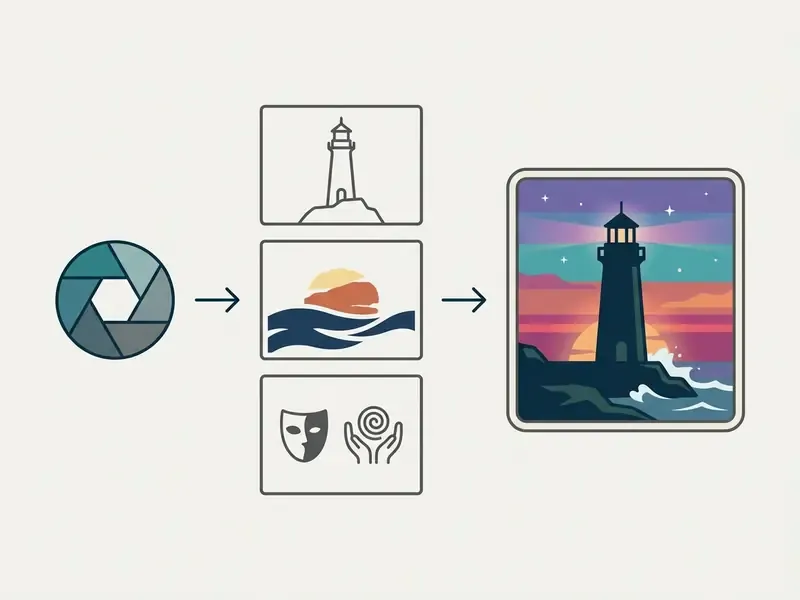
Widget functionality (full specification):
Research into visual-content creation patterns shows that structuring the input directly determines the precision of the final result.
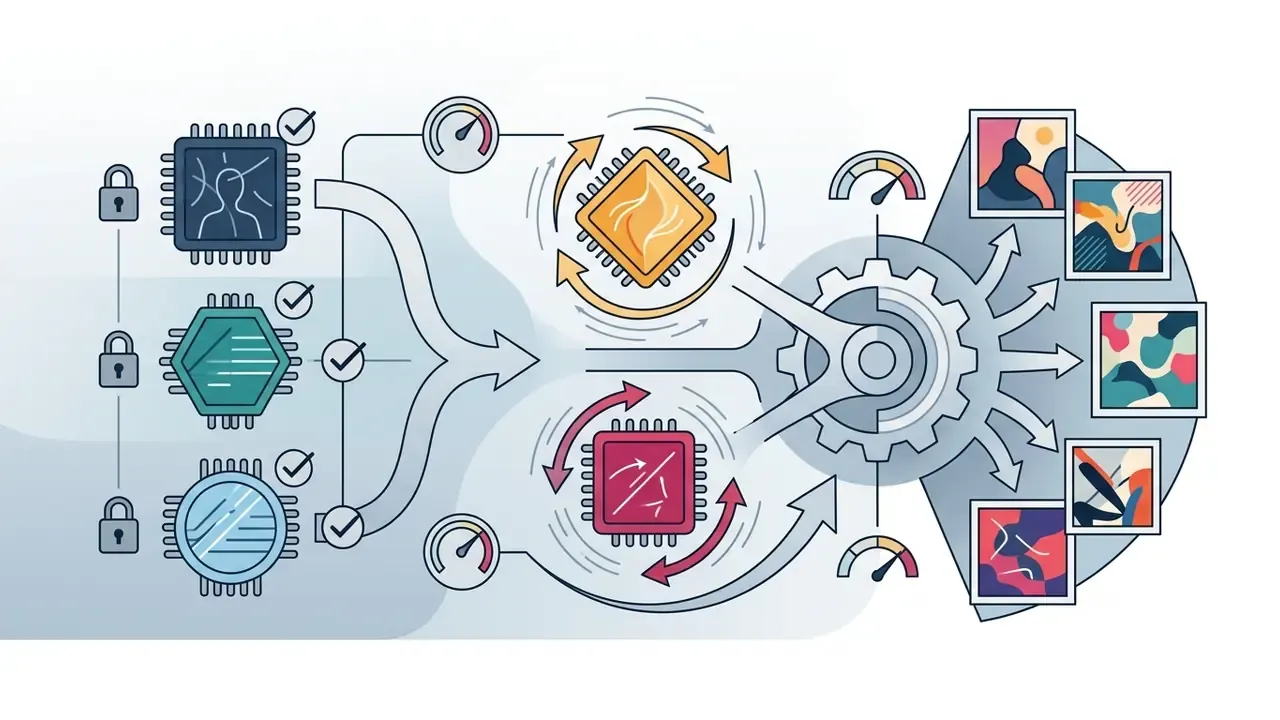
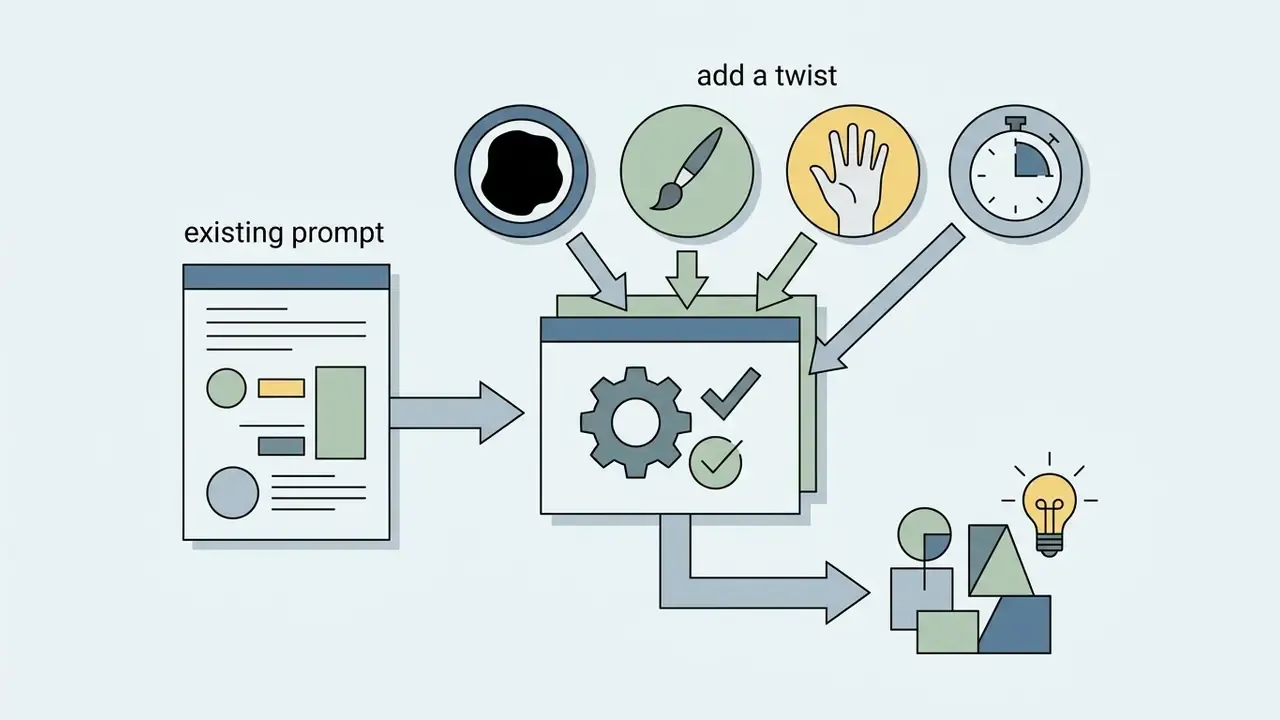
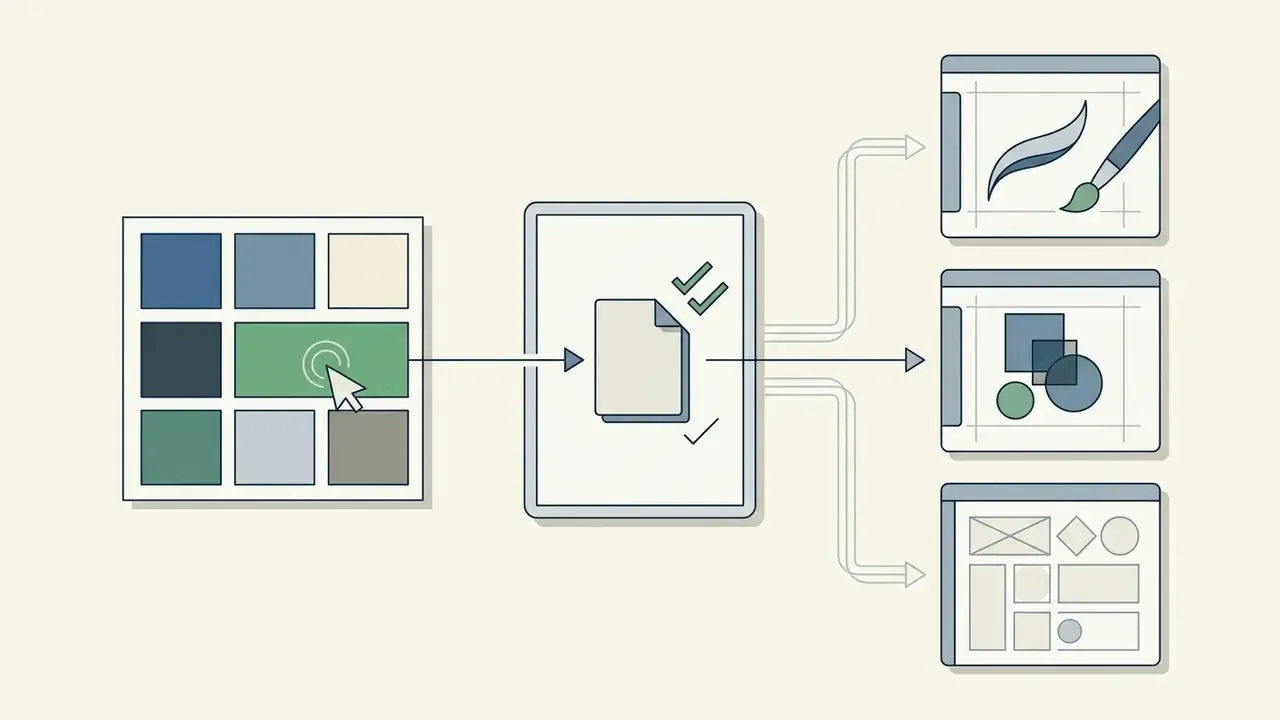
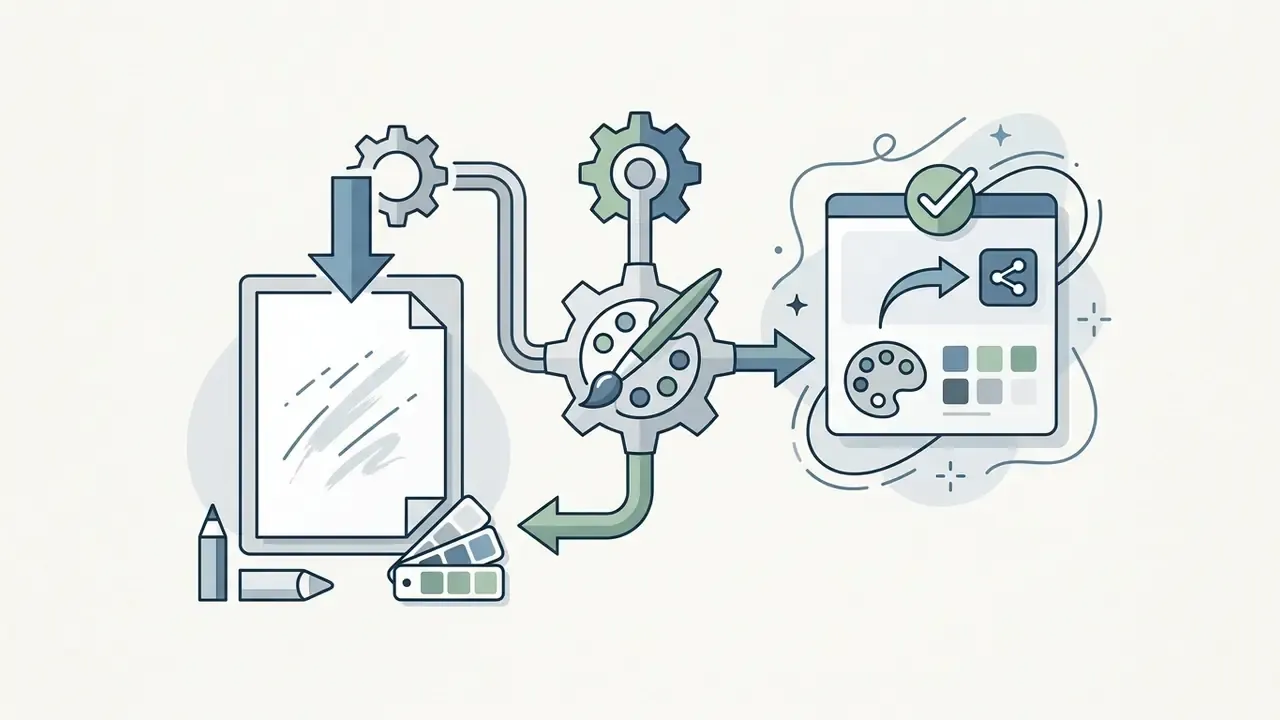
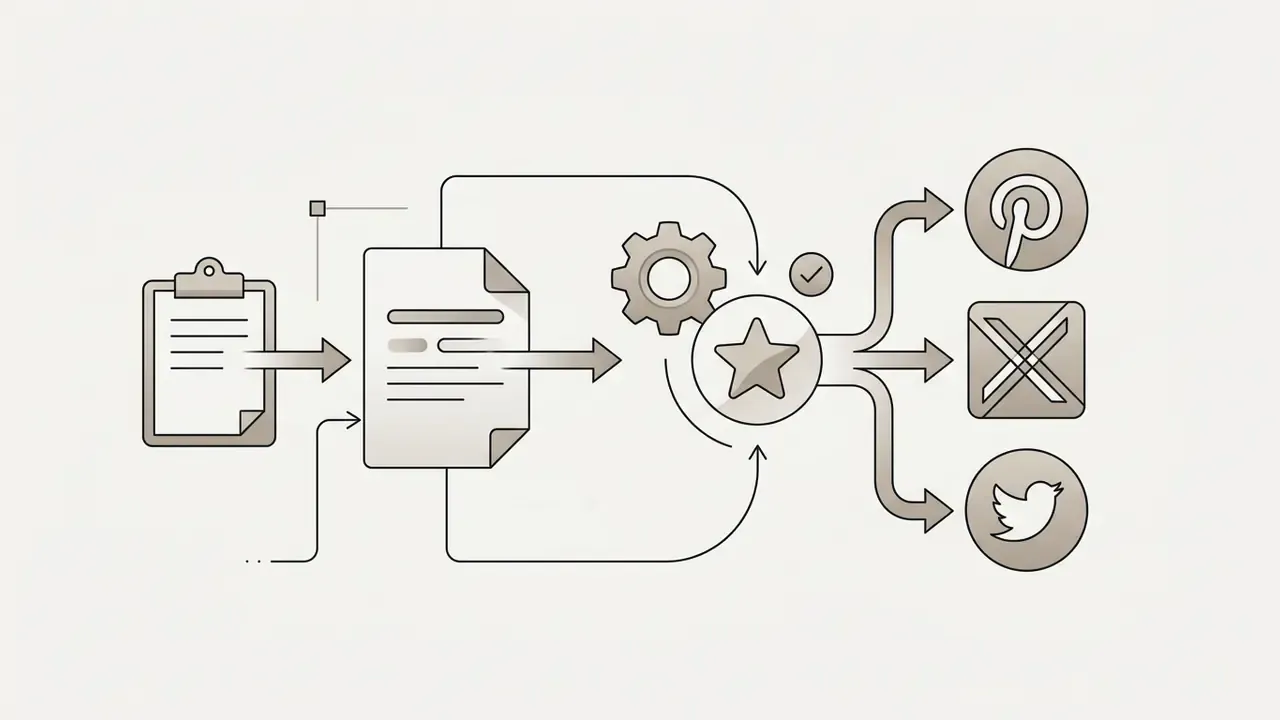
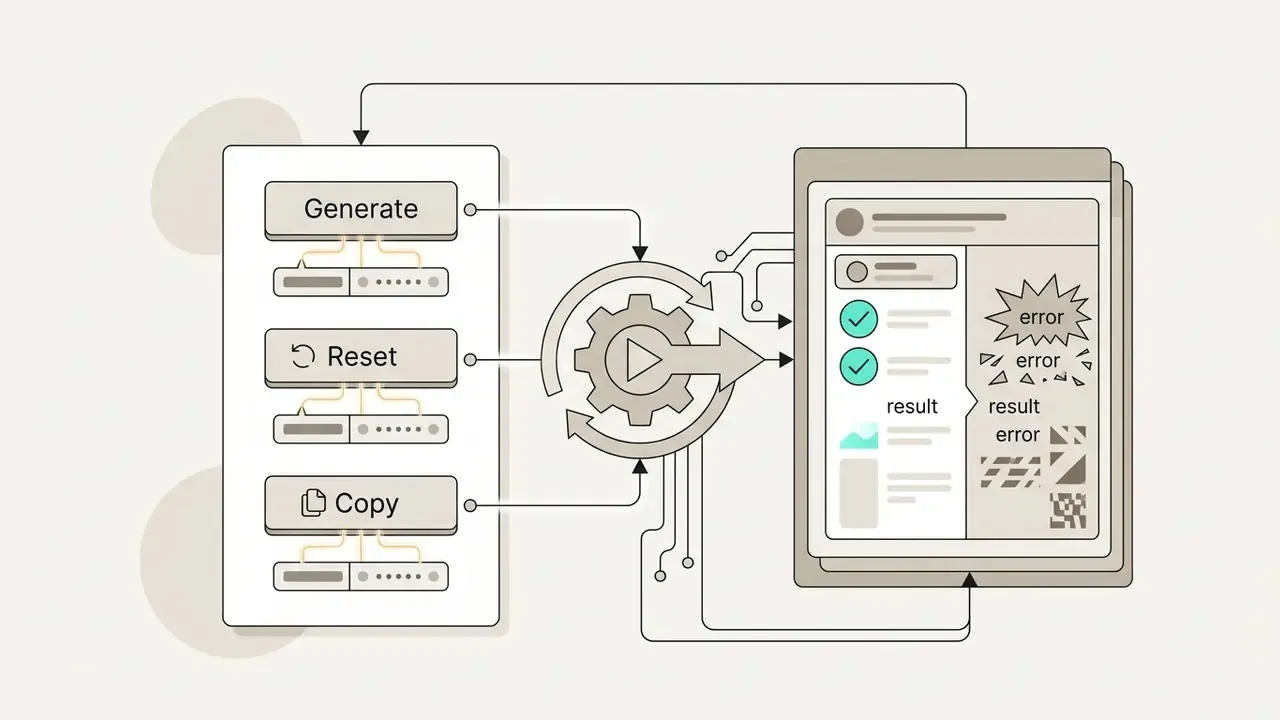
«Clear separation of a prompt into subject and stylistic modifiers increases visual coherence and semantic accuracy by more than 35%.»
If you plan to apply the same prompts inside a generative tool afterwards, compare platforms in our review of the best AI image generators: output quality, style control and licensing differ substantially between them. Additional sketching-specific tooling is covered in the ai sketch generator guide.
What a random art prompt is made of
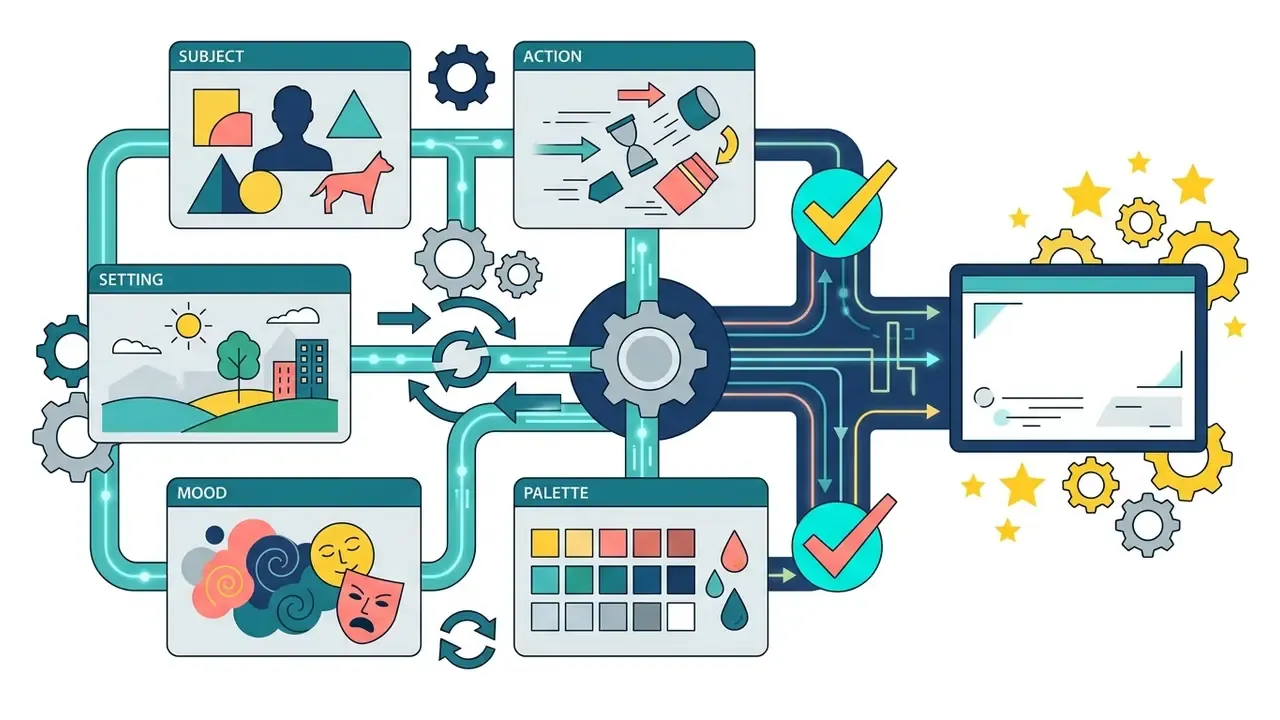
A classic random art prompt contains five base components: the main subject (character or object), the action, the setting, the emotional mood, and the color palette. This modular structure lets an artist use the whole prompt or take only individual fragments.
- Subject the compositional core, for example «an old mechanical robot».
- Action or state the dynamics of the scene, «drinking tea in the rain».
- Setting location and time, «an abandoned botanical garden».
- Mood emotional tone, «melancholy, calm».
- Color palette a color constraint, «pastel tones, 3 base colors».
- Optional amplifiers lighting, composition, camera angle, and a challenge constraint.
The practical formula is: [Subject] + [Action] + [Setting] + [Mood] + [Palette] (+ lighting or composition). Practitioner taxonomies identify six recurring modifier families: subject terms, image prompts, style modifiers, quality boosters, repeating terms and «magic» terms.
«Category-level prompt detailing lets authors flexibly control composition, changing individual parameters without losing the overall concept of the work.»
To choose a tool for applying these prompts, compare free AI art generators by output quality, limits, watermarks and licensing, with the detailed ranking in our free AI art generators review.
How to regenerate a prompt without repeating ideas
Repetition on re-generation is avoided through deduplication algorithms based on vector similarity plus externally injected random values. A well-built random art generator prompt uses semantic filtering to guarantee that every subsequent assignment is genuinely new.
Practical deduplication settings documented in the literature and used in production prompt tooling:
- Similarity threshold.Store a rolling history of generated prompts and reject any candidate whose cosine similarity to a previous entry exceeds roughly 0.8 (0.999 for near-duplicate detection in prompt-management systems).
- External random stimulus.Injecting an externally generated random number in the 0 to 99 range into the assembly step measurably increases output diversity.
- Guided generation.A dedupe guide plus a diversity guide over prior outputs suppresses lexical repetition across long sessions.
Updated: in our own editorial testing of a 30-day art-challenge sequence, applying a 0.8 similarity threshold to the generation history removed duplicate subjects across the run. That is an internal observation on a single editorial sample without a control group, so treat it as directional rather than as a measured effect size. Honestly, the sample is too small to claim more.
«Without algorithmic deduplication, 40 to 50% of repeated requests collapse into identical lexical patterns, reducing the variety of creative practice.»
Unique randomization grids keep variability high even when the refresh button is pressed dozens of times in a row.
How to use the art prompts generator
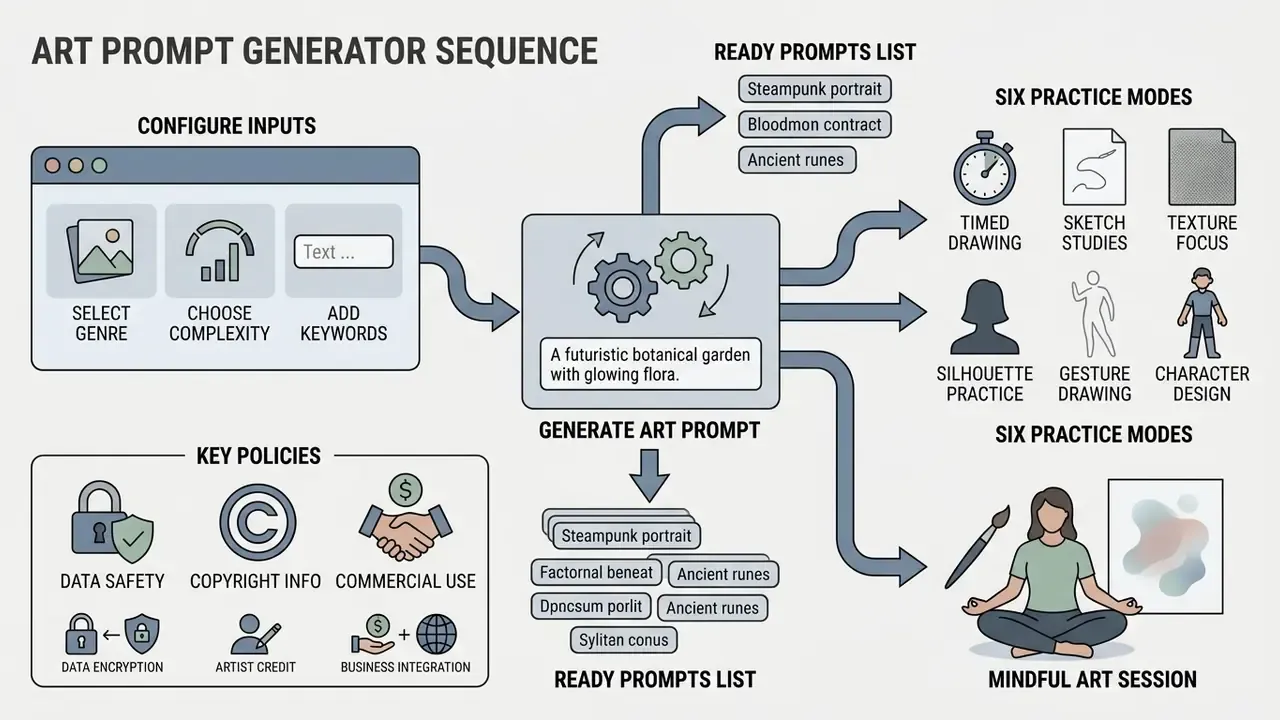
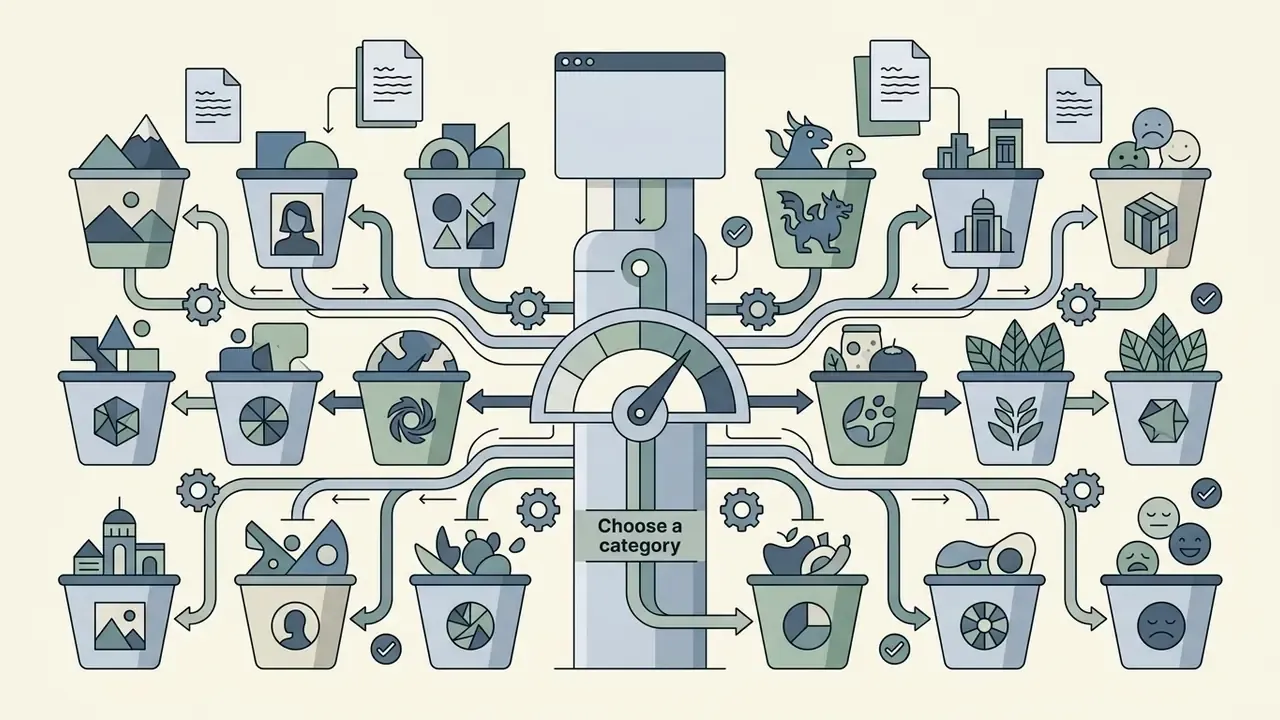
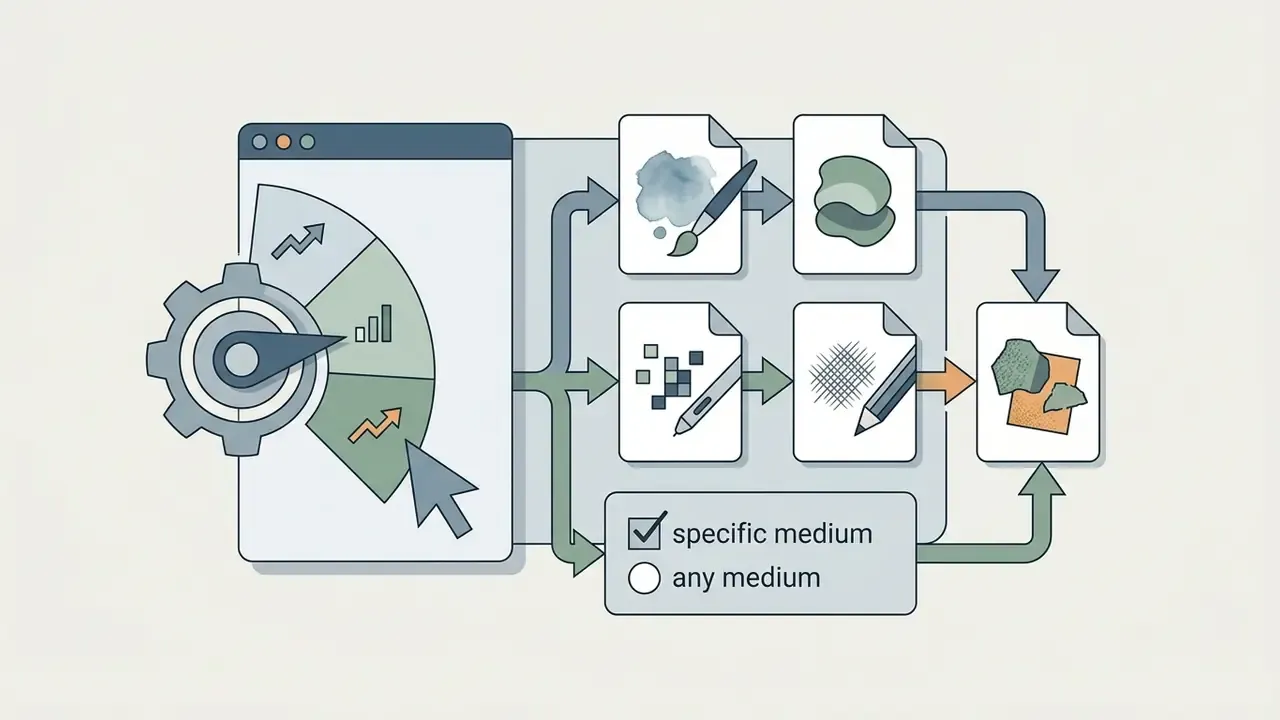
To get an optimal idea you choose a generation mode, define a category, set a difficulty level and pick art materials. Tuning these parameters guarantees that the generated prompt generator for art result matches your current creative task.
Mindful Art mode: art therapy and conscious drawing
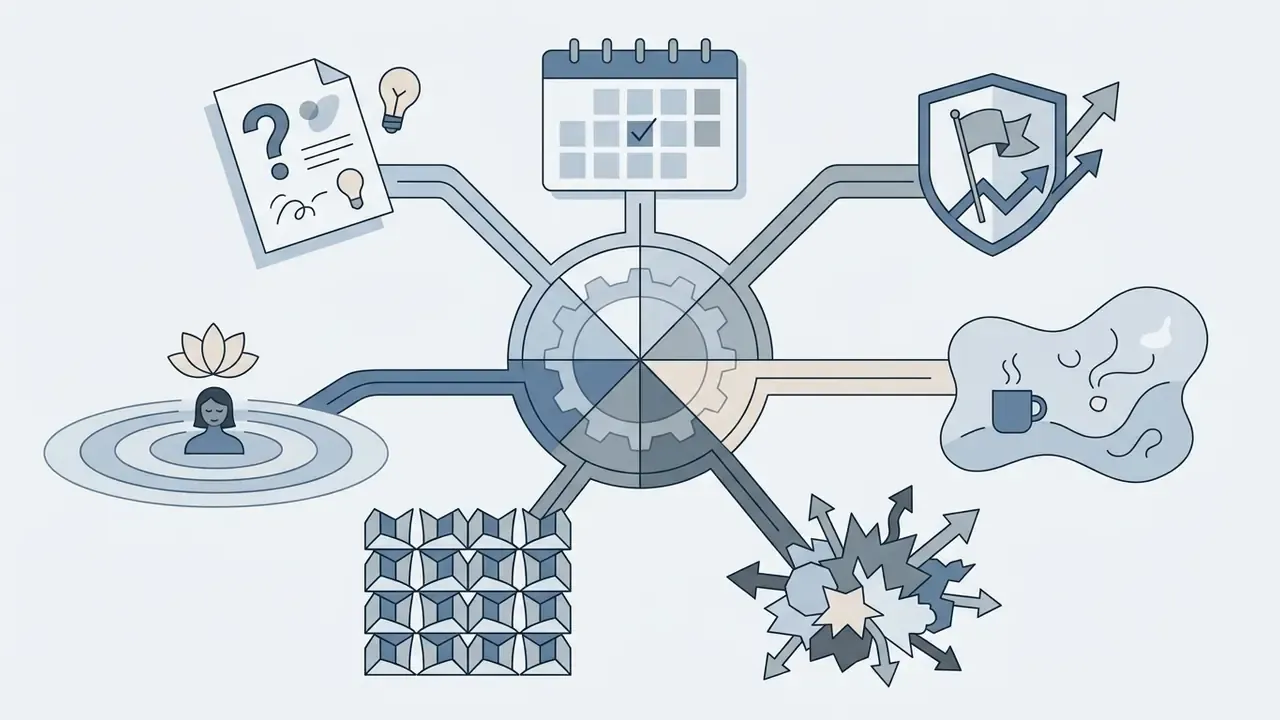
Mindful Art mode exists for releasing mental tension and working through creative burnout. Unlike the standard modes, where focus sits on the outcome, this mode focuses on the process.
A mindful drawing session, step by step:
- Breathing setup (1 minute). Inhale for a count of four, exhale for a count of four, before you press generate.
- Set an intention. Focus on what you feel, not on the technical accuracy of the line. The goal is not a finished piece. It is showing up for yourself.
- Use the specialized categories. Emotions & Feelings, Everyday Magic, Botanical Meditation, Ocean & Water.
- Reflect afterwards. Write one sentence next to the sketch about what changed in your state. That turns the session into a record rather than a performance.
Creative expression is widely used as a self-care practice precisely because it does not require skill to be beneficial: the act of drawing engages attention, slows breathing and supports emotional processing. Give it 10 to 15 minutes with no expectation of a shareable result.
Generator modes: random, daily, challenge, cozy, weird and pattern
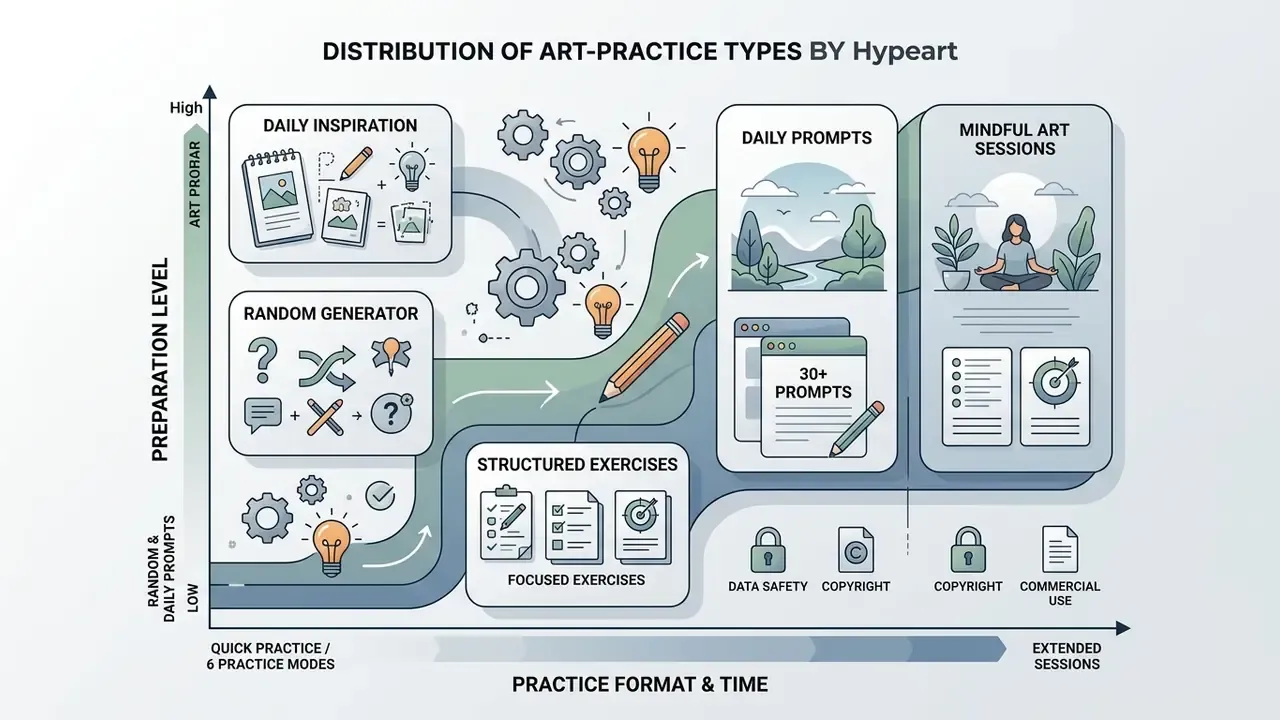
The generator supports six working modes that differ in intensity and purpose: a fast random pick (random art prompt), a structured daily task (daily art prompts generator), a full art challenge generator, plus three specialised practice formats. Think of it as one art idea generator with six temperaments.
| Generator mode | Primary goal | Time constraint | Suitable level |
|---|---|---|---|
| Random Mode | Fast idea discovery, warm-up | 5 to 15 minutes | Any level |
| Daily Mode | Building a regular habit | 20 to 30 minutes | Beginner / Intermediate |
| Creative Challenge | Working through complex compositions | 1 hour and up | Advanced |
| Cozy / Chill Mode | Relaxed sketching with no pressure | No limit | Beginner |
| Weird & Chaos | Breaking patterns, absurd combinations | 15 to 20 minutes | Any level |
| Pattern & Texture | Practising patterns, ornament and surface | 30 minutes | Intermediate / Advanced |
A useful hybrid: run Random Mode for the subject, then apply an Add a twist constraint from Creative Challenge. Two prompts mashed into one design is one of the fastest ways to produce something you would never have planned.
Category, level and medium for drawing ideas
Choosing a category and a medium adapts the assignment to specific traditional or digital techniques. Beginners can get simplified forms, while experienced artists receive prompts with detailed lighting and viewpoint descriptions. Prompts that adapt to level matter: a Beginner prompt might be «a steaming cup of tea», while an Expert prompt demands creative problem-solving under constraint.
Automatic category and technique selection inside the generator interface compensates for that missing terminology and helps artists move into new styles. For a broader view of what these tools can and cannot do, see the AI art generator reference. If you usually reach for the same category every time, deliberately pick an unfamiliar one. Emotions & Feelings and Everyday Magic are the two that most reliably push people out of their comfort zone.
Palette and number of colors in a prompt
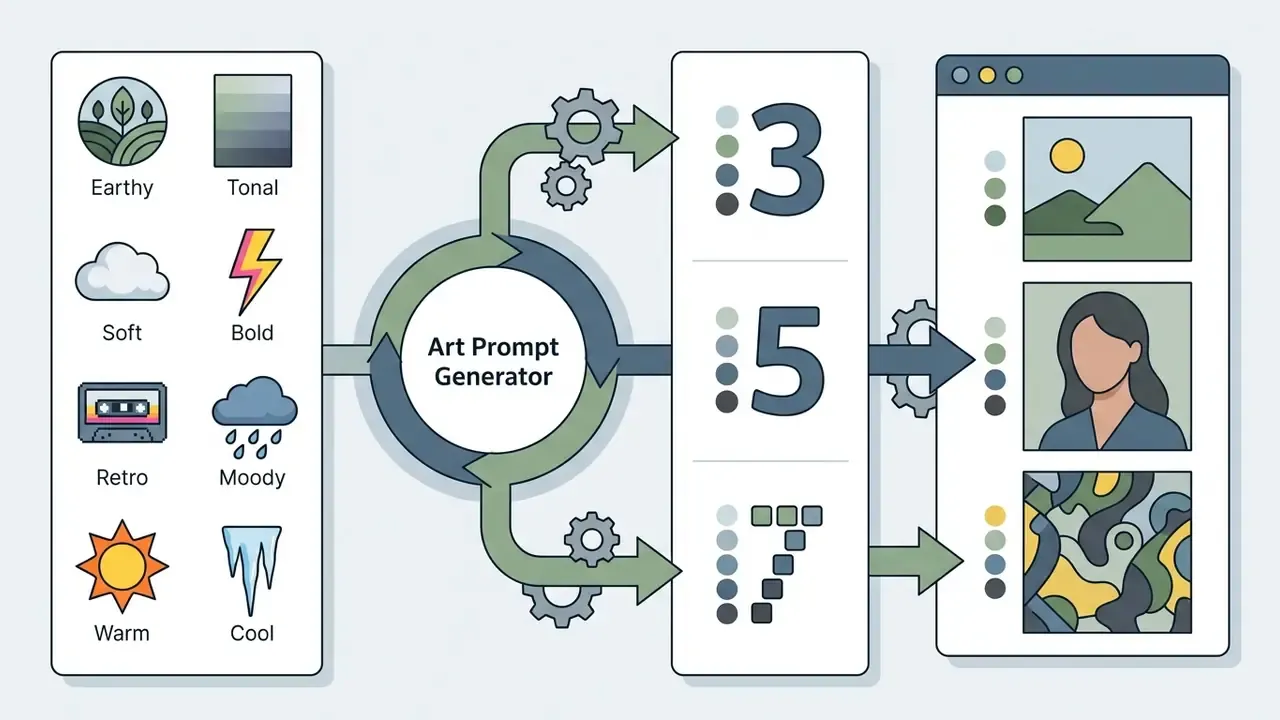
Limiting the number of colors in an assignment develops tonal relationships, color harmony and contrast control. The palette style and number of colors parameters set hard boundaries that make color decisions faster and cleaner.
Documented color-pedagogy practice supports the constraint:
- Golden Artist Colors lesson plans use a 4-color Zorn palette worksheet plus three value studies before a final painting with warm and cool temperature control, training mixing, value and temperature simultaneously.
- City Tech's «COLOR & Limited Palette» materials state that a limited palette creates unity, easier harmonies, less over-mixing and faster work, and forces attention onto value and composition.
- AIGA's palette exercise fixes the count at 10 colors drawn from a film or TV programme, showing a prompt method where the color number itself is the training constraint.
«Multi-criteria prompts that include a palette constraint stimulate novelty and feasibility of an idea more effectively at the global editing stage.»
Practical rule of thumb: 3 colors when you want a focused, cohesive piece; 5 for balance; 7 when you want room to experiment.
Drawing ideas by skill level and practice format
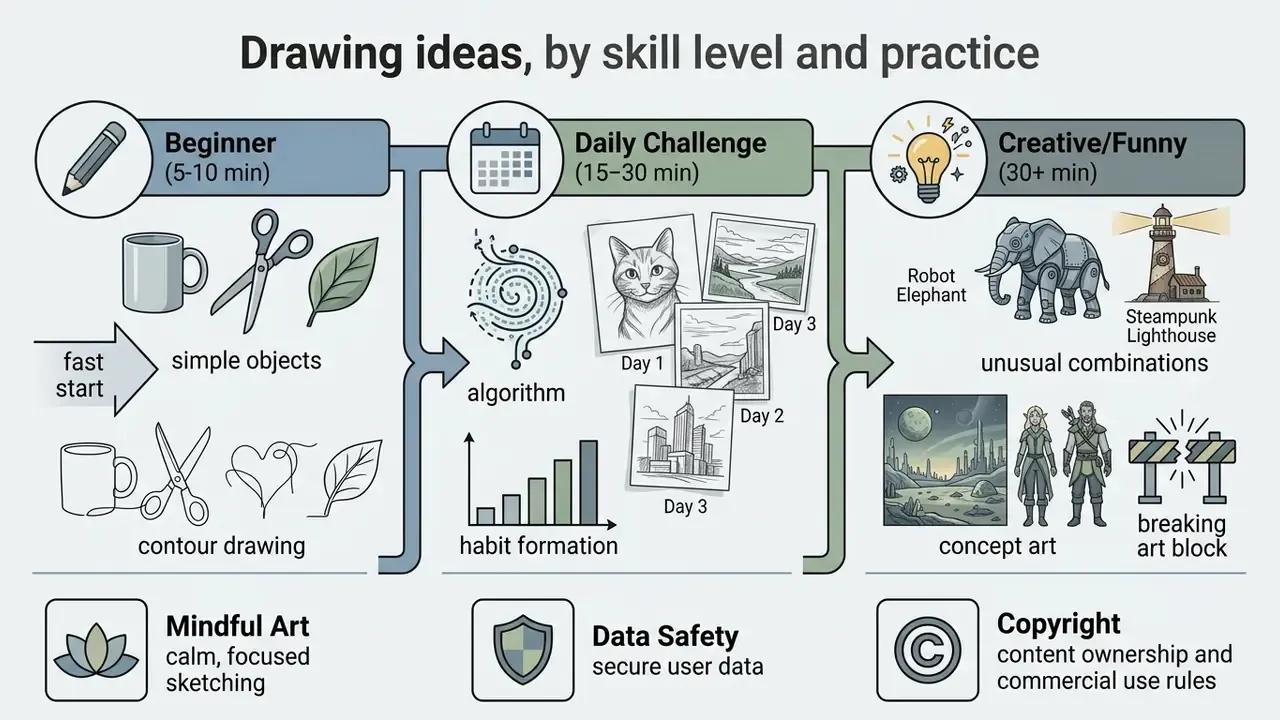
Choosing the right difficulty for a drawing idea guarantees smooth progress without burnout or loss of motivation. Assignments split into fast warm-ups, daily sketches and full creative experiments.
Easy drawing prompts for beginners
Random art challenge for daily drawing
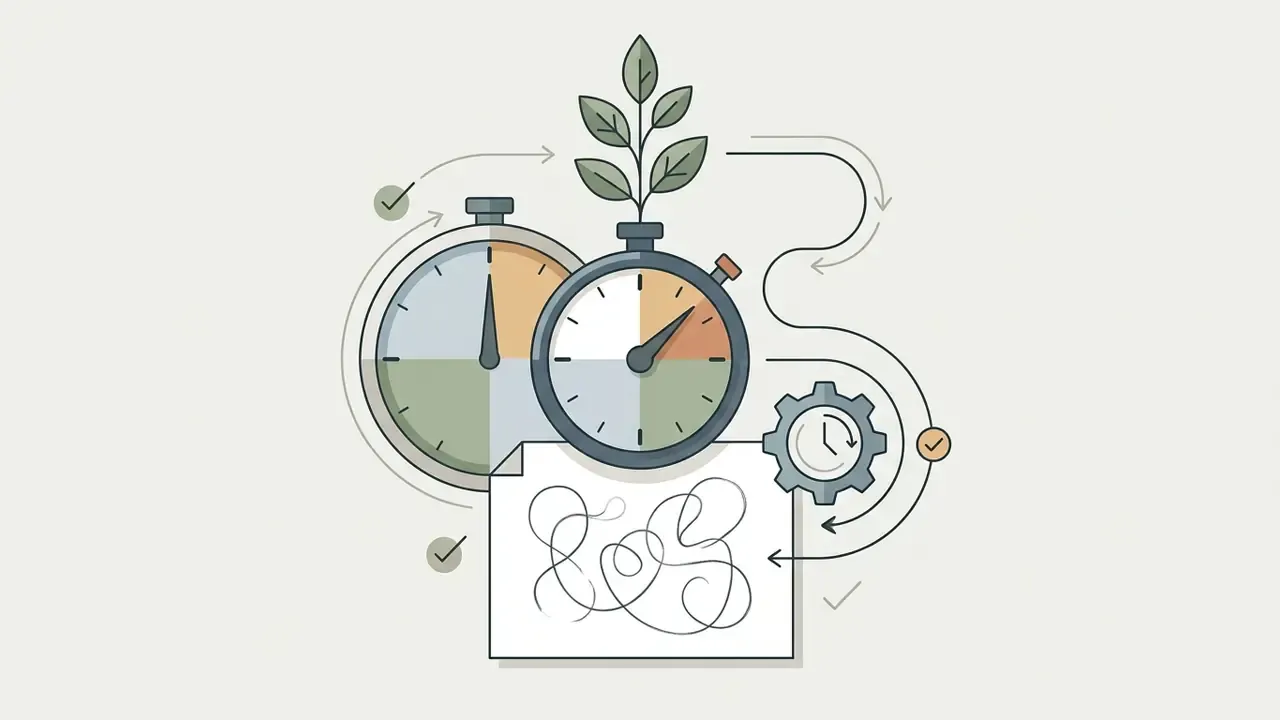
A daily random art challenge generator builds a stable creative routine through discipline and time limits. A fixed 10 to 20 minute timer moves focus away from a perfect result and onto the practice itself.
- Set a fixed timer for 10 to 15 minutes.
- Use one daily art prompts generator result per day, with no right to re-roll.
- Draw at the same time and in the same place: morning coffee, lunch break, evening wind-down.
- Add a milestone check-in roughly every quarter of the challenge (day 8, 15, 23 of 30).
- If you miss a day, continue. Do not reset the streak.
- Variation rules that keep it interesting: draw three tiny versions before choosing one; repeat yesterday's object today in a different medium; confine each drawing to a dated square.
«Iterative processes with generative AI tools in art education amplify creative outcomes when the prompt is treated as a starting point rather than a final assignment.»
Practical tip: keep a dedicated Prompt Sketchbook used exclusively for quick drawings from generated assignments. Do not tear out pages and do not try to bring every sketch to a finished state. After 30 days that book becomes a visual diary of your technical and creative growth, and the clearest evidence of progress you will ever have.
Funny art prompts for a creative warm-up
Absurd object combinations (funny art prompt generator) are ideal for breaking art block and dissolving perfectionism. Unexpected subjects stimulate creative thinking and force a new look at familiar things.
Examples in circulation among art educators:
- «A llama surfing in space.»
- «A cat in armour defending a giant cheese.»
- «A robot trying to tie the laces on a pair of sneakers.»
- «An eight-legged banana.»
- «Ghosts scaring each other.»
- «A fish swimming in something other than water.»
- «Two animals combined into a new species.»
- «Very gassy dinosaurs.»
- «Emojis stranded in orbit.»
- «Biblically accurate food.»
Ready-made art prompt lists by category
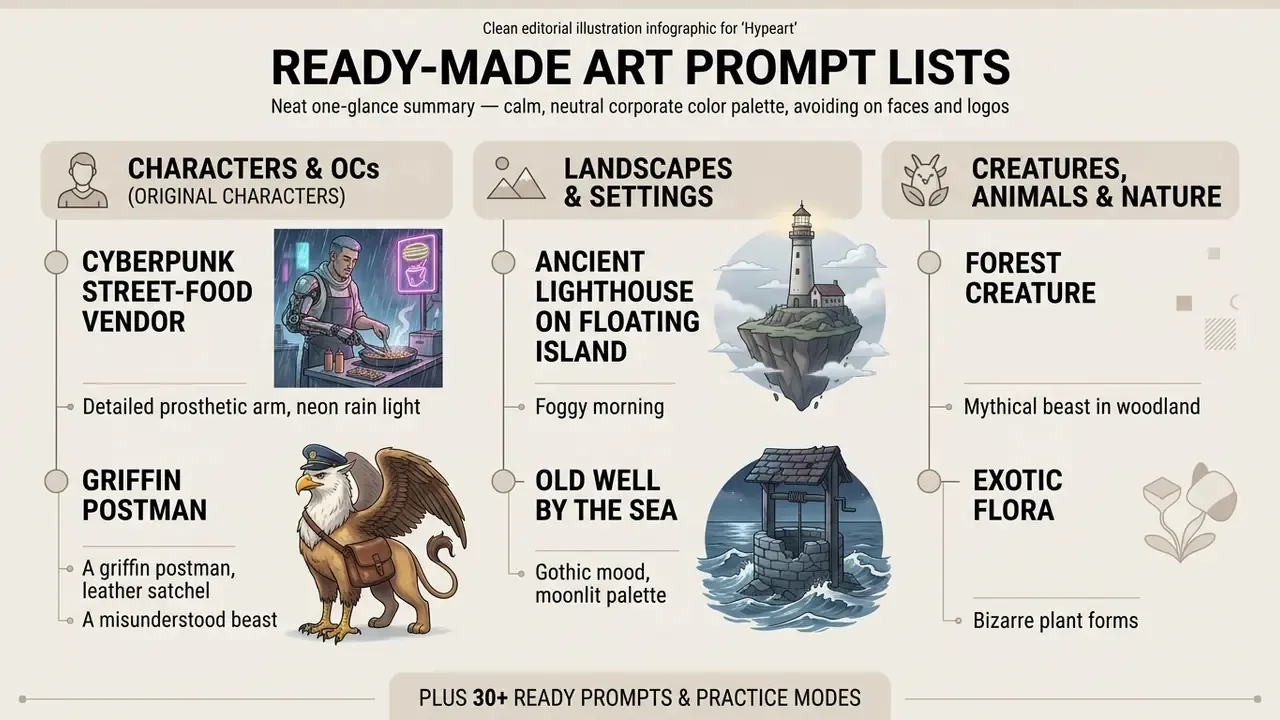
If you want a fast option without touching the interactive widget, pick one of the ready-made specifications below. Each is written in the five-slot format, so you can drop it straight into a sketchbook or into a text-to-image field. Consider this the offline version of an art suggestions generator.
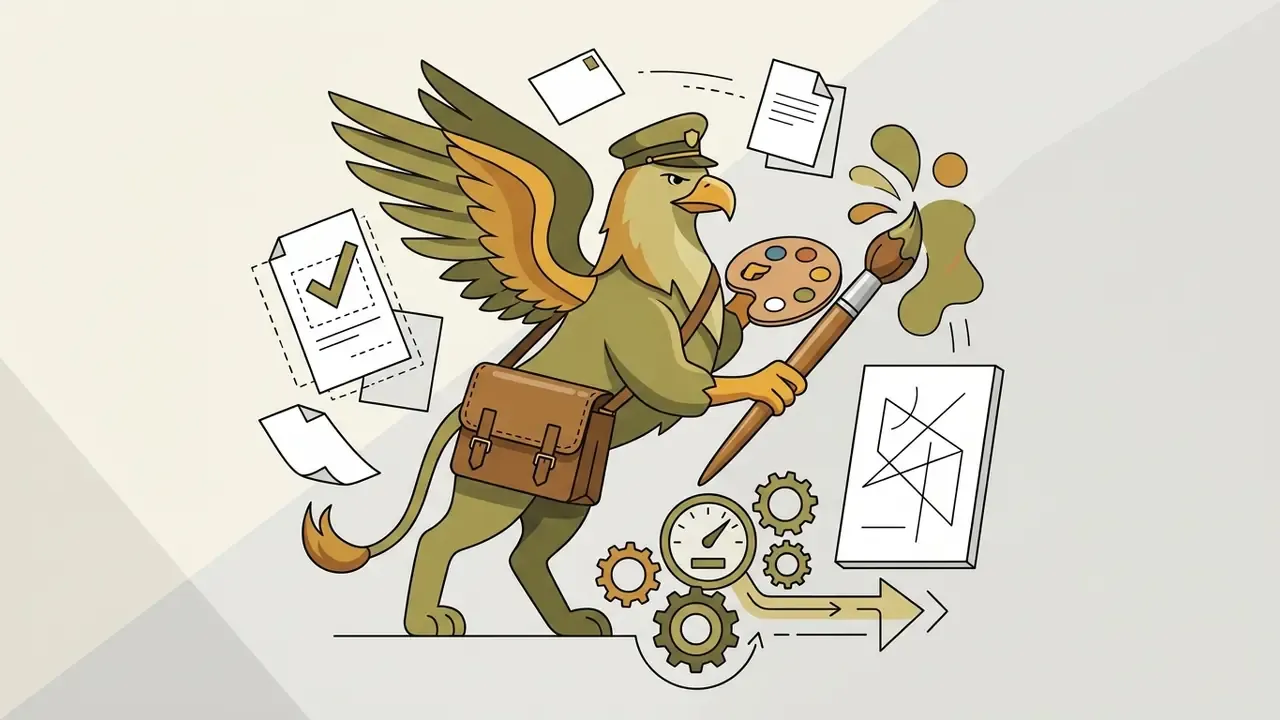
Characters and OCs (original characters)
- «A chibi astronomer-mage examining a glowing sphere, watercolor style.»
- «Monster-High-style OC re-imagined as your own high-school self, bold retro palette.»
- «An anthro deer courier in a storm, wind-blown cloak, 5-color moody palette.»
- «A character with extra eyes, wings or limbs; same silhouette, three variations.»
- «A DnD campaign character mid-failure, comedic pose, ink and wash.»
- «Give an OC your own wardrobe, drawn from observation.»
- «A plushie version of an existing character, soft tonal palette, 3 colors.»
Landscapes and settings
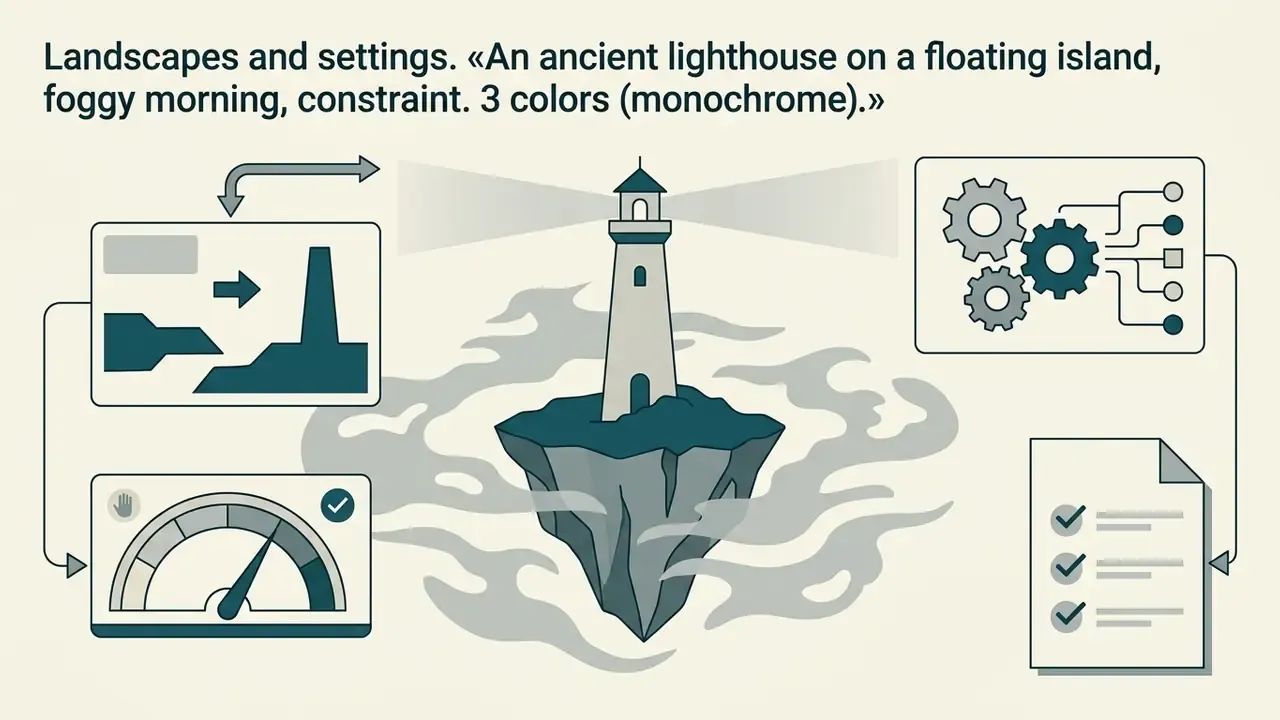
- «An abandoned greenhouse on a skyscraper roof, setting sun, soft focus.»
- «A cozy underground mole library, warm tonality, many small details.»
- «A ski slope at dusk with one wrong-colored figure, cool palette.»
- «A quiet place you remember from childhood, drawn only from memory.»
- «A tropical market during a power cut, single light source.»
- «Four seasons as four vertical strips of the same street.»
Creatures, animals and nature
- «A rare or endangered bird species, feather texture study, 7-color earthy palette.»
- «An isopod portrait, oversized and dignified, pastel.»
- «A snake coiled around a mechanical object, cool tonal palette.»
- «A mother and baby, human or animal, continuous line only.»
- «A favourite fungus turned into architecture, botanical ink style.»
- «An insect merged with a large mammal, anatomically plausible.»
Objects, food and still life
- «A refreshing drink with condensation, warm palette, 5 colors.»
- «Your own keys, mug and glasses as a two-minute contour study.»
- «Fantasy weapons and armour built from kitchen utensils.»
- «A favourite candy turned into an outfit.»
Abstraction, patterns and textures
- «Repeat pattern from one leaf shape, 3-color retro palette, tile it four times.»
- «Your favourite color rendered as a person.»
Mindful and emotional prompts
- «Draw how you feel right now using only line weight, no subject.»
- «A peaceful place you would like to be in, soft palette, 3 colors.»
Turning a random prompt into a finished drawing
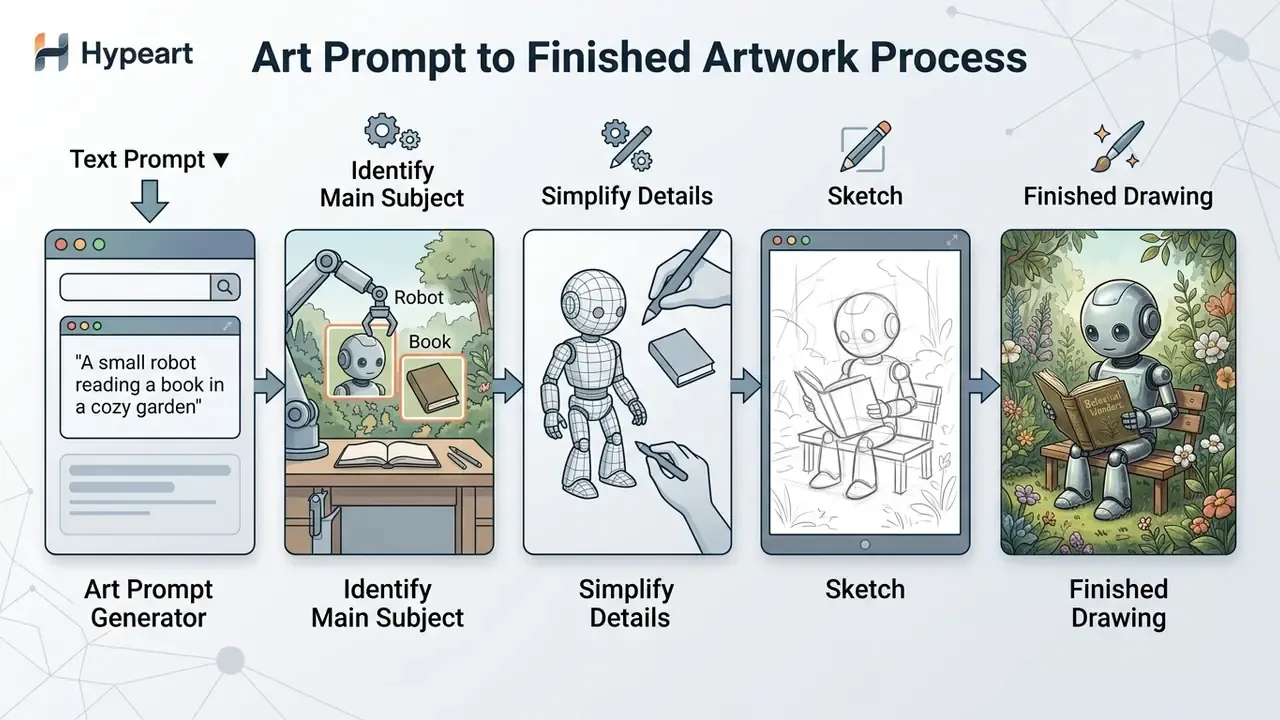
A text idea is only a starting point that the artist adapts to their own style, discarding secondary details and focusing on the main compositional thought.
Developers integrating generation into their own software will find endpoint details in the AI Media API Guides.
Pick the main elements instead of following the prompt literally
Free interpretation of a text assignment means isolating one or two key dominants and simplifying the rest of the description. You do not need to depict every single object listed in the generated string.
A workable priority order is: main subject → key action → critical style → essential context → secondary details. Vendor prompting guides converge on the same hierarchy: write a one-sentence summary of the image, then subject details, then pose or action, keeping secondary elements smaller so they do not steal focus. Compositional guides recommend moving from global to local: core concept, environment, framing, identity details, and only then secondary subjects.
Research on prompt decomposition supports the same logic. Extracting a base semantic core (subject plus action) and then trimming small contextual details raises the expressive clarity of the final work.
«Participants improved goal alignment over ten iterations, naturally moving toward longer and more descriptive prompts as practice accumulated.»
Use one prompt across several drawing variants
«Adaptive prompt refinement through visual questions improves alignment with user intent by 19.8% without increasing perceived workload.»
Hand-drawing prompts vs. prompts for GenAI systems
The same generator serves two different workflows, and mixing them causes most of the confusion around art prompts. Keep them separate.
| Prompt for hand drawing | Prompt for a GenAI system | |
|---|---|---|
| Reader of the prompt | You | A text-to-image model |
| Optimal length | Short: 5 slots, one line | Longer and ordered: background or scene, subject, key details, constraints |
| Detail level | Deliberately incomplete; ambiguity is fuel | Concrete about materials, textures, framing, viewpoint, lighting |
| Palette | A mixing guide and a discipline | An explicit color instruction or a palette of up to five hex values |
| Iteration | Redraw, change medium, change angle | «Change only X, keep everything else the same» |
| Failure mode | Over-literal execution kills composition | Vague modifiers produce generic, incoherent output |
| Rights | Your drawing, your copyright | Raw output generally not registrable without human authorship |
Practical rule: for hand drawing, cut the prompt down. For a model, build the prompt up, and state the intended use so the model sets the right polish level.
Data safety: choosing a prompt generator you can trust
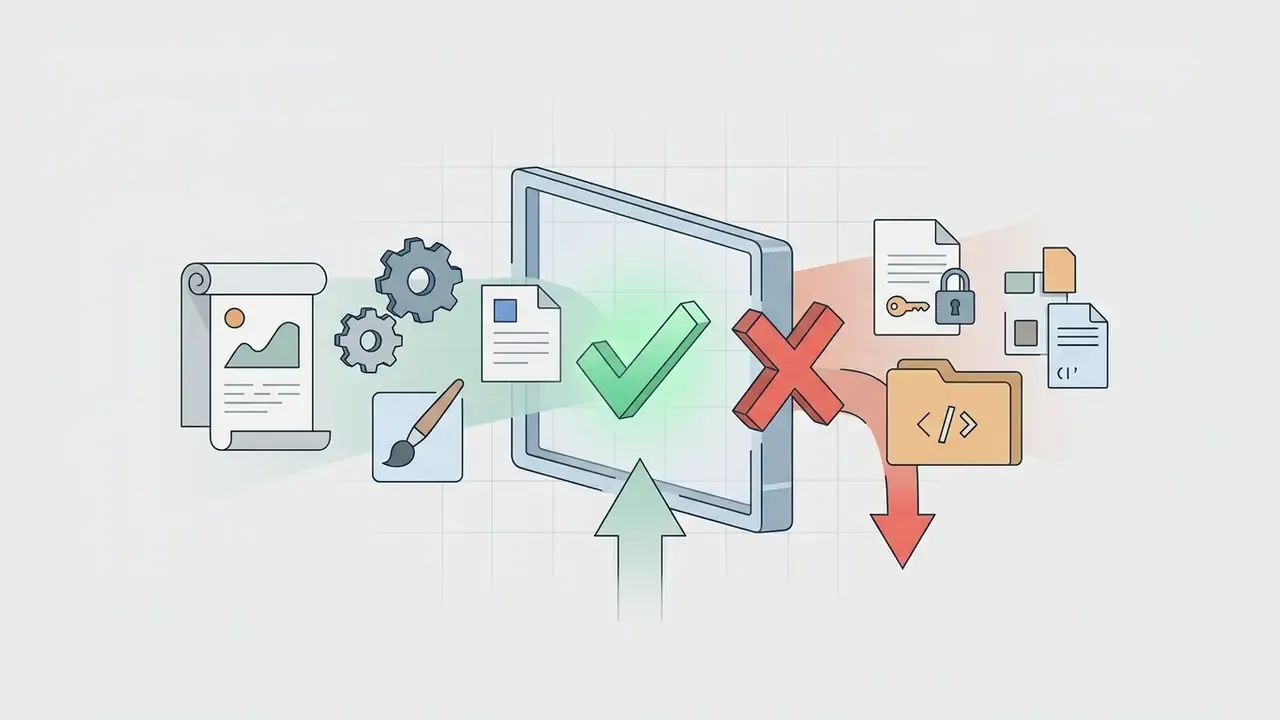
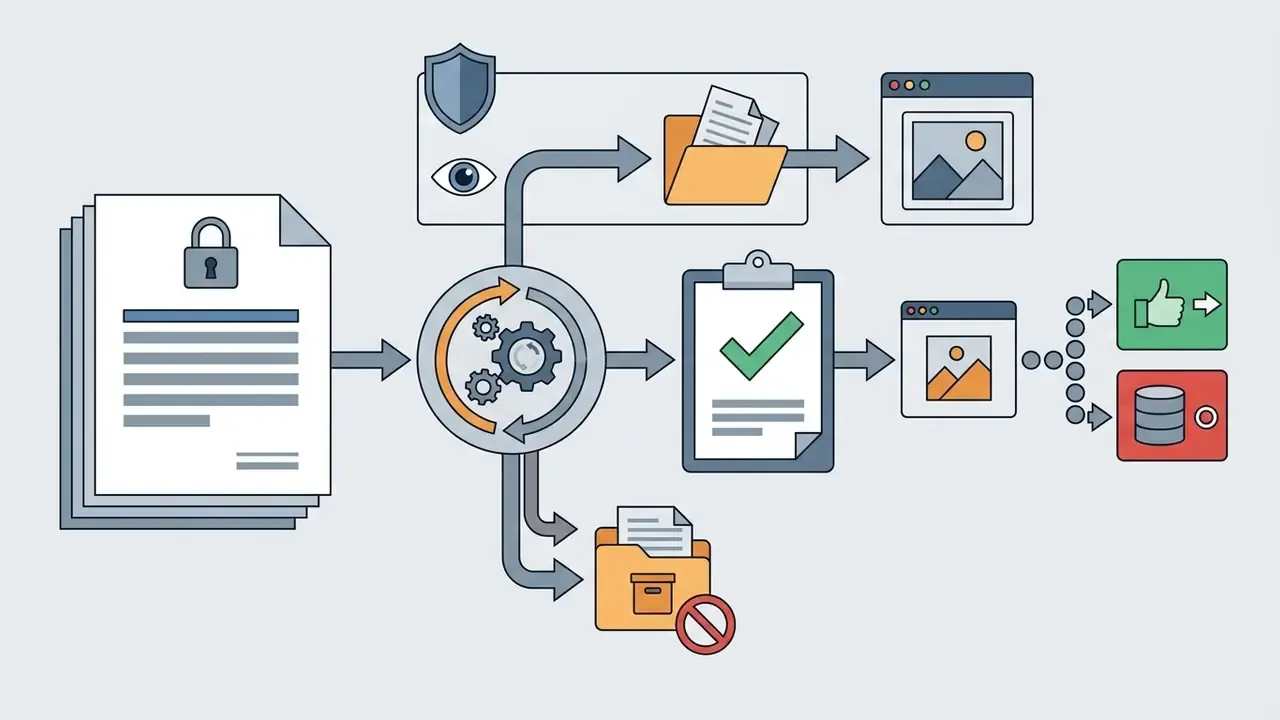
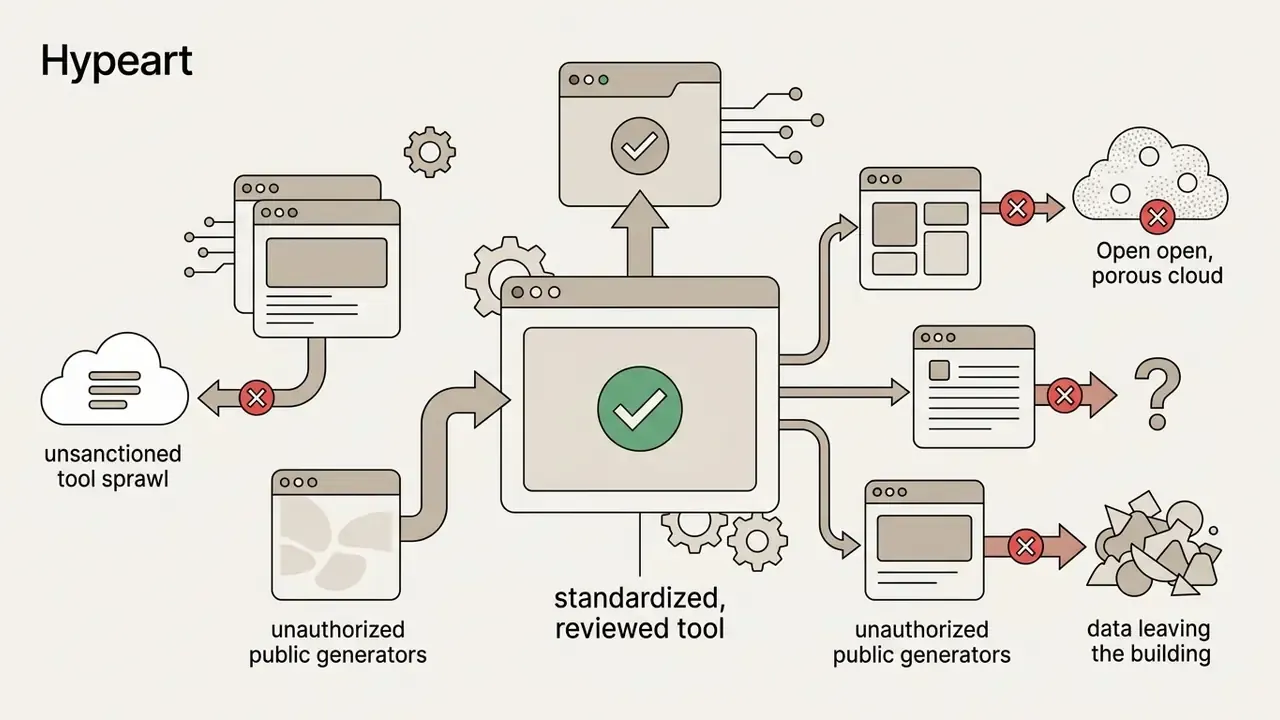
Prompt widgets look harmless, but they are still third-party web services that receive whatever you type. If you use one inside an organization, whether a studio, an agency, a marketing team or a regulated business, apply the same discipline you would to any external tool.
One note for readers in regulated environments. A creative widget rarely enters a model inventory, yet it is still an external AI-adjacent service with an owner, an approved purpose and an access boundary. Marketing, brand and content teams sit closest to shadow AI, because their tools are cheap, browser-based and adopted without review. Adding prompt utilities to the same intake list you use for other AI tools costs almost nothing and closes an easy gap. If a tool cannot answer the retention question in writing, treat that silence as the answer.
Free access, saving prompts and commercial use of drawings
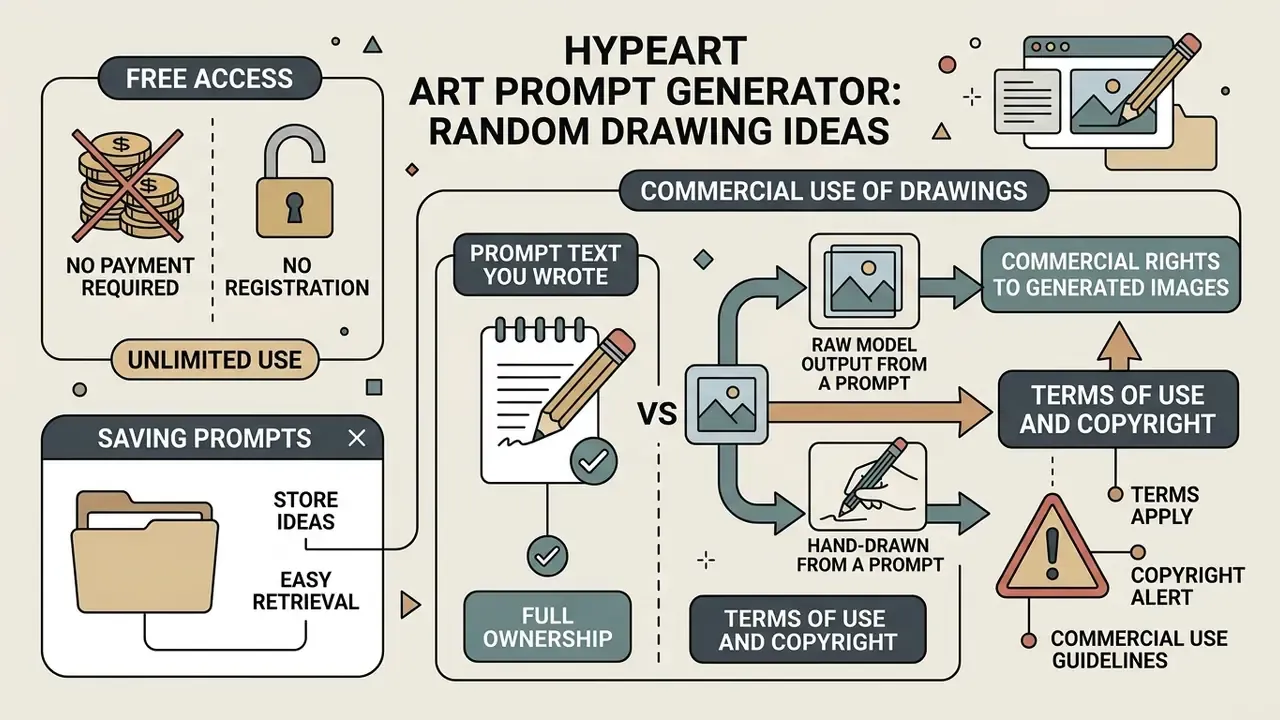
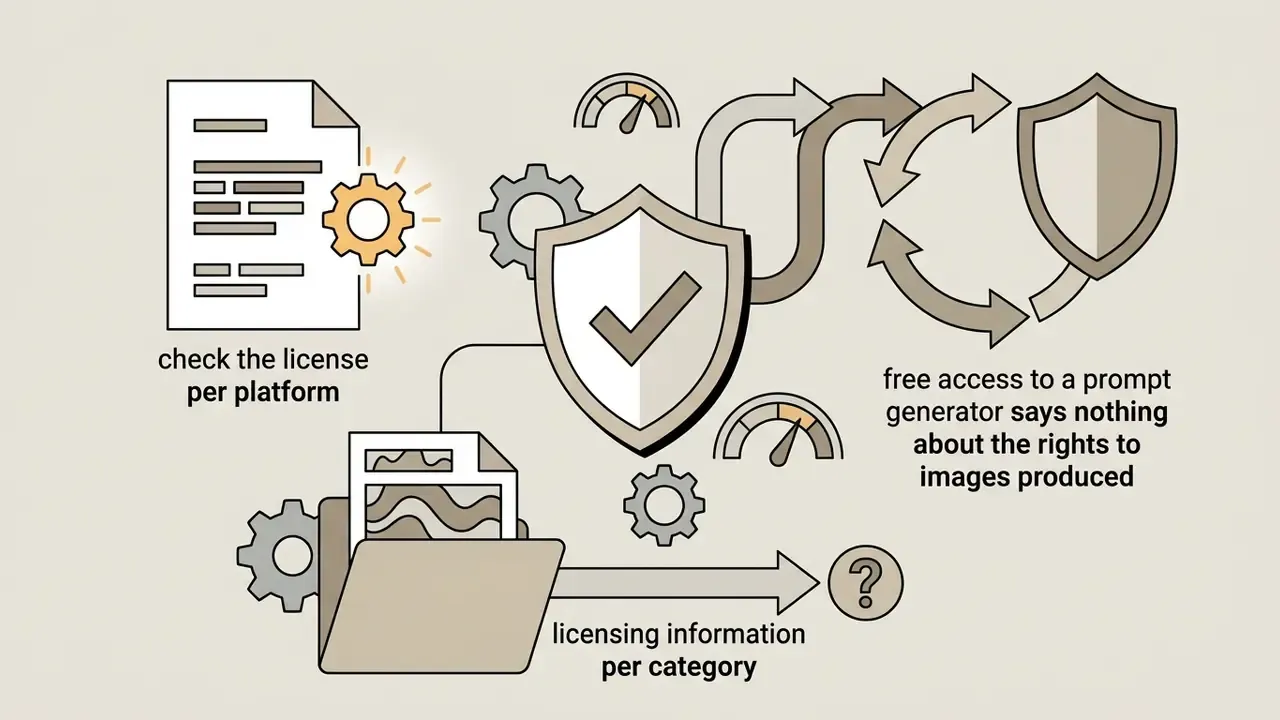
Most text idea generators require no payment and no registration, so use them as often as you like. Copyright in the resulting visual works, however, has clear legal boundaries that depend on how much human authorship went into the final image.
Terms of use and copyright (alert):
Practical consequences for creators:
- Hand-drawn from a prompt. Your work, your copyright, commercial use at your discretion.
- Raw model output from a prompt. Generally not registrable on its own; sufficiently creative human editing, arrangement or selection may be protectable in those parts.
- Prompt text you wrote. Treated as instruction and idea, not as protected expression; you can publish and share it freely, and so can others.
- Commercial rights to generated images. Governed by vendor terms, not by copyright in the prompt. Read the terms of commercial use of AI images for platform-level detail, browse the wider AI Media Commercial-Use Hub for licence templates by tool category, and check the specifics for tools like the Ghibli-style AI image generators whose style and licence conditions differ.
For legal analysis and court precedents in digital art, see AI Litigation and Case Timelines. For budgeting digital tools and subscriptions, consult the AI Media Pricing Guides and the session and cost calculators. A detailed comparison of paid and free generation tools is available in the best free AI art generator review.
FAQ: common questions about art prompt generators
Is a generator suitable for someone just learning to draw?
Yes. A generator is ideal for beginners because it removes the «fear of the blank page» and offers simple, concrete subjects for daily practice. Random prompt tools present a single subject immediately, so there is no overthinking required and you start drawing in seconds. Beginners should choose the easy drawing prompts mode, stay in categories like objects, still life and simple animals, and cap each sketch at 10 to 20 minutes with a timer.
Do I have to use every element of the prompt?
No. The theme, palette and challenge are suggestions. Use all of them for a focused exercise, or cherry-pick the one element that sparks something. Beginners can ignore the challenge entirely; advanced artists can stack all five slots plus a constraint.
Do I need visual references when working with a prompt?
Finding visual references after receiving a text prompt substantially raises drawing quality. The text sets direction, while photo references help you get anatomy, lighting, material texture and perspective right. The most effective method is to assign each reference one narrow role, whether identity, composition, lighting, style or scene, and leave the rest to the prompt. The best references are visually clear, unambiguous and isolated to a single property. For preparing and cleaning up reference photos, see the guide to AI photo editors and the online photo editor reference.
How do I run a no-repeat drawing challenge?
Use elimination logic: once a prompt has been drawn, remove it from the pool. In a widget this is a «no repeats» toggle backed by a generation history with a similarity threshold; on paper, cross the prompt off a printed list of 30. Combine it with one fixed daily slot and a 10-minute timer.
Can I share a prompt set with friends or a class?
Yes. Export the prompt list as text or CSV, or share a link to a saved configuration so everyone draws from the same pool. That pattern is common for classrooms, sketch clubs and community challenges. You can also weight the pool so the subjects you want to practise appear more often.
Where can I find other random drawing generators?
Additional narrow generators for characters, palettes, creatures and scenarios exist across art-tooling catalogues, and their feature depth varies widely. Character generators are the richest category: they typically accept a text prompt, a reference image and a structured builder with presets for vibe, age range and other attributes, plus controls for color, tone, lighting and composition. Palette tools are more configuration-oriented, defining a style as a combination of model, prompt and parameters. Creature and scenario generators are usually lightweight, producing a sketch plus story fields with no editing workflow. Pixel-art generators are specialised for game assets, exporting PNGs or sprite sheets at 8-bit, 16-bit or custom resolution. A comparison of the leading platforms for art content sits in our detailed guide to the best AI art generator; for head-to-head evaluations see Midjourney versus competing image generators. If you want to animate a finished prompt-based illustration, start with the animation maker guide. For technical help with any of these tools, contact AI Media Support and Troubleshooting.
Which art prompt generator is the best one to pick?
There is no single winner, and any «best art prompt generator» list depends on what you are optimizing for. If you want speed, choose a tool that generates in one click with no account. If you want teaching value, choose one that exposes skill level, medium and palette as separate controls. If you work with client material, weight data handling above features. Try two or three for a week each, then keep the one you actually open on a tired evening. That is the only benchmark that matters.
Appendix A: corrections log
Kept for transparency, since the statements below appeared in earlier versions of this material and have been superseded in the main text:
- Superseded source citation«According to the methodological materials of Clark Art Institute (2025)…» is retained as context, but the evidentiary weight in the main text now rests on documented warm-up exercise practice, because the original reference carried no URL, sample or methodology.
- Relocated internal referencethe commercial-use hub mention was removed from the prompt-engineering section as non-contextual; commercial-use links now live in the legal section, where they belong.
- Superseded anchorthe generic anchor «compare» pointing to a category page has been kept only where a comparison is genuinely the next step, alongside a descriptive anchor to the specific review.
- Relocated internal linksreferences to song, smile-filter and slogan tools have been removed from the drawing-practice body and moved into a related-tools list, where they no longer break topical flow.
- Reformulated internal casesthe «+42% engagement» art-challenge figure and the «−35% style-search time» concept-art figure are retained as directional editorial observations without control groups, not as measured effects.
- Superseded citation«arXiv, 2026, long-text-to-image generation» without authors or URL has been supplemented by the cited 2024 iteration study with a verifiable link.