The short version
- A Blythe Doll AI Generator is a diffusion-based web tool that converts a selfie (Photo-to-Doll) or a text description (Text-to-Image) into a collectible doll portrait with oversized glassy eyes, porcelain skin and 1/6-scale proportions.
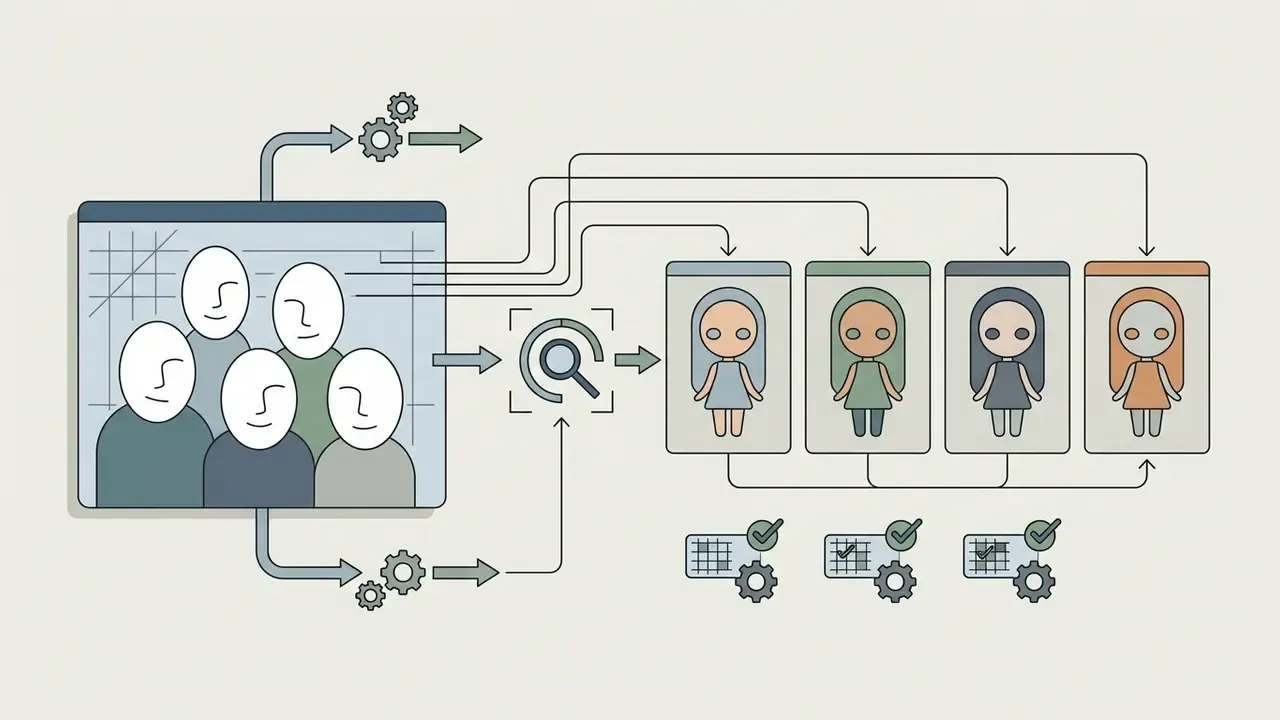
- Input specs that matter: front-facing portrait, soft even light, open face, JPG/PNG/WebP/GIF, up to 10 MB, up to 4096×4096 px, batch up to 4 images, multi-face group photos supported.
- Prompt formula: subject, then facial features, then hair and outfit, then scene and lighting, then style and quality, plus a negative prompt that blocks realistic human anatomy.
- Generation speed: roughly 8 to 20 seconds per square image on optimised GPU inference.
- Money: free tier with 3 to 5 welcome credits and watermarks; one-time credit packs at $7.90 / $9.90 / $19.90 (40 / 80 / 300 credits), where 1 credit equals 1 artwork.
- Legal: the AI artwork itself is fine for avatars, blogs and portfolios; the "BLYTHE" trademark (Hasbro / Cross World Connections) must not be used in product names, ads or merchandising without written permission.
- Privacy: check retention windows, deletion controls and whether uploaded faces are reused for model training before you send biometric-grade portraits anywhere.
This guide walks through what the tool produces, which doll traits you can steer, how to upload and generate step by step, how uploads are handled, ten copy-ready prompts, a troubleshooting table, animation for short vertical video, free limits and pricing, and the commercial-use rules that actually carry risk. Then a short FAQ and a safe working routine.
A Blythe Doll AI Generator is a specialised web instrument built on diffusion models and neural style architectures, designed to turn ordinary user photographs or text descriptions into doll artwork with the distinctive aesthetic of the cult Blythe dolls. In 2026 these generators serve two key scenarios: direct character generation from scratch through text queries (Text-to-Image) and deep portrait stylisation with facial-feature preservation (Photo-to-Doll Transformation), as documented on the public product pages of insMind and Bylo AI.
What a Blythe Doll AI Generator is and what images it creates
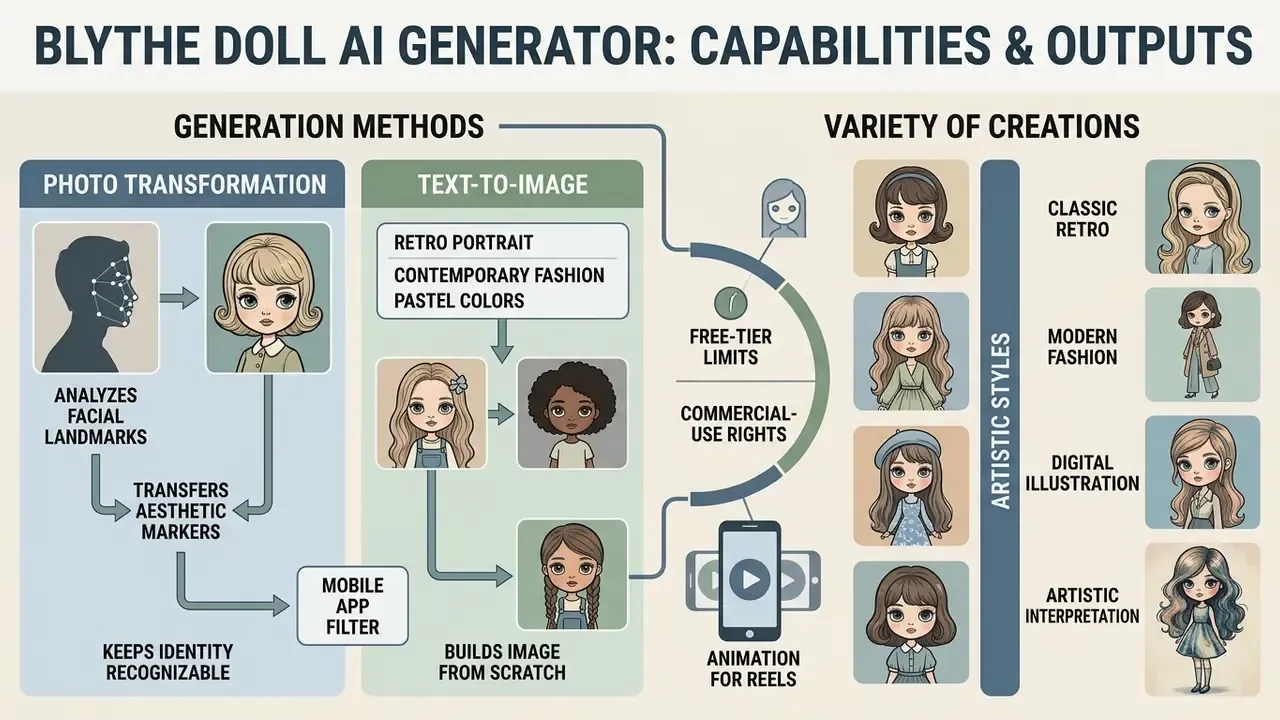
A Blythe Doll AI Generator is a software service that uses deep-learning algorithms to read the aesthetic markers of Blythe dolls and transfer them onto digital images. The generator produces highly detailed 2D portraits, social-media avatars, concept art and collectible digital cards, preserving the visual signatures of the original design that dates back to 1972.
Users get a wide range of variations: from classic retro portraits to contemporary fashion illustrations. In practice, the tool removes the manual illustration stage in graphics editors and applies specialised generative-network weights instead. It belongs to the same family covered in our reference material on AI art generators and in the wider comparison of the best AI art generators.
Some services ship the same engine as a one-tap blythe doll ai filter inside a mobile app. The underlying model is usually identical; only the control surface changes.
Transforming a photo into Blythe Doll style
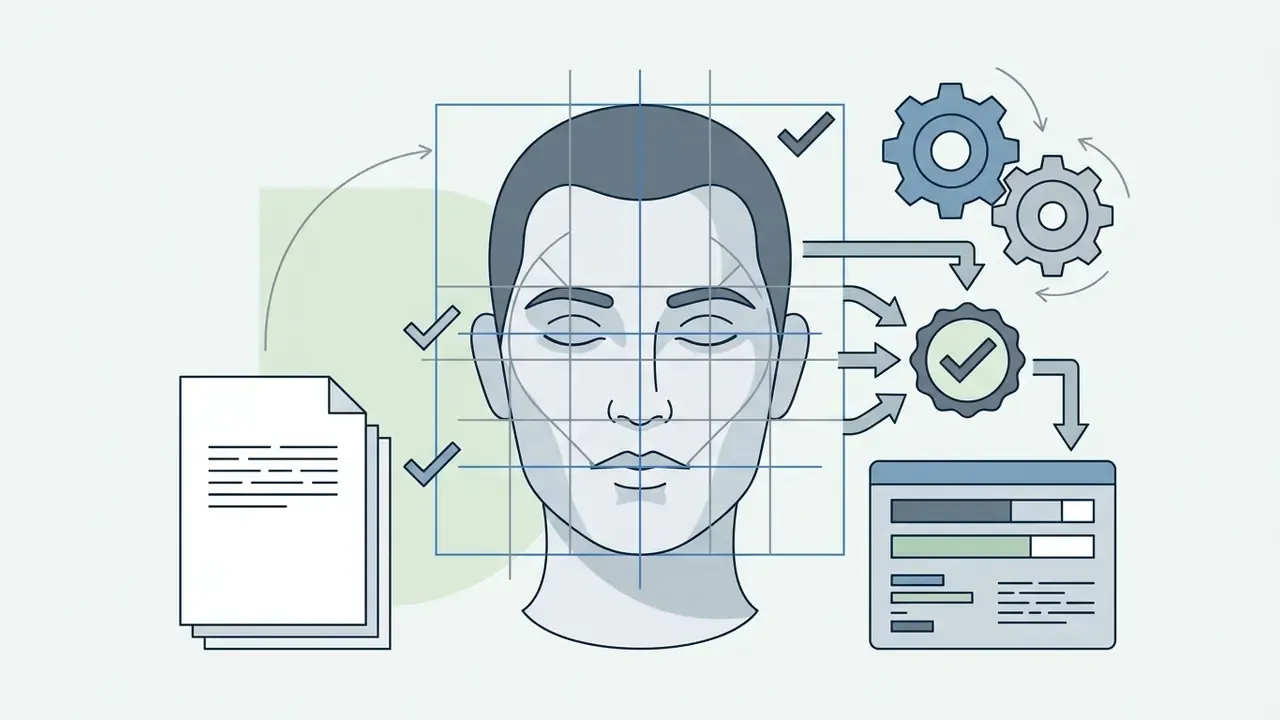
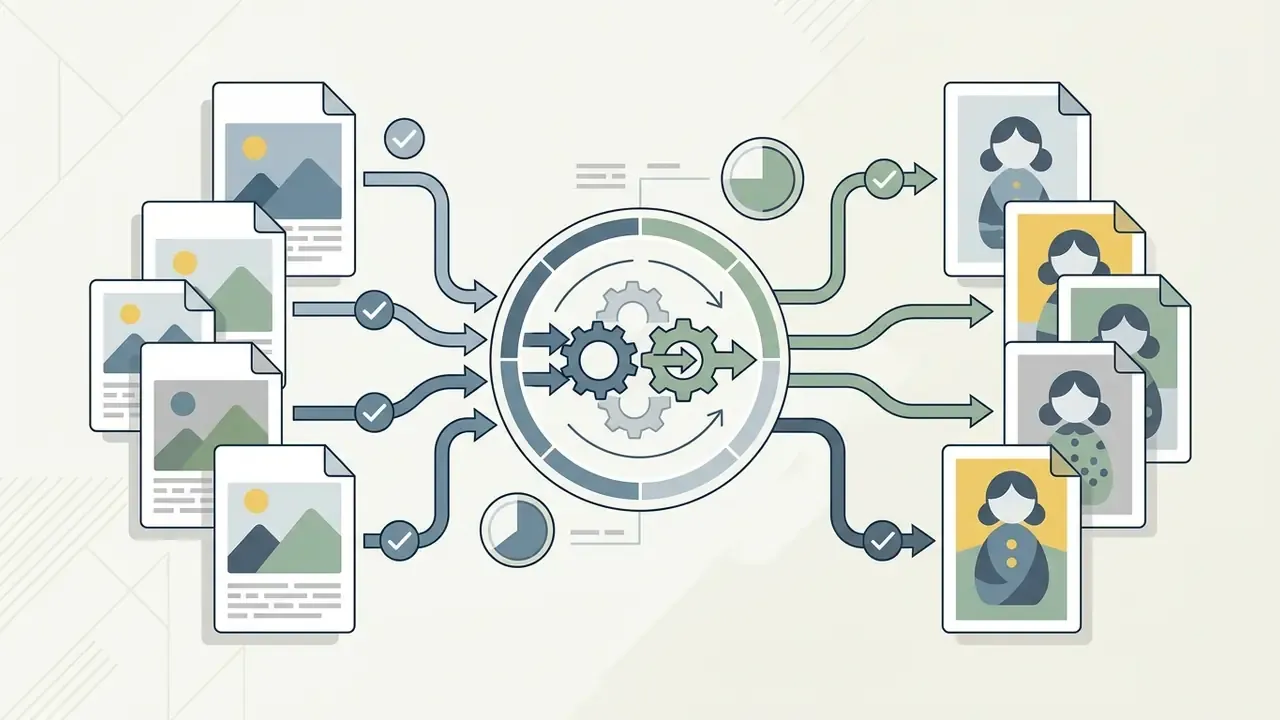
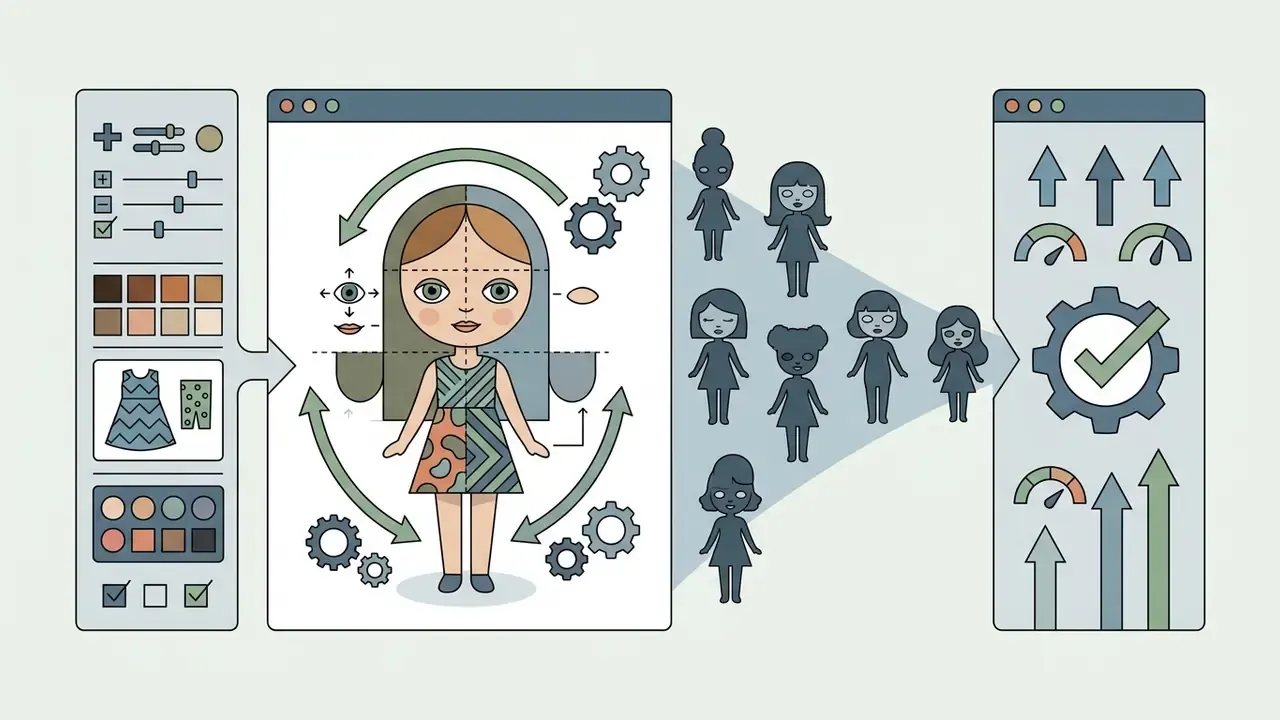
Turning portrait photographs into the Blythe style rests on analysing key anthropometric facial landmarks and hybridising them with doll proportions. The algorithm records the individual face oval, skin tone, lip shape and eyebrow position of the source person, then scales the eyes, smooths skin texture to a porcelain or vinyl finish and modifies skull proportions.
«IDAdapter preserves facial recognisability even under strong stylisation by applying an identity loss built on face-recognition embeddings». IDAdapter: Personalized Portrait Generation in Stable Diffusion, arXiv (2024). https://arxiv.org/abs/2403.12052
During photo transformation the network keeps the source person recognisable (identity preservation) while applying the cult style elements: glossy eye highlights, a light central blush and the characteristic doll chin. Research on identity/style decoupling, for instance StyleIdentityGAN (2023), describes the same goal through a different implementation: an identity-enhanced module extracts significant features from the input photo, while a separate style module handles artistic transfer.
This is the mechanism behind any ai tool to convert photo into blythe doll style, whether it is marketed as a filter, an app or a browser generator.
Generating a Blythe Doll from a text prompt
Generating a Blythe Doll from a text query (Text-to-Image) builds the image from scratch on the basis of a structured description of appearance details, clothing and environment. The user sets parameters through the text prompt, defining hair colour and length, emotion, wardrobe style and lighting, in line with the prompt-structuring guidance published by OpenAI and Google Cloud.
Modern generators use a multi-component prompt structure: subject plus aesthetic style plus facial details plus lighting and framing. That makes unique characters possible without any third-party reference images, the mirror scenario to classic image-to-image generators.
«"The Chosen One" automatically extracts a consistent character identity from a text prompt through iterative clustering of generated-image embeddings». The Chosen One: Consistent Characters in Text-to-Image Diffusion Models, arXiv (2024). https://arxiv.org/abs/2311.10093
Blythe doll traits you can define in an AI image
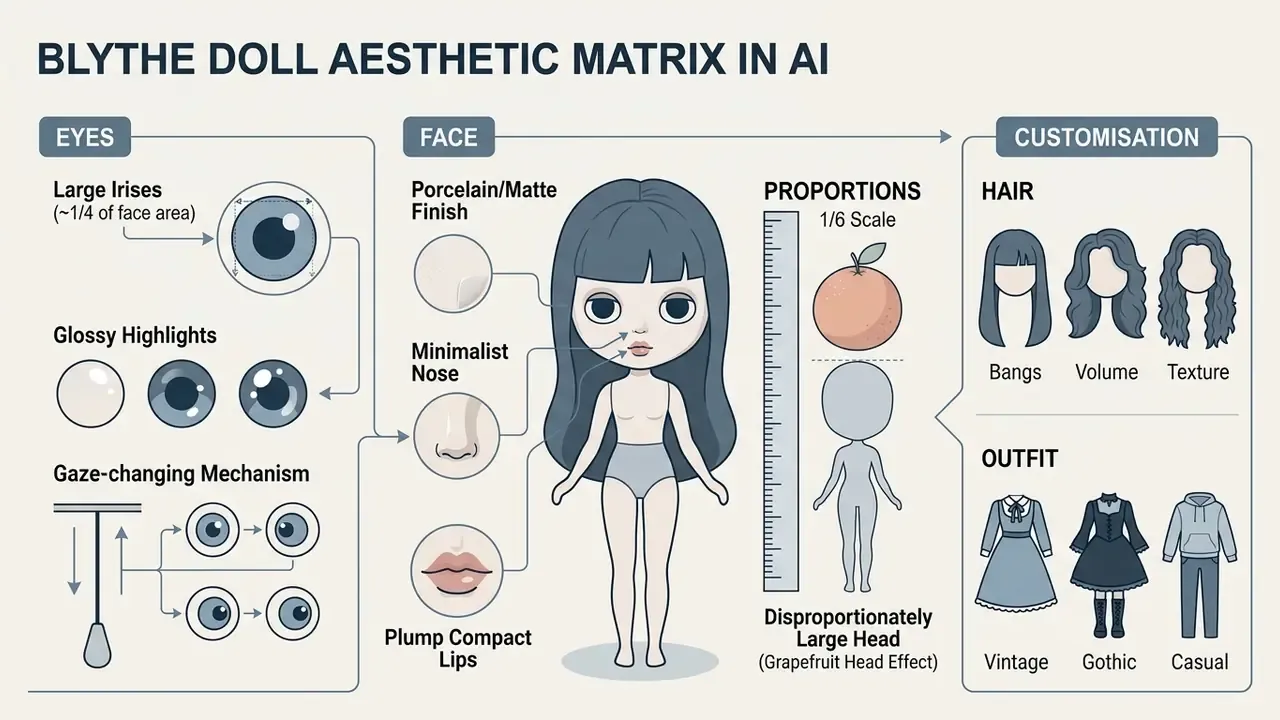
Customising a doll image inside an AI generator comes down to controlling the key Blythe aesthetic markers: hypertrophied eyes, compact body proportions and texture variety. The model lets you change each element individually, either through interface settings or textual modifiers.
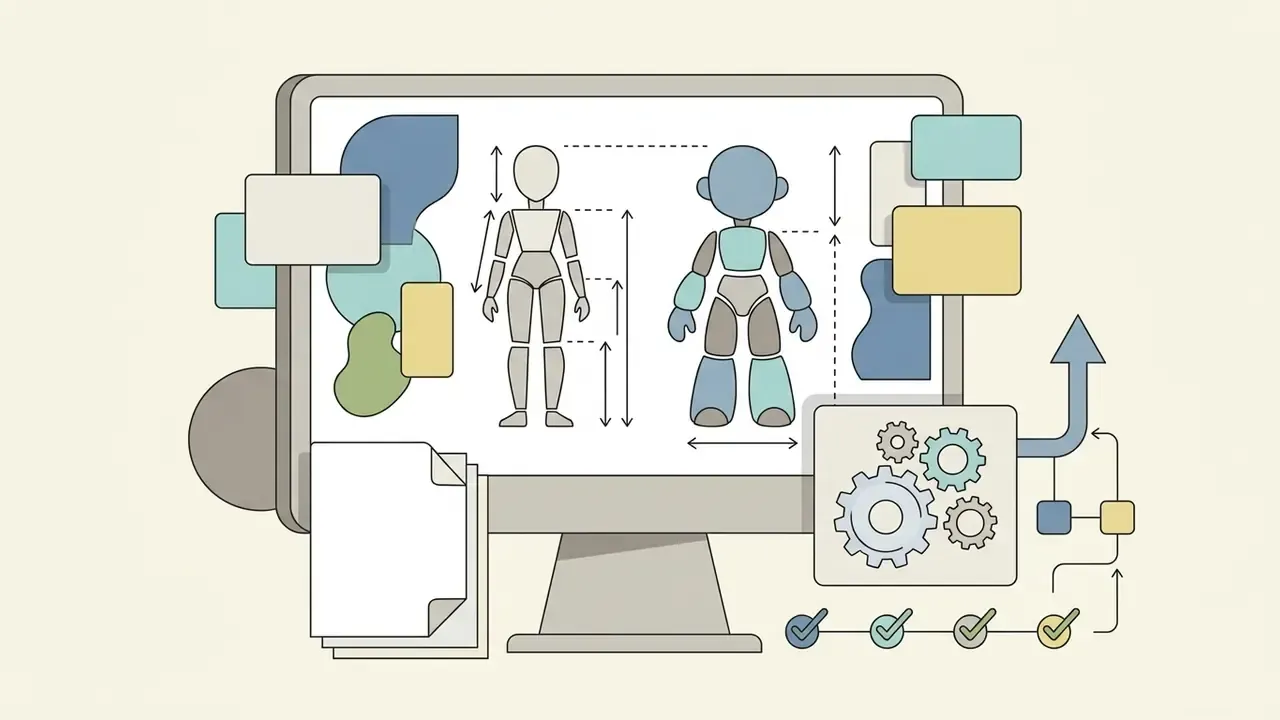
The original Blythe doll, created by Allison Katzman in 1972 for Kenner and later relaunched in Japan by Takara, has rigidly fixed anatomical standards: the body height of Neo Blythe is roughly 28.5 to 30 cm (1/6 scale) and head circumference reaches 26.7 to 27.5 cm. Neural networks reproduce this proportional relationship fairly precisely. Collector references also list four interchangeable eye-chip pairs, about 1 inch between the eyes, and skin finishes ranging from glossy to matte and translucent-matte.
Big eyes, the porcelain look and doll proportions
The eyes are the central element of Blythe doll identity and the focal point of AI stylisation. In neural models you set not only iris colour and glossy highlights but also an imitation of the original pull-string mechanism that changes the direction of the gaze, engineered by Gordon Barlow, with patent credit also naming Marvin I. Glass and Norman T. McFarland (1972).
«Gen-AFFECT generates avatars with precise facial expressions while preserving identity through joint encoding of identity and expression in a multimodal diffusion transformer». Gen-AFFECT: Identity-Consistent Expressive Avatar Generation, arXiv (2025). https://arxiv.org/abs/2501.09956
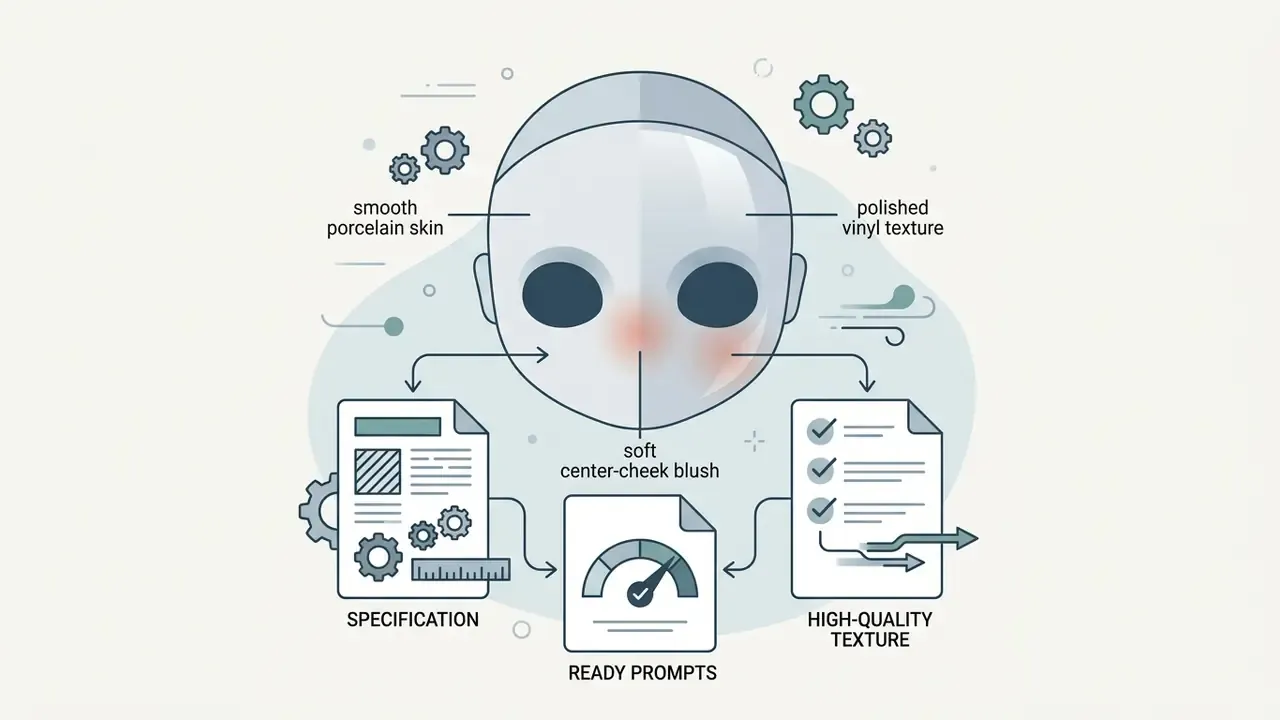
The porcelain skin tone smooths the micro-relief of human epidermis, giving the face the look of polished vinyl or porcelain with a concentrated blush in the centre of the cheeks. Head-to-torso proportions are automatically brought to the characteristic ratio in which the head substantially exceeds standard human norms. If you also want a clean, non-stylised business portrait from the same source frame, that is a different job for a realistic ai headshot generator.
Hair, clothing, mood and Blythe-style aesthetics
Hair parameters include texture choice (straight, wavy, curly), the presence of a straight or choppy fringe, volume and specific shades, from pastel pink to deep brunette. AI tools let you combine elements from different eras and fashion directions.
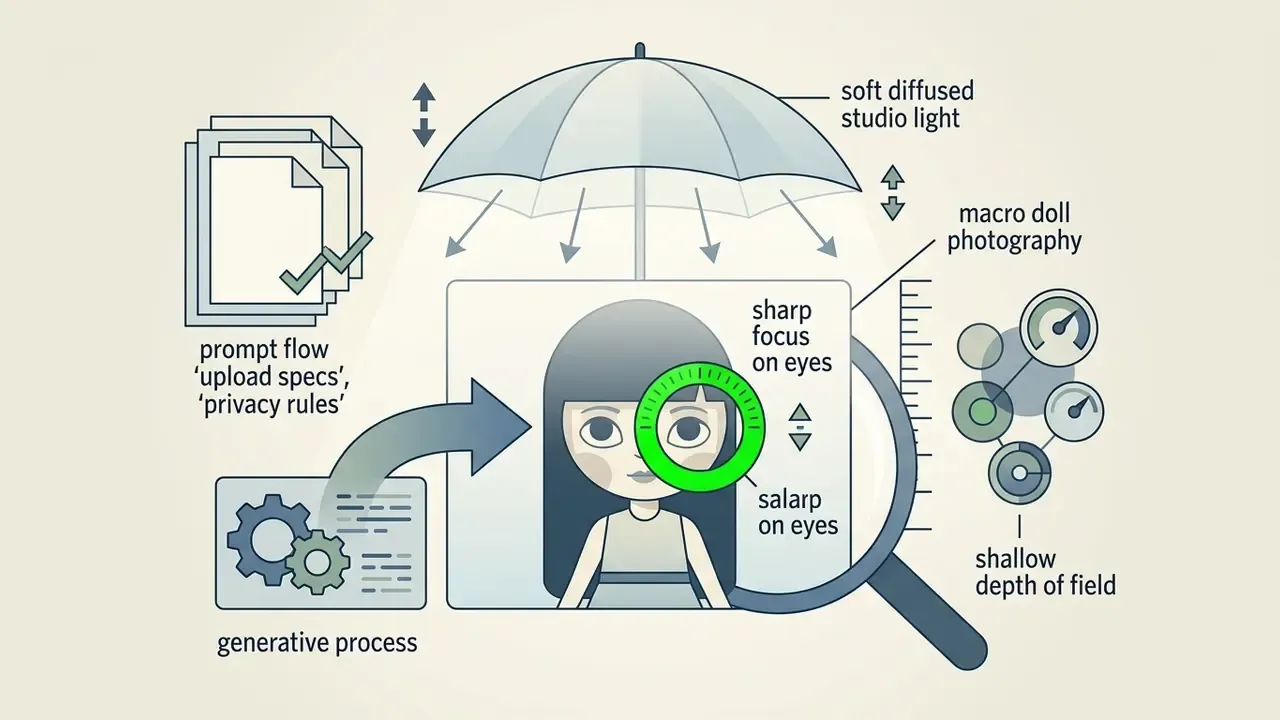
Outfit design varies from vintage 1970s dresses with Victorian lace to contemporary streetwear and fantasy fairytale costumes. The atmosphere of the frame is regulated by lighting parameters: soft diffused light emphasises the storybook mood, while studio flashes give the artwork the look of a glossy fashion shoot.
How to create a Blythe Doll from a photo: step-by-step
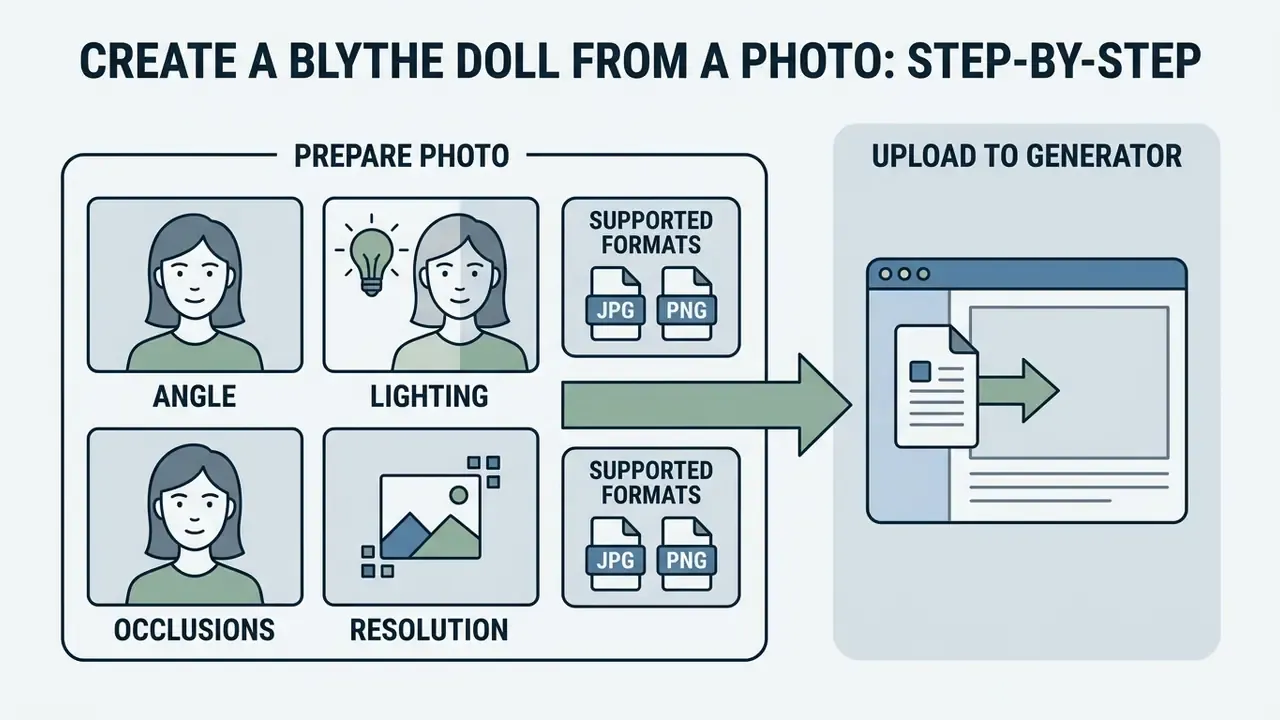
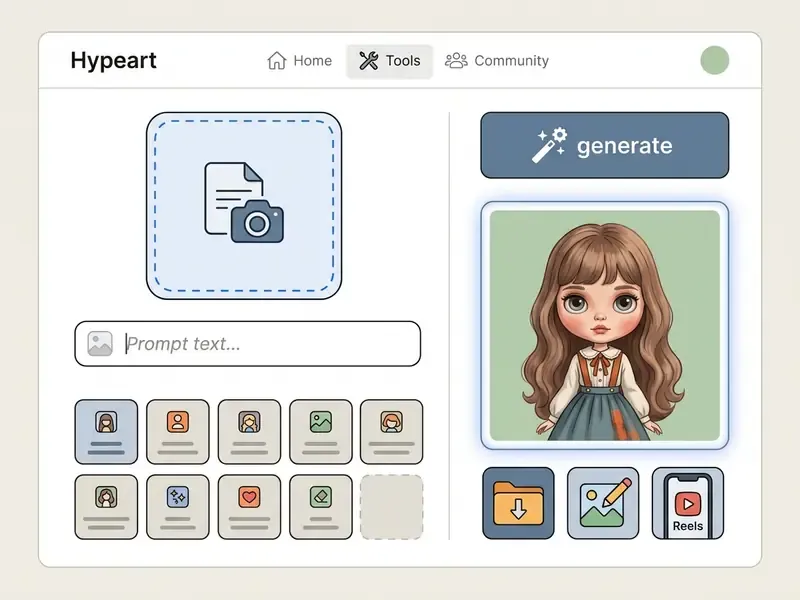
You do not need professional Photoshop skills or programming knowledge to create doll artwork from a snapshot. Web services and mobile applications automate the process down to a few clicks; Perfect Corp.'s published workflow, for example, reduces it to "add a photo, write a prompt, generate, save". That is essentially the whole blythe doll ai generator tutorial in one line, though the details below decide whether the result is usable.
How to prepare and upload a photo to the generator
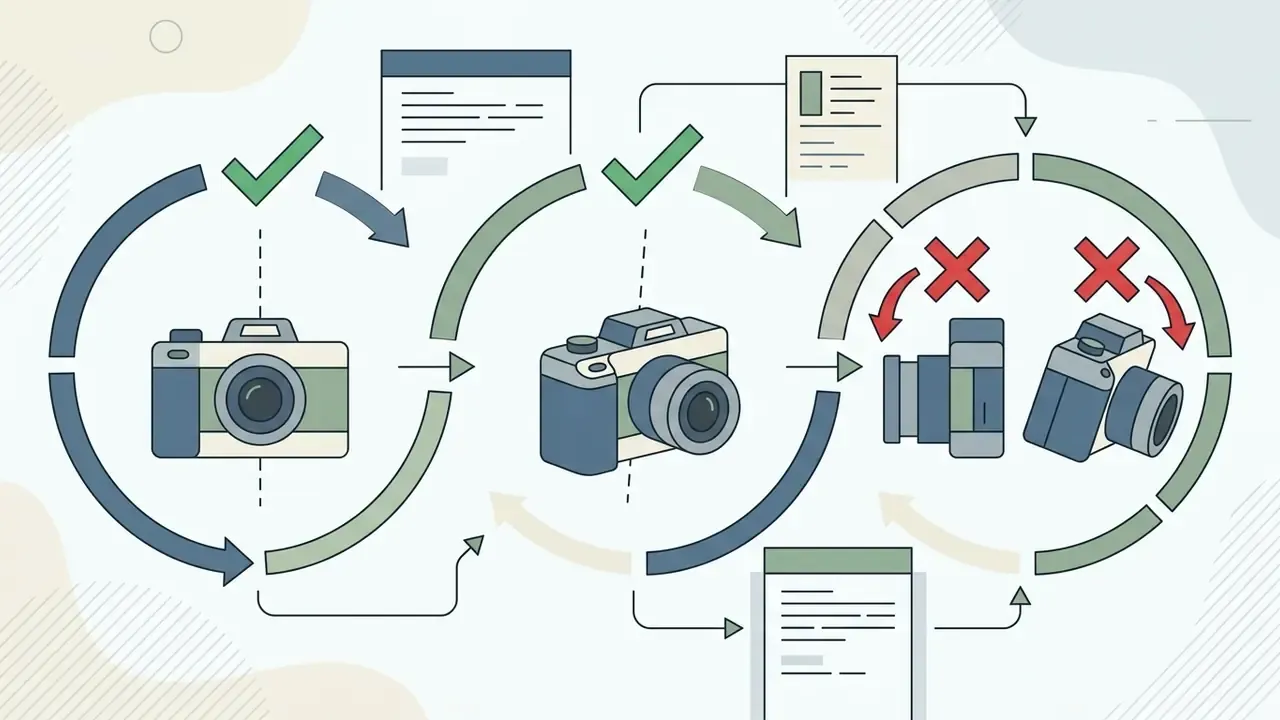
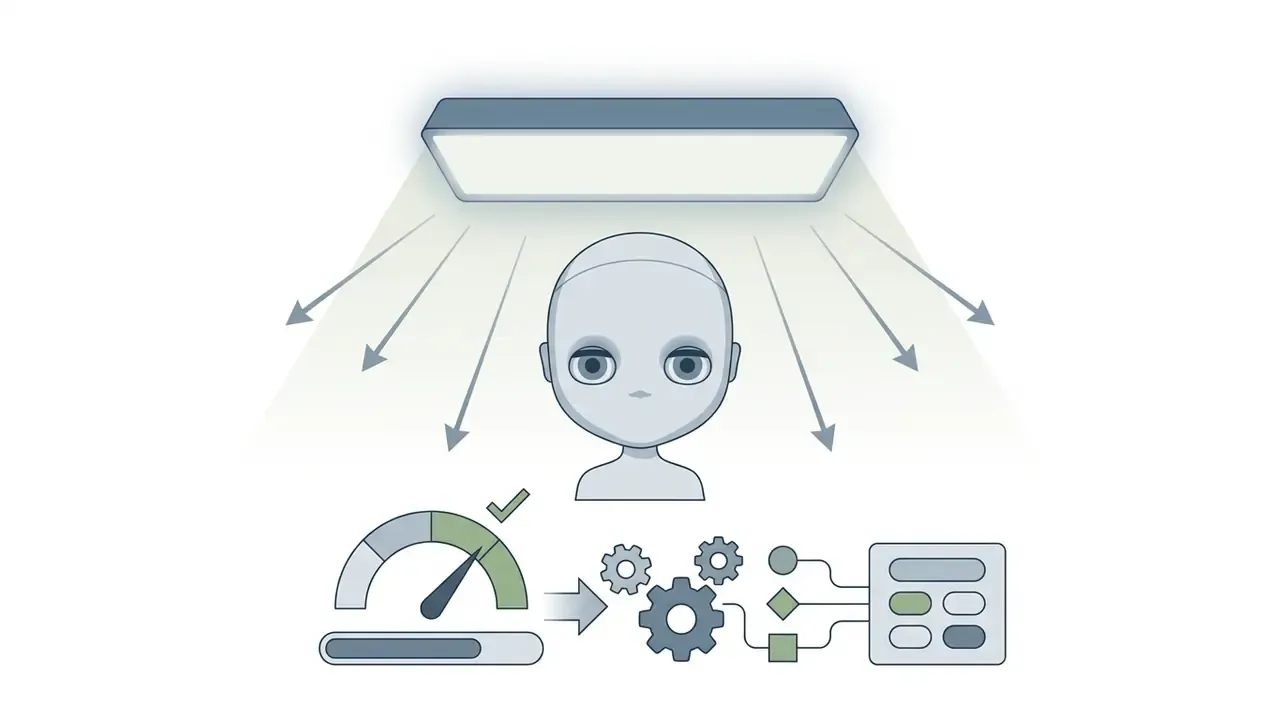
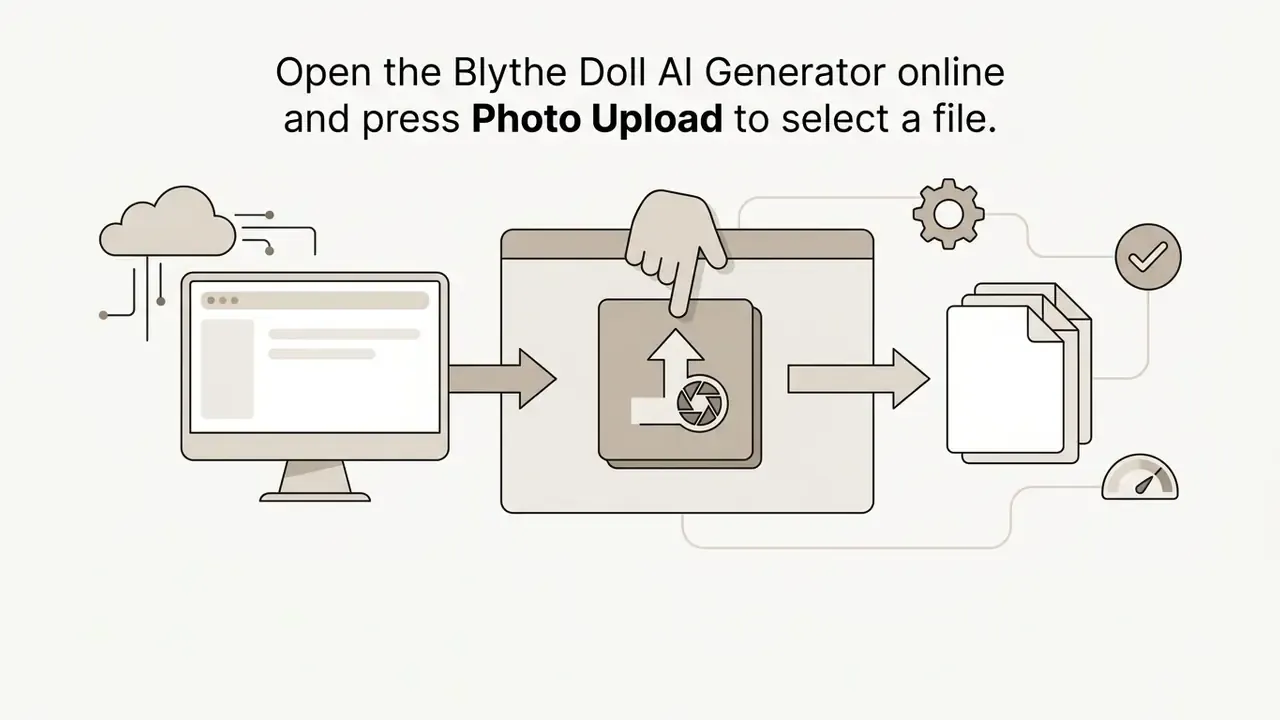
The quality of the source snapshot directly determines how accurately individual facial features survive stylisation. Choose sharp, front-facing portraits or selfies.
«Portrait Diffusion confirms: frontal shots with even illumination allow accurate reading of facial content features during inversion into the latent space of a diffusion model». Portrait Diffusion: Training-free Face Stylization with Chain-of-Painting, arXiv (2023). https://arxiv.org/abs/2312.02212
Technical parameters of input files:
One small caveat: red-eye and flash artefacts in the source frame often survive stylisation as odd iris colour. A quick pass through a red eye remover fixes that before upload. If your source frame is soft, noisy or badly lit, run it through AI photo editors first, and compare candidate services in our overview of the best AI image generators before spending credits.
How to generate, review and save the image
Processing a snapshot takes from 5 to 30 seconds depending on server capacity and the selected model.
«An optimised Stable Diffusion 1.4 implementation on the GPU of a Samsung S23 Ultra generates a 512×512-pixel image in under 12 seconds at 20 iterations». Speed Is All You Need: On-Device Acceleration of Large Diffusion Models via GPU-Aware Optimizations, arXiv (2024). https://arxiv.org/abs/2304.11267
The step-by-step algorithm looks like this:
Four clicks, one honest caveat: expect two or three attempts per concept. Nobody nails a doll face on the first seed.
Data privacy and protection of uploaded photos
A portrait is biometric-grade data, so treat every doll generator as a data processor, not just a filter. Before uploading a face, especially a child's or a client's, verify five points in the service's privacy policy and terms:
- What is collected.The official Blythe Doll AI privacy policy states that the service collects name, email address, payment information and cookie-based usage data such as IP address, browser type and pages visited, used for order processing and site improvement.
- Retention window.Look for an explicit statement of how long uploads and generated results are stored, and whether they are deleted automatically after the session.
- Training reuse.Check whether uploaded faces may be used to further train or fine-tune models. If the policy is silent, assume reuse is possible and avoid sensitive images.
- Deletion controls.Confirm that you can delete your account, uploads and outputs on request, and that the vendor documents technical and organisational security measures against unauthorised access, theft and misuse, as the Blythe Doll AI terms page does.
- Age limits.The same policy states the service is not intended for users under 18 and that the company does not knowingly collect their personal information. Do not upload minors' photos to consumer doll filters.
Practical hygiene rules: strip GPS and EXIF metadata before upload; avoid documents, badges or addresses in the frame; never upload a third party's portrait without their consent; and if you generate for a brand, keep a record of which service processed which file. Teams that publish at volume usually keep that record next to their vendor questionnaire, alongside notes from AI Media Support and Troubleshooting.
This section is informational and does not constitute legal advice on data protection compliance.
Prompts for Blythe Doll AI: how to get the exact style
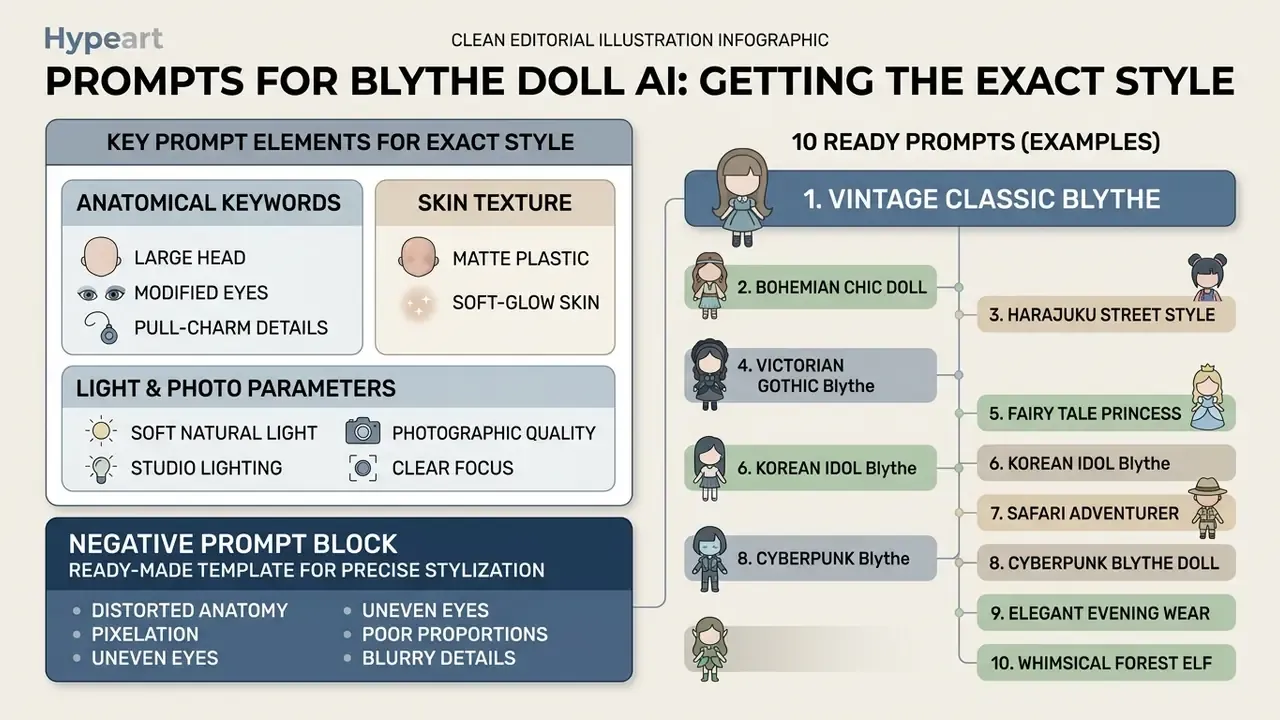
Predictable generation without a source photo comes from prompt engineering. A high-quality text query clearly defines the subject, environment, artistic technique and technical constraints: the subject, context, style order recommended in Google Vertex AI's image prompt guide, and the background, subject, details, constraints order recommended by OpenAI.
«SSP improves semantic consistency of generation by 16% and text-image alignment by 5% by adding optimal camera descriptions to the original prompts without changing their content». SSP: Simple and Safe automatic Prompt engineering for text-to-image generation, arXiv (2024). https://arxiv.org/abs/2401.01880
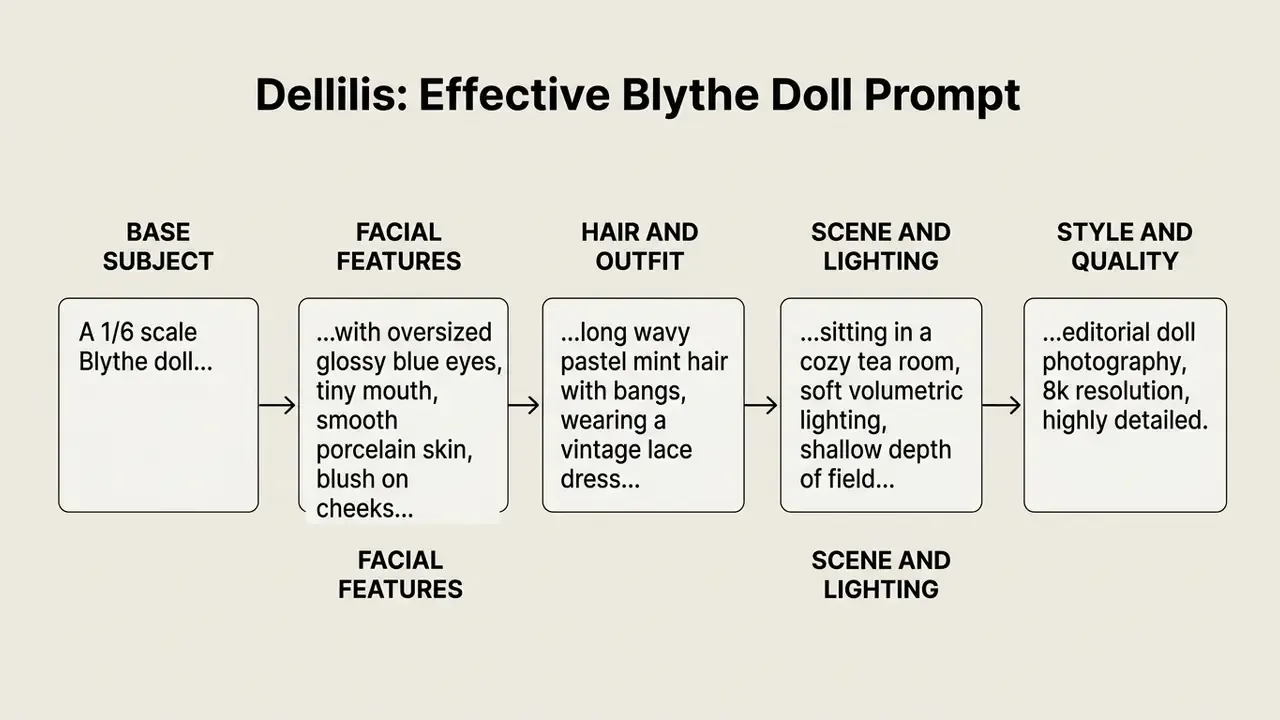
What details make a successful Blythe Doll prompt
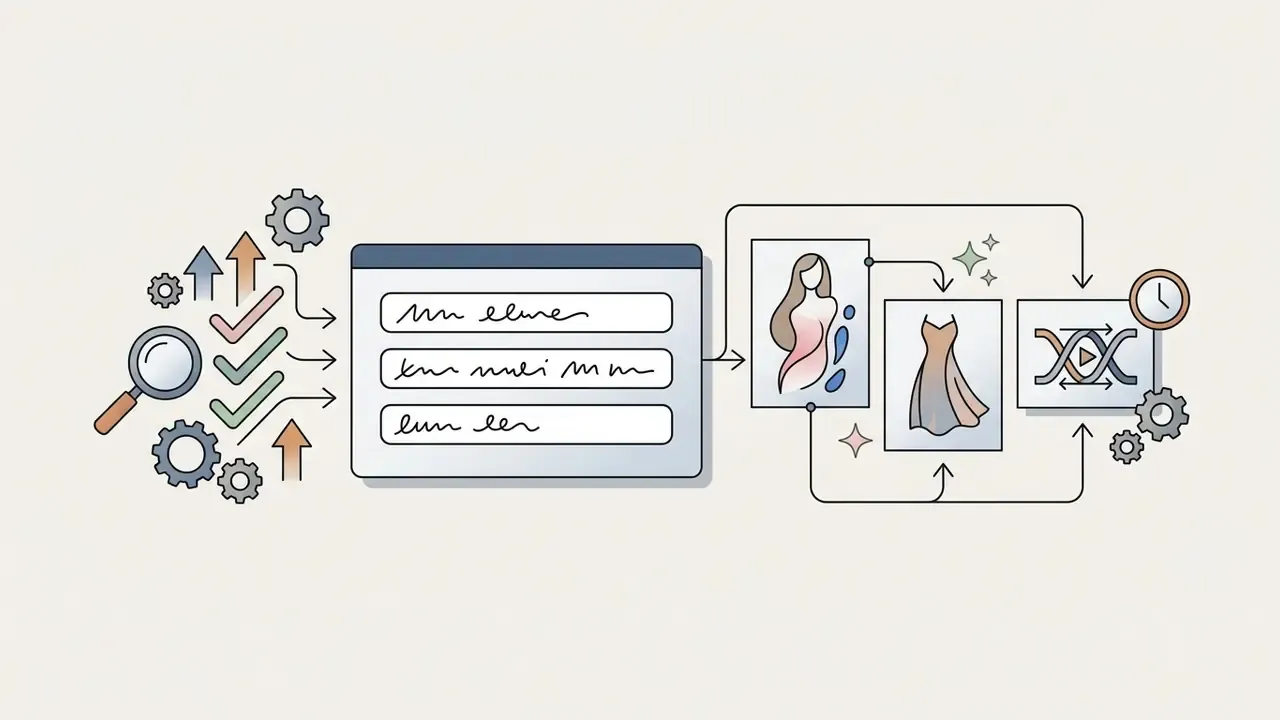
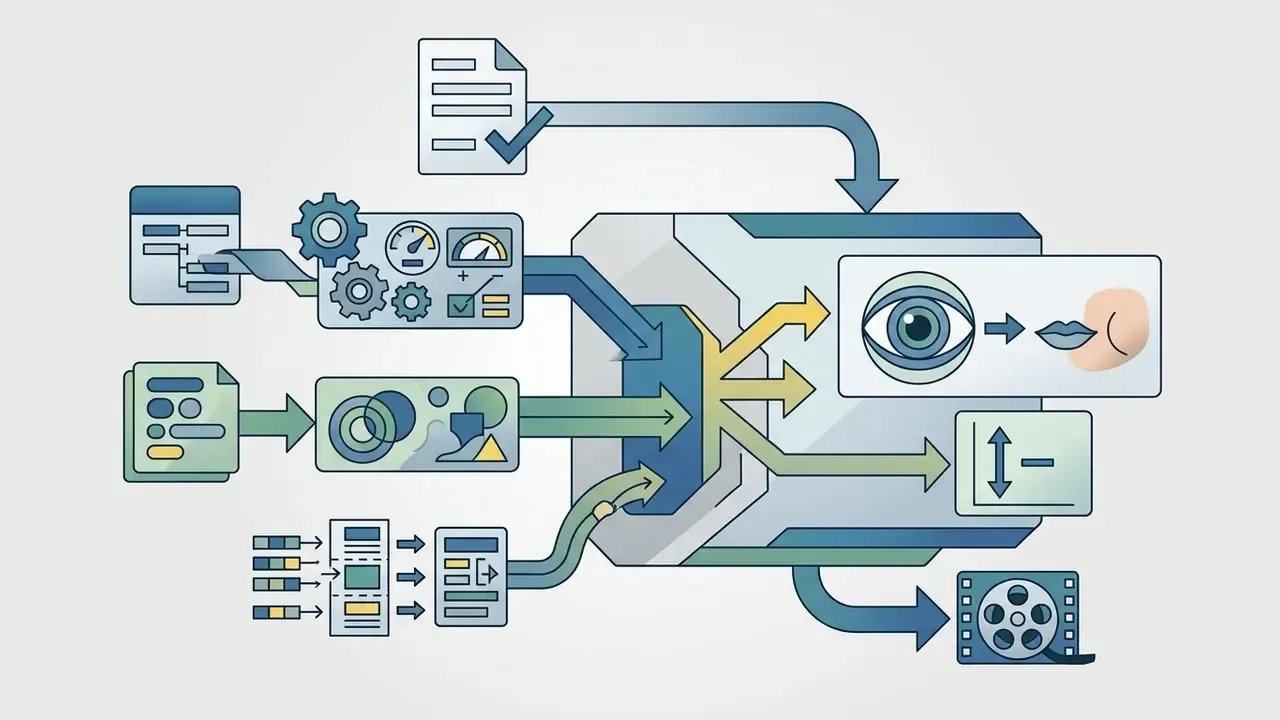
To reach a recognisable doll aesthetic, the text query must include key modifiers describing the specific anatomy and texture:
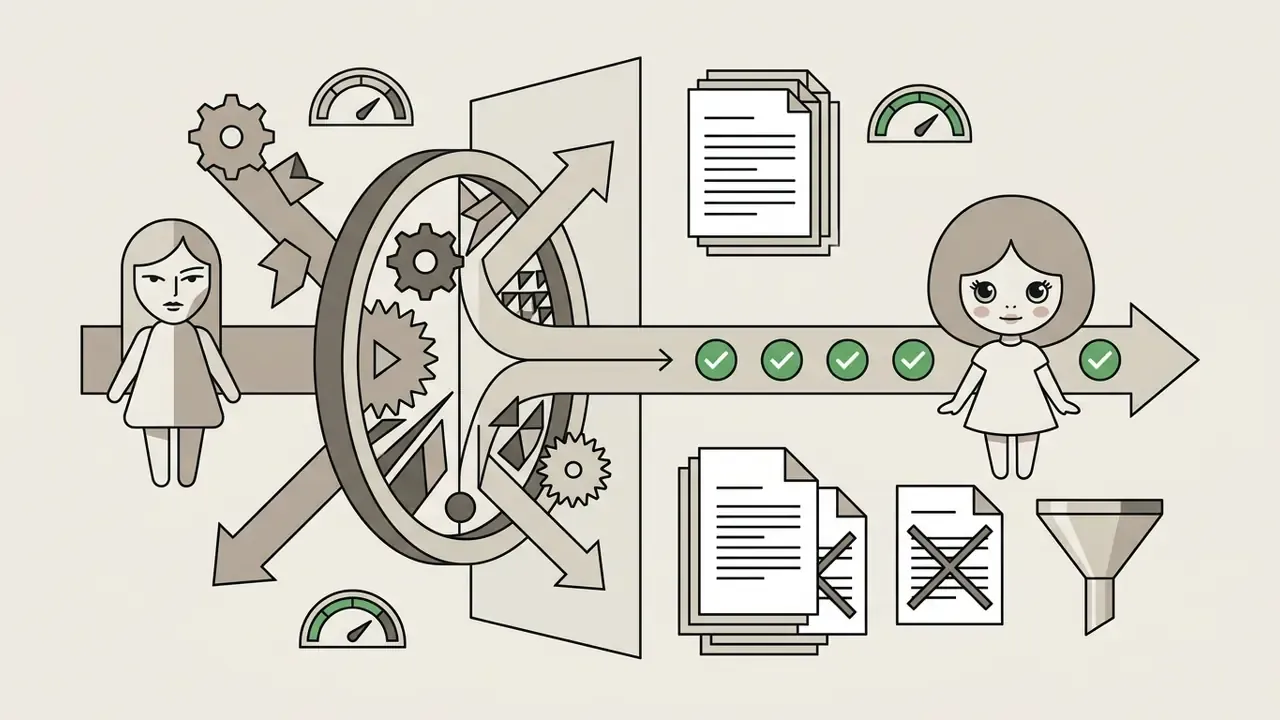
Ready-made Negative Prompt template for precise stylisation. To rule out artefacts that turn the doll back into an ordinary human, or into an uncanny hyper-real portrait, use this universal negative block:
Negative prompt: realistic human eyes, small eyes, photorealistic human skin texture, wrinkles, pores, sharp angular jaw, long nose, thin lips, asymmetric eyes, extra fingers, distorted joints, blurry details, bad anatomy, dark heavy skin texture, low resolution, ugly, deformed face.
That vocabulary gap is exactly why the ten presets below are worth copying rather than improvising.
Ten ready prompts: classic, fashion, fairytale and beyond
1. Vintage Classic Blythe
2. Modern Fashion / Streetwear
3. Fantasy / Fairytale
4. Gothic Blythe Doll
5. Luxury Haute Couture Blythe
6. Cute Anime / Cartoon Blythe
7. Natural Fresh Blythe
8. Vintage Sweet Doll
9. Cyberpunk / Urban Blythe
10. Victorian Heirloom Blythe
Troubleshooting: fixing typical AI artefacts
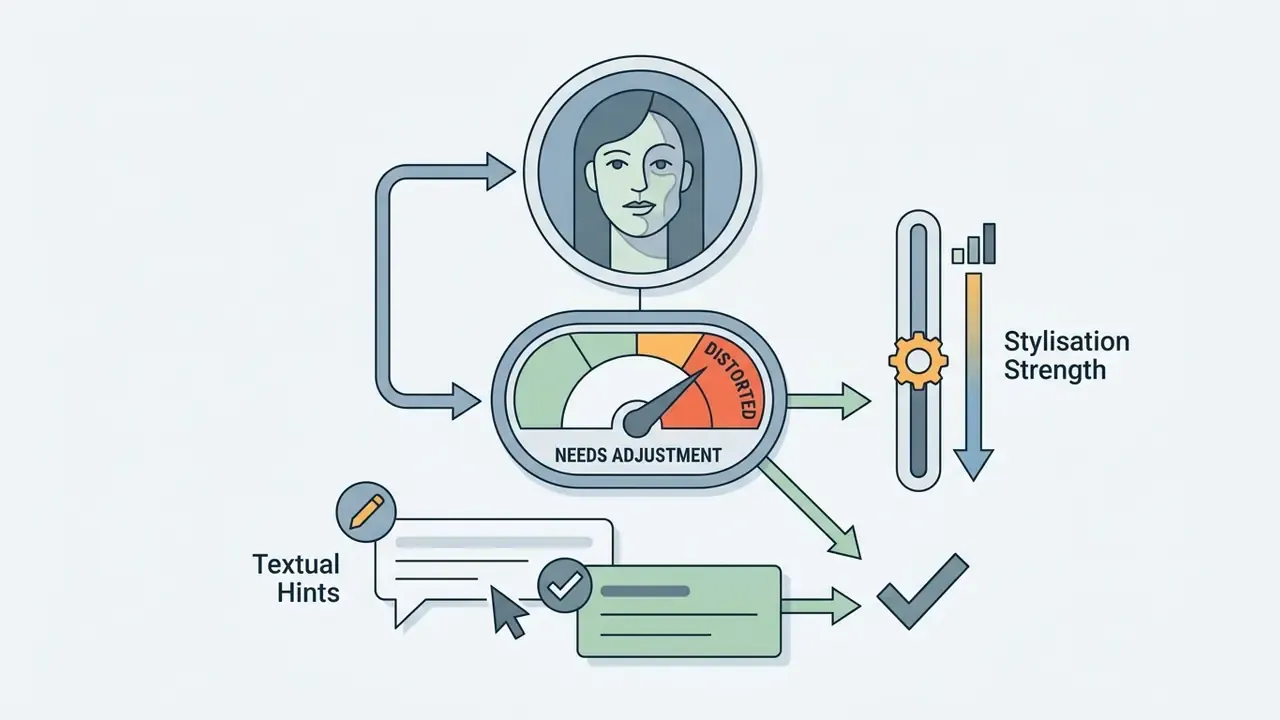
Most failed generations come from three causes: a weak source frame, an overloaded prompt, or a stylisation strength that fights identity preservation. Use this quick table before burning more credits.
| Symptom | Probable cause | Fix |
|---|---|---|
| Asymmetric or mismatched eyes | Tilted head, low resolution, missing negative prompt | Re-upload a straight-on frame; add asymmetric eyes, bad anatomy to the negative prompt |
| The result looks like a real human, not a doll | Insufficient anatomical modifiers | Add 1/6 scale doll proportions, oversized head, glassy doll eyes, visible ball-joint details |
| Uncanny "horror doll" look | Too much realism plus dark texture | Add soft diffused light, gentle expression; negate photorealistic human skin texture, deformed face |
| Face no longer resembles the source person | Stylisation strength too high | Lower style/denoise strength, shorten the prompt, keep hair colour and face shape terms explicit |
| Blurry or mushy details | Source under 1080 px, heavy compression | Upload an uncompressed PNG/JPG closer to 4096×4096 px |
| Extra fingers, warped hands, broken joints | Full-body prompt without anatomy constraints | Crop to bust framing or negate extra fingers, distorted joints |
| Watermark on the export | Free tier active | Switch to a paid credit pack or check free AI art generators for watermark-free alternatives |
| Wrong outfit or background ignored | Prompt order and priority | Move outfit and scene terms earlier; test 2 to 3 seeds before rewriting the prompt |
Animation and video clips from Blythe Doll images (AI motion and Reels)
Contemporary generative platforms (built on Runway Gen-2, Sora, Luma and similar video models) let you go beyond static artwork and bring your Blythe Doll images to life:
For production workflow details, timing, loop points and export presets, see our guides on animation makers, the reel maker walkthrough and free AI video generators.
Free Blythe Doll AI Generator, pricing and limits
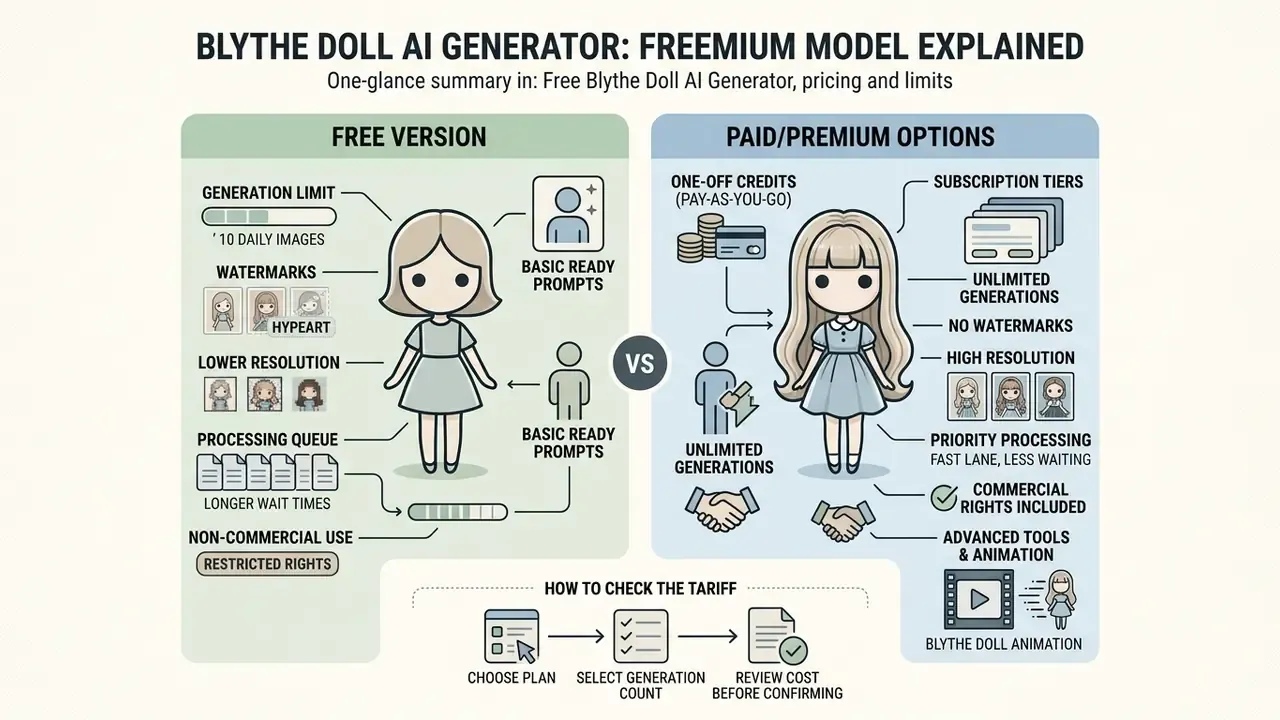
Most specialised Blythe Doll AI services run on a freemium model or a one-off credit purchase system (pay-as-you-go). Free access lets you test the basics but imposes systemic limits, as the official Blythe Doll AI pages state directly. Conditions across tools differ widely, so cross-check the terms of free AI image generators before committing, and use AI Media Calculators if you need a per-asset cost estimate.
What the free online version offers
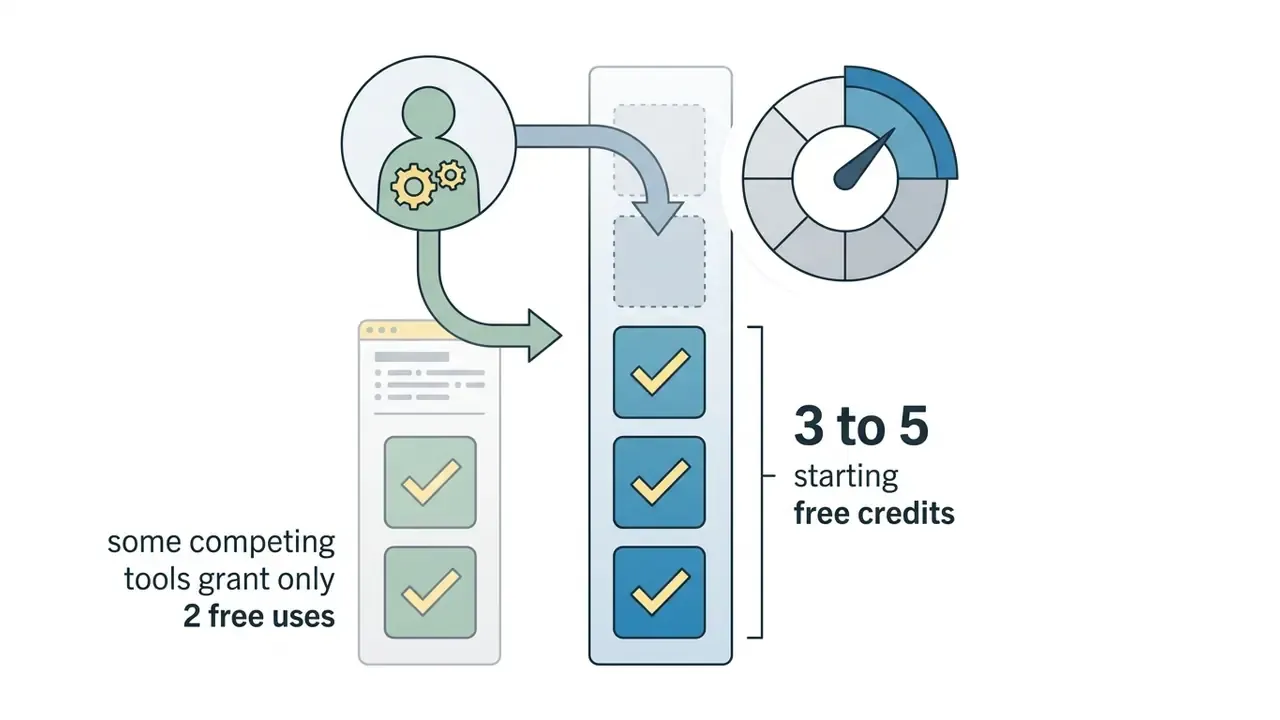
Free tiers provide a limited number of generation attempts. Typical limitations of a blythe doll ai generator free online include:
«ViPer captures an individual user's visual preferences through a one-off survey on a small image sample, steering the model toward personalised results». ViPer: Visual Personalization of Generative Models via Individual Preference Learning, arXiv (2024). https://arxiv.org/abs/2407.17365
How to check the tariff before generating a series of images
Before launching a series of doll artworks, look closely at the cost structure. According to the vendor's public pricing page, Blythe Doll AI is sold as one-time credit packs rather than an auto-renewing subscription, where 1 credit equals 1 generated image. Treat any "no hidden fees" claim as a statement to re-verify on the checkout screen at the moment of purchase. Our broader AI Media Pricing Guides explain how to compare packs across vendors.
| Parameter / Plan | Free Tier | Starter Pack | Premium Pack | Deluxe Pack |
|---|---|---|---|---|
| Price | $0 | $7.90 (one-time) | $9.90 (one-time) | $19.90 (one-time) |
| Credits | 3 to 5 welcome credits | 40 credits | 80 credits | 300 credits |
| Validity | Unlimited | 1 month | 2 months | 2 months |
| Watermark | Present | None | None | None |
| Max resolution | 720p | High Resolution (HD) | High Resolution (HD) | 4K Ultra HD |
| Generation priority | Standard | High | High | Maximum |
Once the validity period of a paid pack expires, remaining balances are cancelled. Plan choice depends on the task: a single portrait fits the starter pack, while preparing a commercial portfolio is cheaper with the Deluxe pack. If you plan a large series, calculate cost per usable image, not per credit: with 2 to 3 retries per concept, 40 credits realistically yield 13 to 20 finished artworks. For batch work at scale, check whether the vendor exposes an endpoint at all, and how it compares with a generic AI Media API workflow.
Can Blythe Doll AI images be used in commercial projects?
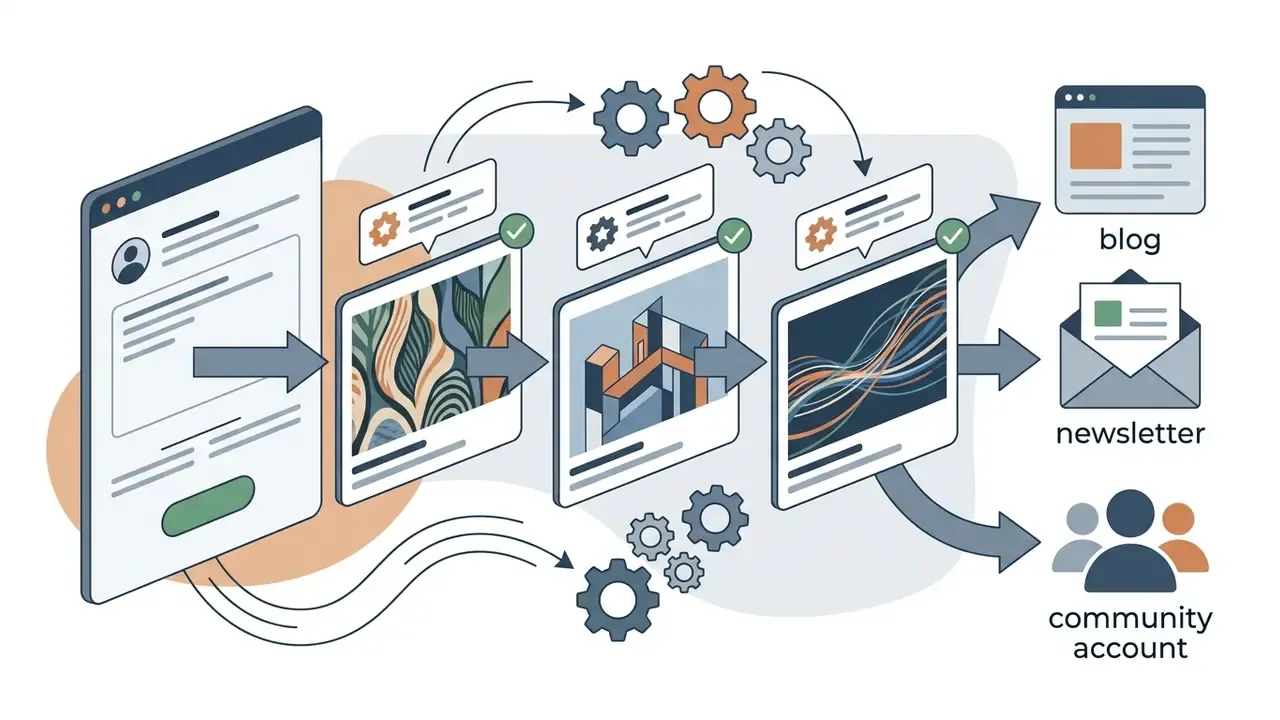
What to check before using AI images in marketing and media
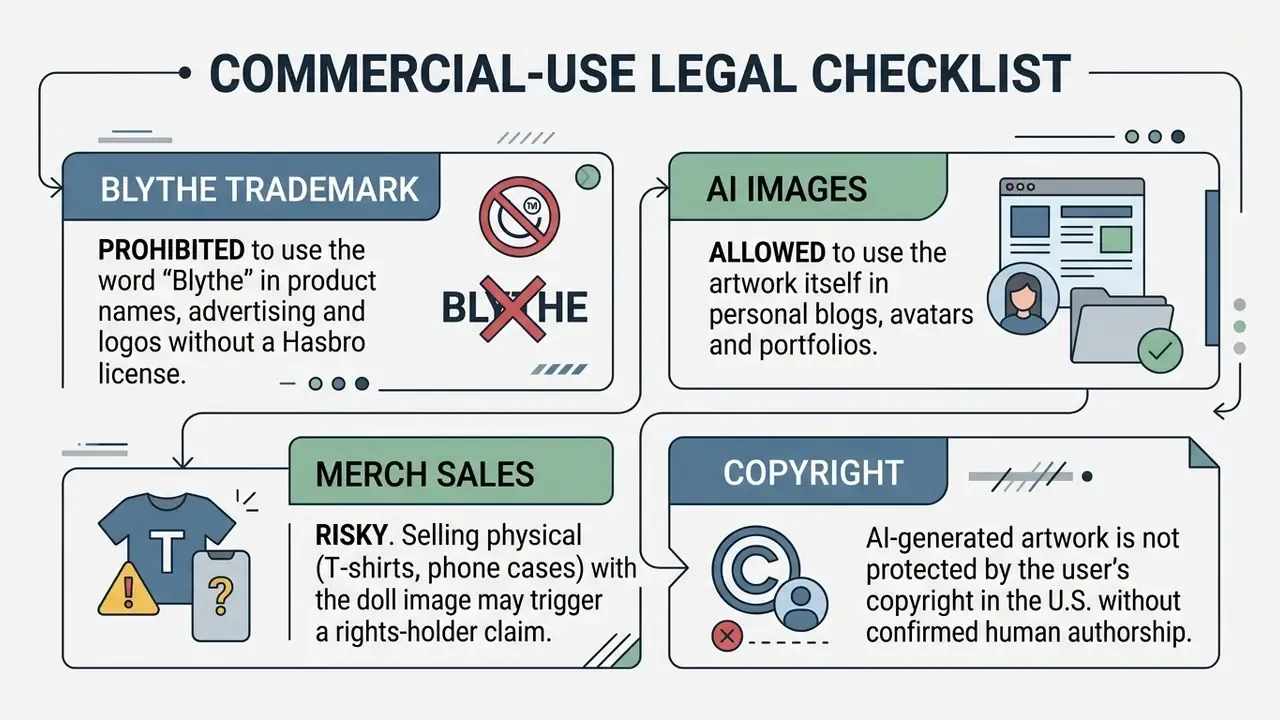
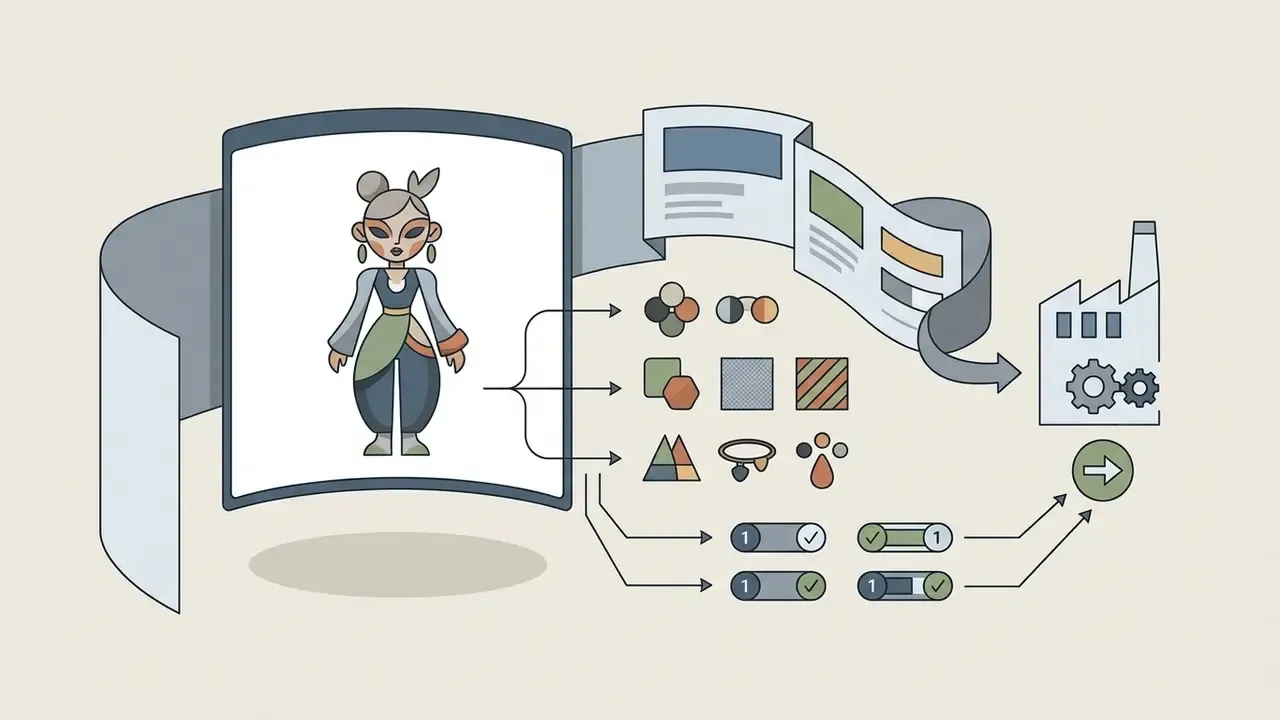
Using doll artwork in advertising, marketing campaigns, packaging materials and commercial goods carries serious legal risk because of Blythe brand protection:
- Trademark protection the "BLYTHE" brand is a registered trademark of Hasbro. The official rules of Hasbro and Cross World Connections (CWC) strictly prohibit direct or indirect use of the name, logo, photographs, illustrations and recognisable doll image to promote third-party commercial goods and events without written permission (https://www.blythedoll.com/copyright/index_e.html).
- Generator commercial licence make sure the AI service you use grants commercial rights to exported files. On free plans, commercial-use rights are most often absent. Our AI Media Commercial-Use hub collects the terms worth reading twice.
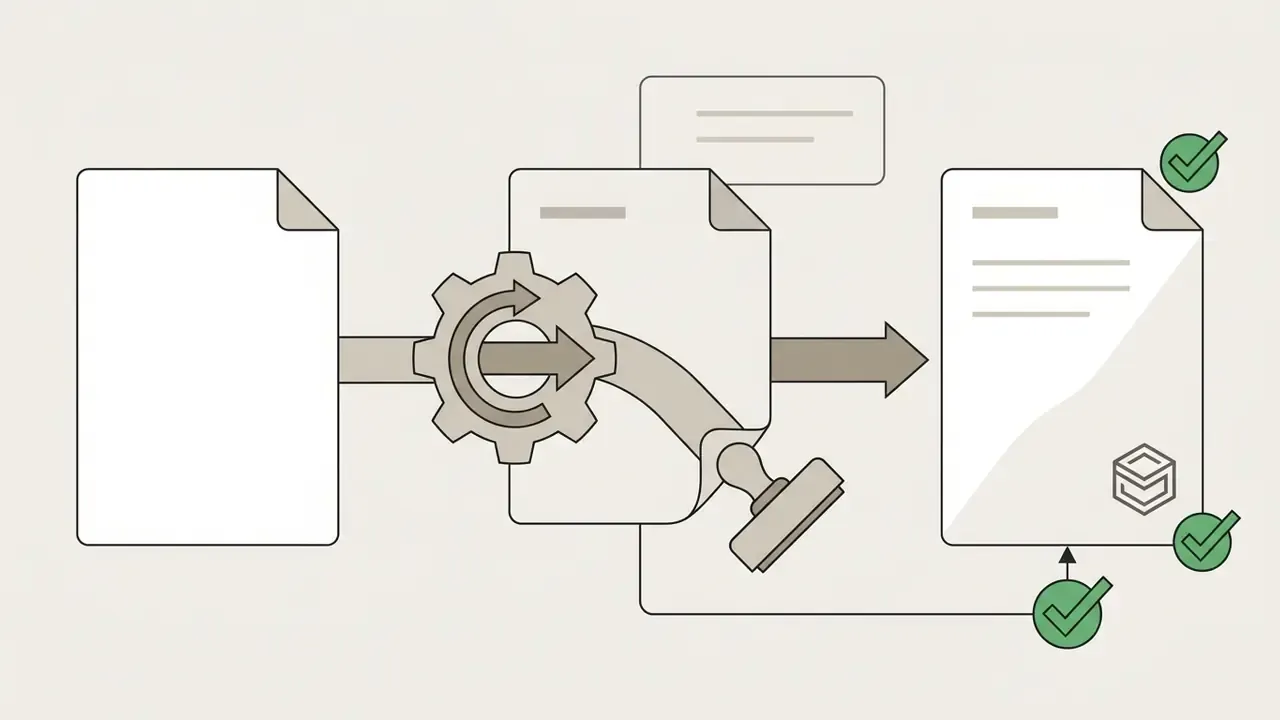
- No third parties in the photo if the artwork was created by transforming a real person's photo, you need their formal consent (Model Release) for commercial use of the transformed image. Before publishing, run assets through AI image detectors and keep provenance records, meaning metadata, watermarks and generation logs, so AI origin can be demonstrated on request.
- Prompt hygiene vendor policies such as Adobe's generative-AI user guidelines prohibit prompts or uploads that create content infringing third-party copyright, trademark, privacy or publicity rights. Do not prompt with brand names, logos or celebrity likenesses.
FAQ about Blythe Doll AI Generator
Do I need design skills to create a Blythe Doll AI image?
No. Professional graphic-design skills or Photoshop experience are not required. The tool is built for users of any level: upload a clear portrait-format photo, or type a description in plain language. The algorithms build the doll styling, adjust proportions and smooth textures. The real skill load, as Google Cloud and OpenAI prompt guides show, sits in prompt structure and iterative refinement rather than illustration technique.
How fast does the AI generate Blythe Doll images?
Average generation speed for one image is 8 to 20 seconds. Speed depends on the chosen diffusion model, server load and the selected resolution.
«A GPU-optimised Stable Diffusion 1.4 implementation achieves under 12 seconds per 512×512 image at 20 iterations on a Samsung S23 Ultra mobile device». Speed Is All You Need: On-Device Acceleration of Large Diffusion Models via GPU-Aware Optimizations, arXiv (2024). https://arxiv.org/abs/2304.11267 Benchmarks on server hardware show the same dependency: Stable Diffusion XL latency varied by up to 62.8% between GPU instance types in Akamai's 2026 inference-efficiency white paper.
Which photos work best for Blythe Doll transformation?
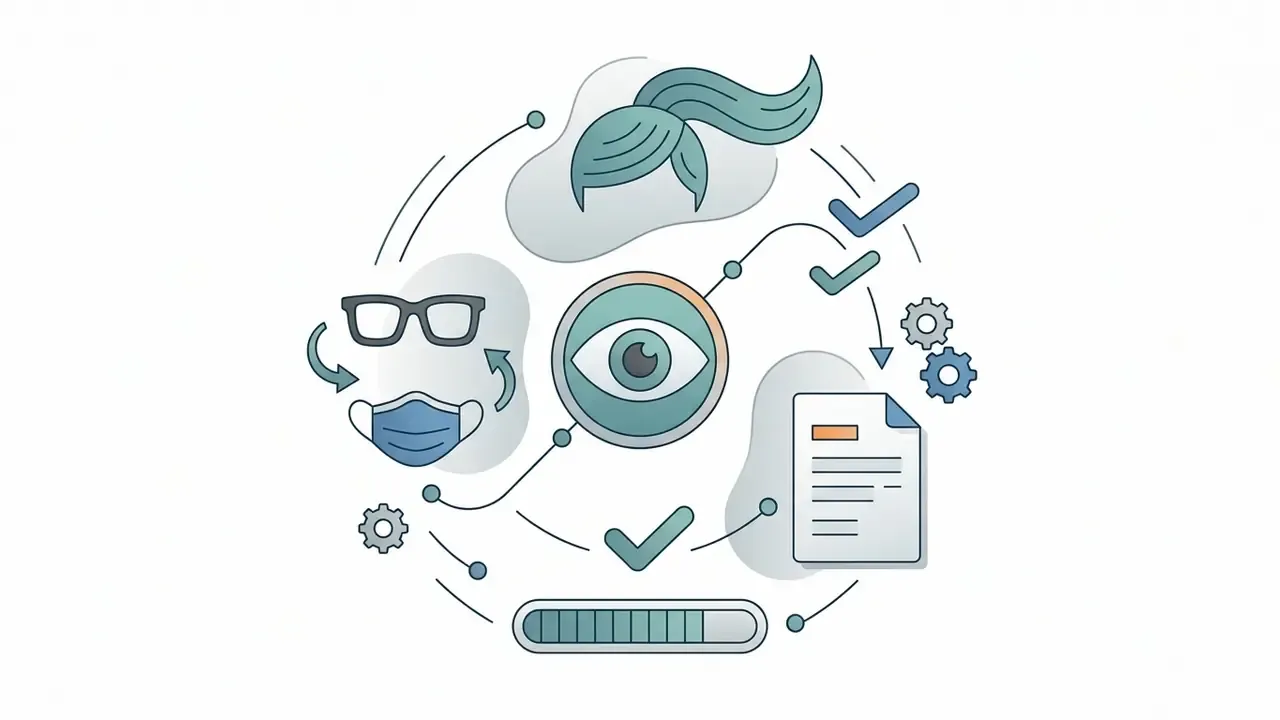
The ideal source is a sharp front-facing portrait with even lighting, an open face and a closed mouth, in line with ISO/IEC portrait-quality guidance. Photos with harsh shadows, strong head rotation, closed eyes or objects covering the face (masks, hair) can cause proportion distortion and artefacts. If your best available frame is imperfect, improve it first with AI photo editors, then upload.
What file formats and sizes are supported?
JPG, PNG, WebP and GIF, up to 10 MB per file and up to 4096×4096 pixels, with batch processing of up to 4 images per session. High-quality PNG or JPG gives the cleanest doll transformation.
Does the generator work with group photos?
Yes. The model detects multiple faces in a single frame and transforms everyone into matching Blythe dolls while preserving each person's features. Use frames where all faces are clearly visible and comparable in size.
Will my facial features be preserved?
Yes, identity preservation is the core of photo-to-doll pipelines. The network keeps face shape, hairline, hair colour, eyebrow placement and skin undertone while enlarging the eyes, smoothing the skin and rescaling the head. If resemblance is lost, reduce stylisation strength and keep identity terms in the prompt.
Is a mobile Blythe doll AI filter app the same thing as a web generator?
Mostly, yes. A filter app wraps the same diffusion pipeline in presets and hides the prompt field, which trades control for speed. A browser generator usually gives you seeds, negative prompts and higher export resolution. Choose the filter app for a quick avatar, the web tool for a series.
Can I animate the generated Blythe Doll?
Yes. Image-to-video models add blinking, gaze shifts, flowing hair and lighting drift, then export 5 to 10 second vertical loops suitable for TikTok, Reels and Shorts.
Is the free version enough for a full project?
For one or two test portraits, yes. For a series, the 3 to 5 welcome credits, watermarks and 720p export ceiling become blocking limits; a one-off credit pack removes them.
Are my uploaded photos safe?
That depends on the vendor. Check the collected data categories, retention period, training reuse and deletion controls. The official Blythe Doll AI policy lists name, email, payment and cookie data, states that security measures are applied, and restricts the service to users aged 18 and over.
Can I sell products with the generated doll images?
The artwork itself may be usable under the service's commercial licence, but the "BLYTHE" name, logo and recognisable brand imagery cannot be used to sell or advertise goods without written permission from Hasbro / CWC. Merchandising remains the highest-risk scenario.
What to do next: a safe generation routine
- Fix your input standardone front-facing frame, soft even light, open face, PNG or high-quality JPG, at least 1080×1080 px.
- Copy a presetstart from one of the ten prompts above, then change only one variable per iteration.
- Attach the negative promptpaste the ready block so the model does not drift back to realistic human anatomy.
- Test 2 to 3 seeds before rewritingprompt variability is normal; judge a prompt across several seeds, not one.
- Check the tariff before the seriescount cost per usable image, not per credit.
- Read the privacy policy before uploading a faceretention, training reuse, deletion.
- Clear rights before commercial publicationgenerator licence, Model Release, no trademark usage, AI-origin labelling.
- Archive the workflowsave prompt, seed, model version and source file so any result can be reproduced or defended later.
Eight steps. Boring, and that is the point.
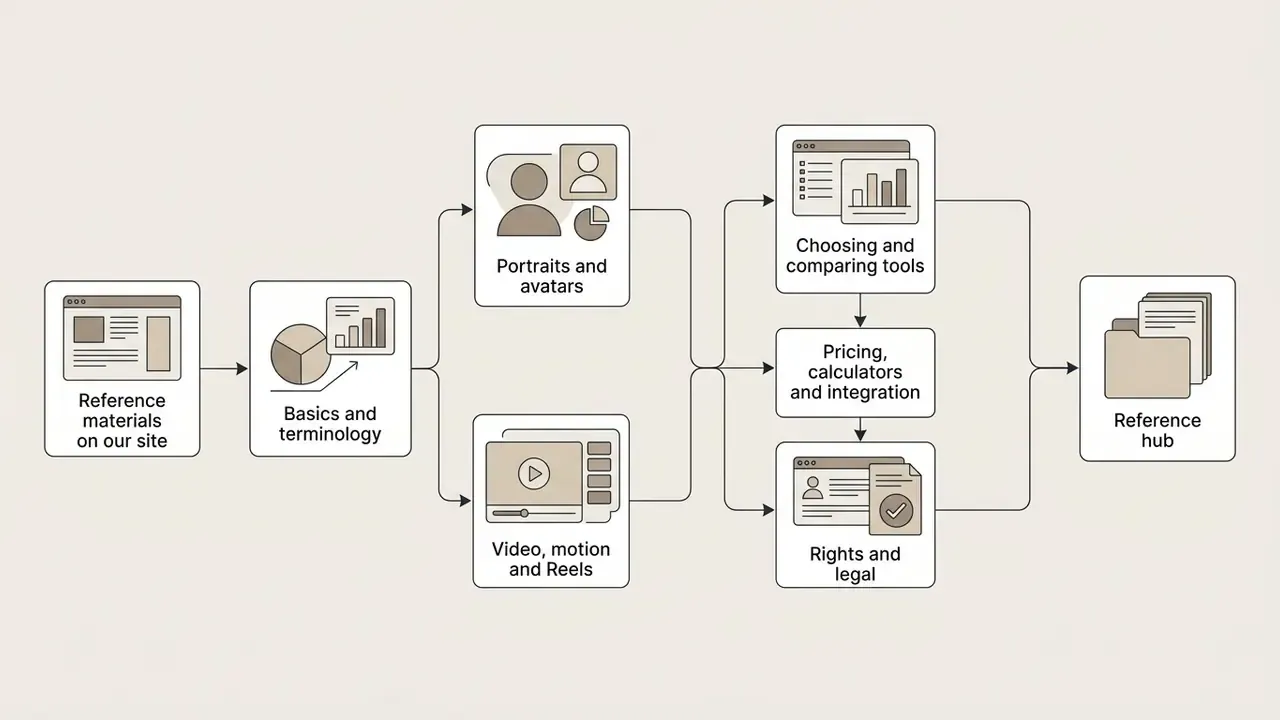
Reference materials on our site
Basics and terminology
- AI art generator, the tool class this generator belongs to
- AI photo editor, preparing source frames
- Photo editor guide and free photo editors
Portraits and avatars
Video, motion and Reels
Choosing and comparing tools
Pricing, calculators and integration
Rights and legal
- AI Media Commercial-Use hub and litigation
- Reference hub
- glossary
- Realistic AI headshot generator
- AI headshot generator
- Realistic AI
- Red eye remover
- Reel maker
- Animation maker
- Best free AI video generators
- YouTube video editor workflows
- AI Media Comparison Matrices
- Best AI image generator
- Best AI art generator
- Best free AI art generator
- Best free AI image generator
- AI Media Calculators
- AI Media Pricing Guides
- AI Media API
- AI Media Support and Troubleshooting
- Commercial use of AI images
- Image-to-image generators
- AI image detector
- Ghibli-style AI image generators