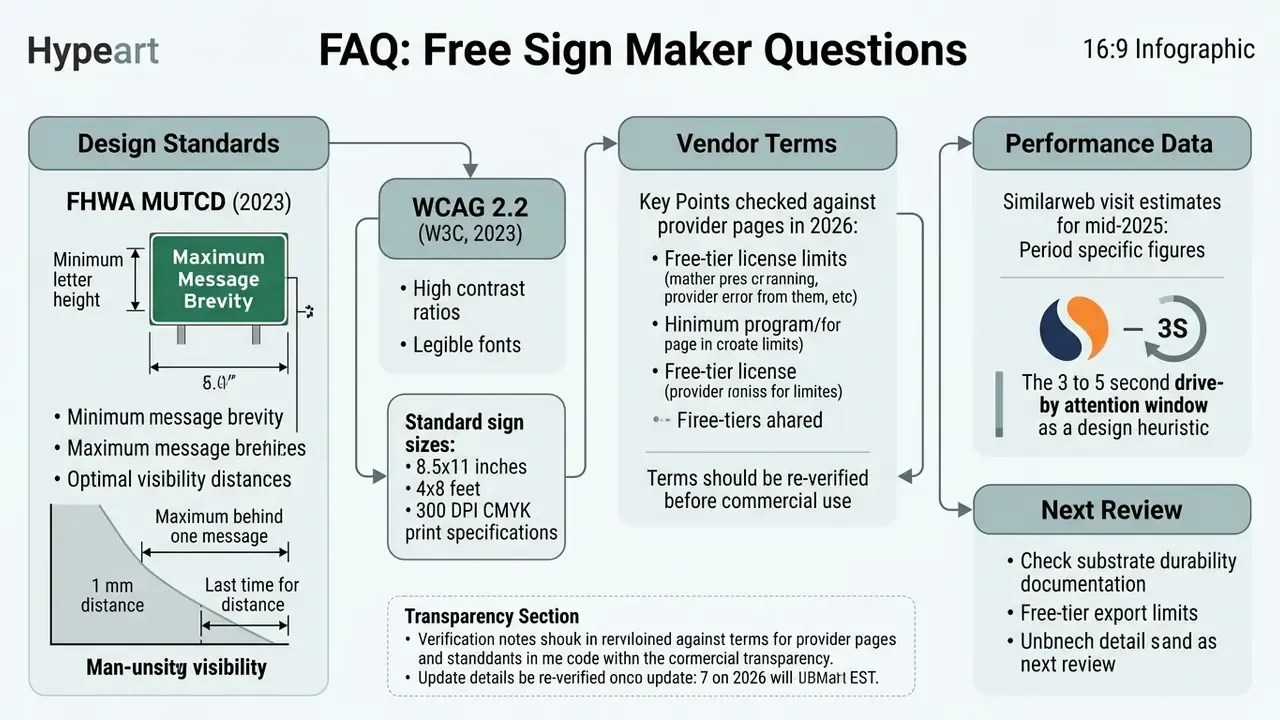
A free online sign maker lets businesses, event organizers and individuals design high-impact visual displays inside a web browser, with no specialized graphic design software installed. These web-based tools ship customizable templates, asset libraries and flexible export settings, so you can produce screen content and print-ready files in standard formats such as PDF, PNG and JPEG.
The catch is rarely the design. It is the file.
Most rejected sign jobs fail on four measurable things: wrong size, missing bleed, low effective resolution, and weak text contrast. This guide fixes those first, then covers templates, workflow, printing, materials and what "free" actually permits commercially.
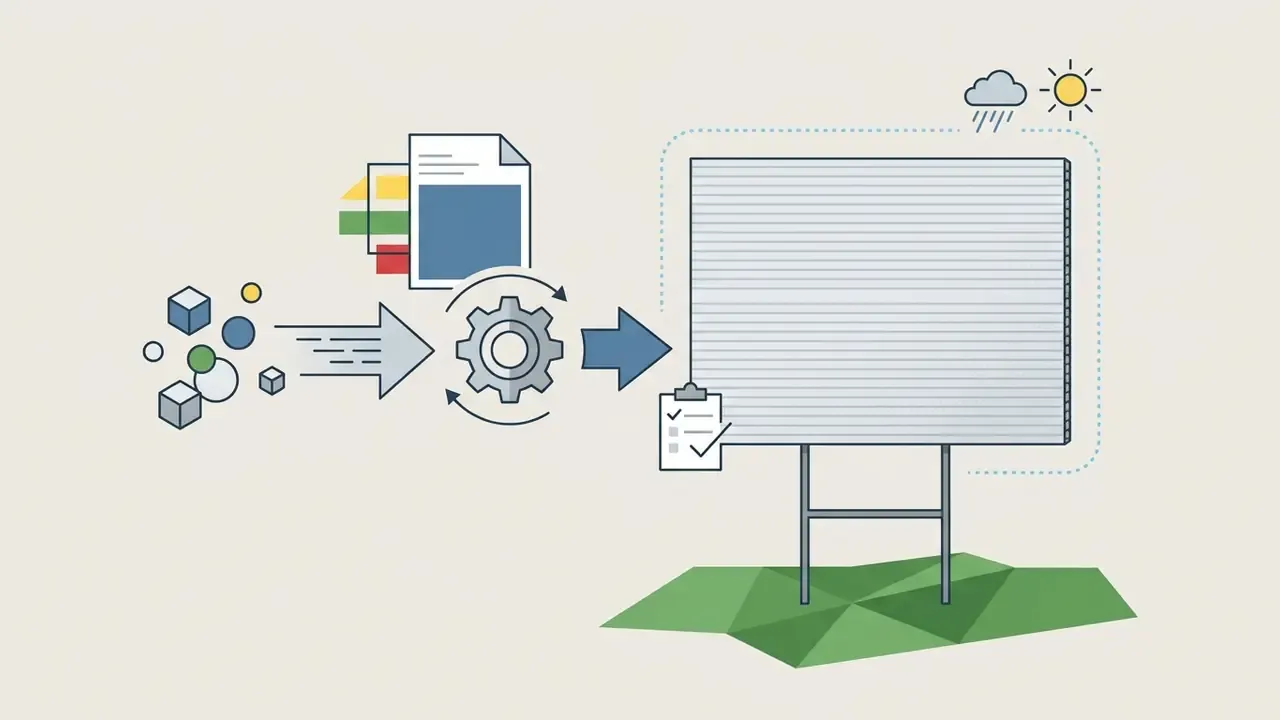
How to Make a Free Sign in 3 Steps
Everything below expands those three decisions: which sign types a browser tool handles well, how templates speed up drafting, how to add text and graphics without wrecking legibility, what home printers can and cannot do, which substrates survive a winter outdoors, and where free tiers quietly restrict commercial use. Skim the tables if you are in a hurry. They carry most of the numbers.
- Pick the size first, not the template.Choose 8.5×11 in for indoor notices, 18×24 in for yard signs, 24×36 in for roadside visibility, or 4×8 ft for large outdoor panels.
- Design with contrast and distance rules.Use one dominant headline, sans-serif type, and 1 inch of letter height for every 30 to 40 feet of viewing distance.
- Export correctly.Download a 300 DPI, CMYK, press-quality PDF with a 0.125 in (3 mm) bleed for commercial printing, or a PDF/PNG at 100% scale for home printing.
Start Here: Free Sign Makers Worth Testing First
Before committing hours to a layout, confirm that the platform exports the file type and resolution your printer requires. Nothing stings quite like a finished design that will only leave the browser as a 72 DPI PNG. The table below summarizes practical starting points reported in vendor documentation and license terms.
| Platform | Best For | Export Options | Documented Free-Tier Limitation |
|---|---|---|---|
| Canva | Template-first business and event signage | PDF, JPEG, PNG, basic SVG; direct print ordering | Free and Pro content cannot be registered as a trademark (fonts, basic shapes and lines excepted) |
| Adobe Express | Brand-consistent signage with brand kits | PDF Standard, PNG, JPEG | Free plan includes 5 GB storage and 10-day version history |
| Fotor | Wide indoor/outdoor size presets and quick resizing | PDF, JPG, PNG with selectable canvas dimensions | Premium templates and highest-quality exports are gated |
| Avery Sign Maker | Printing on label stock and adhesive film at home | Print-aligned templates plus upload of external artwork (Canva, Illustrator) | Templates are optimized for the vendor's own printable materials |
| CapCut / Creative Fabrica | Promotional, safety and stylized neon-look signs | PDF, PNG, JPEG | Asset libraries and template depth vary by account tier |
Table 1: Entry-level comparison of free sign maker platforms by output and documented free-tier limits.
«Free content can be used for a wide range of personal and commercial uses, including marketing and social media designs.»
Next step: fix the physical dimensions using the size and viewing-distance matrix further down this page, then open a blank canvas at that exact size before adding a single word of content. Resizing later is where crisp logos turn soft.
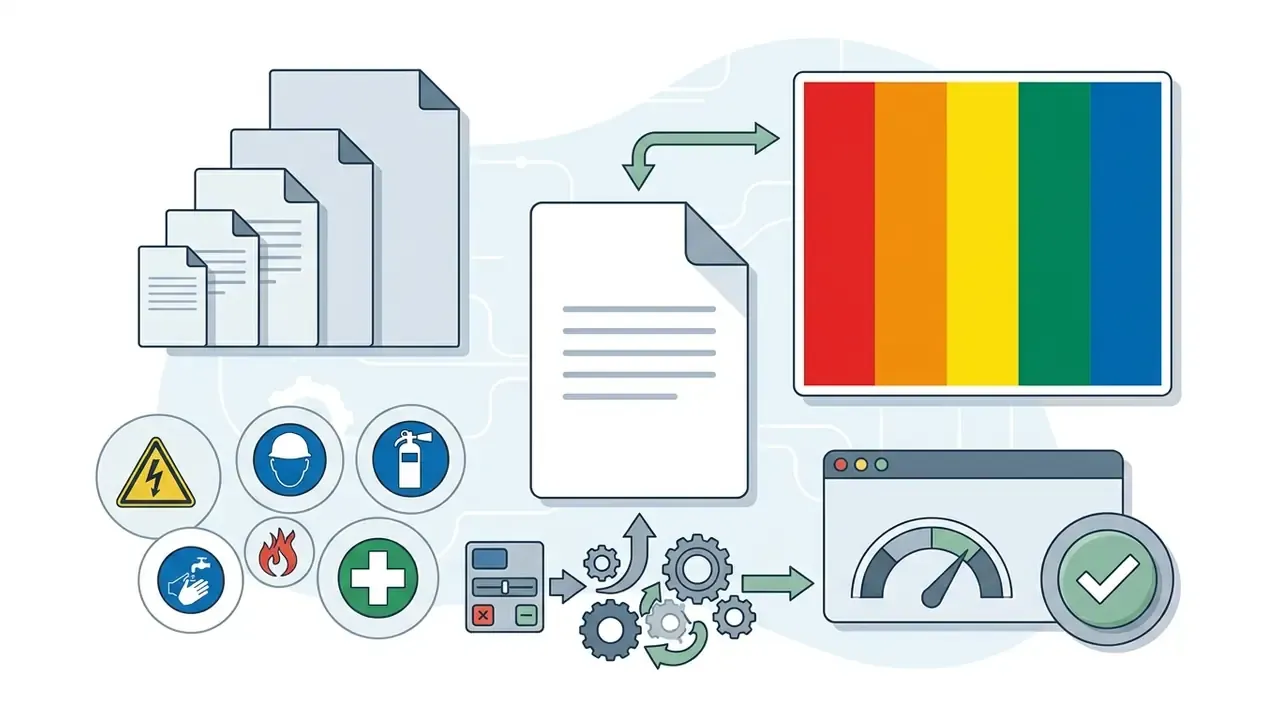
In practical prepress terms, that governance principle reduces to four verifiable numbers every sign file must satisfy: 300 DPI at final size, 0.125 in bleed, 4.5:1 text contrast, and 1 inch of cap height per 30 to 40 feet of reading distance. If a file misses one of them, it will usually show up on the printed panel, not on your monitor.
What a Free Online Sign Maker Can Help You Create
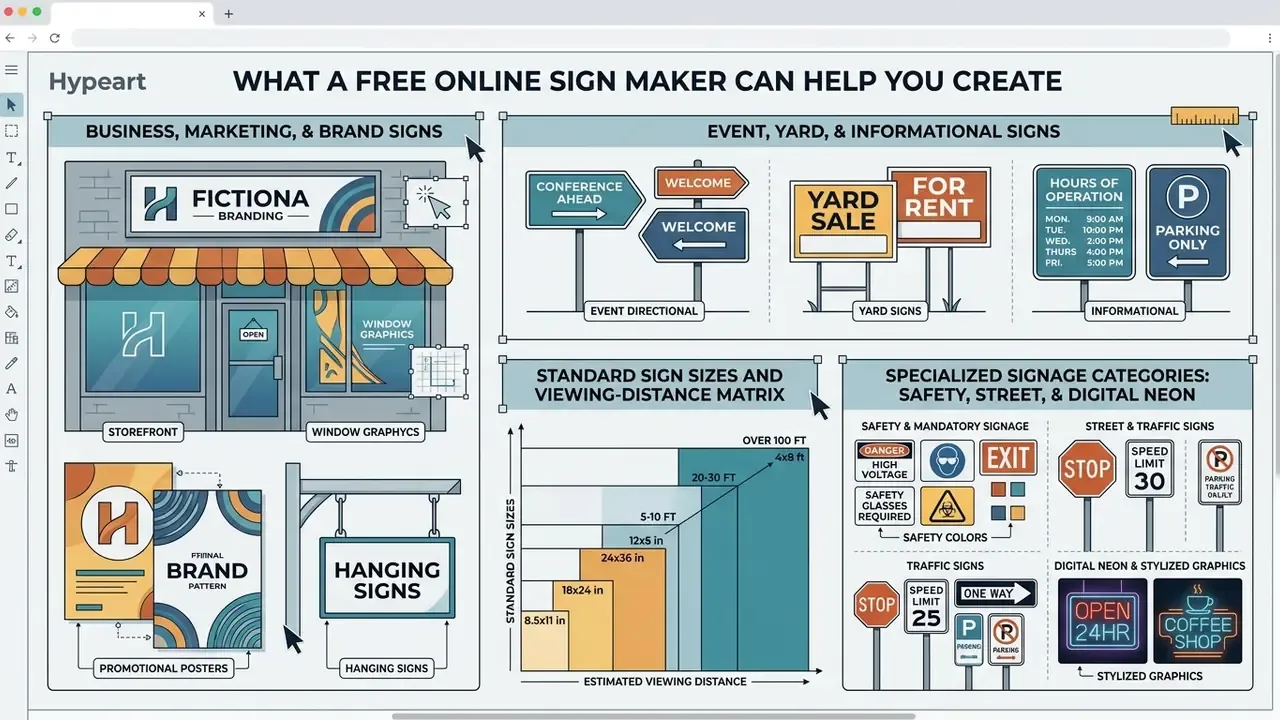
A free online sign maker provides browser-based tools to build custom signs for commercial operations and personal projects alike. You can generate physical signage for storefronts, temporary yard displays, or digital assets sized for monitors in high-foot-traffic areas. Using a free sign maker shortens the trip from rough concept to finalized layout, while keeping visual treatment consistent across media.
Plenty of organizations need graphics fast and have no in-house design team. A free online sign maker answers that with structured layouts that adapt to different operational contexts, from retail promotions to regulatory notices. Establish output destination early, because it drives everything else: static print files are locked to trim size, bleed and CMYK, while digital signage content is screen-optimized, uses short copy with oversized fonts, and gets refreshed often.
One useful habit: name the file with size and color space, for example yard-18x24-cmyk-v3.pdf. Sounds trivial. It prevents the wrong version reaching the printer.
Business, Marketing and Brand Signs
A business sign works as a primary touchpoint for customer acquisition, location identification and brand reinforcement. Commercial signage covers exterior storefront markers, promotional point-of-sale (POS) displays, and directional signs inside retail environments.
Research indicates that visual messaging shapes viewer choice directly. A 2020 randomized controlled trial on point-of-sale health warnings found that clear POS signage cut sugar-sweetened beverage selections from 43% in control settings to 29–34% across test conditions.
«Point-of-sale graphic warning signage reduced sugar-sweetened beverage selection from 43% in control conditions to 29–34% across tested warning formats.»
Effective commercial sign design rests on clear hierarchy, high-contrast typography and one explicit call to action. Public signage guidance reinforces the same discipline: a state-level quality signage guide advises limiting a sign to three colors or fewer, and notes that 12-inch letters stay readable from roughly 400 feet. Institutional standards go further, defining typeface, material and color systems so identification signage stays consistent across an entire campus or retail chain.
Brand logos, consistent color palettes and scalable vector elements build recognition and, over time, trust. Brand books usually enforce minimum mark sizes (commonly 0.3 to 0.5 inches) plus protected clear space around the logo, and both rules must survive any resize. If your brand asset is still unfinished, review the workflow options for AI logo generators before you lock the sign layout.
Standard Sign Sizes and Viewing-Distance Matrix
Selecting dimensions before designing prevents raster degradation and layout rework. The matrix below consolidates common indoor and outdoor formats with the distances they are built to serve.
| Sign Category | Standard Dimensions (Inches) | Primary Application | Recommended Viewing Distance |
|---|---|---|---|
| Small Indoor | 8.5 × 11 / 11 × 17 | Desktop notices, door hangers, office lobbies | 3 to 10 feet |
| Medium Indoor/Outdoor | 18 × 24 / 24 × 36 | Yard signs, POS displays, wayfinding | 10 to 30 feet |
| Large Commercial | 36 × 48 / 48 × 72 | Retail storefronts, event venue displays | 30 to 60 feet |
| Extra-Large Outdoor | 4 × 8 feet (48 × 96) | Roadside billboards, construction perimeters | 60+ feet |
| Oversized Roadside | 8 × 10 feet | Building identification, highway advertising | 100+ feet |
Table 2: Dimensional reference matrix for indoor and outdoor signage, matched to typical reading distances.
Read the matrix from right to left when the environment is fixed. Measure the distance at which people first need the message, then pick the panel size that supports it.
Event, Yard and Informational Signs
Event and yard signs deliver temporary messaging for local announcements, political campaigns, venue navigation and safety compliance. Standard physical yard signs typically measure 18×24 inches, printed on durable 4 mm corrugated polypropylene that shrugs off weather. Substrate thickness should follow expected service life: 3 mm for short-run events, 4 mm for 6 to 12 months of exposure, and 6 mm for 12 to 18+ months or high-wind locations. Some jurisdictions also cap temporary right-of-way signs at 4 square feet and 3 feet in height, and a few mandate yellow backgrounds with black text and borders. Check the ordinance before you order 200 panels.
Informational and directional signs live or die on immediate readability from variable distances.
«Sign visibility and route clarity received the highest decision weights when users with diverse needs evaluated hospital wayfinding systems.»
Federal guidelines recommend a legibility ratio of 1 inch of letter height for every 30 to 40 feet of viewing distance (FHWA MUTCD, 2023), a ratio echoed in aviation signage guidance that applies 40 feet per inch of letter height for mixed conditions. Contextual warning signage also shifts behavior measurably: a 2023 freeway-to-arterial driving simulator study found that combining normative speed limits with crash statistics reduced vehicle speeds by 7.8 km/h in spillover zones.
«Pairing normative speed-limit messaging with crash-statistic information lowered mean vehicle speeds by 7.8 km/h in downstream spillover zones.»
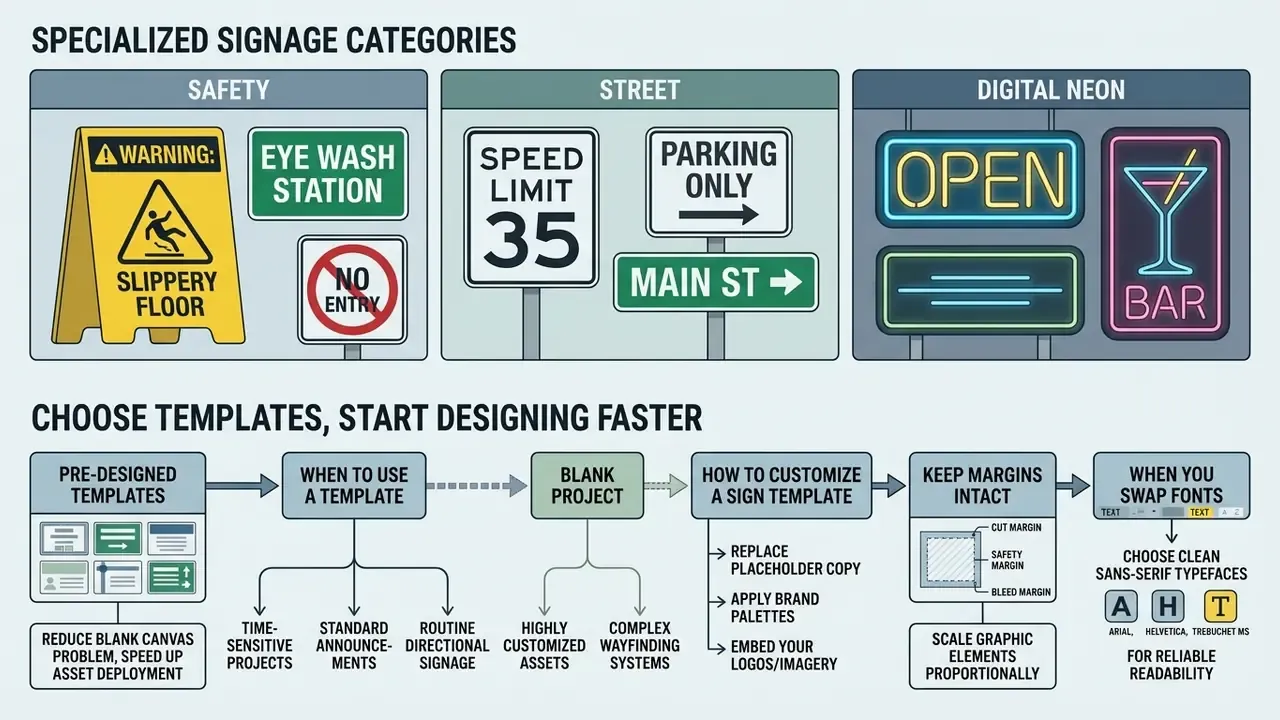
Specialized Signage Categories: Safety, Street and Digital Neon
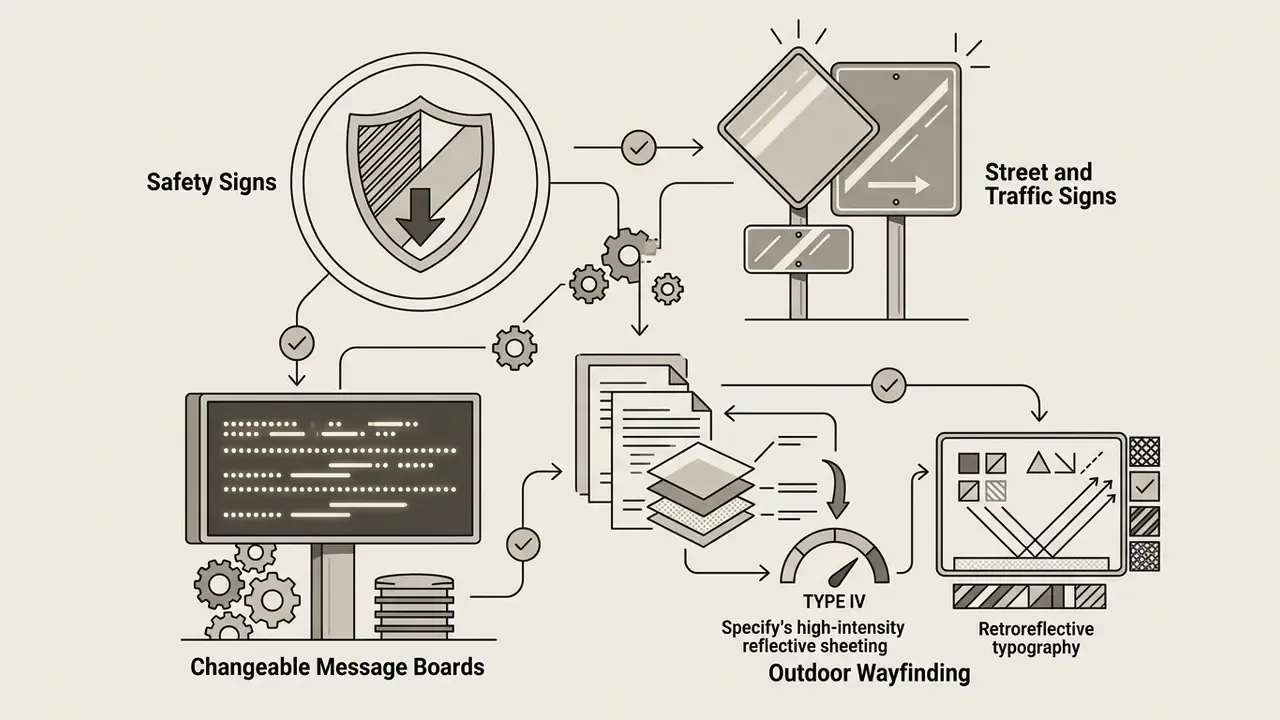
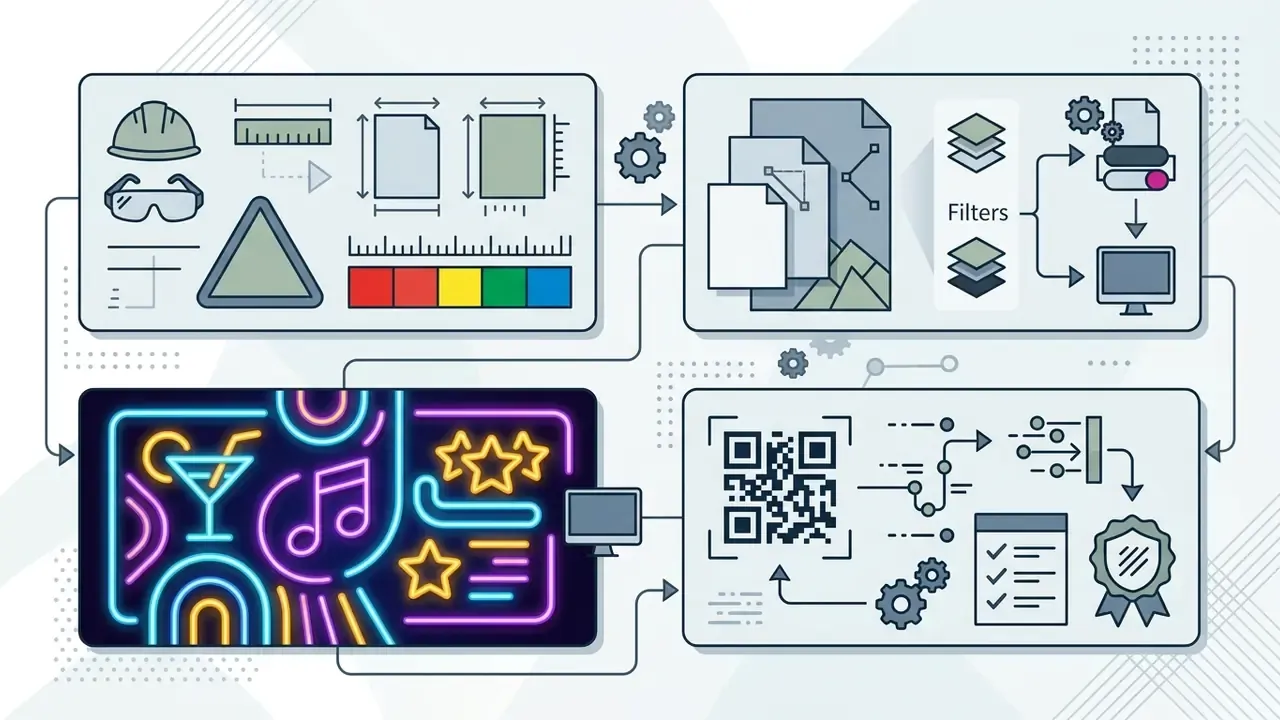
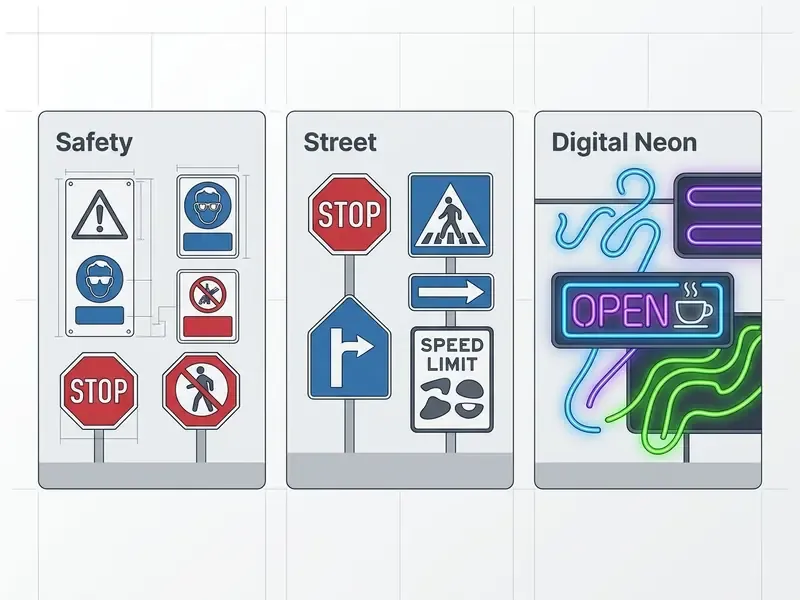
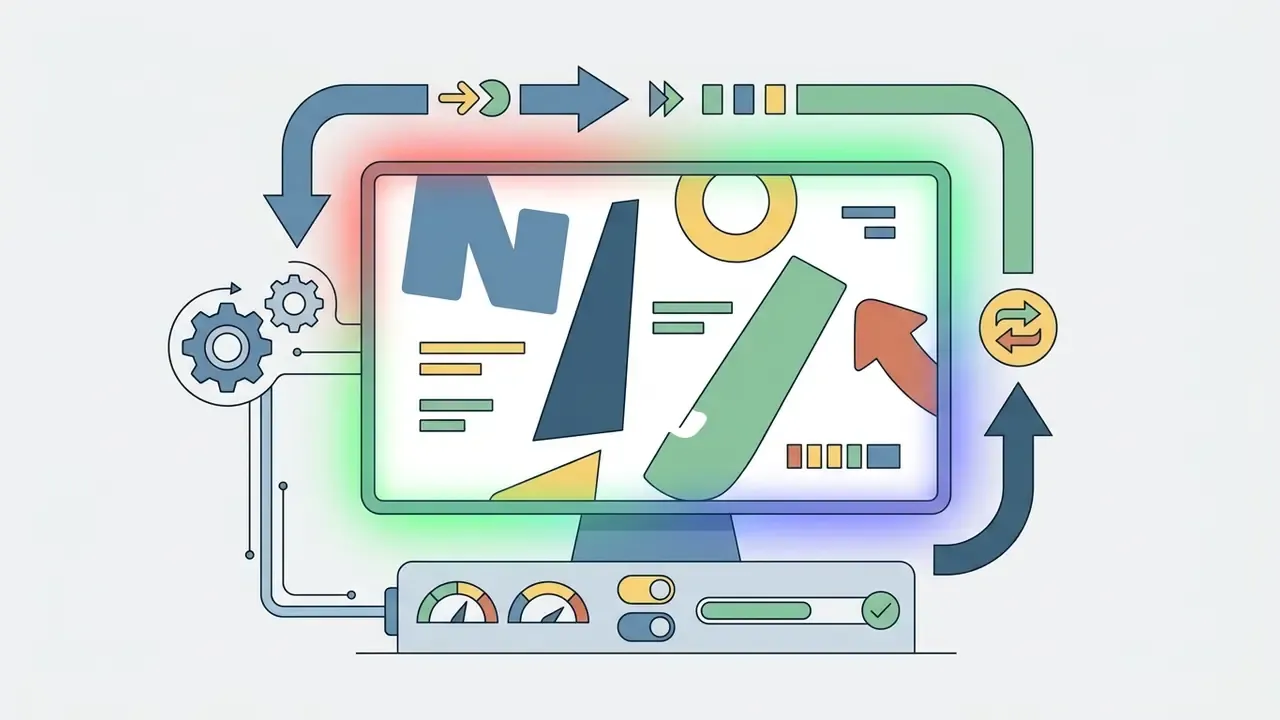
Gallery of free sign maker examples covering business, event, yard, safety and digital signage layouts, each described in text for accessibility.
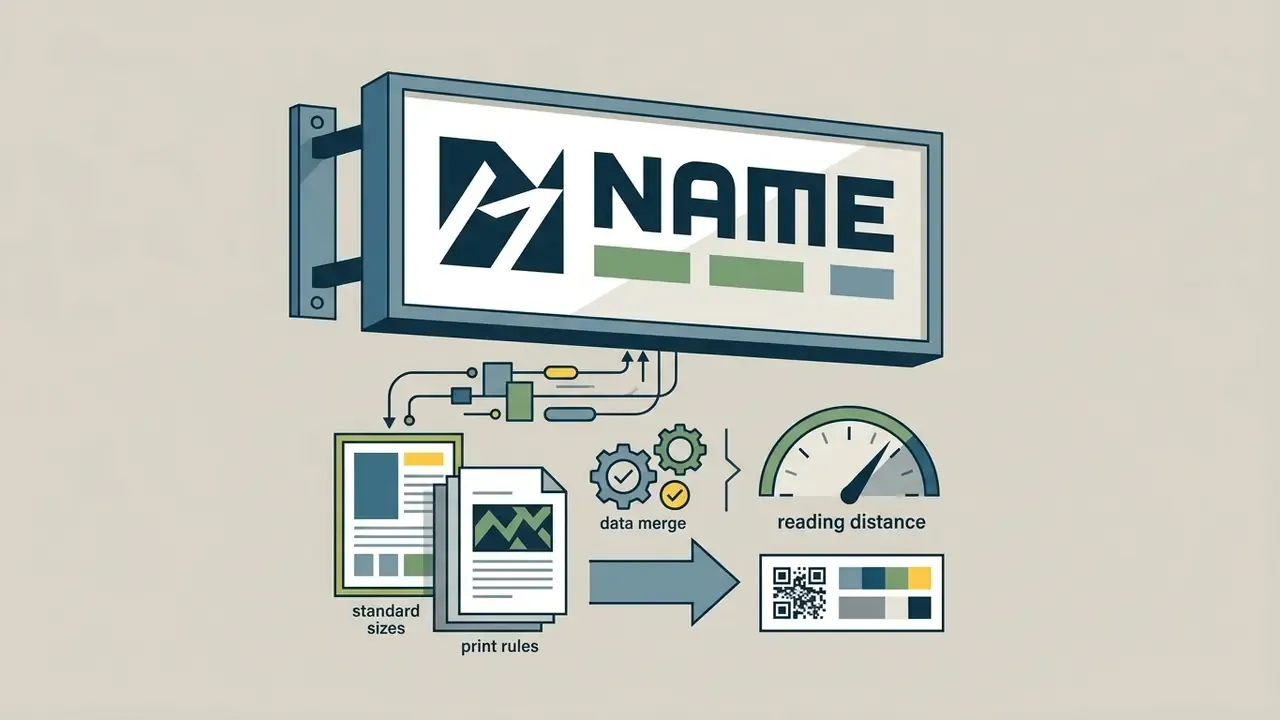
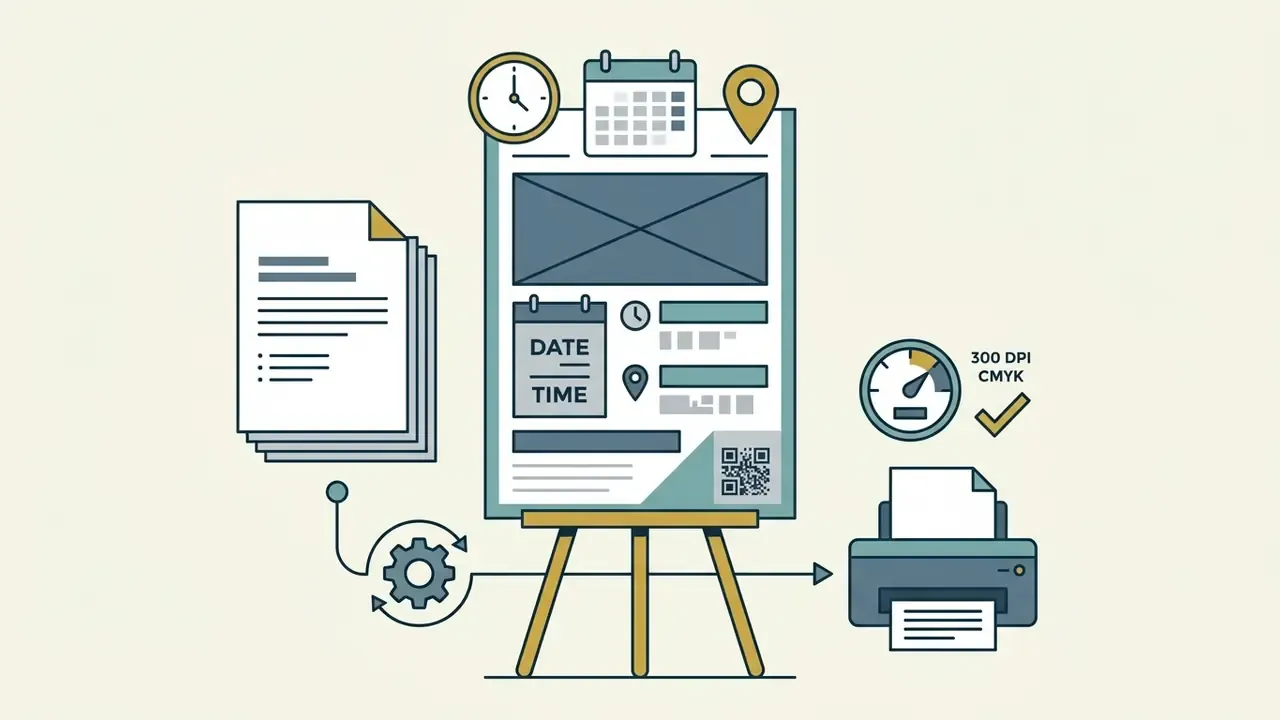
Choose Free Sign Templates and Start Designing Faster
When to Use a Template Instead of a Blank Design
Templates suit time-sensitive projects, standard promotional announcements and routine directional signage. They hand you a framework where typography, background contrast and image placement are already configured.
«Design templates simultaneously empower and constrain amateur designers, standardizing visual solutions across web-based production.»
A blank project earns its keep elsewhere: highly customized brand assets, complex wayfinding systems, or designs needing unusual spatial proportions. Institutional signage guidelines draw the boundary cleanly. Text placement and font rules can be fixed and templated, while a directional arrow is treated as a unique, non-substitutable design element. When you need to weigh structured templates against manual composition across visual media, the strategic side is covered in the AI Media Comparison Matrices.
How to Customize a Sign Template
Customizing a template means replacing placeholder copy, applying brand-specific palettes and embedding your own graphics or logos. To protect legibility, contrast ratios between text and background must meet minimum standards: 4.5:1 for standard text and 3:1 for large-scale text (WCAG 2.2 Guidelines, W3C).
«Text and images of text require a contrast ratio of at least 4.5:1; large-scale text requires at least 3:1.»
Scale graphical elements proportionally, and keep cut, safety and bleed margins intact. Composition guidance from public interpretive-media standards suggests roughly one-third graphics, one-third text and one-third blank space, with interline spacing near three-quarters of adjacent uppercase height and edge padding equal to the largest letter height. When you need original artwork instead of stock elements, compare options among free AI image generators and confirm licensing before print.
When you swap fonts, choose clean sans-serif typefaces such as Arial, Helvetica or Trebuchet MS for reliable recognition at distance. Script faces photograph beautifully and read poorly. That trade-off is rarely worth it on a roadside panel.
How to Make a Sign Online for Free
Creating a custom sign online follows a structured, multi-step digital workflow. With web-based tools, you select dimensions, establish background layers, format the messaging, and verify print specifications before export.
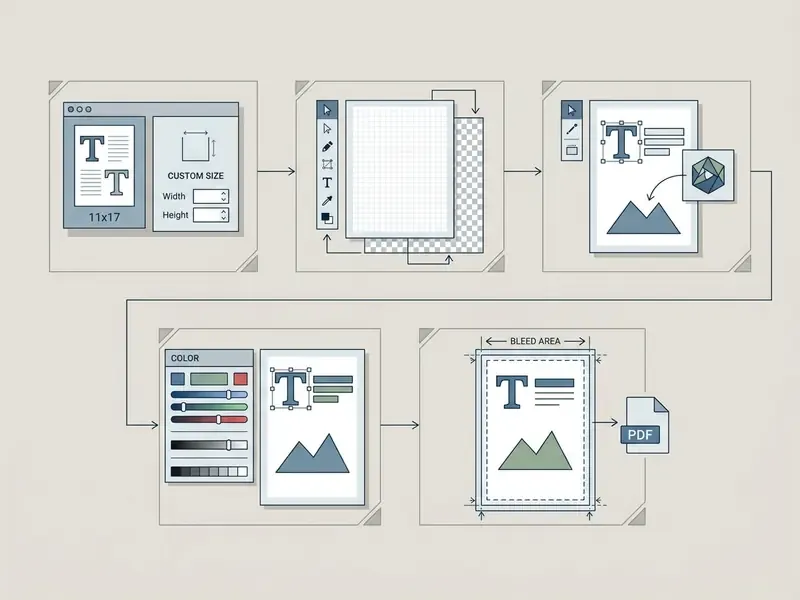
Figure 1: Step-by-step digital workflow for creating printable signs in an online sign editor. Each step is available as text, so the sequence does not depend on the image.
To start, launch a sign maker online tool and define the target document size, or pick a standard preset. Setting explicit canvas dimensions upfront prevents raster degradation during final print rendering. For quick math on aspect ratios, DPI at size, bleed allowances and file weight, the AI Media Calculators do the arithmetic faster than a spreadsheet.
Add Text, Images and Graphics to Your Sign
Text layout needs a distinct visual hierarchy: one dominant headline, secondary explanatory subheads, and concise body text. Short word counts let passers-by absorb the core message quickly. Federal traffic-sign guidance states that word messages should be "as brief as possible," with letter height sized to deliver the required legibility distance (FHWA MUTCD, 2023). Field practice for drive-by and walk-by signage assumes roughly 3 to 5 seconds of attention, which is exactly why single-idea headlines beat multi-line paragraphs. [Data note: the 3 to 5 second exposure window is a widely used design heuristic, not a standardized measured value. Treat it as a planning assumption.]
Short, explicit label text also changes how viewers act on information:
«Warning labels attached to content reduce belief in and sharing of misinformation across the political spectrum.»
Import high-resolution raster images (minimum 300 DPI at full scale) or scalable vector graphics (SVG) to avoid pixelation. If your only usable photo is too small for the finished sign size, run it through AI image upscaling tools before placement rather than stretching it on the canvas. When you combine several media formats, or evaluate automated content creation, the AI Media Commercial-Use Hub collects licensing and integration guidance in one place.
Customize Colors, Background and Brand Elements
Background choice drives text legibility more than font choice does. Avoid dark text over detailed, busy photography unless you add a solid or semi-transparent overlay panel. Practical background work, masking, replacing or flattening a photographic backdrop, moves faster in a dedicated editor; see the capability overview for image background editing tools plus the general photo editor and free photo editor comparisons before importing assets into the sign canvas.
Brand colors carry visual continuity across channels. One useful exemption: WCAG contrast thresholds do not apply to text that forms part of a logo or brand name, though brand guidelines still push for maximum tonal separation between mark and background. Where the sign layout has to coexist with motion content on in-store screens, evaluate an animation maker for the digital variant, and keep the static print file separate. Store-screen video assets follow different rules again: trim and caption them in a tool like the veed video editor, add burned-in text with a video caption generator for muted playback, and shrink the final file with a video compressor before loading it onto a player.
Advanced Tools: Bulk Data Merge and Dynamic QR Codes
Modern web-based sign makers go beyond single-canvas editing and automate high-volume work:
- Mail and data merge Variable data printing accepts structured dataset files (.CSV or .XLSX) and generates batch signage automatically, including personalized employee nameplates, serialized directional markers, room numbers and variable price displays. No manual copy-paste. This is the standard route to dozens of near-identical signs from one validated master layout.
- Interactive QR and barcode generators Dynamic vector QR codes connect a physical panel to menus, sign-up forms, contact pages, product data or check-in flows. Keep printed codes at a minimum of 0.8×0.8 inches (20×20 mm) with a 4:1 quiet zone, and scan the printed proof with at least two phone cameras before mass production.
- Reusable saved projects Free accounts on most platforms store editable versions of every sign, which makes reordering, seasonal edits and multi-location rollouts far cheaper than rebuilding artwork from scratch.
- Multi-panel campaign assets For social or lobby-screen recaps of an event series, a video collage built in a video collage app reuses the same headline hierarchy you already approved on the printed sign.
Make Printable Signs: Download, Print or Order
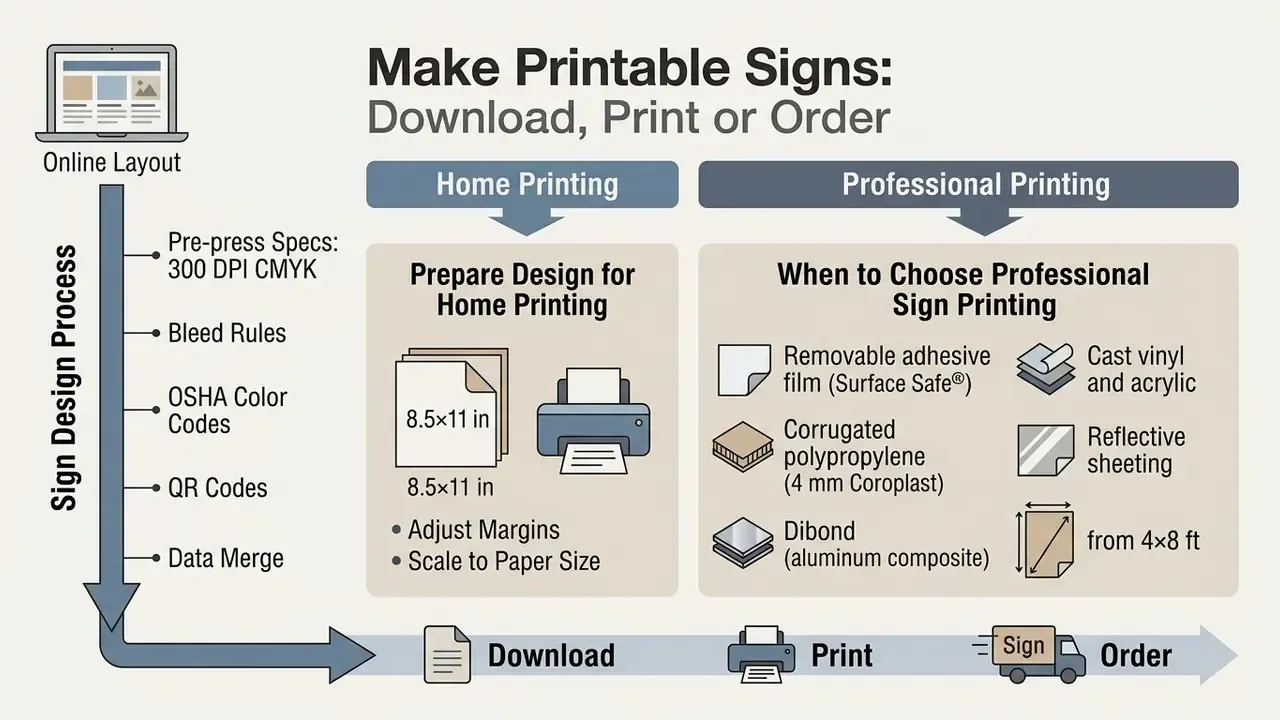
Turning an online layout into a physical printable sign demands strict adherence to prepress parameters. Prepare the file correctly and you avoid three familiar disappointments: cropped margins, shifted color, soft type.
A free printable sign maker exports to universal file types. PDF remains the industry standard for high-fidelity physical output, while PNG and JPEG serve web and screen displays.
Preparing a Sign Design for Home Printing
Desktop printers handle small-scale directional notices, temporary labels and standard letter-sized signs (8.5×11 inches). Set the printer driver to "Actual Size" or 100% scale rather than "Fit to Page" so physical dimensions stay exact.
| Technical Parameter | Home Printing Standard | Professional Print Requirement |
|---|---|---|
| Bleed Area | None (0 mm) or minimal printer margin | 0.125 in (3 mm) on all outer edges |
| Minimum Resolution | 150 to 300 DPI at final size | 300 DPI (600 DPI for fine line art) |
| Color Space | RGB (converted by print driver) | Native CMYK (process color) |
| Primary File Format | PDF Standard, PNG, JPEG | Press-quality PDF / PDF/X-4 |
| Substrate Compatibility | Paper, lightweight cardstock, standard labels | Rigid aluminum, corrugated plastic, acrylic, vinyl |
| Turnaround | Immediate output, page by page | Submission, proof, prepress, then production |
| Cost Profile | Per-page consumables only | Setup plus material and finishing costs |
Table 3: Prepress technical specifications comparing desktop output against commercial printing requirements.
Read that table as a decision, not a spec sheet. Home printing wins on speed and cost for anything letter-sized and temporary. Commercial printing wins the moment you need bleed to the edge, matched CMYK color, a rigid panel, or finishing hardware.
For borderless output on desktop devices, enable "Borderless Printing" in the driver and feed heavier media, such as 65 lb+ cardstock or self-adhesive sheets, through the manual bypass tray. Manufacturer documentation is blunt about the mechanics: borderless mode enlarges artwork slightly beyond the sheet edge, so a "Borderless" paper size and an extension amount must be selected in the driver, and typical non-borderless minimum margins run around 3.0 to 3.3 mm per side. For adhesive label stock, set the media type to a heavy or label-specific profile, feed from the multipurpose tray, and confirm that exposed adhesive cannot touch internal printer components.
If a source photo cannot hold 300 DPI at the intended sign size, fix it before printing rather than after. The practical options appear in the guide to AI tools for increasing image resolution and the AI Expand Image overview for widening cropped backgrounds.
When to Choose Professional Sign Printing
Professional printing becomes necessary for large-format displays, outdoor yard signs and rigid substrates including aluminum composite, acrylic and heavy-duty PVC. Commercial flatbed UV printers cure ink directly onto rigid material, delivering multi-year weather and UV resistance. Updated: UV-curable flatbed systems remain the practical method for high-quality direct printing on rigid panels such as aluminum, acrylic sheet, glass and plywood (Wilhelm Imaging Research, 2014), and current manufacturer durability data reports unlaminated outdoor lifetimes measured in years on self-adhesive vinyl, polycarbonate and aluminum composite media (HP Latex print durability documentation, 2024). By contrast, some lightweight graphic media are rated for only one to three months of direct UV exposure. Substrate choice, not ink alone, sets service life.
Material selection governs physical longevity:
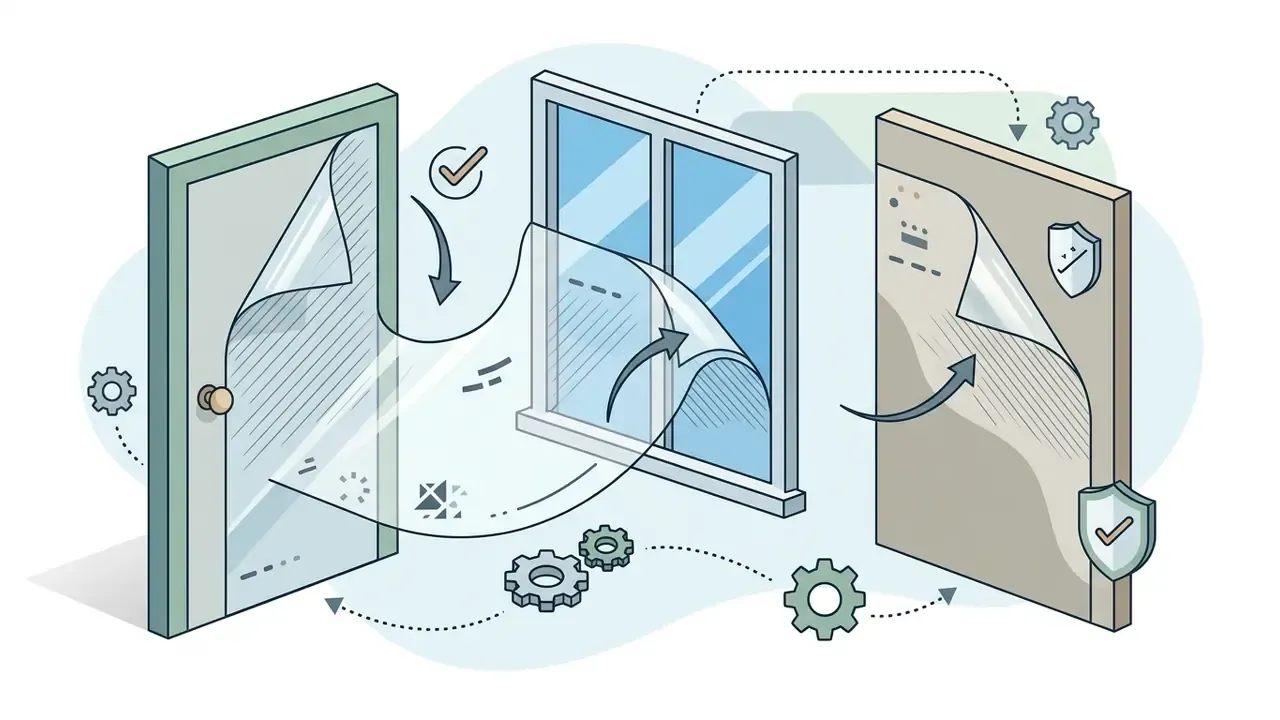
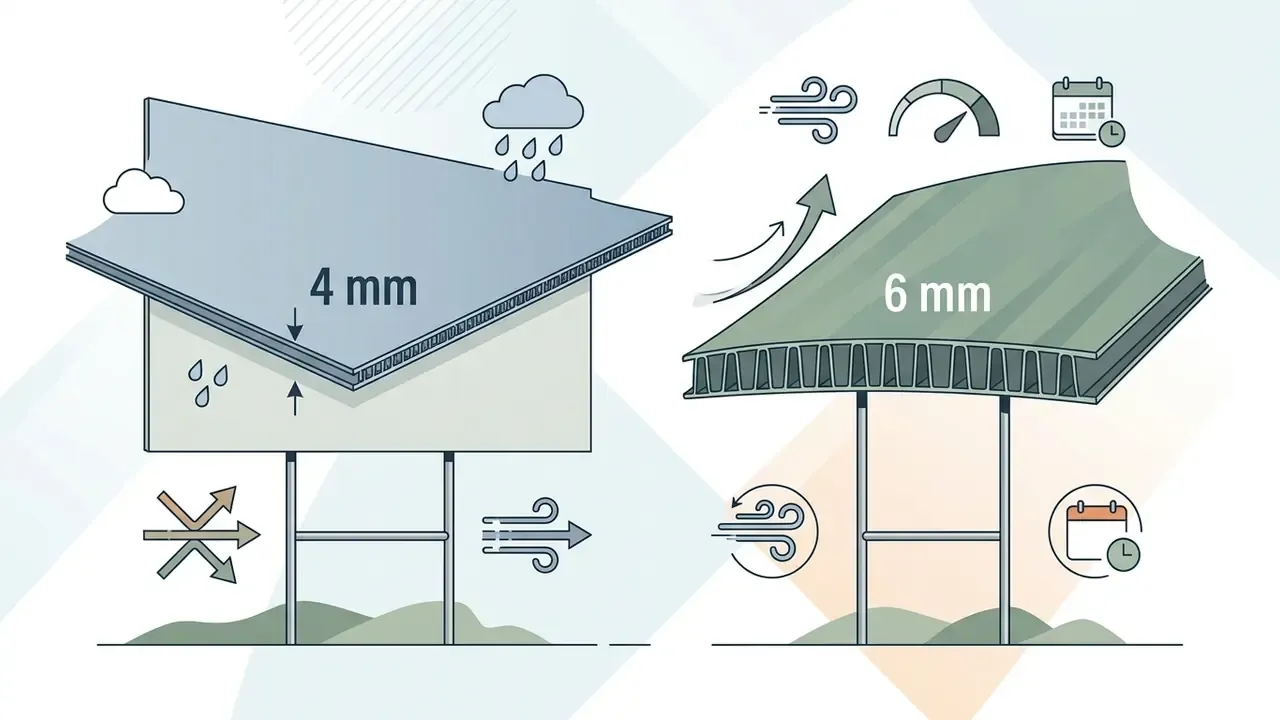


Choose commercial printing when your signage needs full 0.125-inch (3 mm) bleed, exact CMYK matching, or finishing such as grommets, hemmed edges and mounting brackets. Commercial submission standards usually demand embedded fonts, embedded high-resolution images and a press-ready PDF generated from the final native file. Web-optimized PDFs and office-graphics exports get bounced routinely. Where source assets are marginal, treat image quality enhancement before sending files to print as part of prepress rather than an afterthought.
What "Free" Includes for Business and Professional Use
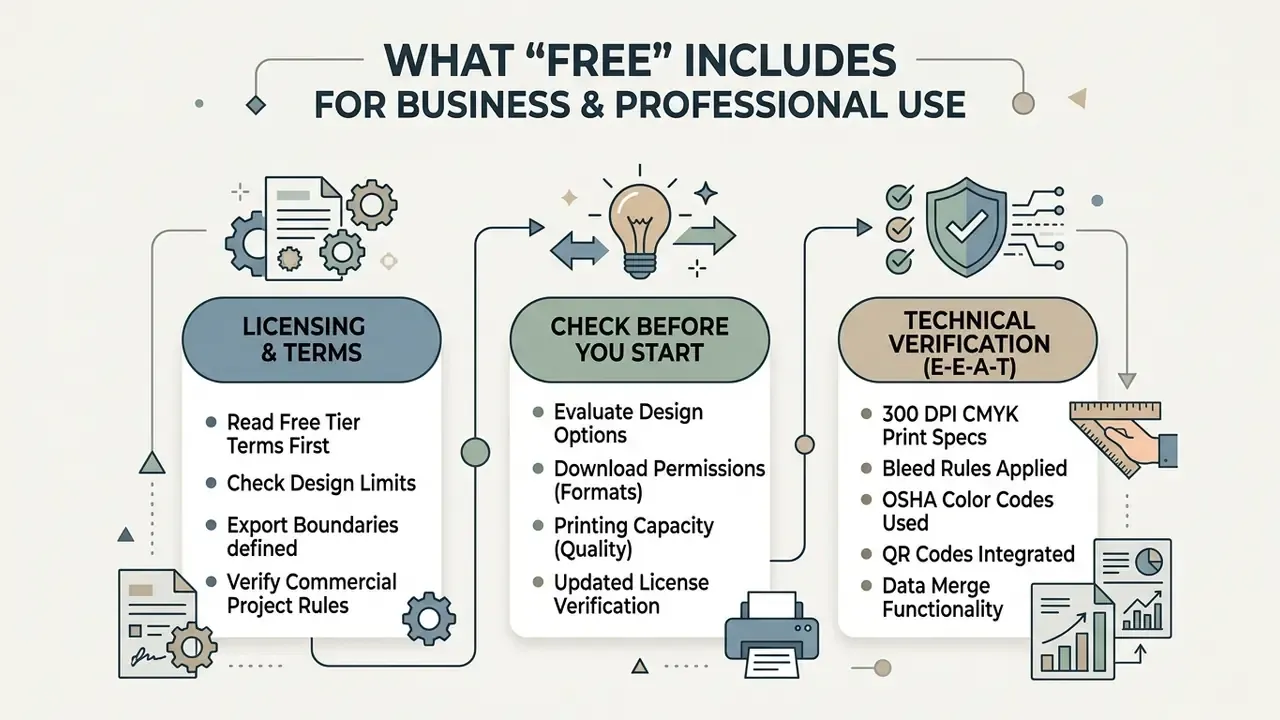
Evaluating a free business sign maker means reading licensing terms, export boundaries and feature limits before you start a commercial project. Basic creation is genuinely free on most platforms. Advanced functionality often sits behind a paywall, and license scope varies more than the marketing copy suggests.
| Feature / Capability | Free Tier Availability | Paid / Premium Tier Requirement |
|---|---|---|
| Template Access | Standard library selection | Full premium catalog and exclusive styles |
| Export Resolution | Standard web / 72 to 150 DPI PDF | High-resolution 300 DPI prepress PDF |
| Commercial Licensing | Allowed with attribution or basic assets | Full commercial indemnity and trademark support |
| Brand Management | Manual color and logo input | Automated brand kits and central font upload |
| Watermark Policy | May apply to premium vector assets | Complete watermark removal on all exports |
| Data Merge / Bulk Output | Often limited row counts or unavailable | Full CSV/XLSX variable-data merge |
Table 4: Operational feature matrix for free online sign creation platforms.
Check Design, Download and Printing Options Before You Start
Before you invest hours in layout work, check whether the platform enforces export restrictions, resolution caps or automatic watermarks on free accounts. Some tools limit free exports by page count and stamp a watermark along the footer, and certain PDF export watermarks are applied at export time only, meaning you cannot reposition or resize them from the source document.
Updated (license verification): Terms differ sharply between vendors, so the practical rule is to read the license, not the landing page. LOGO.com states that free-plan compositions are non-commercial and that commercial use requires a paid plan (LOGO.com, Terms and Conditions, 2026, https://logo.com/terms-and-conditions). LogoMakr similarly prohibits free-file use for commercial, professional or business purposes, explicitly including signage (LogoMakr, Give LogoMakr Credit, 2025, http://logomakr.com/give_credit/). Online-Sign permits commercial use of printed signs only if the service attribution is retained (Online-Sign, Terms, 2026, http://www.online-sign.com/terms.php). Canva, by contrast, permits broad commercial use of Free and Pro content while prohibiting use inside a trademark, with fonts and basic shapes excepted (Canva's licensing explained, 2026, https://www.canva.com/licensing-explained/).
Verify licensing frameworks through the AI Media Pricing Guides and AI Media Support and Troubleshooting before you deploy assets in commercial campaigns. If ownership of AI-assisted artwork matters to your legal team, the AI Litigation and Case Timelines track how those disputes are moving through US courts.
Technical verification checklist (E-E-A-T):
- Watermark audit: test-export a sample draft and confirm no hidden watermark appears on the final PDF edge or footer.
- Resolution verification: confirm exported raster graphics hold at least 300 PPI at 100% physical print scale, and that effective PPI after scaling never drops below 300.
- License terms check: confirm whether free asset elements (icons, stock photos) permit commercial distribution without fee liability, and whether trademark use is excluded (Canva's licensing explained, https://www.canva.com/licensing-explained/).
- Margin integrity: verify that text sits inside the 0.25-inch safety margin from trim, and that bleed extends 0.125 in beyond trim.
- Font and image embedding: confirm the exported PDF embeds all fonts and linked images before submission to a commercial printer.
Free Sign Maker App, Online Tool or Software: Which Format to Choose
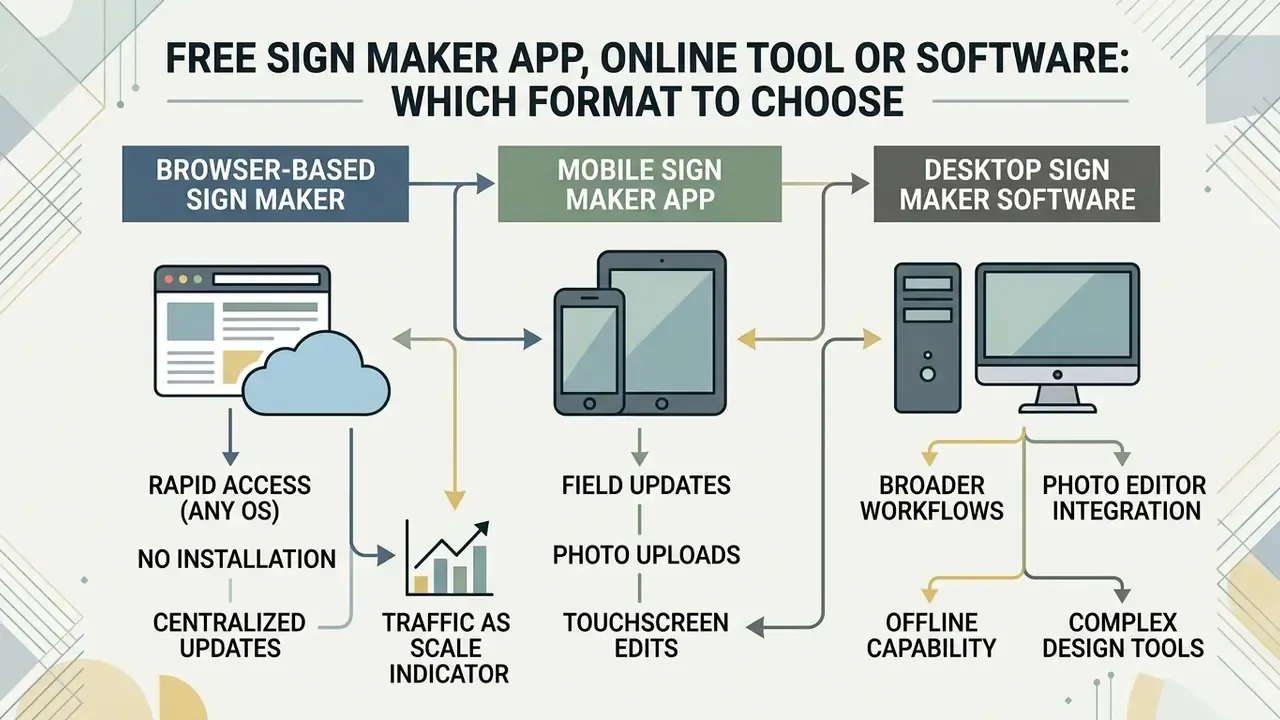
Choosing between a web-based sign maker online, a native mobile app, or dedicated desktop software depends on your operational context, hardware and printing complexity.
| Evaluation Metric | Browser-Based Online Tool | Mobile Sign Application | Desktop Design Software |
|---|---|---|---|
| Primary Strength | Cross-platform access and templates | On-the-go edits and camera capture | Advanced vector control and prepress |
| Representative Tools | Canva, Fotor, Adobe Express, Avery Sign Maker | Fotor mobile, CapCut, Desygner | Adobe Illustrator, InDesign, Inkscape |
| System Requirement | Web browser and active connection | iOS / Android device | Local installation and desktop OS |
| Export Flexibility | PDF, PNG, JPEG, basic SVG | Mobile PDF, JPEG, social formats | Press-quality PDF/X, EPS, native vector |
| Collaboration | Real-time multi-user cloud editing | Single-user touch interface | File-based or local network sharing |
| Best Fit Task | Fast template-driven signage | Field updates and on-site capture | Preflight-verified large-format output |
Table 5: Format comparison matrix for sign creation software ecosystems. In short: browser for speed, app for the field, desktop for anything printed large.
Browser-Based Sign Maker vs Sign Maker App
Browser-based sign editors give you rapid access across operating systems, with nothing installed locally. Web traffic metrics show how widely that model has been adopted. Updated (period-specific figures): Canva recorded approximately 791 million monthly visits in June 2025 and roughly 925.6 million monthly visits in August 2025, with more than 70% of desktop traffic arriving as direct visits.
«Canva recorded roughly 925.6 million visits in August 2025, with about 70% of desktop traffic arriving directly.»
Third-party traffic estimates move constantly, so treat them as scale indicators rather than audited metrics. For a feature-level view of that ecosystem, see the overview of Canva AI Generator capabilities for design.
Mobile apps shine at field updates, photo uploads and simple directional edits on a touchscreen. Vendor documentation for field-service and forms apps keeps highlighting the same advantage: on-site completion and immediate signing, including offline-first scenarios. Desktop browsers still hold the edge for precise alignment, complex multi-layer editing and high-resolution print export, while professional desktop software adds preflight checks that flag missing fonts, broken links, absent bleed and images below 300 ppi before anything reaches output.
Broader creative workflows tend to sit next to sign creation, not apart from it: a photo editor, a free photo editor, an animation maker or a video compressor for in-store screen content. Community-facing teams sometimes need the opposite direction too, publishing signage that promotes live sessions or video chat with strangers online formats, where the QR code carries the whole call to action. Specialized technical requirements, including API integrations for automated asset generation, are covered in the AI Media API Guides.
Pre-Flight Typography and Contrast Checklist
Run this memo immediately before export. It catches the errors that most often ruin an otherwise correct sign file.
- Cap height vs distance apply 1 inch of letter height per 30 to 40 feet of viewing distance; for a 10-foot reading distance, headline type near 72 pt is a safe floor.
- Typeface replace decorative, script and condensed display fonts with legible grotesques such as Arial, Helvetica, Trebuchet MS or a comparable sans-serif.
- Case use sentence case for longer legends; reserve all-caps for short imperatives such as STOP or EXIT.
- Contrast verify 4.5:1 for standard text and 3:1 for large-scale text; logos and brand names are exempt from the ratio but should still maximize tonal separation.
- Color count limit the palette to three colors or fewer for outdoor readability.
- Spacing keep interline spacing near three-quarters of adjacent uppercase height, edge padding equal to the largest letter height, and object spacing at 1 to 1.5× uppercase height.
- White space aim for roughly one-third graphics, one-third text and one-third empty space.
- Proofing print a scaled proof, step back to the intended reading distance, and confirm the primary message resolves in under five seconds.
Eight checks. Maybe four minutes of work, and it saves reprints.
FAQ: Free Sign Maker Questions
Can I print signs created with a free online sign maker at home?
Yes. Most free online sign makers let you download the design as a PDF or PNG, which prints on standard home or office printers using letter-sized paper, cardstock or printable label sheets. Set the driver to "Actual Size" (100%) and feed heavy or adhesive media through the manual bypass tray.
What is the standard size for an outdoor yard sign?
The industry standard is 18×24 inches. Smaller options include 12×18 inches for pedestrian areas, while 24×36 inches is common for high-speed roadway visibility. Larger formats scale to 36×48, 48×72 inches and 4×8 feet for roadside and billboard use.
What resolution should I use for a printable sign file?
Prepare printable signs at a minimum of 300 DPI at 100% physical scale to keep text and images sharp. Fine line art benefits from 600 DPI.
Can I create many signs at once from a spreadsheet?
Yes. Sign makers with mail merge or variable-data functionality accept .CSV or .XLSX uploads and generate a batch from one master layout, which suits nameplates, room numbers, serialized directional markers and price displays. Free tiers may cap merged records, so test with a small dataset first.
Do free sign makers support QR codes and barcodes?
Many do. Generate the code as a vector element, keep the printed size at 0.8×0.8 inches (20×20 mm) or larger, preserve a 4:1 quiet zone, and scan the physical proof with more than one device before a full run.
Are sign designs created on free platforms cleared for commercial use?
It depends on the platform's terms of service. Many platforms permit commercial use of free designs, while others restrict it, enforce watermarks or require attribution unless you upgrade. Canva permits broad commercial use but excludes trademark registration; LOGO.com and LogoMakr limit free output to non-commercial use. Verify the specific license before deployment.
Can I design my own safety or mandatory signage?
You can, provided the design complies with the rules for your jurisdiction and workplace. Compliant safety signs follow OSHA and ANSI Z535 conventions, including red for danger, yellow for caution, green for safety and first aid, and blue for notices, plus legible pictograms and unambiguous wording. Confirm requirements with the responsible authority before installation.
What color mode is best for physical sign printing?
CMYK (cyan, magenta, yellow, key/black) is the standard for physical printing. Convert RGB files to CMYK before sending them to a commercial printer to prevent unexpected color shifts, especially with neon-style glows and fluorescent accents.
How long will an outdoor printed sign last?
Service life follows substrate and lamination rather than design. Lightweight graphic films may be rated for one to three months of direct UV exposure, 4 mm corrugated polypropylene commonly serves 6 to 12 months, 6 mm handles 12 to 18+ months, and UV-cured output on vinyl, polycarbonate or aluminum composite can hold several years outdoors.
Verification Notes and Update Log