Last updated: 2026. Verified against Google Search Central documentation, Google Search Help operator pages, Kagi and DuckDuckGo product help, and public open-source blocklist repositories.
Quick Cheat Sheet (Copy and Paste)
Thirty seconds is enough. Copy one of the strings below into Google Images and swap the first words for your own topic.
architectural photography -ai -"ai generated" -midjourney
architectural photography -ai -"stable diffusion" -checkpoint -seed
beethoven portrait before:2022-01-01
product photo -site:lexica.art -site:nightcafe.studio -site:playground.com
- Fast clean-up (safest, low false-positive risk)Fast clean-up (safest, low false-positive risk):
- Aggressive clean-up (adds synthetic platforms and metadata tokens)Aggressive clean-up (adds synthetic platforms and metadata tokens):
- Historical or documentary photos only (strongest single lever)Historical or documentary photos only (strongest single lever):
- Source-level exclusion (known synthetic repositories)Source-level exclusion (known synthetic repositories):
- No AI text summaries in the main Google resultsappend
&udm=14to the search URL, or use More → Web. - Permanent fix without per-query typinginstall uBlacklist, subscribe to the Huge AI Blocklist, or switch to DuckDuckGo (
Settings → AI Features → Hide AI-Generated Images) or Kagi (ai:none).
⚠️ Do not chain more than five or six negative operators in one query. Google's automated abuse detection reads long exclusion strings as unusual behaviour and starts serving CAPTCHA challenges.
Why Clean Image Results Matter Outside Personal Taste
For most people, an AI image in the results grid is an annoyance. For a compliance, marketing, or model-risk function inside a US bank, it is a sourcing defect with downstream consequences.
Think about where images actually land: prospectus decks, customer-facing campaigns, KYC and AML training material, internal control documentation, board packs. A synthetic portrait that sneaks into a fraud-awareness module is not just embarrassing. It undermines the evidence chain that auditors expect you to reproduce twelve months later.
There is a second, quieter risk. When employees fix the problem privately, with personal extensions and personal accounts, the control lives outside your inventory. That is Shadow AI in miniature: real, undocumented, and unowned. Centralised deployment is the difference between a habit and a control.
So the practical question for a governance lead is narrow. Which of these methods reduces exposure, which produces evidence, and which does neither?
Can You Filter Out AI Images on Google? Current Limits of Google Search
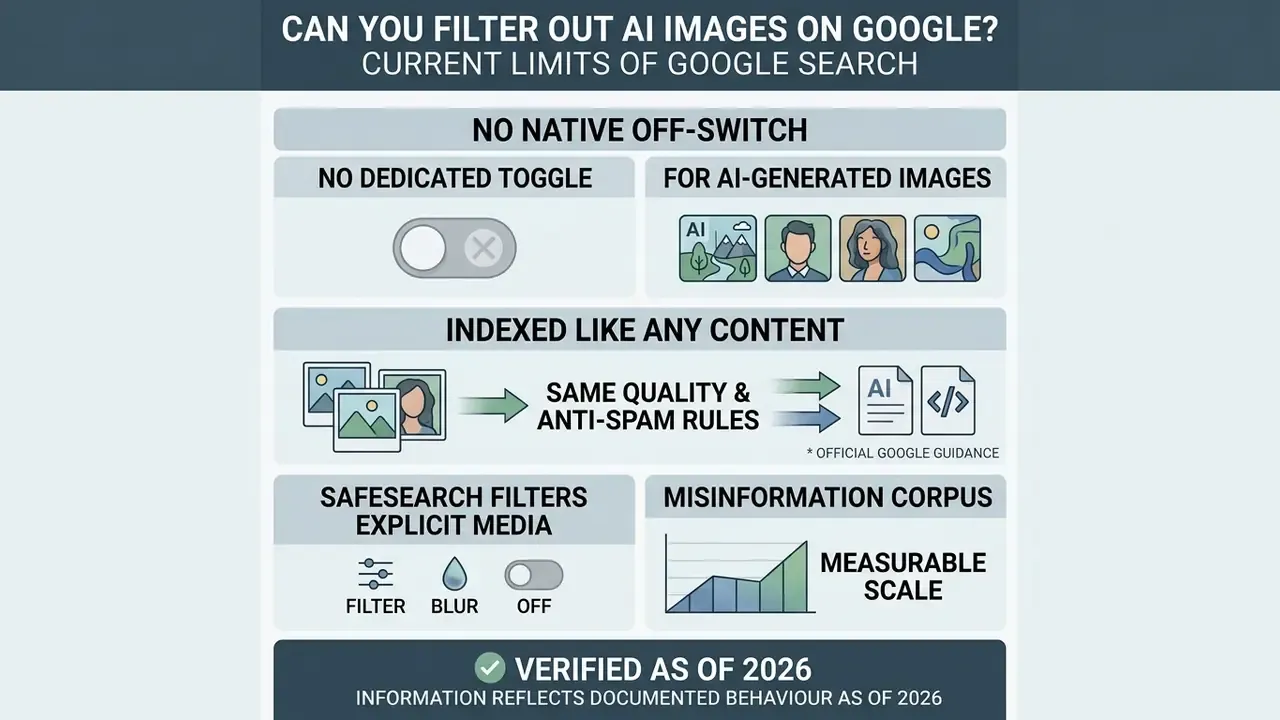
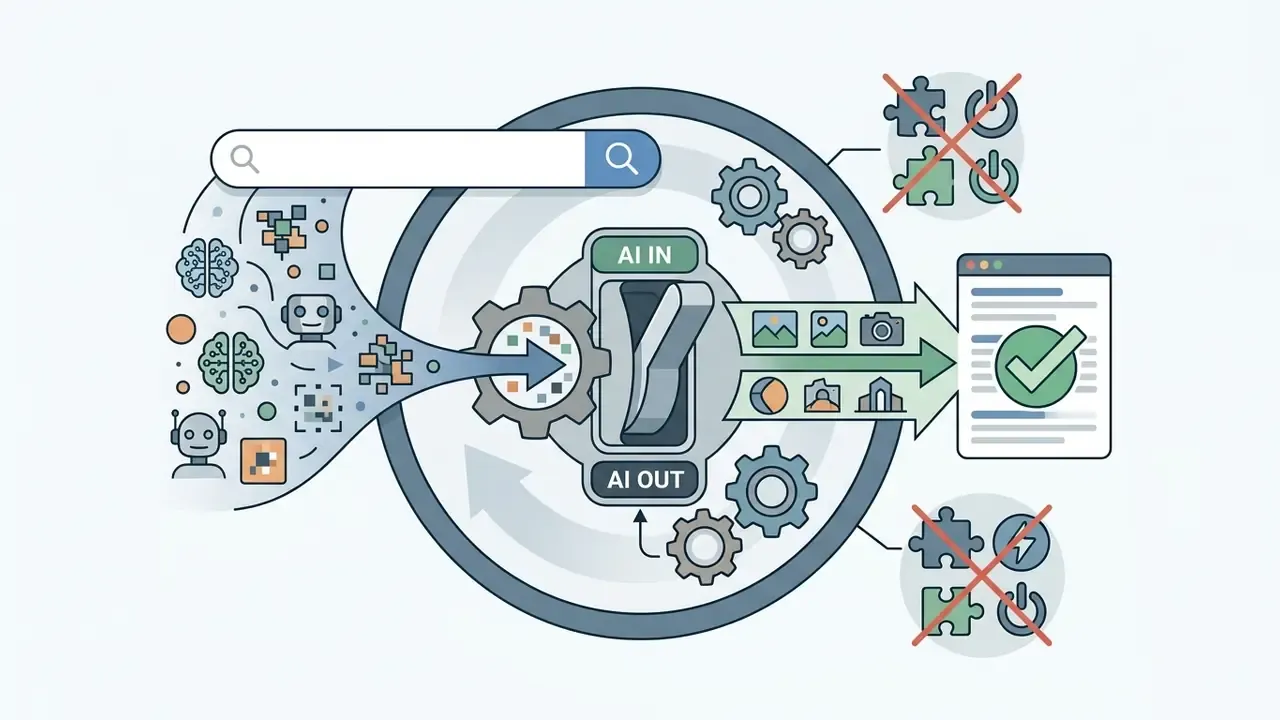
As of 2026, Google Search still offers no native off-switch and no dedicated interface toggle to filter out AI-generated images from Google Images or web search. Anyone asking how to disable AI images on Google is left with three levers: manual query parameters, domain-level exclusion rules, and third-party filtering extensions.
Official Google guidance confirms that AI-generated content is indexed under the same quality and anti-spam ranking systems as everything else (Google Search Central Documentation, 2026). Google does support digital provenance tracking through C2PA Content Credentials and SynthID watermarking, surfaced in Google Lens, AI Mode, and Circle to Search. Useful, yes. But these are verification tools, not automated exclusion filters.
SafeSearch handles explicit or adult media through its Filter, Blur, and Off states. It does not categorise or hide non-explicit generated images. The Tools → Type → Photos filter narrows output toward photographic formats, yet a photorealistic synthetic render still counts as a "photo" in that classification. Which means a cleaner search experience, and lower exposure to generated content, has to be built by the user.
The scale is measurable, at least in the misinformation corpus. Datasets tracking media-based falsehoods show AI-generated visuals were marginal until spring 2023, then their share climbed sharply.
"AI-generated images were rare in fact-checked media before spring 2023, after which their presence increased sharply."
Verified as of 2026 (fact check). We re-checked Google Search documentation and official support channels. There is no built-in "no AI images" toggle in Google Images or in Search settings. Provenance verification via SynthID and C2PA Content Credentials exists; automated exclusion depends entirely on query syntax, an external extension, or a different search engine. That is the verified baseline the rest of this guide works around, and it prevents false expectations about native Google settings.
Filter AI Images in Google Images With Query Exclusions
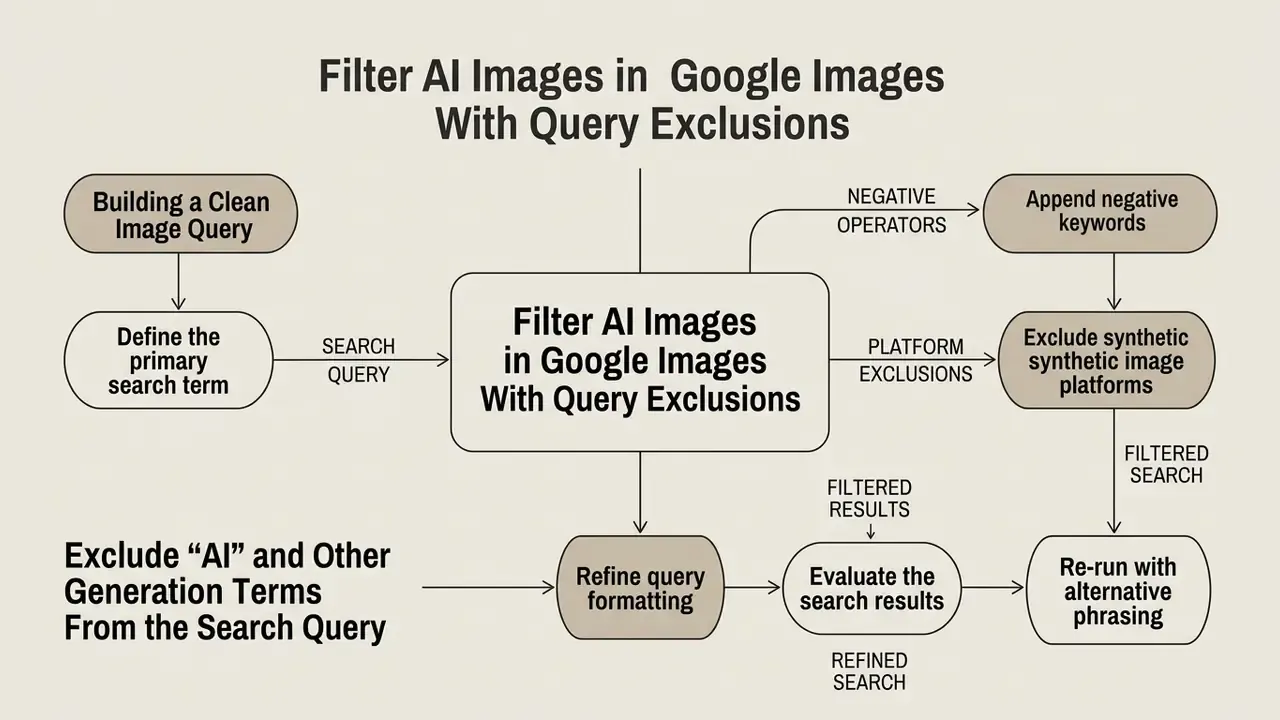
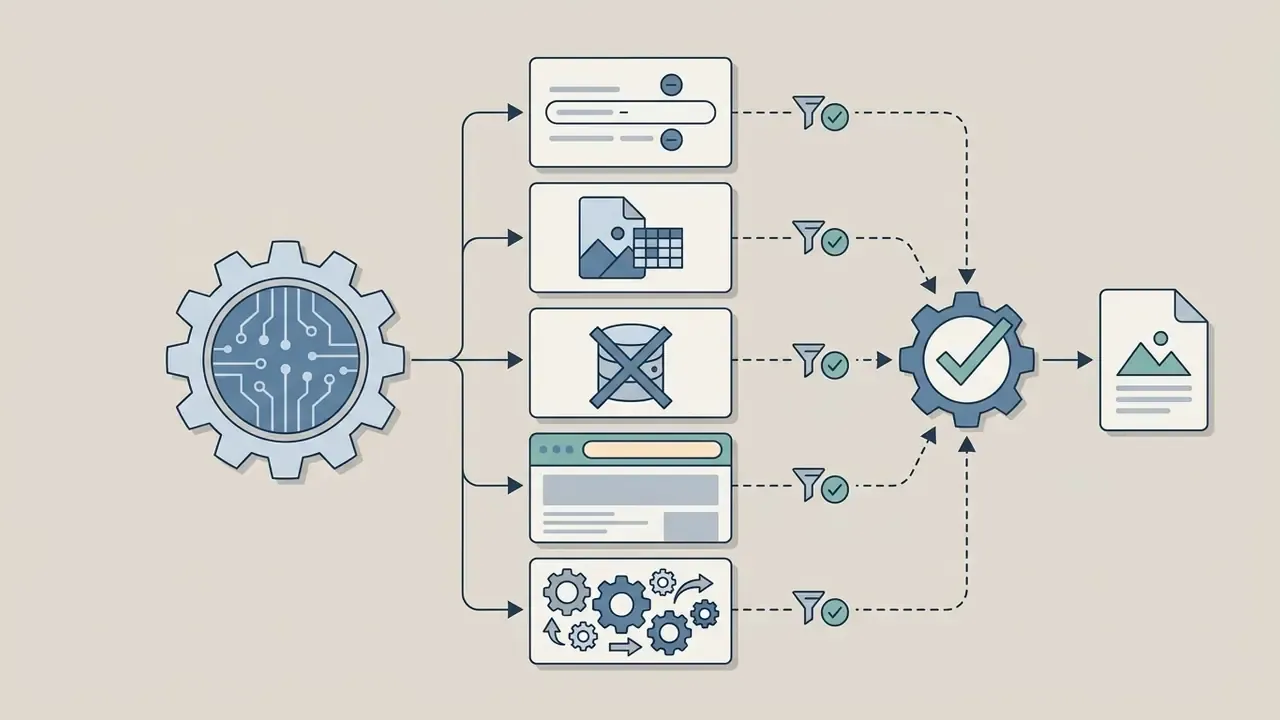
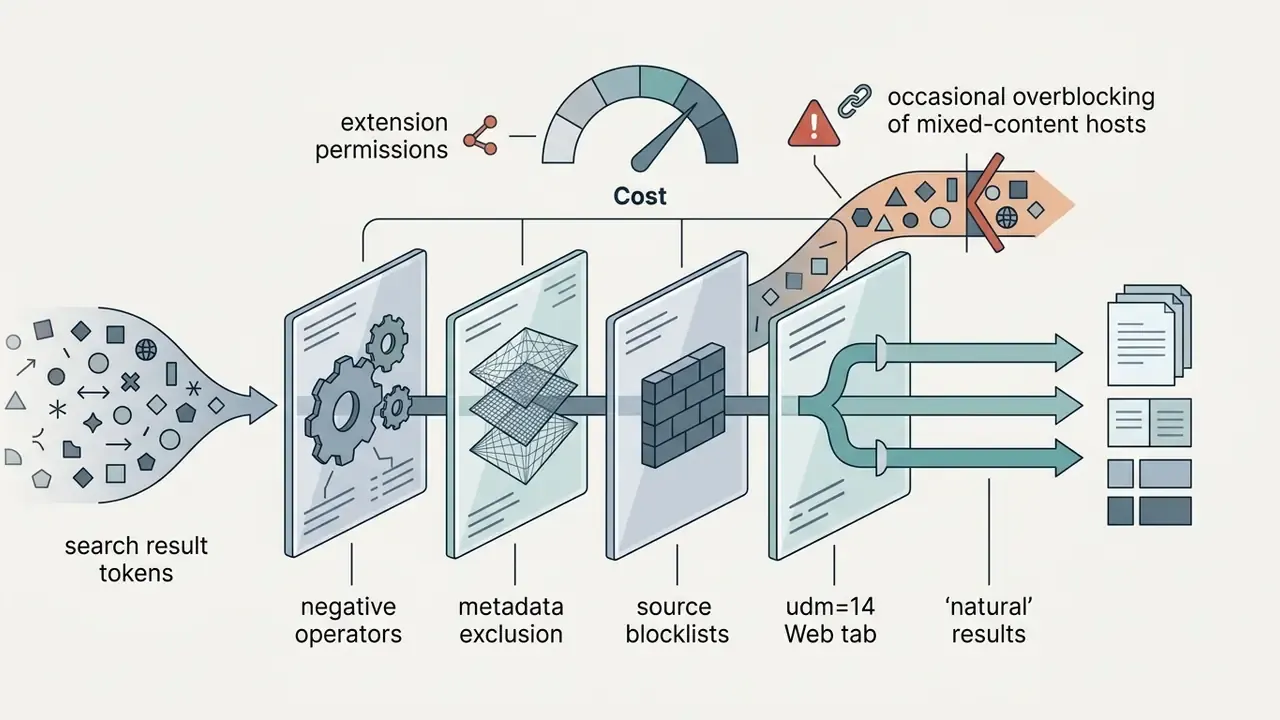
You can filter AI from Google Images by attaching negative keyword operators and domain exclusions directly to the query. Minus signs in front of generation terms and known synthetic art repositories measurably reduce self-labelled synthetic noise in the results grid. No published dataset quantifies the suppression rate, and results shift by topic, language, and index freshness, so treat the gain as directional rather than precise.
Google reads the hyphen symbol (-) as an exclusion operator. Search Help confirms two rules: the minus sign must sit immediately before the term with no space, and -site:example.com removes an entire domain. Combine term exclusions with domain exclusions and the grid becomes far more usable when you are evaluating authentic photography or licensable graphic assets. Prefer a form over raw syntax? Google's Advanced Image Search exposes the same logic in its "words to remove" field.
Step-by-Step: Building a Clean Image Query
- Define the primary search term: enter your target visual query into Google Images, for example
architectural photography. - Append negative keywords: insert minus signs before standard AI terms without spaces, for example
architectural photography -ai -generated -"ai generated". - Exclude synthetic image platforms: add domain exclusions for known AI image hosts and art communities, for example
-site:midjourney.com -site:deviantart.com. - Refine query formatting: leave no space after the minus sign or the operator silently fails, for example
portrait photo -ai -synthetic -site:pinterest.com. - Evaluate the search results: inspect the output and add further negative terms only if specific generated results persist.
- Re-run with alternative phrasing: swap
photoforphotograph,archive photo, ordocumentary photo. Synthetic repositories rarely optimise for archival vocabulary.
Accessibility note for publishers: keep every example query as selectable DOM text rather than a screenshot, and give any Google Images interface screenshot an alt attribute describing the action, for example "filter AI from Google Images using negative operators".
Exclude "AI" and Other Generation Terms From the Search Query
Excluding tokens like "ai", "midjourney", and "generated" stops Google from returning pages that openly tag their synthetic image metadata. The trade-off is false positives: you also hide legitimate articles and discussions about artificial intelligence.
A working negative string targets model names, generation platforms, and image descriptions: -ai -generated -midjourney -"stable diffusion" -"dall-e" -synthetic -prompt -dalle. Broader lists can add -generative -text-to-image -"ai image" -"ai-generated" -deepfake -synthography. Each extra token widens the collateral damage below.
One structural limit is worth holding onto. Negative keywords only act on text present on the page, which is exactly why unlabelled photorealistic output survives the filter untouched.
"Photorealistic AI images of public figures score high on surrealism and aesthetic professionalism while showing few explicit cues of AI production."
Pitfalls and false-positive risks of exclusion operators
Broad negatives clean the feed and quietly suppress authentic material:
Practical rule: start with two or three narrow tokens (-ai -"ai generated" -midjourney), look at the grid, escalate only if synthetic results survive. Restraint beats a wall of minuses.
-aikills genuine artists' portfolios carrying anti-AI manifestos or "No AI Art" badges. Google matches the literal token, so "no AI" disappears alongside "made with AI".
-CLIPremoves legitimate vector clipart and digital graphic assets along with CLIP-guided diffusion parameters.
-modelremoves real photography featuring human fashion models, plus any product page listing a model number.
-promptfilters out teaching guides and ordinary phrasing such as "he was prompted to speak".
-generatedoverbroad in research and policy contexts. Risk frameworks use "AI-generated" constantly, so this token deletes the serious analysis of synthetic media too.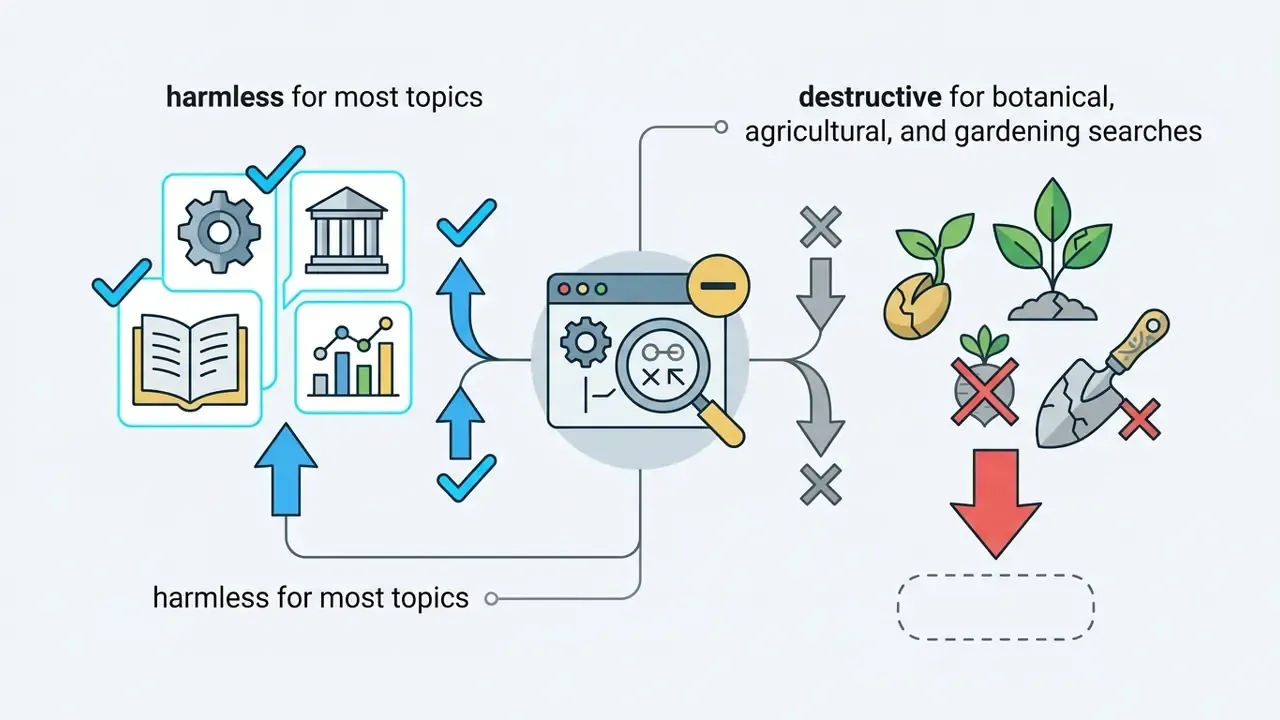
-seedharmless for most topics, destructive for botanical, agricultural, and gardening searches.Exclude Generation Parameters From Metadata
Advanced generators such as Stable Diffusion, Automatic1111, and ComfyUI embed generation settings into image pages and PNG metadata. Gallery templates and prompt-sharing pages then print those settings under each thumbnail, which turns them into reliable fingerprints. Feed them into your negative string and professional synthetic posts drop out:
architectural photo -checkpoint -CFG -seed -sampling -euler -karras -steps
The token list worth knowing: -prompt, -seed, -checkpoint, -steps, -model, -CLIP, -CFG, -sampling, -"sampling method", -karras, -euler. Of these, -checkpoint is the safest, since almost no authentic photography page prints that word, while -model, -CLIP, and -prompt carry the highest collateral risk. A second tier targets copy-pasted negative-prompt boilerplate: -masterpiece -"best quality" -"8k" -"highly detailed".
⚠️ Warning on Google anti-bot limits: more than five or six negative operators in a single query may trip automated abuse detection and force CAPTCHA verification. Keep strings to three or four high-impact parameters, and rotate the tokens instead of stacking all of them at once.
Use the "Before" Keyword to Reduce Recent AI-Generated Results
The before: operator, for example before:2022-01-01, restricts results to web pages indexed ahead of the consumer image generation boom. As a single lever, this temporal cutoff is the most effective thing on the list, particularly for historical figures, archival architecture, and documentary subjects.
Consumer image generation tools proliferated between 2022 and early 2023: DALL·E, Midjourney, and Stable Diffusion all reached public availability inside that window. A pre-2022 threshold therefore removes a large share of modern synthetic uploads. The exact proportion is not published anywhere, and it depends on how Google dates each document. Empirical work on misinformation media supports the same cutoff logic:
"Generative AI imagery now accounts for a significant share of all misinformation-related images, with the increase beginning in spring 2023."
The technical limit is re-indexing. Google's before: operator filters by document modification or indexed date, never by the creation time of the image file. An older synthetic image re-uploaded or edited after the cutoff bypasses the operator whenever Google records a fresh timestamp, and a 2023 render reposted to a new URL in 2025 is simply invisible to the filter. Pairing before: with after: narrows the window (after:2005-01-01 before:2022-01-01) and trims low-quality reposts further.
Teams structuring asset pipelines can reference AI Media Workflows for standardised evaluation steps, then verify shortlisted candidates with AI image detectors or an AI reverse image search before licensing anything.
Block AI Image Sources and Websites in Google Results
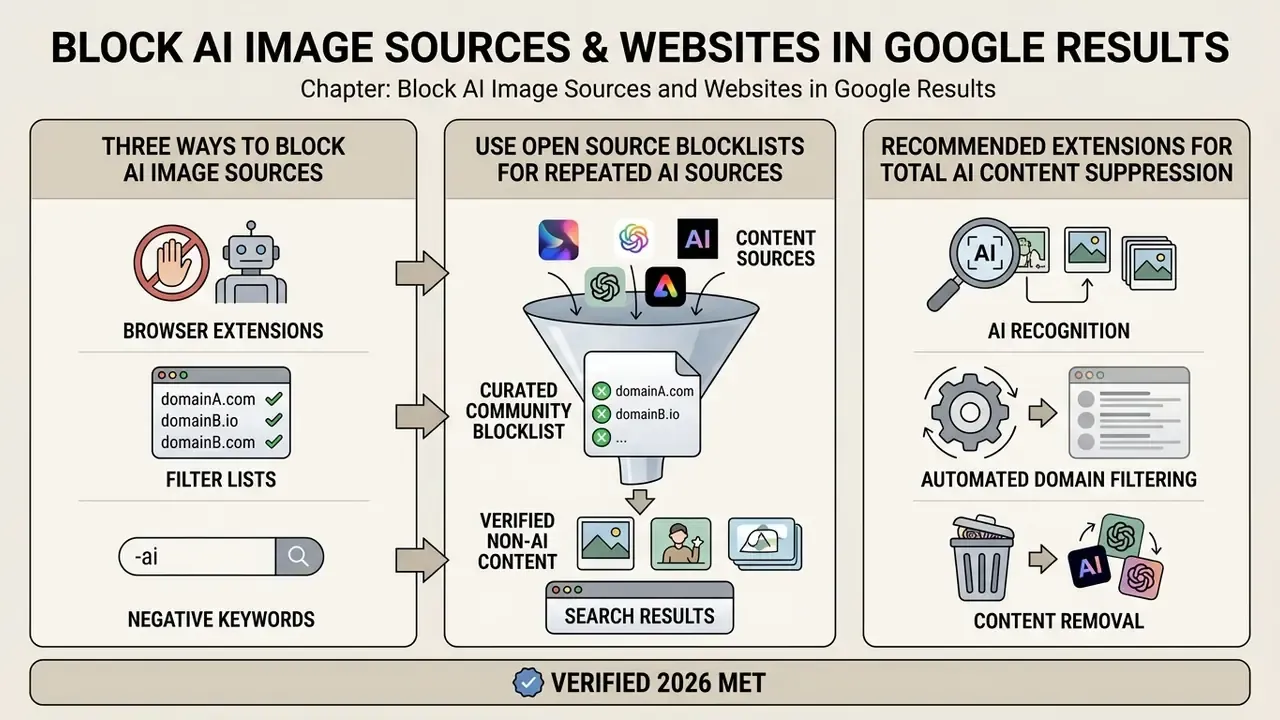
Blocking repeat offenders means automated domain filtering: an extension, a curated list, or both. Source blocklists stop known AI art farms and synthetic media repositories from populating your Google search results at all, which is the closest thing to "how to block AI art on Google" that actually works.
Google Search has no native domain blacklist toggle. Browser extensions such as uBlacklist provide persistent site blocking across sessions instead. And Google's own removal tools are not a substitute: temporary URL removals expire after roughly six months, and permanent removal requires the site owner to delete the content or return a 404 or 410. An active AI blocklist on your side is the only durable answer, and it travels across Google Images, Bing, and DuckDuckGo.
"The Huge AI Blocklist covers roughly 950 to 1,000 AI-content domains and is used by DuckDuckGo as the basis of its built-in image filter."
Comparison: Three Ways to Block AI Image Sources
| Blocking method | Setup complexity | Domain coverage | Filtering accuracy | Maintenance | Enterprise deployment |
|---|---|---|---|---|---|
In-query domain exclusion (-site:) | Low, immediate entry | Narrow, single query scope | High for targeted domains | High, manual entry every search | Not deployable centrally |
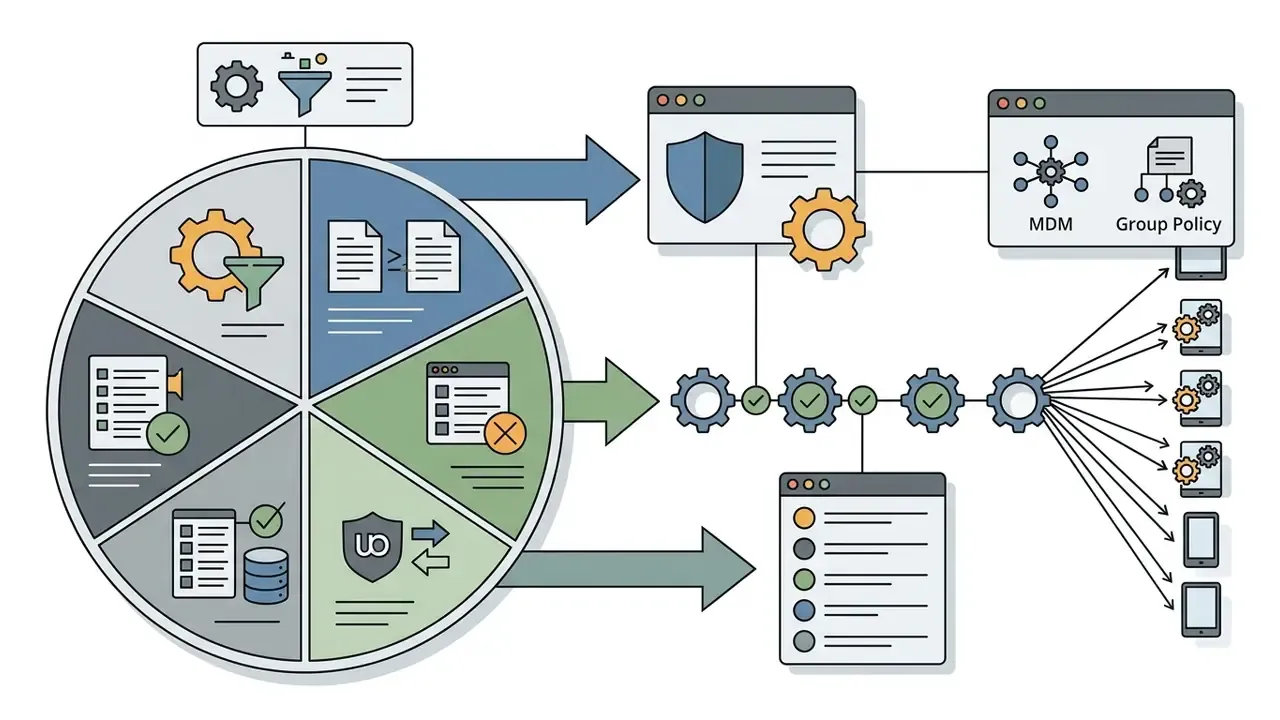
| Manual extension blocklist (uBlacklist) | Medium, extension install | Moderate, user-curated | High, custom domain control | Continuous manual additions | Possible via Group Policy or MDM push |
| Open source blocklists (Huge AI Blocklist) | Medium, import subscription | Broad, 1,000+ pre-identified sites | Moderate, risk of overblocking mixed hosts | Automated community updates | Best fit: one subscription URL, auto-updating |
Independent research on list quality supports that ranking. Threat-intelligence feed studies find two-thirds of curated feeds refresh at least daily and a third refresh hourly, which is why subscription lists beat manual entries on freshness, while manual lists keep the highest precision for domains you reviewed yourself. Freshness and precision are not the same property. Governance teams tend to want both, and that usually means running the subscription plus a small local allowlist.
Use Open Source Blocklists for Repeated AI Sources
Open source blocklists such as the Huge AI Blocklist compile thousands of verified AI image platforms into standardised rule sets for uBlock Origin and uBlacklist. Import one and domain-level generators vanish from the results page without further typing.
Maintained by community contributors, the laylavish Huge AI Blocklist aggregates more than 1,000 domains dedicated to synthetic image generation and hosting. It also exports to Pi-hole and AdGuard hosts format for network-wide enforcement, and it works on mobile through uBlacklist. The uBlacklist Community Rulesets directory lists further AI-specific rulesets you can subscribe to in one click.
Adopting open source blocklists suppresses spam repositories quietly, which is the main reason the search experience improves rather than just narrows. Organisations weighing tools and licensing terms can consult our AI Media Comparison hub and review the leading AI image generators to see which platforms produce the bulk of indexed synthetic output.
Recommended Extensions for Total AI Content Suppression
- uBlacklist: blocks synthetic domain farms directly from Google, Bing, and DuckDuckGo result pages using open-source rule subscriptions, with one-click "block this site" from the SERP.
- uBlock Origin: applies the same AI blocklists at network-request level, including the "nuclear" list that DuckDuckGo also draws on.
- Hide Gemini: a Chrome add-on that visually strips Google's AI Overviews, Gemini workspace prompts, and sidebars across Search, Gmail, Docs, and Drive. It hides rather than removes, so a few immovable elements survive, such as one-time Gemini pop-ups and "Help me write".
- AI Image Filter (Chrome): a 2026 extension that reduces AI-generated images in Google Images and accepts custom keyword and website blocklists. Handy when you want per-team rules instead of one global community list.
How to Remove AI Overviews From Google Search Results
Images are one problem. Google's main results page is another, because AI Overviews sit above the links whether you asked for them or not. You can bypass the synthetic summaries and force a traditional link-based page using Google's own "Web" tab.
- Manual Web filter: run the search, click More in the top navigation bar, select Web. Overviews, knowledge panels, and sponsored widgets disappear, leaving classic blue links.
- Automate via URL parameter: add
&udm=14to the end of any Google Search URL to load the pure Web view directly. - Set pure Web as the Chrome default: - Open
Chrome Settings>Search engine>Manage search engines and site search. - Under Site search, click Add. - Set Shortcut togoogle.comand URL to{google:baseURL}search?q=%s&udm=14. - Click the three dots beside the entry and choose Make default. - Fallback token: appending
-aito ordinary web queries suppresses AI Overviews in many cases, though inconsistently, and with the same false-positive risks listed earlier. Older tricks, such as adding profanity to force the Overview away, no longer work.
Alternative Search Engines With AI Image Filtering
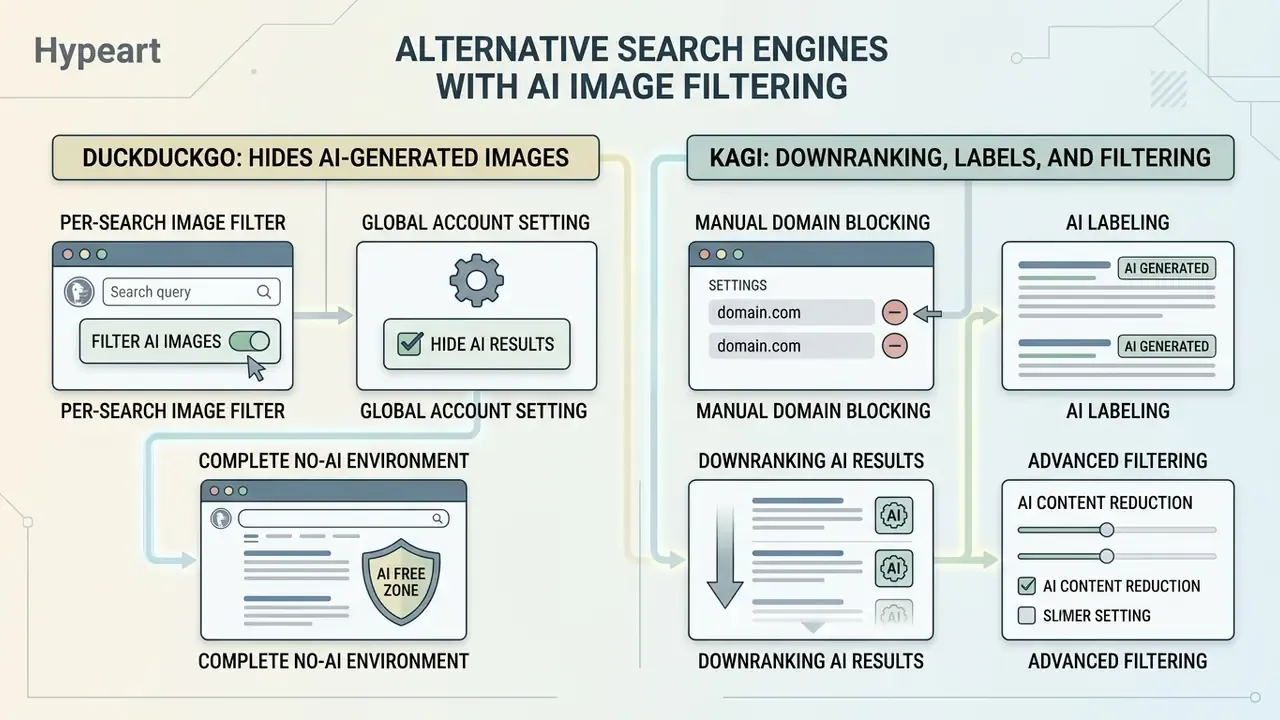
DuckDuckGo and Kagi both ship native controls that hide or downrank AI generated results without an external extension. If you are willing to change search engine, that is the smoothest route to exclude AI images from image search.
User demand pushed the independent engines first. They combine domain reputation signals with curated source blocklists, then filter or label synthetic images before rendering the grid. DuckDuckGo was the first mainstream engine to hand that switch to the user. Google still has not.
How DuckDuckGo Hides AI-Generated Images
DuckDuckGo gives you three layers, from per-search to global:
- Per-search image filter: run an image search, open the Images tab, click the AI images dropdown under the search bar and select Hide. The grid reloads without blocklisted synthetic sources, and Show brings them back instantly.
- Global account setting: open Search Settings > General or Search Settings > AI Features and enable Hide AI-Generated Images. In the DuckDuckGo browser the path is Settings > AI Features > Hide AI Images. Every later search then filters synthetic sources automatically.
- Complete no-AI environment: bookmark
noai.duckduckgo.com, or choose Use DuckDuckGo Without AI in the browser settings. That removes AI image results, AI Chat entry points, assisted summaries, and automated answer cards together.
Introduced in 2025, the filter leans on open-source community rulesets, including the uBlock Origin "nuclear" list and the uBlacklist Huge AI Blocklist, matched against result domains through pattern matching rather than pixel-level detection. Domain matching, not forensics. The vendor says as much:
"Our filter won't catch 100% of AI-generated results, but it will greatly reduce the number of AI-generated images you see."
Because the mechanism is list-based, unlabelled uploads on general-purpose hosts (stock libraries, forums, news sites) still slip through. For high-stakes verification, pair the filter with AI image detectors or a provenance check on the original file.
Kagi: Downranking, Labels, and Filtering for AI Images
Kagi Search runs a multi-tiered SlopStop system. It downranks AI-heavy domains automatically, places visual labels on synthetic thumbnails, and exposes an explicit three-state filter: Any, None, Only. Inside Kagi's AI Search Settings, SlopStop offers Disable / Downrank / Remove separately for web results and for image and video results. You can keep synthetic pages visible in web search while purging them from the image grid, which is a genuinely useful split.
Kagi evaluates host reputation rather than per-image pixel artifacts, and is candid about why:
"There is currently no reliable way to automatically identify AI-generated images with good enough precision, so this feature relies on the website's reputation."
Beyond the dropdowns, Kagi supports inline query syntax for fast filtering:
ai:noneforces strict suppression of AI-heavy domains within a specific query, for examplelandscape photography ai:none.ai:onlyrestricts results to synthetic media repositories, which is oddly valuable for audits and reference hunting.- The default state,
Any, keeps everything visible, downranks AI-heavy hosts, and badges likely synthetic thumbnails.
Manual domain blocking in Kagi Search: if a repository slips past the automated filters, click the Shield Icon on any thumbnail in the image grid, exactly as you would on a web result, to permanently lower its ranking or block the host domain across your account. You can also report the domain so the shared ruleset improves for everyone else.
Developers who need programmatic rules can review the AI Media API Guides, and anyone curious about the supply side can compare the platforms Kagi downranks in our roundup of AI art generators and Google's AI image generator.
Institutional Limits and Compliance Risks (C2PA, SynthID, Residual Risk)
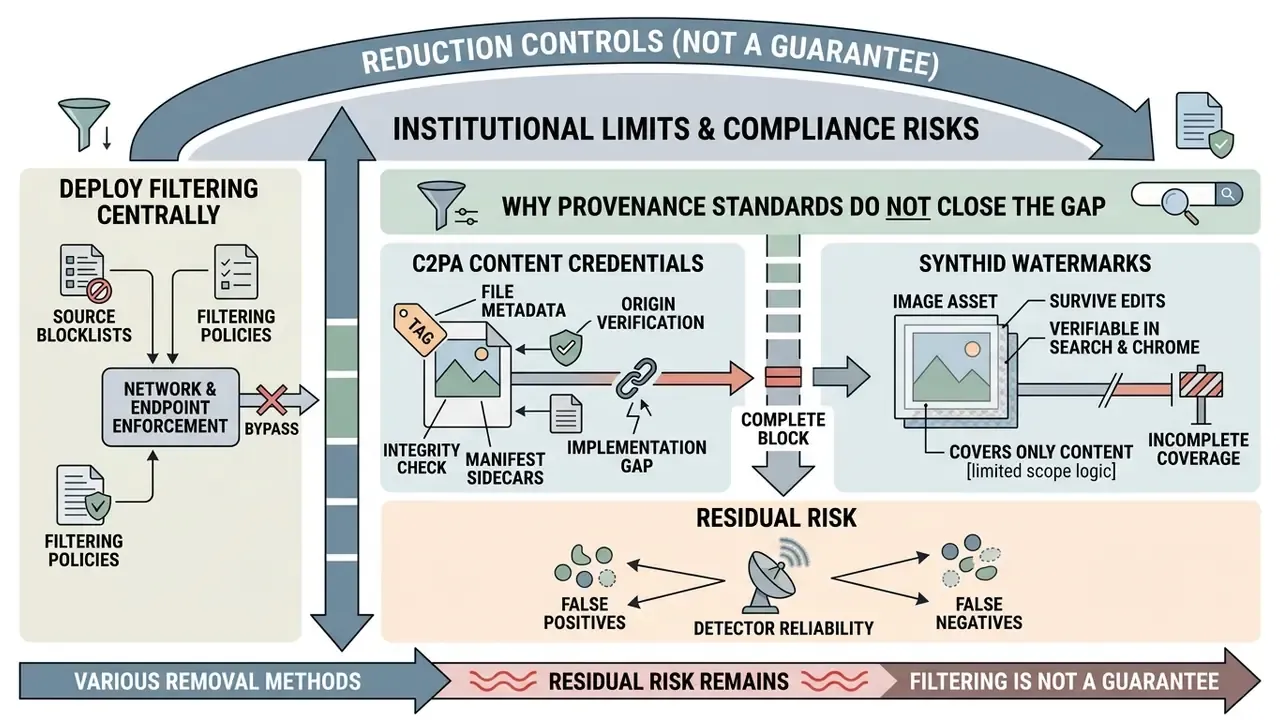
Every method in this guide is a reduction control, not a guarantee. That distinction matters enormously once the imagery feeds regulated marketing, a prospectus, training material, or an evidence pack.
Why provenance standards do not close the gap:
- C2PA Content Credentials travel in file metadata and manifest sidecars. Google Search reads them where present and surfaces origin details through Lens, AI Mode, and Circle to Search. But credentials get stripped by most social platforms, screenshot tools, and re-encoding pipelines. Absence of a credential proves nothing at all.
- SynthID watermarks survive common edits and are verifiable in Search and Chrome, yet they cover only content produced by participating Google models. Output from third-party or self-hosted models carries no SynthID signal whatsoever.
- Detector reliability is uneven. Benchmarks comparing approaches find watermark-based methods materially more dependable than passive, artifact-based classifiers.
"Watermark-based detectors consistently outperform passive detectors both with and without image perturbations."
Practical residual-risk position for governance teams:
One honest gap remains. Nobody publishes precision and recall figures for these consumer-grade filters against a neutral corpus, so any claim about "95% clean results" should be read as marketing until a benchmark exists. Our own measurement notes live in the AI Media Benchmarks and Review Proof library, and cost-side modelling sits in the calculators.
This section is general information on platform behaviour and risk practice, not legal, compliance, or financial advice. Validate controls with your own legal and risk functions before relying on them.
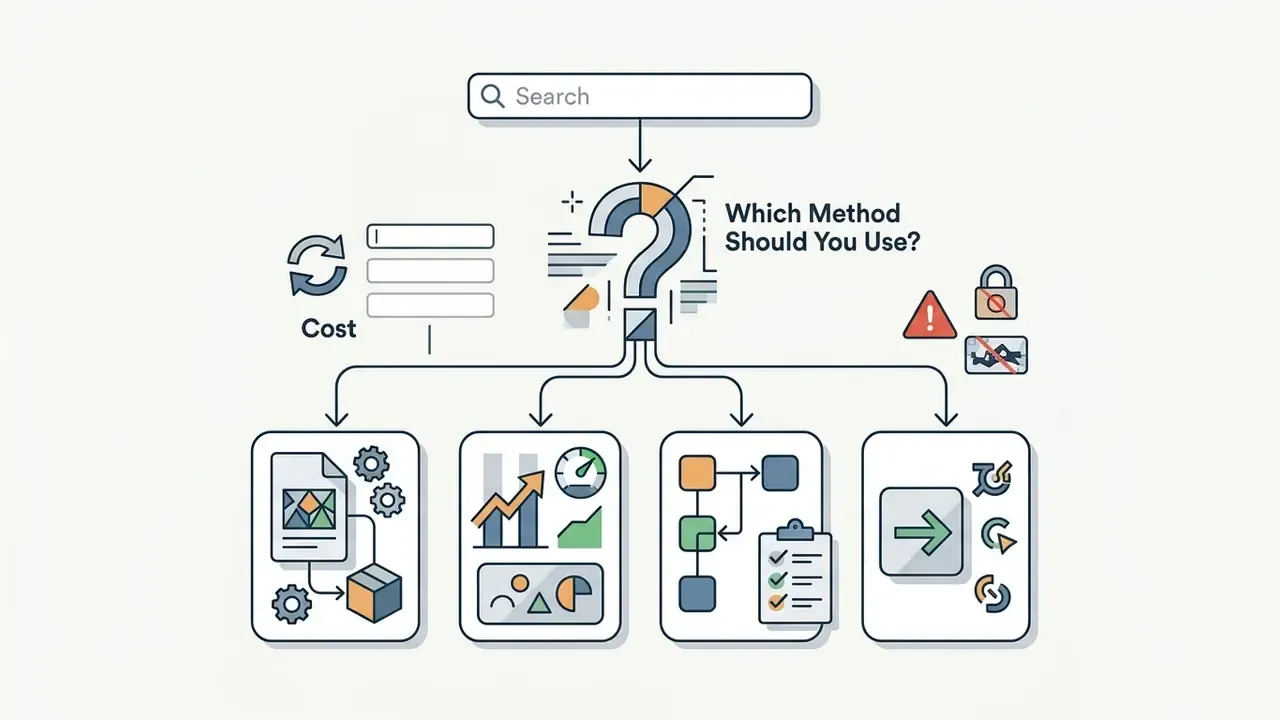
Which Method Should You Use to Remove AI Images From Google Search?
The right method depends on one question: do you need a one-time query fix, a persistent browser-level domain block, or an engine with native filtering toggles?
For occasional searches, negative terms (-ai -"ai generated") plus before:2022 deliver immediate reduction with zero setup. Verify anything shortlisted with AI image detectors before use. For everyday protection against AI image spam, open source blocklists via uBlacklist, or a move to DuckDuckGo or Kagi, is the more maintainable choice, since updates arrive automatically instead of being typed by hand. No published benchmark ranks these options against each other on precision, so the comparison below is operational rather than statistical.
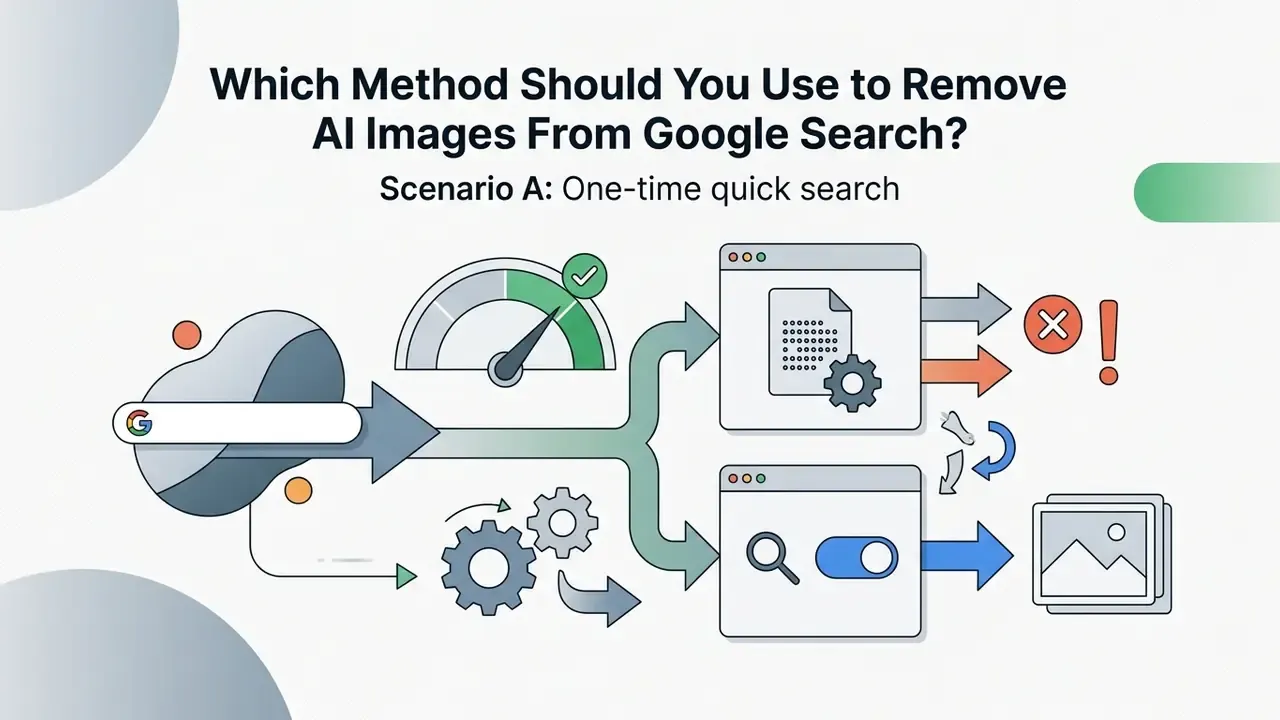
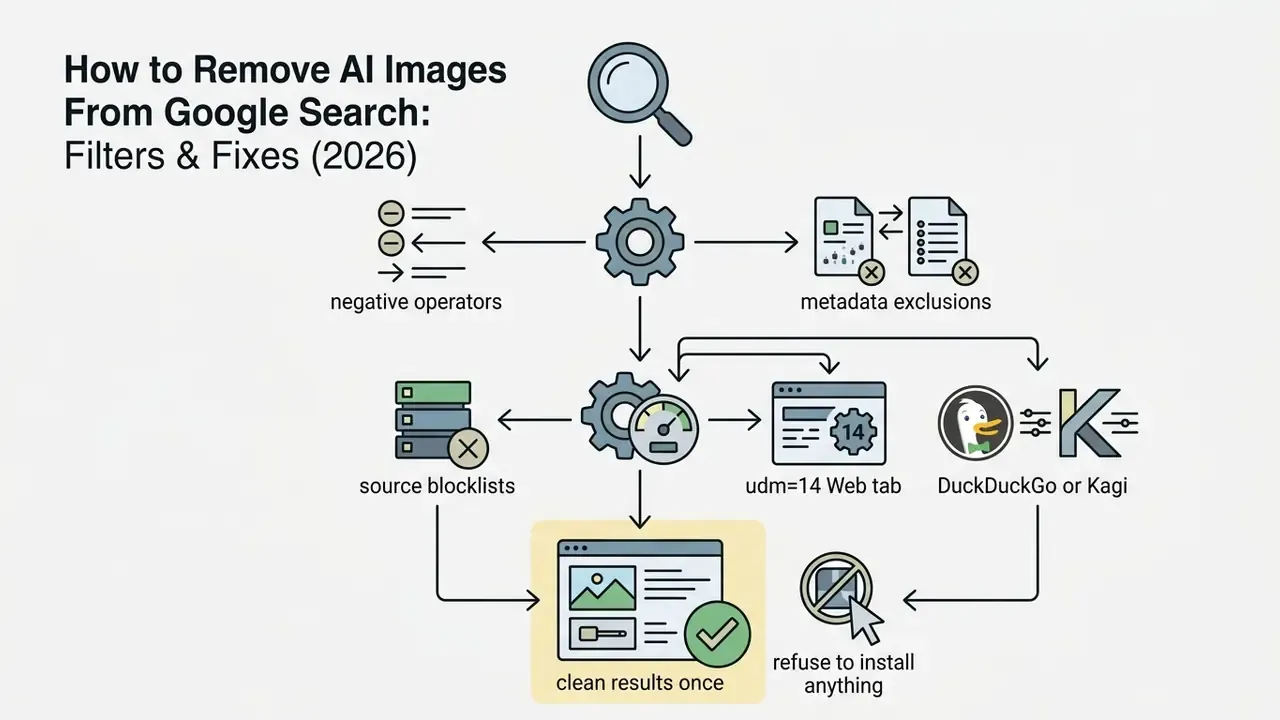
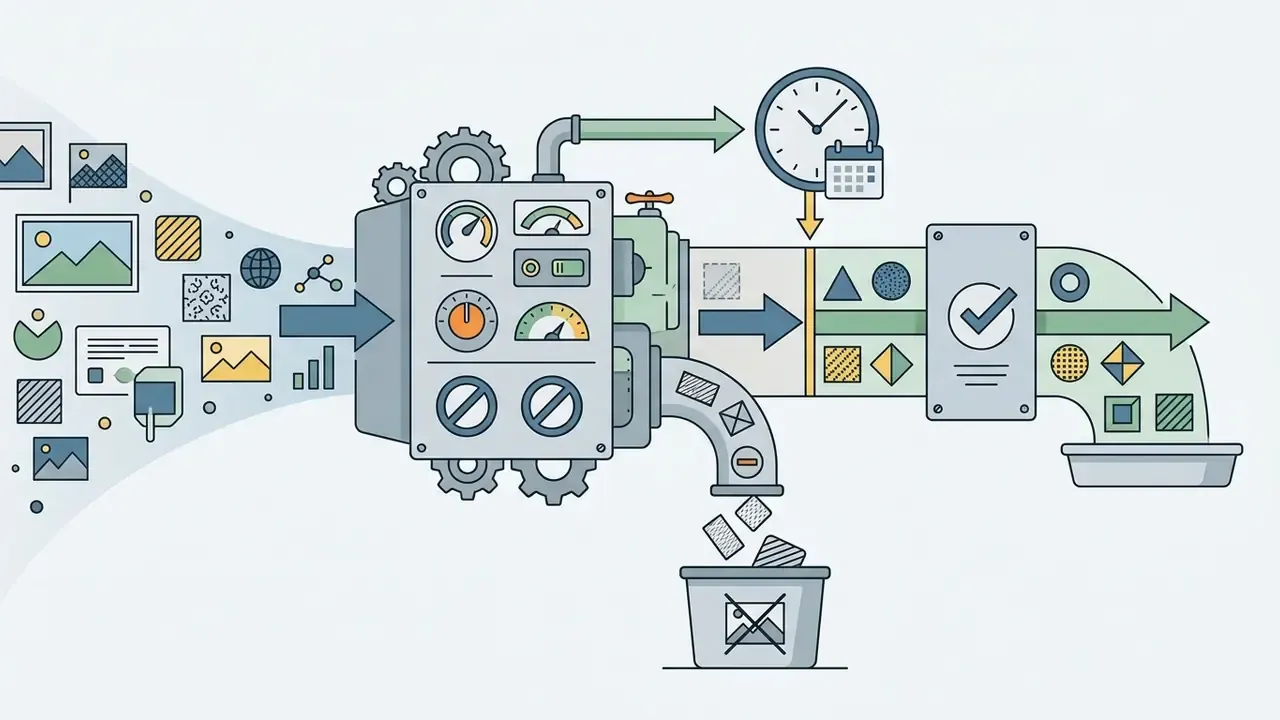
-ai -generated -midjourney -site:pinterest.com) and apply a date limit (before:2022-01-01).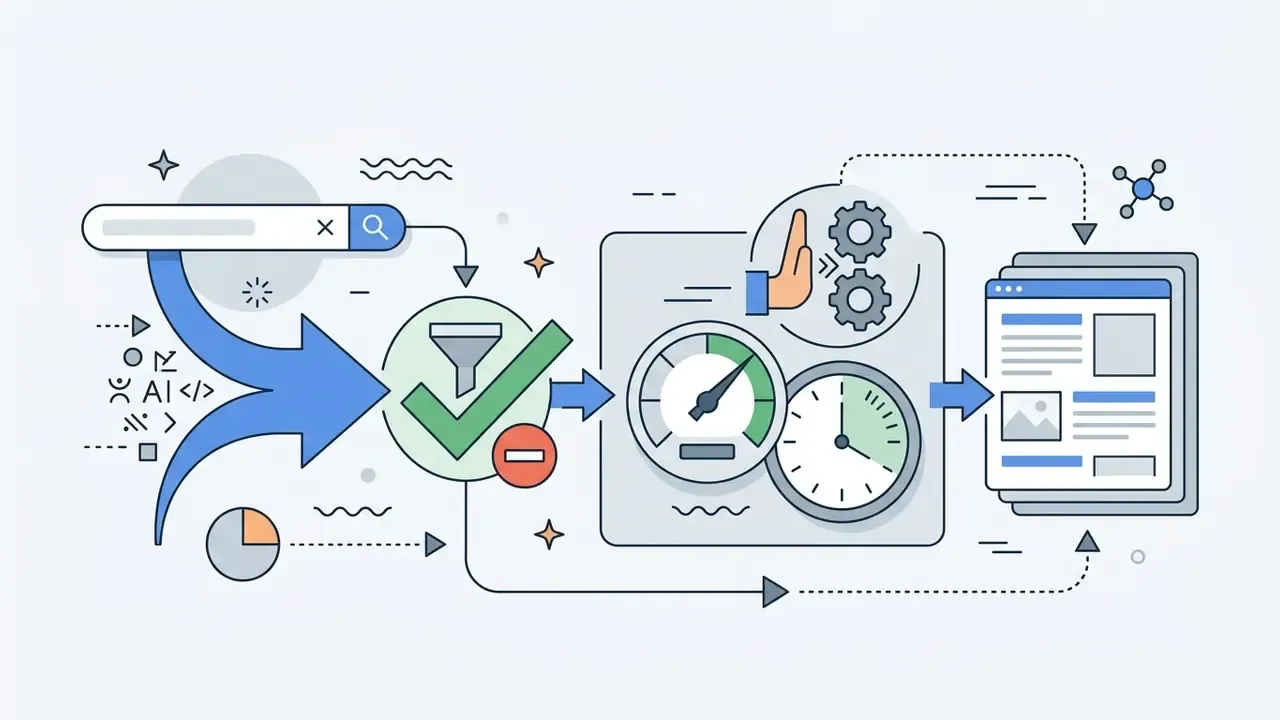
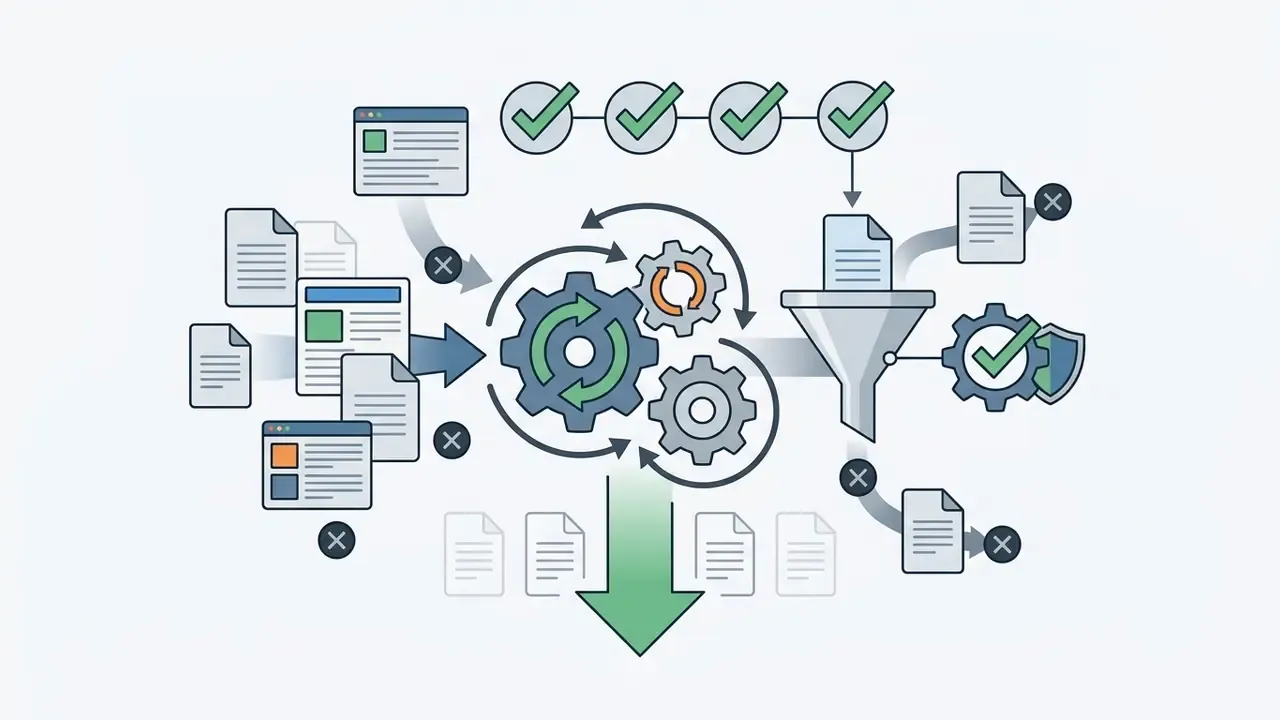

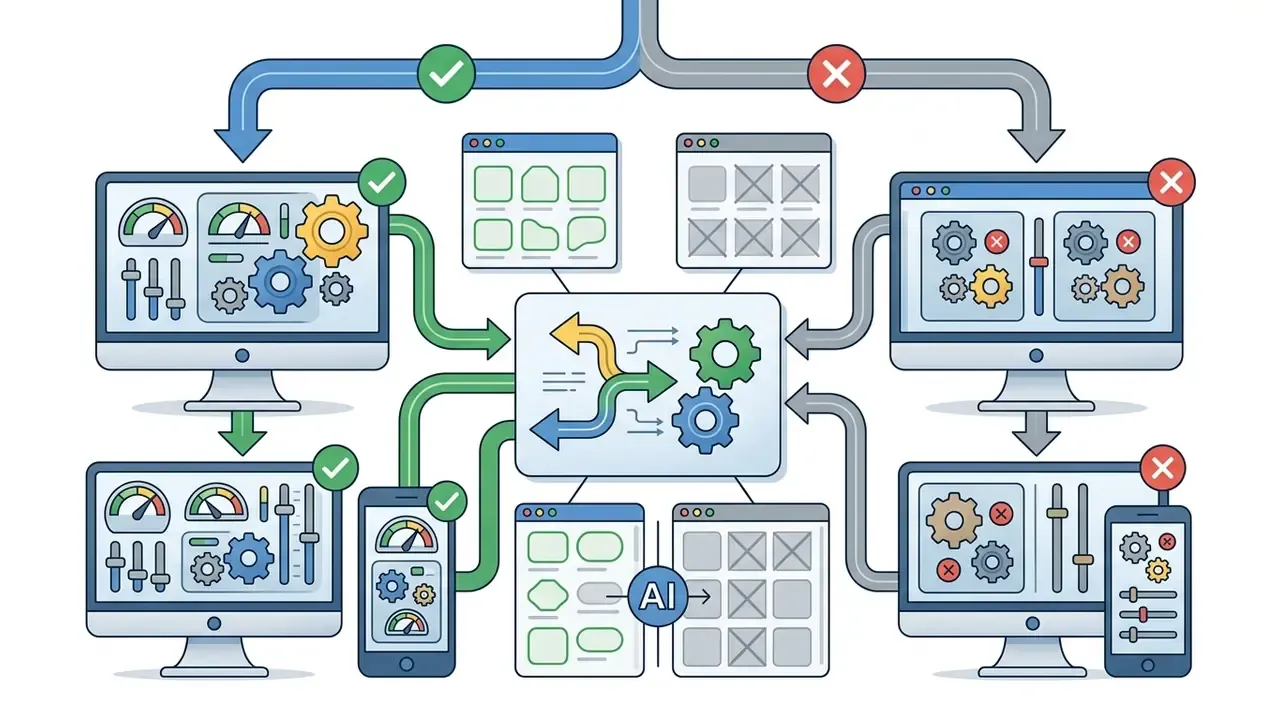

Settings > AI Features), or type ai:none in Kagi. It helps to know which AI image generators these filters actually target.
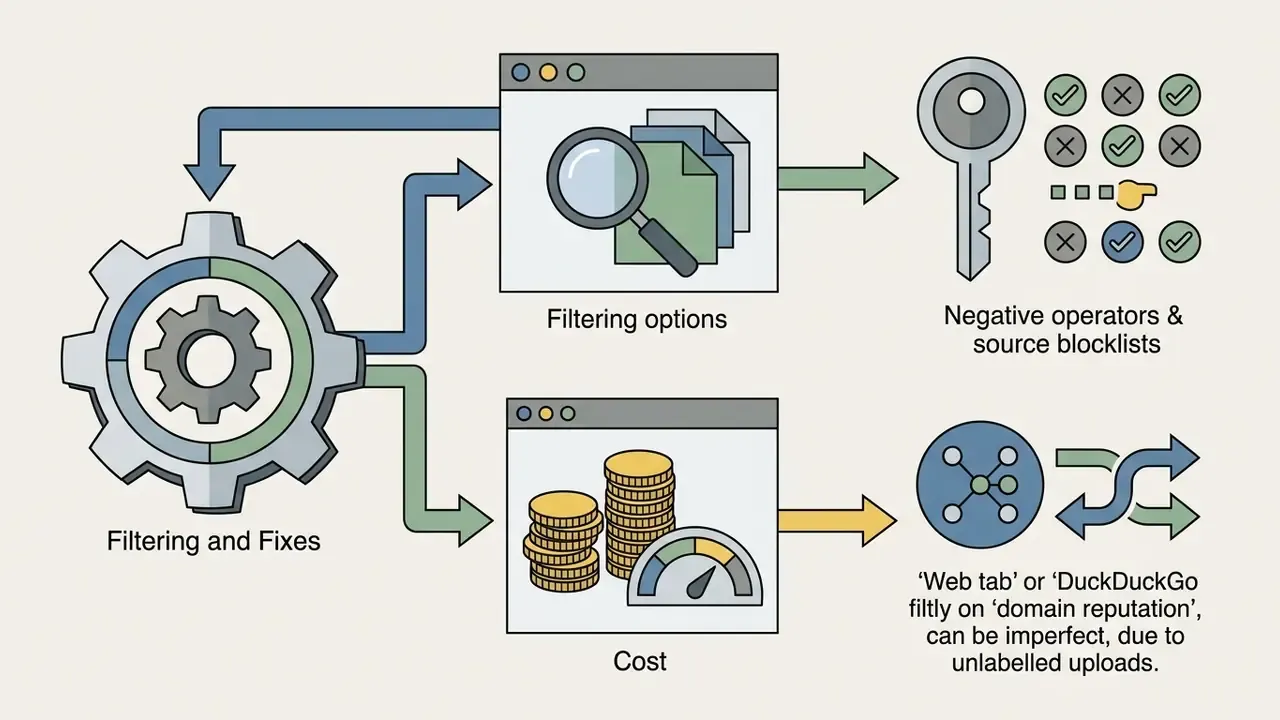
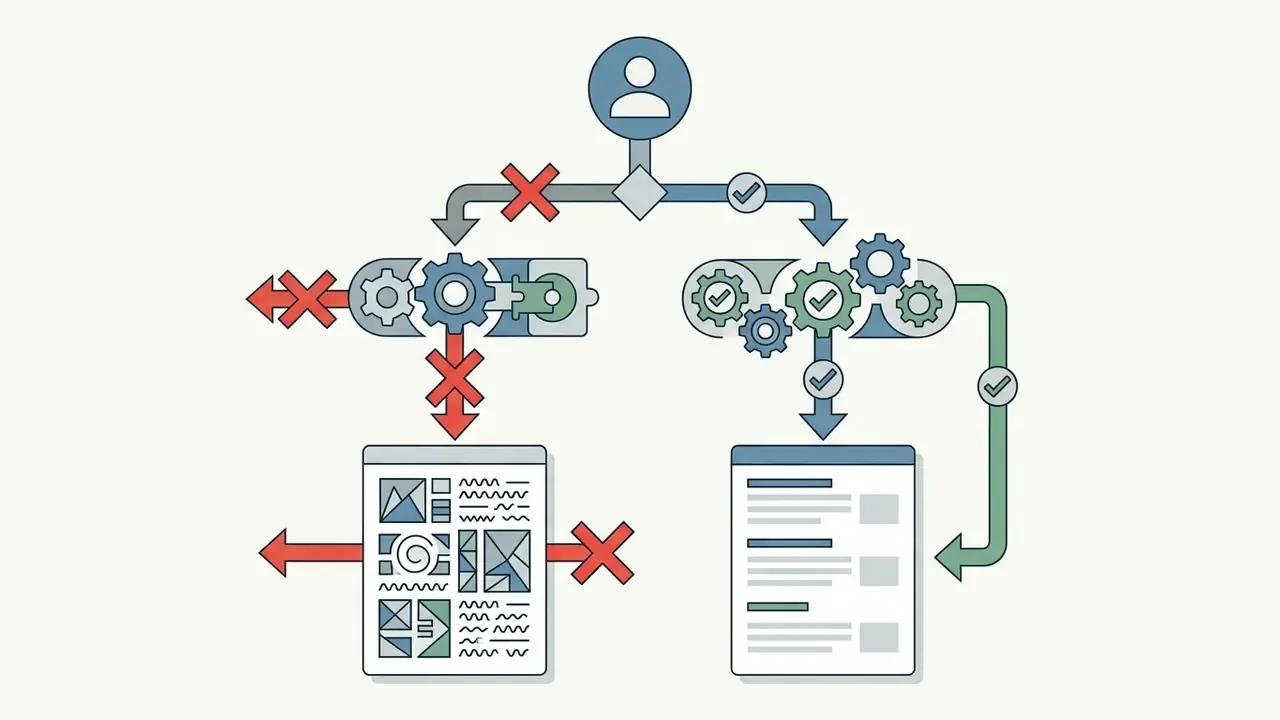
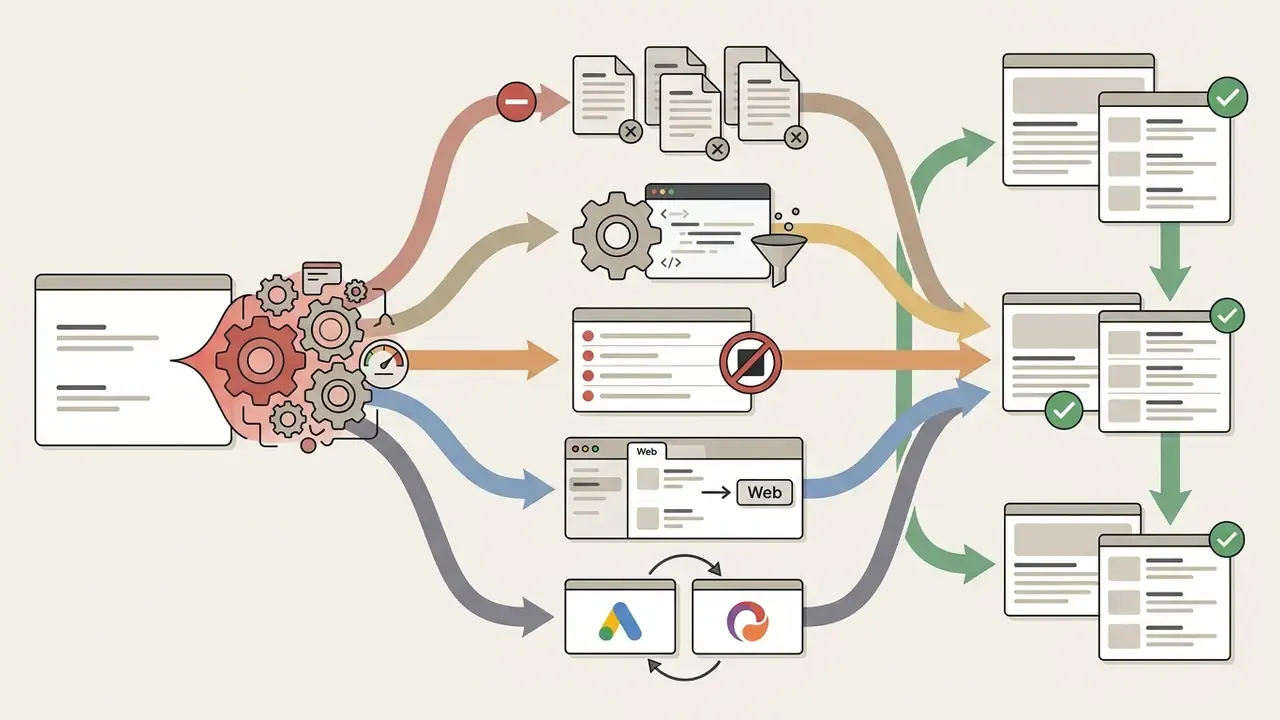
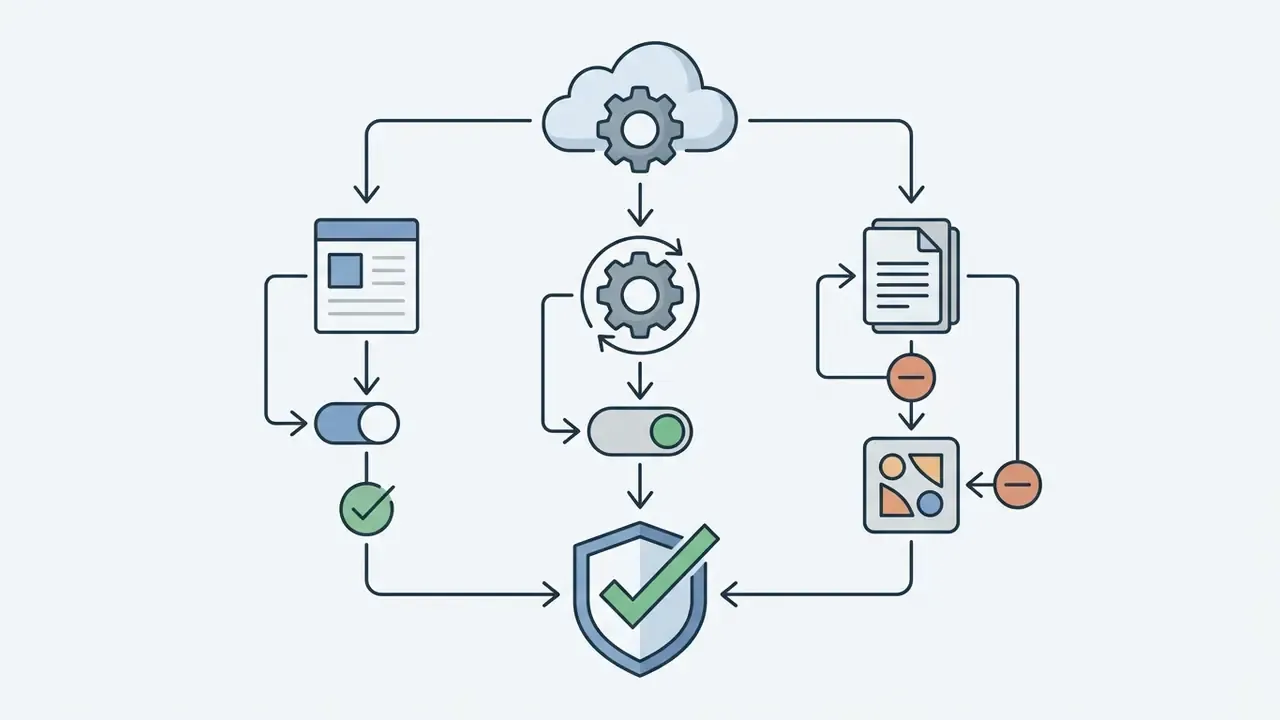
&udm=14, or set the udm=14 engine as Chrome default, then add Hide Gemini for Workspace apps.
FAQ: Removing AI Images From Search
Does SafeSearch block AI-generated images?
No. SafeSearch classifies explicit, violent, and adult content only. Its three states, Filter, Blur and Off, have no relationship to synthetic provenance, so a photorealistic AI landscape passes through untouched.
Can I hide AI images on mobile?
Yes, two ways. Use DuckDuckGo's browser (Settings > AI Features > Hide AI Images) or start from noai.duckduckgo.com. Alternatively, install uBlacklist in a mobile browser that supports extensions. Negative operators and before: behave in mobile Google Images exactly as on desktop.
Why does Google keep asking me to solve a CAPTCHA?
Long chains of exclusion operators are statistically unusual, and abuse detection reads them as automated querying. Cut back to three or four negatives per search and the challenges stop.
Does before:2022 guarantee no AI images?
before:2022 guarantee no AI images?No. The operator filters by the date Google recorded for the document, not the image's creation date. A synthetic image reposted to a new URL in 2025 can still surface, and legacy pages re-crawled after modification drift out of the window.
Is there a Google Chrome extension that filters Google Images specifically?
Yes. 2026-era extensions such as AI Image Filter claim to suppress AI-generated results in Google Images and allow custom keyword and domain blocklists. Treat the accuracy claims as unverified, and read the requested permissions before installing.
Do these filters remove AI images from Bing?
The blocklist route does: uBlacklist and uBlock Origin rulesets apply to Bing and DuckDuckGo as well as Google. Query operators differ by engine, and Bing still has no dedicated AI-image toggle comparable to DuckDuckGo's.
Can I automate this at network level?
Partially. The Huge AI Blocklist exports to Pi-hole and AdGuard hosts format, which blocks those domains outright for every device on the network. Note the side effect: this removes the sites themselves, not merely their search listings.
Related Resources for Synthetic Media Governance and Verification
- Verify a suspicious asset: AI reverse image search tools and AI image detectors.
- Understand which platforms generate the content you are filtering: best AI art generators, best free AI art generators, Midjourney image generation compared, Google AI Image Generator, Microsoft AI Image Generator, and Bing AI image creation.
- Licensing and usage rights for synthetic assets: commercial use guidelines and the Canva AI Generator licensing overview.
- Production and editing pipelines, including video work where the same provenance questions apply: AI Media Workflows, ai voiceover tools, ai youtube video maker, ai youtube shorts, ai youtube title and ai youtube channel naming tools, plus the avatar cropper, online photo editors and AI headshot generators.
- Cost modelling and evidence: interactive calculators and AI Media Benchmarks and Review Proof.
- Developer-side controls and integration rules: AI Media API Guides.
About This Analysis
Prepared by the editorial research desk with review input from Marcus Hale, author. Methods above were checked against Google Search Central documentation, Google Search Help operator pages, Kagi's AI Image Filter documentation, DuckDuckGo's help pages and Spread Privacy announcement, and the public uBlockOrigin Huge AI Blocklist repository. Search operator behaviour and third-party extension rules change frequently, so re-verify before relying on any single control. Disclaimer: This article provides general technical information about consumer search settings and third-party tools. It is not legal, compliance, or financial advice. Exclusion operators do not guarantee the absence of AI-generated imagery, nor clearance of copyright and licensing obligations. Consult qualified professionals for decisions with legal or regulatory consequences.