If you run model risk, compliance, or finance operations at a US bank or a mature fintech, the question is rarely "can it make a nicer picture." The question is narrower. Can you reproduce the output, prove what changed, and show a reviewer that nothing was invented?
Last updated: 2026. Reviewed against vendor documentation, peer-reviewed diffusion research, and published copyright guidance.
Executive summary
- What it is Image-to-image AI encodes an existing photo into latent space, injects controlled noise, and denoises it under a text prompt or reference image, so output geometry follows the input rather than a random seed of pure imagination.
- What controls the result
denoising strength(0.3 to 0.75) sets how much of the source survives; ControlNet locks geometry and depth; IP-Adapter injects reference style; LoRA modules apply niche aesthetics; negative prompts suppress artifacts. - Why enterprises care Batch restyling cuts manual asset editing time by up to roughly 70% versus layer masking in desktop editors, and raises creative-variation testing velocity by 40 to 45% without new studio costs.
- What governance requires Fixed random seeds, prompt and parameter logs, input asset hashes, and data-lineage records are the minimum artifacts needed to reproduce an output for internal audit or a regulator.
- What the law says Purely machine-generated outputs without meaningful human contribution cannot be registered for copyright in the United States. Commercial rights flow from vendor contracts, not from copyright.
- What to verify before rollout Zero Data Retention options, SOC 2 Type II and ISO 27001 attestations, private-cloud or VPC deployment, IP indemnification, and documented export and licensing terms.
How to read this guide
The first half is mechanical: what the model actually does to your pixels, and which four or five parameters decide the outcome. The second half is procedural: use cases, vendor selection, data handling, and a pre-production gate you can hand to a validator. Creative teams will care most about prompting and style control. Risk and audit functions will care most about seeds, logs, and the marking obligations near the end. Both groups need the same vocabulary, which is why the terminology is defined on first use rather than assumed.
What is AI image-to-image transformation?
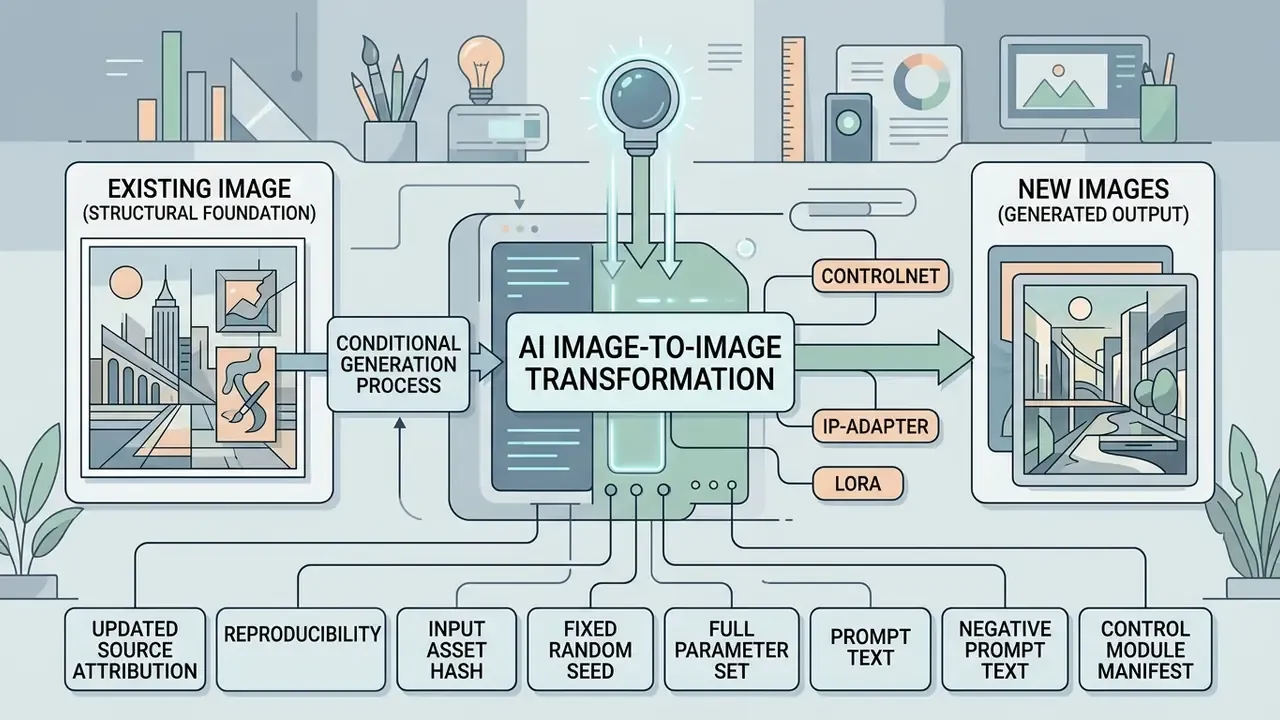
AI image-to-image transformation is a conditional generation process that uses an existing image as the structural foundation for producing new images. Unlike pure text-to-image generation, which starts from random Gaussian noise, an ai transform image model encodes a source image into latent space, adds controlled noise, and denoises it under the guidance of a text prompt or reference image.
How image-to-image AI uses a source and reference image
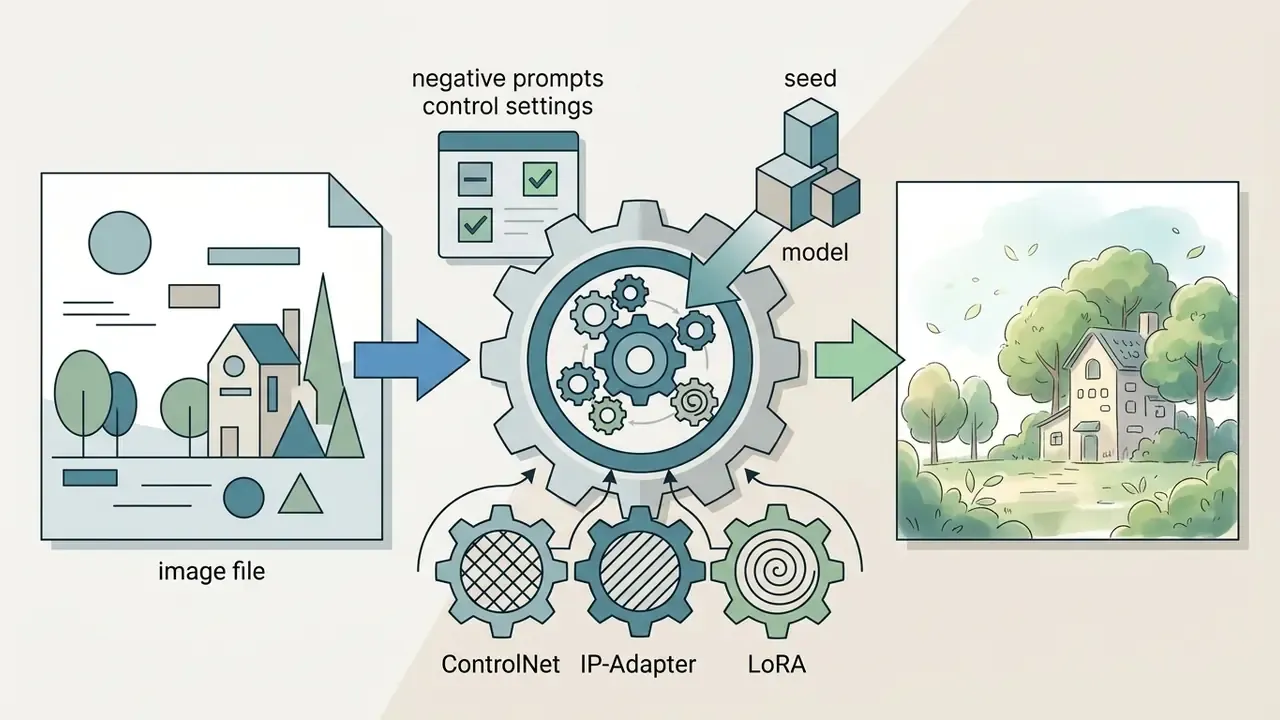
An ai image generator from image to image uses a source image to define spatial composition and geometry, while a reference image supplies style, color palette, or visual texture. In technical workflows, mechanisms such as IP-Adapter inject visual features from the reference photo, whereas ControlNet constrains the structural edges and pose of the source photograph.
Reference-only architectures push this further by accepting two conditional images at once: an image prompt that carries conceptual and color information, and a blueprint image that carries visual structure, with both embedded into the UNet (Stable Diffusion Reference Only, 2024). AWS Nova documents the same split at the API level, where a conditionImage guides layout and composition alongside the text prompt (AWS Documentation, 2026).
When you add image to image ai workflows, the system calculates a denoising strength parameter. Lower denoising values keep the output close to the original image, while higher values let the model introduce greater variation across image variations. Hugging Face's Diffusers documentation states the rule plainly: the image argument is the starting point, and strength controls how much of that image is transformed, with higher strength adding more noise and running a longer denoising trajectory (Hugging Face Diffusers, 2026). This dual-conditioning mechanism lets creators hold subject identity steady while applying fairly aggressive visual transformations.
One practical note that trips up new users. Going ai from image to image is not "editing" in the Photoshop sense. Nothing is masked and preserved by default; the whole latent is rebuilt, and fidelity to the source is a statistical outcome of your strength and conditioning settings, not a guarantee.
Reproducibility, seeds, and audit parameters
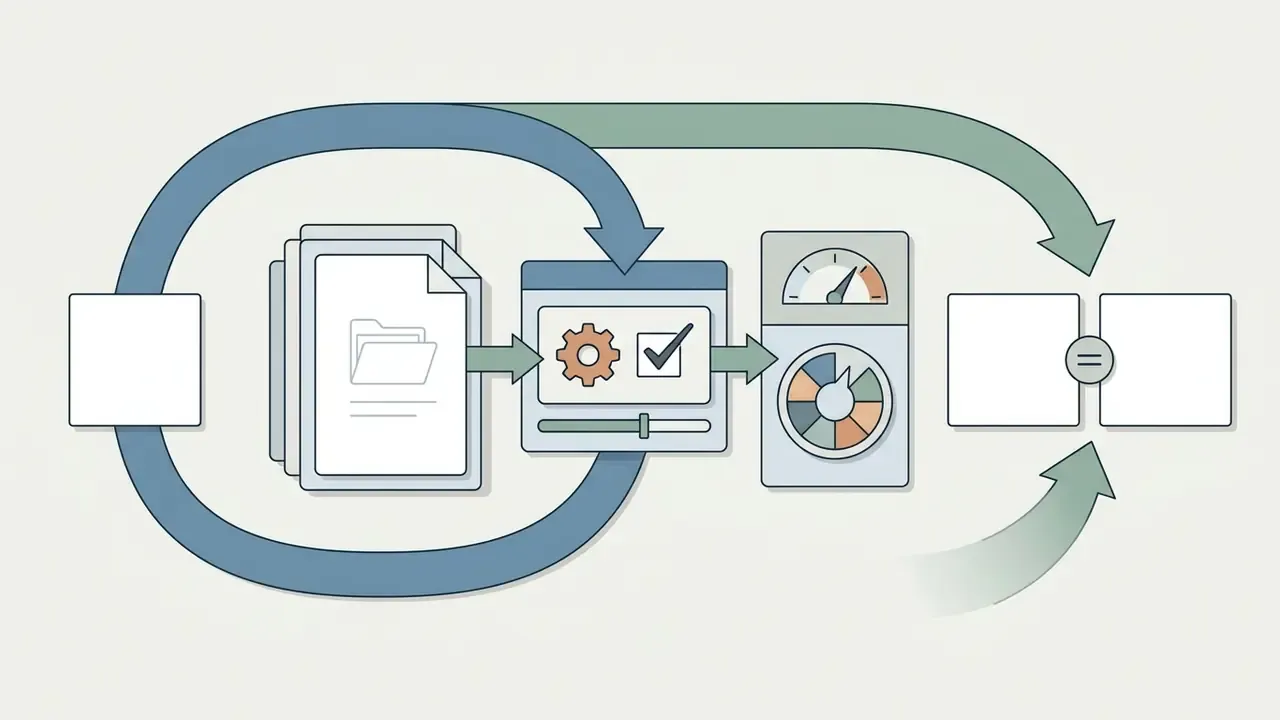
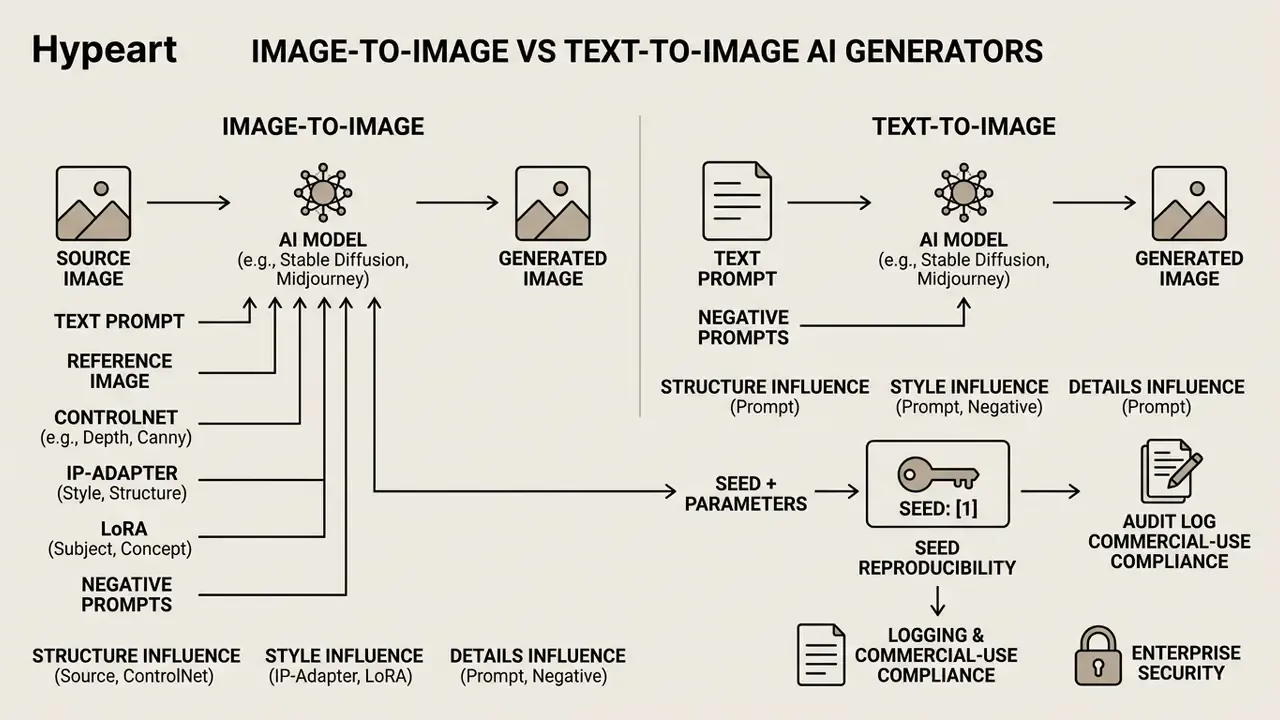
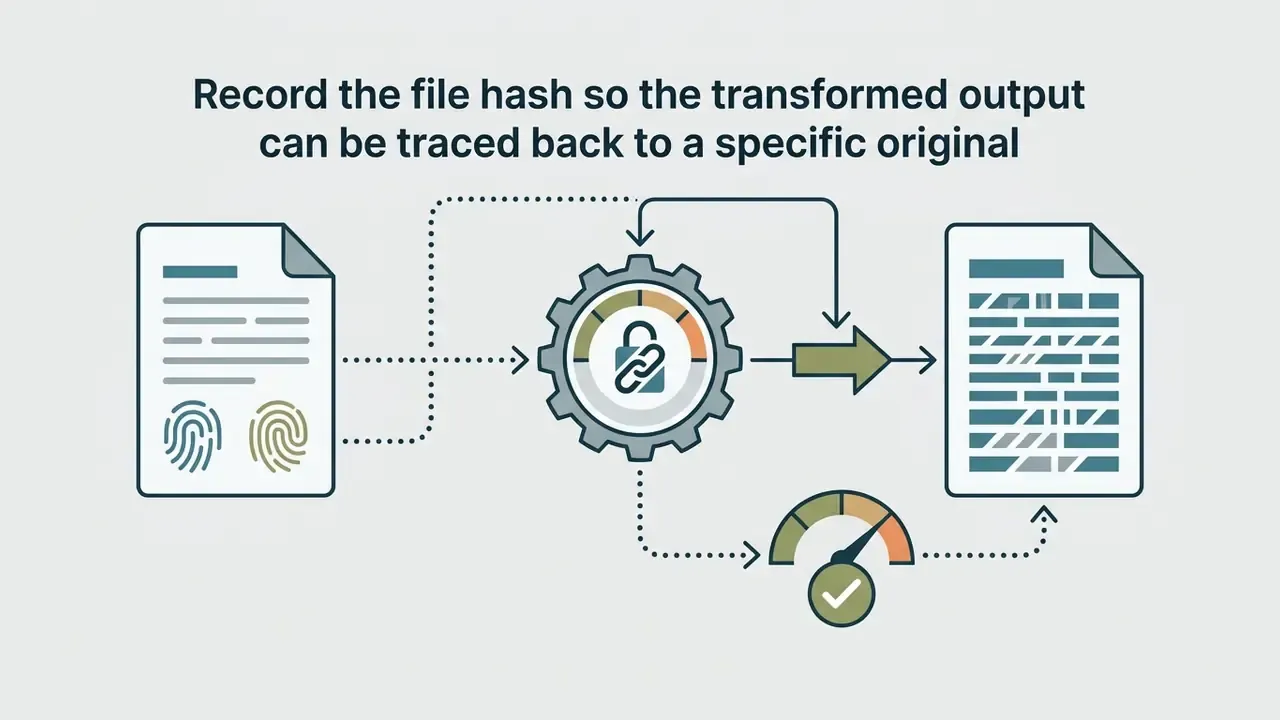
For model-risk and AI-governance functions, an image-to-image pipeline is only defensible if a given output can be regenerated on demand. Diffusion sampling is stochastic by default, so identical prompts produce different pixels unless the random seed is pinned. Replicate's Stable Diffusion img2img reference lists prompt_strength, num_inference_steps, guidance_scale, and seed as the controlling inputs, which means those four values plus the source asset define a reproducible unit of work (Replicate, 2025).
A minimum audit record for each generation should capture:
Because 2025 and 2026 research treats content preservation, perceptual quality, and representation alignment as distinct evaluation dimensions rather than one score (Style Transfer Evaluation Survey, 2026), validation programs should measure them separately. In practice that means LPIPS and CFSD for structural drift, FID for distribution shift, and a hallucination-rate sample review for semantically invented content. Fixing the seed and sweeping one parameter at a time is the workable way to quantify drift sensitivity for a model-validation file under frameworks such as SR 11-7 and the NIST AI Risk Management Framework.
A caveat worth stating openly: bit-identical reproduction can still fail across GPU generations, driver versions, or library upgrades, even with a frozen seed. So record the runtime environment too, and treat "visually identical with matching metrics" as the realistic evidentiary standard rather than a byte-for-byte match.
prompt_strength, guidance_scale, inference steps, output size, model and model version string.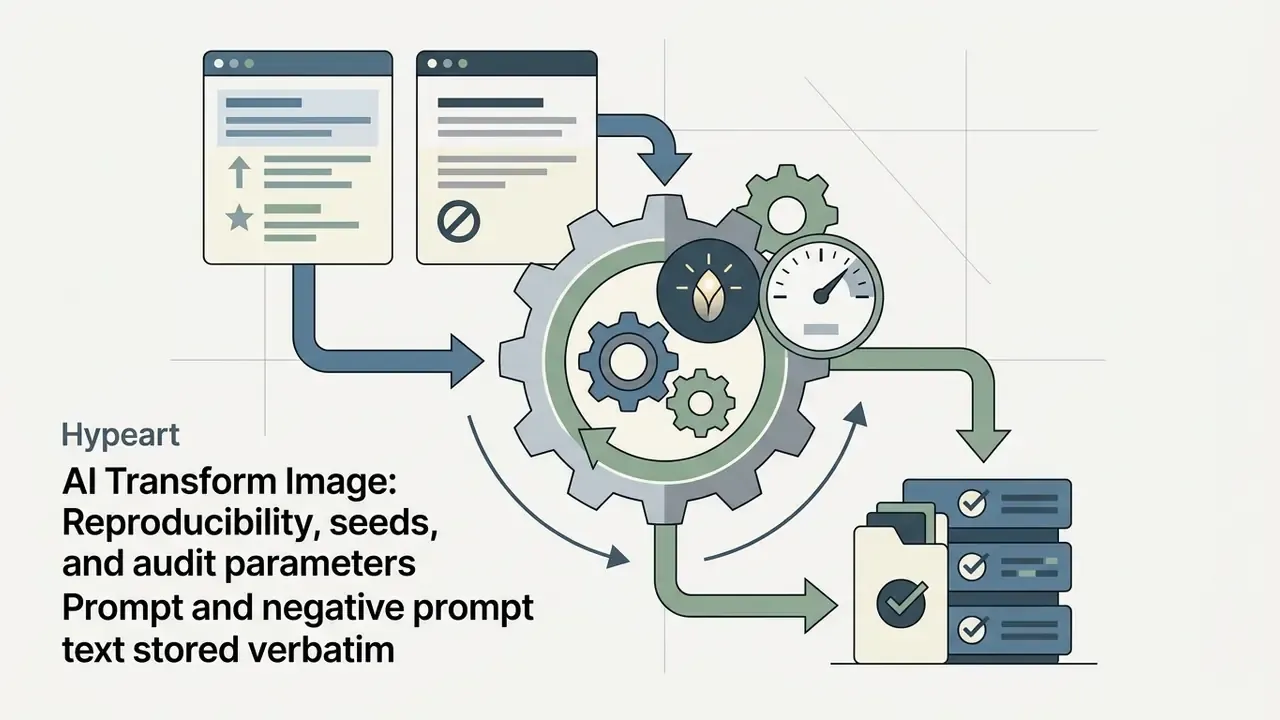
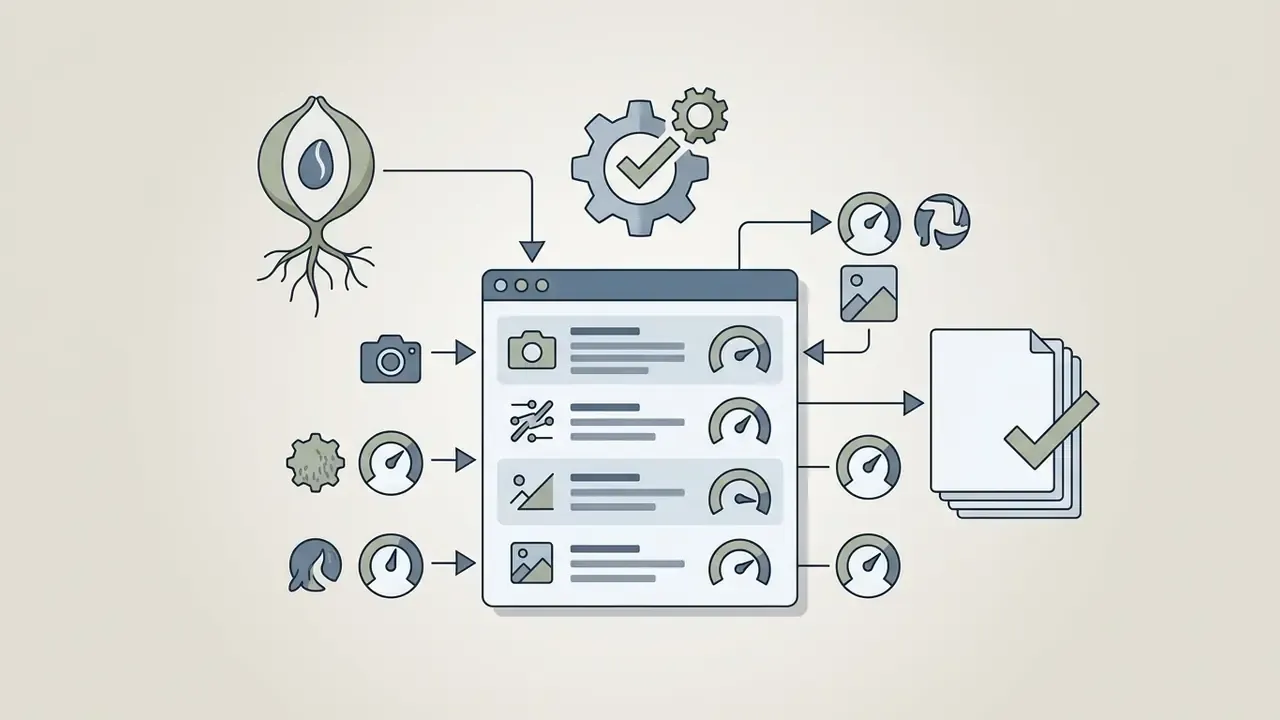
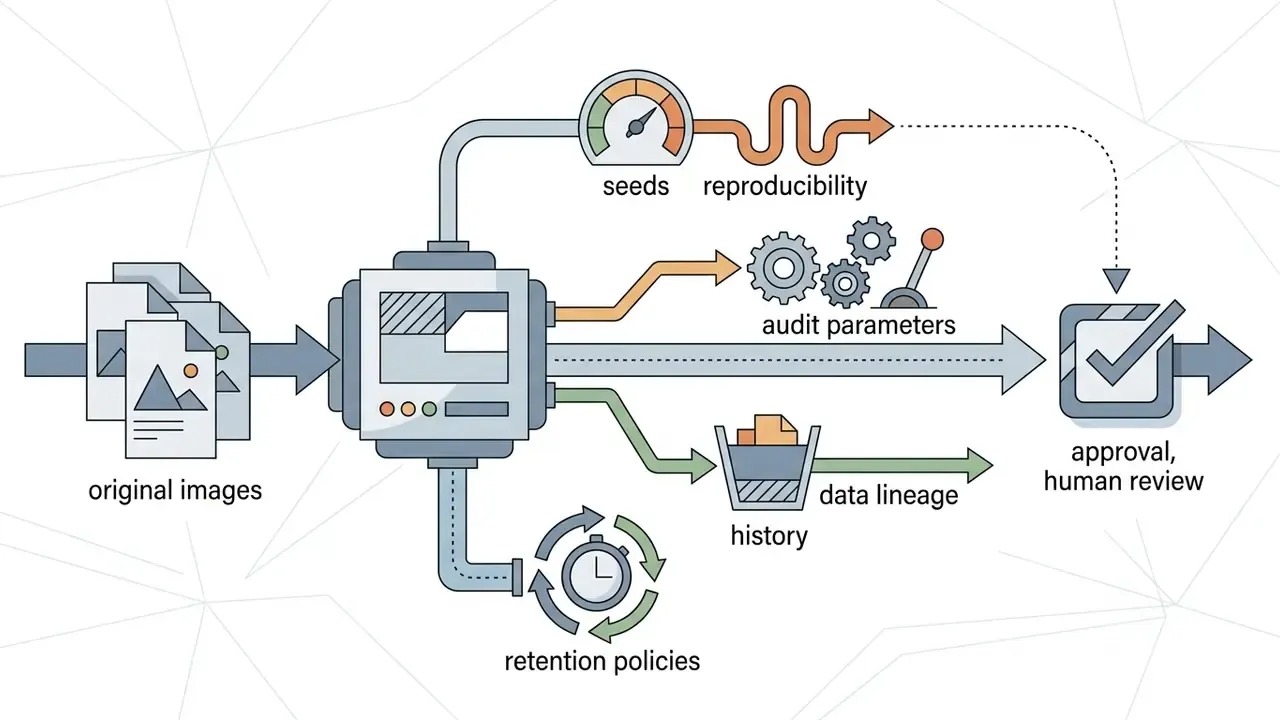
Image-to-image vs. text-to-image AI generators
Image-to-image tools give you structural predictability, because generation begins with an established pixel grid instead of an open-ended text interpretation. Text-to-image models depend entirely on text descriptions, which can produce inconsistent layouts or unpredictable object placements across multiple generations. Readers comparing specific engines can review leading AI image generators alongside the mechanics below.
Controllability research reinforces the distinction. ControlNet++ (ECCV 2024) frames image-conditioned generation as image translation from an input condition to an output image, while surveys of controllable text-to-image diffusion describe text conditioning as steering the denoising process without fixing geometry. The practical consequence: image-to-image fits editing, restoration, style transfer, and guided variation; text-to-image fits concept creation where no source asset exists. If you already have the photograph, you almost never want to start from noise.
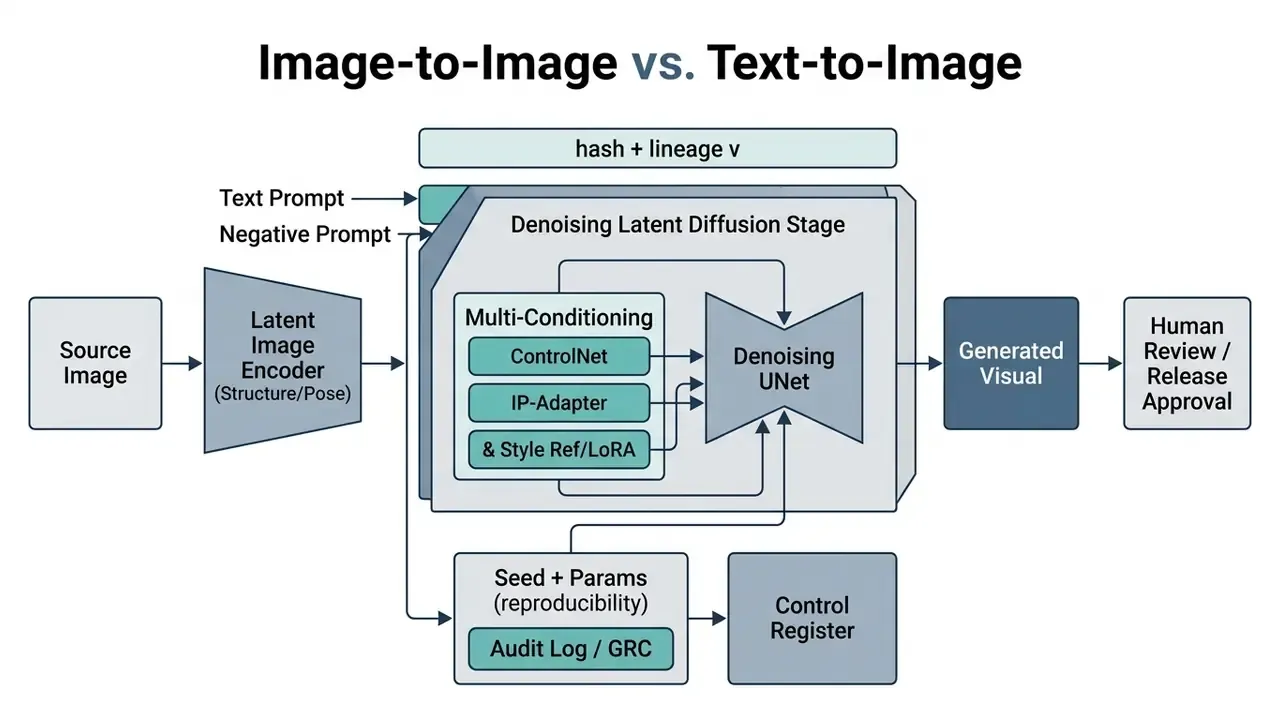
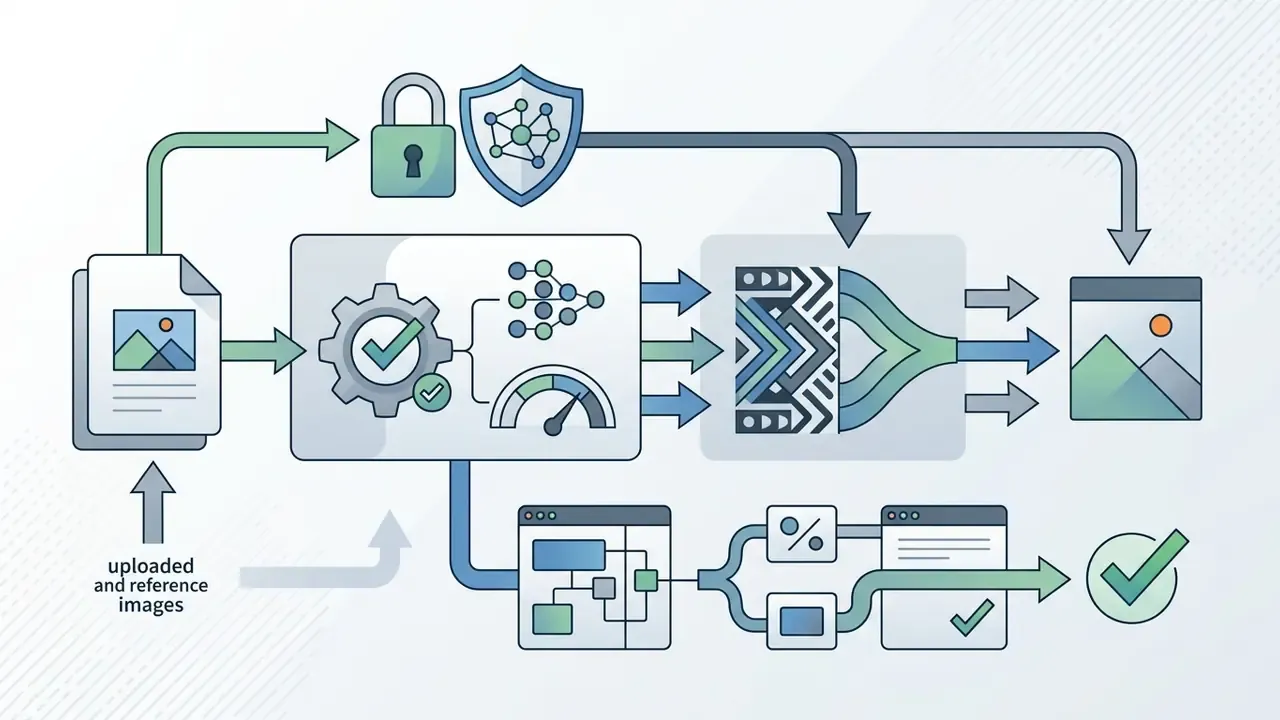
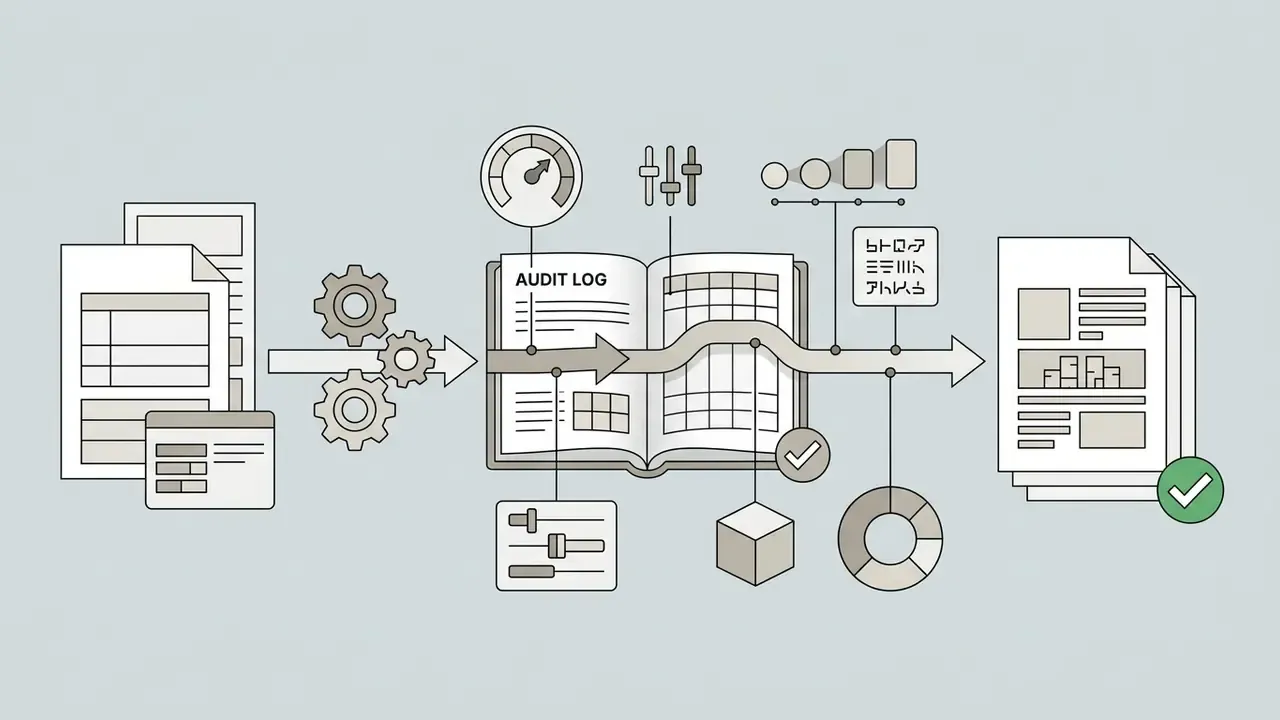
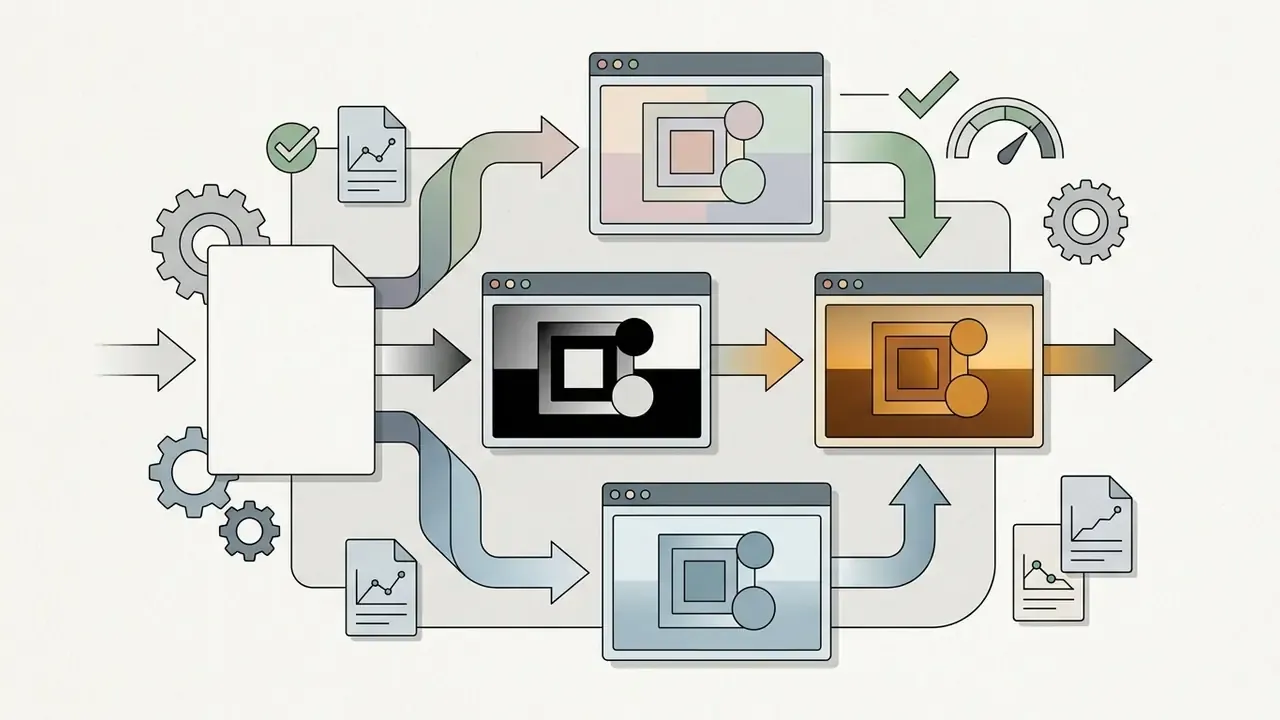
Figure 1: Conceptual flow of image-to-image diffusion, mapping structural latent inputs, conditional text and reference prompts, and control modules to a final transformed image, with seed and parameter capture feeding an audit log and a human release gate.
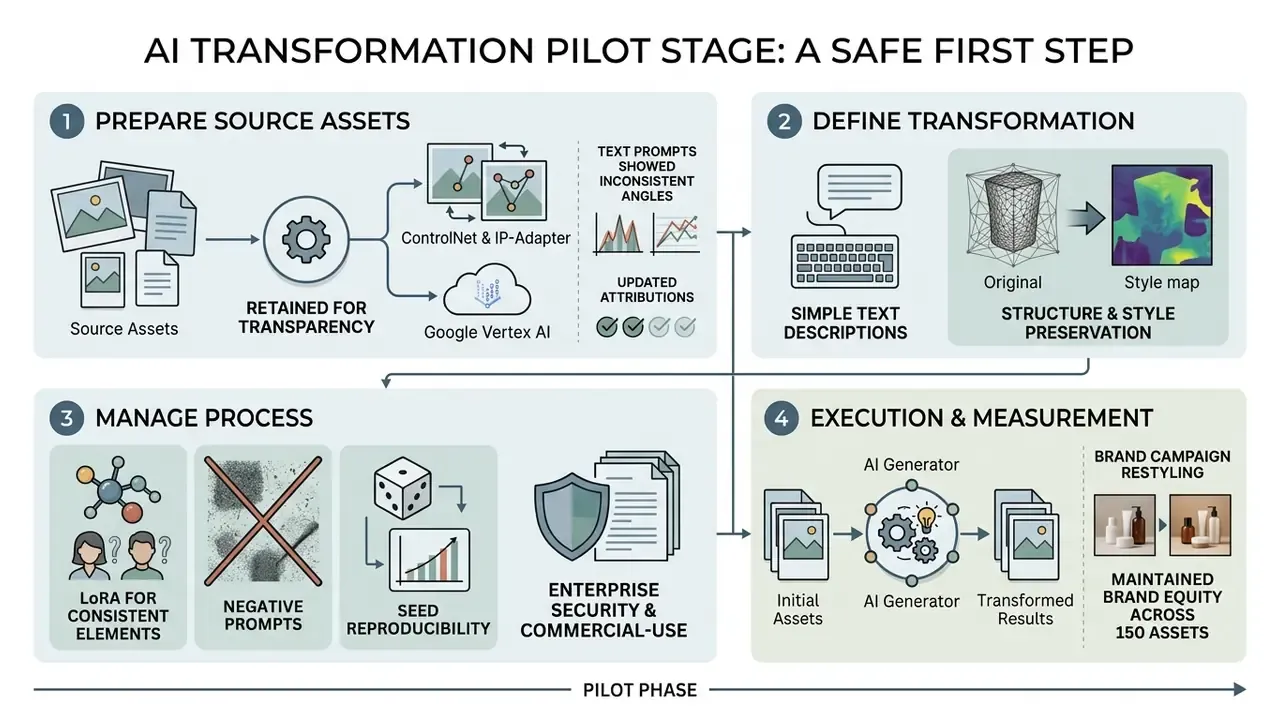
In production environments, internal testing of pure text prompting for product re-contextualization produced inconsistent camera angles across 40 iterations. (Methodology note: this reflects internal vendor-agnostic testing rather than a published benchmark; teams should reproduce the comparison on their own asset set before citing it in a validation file.) Switching to an ai art generator with photo upload feature using ControlNet depth maps held spatial composition stable across every output while background contexts varied, which is consistent with the published finding that structural conditioning improves adherence to input geometry.
What can AI transform image tools do with uploaded photos?
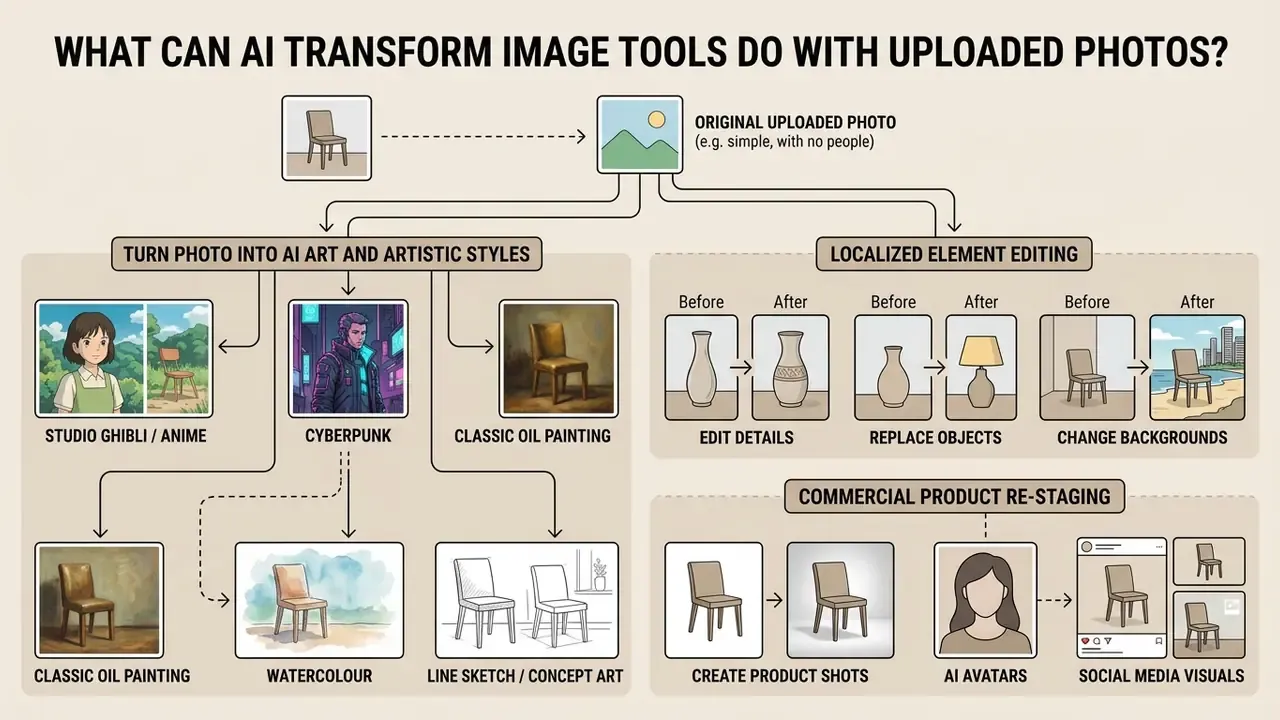
An ai that transforms images can perform style transfer, localized element editing, background replacement, and commercial product re-staging. By combining generative diffusion models with spatial masks, an ai art generator that you can upload images to converts raw photographs into commercial assets, marketing collateral, or operational document renders.
Turn a photo into AI art and artistic styles
Converting an ai photo into digital art requires applying artistic styles without losing the underlying subject identity. Advanced frameworks such as StyleID use self-attention key-value substitution to transfer textures from a reference artwork onto an original image.
Users can ai art upload photo files to generate ai generated images in watercolor, 3D render, vector, or impressionist aesthetics. Models such as LSAST adjust content structure and style patterns dynamically across diffusion steps, which prevents over-stylization while preserving recognizable facial features or landmark geometry.
Identity retention has three documented routes in recent literature: identity-preserving portrait stylization (StyleIdentityGAN, 2023, which separates a style-enhancement module from an identity module), content-preserving diffusion stylization (Style Matching Score, ICCV 2025, which optimizes style alignment while explicitly retaining the source identity), and structure-preserving translation losses such as CycleGAN's identity loss. Depth-aware approaches add an explicit depth term, for example (L_{depth} = |Depth(I_{cs}) - Depth(I_c)|^2), so the stylized frame keeps the original scene's spatial layout while colors and brushwork change.
For popular aesthetics, use direct style triggers inside your prompt structure. An ai art picture upload plus a precise style token beats a vague adjective almost every time:
"Hand-drawn anime aesthetic, lush hand-painted watercolour backgrounds, soft diffused lighting, Studio Ghibli inspired." Teams producing this look at volume can compare purpose-built engines in the guide to Ghibli-style AI image generators.
"Futuristic dystopian atmosphere, vibrant neon reflections, wet pavement, dark high-tech cityscape, volumetric lighting."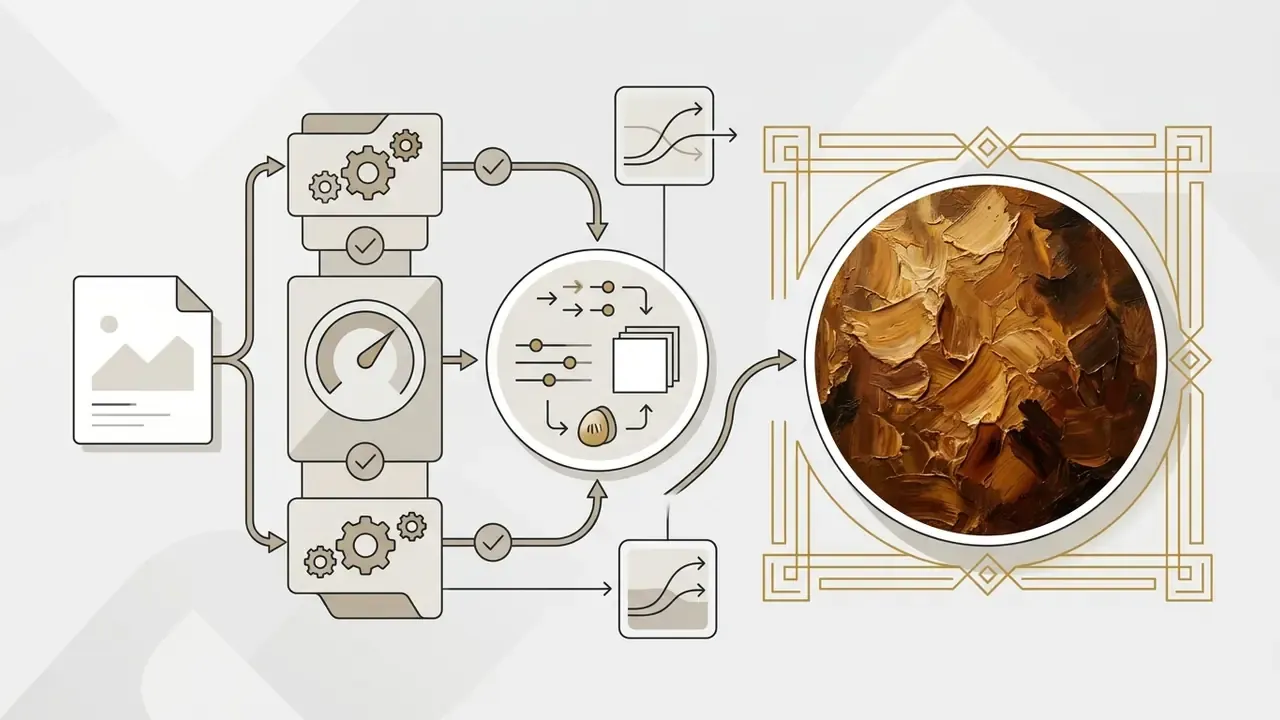
"Impasto oil painting texture, visible thick brushstrokes, rich warm palette, chiaroscuro lighting, Renaissance framing."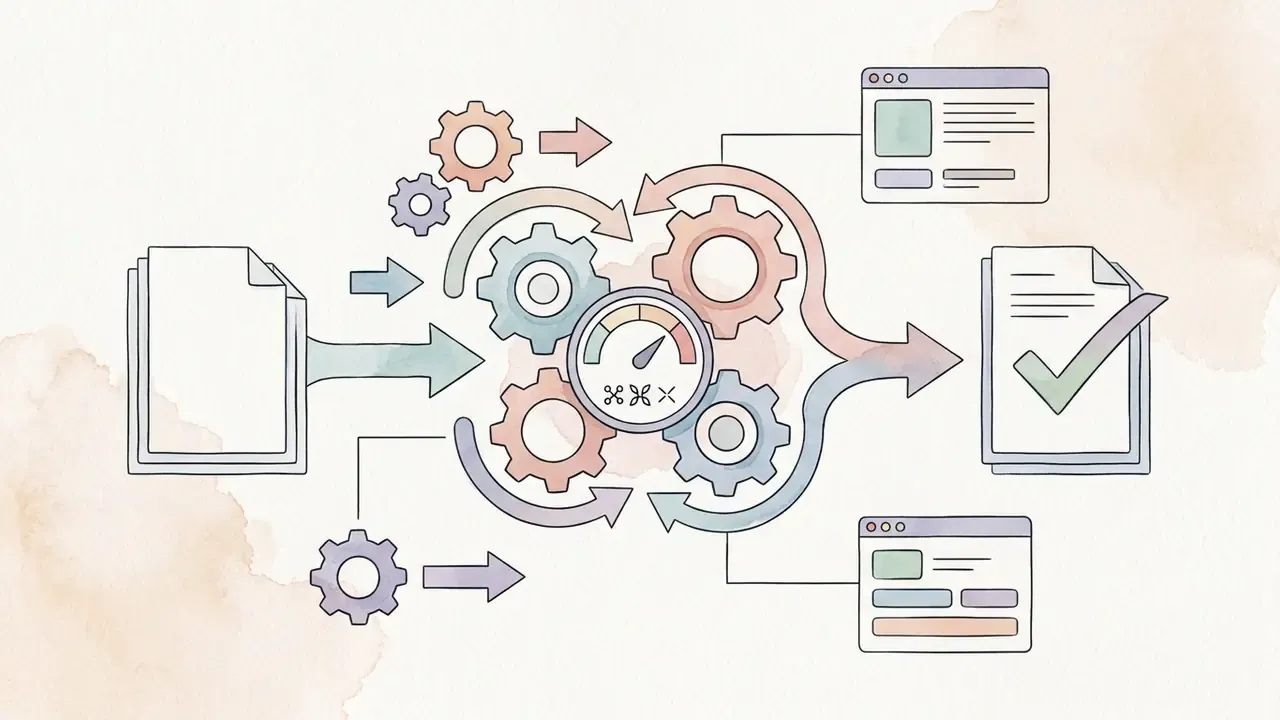
"Soft watercolour washes, visible paper grain, bleeding edges, limited pastel palette."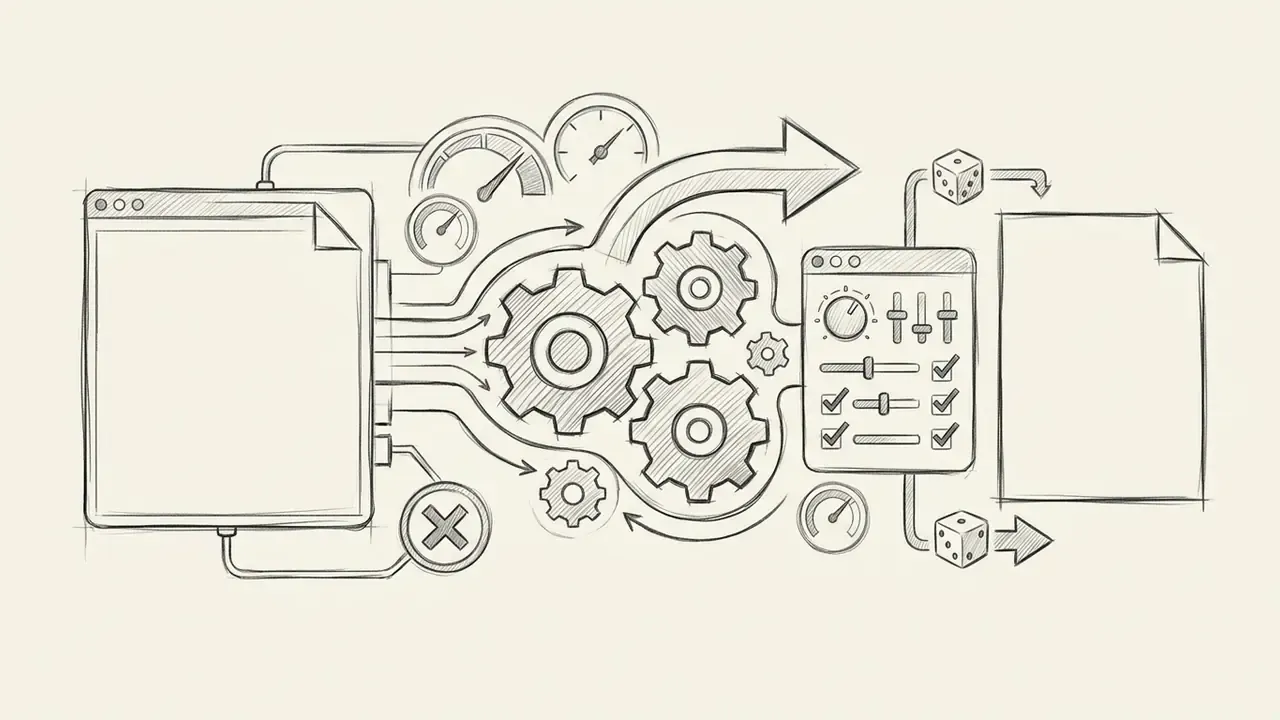
"Graphite line drawing, emphasised contours, cross-hatched shading, neutral background."Edit details, replace objects, and change backgrounds
Enterprise and financial-services use cases
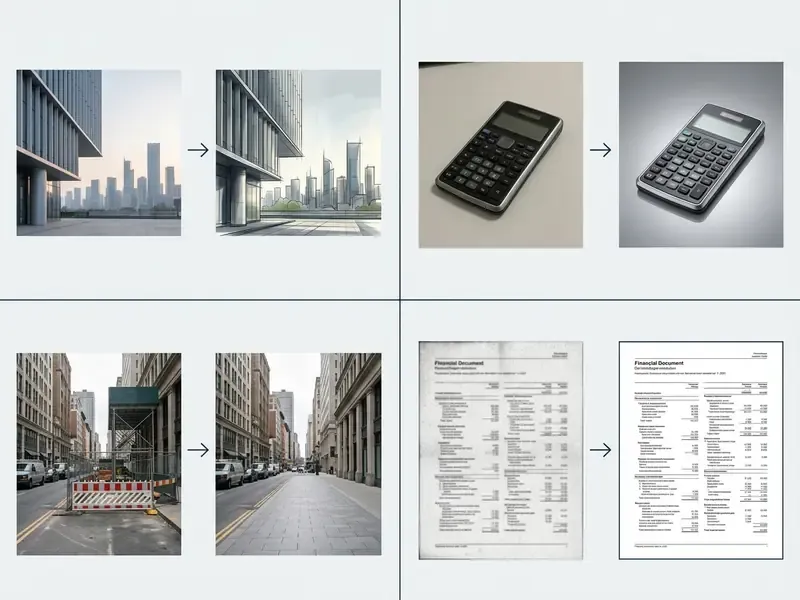
Beyond marketing, image-to-image pipelines have measurable back-office use cases where the transformation is corrective rather than creative. In each one the governing principle is identical: the model must improve legibility without inventing content.
| Workflow | Image-to-image operation | Control requirement |
|---|---|---|
| Document and cheque scan enhancement | Denoising, deskewing, super-resolution of low-quality scans before OCR | Low denoising strength (≤0.2) or dedicated restoration models; text regions must be excluded from generative fill to prevent pseudo-character hallucination |
| Collateral and asset imaging | Background normalization and exposure correction on field photographs of pledged equipment or property | Depth and edge conditioning locked; no geometry alteration; original file retained with hash |
| KYC and onboarding assets | Crop, lighting normalization, and format standardization of identity photographs | PII handling under ZDR contract; no facial-feature editing; biometric processing assessed against applicable regulation |
| Claims and inspection photos | Region-specific clarity enhancement on damaged-area crops | Mask-limited edits, full parameter log, human adjudicator sign-off |
| Archive and records digitization | Restoration and colorization of historical corporate or property records | Colorization treated as interpretive and flagged as non-evidentiary |
Two cautions apply. First, generative fill inside text regions is the single highest-risk operation in a document pipeline, because diffusion UNets readily hallucinate plausible-but-wrong glyphs. A fabricated digit in an account number is not a cosmetic defect; it is a control failure. Second, colorization is mathematically ill-posed. A 2024 CVF study notes that one grayscale object can correspond to multiple plausible colors, producing desaturation and artifacts, so colorized records should never be treated as evidence of original appearance. A 2024 symposium study on old-photo colorization similarly found AI weaker on period-specific clothing and seasonal cues, with the best results coming from AI output plus human correction.
For regulated deployments, the EU AI Act's transparency provisions require machine-readable marking of AI-generated or manipulated images, with an exception where the system performs only standard editing and does not substantially alter the semantics of the input (EU AI Act, transparency obligations and Recital 134). That exception is precisely the boundary a financial institution should document: exposure correction on a collateral photo is standard editing; regenerating a background is not.
How to transform an image with AI: upload, prompt, generate
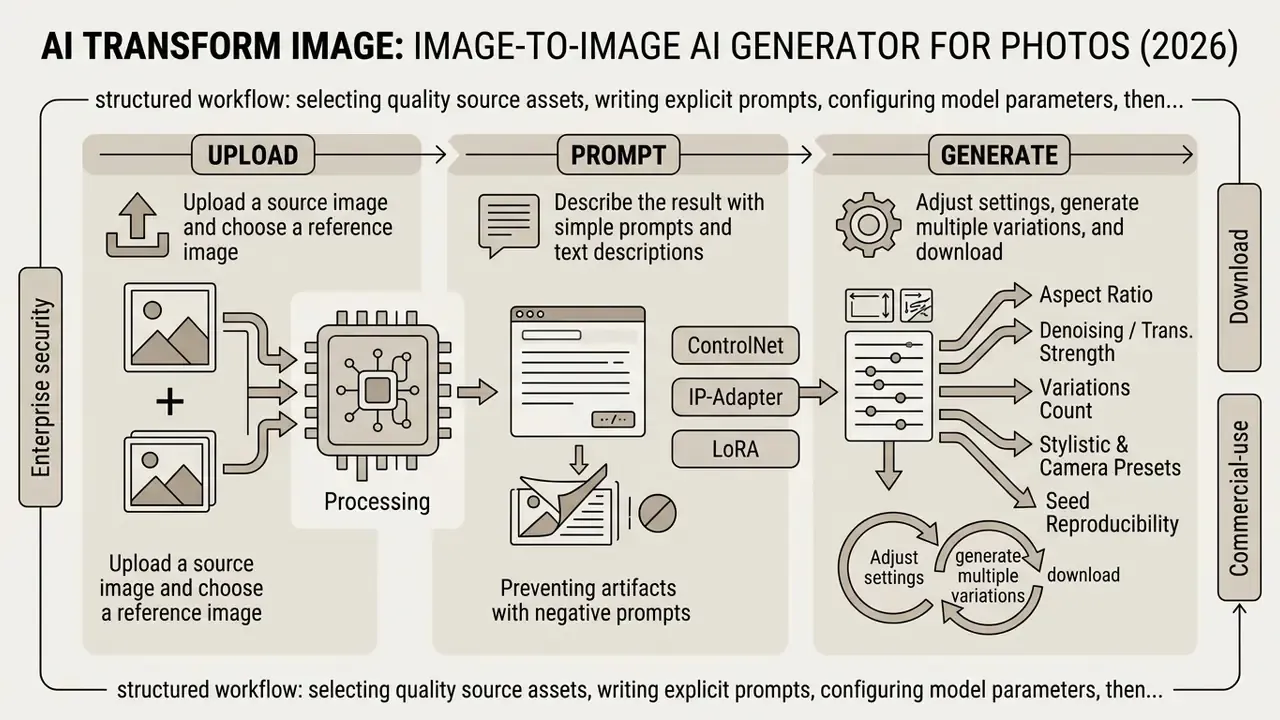
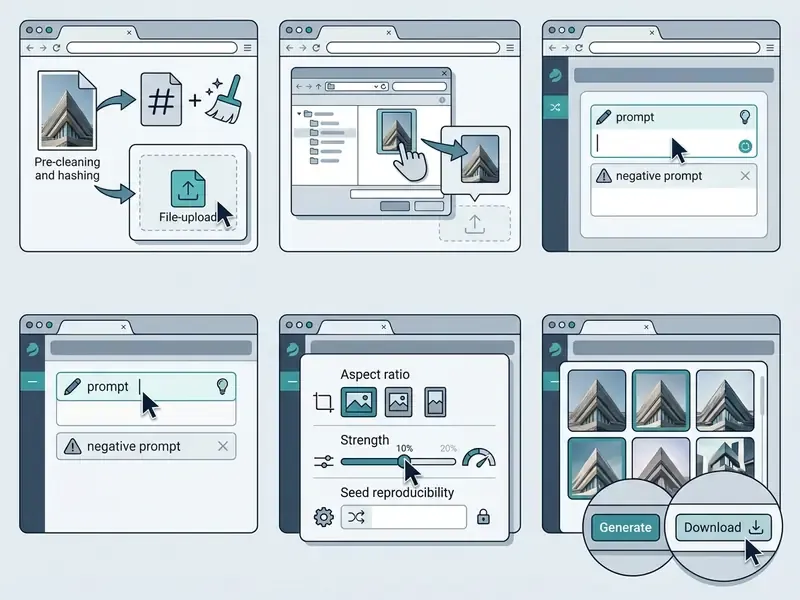
Transforming an image with an ai art transformer involves a structured workflow: selecting quality source assets, writing explicit prompts, configuring model parameters, then executing generation. A systematic sequence is what makes visual output repeatable across production runs.
Upload a source image and choose a reference image
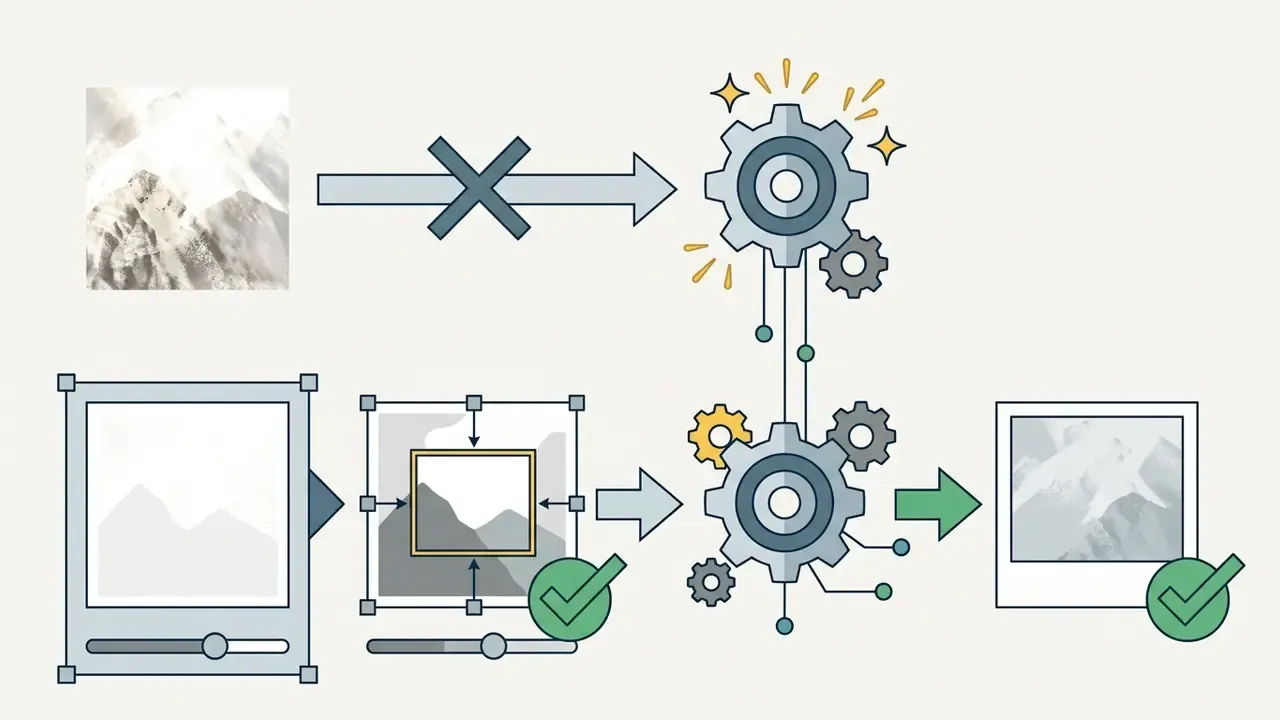
Start by selecting a sharp, high-resolution source image with clear subject separation. Low-resolution or heavily compressed uploads introduce encoding artifacts during latent diffusion, which degrades the final output no matter how good the prompt is.
Practical capture rules from vendor guidance: use the highest-quality source available, keep the subject evenly lit and unobstructed, capture the exact angle you want featured, center the product, and avoid background clutter so the model can read visible geometry (Runway Developer Guidelines, 2026).
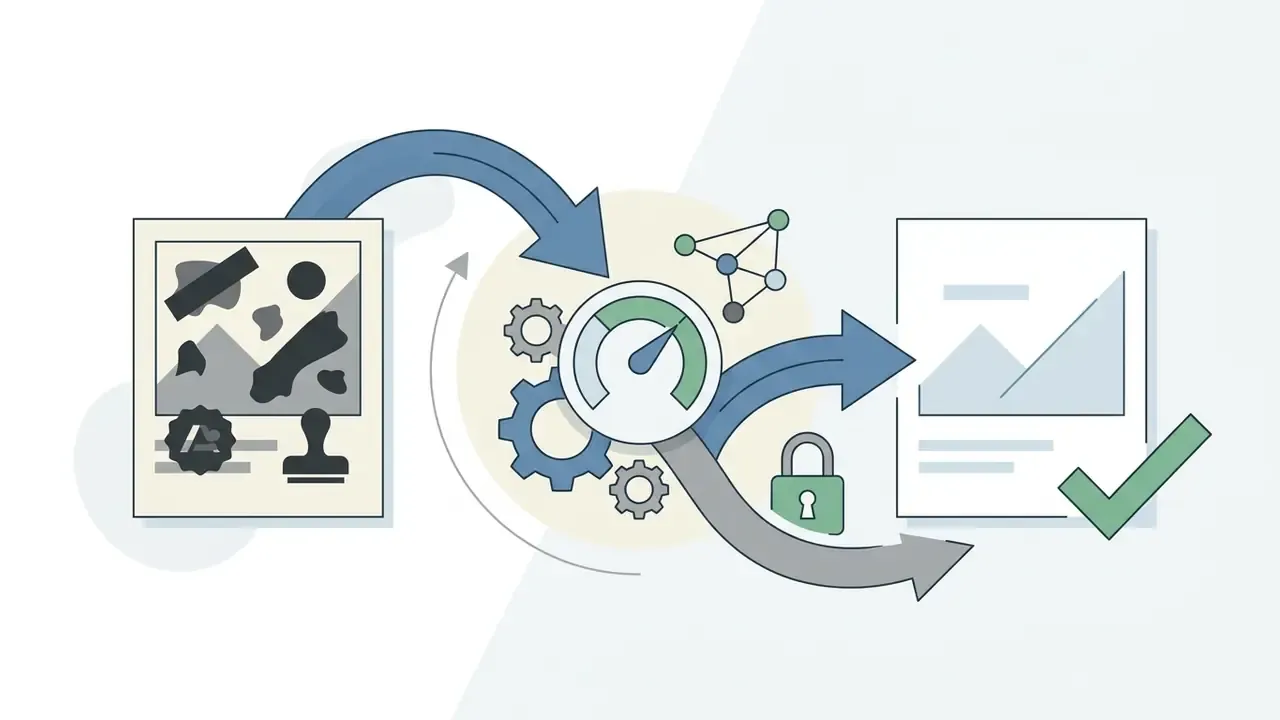
Pre-processing before upload. Clean the source file of pre-existing watermarks, low-contrast noise, or stray background text with an object eraser before it enters the pipeline. Pass an image with text overlays through an image-to-image pipeline and the diffusion UNet will often hallucinate pseudo-letters across the transformed output. A short pre-flight list:
When using an ai image generator with reference photo capability, select reference assets with consistent lighting and color palettes; vendor guidance recommends a small, complementary set rather than many conflicting images. Avoid mixing clashing visual styles in a single generation request, or you invite color bleeding and structural distortion. For quick, low-commitment trials, no-sign-up AI image generators allow parameter testing before procurement, though they should never receive regulated or client-identifiable imagery. Ever.
Describe the result with simple prompts and text descriptions
Craft concise text descriptions that specify the main subject, the desired modifications, and explicit preservation constraints. Effective simple prompts split instructions into three parts: subject action, background context, artistic medium.
For example, when using an ai art image to image generator, write: "Transform the background to a sunny mountain landscape, change shirt colour to navy blue, preserve face identity and original lighting." For an operational asset the grammar is the same, only the content changes: "Increase legibility of the handwritten field in the marked region only; preserve all glyph shapes, page geometry, stamp position and paper tone; do not add or complete any text." Skip vague buzzwords like "hyperrealistic" or "ultra-detailed" and use concrete material terms instead. Vendor prompting guidance recommends naming the result, stating composition and aspect ratio, and for edits saying "change only X" while listing what must be preserved: identity, geometry, layout, lighting, labels.
Preventing artifacts with negative prompts. To eliminate structural deformities, unwanted text overlays, or color distortion, pair your primary description with a negative prompt. Specify explicit exclusion terms:
"Negative Prompt: low-resolution, blur, text, watermark, logo, distorted hands, extra limbs, oversaturated, chromatic aberration, duplicated subject, cropped face."
Suppressing undesirable latent features steers the denoising process toward clean target outputs. For document and evidence workflows, extend the exclusion list with "invented text, added glyphs, synthetic signature, new stamp, altered numerals", then verify the result against the original by side-by-side region comparison rather than by eye alone. Eyeballing a cheque image is not a control.
Adjust settings, generate multiple variations, and download
Before you click generate, set technical parameters based on final delivery requirements:
- Aspect Ratio: Choose target dimensions such as
1:1,16:9, or9:16. Vendor APIs expose these as presets (1:1,3:4,4:3,9:16,16:9in Google's Imagen) or as explicit pixel sizes with constraints. OpenAI documents1024x1024,1536x1024, and1024x1536, a maximum edge of 3,840 px, multiples of 16, and a long-to-short edge ratio of at most 3:1. - Denoising / Transformation Strength: Adjust the strength slider, typically between
0.3and0.75. Lower values retain input geometry; higher values increase prompt influence. Below0.3the change is often imperceptible; above0.75structural integrity starts to break down. - Variations Count: Set the system to generate multiple variations (two to four outputs) and compare subtle differences in lighting and detail. API-side this is
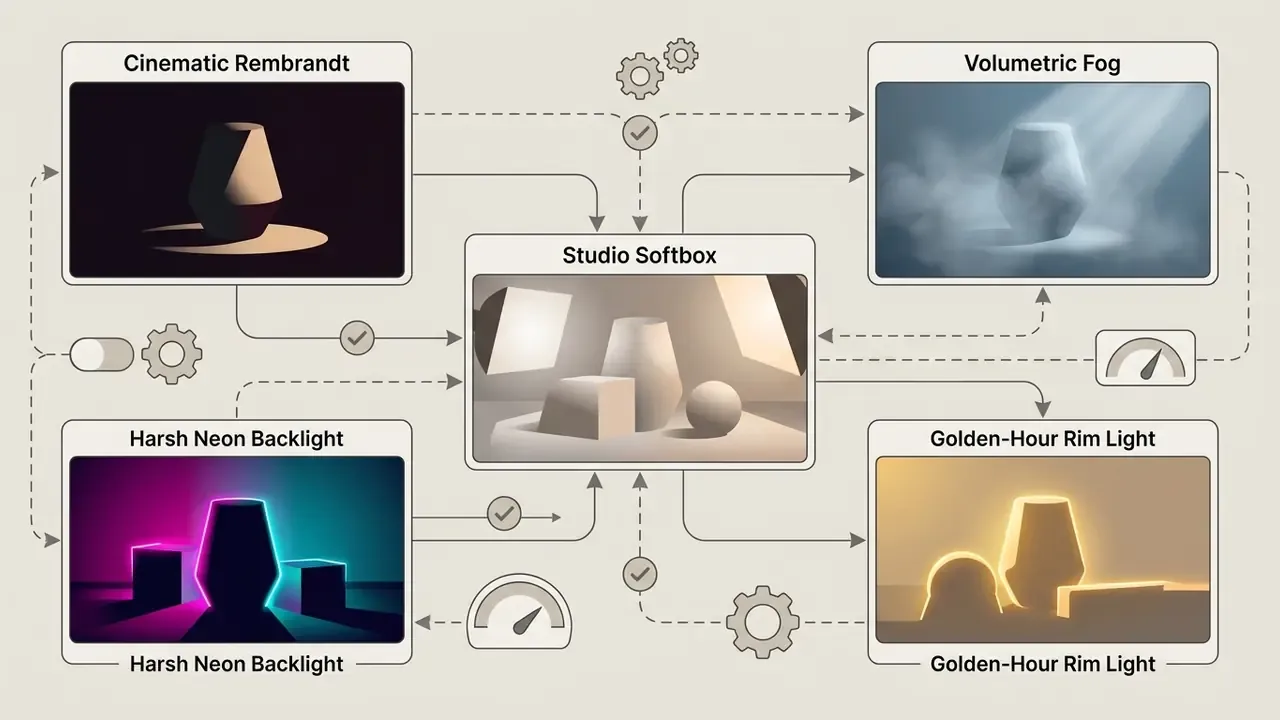
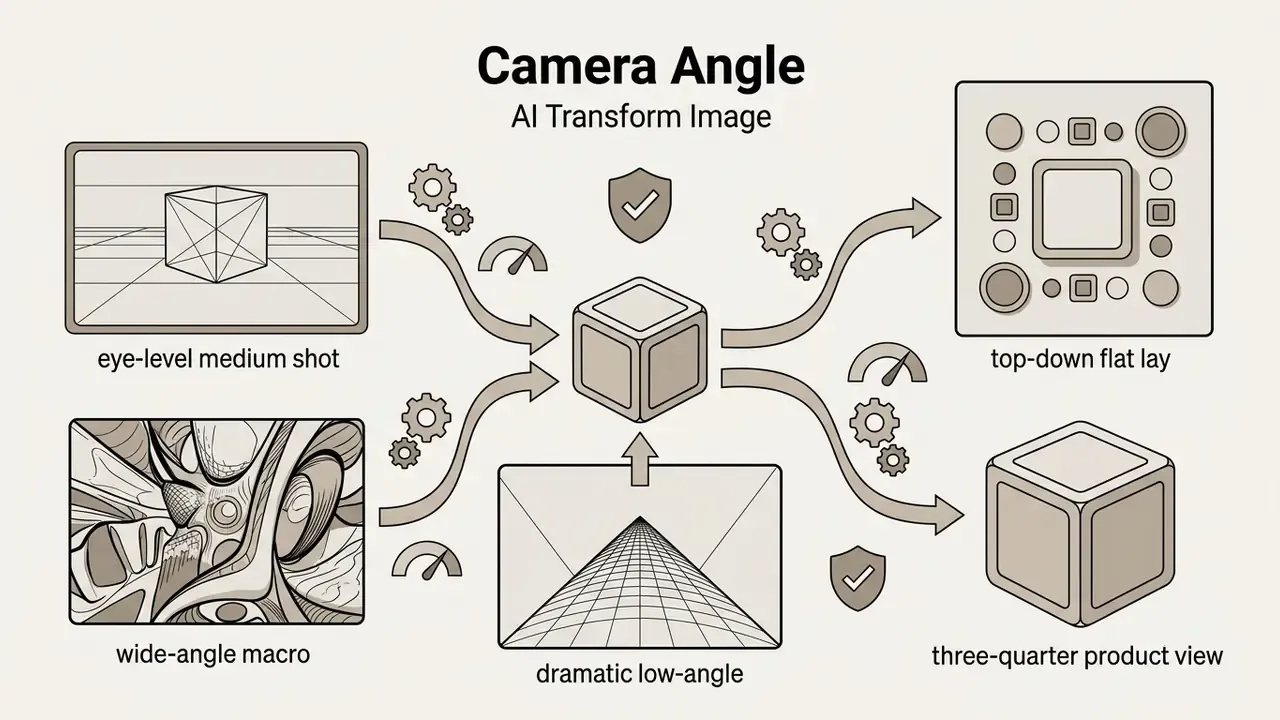
n(up to 4 in Together AI, 1 to 10 for legacy variation endpoints) or a controlled seed sweep. Sweeping seeds while freezing every other parameter is also the cleanest way to measure output variance for validation, and it gives you new variations without moving the creative target. - Stylistic & Camera Presets: When writing prompts or selecting UI modifiers, control scene mood with standardized rendering tokens:
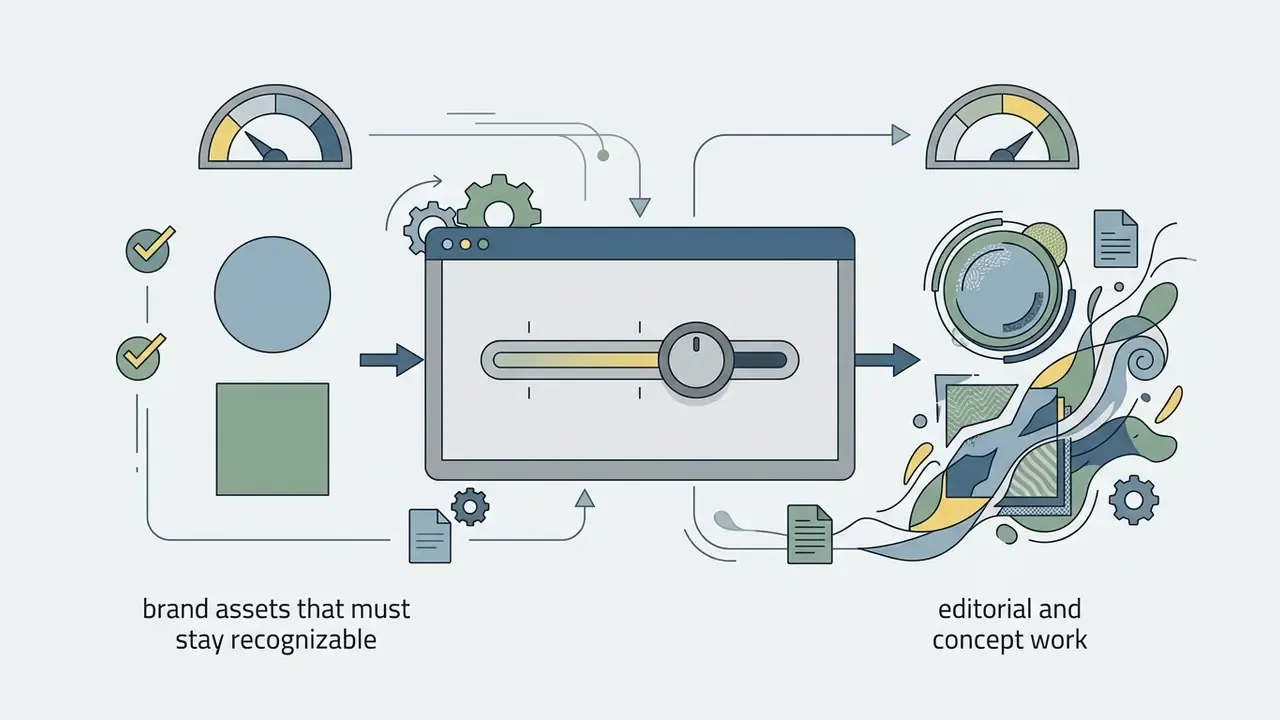
- Seed and logging: Fix the seed for any asset that may need regeneration, and export the parameter JSON alongside the image file instead of relying on platform history.
Once rendered, preview the results and download high-resolution outputs in PNG or WebP to maintain visual fidelity. Note that JPEG does not support transparency, so transparent-background exports require PNG or WebP. Creators evaluating dedicated tools can consult our AI image generator comparison and the broader AI Media Comparison breakdown.
How to control style, structure, and image quality
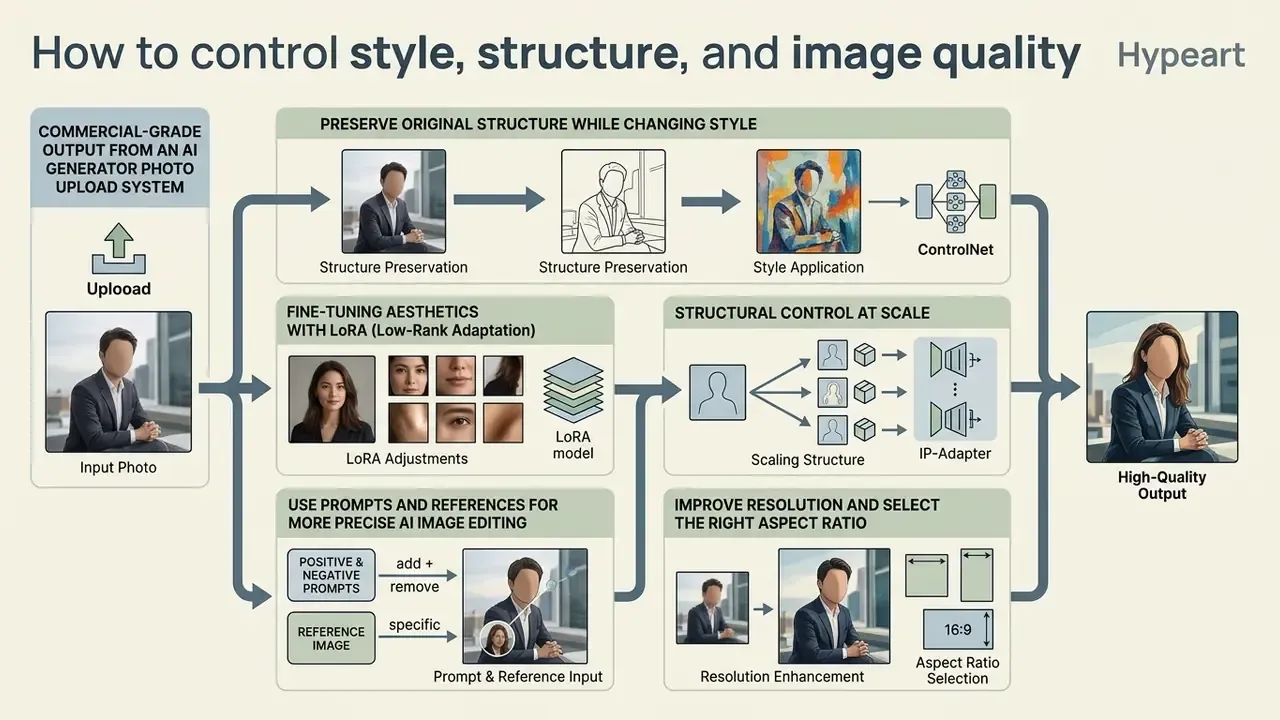
Commercial-grade output from an ai generator photo upload system depends on balancing structural retention, prompt adherence, and resolution enhancement. Fine-tuning control parameters is what prevents unwanted alterations to brand elements or subject geometry.
Preserve the original structure while changing the style
To transform existing photos without warping subject proportions, use depth-aware neural conditioning or edge-detection filters. Explicit structure-preservation losses hold pixel-level edge alignment while complex surface textures are transferred. (Updated: the attribution below replaces an unverifiable 2026 conference citation retained in Appendix A.)
Complementary evidence comes from architectures that split the two jobs entirely. StyleBrush uses a ReferenceNet for style and a separate Structure Guider for the input image's layout, and ICCV 2025 work applies progressive spectrum regularization to lock low-frequency layout before fine stylized detail is added.
Fine-tuning aesthetics with LoRA (Low-Rank Adaptation). ControlNet governs spatial geometry; Low-Rank Adaptation modules apply specialized visual aesthetics such as anime shading, isometric product renders, or a specific brand palette, without altering the base diffusion model weights. Combining a ControlNet depth map with a lightweight LoRA (weight between 0.6 and 0.8) lets creators achieve precise thematic restyling while preserving the original subject layout. Commercial platforms now ship libraries of two thousand or more LoRAs covering emoji sets, profile pictures, fantasy characters, and e-commerce product scenes, and multiple modules can be stacked. Weights above roughly 0.9, or three or more simultaneous modules, tend to overwhelm the base model and reintroduce artifacts.
For governance purposes, treat each LoRA as a distinct model artifact. Version it, record its provenance and training-data claims, and log the exact weight used, because a swapped LoRA changes the output distribution just as decisively as a new base checkpoint. I have seen this underestimated more than once: a creative team updates a style module on Friday, and Monday's validation evidence no longer describes the model in production.
Structural control at scale (reformulated). In a documented enterprise restyling exercise, a brand needed to convert roughly 150 product assets into seasonal themes. Enforcing ControlNet depth constraints at a guidance scale of 0.85 held product dimensions constant across the batch while background environments changed completely. (This reflects a practitioner workflow rather than a published benchmark; the transferable lesson is the method, meaning depth conditioning plus a fixed guidance scale plus a frozen seed per asset, rather than the specific numbers.)
Use prompts and references for more precise AI image editing
Combine multi-image references with target prompts for precise editing control. Label uploaded images by index (for example Image 1: Source Photo, Image 2: Style Reference) and instruct the model explicitly on how they interact (OpenAI Image Prompting Guide, 2026). Current GPT image models accept up to 16 input references in editing workflows, so indexing is not optional at scale; it is the only way to keep roles unambiguous.
When aiming to ai transform my photo, name the preserved elements in the prompt text: "Keep the exact facial structure of Image 1, apply the colour grading of Image 2." Small iterative prompt adjustments produce cleaner edits than one long complex prompt, and repeating the preserve list on every iteration measurably reduces drift. Pruna's documentation formalizes the same three-part edit pattern: modification instruction, change target, preservation requirements.
A short worked pattern for a two-reference edit:
Image 1: product photograph (source geometry - preserve)
Image 2: brand style reference (palette and lighting only)
Prompt: Re-light Image 1 using the palette and lighting of Image 2.
Change only background and lighting. Preserve product silhouette,
label typography, logo placement and proportions exactly.
Negative: new text, altered logo, warped edges, extra objects, watermark.
Seed: 20260114 | Strength: 0.45 | Guidance: 0.85
Improve resolution and select the right aspect ratio
Standard diffusion outputs often generate at native square resolutions such as 1024x1024. Reaching studio quality for print or large displays means running outputs through a dedicated image upscaler.
Diffusion-based upscalers like ECDP use probability flow sampling to enlarge pixel dimensions 2x to 8x without blurring edge boundaries.
Vendor limits differ. Adobe Firefly and Pixlr document 2x to 4x, Pixelbin and Krea expose 2x, 4x, and 8x, and Krea additionally offers 16x. Critically, upscaling does not change aspect ratio. Framing stays fixed and pixel count rises on both axes by the same factor, which is why Pixlr states its Super Scale preserves the original ratio to avoid distortion. Select the correct aspect ratio at generation time, then run upscaling as a post-processing stage to produce high quality images suitable for commercial display. Comparative specifications for enlargement tools are collected in the guide to AI image upscalers.
How to choose an AI image conversion tool for commercial use
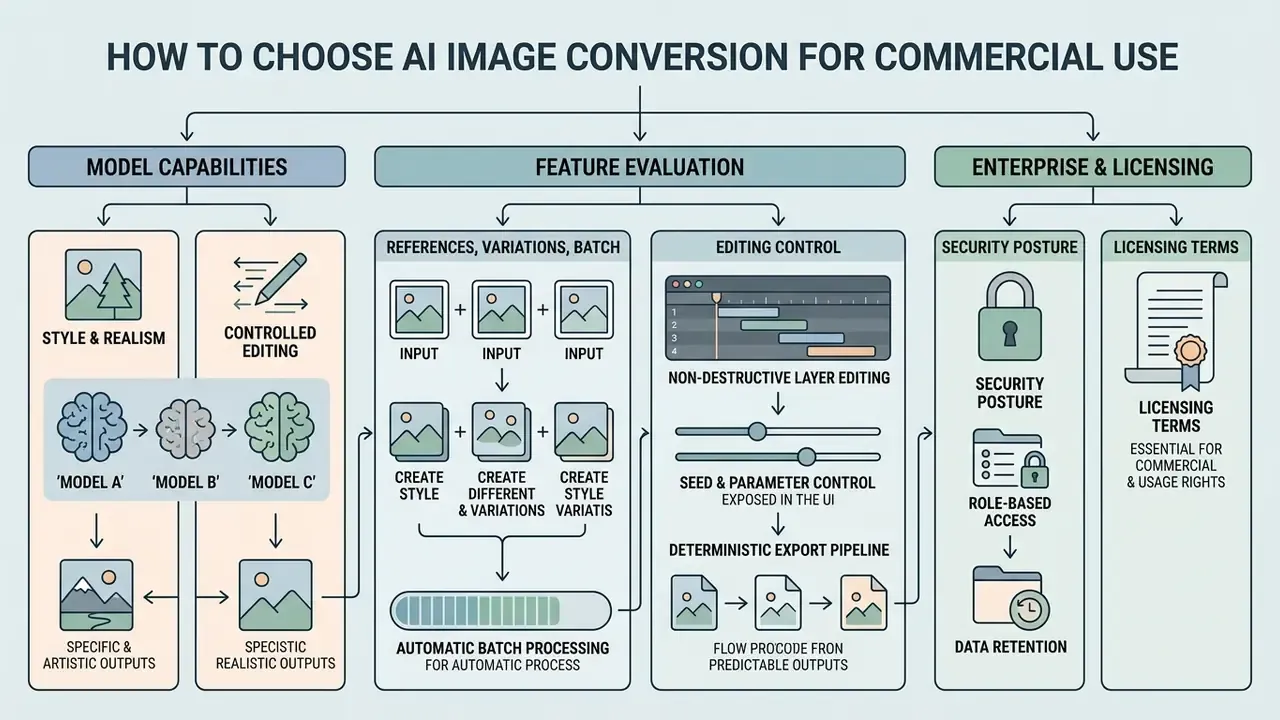
Selecting the right ai image conversion tools means evaluating model capabilities, editing control, processing speed, security posture, and licensing terms for commercial projects. Side-by-side specifications for source-conditioned engines are collected in the roundup of image-to-image generators.
Compare AI models for style, realism, and controlled editing
Different underlying ai models excel at specific tasks:
- Seedream 4.5 & Seedream 5.0: Built for high-resolution image editing. Third-party model documentation indicates support for up to 10 reference images, 1 to 15 outputs per request, 2K and 4K output, plus inpainting and upscaling controls in the 5.0 line.
- Qwen Image: Optimized for precise reference-guided edits and controlled style alignment, with documented support for 3 reference images, 1 to 6 outputs, and 512P to 2K resolution.
- Nano Banana: Specialized for lightweight photo restyling and rapid iteration. Primary technical specifications remain thin in public documentation, so validate throughput and resolution empirically before you commit a workflow to it.
- Microsoft MAI-Image-2.5: A 20B-parameter diffusion model supporting both text-to-image and precise image-to-image editing, with a stated pixel cap around 1,048,576 pixels per image.
- Enterprise-hosted stacks (Amazon Bedrock, Azure AI Vision, private deployments): relevant when the controlling requirement is VPC isolation, contractual data handling, or on-premise inference rather than peak aesthetic quality.
Features that matter: references, variations, and batch generation
Commercial workflows need features that actually accelerate asset production:
To review general tool options, check our guide to selecting an image generator for production pipelines, and the comparison of free AI art generators for limits, watermarks, and licensing at the entry tier.
- Multi-Reference Support
- Ability to ingest separate structure, pose, and style images at once (up to 16 references in current GPT image models).
- Batch Generation
- Asynchronous API or UI processing to generate multiple visual assets in a single run. OpenAI's Batch API and Diffusers'
num_images_per_promptare the reference implementations. - Non-Destructive Layer Editing
- Capability to apply generative fills while keeping underlying source layers intact, a hard requirement wherever the original must remain evidentiary.
- Seed and parameter control exposed in the UI
- , not only in the API, so non-engineering teams can produce reproducible assets.
- Deterministic export pipeline
- consistent file naming, embedded or sidecar parameter metadata, and optional content credentials or machine-readable AI marking for jurisdictions that require disclosure.
- Role-based access and retention controls
- , including per-project data isolation.
Free access, exports, and commercial-use terms
Many platforms offer free online tiers or free ai image credits. Free plans frequently append visible watermarks, restrict export resolutions, or prohibit commercial use, and vendor policy on this shifts. Adobe community guidance moved from a non-removable free-plan watermark to a later position that free generations no longer carry the same visible mark, which is exactly why terms must be re-verified with a dated check.
Under U.S. Copyright Office guidance, purely machine-generated outputs without human creative contribution cannot be registered for copyright protection (U.S. Copyright Office, "Works Containing Material Generated by Artificial Intelligence," 2023, and 2025 report). Applicants must identify human-authored contributions and explicitly exclude AI-generated content that is more than de minimis, and the Office's 2025 report states that prompting alone is not a sufficient expressive contribution. The UK Government's 2026 report adds that reproducing copyright works to train AI models requires a licence unless an exception applies, and that outputs reproducing a substantial part of a work can infringe.
Commercial usage rights are therefore granted by contract, not by copyright. OpenAI's Terms of Use state that the user owns the Output and that OpenAI assigns its rights in Output to the user, to the extent permitted by applicable law, with an equivalent clause for business customers in the Services Agreement (OpenAI Terms of Service / Services Agreement, 2026). Adobe states that Firefly generations are commercially usable under its license terms, while noting that beta-app generative features are excluded from commercial use and that partner-model outputs may carry different terms. The practical implication: contractual ownership of an output and copyright protection of that output are two separate questions, and only one of them is negotiable.
| Feature / Criteria | Standard Free AI Tools | Enterprise Commercial Tools |
|---|---|---|
| Reference Uploads | 1 image limit | Up to 10 to 16 multi-image references |
| Export Resolution | Standard definition (720p to 1024p) | Upscaled 4K / studio quality |
| Watermark Removal | Watermarked (policy varies by vendor and date) | Watermark-free exports |
| Commercial Usage | Personal use only | Full commercial rights granted by contract |
| Batch Processing | Single generation | Asynchronous batch API support |
| Seed / Parameter Control | Hidden or randomized | Exposed seed, sampler, guidance, step count |
Table 1: Operational comparison between standard free tier generators and enterprise-grade image conversion platforms.
| Procurement criterion | Question to put to the vendor | Why it matters |
|---|---|---|
| Data retention | Is a Zero Data Retention (ZDR) configuration contractually available, and does it cover prompts, uploads and outputs? | Determines whether regulated imagery may be processed at all |
| Deployment model | Public multi-tenant SaaS, dedicated VPC, private cloud, or on-premise inference? | Drives data-residency and third-party-risk assessment |
| Security attestations | Current SOC 2 Type II and ISO/IEC 27001 reports; encryption in transit and at rest | Baseline evidence for vendor due diligence |
| Training use of customer data | Are customer uploads excluded from model training by default or by contract amendment? | Prevents inadvertent disclosure through model memorization |
| IP indemnification | Does the vendor indemnify against third-party IP claims arising from outputs, and with what caps and exclusions? | Transfers a material portion of output-infringement risk |
| Auditability | Are per-generation logs (seed, parameters, model version, user) exportable to the firm's log store? | Required for reproducibility and supervisory review |
| Model change management | How are base-model, LoRA and checkpoint updates versioned and announced? | Silent model swaps invalidate prior validation evidence |
| Content marking | Are machine-readable AI markings or content credentials applied on export? | Supports EU AI Act transparency obligations |
| Exit and portability | Can assets, logs and prompt libraries be exported in open formats? | Limits vendor lock-in for multi-year programs |
No matching rows Clear one or more filters to restore the matrix.
Table 2: Enterprise vendor-selection criteria for image-to-image platforms in regulated environments.
Data security, PII, and Shadow AI
Pre-production validation checklist
Use this as the gate between pilot and production for any image-to-image pipeline in a controlled environment.
Checklist0 / 14
AI transform image FAQs
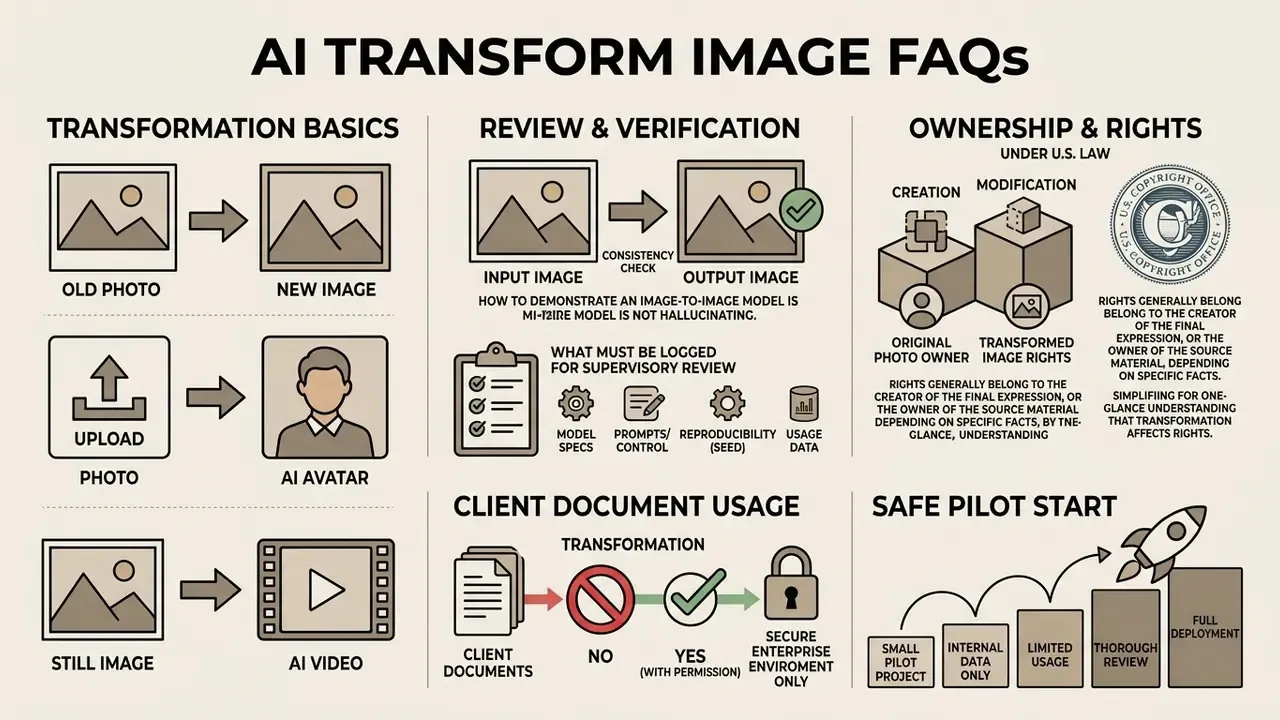
Can AI transform an old photo into a new image?
Yes. AI tools can restore and transform an old photo in two steps: first apply super-resolution and colorization models to fix damage and noise, then use image-to-image diffusion to restyle or extend the scene.
Limits are well documented. Colorization is ill-posed, so a single grayscale object can map to multiple plausible colors, producing desaturation, color bleeding, and artifacts; models also generalize poorly to historically specific clothing and seasonal cues. For archival or records work, treat restored color as interpretive rather than evidentiary, keep the ai to original photo comparison on file, and pair automation with human correction.
Can I create an AI avatar from an uploaded photo?
Yes. You can build an ai avatar by uploading a clear facial photo into a personalized editing pipeline. Models such as InstantID and S^2Edit extract facial embeddings to maintain subject identity while applying new clothing, backgrounds, or artistic mediums (InstantID Study, 2024).
A typical single-portrait pipeline runs portrait conditioning, then face-identity embedding, then optional 3D head reconstruction or face fusion for view consistency, then facial-region refinement, as documented in PERSE (CVPR 2025) and related identity-preserving work. Note that avatar generation processes biometric data; in regulated environments it requires a lawful basis, retention limits, and a vendor contract that excludes uploads from training. Users looking for additional tools can view the guide covering digital media asset specifications.
Can an AI-generated image become an AI video?
Yes. A static ai generated images output can serve as the initial keyframe for image-to-video AI tools built on diffusion. Frameworks such as Motion-I2V, ConsistI2V, and AtomoVideo take a single image input and generate animation frames while aiming, respectively, at controllability, frame-to-frame consistency, and detail fidelity (Motion-I2V, NVIDIA, 2024; ConsistI2V, 2024; AtomoVideo, 2024). (These are method papers rather than benchmark standards; they differ by optimization target, not by contradiction.)
For broader legal implications around synthetic media, creators can explore the hub dedicated to AI copyright developments, and compare engines in the roundup of best AI video generators.
How do I demonstrate to a reviewer that an image-to-image model is not hallucinating?
Hallucination is demonstrated absent, not asserted absent. Build a stratified sample of production inputs, generate with fixed seeds, and score each output against its source on two axes: structural fidelity (edge and depth alignment, LPIPS or CFSD) and semantic invention (a binary human judgment on whether any content exists in the output that had no basis in the input). Report content preservation, perceptual quality, and representation alignment separately, because current evaluation literature treats them as distinct dimensions. For text-bearing documents, mask text regions out of generative editing entirely and verify with an OCR diff. Character-level equality between input and output is a cleaner control than any perceptual metric.
Who owns the rights to a transformed image under U.S. law?
Two questions must be separated. Copyright: the U.S. Copyright Office holds that protection extends only to human-authored contributions, that AI-generated material beyond a de minimis amount must be excluded from a registration application, and that prompting alone is not a sufficient expressive contribution. Contract: vendor terms frequently assign output rights to the customer, and OpenAI's Terms of Use state that the user owns the Output, subject to applicable law. Both can be true at once. You may hold contractual rights to use an asset that is nonetheless not registrable as your copyrighted work. Where protection matters commercially, document the human selection, arrangement, and editing decisions layered on top of the generation.
What must we log for supervisory review of a generative image pipeline?
At minimum: the source asset hash and provenance, the prompt and negative prompt verbatim, the fixed seed and sampler, denoising strength, guidance scale and step count, the model and model-version string, the manifest of ControlNet, IP-Adapter and LoRA modules with weights, the output hash, the operator identity, the human reviewer and approval timestamp, and the retention decision applied to both input and output. Export these to the firm's own log store rather than relying on vendor-side history, which is subject to retention changes and account deletion.
Can we run image-to-image transformation on client documents?
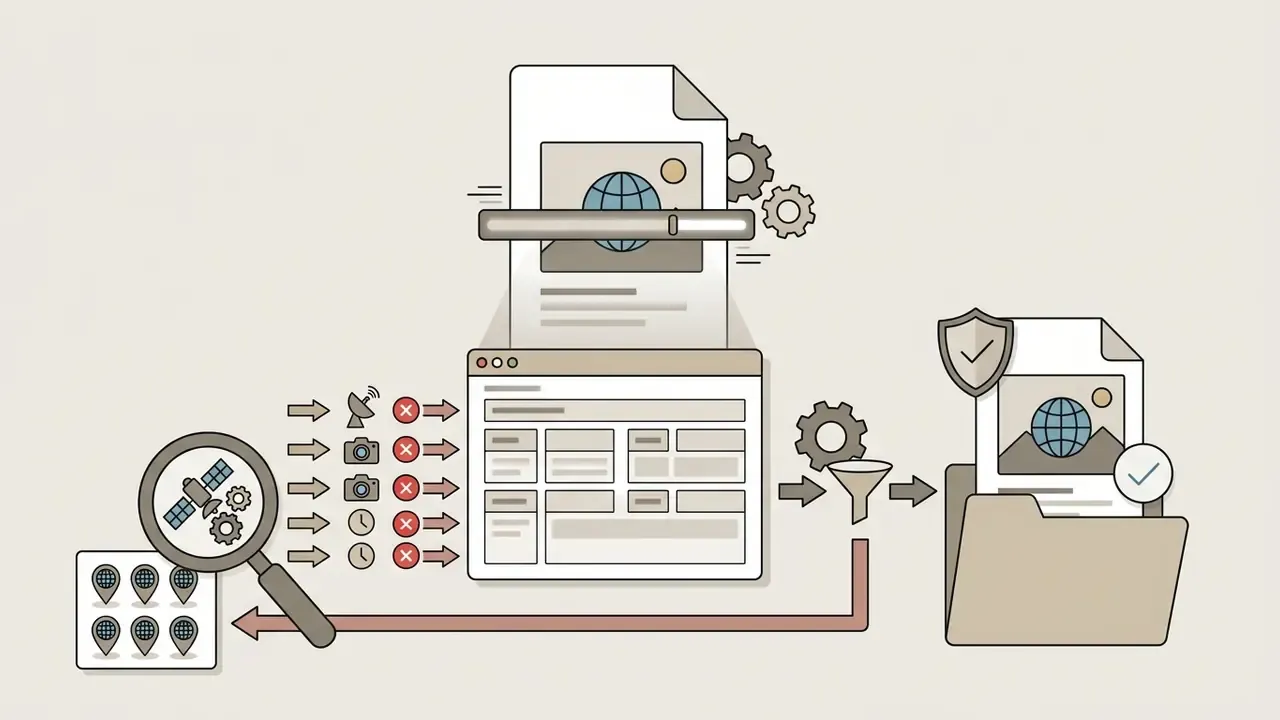
Only under a configuration your data-classification policy permits. The controlling factors are contractual retention (ZDR or equivalent), exclusion of uploads from model training, processing region, encryption, and access control, plus a technical rule that generative fill never touches text or numeric regions. Where those conditions cannot be met with a public endpoint, the options narrow to a dedicated VPC deployment, private-cloud hosting, or on-premise inference. Scan for EXIF metadata and legible background content before any upload, and route requests through an approved-tool allow-list to prevent Shadow AI workarounds.
What is a safe first step if we are still at the pilot stage?
Pick one low-severity, high-volume use case where the model corrects rather than creates. Scan enhancement before OCR is usually the best candidate. Run it in a sandbox with fixed seeds, a frozen model version, and full parameter logging for four to six weeks; measure OCR accuracy uplift, reviewer override rate, and any invented-glyph incidents. Then take that evidence file, not a vendor deck, to your model-risk committee. Start creating in the narrow lane, and widen it only when the audit trail holds up.
Appendix A: superseded source attributions
Retained for transparency; the main text now carries the updated attribution.
- Original attribution in How image-to-image AI uses a source and reference image: "(ControlNet & IP-Adapter Documentation, 2024)". Superseded by the primary ControlNet paper (2023), which documents the zero-initialized conditioning branch.
- Original attribution in Describe the result with simple prompts and text descriptions: "(Google Vertex AI Documentation, 2026)". Retained as prompt-structure guidance; the semantics claim is now attributed to the 2024 text-to-image diffusion survey.
- Original attribution in Preserve the original structure while changing the style: "(WACV Structural Loss Study, 2026)". Not verifiable; replaced with the ControlNet paper (2023) and corroborating StyleBrush and ICCV 2025 spectrum-regularization work.
- Original enterprise-campaign claim ("a brand needed to restyle 150 product assets and the team maintained exact product dimensions across all outputs"). Retained above with an explicit methodology note flagging it as a practitioner workflow rather than a published benchmark.
- Original testing claim ("pure text prompting for product re-contextualization yielded inconsistent angles across 40 iterations"). Retained above with a methodology note flagging it as internal testing requiring independent reproduction.
- Original wording in What is AI image-to-image transformation?
- "According to a 2024 survey on diffusion-based image editing by academic researchers, conditional diffusion models operate by reversing a noise process to map corrupted inputs back into structured outputs (Survey on Diffusion-based Image Editing, 2024)." Replaced with a quoted extract plus named source for verifiability.
- Original attribution in Upload a source image and choose a reference image
- "(Runway Developer Guidelines, 2026)". Retained for capture-quality advice, but the resolution and latent-trajectory claim is now attributed to the 2024 diffusion-editing survey.