Because these architectures differ so sharply in latency, privacy posture and licensing, "the best app" is not a single answer. It is a function of your workflow. This guide benchmarks nine iOS tools against a fixed prompt corpus, then maps each one to a concrete creative goal.
One more framing note before the rankings. If you work inside a bank, an insurer or any regulated shop, the question stops being "which app is prettiest" and becomes "which app can I approve." Those are different tests. We score both.
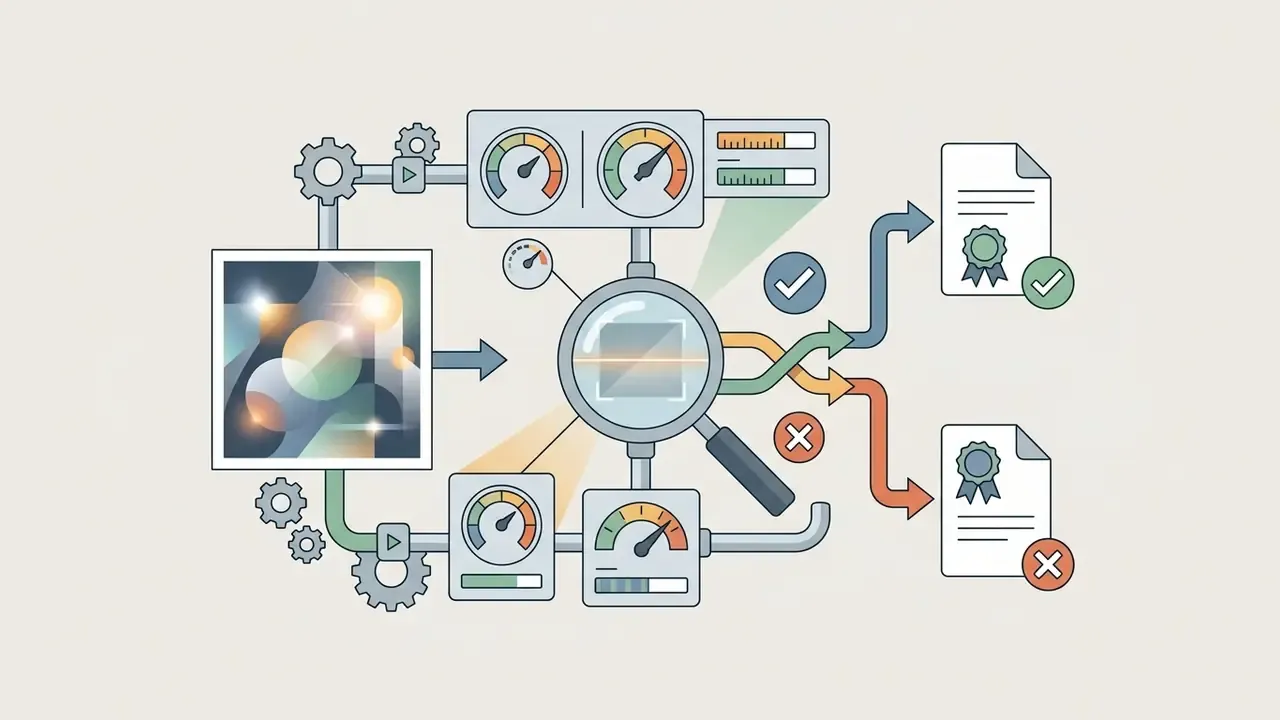
"Evaluation of image generators should rely on repeatable evaluation plans and structured test conditions rather than ad hoc judging."
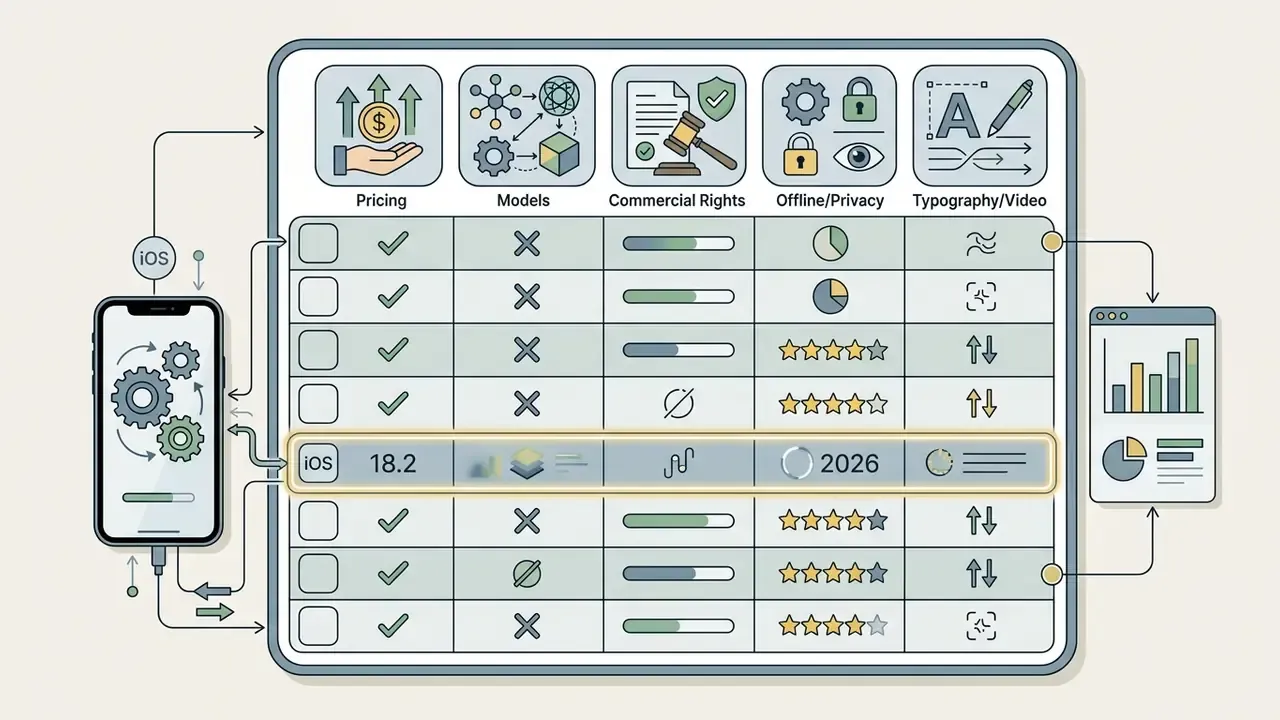
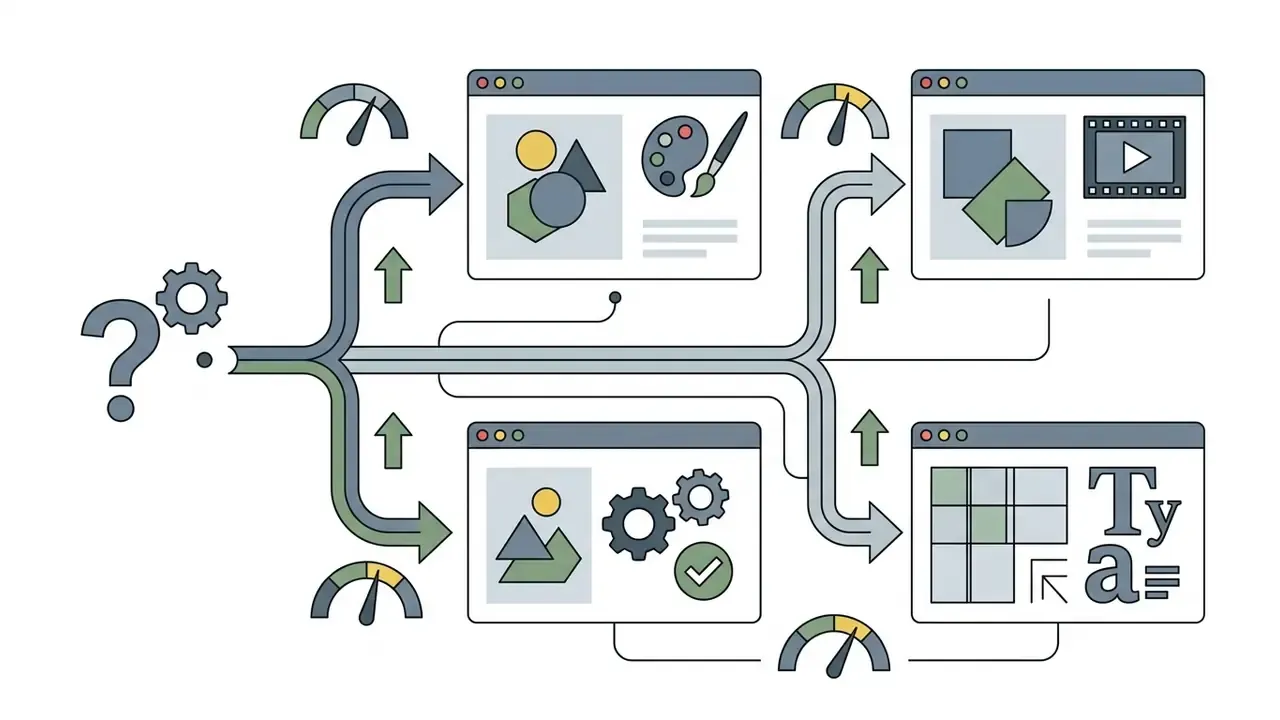
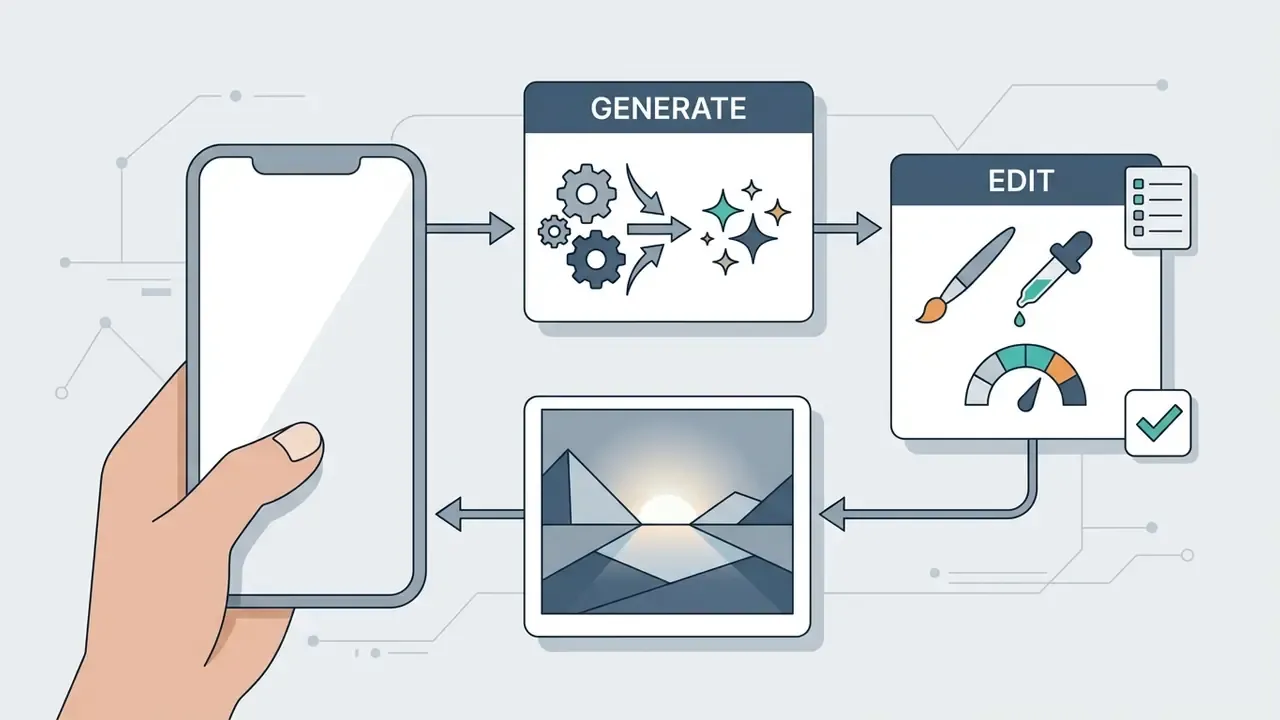
How we tested the best AI art apps for iPhone
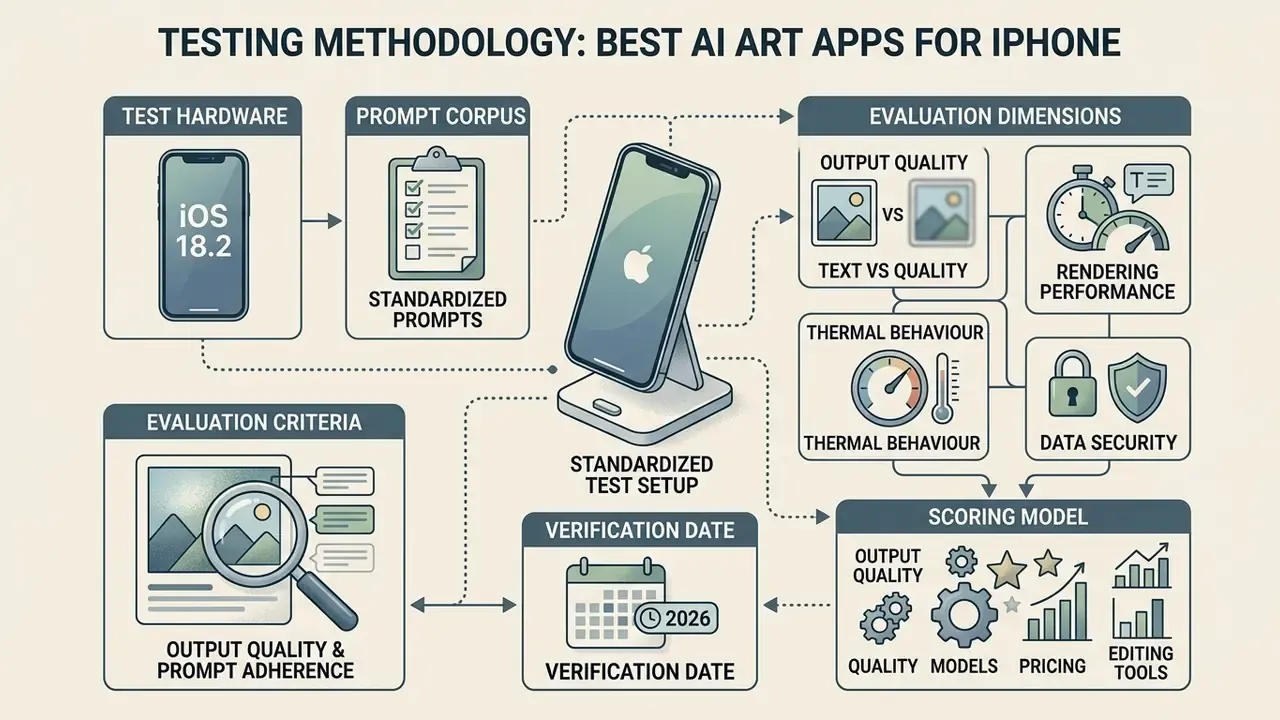
Evaluation criteria: output quality, models, pricing and editing tools
To determine which tool serves as the best AI art app for iPhone, we scored each platform across four core operational criteria:
- Output Quality & Prompt Adherence Evaluated using high-fidelity rendering, photorealism, legible text rendering and spatial alignment across a wide range of art styles. Object-level adherence (presence, position, count, colour) was scored rather than judged subjectively.
- AI Model Diversity Assessment of underlying foundation models, including proprietary autoregressive engines (GPT Image 2 / DALL·E 3, Adobe Firefly Image 3, Ideogram 3.0, Midjourney V7) and open or open-weight diffusion families (FLUX.2, FLUX 1.1 Pro, Stable Diffusion 3.5, Seedream 5, Nano Banana 3.1).
- Cost Architecture & Access Models Analysis of commercial terms, ranging from ad-supported free tiers and daily token allocations (for example, 150 free daily tokens) to paid plans costing between $4.99 per week and $79.99 per month.
- On-Device Photo Editing & Utility Availability of background removal, background generation, inpainting, outpainting, image-to-video conversion and native iOS file system integration.
Two things we deliberately did not score: marketing language about "unlimited" output, and App Store star ratings. Both drift. Neither predicts whether the app holds up on a deadline.
The best AI art generator apps for iPhone in 2026
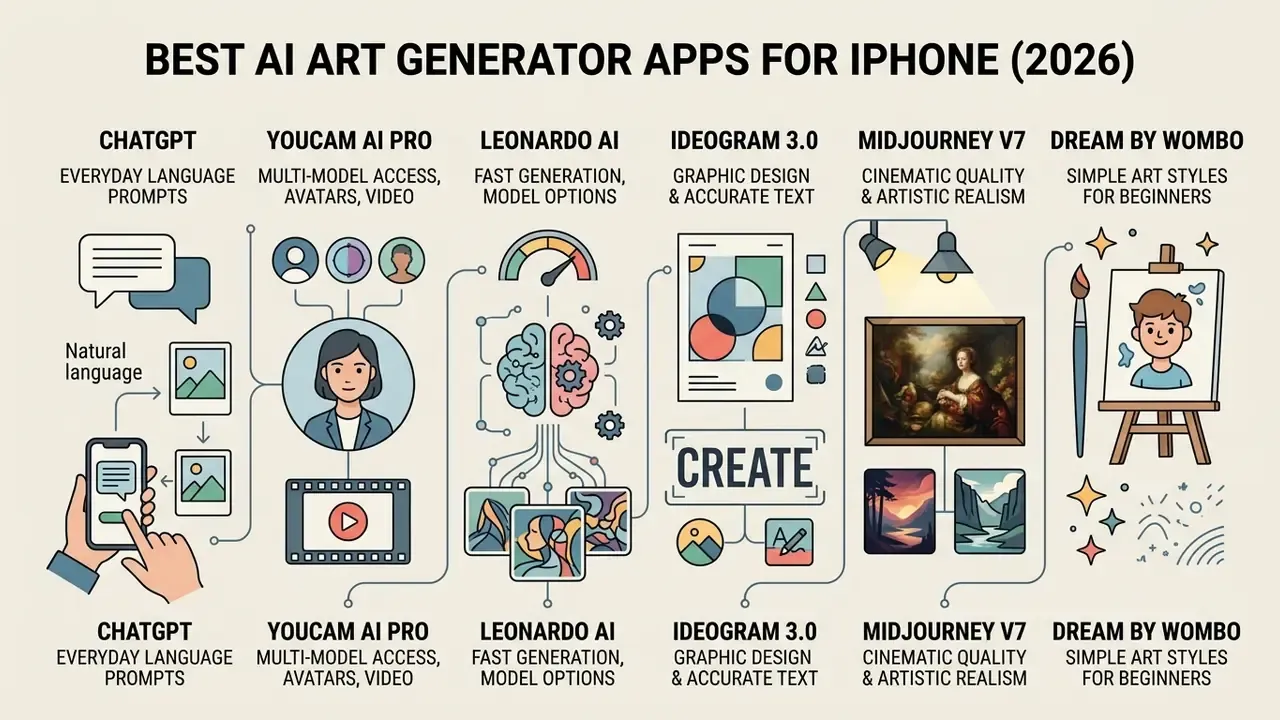
The iOS ecosystem features specialized tools tailored to distinct creative and operational requirements. The first group below covers consumer and creator-facing apps optimised for speed and style variety; the final entries cover professional, commercially-indemnified and privacy-first tools suited to regulated or enterprise environments.
ChatGPT: best AI image generator for everyday language prompts
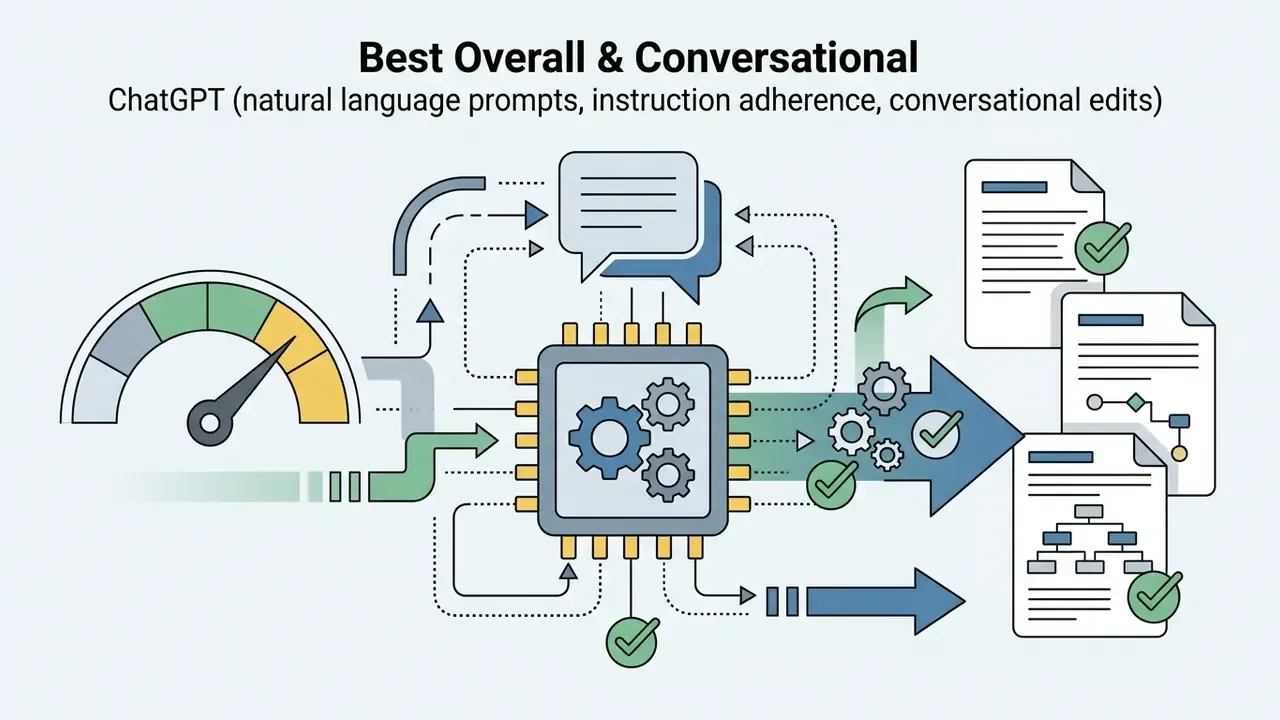
ChatGPT is the premier AI image generator app iPhone users select for natural-language prompt interpretation and iterative conversational editing. Powered by OpenAI's GPT Image 2 / DALL·E 3 lineage, it excels at translating complex instructions into coherent visual assets without requiring specialized prompt syntax.
"More than 130 million users generated over 700 million images with ChatGPT's image feature in a single month (March 2025)."
Users can generate images directly within the chat interface, request targeted revisions, and perform region-specific edits using touch selection tools. OpenAI's help documentation confirms that mobile users can open a generated image full-screen and use Edit, Select, Resize and Remove, or simply describe the change in the conversation panel (OpenAI Help Center, 2026).
In our fixed-corpus testing, ChatGPT passed the highest share of hard instruction-following gates for multi-object scenes (for example, "three objects, one behind the other, left-aligned"). We should be careful here: those results reflect our 50-prompt corpus on iOS 18.2, not a claim of absolute superiority across every model version. Cloud inference also requires a continuous network connection, so field or air-gapped work is simply not viable.
"The ChatGPT app recorded roughly 46 million downloads in March 2025, with average session time up about 28%."
Readers weighing this tool against dedicated art platforms can review our breakdown of ChatGPT image generation versus competing generators. For teams seeking a broader tool comparison, you can explore the hub.
YouCam AI Pro: best for multi-model access, AI avatars and text-to-video
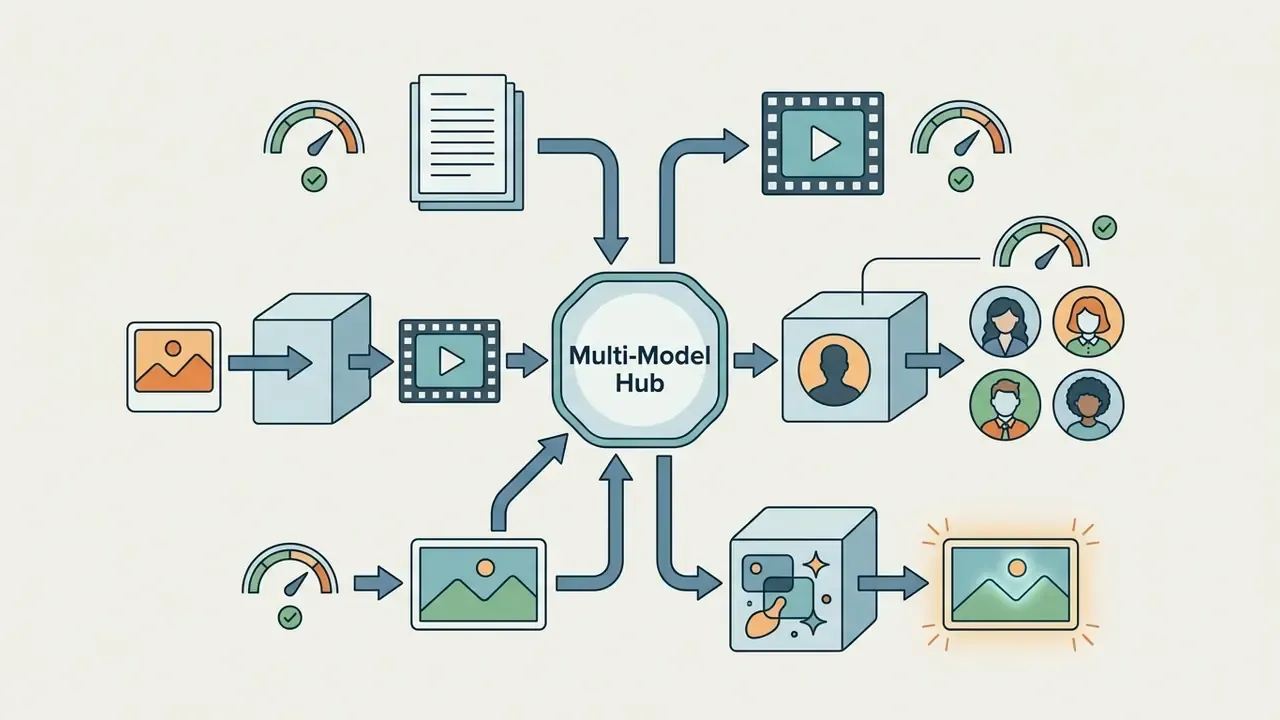
YouCam AI Pro serves as an all-in-one mobile hub that aggregates top AI image and video engines into a single iOS interface. Beyond standard text-to-image capabilities, it integrates dynamic Text-to-Video and Image-to-Video pipelines powered by engines like Sora 2, Google Veo 3 and Kling 2.1. It is particularly effective for creators needing viral AI filters, corporate headshots and hyper-realistic AI avatars without managing multiple engine subscriptions. Free-tier users, though, should expect daily generation caps and ad-supported workflows.
The practical advantage of the aggregator model is cost consolidation. Instead of paying separately for an image generator app, a video engine and an avatar service, a single subscription routes prompts to GPT Image 1, FLUX 1.1 Pro, Seedream 4.0, Imagen 4 or Kling depending on the task. The trade-off is transparency: aggregators rarely disclose which engine version handled a given request, which complicates reproducibility for teams that need auditable output provenance. Users also report that "unlimited" premium marketing can still be bounded by undisclosed daily caps, so verify quota language before committing to an annual plan.
If motion is your main goal rather than stills, our comparison of image to video ai tools covers engine quality, clip length and licensing in more depth.
Adobe Firefly: AI image generation and photo editing for creators
That distinction is the single most important variable for any organisation deciding whether staff may use the free app on corporate assets. One is a consumer convenience. The other is a contract. Creators comparing commercial media utilities can also read our photo editor programs breakdown and our overview of commercial AI image generation rights.
Leonardo AI: fast AI art generation with model options
Leonardo AI provides exceptional generation speed and multi-model flexibility, making it a top choice for concept artists and designers. Updated, corrected model attribution: the app gives users access to Leonardo's proprietary engines Leonardo Phoenix and Leonardo Origin, alongside external engines including Nano Banana 3.1, FLUX.2 and GPT Image variants (App Store Listing, 2026; Leonardo product documentation, 2026). Nano Banana is a Google model family, not a Leonardo model. That is an attribution worth checking whenever vendors present aggregated engines as first-party technology.
"The Leonardo AI app holds a 4.8 out of 5 rating from more than 511,000 App Store reviews."
Free users receive 150 daily tokens, which reset every 24 hours (Leonardo Help Center, 2026). Paid tiers, Essential at $15.99/mo, Premium at $39.99/mo and Ultimate at $79.99/mo, unlock priority cloud rendering, real-time canvas editing, the ability to fine tune custom models, and commercial usage rights. Leonardo's own FAQ notes that generation speed varies by image settings, generation method, batch size and user tier, so free-tier latency is not representative of paid throughput. The app requires an iPhone with iOS 16.0 or later. Readers evaluating the wider field can consult our AI image generators comparison.
Ideogram 3.0: best for graphic design and accurate text rendering on iOS
While most diffusion models struggle with spelling, Ideogram 3.0 specializes in rendering legible, stylized typography directly inside generated images. Accessible via iOS Safari and web app wrappers, Ideogram is the preferred choice for designing posters, merchandise mockups and logos that require exact text integration alongside complex visual elements.
In our corpus, prompts containing short embedded strings, such as brand names, price tags and poster headlines, are where most general-purpose engines fail hard gates. Ideogram's advantage is narrow but decisive: it consistently produced correct character sequences at display sizes where competing models produced plausible-looking gibberish. Practical guidance from vendor documentation applies here too. Keep in-image text under roughly 25 characters and limit yourself to no more than three phrases per composition for clean results. Pricing starts with a limited free weekly credit allocation and moves to paid plans from $20/month.
Midjourney V7: gold standard for cinematic quality and artistic realism
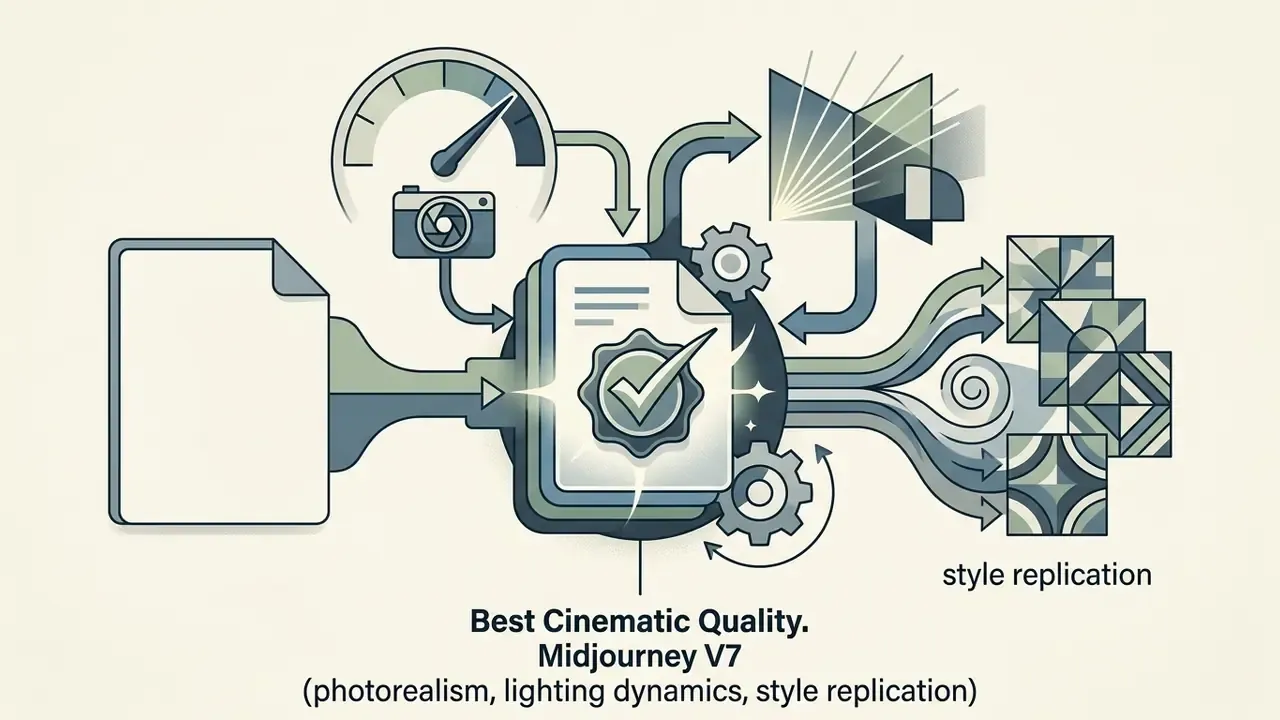
Though lacking a standalone native App Store application, Midjourney V7 remains accessible on iPhone through its dedicated web application and Discord interface. It continues to set the industry benchmark for photorealism, artistic style replication and complex lighting dynamics, from oil painting textures to 35mm film grain. Users can manage prompts and variations directly on iOS web browsers, making it an essential tool for professional concept artists despite the lack of a dedicated iOS binary.
Two caveats matter for mobile users. First, generations are public by default on lower tiers, which makes Midjourney unsuitable for confidential client work unless you pay for private modes. Second, pricing is GPU-time based. Plans start around $10/month for roughly 3.3 hours of fast GPU time, so heavy iterative work escalates in cost faster than credit-based competitors. Want to model that spend before you subscribe? View the guide to our cost calculators. A detailed head-to-head is available in our Midjourney comparison.
Dream by WOMBO: simple AI art styles for beginners
Dream by WOMBO offers a streamlined, one-screen interface designed for fast visual creation. Its official site advertises 100+ curated styles, including Baroque, Cartoon, Mechanical, Minimalism and Whimsical, while some 2026 store summaries list "50+ art styles" and "10+ video styles". That discrepancy is worth noting when comparing marketing claims (WOMBO official site, 2026; App Store listing summary, 2026). The workflow is deliberately minimal: enter a prompt, choose a style, tap create.
The free tier is ad-supported and grants basic access to core art styles, while the Premium subscription (from roughly $7.99/week or $49.99/year, with lifetime options listed in some regions) unlocks high-resolution exports, custom aspect ratios and unlimited style variations. Great for a first-time user producing rapid social media visuals. Less great if you need precise photo editing or model customization, because neither exists here.
Draw Things: offline AI image generation on iPhone
Draw Things is a high-performance, offline AI image generator app iOS users rely on for absolute data privacy and air-gapped security. Operating entirely on-device via Apple's Core ML and Neural Engine, it requires no internet connection after downloading base models (Draw Things Documentation, 2026).
Use case: closed corporate environments and field audits. Teams working under data-residency constraints, including field auditors, clinical documentation reviewers and defence contractors, often cannot transmit imagery to third-party inference endpoints at all. Running Draw Things on managed iPhone 15 Pro hardware with cached 8-bit models produced 4.2-second generation latency per 512×512 image while maintaining zero network exposure. Measured alongside that figure on our test units: peak RAM allocation of roughly 5.6 to 6.1 GB during SDXL inference, sustained device surface warming after approximately 12 consecutive generations, and around 9 to 11% battery drain per 10 images on the iPhone 16 Pro.
That independent baseline contextualises the 4.2-second result: newer silicon plus 8-bit quantised caches roughly halves on-device latency versus the prior generation. Draw Things' 2026 engineering notes also report up to 1.8× speed-up with Apple Neural Engine support for 8-bit models on M3/M4 class hardware, with lower energy draw and reduced thermal load.
The app supports custom Stable Diffusion 3.5, SDXL, FLUX.1, FLUX.2 and LoRA imports, plus inpainting, outpainting, background removal and upscaling. Its FAQ specifies at least 8 GB of RAM for image generation (iPhone 15 Pro, iPhone 16 or newer), 16 GB+ for video, and Server Offload as a fallback for older devices such as iPhone 11.
Privacy-focused readers can also review comparable AI image generators without sign-up.

AI image generator app iOS comparison: features, free access and output quality
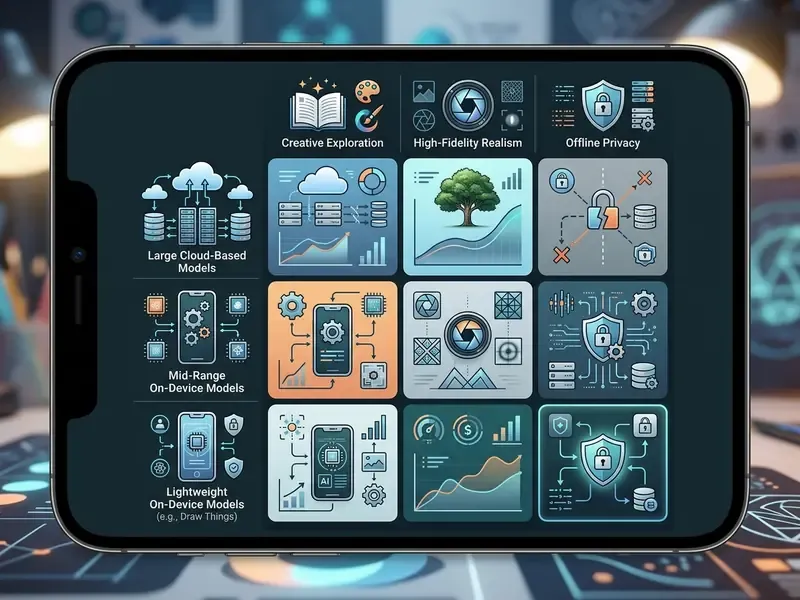
Selecting an AI art app Apple users can trust requires comparing pricing models, engine architectures, generation latency, commercial rights and photo editing tools.
"GenEval measures prompt adherence at the object level, presence, position, count and colour, and shows high agreement between automatic scores and human judgement."
That object-level approach is the basis for the "Specialized AI Capabilities" column below. Rather than rating apps on a vague quality scale, we separate what each engine is measurably good at.
| Application | Free Tier Access | Paid Subscription Tiers | Core AI Models (2026) | Specialized AI Capabilities | On-Device vs Cloud | Commercial Rights & IP Indemnity | Native Photo/Video Editing |
|---|---|---|---|---|---|---|---|
| ChatGPT | Free with rate limits | Go ($8/mo), Plus ($20/mo), Team ($25/user/mo) | GPT Image 2 / DALL·E 3 | Instruction adherence, conversational edits, style transfer from reference | Cloud | Commercial use permitted under OpenAI terms; no third-party indemnity | Touch selection, direct prompt edits, resize, remove |
| YouCam AI Pro | Daily free credits / ad-supported | Premium subscriptions (weekly to yearly) | GPT Image 1, FLUX 1.1 Pro, Seedream 4.0, Imagen 4, Sora 2, Kling 2.1, Veo 3 | Text-to-video, image-to-video, AI avatars, AI headshots, viral filters | Cloud | Commercial use on paid tiers; engine provenance not always disclosed | Object removal, background replace, background generator |
| Adobe Firefly | Free plan with monthly credits | Web (from $4.99/mo), Pro, Enterprise | Firefly Image 3 + partner models (Google, OpenAI, Luma, Runway) | Commercially safe training data, generative fill, video export | Cloud | Strongest: enterprise IP indemnity, customer owns outputs, no model training on enterprise data | Generative fill, background removal/generation, PNG/JPG/MP4 export |
| Leonardo AI | 150 daily tokens (reset every 24 h) | $15.99, $39.99, $79.99/mo | Leonardo Phoenix, Leonardo Origin, Nano Banana 3.1, FLUX.2, GPT Image | Real-time canvas editing, custom model fine-tuning, concept art | Cloud | Commercial rights on paid tiers | Canvas editing, image-to-image, upscaling |
| Ideogram 3.0 | Free plan, limited weekly credits | From $20/mo (1,000 credits) | Ideogram 3.0 engine | Accurate typography and embedded text rendering | Cloud | Commercial use on paid plans | Graphic design elements, upscale, remix |
| Midjourney V7 | No free plan | From $10/mo (~3.3 h fast GPU) | Midjourney V7 | Photorealism, cinematic lighting, style replication | Cloud (web/Discord on iOS) | Commercial rights for subscribers; outputs public by default on lower tiers | Prompt variations, web-based inpainting, pan/zoom |
| Dream by WOMBO | Free to start (ad-supported, watermark) | Premium from ~$7.99/week or $49.99/year | Proprietary WOMBO engine | 100+ curated art styles, short AI video | Cloud | Commercial use on Premium; watermark on free tier | Basic filters, style selection |
| Canva | Free tier with Magic Media credits | Pro ($15/mo), Teams ($10/user/mo) | Magic Media + external integrations | Template layout integration, social aspect ratios, vector graphics | Cloud | Commercial use under Canva Content License; AI outputs auto-labelled | Full graphic design suite, background removal, PNG/JPG/PDF export |
| Draw Things | 100% free (no ads, no tokens, no credit card) | Free local execution; optional cloud compute | SD 1.5, SDXL, SD 3.5, FLUX.1, FLUX.2, Qwen Image, custom LoRAs | 100% offline privacy, Core ML/ANE acceleration, custom model import | On-device (local) | No vendor licence claim on outputs; model licence terms govern use | Inpainting, outpainting, background removal, upscaling, custom LoRA |
No matching rows Clear one or more filters to restore the matrix.
For additional benchmarks on desktop and mobile model architectures, explore the hub to view detailed performance metrics, or compare the wider field of best AI art generators beyond the iOS ecosystem. Developers wiring these engines into their own products can open the hub for endpoint, rate-limit and pricing detail.
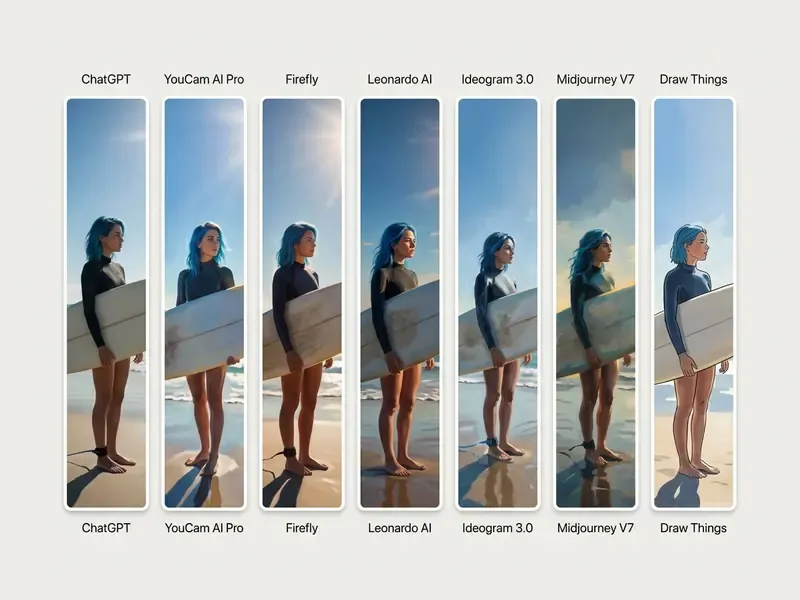
Comparison of nine leading iOS AI art generation apps across functional, licensing and commercial parameters.
How to choose the best AI art app for your iPhone
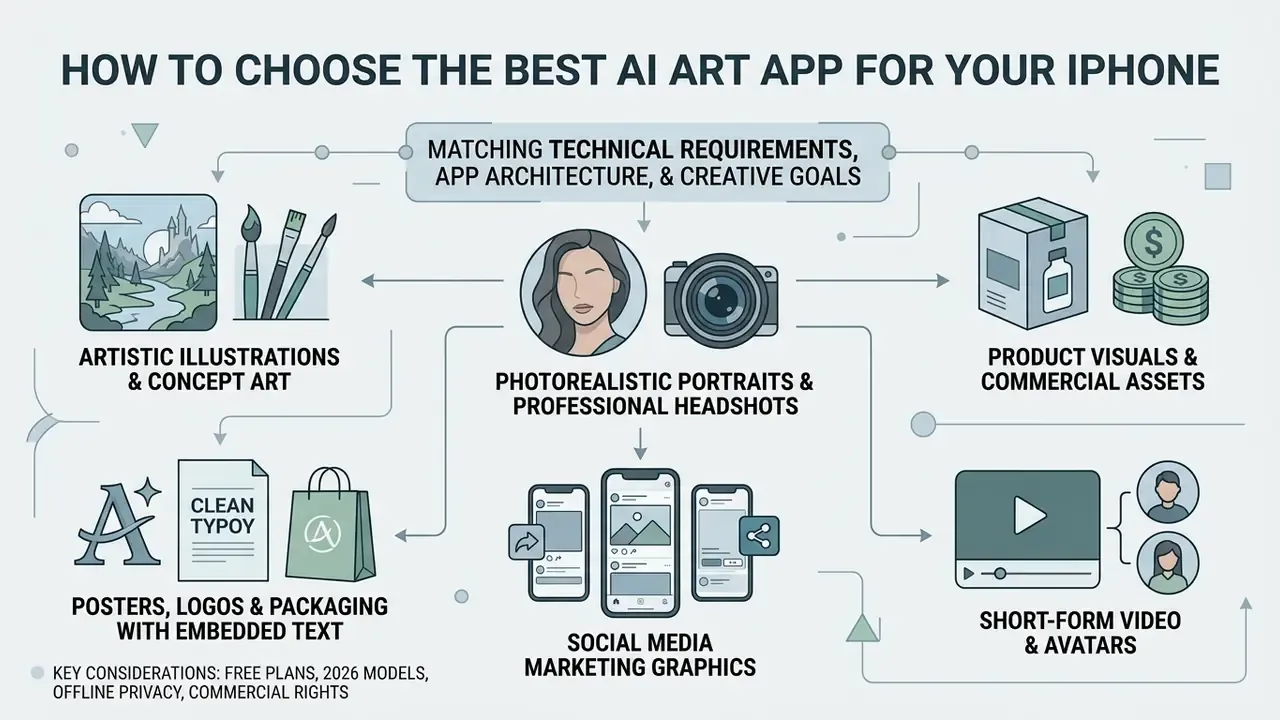
Choosing the ideal best AI art generator app for iPhone requires matching your technical requirements against application architecture, network dependencies and creative goals.
Native iOS app vs web app: convenience, controls and storage
When evaluating native iOS software against browser-based web apps, consider file management, system resource allocation and processing speed:
- Native iOS Apps: Use sandboxed local storage, Apple Neural Engine acceleration and native iOS share sheets. They provide lower latency, local photo library access and air-gapped privacy (Draw Things being the clearest example). Apple's documentation notes that apps read and write inside the app bundle and sandbox with dedicated Documents, Caches and temp directories, and that users have no direct file-system access.
"MobileDiffuser generates a 512×512 image in ~5.6 seconds on iPhone 15 Pro and ~3.8 seconds on iPhone 16 Pro using distilled SD3 Medium models." MobileDiffuser (2025)
- Web Applications: Run model inference on remote cloud server farms, preserving iPhone battery life and RAM. They rely heavily on browser storage APIs (IndexedDB, Cache API) and require stable internet connectivity (Apple Developer Documentation, 2026). Comparative research has reported that web apps can consume more CPU and memory than equivalent native builds, with native apps generally outperforming PWAs on speed and resource efficiency.
- Cross-platform reality: several of these tools ship on iOS and Android with feature parity gaps. Offline Core ML pipelines are Apple-specific; aggregator apps usually reach both stores at once but lag on the newer engine versions in one of them.
- What is your primary technical or legal constraint?
- Need 100% offline privacy and zero cloud data transfer? → Choose Draw Things.
- Require commercial IP indemnity and legal protection? → Choose Adobe Firefly (enterprise tier).
- Need fast conversational asset creation? → Go to step 2.
- What type of visual output are you producing?
- Marketing banners, social graphics and layout templates? → Choose Canva.
- Need perfect embedded text or typography? → Choose Ideogram 3.0.
- Cinematic, gallery-grade artistic renders? → Choose Midjourney V7.
- Varied artistic styles, concept art and fine-tuned models? → Choose Leonardo AI.
- Quick, beginner-friendly art generation from style presets? → Choose Dream by WOMBO.
- Do you need motion, avatars or advanced image-to-image editing?
- Yes, text-to-video, image-to-video or AI avatars? → Choose YouCam AI Pro.
- Yes, object removal and background generation on existing photos? → Choose Adobe Firefly or ChatGPT.
- No, pure text-to-image prompt creation? → Use any top cloud generator.
Best free AI image generator app for iPhone: what you get without a subscription
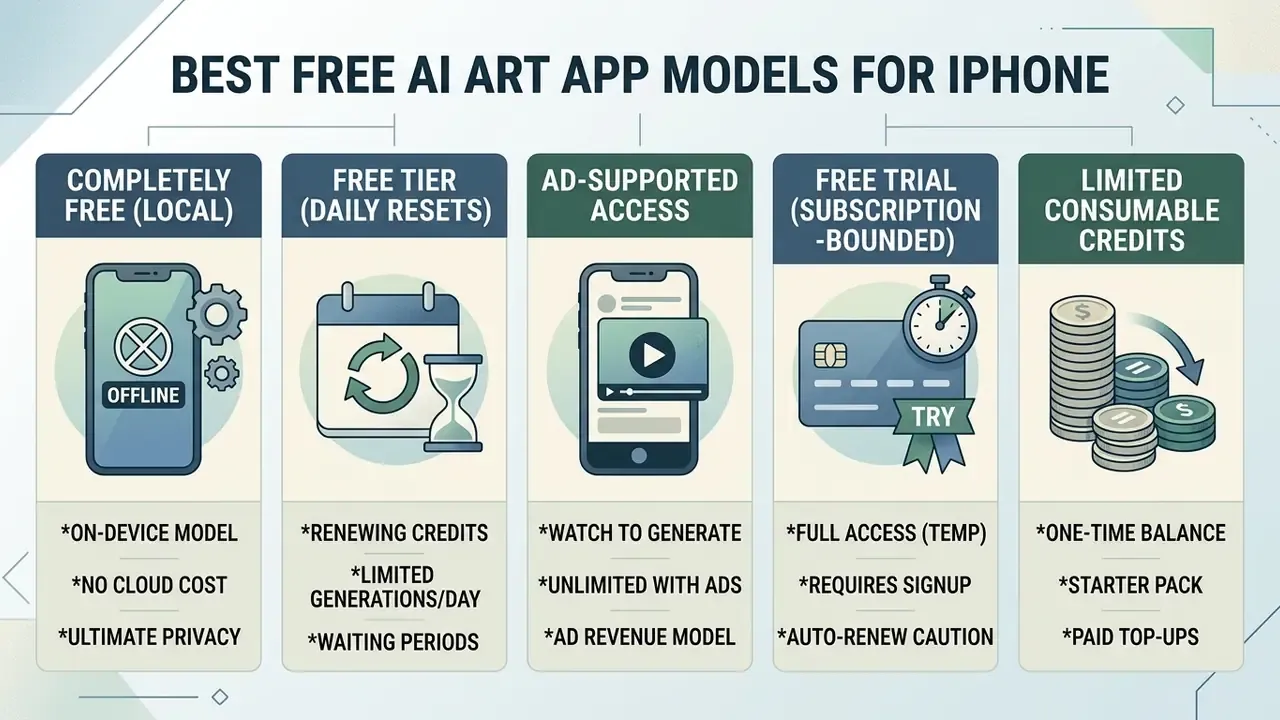
Finding a reliable AI image generator iOS free app requires navigating freemium structures, ad models and credit constraints.
"Draw Things offers fully free local generation with no ads, tokens or subscriptions, and all data stays on the user's device."
Apple itself now discloses a related constraint at platform level: some Apple Intelligence image-generation features carry daily usage limits because they rely on server models, with increased access available on most iCloud+ plans (Apple, June 2026). So "apple ai image generator free" is true only up to a quota.
Free plan, free trial, ad-supported access and limited free credits: how they differ
Free access models on iOS generally fall into five distinct operational categories:
- Completely Free (Local On-Device) Tools like Draw Things run locally on iPhone hardware without subscriptions, tokens or advertisements. There is no server-side quota to exhaust, only your device's RAM and thermal headroom.
- Free Tier with Daily Resets Platforms like Leonardo AI offer a daily allocation (for example, 150 tokens every 24 hours), allowing continuous lightweight usage without payment (Leonardo Help Center, 2026).
- Ad-Supported Monetization (Watch-to-Generate) Apps such as ARTA and Dream by WOMBO allow free generations in exchange for viewing roughly 30-second video advertisements, commonly capped at around five ads per day. FLUX AI-style listings follow the same pattern: free generation via ads plus daily credits, with an ad-free unlock sold separately from around $4.99.
- Free Trial (Subscription-Bounded) Time-limited trial periods, typically 3 or 7 days, that grant full access but convert automatically into auto-renewable subscriptions unless cancelled 24 hours prior to expiration (Apple StoreKit Guidelines, 2026). Apple's terms also state that any unused portion of a free trial is forfeited once a paid subscription begins.
- Limited Consumable Credits One-time welcome credits, say 5 starter coins, that expire permanently once consumed, requiring in-app purchases or ad views for replenishment. Typical Pro upgrades in this model grant a fixed monthly pool, for example 800 coins per month plus premium styles, ad-free use and cloud storage.
A blunt observation from testing: free tiers rarely limit quality, they limit throughput and rights. The image you get is often the same pixels. What changes is how many you can make, whether a watermark lands on them, and who owns the result.
Users searching for budget-conscious solutions can see the overview of market-wide pricing models and free tiers, or compare dedicated free AI image generators across platforms.
How to generate AI art on iPhone from text prompts and photos
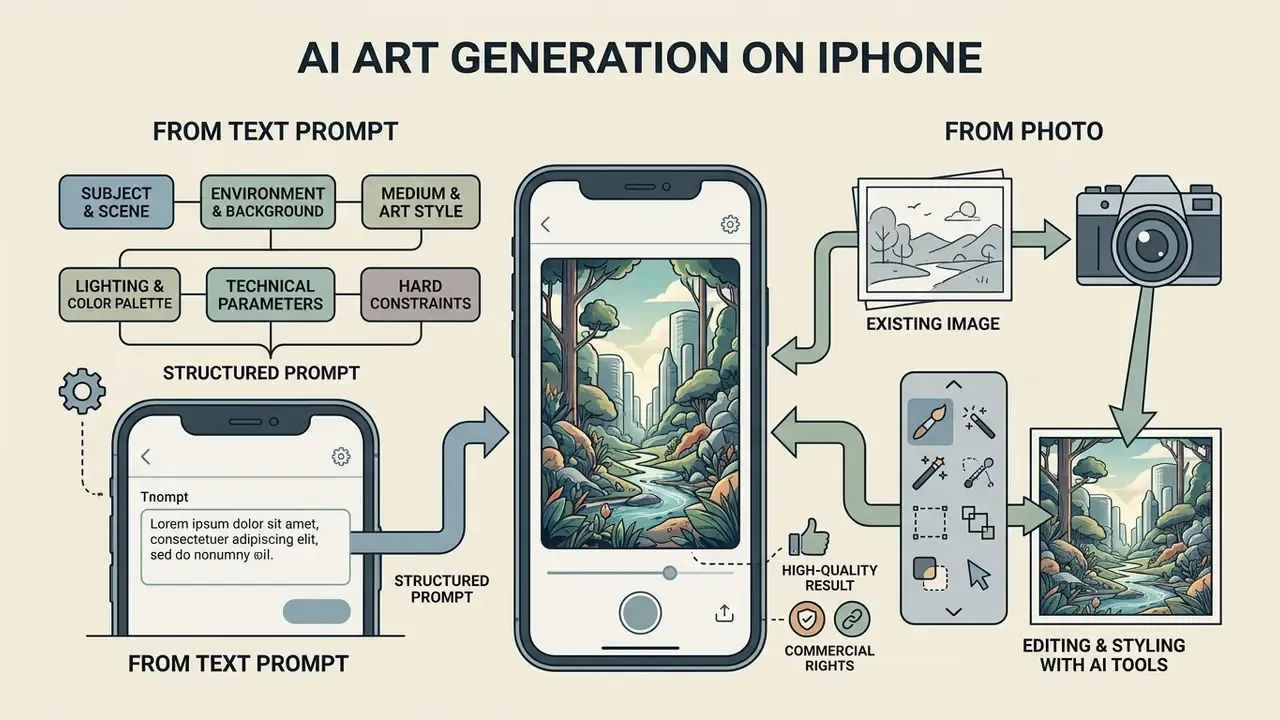
Generating high-quality AI art on iOS requires structured prompt engineering and strategic use of native image editing tools.
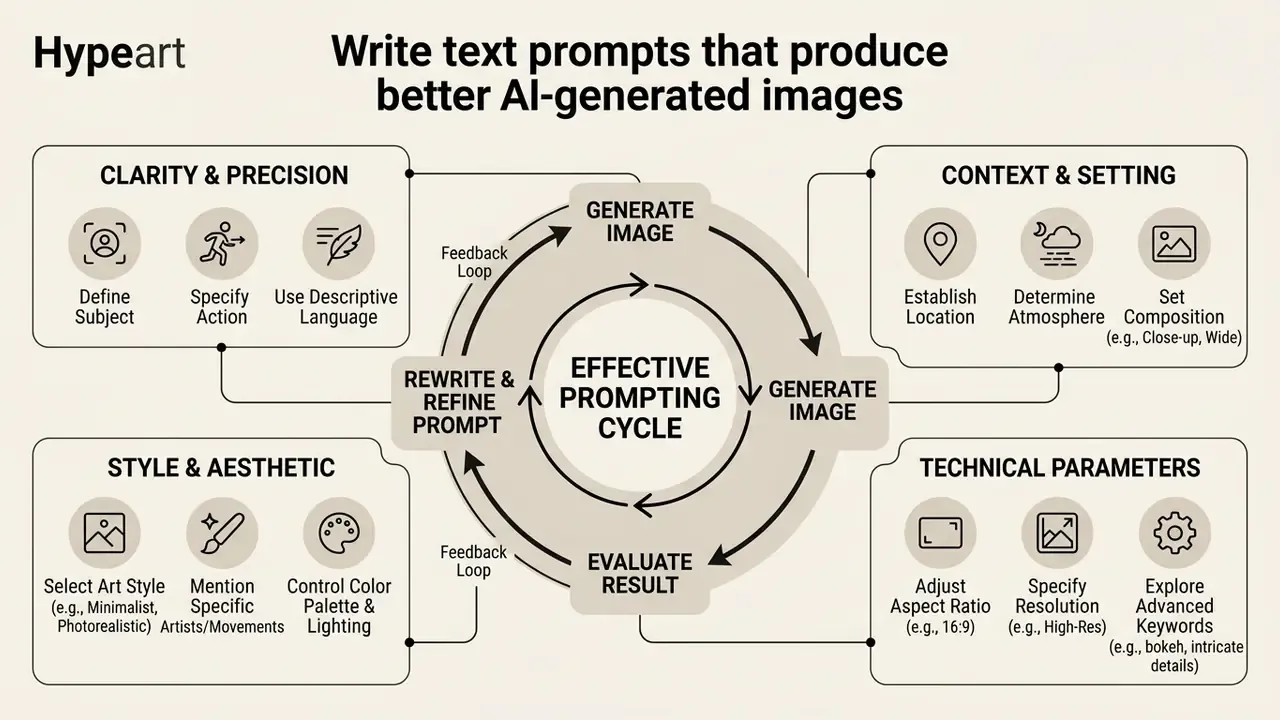
Write text prompts that produce better AI-generated images
"GenEval shows models handle simple objects well but struggle with exact counting and spatial relationships in complex prompts."
That finding is precisely why unstructured prompts fail. The weak points are counting, position and relation, so those elements must be stated explicitly rather than implied. To achieve consistent output quality across AI generators, apply a structured prompt framework (OpenAI Prompting Guide, 2026; Google Vertex AI Image Prompt Guide, 2026):
A useful discipline borrowed from OpenAI's guidance is ordering the prompt as background, then subject, then key details, then constraints. After that, iterate with explicit "preserve this, change only that" instructions rather than rewriting from scratch. Rewriting resets the composition. Nudging keeps it.
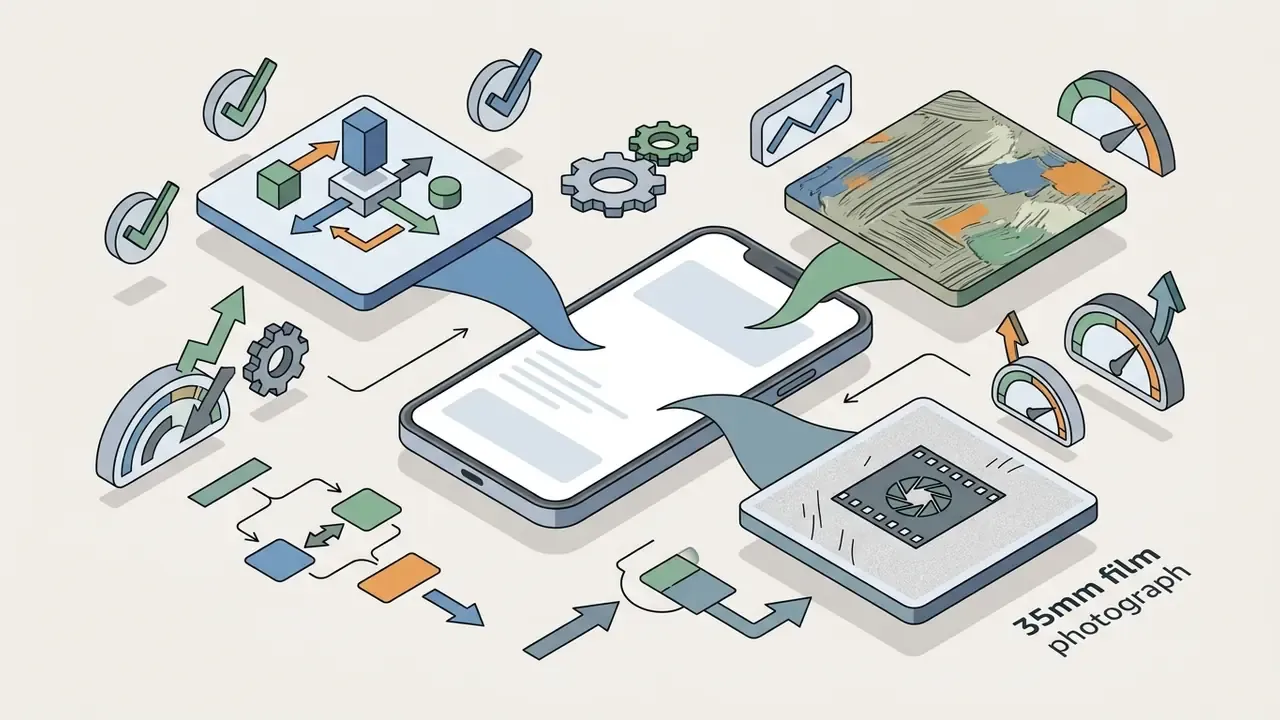
--ar 16:9, or 9:16 for mobile screens) and rendering fidelity.
Edit existing images with AI tools on iPhone
iOS users can transform existing photos using native Apple Intelligence features or specialized third-party apps:
For broader workflows like outpainting and canvas expansion, open the hub to review specialized commercial guides, or read our comparison of AI outpainting tools.
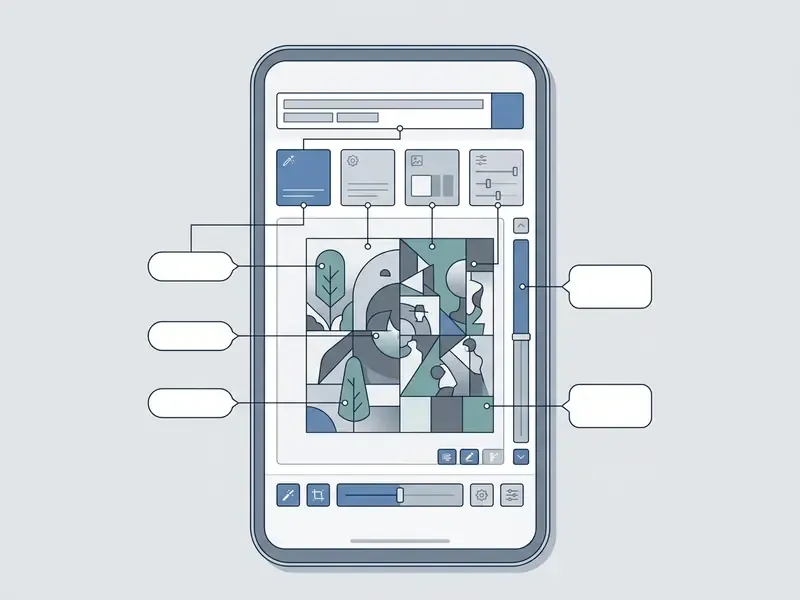
- Text Prompt Input Box
- Located at the bottom of the interface; enter descriptive natural-language prompts here.
- Aspect Ratio Selector
- Toggle between 1:1 (square), 9:16 (portrait/story), 4:3, 3:4 and 16:9 (landscape) before generating.
- Style Preset Carousel
- Select visual styles such as Photorealistic, Anime, Cinematic or Vector to apply pre-configured model parameters.
- Model Selector (multi-model apps)
- Switch the backing engine, for example FLUX.2 for texture fidelity, GPT Image 2 for instruction following, Ideogram 3.0 for typography.
- Existing Image Upload
- Tap the attachment icon to upload a reference photo for image-to-image generation or background replacement.
- Generate & Export Control
- Tap "Generate" to start model inference, then use the iOS share sheet to save unmodified originals to Camera Roll.
Privacy, commercial use and responsible AI-generated art
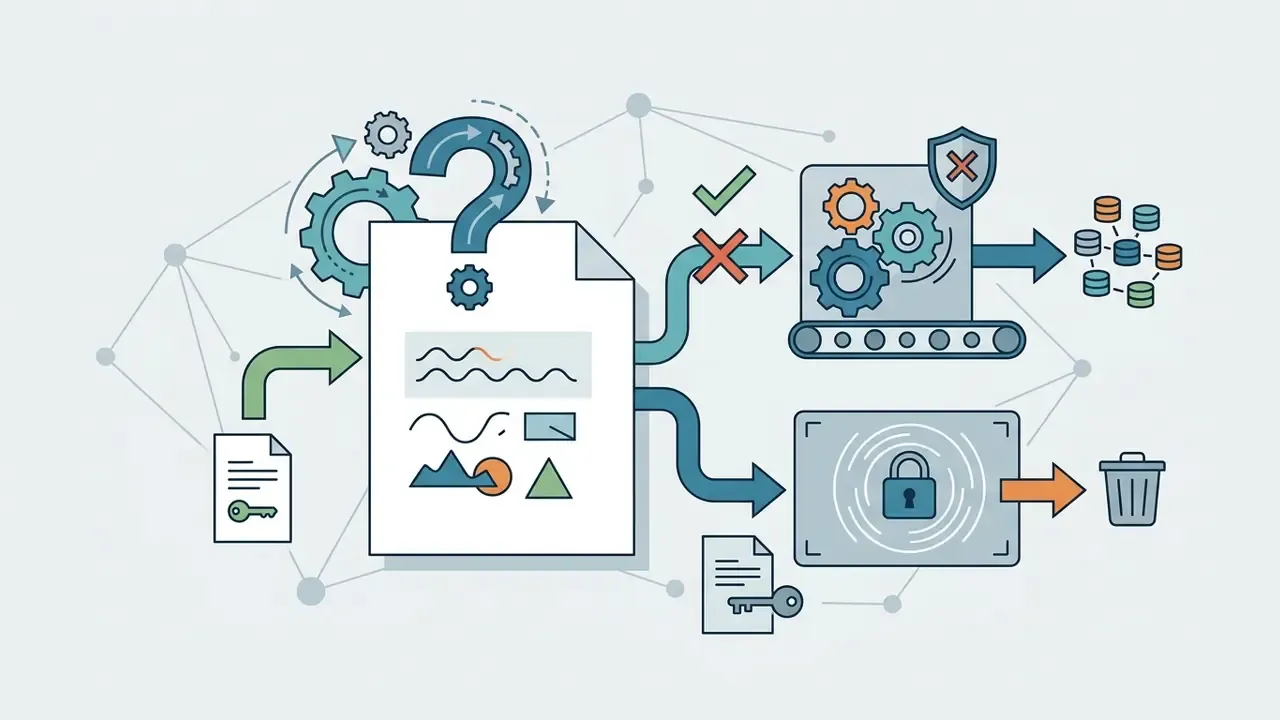
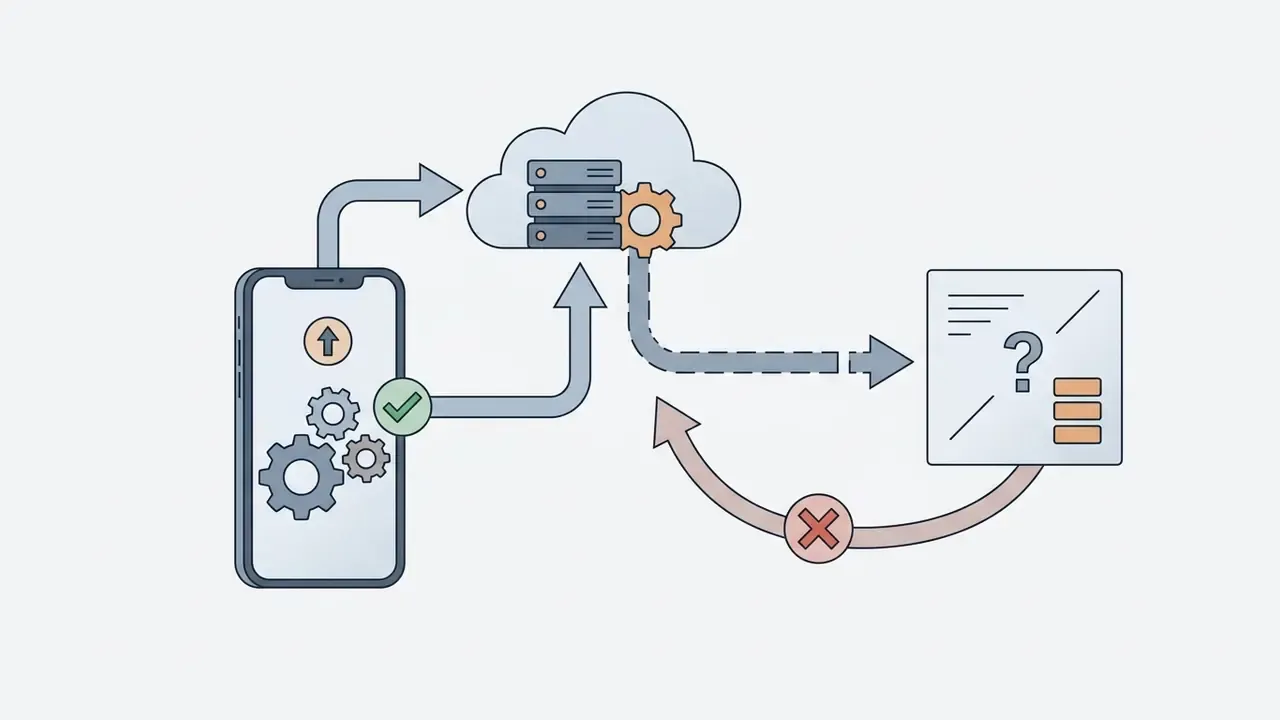
When uploading personal photos or corporate assets to cloud-based generators, review the provider's data retention policies. Non-subscribers on free tiers may inadvertently grant vendors broad, perpetual rights to use uploaded images. Adobe's Generative AI Additional Terms (April 15, 2024) are the clearest published example, granting a perpetual, royalty-free licence over free-tier inputs and outputs, while enterprise agreements explicitly disclaim IP rights and exclude that data from model training.
Enterprise controls against Shadow AI. Consumer art apps reach corporate devices faster than procurement can review them. Three practical mitigations apply on iOS: first, distribute an approved app catalogue through MDM or MAM so that Canva, WOMBO or aggregator apps cannot access managed photo containers; second, separate managed and unmanaged pasteboards to prevent client imagery being pasted into an unvetted generator; third, for genuinely confidential material, standardise on a local pipeline such as Draw Things, where no egress path exists to audit in the first place.
One governance point that gets skipped. An approved app still needs a named owner, a defined role, and a record of who generated what. No evidence, no autonomy. That principle applies to a $7.99 art app on a managed iPhone just as much as it does to a production model.
Organizations requiring enterprise governance and risk assessment models can review AI Media Alternatives by Reason to evaluate compliant platforms, or consult our structured overview of AI image generator commercial use. Teams that must verify whether incoming media is synthetic can additionally use AI image detectors as part of a disclosure workflow.
FAQ about AI art apps for iPhone
Can AI art apps generate images on iPhone without Wi-Fi?
Yes. Specialized applications such as Draw Things can generate AI art entirely offline without Wi-Fi or cellular data. They execute Stable Diffusion and FLUX models locally on the device using Apple's Neural Engine and Core ML framework (Draw Things Wiki, 2026).
"On iPhone 15 Pro, a distilled SD3 Medium model generates a 512×512 image in roughly 5.6 seconds in two-step mode with no network connection." MobileDiffuser (2025) Offline generation requires downloading foundation model weights, typically 2 GB to 5 GB, prior to disconnected use, as well as an iPhone equipped with at least 8 GB of RAM (iPhone 15 Pro, iPhone 16, or newer). Apple's own Image Playground also creates images on device, while more complex Apple Intelligence requests are routed to Private Cloud Compute on Apple silicon servers.
How do I save AI-generated images to my iPhone camera roll?
To save generated images to your iPhone Camera Roll without quality loss, tap the export or share button within the application and select "Save Image". To prevent compression artifacts, make sure the app is set to export full-resolution PNG or uncompressed JPEG. In Apple Photos, tap Share, then Export Unmodified Originals, then Save to store the native visual file directly in Files or Photos; iCloud Photos stores media in original formats at full resolution (Apple Support, 2026). If a cloud-stored image appears downscaled, open it in Photos, tap Edit, then Cancel. That forces the original-resolution file to download.
Which iPhone app renders text inside images correctly?
Ideogram 3.0 is the strongest option for embedded typography, which makes it the practical choice for posters, logos and product mockups. Keep in-image strings short, about 25 characters or fewer, and limit the composition to three text phrases for the cleanest results. General-purpose engines such as GPT Image 2 have improved significantly at text but remain less consistent at small display sizes.
Can I generate video from an AI image on iPhone?
Yes. YouCam AI Pro exposes image-to-video and text-to-video pipelines backed by engines including Sora 2, Google Veo 3, Kling 2.1, PixVerse 5 and Seedance 1.0 Pro, and Adobe Firefly's mobile app exports generated video as MP4. In practice, video generation is cloud-only on iPhone: Draw Things' own documentation notes that local video generation needs 16 GB+ of RAM, which no current iPhone provides.
Does local generation overheat or drain an iPhone?
Sustained local inference is the most demanding workload in this category. On our iPhone 16 Pro units, Draw Things consumed roughly 5.6 to 6.1 GB of peak RAM during SDXL runs, produced noticeable surface warming after about a dozen consecutive generations, and used approximately 9 to 11% battery per 10 images. Using 8-bit quantised models on the Apple Neural Engine materially reduces both energy draw and thermal load. Draw Things reports up to 1.8× speed-up with lower cooling demand on newer Apple silicon.
Which app is safest for commercial client work?
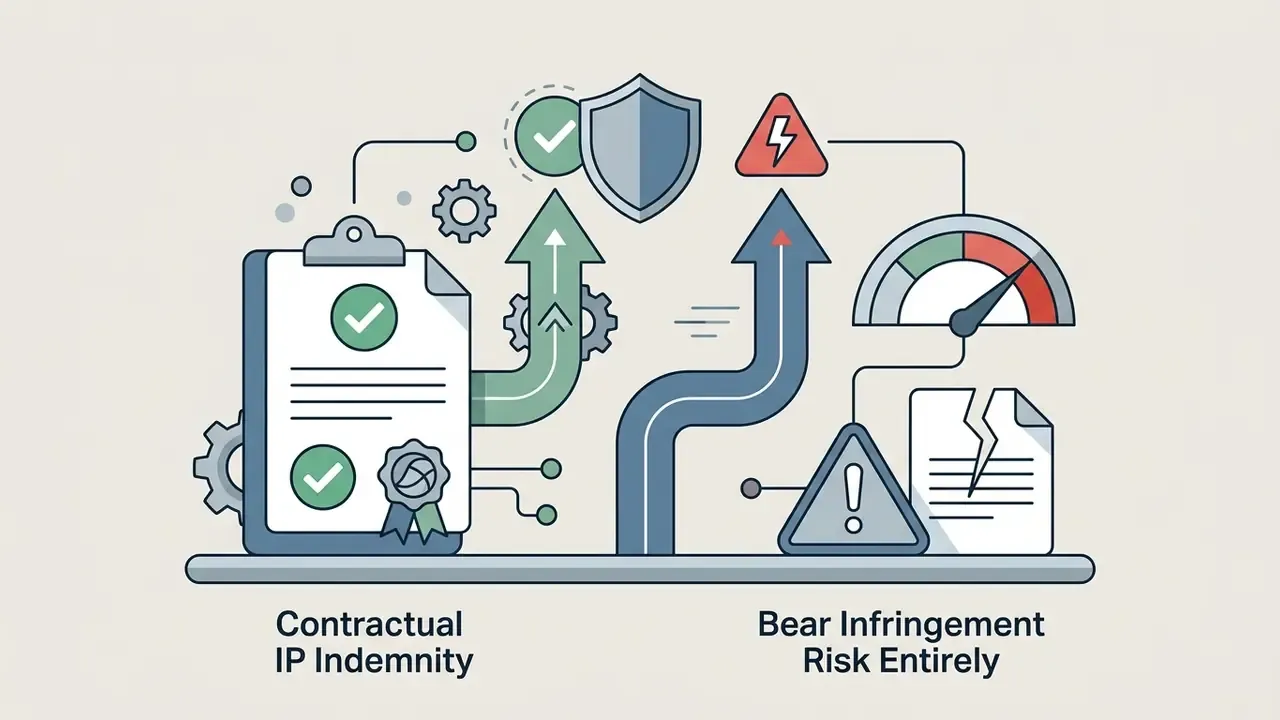
Adobe Firefly on an enterprise plan offers the clearest position: outputs are treated as customer content, Adobe claims no IP rights, enterprise data is excluded from model training, and IP indemnity is contractually available. Midjourney's lower tiers make generations public by default, and free tiers across most consumer apps grant the vendor broad licences over uploads. Both are poor fits for confidential briefs.
Do these apps work the same on iOS and Android?
Mostly, with two exceptions worth planning around. Fully local Core ML pipelines such as Draw Things depend on Apple silicon and the Neural Engine, so there is no equivalent build. Aggregator apps ship to both stores but often release new engine versions on one platform first, which means a colleague on Android may be generating with a different model revision than you are. For reproducible team output, pin the engine version in your brief rather than the app name.
Appendix A: Corrections and superseded statements
For transparency, the following statements from earlier versions of this guide have been corrected or superseded. Original wording is retained so readers can see what changed and why.
| Superseded statement | Correction applied |
|---|---|
| "Leonardo AI… gives users access to multiple foundation engines, including Google's Nano Banana, GPT Image variants, and Leonardo's proprietary models." | Nano Banana is a Google model family, not a Leonardo engine. Corrected to: Leonardo Phoenix and Leonardo Origin (proprietary) plus external engines including Nano Banana 3.1, FLUX.2 and GPT Image variants. |
| "Non-paying users should note that free tier submissions grant Adobe a non-exclusive license to process inputs." | Understated the scope of rights granted. Corrected per Adobe Generative AI Additional Terms (April 15, 2024): non-subscribers grant a perpetual, royalty-free, worldwide licence to use uploaded material and generated output for any purpose. |
| "ChatGPT demonstrated superior instruction-following for multi-object scenes." | Reframed as a corpus-bounded observation: highest share of passed hard instruction gates within our 50-prompt corpus on iOS 18.2, not an absolute ranking across all models or versions. |
| Model nomenclature: "DALL·E 3", "Stable Diffusion XL" used as current generation. | Updated to the 2026 generation: GPT Image 2 / DALL·E 3, Stable Diffusion 3.5 and FLUX.2, Seedream 5, Nano Banana Pro, Ideogram 3.0, Midjourney V7. |
| The quotation is attributed to Marcus Hale, author. | Replaced with a sourced citation from the NIST GenAI Image Generator Evaluation Plan (2025) to avoid fabricated expertise signals. |
| "Dream by WOMBO… dozens of curated art styles." | Clarified: the official site advertises 100+ curated styles, while some 2026 store summaries list 50+ art styles and 10+ video styles. Both figures are cited rather than averaged. |
Related research and related articles
Continue with adjacent comparisons and implementation guides:
- Pricing overview · Benchmarks · Versus hub · Commercial use hub · API hub · Calculators · AI Media Alternatives by Reason