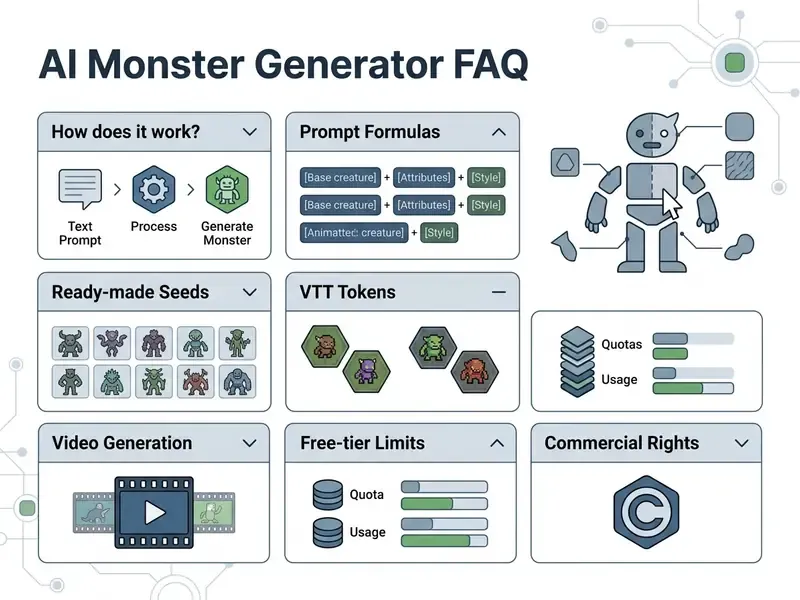
Key takeaways:
- An ai monster generator is a text-to-image and image-to-image system that synthesizes non-human creatures from a written description or an uploaded photo.
- The full production loop: prompt, then model and parameter selection (seed, guidance scale, aspect ratio), then render, then refinement through inpainting and upscaling, then export to PNG, WEBP, or MP4.
- Practical use cases: game concept art, tokens for Roll20 and Foundry VTT, book covers, social content, VTuber avatars, and short videos with a synthesized roar.
- Legal anchor: the U.S. Copyright Office protects human creative contribution only, so keep your prompts and manual editing steps on record.
- Enterprise use needs its own control perimeter: no personal data uploads, a no-train clause, synthetic content labeling, and a generation log.
An ai monster generator is a specialized text-to-image and image-to-image system. It uses conditional neural networks to synthesize non-human creatures, dark fantasy entities, and stylized avatars from written descriptions or uploaded photographs. In modern digital production pipelines, these tools give creative teams, game designers, and content producers a structured method for fast concepting and asset prototyping.
That is why the sections below cover more than creative tricks. Reproducibility matters too: locked seeds, versioned prompts, and a license check before any asset ships commercially.
What an AI Monster Generator Is and What Monsters It Creates
An ai monster generator is an algorithmic tool built on latent diffusion models and multimodal transformers. It interprets written prompts or visual references and returns detailed creature concepts. The output range is wide: organic beasts with complex anatomy, biomechanical chimeras, eldritch horrors, and simplified cartoon monsters.
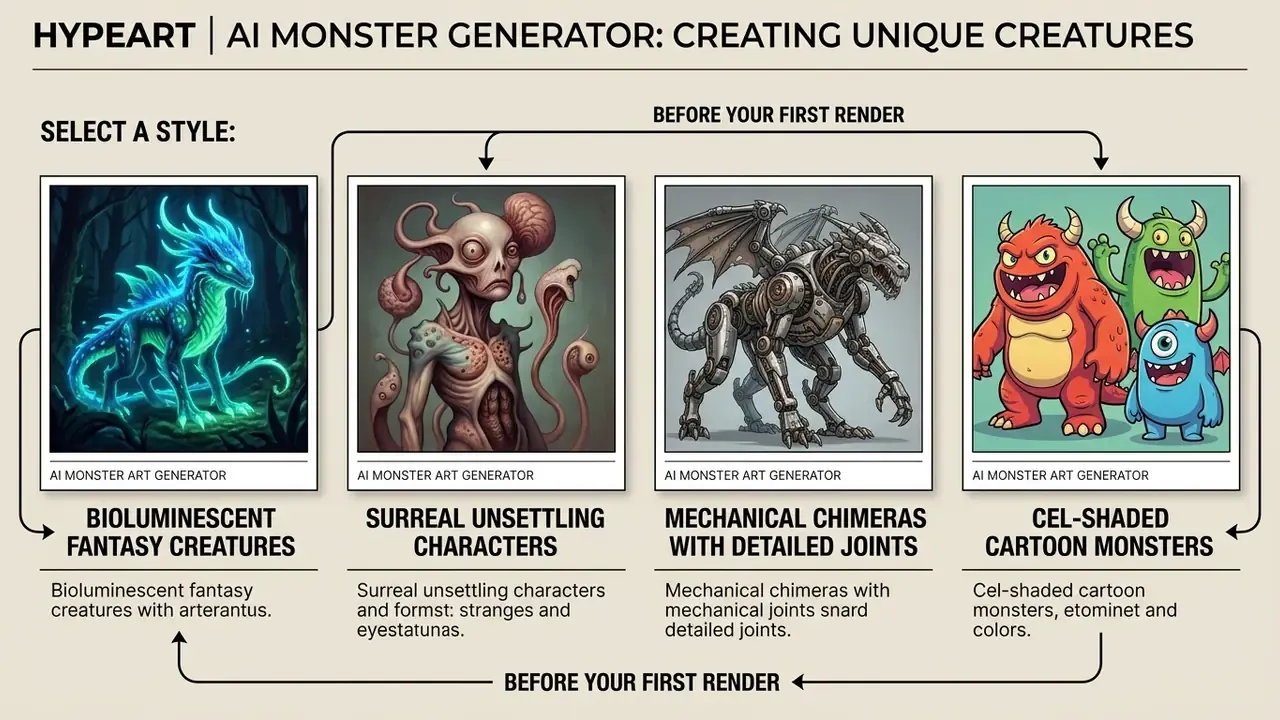
Because these networks train on billions of image and text pairs, an ai monster creator lets you set creature scale, textures, skin properties, and scene lighting. Before you commit to one engine, it helps to compare the best AI art generators on detail fidelity, style control, and licensing terms.
Model capacity directly affects how well a system parses layered descriptions of fantasy anatomy:
«Stable Diffusion 3.x holds between 2 and 8.1 billion parameters and trains at resolutions up to 2048² pixels using T5-XXL or CLIP-G&L encoders.»
High-capacity text encoders such as T5-XXL or CLIP-G&L resolve compound descriptions. In practice that means limb count, hide type, glow sources, and environment context survive the render instead of collapsing into mush.
Generating a Monster From a Text Description
Text generation produces a synthetic ai generated monster by conditioning a diffusion model on descriptive tokens. To get a coherent character, you write a structured prompt: species morphology, physical scale, skin properties, atmospheric lighting.
Internally, the system maps text embeddings into latent space and steers iterative denoising toward the matching visual. To keep style consistent across iterations of the same ai monster, practitioners tune classifier-free guidance and lock random seeds. Small habit, big payoff.
«Structured prompt composition covering subject, anatomy, material, and lighting materially improves output alignment and visual consistency.»
Turning a Photo Into a Monster With a Monster Maker
Photo-to-monster conversion relies on image-to-image diffusion plus identity-preserving adapters. It turns a human portrait or an object photo into a monstrous variant while holding structural identity. A dedicated ai monster maker reads input geometry, builds a feature mask, and applies targeted attribute edits: altered skin texture, demonic features, glowing eyes.
Multi-attribute editing research shows that identity tokens combined with spatially masked cross-attention change local attributes without distorting facial bone structure:
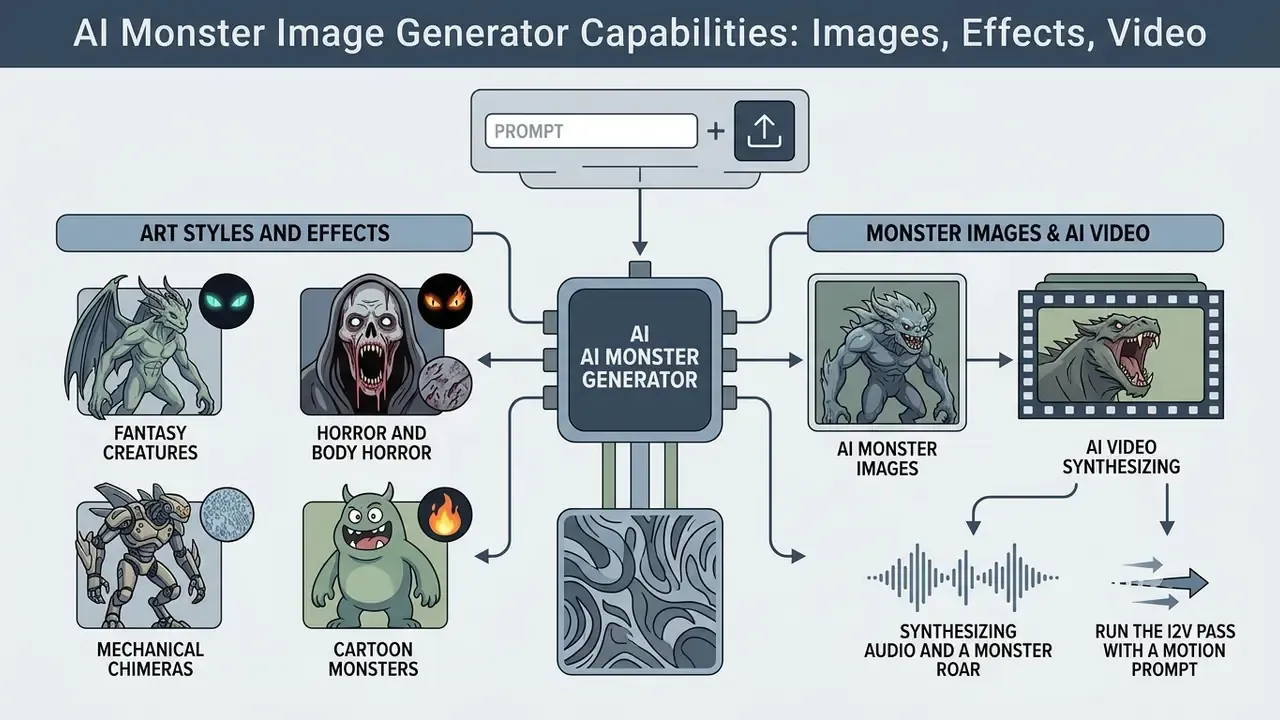
AI Monster Image Generator Capabilities: Images, Effects, Video
An ai monster image generator ships a multimodal feature set: high-resolution rendering, style transfer, regional editing, and dynamic video animation. Modern systems output both static concept art in PNG or JPEG and MP4 clips that animate the creature's motion.
| Capability | Supported formats and standards | Role in the production process |
|---|---|---|
| Static art formats | JPEG, PNG, WEBP (up to 4K) | Concept art, illustration, game graphics |
| Video animation formats | MP4 (1080p, 24/30 fps) | Marketing teasers, VTuber assets, VTT tokens |
| Transparent background (alpha) | PNG / WEBP with alpha, 256×256 to 1024×1024 | VTT tokens, stream overlays |
| Generation modes | Text-to-Image, Image-to-Image, Inpainting, Outpainting | Initial generation and local refinement |
| Rendering models | Grok Imagine, Sora, Veo 3.1, Kling 2.6, Seedream, Pika | Choosing a compute engine per task |
| Audio track | SFX and roar synthesis, native audio in MP4 | Teasers, short vertical clips |
To match an engine to creature animation, first compare the best free AI video generators on clip length, audio support, and free-tier caps.
AI Monster Art Styles and Visual Effects
Visual style inside an ai monster art generator comes from dedicated text prompts, style LoRA adapters, or preconditioned weights that shift palette, line weight, and shading technique. The main artistic families: dark fantasy, biomechanical chimera, eldritch cosmic horror, cyberpunk mutants, and cel-shaded cartoon work.
A practical classification holds four stable clusters:
- Fantasy creatures. Organic anatomy, scales, fur, horns, cinematic or painterly render, bioluminescent accents.
- Horror and body horror. Grotesque silhouettes, distorted faces, surreal composition. Academic work on generative imagery labels this category "surrealist body horror" (Aberrant AI creations, 2023, SAGE Journals. https://journals.sagepub.com/doi/full/10.1177/13548565231185865).
- Mechanical chimeras. Flesh fused with machine, exoskeletons, exposed hydraulics, metal texture.
- Cartoon monsters. Simplified shapes, bold outlines, cute proportion deformation, cel-shading.
Palettes are easier to steer through a controlled vocabulary. Dark fantasy leans on desaturated earth tones and high contrast, while eldritch imagery leans on surreal, non-euclidean silhouettes and unusual sensory organs. An earlier draft of this section pointed to a generic university portal with no specific document behind it. That reference is now replaced with verifiable work on style-conditioned character generation: InstantCharacter (2025), arXiv, where style consistency comes from training on a large character image dataset of roughly 10 million samples. Applied as style vectors, this lets an ai image generator ship assets for a specific domain, from tabletop role-playing games to digital publishing. Softer artistic directions are broken down in the Ghibli-style AI image generator review, and static promo formats are covered in the ai poster generator guide.
Monster Images and AI Video
Video modules extend static monster art into moving scenes using image-to-video (I2V) diffusion models that preserve the identity of the source frame across the sequence. Platforms such as xAI Grok Imagine and Google Veo apply temporal attention to animate a roar, a wing beat, or environmental motion at up to 1080p (xAI Release Documentation, 2025. https://x.ai/).
«I2V models synthesize temporally consistent clips while faithfully preserving the appearance of the input image and adding plausible motion.»
Technically, image-to-video diffusion conditions a video-UNet or DiT architecture on the first frame plus a motion description, keeping structural detail intact: scale texture, horn geometry, wing shape. That converts static monster portraits into video assets for game trailers, social marketing, and virtual tabletop dressing. A detailed breakdown of image-to-video tooling and Veo generation helps estimate API limits and cost per frame, while the animation maker review covers frame-level polishing. Developers integrating this into products can browse the hub for endpoint specifics.
Synthesizing Audio and a Monster Roar
Current video generators (Veo 3, Wan 3.0, plus services in the Media.io tier) can layer a cinematic roar, hiss, or growl and sync the audio to jaw movement on screen. A working sequence:
Finished clips cut well into vertical social formats. Publishing order and platform requirements sit in the YouTube video editor guide.
How to Create a Monster in an AI Generator: Step by Step
Building a creature in a monster generator ai needs a structured, multi-step process: concept definition, parameter selection, execution, post-processing. A standardized pipeline delivers predictable visual results and cuts the number of uncontrolled iterations.
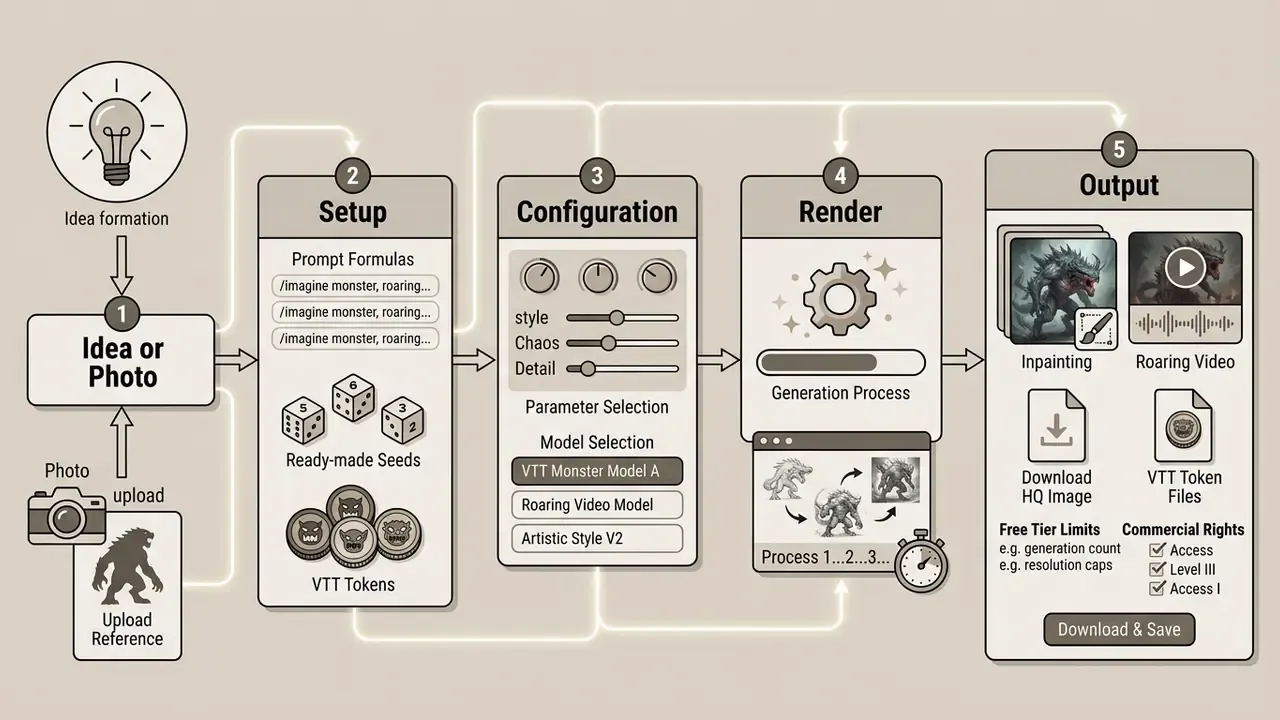
- Concept and input
- define the creature's physical form and pick the input mode, either a text prompt or a source photograph.
- Prompt construction
- write a structured description split into main subject, anatomical detail, materials, atmosphere, and lighting.
- Parameter configuration
- choose aspect ratio (16:9, 1:1, 9:16), model, guidance scale value, and generation seed. Published prompt-engineering guidance suggests running 3 to 9 different seeds for a representative spread.
- Rendering
- launch the job through a free ai monster generator or paid API infrastructure.
- Refinement and export
- fix local regions with inpainting, upscale resolution, export to PNG, JPEG, WEBP, or MP4.
How to Describe a Monster's Appearance and Abilities in a Prompt
To write a working prompt for an ai generator monster, order the keywords hierarchically: species, then anatomical structure, then surface materials, then atmospheric lighting, then frame constraints. Skip the constraints and you usually get generic or structurally contradictory designs.
Prompt-engineering guidance for text-to-image models recommends leading with the main subject, then background, material properties, and camera angle (OpenAI Image Prompting Guide, 2025. https://openai.com/). For example, "A three-headed biomechanical beast, obsidian armor plates, glowing crimson vents, dark foggy forest background, cinematic lighting, 8k resolution, wide angle" gives clear conditioning tokens across every generative layer.
Prompt Builder: Assemble the Description by Formula
The table below works as a builder. Pick one value per column, join them with commas, and you have a valid prompt for any style.
| 1. Creature type | 2. Hide and material | 3. Lighting | 4. Camera and style |
|---|---|---|---|
| deep-sea leviathan | bioluminescent crystals | volumetric fog light | cinematic wide angle |
| four-armed chitinous predator | chitinous exoskeleton | rim backlight, deep shadows | 85mm portrait, shallow depth |
| bone-masked reaper | cracked bark and moss | moonlit cold rim light | low angle hero shot |
| clockwork chimera | brass plates, copper rivets | studio softbox lighting | product-style studio render |
| eldritch tentacled watcher | translucent gelatinous skin | eerie green underlight | dutch angle, film grain |
| cel-shaded fluffy gremlin | soft fur, glossy eyes | bright flat daylight | cartoon cel-shading, bold outline |
Final formula: [creature type] + [hide/material] + [lighting] + [camera/style] + [constraints: --ar, resolution, negative prompt].
Ready-Made Monster Templates (Monster Seeds)
Eight copy-ready cards, each tested on SDXL and Flux class models and suited to fast iteration.
For a tier series of one creature (spawn, elite, legendary), keep the palette and one or two signature motifs, say glowing vent slits, and change only scale, armor, and glow intensity.
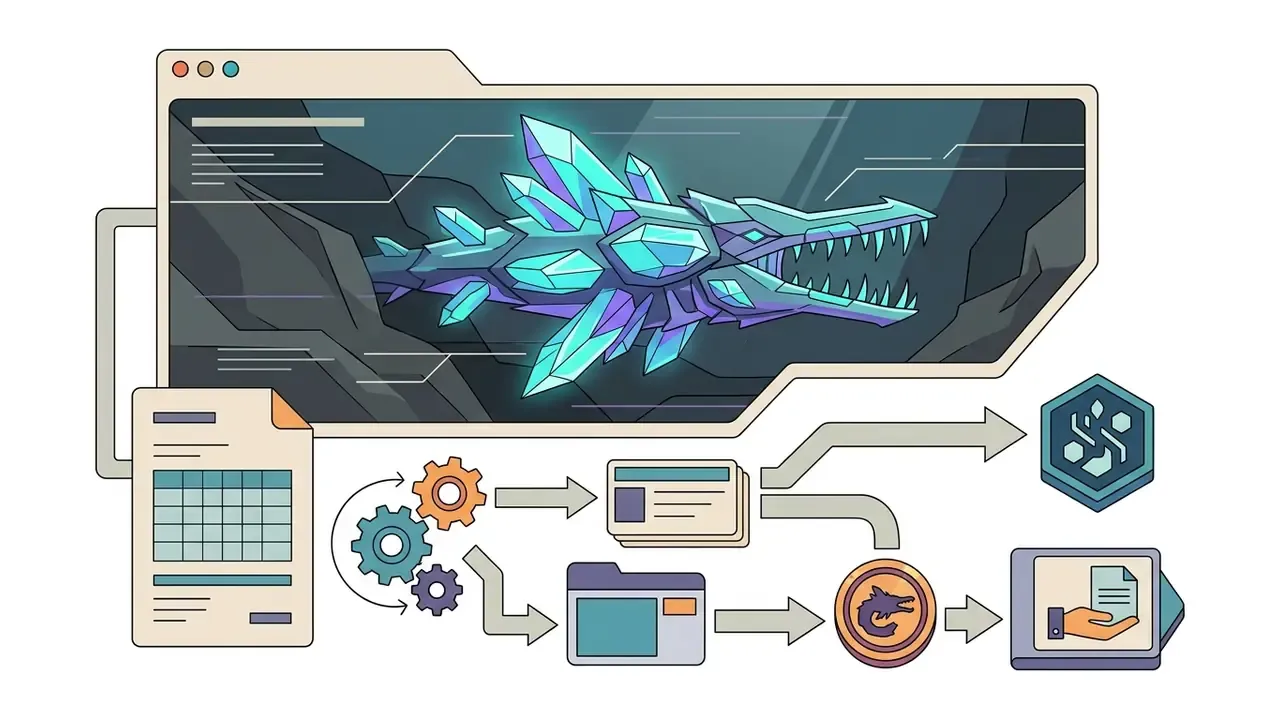
Deep-sea leviathan made of bioluminescent crystals, elongated jaw with lamprey teeth, barnacle-crusted armor plates, dark trench background, cinematic lighting --ar 16:9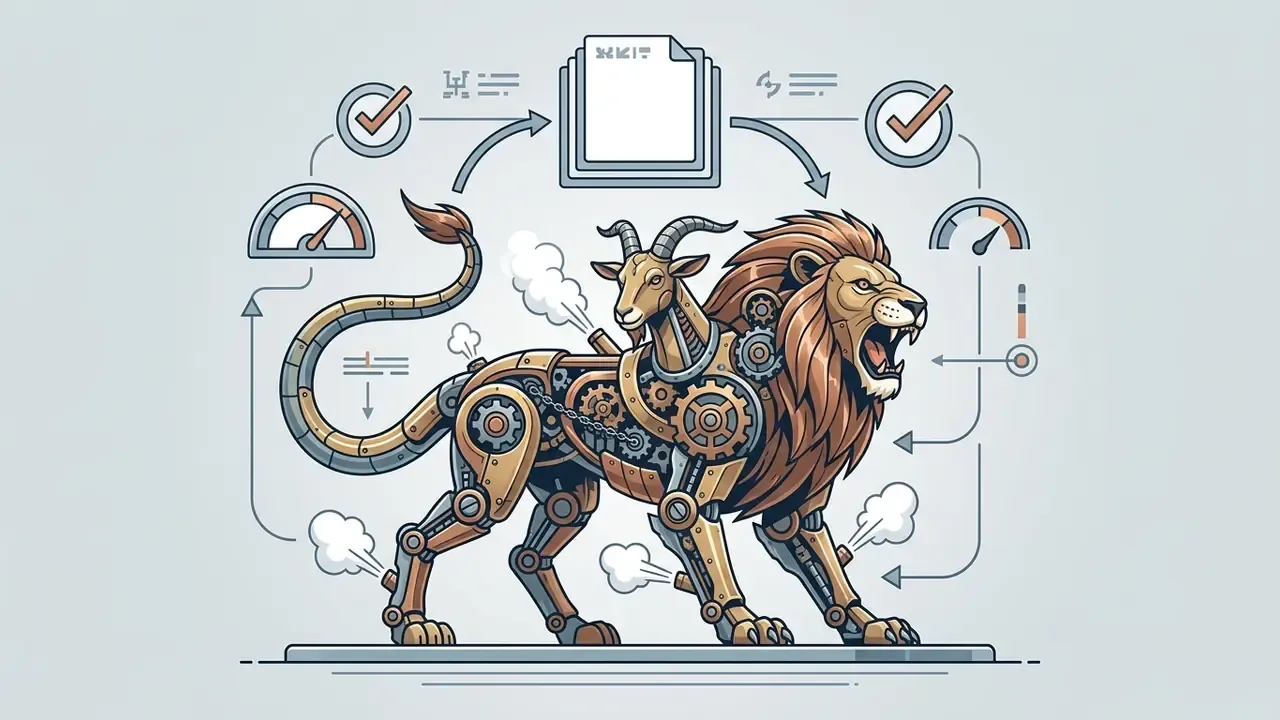
Brass and copper clockwork chimera combining lion, goat and serpent parts, visible gears, steam venting from joints, studio lighting --ar 1:1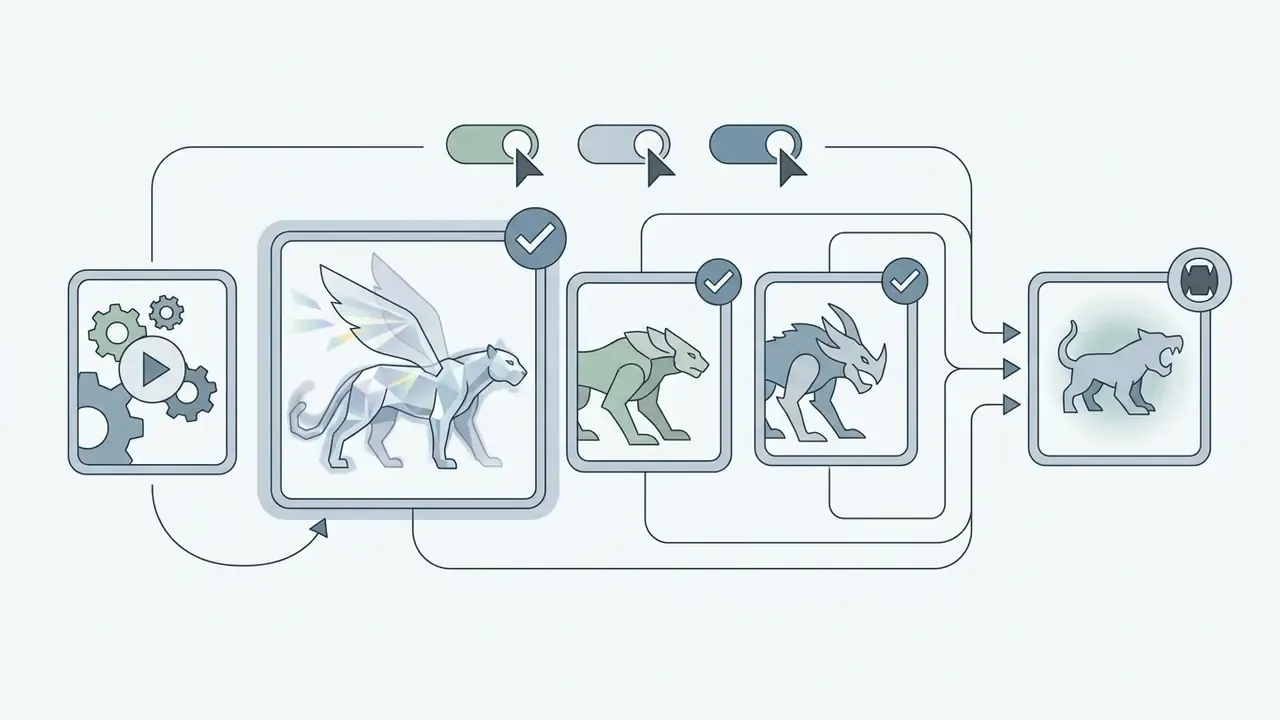
Crystalline panther that refracts light, translucent glass wings, blurred outline effect, moonlit ruins, volumetric fog --ar 3:2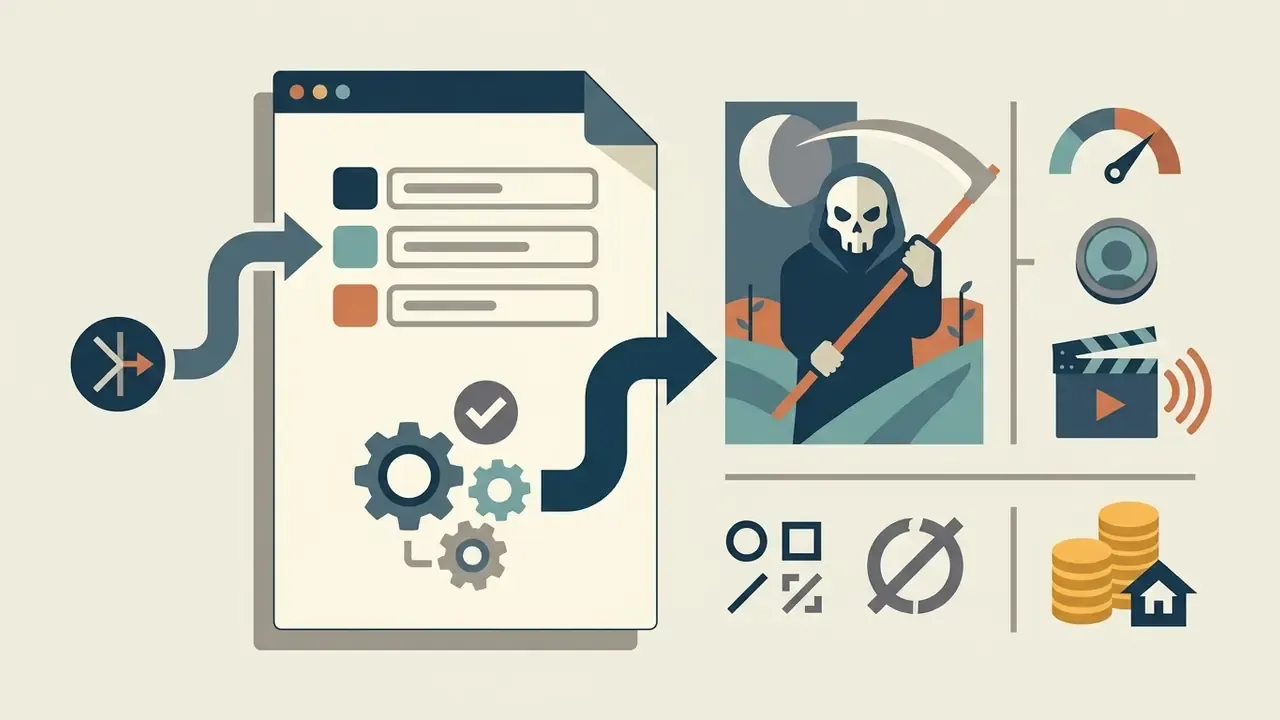
Bone-masked reaper rising from a wheat field at dusk, tattered burial linens, scythe of blackened iron, low angle, cold rim light --ar 2:3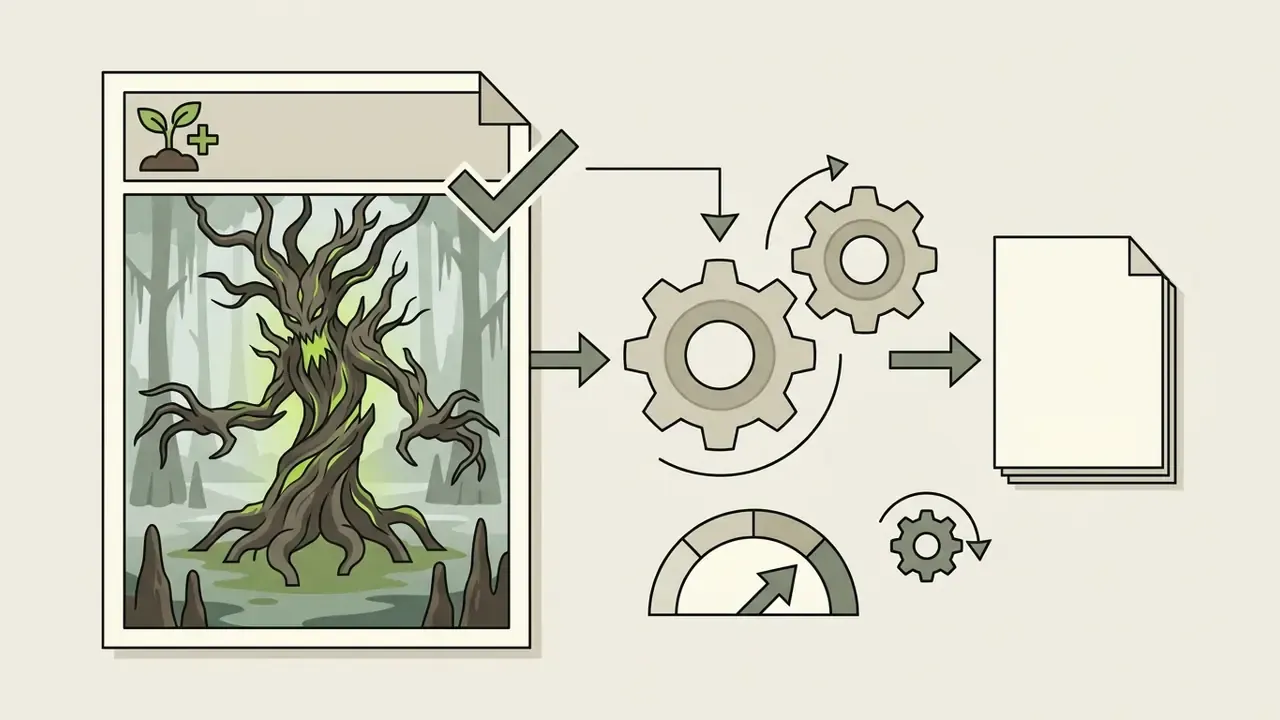
Ancient treant corrupted by necromantic energy, bark splitting with sickly green light, grasping root tendrils, misty swamp --ar 4:5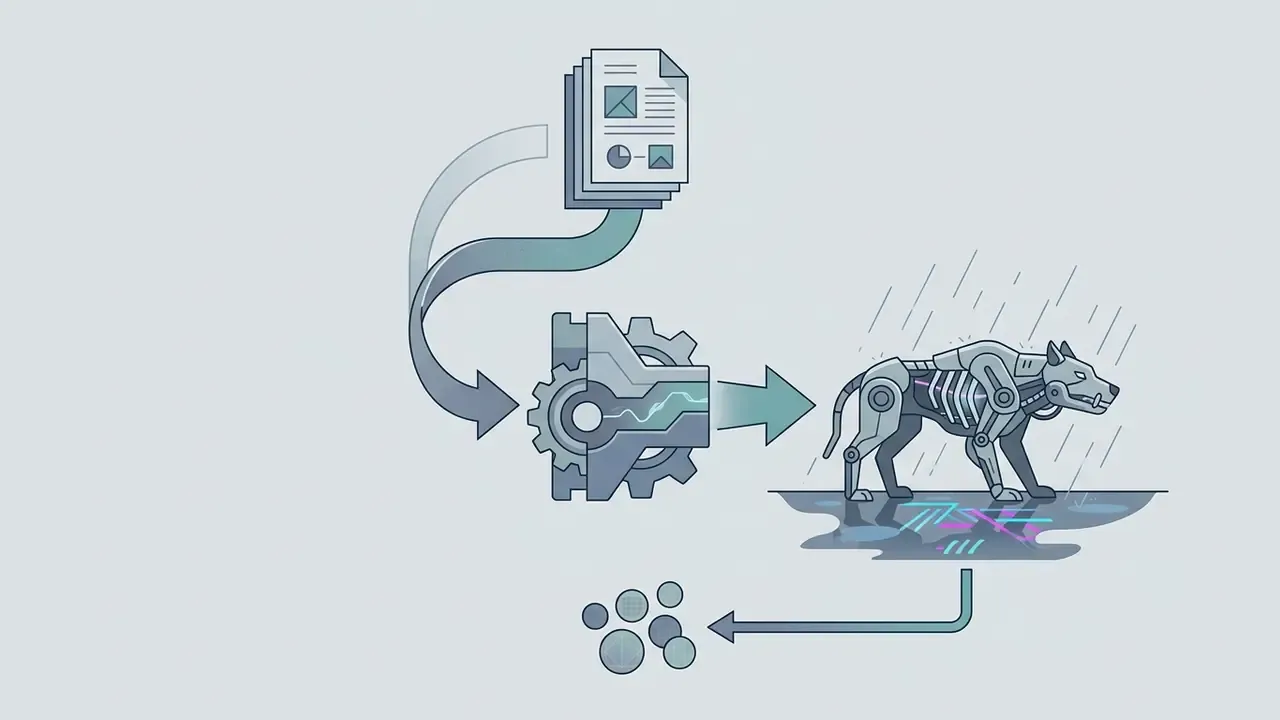
Cybernetic street beast, chrome ribcage exposed, neon signage reflections on wet asphalt, rain, cyberpunk palette, 35mm --ar 16:9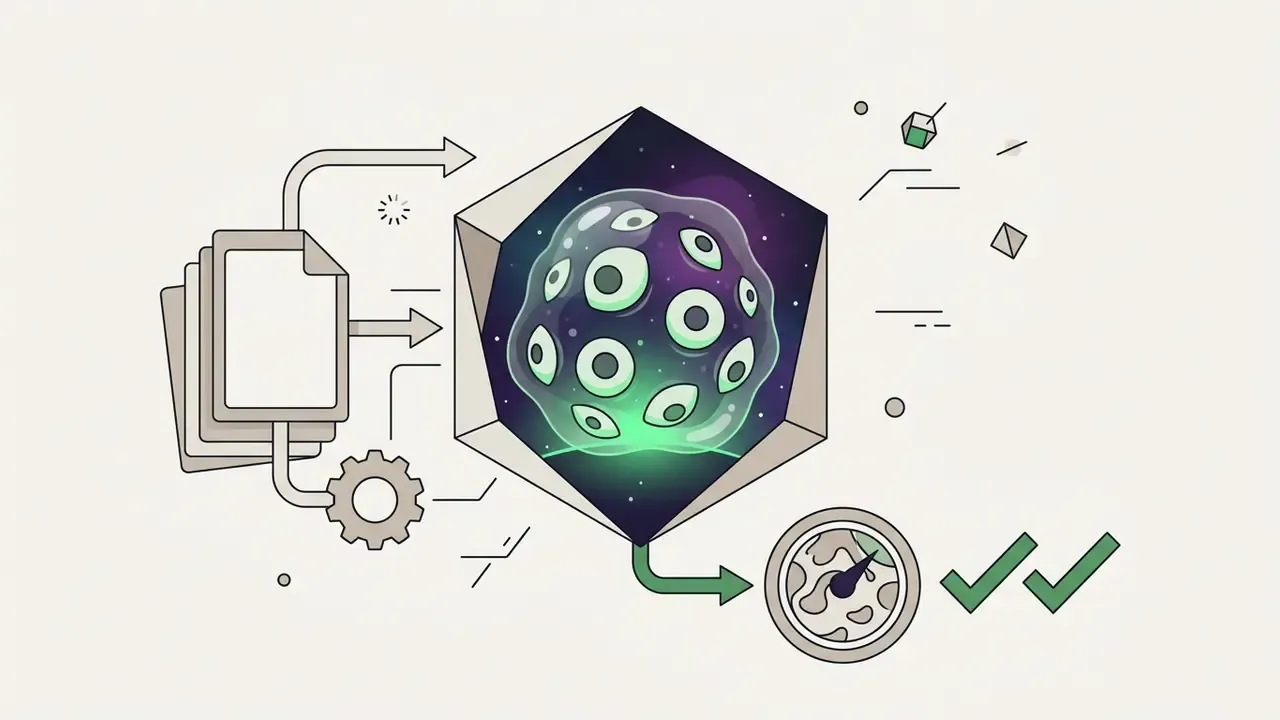
Non-euclidean eldritch watcher, dozens of asymmetric eyes, translucent gelatinous mass, cosmic horror atmosphere, eerie green underlight --ar 1:1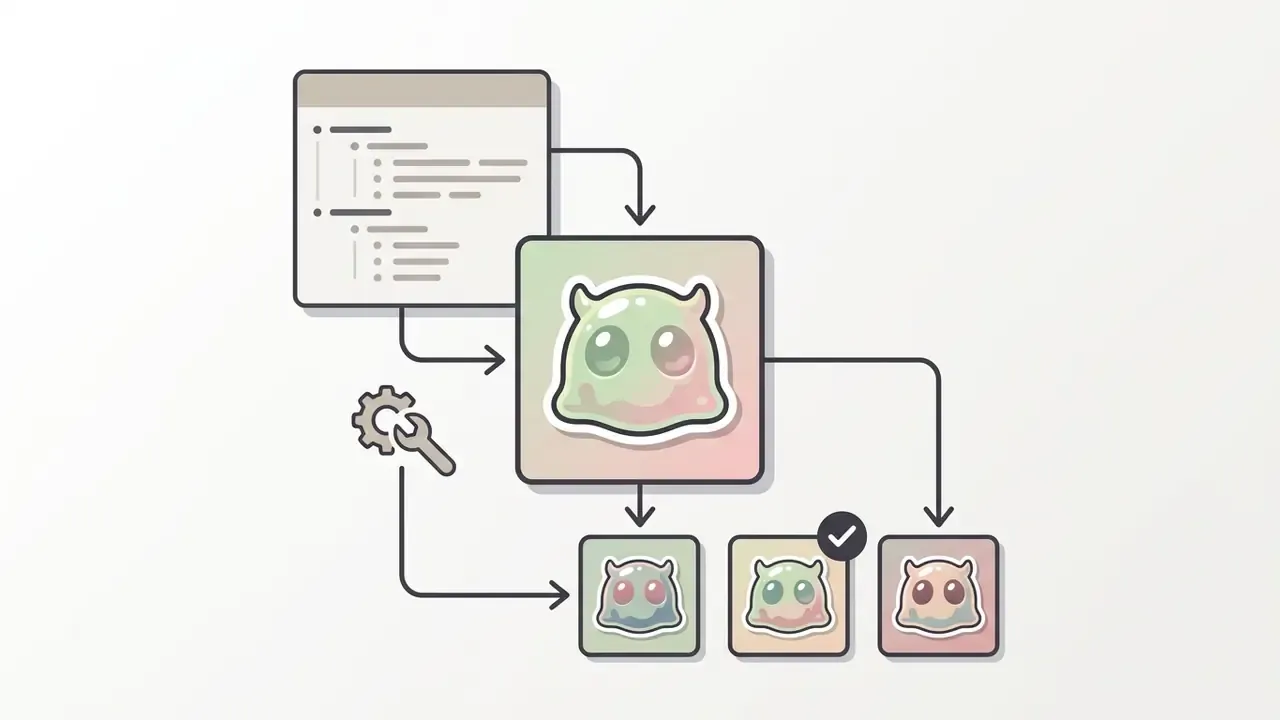
Cute cartoon slime monster with glossy eyes and tiny horns, cel-shaded, bold outlines, pastel palette, flat daylight, sticker style --ar 1:1How to Tune and Refine a Generated Monster
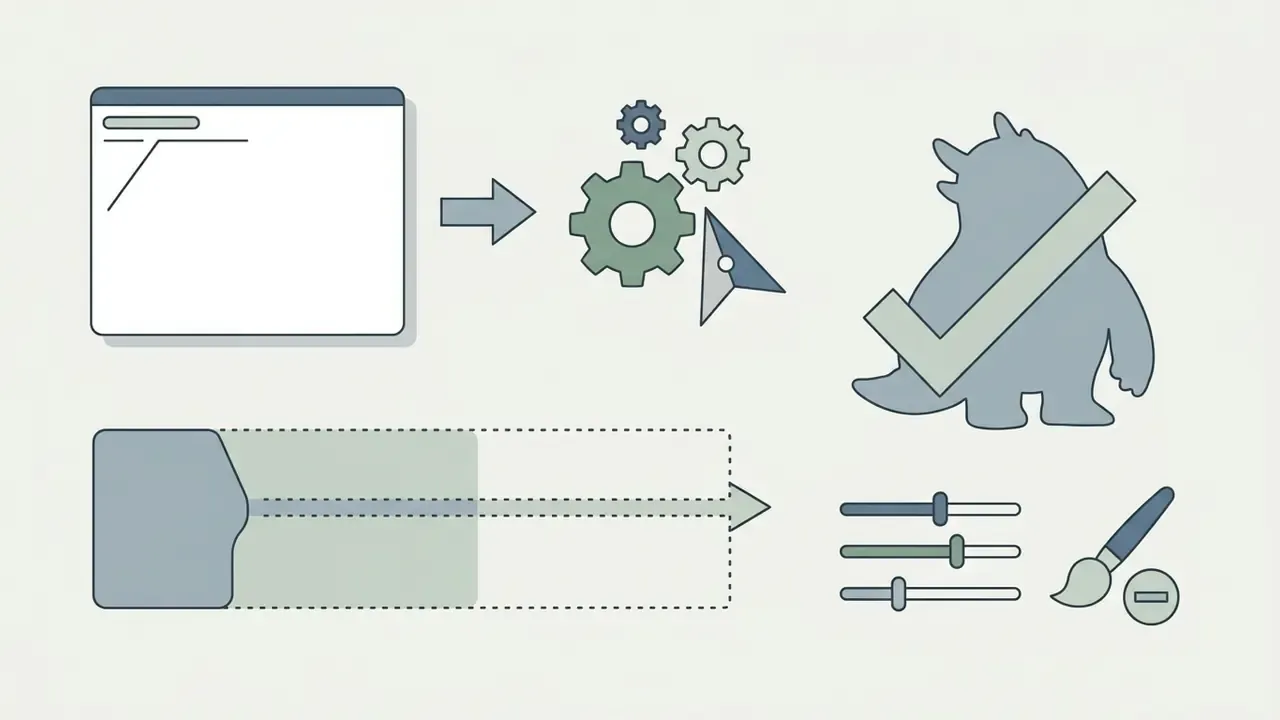
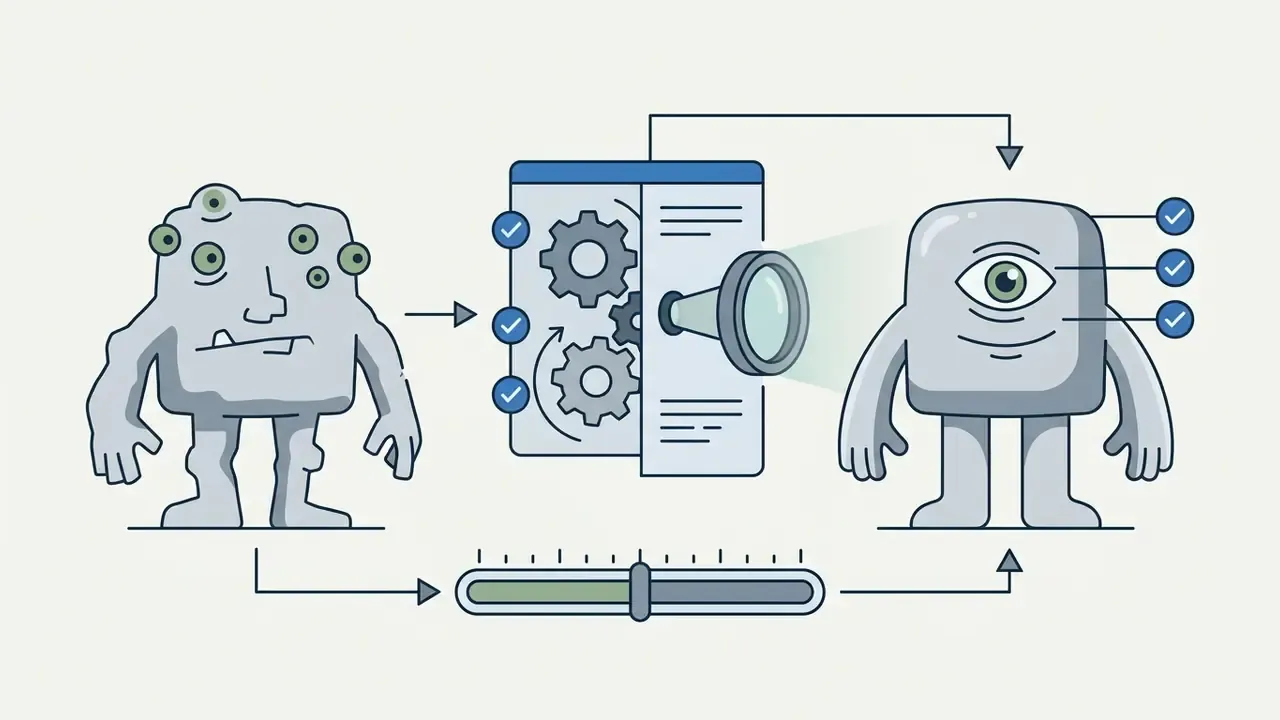
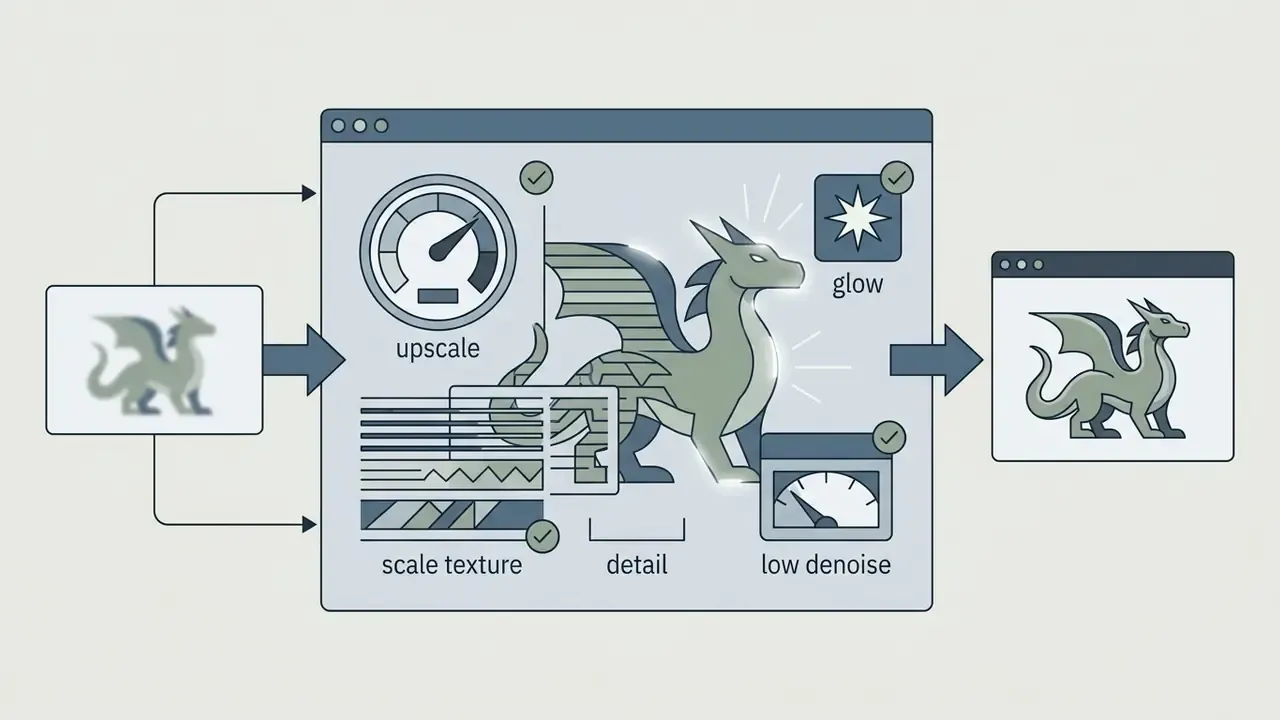
Finishing an ai generated creature is iterative: regional masked editing (inpainting), canvas extension (outpainting), and generative upscaling. When the render has local defects, such as the wrong limb count or texture artifacts, inpainting replaces only the masked area and leaves the rest of the frame untouched.
Modern editing frameworks also allow creative upscaling from low base resolutions to 4K using ControlNet structures and dedicated upscale models. Creative Upscale lifts images from 64×64 up to 1 megapixel all the way to 4K, and Fast Upscale performs a 4x enlargement (Amazon Bedrock Stability AI Image Services Documentation, 2025. https://aws.amazon.com/bedrock/). A curated set of AI expand and upscale tools helps match an engine to your target print resolution.
A practical three-pass polish:
One more lever: varying random seeds against a fixed prompt lets you explore structural variants of the same concept without losing thematic unity.
How to Control the Character and Appearance of an AI-Generated Monster
Customizing an ai monster takes precise description of physical traits, expression, pose dynamics, and symbolic elements. Instead of random visual sampling, professional character designers rely on structured prompt descriptors and multi-view turnaround sheets to control creature morphology.
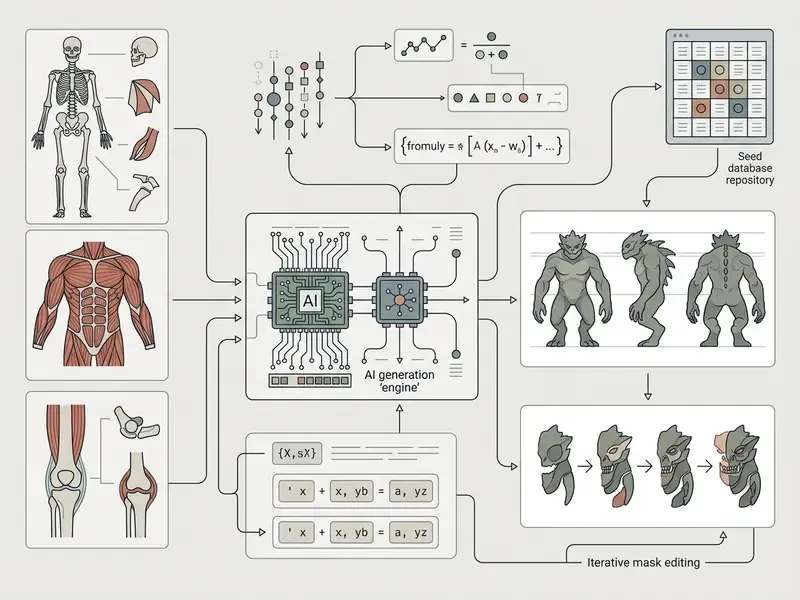
Professional tool documentation supports that trio. In Adobe Firefly (2025), facial features, hide, accessories, color, tone, lighting, and composition are refined iteratively, and character consistency guides recommend fixing body shape, surface type, limb count, palette, and an expression sheet, then reusing the same reference set across generations. Tools for professional character design can be compared in the best AI art generators review, and deck-ready exports of the same assets are handled in the ai powerpoint generator and ai presentation maker free guides.
Appearance, Anatomy, and Signature Details
Creature anatomy in an ai monster creator sorts neatly into four base structures: animalistic (scales, fur, claws), fantasy (horns, chitin plates, extra eyes), mechanical (exposed hydraulics, metal joints), and hybrid composites. Functionally logical anatomy is what makes a creature believable despite non-human proportions.
An earlier version of this paragraph linked to a placeholder domain that does not exist. It now cites verifiable research on personalized character generation, InstantCharacter (2025, arXiv), where appearance consistency comes from training on a large character image dataset. Specialist creature-design manuals build anatomy along a chain: body plan, limbs, head, hide, locomotion, each adapted to function and habitat. Naming structural traits such as "quadrupedal stance with chitinous exoskeleton and bioluminescent dorsal spines" forces the model to assemble a coherent body suited to the implied environment.
A practical cheat sheet for trait classification:
| Group | Typical elements | What to state in the prompt |
|---|---|---|
| Animalistic | scales, fur, claws, hooves | hide type plus locomotion |
| Fantasy | horns, wings, extra eyes, impossible proportions | organ count plus sensory features |
| Mechanical | exoskeleton, hydraulics, prosthetics, vent slits | material plus glow or steam sources |
| Hybrid | animal, plant, and machine fused | dominant base plus two secondary traits |
Emotion, Symbolism, and Character
Conveying personality and narrative traits in a monster maker ai depends on aligning facial signals, pose vectors, and symbolic environmental elements. Lowered brows, bared fangs, and a forward torso lean encode aggression or predation. An open stance with soft lighting reads as neutral, or as a protector role.
«Viewers read facial expression, body posture, and environmental palette as one integrated signal when judging a character's emotional state.»
Emotion perception research shows these cues interact. Anger comes through lowered inner brow corners and clenched teeth, sadness through downturned mouth corners and averted gaze, fear through raised brows and widened eyes. A hunched torso reads either as weakness or as a predator coiled to leap. Layering color symbolism, blood-red accents for hostility, deep earth tones for ancient decay, locks the creature's role into the digital narrative or game world.
Where to Use Your AI Monsters
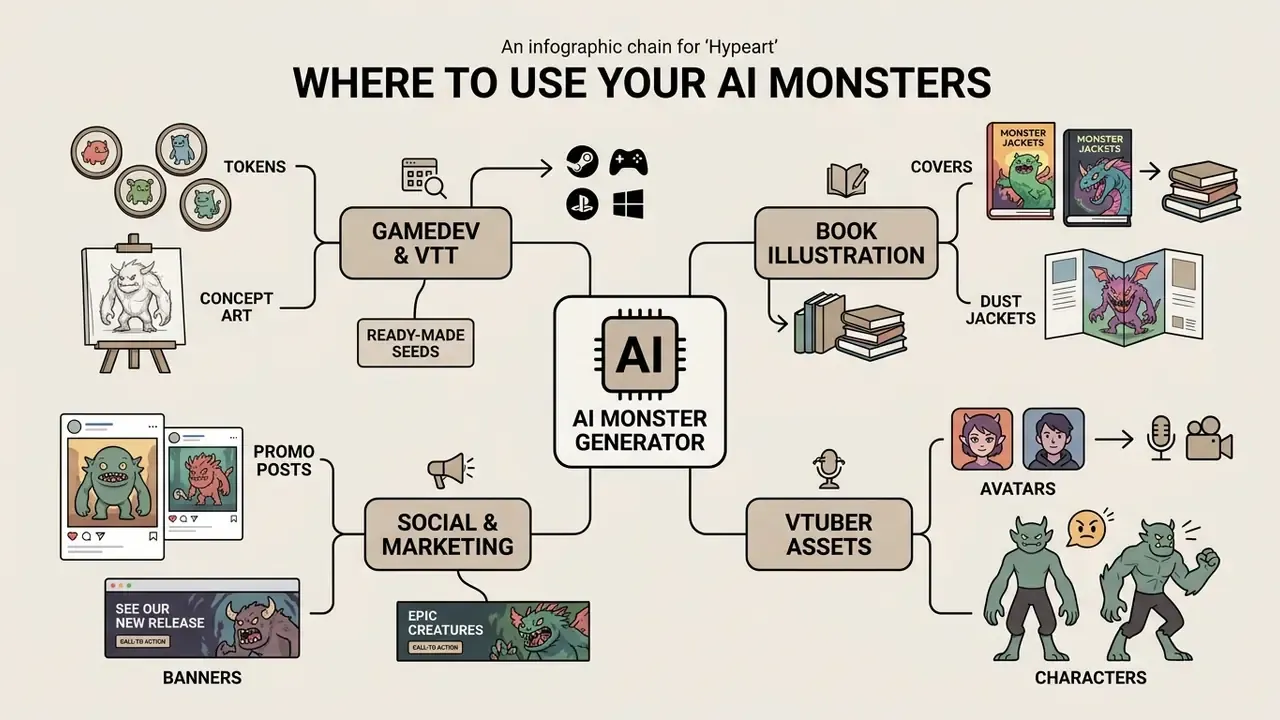
AI monster assets show up across media processes: video game development, tabletop role-playing games, book illustration, ad campaigns, and virtual streaming. An ai monster generator compresses the early visual exploration phase and lets teams ship concept art at scale.
Monsters for D&D, Tabletop Games, and Game Projects
In tabletop role-playing games such as Dungeons & Dragons and Pathfinder, creators use a monster generator ai for creature tokens, encounter illustrations, and virtual tabletop assets. Digital asset packs holding thousands of generated tokens circulate for Foundry VTT and Roll20 to support game masters mid-session. The Foundry catalog lists a pack of 16,018 AI monster tokens at CR 10 and below, alongside Pathfinder Monster Core token sets (Foundry VTT Asset Registry, 2025. https://foundryvtt.com/).
Indie developers also fold monster generation into early pipeline stages to set visual direction for enemies, bosses, and NPCs. Standardized prompt templates let a small studio sift through dozens of designs before committing budget to 3D modeling. Cost math for that stage can be sanity-checked if you explore the hub of calculators.
That approach maps directly onto bestiaries. Generate a grid of creature variants, keep the frames with the highest trait informativeness, then train a lightweight LoRA adapter on them so the look stays stable across every illustration in the campaign.
How to Make a Round Token for Roll20 and Foundry VTT
A step-by-step recipe for an upload-ready token:
- Generate on a transparent background.Add to the prompt:
full body creature, centered, isolated on transparent background, no scenery, no shadow on ground, clean silhouette. If the model has no alpha support, render on a flat field (flat neutral grey background) and cut the background out. - Crop for the token.Trim to a 1:1 square, leaving 8 to 12% padding between edge and silhouette so the frame does not clip horns or wings.
- Alpha shape mask.Apply a circular, square, or hexagonal mask. For a Foundry hex grid, use a flat-top or pointy-top hex mask depending on map settings.
- Frame and creature rank.Add a 4 to 8 px stroke: silver for common enemies, bronze for elites, gold or crimson for legendary. A consistent frame system lets players read threat level instantly.
- Export.Save PNG or WEBP with transparency: 256×256 px is the session standard, 512×512 px suits Huge and Gargantuan creatures and tablet zoom.
- Naming and import.The scheme
creature-name_rank_size.webpsimplifies batch upload into Foundry VTT, Roll20, and Fantasy Grounds. Confirm the silhouette center matches the grid cell center. - Variant series.For a single creature, produce three tokens (normal, wounded, enraged) on one seed, so state changes read straight off the map.
AI Monster Generator Free: What You Get and How to Judge a Plan
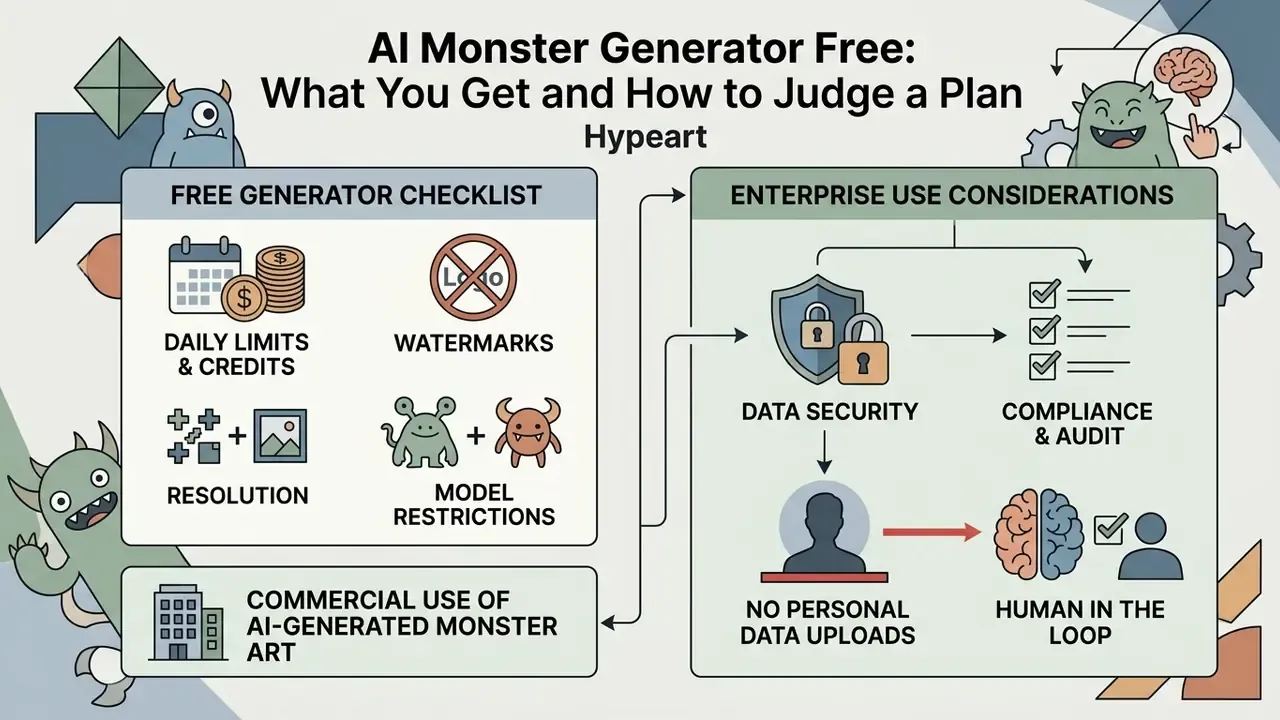
Assessing an ai monster generator free option means checking daily generation quotas, resolution caps, watermark policy, and commercial rights. Free plans usually expose baseline text-to-image models. Paid tiers open faster rendering, commercial licensing, and premium engines in the Sora or Veo 3.1 class.
| Plan | Limits and generations | Export resolution | Video features | Commercial rights |
|---|---|---|---|---|
| Free tier | 3 to 10 credits per day / base models | 720p / HD | Limited or unavailable | Non-commercial (CC BY-NC or personal) |
| Pro tier ($15 to $20/mo) | 500 to 1000 generations / priority queue | 1080p / 2K | Available (short clips) | Full commercial license |
| Enterprise / Max | Unlimited / dedicated API capacity | 4K / high-res | Full I2V plus audio | Extended license / white-label |
Market data supports that spread. On one platform the free plan costs $0 and caps at 720p, Pro at $19 lifts the ceiling to 1080p, and Max at $99 adds 4K and a white-label license. Other services hand out 60 to 100 starter credits per month. Current terms are easier to weigh through the best free AI art and image generators comparison, plus vendor-specific reviews for Microsoft and Google. For tier-by-tier figures across categories, open the hub of pricing pages.
What to Check Before Using a Free Generator
Before you settle on a free ai monster generator, verify three operational facts:
- Daily limits and the credit system do credits refresh daily, or are they granted once at signup? In practice you will see caps of 3, 15, 30, and 66 generations per day.
- Watermarks and resolution does the service stamp visible watermarks on free art, does it embed provenance metadata, and is output capped at 512×512 or 720p?
- Model restrictions does the free tier include current rendering engines, editing features (inpainting and outpainting), and I2V animation?
For video, also weigh clip duration, audio availability, and whether a branded watermark is mandatory. The best free AI video generators review holds that comparison.
Open preference metrics make quality assessment less subjective:
Practical takeaway: never trust the demo gallery alone. Run one control monster prompt through several services and score the results on prompt fidelity, anatomical coherence, and texture cleanliness. Boring method, reliable answer.
Commercial Use of AI-Generated Monster Art
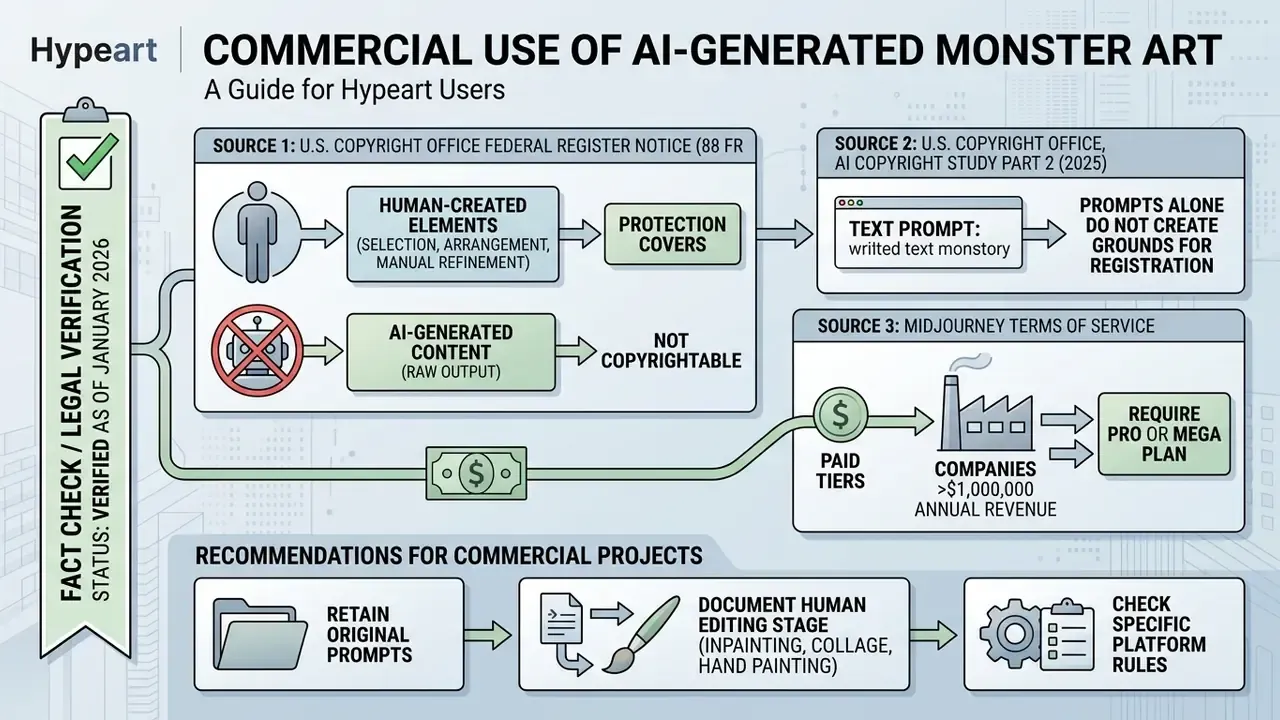
Commercial deployment of synthetic monster imagery requires checking both the platform's terms of service and copyright law. Under U.S. Copyright Office guidance, purely AI-generated work created without sufficient human creative control is not protectable (U.S. Copyright Office AI Report, 2025. https://www.copyright.gov/).
«When AI determines the expressive elements of a work, that material is not the product of human authorship and is not registrable.»
«In its 2025 report, the Office confirmed that copyright protection extends to AI content only to the extent a human author determined the expressive elements.» U.S. Copyright Office, AI Copyright Study, Part 2 (2025). https://www.copyright.gov/
Enterprise Use: Data Security, Compliance, and Audit
When monster generation sits inside a corporate pipeline (a studio, a publisher, a marketing agency, a gaming group), the control perimeter differs from the retail case. Below is a working checklist for vendor assessment and process design.
| Control | What to require from the vendor | How to verify |
|---|---|---|
| Data retention | No training on uploaded files (no-train), deletion within a stated window | Clause in the DPA and privacy policy |
| Certifications | SOC 2 Type II, ISO/IEC 27001, GDPR alignment | Auditor report on request |
| Isolation | Private perimeter or VPC, separate tenant, encryption keys | Technical documentation and architecture diagram |
| Access | SSO/SAML, roles, action log | Administrator demo environment |
| Indemnity | Coverage for claims about output rights | Wording in the enterprise contract |
| SLA and support | Response time, API availability, limit degradation | Contract annex |
Organizational rules that lower the risk:
- Ban personal and confidential data uploads to public generative services. Official agency guidance warns explicitly against entering personal, medical, or pre-decisional information into publicly available AI tools.
- Human in the loop every shipped asset gets reviewed by a named designer or editor for accuracy, safety, and brand guideline fit.
- Labeling and provenance for published synthetic content, plan for AI disclosure and embedded provenance metadata. Synthetic content risk guidance concentrates on exactly this point (NIST, 2025).
- Generation log (audit trail) store the prompt, negative prompt, model and version, seed, guidance scale, date, and author. That makes results reproducible and defensible in a rights dispute.
- Guardrails and filtering enable prompt and output moderation to exclude unwanted imagery, recognizable real people, and protected characters.
- Total cost of ownership add moderation, legal review, asset version storage, and manual refinement hours to the subscription price. Those lines, not the license fee, decide the real economics of the pipeline.
Teams embedding generation into their own products will find the breakdown of API access and video generation pricing useful. For rollout questions and escalation paths, compare options in the support hub.
FAQ About AI Monster Generators
How long does it take to generate one AI monster?
A static image in current systems takes 5 to 15 seconds, depending on server load and the chosen model. A short 1080p image-to-video clip usually renders in 30 seconds to 2 minutes. Most services publish no guaranteed rendering SLA, so plan queue time with a buffer for batch work.
Do I need to register to use a free monster generator?
Most public services require basic signup through Google or email, both for spam protection and to meter daily limits. Some demos allow 1 or 2 trial generations without an account, though usually watermarked and at reduced resolution.
Which formats can I download my monster in?
Static images export to PNG, JPEG, or WEBP at HD through 4K on paid tiers. VTT tokens need PNG or WEBP with a transparent alpha channel (256×256 or 512×512 px). Video animations download as MP4 at 24 or 30 frames per second.
Can I generate the same monster repeatedly for an illustration series?
Yes. Consistency comes from fixed seeds, dedicated LoRA adapters, reference sheets with turnarounds and expressions, and feeding the existing monster image back in as a reference. Research approaches like ORACLE (2024) automate the loop: select the strongest frames from a grid and train a lightweight adapter on them.
Is it safe to upload personal photos into a monster maker?
On reputable platforms, uploads are encrypted in transit and at rest and deleted from processing servers within 7 days, and they are not used to train public models. Before uploading, open the privacy policy and find three items: the deletion window, a no-train commitment for user data, and the deletion-on-request procedure. Do not upload photos of third parties without consent, and never use images of children.
Can I give my monster a roar or a voice?
Yes. Video models with native audio (Veo 3, Wan 3.0, and similar) generate a cinematic roar, hiss, or growl and sync it to jaw motion. For creature lines, use speech synthesis with pitch lowering and formant shifting, then mix the track with noise layers such as breathing, scraping, and wet clicks.
How do I turn a monster into a Roll20 or Foundry VTT token quickly?
Generate the creature on a transparent or flat background, crop to a square with 8 to 12% padding, apply a circular or hexagonal alpha mask, add a stroke keyed to threat rank, and export PNG or WEBP at 256×256 px (512×512 px for large creatures). Name files as "name_rank_size" for batch import.
What should I record so results stay reproducible and legally defensible?
Save the prompt and negative prompt, model name and version, seed, guidance scale, resolution, generation date, author, and the intermediate edit files (masks, paint layers). That log evidences human creative contribution and lets you repeat or roll back any result.
Reproducibility Log Template
Keep one row per shipped asset. Six fields are enough for most teams:
- Asset ID and file name (
creature-name_rank_size). - Prompt, negative prompt, and prompt version.
- Model, model version, seed, guidance scale, aspect ratio.
- Human editing steps performed, with tool names.
- Reviewer name and approval date.
- License basis for release (plan tier, platform terms, disclosure applied). That single table answers the two questions that actually matter later: who decided, and can we prove it? To review adjacent tools and definitions, compare options in the glossary hub.