Why does a compliance or risk leader care about a headshot tool? Because every upload is biometric processing, and because employees are already doing it without asking.
Executive Summary: Key Findings at a Glance
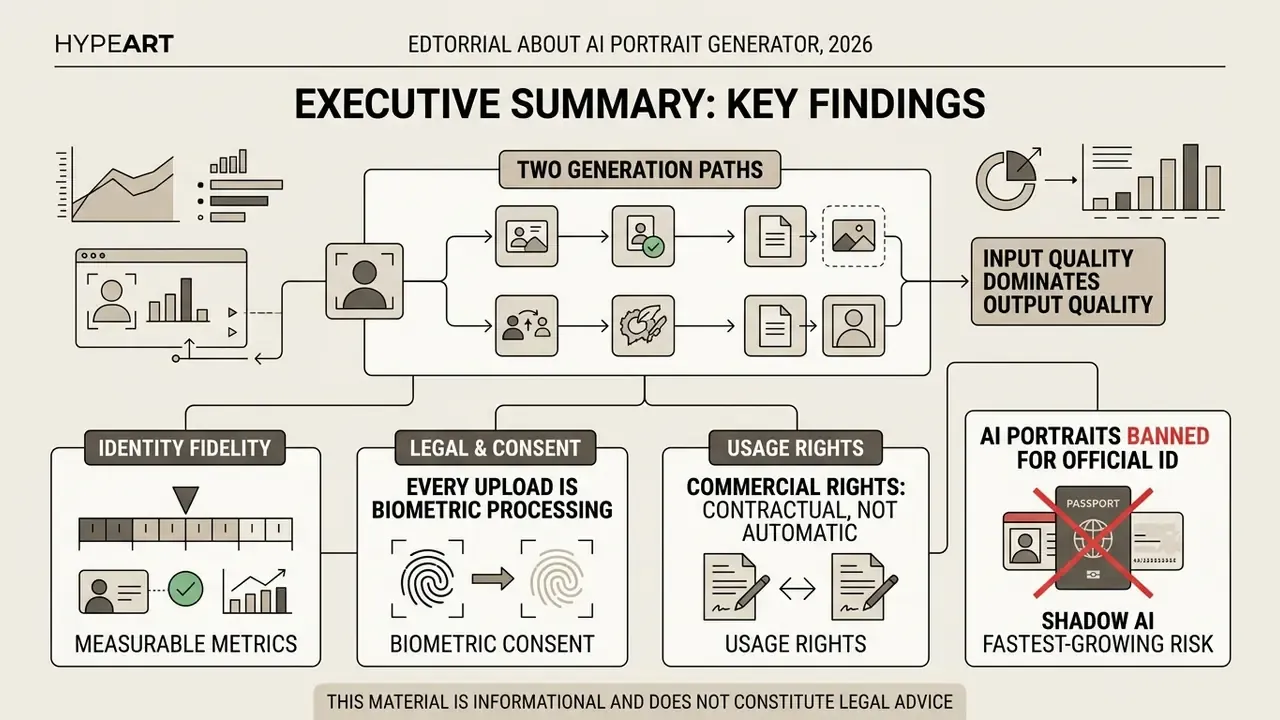
- Two generation paths. Photo-conditioned pipelines (InstantID, PortraitBooth, ConsistentID) preserve an existing identity; text-conditioned pipelines synthesize a new face from a written prompt. Enterprise use cases almost always require the photo-conditioned path.
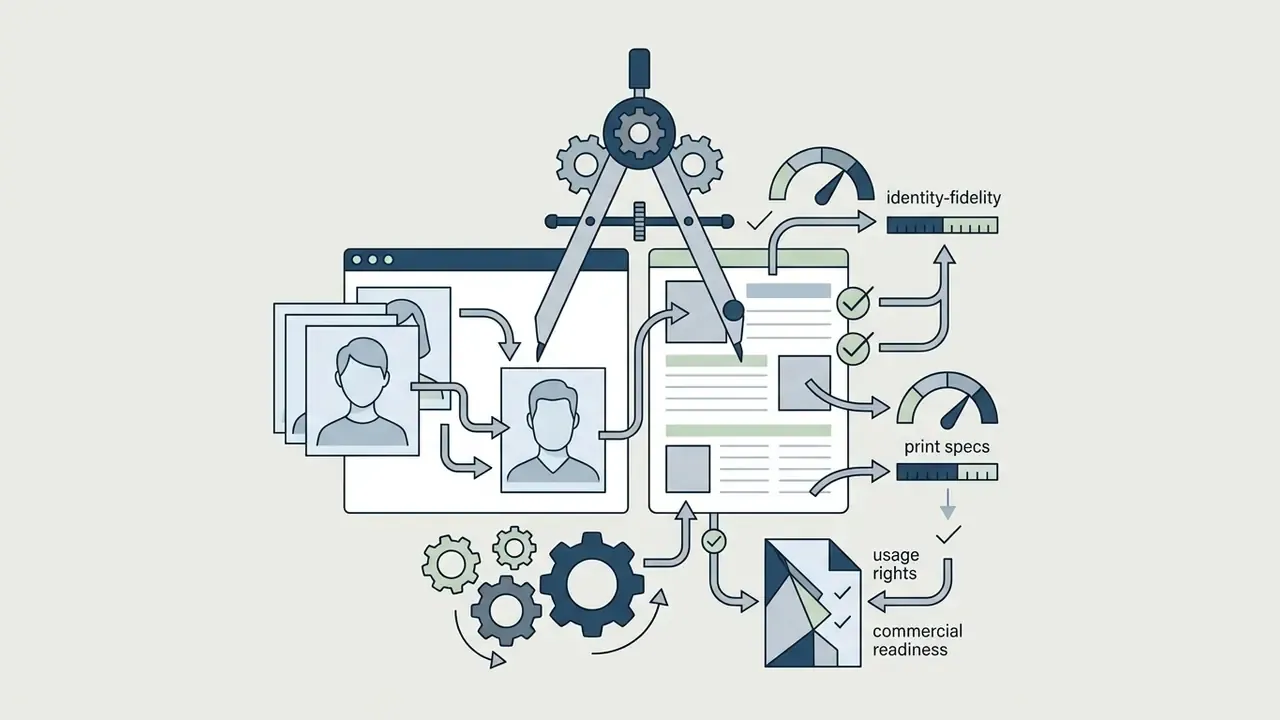
- Identity fidelity is measurable. Treat FaceNet cosine similarity as an acceptance metric: production-grade tools score above 0.65, while entry-level free tiers often fall to 0.4 to 0.5. PortraitBooth reports 0.657 with roughly two seconds of inference per image.
- Input quality dominates output quality. Frontal framing (±5° head rotation), even front lighting, no occlusions, and at least 90 pixels between the eyes are the baseline biometric conditions.
- Every upload is biometric processing. Under UK ICO guidance, US state privacy statutes, and equivalent regimes, facial images are special-category data requiring explicit, informed, specific consent plus documented retention limits.
- Commercial rights are contractual, not automatic. Verify royalty-free commercial licensing, exclusion from training datasets, provenance labeling, and, for enterprises, SOC 2 posture, zero data retention, and IP indemnification.
- AI portraits are banned for official ID documents. Passports, driver's licenses, and national biometric ID cards require unaltered optical photographs compliant with ISO/IEC 19794-5.
- Shadow AI is the fastest-growing risk. Employees already upload selfies to consumer portrait apps. An approved vendor list plus a documented consent workflow closes the gap faster than a blanket prohibition.
This material is informational and does not constitute legal advice.
Who This Guide Serves and Which Decisions It Supports
This guide is written for two overlapping readers, and the framing differs for each.
The first is the individual creator or professional who wants a clean profile image today. Their question is narrow: which tool, which style, what does it cost, and can the output be used commercially?
The second is the governance reader: a CRO, CCO, head of model risk, or AI governance lead at a US bank or mature fintech. Their question is broader. Can a generative image tool be brought into production with a named owner, a documented consent artifact, an acceptance threshold, and an audit trail that survives internal review? A portrait generator looks trivial next to a credit model. It is not trivial in data terms, because facial images sit in the same sensitive-data bucket as KYC biometrics.
Both readers get the same technical facts here. The governance reader also gets a control checklist, an acceptance metric, and an evidence set. One caveat, stated up front: audience characteristics above should be treated as working hypotheses until confirmed by analytics, interviews, or verified customer research.
What Is an AI Portrait Generator?
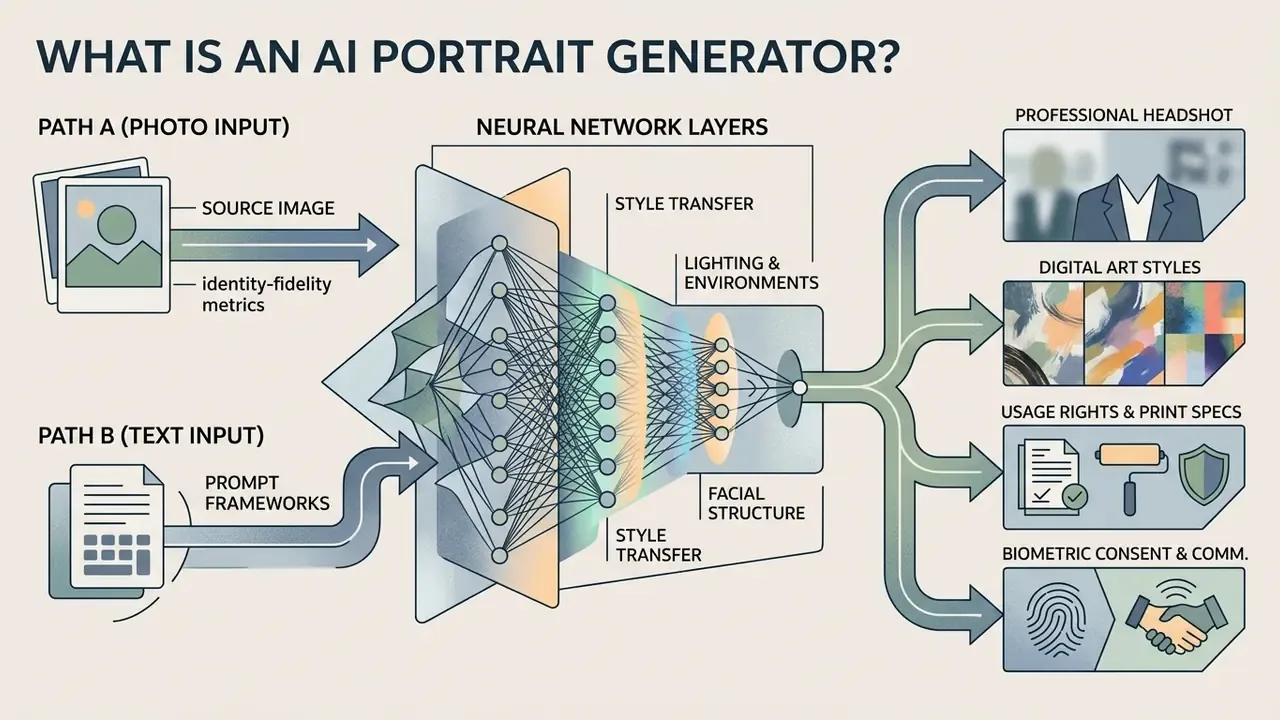
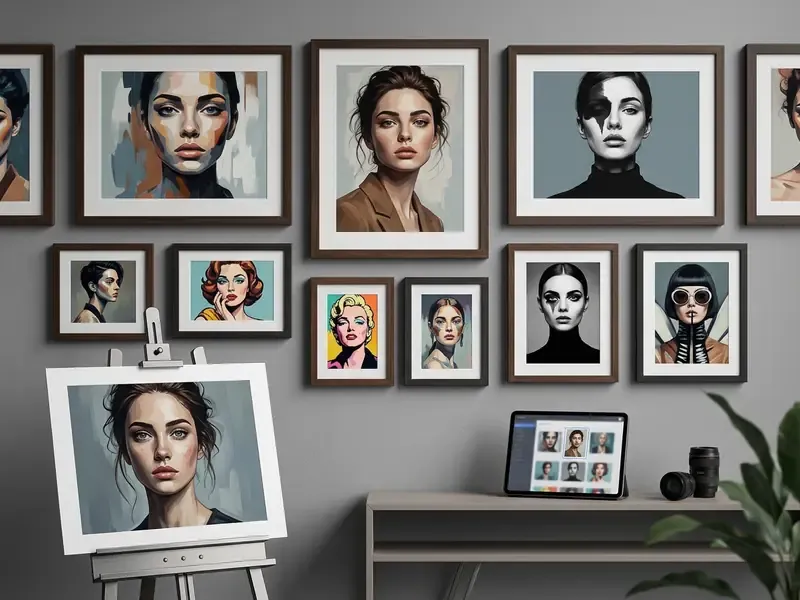
An AI portrait generator processes visual or textual inputs through neural network layers to generate human face imagery with custom styles, lighting, and environments. Users can open the hub to explore computational tools that support media planning and workflow optimization. By mapping complex visual patterns, these generators separate facial structure from artistic styling, which allows fine-grained control over the final output.
Portrait generation has hardened into a distinct research and product category rather than a subset of general image synthesis. Readers comparing adjacent tooling categories can review how general-purpose AI art generators differ from face-specialized architectures. Search demand reflects the same split: people look for an "ai image generator portrait" mode inside a general tool, and separately for a dedicated ai portrait creator built around identity preservation. The query is even frequently mistyped as "ai portait generator", which tells you how casual the entry point usually is.
«Methods that explicitly model facial geometry and identity outperform general-purpose generators on automatic metrics and human evaluation.»
AI Portrait Generation From a Photo
AI portrait generation from a photo transforms an uploaded reference picture or selfie into a new portrait while retaining the subject's core facial identity. Conditioning generative models on uploaded source photos lets systems extract structural face embeddings and then apply new artistic styles, studio lighting, or digital backdrops. Teams evaluating this branch of tooling often start with dedicated image-to-image generators before committing to a fine-tuned pipeline.
In practice, image-conditioned diffusion models extract facial keypoints and identity vectors using deep encoders. Tools like InstantID, PortraitBooth (CVPR 2024), and ConsistentID use these embeddings to maintain feature accuracy across diverse visual settings. InstantID specifically combines a strong semantic condition (the reference face embedding) with weak spatial conditions such as facial landmarks, which is why a single photo can drive a full style change without collapsing facial structure.
«PortraitBooth reaches an identity preservation score of 0.657 with roughly two seconds of generation time per image, outperforming competing personalization methods.»
One illustrative case: an employee uploaded a plain smartphone selfie, and an automated image-to-image workflow returned a studio-ready corporate headshot with balanced key lighting and formal attire in about three seconds, with the facial likeness intact. Three seconds. That speed is exactly why unmanaged use spreads so quickly. Business users comparing purpose-built products for this task can review our breakdown of AI headshot generators, which covers portrait quality, customization depth, pricing, and privacy posture.
AI Portrait Generator Based on Description
An AI portrait generator based on description synthesizes entirely new portrait images from written text prompts without requiring an existing source photo. Text-to-portrait systems translate detailed verbal descriptions of facial traits, lighting, framing, and artistic style into high-resolution visual outputs using cross-attention layers.
Users control visual elements by structuring text prompts to define subject attributes, artistic medium, illumination, and background context. Developers integrating generative pipelines can view the guide to review API endpoints and system parameters. Text-driven models generate hypothetical characters, artistic concepts, or stylized avatars directly from descriptive scripts, which is useful when no real person should be depicted at all. For regulated marketing, that is often the safer path: no biometric input, no consent artifact, no likeness exposure.
«ZePo stylizes a portrait in 0.6 seconds, fusing content and style in only four diffusion sampling steps without inversion.»
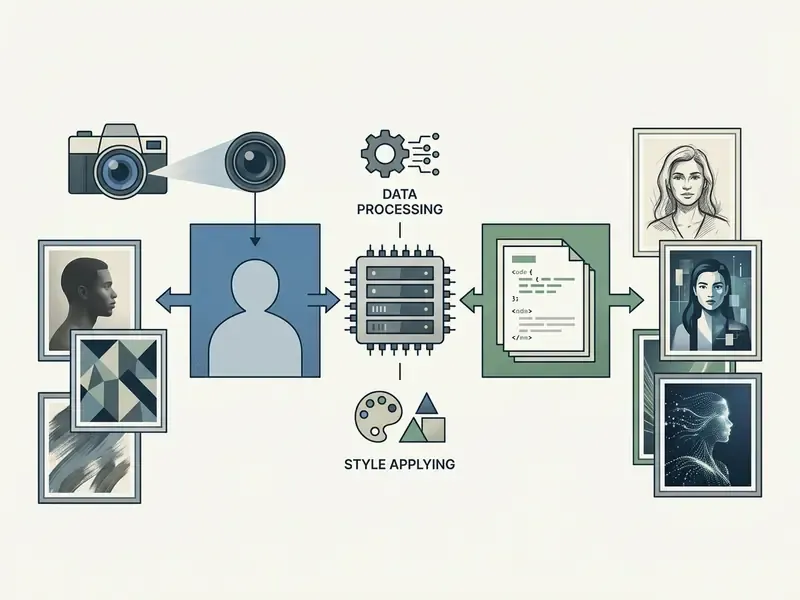
- Path A (Photo Input) Upload clear photo → Extract identity embeddings → Select style and lighting → Run model inference → Export edited portrait.
- Path B (Text Input) Formulate descriptive text prompt → Parse text embeddings → Set style and scene conditioning → Run model inference → Export synthetic portrait.
How to Prepare a Photo for an AI-Generated Portrait
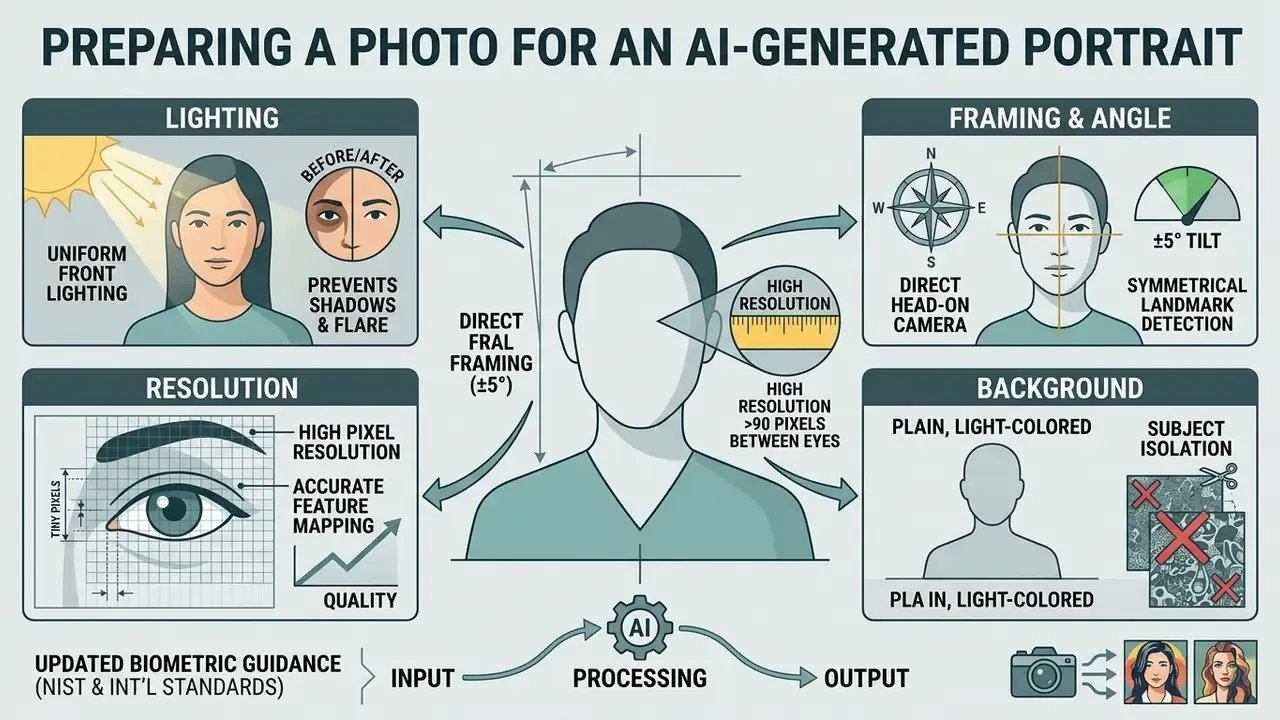
Preparing a photo for an AI-generated portrait means choosing a well-lit, frontal selfie or photograph with unoccluded facial features and high pixel resolution. Clean input supplies clean biometric embeddings to the model, which minimizes facial distortion and maximizes likeness retention. Image preparation is the single cheapest lever on output quality, and it is the one most people skip.
What Photos and Selfies Work Best
«Portrait stylization algorithms that ignore facial geometry deform features when the input photo is poorly lit; a FaceNet-based FaceID loss reduces this effect.»
Will the AI Portrait Look Like You?
Whether an AI portrait resembles the original subject depends on the model's identity preservation architecture and on how well micro-facial features survive inference. Advanced diffusion frameworks reach high identity similarity scores by decoupling facial structure from environmental adjustments.
Academic benchmarks indicate that systems using dedicated identity losses, such as FaceNet cosine similarity metrics, hold identity retention scores above 0.65. Set that number as your internal pass threshold and the argument about "does it look like me" becomes measurable rather than aesthetic.
«ConsistentID is trained on a dataset of more than 500,000 facial images with region-level annotations and surpasses baseline methods in personalized generation accuracy and diversity.»
Models separate facial identity from secondary attributes such as hair style, clothing, and background texture. That separation keeps recognizable facial structure intact even under dramatic artistic filters. Likeness drift usually appears when the model is forced to trade identity fidelity for a target attribute, for example age transformation, "beauty" scaling, or heavy stylization, or when fine-grained cues such as gaze direction, eyebrow geometry, teeth shape, and blink dynamics are not preserved.
AI Portrait Styles and Model Architectures: From Professional Headshots to Portrait Art
AI portrait styles range from photorealistic corporate studio headshots to creative artistic mediums, including oil paintings, vector sketches, anime, and high-fantasy character illustrations. Modern portrait models use specialized style tokens and latent space vectors to change rendering rules while keeping subject traits stable. Once a style is chosen, most refinement work happens in AI photo editors, where color, crop, and local detail can be corrected without regenerating the image.
Contemporary documentation clusters portrait styles into four families:
- Professional / profile business headshot, LinkedIn-style, studio portrait. Frontal framing, neutral expression, soft even light, simple background.
- Editorial / cinematic editorial, cinematic, fashion. Stronger lighting ratios, deliberate composition, mood over strict realism.
- Artistic oil painting, watercolor, Renaissance, Baroque, anime, comic, digital painting. Defined by named movements or media.
- Fantasy and character warrior, rogue, noble, cyberpunk, sci-fi. Non-realistic costume, invented worlds, archetype-driven design.
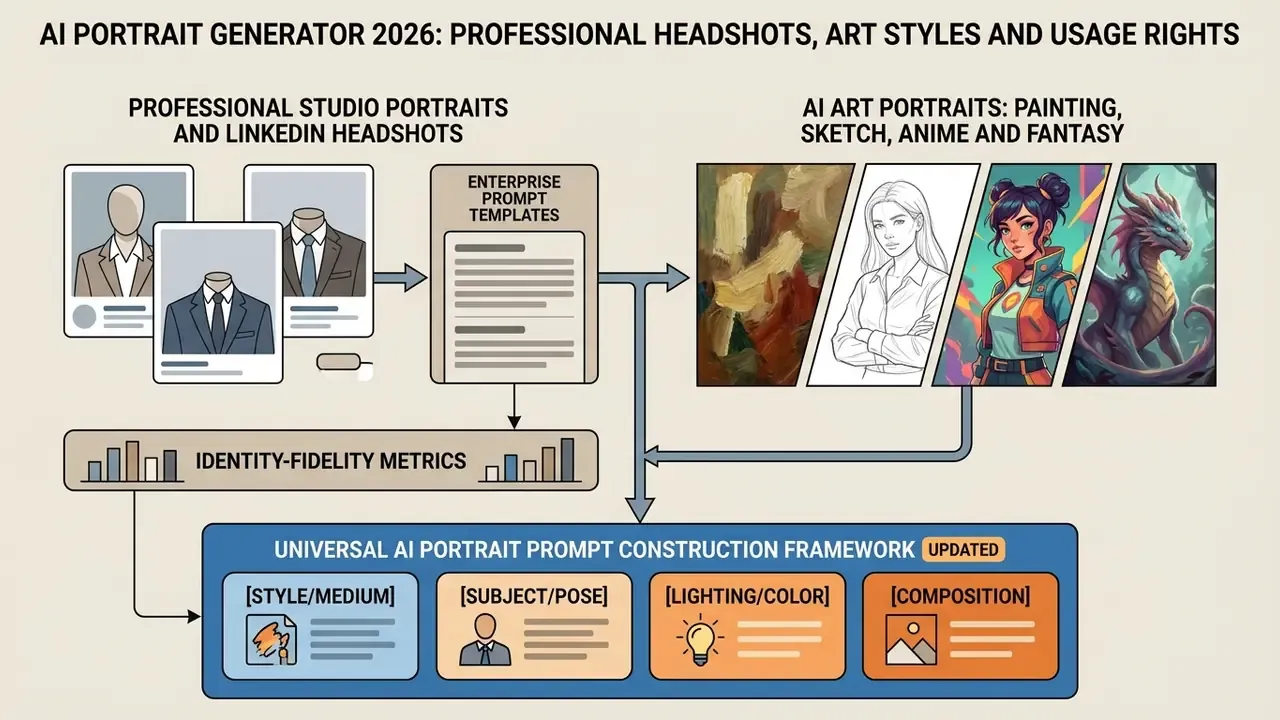
Professional Studio Portraits and LinkedIn Headshots
Professional studio portraits and LinkedIn headshots rely on neutral color palettes, soft key lighting, formal attire, and shallow depth-of-field backgrounds to project authority and approachability. Enterprise teams use these tools to standardize executive directories and marketing press kits without booking a studio.
Generating business headshots through AI tools removes scheduling conflicts and physical studio logistics. Models apply digital studio lighting configurations, such as Rembrandt or soft fill light, which keeps visual quality consistent across distributed corporate teams. Corporate photo policies generally require business-professional or smart business-casual attire with shoulders covered, no sunglasses, and backgrounds that are plain or convincingly out of focus so the subject separates cleanly from the scene.
«Existing systems frequently produce structural distortions and unnatural skin texture that reduce the professional usability of generated portraits.»
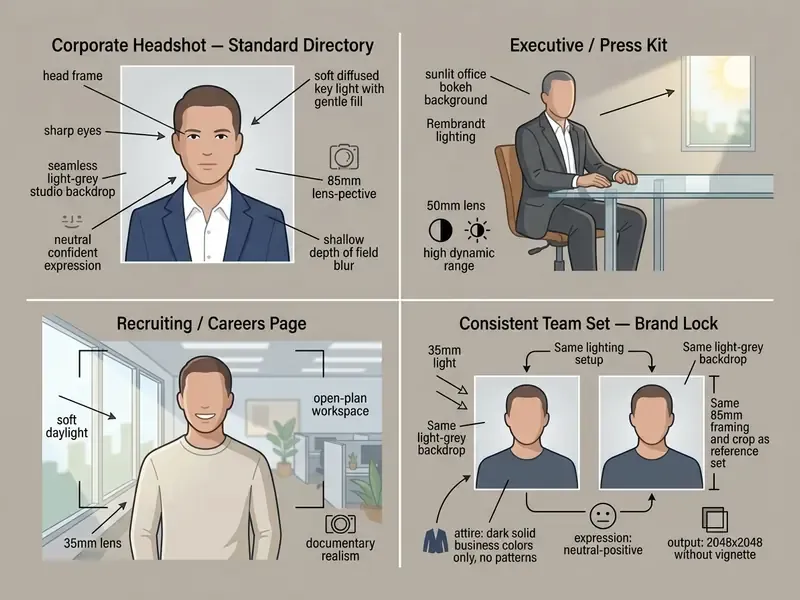
Enterprise Prompt Templates for Corporate Headshots
Business users need reusable, brand-consistent prompt strings rather than one-off creative experiments. The templates below are structured for directory, press-kit, and recruiting use:
AI Art Portraits: Painting, Sketch, Anime and Fantasy
AI art portraits apply stylized rendering algorithms, such as watercolor brushwork, pencil crosshatching, cel-shaded anime linework, or cinematic fantasy illumination, to turn everyday photos into imaginative artwork. Readers comparing creative platforms can consult our ranking of the best AI art generators by image quality, style control, pricing, and licensing. Models like PS-StyleGAN and ZePo (2024) execute these artistic transfers within seconds without distorting fundamental face geometry.
«PS-StyleGAN trains on roughly 100 paired examples and enables pose and expression editing in the semantic W⁺ space without losing identity.»
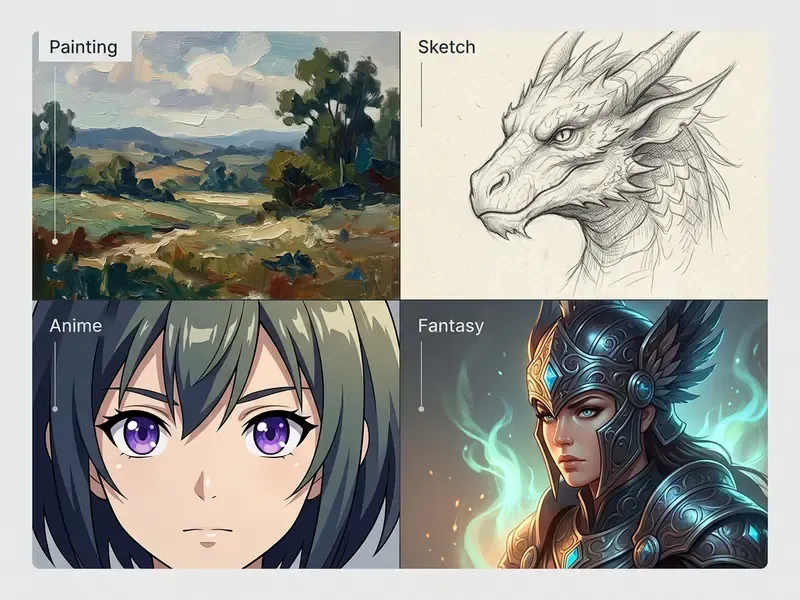
«ToonAging fuses age and artistic-style vectors in a single step, allowing interpolation between two style references through the StyleGAN latent space.»
Universal AI Portrait Prompt Construction Framework
To generate high-fidelity portraits consistently across Midjourney, FLUX, and Seedream, build the prompt with this five-part structure:
[Subject Definition] + [Attire & Pose] + [Environment & Background] + [Lighting & Camera Angle] + [Artistic Style / Render Engine]
| Component | Corporate Headshot Example | Fantasy Art Example | Anime / Illustration Example |
|---|---|---|---|
| Subject | 35-year-old female executive, natural smile | Elven warrior, silver hair, subtle glowing eyes | Young male character, expressive blue eyes |
| Attire & Pose | Navy blue tailored blazer, 45-degree shoulder turn | Ornate dragon-scale armor, holding an ancient staff | Casual oversized hoodie, head slightly tilted |
| Environment | Sunlit modern glass office background, blurred | Ethereal bioluminescent forest at twilight | Vibrant Tokyo street at dusk with neon lights |
| Lighting/Camera | Soft Rembrandt lighting, 85mm lens, f/1.8 depth | Dramatic rim light, low-angle cinematic shot | Cel-shaded lineart, bright fill light, high contrast |
| Style Token | Photorealistic, 8k resolution, raw photo style | Fine-art oil painting, visible palette knife texture | Modern anime aesthetic, Makoto Shinkai style |
Style-specific vocabulary matters as much as structure. Painting prompts respond to painterly, brushstrokes, oil paint, watercolor, canvas texture; sketch prompts to lineart, pencil, ink, crosshatching, construction lines; anime prompts to cel shading, clean linework, large expressive eyes; fantasy prompts to enchanted, mythic, ornate armor, glowing, castle, ancient forest.
Lifestyle, Fashion and Social Media Portraits
«An analysis of 14.9 million Twitter profile photos identified 7,723 accounts using AI-generated faces (0.052%), several linked to coordinated inauthentic behavior.»
How to Create an AI Portrait Online
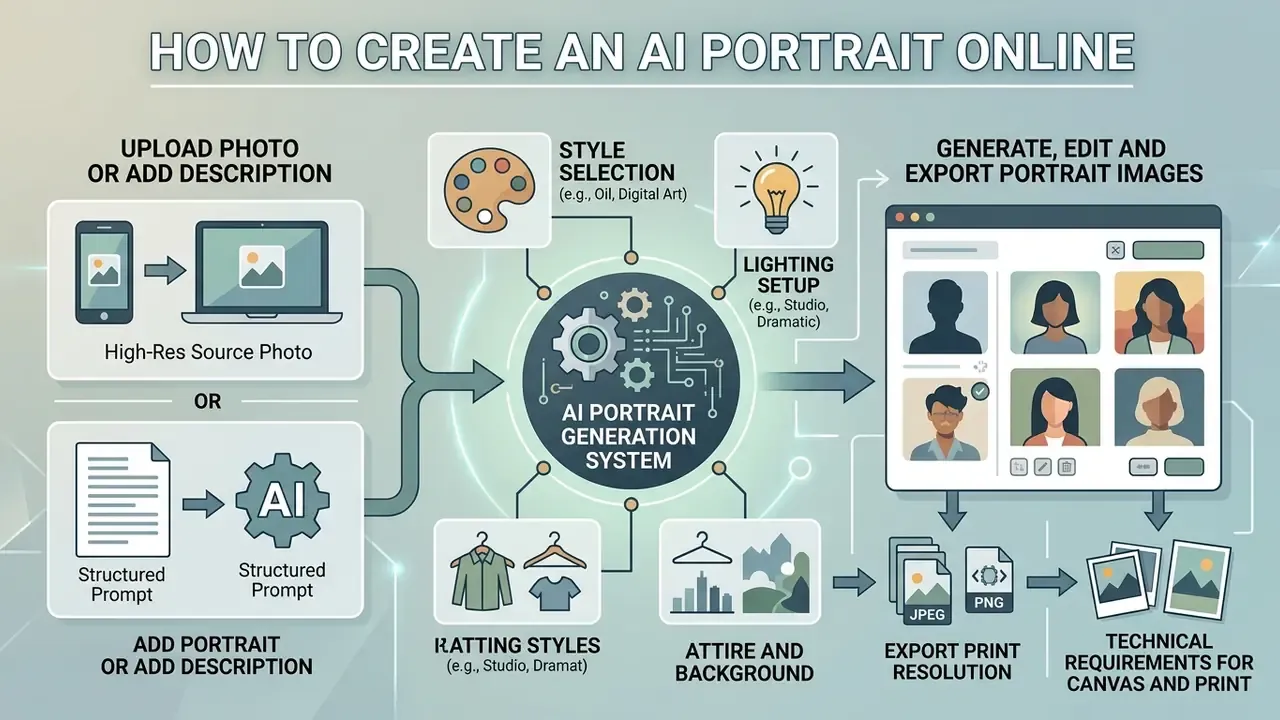
Creating an AI portrait online means selecting a web-based generator, uploading a high-resolution source photo or typing a structured prompt, customizing style parameters, and rendering the final high-resolution file. Users who want to compare options can review service plans and feature tiers against their volume requirements. Browser-based applications complete the process through automated cloud pipelines in under 30 seconds. Before committing to a single vendor, many teams benchmark several AI image generators side by side on the same source photo, which is also the fastest way to test an ai art generator self portrait online workflow end to end.
Upload a Photo or Add a Portrait Description
To start, users either upload a clear source image in JPG or PNG format, or construct a written prompt specifying subject attributes, framing, and mood. Objective descriptions built on observable physical traits produce the most consistent results.
When supplying text prompts, define the primary subject first, then rendering style, lighting direction, and background details. When uploading images, make sure the file is free from heavy compression artifacts or face-obscuring accessories. Avoid negative phrasing and connective filler; vendor prompt guides consistently recommend keyword-dense subject-and-style construction over conversational sentences.
«Multi-agent prompt composition strategies improve quality scores (0.77 versus 0.48) and cultural accuracy compared with simple text queries.»
Choose a Style, Lighting, Outfit and Background
Customizing style, lighting, clothing, and environment aligns the generated portrait with a specific personal or commercial application. Adjusting parameters such as diffused studio key lighting, formal business suits, or neutral office backdrops keeps the output contextually relevant.
- Style Selection: Choose photorealistic, illustrative, or artistic rendering modes.
- Lighting Setup: Select soft studio light, dramatic side lighting, or natural outdoor golden hour fill.
- Attire and Background: Define formal business clothing or casual wear paired with complementary backdrops. Well-fitted, classic garments in solid dark colors read most cleanly; backgrounds should stay neutral and tonally harmonized with the wardrobe, with a rim or back light providing subject separation.
Generate, Edit and Export Portrait Images
The final phase runs the diffusion model, refines details through inpainting or creative upscaling, and downloads the output as high-resolution PNG or JPG. Where native resolution falls short of print requirements, dedicated AI image upscalers can raise output to 2x or 4x while preserving skin micro-texture.
Technical Requirements for Canvas and Print Export
To turn an AI portrait into physical wall art (canvas prints, framed posters) or custom merchandise (mugs, apparel), make sure the export pipeline meets these printing benchmarks:
- Print Resolution Native or upscaled 300 DPI, minimum 3500×3500 pixels for an 11×14 inch canvas print.
- Maximum File Size Limit Web uploaders generally cap source and output files at 60 MB; oversized files must be resized before submission.
- Supported Formats Export in lossless PNG or high-quality JPG. Print portals commonly accept
.jpg,.jpeg,.png,.gif,.webp, but heavily compressed WEBP and GIF should be avoided for high-density physical printing. - Batch Upload Processing Professional print portals support batch uploading, typically 25 to 100 images per session, for automated color-proofing.
- Resolution Ceilings Some uploaders reject images whose total pixel count is too high for the selected product, so downscale to the product-specified maximum rather than submitting an unbounded upscale.
Post-Generation Editing: Inpainting, Retouching and Style Control
Generating the first image is rarely the last step. Modern AI portrait suites include integrated canvas editing tools to refine visual details:
- Inpainting and EraserHighlight specific regions, for example stray hair, background clutter, or clothing wrinkles, and re-prompt the model to modify only the masked pixels. For ultra-high-resolution files, tiled workflows crop to 2048×2048 and process in quadrants, since inpainting models perform best at 1024×1024.
- Face RetouchingApply secondary micro-passes to smooth skin texture, remove temporary blemishes, and sharpen pupil iris highlights without altering structural identity.
- Style Strength SliderDial conditioning weight between 0.1 (subtle lighting modification) and 1.0 (full artistic transformation into oil painting or anime) to hit the exact visual tone.
- Background SwapIsolate the subject with automatic segmentation models such as RMBG, then substitute a high-resolution studio or outdoor scene.
- Variation SetsGenerate multiple poses, angles, and crops from one upload, then lock the approved frame as the reference for future team-wide consistency.
- Select Input MethodUpload a high-resolution frontal photo or enter a detailed text description.
- Configure Custom ControlsChoose rendering style, lighting direction, outfit, and background context.
- Generate and ExportRun model inference, apply inpainting edits or upscaling, and download high-resolution PNG or JPG files.
What Can You Use AI-Generated Portraits For?
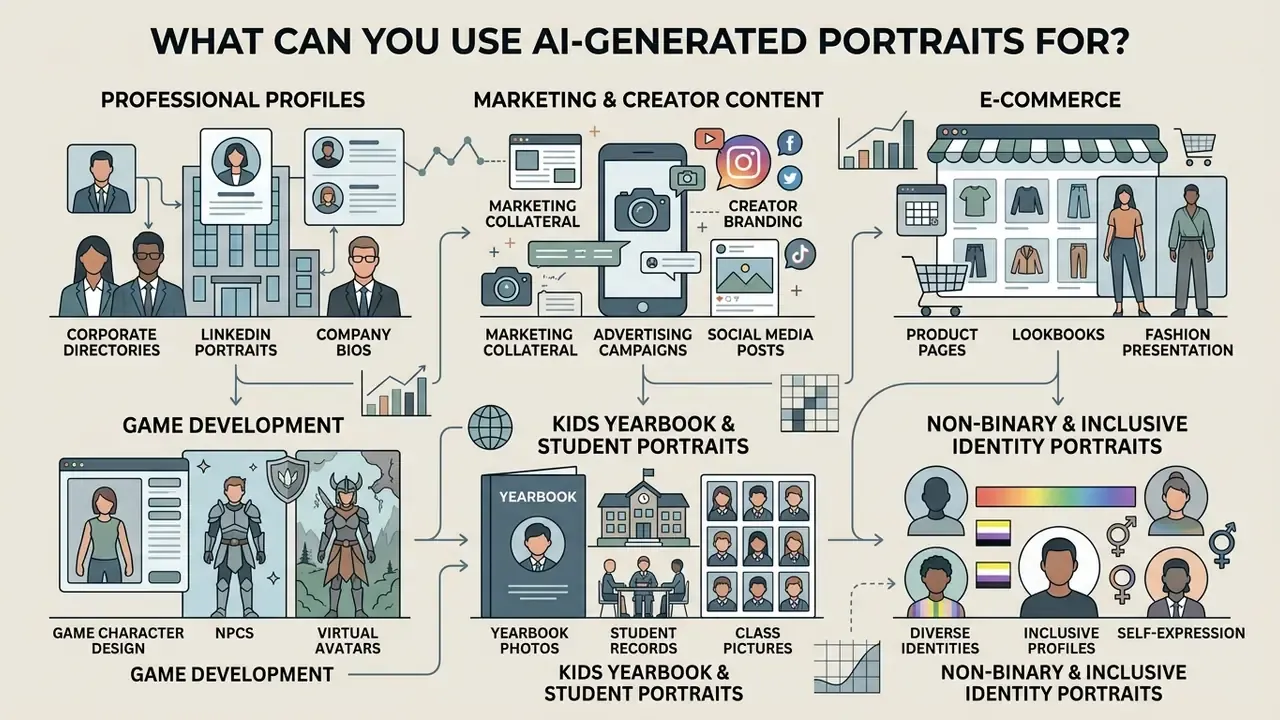
AI-generated portraits serve corporate branding, digital marketing campaigns, e-commerce assets, game character design, and personal commemorative gifts. Organizations consult the AI Media Commercial-Use Hub to evaluate usage rights and licensing standards before deploying synthetic media in public campaigns, and reference our overview of commercial use of AI image generators when drafting internal usage policy.
Professional Profiles, Marketing and Creator Content
In professional environments, AI portraits provide cost-effective visuals for speaker press kits, team directories, LinkedIn profiles, and marketing collateral. Published guidance from 2026 explicitly supports AI portraits for LinkedIn and Xing profiles, intranet employee photos, speaker and press-kit portraits, company directories, and recruiting materials, while excluding biometric passport photos.
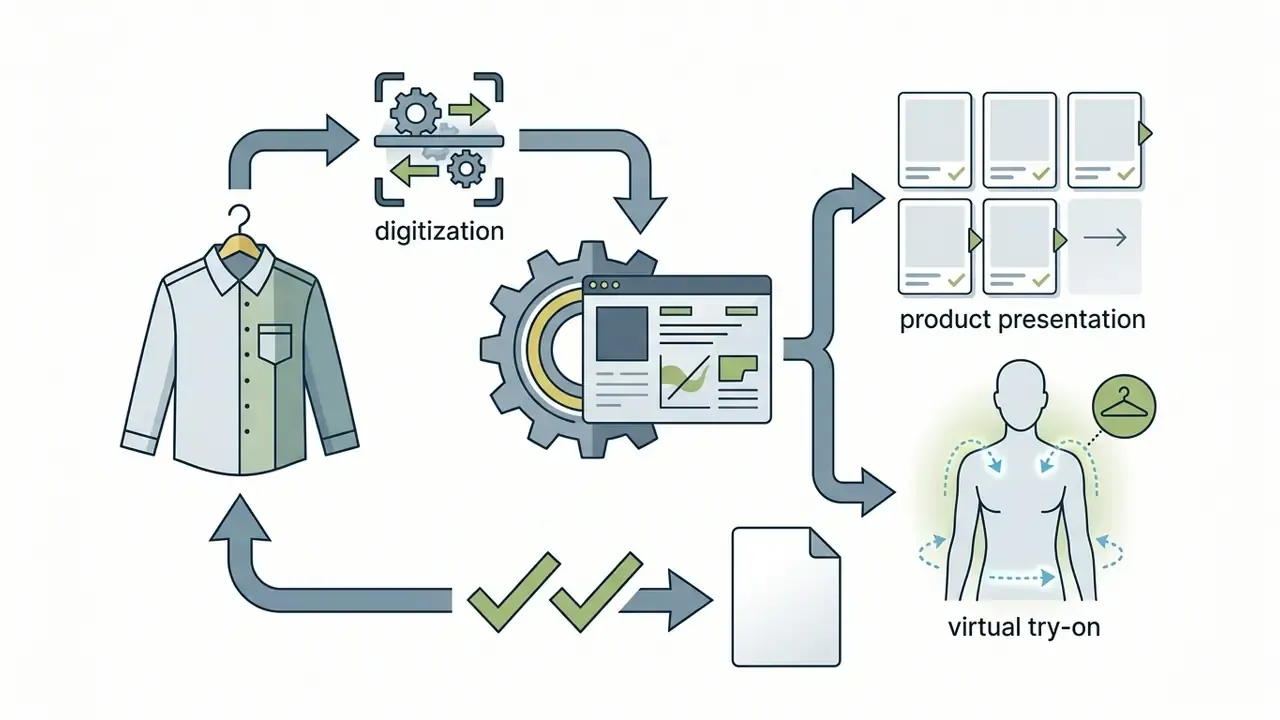
«HiFi-Portrait names image animation, virtual try-on, and e-commerce advertising as key application scenarios for identity-preserving portraits.»
Kids Yearbook and Student Portraits
AI portrait tools let parents and schools generate clean, studio-quality student headshots from everyday photos. Algorithms correct lighting, apply age-appropriate styling, and place the student against a neutral studio backdrop while preserving natural expressions and smile characteristics. Because minors' facial data carries elevated sensitivity, schools should collect written parental consent, keep retention windows short (many consumer tools delete uploads within 24 hours), and confirm that uploaded images are excluded from model training.
Non-Binary and Inclusive Identity Portraits
Inclusive AI portrait systems bypass rigid binary gender presets. Users can adjust facial features, hair presentation, and clothing contours along a fluid spectrum, so generated profile pictures represent non-binary, genderqueer, and fluid identities with natural visual proportions. Practical controls include continuous sliders rather than two-option toggles, neutral wardrobe libraries, and style presets that avoid gendered defaults in lighting and retouching.
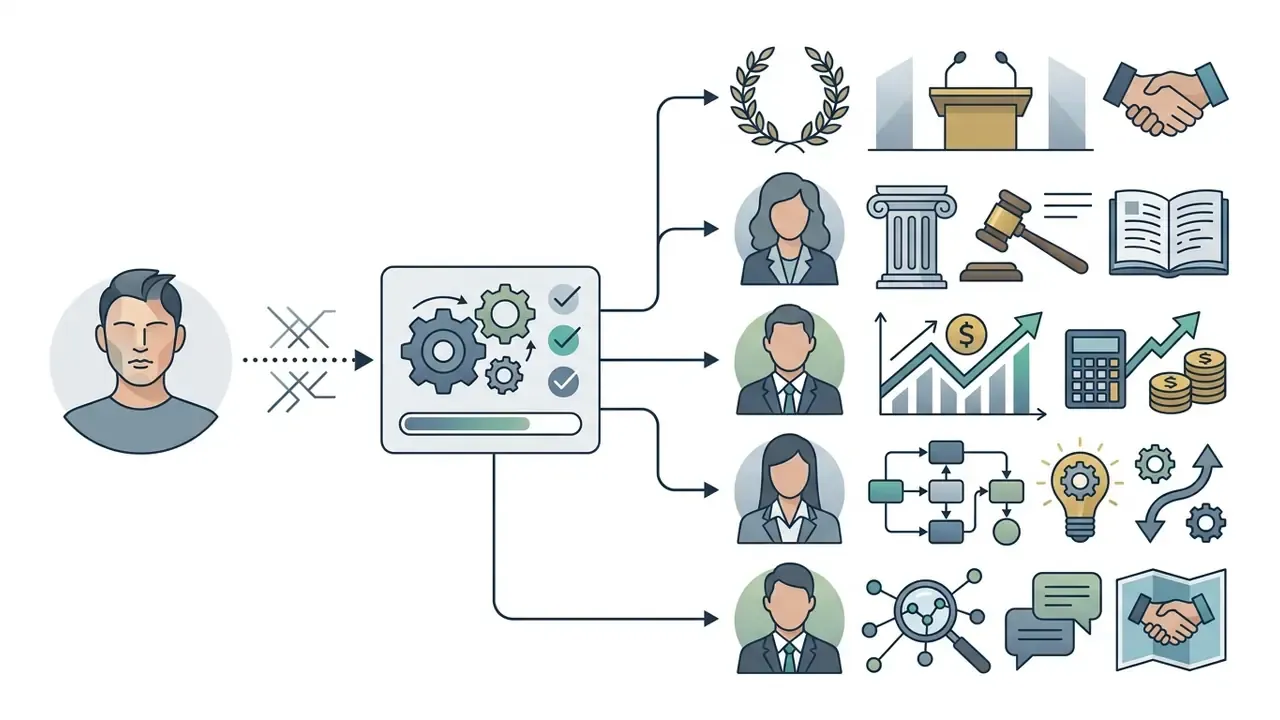
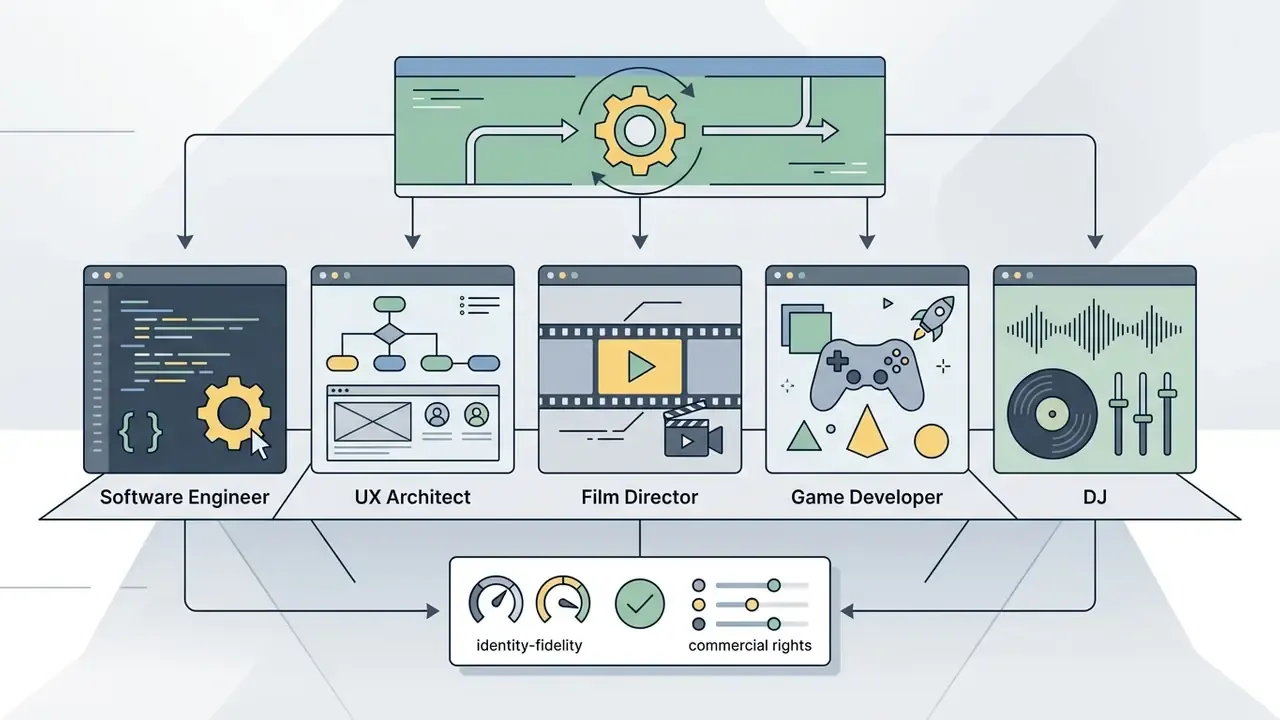
Career and Role-Based Portrait Presets
For specialized branding, text-and-image pipelines offer more than 2,000 professional template presets. Instead of building complex prompts from scratch, users render styled headshots tailored to specific career roles:
Role presets embed the uniform, props, and environmental context automatically, which reduces prompt drift when non-technical users generate portraits at scale. For internal directories, lock the preset list to approved roles so employees cannot publish uniforms or credentials they do not hold. Small control, real reputational value.
Gifts, Characters, Couples and Family Portraits
For personal projects, AI portrait tools generate stylized family keepsakes, couple anniversary illustrations, and custom avatars for gaming or digital storytelling.
Dedicated multi-person models preserve individual facial identities while arranging several family members inside one artistic setting. These creations serve as digital artwork, printable canvas gifts, or character designs for indie game production. Vendor documentation for 2026 lists anniversary posts, invitations, greeting cards, matching couple avatars, and reunion or wedding-themed family art as the highest-volume personal outputs. Multi-face generation usually takes longer than single-face rendering, because the system must detect and preserve several identities in one frame.
How to Choose an AI Portrait Generator: Features, Free Plans and Commercial Use
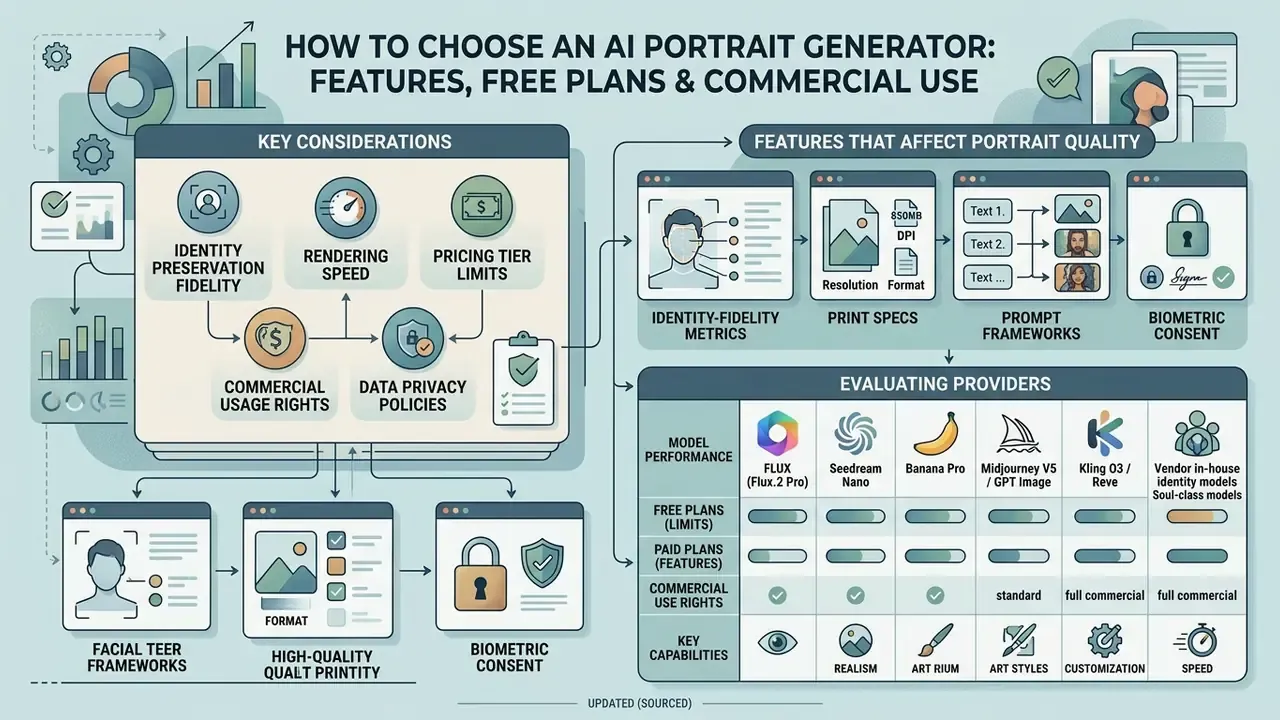
Selecting an AI portrait generator means weighing identity preservation fidelity, rendering speed, pricing tier limits, commercial usage rights, and data privacy policies. Users can compare options through technical support hubs to clarify model documentation and compliance guidelines. Enterprise adopters must confirm that tools comply with copyright standards and protect uploaded facial data against unauthorized training.
Features That Affect Portrait Quality and Results
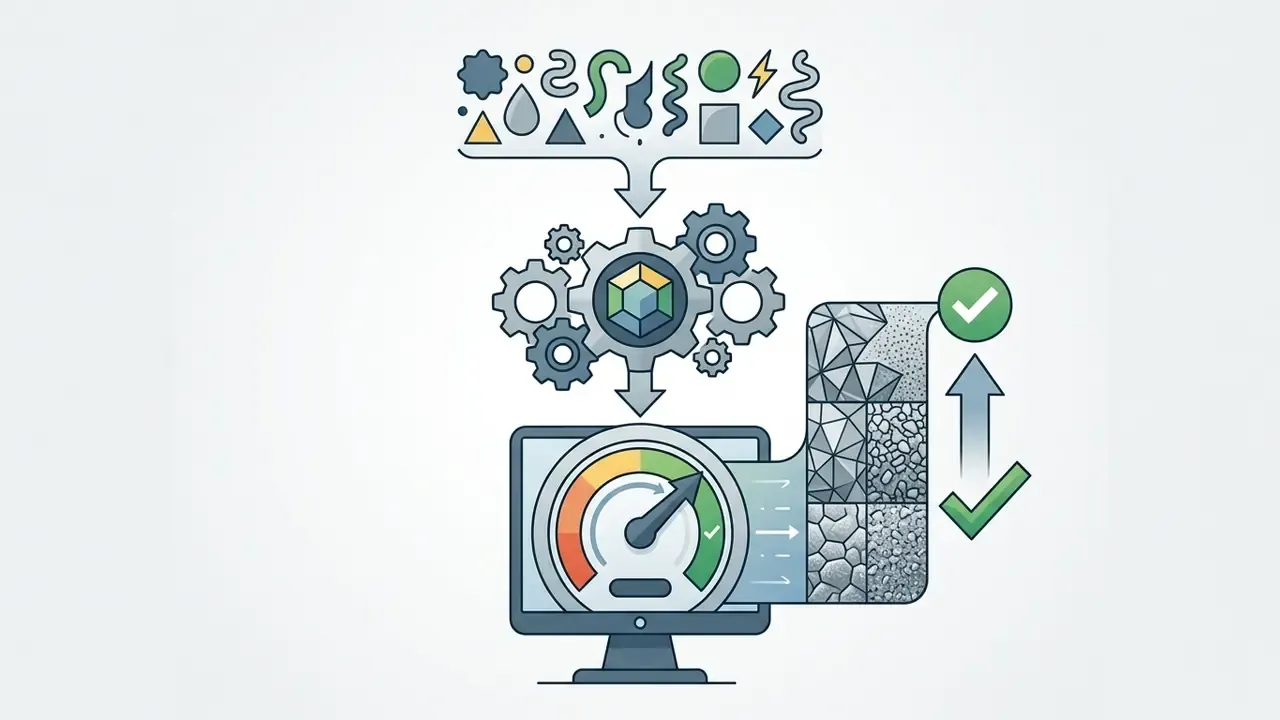
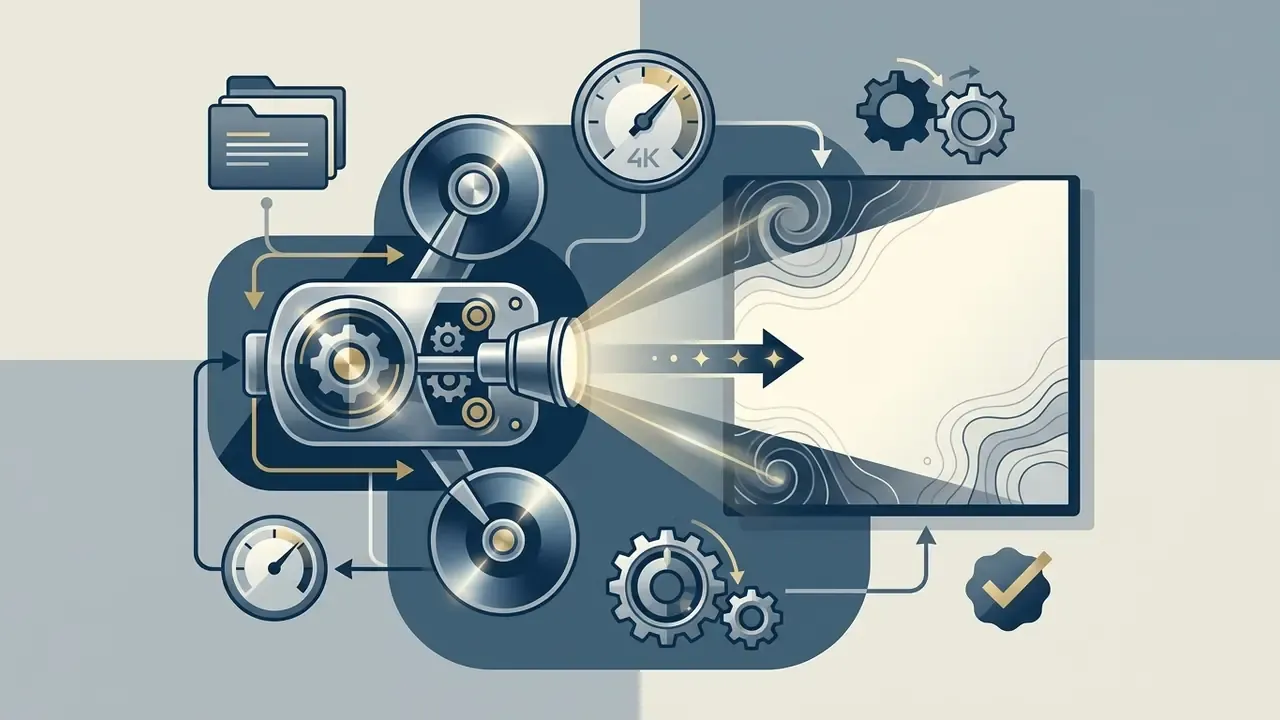
Portrait quality and realism are governed by model architecture, diffusion sampling steps, fine-grained facial attention mechanisms, and upscaling capability. Research shows that specialized conditioning frameworks such as ConsistentID and PortraitBooth outperform generic text-to-image models on identity consistency.
«EMMA achieves CLIP-T 64.00 and DINO 29.86, outperforming IP-Adapter, BLIP-Diffusion, and SSR-Encoder through an attention-based multimodal connector.»
Key technical specifications include model resolution support (native 1024×1024 rendering versus upscaled outputs), latent space flexibility for expression editing, and multi-reference image processing. Higher sampling steps refine micro-textures such as skin pores and hair strands, which removes that synthetic plastic smoothness. Note the documented trade-off: stronger guidance improves photorealism but reduces output diversity, so batch variation deserves evaluation as its own quality dimension.
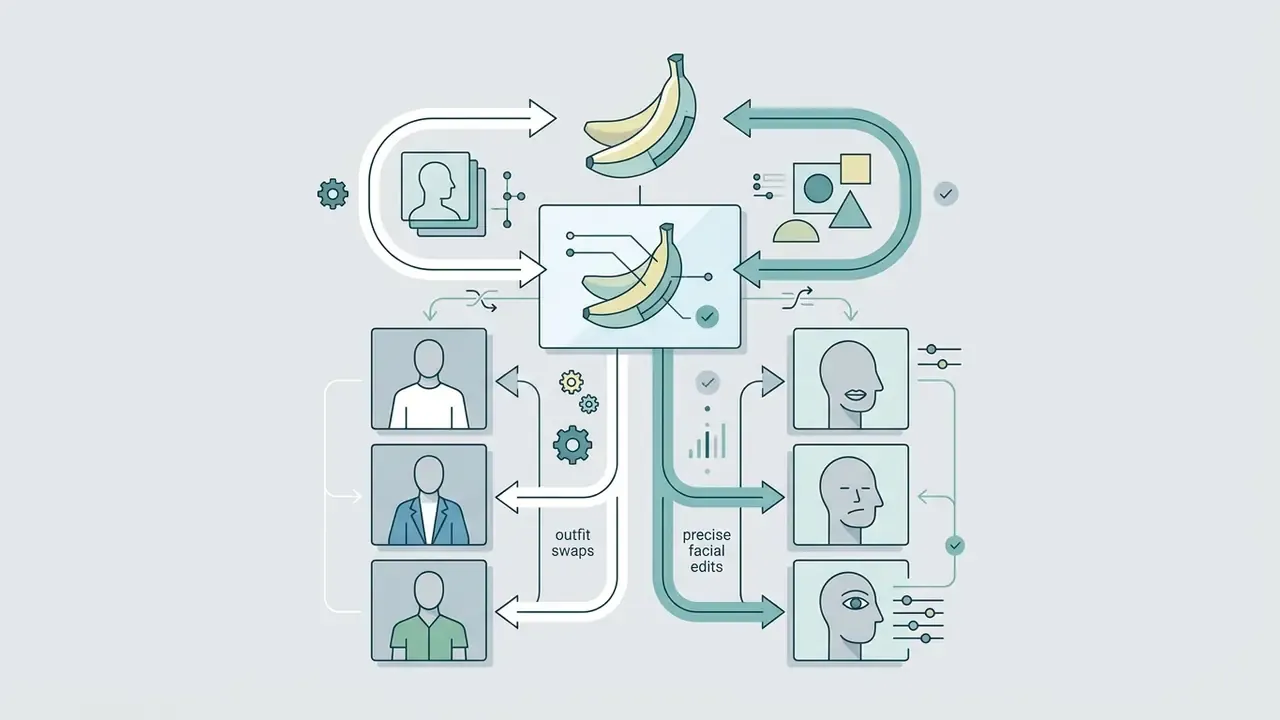
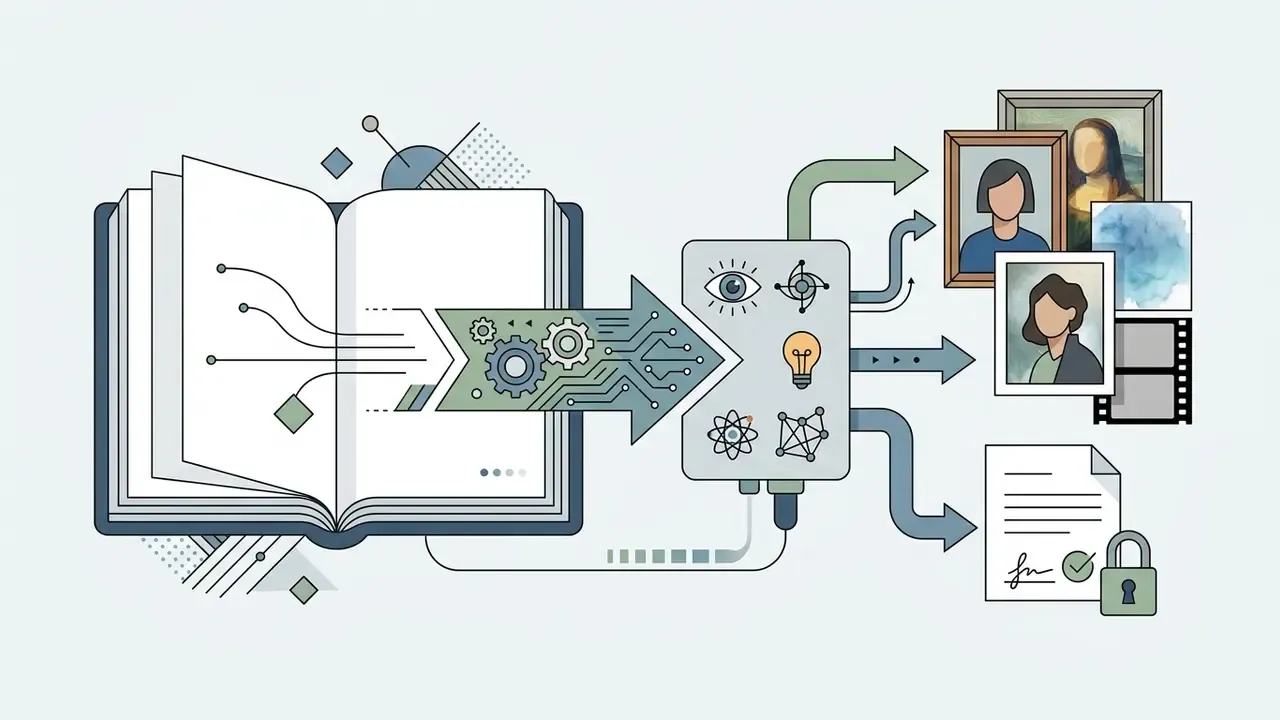
Modern AI portrait generators use diverse base architectures to balance prompt adherence against facial retention:
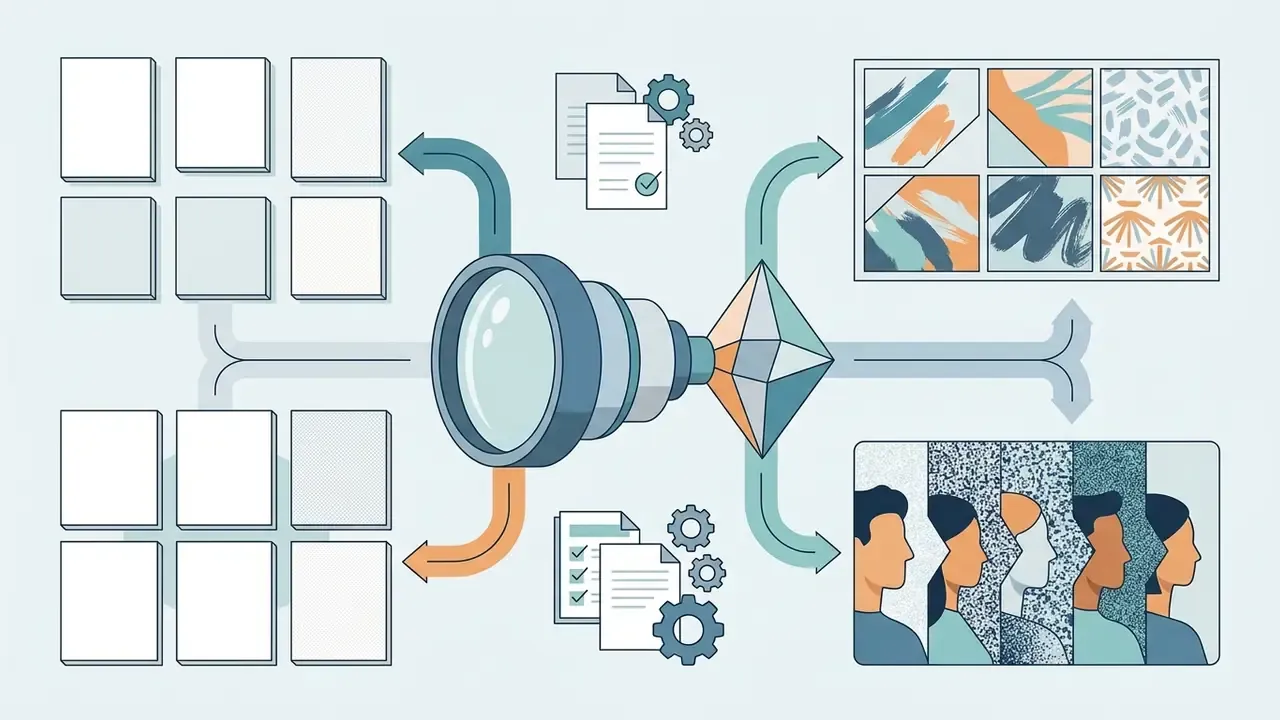
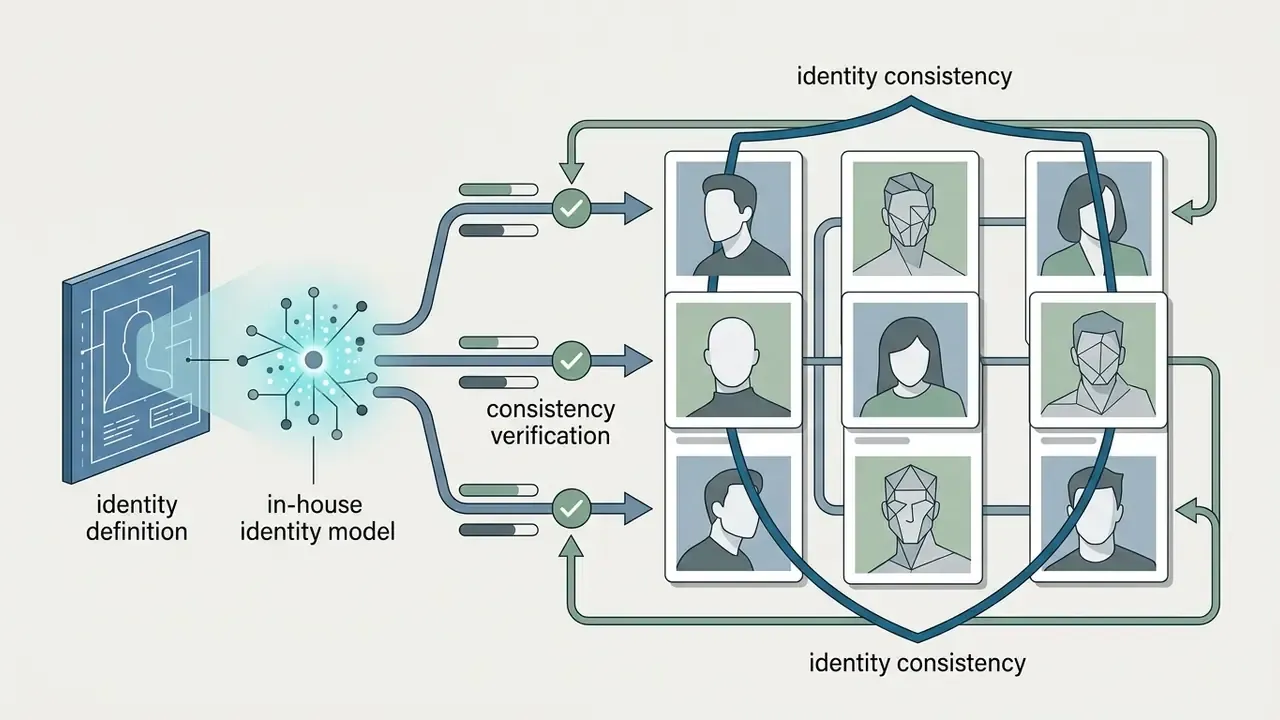
Multi-model workspaces let teams run the same source photo through several architectures, compare outputs side by side, and standardize on whichever model clears the internal identity-similarity threshold. For platform-specific licensing detail, see our overviews of the Canva AI generator and Google AI image generator.
Free AI Portrait Generator vs Pro Plans
| Feature / Criterion | Free AI Portrait Tools | Paid Pro AI Portrait Services | Enterprise AI Portrait Solutions |
|---|---|---|---|
| Input Modalities | Text prompt, single basic photo upload | Multi-photo upload, text prompts, reference control | Multi-photo, video reference, custom model fine-tuning |
| Identity Preservation | Basic feature matching (0.4 to 0.5 FaceNet score) | High-fidelity face embeddings (0.65+ FaceNet score) | Custom LoRA / fine-tuned identity models |
| Style and Lighting Controls | Preset style options, basic lighting | Granular lighting, custom prompts, outfit controls | Custom style training, brand-aligned visual presets |
| Resolution and Upscaling | Standard (512×512 to 1024×1024 px) | High-definition (2048×2048 px upscaled) | Ultra HD (4K export, vector/RAW formats) |
| Generation Speed | Standard queue (15 to 60 seconds per image) | Priority queue (0.6 to 5 seconds per image) | Dedicated GPU infrastructure (under 1 second) |
| Watermarking | Frequently applied on downloads | Removed on paid downloads | Removed, with optional C2PA provenance metadata |
| Print / Merch Export | JPG only, resolution often below 300 DPI | PNG/JPG at 2K to 4K, 300 DPI capable | 4K, transparent PNG, batch color-proofing |
| Commercial Usage Rights | Restricted to non-commercial / personal use | Commercial license included for generated images | Full enterprise IP indemnification and legal coverage |
| Biometric and Data Privacy | Photos stored for training; variable retention | Photo deletion upon session close; no model training | SOC 2 compliant, zero data retention, private cloud |
| Audit Evidence | None | Basic generation history | Exportable logs: prompt, model version, consent record, timestamp |
Commercial Use, Photo Rights and Uploaded Face Privacy
Using AI-generated portraits commercially requires explicit contractual rights from the platform, verification of non-infringing training data, and strict adherence to biometric privacy law regarding uploaded faces. Legal teams review AI Litigation and Case Timelines to track emerging intellectual property rulings and synthetic media disclosure mandates.
«The DEEPFAKES Accountability Act (H.R. 5586) would require embedded provenance metadata and a visible disclosure on static AI-generated images of real people.»
- Usage Rights
- Ensure terms grant royalty-free commercial exploitation for marketing and distribution. Some vendors grant commercial use but not exclusivity, so check whether identical outputs may be licensed to others.
- Data Privacy
- Confirm that uploaded source photos are automatically deleted and excluded from public model training sets. Several consumer tools state a 24-hour deletion window; enterprise contracts should specify zero retention in writing.
- Third-Party Likeness
- Vendor terms commonly require that you own or have consent for every uploaded photo, and that any identifiable person has agreed to the processing. Adobe's generative AI user rules explicitly prohibit content that violates privacy, publicity, or copyright rights of third parties.
- Sensitive Data Handling
- Privacy regulators, including Australia's OAIC, advise against entering personal or sensitive information into publicly available generative AI tools. That is a direct constraint on uploading employee photos to consumer apps.
- Provenance Disclosure
- Comply with legislative frameworks requiring watermarking or metadata labeling on synthetic face media. To validate whether published assets are machine-detectable as synthetic, test them against AI image detectors before campaign launch.
- Electoral and Regulated Contexts
- Some jurisdictions permit AI likenesses in campaign materials only with written consent from the depicted adult, and university-style policies often ban AI portraits of real students, staff, or athletes in representational contexts.
Governing Shadow AI: Controls for Employee-Generated Portraits
Frequently Asked Questions (FAQ) About AI Portrait Generators
Users evaluating AI portrait generators usually ask about required photography expertise, generation speed, and cloud rendering limits. Browser-based tools remove the technical entry barrier and deliver studio-grade results in seconds.
Do I Need Photography Skills or a Professional Studio?
No photography skills, physical cameras, or studio lighting equipment are required to use an AI portrait generator. The software automates key composition elements, including lighting angle, focal depth, exposure, and background separation, straight from user prompts or casual selfies.
The system behaves like a virtual photography suite. Users select visual preferences through drop-down menus or text prompts, while the model handles technical execution such as color balancing and feature sharpening. The competency actually required is closer to AI literacy than to photography: prompt design, output evaluation, and verification of results. US Department of Labor AI literacy guidance and university AI literacy frameworks both position effective prompting and responsible output assessment as core progressive skills, from simple prompts at novice level to systematic prompt design at expert level.
How Fast Can an AI Portrait Generator Create Images?
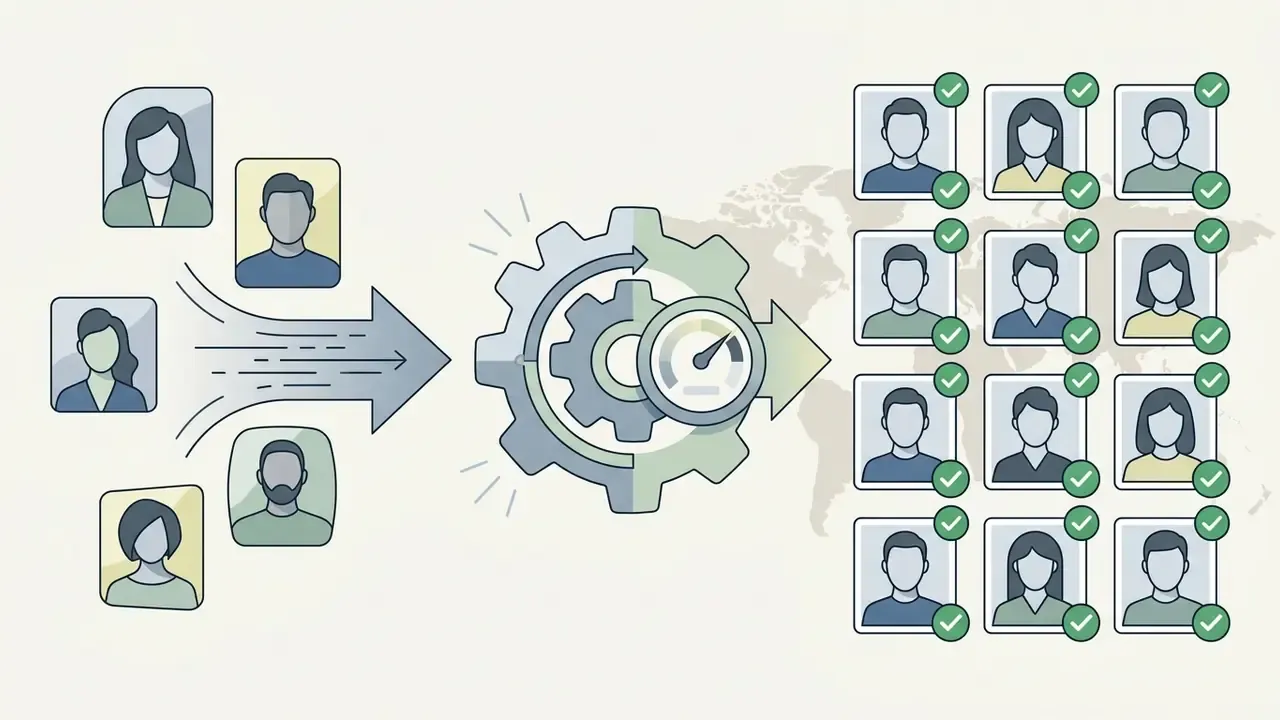
Updated (sourced): Contemporary AI portrait generators produce single output images in roughly 0.6 to 8 seconds on optimized sampling pipelines. Multi-image custom profile generation or batch headshot processing typically requires 2 to 10 minutes depending on server queue capacity, and services that train a custom identity model can take one to three hours.
«ZePo performs stylization in 0.6 seconds with four sampling steps and achieves the best LPIPS and CLIP-IQA results among compared methods.» ZePo, arXiv:2408.05492 (2024). https://arxiv.org/abs/2408.05492
Processing speed depends on output resolution, model architecture, and GPU server load. Published vendor figures span about 1 to 5 seconds on accelerated inference platforms, roughly 8 seconds on free basic tiers, and 30 to 60 seconds on unoptimized queues; instant generators return sets in 2 to 10 minutes, hybrid pipelines in 10 to 45 minutes. Accelerated inference lets users preview several style variations quickly before selecting a final image for high-resolution export.
Can AI-Generated Portraits Be Used for Official Documents or Passports?
No. AI-generated portraits are strictly prohibited for official identification documents, including passport photos, driver's licenses, and national biometric identity cards. Biometric authorities require unaltered, direct optical photographs that adhere to ISO/IEC 19794-5 standards. AI algorithms alter micro-geometry and facial embeddings, which invalidates the photo for legal verification. Vendor documentation echoes this limitation explicitly: generated portrait photos are not suitable for passports, citizen ID cards, or comparable official documents.
How Many Photos Do I Need to Upload for Accurate Identity Matching?
Model requirements vary by architecture. Next-generation single-shot frameworks such as InstantID or Midjourney V5-based services require only 1 clear, front-facing selfie, and several vendors advertise exactly this as a privacy advantage over bulk uploads. Older LoRA-based fine-tuning models require 10 to 20 varied selfies to learn facial structure across angles and lighting conditions. Multi-person family or couple portraits need one clean frame per subject, or a single group photo where every face is unobstructed.
What Happens If My Uploaded Source Photo Is Blurry or Obstructed?
If the source photo lacks clear pixel resolution between the eyes (under 90 pixels) or contains heavy shadows, sunglasses, or hair obstructions, the model will hallucinate the missing facial features. That usually shows up as reduced identity resemblance or unnatural facial symmetry, and vendor limitation notices confirm that facial details may be adjusted when the input is too blurry or obstructed. Use uncompressed images with direct front-facing light, and re-shoot rather than upscale a low-quality original.
Who Owns the Generated Portrait, and What Records Should We Keep?
Ownership is defined by the platform's terms, not by default copyright assumptions. Most paid tiers grant a royalty-free commercial license to the output while retaining platform-level rights, and few grant exclusivity. For regulated environments, retain a per-image record containing the source image reference, consent artifact, prompt text, model name and version, generation timestamp, and reviewer sign-off. That bundle is the practical evidence set for internal audit, model risk management reviews, and any downstream provenance disclosure obligation.
Is It Safe to Upload My Photos to an AI Portrait Generator?
Safety depends on encryption in transit and at rest, retention policy, and training exclusions. Reputable vendors state that uploads are encrypted, accessible only to the uploading account, deleted within a defined window (commonly 24 hours on consumer tiers), and never used for model training. Treat any tool that does not publish these three commitments as unsuitable for employee or third-party photographs.
About This Guide
Compiled by the editorial research team behind our AI media commercial-use and glossary libraries, which maintains vendor terms-of-use tracking, pricing verification, and licensing documentation across image, video, and voice generation tools. Technical claims are sourced from peer-reviewed venues (CVPR, ACM), arXiv preprints, and primary vendor documentation; governance framing was reviewed against UK ICO guidance, NIST biometric material, and ISO/IEC face-image standards. Policy and pricing statements verified as of August 2026.
Regulatory disclaimer: This article is provided for informational purposes only and is not legal, compliance, or data protection advice. Requirements under GDPR, UK GDPR, CCPA/CPRA, Illinois BIPA, and comparable regimes differ by jurisdiction and use case. Consult qualified counsel before processing biometric data or publishing synthetic likenesses.
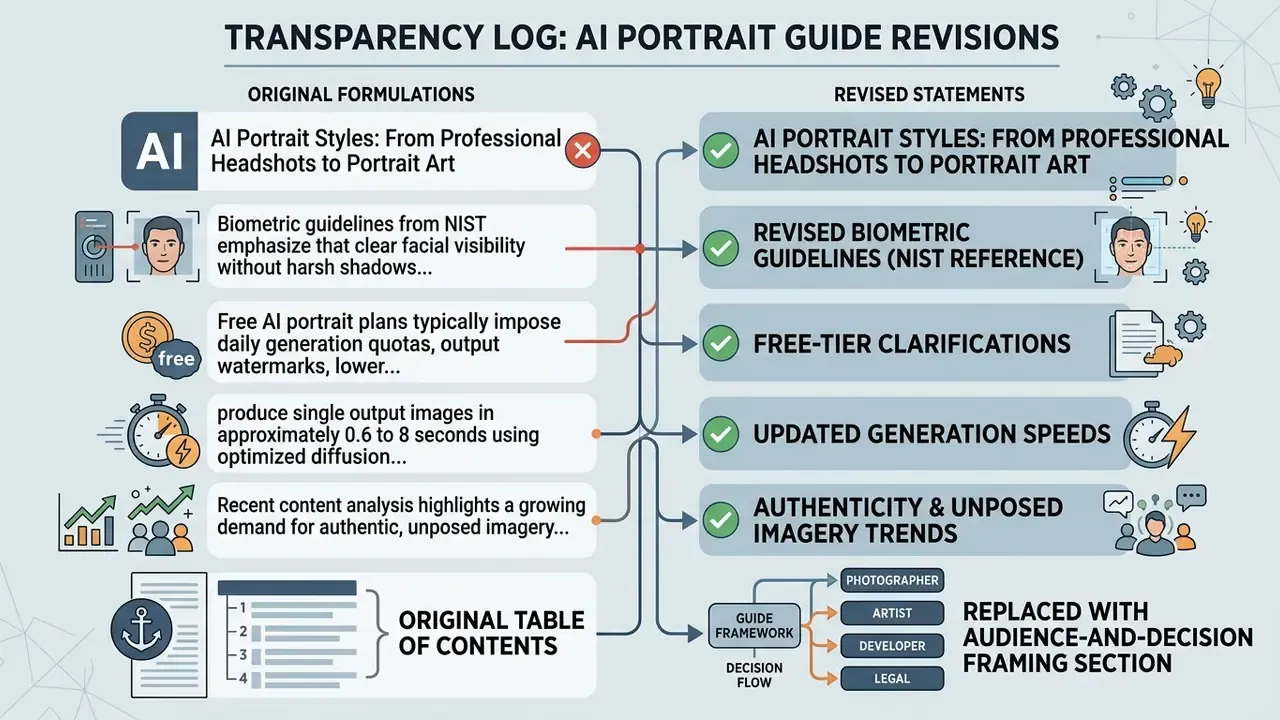
Appendix A: Revised Statements Log