Why does a marketing tool deserve a governance lens? Because in a bank, a fintech or any regulated brand, a generated video is a public statement produced by a model you did not train. Somebody has to own it.
Last updated: 2026. Verification of pricing, models and free-tier limits performed against official InVideo documentation and independent third-party sources.
«The integration of multi-agent neural systems into video production fundamentally rewrites the economics of content: automating the first cut and script generation cuts a team's time costs by 5-8x, yet final risk management and brand quality control always stay with the human».
Executive summary for decision-makers
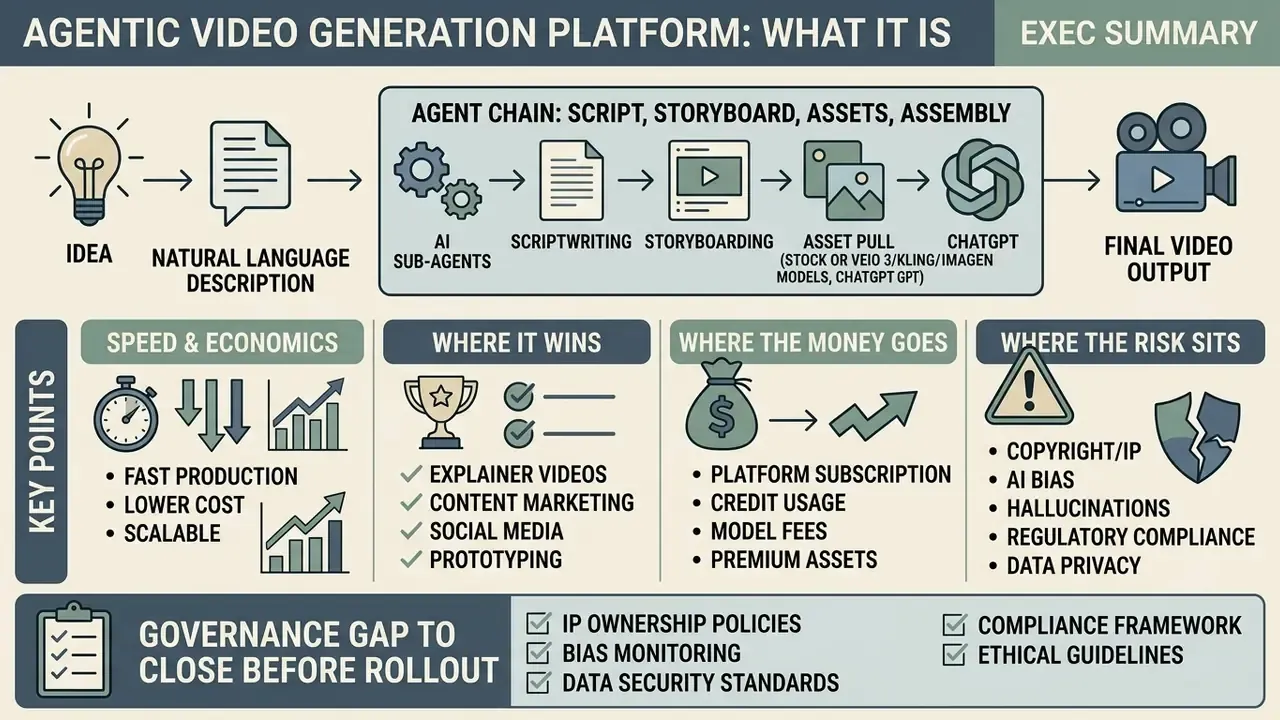
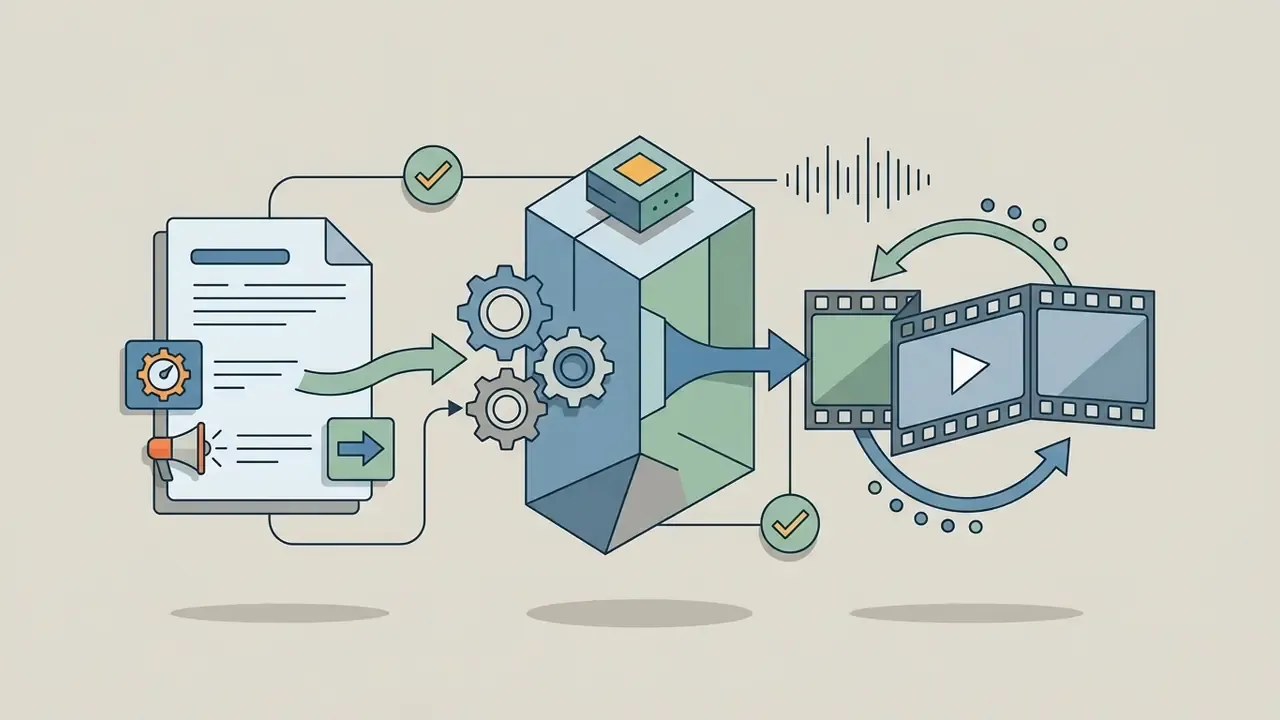
- What it is. An agentic video generation platform: you describe the video in natural language, and a chain of AI sub-agents writes the script, storyboards scenes, pulls stock or AI-generated footage, synthesizes the voiceover and burns subtitles.
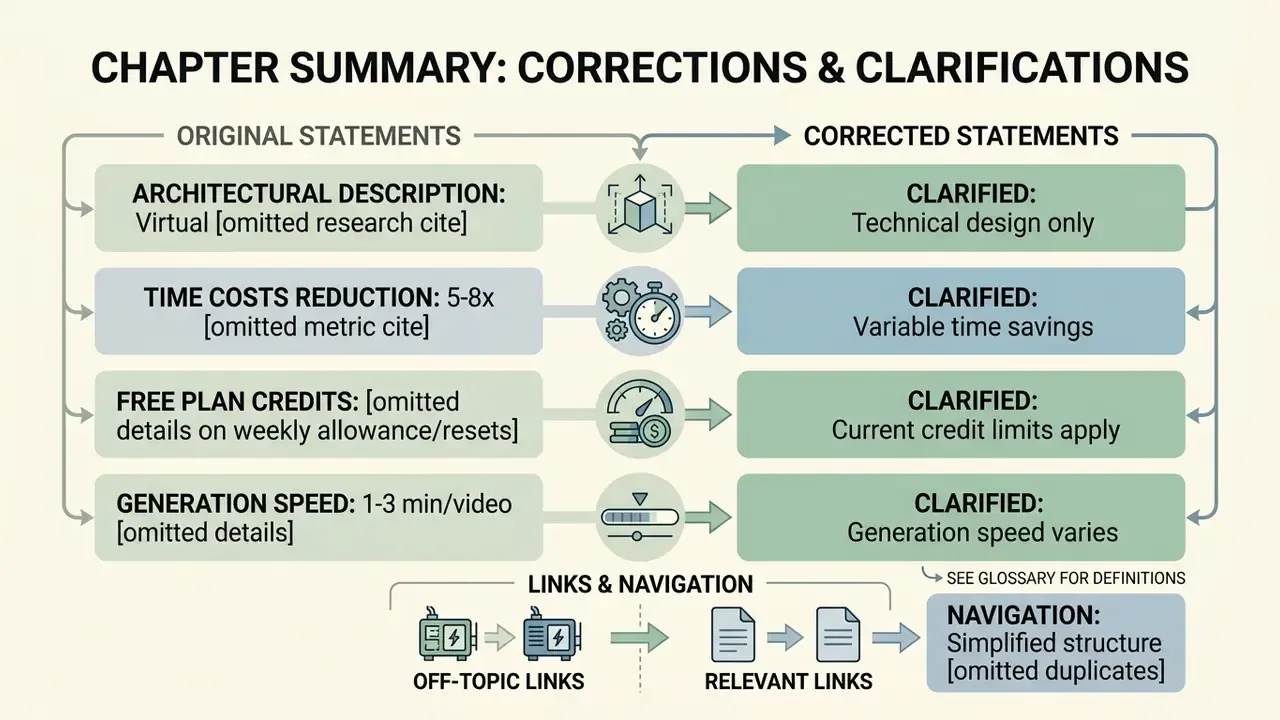
- Speed and economics. InVideo's own infrastructure case studies claim video production 5-8x faster than legacy workflows, at a scale of roughly 6 million videos per month.
- Where it wins. Short-form social video, paid ad creatives, product demos, explainers, faceless YouTube channels: everything that requires volume rather than cinematic authorship.
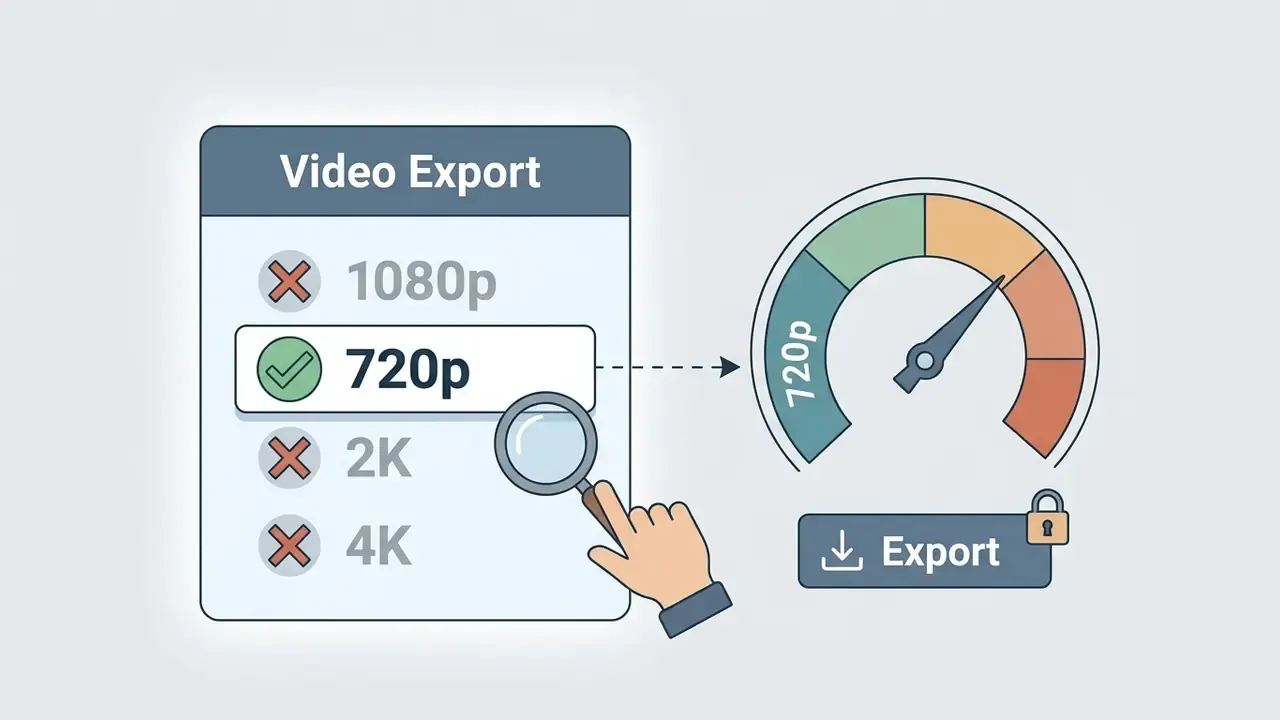
- Where the money goes. Credits (AI minutes), premium stock (iStock, Storyblocks, Shutterstock), voice clones, storage volume and team seats. Free tier = 720p + watermark + no commercial rights.
- Where the risk sits. AI-generated footage still produces temporal artifacts, synthetic voice underperforms human narration in ad engagement, and objective quality metrics correlate poorly with human perception. A human review gate before publication is mandatory.
- Governance gap to close before rollout. Data residency, PII handling, model-training opt-out, SSO, prompt and version audit trails plus AI-content disclosure must be confirmed with the vendor in writing before the tool is approved inside a regulated perimeter.
Who this guide is for and how to read it
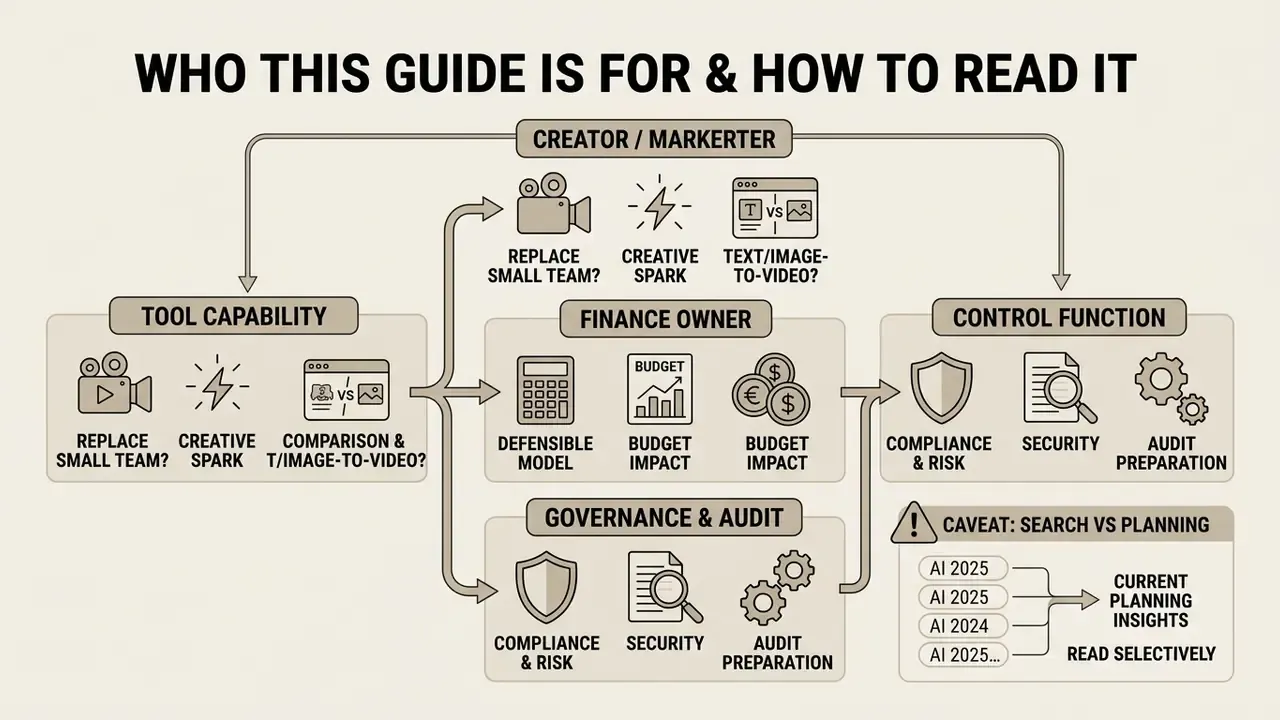
Three readers usually land here with different questions, so read selectively.
The creator or marketer wants to know whether the invideo ai video creation tool can replace a small production crew. Start with the features and workflow sections, then the pricing table.
The finance owner wants a defensible cost model. Skip to the risk-adjusted ROI block. The subscription line is rarely the expensive part.
The control function (compliance, model risk, security) wants to know what breaks under audit. Read the data security questionnaire and the human-in-the-loop matrix first, then decide whether the rest is even relevant.
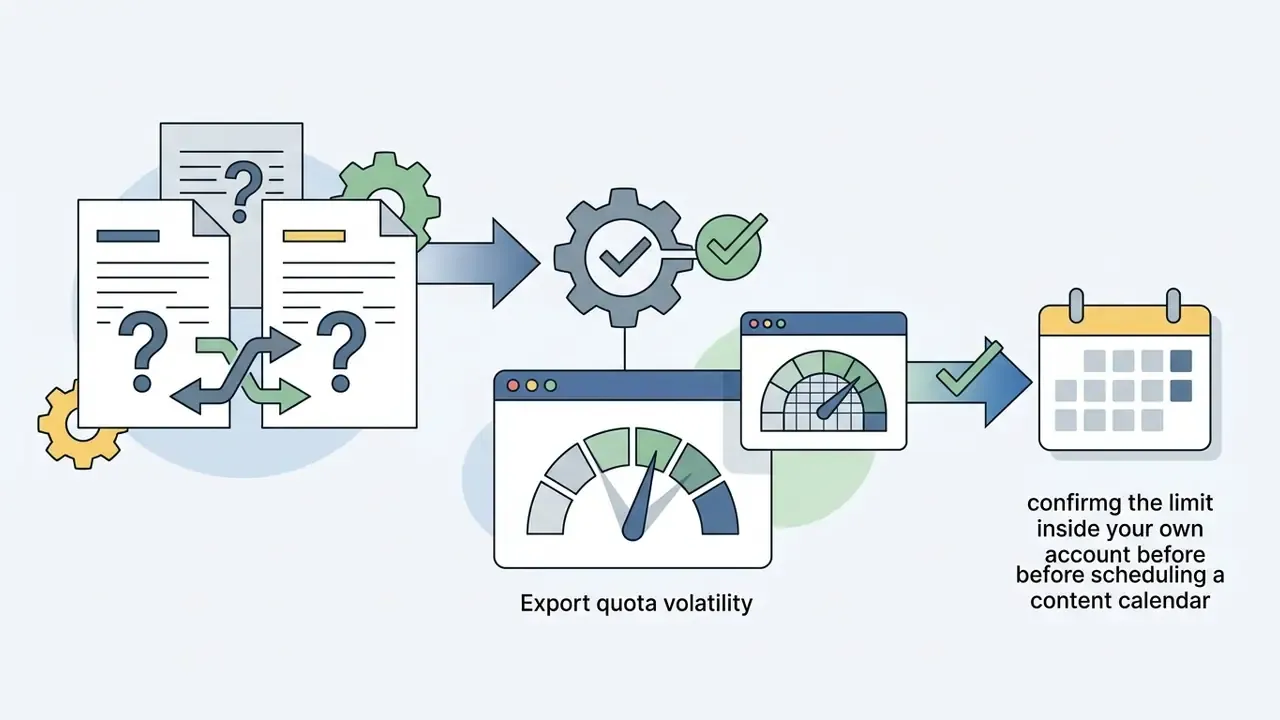
One caveat on search results, and it matters for planning: queries such as "invideo ai video generator 2025" still return screenshots and credit limits from an older product generation. The platform has changed its free tier and model line-up more than once. Verify against the live account before you build a content calendar on a number you read somewhere.
What InVideo AI Video Generator is and which tasks it fits
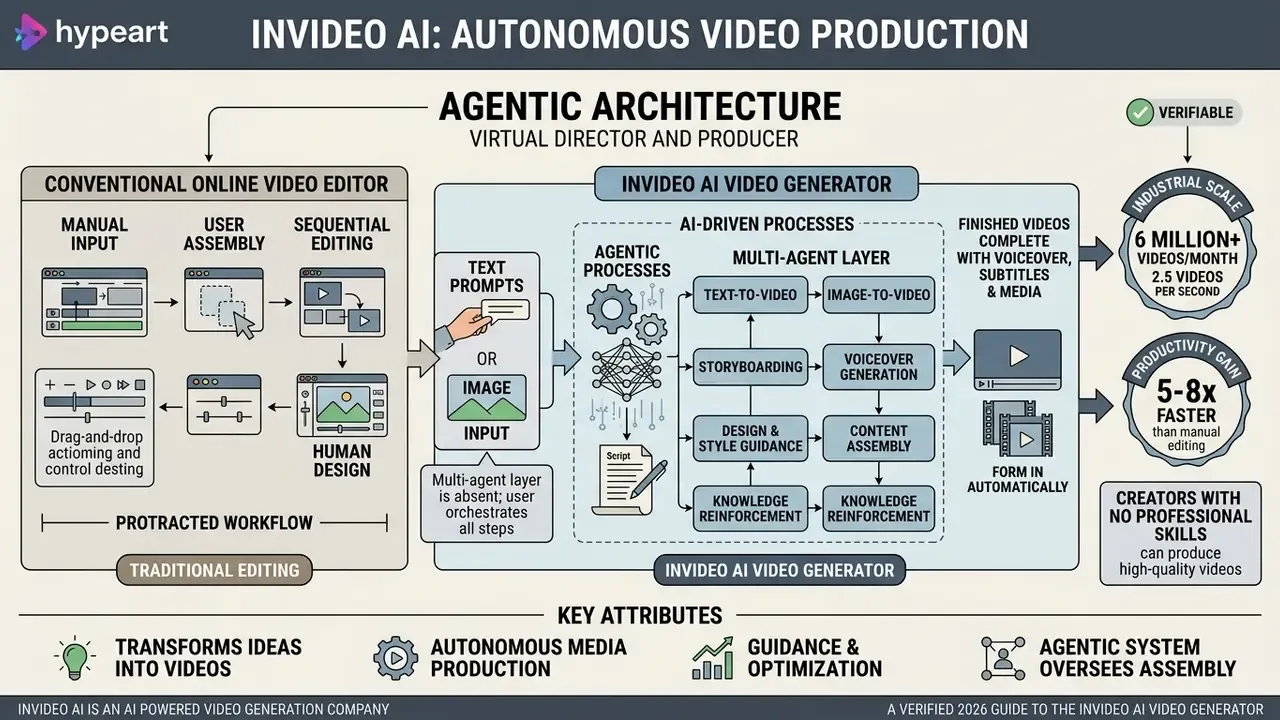
InVideo AI Video Generator is an autonomous media production system (an invideo ai powered video generation company) that transforms text prompts into finished videos complete with script, footage and narration. The tool covers rapid production of ad creatives, social media content, educational explainers and product demonstrations without hiring a film crew. If you are new to the category itself, start with the broader context of the AI video generator tool class.
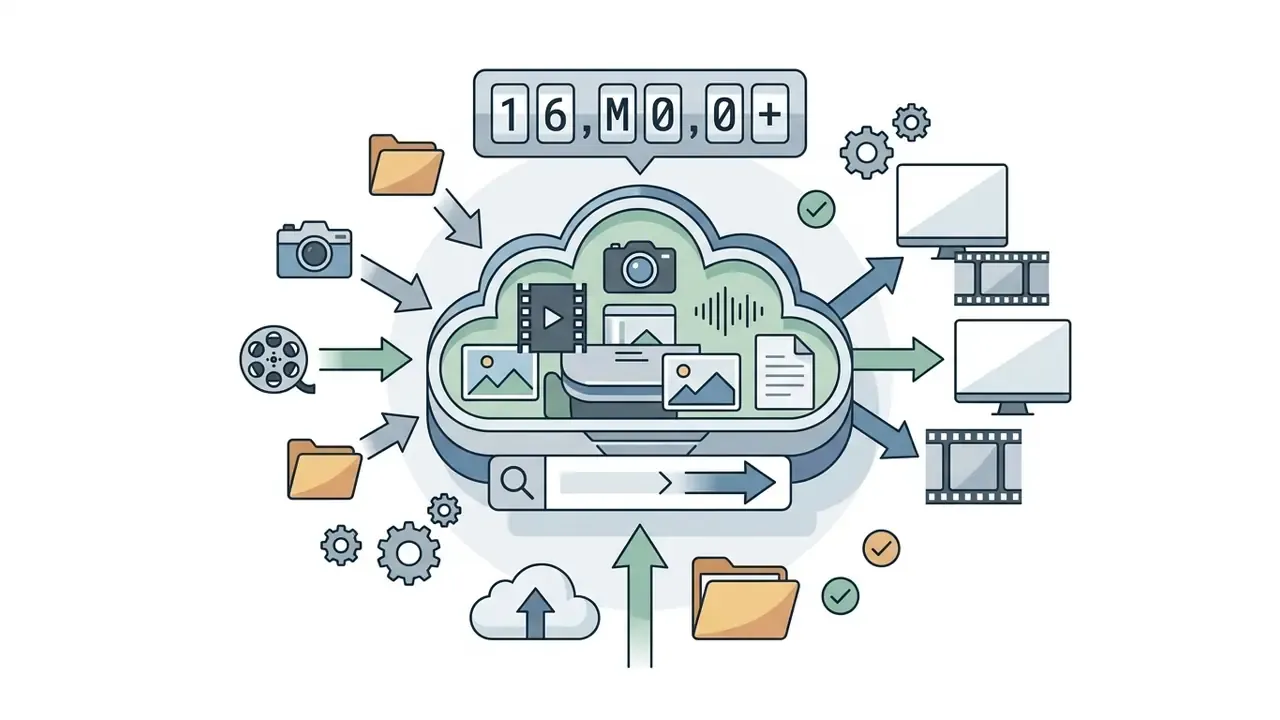
Verified figure instead of a generic claim: the platform operates at industrial scale rather than at demo scale.
That architecture acts as a "virtual director and producer", allowing users with no professional editing skills to produce AI generated videos. The service merges the functions of a classic video maker and an intelligent video editor, aggregating access to external media libraries and generative neural networks. In practice, people also search for it as an invideo ai clip generator, which is a fair description of the short-form use case.
The headline productivity claim also has a verifiable origin:
How InVideo AI differs from a conventional online video editor
The core difference between InVideo AI and a traditional cloud editor is the multi-agent layer: the user drives the edit through natural language (prompt) instead of manually arranging assets on a timeline.
A traditional video editor requires you to find footage yourself, cut shots and record the audio track, whereas the invideo ai video generator takes over script writing, shot selection and voiceover mixing automatically. After the first neural pass (video generation), the user retains full freedom to refine (editing) every scene through text commands or the built-in visual interface.
For reference, a benchmark comparison with adjacent products (CapCut, Canva-class editors) shows the split clearly. CapCut can generate a script in one click, but then returns you to a scene panel and a timeline for manual fine-tuning. InVideo AI is positioned as an end-to-end path "from script to final cut", including an Autopilot single-shot mode that generates the video with no back-and-forth.
Which is faster? Depends on your tolerance for surprises. Autopilot is quick; it is also the mode where nobody sees the script before the render.
Core features of InVideo AI for video creation
The platform bundles a complete toolkit of invideo ai features video creation: text-to-video generation, animation of static images (image-to-video), automatic speech synthesis, commercial stock integration and a chat-based text editor. This combination makes it a universal solution for commercial teams, marketers and content creators.
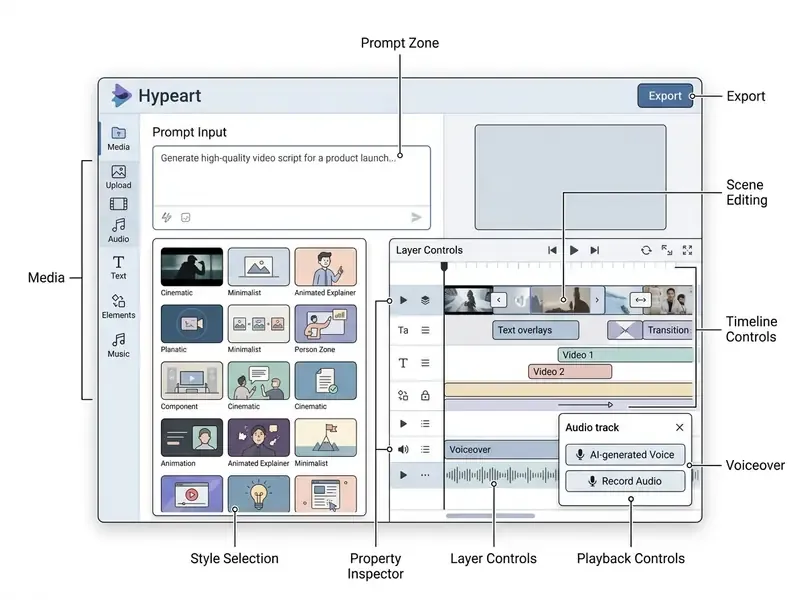
The invideo ai video maker interface stays consistent between the web app and the mobile builds, so a producer who learned the desktop layout will recognise the same zones on a phone.
Text-to-video: building a video from an idea, a topic or a script
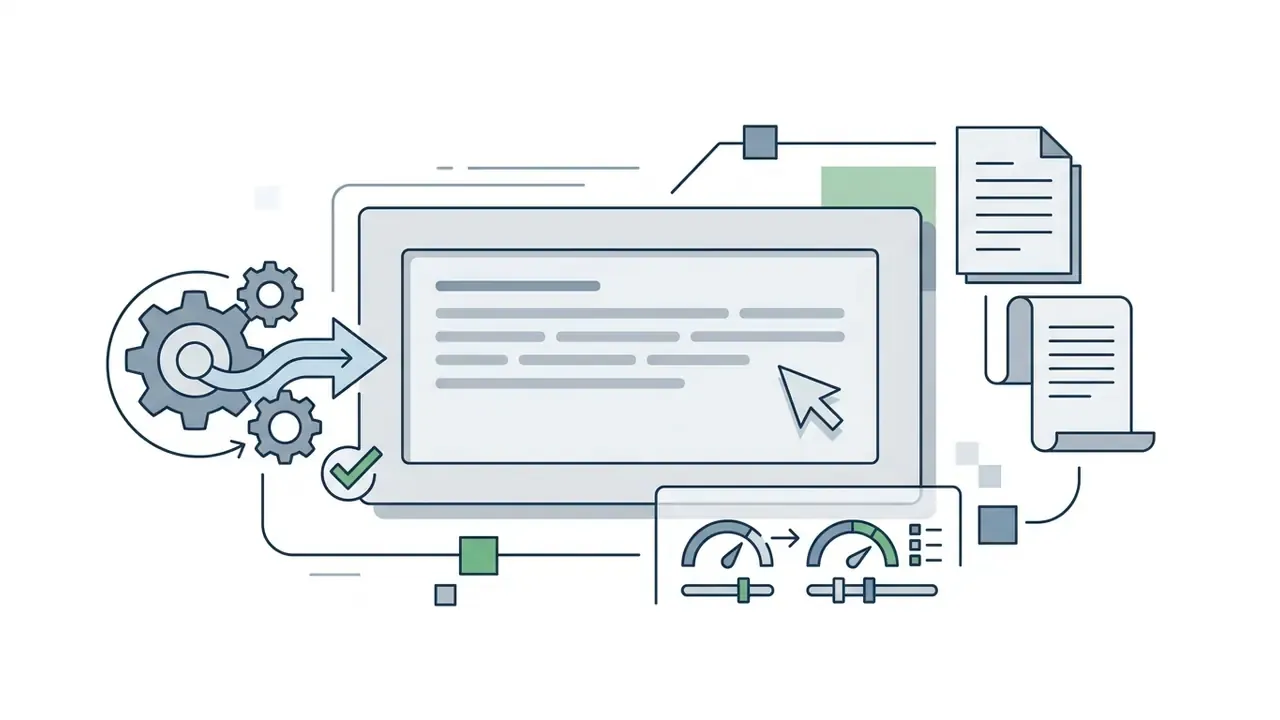
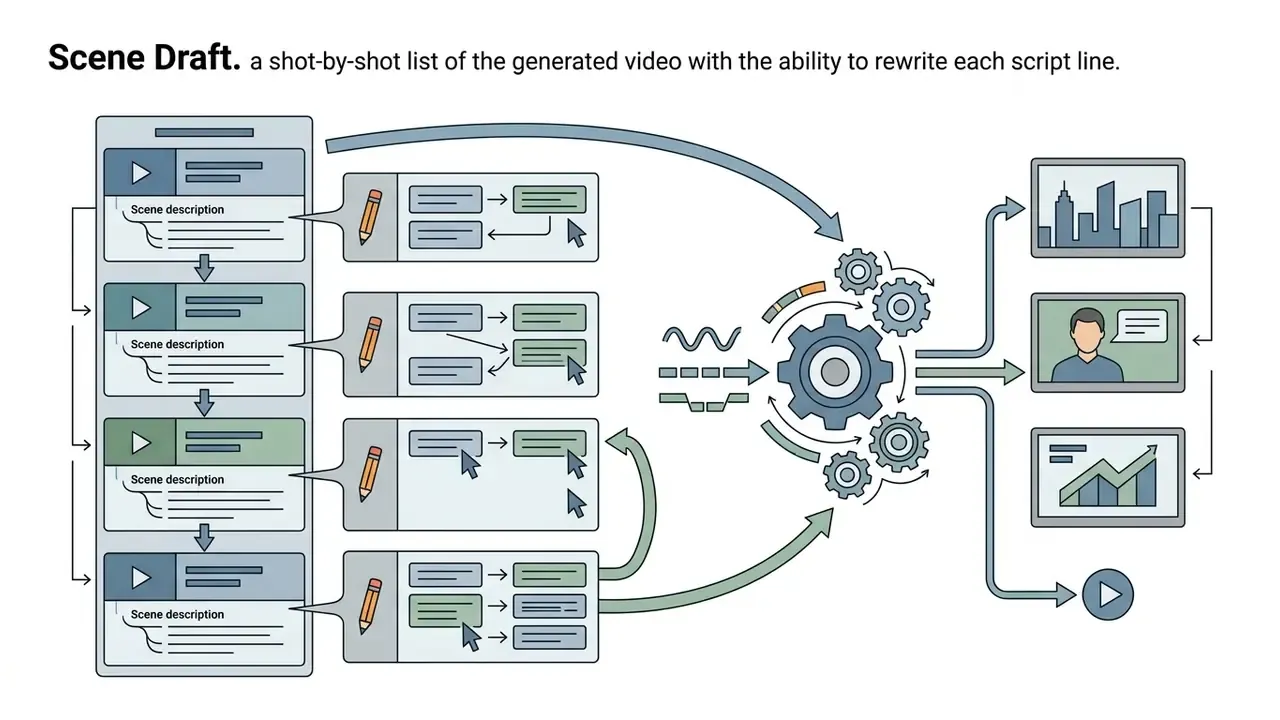
The text-to-video function builds a structured video directly from a text description, an article topic or a finished script. You only need to type your key points or paste the copy, after which the algorithm splits the idea into logical scenes, writes the narration and picks matching relevant visuals. Under the hood the prompt is first turned into a scene-by-scene storyboard, then split into scenes with the "Create Scenes" action, and only then illustrated.
A deeper technical walkthrough of the technology itself lives in our guide to text-to-video AI; for the wider terminology base, see the specialised entry on ask ai with picture. During generate a video, the system holds a single narrative line, distributing runtime and shot pacing according to the chosen format.
Image-to-video and AI generated visuals
The image-to-video module converts static images (JPG, PNG, WEBP) into dynamic scenes with controllable camera and object motion. You can upload a product photo, a logo or brand assets, set the motion vector through the prompt and receive an animated shot. Duration depends on the selected model: roughly 4-15 seconds for Seedance-class models, around 8 seconds for Veo and about 10 seconds for Kling and Runway. Keyframe control (first-and-last frame, up to 10 ordered keyframes) is exposed on the newer model pages, which is what turns an invideo ai image to video maker run into something you can actually direct.
Note for anyone testing the invideo ai image to video free path: animation of uploaded images consumes credits like any other generative call, so the weekly free allowance disappears quickly. Two or three shots, and you are out.
A detailed breakdown of the technique is available in our guide to image-to-video AI. The service taps leading diffusion models (including FLUX, Seedance and Kling) to generate high-quality AI generated visuals while preserving the detail of the source graphics.
Model coverage: the platform supports direct integration not only with diffusion image models (FLUX, Midjourney-class), but also with frontier video models such as Veo 3 and Veo 3.1, Seedance 2.5 and Kling 3, which makes it possible to generate complex dynamic scenes straight from text descriptions with realistic object physics and synchronized native audio.
Translation for producers: hands, logos and printed text are still the failure zone. Check them frame by frame.
Voiceover, music, stock media and text-based editing
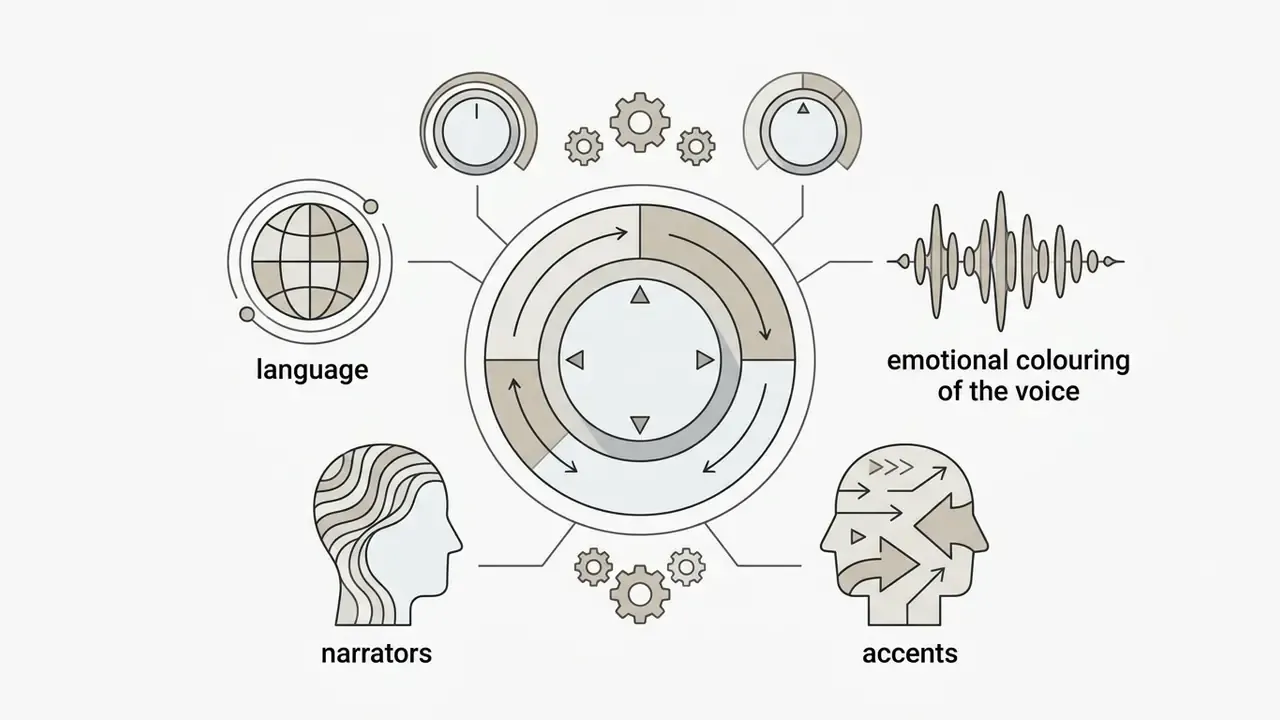
InVideo AI ships with built-in commercial stock libraries (iStock, Storyblocks, Shutterstock, 16M+ assets in total), a speech synthesis system (human-sounding voiceovers) supporting more than 50 languages and accents, and automatic subtitle alignment that transcribes the audio and syncs captions word by word. To study the tooling category in depth, see our overview of the AI voice generator class.
To expand production capacity you can also review the solutions in the auto video editor category, or use automatic image processing services such as an automatic photo editor for thumbnails and stills.
The text-editing capability (edit videos with a text prompt) lets you revise a finished video through chat commands. A phrase like "swap the music for something more energetic" or "delete the third scene" is executed by the model instantly, removing the need to rebuild the project on a timeline. Handy. Also a reason to log commands, because a chat edit leaves no visible trace on a timeline for the next reviewer.
Data security, PII and enterprise governance
This block is what institutional reviewers (CRO, CCO, Head of Model Risk, AI Governance leads) usually ask for first, and it is the block most vendor pages leave blank. Treat the checklist below as a due-diligence questionnaire rather than as confirmed vendor capability. Every item must be confirmed in writing before approval inside a regulated perimeter.
Legal entity and data residency. The contracting entity depends on the region: Invideo Innovation Pte. Ltd. (Singapore and rest of world), Invideo Inc. (US, Canada, Mexico) and Whitesheep Technology Private Limited (India, also named as the Indian data fiduciary in the privacy policy). For a bank or fintech this matters directly, because cross-border transfer terms differ per entity.
Questions to put to the vendor before approval:
- Certifications current SOC 2 Type II and ISO 27001 scope reports, including sub-processors.
- Model training an explicit contractual opt-out confirming that prompts, uploaded assets and generated outputs are not used to train public models.
- PII and confidential material whether uploading customer data, internal financial figures or unreleased product visuals is permissible, and the retention or deletion window for uploads.
- Sub-processors the model routing chain (OpenAI, Google Cloud and Veo, third-party image and video models) and where inference physically happens.
- Identity SSO and SAML support, role-based access, workspace-level admin controls and offboarding procedures.
- Shadow AI control whether the corporate plan allows domain capture of employee accounts, so individual free-tier sign-ups (the classic Shadow AI vector) can be consolidated or blocked.
- Audit trail exportable prompt history, model version per generation, asset provenance (which stock licence backed which shot) and export logs.
- Provenance marking support for C2PA Content Credentials or equivalent watermarking of synthetic media.
A practical observation from the review side: the single most common finding is not a missing certificate. It is an unmanaged pile of personal free accounts created by employees months before procurement ever heard about the tool.
How to create a video in InVideo AI: from prompt to publishing
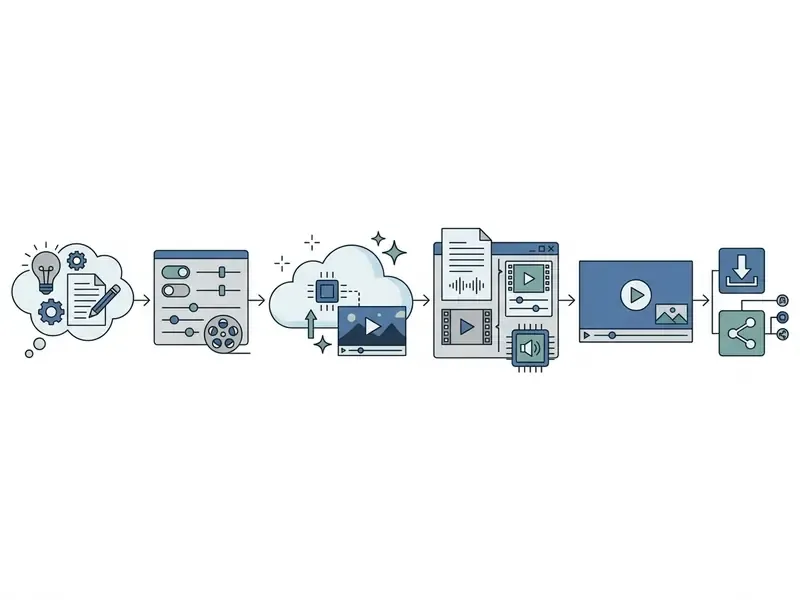
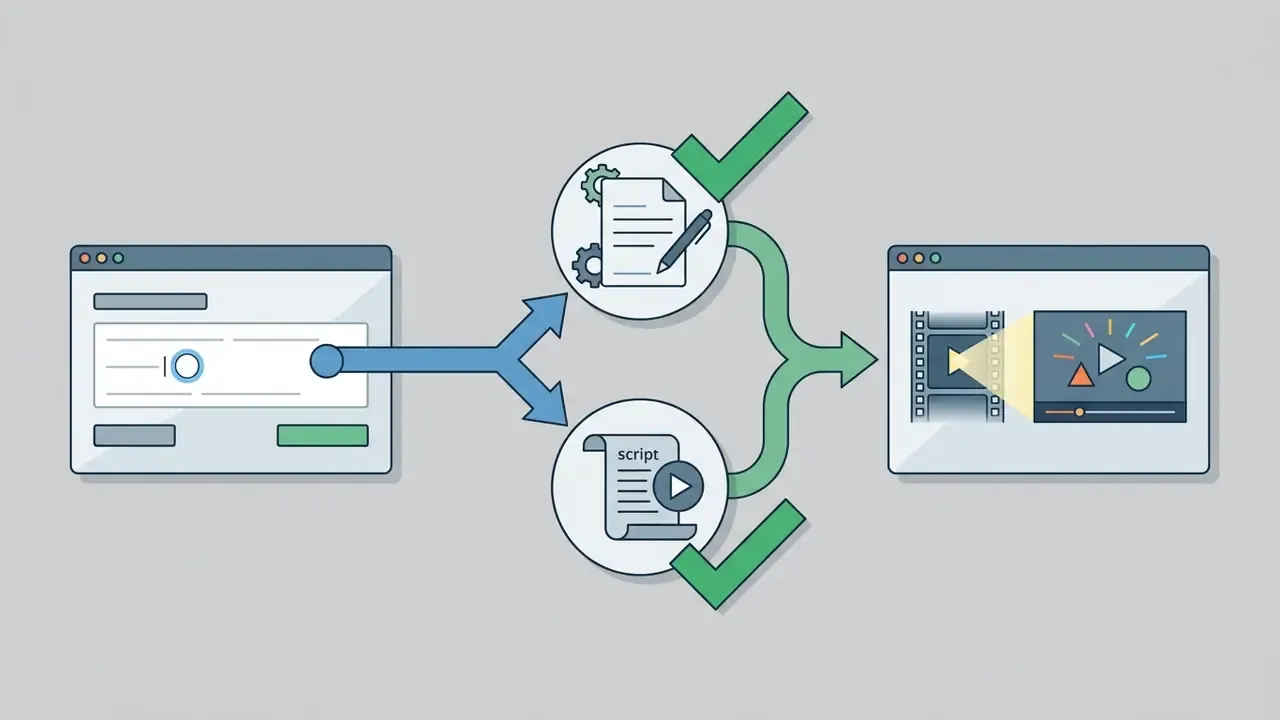
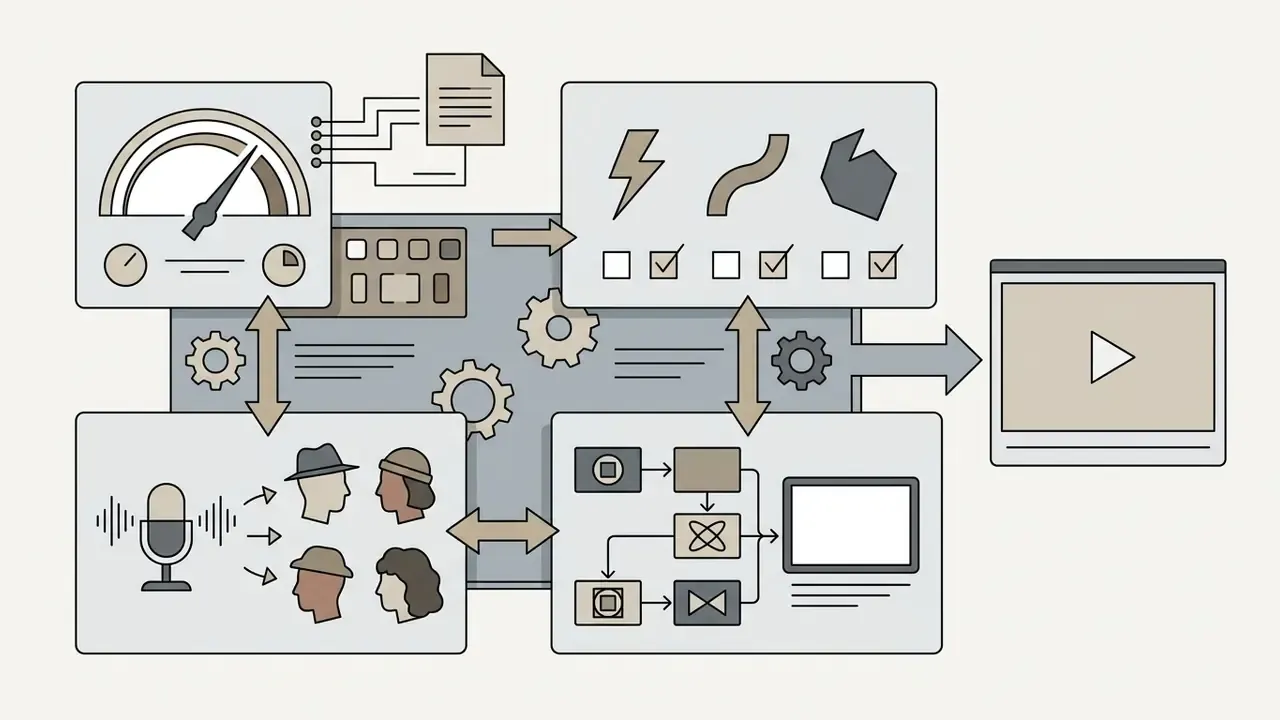
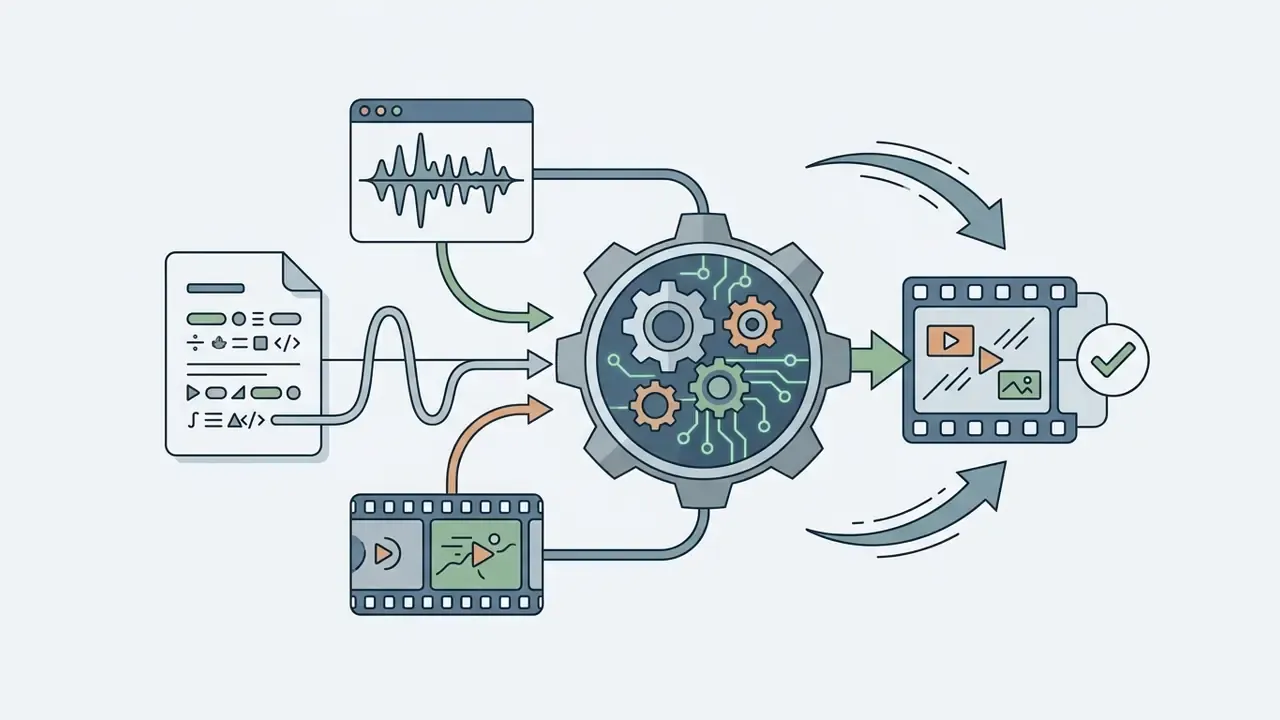
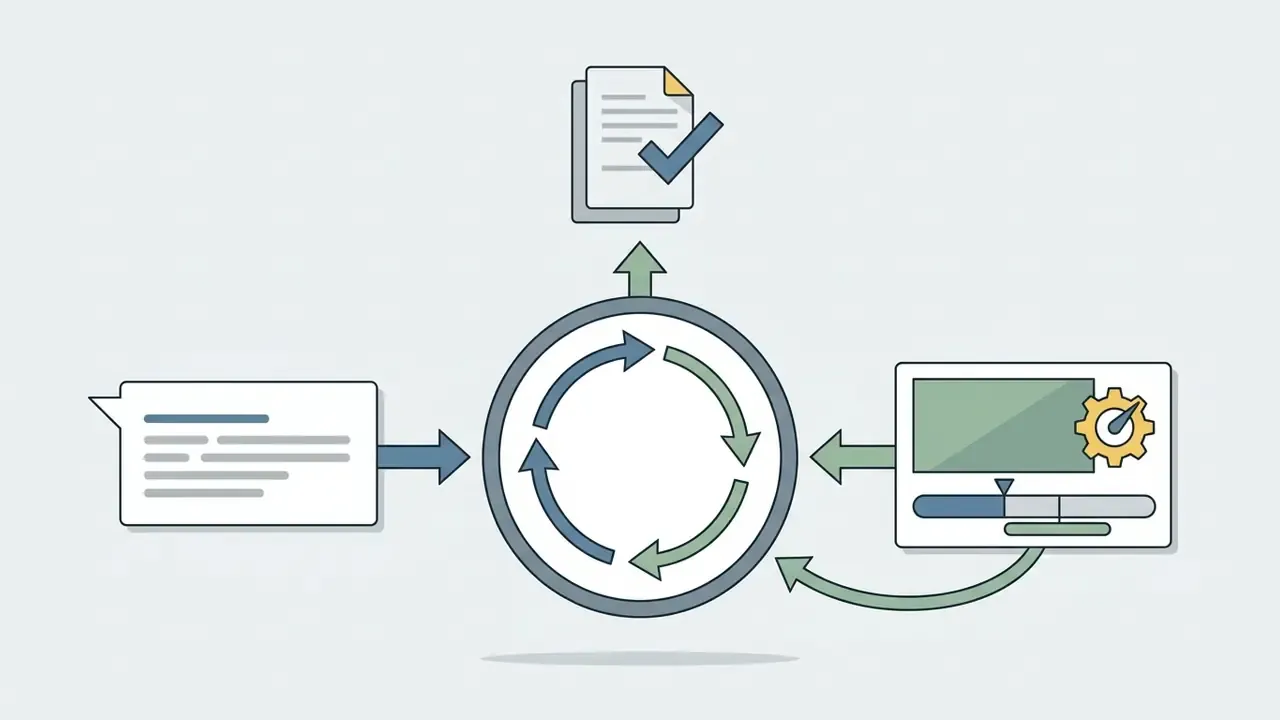
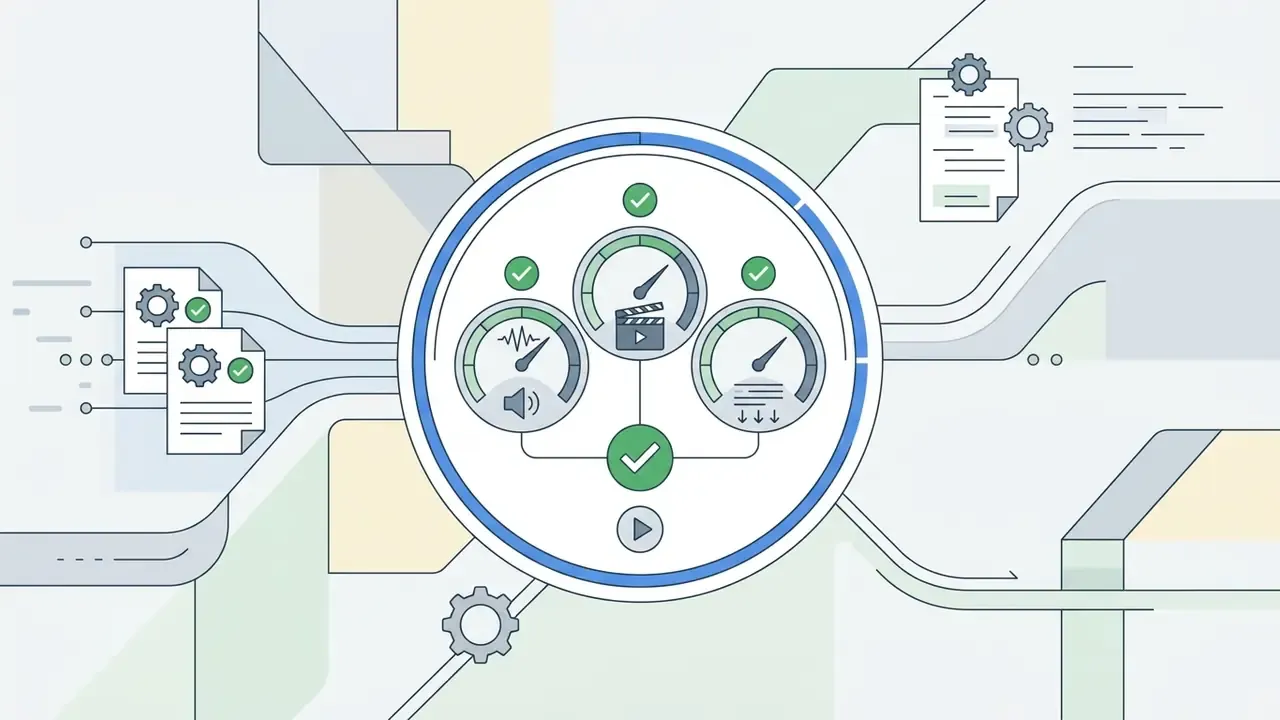
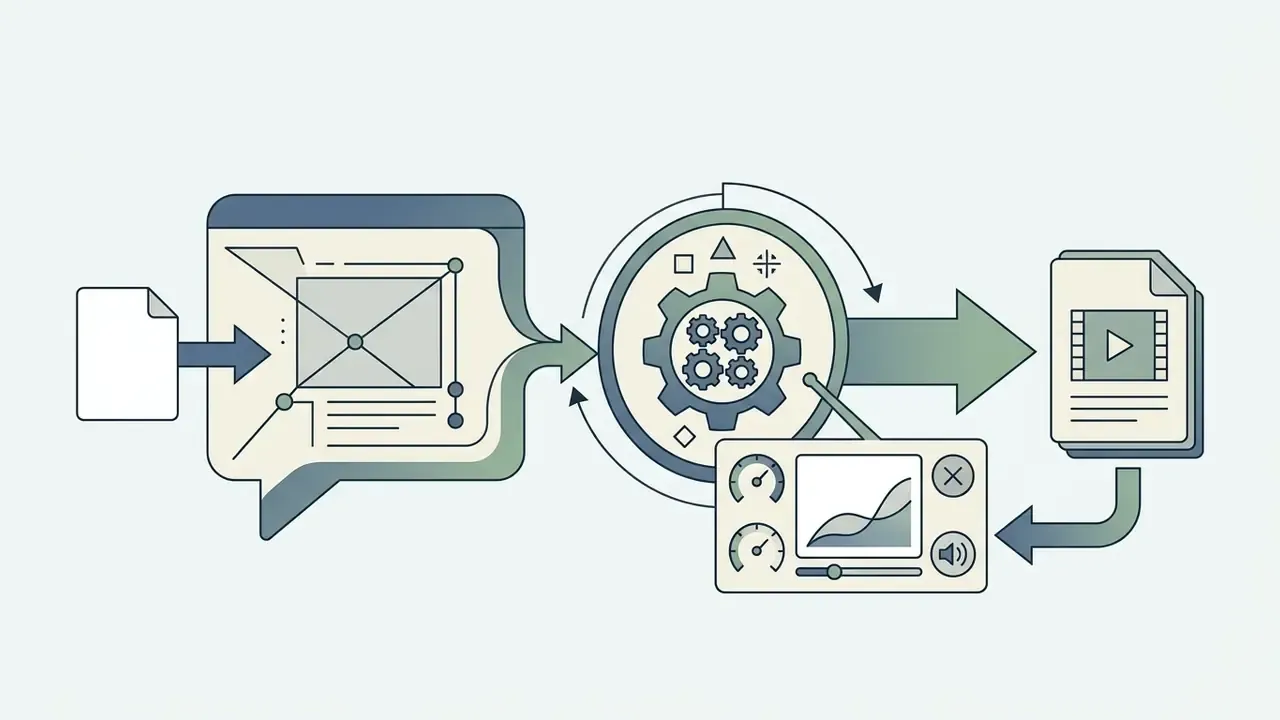
The invideo ai video generation process follows a clear staged algorithm: formulate the task, let the system assemble the project, correct it via text or manual editing, and export the master.
How to write a prompt for an AI video generator
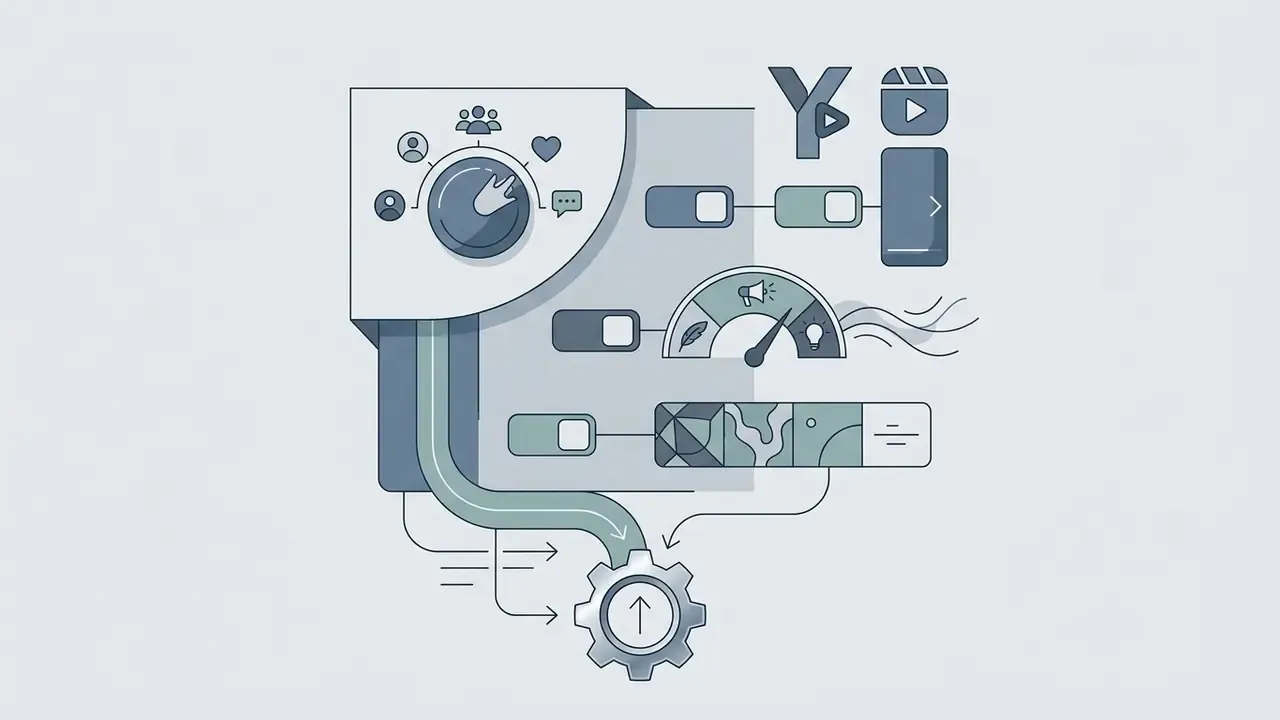
An effective prompt for the invideo ai video generator must state the format, duration, target audience, visual style and narration character. The more specific the brief, the more accurately the model selects media and structures the script. InVideo's own guidance recommends locking a fixed prompt structure and, for audio, defining voiceover, sound design and music as three separate layers.
PROMPT EXAMPLE:

«Create a 30-second ad for Instagram Reels about a mobile bank. Tone: confident, modern. Visuals: minimalist UI, dynamic city shots, blue-and-white brand palette. Voice: pleasant female American accent. Add crisp subtitles and finish with a call to download the app (CTA)».
Six more working prompt patterns:
1. «30-second product launch video, upbeat and confident tone, clean premium visuals, white-and-blue branded motion graphics, warm female voiceover, clear CTA at the end».
2. «45-second explainer, calm professional tone, minimalist icons and UI close-ups, soft neutral palette, clear male narration, subtitles on».
3. «60-second how-to video, encouraging tone, step-by-step close-ups, real product footage plus simple labels, friendly female voice, slow pacing».
4. «20-second social ad, energetic tone, fast cuts, bold kinetic typography, high-contrast lifestyle visuals, youthful voiceover with slight urgency».
5. «40-second brand story, cinematic tone, dramatic lighting, documentary-style shots, deep authoritative voice, ambient sound first, music last».
6. «50-second training clip, instructional tone, annotated screen recordings, simple overlays, steady neutral voice, precise pacing and subtitles».
One governance habit worth adopting early: store the prompt with the asset. A creative you cannot reproduce is a creative you cannot defend.
How the AI assembles script, scenes and media
Once the prompt is submitted, the central agent analyses the context and splits it into logical scenes. First, a language model writes the narration (script) and assigns timecodes. Then the algorithm queries multimodal models and stock libraries, selecting relevant footage for each scene. Finally, speech synthesis (voiceover) is generated, background music is mixed and word-level subtitles are aligned. Runtime control is chapter-based: adding chapters lengthens the video, deleting them shortens it.
If you want to evaluate the underlying model on its own terms, including capabilities, API access and cost, see our implementation guide to Google Veo.
How to edit the finished video and prepare it for sharing
After the first render, the project opens in preview mode. You can correct it two ways: type a command into the Magic Box ("change the narrator to a male voice", "brighten the shots") or open the manual scene editor. In manual mode you can replace individual stock clips, rewrite subtitle text and upload your own media. When you are done, the Export button outputs an MP4 up to 4K or produces a direct link for share to social networks. For platform-specific publishing and montage rules, see our guide to YouTube video editors.
Precision refinement tools in InVideo Studio
When automatic generation needs correcting, you move into the precise timeline editor, where the following are available:
- Aspect ratio control instant re-framing of the project into 16:9 (YouTube, TV and broadcast standard), 9:16 (Reels, TikTok, Shorts) and 1:1 (social feeds), with safe-zone guides so captions and overlays stay readable on mobile.
- Pre-designed graphics library ready-made CTA animations ("Subscribe", social buttons), lower-thirds for introducing speakers, text effects, icons, stylized emoji and stickers.
- Effects, transitions and colour correction hundreds of transitions (fade, shift, slide, blur, zoom), bokeh blur, slow-motion, lens flare, flashback effects, masks and overlays, plus advanced colour correction to balance shots sourced from different cameras and stock providers.
- Audio finishing trim, fade-in and fade-out, looping, voiceover recording directly in the editor and manual sync against the video track.
- Real-time preview and fast rendering with a resize option to download the same project in several aspect ratios for different platforms.
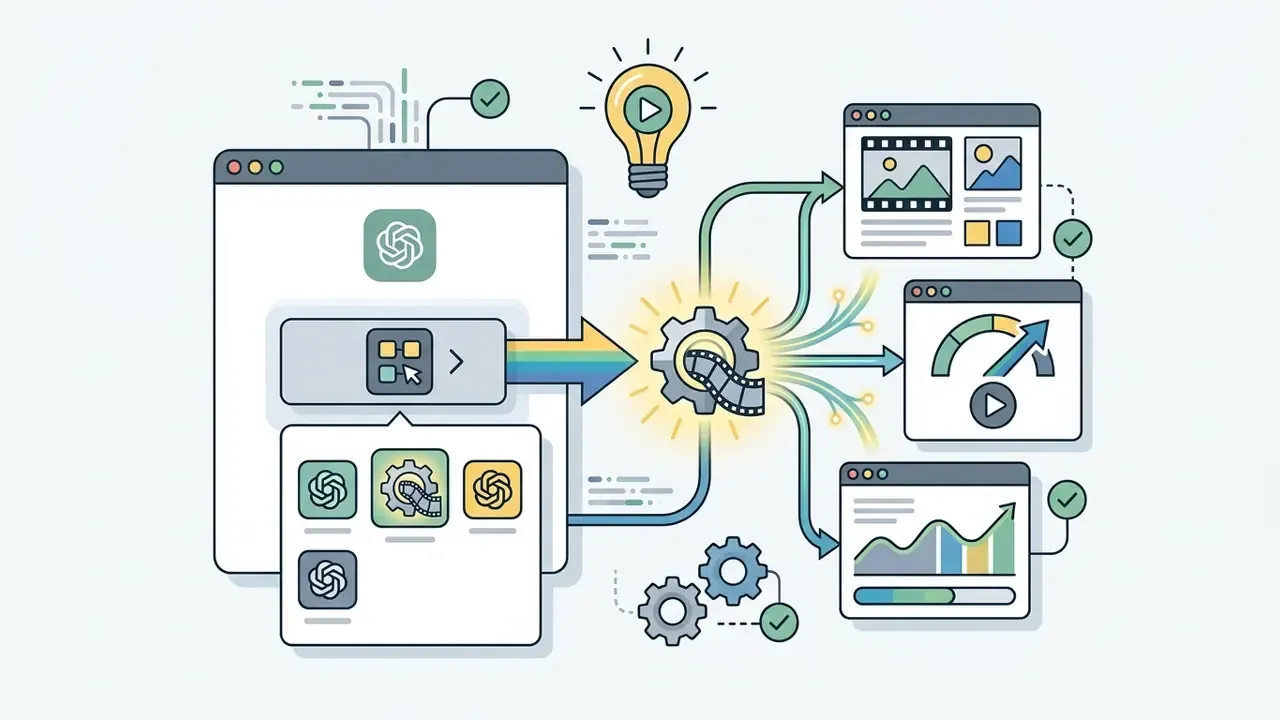
Creating videos inside ChatGPT (Video GPT)
Users with a ChatGPT Plus subscription can generate videos directly in the chatbot interface, without leaving for an external site at the scripting stage.
This channel suits teams that already run ideation inside ChatGPT: the brief, the script and the first cut live in one thread, which also simplifies keeping a prompt history for later audit. One control caveat, though. If the thread sits in a personal ChatGPT account, the audit trail sits outside the corporate perimeter. That is a policy question, not a product flaw.

Pre-built workflows that speed up production
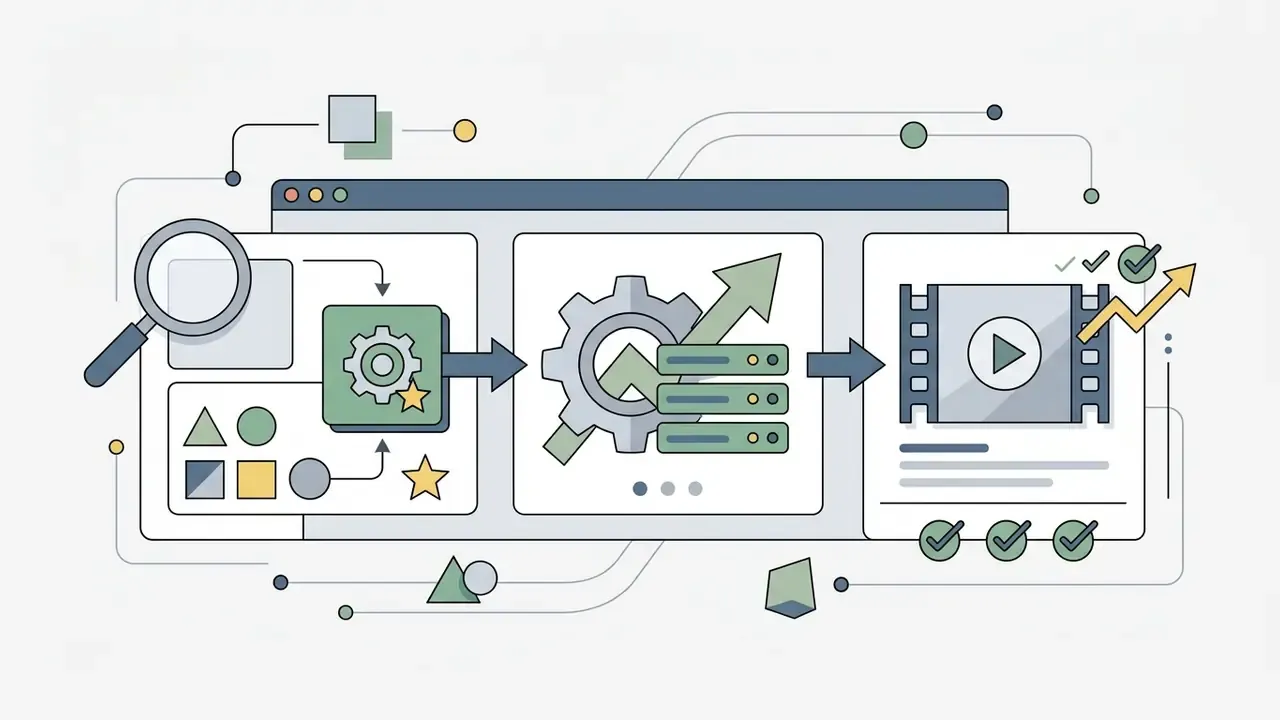
The main InVideo AI dashboard offers a "Select workflow" dropdown with specialized generation modes. Instead of composing a full prompt, you fill in the blanks.
- YouTube Shorts and Reels automatic 9:16 framing and pacing tuned for attention retention in the first three seconds. Minimum recommended length is 15 seconds.
- YouTube Explainer long-form educational video in 16:9 with chapter segmentation and deeper narration work.
- Recent Events Video (URL-based generation) a mode where you paste a link to any published article or news page. The model reads the web page itself, extracts the key facts and builds a news-style video, removing the research-and-typing step entirely.
- Script to Video upload your own finished copy unchanged. The algorithm only handles visual selection, pacing and speech synthesis, generating the video from your exact script.
For regulated messaging, Script to Video is usually the safest mode: legal reviews the copy once, and the model is not allowed to invent a single sentence around it.
Human-in-the-loop: who approves what
Speed is worthless if the output cannot pass a compliance gate. NIST's AI Risk Management Framework 1.0 treats human oversight, pre-use validation and post-deployment monitoring as core controls, and generated video is no exception. A workable responsibility matrix looks like this:
| Stage | Responsible (R) | Accountable (A) | Consulted (C) | Informed (I) |
|---|---|---|---|---|
| Prompting and brief | Content producer | Marketing lead | Brand manager | Legal |
| Generation | Content producer | Marketing lead | - | - |
| Quality and brand review | Brand manager | Marketing lead | Designer or editor | Producer |
| Compliance review (claims, licences, AI disclosure) | Compliance officer | CCO or Legal | Risk and Model Risk | Marketing lead |
| Sign-off and publish | Marketing lead | CMO | Compliance | All stakeholders |
Escalation levels: low-risk content (organic social, internal training) gets a single brand review; medium-risk (paid social, product claims) needs brand plus compliance review; high-risk (financial promotion, synthetic spokesperson, testimonial-style creative) requires mandatory legal review, a provenance record and archived prompt history.
No evidence, no autonomy. An agentic generator is a digital worker with a named owner, an approved role, access limits, an escalation path and a shutdown switch. If any of those five are missing, the tool is not in production; it is in the wild.
What kinds of videos you can make in InVideo AI
The InVideo AI toolkit is adapted to a wide range of business tasks, from high-converting targeted advertising to training material and branded content.
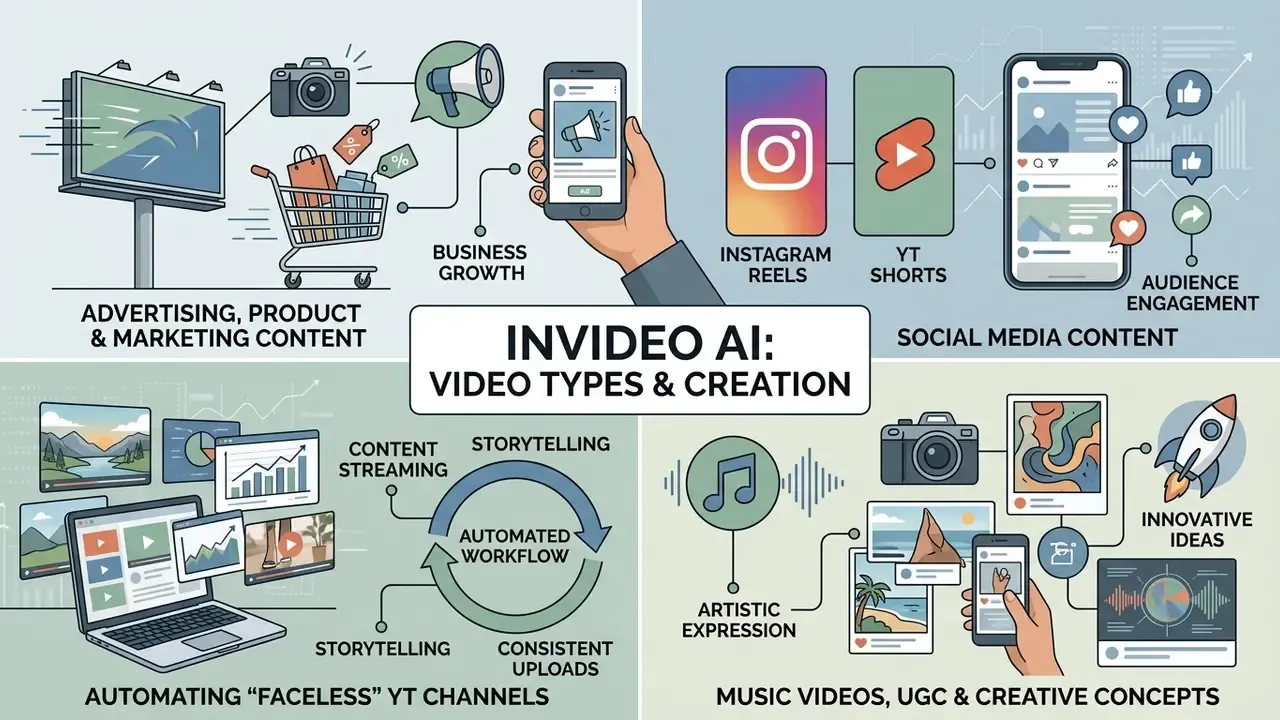
| Content type | Key specifics in InVideo AI | Target platforms |
|---|---|---|
| Video ads and promos | CTA emphasis, fast cutting, brand kit, product integrations | Meta Ads, Google Ads, TikTok |
| Social media short-form | Vertical 9:16, dynamic kinetic typography, retention focus | Instagram Reels, YT Shorts, TikTok |
| Product demos and UGC | "Shot on a phone" lo-fi feel, sincere narration, UI walkthroughs | Product pages, landing pages, social |
| Music and concept videos | Beat synchronization, anime or 3D stylization, abstract AI visuals | YouTube, Vimeo |
| Faceless and explainer channels | Synthetic narration plus stock aggregation, consistent series style | YouTube, YouTube Shorts |
To position this toolset against alternatives, see our comparison of the best AI video generators.
Advertising, product videos and marketing content
For business users the platform provides a dedicated invideo ai video ad maker module. It generates ad creatives (video ads) and product presentations from a website URL or uploaded product photos. The model extracts the key product benefits, builds a sales script and adds graphic overlays with pricing and the company logo. The help centre explicitly recommends attaching product or service images and a website URL when prompting for marketing videos.
There is a caveat, however, that directly affects creative testing plans:
Practical implication: A/B test synthetic narration against a human read before scaling spend, and treat tone configuration as a paid-media variable rather than a cosmetic setting.
Music videos, UGC and creative concepts
With the invideo ai music video maker module, creators can generate music videos and stylized UGC clips (user generated content). The platform uses specialized audio models to sync shot changes precisely to the beat, while graphics-generation networks make it possible to realise complex creative concepts without any live shooting. The Veo-class workflow is positioned specifically for talking-head UGC, product explainers, testimonial clips and social ads with synchronized dialogue, ambience and effects in a single generation pass. For adjacent creative tooling, including motion design, explainer animation and stylized sequences, see our guide to the animation maker category.
Practical implication: for senior editors, cap the number of regeneration attempts per shot and set a hard time box. Otherwise the tool becomes a sandbox instead of a production line. I have seen a two-day "quick test" burn a month of credits, which is a budgeting problem disguised as a creative one.
InVideo AI pricing: choosing a plan by production volume
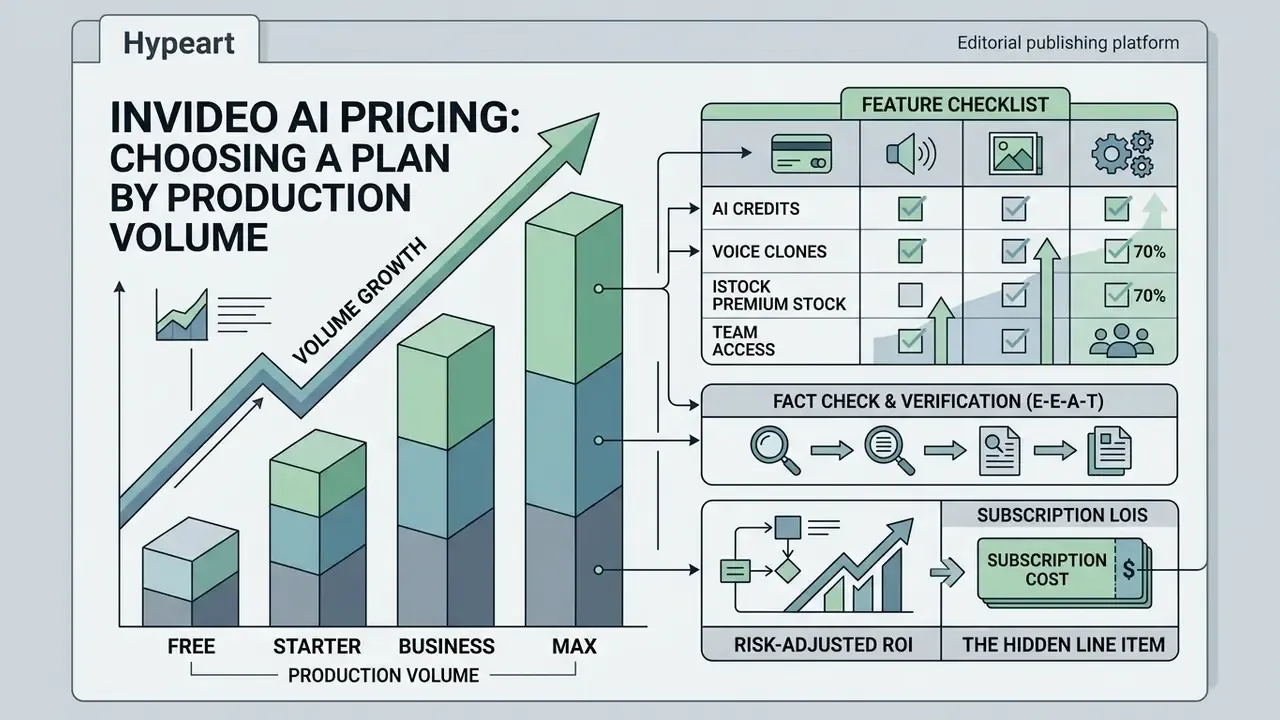
Choosing a commercial plan depends on required generation volume, team collaboration needs and use of premium stock. Before committing, benchmark the price ceiling against alternatives in our comparison of AI video generators; for preliminary cost modelling, use the AI Media Calculators.
| Parameter or plan | Free plan | Plus plan | Max plan | Generative and Elite |
|---|---|---|---|---|
| Indicative price | $0 | approx. $17-$25 / mo | approx. $48-$85 / mo | from $170 to $900+ / mo |
| Generation volume | Weekly allowance | approx. 750 credits/mo | approx. 3,900 credits/mo | 8,000+ credits/mo |
| Export quality | 720p (watermarked) | 1080p and 4K (no watermark) | 1080p and 4K (no watermark) | 1080p and 4K (no watermark) |
| iStock and stock access | Limited | Included (capped) | Extended cap | Maximum priority |
| Cloud storage | 10-20 GB | 100 GB | 400 GB | 1 TB+ |
| Voice clones | - | approx. 2 express clones | approx. 5 express clones | Up to 40 (team seats) |
| Commercial licence | No | Yes | Yes | Yes |
Fact check and pricing verification (E-E-A-T):
Which features to compare when choosing a pricing plan
Key metrics when selecting a plan:
- Number of AI creditsconsumed by generated video minutes and generative model calls. Credits reset monthly on the renewal date and do not roll over.
- Voice clone limitsthe number of unique digital voice fingerprints available.
- Premium stock volume (iStock)the number of licensed media assets downloadable per month.
- Team access rightsthe number of seats inside a shared workspace, which also determines whether admin controls and centralised offboarding exist at all.
Comparison matrices against alternative AI video generators are collected on the AI Media Comparison Matrices page.
When a free video maker is enough and when paid access is required
A free account is sufficient for a first look at the platform, evaluating output quality and building personal presentations. Moving to paid access (Plus or Max) becomes necessary when launching commercial ad campaigns, running business channels regularly, buying paid traffic, or needing clean 1080p and 4K exports without watermarks.
InVideo AI free video generator: what is available for free
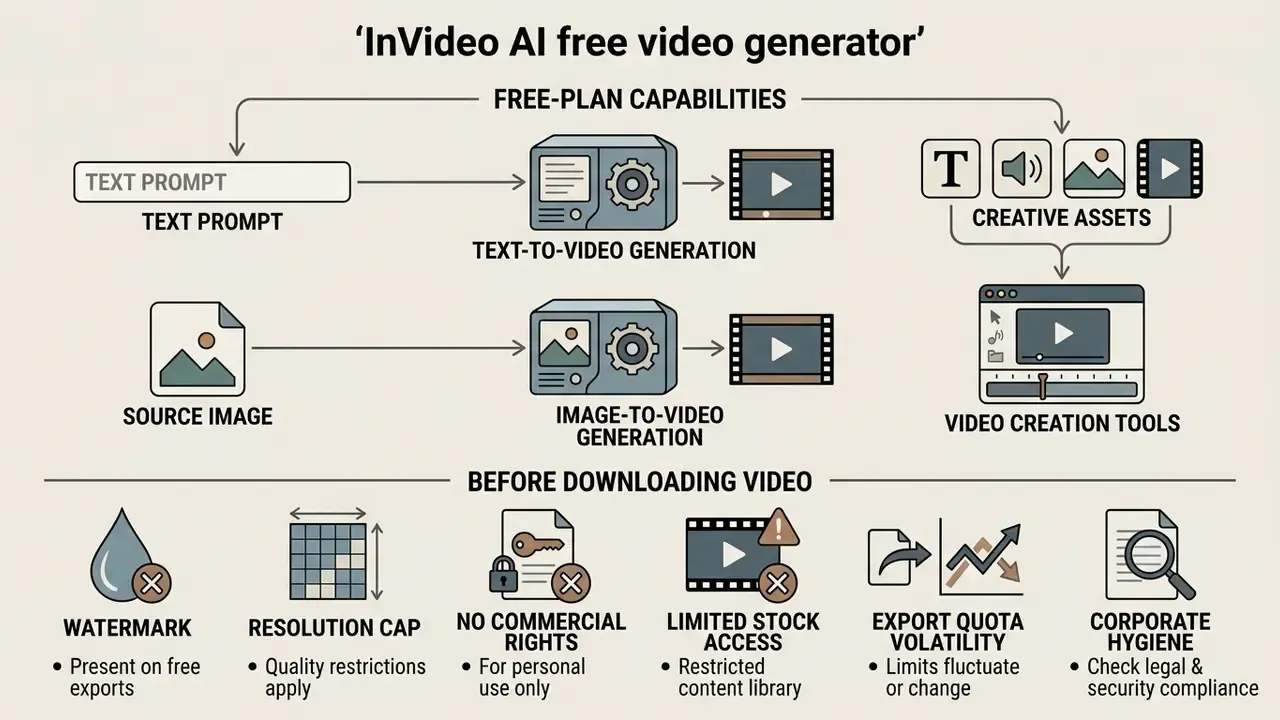
The service offers a free tier (free video generator) intended for exploring the platform's baseline functionality and testing its generative capabilities. To compare free-tier ceilings across platforms, see our overview of free AI video generators.
Free-plan capabilities for text-to-video and video creation
Under the invideo ai free video creation tier, users get a limited weekly credit allowance that resets every Monday at 12:00 a.m. UTC. That volume is enough to generate a few short test videos through invideo ai text to video free and to explore the invideo ai video maker free interface, the script generator and the standard media library. Searches for invideo ai video generator free land on the same tier, so treat the naming variants as one product, not several.
However, the structure of free access has changed repeatedly and third-party reports disagree on the exact allowance. Figures of 2 AI minutes per week, 10 AI minutes per week, 4 exports per week and 10 exports per month all appear in 2026 sources. Treat any specific number as version-dependent and verify current terms at invideo.io/pricing/ before planning around them.
What to check before downloading video from the free version
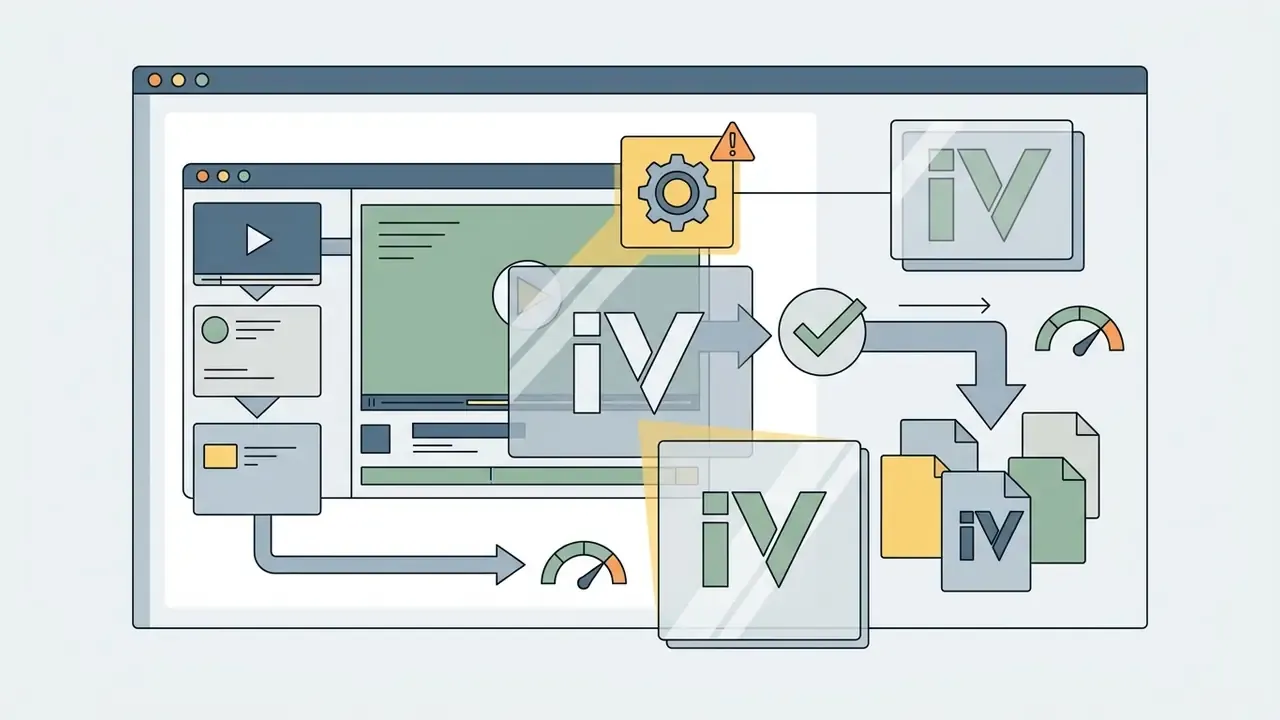
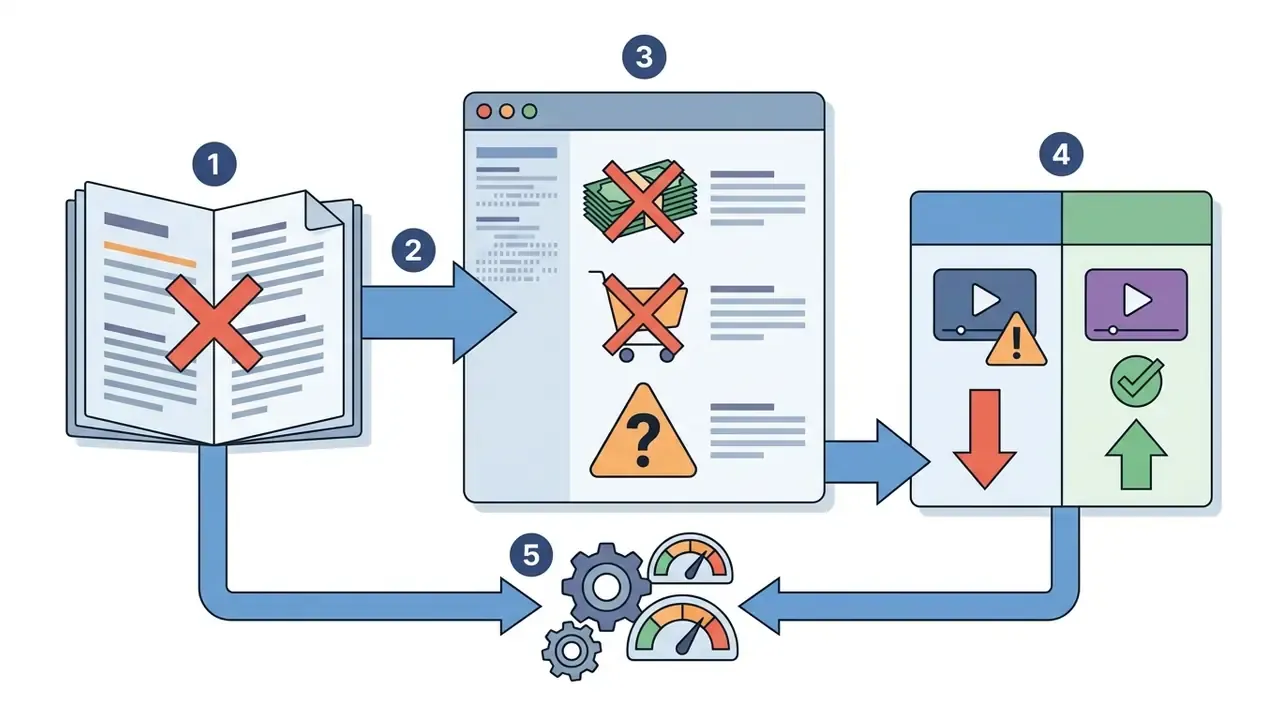
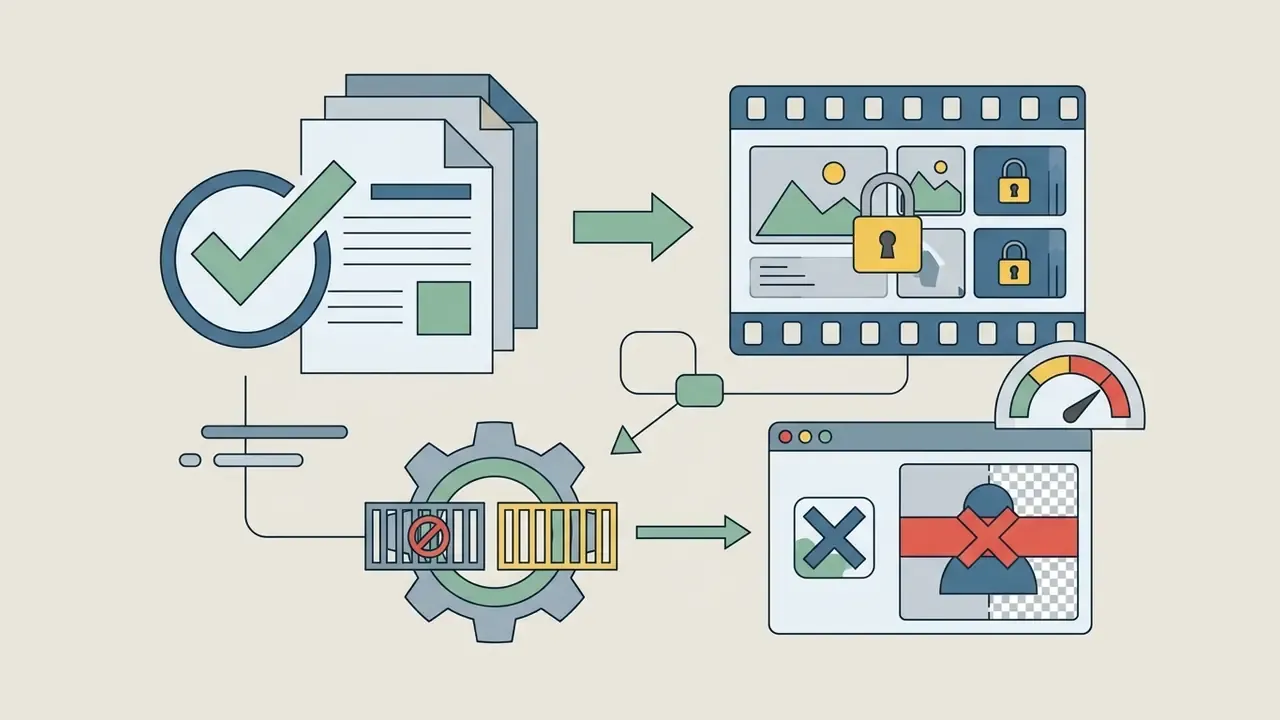
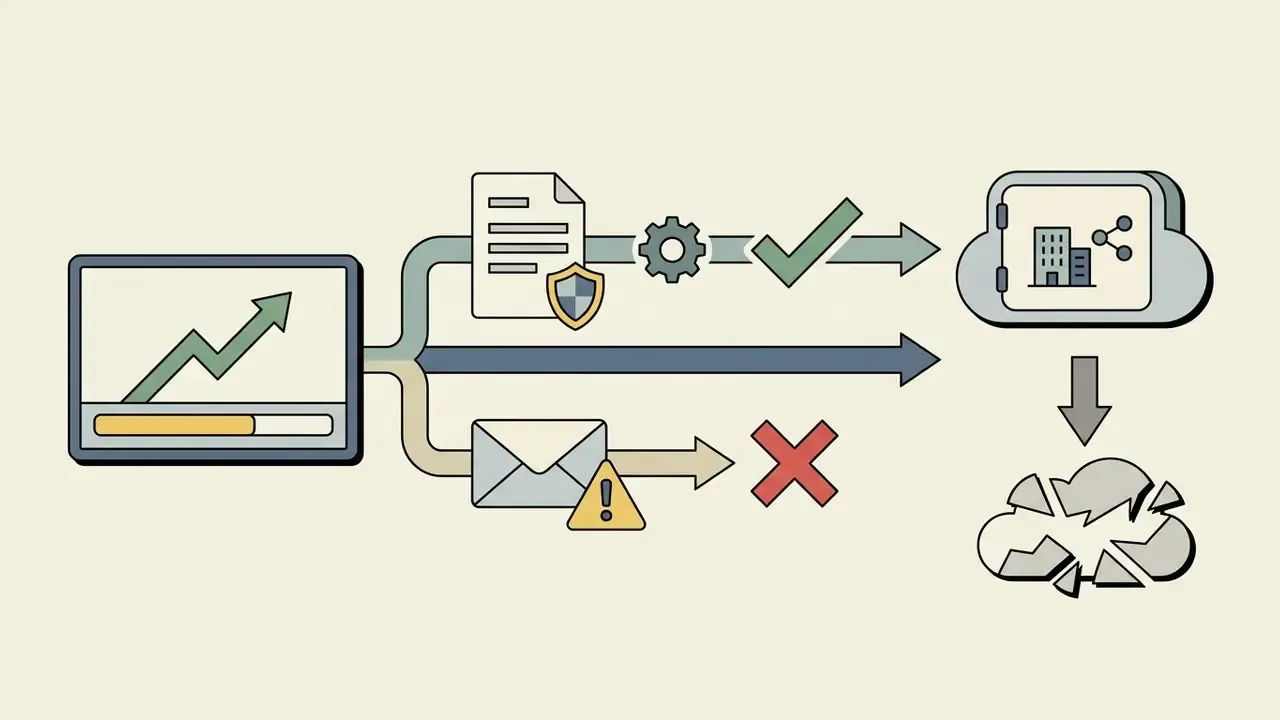
Before exporting and downloading (download) material from a free account, account for the technical and legal limits:
Evaluating InVideo AI for commercial use
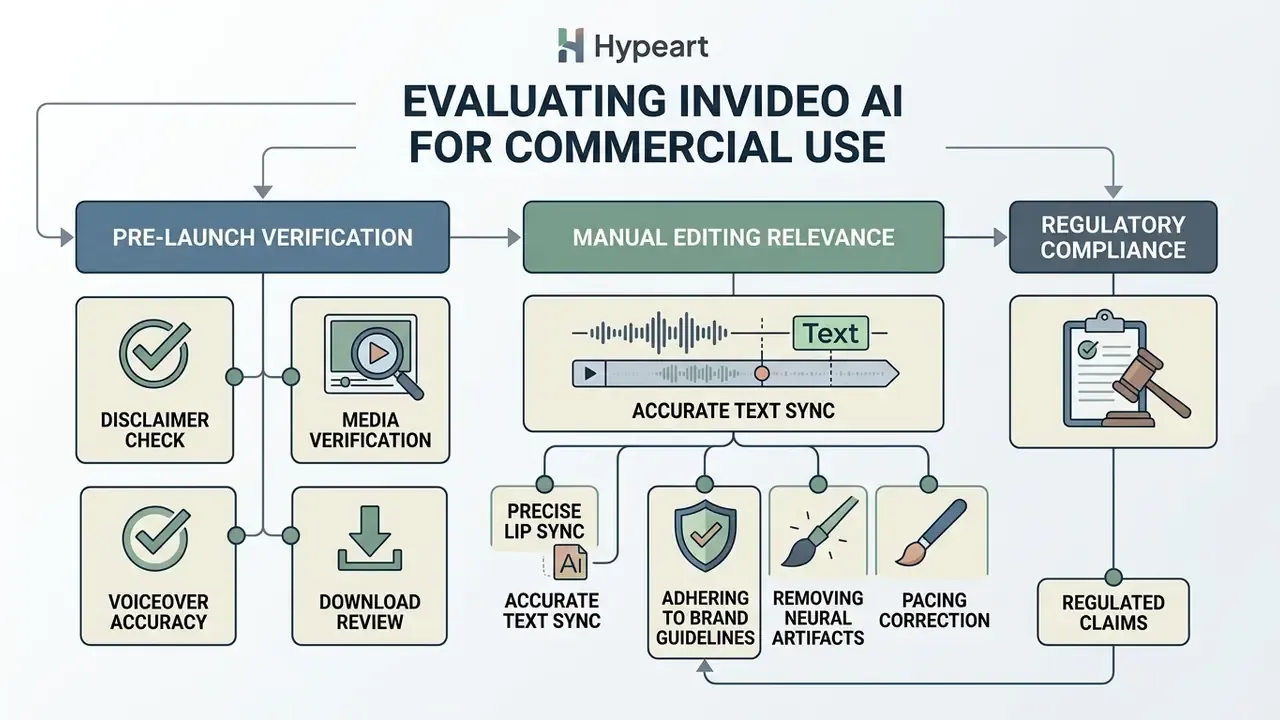
Using AI-generated video commercially requires strict copyright compliance, verification of speech-synthesis quality and accurate brand rendering. For adjacent context on rights to synthetic assets, see our guide to the commercial use of AI images.
Two vendor-side conditions deserve special attention. First, outputs that use Licensed Content remain subject to that content's licence terms. Second, users receive no exclusivity over Licensed Content or its AI-generated variants, meaning a competitor can legitimately end up with a visually similar asset. For brand-critical hero creatives, that argues for proprietary footage rather than stock aggregation.
Audience response is also not uniform. A 2024 Elsevier study found participants rated AI-generated Instagram content as highly as influencer content and struggled to distinguish AI accounts from human ones. A 2026 consumer study (n=450) reported stronger emotional arousal and higher perceived company innovation for AI-assisted visual content. At the same time, Reuters Institute research (2024) found most respondents want AI content disclosed or labelled at least in some cases. The practical reading: AI content can perform, but disclosure strategy is a variable that moves trust.
Checking media, voiceover and download before launching video ads
Before pushing a generated video into paid advertising (Meta Ads, Google Ads), run this checklist:
- Media licensing: confirm every stock video and audio clip carries a commercial licence (automatic on paid plans; disputes are routed through vendor support).
- Diction quality (voiceover): listen for phonetic distortions, unnatural pauses and robotic intonation. Benchmark practice defines acceptable acoustic quality as "clean, stable audio without distracting artifacts or distortions".
- Brand safe zones: verify that logos, CTAs and text plates are not clipped by platform UI elements, and that only one official logo is used, with a clean background around it, as most ad networks require.
- Claims and figures: verify every numeric or comparative statement the model wrote into the script. Generative narration is fluent but not fact-checked.
- Audit trail (institutional requirement): archive the prompt text, workflow used, model versions, source asset IDs with their licence type, export settings and the reviewer sign-off. Without this record, a generated creative cannot be reconstructed for a regulator or a claimant.
- Provenance and AI disclosure: apply C2PA Content Credentials or equivalent marking where available, and add an AI-disclosure label where law, platform policy or industry standards require it. The vendor's own terms place that obligation on the user.
If technical issues arise, consult the AI Media Support and Troubleshooting section or review integration specifications in the AI Media API section.
When manual video editing is required after AI generation
Despite the high degree of automation in InVideo AI, manual editing is necessary in the following scenarios:
NIST's AI RMF playbook treats human override and feedback as an explicit part of deployment and operation, which is precisely the control that a manual finishing pass implements.
Detailed guidance on legal cleanliness and rules for using commercial AI assets is collected in our AI Media Commercial-Use Hub. You can also track current legal precedents and regulatory changes in AI on the AI Litigation and Case Timelines page.
Limitations and open questions
Honest accounting of what this guide cannot settle:
- Certification status. Public documentation does not surface SOC 2 or ISO scope details. Unverified, not absent.
- Training opt-out. No machine-readable clause was found. Ask for it in the order form.
- Free-tier limits. Volatile across versions and geographies. Any published number ages fast.
- Model line-up. Veo, Kling and Seedance versions rotate, and quality benchmarks published against an older version may not describe what you get today.
- Engagement effects. The AI-voice penalty and the personalization lift come from different studies, different platforms and different audiences. Do not stack the two numbers into one forecast.
A safe next step
If you are evaluating this for an institution rather than a personal channel, keep the first move small. Run a two-week pilot on one low-risk content family, such as internal training clips or organic social. Log every prompt, model version and asset licence. Then measure two things: reviewer hours per finished minute, and the rejection rate at brand and compliance review. Those two numbers tell you more about scalability than any vendor benchmark.
FAQ about InVideo AI Video Generator
Does InVideo AI have a mobile app?
Yes. The service offers mobile apps for iOS (listed at version 4.3.6, with AI Twins, AI UGC ads and improved text-to-video performance) and for Android (with Agent Two, multi-shot editing and team collaboration features). Among invideo ai video generator app features, the highlights are prompt-based generation, AI avatars and project management from a phone. The invideo ai video generator app interface mirrors the web layout, though deep montage work remains more comfortable in the desktop web version, InVideo Studio.
How fast is processing and generation in InVideo AI?
Generation runs server-side, and the vendor's own FAQ states that a single generation step typically takes about 10-15 minutes. Actual wall-clock time varies with video length, chosen models and server load, so any "1 to 3 minutes" figure should be treated as an optimistic case for very short drafts rather than a guaranteed SLA. Plan production schedules against the documented 10-15-minute-per-step estimate.
How do I access the platform interface?
Access is through a web browser on the official site (invideo ai video generator link or invideo ai video maker link) after signing up with email, Google or Apple ID. No software download is required; the tool works in Chrome, Safari and other major browsers on desktop and mobile.
Can I generate videos inside ChatGPT?
Yes. With a ChatGPT Plus subscription, open Explore GPTs, find Video Maker by invideo AI, describe your video idea, then follow the returned link to your InVideo account to refine and export.
Can the AI build a video from a link to an article?
Yes. The Recent Events Video workflow accepts external URLs: the system reads the page, extracts key facts and builds the script from them, which removes the manual research step for news and blog-repurposing content. Fact-check the result anyway, because the model summarises the page rather than validating it.
Which aspect ratios are supported?
Three standard formats: 16:9 (YouTube, broadcast and streaming standard), 9:16 (Instagram Reels, TikTok, YouTube Shorts) and 1:1 (social feeds). A finished project can be resized and re-exported into several ratios.
Can we collaborate on projects as a team?
Yes. Team plans support shared workspaces where invited members can co-edit scripts, swap media and approve finished videos inside the owner's workspace. Shared video links can be set to private, unlisted or public.
Is InVideo AI suitable for faceless YouTube channels?
It is one of the most common uses. Synthetic narration plus a 16M+ asset stock library and the YouTube Shorts workflow let a single operator maintain a series-consistent channel without appearing on camera. The vendor's demo case shows 30 Shorts produced in 30 minutes.
Can output from the free plan be monetized?
No. Free exports are watermarked, capped at 720p and excluded from commercial rights. Monetization, client work and paid advertising require a paid plan.
What should a compliance team ask for before approval?
Four documents, at minimum: the certification scope report, the contractual training opt-out, the sub-processor list with inference locations, and a sample export of the prompt and version audit trail. If the fourth one cannot be produced, the tool is fine for low-risk content and unsuitable for regulated messaging.
Appendix A. Change log of corrected statements