Most readers arrive here with a creative question. A smaller group arrives with a control question: who owns the uploaded reference file, and can we prove where an asset came from? Both questions belong in the same guide. If your brand, marketing, or investor-relations team is already generating visuals, a governance gap is usually not hypothetical. It is just undocumented.
So this piece covers capability and controls together. Prompts, ratios, prices, and limits sit next to retention, provenance, and approval questions.
Executive Summary
- Sora is a video-first model, not a dedicated static image generator. OpenAI built Sora as a Diffusion Transformer (DiT) operating on spatial-temporal visual patches. Still images arrive as image-conditioned frames, 2048×2048 stills, or through the ChatGPT Images pipeline inside the Sora surface.
- Official access is not the same thing as a "Sora" website. Most portals branded as a sora ai image generator website are third-party wrappers running different diffusion backends, with different data-retention, licensing, and reproducibility terms.
- Commercial use is generally permitted on paid tiers, yet every export carries C2PA provenance metadata plus watermarking, and third-party IP, trademark, and likeness rights still apply.

16:9, 9:16, 1:1, 3:2, 2:3, with resolutions reported up to 4K on partner platforms and 1080p/1024p tiers in the official API. Enough for desktop and phone Sora wallpaper workflows.
How to Read This Guide
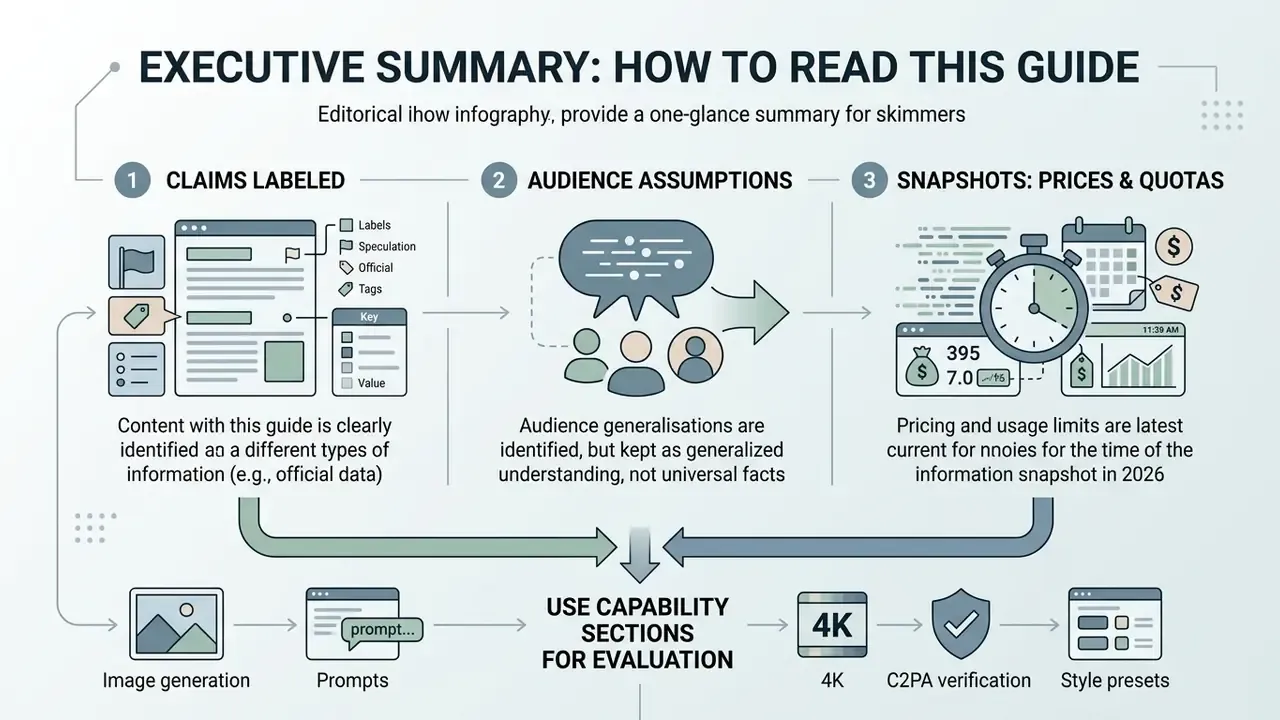
What Is the Sora AI Image Generator, and Can Sora Generate Images?
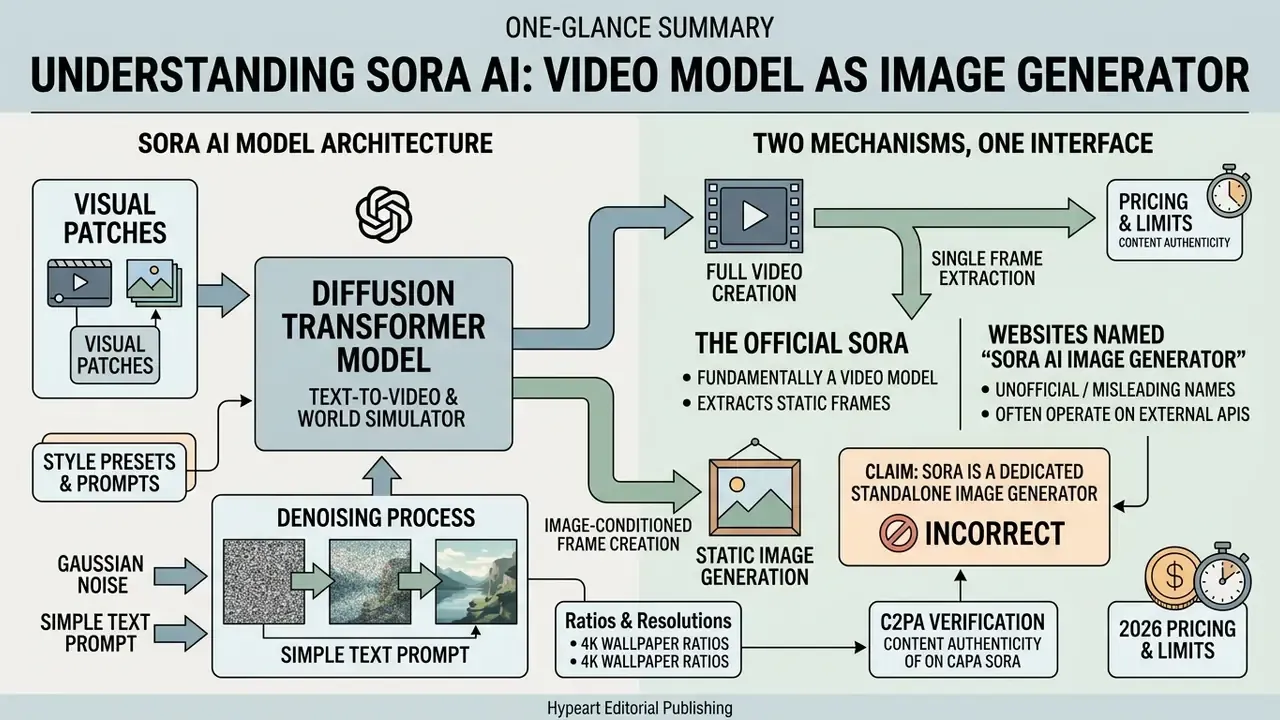
OpenAI Sora is fundamentally a text-to-video diffusion model and world simulator rather than a standalone, dedicated static image generator.
«Sora is a diffusion model that generates videos up to a minute long while maintaining high visual fidelity and spatial consistency.»
Users can still generate static visuals through Sora, using image-conditioned frame creation, reference input prompts, and integrations inside ChatGPT Images. In practice the product answers the query "sora ai image generator" in two distinct ways: as a frame-level renderer inside a video pipeline, and as a front end that routes image requests to OpenAI's image stack.
Two mechanisms, one interface. That single fact explains most of the confusion online.
Sora AI as a Model for Image Generation and Video Creation
Sora processes visual content by transforming spatial and temporal visual patches into unified data representations.
«Sora adopts a DiT architecture instead of U-Net, representing video as sequences of visual patches analogous to language-model tokens.»
By feeding simple text prompts into the sora ai image generation model, the system denoises Gaussian noise into structured visual content. OpenAI's own technical description notes that image generation is achieved by arranging noise patches in a spatial grid with a one-frame temporal extent. That is exactly why a "Sora image" is architecturally a single-frame video.
This architecture lets the underlying ai model handle both video creation and static frame extraction. It places Sora in the same broad category as other AI video generators rather than alongside pure diffusion image apps. When asked to create realistic scenes, Sora leans on its world-simulation training to hold perspective, lighting, and object permanence across generated frames. Realistic motion is the native strength; a flawless still is a by-product.
«Scaling data and compute lets Sora exhibit object permanence under occlusion and plausible cause-and-effect relationships.»
"Evaluating generative video and image tools requires the same rigor as model risk management in banking: clear ownership, audit trails, and strict verification of autonomy claims. When evaluating a tool like the Sora AI image generator, enterprise decision-makers must separate native video world-simulators from wrapper interfaces, ensuring no evidence is replaced by hype."
The Official Sora vs Websites Named "Sora AI Image Generator"
Official access to OpenAI Sora runs through OpenAI's platform, developer APIs, and integrated ChatGPT services. A wide range of web portals market themselves as a sora ai image generation platform, a sora ai image maker, or simply as "the free Sora tool".
Organizations evaluating a sora ai image generation tool must separate official model endpoints from third-party web interfaces. Unofficial tools using the Sora moniker often wrap a different diffusion backend, which changes data privacy, licensing rights, and output reproducibility. Reproducibility is the quiet one. If the backend swaps silently, your approved brand look drifts without a changelog.
«Sora is OpenAI's video generation model, accepting text, image, and video as inputs and producing video as output.»
Three practical red flags separate a wrapper from the official surface. One, the site never names the underlying model version. Two, uploads are accepted without a documented retention window. Three, commercial rights are described only as "refer to OpenAI's terms", while the vendor, not OpenAI, is the actual data controller.
Sora AI Capabilities for Image Creation
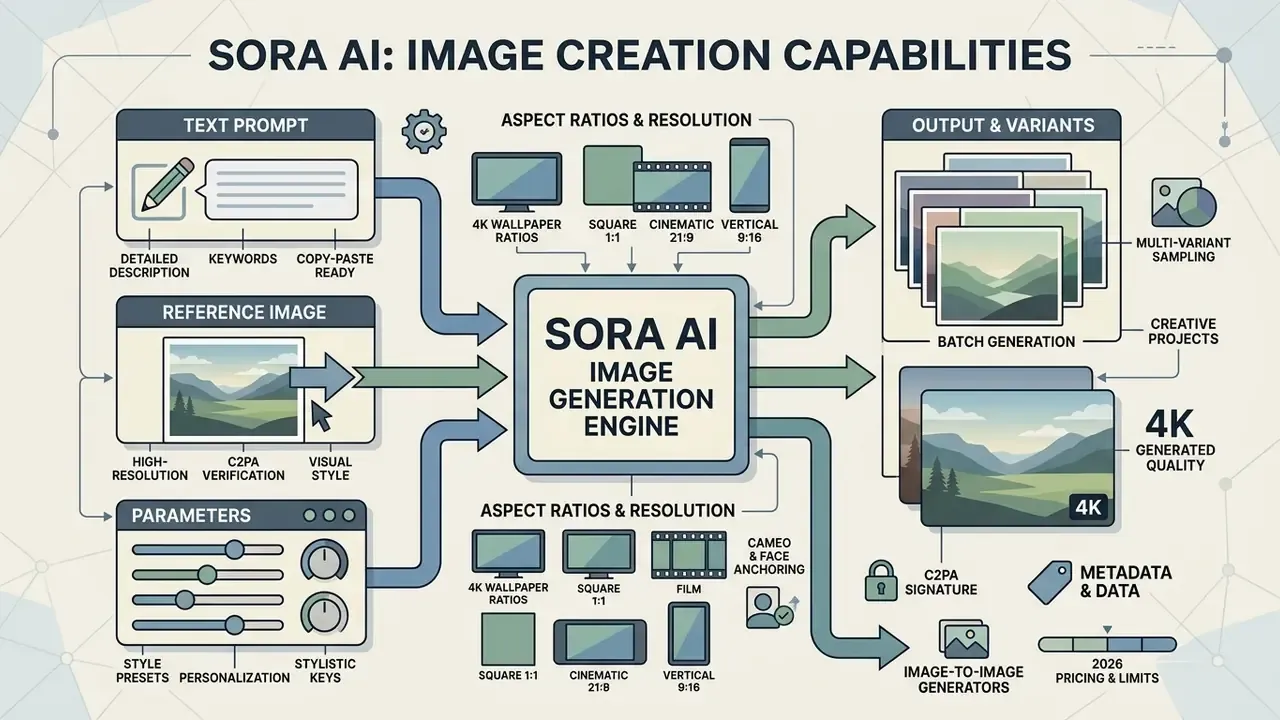
Sora AI produces static visual assets from high-resolution reference images, detailed text prompts, and multi-variant batch sampling. Creators control composition, aesthetic style, and lighting behaviour.
Creating Images from a Text Prompt
Turning a simple text description into a detailed scene requires explicit prompt engineering. When users issue prompts to sora ai create image pipelines, the model parses subject descriptors, camera depth, and lighting conditions.
To create high quality output, prompt structures should name atmospheric lighting, focal length, and spatial composition. That structure lets the sora ai image creation engine deliver photorealistic or stylized stills that match the creative brief. OpenAI's Sora 2 prompting guide treats the prompt as a shot storyboard: subject, motion, framing, depth of field, lighting, and palette are stated rather than inferred.
A small observation from testing: "cinematic" adds almost nothing, while "85mm, f/2.0, single softbox from camera left" changes the frame immediately.
Styles, Personalization, Aspect Ratios, and Reference Images
A reference image establishes a persistent visual anchor for character design, colour palette, and environmental branding. When creators supply an image asset, Sora locks key style parameters across subsequent generation passes, the same logic used by dedicated image-to-image generators.
That capability matters for creative projects, brand asset generation, and marketing materials. Support for multiple art styles lets teams move from hyper-realistic photography to stylized digital illustration without rebuilding the prompt from scratch.
Supported aspect ratios and resolutions. Official Sora image creation exposes 3:2, 1:1, and 2:3 framing, while the video and frame pipeline plus partner platforms add 16:9 and 9:16. Reported output ceilings range from 2048×2048 stills in the original technical description, to 1080p/1024p video frames in the API, up to 4K upscaled exports on third-party platforms. Reference uploads must match the target resolution and use image/jpeg, image/png, or image/webp.
Style presets and stylistic keys. Beyond free-form prompting, Sora-family interfaces and compatible platforms expose recognizable preset vocabularies: Film Noir (monochrome, hard key light, venetian-blind shadows), Pixel Art (16-bit and 32-bit sprite aesthetics), Cartoonify (flat cel shading, bold outlines), Balloon World and Claymation (soft volumetric plasticine textures), Cyberpunk (neon rim light, wet asphalt reflections), Watercolor (bleeding pigment edges, paper grain), and 3D Render (physically based materials, ambient occlusion). If a preset is missing, name the medium, the rendering engine, and the light behaviour directly in the prompt. The result lands close enough.
Cameo and face anchoring. Sora 2 adds a Cameo personalization layer. After a verified reference capture of a person's face and voice, the model anchors that likeness across multiple shots, keeping one consistent character in different scenes. For marketing teams this enables founder-led creative and spokesperson continuity. It also raises consent obligations, because non-consensual likeness use is explicitly prohibited and removable from sharing surfaces.
- image-to-image generators
- creative projects
Batch Generation and Output Variants
Batch generation lets users compare several visual interpretations of one text prompt at once. OpenAI documents up to 4 images at a time for Pro users, and the video API exposes an n_variants parameter returning one to four distinct interpretations in a single job. Because identical prompts produce non-identical outputs, variant sampling, not prompt rewriting, is usually the fastest path to an acceptable composition.
Sampling sora ai generated images in batches helps content teams pick the most accurate rendering of complex scene geometry. It compresses visual asset creation for commercial campaigns and digital media production. One caveat: four near-identical variants often mean the prompt is underspecified, not that the model is stuck.
Table: Sora AI image generation capability matrix
| Capability | How the mechanism works | Technical parameters | Supported presets and stylistic keys | Use case |
|---|---|---|---|---|
| Text prompts | Converts natural language into detailed visual frames. | Complex instructions, lighting, palette, camera angle. | Photorealistic, cinematic, documentary, editorial. | Concept art, storyboards, idea generation. |
| Reference image | Uses an uploaded image as a visual anchor or first frame. | JPEG, PNG, WebP; must match target resolution. | Locked character design, wardrobe, set dressing. | Brand identity consistency, character design. |
| Style and personalization | Adapts aesthetics to defined artistic directions. | Prompt-level style control plus preset selection. | Film Noir, Pixel Art, Cartoonify, Balloon World, Claymation, Cyberpunk, Watercolor, 3D Render. | Ad banners, social media creative. |
| Aspect ratio control | Defines canvas geometry before denoising starts. | 3:2, 1:1, 2:3 in image mode; 16:9 and 9:16 in frame or video mode. | Desktop wallpaper, phone wallpaper, square feed posts. | Multi-platform asset kits. |
| Batch generation | Produces several variants from one request. | Up to 4 images (Pro); API n_variants = 1 to 4. | Variant-level style sampling. | Fast selection of the best composition. |
| Cameo personalization | Anchors a verified person's likeness across shots. | Consent-gated reference capture (Sora 2). | Consistent spokesperson or founder-led creative. | Personal branding, UGC-style ads. |
| Link to video generation | Exports the first frame or animates a static reference. | Synchronizes DiT spatial-temporal patches. | Cinematic motion, multi-shot sequences. | Animated micro-clips, video previews, stories. |
The capabilities above reflect Sora's dual function as a frame generator and a video simulator. Users can input text descriptions, anchor generations with reference files, select stylistic constraints, run batch rendering passes, and bridge static frames into animated video pipelines. Teams benchmarking output fidelity against dedicated diffusion apps should also read our roundup of the best AI image generators.
How to Use Sora AI for Image Generation
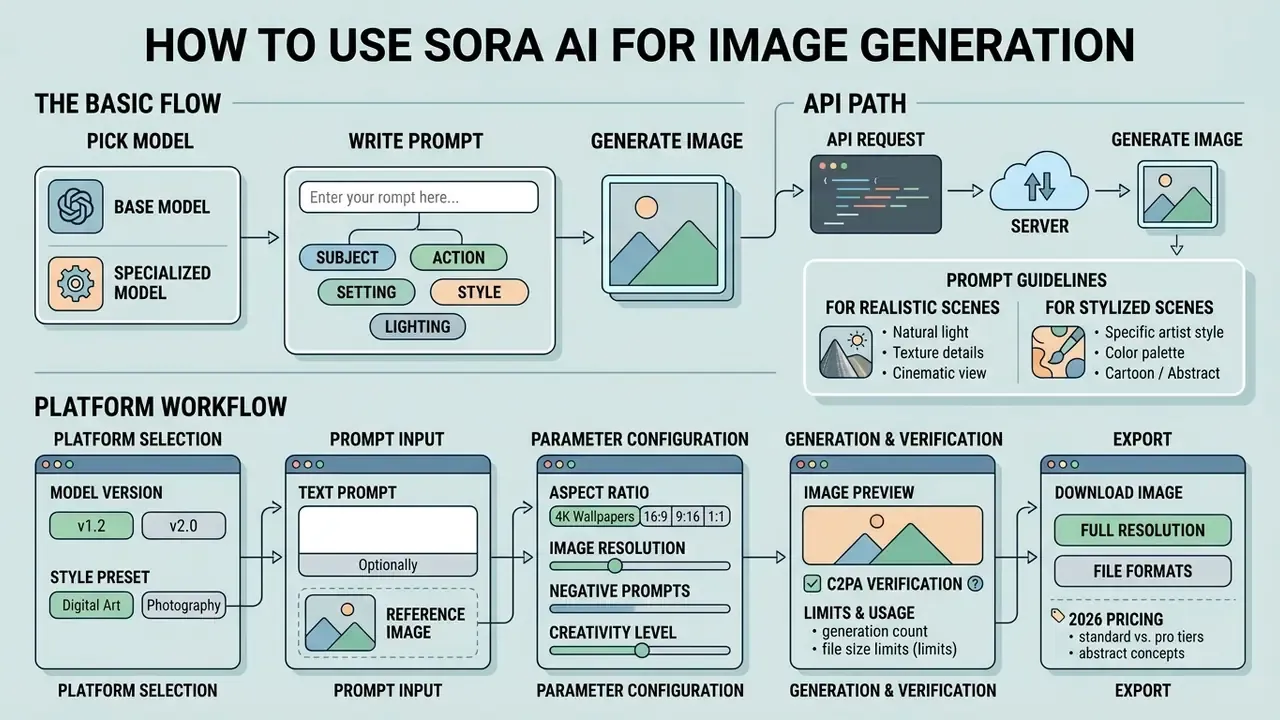
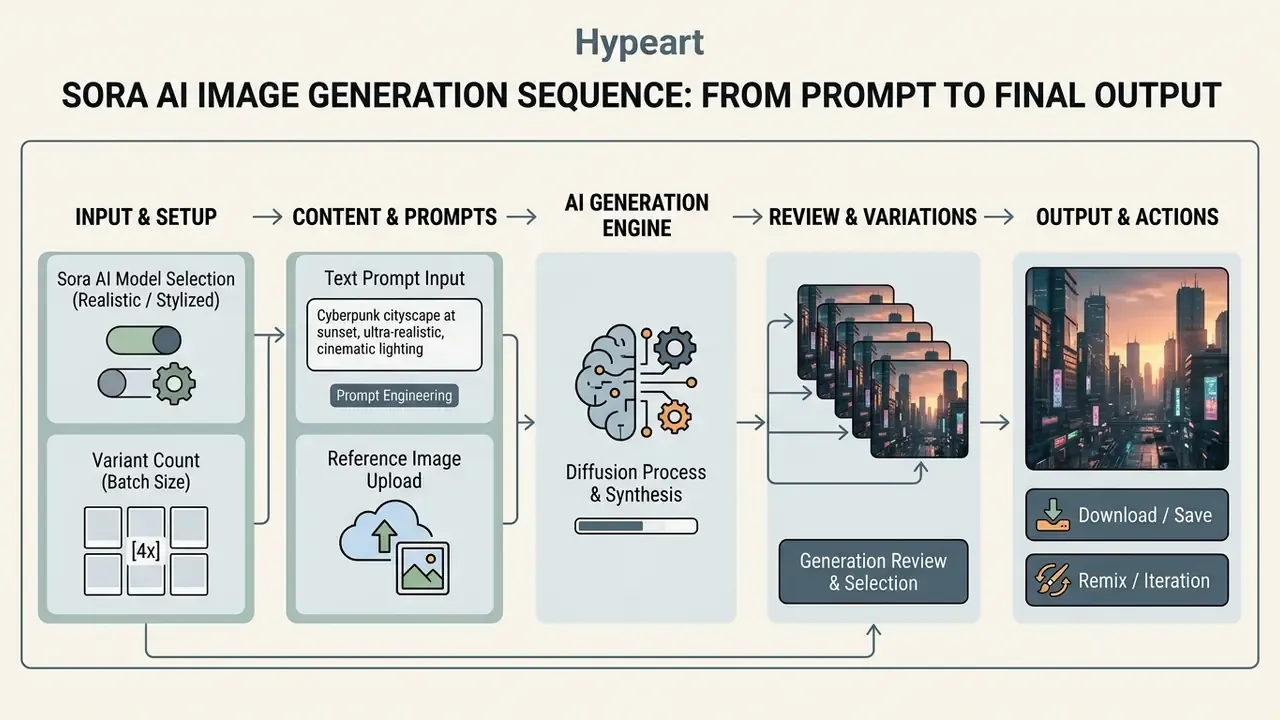
To use sora ai for visual creation, pick the generation model, write a structured text prompt, configure the aspect ratio, and run the job. Four decisions, in that order.
The Basic Flow: Pick a Model, Write a Prompt, Generate the Image
The basic process to sora ai generate images involves selecting the model tier, entering contextual prompts, and verifying output parameters.
- Open the chosen sora ai image generation platform interface or API endpoint.
- Select the visual model mode and set target dimensions (for example 1:1, 16:9, or 9:16).
- Enter the detailed text prompt or attach a reference image asset.
- Trigger the generation command to create image variants.
- Review results, run remix iterations if needed, then download high-resolution outputs.
On the web surface the same path reads as Create → Image → prompt → Generate → open output → Download, with R triggering a Remix pass on an existing result.
API Path: A Minimal Request for Developers
For engineering teams the video and frame endpoint is asynchronous. You submit a job, poll until completed, then download the asset. A minimal reference-anchored request looks like this:
curl https://api.openai.com/v1/videos \
  -H "Authorization: Bearer $OPENAI_API_KEY" \
  -F model="sora-2-pro" \
  -F prompt="Static hero frame: matte-black ceramic espresso cup on brushed concrete, single softbox from camera left, 85mm lens, f/2.0, cool grey palette" \
  -F size="1920x1080" \
  -F seconds="4" \
  -F input_reference="@brand-anchor.png;type=image/png"
{
  "model": "sora-2-pro",
  "prompt": "Static hero frame: product on brushed concrete, single softbox, 85mm, f/2.0",
  "size": "1080x1920",
  "n_variants": 4,
  "input_reference": { "file_id": "file_abc123" }
}
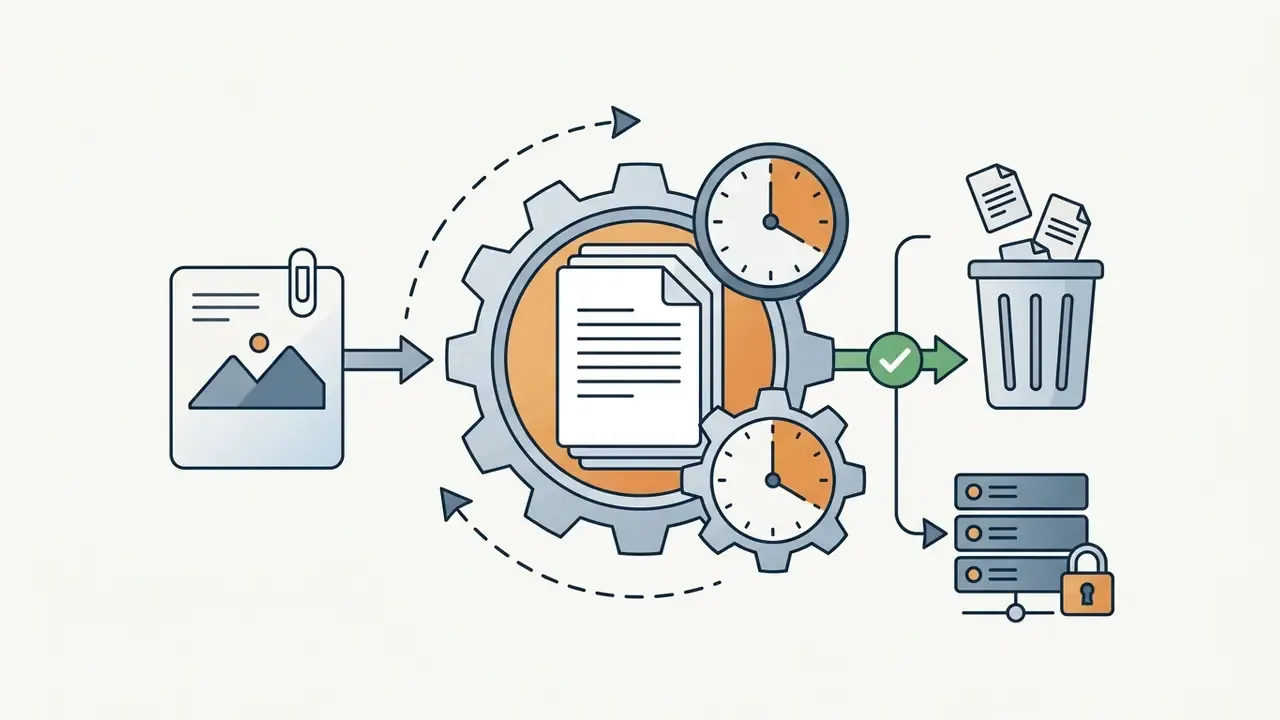
Implementation notes: input_reference must match the requested size exactly; accepted MIME types are image/jpeg, image/png, and image/webp; images containing human faces may be rejected by safety filters; sora-2-pro is the tier recommended for production-grade output. Log the file_id you upload, because deletion later depends on it.
How to Write Prompts for Realistic and Stylized Scenes
Effective prompt structure separates subject details, environment, camera framing, and lighting quality.
For cinematic photorealism, drop vague buzzwords and specify technical parameters such as "golden hour rim lighting, 35mm lens framing, shallow depth of field". When targeting stylized digital art, name the artistic medium, the rendering style, and the palette. A reliable field order is: subject → environment → camera → light → palette → constraints → aspect ratio.
Copy-Paste Prompt Templates and Sora Wallpaper Recipes
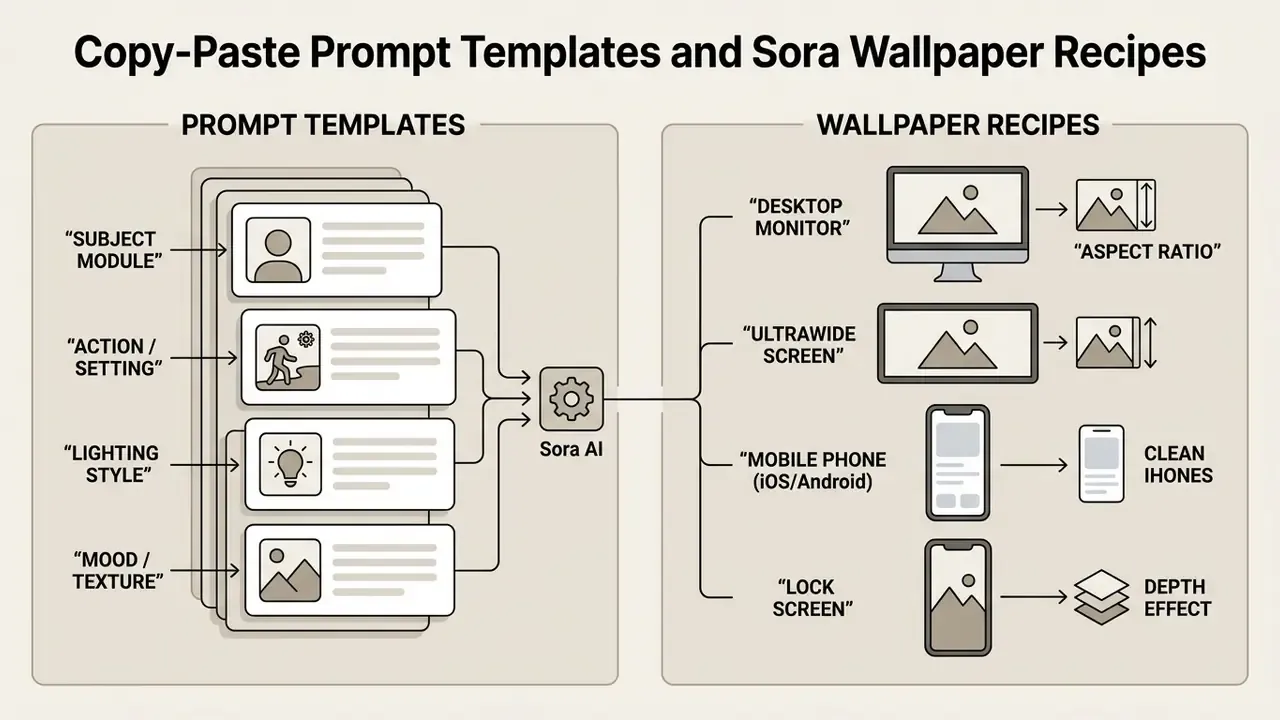
The templates below are production-tested starting points. Replace the bracketed variables, keep the technical tail intact, and generate four variants before you start editing wording.
1. Cinematic photorealism (16:9, desktop-grade):
Photorealistic atmospheric shot of an abandoned greenhouse at sunset, volumetric
golden-hour light filtering through cracked glass, detailed moss and rust textures,
35mm lens framing, shallow depth of field, f/1.8, high-contrast shadows,
natural color grading, no text, no watermark --ar 16:9
2. Stylized isometric or surreal design (1:1, feed post):
Isometric 3D digital illustration of a futuristic floating island city, pastel color
palette, soft ambient occlusion, clean minimalist geometry, claymation-inspired
render style, even studio lighting, centered composition, generous negative space
for overlay copy --ar 1:1
3. Product hero frame with brand anchor (3:2, e-commerce):
Studio product frame of [PRODUCT] on brushed concrete, single large softbox from
camera left, subtle gradient falloff on the background, 85mm lens, f/2.0, crisp
micro-contrast on material edges, cool grey and matte black palette, no props,
no typography --ar 3:2
4. Film Noir portrait environment (2:3, editorial):
Film noir interior, monochrome, hard key light through venetian blinds casting
striped shadows across a rain-streaked window, cigarette smoke haze, 50mm lens,
deep blacks, silver highlights, 1940s detective-office set dressing --ar 2:3
5. Pixel Art scene (16:9, game concept):
16-bit pixel art side-scroller scene, neon-lit rainy alley, limited 24-color palette,
crisp 1px outlines, dithered gradients, parallax-ready foreground and background
layers, retro CRT scanline feel --ar 16:9
Creating a Sora Wallpaper (4K Backgrounds for Desktop and Phones)
The sora wallpaper use case is one of the most common consumer intents, and it is purely a framing-and-resolution problem. State the aspect ratio and the intended device explicitly at the end of the prompt.
... 4K resolution, ultra-wide desktop wallpaper composition, horizon low in frame, uncluttered upper third for desktop icons --ar 16:9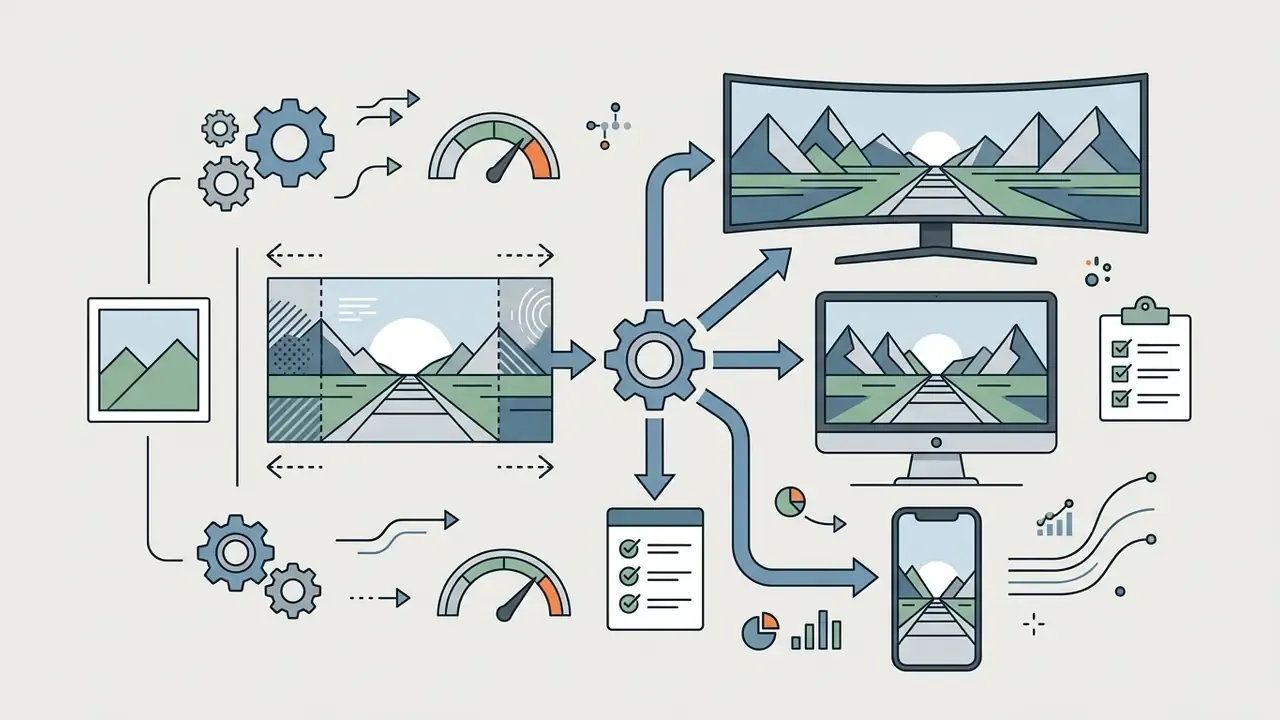
... panoramic wallpaper composition, extended horizontal field of view, symmetrical vanishing point --ar 16:9, then extend the canvas with an ai expand image tool.
... vertical mobile phone wallpaper composition, 9:16 frame, subject in the lower third, clean sky area behind clock and widgets --ar 9:16
... single foreground subject with clearly separated silhouette, soft background bokeh, vertical framing --ar 9:16Wallpaper-ready prompt, ready to paste:
Dreamlike alpine lake at blue hour, mirror-still water, layered mountain silhouettes
fading into mist, faint aurora band, ultra-detailed, cinematic color grading,
4K resolution, vertical mobile phone wallpaper composition, clean negative space in
the top third --ar 9:16
If the native export falls short of a 4K display, push the frame through an AI image upscaler instead of re-prompting at a larger size. The composition you already approved stays intact. Re-prompting throws it away.
Quality of Sora AI Generated Images: Realism, Styles, and Limitations
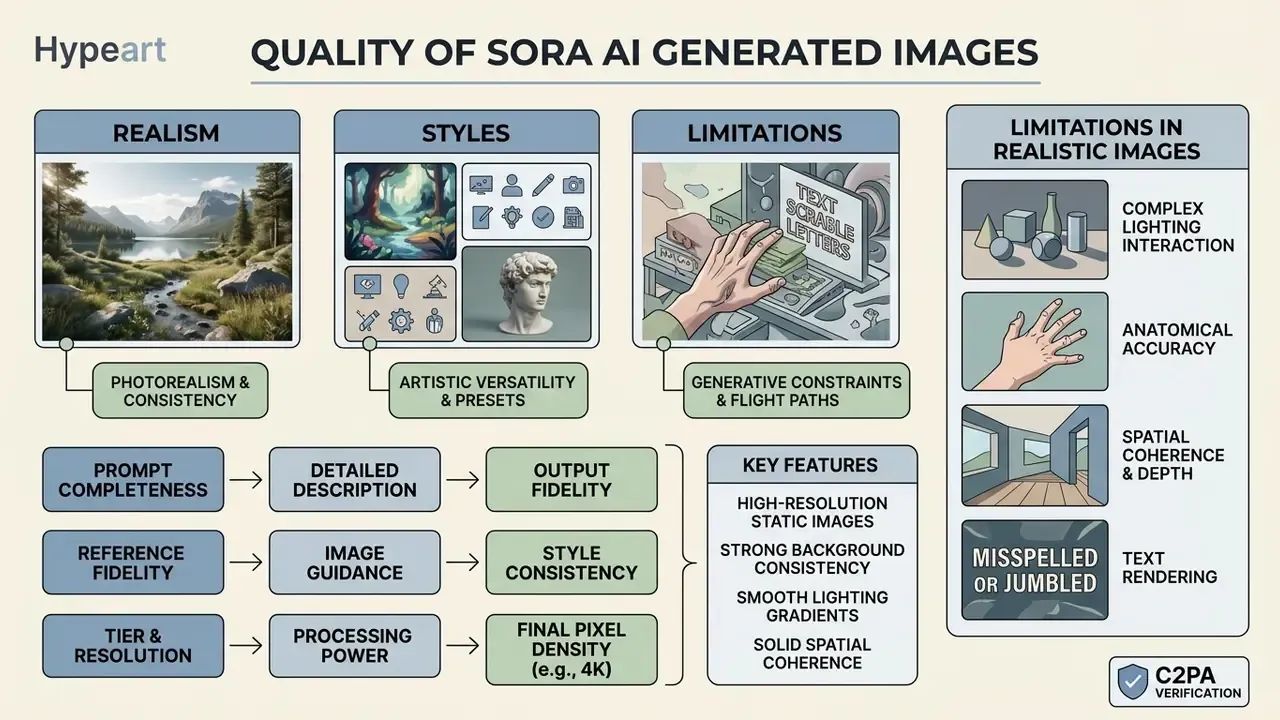
Sora AI produces high-resolution static images with strong background consistency, smooth lighting gradients, and solid spatial coherence.
«On VBench, Sora reaches 96.35 on background consistency and 98.74 on motion smoothness among proprietary models.»
Those benchmark figures are measured on video sequences. For single extracted frames, read them as an indicator of scene stability, not a photographic sharpness score. Structural limits around small object physics and intricate human anatomy remain.
What Determines AI Image Generation Quality
Image quality in advanced ai models is dictated by prompt specificity, reference image clarity, and resolution settings. Clean, high-resolution visual anchors prevent artifacts during rendering passes.
Higher model tiers, such as the Pro endpoints, also grant more compute, which shows up as sharper textures, accurate reflections, and cleaner edge definition in complex scenes. When a source frame is already approved but slightly soft, a pass through an AI image enhancer costs less than a full regeneration cycle.
Three levers dominate in practice:
- Prompt completeness subject, environment, camera, and light stated as separate clauses.
- Reference fidelity the anchor must match the target resolution; mismatched or heavily compressed uploads cap achievable detail.
- Tier and resolution
sora-2-proat 1080p resolves material texture that 480p and 720p tiers smooth away.
Limitations When Creating Realistic Images
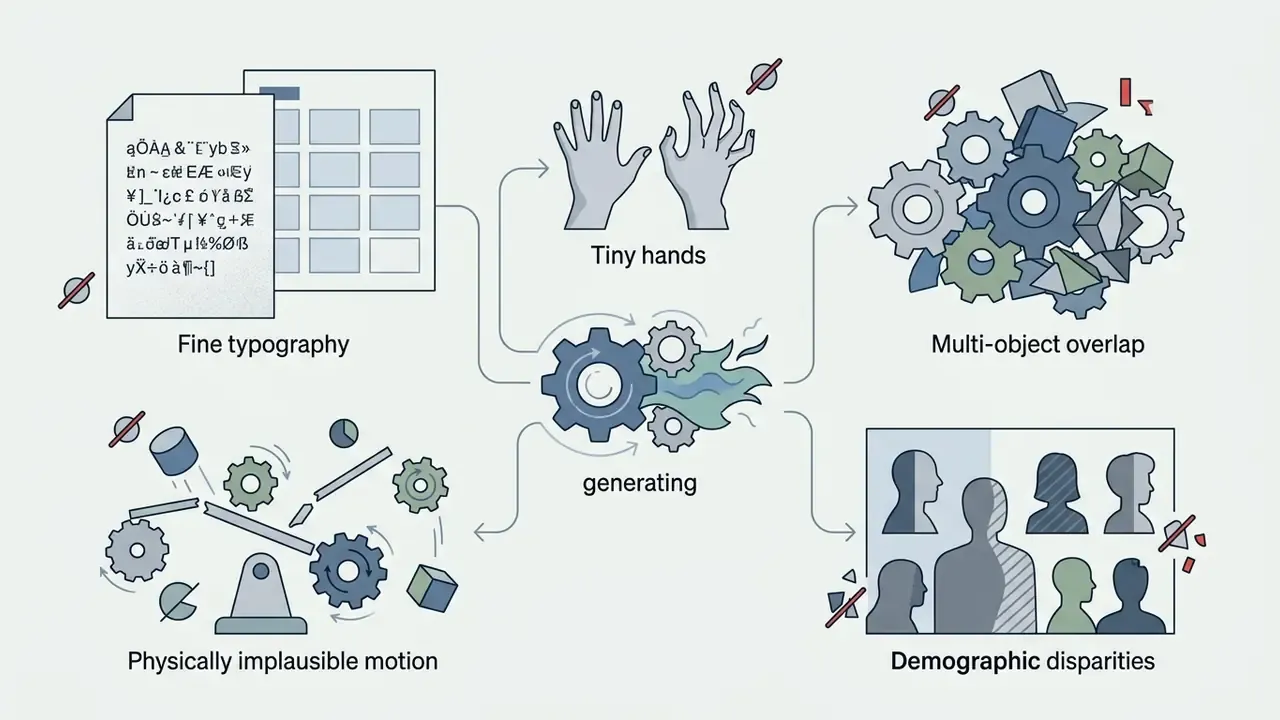
Sora excels at grand environmental scenes and broad lighting physics. Static frame extractions, though, can show spatial inconsistencies. Small hands, dense multi-object overlap, and fine text elements may distort.
«Sora sometimes generates physically implausible scenes and struggles with complex actions over long time horizons.»
Independent reviews add prompt drift, duplicated or merged entities, inconsistent lighting between elements, and over-smoothed "hyperreal" skin. Safety filters also restrict generation of public figures, copyrighted characters, copyrighted music, and non-consensual likenesses; input images containing human faces may be rejected outright. Reviewing generated visual assets against AI Media Benchmarks helps teams catch subtle artifacts before commercial deployment.
Limitation to assignment mapping. Read this table before committing Sora to a production slot.
| Known weakness | Do not use Sora for | Use Sora for instead |
|---|---|---|
| Fine typography, handwriting | Packaging copy, logos, legal labels | Background plates with type added in design tools |
| Small hands, dense crowds | Close-up human hero shots | Wide environmental shots, silhouettes |
| Physically implausible motion | Technical or instructional demos | Mood films, atmospheric b-roll |
| Public figures, IP characters | Parody or fan campaigns | Original characters with Cameo consent |
| Long-horizon action coherence | Multi-minute narrative cuts | Short beats, hero frames, storyboards |
A quick sanity test we use before sign-off: zoom to 200% on hands, text, and object boundaries. Most rejects fail there, not at full view. Comparing questionable frames against a documented ai vs real reference set speeds that call up considerably.
Sora AI Free Image Generation: Free Access, Pricing, and Credits
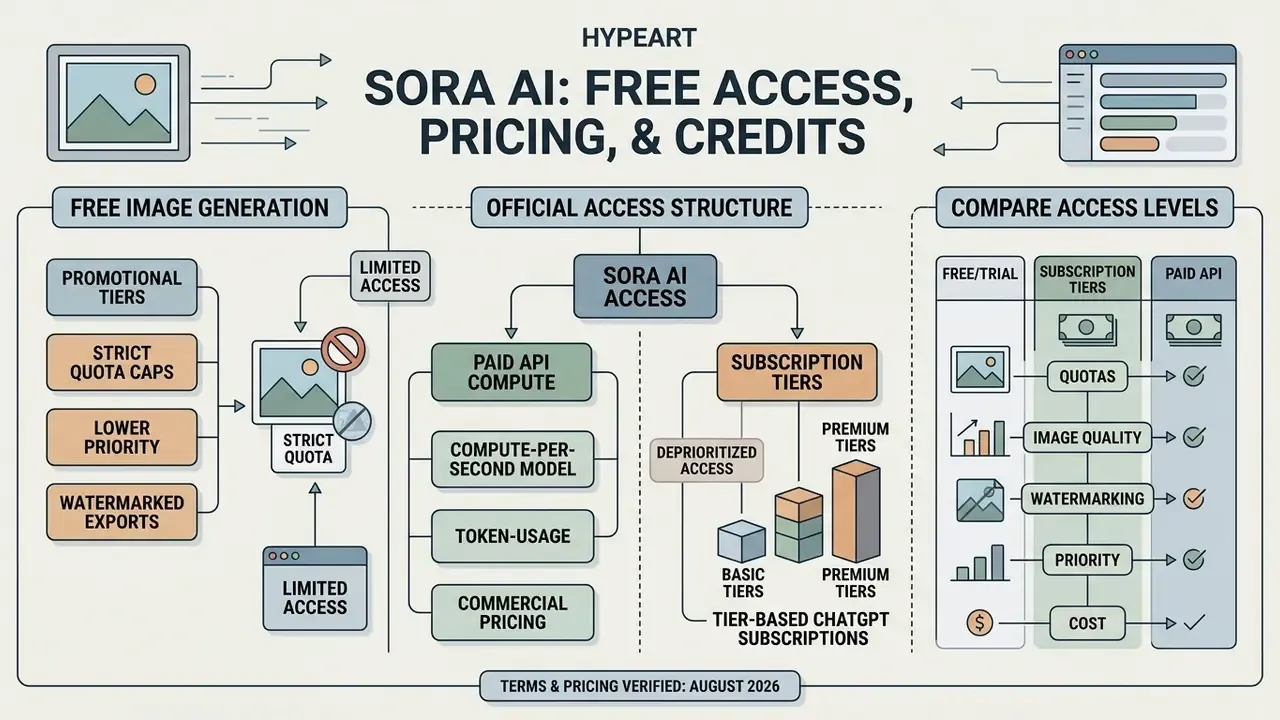
Official access to Sora AI is built around paid API compute usage and tier-based ChatGPT subscriptions. Free access is governed by dynamic daily quotas on OpenAI's infrastructure rather than one published number, and by regional availability constraints.
What Free Image Generation Can Include
How to Compare Sora AI Image Generation Platform Tiers
Commercial pricing for Sora API access runs on a compute-per-second or token-usage model. For ChatGPT interface users, access is bundled into monthly subscription plans.
«Sora Turbo is included in Plus at no additional cost: up to 50 videos per month at 480p; the Pro plan offers 10× higher limits and 1080p resolution.»
Pricing information is provided for orientation only. Verify current terms and limits on OpenAI's official site, since they change frequently.
Table: Sora AI plans, limits, and rights comparison
| Plan | Indicative cost | Limits and credits | Reference and batch support | Commercial rights |
|---|---|---|---|---|
| Free tier (limited) | $0 per month | Dynamic daily quotas set by OpenAI infrastructure load; lowest queue priority; some account types not eligible. | Basic prompt; batch of 1 to 2 frames. | Personal use only. |
| ChatGPT Plus | $20 per month | About 1,000 credits per month; standard resolution (480p/720p); historically up to 50 videos per month at 480p. | Yes (reference upload, batch up to 4 variants). | Permitted under the Terms of Use. |
| ChatGPT Pro | $200 per month | About 10,000 credits per month; roughly 10× Plus limits; Pro model access (1080p and above); experimental Sora 2 Pro. | Extended references, priority batch. | Full commercial rights. |
| API (pay-as-you-go) | $0.10/sec (sora-2); $0.30 to $0.70/sec (sora-2-pro by resolution) | Billed per generated second or processed tokens. | Full programmatic control via JSON, input_reference, n_variants. | Commercial use permitted. |
The structure above contrasts entry-level trial access with subscription and API developer tiers. The right option depends on required volume, resolution thresholds, and commercial licensing needs. One budgeting note that teams miss: per-second API billing is charged on generated seconds, so rejected variants still cost money. Build a rejection rate into the forecast.
«Sora 2 launches free to use with generous limits; ChatGPT Pro users also get access to the experimental Sora 2 Pro model.»
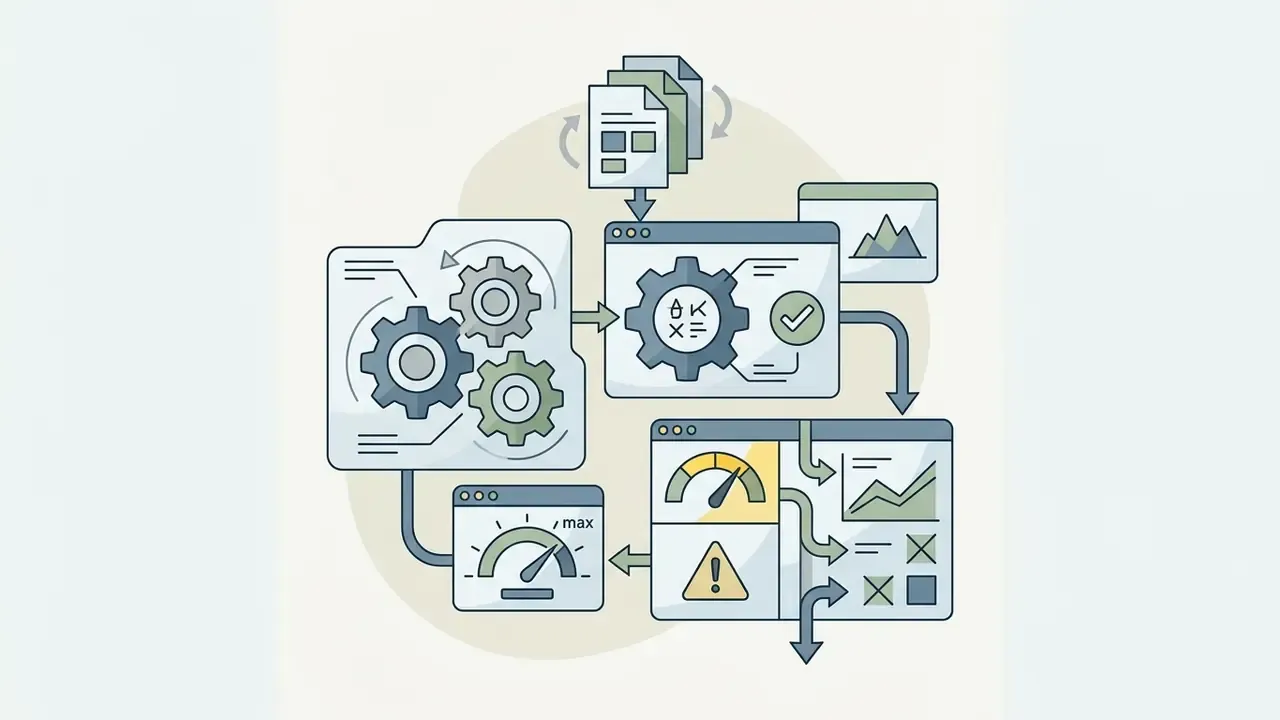
Compliance, Data Retention, and a Shadow-AI Checklist
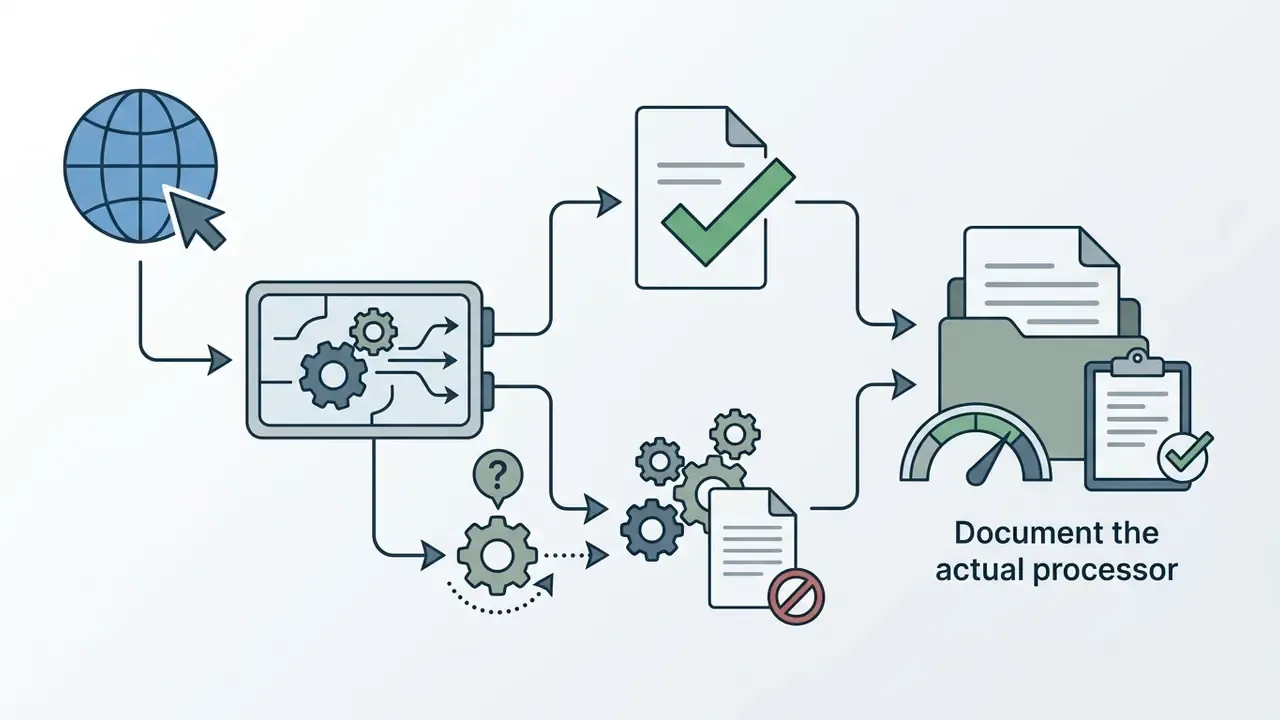
For risk, audit, and procurement functions the decisive question is not output quality. It is where the uploaded reference material goes. The governance profile differs sharply between surfaces.
| Dimension | Official API | ChatGPT Plus / Pro | Third-party "Sora" wrapper |
|---|---|---|---|
| Named data controller | OpenAI, under developer terms | OpenAI, under consumer terms | The wrapper vendor (often undisclosed) |
| Training on your inputs | Governed by developer data policy; opt-out settings documented | Governed by consumer data controls in account settings | Frequently unspecified |
| Retention of reference uploads | Documented file lifecycle; deletable by file_id | Tied to conversation and asset history | Unknown; may persist indefinitely |
| Model version transparency | Explicit (sora-2, sora-2-pro) | Tier-dependent, disclosed in-product | Usually an unnamed backend |
| Provenance signals | C2PA metadata plus watermark | C2PA metadata plus watermark | Not guaranteed |
| Audit trail | API logs, request IDs | Account activity | None exportable |
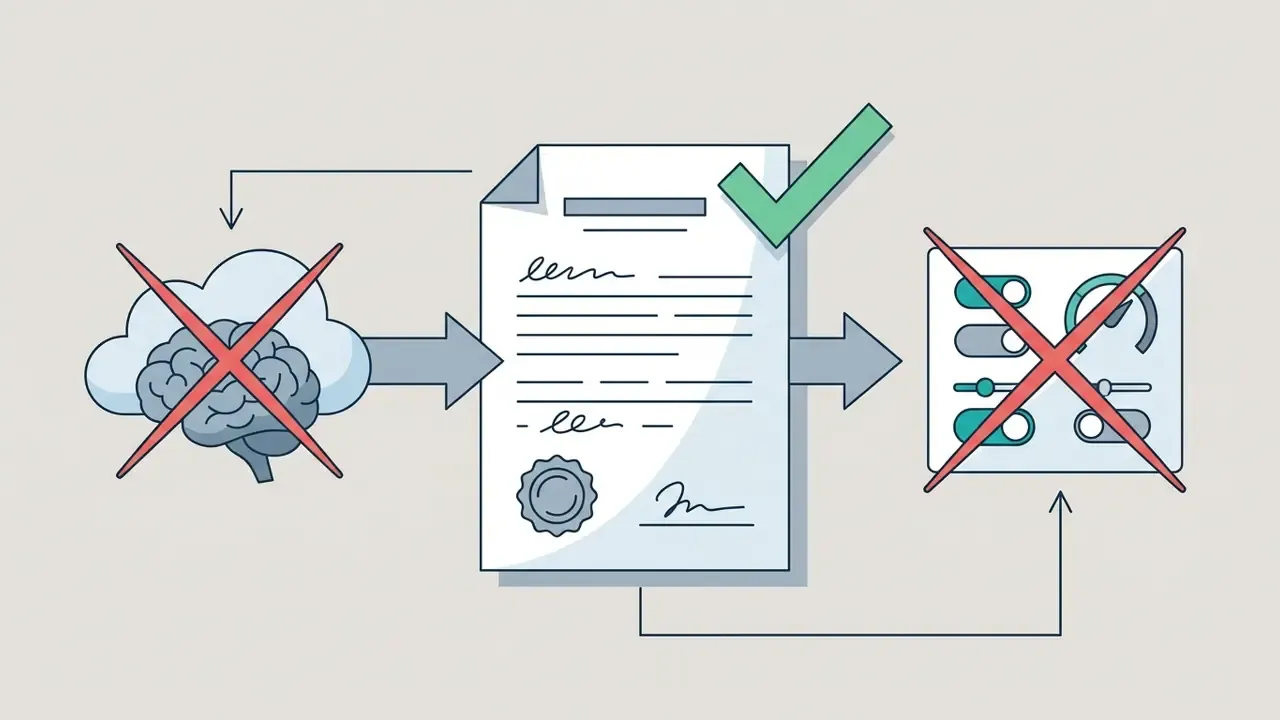
Ownership deserves one extra line. Each approved use case should name a human owner, an approved scope, an escalation path, and a stop condition. No evidence, no autonomy. That principle applies to a marketing image pipeline as squarely as it applies to a credit model.


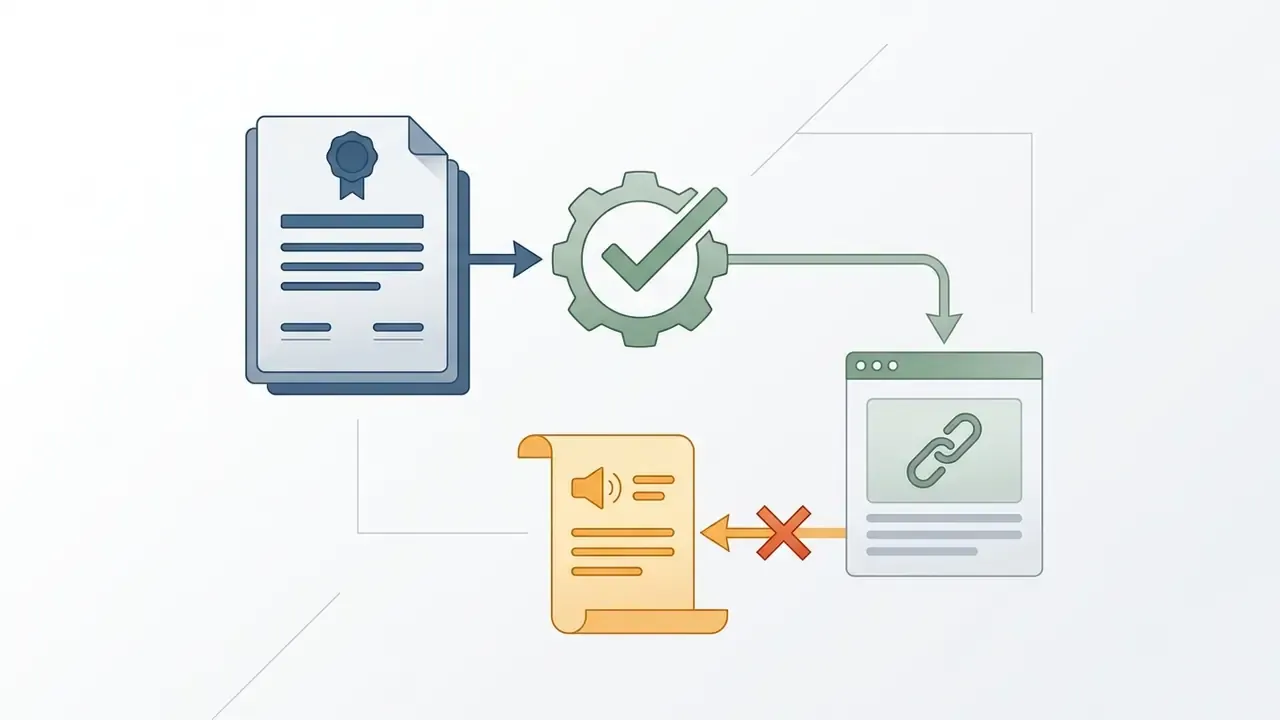
Sora AI vs GPT-4o and Other AI Image Generators
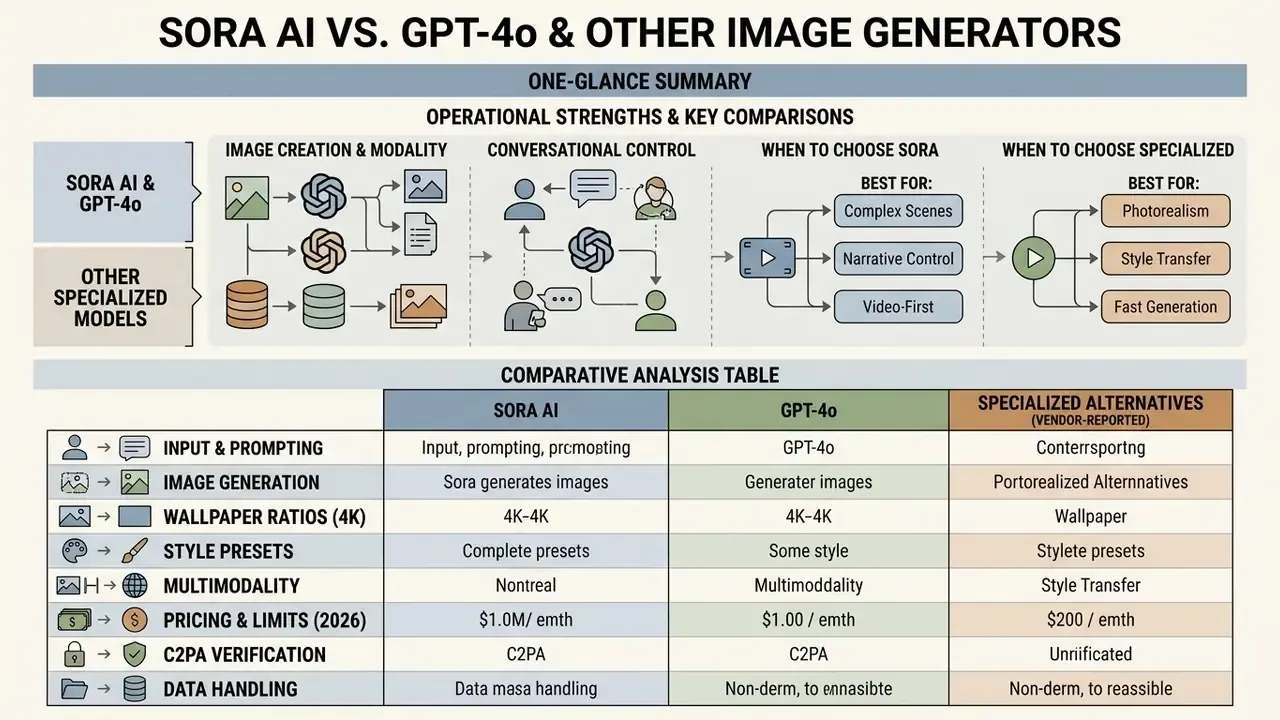
Comparing Sora with specialized image models surfaces distinct operational strengths. GPT-4o excels at conversational text-to-image workflows, whereas text-to-video AI systems prioritize temporal motion and spatial physics.
Sora AI and GPT-4o: Image Creation, Conversational Control, and Multimodality
GPT-4o ships natively embedded image generation, allowing users to edit visual assets fluidly inside a chat window. Readers comparing conversational workflows can review our ChatGPT image generation analysis for detailed benchmarks. Architecturally the two systems are separate: GPT-4o is an omnimodal LLM with native image output, Sora is a diffusion-transformer video model. Claims that Sora is "built on GPT-4o" are simply inaccurate.
Sora approaches image generation through spatial-temporal world simulation instead. GPT-4o is optimized for precise text rendering and interactive graphic editing. Sora is better at photorealistic physical spaces and continuous scene transitions.
«Sora scores 79.91 on motion dynamics versus 47.50 for Pika-1.0, with comparable imaging quality of 68.28 vs 65.51.»
When to Choose Sora and When to Choose a Specialized Image Generation Tool
Choose a specialized static image generator when the goal is fast vector graphic creation, photo retouching, or typography design. Tools such as a chatgpt photo editor or an ai expand image tool give tighter canvas control.
Choose Sora when the workflow moves stills into motion, builds video storyboards, or needs physical spatial consistency across sequential frames. The same decision axis appears in our comparison of AI video generators, in guides to image-to-video AI, and in the head-to-head Sora vs Veo breakdown.
Table: Comparative analysis of Sora AI, GPT-4o, and vendor-reported alternatives
| Criterion | OpenAI Sora | GPT-4o Native Image | Gemini-native image generation (marketed as "Nano Banana"), vendor-reported | ByteDance video model (marketed as "Seedance 2.0"), vendor-reported |
|---|---|---|---|---|
| Primary content type | Video, audio, video frames | Images, text, dialogue | Images, visual design | Cinematic video plus audio |
| Prompt and reference handling | Text plus input_reference frame | Multimodal chat, accurate text rendering | Gemini multimodal input, style transfer | Multi-reference (reported: up to 9 images, 3 videos, 3 audio clips) |
| Quality and realism | High physical and world fidelity; VBench 96.35 background consistency | High graphic detail and typography accuracy | Reported strong colour accuracy and composition | Reported cinematic motion and lip and audio sync |
| Synchronized audio | Yes (Sora 2) | No (chat voice only) | No | Reported native generative audio |
| Primary use case | Storyboards, video ads, concept art | Illustration, graphic design, editing | Marketing graphics, web illustration | Social video, animated storytelling |
| Verification status | Official OpenAI documentation plus peer-reviewed surveys | Official OpenAI documentation plus system card | No independent benchmark in our verified source set | No independent benchmark in our verified source set |
As the comparison shows, each tool serves different visual assets. GPT-4o and Gemini-native image generation focus on immediate static image creation and graphic editing, while Sora and the ByteDance video model target high-end video generation and narrative animation. Where a column is marked vendor-reported, the specifications come from vendor marketing material and were not independently benchmarked in our verified source set. Treat them as claims, not measurements. For broader tool matrices, see the AI Media Comparison Matrices hub.
Which Tasks Suit the Sora AI Image Creator
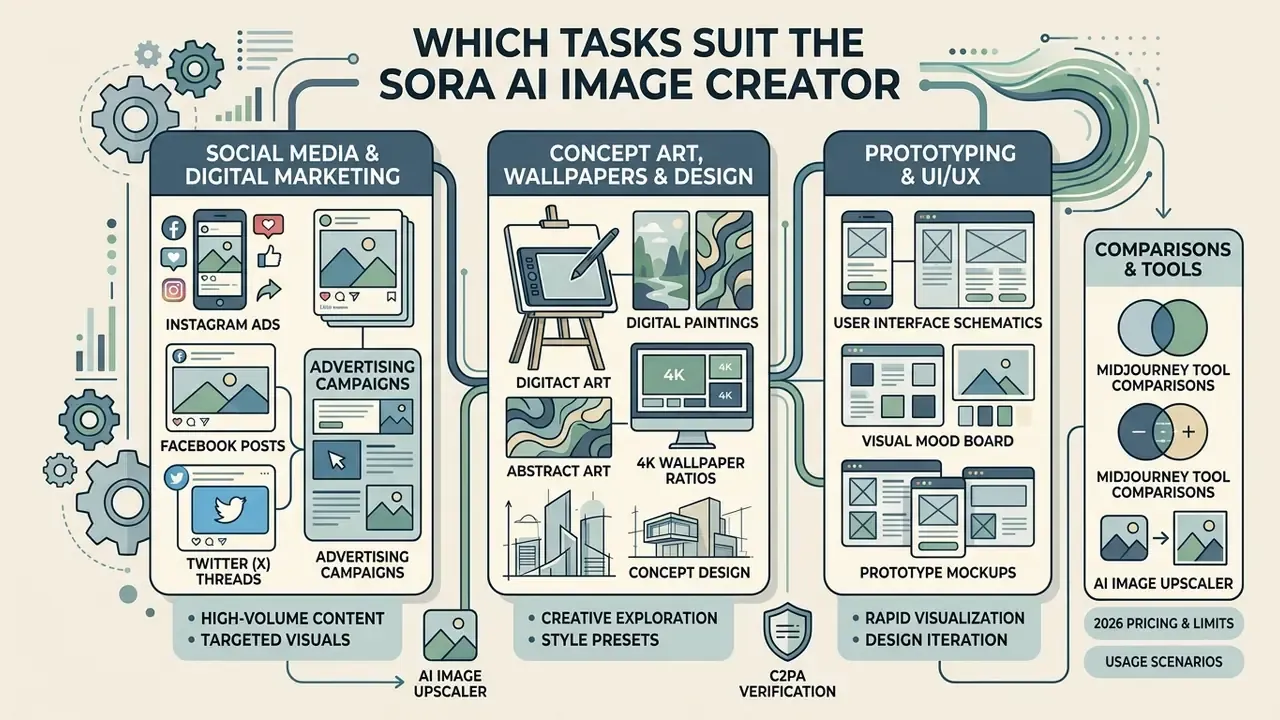
Sora AI supports high-value visual pipelines across digital marketing, social media campaigns, concept art, and UI/UX prototyping. Read this section against the limitation mapping above. The tool is strongest where environmental atmosphere matters more than typographic precision.
Digital Art, Wallpaper, Design, and Prototyping
Digital artists and UI/UX designers use Sora to prototype environmental concepts and animated interface motion. Generating architectural concepts or custom high-resolution wallpaper sets lets creative directors visualize spatial aesthetics quickly, and an AI image upscaler then brings extracted frames to native display resolution.
Third-party prompt guides document animated UI mockups, interactive prototype demos, and design-concept videos as established workflows, with one caveat worth repeating: Sora produces a demonstration video, not functional code. In design workflows, combining static frame extractions with outpainting tools enables seamless canvas extensions. Agencies often cross-reference Midjourney tool comparisons when they need a specialized artistic style that Sora does not reach.
- AI image upscaler
- Midjourney tool comparisons
FAQ About the Sora AI Image Generator
The frequently asked questions below cover rights, provenance, pricing, and the practical edges that come up in review meetings.
Can Sora AI Generated Images Be Used Commercially, and How Do You Verify an Image's Origin?
Yes. Commercial usage of Sora-generated assets is generally permitted on paid subscription tiers (Plus and Pro) and for API users, subject to OpenAI's Terms of Use. Commercial rights do not override third-party intellectual property, trademark, or right-of-publicity restrictions.
«As of 26 April 2026, the Sora product, including sora.com and the iOS app, is no longer available.» OpenAI, Sora is here (update), openai.com (2026). https://openai.com/index/sora-is-here/
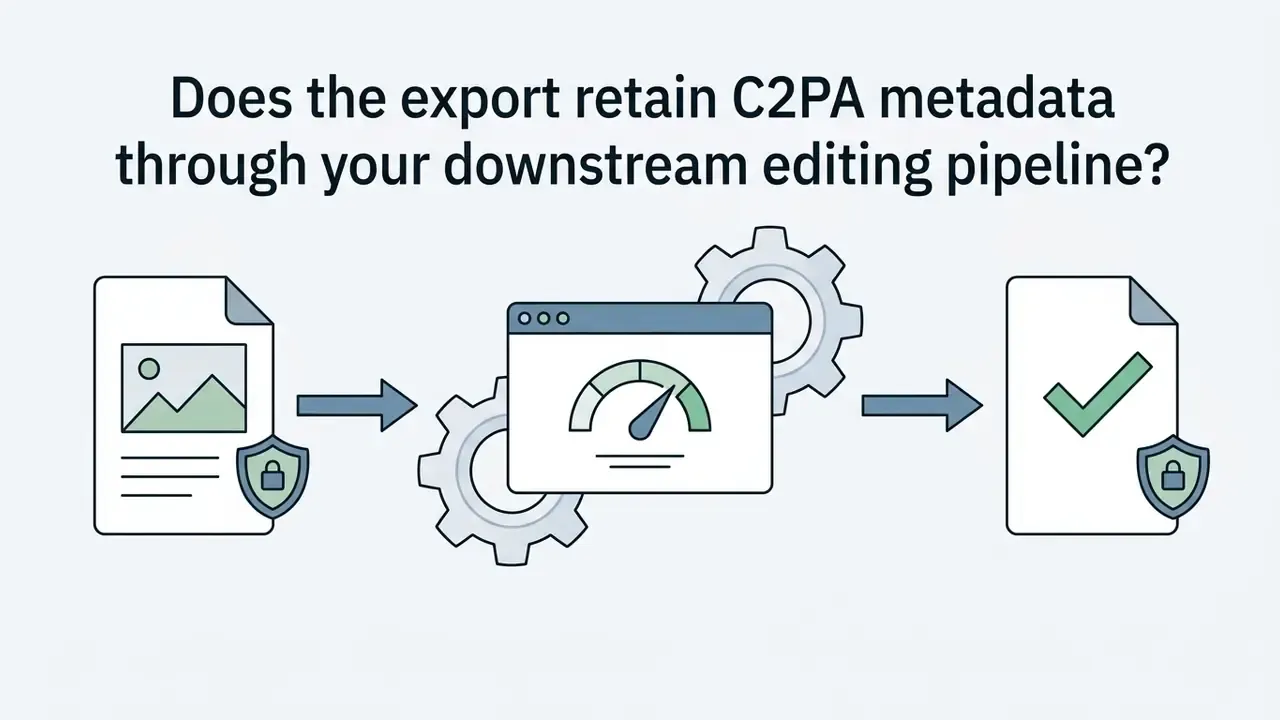
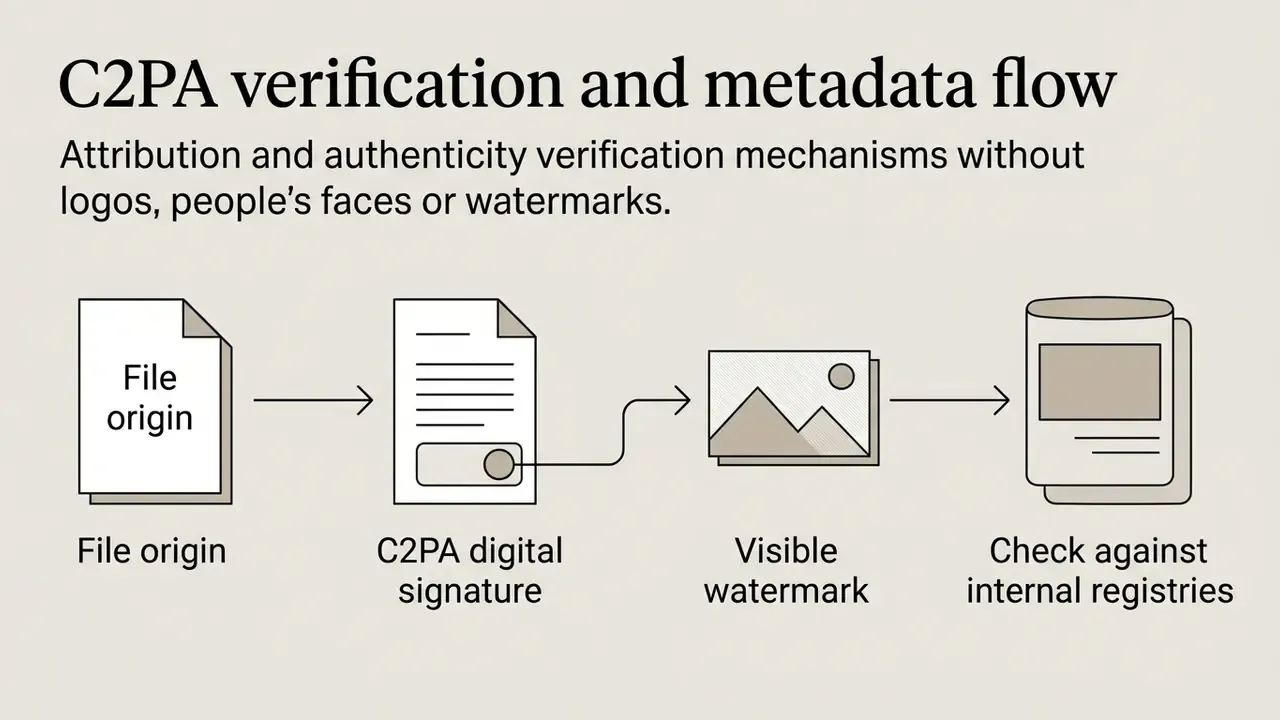
To verify whether an image came from Sora, inspect the embedded C2PA metadata. Complementary tooling such as an AI image detector helps when a downstream editor has stripped the manifest. OpenAI embeds digitally signed provenance metadata into generated files alongside subtle visual watermarks.
«All Sora videos carry C2PA metadata, allowing platforms and users to verify the AI origin of the content.» OpenAI Sora System Card, OpenAI (2024). https://openai.com/index/sora-system-card/
The C2PA specification defines provenance as a digitally signed manifest containing origin and edit-history assertions. OpenAI has also stated that internal reverse image and audio search can trace content back to Sora with high confidence.
Can Sora Content Be Monetized on YouTube and Social Platforms?
Yes. Under current platform rules and paid-tier terms (Plus, Pro, API), generated images and frames may be monetized. To satisfy YouTube's originality and reused-content policies, pair generated visuals with your own editing, narration, or storytelling context rather than publishing raw output. Disclose AI-generated or synthetic media where the platform requires it, keep the C2PA signal intact, and avoid copyrighted characters, copyrighted music, and unconsented likenesses. Creators building a repeatable pipeline can follow our YouTube video editing workflow guide.
Is the Sora Image Generator Free?
Image generation has at various points been available to free ChatGPT accounts under a limited daily allowance, while video generation has required a paid Plus or Pro subscription. Later OpenAI billing documentation lists Free, Enterprise, and Edu accounts as not eligible for Sora access. Because the policy changed repeatedly between 2024 and 2026, verify eligibility against your account type at the moment of purchase.
What Aspect Ratios and Resolutions Are Supported?
Official image mode exposes 3:2, 1:1, and 2:3. Frame and video pipelines add 16:9 and 9:16. Reported ceilings run from 2048×2048 stills to 720p, 1024p, and 1080p video tiers, with up to 4K available on some partner platforms through upscaling.
Can I Customize the Style?
Yes, in three ways: preset vocabularies (Film Noir, Pixel Art, Cartoonify, Balloon World, Claymation, Cyberpunk, Watercolor, 3D Render), explicit prompt attributes (lighting, palette, lens, medium), or a reference image upload that locks character design, wardrobe, set dressing, and overall aesthetic.
Can Sora Be Used Offline?
No. Sora runs in the cloud and needs an internet connection. There is no local installation path, which is exactly why the data-retention questions above matter.
How Long Can Sora Clips Be?
Sora generates short clips rather than full-length films, typically several seconds up to around a minute. Exact ceilings vary by tier and model version.
How Do I Tell Whether an Image Came from Sora?
Check the C2PA manifest first. Visible watermarks appear on many exports. Forensic tells include hyperreal skin smoothing, inconsistent light directions between objects, warped fine text, and artifacting at object boundaries.
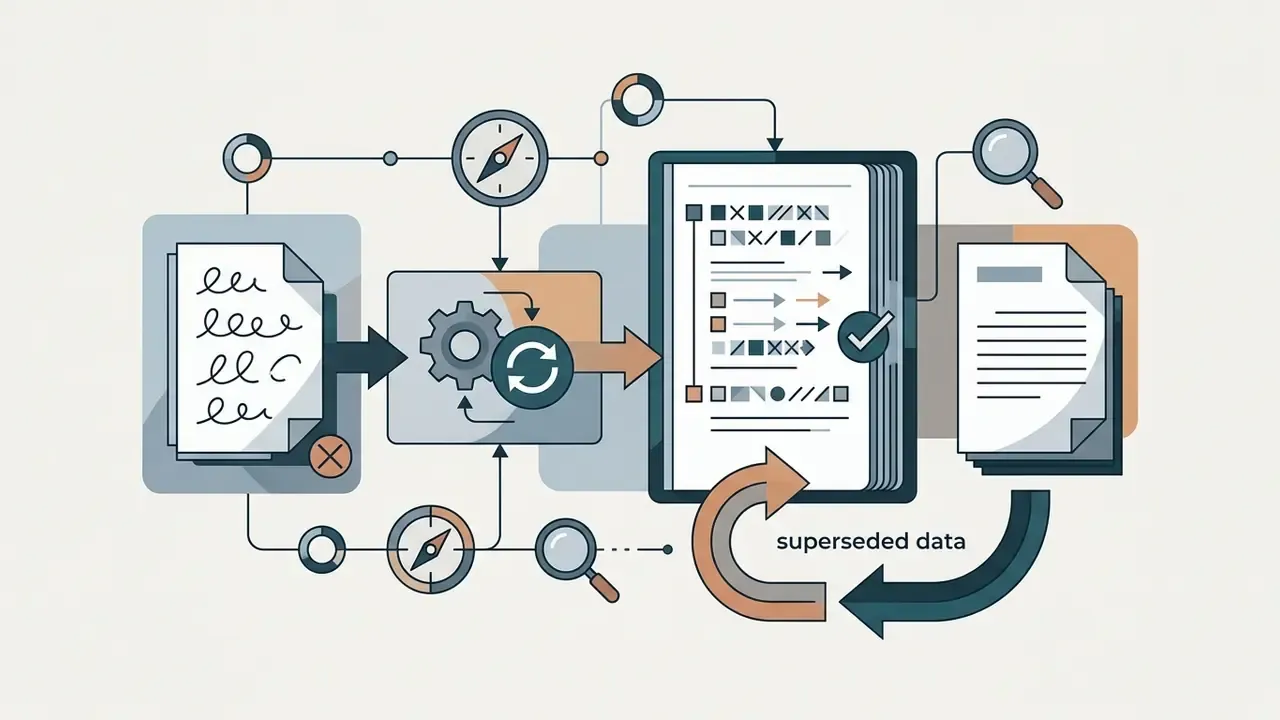
Appendix A: Superseded Fragments and Revision Log
For transparency, the statements below appeared in earlier revisions of this guide and have been replaced in the main text.
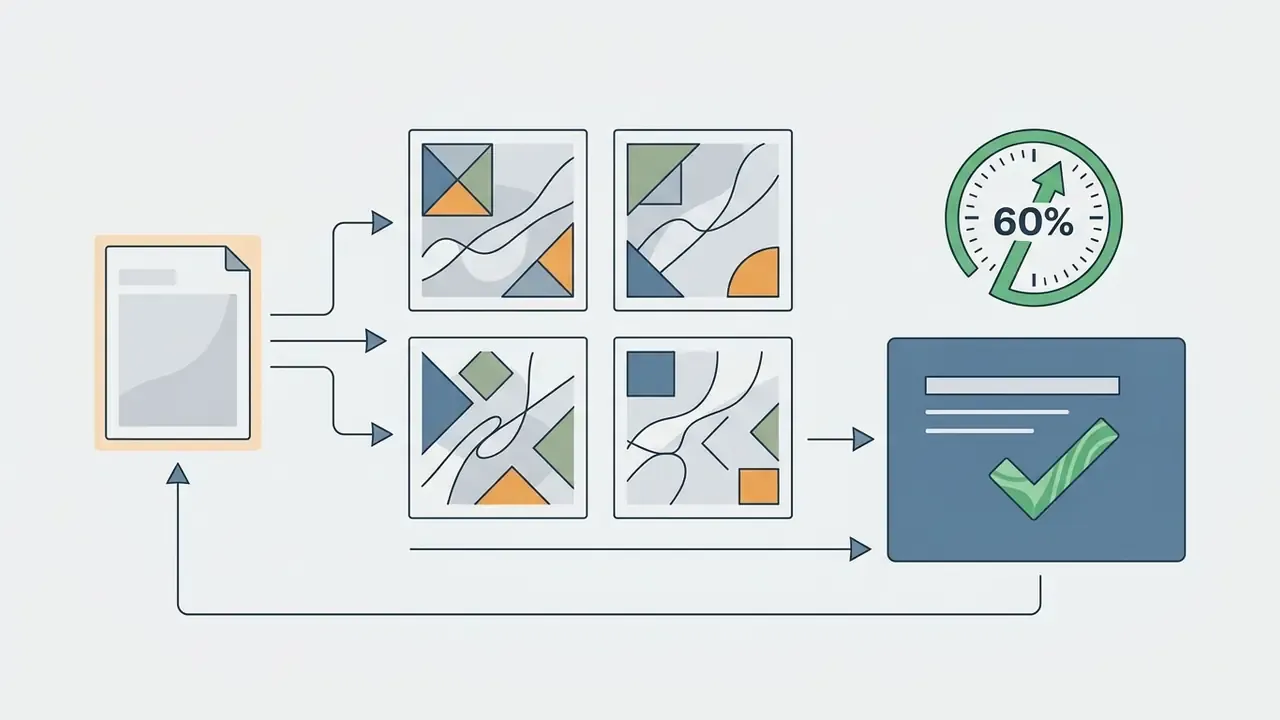
Reason: the 60% figure lacked a published methodology. Replacement: documented limits, namely up to 4 images per generation for Pro users and n_variants = 1 to 4 in the API.
Reason: imprecise. Replacement: "governed by dynamic daily quotas on OpenAI's infrastructure", with the historical figure of roughly three images per day from the DALL·E 3 era cited as a snapshot, plus the later ineligibility notice.
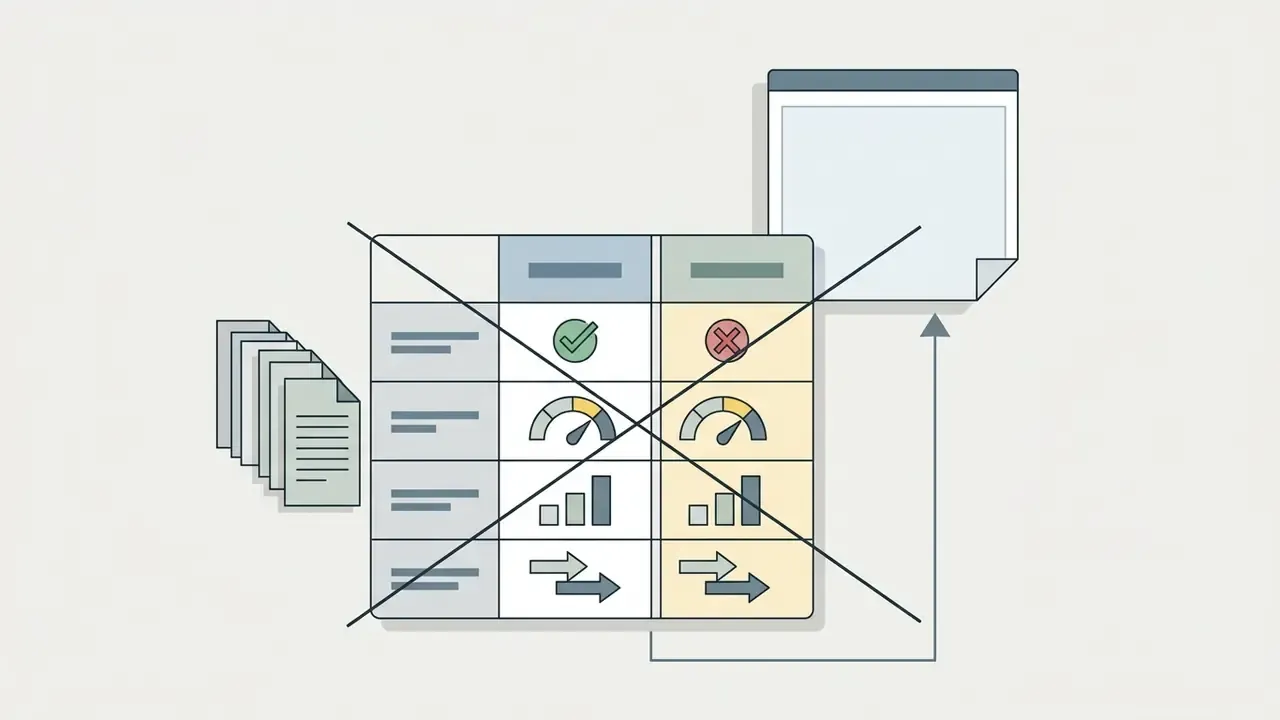
Reason: no independently verified benchmarks in our source set. Replacement: columns explicitly labelled vendor-reported, with a verification-status row added.
Reason: insufficient specificity. Replacement: a named preset vocabulary plus aspect-ratio and resolution specifications.