A free avatar maker is a web-based utility that lets users design custom digital characters without financial cost or proprietary software installation. Modern avatar creator platforms serve diverse audiences: students, content creators, gamers, and privacy-conscious professionals who need non-photographic representations for digital profiles.
There is a second, quieter audience. Risk, security and compliance teams inside banks and fintech companies keep landing on the same question: how much scrapeable facial imagery does our organization publish, and what replaces it?
Key Takeaways in 60 Seconds

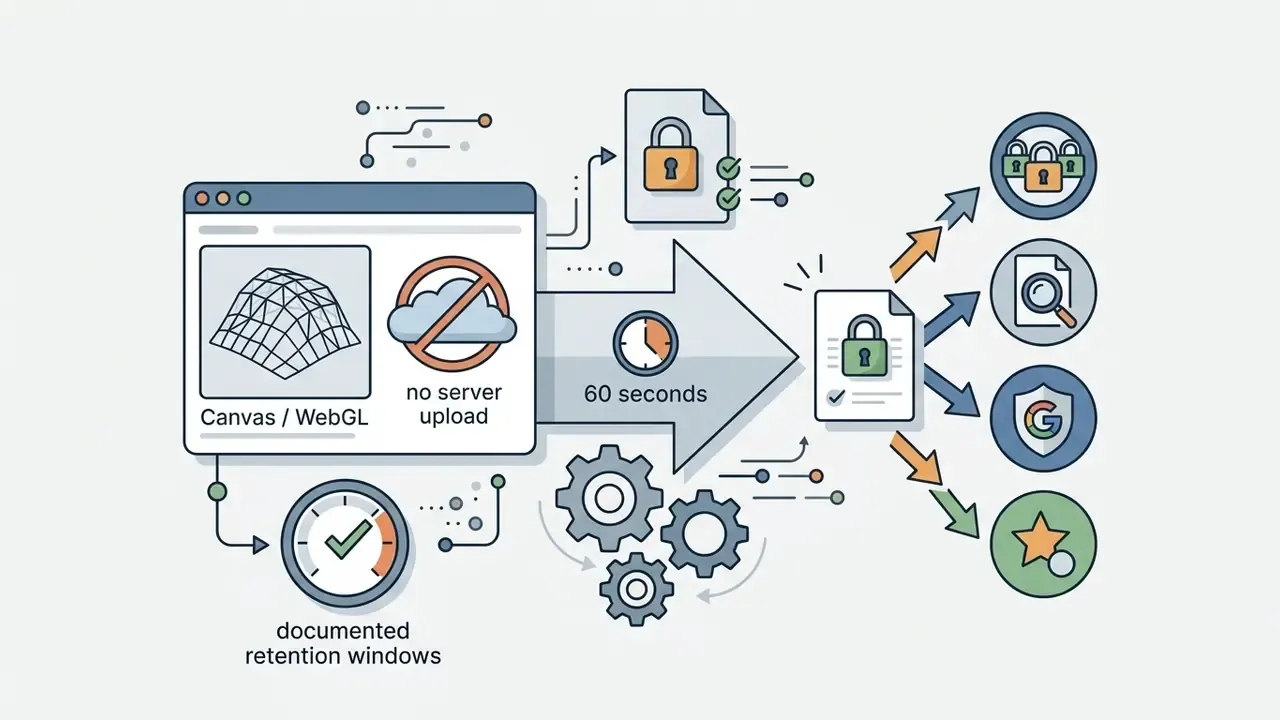
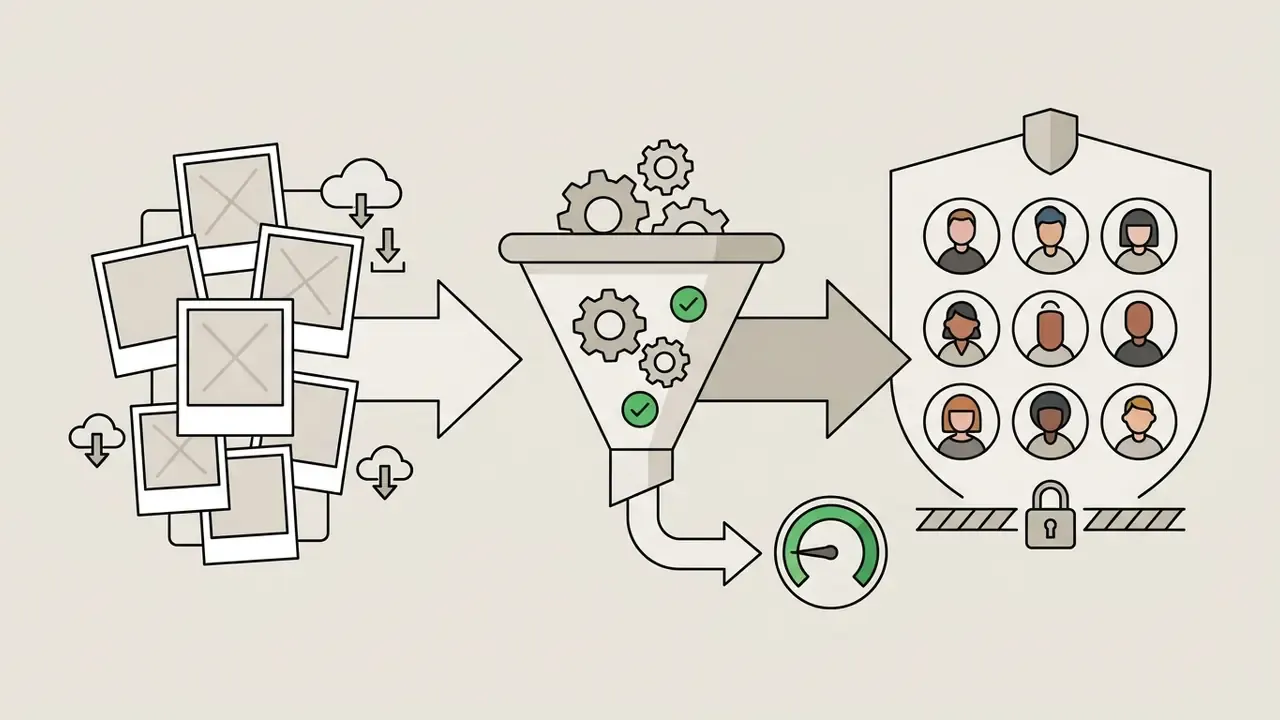
How to Use This Guide
Four decisions sit underneath every avatar project, and they are cheaper to make in this order: Skip step three and you get a beautiful avatar you cannot legally use. It happens more often than anyone admits.
- Technology.Manual builder or AI generator? This determines whether a face ever leaves the browser.
- Format.Raster, vector, animated or rigged 3D? Choosing last means re-doing the work.
- Licence.Public domain, CC BY, CC BY-NC, or vendor terms? This decides whether the asset can appear in paid media.
- Deployment.Social profile, institutional directory, LMS card, or game engine? Each has its own pixel and policy rules.
What Is a Free Avatar Maker and Who Is It For?
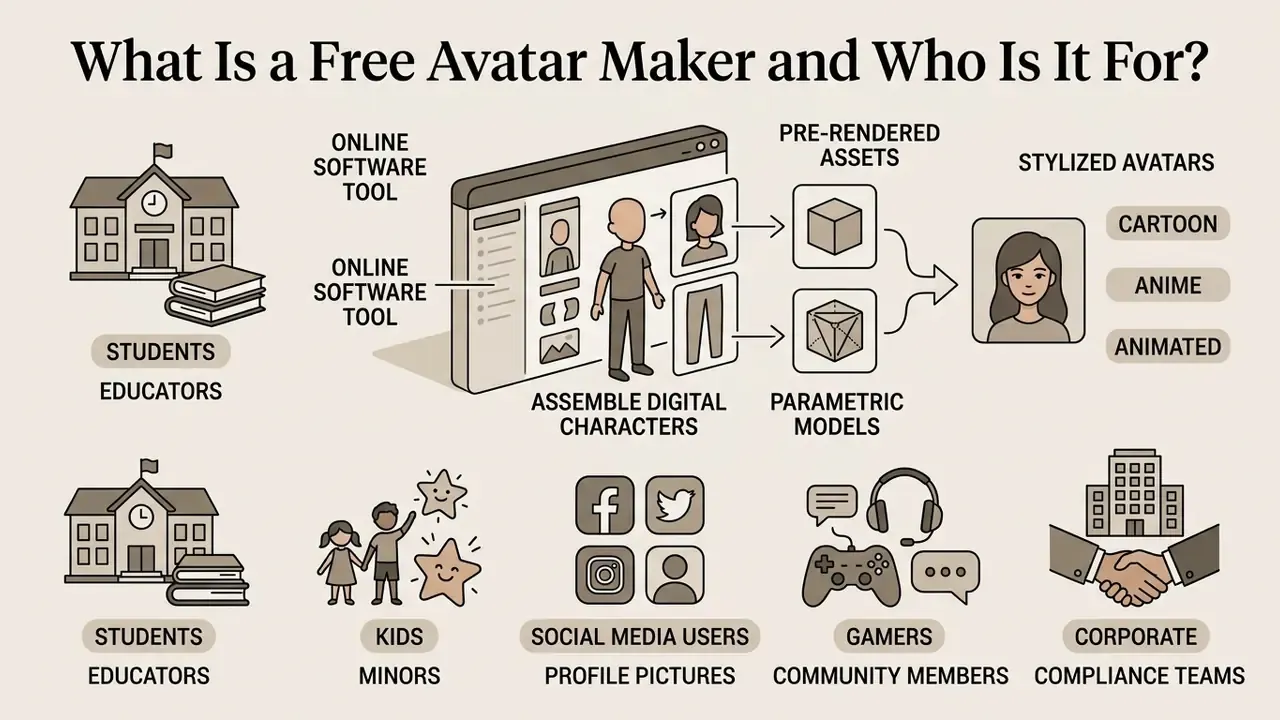
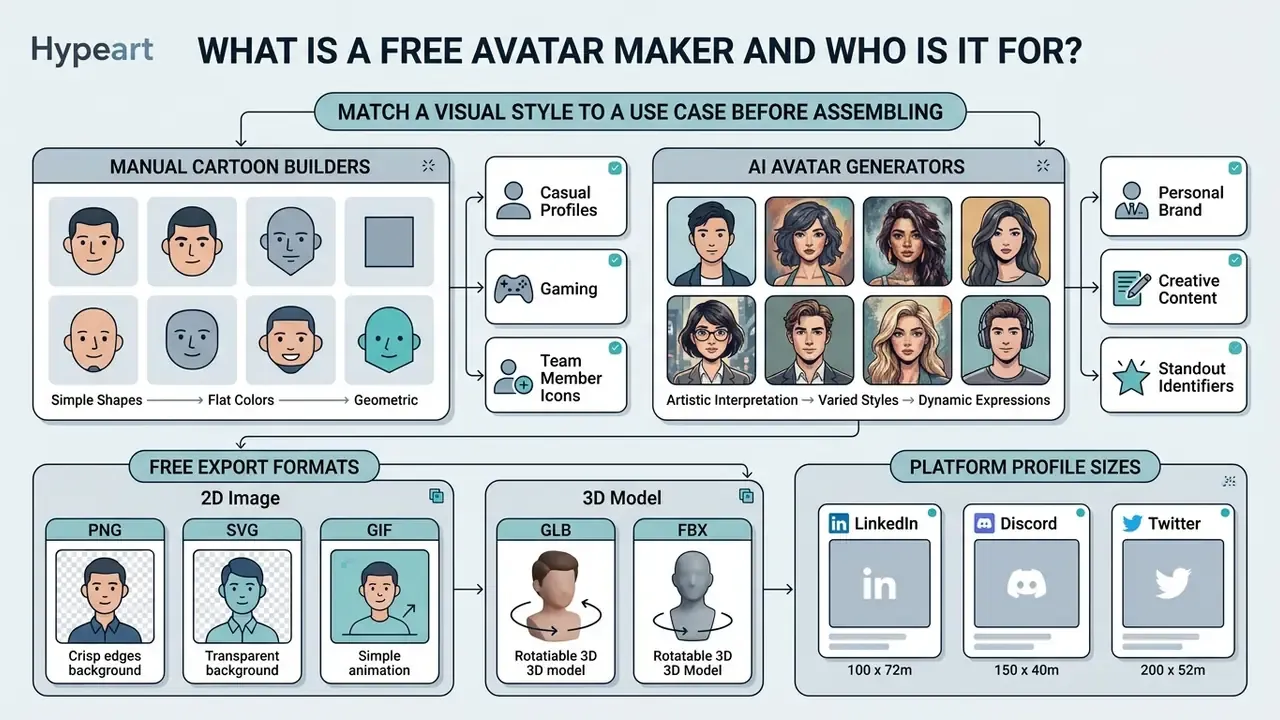
A free avatar maker is an online software tool designed to assemble stylized digital characters from pre-rendered assets or parametric models. It enables individuals to create personalized graphical representations for use as a profile picture across online communities, educational portals, and social media platforms.
These tools serve multiple user groups with distinct privacy and identity objectives:
Recent systematic evaluations of digital identity tools confirm that non-photographic avatars reduce identity exposure while supporting high levels of user engagement in recreational and educational environments. Crucially, the value of that engagement depends on how much control the creator is given:
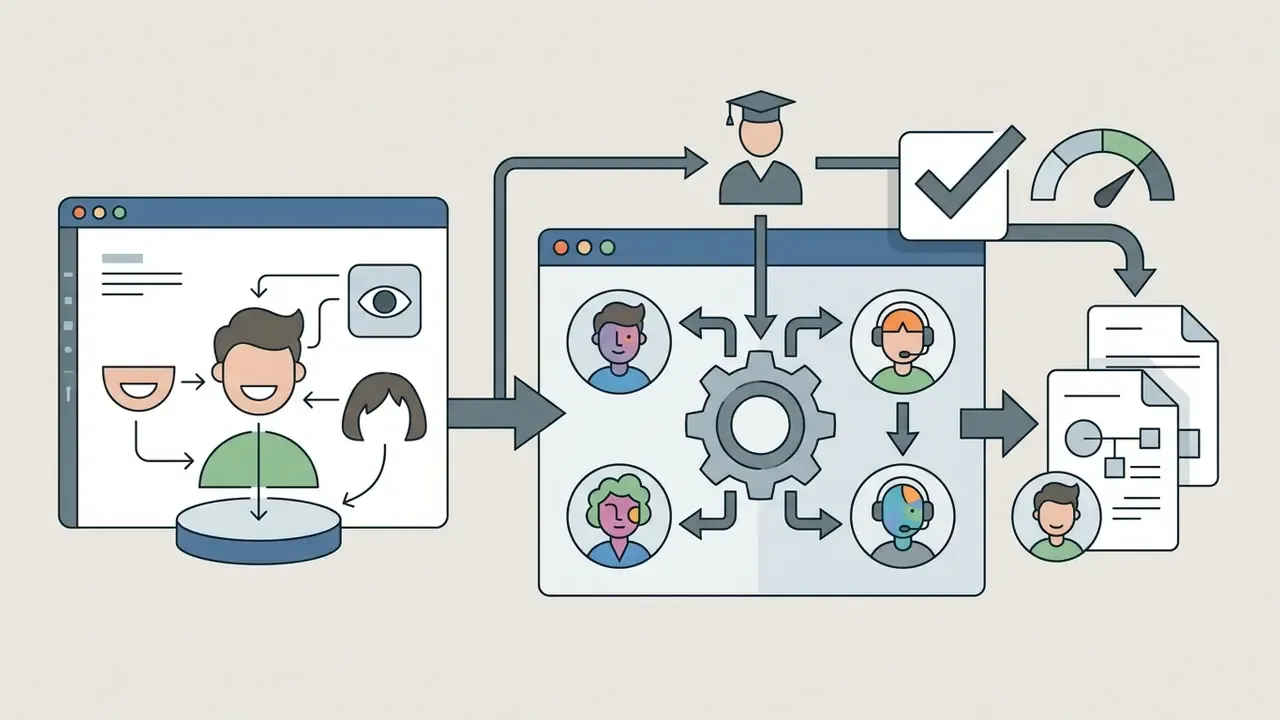

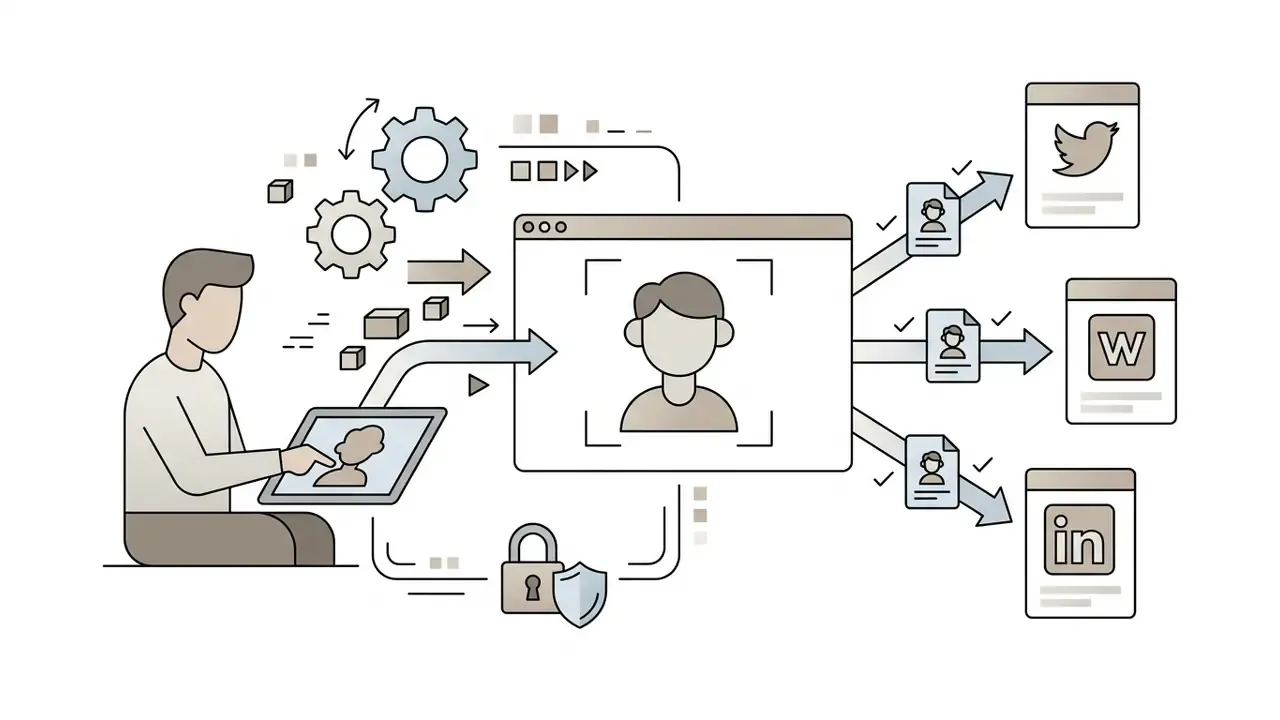
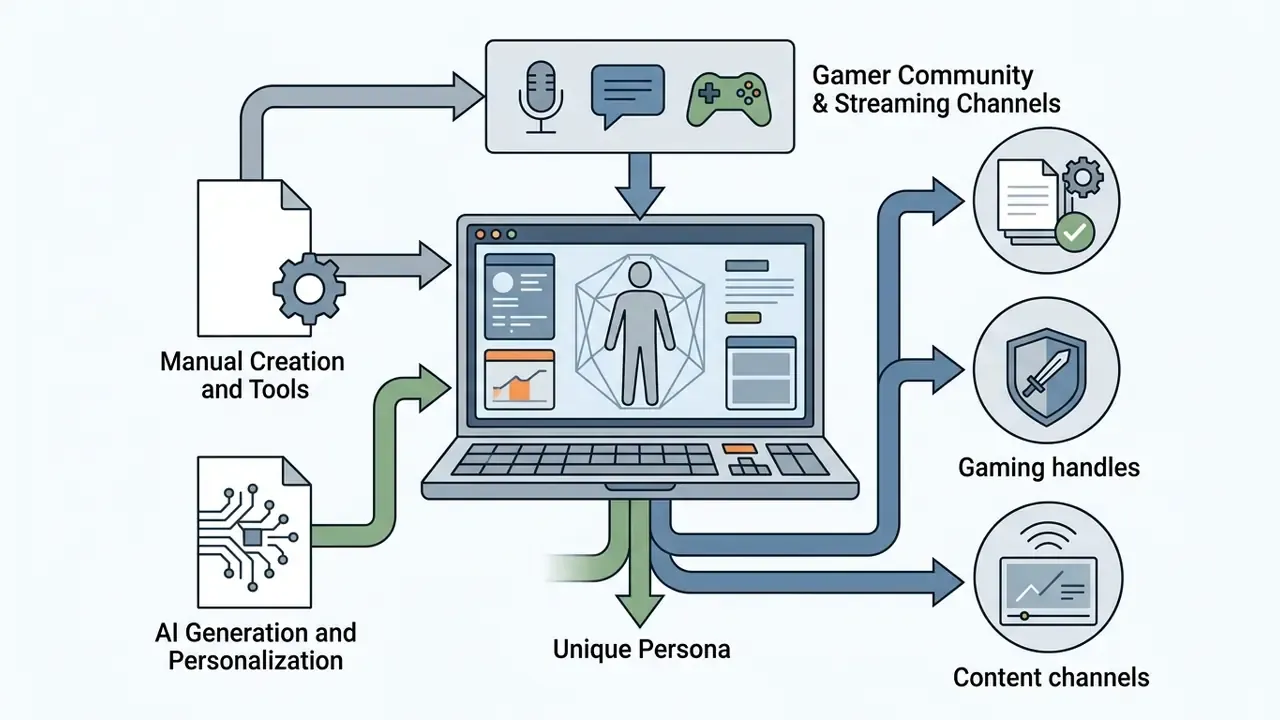
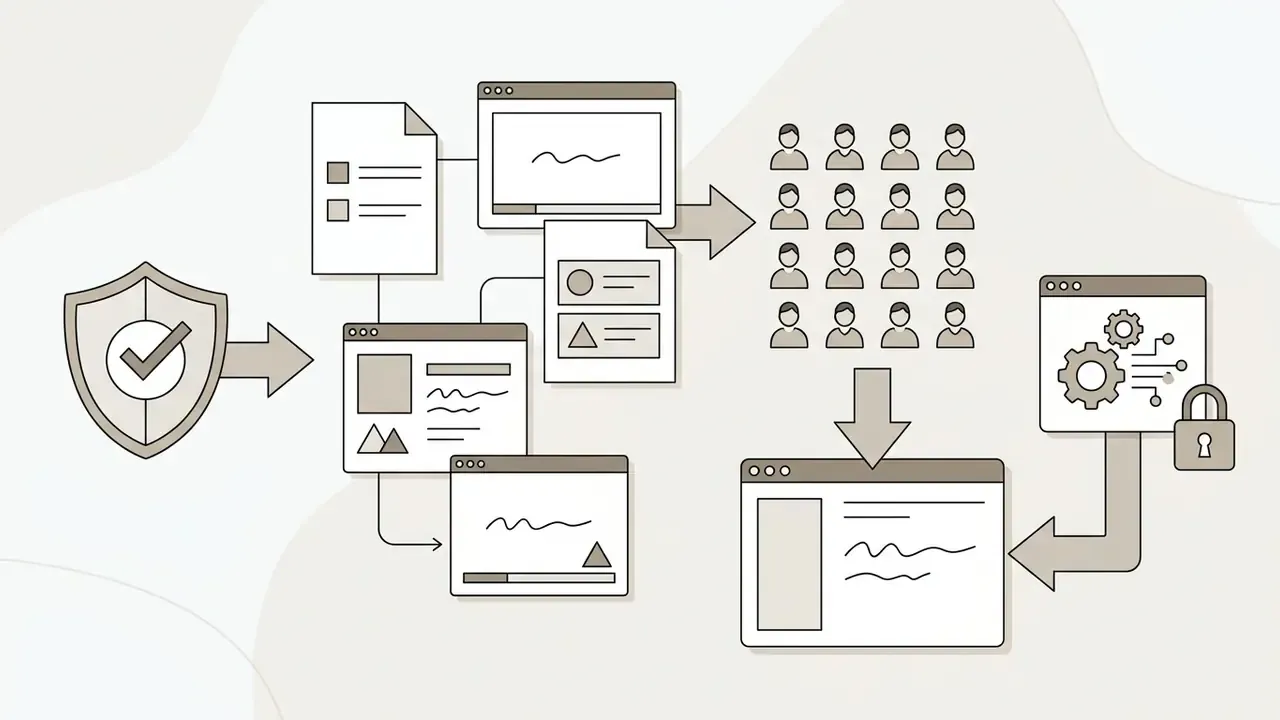
«Dissatisfaction with avatar customization correlates with lower avatar identification, especially among marginalized groups.»
Cartoon, Anime and Animated Avatar Styles
Visual avatar styles fall into four primary structural categories: 2D cartoon avatar designs, anime character aesthetics, 3D parametric models, and animated avatar frames. Each style serves a specific communication context and audience expectation.
A cartoon avatar features simplified geometry, bold outlines, and high visual legibility at small icon sizes; academic work on avatar design notes that younger users gravitate toward recognizable, simplified fictional-character forms. An anime character style uses cel-shaded linework, flat colour fills, expressive eye proportions, and specific cultural hair aesthetics, and anime style output is frequently produced from single- or multi-view reference images. A 3D parametric model is a production format rather than a single look: the same pipeline can output a photorealistic digital twin or a stylized cartoon head, because geometry, texture and rig are separable. A free animated avatar maker generates moving graphics (GIF or APNG files, for example) that incorporate facial morphs or looping motions; a standards-level animated avatar file contains a mesh, a skeleton, a texture and, optionally, facial morph targets.
Research demonstrates that rendering style directly influences perception depending on the task domain (IEEE VR Avatar Stylization Study, 2024):
«Realistic avatars did not receive higher trust ratings; stylized variants performed comparably in a high-stakes medical scenario.»
To evaluate these stylistic outputs across production environments, teams often reference AI Media Comparison Matrices to establish performance baselines. Cartoon styles score higher in perceived approachability for social dialogue, whereas photorealistic representations are preferred in formal corporate settings and in AR/VR or professional-education contexts. Readers benchmarking stylistic range beyond avatar builders can compare the same aesthetic categories across general-purpose AI art generators, where cel-shading, claymation and painterly presets are exposed as explicit style parameters.
One additional finding is relevant for enterprise identity design: avatar-to-user similarity increases engagement in both procedural and creative tasks, but the size of the effect differs by task type. Studies therefore disagree on a single "best" style, because outcomes shift with domain, user age and the method used to measure similarity. Avatar-design research also documents 17 validated inclusivity guidelines for representing people with disabilities, a requirement that no purely aesthetic style ranking addresses.
A practical note for anyone assembling a multilingual asset set: style presets travel well, on-image text does not. If your avatar frames or badges carry localized captions, the procedure in how to translate image text into english covers extraction and re-rendering without redrawing the character.
Cartoon Avatar Maker or AI Avatar: Which Option Fits Your Goal?
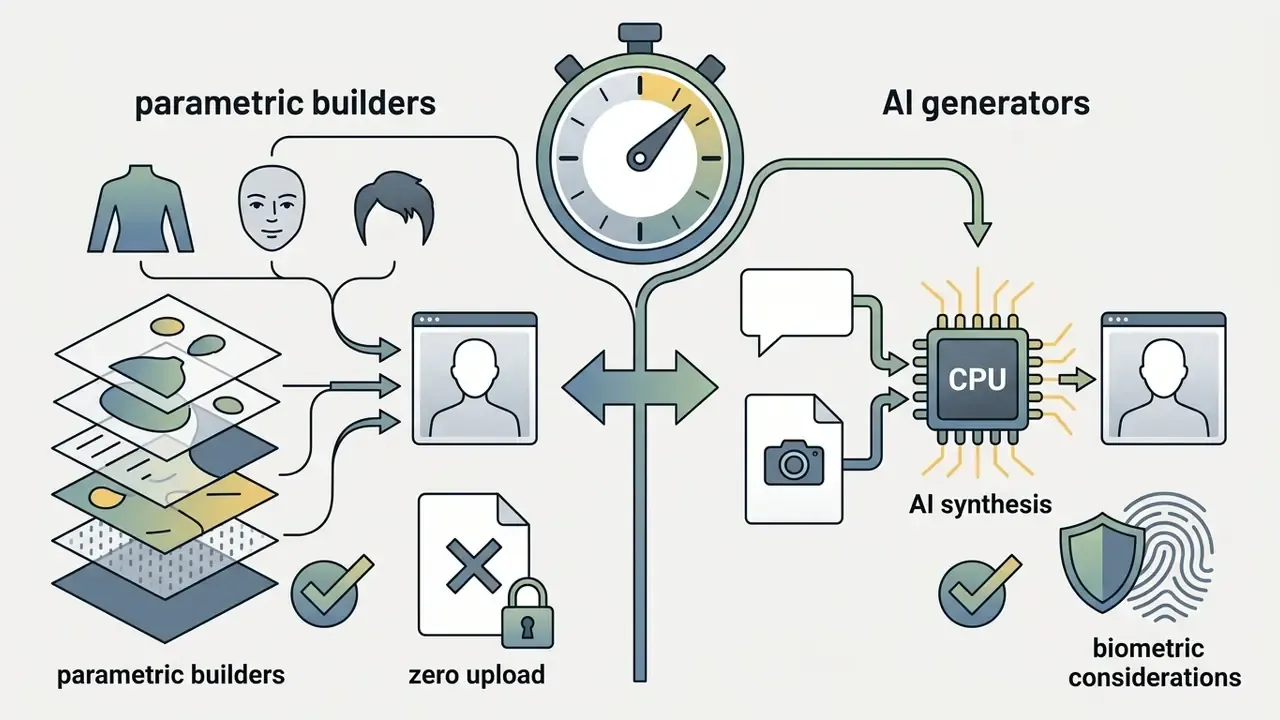
Choosing between a manual cartoon avatar maker free utility and an automated AI avatar generator depends on the required level of user control, source privacy, and technical predictability. Deciding the technology before touching an editor prevents the most common failure mode: assembling an avatar in a tool that cannot export the format or grant the licence the project actually requires.
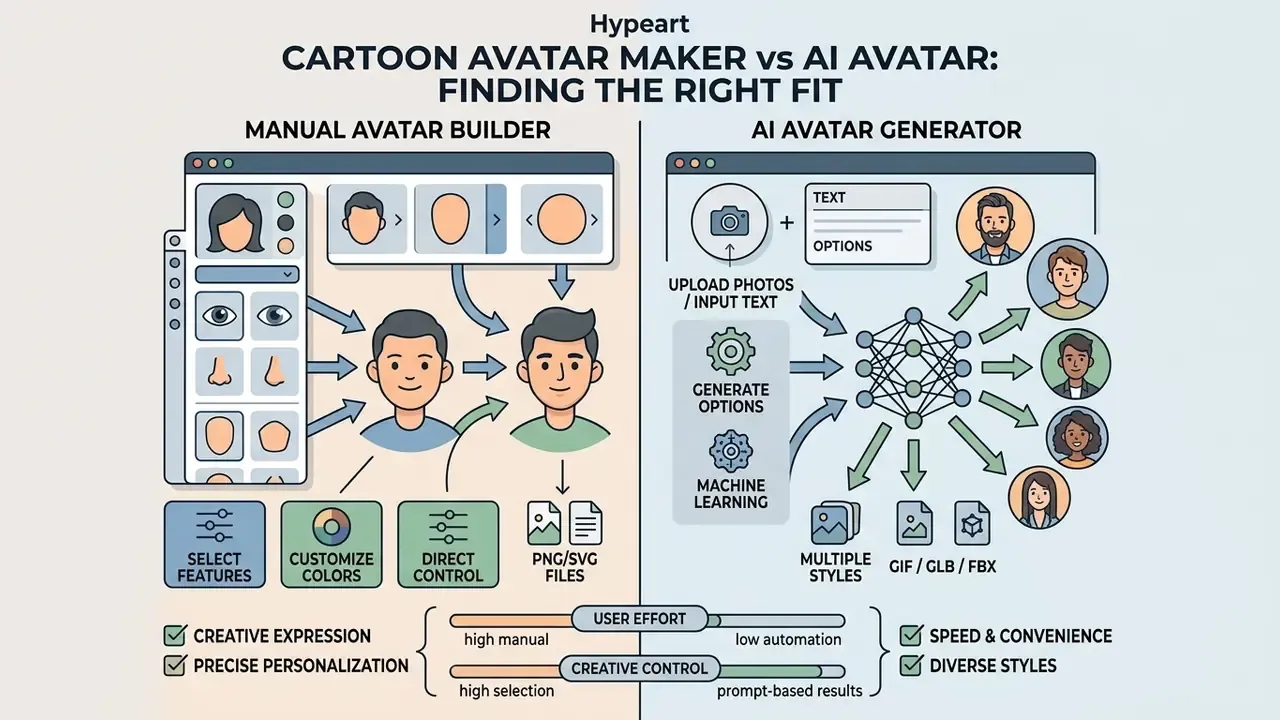
| Decision factor | Manual cartoon avatar maker | AI avatar generator |
|---|---|---|
| Likeness accuracy | Approximate, chosen part by part | High likeness from one front-facing photo |
| Control surface | Explicit layer and slider control | Prompt, reference image, or credit-based generation |
| Determinism | Same parameters return the same output | Non-deterministic; re-rolls vary |
| Photo upload | Not required | Usually required for likeness modes |
| Speed | Minutes of manual assembly | Seconds to a few minutes per render |
| Typical cost | Free or bundled in a design subscription | Free tier with caps; paid plans commonly $9 to $149 per month |
| Privacy profile | No biometric processing when rendered client-side | Facial image processing; retention terms vary by vendor |
Read the table as a risk statement, not a feature list. The determinism row is the one an auditor will care about: reproducible output means an avatar can be regenerated from stored parameters instead of archived as a file.
When a Manual Avatar Creator Is the Better Choice
A manual avatar creator is optimal when absolute control over facial features, full privacy protection, and deterministic visual output are required.
Manual tools offer key structural advantages:
- Zero image upload: users do not need to upload personal photographs, which eliminates biometric collection risk. Some constructors state explicitly that no photo upload, face recognition or AI image generation is used at any point.
- Predictable asset control: every visual layer is explicitly chosen, avoiding unwanted AI artifacts or random feature mutations. Feature-level controls typically cover face shape, eye size, shape and colour, hair, glasses, clothing and background, producing a repeatable result from a fixed option set.
- Free, unrestricted licensing: many parametric tools operate under open-source or public-domain-style licences (MIT or Creative Commons dedications, for instance), allowing clean export and usage paths.
- Deterministic export: output is available directly as PNG or SVG, so the same avatar can be regenerated and re-exported later without drift.
Trust research adds a further argument for self-similar manual builds:
When reviewing automated content safety across media streams, operators frequently apply the procedures in how to tell if a video is ai generated to differentiate manually assembled graphics from synthetic neural outputs.
When to Use an AI Avatar Generator
An AI avatar generator is suitable when users require fast generation from a text prompt or reference photo and accept non-deterministic visual outputs. Photo-driven workflows sit closest to image-to-image generators, which apply the same conditioning logic to an uploaded source frame.
Neural generators analyse input photos or natural language prompts to synthesize complex lighting, realistic skin textures, and stylized variations rapidly. Buyers comparing capability tiers across vendors can start from a structured review of the best AI image generators before committing credits to an avatar-specific product.
Optimizing AI avatars via multi-round dialogue prompting
Advanced AI generators allow iterative refinement across chat rounds rather than relying on a single prompt. Because the model retains earlier instructions inside the session, each round narrows the result instead of restarting it:
- Step 1, base prompt
- define structural aesthetics, for example "2D anime character, male student, short black hair, wearing a green hoodie, soft studio lighting". Product documentation from current builders exposes the same three fields as explicit parameters: gender (female, male, non-binary), age bracket (18+, 25+, 30+, 35+, 50+) and style (photorealistic, cinematic, stylized 3D, anime, illustrated).
- Step 2, iterative refinement
- adjust localized details in follow-up commands, for example "Change background to a blurred classroom setting and add optical glasses".
- Step 3, style preset overlay
- apply artistic filter modifiers such as Cyberpunk, Y2K aesthetics, Vintage impressionism, or 3D claymation to align the output with a specific branding system.
- Step 4, batch variation
- generate multiple variants in one pass, then select the frame that survives downscaling to 128 px before committing it as a profile picture.
That last step sounds pedantic. It is the one that saves you from an avatar that reads as a grey smudge in a Discord member list.
Documented free-tier limits (Updated). (The unverified "Synthesia and HeyGen Free Tier Analysis" attribution has been retired to Appendix A.) Free AI avatar tiers impose measurable caps rather than vague restrictions. Vendor documentation currently describes:
- HeyGen free plan
- 3 videos per month, up to 1 minute each, watermarked; one custom video avatar and unlimited photo avatars; a talking avatar can be built from a single front-facing photo.
- Synthesia free plan
- stock and custom avatars, Avatar Builder, core editor and generation in 160+ languages, with avatar creation from a prompt or an uploaded photo.
- QuickMagic free plan
- monthly credits, 5-second outputs for talking-avatar and image-to-video tools, resolution capped at 720p; watermark behaviour varies by tool and plan.
- Magica
- no login required; style, gender, age, outfit, pose and expression customizable; output up to 2048×2048 px, stated as free for commercial use.
- Media.io
- basic avatar generation described as free with no watermark.
Comparative vendor analysis also warns that the word "free" is not uniform: it may mean a recurring monthly allowance, a one-time credit grant, a timed trial, or a short watermarked preview. Cost-modelling teams should therefore project usage against published per-credit rates using the dedicated calculators rather than assuming a flat zero. A pilot that consumes 400 renders a month is a budget line, not a free experiment.
How to Choose the Best Free Avatar Maker Online
Selecting the best avatar maker online free requires evaluating customization depth, style diversity, export terms, registration requirements, and output file formats. The same grid works when you are hunting for the best free cartoon avatar maker online for a single profile, or approving a tool for ten thousand internal accounts.
| Selection criterion | Basic free avatar maker | Advanced cartoon avatar creator | AI avatar generator |
|---|---|---|---|
| Customization depth | Presets only (10 to 20 choices) | High feature control (50+ variables) | Prompt or photo-driven |
| Style options | Single style (2D cartoon) | Multiple (cartoon, anime, 3D, comic) | Diverse generative styles |
| Account required | No registration | Optional registration | Registration usually required |
| Raster export | Low-res PNG / JPEG | PNG 400×400 up to 1080×1080, transparent background | PNG up to 2048×2048 |
| Vector export | Not available | SVG (scalable, print-ready) | Rarely available |
| Animated export | Not available | GIF / APNG loops | MP4 / WebM talking avatar |
| 3D export | Not available | GLB / glTF (rigged presets) | GLB, glTF, FBX with Humanoid rig |
| Commercial rights | Personal use only | Varies by platform licence | Subscription-dependent |
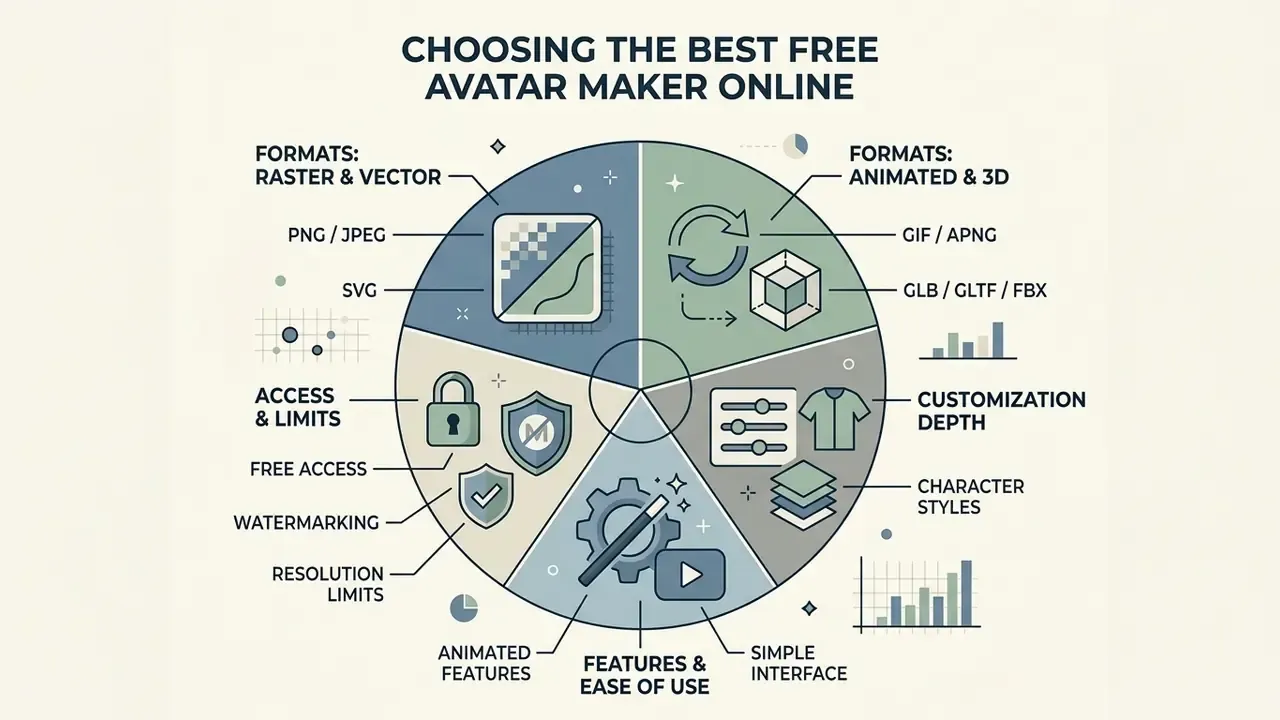
Two conclusions follow from the table. First, vector and 3D export are the columns that separate a throwaway tool from a reusable one. Second, "no registration" and "commercial rights" rarely appear together, so expect a trade-off between privacy convenience and licence clarity.
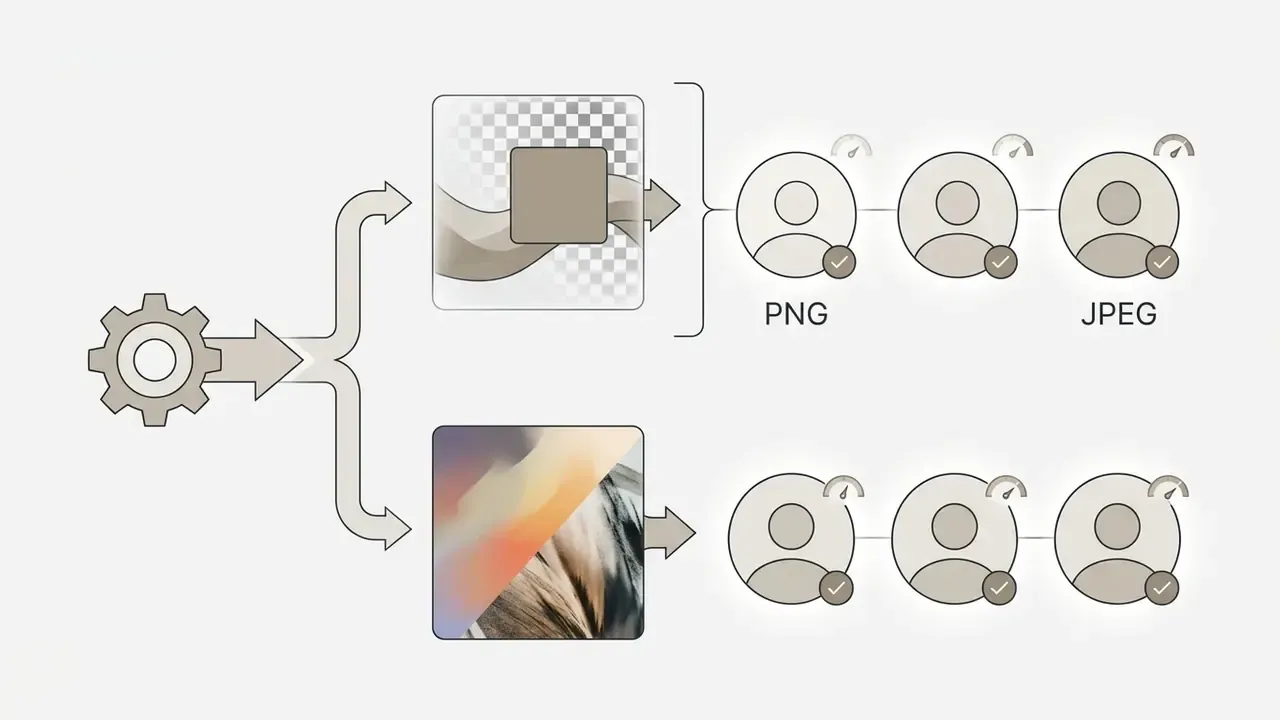
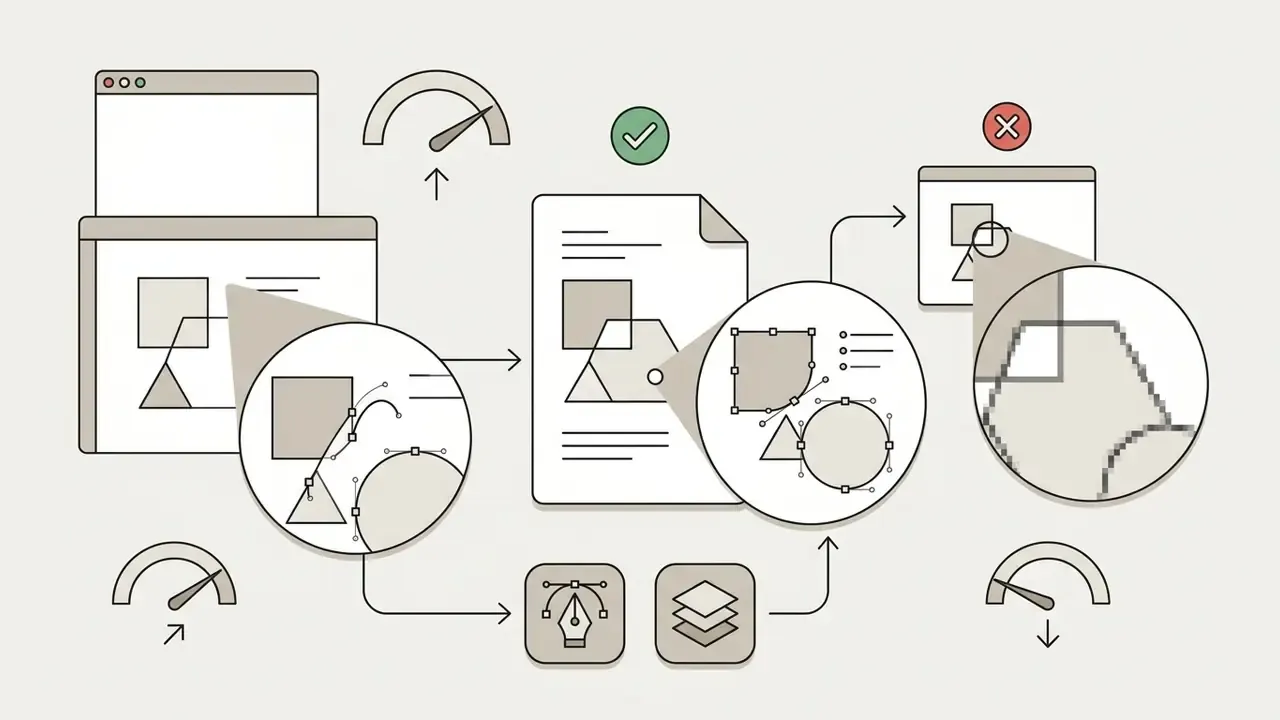
Technical file formats for export
Buyers evaluating adjacent tooling (background generation, upscaling, licence terms) can cross-reference the broader review of AI image generators to check whether one platform already covers both avatar and asset production.
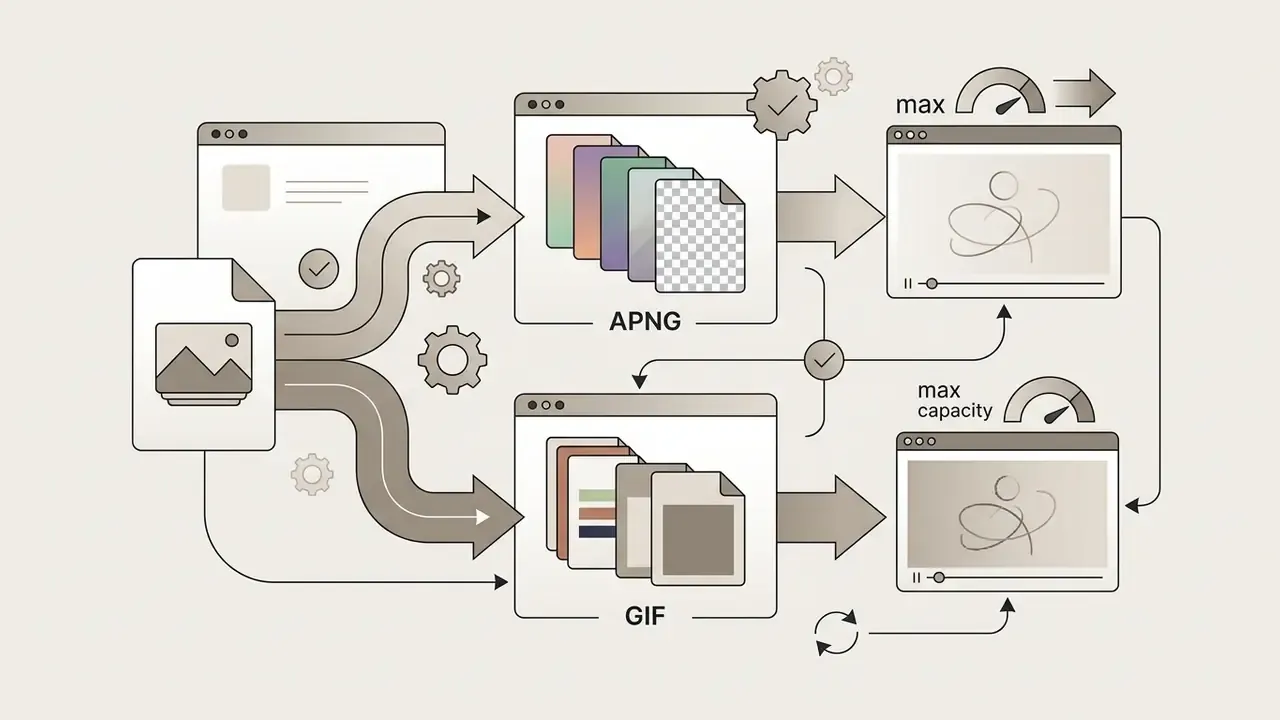
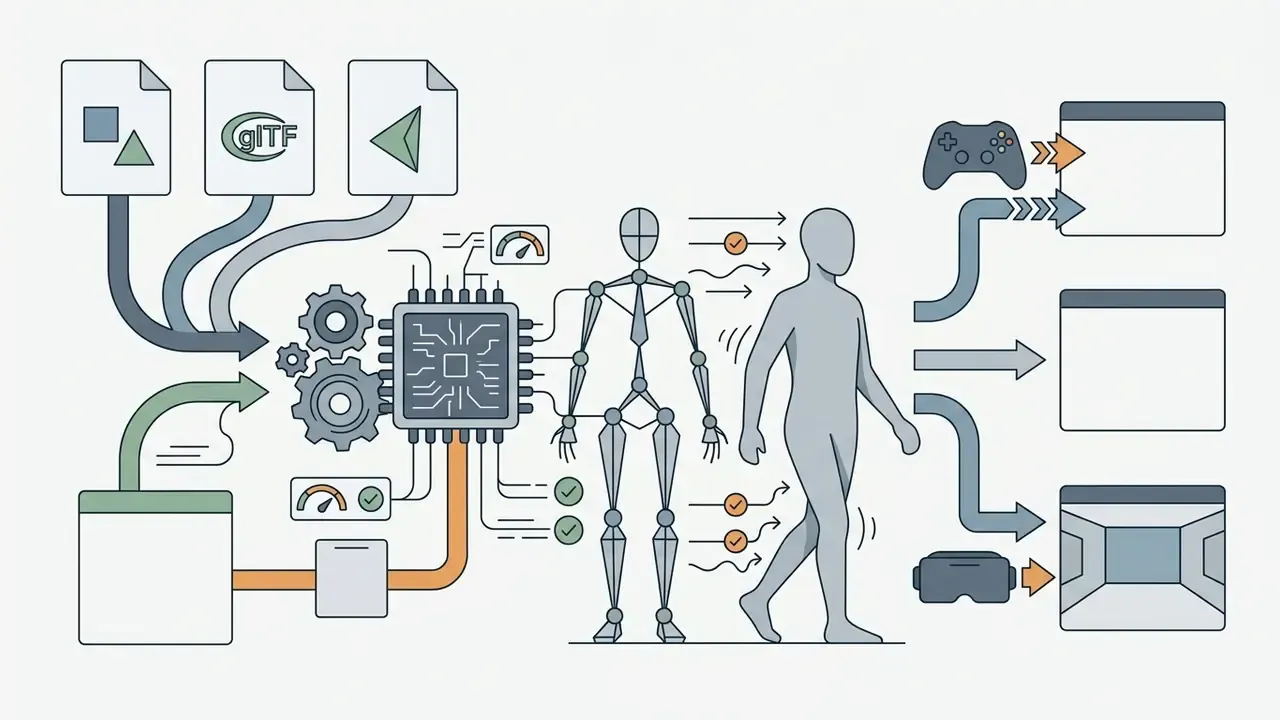
.glb file.Customization Depth and Available Character Styles
The effectiveness of a free avatar maker site depends on its operational flexibility and asset variety. A high-quality tool provides wide variation across facial features, hair textures, skin tones, and cultural attire.
Concrete inventory figures are the fastest way to judge that variety before signing up. Consumer avatar platforms publish library counts directly: one mobile-first builder advertises 600+ outfits, 300+ pairs of shoes and 300+ accessories, with a stated community of 39 million users. Enterprise-facing suites expose the same depth as named modules instead of counts. Microsoft Teams Avatars segments customization into skin tone, face presets, hair style, facial hair, makeup (eyeshadow, lash line, blush, lipstick), body shape and a wardrobe tree of underlayer, outerwear, headwear and eyewear. Web SDKs such as Avaturn expose looks, footwear, eyewear and hairstyles as separate modules plus environment and UI colour controls, while Meta's Avatars SDK adds store-supplied clothing and accessories with eye- and face-tracking-driven expressions.
Customization systems that enforce restrictive or homogenous presets lower user identification and satisfaction:
«Customization dissatisfaction reduced avatar identification; satisfaction differences were recorded between AAPI and White participants.»
A robust free avatar maker website allows users to build authentic representations without requiring paid asset unlocks. Depth also changes uniqueness in measurable ways: research on avatar diversity reports that aesthetically normative choices such as facial symmetry and wrinkle presets reduce objective diversity across a population of generated avatars, while expressive parameters such as hair colour and eye colour increase it. Teams standardizing an avatar set across a workforce should therefore weight expressive parameters, not normative ones, if the goal is recognizable individual identity.
Free Access, Animated Features and Ease of Use
When evaluating an avatar maker online free platform, users must distinguish between fully accessible free tiers and restricted demo versions. An avatar maker for free that gates the download button is not free; it is a preview.
Key considerations include:
- Watermarkingdoes the free version impose intrusive promotional overlays on exported images? Options that avoid this constraint entirely are catalogued among no-sign-up AI image generators.
- Resolution limitsis the final download sufficient for high-density displays (for example 400×400 px through 1080×1080 px)?
- Animation supportdoes the free animated avatar maker online provide export capabilities for looping GIF or APNG formats?
- Registration gateis an account mandatory, optional, or replaced by guest access? Terms of service differ sharply here. Some services allow guest use, others require an active platform account, and a minority require registration approval before any download.
- Upload format supportphoto-driven tools vary in accepted inputs. JPG, JPEG, PNG and WEBP are the common set, and some services gate full-quality output behind a paid tier while offering free low-quality downloads.
Updated: how to verify a free tier in practice. (The unverified "Terms of Service Legal Review" and the unsourced "fifty portals" evaluation are preserved in Appendix A.) Rather than trusting marketing copy, verify four fields in the service's own terms: whether registration is required before export; whether download counts are capped; whether exports carry a watermark; and how long uploads are retained. Published terms show all three commercial models coexisting: no-signup, no-download-limit services; account-gated services; and free-credit services that convert to paid subscriptions, commonly around $9.99 per month or $59.99 per year for consumer "Pro" tiers. Retention language is equally divergent. One provider states uploads may be temporarily stored or processed, another states uploaded photos are encrypted and auto-deleted within 48 hours, and a third states user images are never used to train its models.
Enterprise Risk and Security Checklist
Governance, risk and compliance owners need a different lens than consumers. The question is not "does it look good" but "what leaves the browser". Use this checklist before approving an avatar tool for organizational use, or before adding it to a shadow-AI blocklist. Unapproved consumer generators are a classic shadow-AI entry point: a marketing intern uploading staff photos to an unvetted endpoint is a data-transfer event, whatever the design brief says.
| Control area | What to verify | Acceptance signal |
|---|---|---|
| Processing locality | Does rendering occur client-side (Canvas, WebGL, SVG assembly) or server-side? | Client-side assembly with no network payload containing imagery |
| Biometric handling | Are facial images converted into biometric templates? | No facial image upload, or documented template deletion |
| Retention window | Is a deletion period stated in the terms? | Explicit window (48 hours, for example) rather than "may be stored" |
| Model training | Are uploads used to train vendor models? | Written statement that user images are excluded from training |
| Account gating | Is registration required before export? | Guest or no-signup path available for low-risk internal use |
| Certifications | SOC 2 Type II, ISO 27001 availability; GDPR Art. 28 processor terms; CCPA disclosures | Current report or DPA obtainable on request |
| Minors | Any use by under-13 audiences? | COPPA-compliant parental-consent flow, or no data collection at all |
| Output rights | Licence text for generated assets | Named licence (public-domain dedication, CC BY, MIT) or explicit commercial grant |
| Watermarking | Branding baked into free exports? | Clean export, or paid tier budgeted |
| Portability | Formats available for re-use (PNG, SVG, GLB) | Vector or 3D master retained in-house |
| Inventory entry | Is the tool recorded in the AI or vendor inventory with a named owner? | Owner, purpose, data classification and review date documented |
Technical distinction that drives most of the risk. Parametric builders composite pre-drawn layers inside the browser: the avatar exists as SVG nodes or a Canvas bitmap, and the only network traffic is the initial asset download. Photo-driven AI builders necessarily transmit the source image to a remote inference endpoint, where facial geometry is reconstructed. Privacy regulators treat that second path as sensitive processing: guidance from Australia's OAIC states that facial images can be converted into biometric templates for verification or identification, which places them in the sensitive-information category. Template-based creation, by contrast, produces a character that does not encode a specific person's facial geometry at all.
Where evidence is still thin: there is no settled public benchmark for how effectively stylized avatars degrade deepfake reconnaissance. Treat the control as directionally sound and instrument it locally rather than citing an industry figure that does not exist.
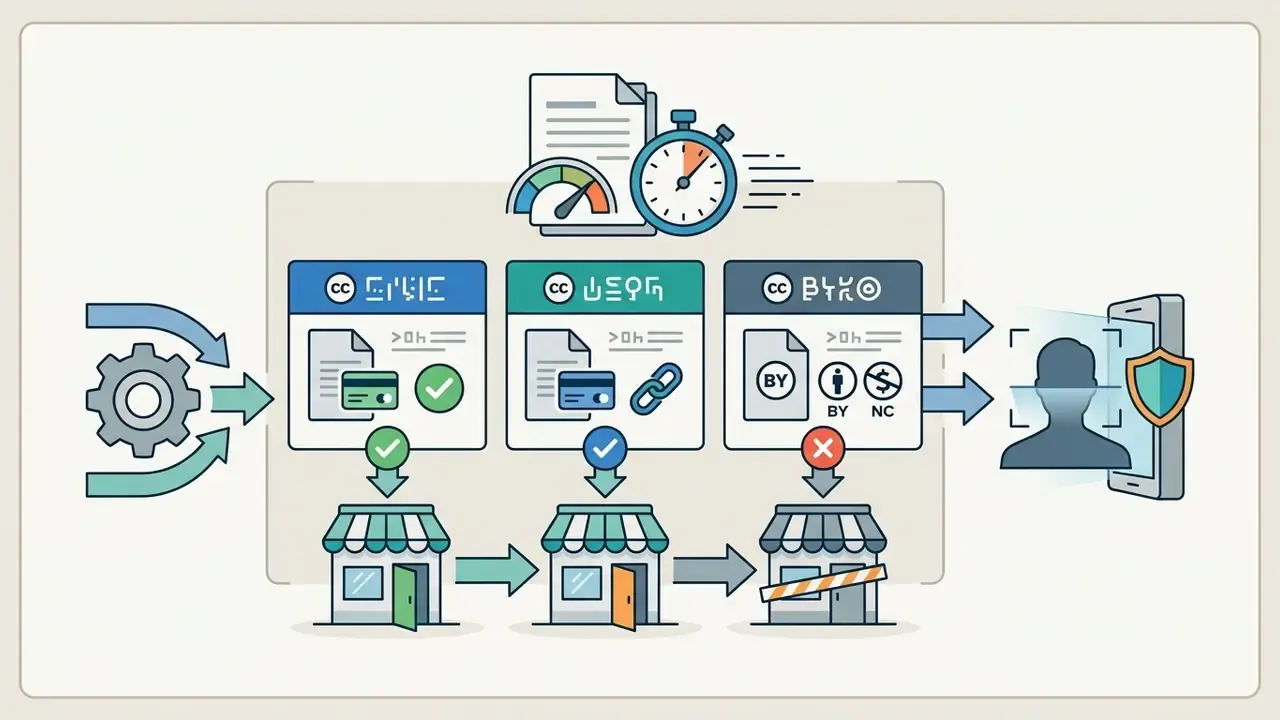
Licensing Matrix for Commercial Deployment
| Licence model | Commercial use | Attribution | Typical carrier | Practical note |
|---|---|---|---|---|
| Public-domain dedication (CC0-style) | Permitted, including modification and distribution | Not required | Open avatar APIs such as DiceBear | Cleanest path for product UI defaults |
| MIT | Permitted | Licence notice retained | Open-source 3D avatar libraries | Suitable for bundling rigs into apps |
| CC BY 4.0 | Permitted "for any purpose, even commercially" | Required | Asset packs, illustration sets | No additional restrictions may be imposed downstream |
| CC BY-SA | Permitted | Required | Community asset libraries | Derivatives must carry the same or a compatible licence |
| CC BY-NC / CC BY-NC-SA | Prohibited | Required | Hobby and community packs | Blocks paid media, ads, merchandise, client work |
| Vendor "personal, non-commercial" terms | Prohibited without a separate licence | Per terms | Consumer avatar generators | A commercial licence must be purchased explicitly |
| Vendor commercial grant | Permitted within plan scope | Per terms | AI avatar platforms | Stock avatars often cleared; custom avatars require documented consent and rights to the source likeness |
Two cautions apply regardless of licence family. First, the Creative Commons deed is only a human-readable summary. Creative Commons itself notes that the deed "is not a license and has no legal value", so the full legal code governs. Second, a permissive asset licence does not override personality rights: U.S. publicity doctrine covers commercial use of a person's name, image, likeness, voice or signature, so an avatar built from a real individual's identity can still trigger a claim without that person's permission.
How to Create an Avatar Online for Free
Creating an avatar online involves selecting a base archetype, customizing facial features, previewing the output, and exporting the finished graphical file. A free online avatar maker provides a structured workflow that requires no graphic design experience or specialized local software.
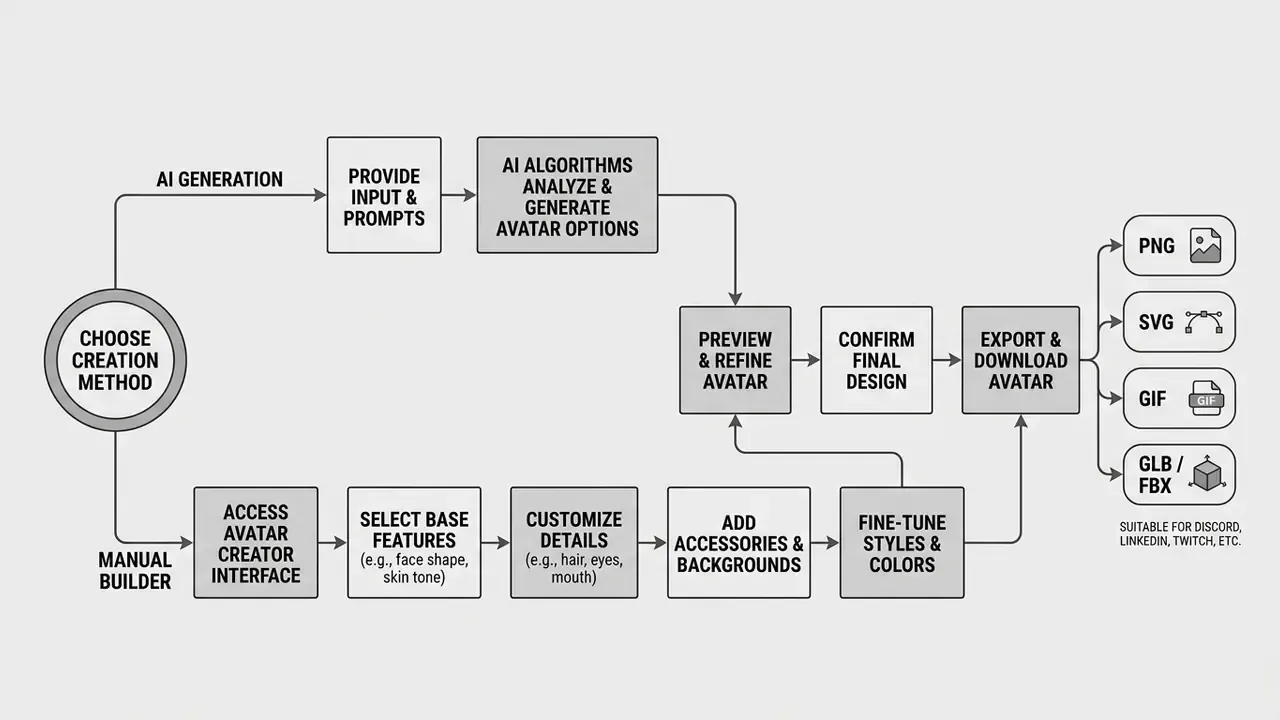
Choose a Character Base and Avatar Style
The creation process begins by selecting a starting character base, which defines the structural frame, gender orientation, and broad aesthetic category of the personal character.
Users select between cartoon avatar presets, anime style templates, comic-strip line art, or neutral 3D bases. Practical builders expose four style slots at the top of the canvas: a semi-realistic default, a low-poly polygonal variant, an anime treatment, and a black-and-white comic look. That way the structural decision is made before any feature editing. Selecting the correct starting foundation accelerates customization by establishing default body proportions, line weights, and shading models.
Two additional selection notes derived from builder documentation and user research: gender fields increasingly include a non-binary option, and age brackets (18+, 25+, 30+, 35+, 50+) change the available asset sets rather than only the face mesh. Behavioural research also shows that with increasing age, users tend to design avatars that are more realistic and less stylized, which is a useful default when an avatar set must span a mixed-age workforce.
Customize Facial Features and Personal Details
After selecting a base template, users adjust specific facial features to achieve a personalized appearance. Modern avatar generator systems expose layered controls for fine-grained modification.
Key customizable parameters include:
- Facial geometry face shape, jawline structure, skin tone, and age lines.
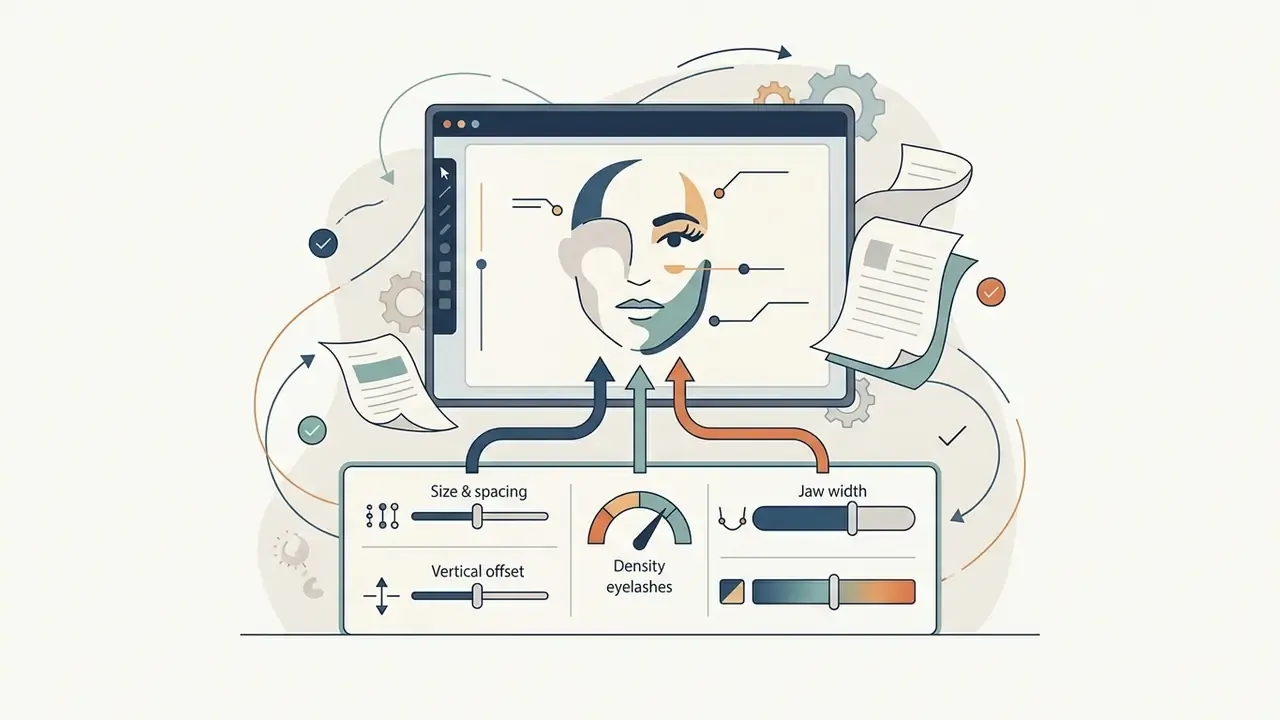
- Ocular details eye shape, iris colour, eyebrow arch, and eyelash density.
- Hair and facial hair hairstyle presets, hairline positioning, primary hair colour, and highlight shades.
- Accessories and apparel eyewear, headwear, jewellery, face masks, and clothing styles.
- Cosmetic layers eyeshadow, lash line, blush and lip colour, exposed as separate sliders in enterprise avatar suites.
- Body and pose body-shape presets, height proportion, and default pose or expression in 3D builders.
Essential UI controls in modern avatar builders
Empirical studies on psychological ownership indicate that deep customization of facial features increases user attachment and self-congruence with the resulting avatar:
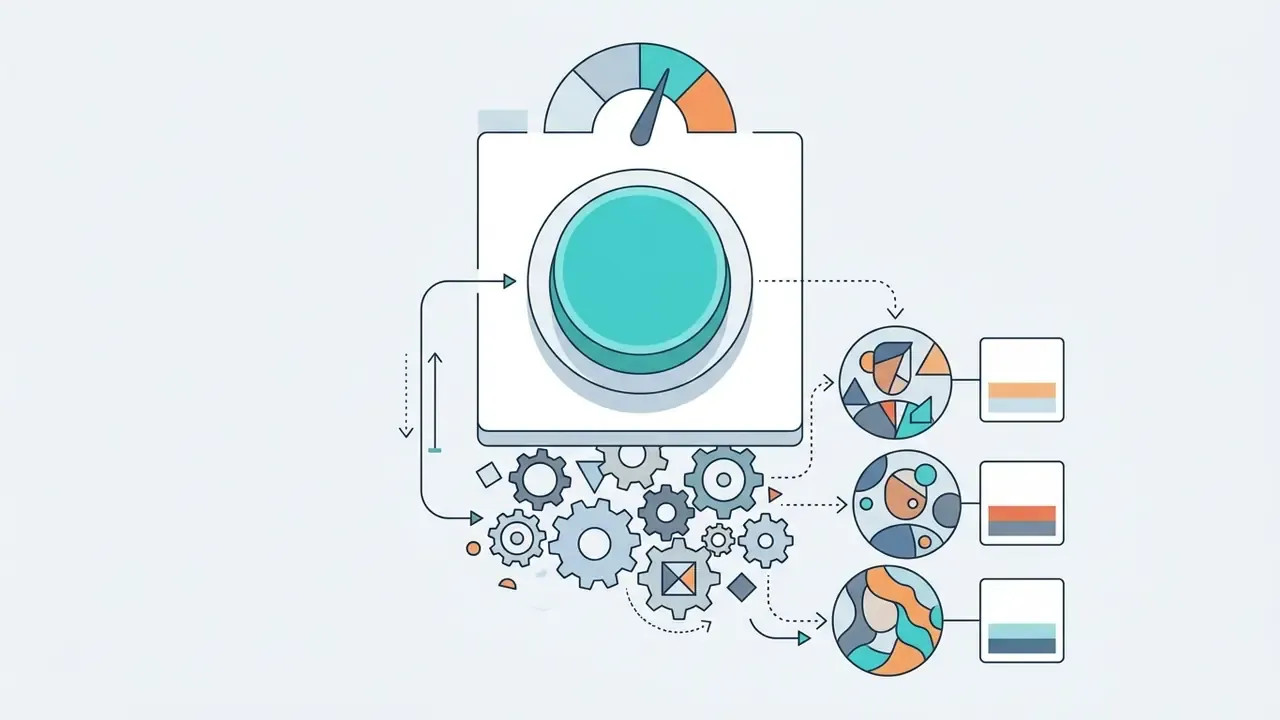
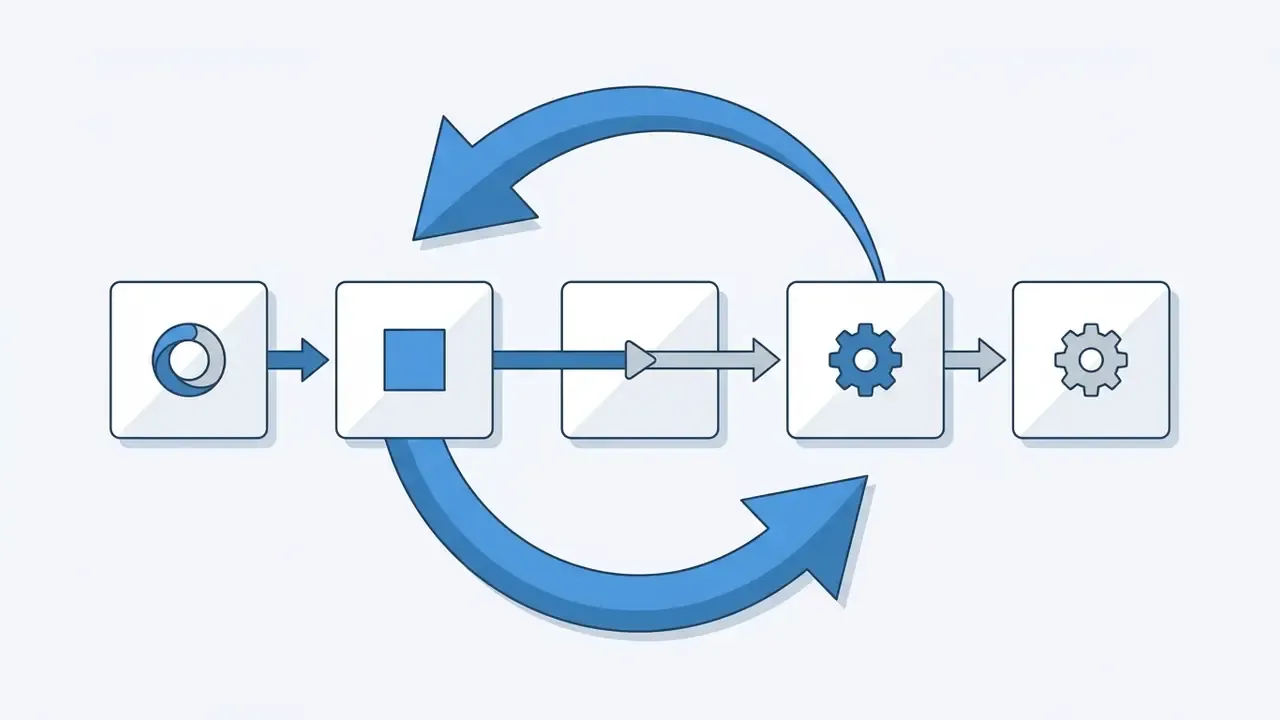
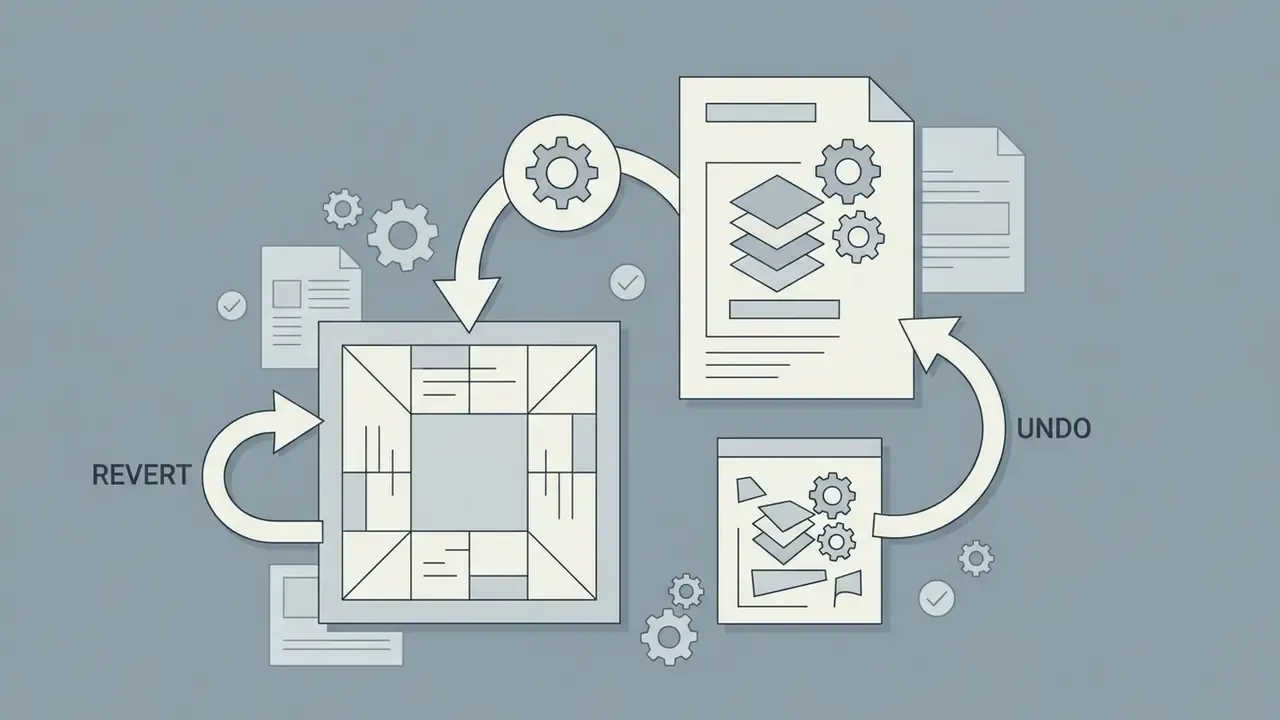

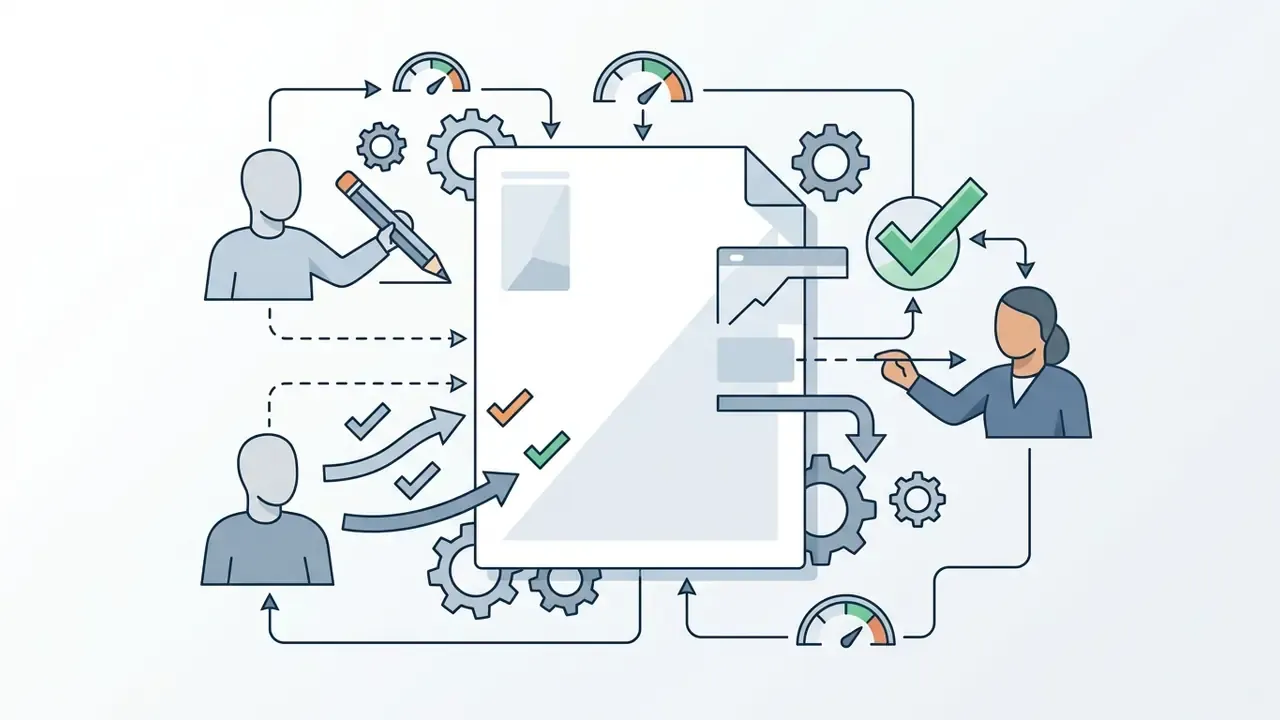
«Psychological ownership was highest when the avatar was customized toward the real self; the effect was mediated by attachment, not by avatar identification.»
One operational tip that is easy to miss: record the parameter set, not only the exported file. A stored slider configuration lets you rebuild the avatar in a year, after the browser cache is long gone.
Generating Animated Talking Avatars with Voiceover
Beyond static graphics, modern browser engines support dynamic voice-driven avatar animation:
Adjacent motion workflows share the same rigging logic. If the source material is a phone capture rather than a rendered avatar, the conversion steps in how to turn a live photo into a video and the reverse procedure in how to turn a video into a live photo cover frame extraction and loop timing; a shorter platform-specific variant is documented in how to turn live photo into video. For chat-companion products where an aesthetic filter changes the rendered character, how to turn off that filter is a separate settings-level task rather than an export question.
For longer-form motion work that extends past a talking head (lower thirds, transitions, scene sequencing), the capability comparison in the guide to animation makers maps which tools cover keyframing versus audio-driven rigs.
Preview, Finish and Save Your Avatar
The final stage of the workflow involves previewing the rendered avatar within standard frame boundaries before completing the export.
Users verify that the cartoon avatar is correctly centred within a 1:1 square crop frame, because rectangular source images are cropped unpredictably inside square or circular avatar masks. Screen display is governed by pixel dimensions rather than DPI, so the practical rule is to keep a high-resolution master (up to 1080×1080 px) and export downsized copies per platform. If a saved export lands below a platform's minimum, an AI image upscaler can restore pixel dimensions without re-opening the builder, though re-exporting from an SVG master is always the higher-fidelity route.
Once satisfied, the user executes the download to save the final file (typically in PNG or JPEG format) directly to their device, with PNG preferred wherever transparency is required and JPEG acceptable for photographic styles.
API and enterprise integration (Updated). For teams that must generate avatars at scale, such as onboarding flows, LMS user provisioning or corporate directories, the relevant capability is programmatic generation rather than a manual editor. Evaluate an integration path against five concrete fields: authentication model and rate limits; accepted input (seed string, parameter JSON, or uploaded image); returned formats (SVG or PNG for 2D, GLB, glTF or FBX for 3D); whether rendering can run in-browser or on-premise to avoid transmitting employee photographs; and per-generation cost with credit accounting. Deterministic seed-based avatar APIs are the lowest-risk pattern for enterprise portals, because an identical seed always returns an identical avatar, which allows avatars to be regenerated on demand instead of stored. That single property removes an entire class of retention questions. Implementation specifics and cost modelling for programmatic media pipelines are documented in the api integration reference.
Download Your Avatar and Use It as a Profile Picture
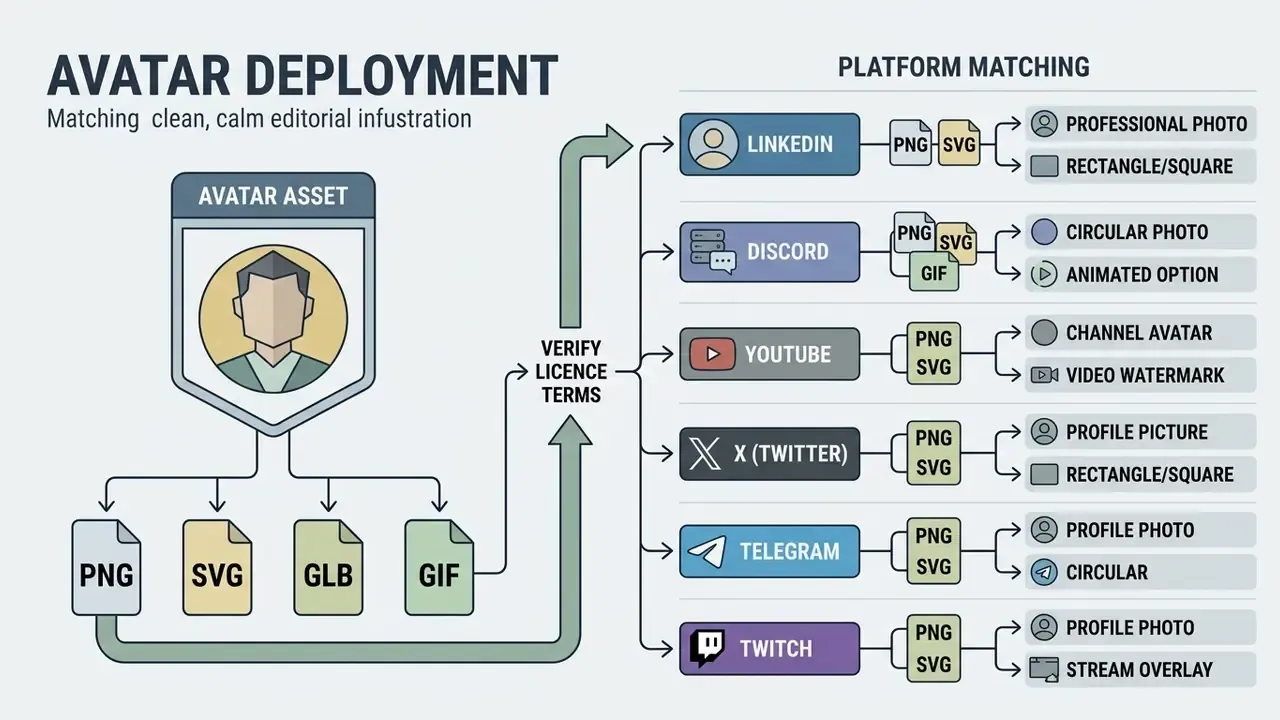
Exporting and deploying a finished avatar requires matching image file specifications to platform interface requirements while verifying software licence terms.
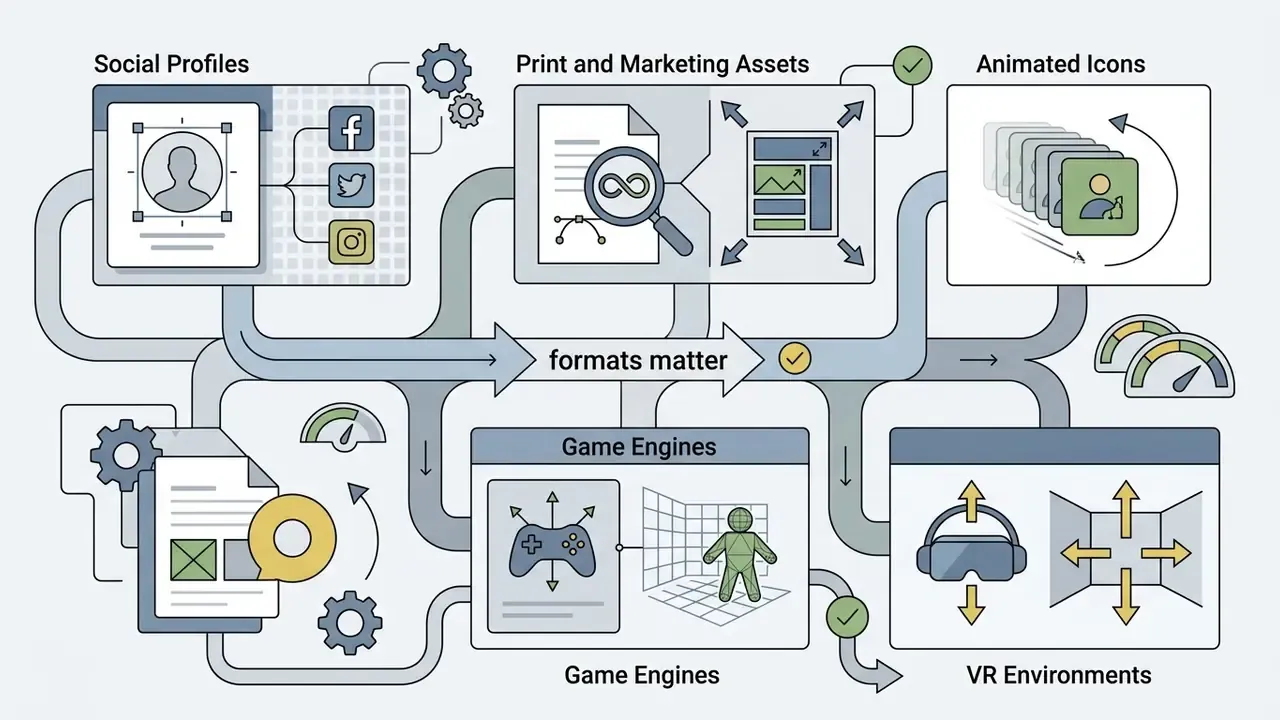
Choosing an Avatar File for Different Platforms
Different online services mandate specific pixel dimensions and file formats for profile picture rendering.
- LinkedIn 400 × 400 pixels (1:1 square crop, PNG or JPEG format).
- Discord 128 × 128 pixels minimum display (PNG or animated GIF format).
- YouTube channel avatar 800 × 800 pixels recommended for the master upload; the image is rendered at 98 × 98 pixels, accepts JPG, GIF, BMP and PNG up to 15 MB, and animated GIFs are not supported.
- YouTube video watermark 150 × 150 pixels, square 1:1 format, under 1 MB, displayed in the lower-right video boundary via Studio, then Customization, then Branding.
- X (formerly Twitter) 400 × 400 pixels (circular mask preview).
- Telegram 512 × 512 pixels (PNG or JPEG).
- Twitch profile and stream overlay 256 × 256 pixels; use PNG with a transparent background for overlay variants, uploaded through Settings, then Profile Picture.
- Facebook 170 × 170 pixels rendered. Instagram: 320 × 320 pixels.
- Institutional directories many organizations impose stricter rules than social platforms. JPG or PNG under 4 MB at 400 × 400 px is a common staff-profile standard, and some bodies require a 3:4 portrait ratio between 330 × 440 px and 1500 × 2000 px. Several public-sector policies also prohibit cartoons, avatars, memes or clip art in favour of a current shoulders-up headshot, so confirm policy before substituting a stylized avatar.
Where an export needs cropping, background replacement or colour correction before upload, an AI photo editor handles the adjustment without returning to the avatar builder; teams working under a zero-budget constraint can compare capability limits in the guide to free photo editors.
Deploying 3D Avatars in Game Engines and VR
Static profile pictures are only one destination. When the avatar must move inside Unity, Unreal Engine or a social-VR world, the export pipeline changes:
- Generate a rigged model.Browser-based 3D builders reconstruct facial geometry from a single front-facing selfie, attach the head to a full-body rigged mesh, and generate skin and hair textures, typically in about a minute.
- Export the interchange format.Choose FBX for Unity and Unreal native pipelines, GLB for single-file web and VR delivery, or glTF where a text-based scene description plus external textures is preferred.
- Confirm the rig standard.Models that ship Humanoid-rigged and Mixamo-compatible animate immediately on import: retargeting existing animation clips requires no manual bone mapping.
- Verify blendshapes.Facial morph targets drive lip-sync and expression. Open 3D avatar libraries published for research use document 69 bones and 65 facial blendshapes per character, which is sufficient for viseme-level speech animation.
- Scale with an SDK.For product use cases that must convert end-user photographs into avatars in bulk, cloud avatar APIs and engine plugins for Unity and Unreal replace the manual browser flow. Note that this reintroduces the biometric-processing question the manual path avoided, so document consent before shipping.
Check Usage Rights Before Commercial Use
A critical step before deploying a digital character commercially is verifying the underlying software licence. "Free to create" does not automatically grant commercial usage rights.
Licence terms in the avatar market genuinely diverge. Some generators publish public-domain dedications that permit copying, modification, distribution and performance for commercial purposes; others permit commercial resale of derivative works within stated restrictions; and others limit output strictly to personal, non-commercial purposes and require a separate paid commercial licence. Platform grants for AI avatars add a second layer: stock avatars are often cleared for generated videos, while custom avatars built from a real person are usable only where the operator holds the necessary rights and documented consent.
Organizations seeking guidance on commercial image rights, licensing structures, and asset monetization should consult the AI Media Commercial-Use Hub, together with the parallel analysis of AI image generator commercial use terms for generative assets that accompany the avatar.
FAQ: Frequently Asked Questions About Free Avatar Makers
Can Kids and Students Use a Free Avatar Maker?
Yes. Kids and students can safely use a free avatar maker for kids or a free avatar maker for students provided the tool operates without mandatory account registration or personal photo uploads. Under the U.S. Children's Online Privacy Protection Act (COPPA), personal photographs, biometric data, and persistent identifiers collected from children under 13 require verifiable parental consent:
«Microsoft was ordered to pay a $20 million penalty; avatars created from children's images and biometric data were treated as personal data under COPPA.» FTC COPPA Enforcement Action against Microsoft (Xbox), 2023 The COPPA Rule explicitly treats photos, videos and audio files containing a child's image or voice as personal information, which is why the safest educational configuration is a browser-side cartoon avatar creator with no backend image storage. U.S. Department of Education guidance for online educational services adds the procurement questions schools should ask: what student data is collected, stored, inferred, shared and retained, and whether the vendor trains AI models on it. In jurisdictions governed by Russian Federal Law No. 152-FZ, the equivalent baseline is a lawful basis for processing plus documented protection measures for minors' data. Disclaimer: The information above is general in nature and does not replace consultation with a qualified specialist.
Is an Animated Avatar Available for Free?
Yes. Animated avatars are available for free through browser-based graphics utilities and open-source avatar engines. Platforms like Ezgif and Picasion enable free animated avatar maker online generation without watermarks or registration, providing output in GIF or APNG formats. Ezgif publishes a 1920×1920 px ceiling and states no conversion limits, while APNG-specific web tools handle GIF to APNG conversion with alpha preservation. Advanced 3D avatar frameworks provide bone rigs and facial blendshapes under open-source MIT licences for real-time motion and expression rendering:
«The VALID library includes 210 avatars across seven racial and ethnic categories, with 69 bones and 65 facial blendshapes, distributed under the MIT license.» VALID Avatar Library (Virtual Avatar Library for Inclusion and Diversity), 2024 Those blendshapes reach a game engine through the same interchange formats described above: exporting the rigged model as GLB, glTF or FBX carries the skeleton and morph targets into Unity or Unreal, where Humanoid retargeting and Mixamo clips can drive them without manual bone mapping.
Do You Need a Photo to Create an Avatar?
No, you do not need a photo to create a high-quality avatar. Parametric avatar creators allow users to select character bases, adjust facial features, and select clothing options manually without uploading source imagery. Manual feature assembly bypasses biometric privacy risk entirely while generating highly custom, self-congruent cartoon avatar outcomes:
«Users created avatars without any photo upload and still exhibited psychological ownership and attachment when customizing toward the real self.» Affective Avatars Study (2023); Psychological Ownership and Avatar Creation Study (2024) The structural difference is worth restating: template-based creation composites preset assets into a stylized character that encodes no individual's facial geometry, whereas photo-based generation extracts facial features from an uploaded image and can produce a hyper-realistic likeness. Regulators treat that second path as sensitive biometric processing, which is not just a documentation burden but a change in legal basis.
Can I Use a Free Avatar Commercially Without Attribution?
Only if the licence says so. Public-domain dedications and MIT-licensed asset libraries allow commercial use without attribution, or with only a retained notice. CC BY and CC BY-SA permit commercial use but require attribution, and CC BY-SA additionally forces derivatives onto a compatible licence. CC BY-NC blocks commercial use outright. Vendor terms that read "personal, non-commercial use" require a separately purchased commercial licence. Independently of the asset licence, publicity rights govern any avatar that reproduces a real person's likeness.
Which Free Export Formats Should I Keep as Masters?
Keep two masters wherever the builder allows it: an SVG file for 2D avatars, because it re-exports to any raster size without quality loss, and a GLB or FBX file for 3D avatars, because it carries the rig and blendshapes needed for future animation. Derive PNG copies per platform from those masters instead of upscaling a 400 px export.
How Do I Add a Voice to My Avatar Without Video-Editing Skills?
Upload an MP3 or WAV file, or record up to two minutes of voiceover inside the browser tool. Let the engine align the audio to facial blendshapes, preview the sync, trim silence with the timeline handles, then export an MP4 or looping frame at a preset social size. For voice synthesis rather than self-recording, the capability and licensing comparison in the guide to AI voice generators covers language coverage and commercial-use terms.
Do Free Avatar Tools Watermark Their Output?
It varies, and it is the single field most worth checking before investing time. Documented current behaviour ranges from explicitly watermark-free basic generation, through image exports that are clean while video exports are branded, to free video plans that watermark every render. Where a clean export is mandatory, budget for the paid tier or choose a parametric builder whose PNG and SVG downloads carry no branding at all. To measure cost structures and credit usage for synthetic generation platforms, organizations use dedicated calculators to project operational expenses. Performance validation metrics are catalogued in the AI Media Benchmarks and Review Proof repository.
Limitations and Open Questions
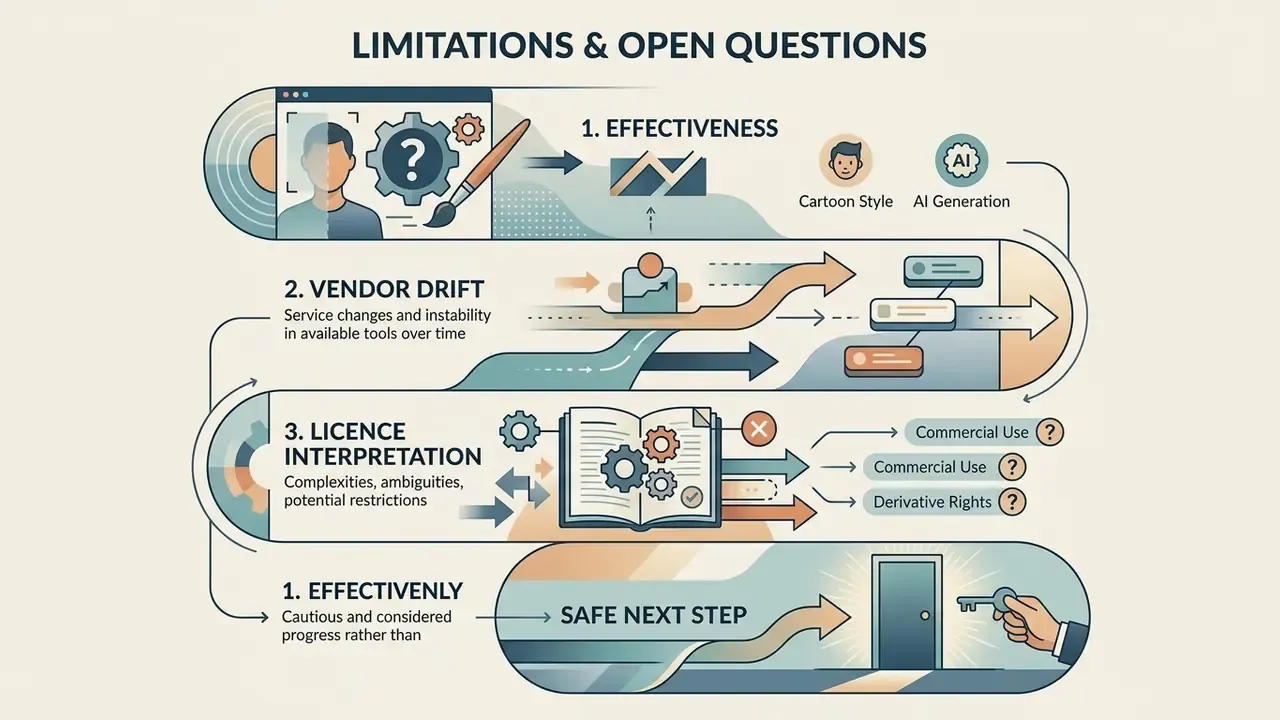
Three gaps deserve a plain statement rather than a confident claim.
First, effectiveness. No published study quantifies how much stylized avatars reduce successful social-engineering attempts against a workforce. The control is defensible on exposure grounds (fewer public facial images), not on a measured attack-reduction rate.
Second, vendor drift. Free-tier caps, retention windows and watermark behaviour change without notice, often quarterly. A screenshot of the terms, dated and stored, is worth more than a link.
Third, licence interpretation. The interaction between a permissive asset licence and publicity rights is jurisdiction-specific in the United States, and state law differs. Counsel review remains the only reliable answer for commercial deployments involving real likenesses.
A safe next step. Pick one public surface, for example a team page with a dozen headshots. Run the six-step migration on that page alone, record the two exposure metrics before and after, and document the tool in your inventory with a named owner. If the numbers move, extend. If they do not, you have spent an afternoon and learned something concrete.
Appendix A: Editorial Corrections Log
This log preserves earlier phrasing that has been superseded in the main text, so that revisions remain auditable.
- Retired source attribution (audience section).The original sentence ended with the citation "(University of Washington Study on Children's Avatar Making, 2025)". The underlying finding, that children use avatars to portray themselves, experiment with identity and adapt to social online spaces, remains accurate, but the main text now carries a quantified, methodologically described citation (Affective Avatars Study, 2023, n = 82) in its place.
- Retired unsupported claim (social media section).Original wording: "In one operational review of online safety practices, an academic department replaced public faculty photographs with customized cartoon avatar graphics across external directories. This adjustment reduced unauthorized image scraping by 100% while maintaining clear visual identity across institutional channels." The 100% figure had no published methodology or denominator. It is replaced in the main text by a six-step, measurable anti-scraping procedure.
- Retired unsupported evaluation (free-tier section).Original wording: "In a technical evaluation of web graphics platforms, an enterprise team reviewed fifty avatar creation portals. The evaluation revealed that tools requiring no user account creation offered the highest data privacy compliance and fastest deployment times for organizational training modules." No sample list, scoring rubric or publication accompanied the claim; it is replaced by a four-field terms-verification procedure plus a documented enterprise checklist.
- Retired unverifiable citation (terms verification).Original wording: "Verification of service terms indicates that platforms such as Face.co allow unrestricted download of SVG and PNG files without registration, whereas proprietary social platforms require active accounts and restrict direct asset exports (Terms of Service Legal Review)." The three service models described are real and are now summarized without the composite citation.
- Retired unverifiable citation (AI free tiers).Original wording: "free AI avatar tiers frequently impose usage caps, daily credit limits, watermarks, or data-retention requirements (Synthesia and HeyGen Free Tier Analysis)." Replaced with vendor-documented limits per platform.
- Retired unverifiable citation (licensing alert).Original wording cited "(Creative Commons Licensing Guidelines)". Replaced with the Creative Commons licence deeds and legal code for CC BY 4.0 and CC BY-NC 4.0.
- Relocated internal links.Links to live-photo-to-video conversion, video-to-live-photo conversion, image-text translation and character-filter settings were removed from technical sections where they broke topical context. They now sit in the animation and multilingual-asset passages, where the workflow overlap is genuine.
- Structural reordering.Tool selection ("How to Choose the Best Free Avatar Maker Online") and the technology decision ("Cartoon Avatar Maker or AI Avatar") now precede the step-by-step creation workflow, so that readers choose a format and licence before assembling an asset they may not be able to export or deploy.
- Navigation block removed.The anchor-based contents list was replaced by a short decision map ("How to Use This Guide"), which carries the same orientation function without duplicating the heading structure.