Sounds simple. Operationally, it is not.
Last updated: 2026. Editorial standard: every technical claim is mapped to a primary source, a published standard, or a reproducible cost benchmark.
Executive summary for decision-makers
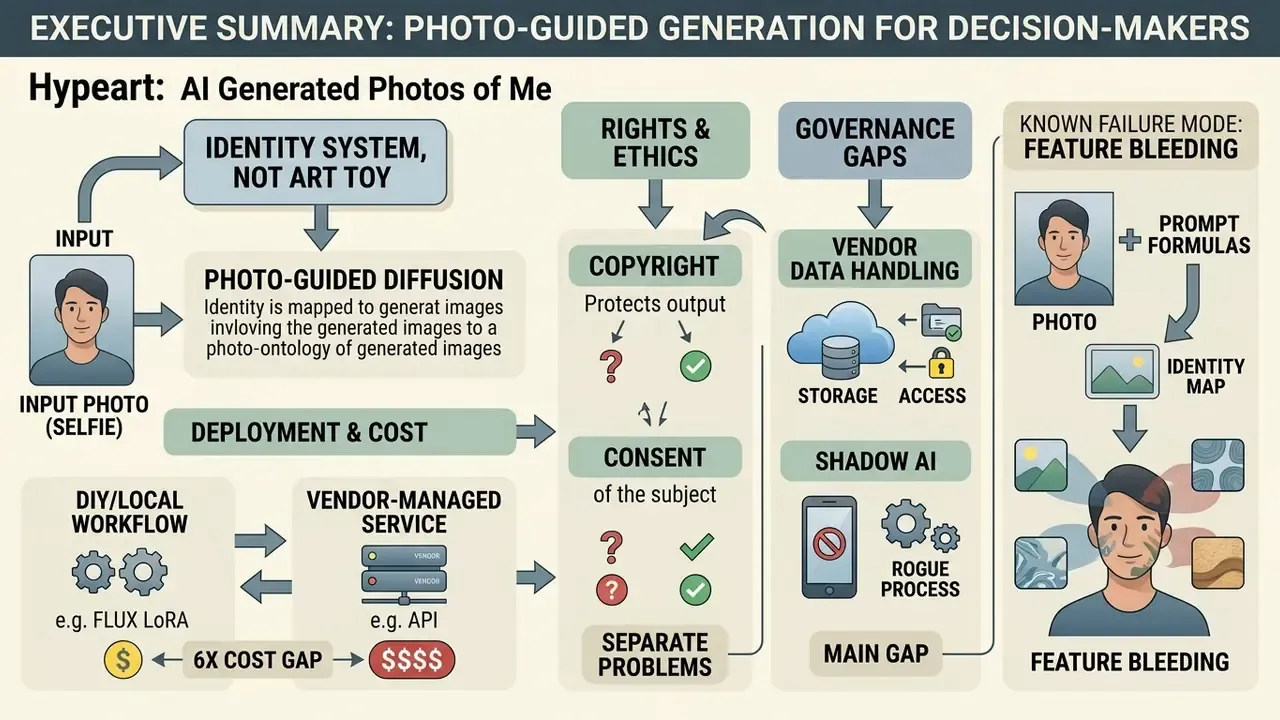
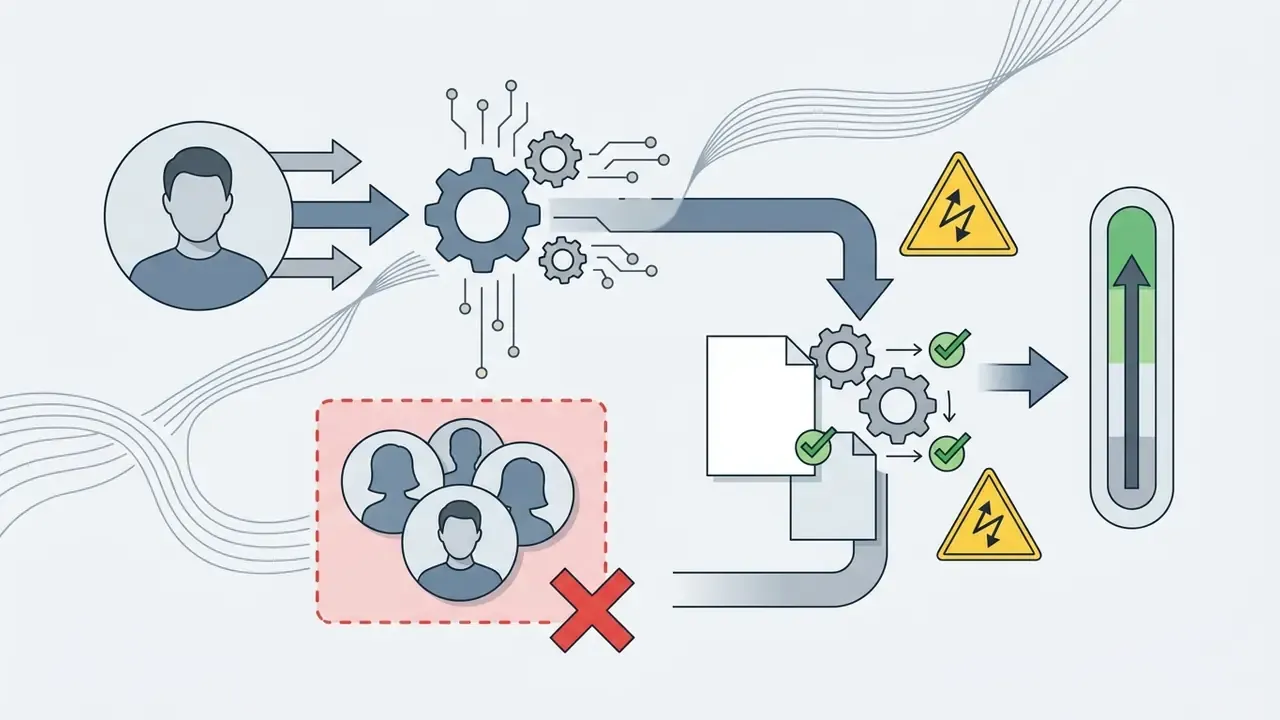
- Photo-guided generation is an identity system, not an art toy. It extracts a biometric embedding from your selfie (ArcFace-style face vectors or CLIP patch features) and uses it to condition diffusion sampling. Treat uploaded selfies as biometric data, not marketing assets.
- Two deployment routes exist, with roughly a 6x cost gap. Zero-shot single-reference generation (instant, one photo) versus custom LoRA fine-tuning (10 to 20 photos). A self-trained Flux LoRA on a rented-GPU API costs about $2.50 to train and $0.03 per image; managed SaaS portrait plans run $9 to $49 per month in credit bundles.
- Copyright and consent are separate problems. Pure machine output has no human authorship under U.S. Copyright Office guidance. Using your own face commercially is generally permitted; using another person's face requires documented consent and a release.
- The main governance gap is vendor data handling and Shadow AI. Require 24-hour deletion of source uploads, contractual exclusion from public foundation-model training, SOC 2 or ISO 27001 evidence, and a documented BIPA/GDPR Article 9 position before any employee photo is uploaded. A ready-to-use checklist and an employee image release template appear later in this guide.
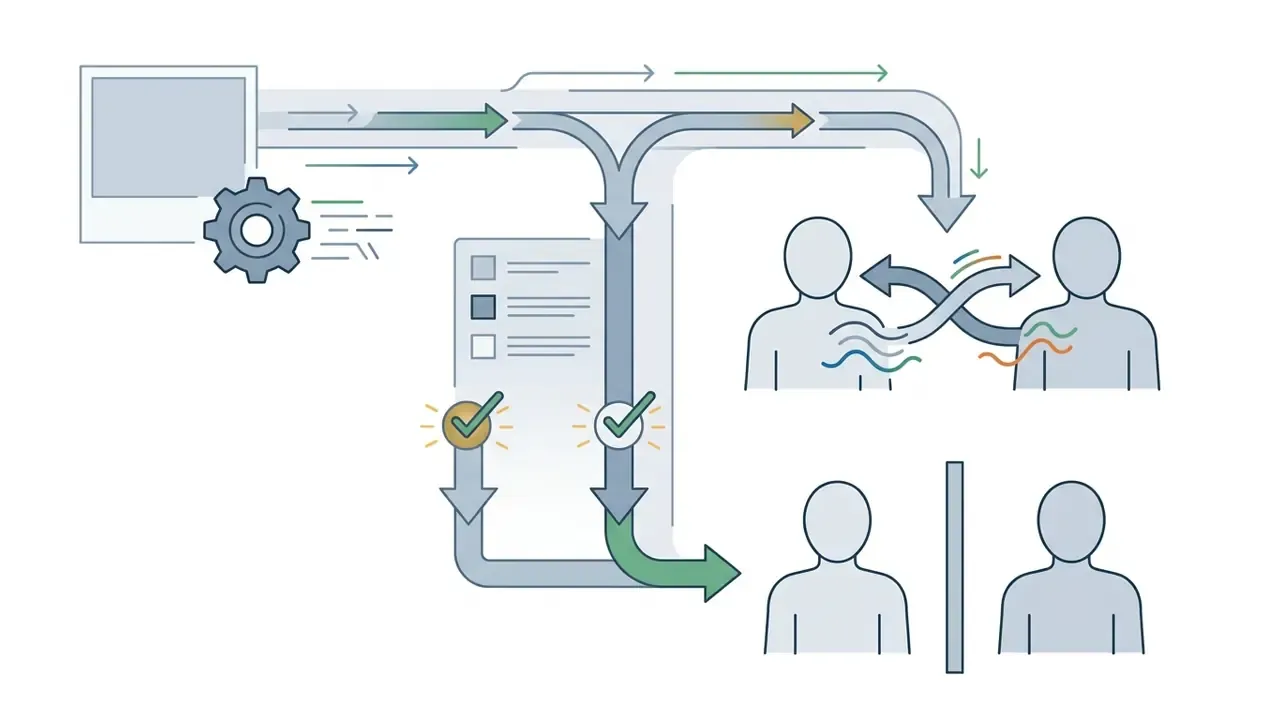
- Known failure mode: feature bleeding. In multi-person prompts, diffusion models blend identity tokens between subjects. Explicit demographic descriptors placed next to the trigger word are the practical fix, and they cost nothing to test.
What are AI generated photos of me?
An ai generated photo of me is a synthetic portrait created by feeding a personal reference image, such as a selfie or an old studio shot, into a generative architecture that extracts facial feature embeddings to preserve likeness. Modern frameworks process those embeddings alongside text prompts. That lets an ai image generator place an individual's face into new environments, poses, clothing, and lighting conditions without redrawing the person from scratch.
The distinction matters for procurement, not just aesthetics. One route uploads biometric data; the other does not.
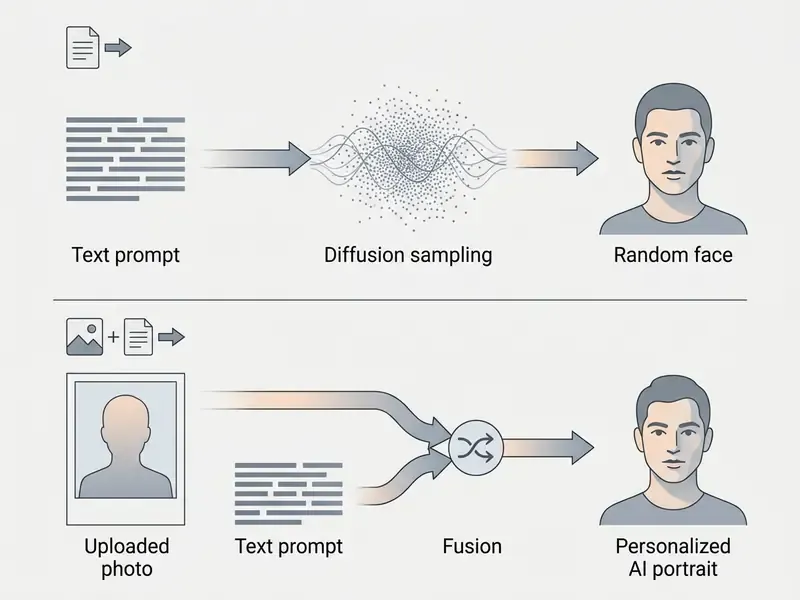
AI portrait from a photo versus text-to-image generation
Photo-guided generation anchors facial structure to an uploaded reference image. Standard text-to-image generation invents a fictional face from descriptive keywords alone. So when you ask a generic model to ai create a photo of me through text only, the system samples statistical patterns from its training data and returns a stranger. A convincing stranger, sometimes. Still a stranger.
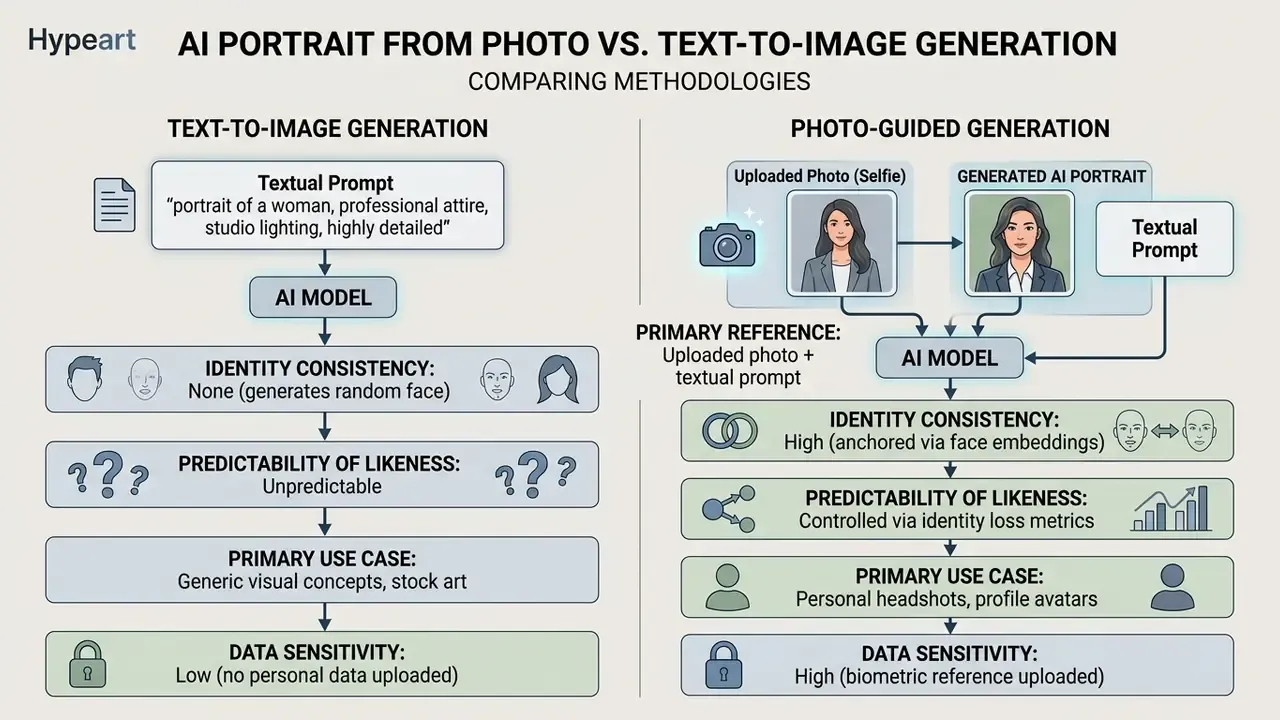
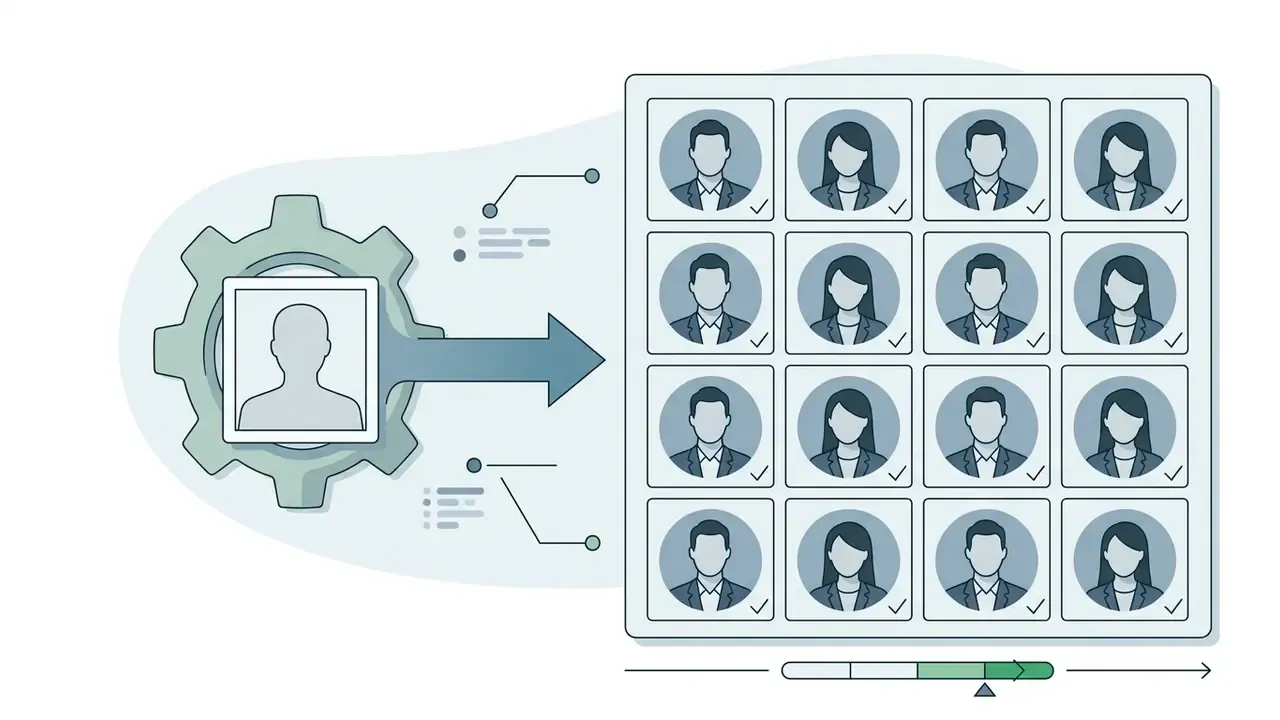
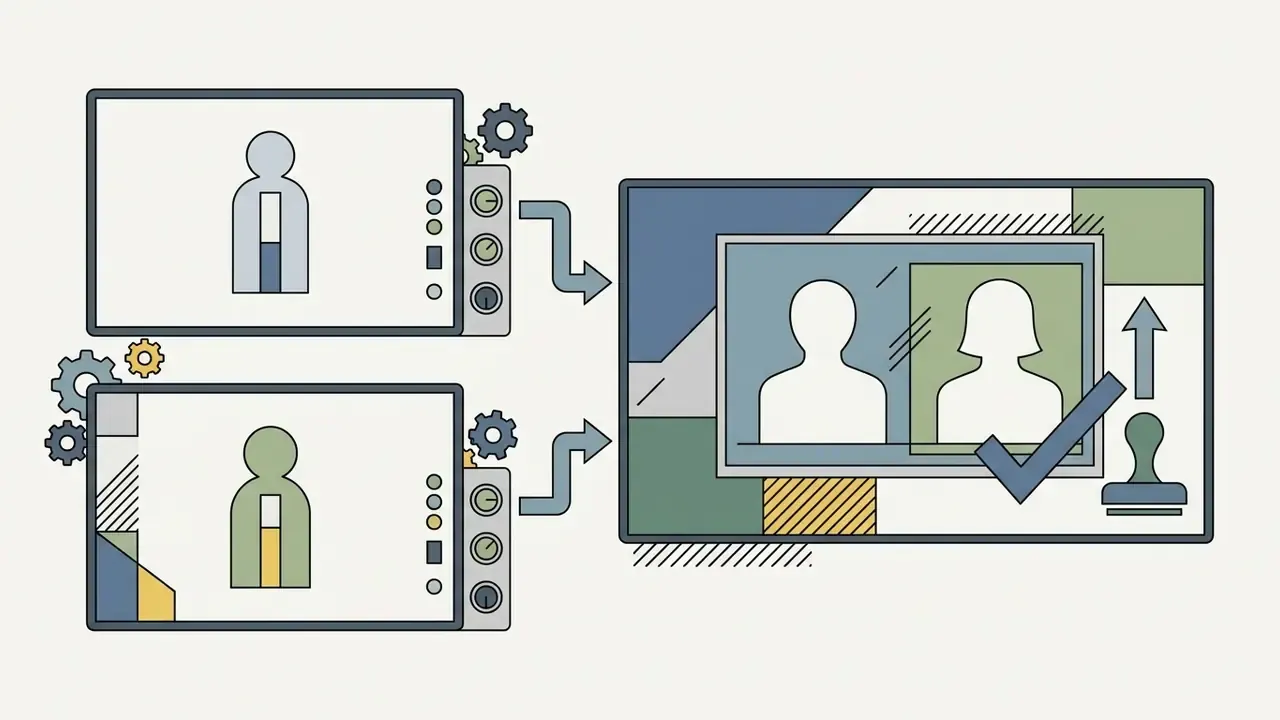
Photo-guided pipelines extract facial feature vectors using dedicated vision encoders (ArcFace, or CLIP-based patch extractors). Those identity vectors condition the latent sampling space of a diffusion model, so the synthesized ai generated photo of myself retains core facial geometry while adapting to prompt instructions. Inter-eye distance survives. The blazer changes.
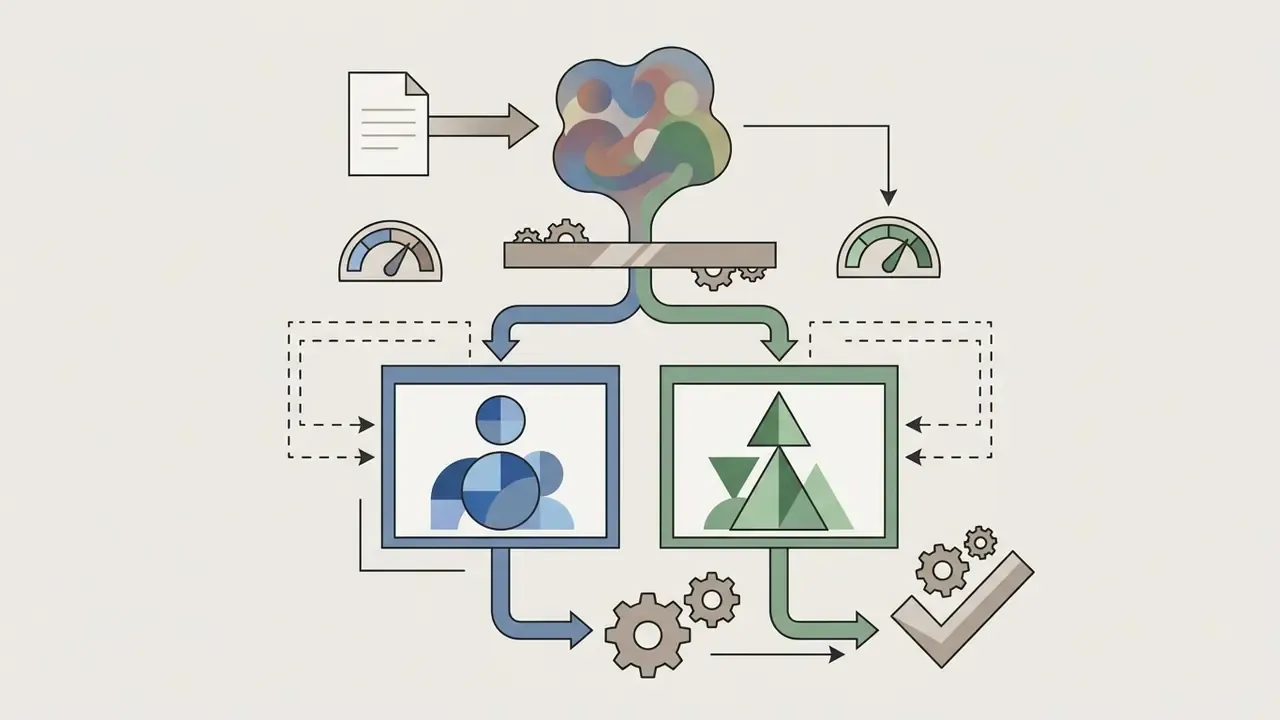
Two architectural families dominate. Pre-trained adaptation (PTA) needs no per-user training. Test-time fine-tuning (TTF) trains a small personalized weight set for each subject.
Readers comparing platform architectures against output quality can review the leading AI image generators before committing to a conditioning approach.
What AI can change while keeping your likeness
Modern diffusion models separate facial identity features from contextual attributes. That separation is what allows an ai generate picture of me request to alter surroundings without deforming facial geometry. The network locks core biometric relationships, including inter-eye distance, nose bridge proportion, and jawline structure, while secondary attributes stay open to transformation.
When you request an ai generate a photo of me with new visual parameters, the generative model can reliably transform:
These transformations depend on conditioning mechanisms such as ControlNet and cross-attention gating, which stop background and style edits from leaking into identity features. When gating fails, you see it immediately: skin tone drifts toward the background palette.
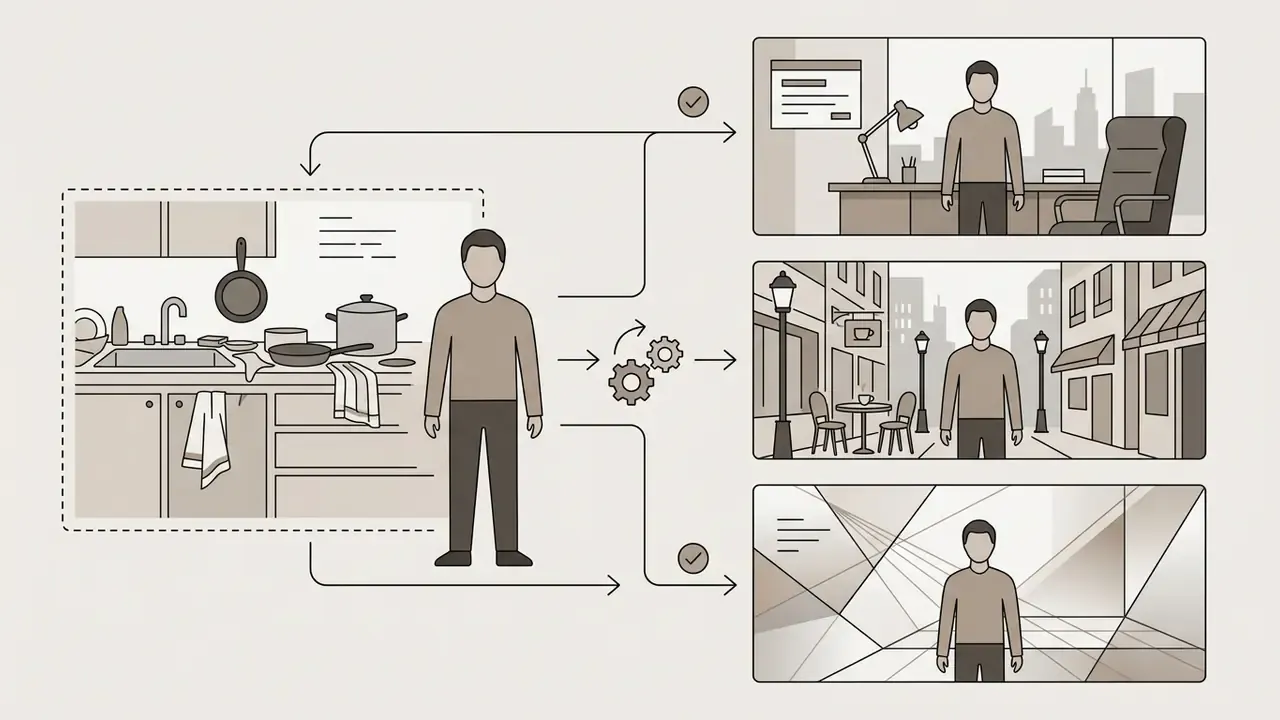
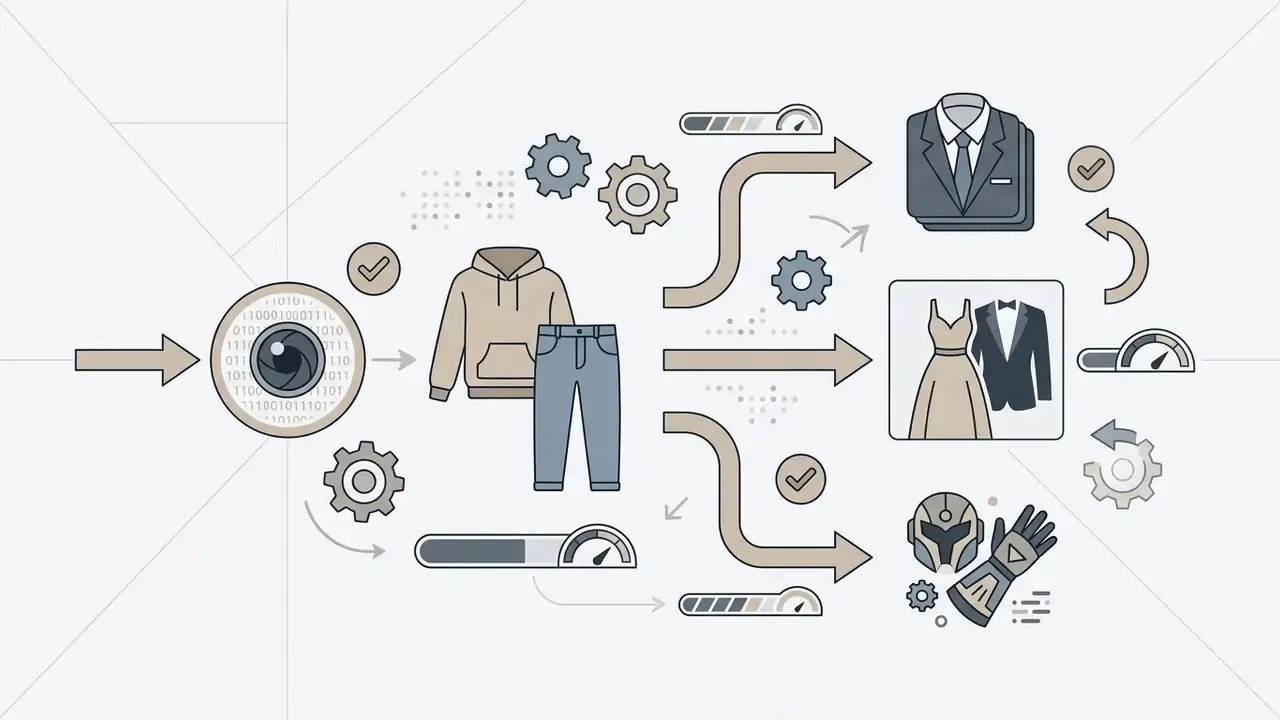
To understand broader asset creation options, creators often review adjacent tools: an ai wallpaper generator for background inspiration, or an image expansion tool when a square portrait must be outpainted into a wide banner without stretching the face.
Technical baseline at a glance
Before evaluating vendors, workflows, or prompts, fix the measurable parameters. Everything later in this guide refers back to this table.
| Feature / Metric | Technical Standard / Requirement | Operational Best Practice |
|---|---|---|
| Input Image Resolution | Minimum 512x512 pixels (1024x1024 recommended) | High-sharpness frontal selfie with clear eye detail |
| Head Pose Tolerance | Pitch ±5°, Yaw ±5°, Roll about 0° (biometric capture geometry) | Eye-level camera, no tilt, both ears broadly visible |
| Identity Loss Metric | ArcFace cosine distance (typical target threshold below 0.35) | Lower distance, higher similarity, stronger likeness retention |
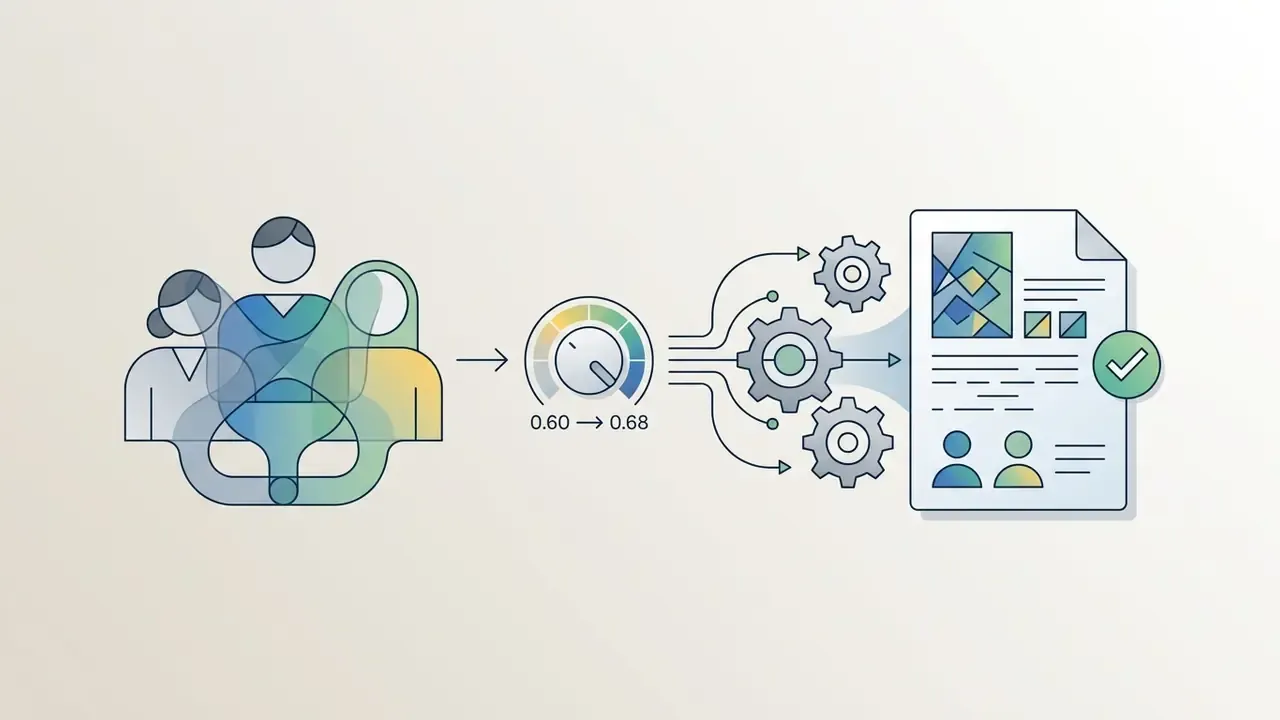
| Model Conditioning | Cross-attention identity fusion / ControlNet | Identity weight set between 0.65 and 0.80 |
| Recommended Aspect Ratios | 1:1 (profile avatar), 4:5 (professional headshot) | Selected before generation to prevent distortion |
| Training Set Size (LoRA) | 10 to 20 varied single-subject photos | Diverse angles, lighting, hairstyles; no other people in frame |
| Commercial Compliance | Paid platform subscription plus human creative input | Document prompt history and manual editing steps |
| Data Retention Target | Source uploads deleted within 24 hours | Contractual exclusion from public model training |
Outputs below the resolution baseline can be partially rescued with AI image enhancers. Partially. Enhancement never restores biometric detail the reference photo never captured in the first place.
Can you use AI generated photos of yourself commercially?
Using ai generated photos of me commercially, whether for corporate marketing, social campaigns, book covers, or product advertising, depends on three separate things: platform terms of service, copyright law, and right-of-publicity rules. They do not move together.
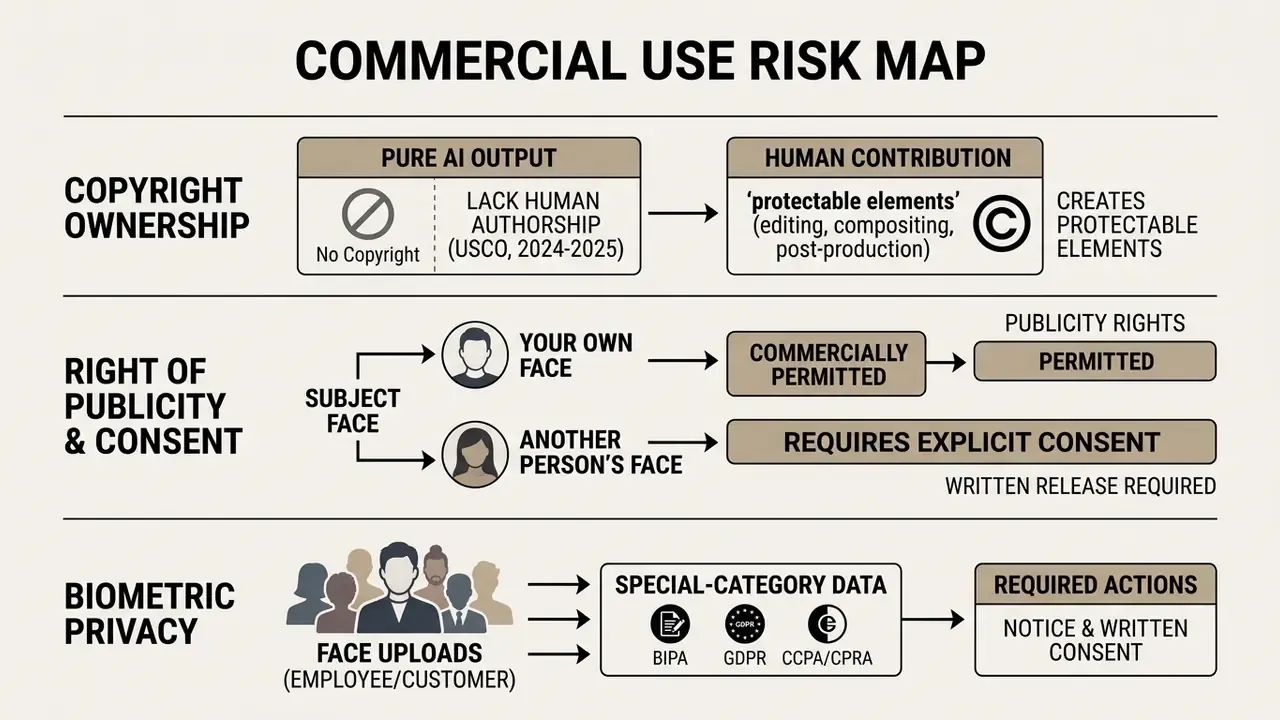
Fact check and legal notice: AI output copyright and publicity rights
Guidance abroad reinforces the same split. The UK report on copyright and AI applies CDPA section 9(3) to computer-generated works, assigning authorship to the person who made the arrangements necessary for creation. European Parliament analysis treats purely AI-generated output with no meaningful human creative input as outside copyright protection entirely. Different routes, similar landing point.
Commercial use, ownership and platform terms
For business workflows, ownership is governed by the contract terms of the selected ai image generator, not by intuition. Major platforms generally grant commercial distribution rights to paid subscribers while restricting free-tier output to non-commercial, personal evaluation. A structured overview of licensing terms across vendors sits in our reference on AI image generators and their usage rights.
Before launching a commercial campaign:
Teams assessing legal exposure or contractual frameworks can view the guide or review documentation on ongoing AI industry litigation trends before they sign anything.
- Audit platform licence terms
- verify in writing that the platform transfers commercial usage rights to paid accounts.
- Review training provenance
- confirm the provider uses commercially safe foundation models trained on licensed or public-domain datasets.
- Document the creative workflow
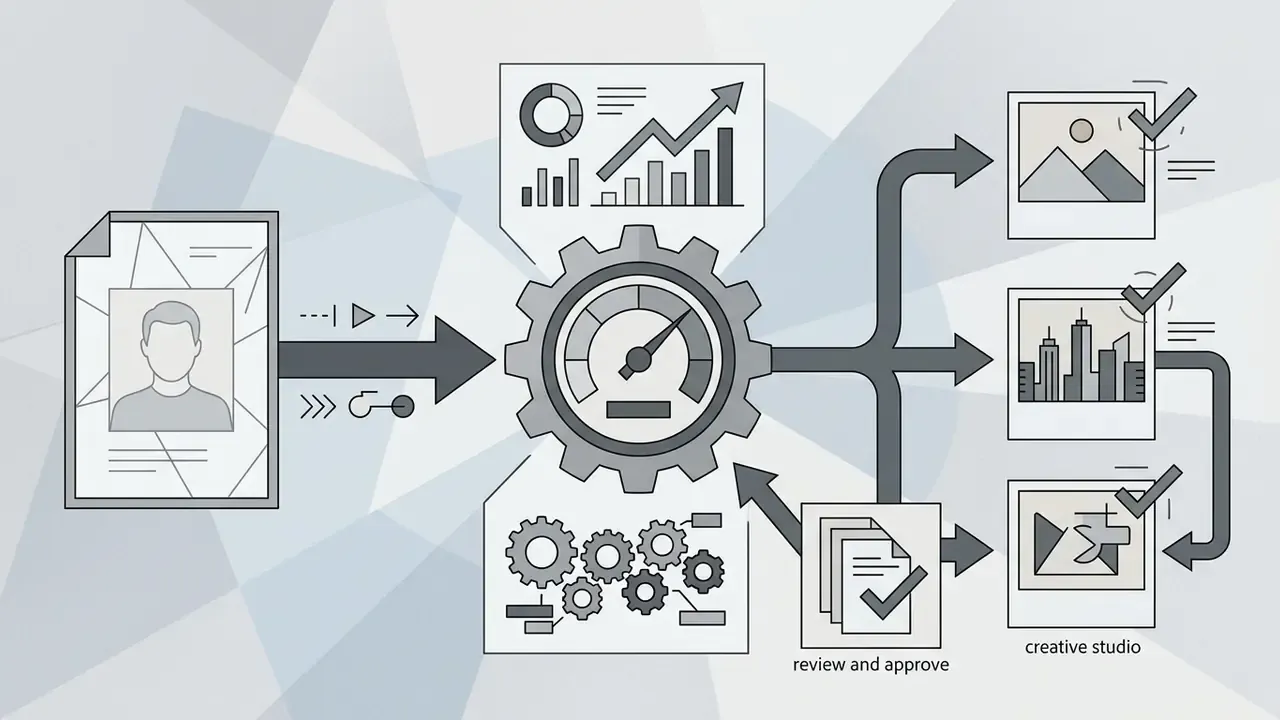
- log human prompts, reference inputs, seeds, and manual post-processing edits. This is your proof of creative control if a publisher, insurer, or auditor asks. Where third-party assets circulate internally, AI image detectors help confirm provenance before publication.
- Check disclosure duties
- advertising self-regulatory frameworks published for 2026 require visible labelling when a synthetic person acts as brand spokesperson or influencer, with the label present from the first frame.
Using AI portraits for social, marketing and creator content
AI-generated headshots and promotional visuals now appear across digital marketing, corporate branding, and creator channels. Synthetic avatars let marketing teams maintain consistent brand ambassadors and executive imagery without repeated studio bookings.
That perceived-trust advantage cuts both ways, which is exactly why platform-level monitoring matters:
Common commercial deployments include:
To sharpen the financial side, comparing tool costs and ROI across platforms, marketing managers can compare options or reach API endpoints through developer tooling and open the hub.
Biometric privacy, Shadow AI and vendor due diligence
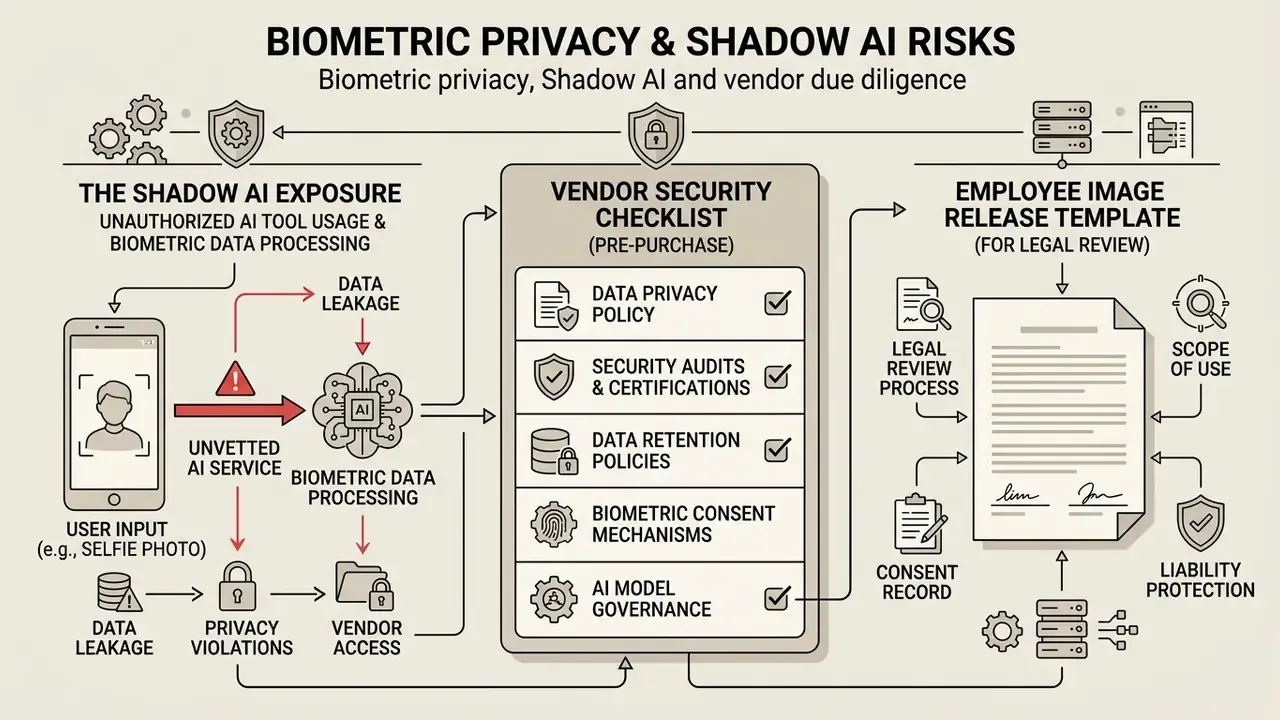
A selfie uploaded to a portrait generator is not an ordinary file. It encodes measurable facial geometry. Under the Illinois Biometric Information Privacy Act, a face template derived from a photograph can qualify as biometric identifier data requiring written notice and consent. Under GDPR Article 9, biometric data processed for unique identification is a special category. Under CCPA/CPRA, it is sensitive personal information. Any workflow that collects employee or customer faces at scale therefore deserves the controls of an identity system, not the casual handling of a marketing asset.
The Shadow AI exposure
The most common uncontrolled scenario is not a procured platform. It is an employee pasting a badge photo into a free consumer generator to produce a nicer avatar before a conference. One click. Biometric data moves to an unvetted processor, outside any data processing agreement, under retention terms nobody read, and possibly into a public model's training corpus.
Practical containment measures:
- Publish an approved-tool list for portrait generation and block unreviewed domains at the egress layer.
- Provide one sanctioned internal path (one approved vendor, one documented workflow) so demand stops routing around policy.
- Prohibit uploading badge photos, ID scans, or any image captured for identity verification into generative tools.
- Log which reference photos produced which published assets, so takedown or regeneration is possible if a vendor relationship ends.
- Review the list quarterly. Consumer tools change owners and terms faster than most procurement cycles.
Vendor security checklist (pre-purchase)
Checklist0 / 10
Publicly, at least one mainstream portrait platform already advertises this posture: uploads deleted within 24 hours, files excluded from the provider's AI training. Treat that as the market baseline rather than a differentiator, and require it in the contract regardless of what the marketing page says.
Employee image release template (for legal review)
EMPLOYEE IMAGE & LIKENESS RELEASE - AI-GENERATED PORTRAITS
I, [FULL NAME], voluntarily provide [COMPANY] with the reference photograph(s)
listed below for the purpose of generating synthetic portrait assets using the
approved AI portrait platform [VENDOR NAME].
1. Purpose limitation: The reference photo(s) will be used solely to generate
   corporate portrait assets for [INTERNAL DIRECTORY / WEBSITE / MARKETING].
2. Biometric notice: I acknowledge that facial feature data may be derived from
   the photograph(s) for the duration of processing only.
3. Retention: Source photo(s) will be deleted by the vendor within 24 hours;
   any trained personal model weights will be deleted within [N] days of my
   written request or my departure from the company.
4. No secondary training: The photo(s) will not be used to train general or
   public foundation models.
5. Scope of publication: Generated assets may be published in the channels
   listed in Section 1 and no others without additional written consent.
6. Withdrawal: I may withdraw this consent at any time in writing, after which
   published assets will be removed or replaced within [N] business days.
Signature: ______________________   Date: ____________
Approved by (Legal / Privacy): ______________________
This template is illustrative and must be reviewed by counsel against the biometric privacy statutes applicable in every jurisdiction where employees are located.
How to generate AI photos of yourself from a photo
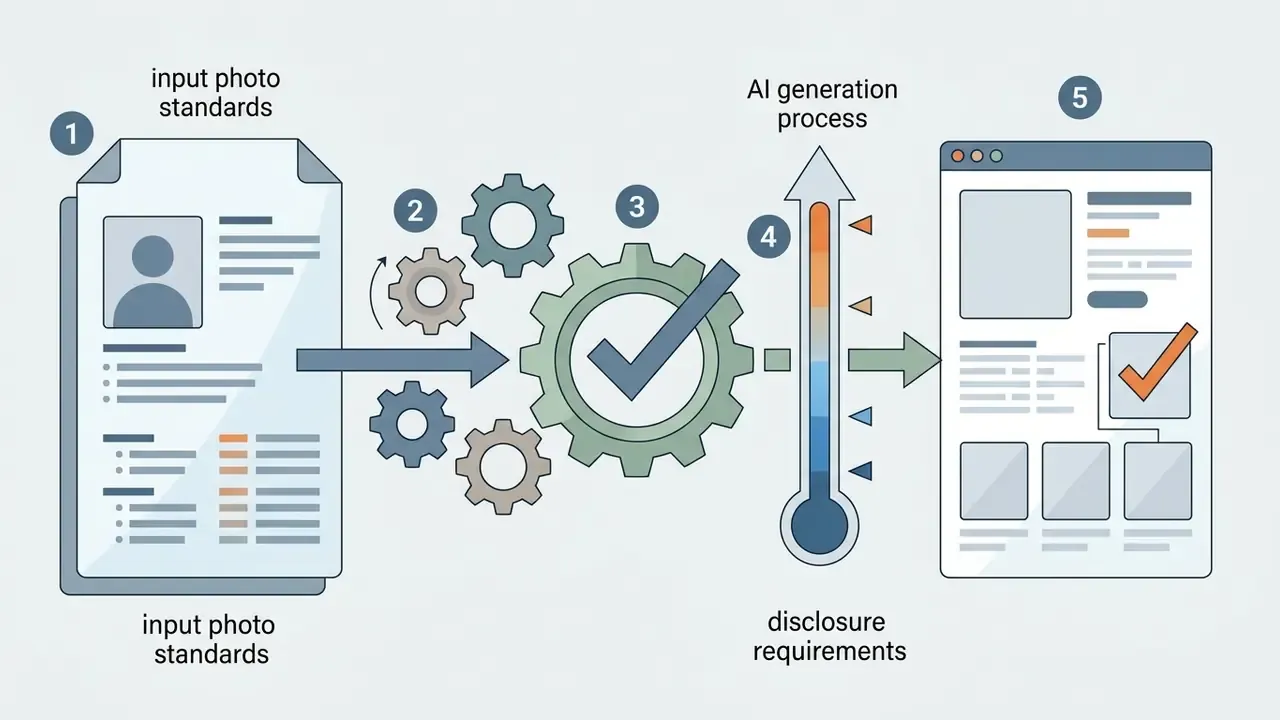
To ai generate photos of me with consistent accuracy, follow a structured pipeline: select clear facial references, configure generation settings, write targeted prompts, then refine the output with localized editing. Four steps, in that order.
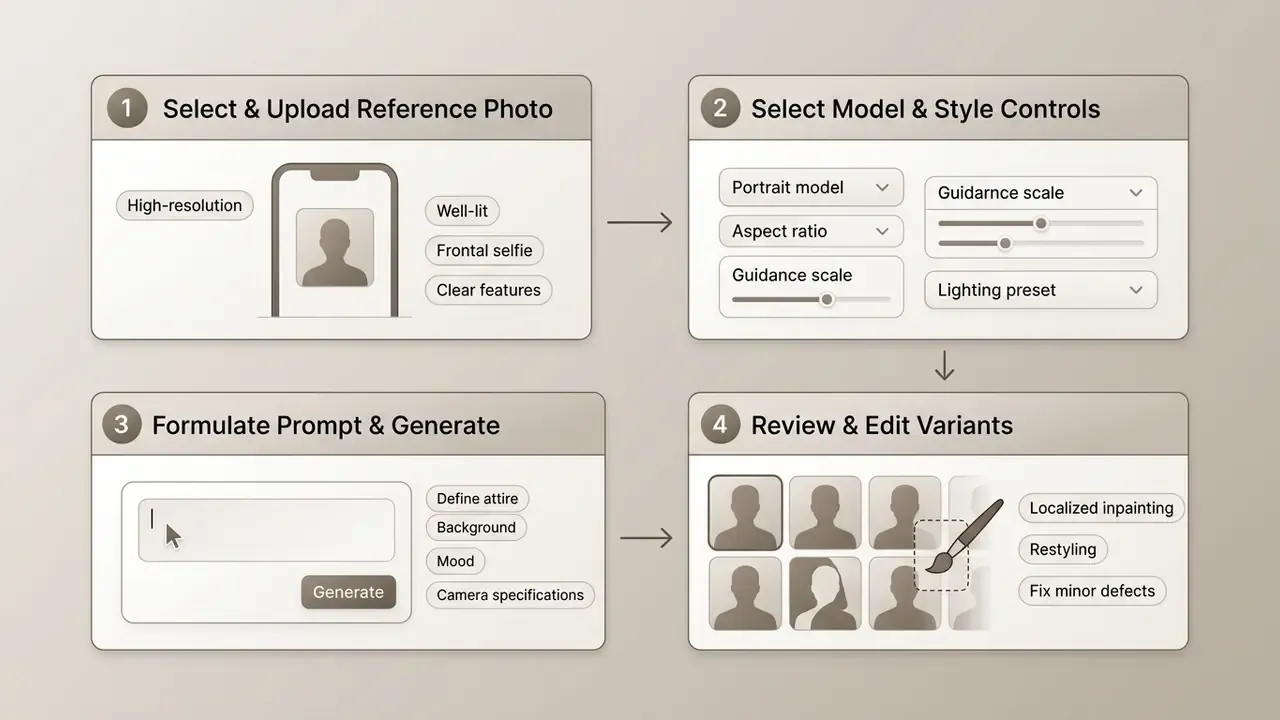
Upload photos that give the AI a clear face reference
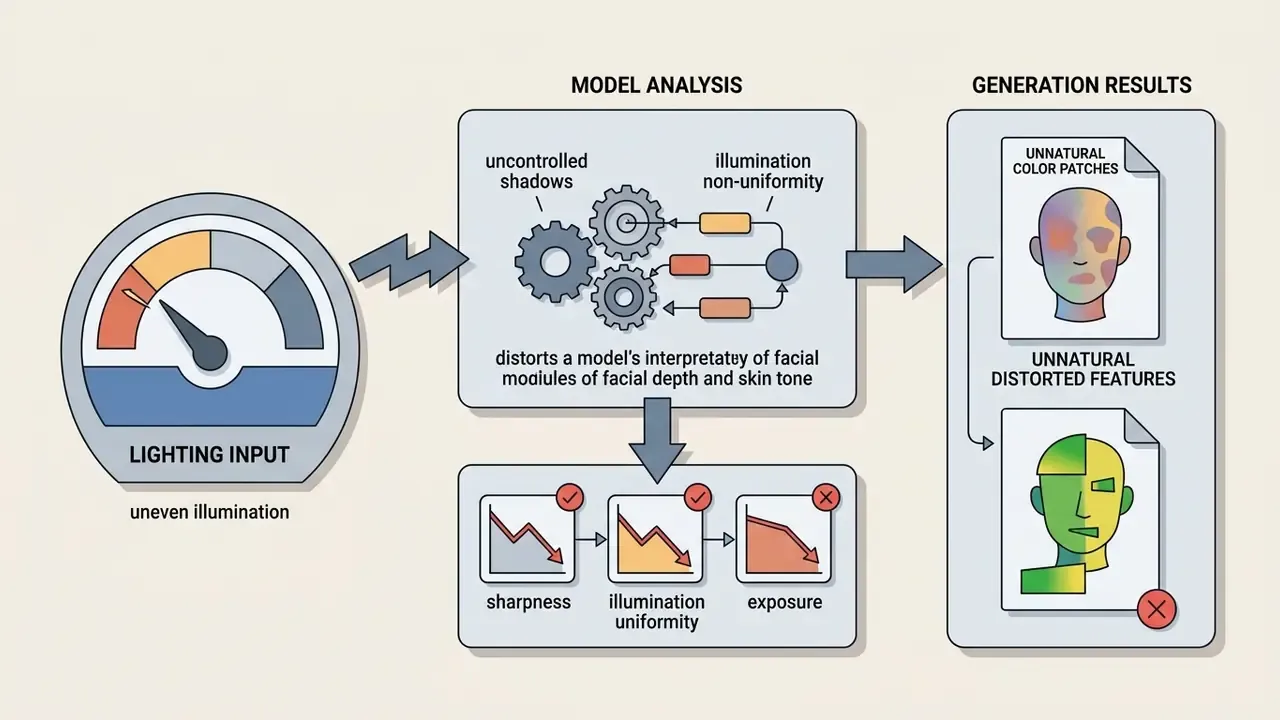
The accuracy of an ai generated image of me from photo workflow depends almost entirely on the input. For the vision encoder to extract a clean facial embedding, the photo needs sharpness, uniform lighting, and no occlusions. Garbage in, uncanny out.
When preparing to ai create photos of yourself, check the input against basic technical standards:
- Sharpness
- clear focus on eyes, skin texture, and facial contours, with no motion blur.
- Illumination
- balanced light, no heavy directional shadow across cheeks or nose.
- Pose
- frontal or slight three-quarter view, with pitch and yaw within moderate angles.
- Occlusions
- no sunglasses, wide-brim hats, or hands across the mouth and jaw.
- Expression
- neutral or lightly smiling, eyes open, mouth closed, the same requirement biometric capture standards impose on reference facial images.
Choose a model, style and generation settings
Before firing off ai generate image of me requests, configure the parameters that decide how strongly the generator follows the uploaded reference versus the text prompt. Get the balance wrong and you either over-fit (a near copy-paste of the source photo) or under-fit (a pleasant stranger in your blazer).
Key configuration parameters:
- Reference strength / identity weight balances reference fidelity against prompt creativity, typically 0.65 to 0.80.
- Style presets pre-configured aesthetic profiles such as photorealistic, corporate headshot, cinematic, or digital art.
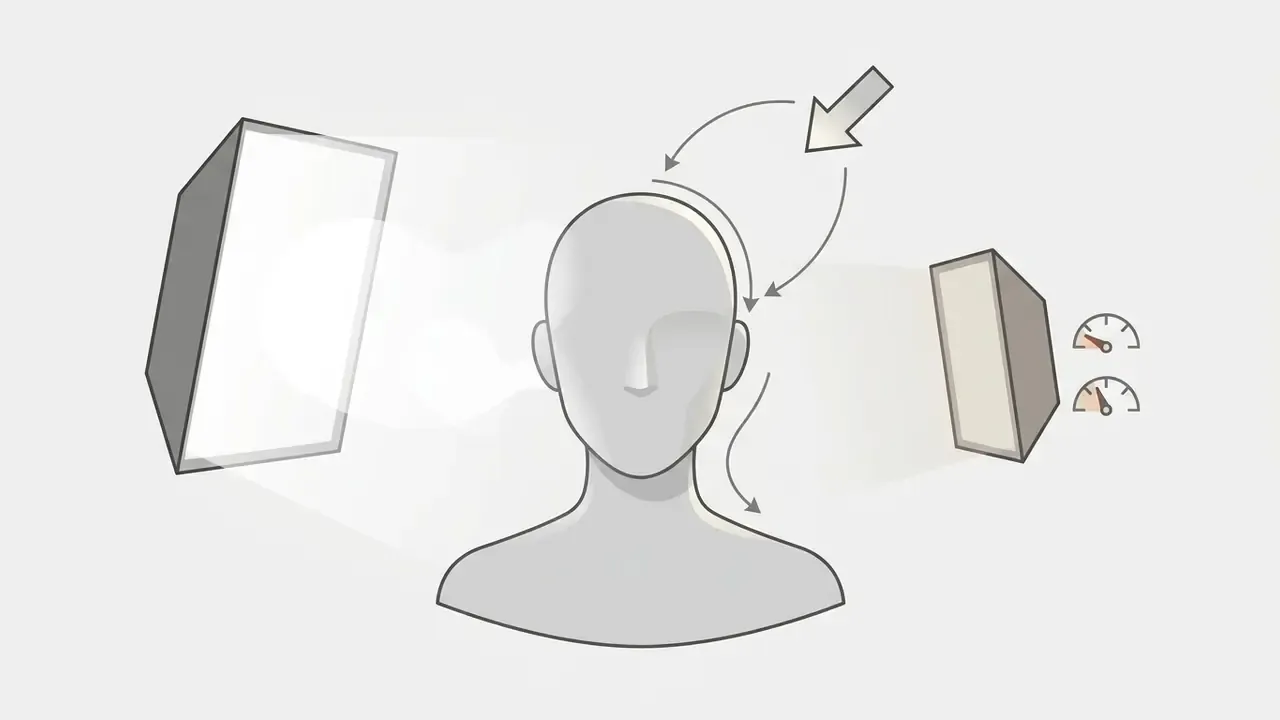
- Lighting controls directional illumination styles including studio softbox, backlit ambient, or high-contrast chiaroscuro. Production tools usually expose named presets: backlighting, dramatic light, golden hour, studio light.
- Colour palette some APIs accept explicit hex palettes (up to 16 dominant colours) to lock brand-consistent grading across an entire portrait set.
- Aspect ratio and resolution 1:1 for social avatars, 4:5 for professional headshots, chosen before generation rather than cropped after.
Teams extending content creation across formats can explore adjacent tooling, such as an ai voice maker, or evaluate platform documentation and open the hub for implementation support.
Generate, review and edit the best results
Once the model returns candidates, review them for the frame that best balances likeness, quality, and intent. Minor imperfections, a warped background line, a slightly wrong eye colour, do not require full regeneration. Localized editing fixes them faster.
Common refinement methods:
1. Upload a high-resolution, un-occluded frontal selfie as the visual reference.
2. Select a portrait-optimized AI model and set identity reference strength to 0.70.
3. Write a descriptive prompt specifying attire, background lighting, and framing.
4. Generate a batch of 4 to 8 variations to evaluate stochastic differences in pose and expression.
5. Select the best frame and apply targeted inpainting or high-resolution upscaling.
6. Log the prompt, seed, reference file hash, and manual edits for provenance records.
What photos create the most realistic AI portraits?
High-fidelity ai generated images of me depend on reference inputs that meet strict biometric photo parameters. Diffusion architectures score inputs with mathematical similarity metrics such as ArcFace cosine distance, so better input data translates directly into stronger identity preservation. No prompt rescues a dark, blurry selfie.
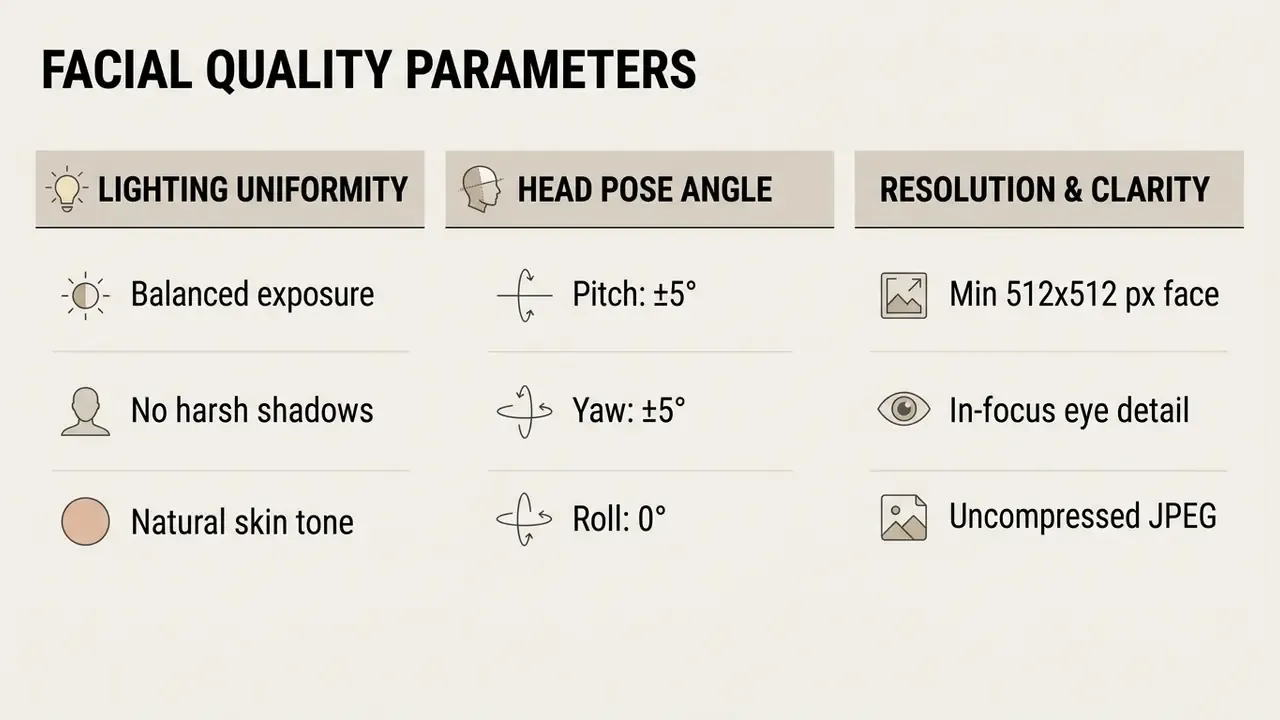
Alert: technical limits of facial likeness realism
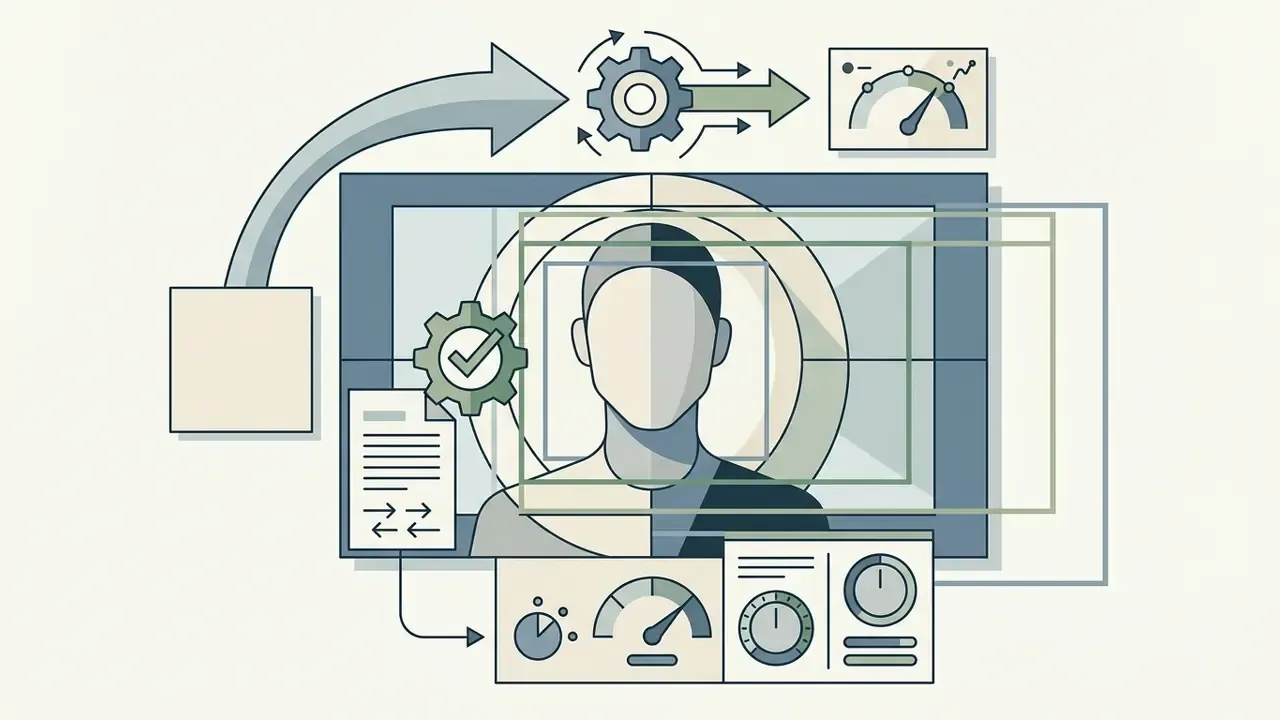
Face angle, lighting and image clarity
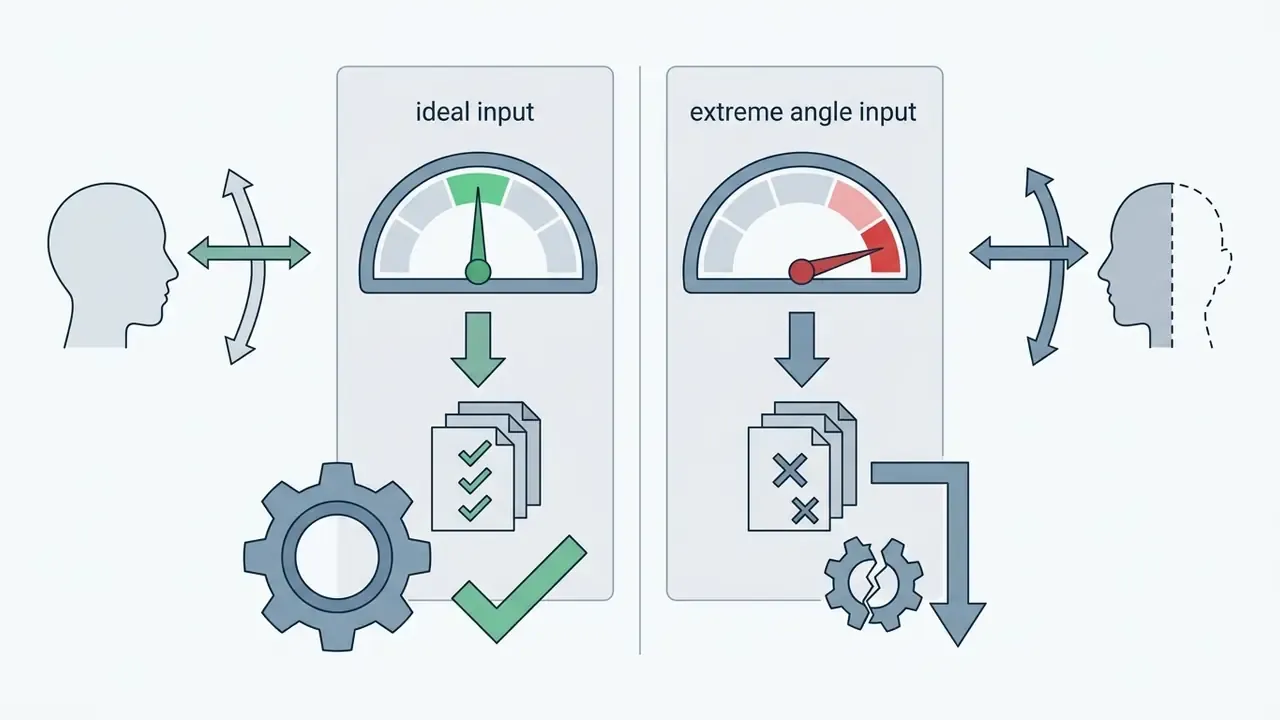
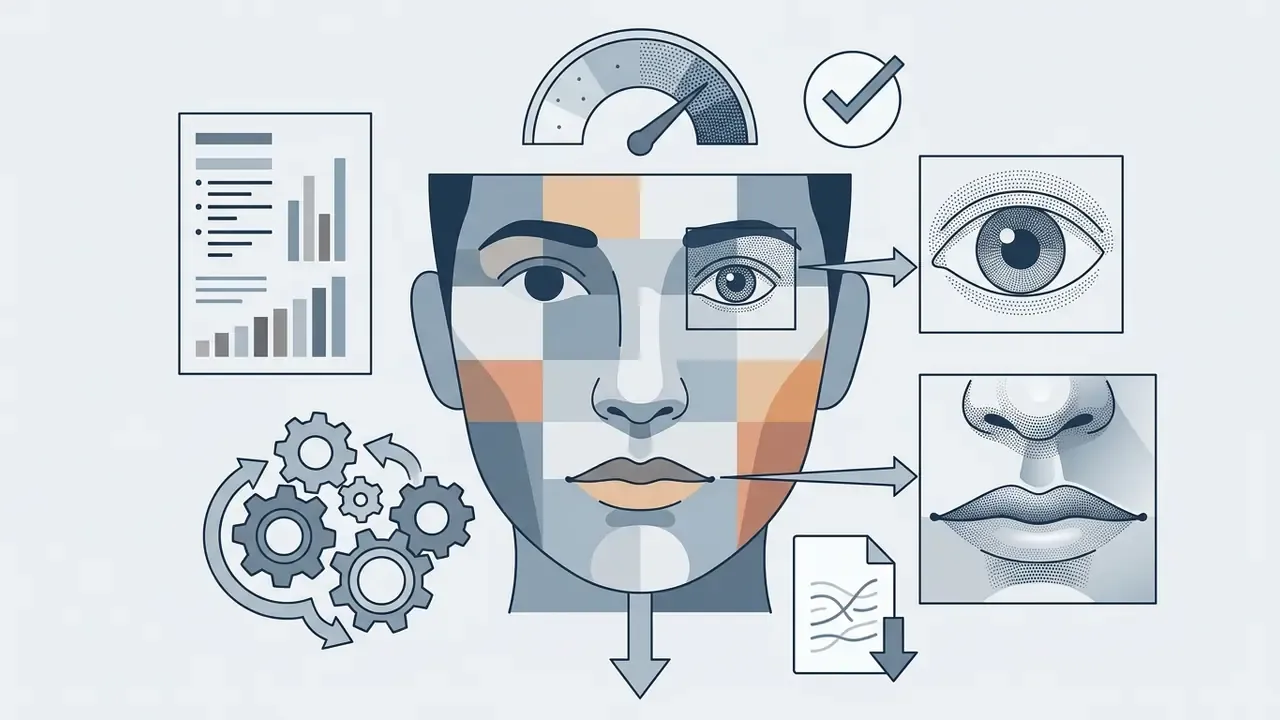
Reference quality is governed by measurable capture criteria. Camera placement at eye level, a camera-to-face line within roughly ±5° of horizontal, and head pitch and yaw within ±5° of frontal define the preferred geometry for a usable facial image, as specified in ICAO's portrait quality guidance for reference facial images (ICAO, 2024, https://www.icao.int/sites/default/files/TRIP/Publications/TR-Portrait-Quality-v1.0.pdf).
Critical input factors:
How many photos to upload for a personalized AI model
Personalized generation splits into two operational categories: single-reference generation (pre-trained adaptation) and custom model training (LoRA or DreamBooth).
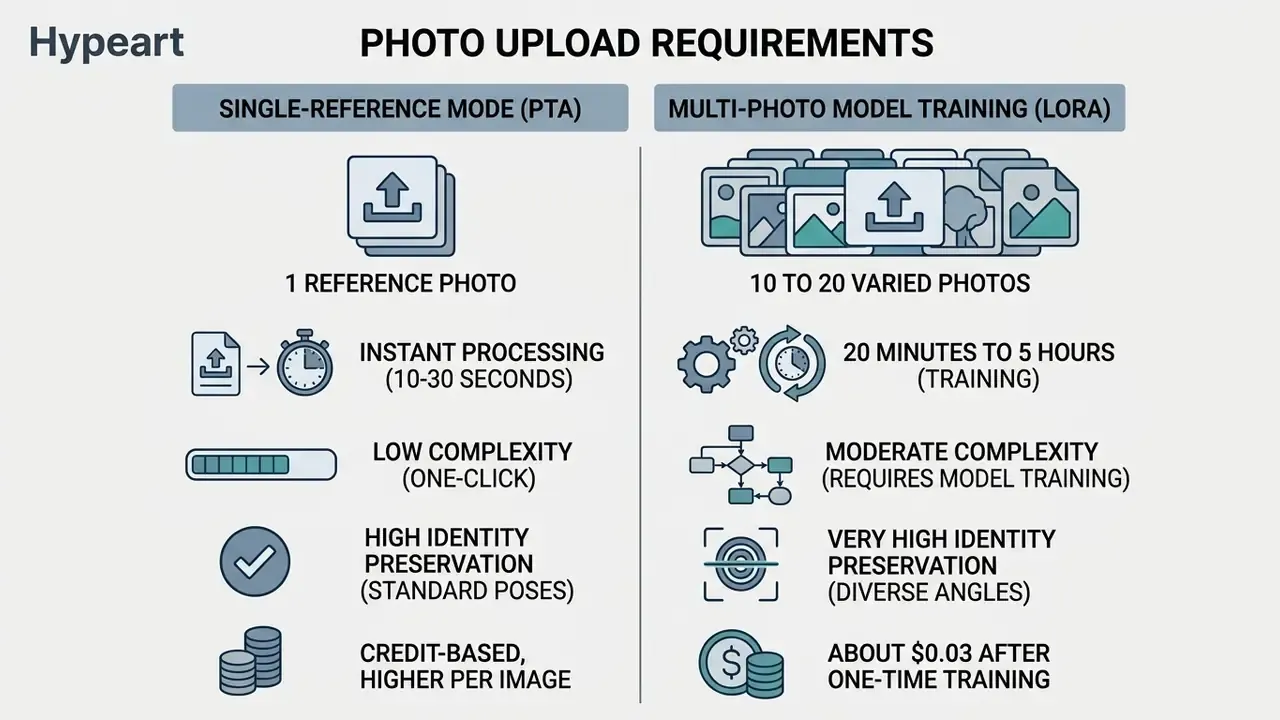
Single-reference modes use zero-shot vision encoders to produce an ai generated photo of yourself immediately. Multi-photo approaches instead fine-tune a Low-Rank Adaptation (LoRA) weights file on 10 to 20 images. DreamBooth-style personalization, first defined in 2022, binds a unique identifier token to a subject learned from only a handful of images; current LoRA implementations reproduce that behaviour at a fraction of the compute cost. LoRA gives higher consistency across extreme angles, yet zero-shot models remain the enterprise default for speed, simplicity, and a smaller data footprint.
Teams whose only requirement is a clean corporate portrait can skip this decision by comparing dedicated AI headshot generators, which bundle capture spec, model, and licensing into one workflow.
DIY route: train your own portrait LoRA through an API
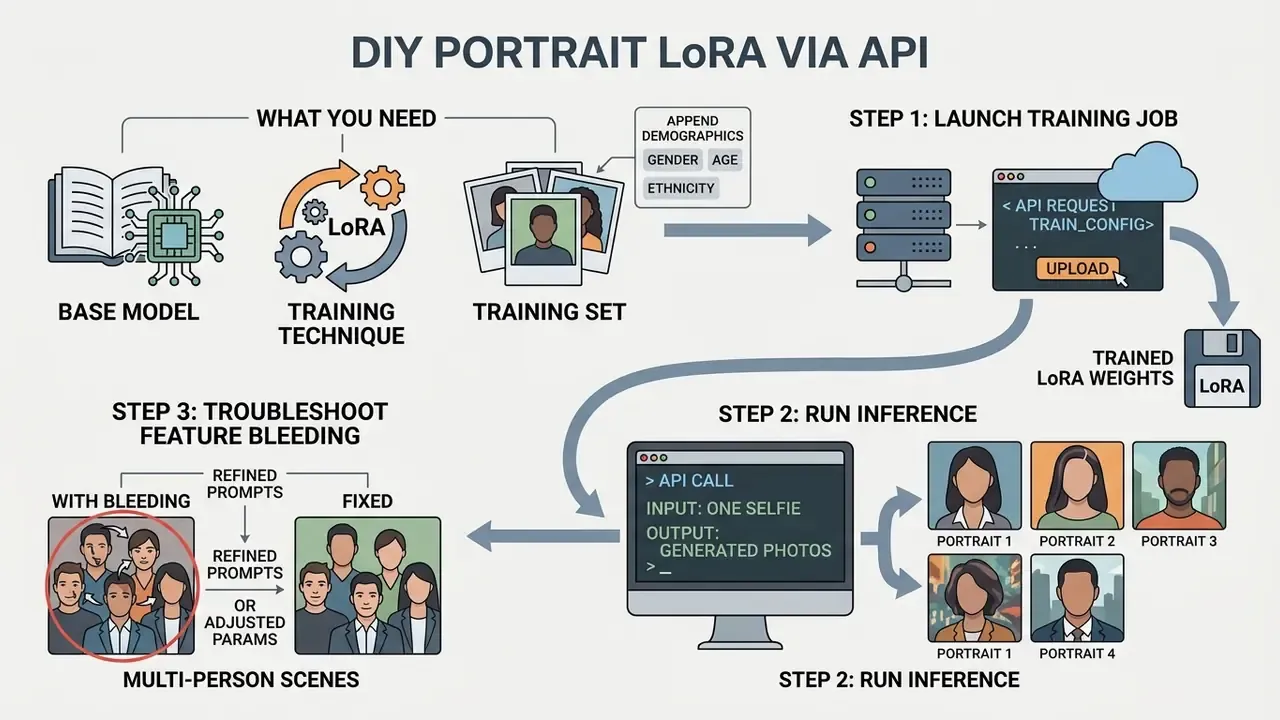
Managed SaaS is not the only option. Renting GPU time through an inference platform and training a personal Flux LoRA hands you full control over the trigger word, the training set, where weights live, and the per-image cost. Under an hour of wall-clock time. Single-digit dollars.
What you need
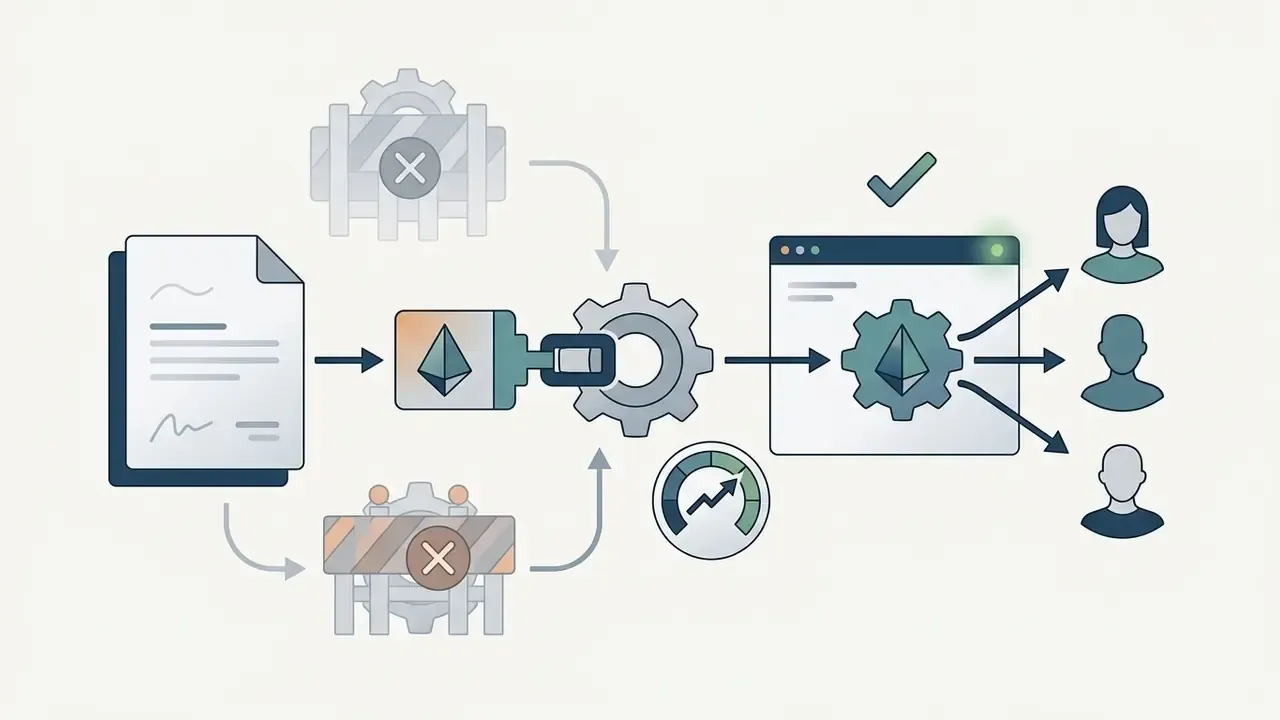
czue_person). Prompting that token steers generation toward your identity, far cheaper than fine-tuning full weights.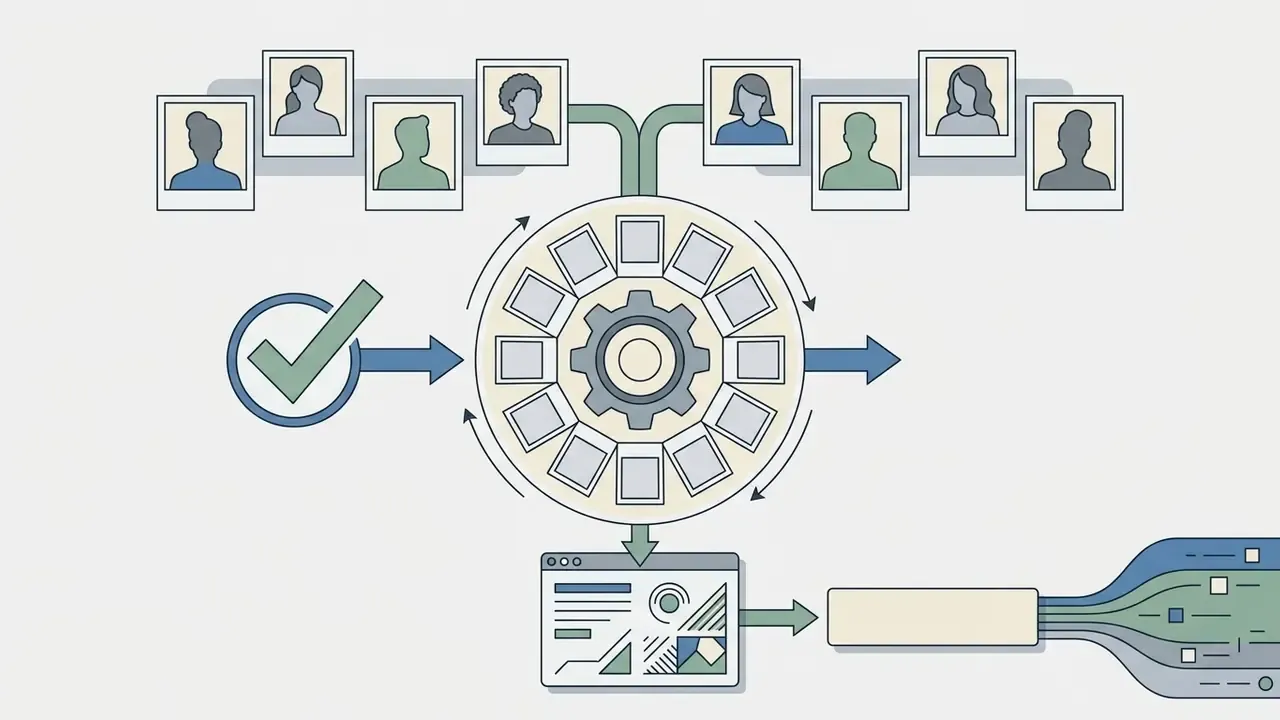
autocaption_prefix matching your trigger word ("A photo of czue_person,") is prepended automatically.Step 1: launch the training job
import replicate
training = replicate.trainings.create(
    version="ostris/flux-dev-lora-trainer:4ffd32b6",   # pin the exact version hash
    input={
        "input_images": "https://example.com/my_photos.zip",  # 10-20 single-subject photos
        "trigger_word": "czue_person",                        # rare, invented token
        "autocaption_prefix": "A photo of czue_person,",
        "steps": 1000,
        "hf_repo_id": "username/flux-person-lora",            # optional storage target
        "hf_token": "hf_..."                                  # keep in env vars, not source
    },
    destination="username/me-v1"
)
print(training.status, training.id)
Training usually completes in about 20 minutes. If you supply a model-hub repository, the finished adapter lands there as a single lora.safetensors file of roughly 180 MB. Otherwise it stays downloadable from the platform's trainings tab as a trained_model.tar archive.
Step 2: run inference programmatically
Running generation through the API rather than a web form makes prompt experimentation, batch generation, and local file organization dramatically faster.
# /// script
# requires-python = ">=3.12"
# dependencies = ["replicate"]
# ///
import argparse, os, re, uuid
import replicate
DEFAULT_MODEL = "username/me-v1"   # your trained LoRA (or hub repo id)
DEFAULT_COUNT = 4
def build_input(prompt, model=DEFAULT_MODEL, count=DEFAULT_COUNT):
    return {"prompt": prompt, "hf_lora": model, "num_outputs": count}
def main():
    parser = argparse.ArgumentParser()
    parser.add_argument("prompt", help="Prompt including your trigger word")
    parser.add_argument("--model", default=DEFAULT_MODEL)
    parser.add_argument("--count", default=DEFAULT_COUNT, type=int)
    args = parser.parse_args()
    output = replicate.run(
        "lucataco/flux-dev-lora:091495765fa5ef2725a175a57b276ec30dc9d39c22d30410f2ede68a3eab66b3",
        input=build_input(args.prompt, args.model, args.count),
    )
    os.makedirs("output", exist_ok=True)
    slug = re.sub(r"[^a-zA-Z0-9\-]", "", "-".join(args.prompt.split(" ")[-3:])).lower()
    for index, file in enumerate(output):
        path = os.path.join("output", f"{slug}-{index}-{uuid.uuid4().hex[:6]}.webp")
        with open(path, "wb") as handle:
            handle.write(file.read())
        print("saved", path)
if __name__ == "__main__":
    main()
Invoke it with explicit demographic hints for best consistency:
uv run main.py "a photo of czue_person, a 40 year old man, writing a blog post \

in a sunlit home office, 85mm lens, soft window light" --count=4
Step 3: troubleshooting feature bleeding in multi-person scenes
Real cost comparison: DIY API versus SaaS credits
The benchmarks below reflect open infrastructure platforms (Replicate-class GPU rental) and published consumer portrait plans. They replace vague credit-bundle estimates with reproducible unit economics.
| Method | Training cost | Cost per generated image | Total for 50 images |
|---|---|---|---|
| DIY Flux LoRA (GPU rental API) | About $2.50, one-time per subject | About $0.03 | About $4.00 |
| Prepaid credit bundles (consumer portrait services) | Included | $0.08 to $0.13 | $4.00 to $6.50 plus bundle minimums |
| SaaS subscription (Pro tier) | Included in plan | $0.10 to $0.25 effective | About $25.00 per month |
| Traditional studio photoshoot | n/a | n/a | $200 to $1,500+ |
A practitioner who trained three separate personal models reported roughly $2.50 per model and about $0.03 per image, under $10 for the whole experiment including hundreds of generations. The trade-off is time, comfort with an API key, and the uncomfortable part: you, not a vendor, become the data controller for the training set.
Part 2: creative and personal use
The remainder of this guide covers stylized, personal, and consumer scenarios. Enterprise readers focused on corporate headshots and governance already have what they need above. What follows is for creators and individual users.
AI art styles and prompts for pictures of yourself
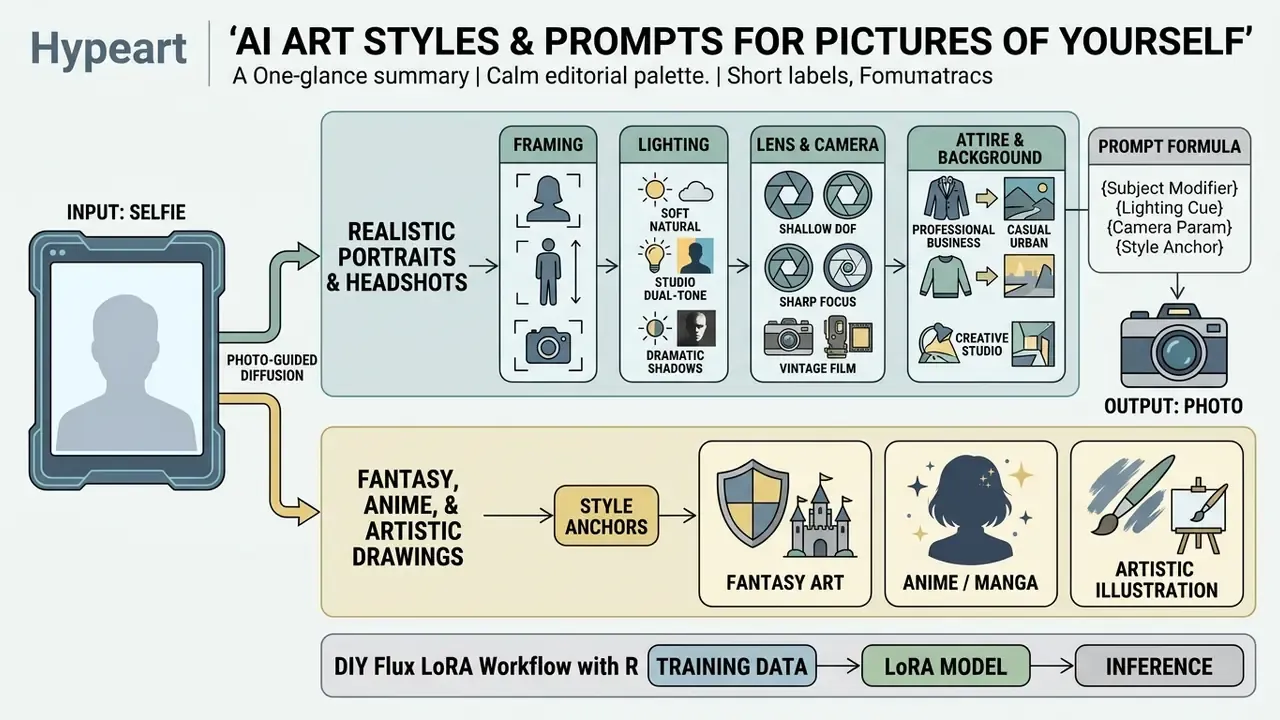
Writing effective prompts for an ai art generator of yourself means balancing subject modifiers, lighting cues, camera parameters, and style anchors. Order matters. Structure the prompt logically and the model applies styling without deforming identity.
PROMPT STRUCTURE FORMULA:

[Subject & Identity Anchor] + [Attire & Pose] + [Environment & Background] + [Lighting Setup] + [Camera & Lens Specs] + [Color Grade / Style]
Realistic portraits, professional headshots and profile pictures
Creating professional headshots through an ai generate photos of me workflow requires precise camera and lighting language. Skip vague hype words such as "ultra-realistic" and use concrete studio terminology instead.
Recommended terms for headshot prompts:
Example Headshot Prompt:
"Professional head-and-shoulders studio portrait of the person in the reference photo, wearing a
dark navy tailored blazer over a crisp white shirt, neutral executive office background with soft
bokeh, three-point studio lighting, shot on 85mm lens, natural skin texture, balanced exposure."
For readers weighing budgets across creative automation projects, our pricing documentation lets you view the guide before you commit to a plan, or compare artistic style capability across platforms first.
Fantasy, anime and artistic AI drawings of yourself
When you use an ai art generator of yourself from photo for stylized work, the generator applies domain-specific aesthetic rules, cel shading or visible brushwork for instance, while trying to keep facial features recognizable. Trying being the operative word.
Research on training-free stylization adds a practical rule: identity retention improves when the original photo is preserved as an explicit content reference during stylization, and complex scenes need stronger content-consistency mechanisms because facial detail distorts first.
Popular style categories:
- Fantasy art
- armour, ethereal lighting, glowing runes, cinematic matte painting backgrounds.
- Anime and manga
- clean linework, cel shading, vibrant eye highlights, pastel or neon palettes. Character-focused tools such as an ai waifu generator sit in this category, with their own style presets and moderation rules.
- Artistic drawings
- charcoal sketch, watercolour wash, classical oil painting technique.
- Historical painting
- Renaissance, Baroque, Impressionist, or Art Nouveau treatment of a modern face.
- Cyberpunk and editorial
- neon rim lighting, high-contrast grading, magazine-cover composition.
Example Fantasy Prompt:
"Artistic fantasy illustration of the person in the reference photo as a heroic character, wearing
intricate silver plate armor, standing in an enchanted forest at dusk, ethereal rim lighting,
glowing blue magic accents, highly detailed digital painting style."
One caveat worth stating plainly: moderation policy varies far more than output quality. Fringe categories, including an ai vore generator and similar niche request types, are blocked outright on most mainstream platforms, and a blocked prompt costs credits on some services. Comparing the best AI art generators clarifies which platforms enforce strict filters and which allow broader stylistic latitude before you buy credits you cannot spend.
Prompt structure for pose, scene, lighting and color
For predictable results across ai drawings of yourself, order prompt terms by priority. Diffusion models assign greater attention weight to tokens near the start of the string.
| Target Image Style | Style Keywords | Lighting Keywords | Color Palette | Expected Output |
|---|---|---|---|---|
| Corporate Headshot | Professional portrait, studio headshot | Softbox lighting, balanced fill light | Neutral grey, navy, cool tones | Polished business avatar with sharp facial focus |
| Fantasy Character | Fantasy illustration, detailed digital painting | Dramatic rim light, glowing highlights | Deep blues, emerald, gold accents | Mythical character art preserving core likeness |
| Anime Avatar | Anime style, cel shading, clean line art | Bright flat illumination, soft glow | Vibrant pastel or saturated tones | Stylized anime character with recognizable features |
| Editorial Fashion | High-fashion editorial, magazine photography | Hard directional light, deep shadows | High-contrast mono or warm cinema grade | Cinematic fashion portrait with dramatic atmosphere |
| Historical Portrait | Renaissance oil painting, visible brushwork | Chiaroscuro, single window light | Ochre, umber, deep crimson | Classical painted portrait with period costume |
| Social Media PFP | Clean modern portrait, square crop | Soft ring light, even key light | Brand-matched duotone | Sharp avatar still legible at 64x64 px |
Prompt construction matrix
Assemble a prompt by picking one item per column, left to right:
| Subject anchor | Attire / pose | Environment | Lighting | Camera / lens | Grade |
|---|---|---|---|---|---|
[TRIGGER_WORD], a 35-year-old man | tailored charcoal suit, seated | modern glass office | three-point softbox | 85mm, f/2.0 | neutral commercial |
[TRIGGER_WORD], a 28-year-old woman | knit sweater, arms crossed | sunlit café window | golden hour backlight | 50mm, f/1.8 | warm film |
the person in the reference photo | silver plate armor, heroic stance | misty forest at dusk | ethereal rim light | 35mm, wide | teal-and-gold cinematic |
[TRIGGER_WORD], non-binary adult | minimalist black turtleneck | seamless grey backdrop | flat even key light | 105mm, f/4 | desaturated editorial |
Research on how people actually write prompts confirms that iteration matters as much as vocabulary:
Specialized AI portrait use cases: from D&D roles to inclusive profiles
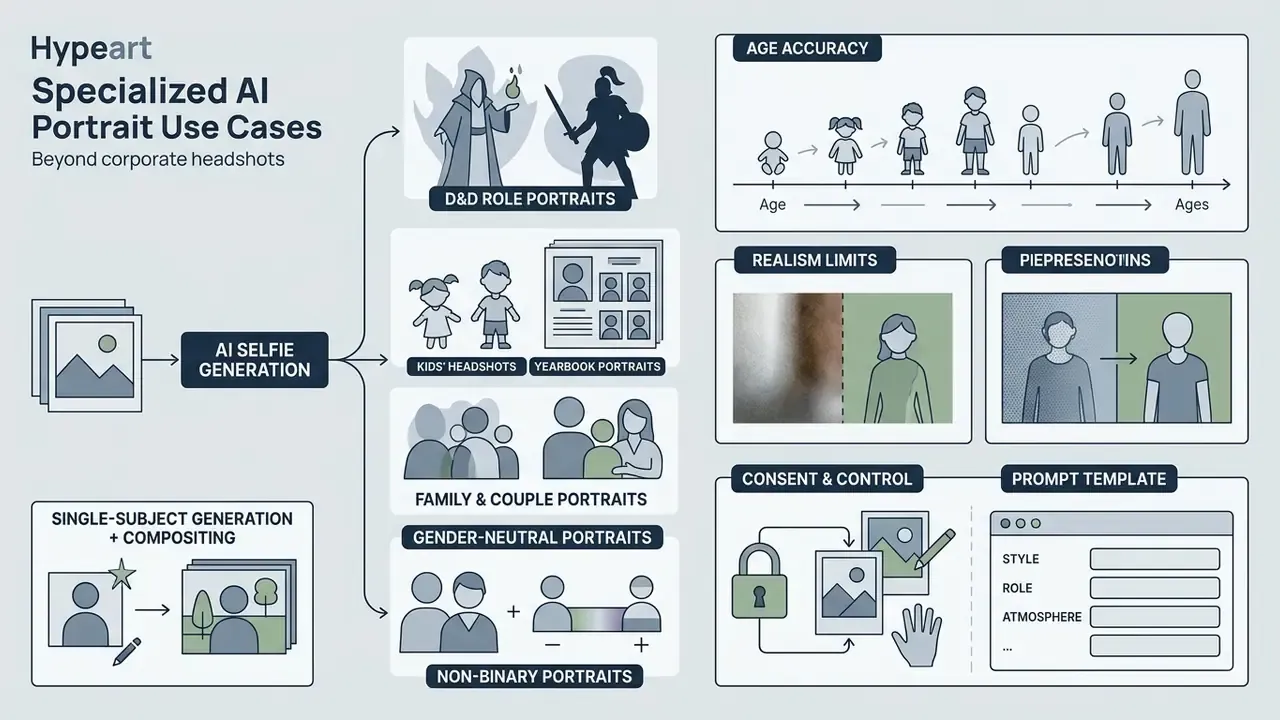
Personal portrait generation reaches well past corporate headshots. Each scenario below carries distinct prompt requirements, and several add consent obligations that are easy to overlook.
Kids' headshots and yearbook portraits
Portrait generators can produce clean, studio-style school photos: neutral backdrop, school-appropriate outfit, balanced colour, natural age-appropriate expression. Constraints matter more here than anywhere else in this guide.
- Consent and control only a parent or legal guardian may submit a minor's photograph, and many platforms block minors' images outright through automated moderation. Verify the stated policy before uploading anything.
- Age accuracy without an explicit age descriptor ("a 6 year old boy," "a 10 year old girl"), models drift toward adult proportions or the wrong gender. Age and gender hints are mandatory, not stylistic.
- Realism limits generated portraits are not valid for passports, national ID cards, or any official document.
- Prompt template
a photo of [TRIGGER_WORD], a 9 year old girl, school portrait, navy cardigan over white collar, plain light-grey studio backdrop, soft frontal key light, natural smile, 85mm lens
Gender-neutral and non-binary portraits
Portrait models inherit strong gendered priors from training data, so an unqualified prompt tends to push androgynous faces toward one binary pole. Inclusive generation therefore needs deliberate balancing rather than silence:
- State identity explicitly ("a non-binary adult," "androgynous presentation") instead of leaving gender unspecified.
- Anchor the biometric features you want retained, jawline, brow, cheek structure, so the model does not "correct" them toward a stereotype.
- Prefer neutral wardrobe and lighting language ("minimalist black turtleneck," "flat even key light") over gender-coded styling terms.
- Generate larger batches and select for proportional harmony. Variance across seeds runs higher in this category, noticeably so.
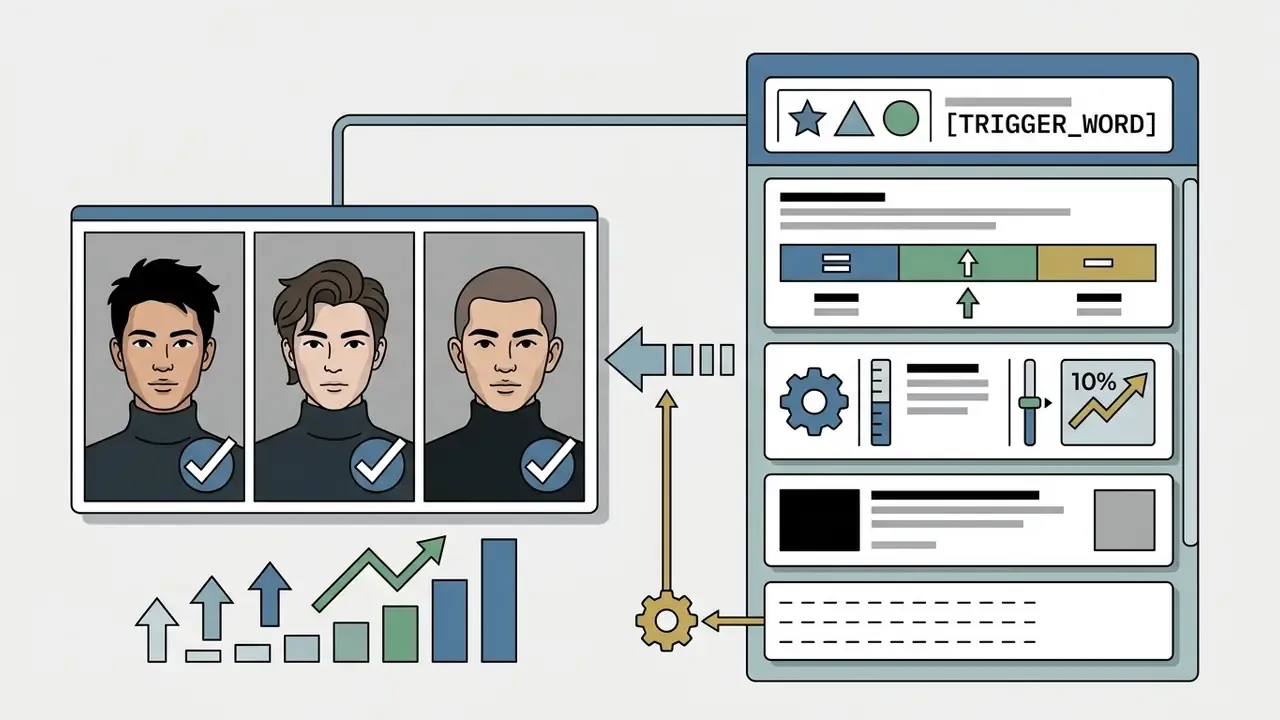
a portrait of [TRIGGER_WORD], a non-binary adult, androgynous presentation, preserve facial structure and jawline, minimalist black turtleneck, seamless grey backdrop, flat even key light, 105mm lens, desaturated editorial gradeFamily and couple portraits
Group compositions are where feature bleeding does the most damage. Two workable approaches:
- Single-subject generation plus compositinggenerate each person separately, then assemble in a layered editor. Highest fidelity, strongest human-authorship record.
- Multi-subject prompting with explicit descriptors
a photo of [TRIGGER_A], a 38 year old man, and [TRIGGER_B], a 36 year old woman, standing together. Expect a higher rejection rate and budget extra generations.
Consent applies to every adult in the frame. A signed release comes before any commercial publication, not after.
Fantasy, TTRPG and D&D character portraits
One of the most popular consumer intents is turning a real face into a tabletop character. Users report party portraits where each character genuinely resembles the player behind it, a use case trained LoRAs handle noticeably better than single-reference modes, because armour, headgear, and dramatic lighting all stress identity preservation at once.
- Keep one seed per character across sessions so the party's visual continuity survives dozens of generations.
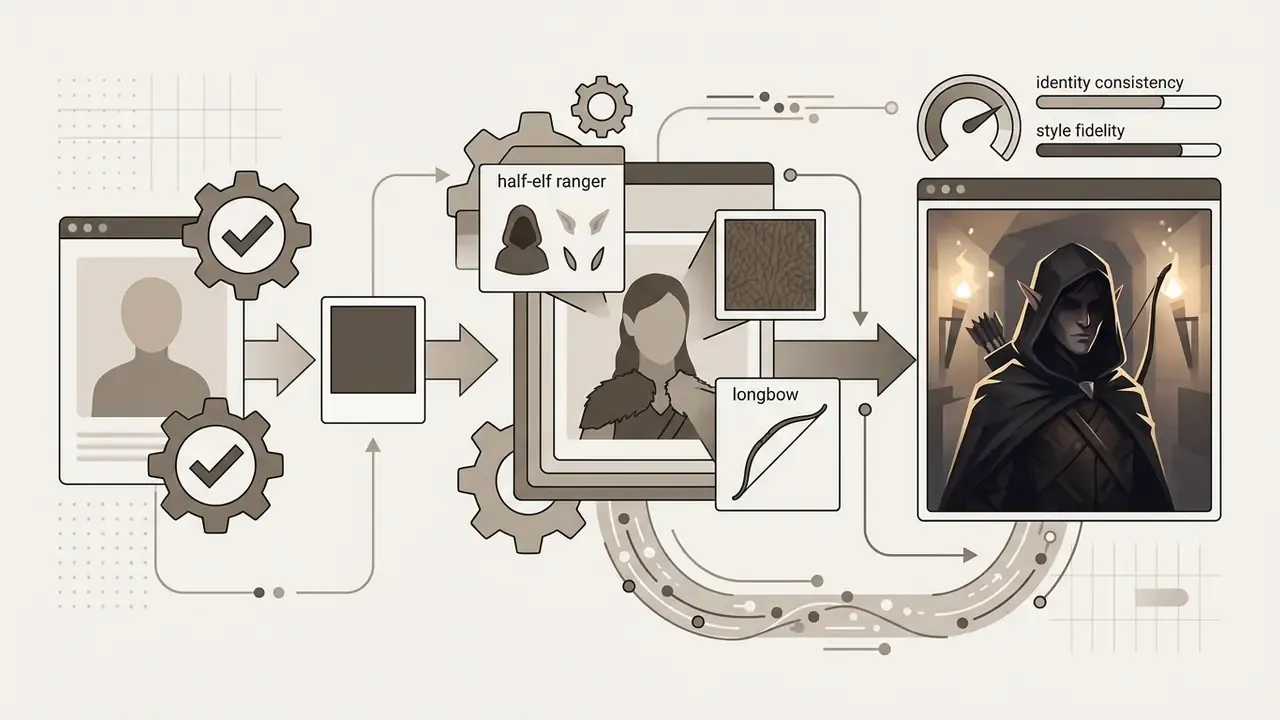
a portrait of [TRIGGER_WORD], a 30 year old woman, as a half-elf ranger, leather-and-fur cloak, longbow across back, torchlit stone corridor, dramatic rim light, detailed digital painting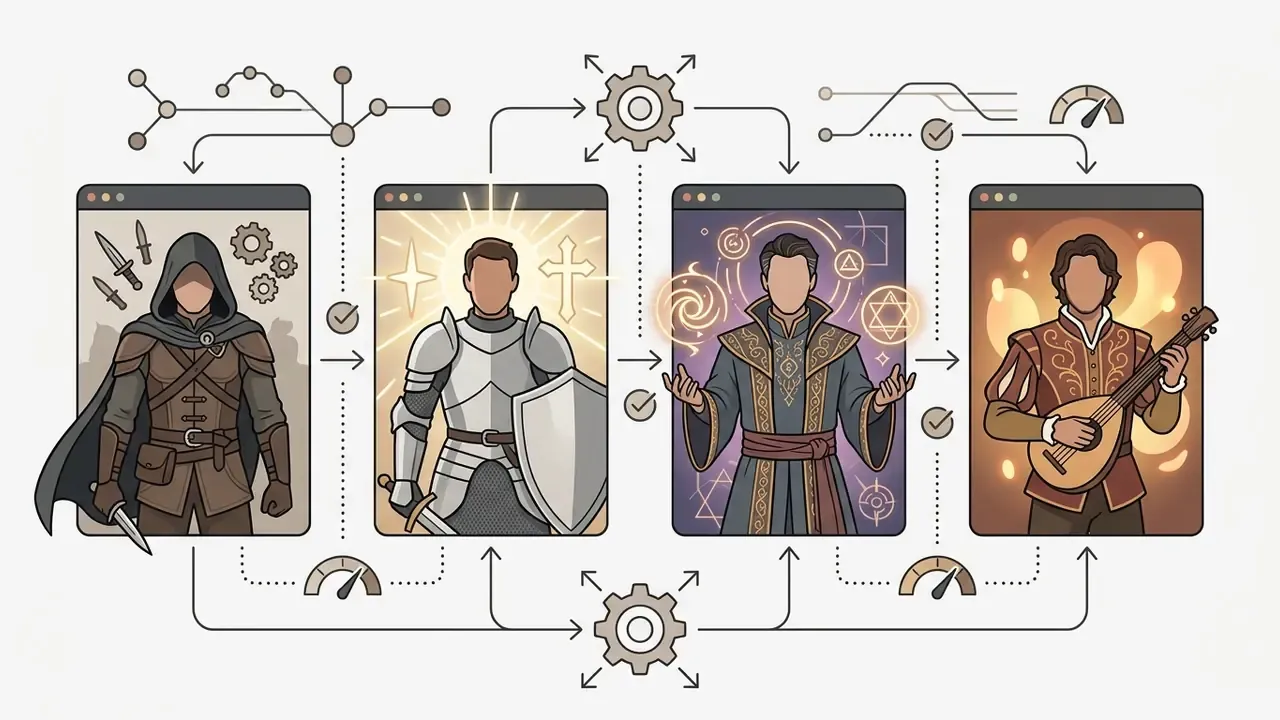
Pets, historical pastiche and novelty transformations
Consumer testimonials point to a long tail of playful applications: cartoon and photorealistic pet portraits, "my cat in iconic world locations," Mona Lisa-style historical pastiche, transformations into figurines or superheroes. These carry the lowest legal risk, since no third-party human likeness is involved, and they are the best place to learn prompt behaviour before you touch anything published under a company brand.
VTubers, game NPCs and virtual presenters
Stylized self-portraits serve as virtual presenter faces for streaming channels and as visual references for NPC design in game projects. Both benefit from a trained LoRA plus a fixed seed, because consistency across dozens of assets matters more than any single frame's polish.
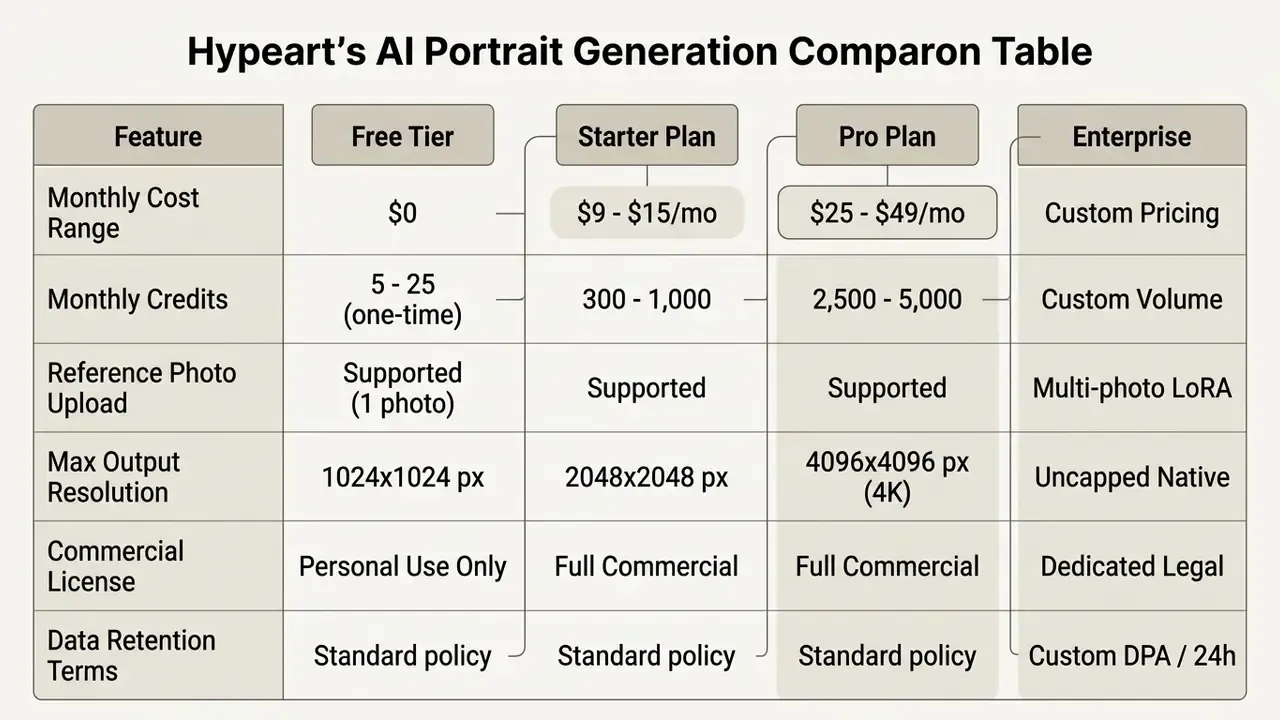
Free AI generated images of me, credits and pricing
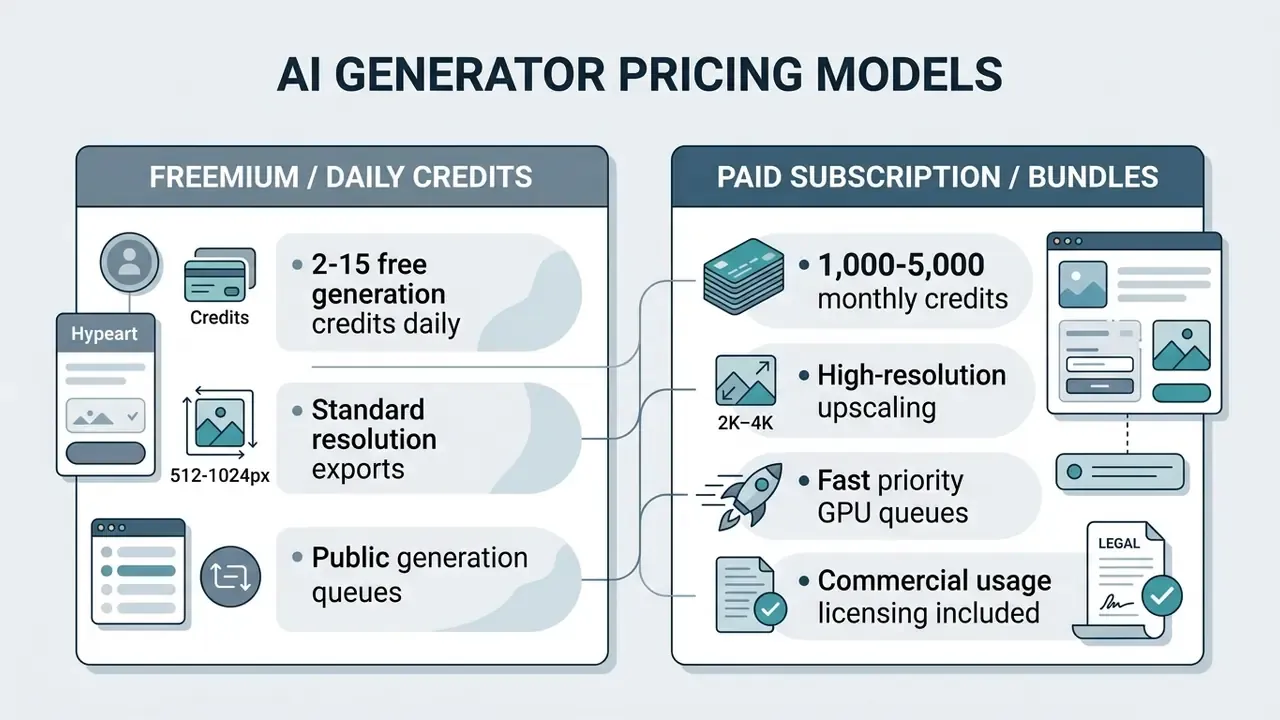
Evaluating platforms for ai generated images of me free means understanding the balance between trial tiers, recurring subscription credits, and compute limits. Identity-conditioned diffusion needs dedicated GPU processing, and providers monetise that through structured plans. Nobody gives away GPU minutes indefinitely.
What a free AI image generator can provide
Free tiers on an ai image generator platform usually offer entry-level access for casual testing. You can generate images, test prompts, and judge how the model handles facial identity before paying. Limits vary sharply between vendors, so comparing free AI image generators side by side is worth doing before you upload a single reference photo.
Typical free-tier restrictions:
To compare platform structures across generative media categories, open the hub and work through the feature matrices before committing budget.
Credits, generation limits and paid AI portrait options
How to compare AI photo generators before paying
Before buying credits or subscribing to a platform to generate ai portraits, procurement teams and independent creators should audit tools against operational criteria. Public-sector procurement frameworks published in 2024 and 2025 converge on a similar sequence: use-case risk assessment, data handling review, security verification, quality testing, transparency, audit trails, and end-of-life data handling.
- Facial identity fidelitytest the reference-guided model with one standard selfie and verify likeness across at least ten seeds, not two lucky ones.
- Data privacy and securityconfirm in writing that uploads are deleted within 24 hours and never used to train public foundation models. Request SOC 2 or ISO 27001 evidence.
- Editing versatilityconfirm localized inpainting, outpainting, and restyling are available.
- Commercial rightsverify whether your tier grants explicit commercial usage rights for generated output.
- Exit and deletionverify that trained personal weights can be deleted on request, with written confirmation.
- Cost model fitcompare effective per-image cost against the DIY API benchmark above. High-volume programmes cross the break-even point faster than most teams expect.
Organizations planning audio-visual integrations can also evaluate complementary assets, such as an ai voice over or an ai voicemail generator, when building automated presenter workflows end to end.
FAQ about AI generated images of yourself
Can AI generate photos of friends or family members?
Technically yes. The same reference-guided diffusion mechanism works on any face. Generating images of third parties, however, introduces strict ethical, privacy, and legal requirements around consent, and those requirements do not bend for convenience.
Disclaimer: this information is general in nature and does not replace advice from a qualified attorney. Consent requirements and data-protection legislation vary by jurisdiction. Key considerations when you ai generate images of yourself alongside other people:
- Explicit consent: major platforms now require an affirmative attestation that you hold consent from every person in an uploaded photo before generating images or video, and likeness settings let individuals control who may include them.
- Publicity rights: as the U.S. Copyright Office notes in its analysis of digital replicas, unauthorized use of another person's likeness raises publicity and privacy questions independent of copyright, which is why explicit permission is the baseline (U.S. Copyright Office, 2024, https://www.copyright.gov/ai/Copyright-and-Artificial-Intelligence-Part-1-Digital-Replicas-Report.pdf).
- Protection of minors: generative platforms enforce automated moderation that blocks uploads of minors' photos to prevent child safety violations; where a service does permit children's portraits, a parent or guardian must be the submitting party.
- Non-consensual imagery: online-safety regulators classify AI-altered or AI-generated images and video of a real person shared without consent as image-based abuse, reportable through national safety channels.
- Commercial restrictions: publishing generated photos of friends or family in advertising without a signed model release breaches right-of-publicity law.
Can AI-generated photos be turned into video content?
Yes. Static AI portraits can be animated with image-to-video AI tools built on image-to-video diffusion architectures and neural avatar engines. These systems analyze the facial structure of a still frame and apply motion vectors to animate expression, eye movement, and head turns.
«A study with 46 participants found that human-like appearance makes a persona convincing and trustworthy, with perceived persuasiveness and friendliness reinforcing trust.» Source: "How Do Users Perceive Deepfake Personas?" (2023). Common conversion methods:
- Talking head animation: driving a static portrait with an audio track to synchronize lip movement and natural expression for video presenters.
- Cinematic motion synthesis: applying camera pan, zoom, and ambient lighting motion to a still portrait to create short dynamic clips.
- Storyboard animation: sequencing multiple stylized portraits into animated storyboards, usually exported as PDF boards plus MP4 animatics. Note the technical ceiling. Research on animation pipelines shows that per-frame encoders processing frames independently produce flicker and identity drift, so frame-perfect likeness across a full clip cannot be promised. For creators building multi-modal campaigns, pairing synthetic video with audio tools such as an ai voice generator enables full production of a digital presenter from one reference selfie. Teams evaluating higher-end video models can review implementation constraints and API costs in our Google Veo implementation guide.
Why doesn't every generated frame look exactly like me?
Because diffusion sampling is stochastic. Each generation draws a different noise seed, and identity conditioning biases the output without deterministically fixing it. Expect a usable-frame rate rather than perfection: generate 4 to 8 variants, keep the best, reuse the seeds that worked. Adding explicit age and gender descriptors measurably improves both likeness and internal consistency across a batch.
How many photos should I upload for a trained personal model?
Ten to twenty single-subject photos with varied angles, lighting, hairstyles, and expressions. DreamBooth-style personalization can bind an identity from as few as three to five images, but diversity beats volume. Twenty near-identical selfies perform worse than twelve genuinely varied shots. Never include another person in the training set.
How long does training take, and can I do it on my own laptop?
Consumer laptops generally lack the GPU memory needed for practical fine-tuning. Cloud training on rented GPUs finishes a LoRA in roughly 20 minutes; some managed consumer platforms quote up to five hours, usually faster in practice. After a cold start, inference typically returns images in about ten seconds.
Are AI portraits acceptable for official documents?
No. AI-generated portraits are not valid for passports, national ID cards, visas, or other official identity documents, and platforms state this limitation explicitly. Official documents require an unaltered captured photograph meeting biometric capture standards.
What are the known limitations of AI portrait generators?
- Facial detail shifts when the source photo is blurry, dark, or partially occluded.
- Results vary by input quality and chosen style; artistic presets prioritise aesthetics over likeness.
- Multi-person scenes remain prone to feature bleeding.
- Hands, jewellery, text on clothing, and background typography are still the usual artifact zones.
- Output is unsuitable for official identity documents, without exception.