An AI wallpaper generator converts natural-language descriptions or uploaded images into visual backgrounds tailored for desktop monitors, laptops, tablets and smartphones. Operating through latent diffusion architectures and transformer-based visual synthesis models, modern generators let you specify artistic style, colour scheme and target resolution without opening a graphics editor. No layers, no masks, no bezier curves. Just a sentence and a ratio.
What Is an AI Wallpaper Generator and What Can It Create?
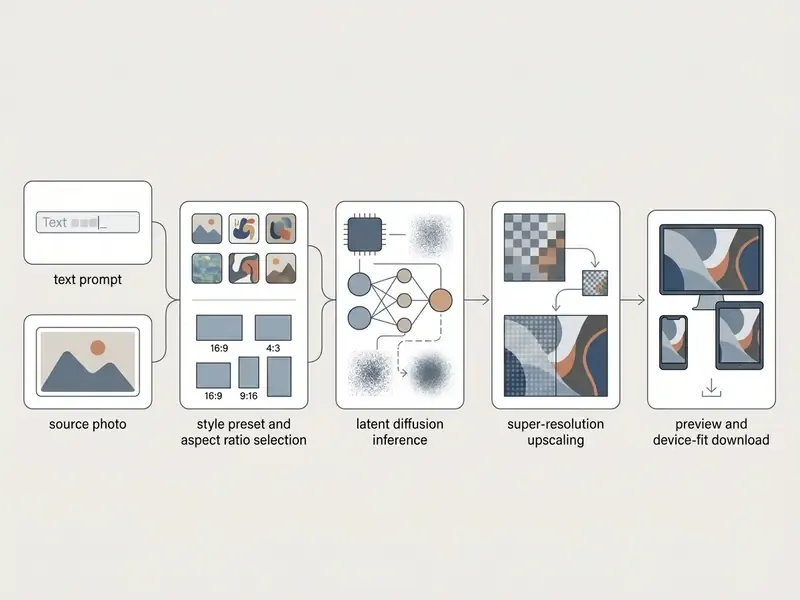
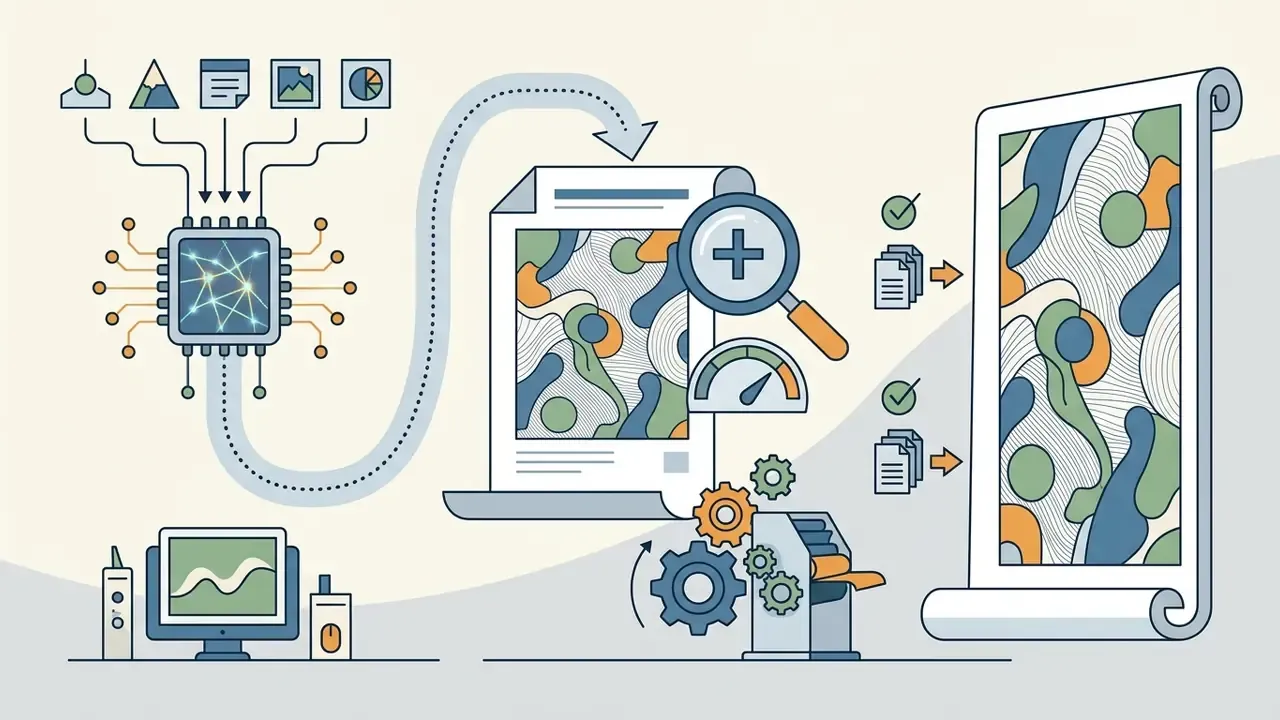
An ai wallpaper generator is a software interface powered by latent diffusion models that synthesizes high-resolution images formatted specifically for digital screen backgrounds. By interpreting text prompts or source photos, an ai image generator for wallpaper builds structured compositions matched to device aspect ratios, producing unique ai generated wallpaper images for personal, creative and professional use.
Before committing to a single tool, many readers compare underlying engines through our AI image generators and best AI art generator reviews. Style range and licensing differ far more than marketing pages suggest, and the gap usually shows up at the download button rather than in the gallery.
Generate Wallpapers from a Text Prompt
Text-to-image wallpaper synthesis turns descriptive language into a complete scene through cross-attention between the text encoder and the diffusion backbone. You name the primary subject, the lighting, the mood, and the model composes the rest. That is how most people generate a wallpaper from nothing at all.
«Users gradually build prompting literacy: they begin with plain descriptions, then move to structured parameters such as "ultrawide frame", "cinematic lighting" or "in the style of Van Gogh".»
A note on sourcing: rather than quoting unverifiable vendor blog claims, prompt behaviour is better described by peer-reviewed HCI work on iterative prompting.
«Users iteratively refine prompts, experiment with style modifiers and try to judge whether a surprising result came from the model or from their own instructions.»
In practice the first generation is a probe, not a deliverable. Describe subject, visual context and style, then change one variable at a time (lighting, palette, camera framing) so every visual shift can be traced back to your instruction instead of model randomness. Tedious? Slightly. It also cuts the number of throwaway renders roughly in half, at least in our own desk tests.
Create Wallpapers from Your Own Photo
An ai photo wallpaper generator uses image-to-image translation to restyle, expand or modify an existing photo while preserving the focal subject. With layout-guidance modules and control networks such as ControlNet, or rank-one editing adapters, the generator can drop a photo's subject into a synthetic environment without warping facial features or object geometry.
«Perfusion constrains personalization to a rank-one update in attention matrices, reproducing the user's concept faithfully across varied scenes and poses.»
That is what lets a holiday snapshot become a stylized digital backdrop with coherent lighting and plausible background detail. Readers building a repeatable pipeline can compare dedicated image-to-image generators and the outpainting utilities documented in our AI expand image guide, which matters when a vertical phone photo has to fill a 32:9 canvas.
Choose a Wallpaper for Desktop, Phone, or Tablet
Screen Formats and UI Safe Zones (Quick Reference)
Screen geometry dictates every later decision, so resolve it before writing a single prompt word.
| Device Type | Aspect Ratio | Standard Resolution | UI Safe Zone Margin |
|---|---|---|---|
| Mobile phone | 9:16 / 19.5:9 | 1440×3120 / 1170×2532 | Top 15% (clock, notch), bottom 10% (dock) |
| Tablet | 4:3 / 16:10 | 2048×2732 / 1600×2560 | Uniform 10% margin for multi-orientation |
| Laptop or PC monitor | 16:9 / 16:10 | 2560×1440 / 3840×2160 | Left 15% (desktop icons), bottom 5% (taskbar) |
| Ultrawide display | 21:9 / 32:9 | 3440×1440 / 5120×1440 | Outer 20% lateral edges (background only) |
| Video call backdrop | 16:9 | 1920×1080 / 3840×2160 | Central 60% kept clear behind the speaker |
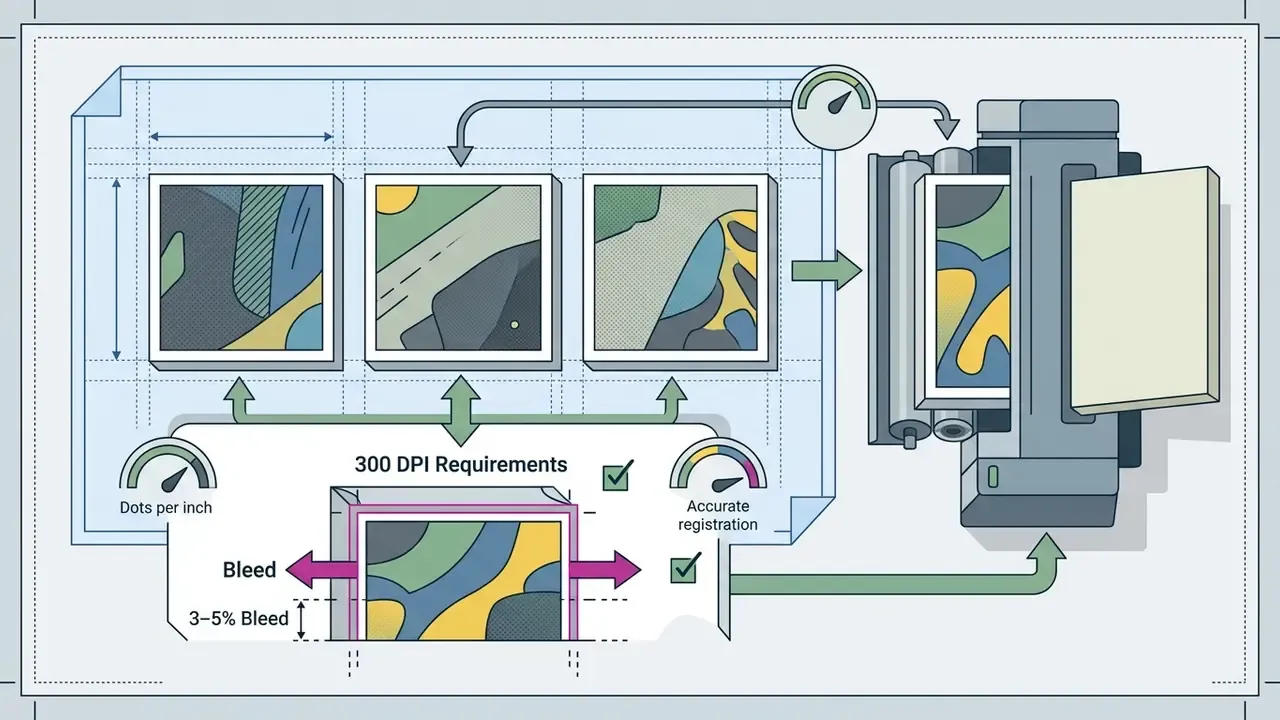
| Printed wall art | Variable | ≥300 DPI at final print size | 3 to 5% bleed on every edge |
Print footnote: required pixels = print inches × 300. A 40×24-inch canvas therefore needs 12000×7200 px, which a 3840×2160 base output reaches after a 4× AI upscale. Broadcast safe-area conventions (action safe 3.5%, graphics safe 5% per ITU-R BT.1848-1 and EBU R 95) are a reasonable fallback for ultrawide layouts where no OS-reported safe area exists.
How to Create a Wallpaper with AI in Three Steps
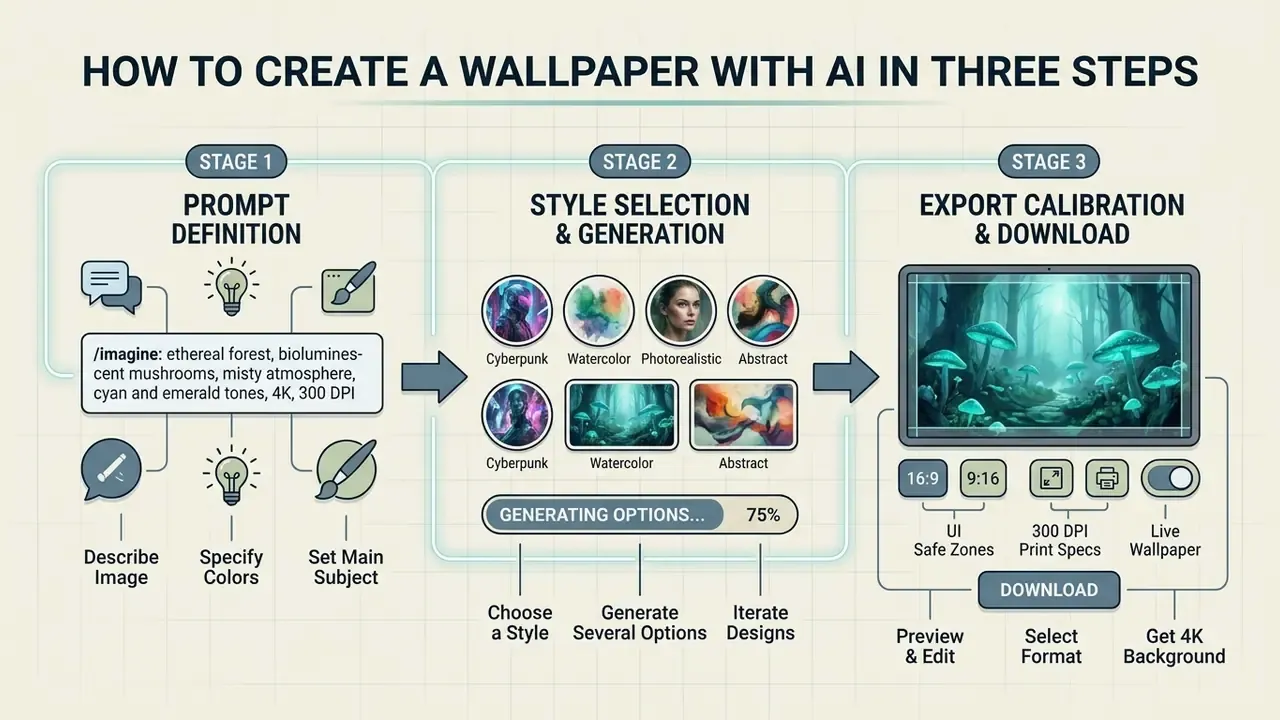
Creating custom backgrounds with an ai image wallpaper generator follows three phases: prompt definition, style selection, export calibration. That is enough to generate a wallpaper matched to exact display specifications with zero design background.
Describe the Image, Colors, and Main Subject
An effective prompt names the primary subject, the environmental lighting and the dominant palette. Prompt engineering frameworks, together with the CHI prompting studies cited above, converge on the same order: subject first, then explicit colour labels ("deep cobalt blue and burnt orange"), then lighting character ("soft volumetric morning light").
Lighting is most controllable when described by source, quality and direction: "artificial studio light, soft, camera-left." Negative constraints finish the job, keeping the ai create wallpaper request free of typography and junk.
Negative prompt syntax example:

--no text, watermarks, signature, logo, blur, deformed geometry, low contrast, jpeg artifacts
Platforms differ in syntax. Midjourney uses --no, Stability and Media.io-style interfaces expose a dedicated negative prompt field, and OpenAI models respond better to explicit sentences such as "no watermark, no extra text, preserve the background layout." Same intent everywhere: suppress lettering and compression noise that ruin a full-screen background.
Choose a Style and Generate Several Options
Selecting a style preset applies pre-trained conditioning weights to the diffusion process, nudging output toward a genre. The range runs from photorealistic rendering to hard abstraction. When you use an ai to create wallpaper, a small batch per run (most consumer tools return two to four candidates) speeds up aesthetic comparison. Worth stating plainly: that batch size is a vendor default, not a research-backed optimum.
Iteration is where the wording gets fixed. Firefly-style controls such as "keep style" and "keep subject" let you hold one axis constant while exploring the other, and higher quality tiers trade generation speed for detail fidelity.
Preview, Edit, and Download the Wallpaper
Before downloading, view the preview inside a simulated device frame. Framing conflicts with icons and status bars become obvious in a second, which is much cheaper than discovering them after export. Many platforms include post-generation crop, re-centre and tonal tools; general-purpose editors covered in our online photo editor guide handle final colour grading when built-in controls run out. Once the composition holds, save in native display resolution so the file drops cleanly onto monitors, laptops and phones.
How to Make a 4K AI Wallpaper That Fits Your Screen
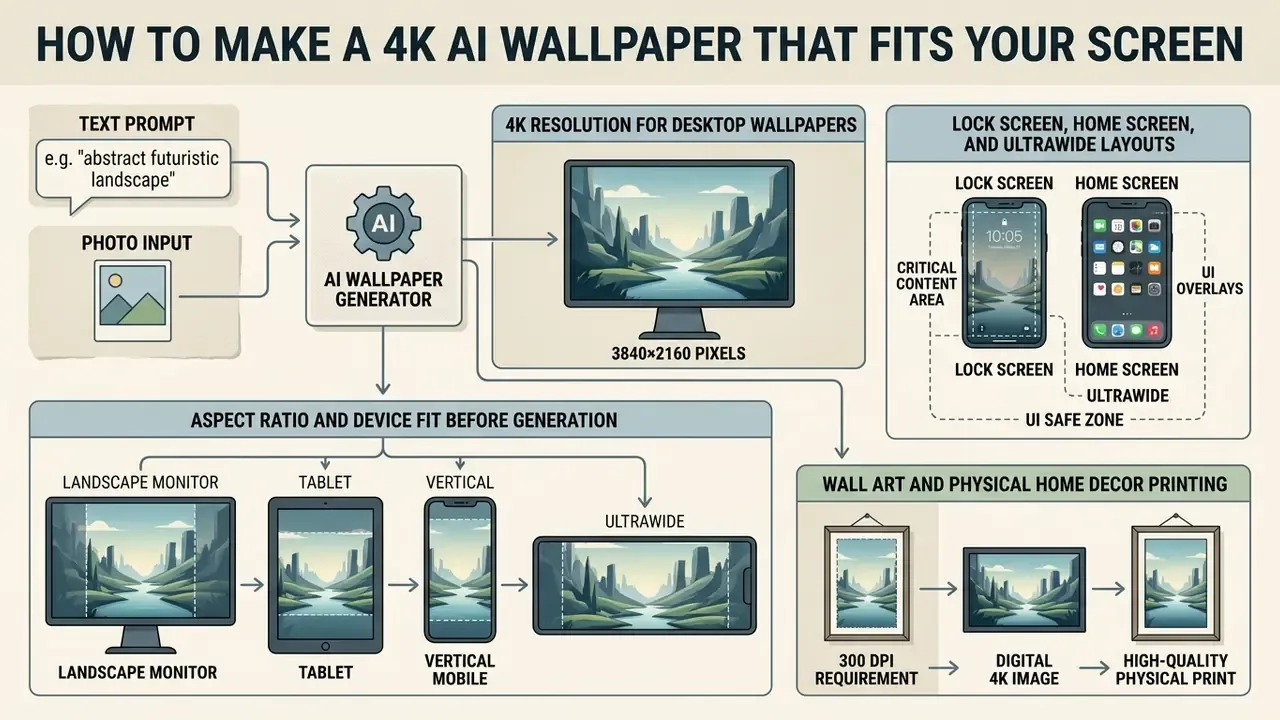
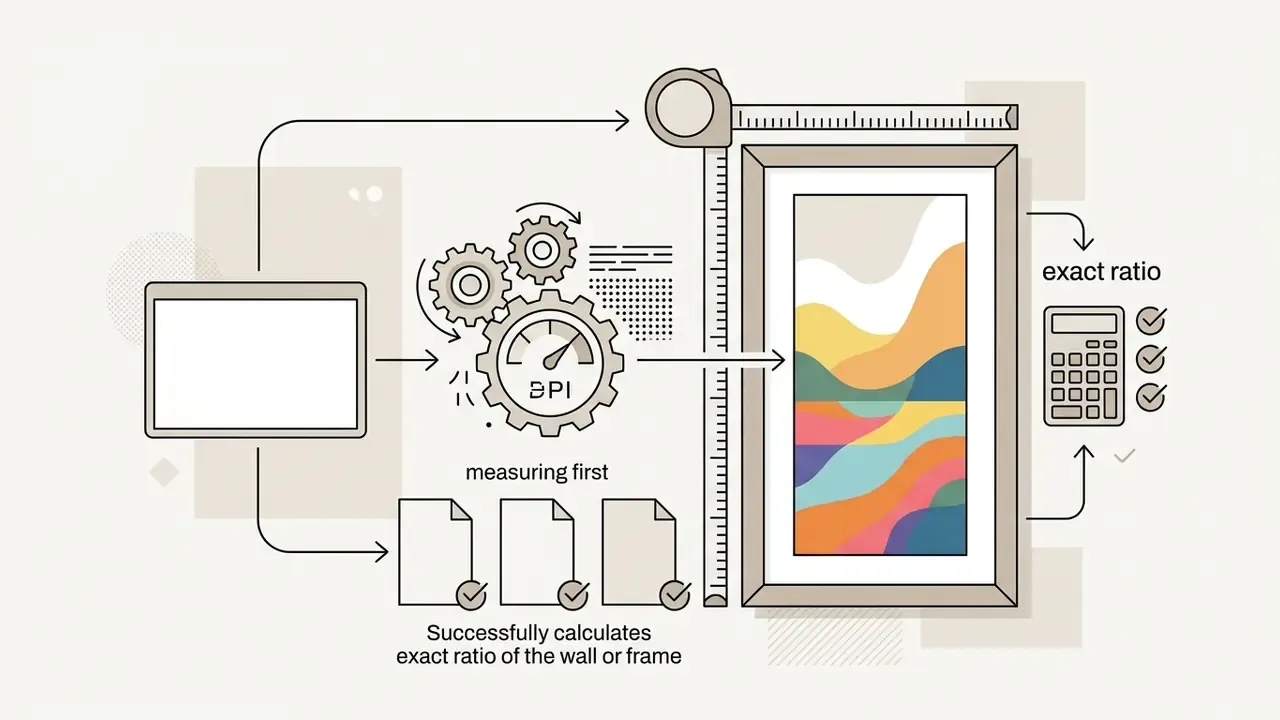
To produce a background that stays crisp on a large monitor, a 4k ai wallpaper generator must output or upscale to a native 3840×2160 grid. Clarity depends on two things: aligning the aspect ratio before generation (see the screen format table above) and respecting hardware-specific layout margins.
4K Resolution for Desktop Wallpapers and Monitors
Standard 4K Ultra HD displays need 3840×2160 pixels at 16:9. Monitor datasheets from Philips, Lenovo and MSI all list that as the native UHD mode, usually at 60 Hz. A specialized 4k wallpaper ai generator, an ai 4k wallpaper generator or an ai desktop wallpaper generator therefore pairs base synthesis with AI super-resolution upscalers such as Real-ESRGAN or SwinIR to reach 8.3 megapixels without smearing.
«Most popular generators default to roughly 1024×1024 pixels, which is fine for social feeds but short of 4K displays that need about 8.3 megapixels.»
This is why marketing lines like "enlarge wallpaper up to 4K without losing clarity" need a qualifier. Clarity survives only when a generative detail-synthesis model reconstructs texture. Bilinear or bicubic stretching multiplies pixels without adding information, and you get that soft, plasticky look familiar from oversized JPGs.
For specialized setups, an ai computer wallpaper generator, ai laptop wallpaper generator or ai pc wallpaper generator has to deliver enough pixel density to survive high-DPI panels. In institutional media production, scaling assets across mixed monitor fleets demands verifiable pixel accuracy: enforcing 3840×2160 defaults in an ai pc background generator workflow before super-resolution, instead of cropping 1:1 outputs afterwards, is what removes stretching artifacts on dual-monitor and mixed 16:9 / 16:10 arrays. An ai generator wallpaper 4k preset saves you from repeating that decision fifty times.
Quality control needs a rubric too, because "looks fine as a thumbnail" fails badly at 27 inches.
«Analysis of 1,080 diffusion-generated images identified five quality dimensions: technical distortion, AI artifacts, unnaturalness, prompt mismatch and overall aesthetics.»
Screen candidates against those five axes at 100% zoom, before upscaling rather than after. Otherwise you spend GPU time turning malformed geometry into 8-megapixel malformed geometry.
Aspect Ratio and Device Fit Before Generation
Setting the ratio before inference prevents the structural distortion caused by post-hoc cropping. Popular frameworks accept explicit parameters: --ar 16:9 for widescreen monitors, --ar 9:16 for vertical phones. Midjourney simplifies --ar 1920:1080 to --ar 16:9; Google Vertex AI and Gemini expose aspect_ratio values from 1:1 through 21:9; xAI's image API maps 19.5:9 explicitly to modern smartphone displays.
Lock the proportions at initialization and the diffusion model composes inside the intended frame from the start. Post-generation polish, meaning denoise, sharpen and tonal balance, belongs to AI image enhancers once framing is settled.
Lock Screen, Home Screen, and Ultrawide Layouts
Designing for mobile lock screens with an ai lockscreen generator or an ai screensaver generator means identifying safe zones so the subject stays readable behind clocks, notification widgets and camera cutouts. Apple's UIKit defines the safe area as the region not covered by bars or display features, and Unity's Screen.safeArea returns the same rectangle programmatically. Both confirm the same thing: safe geometry is device-reported, never a fixed number.
For desktops, an ai desktop background generator should push major focal points toward the centre or right third, leaving the left edge calm for OS icons. Ultrawide formats, 21:9 and 32:9, want central composition with plain background detail at the far lateral edges, since those edges are exactly where horizontal expansion shows.
Samsung and Apple both support separate lock-screen and home-screen images plus automatic light and dark variants. So generating a matching pair, one darker, one lighter, usually beats forcing a single file to serve both states.
Wall Art and Physical Home Decor Printing (300 DPI Requirements)
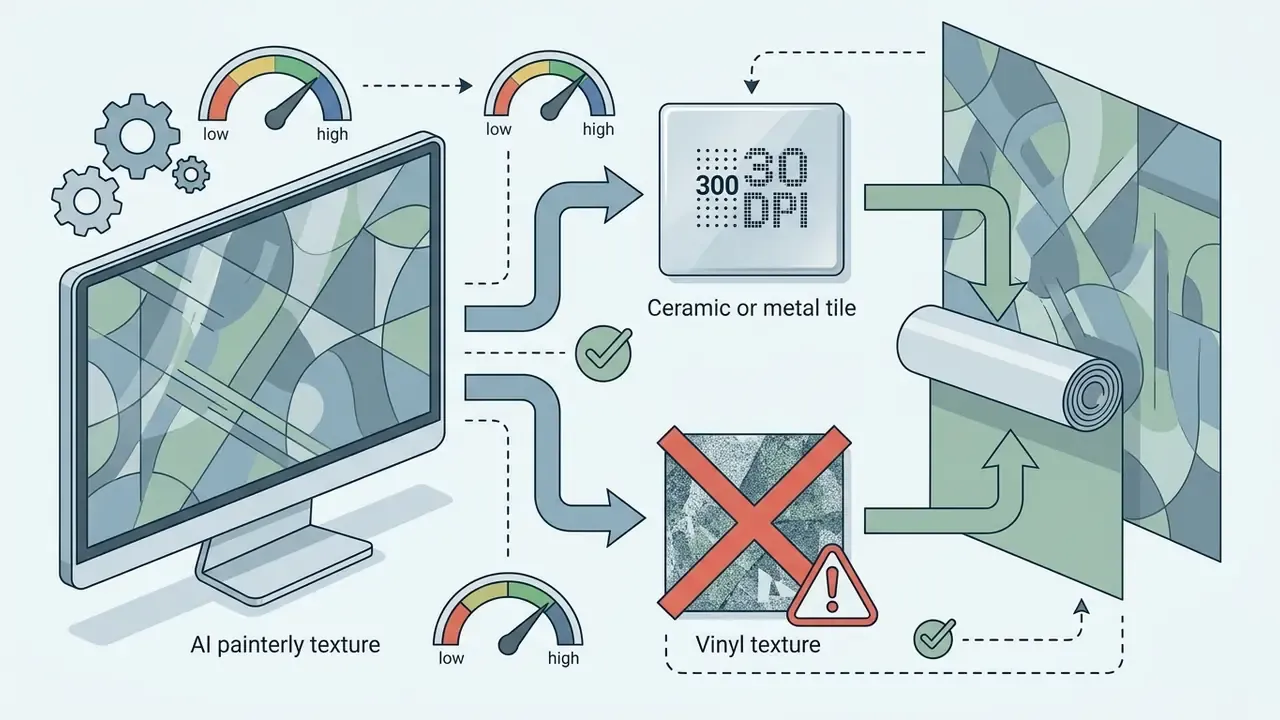
For canvas, poster stock or peel-and-stick wallcoverings, resolution is judged by print density, not screen resolution. 300 DPI is the accepted benchmark for close-viewing artwork, while large murals seen from several metres tolerate 150 to 200 DPI. A 3840×2160 base output upscaled 4× via SwinIR or Real-ESRGAN yields 15360×8640 pixels, which is enough for a roughly 10-foot mural panel without banding or blurred edges.
Practical print workflow:
That closes the gap between digital and physical use. One prompt library can serve a phone lock screen, a 4K monitor and a printed living-room feature wall, provided you calculate the pixel budget for the largest target first.
AI Wallpaper Styles, Ideas, and Ready-to-Use Prompts
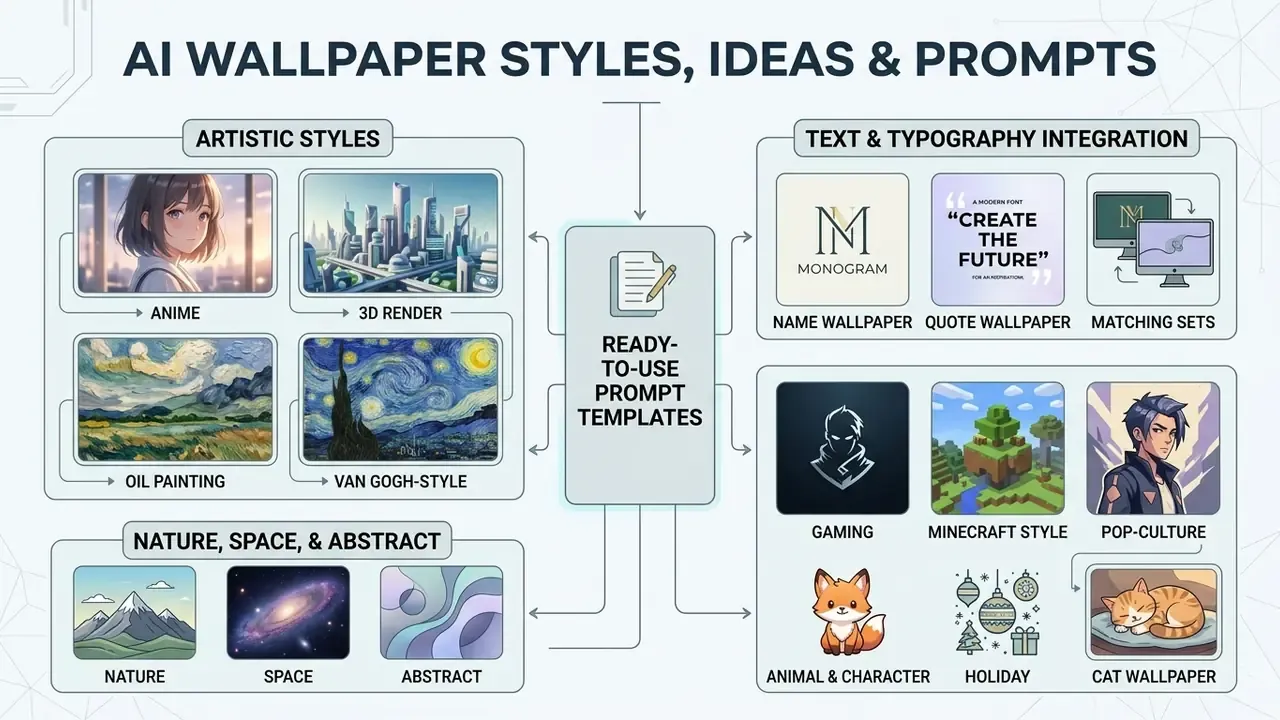
An ai art wallpaper generator supports a wide spread of artistic paradigms, so backdrops can follow personal taste or plain workspace ergonomics. Combining style modifiers with a controlled palette produces distinct themes across desktop and mobile. Dominant 2026 directions: minimalist gradients, AI surrealism, Y2K chrome nostalgia, biophilic nature, dark academia.
«Most participants could not reliably distinguish AI wallpapers from designer-made ones, yet rated human work higher; extraversion and openness correlated with intent to use AI wallpapers.»
| Preset | Visual signature | Best surface |
|---|---|---|
| Anime / cel shading | Flat colour blocks, clean outlines, high-key skies | Phone home screen (9:16) |
| Stylized 3D render | Glossy PBR materials, soft studio shadows | Desktop 4K (16:9) |
| Biophilic nature | Organic texture, mist, layered depth | Lock screen and printed decor |
| Abstract fluid | Low-contrast gradients, no focal point | Ultrawide (21:9 / 32:9) |
Figure 2: visual taxonomy of AI wallpaper generator style presets and their optimal display surfaces (2026).
Ready-to-Use Prompt Templates
Copy a block, swap the nouns, keep the ratio flag that matches your screen.
Cyberpunk cityscape (desktop 16:9):

Neon cyberpunk street, wet asphalt reflections, glowing turquoise and magenta geometric billboards, cinematic foggy atmosphere, volumetric lighting, empty left third --ar 16:9 --no watermark, text, people
Minimalist pastel gradient (mobile 9:16):

Soft pastel colour gradient, smooth aesthetic transitions, subtle geometric waves, calming balance, generous empty space in upper third, 8k resolution --ar 9:16 --no text, logo, noise
Biophilic nature (lock screen 19.5:9):

Misty layered mountain ridges at dawn, dense pine silhouettes, muted sage and slate palette, soft volumetric morning light, low detail in top 20 percent --ar 9:16 --no text, watermark, harsh contrast
Abstract fluid for ultrawide (32:9):

Flowing liquid marble abstraction, deep cobalt blue and burnt orange, silky motion blur, centred focal swirl fading to plain edges, non-distracting --ar 32:9 --no text, faces, sharp clutter
Cosmic nebula (4K desktop):

Cosmic nebula with interstellar dust lanes, magenta and cyan ionised gas, dense starfield, ultra-detailed astrophotography look, dark negative space on the left --ar 16:9 --no text, planets, watermark
Voxel gaming world (Minecraft-style, 16:9):

Blocky voxel landscape, pixelated cubic terrain, vibrant cubic nature, isometric sunrise lighting, cel-flat shading --ar 16:9 --no text, watermark, blur
Artistic Styles: Anime, 3D, Oil Painting, and Van Gogh-Style
The style library of an ai generator wallpaper system usually mixes digital and traditional art presets. Anchors like "cel shading, clean linework, 2D anime style" produce Japanese animation aesthetics. "Stylized 3D render, PBR materials, soft studio lighting" gives glossy computer graphics. Classical modes respond to "impasto texture, heavy brushwork, oil painting", or to a direct historical reference such as "swirling brushwork, vibrant impasto, Van Gogh style."
Style vocabulary, licensing nuance and model-specific quirks are catalogued further in our AI art generators reference, and in the Ghibli-style AI image generator comparison for readers chasing recognizable animation looks.
Nature, Space, and Abstract Wallpaper Ideas
Environmental and abstract imagery stay the most requested wallpaper themes, and there is at least some evidence they do something beyond decoration.
«In two field experiments, participants with urban wallpapers reported significantly lower emotional connectedness to nature than the group using nature wallpapers.»
Misty mountain ranges, dense forest foliage, a still lake: soothing backdrops with a measurable psychological upside. Space aesthetics lean on astronomy vocabulary, so "cosmic nebula, interstellar dust, starry night sky" builds deep cosmic vistas; NASA's public image library, over 140,000 assets across 60-plus collections, is a good reference for what real nebula structure looks like before you prompt for it. Abstract fluid designs use fluid-dynamics keywords to blend a custom palette into a non-distracting desktop background.
Name, Quote, Color, and Matching Wallpaper Sets
Personalized generation covers typography, inspirational quotes and custom monograms placed onto generated art. You can also match wallpaper colours to hardware chassis or room interiors by naming exact hex codes or shades ("monochromatic dark slate and copper"). Matching sets then carry one theme across paired mobile lock screens and desktop setups, which keeps a multi-device workspace visually coherent.
Quote and Name Wallpapers (Typography Integration)
Diffusion models still mangle glyphs, especially small ones. To reduce damage, quote the exact string and constrain the typeface class:
"Text: 'Stay Hungry' in minimalist bold sans-serif lettering, centered, dark slate backdrop, generous margins"
For a name wallpaper, the same pattern works with a single word or monogram. Honestly, a two-pass approach is more reliable than any single shot: generate a clean textless background, then overlay vector type in an editor. Crisp edges at 4K and at 300 DPI print density, guaranteed. That matters for gift prints and monogrammed decor, where soft lettering is instantly visible.
Gaming, Minecraft, and Pop-Culture Styles
For voxel worlds and game-adjacent scenes, describe grid geometry instead of franchise names: "blocky voxel landscape, pixelated terrain, vibrant cubic nature, isometric camera" delivers Minecraft-style wallpaper aesthetics without copying protected assets. Neon noir, synthwave and glitch-art modifiers cover the wider gaming-desk look.
Animal, Character, and Holiday Sets
Cat wallpaper and other animal themes improve with explicit fur and lighting cues ("fluffy tabby cat silhouette, rim light, soft bokeh"). Character-led portrait styles are best produced with identity-preserving pipelines; see our AI headshot generator guide for face-consistency techniques that transfer directly to portrait backgrounds. Seasonal sets, Christmas, autumn, Lunar New Year, work best as matching pairs: one saturated version for the home screen, one dimmed variant for dark mode, mirroring the light and dark pairs iOS and Samsung One UI already expose.
Free AI Wallpaper Generator, Pricing, and Commercial Use
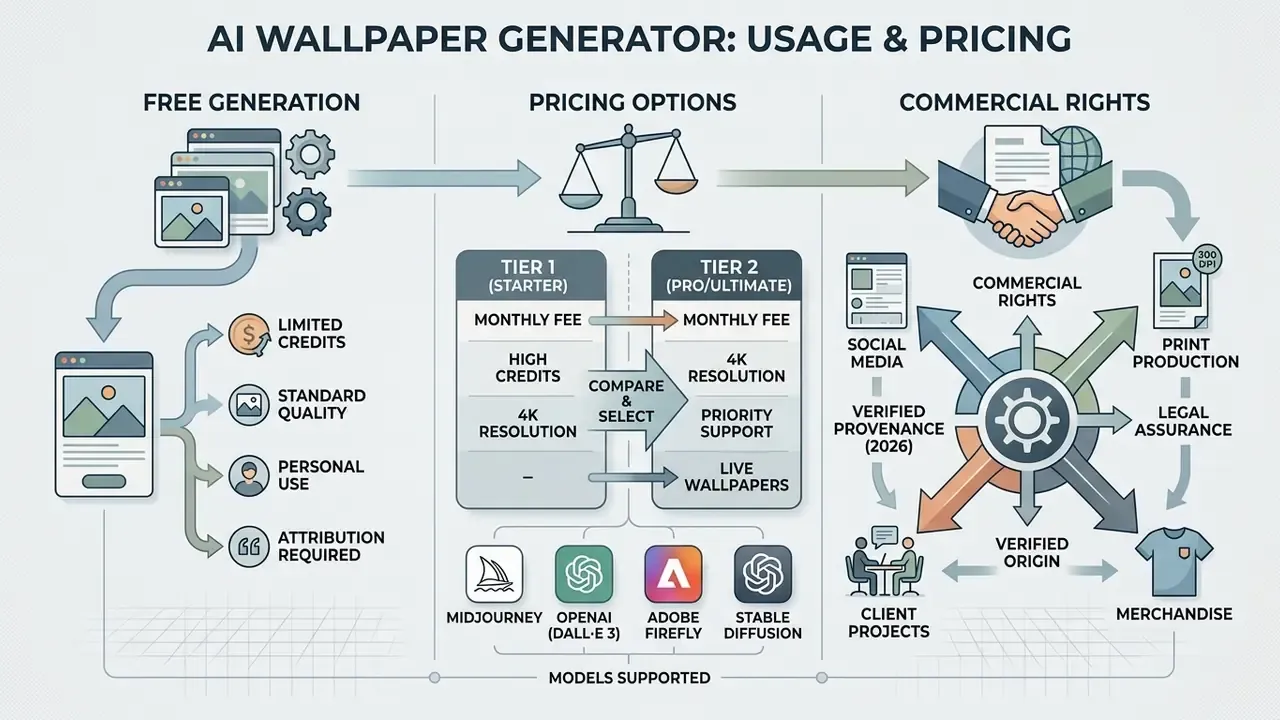
Choosing an ai free wallpaper generator comes down to four numbers: daily generation limits, resolution caps, watermark policy and commercial licence terms. Tier distinctions decide whether a file is a hobby asset or a business asset.
| Feature / Capability | Free tier (typical) | Paid tier (typical) |
|---|---|---|
| Indicative price | $0 (daily credits or 3 to 15 images/day) | ≈$8 to $30/month mainstream tools; niche wallpaper and upscaling suites run $50 to $120/month (Hailuo tiers at $14.99 / $54.99 / $119.99; Wallpapers.com at $49.99 / $89.99) |
| Daily or monthly quota | 3 to 10 generations per day; some services cap at 35 credits/month | 500+ generations, or unlimited fast queue |
| Output resolution | Standard HD, 720p to 1080p | Native 2K / 4K UHD and 8K upscaling |
| Watermark removal | Included on some tools, small watermark on others | Fully unwatermarked |
| Processing queue | Standard speed queue | Priority GPU acceleration |
| Usage rights | Frequently personal use only (Magnific: free = personal, 10 downloads/day, attribution required) | Commercial licence included |
| Advanced editing | Basic crop and adjust | Outpainting, inpainting, high-res upscale, brand kits |
Prices are indicative 2026 market ranges collected from vendor pricing pages and change often. Verify current terms before purchase.
What Is Included in Free Wallpaper Generation?
Most web platforms offering an ai generator wallpapers experience keep a basic free tier open. The reason free tiers feel constrained becomes clearer once you look at how large-scale deployments are built.
«Google AI Wallpapers went through guided prompt engineering, extensive quality-evaluation pipelines and layered safety guardrails before shipping to hundreds of millions of devices.»
Guided templates, safety filters and evaluation pipelines are what make mass deployment viable, and all three consume inference budget. So free access usually means a limited monthly credit allocation, standard exports at 720p or 1080p, and access to primary style models only. Some platforms allow a first generation without registration; our roundup of no-sign-up AI image generators tracks which ones still do. Advanced upscaling and watermark removal generally sit behind a profile or a paid plan. Broader feature-limit patterns across free creative tools are mapped in our free photo editor guide and the best free AI art generator comparison.
How to Compare Pricing Options Before Downloading
Commercial structures fall into two shapes: pay-as-you-go credit packs, or monthly recurring tiers. Compare price-per-credit, resolution ceilings and access to premium generative backbones. A few vendors still sell perpetual licences, and some price purely by usage, a pattern visible in adjacent media APIs where 4K rendering is billed per minute rather than per seat.
Structured cost analyses in AI Media Pricing give benchmarks for credit consumption on standard HD versus high-density 4K exports. For feature matrices across competing engines, use the AI Media Comparison Matrices hub, plus tool-specific reviews of the Canva AI generator, Microsoft AI image generator and Google AI image generator.
Can AI Turn a Wallpaper into a Live or Animated Background?
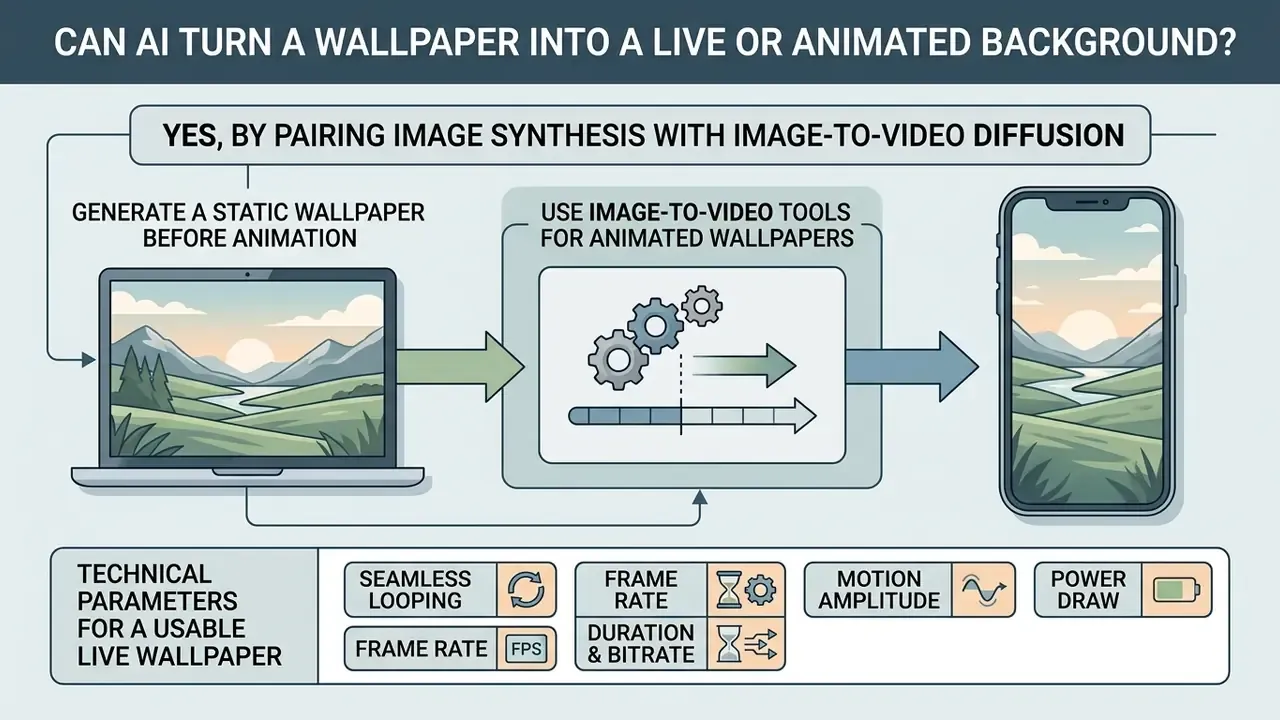
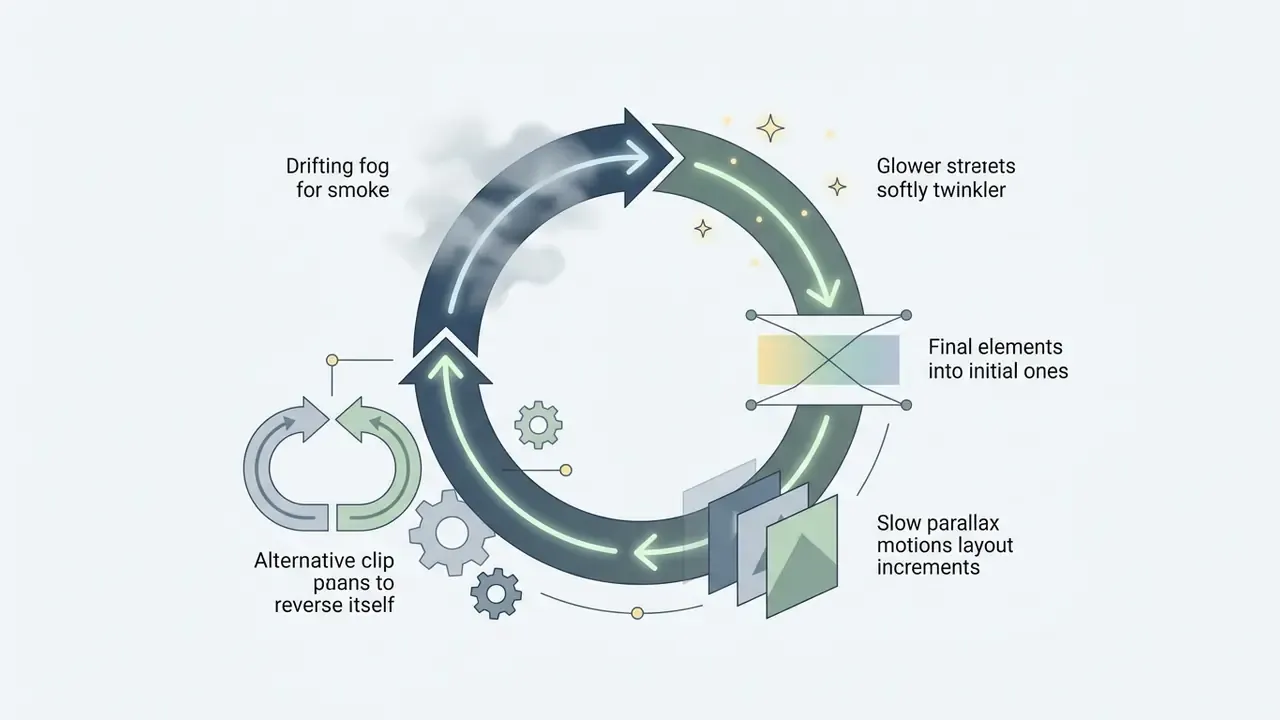
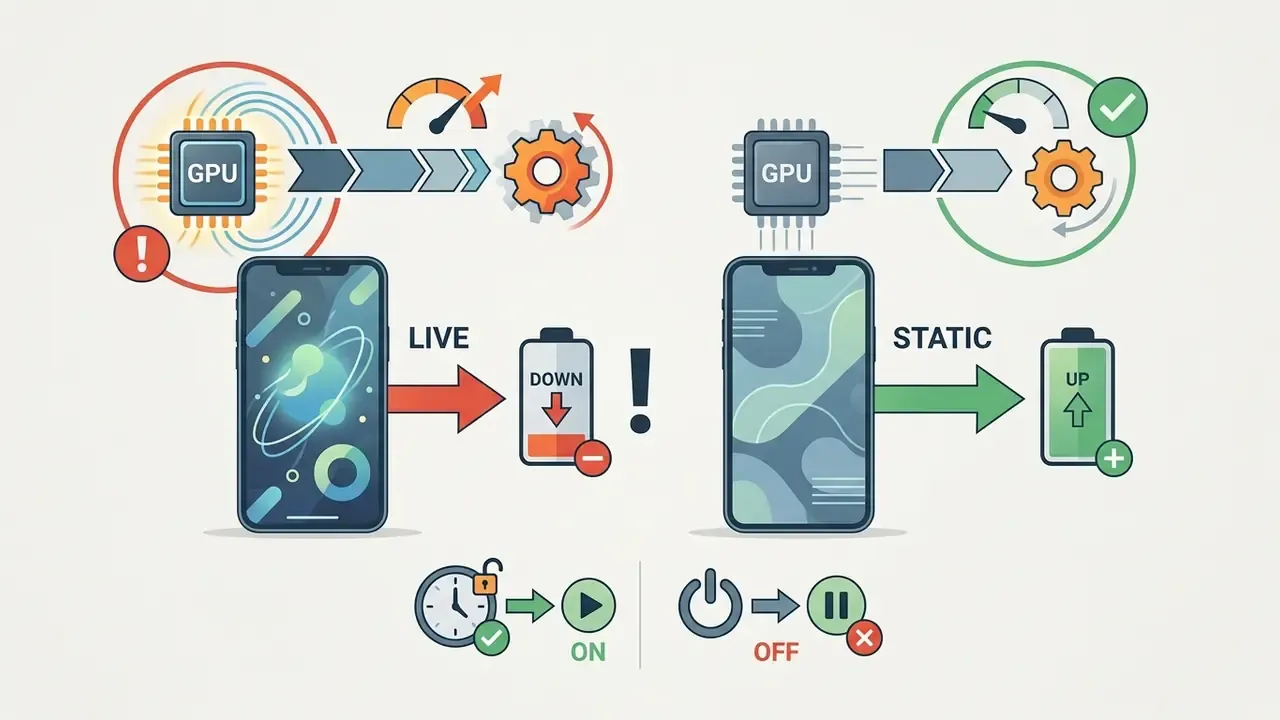
Yes, by pairing image synthesis with image-to-video diffusion. The pipeline produces short looping animations suited to dynamic backgrounds. On Android, live wallpapers run through WallpaperService and WallpaperService.Engine, which can drive 2D drawing, OpenGL rendering, sensor input and layered composition. A video loop is simply the most accessible of those techniques, not the only one.
Generate a Static Wallpaper Before Animation
Any animated background starts with a high-resolution, compositionally balanced still. Prompt for clear subject isolation and deliberate framing so the animation model receives clean visual layers. Good foreground and background separation lets the video model interpolate motion without warping the main object.
Vendor guidance lines up here: Runway recommends source frames with an unambiguous subject and intentional framing, Adobe Firefly treats the still as the literal first frame with camera motion specified separately, and Google's Veo prompt structure (cinematography, subject, action, context, style) assumes the still already carries a readable subject and context. An ai image wallpaper that is muddy at rest will be worse in motion.
Use Image-to-Video Tools for Animated Wallpapers
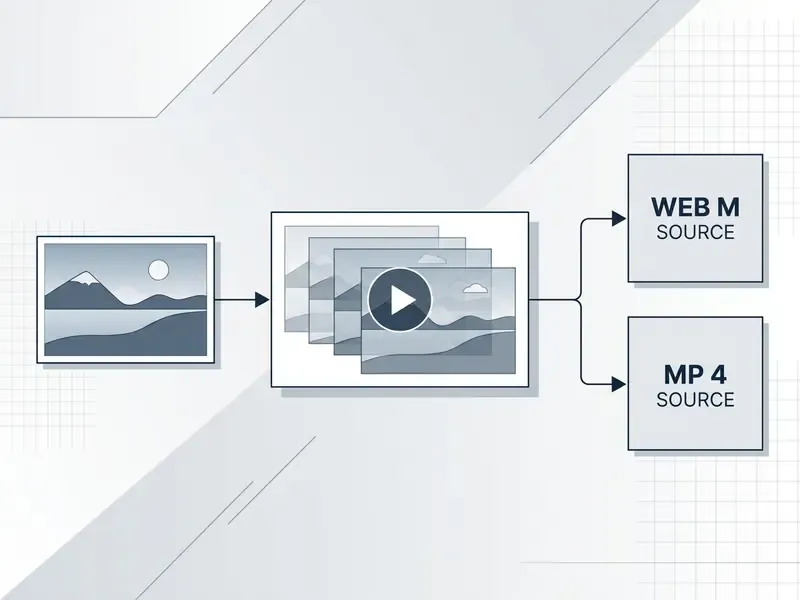
An ai live wallpaper generator free workflow feeds the static source into an image-to-video AI tool such as Stable Video Diffusion, Runway Gen-2, Wan or Kling AI, producing a 3 to 5 second loop. Exports land in MP4 (H.264) or WebM; WebM is the practical pick when transparency matters, and GIF should be a last resort because of banding and file size. Desktop utilities like Lively Wallpaper (MP4, WebM, AVI, MOV) and mobile OS wallpaper engines render those loops as interactive backgrounds. Related motion workflows sit in our animation maker guide and the Google Veo implementation guide.
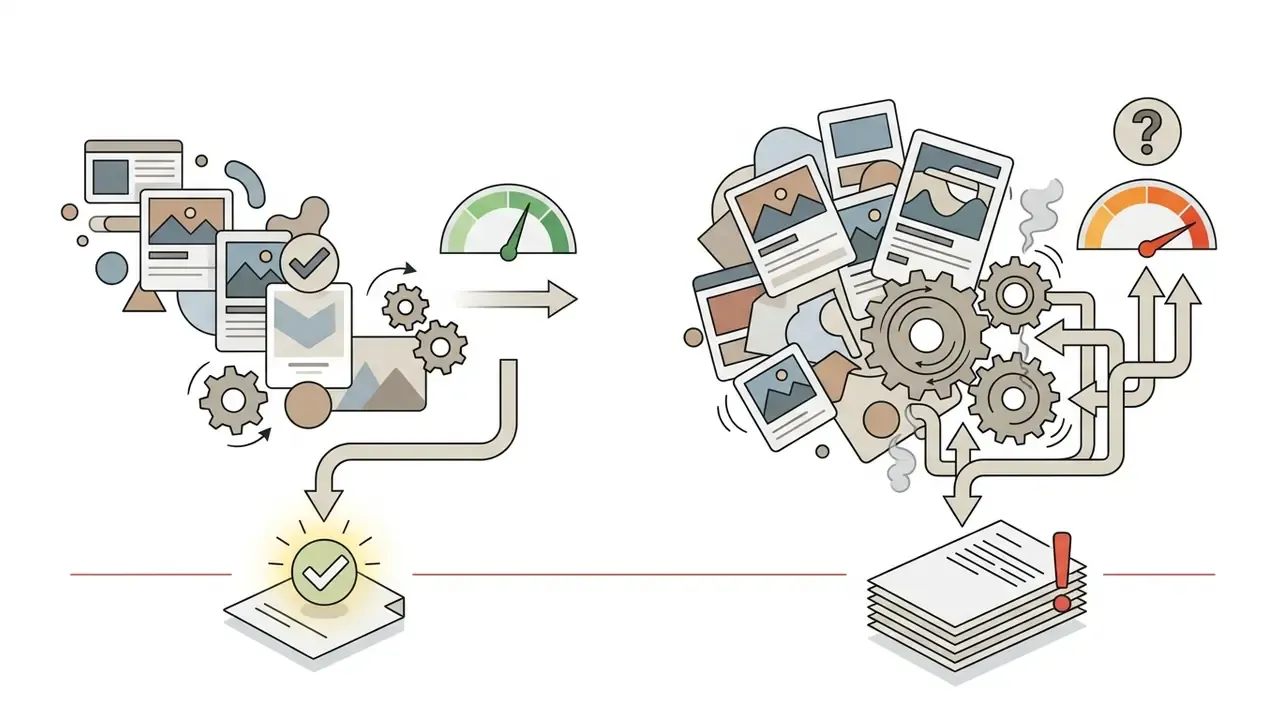
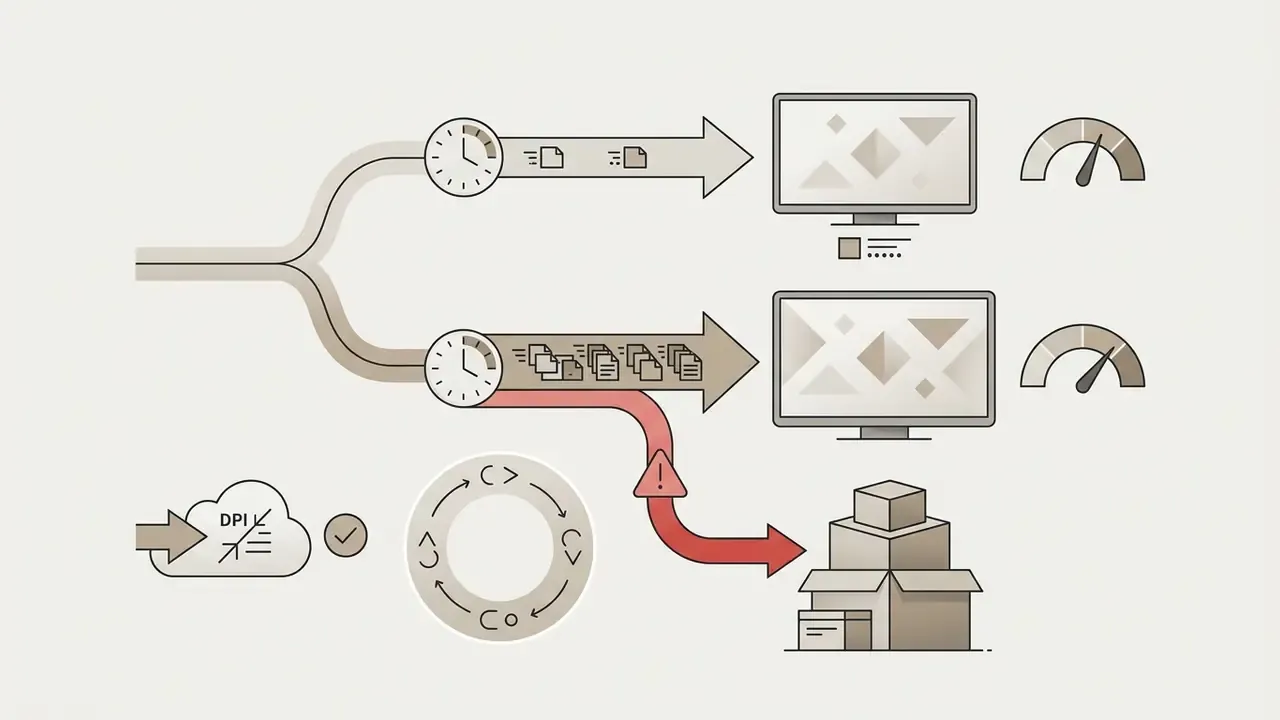
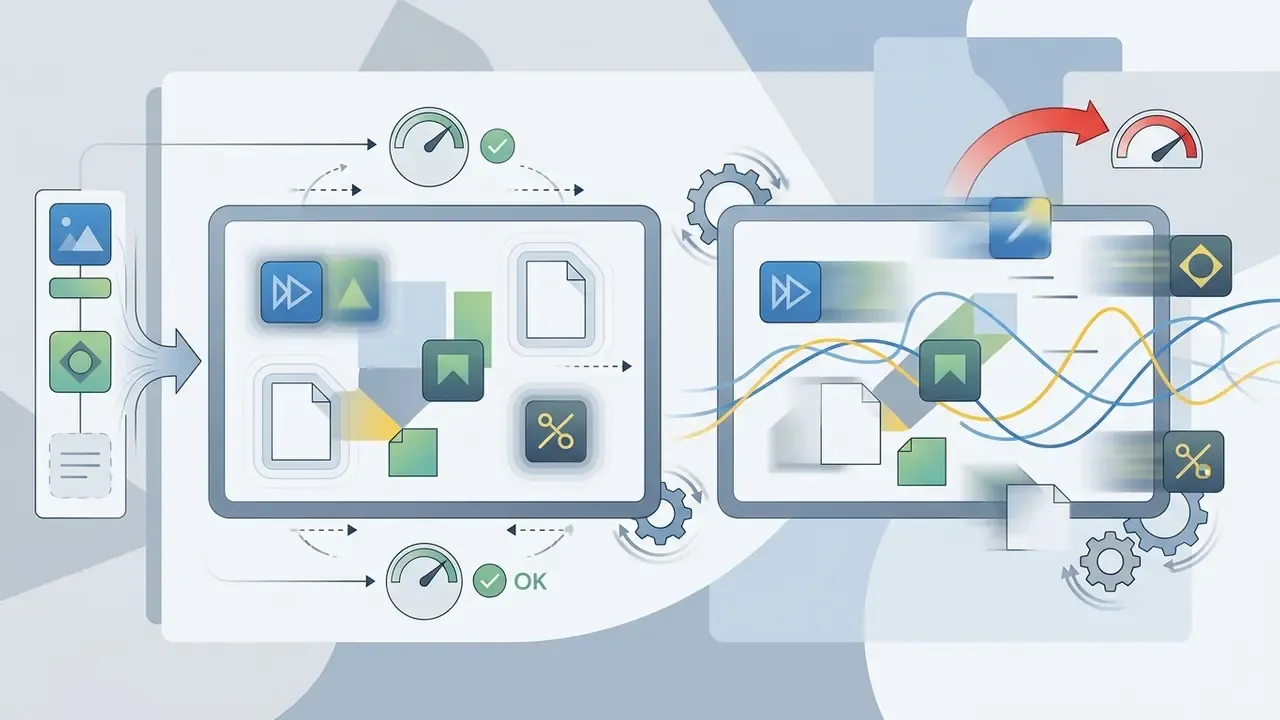
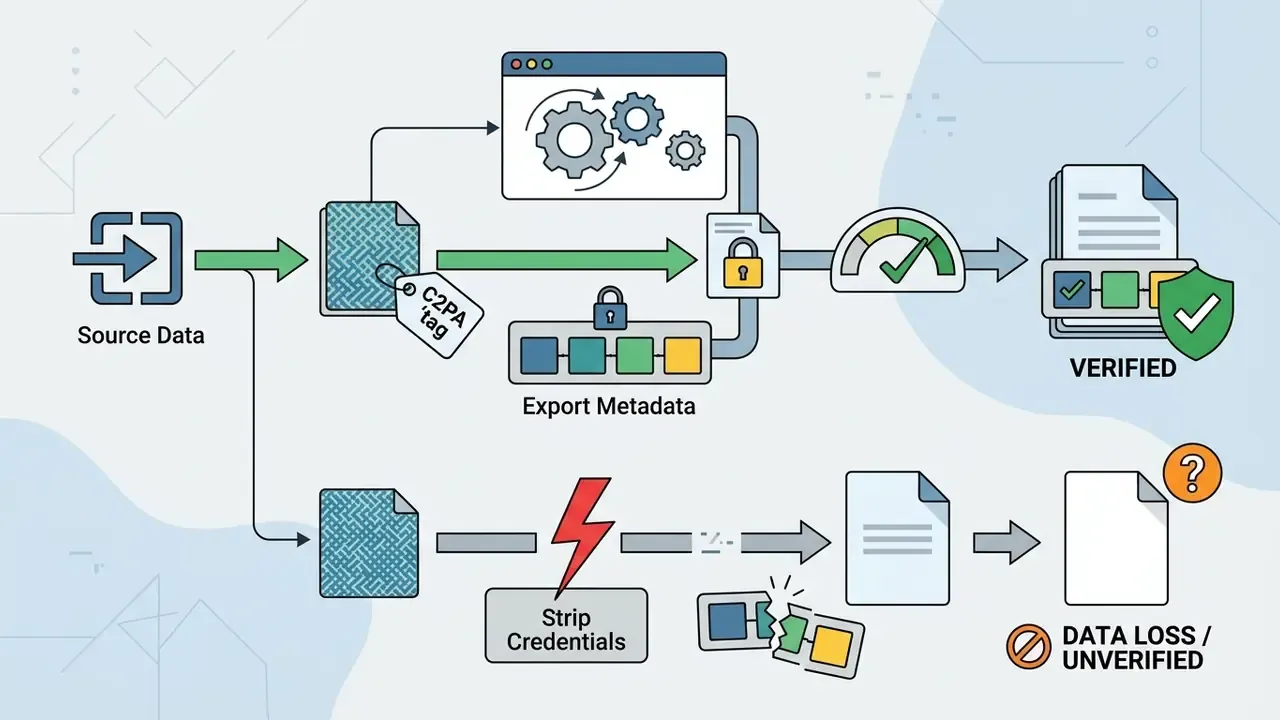
Technical parameters for a usable live wallpaper:
«Users often cannot reliably identify AI art without reference images, and automatic detector accuracy degrades under adversarial perturbations.»
Virtual Backgrounds for Zoom, Teams, and Webcams
Beyond device displays, generated backgrounds work as video-conferencing backdrops. A clean 16:9 scene at 1080p or 4K with moderate depth of field, meaning a softly blurred background plane, keeps camera segmentation stable and suppresses halo flicker around hair and shoulders.
Practical rules for a Zoom, Teams or Google Meet backdrop:
The same library also feeds streaming overlays, webinar slides and digital signage, which is why generating once at 4K and downscaling per channel beats generating separately for every platform. Compression settings for distribution are covered in our video compressor guide, voice-over layers in the AI voice generator guide, and integration details for custom media pipelines in the AI Media API reference.
Pre-Export Checklist
Run this six-step memo right before download, while composition and resolution are still editable.
- Confirm target geometrytake the screen's exact width and height, or the wall's physical dimensions, and lock the matching aspect ratio.
- Verify prompt fidelitysubject, palette and lighting present; negative constraints (
--no text, watermark, blur) applied. - Inspect safe zonesfocal subject clear of the top 15% (clock, notch), bottom 10% (dock) and left 15% (desktop icons).
- Screen for defects at 100% zoomtechnical distortion, AI artifacts, unnaturalness, prompt mismatch, overall aesthetics. Do this before upscaling.
- Upscale with a generative modelReal-ESRGAN or SwinIR to 3840×2160 for 4K screens, or ≥300 DPI at final size for print. Never plain bicubic stretching.
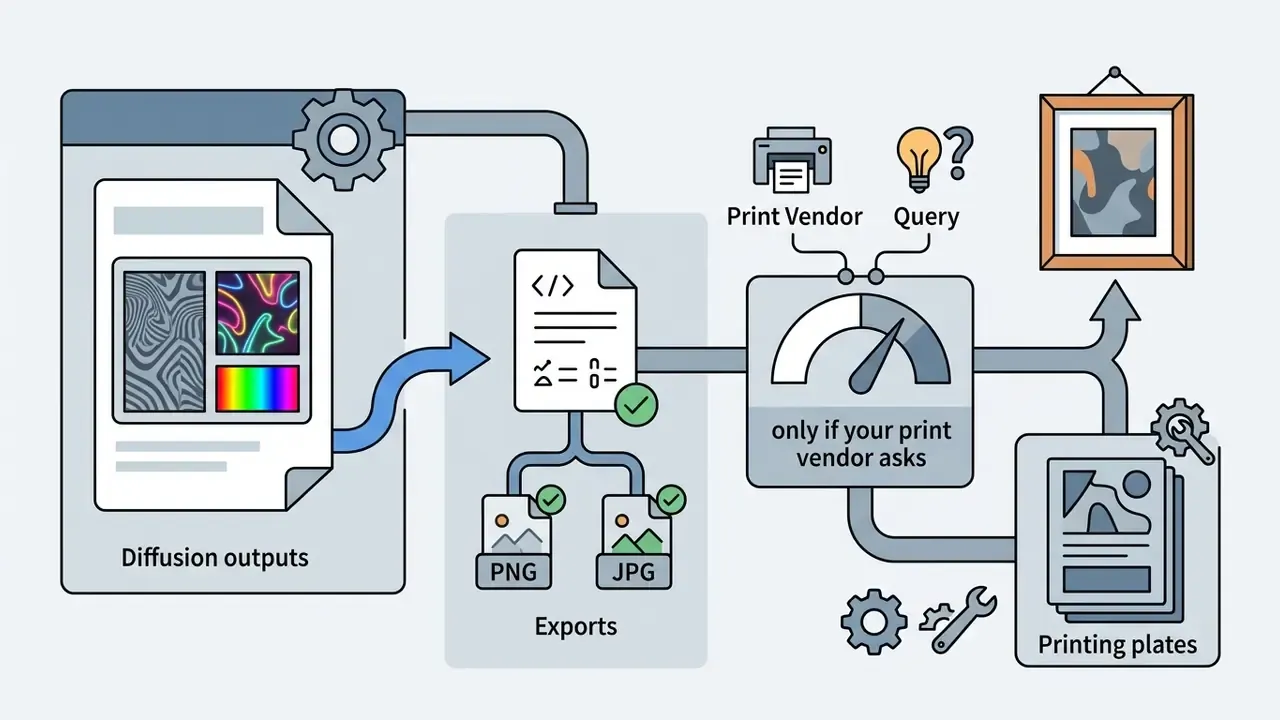
- Export and fit-testsave PNG or high-quality JPG, apply it on the actual device and on the second monitor, then confirm no crop, stretch or icon collision.
AI Wallpaper Generator FAQ
Do I need graphic design experience to use an AI wallpaper generator?
No prior design experience is needed. You enter a natural-language description of the scene, colours and style, and the model handles lighting, shading, composition and rendering from pre-trained parameters. Reading the safe-zone table above will still improve your results more than any prompt trick.
Can I use an AI wallpaper generator on mobile devices?
Yes. Most tools ship a responsive web interface or dedicated iOS and Android apps, so an ai image generator wallpaper flow runs entirely on the phone: generate, preview, save to storage. Browser-based options work even on older laptops and low-powered handsets, since inference happens server-side.
Are my generated wallpapers private, and can I delete my generation history?
That depends on the provider. Most services let you view, manage and permanently delete prompt and generation history from the account dashboard; deleted items usually vanish from the interface at once and are purged from backend systems within about 30 days. Paid and enterprise tiers often add private generation modes where inputs and outputs are not indexed publicly. Check the cached-content retention window too, which some vendors measure in hours.
How should I write alt text for an AI-generated wallpaper?
Describe the visual content first, then disclose AI origin: "AI-generated illustration of misty pine ridges at dawn in muted sage tones." Research on alt text for AI images found that «creators prefer automated alt text generation but worry about inaccuracies, while screen-reader users want descriptions covering both visual content and AI origin» — From Provenance to Aberrations: Image Creator and Screen Reader User Perspectives on Alt Text for AI-Generated Images, CHI 2024. https://dl.acm.org/doi/10.1145/3613904.3642122
How do I calculate pixel dimensions for non-standard display ratios?
Convert the ratio into a target resolution before generation using display aspect calculators, which return precise width by height values. For print, multiply the final size in inches by 300 to get the required pixel count, then check whether your upscale factor can actually reach it.
Can I make a 4K wallpaper from a low-resolution AI image?
Yes, but only with generative super-resolution. Real-ESRGAN and SwinIR reconstruct plausible texture while enlarging. Conventional bilinear or bicubic resizing multiplies pixels without adding detail, and the softness becomes obvious on 27-inch and larger panels.
Can I sell products printed with AI-generated wallpapers?
It depends on your platform tier and jurisdiction. Paid tiers of major engines grant commercial usage rights, yet purely AI-generated output may not be protectable by copyright, and depictions of real people's likeness carry separate restrictions. Verify your provider's terms and consult a legal professional before launching a product line.
Where can I find additional definitions for technical AI media terms?
For latent space, diffusion backbones, super-resolution upscaling and inference parameters, see our AI Media Glossary.
Where can I seek assistance if generation output fails or errors occur?
If model execution fails or exports do not match the requested aspect ratio, AI Media Support and Troubleshooting has step-by-step resolution guides, including the common ratio-mismatch and queue-timeout cases.