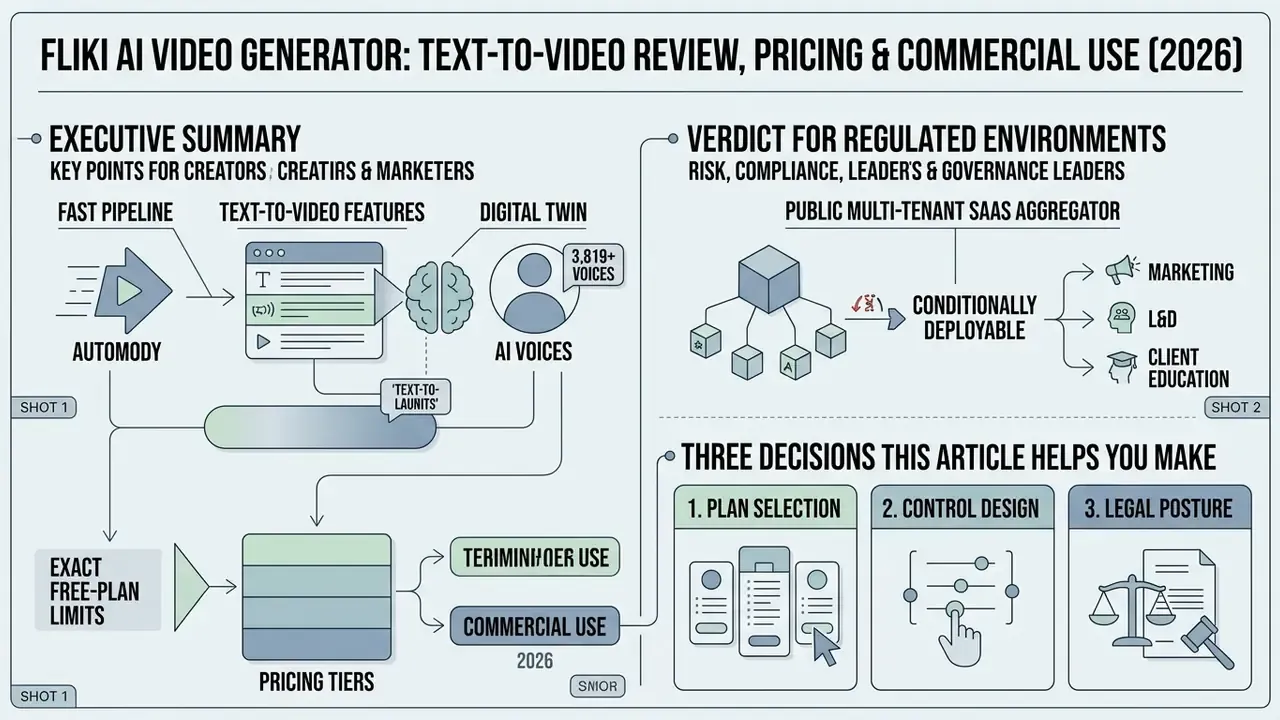
Why should a risk or compliance leader care about a marketing tool at all? Because it is already inside the perimeter. Free-tier generative media tools rarely arrive through procurement. They arrive through a browser tab.
Executive Summary
Enterprise Risk and Deployment Context
Before evaluating features, it helps to frame where an automated media generator sits in your control stack. Fliki produces output in several categories, and each carries a different risk profile.
| Output category | Typical use | Primary risk vectors | Required control |
|---|---|---|---|
| External marketing / social media | Reels, Shorts, product explainers | Copyright and Content ID, AI-disclosure rules, brand accuracy | Legal review, disclosure labels, license documentation |
| Internal L&D / compliance training | Policy walkthroughs, onboarding modules | Terminology accuracy, leakage of internal policy text | Human-in-the-loop SME sign-off, data classification gate |
| Client-facing education | Product tutorials, advisory explainers | Misstatement risk, regulatory disclosure requirements | Compliance attestation before publication |
| Voice and avatar likeness content | Executive messages, spokesperson videos | Right-of-publicity, deepfake exposure, consent validation | Recorded consent, likeness register, revocation process |
That framing explains why the sections below cover functionality and pricing, yes, but also data handling, Shadow AI exposure, and indemnification. Those last three are the areas most tool reviews skip entirely.
Fliki AI in Numbers and Independent Ratings
Platform scale and user sentiment (2025 to 2026 data):
- User base 12M+ registered creators, professionals, and teams worldwide.
- Content volume 100M+ videos generated on the platform.
- Enterprise adoption 50,000+ companies referenced as customers.
- G2 rating 4.7 / 5 (based on 170+ verified reviews).
- Capterra rating 4.8 / 5 (based on 338+ reviews).
- Aggregate vendor-reported review score 4.8 / 5 across 5,000+ reviews.
- Language coverage 80+ languages for translation and dubbing; 91 languages and 153 dialects in the voice catalog.
Two reasons these figures matter to a buyer. They establish market maturity, since a vendor with 12M users is unlikely to vanish mid-contract. And they give procurement an external sentiment baseline to cite next to internal pilot results. Treat vendor-reported counts as marketing claims until you see the underlying review platforms yourself.
What Fliki AI Video Generator Is and Which Tasks It Fits
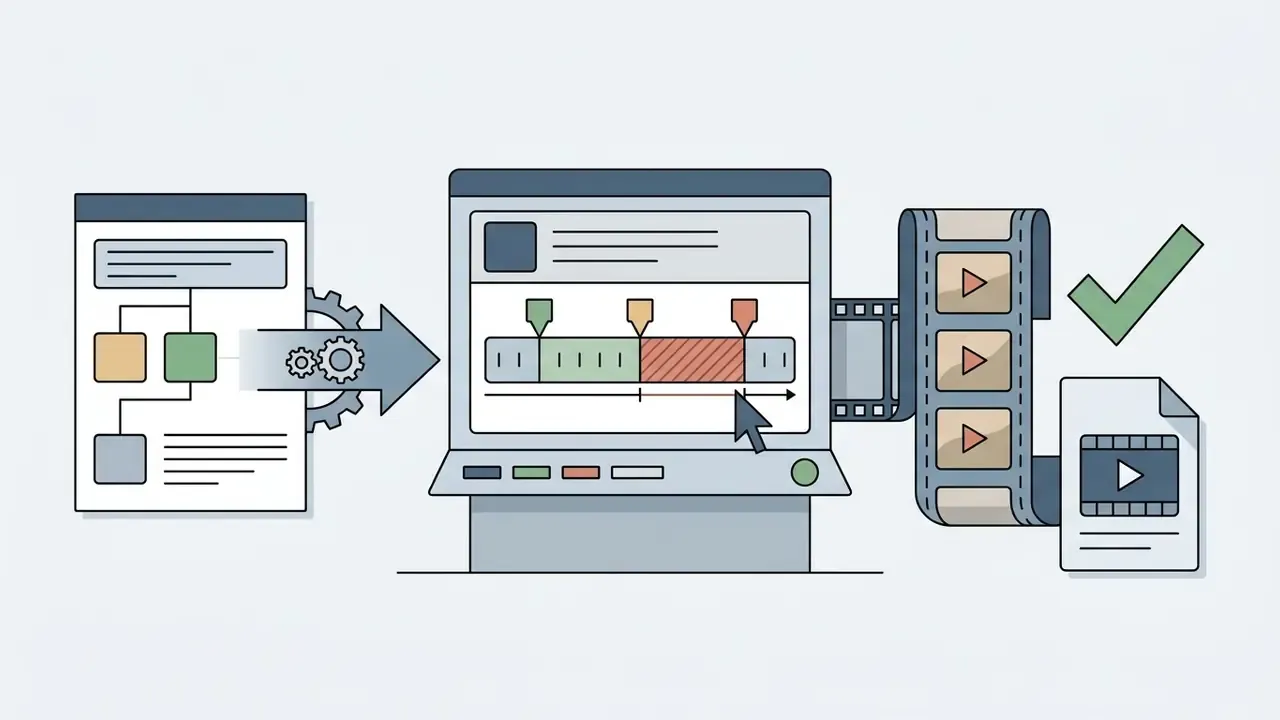
Fliki AI Video Generator is an automated text-to-video platform that streamlines video creation through cloud rendering and neural speech synthesis. It ingests raw text, segments it into structured scenes, pairs each segment with voiceovers and stock visuals, then exports social-ready MP4 media.
How Fliki Turns Text, an Idea, or Existing Content Into Video
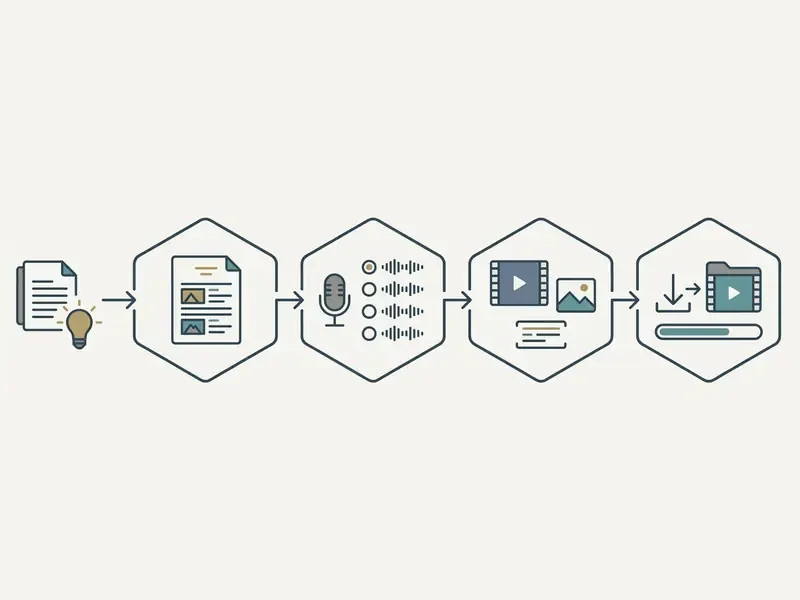
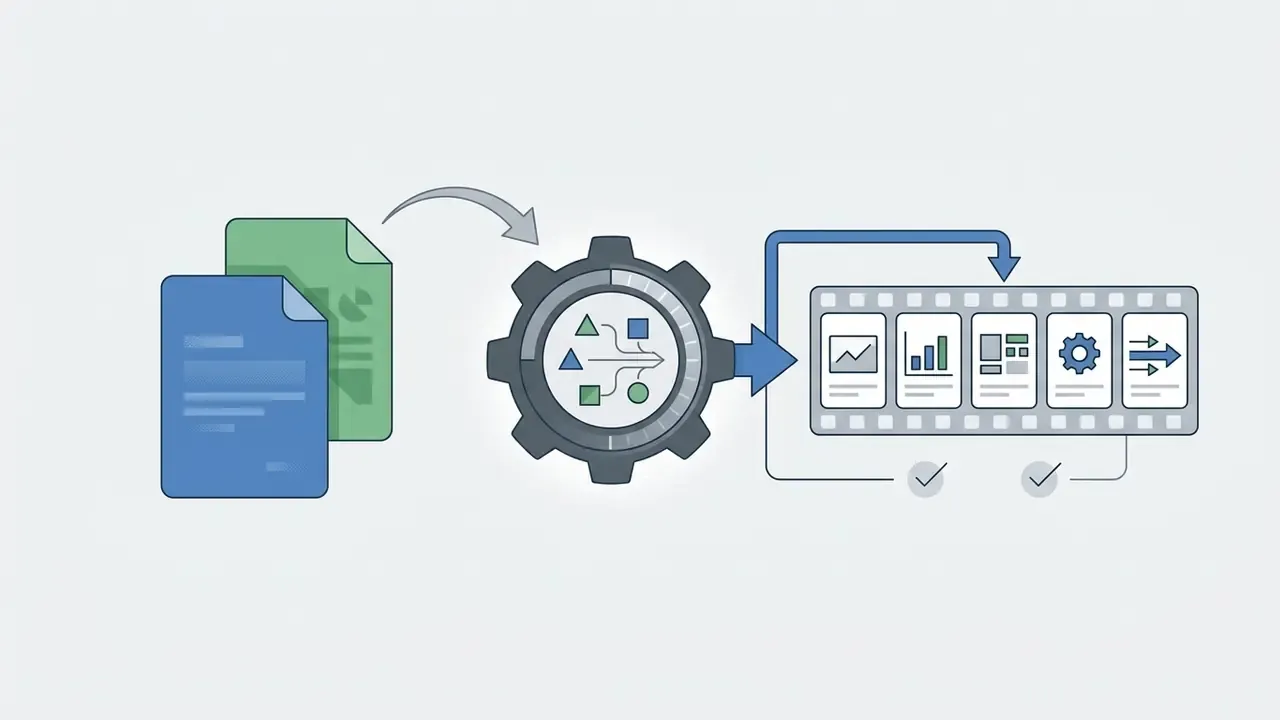
Fliki converts raw textual input into a scene-by-scene script breakdown, generates synchronized voiceovers, and assigns media assets automatically. The software parses sentence boundaries, extracts key themes, and matches scenes with licensed stock footage or synthetic imagery.
Give it a URL and Fliki fetches page assets, then produces a concise video summary. Teams looking to make ai video from static assets can use the same pipeline to turn articles or slide decks into multi-platform video feeds in well under five minutes.
Fliki v5 separates input into three distinct tracks: spoken voiceover text, on-screen text, and visual prompts. Clean input formatting therefore has a measurable effect on output quality. Scripts written with clear line breaks and no embedded stage directions produce noticeably fewer mismatched scenes. Small detail, large payoff.
Who Should Use Fliki for Video Creation
Fliki is built for content creators, SMM specialists, corporate trainers, internal-communications teams, and digital marketers who need high-volume video production. It removes the technical editing hurdle, so non-specialists can transform existing text archives into promotional or educational media.
Case example (agency workflow). An SMM agency managing client channels needed weekly blog publications converted into short video summaries without adding headcount. Using automated text-to-video workflows, the team turned thirty articles into vertical clips within two days. Illustrative, not audited.
Production benchmark.
Case example (regulated enterprise workflow, hypothetical). A mid-size financial services L&D function replaced externally produced compliance refresher videos with Fliki-generated modules built from approved internal policy summaries. The team kept two control gates: a subject-matter expert validated terminology and phonetics on the generated narration, and compliance signed off before distribution. Cost per module dropped sharply while the review layer stayed human-owned. That is precisely the deployment pattern governance functions should mandate, rather than hope for.
Creators can also compare production stacks on our main compare hub to see how automated text-to-video platforms measure up against manual editing setups, and review head-to-head scoring in our roundup of the best AI video generators.
Core Fliki AI Features for Video and Audio Creation
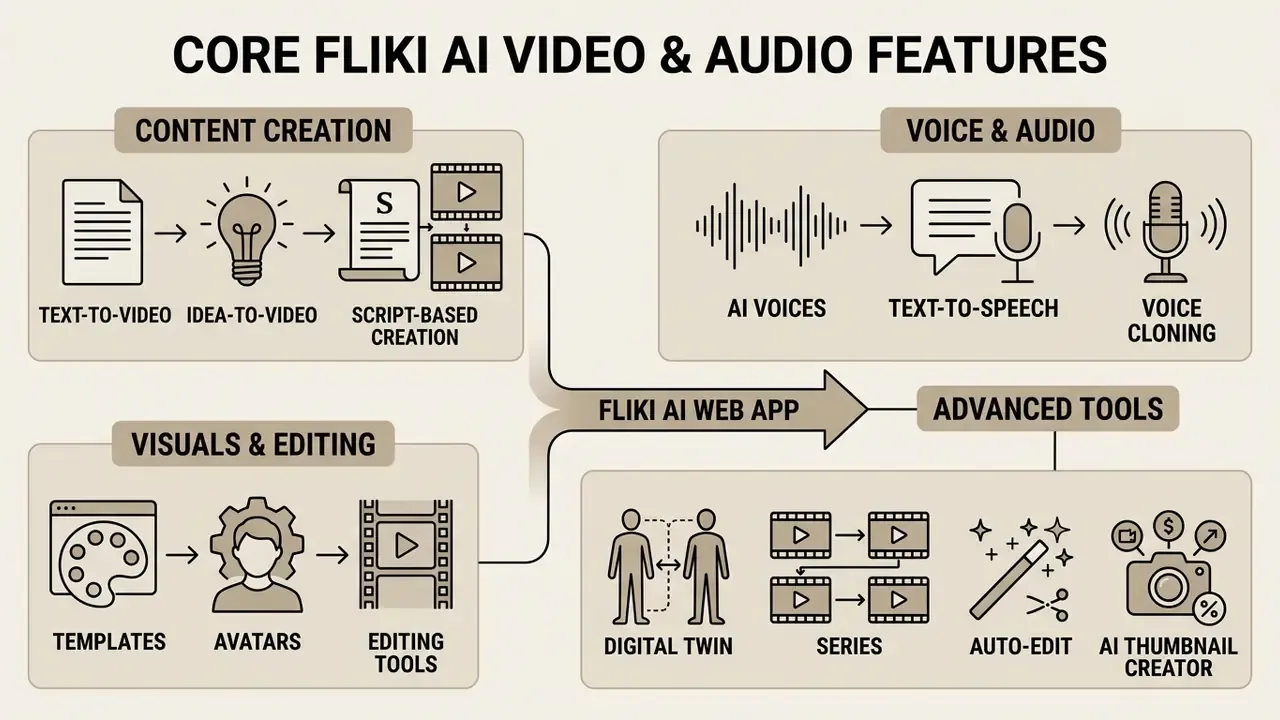
Fliki AI combines neural text-to-speech, automated script segmentation, AI video clips, screen recording, and virtual presenter avatars in a single web application. Readers new to the category can start with our primer on text-to-video AI tools. The platform gives you one editor where speech cadence, visual overlays, and audio tracks are adjusted side by side.
Text-to-Video, Idea-to-Video, and Script-Based Creation
The core text-to-video module processes finished scripts, blog links, PowerPoint decks, PDFs, product URLs, or single-line prompts into structured visual scenes. Users set target duration, tone guidelines, target audience, and narrative pacing before generation runs.
The engine divides input text into logical scenes, generates matching voiceover audio, and assigns background clips. To create custom media elements alongside stock footage, creators frequently combine scene assets using tools such as magic studio ai or internal synthetic generators.
Four documented input modes exist:
| Input mode | Source material | Typical output |
|---|---|---|
| Idea-to-Video | One-line prompt or topic | Short vertical clip with AI-written script |
| Script-to-Video | Finished narration text | Scene-segmented long-form video |
| Blog-to-Video | Article URL, pasted text, or RSS feed | Narrated summary with matched B-roll |
| PPT/PDF-to-Video | PowerPoint or Google Slides deck | Slide-by-slide narrated scenes with transitions |
AI Voices, Text-to-Speech, and Voice Cloning
The Fliki AI voice generator ships 3,819 neural voices across 91 languages and 153 regional dialects. It supports 30 emotion styles, speed controls, and custom voice cloning from a 30-second sample (Fliki Features Directory, 2026).
| Parameter | Capability specification |
|---|---|
| Total voice library | 3,819+ neural AI voices |
| Language and dialect support | 91+ languages, 153 regional dialects |
| Voice cloning requirement | 30-second clear voice sample plus live verification script |
| Cross-language cloning | Cloned voice reusable across 30+ languages |
| Emotion delivery styles | 30+ styles (Calm, Cheerful, Professional, News, Whispering, Sad, Angry) |
| Specialized audio error rate | ~18% higher error rate on legal, medical, and financial terms (Digen Research Report, 2026; industry synthesis-testing analysis, treat as directional rather than audited) |
Conversational narration flows naturally enough. Specialized terminology is another story and often needs manual phonetic adjustment. For financial, legal, and medical scripts, budget a dedicated terminology pass: product names, statute references, ticker symbols, and percentage constructions are the most frequent failure points. For pure voiceover work, creators can evaluate alternative neural audio models in our AI voice generator guide.
Visuals, Templates, Avatars, and Editing Tools
Fliki links script segments to a stock library of more than 5.2 million photos and 80,000 video clips (sourced through integrations such as Unsplash and Pexels), supplemented by AI talking avatars. Inside the built-in video editor you adjust scene durations, modify text overlays, capture screen recordings, add audio layers, and insert brand assets.
Practical implication: automatic matching gives you a first draft, not a final cut. Scene-level review should be a required step, not an optional polish pass. This matters most for abstract subject matter such as risk frameworks, regulatory concepts, and financial products, where the stock library is thin and generic.
Creators who want animated B-roll from static media can explore specialized tools to make photo animation before importing assets into Fliki scenes, or compare motion-graphics approaches in our animation maker guide.
Advanced Tools: Digital Twin, Series, Auto-Edit, and Thumbnail Creator
Beyond the core pipeline, four modules materially change production economics:
- Digital Twin. Record one reference video of roughly one to two minutes, and the platform builds a personal AI presenter reusing your face and voice. The twin narrates scripts in 80+ languages while preserving the original facial delivery, so a single recording session can carry an entire content calendar. For enterprise use, treat the twin as a controlled likeness asset: register it, restrict access, define a revocation procedure.
- Series. An automated planner for recurring formats on TikTok, YouTube Shorts, and Reels. You define topic, template, and cadence. Fliki then plans upcoming episodes, writes the scripts, and prepares a batch of ready-to-publish videos so the channel stays consistent without daily manual work.
- Auto-Edit. A cleanup module for raw footage and screen recordings. It trims silences, removes filler words and verbal stumbles, adds captions, polishes audio, and syncs B-roll and music to scene changes, turning long unedited recordings into short publishable cuts.
- AI Thumbnail Creator. A built-in YouTube cover generator. Describe the video or upload a key frame, and it returns click-oriented designs with adapted typography, custom text, and generated backgrounds.
Fliki also generates static design assets (social posts, presentations, slide graphics) through the same prompt plus tone plus audience flow used for video. That makes it a lightweight companion to a dedicated photo editor for campaign visuals.
AI Model Gallery: The Multi-Model Architecture Behind Fliki
Fliki operates as an aggregator of leading neural models, unifying specialized engines for text, speech, and video generation behind one interface. This matters for model-risk assessment: output quality, failure modes, and the data-processing chain all depend on upstream third-party providers, not on Fliki alone.
| Content type | AI models integrated in Fliki |
|---|---|
| Text-to-video generation | OpenAI Sora / Google Veo / Kling / Minimax / ByteDance Seedance / PixVerse / LTX |
| Speech synthesis (TTS) | ElevenLabs Multilingual / Microsoft Neural / Google Gemini Flash and Studio / OpenAI TTS / Amazon Polly / proprietary neural voice engine |
| Text processing and scripts | Google Gemini 3.1 / OpenAI GPT-class models |
| Image generation | OpenAI / Google / third-party diffusion models |
Governance note. Because generation is routed to multiple upstream vendors, any data-flow assessment must cover the full subprocessor chain, not just Fliki's own infrastructure. Request the current subprocessor list in writing during procurement, then re-verify at renewal. Model rosters on the vendor's gallery page change often, sometimes quarterly.
Can Fliki AI Create Reels, TikTok, and Faceless Videos?
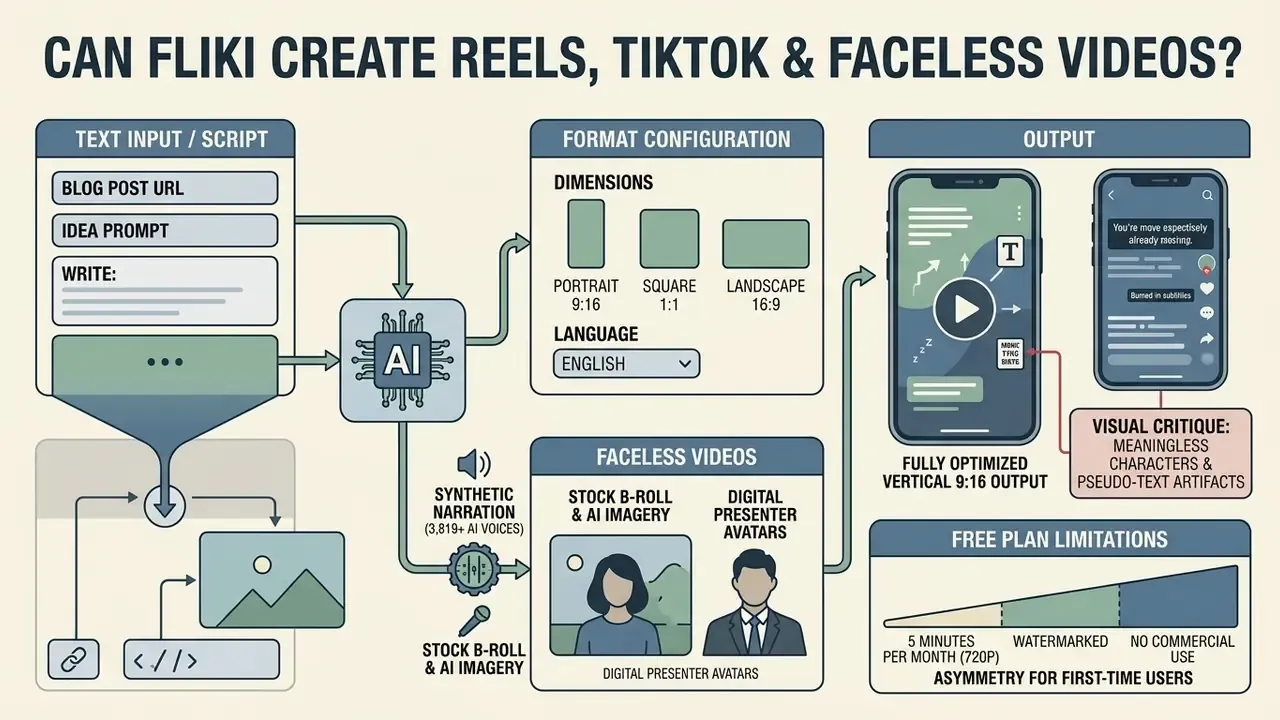
The business case for automating short vertical video rests on distribution scale. Instagram Reels advertising revenue has passed $50 billion, Reels account for more than half of total time spent on Instagram, and over 140 billion Reels are viewed daily across Meta platforms. Automating production with Fliki lets teams reach that surface without camera crews, studio time, or editor headcount.
As a Fliki AI reel generator, the platform is fully optimized for vertical 9:16 output, burned-in subtitles, and synthetic voiceover. Good fit for Instagram Reels, TikTok posts, and faceless YouTube Shorts with no on-camera talent.
That is the single most common rework trigger in short-form output. AI-generated frames containing signage, screens, or documents often render garbled glyphs. Scene-level visual QA before export is mandatory, especially for brand and client deliverables.
| Task / scenario | Source content | Key Fliki features used | Target video format |
|---|---|---|---|
| Instagram Reels / TikTok | One-line idea or product URL | Idea-to-Video, AI voices, auto subtitles, Series | 9:16 vertical (1080p) |
| YouTube long-form | Complete script or PPT deck | Script-to-Video, voiceover, stock media, Thumbnail Creator | 16:9 landscape (1080p) |
| Blog repurposing | Published article URL or RSS feed | Blog-to-Video, auto summarization, B-roll | 16:9 or 9:16 multi-format |
| Faceless channel creation | Topic outline or prompt | AI avatars, voice cloning, auto captions | 9:16 short-form |
| Compliance / L&D training | Approved policy summary or deck | PPT-to-Video, Digital Twin, translate and dub | 16:9 landscape (1080p) |
| Screen tutorial / product demo | Screen recording | Screen recording, Auto-Edit, captions | 16:9 or 9:16 |
Teams weighing whether to pilot on a no-cost tier first can review the trade-offs in our overview of free AI video generators.
Configuring Format, Dimensions, and Language for Short Videos
Project dimensions are selected during file setup: portrait (9:16), square (1:1), or landscape (16:9), with one-click resizing between them. Fliki offers automated script translation into 80+ languages and generates burned-in open captions plus exportable SRT or VTT subtitle files (Fliki Localization Documentation, 2026).
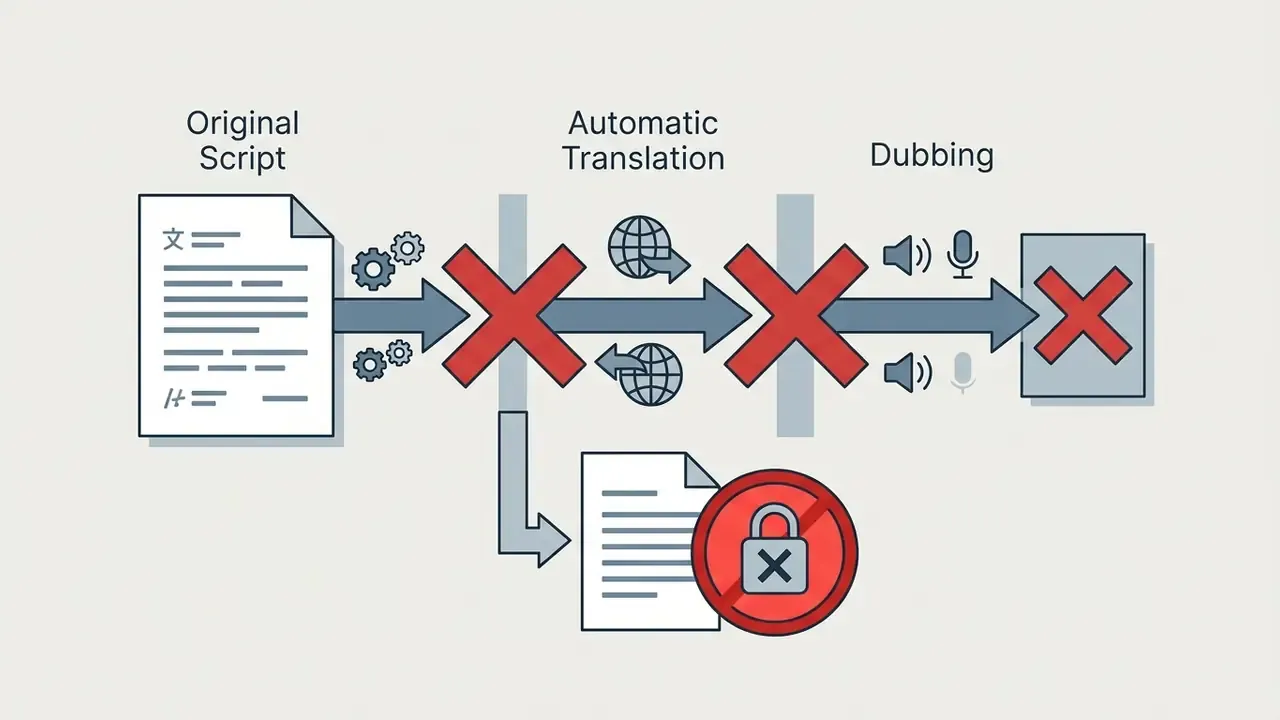
Note the asymmetry that trips up first-time users. Translation and dubbing are paid-tier features. On the free plan the language selector governs the original narration only, and re-rendering the same project in a second language is blocked.
Faceless Videos With AI Voiceovers, Visuals, and Avatars
Faceless content combines synthetic narration with stock B-roll, AI imagery, or digital presenter avatars. That structure lets creators build media channels without filming anything.
The documented scene-based method is sequential: add a media layer (stock library, personal library, AI generation, or favorites), insert an avatar layer if you need a presenter, generate the scene voiceover first, then render the avatar video so lip-sync aligns to finished audio. Batch rendering via "Generate all avatar videos" is available for multi-scene projects.
To hold attention across a short clip, creators normally mix generated scenes with owned or licensed supplementary footage. For entertainment and hobby channels that might mean a stylized cut in the spirit of a mario maker 2 trailer, assembled with a tool that lets you merge video online before import. For corporate use, the equivalent is approved brand B-roll, screen captures of internal tooling, or a recorded compliance-briefing segment, never third-party entertainment clips. When working with pre-existing footage, normalize those layers in an external editor before importing them into the Fliki timeline, so licensing provenance is documented at the point of assembly. Publishing teams building repeatable pipelines can map this against our YouTube video editor workflow guide.
How to Create a Video in Fliki AI: Step-by-Step Process
Creating a project in this Fliki AI video maker follows a structured workflow from account setup to file export. Readers comparing this pipeline against other platforms can consult our category overview of AI video generators.
- Account registration.Sign up at app.fliki.ai and select New File.
- Input definition.Choose Script, Idea, Blog URL, PPT/PDF, or Product URL mode.
- Data classification gate (control step).Confirm the source text holds no confidential, personal, or non-public material before it enters the platform.
- Format configuration.Select aspect ratio (9:16, 16:9, 1:1) plus primary target language and dialect.
- Voice assignment.Filter the neural library and select an AI narrator.
- Scene editing.Review generated script segments, adjust text, substitute stock visuals.
- Audio review.Preview pacing, apply emotion styles, check phonetic accuracy of specialized terms.
- Human-in-the-loop verification.Route the draft to a subject-matter expert and, where relevant, compliance, for factual and terminology sign-off.
- Pre-export verification.Confirm layout dimensions, scene gaps, background color, music levels, caption formatting.
- File export.Click Download, then Start Export, to render the final MP4.
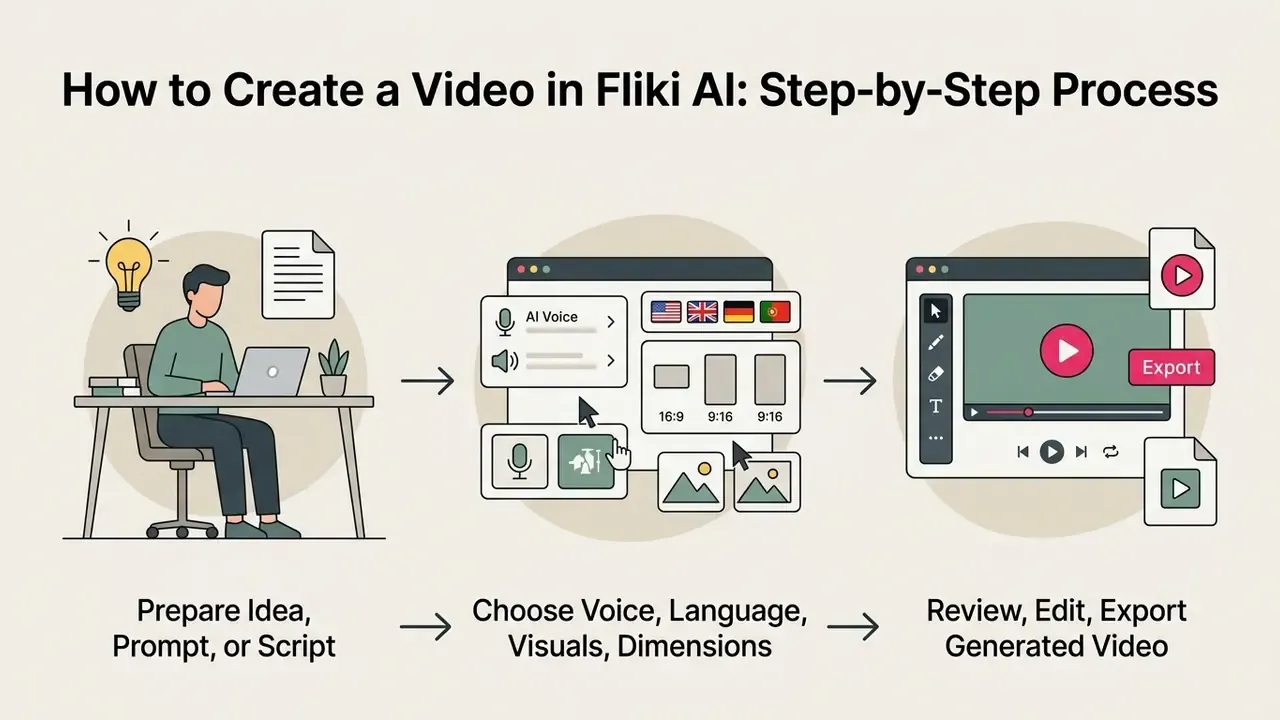
Prepare the Idea, Prompt, or Text Script
Quality output starts with clean text formatting and clear sentence boundaries. Separate spoken narration from visual instructions, set target runtimes, and use summarization settings when converting long articles. For regulated content, work from a pre-approved source document instead of an open-ended prompt. That eliminates hallucination risk at the input stage rather than trying to catch it during review, which is always more expensive.
Choose Voice, Language, Visuals, and Video Dimensions
Set project parameters by filtering the voice catalog by language and dialect, assigning stock media, and applying template styles or Auto Layout. AI media styles include 3D Model, Anime, Cinematic, and Comic Book. Most of those are wrong for financial or corporate communications, where a neutral cinematic or documentary look is the safer default. Choosing portrait (9:16) or landscape (16:9) framing keeps the composition correct for your target platforms.
Review, Edit, and Export the Generated Video
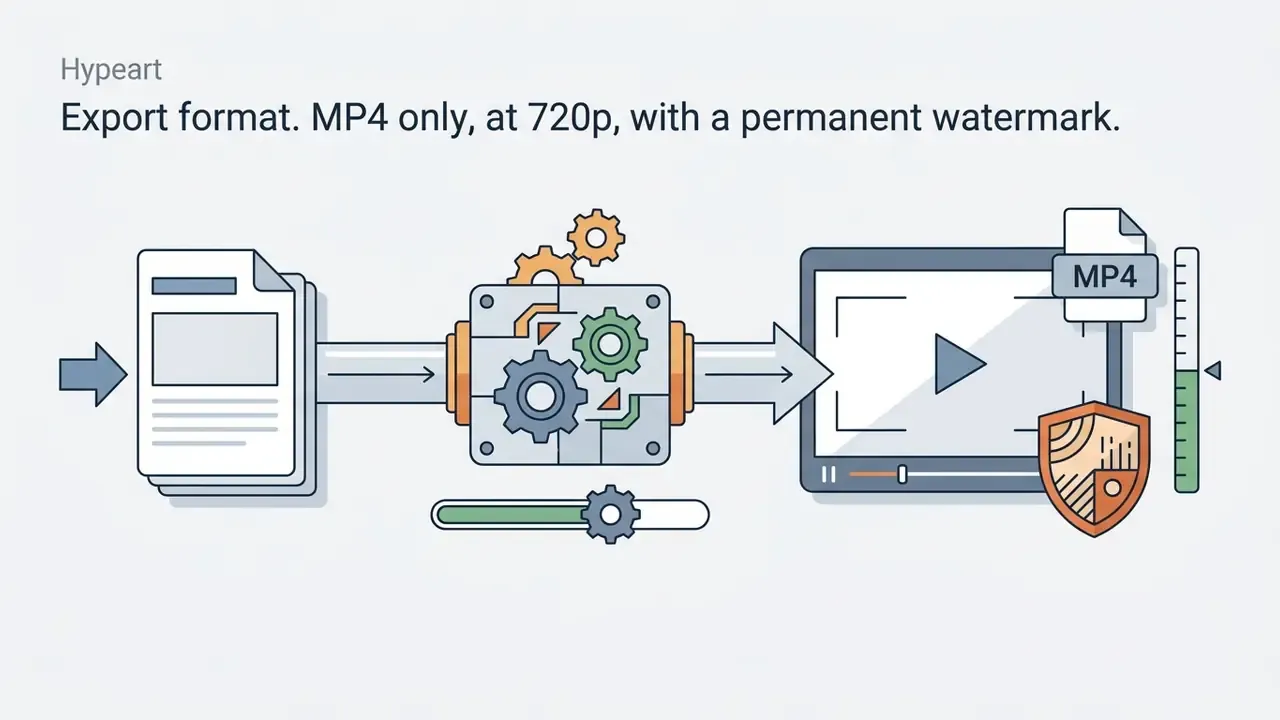
Before rendering, review the project in preview mode to verify speech pacing and visual transitions. Export renders an MP4 at 720p on free tiers or 1080p and 4K on paid subscriptions. MOV video and MP3 or WAV audio outputs are also available, with selectable resolutions down to 360p.
This is a real budget line, not a footnote. Teams that preview aggressively can burn a meaningful share of a monthly allowance before a single asset ships. Build a fixed number of preview cycles into your production standard. Teams needing heavier manual finishing can compare options in our roundup of free video editing software.
Pre-export verification checklist (6 steps):
For detailed budget projections on rendering limits, creators can consult our dedicated AI Media Pricing Guides.
Fliki AI Pricing: Free Plan and Paid Tiers
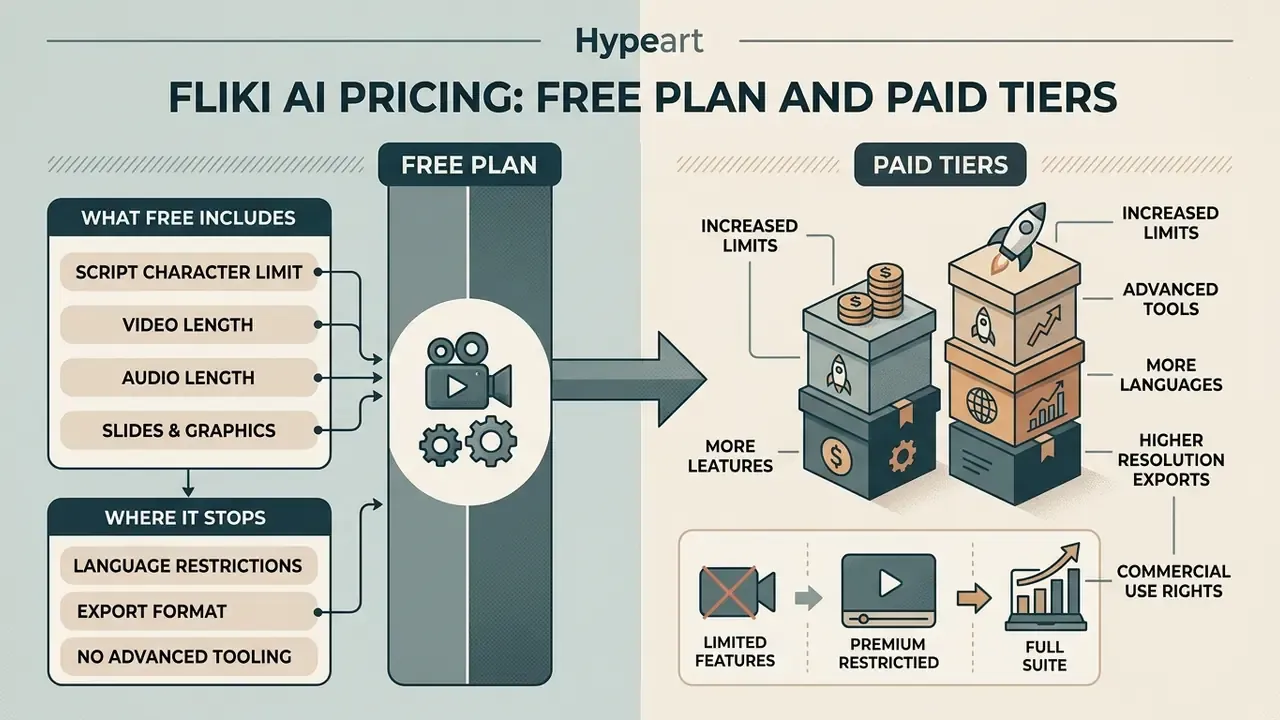
Information is general in nature and does not replace consultation with a qualified professional. Pricing and licensing terms change frequently. Verify against the vendor's current pricing page before procurement.
Fliki uses a credit-based subscription model, where audio and video rendering consumption is calculated against monthly or annual credit allowances.
«According to Toolproven (2026), one minute of generated content consumes roughly 0.5 credit; real-world consumption is higher when AI video clips and avatars are used.»
In practice, credit burn scales with the type of generation, not just runtime. Stock-footage scenes are cheapest. AI-generated video clips and avatar rendering cost the most. Copilot-initiated generations bill the same as manual runs, which surprises people.
| Feature / parameter | Free plan | Standard plan | Premium plan | Enterprise plan |
|---|---|---|---|---|
| Typical cost (USD) | $0 / month | ~$28/mo ($21/mo billed annually) | ~$88/mo ($66/mo billed annually) | Custom annual billing |
| Credit allowance | 3 credits / month (~5 min) | 2,160 credits / year (~180/mo) | 7,200 credits / year (~600/mo) | Custom allocation |
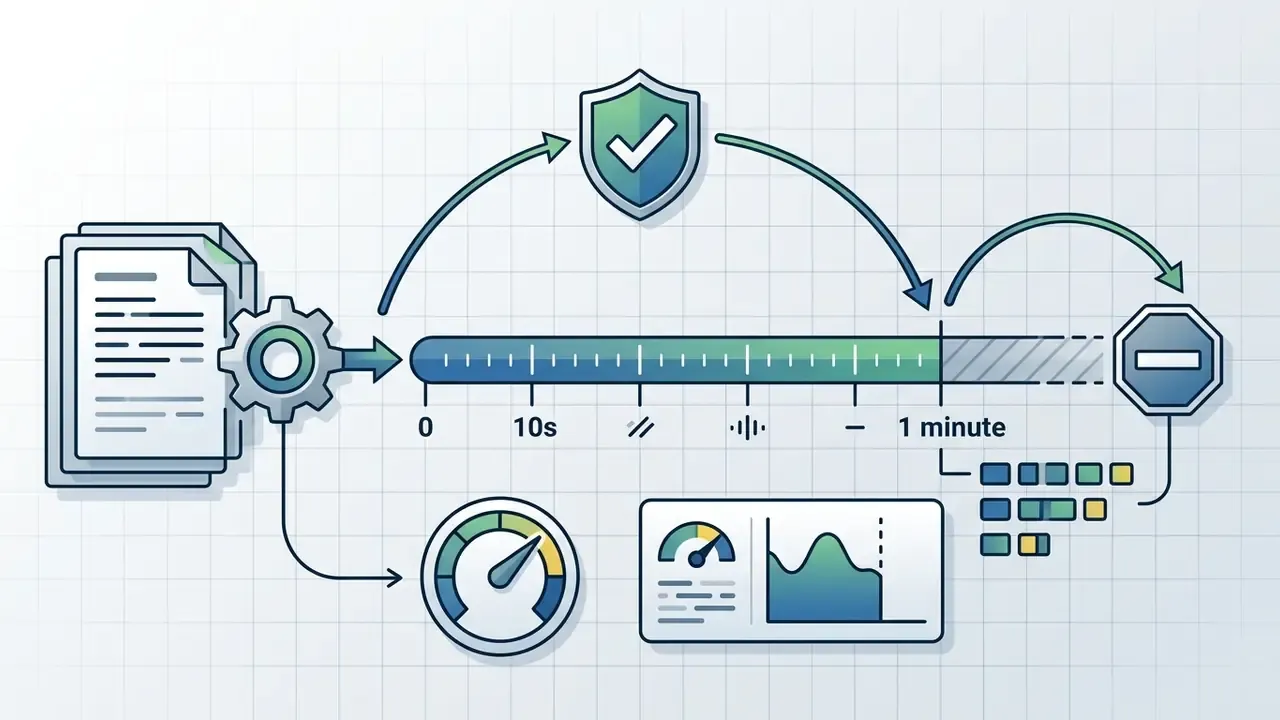
| Max video length | ~1 minute per file | Up to 15 minutes | Up to 40 minutes | Custom limits |
| Script character limit | 1,800 characters per generation | Extended | Extended | Custom |
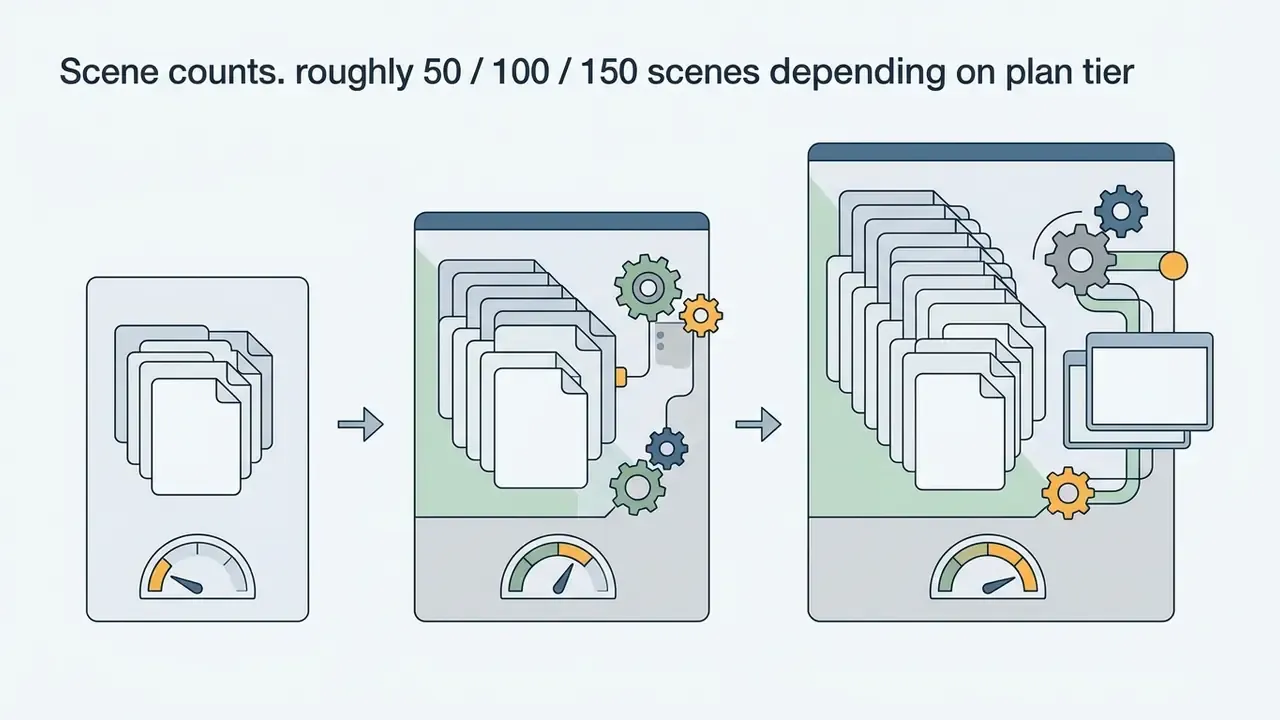
| Max scenes per project | Restricted | ~50 | ~100 to 150 | Custom |
| Export resolution | 720p HD | 1080p Full HD | 1080p Full HD / 4K | 1080p Full HD / 4K |
| Watermark | Yes (visible Fliki logo) | None | None | None |
| Commercial rights | Prohibited | Included | Included | Included |
| Voice access | 300 basic voices | 1,000 voices plus voice cloning | 2,000+ voices plus multiple clones | Full catalog plus API access |
| AI avatars / Digital Twin | Not available | Limited stock avatars | All avatars plus photo avatars | Full access |
| Translation and dubbing | Blocked | Included | Included | Included |
| Brand Kits | Not available | Included | Included | Included |
| Bulk Create / automation | Not available | Limited | Included | Included |
| API access | No | No | Limited | Yes |
| Enterprise governance and security controls (SSO/SAML, audit logs, DPA, custom retention, dedicated support, SLA) | None | None | Partial or on request | Negotiated, must be verified in contract |
To estimate operational rendering costs across tiers, teams can use our interactive AI Media Calculators.
What Fliki AI Video Generator Free Includes, and Where It Stops
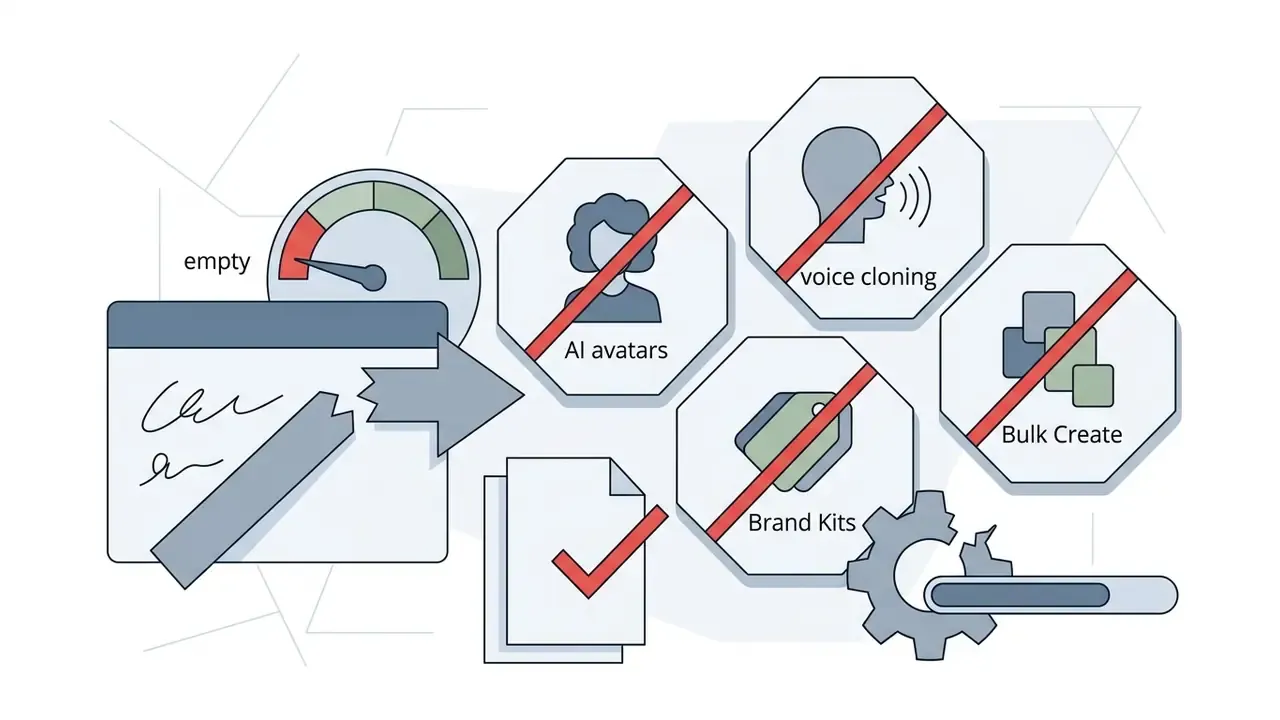
The free plan provides 3 credits per month (roughly 5 minutes of generated content), access to 300 basic AI voices, and 720p exports (Fliki Pricing Terms, 2026).
Every free export carries a visible Fliki watermark, and commercial usage or platform monetization is prohibited outright. Readers evaluating no-cost options can compare limits, watermarks, and licensing across tools in our guide to free AI video generators with limits and watermarks.
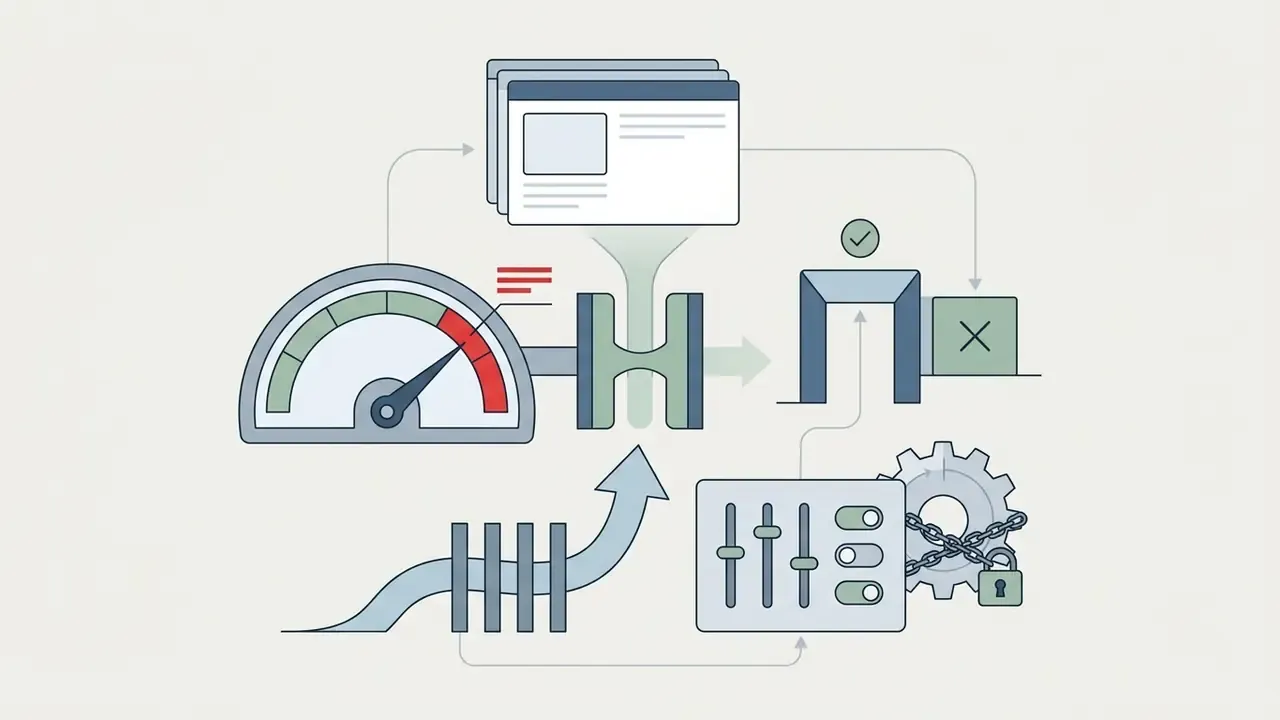
Hard technical limits on the free tier:
So yes, Fliki AI text to video free exists. It is a sandbox, not a production tier.
How to Compare Fliki Pricing Plans Before Paying
Tier selection depends on monthly credit needs, maximum video length, and whether you require voice cloning, avatars, or API access. Standard fits mid-volume creators at roughly 180 credits per month. Premium supports production teams needing larger allowances, custom brand kits, and full avatar access.
Risk-adjusted total cost of ownership. Subscription price is the smallest component of real cost in a controlled environment. A workable estimate:
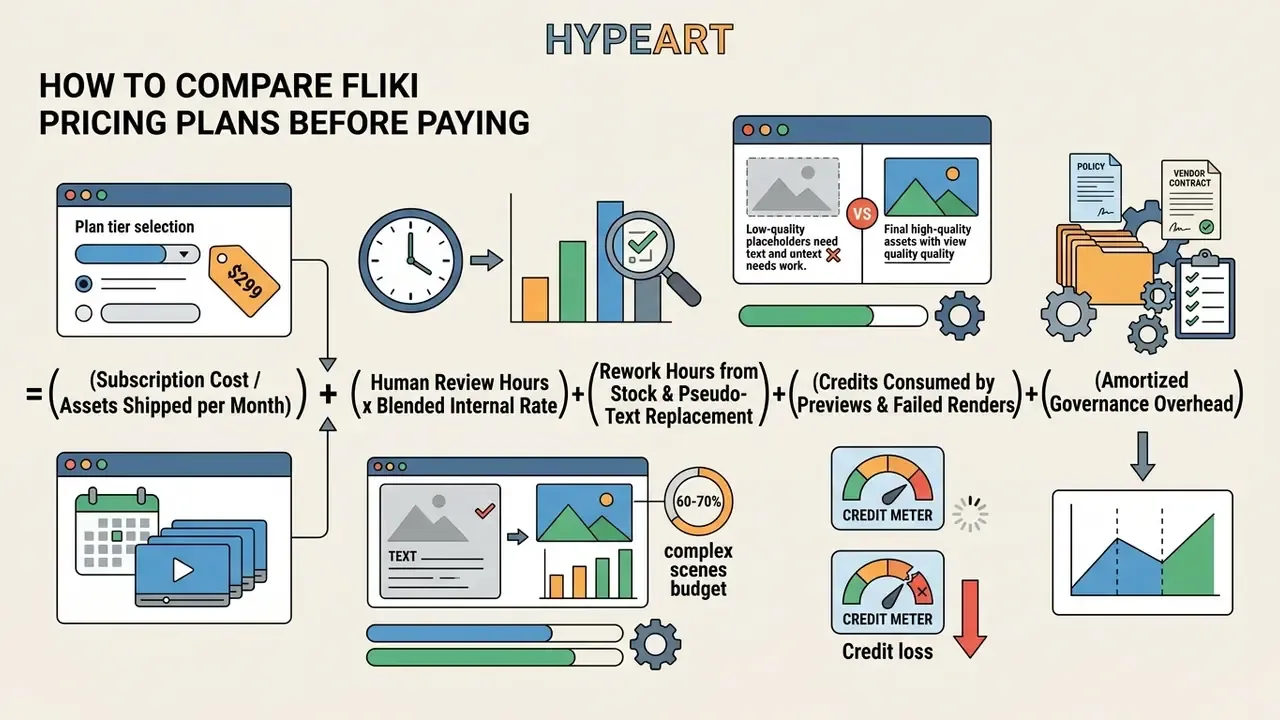
Teams that model only the first line consistently underestimate cost, often by a wide margin. Teams that model all five usually still find automation favorable against agency production, but with a far more defensible business case in front of the committee.
Data Privacy, Security, and Shadow AI Mitigation
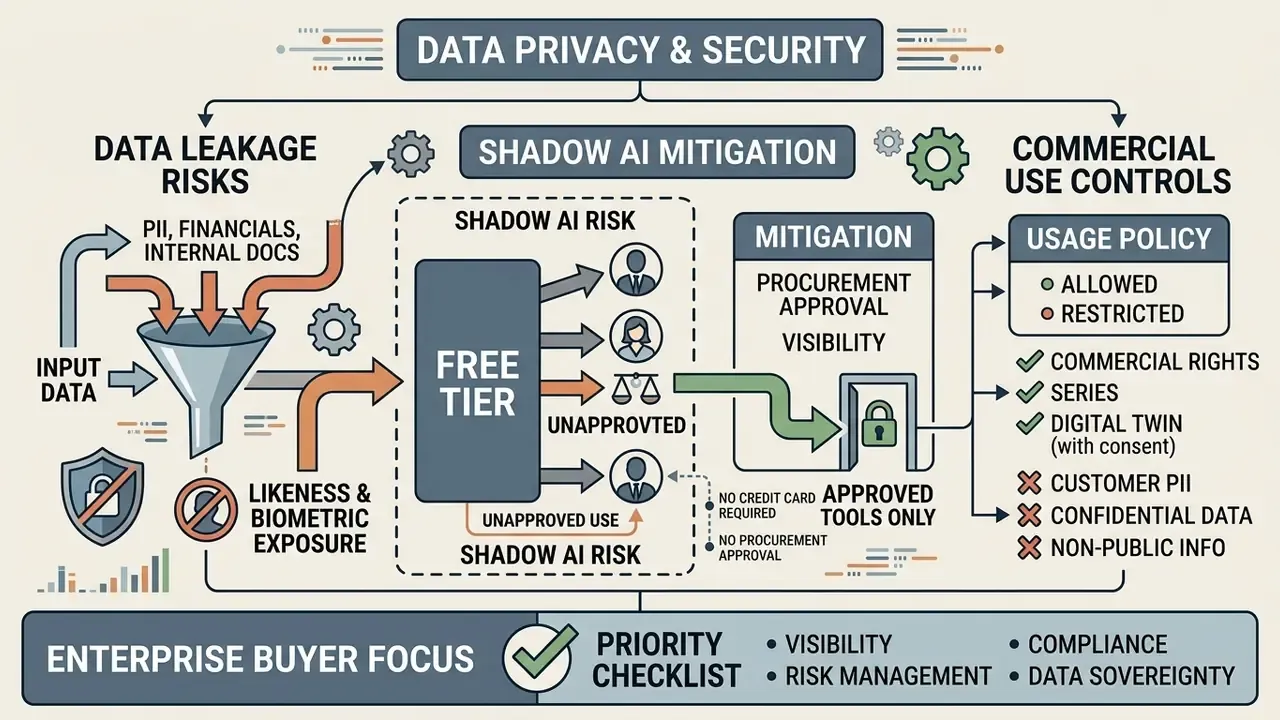
This is the section most tool reviews omit and most enterprise buyers need first. Fliki is a public, multi-tenant cloud service that routes generation requests through multiple third-party model providers. That architecture creates three distinct exposures.
1. Input-side data leakage. Every script, uploaded deck, pasted article, and reference document becomes processed content on vendor infrastructure. Fliki's terms grant the platform a broad license to access, host, store, modify, reproduce, transmit, and display user content in order to operate and improve the service. That phrase, "improve the service", is exactly what a model-risk function must clarify contractually. Obtain an explicit written no-training commitment covering Fliki and its upstream subprocessors, or treat every input as disclosed to third parties.
2. Likeness and biometric exposure. Voice cloning and Digital Twin create persistent synthetic identity assets. Fliki requires a live consent script plus a sample recording, and rejects uploaded audio files specifically on privacy and ethical grounds. Cloned voices can be set to private after creation. Enterprises should still maintain their own likeness register, with named owner, scope of authorized use, expiry date, and a documented deletion path.
3. Shadow AI. The free tier needs no credit card and no procurement approval. That is precisely what makes it a Shadow AI vector. An employee can paste an internal policy summary, a draft earnings narrative, or customer-facing language into a consumer-grade generator in under a minute, with no audit trail and no data processing agreement in force. No malice required. Just a deadline.
Minimum security questions to answer before approval:
| Control area | Question to the vendor | Acceptable answer |
|---|---|---|
| Certification | Do you hold SOC 2 Type II and/or ISO 27001? Provide current reports. | Current report under NDA |
| Data processing | Is a GDPR-compliant DPA available? Who are the subprocessors? | Signed DPA plus named subprocessor list |
| Model training | Is customer input excluded from training for you and all upstream providers? | Written exclusion, contractually binding |
| Retention and deletion | What is the retention period, and can it be configured? Is verified deletion available? | Configurable retention plus deletion attestation |
| Access control | Is SSO/SAML supported? Are role-based permissions and admin controls available? | SSO enforced, RBAC available |
| Auditability | Are admin and user action logs exportable? | Exportable audit logs |
| Residency | Where is data stored and processed? | Documented regions, contractually fixed |
| Encryption | Encryption in transit and at rest? | TLS in transit, AES at rest |
| Incident response | What is the breach notification SLA? | Defined notification window in contract |
The platform's public pages do not document all of the above comprehensively, so these items must be resolved through direct vendor due diligence and captured in the contract rather than inferred from marketing material. Where answers are unavailable in writing, the correct governance posture is simple: restrict usage to public, non-confidential source material only.
Can Fliki AI Videos Be Used Commercially?
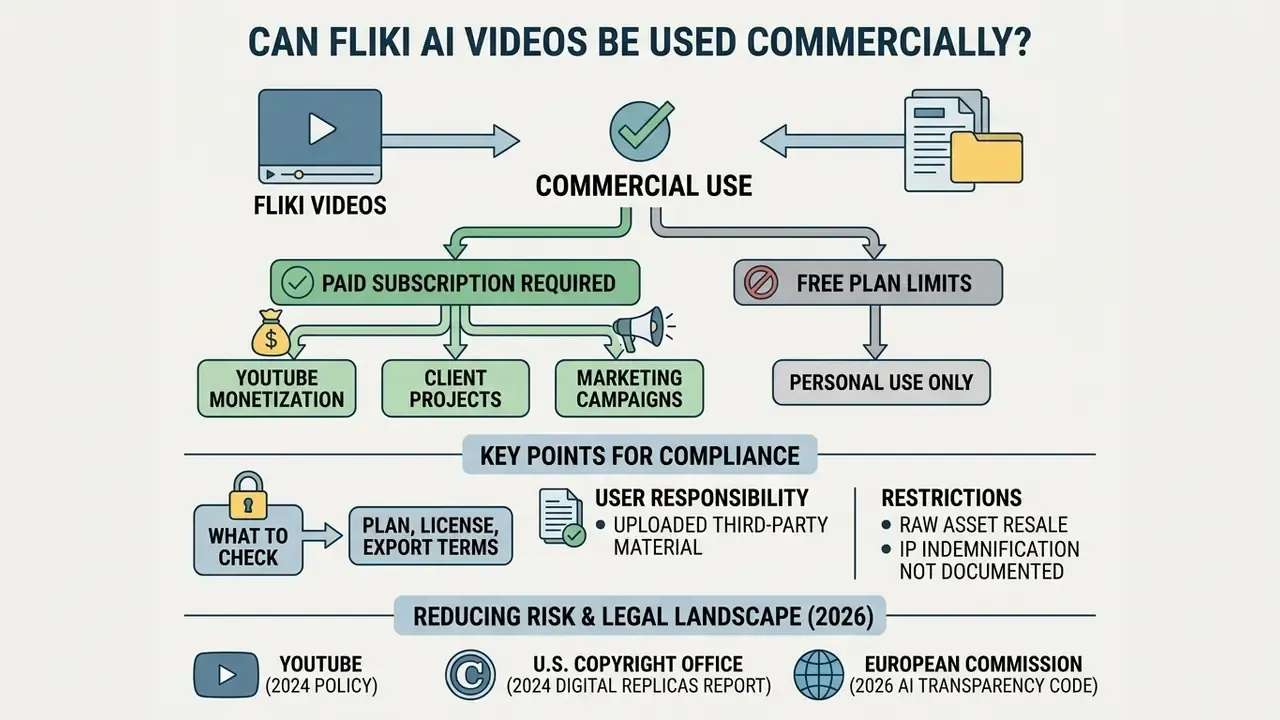
Videos created in Fliki can be used commercially for YouTube monetization, client projects, and marketing campaigns, but only when rendered under an active paid subscription (Standard, Premium, or Enterprise).
What to Check in Your Plan, License, and Export Terms
Paid plan terms grant commercial rights to generated media, including monetized social publishing and client deliverables (Fliki Terms & Conditions, 2026).
Three license realities are frequently missed:
- Uploaded third-party material is your responsibility. Commercial rights cover Fliki's licensed voices, stock media, music, and AI-generated assets. They do not cover images, logos, footage, or music you upload yourself. You must independently hold rights to anything you bring in.
- Raw asset resale is restricted. The publicly stated restriction targets reselling underlying AI-generated assets as standalone products outside a finished video.
- IP indemnification is not a documented public entitlement. Unlike some enterprise AI vendors that publish explicit copyright indemnity for paid output, Fliki's public pages describe commercial rights and a notice-and-takedown process, not a defense-and-indemnify commitment. If your risk framework requires vendor indemnification for third-party IP claims, negotiate it into the Enterprise agreement and confirm it in writing. Do not assume it from standard commercial-rights language.
For broader regulatory context on commercial AI asset deployment, review our comprehensive AI Media Commercial-Use Hub and the parallel analysis of commercial use of AI image generators.
Reducing Risk When Using AI Voices, Visuals, and Avatars
Legal exposure is managed by securing consent for voice cloning, disclosing synthetic media per platform rules, and keeping stock license documentation ready for potential YouTube Content ID matches.
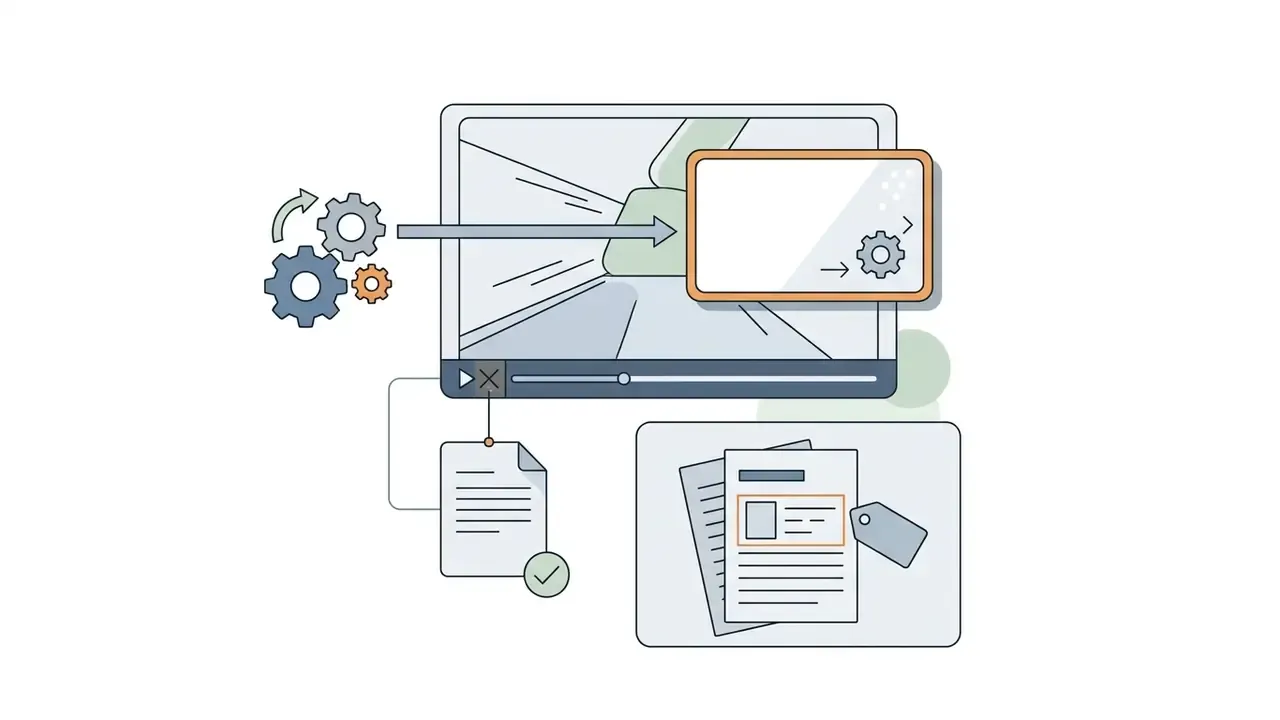
Content ID mitigation procedure. Licensed library music and footage can still trigger automated matches, so the practical workflow is: (1) export a plan-verified render from a paid subscription; (2) retain the vendor's license confirmation and the project's asset list as evidence; (3) if a claim appears, file a dispute citing the paid-plan commercial license and licensed-music entitlement; (4) for high-value monetized channels, prefer platform-cleared music and reduce reliance on the most heavily reused stock clips; (5) log every claim and resolution so the pattern becomes visible to your governance function.
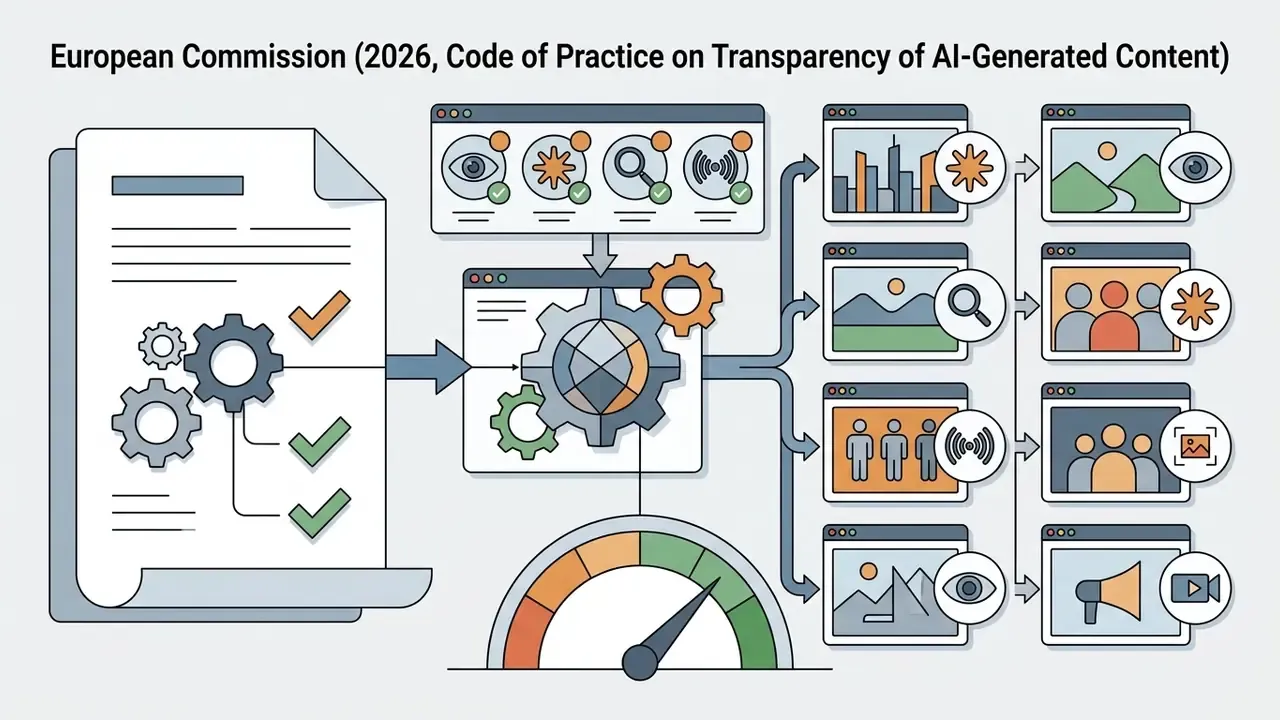
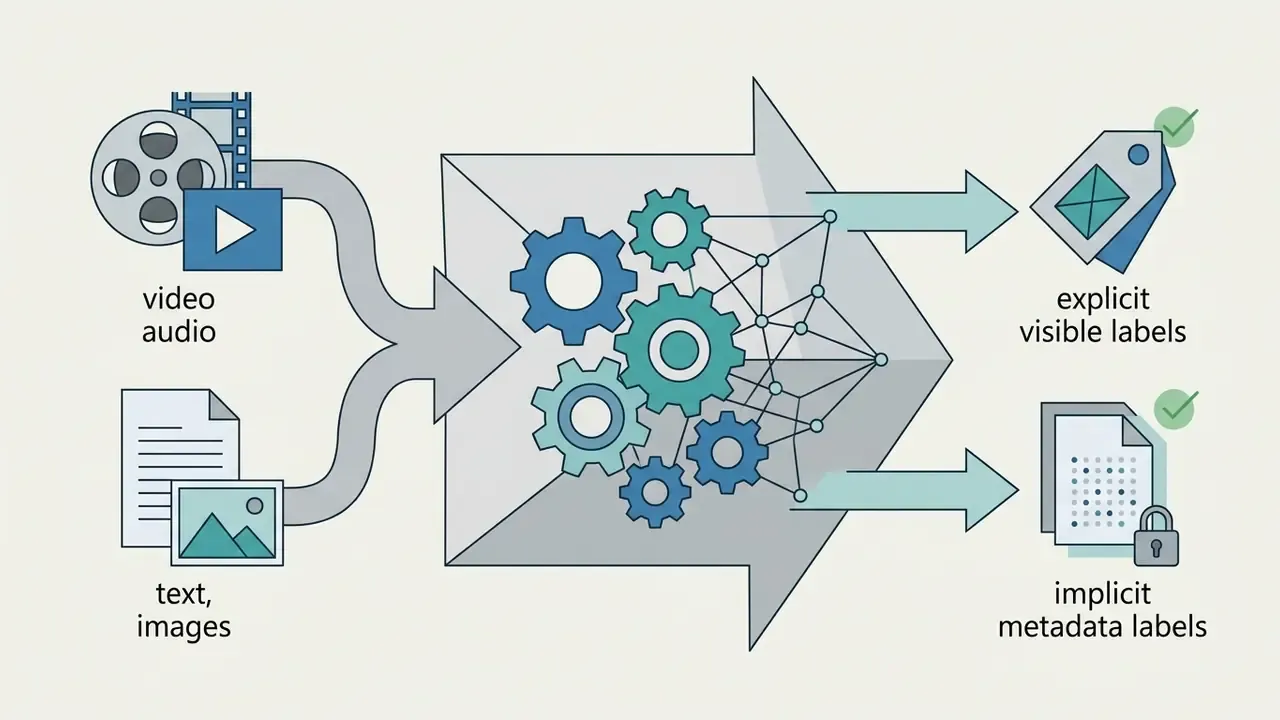
Synthetic-media disclosure requirements. Labeling obligations are jurisdiction- and platform-specific, and they are tightening:
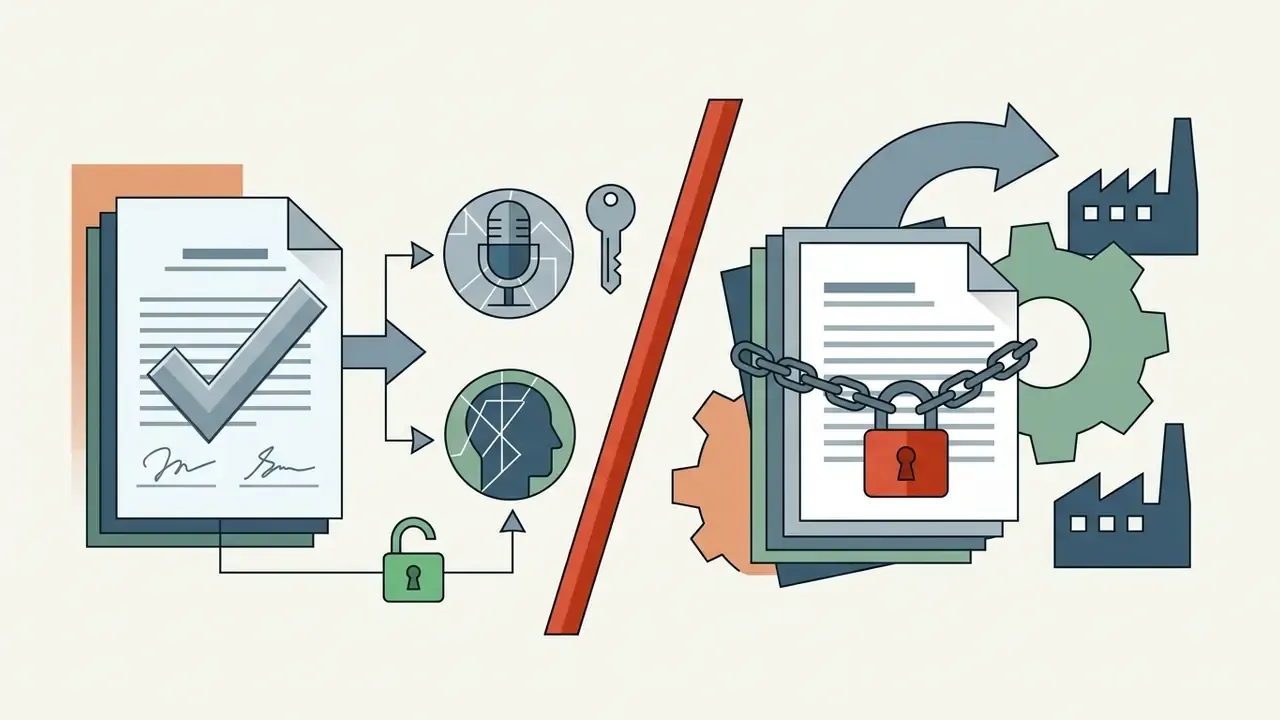
Voice cloning consent validation. Fliki's own process, a live verification script plus a sample recording, with uploaded audio rejected, is a reasonable baseline. It is not a substitute for your own consent record. For any executive, employee, or third-party voice: capture written consent specifying permitted uses, geography, duration, and revocation terms; store it with the likeness register; re-confirm before any material change of use. Court treatment of cloned voices remains fact-specific. A 2025 New York decision analyzed by Skadden declined to support the plaintiffs' infringement theory on cloned outputs, which suggests exposure turns on consent and identity rights rather than blanket copyright clearance.
Information is general in nature and does not replace consultation with a qualified professional. This article is not legal, compliance, or financial advice, and it is not a regulatory opinion for financial institutions. Validate licensing, disclosure, and data-handling conclusions with your own counsel and second-line functions.
Creators tracking evolving copyright legislation on synthetic media can consult our updated AI Litigation and Case Timelines.
Fliki AI Limitations and When to Consider Alternatives
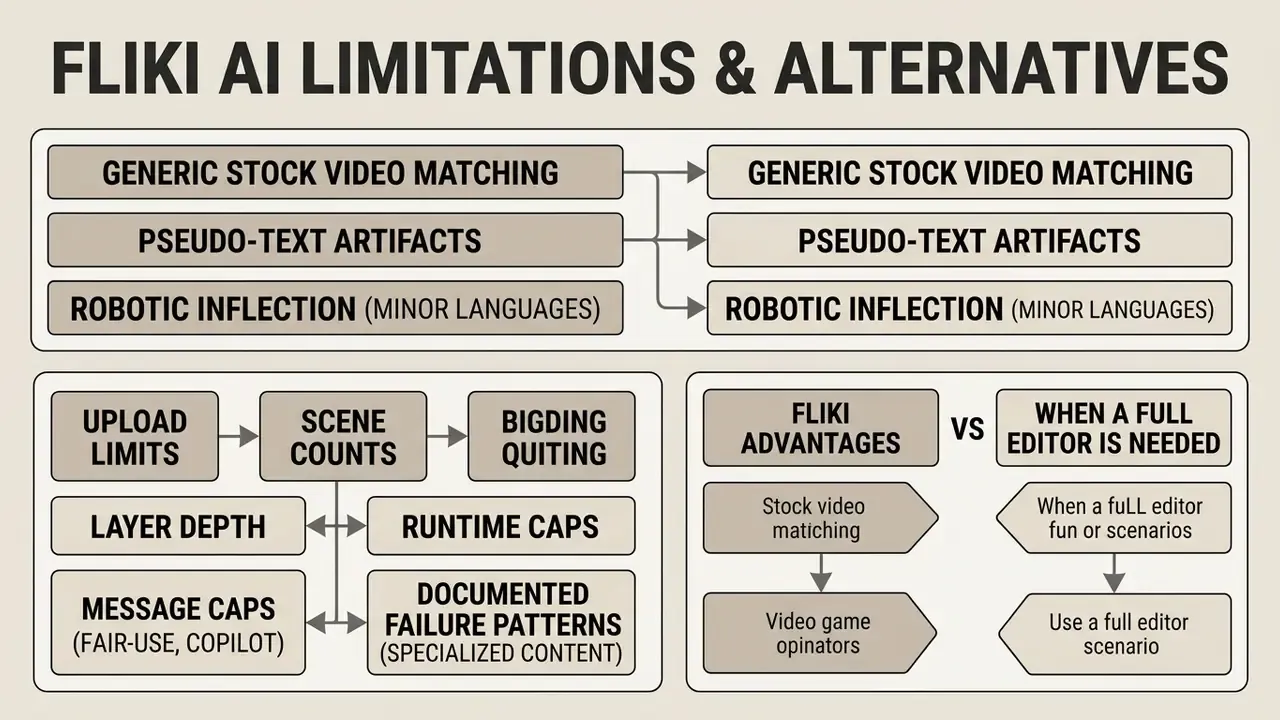
The main constraints of this Fliki AI video creation platform: generic stock video matching, occasional pseudo-text artifacts in AI images, robotic inflection in minor languages, plan-gated scene and file limits, and shallow timeline editing. Buyers weighing substitutes can start from our comparison of the best AI video generators.
Which Limitations to Account For in AI Video Generation
Automatic stock matching requires manual media replacement in 60 to 70% of complex scenes (FluxNote Product Review, 2026). Technical vocabulary shows an 18% higher voice error rate. Draft previews consume plan credits.
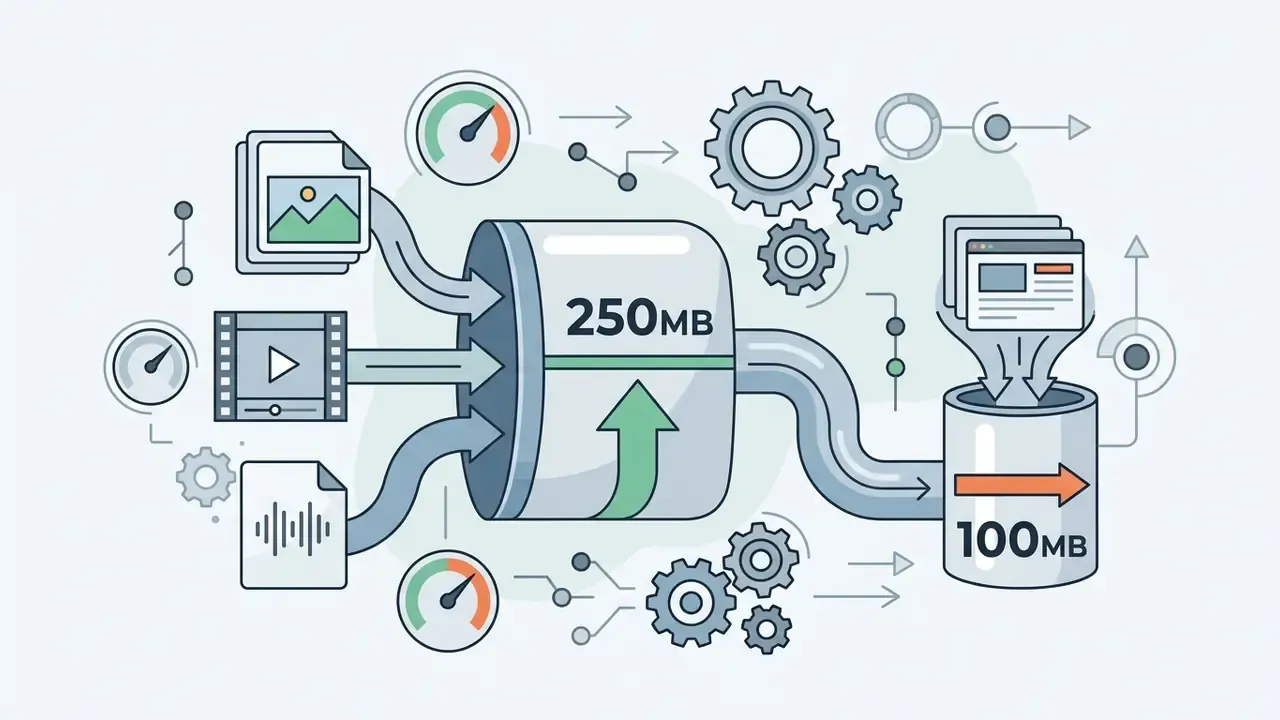
Additional hard ceilings worth planning around:
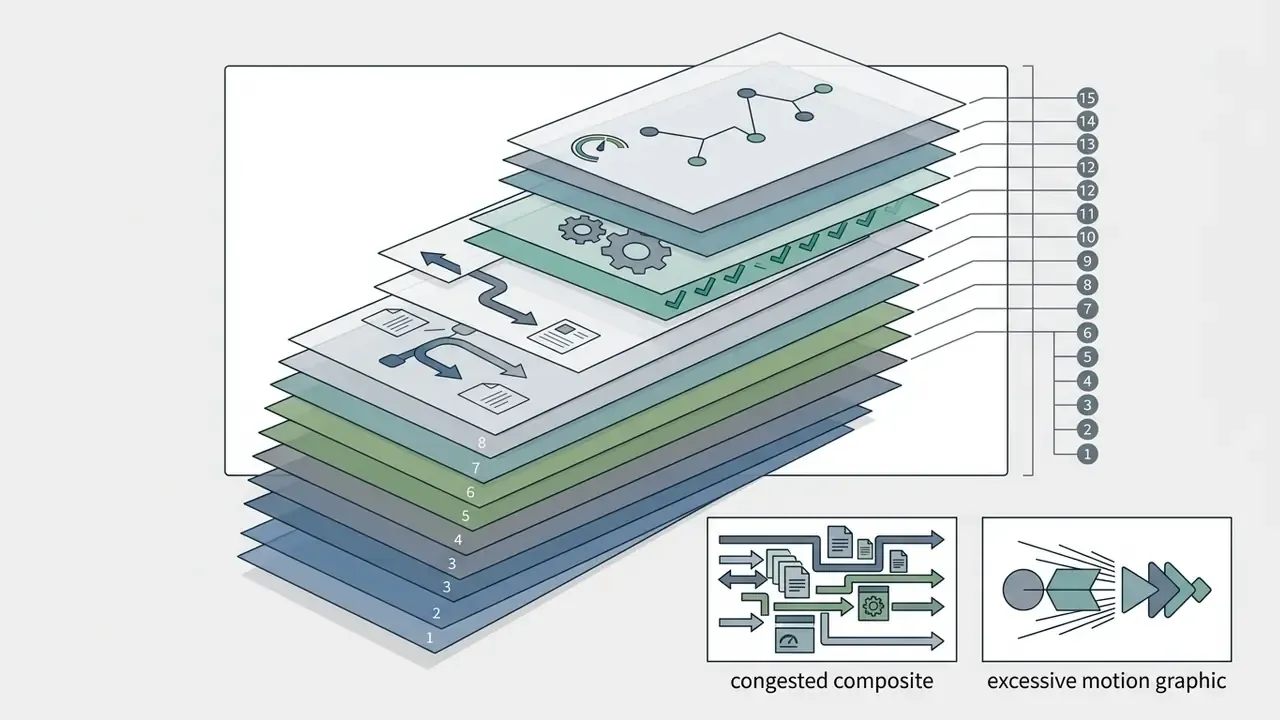
Documented failure patterns in specialized subject matter. In financial and regulatory content specifically, expect mispronounced statute and instrument names, percentage and currency constructions read incorrectly, and stock B-roll that defaults to generic "person at laptop" or "stock ticker" imagery regardless of the concept being explained. None of these are catastrophic. All of them are unacceptable if published unreviewed. That is the empirical basis for mandating human-in-the-loop sign-off instead of calling it best practice and moving on.
When Fliki Beats a Full Video Editor, and When It Doesn't
Fliki outperforms traditional timeline editors when speed, automated script-to-video conversion, batch production, and multi-language narration matter more than complex keyframe animation.
| Tool | Core strength | Best-fit niche |
|---|---|---|
| Fliki AI | End-to-end script or idea into narrated video with voices, avatars, captions, translation | High-volume repurposing, faceless shorts, L&D modules, multilingual narration |
| CapCut | Fast social editing: autocut, auto subtitles, background removal, templates | Trend-driven social edits on existing footage |
| Adobe Premiere Pro | Frame-accurate multi-track editing, color, effects, professional finishing | Brand films, complex composites, broadcast deliverables |
| HeyGen | Photoreal avatar-led presenter video and personalized outreach | Talking-head sales, personalization at scale |
| Synthesia | Enterprise business video from documents, PDFs, and links, with templates and enterprise controls | Regulated corporate training and internal comms with strict governance needs |
| InVideo | Template-driven editing and AI assembly, less avatar-centric | Marketing videos where templates matter more than presenters |
Creators who need frame-by-frame cutting on desktop can explore specialized timeline software in our detailed mac video editor guide and the broader category overview of video editing tools. Teams optimizing delivery weight after export should also review our video compressor guide.
Enterprise Audit Checklist for GenAI Media Tools
Use this before signing, not after a pilot goes viral internally.
Checklist0 / 26
FAQ About Fliki AI Video Generator
Does Fliki AI require software installation on a PC?
No. Fliki is fully web-based and runs inside modern browsers, with Chrome recommended, and needs no local installation. All rendering happens in the cloud, which is also why data-classification controls matter before any input is pasted.
How long does it take to generate 1 minute of video?
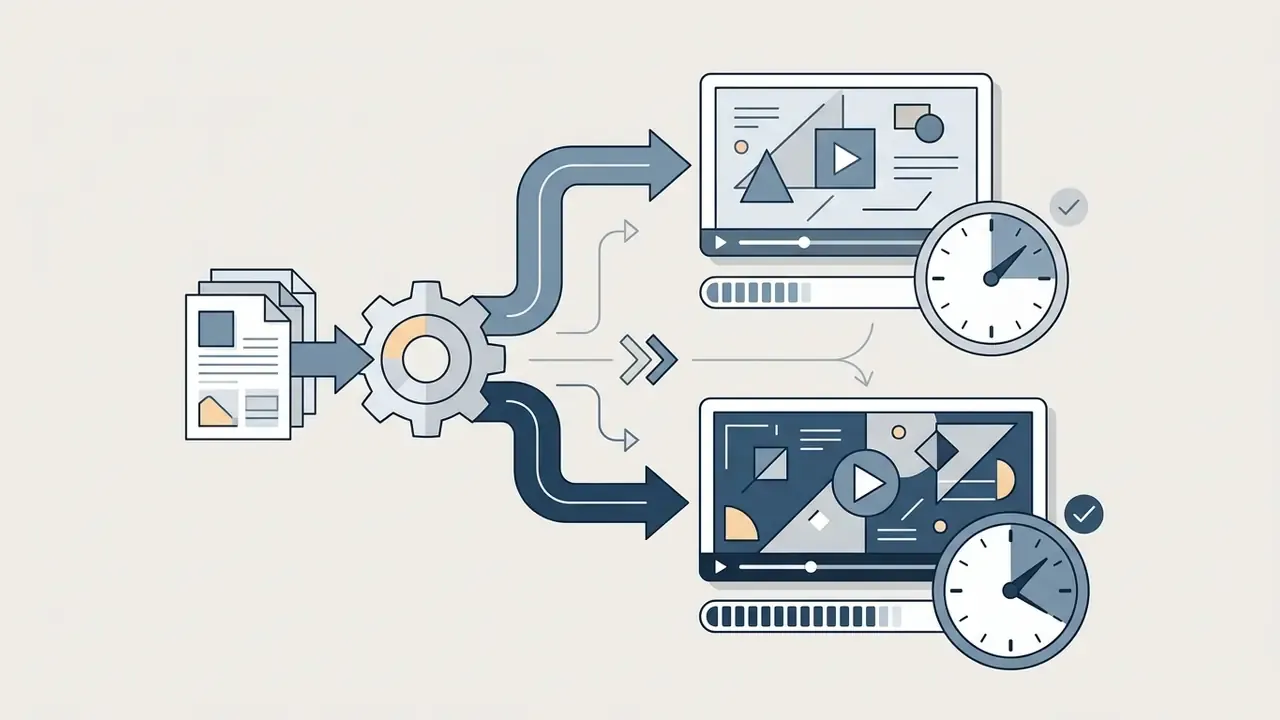
Draft generation for a one-minute script typically finishes in under two minutes, though rendering can slow during peak cloud hours. Longer multi-scene projects generally render in five to ten minutes.
Which languages does Fliki AI support?
The voice catalog covers more than 91 languages and 153 regional dialects, including English, Spanish, German, French, Portuguese, Arabic, Mandarin, Japanese, Korean, Hindi, Indonesian, and Russian. Translation and dubbing coverage is stated as 80+ languages on paid plans, though vendor pages occasionally show a narrower figure (30+) for the dedicated translate-and-dub feature.
What is the Fliki free plan, exactly?
Free forever, no credit card: 3 credits per month (about 5 minutes of content), 300 basic voices, 720p MP4 exports with a visible watermark, roughly one minute maximum per video or audio file, an 1,800-character script cap per generation, a five-slide ceiling on presentation graphics, no translation, no avatars, no voice cloning, no Brand Kits, no bulk creation, and no commercial rights. It is an evaluation tier. Readers comparing no-cost tools can review our roundup of free AI video generators.
Are Fliki-generated videos copyright-free?
No. "Commercially licensed" is not the same as "copyright-free." Paid plans include commercial rights to Fliki's licensed voices, stock footage, music, and AI-generated media. Anything you upload yourself remains yours to clear, and reselling raw generated assets as standalone products outside a finished video is restricted.
Can I clone my voice, and what consent is required?
Yes, on paid plans. Cloning needs a sample of 30 seconds or longer, recorded live alongside a verification consent script; uploaded audio files are rejected on privacy and ethics grounds. Cloned voices can be made private. For any voice that is not your own, capture separate written consent specifying permitted uses, duration, and revocation terms.
Do previews consume credits?
Yes. Previews and failed generations draw against your allowance, so iterative teams should cap preview cycles per asset and budget accordingly.
Is Fliki suitable for regulated financial or healthcare content?
Conditionally. It is usable for general marketing, education, and training built from pre-approved, non-confidential source material, under mandatory human-in-the-loop review. It should not be used for content containing customer PII, non-public financial data, or privileged material unless an enterprise agreement with a DPA, SSO, retention controls, and a written no-training clause is in force and verified.
How do I contact Fliki support?
Support runs through email ([email protected]) or the in-app "Send us an email" and "Chat - Human" options. Enterprise buyers should negotiate a documented response SLA rather than relying on best-effort support.
For technical troubleshooting or API setup assistance, creators can reference our AI Media Support and Troubleshooting portal and AI Media API Guides.
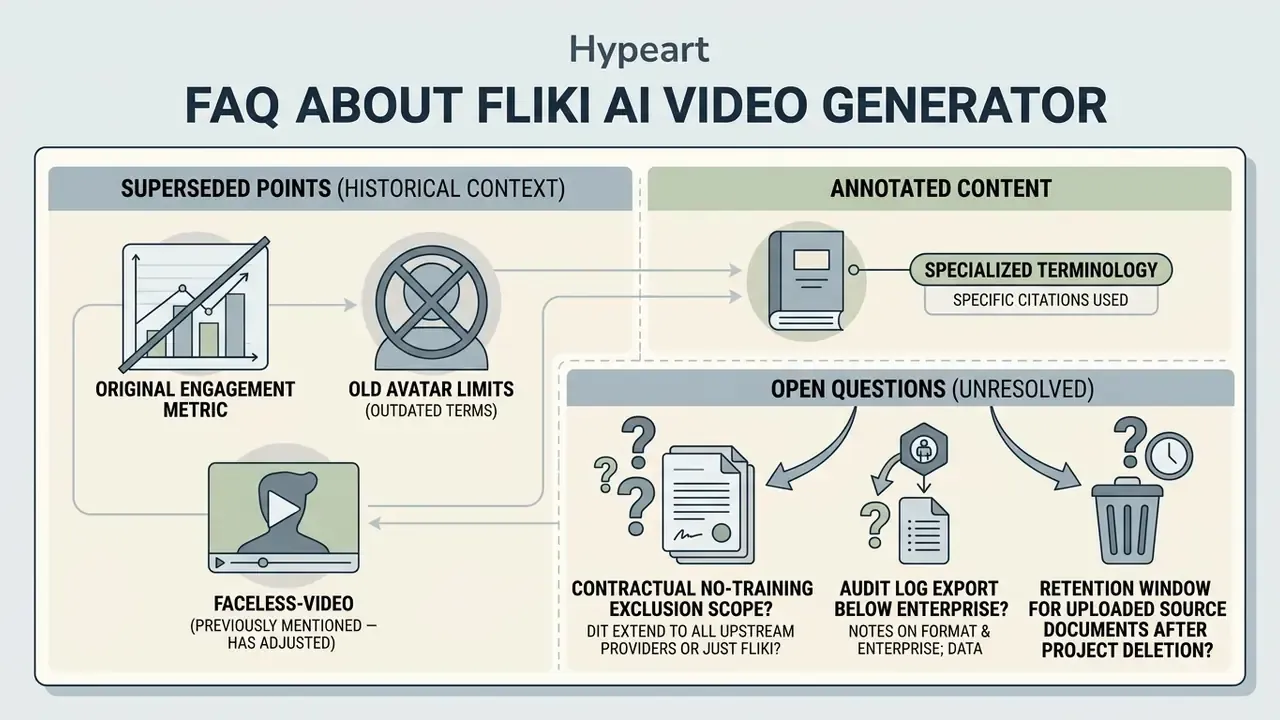
Appendix A: Evidence Notes, Superseded Fragments, and Open Questions