This guide covers the practical mechanics first, then the parts that get people into trouble.
Last updated: 2026. Reviewed for model specifications, pricing tiers, and commercial-use terms.
Editorial review: Marcus Hale, author. All framing below is illustrative, not legal or investment advice.
"A digital replica is a video, image, or audio recording that has been digitally created or manipulated to realistically but falsely depict an individual."
Quick answers before the deep dive
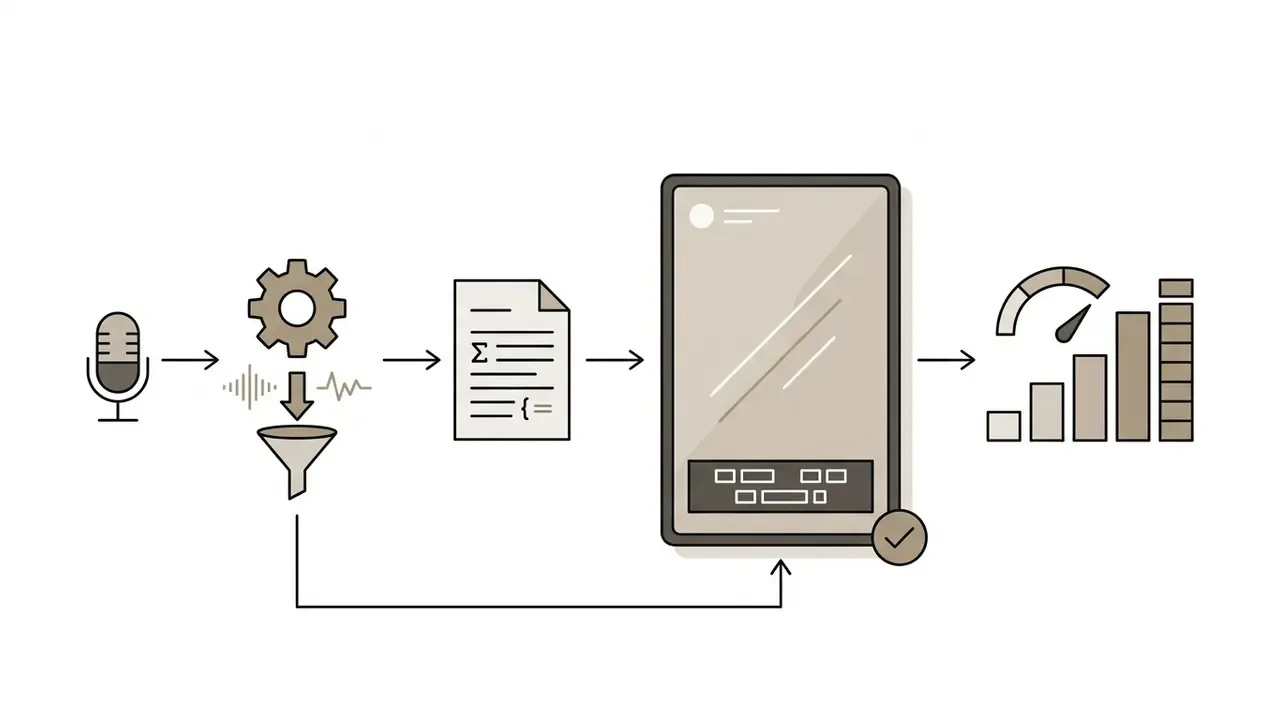
How to make an AI video from a photo in three steps: upload a sharp 1080p image, write a motion prompt (subject action + camera move + scene transition + style + negative constraints), then select duration and resolution and generate. Total wait: 15 seconds to 8 minutes, depending on queue priority.
| Need | Fastest practical choice | Why |
|---|---|---|
| Free test today | Kling AI (66 daily credits) or Runway (125 one-time credits) | Highest free daily refresh; 540p to 720p drafts with watermark |
| Precise, complex human motion | Video-driven motion mapping (motion-reference upload) | Transfers real pose keypoints instead of guessing from text |
| Cinematic camera language | Runway Gen-3 / Gen-4 | Documented camera-control vocabulary, 24 fps, 5s and 10s clips |
| Highest native resolution | Kling 3.0 (up to 4K/60 fps) | Native high-resolution rendering instead of post-upscaling |
| Commercial publishing | Paid tier plus an owned or licensed source photo | Most free tiers exclude commercial monetization in their terms |
| Phone-only workflow | Native iOS and Android generator apps | Camera-roll upload plus template motion mapping |
Cost reality check: paid generation runs roughly $0.02 to $0.70 per output second, depending on resolution (720p versus native 4K) and whether audio is on. Copyright reality check: purely AI-generated frames lack human authorship and are not independently protectable in the U.S. or EU, and animating someone else's photo without rights is still infringement.
What this guide decides for you
Three questions do most of the work. Answer them before you spend a single credit.
Everything else, model choice, camera vocabulary, upscaling, is optimisation on top of those three answers.
What is an AI image-to-video generator?
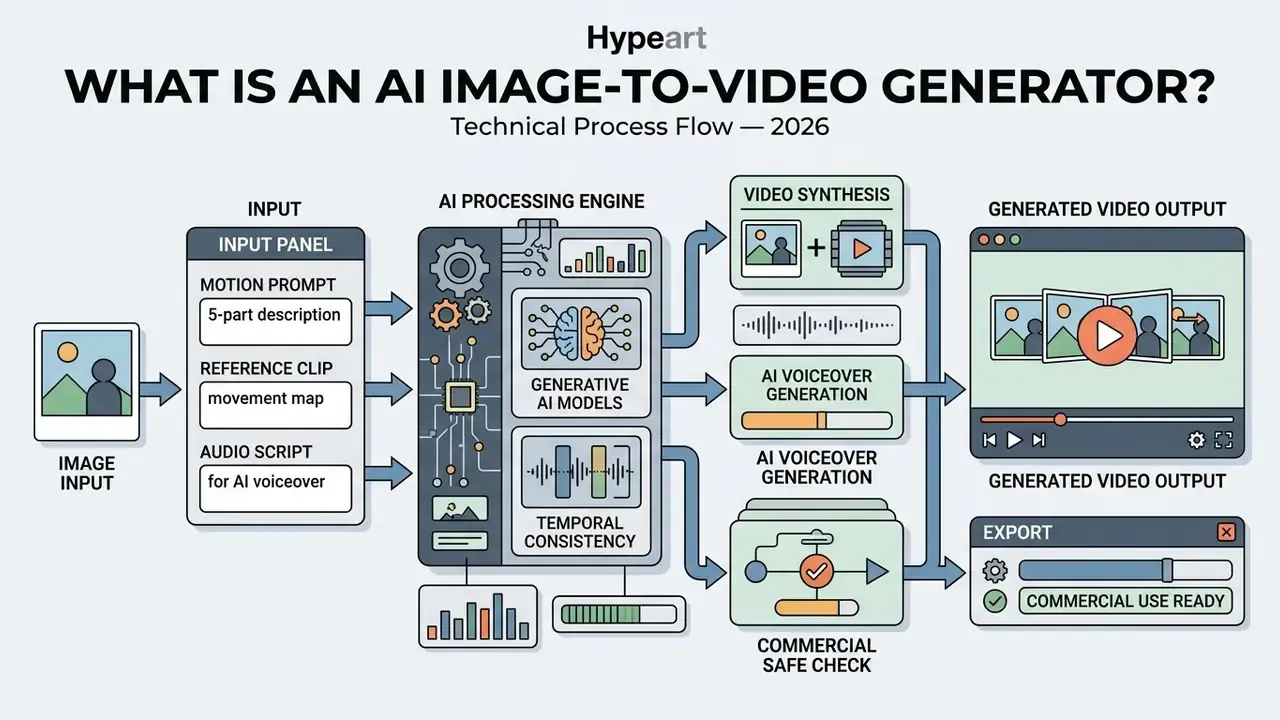
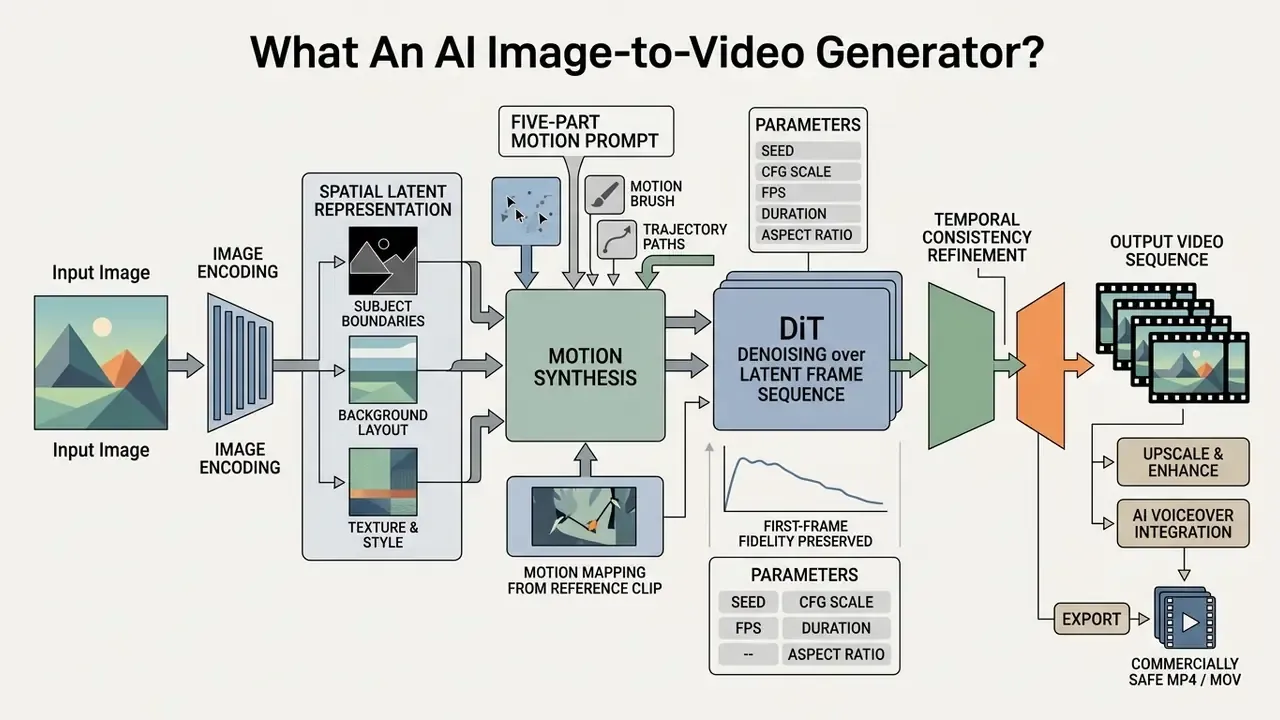
An AI image-to-video generator is a conditional deep learning model that turns a static photo into a moving sequence, using spatial features from the source image plus temporal diffusion mechanisms. The uploaded graphic acts as a structural anchor for subject identity, lighting, and composition. Natural language prompts, reference clips, or drawn trajectories then dictate how objects and the virtual camera move across the following frames.
In plain terms: the photo decides what is on screen, and your prompt decides what it does next.
"STIV reaches 90.1 VBench-I2V score, outperforming Pika, Kling and Gen-3 under identical evaluation conditions."
Readers who want a category-level overview of the software class can start with our reference entry on image-to-video AI tools and then come back to the operational steps below.

How AI creates motion from a single photo
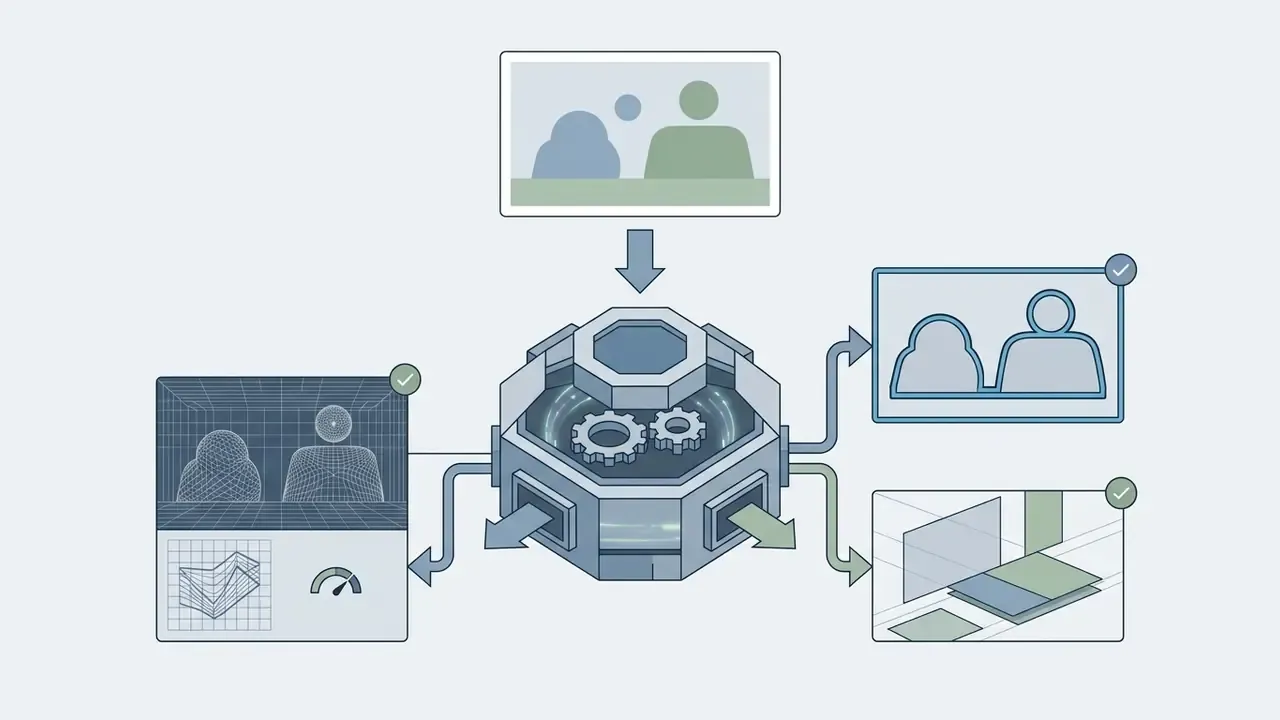
The model encodes your still image into a compact spatial latent space, then runs conditional denoising across a temporal sequence of latent frames. Modern diffusion transformers (DiTs) treat the initial photo as a hard boundary condition, using self-attention across both space and time to infer frame-to-frame pixel displacement.
"STIV integrates image conditioning through frame replacement inside a DiT architecture, supporting T2V and TI2V modes in one scalable system."
To keep motion physically plausible, some architectures add explicit physics simulators or motion-field predictors rather than relying on the diffusion prior alone.
"PhysGen decomposes the task into three modules, image understanding, rigid-body simulation and generative diffusion, producing physically grounded motion."
Specialised motion-prediction models use sparse trajectory ControlNets. You draw motion vectors over specific regions, and the model guides local pixel flow there without warping the background.
"Motion-I2V splits generation into motion-field prediction and diffusion with reinforced temporal attention, keeping content consistent under large displacement."
On standardised benchmarks such as VBench I2V, scaling image-conditioned diffusion models yields multi-dimensional quality scores up to 90.1 out of 100. One number, sixteen underlying dimensions.
"VBench++ evaluates video generation across 16 independent dimensions, including subject consistency, motion smoothness and temporal flicker."
Image-to-video, text-to-video and start-end frame modes
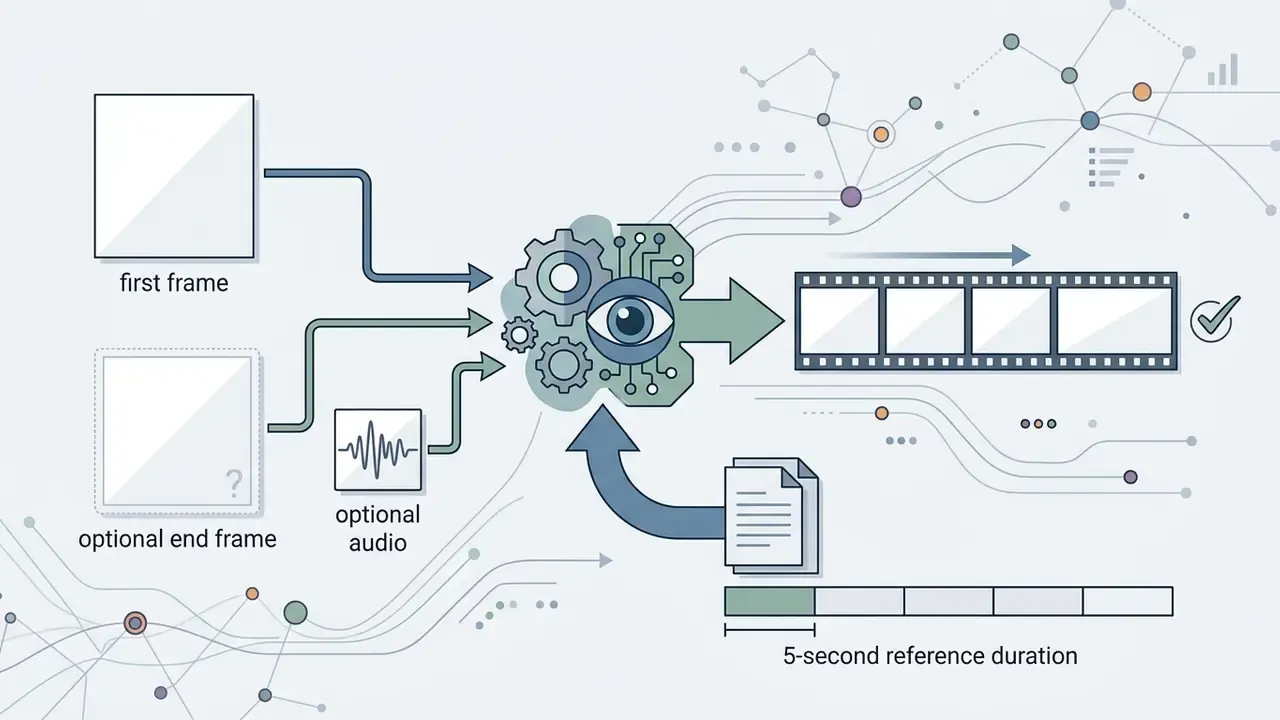
Image-to-video generation relies on an uploaded photo as a hard structural anchor. Text-to-video builds clips purely from prompts. Start-end frame interpolation uses two reference images to constrain both the opening and closing state of the sequence.
- Text-to-video (T2V) synthesises visuals entirely from text. Maximum creative flexibility, minimum control over subject identity or exact framing. If you are evaluating this mode separately, see our overview of text-to-video AI tools.
- Image-to-video (I2V) accepts a primary photo (an illustration, product render, or headshot) and applies motion guided by text. Identity, composition, and brand styling survive far better than in text-only models (ConsistI2V, Ren et al., 2024).
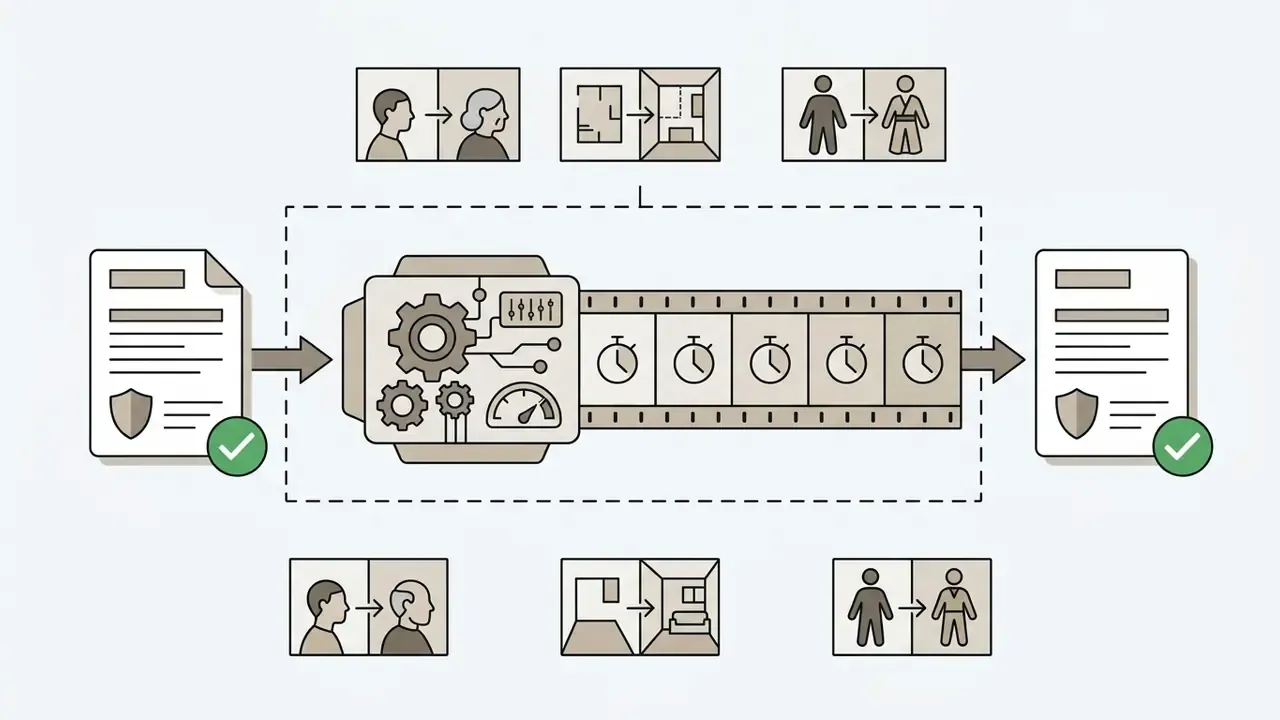
- Start-end frame interpolation enforces explicit first and last keyframes. The network generates the bridge between them, which suits morphing sequences, controlled product demonstrations, and structured scene transitions.
"TC-Bench introduces transition-completion metrics that correlate with human judgement substantially better than existing video-quality metrics."
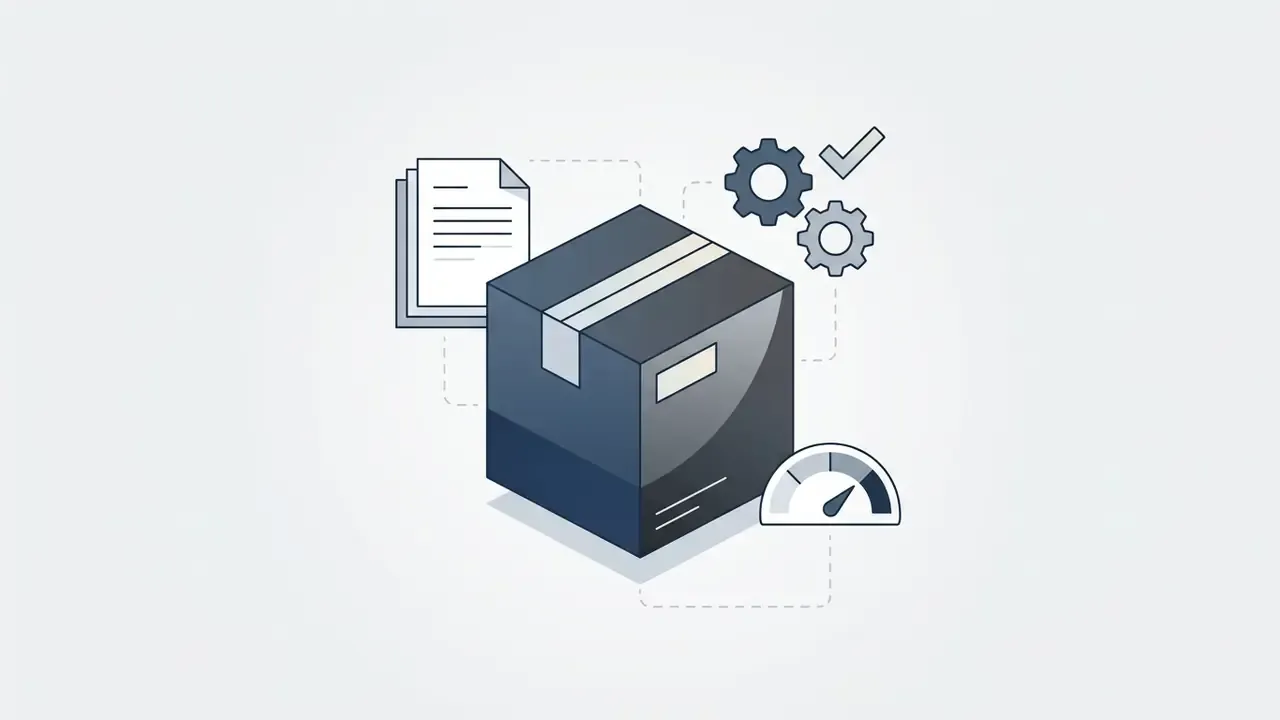
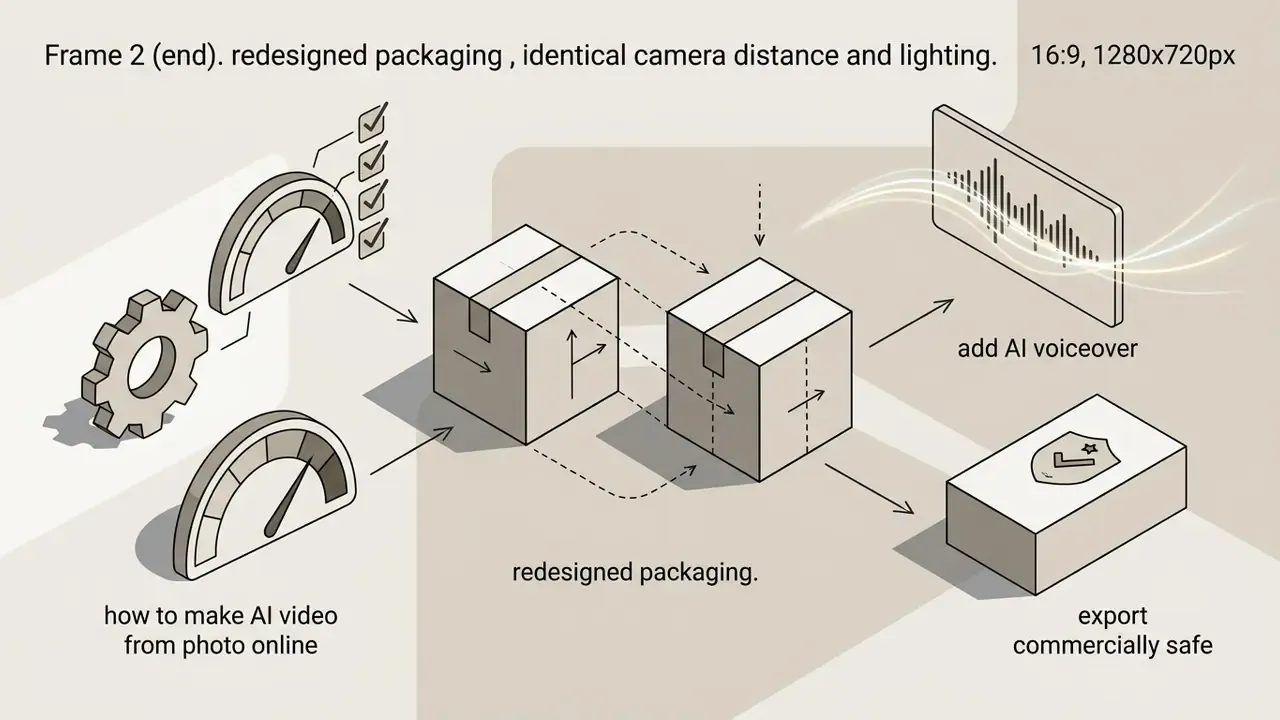
Applied start-end frame example (packaging redesign reveal):
How to make AI video from photo online
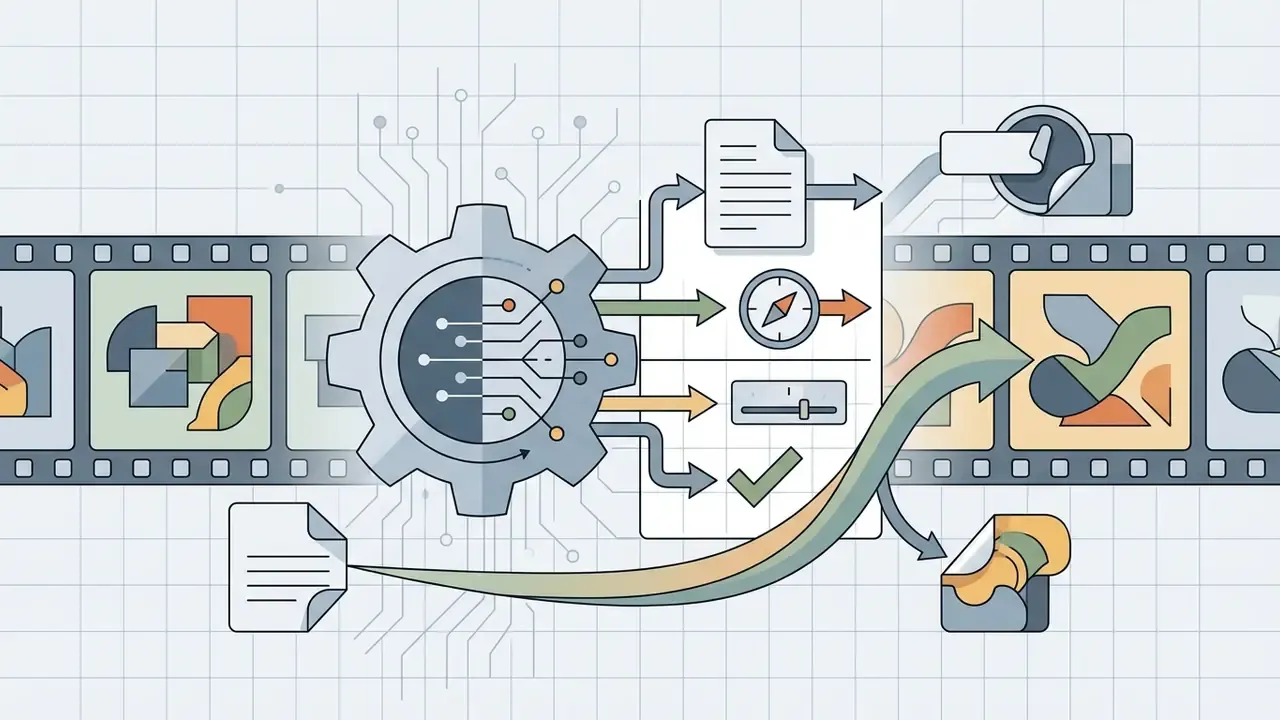
Making an AI video from a photo online means five things: upload a high-resolution source graphic, write an explicit motion prompt, adjust the operational parameters, run the diffusion process, and download the finished clip. Before committing credits, it pays to compare platforms. Our side-by-side review of AI video generators breaks down duration caps, watermarks, and per-second costs.
Pre-generation quality checklist
- Source image verification.At minimum 1080p on the long edge; 300 dpi for photographs, 600 dpi for photos containing text or line art, 1200 dpi for pure line art. No visible blur, pixelation, banding, or JPEG blocking.
- Subject framing.Primary subject occupies 30 to 50% of the frame, with edges clearly separated from the background by contrast or lighting.
- Prompt conditioning.Prompt structured as
[Subject Action] + [Camera Trajectory] + [Scene Transition] + [Style/Lighting] + [Negative Constraints]. - Motion bounding.Motion intensity or motion-bucket value set conservatively, to prevent limb deformation and edge flicker.
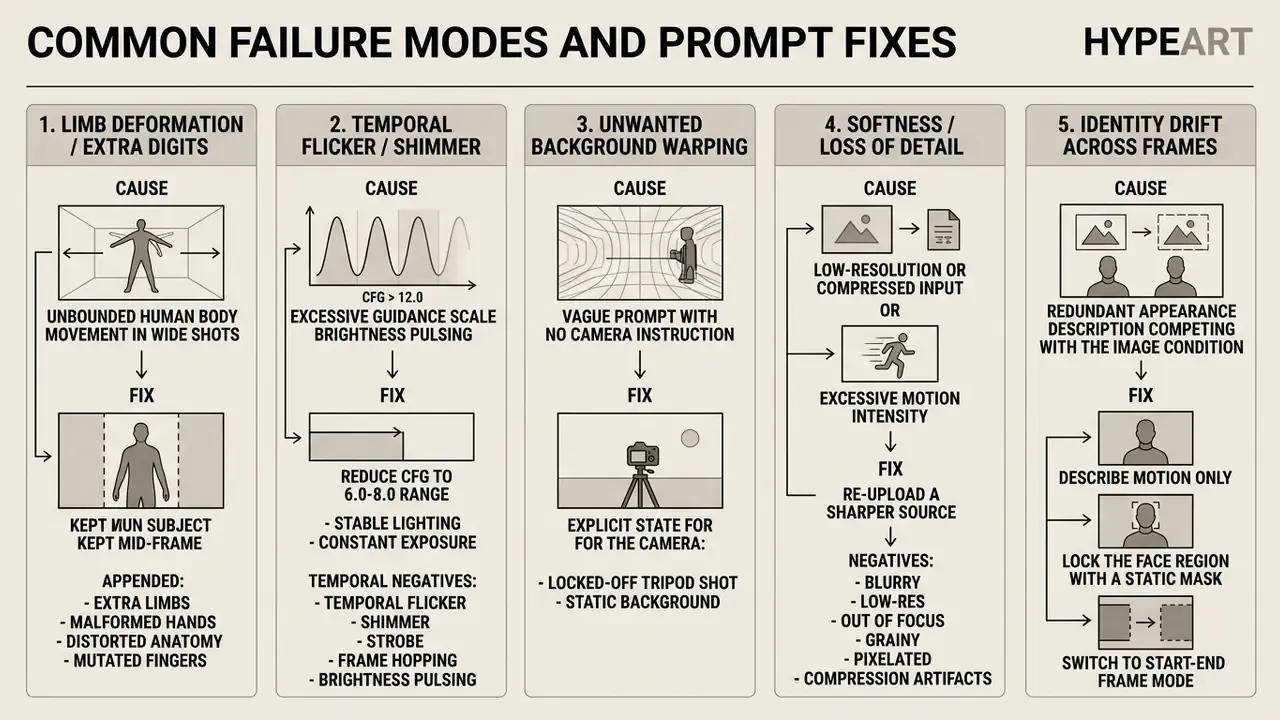
- Parameter sanity check.CFG or guidance held at 6.0 to 8.0; seed recorded for reproducibility; fps and duration matched to the platform's supported values.
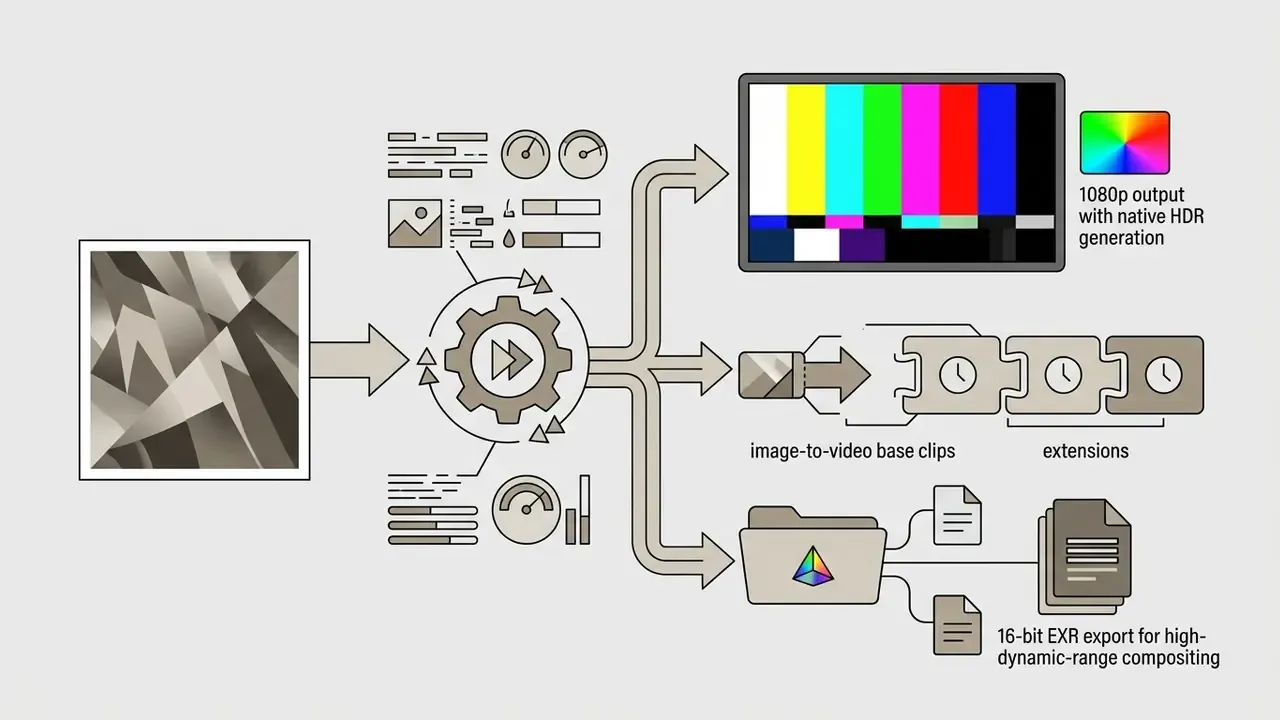
- Export configuration.Target aspect ratio confirmed (16:9, 9:16, 1:1), plus container and codec (H.264 MP4 for web, MOV or EXR for compositing).
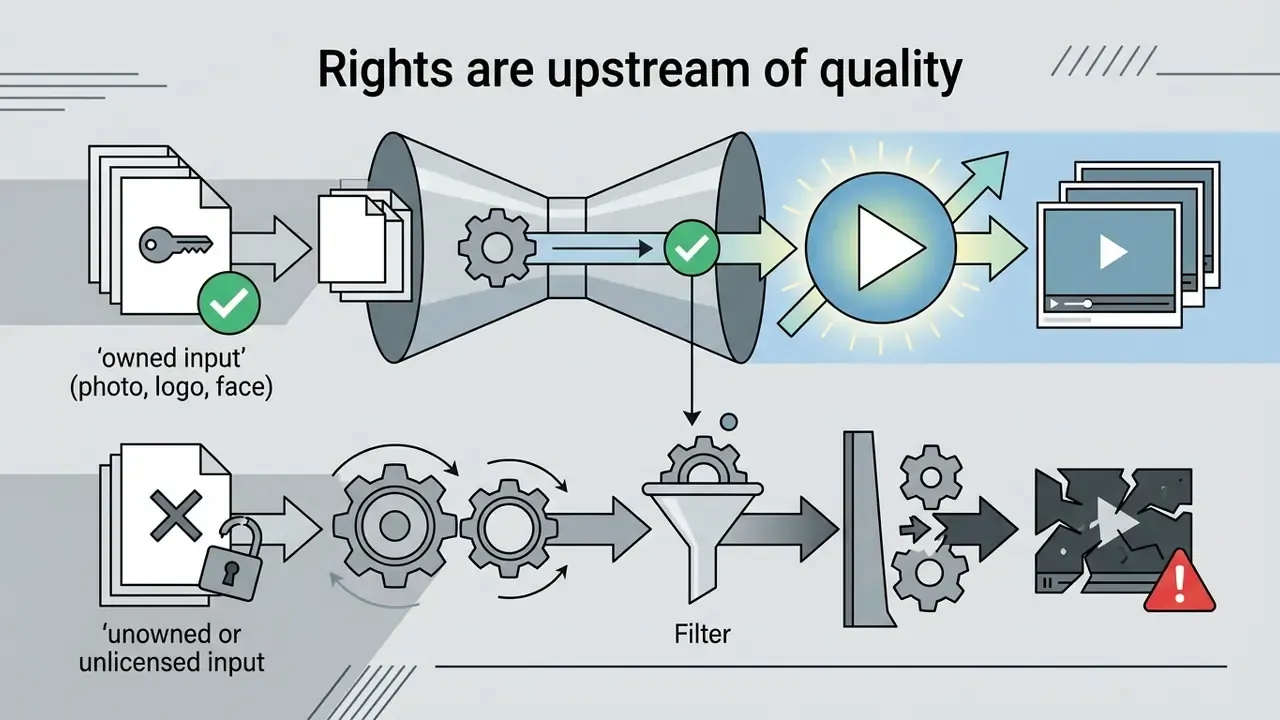
- Rights check.Documented ownership or licence for the source photo, plus a likeness release if a recognisable person appears.
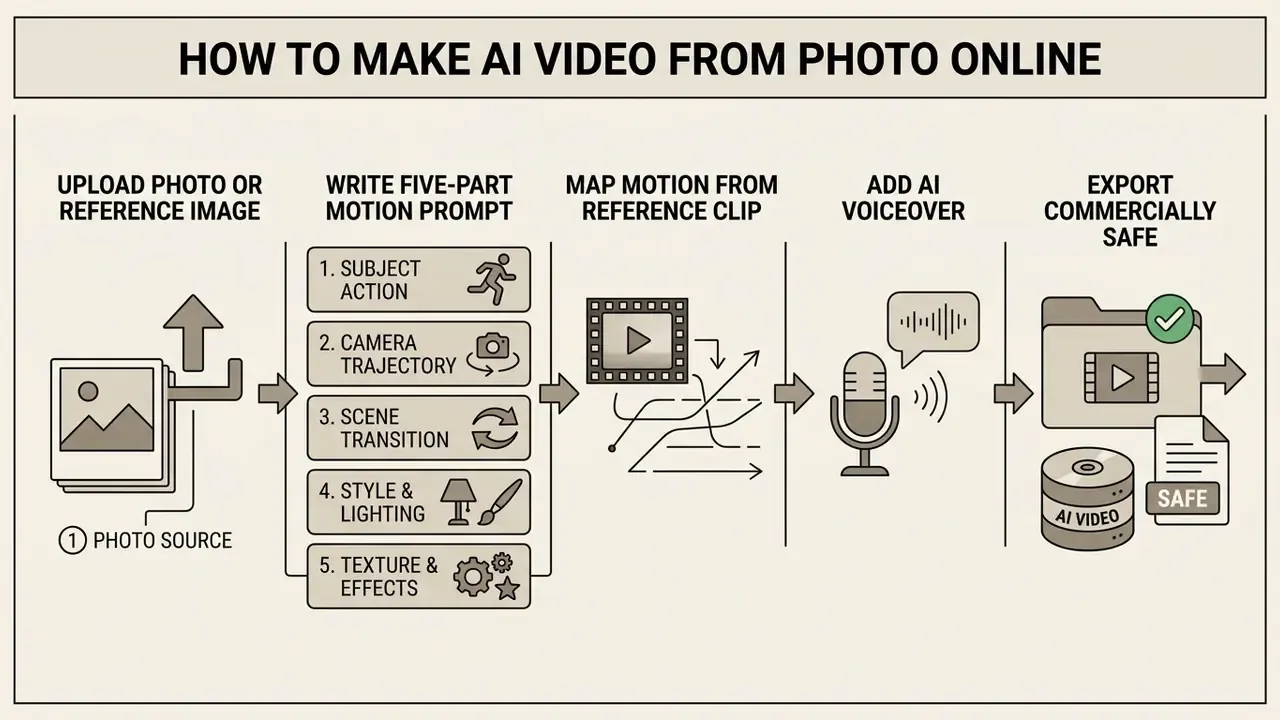
Upload a photo or reference image
The uploaded graphic sets the baseline spatial composition, colour palette, lighting scheme, and subject geometry for the network. Low resolution, heavy sensor noise, or an out-of-focus subject pushes the model to hallucinate artifacts into the motion sequence. That mechanism is documented directly in the image-conditioning literature, not just in general video-quality handbooks (Updated).
"ConsistI2V initialises noise from the low-frequency band of the first frame to preserve global layout and suppress artifact propagation."
So pick graphics with well-defined edge contrast between foreground and background. Professionals preparing stills for generative workflows often lean on dedicated editors, as documented in our Guide to online photo editors and our roundup of AI photo editors, to fix contrast, crop framing, and strip compression artifacts before upload. For budget-conscious workflows, the limits mapped in our Guide to free photo editors help keep preprocessing within system standards without quietly losing detail.
Supported input formats across mainstream services are JPG, PNG, and WebP, with a practical floor of 512 px on the shortest side. Front-facing, evenly lit portraits give the most stable identity retention. Side-angle shots and illustrations still work, they just drift more.
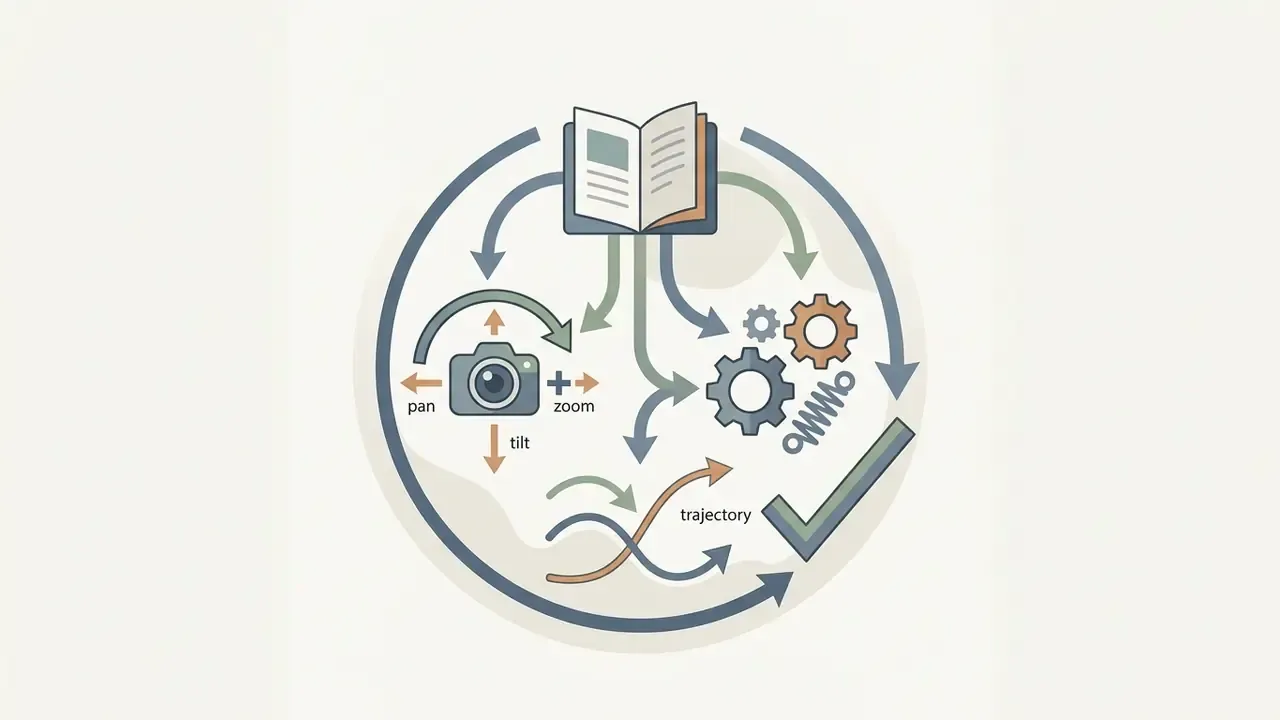
Write a prompt that describes motion and camera movement
Good motion prompts name physical actions, camera paths, environmental change, and exclusions. They do not restate static details the source image already shows.
Prompt structure formula (Updated: five components):
Prompt = [Primary Subject Action]
       + [Camera Trajectory]
       + [Scene Environment Transition]
       + [Style / Lighting Parameters]
       + [Negative Constraints]
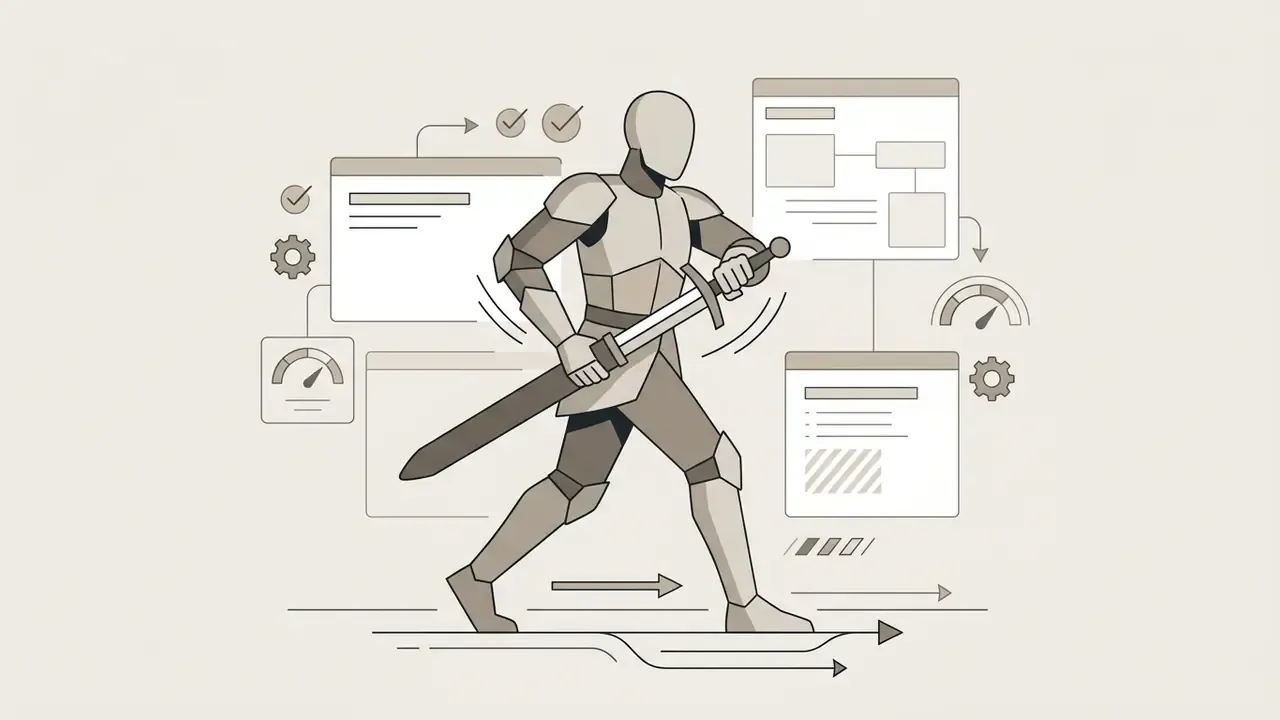
Worked example, cinematic character shot:
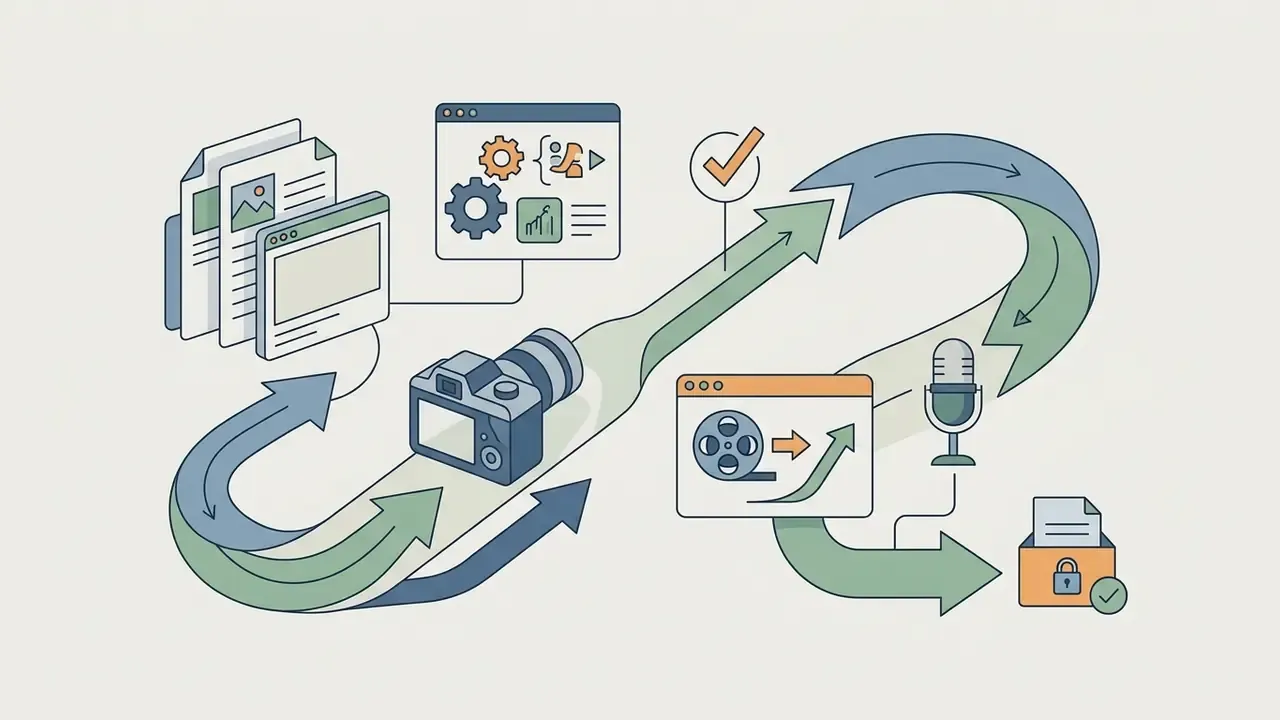
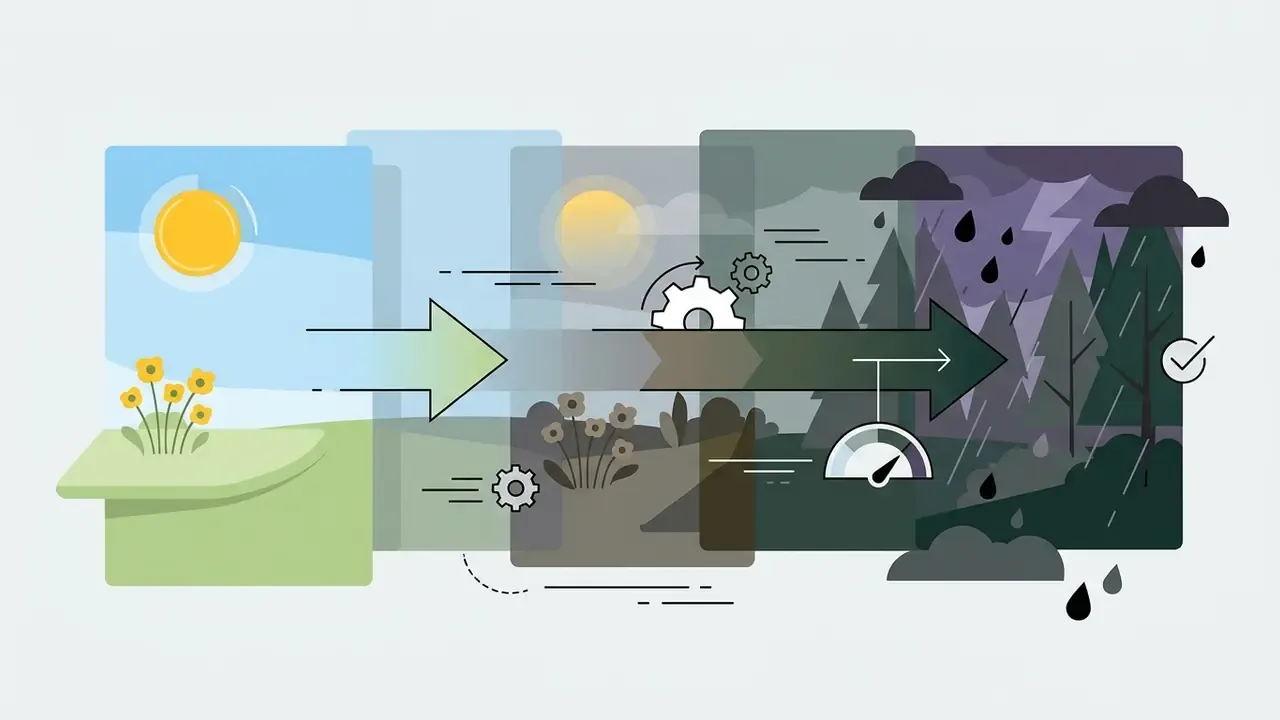

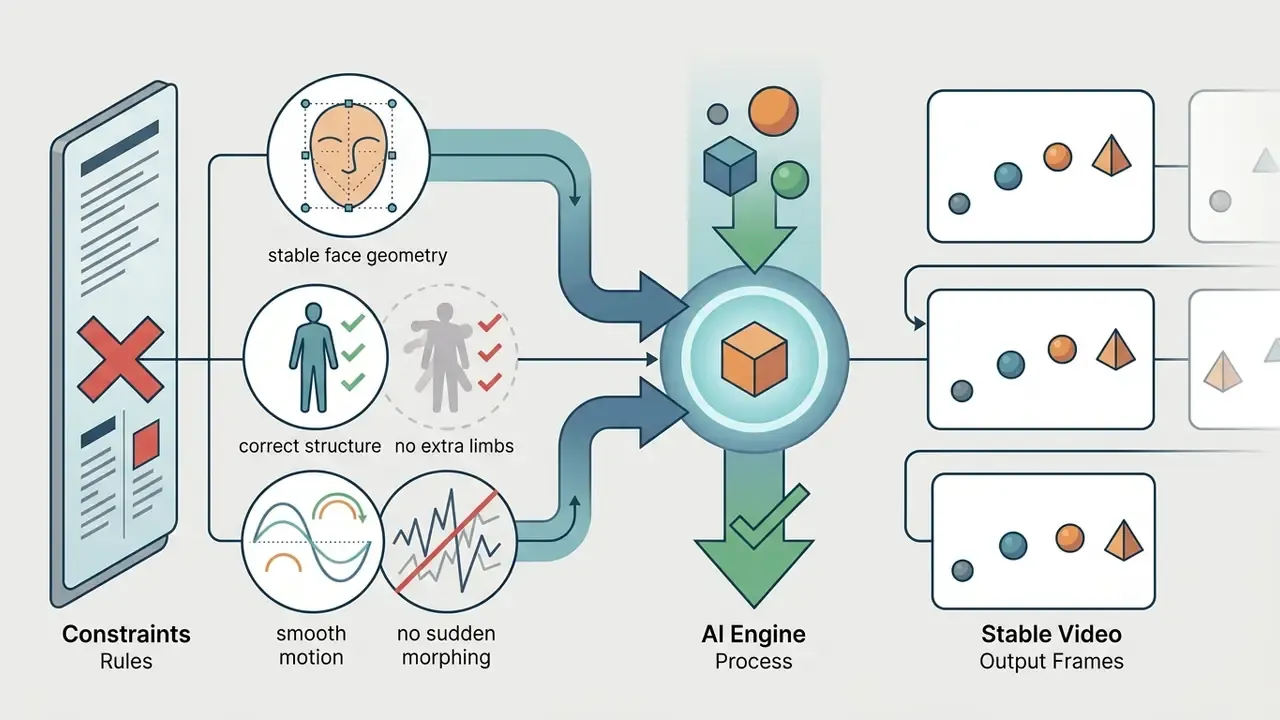
Worked example, portrait micro-motion:
Avoid over-description. Skip fine static details like "blue shirt" or "brown hair" if they are already visible in the uploaded photo. Redundant description competes with the image condition inside the cross-attention layers, and the usual result is a subtly different face.
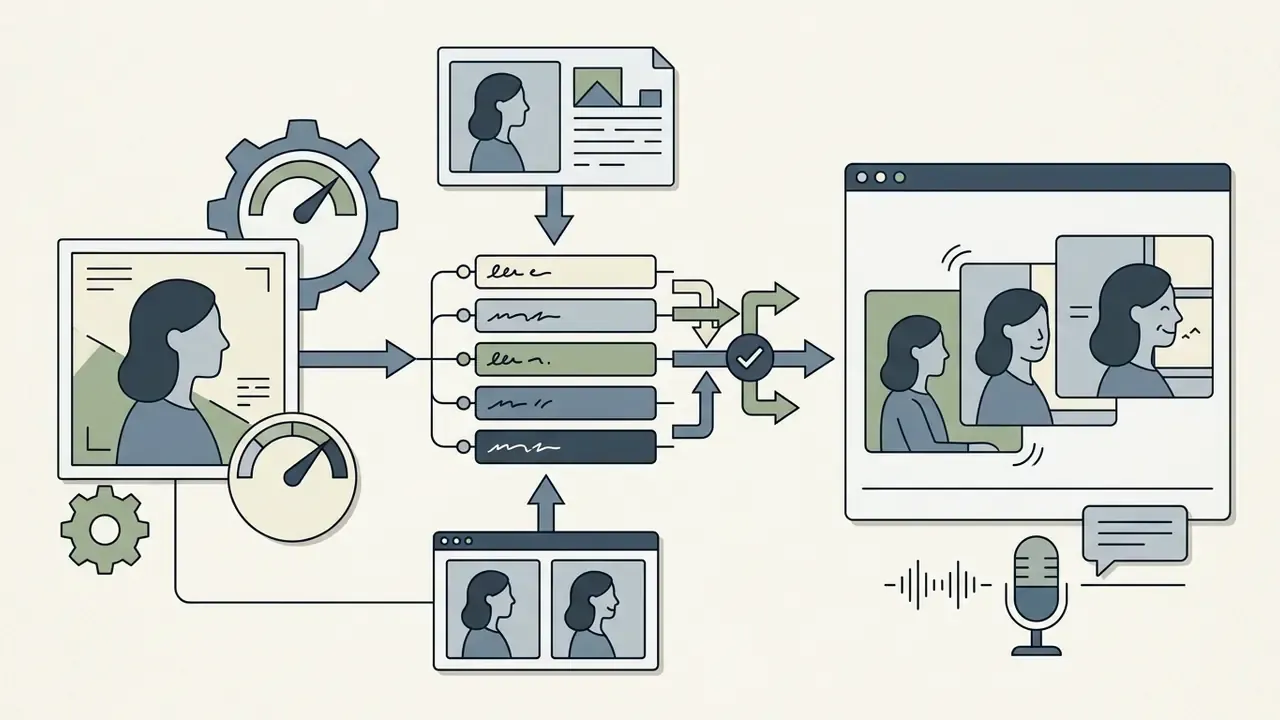
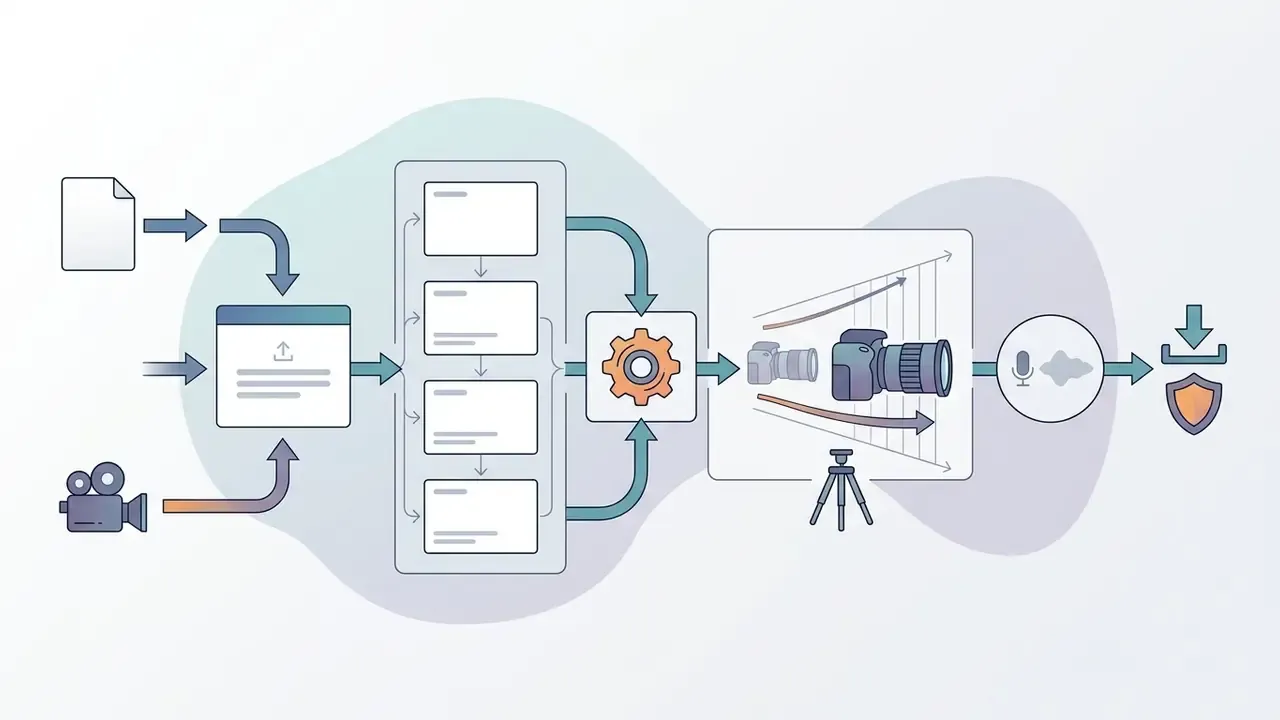
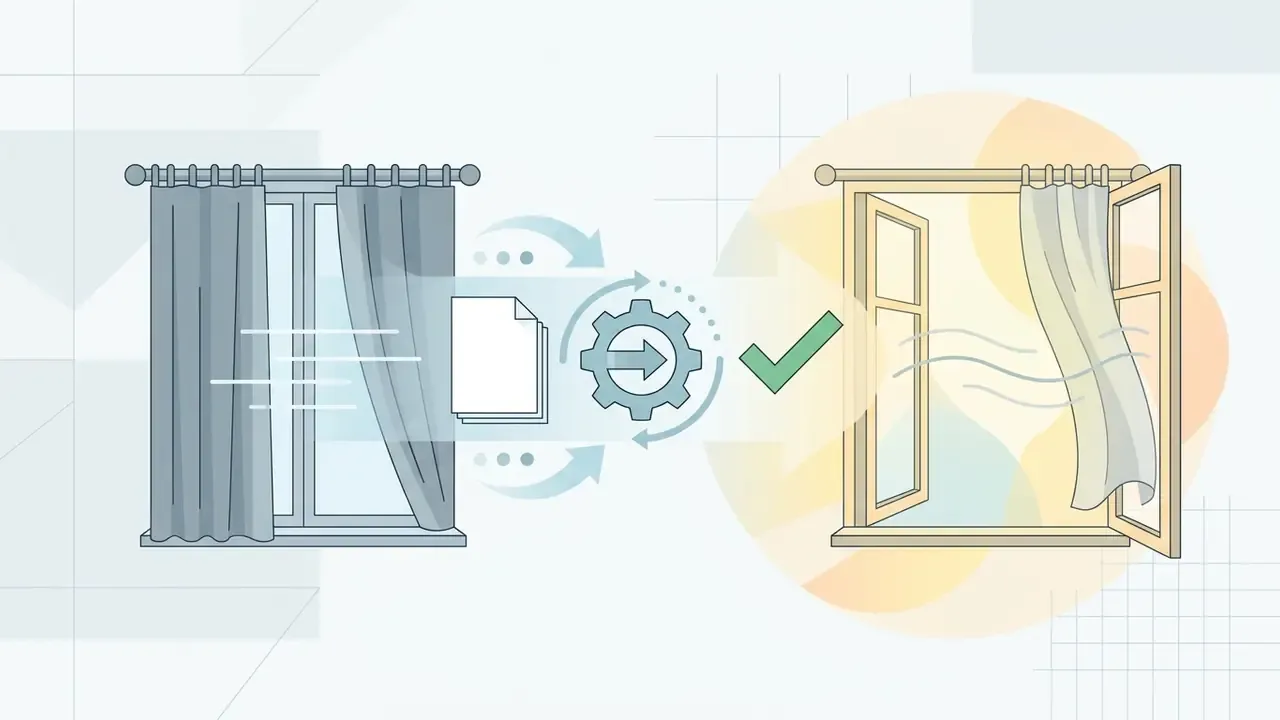
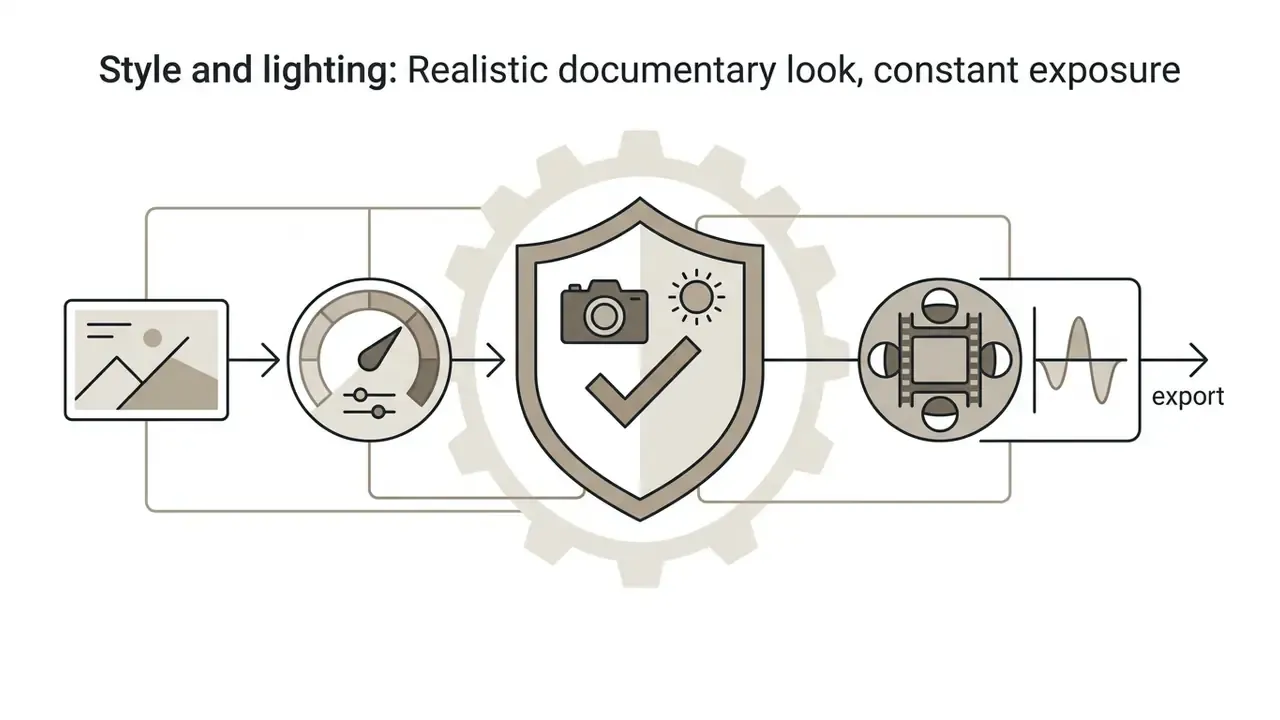
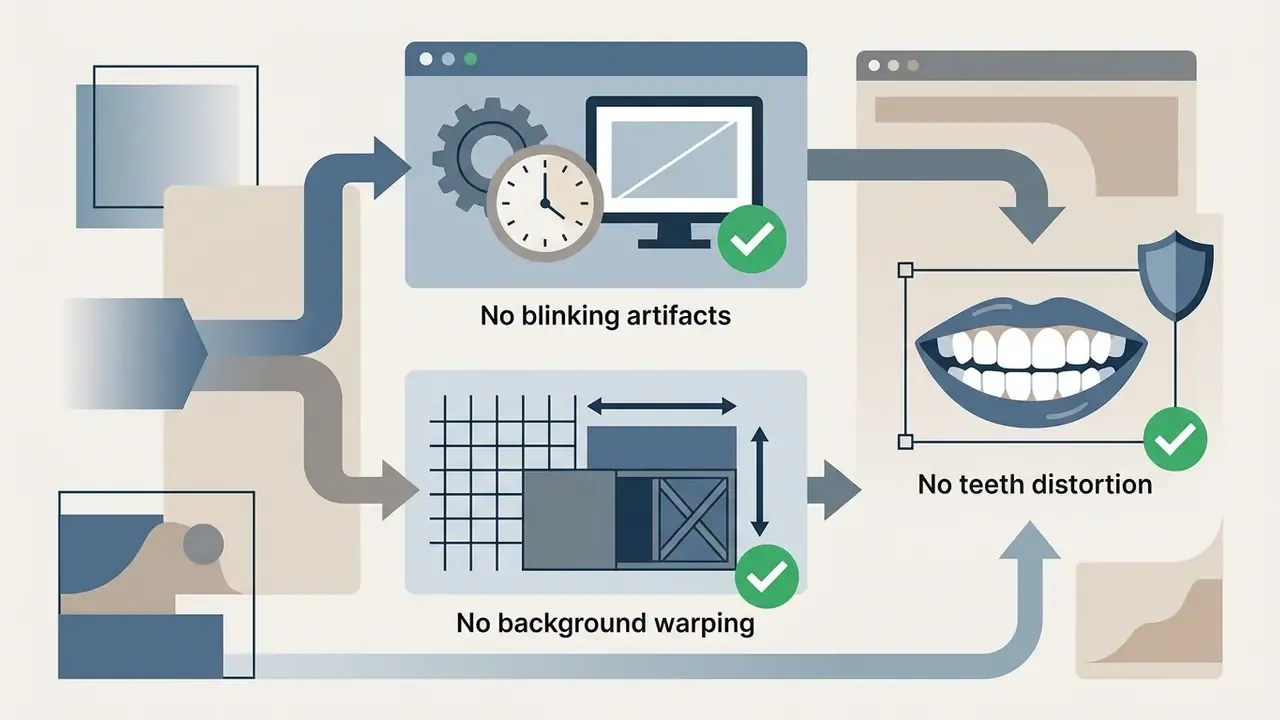
"FancyVideo introduces a Cross-frame Textual Guidance Module that builds frame-specific text conditions via a temporal injector and affinity refiner."
For specialised assets such as promotional campaign clips, a niche generator like an ai ad generator can supply prompt structures already tuned for commercial engagement, which saves a few wasted takes.
Generate, edit and download the final video
Once prompts and parameters are locked, the online tool processes the latent frames and renders a preview, typically in 15 to 120 seconds.
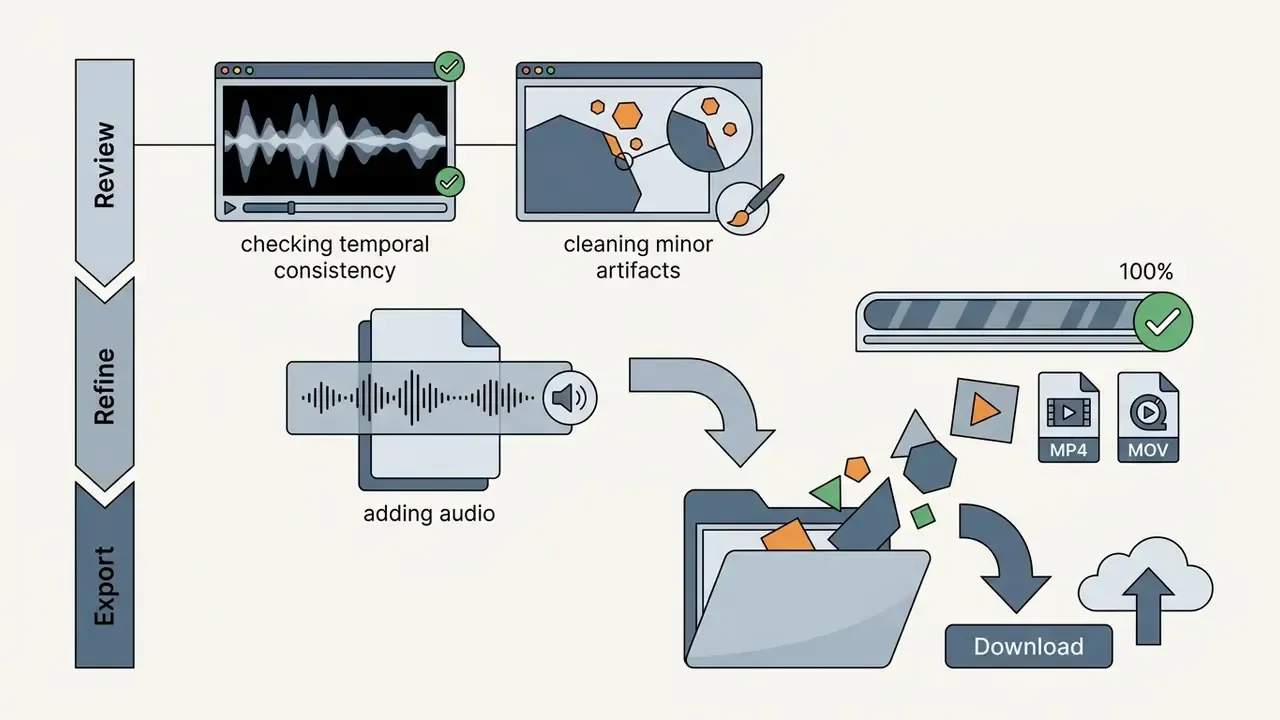
After generation, review the output for temporal stability, structural consistency, and motion artifacts. Our shortlist of video-editing tools covers the trimming and assembly layer used at this stage. Minor defects or duration limits get handled in post:
- Generative extensions
- Adobe's Generative Extend in Premiere Pro adds up to 2 seconds of video (and up to 10 seconds of audio) per extension, saving each extension as a separate H.264 MP4 or .wav clip (Updated: vendor-documented limit rather than an undated 2026 reference).
- Spatial upscaling
- dedicated video upscalers publish target output resolutions of 720p, 1K, 2K, and 4K, while detail-preserving upscale effects inside compositing suites enlarge frames without softening edges (Updated).
- Compression and export
- compress large files into web-optimised H.264 MP4 containers using the tools detailed in our Guide to video compressors. Interchange to editorial pipelines uses EDL, Final Cut Pro XML, OMF, or AAF. Creators building longer multi-clip content can drop these generated elements straight into web editors by following our Guide to YouTube video editors.
Audio sync and multi-track post-processing
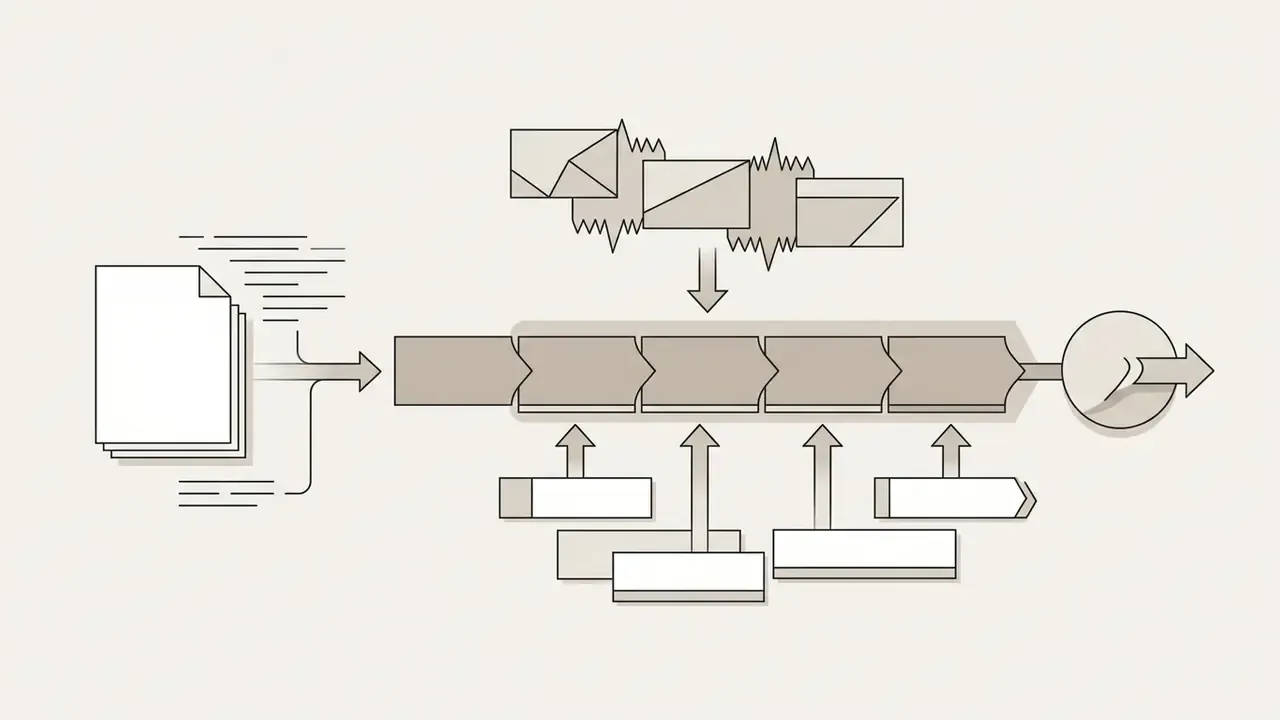
A raw 5-second diffusion clip is an asset, not a deliverable. Multi-track browser editors close that gap:
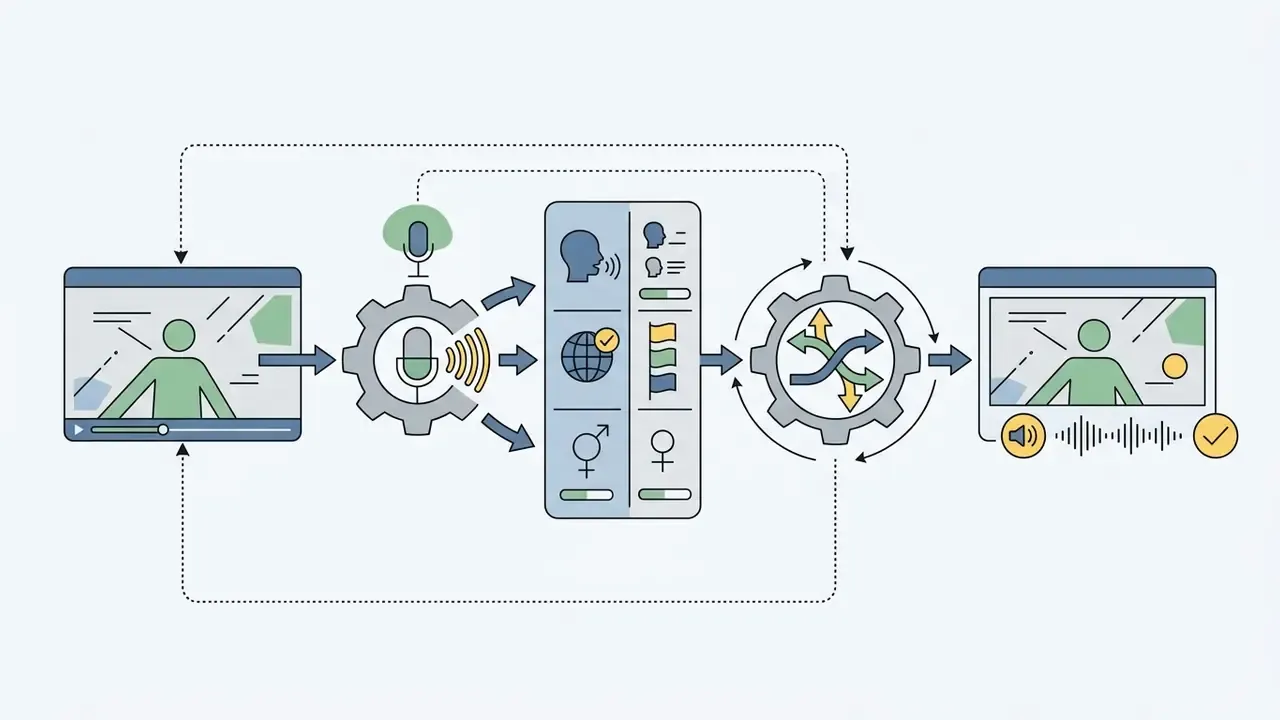
Controls that improve AI-generated video results
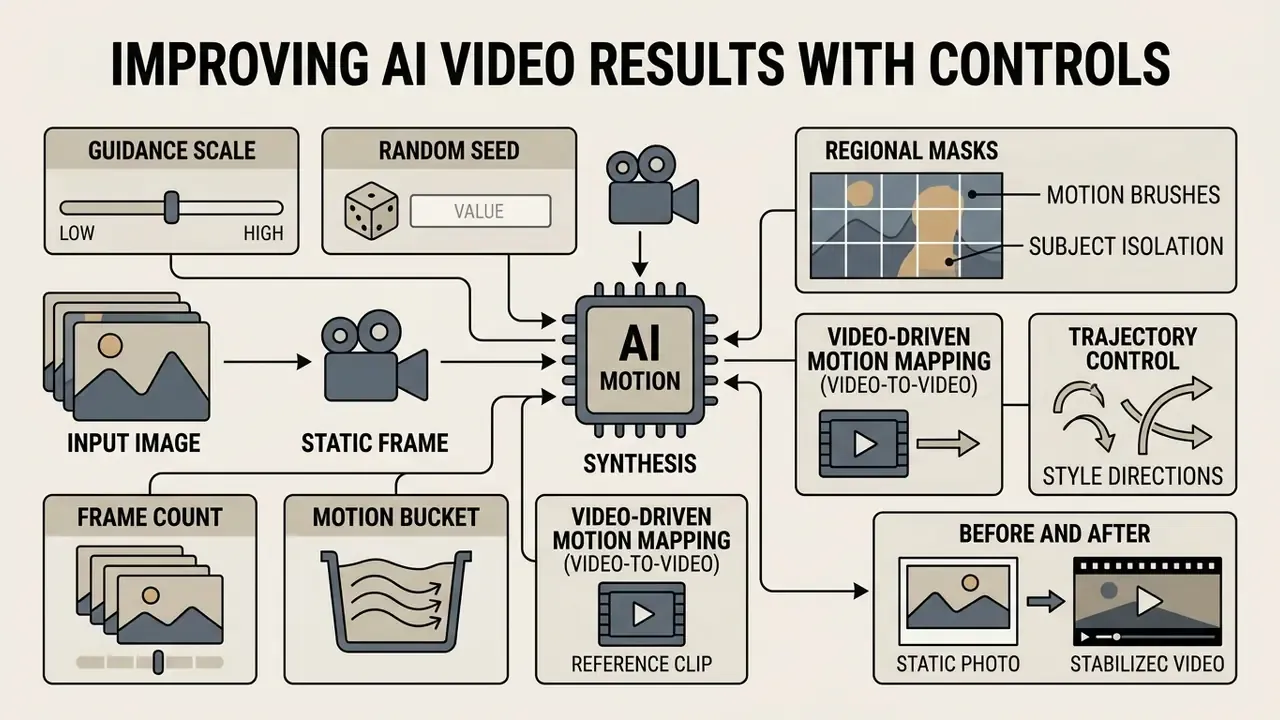
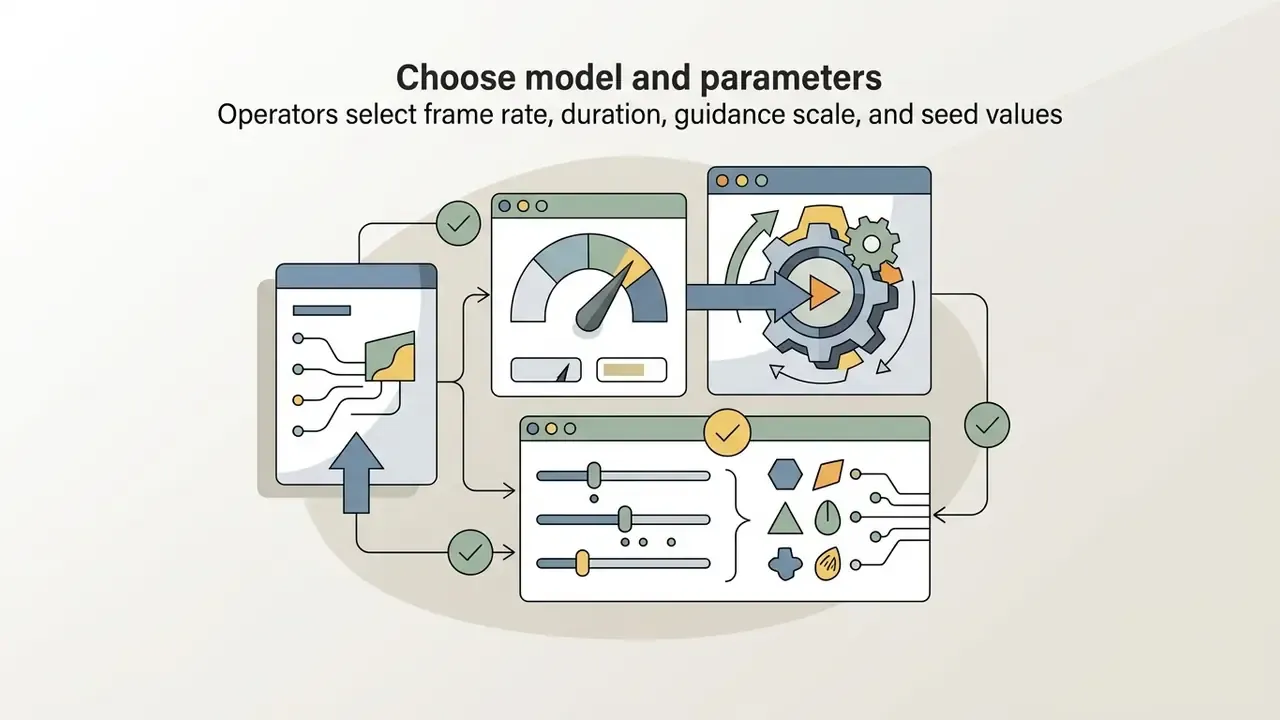
Controlling outcomes means manipulating specific operational variables: guidance scale, random seed, frame count, motion bucket, and regional masks. Each one narrows model randomness and pushes playback toward deterministic behaviour. A fixed seed reproduces the same video for the same prompt, model, and parameters. Guidance scale governs prompt adherence, with 6.0 to 10.0 the commonly documented working band; above roughly 12 you start buying over-guidance artifacts.
Motion control for people, products and scenes
Motion control lets you isolate movement to chosen regions while holding everything else still.
- Motion brushes: paint localised masks over the uploaded photo to define dynamic regions (flowing water, facial expression) while locking the background (Hierarchical Motion Brushes for Animation Instancing, Disney Research, 2019). Current implementations allow up to six independently masked elements per generation.
- Trajectory control: draw directional vectors across keypoints to move an object across the frame without distorting the underlying texture (Motion-I2V, 2024).
"SG-I2V offers zero-shot trajectory control, relying solely on the knowledge of a pre-trained image-to-video model without costly fine-tuning."
- Subject isolation: avatars and human subjects need tight regional control. For portrait workflows, pairing video generators with specialised portrait tools, such as those in our Guide to AI headshot generators, helps hold facial symmetry and identity across frames.
Video-driven motion mapping (video-to-video reference)
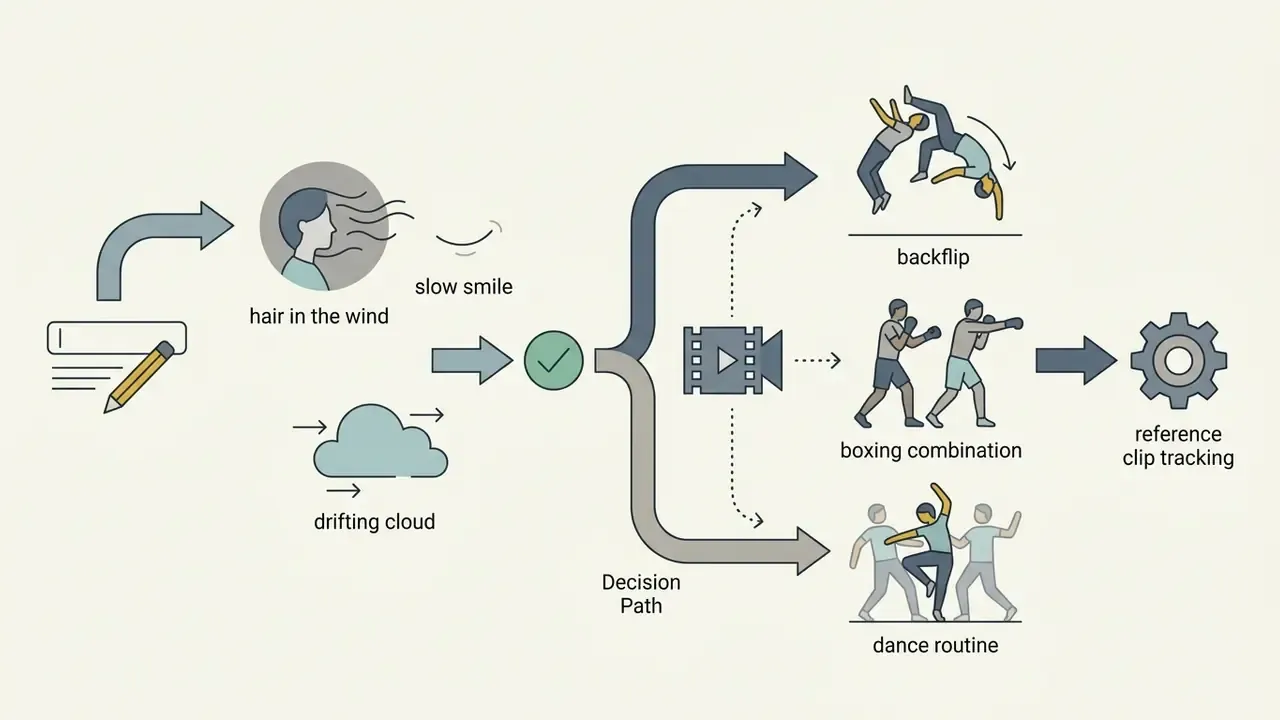
Beyond text prompts and spatial brushes, modern engines support direct motion transfer from reference clips. Instead of describing acrobatics, dancing, sports manoeuvres, or a boxing combination in words, you upload a secondary target video. The framework extracts pose coordinates and temporal keypoints from that clip and maps them onto the character in the static photo, keeping identity and background intact (JST-1 motion-mapping architecture). It bypasses prompt hallucination on high-velocity, non-linear trajectories, which is exactly where text prompts fall apart.
When to prefer motion mapping over prompting:
| Scenario | Text prompt | Motion-reference mapping |
|---|---|---|
| Subtle head turn, hair in wind | Reliable | Overkill |
| Dance routine, flip, gymnastics | Frequently deformed | Frame-accurate |
| Repeating a trend across 20 avatars | Inconsistent between runs | Identical motion, swapped identity |
| Multi-character choreography | Rarely coherent | Handled on separate motion tracks |
Practical workflow: record the movement yourself, or pick a community template, upload the character image, generate. Template libraries of thousands of viral clips exist for a simple reason. Reusing a proven motion track beats engineering a prompt that only approximates it. Character-refine passes, meaning multi-angle reference images of the same character generated before mapping, further stabilise face and body-type consistency across a series.
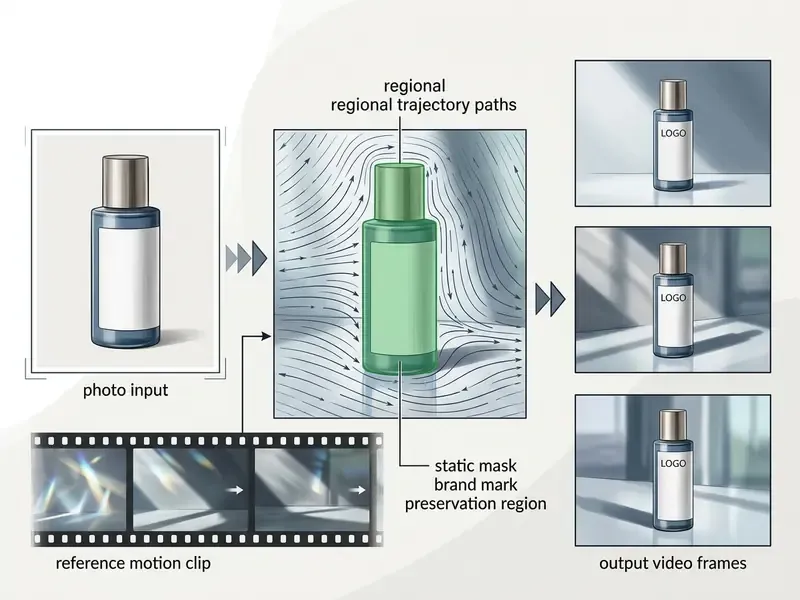
Before and after: what motion control actually changes
| Control setting | Observed output on the same seed |
|---|---|
| No mask, motion prompt only | Background trees swim; product label letters reflow between frames |
| Motion brush limited to background, product mask locked | Label geometry pixel-stable; only ambient light and background parallax move |
| Reference-video mapping instead of prompt | Limb count stable through a 180-degree spin the prompt-only run could not resolve |
Camera movement, style and cinematic direction
Virtual camera controls translate traditional film terminology into mathematical transformations across generated latents (Updated: grounded in published research rather than an undated vendor guide).
"Image Conductor separates camera and object motion through distinct LoRA weights and a camera-free guidance technique for precise cinematographic control."
| Camera command | Visual effect | Operational best use case |
|---|---|---|
| Pan (left/right) | Horizontal camera sweep across a scene | Panoramic landscape reveals, wide environment shots |
| Tilt (up/down) | Vertical camera angle shift | Architecture showcases, tall product reveals |
| Dolly in / zoom in | Lens or camera moves closer to the subject | Building dramatic tension, highlighting product detail |
| Orbit | 360-degree rotation around a central anchor | Hero product shots, 3D character showcases |
| Crane up | Vertical rise revealing scene scale | Establishing shots, hero-moment reveals |
| Handheld | Micro-shake, organic instability | Documentary realism, urgency, UGC-style ads |
| Steadicam / gimbal | Smooth stabilised travel | Walk-and-talk sequences, retail interior tours |
| Locked-off static | Camera fixed, zero camera movement | Micro-expressions, character dialogue, localised motion |
Style vocabulary sits on a separate axis from movement. Cinematic signals film-shot grammar (dolly in, orbit, crash zoom). Realistic signals naturalistic handheld or documentary motion. Slow-motion is a timing instruction, not a camera path. These stay vendor-level prompt terms, since formal media standards define containers and rendering formats, not prompt aesthetics.
For projects needing a specific artistic direction, illustrative animation especially, creators often benchmark the underlying image assets first. Our Comparison of Ghibli-style AI image generators and our Comparison of the best AI art generators are useful for locking a visual direction before you start burning video credits.
Choosing models and final video output settings
Model choice sets your ceiling: maximum render resolution, frame-rate cap, and motion stability. The comparative breakdown of leading AI video generators is the fastest way to shortlist candidates by cost and duration limit.
Specifications below reflect published 2025 to 2026 model versions and change with each release. Verify against current vendor documentation before procurement (Updated).
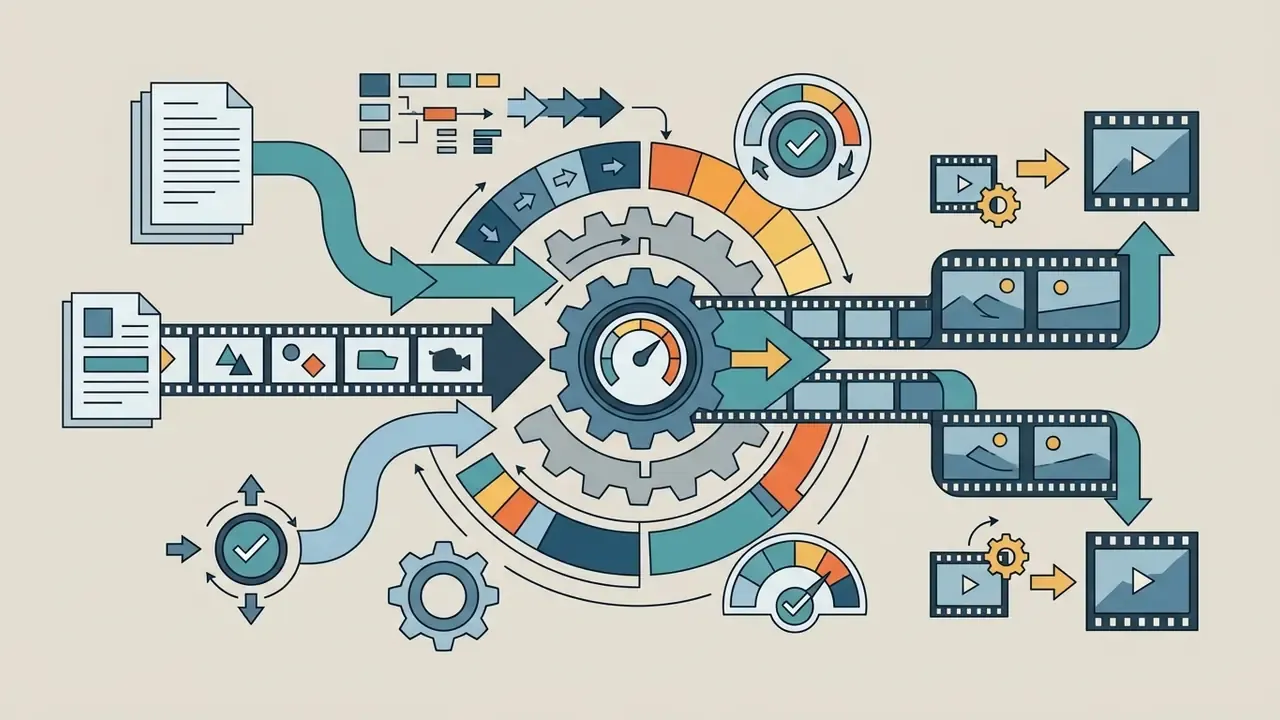
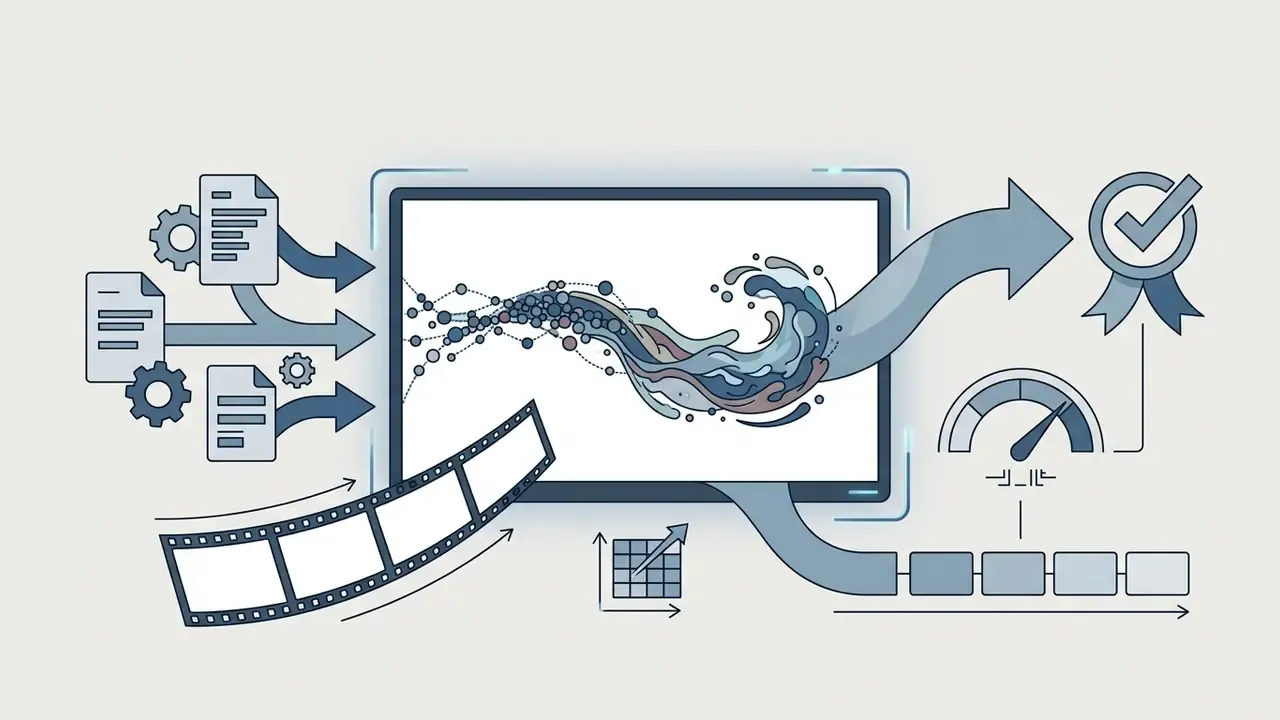
Large-scale conditioning carries a direct compute cost, which is precisely why priority queues are monetised:

"Step-Video-TI2V, a 30-billion-parameter model, generates videos up to 102 frames from a single image."
Developers and systems integrators who need step-by-step documentation on programmatic video generation interfaces should consult our centralised AI Media API Guides to compare REST and gRPC endpoint capabilities.
How to get high-quality AI video from an image
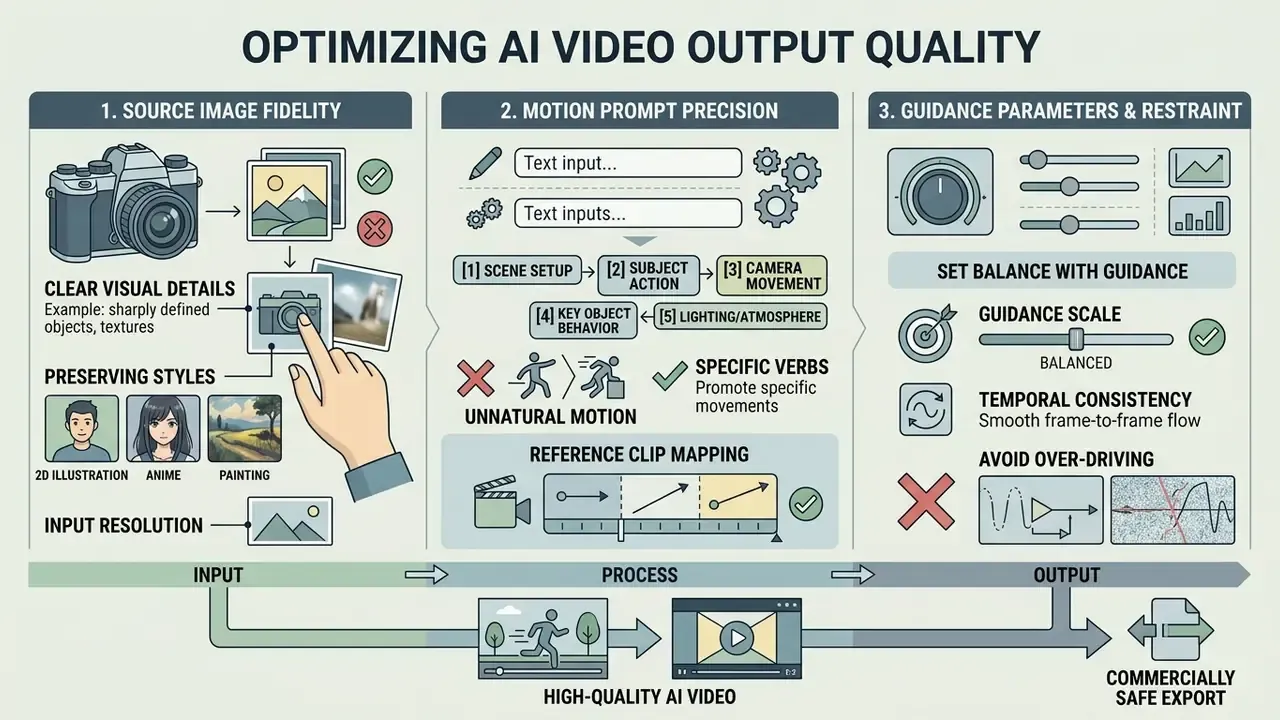
Output quality tracks three inputs: source image fidelity, prompt precision, and restraint with guidance parameters. Low-contrast subjects, heavy JPEG compression, and digital motion blur confuse the spatial encoder, and distorted frames follow. That is why many teams run source files through AI image enhancers before generation.
Quality is also multi-dimensional. Contemporary benchmarks score frame aesthetics, imaging quality (blur, noise, overexposure), subject consistency, temporal coherence, and physical plausibility separately, because per-frame PSNR and SSIM simply cannot detect ghosting or flicker.
Choose a source image with clear visual details
Neural networks inherit every flaw in the uploaded photograph. Every one.
To maximise output clarity:
- Keep the primary subject at 30 to 50% of total frame area.
- Use images with distinct lighting separation between subject and background. Official video-quality guidance ties target size and scene illumination directly to whether detail survives analysis.
- Prefer sharp captures at 300 dpi (photographs), 600 dpi (photographs with text or line art), and 1200 dpi (pure line art) when the source comes from print or scanned archives.
- If the image needs background expansion before generation, use the outpainting workflows evaluated in our Comparison of AI outpainting tools.
- Enlarge low-resolution originals first. Our review of AI image upscalers covers detail-preserving options that avoid halo artifacts.
- For preliminary asset creation, testing base image capabilities via our Guide to Bing AI image creation or Microsoft AI Image Generator overview helps secure a high-resolution starting point.
"ConsistI2V's first-frame spatiotemporal attention and low-frequency noise initialisation markedly improve subject-identity preservation across generated frames."
Preserving non-photographic styles (anime, 2D illustration, painting). When animating stylised art, Japanese anime cels, 2D vector illustration, sketches, oil paintings, pick models with dedicated style-preservation layers (Vidu HD-class image-to-video modes or Style-ControlNet conditioning, for example). Keep line-art edges high-contrast so latent denoising does not quietly convert a stylised character into photorealistic skin, and state the style in the prompt: "flat cel shading, visible ink lines, no photorealistic skin."
Avoid unnatural motion and unclear prompts
Unnatural motion, limb hallucination, and screen flicker show up when prompts carry conflicting directional cues, or when CFG (classifier-free guidance) exceeds recommended thresholds.
"VVA-Bench records attack success rates up to 100% for Wan 2.7 and 74.8% for Veo 3.1 under categorised visual attacks on I2V models."
Dynamic range is the other measurable weak spot, and it is a benchmark problem as much as a model problem. Test sets skew toward low-motion footage, which flatters models that barely move the frame.
"DIVE exposes a critical bias of existing benchmarks toward low-dynamic video; Dynamic-I2V improves dynamic range by 42.5%."
What can you create with AI video from photos?
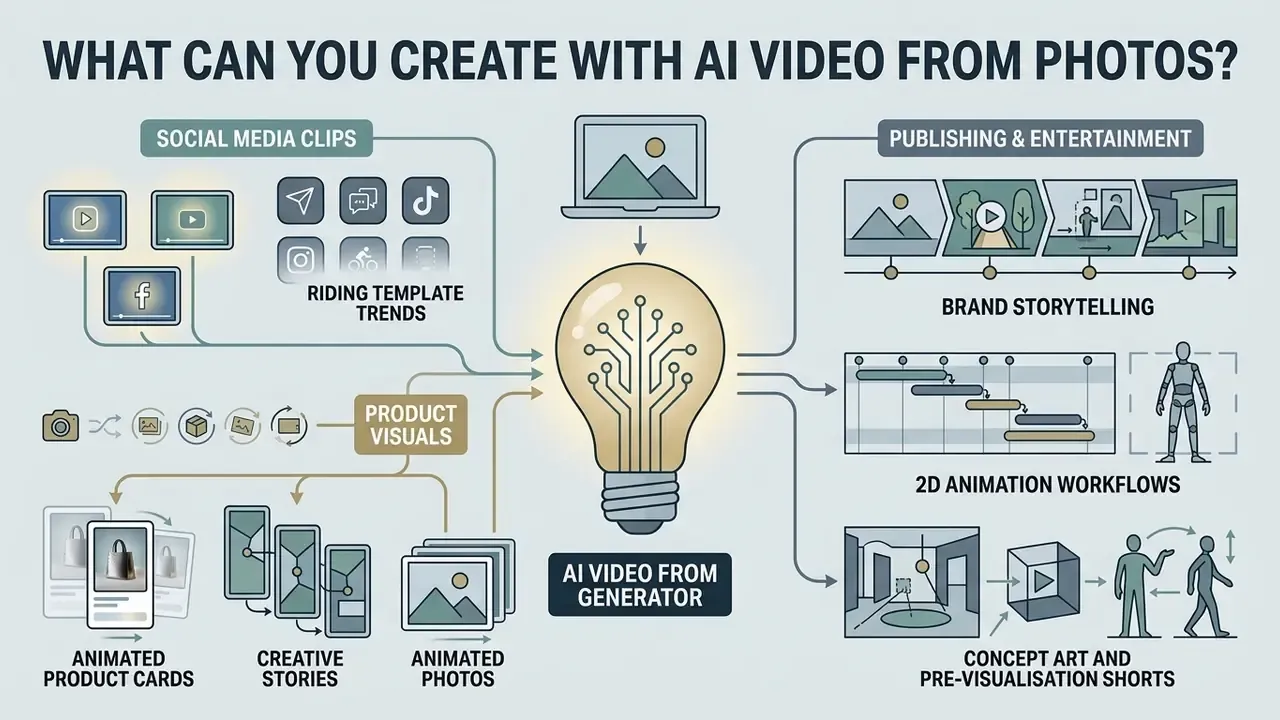
AI photo-to-video tools turn static visual assets into moving media across digital marketing, e-commerce, publishing, and entertainment. Our category overview of AI video generators maps which tool classes fit which deliverable.
Product visuals, creative stories and animated photos
E-commerce merchants and enterprise marketers convert static packshots into animated showcase cards with parallax motion, floating price tags, star ratings, and dynamic lighting. That template pattern is now standard in commercial motion-graphics libraries, and it is technically supported by animation-specialised I2V models (Updated).
Key commercial workflows:
For organisations building end-to-end commercial pipelines, the licensing structures collected in our AI Media Commercial-Use Hub are the right place to start compliance review, ideally before the first campaign ships rather than after.
Are free AI image-to-video generators really free?
Free AI image-to-video generators run on freemium economics. They hand out limited trial credits or daily allowances, then constrain resolution, clip duration, queue priority, and commercial monetisation rights. Side-by-side limits are tabulated in our comparison of free AI video generators.
What free image-to-video tools usually include
Free tiers work as evaluation environments: casual users on one side, prospective enterprise buyers on the other.
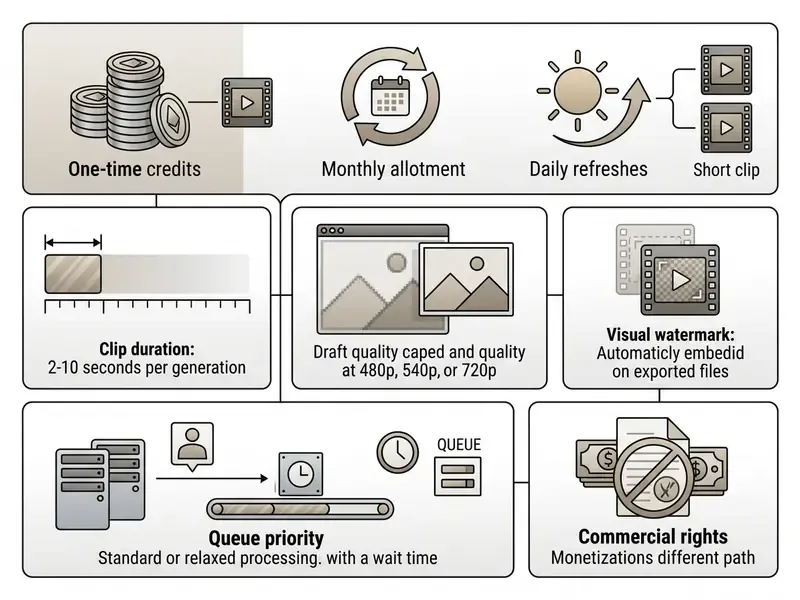
Vendor quotas move often, and published sources disagree precisely because credits, regional rules, and export limits get revised between releases. Whether you searched for an ai image to video generator free website, an ai photo to video maker online free, or "ai image to video gratis" in another language, the same advice applies: re-read the pricing page on the day you plan to publish. Creators who want zero-cost evaluation across both static and moving graphics can work through our Comparison of free AI art generators and Comparison of free AI video generators.
Credits, plans and output limitations
Scaling past initial testing means paid credit packs or monthly subscriptions.
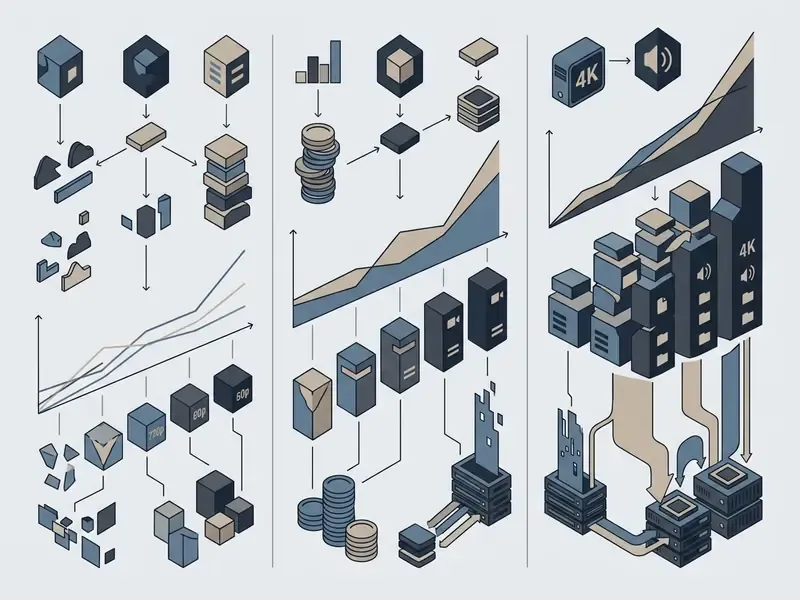
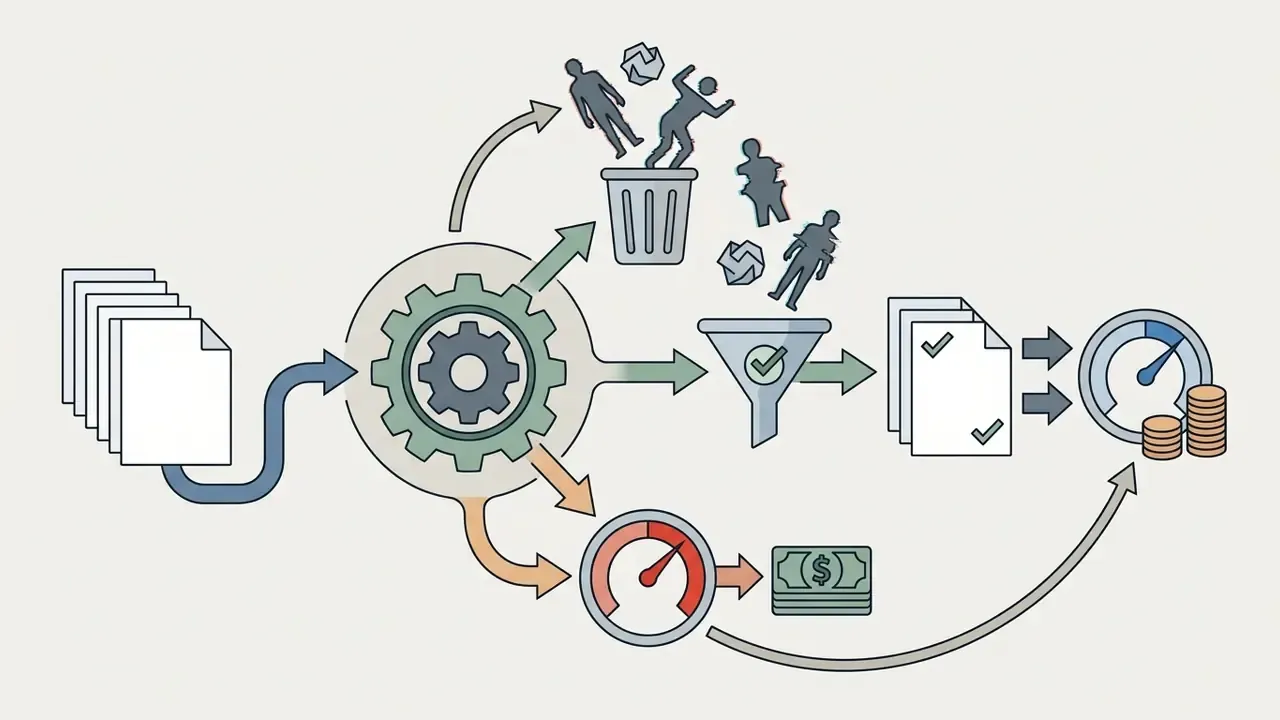
To forecast pipeline spend across volume tiers, use our interactive AI Media Calculators alongside the transparent breakdowns in our AI Media Pricing Guides. One adjustment most budget models miss: a rejection rate. Teams generating human motion at scale discard a meaningful share of takes for anatomy or flicker defects, so effective cost per usable second always exceeds list price. Plan for it, or explain it later.
Commercial use and rights to generated videos
"VPA-Guard shows commercial I2V models remain vulnerable, with attack success reaching 100% for Wan 2.7 and 74.8% for Veo 3.1."
- Litigation monitoring: to track intellectual property disputes and copyright rulings affecting generative media, media managers can follow our updated AI Litigation and Case Timelines.
Comparative pricing and capabilities matrix
| Platform | Free tier credits | Native free resolution | Watermark on free exports? | Commercial use on free tier? | Estimated paid cost per second |
|---|---|---|---|---|---|
| Runway (Gen-3/4) | 125 (one-time) | 720p | Yes | No (personal use only) | ~$0.05 to $0.10 |
| Pika Labs | 80 per month | 480p | Yes | No | ~$0.04 to $0.08 |
| Kling AI | 66 per day | 540p | Yes | No | ~$0.03 to $0.07 |
| Luma Dream Machine | Limited trial | 720p (draft) | Yes | No | ~$0.06 to $0.12 |
| Google Veo (API) | Developer trial | 720p / 1080p | Depends on mode | Yes (tier dependent) | $0.10 to $0.60 |
In short: free tiers are for testing, not for publishing. Watermarks and personal-use clauses make that boundary visible on purpose.
FAQ about making AI videos from images
How long does AI video generation take?
Generating a 5 to 10-second clip online usually takes between 15 seconds and 8 minutes, depending on queue mode, output resolution, and model size.
Free-tier jobs run through shared public queues, so latency swings with global load. Paid tiers grant priority GPU access, and vendor documentation for 1080p image-to-video reports processing windows of roughly 2 to 5 minutes for 5-second outputs, with fast modes and priority queues compressing that to well under a minute (Updated: vendor-published ranges replace an unverifiable 2026 reference). Model scale is the underlying driver:
"Step-Video-TI2V, a 30-billion-parameter model, generates videos up to 102 frames from a single image." Step-Video-TI2V (2025). https://arxiv.org/abs/2503.11251
If rendering fails or the session times out, our AI Media Support and Troubleshooting portal lists resolution steps.
Do I need to install software to create videos from images?
No. Web-based generators execute all neural network computation on remote GPU clusters, so you can upload photos and render videos inside any desktop or mobile browser.
Mobile versus desktop. Professional parameter control and node-based pipelines (ComfyUI graphs, for instance) want desktop hardware. Everything else fits on a phone: native iOS and Android apps allow instant camera-roll uploads, template motion mapping, and one-tap sharing, with assets syncing across phone, tablet, and web dashboard under one account. Many creators prefer mobile because photographing a subject and generating on the spot beats shuttling files to a workstation. Desktop still wins for seed-locked reproducibility, batch runs, 4K exports, and multi-track audio.
Local open-source route. Developers and technical studios wanting offline control, no subscription, and granular node tuning can run ComfyUI with Stable Video Diffusion (SVD) locally. ComfyUI's own documentation describes a node-based application where the SVD node exposes width, height, frame count, motion-bucket ID, fps, and augmentation level explicitly. Capability comes at the price of manual model management. Local setups also need a high-VRAM desktop graphics card and manual checkpoint configuration; community deployment guides converge on roughly 12 GB+ VRAM as the practical floor for SVD image-to-video at usable resolutions. No vendor publishes an official minimum, so treat that as a community benchmark, not a specification.
Can I use AI videos made from photos commercially?
Only if three conditions hold at the same time: your plan's terms permit commercial use, you own or have licensed the source photograph, and any identifiable person in the frame has consented. Most free tiers fail the first test, and the watermark on free exports makes that restriction visible. See the commercial-use section above and our AI Media Commercial-Use Hub for licence-by-licence detail.
Are deepfakes and face swaps allowed?
No. Mainstream acceptable-use policies prohibit non-consensual intimate imagery, sexual content involving minors, impersonation, misleading political content, and unauthorised face swaps. The U.S. Copyright Office's 2025 digital-replica framework treats falsely depicting a real person as a distinct legal risk, separate from copyright, so consent documentation is mandatory even for permitted likeness work.
What image formats and sizes work best?
JPG, PNG, and WebP are universally supported. Use at least 512 px on the shortest side as a hard floor, and 1080p or better for anything publishable. Keep both edges within the provider's stated pixel budget, avoid heavy re-compression, and prefer front-facing, evenly lit subjects for identity-critical work.
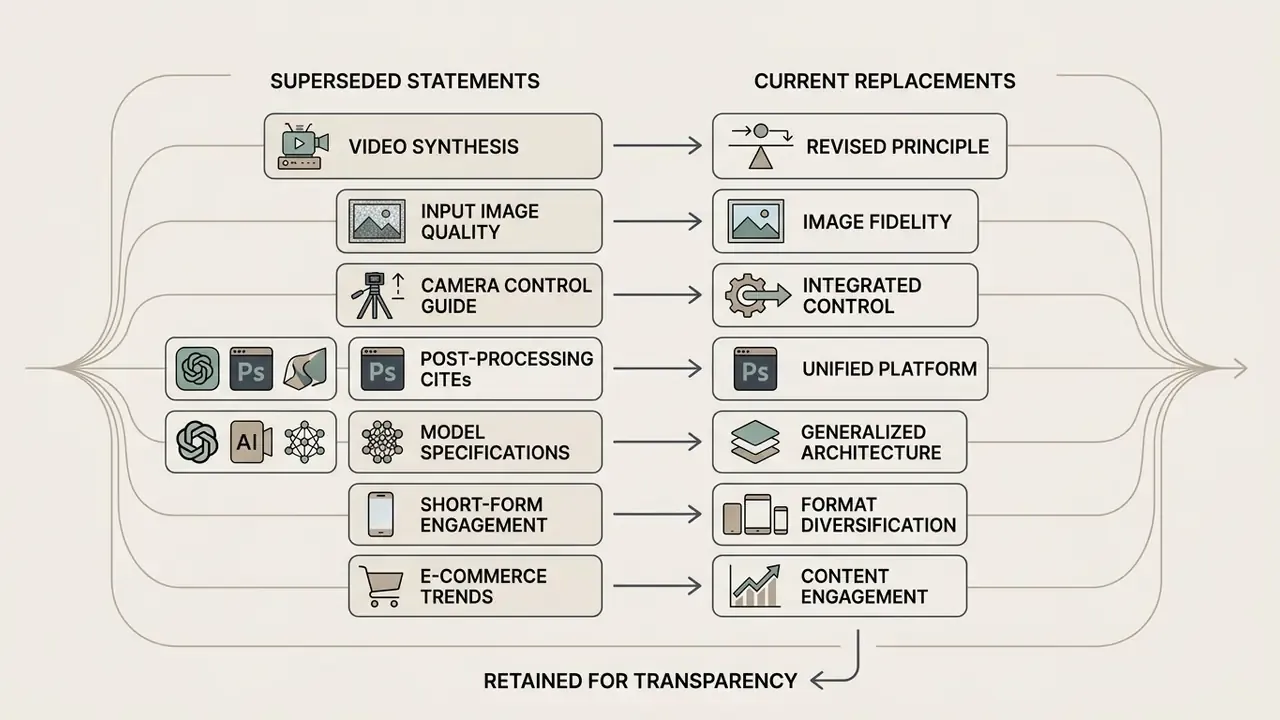
Appendix A: superseded statements and version notes
Social media clips and professional shorts
Short-form vertical video (9:16) is the default distribution format for Instagram Reels, YouTube Shorts, and TikTok. User demand for animating stills is now measurable at dataset scale (Updated: replacing an unverifiable analytics citation).
Common creator workflows with an ai image to video creator, free or paid: