Evaluating artificial intelligence tools for video production means balancing three things that pull against each other: operational speed, precise creative control, and data risk. Organizations and independent creators in 2026 face a wider landscape than they did a year ago: automated transcript editing, generative visual extensions, agentic editing agents, and synthetic avatar systems all now sit inside the same procurement conversation.
Top Picks at a Glance
| Decision | Recommended tool | Why |
|---|---|---|
| Best professional NLE with AI | DaVinci Resolve Studio ($295 one-time) | Local Neural Engine processing, Magic Mask, Voice Isolation, no per-minute cloud metering |
| Best text-based editor for dialogue | Descript (from $16/user/mo) | Transcript-linked cutting, filler-word removal, Studio Sound |
| Best agentic editor (prompt to finished cut) | ChatCut (free beta, paid from $25/mo) and OpusClip AI Producer | Multi-step autonomous edits with MP4/XML export and an edit-decision log |
| Best long-to-short repurposing | OpusClip (free 60 credits; from $15/mo) | Virality scoring, auto-reframe, AI B-roll |
| Best generative model for photoreal shots | Google Veo (50 free credits/day; from $4.99/mo) | Native audio, cinematic prompt comprehension |
| Best generative control for filmmakers | Runway Gen-4.5 + Aleph (from $12/user/mo) | Camera choreography, prompt-based video transformation |
| Best corporate avatar platform | Synthesia (free 10 min/mo; from $29/mo) | 160+ languages, brand kits, enterprise licensing |
| Best restoration and upscaling utility | Topaz Video AI ($299 one-time) | Local 8K upscaling, deinterlacing, frame interpolation |
| Best regulated-industry posture | Desktop NLEs plus on-premise rendering | Media never leaves controlled infrastructure |
Who this guide is for: content creators and social teams choosing their first AI video editor, and enterprise buyers in marketing, communications, risk, and compliance functions who must document why a tool was approved.
What Changed Between the 2025 and 2026 Shortlists
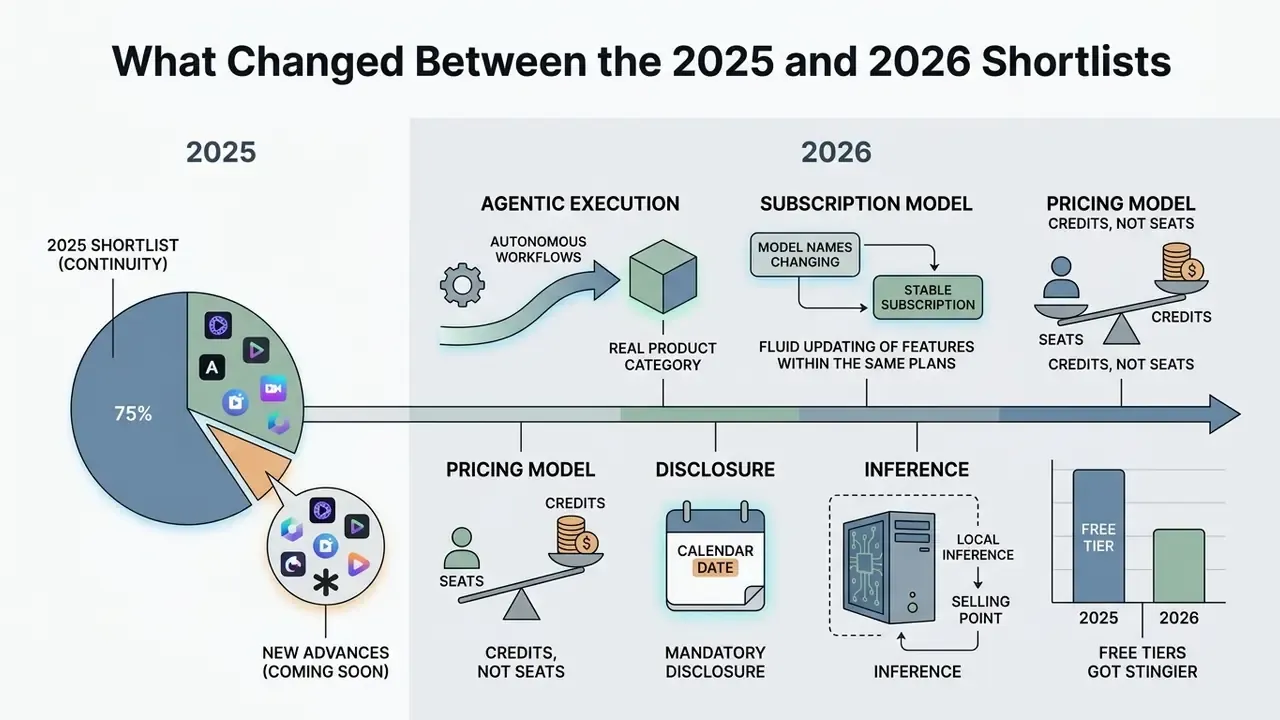
If you read an ai video editing software comparison written for 2025, roughly two thirds of it still holds. The rest has moved, and the shifts are not cosmetic.
Agentic execution became a real product category. In 2025, "AI editing" mostly meant discrete features: adds captions, removes filler words, detects scenes. The 2026 shortlist includes tools that take one written brief and return a finished cut, with an edit log attached. That is a different governance object entirely.
Model names changed under the same subscriptions. Runway moved from Gen-3 Alpha to Gen-4.5 plus Aleph for video-to-video work. Adobe pushed Generative Extend from beta into shipping releases. Any ai video editing app best 2025 roundup that names a model version is already stale, which is why we date every figure in this guide.
Credits, not seats, became the cost driver. A year ago you budgeted per user. Now you budget per generation attempt, and iteration is where budgets leak.
Disclosure got a calendar date. The EU AI Act's marking and labelling rules for synthetic content apply from 2 August 2026. That turns "we should probably label this" into a dated obligation for anyone publishing AI-generated video into the EU.
Local inference became a selling point again. Two years ago, cloud was the default assumption. For banks, insurers, law firms, and anyone handling unreleased material, on-device processing is now a hard filter rather than a preference.
One more shift, quieter than the others: free tiers got stingier. Watermarks and credit caps that once felt generous now exist mainly to route you toward a paid plan.
How We Evaluated AI Video Editing Software
«Human review of AI-generated content, acceptable-use policies, and monitoring for privacy risks are governance functions, not optional add-ons.»
«AI system evaluation should be performed against an AI system quality model rather than ad-hoc functional checks.» - ISO/IEC TS 25058:2024, International Organization for Standardization (2024). https://www.iso.org/
Commercial compliance standards were reviewed against the transparency and labelling obligations in the EU AI Act, whose marking rules for synthetic content apply from 2 August 2026.
«Providers shall ensure that the outputs of the AI system are marked in a machine-readable format and detectable as artificially generated or manipulated.»
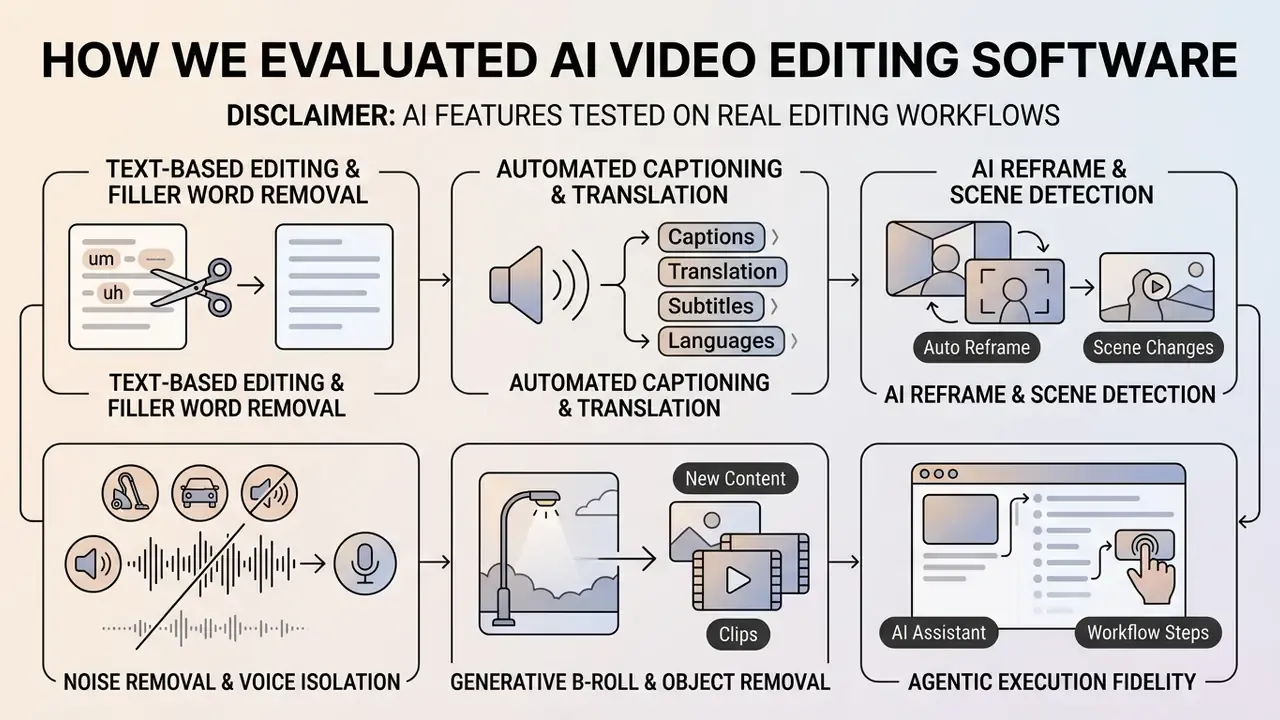
AI Features Tested on Real Editing Workflows
Editing Control, Video Quality and Learning Curve
Automation must not come at the expense of creative control or final image fidelity. High-end post production requires precise timeline controls, colour space management, and multi-track audio routing. Fully automated prompt-to-video tools lower the entry barrier for non-editors, but they often restrict granular adjustments, and you feel that ceiling on the second project rather than the first.
Academic user-interface research supports a hybrid model: human and AI co-creation yields better decisions when the interface shows alternative AI-generated options next to manual overrides.
«Comparing edit versions by aligning timelines, transcripts, and previews reduces the cognitive load of choosing between AI variants.»
The same paper is explicit about the trade-off. Prompt-based control is chosen deliberately to keep the learning curve low, which means it sacrifices some precision. Tools are therefore evaluated on how seamlessly a user can move from automated AI rough assembly to manual frame-by-frame refinement, and on whether that handoff exists at all. In several web-only editors, it simply does not.
Figure 1 (diagram placeholder). AI integration architectures in desktop NLEs: Premiere Pro (cloud generative models via Creative Cloud), DaVinci Resolve (local Neural Engine on discrete GPU), Final Cut Pro (on-device Apple Silicon Neural Engine). Data-flow note: cloud architectures transmit media frames off-device for inference; local architectures keep frames inside the workstation.
Best AI Video Editing Software 2026 at a Glance
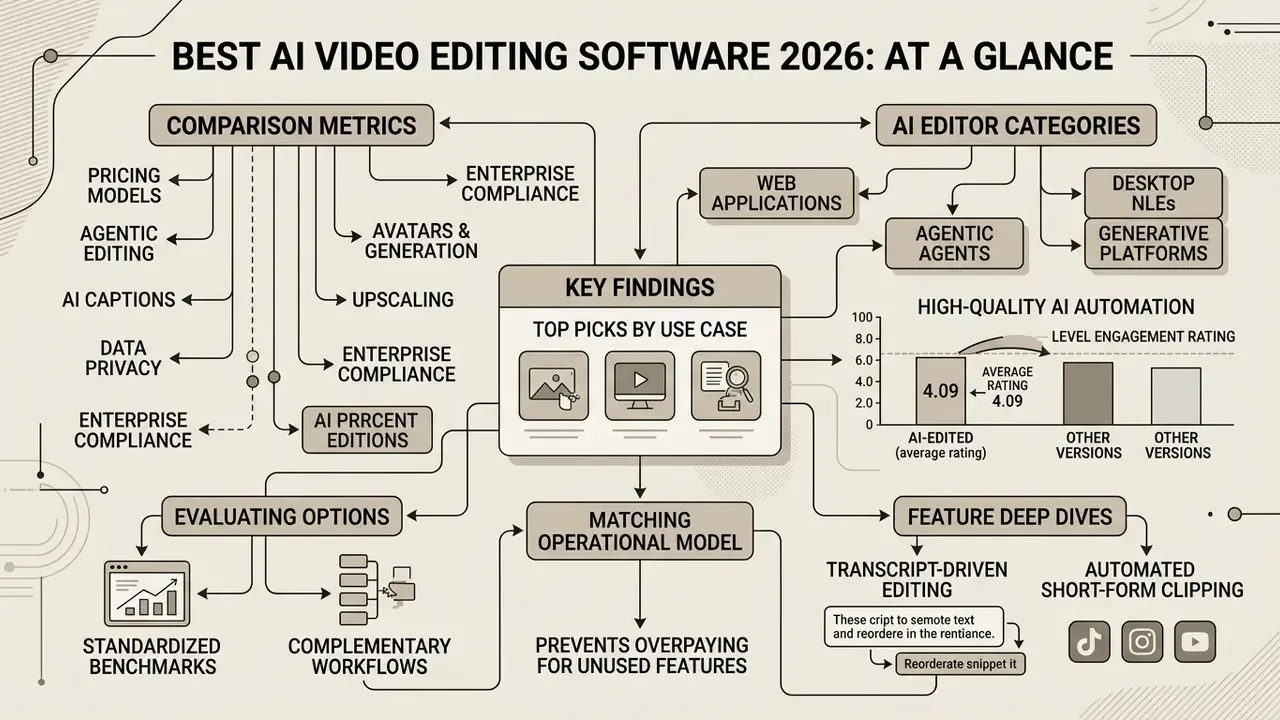
The top AI video editing software in 2026 spans specialized web applications, desktop non-linear editors (NLEs), agentic editing agents, and generative production platforms. Choosing the right AI video editor depends on whether your core workflow prioritizes rapid text based editing, automated clip generation from long video, autonomous prompt-driven assembly, or generative video creation with AI video generators.
Automation no longer implies lower output quality, either:
Table 1. Top AI video editors 2026: use case, AI features, platforms, processing location, free tier and starting price.
| Software | Primary Use Case | Key AI Features | Supported Platforms | Processing Location | Enterprise Tier | Free Tier | Starting Paid Pricing |
|---|---|---|---|---|---|---|---|
| Descript | Podcasts, interviews, talking heads | Text-based editing, filler word removal, Studio Sound, voice cloning | Desktop (Mac, Windows), Web | Cloud (AI passes) | Yes (Business) | Free (60 media mins/mo) | $16/user/month |
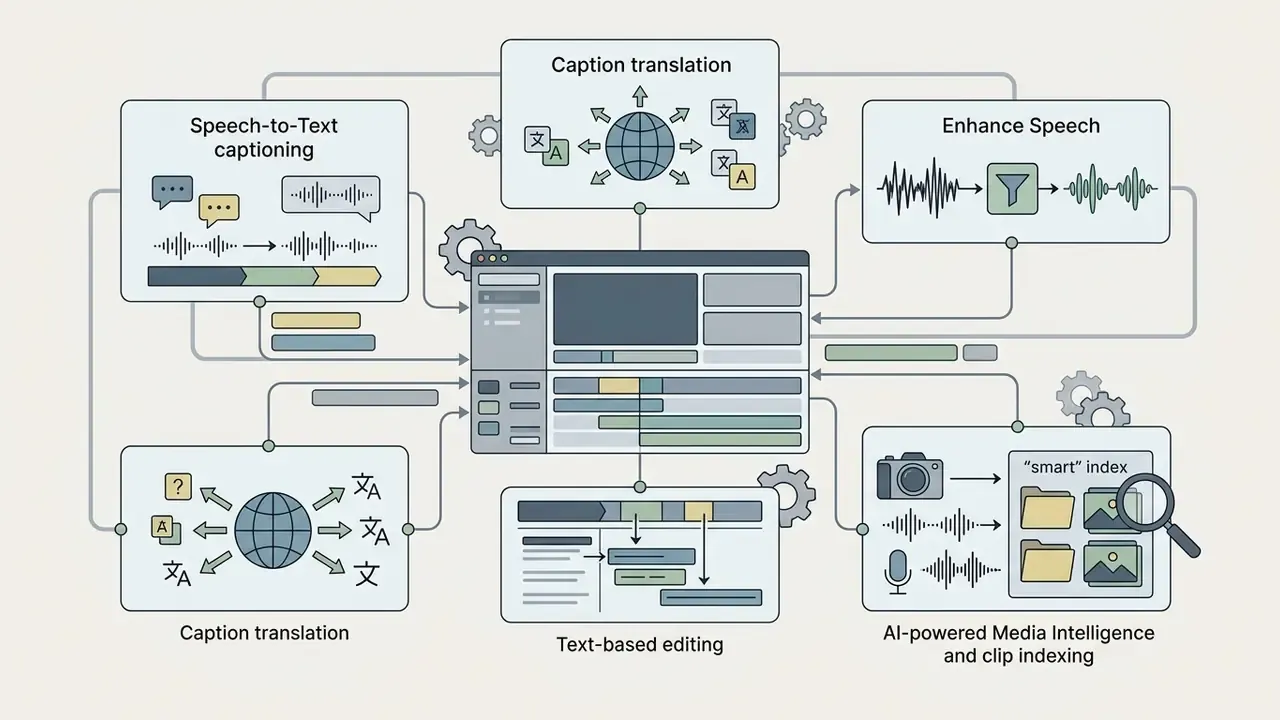
| Adobe Premiere Pro | Professional post-production | Generative Extend, Speech to Text, Enhance Speech, Media Intelligence, AI Assistant | Desktop (Mac, Windows) | Hybrid (local edit, cloud generative) | Yes (Teams/Enterprise) | 7-day trial | $22.99/month ($37.99/license business) |
| DaVinci Resolve Studio | Advanced color grading and finishing | Magic Mask, Voice Isolation, Smart Reframe, IntelliTrack AI, Speed Warp | Desktop (Mac, Windows, Linux) | Local (Neural Engine) | Volume licensing | Free core version available | $295 one-time license |
| Final Cut Pro | Mac-optimized pro video editing | Magnetic Mask, Transcribe to Captions, Generate Captions, Edit Detection, Match Color | Desktop (Mac), iPad | Local (Apple Silicon) | Volume purchase | 90-day trial (Mac) | $299.99 one-time (Mac) / $4.99/mo (iPad) |
| Wondershare Filmora | Beginner to intermediate video creation | AI Copilot, Smart Cutout, AI Music Generator, Auto Reframe | Desktop, Mobile, Web | Hybrid (credit-based cloud) | Team plans | Free (watermarked exports, ~100 AI credits) | $29.99/quarter or $49.99/year |
| CapCut | Short-form social media content | Auto-captions, background removal, auto-reframe, video templates | Web, Desktop, iOS, Android | Cloud | Limited | Free tier available | $7.99/month (Pro) |
| VEED | Browser-based social and marketing video | Edit by script, auto-subtitles, noise removal, AI B-Roll, Eye Contact correction | Web | Cloud | Yes | Free (watermarked, limits) | $12/user/month |
| OpusClip | Long-to-short video repurposing | Virality Score, AI clipping, AI B-Roll, auto reframe | Web | Cloud | Yes | Free (60 credits/mo) | $15/month (Pro $29) |
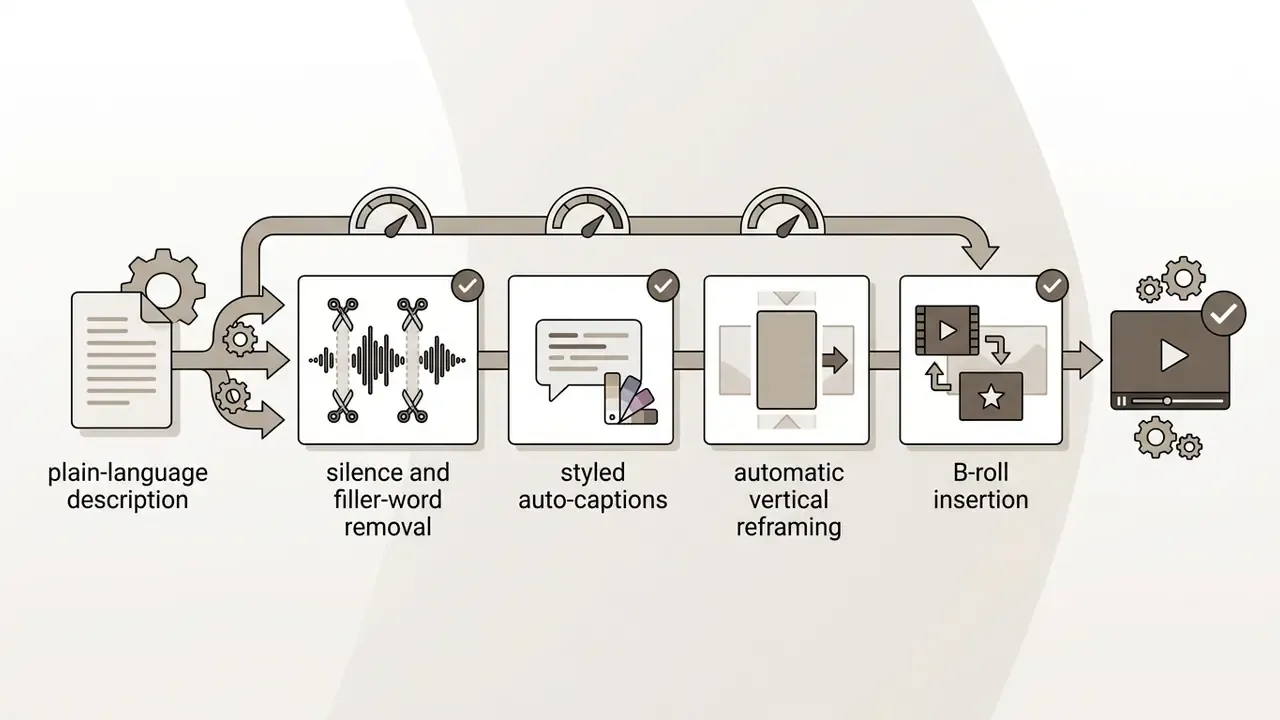
| OpusClip AI Producer | Agentic editing of raw talking-head footage | Autonomous one-pass edit, edit log, chat-directed revisions | Web | Cloud | Included in OpusClip plans | Included in free credits | From $15/month |
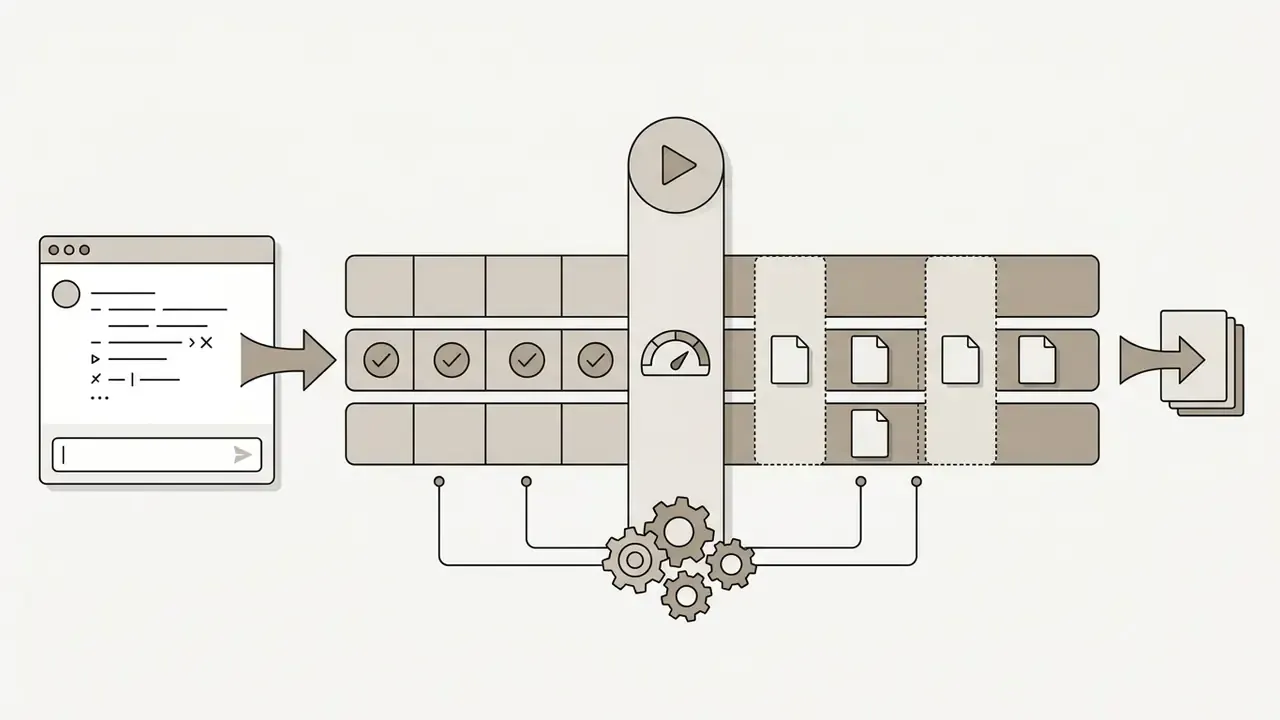
| ChatCut | Agentic editing, conversational timeline execution | Silence/filler removal, auto-reframe, B-roll from description, MP4/XML export | Web | Cloud | Not published | Free beta (starter credits) | From $25/month |
| InVideo | Script-to-video generation and video ads | Text-to-video prompts, stock media assembly, voiceovers, B-roll agents | Web, Mobile | Cloud | Team seats | Free (watermarked, limits) | $20/seat/month |
| Runway | Generative AI video creation | Gen-4.5, Aleph video-to-video editing, camera motion control | Web, iOS | Cloud | Yes (Enterprise) | Free (125 one-time credits) | $12/user/month |
| Google Veo | Photorealistic generation with native audio | Text/image-to-video, cinematic prompt comprehension, synced dialogue | Web (Flow, AI Studio), API | Cloud | Workspace/Enterprise | 50 free credits/day | $4.99/month (AI Plus) |
| Synthesia | Corporate training and avatar presentation | AI avatars, 160+ language TTS, text-to-video, brand kits | Web | Cloud | Yes (custom) | Free (10 mins/mo) | $29/month |
| Topaz Video AI | Upscaling, restoration, frame interpolation | Model-based 8K upscaling, deinterlacing, Slo-Mo generation, denoise | Desktop (Mac, Windows) | Local (GPU) | Volume licensing | No | $299 one-time |
| Riverside | Remote podcast/interview recording plus AI trimming | Local 4K/WAV capture per participant, transcript editing, AI clips | Web | Local capture plus cloud AI | Yes | Free (2 hours) | ~$15/month |
| Peech AI | Automated enterprise video branding at scale | Automated brand overlays, content tagging, bulk repurposing (1,000+ videos/mo) | Web | Cloud | Yes (primary market) | Demo only | Custom quote |
To evaluate these options against standardized benchmarks across complementary media workflows, you can compare options. Readers comparing generative engines specifically should also review how an AI video generator differs from an editor: generators synthesize new frames, editors manipulate footage you already own. Confusing the two is the most common cause of a mis-scoped purchase.
Best AI Editor for Each Use Case
Matching an AI video editor to your operational model prevents overpaying for unused features or hitting a platform bottleneck two weeks before a launch. For dialogue-heavy podcasts interviews and talking head videos, text-based editors like Descript streamline rough cuts by linking transcripts directly to audio-video tracks.
For short form video across TikTok, Reels, and YouTube Shorts, automated clipping engines such as OpusClip and browser platforms like CapCut provide accelerated aspect ratio reframing and animated captions. For raw single-speaker footage where you would rather brief an agent than open a timeline, agentic editors (ChatCut, OpusClip AI Producer) now cover the whole assembly pass.
Organizations producing high-volume training content or corporate updates without on-camera talent rely on generative avatar engines such as Synthesia. Teams that must apply identical branding to hundreds of clips per month typically use an automation layer such as Peech AI instead of a manual editor. Conversely, complex narrative films, commercial broadcasts, and multi-camera live events require the deep timeline controls, colour science, and GPU-accelerated processing found in Adobe Premiere Pro, DaVinci Resolve, or Final Cut Pro. Archive restoration and resolution recovery belong to a separate utility class, led by Topaz Video AI.
Video ads sit awkwardly between categories. Prompt-driven platforms produce a usable draft quickly, but brand-safe delivery usually still ends in an NLE.
AI Video Editing Apps for Web, Desktop and Mobile
Editing architectures dictate processing speed, data handling, and operational flexibility. Web-based editors run inside modern browsers, shifting compute-heavy tasks such as speech recognition and rendering to cloud servers. This enables multi-user collaboration and instant access across lightweight devices, though export speeds depend heavily on network bandwidth. Critically for regulated industries, it also moves source media outside your perimeter.
Desktop applications use local hardware, including Apple Silicon Neural Engines or discrete NVIDIA and AMD GPUs. Local execution supports non-destructive editing of uncompressed raw footage, zero network latency during scrubbing, and greater privacy for confidential media. Note the hybrid reality: some vendors run editing locally but route generative passes to the cloud, so the correct question is per-feature, not per-application.
Mobile applications serve on-the-go content creators, prioritizing single-tap automation, vertical aspect ratios, and direct publishing to social media platforms. Several vendors also treat mobile as generation-only, with final fine-tuning reserved for desktop. A screen recording captured on a phone, for instance, usually still needs a desktop pass for legibility. Teams working to a tight budget can cross-check limits against free video editing software before committing to seats.
AI Video Editing Software Features Comparison
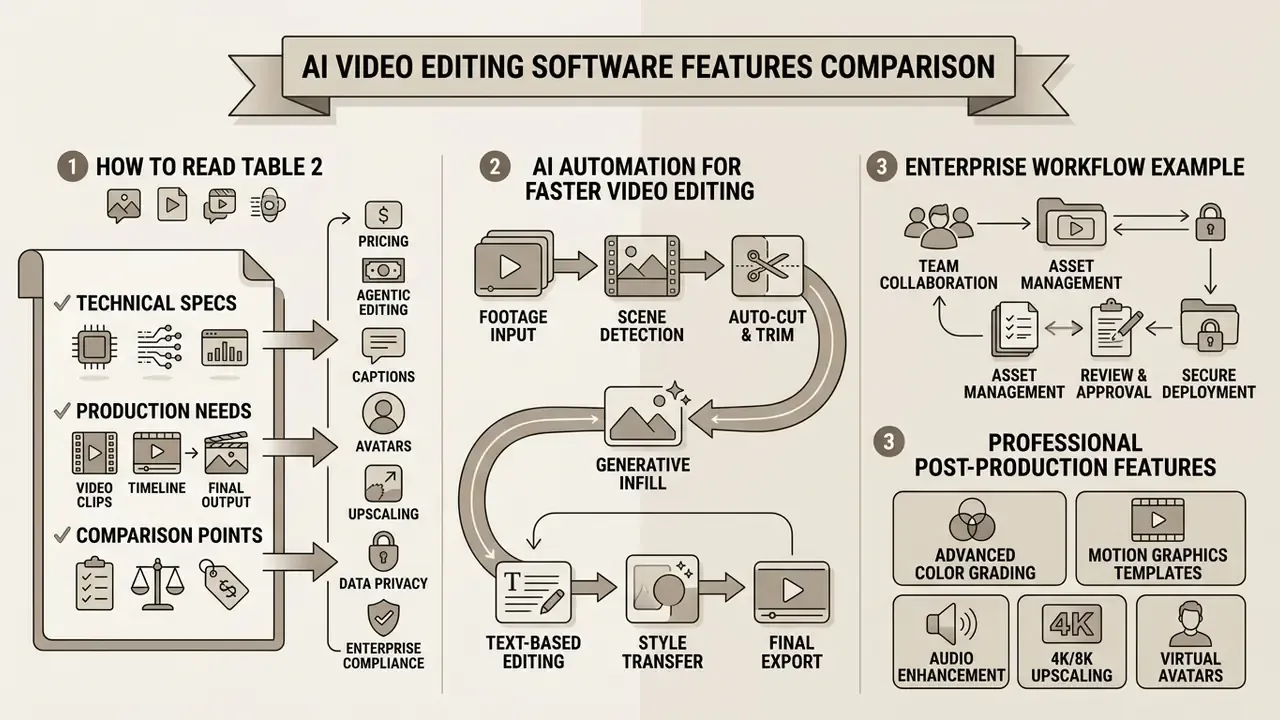
Selecting video editing software requires comparing technical capabilities against production requirements. The matrix below outlines feature availability across leading commercial platforms. Feature status is written as text (Yes / No / Partial / Manual / Native) rather than encoded in colour only, so the table stays readable by screen readers and in print.
Table 2. Feature availability matrix across leading AI video editors (2026).
| Feature | Descript | Premiere Pro | DaVinci Resolve | Final Cut Pro | CapCut | VEED | OpusClip | ChatCut | Topaz AI | Runway | Google Veo | Synthesia |
|---|---|---|---|---|---|---|---|---|---|---|---|---|
| Auto-Captions | Yes | Yes | Yes | Yes | Yes | Yes | Yes | Yes | No | Yes | No | Yes |
| Filler Word Removal | Yes | Yes | Manual | No | No | Yes | Yes | Yes | No | No | No | N/A |
| Text-Based Editing | Yes | Yes | No | No | Partial | Yes | Yes | Partial (chat) | No | No | No | N/A |
| AI Noise Removal | Yes | Yes | Yes | Yes | Yes | Yes | Yes | Yes | Partial | No | No | N/A |
| AI Reframe / Crop | Yes | Yes | Yes | Yes | Yes | Yes | Yes | Yes | No | Partial | No | N/A |
| AI Clipping (Shorts) | Partial | No | No | No | Yes | Partial | Yes | Yes | No | No | No | No |
| AI Color Grading | No | Yes | Yes | Yes | Partial | No | No | No | Partial | Partial | No | No |
| Generative Video | No | Yes | No | No | Partial | No | No | No | No | Yes | Yes | Yes |
| AI Avatars | No | No | No | No | Partial | Partial | No | No | No | No | No | Yes |
| Agentic Workflow | No | Partial (AI Assistant) | No | No | No | No | Yes (AI Producer) | Yes | No | No | No | No |
| Eye Contact Correction | No | No | No | No | No | Yes | No | No | No | No | No | N/A |
| Video Upscaling (4K/8K) | No | Partial | Yes (Super Scale) | Partial | No | No | No | No | Yes | Partial | No | No |
| NLE XML Export | Yes | Native | Native | Native | Partial | No | No | Yes | No | No | No | No |
| Local (On-Device) Processing | No | Partial | Yes | Yes | No | No | No | No | Yes | No | No | No |
How to read Table 2. "Partial" means the capability exists but is limited in scope, resolution, or export path. "Manual" means the task is achievable but not AI-automated. "N/A" means the feature is irrelevant to that product class. The two rows that matter most for regulated buyers are Local (On-Device) Processing and NLE XML Export. The first determines whether confidential media leaves your network; the second determines whether you can audit and re-finish an AI-assembled edit inside your own pipeline.
AI Automation for Faster Video Editing
Automated editing features reduce the manual labour required during initial media assembly. Text based video editing turns timeline scrubbing into a document edit. Editors delete sentence fragments or filler words from a generated transcript, and the underlying video and audio clips trim automatically. Scene detection then breaks a long recording into logical segments, so the rough cut arrives half-built.
Automated clipping rests on a similar research base: models now score candidate segments on both content and aesthetics rather than transcript keywords alone.
«The aesthetic-guided multimodal framework outperforms competing summarization methods on four popular datasets by integrating visual aesthetics with content signals.»
Enterprise workflow example. A financial-services communications team converted 40 hours of quarterly executive webcasts into internal training clips. By combining transcript-based filler word removal with automated scene detection, the team reported a materially shorter rough-cut phase, internally logged as roughly a 58% reduction in assembly time, while keeping legal and compliance review gates unchanged before publication. Those figures are self-reported, cover a single production cycle, and have not been independently audited; treat them as directional, not as a benchmark. What is generalizable is the control pattern: automation was applied only to pre-review assembly, never to the approval step.
That distinction is the whole ballgame. Faster assembly is a productivity story; automated approval is a risk event.
Professional Post-Production Features
Professional post production demands non-destructive workflows that protect master camera files. Advanced NLEs process high-bitrate raw footage, applying AI models at the GPU level before demosaicing and colour space conversion. Research on low-light RAW enhancement confirms that AI can operate in the RAW domain before demosaic and output conversion, which is exactly why professional pipelines keep the AI pass upstream of delivery encoding.
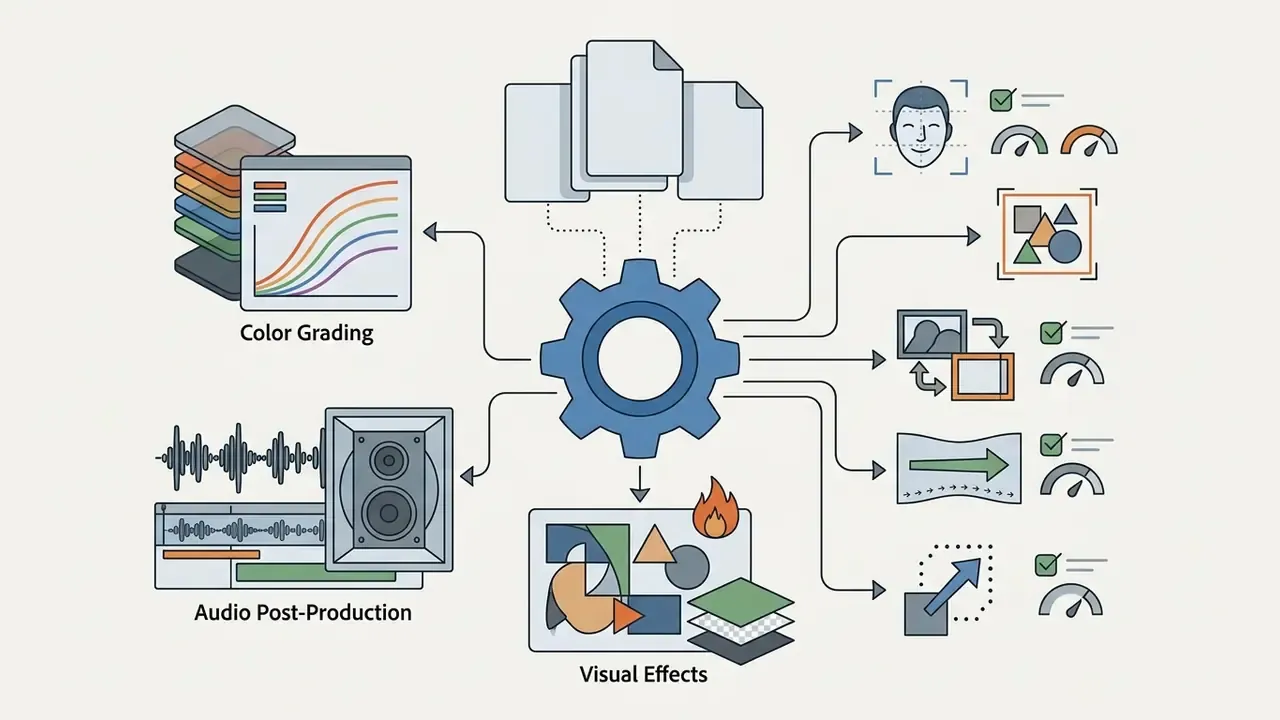
Features such as DaVinci Resolve's Magic Mask or Final Cut Pro's Magnetic Mask use neural networks to isolate complex subjects, including moving actors and intricate objects, without manual rotoscoping. Worth understanding before comparing any video editor on price alone. AI-assisted colour matching analyzes optical characteristics across disparate camera sensors and adjusts primary colour wheels to establish visual consistency across multi-camera shoots. Crop and transform operations, including aspect ratio adaptation, sit after lens correction and repair but before global grading, an ordering that AI auto-reframe tools should respect rather than override.
Best Desktop AI Video Editors for Professional Video Production
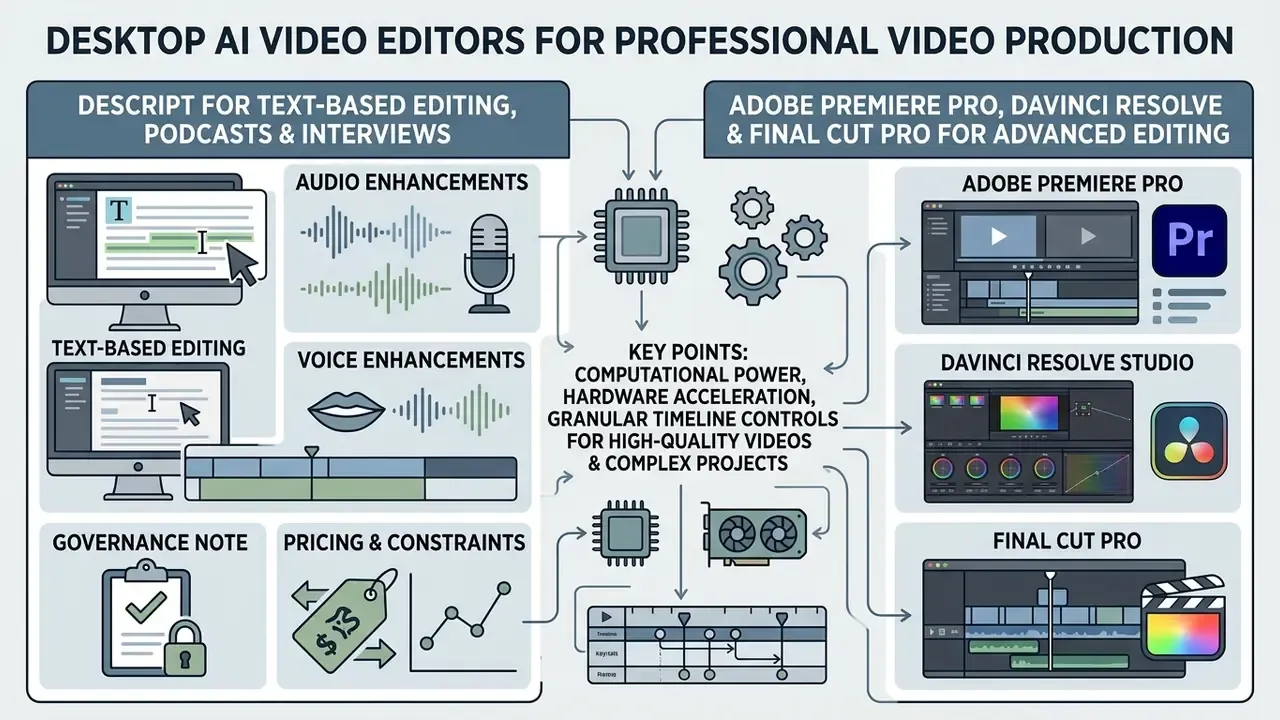
Desktop video editing software provides the computational power, hardware acceleration, and granular timeline controls needed for high quality videos and complex projects. It is also the default answer when an information-security policy forbids uploading unreleased or client-confidential footage to third-party cloud infrastructure.
Descript for Text-Based Editing, Podcasts and Interviews
Descript pioneered transcript-centric editing and remains a primary solution for podcasters, educators, and video journalists.
- Core capabilities
- Descript automatically generates transcripts with high speaker-diarization accuracy. Users edit media by cutting or reordering text. The "Remove Filler Words" tool identifies and strips verbal disfluencies ("ums," "ahs," "you know") across entire projects in a single click. Per Descript's documentation, filler-word detection currently operates on English transcripts, with options to delete, gap-replace, or ignore each detection.
- Audio and voice enhancements
- Studio Sound uses deep learning models to isolate vocals, eliminate room reverberation, and restore compressed microphone audio. Overdub enables text-to-speech voice cloning, letting creators correct misspoken words by typing replacement script text.
- Governance note
- voice cloning creates a biometric-adjacent asset. Require written consent from the voice owner, store the consent record with the project, and restrict who can generate with a cloned voice.
- Pricing and constraints
- free plan with 60 media minutes per month. Paid tiers include Hobbyist ($16/user/mo), Creator ($24/user/mo), and Business ($50/user/mo). Advanced features are subject to monthly media hour limits and credit caps.
Adobe Premiere Pro, DaVinci Resolve and Final Cut Pro for Advanced Editing
The industry's dominant non-linear editors have integrated specialized AI models directly into their timeline environments. Academic work explains why this pattern beats bolt-on automation:
«LAVE automatically generates language descriptions of footage and translates them into editing operations, lowering effort on complex projects.»
Topaz Video AI for Upscaling, Restoration and Frame Interpolation
Topaz Video AI is not a timeline editor. It is a local inference engine for rescuing footage that other tools cannot fix.
- Core capabilities model-based upscaling up to 8K, deinterlacing of legacy broadcast material, noise and compression-artifact reduction, camera-shake stabilization, and frame interpolation for synthetic slow motion.
- Where it fits archive digitization, brand-asset remastering, upscaling older webinar or training libraries before republishing, and recovering low-bitrate footage supplied by third parties.
- Privacy posture processing runs on local GPU hardware, so media never leaves the workstation. A decisive factor for regulated archives.
- Pricing $299 one-time licence, with paid upgrade cycles for new model releases. No free tier.
Best Agentic AI Video Editors (Prompt-to-Finished-Edit)
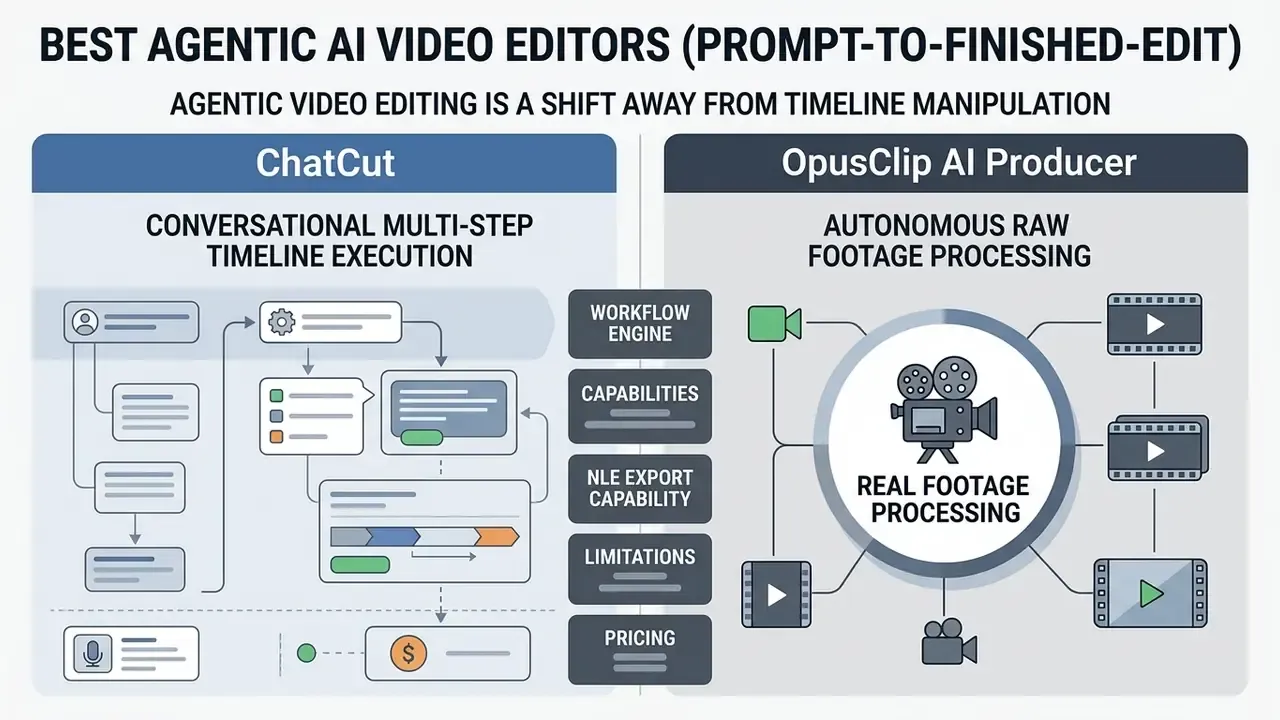
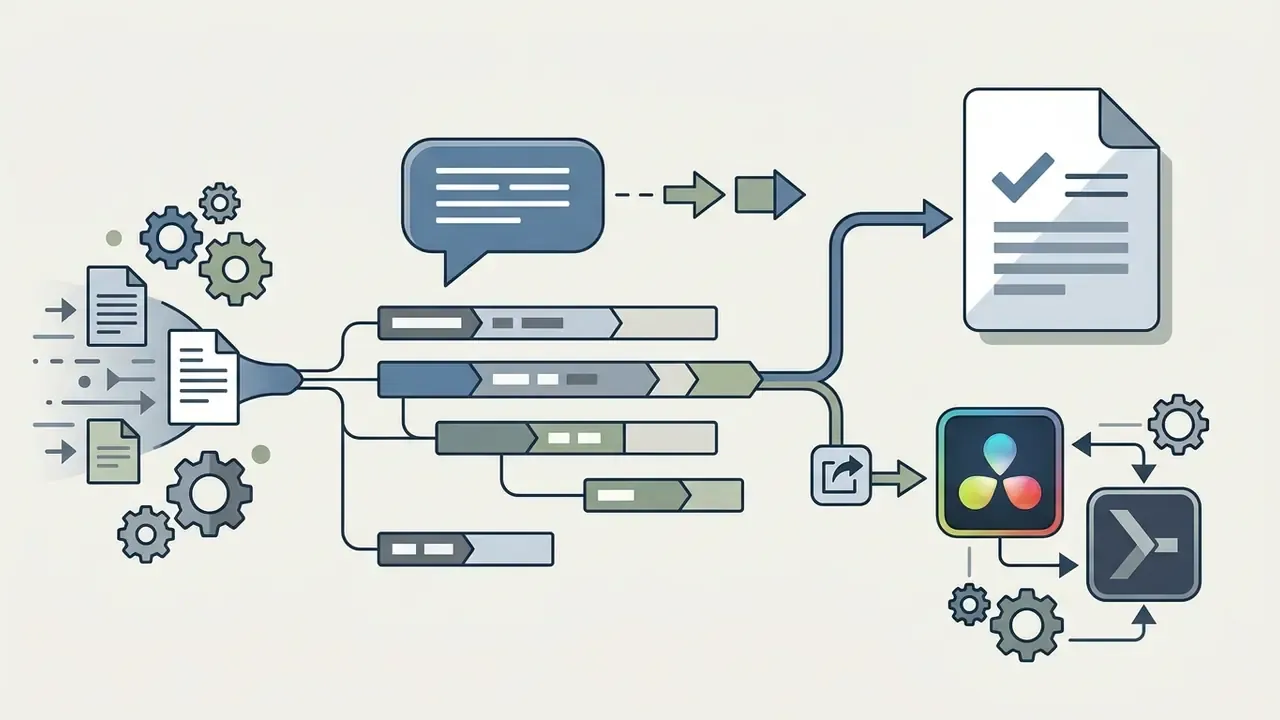
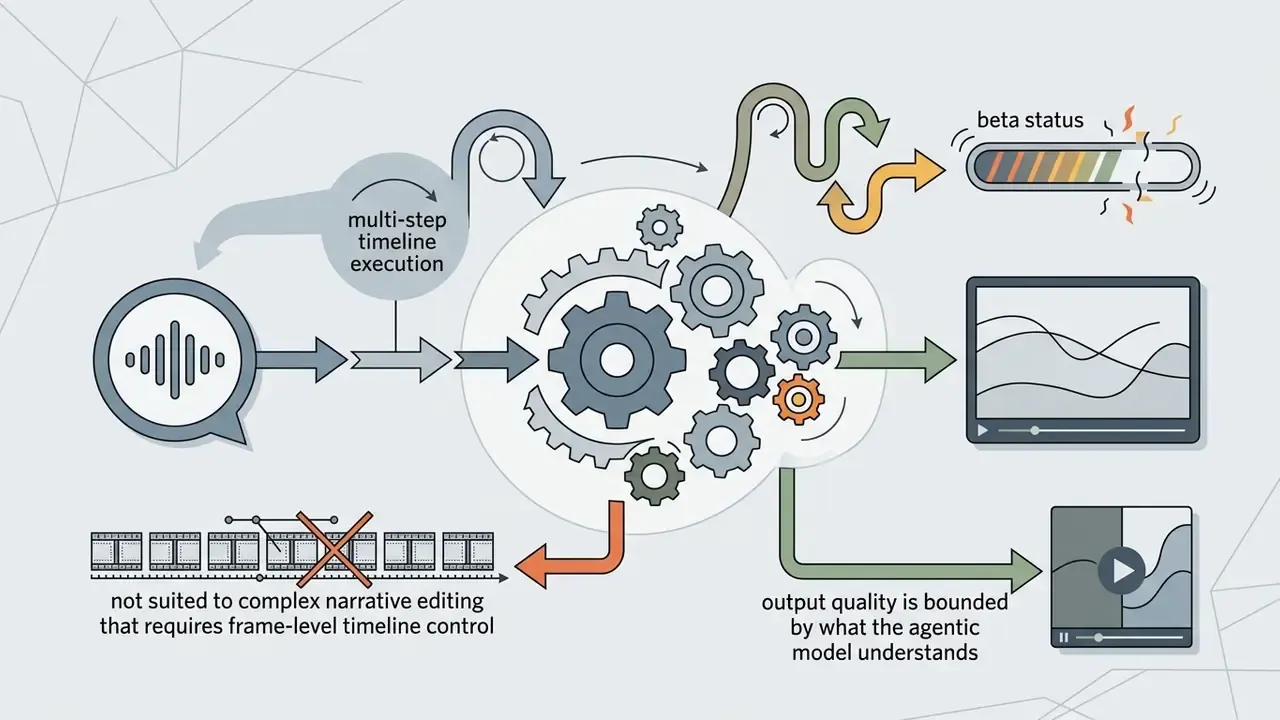
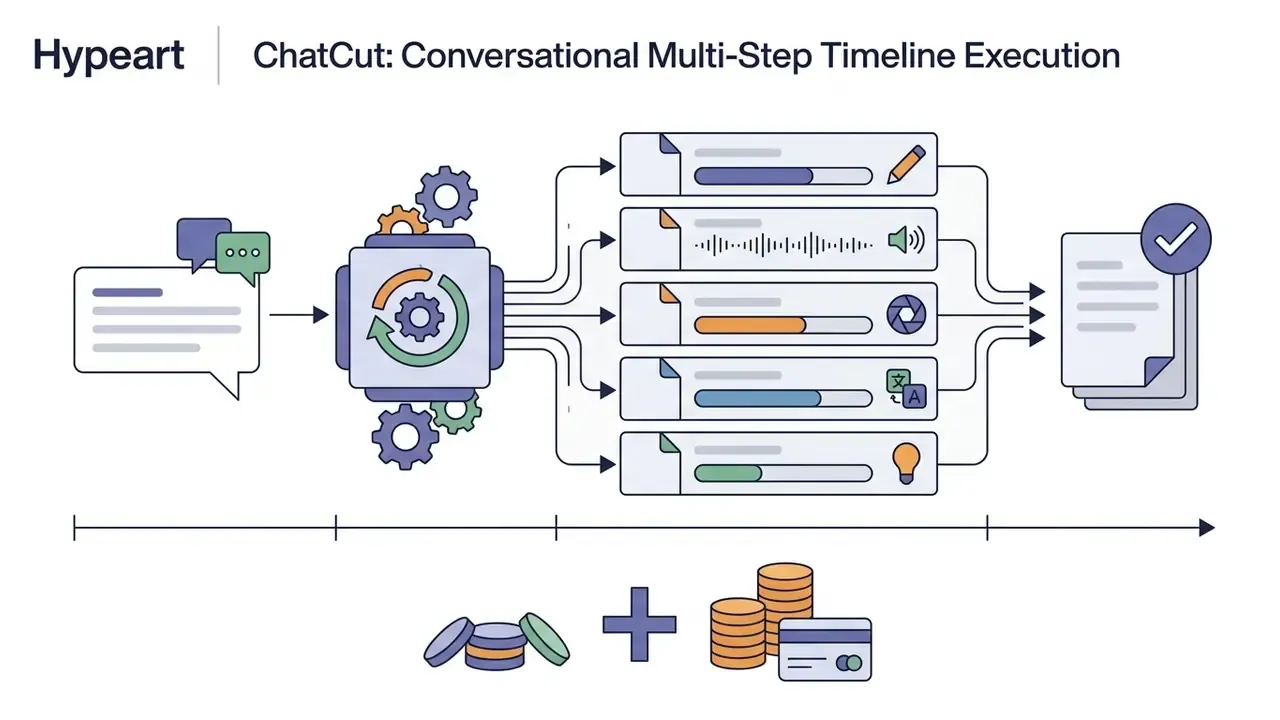
Agentic video editing is a shift away from timeline manipulation. Instead of using AI for isolated tasks such as captioning or noise removal, agentic editors accept plain-language instructions, analyze raw media context, and autonomously execute multi-step edits: trimming, B-roll assembly, audio levelling, motion graphics, export.
The governance implication is significant. An agentic tool makes editorial decisions, not only technical ones. So the two capabilities we weight most heavily in this category are a readable log of what the agent changed and why, and an export path that returns control to a human editor.
ChatCut: Conversational Multi-Step Timeline Execution
OpusClip AI Producer: Autonomous Raw Footage Processing
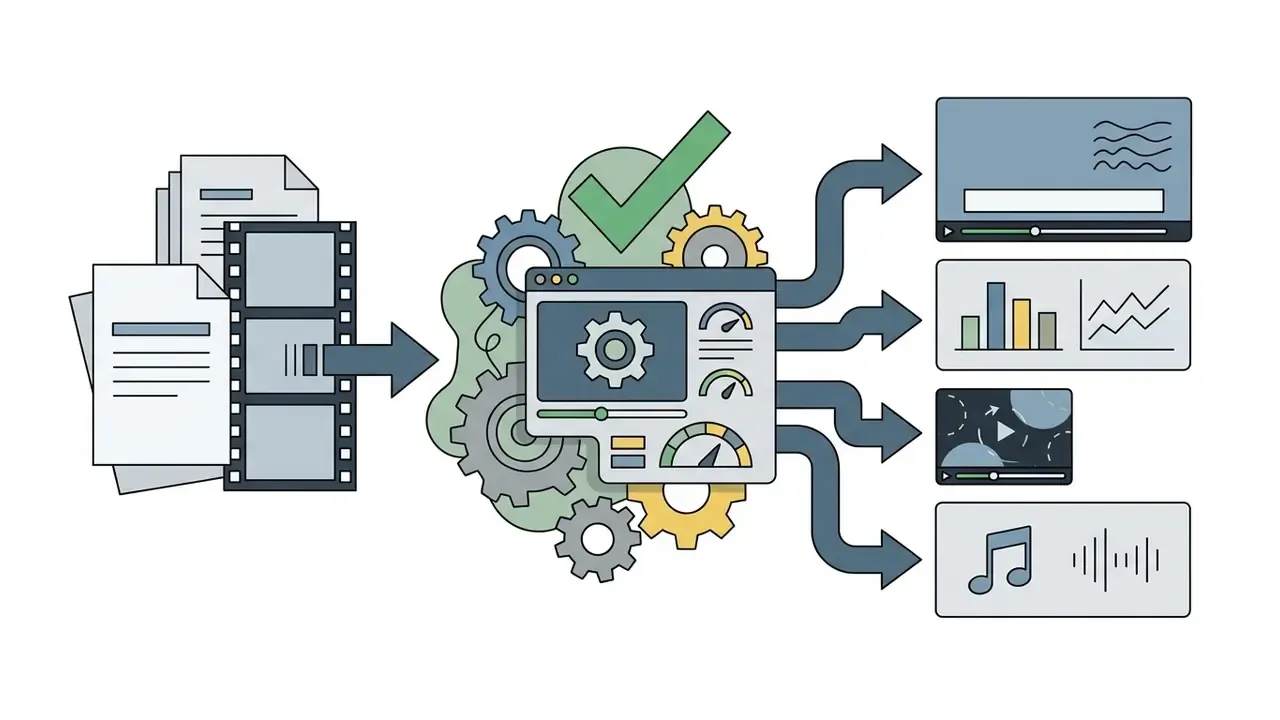
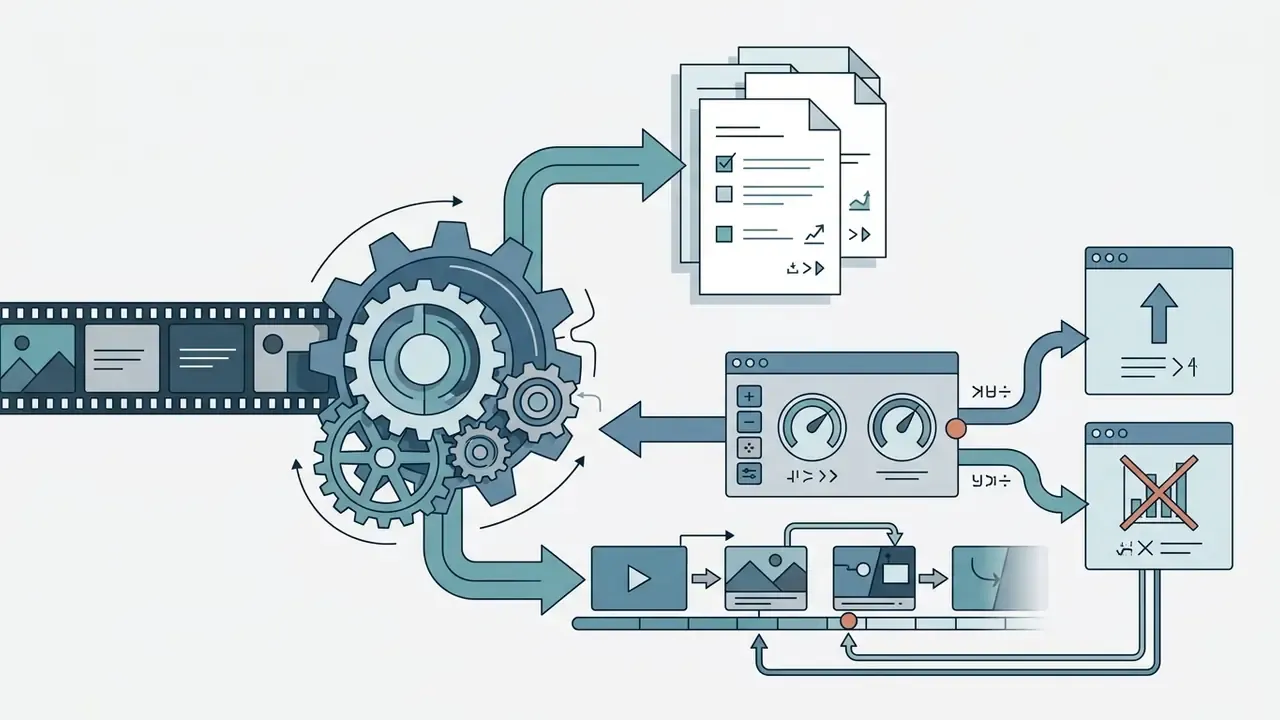
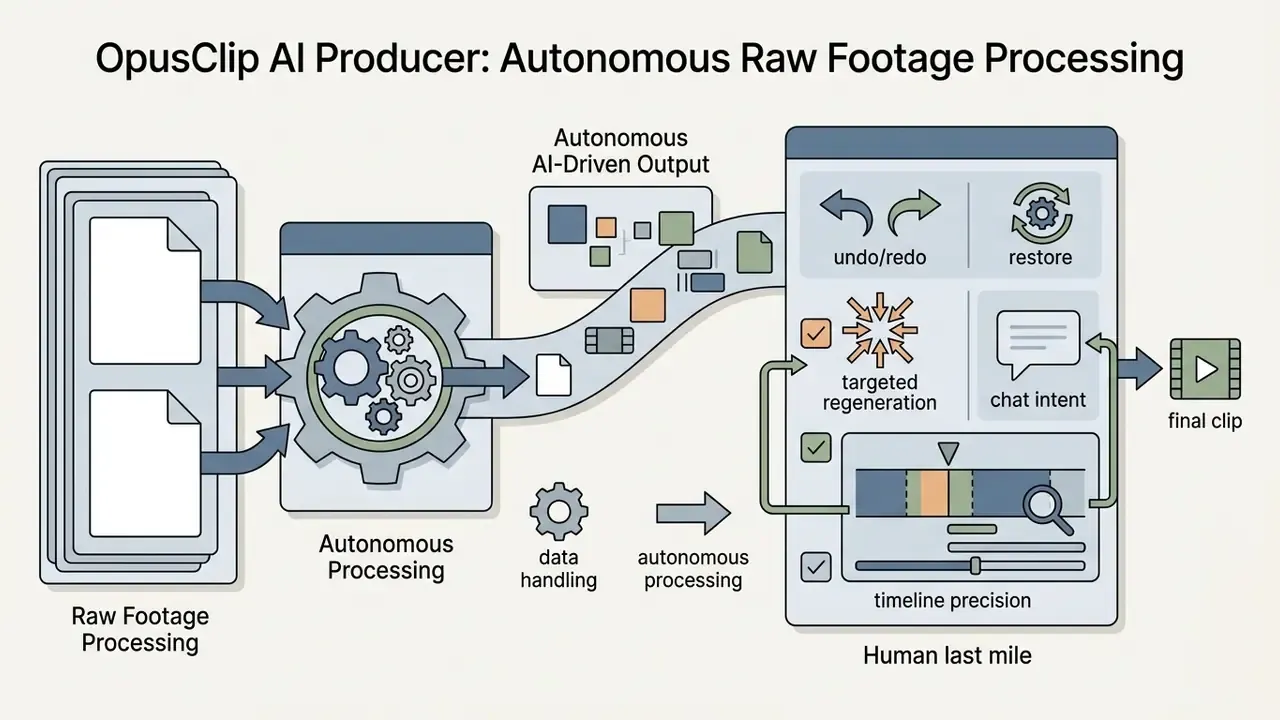
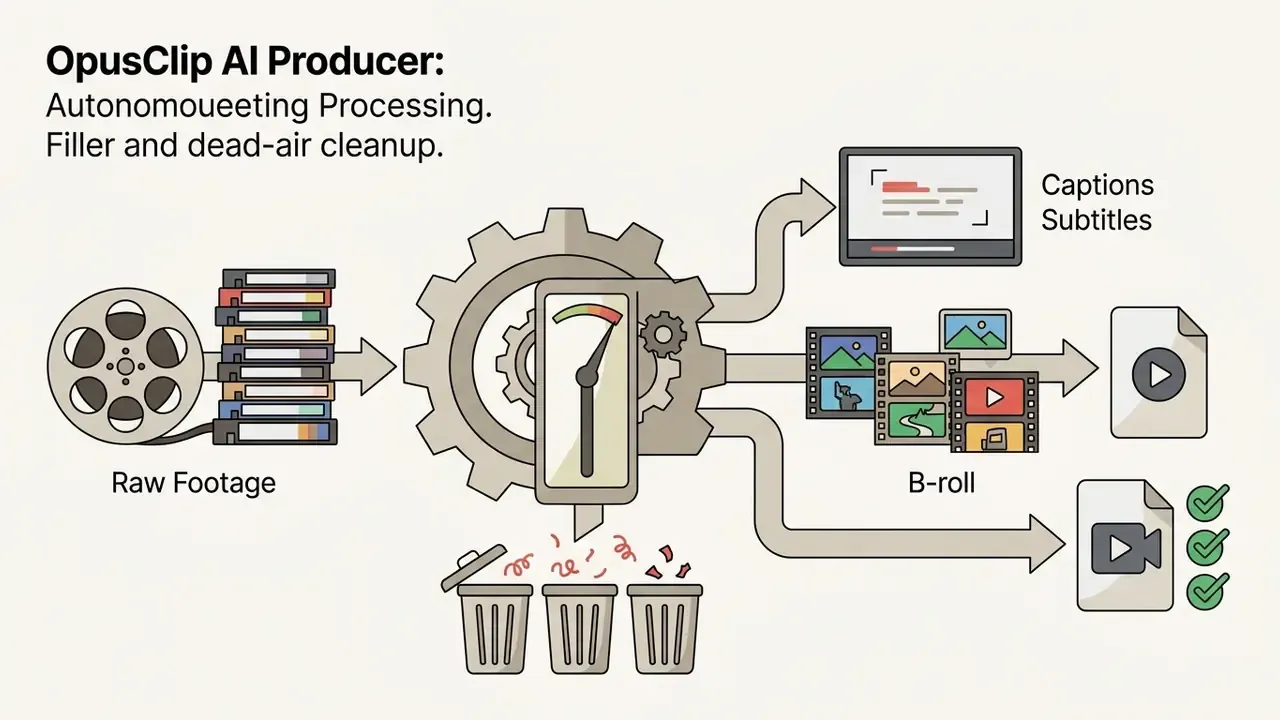
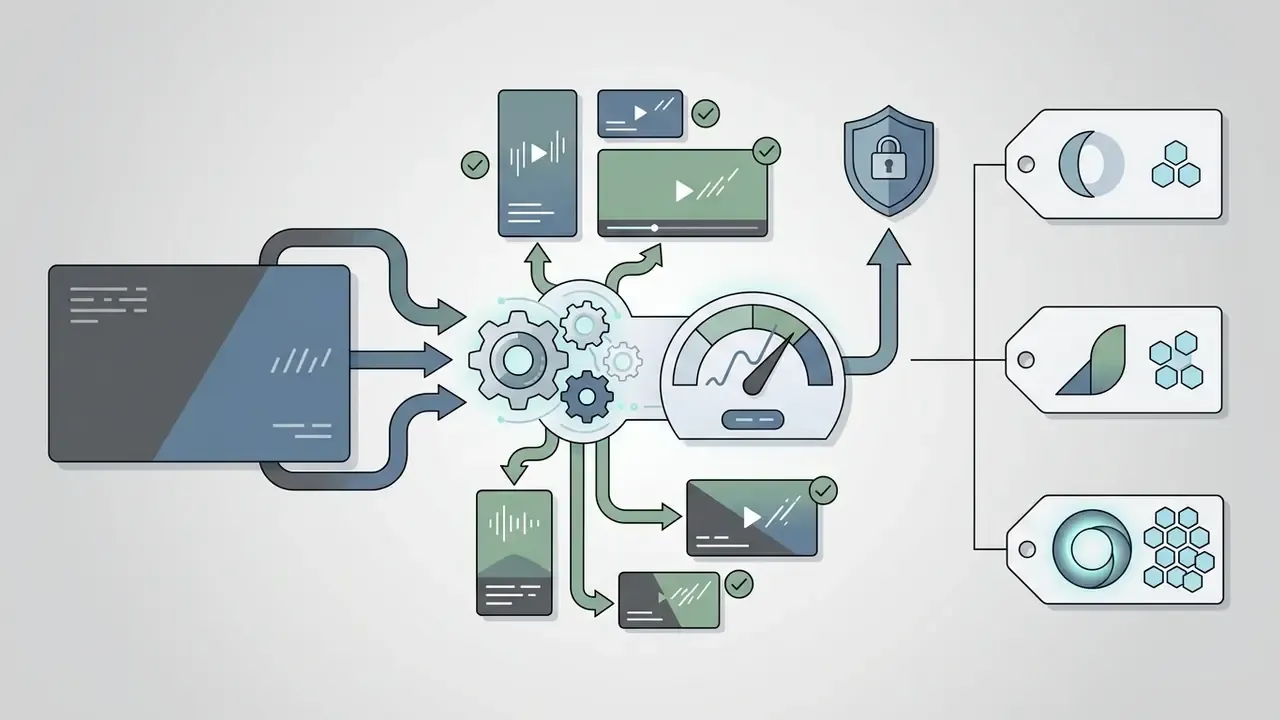
AI-assisted versus agentic, the practical distinction. An AI-assisted editor automates individual tasks inside a timeline you control. An agentic editor takes a brief and produces a finished cut you then review. For compliance-sensitive content, prefer agentic tools that log decisions, never substitute synthetic presenters without explicit sign-off, and export to XML so the final master is assembled and archived in your own NLE.
One caution from testing: agentic output is confident even when it is wrong. A clean, well-captioned cut can still misrepresent a quote by dropping a qualifier. Review the transcript diff, not just the video.
Best Web and Social Media AI Video Editors
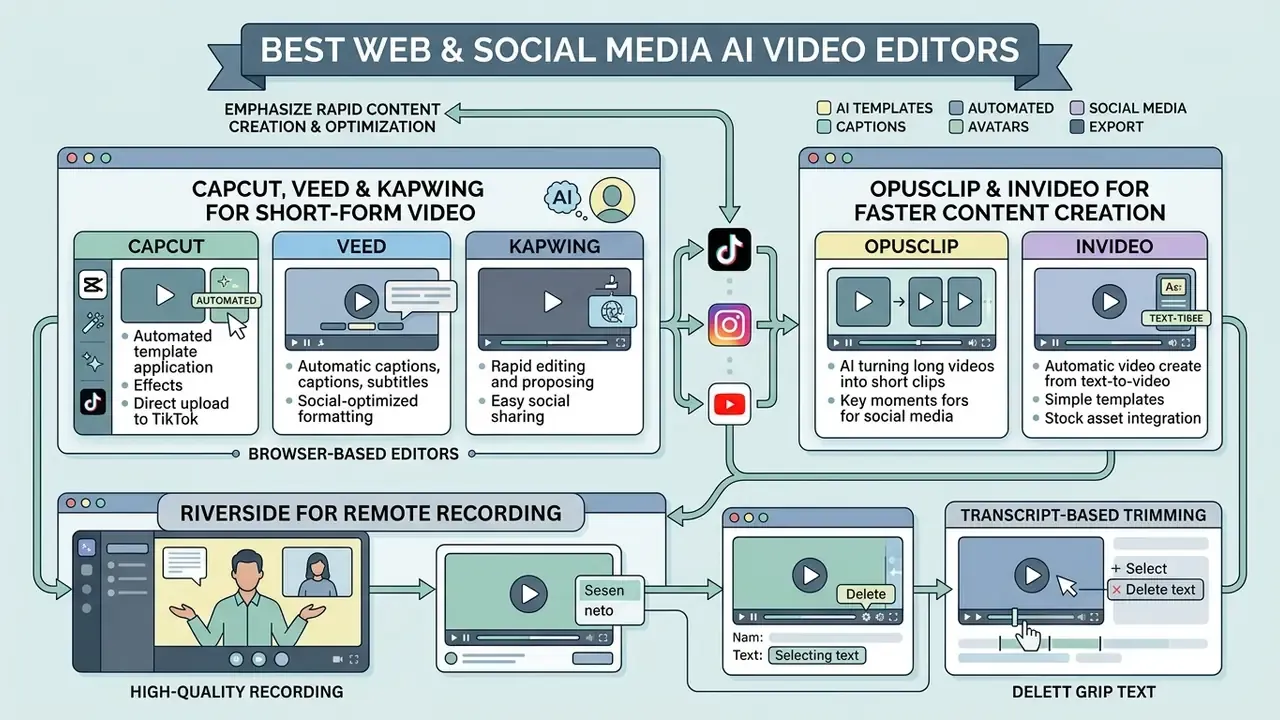
Browser-based AI editors emphasize rapid content creation, automated template application, and direct optimization for social media platforms. Organizations deploying visual assets across social channels frequently combine these tools with dedicated platforms for ai social media content creation, and often plan releases against a shared social media calendar rather than per-clip.
CapCut, VEED and Kapwing for Short-Form Video Content
Short form video creation relies on fast caption generation, vertical aspect ratio adaptation, and eye-catching visual effects.
- CapCut developed by ByteDance, CapCut is a leading tool for TikTok, Reels, and YouTube Shorts. It provides automated subtitle generation with customizable animated styles and subtitle templates, background removal with automatic and custom modes, auto-reframing, and a large library of trending audio and video templates. CapCut's own learning materials flag background-removal export as a Pro feature; full export of select AI features requires a paid subscription at $7.99/month. Enterprise buyers in regulated sectors should review ownership and data-transfer implications before approving it for internal media.
- VEED a cloud-first video editor aimed at marketing teams and content creators. VEED features "Edit by Script" transcript editing, auto-subtitles in 100+ languages with translation and dubbing support, delete-silences and filler-word removal inside the transcript panel, dynamic progress bars, a teleprompter, AI background noise removal, and Eye Contact correction that adjusts a presenter's gaze to face the camera. Genuinely useful for anyone reading from notes or a second monitor. Size presets cover 9:16, 1:1, and 16:9. The free tier watermarks exports and limits resolution and duration; paid plans start at $12/user/month, with higher team tiers for collaborative review.
- Kapwing designed for collaborative team editing, Kapwing offers auto-subtitle generation with pre-styled subtitle templates, automated video translation, background removal, and export in any aspect ratio. Kapwing's own help documentation notes that subtitle styling is more limited than on some competing platforms. Free accounts carry export watermarks and file size limits; Pro plans start at $16/user/month billed annually.
OpusClip and InVideo for Faster Content Creation
Automating long form content repurposing lets creators generate social media clips from podcasts, webinars, and keynotes with minimal manual editing.
- OpusClip specializes in converting long form YouTube videos or podcasts into short clips. Its AI engine analyzes speech context to assign a "Virality Score" to extracted segments based on pacing, hooks, and topic relevance. It automatically reframes vertical video to keep speakers centred, generates animated captions with word-level highlighting, inserts contextually relevant AI B-roll (regenerable at sentence level), identifies speakers in multi-person content, and generates chapters for the original upload. Its ClipAnything model extends clipping to podcasts, interviews, webinars, vlogs, and gameplay with sparse dialogue. Pricing includes a free tier (60 credits/mo), Starter at $15/month, and Pro at $29/month. Caveat from testing: AI curation misses context, the top-scoring clip is not always the most relevant to your audience, and every clip needs a human review pass before publishing.
- InVideo focuses on prompt-driven video generation and video ads. Users input text prompts or full scripts, and InVideo generates complete drafts featuring stock footage, script-aligned voiceovers, on-screen text, and transitions. Its agent workflow plans shots, generates clips in parallel, and assembles a full B-roll package in roughly two to three hours. It can also blend user-uploaded screen recording with context-setting stock footage for software tutorials. The platform runs on a seat-and-credit model starting at $20/seat/month, with higher AI-creation seats priced above that.
Riverside for Remote Recording and Transcript-Based Trimming
For podcast and interview video, the recording step constrains everything downstream. No AI editor recovers a compressed, drift-prone video-call file.
- Local capture Riverside records each participant's audio and video locally in high resolution (up to 4K video and WAV audio) and syncs tracks automatically, so remote guests are captured at studio quality from a browser call.
- AI editing layer transcript-based trimming, automatic clip extraction, captions, and export to social formats.
- Pricing free tier with a two-hour allowance; paid plans from roughly $14 to $19/month depending on tier.
- Best for podcast producers, interview-format creators, and media teams recording remote guests who need broadcast-usable source files.
AudioEditor.pro for Episode-Level Audio Cleanup
Video podcast workflows usually fail on audio, not picture. Browser-based audio editors close that gap before the video pass begins.
- Capabilities cut and rearrange audio by editing text in the transcript, remove silences, filler words, and background noise in one pass, then fine-tune with waveform and multi-track timeline controls and export from the same workspace.
- Trade-off it is an audio-first tool for episode cleanup ahead of clipping or publishing, not a replacement for a full video suite.
- Best for podcasters, interview creators, and video podcasters preparing clean masters before repurposing. Teams delivering to bandwidth-constrained channels should also review guidance on a video compressor to avoid re-encoding losses after the AI pass.
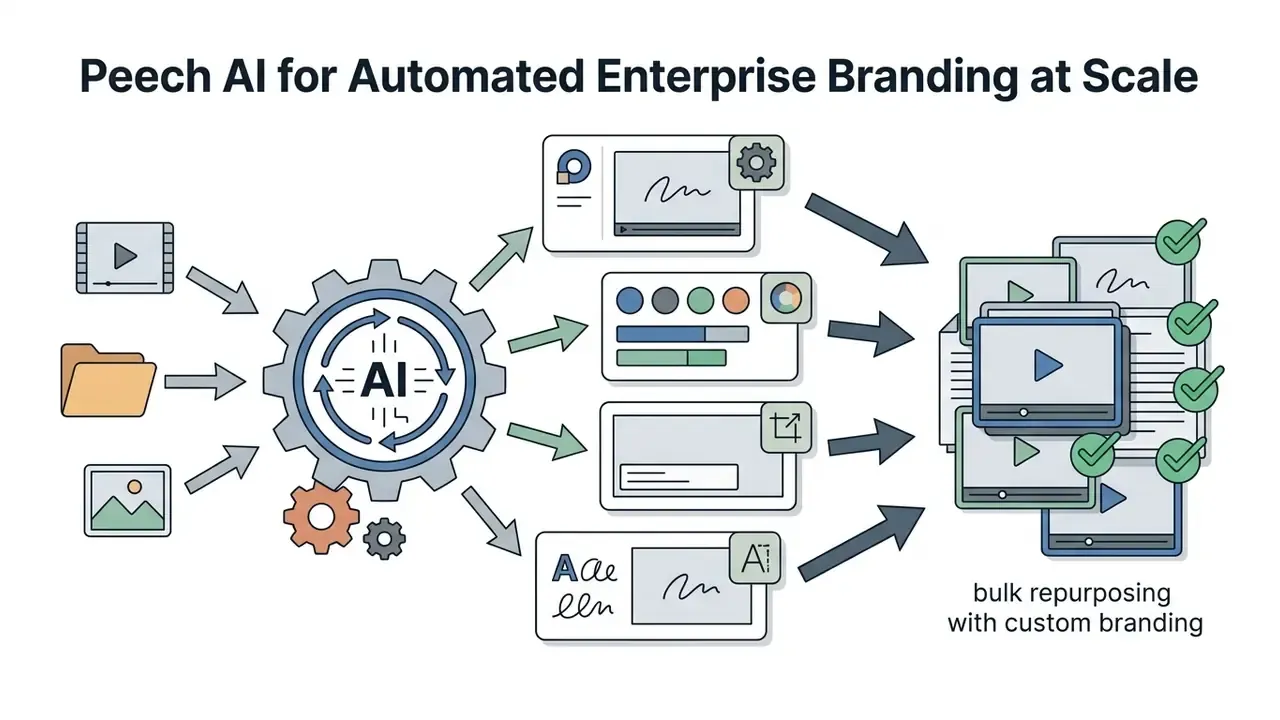
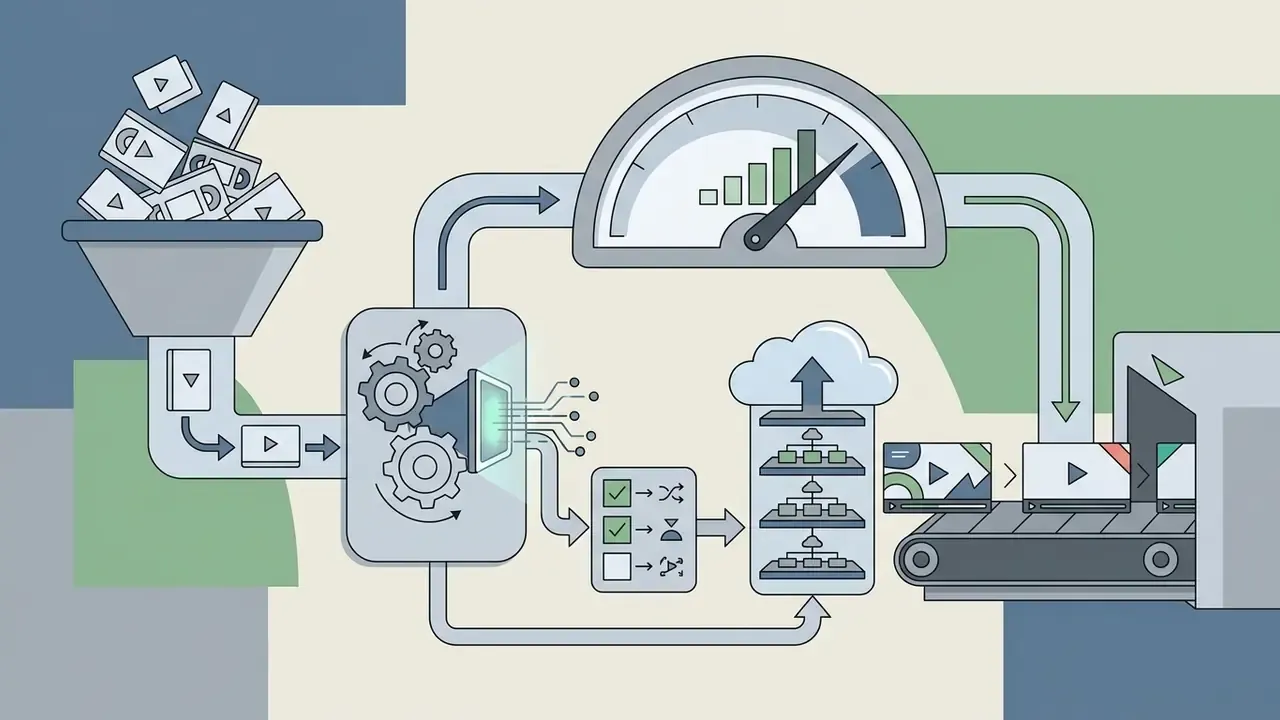
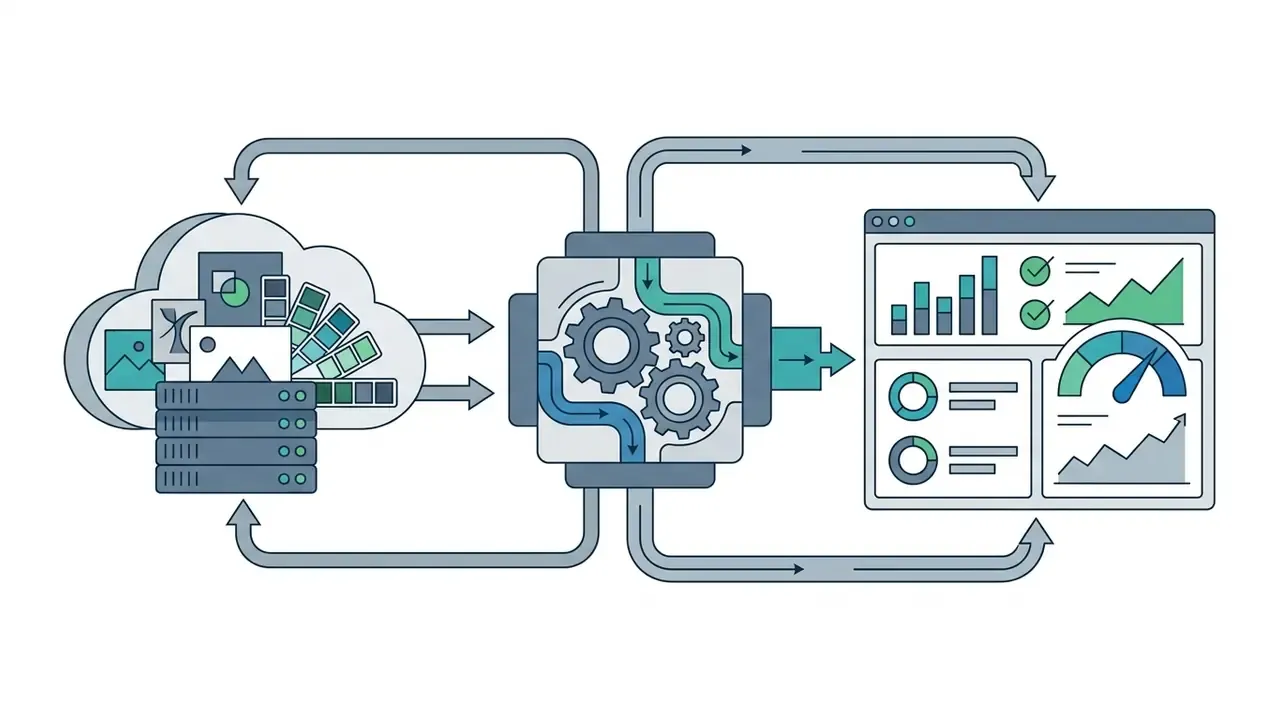
Peech AI for Automated Enterprise Branding at Scale
Peech targets a problem consumer editors ignore: applying identical brand treatment to very large volumes of video.

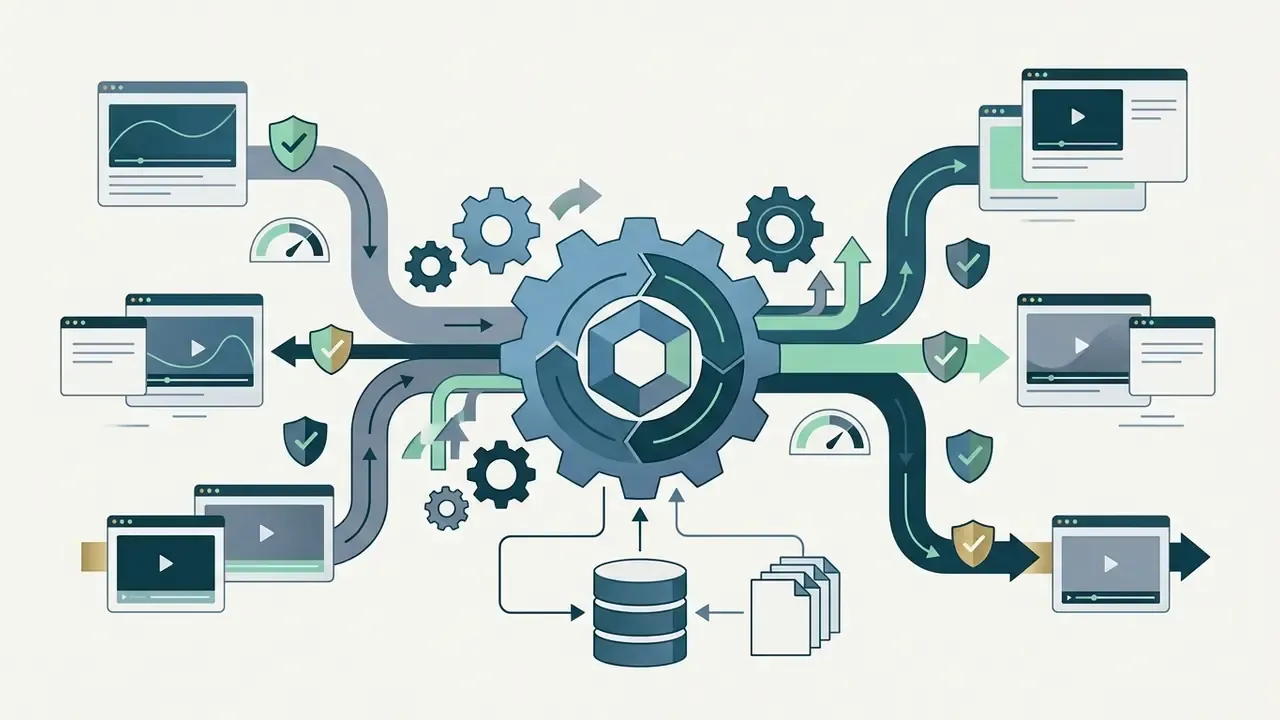
Best AI Tools for Video Generation and AI Avatars
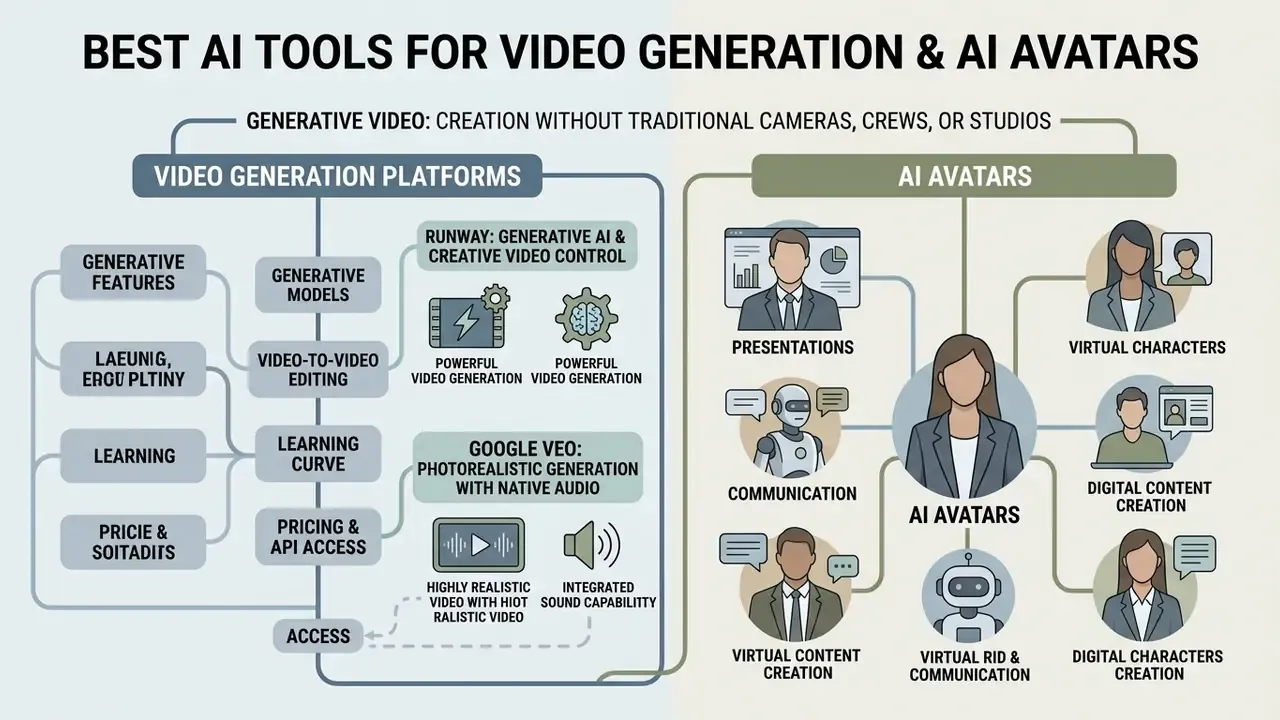
Generative video platforms enable video creation without traditional cameras, filming crews, or physical studio space. Readers new to the category should start with the mechanics of text-to-video AI before comparing prices, because credit consumption is driven by model, resolution, and duration rather than by seat count.
This is also the category with the highest governance exposure. Synthetic presenters and synthetic footage trigger disclosure obligations under the EU AI Act's transparency rules, and Microsoft's own Azure guidance classifies every text-to-speech avatar feature as requiring high disclosure, precisely because synthetic avatars can be mistaken for real people. Treat any avatar or generative deployment as a labelled, consent-backed, logged process, not a creative shortcut.
Runway for Generative AI and Creative Video Control
Runway is a primary platform for generative ai video, offering high-level artistic and camera control for filmmakers and creative directors.
- Generative models Runway's current flagship, Gen-4.5, accepts both images and text prompts as starting points and is built for filmmaking, with comprehension of industry concepts such as timed beats and camera choreography (pan, truck, handheld feel). It has scored at the top of blind preference leaderboards against competing frontier models. Earlier Gen-3 Alpha Turbo camera controls remain documented, with axis-based moves: horizontal, vertical, tilt, zoom, and roll.
- Video-to-video editing the Aleph model edits and transforms existing footage from text prompts, changing backdrops, relighting a scene, swapping time of day, or generating shots you never filmed. Aleph 2.0 removes objects from video without manual masking or tracking, reconstructing hidden background automatically.
- Learning curve Runway's depth is a genuine cost. Expect a steep learning curve and budget time for prompt iteration.
- Pricing and API access 125 one-time credits on the free tier. Standard plans start at $12/user/month, Pro at $28/month, and Max at $76/month, with an Enterprise tier above that. API access is billed per second of generation and varies by resolution, with tiered credit rates for 480p, 720p, and 1080p output.
Figure 2 (diagram placeholder). Generative video model comparison: resolution ceilings, temporal coherence, native audio support, and camera-control granularity across Runway Gen-4.5 and Aleph, Google Veo, and earlier Gen-3 Alpha. Values reflect vendor documentation at time of publication and change frequently.
Google Veo for Photorealistic Generation with Native Audio
Quality claims in this category should be tested, not accepted. Peer-reviewed evaluation pipelines now exist for exactly that:
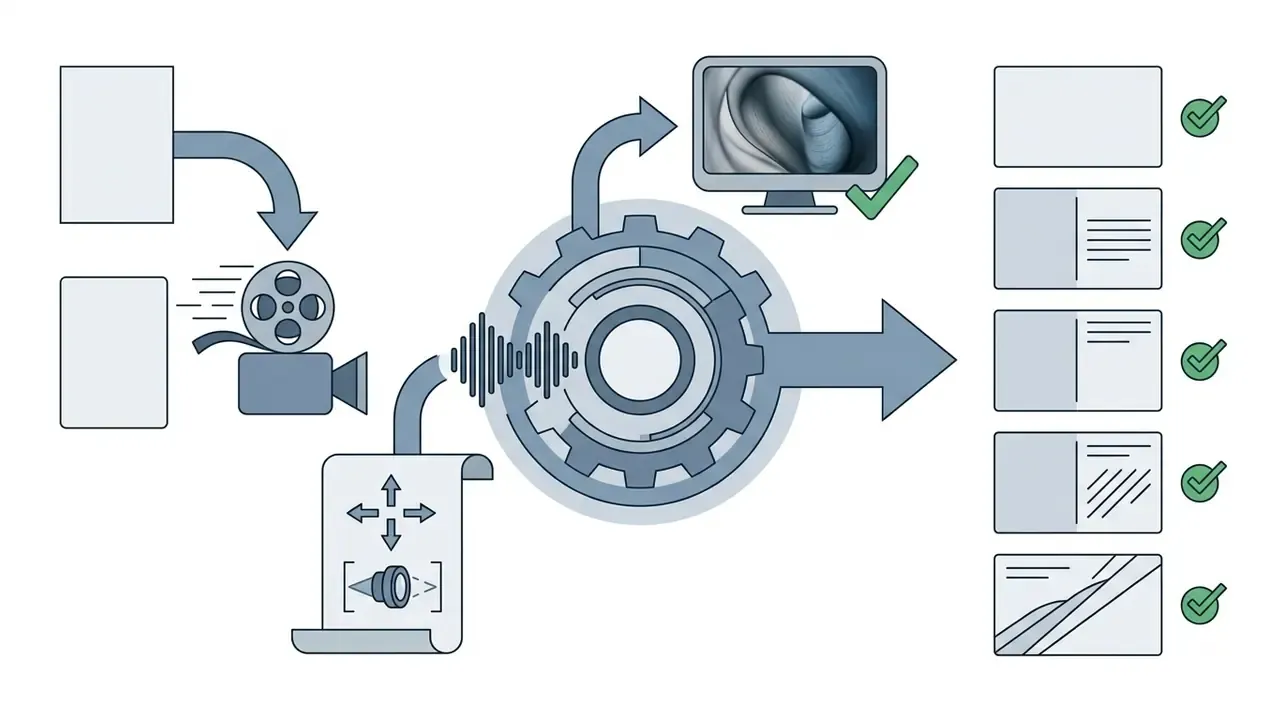
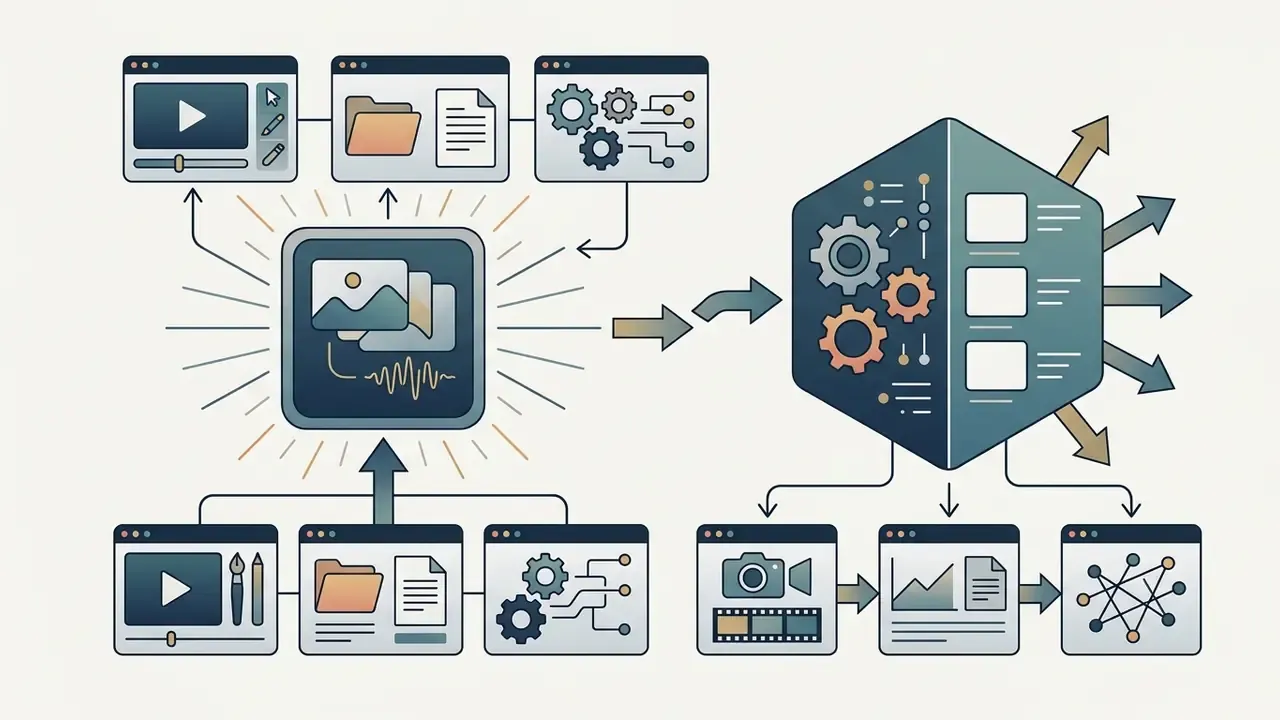
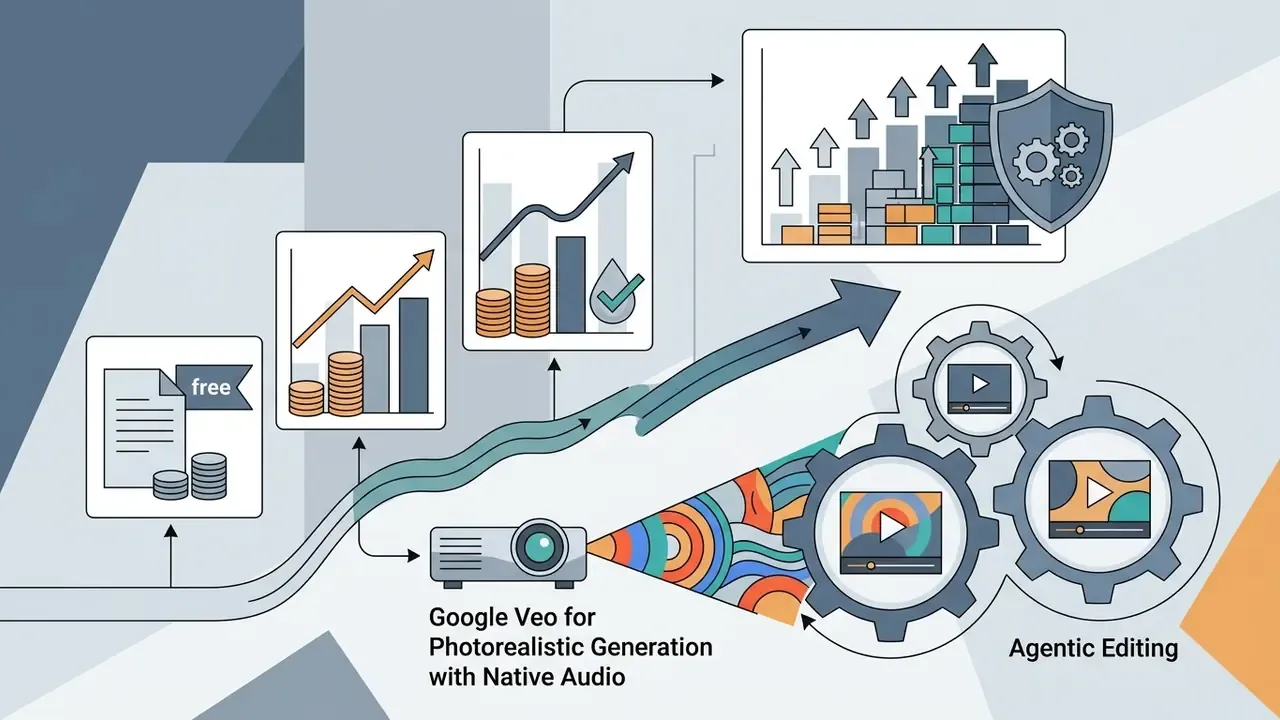
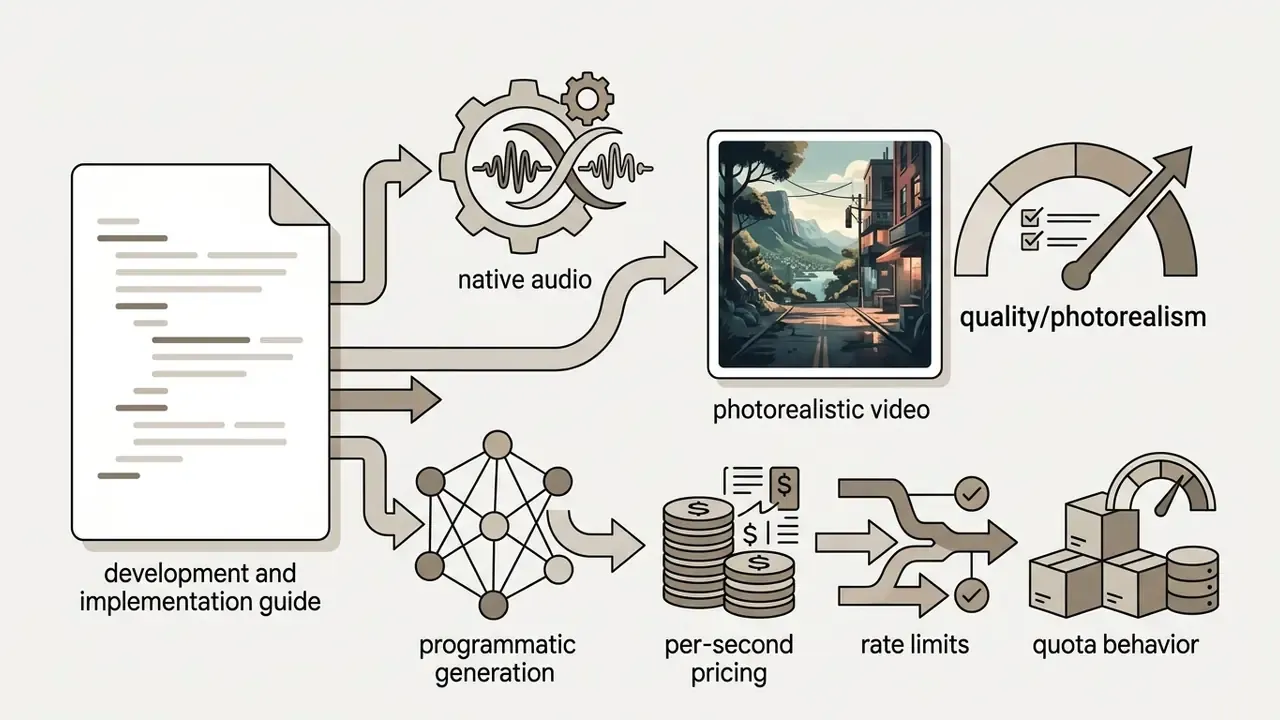
«T2VScore combines text-prompt alignment and video quality; on the 2,543-clip TVGE dataset it correlates with human judgement better than FVD or CLIP Score.»
Synthesia for AI Avatars and Business Video Creation
Synthesia targets corporate training, customer onboarding, and internal communications by replacing live presenters with photorealistic AI avatars. It brands itself as a business-first AI video platform, and the plan structure reflects that.
- Avatar and voice synthesis generates high-definition presenter videos from typed scripts in over 160 languages, with language switching and multiple languages inside a single scene. Supports custom avatar creation from brief studio recordings of company representatives.
- Corporate integration built-in brand kit controls, media asset management, and closed-captioning exports. Teams building presenter decks alongside avatar video often pair it with ai presentation generator tools.
- Avatar quality benchmarks research metrics give buyers a reference point for evaluating commercial avatar realism and latency.
«Avatar Forcing achieves roughly 500 ms latency and is preferred by users in over 80% of comparisons against the strongest baseline.»
«Livatar-1 reaches LipSync Confidence 8.50 on HDTF with 141 FPS throughput and 0.17 s latency on a single NVIDIA A10 GPU.» - Livatar-1: Real-Time Audio-Driven Talking-Heads via Flow Matching (2025). https://arxiv.org/abs/2501.00000
- Risk controls to require before deployment: documented written consent for every likeness and voice used; a restricted approval list of who may publish avatar content; visible on-screen disclosure wherever a viewer could mistake the presenter for a live person; retention of the source script and generation log as audit evidence; and a takedown path for terminated employees whose likeness was captured.
- Pricing structure: the free Basic plan provides 10 minutes of video generation per month with stock avatars. Paid tiers include Starter ($29/month or $264/year), Creator ($89/month or $804/year), and custom Enterprise licensing. Custom avatar creation is an additional annual add-on; Synthesia's Express-1 studio avatar is listed at $1,000/year for annual subscribers, which materially changes total cost for organizations that want branded presenters.
Teams evaluating avatars against animated or illustrated presenters may also want to compare an image-to-video AI workflow or a conventional animation maker. Both avoid likeness-consent exposure entirely, which is sometimes the cheaper answer.
Enterprise Security, Data Privacy and Shadow AI Controls
For regulated buyers, feature parity is rarely the deciding factor. What decides it is what happens to the media after upload.
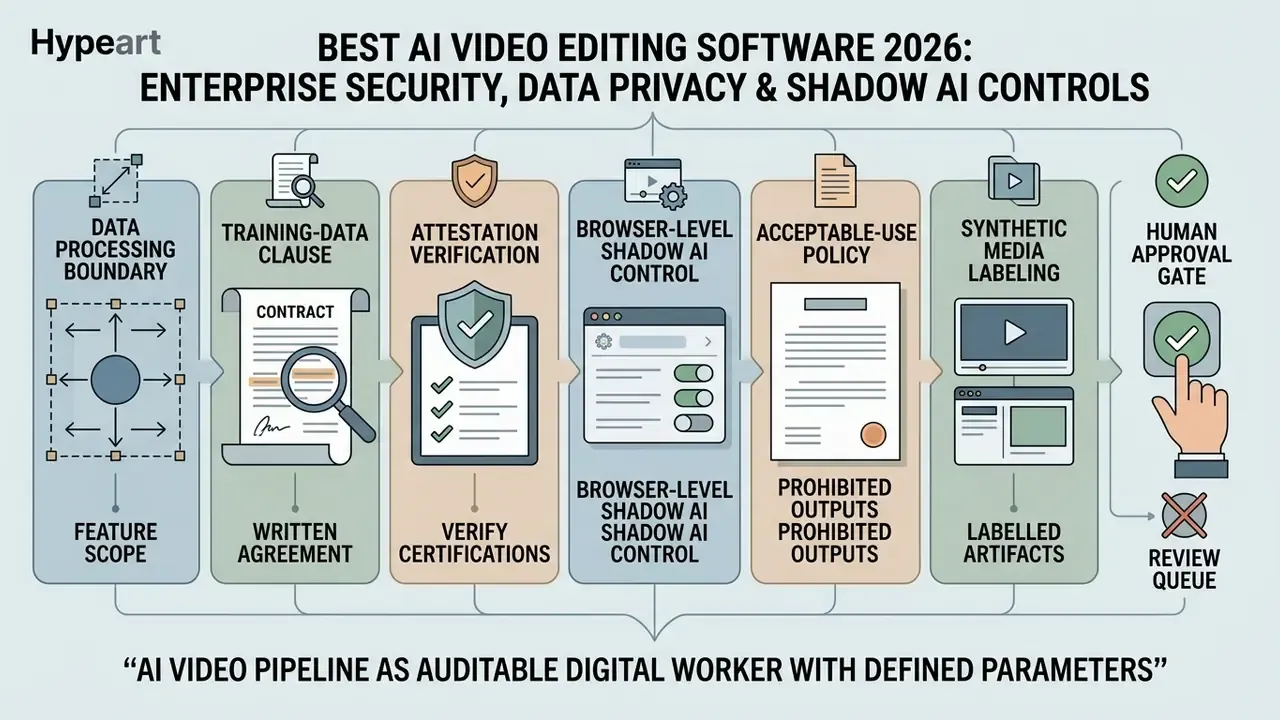
1. Determine the processing boundary per feature. A tool can be "desktop" and still send generative passes to a cloud endpoint. Build your vendor matrix at feature level: which operations are local, which are remote, and which are remote only when a specific toggle is enabled. DaVinci Resolve, Final Cut Pro, and Topaz Video AI run their principal AI passes locally. CapCut, VEED, Kapwing, OpusClip, ChatCut, Runway, Veo, and Synthesia are cloud-inference platforms by design.
2. Get the training-data clause in writing. The question is not "is the vendor secure" but "does the vendor train on my content, and can I opt out contractually?" Require an explicit statement on model training, data retention period, sub-processor list, and deletion on termination. Vendor marketing pages are not evidence. The Data Processing Agreement is.
3. Verify attestations rather than assuming them. SOC 2 Type II, ISO/IEC 27001, encryption at rest and in transit, SSO/SAML, and role-based access control should each be confirmed against the vendor's current trust-centre documentation and report date. Attestation status changes between releases, so record the date you verified it.
4. Control Shadow AI at the browser. Browser-based editors are the most common Shadow AI vector in media teams, because they need no installation and no procurement ticket. Practical controls: allow-list approved editing domains, block uploads of files from classified storage locations, apply DLP inspection to large media POSTs, and publish a one-page "approved editors" list so staff have a compliant default. Policy without a sanctioned alternative reliably produces workarounds.
5. Write an acceptable-use policy that names prohibited output categories. Generative models will produce material your brand cannot publish, and generic "use responsibly" wording gives reviewers nothing to enforce. Name the categories explicitly, including likeness misuse, political content, and adult or ai nsfw images output, then confirm which vendor-side filters exist and whether they can be disabled by an end user.
6. Treat synthetic media as a labelled artifact. Under the AI Act's transparency provisions, providers must mark outputs as artificially generated in a machine-readable format, with those obligations applying from 2 August 2026. Independently of the regulation, maintain provenance metadata (C2PA-style content credentials where supported), retain prompts and edit logs, and keep a human sign-off record for every externally published synthetic asset.
7. Keep humans on the approval gate, not just the review queue. NIST's framework is explicit that human review of generated content and acceptable-use policies are governance functions. In practice: automate assembly, never automate approval.
This section describes general risk-management practice and publicly documented regulatory timelines. It is not legal advice; confirm obligations with your own counsel and compliance function.
Total Cost of Ownership: Seats, Credits and Compliance Overhead
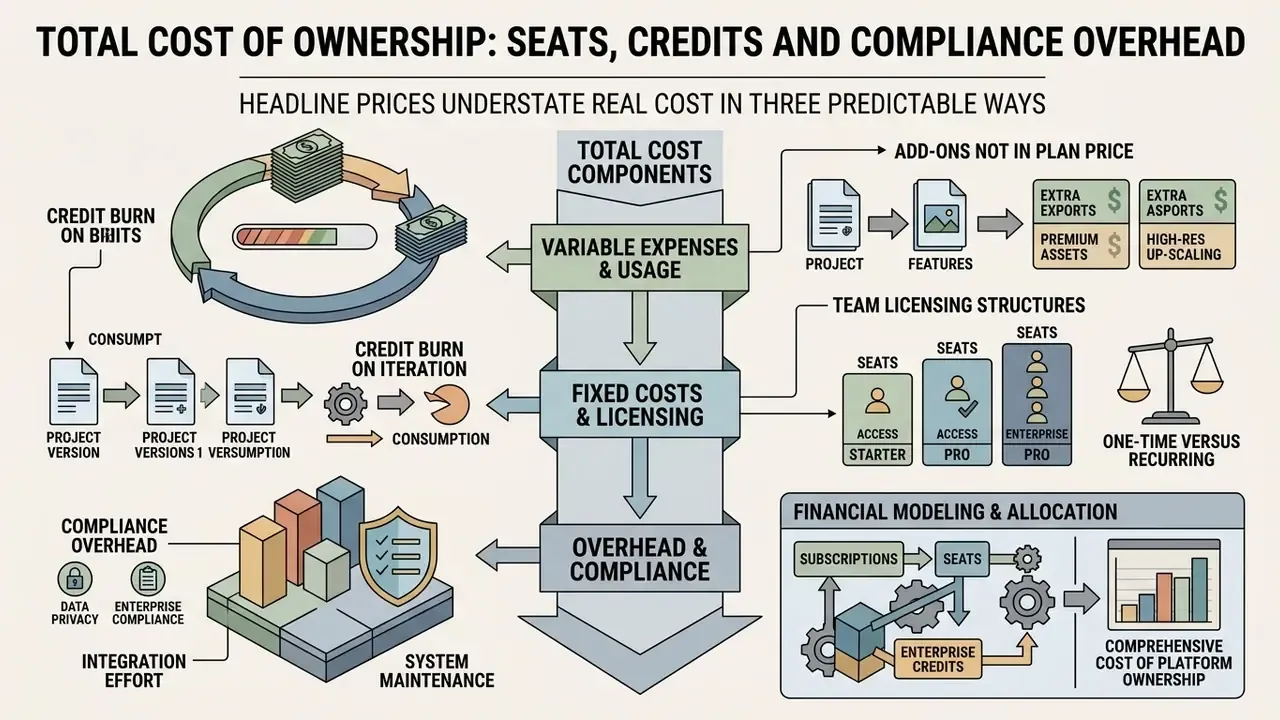
Headline prices understate real cost in three predictable ways.
Credit burn on iteration. Generative and high-speed AI features are metered by credit, and credits are consumed per attempt, not per accepted result. A single 8-second generative shot that takes six prompt iterations costs six times the sticker figure. Google Veo's tiers (200 credits at $4.99, 1,000 at $19.99, 10,000 at $99.99) and Runway's per-second API rates make this arithmetic explicit. Filmora's fallback from high-speed to sequential normal-mode processing once credits run out turns the same problem into a schedule risk instead of a cost risk.
Add-ons that are not in the plan price. Custom avatars are the clearest example: a $29/month Synthesia plan plus a $1,000/year custom avatar add-on is a different budget conversation than the plan price alone. Similar patterns appear in translation minutes, storage, and extra render priority.
Compliance overhead. Budget for the work that surrounds the tool: vendor security review, DPA negotiation, consent collection for cloned voices and avatars, disclosure-label QA, edit-log retention, and periodic re-attestation. For a regulated organization, that is frequently a larger line item than the licences themselves.
One-time versus recurring. DaVinci Resolve Studio ($295), Final Cut Pro for Mac ($299.99), and Topaz Video AI ($299) are perpetual purchases with local processing and no metering, often the lowest three-year cost for teams with existing GPU workstations. Cloud subscriptions win on collaboration and time to first export, and lose on cumulative cost and data-boundary risk.
To model subscription structures, team licensing, and enterprise credit allocations across platforms, stakeholders can explore the hub or use the cost calculators.
How to Choose the Right AI Video Editor in 2026
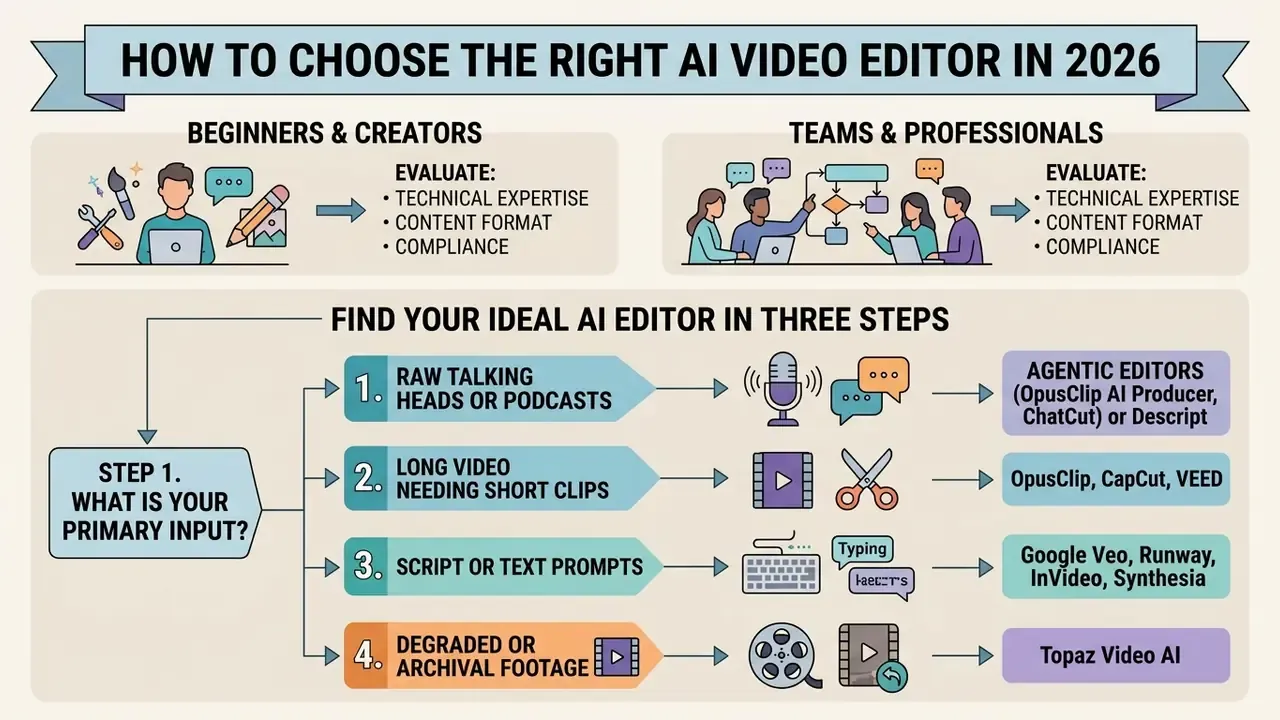
Choosing video editing software means evaluating your team's technical expertise, content format, platform requirements, and compliance standards. Four answers usually narrow the field to two or three tools.
Find your ideal AI video editor in three steps
Step 1. What is your primary input?
Raw talking head videos or a podcast: agentic editors (OpusClip AI Producer, ChatCut) or Descript.
Long video needing short clips: OpusClip, CapCut, VEED.
Script or text prompts only: Google Veo, Runway, InVideo, Synthesia.
Degraded or archival footage: Topaz Video AI.
Step 2. How much creative control do you need?
Full automation with review afterwards: agentic editors.
Granular timeline, colour, and audio routing: Premiere Pro, DaVinci Resolve, Final Cut Pro.
Step 3. Where can the media be processed?
Must stay on-device: DaVinci Resolve, Final Cut Pro, Topaz Video AI.
Cloud acceptable with a signed DPA: browser-based and generative platforms.
Result: the intersection of your three answers is your shortlist. If Steps 2 and 3 conflict with Step 1, the platform constraint wins. Rework the workflow, not the policy.
Selection checklist (text version): Organizations reviewing broader creative software ecosystems can browse the hub or browse the hub to compare platform capabilities side by side.
- Define content requirements: are you editing existing recorded footage (interviews, live events) or generating videos from text scripts?
- Assess control versus automation: do you need frame-by-frame colour space management and multi-track audio control, or rapid auto-assembly with one-click captions?
- Determine platform constraints: does your IT security policy require local on-device editing, or can media assets be processed on cloud servers?
- Audit licensing and commercial rights: ensure tool terms permit full commercial use of generated audio, stock clips, and synthetic voices. Output ownership depends on the tool's terms and applicable national law, not on the fact that you paid for a subscription.
- Check delivery specifications: confirm the tool exports the codec, resolution, and aspect ratios your channels require. MP4/H.264 at 1080p remains a common hard requirement in public-sector and enterprise delivery specs.
- Confirm the audit trail: can you retrieve prompts, edit logs, and version history if asked to demonstrate how an asset was produced?
- Evaluate total cost of ownership: factor in recurring seat fees, rendering credit caps, and add-on costs for high-speed processing or custom avatars.
- Ask the four governance questions: which tasks does the AI perform, who reviews the output, how are disclosure and consent handled, and is our footage used to train the vendor's models?
Choosing an AI Editor for Beginners and Content Creators
Beginners and independent creators should prioritize a user friendly interface, comprehensive video templates, and automated audio-visual cleanup. Web-based editors like CapCut, VEED, or Descript let new editors produce professional quality content without mastering timeline mechanics, and agentic tools like ChatCut now remove the timeline entirely for straightforward talking head edits. Prefer a tool that opens with templates and one-click drafting over a blank timeline; that combination is the single strongest predictor of whether a beginner finishes a project rather than abandoning it.
Creators relying on synthetic narration should understand the quality and licensing differences between AI voice generators before committing to a platform. Those working from slide conversion workflows often integrate an ai slide deck generator into their production pipeline, while budget-focused creators can compare limits across free AI video generators.
Choosing an AI Editor for Teams and Professional Workflows
Enterprise marketing teams, video agencies, and post-production studios need tools that support collaborative review, brand asset management, and model governance. Prioritize four capabilities: brand-kit enforcement, review-and-approval routing, asset-level performance analytics, and native integration with digital asset management. Research on human-AI collaboration in creative agencies describes the same sequence as a four-stage process (readiness, co-creativity, validation, execution), which maps cleanly onto a review-gated production pipeline.
Desktop NLEs such as Adobe Premiere Pro and DaVinci Resolve, integrated with enterprise cloud management, give the balance of performance, video quality, and compliance tracking that complex projects need. Automation layers such as Peech AI handle high-volume branded repurposing above that. Teams publishing primarily to one channel should align the pipeline with channel-specific practice; the guide to YouTube video editor workflows covers publishing features and metadata handling that generic editors ignore. When evaluating API-driven integrations or automated video generation models, technical teams can see the overview to analyze infrastructure costs.
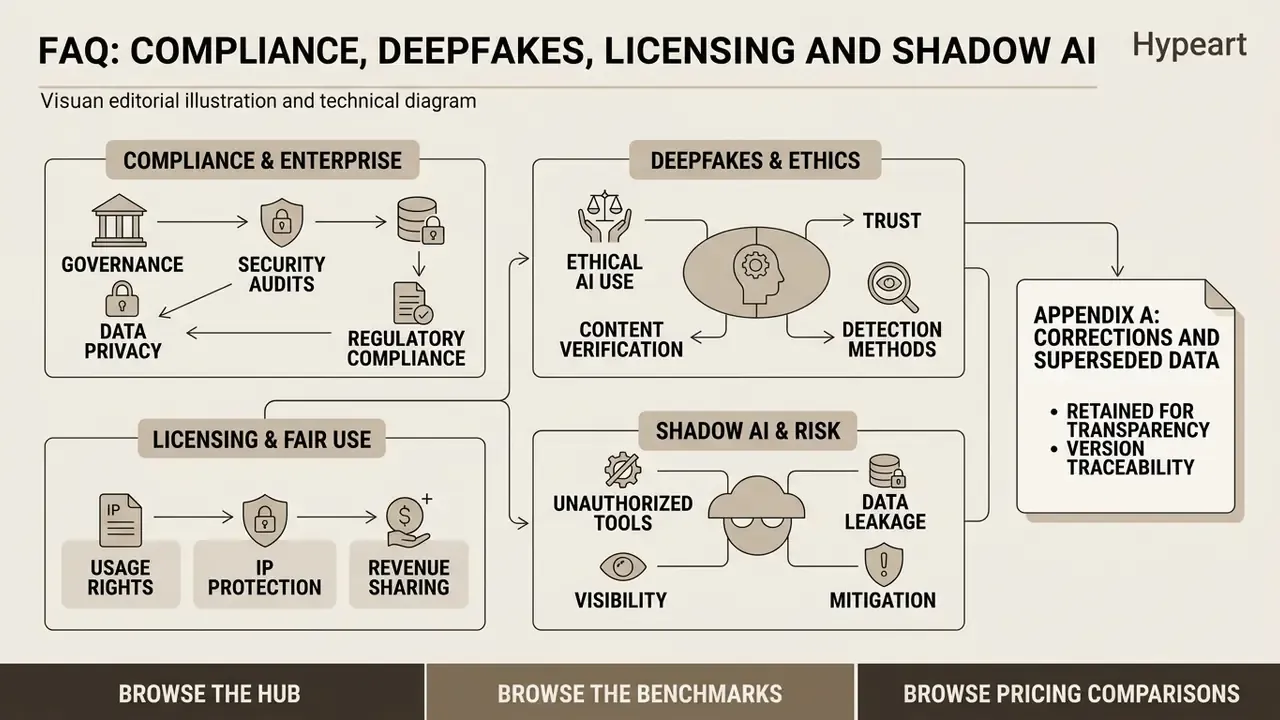
FAQ: Compliance, Deepfakes, Licensing and Shadow AI
Which is the best AI video editor overall in 2026?
There is no single answer, because the category splits by workflow. DaVinci Resolve Studio leads for professional finishing with local processing; Descript leads for dialogue-heavy text based editing; ChatCut and OpusClip AI Producer lead for agentic prompt-to-finished-cut work; Google Veo and Runway Gen-4.5 lead for generative footage; Synthesia leads for corporate avatar video; Topaz Video AI leads for restoration.
Is AI replacing video editors?
No. AI reliably compresses mechanical work (silence removal, captioning, reframing, rough assembly) and stays weak at narrative judgement, brand nuance, and complex multi-camera storytelling. In our testing, every automated output needed a human review pass before publication. The realistic framing is that AI shifts editor time from assembly to judgement.
Do AI video tools train their models on our uploaded footage?
It depends entirely on the vendor and the plan tier. Consumer tiers frequently reserve broader rights than business tiers. Do not rely on marketing copy: require a contractual no-training and defined-retention clause, obtain the sub-processor list, and confirm deletion on termination in the DPA.
What does the EU AI Act require for AI-generated video?
Its transparency provisions require that outputs of generative systems be marked in a machine-readable format and detectable as artificially generated or manipulated, with marking and labelling rules applying from 2 August 2026. Practically, that means machine-readable provenance plus human-visible disclosure where a viewer might otherwise be misled. Confirm your specific obligations with counsel, since scope depends on your role as provider or deployer.
How do we manage deepfake and identity-theft risk with AI avatars?
Treat likeness and voice as controlled assets. Collect written, revocable consent per person and per use case; restrict who can generate with each avatar; log every generation with script and requester; publish disclosure on externally facing synthetic content; and maintain a removal process when employment ends. Microsoft's Azure guidance classifies all text-to-speech avatar features as high-disclosure because synthetic avatars can be mistaken for real people, which is a reasonable default policy position regardless of vendor.
How do we stop Shadow AI in media teams?
Give staff a sanctioned tool fast enough to be the default, then enforce it technically: domain allow-lists, DLP on large media uploads, SSO-only access to approved editors, and a published list of approved and prohibited tools. Bans without a compliant alternative produce personal-account workarounds that are harder to detect than the original risk.
Can we use AI-generated clips, voices, and music commercially?
Sometimes, and only within the vendor's terms. Output ownership and the right to exploit results depend on the tool's licence and applicable national law. Check indemnification specifically: some providers offer IP indemnification only on certain plan tiers, and stock or model-generated elements can carry separate restrictions.
Are free tiers usable for business work?
Rarely without caveats. The common limits are export watermarks (Filmora, VEED, Kapwing, InVideo), monthly minute or credit caps (Descript 60 minutes, Synthesia 10 minutes, OpusClip 60 credits), resolution ceilings, and AI features locked behind an upgrade. DaVinci Resolve's free edition is the notable exception: a genuinely production-capable editor, with Neural Engine features such as Magic Mask and Voice Isolation reserved for Studio.
Which tools keep footage entirely on-premise?
DaVinci Resolve Studio, Final Cut Pro, and Topaz Video AI run their principal AI processing on local hardware. Premiere Pro is hybrid: timeline editing is local, but Generative Extend and other generative features require an internet connection and cloud inference.
How should we benchmark generative video quality objectively?
Use an evaluation pipeline rather than impressions. T2VScore combines prompt alignment with video quality and correlates with human judgement better than FVD or CLIP Score on the 2,543-clip TVGE dataset. Pair that with your own fixed prompt set, so vendor comparisons stay reproducible across model releases.
Appendix A: Corrections and Superseded Data