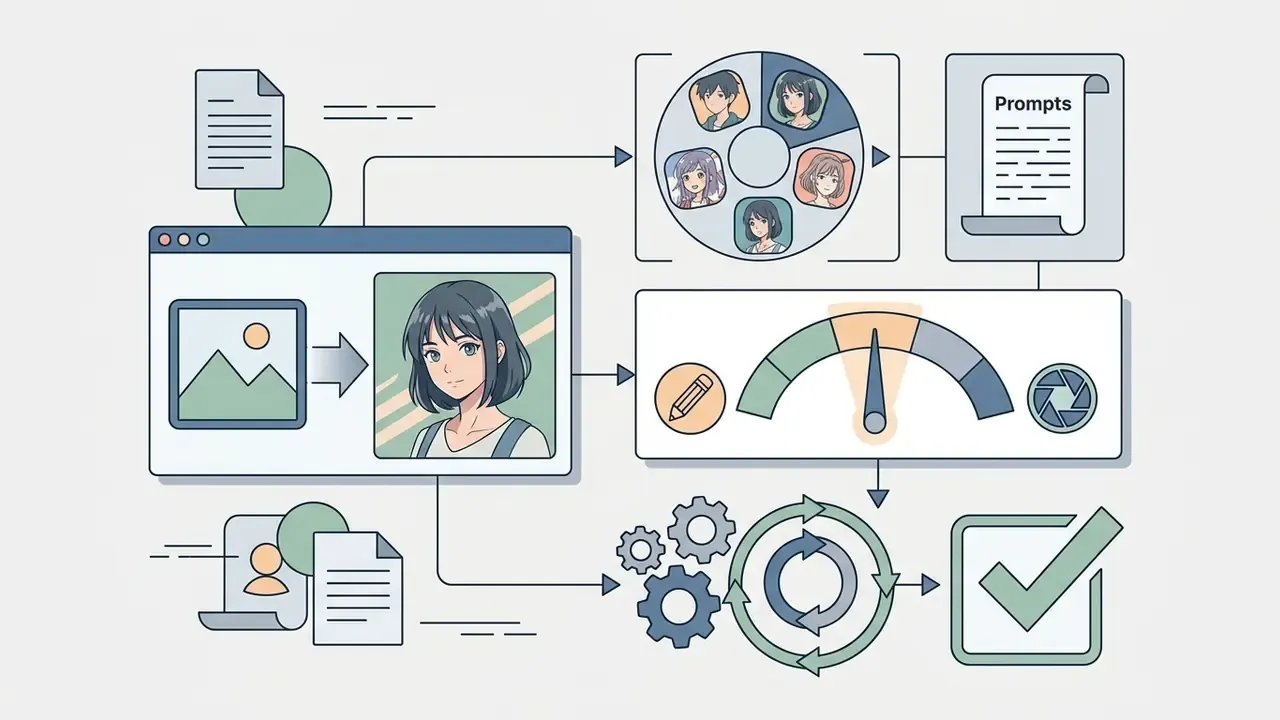
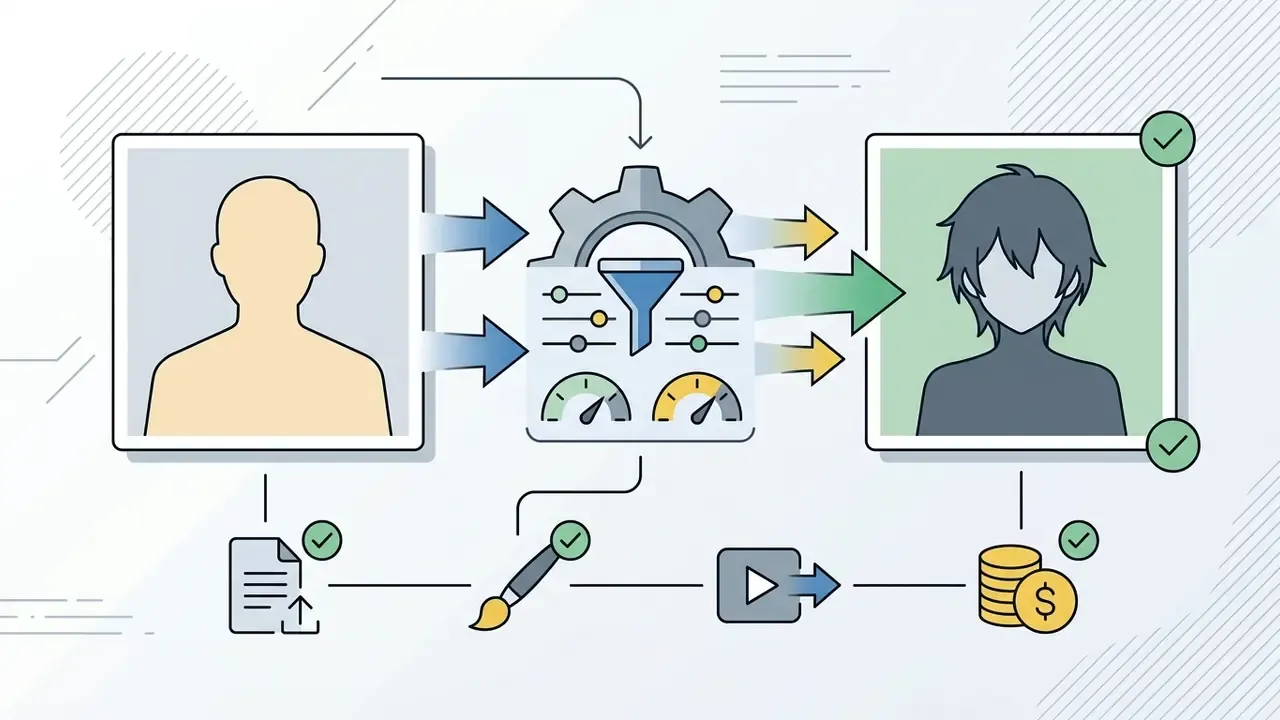
In 2026, neural style tools stopped being color filters. They became structural editors. An ai anime filter is a specialized image-to-image model: it takes your digital photo as the skeleton and repaints it in anime aesthetics, keeping facial geometry, pose and framing intact.
That is the whole trick. Unlike text-to-image generation, which starts from noise, modern filters ride on trained adapters and geometry controllers. A plain portrait, or a photo of your cat on the windowsill, becomes detailed anime art in seconds, not minutes.
Author note: Marcus Hale writes about AI governance and model risk for this publication.
Quick summary for busy readers
- What it is.An AI anime filter is an image-to-image model. Your photo is the structural cage; the model repaints inside it instead of inventing a new scene from a text line.
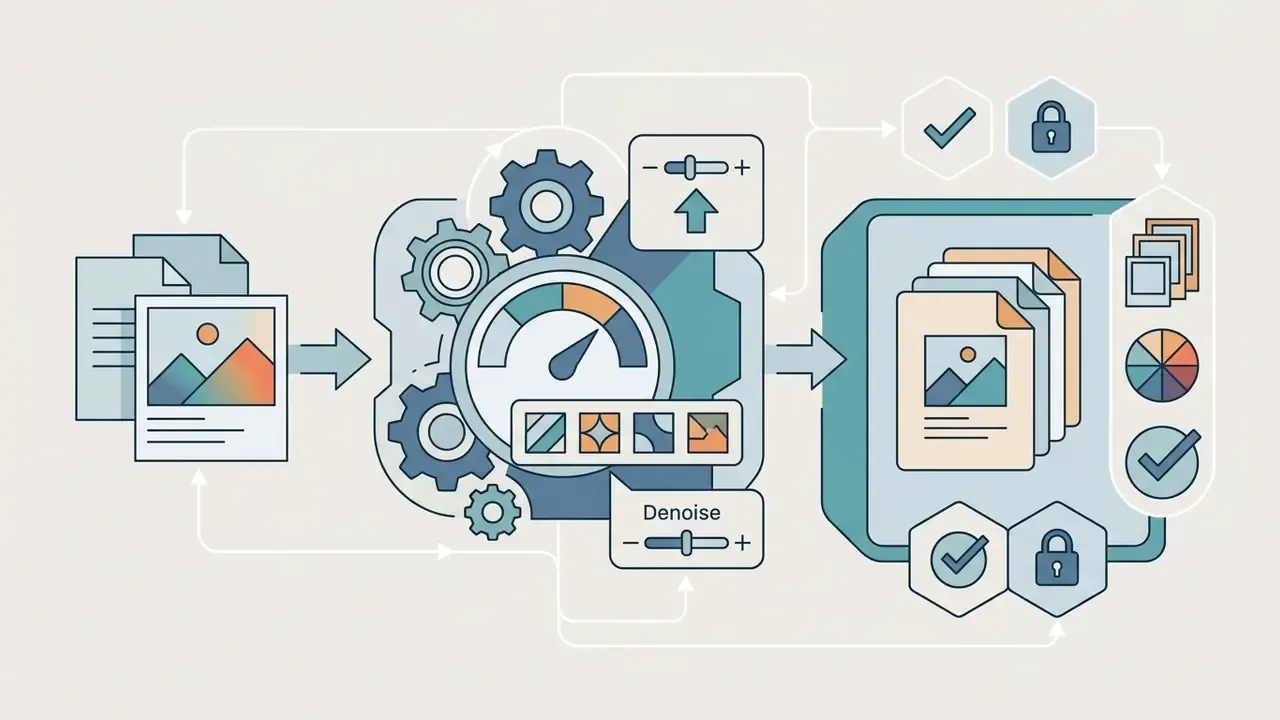
- How you steer it.The main lever is Denoise / Style Strength: 0.20 to 0.35 for soft stylization, 0.40 to 0.60 for balance, 0.70 and above for deep repainting with real risk of losing likeness.
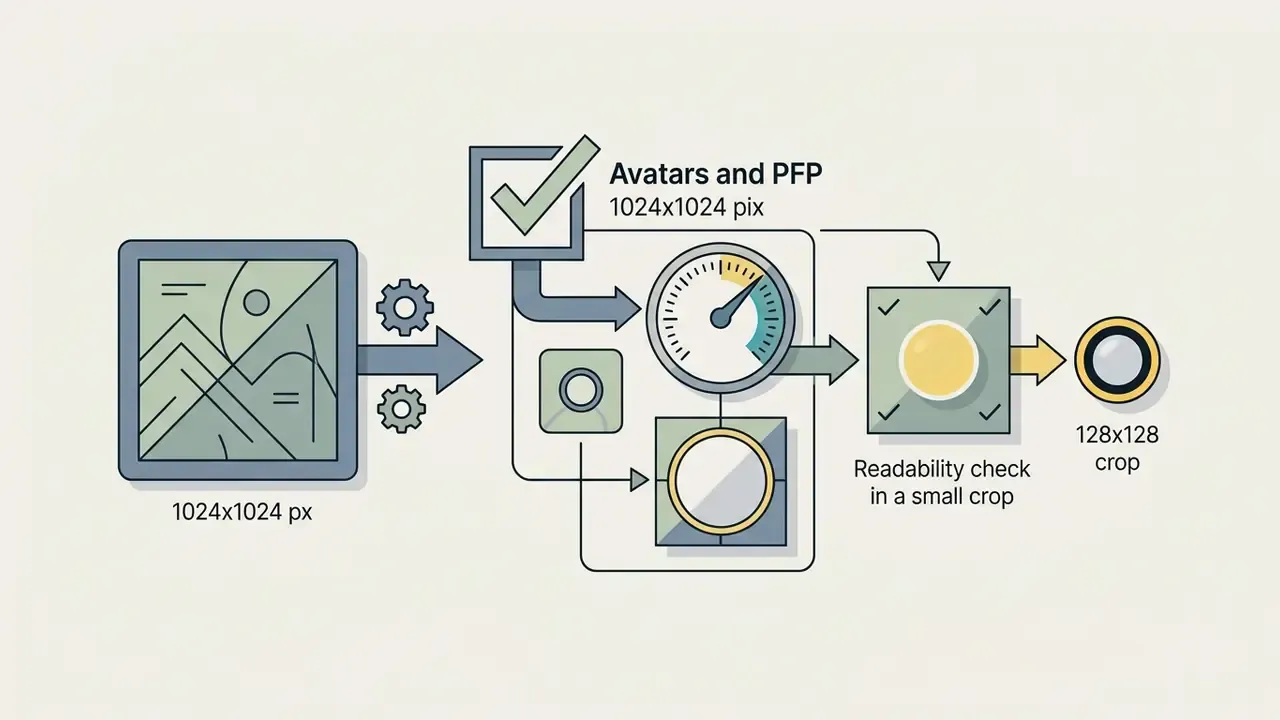
- What drives quality.Frontal angle, even diffused light, no motion blur, resolution from 1024x1024. Group shots are better cropped into single portraits first.
- Styles.At least six practical directions: Japanese Anime, Studio Ghibli, Retro 90s, Manga, Shonen and Shojo, Dark Fantasy or Cyberpunk. Each is driven by prompt modifiers.
- Refinement.Local inpainting through a short text command ("Add a smile", "Fix the eyes") plus conversion of the 2D art into a five second clip with AI voice.
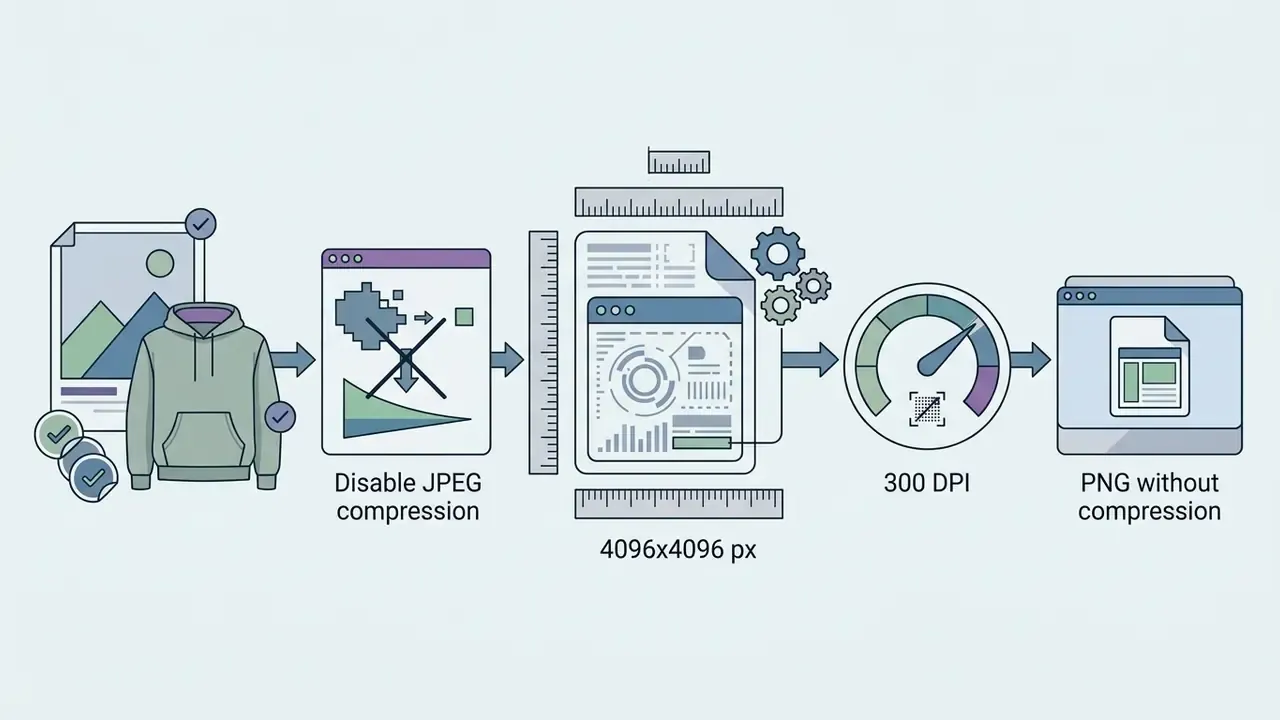
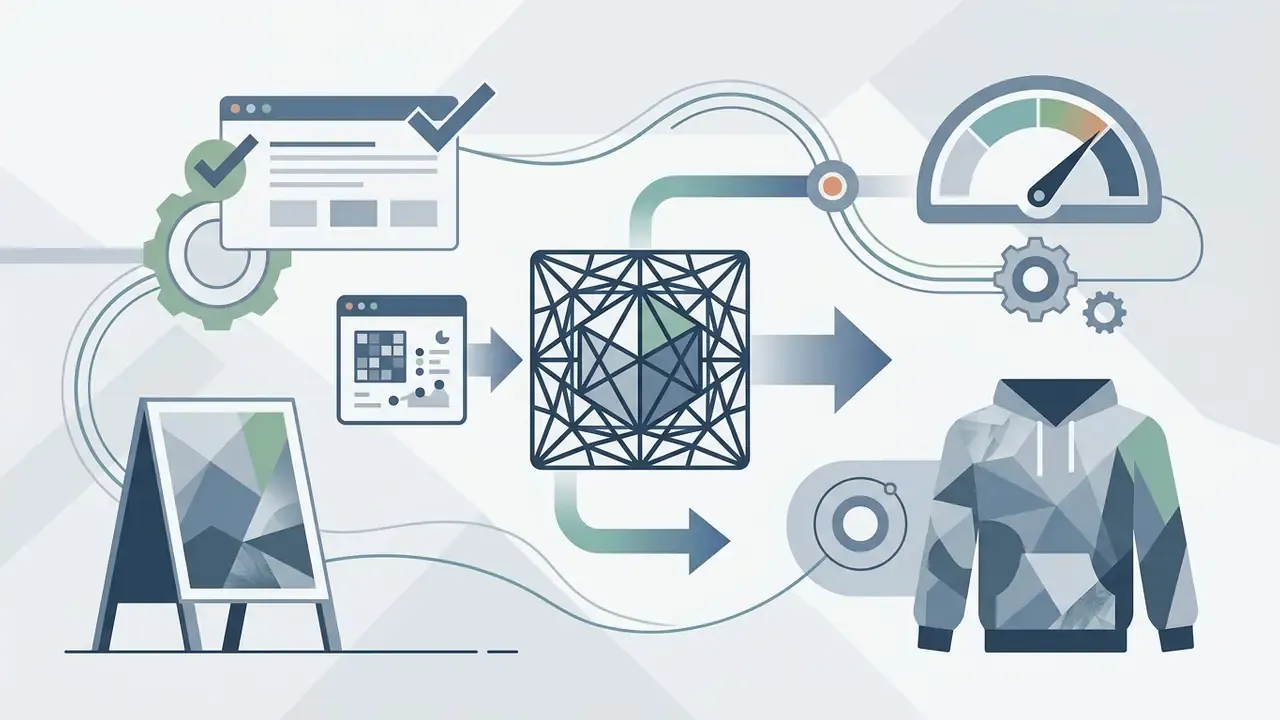
- Print and merch.Web output at 720p to 1080p (72 DPI) is not enough. Upscale to 4096x4096 (300 DPI) and export PNG without compression.
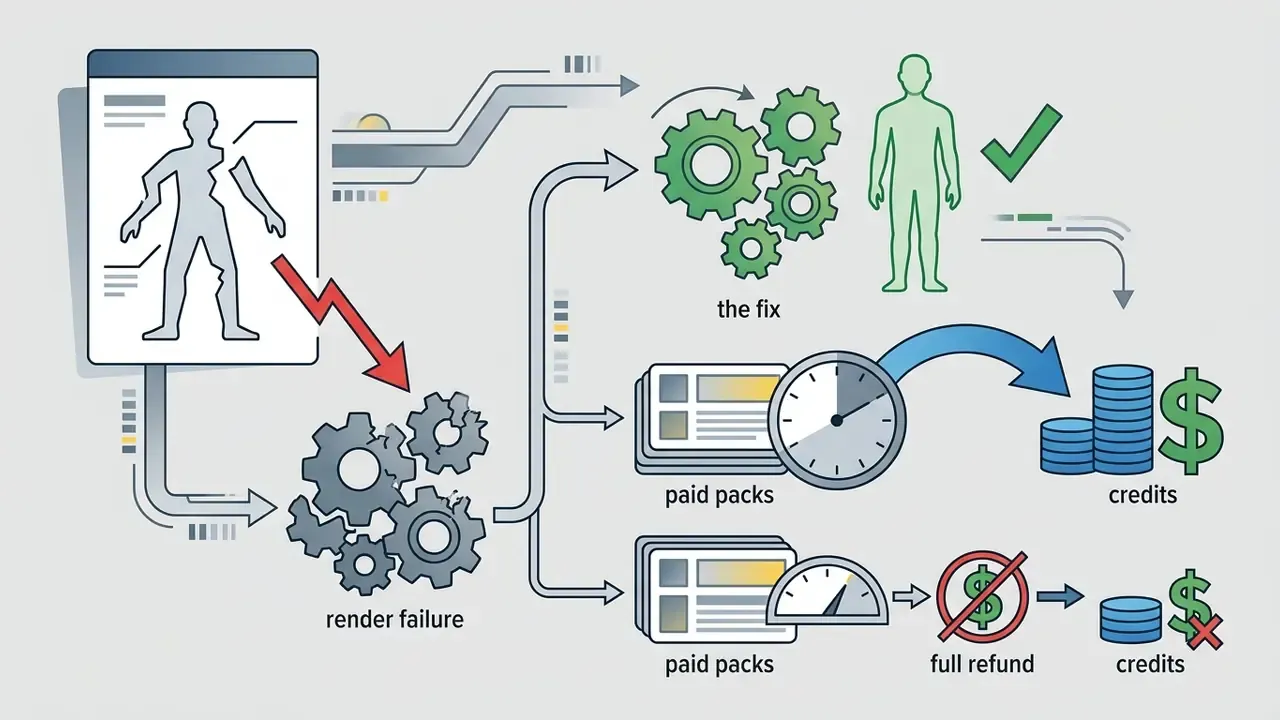
- Money.10 starter credits, then from $0.10 per frame, down to about $0.03 per frame in bulk packs, with a 7-day refund window.
- Risk.Privacy (PII and biometrics), Shadow AI on work devices, dataset IP exposure. For a corporate perimeter you need a separate requirements matrix (SOC 2, ISO 27001, no training on customer data) and a validation checklist in the spirit of NIST AI RMF and SR 11-7.
How to read this guide. If you only want a decent avatar, sections one through three are enough. If you buy tools for a team, jump to the enterprise compliance matrix and the validation checklist at the end. Marketing pages rarely answer the questions an auditor asks, so the second half is deliberately less fun and more useful.
What an AI anime filter is and how it differs from an AI art generator
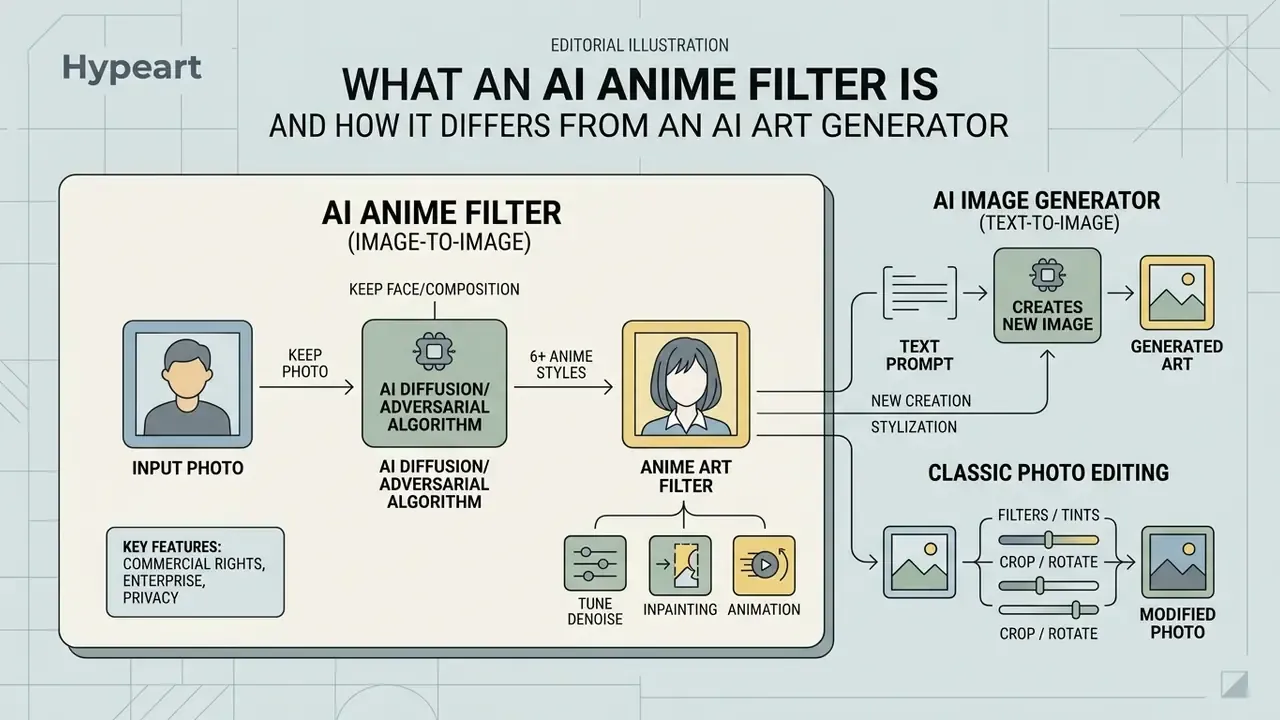
An AI anime filter is a diffusion or adversarial stylization algorithm of the image-to-image class. It uses your uploaded photo as the structural base for generating an anime illustration. The job is narrow and honest: transform a real photo into anime style while preserving face geometry, viewing angle and the key objects in the scene.
Running a dedicated ai anime art filter suppresses random extra detail. The output of an ai art filter anime pipeline should still look like the person who uploaded it. Tools branded as ai image to anime, ai photo to anime or ai turn image into anime all work inside the source composition, converting raster pixels into a hand-drawn look. German-speaking users type the same intent as ai anime filter foto zu anime, and the mechanics behind that query are identical.
"Content-preserving style transfer methods encode the source photo into a representation that retains spatial structure, while text-driven generative models are not constrained by preserving the input composition."
This difference is what makes the result predictable. An image-to-image filter has lower output variance, because part of the model's freedom is tied down by structural conditions from the source frame. Fewer degrees of freedom, fewer surprises. Boring, in the good sense.
Photo to anime style filter: keeping the face and composition
The hard technical barrier is anatomy drift. Segmentation and keypoint detection (facial landmarks) lock the position of eyes, nose, lips and jawline on the original photo. Only then does the stylization module apply anime traits: expressive eyes, soft skin shading, a vector-like contour. You get an anime portrait that still carries the proportions of the person in the source shot.
"Specialized GAN pipelines trained on aligned pairs outperform baseline CycleGAN models in preserving facial structure during anime colorization and contour transfer."
One practical note from our own testing: glasses and heavy bangs cause more identity loss than a slightly awkward angle. The landmark detector needs to see the eye line.
Anime filter, AI image generator and photo editing: what is different
The three technologies differ in their input and in how much control you actually hold.
- AI anime filter (image-to-image) the input is an original photo. The network keeps the layout map and repaints textures into anime language.
- AI image generator (text-to-image) builds an image purely from a text prompt out of random noise. It cannot guarantee the features of one specific human being.
- Classic photo editing adjusts existing pixels (brightness, contrast, saturation) with no synthesis of new graphic elements. The middle ground is the family of image-to-image generators, which accept a structural condition and a text command at the same time. To widen the shortlist, you can compare options across categories.
What 2026 added: two separate refinement technologies.
| Technology | What it does | What controls it | Predictability |
|---|---|---|---|
| Inpainting (text-driven local edit) | Repaints only the selected mask (eyes, mouth, hair) without touching the rest of the composition | Mask plus a short text command ("Add a smile", "Fix the eyes") | High: everything outside the mask stays fixed |
| Photo-to-Video (neural animation) | Generates a five second clip with facial motion, blinking and synthesized voice | Finished 2D art plus a script for the voice track | Medium: lip and teeth artifacts still happen |
Practical takeaway: when the result is "almost good", do not regenerate the whole frame. Fixing one local zone with inpainting costs a single credit instead of a series of rerolls, and it keeps the background you liked.
How AI turns a photo into anime art
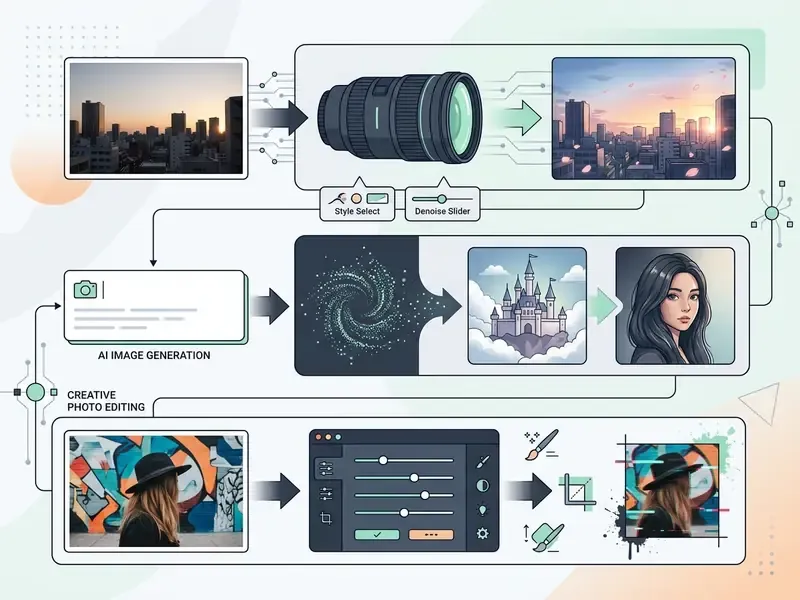
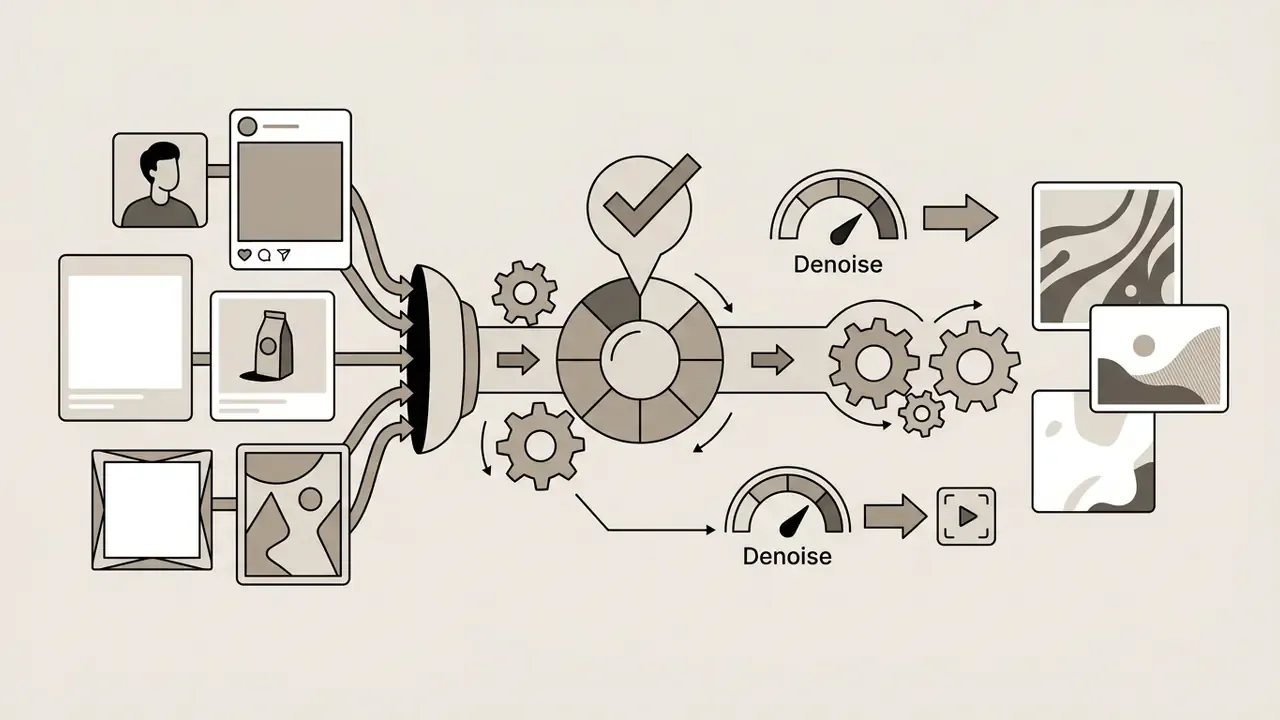
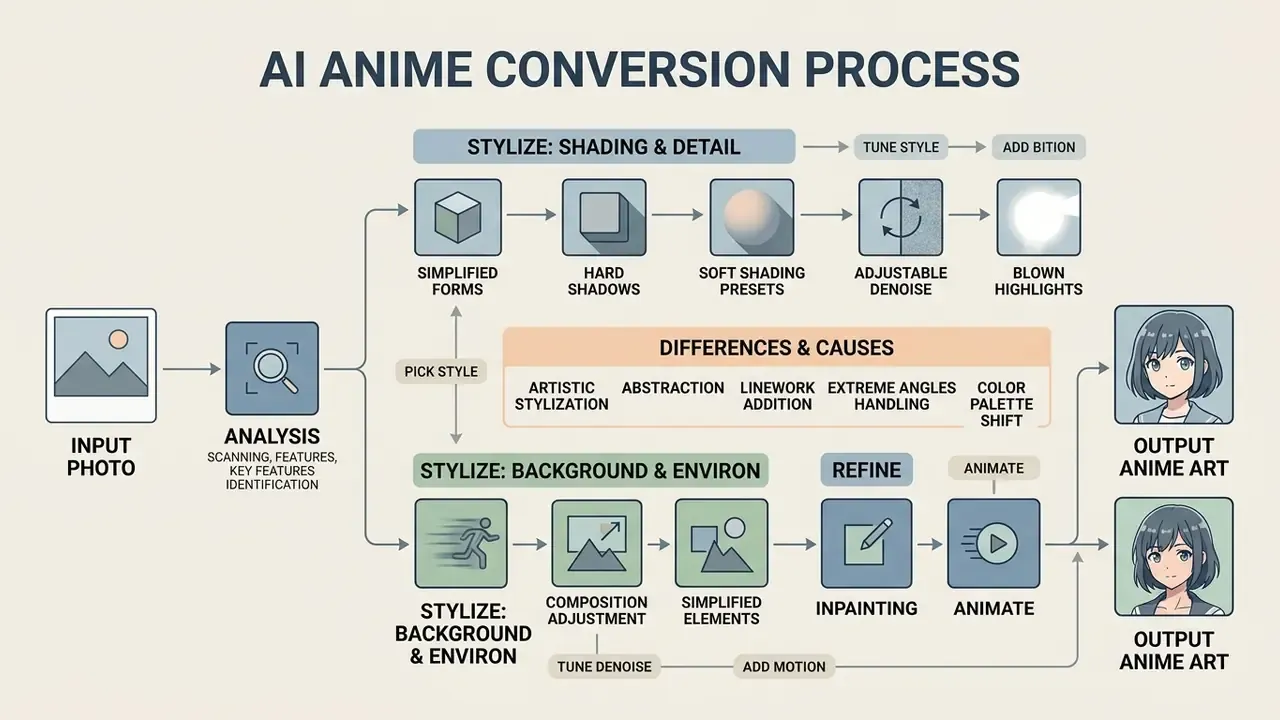
Turning a real shot into anime art runs through a multi-stage neural pipeline. After image upload, the system fires computer vision modules that read the structure of the frame. An ai image anime filter splits the scene into semantic zones: foreground (face, body, clothing) and background (setting, light sources).
How well the photo into anime conversion behaves depends heavily on input image quality. Current architectures such as Scenimefy (ICCV 2023) and Enhancing Photo Animation (ACCV 2024) combine ControlNet modules for pose retention with IP-Adapter for face identity transfer.
"NijiGAN achieves high-quality anime rendering with half the parameters of Scenimefy by applying unpaired image translation with neural ordinary differential equations."
Why should a user care about parameter counts? Because lighter architectures are the reason generation stays inside 3 to 15 seconds even on free tiers. And the Scenimefy recipe (pseudo-pair generation, then segmentation-based data selection, then semi-supervised translation) explains why these services are so fussy about a clean source scene.
| Processing stage | Technology used | Technical function |
|---|---|---|
| 1. Frame segmentation | Semantic segmentation (SAM / Mask R-CNN) | Splits face, hair, clothing and background into separate masks |
| 2. Geometry extraction | ControlNet (Canny / Depth / OpenPose) | Locks contours, scene depth and anatomical pose |
| 3. Identity transfer | IP-Adapter (FaceID) | Injects facial feature vectors to keep the subject recognizable |
| 4. Stylization and render | Latent Diffusion / GAN (AdaIN) | Replaces real textures with soft shading, 2D line art and an anime palette |
How AI handles the face, background and fine detail
On the face, the network isolates eye, brow and lip zones, smooths skin texture and pushes the expressiveness of the gaze. The background gets simplified: fine digital noise is dropped, gradients turn into painterly patches typical of classic 2D animation. Clothing and accessories receive clean line art and characteristic soft shading.
"AnimeAdapter uses late CLIP feature tokens in U-Net cross-attention modules, preserving clothing textures, color patterns and hairstyles across varied editing conditions."
Small observation from a week of testing: patterned shirts survive better than patterned wallpaper. The model treats the subject as important and the wall as decoration, which is usually correct, occasionally annoying.
Why the anime result can differ from the original photo
Drift from the original has four common causes.
- Motion blur: smeared edges block accurate detection of facial keypoints.
- Hard shadows and blown highlights: abrupt contrast is read as form or as a skin defect.
- Extreme angles: with a strong head tilt, the model fills in missing elements from generic anime templates.
- High Denoise Strength: above roughly 0.7 the algorithm starts inventing new detail and ignoring your input.
"Style transfer research confirms that low resolution, noise and heavy compression limit the detail available to the filter encoder, which leads to simplified facial features and background elements."
How to avoid skin tone shift.
With aggressive stylization (Denoise above 0.65), high-contrast styles such as JoJo, Pop Art or Pixel Art can push natural skin color toward yellow or a lifeless white. To keep a deep or medium tone intact:
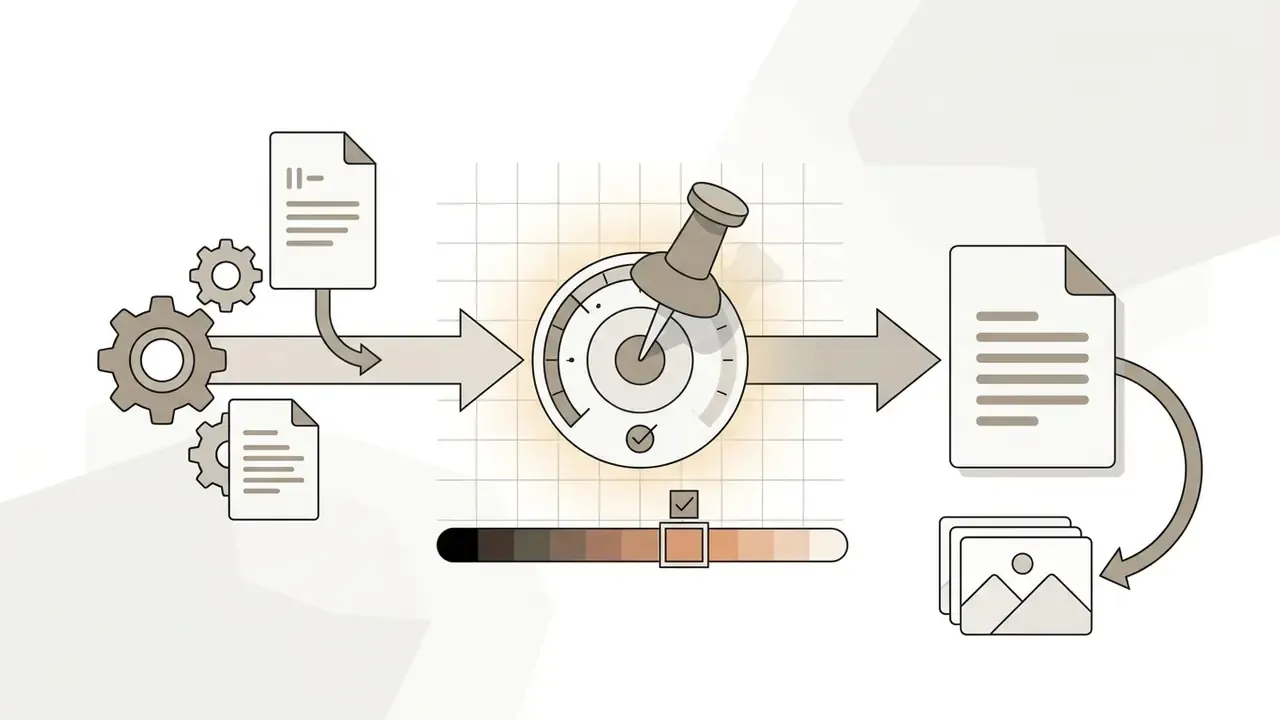
preserve original skin tone, natural lighting.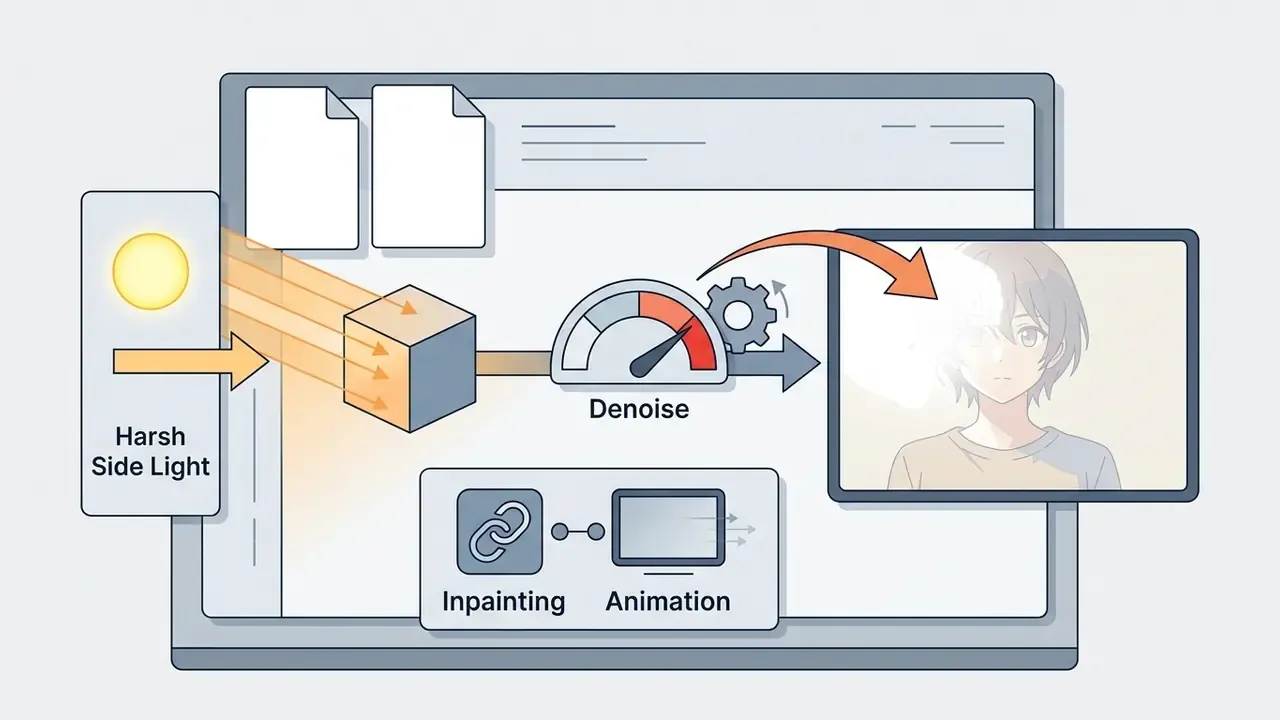
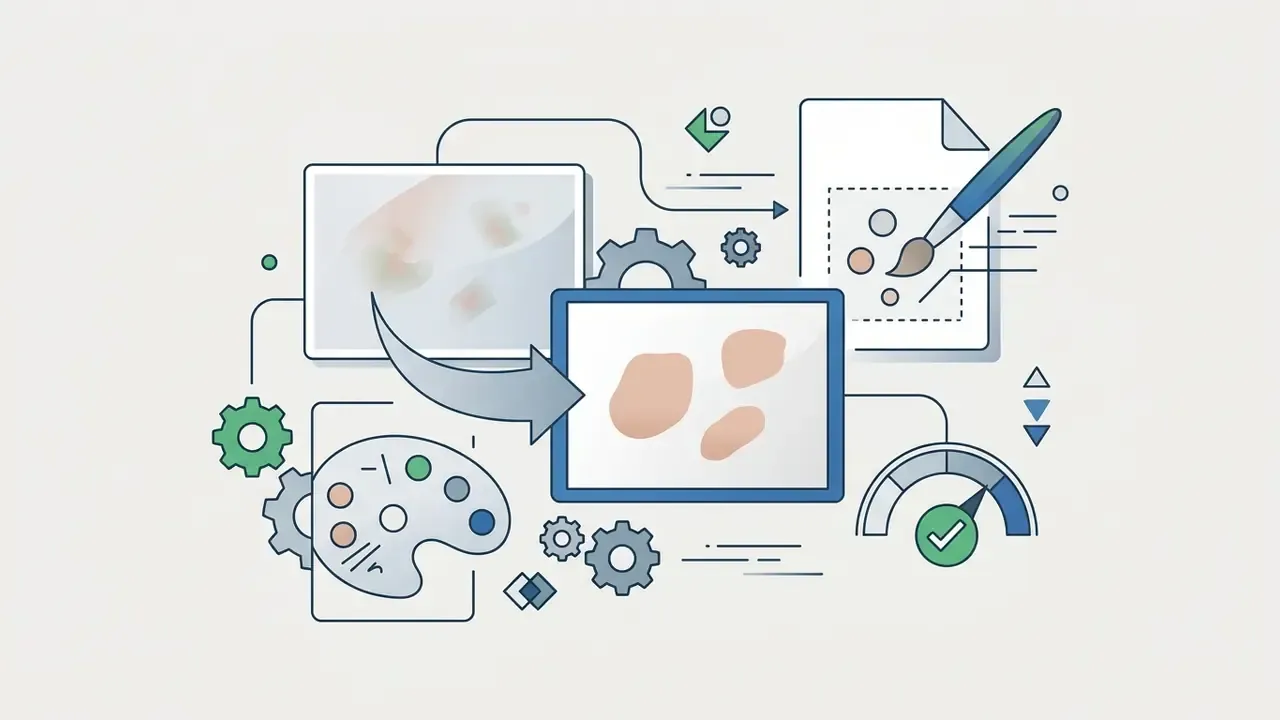
restore natural skin tone.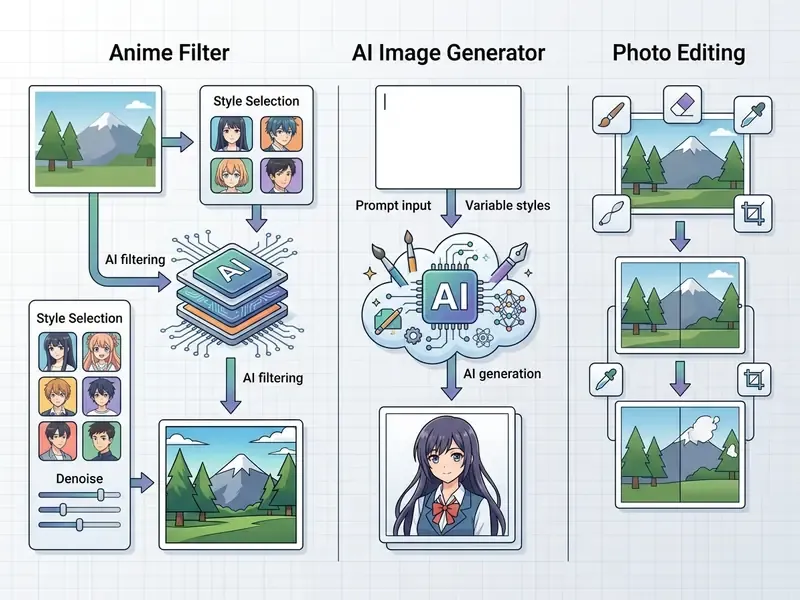
Upload a photo: which images to use
The upload your photo or upload a photo form accepts JPG, PNG and WEBP; some services also take TIFF and BMP. Optimal file size is up to 10 to 20 MB, with resolution from 1024x1024 to 2048x2048 pixels. Use frames with sharp focus on the subject and minimal visual noise. A practical geometry rule: aspect ratio between 1:3 and 3:1, each side between 1000 and 2000 pixels.
How to pick an anime style, tune effect strength and write a prompt
The main dial is Denoise Strength, sometimes labeled Style Strength.
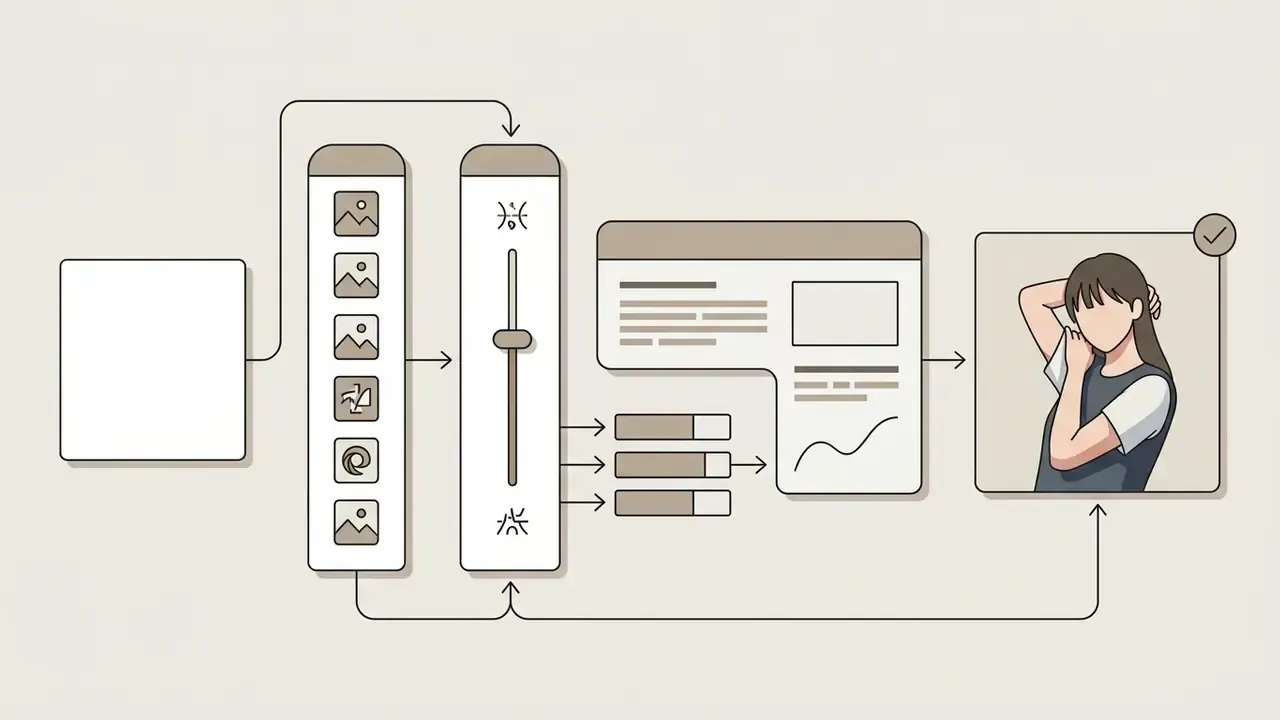
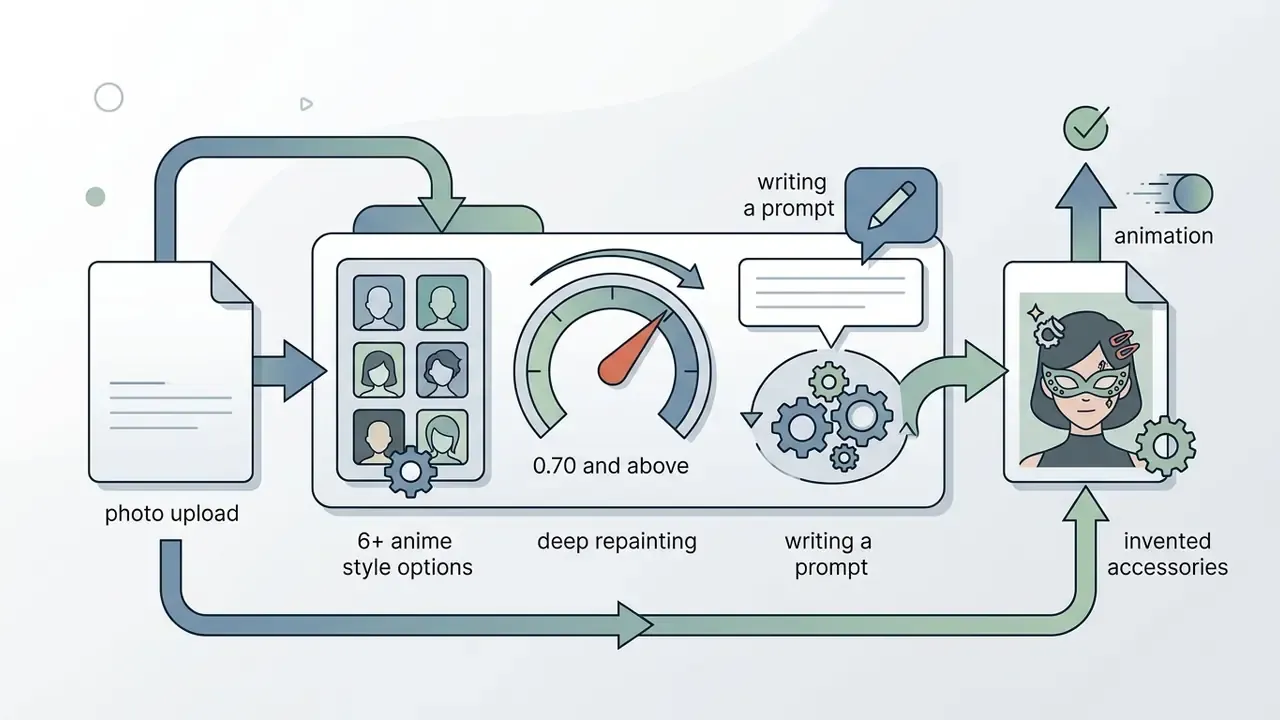
Prompt engineering on top of a photo: the basic formula.
Modern filters treat text as a second control channel. A working prompt has four slots:
[style or era] + [lighting and palette] + [source lock] + [negative prompt]
Example: 90s anime aesthetic, vintage cel shading plus warm golden hour lighting, soft pastel tones plus preserve the subject's pose, silhouette and skin tone exactly, with the negative prompt extra fingers, deformed eyes, watermark, text, blurry face.
Three rules deliver most of the quality gain:
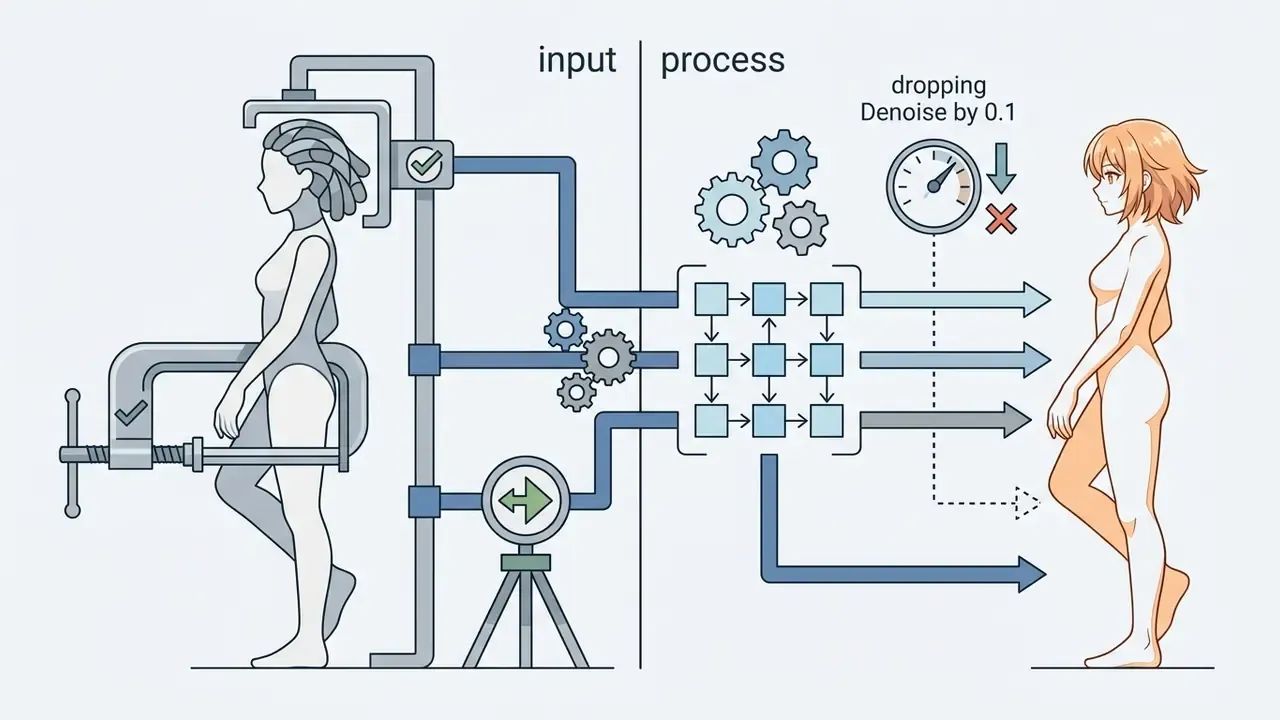
preserve pose and silhouette, keep original hairstyle, same camera angle cut identity drift more than dropping Denoise by 0.1.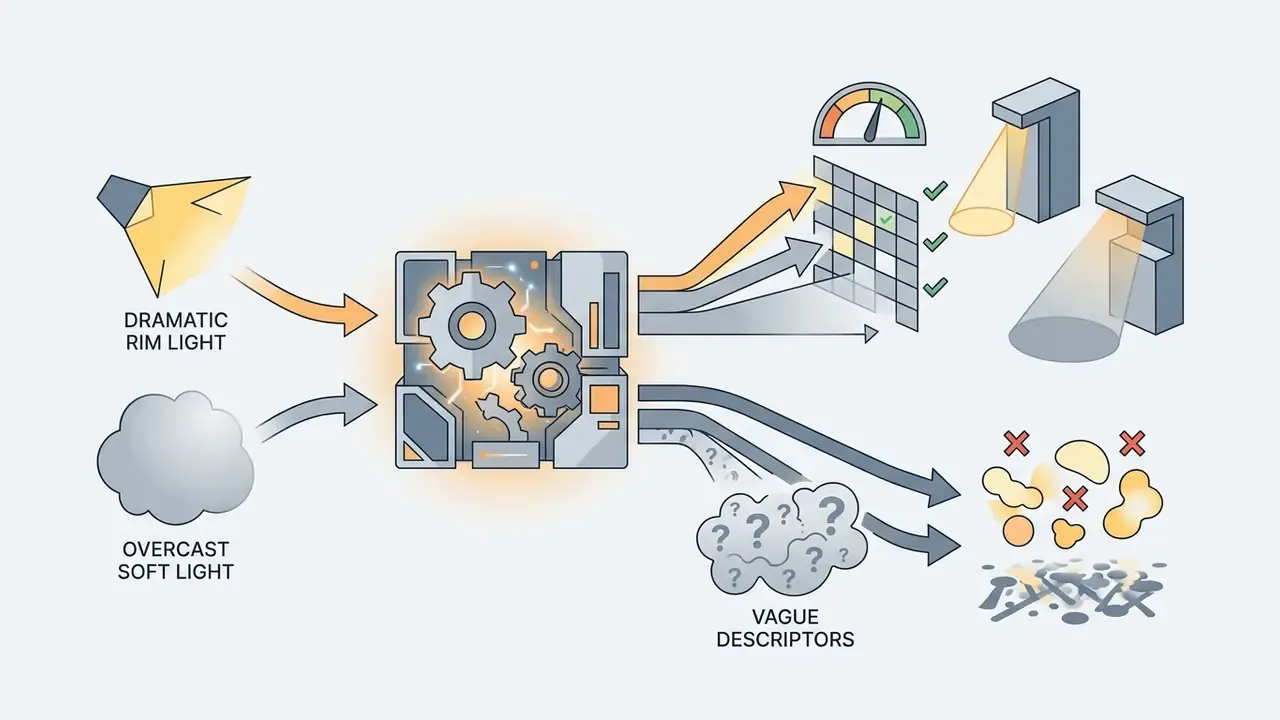
dramatic rim light and overcast soft light behave predictably. beautiful and epic do almost nothing.
How to download, refine and use the finished anime image
Once rendering completes, download is available at native or upscaled resolution. Export PNG without compression for print, or JPG for social publishing. If needed, run extra photo editing, or send the result to friends through share.
Interactive refinement and AI animation of the result.
When the art needs small corrections, use the text-driven inpainting module. Type a targeted command into the correction field: Add a smile, Change eye color to emerald, Fix the eyes, Make the hair longer. The algorithm repaints only the marked mask. Cheaper than full regeneration, and it does not destroy a background that finally worked.
For dynamic content, convert the finished 2D art into a five second video clip. The neural animation module generates facial motion and natural blinking, then layers a synthesized AI voice over your script. That covers talking-avatar scenarios, reels previews and animated Discord banners. If you plan a longer sequence, a slideshow video maker or a splice video editor will handle assembly better than the filter itself.
Export settings for print and merch.
Which photos work best for AI photo to anime
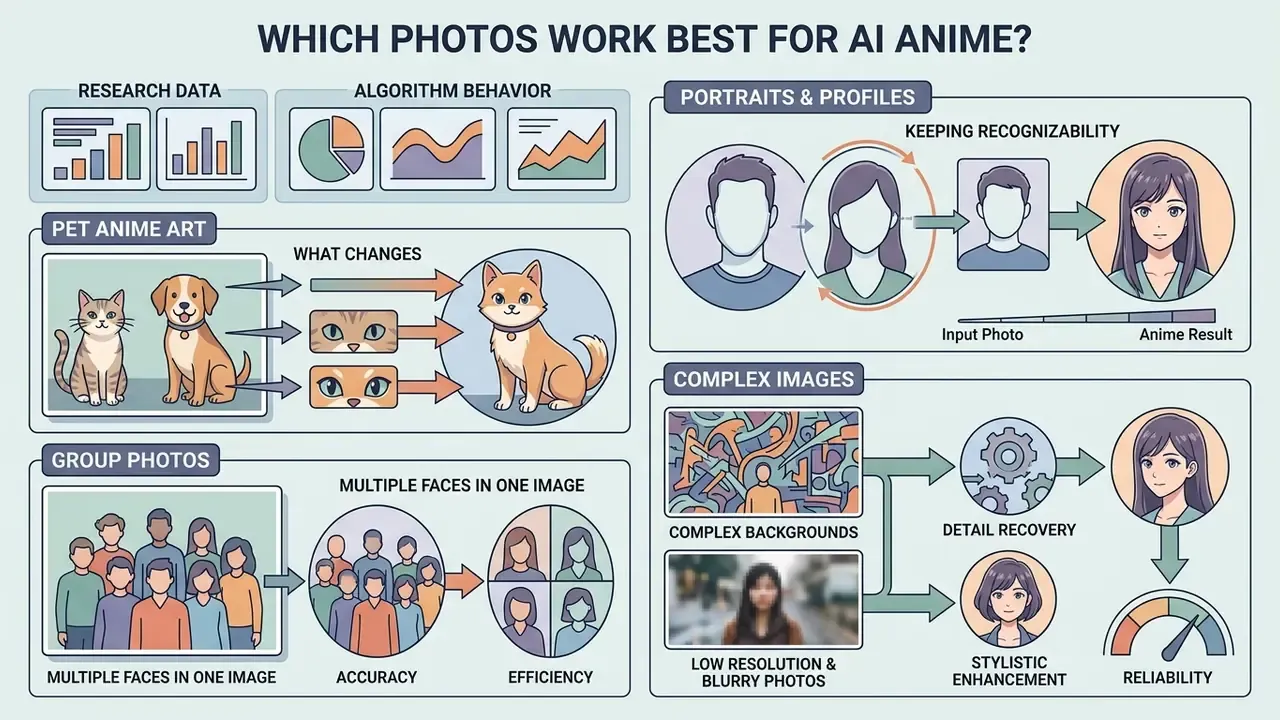
Algorithm behavior depends on the structure of the input file. The model reacts to a real photo and to a processed frame in similar ways, but the physical shooting parameters decide the outcome. For any photo or original photo to become clean art, you have to respect how neural masks work.
Practical conclusion: the closer your frame sits to the training pair characteristics (frontal angle, even light, one face in frame), the higher the identity retention. Our internal editorial audit of user shots pushed through a diffusion pipeline with ControlNet conditioning found the same direction: frontal light gave the best result, deep shadows and group frames the worst. The exact percentages from that audit were never externally verified, so they live in Appendix A rather than in the body of this guide.
Pet anime art: what changes.
Facial landmark detectors are tuned to human anatomy, so an animal muzzle gets processed through generalized features. For clean stylization of dogs and cats:
- Shoot at the animal's eye level and keep the pet centered.
- Use a plain single-color background. A patterned blanket eats the fur contour.
- Avoid motion shots. Blurred whiskers and nose produce extra ears or a warped muzzle.
- For complex coats (Spitz, Persian, Poodle), lower Denoise to 0.30 to 0.40 so the fur does not turn into one plastic slab.
- For black animals, add
preserve black fur detail, soft rim lightto the prompt. Without it, the silhouette flattens into a dark blob.
Portraits and profile pictures: keeping recognizability
Portrait shots and profile pictures give the highest match rate. To preserve facial features, choose frames where the subject looks straight into the lens and the face outline is not blocked by hair, hands or glasses. Even diffused light removes most skin artifacts. Technical targets borrowed from portrait practice: camera at eye level, head deviation within about five degrees on every axis, no flash hotspot, correct white balance for accurate skin tone.
Group photos and multiple faces in one image
Group shots force the model to detect several face regions at once. When people stand at different distances from the lens, the far faces blur. For group frames, upscale the source first or use presets with low Denoise Strength to protect small detail.
Pre-cropping workflow for groups of three or more:
- Split the frame into single portraits by cropping, one face per file, with shoulder margin.
- Process each portrait separately at Denoise 0.45 with an identical style prompt. That keeps one palette across the series.
- Upscale each piece to the same size if needed.
- Assemble the results into a collage or a shared background in an editor.
This order removes background face blur and the classic occlusion errors, where two neighboring faces merge into one mask. Bonus tip for the shoot itself: use a closed aperture (f/8 to f/16) so front and back rows both stay in focus.
Complex background, low resolution and blurry photos
A busy or dark background reduces subject isolation accuracy. If the source is low resolution or softly focused, run an AI Upscaler or a background removal service before stylization. For first-pass geometry correction, cropping to the main subject and exposure leveling, the review of photo editing tools covers the options, and a slim photo editor handles quick proportion fixes without a desktop suite.
The preprocessing order that produces the fewest artifacts:
Anime styles and use cases for the finished image
A wide preset library lets you push the same style images into different artistic directions. Current converters carry dozens of visualization options, from flat classic 2D to volumetric render.
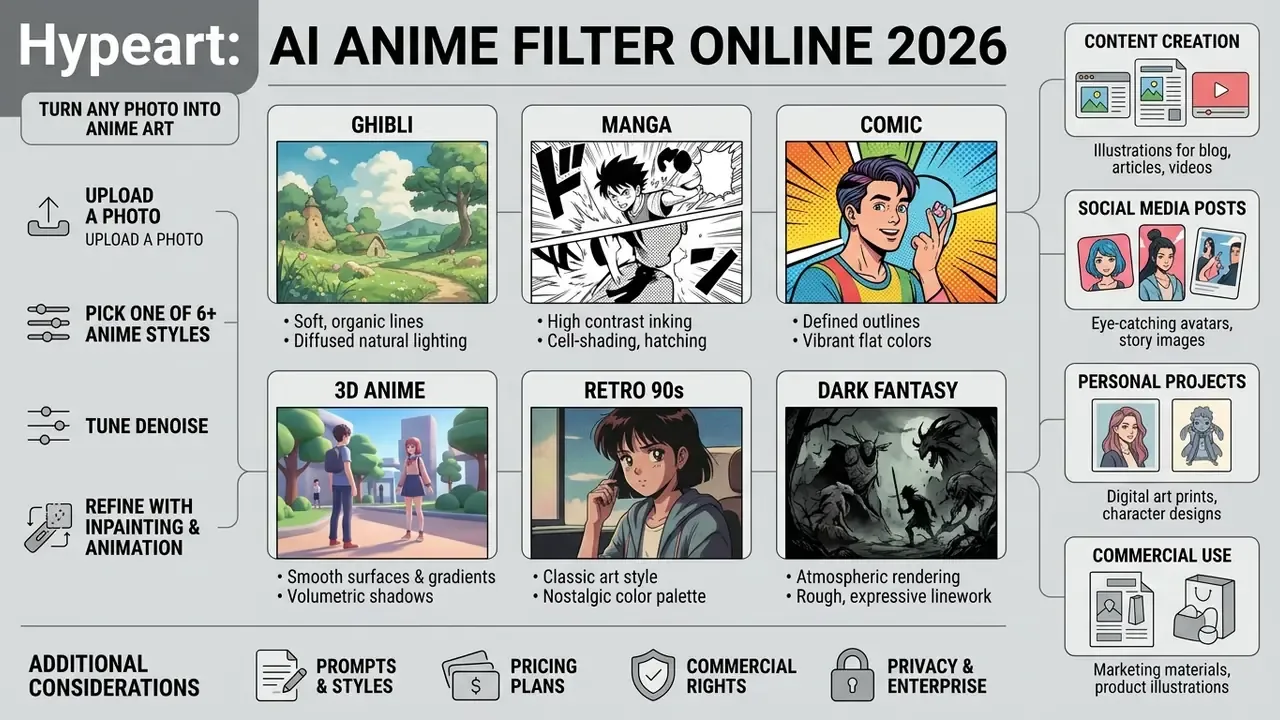
Japanese anime, manga, comic and 3D anime styles
- Japanese Anime (classic) bright colors, soft shading, traditional contour. A separate high-demand branch is Ghibli-style AI generation with watercolor backgrounds.
- Manga graphic black and white, high contrast, hatching and screentone textures.
- Comic bold accent lines, saturated palettes, blocky shadow shapes.
- 3D Anime cel-shading imitation, smoothed forms, cinematic lighting.
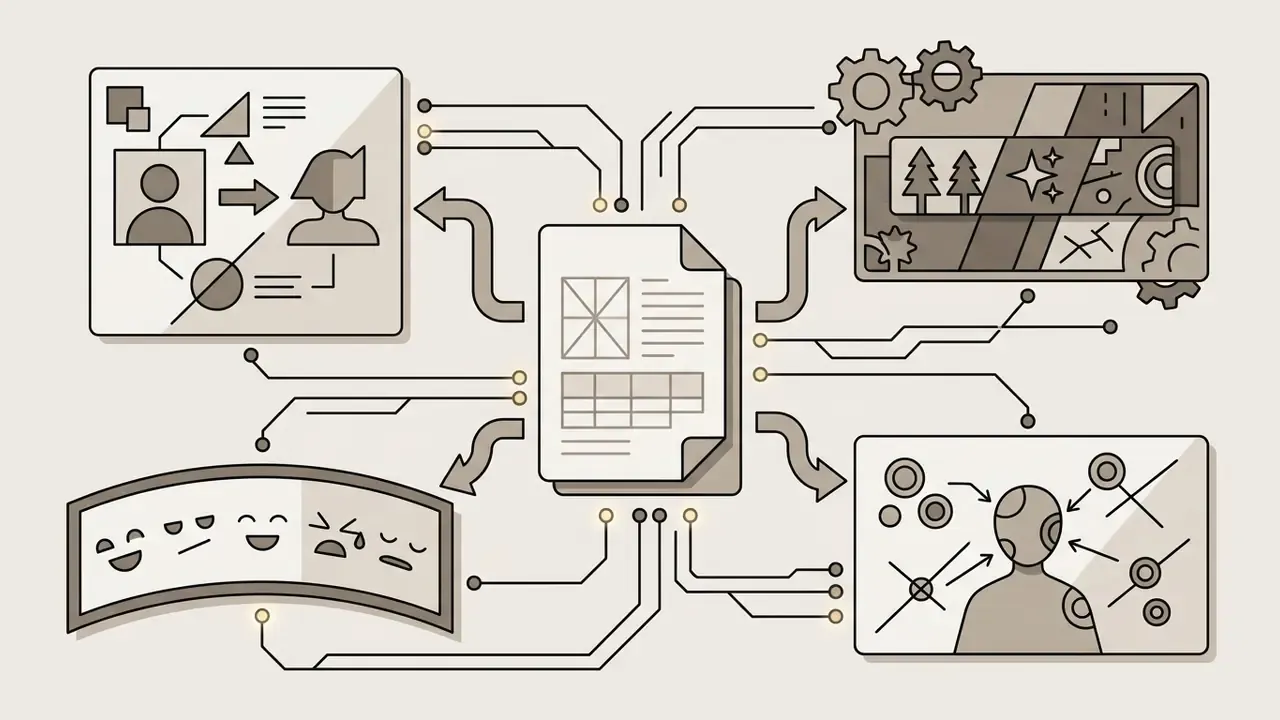
Extended style matrix with prompt commands:
Style compatibility with source types. Ghibli and 3D Anime perform best on clean, evenly lit frames with a readable silhouette. Manga needs high contrast and a frontal or three-quarter angle. Comic wins on dynamic poses with visible gesture. Dark Fantasy forgives dark scenes but handles ISO noise poorly.
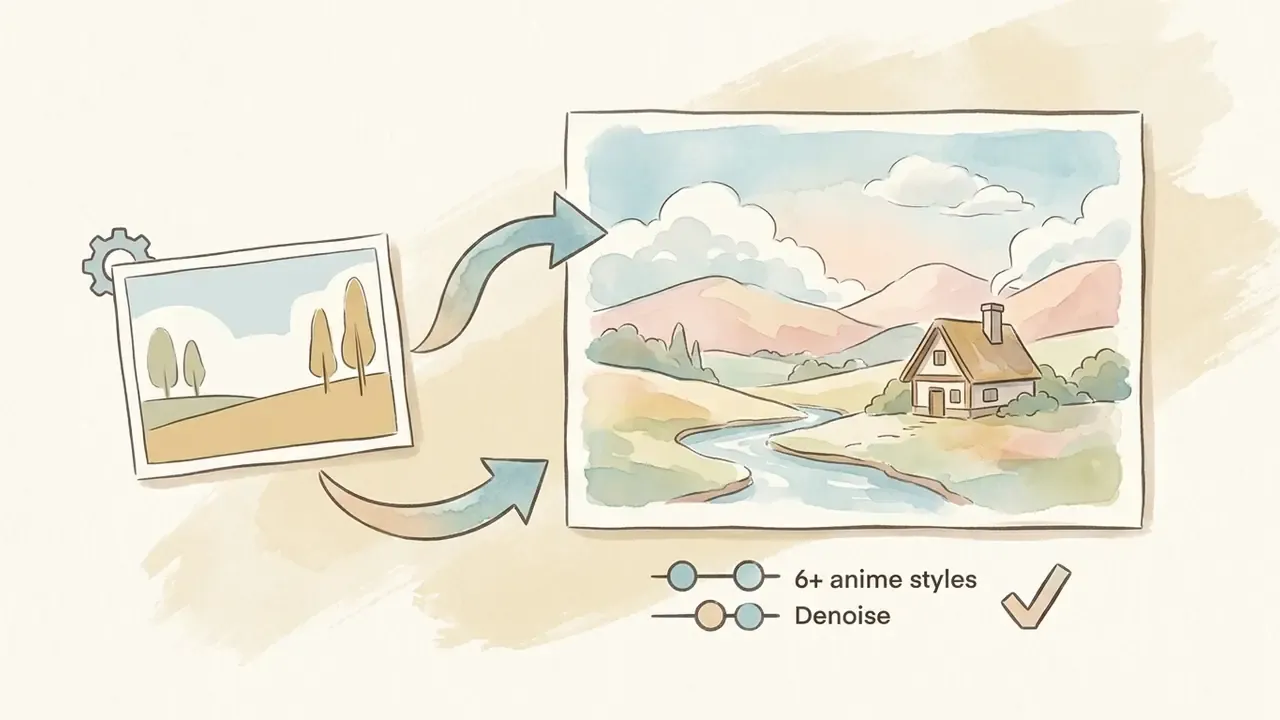
Ghibli studio style, hand-painted watercolor background, soft natural lighting, cozy vibe.
90s anime aesthetic, vintage cel shading, retro anime screencap, VHS grain.
action shonen style, high contrast, dramatic shadows, intense gaze, sharp line art.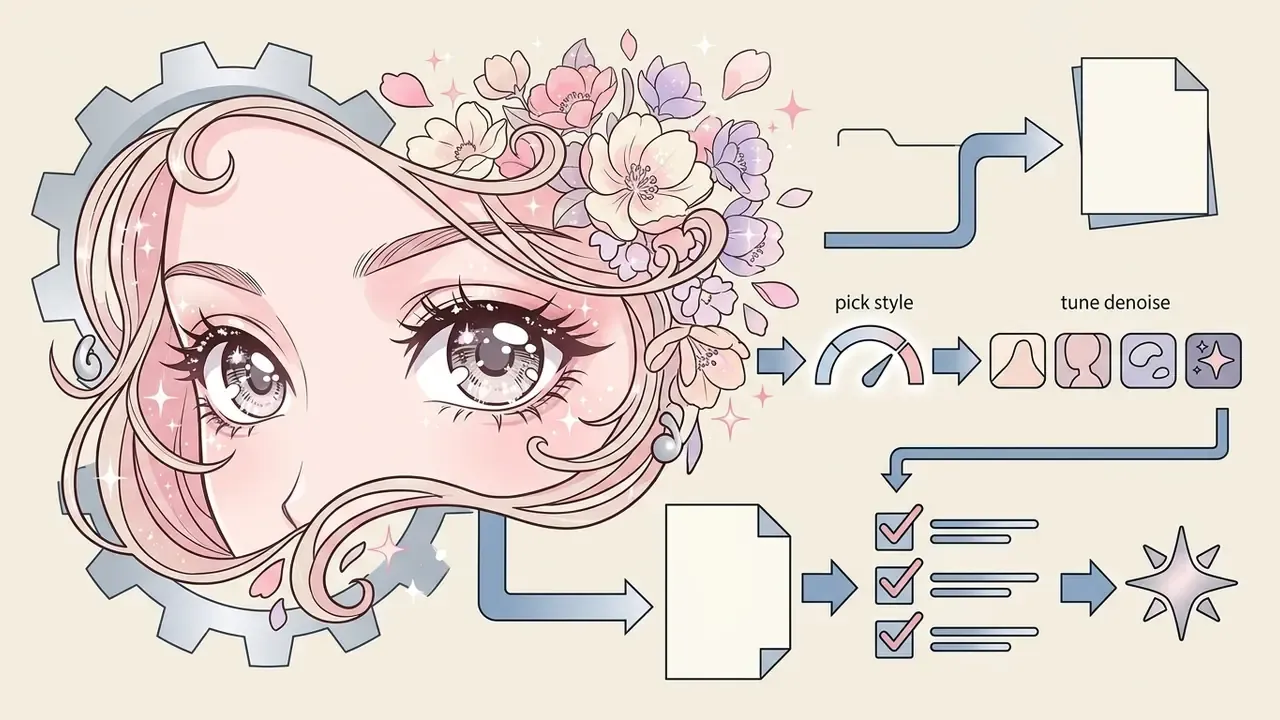
shojo manga cover style, sparkling eyes, soft pink pastel tones, floral elements.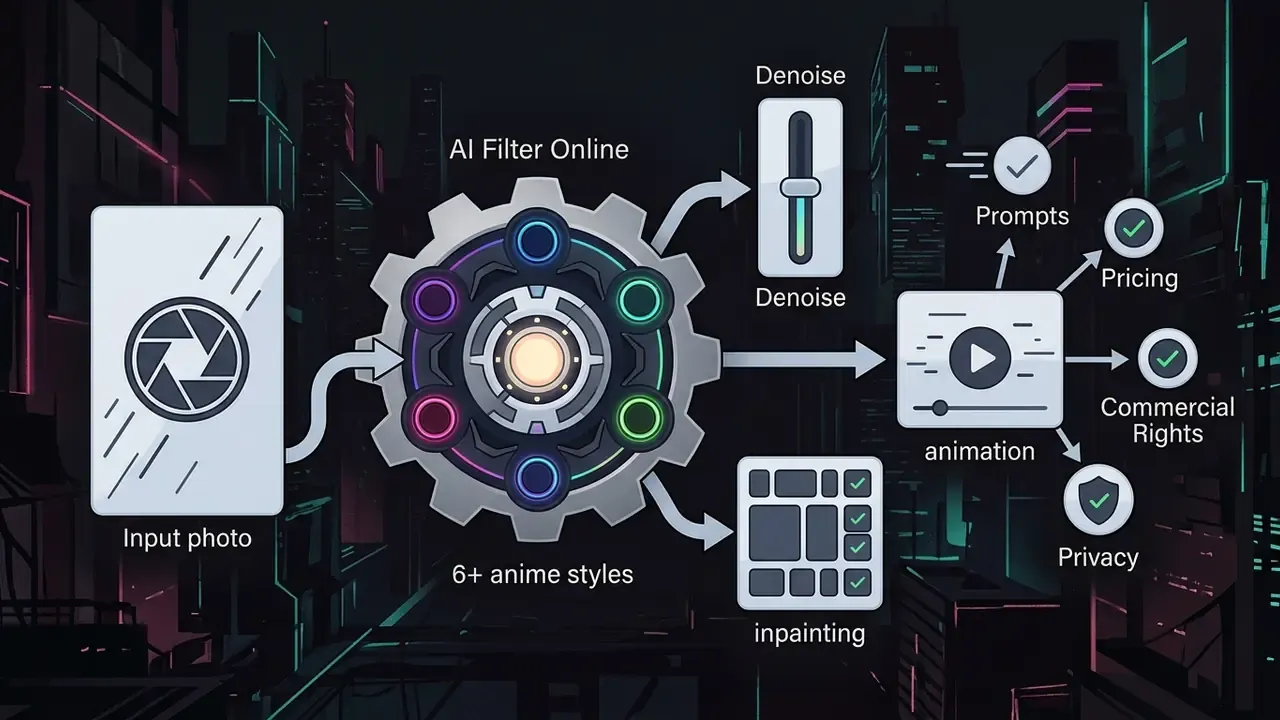
dark fantasy anime, cyberpunk city lights background, glowing neon highlights.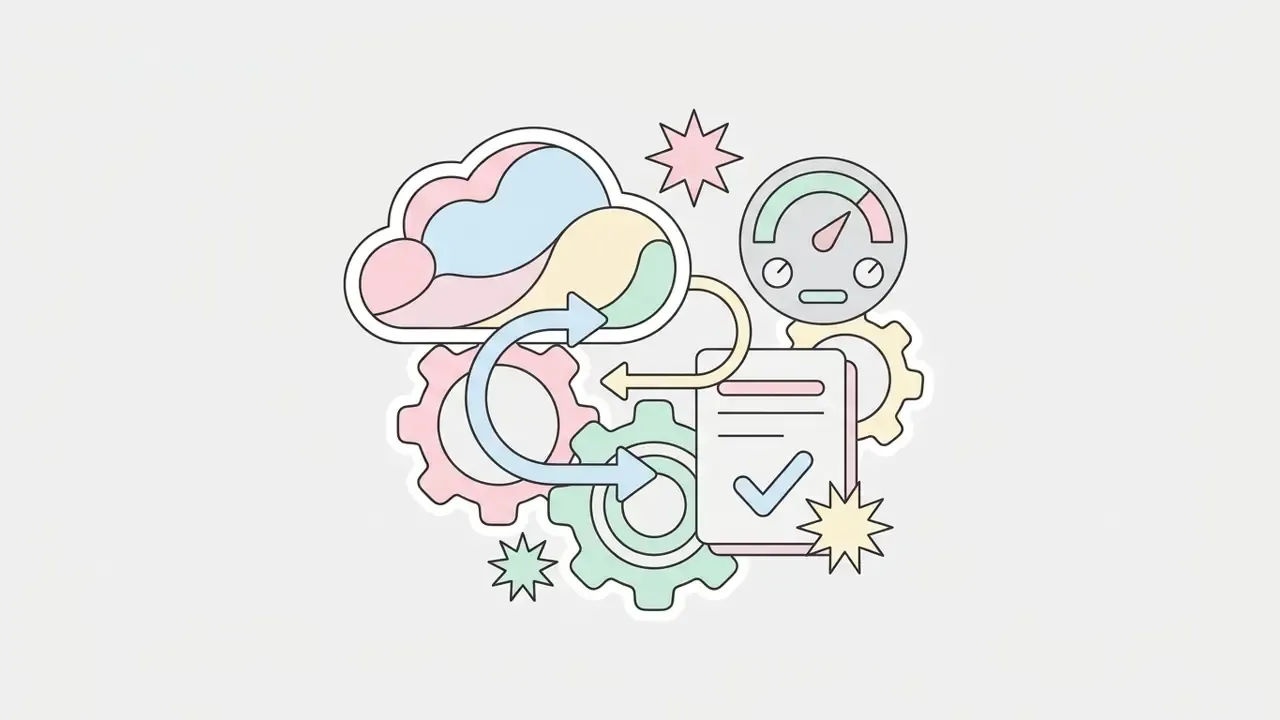
kawaii chibi style, big head proportions, pastel palette, sticker-friendly outline."The production pipeline in Todo et al. (SIGGRAPH Asia 2024) shows that patch-based texture synthesis gives more predictable control over contours, shadows and scene color than machine learning alone."
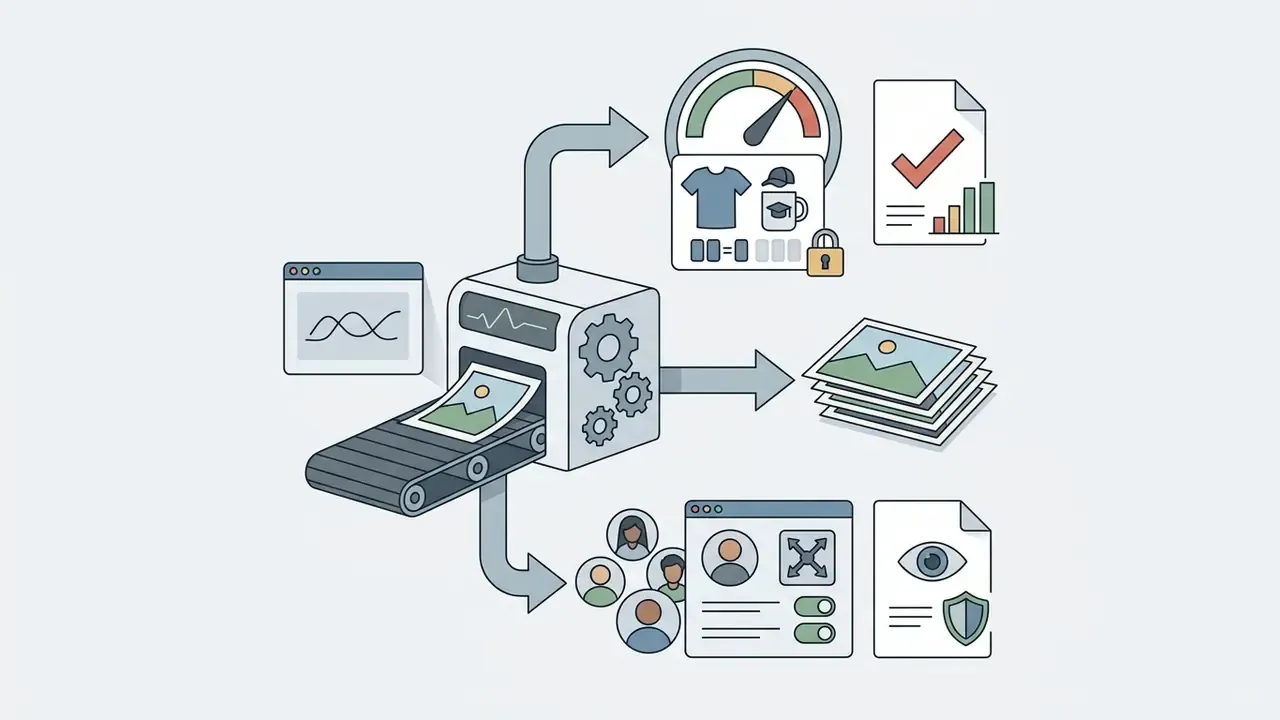
Profile pictures, social content and product photos
Finished art lands in very different places.
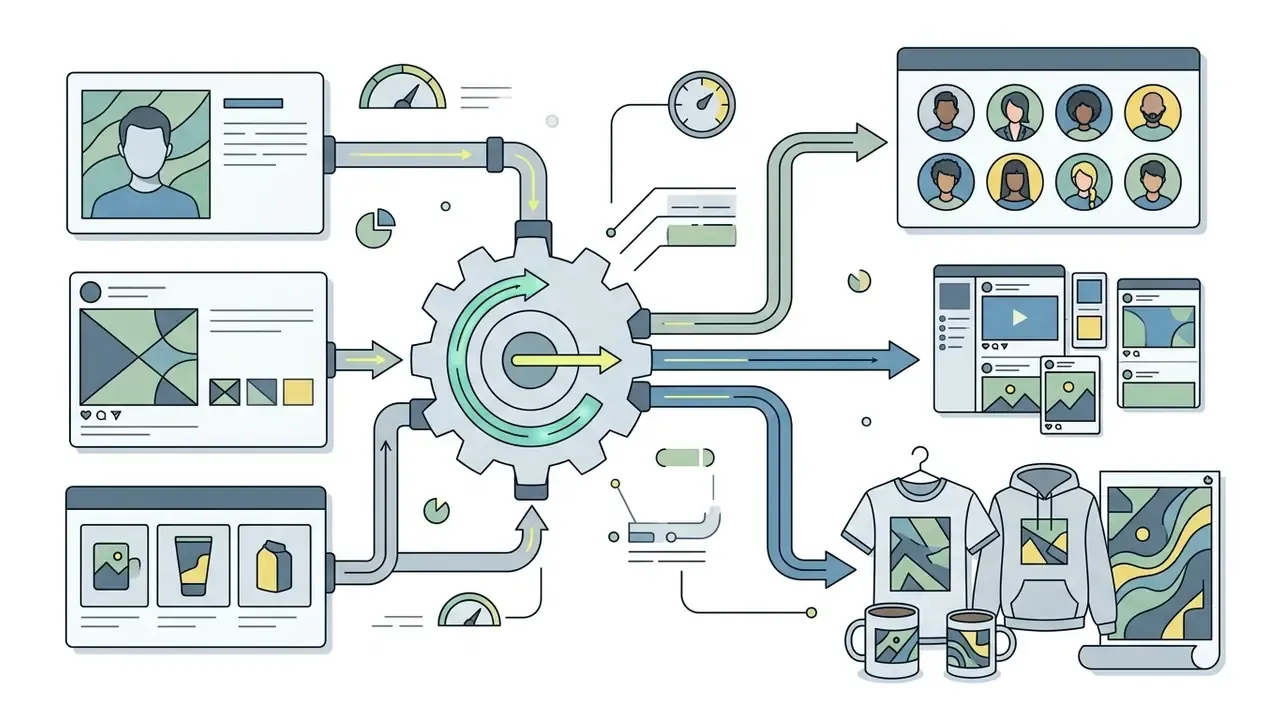
Professional scenarios:
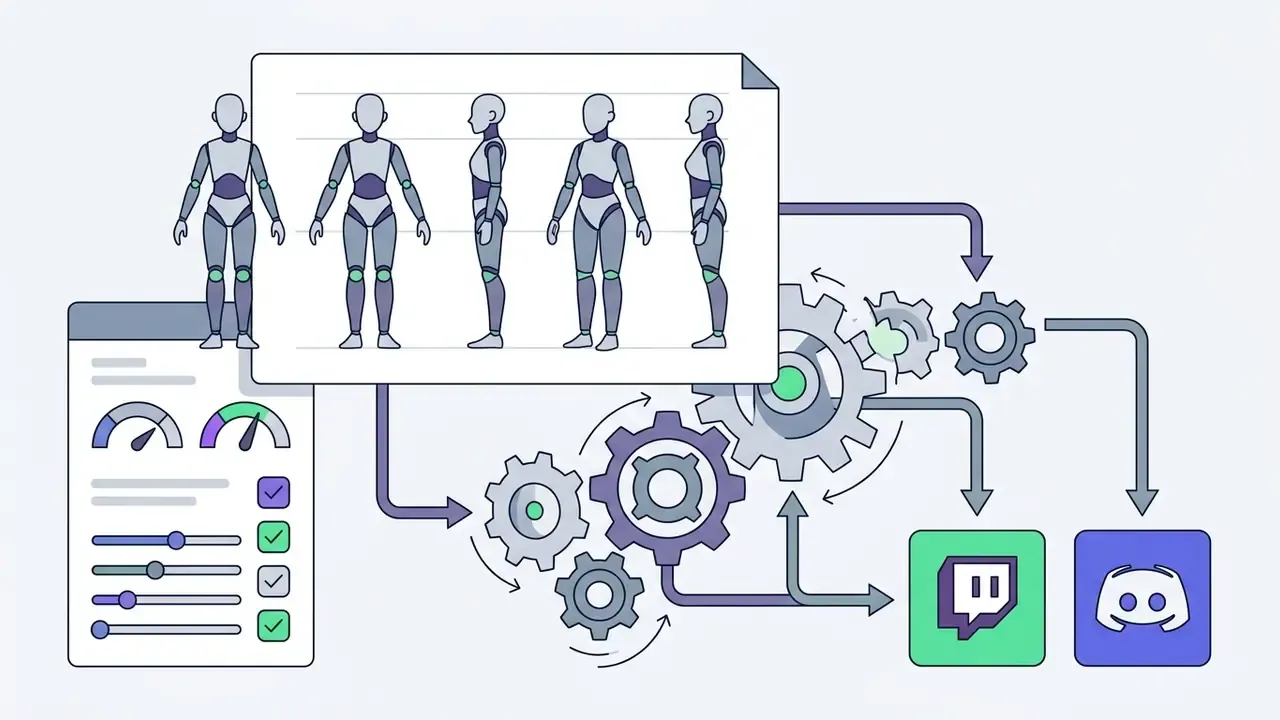
For presentation decks built around generated visuals, a slidesgo ai presentation workflow is the usual companion step, since anime frames rarely travel alone.
AI anime filter online, app and converter: how to choose a tool
The market offers three formats: web services, mobile apps and narrow converters. Each carries its own functional profile and its own ceiling.
The specialized ai ease – ai photo to anime converter targets fast browser work, while services in the aniface ai photo to anime converter class promise instant processing without mandatory registration and claim deletion of uploads right after conversion. Claim is the operative word; more on verification below.
| Tool format | Strengths | Limitations | Best scenario |
|---|---|---|---|
| Browser-based (online) | No install, fast start, works from any device | Depends on connection, free credit caps | One-off processing of 1 to 3 photos |
| Mobile app (iOS / Android) | Direct camera access, native beautify and mask features | Subscriptions, ads in the free tier, built-in watermark | Quick avatars on the move |
| Advanced editor / desktop | Precise Denoise and ControlNet settings, no quality loss, batch processing | High PC requirements or paid cloud GPU access | Professional design, merch prep, commercial projects |
"The Real Face Video Animation Platform built on Gradio confirms that web systems can deliver real-time face conversion when the server side is properly optimized." Real Face Video Animation Platform, preprint (2024)
Enterprise compliance matrix: choosing a service for a corporate perimeter
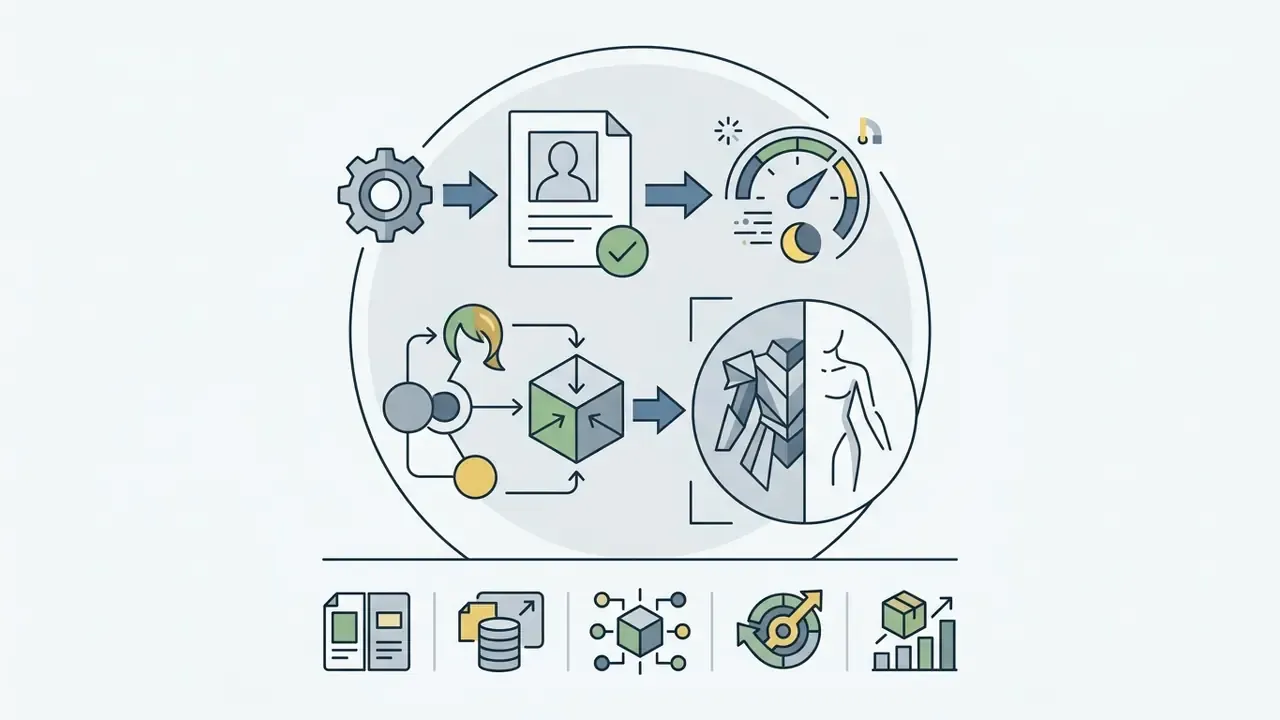
Once stylization moves out of personal avatars and into work processes (marketing, HR branding, game art), the selection criteria shift. The question stops being "how many styles" and becomes "how is my data handled". Here is the requirements matrix we use when reviewing a vendor.
| Criterion | What to check in vendor documentation | Red flag |
|---|---|---|
| Retention | Exact deletion window for sources: immediately after conversion, 24 hours, 7 days, 30 days | Wording like "we keep data as long as necessary" with no period |
| Training opt-out | Explicit statement that uploaded images are not used for model training | Silence in the ToS, or opt-out only on paid plans |
| Encryption | TLS in transit plus encryption at rest | No mention of storage encryption |
| Certifications | SOC 2 Type II, ISO/IEC 27001, GDPR-compliant DPA | Only a marketing claim of being "safe and private" |
| Jurisdiction and subprocessors | Physical GPU location and a published subprocessor list | No subprocessor list at all |
| API and SLA | Documented API, RPS limits, availability guarantee, priority queue | Web interface only, no API. Teams that need programmatic access should compare options before committing |
| Audit and logs | Ability to export an operations log, roles, SSO | One shared team account |
| Biometrics | A distinct handling regime for facial images (BIPA, GDPR Article 9) | No biometric data category in the policy |
Practical rule: for any frame containing employee or client faces, demand written confirmation of no training on user data plus a fixed deletion window. A sentence in the marketing block of a landing page is not a contractual term. Auditors know the difference; so should you.
When an AI anime filter online is the easier choice
Web tools fit users who need one stylized frame fast, with no installers. You upload through the browser, pick a style and get the output in seconds. For quick experiments, free AI image generators with no sign-up also work, and if you want to compare subscription costs across heavier graphics packages, view the guide.
The limits of the browser format deserve a mention: dependence on connectivity and the vendor's cloud state, AI credit quotas, watermarks on free tiers, and a trimmed feature set compared with the desktop or mobile build of the same product.
When to choose an AI anime filter app or an advanced photo editor
Apps found through queries like ai anime filter app convert photo to anime and ai anime filter app photo to anime deliver a comfortable mobile interface. They ship with a basic photo editor, skin enhancement and object erasing, meaning the whole preprocessing chain (beautify, AI erase, increase resolution) happens before stylization inside one app.
If you work with dynamic content and assemble anime frames into a finished clip, the breakdown of video editing workflows shows how to slot generated visuals into a production pipeline without redoing exports twice.
Free AI anime filter, commercial use and photo privacy
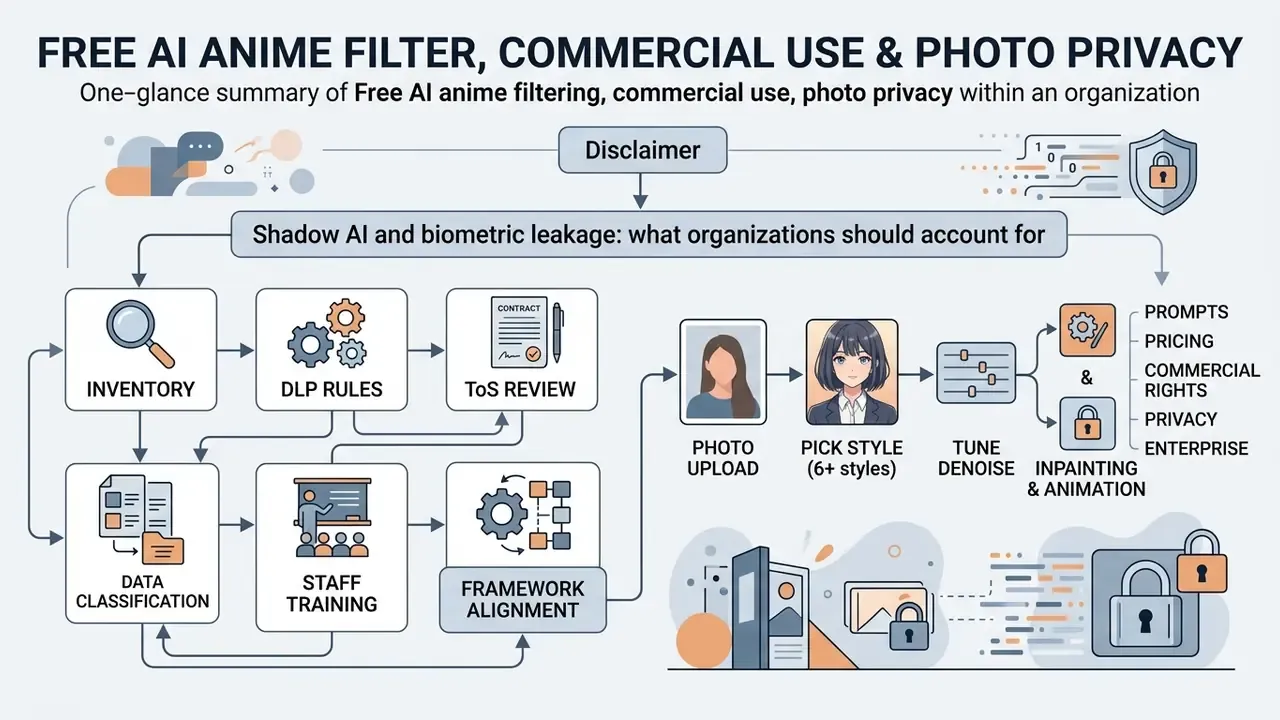
When picking a service, render quality is only half the decision. The other half is licensing. Free tiers (free photo, free ai) usually cap resolution, slow the queue and stamp watermarks on output.
"Commercial safety in AI art is defined not only by the generator's license, but by the absence of copyright violations in the source image and in the stylistic datasets used." AI Governance legal review
"The PhotoToAnime privacy policy (updated 31 October 2024) states that personal data is stored only as long as necessary, then deleted or anonymized, and that users may request full account and data deletion."
What to check in free use terms and paid plans
Before you start, review these points.
- Watermark presencefree services often brand the output with a logo.
- Resolution capfree export may stop at 720p or 1024x1024. For print you will need an AI image enhancer.
- Daily limitsfree generations typically run 2 to 10 frames per day; credit schemes also exist (for example, 66 credits per 24 hours).
- Queue priorityonce the free quota is spent, jobs drop into a low-priority queue and render time grows from 10 to 15 seconds up to 30 to 60 seconds or more.
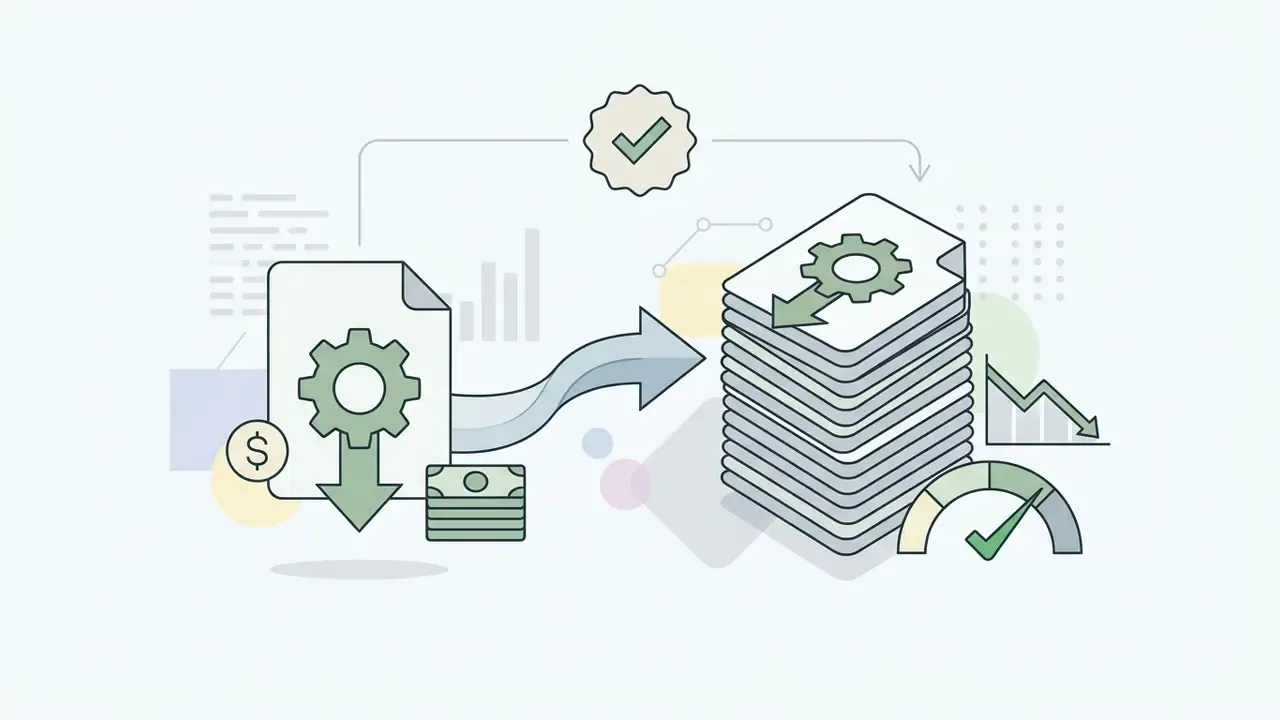
Pricing model and guarantees:
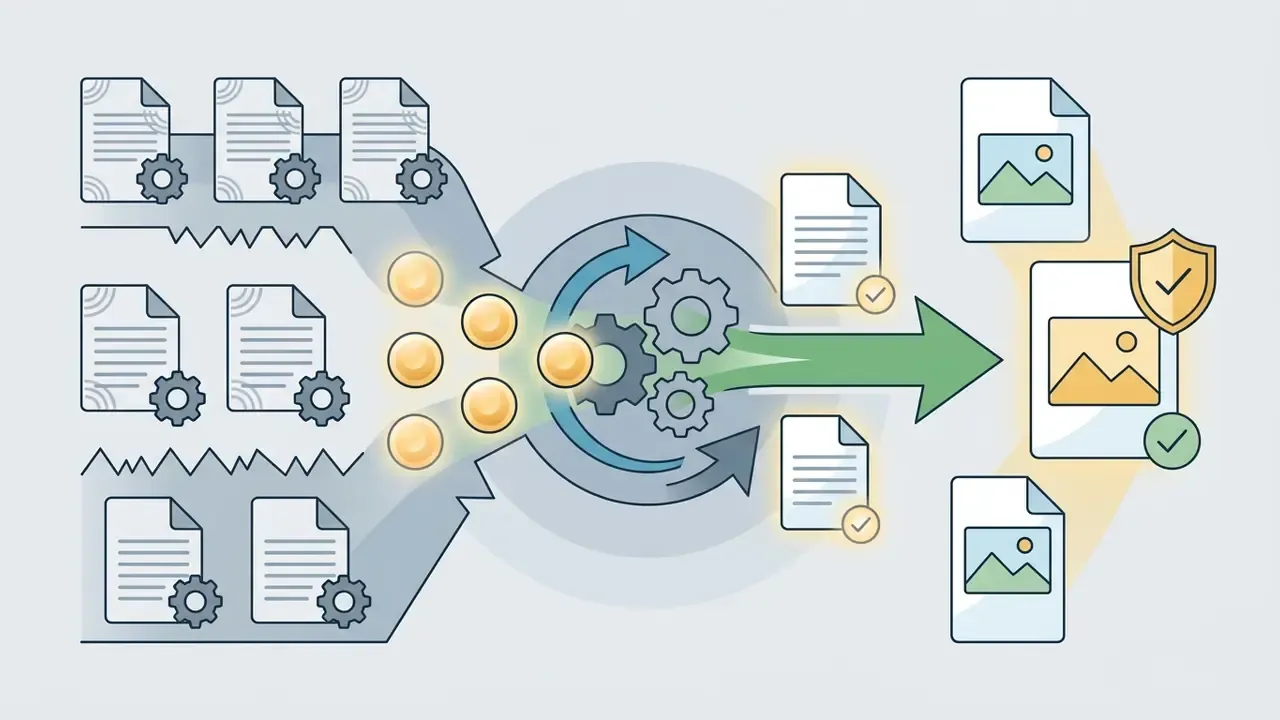
Is that generous? Compared with monthly subscriptions on unused seats, credits without expiry are the friendlier model for irregular workloads. Teams with steady volume should still price the bulk tier against API access.
Can you use anime art in commercial projects
The can i use question depends on the specific service. Commercial use of AI image generators is explicitly permitted by the license rules of several platforms, while others unlock it only on paid plans. Even then, when building packaging or advertising, make sure the source photo does not infringe third-party rights. For a deeper legal read, the material on AI Litigation and court precedent in the neural network field tracks how these disputes actually resolve.
"The AI Ease terms of service state directly that all generated images are licensed for commercial application, while users bear full responsibility for the content they upload and publish."
A practical pre-release check: (1) confirm your tier allows commercial use; (2) verify rights to the source photo and consent from the people depicted; (3) remove recognizable third-party characters, logos and trademarks from the frame; (4) archive an export of the terms of use as of the generation date. Step four takes two minutes and saves weeks in a dispute.
FAQ about the AI anime filter
Short answers to recurring technical questions, plus the ones that come up during corporate rollout.
Do I need to install software to use an ai anime filter, anime face preset included?
No. Most current tools run fully online in the browser on desktop and mobile.
How long does one photo take through an ai filter anime pipeline?
Usually 3 to 10 seconds, depending on server load and chosen resolution. During peak hours on a free queue, expect 30 to 60 seconds.
Are watermarks removed when converting ai picture to anime?
Watermarks disappear with paid credits or a premium plan. Some free services, AniFace among them, ship without a watermark from the start.
Can I transform a group photo and turn any photo or photos into anime?
Yes. The network detects several faces, but a high-resolution source is essential to keep everyone sharp. Above three people, cropping into separate portraits and assembling a collage afterward is more reliable.
Does the AI anime filter work in mobile browsers?
Yes. Web versions are adapted for iOS and Android screens and can pull images straight from the phone gallery.
Can I turn finished anime art into video?
Yes. The Photo-to-Video module generates a five second clip with facial motion and blinking, then layers a synthesized AI voice over your script. Good for reels, talking avatars and animated banners.
What should I do if the model ruined the eyes or hands?
Do not regenerate the whole frame. Select the problem area and run an inpainting command: Fix the eyes, Make the eyes symmetric, Repair the hand. Only the mask gets repainted. Add the negative prompt deformed eyes, extra fingers as well.
Why did my avatar's skin tone change?
That is skin tone shift: high-contrast styles at high Denoise pull the palette. Lower Denoise to 0.35 to 0.50, switch to a soft preset (Ghibli, Fantasy Anime, Realistic) and add preserve original skin tone, natural lighting.
Is the result suitable for merch printing?
Only after upscaling. Web output is 72 DPI. Posters and hoodies need PNG without compression at 4096x4096 px or more (300 DPI). Check the license terms on print volume too.
Is there an API and batch processing for teams?
Batch processing lives mainly in advanced editors and through APIs; many browser services handle one image at a time. For teams, check RPS limits, queue priority, SLA and the availability of role-based access or SSO.
Is it safe to upload corporate photos of employees?
Only into a service that passed internal review: fixed deletion window, explicit refusal to train on user data, encryption at rest and in transit, signed DPA. Facial images count as biometrics, so the decision belongs jointly to security and legal. See the enterprise compliance matrix above.
What legal risk comes with styling after a specific studio?
Risk appears when the output reproduces a protected manner or a recognizable character. Avoid living artists' names and franchise titles in prompts, document your presets, and keep provenance for the source frame.
Where can I find additional editing tools?
Use the catalog and browse the hub in our reference section, get technical help and see the overview, or open the hub for resource calculators. For basic preprocessing, the online photo editor guide helps, and for zero-budget scenarios there is the roundup of free photo editors. If you assemble anime frames into clips, a video compressor prepares files for publishing and an AI voice generator handles narration for animated avatars.
Appendix A. Unverified internal data (archive)
The original wording of our editorial audit is preserved below. It is an internal observation and has not passed external verification: the sampling methodology and measurement protocol were never published, so the specific percentages should not be treated as benchmarks.
The direction of the dependency (frontal light means higher identity retention; groups and deep shadows mean higher loss) matches academic literature on face distortion factors: motion blur, uneven lighting, angle change and partial occlusion. The magnitude is what remains unproven, and we would rather say so than dress up an internal number as research.
Appendix B. Validation checklist for image-to-image models
Written for risk managers, useful for anyone who buys these tools at scale.
- Reproducibility.Record seed, model version, preset, Denoise value and prompt text. The same input with the same parameters should yield comparable output. Divergence signals a silent vendor-side model update.
- Controller drift.Periodically run a reference set (10 to 20 images: frontal portrait, profile, group, pet, complex background) and compare pose and composition retention. Growing deviation equals model drift.
- Identity preservation.Assess whether the subject stays recognizable at fixed Denoise. Set thresholds before deployment, not after an incident.
- Hallucinations and artifacts.Keep a defect taxonomy: extra limbs and fingers, duplicated ears, deformed eyes, plastic fur, distorted text and logos in frame.
- Subgroup bias.Measure quality separately across skin tone, age and hair type. Skin tone shift and hair texture flattening are classic symptoms of uneven quality.
- Output safety.Test whether the model produces recognizable protected characters from neutral prompts.
- Data and deletion.Verify the actual deletion window (submit a deletion request, obtain vendor confirmation) rather than trusting the policy text alone.
- Documentation.Log model versions, plan changes and license terms. In an audit, the pairing of "generation date to ToS version" is the artifact people ask for first.