The Short Version
- An ai generated animal asset is any synthetic depiction of fauna produced by a text-to-image or image-to-image diffusion model (Midjourney, DALL·E 3, Stable Diffusion, Adobe Firefly, Leonardo AI).
- Anatomy defects (extra digits, deformed pupils, broken whiskers) are fixed with masked inpainting at a denoising strength of roughly 0.6 to 0.75, not by rewriting the whole prompt.
- Purely AI-generated animal images are not fully protected by US copyright without meaningful human creative authorship. A prompt alone is not authorship.
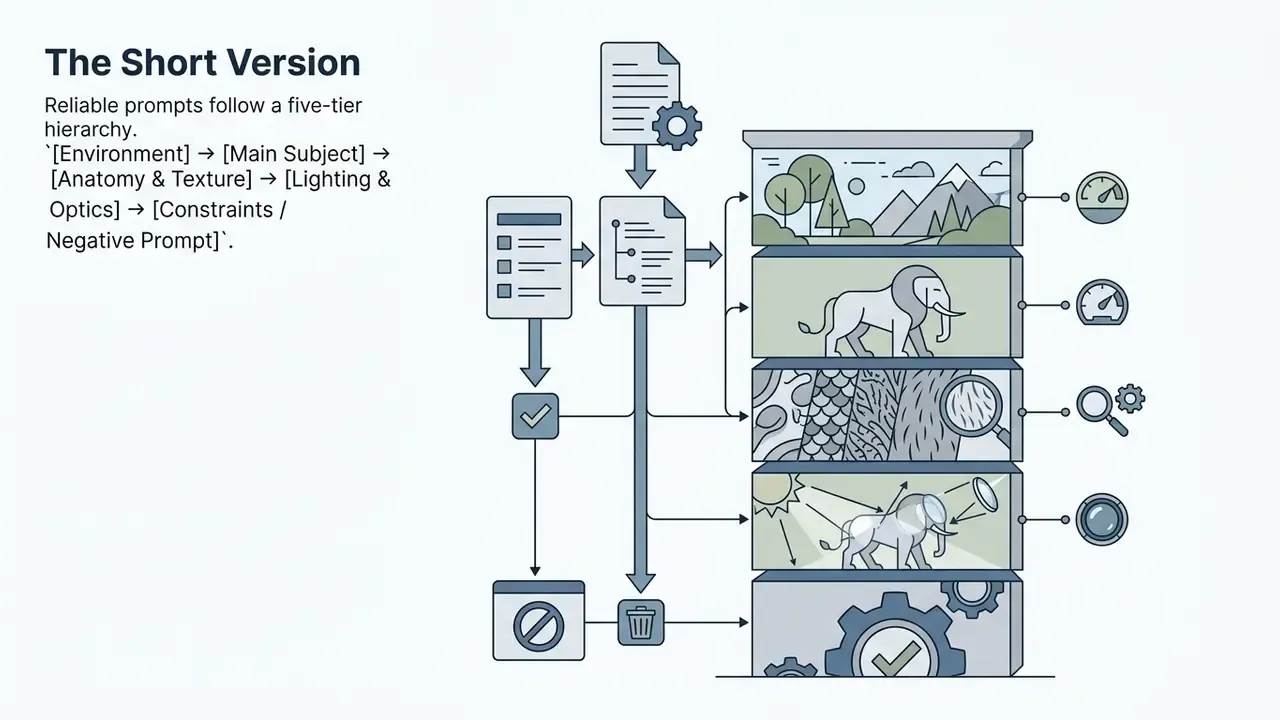
[Environment] → [Main Subject] → [Anatomy & Texture] → [Lighting & Optics] → [Constraints / Negative Prompt].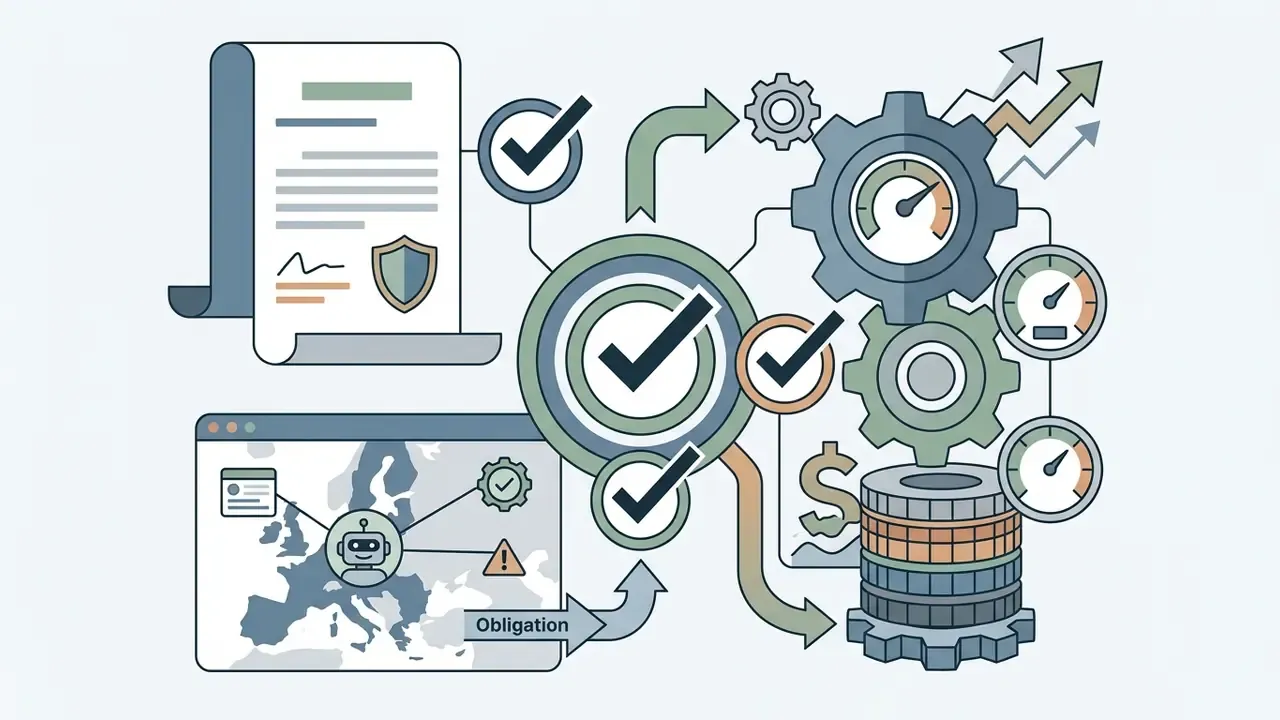
Two competencies decide whether that output becomes a usable asset. First, understanding how diffusion models interpret text prompts. Second, navigating the legal boundaries around commercial usage rights. Get both right and raw model output becomes an auditable, high-value asset with a documented provenance trail.
Who this guide is for and how to use it
This guide is written for people who ship assets, not just experiment with them: content leads, brand studios, publishing operations, and the compliance reviewers who sign off before publication. If you generate one image a month, you can skip to the prompt library. If your team generates hundreds and needs a repeatable process, read the licensing and compliance sections first, then work backwards into prompting.
A practical note before we start. Almost every failure we see in this category is procedural, not technical. The model rarely breaks. The workflow does: nobody recorded the plan tier at the moment of generation, nobody archived the prompt, nobody checked whether the free account carried a non-commercial licence. Prompt craft is the easy half. Evidence is the hard half.
What an AI generated animal is and which images you can create
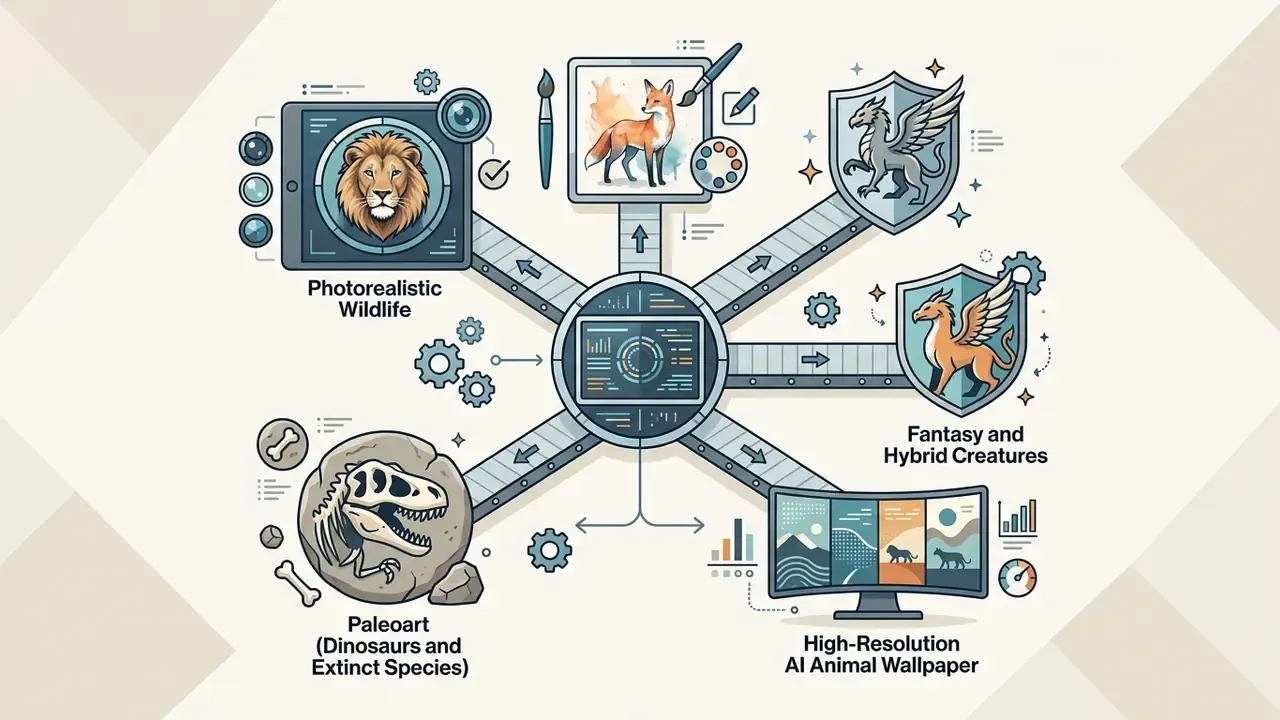
An ai generated animal asset is any synthetic visual representation of fauna produced by text-to-image or image-to-image deep learning models such as Midjourney, DALL·E 3, Stable Diffusion, or Adobe Firefly. Modern generative pipelines render diverse outputs: photorealistic wildlife portraits, ai art animals, fantasy hybrid creatures, scientifically grounded paleoart, and high-resolution ai animal wallpaper files. If you are still deciding which platform to standardise on, our comparison of AI image generators evaluates output quality, control surfaces, and rights.
Computer vision research treats animal imagery as a primary benchmark for generative accuracy. The reasons are structural: non-rigid body deformations, complex fur and scale textures, and heavy environmental lighting interaction.
«Animal3D contains 3,379 images of 40 mammal species with 26 keypoints and SMAL shape parameters, the first comprehensive dataset for 3D animal pose and shape estimation.»
That annotation density explains why animals remain harder than human portraits for diffusion models. Pose, limb count, and coat direction must stay geometrically consistent across highly deformable bodies, and current models approximate that with spatial attention rather than explicit skeletal reasoning. In other words, the model guesses anatomy. It does not know it.
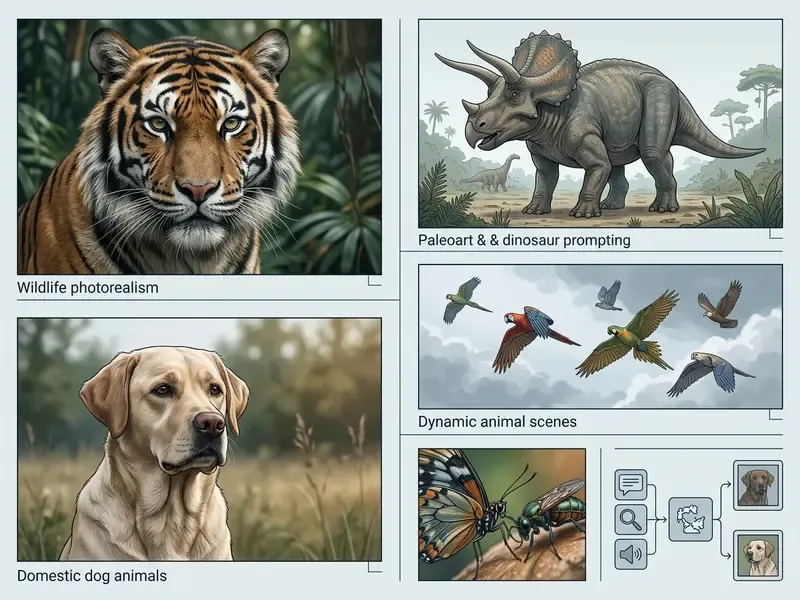
Five side-by-side examples, each in a figure block with a visible caption and descriptive alt text:
Realistic AI animal photos and wildlife frames
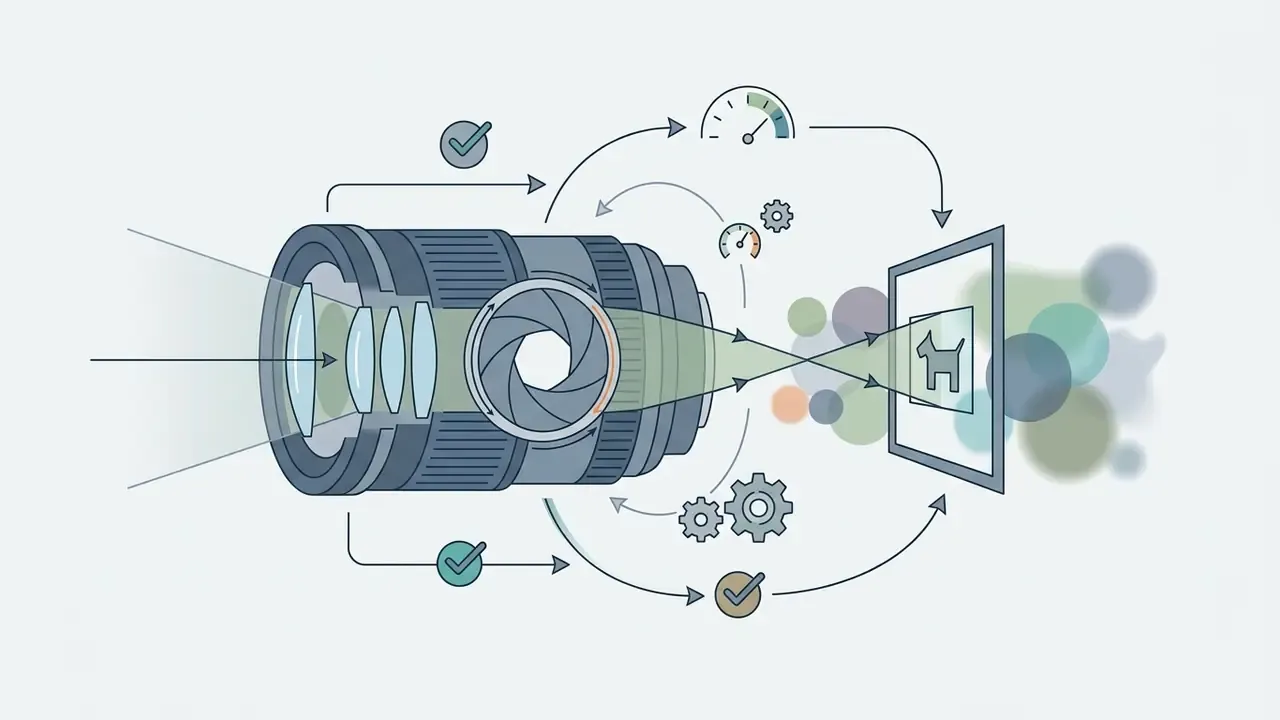
A photorealistic ai animal photo replicates the optic behaviour, depth of field, and lighting characteristics of professional wildlife photography. Generating an authentic ai animal photo, or a consistent sequence of ai animal photos, requires precise camera parameters, defined lighting conditions, and granular anatomical detail in the text input.
To reach genuine photographic fidelity in ai generated animal photos, prompts must define environmental interaction and optical traits:
Atmospheric conditions deserve their own line in the prompt. Research datasets built around haze, mist, and rain in wildlife photography show that paired clean and degraded imagery is needed to teach models how light scatters around fur in fog. That is why prompts including volumetric morning mist or light rain haze often read as more authentic than clean studio-lit renders. Slightly imperfect light sells realism.
AI art animals, fantasy and hybrid creatures
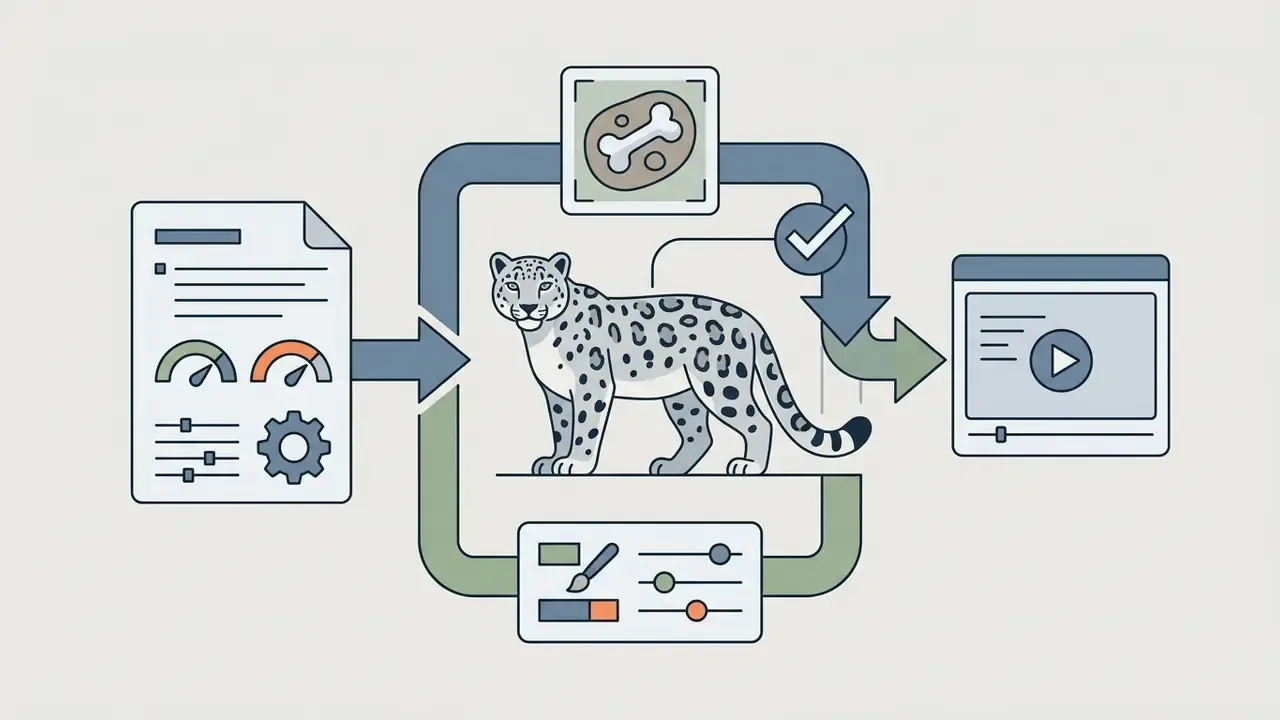
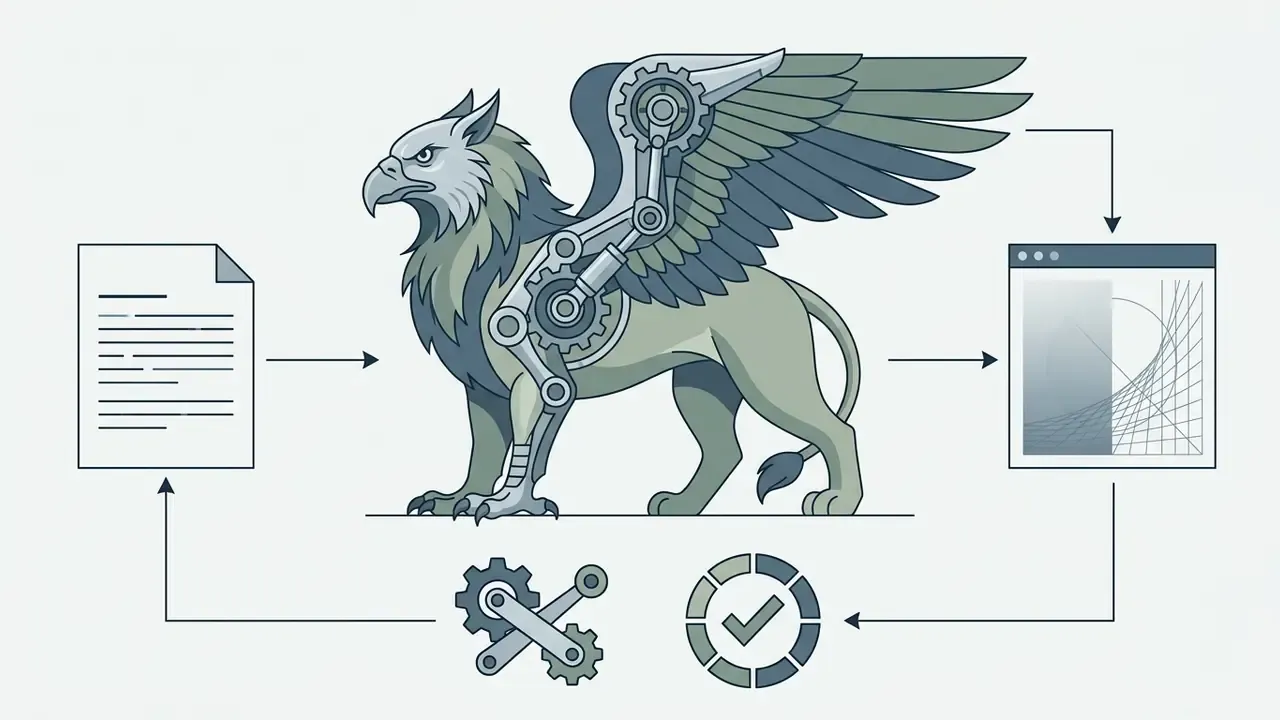
When requesting a hybrid generated animal, specify a primary torso base (for example lion body structure) alongside accent elements (for example iridescent eagle wings) to keep structural coherence while achieving creative stylization. Assign one dominant body plan, add no more than two secondary traits, then describe habitat, pose, and texture so the model has a plausible ecosystem to anchor the anatomy. Three grafted species usually collapses into mush. For style-heavy work, our review of AI art generators covers which engines hold a consistent illustrative look across a full creature cast.
Extinct animals and scientifically grounded paleoart (dinosaurs and Ice Age fauna)
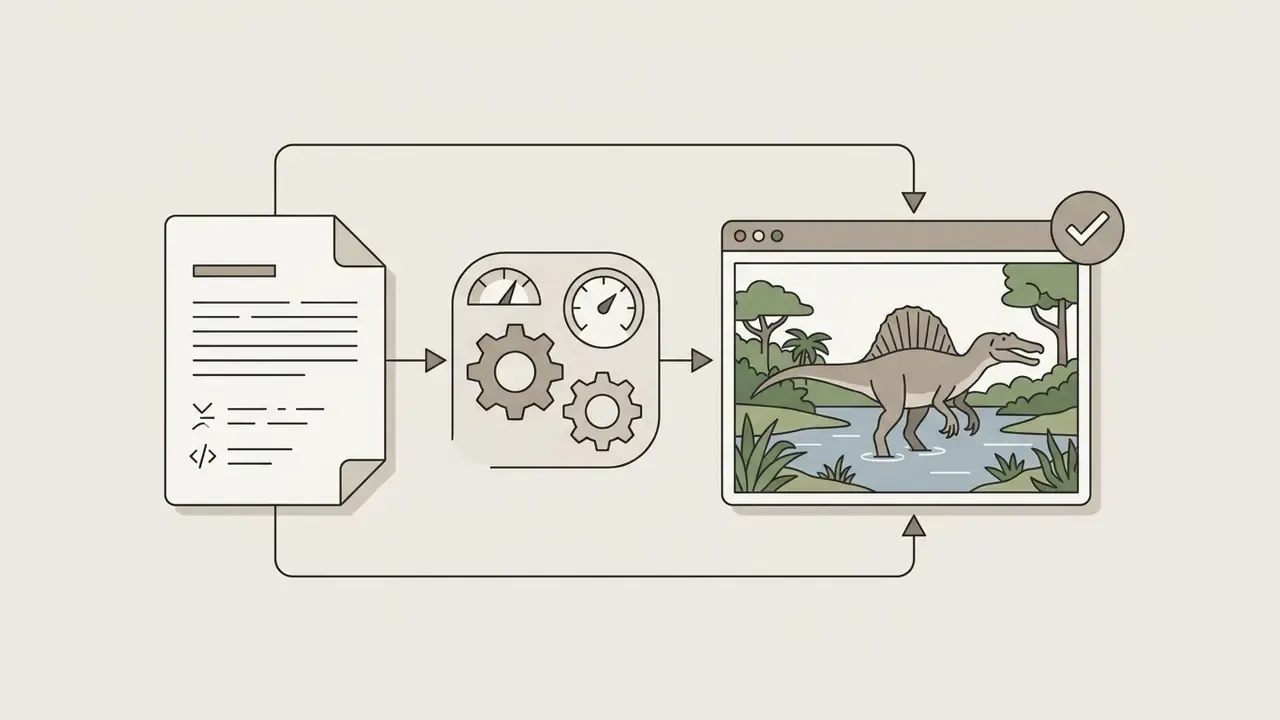
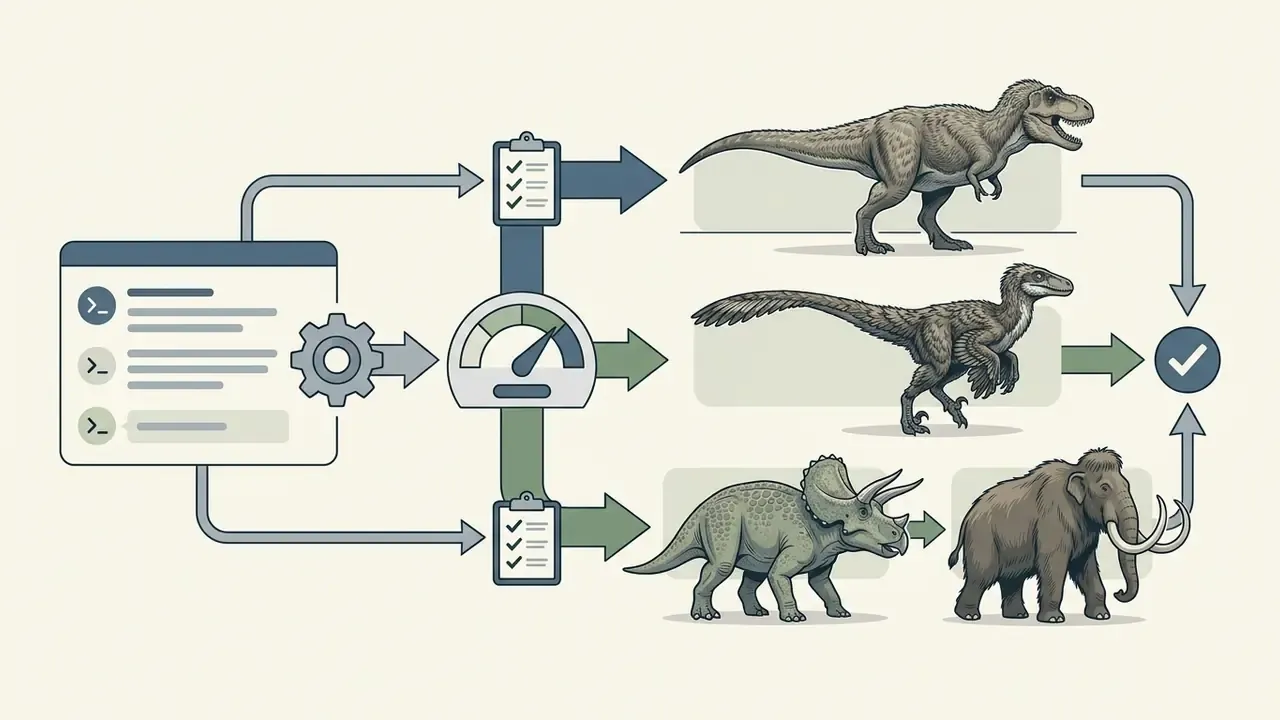
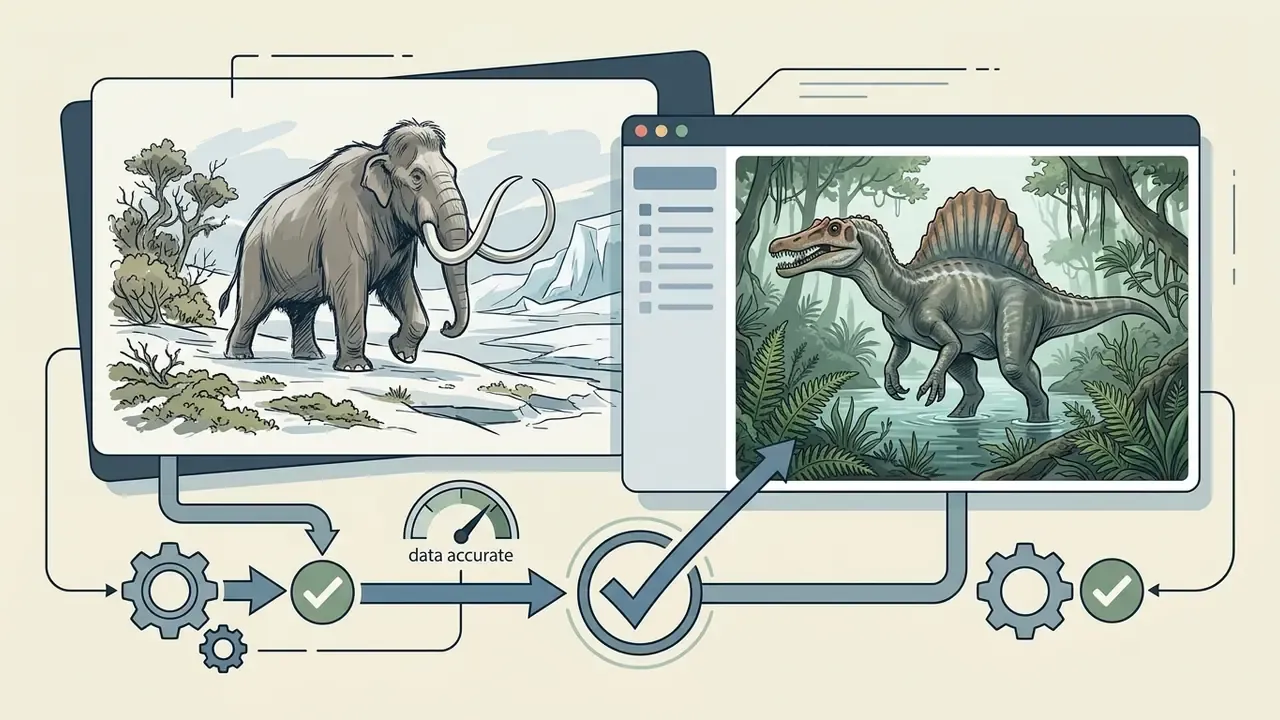
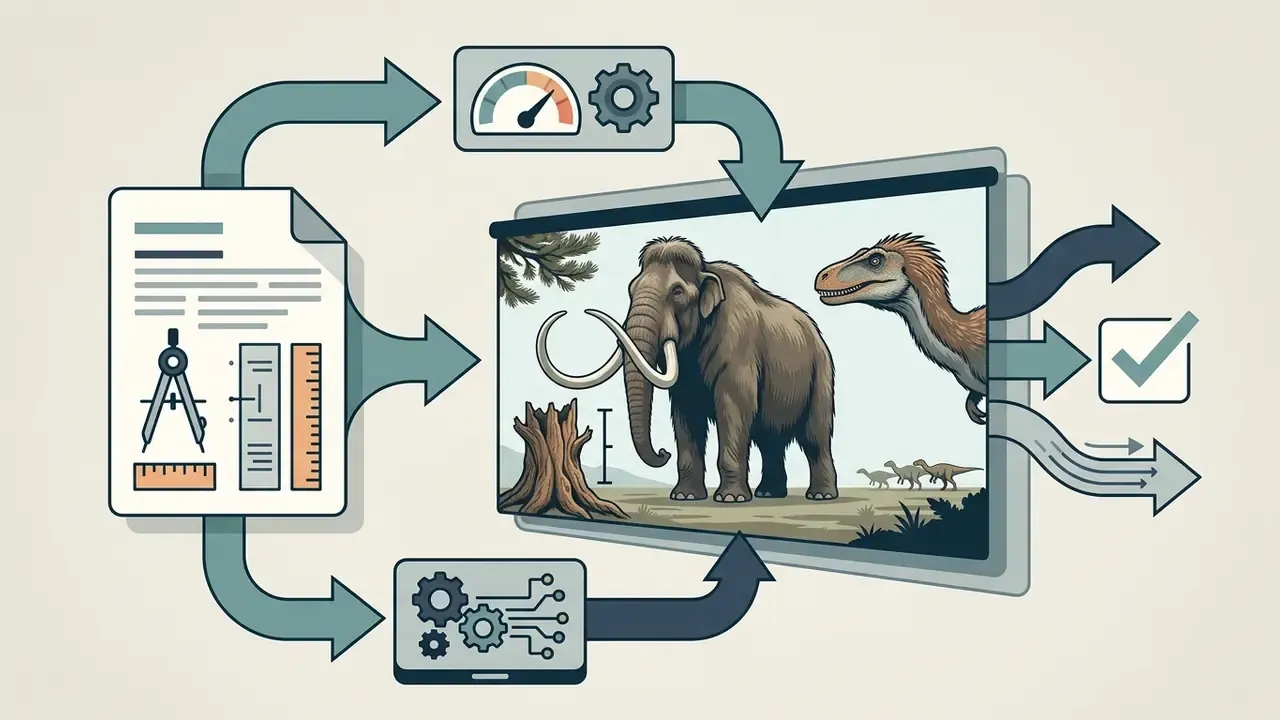
Generative models have become a core production tool for museum exhibits, popular-science publishing, and educational projects. Teams can reconstruct extinct fauna without commissioning expensive 3D palaeoillustration. This is also one of the highest-intent segments of the category: searches for dinosaur ai generator, extinct animal generator, and paleoart prompt map directly onto species-level queries such as T. rex, Spinosaurus, Triceratops, Velociraptor, Megalodon, Woolly Mammoth, Smilodon, Thylacine, Dodo, and Quagga.
How paleo prompting differs from ordinary wildlife prompting:
feathered texture or fossil-verified scaly skin, to avoid the outdated 1990s cinematic stereotype the models absorbed from film stills.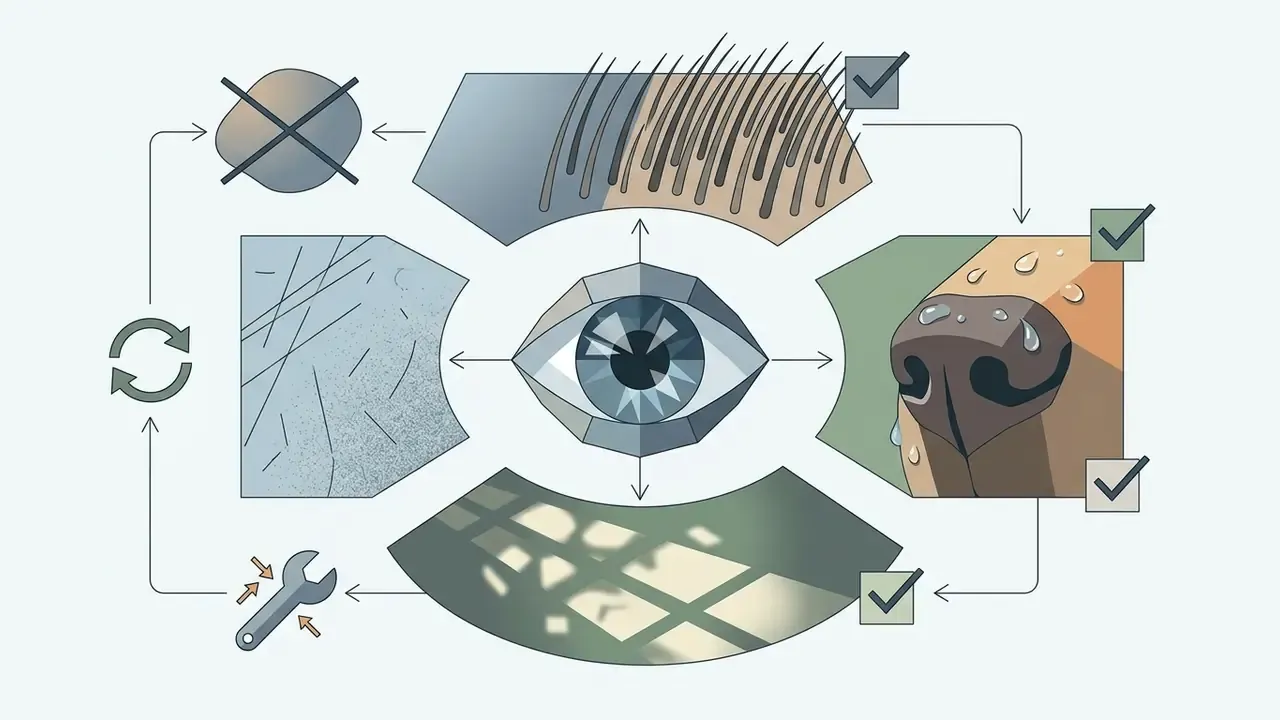
Pleistocene tundra-steppe with frozen moss and permafrost; for Spinosaurus use Cretaceous mangroves and brackish river delta; for Megalodon use open pelagic water, deep blue light falloff, scale reference of small fish shoal.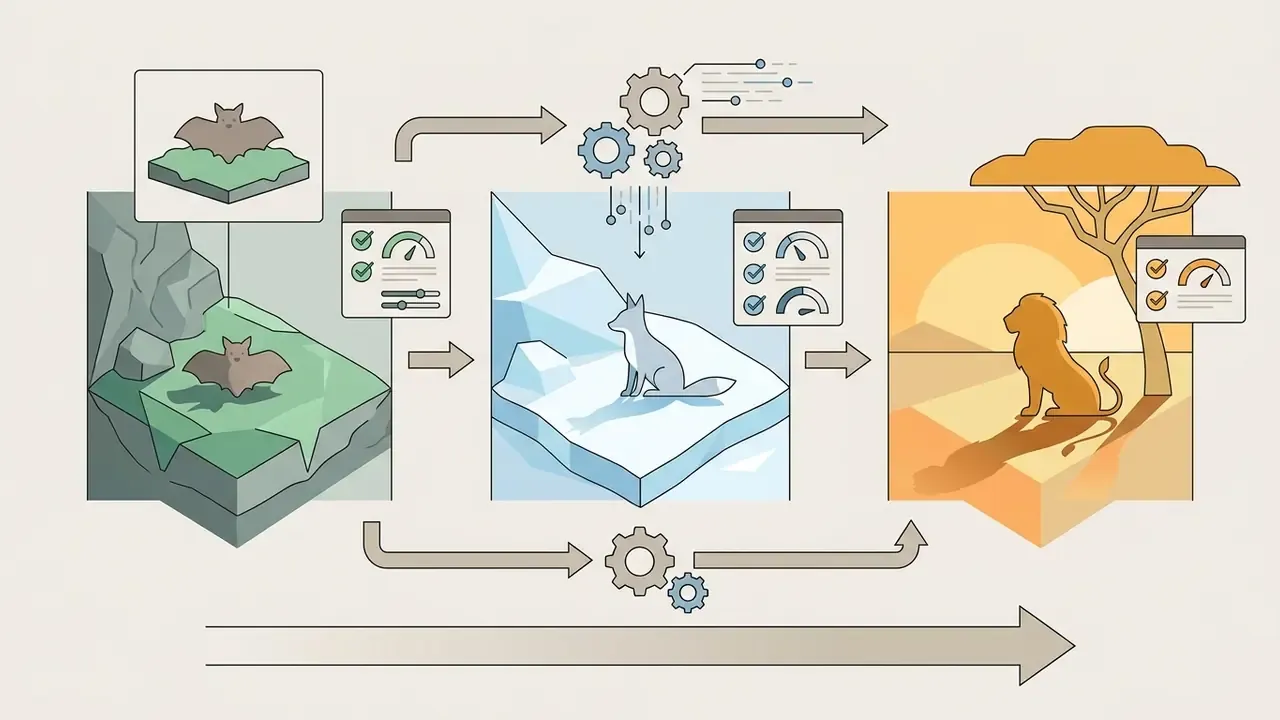
movie monster, kaiju, stylized fantasy dragon, glowing eyes, toy render into the negative prompt so the model leans on academic reconstruction imagery instead of entertainment franchises.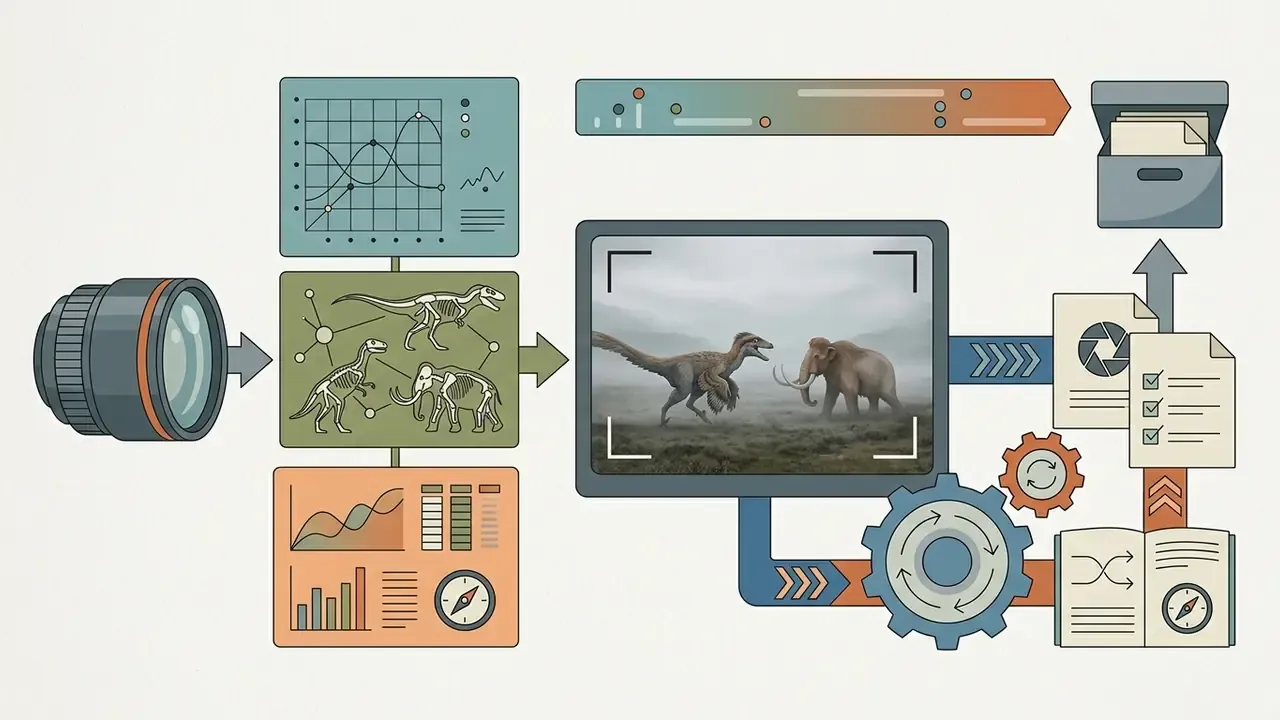
natural-history footage look, overcast diffuse light, and 35mm documentary lens produce editorial-grade frames suitable for museum signage and textbook layouts.AI animal wallpaper, pictures, and gallery images
Setting up an ai animal wallpaper file or a high-resolution gallery visual requires exact display ratios, deliberate spatial composition, and defined pixel density targets. A generic ai animal picture or a casual ai animal pics collection may focus only on the central subject. Background wallpapers need dedicated negative space for interface elements.
Technical requirements for display and publication assets include:
- Aspect ratio and composition wallpapers demand wide ratios (
16:9or21:9for desktop,9:16for mobile). Prompts should position the main subject using the rule of thirds and keep edge areas clean. - Export resolution and PPI digital web galleries accept standard 72 to 96 PPI JPEG files, whereas print-ready animal art or archival reproductions require 300 to 600 PPI TIFF exports to preserve fine fur lines. Publication and heritage-imaging standards generally treat 300 PPI as the floor for halftone imagery and 600 PPI as the practical requirement for combined art and text.
- Detail distribution standard ai animal pictures highlight central focus points, whereas gallery-grade ai images of animals need consistent edge-to-edge rendering without peripheral blur or prompt degradation.
- Alt text discipline for accessibility, name the species and the scene rather than the medium, so "golden retriever puppy on wet sand" rather than "image of a dog", and keep the description concise, ideally under 150 characters.
How to create an AI animal image with a generator
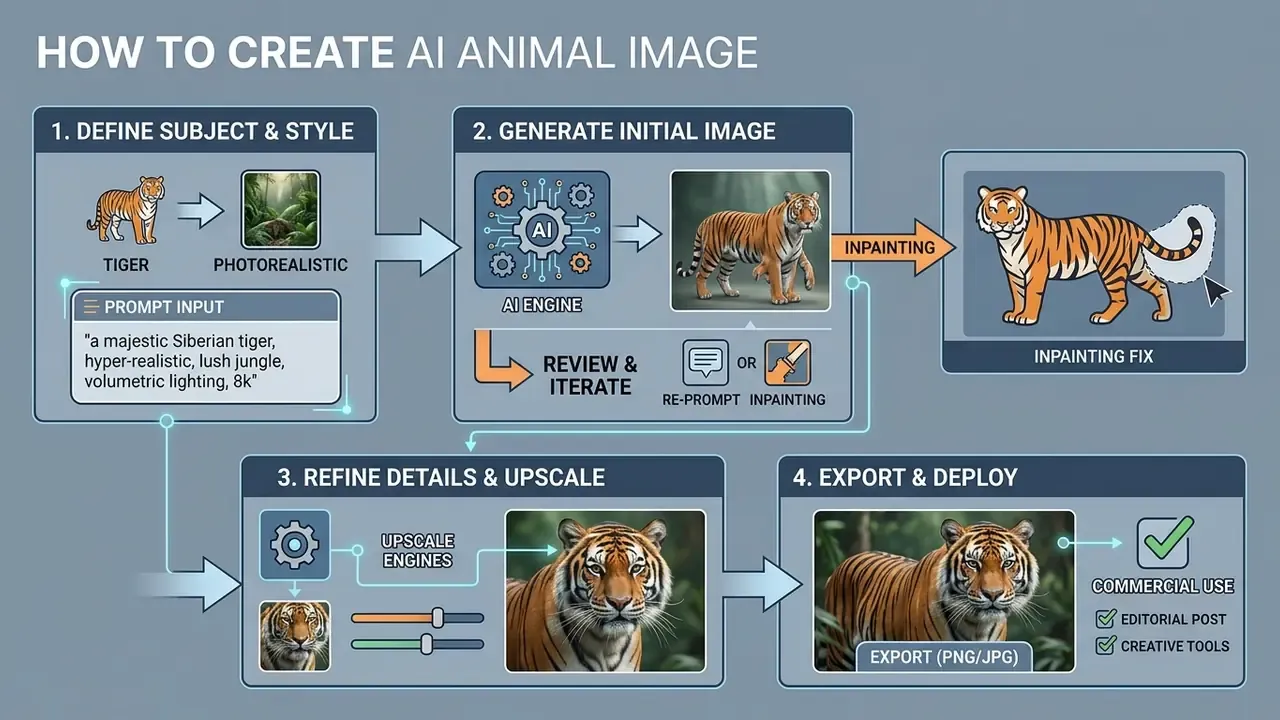
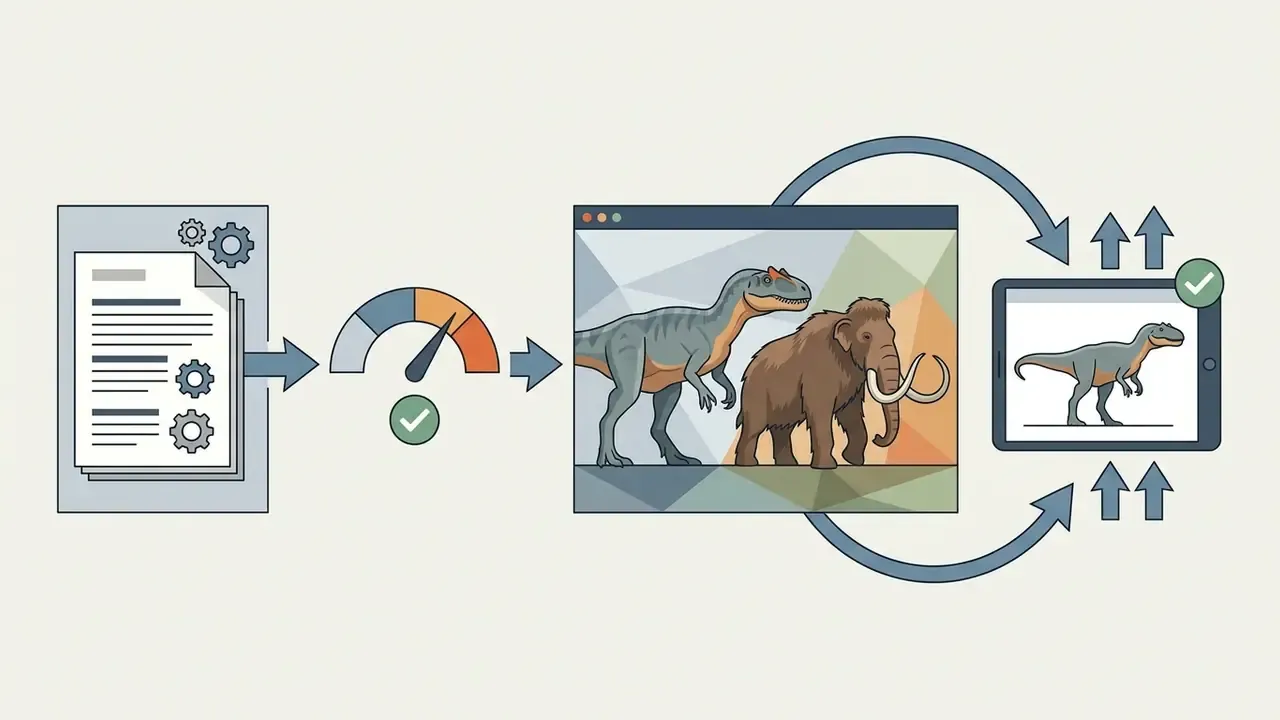
Producing a high-quality ai animal image through an ai animal generator follows a structured workflow: define the core prompt, configure style and resolution, run batch generation, then apply post-processing and upscaling.
Describe the animal and the intended scene
To generate or create a precise ai image of animals, your initial text prompt must establish the primary subject, the current action, and the immediate surroundings. Vague prompts produce generic stock-style outputs. Structured descriptions force the ai animal generator to lock onto clear semantic vectors.
When drafting the request, follow this sequence: name the exact species (for example North American river otter), define its physical activity (for example diving through clear river water), and articulate the environment (for example submerged riverbed with smooth granite pebbles). Clear spatial relationships keep every ai generated images animal output balanced between subject and background. Add the viewpoint explicitly, whether eye-level, low-angle, three-quarter view, or overhead, because framing terminology resolves ambiguity faster than stacking adjectives.
Choose the style: realistic, art, or fantasy
The style modifier inside the ai animal generator decides whether the final image reads as an authentic ai photo animal or an artistic conceptual illustration.
Modern generative interfaces offer pre-configured style presets:
- Photorealistic enforces natural lighting physics, skin and fur rendering rules, and camera metadata simulation (photorealistic, DSLR photograph, shot on 35mm film, natural light, film grain).
- Digital art and painting applies brushwork emulation, impasto textures, or vector shading (digital painting, concept art, 3D render, oil on canvas, thick impasto, gouache), turning a standard generated animal visual into gallery artwork.
- Fantasy concept art raises colour saturation, introduces magical light sources, and allows structural deviation from natural zoological anatomy (epic fantasy landscape, dark fantasy, mythical creature, matte painting, character sheet).
Generate variations, select the result, and download the image
After clicking generate, evaluate the output batch and pick the most anatomically sound generated animal picture before high-resolution export.
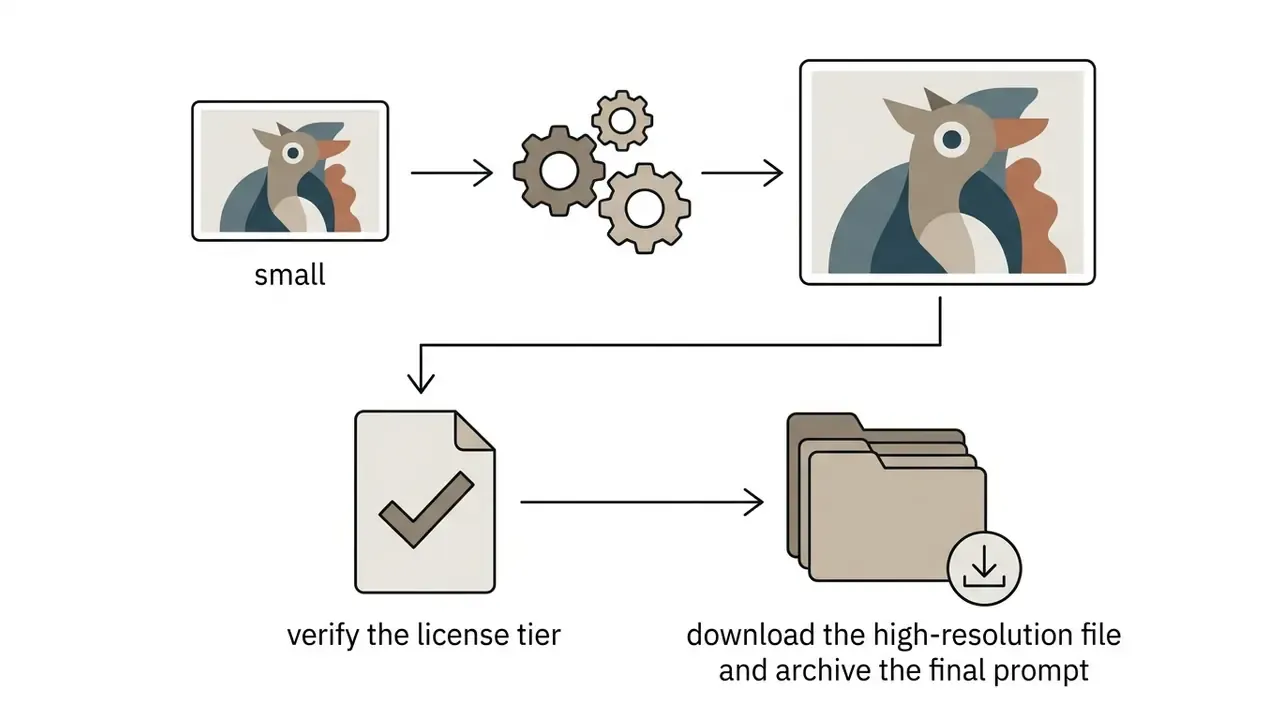
Generative models still introduce anomalies: extra digits on paws, asymmetric pupils, misaligned whiskers. Media operators should generate 3 to 4 variations per batch, select the image with the cleanest structural lines, then apply an AI-assisted upscaling pass (2x or 4x diffusion upscaling, typically). Tools differ here. Some pipelines simply interpolate pixels, while dedicated super-resolution models such as ESRGAN-class upscalers reconstruct sharper edge detail. Check our breakdown of AI image upscalers before locking a delivery format. This step lifts a standard web preview into an asset fit for a corporate media library or digital publishing.
Practical selection rules for reviewers, ordered by severity:
- Count limbs, digits, and ears first. Structural errors are the costliest to repair.
- Check pupil symmetry and catchlight consistency between both eyes.
- Trace fur direction across joints. Broken flow signals a latent-space seam that upscaling will amplify.
- Inspect where the animal contacts the ground. Floating paws and missing shadows are common failure points.
- Only then judge aesthetics, colour, and mood.
Aesthetics last. Reviewers who start with mood almost always miss a sixth toe.
How to choose an AI animal generator: free features, models, and options
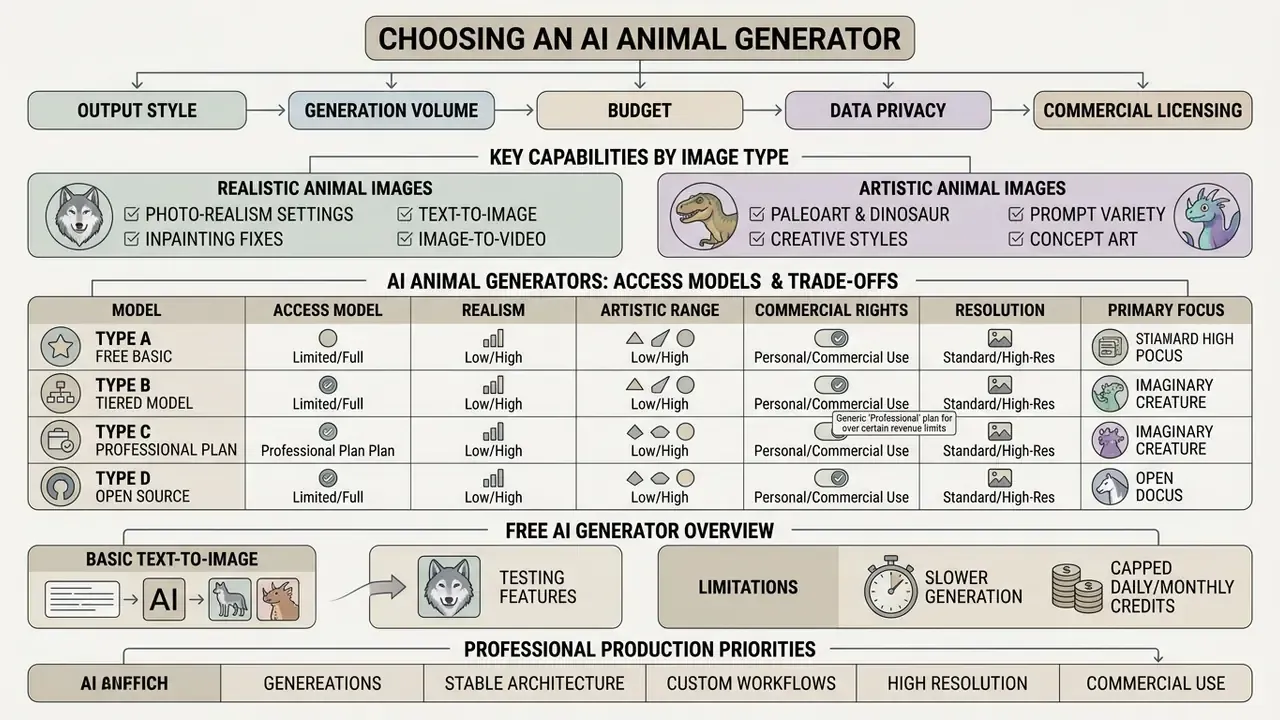
Choosing the right ai animal generator depends on required output style, generation volume, budget, data-privacy posture, and commercial licensing needs. If cost is the binding constraint, start with our overview of free AI image generators, which quantifies daily credit caps and watermark policies. Leading platforms vary sharply in photorealism, artistic flexibility, and free-tier limits.
Comparison table: AI animal generators by access model, realism, artistic range, rights, resolution, and privacy terms. Criteria and conclusions are also summarised in the surrounding text.
| Platform | Free access | Wildlife photorealism | Artistic range | Commercial rights on free tier | Max resolution | Data privacy and training on your inputs |
|---|---|---|---|---|---|---|
| Midjourney (v6+) | None, paid subscriptions only | Highest, precise fur texture | Very high stylistic flexibility | No, commercial rights on paid plans only¹ | Up to 2K/4K with upscaling | Generations are public by default on lower tiers; Stealth Mode restricted to Pro and Mega |
| Adobe Firefly | Free daily credits with an Adobe ID | High, designed as brand-safe | Broad preset library (photoreal, watercolour, oil, vector, 3D, pixel, anime) | Yes, model trained on licensed and public-domain content | High-resolution native PNG export | Paid subscribers do not grant broad input/output reuse; submitting to the public Firefly gallery does grant Adobe a perpetual reuse licence |
| DALL·E 3 (OpenAI) | Limited via ChatGPT free tier or pay-as-you-go API | Medium-high | Excellent complex-prompt comprehension | Yes, users own the images and may reprint, sell, and merchandise them | 1024×1024 / 1792×1024 | API inputs are not used for model training by default; consumer chat settings must be checked per account |
| Stable Diffusion (XL / 3) | Fully free, open source, local install | High, but requires ControlNet or LoRA tuning | Effectively unlimited via community models | Yes, depends on the base model licence | Unlimited, hardware-bound | Highest privacy: local inference means prompts and references never leave your infrastructure |
| Leonardo AI | Daily free credits, roughly 150 per day | High | Very high, custom fine-tuned models | Limited, depends on plan terms | Up to 4K via Alchemy Upscale | Private generation modes are typically tied to paid tiers |
¹ Footnote (Updated): Midjourney requires a Pro or Mega plan for organisations grossing more than $1,000,000 USD per year in order to use generated images commercially, per Midjourney's published Terms of Service and plan documentation.
Read the table as a trade-off, not a ranking. Midjourney buys texture quality at the cost of default publicity on cheaper tiers. Stable Diffusion buys privacy and unlimited resolution at the cost of setup labour and GPU time. Firefly buys provenance comfort at the cost of stylistic ceiling. Before signing an enterprise agreement, review how licence scope differs by vendor in our guide to commercial use of AI image generators. Teams comparing engines head-to-head can also consult our evaluations of Midjourney and Google's image models. To weigh alternative creative ecosystems side by side, browse the hub.
What a free AI animal generator actually offers
Most free ai animal generator services provide basic text-to-image conversion, which is enough to test prompts and produce casual ai images animals files. Free tiers, though, carry functional constraints that matter the moment work becomes billable.
Typical limits: slower generation speed, capped daily or monthly credits (25 credits per month, 20 images per day, or 50 requests per day, depending on vendor), maximum resolution around 1024×1024 pixels, and visible watermarks. Many platforms also restrict commercial usage on free outputs, confining them to non-profit or educational projects. Some services grant a commercial licence on the first free generation but gate 4K export and premium styles behind a paid tier. Read the download screen, not the marketing page.
Which capabilities matter for realistic versus artistic images
When evaluating software for professional ai animal images production, prioritise architecture features by creative discipline.
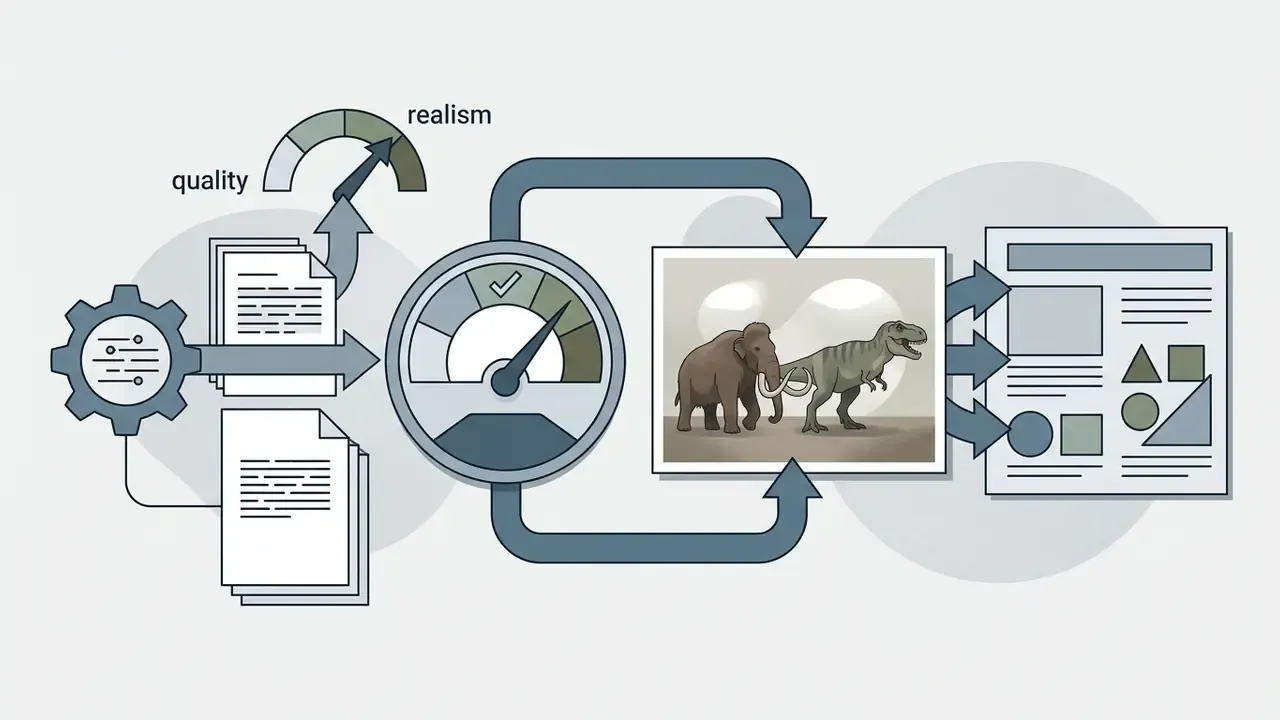
For realistic wildlife photography, pick generators supporting fine texture rendering, realistic subsurface scattering (for skin and ears), and optical lens controls. High-quality rendering modes exist precisely for outputs where micro-detail such as pores, individual hairs, and surface imperfection decides the result. For ai art animals and fantasy concepts, prioritise custom LoRA fine-tuning, style transfer reference layers, and strong negative prompt filtering. Research on style diversity in diffusion models indicates that stylistic breadth and photorealistic fidelity sit at different operating points of the same architecture, which is a polite way of saying you rarely get both at maximum. Teams evaluating enterprise adoption can explore the hub for structured cost management models.
How to write a prompt for AI generated images of animals
Effective prompts for ai generated images of animals rely on systematic syntax, not random keyword stacking. Updated: rather than attributing a single universal rule to one vendor, note that published prompting guidance from major model providers converges on the same pattern. Declare the scene, then the subject, then the key details, then explicit constraints such as no watermark, no extra text, no logos. Some image models still respond better to short, tightly scoped prompts when embedded text elements are involved.
A standard enterprise prompt framework follows a five-tier hierarchy:
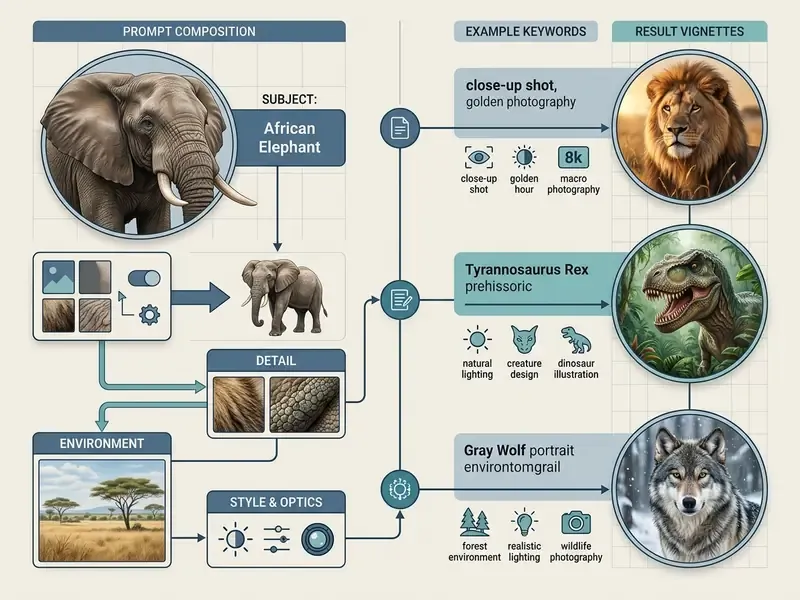
«TIPO automatically expands short user prompts into detailed descriptions, improving text-image alignment and reducing visual artifacts without relying on resource-heavy LLMs.»
In production that means a two-stage workflow. Write a compact intent line, expand it into a structured five-tier prompt, then version-control the expanded template so the same asset family can be reproduced months later. Version control sounds bureaucratic for a picture of a fox. It stops being bureaucratic the first time a client asks for a matching second frame a year after the campaign shipped.
Which animal details to specify in the request
Accurate ai generated pictures of animals need prompts that spell out biological characteristics, life stage, and behavioural dynamics.
When building an ai image animals asset, layer these four descriptive tiers:
- Species taxonomy and age: use specific names (Bengal tiger cub rather than big cat) to trigger high-fidelity latent training clusters; add the number of animals and life stage where relevant.
- Anatomy and proportions: detail key structures, including limb posture, ear positioning, jaw state, spine curvature, neck length, and tail carriage.
- Coat pattern and surface texture: specify coat condition, such as dense winter fur, coarse wet bristles, iridescent scales, or dappled skin texture, plus base colour, markings, and accent colours.
- Behavioural action: define natural movement, such as prowling through deep snow, basking on sun-warmed granite, or grooming wet paws, including feeding, courtship, or alert postures.
How to set the style for AI animal images
Controlling visual style across ai animal images requires different vocabulary depending on whether the target is an ai animal photo or ai generated animal art.
«SSP improves semantic consistency by an average of 16% and raises safety metrics by 48.9% by appending optimal camera descriptions to raw prompts.»
Ready-to-copy prompt library for AI animal images
Use these blocks as production baselines. Paste the prompt, paste the negative prompt, then swap only the species and habitat tokens.
| Style / category | Copy-ready prompt | Negative prompt |
|---|---|---|
| Wildlife photorealism | Macro photographic portrait of a Siberian tiger in a snowstorm, 85mm lens, f/2.8, shallow depth of field, detailed fur texture, wet nose, individual icy whiskers, natural morning light, cinematic --ar 16:9 | deformed paws, extra limbs, smooth plastic skin, blur, painting, illustration, drawing, watermark, cartoon |
| Paleoart reconstruction | Scientific paleoart reconstruction of a Spinosaurus wading through a Cretaceous river swamp, photorealistic scales, water splashes, volumetric morning mist, documentary lighting, 35mm lens --ar 16:9 | fantasy dragon, monster, horns, extra legs, toy render, low quality, 3d render style |
| Fantasy / hybrids | A majestic hybrid creature: body of a snow leopard with large iridescent eagle wings perched on an alpine crag, dramatic sunset lighting, ethereal atmosphere, highly detailed feathers and fur --ar 1:1 | deformed wings, ugly, extra tail, blurry, low resolution, simple background |
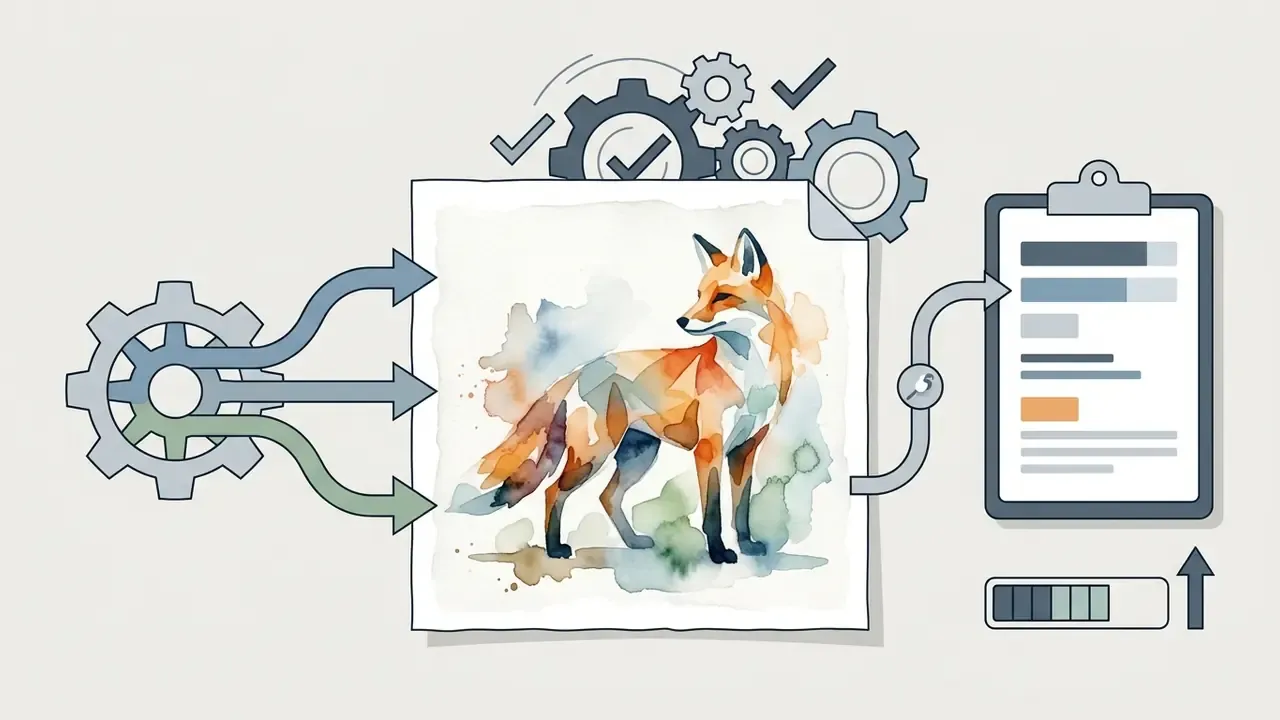
| Art / watercolour | A whimsical red fox wearing a small ornate brass crown, sitting in an enchanted forest with bioluminescent mushrooms, soft pastel watercolour painting, wet-on-wet technique, detailed brushstrokes | photograph, realistic, 3d render, sharp geometric edges, dark horror tone |
| Extinct megafauna | Woolly mammoth herd crossing Pleistocene tundra-steppe at dusk, frozen moss and permafrost ground, breath vapour in cold air, natural-history documentary look, overcast diffuse light, 50mm lens --ar 21:9 | kaiju, movie monster, glowing eyes, elephant costume, plastic toy texture, watermark, text |
| 4K wallpaper | Solitary red stag standing in a foggy pine forest at dawn, wide negative space on the left third, soft volumetric light rays, ultra-detailed antlers, desktop wallpaper composition --ar 16:9 | busy background, cropped antlers, centered subject, text overlay, watermark, chromatic aberration |
How to refine the prompt after the first generation
Iterative refinement matters when initial ai generated animal pictures show minor defects or composition imbalance.
Rather than rewriting the prompt wholesale, apply targeted adjustments:
- Add negative prompts exclude artifacts by appending terms such as
--no deformities, extra limbs, blur, altered anatomy, watermark. Peer-reviewed work indicates that negative prompts materially change generation behaviour and can support object-level inpainting with minimal background alteration. - Adjust environmental scale if the subject looks crowded, add distance modifiers such as wide-angle environmental view or isolated subject with negative space.
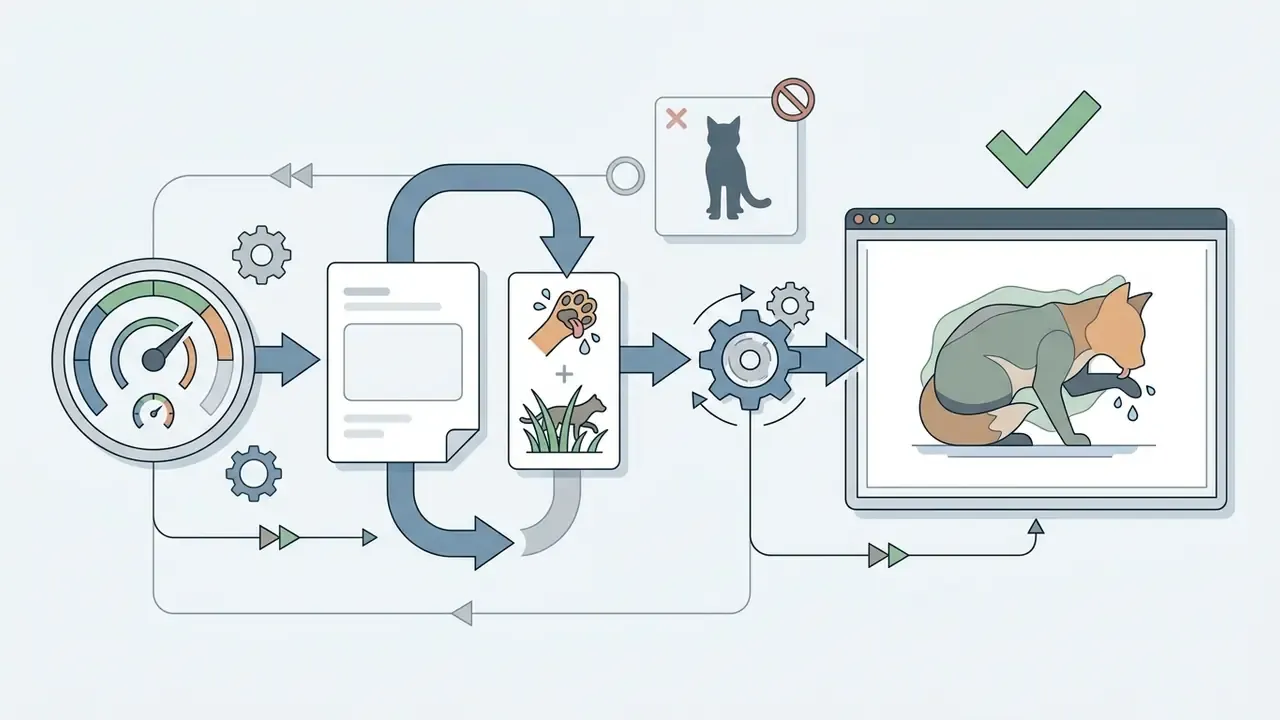
- Use inpainting for local fixes when an otherwise perfect ai photo animal asset has a distorted eye or paw, mask and re-render only the defective region while preserving the rest.
Practical guide: fixing anatomical defects with inpainting
If the model produced perfect lighting but damaged a pupil or added a fifth digit to a paw, repair it locally instead of rerolling the batch:
- Load the imageinto an AI-capable editor (Adobe Photoshop Generative Fill, Leonardo Canvas, Midjourney Vary Region, or a Stable Diffusion inpainting pipeline).
- Select the mask brushand paint only the defective area, for example the foot, extending 5 to 10% into surrounding healthy pixels so the blend is seamless.
- Rewrite the prompt for the mask only.Delete the full-scene description and write the local intent:
anatomically correct tiger paw with sharp claws, clean focus. Add a local negative prompt such asextra toes, fused claws, blur. - Run generation at denoising strength 0.6 to 0.75.That range preserves the limb silhouette while fully regenerating surface texture. Below 0.5 the defect usually survives; above 0.85 the mask boundary drifts.
- For cropped or off-balance frames, extend rather than crop.Outpainting (Generative Expand) rebuilds missing habitat around the subject. Our comparison of AI image expansion tools shows how each engine handles edge continuity in fur and foliage.
- Re-audit at 100% zoombefore upscaling. Upscalers amplify any residual seam.
Can you use AI generated animal images in commercial projects?
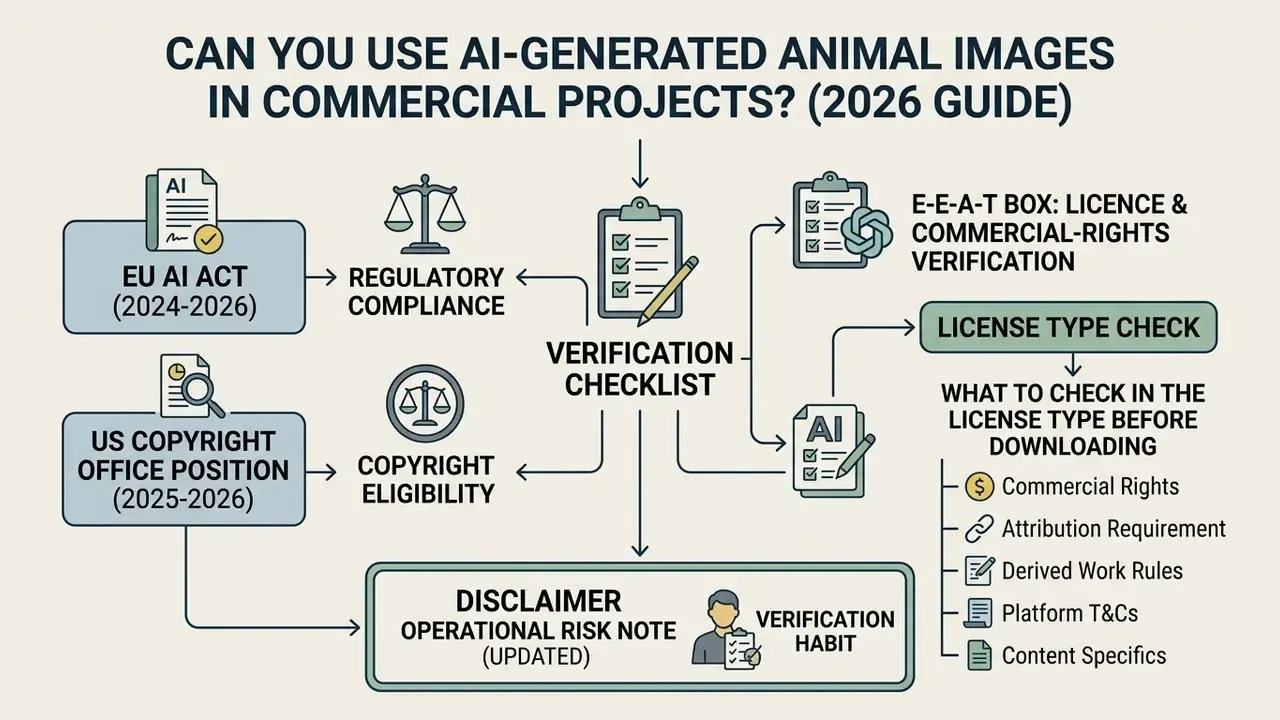
Using ai generated animal images in commercial campaigns, published media, or merchandise requires verification of platform terms, licensing tiers, and federal copyright rules. Verification, not assumption.
E-E-A-T box: licence and commercial-rights verification
- US Copyright Office position (2025 to 2026)
- purely AI-generated animal images are not fully protected by US copyright without substantial human creative authorship. A prompt on its own is not recognised as an authorial contribution, and registration of works containing more than de minimis AI material requires disclosure of the AI-generated portion plus a statement of the human contribution.
- License Type check
- before downloading a frame, verify the Commercial Use clause in the service's Terms of Service, and confirm whether that clause applies to your specific plan tier.
- EU AI Act (2024 to 2026)
- AI-generated media distributed publicly in the EU must carry transparent synthetic-content marking.
- Verification habit
- re-check the vendor's official licence page on the day of publication, not on the day of generation. Terms move faster than campaign calendars.
«Regulation (EU) 2024/1689 entered into force on 1 August 2024: providers of generative AI must ensure AI-generated content is machine-readable and detectable as artificially generated, and deepfakes must be explicitly disclosed.»
What to check in the License Type before downloading
Before downloading ai generated animal photos or ai generated animal pictures for client work or corporate marketing, review these five clauses:
- Commercial exploitation grant: confirm whether the License Type explicitly permits monetization, advertising, or resale. Some providers, including certain stock-platform AI trials, grant no download or usage rights at all.
- Revenue threshold restrictions: platforms such as Midjourney require enterprise subscriptions (Pro or Mega plans) for corporate entities grossing over $1,000,000 USD annually.
- Attribution requirements: free tiers, OpenArt among them, often permit commercial use only with explicit credit or backlink attribution.
- Data training and privacy terms: verify whether uploading proprietary reference images grants the platform broad perpetual rights to reuse your input data for model retraining. Publishing outputs to a vendor's public gallery can itself trigger a perpetual, royalty-free reuse licence over both input and output.
- Output ownership: review whether the platform claims co-ownership, disclaims all intellectual property responsibility, or, as with some editors, states that it neither claims copyright over the output nor licenses it to you.
Organizations planning commercial deployments can view the guide on intellectual property risk management.
How subscriptions, pricing, and commercial use interact
The commercial validity of an ai animal photo or artwork is tied directly to the active plan at the moment of generation.
Case scenario (illustrative, situation-action-result): commercial licence audit in a marketing department
- Situation a marketing team used 50 or more AI-generated animal images in an advertising campaign without checking the terms attached to free accounts.
- Action a licence audit found that 40% of the media files fell under the generator's non-commercial CC BY-NC 4.0 restriction.
- Result the team migrated generation to a corporate plan with full commercial coverage, pre-empting potential legal claims and rebuilding affected assets from archived prompts.
«Under the "Infringing AI" analysis, each instance of copyright infringement by AI outputs is assessed individually: provider, deployer, and end user carry differing degrees of liability.»
Teams managing digital transformation workflows can explore the hub for additional guidance on enterprise asset management.
Pre-publication compliance checklist for synthetic animal assets
Run this five-step audit before any ai generated animal file enters a public campaign:
- Account tier verification: confirm the generating account held a commercial-rights plan at the moment of generation, not at the moment of publication.
- Licence provenance record: store the platform name, model version, plan tier, and effective Terms of Service date alongside the asset.
- Third-party rights sweep: check for residual trademarks, recognisable logos, protected character designs, or identifiable persons in the frame; add
no logos, no watermark, no textto the negative prompt as a preventive control. - Synthetic-content labelling: apply the disclosure required by the distribution market, covering EU AI Act transparency obligations, platform-level AI labels, and any metadata or provenance credentials your CMS supports.
- Prompt and human-contribution archive: retain the final prompt, seed, reference images, and a written description of the human editing performed. This is the evidence base for any future copyright registration claim resting on human authorship.
How to animate an animal image: image-to-video generation
Turning a static ai animal photo into a four or five second wildlife clip means passing the frame into a video-synthesis model (Runway Gen-3, Kling 2.6, Luma Dream Machine, Hailuo/MiniMax, or Google Veo). Social and editorial teams now expect this by default: a documentary-style still plus a short motion loop covers thumbnail, feed, and pre-roll needs from one generation session.
Step-by-step animation workflow:
- Prepare the source frame.Generate a clean
16:9image with a clearly isolated subject. Avoid blurred paws, motion-smeared tails, and noisy background foliage. Every defect in the still becomes a flickering artifact in motion. - Upload to the image-to-video model.Supply the high-resolution PNG as the first frame. Confirm the model's native output, since many consumer tiers cap at 720p and four seconds, before promising a delivery spec.
- Write a motion prompt, not a scene prompt.- Wrong: "Tiger running through forest". Full-body locomotion is exactly where limb deformation appears. - Right: "Slow-motion tracking shot: Siberian tiger breathes slowly, snow falling around it, subtle eye movement, camera pans right, 24fps documentary style."
- Set motion intensity low.Use a motion bucket or intensity value around 2 to 3 out of 10. For furred animals, high dynamics make coat texture "swim" and whiskers detach.
- Separate subject motion from camera motion.Declare one camera move (slow push in, pan right, static locked-off tripod) and one subject action. Two simultaneous complex motions is the single most common cause of anatomy collapse.
- Render short, then extend.Produce four-second clips and stitch or loop them in an editor rather than requesting long single takes. For implementation-level constraints, costs, and API limits, see our Google Veo implementation guide; for assembling the final sequence, our overview of animation makers covers export and captioning options.
- Audit frame by frame.Scrub the clip at 25% speed and check eye blink consistency, ground contact, and tail continuity before publishing.
Limitations and open questions
Worth stating plainly: parts of this field are unsettled, and treating them as settled is where teams get burned.
Copyright status of substantially edited AI imagery remains fact-specific in the US, and the threshold for "meaningful human authorship" has not been tested broadly in litigation for visual assets. Labelling requirements differ by jurisdiction and by platform, and they keep moving. Model behaviour also drifts: a prompt that produced clean paw anatomy on one model version may fail on the next, which is precisely why archived seeds and version numbers matter more than clever phrasing. Vendor licence terms, meanwhile, change without notice to existing subscribers.
So the honest guidance is procedural. Document what you generated, when, on which plan, with which model, and what a human changed afterwards. That record survives regulatory change. A screenshot of a marketing page does not.
FAQ about AI generated animal images
Can I create an AI animal image from a photo?
Yes. An ai animal image can be generated from an existing pet or wildlife photograph using image-to-image (Img2Img) pipelines.
Platforms such as Adobe Firefly let you upload an initial ai photo animal reference, select stylistic transformation parameters, and create a stylized or re-imagined generated animal while keeping the physical identity and pose of the original pet. Our comparison of image-to-image generators covers which engines preserve markings and face geometry most reliably. Technical research in identity-preserving animal generation emphasises silhouette masking to retain accurate facial structure during style transfer; documented pipelines condition new generations on both the reference image and a text prompt, then refine locally.
Which animals produce the best AI generated animal art?
Mythical creatures, large predators, and exotic species yield the highest visual quality in ai generated animal art, because their distinct features align with dense training clusters in diffusion models.
Predators such as snow leopards and wolves benefit from high-contrast facial fur patterns and expressive eyes, which suits high-detail photorealistic rendering. Fantasy beasts such as dragons or griffin hybrids excel in artistic styles because their prompts rely on clear structural silhouettes without strict zoological constraints. Extinct megafauna sits in between: silhouettes are distinctive, but accuracy depends entirely on how precisely you specify integument, epoch, and scale.
How do AI animal photos differ from AI animal pictures?
The main difference between ai animal photos and ai animal pictures is optical realism, camera parameter simulation, and visual intent.
An ai animal photo replicates photographic traits specifically: natural depth of field, real-world lighting physics, authentic fur patterns, and lens characteristics. A final polish pass with an AI image enhancer is often what pushes coat detail and iris highlights into genuinely photographic territory. Conversely, ai animal pictures works as a broader umbrella covering illustrations, 3D digital renders, stylized graphic drawings, and fantasy art alongside photographic imagery. Both terms describe ai images of animals; only one implies a camera.
Can I generate dinosaurs and extinct species accurately?
Yes, provided you constrain the model. Declare the integument type (feathered or fossil-verified scales), the geological epoch (Late Cretaceous, Pleistocene), a scale anchor, and a documentary lighting style, then suppress movie monster, kaiju, fantasy dragon, toy render in the negative prompt. For museum or textbook use, have a subject-matter reviewer sign off on the reconstruction before publication.
Do I need to label AI-generated animal images as synthetic?
For public distribution in the EU, yes. Regulation (EU) 2024/1689 requires that AI-generated content be detectable as artificially generated, with explicit disclosure for deepfakes. Many publishing platforms impose their own AI-labelling rules on top. Treat labelling as a default operational step rather than an exception you argue about case by case.
What resolution should I export for print versus web?
Web galleries and social assets are fine at 72 to 96 PPI. Print-ready animal art and archival reproductions should be exported as 300 PPI TIFF at minimum, with 600 PPI preferred where the layout combines fine line art or text with the image.
Who should own AI animal image approval inside a team?
One named person, with a documented escalation path. In practice that is usually the content lead for aesthetics and a compliance or legal reviewer for licence and labelling. Splitting the decision across a group tends to produce assets nobody actually cleared.
Enterprise GenAI use cases: adjacent generator categories
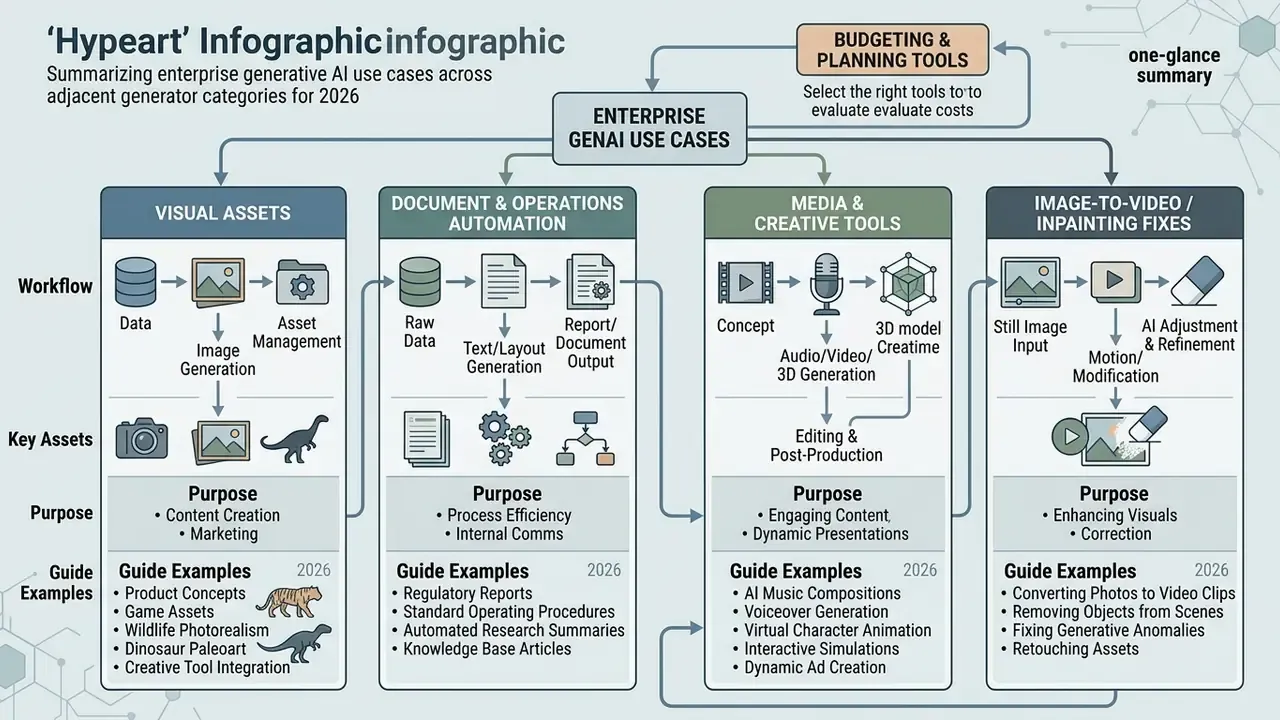
Visual asset production rarely stands alone in an enterprise workflow. The same teams generating animal imagery usually also automate documents, audio, and short-form video. The tables below group adjacent AI creation categories so you can move from a single asset to a full production pipeline.
Visual and media assets
| Generator category | Purpose | Guide |
|---|---|---|
| AI interiors | Generating virtual spaces and interior scenes | ai interior design generator |
| Video intros | Creating opening sequences and title cards | ai intro generator |
| Invitations and cards | Automated assembly of graphic invitations | ai invitation maker |
| Music jingles | Synthesising short audio tracks and ad jingles | ai jingle generator |
Document and operations automation
| Generator category | Purpose | Guide |
|---|---|---|
| Financial invoices | Generating documents and settlement forms | ai invoice generator |
| Job descriptions | Automated drafting of role descriptions | ai job description |
Enterprise teams evaluating broader software tools can browse the hub for visual asset budgeting tools, open the hub for generative API integration docs, or browse the hub for expanded business licensing guidelines. To navigate our full suite of tools and compare options, visit our central glossary index.