«No evidence, no autonomy. Whether evaluating an agentic workflow in model risk management or utilizing an AI image generator to synthesize visuals from raw sketches, control architecture dictates outcome reliability.»
Executive Summary
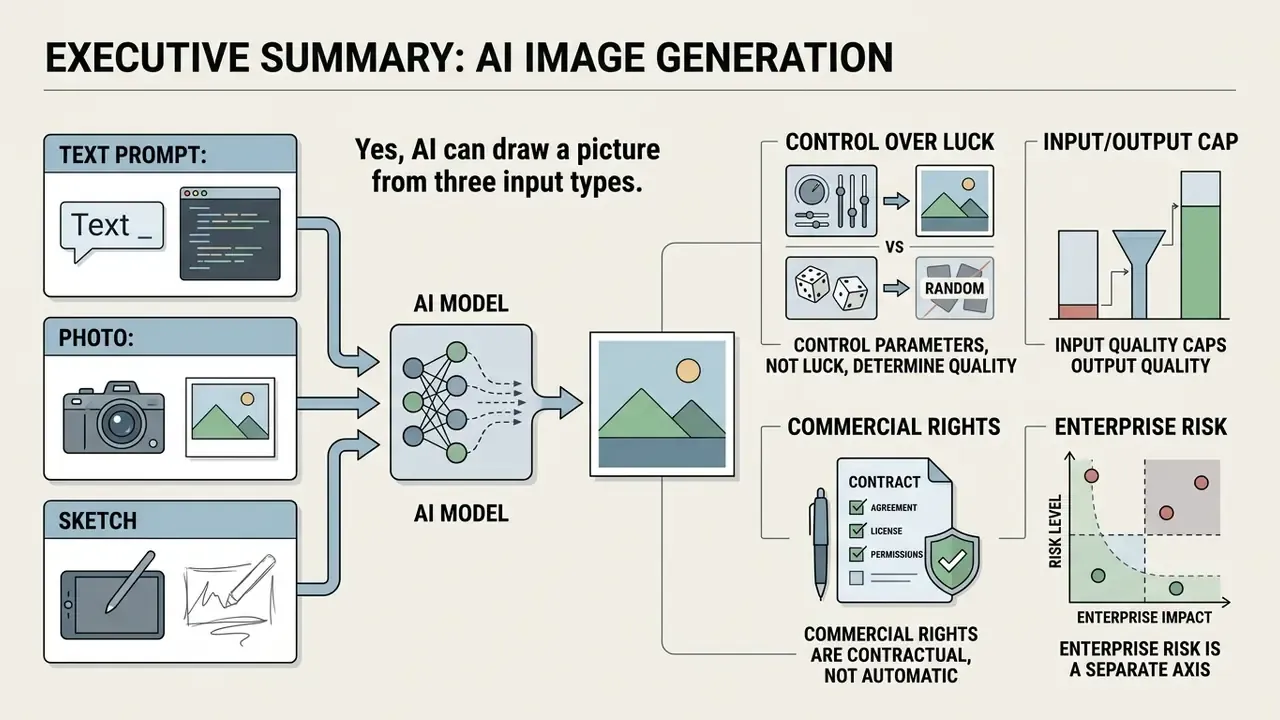
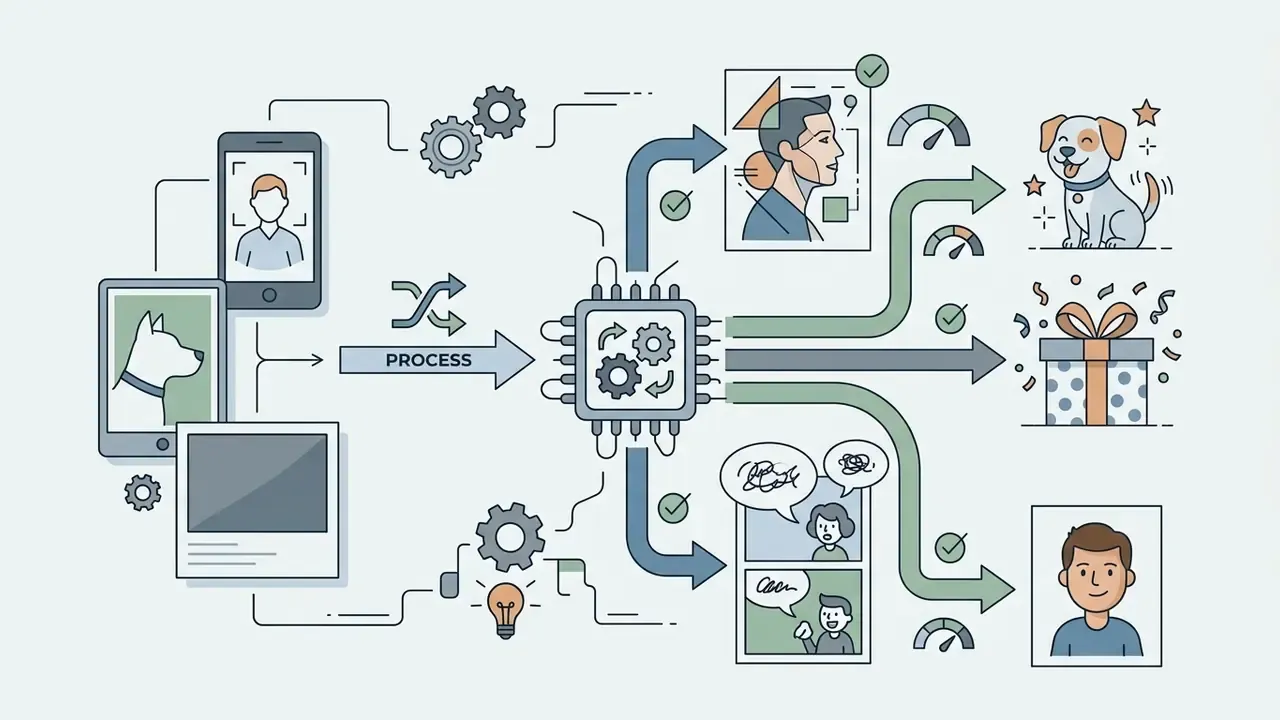
- Yes, AI can draw a picture from three input types. Text prompts drive semantic generation, reference photos preserve structure and identity through image-to-image conditioning, and sketches supply spatial layout constraints.
- Control parameters, not luck, determine quality. Practical ranges: denoising strength
0.45–0.65for style transfer with structure retention, reference image weight around0.55, CFG scale5.0–8.0, and roughly10resampling steps before returns diminish. - Input quality caps output quality. Accepted formats are typically JPG/JPEG, PNG, WEBP (and HEIC on some tools), with a
100 MBceiling and a512 × 512 pxminimum; capture at300–400 ppiyields the cleanest contours. - Commercial rights are contractual, not automatic. Purely AI-generated output is not copyrightable in the U.S.; Midjourney requires Pro or Mega tiers for organizations above
$1,000,000annual gross revenue. - Enterprise risk is a separate axis. Before uploading internal diagrams, product mockups, or customer imagery to a public generator, verify data-retention terms, training opt-out, and whether generations default to private.
Can AI draw me a picture from an idea, photo or sketch?
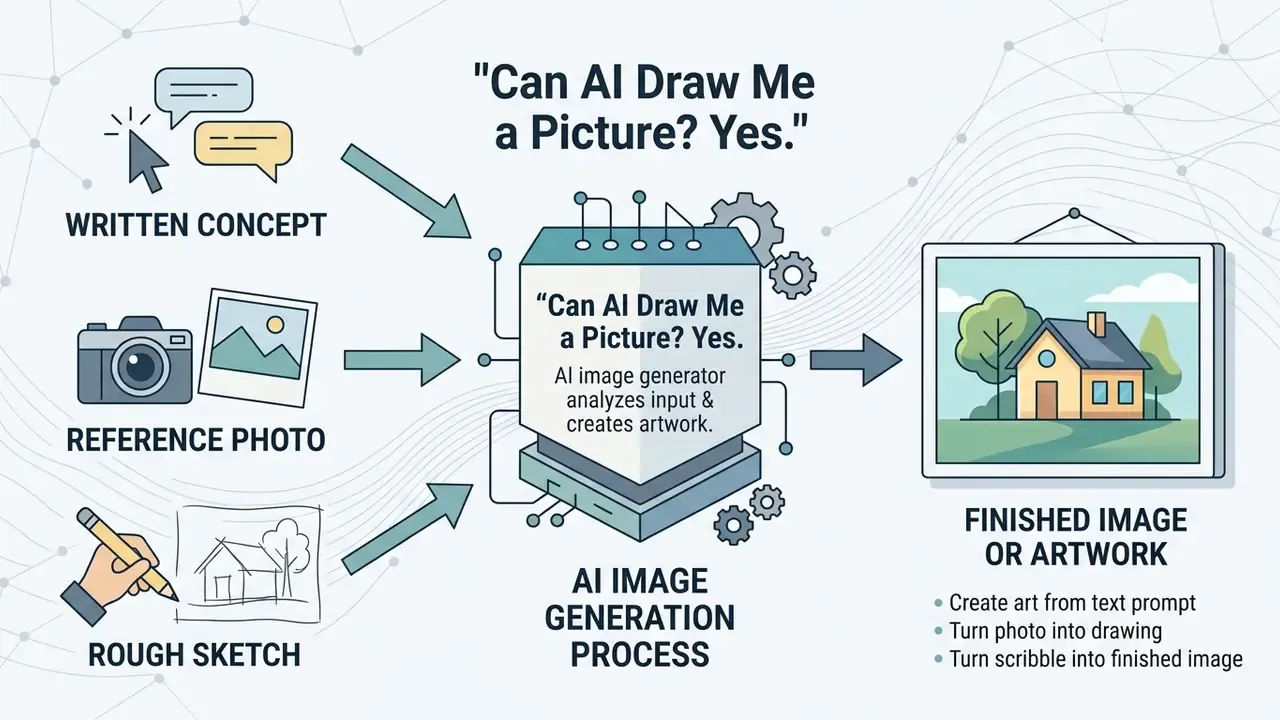
Yes. An AI image generator can draw a picture from a written concept, a reference photo, or a rough sketch. AI tools process different input types by applying specific conditioning mechanisms during image synthesis. Text prompts provide semantic context, reference photos preserve structural composition and subject identity, and sketches supply spatial layout boundaries. The practical question is not "can it draw?" but "how much of my intent survives the pipeline?"
Create AI art from a text prompt
Generating AI art from a text prompt requires converting natural language into visual representations without an initial reference image. Text-to-image models utilize encoders such as CLIP or T5-XXL to translate descriptive text into latent visual features.
«Integrating LLM encoders through lightweight adapters improves text–image alignment, including multilingual and long-form descriptions.»
According to OpenAI's GPT Image Generation Models Prompting Guide (2026), structuring prompts systematically, so that scene background, subject details, lighting, and style parameters each get their own clause, improves semantic alignment and output quality. Google's Vertex AI prompt guidance adds a practical constraint for typographic work: in-image text renders more reliably at 25 characters or fewer and no more than three phrases. Users can explore foundational terminology in our AI Media Glossary.
«Diffusion models surpass GANs and VAEs in image fidelity and diversity, particularly at high resolutions.»
Turn a photo into an AI drawing or artwork
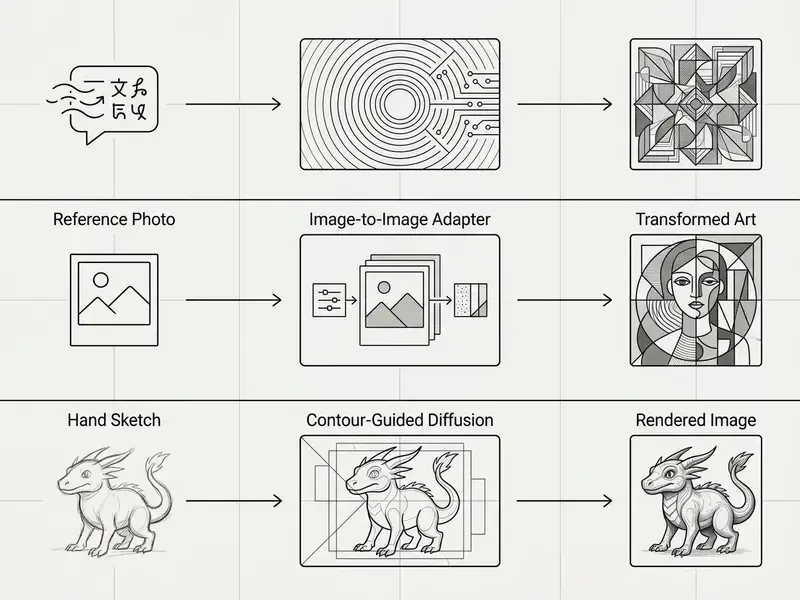
Converting a photo into an AI drawing relies on image-to-image AI generators and their conditioning logic, where the original picture establishes the composition and subject boundaries. The model applies new artistic styles or textures over the underlying visual structure. Research on identity-preserving adapters, such as IP-Adapter (arXiv, 2023), shows that decoupling text and image features through cross-attention layers allows an ai drawing generator from photo tool to transform a photo while retaining core subject traits. That is exactly what people mean when they search for ai drawing from photo or ai draw my picture: the face should still look like the face.
Face-focused variants push this further. InstantID (arXiv, 2024) reports that CLIP embeddings alone are too coarse for identity preservation, so it combines face-ID embeddings with weak spatial landmark control, while Inv-Adapter (arXiv, 2024) extracts diffusion-domain face features via DDIM inversion for richer detail retention. To explore specialized persona modeling, see our guide on the ai character generator from photo tool, and for professional portraiture compare options in our AI headshot generator guide.
Turn a sketch or scribble into a finished image
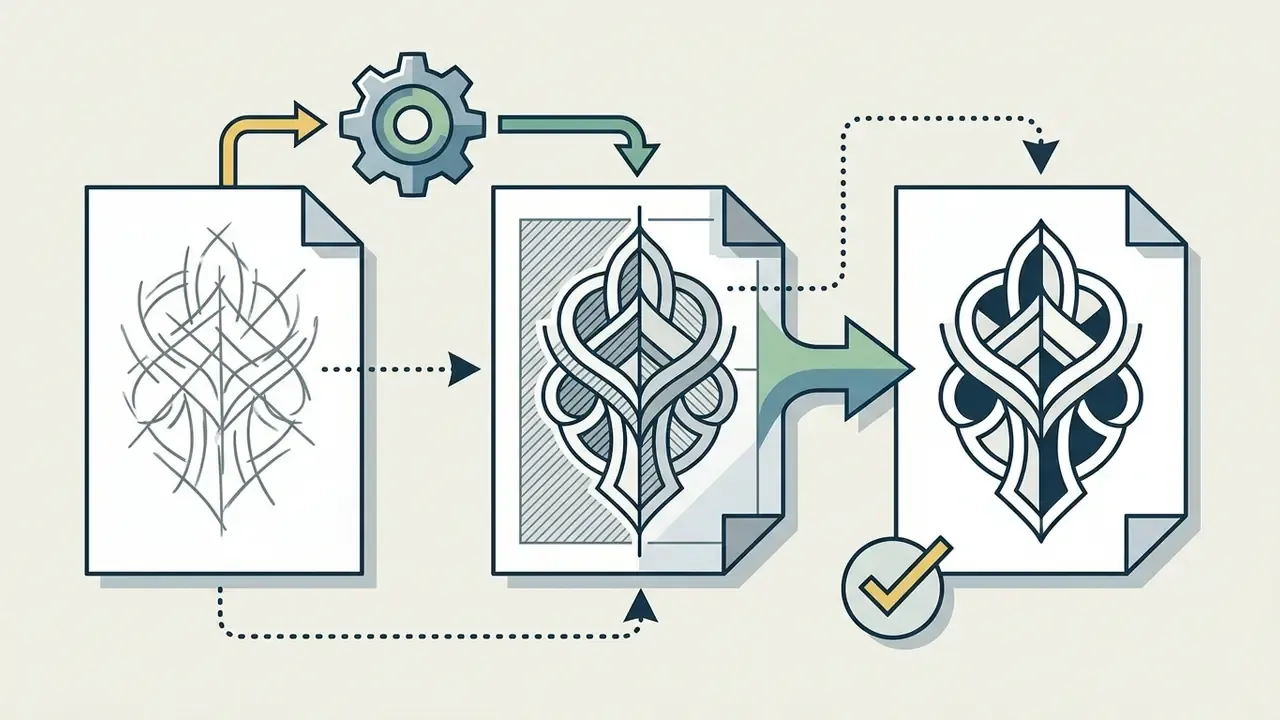
An ai image generator sketch tool transforms hand-drawn lines, white-board drawings, or digital scribbles into fully rendered illustrations. Sketch-to-image algorithms extract line contours and use them as spatial constraints during the diffusion process. Tools such as ControlNet Scribble and Krea AI allow an ai scribble image generator, or, put plainly, an ai that when you draw it makes a picture, to infer shading, perspective, and material textures directly from raw vector or raster lines. Vizcom documents the same loop explicitly: create or upload a sketch, switch to Render mode, add a prompt, adjust Drawing influence, then generate and export. This is also the fastest route from ai drawing from image to a client-ready visual.
«Sketch-to-image pipelines represent the most underutilized capability in current AI tooling. Spatial control through sketch conditioning gives you something text simply cannot: precise layout authority.»
«Semantic interpretation of a sketch through a CLIP encoder outperforms direct spatial conditioning on realism and accuracy.» — SketchingReality (arXiv, 2024)
For character-focused generation from scratch, review the ai character generator resource.
How to generate an AI drawing from a picture step by step
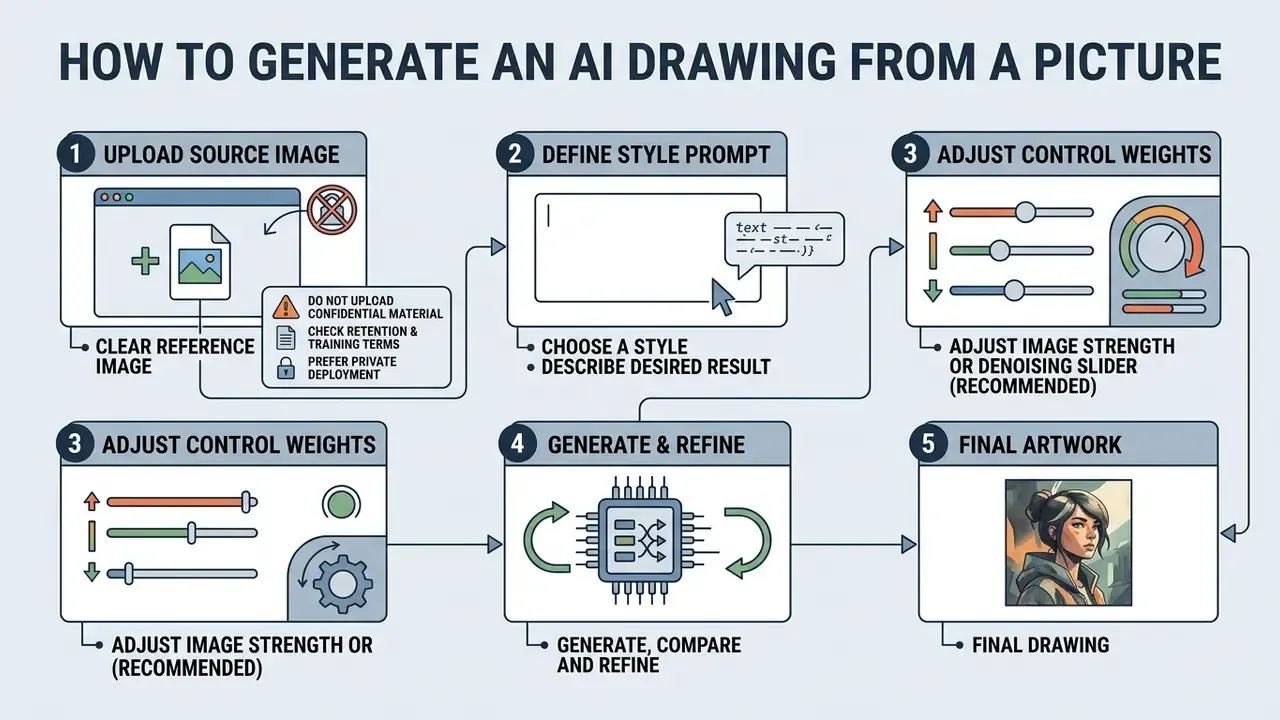
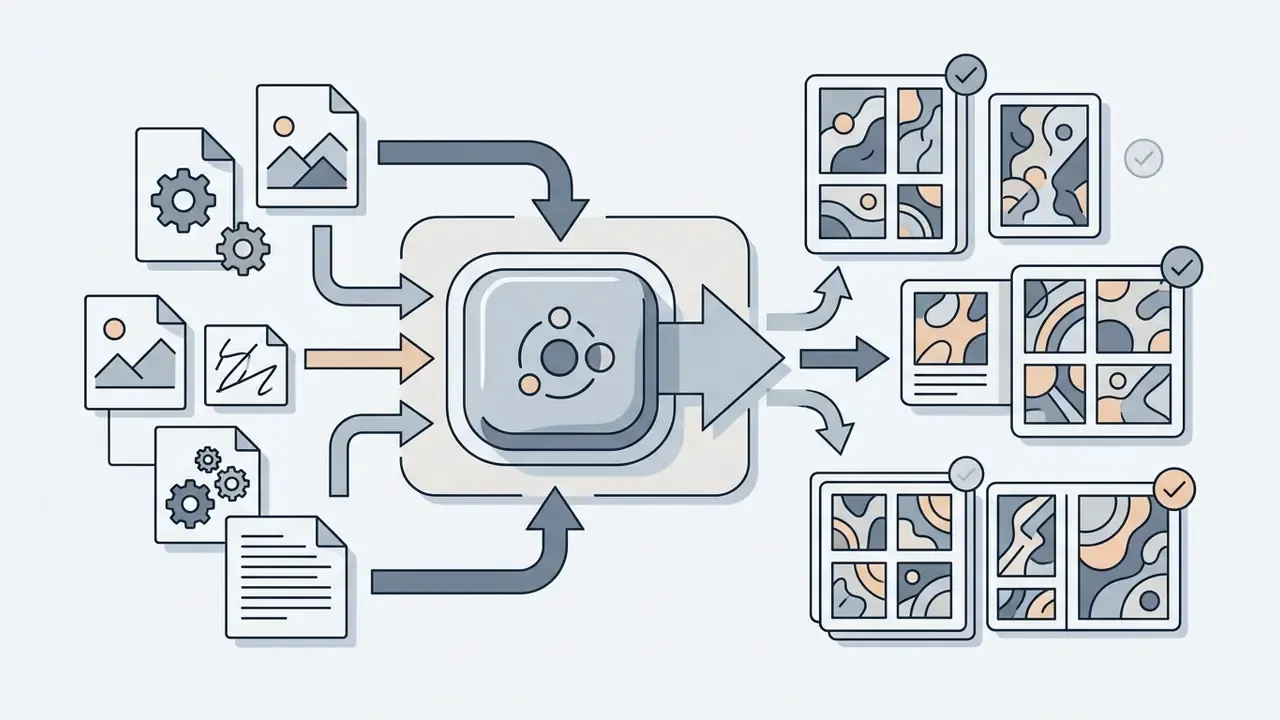
Generating an ai drawing based on picture input involves uploading a source file, defining a style prompt, adjusting control weights, and executing iterative refinement. Following a standardized workflow minimizes spatial distortion and keeps image transformation predictable rather than accidental.
Upload a clear reference image or drawing
The generation process begins by uploading a clear reference image or drawing with visible edges and balanced lighting. Low-resolution or noisy inputs cause spatial ambiguities during feature extraction. Guidelines from the FADGI Still Image Technical Guidelines emphasize that source capture at 300 to 400 ppi provides optimal contour clarity, allowing the ai drawing of a picture algorithm to differentiate subject boundaries accurately. FADGI additionally requires uniform illumination and correct exposure, while ISO-aligned image-quality references define good line quality as free from jagged edges, fuzz, and inadequate density.
«Pre-processing sketches with a line-simplification module improves spatial alignment and reduces the number of diffusion steps required.»
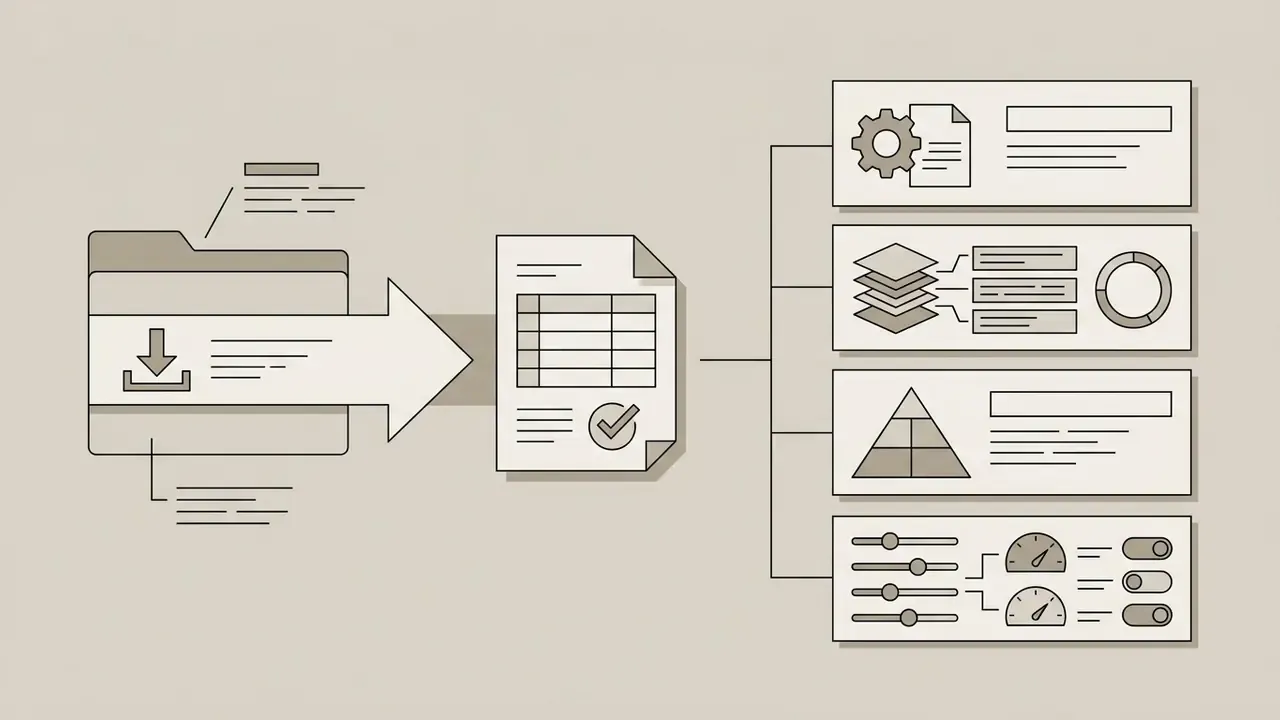
Technical requirements for source files (updated):
| Parameter | Requirement | Notes |
|---|---|---|
| Supported formats | JPEG (JPG), PNG, WEBP; HEIC on selected tools | Adobe Firefly accepts JPEG/PNG/WEBP; consumer converters such as PictureToDrawing also accept HEIC |
| Maximum file size | Up to 100 MB | Larger uploads are rejected with a "file size larger than 100MB" error |
| Minimum resolution | 512 × 512 px | Smaller images must be resized before upload |
| Optimal capture density | 300–400 ppi | Best contour extraction for line art and pencil styles |
| Batch behaviour | Usually one file per request | Multi-file uploads typically return an error |
| Lighting / focus | Even illumination, sharp focus, low noise | Prevents edge bleeding and hallucinated geometry |
Choose a style and describe the result you want
After uploading the reference image, select a target visual style such as pencil sketch, line art, or photorealism, then supplement it with descriptive text. Combining structural reference images with prompts steers the model toward specific lighting, color palettes, and surface textures. Specifying "fine graphite lines" or "cinematic lighting" prevents visual style conflicts. OpenAI's GPT Image Generation Models Prompting Guide (2026) confirms that photorealism is steered by photography language (lens, aperture feel, framing, lighting) plus explicit material and texture detail, while style-specific media terms such as "watercolor", "charcoal", or "isometric 3D" are documented in Google's Imagen prompt guidance as the levers for stylized output.
Generate, compare and refine the image
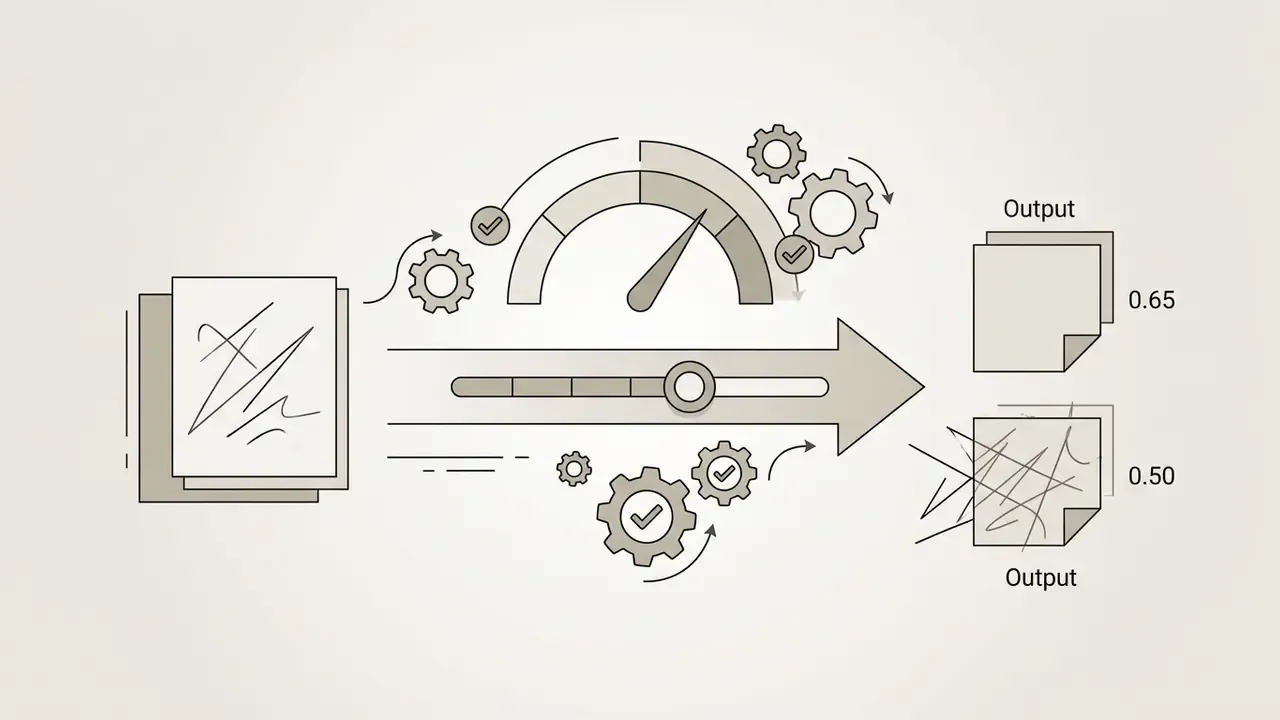
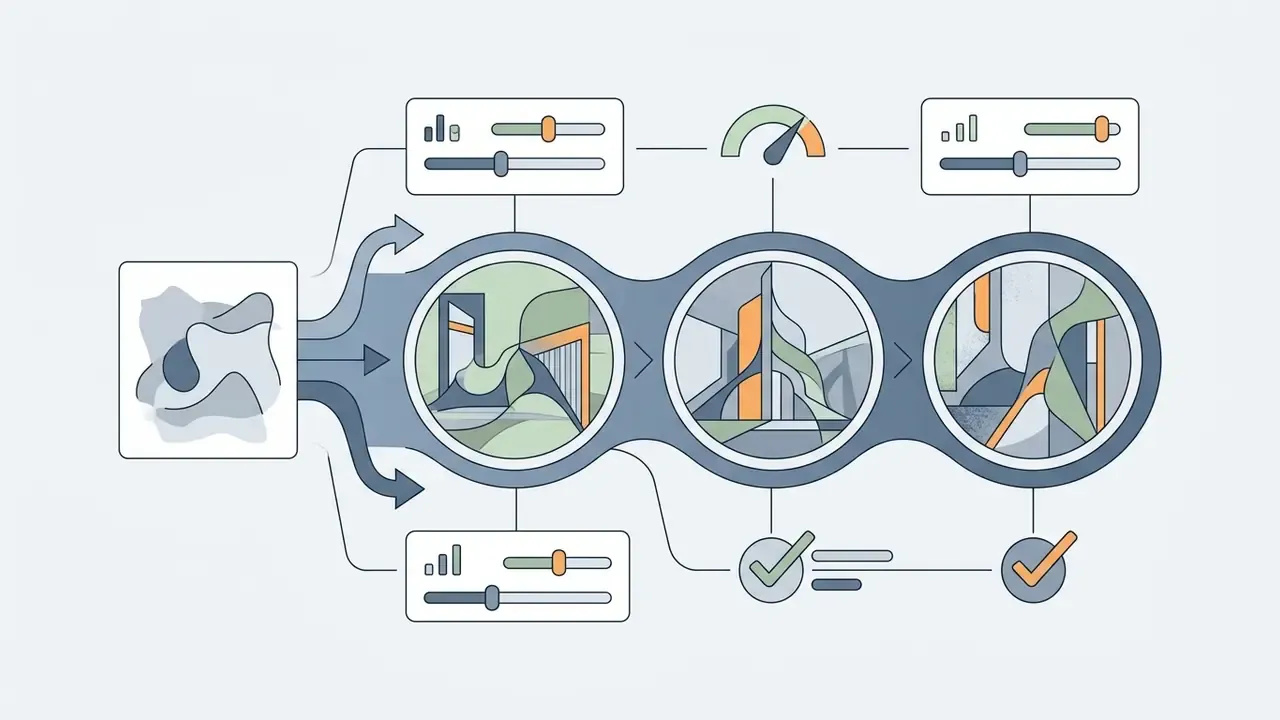
Run the generation process to produce multiple initial variants, then compare AI image generators and outcomes against your visual requirements. Refine the result by modifying text descriptors, adjusting CFG scale, or tuning denoising strength. Research published in EditEval (Huang et al., TPAMI, 2024) demonstrates that mid-range denoising values between 0.45 and 0.65 effectively transform visual style while preserving source composition. RePaint (CVPR 2022) adds a practical stopping rule for refinement passes: harmonization improves with additional resampling steps but saturates at roughly ten. After that, you are burning credits, not gaining fidelity.
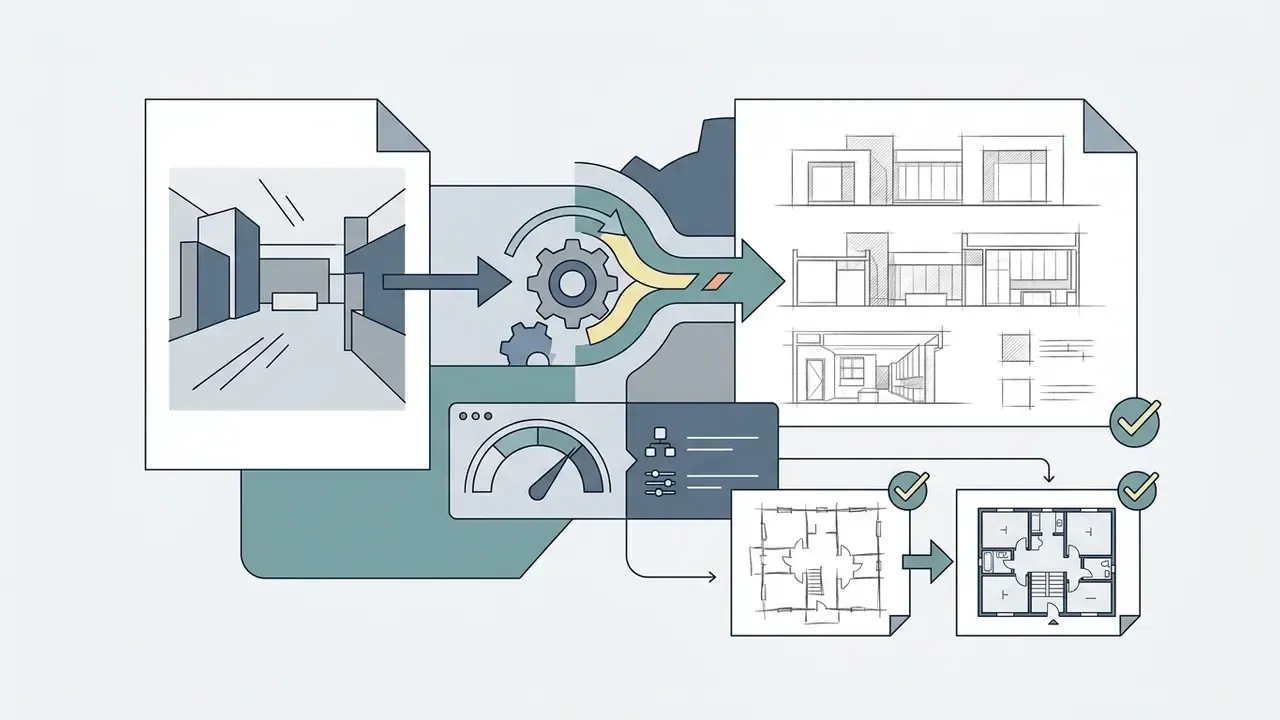
Illustrative project example (internal, not an audited benchmark). In a commercial visualization project, a design team transformed roughly 80 architectural photo concepts into technical pencil drawings. The team fixed reference image weight at 0.55 and ran an iterative resampling pass of about 10 steps; internal stakeholder review reported strong approval of spatial layout accuracy without manual redrawing. Treat these figures as a workflow illustration rather than published data. The approval rate reflects one team's internal sign-off process, not a controlled study.
Which AI art styles can make your picture look hand-drawn or realistic?
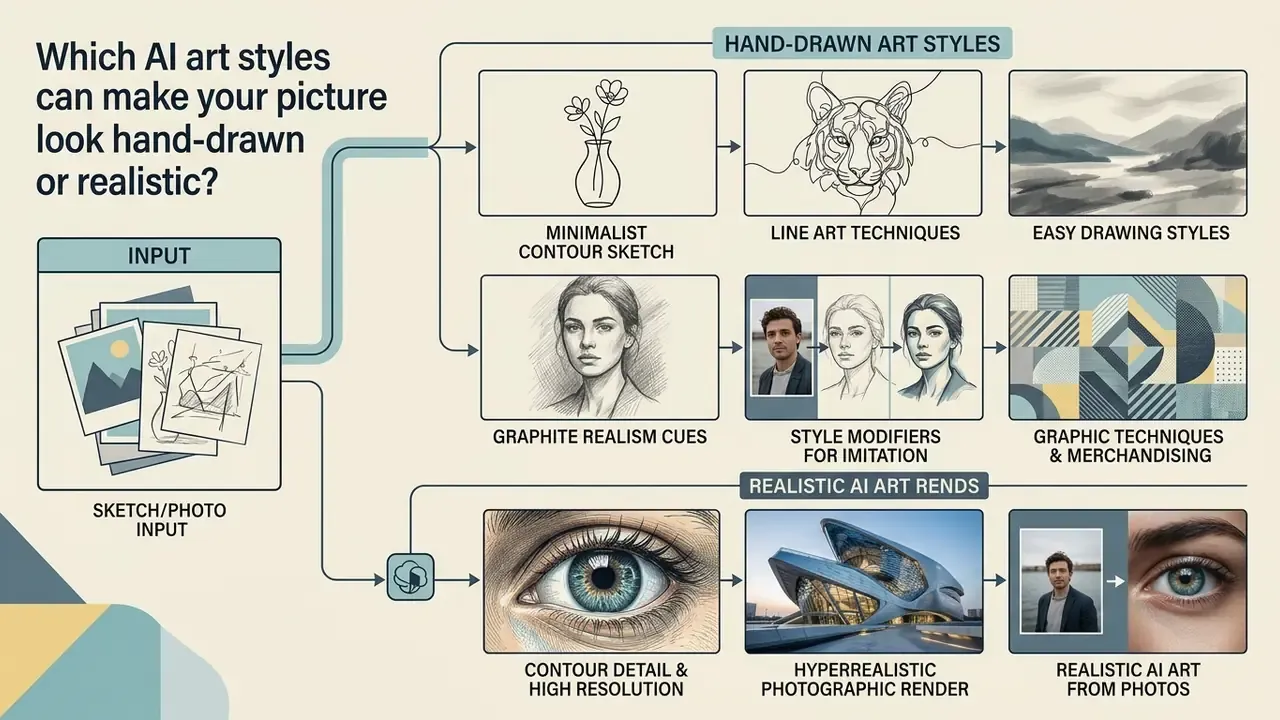
AI image generators support visual styles ranging from minimalist contour sketches to hyperrealistic photographic renders. Selecting the appropriate style depends on prompt framing, conditioning method, and model architecture. Vendor documentation converges on four practical style families: line art, pencil or shaded sketch, vector and digital illustration, and photorealism.
Sketch, line art and easy drawing styles
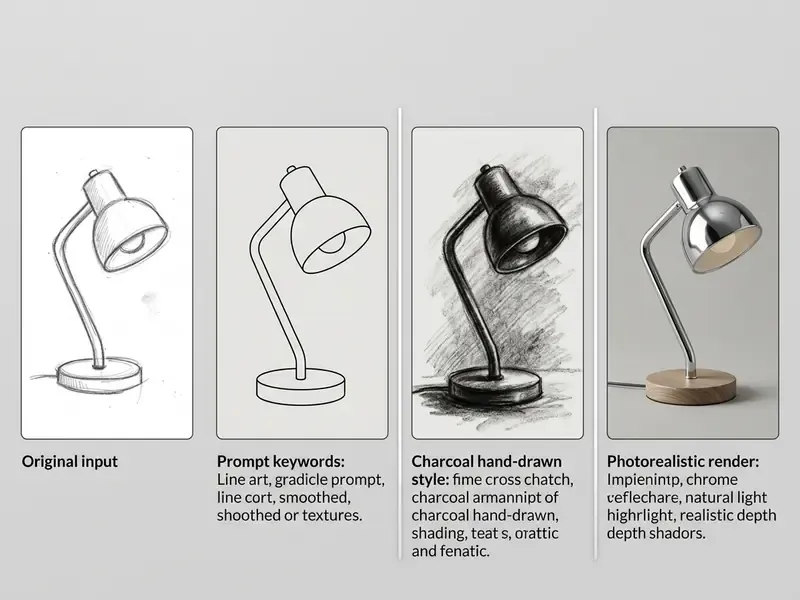
Easy drawing styles emphasize structural simplicity, clean line work, and minimal shading. Descriptors such as "line art", "clean outline", "vector contour", and "monochrome pencil sketch" direct the model to omit complex surface textures. Tools offering an ai hand drawing generator or ai hand drawn image generator replicate organic pencil pressure and hatching techniques, which is why ai drawings easy remains one of the highest-volume entry points into ai sketch art.
Style modifiers for hand-drawn imitation (updated):
- Graphic techniques
pencil sketch,crosshatching,stippling,charcoal sketch,ink outline,minimalist ink,pastel drawing,color pencil drawing,watercolor wash. - Contour detail
clean outlines,fine line weight,vector contour,monochrome pencil,minimalist outline,bold comic linework,outline only, no fill, no shading,white background. - Graphite realism cues
graphite grade,varied pressure,broken line,loose gesture,paper tooth,erased highlights,shaded sketch. - Negative constraints
no watermark,no extra text,no blurry edges,no distorted perspective.
Pruna's image-generation documentation maps these terms consistently: pencil sketch to fine lines, hatching, and subtle shading; charcoal drawing to black-and-white smudging; ink illustration to bold line work. Runway's style guidance describes graphite pencil technique as visible strokes, shading, and paper texture, which is useful phrasing when a flat result needs more tactile grain. For quantitative data visualization tasks, refer to the ai chart generator hub.
Realistic AI art from sketches and photos
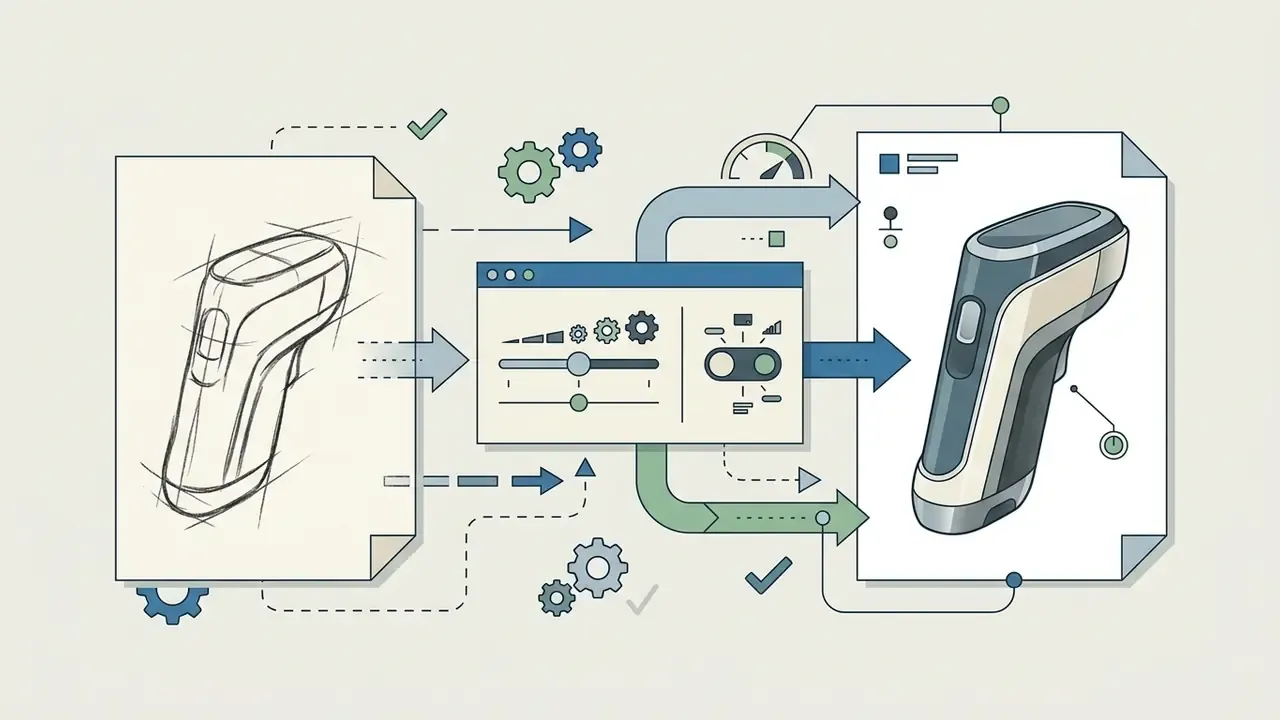
Converting rough sketches or photos into realistic AI art requires photorealistic rendering cues in the prompt. Language describing camera lenses, depth of field, natural lighting, and material textures guides the model to synthesize believable surfaces over the source structure. This is the mechanism behind queries like ai art to realistic, ai make realistic photo from art, and ai that makes art look realistic. Studies such as Sketch2Prototype (MIT, 2025, https://decode.mit.edu/assets/papers/Sketch2Prototype.pdf) confirm that multi-stage pipelines (sketch-to-text, text-to-image, image-to-3D) can convert 2D hand sketches into realistic spatial prototypes; SketchDream (Cardiff University, 2024) documents the same direction for sketch-based photorealistic 3D creation and editing.
«A hierarchical approach with multi-frequency line fusion outperforms baseline methods on structural accuracy and material realism.»
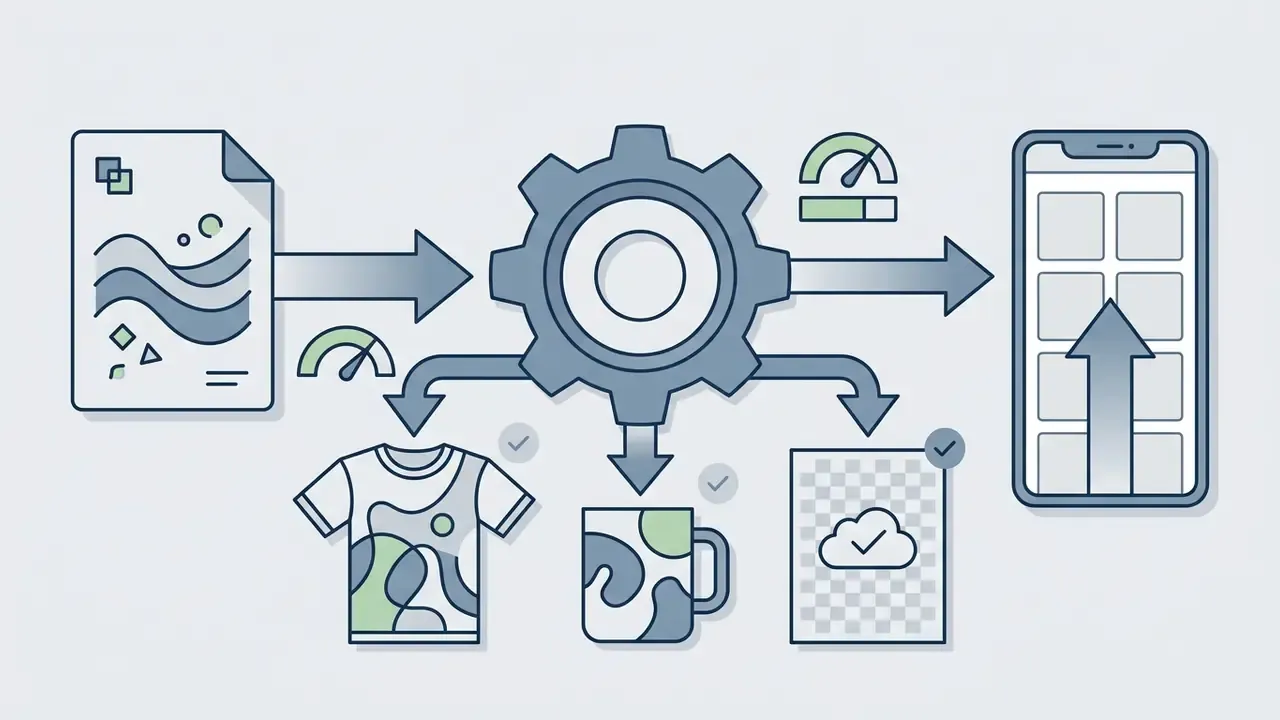
Hand-drawn and artist-inspired image styles
Hand-drawn and artist-inspired styles replicate physical mediums including watercolor, charcoal, oil paint, and ink illustration. These styles introduce synthetic brushstroke textures and paper canvas grain to the output image. Picking the best ai tool to create hand drawn style images lets creators balance organic line variance with accurate subject representation. Academic work on stylization supports the pattern: Deep Style Transfer for Line Drawings (AAAI, 2023) preserves line topology through centerline stylization, while Image Style Transfer: from Artistic to Photorealistic (2022) uses photorealism regularization to prevent distortion in realistic conversions. Think of the second study as the ai art finisher layer: it cleans the render without breaking geometry. For anime and animation-adjacent aesthetics, see our comparison of Ghibli-style AI image generators.
How to choose the best AI tool and model for your picture
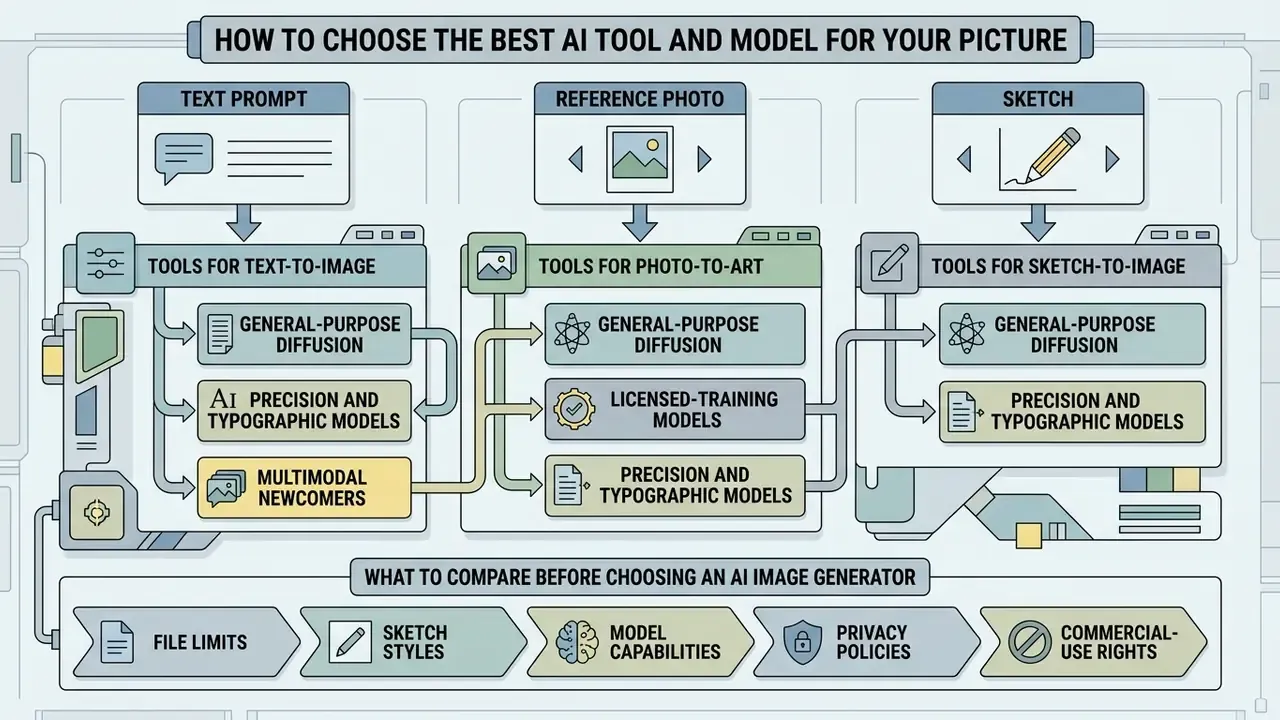
Choosing the best AI tool means matching your primary input format (text prompt, reference photo, or sketch) with a model optimized for that specific conditioning mechanism. Platform features, control parameters, and generation speeds vary widely across leading AI systems.
«A tool that produces stunning images but restricts commercial use is worthless for enterprise workflows. When evaluating any AI image generator, the first question should always be: what are the actual usage rights?»
Tools for text-to-image, photo-to-art and sketch-to-image
Text-to-image workflows benefit from models with advanced language encoders, such as Midjourney and DALL-E 3. Photo-to-art transformations perform best on systems supporting image-to-image conditioning, such as Adobe Firefly and IP-Adapter frameworks. Firefly's API documentation confirms that the same endpoint serves both text-to-image and image-to-image instruct edit. Dedicated sketch-to-image platforms, including Vizcom and Krea AI, specialize in real-time line rendering; Krea documents style references, moodboards, and in-tool edit or enhance iteration around its in-house Krea 2 model. If you need an ai drawing to image generator for production design, start there rather than with a general chat interface.
Engine selection in 2025–2026 (updated). Consider which generative engine sits behind the interface:
- General-purpose diffusion models
- Midjourney v6 (image weight
--iw, style reference--sw, character reference--cw, omni reference--ow), DALL-E 3, plus GPT Image and GPT Image 1.5. - Precision and typographic models
- FLUX models (strong prompt adherence), Ideogram (accurate in-image text and crisp vector-like lines).
- Multimodal newcomers
- Gemini 3 with Nano Banana Pro, selectable directly from the model dropdown in Adobe Firefly's Generate Image and Firefly Boards.
- Licensed-training models
- Adobe Firefly Image Model, trained on licensed and public-domain content for lower IP risk in commercial work.
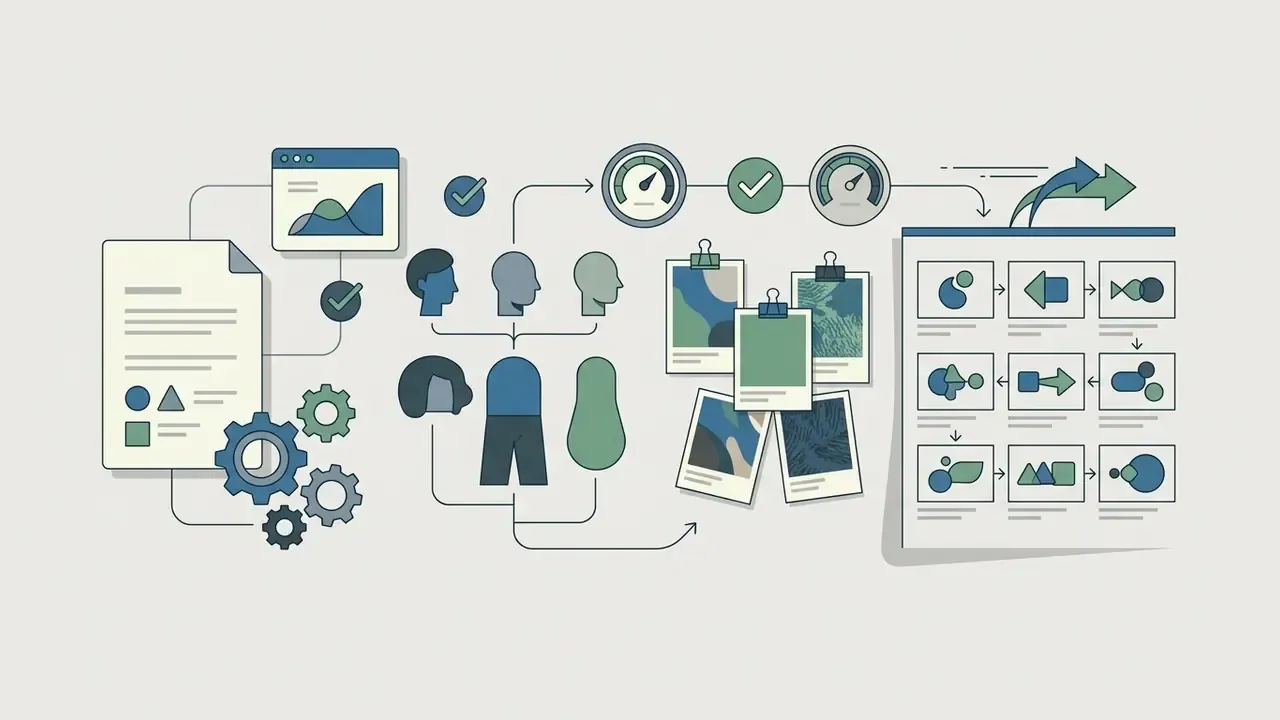
«MultiRef-Bench shows the best model, OmniGen, reaches only 66.6% success on synthetic and 79.0% on real multi-reference conditioning tasks.»
That gap matters in production. Stacking a style reference, a character reference, and a structure reference at once still fails on roughly one in three synthetic tasks, so plan for manual arbitration when several references compete. For conversational AI tools, review our guide on the ai chat generator or evaluate options for an ai chat no filter no sign up workflow. You can also evaluate tools in our AI Media Comparison Matrices, review the best AI art generators, and compare platform-native options such as the Canva AI generator, the Microsoft AI image generator, and the Google AI image generator.
What to compare before choosing an AI image generator
When evaluating an AI image generator, assess input compatibility, style control depth, interface simplicity, licensing conditions, and data governance. Benchmarks such as ICE-Bench (2024) evaluate image generation models across six operational dimensions (aesthetic quality, image quality, prompt following, source consistency, reference consistency, and controllability) across 6,538 test cases. To explore multimodal tools that process text and visual inputs together, see the ai chat with pictures guide.
| Feature Category | Text-to-Image Models | Photo-to-Art Tools | Sketch-to-Image Generators |
|---|---|---|---|
| Primary Input | Text Prompts | Reference Photos | Hand Sketches / Scribbles |
| Accepted Files | N/A (prompt only) | JPG, PNG, WEBP (HEIC on some tools), ≤100 MB | JPG, PNG, WEBP, ≥512 × 512 px |
| Key Control Parameter | Prompt Weight & CFG Scale | Denoising Strength / Image Weight | Edge Fidelity & Drawing Influence |
| Best Use Case | Conceptual Art from Scratch | Style Transfer & Photo Editing | Design Rendering & Wireframes |
| Reference Preservation | Low (prompt-based) | High (structure & identity) | High (spatial layout) |
| Multi-Reference Reliability | Moderate | Moderate (identity adapters help) | Moderate (66–79% per MultiRef-Bench) |
| User Data Privacy & Training Opt-Out | Verify per tier; consumer tiers may train on inputs | Uploaded photos may be retained, check retention window | Sketches are IP; require confidentiality or private deployment |
| Default Visibility of Output | Often public gallery on free tiers | Varies by platform | Private by default on some tools, e.g. Playform |
| Licensing Complexity | Subject to platform terms | Requires source rights | Depends on model tier |
| Deployment Model | Consumer SaaS to enterprise API | Consumer SaaS to enterprise API | SaaS; private or on-prem for regulated data |
Two takeaways sit outside the table. First, reference preservation and licensing risk move in opposite directions: the more of a source photo you keep, the more you depend on holding rights to that photo. Second, deployment model, not raw image quality, is usually the blocker in regulated environments.
Are free AI drawing generators enough, and can you use AI art commercially?
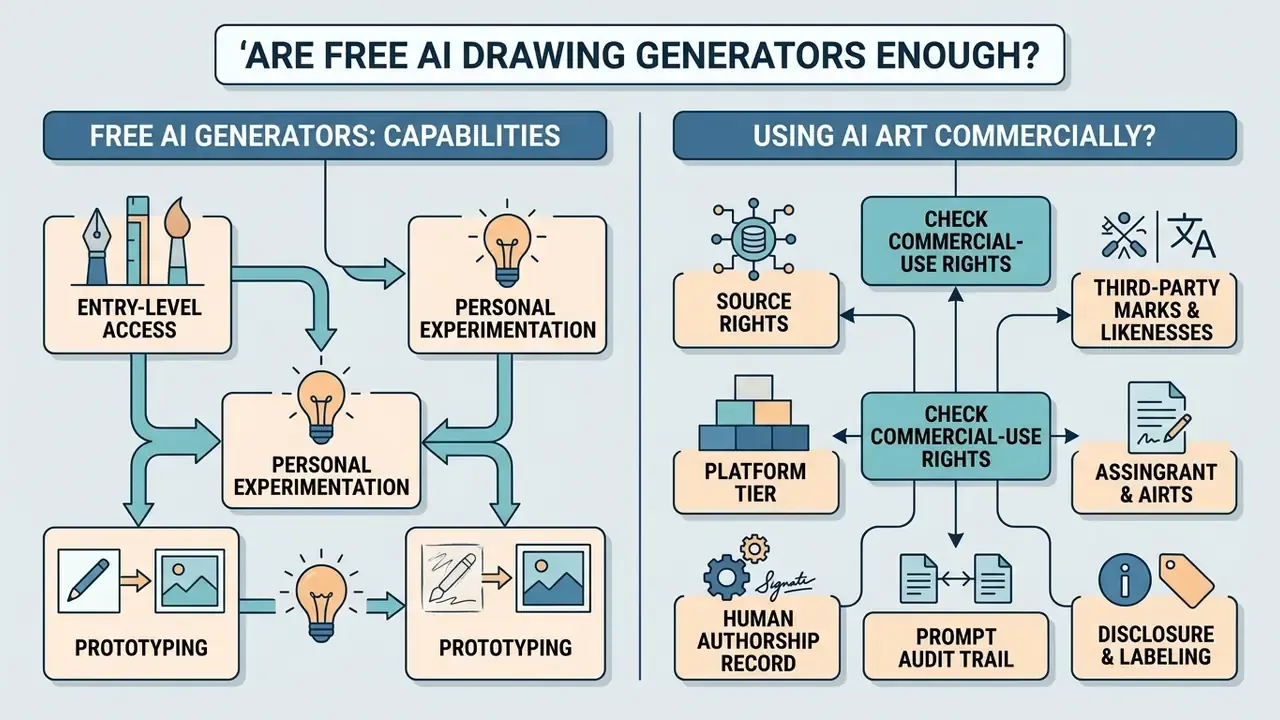
Free AI drawing generators provide entry-level access for personal experimentation and prototyping. Commercial production usually requires paid subscriptions to secure usage rights, higher-resolution exports via AI upscalers, and dedicated compute capacity.
What a free AI drawing generator can help you create
A free AI drawing generator lets users test text prompts, experiment with sketch rendering, and generate sample imagery without upfront costs. Most free plans enforce daily limits, lower generation priority, slower queue times, or output watermarks. According to the OpenAI Help Center (2026), free tiers for DALL-E 3 in ChatGPT restrict users to two generations per day, while OpenAI API documentation (2026) lists DALL-E 3 as "Free: not supported" at the API level. Free consumer converters trade speed for cost: entry-level models commonly take 20–50 seconds per render versus roughly 5 seconds on premium tiers. For anyone searching ai drawing from photo free or ai make drawing realistic online free, that latency is the real tax. To evaluate free generation options, consult our comparison of free AI art generators and our guide to free photo editors for post-processing without a subscription.
How to check commercial-use rights for AI-generated images
Commercial usage rights for AI image generators depend on platform terms of service and applicable intellectual property law. According to the U.S. Copyright Office Policy Guidance (2024–2026), purely AI-generated images without human creative input are not eligible for copyright protection. The Office's Copyrightability Report, Part 2 (2025) clarifies that protection can attach to human-authored elements such as creative selection, coordination, arrangement, or modification, but prompt-only input is not enough. Commercial platforms may also enforce revenue-based licensing restrictions; Midjourney Terms of Service (2026) mandate Pro or Mega subscription tiers for commercial asset usage by organizations exceeding $1,000,000 in annual gross revenue.
IP provenance and source-rights checklist (before any commercial release):
- Source rights.Confirm you own or license every uploaded reference photo, sketch, logo, and font. Image-to-image transformation does not launder third-party IP.
- Third-party marks and likenesses.Screen output for recognizable trademarks, protected characters, and identifiable people.
- Platform tier.Verify your subscription level grants commercial rights at your organization's revenue band.
- Human authorship record.Document the creative choices you made: composition decisions, edits, retouching, compositing.
- Prompt audit trail.Archive prompt text, negative prompts, seed values, model name and version, CFG scale, denoising strength, and reference weights for every released asset. This log is the evidence base both for copyright filings and for model-risk review.
- Disclosure and labeling.Where required, label AI-generated media. The European Commission's Article 50 transparency guidance requires machine-readable marking of AI image outputs and clear deepfake disclosure from 2026; Australia's AI Technical Standard (Statement 8) recommends visual watermarks plus provenance metadata; Hong Kong's Generative AI Technical and Application Guideline asks organizations to set internal disclosure and provenance policies; and NASA's 2026 AI media directive requires labeling, watermarking, and metadata tagging.
Privacy and protection of source material. When uploading original sketches and references, read the confidentiality clause, not just the licence. Some services keep user work private by default. Playform states that all images created on the platform are the user's intellectual property and that work "is defaulted to private unless you explicitly share with the community", while enterprise tiers of major vendors typically add zero-retention and no-training commitments. Free consumer tiers are the riskiest: assume inputs may be retained or reviewed unless the terms explicitly say otherwise.
For details on usage rights, visit our AI Media Commercial-Use Hub and track legal developments via AI Litigation and Case Timelines. To estimate commercial production budgets, explore AI Media Calculators and review standard pricing tiers.
Fact Check / Terms Verification:
How to get better and more realistic AI drawing results
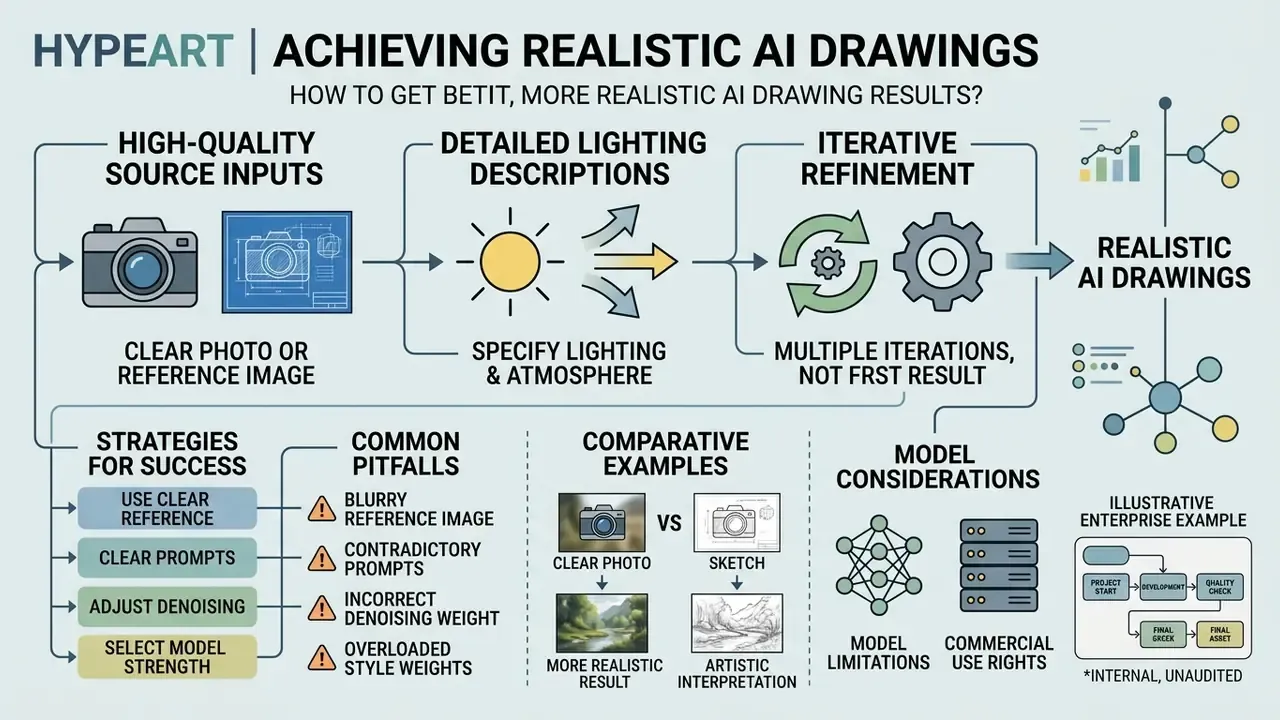
Achieving realistic AI drawing results requires high-quality source inputs, clear lighting descriptions, and iterative refinement. Optimizing prompt structure and technical generator parameters prevents most common visual defects.
Use a clear photo, drawing or reference image
The realism of a generated picture directly reflects the quality of the uploaded reference input. Reference photos should feature uniform illumination, sharp focus, and clear subject separation. Research in U-Sketch (2024) shows that applying edge simplification to rough drawings improves spatial latent alignment and reduces background artifacts during diffusion synthesis. Sketch-guided diffusion studies report that realism rises with more structured input contours, and that lighting and material specificity act as a second, independent driver of believability. Structure and render cues both matter, in that order. For preparation and cleanup before upload, see our guide to online photo editors.
Refine the prompt, style and model instead of accepting the first result
Improving output quality requires adjusting prompt language, applying negative prompts, and fine-tuning control settings. Peer-reviewed research from ICLR 2025 on Classifier-Free Guidance shows that negative prompts systematically remove unwanted elements by reversing direction vectors during latent denoising. ComfyUI's documentation adds the practical reading of the same parameters: higher CFG follows the prompt more strictly but degrades quality if pushed too far, while a denoise value below 1.0 preserves more of the original structure in image-to-image correction.
Illustrative enterprise example (internal, unaudited). A design team converting hand-sketched wireframes into marketing renders initially got distorted perspective lines. Raising the CFG scale from 5.0 to 8.0 and adding negative prompts ("do not add extra text, no blurry edges, no distorted perspective") produced visibly better structural alignment across roughly 40 asset iterations. Internal design review assessed the improvement, not a formal metric, so treat it as a directional pattern for parameter tuning rather than a measured benchmark.
Model limitations to expect. Diffusion models still hallucinate geometry, misplace anatomy (hands, teeth, eyewear), invent structural elements in architectural renders, and render long or technical text unreliably without a typography-strong engine such as Ideogram or GPT Image. For schematics, org charts, and any diagram where labels must be exact, generate the graphic and set the text separately in a vector editor. Simple rule, saves hours.
FAQ about AI drawing generators
AI drawing generators allow users to create visual art without prior drawing skills. Transparency standards increasingly mandate digital watermarking and metadata logging for machine-generated media, including the EU AI Act (2026), the European Commission's Article 50 transparency guidance, and NIST AI 100-4, Reducing Risks Posed by Synthetic Content (2024), which sets out watermarking, provenance, and metadata approaches.
«Users prefer example-based explanations and can learn new prompt keywords by seeing how the image changes.» — "From Text to Pixels" (IUI 2024, N = 473, 5,676 responses)
Do I need to be able to draw to create AI art?
No. Professional drawing skills are not required to create AI art, and text prompts or simple scribbles provide sufficient guidance for modern AI models. Research in Scribble-Guided Diffusion (2024) demonstrates that basic user-provided strokes guide latent image generation into fully realized scenes without manual drawing expertise. Earlier work, Controlling Deep Image Synthesis with Sketch and Color (CVPR 2017), already synthesized realistic imagery from sketched boundaries and sparse color strokes. In practice, a five-line box plus a good prompt beats a detailed but muddy drawing.
«Amateur sketches without text prompts are sufficient for accurate generation through abstraction-aware conditioning.» — "It's All About Your Sketch" (arXiv, 2024)
Do I need an account to generate an AI picture?
Creating an account is not strictly necessary for basic image generation, since several AI image generators work without sign-up. However, AI photo editors, enterprise features, higher generation limits, and commercial usage rights require registered profiles. Platforms such as Raphael AI and FreeGen support basic browser-based generation without registration (Raphael AI Documentation, 2026; FreeGen, 2026), and several similar services advertise no email, no card, and watermark-free downloads. One caveat: no-login tools rarely offer confidentiality guarantees, so never use them for sensitive material. For integration documentation, visit AI Media API Guides, and for technical help, see AI Media Support and Troubleshooting.
Can I use AI-generated drawings for commercial projects?
Commercial usage depends on the platform's terms of service and your paid subscription tier. Purely AI-generated outputs without human authorship cannot be copyrighted under U.S. law, so your protection often rests on contract terms, source-asset rights, and documented human edits rather than on copyright in the raw render.
What file formats and sizes can I upload?
Most generators accept JPEG (JPG), PNG, and WEBP, with some consumer tools also supporting HEIC. Typical limits are 100 MB per file, one file per request, and a minimum of 512 × 512 pixels. Resize undersized images before upload rather than letting the tool interpolate them.
Which sketch and drawing styles can I generate?
Common options include pencil sketch, line art, crosshatching, stippling, charcoal, ink outline, minimalist outlines, shaded sketches, pastel, color pencil, and watercolor, plus fully photorealistic renders. Mixing two incompatible families in one prompt is the most frequent cause of muddy output.
Which AI models can I choose for line art and sketches?
Depending on the platform, you can select Midjourney v6, DALL-E 3 or GPT Image, FLUX models, Ideogram, Gemini 3 with Nano Banana Pro, or the Adobe Firefly Image Model directly from the model dropdown. For crisp contours and readable labels, typography-strong engines tend to win.
Are my uploaded sketches and generated images private?
It depends on the platform and tier. Some tools default all work to private until you explicitly share it, while free consumer tiers may retain inputs or publish outputs to a public gallery. Verify retention windows and training opt-out terms before uploading anything confidential.
What should I log for compliance and copyright purposes?
Archive the prompt and negative prompt, seed, model name and version, CFG scale, denoising strength, reference weights, and a record of your own edits. This audit trail supports both copyright filings and internal model-risk review, and it costs almost nothing if you build it into the workflow from day one.
Can I turn an AI sketch back into a realistic image?
Yes. Feed the sketch back as a structure reference, add photorealistic prompt cues (lens, lighting, materials), and use a mid-range denoising value so the line layout survives while surfaces are re-rendered. That round trip, sketch to ai realistic drawing and back, is how most product teams iterate.