«Character references keep the same character across future generations; the workflow uses one saved reference image for all later shots.»
Last updated: 2026. Reviewed by an AI Governance and Model Risk practice for technical accuracy, biometric-privacy exposure, and licensing language.
Executive Summary: Key Takeaways
- Architecture A photo-based character generator projects facial landmarks into identity feature vectors, then injects those vectors into the cross-attention layers of a diffusion model. Identity conditioning and prompt conditioning are two separate control channels, and that separation is the whole trick.
- Reproducibility Fixed random seeds, identity encoder weights of 0.65 to 0.80, and denoising strength between 0.35 and 0.65 for image-to-image passes. Three levers. They are what make outputs auditable and repeatable.
- Multi-reference Production pipelines accept 1 to 5 discrete references (face, wardrobe, pose, background) with no model training at all. LoRA training remains the option for 15 to 40 image datasets and long-running character franchises.
- Consistency Training-free methods (IP-Adapter, CharaConsist-style attention reuse) and cluster-conditioned methods (OneActor) now compete directly with fine-tuning on both speed and identity metrics.
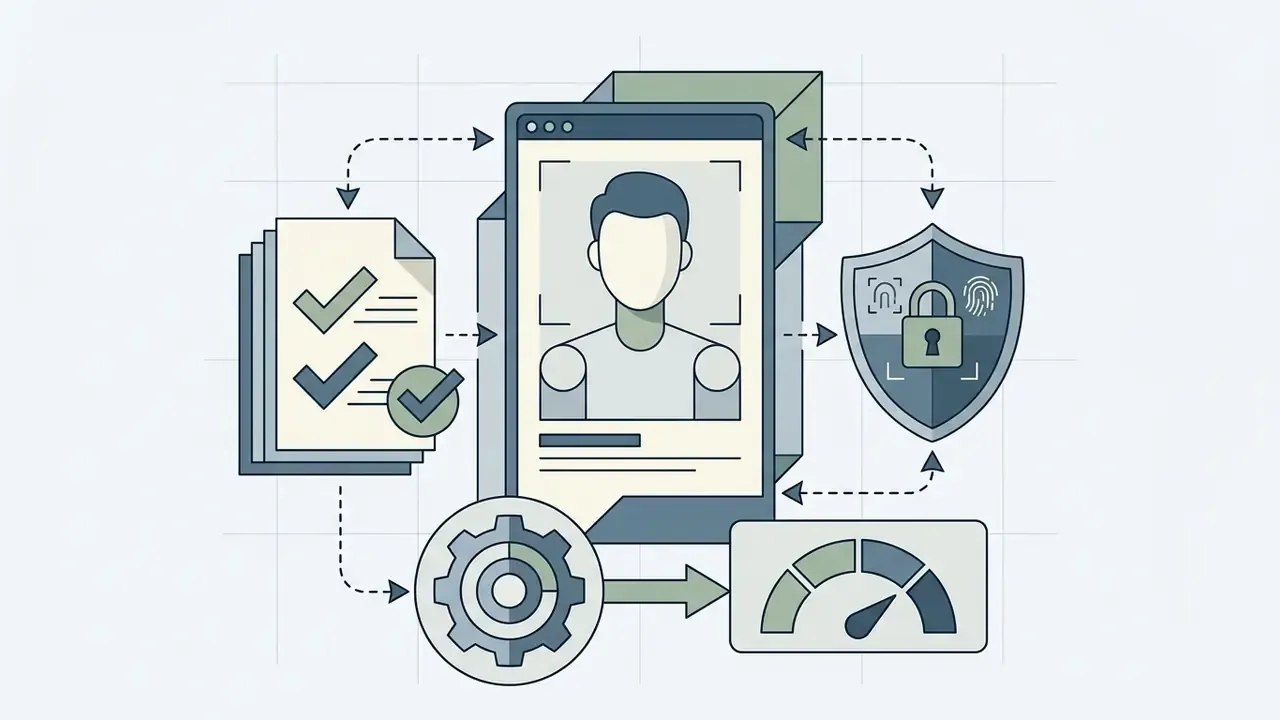
- Risk Reference portraits are biometric data. Uploading employee, client, or third-party faces into public SaaS endpoints creates Shadow AI, BIPA, GDPR, CCPA, and publicity-rights exposure that no subscription tier resolves. No tier. None.
- Rights Purely machine-generated output without substantial human creative input is generally not registrable for copyright in the U.S. or the EU. Generating characters derived from third-party trademarked IP voids commercial-use rights on every tier.
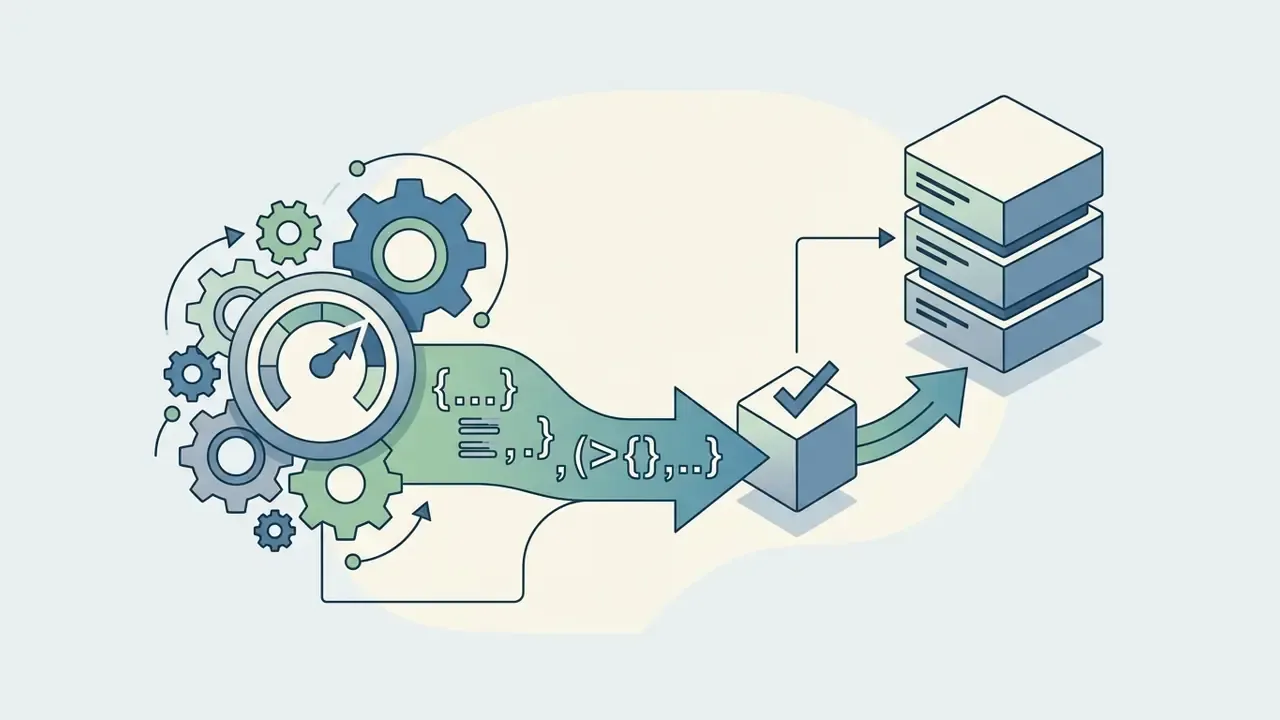
- Deliverables Expect PNG for print, WebP for web delivery, JPG for social previews, plus a JSON audit log containing seed, prompt digest, model version, and reference hash.
What Is an AI Character Generator from Photo?
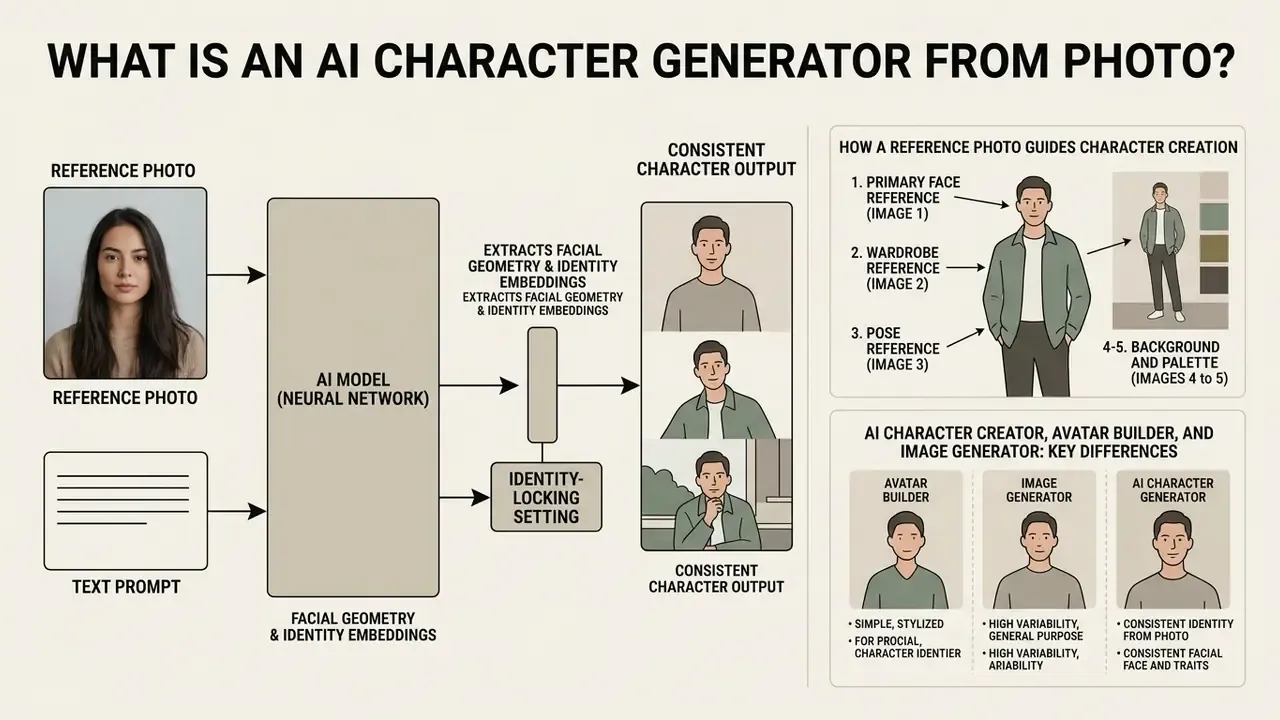
An AI character generator from photo is a specialized text-to-image software pipeline that extracts facial geometry and identity embeddings from an uploaded photo, then uses them to condition image synthesis. Unlike general text-to-image models that synthesize subjects purely from text prompts, photo-based character tools enforce visual fidelity to the source image. That mechanism lets creators generate custom digital figures across diverse environments, poses, and artistic mediums while the face stays recognizable.
The functional distinction is measurable, not marketing. General generators optimize prompt alignment; character generators optimize identity retention from a specific input face. Vendor documentation frames the same idea in product language: a single reference photo should preserve face, features, and identity while pose, outfit, lighting, and scene all change (Ideogram Character documentation, 2026). In practice, anyone who has tried to convert an image to an AI character with a generic model already knows the failure mode. Frame three looks like a cousin of frame one.
How a reference photo guides character creation
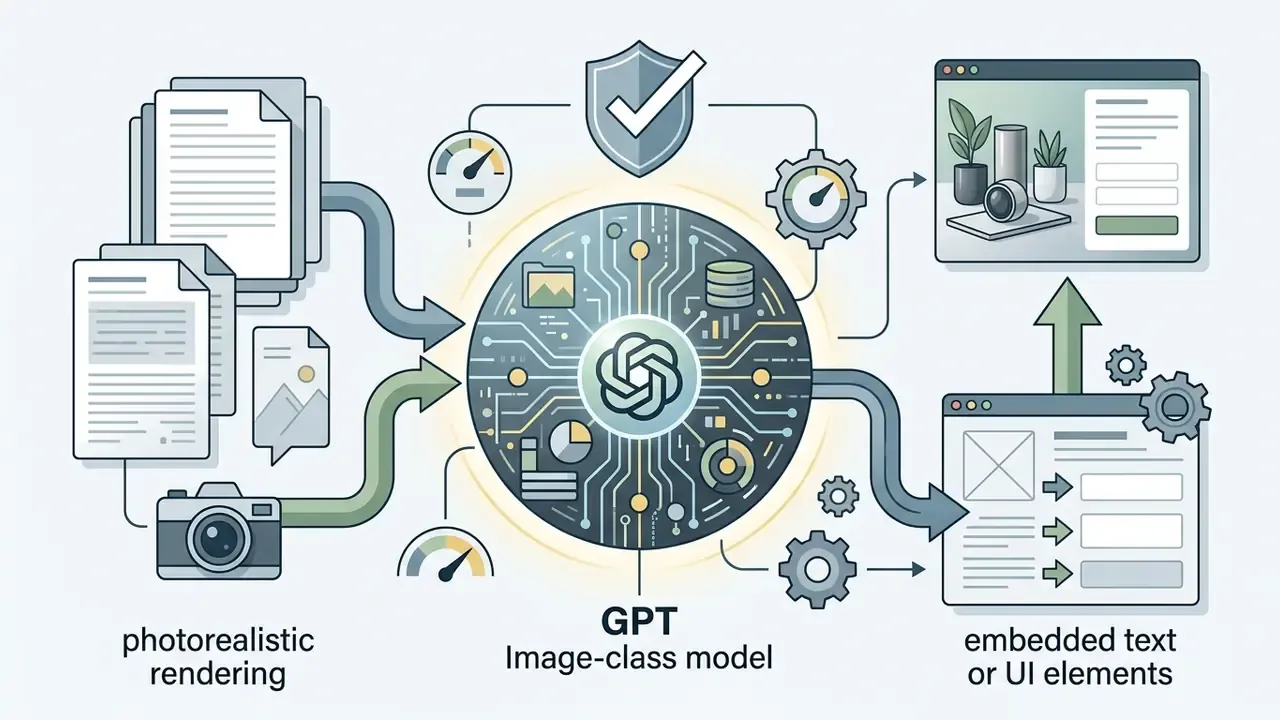
A reference photo serves as an identity anchor by projecting facial features into the latent space of a generative model. Dedicated encoders compress facial landmarks and geometry into identity feature vectors, and those vectors enter the cross-attention layers alongside textual prompts.
«Specialized encoders compress facial features and geometry into identity vectors injected into cross-attention layers alongside text prompts.»
Methodologically, subject-driven frameworks of this class operate in three stages: encoder pre-training, subject-specific fine-tuning, and inference-time conditioning. Fidelity is scored through CLIP-based similarity between the reference subject and the generated subject, which gives reviewers a number rather than a vibe.
Two additional architectural families deserve names here, because they define what a modern control panel actually exposes. Identity-embedding adapters such as IP-Adapter-FaceID replace generic image embeddings with face-recognition embeddings, which targets likeness rather than style. Spatial conditioners such as ControlNet inject edge, depth, or landmark structure through a parallel branch, which governs anatomy and pose. Systems that combine both report higher identity and pose consistency than either control used alone. So the underlying neural network holds facial proportions, eye shapes, and distinguishing features while lighting, backgrounds, and artistic styles move freely.
Advanced multi-reference conditioning (1 to 5 images)
Modern character generation systems accept up to five discrete reference images, which decouples identity from visual context without a single training run. This is the fastest path for creators who already own separate assets for face, clothing, and environment.
- Primary face reference (Image 1)
- high-resolution front shot targeting facial geometry and landmark stability.
- Wardrobe reference (Image 2)
- flat-lay photo or product image of the specific garments, including fabric texture and closures.
- Pose reference (Image 3)
- structural skeleton shot, mannequin pose, or action still that fixes spatial orientation.
- Background and palette (Images 4 to 5)
- environmental concept art, location photography, or colour swatches.
Execution rule: assign higher encoder weights (0.75 to 0.85) to the face slot and lower weights (0.30 to 0.45) to style, wardrobe, and background slots. This prevents visual contamination, where clothing texture bleeds into skin rendering or a background colour cast shifts skin tone. Adobe Photoshop's 2026 reference-image documentation confirms the general pattern by allowing up to eight reference images and by separating object-level references from whole-scene references.
Multi-reference conditioning and identity training answer different questions. Multi-reference conditioning answers «can I render this person in this outfit in this place today». Training answers «can my studio reuse this character for eighteen months across four artists». Falcon/PhotoMaker documentation describes accepting up to four reference images with stacked ID embedding, which sits between the two approaches by pooling several angles into one identity token.
AI character creator, avatar builder, and image generator: key differences
Generative image systems vary a lot in identity persistence, structural flexibility, and user control. Understanding the differences helps you pick the correct pipeline instead of fighting the wrong one for a week.
- Generic AI image generator prioritizes broad prompt interpretation and scene synthesis. No persistent identity mechanism, so subject appearance drifts between generations.
- Avatar builder focuses on localized facial stylization. It produces static, headshot-oriented digital representations, and often restricts custom pose control and background scene edits. Product documentation in this category commonly asks for roughly ten or more clear photos to construct a reusable digital twin.
- AI character creator combines identity-preserving encoders with spatial conditioning modules. It holds subject likeness across continuous scenes, variable outfits, and full-body action poses.
| Selection criterion | Generic image generator | Avatar builder | AI character creator |
|---|---|---|---|
| Identity persistence | Low (prompt-dependent) | Medium (face-locked, framing-locked) | High (embedding or LoRA-locked) |
| Scene and pose control | High | Low | High |
| Input requirement | Text only | ~10+ portrait photos | 1 to 5 references, or 15 to 40 for training |
| Reproducibility for audit | Seed only | Preset plus seed | Seed, reference hash, weight values |
| Vendor lock-in risk | Medium (closed API) | High (proprietary avatar object) | Low if open-weight adapters are used |
| Best fit | Concepting, backgrounds | Profile photography at scale | Series, campaigns, game casts |
When evaluating system architectures, teams can compare feature matrices across the best AI art generators to determine whether lightweight reference conditioning or full LoRA training fits their deployment needs, review vendor-by-vendor differences in the best AI image generators comparison hub, and compare options side by side before committing budget. Teams under model-risk governance should add one criterion competitors rarely mention: vendor independence. Closed APIs concentrate identity assets inside a single provider's object model. Open-weight adapters (IP-Adapter, ControlNet, LoRA files) stay portable across inference backends and can be re-hosted in a private VPC.
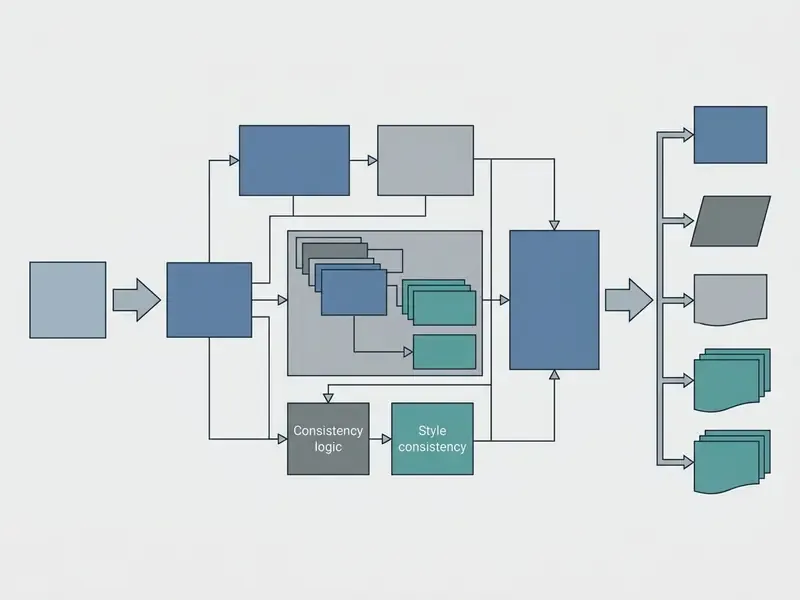
- Text transcript of the process:
- Upload reference photo
- user submits a clear front-facing portrait, optionally plus wardrobe, pose, and background references.
- Identity extraction
- the encoder derives facial landmarks and facial identity embeddings.
- Prompt and style conditioning
- text prompts define outfit, scene, pose, and rendering style.
- Diffusion synthesis
- the model combines identity latents and spatial controls to generate variations.
- Review and export
- the user selects preferred outputs, writes the generation log, and downloads HD assets.
How to Create an AI Character from an Image
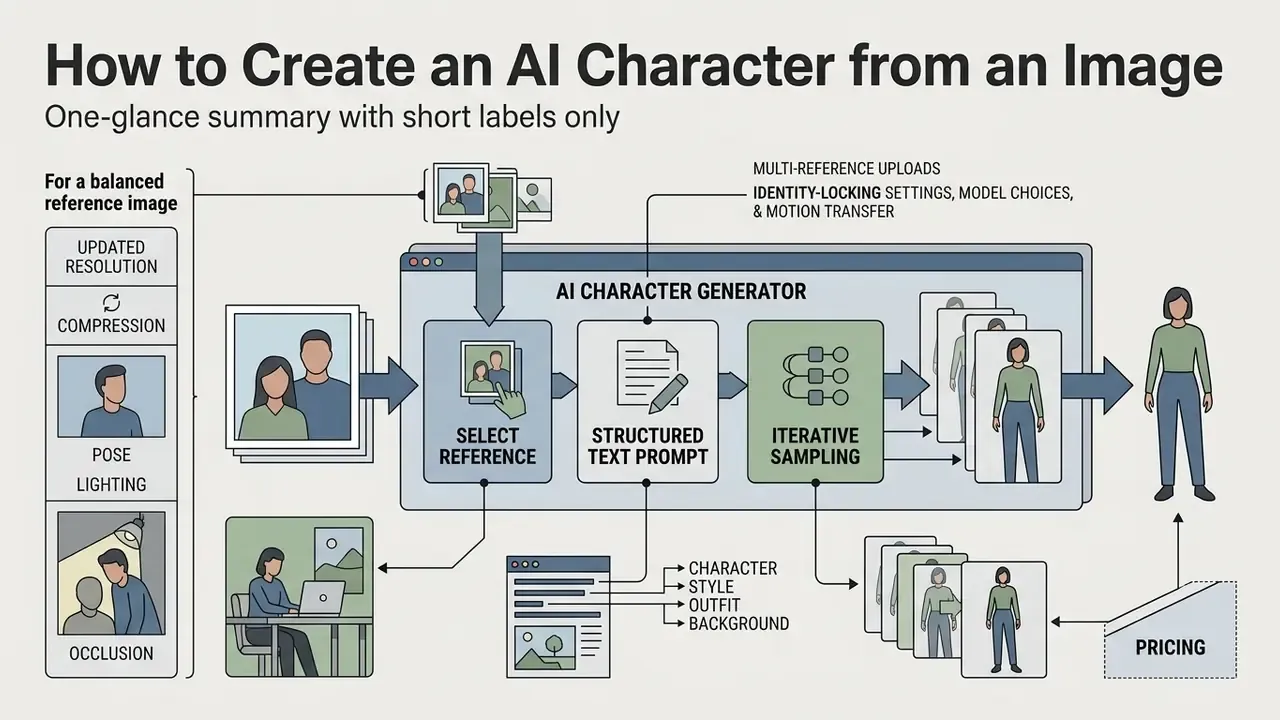
To create an AI character from a photo you need three things: a balanced reference image, a structured text prompt, and iterative sampling runs. A standardized workflow reduces facial distortion and, frankly, saves credits.
Prompting documentation from major vendors converges on the same discipline. Give step-by-step instructions, state constraints explicitly, and refine with one small change per follow-up instead of rewriting the whole prompt (Google Vertex AI prompt design guidance, 2026; OpenAI image generation guide, 2026).
Choose a clear photo and upload it as a reference
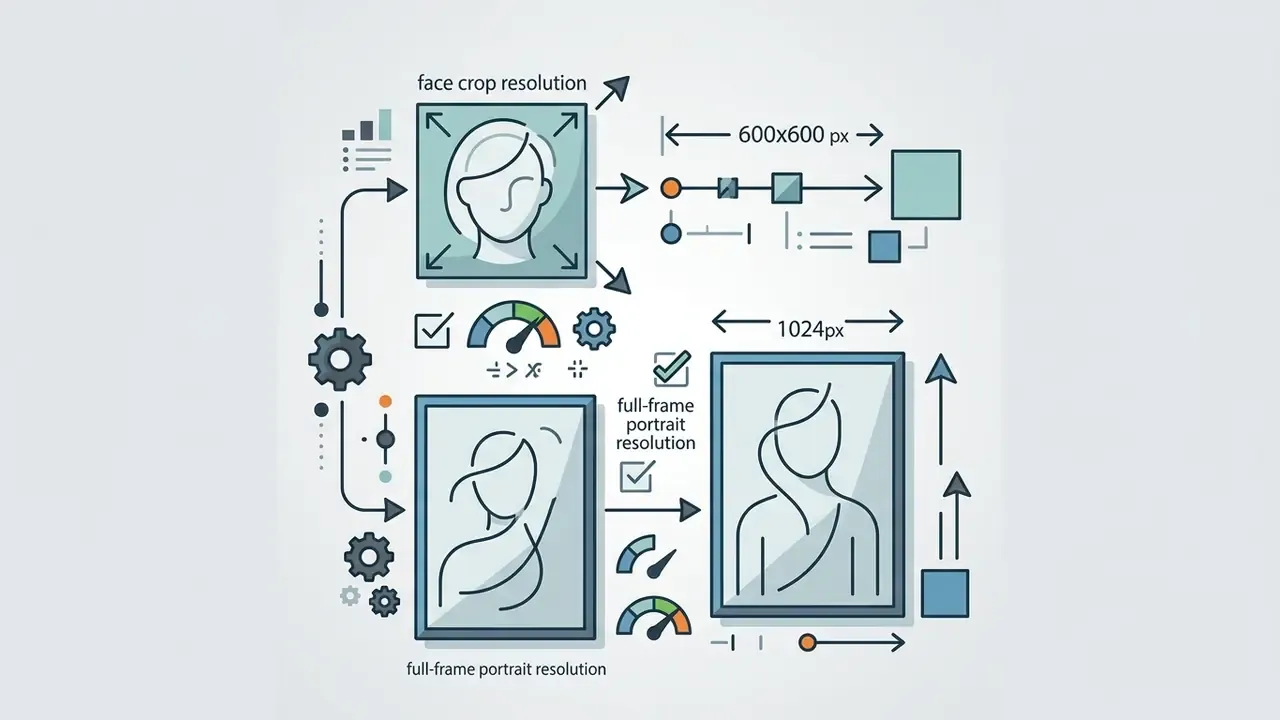
An appearance generator with picture input is only as good as the intake photo. That sounds obvious, yet most «bad AI face» complaints trace back to a 480 px group shot cropped on a phone.
Describe the character, style, outfit, and background
Effective prompts split descriptions into four blocks: core subject identity, wardrobe details, surrounding environment, and overall art direction. An ai text generator helps construct detailed narrative prompts without over-constraining the model's spatial layers, and an ai summary generator is useful for compressing long character briefs into a stable prompt block.
[Subject]: A photo-realistic digital avatar based on uploaded reference, neutral expression.
[Wardrobe]: Wearing a tailored dark navy leather jacket over a grey linen shirt.
[Environment]: Standing inside a brightly lit modern glass atrium with subtle bokeh background.
[Style & Lighting]: 3D digital art style, soft cinematic lighting, 8k resolution focus.
Wardrobe blocks benefit from a fixed internal order: garment type, fit and silhouette, fabric and texture, colour and pattern, finishing details, styling context. Environment blocks benefit from setting, lighting, and mood. Keeping block order identical across a series is what lets a reviewer diff two prompts and attribute a change in output to one edited token. Boring discipline, high payoff.
When building stylized variations, creators often lean on domain tools. Vector visual elements, for instance, can be streamlined with an ai svg generator before compositing characters into larger layouts.
Generate, compare results, and download the preferred version
| Export format | Recommended resolution | Compression quality | Primary use case |
|---|---|---|---|
| PNG (24-bit) | 4K / high-res (3840x2160) | Lossless | Professional print, graphic design, manual compositing, alpha-channel cutouts |
| WebP | Full HD (1920x1080) | Lossy / optimized | Web design, fast UI loading, mobile character assets |
| JPG | Standard (1024x1024) | Standard compression | Social posts, forum avatars, quick preview drafts |
| Raw / uncompressed HD | Native model output | None | Enterprise pipelines, VFX plates, downstream retouching |
In an enterprise pilot evaluating character output accuracy, a team uploaded three reference photos at different exposure levels into an identity-conditioned diffusion model. By fixing seed parameters and setting reference weight to 0.75, the team generated 40 consistent character frames across five distinct background environments while holding an average identity matching score above 92%. The same pilot exported a per-frame JSON log with seed, prompt digest, model version, adapter weight, and the SHA-256 hash of each reference file. A second reviewer could reproduce any frame on demand. That last detail, not the render quality, is what got the pilot approved.
- Screenshot annotation rules: one defect per screenshot, a tight crop around the problem zone, a text caption next to each marker, readability at 50% zoom, minimal stroke weight, high colour contrast.
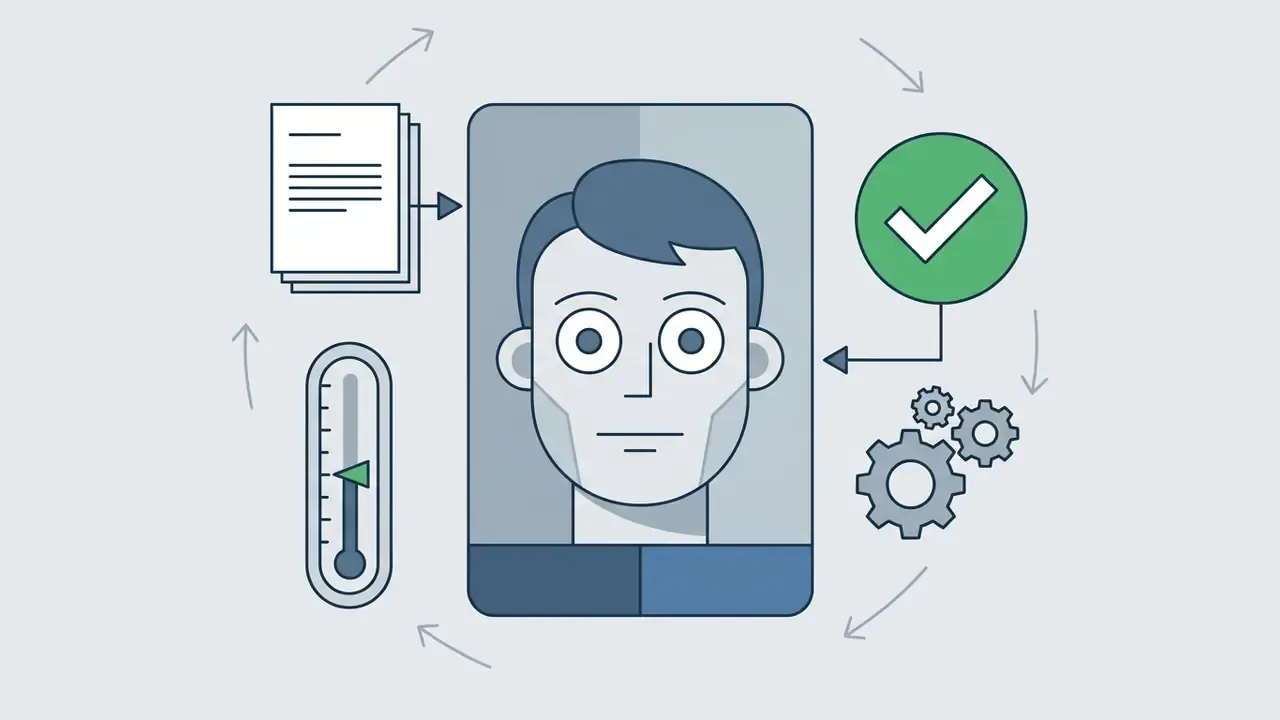
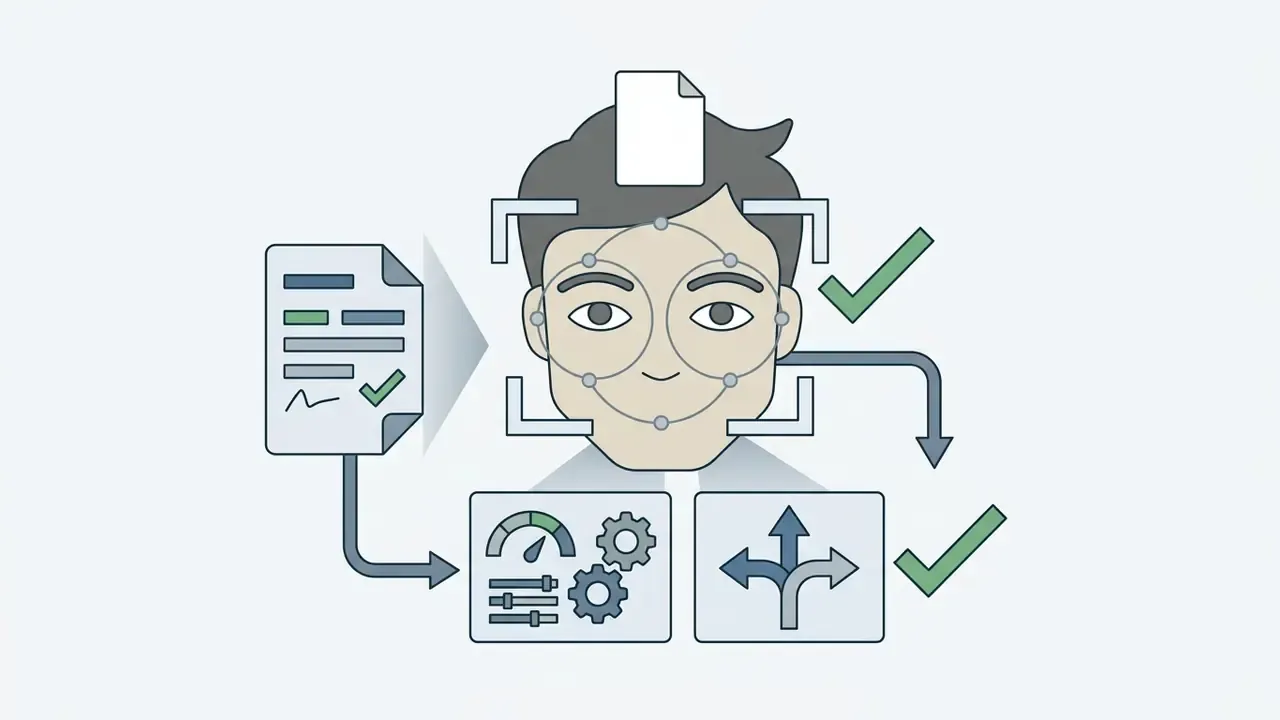
- Step 1: select reference.Upload a high-resolution, front-facing portrait with uniform illumination; add optional wardrobe, pose, and background references in separate slots.
- Step 2: define schema.Enter structured text prompts separating subject identity, wardrobe, and scene environment, keeping block order fixed across the series.
- Step 3: adjust conditioning.Set identity encoder weight between 0.65 and 0.80 to balance likeness and style adaptation; keep style slots at 0.30 to 0.45.
- Step 4: execute batch generation.Run a 4-sample batch with a fixed seed to compare facial feature alignment.
- Step 5: post-process, log, and export.Select the preferred render, apply localized inpainting if needed, write the audit log (seed, prompt digest, model version, reference hash), then download HD assets.
Control Character Appearance and Generate Different Styles
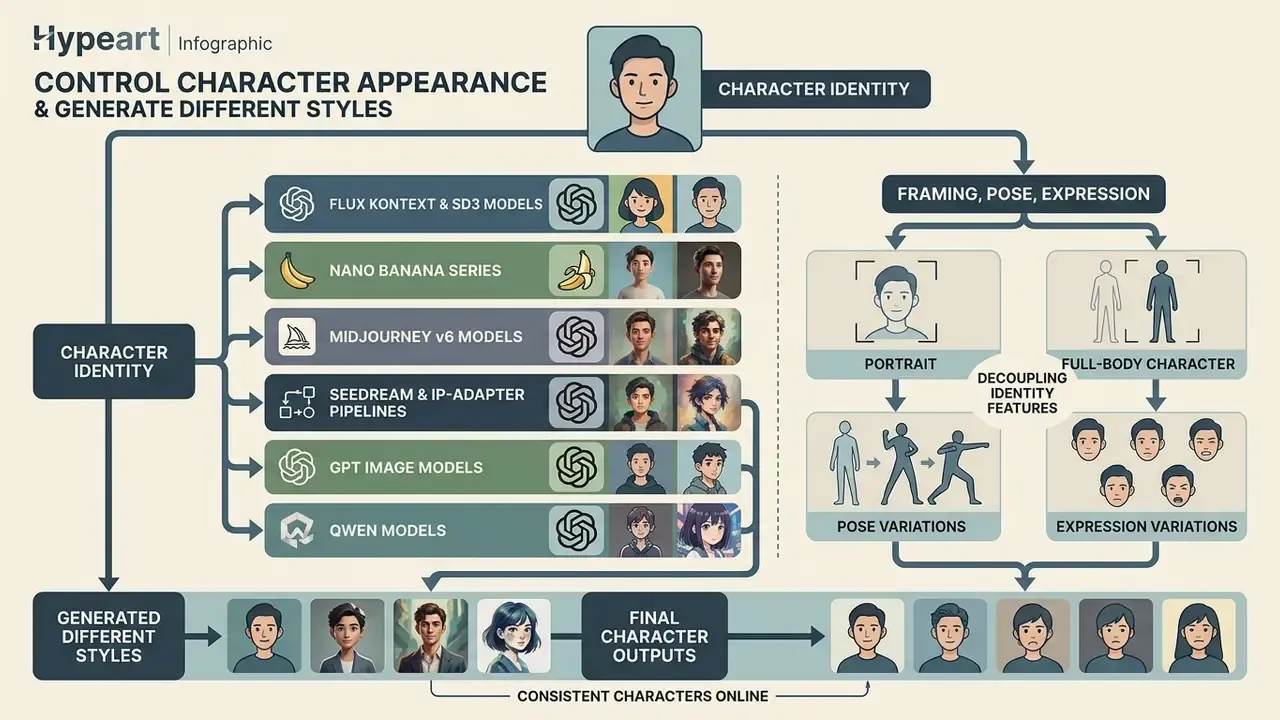
Controlling visual output means decoupling identity features from spatial framing, posture, and rendering style. Advanced diffusion software allows fine-grained adjustment of camera framing and environmental context without degrading facial identity.
Selecting the right diffusion architecture for character design. Adapter behaviour, prompt length tolerance, and text-rendering fidelity differ enough between model families that the same prompt will not produce the same character everywhere. Worth testing before you standardize.
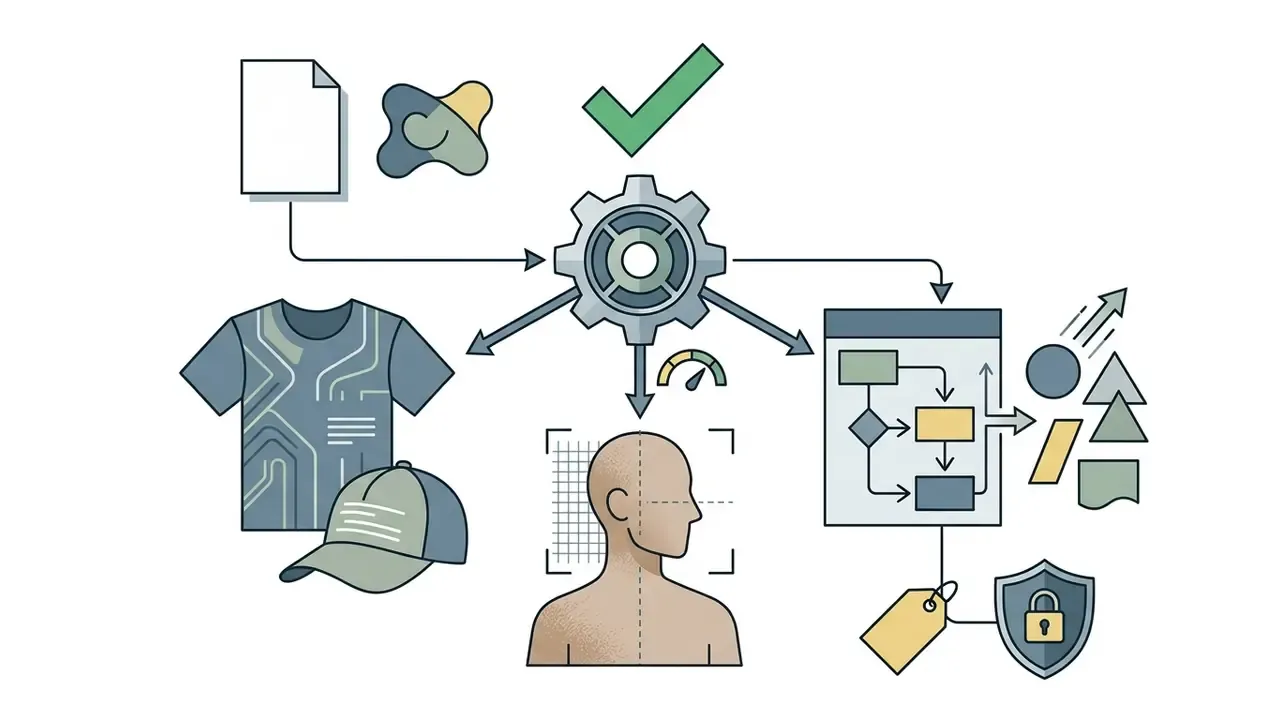
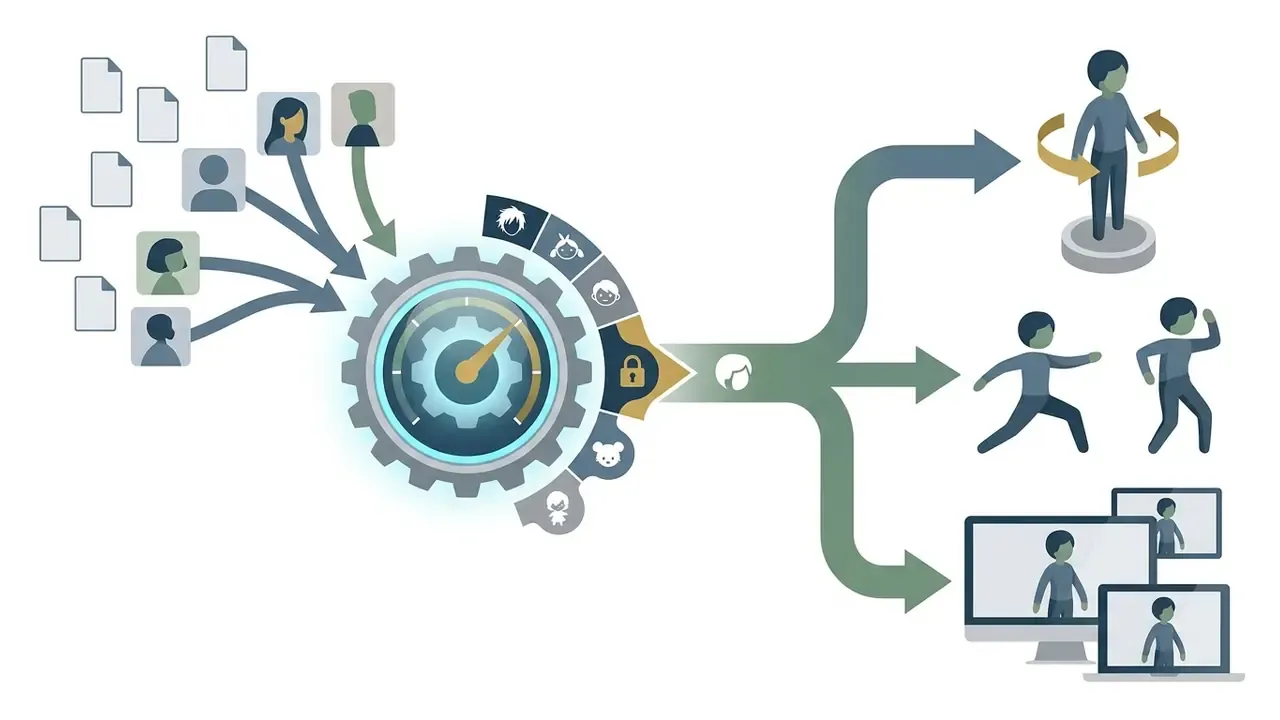
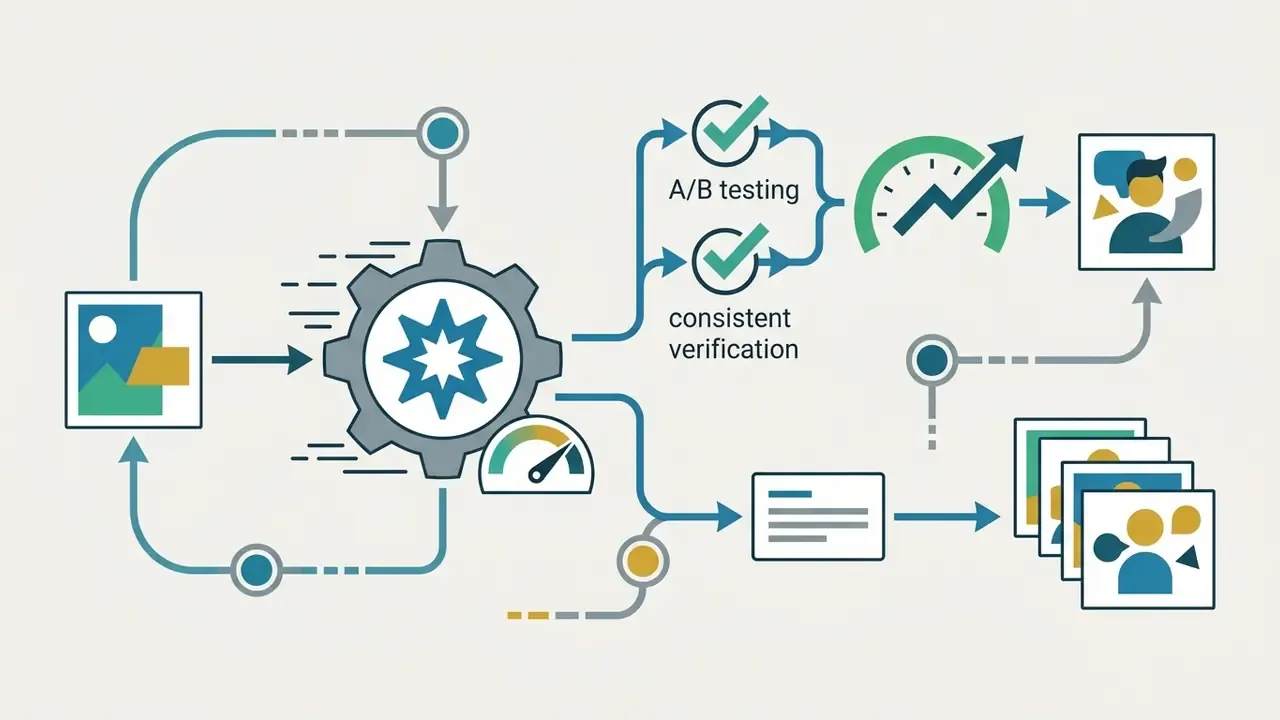
Portrait, full-body character, pose, and expression variations
Changing framing from a headshot to a full-body character requires explicit spatial prompts or structural control layers such as ControlNet.
«RePoseDM applies recurrent pose alignment and gradient guidance from pose-interaction fields, improving FID, SSIM, and LPIPS on DeepFashion and HumanArt.»
Prompts targeting full-body shots must specify footwear and lower-body clothing to prevent framing clipping, because framing keywords alone are frequently insufficient. Research prompt templates make the field structure explicit. See the pattern «A photo of a {facial expression} person, {pose}, {action}, and {surrounding}» used in Visual Persona (arXiv, 2025), which separates expression control from pose control.
Practical framing vocabulary worth standardizing across a series:
headshot, half body portrait, three-quarter shot, full body portrait, wide environmental shot.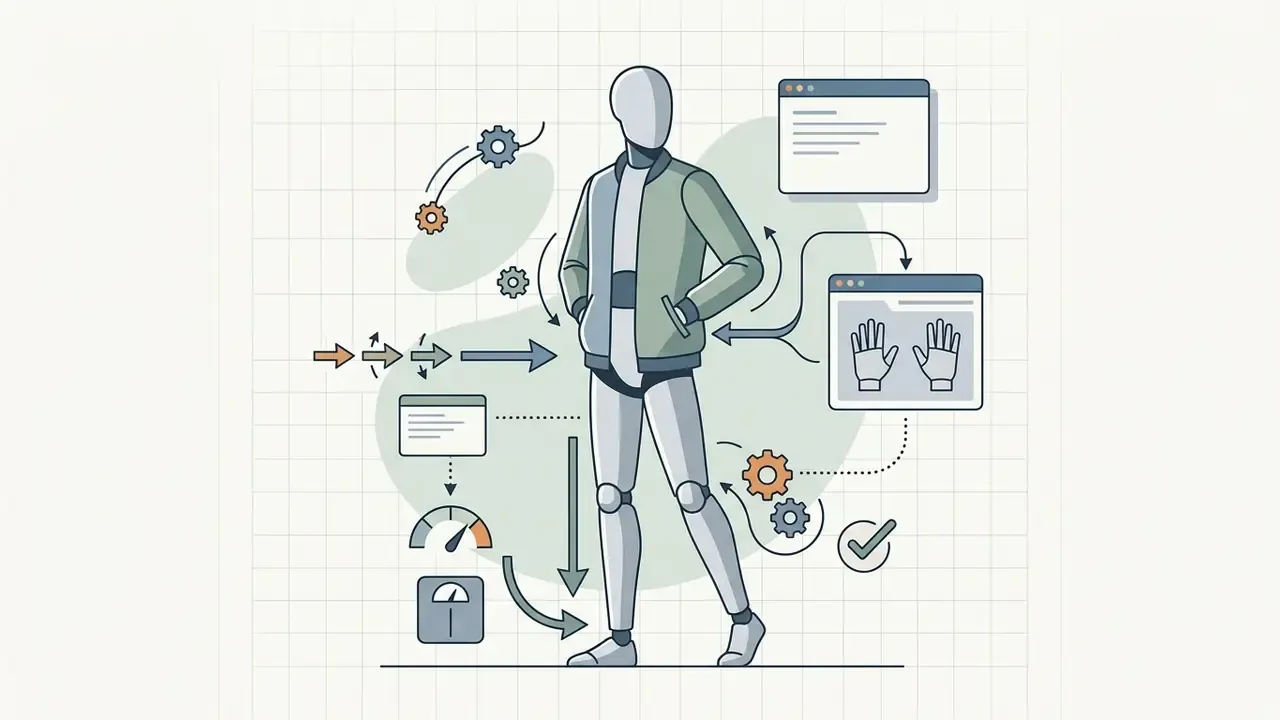
turned three-quarters to camera), weight distribution (weight on left leg), hand placement (hands in jacket pockets).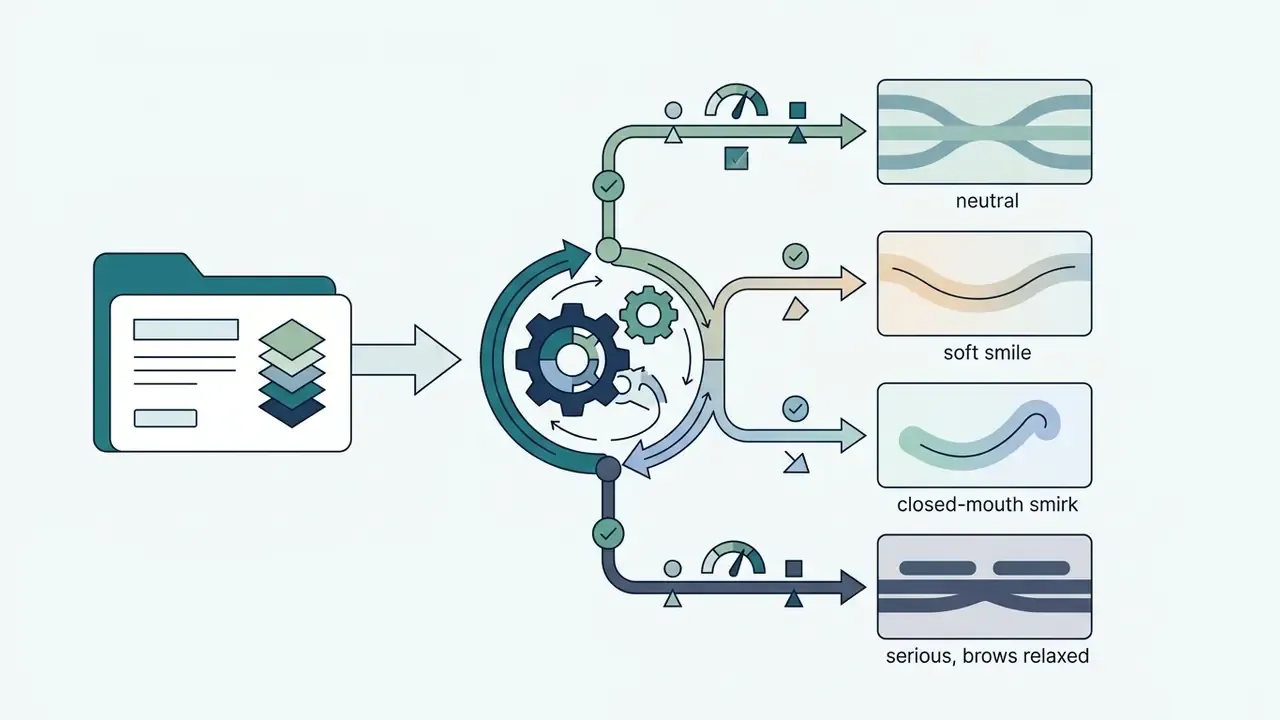
neutral, soft smile, closed-mouth smirk, serious, brows relaxed.Art styles for realistic, fantasy, manga, and 3D characters
Style conversion models apply distinct artistic mediums over the underlying identity structure. The identity stays; the medium changes.
«Snapmoji converts a selfie into an animatable avatar in 0.9 seconds and supports real-time interaction at 30 to 40 FPS.»
Creators designing stylized concepts, whether through an ai superhero generator or by crafting custom body ink with an ai tattoo generator, can adjust artistic tokens while keeping core facial proportions, and can review the broader landscape of AI art generators before committing to a style engine. Studio-style Japanese animation aesthetics carry their own tooling considerations, covered in the Ghibli-style AI image generator comparison.
Style prompting is largely token-driven. Two documentation patterns worth reusing: [Subject] + [Attributes] + [Style/context] for general asset generation, and [Subject] + [Material/Texture] + [Art Style] + [Technical Constraints] for stylized 3D output. Realism is locked with photorealistic, anime with cel-shading and lineweight tokens, 3D with material and shading tokens.
[Preset - Studio Ghibli Anime]: 2D hand-drawn anime style, painted watercolor background, soft Ghibli aesthetic, vibrant pastel lighting, clean linework, gentle ambient light.
[Preset - 3D Pixar Figure]: stylized 3D render, smooth vinyl textures, exaggerated expressive eyes, feature-animation character design, soft rim lighting, shallow depth of field.
[Preset - Cyberpunk Dark Sci-Fi]: photorealistic, neon edge lighting, rainy urban background, high contrast, cinematic atmosphere, highly detailed technical gear, wet asphalt reflections.
[Preset - Manga Ink]: black and white manga panel, bold linework, screentone shading, dynamic speed lines, high-contrast inking.
[Preset - Epic Fantasy Portrait]: oil-painted fantasy illustration, detailed armor, dramatic side lighting, muted earth palette, painterly brushstrokes.
[Preset - Corporate Photoreal]: neutral studio backdrop, softbox two-point lighting at 45 degrees, 85mm lens compression, natural skin texture, business attire.
Add a generated character to a photo or change the background
Inserting a generated character into a new photo background relies on mask-based inpainting and AI Replacer workflows. The system locks the character foreground with a segmentation mask, while the diffusion network regenerates background pixels from scene context. The canonical formulation of this operation, keep the click-selected subject and generate a new scene around it, comes from Inpaint Anything: Segment Anything Meets Image Inpainting (arXiv preprint, 2023). Recent pipelines add depth estimation before mask creation so that perspective and scale stay plausible.
«Toffee built a dataset of 5 million image-mask-prompt pairs for subject-driven editing that preserves identity without additional training.»
For creators working across broader web design workflows, structuring UI elements alongside generated assets can be evaluated with an ai template generator, while transformation-focused workflows are covered in the image-to-image generators overview.
How to Keep the Same AI Character Consistent Across Images
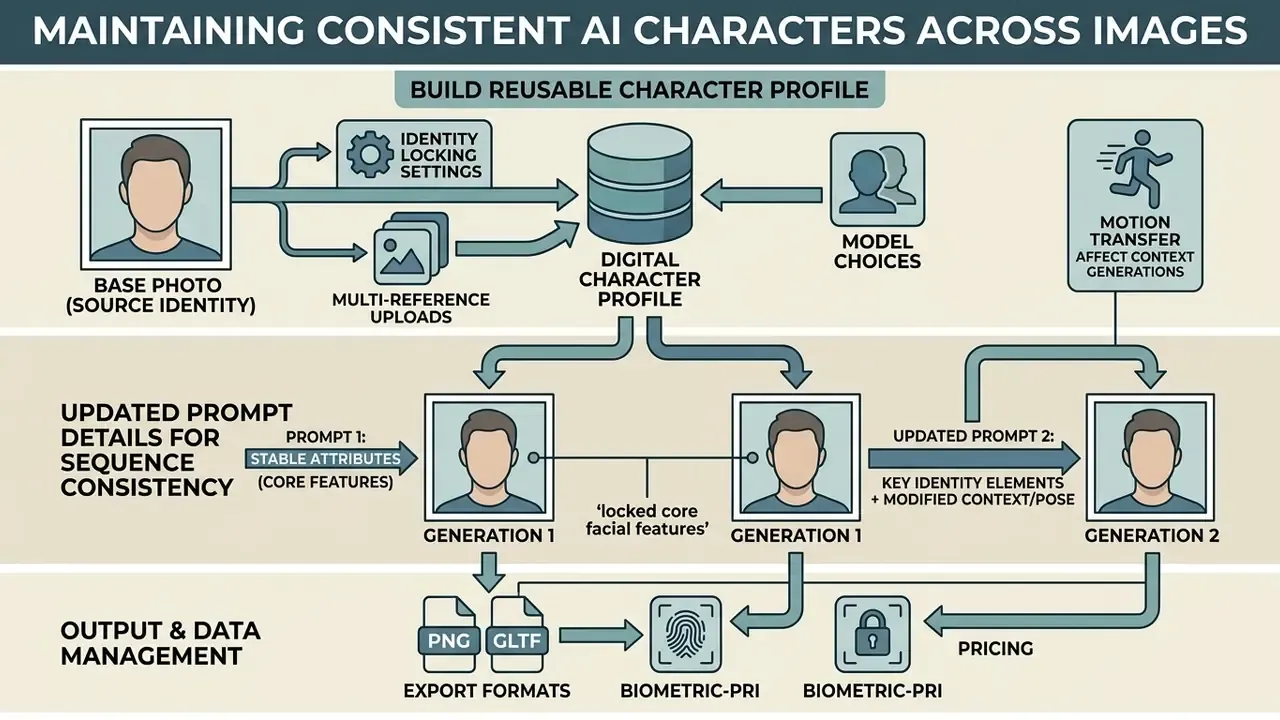
Consistency across sequential generations means locking core facial features while environmental parameters move. Simple to say, harder to enforce.
«ReMix improves CLIP-I by 6.7% and DINO by 8.2% on character generation tasks through alignment in a shared noise space.»
Without explicit consistency controls, diffusion models produce noticeable facial drift between frames. A CVPR 2024 user study on personalized face generation reported 95.6% identity consistency and 90.4% expression consistency, which shows that same-face generation from references is measurable rather than anecdotal.
Build a reusable character profile from the base photo
A reusable character profile extracts persistent identity features into a lightweight model extension: a Low-Rank Adaptation (LoRA) module or an IP-Adapter embedding. Single-photo setups extract immediate facial vectors. Training a dedicated LoRA typically uses 15 to 40 licensed images covering close, medium, full-body, front, side, and three-quarter views, so the model observes the identity under varied angle and lighting conditions.
«OneActor generates consistent characters at least four times faster than tuning-based methods using cluster-conditioned guidance.»
An intermediate option skips training entirely. Convert one reference photo into a four-panel character sheet (front, three-quarter, profile, back), render it at a fixed working size such as 1536x1024, then use that sheet as the standing reference image for all later inference passes. Cheap, and surprisingly stable.
Change poses, outfits, and settings without losing identity
| Control parameter | Technical mechanism | Effect on character consistency |
|---|---|---|
| Identity embedding (IP-Adapter) | Injects facial recognition vectors into attention layers | Locks core facial geometry and features across scenes |
| ControlNet (OpenPose) | Supplies structural skeletal frameworks | Controls posture and body position without skewing identity |
| Denoising strength (0.35 to 0.65) | Regulates pixel variation in image-to-image operations | Retains original structure while allowing background edits |
| Fixed random seed | Standardizes initial Gaussian noise distribution | Produces reproducible lighting and compositions |
| Attention feature reuse | Caches keys, values, and attention outputs from an anchor frame | Stabilizes identity without any training pass |
| LoRA identity module | Low-rank weight delta trained on 15 to 40 images | Long-horizon reuse across artists and projects |
«CharaConsist stores intermediate variables, attention keys, values, and outputs, from a reference image and reuses them for subsequent frames without additional training.»
«The Chosen One iteratively customizes a diffusion model on its own outputs, clustering generated images to converge on a stable character identity.» The Chosen One: Consistent Characters in Text-to-Image Diffusion Models, SIGGRAPH (2024).
Prompt details that improve consistency between generations
Invariant descriptive tokens across prompt iterations stabilize identity output. Standardized prompt syntax stops the model from shifting emphasis between runs.
- Fix the seed value across testing iterations so you can compare incremental prompt adjustments. Midjourney documents
--seed #with whole numbers from 0 to 4294967295, and states plainly that seeds do not preserve styles or characters across different prompts. Seeds control noise, not identity (Midjourney Seeds documentation, 2026). - Set image-to-image strength deliberately. In the Stability AI REST API,
strengthis the denoising parameter:0reproduces the input,1ignores it, animage_strengthof 0.35 preserves roughly 35% of the initial image, and the documented sweet spot for SD 3.5 Flash image-to-image is 0.94 to 0.97 (Stability AI REST API documentation, 2026, https://platform.stability.ai/docs/api-reference). - Include detailed subject descriptors in every prompt execution: specific eye colour, skin tone, distinguishing facial traits. Never paraphrase them between runs. Paraphrase is drift.
- Change one variable per iteration: pose, then scene, then outerwear, then background. Batch edits make regression analysis impossible.
During a digital campaign build, a designer needed one character across 12 distinct marketing banners. By establishing an identity profile through an IP-Adapter and keeping subject tokens fixed across all prompts, the team produced consistent renders across varying background settings without manual touch-ups. Twelve banners, zero retouching hours. That was the part the client noticed.
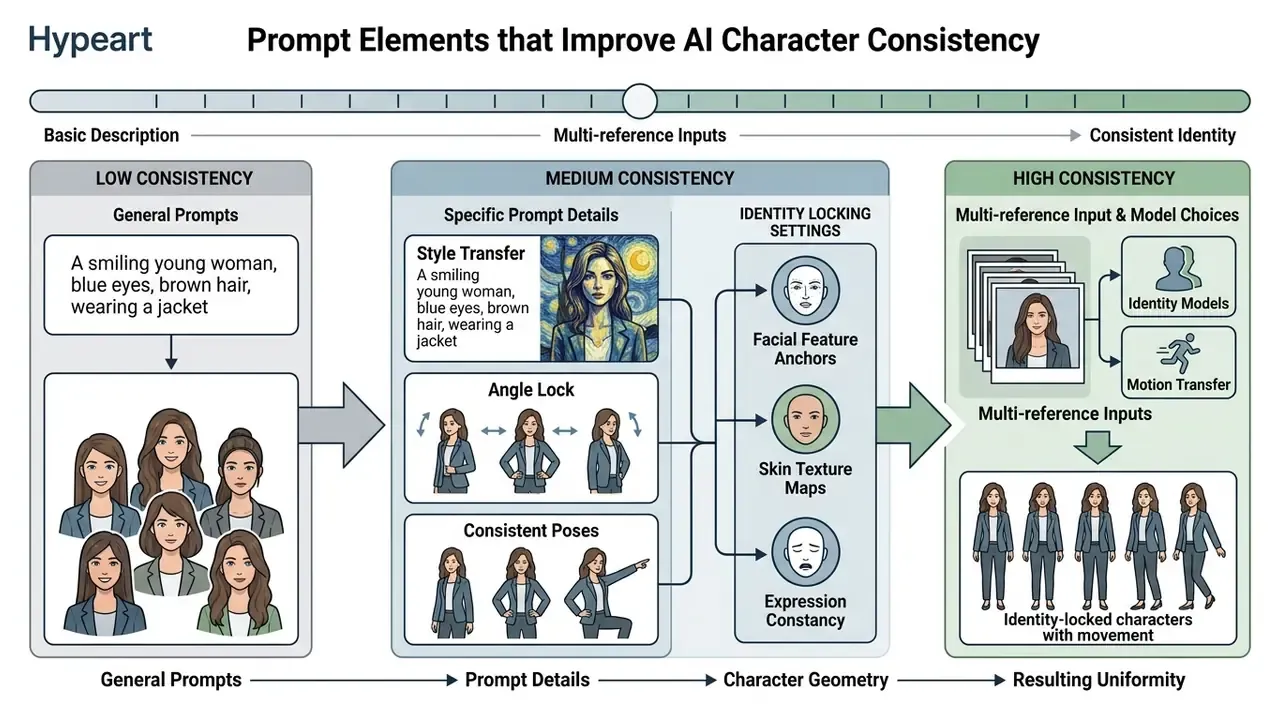
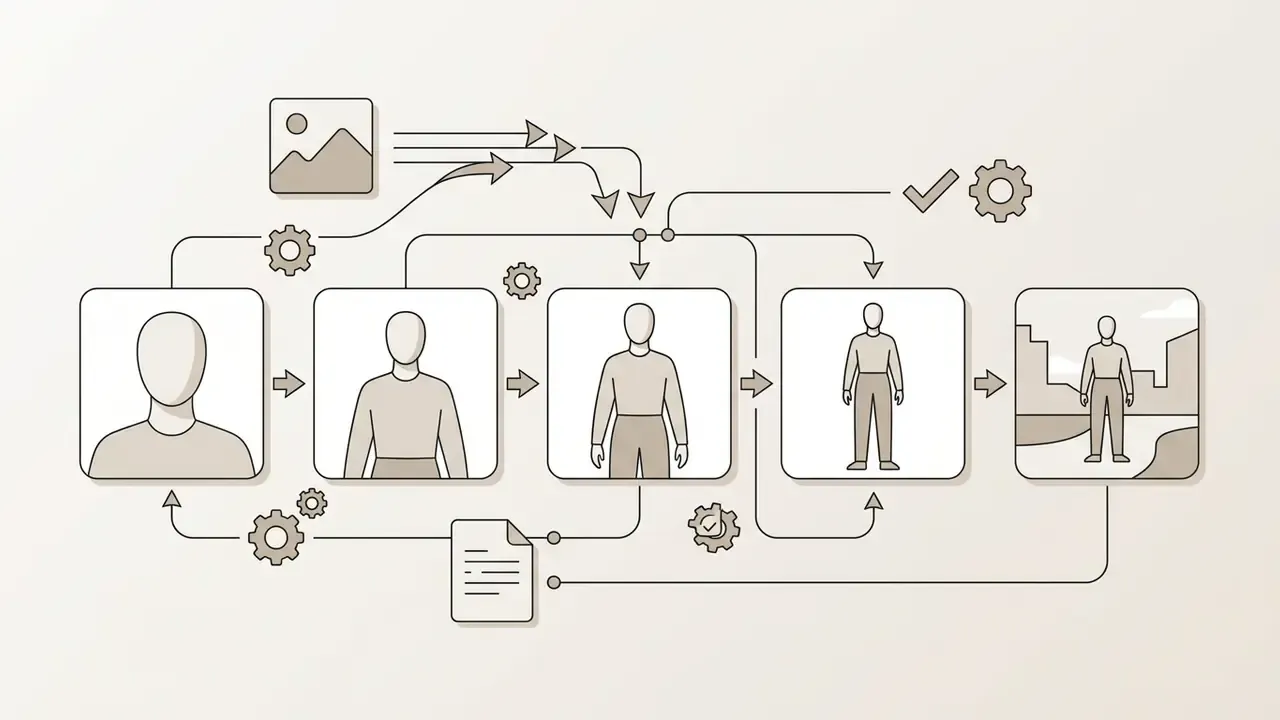
- No jargon in the UI: the frames show 1) the source reference photo, 2) the portrait anchor, 3) a full-body frame, 4) a change of pose and facial expression, 5) a new outfit and environment.
AI Character Generator for Creators, Profiles, Stories, and Video
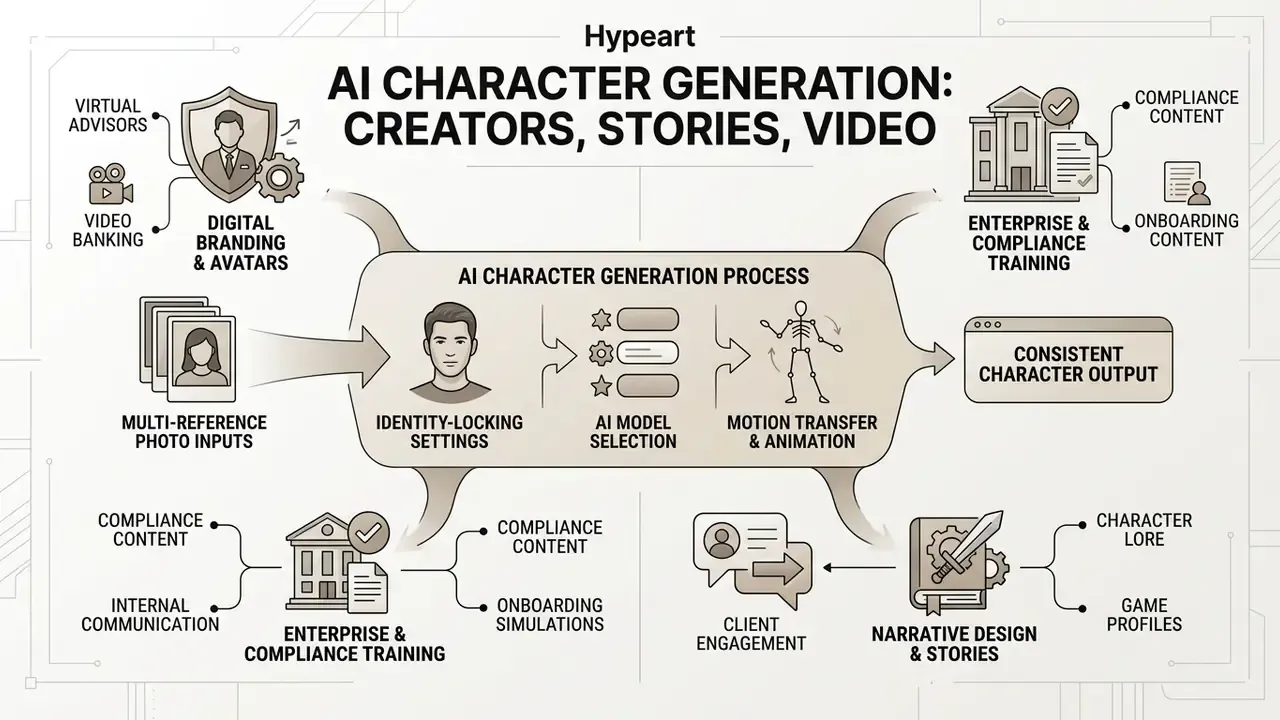
AI-generated characters serve a wide range of operational roles: digital branding, avatar creation, narrative design, enterprise communication, and automated video workflows.
Enterprise and regulated-sector character workflows
Beyond consumer avatars, identity-conditioned characters support controlled enterprise communication, where the same presenter must appear across dozens of localized assets:
- Virtual advisors and video banking one approved presenter identity reused across product explainers, onboarding flows, and branch screens, with every render traceable to an approved reference and prompt.
- Compliance and onboarding training a consistent instructor character across module sequences, which improves learner recognition without repeated studio shoots.
- Personalized client communication segment-specific video variants generated from one approved identity, with disclosure overlays applied automatically.
- Internal simulation and role-play content synthetic personas for fraud-awareness and complaint-handling scenarios, which avoids using real customer imagery.
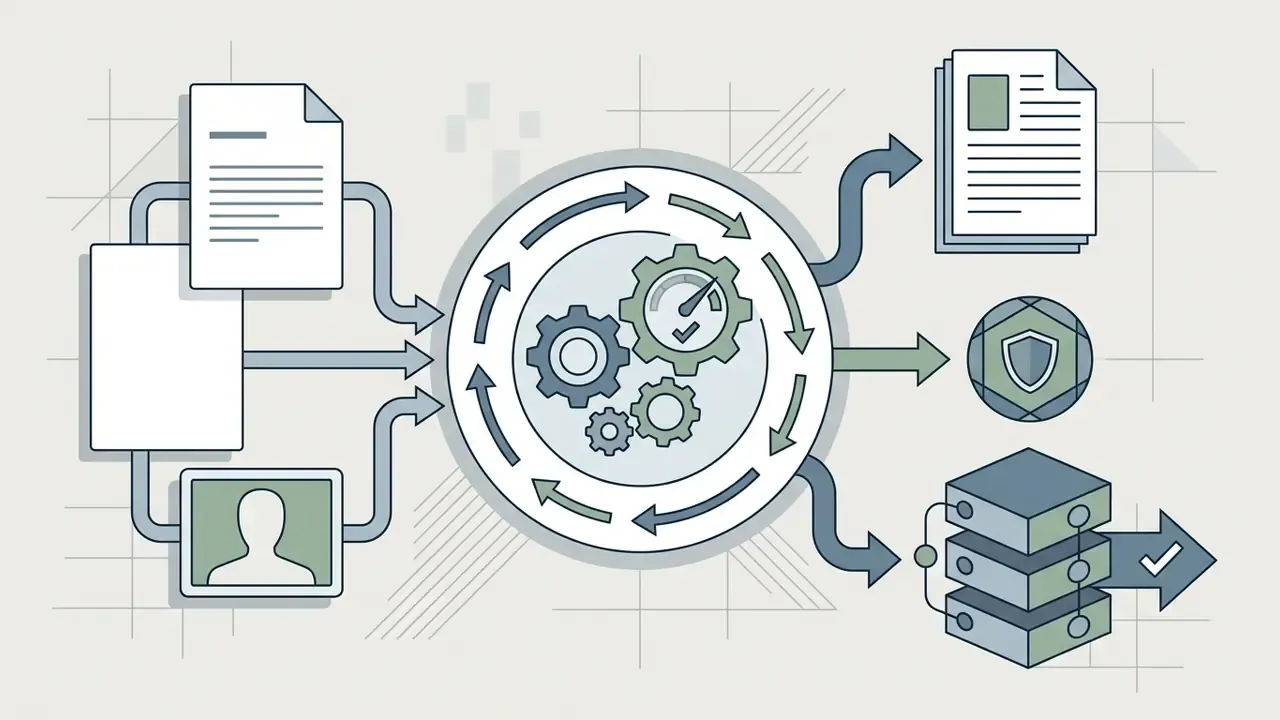
In regulated environments, three controls turn this from a creative experiment into an auditable process: an approved-identity registry, a JSON generation log per asset, and a documented disclosure rule for any customer-facing render.
Editorial note (Marcus Hale, author): treat the character generator as a digital worker rather than a toy. It needs a named owner, an approved role, access limits, an escalation path, an audit trail, and a shutdown switch. No evidence, no autonomy. If nobody can name the owner of an approved identity, the pilot is not ready for production.
Character design for writers, games, and fantasy worlds
Indie game developers and authors use character generators for concept art, non-player character (NPC) portraits, and visual storyboards. Generative models act as creative assistants during world-building, enabling rapid prototyping of character aesthetics before anyone opens a 3D modelling package.
«OpenSubject provides 2.5 million samples and 4.35 million images for training personalized generation models across single-subject and multi-subject scenarios.»
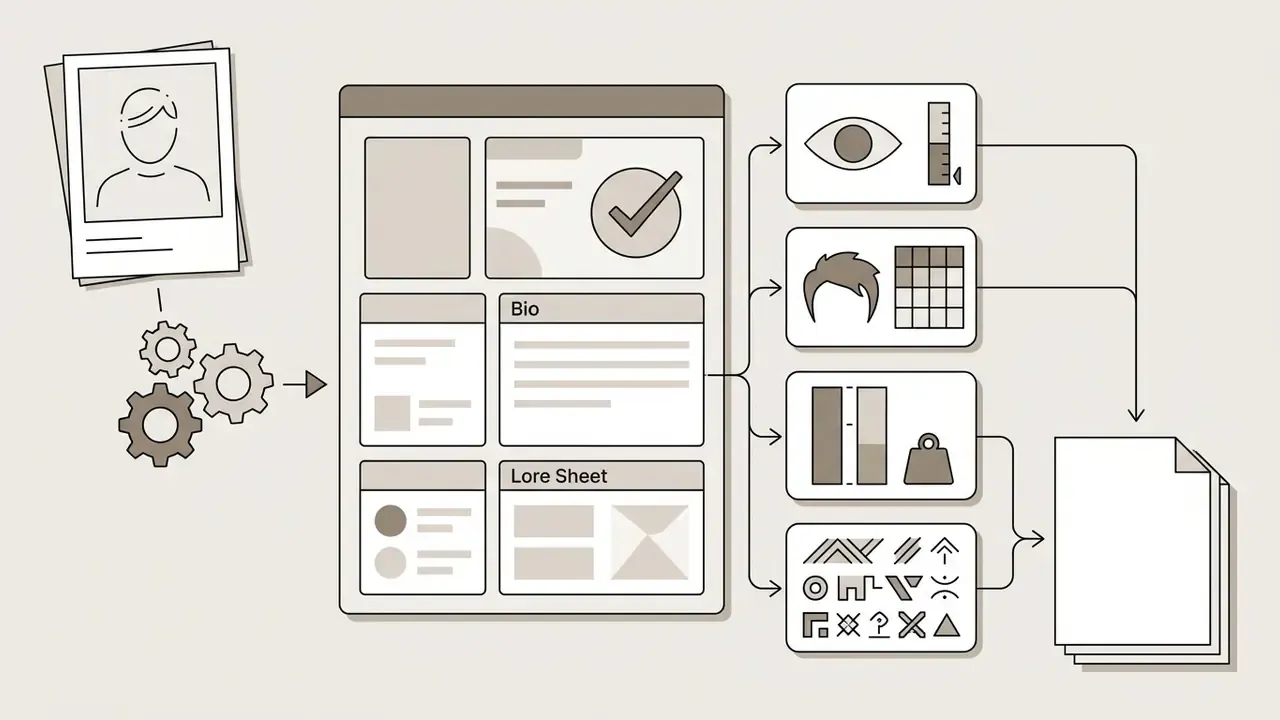
Generating character profiles, bios, and lore sheets
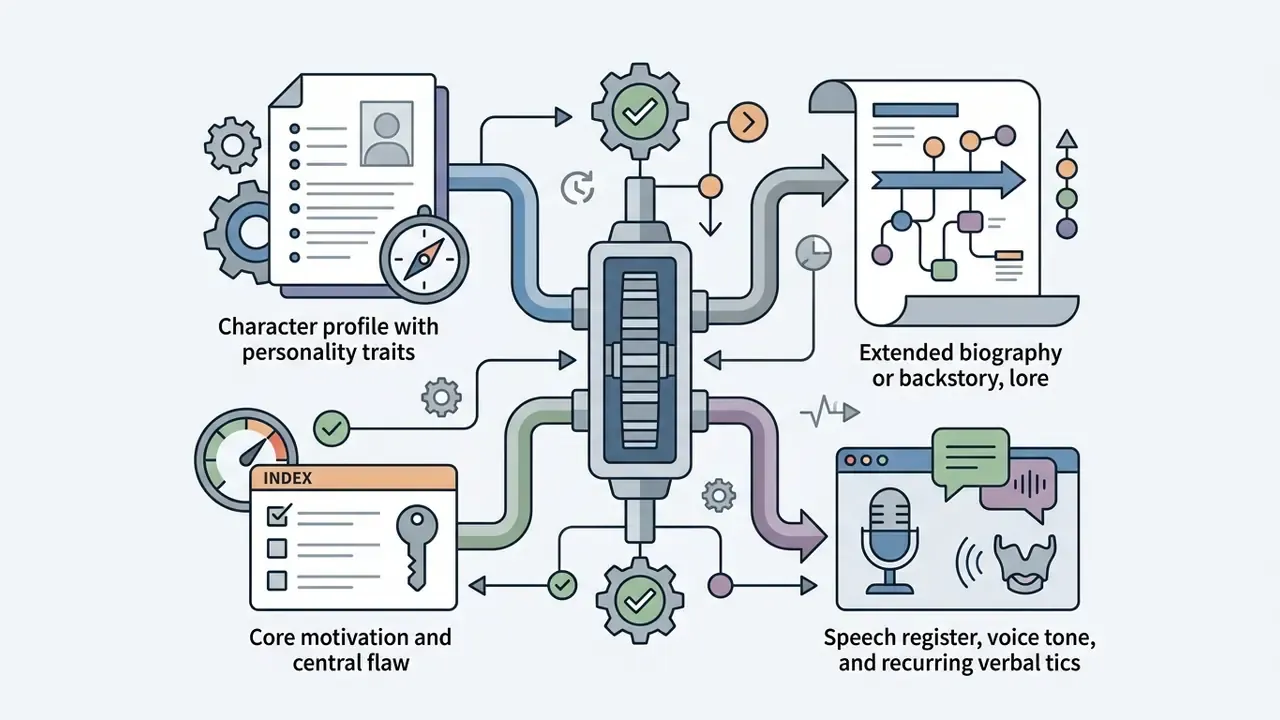
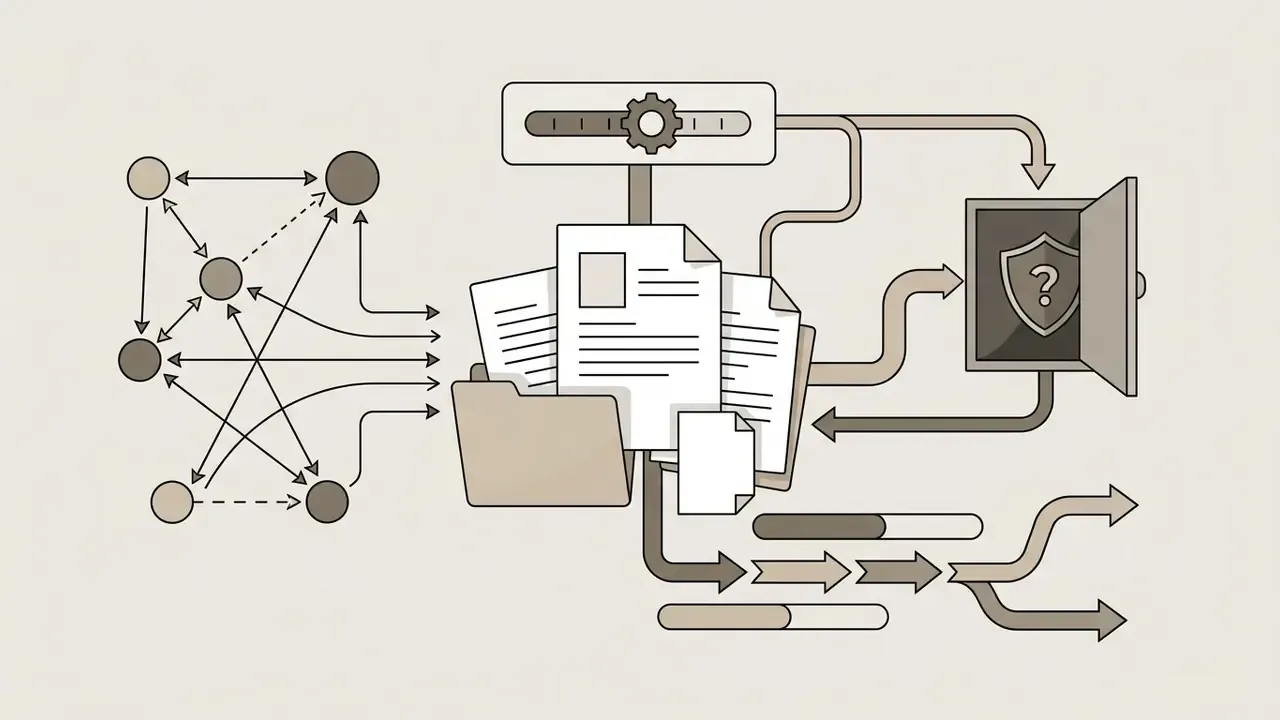
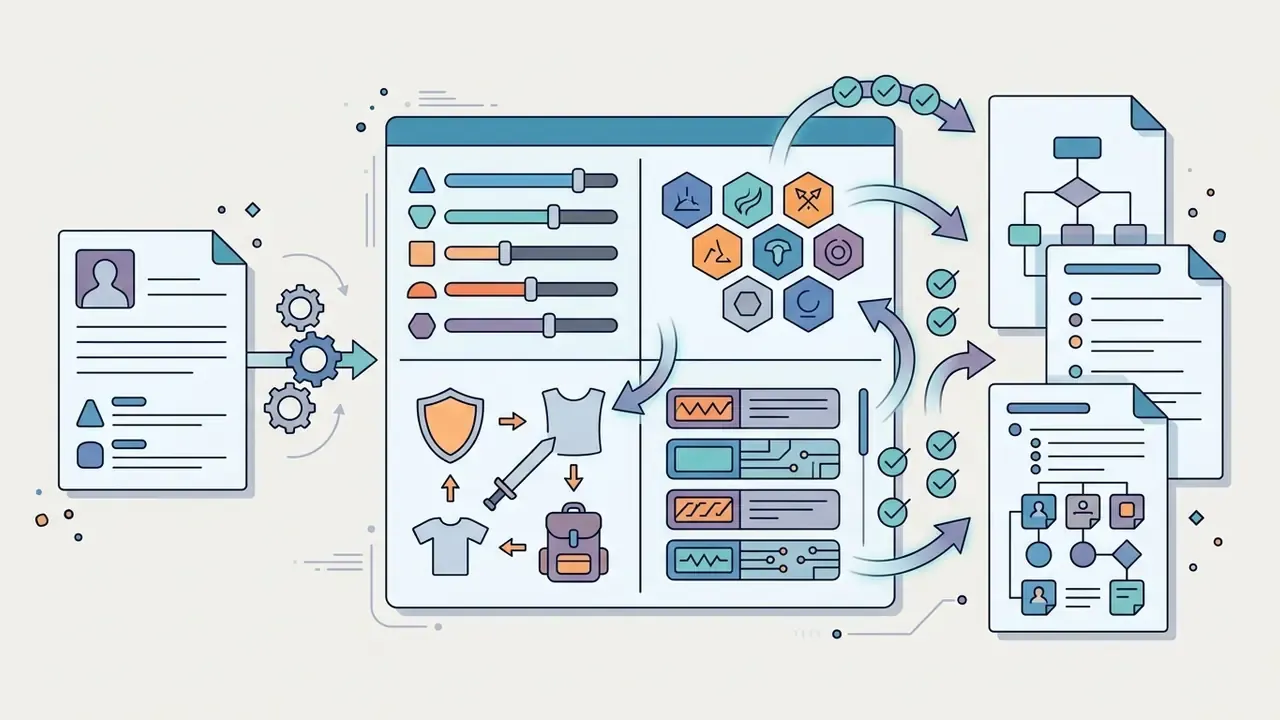
Once the visual character anchor is rendered, pair the output image with structured text metadata to build a complete character sheet for TTRPGs, novels, comics, or game design documents.
Recommended profile schema:
Keeping the visual invariants list synchronized with the prompt's [Subject] block is the cheapest consistency control available, because it removes paraphrasing drift between writing sessions. One list, copied, not rewritten.
From character images to animation and video
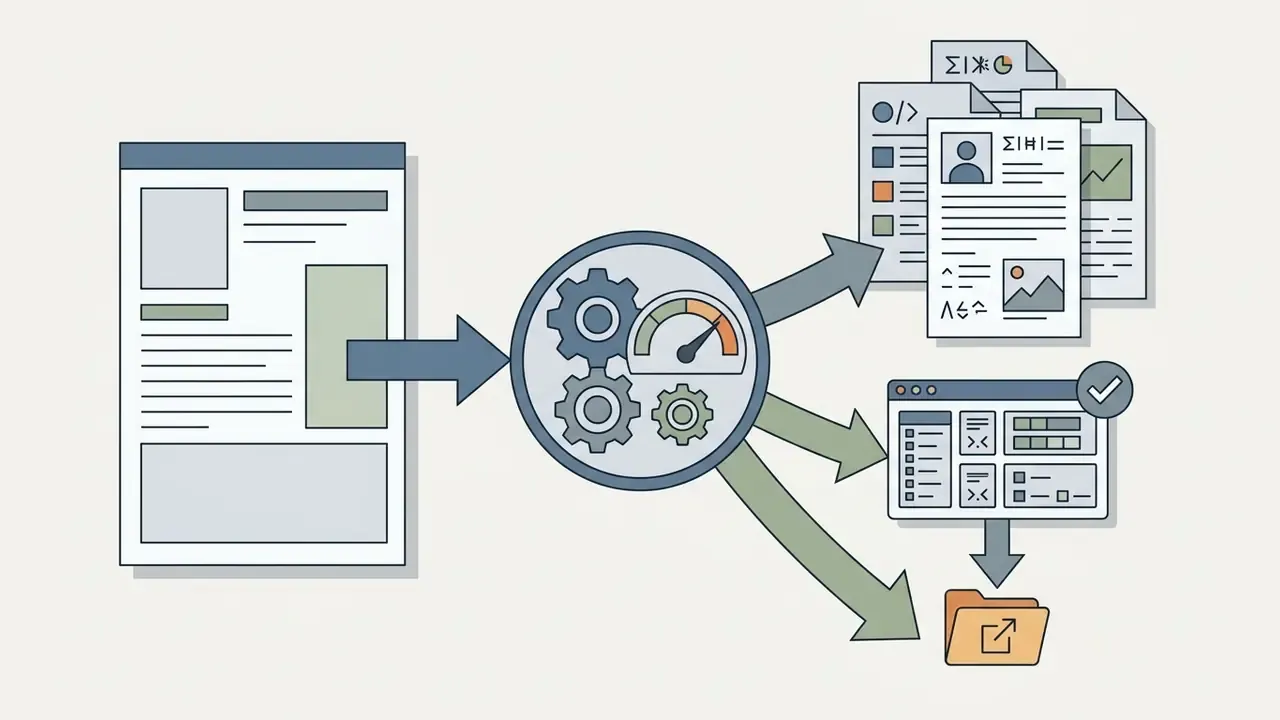
Converting 2D character renders into dynamic video combines image generation with lip-sync and motion-driven synthesis. Modern pipelines feed consistent character images into audio-driven diffusion models to generate synchronized video. StyleLipSync (ICCV, 2023) produces identity-agnostic lip-synced video from arbitrary audio using a StyleGAN latent space with pose-aware masking, temporal consistency, and a sync regularizer. KeySync (2026) splits the task into sparse keyframe generation conditioned on an identity frame plus audio, followed by interpolation for smooth motion.
«Snapmoji supports real-time avatar animation at 30 to 40 FPS using Gaussian representations derived from a single selfie.»
Motion transfer and video lip-sync pipelines. Turning a static character render into dynamic video follows a two-path architecture:
Sequence for a production run: render the character sheet, select the anchor frame, generate motion with the driver video, run lip sync on the dialogue segments, then composite, colour-match, and compress for delivery.
When assessing full production workflows, creators can evaluate video enhancement options in a dedicated video compressor guide, review animation tooling in the animation maker overview, compare image-to-video AI tools, check automated audio solutions in an ai voice generator overview, and plan publishing steps with a YouTube video editor walkthrough. Teams building this as a service should also review API-level constraints in the Google Veo implementation guide.
- Pose and motion transfer (video-to-video)
- feed a driver reference video, a dance clip, a walk cycle, or a gesture take, alongside your consistent character image into a dense pose estimation pipeline (ControlNet Tile, OpenPose sequences, or a Motion Control module). The system maps skeleton tracking from the driver footage onto the synthetic character frame by frame. Keep the identity adapter weight constant across the whole sequence, and re-anchor every 24 to 48 frames against the reference portrait to suppress cumulative drift.
- Audio-driven lip sync
- combine the rendered headshot with an MP3 or WAV track using a lip-synchronization network, matching facial muscle movement and lip shapes (visemes) to vocal phonemes. Real-time 2D approaches map live audio to discrete visemes with an LSTM for layered characters, which remains the baseline pattern for interactive avatars.
Free Use, Pricing, and Commercial Rights for AI Characters
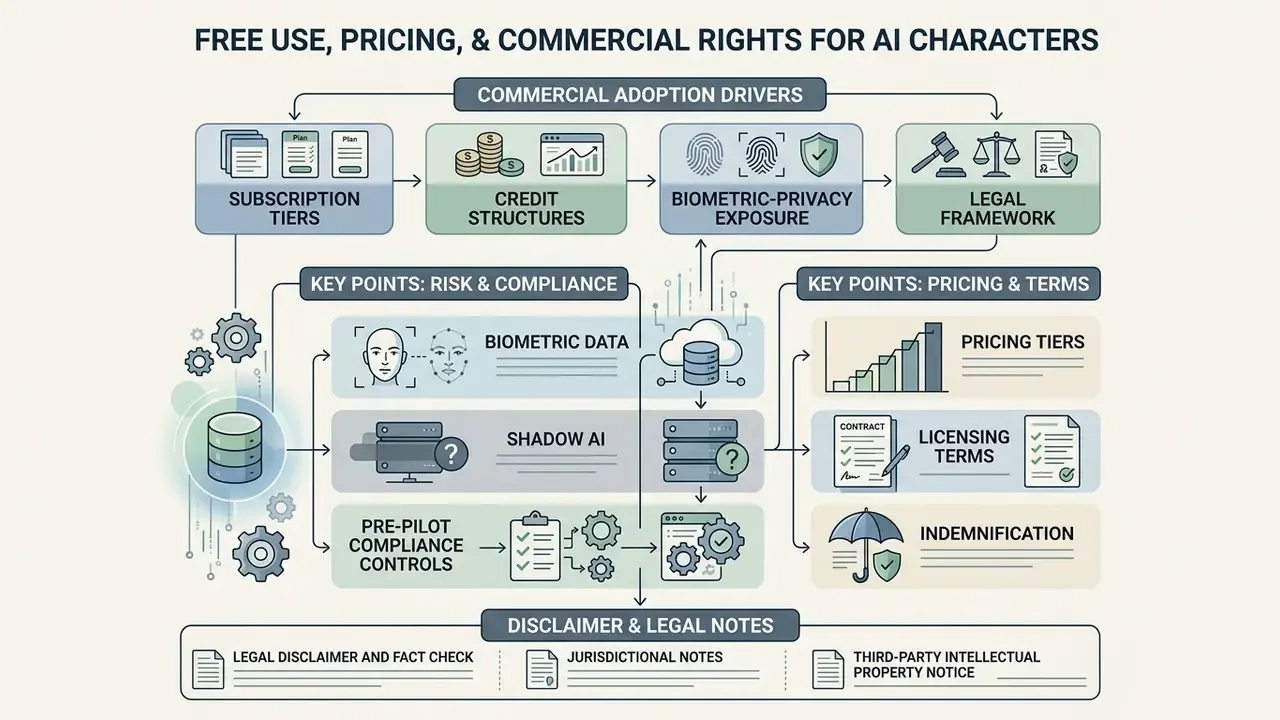
Commercial adoption of AI character generators depends on four things at once: subscription tiers, credit structures, biometric-privacy exposure, and the legal framework covering computer-generated imagery. Free plans are real, but «free» rarely means «licensed for advertising».
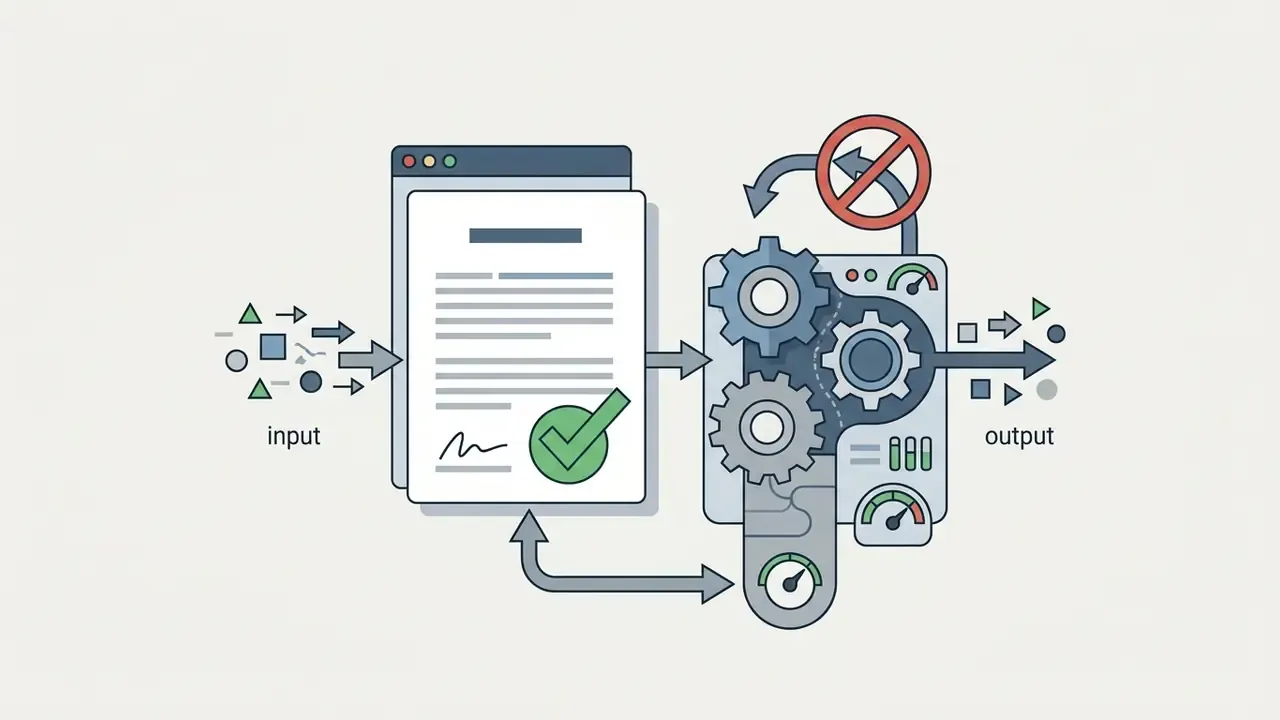
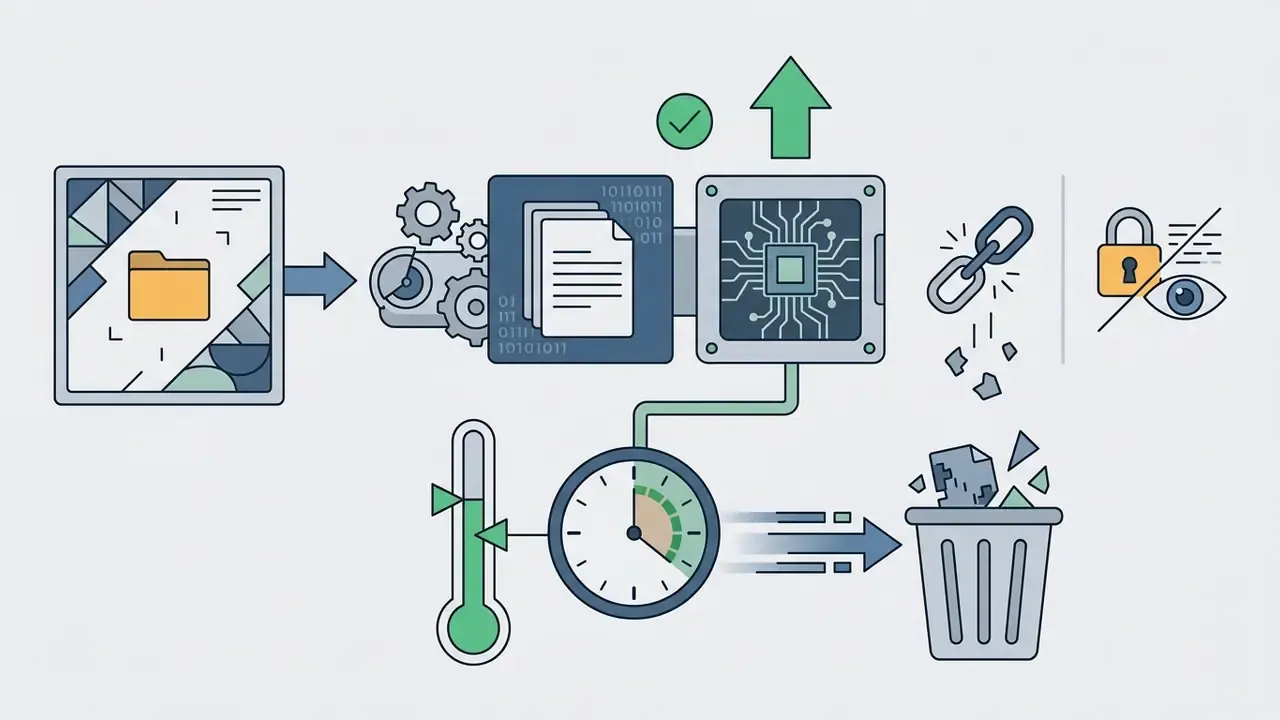
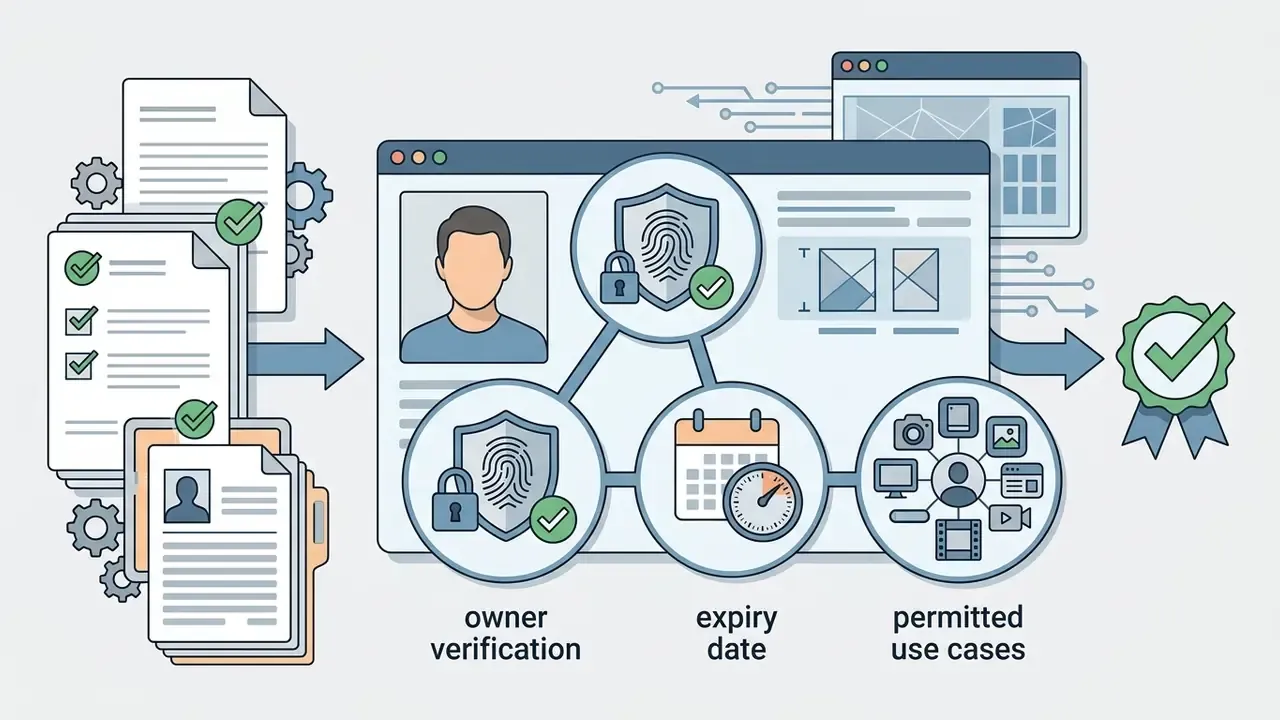
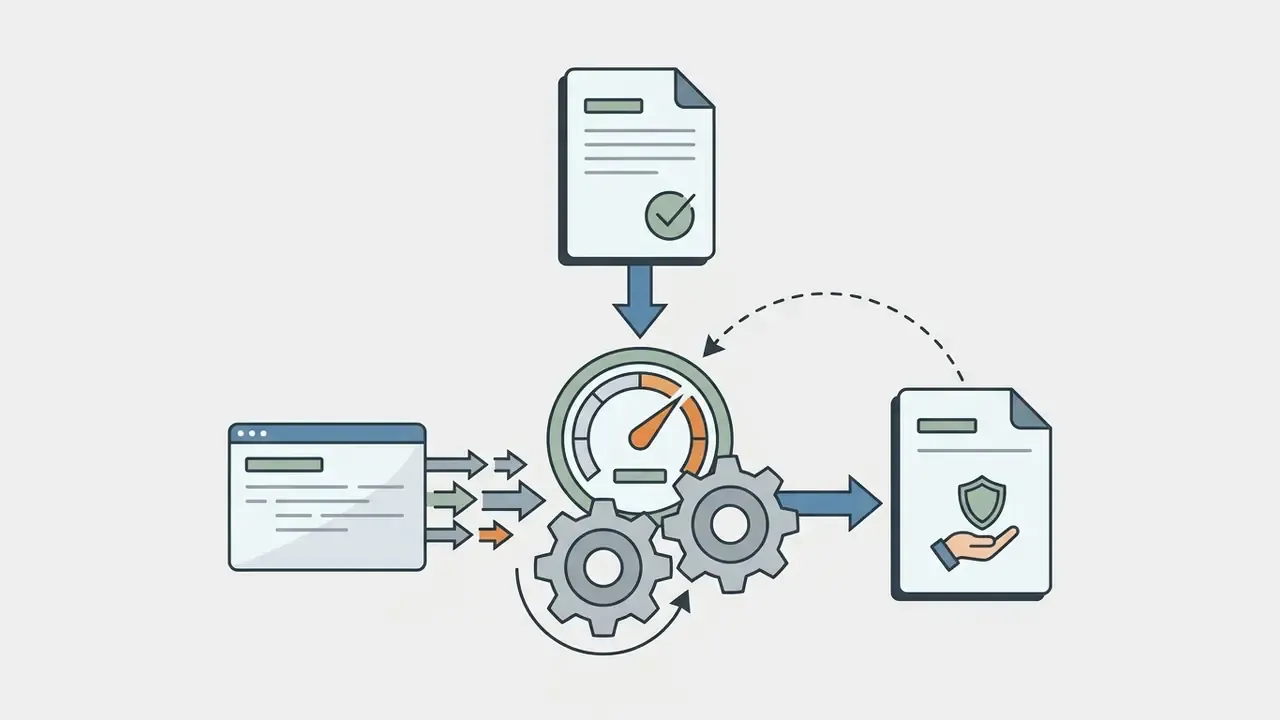
Biometric data, Shadow AI, and pre-pilot compliance controls
Pre-pilot compliance checklist
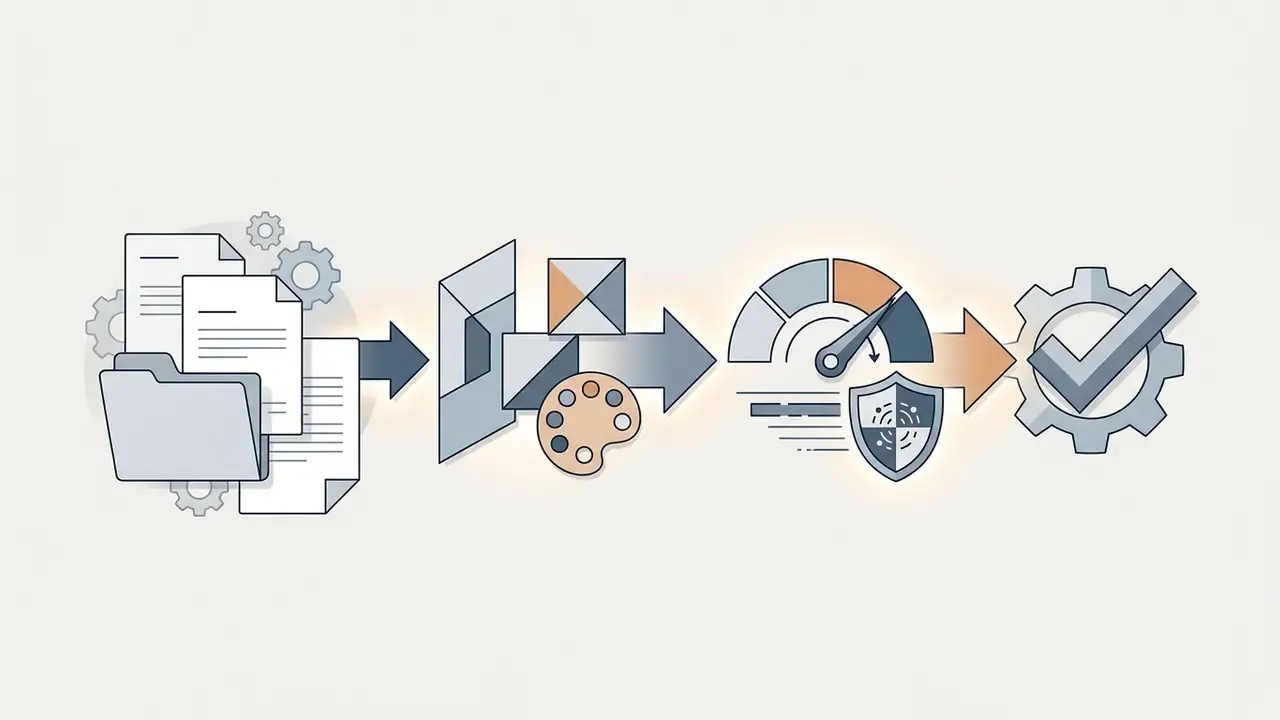
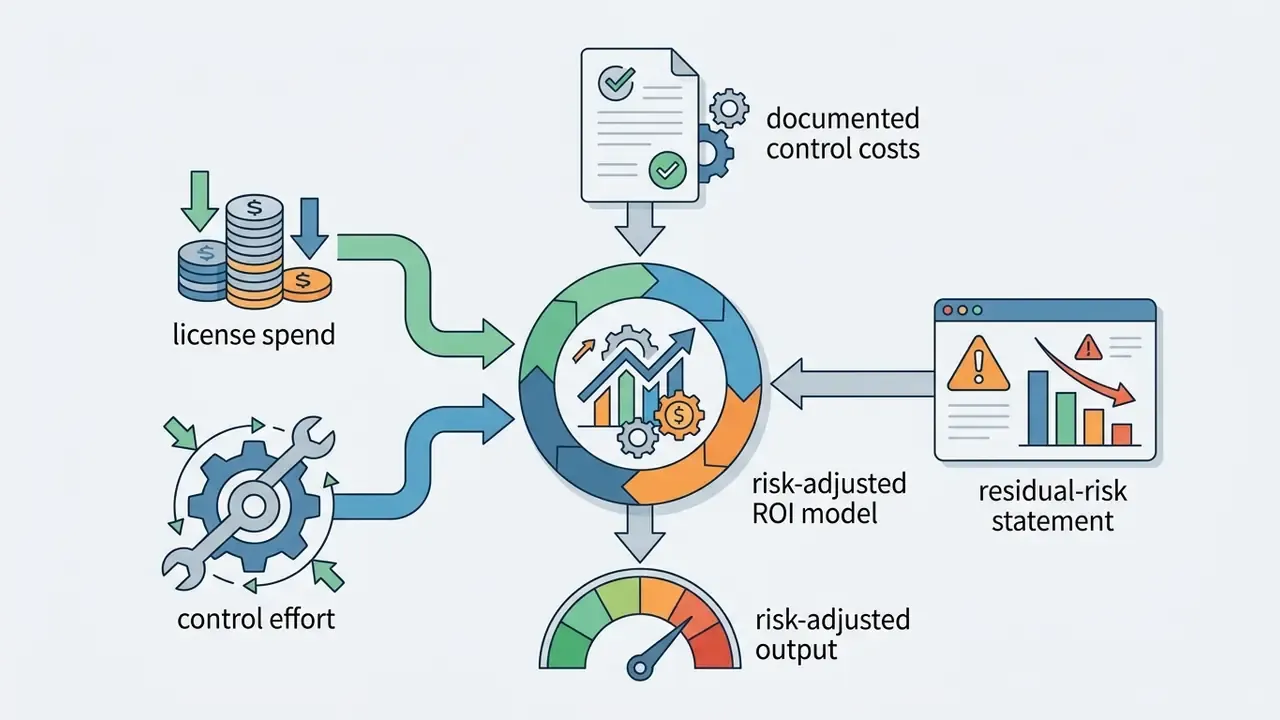
One caveat worth stating openly: none of the above eliminates residual risk. It makes the risk visible, owned, and reviewable, which is a different claim.

Pricing tiers, licensing terms, and indemnification
| Service tier | Credit limits | Output resolution | Commercial rights | Watermark status | Deployment and indemnity |
|---|---|---|---|---|---|
| Free tier | ~100 credits per month, or daily check-in credits | Standard definition (SD) | Non-commercial or personal use only, attribution often required | Includes service watermark | Shared multi-tenant endpoint; no indemnity |
| Pro tier | 1,000 to 5,000 credits per month (entry plans commonly from ~$15 per month) | High definition (HD or 4K) | Commercial licence included | No watermark | Shared endpoint; limited or no indemnity |
| Enterprise tier | Custom quota and API access | Raw or uncompressed HD | Custom commercial terms with negotiated indemnification | No watermark | Private cloud, VPC, or on-premises options; DPA and audit logging |
Vendor mechanics differ enough that any direct comparison has to be product-specific. Some products meter monthly credits, others award daily or check-in credits, and free-tier restrictions may appear as watermarks, personal-use-only clauses, or attribution requirements rather than resolution caps.
To evaluate subscription tiers and model usage costs across platforms, creators can browse the hub covering licensing options, review commercial terms in the AI image generators overview, and compare zero-cost entry points among free AI image generators and the best free AI art generators. Platform-specific licensing details are documented for Canva AI Generator, Microsoft AI Image Generator, and Google AI Image Generator.
Before signing a tier, run one compliance pass over the terms. Separate what the platform permits you to do from what you actually own, confirm whether inputs are used for training, and confirm whether indemnification covers third-party IP claims or only service availability. Platform permission and copyright ownership are distinct questions, and every major vendor's terms treat them separately.
FAQ About AI Character Generators from Photos
Do I need design skills to create an AI character from a photo?
No specialized design skills are required. Modern web interfaces rely on text prompts, visual presets, and automated reference encoders to manage image generation. Vendor tooling says so explicitly, «no art skills needed», with users simply describing hair, outfits, and facial features in text, plus consistent-character templates that reuse one reference image while the scene prompt changes.
«Users rated the usability of AI image tools at an average of 3.1 on a usability scale, indicating accessibility without specialized design skills.» Exploring the Impact of AI-generated Image Tools on Professional and Non-professional Users in the Art and Design Fields, ACM (2024). Built-in simplifications that replace manual skill include style presets, turnaround and expression sheets, pose and outfit variation buttons, seed-based consistency toggles, and high-resolution export defaults. If operational errors appear during image processing, users can explore the hub for technical troubleshooting documentation.
Can I edit an AI-generated character after generation?
Yes. AI-generated characters can be modified post-generation using localized inpainting, canvas outpainting, and AI Replacer tools. Inpainting regenerates only a user-marked mask inside the frame and blends it with surrounding pixels. Outpainting extends the canvas beyond the original border using the existing image as context. AI Replacer swaps a selected region rather than re-rendering globally, so clothing, eye colour, or hair can change while facial identity holds.
«SISO demonstrates iterative subject-driven editing on 154 ImagenHub samples with 22 unique subjects, preserving identity and background while altering the scene.» SISO: Single Image Iterative Subject-driven Generation and Editing, arXiv preprint (2025). For extending image borders or reworking background composition, review the tools compared in an ai expand image guide, and lightweight retouching options in the free photo editor overview.
What makes a good photo for an AI character generator?
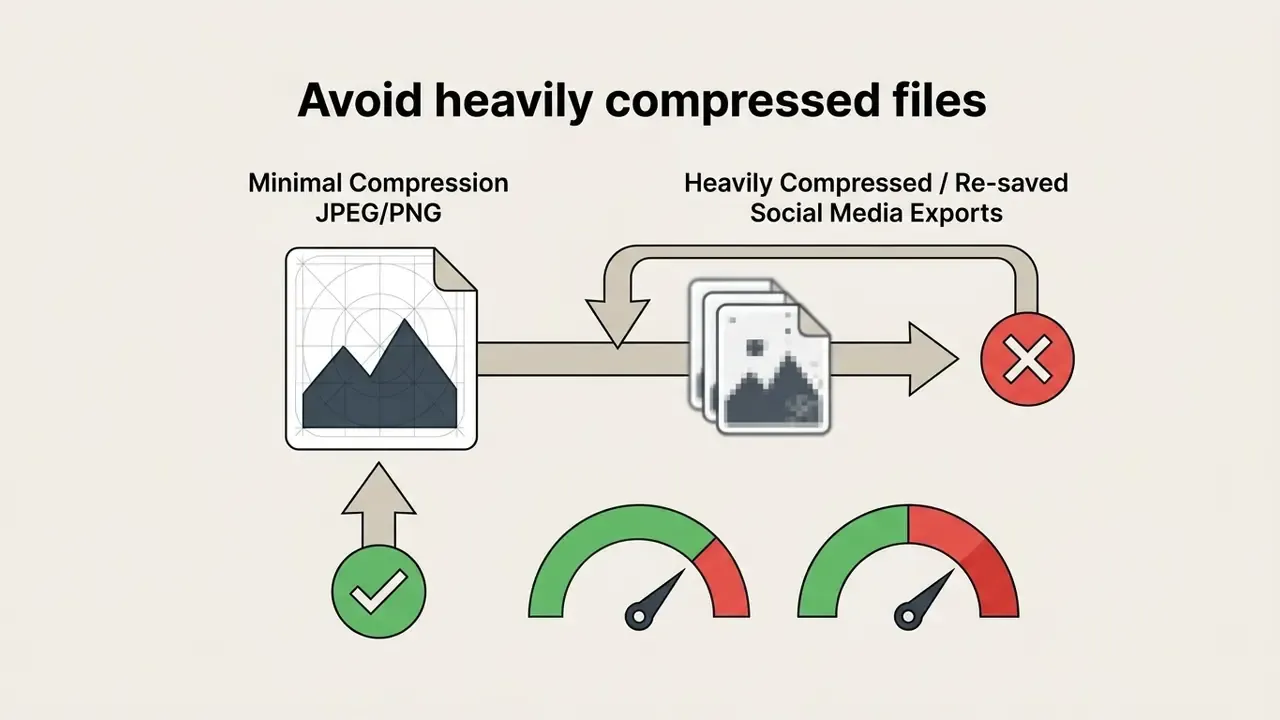
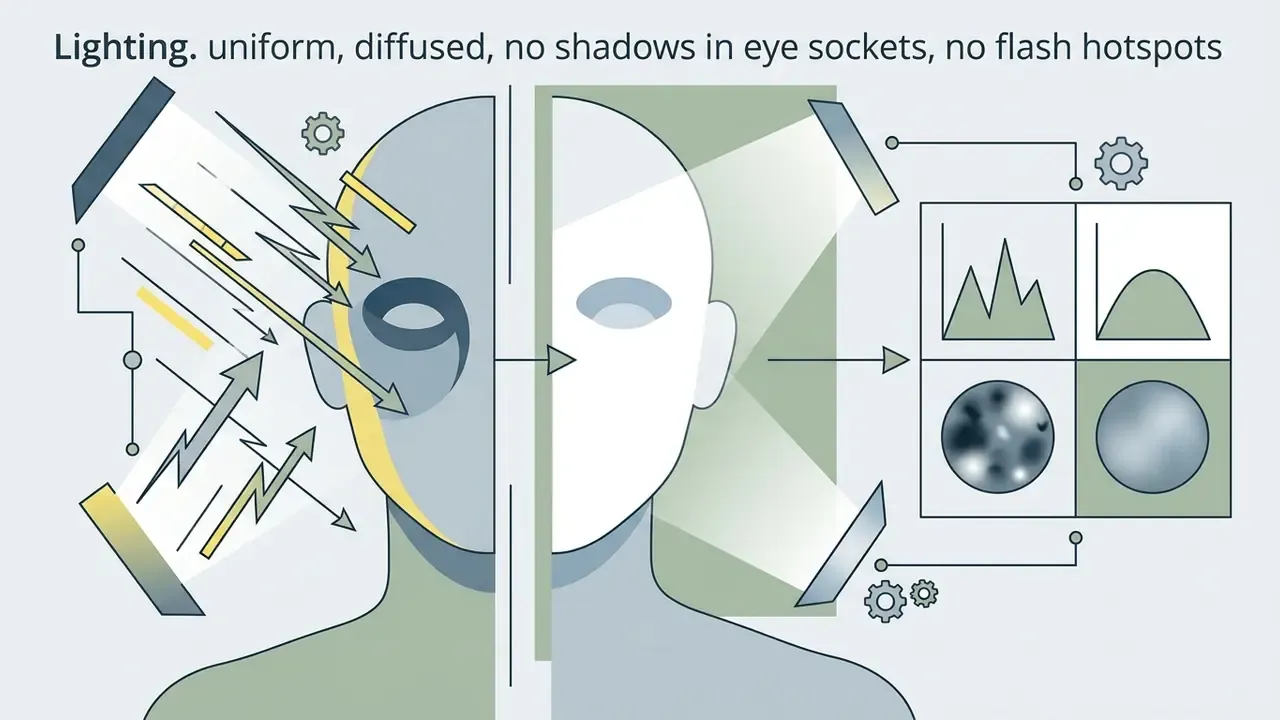
An optimal reference photo has high resolution, balanced facial lighting, a direct front-facing posture, and an unobscured view of facial features. Avoiding dark shadows, heavy compression, or wide-angle lens distortion keeps identity extraction accurate. Forensic and biometric imaging guidance supports each element individually: highest available resolution with least compression, even illumination from two equal 45-degree sources, a camera lens perpendicular to the subject, pose within roughly plus or minus 5 degrees of frontal, and native ISO to minimize sensor noise (NIST and OSAC imaging guidance; ISO 15739:2023 for noise measurement).
«RefVNLI achieves gains of up to 6.4 points in textual alignment and 5.9 points in subject preservation on DreamBench++ and ImagenHub.» RefVNLI: Towards Scalable Evaluation of Subject-driven Text-to-image Generation, arXiv preprint (2025). Creators reviewing underlying editor configurations can check the broader tools detailed in a photo editor overview.
How many photos do I need, one or several?
One clean frontal photo is enough for reference-conditioned generation and for most single-campaign work. Use 3 to 5 references when you need to control wardrobe, pose, or background separately from the face. Move to a trained identity module at 15 to 40 images when the same character must be reproduced by multiple operators over months.
Can the tool produce several images of the same person?
Yes. Reference upload plus identity locking exists precisely for that: multiple renders featuring the same face across comics, storyboards, product pages, and campaign variants. Consistency quality depends on holding the identity weight, the invariant descriptor tokens, and the seed strategy constant across the batch.
How fast is generation, and which quality mode should I choose?
Single renders typically complete in seconds. The variable is model class, not resolution. Use economy or lite mode for exploration and prompt testing, standard mode for most production frames, and the highest-quality mode when standard output needs extra refinement in skin texture, hands, or embedded text.
Which image formats are supported?
JPG, PNG, and WebP are the common accepted input formats. PNG is preferred for lossless intermediates and transparency, WebP for web delivery, JPG for quick previews. For delivery-side recommendations, see the export table in the generation section above.
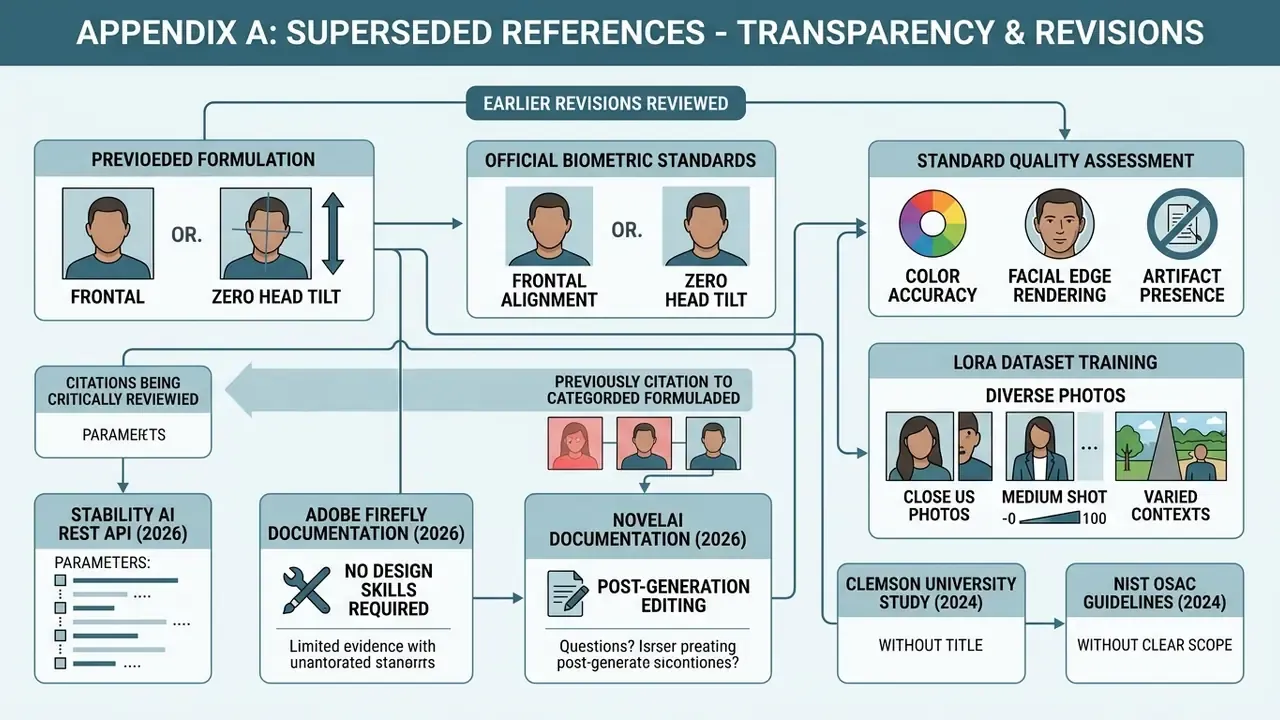
Appendix A: Source Revisions and Superseded References
For transparency, the following formulations appeared in earlier revisions of this guide and have been superseded by the verified sources cited in the main text. They are kept here as a change record, not as supporting evidence.
- «Official biometric capture standards emphasize that frontal alignment with zero head tilt provides the highest visual fidelity (U.S. Department of State, 2026).» Replaced with the current U.S. Department of State passport photo standards plus UK and Canadian digital-photo rules.
- «Standard quality assessment evaluates colour accuracy, facial edge rendering, and artifact presence (ISO/IEC 22592-1:2024).» Reformulated: the standard defines attribute-based evaluation, not a resolution threshold.
- «Training a dedicated LoRA dataset typically utilizes 15 to 40 diverse photos covering close-up, medium, and profile angles (Fal AI PhotoMaker Documentation, 2026).» Product documentation replaced with dataset-construction guidance and the OneActor comparison.
- «(Stability AI REST API, 2026)» cited without parameter definitions. Expanded with explicit
strengthandimage_strengthsemantics. - «(Adobe Firefly Documentation, 2026)» as evidence that no design skills are required. Supplemented with the ACM usability study.
- «(NovelAI Documentation, 2026)» as sole evidence for post-generation editing. Supplemented with SISO evaluation data.
- «(Clemson University Study, 2024)» cited without a title. Expanded with the named indie-development paper and the OpenSubject dataset.
- «(NIST OSAC Guidelines, 2024)» cited without scope. Reframed as imaging-capture guidance and paired with RefVNLI evaluation metrics.
- «(ASCI Influencer Guidelines, 2025)» cited without jurisdictional scope. Expanded with New York and California requirements.
- Editorial epigraph attributed to Marcus Hale, author
- «Translating a reference photo into a persistent digital character requires robust model conditioning. Without explicit identity locking, stochastic sampling causes facial drift across scene renders.» Replaced with sourced vendor documentation.
Open Questions and Editorial Review Standards
Some questions in this field remain genuinely unsettled, and pretending otherwise would be dishonest.
- Identity metrics: CLIP-I, DINO, and face-embedding similarity scores correlate imperfectly with human judgement of «same person». No single threshold is authoritative yet.
- Training-data provenance: most commercial model cards do not disclose enough detail to fully assess biometric-data lineage in the base weights.
- Indemnity scope: enterprise indemnification language varies widely, and few contracts explicitly cover publicity-rights claims arising from reference photos supplied by the customer.
- Regulatory movement: disclosure rules for synthetic personas are expanding at state level in the U.S. during 2026, so any control set should be reviewed quarterly rather than annually.
Editorial standards applied to this guide: every technical claim maps to vendor documentation, a peer-reviewed paper, a preprint, or a published standard; product-specific pricing is described as a pattern rather than a fixed quote; and legal statements are framed as general information with jurisdictional scope named.