Executive summary
- What they are Canva video templates are pre-built, fully editable motion-graphics layouts with fixed canvas sizes, typography hierarchies and animation timings. Teams use them for social posts, ads, product demos, internal training and service showreels.
- Specs that matter 1080×1080 (1:1), 1080×1350 (4:5), 1080×1920 (9:16) and 1920×1080 (16:9) cover roughly 95% of distribution cases. Fiverr gig videos must stay under 75 seconds, under 50 MB, landscape 16:9, minimum 1280×720, MP4 or AVI.
- Free vs Pro Free accounts export watermark-free MP4 up to 30 minutes (1080p) and GIF up to 1 minute (720p), provided every asset in the timeline belongs to the Free tier. Pro Content is licensed per exported design, including Magic Resized variants.
- Governance Treat templates as governed media assets. Locked Brand Kits, documented asset licences, a dated audit trail and human sign-off before any paid distribution.
- Fastest path Search the exact template phrases listed in each section below (for example
"Minimalist Instagram Reel Sale","SaaS Product Walkthrough 16:9","Corporate FAQ Animated"), then customise, apply the Brand Kit, verify licences and export MP4.
Who this guide is written for
Three groups usually land here, and they want different things.
Marketing and content teams need working template names, correct pixel dimensions and a way to publish faster without breaking brand rules. Freelancers and small agencies need to know exactly what they may resell and what they may not. And a third group, smaller but far more anxious, sits inside regulated organisations: banks, insurers, lenders, healthcare providers, legal practices. For them a promotional clip is not just design work. It is an advertising communication with retention obligations, approval trails and named owners.
This guide serves all three. The specs and search phrases are practical. The licensing and governance sections are written with the cautious reader in mind, because that reader carries the risk when a stock track turns out to be editorial-only.
What Canva video templates are and which tasks they solve
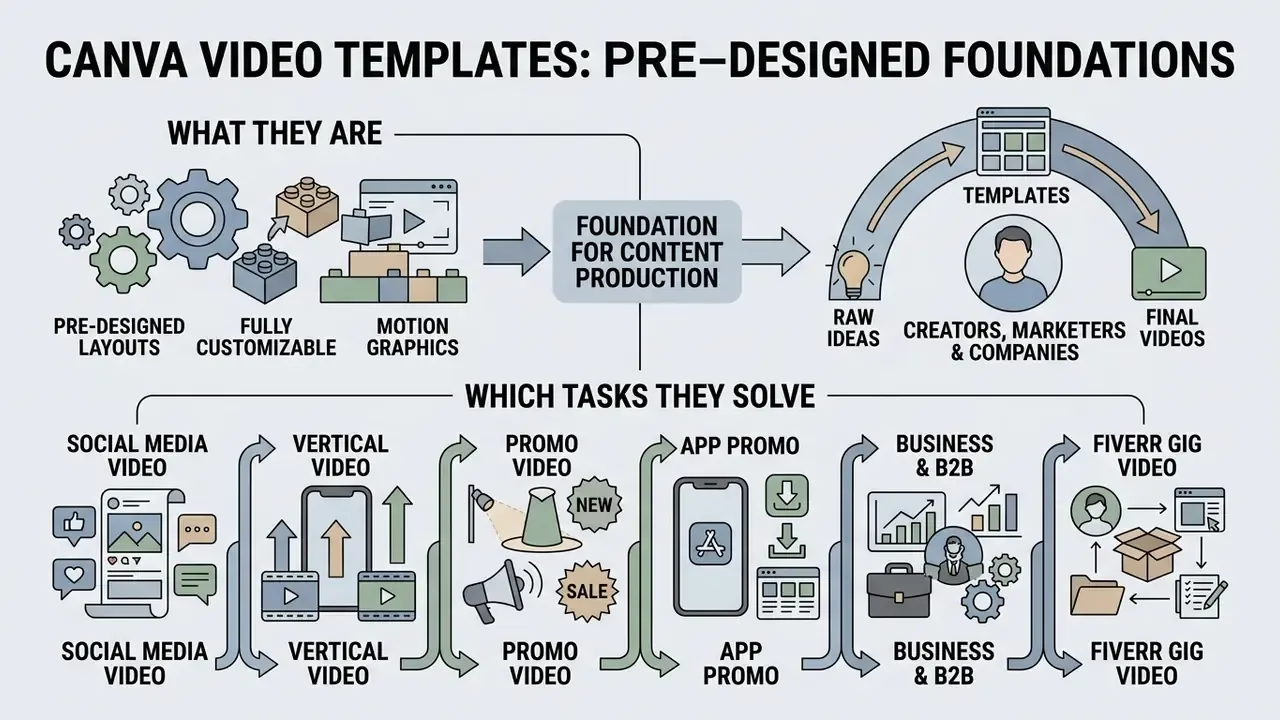
Canva video templates are pre-designed, fully customizable motion graphics layouts that let marketing teams, B2B companies, financial institutions and independent creators produce structured video content without assembling every visual element from scratch. These media templates ship with standardized canvas dimensions, typography hierarchies, animation timings and asset placeholders tuned for digital marketing, internal corporate communications and social media campaigns.
Standardized video templates shorten production cycles, cut layout setup time and hold brand compliance together across distributed teams. Rather than treating video templates as unconstrained creative canvases, risk-conscious organizations manage them as governed media assets with defined ownership, access controls and approved brand components. Canva's own documentation frames the value in similar terms: users "never have to start from scratch" and pick from thousands of ready-made professional layouts covering product demos, how-to videos, Instagram and Facebook posts, TikTok and Twitch formats.
Video templates as the foundation of content production
«Structured visual frameworks yield an average effect size of Hedges' g = 1.703 (p < .001) for information retention and comprehension.»
In practical terms, unified video templates reduce assembly time inside corporate marketing departments and raise the share of assets that pass brand review on the first attempt. That second effect is the one nobody budgets for, and it is usually the one finance notices. To streamline media assembly across complex workflows, teams often combine these visual layouts with scripted voiceover produced by an AI voice generator, or review complete post-production sequences in our YouTube video editor guide. Training and onboarding series follow the same logic, which is why L&D groups frequently pair template libraries with an ai course creator for lesson scaffolding.
Which categories of video templates to look for in Canva
The Canva video library sorts media templates by distribution channel, frame orientation and business objective. Primary categories: social media video templates, promotional ad campaigns, vertical video formats (TikTok, Instagram Reels, YouTube Shorts), app presentation demos and professional service portfolios. Teams benchmarking template libraries against generative alternatives can also review free AI video generators before committing to a single production stack.
Organizations navigating enterprise tool selections can benchmark available solutions through our AI Media Comparison Matrices and review commercial deployment guidelines in our AI Media Commercial-Use Hub.
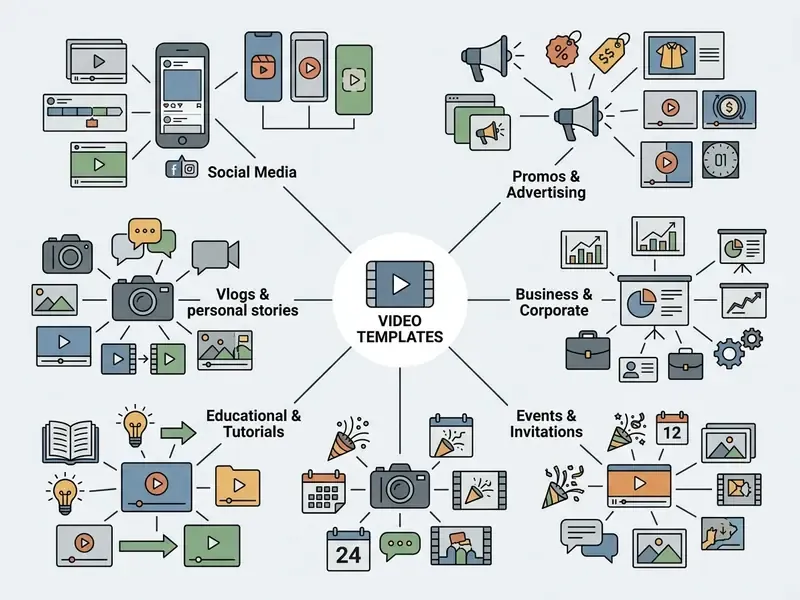
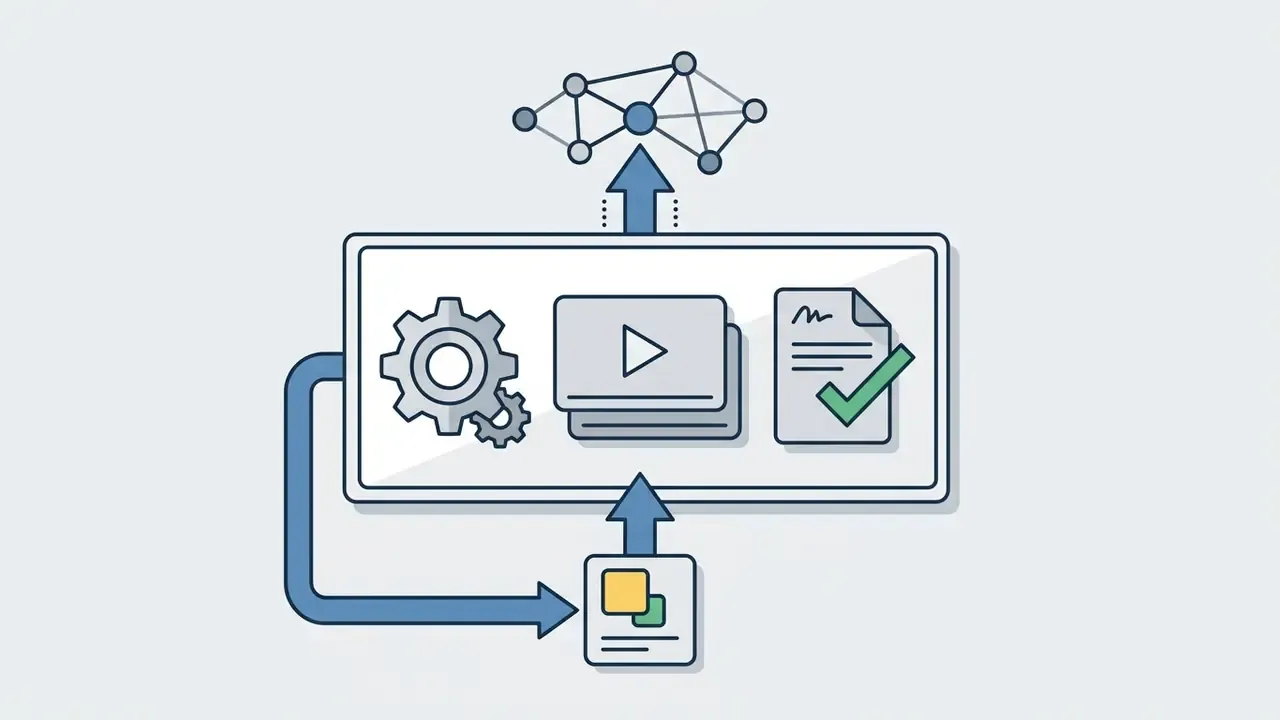
Text transcript of the category tree, public and social channels:
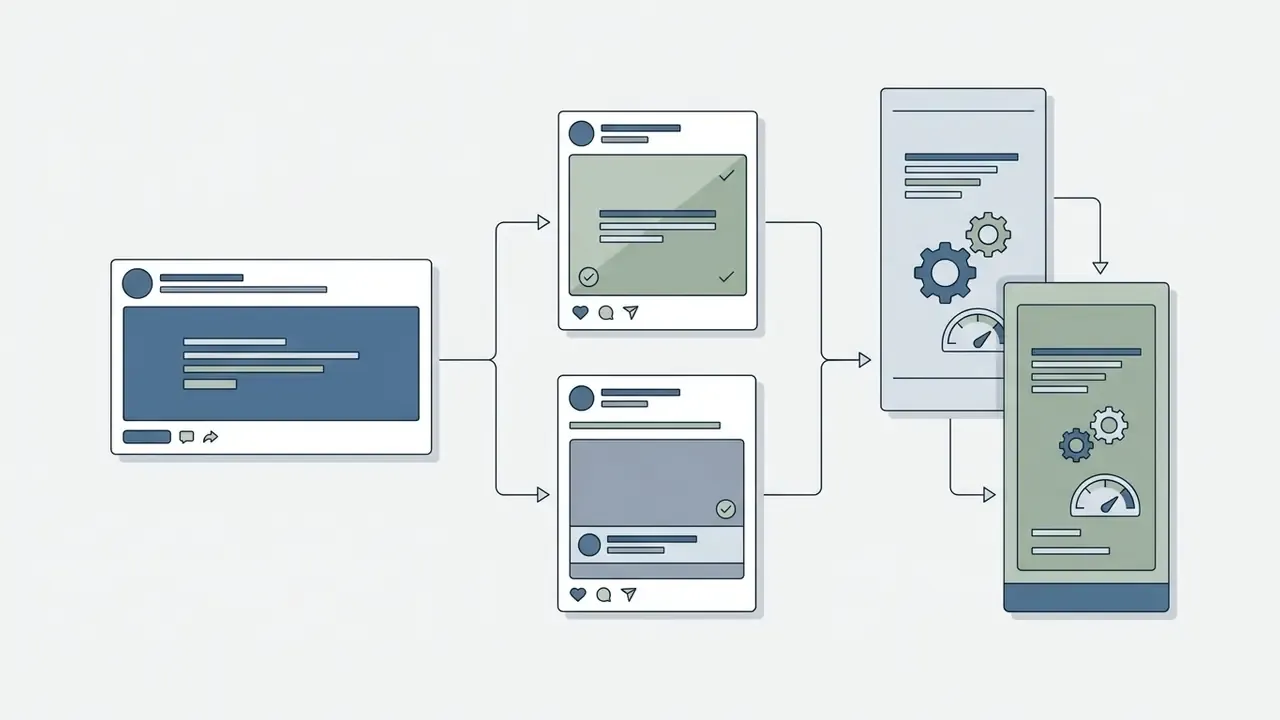

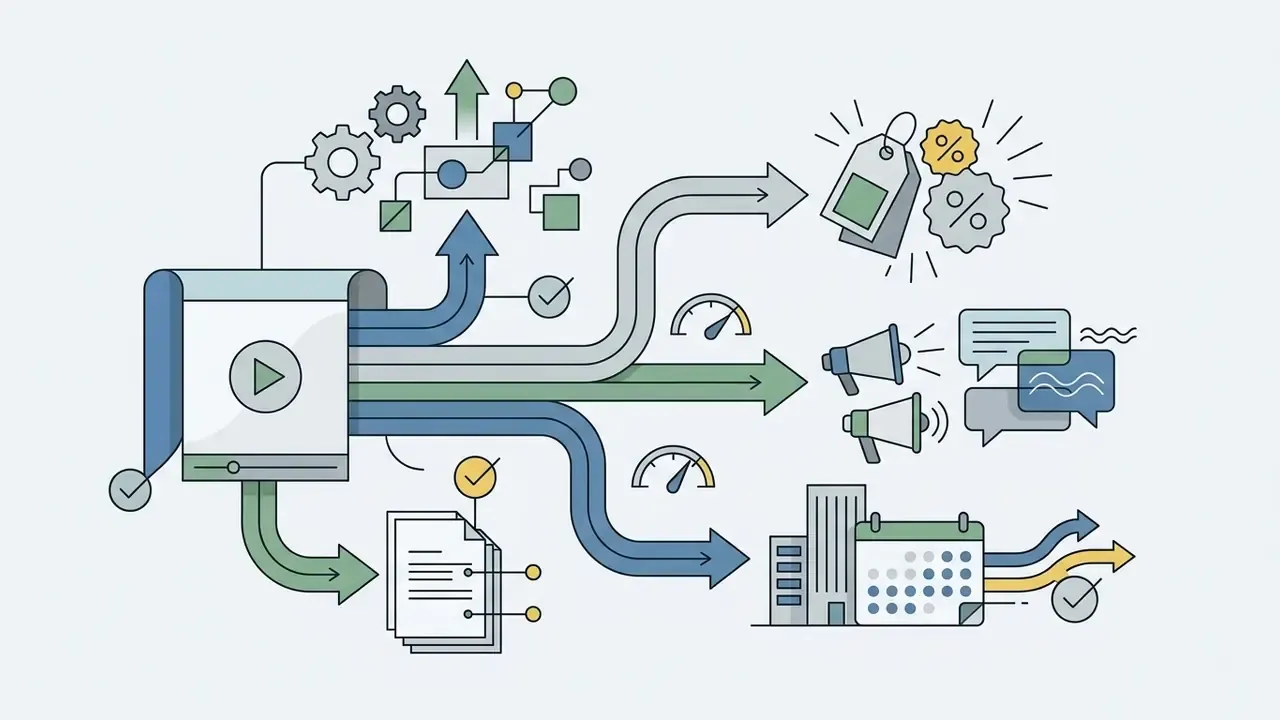
Text transcript of the category tree, corporate and B2B communications:

Canva video templates for social media: formats for publications
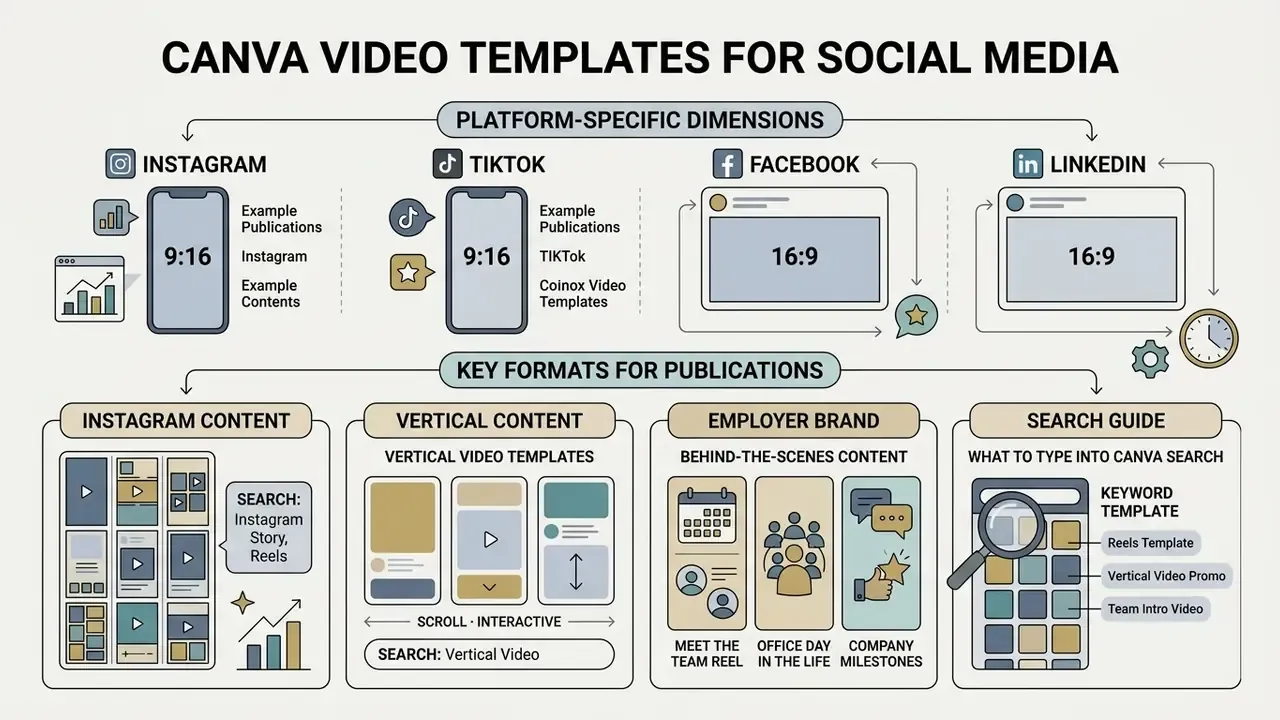
Canva video templates for social media are engineered around platform-specific dimensions, aspect ratios and viewing habits on Instagram, Facebook, TikTok and LinkedIn. Picking the correct social media templates keeps content rendering cleanly, without awkward cropping or a softened, re-compressed picture. Teams weighing templated production against generative pipelines can compare capabilities in our roundup of the best AI video generators.
Standardizing social media content workflows lets organizations hold visual identity steady while post volume grows. In high-velocity environments, teams pair templated video structures with supporting production tools: a video compressor for hitting platform file-size caps, and an online photo editor for preparing thumbnails and static frames.
Templates for employer brand and behind-the-scenes content
Video about the life of a company builds trust and supports recruitment funnels far better than a static job post. Recommended Canva formats:
What to type into Canva search: "Meet The Team Reel 9:16", "Behind The Scenes TikTok", "Company Timeline Animated", "Employee Spotlight Vertical".
Canva vertical video templates for vertical content
A Canva vertical video template uses a 9:16 aspect ratio (1080×1920 px) built for mobile-first consumption on TikTok, Instagram Reels and YouTube Shorts. These media templates include safe-zone overlays that keep text and key calls-to-action clear of platform UI buttons and caption bands.
A large-scale empirical study of short-form video consumption, covering 9.2 million video views, showed the scale of incomplete viewing:
«55% of short-form videos are not watched to completion, based on 9.2 million TikTok views donated by 347 users.»
So vertical video templates have to front-load the primary value proposition and the visual hook inside the first three seconds of runtime. No warm-up, no logo intro. Creators working from still assets can build vertical sequences with image-to-video AI tools and finish the edit inside a Canva template.
💡 SAFE-ZONE CHEAT SHEET FOR VERTICAL VIDEO (9:16, 1080×1920 px)
-----------------------------------------------------------------
Top margin:     at least 220 px (avatar, search and profile UI overlap this band).
Bottom margin:  at least 320 px (caption, hashtags and audio track ribbon).
Right margin:   at least 140 px (Like, Comment, Share and Save buttons).
Central zone (1080×1380 px) is the safe field for key offers, legal disclaimers and CTAs.
What to type into Canva search: "TikTok Trend Vertical Video", "YouTube Shorts Hook Template", "Reels Tutorial 9:16", "Vertical Sale Countdown".
Video templates for infographics and carousels
Infographic video templates and multi-page carousel layouts support data storytelling by turning complex figures into short motion graphics sequences. Creators can export individual slides as MP4 loops, PNG images or multi-page sequences to widen cross-platform reach. Meta's creative guidelines allow mixed-media carousels, JPEG and PNG images alongside MP4 and MOV clips, with up to 10 slides per carousel. That rule is precisely what makes hybrid video-plus-infographic posts technically possible.
When designing multi-slide sequences, creators often supplement templated layouts with a free photo editor for chart cleanup, or generate custom illustration frames with the tools compared in our best AI art generator review. Report covers and title frames are a smaller job with an ai cover generator in the same stack.
| Template category | Target platform | Aspect ratio | Content type | Marketing objective |
|---|---|---|---|---|
| Social Media Video | Instagram, Facebook, LinkedIn | 1:1 (1080×1080), 16:9 (1920×1080) | Animated posts, short explainers | Brand awareness, organic audience engagement |
| Vertical Video | TikTok, Instagram Reels, YouTube Shorts | 9:16 (1080×1920) | Short-form motion clips, trend videos | Rapid attention capture, viral reach |
| Instagram Carousel | Instagram Feed | 1:1 (1080×1080), 4:5 (1080×1350) | Multi-slide animated sequences | In-depth storytelling, educational step-by-step |
| Infographics Video | Corporate blogs, LinkedIn, presentations | 16:9 (1920×1080), 9:16 (1080×1920) | Data visualization, animated charts | Simplifying complex metrics, case-study summaries |
| Employer Brand and BTS | Instagram, TikTok, LinkedIn | 9:16 (1080×1920), 1:1 | Team intros, office vlogs, milestones | Recruitment, trust and culture signalling |
What to type into Canva search: "Animated Infographic Video", "Data Chart Motion Post", "Instagram Carousel Tips 4:5", "Statistics Explainer 16:9".
Canva promo video templates for company and product marketing
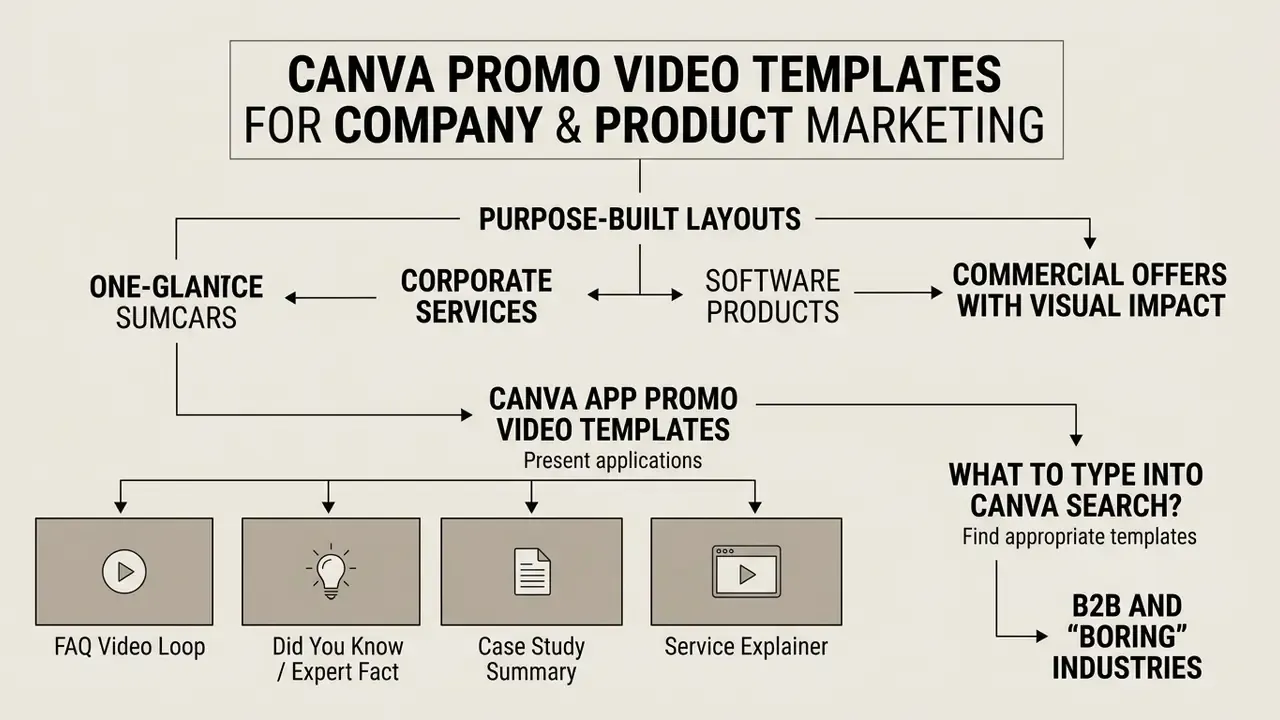
Canva promo video templates are purpose-built marketing layouts for presenting corporate services, software products and commercial offers with visual impact. They combine motion typography, video background placeholders and structured call-to-action frames shaped for digital advertising campaigns.
Commercial case studies suggest structured visual communications lift brand consideration meaningfully:
«Readers exposed to the campaign were 178% more likely to have "high consideration" of using the tool at work versus the control group.»
Organizations comparing the full design suite before standardising can review our Canva AI Generator breakdown of features, export options and commercial licensing.
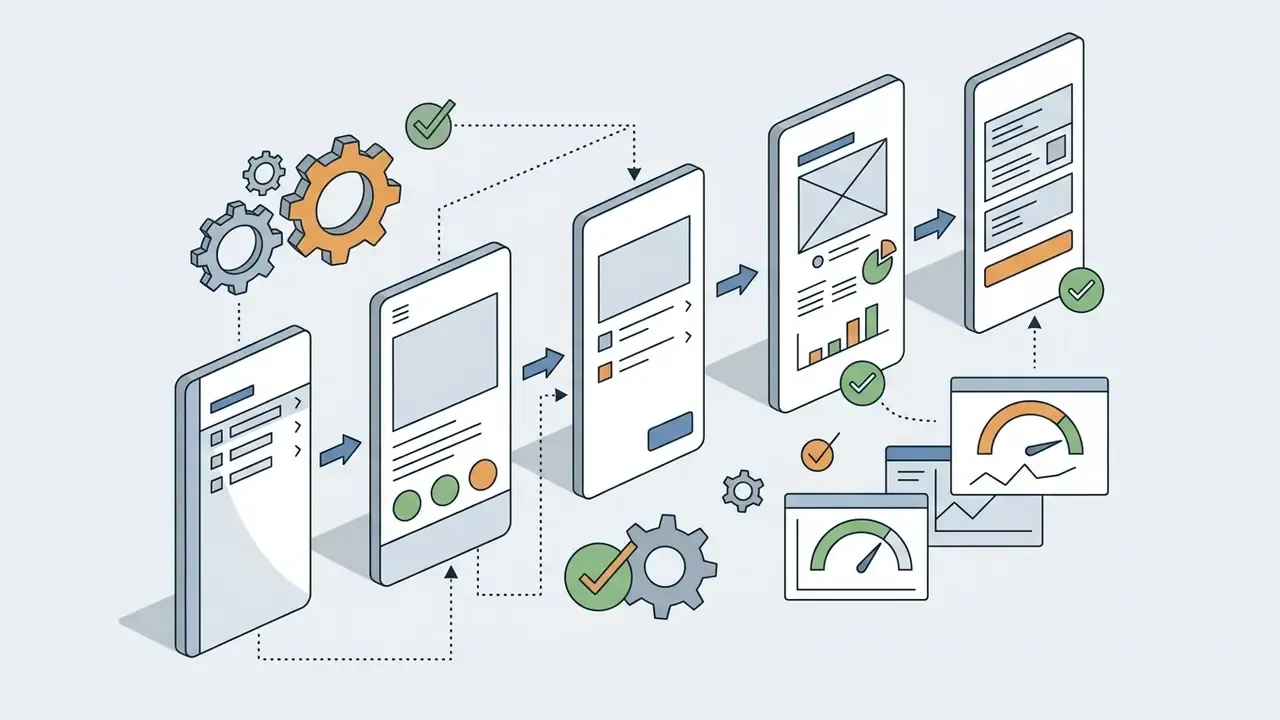
Canva app promo video templates for presenting an application
A Canva app promo video template provides mobile device mockup frames and screen recording placeholders for showcasing app interfaces and feature walkthroughs. Keeping scene durations between 2 and 4 seconds per screen flow gives crisp pacing that holds attention, and Canva's own tutorial workflow follows the same logic: open an app promo template, replace template media with your uploaded app footage, then structure the video as a short sequence of feature scenes plus a closing CTA.
Illustrative pattern, not a benchmark. A widely used approach in fintech onboarding ads is to standardize screen-capture transitions and place the core value proposition inside the opening three seconds. Teams that adopt this pattern usually report lower early drop-off and stronger click-through, but the exact delta depends on audience, spend and placement. Measure against your own baseline rather than an industry figure. Keep on-screen copy short, limit typography to one or two fonts, and align colours with the brand palette.
What to type into Canva search: "Mobile App Interface Mockup", "UI Screen Flow Promo", "App Feature Highlight Reel", "Phone Mockup Vertical Promo".
Canva video templates for B2B and "boring" industries
For B2B services, finance, IT, industrial manufacturing and legal practice, high-tempo trend videos rarely land well. Use these template types instead:
Because these formats often carry claims about performance, pricing or regulated products, keep the legal disclaimer inside the central safe zone and route the asset through the same review path as written marketing copy. Same reviewers, same ticket, same retention. Scripted client-facing sequences sometimes start life in an ai conversation generator, which makes the review step more important, not less.
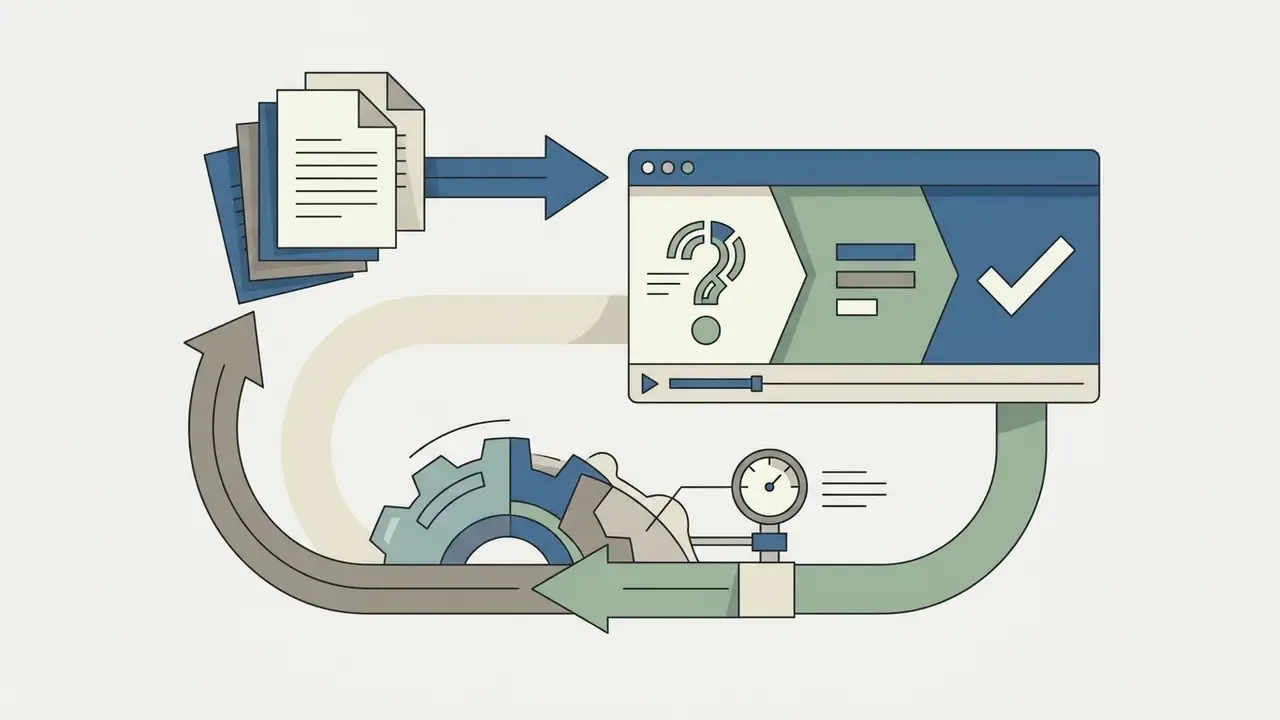
"Corporate FAQ Animated").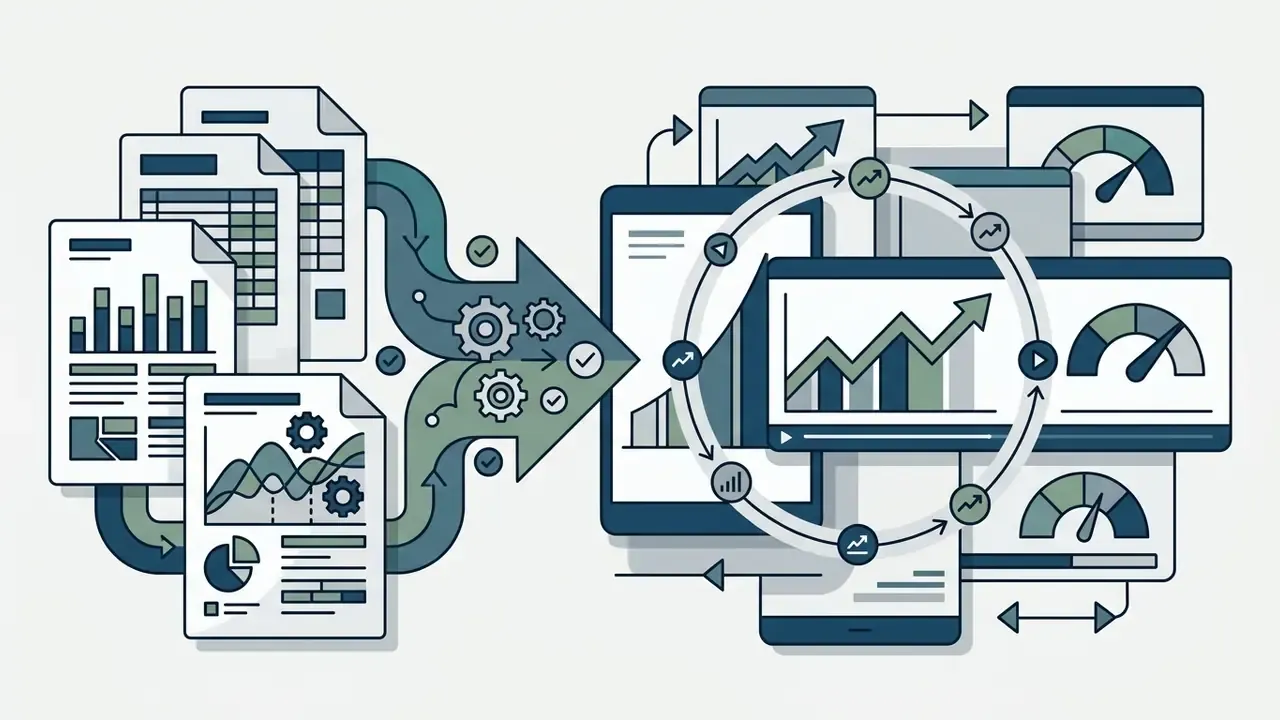
"Industry Statistics Infographic Video").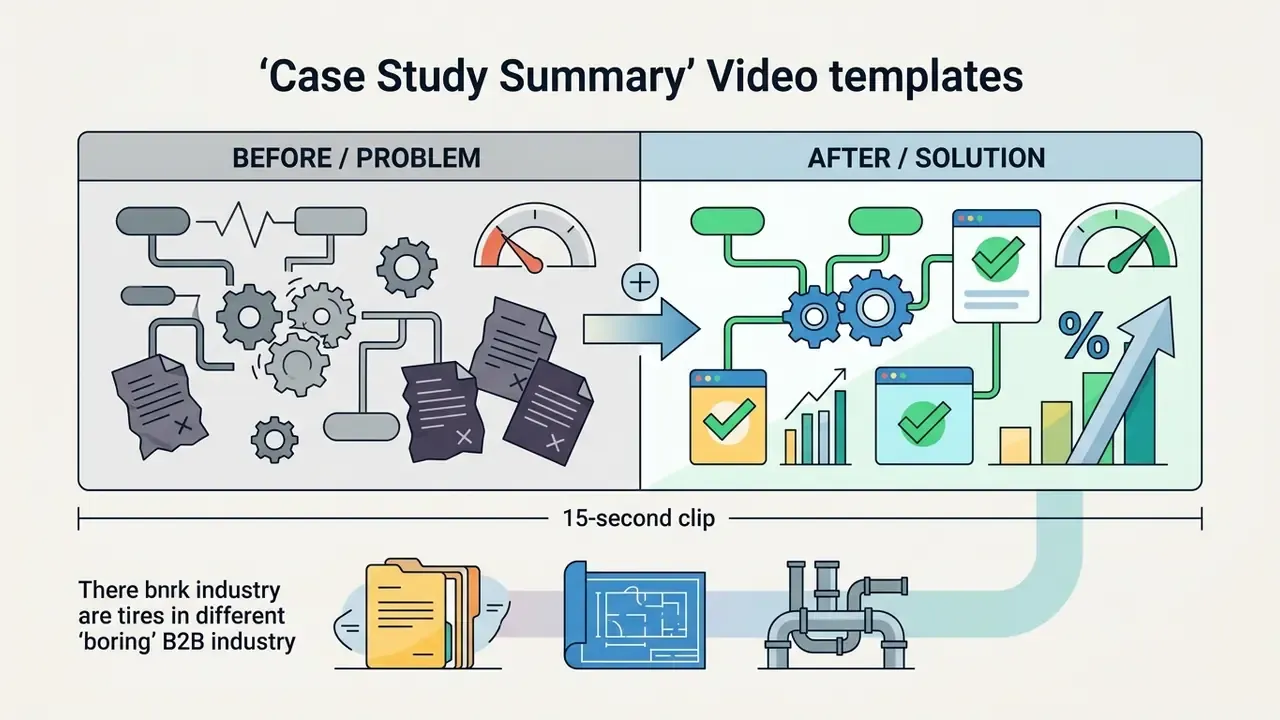
"Case Study Before After 16:9").
"Professional Services Explainer").Promo templates for launches and marketing content
Promotional templates for product launches, seasonal sales and company announcements arrive with pre-formatted typography structures and promotional badge overlays. Canva's public template collections are organized around exactly these use cases: a "launch" collection listing 14,586+ templates, a dedicated "sale" collection for discounts and offers, and 5,078 announcement templates for business updates. Counts shift as the library is updated, so verify the current number in the catalog before quoting it in a brief.
To keep brand control during promotional launches, teams review commercial licensing models in our AI Media Commercial-Use Hub and estimate asset budgets using our AI Media Pricing Guides.
What to type into Canva search: "SaaS Product Walkthrough 16:9", "Corporate Event Teaser", "New Product Launch Announcement", "Flash Sale Promo Video".
Canva Fiverr gig video templates for presenting services
A Canva Fiverr gig video template helps freelancers and agency teams assemble professional service showreels that satisfy Fiverr's upload specifications. Fiverr's technical guidelines require gig videos under 75 seconds, smaller than 50 MB, exported in landscape 16:9 (minimum 1280×720) and saved as MP4 or AVI. Fiverr also generates the gig thumbnail from the uploaded file, so the opening frame has to stay legible at small sizes.
Additional marketplace rules worth checking before upload: gig videos must not contain contact details, external URLs, copyrighted audio or third-party watermarks, and in several Video and Animation subcategories audio narration is required rather than optional. Since Canva accepts uploads up to 1 GB while Fiverr caps files at 50 MB, run the export through a video compressor before publishing the listing. Freelancers writing the accompanying pitch often reuse the same tone they built with an ai cover letter tool, which keeps the listing and the reel consistent.
What to type into Canva search: "Freelance Video Editing Portfolio", "Service Showreel 1280x720", "Freelancer Intro Video Landscape", "Portfolio Reel 16:9".
Canva free video templates: free layouts, links and downloads
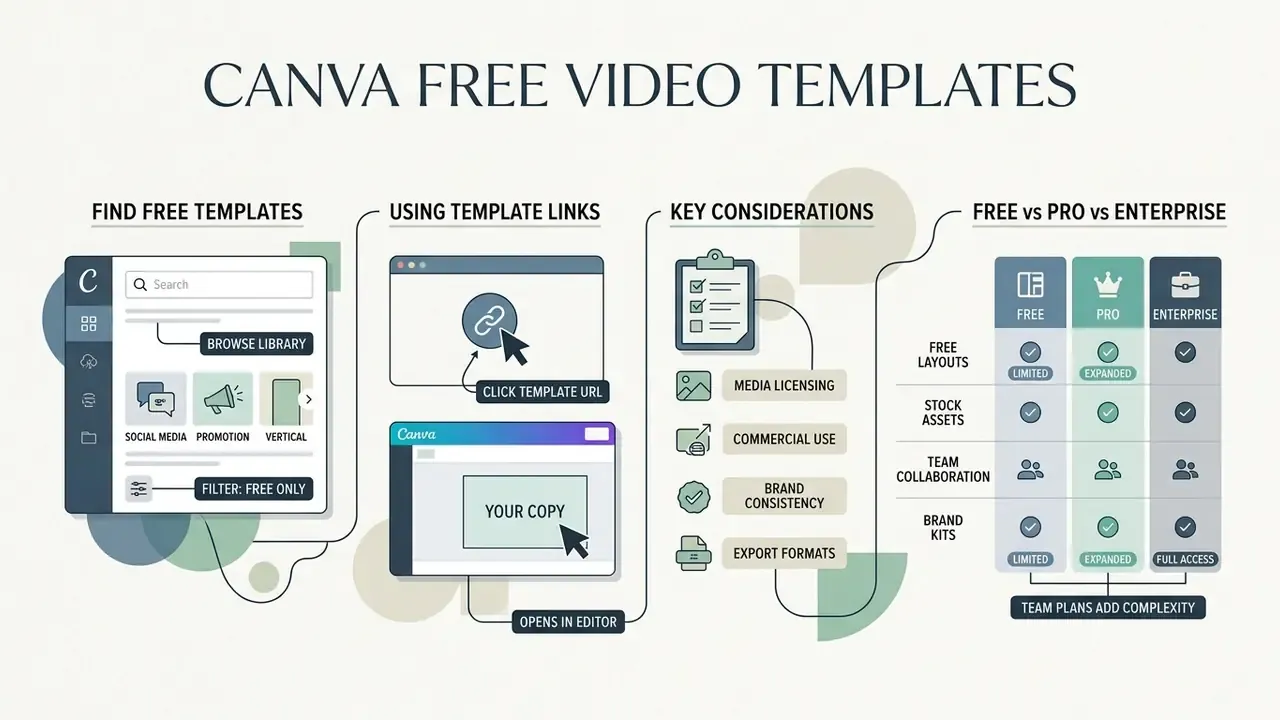
Canva free video templates offer fully functional motion graphics layouts at no cost. You can edit, preview and export high-definition MP4 video without a paid subscription. Free templates draw on royalty-free media assets, standard fonts and core editing tools, while premium stock footage stays behind the Pro tier.
Understanding the boundary between free and Pro media assets is what stops a project from collecting accidental licensing fees or, worse, a watermarked export two hours before a campaign goes live.
How to find free Canva video templates
To isolate free templates in the Canva catalog, open the Video section in standard search, enter your target keyword (for example "social media promo"), and apply the "Free" filter or pick items without the crown icon. Canva maintains thousands of free video templates across categories including animated posts, marketing explainers, training videos, product videos and vertical mobile formats. Free-tier catalog pages group them under a dedicated "Videos" block inside the free templates hub.
Teams evaluating comparative tool options can explore alternatives through our free video editing software comparison, our best free AI video generator comparison and feature parameters in our free photo editor guide.
Canva video template link: how to work with a template by URL
A Canva video template link lets creators share a read-only copy of a video project. Recipients duplicate the design into their own workspace without touching the original master file. You generate the link from the Share menu: choose Template link, then Create template link → Copy. Deleting the link deactivates that URL, and creating a new one produces a different URL. That detail matters for version control in regulated teams, where "which link did the agency actually receive" becomes an audit question.
Template links are available on Canva Pro, Teams, Enterprise, Education and Nonprofit accounts, which makes them the practical channel for distributing standardized corporate assets across remote departments or client networks. If a template contains Pro Content, it may only be distributed as a Canva template link, never as a flattened downloadable source file sold off-platform.
What to consider before a free download
Before starting a free download of a finished video project, verify that every graphic, audio track and footage clip in the timeline belongs to the free media tier. If the project contains premium Pro elements, Canva prompts you to buy an individual asset licence, upgrade to Pro, or remove and replace the element before export.
Free vs Pro vs Enterprise: what changes for teams
| Capability | Free | Pro | Teams / Enterprise |
|---|---|---|---|
| Free video templates | Yes | Yes | Yes |
| Premium templates and premium stock library | No | Yes | Yes |
| Watermark-free export | Yes, with Free-tier assets only | Yes | Yes |
| MP4 export limit | Up to 30 min, 1920×1080 | Higher limits | Higher limits |
| GIF export limit | Up to 1 min, 1280×720 | Higher limits | Higher limits |
| Brand Kit (logos, colours, fonts) | Not available | Available | Available, with brand controls for multiple kits |
| Template links for distribution | Not available | Available | Available |
| Role-based access, approvals, admin controls | No | Limited | Yes |
| Best fit | Pilot projects, organic posts | Solo marketers, small brands | Regulated teams, agencies, multi-brand portfolios |
Verify current plan features and export caps in Canva's own plan documentation before procurement, since tiers and limits are revised periodically.
How to create a video from a Canva video template
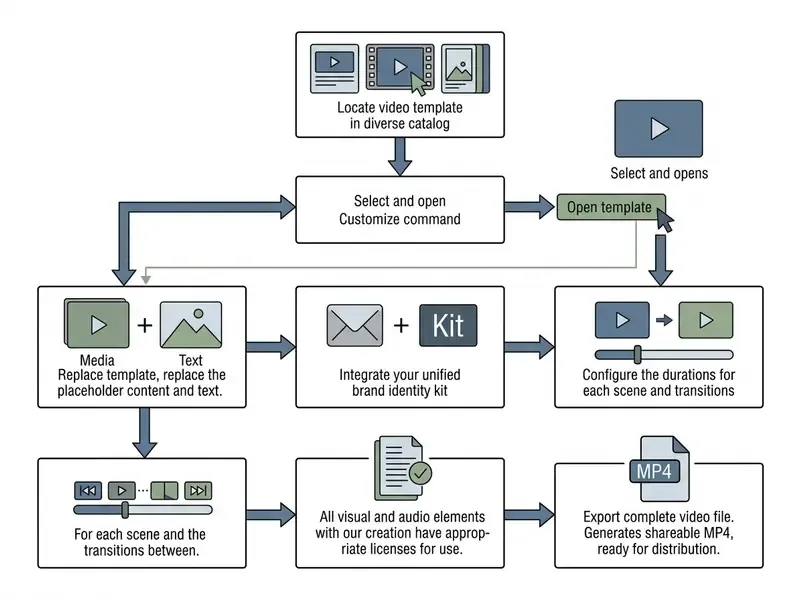
Creating a usable video from a Canva template comes down to three moves: pick the right project framework, swap text and media, apply corporate brand assets inside the Canva video editor. Following a fixed sequence protects technical quality and platform compliance. Teams exploring generative shortcuts can compare that sequence with AI video generation tools and with API-based pipelines documented in our Google Veo implementation guide.
For teams managing complex digital workflows, rendering and bitrate calculations can be checked with our AI Media Calculators alongside the compression tooling covered in our video compressor guide.
How to choose a template and start creating
To open a new project, select Video on the Canva homepage, browse the template categories, click Preview this template to check animation pacing, then select Customize this template to enter the timeline workspace. Alternatively, choose "Create a blank Landscape Video" and build a custom timeline from scratch. Supported upload formats inside the editor: MOV, GIF, MP4, MPEG, MKV and WEBM, with a 1 GB maximum per file.
How to keep a single company style across video templates
How to choose a Canva video template for commercial use
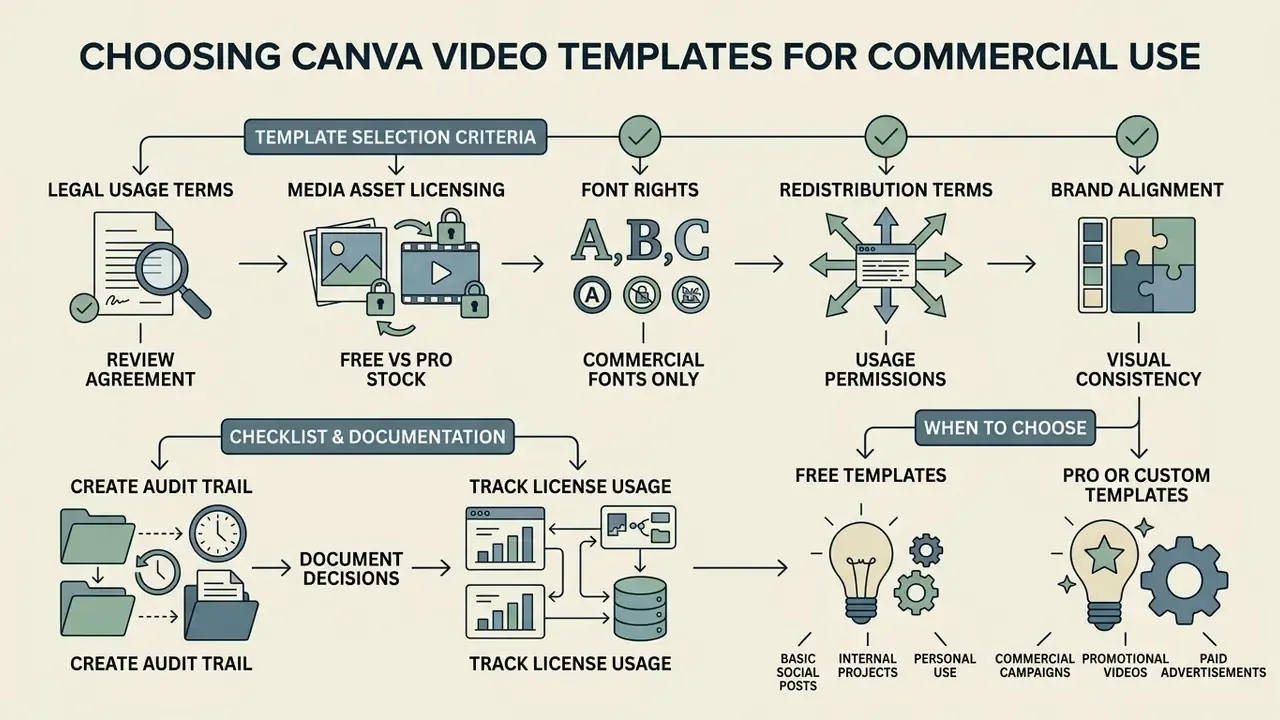
Choosing a Canva video template for a commercial campaign means checking legal usage terms, media stock permissions and brand alignment before launch, not after. Commercial use covers paid advertising, client deliverables, promotional social posts and corporate marketing materials. Canva's Content License Agreement explicitly covers advertising and promotional projects, including film, video presentations and commercials, with no cap on reproduction quantity. Branded content, though, remains personal-use only unless the source information states otherwise.
Organizations evaluating commercial design workflows can review the feature breakdowns on our dedicated Canva AI Generator review page and explore integration tooling via the AI Media API documentation.
What to check in a template before using it in marketing
Before launching a paid ad campaign, run a copyright audit across every media asset in the template timeline. That includes confirming stock audio carries commercial licences, checking font distribution terms, and making sure no third-party trademark slipped into the frame without authorization. The same audit applies to assets generated elsewhere, including clips produced with text-to-video AI tools, before they enter a commercial timeline.
A systematic commercial compliance review covers four checkpoints:
- Media asset licensing.Confirm stock footage and audio are cleared for commercial promotion, not restricted to editorial or public-information use.
- Font rights.Verify that typography licences cover video broadcast and digital advertising. Many foundries treat audio-visual use as a separate licence, sometimes issued per video.
- Redistribution terms.Export finished media as flattened MP4 or GIF assets rather than reselling raw source template files. Templates containing Pro Content may only be shared as Canva template links.
- Audit trail documentation.Archive dated proof of asset licensing, the licence text bundled with the template (LICENSE, README, COPYRIGHT), and the export record alongside project files.
«Short-form videos with clear calls to action significantly increase purchase intent and engagement.»
Pre-flight legal checklist before paid distribution
| # | Check | Evidence to archive |
|---|---|---|
| 1 | Every clip, track and graphic is Free tier, or a paid Pro licence is attached to this exact export | Export receipt, licence ID, dated screenshot |
| 2 | Fonts licensed for video and advertising channels | Foundry licence file or Brand Kit font agreement |
| 3 | No third-party logos, trademarks or recognisable individuals without release | Trademark check note, model and property releases |
| 4 | Claims, prices and regulated wording approved by legal or compliance | Sign-off email or ticket reference |
| 5 | Disclaimer positioned inside the safe zone and legible at 100% mobile scale | Frame export at target resolution |
| 6 | Final file matches platform specs (ratio, duration, size, format) | Spec sheet per placement |
| 7 | Source project and asset manifest stored in the approved repository | Project link, retention date |
Disclaimer: this information is general in nature and does not replace advice from a qualified lawyer on copyright, trademark and media-asset licensing in your jurisdiction.
When to choose free video templates and when to choose something else
Free video templates suit organic social posts, internal corporate announcements and low-budget marketing experiments where standard stock assets do the job. Move to Canva Pro, or to custom video production, when a campaign needs exclusive stock footage, advanced background removal, multi-brand controls or full Brand Kit automation. And, bluntly, whenever the template or asset you want carries the crown icon.
For specialized creative work, such as custom character animation or bespoke illustration, teams combine standard templates with the tools analysed in our animation maker guide and online photo editors guide.
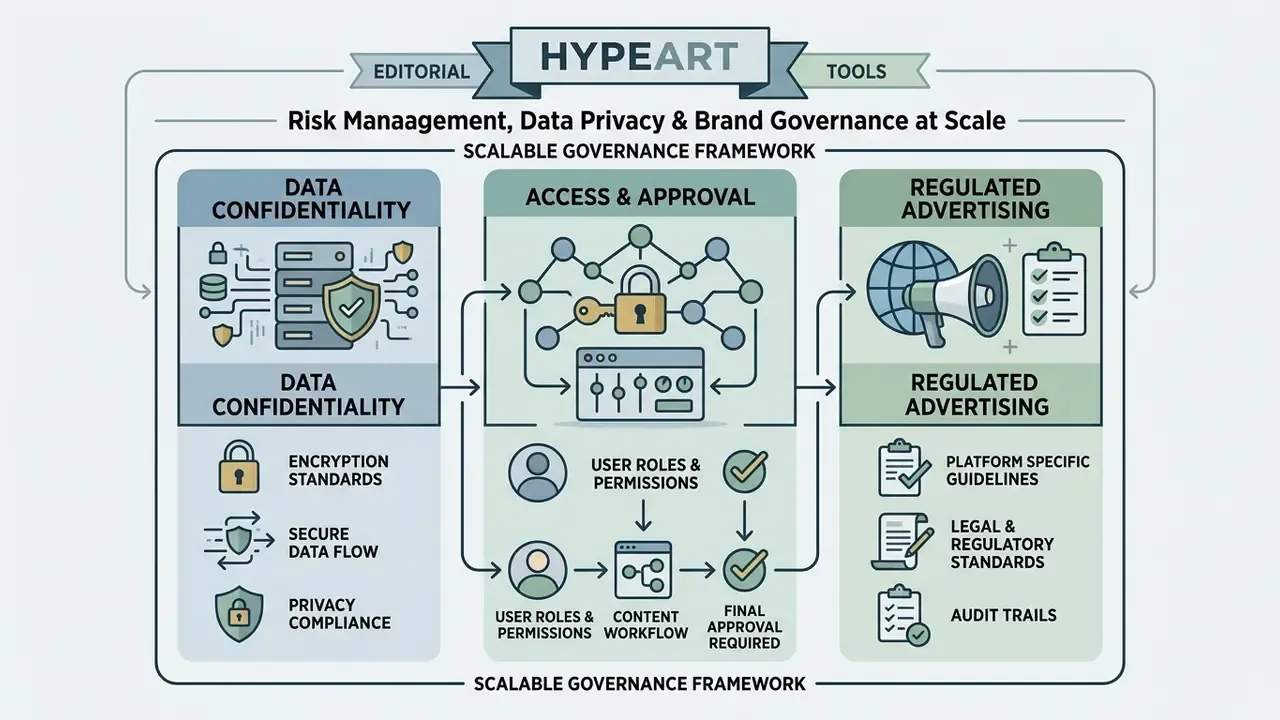
Risk management, data privacy and brand governance at scale
FAQ about Canva video templates
Can video templates be combined with Instagram carousels and infographics?
Yes. Export individual video clips as MP4 files and insert them into multi-slide carousel layouts. Instagram supports mixed-media carousels containing static images (JPEG, PNG) and short video clips (MP4, MOV), up to 10 slides per post.
Mixing dynamic video with structured infographic slides builds a workable narrative flow. A post might open with a 5-second video hook template, continue with three infographic slides carrying the key metrics, and close on an animated call-to-action slide. If export or timeline editing misbehaves, our AI Media Support and Troubleshooting resource hub covers the common failures.
Will a free Canva export contain a watermark?
No, provided every element in the timeline belongs to the Free tier. Premium assets carry a crown icon. If one is still in the design, Canva prompts for a Pro Content licence purchase, a plan upgrade, or removal of the element before the download completes.
Can a Pro template be resold to clients?
Only as a Canva template link, and only as part of an original design. Pro Content may not be extracted, redistributed as a standalone asset, or sold as a flattened source file such as a PDF or project archive.
How long should a promo video be?
Match the placement: 15 to 30 s for Reels and Stories, up to 60 s for the Instagram feed, 5 to 60 s for TikTok in-feed, 30 to 90 s for LinkedIn, and under 75 s for a Fiverr gig video. Whatever the length, put the core value proposition inside the first three seconds.
How do I replace the video inside a template?
Open the Videos or Uploads tab and drag the new clip onto the existing template clip. Use the trim icon to adjust the in and out points, then confirm with Done. Uploads support MOV, GIF, MP4, MPEG, MKV and WEBM up to 1 GB.
Do I need Canva Pro for a Brand Kit?
Yes. Brand Kits, meaning logo storage, colour palettes and uploaded brand fonts applied inside the editor, sit in the paid tiers. Multi-kit brand controls belong to Teams and Enterprise plans.
Who should own the template library inside a regulated company?
A named owner in marketing operations, with compliance holding veto rights on wording and disclaimers. Editors work from template links, approvers publish, and the licence manifest lives with the archived export. That split keeps accountability traceable when an auditor asks who approved a specific frame.
Appendix A: editorial notes and superseded wording