Executive Summary for Decision-Makers
For executives, model-risk leaders, and creative operations managers who need the short version:
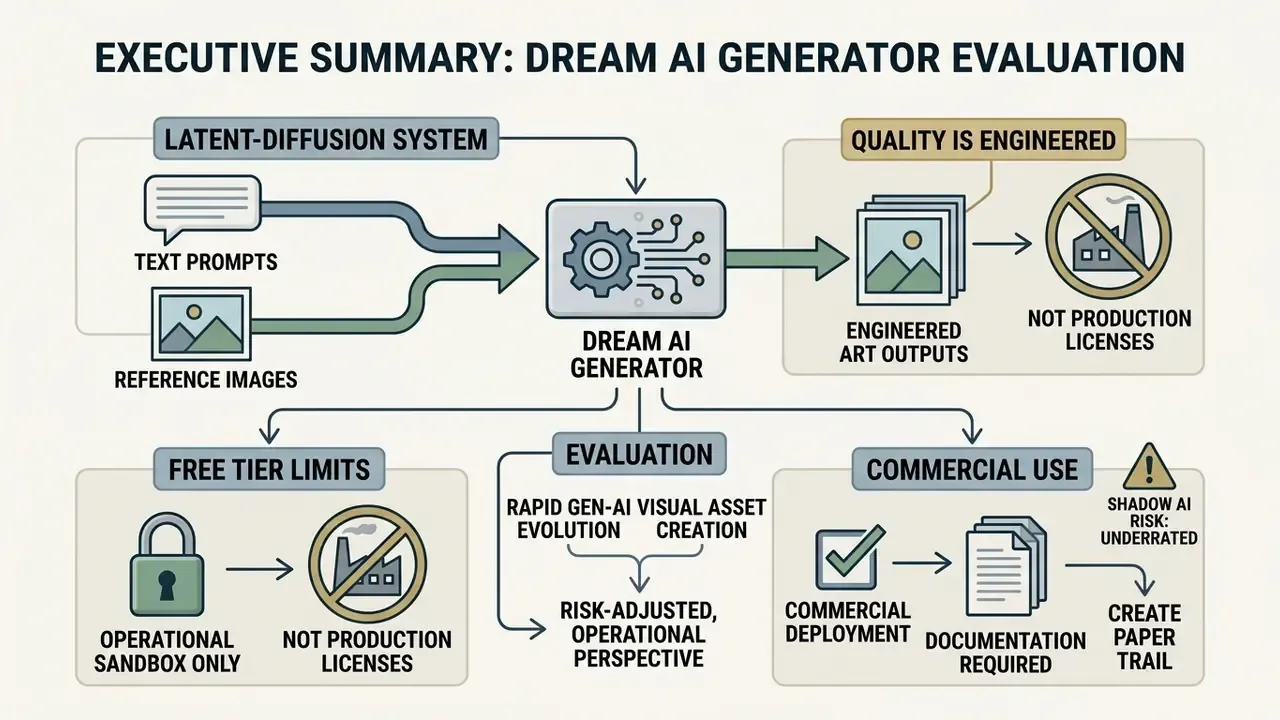
- What it is. A Dream AI Generator is a latent-diffusion text-to-image and image-to-image system (Dream by WOMBO and adjacent diffusion suites) that renders 100+ curated styles from natural-language prompts in seconds. It is not a legacy Deep Dream pattern-amplification tool, even though the search queries overlap heavily.
- Quality is engineered, not lucky. Output fidelity is governed by four controllable variables: prompt structure, seed, model or backbone selection (CLIP vs T5 encoders; UNet vs Diffusion Transformer), and resolution or aspect-ratio constraints. Structured prompts measurably improve alignment and consistency.
- Free tiers are operational sandboxes, not production licenses. Free accounts typically receive roughly 3 Premium Mode credits per day, unlimited Basic generations in a slow queue, standard resolution, and, in most vendor Terms of Service, personal non-commercial usage rights only.
- Commercial deployment requires a paper trail. Purely machine-generated output is not registrable under US Copyright Office guidance (Zarya of the Dawn, 2023; USCO Circular 34), so enterprises must log prompts, seeds, model IDs, timestamps, subscription receipts, and layered human-edited project files.
- Shadow AI is the underrated risk. Employees pasting unreleased product renders, trademarks, or confidential briefs into public SaaS prompt boxes create data-leakage exposure that no license clause repairs. Governance has to arrive before adoption, not after the first incident.
"In enterprise AI adoption, visual generative tools are often deployed without governance, auditability, or clear legal lineage. Treating an AI image generator as a toy rather than a digital asset pipeline creates compliance and IP exposure that standard risk management frameworks must address."
The rapid evolution of generative artificial intelligence has changed how visual assets get made across enterprise workflows, marketing pipelines, and weekend side projects. Tools such as Dream AI Generator (including applications like Dream by WOMBO) let people turn plain natural-language text prompts and reference images into stylized digital artwork within seconds. Using them well, though, means understanding the diffusion mechanics underneath, the prompting habits that work, the tier limits, and the licensing rules that decide whether an asset can ship.
To evaluate visual generation tools from a risk-adjusted, operational perspective, creators and enterprise leaders should consult resources such as the AI Media Commercial-Use Hub to keep commercial deployments defensible.
What is Dream AI Generator and What AI Images It Creates
Before dissecting licensing and audit obligations, risk owners need fluency in the consumer-facing feature set itself. Marketing associates, product designers, and support agents already use these style presets and prompt boxes inside daily workflows, frequently on personal accounts. Understanding what the tool actually produces, and how, is the precondition for writing a control framework that people follow rather than bypass.
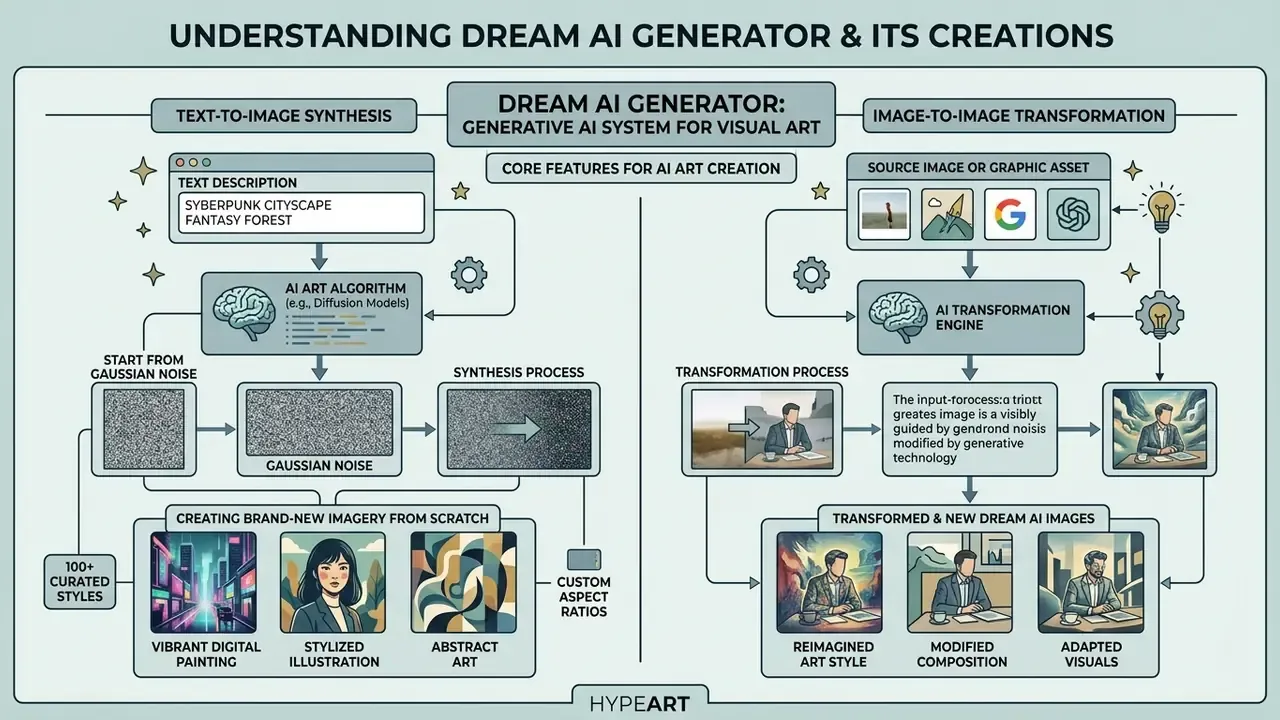
A dream ai generator is a generative AI system built to synthesize visual art, digital illustrations, and stylized graphics from textual input or an initial image source. Operating on latent diffusion architecture, a dream generator ai turns unstructured prompts into high-resolution visuals across more than 100 curated artistic styles, from Baroque oil paintings and anime portraits to photorealistic renders and minimalist line art.
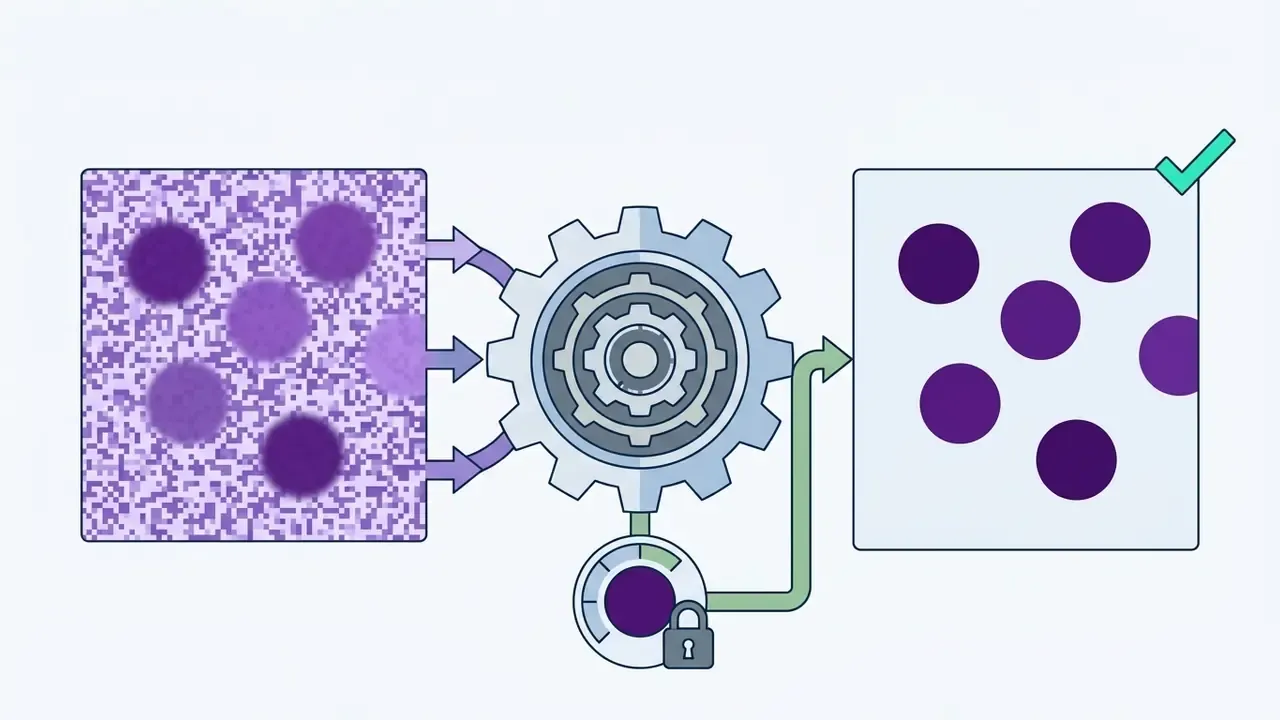
«Diffusion models transform an image through iterative denoising, starting from Gaussian noise and reconstructing a coherent image under textual conditioning.»
Generating AI Art from Text Descriptions
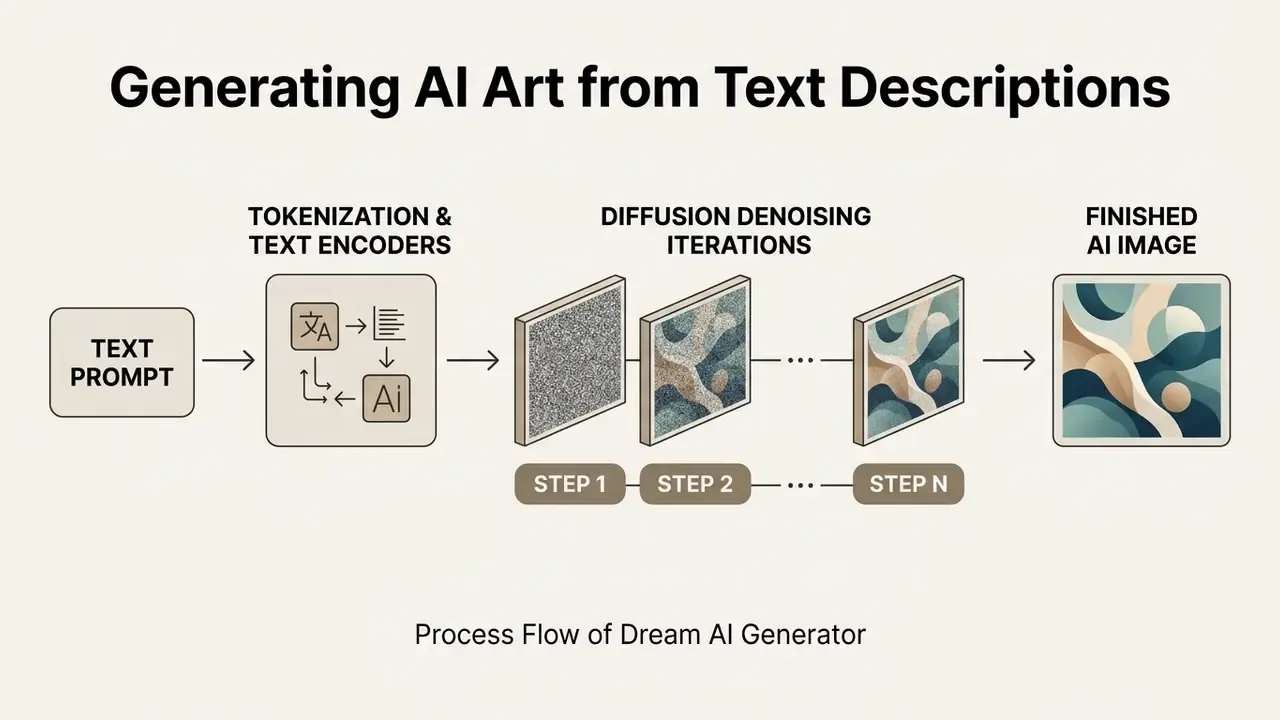
Text-to-image generation is the foundational engine of any dream ai art generator. Users submit natural-language text descriptions, known as prompts, that define subject matter, environment, lighting, medium, and aesthetic constraints. The system's text encoder (CLIP or T5, typically) converts those words into mathematical embeddings that steer the iterative denoising process.
When creators execute a request to create ai art, the algorithm starts from pure Gaussian noise and strips visual noise away over multiple timesteps. That mechanism is why the same system can generate ai art across wildly different thematic territory: specialized cultural motifs like jesus ai art, fantasy concept landscapes, or technical product diagrams, all from text alone.
Creating Dream AI Images from Source Images
Image-to-image synthesis lets users transform an existing photograph or graphic asset into new dream ai images. Here the uploaded source image acts as a structural baseline or latent conditioning mask alongside the accompanying text prompt.
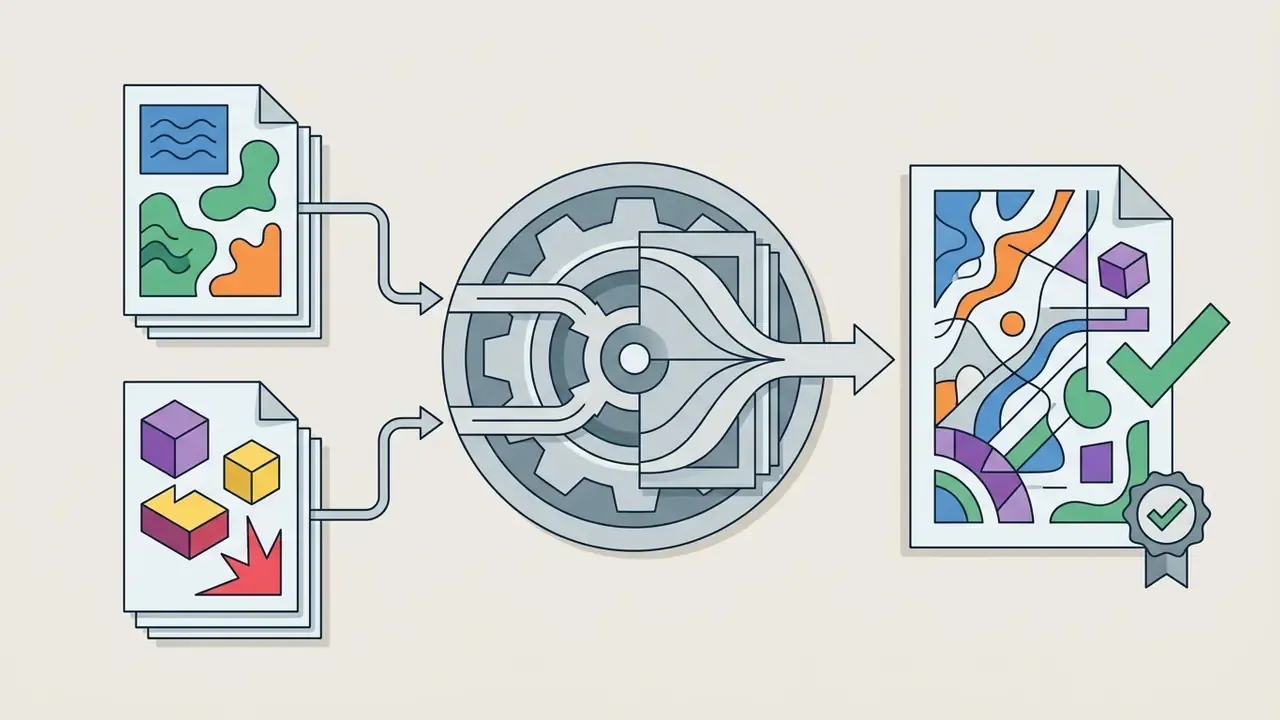
An ai dream image generator processes that source by adding controlled noise, then denoising the latent representation according to the prompt. Reference strength decides how much of the original survives. Lower strength grants the model creative latitude and drifts away from the upload; higher strength preserves silhouette, pose, and framing at the cost of stylistic freedom. Reference implementations expose the two paths as distinct pipelines: a text-to-image pipeline for prompt-only work, and an image-to-image pipeline for text-guided editing of an initial image. Same model weights, different entry point.
How to Create an Image in Dream AI Generator
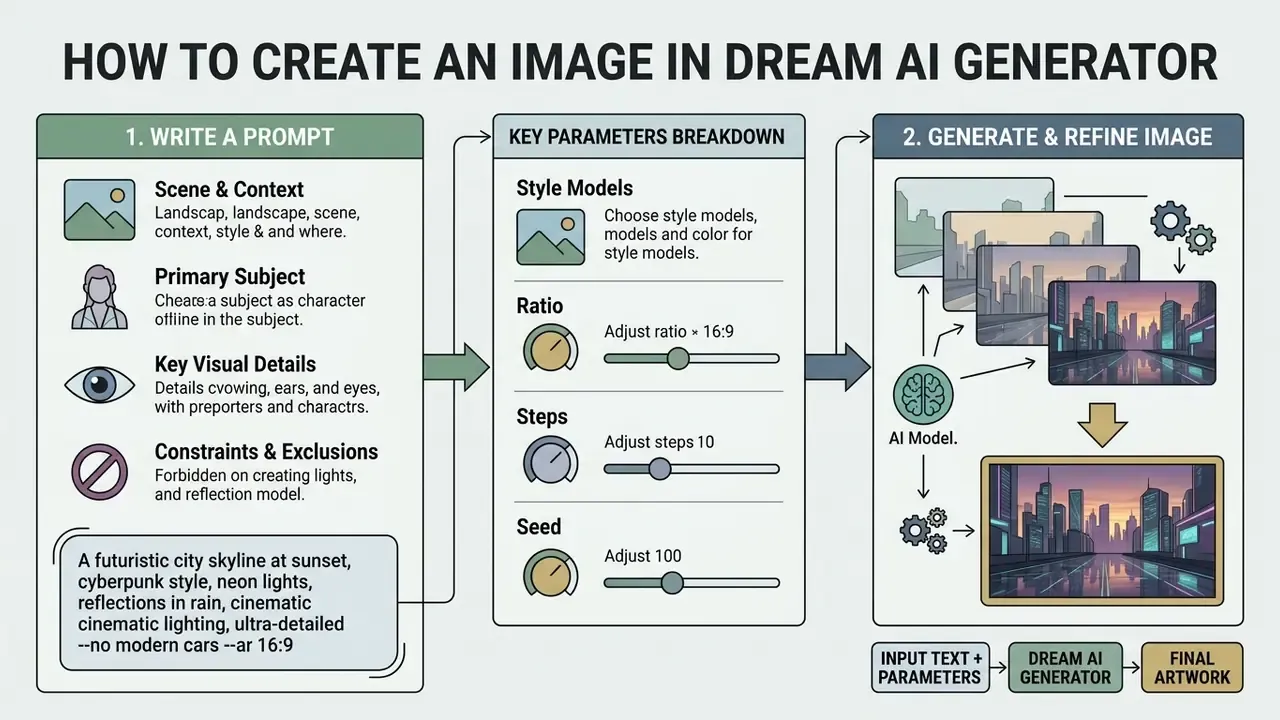
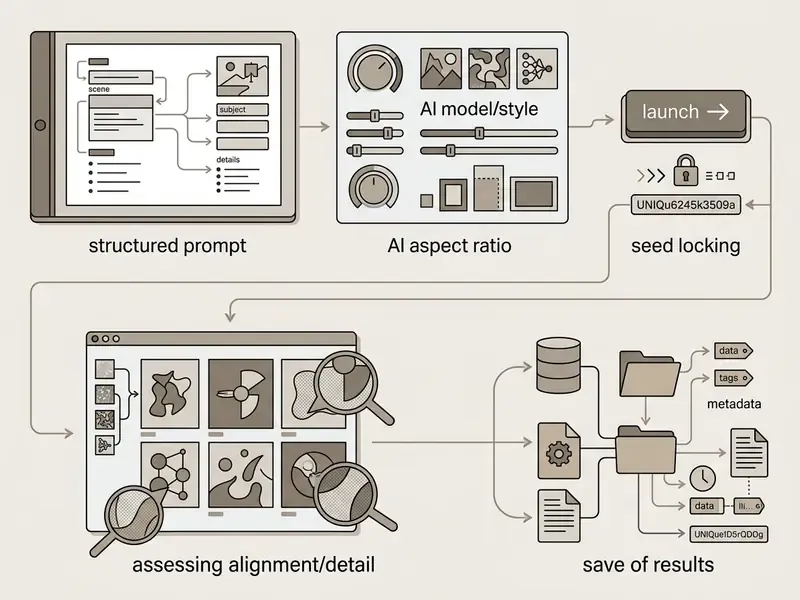
Creating digital assets on an ai image generator dream platform follows a short operational sequence. Log into the workspace, enter a descriptive text prompt, select an artistic style preset, specify a custom aspect ratio (1:1, 4:3, 16:9, or 9:16), then trigger the generation engine. Community walkthroughs of Dream by WOMBO describe the same minimal loop: press Create, type the prompt (English yields the most predictable token alignment), choose an Art Style, and confirm.
For team members drafting creative briefs, a standardized intro template keeps prompt inputs consistent across multi-person production workflows. Consistency is the whole game once more than two people touch the same campaign.
How to Write a Prompt for an AI Art Generator
Writing an effective prompt for a dream ai photo generator takes structural clarity, not a pile of keywords separated by commas. Empirical research on prompt engineering shows that structured text inputs meaningfully improve semantic consistency and text-to-image alignment.
«The SSP method of appending camera descriptions to prompts raises consistency by 16%, text-image alignment by 5%, and safety metrics by 48.9%.»
An optimal prompt hierarchy follows a four-part structure:
Vendor prompting guidance published in 2026 reinforces that ordering and adds three operational rules: declare the intended use (advertisement, UI mock-up, infographic) inside the prompt; place literal on-image text in quotation marks with typography instructions; and, when iterating, say "change only X, keep everything else the same" to suppress drift. Teams comparing platforms before locking a prompt style can review the best free AI image generators to see which engines respect structured syntax most faithfully.
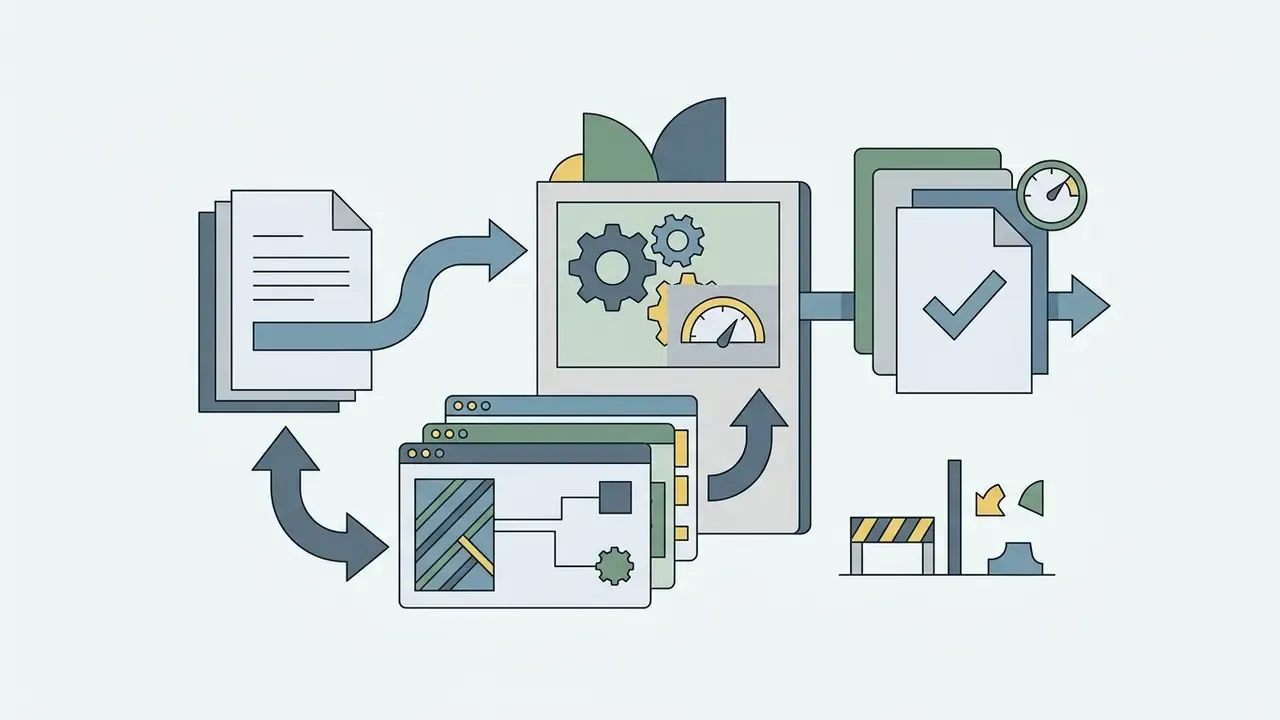
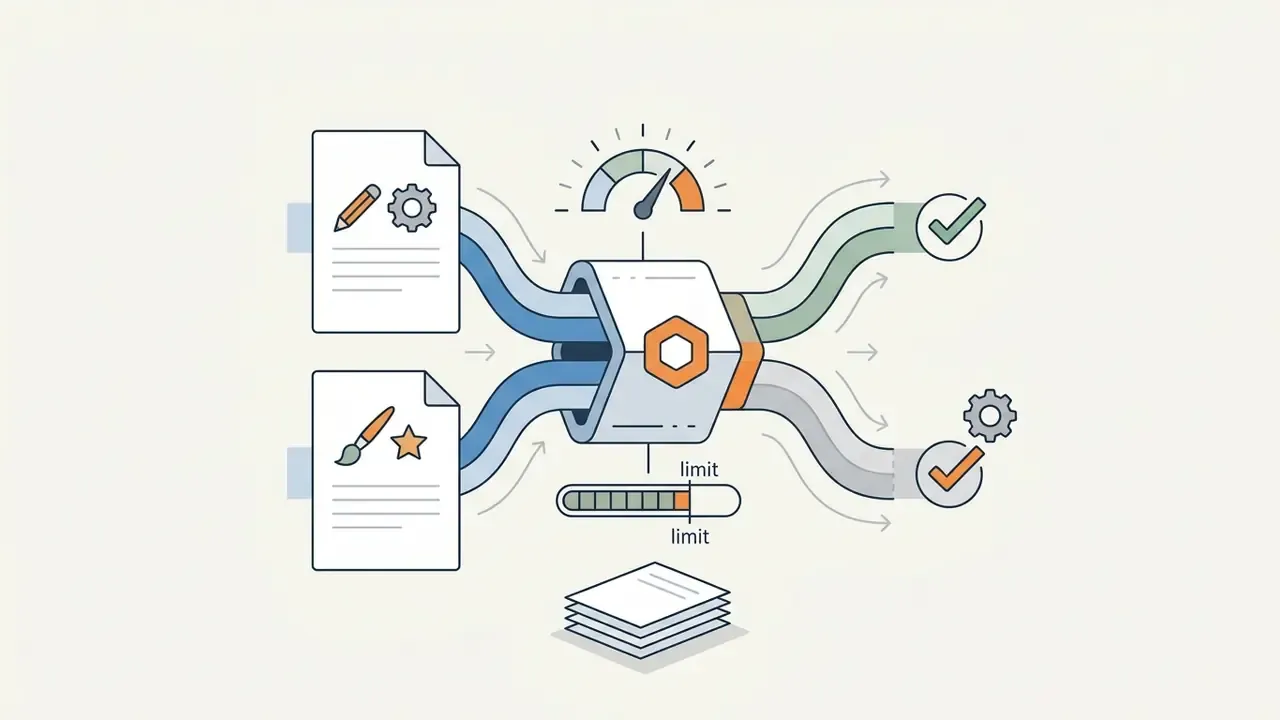
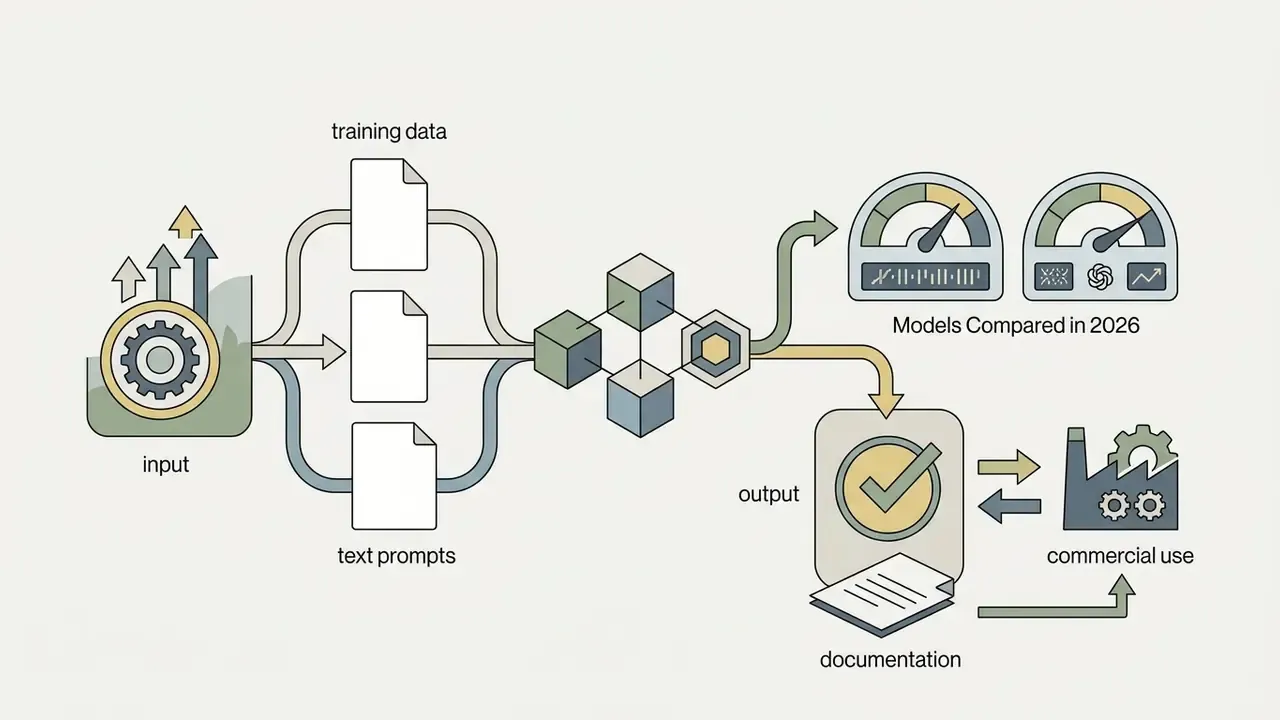
Production-Ready Prompt Template (with Color Hex and Artist Stacking)
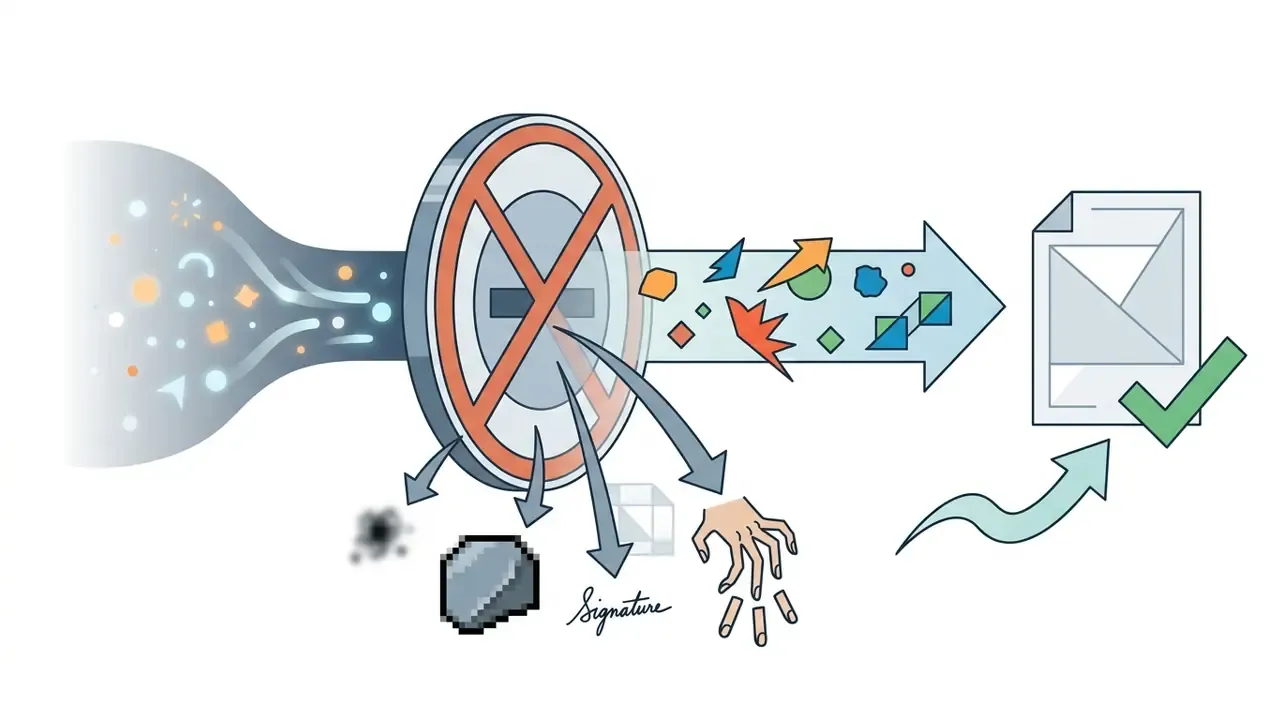
--no blurry, low-res, signature, watermark, extra fingers) prevent latent spatial degradation and strip artefacts that ruin print output.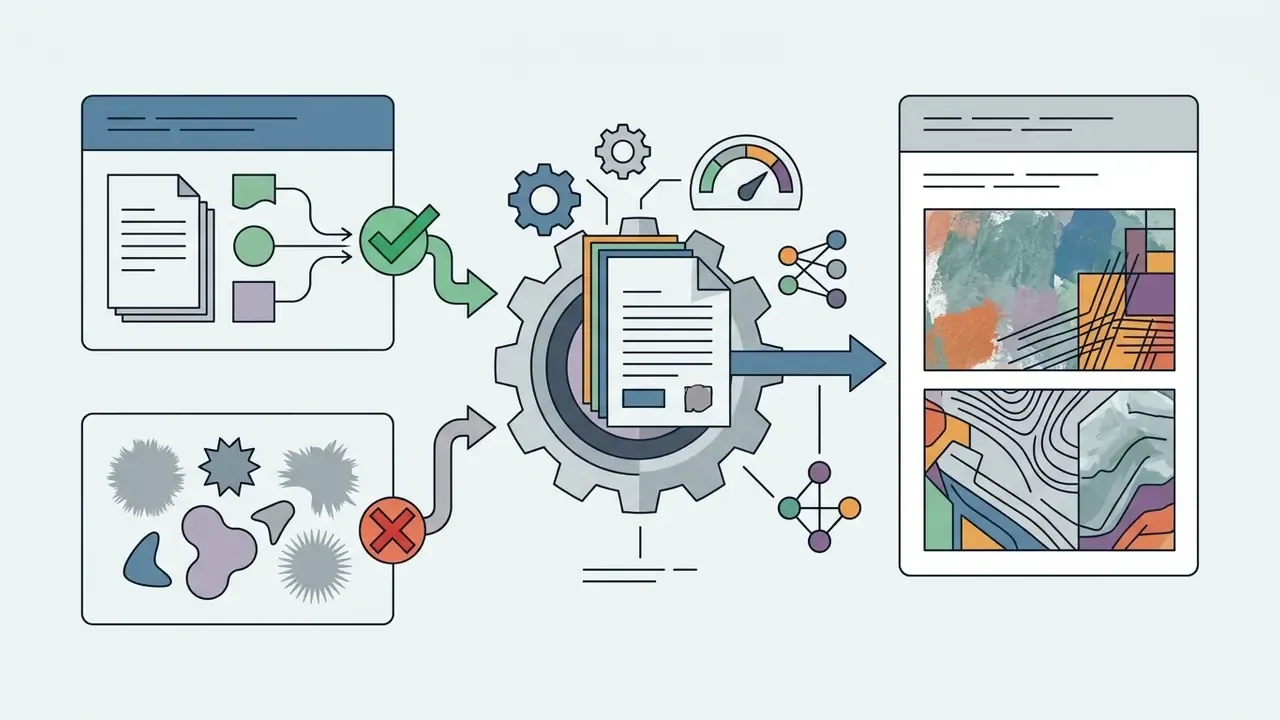
Selecting AI Models and Launching Generation
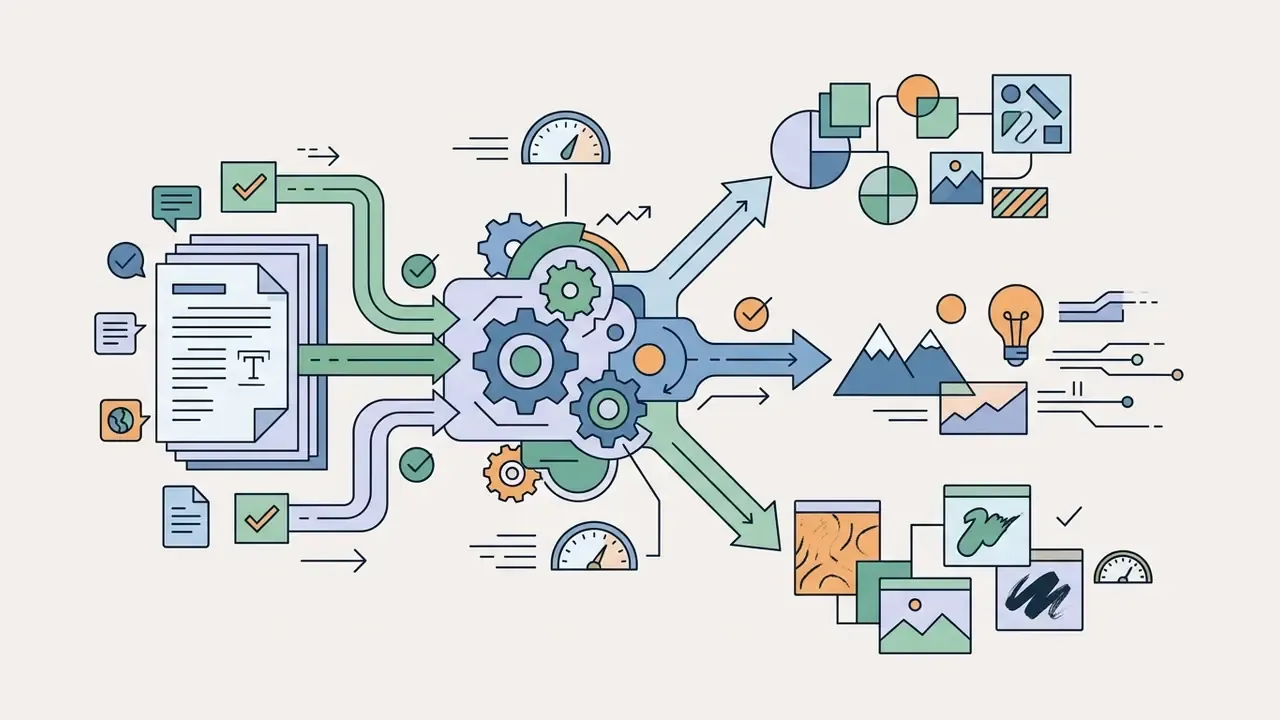
Selecting the right ai generator dream model or style preset shapes how conditioning tokens interact with the latent diffusion network. Style options such as Anime, Cyberpunk, Renaissance, or Realistic apply pre-weighted parameters during the denoising steps.
When users initiate a dream ai create request, the system pushes the prompt through the selected model weights and returns a high-resolution visual within seconds. Models tuned for graphic design, line art, or photorealism align far better with project requirements than a general-purpose default. A genre-to-preset mapping keeps selection fast: Anime and Cartoon for character work; Oil Painting, Renaissance, and Impressionism for painterly editorial art; Fantasy, Cyberpunk, and Steampunk for worldbuilding; LOGO Maker, Line Style, and Minimalism for branding and clean vector-adjacent graphics. For a scored comparison of the engines behind those presets, see the benchmark matrix in Why Different AI Models Yield Different Images below.
What to Do If the Result Does Not Match Your Vision
When generated artistic creations drift from the intended concept, iterate systematically instead of rewriting the whole prompt. Change one descriptive variable at a time; that is how you find out which term confuses the model's cross-attention map. Dream's own help documentation starts even earlier: proofread the prompt for typos, grammar errors, and ambiguous phrasing before spending another credit. Unglamorous advice, and it works more often than it should.
Common troubleshooting adjustments include:
- Reducing Ambiguity: replace generic adjectives with concrete descriptors (swap "beautiful light" for "cinematic golden hour side-lighting").
- Fixing Attribute Bleeding: if colours or traits mix between subjects, separate the clauses with explicit syntax.
«Similarity between text embeddings causes overlapping cross-attention maps, which makes the model blend attributes of different objects within one image.» - Kim et al., Text Embedding is Not All You Need (2024). https://arxiv.org
- Adjusting Reference Influence
- in image-to-image workflows, lower the initial image weight if the output clings too rigidly to the source composition.
- Locking the Seed
- fix the random seed before changing anything else. Identical seed plus identical prompt plus identical model version is the strongest reproducibility condition available, and it turns guesswork into a controlled experiment.
- Indexing Multiple References
- when feeding two or more inputs, address them explicitly ("apply the palette from Image 2 to the subject in Image 1") instead of assuming the model infers roles.
What Determines the Quality of Dream AI Art
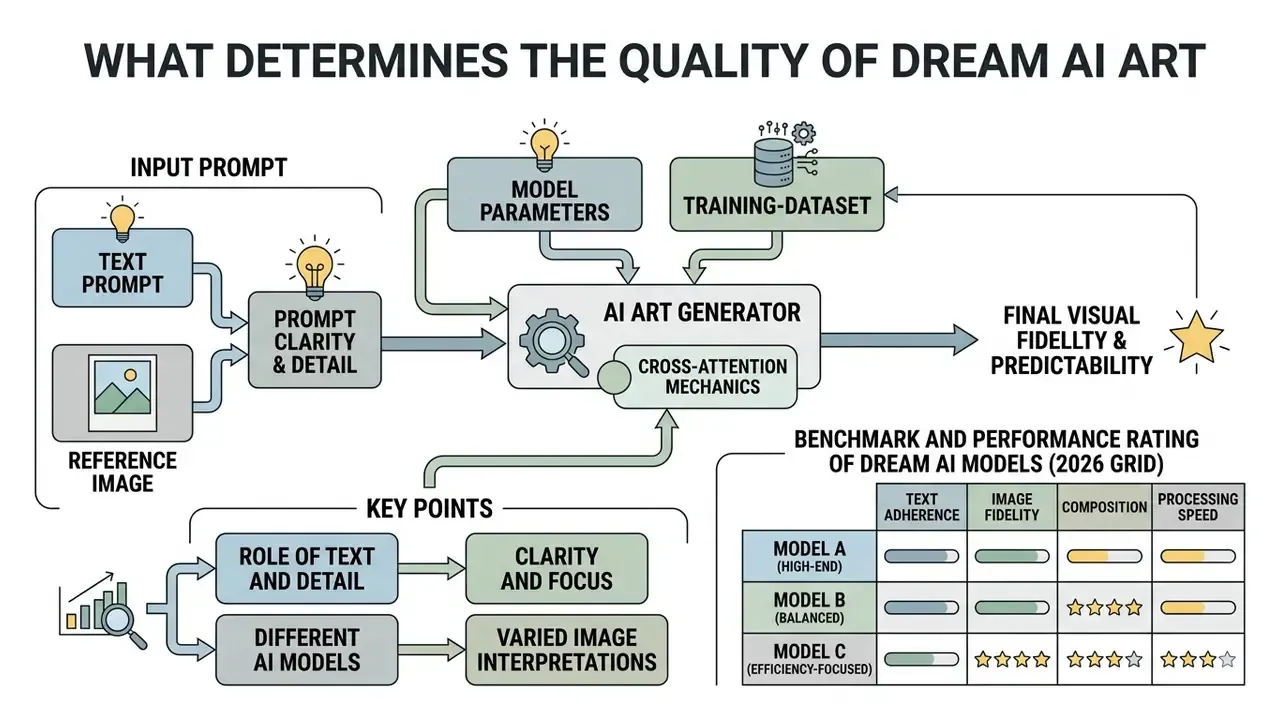
The visual fidelity and predictability of a dream art generator depend on the interplay between prompt clarity, model parameters, cross-attention mechanics, and training-dataset caption density. Scaling studies show that model depth and transformer architecture directly affect how accurately a system renders complex multi-subject prompts.
«Adding transformer blocks improves text-image alignment more efficiently than simply widening channels under the same parameter budget; the resulting efficient UNet is ~45% smaller and 28% faster than the SDXL UNet.»
Alongside architecture, four operator-controlled variables decide whether a generation is repeatable: seed (reproducibility), output resolution (up to 4K on premium tiers), guidance scale (prompt adherence), and inference steps (refinement depth). To compare technical performance across generative engines, creators can evaluate tool rankings through AI Media Comparison Matrices and study head-to-head scoring of leading AI image generators.
The Role of Text and Detail in AI Images
Prompt specificity is the primary steering mechanism during diffusion sampling. Vague prompts leave large regions of latent space unconstrained, so the model falls back on statistical averages from its training data. The result reads generic, or simply unpredictable. Dream's own prompt guidance is blunt about it: avoid vague or ambiguous language, and name colours, textures, objects, location, and time of day.
Explicit details about texture, material composition, lighting angle, and focal length narrow the probability distribution during denoising. Fewer options for the model, closer alignment with the brief.
«The SSP method records an average 16% improvement in prompt consistency and a 48.9% rise in safety metrics when camera parameters are appended to the prompt.»
Why Different AI Models Yield Different Images
Identical text prompts submitted to different ai models produce distinct visual outputs because training distributions, encoder frameworks, and architectural backbones differ:
- Token Encoders: systems using CLIP encoders lean hard on visual-text alignment, while T5-based encoders capture complex grammatical and syntactic relationships more effectively.
- Architectural Design: traditional UNet backbones handle localized features differently than pure self-attention Diffusion Transformers (DiT), which scale more efficiently across large parameter budgets.
«A 2.3B-parameter U-ViT model outperforms the SDXL UNet at a smaller size, demonstrating the advantage of fully attention-based architectures under scaling.» - Hao Li et al., Diffusion Transformers Scaling Study (2024). https://arxiv.org
- Dataset Curation: models trained on dense, highly descriptive captions show far better attribute binding than models trained on noisy web-scraped image-tag pairs. Readers who care specifically about style-transfer control should compare dedicated image-to-image generators, where conditioning strength is exposed as a first-class parameter.
- Distribution Variance: multi-distribution platforms ship separate English, multilingual, and multimodal stacks. A prompt routed to a conversationally trained backbone reads the same words with different priors than one routed to a caption-dense image model. So "the same prompt gave a different picture yesterday" is usually a routing story, not a bug.
Benchmark and Performance Rating of Dream AI Models (2026 Grid)
| Model Engine | Prompt Accuracy (0-10) | Visual Realism | Text Rendering | Best Operational Use Case | Overall Score |
|---|---|---|---|---|---|
| Nano Banana Pro / v2 | 9.8 | 9.7 | 9.6 | Photorealistic campaigns, crisp text layout | 9.7 / 10 |
| Ideogram v4 | 9.4 | 8.9 | 9.8 | Typography, logos, print graphics | 9.0 / 10 |
| ChatGPT 2 (DALL·E-class) | 9.5 | 8.6 | 9.1 | Complex multi-subject scenes, storybooks | 8.7 / 10 |
| ImagineArt | 8.9 | 8.8 | 8.2 | Commercial ad creatives, product loops | 8.7 / 10 |
| Flux 2 / Turbo | 8.8 | 9.0 | 7.5 | Rapid concept prototyping, high-speed drafts | 7.9 / 10 |
| Krea 2 Turbo | 8.2 | 8.4 | 7.1 | Stylised editorial art, painterly output | 7.8 / 10 |
| SeeDream | 8.0 | 8.1 | 6.9 | Cinematic scenes, 4K landscape renders | 7.5 / 10 |
| Z-Image Turbo | 7.9 | 7.2 | 6.8 | Free-tier default, basic line art | 7.4 / 10 |
| Grok / QWEN | 7.1 | 7.0 | 6.4 | Fast ideation, low-stakes social drafts | 6.9 / 10 |
| DaVinci2 | 6.0 | 5.8 | 5.2 | Legacy artistic filters, experimental looks | 5.5 / 10 |
Reading the grid: prompt accuracy predicts how little iteration a brief will need; text rendering predicts whether an asset can carry a headline without manual typesetting; and "best operational use case" is the column that should drive tier purchasing. Paying premium rates for line art is a budget leak, not a capability gain.
Free Dream AI Generator: Access, Limits, and Generations
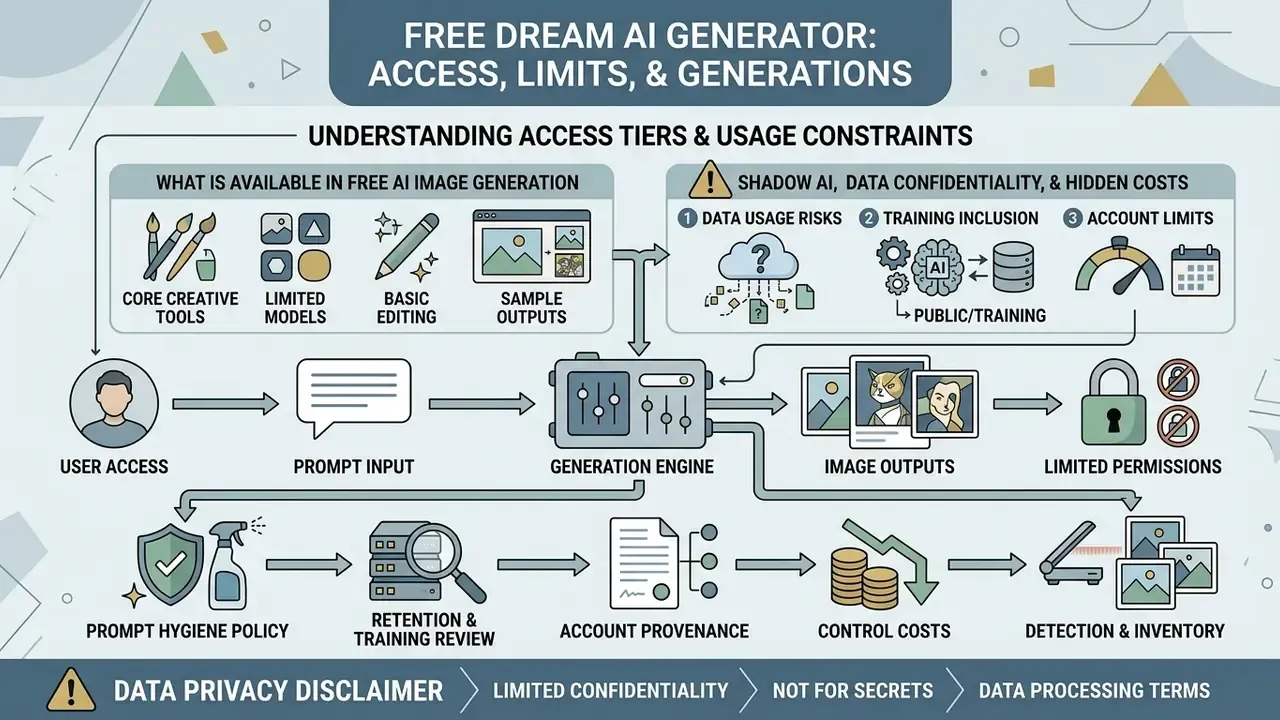
Understanding access tiers and usage constraints matters before anyone evaluates a dream ai generator free offering for individual or institutional use. Most commercial platforms run a freemium model that balances basic creative access against paid subscription upgrades.
Organizations reviewing subscription pricing and feature tiers across platforms can use the AI Media Pricing Guides and interactive cost calculators to estimate monthly operational expenses.
What is Available in Free AI Image Generation
Free tiers usually grant basic creation capability governed by daily credit allocations or a queued processing line. Under standard free conditions, users can test core text-to-image generation across select style presets. Several ad-supported tools now advertise no-sign-up AI image generators with instant access and no account creation at all.
Free generations still run under operational limits: lower export resolutions, standard processing speeds in a slow queue, public visibility of generated assets, and, in most vendor agreements, non-commercial usage terms. Verification note: these constraints are vendor-published commercial parameters rather than peer-reviewed findings. They change without notice and must be re-read at the checkout screen before each procurement cycle. Official Dream AI pricing documentation currently lists the free plan at $0 per month with 3 credits per day (roughly 3 Premium Mode images), unlimited Basic generations routed through a slow queue, basic features, and community support. Where language versions of the same page diverge, one saying "unlimited Basic generations" and another advertising "completely free, no limits, no watermark", treat the English Terms of Service as controlling and archive a dated screenshot.
When You Need Unlimited Generations and Additional AI Models
High-volume production environments outgrow free-tier boundaries quickly. Enterprise marketing teams, game developers, and content agencies need unlimited generations and broader model catalogs to support rapid visual prototyping and batch asset creation.
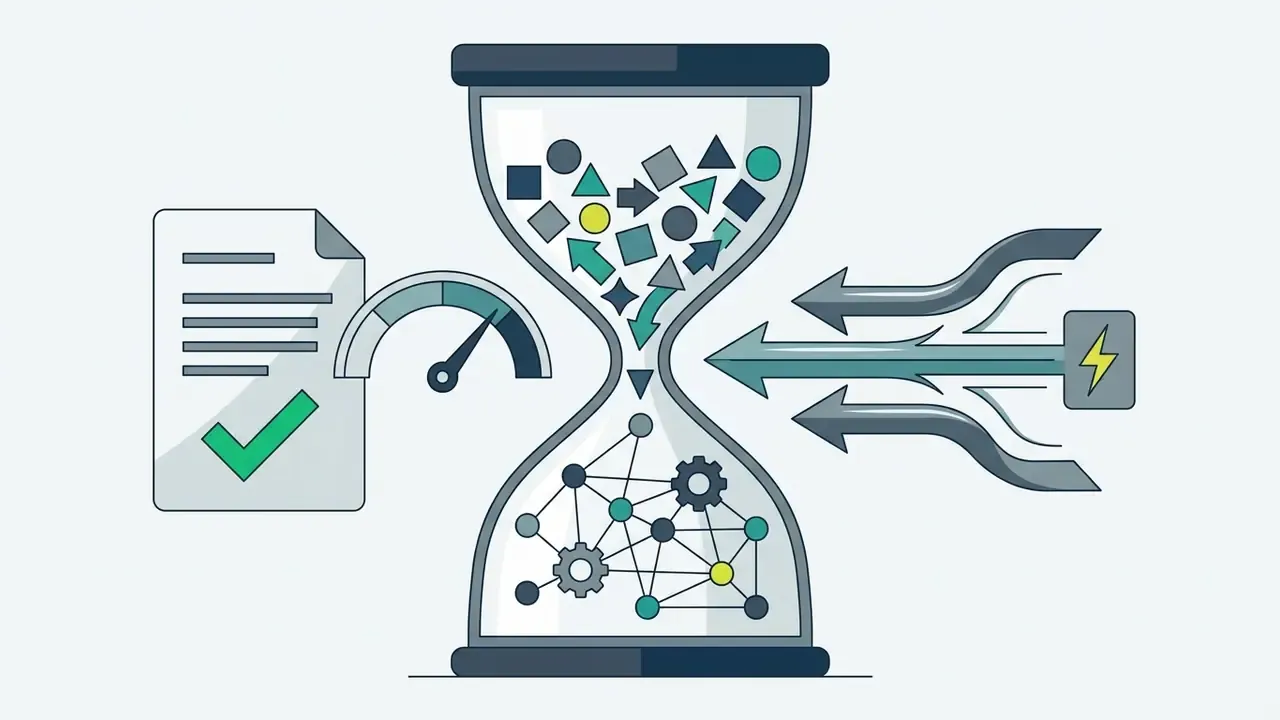
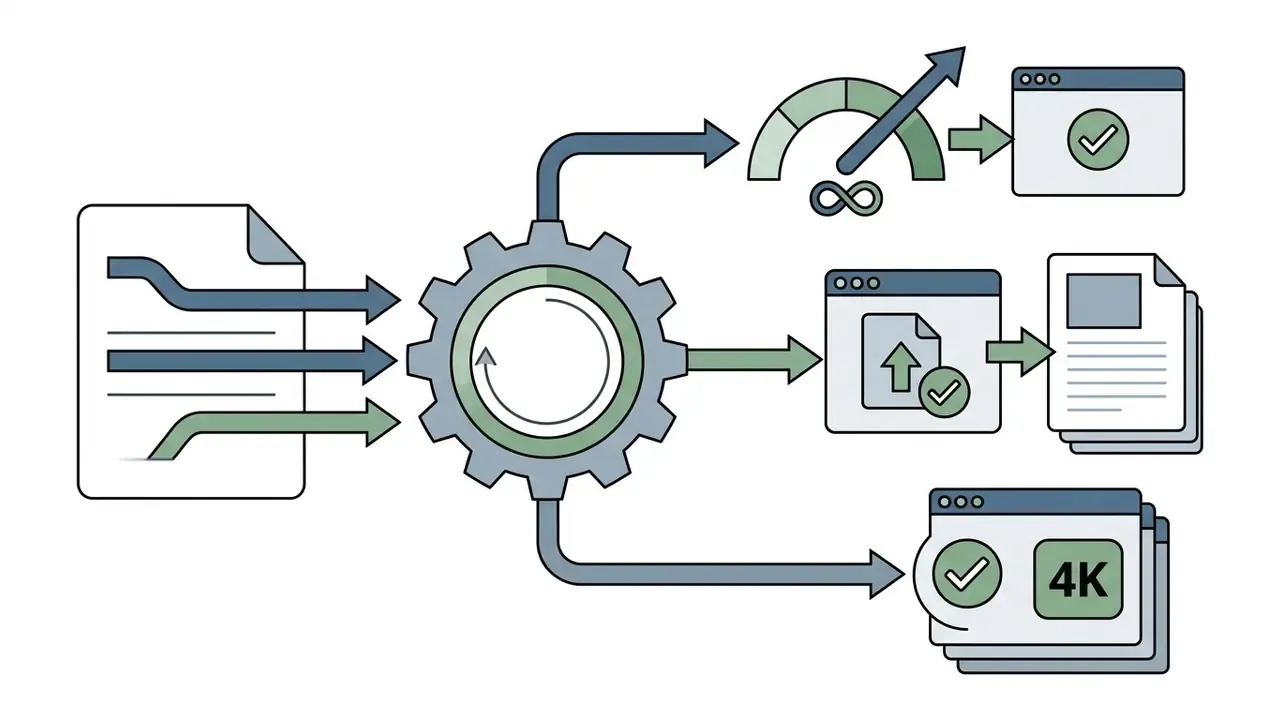
Upgrading to a paid subscription unlocks the capabilities that matter operationally:
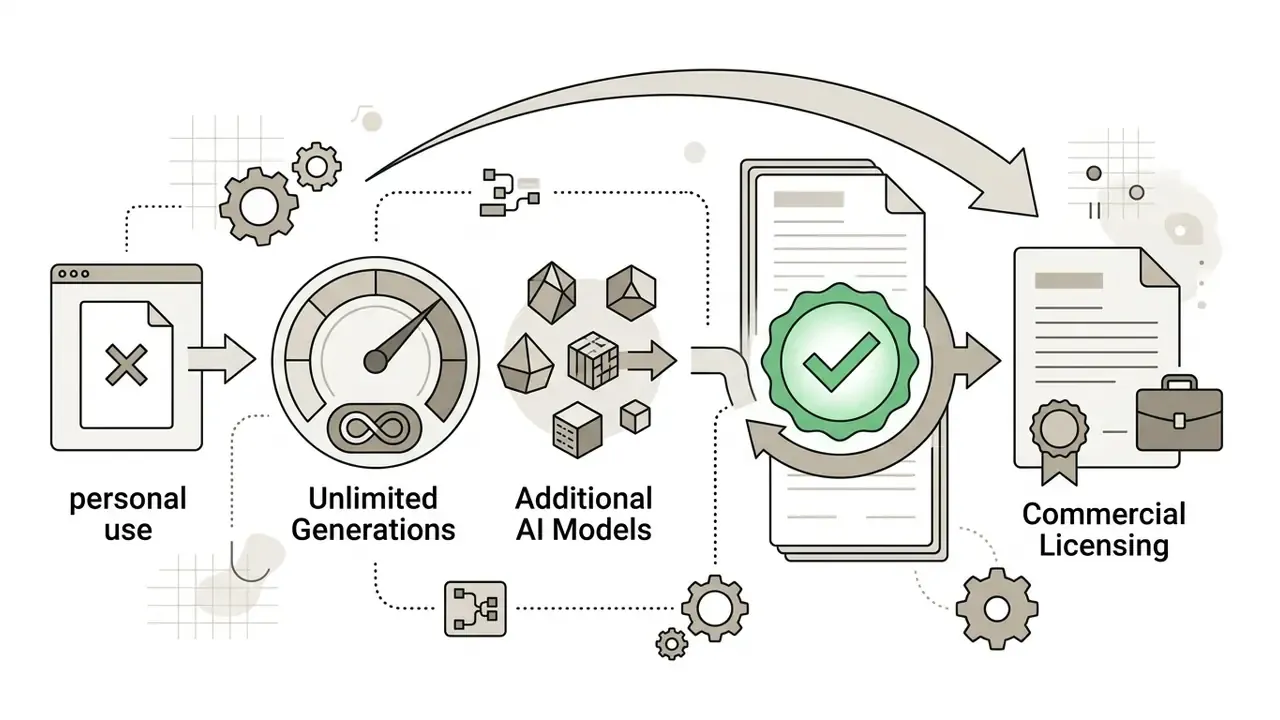
Creators working on mobile can also review consumer editing capabilities in an iphone photo editor for post-generation retouching.
| Feature / Metric | Free Tier | Premium Tier |
|---|---|---|
| Daily Credits / Limits | ~3 Premium Mode credits; unlimited Basic (slow queue) | Unlimited high-speed generations |
| Processing Speed | Standard / slow queue | Priority processing |
| Output Resolution | Standard resolution | High-resolution, HD and 4K downloads |
| Watermarking | Watermark possible depending on mode | Unwatermarked exports |
| Model & Style Access | Standard curated styles | Full access (100+ styles and custom ratios) |
| Commercial Rights | Personal, non-commercial use (per Terms) | Commercial license included (with attribution) |
Conditions in the table above are vendor-published and version-dependent: free accounts are credit-limited and queue-throttled, paid accounts remove watermarks and unlock commercial permission subject to the current Terms of Service. Before committing budget, benchmark the paid tier against no-cost alternatives in the free AI art generators comparison. For low-volume internal decks, the upgrade may not clear its own cost threshold.
Fact Check / Access Conditions Verification (2026)
Use Cases for Dream AI Picture Generator
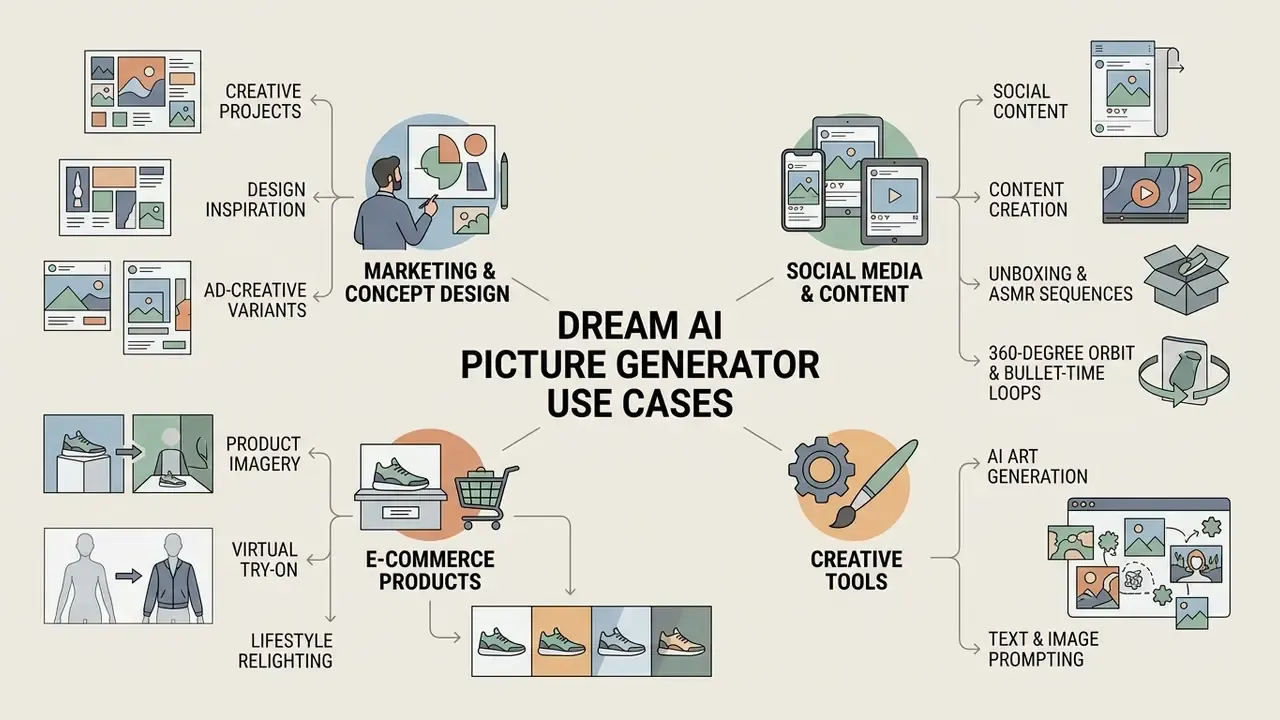
The versatility of a dream ai picture generator makes it useful across marketing, concept design, social media management, and e-commerce workflows. Replacing or supplementing traditional stock photography with custom generative assets shortens production timelines and lowers licensing costs.
For a broader evaluation of commercial creative tools, review the guide to the Canva AI Generator and the comparative analysis in the Best Free AI Art Generator directory.
AI Art for Creative Projects and Design Inspiration
Designers and creative directors use a dream art generator as an ideation partner during early concept phases. Producing dozens of variations from a single prompt lets teams explore moodboards, colour palettes, and thematic directions before committing budget to full manual production. Canvas-based workspaces extend this into a genuine board: drag-and-drop arrangement of generations, text notes attached to each variant, uploaded reference images, edge extension, background removal, and PNG export with transparent, white, or black backgrounds. Concepts that survive the board can then be finished in dedicated AI photo editors before the client presentation.
Architectural and interior teams run the same loop with a photograph or floor plan as conditioning input, producing photorealistic remodel options for stakeholder approval and contractor hand-off. That compresses days of visualisation labour into an afternoon of prompt iteration, which is also why version control on those files matters more than people expect.
Image Generation for E-commerce Products
E-commerce teams use an ai picture generator dream engine to synthesize product placement backgrounds and promotional lifestyle visuals. With image-to-image conditioning, merchants can isolate a product line drawing or photo and render it in diverse photorealistic environments without booking a physical shoot.
Specialist commercial modes worth configuring:
- Virtual Try-On Conditioning garment overlays onto AI avatars or model photography with fabric structure, drape, and seam geometry preserved, useful for size-range previews without a studio day.
- Lifestyle Relighting automated replacement of a white cut-out background with a described scene ("Scandinavian interior, oak table, natural window light from the left, soft shadows"), matching light direction to the original product exposure.
- Unboxing and ASMR Sequences short looped clips of a packaging reveal, generated from a single product still, for paid-social placements.
- 360-Degree Orbit and Bullet-Time Loops camera-motion presets that turn one hero render into a rotating product loop for PDP galleries.
- Ad-Creative Variants batch generation of the same product in five seasonal contexts for A/B testing, reviewed at final crop size before export.
Compliance guardrail: the product itself must remain truthfully represented. Disclosure frameworks classify AI-generated imagery as "synthetic creation" even after human editing, and consumer-protection reasoning turns on whether a reasonable buyer could be misled. Purely decorative AI backgrounds unrelated to product function generally sit outside disclosure duties; AI-generated depictions of the product's appearance or performance do not. Some jurisdictions go further and mandate visible on-image labelling plus embedded provenance metadata for online advertisements.
Transforming Dream AI Stills into Dynamic Video Assets
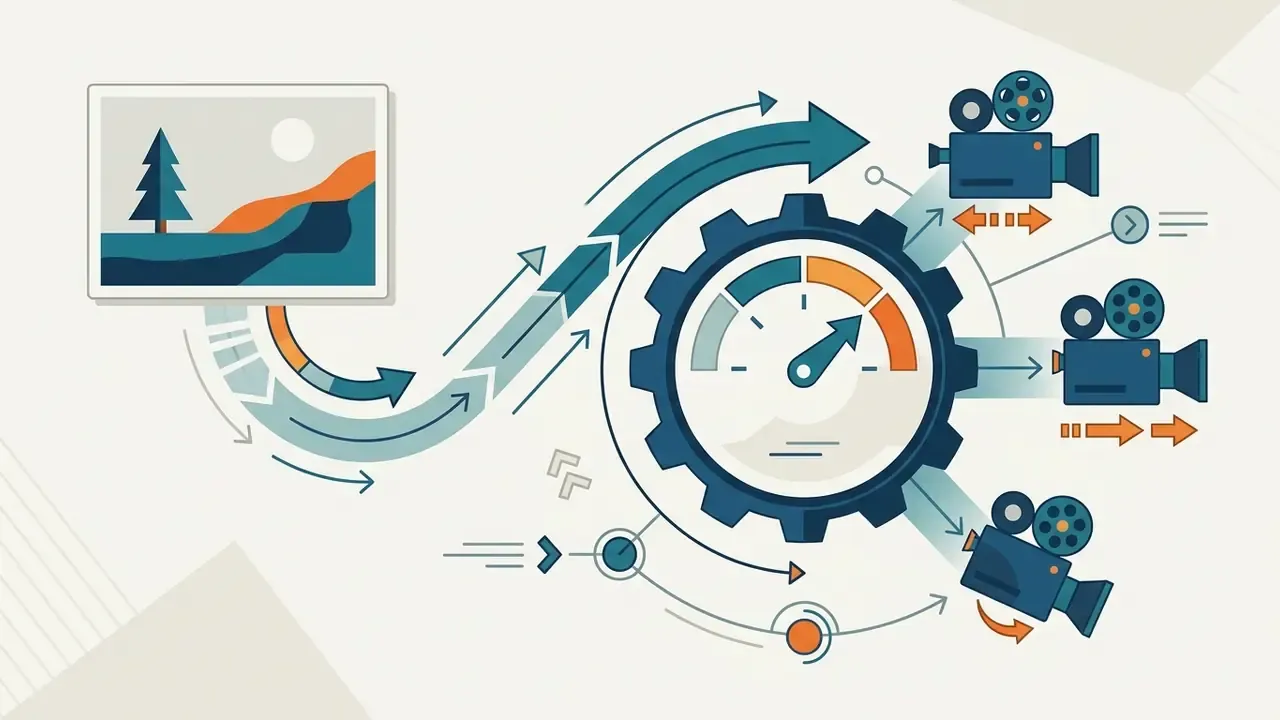
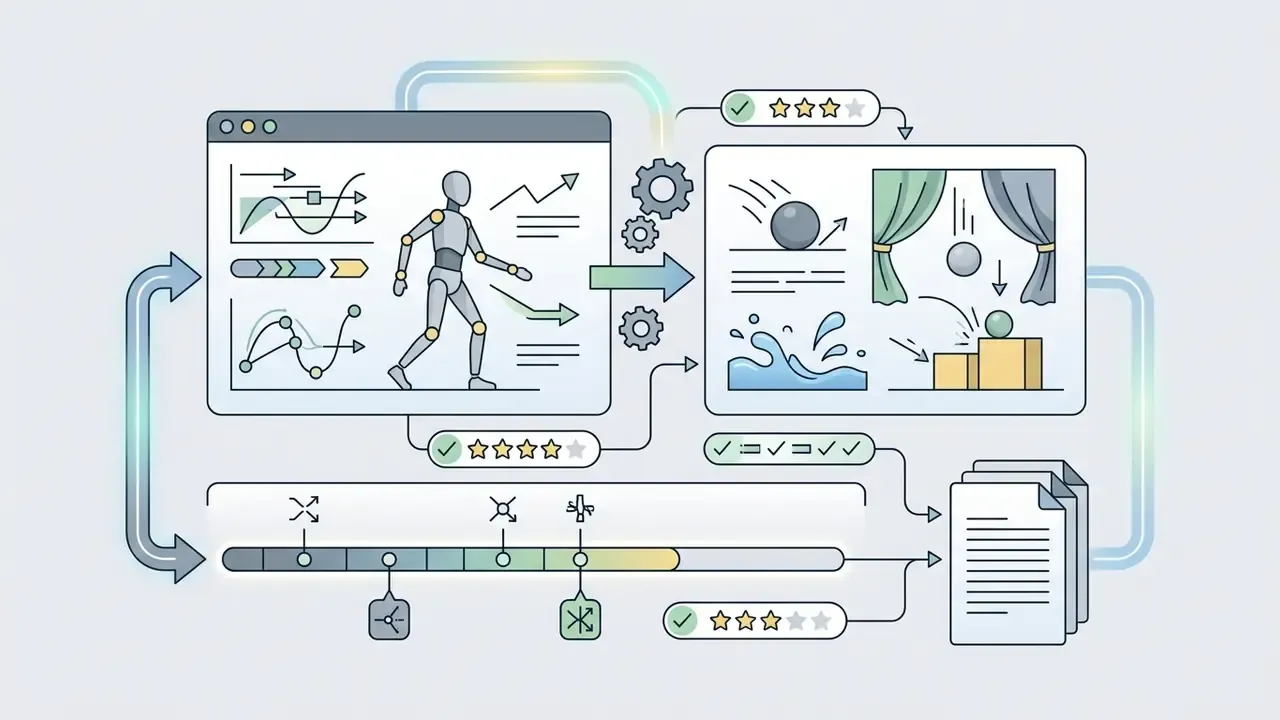
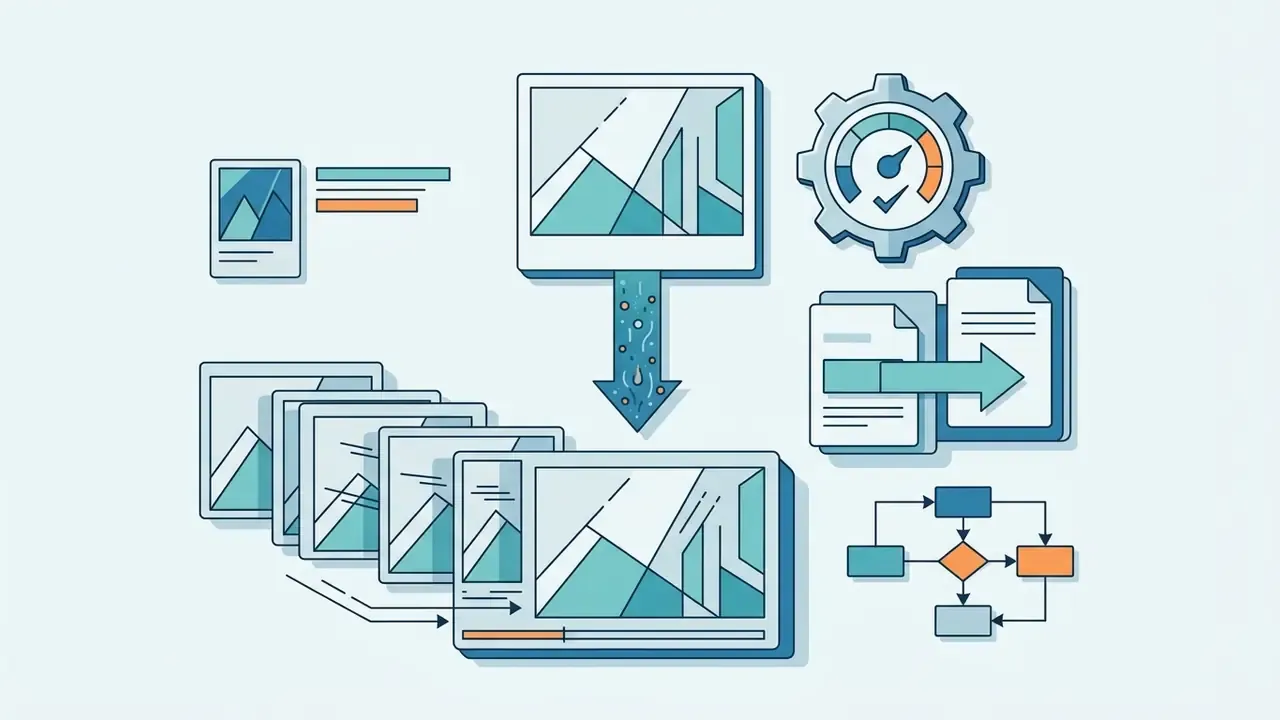
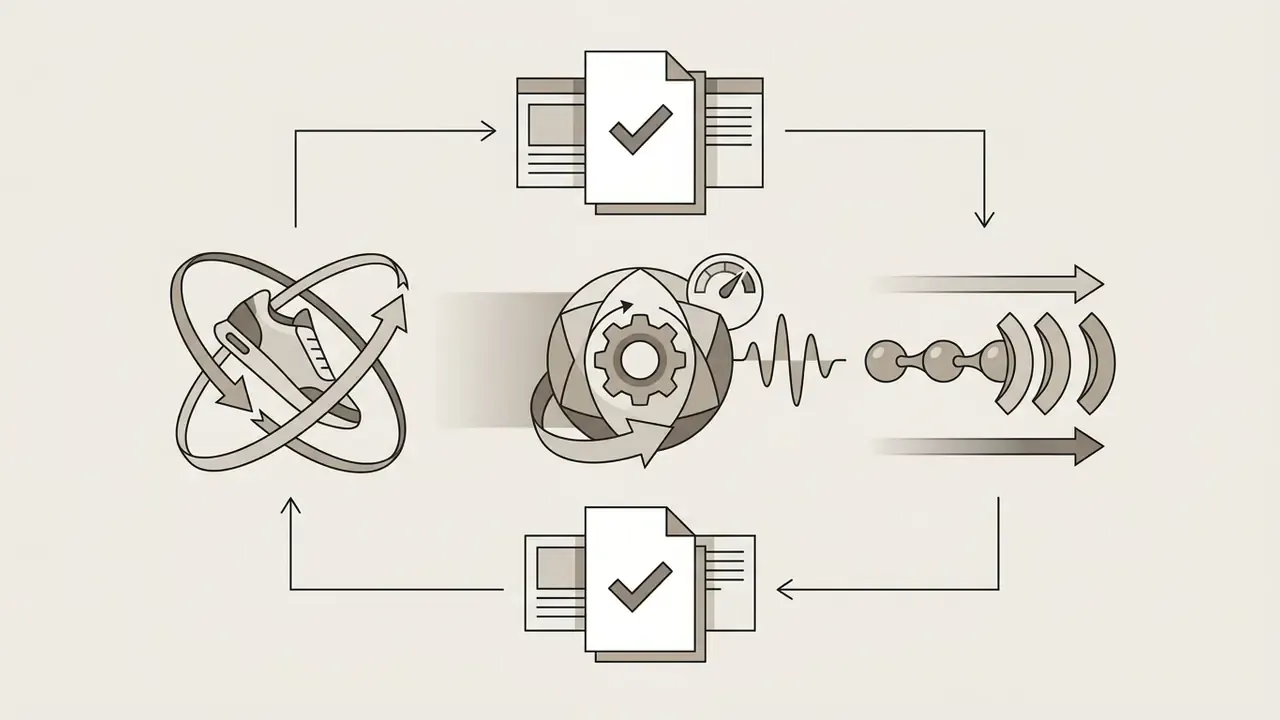
Static outputs from Dream AI make solid high-resolution source keyframes for video diffusion engines. Modern workflows move a still into motion in five steps:
- Keyframe Preparationexport at 4K using premium unwatermarked tiers. Watermarked or upscaled-from-standard frames introduce artefacts that video diffusion amplifies across every subsequent frame.
- Motion Model SelectionMotion Model Selection:
Readers building a full pipeline can compare dedicated image-to-video AI tools, review text-to-video AI options for prompt-only production, consult our guide on invideo ai video tools, and automate batch rendering through programmatic api integrations. Free-tier constraints across video engines are catalogued in the best free AI video generator comparison.
Can You Use Dream AI Images in Commercial Projects
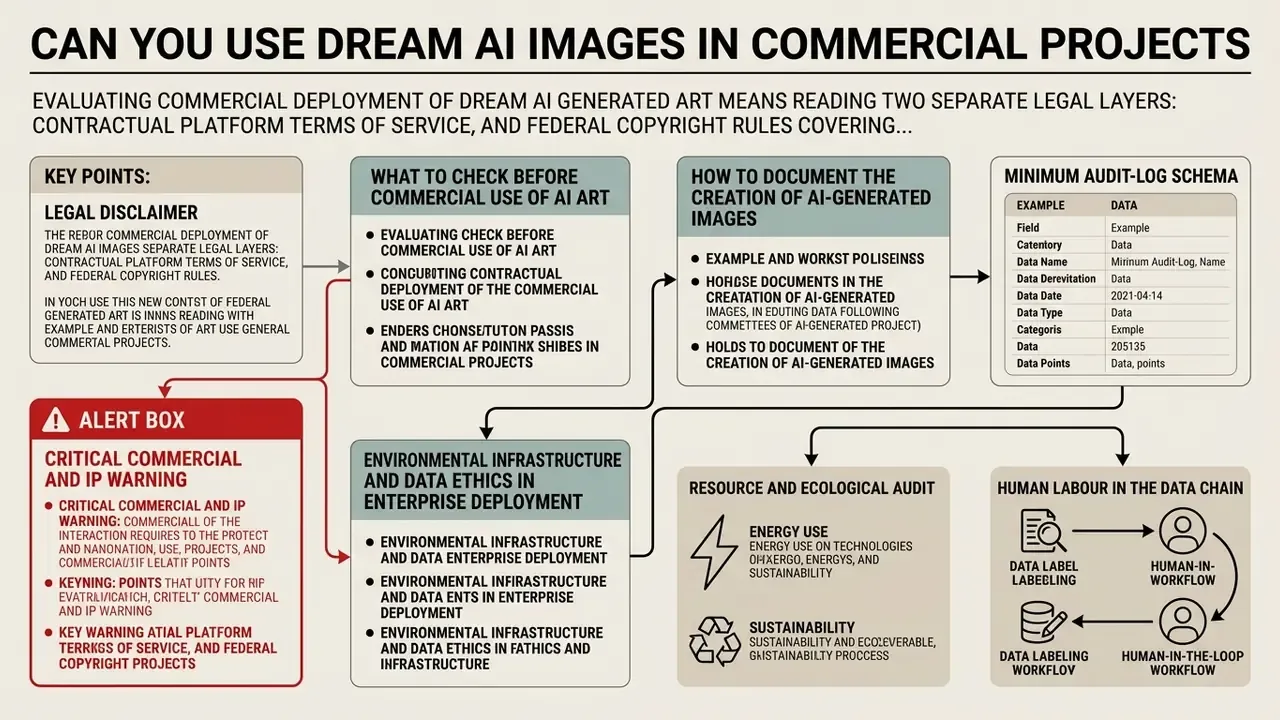
Evaluating commercial deployment of dream ai generated art means reading two separate legal layers: contractual platform Terms of Service, and federal copyright rules covering synthetic media. They answer different questions. The ToS decides whether you are permitted to sell the asset; copyright law decides whether you can stop anyone else from reusing it. A tool can grant broad commercial permission while the output stays largely unprotectable. Both facts can be true at once, and that surprises a lot of brand teams.
Organizations managing intellectual property liabilities should examine ip indemnification frameworks and track precedents through the AI Litigation and Case Timelines.
What to Check Before Commercial Use of AI Art
Before an ai picture generator dream asset enters a campaign, product packaging, or a paid advertisement, risk managers should clear five checkpoints:
- Platform Subscription Status: verify that the account tier active at the moment of generation explicitly permits commercial use. Free tiers predominantly restrict output to personal, non-commercial applications, and official Dream Terms state that Free Services are "solely for personal and non-commercial purposes". A few ad-supported tools do publicly declare "commercial use allowed for free users", so exceptions exist. Never infer permission from a marketing headline; cite the clause.
- Attribution Requirements: review vendor ToS for mandatory credit clauses. Certain platforms require explicit attribution (for example, "Created with WOMBO Dream") in commercial credits or on a landing page, and the official help centre frames this as the condition attached to commercial freedom.
- Third-Party Rights and Likeness: make sure prompts do not pull in trademarked logos, copyrighted characters, or real individuals' likenesses. Those violate publicity and trademark rights regardless of what the platform licence says. Vendor AI guidelines commonly bar copyright, trademark, privacy, and publicity violations independently of copyright law.
- Jurisdictional Disclosure Rules: some jurisdictions (the EU AI Act, several US state synthetic-media statutes) mandate visible labels indicating that media was AI-generated.
«Article 53(1)(d) of the EU AI Act obliges providers to publish detailed summaries of training data using the AI Office template.» - Derclaye, Copyright and AI Training Data: Transparency to the Rescue?, Journal of Intellectual Property Law & Practice (2024). https://arxiv.org
- Data-Protection Posture: confirm that no personal data, customer photography, or regulated information entered the prompt chain. A lawful licence never cures an unlawful data transfer.
How to Document the Creation of AI-Generated Images
Under current United States Copyright Office guidance, purely machine-generated visual output lacking human creative control cannot be registered (USCO Circular 34). Human-authored elements can be: custom layout arrangement, substantial post-generation editing, creative prompt sequencing, provided the AI-generated material is identified and excluded from the claim.
«In the "Zarya of the Dawn" case the USCO recognised authorship only in the textual narrative and arrangement, not in the images produced by Midjourney without human involvement.»
To establish an auditable chain of ownership and prove licence compliance, keep a generation log that records how each asset was created:
- exact prompt text strings, negative prompts, and aspect-ratio parameters;
- random seed numbers, model version identifiers, guidance-scale and step counts, plus timestamp metadata;
- paid subscription receipts confirming active commercial licence rights on the generation date;
- layered project files (PSD or TIFF) evidencing human post-editing and manipulation;
- a named human owner per asset, so authorship disclosure at registration becomes a lookup rather than a reconstruction.
Where the provenance of a third-party or inherited asset is uncertain, screening it through AI image detectors and AI reverse-image-search tools adds an independent verification layer to the audit file.
Minimum audit-log schema: asset_id | prompt | negative_prompt | seed | model_id | model_version | aspect_ratio | timestamp_utc | account_tier | subscription_receipt_ref | human_editor | post_edit_file_path | disclosure_label_applied.
Alert Box: Critical Commercial and IP Warning
Environmental Infrastructure and Data Ethics in Enterprise Deployment
Scaling generative AI means looking past the licence line item at the wider operational footprint:
- Resource and Ecological Audit as mapped in landmark infrastructure studies (Crawford & Joler, Anatomy of an AI System, 2018), high-resolution image diffusion depends on resource-intensive GPU compute cycles, mineral extraction for hardware, and eventual e-waste disposal. Responsible AI governance books compute-energy overhead into sustainability reporting instead of treating generation as costless.
- Human Labour in the Data Chain training and moderation pipelines rest on annotation labour that vendor marketing rarely mentions, a dependency documented in contemporary media-art research on click-work in refugee and low-wage contexts. Procurement questionnaires should ask where labelling work happens and under what conditions.
- Training Data Bias ("Social Dreams") generative models emit statistical averages drawn from scraped internet datasets, what media theorist Hito Steyerl calls "social dreams without sleep", reflecting whatever society already pays attention to. Review generated assets for implicit demographic, spatial, or cultural bias before mass-market deployment, especially in hiring, healthcare, financial, and educational communications.
- Provenance Ethics exposure also includes the use of copyrighted works as training data or base images, deepfake generation, and synthetic misinformation. A documented prompt policy that forbids those uses costs far less than remediating one incident.
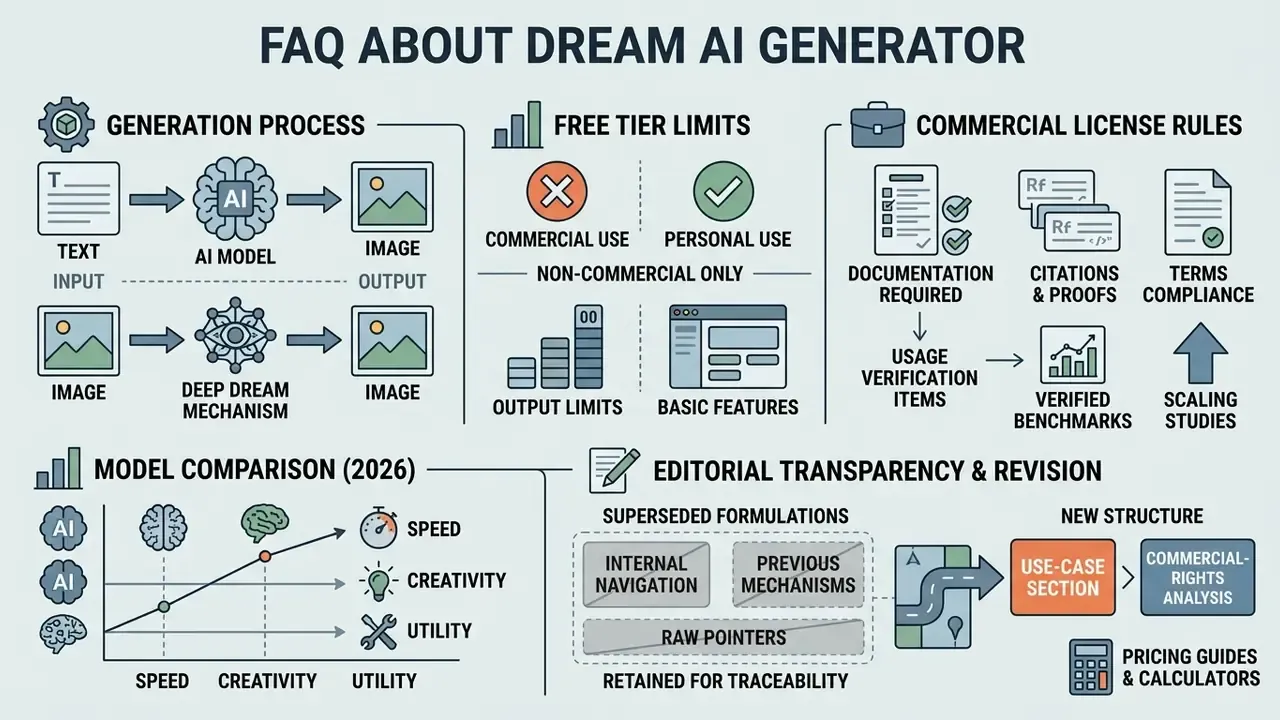
FAQ About Dream AI Generator
How Deep Dream Generator Differs from Dream AI Generator
Deep Dream Generator works by algorithmic pattern amplification: it modifies an input photograph by iteratively exaggerating features a convolutional neural network already detects, which produces those characteristic hallucinatory textures. That is technically distinct from neural style transfer, which transplants the statistical style of a reference artwork onto a content image. Both were early CNN-era techniques, but they optimise different objectives. Modern Dream AI Generator platforms such as Dream by WOMBO instead use latent diffusion models to synthesise entirely new images from natural-language text. Search behaviour blurs the line further. People type "ai art dream", "ai dreaming art", "ai art generator dream", or plain "dream generator" and land on either product. Worth clarifying which one a colleague means before you quote rights or pricing.
«Unlike Deep Dream, diffusion models are trained generatively on image-text pairs and synthesise new content rather than amplifying patterns in an existing image.» - Survey of Generative AI for Scientific Images (2024). https://arxiv.org Historical and Technical Note: from 2015 to now The original Deep Dream Generator launched in 2015, created by developer Kaloyan Chernev with a team based in Sofia, Bulgaria. It brought Google's DeepDream neural-network research to the public through a simple web interface, letting anyone produce AI art without code, years before Midjourney or DALL·E existed. Its method was feature extraction and pattern enhancement via CNNs applied to an uploaded base photograph, yielding surreal "algorithmic hallucination" imagery, with a "dream level" control for iterating deeper.
Modern Dream AI Generators mark a paradigm shift: Latent Diffusion Models (LDM) and Diffusion Transformers (DiT) generate original media from pure noise guided by text embeddings, rather than nudging pre-existing pixels. Today's Deep Dream Generator platform has itself migrated to that paradigm, offering 30+ models (DaVinci2, AIVision, FluX, SeeDream, Nano Banana Pro, Ideogram, MiniMax and others) plus text-to-image and video generation. Search-intent takeaway: the two names describe different products with different methods, histories, and licence terms.
Can I Create AI Video and Videos from AI Images
Yes. Static AI images from Dream AI can serve as input keyframes for third-party image-to-video generators such as Luma Dream Machine, Kling, MiniMax Hailuo, Runway, or Google Veo. Feed a high-resolution generated still into a video diffusion pipeline and you can generate fluid camera motion, panning effects, and short animated sequences. The full production sequence, from keyframe preparation and motion-model selection through motion-vector prompting, audio layering, and dual-licence logging, is documented in Transforming Dream AI Stills into Dynamic Video Assets above.
Does the Free Tier Allow Commercial Use?
In most cases, no. Official Dream Terms restrict Free Services to personal, non-commercial purposes, and commercial permission is tied to paid tiers, with attribution where the help centre requires it. A minority of ad-supported generators do permit commercial use on free accounts and say so publicly. The controlling document is always the English-language Terms of Service in force on the generation date. Archive it.
How Do I Make Outputs Reproducible for an Internal Audit?
Fix the seed, record the model version, and change one variable at a time. Same seed plus same prompt plus same model version is the documented reproducibility condition. Without the model version, a silent engine update breaks reproduction even with an identical seed. Store the log fields from the audit-log schema above next to the exported file, in the same directory, not in someone's inbox.
What Should I Do When the Model Ignores Part of My Prompt?
Split the prompt into labelled segments or line breaks, move the ignored element earlier in the hierarchy, and restate it as a constraint ("must include: brass door handle"). If two subjects keep merging attributes, separate them into distinct clauses. Overlapping cross-attention between similar text embeddings is the documented cause of attribute bleeding.
Where to Find Ideas and Community Creations
Prompt inspiration lives in official platform galleries, the vendor Help Center's community guides section, the official Discord servers referenced in Dream's own prompt-tips article, and public prompt-sharing repositories. Studying successful community prompts is the fastest way to learn keyword structure, lighting descriptors, and style syntax. Community showcases routinely publish the full prompt, model name, aspect ratio, megapixel count, and whether a base image was used. That is effectively free training data for your own prompt library. For technical assistance and platform troubleshooting, consult AI Media Support and Troubleshooting.
Appendix A: Revision Notes and Superseded Formulations