If you run risk, compliance or marketing operations at a bank or a mature fintech, image generation looks harmless next to credit models or KYC automation. It isn't. The upload field in a consumer image tool is an uncontrolled data path, and a published asset carries copyright, likeness and brand exposure. So the question is not only how to use AI to create images, but how to do it with an owner, a log and a shutdown switch.
Enterprise deployment of generative visual models combines four things: technical understanding of the image generation technology, structured prompting, post-generation editing, and strict compliance controls. Modern artificial intelligence platforms let organizations replace costly asset production with repeatable, auditable image synthesis pipelines.
Executive summary
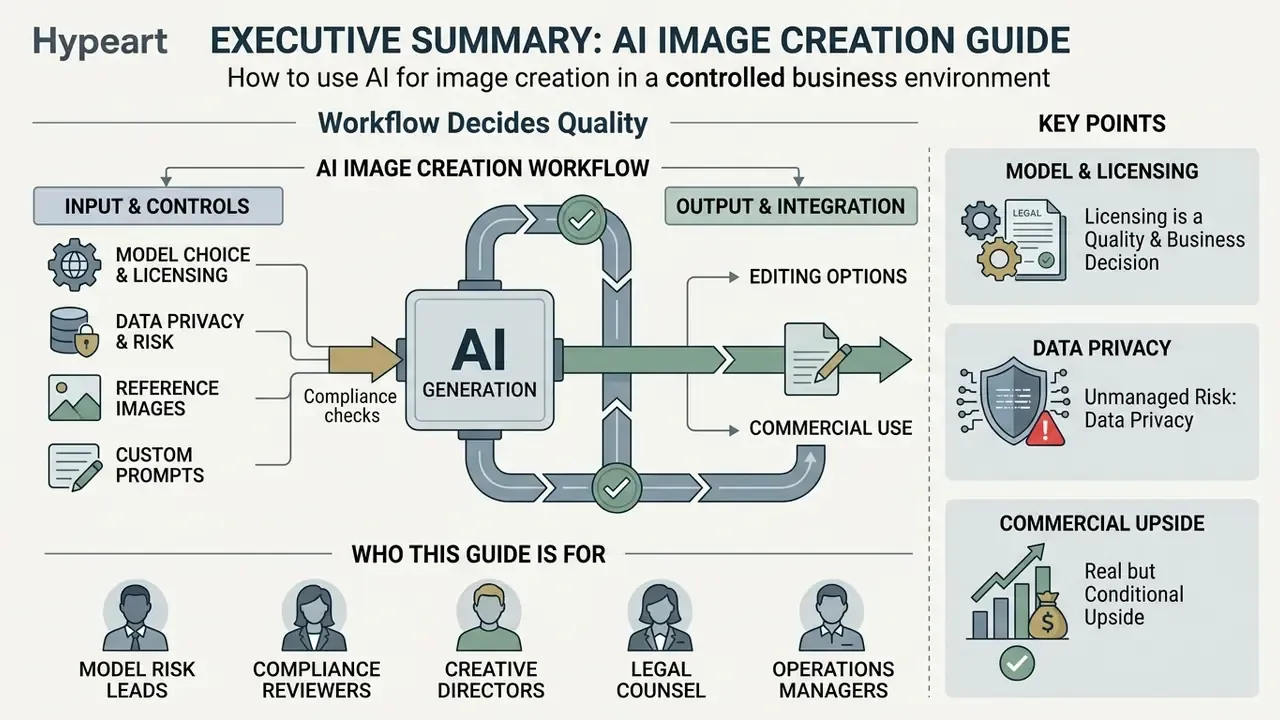
- The workflow, not the model, decides quality. Define the objective and channel format first, then choose a model, then write a structured text prompt in a fixed order (scene, subject, details, constraints). Two or three refinement rounds usually beat twenty random regenerations.
- Model choice is a licensing decision as much as a quality decision. DALL·E 3 assigns output rights to the user; Midjourney permits commercial use on paid tiers and requires Pro or Mega above $1M annual gross revenue; Adobe Firefly is trained on licensed and public-domain material and offers indemnification on paid tiers; Stable Diffusion and Flux.1 can be self-hosted for data-sensitive work.
- Data privacy is the biggest unmanaged risk. Uploading confidential reference material (unreleased packaging, internal dashboards, customer photography, financial mock-ups) into a consumer web generator is a Shadow AI incident, not a creative shortcut. Use enterprise tenants, API endpoints with no-training terms, or local deployments.
- Measured commercial upside is real but conditional. Field research reports higher click-through rates for AI generated images used in display creative, at a fraction of production cost, provided outputs are audited for artifacts, bias, trademark conflicts and likeness rights before publication.
Who this guide is for, and what it assumes
This is written for people who will have to defend the output later: model risk leads, compliance reviewers, brand owners, and the marketing operations team that actually presses the button. It assumes you already have a model inventory and a change-approval process, and that generative visuals need to fit inside them rather than run beside them. Where evidence is thin, the text says so. Audience assumptions here remain hypotheses until confirmed by analytics, interviews or verified customer research.
How AI image generation works
In one minute: you type a description, the model starts from a field of random visual noise, and it removes that noise step by step until the picture matches your words. Everything you control, from style and lighting to framing and exclusions, is a way of steering those denoising steps. If you only want to produce images today, jump to the step-by-step workflow below and come back to the architecture later.
AI image generation converts natural language or source visual inputs into synthetic images by reversing noise addition through learned probabilistic mappings in latent space. Modern platforms rely on advanced machine learning architectures that pair transformer-based language encoders with diffusion models.
Diffusion models operate through a two-stage process. Forward diffusion introduces Gaussian noise to an image; reverse diffusion iteratively removes noise to construct a new one. As documented in the NIST AI 100-4 Report (2024), diffusion architectures serve as the foundation for deployed text-to-image systems. A Variational Autoencoder (VAE) compresses images into a lower-dimensional latent space to cut computational overhead while preserving structural fidelity. A second family, autoregressive models, builds the image in chunks, predicting each region from what it has already drawn. That approach is typically slower and returns fewer candidates per request, yet it often renders text and spatial relationships more reliably.
In one illustrative enterprise deployment for a financial services client, an internal team built a controlled text-to-image pipeline with strict prompt filters. Asset creation turnaround dropped from four days to roughly twenty minutes, and all generated media stayed inside pre-approved regulatory boundaries. The deployment ran on an enterprise API tenant with no-training terms, a locked prompt template library, and automatic archiving of prompt, seed, model version and editor history for every published asset. Composite example, not a client reference.
«Diffusion pipelines are benchmarked with Fréchet Inception Distance, SSIM and PSNR, while human realism judgement remains the practical gold standard.»
FID correlates most closely with human perception of realism, which is why it is the primary automated screen in production QA. SSIM and PSNR then confirm that an edit preserved untouched regions. Combining text descriptions with latent noise reduction lets generative models balance semantic intent against high visual fidelity.
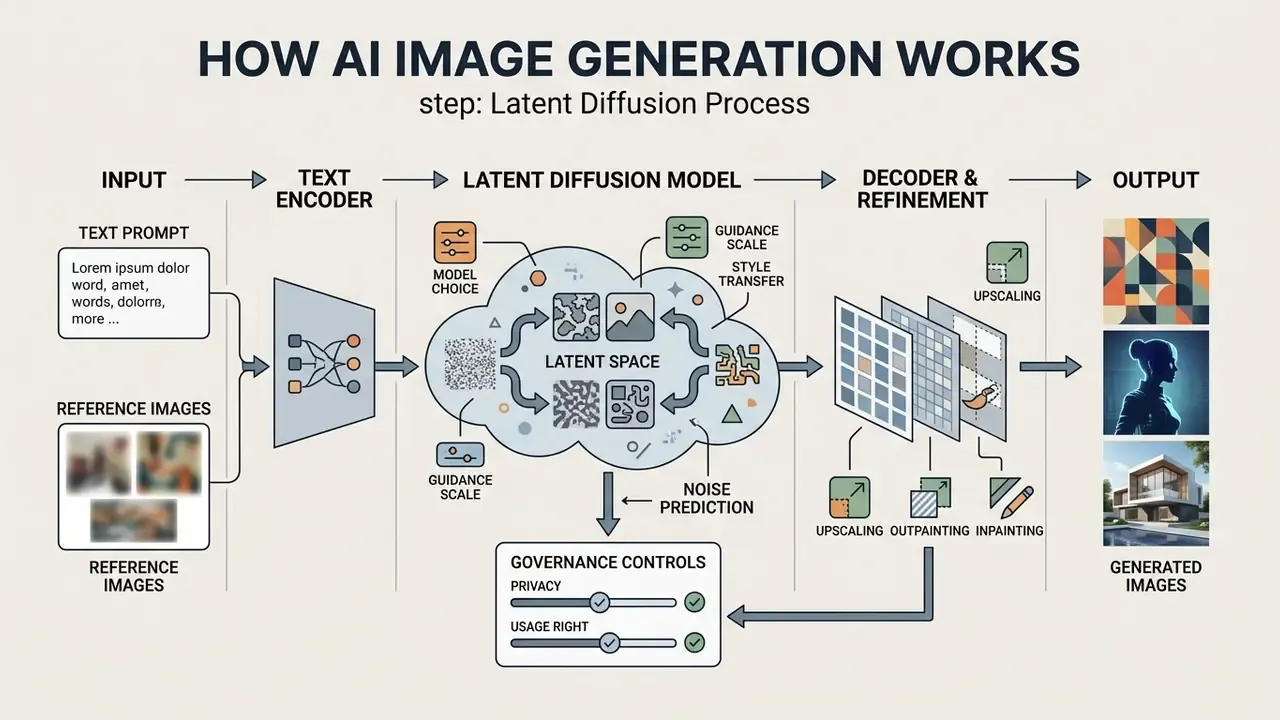
Text prompt → text encoder → token embeddings
↓ (cross-attention conditioning)
Gaussian noise in latent space → UNet denoising (N steps) → latent z0
↓
VAE decoder → high-resolution output image
Text-to-image: creating images from text descriptions
Text-to-image mechanisms translate written prompts into token embeddings using specialized text encoders such as BERT or CLIP. These embeddings condition the UNet denoising network through cross-attention, guiding latent noise toward coherent shapes, colors and compositions.
Research on generative AI pipelines shows that prompt specificity directly influences output quality. That sounds obvious. In practice, most disappointing results trace back to a one-line prompt.
«DALL·E 2, Midjourney and Stable Diffusion produce measurably better images when style, lighting and composition are stated explicitly.»
The broader survey literature supports the same mechanism. Text-to-Image Diffusion Models in Generative AI: A Survey (arXiv:2303.07909, 2023) reports that language conditioning shapes early structural denoising stages most strongly, while later iterations refine micro-details, textures and artistic styles. Practically, subject and composition wording belongs at the front of a prompt, and texture or grain modifiers can be added afterwards without destroying the layout.
Image-to-image: using photos and reference images
Image-to-image generation uses existing images or reference vectors as conditioning inputs to guide the composition, style or structure of a newly synthesized visual. This approach relies on adapters that preserve content while applying new artistic transformations.
Tools such as ControlNet preserve spatial geometry by extracting depth maps, line art or human poses from reference images.
«DiffStyler applies LoRA fine-tuning on a single style image and masked DDIM denoising to transfer style locally without altering the background.»
As noted in the Tencent AI Lab IP-Adapter Documentation (2023), image-prompt adapters inject visual features directly into cross-attention layers, enabling precise style transfer without altering the core diffusion backbone. Teams that need to transform existing photography rather than invent scenes from scratch should evaluate dedicated image-to-image generators alongside general text-to-image platforms. The same conditioning logic sits behind guides on how to create ai images of yourself, where identity preservation matters more than scene invention.
Choose the best AI image generator for your project
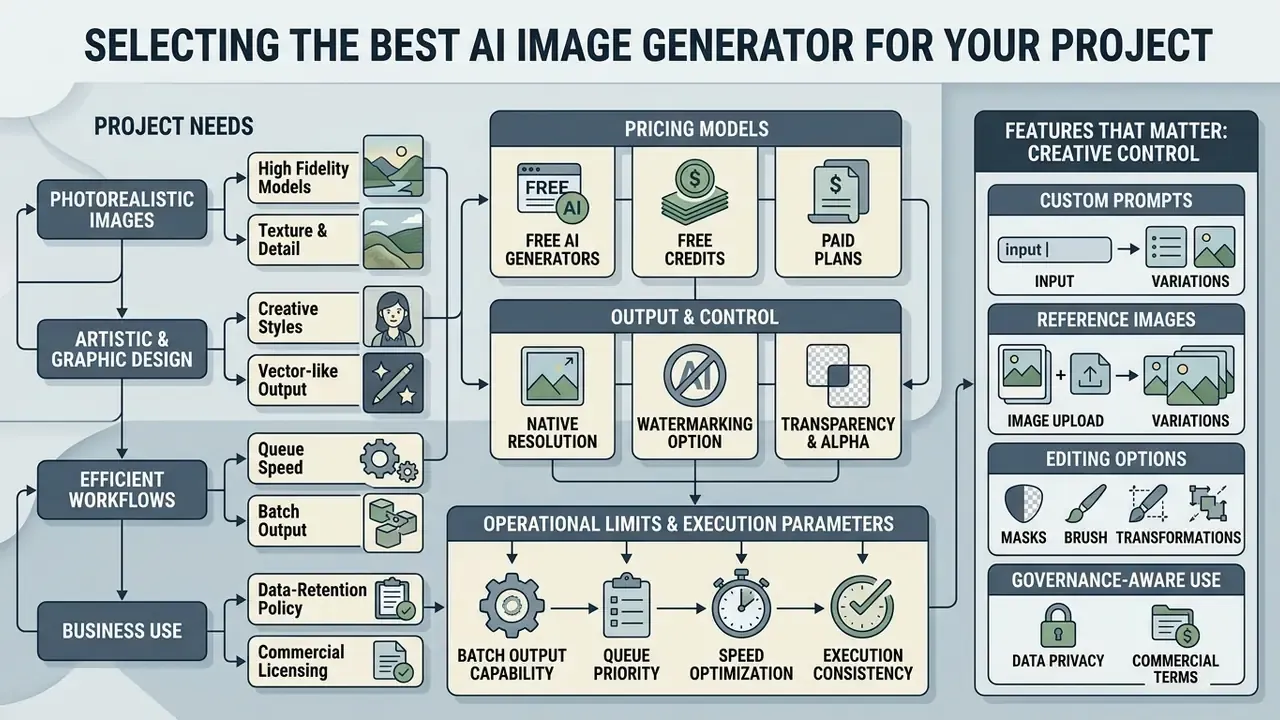
Choosing the best AI for creating pictures means matching required output fidelity, customization depth, editing controls, data-retention policy and commercial licensing terms against your operational constraints. Organizations must decide whether proprietary web interfaces or open-source local deployments fit their data security posture, and whether prompts and uploaded references feed model training.
| Tool | Underlying AI models | Custom text prompts | Reference / image-to-image support | Integrated editing tools | Free credits / access model | Observed quality in studies | Data privacy & enterprise security | Commercial-use terms |
|---|---|---|---|---|---|---|---|---|
| DALL·E 3 | Latent diffusion integrated with GPT-4o LLM | Full support via conversational refinement | Variations and editing via API endpoints | Inpainting and border extension | Limited trial credits; paid API tier | High semantic accuracy; top CTR performance in ad studies | API and enterprise tiers offer no-training commitments; consumer chat tiers vary by setting | Full user ownership for reprinting and sales |
| Midjourney v6 | Proprietary diffusion architecture | Advanced syntax with style parameters | Strong support for image prompts and blending | Region editing and web-based canvas zoom | Subscription required; no permanent free tier | Superior aesthetic depth and photographic realism | Public galleries by default on lower tiers; Stealth mode requires Pro/Mega | Permitted on paid plans; Pro/Mega required above $1M gross revenue |
| Stable Diffusion XL / 3.5 | Open-source latent diffusion with VAE | Sensitive syntax requiring detailed modifiers | Extensive support via ControlNet and LoRA | Deep community UI tools for inpainting and outpainting | Free local execution; cloud credits vary | High structural flexibility; variable default fidelity | Best-in-class: fully self-hosted, air-gapped deployment possible | Governed by license check-points; self-hosted privacy |
| Adobe Firefly 2 | Proprietary diffusion trained on licensed stock | Optimized for design and visual workflows | Reference uploads for layout and style match | Generative fill, vector tools, and layer isolation | Free daily generative credits; Creative Cloud plans | Commercial-safe output; consistent corporate aesthetics | Enterprise agreements with content-credential provenance; no training on customer assets | Explicit commercial indemnification for paid tiers |
| Google Imagen 2 / Nano Banana Pro | Diffusion with Gemini multimodal alignment | Nuanced text adherence via LLM parsing | Reference guidance in enterprise Vertex AI | Contextual brush edits and background fills | Limited public credits; cloud API pricing | High realism and accurate spatial rendering | Vertex AI offers VPC-SC, regional data residency and no-training defaults | Governed by Google Cloud enterprise terms |
| Flux.1 (Schnell / Dev / Ultra) | Open-weights flow-matching transformer by Black Forest Labs | High adherence to complex multi-subject prompts | Image-to-image and depth conditioning | Supported via Fal.ai, Replicate, and local WebUIs | API-based pay-per-image; free access via web demos | Top-tier photorealistic rendering and typography adherence | Open weights allow on-premise inference; hosted endpoints follow provider terms | Commercial rights permitted on paid/commercial API tiers |
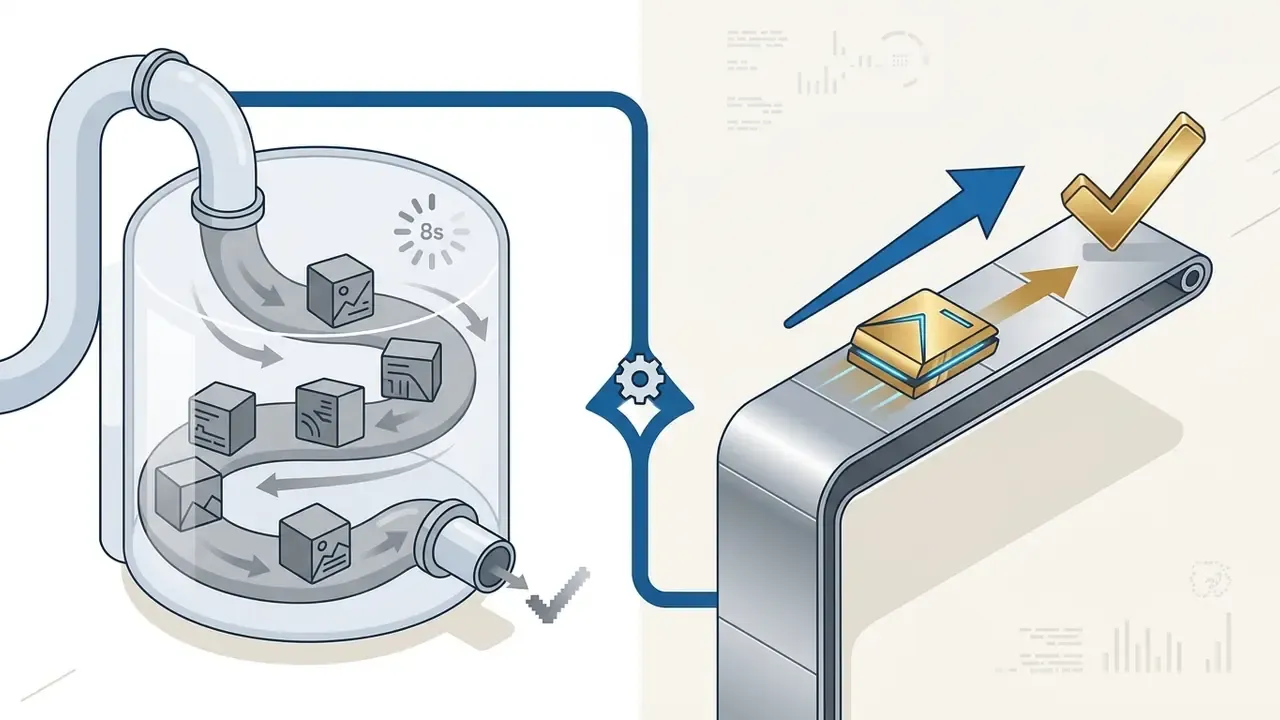
| ByteDance Seedream (3.5 / 5.0) | Multi-modal autoregressive and diffusion hybrid | Fast execution with prompt auto-enhancement | Multi-reference image support (up to 3 images) | Style consistency sliders and resolution upscaling | Free tiers available on web platforms (e.g., Raphael AI) | High processing speed (~8s generation); strong stylized outputs | Third-party hosts vary; verify retention policy before uploading references | Commercial deployment available under standard platform terms |
«Across 10,320 synthetic and 2,400 human-made images with 254,400 evaluations, DALL·E 3 exceeded human banner CTR by more than 50% at 225× lower production cost.»
That cost delta is the core commercial argument for generative visuals. It only holds when the chosen tool's licensing and privacy terms match the intended channel. Teams narrowing a shortlist can cross-check feature depth against a side-by-side review of the best AI image generators, browse the wider AI Media Comparison hub, and sanity-check vendor claims against published AI Media Benchmarks and Review Proof. Head-to-head evaluations such as Midjourney versus competing generators are useful for the aesthetic question specifically.
Free AI image generators, free credits and paid plans
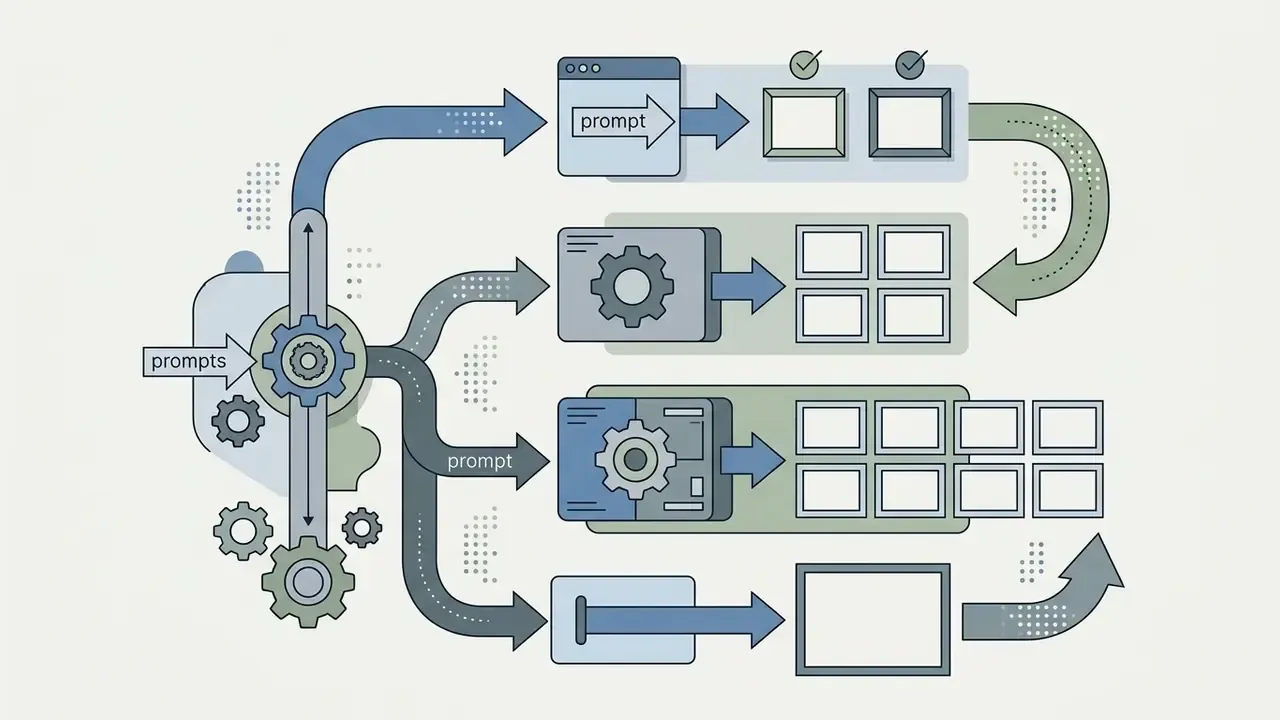
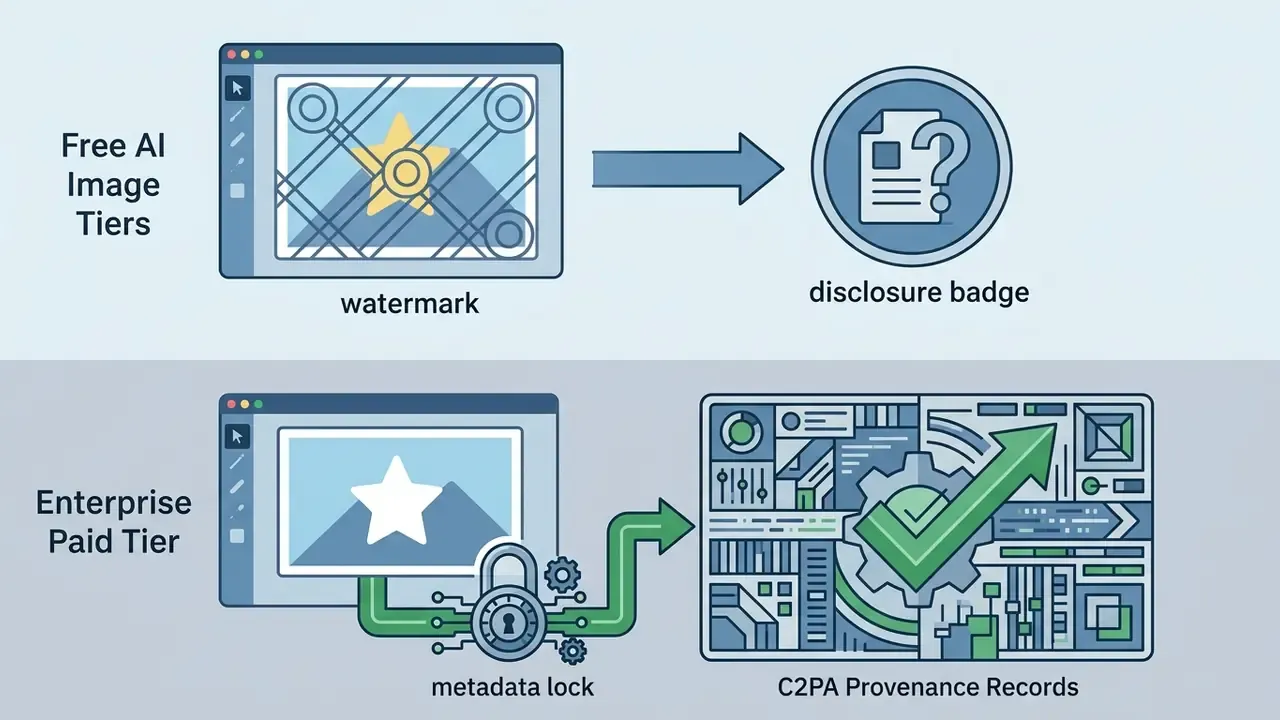
Free AI image platforms run on recurring daily or monthly credit allocations. Paid enterprise subscriptions add dedicated compute, advanced privacy controls and full commercial usage rights. Platforms offering an actually free ai image generator usually apply operational limits to prompt frequency, batch size, resolution and watermarking rather than blocking access outright, a pattern visible directly in published vendor documentation.
Microsoft Copilot and Bing Image Creator, for instance, offer a fixed number of fast generations (commonly 10 "boosts") that revert to standard-speed processing once depleted, while standard-mode creation continues without a hard cap. Canva provides free tiers with monthly credit caps that reset at the start of each calendar month, reserving expanded generative allowances for paid subscribers. Adobe Firefly grants free monthly generative credits to any Adobe ID holder, returning four image options per prompt. Anyone evaluating a generator free model must verify whether zero-cost tiers restrict commercial monetization; several free platforms explicitly limit output to personal, non-commercial use and grant commercial rights only on paid plans. A comparison of free AI image generators and free AI art generators is the fastest way to see where those thresholds sit. If the finance team wants unit economics before approval, model credit burn per campaign with the calculators rather than guessing.
Operational limits and execution parameters matrix
AI models for photorealistic images, art and graphic design
Specialized image generation models are architectural variants tuned for camera-like photorealism, vector graphics, typography rendering or expressive digital art styles. Picking the right variant prevents visual artifacts in technical design assets.
Adobe Firefly separates raster synthesis from vector generation, offering scalable SVG icons, patterns and scene-level vector art that import cleanly into Illustrator text-to-vector workflows. Recraft V3 and Recraft V4.1 focus on integrated typography, letting graphic designers generate crisp text, wordmarks and logo lockups inside a composition. Midjourney v6 and Flux models excel at realistic lighting and organic human features: Flux Schnell prioritizes speed, Flux Dev balances speed and fidelity, and Flux Dev Ultra targets maximum detail for hero imagery.
«Midjourney v6.0 scored highest on aesthetics, while DALL·E 3 led on anatomical detail (p < 0.001 versus Stable Diffusion 2.0).»
That split matters operationally. Aesthetic leadership and technical accuracy are not the same benchmark, so illustration, medical or engineering visuals need validation separately from brand imagery. For stylized and illustrative output, a comparison of AI art generators covers style control and licensing side by side.
Features that matter: prompts, editing and creative control
The evaluation features that actually change daily work are custom aspect ratios, negative prompts, prompt-adherence weighting, seed locking, and integrated inpainting or outpainting. Together they let operators precisely control visual outcomes without regenerating entire compositions.
Negative prompts instruct the diffusion model to exclude unwanted elements: visual clutter, watermarks, anatomical distortions. An ECCV 2024 study confirmed that negative prompting measurably changes generated content and supports object inpainting with minimal background disturbance.
«NIST's GenAI evaluation programme treats prompt adherence as a formal evaluation target for image generators, alongside other quality dimensions.»
Governance teams should map platform features to AI RMF functions, that is Govern, Map, Measure and Manage, so prompt adherence, spatial control and output logging are tracked as measurable controls rather than creative preferences. The same discipline you would apply to how to create ai agents applies here: defined owner, approved role, logged behaviour.
Data privacy, Shadow AI and enterprise containment
Generative image tools open a data-exfiltration path that classic DLP rules rarely cover: the reference image upload field. Every uploaded asset, whether an unreleased product render, a redacted client statement, a screenshot of an internal dashboard or an employee headshot, leaves the controlled environment the moment it is attached to a consumer prompt.
What must never be uploaded to a public, consumer-tier generator
- Customer or employee photographs and any biometric-adjacent imagery.
- Screenshots containing account numbers, positions, balances, PII or internal system UIs.
- Unreleased packaging, patent-pending industrial design, or embargoed campaign creative.
- Documents, contracts or regulatory filings used as "style references".
- Brand assets under third-party licence where sublicensing is not permitted.
Containment patterns, in order of control strength
- Self-hosted open weights(Stable Diffusion XL/3.5, Flux.1 Dev): inference stays inside the network perimeter, and brand style can be encoded in a local LoRA instead of an uploaded reference file.
- Enterprise cloud with data-residency controls(Vertex AI with VPC service controls, Azure-hosted OpenAI endpoints): contractual no-training terms plus regional processing.
- Enterprise or team tiers of managed tools(Firefly for enterprise, ChatGPT Enterprise): no training on customer content, admin-level retention settings, SSO and audit export.
- Consumer web tiers: acceptable only for non-confidential, text-only prompts with no proprietary reference uploads.
Shadow AI controls that work in practice: publish a short allow-list of approved generators; block unapproved domains at the proxy for staff handling regulated data; require that all published assets originate from a logged, approved workspace; and run quarterly reviews of vendor terms, because retention and training defaults change without notice. Check the gallery-visibility default too. On several platforms, lower-tier subscriptions publish prompts and outputs publicly unless a private or stealth mode is purchased. One overlooked setting, one unintended disclosure.
How to use AI to create images step by step
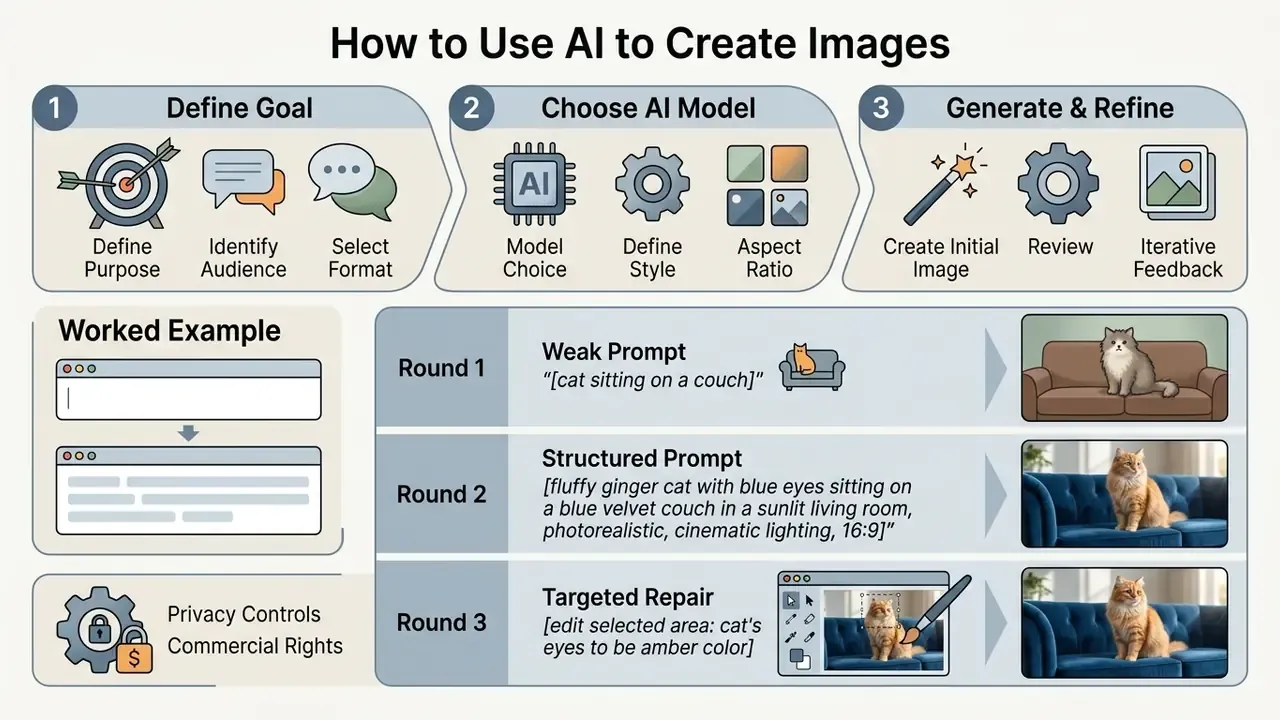
Creating high quality images systematically means defining visual intent, selecting a suitable model, engineering a structured prompt, configuring generation parameters, reviewing variations, and refining outputs. A standardized workflow keeps compute costs predictable and quality consistent.
Goal & channel → Platform/model choice → Structured prompt →
Style, aspect ratio, negative prompt → Generate batch →
Audit for artifacts → Inpaint / outpaint / upscale → Export & log
- Define objective and format: determine channel requirements, visual style and target audience.
- Select platform and model: choose an AI image generator based on fidelity, privacy and licensing needs.
- Construct a structured prompt: write a text prompt detailing subject, environment, lighting and composition.
- Configure parameters: set aspect ratio, style presets, batch size, seed behaviour and negative prompt boundaries.
- Execute generation: click generate to produce an initial candidate set of visuals.
- Audit and edit: review outputs for technical defects, then apply generative fill or inpainting corrections.
- Export the final asset: download high-resolution files for digital publication or print, and record prompt, seed, model version and edit history.
Define the purpose, audience and visual format
Before generating imagery, align format and style with the distribution channel, regulatory compliance guidelines and audience expectations. Requirements for corporate blog posts differ sharply from high-converting ad creative.
Practitioner frameworks summarised in Harvard Business Review digital practice reporting (2024) and the IAB Generative AI Playbook for Advertising recommend that AI generated images used in public channels carry clear channel-level labelling and align with existing brand guidelines, colour schemes and approved product photography. Sticking to established palettes and typography maintains corporate identity across distribution platforms, while disclosure practice keeps campaigns aligned with transparency expectations in the EU and several US states. If those assets will later be embedded in a landing page or an email, it helps to know how to create a url for an image so hosting and tracking are handled once, not per campaign.
Select a model, style and aspect ratio before generation
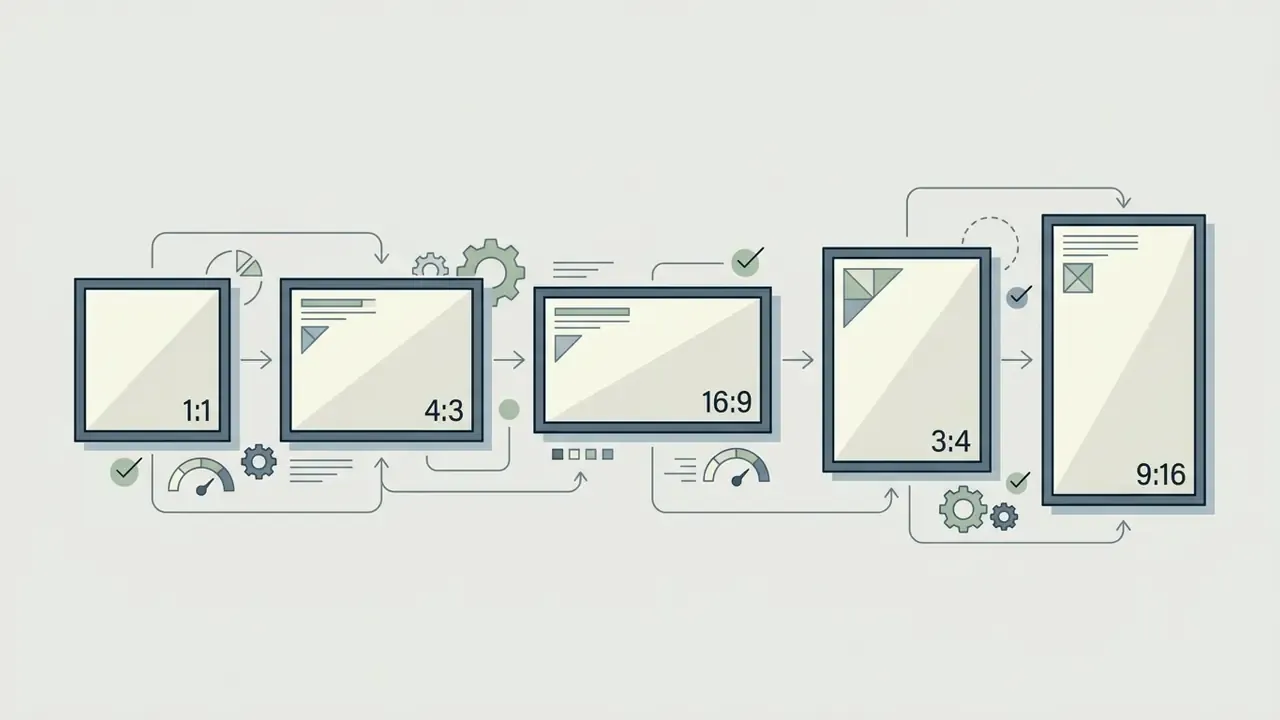
Pre-generation configuration means choosing a model tuned for the task, specifying colour and lighting parameters, and fixing the aspect ratio to prevent spatial distortion. Setting ratios early prevents awkward cropping later.
Standard ratios include 16:9 for landscape website banners and slide decks (1920×1080 px), 9:16 for mobile social stories, 4:5 for feed portraits, and 1:1 for square grid posts. Most platforms default to 1:1 when no ratio is stated, so declare it explicitly even when a reference image is attached. Defining parameters such as soft studio lighting, muted colour palettes or isometric perspectives before running a prompt pushes the model toward professional quality output.
Generate, review and improve the selected image
Refinement means generating an initial batch, auditing for visual artifacts or anatomical defects, and running targeted prompt iterations. Generate three to four candidates per seed to assess prompt stability.
«Reinforcement-learning-based iterative prompt optimisation reaches an optimal semantic-aesthetic balance within two to three refinement rounds.»
Most gains arrive early, so a disciplined two-to-three-round loop is cheaper and far more predictable than open-ended regeneration. Artifact-localisation research (Perceptual Artifacts Localization for Image Synthesis Tasks, ICCV 2023) supports the targeted approach: identify the defective region, then regenerate only that region. Spotting localized defects early lets operators fix hands, background distortion or lighting misalignment with an image editor instead of restarting from scratch.
Worked example: prompt, result, correction
A single end-to-end pass shows how the loop behaves in production.
Round 1, weak prompt: businesswoman with tablet, hyperrealistic, 8K, best quality
Result: generic stock-like framing, flat overhead lighting, distorted left hand, unreadable text on the tablet screen, 1:1 crop unusable in a 16:9 hero slot.
Round 2, structured prompt:
Editorial photograph of a financial services executive reviewing an analytics dashboard on a tablet, medium shot, rule of thirds, 50mm prime lens, f/2.8, shallow depth of field, soft natural morning window light with subtle fill, cool blue and neutral grey palette, modern glass-walled office background, 16:9 --no text overlay, watermark, extra fingers, harsh flash, oversaturated colours
Result: correct framing and lighting, brand-consistent palette. But the tablet screen still renders garbled glyphs, and a stray chair appears at the frame edge.
Round 3, targeted repair rather than regeneration: mask the tablet screen and inpaint with clean minimalist bar-chart dashboard, blue accent, no legible text; mask the chair and inpaint with empty polished concrete floor; lock the seed so composition and lighting stay identical; outpaint 12% on the left edge to gain safe-area headroom for a headline; upscale to 2K for publication.
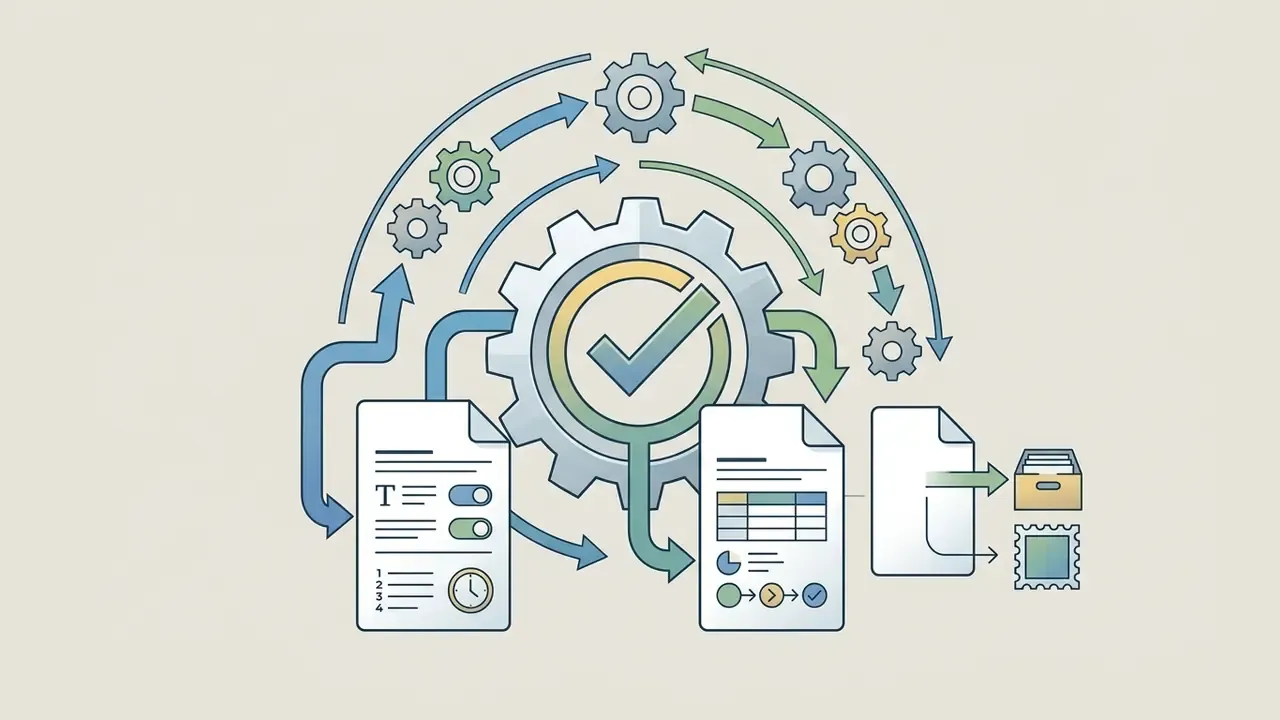
Log entry: prompt text, negative prompt, seed, model version, three inpaint masks, outpaint ratio, upscale factor, reviewer initials. That record is what later substantiates human creative control.
Write AI image prompts that produce better results
Writing effective custom prompts means organizing syntax into structured components: scene context, main subject, technical detail, lighting, and explicit negative constraints. Vague buzzwords weaken control; precise wording strengthens it.
The official OpenAI prompt engineering guide and the Google Vertex AI image prompt guide both recommend structured text blocks, short labelled segments or line breaks in a consistent order, over unstructured keyword lists. Clear ordering prevents critical instructions from being overwritten during the latent denoising sequence.
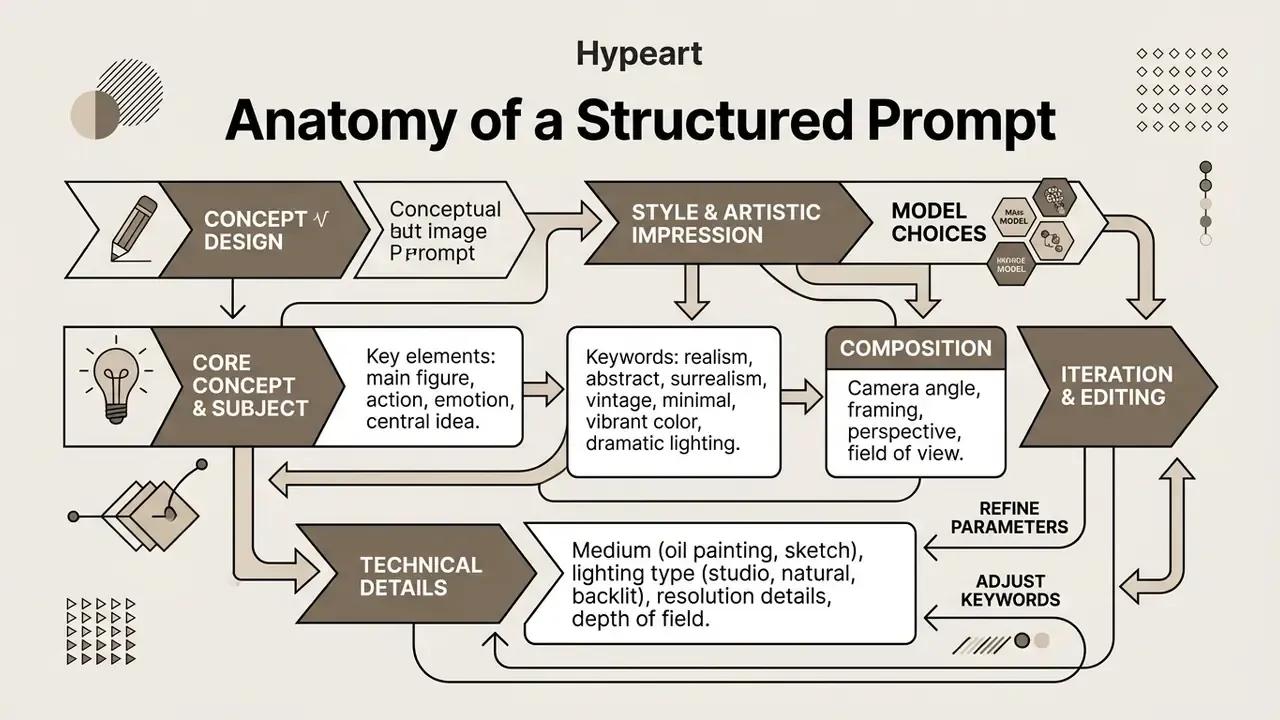
[SCENE] glass-walled office, morning
[SUBJECT] executive reviewing analytics dashboard on tablet
[COMPOSITION] medium shot · rule of thirds · 16:9
[TECHNICAL] 50mm prime · f/2.8 · shallow DoF
[LIGHT] soft window light + subtle fill · 5000K
[COLOR] cool blue · neutral grey · high dynamic range
[NEGATIVE] text overlay, watermark, extra fingers, harsh flash
Build a prompt from subject, style and composition
A foundational prompt formula combines five core elements: primary subject, artistic style, composition angle, lighting scheme and colour palette. Start with a simple prompt, then add slots one at a time.
- Subject a corporate executive reviewing analytical financial dashboards on a tablet.
- Style modern editorial photography, clean aesthetic.
- Composition medium shot, shallow depth of field, rule of thirds.
- Lighting soft natural morning window light with subtle fill.
- Colour palette cool blue tones, neutral grey accents, high dynamic range.
Vendor templates converge on the same skeleton with one or two extra slots. Adobe Firefly documents [Style] image of [subject], [composition/angle], [lighting], [color palette], [mood], [additional details]; Runway's Gen-4 guide lists Subject, Scene, Composition, Lighting and Color; Luma's guide adds a Quality slot. Reuse one template per asset family so results stay comparable across a campaign and eye catching visuals do not drift into inconsistency.
Add details that improve quality and prompt adherence
Prompt adherence and photorealism improve with precise technical terminology, lens specifications, lighting angles, material textures, rather than hype adjectives. Words like "hyperrealistic" or "8K" give weaker control than explicit camera settings. That surprises people. It shouldn't: the model has seen far more captioned lens data than it has seen the word "best".
«NeuroPrompts automatically enriches user prompts through language-model fine-tuning with PPO, raising the aesthetic scores of generated images.»
Borrowing terms from ISO 10110-1 optics notation ("50mm prime lens, f/2.8 aperture") or ISO 3664 viewing conditions ("controlled 5000K diffuse illumination") produces predictable lighting and depth-of-field effects. Reflection-density terminology from ISO 5-4 ("all-azimuth illumination", "directional light", "surface reflection") and areal surface-texture vocabulary give the model unambiguous material cues. Specific surface descriptions steer latent diffusion models toward realistic rendering.
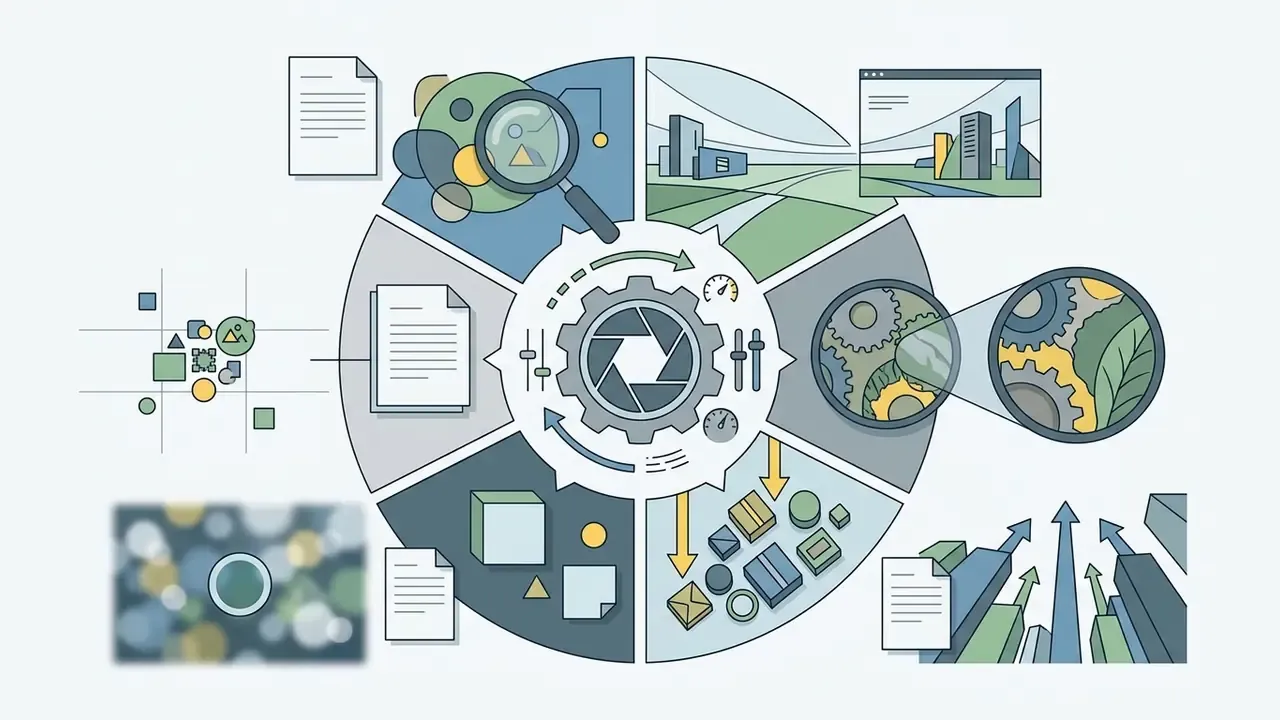
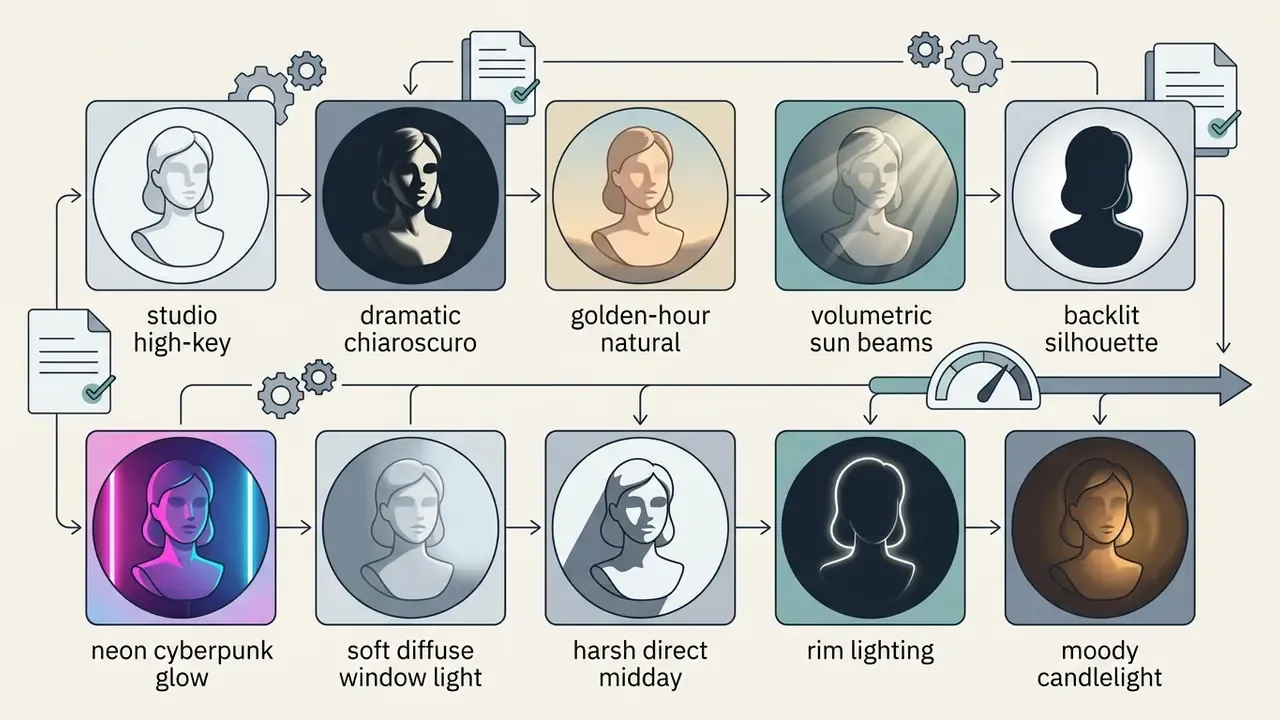
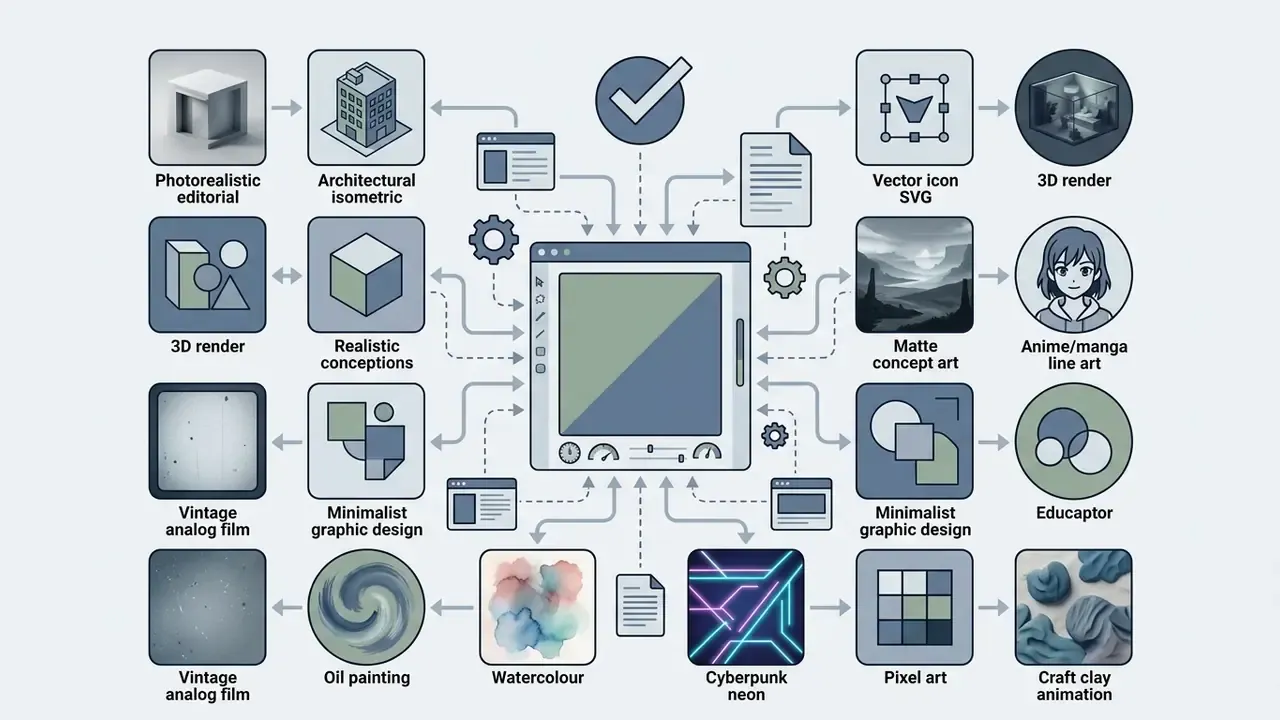
Quick reference matrix for high-adherence prompting
Combining one item from each list produces a repeatable, auditable prompt grammar. It is the same mechanism competitor UIs expose as dropdown presets, expressed as text you can version-control.
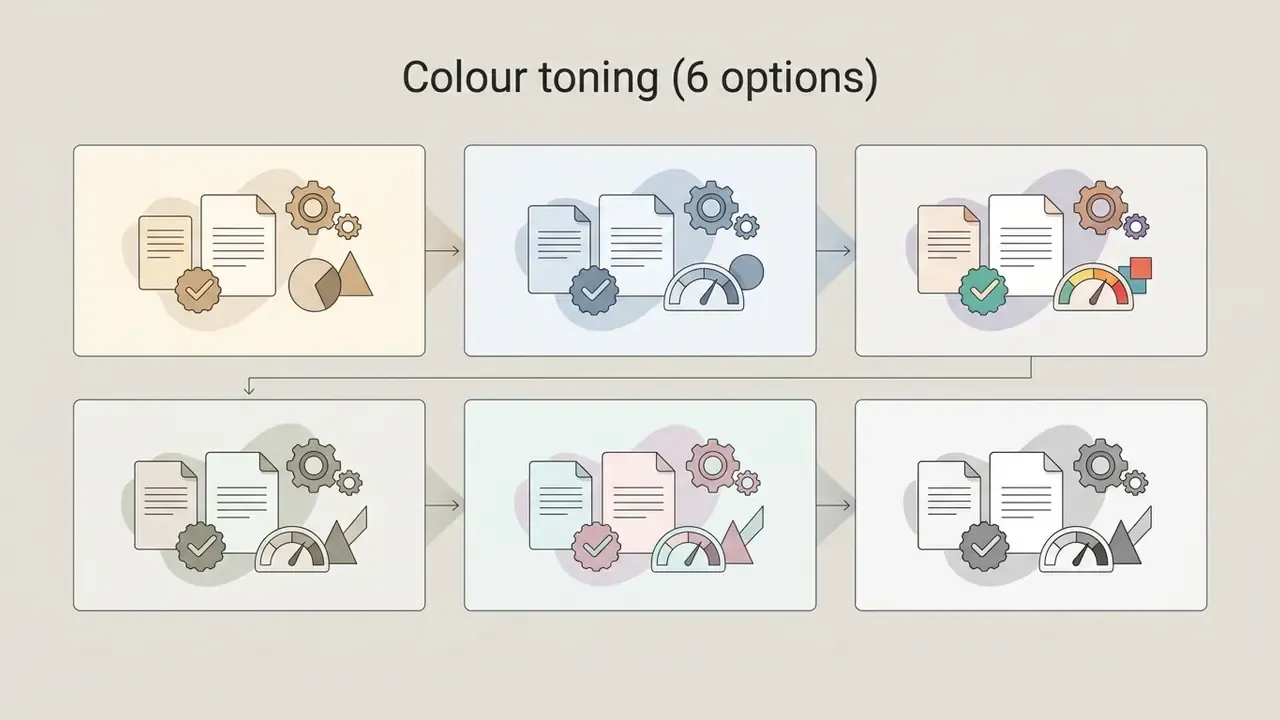
Iterate with variations instead of rewriting from scratch
Refining generated visuals works best when you adjust a single prompt variable or generate variations from a chosen seed. Create images in stages. Complete rewrites destroy the composition elements that earlier iterations earned.
«Prompt-embedding manipulation adjusts style metrics without full regeneration, preserving successful composition elements.»
Platforms like Recraft offer exploration modes that lock structural seeds while testing subtle style variations, and explicitly advise continuing from the closest existing result rather than starting over. InvokeAI documentation recommends a Seed per Iteration comparison: generate a small controlled set, then branch only from the strongest candidate. CapCut and InvokeAI workflow docs both suggest changing one parameter per iteration, such as background atmosphere, crop or subject lighting, to keep the creative direction under control.
Customize and edit AI-generated images
Post-generation customization relies on image-to-image reference conditioning, targeted generative fill and localized retouching to maintain visual coherence. Built-in editor tools allow fine-grained adjustments without touching undamaged regions. Where the platform's native editor is limited, a dedicated AI photo editor or a conventional online photo editor completes the pass.
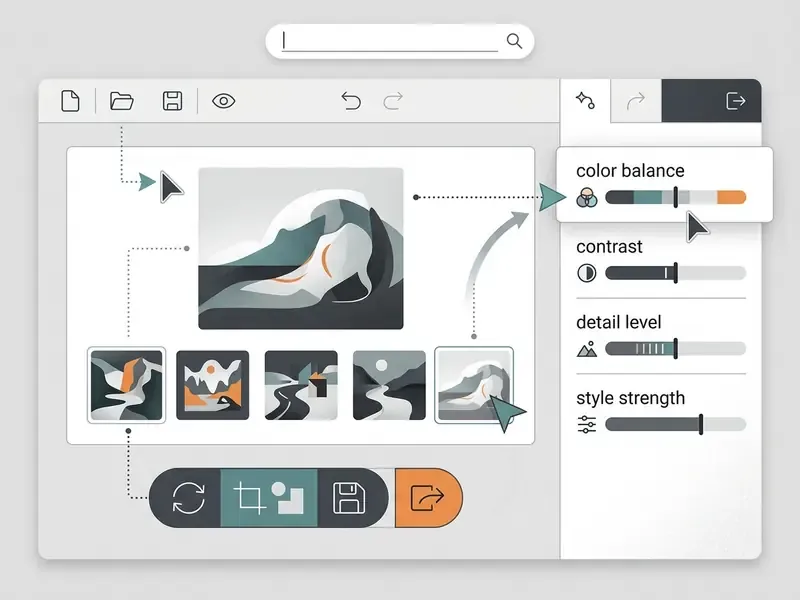
① Reference image upload zone (style / character / composition slots)
② Inpainting brush + mask opacity
③ Aspect-ratio and outpaint edge handles
④ Style strength slider, colour/tone controls
⑤ Prompt field with negative-prompt sub-field
Use reference images to preserve visual direction
Reference images preserve visual continuity by acting as separate structural, stylistic or character anchors across multiple generations. Dedicated reference inputs prevent brand drift across multi-asset campaigns.
«Style-Diffusion frames style transfer as a Schrödinger bridge problem, letting the stylisation degree be tuned by a parameter φ without distorting semantics.»
Platform documentation distinguishes three reference roles that should never be collapsed into one image. Style references transfer look, palette and texture. Character references preserve facial geometry and identity. Composition references fix framing, pose and object placement, the role ControlNet and IP-Adapter conditioning typically fill. Adobe's Generative Match exposes this as a reference gallery plus a Style Strength slider for colour, tone, lighting and composition, while Vertex AI Imagen accepts one or more reference images addressed by referenceId. Keeping those inputs separate ensures a style update does not break character continuity. For portrait-led campaigns, purpose-built AI headshot generators handle identity consistency more reliably than general prompts.
Edit backgrounds, objects and missing details with AI
Inpainting and generative fill let creators select specific regions to replace backgrounds, remove artifacts or insert missing elements using text guidance. Mask-based editing confines neural re-rendering strictly to the masked pixels, which is why exemplar-based inpainting is defined as filling a selected target region from surrounding image content.
In Adobe Photoshop Generative Fill, operators select a region with a brush and enter a targeted prompt such as "add minimalist wooden desk"; leaving the prompt blank asks the model to infer the fill from context. This localized approach suits commercial product shots, since main branding assets stay completely untouched. When the frame is too tight for a channel, expanding images with AI through outpainting adds safe-area headroom without re-shooting or regenerating the subject.
Use AI-generated images for business and marketing
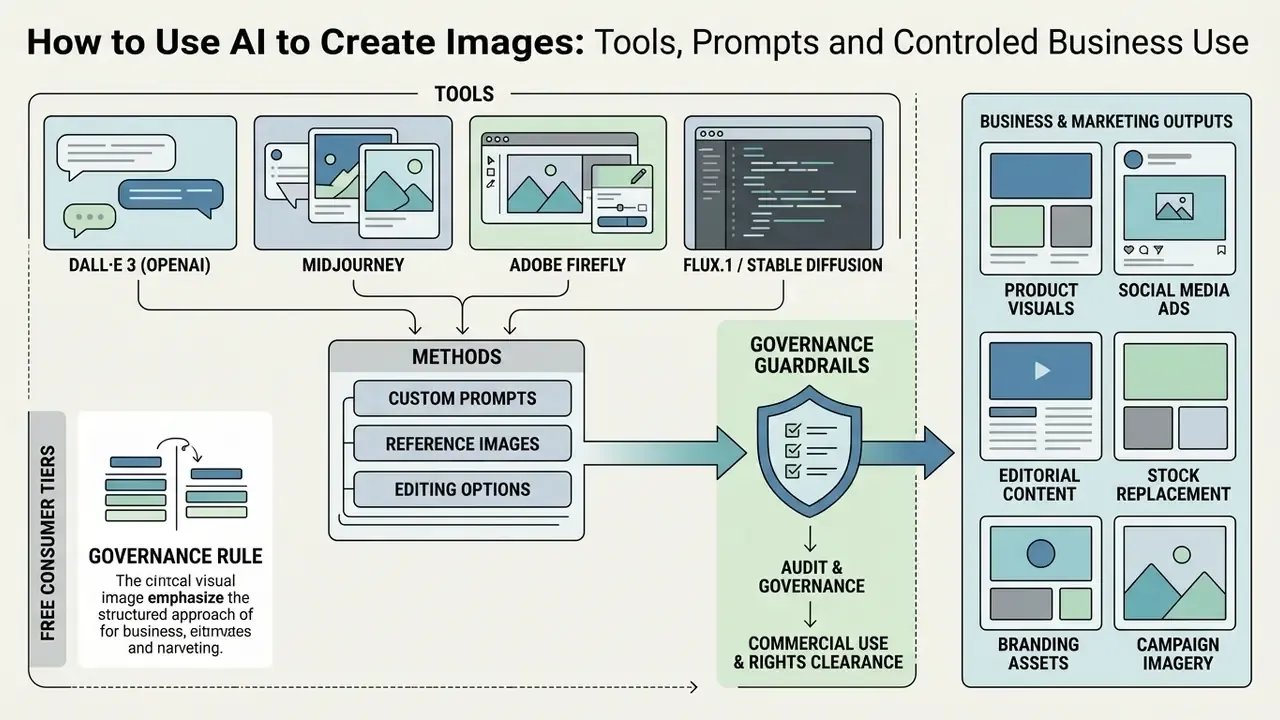
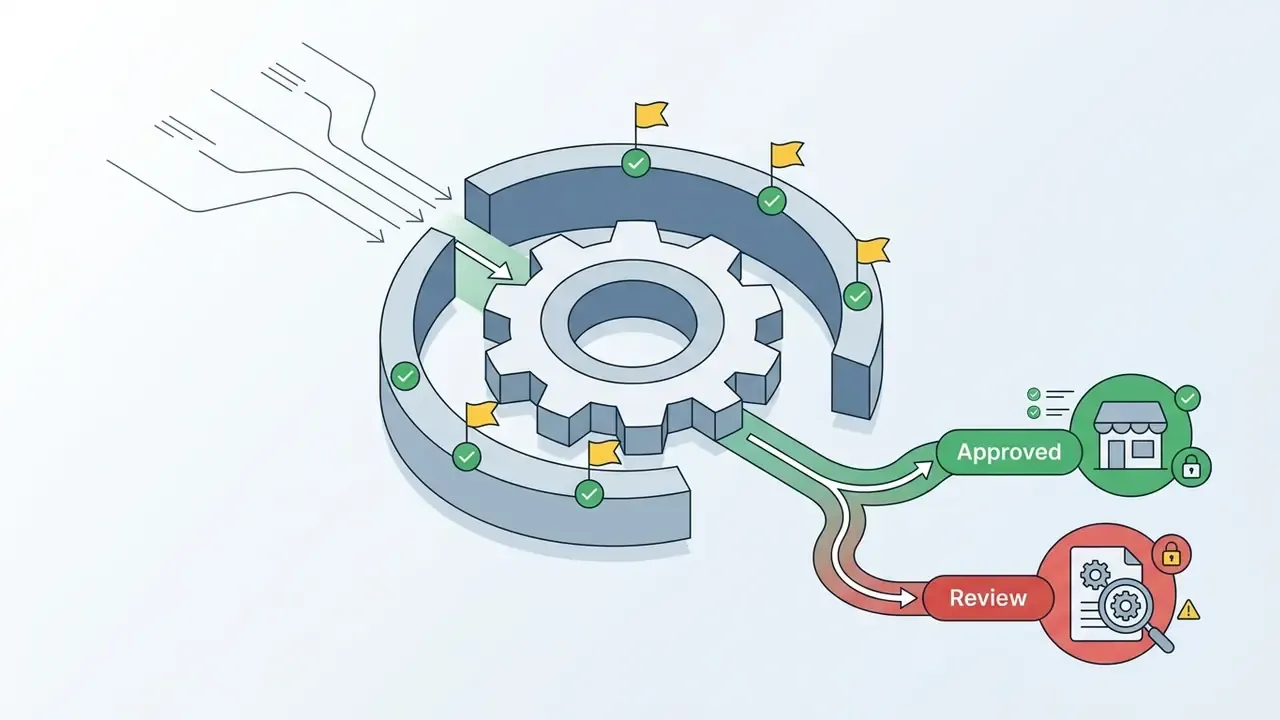
Integrating AI generated images for business accelerates creative throughput and lowers production cost, provided governance and copyright verification frameworks are applied. Assets deployed in commercial campaigns must pass risk management review, and the commercial-use terms of AI image generators should be cleared before a single asset enters a media plan. Broader category guidance sits in the AI Media Commercial-Use hub.
Audit and governance guardrails: commercial use and rights clearance
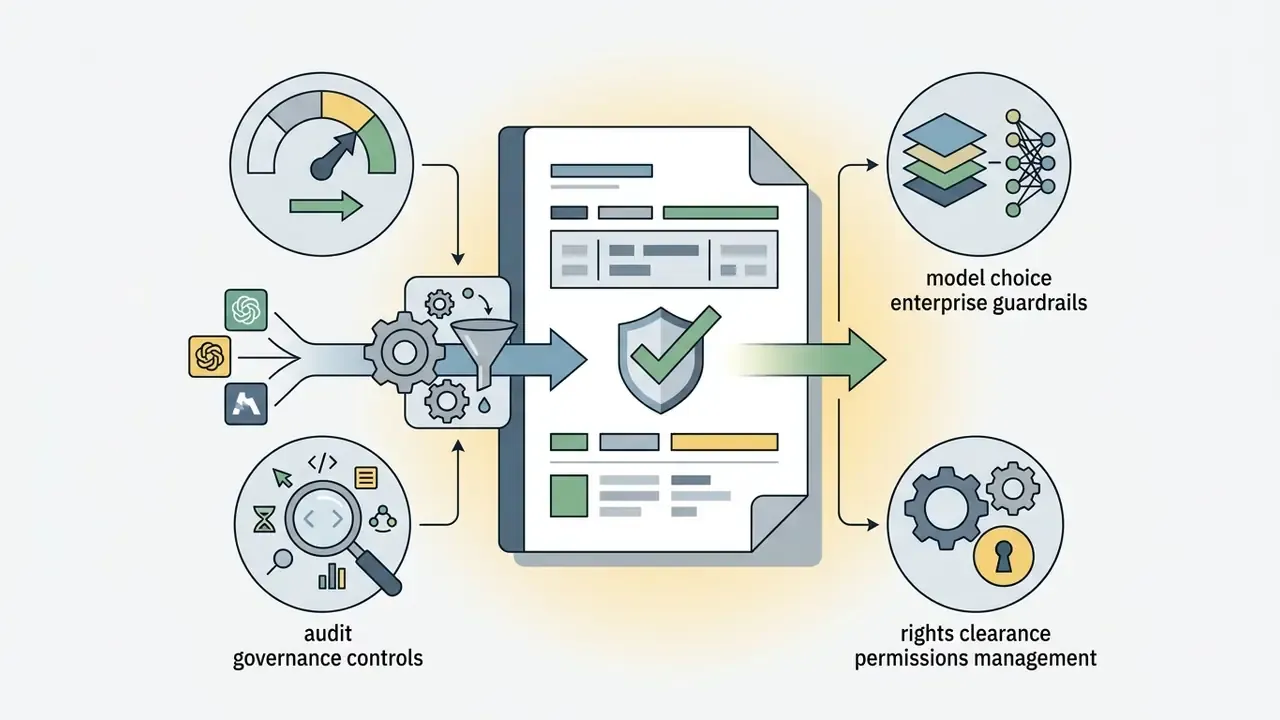
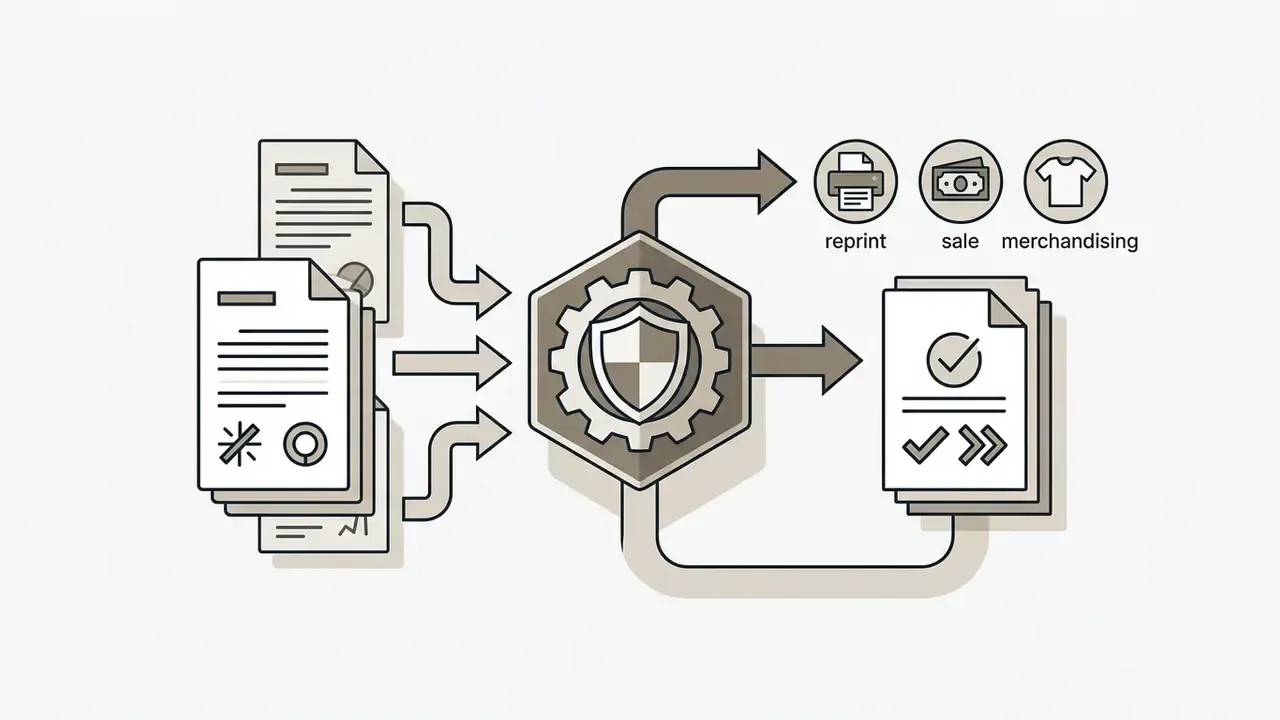
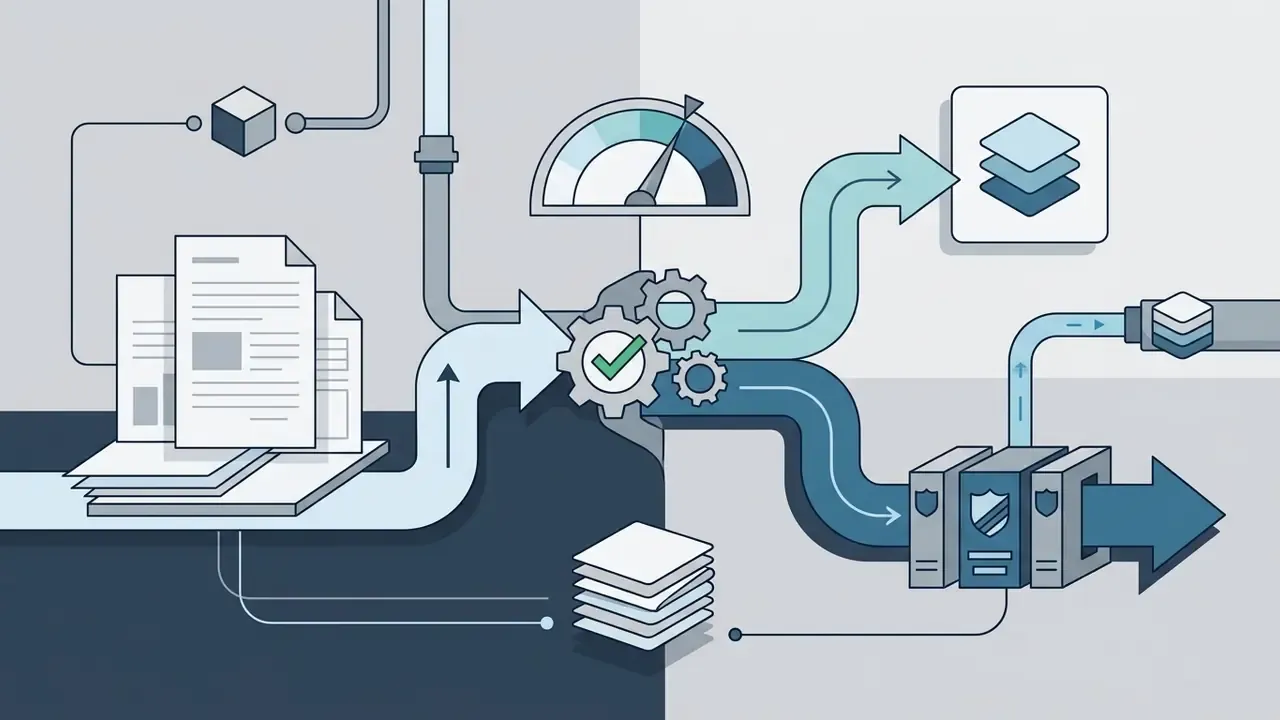
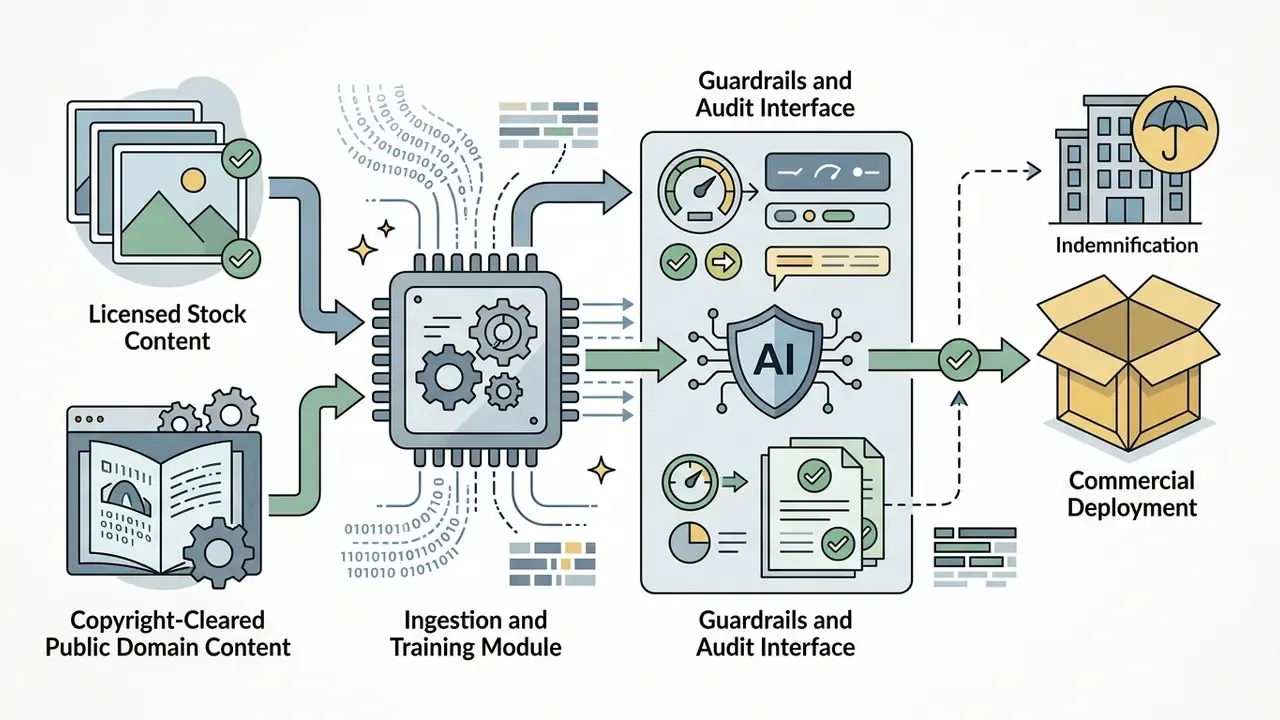
«Analysis of AI-generated human imagery revealed imbalances across gender, race and age, creating reputational and regulatory exposure for brands.»
Representation screening therefore belongs in the same review gate as artifact checks. Sample outputs across demographic prompts, document the distribution, and correct with explicit prompt constraints instead of assuming the model's defaults are neutral.
An illustrative fintech marketing group built structured generative image workflows to produce compliant digital ad banners across six European markets. Working on an enterprise tenant with no-training terms, the team used pre-cleared model templates, a locked brand palette, a single style reference per product line, and complete edit logs for every published variant. Reported outcome: roughly 60% lower campaign asset costs while meeting internal risk standards and passing an external marketing-compliance audit without remediation findings. Composite illustration, not an audited client result.
«AI-generated banners achieved a mean CTR of 0.76% versus 0.65% for human-made ads (χ²(1, N = 369,533,326) = 13,641, p < 0.001).»
Empirical field research published in Marketing Science (2024) points the same direction: ad visuals produced with DALL·E 3 delivered click-through gains over conventional stock photography while cutting unit asset cost sharply.
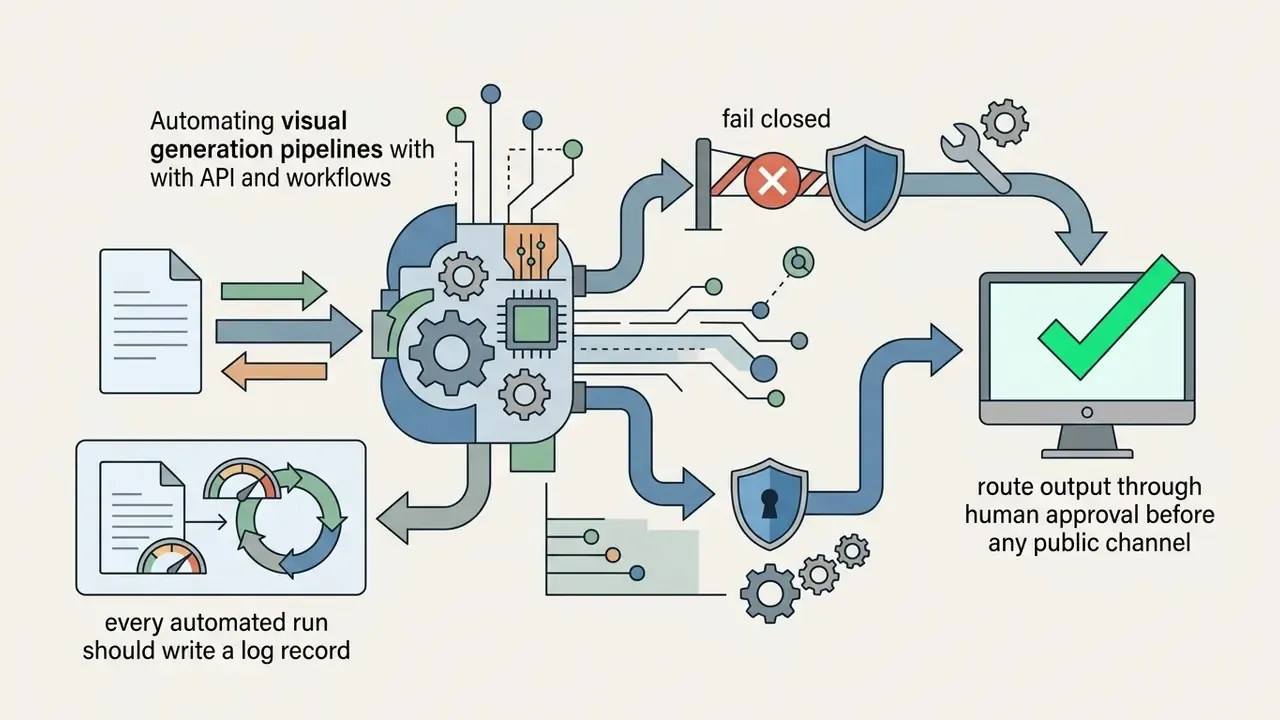
Automating visual generation pipelines with API and workflows
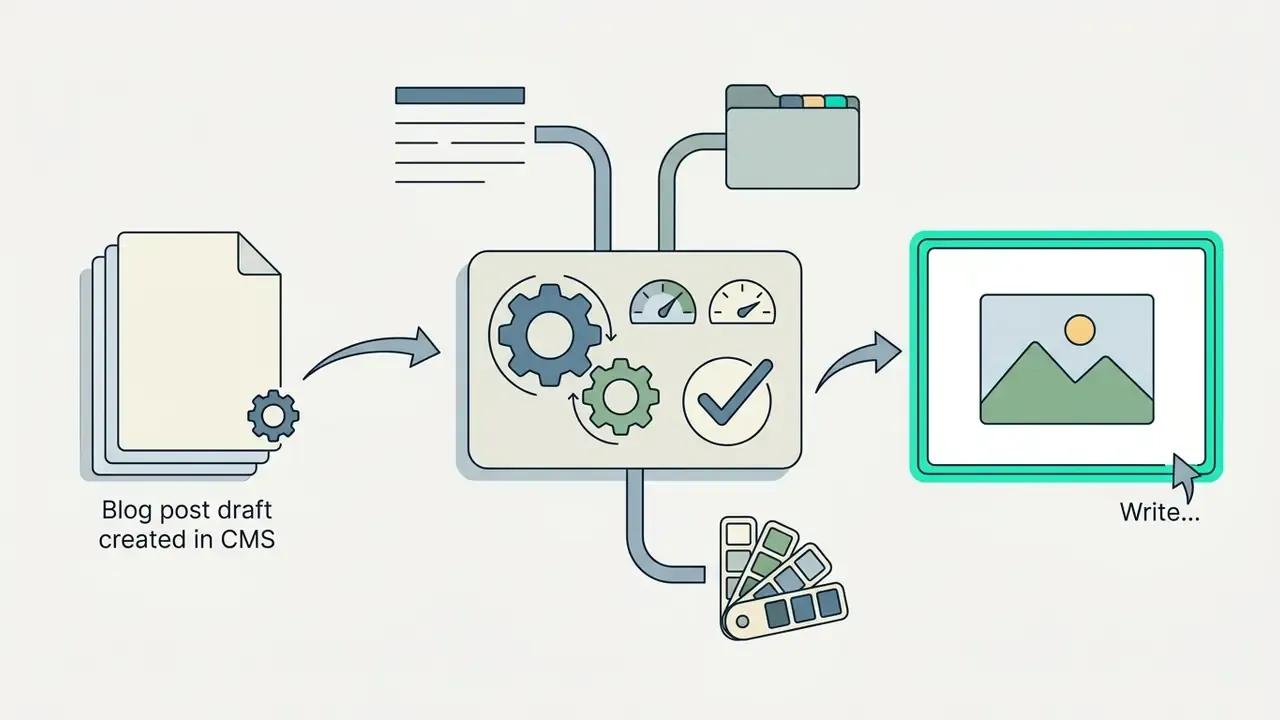
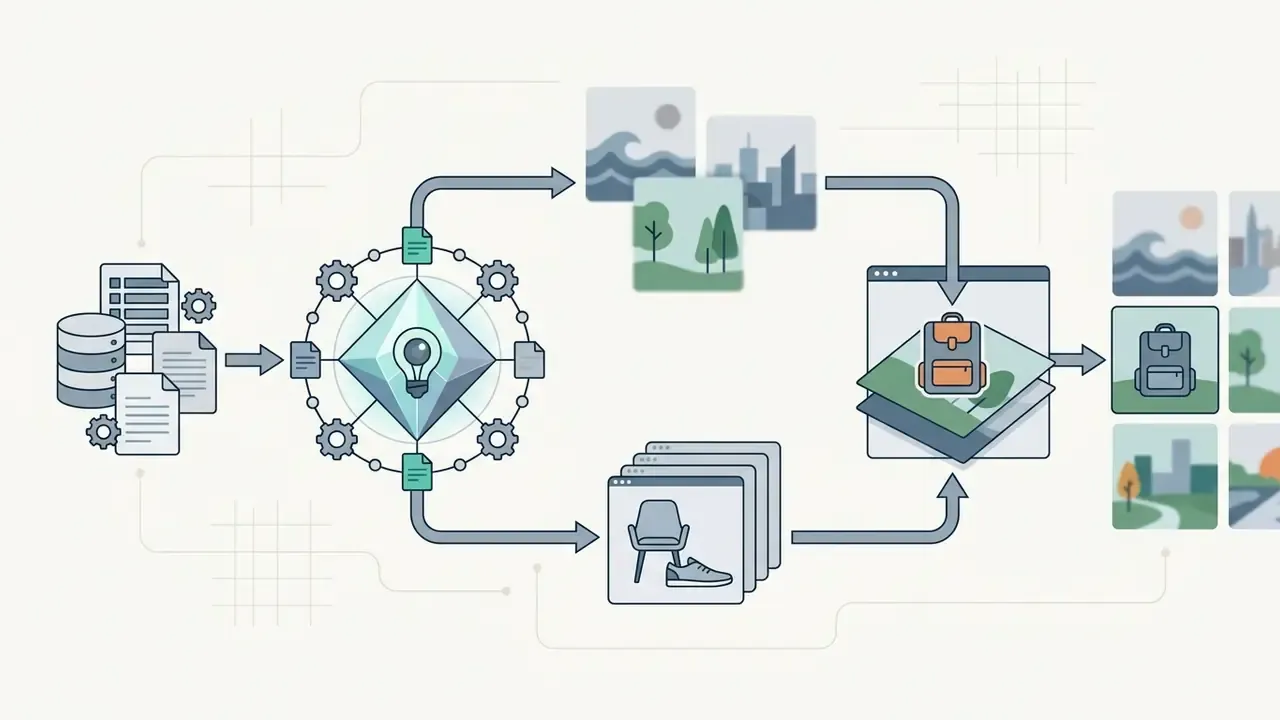
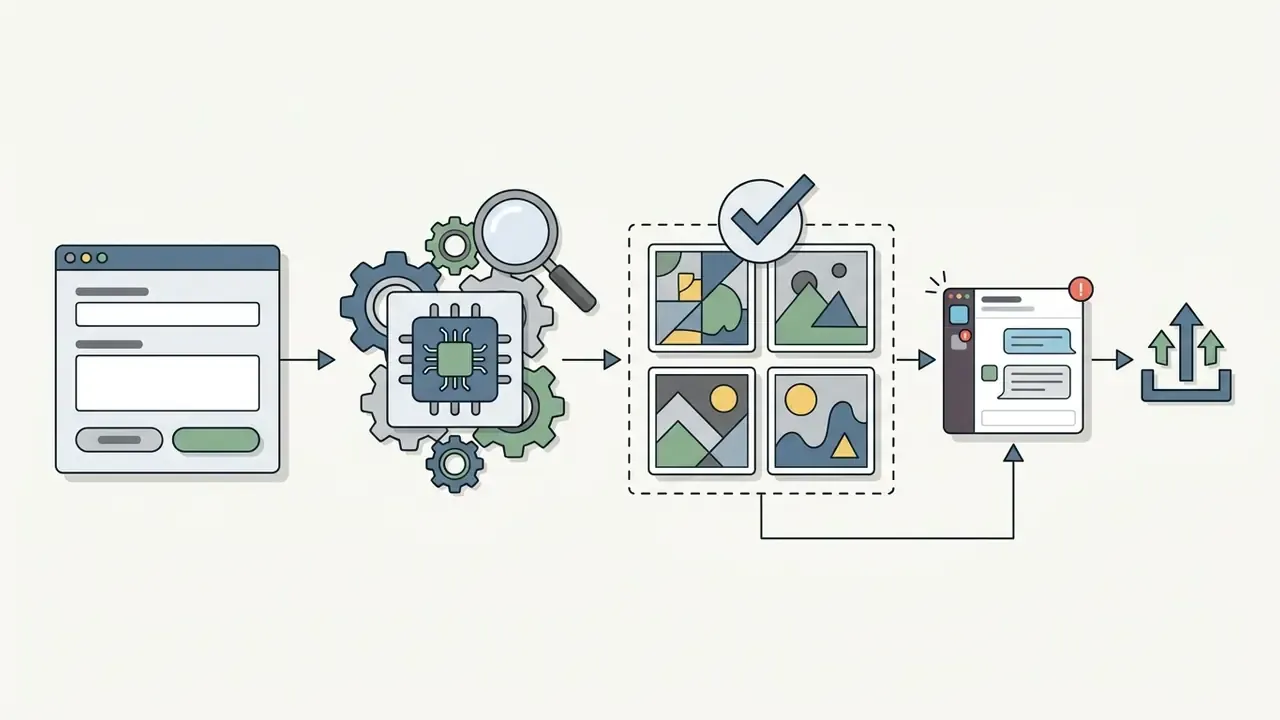
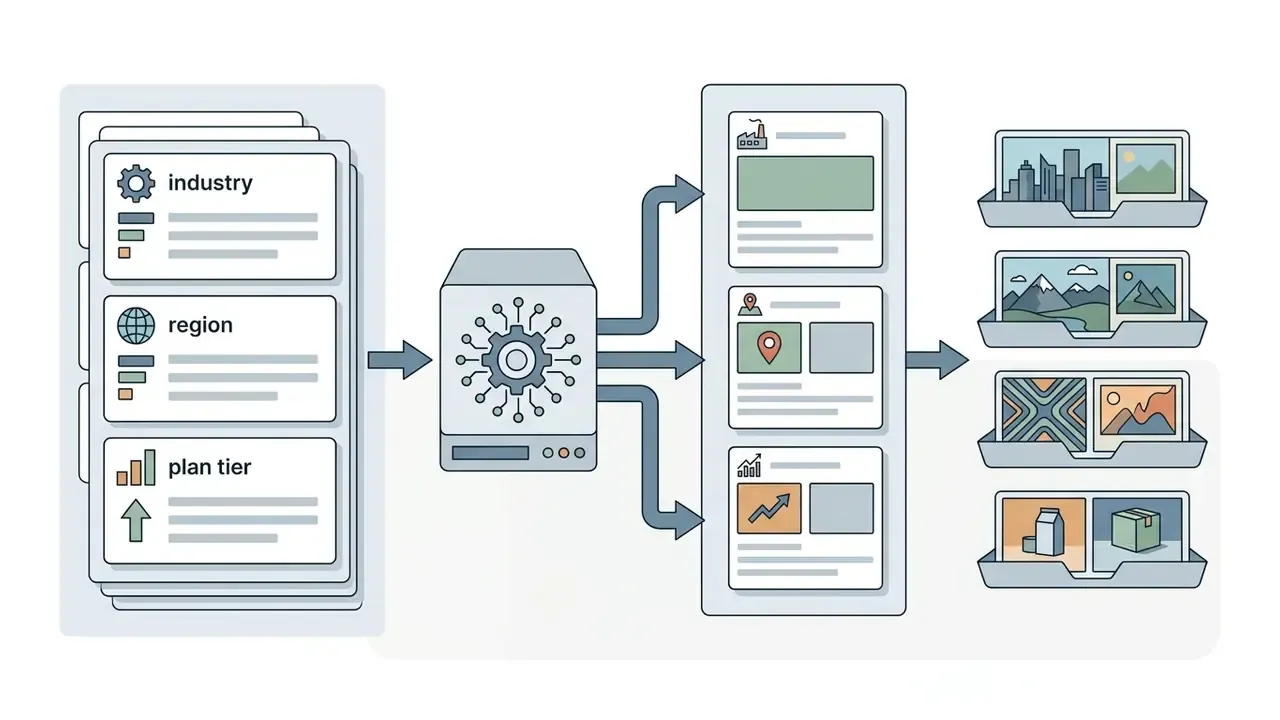
To scale beyond manual prompting, enterprise teams connect generative models (DALL·E 3, Flux API, Midjourney API, Vertex AI Imagen) into operational software through webhooks, integration platforms such as Zapier or Make, or an internal orchestration service documented in your own api reference.
Automation multiplies throughput and risk in equal measure. An unreviewed pipeline can publish a biased, trademark-infringing or artifact-ridden asset at machine speed, so the approval gate is not optional.
Create visuals for marketing, advertising and branding
Commercial visual creation uses generators and an ai marketing photo generator workflow to produce performance-tested ad banners, social assets and branded product photography at scale. Multiple concepts enable rapid A/B testing in live channels, and a post-generation pass with an AI image enhancer brings candidates to publication quality.
A quasi-experimental study by Columbia University researchers analyzing over 360 million ad impressions found AI-generated display ads achieved an average CTR of 0.76%, against 0.65% for human-made visuals. A parallel large-scale evaluation of 10,320 synthetic and 2,400 human-made images with 254,400 human ratings reported DALL·E 3 banners exceeding human-made CTR by more than 50% at roughly 225× lower creation cost. Ads perform best, though, when they avoid overt "AI hyper-saturation" markers: plastic skin, impossible lighting, uniform bokeh. Those trigger viewer fatigue and scepticism.
Documented production patterns span the full funnel. Platform-side tools generate ad texts and banners in one step. Banner generators output channel-specific sizes for search, social and marketplace listings. Catalogue pipelines turn a single product photograph into downloadable PNG or PDF asset sets for social, email, marketplace and B2B sales use. Design generators export social posts, thumbnails and banner ads directly to PNG, PDF or PPT. Marketplace teams should note that platform rules on synthetic product imagery differ: several policies allow generated backgrounds but prohibit synthesizing the product itself.
Check commercial-use terms before publishing or selling images
Before deploying synthetic imagery commercially, verify platform licensing terms, clear trademarked elements and review publicity rights for human likenesses. Ignoring platform-specific restrictions introduces legal liability. Running candidates through AI image detectors and AI reverse-image search helps confirm that an output does not closely reproduce an identifiable existing work.
The U.S. Copyright Office Registration Guidance for Works Containing AI-Generated Material (37 CFR Part 202) confirms that purely machine-generated outputs lack automatic copyright protection: human creative control must be documented, and AI-generated portions identified at registration. USPTO guidance adds that unauthorized AI-generated name, image and likeness use can implicate trademark, copyright and state NIL laws, and recommends contracts that explicitly address AI-generated depictions and digital replicas. Policy scope also varies by organization. IEEE brand rules, for example, prohibit generative AI images for external commercial use entirely, while IAB and Adobe frameworks permit use under rights-clearance controls.
Pre-publication legal checklist
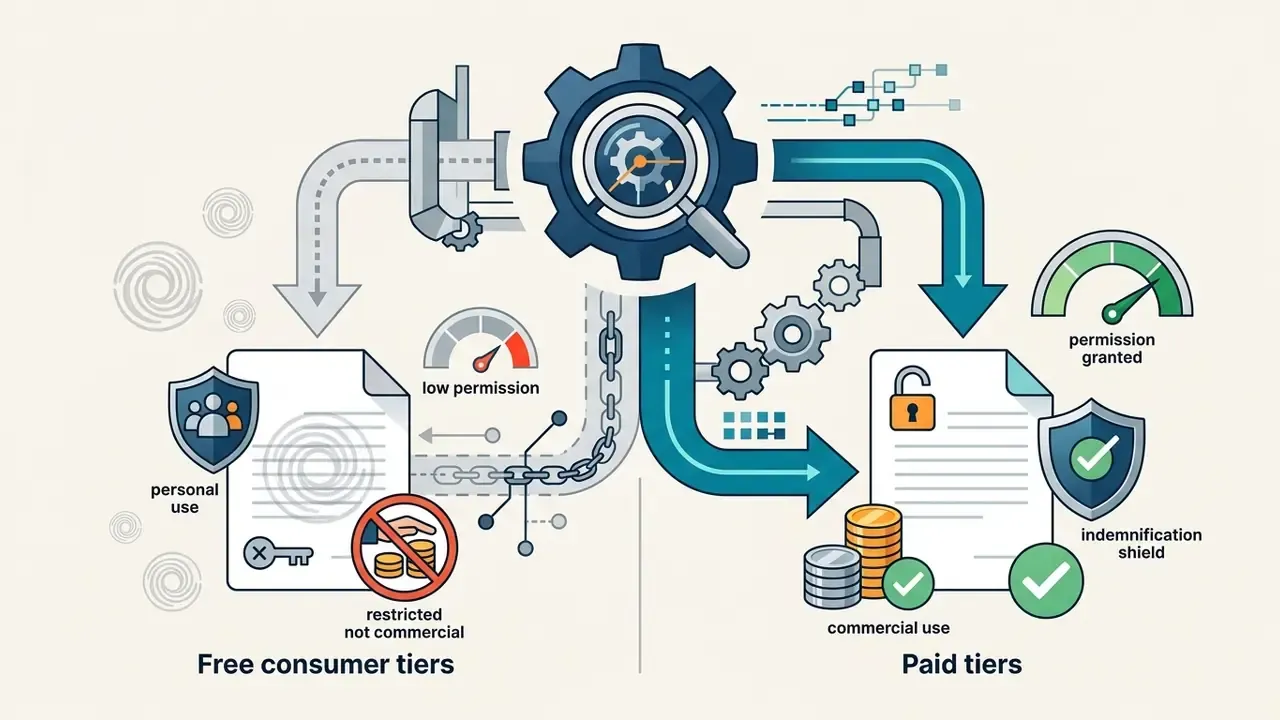
- Confirm the plan tier grants commercial rights (free tiers frequently do not).
- Confirm whether a watermark or C2PA credential must remain attached.
- Scan for third-party logos, trade dress, protected architecture and recognizable characters.
- Obtain written releases for any identifiable person, voice or digital replica.
- Record the human creative contribution: prompts, masks, composites, retouching, layered source files.
- Apply channel-required AI disclosure where jurisdiction or platform policy demands it.
- Store the audit record with the asset, not in a separate ad-hoc folder.
Disclaimer: this information is general and does not replace advice from qualified counsel on copyright, trademark, likeness rights or AI-content licensing. Regulation of AI-generated content is changing quickly in the United States and the European Union; verify current requirements with your legal and compliance function before publication.
Limitations and open questions
Two things remain genuinely unsettled, and pretending otherwise would be dishonest. First, copyright status for mixed human and machine works is still being tested case by case, so documentation practice is a hedge rather than a guarantee. Second, the CTR advantage reported in field studies may reflect novelty and channel context as much as creative quality; it has not yet been replicated across regulated financial advertising with disclosure requirements attached. Treat both as hypotheses worth measuring inside your own campaigns before they enter a business case.
FAQ: using AI to create images
Operational questions about AI image synthesis cluster around mobile deployment, browser access, data handling, ownership and hardware requirements. Most modern platforms provide cloud-based generation, so local hardware is rarely the constraint.
Can I use an AI image generator on a phone?
Yes. AI image generators run on mobile devices through responsive web interfaces, cloud-based tools and dedicated apps, because heavy computing is offloaded to remote server clusters. Adobe Firefly, ChatGPT (DALL·E 3), Pixlr and Google Gemini all work inside mobile browsers on iOS and Android, and Firefly syncs mobile creations to Creative Cloud so work continues on desktop. Apple Image Playground combines up to seven elements, including text descriptions, concepts, people from the Photos library and style presets such as Animation, Illustration or Sketch. Meta AI supports sketch-on-image edits, saved reference photos and multi-turn conversational refinement. To test a tool before committing, options for free AI image generation without sign-up work entirely in a mobile browser and generate images online without installation.
Are my prompts and uploaded reference images used to train the model?
It depends on the tier. Consumer web and chat tiers may retain inputs and, depending on settings, use them for service improvement. API, enterprise and team tiers typically carry contractual no-training commitments with configurable retention. Some platforms also publish prompts and outputs to a public gallery by default unless a private or stealth mode is purchased. Treat every consumer-tier upload as leaving your perimeter, and never attach confidential, regulated or client-owned material to a non-approved tool.
Who owns the copyright to an AI-generated image?
Use rights and copyright protection are two different questions. Several vendors, OpenAI among them, assign output rights to the user, so an image can be reprinted, sold or merchandised under their terms. Copyright protection is narrower: US guidance holds that material whose expressive elements were determined by AI is not human-authored, so only the human contribution is protectable and AI portions must be disclosed at registration. That is exactly why documented prompting, masking, compositing and retouching matter. They are the evidence of human authorship. Jurisdictions differ, and some platforms explicitly decline to assert or grant copyright over generated content.
Can I run an AI image generator locally or in a private cloud?
Yes. Open-weight families such as Stable Diffusion XL/3.5 and Flux.1 Dev can be deployed on-premise or in a private VPC, which keeps prompts and reference images inside the network boundary and lets brand style live in a local LoRA instead of uploaded files. Expect a modern GPU with sufficient VRAM, a maintained WebUI or inference service, and an internal process for licence review per model version. Managed alternatives, such as Vertex AI with VPC service controls or an enterprise-hosted OpenAI endpoint, provide similar containment without local hardware.
Can I use images from a free plan commercially?
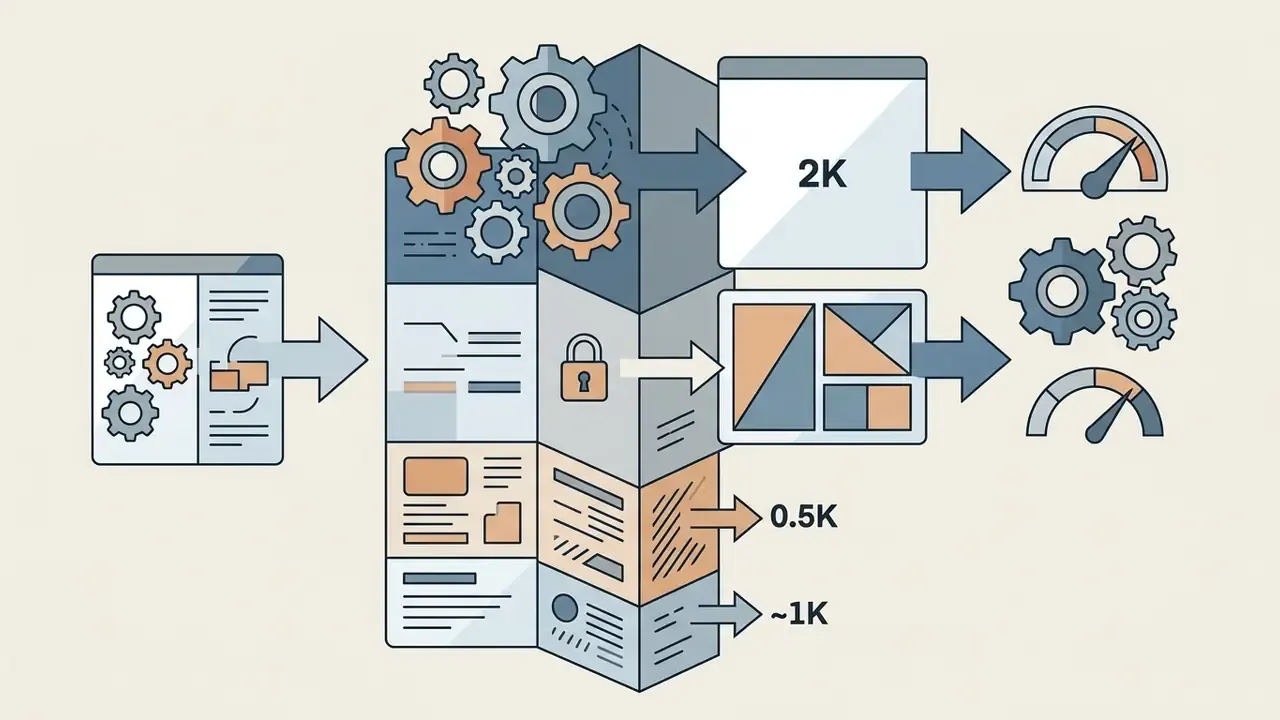
Often not, or not cleanly. Free tiers commonly restrict output to personal and non-commercial use, cap resolution at 0.5K to 1K, and embed visible watermarks or content credentials. Paid tiers typically grant full commercial ownership, remove visible watermarks, raise output to 2K or higher, bypass the generation queue, and occasionally add indemnification. Read the tier-specific clause rather than the marketing headline, and re-check it periodically, since terms change between releases.
How many images should I generate before choosing one?
Generate a small batch, three to four candidates per seed, or the platform maximum of four to eight where available, then branch only from the strongest result. Research on iterative prompt optimisation shows most semantic and aesthetic gains land within two to three refinement rounds, so brute-force regeneration mainly consumes credits. Change one variable per round and keep the seed fixed when you want to preserve composition.
What are the most common defects to check before publishing?
Hands and fingers, teeth and eye asymmetry, garbled text and logos, duplicated background objects, inconsistent shadow direction, melted edges where the subject meets the background, over-uniform bokeh, and demographic skew across a campaign set. Fix each with a targeted mask and inpaint rather than a full regeneration, then verify with an SSIM comparison that untouched regions were preserved.
Appendix A: citation audit and update log
For transparency, the table below records citations revised during review, with the verified replacement used in the text above. Original wording is retained so readers can trace the change.
| Original citation in earlier version | Issue | Verified replacement used above |
|---|---|---|
| "Harvard AI Marketing Guidelines" | No traceable publication under that title | Harvard Business Review digital practice reporting (2024) + IAB Generative AI Playbook for Advertising |
| "NIST GenAI Evaluation Plan" (undated draft) | Publication status not verifiable | NIST GenAI image-generator evaluation plan + NIST AI Risk Management Framework (AI RMF 1.0), 2023 |
| OpenAI / Google Vertex AI prompt guides cited with a year | Living documentation, no fixed date | OpenAI prompt engineering guide; Google Vertex AI image prompt guide (undated official documentation) |
| "Ideogram" reference-image documentation | Claim broader than the source supports | Style-Diffusion (2024) research + platform documentation on style vs. character references |
| "U.S. Copyright Office AI Report" | Imprecise reference | U.S. Copyright Office Registration Guidance for Works Containing AI-Generated Material, 37 CFR Part 202 |
| "Research presented at ICCVW" | Not verifiable in the supplied source set | Dynamic Prompt Optimizing for Text-to-Image Generation (PAE), CVPR 2024 |
| "arXiv:2303.07909 (2023)" cited without findings | Thin support | Retained as survey context; primary claim now supported by Review of Text-to-Image Generation Models, Egyptian Scientific Journal (2024) |
| "CTR gains exceeding 50%" (unquantified) | No sample size or significance | Columbia quasi-experiment: 0.76% vs 0.65%, χ²(1, N = 369,533,326) = 13,641, p < 0.001 (2024) |
Appendix B: enterprise audit log template
Store one record per published asset. This is the minimum evidence set for copyright registration arguments, brand-compliance audits and incident review.
| Field | Example value | Why it is required |
|---|---|---|
| Asset ID | EU-Q3-BANNER-014 | Links creative to campaign and media plan |
| Model and version | Firefly 2 (enterprise tenant) / Flux.1 Dev v1.0 local | Terms and capabilities change per version |
| Prompt (full text) | see Round 2 example above | Evidence of human expressive input |
| Negative prompt | text overlay, watermark, extra fingers | Documents deliberate creative constraint |
| Seed | 2241887 | Enables exact reproduction |
| Reference images and provenance | internal style board, owned asset #4471 | Confirms no third-party rights ingested |
| Edits applied | 3 inpaint masks, 12% left outpaint, 2K upscale | Establishes post-generation human authorship |
| Bias/representation check | sampled 12 variants, distribution logged | Fairness and reputational risk control |
| Rights clearance | plan tier commercial ✓, no logos ✓, no likeness ✓ | Pre-publication legal gate |
| Provenance metadata | C2PA credential retained | Disclosure and copyright defence |
| Reviewer and date | J. Ortega, compliance review | Accountability trail |
A safe next step: pick one low-risk asset family, run it end to end on an approved tenant with the log template above, and review the evidence pack with compliance before widening scope. Related process guides are collected under AI Media Workflows.