One caveat before the how-to: "free" and "safe for corporate content" are not the same thing. We will get to that.
What Is BG Remover Free and How Background Removal Works
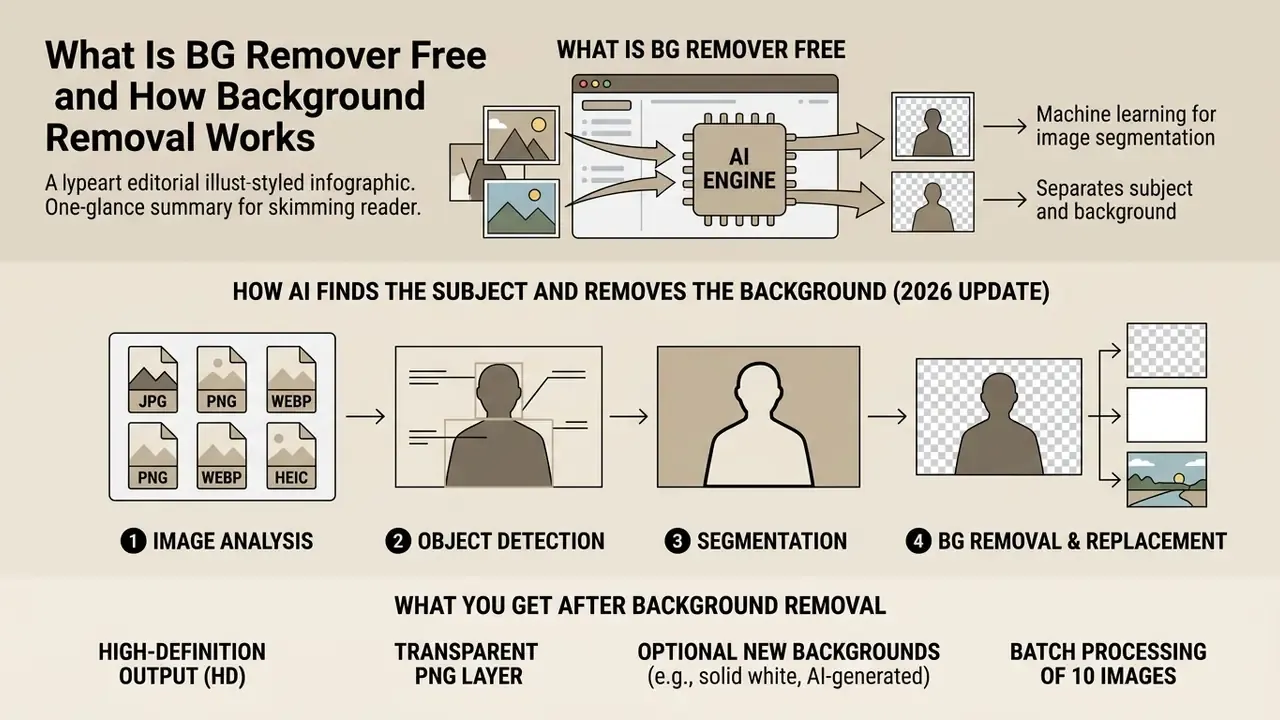
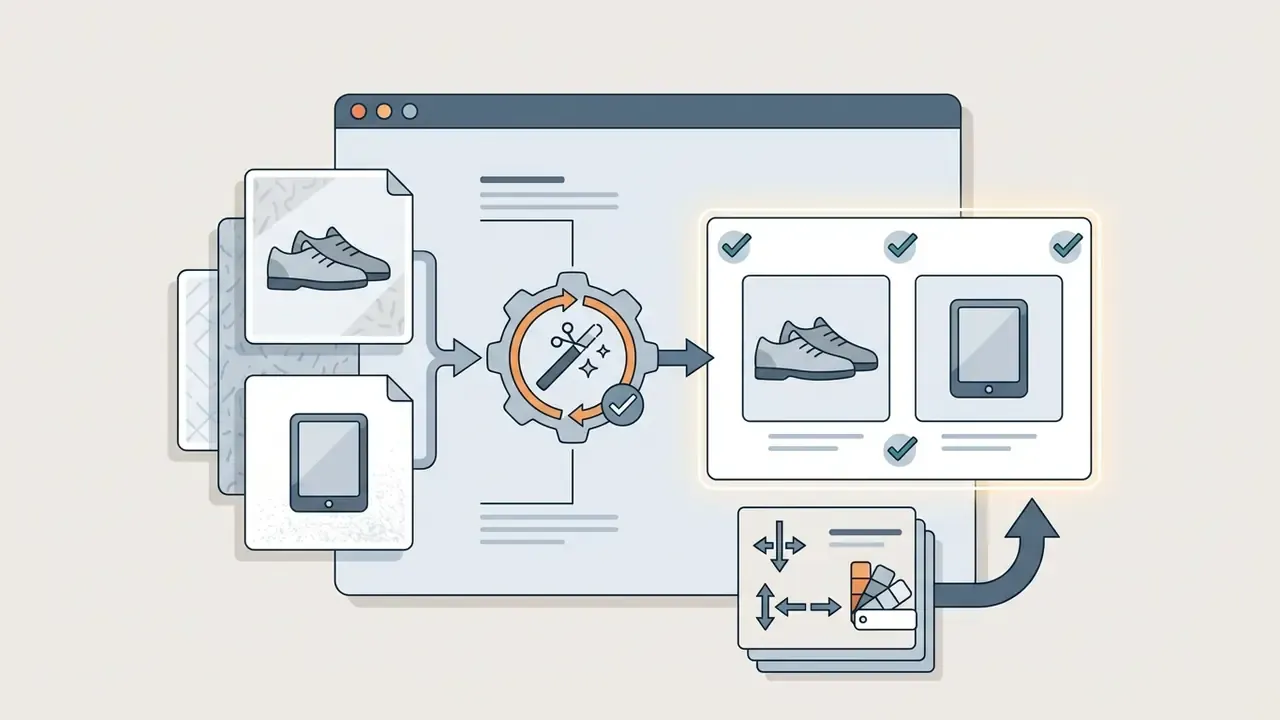
An online bg remover free service is a web application built on machine learning that segments an image and cuts away the rear plane. You upload a source file, the model performs background removal, and the export arrives with the background transparent, no manual masking involved.
Search demand for the tool is messy, by the way. People type it as "bg remover online free", "free bg remover hd", and even as the common misspelling "backround remover free online". Same job behind all of those queries.
How AI Finds the Subject and Removes the Background
The network runs binary segmentation and recognises key subject types: people, products, animals, cars, logos. The task is framed as per-pixel classification. Each pixel belongs either to the foreground or to the background, and background pixels are then written as transparent.
Updated for 2026. Current pipelines lean on segmentation and matting architectures from the SAM (Segment Anything) family and its matting extensions, SAMA and SAM2Matting (Segment and Matte Anything). These combine semantic scene understanding with alpha matting. First the model builds a coarse object mask. Then it refines semi-transparent borders and separates delicate areas from busy image backgrounds.
Open-source tools such as rembg follow the same logic. Pretrained segmentation models (U-2-Net, ISNet, BiRefNet) run through ONNX Runtime, and optional closed-form alpha matting smooths the edges. Commercial products use a comparable approach: Cloudflare Images, for instance, applies a dichotomous image segmentation model to isolate the subject and turn the rear plane into transparent pixels.
What You Get After Background Removal
Once processing ends, you receive the object on a transparent field as a PNG that keeps the original resolution and colour profile. The PNG specification (W3C) stores per-pixel transparency in the alpha channel, where 0 is fully transparent and 255 (or 65535 for 16-bit samples) is fully opaque. PNG uses non-premultiplied alpha, so hidden colour data survives and stays available for later editing. That detail matters more than it sounds: it is why a cutout can be re-feathered later without grey fringing.
The transparent result can be downloaded immediately, dropped into banners, or moved into a third-party background eraser photo editor to replace background entirely. For broader graphics workflows, see the guide to online photo editors; for a vendor-specific walkthrough, the notes on fotor photo editor cover a similar editing chain.
How to Remove the Background From an Image Online for Free
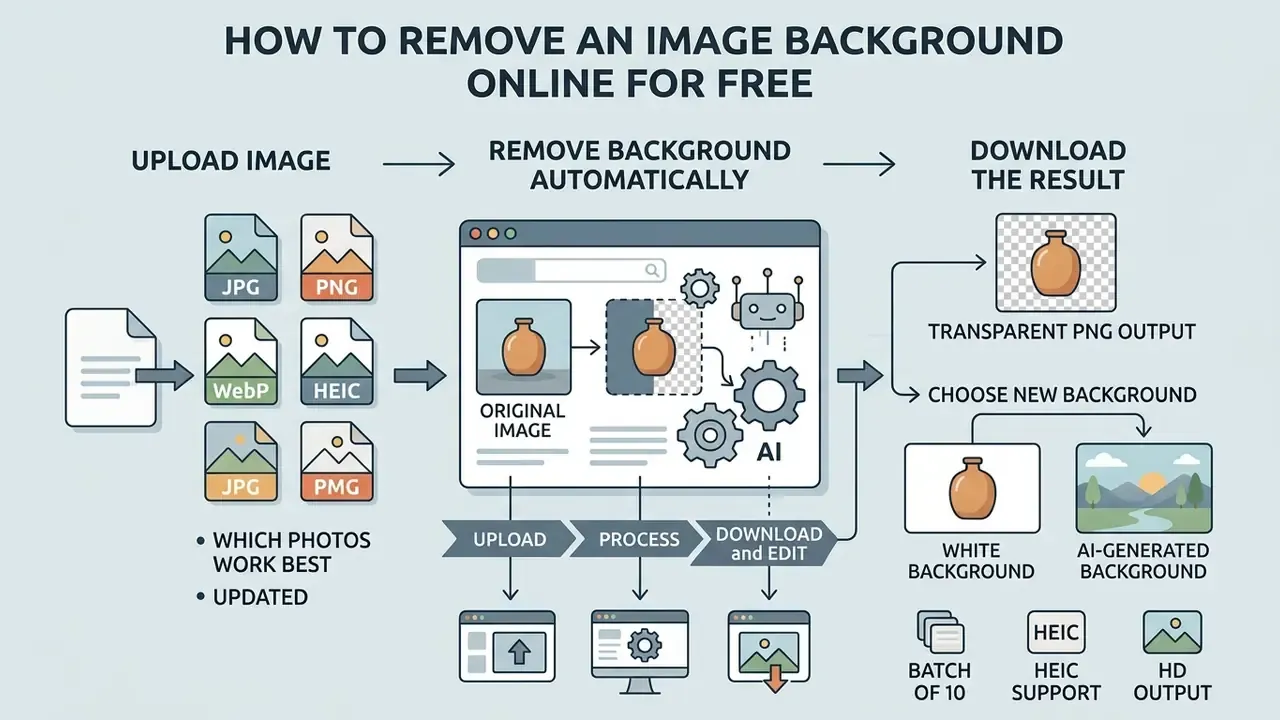
Removal through a bg remover online free service happens entirely in the browser tab. No installers, no plugins, no desktop licence. The model handles contour detection, which cuts per-image work from minutes to seconds.
Upload Image: Which Photos Work Best
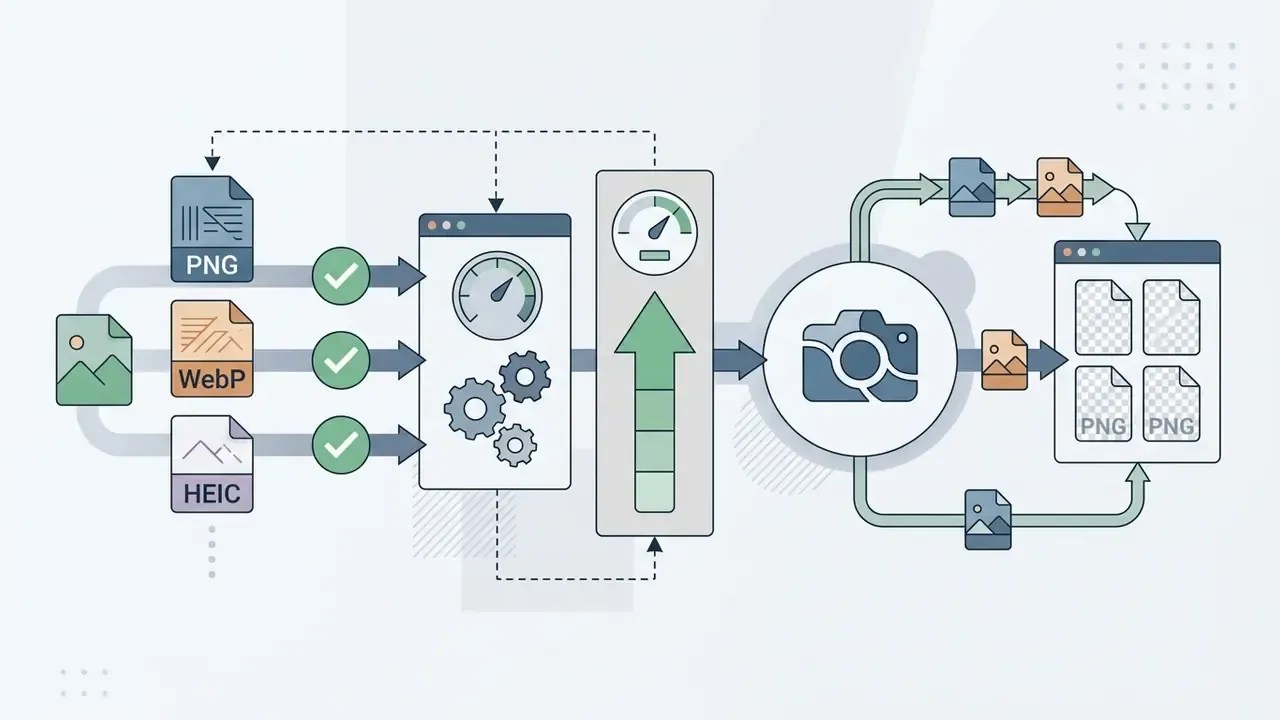
Updated. Accepted uploads include JPG/JPEG, PNG, WebP, BMP, and HEIC, the default capture format on Apple iOS devices. Modern web editors handle source resolutions up to 8000 × 8000 pixels and files up to 100 MB. Some vendors stay more conservative at 25 to 40 MB; Adobe Express, for example, caps uploads at 40 MB. That headroom is enough for RAW conversions and macro shots without pre-compression.
The cleanest cutouts come from frames with strong contrast between foreground and rear plane, a sharply focused subject, and even lighting across the scene. Some platforms also normalise heavy inputs: imgix automatically downsamples sources above 50 MP and limits output to 10 MP.
Remove Background Automatically and Download the Result
Drag a file into the drop zone. The service runs automatically, detects the boundary, and deletes the unwanted layer.
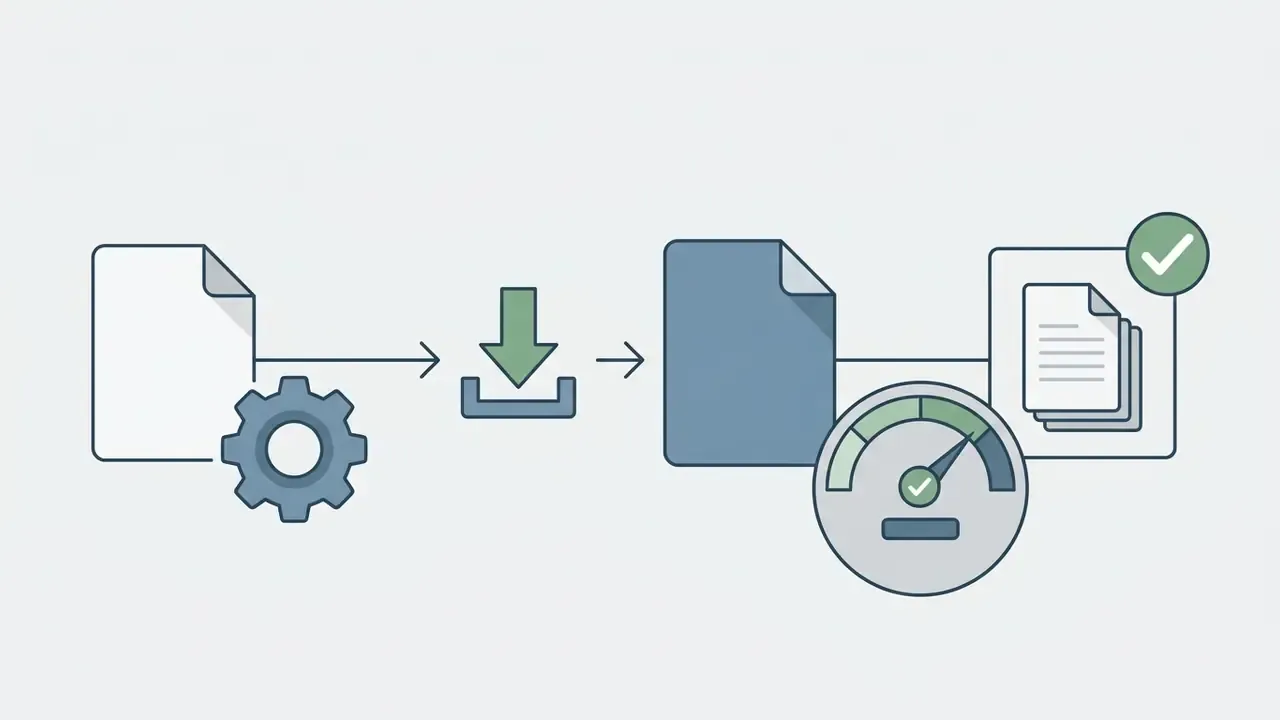
After the remove image step finishes, the system offers a PNG with a transparent field for download.
- Upload.Pick a JPG, PNG, WebP, or HEIC file and drag it into the editor. Clipboard paste and URL fetch are usually supported too.
- Process.The network isolates the subject and builds the alpha channel in 3 to 8 seconds. Several vendors advertise under 3 seconds.
- Download and edit.Save the transparent result, or continue with a new colour fill, a generated scene, and drop shadows.
How to Get a Transparent, White, or Brand-New Background
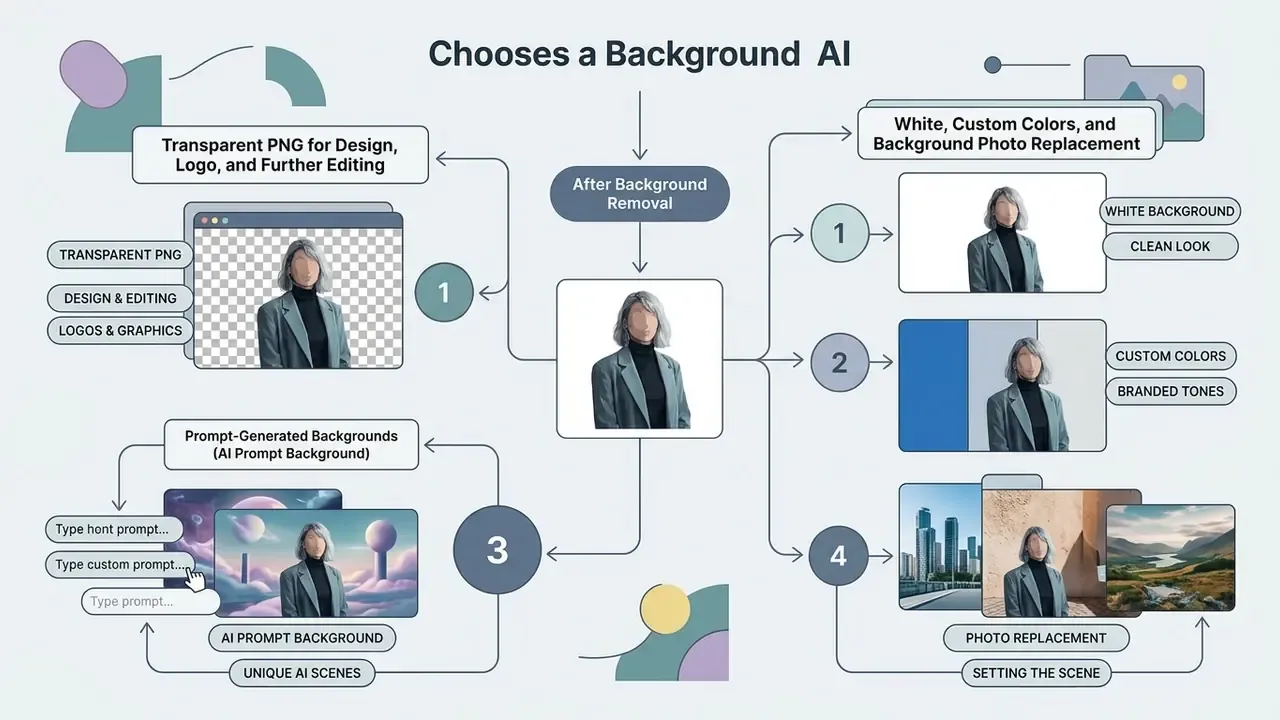
Once background removal is done, one decision remains: keep the layer transparent (background transparent), fill it pure white (white background), swap in a custom image, or generate a scene from a text description.
Transparent PNG for Design, Logo, and Further Editing
PNG with an alpha channel is the baseline standard for cutout output. The transparent layer preserves subject pixels independently of any backdrop, so you can place a logo, a product card, or a text block over any surface. Transparent logo PNGs serve as watermarks, UI elements, ad creatives, social assets, and print collateral. When you build layered media and need to assess rights on the final asset, cross-check the breakdown of commercial use for AI images and the wider AI Media Commercial-Use Hub.
White, Custom Colors, and Background Photo Replacement
Marketplaces and catalogs demand a uniform white background at RGB 255, 255, 255. The built-in editor changes the colour in one click, whether to white or a brand tone, and can drop in a template background photo for natural context. At the API level this is usually two mutually exclusive parameters: bg_color for a flat fill, and bg_image_file / bg_image_url / bg_image_base64 for an image swap. The image wins over the colour when both are sent.
Prompt-Generated Backgrounds (AI Prompt Background)
Flat colour not enough? Text prompts let you build a realistic environment instead of hunting for stock. Type something like "marble table with soft evening light" or "minimalist morning podium", and the model renders a scene that respects perspective, shadow direction, and the lighting on your cutout. Practically, this replaces a small product studio: the same item can sit on concrete, linen, marble, or oak, giving dozens of variants within minutes. For portraits, prompts place a person against a city, interior, or landscape backdrop. To stretch the frame into a required aspect ratio afterwards, AI image expansion (outpainting) does the job.
Which Images Suit a Free Background Remover
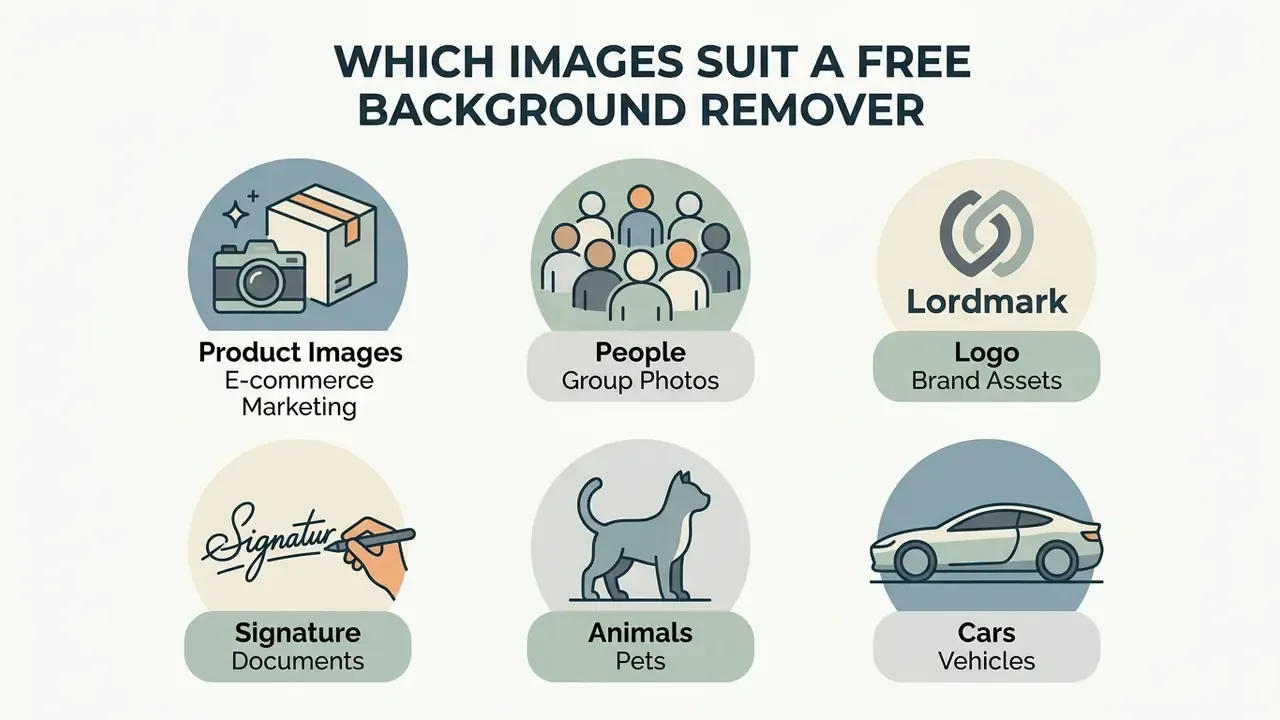
A free backround remover is broadly usable. It handles portraits, product shots, vector logos, handwritten signatures, pets, and vehicles with the same pipeline.
Product Images for E-commerce and Marketing
Product photography for e-commerce is unforgiving about frame hygiene. Cutting the rear plane from products brings listings in line with marketplace rules (Amazon, eBay, Shopify, Etsy), produces a neutral look, and yields clean layers for ad creatives.
Marketplace requirements and GS1 standards overlap on the basics: pure white (#FFFFFF) for the main image, no distracting shadows, resolution from 900 × 900 to 2400 × 2400 pixels, and 300 ppi density. If your workflow also involves generating promo art, the free AI art generator comparison is a reasonable next read.
People, Logo, Signature, Animals, and Cars
Each object class behaves differently under neural processing:
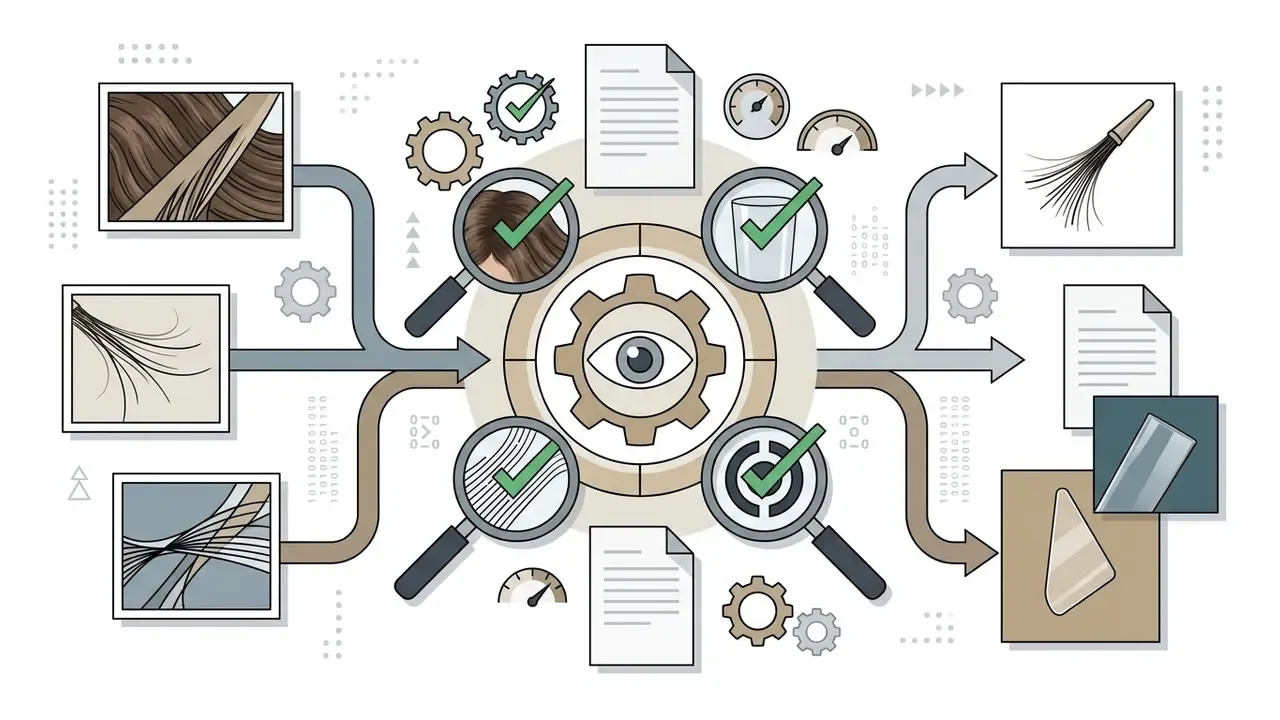
- People. Algorithms trace body contours while preserving hair and semi-transparent clothing edges. Hair is treated as a separate segmentation class with edge matting applied afterwards.
«A lightweight portrait matting model achieves real-time HD (1920 × 1080) processing with no trimap or auxiliary inputs.»
- Logo. The white or monochrome plate is removed, leaving only the vector or raster strokes. Watch the counters inside letters. In graphic mode they must go transparent too.
- Signature. A scanned or photographed signature is cleaned of paper texture, yellowing, and shadow, becoming a transparent PNG for PDF contracts, Word documents, and email footers. Professional editors provide a dedicated "scan" mode that drops the paper but keeps the pen stroke intact.
- ID and passport photos. A cluttered home background is swapped for standard white or light grey for visas, resumes, passes, and corporate badges. For business portraits, compare the output with an AI headshot generator.
- Animals. Fine fur and whiskers survive thanks to dedicated matting modules. Vendors openly claim hair-level detail on cats and dogs.
«Diffusion matting models improve retention of fine detail, fur and hair strands, using generative priors on image structure.»
Source: "Diffusion for Natural Image Matting", preprint (2023).
- Cars. Services isolate the body and can clear the rear plane visible through the glass (transparent windows). APIs expose this as a separate flag, valid for vehicles only.
| Object type | Typical scenario | Recommended output | Processing notes |
|---|---|---|---|
| People (portraits) | Profiles, resumes, banners | Transparent PNG or new scene | Hair, soft edges, and clothing detail retained. |
| Products | E-commerce cards, catalogs | Pure white (#FFFFFF) | Strict sharpness rules, no stray shadows, 2000 × 2000 px for Amazon. |
| Logo | Branding, web design, watermarks | Transparent PNG | High line contrast, inner counters must clear. |
| Signature | PDF contracts, documents, email footer | Transparent PNG | Paper texture and shadow removed, stroke preserved. |
| ID / passport | Visas, passes, resumes | Flat white or light grey | Follow margin and head-position rules. |
| Animals (pets) | Stickers, prints, posters | Transparent PNG or new scene | Fur and whisker matting, semi-transparent edges. |
| Cars | Listings, dealerships | Replaced or white background | Glass and headlight transparency handling. |
How to Keep HD Quality When Removing a Background
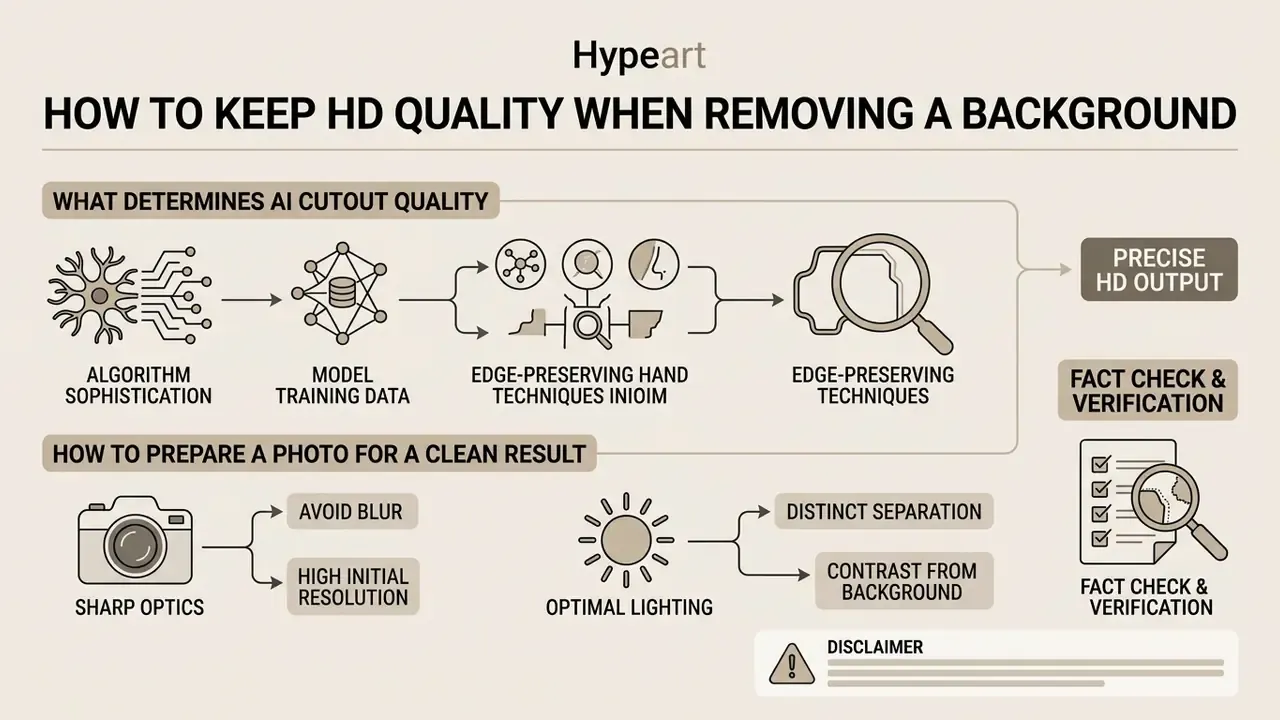
Retaining HD quality and fine edge detail is the real benchmark for any cutout service. Good processing avoids hard pixel stair-stepping, halo fringes, and mushy contours. Marketing pages rarely mention this; the difference shows up at 200% zoom.
What Determines AI Cutout Quality
AI cutout accuracy depends on source resolution, sharpness, and border complexity. The core technical reason for lost detail is simple: a hard binary mask cannot describe the transition zone. Matting literature assigns border pixels soft alpha values rather than a blunt foreground-or-background verdict.
Research on diffusion matting and alpha estimation (MFC-Net, Real-19k dataset, 2024) shows accuracy dropping when subject and rear plane share tone, when deep shadows appear, or when motion blur smears the outline. Segmentation errors cluster exactly at the border, where the contour is thin, translucent, or visually fused with the scene.
How to Prepare a Photo for a Clean Result
- Use sources of at least 1000 × 1000 pixels with no aggressive JPEG artifacts. For final delivery, prefer PNG or TIFF with transparency enabled.
- Light the subject evenly and avoid harsh cast shadows. Adobe Firefly states this plainly: soft edges, weak light, and matching subject and background tones reduce accuracy.
- Keep the subject inside the frame, with hair and limbs clear of the edge.
- Sharpen and upscale weak sources before removal, not after. Details on that sit in the enhancement section below.
- When output looks wrong and the input looks fine, work through vendor limits and known defects in AI Media Support and Troubleshooting.
- If the source is a video still, check compression and conversion settings first, for example with a video compressor.
Fact check and verification
Free BG Remover: What to Check Before Commercial Use
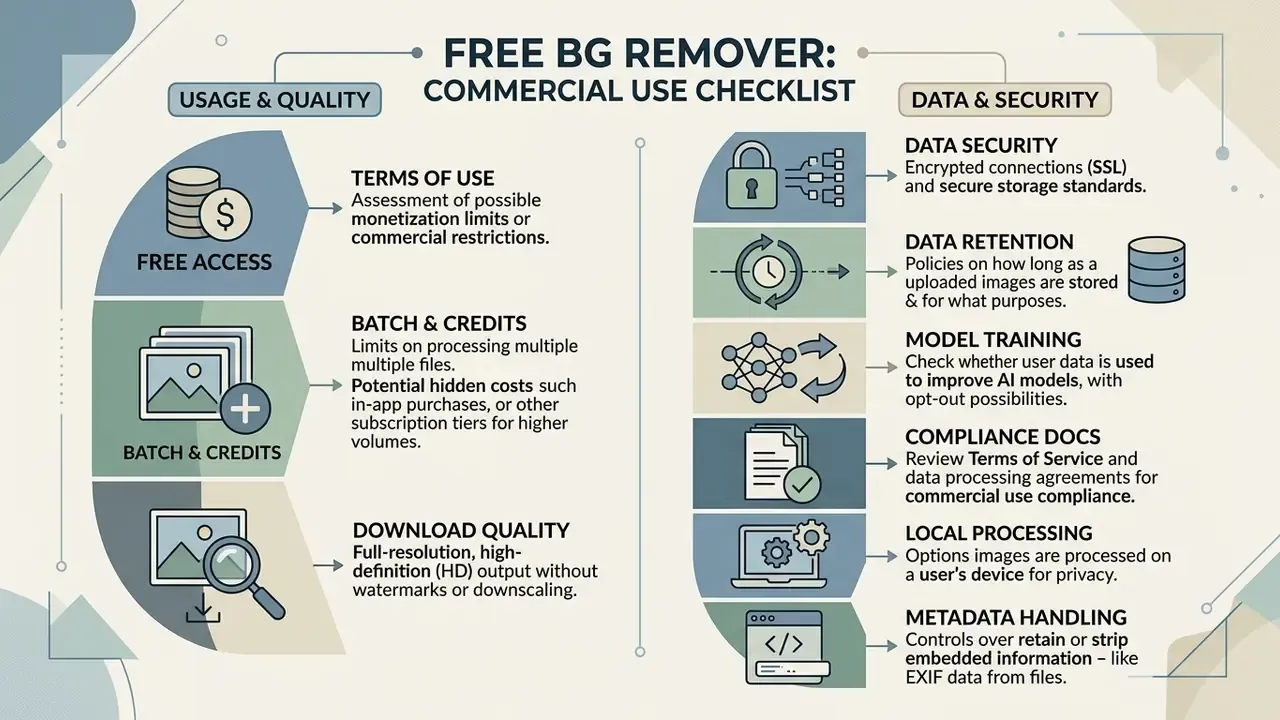
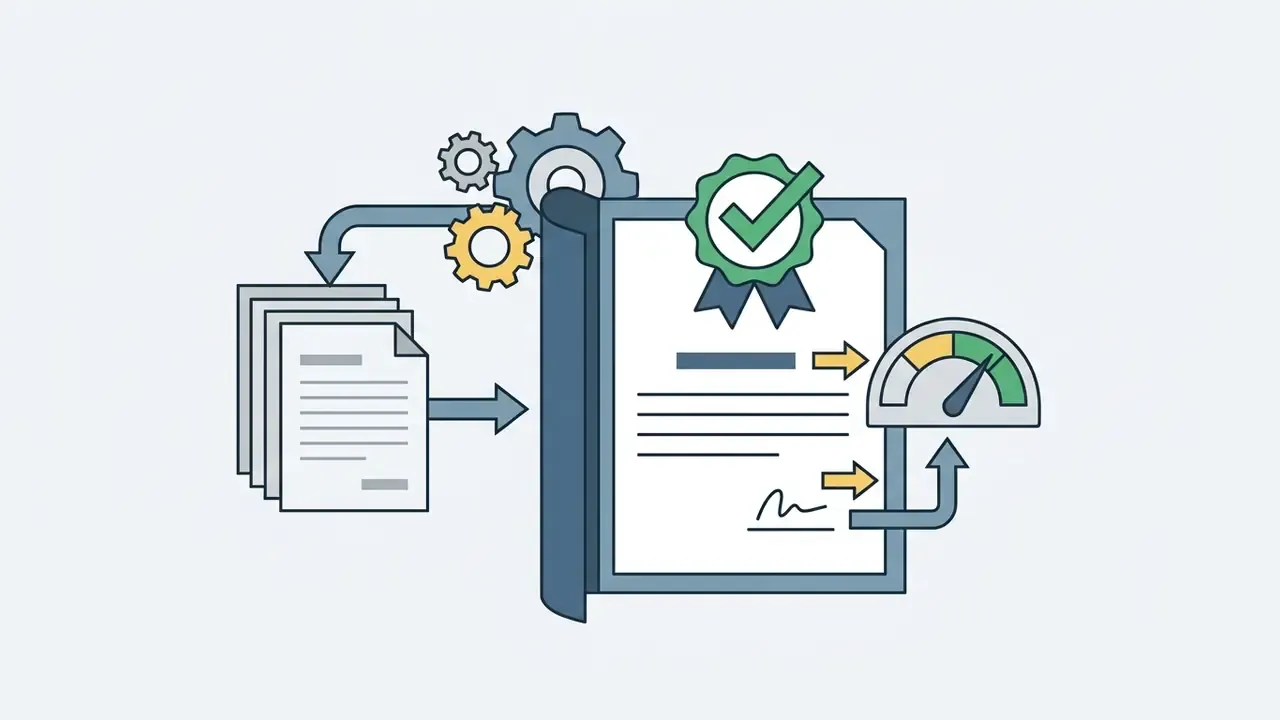
Using a cut out background photo editor for commercial work requires a careful look at Terms of Service, licensing, and the handling of uploaded data. This is where a fun consumer tool becomes a procurement question. Rights on machine-processed content are unpacked in the review of commercial use for AI images.
Free Access, Credits, and Download Quality
Most free platforms run a freemium model: a small pool of credits at signup, or limited free downloads. Typical market configurations look like this. One bonus credit for a single HD file plus unlimited previews at 0.25 MP. Three free HD downloads on registration. Fifty free previews per month through API and mobile apps. Check credit expiry as well, since subscription credits usually die with the subscription, along with daily upload caps and maximum export resolution.
To model the real cost of a catalog run, combine vendor rate cards with volume estimates using AI Media Calculators and the tier breakdowns in the AI Media Pricing Guides.
Data Security, Data Retention, and Shadow AI
Product Images, Batch, and API for Production Workflows
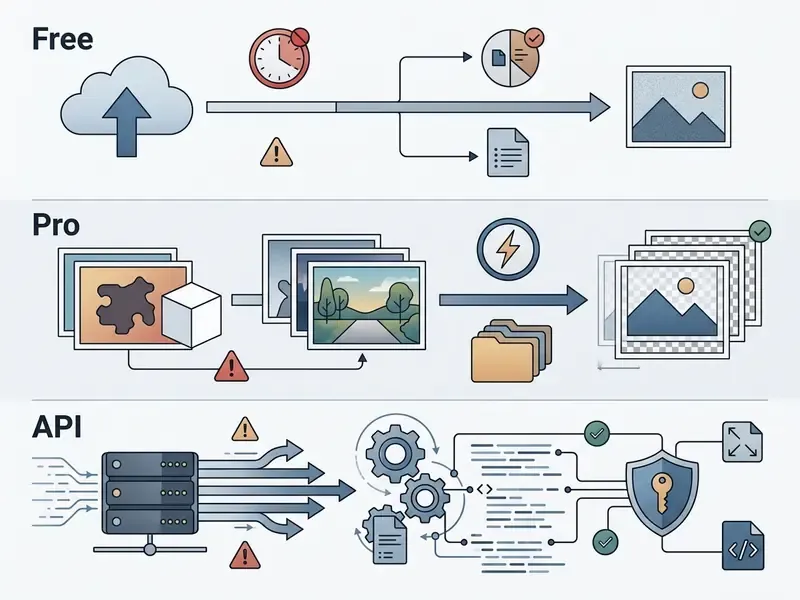
Comparison: Free vs Pro vs API
| Parameter | Free (web) | Pro / subscription | API / batch |
|---|---|---|---|
| Export resolution | Often preview up to 0.25 MP, or limited HD downloads | HD / full size (4000 × 4000 px and above) | Native source resolution, up to 8000 × 8000 px |
| Credits | 1 to 3 bonus HD credits, 50 previews per month | Credit pack valid while the subscription runs | Per-call billing, volume discounts |
| Watermark | Vendor-dependent, some are clean | None | None |
| Batch | Usually unavailable, or up to 50 files | Up to 10,000 files, ZIP export | Queues, webhooks, unattended runs |
| Commercial use | Requires ToS review | Generally permitted | Permitted; verify the model licence |
| Data handling | Generic policy, opt-out not always offered | Retention settings in account | DPA, auto-deletion, processing region |
| Speed / SLA | No guarantees, shared queue | Priority queue | SLA, RPS limits, status page |
Side-by-side vendor grids for adjacent categories live in the AI Media Comparison Matrices.
What to Do After Background Removal: Edit, Enhance, and Change
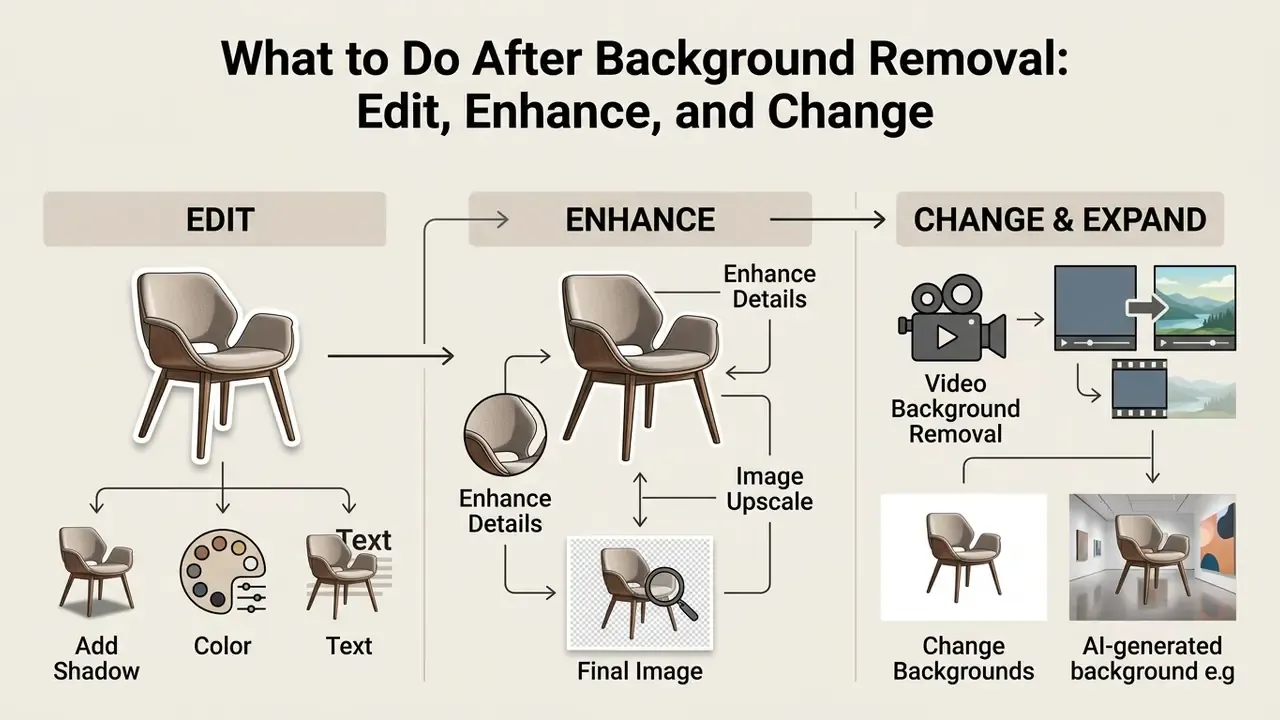
Removal is step one, not the finished asset. A capable free online background remover photo editor ships with tools for everything that follows.
Add Shadow, Color, and Text After the Cut Out
A cutout dropped onto a new scene looks flat without contact shadows, so services generate them synthetically (AI Shadow). You control colour, angle, blur, and opacity, then layer in text blocks, logos, and graphic elements. Academically this is shadow synthesis for image composition: diffusion-based shadow generation (CVPR, 2024) and shadow generation in real scenes (AAAI, 2022) fit the inserted object's lighting to the scene. In product APIs the same capability appears as drop shadow, object-aware cropping, and text layers with wrapping. For final layout work, an online photo editor or a template environment such as Canva AI is usually enough.
Enhance and Image Upscale for the Final Image
If the source was small or soft, Enhance and Image Upscale features (built on super-resolution networks such as Swin2SR) raise scale by 2 to 4 times, sharpen borders, and suppress digital noise. Documented implementations confirm the range: Swin2SR runs at 2× linear scale, meaning 4× the pixel count; ImageKit-class upscalers push images to 16 MP; Photoshop Generative Upscale offers 2× and 4× modes.
Order of operations matters. Super-resolution and edge restoration are separate jobs: refine the alpha mask first (edge-aware refinement), then upscale. Reverse that and the upscaler faithfully amplifies every artifact of a hard mask. To compare output across generative and processing engines, the roundup of the best AI art generators helps.
Video Background Removal
Processing is not limited to stills. Neural matting also applies to video files (MP4, WebM, MOV): the model tracks the subject frame by frame, isolating a speaker or a product without a green screen. Upload an MP4, and the rear plane disappears across every frame while contours stay stable from first to last, without the classic edge jitter.
That suits Reels and TikTok creators, course authors overlaying a presenter on slides, and e-commerce clips showing a product in motion. Technically this is closer to background subtraction in a video stream than to a single cutout, since temporal relationships between frames supplement spatial segmentation. Afterwards you usually need compression for the web, covered in the video compressor guide, while assembly and publishing follow the YouTube video editor workflow. Adjacent generation and editing tasks are documented for fliki ai video, the fotor ai video generator, and simple transforms such as flip video online.
FAQ About a Free Online Background Remover
Can ChatGPT Accurately Remove the Background From My Photo?
No, not in the way a cutout tool does. ChatGPT and other multimodal generative models do not delete pixels from your file. They re-generate the image. Original detail, texture, and proportions drift, and small elements distort: package copy, logo geometry, facial features. Transparency handling is inconsistent on top of that. A dedicated bg remover works by direct alpha segmentation. It keeps the source subject pixel-for-pixel and deletes only the rear layer, returning a PNG with a correct alpha channel. The rule of thumb: when the original frame must survive (catalog, document, contract, an ad for a specific SKU), use a dedicated remover. Generative models fit when you actually want a new scene. A fuller comparison sits in the review of image generation in ChatGPT.
Does a Background Remover Work on Mobile and iPhone?
Yes. Web-based removal tools are built for mobile browsers, Safari on iOS and Chrome on Android. Adobe Express documentation describes the mobile path directly: open the tool, upload the image, download the result. No App Store or Google Play install is required. Open the site, pick a photo from the gallery, download the transparent PNG. Mobile uploads typically include JPG, PNG, WebP, and HEIC/HEIF, which covers what iPhone and Android cameras produce. Some browser services load the model once and process locally, never sending the file to a server. Related mobile editing options are collected in the overview of free photo editors.
Do You Need Technical Skills, and Which File Formats Are Supported?
No design background or Photoshop knowledge is needed. The whole process runs automatically in one click, and none of the verified vendor sources state any skill requirement. Supported formats cover the popular web set: JPG/JPEG, PNG, WebP, HEIC, and BMP. Several platforms additionally accept ZIP archives containing image folders for batch runs.
How Do You Make a Passport or Badge Photo With a White Background?
Upload a standard portrait, remove the background, then fill it pure white (#FFFFFF) or light grey. After that, check the issuing authority's rules on margins, head position, and frame size in millimetres, since those differ by country and document. Once the fill is in place, running the shot through an AI headshot generator helps if you need a business look with corrected lighting.
How Do You Get a Transparent Signature for a PDF Contract?
Photograph the signature on white paper under even light, upload it to the bg remover, and download the transparent PNG. Paper texture and shadows go, the pen stroke stays. The file then drops into PDFs, Word documents, proposals, and email footers without a white rectangle around the strokes. Small tip from practice: sign with a thicker pen than usual, because thin ballpoint lines survive matting less gracefully.
Can You Process 5000 Product Photos in One Go?
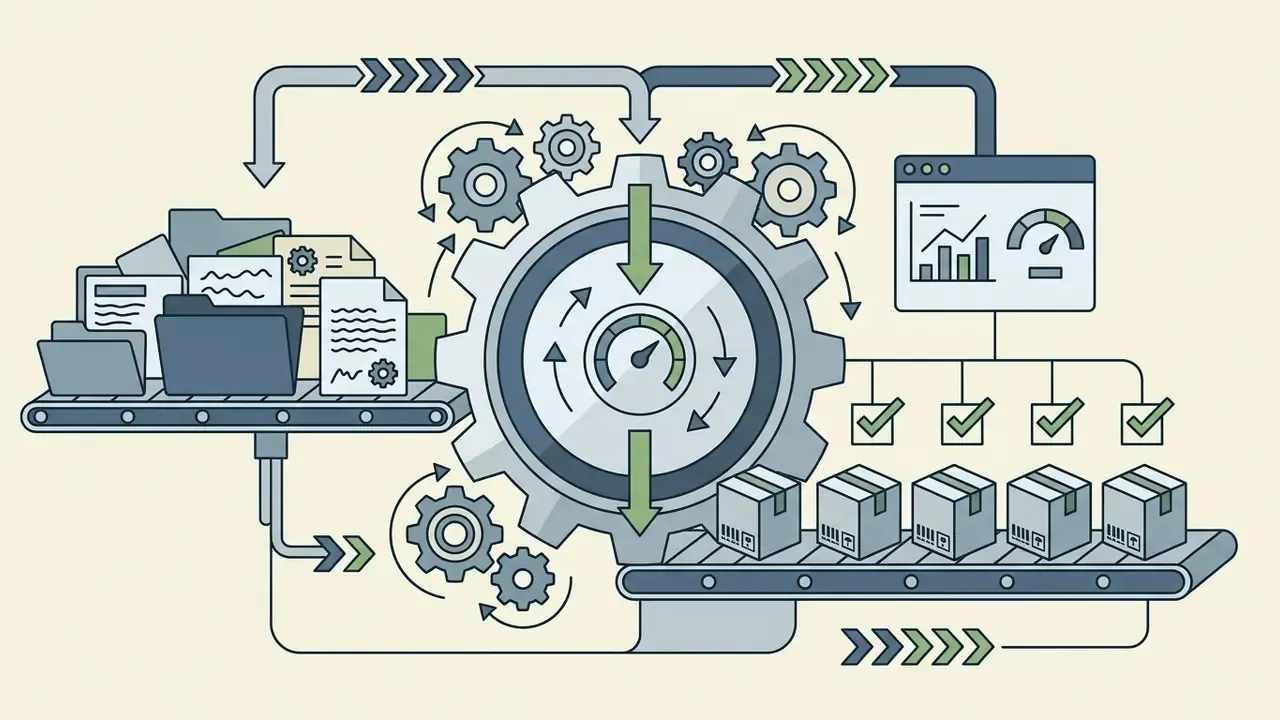
Yes, through batch mode or the API. Vendor limits range from 50 files on free and starter tiers to 10,000 images in a single batch. Uniform size, padding, and white-fill rules apply across the whole series, and the output arrives as a ZIP archive. Budget the credits before you queue the job, not after.
Does the Service Handle Anime and Illustrated Content?
Yes. Segmentation models read drawn subjects, vector art, and anime characters well, since edges there are usually cleaner than in photography. If animated output is the goal, look at the animation maker section, the free AI anime video generator notes, and the roundup of free AI video generators. For playful portrait tools in the same family, there is also the fotor ai baby generator explainer.
Where Can You Follow Legal Disputes Around AI Graphics?
Copyright and licensing questions for AI-generated and AI-processed images are tracked in commercial-terms reviews, for example the analysis of the Microsoft AI Image Generator. Case chronology and pending decisions are summarised in AI Litigation and Case Timelines. To confirm whether a source image has circulated before, AI reverse image search is the practical first check. Navigation and reference resources: Related tools and guides: the AI Media Glossary, online photo editors, free photo editors, AI headshot generator, AI image expansion, Canva AI generator, AI art generator comparison, video compressors, YouTube video editors, and generative video API integration. This material is informational and is not legal advice. Verify technical limits, pricing, and data-retention policies on the provider's official pages on the date of use.