The fotor ai baby generator is a web-based synthetic media feature inside Fotor's broader AI editing suite. It creates a hypothetical child face by blending visual traits from uploaded adult photos. In seconds, the online tool reads facial structures, eye colors and skin tones from one or two portraits, then returns a high-resolution image of a predicted future baby, toddler or child.
Simple on the surface. Slightly more interesting once you ask where the uploaded face data goes.
Executive Summary: What Matters in 60 Seconds
- What it is a browser-based generative feature within Fotor's image ai toolkit. It merges facial landmarks from one or two portraits into a rendered child face in roughly 7 to 20 seconds.
- What it is not there is no DNA analysis. Outputs are synthetic media, an aesthetic approximation, not a hereditary, genetic or medical forecast.
- Two separate workflows dual-photo blending (couple, crush or celebrity pairing) versus single-photo age regression, the baby filter used for viral social formats.
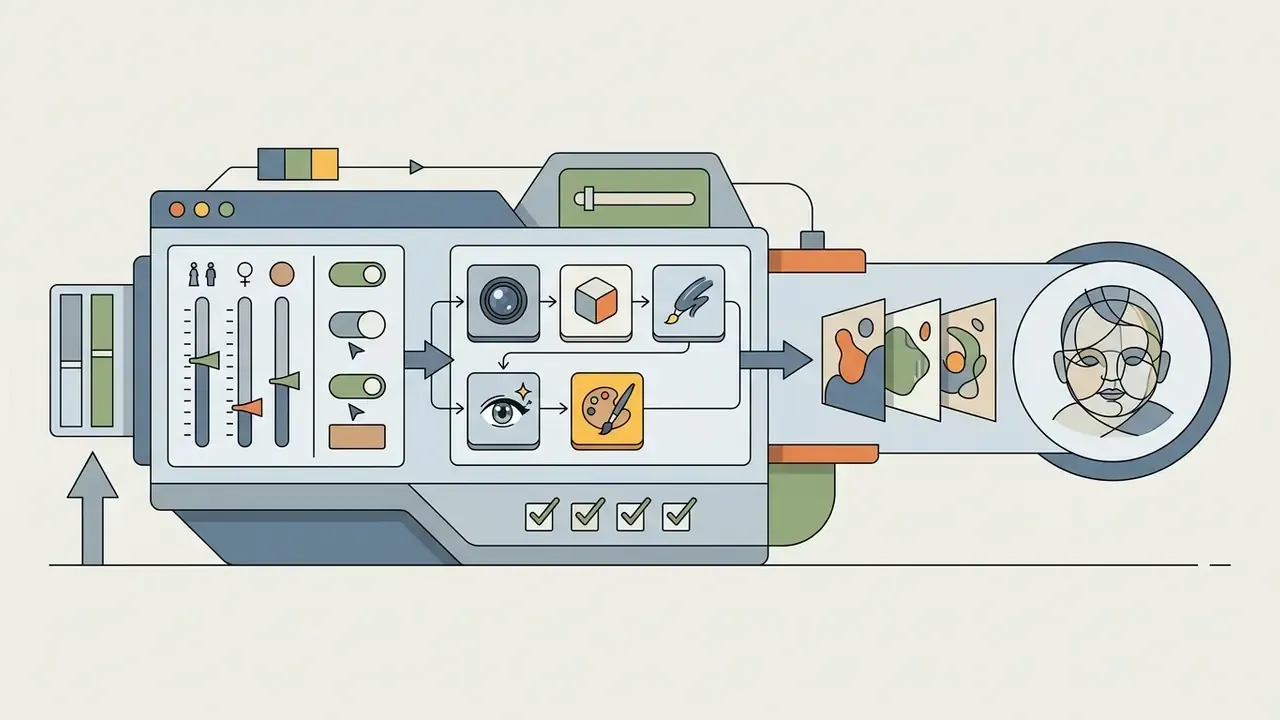
- Controls available gender (Boy / Girl / Random), age tier (Baby / Child / Teen), skin tone (auto-match or manual) and a parental resemblance slider.
- Cost freemium. The free Basic tier exports watermarked, standard-resolution files with one concurrent generation. Pro and Pro+ unlock watermark-free HD exports and commercial rights.
- Privacy uploads are encrypted in transit and stored on AWS infrastructure. Face data submitted to avatar-class generative tasks is deleted automatically within 24 hours of generation.
Why a Consumer Image Tool Deserves a Governance Read
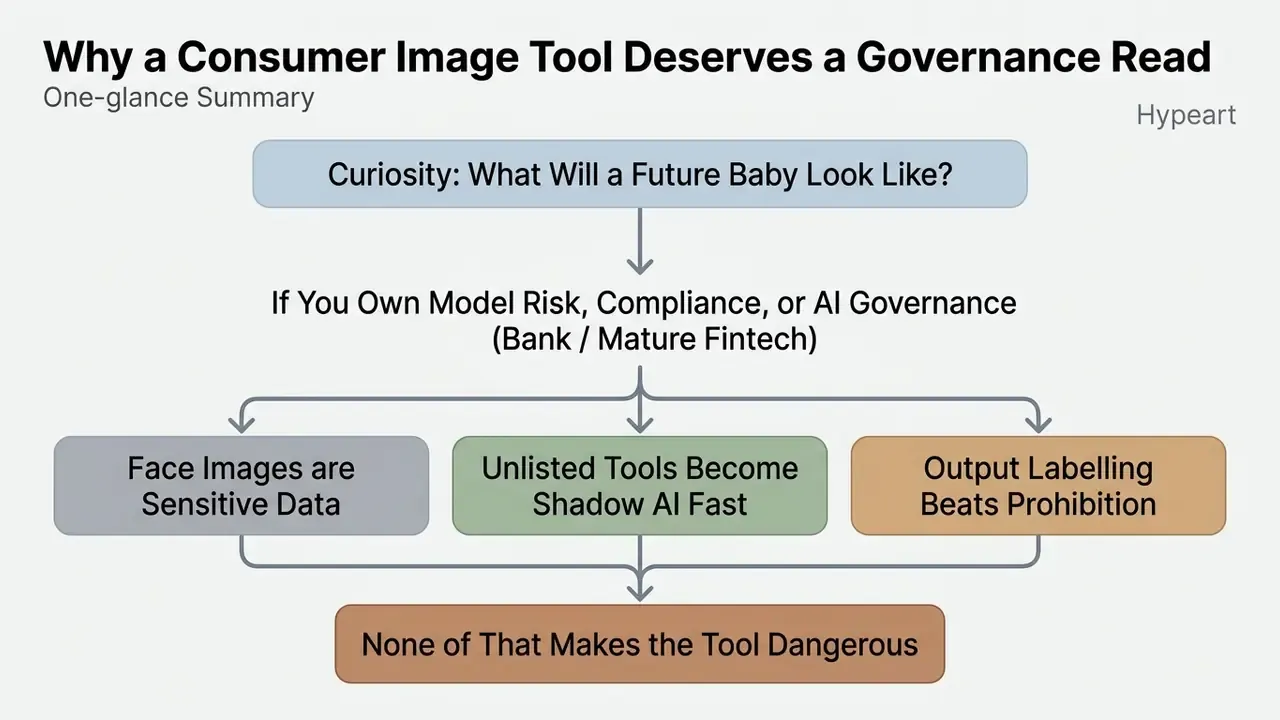
Most readers arrive here for a personal reason: curiosity about what a future baby might look like. Fair enough. But a second group arrives from the other direction, and that group signs off on tool policy.
If you own model risk, compliance or AI governance at a bank or a mature fintech, a free ai baby generator raises four familiar questions. Who uploaded a face? Was that face someone else's? Where is the file stored, and for how long? And can the render legally appear in a marketing asset?
Three governance notes worth holding in mind while you read:
- Face images are usually treated as sensitive data. Several US state regimes regulate biometric identifiers independently of federal rules. A consumer upload can therefore create obligations that no one budgeted for.
- Unlisted tools become shadow AI fast. A synthetic media feature that never enters the AI inventory is invisible to audit by definition. Adding it, even as a low-risk creative utility, costs almost nothing and closes an evidence gap.
- Output labelling beats prohibition. Blanket bans push teams to personal accounts and personal devices. A provenance label on every generated file is the cheaper control.
None of that makes the tool dangerous. It makes it worth ten minutes of documented thinking.
What Is Fotor AI Baby Generator and What Does It Create
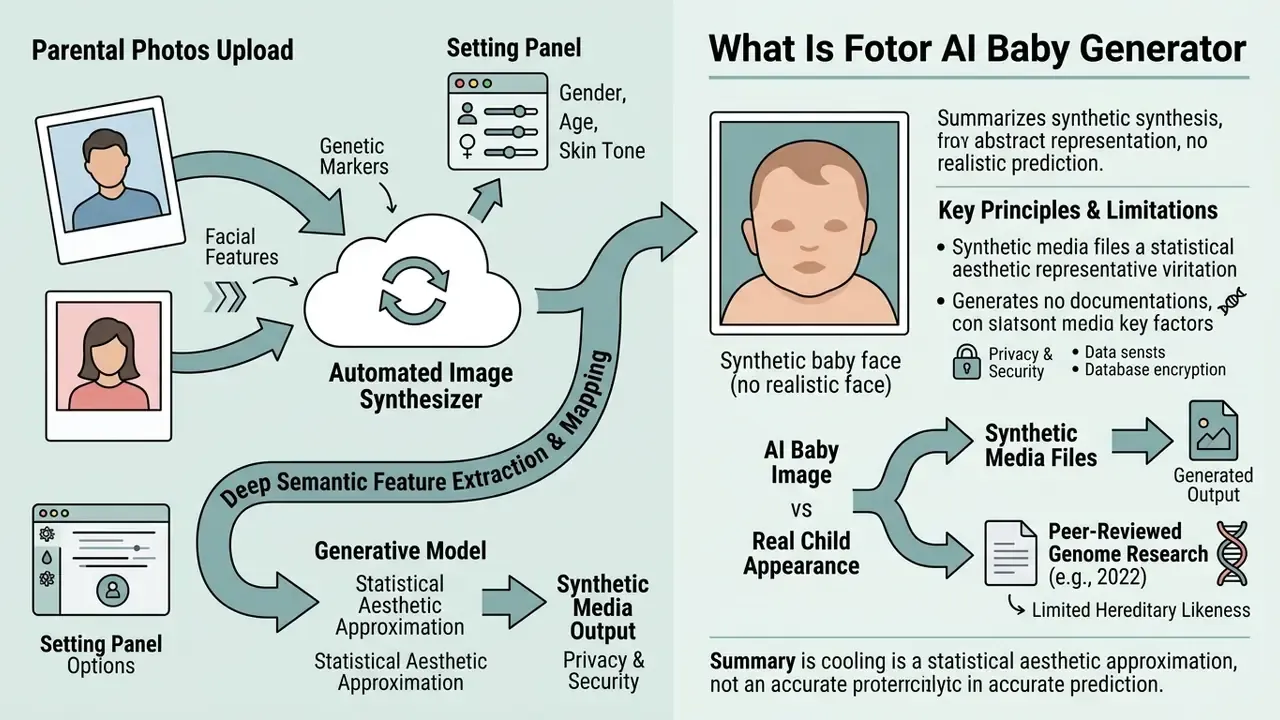
The ai baby generator fotor is an automated cloud image synthesizer built to visualize a hypothetical child from uploaded parent photos. The system processes adult facial geometry in a latent space and returns a rendered baby's face without performing any genetic, chromosomal or biological analysis. The same class of portrait-level latent processing powers adjacent products such as AI headshot generators, which optimize identity preservation rather than trait blending.
How AI Blends Facial Features Across Uploaded Photos
The mechanism behind uploading photos to Fotor relies on deep semantic feature extraction, mapping key facial landmarks from both source images into a unified latent vector. When processing uploaded images of two individuals, the multimodal neural network aligns lighting, facial proportions and skin textures to synthesize a balanced ai baby face that visually reflects traits from both contributors. Fotor's own documentation for its image-combination engine describes this as "advanced multimodal AI" performing deep semantic analysis to reconcile lighting, textures and perspective. That is the only mechanism-level wording the vendor publishes, which is worth noting: the model card, in the MRM sense, does not exist.
«Blending two faces in latent space produces images that kinship-verification algorithms accept as genuine relatives, even for randomly paired subjects.»
That finding matters for risk teams. Latent blending is convincing enough to fool automated relationship checks, which is precisely why the output must be labelled as synthetic rather than evidentiary. Anyone building identity or KYC-adjacent controls should read the paper as a warning about inbound media, not just outbound fun.
Why an AI Baby Image Cannot Guarantee a Real Child's Appearance
Generative model outputs cannot guarantee actual hereditary likeness. Human facial structure is governed by complex polygenic inheritance, environmental factors and random genetic recombination.
Images produced by an AI Baby Generator are synthetic media files. They do not constitute genetic testing, a medical prognosis or a hereditary prediction of any kind.
Peer-reviewed genome-wide association research into facial morphology (2022) reports only limited, statistical prediction for a narrow set of measurements: facial width, eyebrow width, inter-eye distance and mouth-shape traits, all from SNP-based models. No published model reconstructs a complete face from parental genotypes, and none can infer polygenic inheritance from surface-level 2D pixels. Population-scale data also shows that early environmental exposure covaries with polygenic variation, so phenotype is never fixed by parental appearance alone.
«AI systems generate faces that are visually consistent with combinations of parental traits in latent feature space, not on the basis of real DNA.»
The rendered baby image is therefore a statistical aesthetic approximation, not an accurate prediction of how a baby will look. A baby might end up resembling the render. That would be coincidence, not inference.
Fotor AI Baby Face Generator vs. AI Baby Filter: What Is the Difference
Fotor offers two distinct workflows for child face creation: dual-photo feature blending (the fotor ai baby face creator) and single-photo age regression (the fotor ai baby filter). Which one you pick depends on whether you want a child between two partners or a younger version of one portrait.
| Feature / Dimension | Fotor AI Baby Face Generator | Fotor AI Baby Filter |
|---|---|---|
| Input requirement | Two separate photos (couple / partners) | One single adult portrait |
| Algorithmic task | Latent space blending of two distinct faces | Single-subject face-age regression |
| Primary output | Synthetic future child image | Child-like version of the input individual |
| Primary use case | Partner creative visualization and fun | Social media trends, portrait transformation |
| Typical controls | Gender, age tier, skin tone, resemblance slider | Age tier (Baby / Child / Teen), style preset |
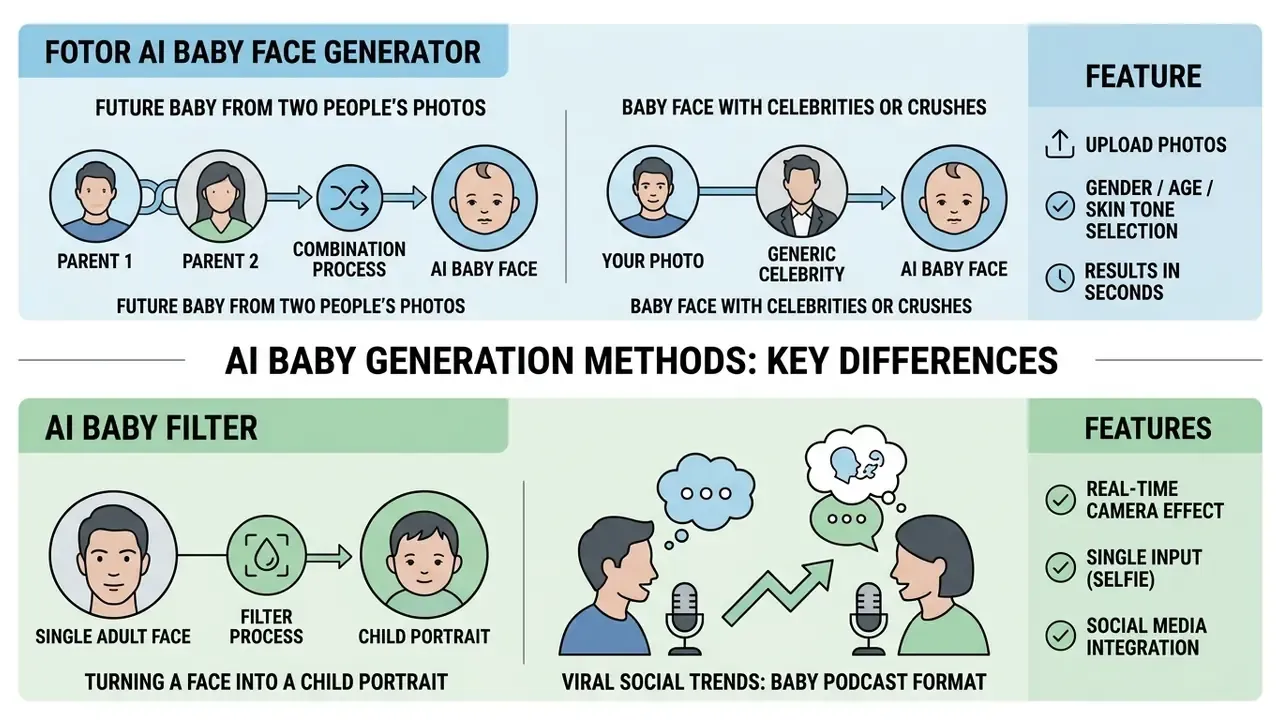
Future Baby Generator From Two People's Photos
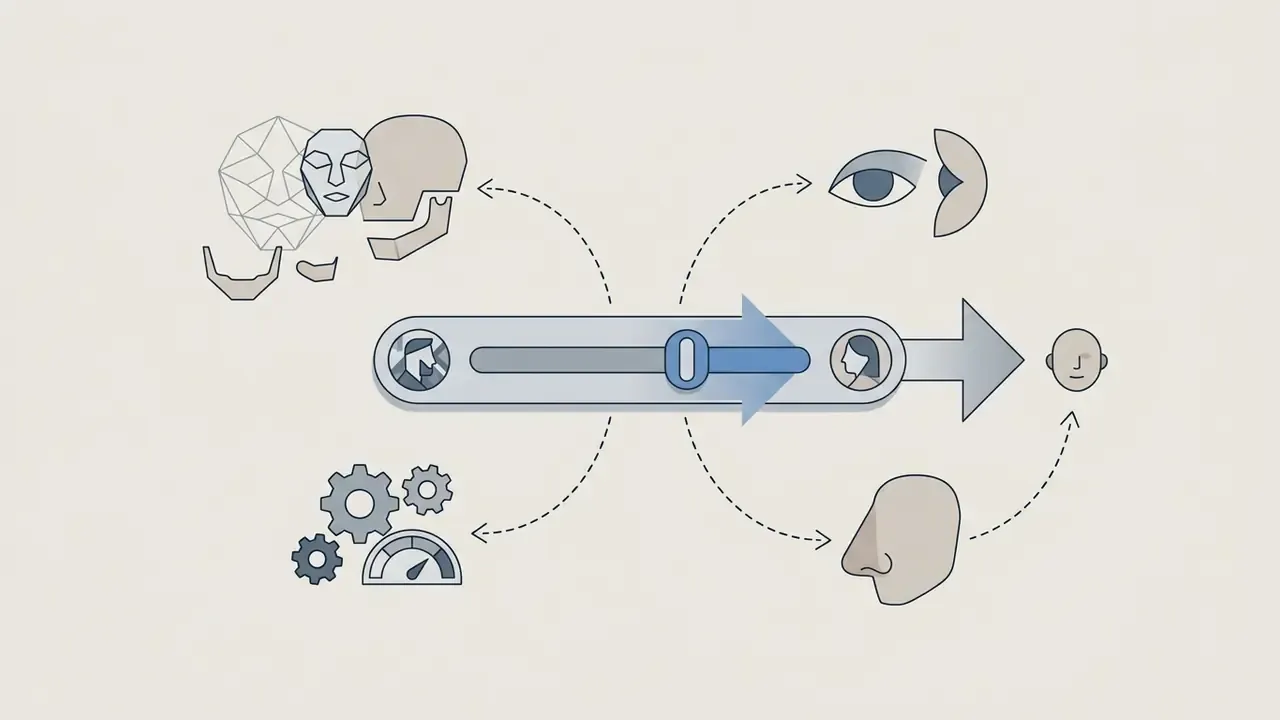
The dual-photo baby face generator asks users to upload distinct portraits of two parents or partners. The neural network detects landmark coordinates on both faces, including inter-eye distance, nose bridge width and jaw contour, then computes an interpolated facial matrix to visualize the future baby traits shared between both source photos.
In practice, the result reads best when both inputs share similar lighting. Mismatched exposure is the most common reason a couple render looks "off" without any obvious artifact.
Generating Baby Faces With Celebrities or Crushes
The dual-photo alignment system does not require legal relationship proof between input subjects. Users can pair their own uploaded portrait with a high-resolution image of a celebrity, public figure or crush. The generative model extracts primary facial landmarks from both source files to simulate a hypothetical child, producing a shareable asset for social interaction. Fotor's product announcement confirms the pairing is open-ended: photos of "you and your partner, crush, or even a celebrity" are all accepted inputs.
One compliance caveat applies. Publicity and personality rights vary by jurisdiction, and Fotor's terms prohibit uploading non-consensual imagery or media depicting unapproved minors. Celebrity pairings are safe as private entertainment. Repurposing them in paid advertising can create likeness-rights exposure regardless of which plan generated the file.
Baby Filter for Turning a Face Into a Child Portrait
The fotor baby filter ai works on single-person portraits, applying age-regression latent shifts to turn an adult portrait into a child counterpart. Instead of combining two identities, this single-photo baby filter modifies facial proportions, smooths skin texture and enlarges eye contours to generate realistic baby photos of one individual. Creators comparing creative tools across vendors can review our curated AI Media Comparison Matrices for cross-platform model evaluations.
Viral social trends: the baby podcast format
Beyond basic age regression, single-photo workflows let creators join trending formats. Applying Fotor's single-portrait baby filter, users generate stylized child avatars kitted out with professional media accessories: headsets, boom microphones, studio backdrops. Those assets feed the viral "baby podcast" meme circulating on TikTok and Instagram Reels. The same pipeline supports lighthearted pranks (regressing a friend's or a parent's portrait), profile-picture gags in group chats and character concepting for illustration projects. If meme formats are the actual goal, a purpose-built ai meme generator usually gets there with fewer steps.
How to Use Fotor AI Baby Generator Online
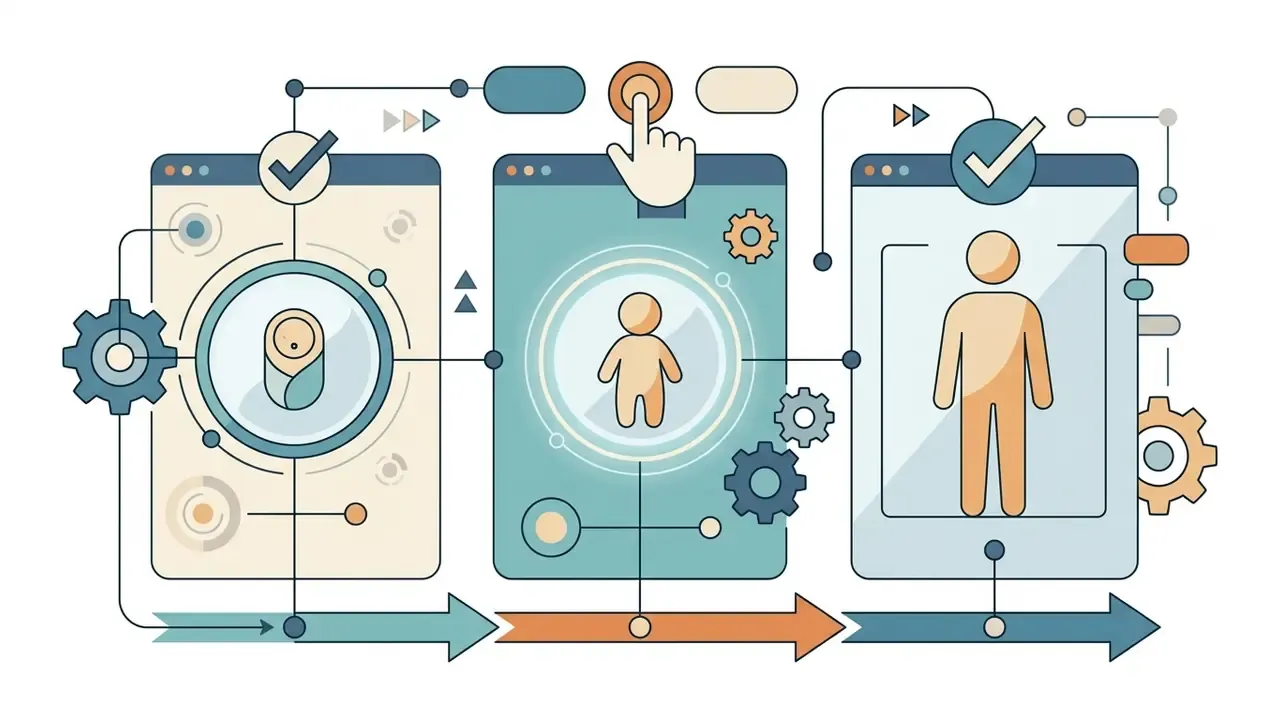
Generating a synthetic child portrait in the fotor baby generator ai takes five steps, from file selection to local render. The platform handles facial alignment automatically once source portraits reach the web interface.
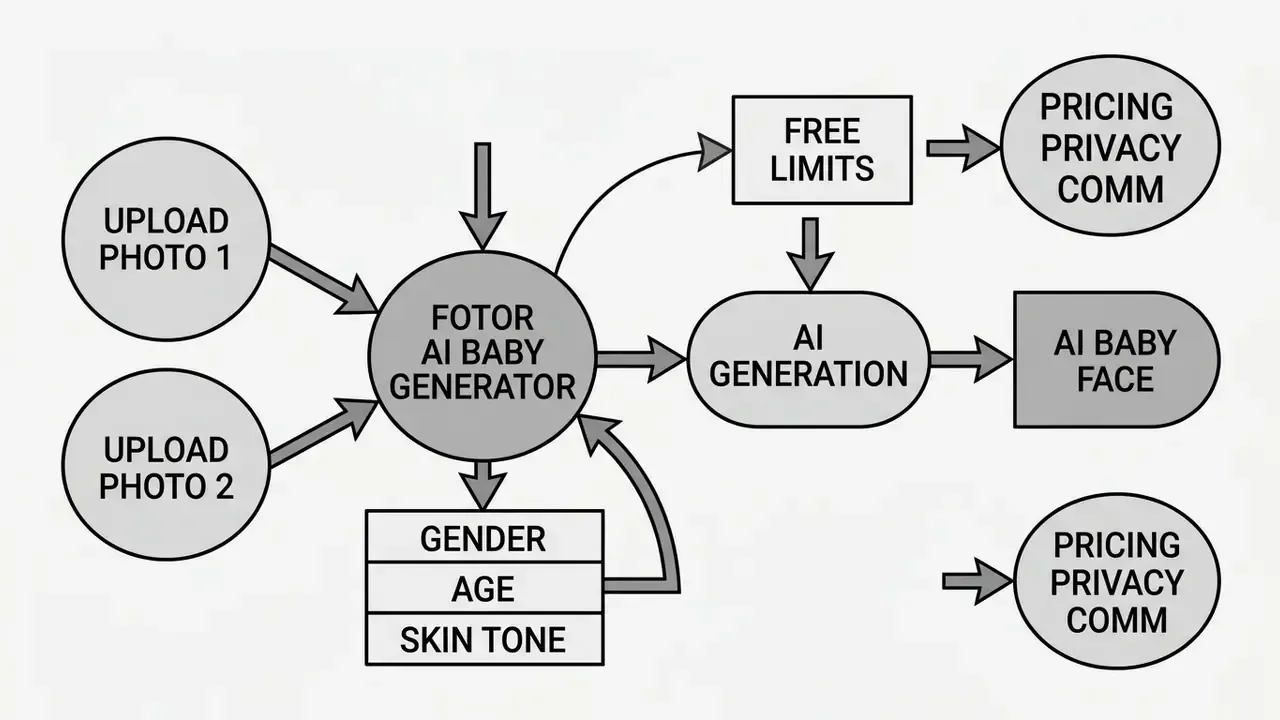
- Upload source imagesselect clear, well-lit portrait files of both partners from your device.
- Configure parameterschoose target attributes including age group, gender, skin tone and parental resemblance weight.
- Execute generationclick generate to start cloud latent diffusion synthesis.
- Review outputinspect the generated baby image in the preview workspace for visual alignment.
- Download and saveexport the finalized image to local storage, or share it straight to your channels.
Upload Parent or Couple Photos
To begin, users upload high-resolution photos of themselves and their partner to the platform canvas. The input pipeline accepts standard graphic formats including JPG, PNG and WebP, and it checks that facial areas in the uploaded images are free from heavy occlusions. Fotor's face-swapping documentation follows the same logic: a base image is selected first, then a second photo containing a clearly visible face supplies the features used for synthesis.
Choose Available Parameters for the Baby Image
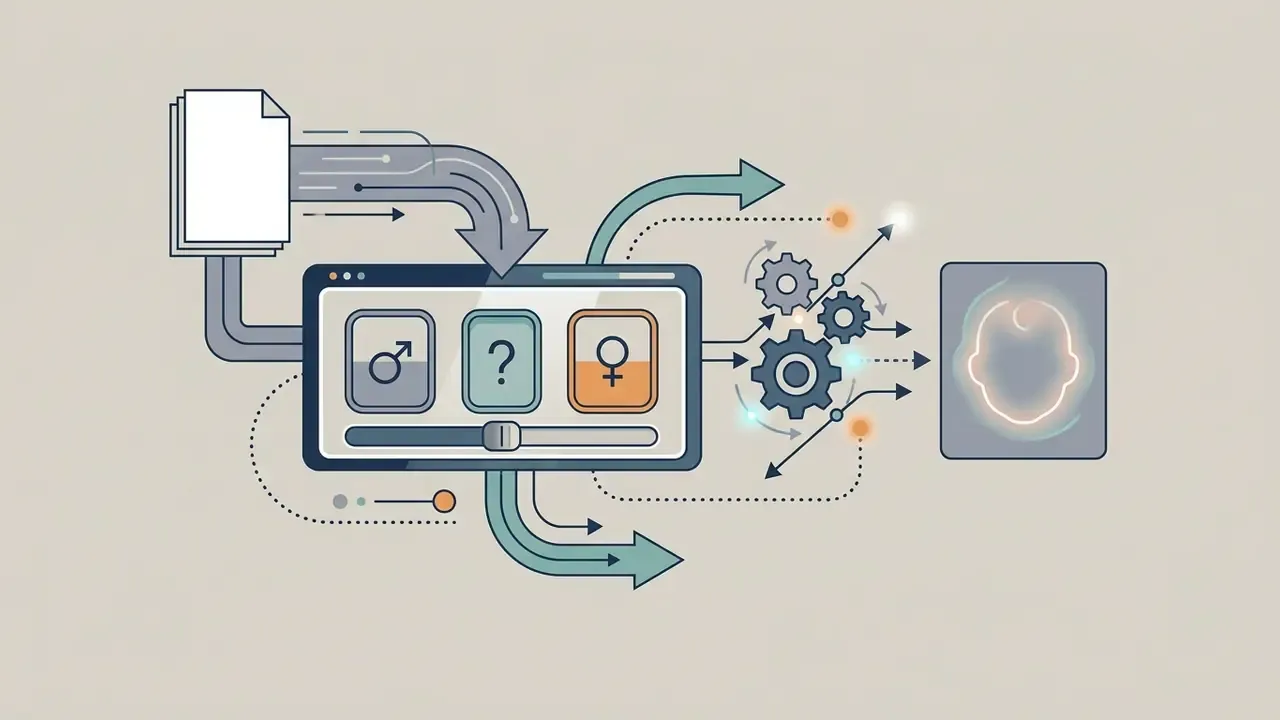
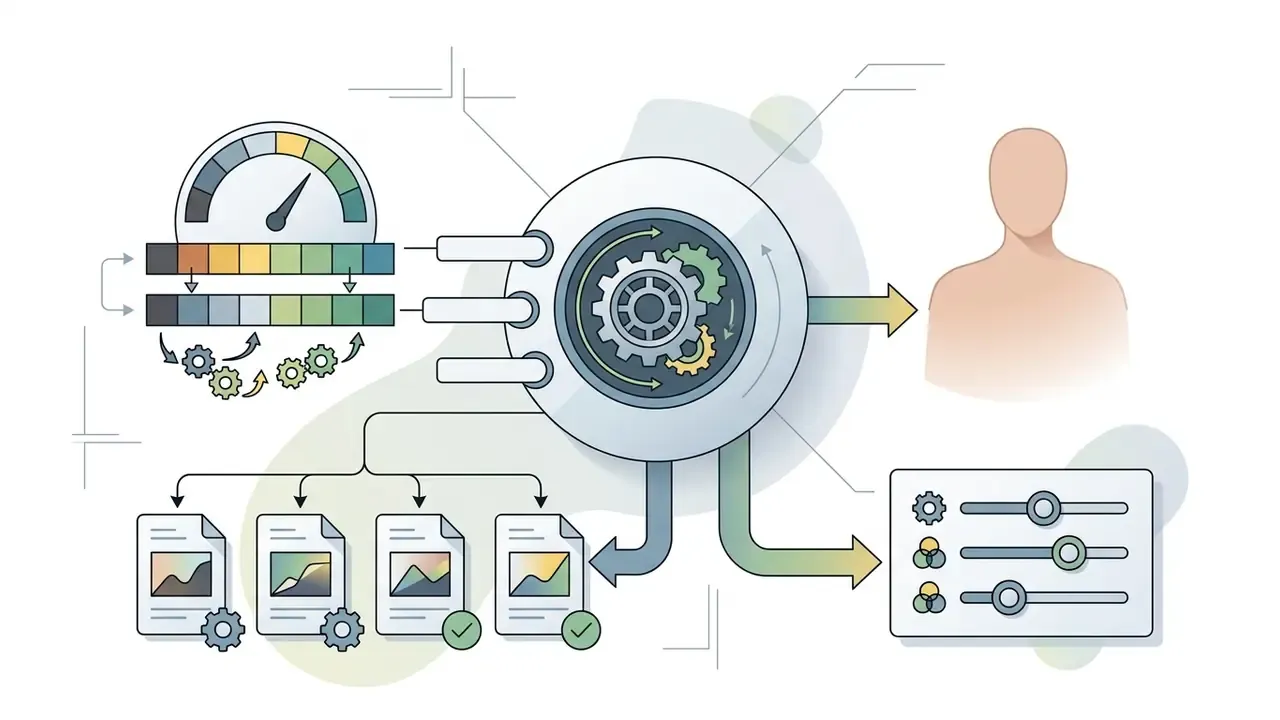
Before rendering, users can choose custom visual parameters to refine the output. Selecting target gender, image style or relative parent resemblance directly shapes how the network weights specific facial attributes, and therefore how the baby's looks land.
Fotor exposes these operational toggles:
Generate, Review, and Download the Result
Clicking generate sends the input matrix to Fotor's cloud processing cluster, and results return within seconds. Users can inspect the preview, trigger secondary iterations to vary facial features, then perform a direct download of the final synthetic file. Completed renders stay available in the "My Results" area for later preview or re-download. If the safety filter blocks a request, change the prompt or swap the source image before retrying rather than resubmitting an identical input. For broader asset generation workflows, see our specialized guides on ai manga generator tools, the ai mashup maker overview, and, for non-portrait outputs, the ai map generator walkthrough.
Uploaded Photo Privacy and Output Security in Fotor
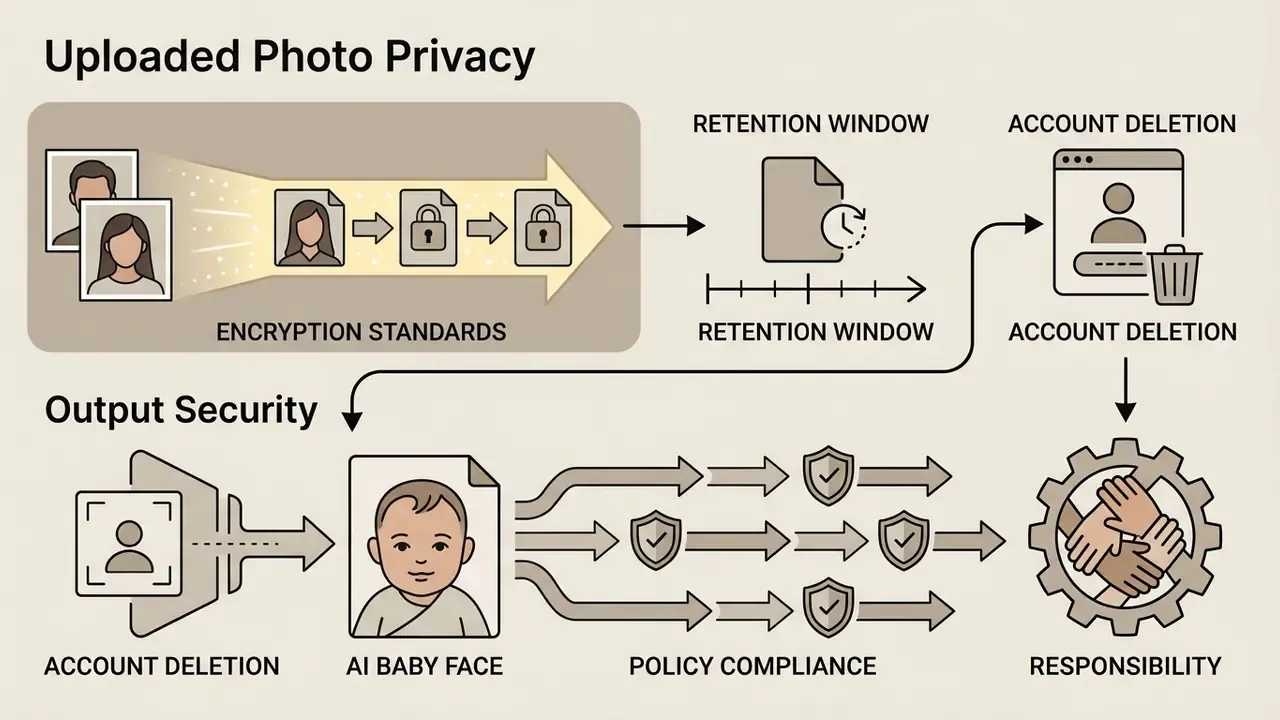
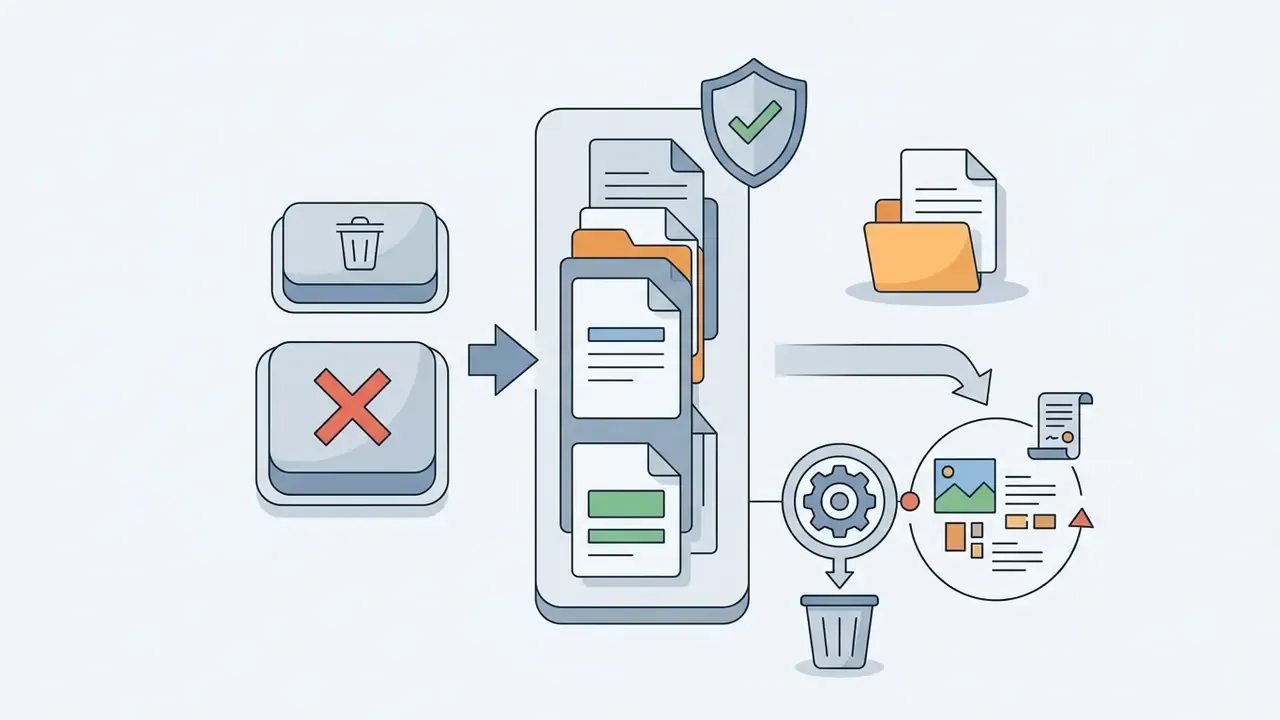
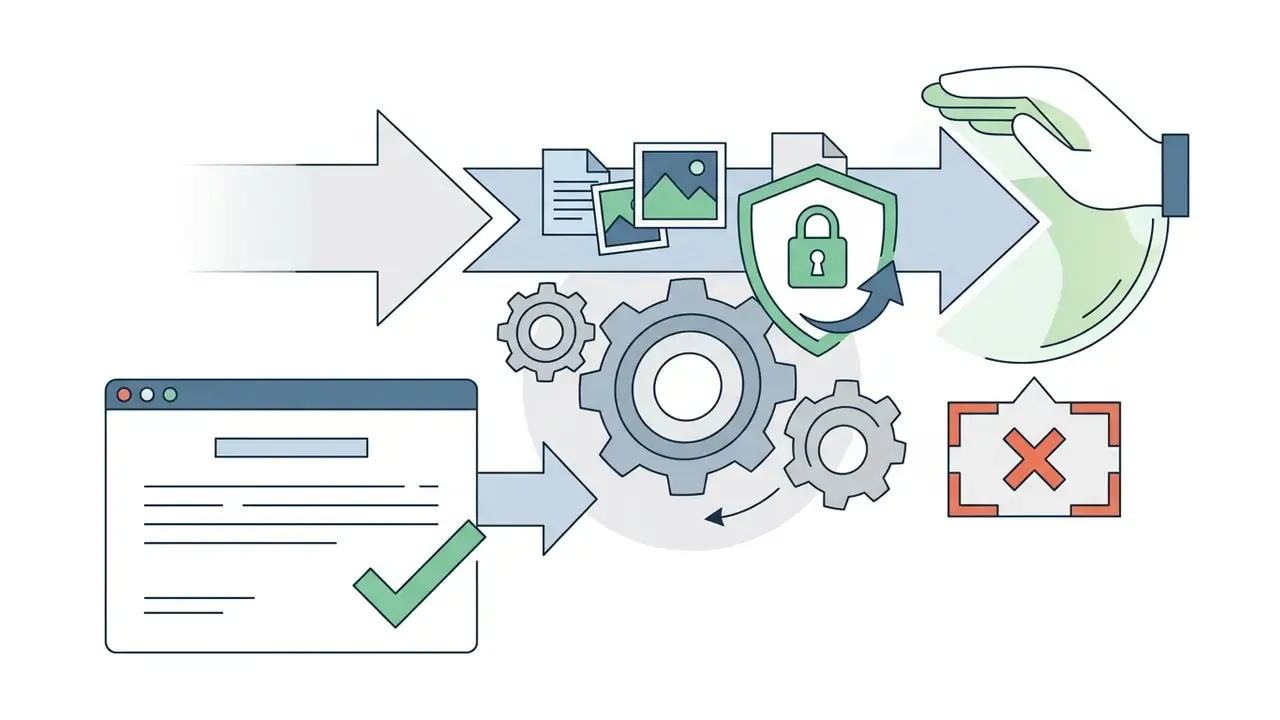
Data protection is the first consideration when you submit personal facial photos to any web platform. Fotor enforces encrypted transmission and documents retention policies for user-submitted media. Because this section concerns biometric material, read it before you upload anything.
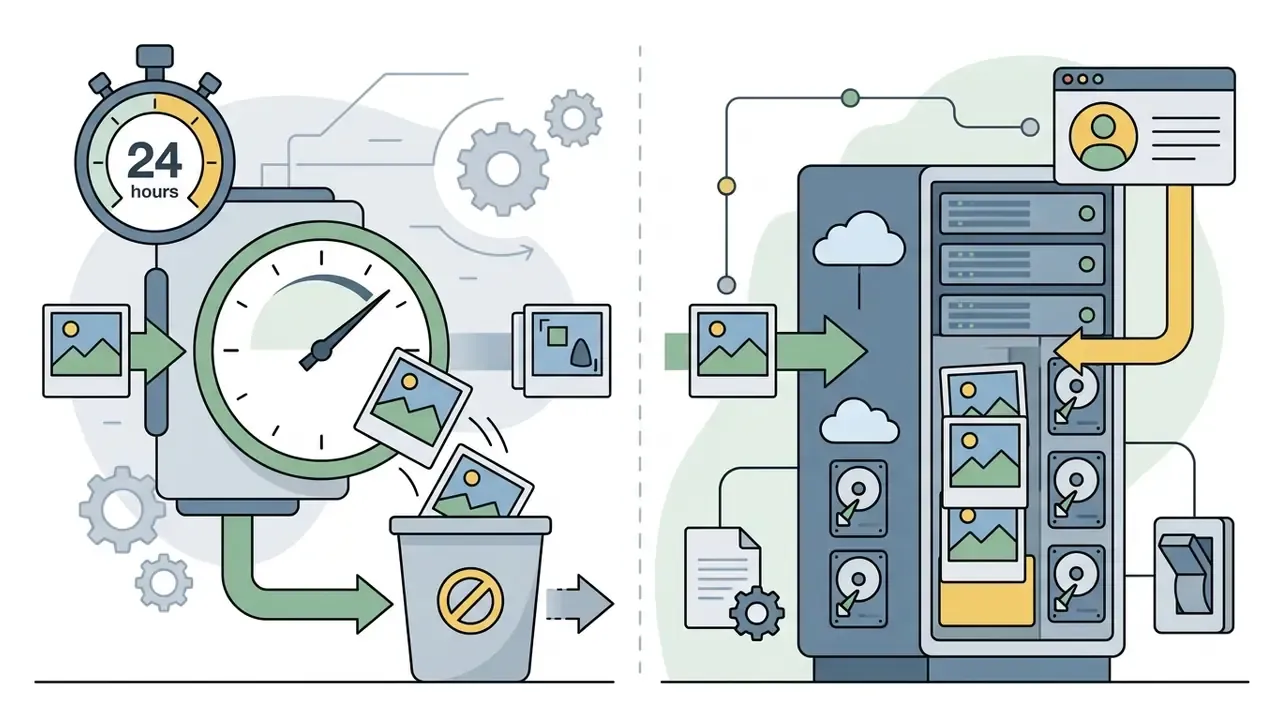
«Photos uploaded for AI Avatar and AI Headshot generation are used only temporarily to learn facial features and are automatically deleted within 24 hours after generation completes.»
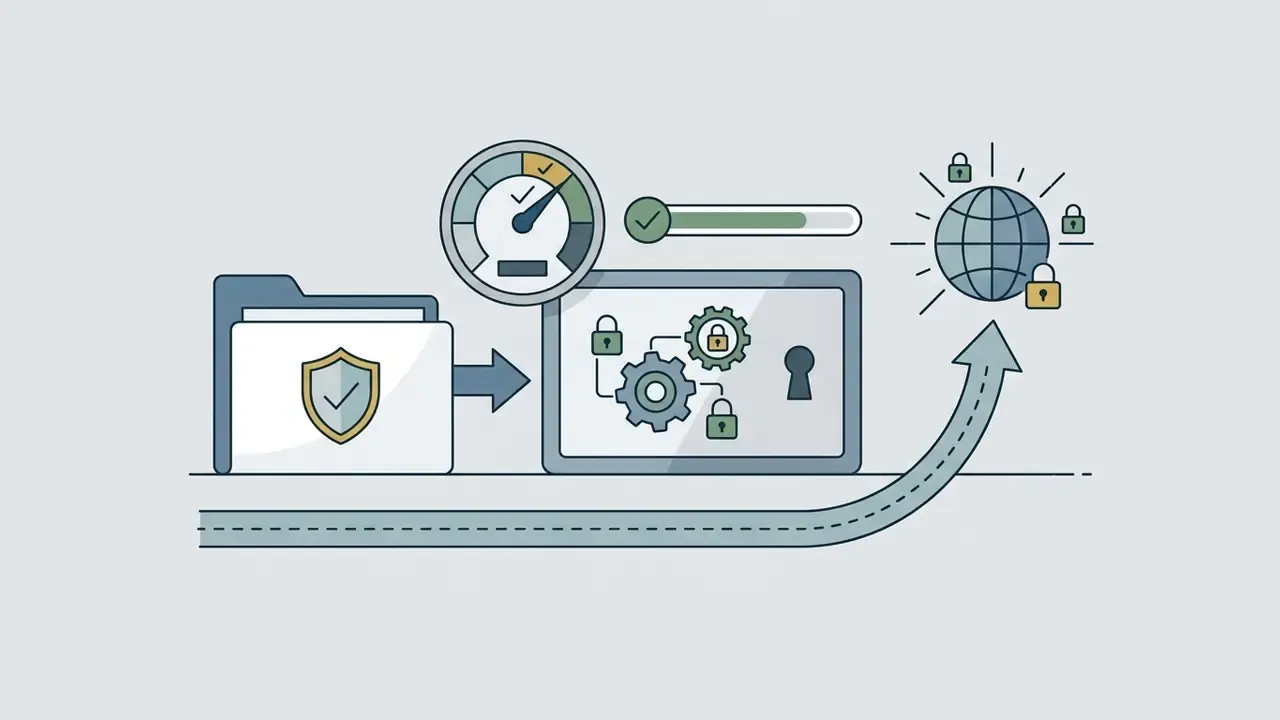
Fotor's global terms set out several parameters for user content:
Which Photos Deliver the Best Results in an AI Baby Face Generator
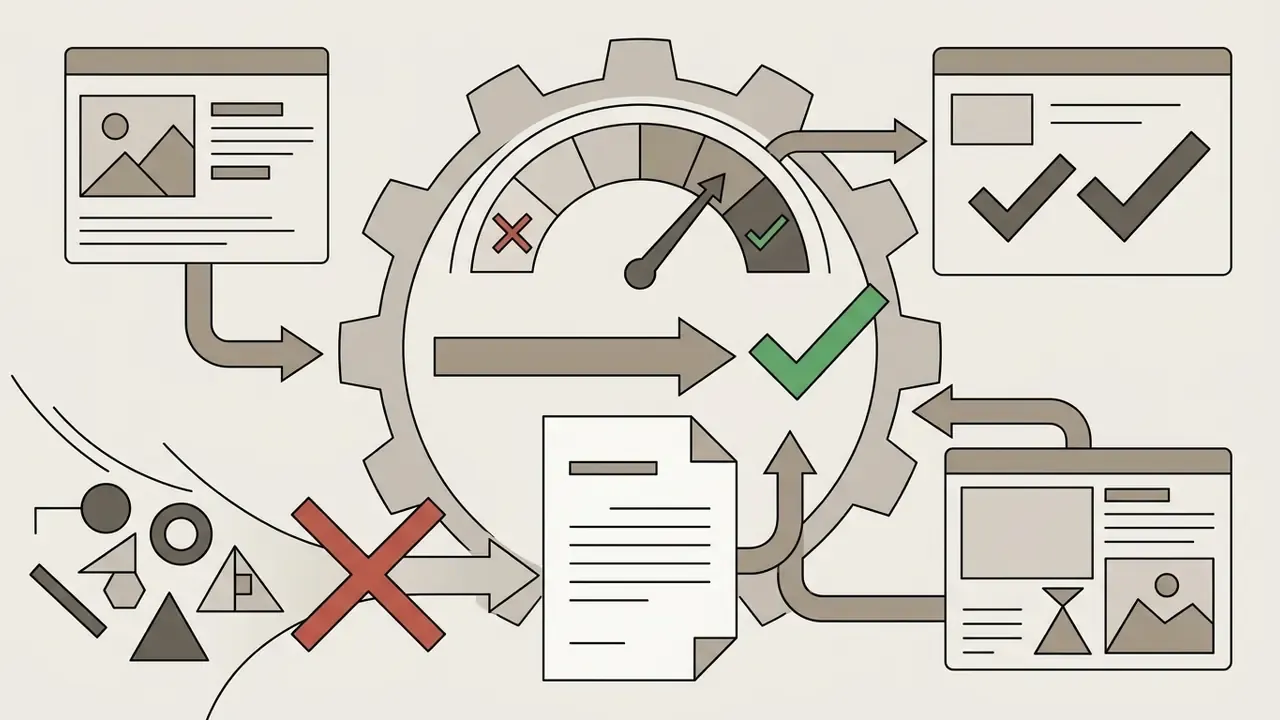
Output photorealism depends heavily on pixel quality, facial clarity and lighting uniformity in the input files. Clean, biometrically legible photographs let the vision model extract landmarks accurately.
Portrait Requirements for Upload
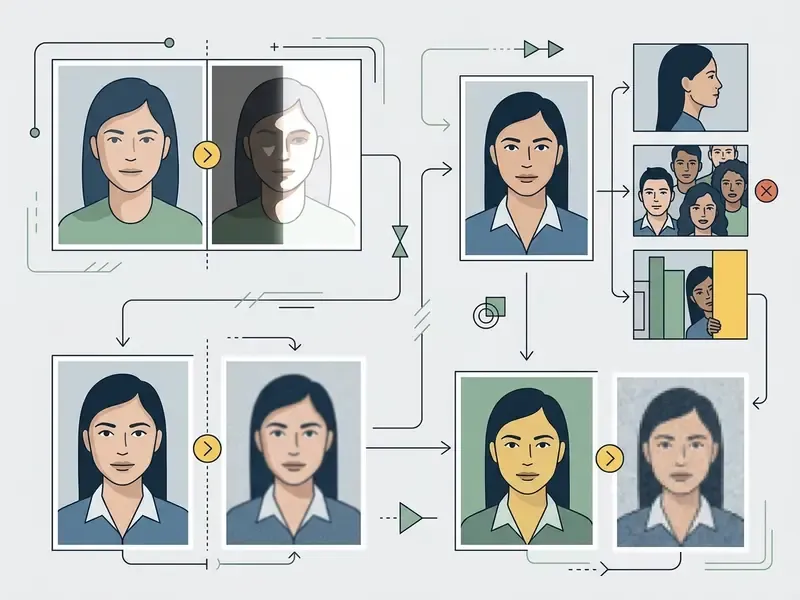
Good output needs an unobstructed, frontal-angle portrait where both eyes, the nose and the mouth are clearly visible. In line with biometric standards established by NIST (National Institute of Standards and Technology), input photos should show neutral expressions, sharp focus and balanced lighting without harsh shadows. Users who need to fix exposure or crop before submission can prepare files in any general-purpose AI photo editor.
Do's, the upload checklist
- Frontal pose, camera square to the face, within roughly ±5° of straight-on (NIST face-image quality specification).
- Both eyes open and clearly visible, with inter-eye distance large enough to resolve detail.
- Even, diffuse illumination, no blown highlights or crushed shadows (ICAO portrait guidance adds dynamic-range requirements in the facial region).
- Neutral expression, mouth closed.
- High resolution, sharp focus, minimal JPEG compression.
- One face per uploaded file.
Don'ts, what degrades generation
- Sunglasses, tinted lenses or frames with glare that obscure the eyes.
- Hats, hoods or head coverings that hide features or cast shadows.
- Profile and three-quarter angles, tilted heads, extreme perspective distortion.
- Heavy beauty filters, aggressive retouching, stylized presets.
- Motion blur, grain, pixelation or upscaled low-resolution crops.
- Group photos where the target face is small or partially occluded.
Which Images Can Degrade Generation Quality
Input errors show up when uploaded images carry heavy filters, extreme side angles, sunglasses, wide hats or low-resolution pixelation. When landmarks disappear into harsh shadows or motion blur, feature extraction degrades and you get artifacts, or a flat generation fail. Independent research on AI-generated image realism reinforces the point: face size in frame, pose complexity, background detail, subject count and resolution all shape how identifiable and convincing the render looks.
One small observation from repeated testing. A slightly underexposed but sharp photo almost always beats a bright, softly blurred one.
How Realistic Is Fotor AI Baby Generator
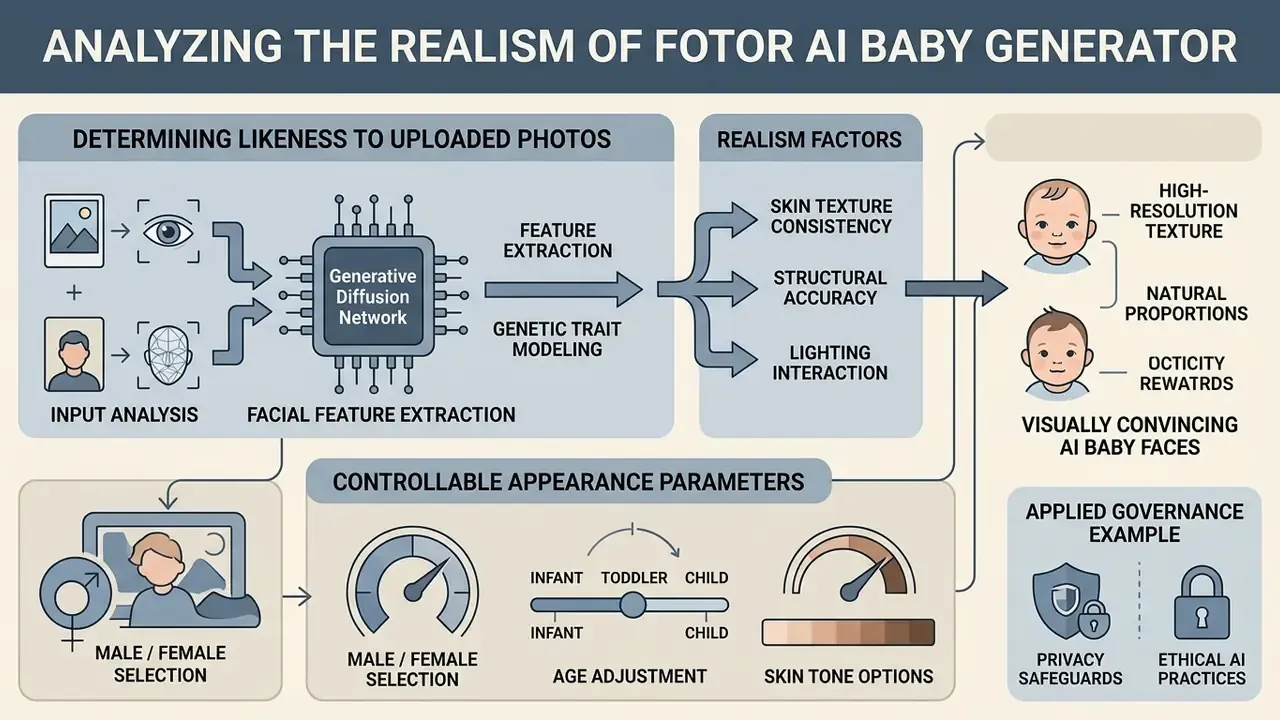
The free ai baby generator by fotor produces visually convincing, high-resolution child images using modern generative diffusion networks. Technical evaluations still point one way: visual realism here is an aesthetic achievement, not a biological forecast. Readers benchmarking render fidelity across platforms can consult our roundup of the best AI image generators.
What Determines the Likeness Between an AI Baby Face and the Uploaded Photos
Likeness depends on structural landmark stability across both input photos.
«StyleDiT trains on 70,000 face pairs from CelebA-HQ across 200 age-and-gender combinations, generating child faces through linear interpolation of parental latent vectors.»
That methodology explains both the strength and the ceiling of the approach. Interpolation reliably carries macro-features such as skin tone, eye shape and face width, while micro-expressions and fine texture stay stochastic per generation. Which is why two runs on identical inputs rarely look like each other in the details. Volume-scale evidence points the same way:
«The HDA-SynChildFaces dataset comprises 1,652 synthetic subjects and 188,328 images; face-recognition accuracy on children remains consistently lower than on adults.»
Comparable research on child-face prediction frameworks (ChildPredictor, 2022) conditions generation on age and gender before fusing parental representations. Resemblance, in other words, is engineered through disentangled feature control rather than inferred from genetics.
Applied governance example. A model-risk function at a regional financial enterprise needed synthetic consumer avatars for digital campaign assets while avoiding likeness and copyright exposure. Rather than banning the tool outright, which historically pushes teams toward shadow AI, the group wrote a synthetic-media handling standard: minimum 1080p inputs, neutral lighting, no third-party likenesses, mandatory provenance labelling of every generated file, and a documented retention check against the vendor's 24-hour purge window. Campaign imagery became measurably more consistent, manual retouching dropped, and each asset traced back to an approved workflow. (Illustrative governance scenario. Figures are not disclosed.)
The transferable part is not the tool choice. It is the evidence trail.
Can You Choose the Gender and Adjust the Child's Appearance
Users can explicitly select output attributes including gender, target age bracket, skin tone and stylized rendering modes such as 3D illustration or photorealistic portrait. Customizing these parameters changes the prompt condition vectors fed into the diffusion engine, which gives fine-grained control over how the baby's face appears. Fotor's regional pages additionally expose race and appearance descriptors as prompt inputs, and its human-generator documentation notes that gender settings influence facial proportions and overall presentation rather than a single feature.
Fotor AI Baby Generator: Is It Free, and What Are the Limits
Fotor runs a freemium model, so you can test the fotor ai baby generator free option on first access. Regional landing pages advertise a first use with no login required. Advanced features, batch rendering and watermark removal need a Pro subscription or credit allocation.
| Plan tier | Generation quota | Watermark status | Export resolution | Commercial usage rights |
|---|---|---|---|---|
| Basic (Free) | Limited trial credits, 1 concurrent | Watermarked JPG / PNG | Standard resolution | Personal, non-commercial use only |
| Pro (Subscription) | Daily credit allowance (≈200 daily uses for most AI editing features) | Watermark-free | HD, transparent PNG | Commercial rights included |
| Pro+ (Enterprise) | Expanded high-speed processing, daily caps removed | Watermark-free | Ultra-HD and vector exports | Full commercial and stock licensing |
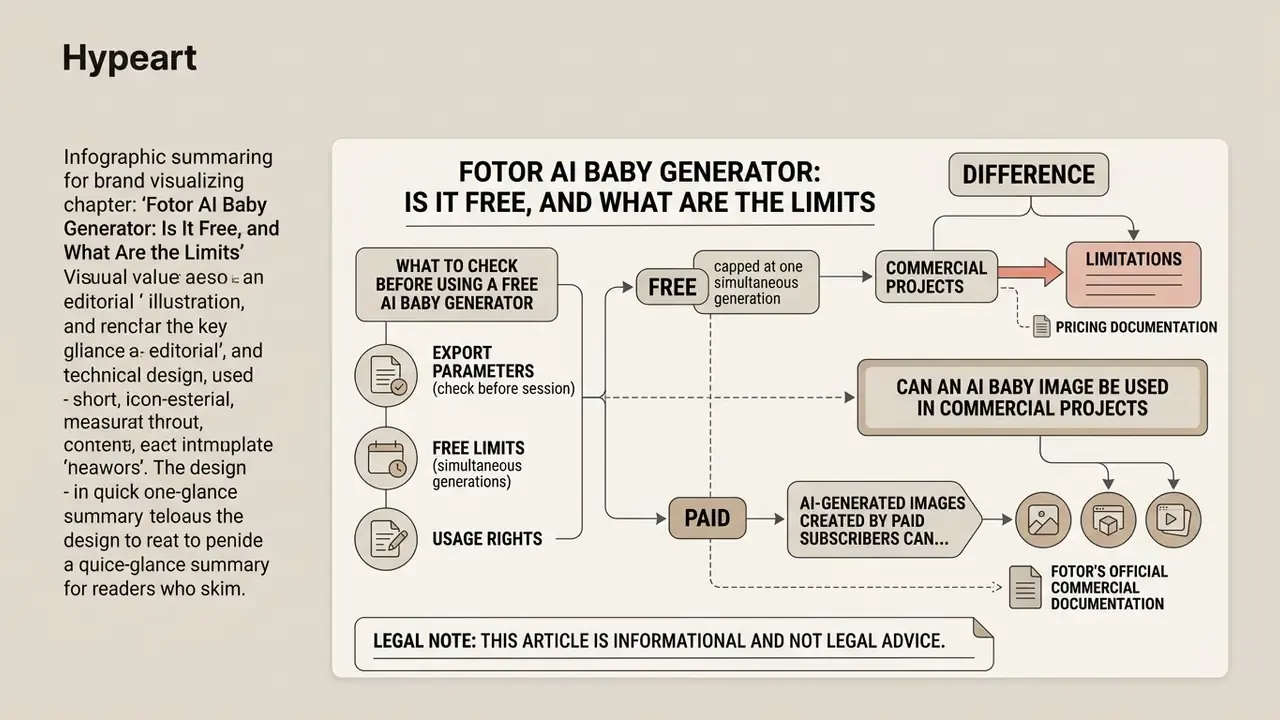
Fotor's pricing documentation confirms the "Free Forever" tier is capped at one simultaneous generation with watermarked JPG, PNG and PDF exports, while paid tiers unlock watermark-free HD and transparent PNG output. Subscriptions renew automatically unless cancelled at least 24 hours before the period ends. Finance teams modelling multi-seat rollouts can sanity-check unit economics with our AI Media Calculators before approving a purchase order.
What to Check Before Using a Free AI Baby Generator
Before starting a fotor – free online ai baby face generator session, check the plan's export parameters. Free-tier accounts usually output watermarked files at standard resolutions, so review upgrade options on the official pricing schedule if you need commercial-grade files. Readers who specifically want unwatermarked trials can compare free AI generators with no sign-up first, and teams testing several online ai baby tools in parallel should log which account uploaded which face. That log is the difference between a controlled pilot and shadow AI.
Can an AI Baby Image Be Used in Commercial Projects
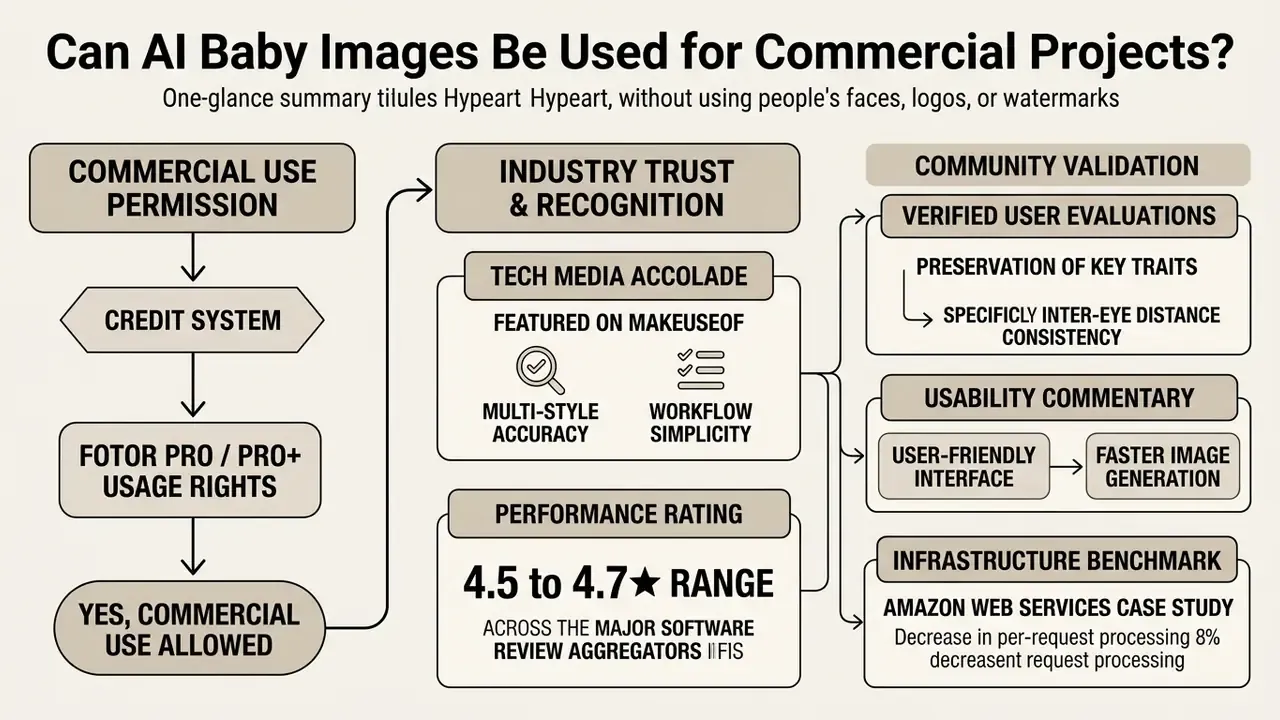
According to Fotor's official commercial documentation, AI-generated images created by paid subscribers can be used in commercial marketing, social channels and digital media. Fotor's support policy states plainly that AI-generated images may be used for personal and commercial purposes, including social media, marketing campaigns and resale, while its Terms of Service confirm the platform makes no copyright claim over user output. Users keep ownership of their generated output, provided the input assets do not infringe third-party intellectual property. Before publishing, compare the terms governing commercial use of AI images across platforms. For broader legal guidelines on AI asset rights, visit our AI Media Commercial-Use Hub.
Legal note: this article is informational and not legal advice. Likeness, publicity and biometric-data rules differ by jurisdiction. Consult qualified counsel before commercializing imagery derived from identifiable people.
Trusted by Content Creators and Digital Communities
FAQ: Frequently Asked Questions About Fotor AI Baby Generator
Why might AI baby image generation fail?
A generation fail message usually means input photos or prompts tripped automated safety policies (NSFW content, banned wording, low-clarity detection), that facial landmarks were severely occluded, or that a network anomaly interrupted the request. Fotor's help center attributes failures to three documented causes: prompt rejection by the content filter, output flagged as offensive, and connectivity or service-availability errors. Removing blocked terms, uploading unobstructed high-contrast portraits and checking the connection before retrying resolves most interruptions.
How long does generation take?
Rendering a synthetic portrait usually finishes within 7 to 20 seconds, depending on server load, network bandwidth and render complexity. Fotor's marketing copy promises results "in seconds," and the AWS case study cited above puts optimized backend inference at 7 to 8 seconds per request. Fotor publishes no device-specific benchmarks. The tool is browser-based and behaves the same on iPhone, Android, tablet and desktop, so perceived speed tracks upload bandwidth more than local hardware.
Can I download and share the generated image?
Yes. Once rendering completes, files download to local storage in JPG or PNG format from the "My Results" area, or share straight to social platforms, personal media libraries and collaborative workspaces through the built-in export controls. When posting a link on social networks, make sure the destination page exposes a valid Open Graph image tag so the preview renders correctly.
Do I need two photos, or is one enough?
Both paths work. Two photos feed the dual-photo blending model that produces a couple-based future-child render. A single portrait routes to the age-regression baby filter, which returns a child version of that one person. Choose by the outcome you want, not by which files you happen to have.
Can I use a celebrity or crush photo?
Technically yes. The pipeline requires no proof of relationship between subjects, and Fotor's product update names partners, crushes and celebrities as valid inputs. Keep such renders in the entertainment lane. Publishing them commercially may engage personality and publicity rights depending on your jurisdiction.
Is the result scientifically accurate?
No. The output is a visual approximation produced by latent-space interpolation, not a genetic test. Peer-reviewed facial-genetics research predicts only a handful of measurable traits statistically and never reconstructs a full face. Treat every result as creative synthetic media.
Should an enterprise add this tool to its AI inventory?
Probably yes, even at low risk. An entry in the inventory records the owner, the business purpose, the data category (facial images), the retention clause that applies and the labelling rule for outputs. That entry takes minutes and gives internal audit something reproducible to test later. Evidence first, autonomy second.
Additional Synthetic Media, Governance and Creative AI Resources
To explore adjacent creative tools, licensing frameworks and technical implementations, consult our technical guides:
- Compare rendering fidelity across platforms in the best AI art generator and best free AI art generator evaluations.
- Review portrait-specific pipelines in our AI headshot generator guide, plus the broader photo editor and free photo editor overviews.
- Assess licensing and usage rights in the Canva AI generator, Google AI image generator and Ghibli-style AI image generator commercial-use breakdowns.
- Verify provenance and detect reuse of synthetic assets with AI reverse image search tooling.
- Benchmark competing model families in the Midjourney and ChatGPT image generation comparisons.
- Explore non-visual generative categories, including the ai melody generator primer and the ai math solver breakdown, when governance policy must cover more than images.
- Implement scalable visual pipelines with documented endpoints in our AI Media API Guides.