Generative neural networks for audio production have moved from experimental algorithms to industrial-grade platforms. The udio ai music generator service is a specialised artificial-intelligence platform that synthesises finished musical compositions with vocals, coherent lyrics, and a full arrangement from a text description alone. In this research review we break down the platform architecture, safe access to the official website, prompt-engineering methods, the legal side of licensing, data-governance questions, and practical application scenarios.
One thing to say up front. The technical story is simple; the licensing story is not.
Executive Summary
-1 = random), and unwanted timbres are filtered with negative prompts and Style Reduction.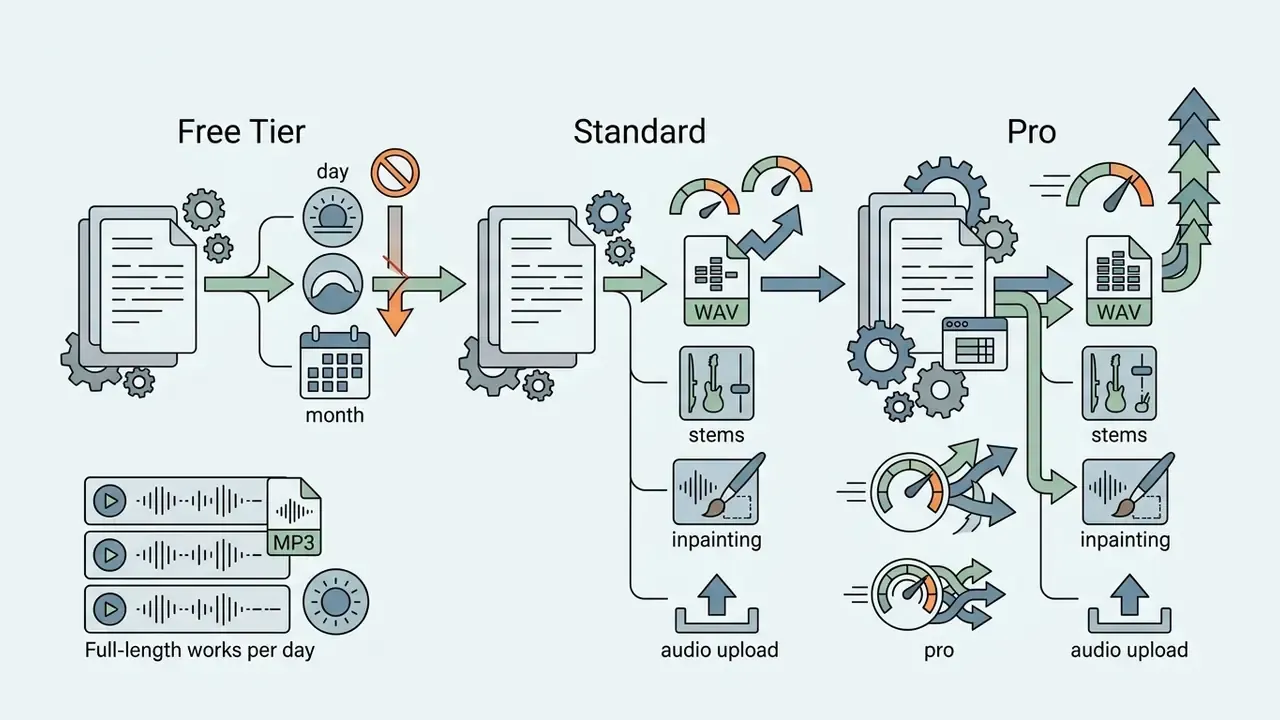
What Udio AI Music Generator is and where to find the official site
Udio AI Music Generator is a generative-AI web platform developed by Uncharted Labs, Inc. It lets users create original musical tracks with instrumental backing and vocals from text prompts or uploaded audio fragments. The service automates music creation and arrangement writing without requiring professional sound-engineering skills. The single official resource of the platform is the website udio.com.
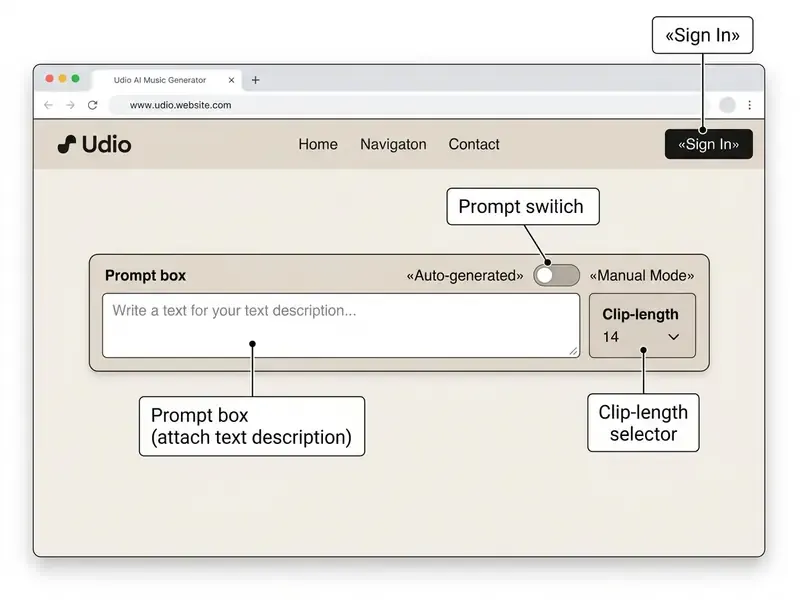
Reaching that official resource requires basic digital hygiene, because search results frequently surface unofficial aggregators, imitator domains, and phishing pages. Safe access is simple: type https://www.udio.com directly into the browser address bar instead of following look-alike links from ads or social posts. The udio ai music generator official site provides a built-in sign-in form (Sign In), a text-description input panel (the prompt box), and generation-mode switches (Auto-generated and Manual Mode). For an overview of adjacent generative-content solutions, see the glossary of AI media terms.
A small note for corporate readers: the udio ai music generator website is a consumer product with a consumer domain surface. Shadow-AI incidents in media teams rarely start with malice. They start with someone clicking the second result in a search page.
The 2024 launch of Udio AI Music Generator and platform development
The official launch of the udio ai music generator 2024 platform took place on 10 April 2024, when the service moved from closed testing into public beta (udio ai music generator launch 2024). The project was founded in December 2023 by a team of former Google DeepMind researchers: David Ding, Conor Durkan, Charlie Nash, Yaroslav Ganin, and Andrew Sanchez. According to PR Newswire (2024), total venture funding raised as of launch amounted to $18.5 million, including a $10 million seed round with participation from Andreessen Horowitz (a16z) as well as investors will.i.am and Common.
«Udio was founded in December 2023 by a team of former Google DeepMind researchers and quickly became one of the two leading AI music generators alongside Suno.»
Platform development in 2024-2026 was accompanied by updated music models (Udio v1.5, the «Allegro» and «Playground» releases), expansion of the inpainting function, and the introduction of professional subscription plans. The udio ai music generator release 2024 milestone set two defaults that still shape the workflow: generation of a song from a prompt took under 40 seconds, and the output length was 32 seconds. That second number is why clip chaining exists at all.
The technology story is inseparable from the legal one. In June 2024, rights holders represented by the RIAA initiated litigation against Udio and Suno over the use of copyright-protected recordings in training datasets. By 2025 the company had begun transforming toward a licensed ecosystem, concluding a settlement with Universal Music Group (UMG); Warner Music Group similarly announced a licensed environment for remixes, covers, and new songs. All litigation and licensing consequences, including what they mean for your release plans, are consolidated in the licensing and compliance section further down, and a broader chronology sits in AI Litigation and Case Timelines.
How the Udio AI music generator works
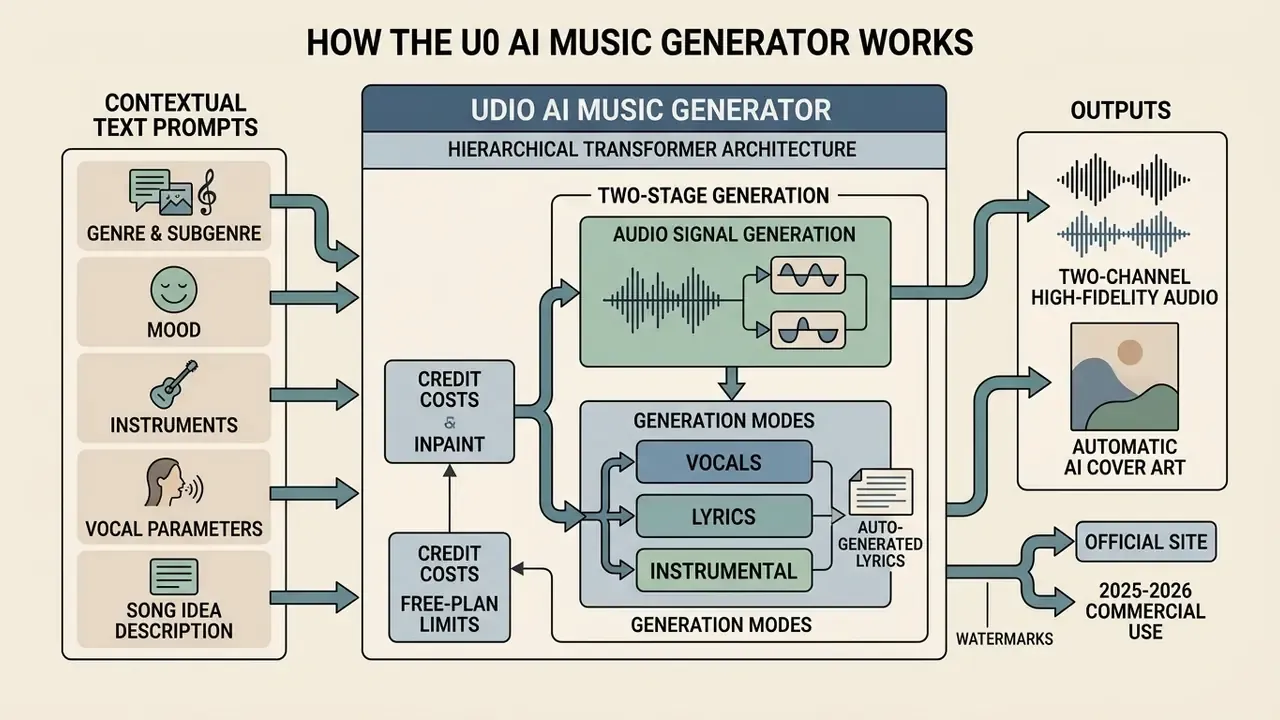
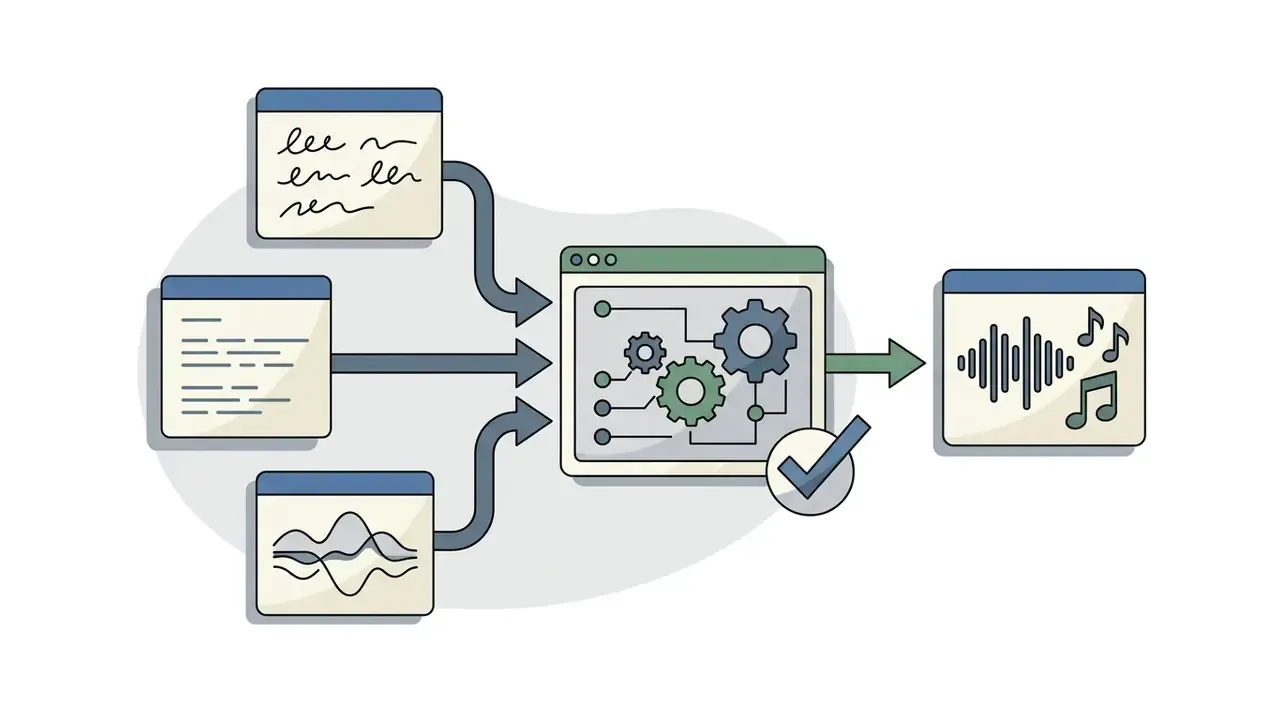
The udio ai music generator service runs on a hierarchical transformer architecture that converts contextual text prompts into a two-channel high-fidelity audio signal. The algorithm decomposes the text request into semantic components, determining genre, tempo, key, instrumental composition, and the vocal part. Creators who pair generated music with moving images often combine it with AI video generators at the same stage of the pipeline.
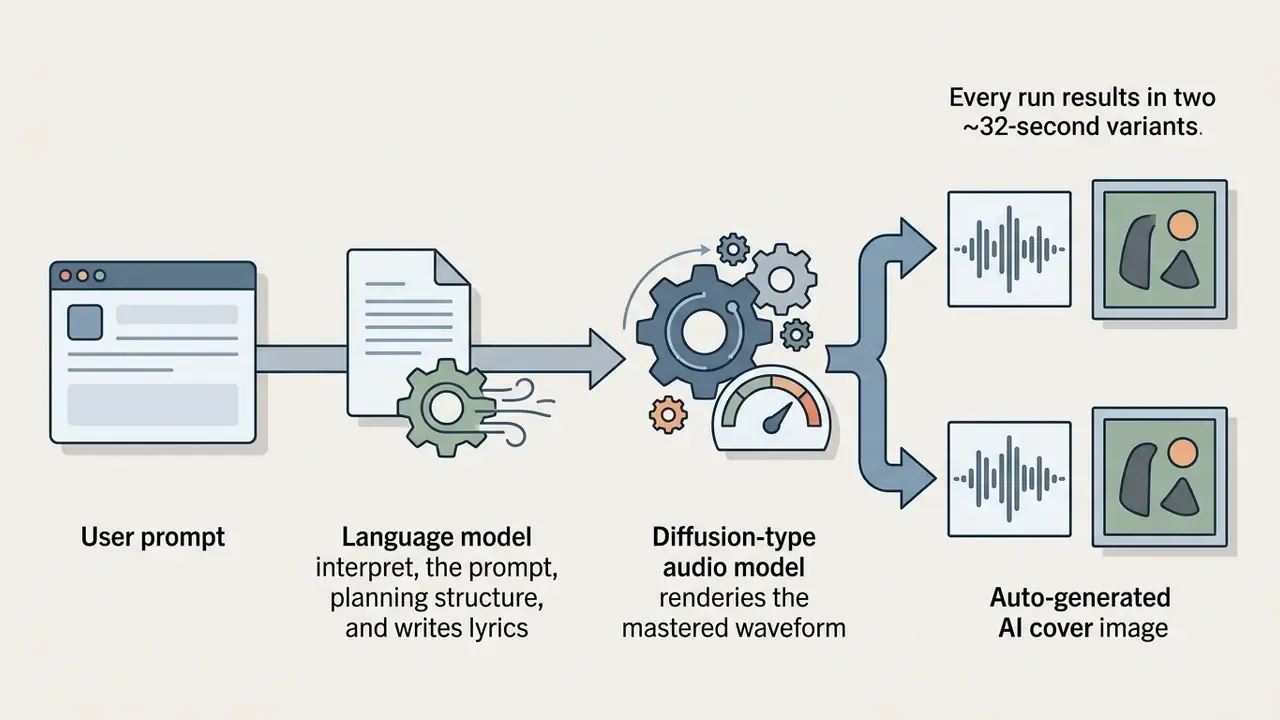
Composition generation proceeds in two sequential stages. First, a large language model (LLM) interprets the user prompt, forms the song structure, and generates rhymed lyrics if no custom text was supplied. Second, a specialised diffusion-type music model generates songs, synthesising the musical waveform and merging vocal formants and instruments into one mastered track. That is the whole pipeline for ai music generator udio users: text in, mixed audio out.
An important architectural caveat for model-risk assessment: Udio has not published a detailed technical paper. Official materials confirm input and output behaviour (text or audio in, mastered music out), while architecture descriptions in secondary sources are inferred. So reproducibility guarantees here are behavioural, not contractual. The notes on seed stability below explain why that distinction matters in practice. Buyers who benchmark several engines, including adjacent systems such as MiniMax Music, usually discover the same documentation gap across the category.
Automatic AI cover art generation
Alongside the audio stream, the system produces a stylistically consistent visual cover for each track. AI Cover Art is formed from the semantics of the same text prompt, its genre, mood, and imagery cues, and can be exported together with the audio file for publication on streaming services, in podcast feeds, or on social platforms. In practice this removes an entire production step for solo creators: the release artwork no longer needs a separate design brief. Teams with strict brand guidelines usually still route the generated cover through a design pass in a photo editor, or compare alternatives among the best AI art generators and published ai generated images for reference.
Text prompts: how to describe a song idea for Udio AI
Effective track generation begins with formulating a concise musical idea (song idea). To obtain a predictable result, the text prompt must specify the fundamental characteristics of the work: genre, mood, tempo parameters, and instruments. Udio's own Help Center recommends answering four questions before you generate: mood, genre, tempo, instruments.
When composing a request, follow this structure:
To systematise parameters, experienced users apply structured prompts built on the «brick» method (Brick Method), where categories are separated by underscores and spaces: pop_synthwave female_vocal upbeat_energetic synth_bass 120bpm. It looks mechanical. It is also the fastest way to make a music generator create the same sonic territory twice.
Generation modes: vocals, lyrics, and instrumental music
The udio ai generator platform supports three base modes of working with text and vocal content:
- Auto-generated (automatic lyrics)the neural network composes the song's lyrics from the given theme and genre, distributing them across verses and choruses.
- Custom Lyrics (user lyrics)the user enters lyrics manually in the editor, using control tags in square brackets (for example
[Verse],[Chorus],[Bridge],[Guitar Solo]) for precise positioning of vocal parts. - Instrumental (instrumental track)full deactivation of the vocal synthesiser. This allows purely instrumental backings (instrumental tracks), soundtracks, and beds with no voice present.
«Analysis of 20,519 publicly published Udio tracks from May to October 2024 shows that roughly 11% are instrumental recordings without vocals.»
If you have no ready poetic material, the built-in AI Lyrics Writer module generates verses and choruses from a short description of the theme. Lyric drafting does not consume audio-generation credits, so ai lyrics can be iterated freely before you commit a run. A useful habit: draft three lyric versions, then generate once.
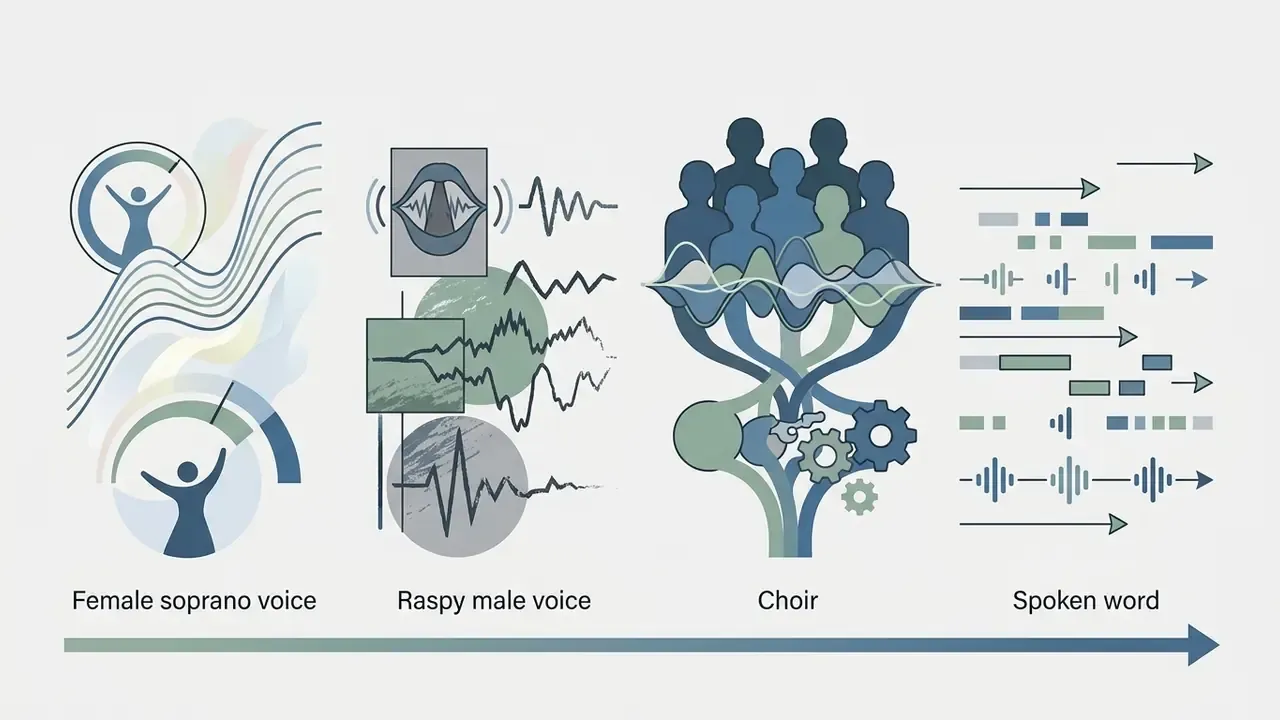
The vocal-synthesis capabilities of udio ai music generator vocals provide deep integration of dynamic effects, including whisper, growl, or backing vocals (indicated in round brackets). Guidance tags can be inserted by pressing / inside the lyrics editor, which surfaces recommended structural and performance markers for lyrics vocals placement. To compare vocal-model architectures with other solutions on the market, see the AI Media Comparison Matrices and the adjacent guide to AI voice generators.
How to create a song in Udio AI: the step-by-step process
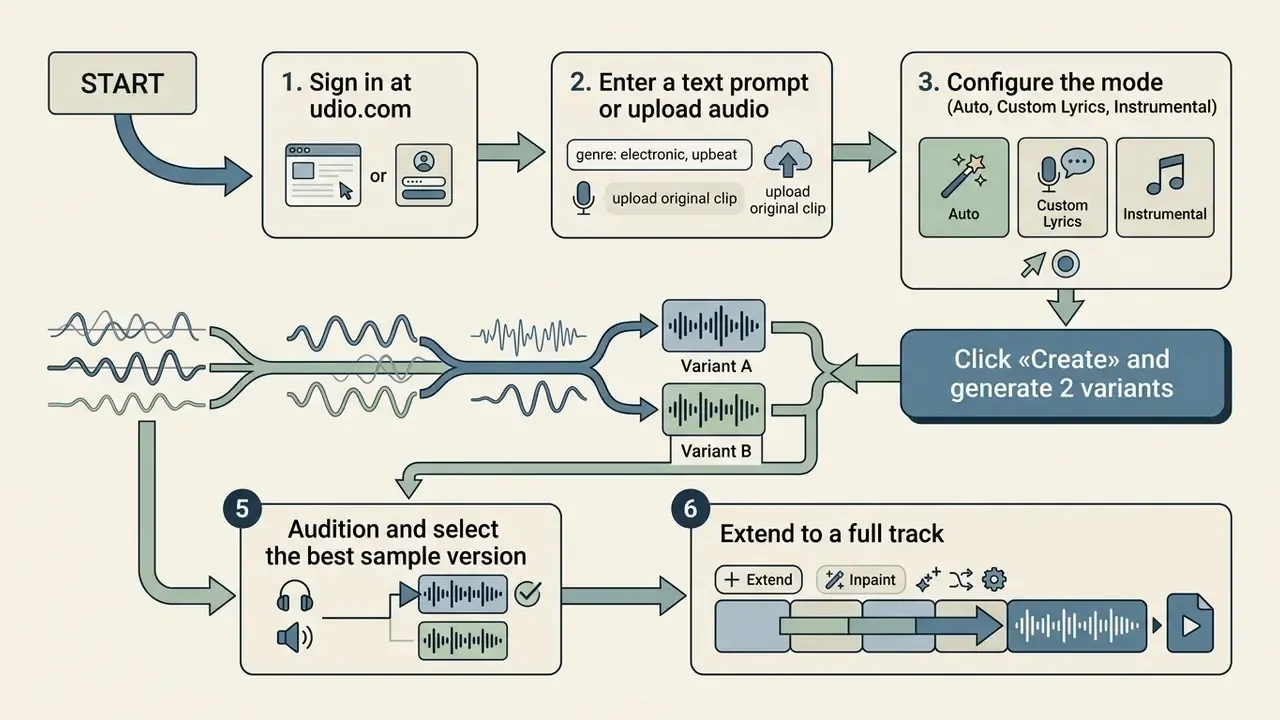
Creating a composition through the ai song generator udio reduces to five or six basic steps, all available directly in the web interface. Teams that publish the result as video usually continue the chain in YouTube video editors.
Preparing lyrics, theme, and track style
At the preparatory stage you define the concept of the future song. When Custom Lyrics mode is selected, the text goes into the editor field. For correct phrasing and accent placement, separate verses and choruses with meta tags:
[Intro]
(Soft synth pad swell)
[Verse 1]
Neon lights on the wet street,
Echoes of time in the quiet beat.
[Chorus]
We run through the digital night,
Chasing the shadow of light.
[Bridge]
(whispered) Every signal fades to grey…
[Outro]
(fade out, analog tape hiss)
If the goal is purely background music for video or game projects, select instrumental mode and specify tempo characteristics in the prompt line (for example 90 bpm, chillhop, relaxing acoustic guitar). Methods for visualising and generating graphic assets for album-cover design are reviewed in the guide to AI-generated art examples.
Generating variants and choosing the best result
After configuring parameters and clicking Create, the platform launches synthesis. Within 30 to 40 seconds the neural network returns two independent variants of the track, roughly 32 seconds each. In credit terms, a single generation run debits 8 credits from the balance and yields those two variants, so budget planning should be based on runs rather than on finished songs. Confirm the current rate on the official pricing page, because credit costs shift with model versions.
Each generated audio recording receives a unique identifier and musical fingerprint. You audition both variants, judging vocal quality, instrument balance, and conformity to the chosen genre. A practical selection heuristic: keep the clip with the strongest core, meaning voice character, groove, and melodic hook, rather than the cleanest mix. Mix issues are correctable later. A weak hook is not.
How to refine tracks: extension, inpainting, remixing, and result control
The initial 32-second fragment in the udio ai music generator is only a starting sample. To turn a short draft into a complete track, three editing instruments are used: Extension, Inpainting, and Remix. This is where music production discipline starts to matter more than prompt wording.
Extending a song to a full structure
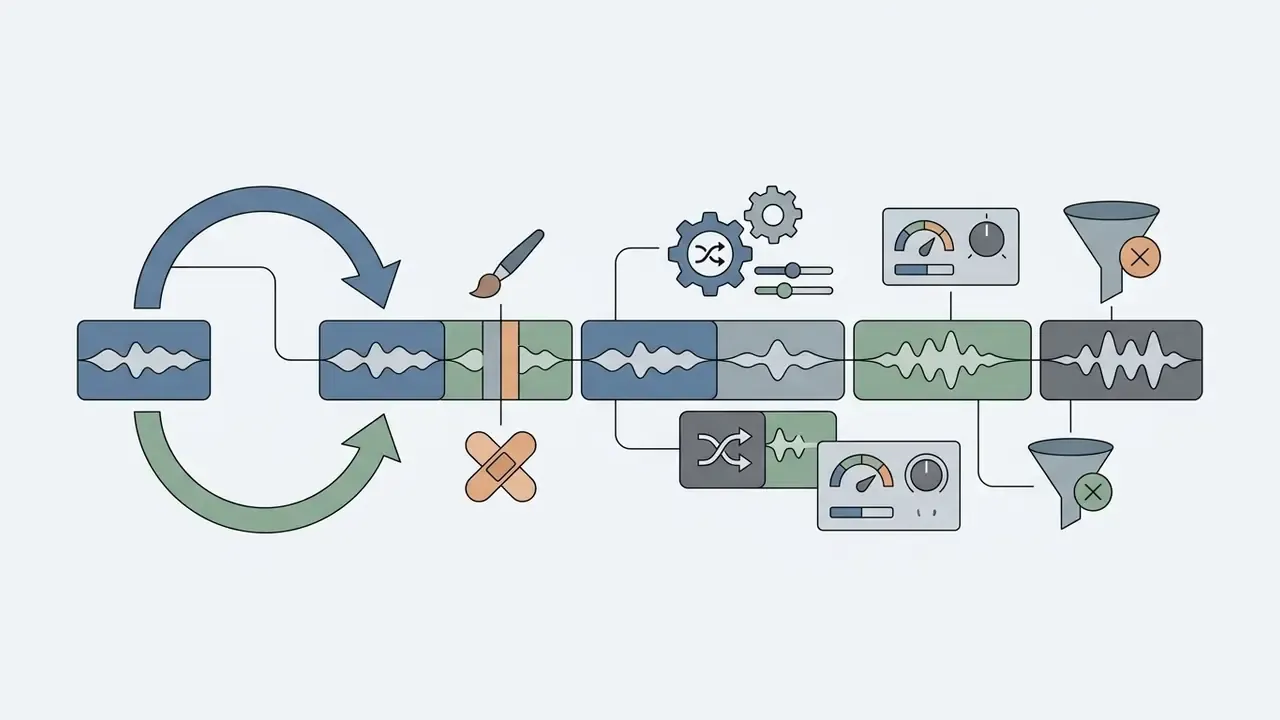
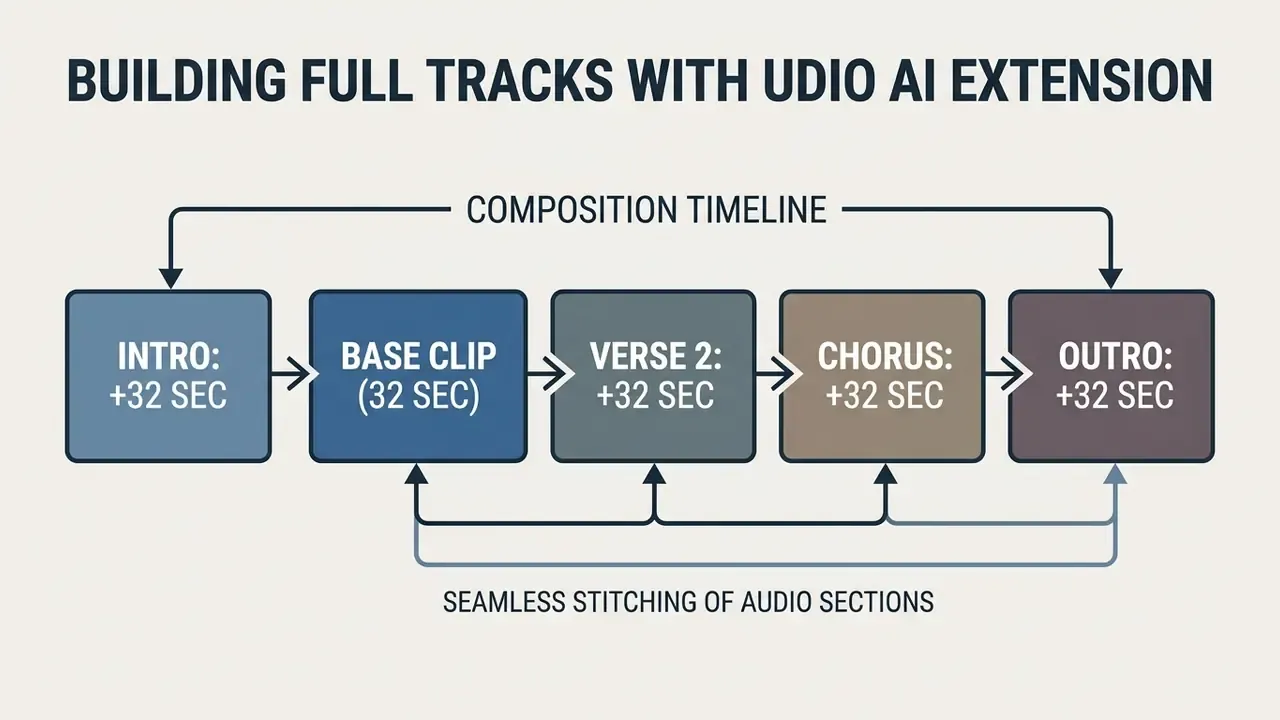
The Extend function grows the runtime of a work sequentially, in 30 to 32-second sections. When you click «Extend», you select the vector for adding audio material:
- Add Intro adds an introduction before the selected fragment.
- Add Section (Before / After) inserts a new verse, chorus, or solo part before or after the existing clip.
- Add Outro generates a harmonious conclusion and fade-out of the composition.
- Crop & Extend trims the clip to the strongest bars and continues generation from that edit point.
Applied sequentially, extension forms a full song structure, Intro → Verse 1 → Chorus → Verse 2 → Chorus → Bridge → Outro, whose total duration can reach several minutes. That is how you create full arrangements rather than loops. Extensions can be chained into a tree of alternative continuations, so one verse may be developed into several competing choruses before a single branch is committed.
Checking section coherence and preserving vocal character
When extending a composition, evaluate the track against three criteria instead of simply accepting the next clip:
A fourth, very practical check: listen specifically for stitched seams at the 32-second boundaries. Weak seams almost always signal that the prompt for the new section drifted away from the tempo or instrumentation of the base clip.
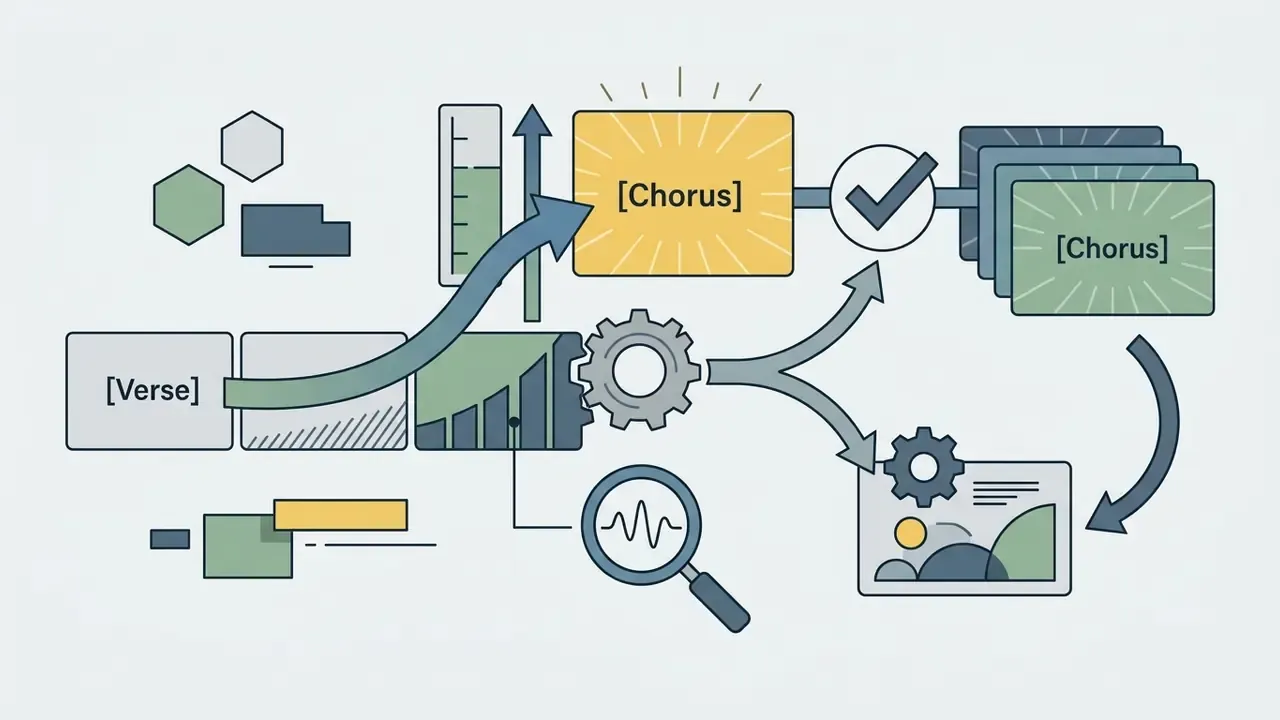
[Verse] to [Chorus]: the chorus should arrive as a payoff, not as a parallel idea. If it does not lift, re-prompt the section with density cues (wide chorus, layered harmonies, lifted energy).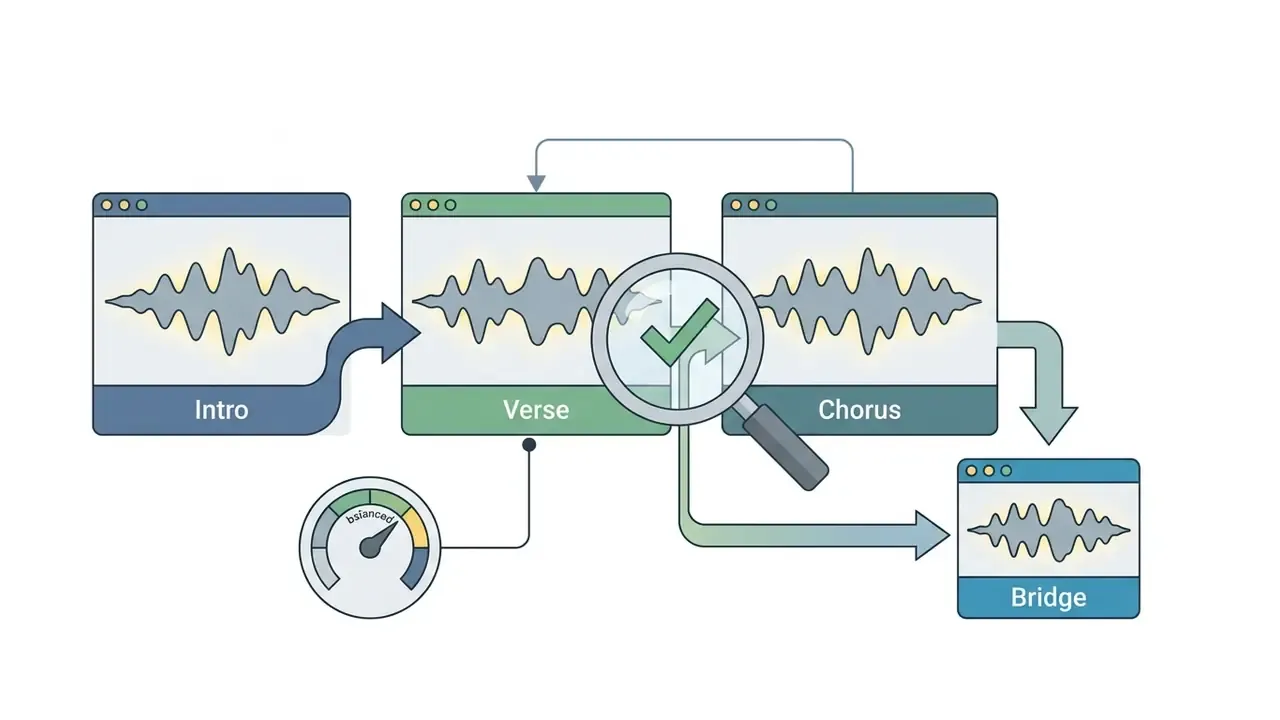
[Bridge] section is appended. Auditioning intro, verse, and chorus back to back, not in isolation, is what exposes a voice that drifts mid-song.
overproduced, muddy mix, heavy distortion to clear frequency space before adding further sections.Inpainting: point replacement of fragments
Audio Inpainting, launched on 8 May 2024 for subscriber accounts and available on desktop only, regenerates a selected region of a track using the surrounding audio as context. It is the right instrument when 95% of a section is usable and a single line is mispronounced, a lyric needs rewriting, or an instrumental fill collides with the vocal. The workflow: select the section on the waveform, edit the lyrics or prompt for that region, then regenerate only the highlighted window. Because the model conditions on both sides of the selection, the repaired region keeps the tempo, key, and vocal character of its neighbours. A full re-generation cannot promise that.
Remix: variations without losing the idea
Remix re-renders an existing clip with an adjusted prompt while retaining its core musical identity. Use it for A/B testing arrangement decisions (same topline, different genre treatment), for producing alternative-mood versions of the same brand theme, and for repairing a clip whose performance is right but whose production style is wrong.
Generation repeatability and excluding unwanted styles
For reproducibility, the extended Manual Mode offers control over the Seed parameter (generation seed). Fixing a numeric Seed value with an unchanged prompt preserves the characteristic vocal timbre and arrangement structure across repeated runs. To return to random generation, set the Seed field to -1, the default for a random output. This is the closest thing the platform offers to deterministic behaviour from advanced ai audio models.
One limitation matters for model-risk assessment. Seed stability is guaranteed only within a single model version. Re-running an archived seed after a platform update, for example moving from v1 to v1.5, can produce a materially different arrangement, because the weights that mapped that seed to audio have changed. Teams that depend on exact reproducibility should archive the rendered WAV files, not just the seed and prompt. Put differently: the artefact is evidence, the seed is a hint.
In turn, the negative-prompt field (Negative Prompt / Style Reduction) excludes unwanted musical elements. If the network adds excessive synth bass or unwanted brass, specifying the tags acoustic guitar, brass, distortion in the negative-parameter field clears the resulting recording of superfluous frequencies and instruments. To configure automated interaction with generative models over an interface, see the AI Media API Guides and the implementation walkthrough for Google Veo.
Free access, pricing, and credit economics of Udio AI
The pricing policy of the udio ai music generator site rests on a credit system and a split between free (Free) and paid (Standard, Pro) subscription plans.
The table below sets out the access conditions operating in the system:
| Plan | Price (USD) | Monthly credit allowance | Daily limit | Commercial rights | Feature access | Export formats |
|---|---|---|---|---|---|---|
| Free Plan | $0 / mo | 100 credits (no rollover) | 10 credits/day; up to about 3 full works (~2:10) | Restricted, attribution required; no distribution licence | Base functionality | MP3 (compressed, ~192 kbps class) |
| Standard | ~$10 / mo | 2,400 credits | No daily limits | Attribution removed; distribution still governed by current ToS | Inpainting, own-audio upload, stems | MP3 plus WAV plus stems (individual or ZIP) |
| Pro | ~$30 / mo | 6,000 credits | No daily limits | Attribution removed; distribution still governed by current ToS | Priority generation, up to 10 concurrent jobs | MP3 plus WAV 24-bit plus stems ZIP (vocals / drums / bass / everything else) |
Note: current pricing grids and credit-charging conditions should be verified in the official pricing section. Udio has revised both credit costs and download availability during its licensing transition.
What free access to Udio AI provides
The Free Plan is intended for initial testing of the algorithms' capabilities. Every registered user gets it without entering bank-card details, which is usually enough to try udio ai before any budget conversation starts.
Key characteristics of the free plan:
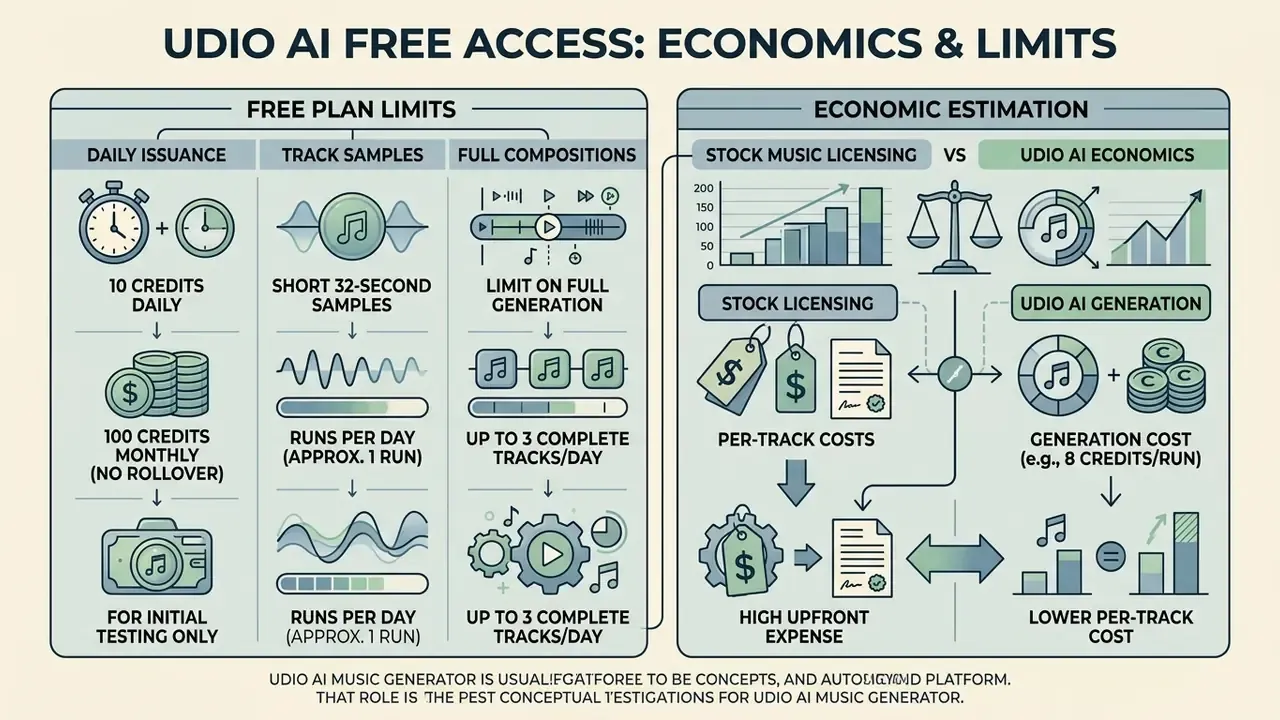
- Issuance of 10 credits daily (a maximum of 100 credits per month, with no carry-over of the unused balance).
- The ability to generate short 32-second samples and, since one run costs 8 credits, roughly one run per day on the daily allowance.
- A limit on full-track generation, no more than 3 complete compositions per day.
- A mandatory attribution notice («Created with Udio») when created tracks are published in a public setting.
- MP3-only export; uncompressed WAV and separated stems stay behind the paid tiers.
For anyone evaluating ai music tools at the category level, that free allowance is a functional demo rather than a production tier. It answers «does this voice work for our brand», not «can we ship weekly».
Estimating the economics against stock licensing
For budget modelling, compare the monthly subscription against the fully loaded cost of the alternative: per-track stock licences, internal hours spent auditioning and clearing them, plus the rework cost when a licence does not cover a given distribution channel. A simple planning formula:
Monthly saving = (tracks needed × average stock licence price) + (hours spent searching × internal hourly rate) − subscription cost − (runs needed × credit cost)
Because one run yields two 32-second variants, the number of runs needed for a three-minute structured track is typically six to ten, including rejected branches. Enterprise and team terms are not publicly documented by Udio and should be requested directly from the vendor together with volume-credit and seat pricing. To model licensing and generation expenditure, the AI Media Calculators are a practical starting point, and file-weight planning for delivery is covered in the guide to video compressors.
Licensing, litigation, and compliance for Udio AI output
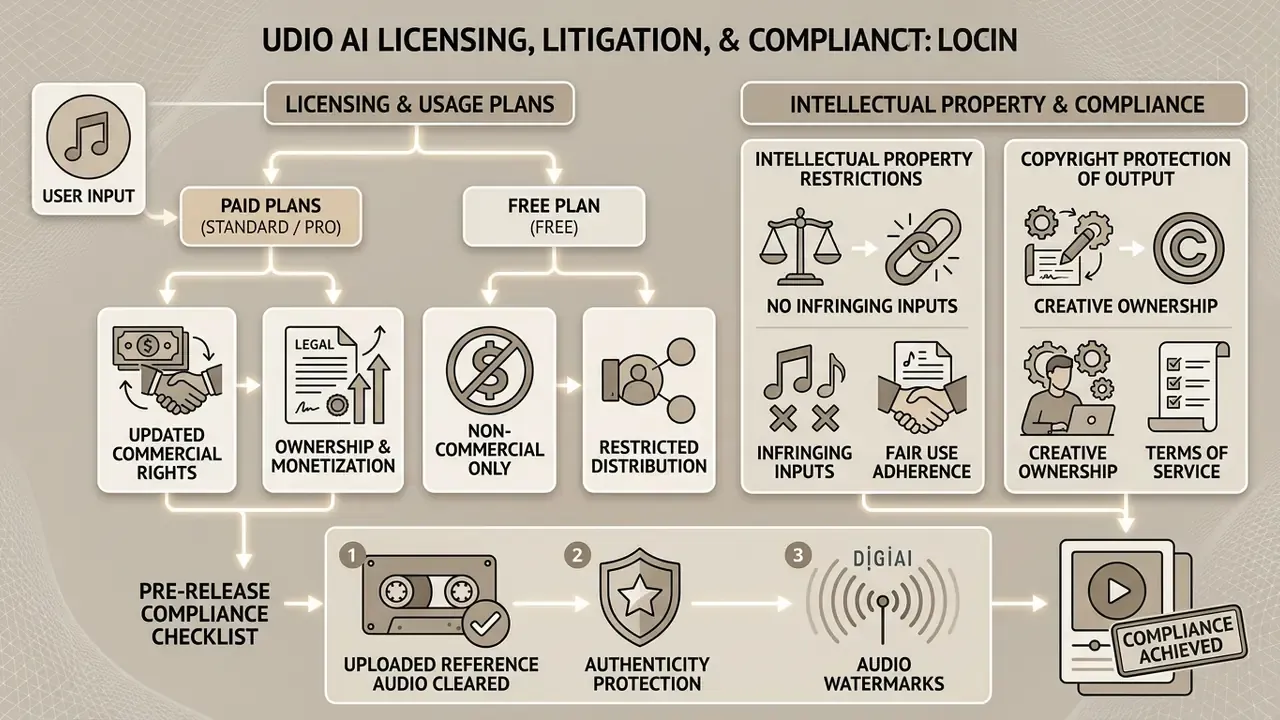
The question of commercial use of musical content created by the udio ai music generator algorithms is governed by the current Terms of Service, and the position changed materially between 2024 and 2026.
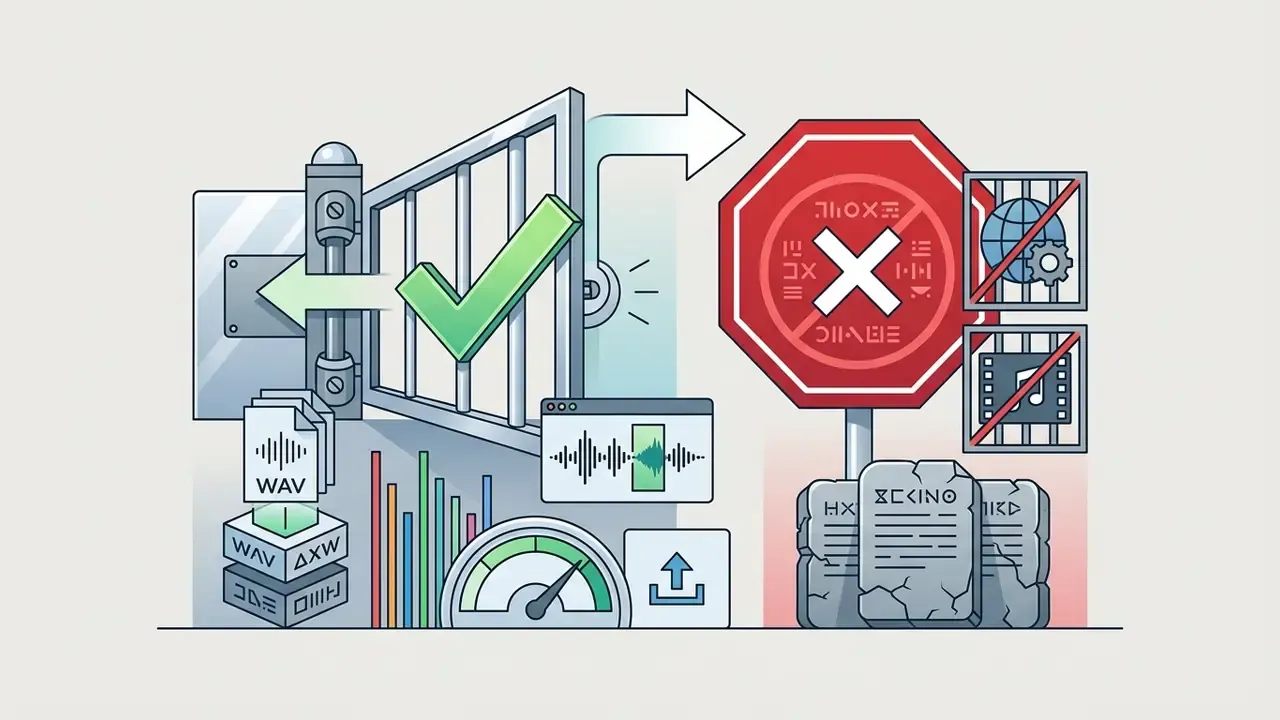
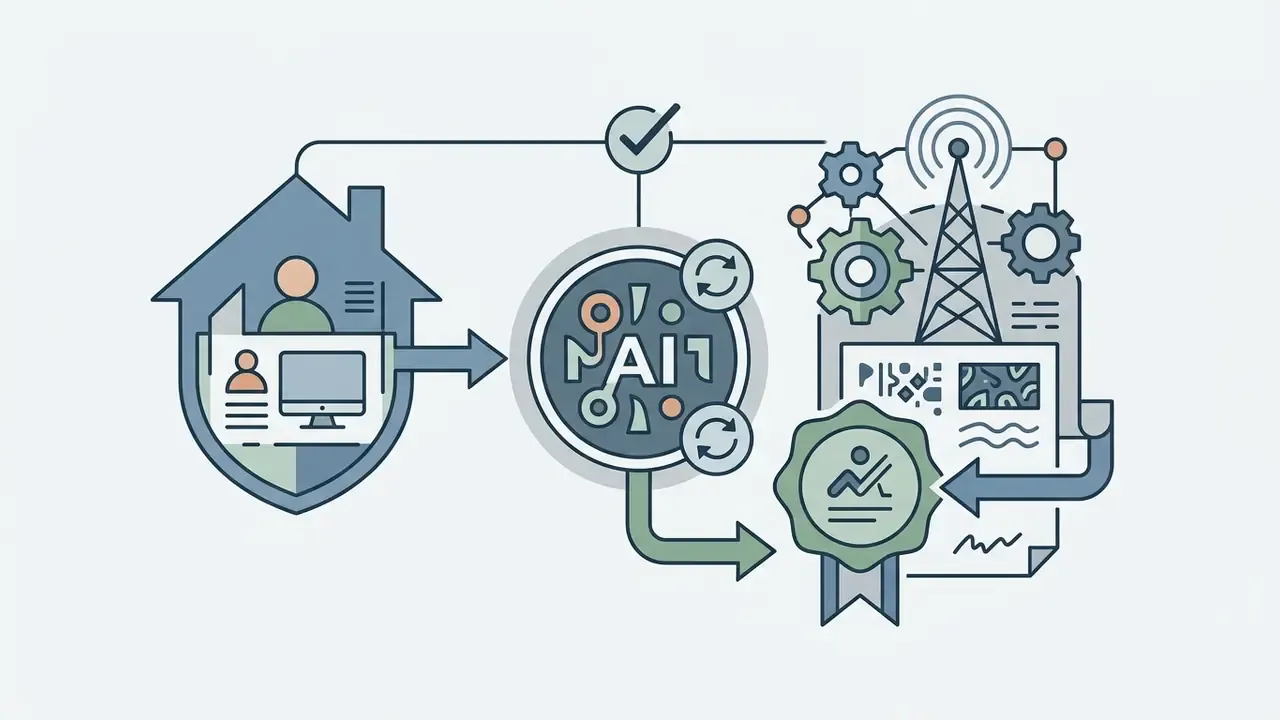
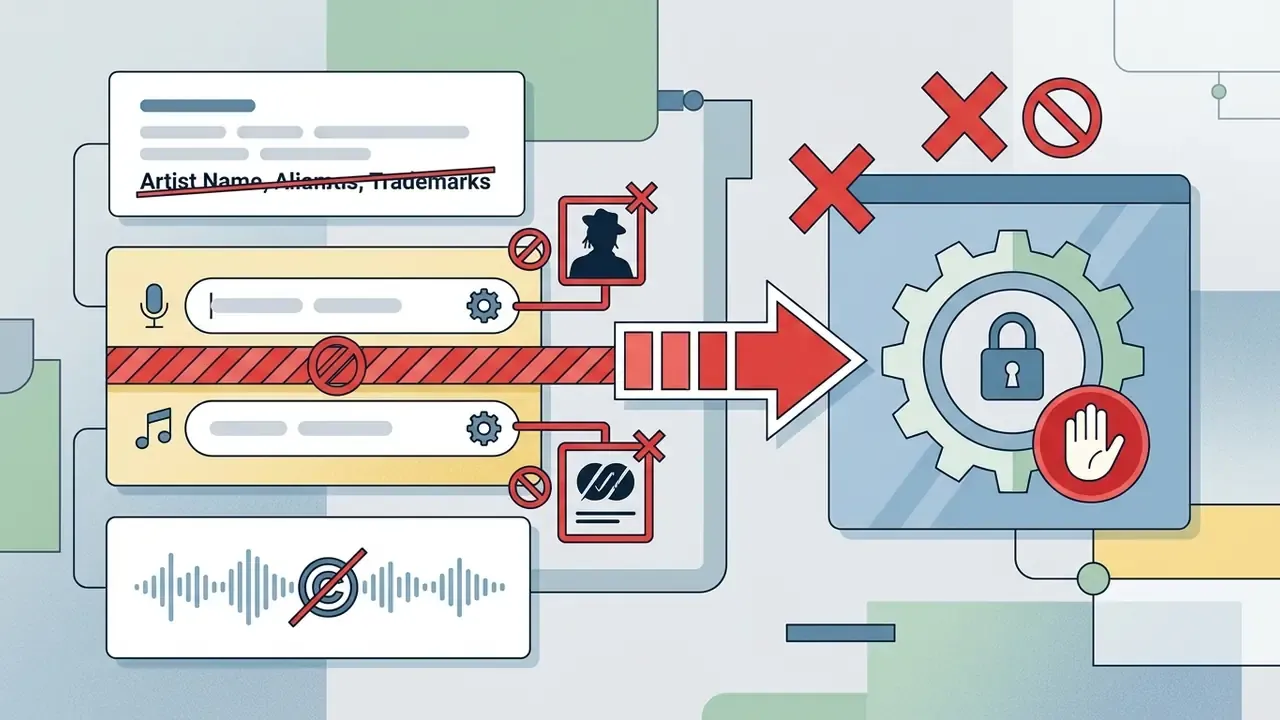
This is the single most consequential clause for creators, and it supersedes the older, more permissive reading that paid subscribers may freely monetise tracks on streaming services. Official surfaces are not fully aligned, either: the Help Center frames commercial use narrowly around copyright clearance («you may use content commercially if you own the material or have permission»), while the Terms of Service carry the broader prohibition. Where official sources conflict, the Terms of Service is the controlling document. Not the marketing page. Not a support reply.
Copyright protection of the output itself
A separate question from permission to use is whether the result is protectable. Under current U.S. Copyright Office guidance on works containing AI-generated material, output produced without sufficient human authorship is not registrable; copyright can attach only to the human-authored contributions, meaning original lyrics you wrote, your selection and arrangement of sections, your own recorded performance layered onto the generated bed. For brand-identity assets this has a blunt consequence: a purely prompt-generated theme may be usable yet hard to defend against imitation, whereas a hybrid work with documented human authorship is a stronger asset.
Pre-release compliance checklist
Checklist0 / 7
Authenticity protection and audio watermarks
All audio files synthesised by Udio AI are understood to carry inaudible digital watermarks (inaudible smart watermarks). These steganographic markers are not perceptible by ear, yet they let AI-content identification systems establish the origin of a track with confidence and check whether the user held a commercial licence. Two practical implications. First, removing or re-encoding the audio does not reliably strip provenance data, so «laundering» output through conversion is not a compliance strategy. Second, watermarking can work in your favour when defending originality claims, because provenance is demonstrated rather than argued.
Data protection and enterprise security
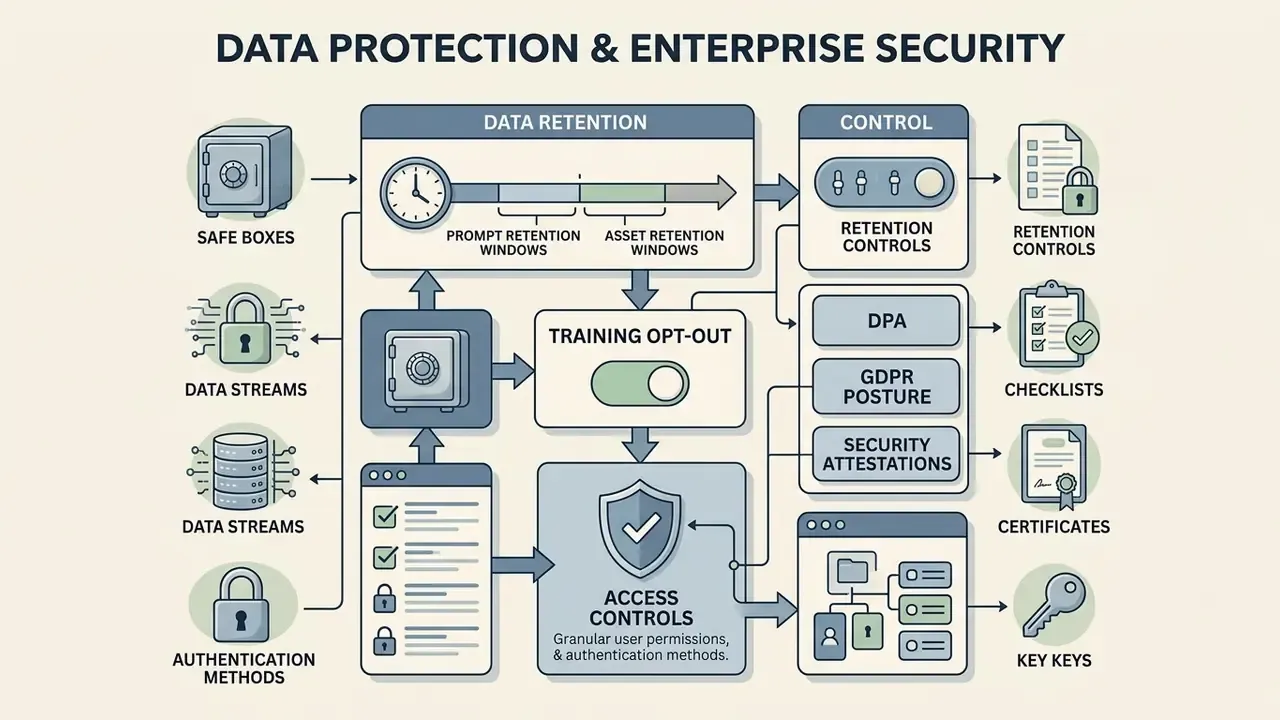
For institutional buyers, banks, fintechs, regulated media groups, the platform's data posture is a gating item. Here the public record is thin. What can be established from primary documents, and what must be requested from the vendor, is set out below.
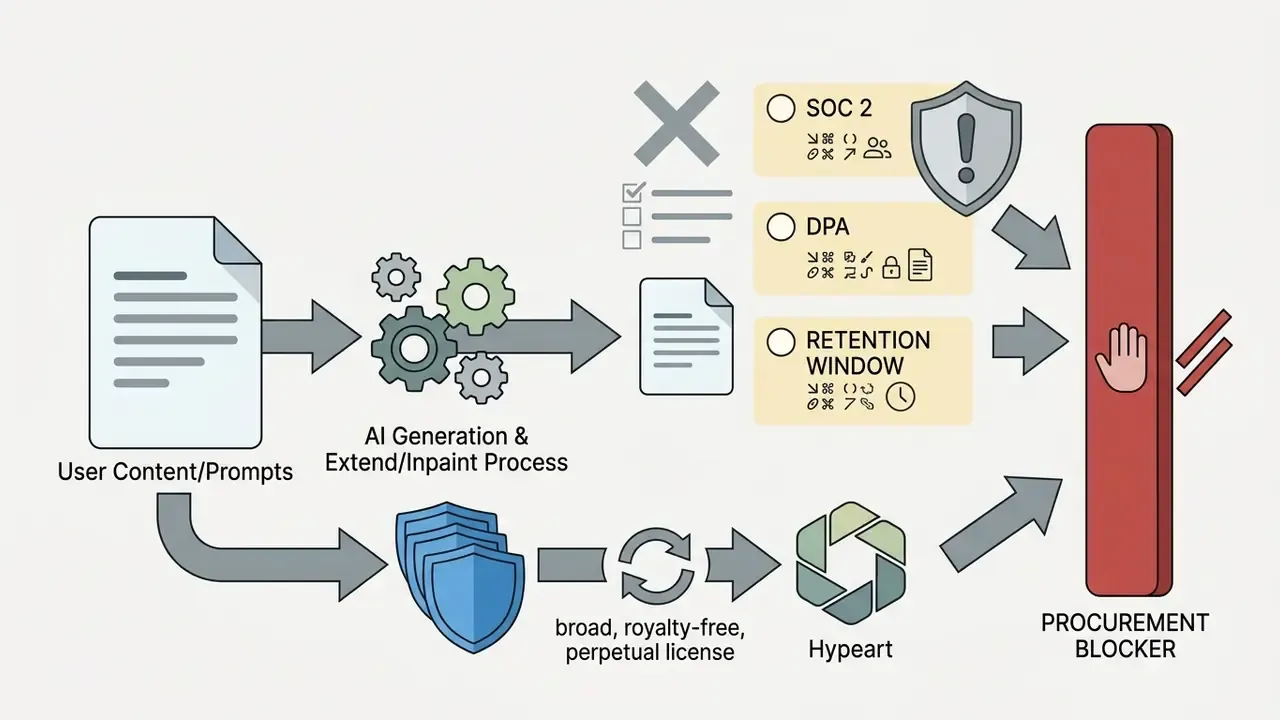
What the official documents state. Udio's Terms of Service grant the company rights to user content described as «royalty free, fully paid-up, transferable, sub-licensable, assignable, worldwide, perpetual and irrevocable», and permit use of that content for monetisation, advertising, promotion, marketing, and service improvement. In plain terms: prompts, uploaded audio, and generated output submitted through the consumer product should be treated as materials the platform may reuse. Unreleased artist stems, client-confidential briefs, and campaign concepts under embargo therefore do not belong in the consumer interface.
What is not publicly documented and must be obtained in writing.
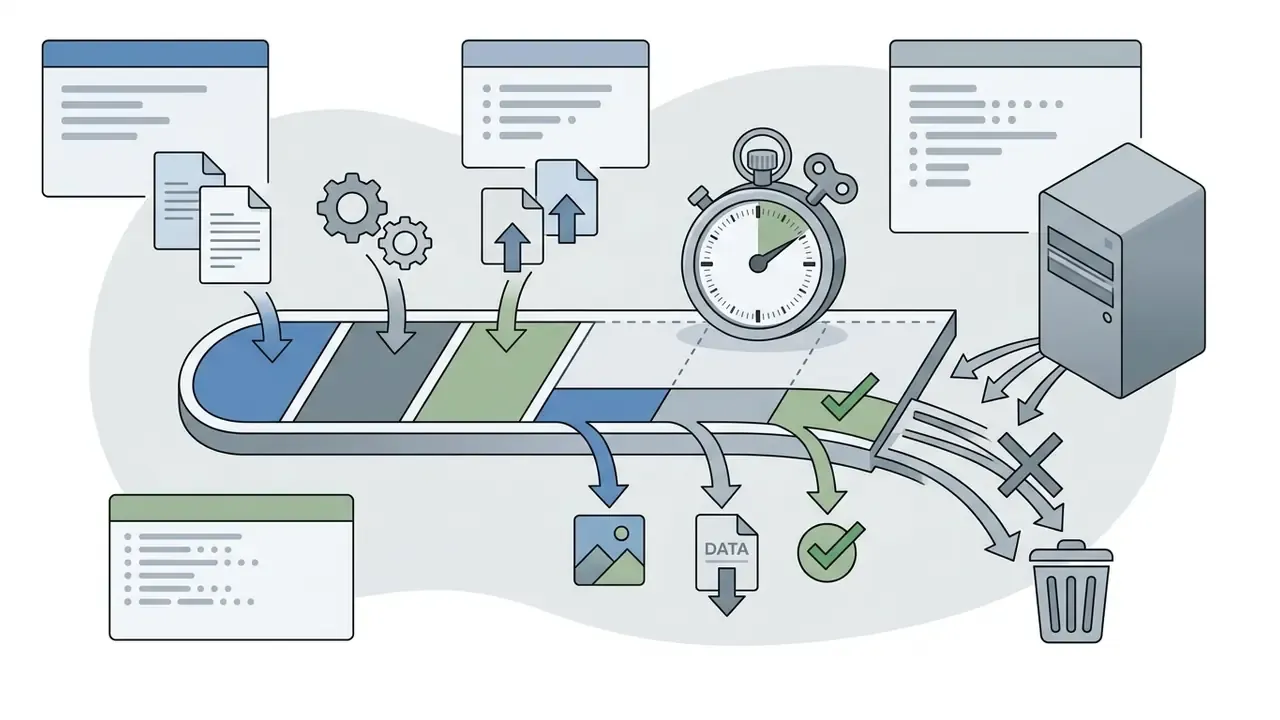
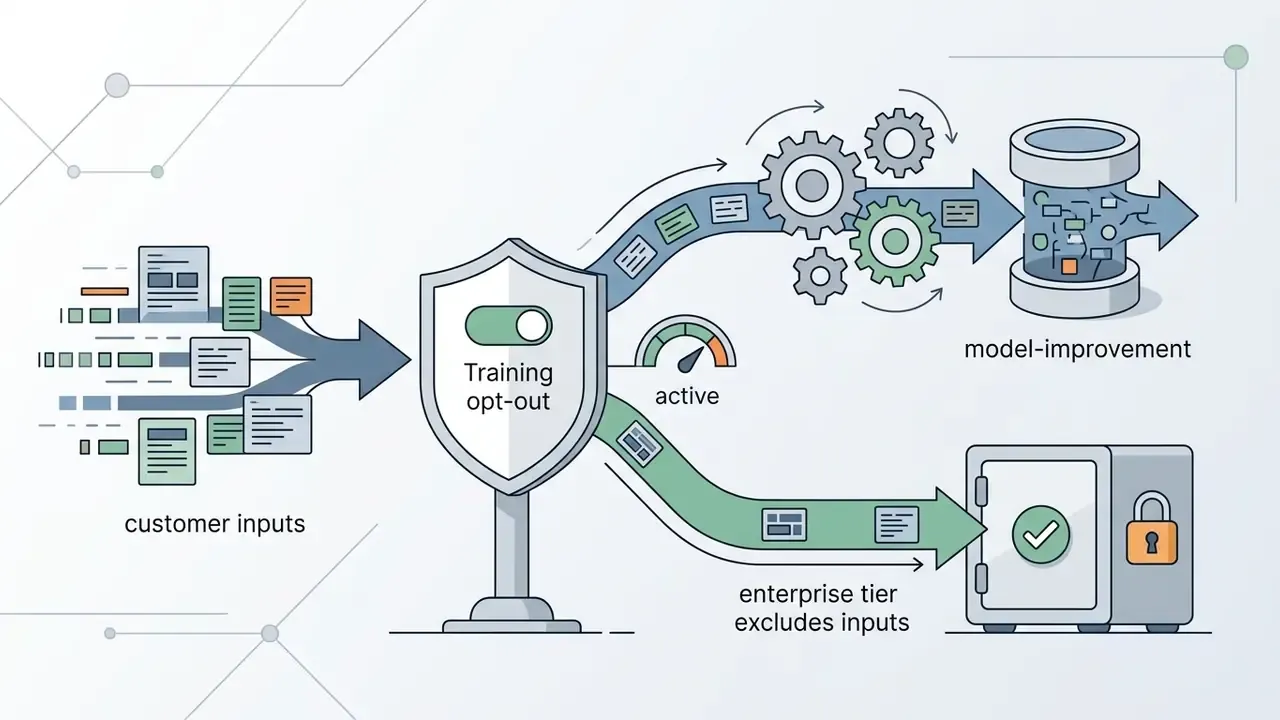
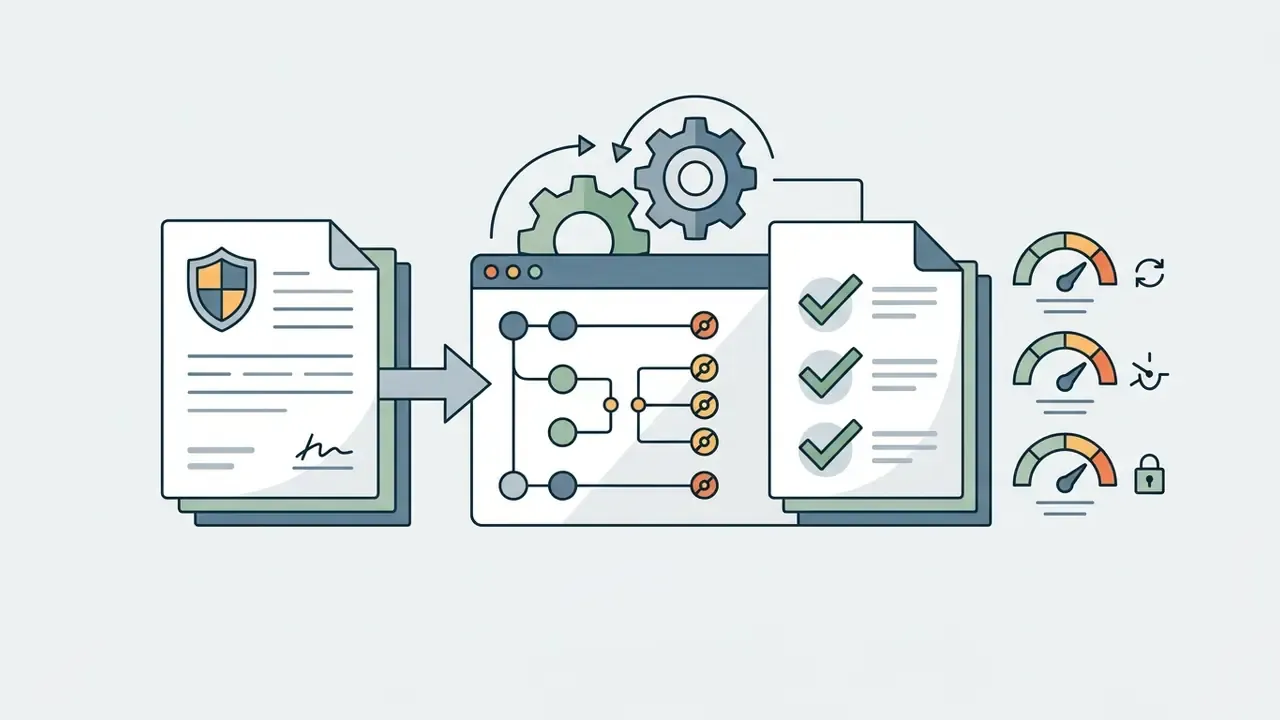
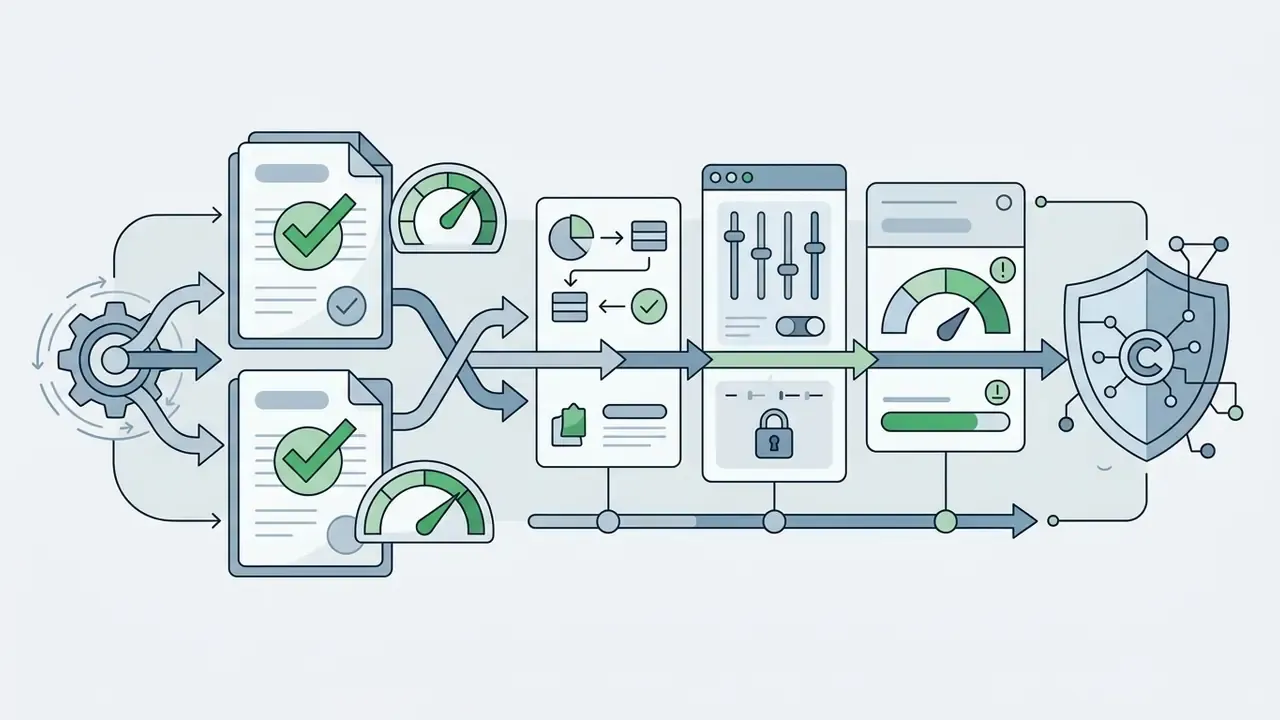
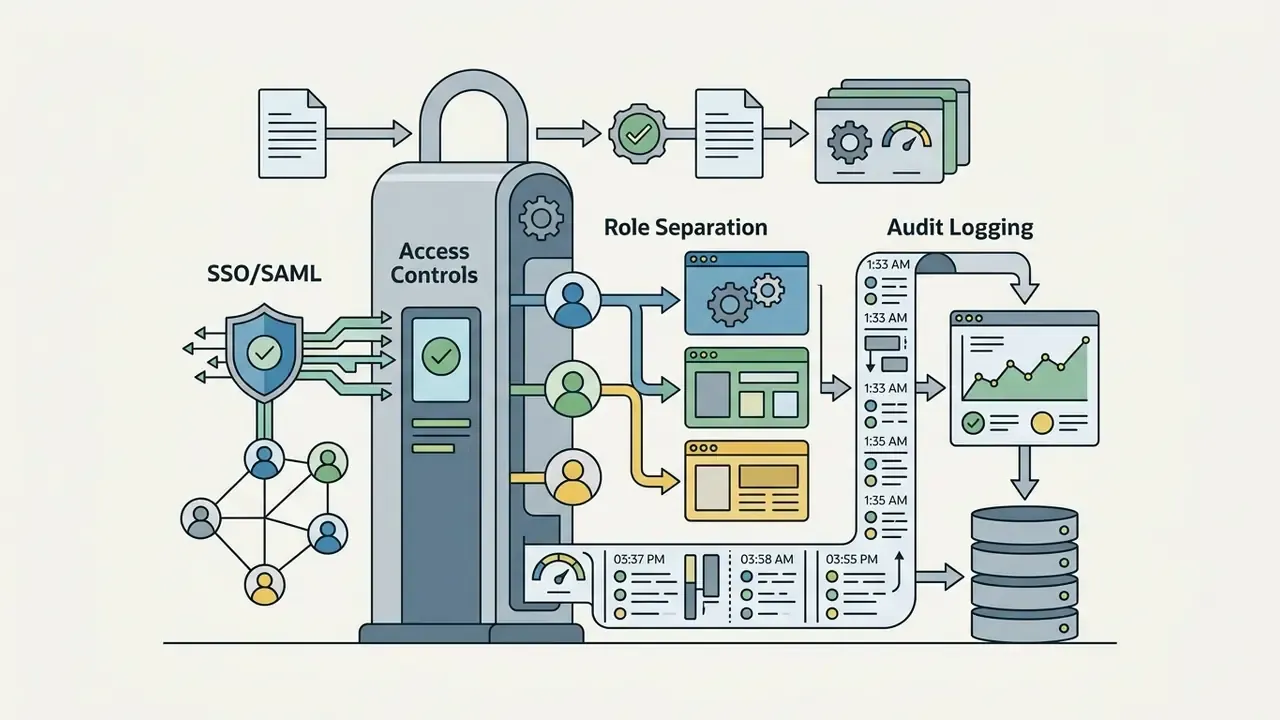
Status: needs vendor verification. Until these items are confirmed contractually, the defensible governance pattern is a sandboxed workflow: generic, non-confidential prompts; no upload of proprietary audio; generated assets reviewed and re-mastered in-house; and an internal register recording prompt, seed, model version, plan tier, and date for every asset that reaches production. One named owner per asset, please, not a shared mailbox. That register doubles as the evidence base for the compliance checklist above and reduces the shadow-AI risk of staff using look-alike domains instead of udio.com.
Two unresolved questions remain worth tracking in 2026: whether Udio publishes an enterprise tier with contractual retention limits, and whether label settlements introduce channel-level distribution rights that can be verified programmatically rather than read from a policy page.
What tasks Udio AI Music Generator is suitable for
The flexibility of synthesis parameters makes the udio ai music generator platform a broadly useful solution for media production, marketing, and the games industry. Teams building full campaigns typically pair it with AI image generators for commercial projects and design suites such as the Canva AI Generator.
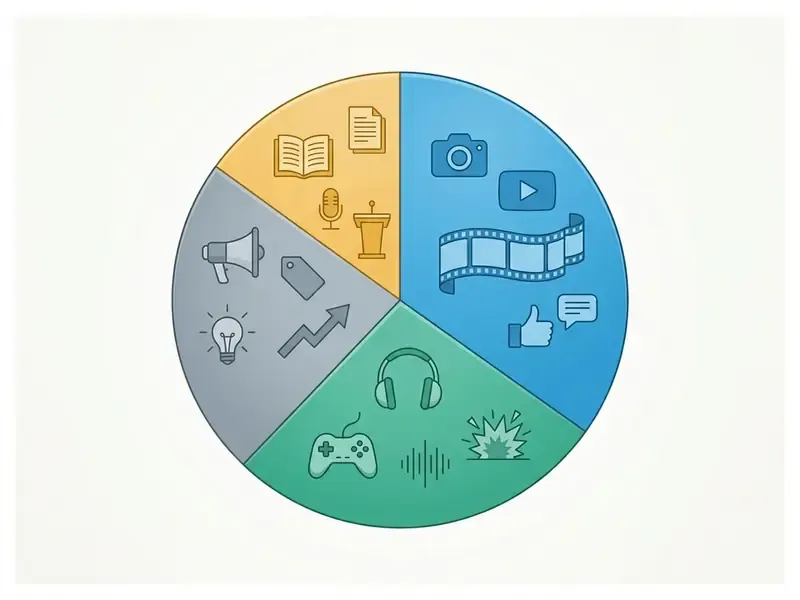
Tracks for brands, advertising, games, and creative ideas
In the commercial sector the udio ai music creation tool is employed for rapid prototyping of brand audio identity and soundtracks for computer games. Pairing an ai game maker with an ai-powered music maker allows independent developers to cover their audio-content needs almost entirely in-house.
Examples of commercial applications:
- Advertising spots recordings of a specified duration matched precisely to the brand's mood, a natural companion to the best AI video generators in campaign pre-production.
- Indie games adaptive background tracks for locations, menus, and combat scenes, plus quirky asset work such as ai generated animal creature themes.
- Draft demo recordings vocalists and composers test harmonic progressions and lyrics before recording in a professional studio, with no prior production experience required to hear whether an idea holds.
- Brand identity prototyping ten candidate sonic logos in an afternoon, so stakeholder selection happens on audio rather than on adjectives.
That behavioural finding carries a compliance warning. Steering by artist name is precisely the practice restricted by Udio's IP rules, so the productive substitute is descriptive steering: era, production technique, instrumentation, and vocal-texture vocabulary instead of a name. Less convenient, admittedly. Also far easier to defend.
FAQ about the Udio AI music generator
Below are answers to the most frequent technical and organisational questions about operating the system. For technical problems, the AI Media Support and Troubleshooting section is available.
Can lyrics and vocals be created in different languages?
Yes. udio ai music generator vocals supports generation of text and vocal parts in many languages, including English, Spanish, German, French, Chinese, Japanese, and Russian.
When working with non-English text, these practices help:
- Enter the text in the target language directly in the Custom Lyrics Editor window.
- To improve phonetic clarity, use phonetic spellings of difficult words or split them into syllables with hyphens.
- Specify the language region in the prompt, for example
Russian indie pop, clear female vocals.
«Researchers identified "language preferences" as one of the key characteristics of user behaviour in Udio, analysing a corpus of more than 20,000 public tracks.» Data-Driven Analysis of Text-Conditioned AI-Generated Music: A Case Study with Suno and Udio, Transactions of the International Society for Music Information Retrieval (2026). https://transactions.ismir.net
English-language prompts make up the majority of the analysed corpus, while a significant share of inputs are non-English, which confirms the model's language flexibility. Quality is uneven, though: user reports from 2025 describe mispronounced letters, distorted rhythm, and reduced phonetic clarity in Russian outputs, particularly on longer phrases. That is exactly the case the inpainting tool described above was built for.
How can a created track be downloaded and shared?
Once generation and assembly are complete, export and publication options live in the Library section:
- Downloading audio files: on the free plan, download in MP3 format is available. On paid plans (Standard, Pro) export of uncompressed WAV audio is unlocked.
- Export by track (Stems): paid subscribers can download the composition split into separate audio tracks: vocals, drums, bass, and everything else (instrumental). Files download individually or as a single ZIP archive.
- Publication and sharing: each public track receives a unique udio ai music generator udio link that can be sent on social networks or embedded on a website through the player's embed code.
Note: download availability was altered during the platform's post-settlement licensing transition in 2025-2026. If an export option is absent from your account, check the current plan features on the official pricing page before raising a support ticket.
How much does one generation cost in credits?
A single generation run debits 8 credits and returns two variants of roughly 32 seconds each. On the free allowance of 10 credits per day that permits about one run daily. Building a fully structured three-minute song usually consumes several runs plus extensions, which is why sustained production work migrates to the Standard or Pro allowance.
Is there a trial, and how does it renew?
The trial is one-time and lasts up to 7 days. It auto-renews into the annual plan unless cancelled beforehand; switching to monthly billing is possible before the conversion date. Paid subscriptions auto-renew at the then-current rates for the subscription period displayed on the subscription page. Worth a calendar reminder, honestly.
How long can a finished Udio track be?
There is no single fixed ceiling. Length is a function of how many extension sections are chained. The default generation is 32 seconds, the free tier is capped around full works of roughly 2:10 per day, and paid tiers allow multi-minute arrangements assembled from chained sections.
Appendix A. Correction log and superseded statements
Maintained for transparency, because AI-platform terms and model behaviour change faster than most published guides.
| Superseded statement (earlier revision) | Status | Current position in this article |
|---|---|---|
| «Users with an active paid subscription receive the right to commercial exploitation of generated tracks (monetisation on streaming platforms, use in video advertising, games, and podcasts) without the need to credit Udio.» | Superseded. Conflicts with the Terms of Service revision of 12 November 2025, which restricts commercial exploitation of Output and its upload to YouTube, Spotify, TikTok and similar services. | Paid plans remove the attribution requirement and unlock features; distribution rights must be verified against the live ToS. See the licensing, litigation and compliance section. |
| «According to empirical TISMIR (2024) research analysing a sample of more than 100,000 generated tracks, the share of multilingual text inputs exceeds 25%.» | Corrected. The ~102,000-track figure is the combined Suno and Udio dataset; the Udio-specific corpus is 20,519 tracks, and the source states no 25% figure. | «Language preferences» are reported as a key user-behaviour characteristic across a corpus of more than 20,000 public Udio tracks; the multilingual share is described qualitatively as significant. See the FAQ on languages. |
| «Production time for the audio bumper was reduced by 85% compared with searching for stock-licensed music.» | Reformulated. The percentage was an internal estimate without a verified benchmark. | Described as an order-of-magnitude reduction in elapsed time, with the caveat that the saving depends on the existing stock workflow. |
| «Soundtrack development time fell from three months to two days.» | Reformulated. Specific timings were not independently verified. | Described as a collapse from a multi-month commissioning process to a matter of days, dependent on the studio's review and mastering loop. |
| Closing link block containing off-topic and adult-category anchors. | Removed as non-compliant with editorial standards for a business publication. | Replaced with the curated related generative-media guides block. |
| Attribution of platform commentary to a named industry expert. | Clarified. Marcus Hale, author. | Commentary is labelled as illustrative; platform behaviour is sourced to Udio's own documentation. |