Both questions are legitimate. This guide answers them side by side.
Material updated for 2026. Plan terms, credit limits, and watermark behaviour were checked against public Vidnoz pages and independent 2026 reviews.
Executive Summary for Risk, Compliance, and Marketing Leaders
| Executive question | Short answer |
|---|---|
| What is the tool | A browser-based image-to-video generator. A still file (JPG, PNG, WEBP; some pages also list MP4 and M4V) becomes a short MP4 clip of a few seconds. |
| Which models sit underneath | Multi-model routing: Google Veo, Sora 2, Kling AI, Hailuo (Minimax), Seedance, Wan 2.5 and 2.6, Pixverse, Vidu, Luma, plus internal Vidnoz Lite, Turbo, Ultra, and Max presets. |
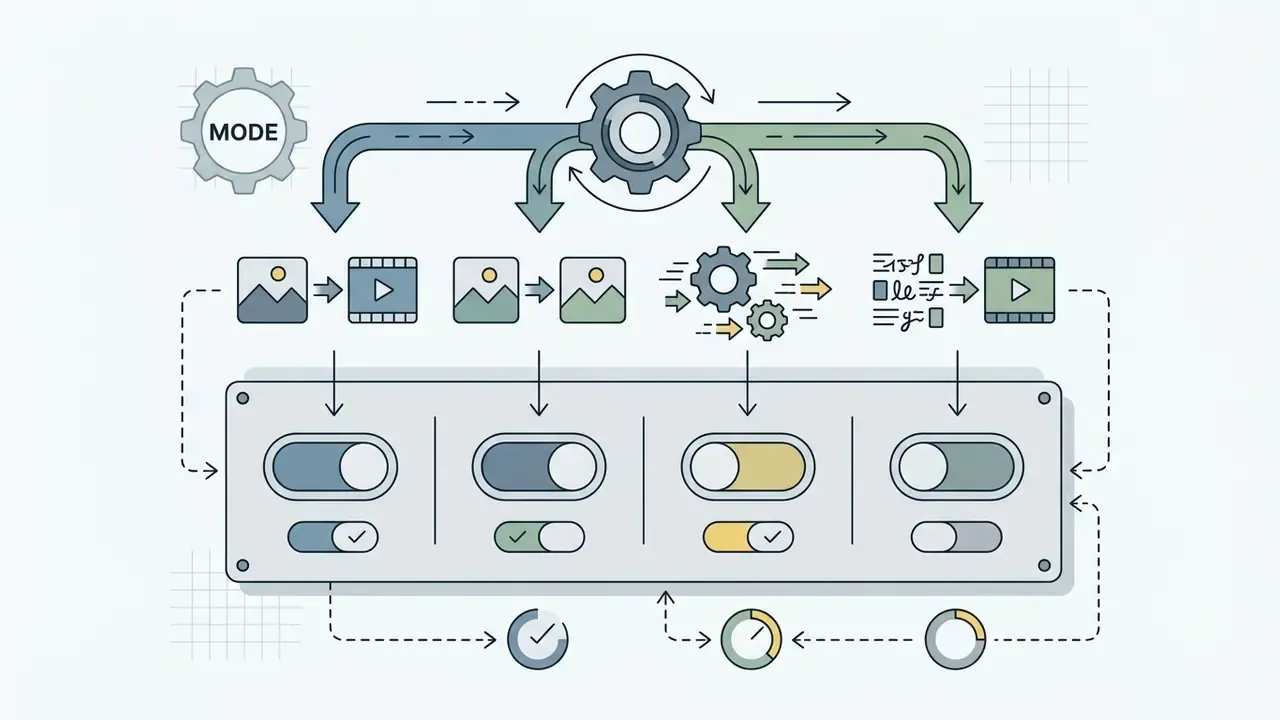
| The key control mode | Start Frame plus End Frame, a guided interpolation between two images, and a library of ready video effects for users with no prompting practice. |
| What limits the result | Source resolution and sharpness, prompt wording, the selected engine, and the export ceiling (720p on Free, 1080p on paid plans). |
| Main operational risks | Artefacts on complex head turns, browser instability during parallel renders, queue waits on the free tier, watermarks on some free modules. |
| What matters for compliance | No PII, no bank secrecy data, no non-public material in a public SaaS without an enterprise agreement. Output ownership follows Vidnoz Terms of Service; rights to third-party source assets stay with the user. |
| Economics | Free: $0, daily credits, 720p, roughly 500 MB of storage. Starter and Plus: from $14.99 per month, about 450 credits. Business and Premium: from $56.99 per month, 900 or more credits, priority processing. |
Deployment verdict. The tool fits marketing and communications work with low data sensitivity. For regulated scenarios, think customer photographs, internal documents, or financial product material, you need a separate review of data retention, a signed DPA, and a working control against shadow AI.
Five Governance Checks Before You Start a Pilot
A pilot without these five answers is not a pilot. It is unmanaged usage with a friendly name.
- Named owner.One accountable person per use case, not a team inbox. Who approves publication, and who can revoke access tomorrow?
- Data tier.Write down explicitly which classes of image may be uploaded. Product shots, yes. Customer documents, no. Employee portraits, only with written consent.
- Evidence trail.Store the source file, the prompt, the model preset, and the reviewer name with every published clip. Reproducibility is the whole point.
- Acceptance rule.No synthetic clip goes public without a human check of faces, logos, and on-screen text.
- Cost model.Track cost per accepted asset, not cost per generation. Rejected renders are a real line item.
That is the frame. Now the product detail.
What Vidnoz Image to Video Is and What Kind of Videos It Produces
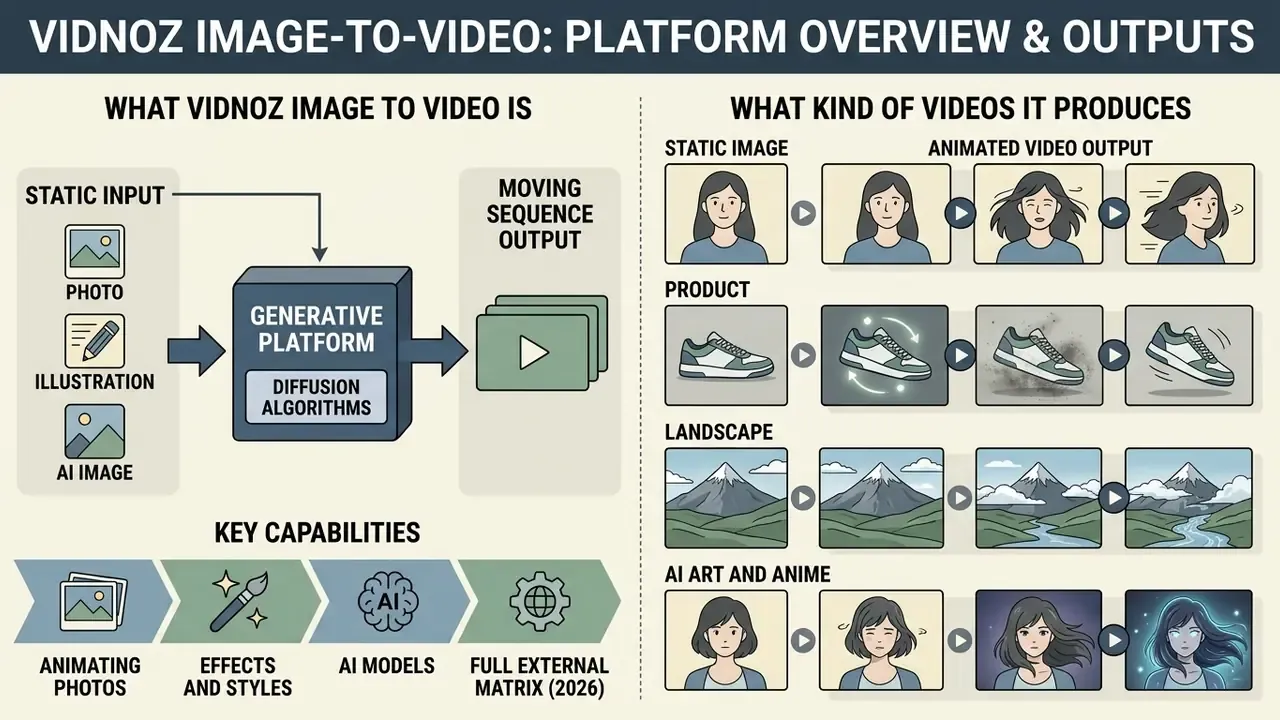
Vidnoz Image to Video is an online generative platform that converts a static image into a moving sequence using diffusion algorithms. The system accepts source files such as digital photographs, product imagery, and AI-generated artwork, then synthesises temporal motion across sequential frames. In two sentences: you supply one still frame plus a text instruction, and the platform returns a short MP4 clip in which the subject, the camera, or the environment moves.
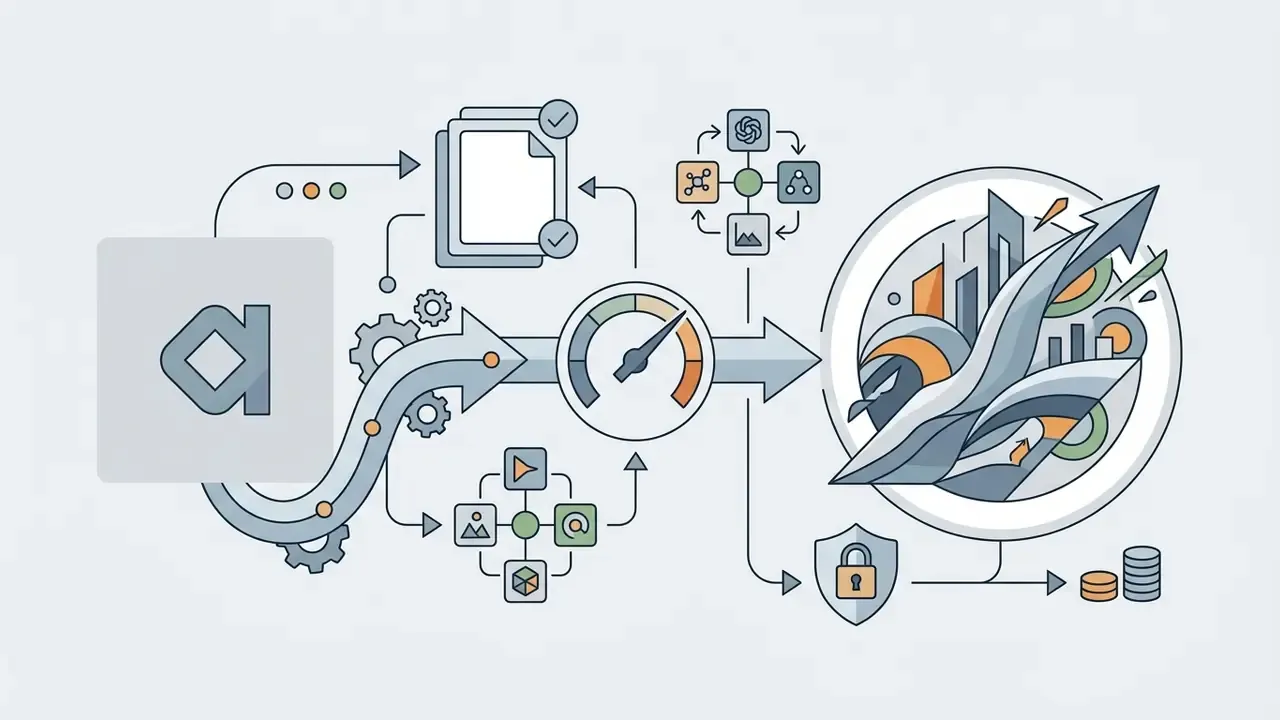
Diagram 1. Process architecture of Vidnoz Image to Video
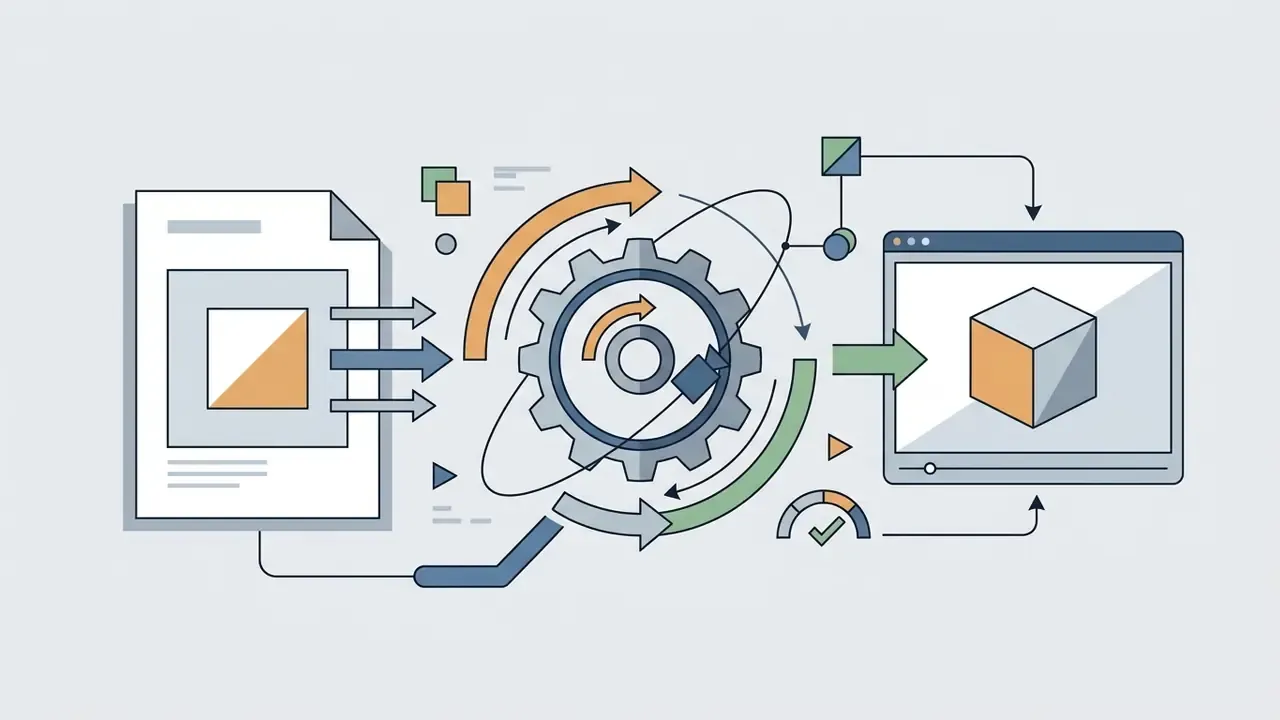
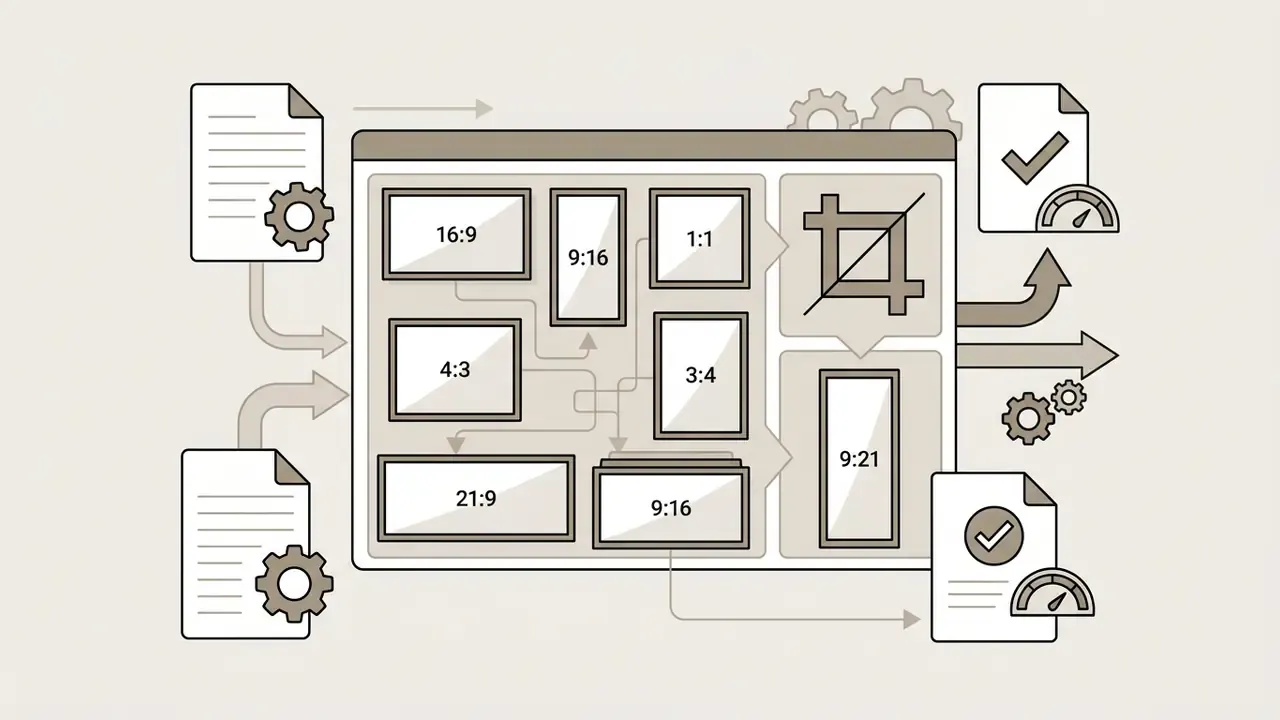
Source upload (JPG, PNG, WEBP, up to 20 MB) → automatic composition analysis and subject separation → text prompt and optional End Frame → engine and quality preset selection (Lite, Turbo, Ultra, Max) → aspect ratio selection (Original, 16:9, 9:16, 1:1, 3:4, 4:3, 21:9, 9:21) → cloud render and interpolation of intermediate frames → in-browser preview → MP4 export (H.264) or direct publishing to social channels.
The underlying image to video AI generator applies spatiotemporal transformations while keeping the framing and visual structure of the original image intact.
"Joint spatiotemporal modelling in diffusion architectures produces globally coherent motion across all frames without artefacts."
Users generate short video clips with dynamic camera movement, natural subject shifting, and configurable video effects. The platform leverages multiple video models to deliver HD video output suitable for digital communications and social media distribution. Readers who want the wider category context can review the reference overview of image-to-video AI tools before committing budget to any single vendor.
Animating Photos, Illustrations, and AI Images
Vidnoz processes diverse visual inputs: human portraits, commercial product shots, digital sketches, and synthetic images from an external AI image generator. The engine reads the spatial composition of the input image and introduces clean motion and natural-looking transitions without destroying the foundational elements of the frame.
With real photographs and portraits, the model prioritises subject stability and facial feature alignment. For synthetic artwork or anime-style graphics, the software applies stylised motion routines that preserve line work while animating background layers or subtle character gestures.
Official Vidnoz pages list acceptable sources directly: photographs, anime frames, sketches, film and game screenshots, landscapes, portraits, product shots, and AI art. For portrait work the platform asks for a frontal, well-lit, sharp face. That is a condition for preserving facial micro-detail, not a cosmetic suggestion.
AI Models, Effects, and Styles for Image-to-Video
Vidnoz integrates market-leading AI models, including engines such as Kling AI, Hailuo, and Wan 2.6, to support different animation physics and generation speeds. Users select video models tuned for subtle camera pans, cinematic atmospheric shifts, or pronounced subject movement.
Full matrix of external engines available in the Vidnoz ecosystem (2026):
| AI model | Strength | Typical scenario |
|---|---|---|
| Google Veo | Cinematic feel, light and depth handling | Brand and image films, a filmic look (capability and API economics review of Veo) |
| Sora 2 | Complex object interaction physics, longer coherent scenes | Narrative scenes, subject interacting with an environment |
| Kling AI | Stability of human figures and limbs | Portraits, people in motion, dance, gestures |
| Hailuo / Minimax | Organic natural motion: water, fabric, foliage | Landscapes, live wallpaper, atmospheric inserts |
| Seedance | Consistency across multi-shot sequences | Short narrative clips |
| Wan 2.5 / 2.6 | High render speed at acceptable quality | Draft iterations, creative A/B tests |
| Pixverse | Emphasis on effects and stylisation | Social content, viral effects, transformations |
| Vidu | Smooth pans and transitions between shots | Teasers, slide-like movement |
| Luma Dream Machine | Smooth camera motion, soft orbits | Product turnarounds, volume demonstration |
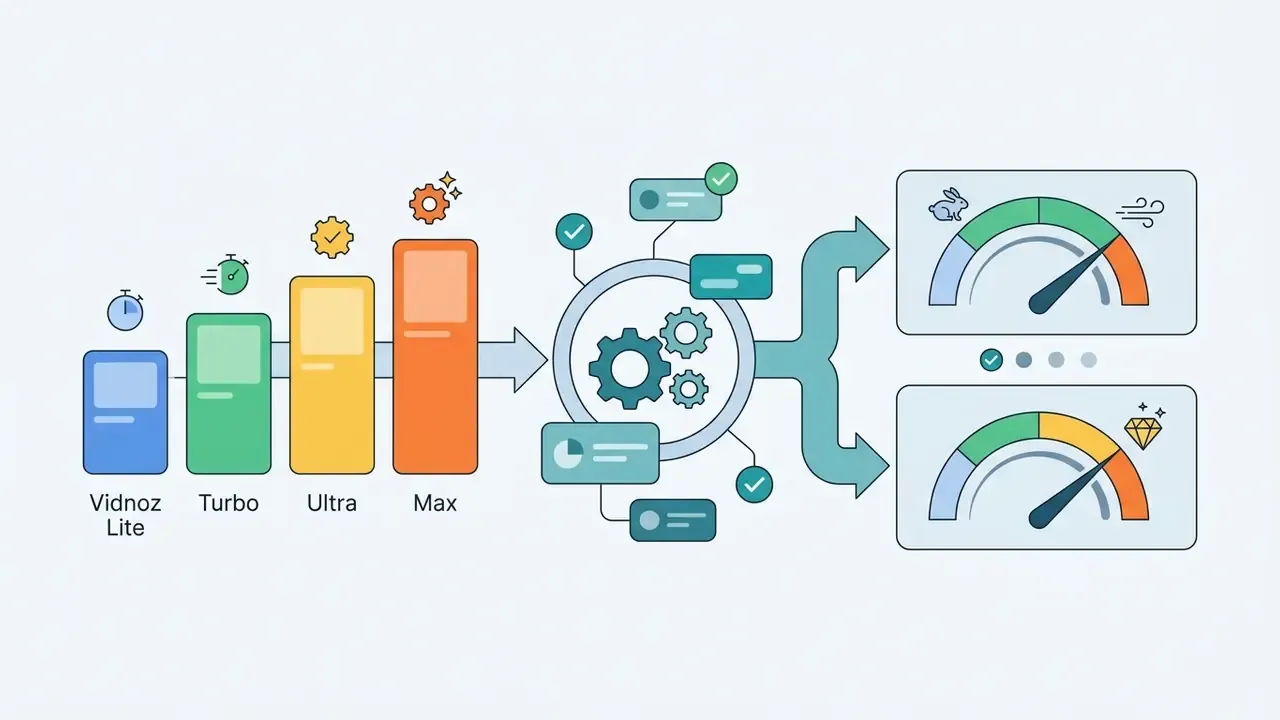
Internal Vidnoz quality presets set the speed against detail trade-off:
| Preset | Positioning | What it gives in practice |
|---|---|---|
| Vidnoz Lite | Standard | Instant drafts with clean but simple motion effects |
| Vidnoz Turbo | Enhanced | Smooth movement and natural transitions; the workhorse for social |
| Vidnoz Ultra | Premium | High quality with precise motion control; requires paid access |
| Vidnoz Max | Ultimate | The most lifelike result with detailed textures |
The platform also provides preset video effects that apply pre-computed motion trajectories to static inputs. Instead of writing a prompt, the user picks a ready effect (product highlight, hug, muscle transformation, flight, fight scene and similar) and the platform maps the uploaded subject onto that trajectory. Vidnoz feature pages document a curated effects pool alongside more than 30 mainstream stylistic filters, among them Oil Painting, Watercolour, Pixar-style, 3D Animation, Cyberpunk, Neon Glow, Fantasy, and Cinematic. Choosing a specific engine or style lets creators tailor output dynamics to project parameters, from corporate presentation clips to high-energy promotional reels. Teams that evaluate several vendors in parallel usually start from a structured overview of AI video generators and only then lock one model per use case.
Infographic 1. Before and after example gallery
- Portrait source is a frontal studio headshot. Result: soft blinking, a micro head tilt, breathing, light parallax on the bokeh background.
- Product source is a sneaker on a plain background. Result: a camera orbit of roughly 30 degrees, a highlight sliding across the material, a gradient shift in the backlight.
- Landscape source is a mountain river. Result: directional water flow, moving clouds, a gentle camera push-in.
- AI art and anime source is a stylised character. Result: hair and cloak animation, a pulsing neon background, drawing lines preserved.
How to Use Vidnoz AI Image to Video: Step by Step
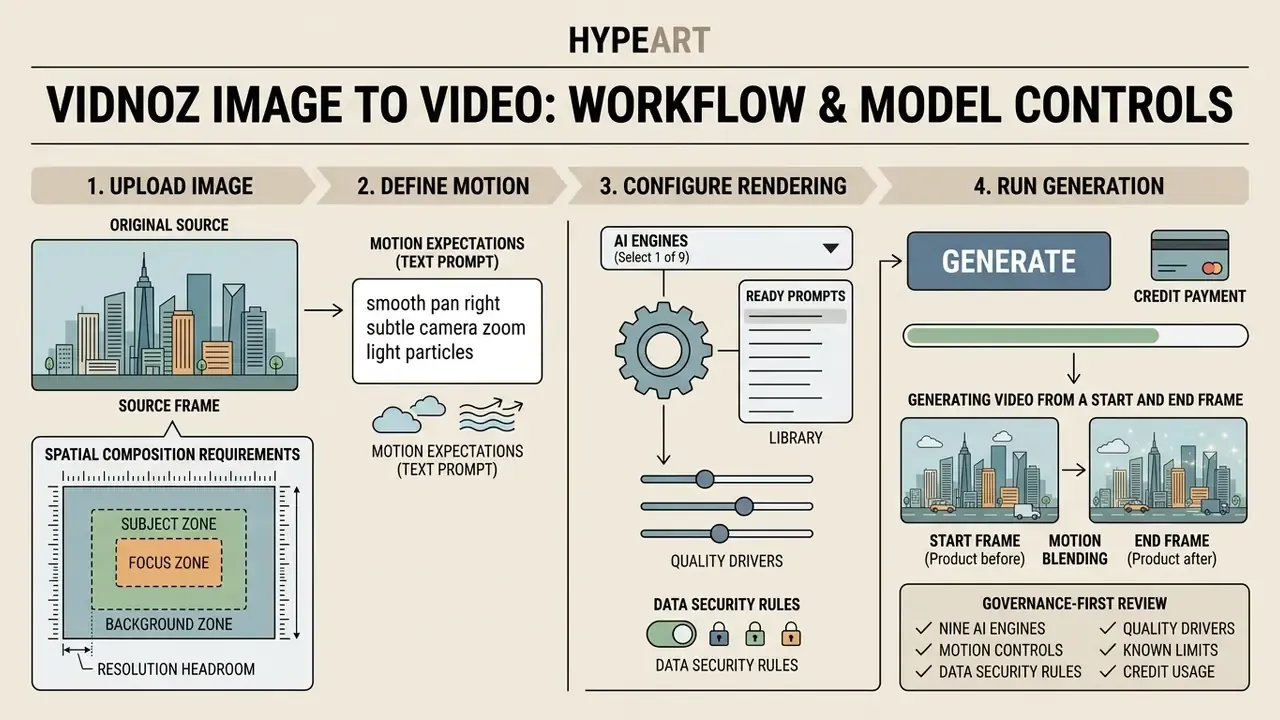
Uploading the Image and Preparing the Source Frame
To upload an image to Vidnoz, users pick a local file or drop it into the web workspace. The platform officially accepts JPG, PNG, and WEBP, and recommends high quality source files to prevent visual blur during animation. Some Vidnoz pages additionally list MP4 and M4V video sources, while the AI Image Extender page fixes the file-size ceiling at 20 MB. API endpoints use narrower limits (JPG, PNG, JPEG, with kilobyte caps), so when integrating through the AI Media API Guides you should confirm parameters against the documentation of the specific method.
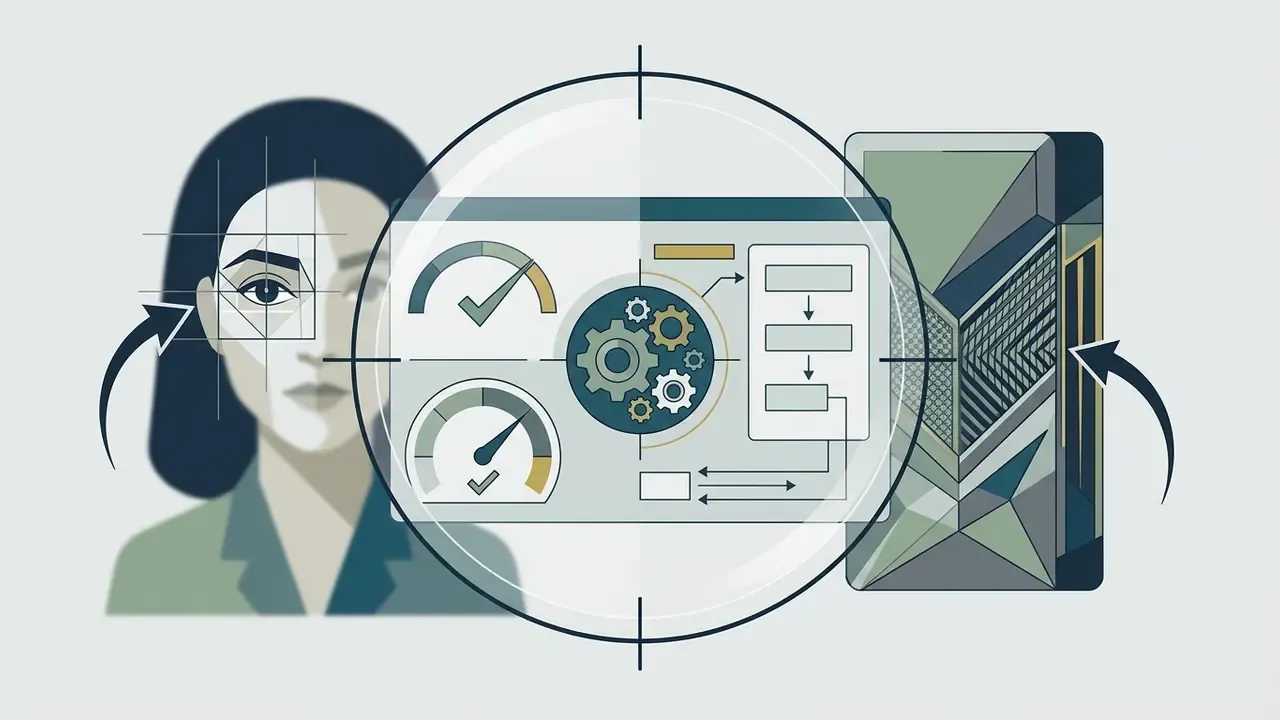
Diagram 2. Spatial composition requirements for the source file
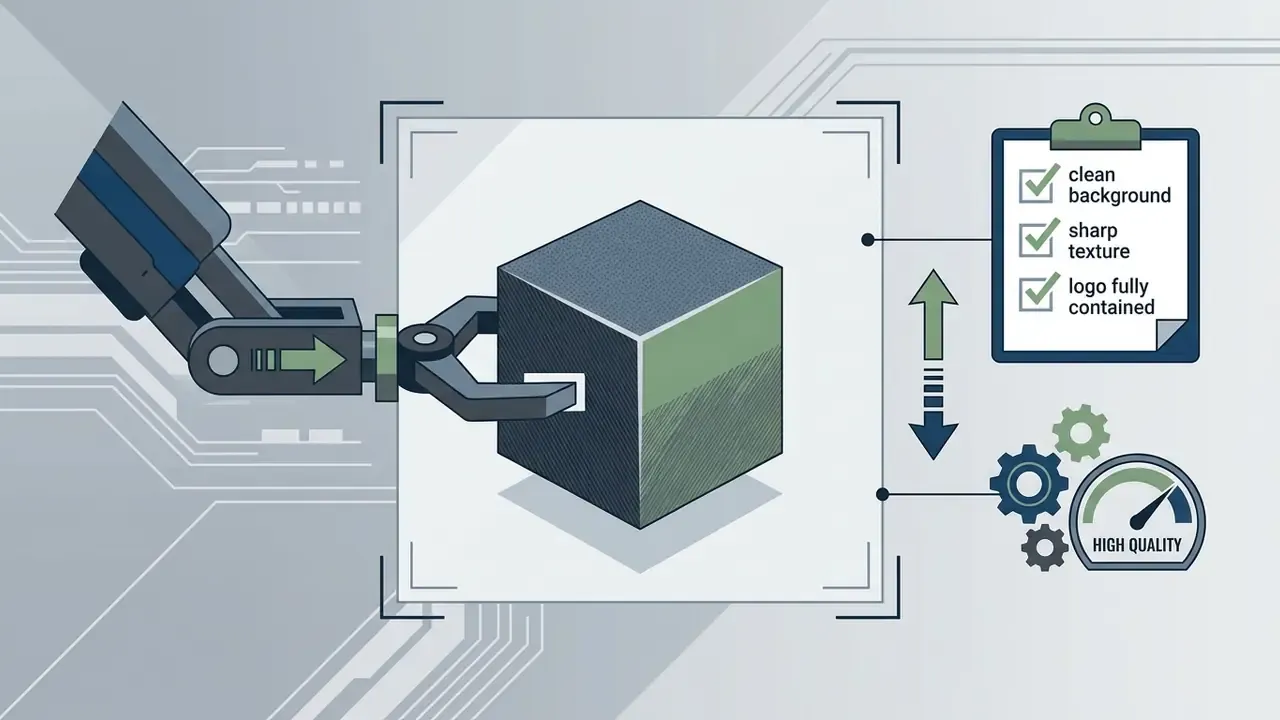
Choosing an initial frame with clear subject separation and crisp focus lets the motion generator distinguish primary subjects from background layers.

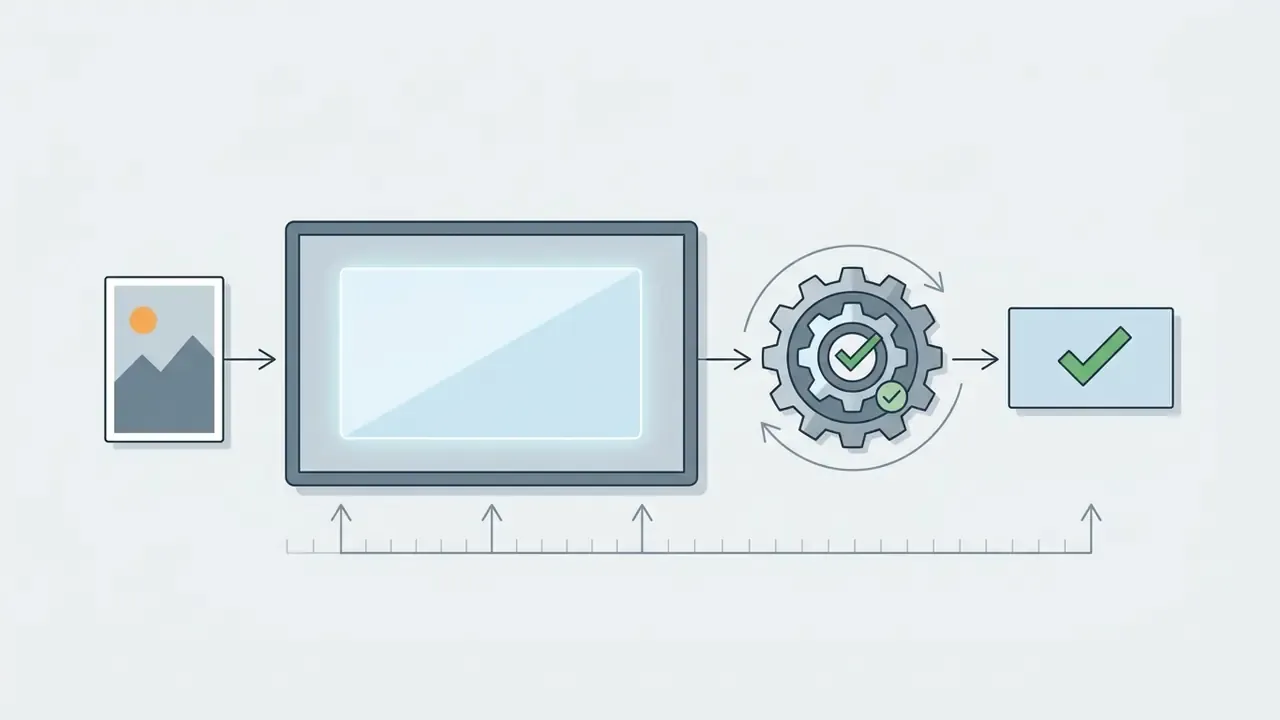
"Sharp edges and textures in the source frame are critical for the convolutional feature extractor that concatenates with noisy latents."
Preparing the Vidnoz image at an appropriate resolution directly influences final video sharpness. If the source is weak to begin with, pre-process it through AI image enhancement tools. Restoring sharpness and cutting compression noise before generation is cheaper than re-rendering the clip.
Generating Video From a Start and End Frame
For tightly controlled narrative scenes, Vidnoz lets you upload two files: a Start Frame and an End Frame. The network computes intermediate motion vectors, in-betweening, and morphs the first image into the last. This removes chaotic transformation of the object in complex advertising angles or when an item changes state.
"Vidnoz allows users to set up a start frame and an end frame to create a continuous and logical video."
Practical scenarios for the two-frame mode:
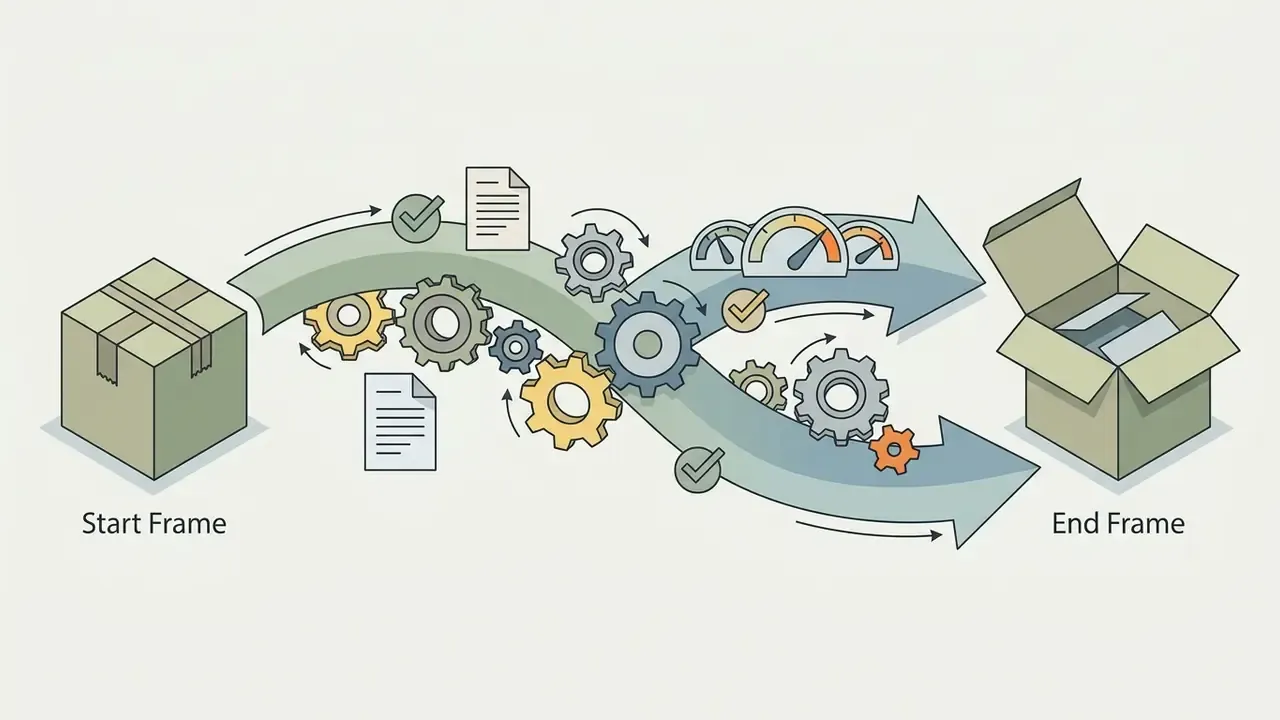

Technical advice: both frames should match in aspect ratio, colour temperature, and subject scale. The wider the geometric gap between Start and End, the higher the risk of objects bleeding into each other. The interface exposes an Add end frame option in the upload block, together with a warning that human faces are only partly supported in some engines. For two-frame portrait scenes, pick engines with strong identity retention, so Kling AI, Vidnoz Ultra, or Max.
Configuring the Prompt, Effect, Model, and Aspect Ratio
After upload, users enter a text prompt that explicitly describes the intended action, camera movement, or environmental transition. The prompt guides the model's spatiotemporal attention during frame synthesis. Official Vidnoz prompt guidance recommends naming the camera behaviour directly, static, pan, zoom, tracking, aerial, close-up, together with the direction of that movement.
Ready prompt templates by category (paste into the Video Description field as is; the note explains what the wording buys you):
| Task | Prompt (EN) | What you get |
|---|---|---|
| Camera dynamics (landscape, film) | Cinematic slow zoom-in on the subject, subtle wind blowing through trees, volumetric lighting, photorealistic 8k, 24fps movement. | A slow push-in, a living environment, a filmic mood with no abrupt jumps |
| Commercial product (e-commerce) | Smooth 360-degree studio camera orbit around the shoe, soft specular reflections, dramatic background gradient light shift. | Volume and material shown clearly, with a controlled camera orbit |
| Portrait animation | Natural eye blinking, subtle warm smile, gentle head tilt to the left, soft bokeh background depth of field. | A living portrait with minimal risk of facial deformation |
| Stylised or anime | Cyberpunk style, glowing neon lights pulsating in background, rain droplets sliding down the dynamic surface. | A stylised scene with a pronounced light effect |
| Landscape and live wallpaper | Slow aerial drift over the valley, flowing river current, drifting clouds, no camera shake, consistent horizon line. | A smooth pan with no frame shake |
| Atmospheric interior advertising | Static camera, warm sunlight slowly moving across the room, dust particles floating in the light beam, no object deformation. | Changing light over a completely static scene geometry |
Negative constraints worth stating explicitly: no face distortion, no extra limbs, no text artifacts, no abrupt camera cuts, keep logo shape unchanged. Vidnoz materials advise describing unwanted content as well, not only the desired result.
Users then set preferences by picking the target aspect ratio and selecting video effects or the underlying video models. The interface offers Original, 16:9, 9:16, 1:1, 3:4, 4:3, 21:9, and 9:21. Defining explicit motion constraints helps prevent erratic temporal shifts in the final video output.
"UI2V-Bench found that existing I2V models consistently underperform on attribute binding and spatial reasoning under complex text instructions."
The practical conclusion is simple. One scene, one dominant movement. Multi-event prompts of the "he turns, then picks up the object, then walks away" kind produce noticeably more artefacts on this model generation than two separate clips assembled later in a video editor.
Generating, Previewing, and Downloading the AI Video
Clicking the generate video button submits the job to Vidnoz cloud infrastructure for parallel processing. Render speed varies with system demand, engine complexity, and current tier permissions.
"One-step diffusion distillation reaches FVD 171.15 on OpenWebVid-1M, beating eight-step AnimateLCM at 184.79 with far lower compute."
In other words, the speed gap between Lite, Turbo, Ultra, and Max is not marketing gradation. It follows from a different number of denoising steps and a different distillation architecture. Fast modes save compute and pay for it in texture detail.
Once processing ends, users preview the animation in the browser player. If the clip meets quality standards, creators click the download option and save the MP4 in HD to local storage. Final export uses an MP4 (H.264) container: 720p on the free tier, 1080p after an upgrade. The interface also offers direct publishing buttons for Facebook, Twitter (X), and Discord, and saved work stays in My Creations, where it can be pulled down through More, then Download. For post-processing and assembling a series of clips, the overview of video editors for post-production is useful, and for heavy exports there is the video compressor guide.
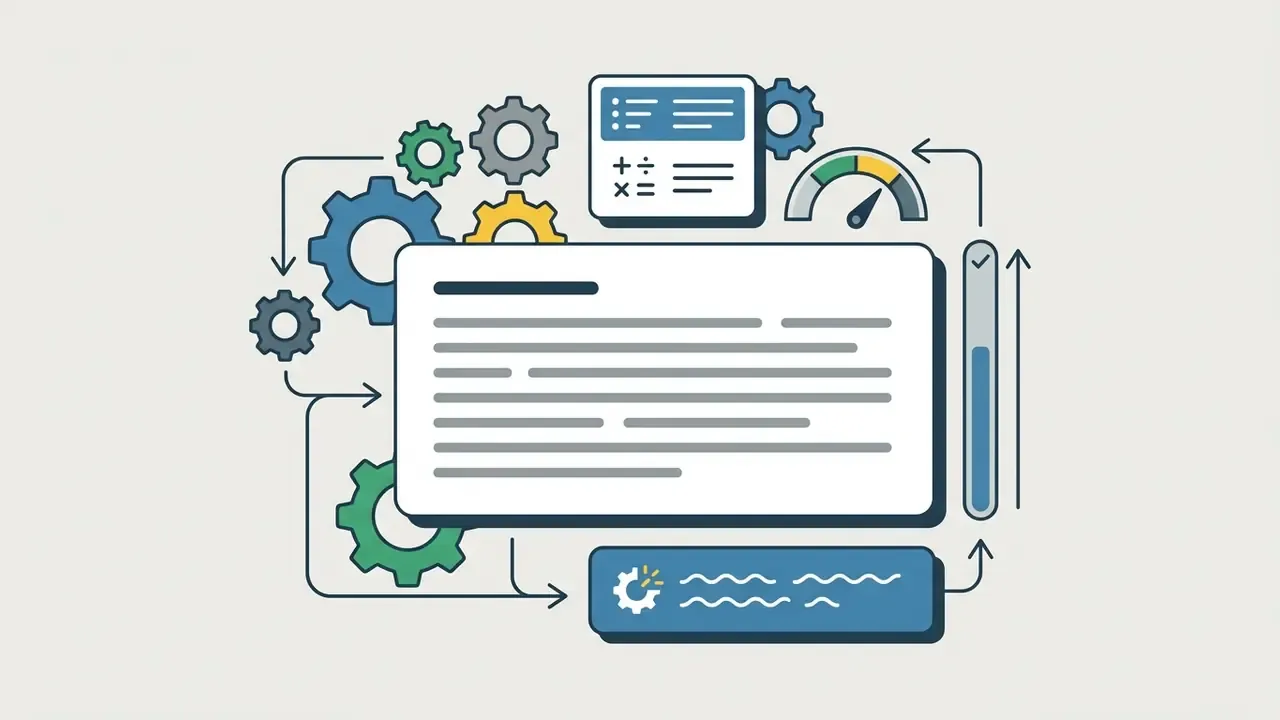
Screenshot 1. The annotated Vidnoz Image to Video interface

What Determines Video Quality in Vidnoz Image to Video
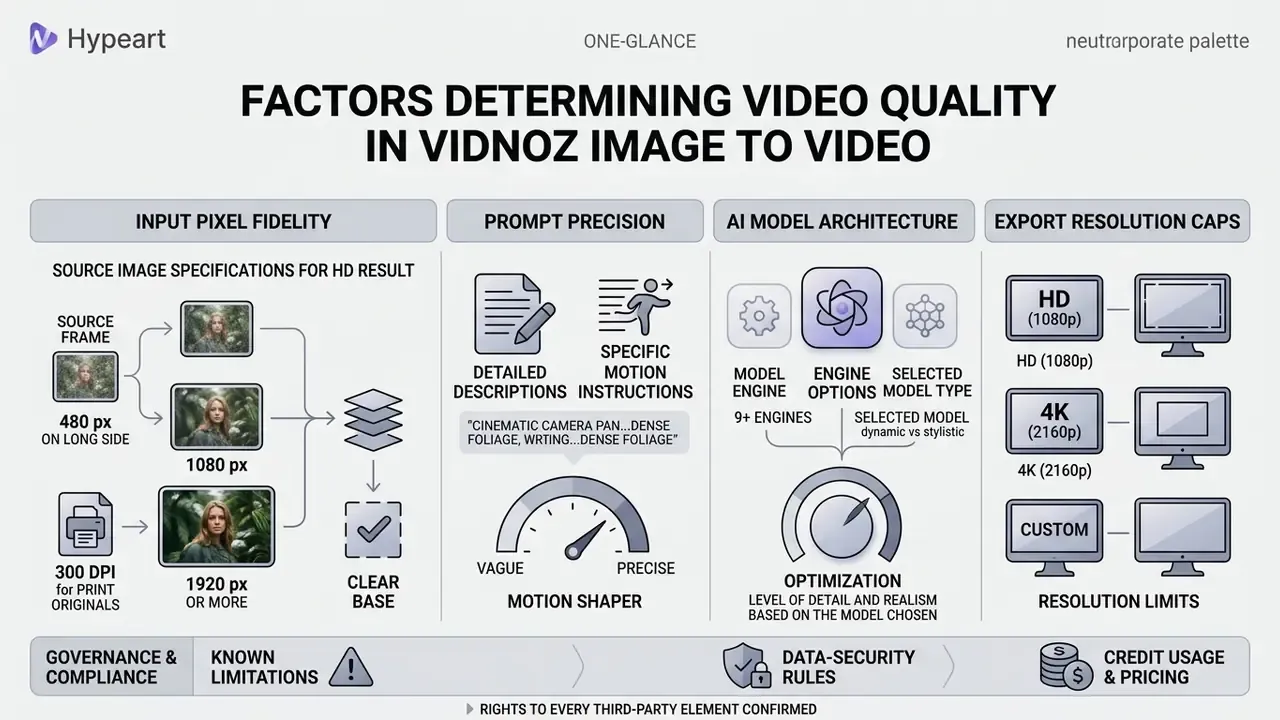
Output quality depends on input pixel fidelity, prompt precision, the selected model architecture, and export resolution caps. Controlling those four variables minimises structural distortion and unwanted frame artefacts.
"VBench decomposes video generation quality into 16 dimensions, including subject consistency, motion smoothness, and temporal flickering, each with separate metrics."
Updated. The practical meaning of that decomposition for a team: "bad video" does not exist as a single category. Assess the result along separate axes, subject consistency (does the object drift), motion smoothness (are there jerks), temporal flickering (do textures shimmer), imaging quality (frame sharpness), and aesthetic quality. Such a checklist makes acceptance deterministic and ends the "I like it, I don't like it" argument. For source preparation, formal sharpness criteria from digital archiving also help. The FADGI Technical Guidelines define sharpness as "the visually perceived quality of being crisp or containing detail", a relevant reference for the input file specifically, not for judging AI synthesis. Lower-resolution source files amplify spatial noise once frame-synthesis algorithms take over.
What the Source Image Must Look Like for an HD Result
A high quality source image needs clean edge definition, adequate exposure, and minimal compression noise to produce clean motion. Source assets at or above the target video specification prevent upscaling blur during export. If the source is smaller than the target resolution, run it through AI image upscalers in advance rather than trusting the generator's internal resize.
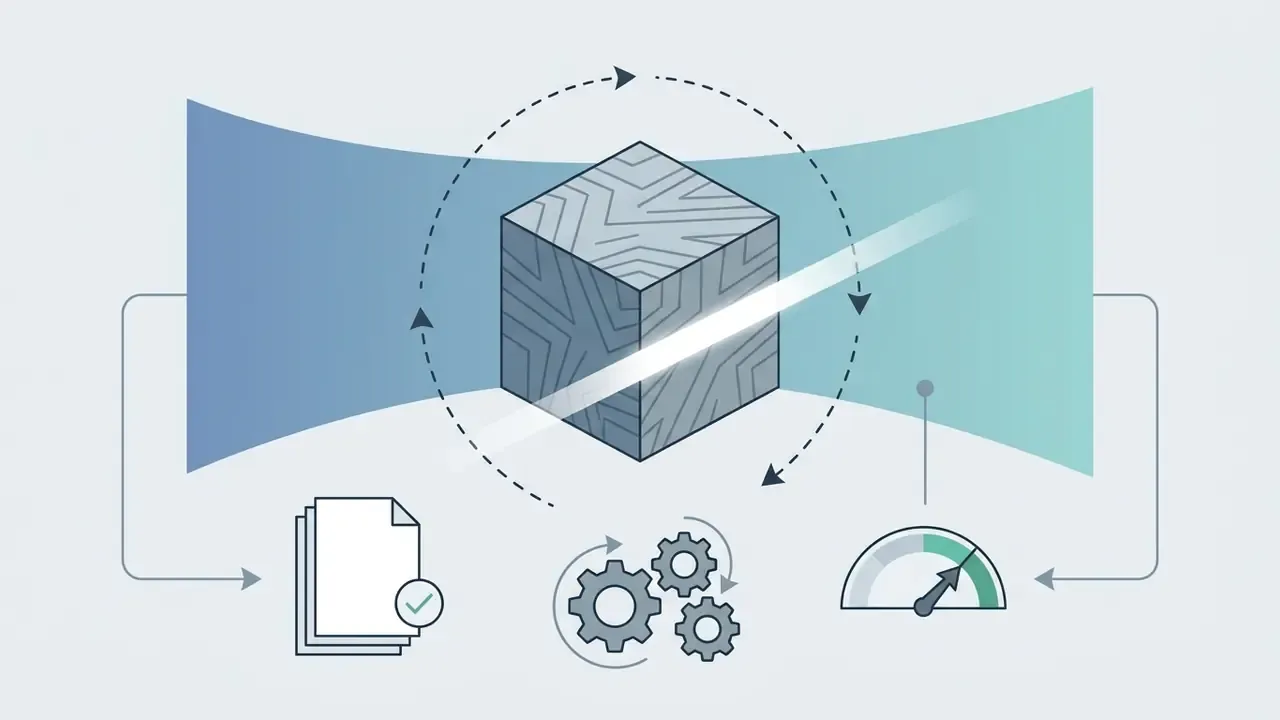
Diagram 3. Comparison of source frames at different resolutions
Compositions with cluttered backgrounds or ambiguous focal points complicate layer separation inside the generative diffusion model.
- 480 px on the long side
- visible degradation, mushy edges, floating fine detail, compression blocks amplified in motion.
- 1080 px
- acceptable for a 720p export, but small package text and fabric texture are lost.
- 1920 px or more, 300 dpi for print originals
- texture preserved, stable contours, minimal temporal flickering at a 1080p export.
"First-frame spatiotemporal attention and low-frequency noise initialisation from the source substantially reduce subject drift and preserve background consistency."
Pictures with well-defined subjects let motion be applied accurately without background warps.
How the Prompt and the AI Model Shape On-Screen Motion
Text prompts shape physical dynamics and object behaviour inside the generated sequence.
"Short, motion-specific prompt wording yields more predictable movement than long, vague descriptions."
Updated. That observation covers the class of physics-aware image-to-video systems in general, not Vidnoz behaviour specifically. In VIDEOPHY, scene captions were deliberately capped at 7 to 10 words, with mandatory mention of interacting bodies and contact or friction forces. The follow-up work, VIDEOPHY-2, showed the inverse effect as complexity grew: multi-event prompts were used on purpose to break contemporary generative models. A separate study of prompt datasets (PMC, 2024) varied description length directly, at 4 to 8, 9 to 13, and more than 13 words, to measure the link between prompt length and output video quality.
| Description type | Example | Motion outcome | Artefact risk |
|---|---|---|---|
| Too general | make it move | Unpredictable; the model picks the dominant movement itself | High |
| Short and motion-specific (7 to 10 words) | slow zoom-in, wind moving the hair, static horizon | Predictable, reproducible result | Low |
| Camera and direction stated | tracking shot moving left, subject stays centered | A controlled camera trajectory | Low |
| Multi-event | she turns, picks up the cup, then walks away | Partial execution, objects teleporting | High |
| With negative constraints | gentle nod, no face distortion, no extra limbs | Stable subject identity | Very low |
Picking the right video model controls render behaviour further. Advanced models process complex prompt instructions with better spatial accuracy, delivering natural-looking physics and stable identity retention across frames.
"Integrating multimodal LLMs into a diffusion transformer improves dynamic range by 42.5 percent, controllability by 7.9 percent, quality by 11.8 percent."
Checklist: verifying the image and the prompt before you generate in Vidnoz
- Source format is JPG, PNG, or WEBP, and file size sits inside the limit, up to 20 MB in the web interface.
- The long side of the image is at least the target export resolution, so 1920 px or more for 1080p.
- The subject is sharp and frontal for portraits, with no motion blur and no heavy noise.
- The background is readable and not overloaded; subject edges are not clipped by the frame.
- The prompt contains one dominant movement, a camera type, and a direction.
- Negative constraints are written in, such as no face distortion and no logo deformation.
- Aspect ratio and quality preset match the target publishing platform.
- The source contains no PII, no bank secrecy data, no customer records, and no non-public corporate information.
Technical Limitations and Known Issues
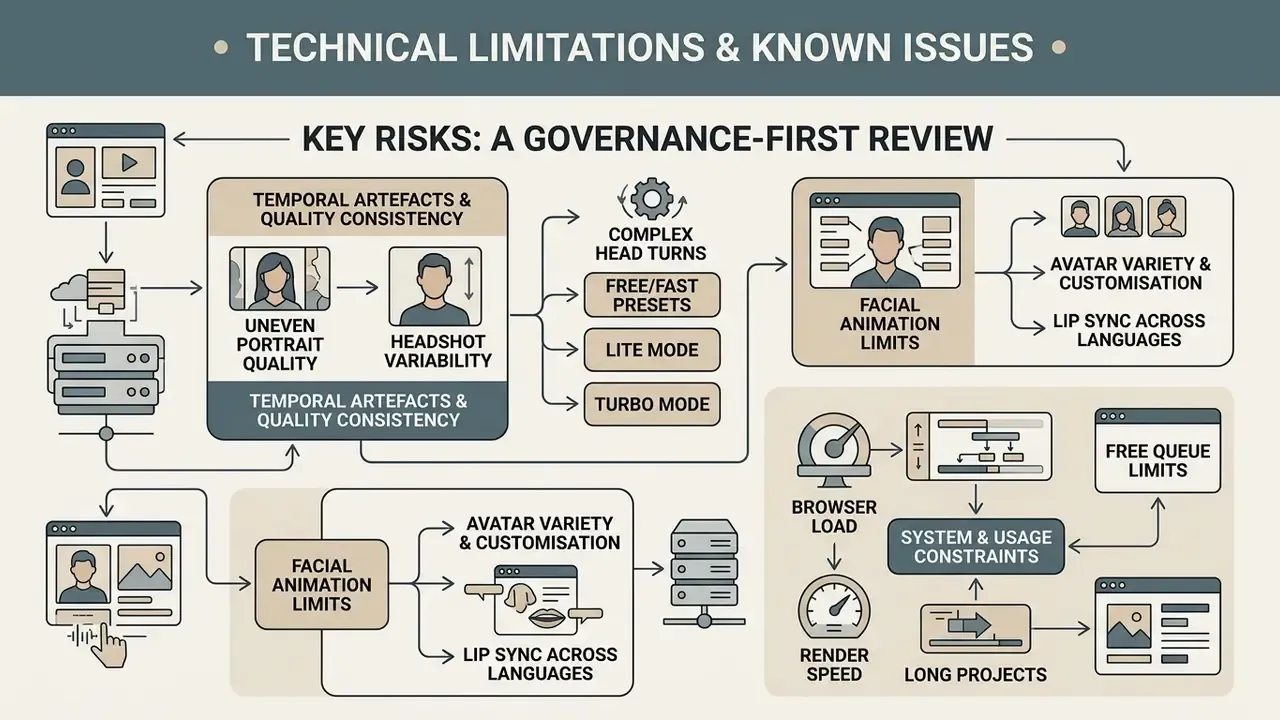
An honest limitations map matters more than marketing promises. It decides where the tool is acceptable in production and where a human has to stay in the loop.
What to watch for when working with Vidnoz AI:
- Human faces. On complex head turns and on free or fast presets (Lite, Turbo), temporal artefacts appear: blurred features, identity drift, deformed teeth and eyes. In the two-frame mode the service itself warns that "human faces not fully supported" for some engines.
- Uneven portrait and headshot quality. Independent reviews note that headshot generation occasionally returns unrealistic results, and that some video outputs carry visible artefacts. Users flag the quality gap between the free and the paid tier separately.
- Browser load. Users report browser crashes during video creation and performance degradation in long sessions. Rendering several high-resolution clips in parallel on a weak machine makes the interface stutter. Practical workaround: render sequentially and reload the tab between heavy jobs.
- Render speed on long projects. Slow rendering is named as one of the main frustrations on longer material.
- Free queue limits. Free accounts share a common queue. At peak hours the wait can reach several minutes per clip, and total duration is capped by daily credits.
- Avatar variety and customisation. Even with a large library, users note limited ethnic representation and difficulty fine-tuning appearance.
- Lip sync quality across languages. Synchronisation accuracy varies by language and drops noticeably on long scripts. Official pages promise "perfect lip-syncing"; independent 2026 reviews describe the result as inconsistent.
- Clip length. The base image-to-video output is short, a matter of seconds. Longer videos are assembled by editing several generations together, not produced by one command.
Practical takeaway. For regular production, lock an acceptance procedure: sample manual checks of faces and logos, a re-render on Ultra or Max for final assets, and a hard rule that no clip is published without human validation.
Use Cases for Vidnoz AI Image to Video
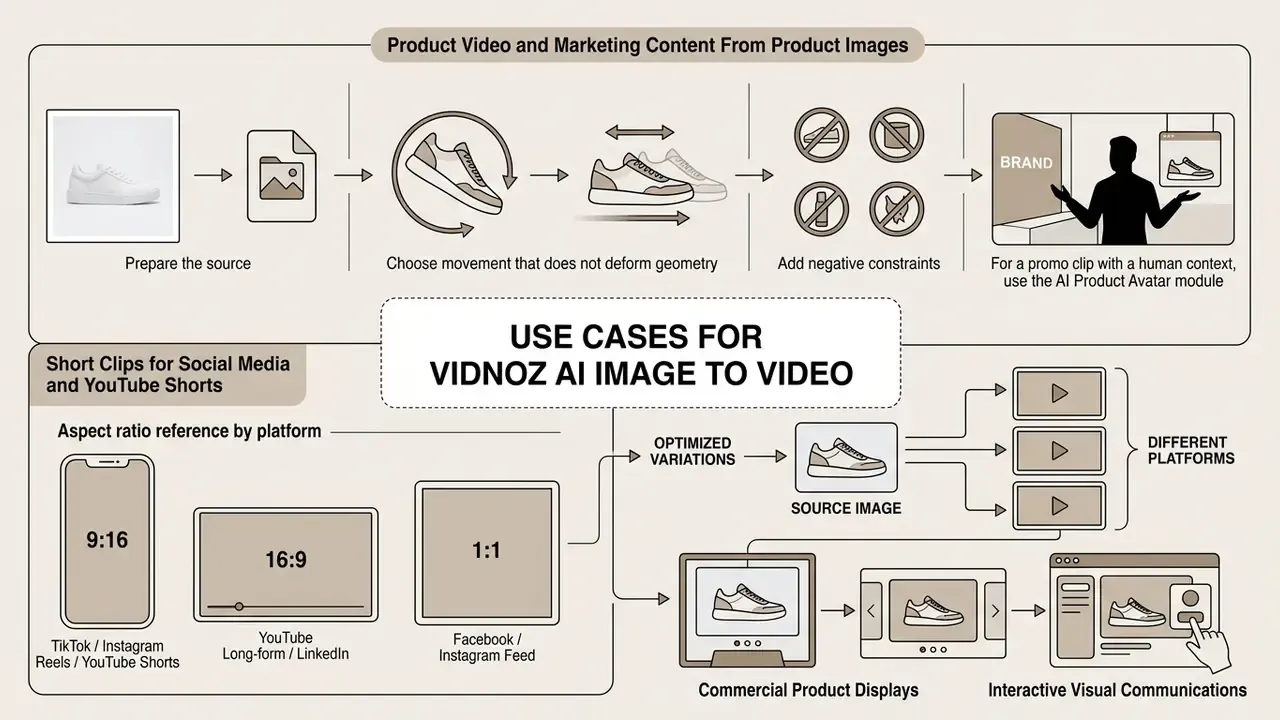
Organisations use Vidnoz AI Image to Video across marketing campaigns, commercial product displays, social media video production, and interactive visual communications. Before you lock the tool into a recurring process, it is worth checking the comparison of AI video generators to place Vidnoz against competitors for your specific scenario. Animating static assets lets marketing teams raise content output without scaling video budgets proportionally.
Official Vidnoz pages record four anchor scenarios: social media posting, marketing and advertising, product video for e-commerce, and educational content, "converting static teaching pictures into videos" as a way to make learning material less flat.
Economics reference point, risk-adjusted ROI. The comparison is not against zero. It is against traditional production: a shoot day, studio rental, an operator, an editor. Image-to-video covers the class of tasks where you need a short atmospheric or product clip without new filming. The right pilot metric is cost per accepted asset, including the reject rate. With 30 to 50 percent of generations rejected, real unit cost sits well above the nominal credit price, and that coefficient has to be measured on your own product category before scaling.
Product Video and Marketing Content From Product Images
Converting static e-commerce photographs into motion-led product videos lifts catalogue engagement on store platforms and ad networks. Subtle movement, rotational views, lighting shifts, dynamic backgrounds, helps highlight material detail.
"A frame-retention module and source feature concatenation let an I2V model preserve product appearance while generating natural motion."
A working method for product cards and marketplaces:
For specialised photo adjustments before video synthesis, visual editors often consult a comprehensive guide to online photo editors and clean source images before they enter a generative pipeline.
keep product shape and logo unchanged, no text warping.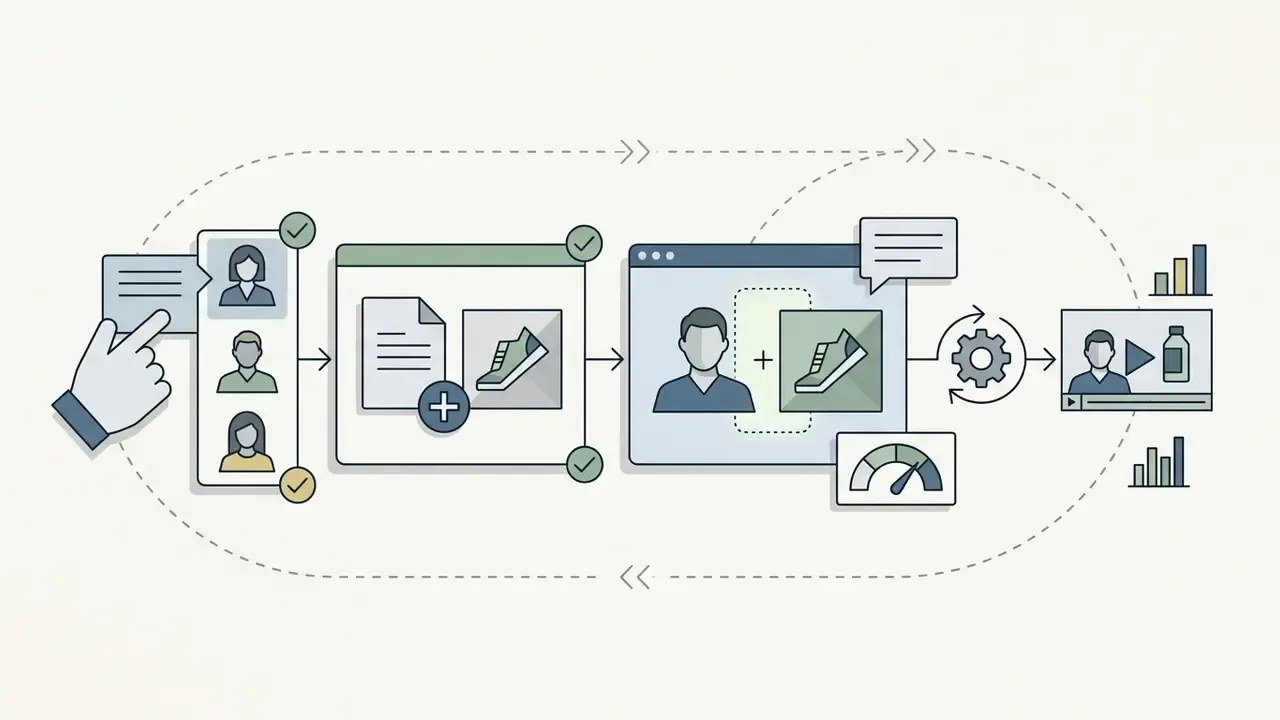
Which Vidnoz Tools Complement Image to Video
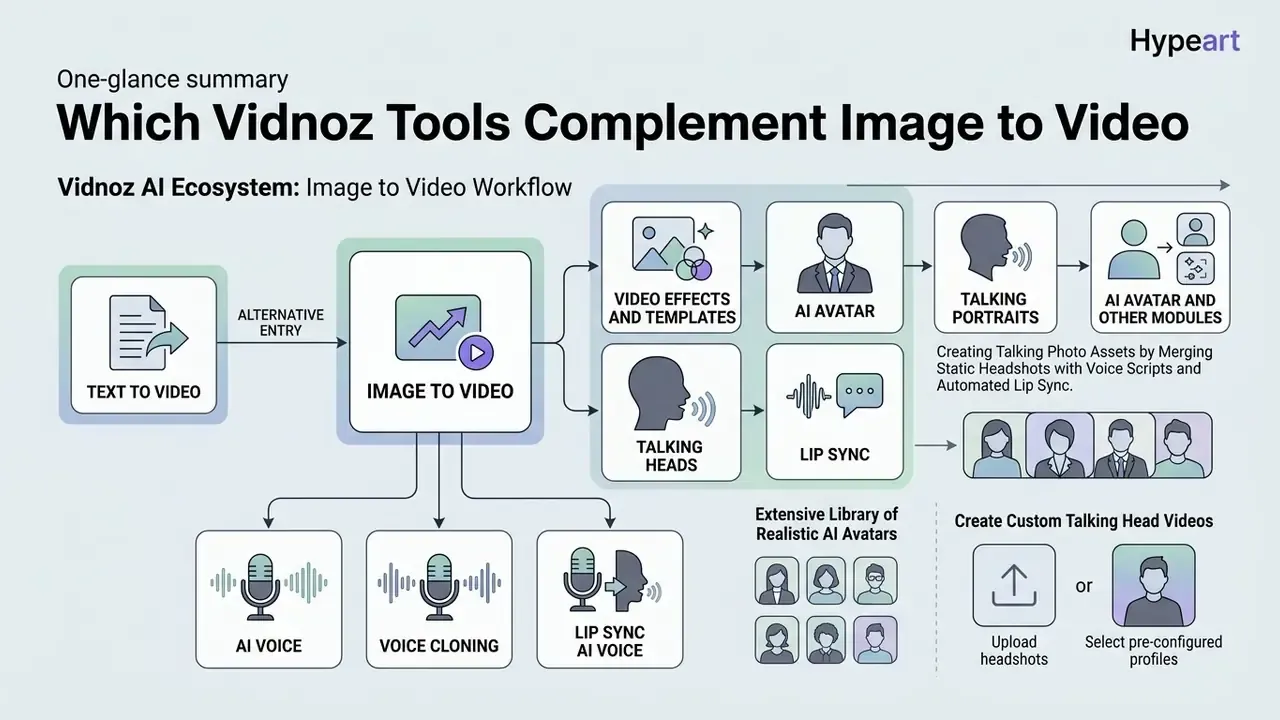
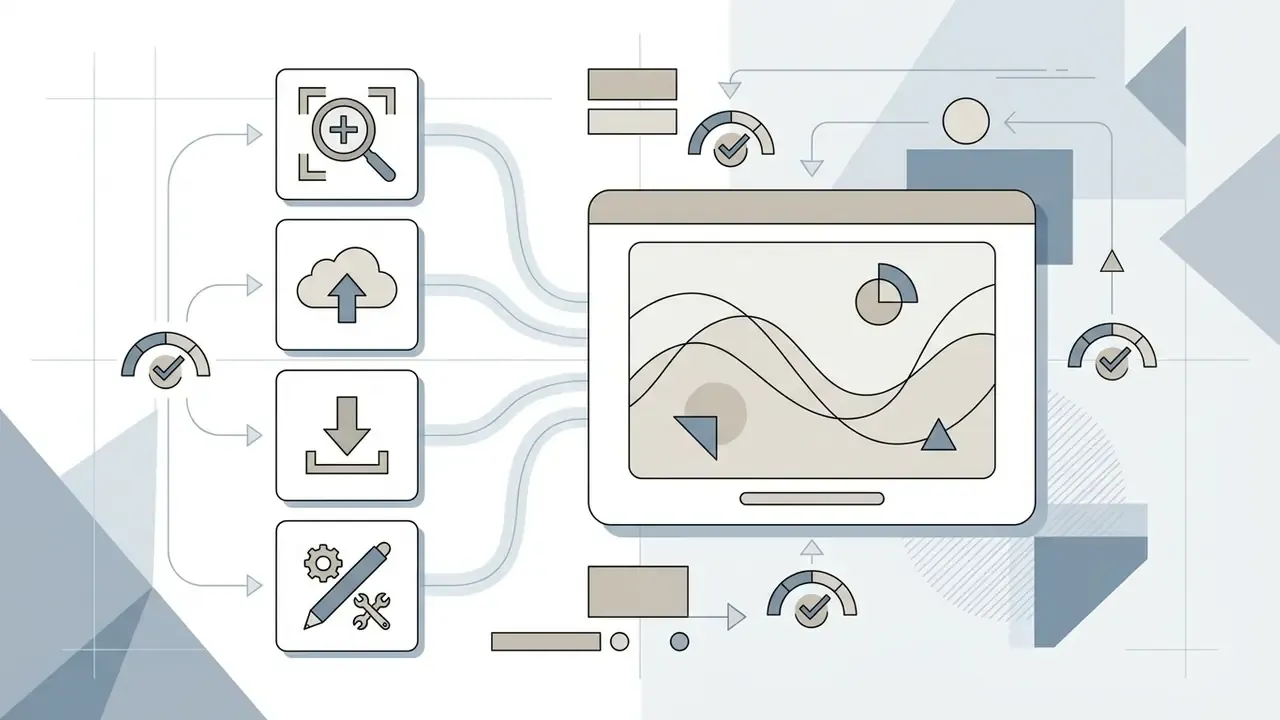
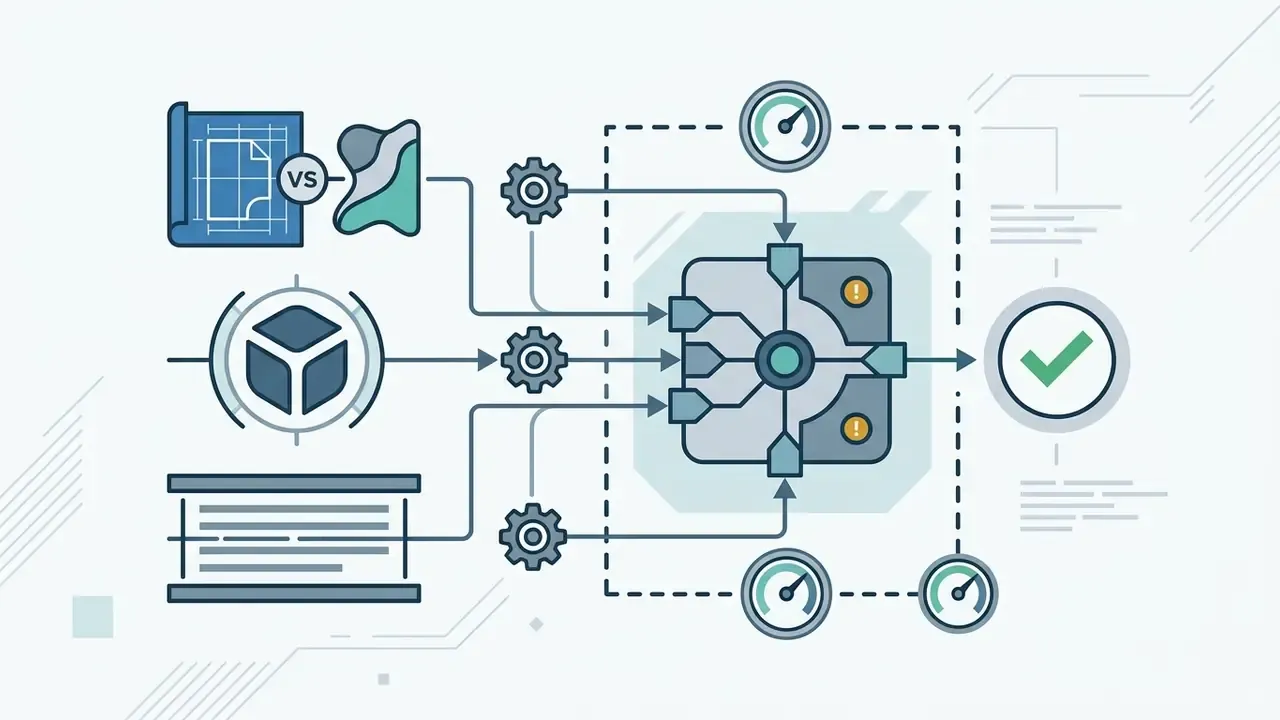
Vidnoz provides an ecosystem of creative modules that plug directly into the image-to-video workflow. Combining generative animation with voice synthesis, custom digital avatars, and editing templates lets users complete a whole video project inside one web platform. Adjacent mechanics are also covered in the guide to animation makers and the overview of text-to-video AI tools.
Diagram 4. Module integration in the Vidnoz AI ecosystem
Image to Video (core) ←→ Text to Video (alternative entry) → Video Effects and Templates → AI Avatar and Talking Head → AI Voice and Voice Cloning → subtitles, music, text overlays → My Creations (storage and export) → API (programmatic access).
Talking Portraits, AI Avatars, Talking Heads, and Lip Sync
Vidnoz creates talking photo assets by merging static headshots with voice scripts and automated lip sync. The platform animates facial features and synthesises realistic eye blinks and lip movement matched to spoken audio. The working order is short: upload the portrait, paste the script, pick a voice and language, set the expression type (stable or expressive), generate.
"Livatar-1 reaches LipSync Confidence 8.50 on HDTF at 0.17 s latency and 141 FPS throughput on a single A10 GPU."
Those figures are useful as a measurable industry reference. When accepting talking-head material, assess actual articulation sync and response latency rather than a vague "does it look right", especially for interactive scenarios.
The platform features an extensive library of realistic AI avatars. Official materials cite more than 1900 avatars and support for 140 or more languages, with 100 or more in some descriptions, each able to deliver a script. The integrated avatar video generator aligns vocal output with detailed facial movement to hold lip sync, and the avatars do more than move lips: shoulder movement, hand gestures, head tilts, and micro-expressions are advertised.
Users can create custom talking head videos by uploading their own headshots or selecting pre-configured corporate presenters. Communications teams use dynamic portraits for internal training modules, onboarding material, and customer service announcements. For high-volume portrait generation, organisations frequently evaluate specialised AI headshot generators to keep visual quality consistent across executive teams. Teams comparing synthetic presenter platforms often consult independent free AI video generator comparisons to assess rendering performance across vendors.
AI Voice, Voice Cloning, and Video Templates
The integrated Vidnoz AI voice engine turns written scripts into natural-sounding audio using synthetic voice profiles, with more than 2000 voices and 140 or more languages advertised, plus emotion control. Users can also apply voice cloning to replicate specific speech characteristics from a short sample. Official documentation suggests a 10 to 20 second sample and describes cloned-voice generation as taking "less than a minute". Before locking a voice stack, compare notes with the overview of AI voice generators; intonation and pause handling differ between vendors far more than timbre does.
Video demonstration (01:30). Voice cloning and template-based editing
- 00:00 to 00:20, record or upload a voice sample of 10 to 20 seconds of clean speech.
- 00:20 to 00:45, generate the clone and check pronunciation and intonation on a test phrase.
- 00:45 to 01:10, pick a template (PDF-to-video, PPT-to-video, URL-to-video, blog-to-video) and drop in scenes.
- 01:10 to 01:30, bind the cloned voice to the timeline, add subtitles and music, export MP4.
Pre-built video templates supply structured layouts, graphics, and transitions tailored for promotional ads, lessons, or corporate updates. The template library includes PDF-to-video, PPT-to-video, URL-to-video, and blog-to-video workflows, plus tools for subtitles, music, text, and voice replacement in a finished clip. One caveat: template counts differ between publications, from "350 or more" to "2800 or more", because the numbers refer to different dates and different catalogue sections. Pairing custom voice clones with template layouts is what makes routine production repeatable.
Data Security, Privacy, and Shadow AI Control
Vidnoz is a public cloud SaaS accessed through a browser. That sets the baseline threat model: any uploaded file leaves the corporate perimeter.
What the official documents state:
- The Terms of Service state that the user does not lose ownership of uploaded and generated content, but grants Vidnoz a limited licence to operate, improve, promote, and provide its services.
- The Privacy Policy provides for deletion of user data on request; the AI version of the policy states that deletion requests are processed within 72 hours. The contact address is [email protected].
- The service explicitly prohibits uploading or generating illegal, pornographic, violent, or rights-infringing content. Responsibility for holding rights to every third-party asset in frame rests with the user.
Practical rules for corporate use:
- Classify data before upload. Prohibit customer PII, bank secrecy data, non-public financial reporting, internal documents, and anything under NDA. The U.S. Department of Energy Generative AI Reference Guide (2024) puts it plainly: non-public and sensitive information should not be entered into public GenAI tools. https://www.energy.gov/sites/default/files/2024-12/Generative%20AI%20Reference%20Guide%20v2%206-14-24.pdf
- Portraits of employees and third parties. Animating a face requires explicit consent from the subject. For executive avatars, record written permission for synthetic reproduction of appearance and voice.
- Voice cloning. A voice sample is biometric in nature. Storage, lifetime, and revocation of a clone must be written into an internal policy before first use.
- Shadow AI control. If the tool is not approved, staff will use it anyway through personal accounts. The manageable option is one corporate account with role-based access, a job log, and central storage of outputs, instead of a paper ban.
- Pre-publication review. The Washington State Generative AI Guidelines (WaTech, 2023) require AI content to be checked for bias, inaccuracy, and offensive material before public use. https://watech.wa.gov/sites/default/files/2024-03/State%20Agency%20Generative%20AI%20Guidelines%208-7-23%20.pdf
- Labelling synthetic content. NIST AI 100-4 describes reducing synthetic content risks, including input prompt filtering and output provenance. https://nvlpubs.nist.gov/nistpubs/ai/NIST.AI.100-4.pdf For verifying provenance on both input and output, AI image detectors for content verification are useful, and media-file verification standards are covered by the AI generator checker reference.
- Questions for the vendor before purchase. Does the model train on uploaded files? How long are assets retained? Is there a DPA and regional data isolation? Are SSO and role-based access supported? Are there SOC 2 level audit certifications? How is account deletion, including all of its content, handled?
Important for comparison. If SOC 2, SCORM export, and interactive branching are blocking requirements, competing enterprise platforms formally cover them better. Vidnoz positions itself first of all as a mass-market, inexpensive, fast tool. Legal precedent and disputes over rights to synthetic material are tracked in AI Litigation and Case Timelines.
Free Vidnoz Image to Video: Generations, Plans, and Watermarks
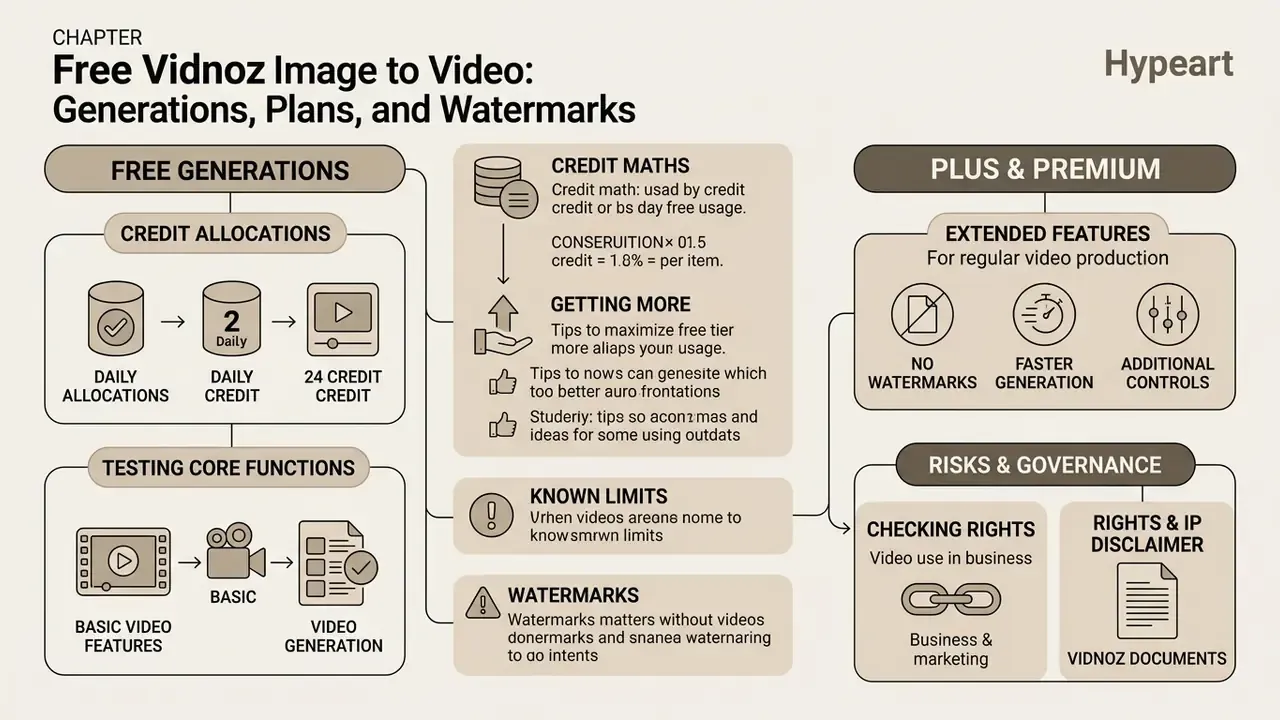
Vidnoz offers a free tier that lets users test core functions on daily credit allocations. Commercial and high-volume asset production needs paid subscriptions, which unlock advanced features, higher export resolution, and wider queue access.
What the Free Vidnoz AI Generations Include
The Vidnoz AI image to video free plan provides daily credits for testing short generation sequences online. Free generations are generally limited to 720p downloads and may retain platform branding, depending on the specific tool. To benchmark those limits against the market, see the overview of free AI video generators. Short animated loops for messengers can also be exported through an AI GIF generator workflow when an MP4 is heavier than the placement needs.
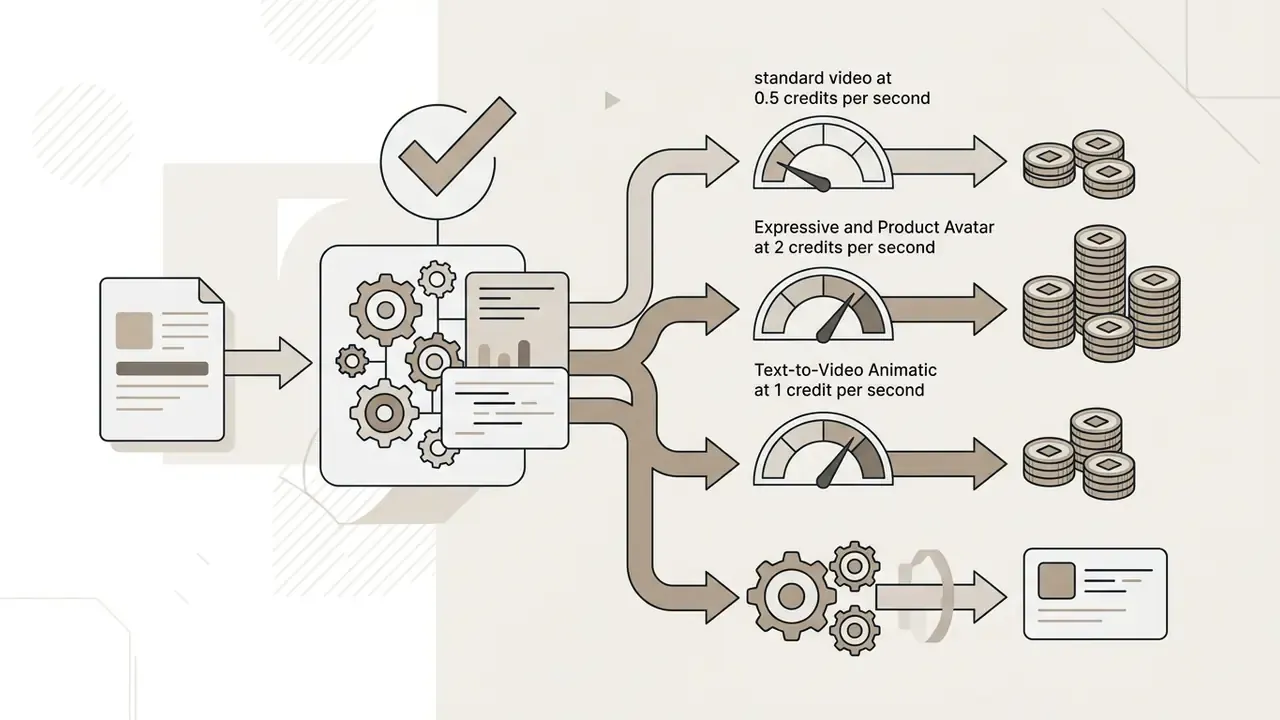
Credit maths, the actual Vidnoz tariffication:
| Generation type | Cost | What it means in practice |
|---|---|---|
| Standard video | 0.5 credits per second | A 5-second clip costs about 2.5 credits |
| Text-to-Video Animatic | 1 credit per second | Twice the price of standard video |
| Expressive Avatar | 2 credits per second | Four times the price of standard video |
| Product Avatar | 2 credits per second | An expensive mode; reserve it for final assets |
Free accounts cover basic conversion workflows, but clip duration is typically capped at short intervals. Official and review material cite a platform-level ceiling of 3 minutes per video and 720p on export, while the exact number of daily credits differs by source, with figures from 8 to 60 per day in circulation, because the precise value is not always published on the pricing page. Check it inside your own account before you plan volumes. Updated.
What to Check Before Using Video in Business and Marketing: Rights and IP
Before publishing generated assets in commercial campaigns, enterprise teams must verify legal rights, copyright parameters, and platform usage terms. The updated guidance in the AI Media Commercial-Use Hub helps clarify intellectual property policy for synthetic media.
What the Vidnoz documents fix:
- Ownership of generated output. The Terms of Service state that the user does not lose rights to uploaded and generated content, while the service receives a limited licence to operate, improve, and promote the platform. If promotional use of your content is unacceptable to the brand, that needs separate negotiation.
- Commercial licence. Summaries of 2026 plan terms describe paid levels as covered by a "full commercial license", and the free level as "Full Commercial License, With Vidnoz watermark". Commercial use of free output is formally possible, but branded.
- Content restrictions apply on every plan. Illegal, pornographic, violent, and rights-infringing content is prohibited. A paid subscription does not lift that.
- Rights to sources are the user's responsibility. Faces, logos, fonts, stock images, and objects in frame must be licensed by you. This is the key practical risk: the service does not verify the rights chain on your input.
- IP indemnification. Public Vidnoz materials contain no explicit commitment to defend the user against third-party claims over generated output. If that protection is critical, think regulated advertising or financial products, ask for it in writing in an enterprise agreement.
- Price changes. The Terms of Service reserve the right to change terms with at least 7 days' notice before a subscription price increase.
Organisations should also confirm whether exported files carry digital watermarks or resolution constraints that clash with brand presentation standards. Pre-publication compliance checks reduce legal exposure on public distribution.
| Access parameter | Free tier | Starter / Plus | Business / Premium |
|---|---|---|---|
| Price | $0 per month | From $14.99 per month | From $56.99 per month |
| Credit limit | Daily allocation (pricing page indicates up to 30 to 60 credits per day; confirm in your account) | About 450 credits per month plus daily free credits | About 900 or more credits per month plus daily free credits |
| Export resolution | 720p HD | 1080p Full HD | 1080p Full HD or custom |
| Watermark | Present on some tools | None on supported exports | None on supported exports |
| Generation speed | Standard priority | Raised priority | High processing priority |
| Cloud storage | About 500 MB | Extended | Unlimited storage |
| Max video duration | Up to 3 minutes (platform limit) | Extended | Extended or by agreement |
| Commercial licence | Yes, but with Vidnoz branding | Full commercial | Full commercial or enterprise terms |
Vidnoz Compared With Alternative Image-to-Video AI Generators
Vidnoz is a broad, general-purpose tool. For narrow tasks the market offers specialists, and the correct choice depends on what matters more: duration, frame rate, template depth, or enterprise compliance.
| Tool | Main strength | Duration | Resolution and FPS | Who it suits |
|---|---|---|---|---|
| Vidnoz Image to Video | Versatility, nine external AI engines, Start and End frames, 30 or more styles, effects without prompting | 3 to 5 seconds per clip (platform ceiling up to 3 minutes) | Up to 1080p | Marketing, social, e-commerce, training |
| Cre8tiveai Photo Video Maker | 3D motion from one PNG or JPG, 14 effect types (zoom in and out, circle motion) | 8 seconds | Full HD at 60 FPS | Photographers, product retouching, 3D effects |
| Steve AI | Edited clips and photo slideshows by topic, 100 or more templates | A minute and beyond | 720p to 1080p | Content marketing, blogs, training round-ups |
| Lumen5 | Templates for corporate presentations, video from a blog or URL, frame-level editing | Up to 2 minutes | 1080p | Brand teams, corporate communications |
| HeyGen TalkingPhoto | Talking portraits with emotion, tone, and speech styles | Depends on the script | 1080p | HR, support, presenter-led presentations |
| Vidnoz Talking Head | Free lip-sync video from a photo, ready portrait templates | Short clips | HD | Fast internal communications |
| Enterprise platforms (Synthesia class) | SOC 2, SCORM export, interactive branching | Long courses | 1080p and above | L&D and regulated industries |
How to read the table. If you need one short atmospheric or product clip from a photo, plus flexible engine choice, Vidnoz wins on price against variety. If you need 60 FPS and 3D parallax from a single shot, the specialised Cre8tiveai is more precise. If the job is a five-minute training piece built from articles and slides, template platforms are stronger (Steve AI, Lumen5). And if formal compliance (SOC 2, SCORM) is a blocking requirement, the choice shifts to the enterprise segment. Full comparison matrices for adjacent categories are available in the AI Media Comparison Matrices block.
FAQ on Vidnoz Photo to Video AI
Can I convert JPG to MP4, and how do I download the video?
Yes. Vidnoz works as an online Vidnoz AI image to video converter that turns static JPG, PNG, or WEBP images into MP4 files. After uploading and rendering, you preview the clip in the browser player and click download to save the MP4 locally. Saved work is also available in My Creations through More, then Download. A comparable alternative tool can be assessed in the PixVerse AI review.
Which aspect ratio should I choose for social media?
It depends on the target platform specification. Use 9:16 vertical for mobile-first channels such as YouTube Shorts, Instagram Reels, and TikTok. Use 16:9 widescreen for desktop players and horizontal platforms, or 1:1 for square feed placements. The full preset list in the interface is Original, 16:9, 9:16, 1:1, 3:4, 4:3, 21:9, and 9:21.
Do I need to register, and is there a watermark?
Some generator pages advertise use without login and a watermark-free MP4. Other product pages and the help centre describe a path through registration and sign-in. That is a difference between page versions, not a contradiction in policy. The practical rule: the base image-to-video output is available without branding, but some free modules, Face Swap for example, return watermarked output below HD. Check the specific tool before using it in brand material.
Which formats are accepted as input, and what comes out?
Input: JPG, PNG, WEBP, and some Vidnoz pages also list video sources MP4 and M4V. The file-size limit in the web interface is up to 20 MB; API limits differ and are stated in the method documentation. Output: MP4 (H.264), 720p on the free tier and 1080p after upgrade, with direct publishing to Facebook, Twitter (X), and Discord.
Can generated videos be used in advertising and on marketplaces?
Yes, on three conditions. First, you hold rights to every source element in frame, faces, logos, fonts, stock objects. Second, the content does not breach service prohibitions, so nothing illegal, pornographic, violent, or infringing. Third, brand publications use a plan without a watermark. Paid plans are described as covered by a full commercial licence, and free output as commercially usable but branded. Public documents contain no explicit IP indemnification, so where exposure is high, request it in writing in an enterprise agreement.
How do I delete my data, and where do I contact support?
The Privacy Policy provides for deletion of user data on request, and the AI version of the policy states that deletion requests are handled within 72 hours. The contact channel is [email protected], which is also where you report suspected unauthorised account access. Technical questions on tool behaviour are covered in AI Media Support and Troubleshooting.
Why did my video come out blurry or with facial artefacts?
Three typical causes. Low source resolution: raise it to 1920 px or more on the long side, or upscale first. The plan export ceiling: 720p on Free clips detail, so final assets need 1080p. A fast model preset: Lite and Turbo save denoising steps, so complex head turns are better rendered on Ultra or Max. An explicit negative prompt helps too: no face distortion, no extra limbs, keep identity consistent.
Can I make a long video rather than a clip of a few seconds?
One image-to-video run gives a short clip. A long video is assembled from a series of generations: render scenes separately, one dominant movement per clip, then edit them together with voice-over, subtitles, and music, either in the built-in Vidnoz editor and its templates or in an external video editor. The platform-level duration ceiling is stated as 3 minutes.
A Safe Next Step
If the tool looks relevant, do not start with a company-wide rollout. Start with one named use case, one owner, and thirty clips.
Measure four things: cost per accepted asset, reject rate by cause, average review time per clip, and the number of assets that failed a brand or rights check. Two weeks of that data will tell you more than any vendor page. Then decide whether the workflow deserves a corporate account, role-based access, and a place in your AI inventory.
And keep one line in the policy, unglamorous but useful: no synthetic asset is published without a named human approver.
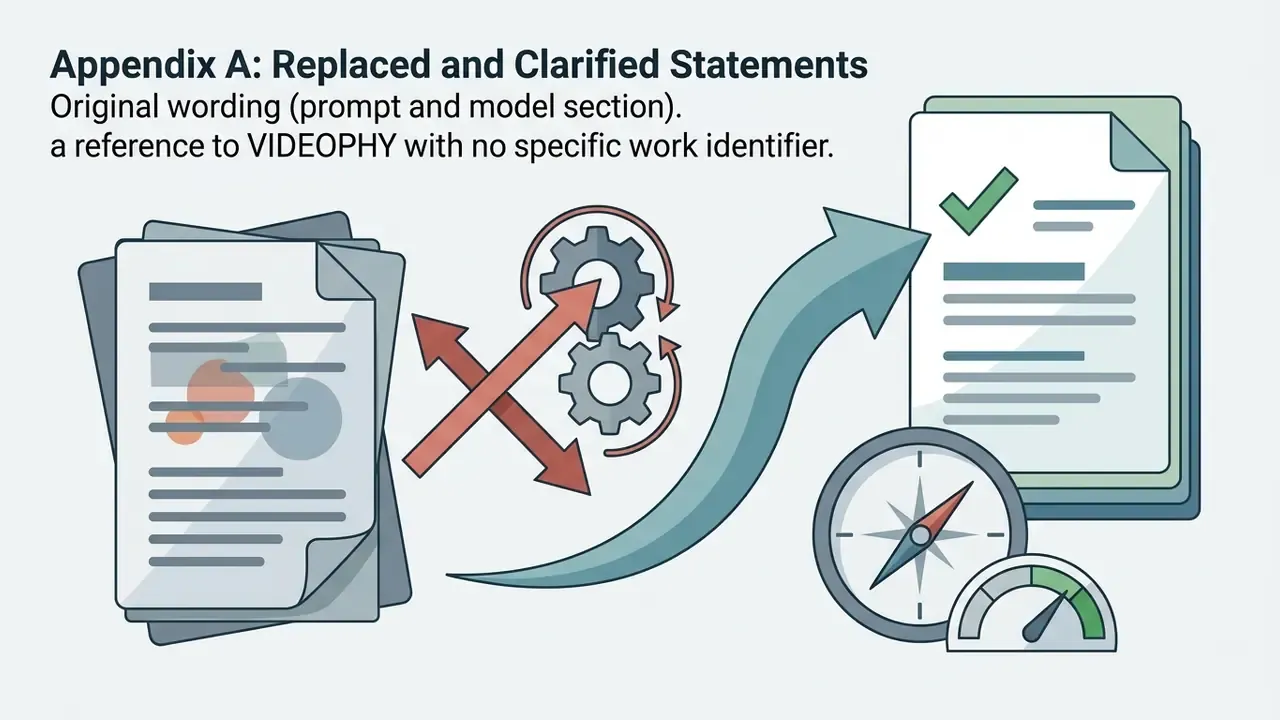
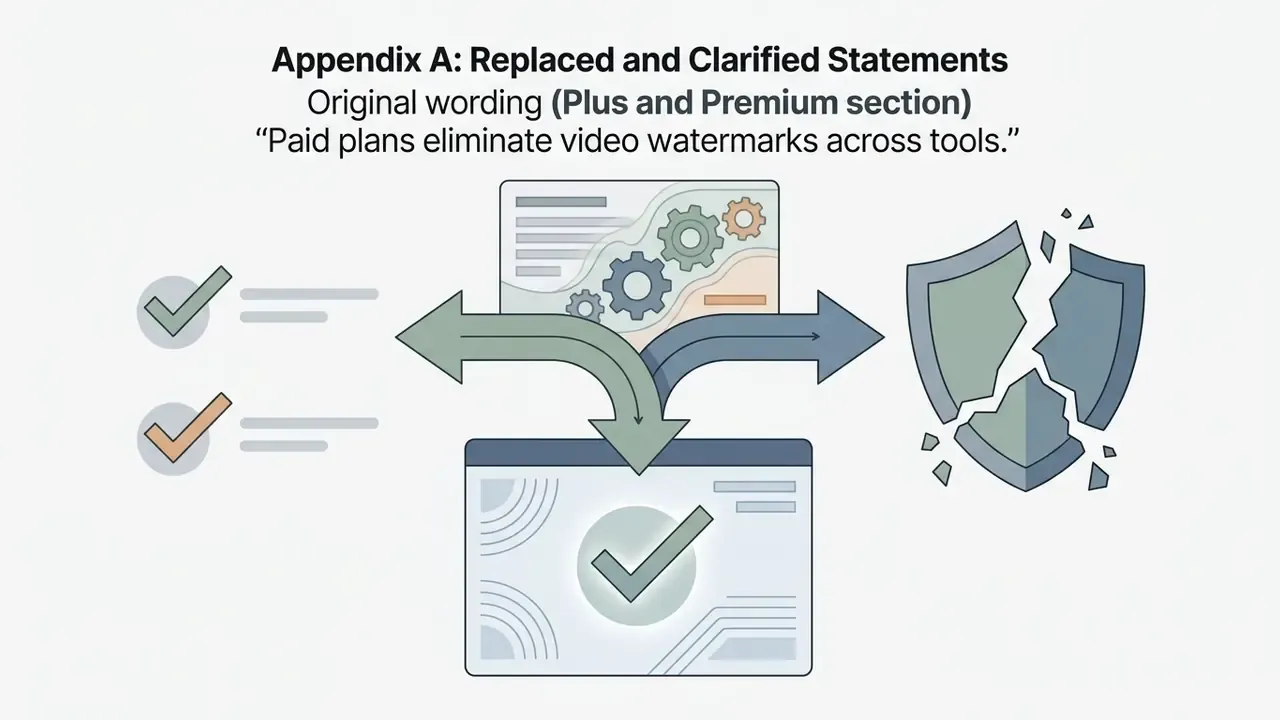
Appendix A: Replaced and Clarified Statements
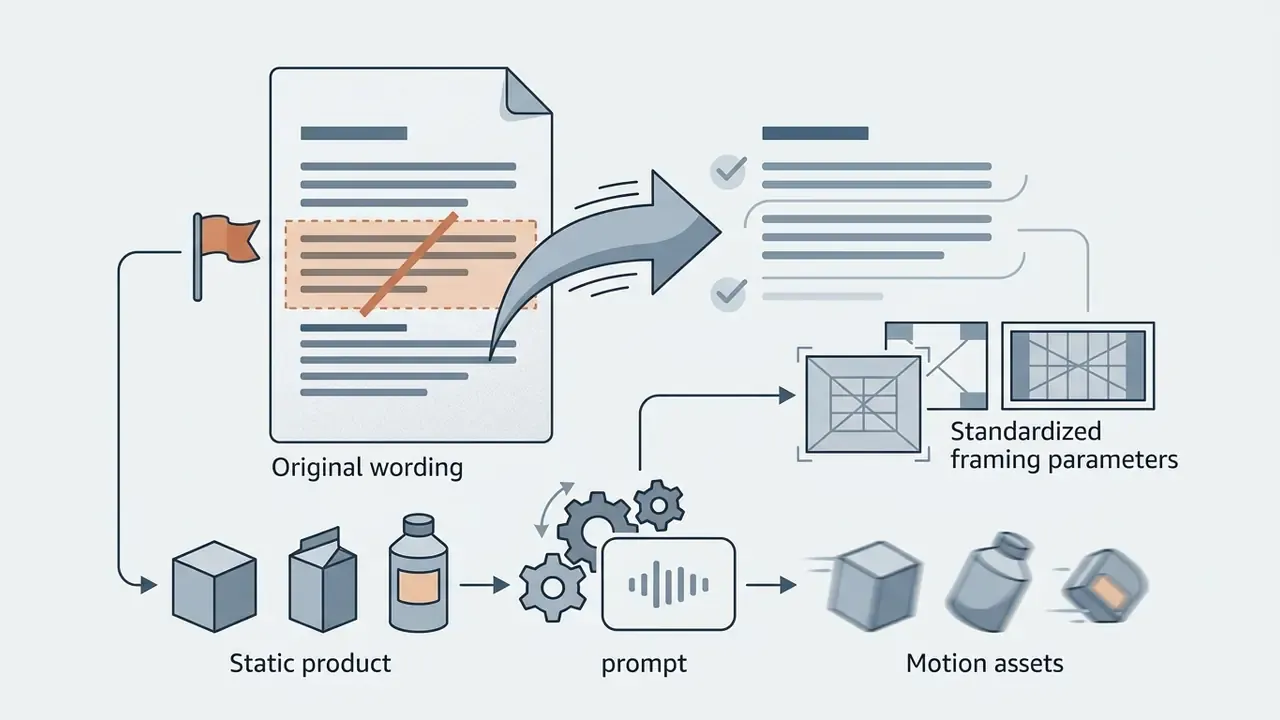
This section is kept for editorial transparency. Below are the original formulations and the reasons they were updated in the main text.
Reason for update: no methodology, sample composition, or identification of the group, so the quantitative figure is not verifiable. In the main text the case is reframed as an illustrative approbation scenario, without promoting the percentage to an industry benchmark.
Reason for update: FADGI governs digitisation and source sharpness, and is not a benchmark for AI video synthesis quality. The reference is retained in the correct context, requirements for the input file, and VBench (arXiv, 2023) was added as the domain source for generation quality assessment.
Reason for update: a link to the OpenReview root domain weakens verifiability. The main text now states the scope of applicability, the class of physics-aware I2V systems rather than Vidnoz directly, and cites concrete study parameters: captions capped at 7 to 10 words, with interacting bodies and contact forces named explicitly.
Reason for update: the target URL is not part of the verified section map. Replaced with actual Vidnoz credit tariffication, 0.5 credits per second for standard video, 1 credit per second for Animatic, 2 credits per second for Expressive and Product Avatar, which lets a reader compute project cost directly.
Reason for update: watermark policy differs by tool. The statement was narrowed to "on supported exports", with exceptions noted from independent 2026 testing.