If you approve software purchases or sign off on AI usage policy, a "free" video generator is not a small decision. It is an unmanaged vendor relationship with an undocumented data path. That is the lens used throughout this comparison.
Executive summary
- "Free" is a sandbox, not a production tier. Free access in 2025 and 2026 almost always means one of two things: a recurring low-volume credit allowance (Kling AI: 66 daily credits; Pika: 150 monthly credits) or a one-time, time-boxed trial (Runway: 125 one-time credits; D-ID: 14-day window). Neither is designed for sustained professional output.
- Watermarks and 720p caps are the default; watermark-free exports live mostly on multi-model aggregator hubs. Standalone enterprise platforms (Lumen5, HeyGen, Pika) gate clean exports behind paid plans, while aggregators bundling 30+ engines often allow watermark-free draft exports for evaluation.
- Model quality is measurable, not marketing. Open-source engines benchmarked on VBench reach visual quality scores near 84.74, matching or exceeding Runway Gen-3 (84.11). Compositional and temporal benchmarks (T2V-CompBench, TC-Bench, ViBe) expose where free-tier models still fail: object counting, spatial relations, and vanishing subjects.
- Native audio is the 2026 differentiator. Advanced models such as Google Veo 3.1 render synchronized dialogue, SFX, and ambience in the same inference pass, replacing bolt-on TTS pipelines.
- Governance is the real constraint for organizations. Free tiers rarely carry enterprise data-retention guarantees, commercial licences, or C2PA provenance markers, which is why free-tier experimentation must be paired with a prompt-retention review and a human-in-the-loop validation step.
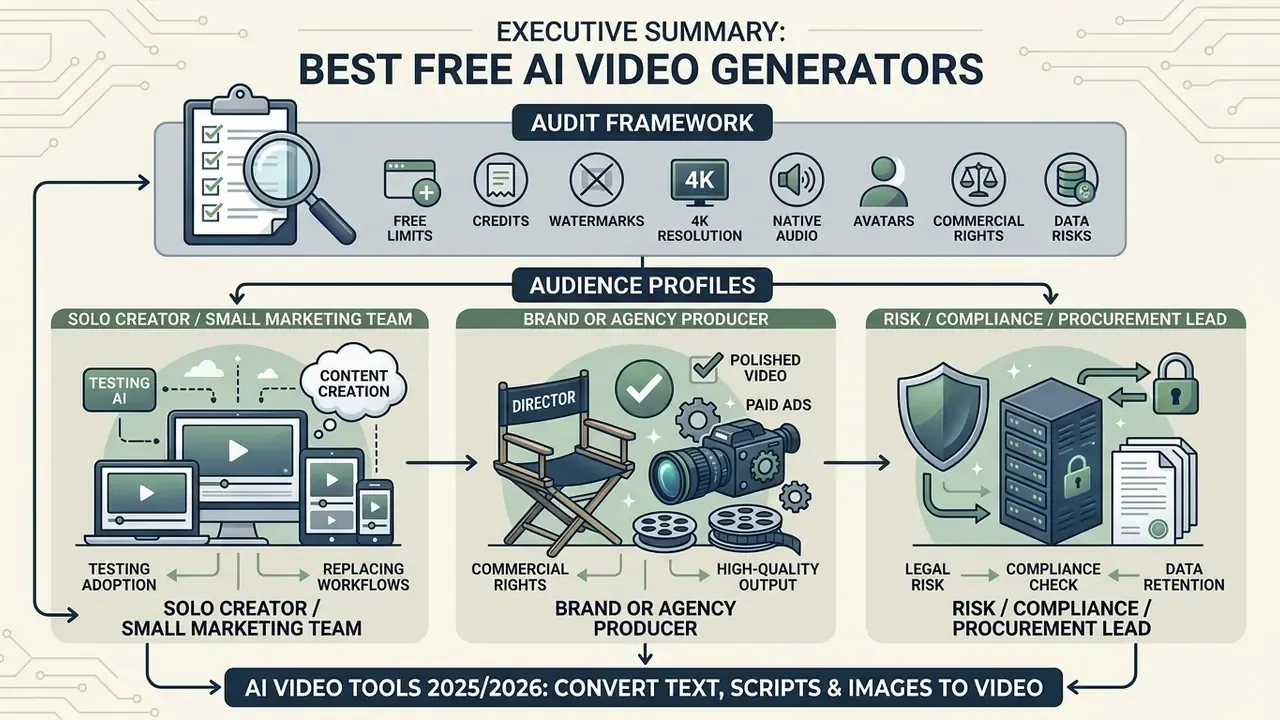
Who this comparison is for, and how it was audited
What "free" means for an AI video generator in 2025
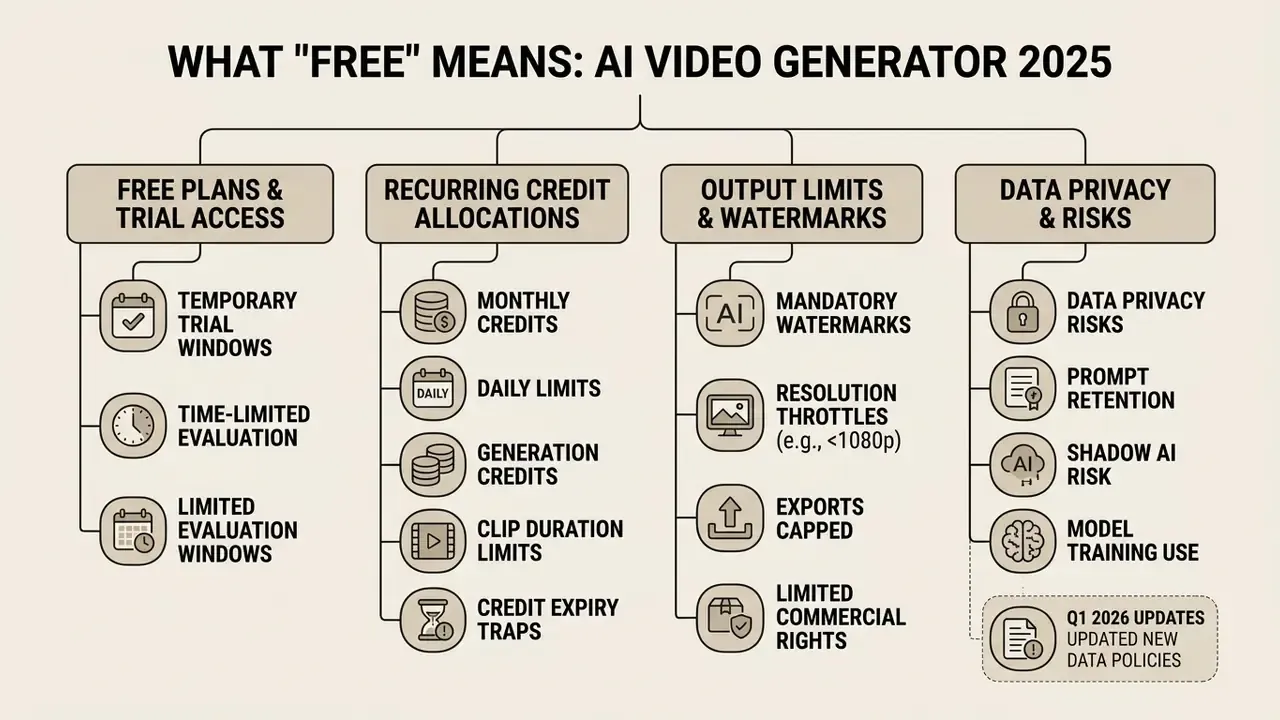
Free access in current AI video tools represents a capped testing environment governed by recurring credits, temporary trial periods, resolution throttles, or mandatory watermarks. It is rarely an unconstrained production environment for unrestricted commercial output.
Free plans, free trials, and generation credits
Recurring free plans provide periodic credit refreshes without requiring a credit card, whereas free trials grant temporary evaluation access that expires after a fixed calendar window or credit allocation. Understanding these mechanics prevents unexpected service interruptions mid-project.
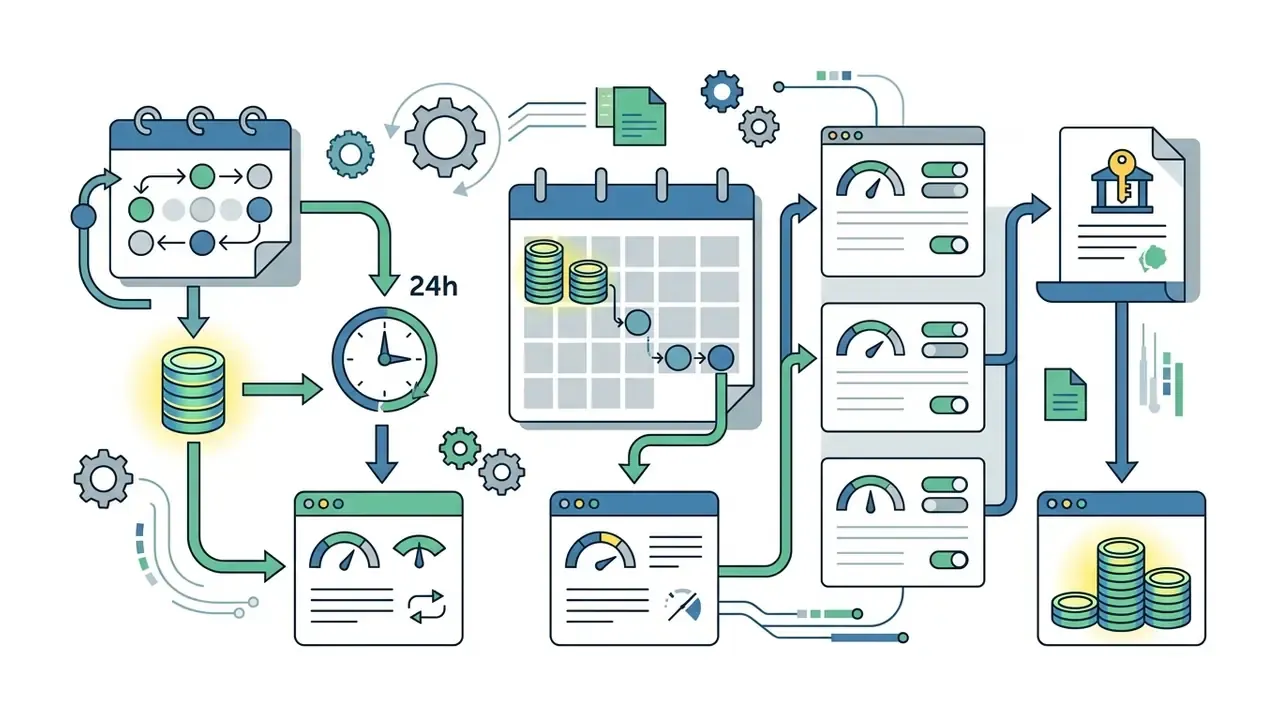
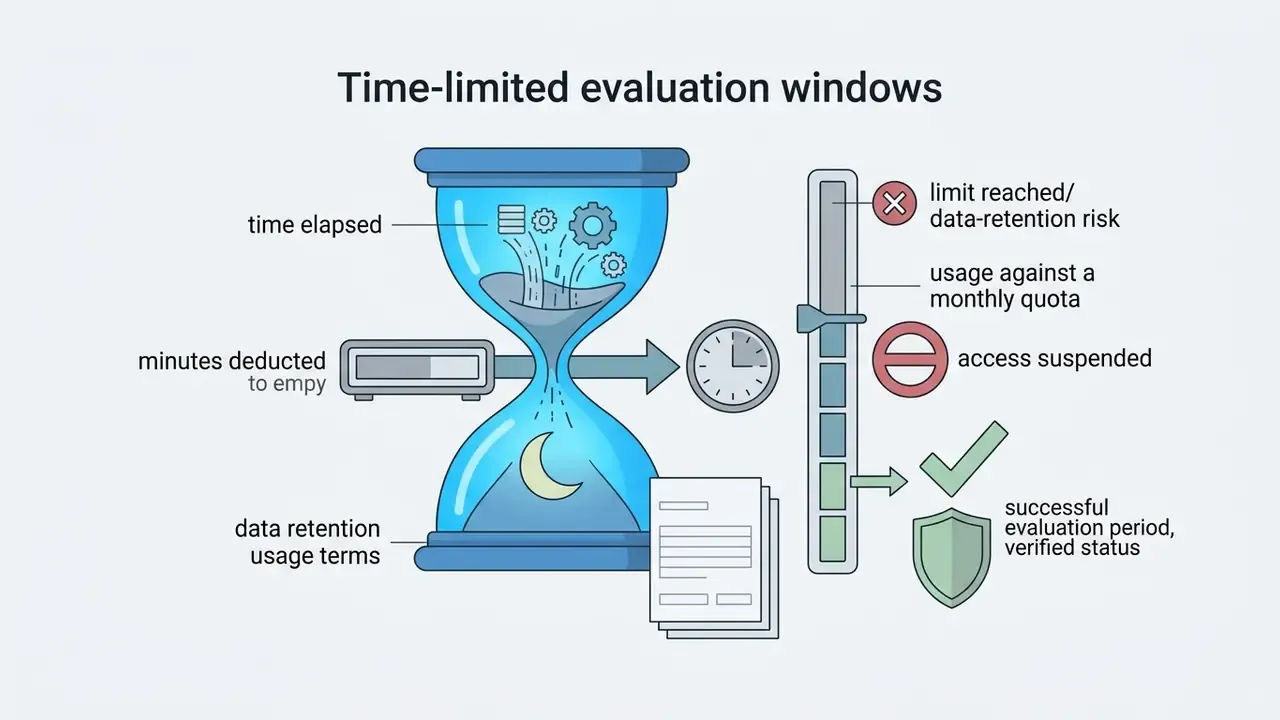

In practical testing, credit consumption shifts with output settings. A standard text-to-video generation typically consumes fewer credits than multi-shot camera moves or high-resolution rendering requests. The operational distinction matters for planning: credits meter output volume, while trials meter eligibility duration. Credit-based plans support ongoing low-volume use; trials support short evaluation bursts only.
One more practical wrinkle. "No credit card required" is common on free plans, and it is genuinely useful for a quick pilot, but it also means nobody in finance sees the signup. That is how tool sprawl starts.
Watermarks, exports, and commercial video use
Free AI video exports typically include visible watermarks, cap resolutions at 480p to 720p, and restrict licensing rights to personal or non-commercial usage. Converting generated visuals into client-ready assets usually requires migrating to a paid tier.
Lumen5 caps its free exports at 720p resolution and applies a mandatory branded outro alongside an unremovable watermark. HeyGen applies visible corner watermarks on its free tier and explicitly reserves commercial licensing rights for paid Creator plans. Pika restricts free 480p output to non-commercial personal projects unless upgraded to a commercial tier.
Data privacy, prompt retention, and Shadow AI risk on free tiers
Free tiers and enterprise tiers differ not only in output quality but in how vendors treat submitted data. Before any employee uploads a script, product roadmap, brand asset, or a colleague's face to a consumer-grade free plan, three questions should be answered in writing.
Two further controls belong in any internal standard. First, identity consent: avatar and voice-cloning features must only ingest likenesses with documented consent, since non-consensual synthetic media is both a reputational and a legal exposure. Second, content provenance: prefer models that attach cryptographic provenance credentials to output. Google documents C2PA content credentials for its Veo model family, which makes generated assets auditable downstream. Many free tools emit no provenance metadata at all, leaving organizations without a defensible audit trail. US and EU disclosure expectations are trending toward machine-readable labelling, so provenance support is a forward-looking selection criterion rather than a nice-to-have.
Practically, the mitigation is procedural. Route free-tier experimentation through synthetic or public-domain inputs only. Log which tools teams actually use, so Shadow AI does not sprawl past the point of inventory. And require a paid or enterprise agreement before any confidential script, unreleased product asset, or customer data enters a generation pipeline. One named owner per tool. That single line in a policy does more than a three-page standard nobody reads.
Data privacy, prompt retention, and Shadow AI risk on free tiers
Prompt and asset retention
Do submitted prompts, reference images, and uploaded footage remain in the vendor's systems, and for how long? Consumer free tiers commonly reserve broader rights to store inputs than paid or enterprise agreements.
Training-data reuse
Are free-tier inputs eligible to improve the vendor's foundation models? Enterprise contracts typically include an explicit opt-out; free plans frequently do not, or place the opt-out behind an account setting that defaults to "on."
Compliance posture
Does the free tier inherit the vendor's SOC 2, ISO 27001, or GDPR commitments, or are those scoped only to paid business plans? Regional data residency is almost never guaranteed on free tiers.
How to choose the best free AI video generator
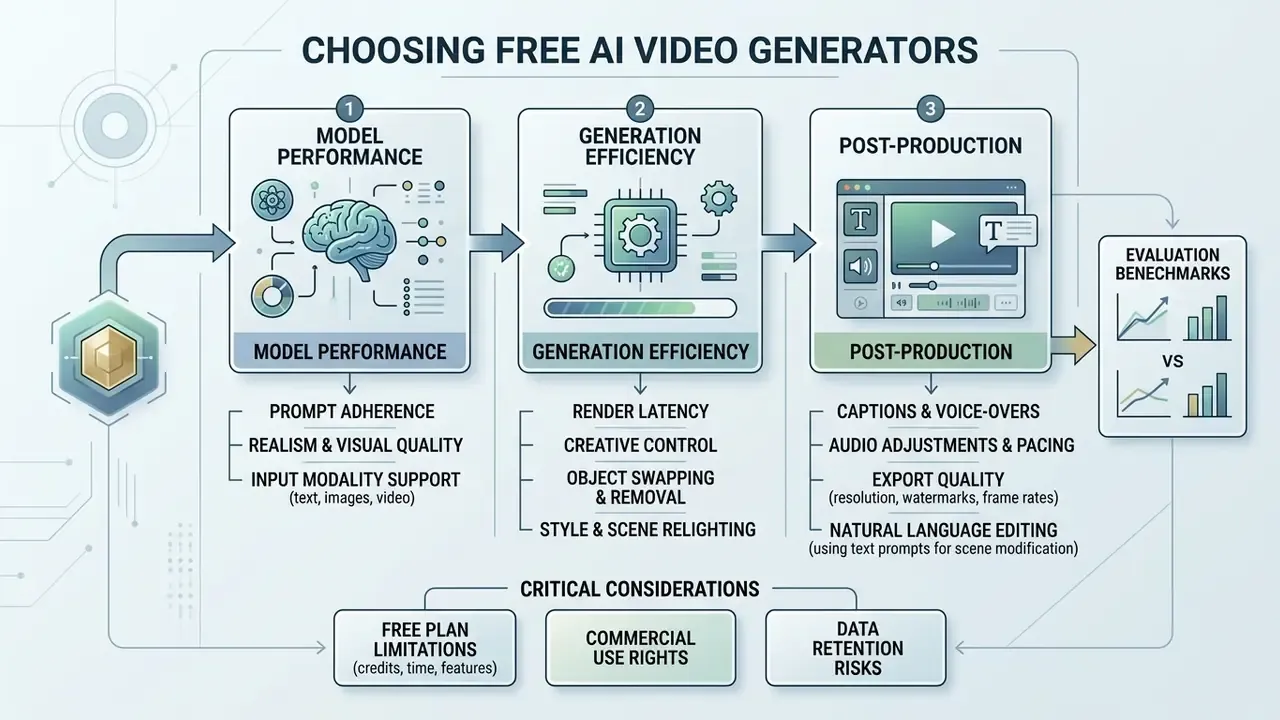
Selecting the best free AI video generator requires evaluating model prompt adherence, input modality support, render latency, and built-in post-generation editing tools. Balancing these technical criteria keeps the tool aligned with your specific project requirements.
Benchmarking methodologies published in 2026 evaluate text-to-video and image-to-video as separate modes, and they measure four distinct dimensions: input-mode coverage, instruction-following accuracy, median render latency at default settings (including image upload time for image-to-video), and the ability to correct a scene without regenerating the entire clip.
Video models, realism, and creative control
AI video realism depends on temporal smoothness, motion trajectory accuracy, and subject consistency across generated frames rather than resolution alone. Evaluating the underlying video diffusion models behind modern AI video generators helps predict output stability before you spend credits.
Standardized academic benchmarks measure model performance across distinct technical dimensions:
- VBench and EvalCrafter: Evaluate visual quality, dynamic degree, temporal flickering, and subject identity consistency across standardized prompt libraries. Open-source models evaluated on VBench have achieved visual quality scores around 84.74, matching or exceeding proprietary models like Runway Gen-3 (84.11).
«VBench evaluates 16 hierarchical dimensions, from motion smoothness and flicker to subject identity consistency, and validates its metrics against human preference annotations.» VBench: Comprehensive Benchmark Suite for Video Generative Models (2023–2025)
- T2V-CompBench: Focuses on compositional generation, evaluating attribute binding, object interactions, spatial relationships, and numeracy across generated clips.
«T2V-CompBench spans 1,400 text prompts across seven compositionality categories and shows that most models still fail at object counting and complex spatial relations.» T2V-CompBench: Benchmark for Compositional Text-to-Video Generation (2024–2025)
- TC-Bench: Measures temporal compositionality, assessing whether models accurately depict state transitions, such as an object changing position or shape over time.
«TC-Bench comprises 150 prompts and 817 generated videos; models are scored on transition completion, temporal consistency, and object identity preservation.» TC-Bench: Benchmark for Temporal Compositionality in Text-to-Video Generation (2024)
- T2VWorldBench and PhyWorldBench: Test model adherence to physical laws, gravity, collision dynamics, and cause-and-effect sequences. For a deeper primer on how these evaluation regimes map to production workflows, see the reference guide to text-to-video AI tools.
Research-grade realism criteria published in 2025 add three more axes worth checking in your own tests: visual smoothness, motion intensity, and character consistency measured as cosine similarity between generated and stored character features. Fine-tuning literature from the same year reports that identity-preserving LoRA training on SDXL converges best at 1024×1024 resolution, a learning rate of 1×10⁻⁶, network rank 64, and 400 to 600 epochs. Useful context if you plan to move beyond stock free-tier characters and fine-tune a recurring presenter.
To inspect detailed model evaluation methodologies and visual quality benchmarks across leading image and video models, review the AI Media Benchmarks and Review Proof guide.
Editing, voiceovers, captions, and export quality
Modern post-generation workflows rely on built-in timeline editors, automated captioning pipelines, synthetic AI voiceovers, and upscaling options to prepare raw generated clips for publishing. Integrated post-processing reduces the need for external video editing software.
Platforms such as CapCut fold AI script generation, auto-captions, background audio leveling, and timeline editing into a single interface. Captions.ai provides automated subtitle generation, multi-language translation, and 1080p export options, with resolution, frame rate, and bitrate selectable at export and an optional standalone SRT download. Cloudflare's reference architectures show that modern video captioning pipelines automatically transcribe audio tracks into timestamped subtitle files (SRT) during render, which matters if you publish at volume and cannot hand-caption every clip.
Natural language editing: modifying scenes via text prompts
Beyond traditional timeline controls, 2025 and 2026 AI video platforms introduce prompt-based editing workspaces, such as invideo's Magic Box and HeyGen's AI Studio. Instead of manually trimming tracks, creators issue text commands to modify existing clips:
- Style and scene relighting Change environmental lighting (for example, "convert daylight to sunset ambient lighting") without re-rendering the base geometry.
- Object swapping and removal Replace visual elements or clean up artifacts using localized inpainting prompts.
- Pacing and audio adjustments Execute macro-edits such as "delete background silence," "add a short intro," or "change narrator accent to British English" through natural language instructions.
- Frame-level fallback Both workspaces retain conventional keyframe control, so a prompt-driven edit can be refined manually when the model over-corrects.
The governance implication is easy to miss. Prompt-based editing rewrites pixels rather than trimming them, so every natural-language edit should be re-reviewed for hallucinations before export. An instruction as innocent as "re-light the scene" can silently alter product colours, logos, or on-screen text.
Best free AI video generators in 2025: top tools by task
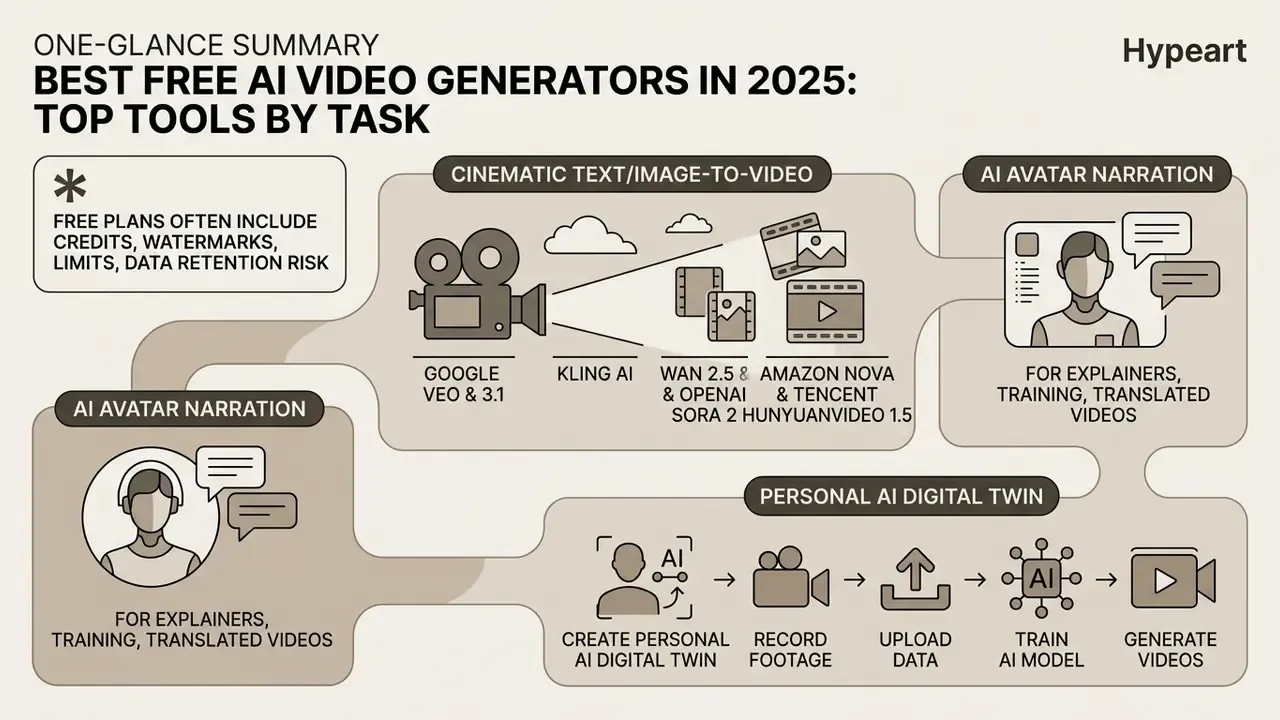
The top free AI video generators segment into specialized task categories: cinematic text-to-video engines, avatar-led narration tools, and all-in-one script-to-video editors. An advanced AI video generator built for cinematic shots rarely doubles as good AI software for video creation at volume, and vice versa.
Comparison of key AI video generators in 2025 by free plan limits and core capabilities
| Tool Name | Primary Workflow Focus | Free Plan Access Model | T2V & I2V Support | AI Avatar Support | AI Voice & Captions | Max Free Export Quality | Commercial Use Rights | Credit Card Mandate |
|---|---|---|---|---|---|---|---|---|
| HeyGen | Avatar Narration & Explainers | 3 videos/mo (up to 1 min/video) | Script-to-Avatar focus; limited direct T2V | Yes (Basic preset avatars) | Yes (AI voice & lip-sync) | 1080p with Watermark | No (Personal use only) | No Credit Card Required |
| invideo AI | Script-to-Video & Stock Assembly | 10 mins video generation/week (4 exports) | Yes (Text to complete video) | Limited talking heads | Yes (Auto voiceover & captions) | 720p/1080p with Watermark | No (Restricted on free tier) | No Credit Card Required |
| Runway | Cinematic Generation & VFX | 125 one-time credits (~25 gens) | Yes (Gen-2 / Gen-3 Alpha Turbo / Gen-4.5) | No native realistic avatars | Basic audio tools | 720p with Watermark | Allowed (Subject to terms) | No Credit Card Required |
| Elai.io | Corporate Training & Avatars | 1 minute credit per month | Script-to-slide video | Yes (80+ avatars) | Yes (75+ languages) | 720p with Watermark | No (Trial use only) | No Credit Card Required |
| Lumen5 | Blog & Script-to-Video | 5 videos/month (max 2 mins each) | Script-to-scene stock matching | No realistic avatars | Yes (AI voiceover & music) | 720p with Branded Outro | Restricted by watermark | No Credit Card Required |
| Kling AI | High-Realism Text/Image to Video | 66 daily credits (resets every 24h) | Yes (5s–10s clip generation) | No native avatars | Basic sound effects | 720p / 1080p draft | Restricted on free tier | No Credit Card Required |
| Fliki | Script/Blog-URL to Video | 3 minutes per month (free forever) | Text and URL to video | Yes (70+ avatars, 80+ languages) | Yes (voice cloning in 30+ languages) | 720p with Watermark | No (Paid plans required) | No Credit Card Required |
| Multi-model aggregators | Cross-Model Evaluation Hub | Daily free generations across 30+ models | Yes (text, image and photo to video) | Yes (prompt, photo or digital twin) | Yes (voice cloning, captions) | Watermark-free drafts (HD) | Varies by model licence | No Credit Card Required |
Read across the table and a pattern appears. Avatar platforms trade generation freedom for speed: HeyGen and Elai.io give you a presenter in minutes, but only a few minutes of runtime per month. Script-to-video tools such as invideo AI and Lumen5 give you more finished minutes and less visual control, because most of what you see is matched stock footage. Cinematic engines flip that trade again: Runway and Kling AI produce original motion, in 4-to-10-second slices, with watermarks. Aggregators sit apart, because their pitch is comparison rather than production.
For a deeper side-by-side breakdown of duration limits, credit burn rates, and export quality, see the extended comparison of the best free AI video generators.
Text-to-video and image-to-video generators for cinematic clips
High-realism cinematic generators convert text descriptions or reference keyframes into dynamic video clips while attempting to hold temporal visual fidelity.
Unlike early text-to-video pipelines that required secondary audio synthesis, advanced diffusion models like Google Veo 3.1 natively render synchronized spatial audio alongside video frames. The unified architecture generates matching environment sound design (SFX), background acoustics, and lip-synced character dialogue directly from the primary text prompt in a single inference pass. This is a material workflow change. Canva's implementation of Veo, for example, returns a 16:9 clip of up to eight seconds with synchronized dialogue, sound design, and music from one prompt: no separate TTS pass, no manual audio alignment, and no licensing question about a third-party music bed. Developers integrating video endpoints programmatically can evaluate implementation costs and limits in the Google Veo AI Video Generator API guide.
Because model leadership rotates every few months, aggregator hubs that expose Sora 2, Veo 3.1, Kling V3, and Seedance behind one interface are increasingly the cheapest way to run a like-for-like prompt-adherence test before committing budget to a single vendor. Independence from one platform is also a procurement criterion, not just a convenience. For teams building automated production systems or custom application pipelines, programmatic access details are outlined in the AI Media API overview.
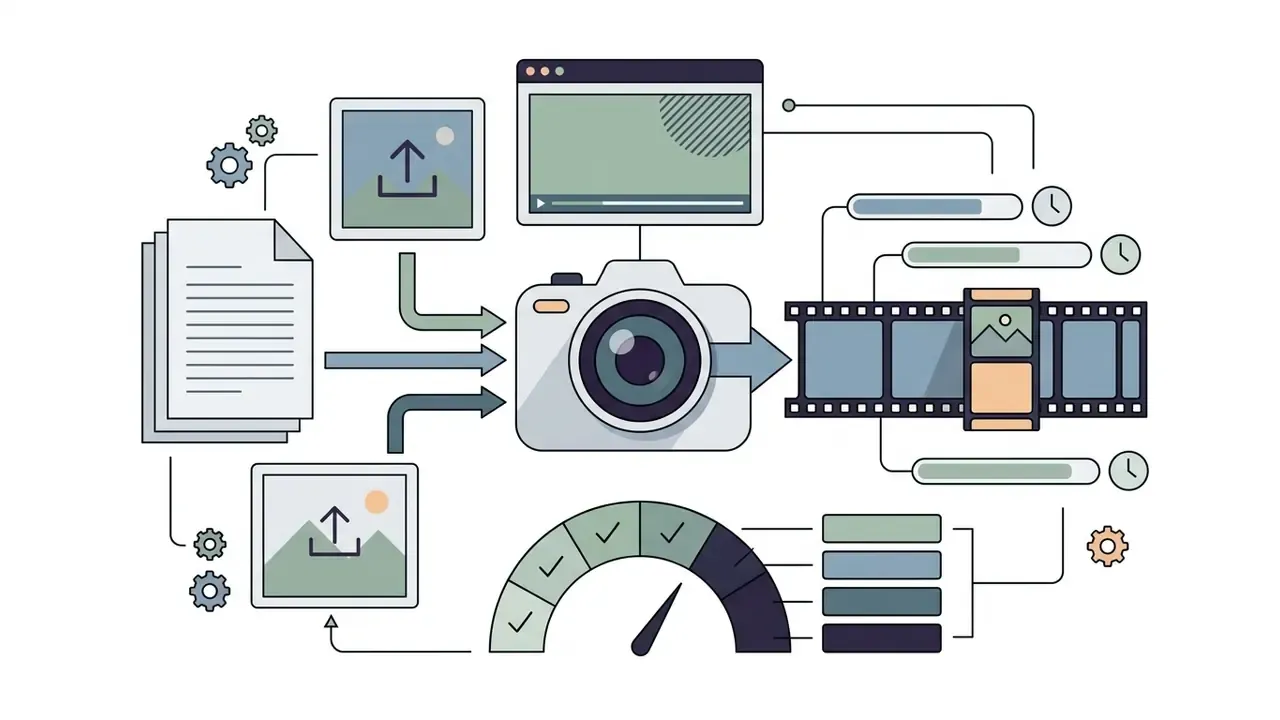
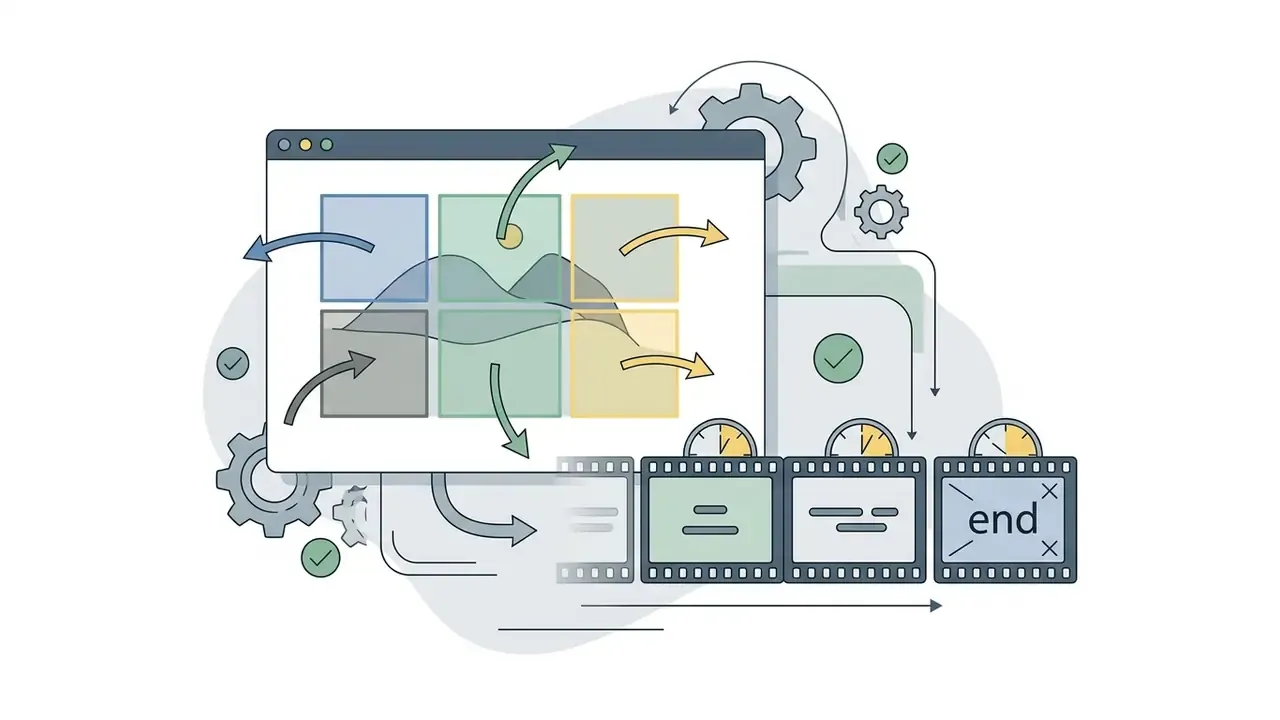
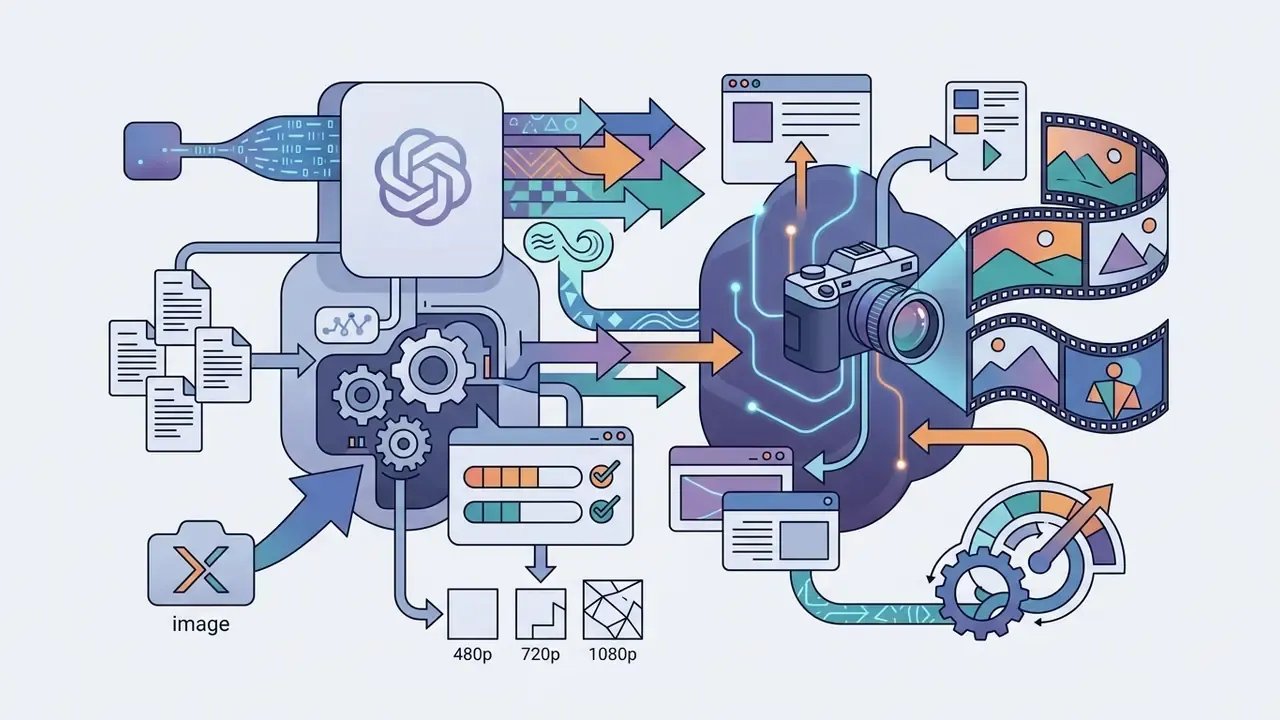
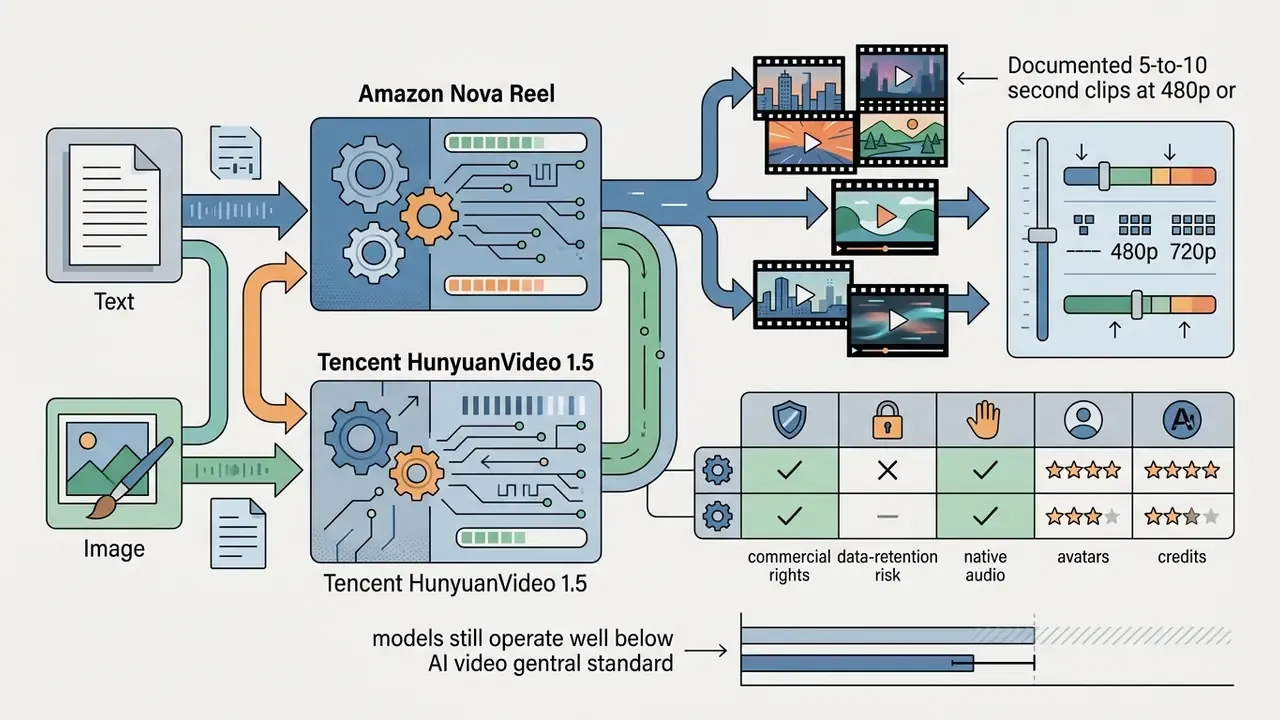
AI avatar generators for explainers, training, and translated videos
AI avatar platforms synthesize realistic digital human presenters with synchronized lip-sync and multilingual voice cloning for educational and training applications.
HeyGen, Synthesia, and Fliki support text-to-avatar translation across roughly 80 to 175 languages and dialects. HeyGen's newer avatar model learns movement, gesture, and speech cadence from a single short webcam recording and delivers phoneme-level lip sync across 175+ languages and dialects; Fliki documents lip-sync across 80+ languages and voice cloning in 30+ languages. For compliance training that has to ship in nine markets at once, that video translator capability is often the whole business case.
How to create a personal AI digital twin in 4 steps
- Source captureRecord a continuous 15-to-30-second video clip using a standard 1080p webcam or smartphone under neutral, front-facing lighting.
- Model calibrationUpload the raw video to the avatar engine (for example, HeyGen Avatar V) to map facial landmark vectors, micro-expressions, and speech cadence.
- Voice cloningProvide a one-minute clean audio reading to train a synthetic voice clone matching your vocal tone.
- Script executionType any text script; the digital twin renders synchronized speech and natural gestures in over 175 languages without further filming.
A 2026 randomized crossover study of undergraduate engineering students compared AI avatar presenters against human instructors. The study recorded equivalent short-term knowledge gains across both groups (median pre/post test gain of 5 items for AI avatars versus 4.5 for human presenters, p=0.51). User experience ratings, measured via AttrakDiff2, consistently favored human presenters because of subtle uncanniness in avatar facial expressions and eye gaze.
«The probability of a real video being classified as a deepfake was 20.19% (95% CI 14.74–25.65), versus 70.67% (95% CI 64.48–76.86) for the DeepFaceLab baseline.»
That detectability gap is the practical reason to disclose avatar use in training and customer-facing material. Viewers register subtle gaze and micro-expression artifacts even when they cannot name them, and an undisclosed synthetic presenter erodes trust faster than low production values ever will.
All-in-one AI video makers for scripts, stock visuals, and editing
All-in-one AI video creators combine automated scriptwriting, stock media retrieval, text-overlay generation, and timeline editing into a unified browser workspace.
CapCut, Kapwing, Descript, and invideo AI map directly to this all-in-one pattern. Kapwing's script-to-video workflow writes a scene breakdown, pairs shots with stock B-roll, overlays auto-captions, and places the elements onto an editable timeline track. invideo AI generates the script, pulls visuals from a library of 16 million-plus stock photos and videos, layers voiceover in 50+ languages, then accepts natural-language revision commands. Descript converts text scripts into an editable document interface where editing the underlying script automatically trims the corresponding video track. Teams publishing this output at scale can pair the workflow with these YouTube video editing workflows to handle thumbnails, chapters, and metadata.
Fact Check & Tariff Verification Notice (Audit Date: Q1 2026):
- HeyGen: Free tier confirmed at 3 videos/mo (up to 1 min per video), 1080p with watermark. Commercial rights require a paid Creator plan ($59/mo list at audit date). [Source: HeyGen Documentation]
- Runway: Free plan confirmed at 125 non-recurring credits. Watermarks applied on free exports. [Source: Runway Pricing Page]
- Pika: Free plan capped at 150 monthly credits, 480p resolution, strictly non-commercial; commercial use begins on Standard. [Source: Pika Terms of Service]
- Google AI Studio (Veo 3.1): Free input tier available for testing; video generation output costs apply under standard API terms. [Source: Google Vertex AI Docs]
- invideo AI: Free access confirmed at 10 minutes of generation and 4 exports per week, watermarked. [Source: invideo Help Center]
- Elai.io: Free plan confirmed at 1 user and 1 minute per month, 80+ avatars, 75+ languages. [Source: Elai Pricing Page]
- Pictory: 14-day trial with 3 projects, watermarked output, no credit card required; no commercial use on the trial. [Source: Pictory Pricing Page]
Which free AI video generator is best for each use case?
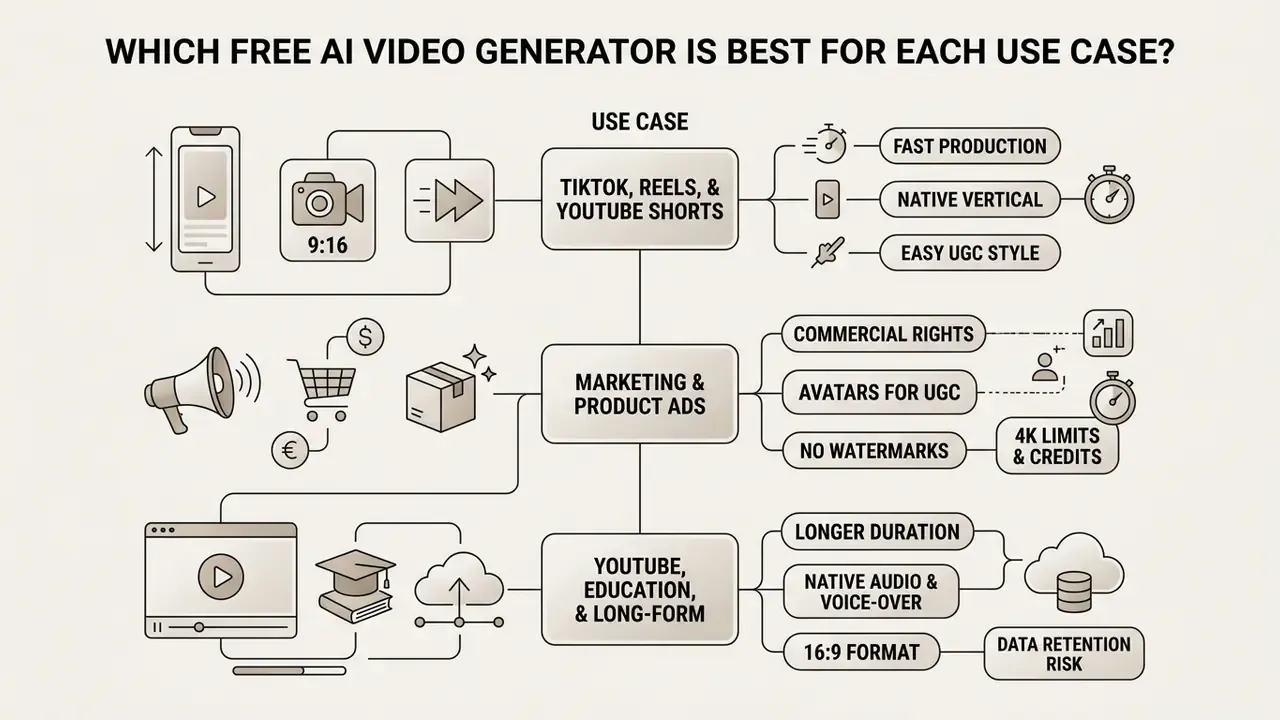
Choosing the optimal free generator depends directly on the intended distribution channel, target format, required aspect ratio, and production speed. Before locking a workflow, it is worth comparing free and paid options side by side across the leading AI video generators to confirm the quality ceiling you are accepting.
TikTok, Reels, and YouTube Shorts videos
Short-form vertical video generation requires native 9:16 aspect ratios, rapid rendering times, and integrated auto-captioning tools tuned for silent auto-play feeds.
Tools like Topview and AutoCaption specialize in vertical short-form output, offering one-click conversion from 16:9 to 9:16 (1080x1920 pixels); Captions similarly exposes 9:16, 16:9, 1:1, and 4:5 export presets with Fill and Fit handling. Auto-captioning engines place styled, animated subtitles directly in the visual "safe zone" of mobile feeds to avoid overlapping TikTok UI elements. Creators who want stylized kinetic type, character motion, or template-driven scene transitions can extend this stack with dedicated animation makers rather than relying on caption presets alone. Phone-first workflows in vendor guidance converge on 4-to-8-second shots, 9:16 framing, and a final QA pass on an actual phone screen before publishing. That last step sounds trivial. It catches more caption crops than any desktop preview.
Marketing, UGC-style ads, and product videos
Marketing and user-generated content (UGC) ad generators turn product images or store URLs into promotional videos with synthetic creators, brand assets, and call-to-action overlays.
Platforms like Predis.ai, VEED UGC, and Framia let users upload a product photo, select an AI creator model, and generate a 15-to-30-second ad clip. These tools automatically align synthetic voiceovers with on-screen product features and brand color palettes.
Modern marketing engines also extract design tokens directly from a target URL. By parsing a product landing page, the AI retrieves high-resolution product imagery, extracts brand hex codes, selects matching typography, and constructs targeted 15-second ad scripts aligned with the site's brand kit. The resulting brand kit becomes reusable state: once logo, palette, and fonts are captured, they are applied to every subsequent scene and every aspect-ratio variant, which is what makes high-volume hook testing viable. A single team can ship more creative variations in a day than a traditional production cycle delivers in a month. One caveat worth stating: in regulated categories, that same speed multiplies unreviewed claims just as fast. When evaluating promotional video production against traditional editing suites, comparing tools side-by-side in our versus analysis section clarifies the feature trade-offs.
YouTube, education, and long-form story videos
Long-form YouTube and educational content production relies on script-first planning, multi-scene visual generation, and structured clip assembly to hold audience attention.
Frameworks like VideoDirectorGPT use a two-stage process: an LLM first structures a comprehensive multi-scene production script, after which downstream diffusion models generate individual scene assets. The DreamFactory framework formalizes the same film-style order of operations, scriptwriting first, then visual planning, then generation. Tools like ScriptDrop AI build 8-to-20-minute educational video drafts by stitching sequential B-roll clips, generating AI voice narration, and synchronizing background music tracks, while shot-planning services output structured production plans covering content structure, shot arrangement, duration pacing, and voice-over scripts. If you are searching for an AI story video generator app for narration-led content, this script-first category is the one that actually works today; single-shot engines do not hold a narrative past ten seconds.
Free AI video generation for 4K and 10-minute videos
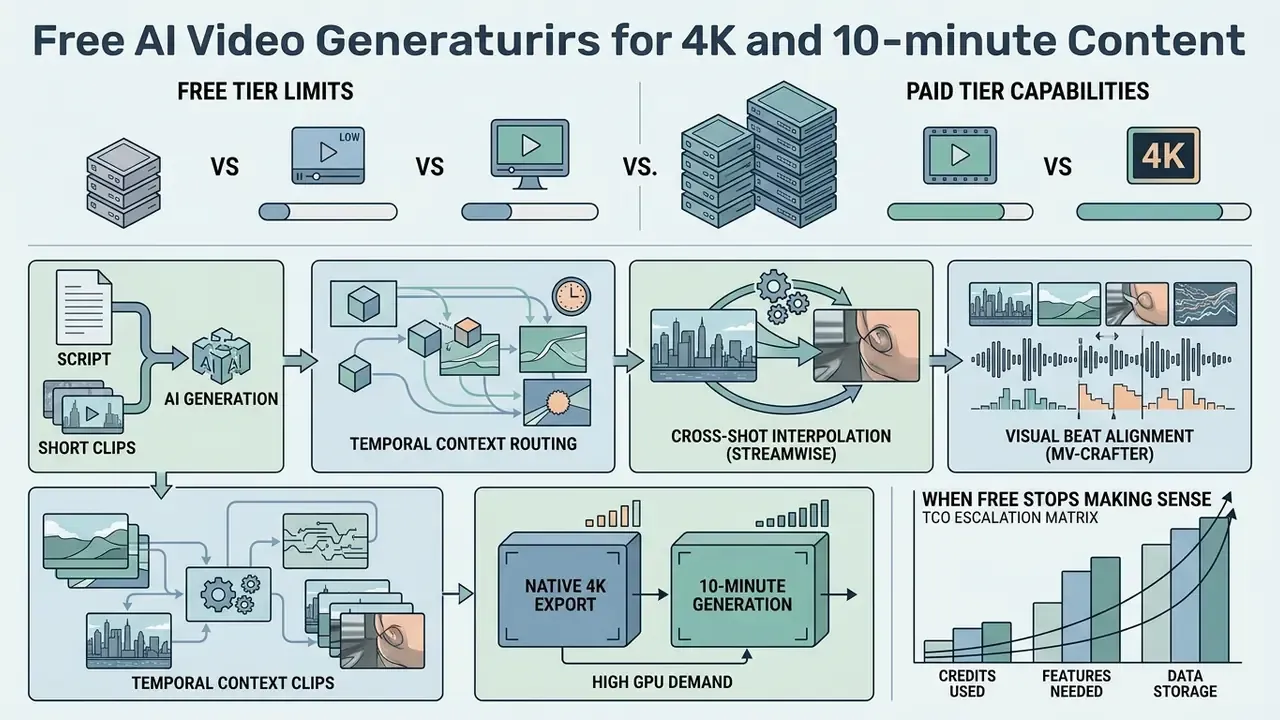
Native 4K export and uninterrupted 10-minute AI video generation are almost exclusively reserved for paid tiers, thanks to heavy GPU computational demands.
What affects 4K AI video quality and export availability
True 4K AI video export requires extensive rendering compute or specialized AI upscaling algorithms, which free plans strictly limit to manage server bandwidth.
Generating 4K video (3840x2160 pixels) quadruples the pixel count of standard 1080p Full HD, which drives inference latency up sharply.
As a result, platforms like HeyGen, Runway, and Lumen5 cap free exports at 720p or 1080p, and comparable free tiers (Fliki at 3 minutes per month in 720p, Specterr at roughly 5 minutes in 720p) follow the same pattern. To reach 4K visual fidelity without a paid enterprise tier, creators often export 720p or 1080p clips from free plans and process them through specialized AI image upscalers and video upscalers like Magnific AI, which offers four output resolutions up to 4K but limits free use to 10 requests per day, or Adobe Firefly's video upscaling modules, which list 1080p and 4K as output choices. The recurring gap to watch is between product capability and free-tier entitlement: a tool can advertise 4K output while your free plan caps you at 720p.
How AI tools build long videos from scripts and short clips
Long-form AI videos are constructed by breaking a central script into sequential scene prompts, generating individual short clips, then stitching them with continuous synchronized audio tracks.
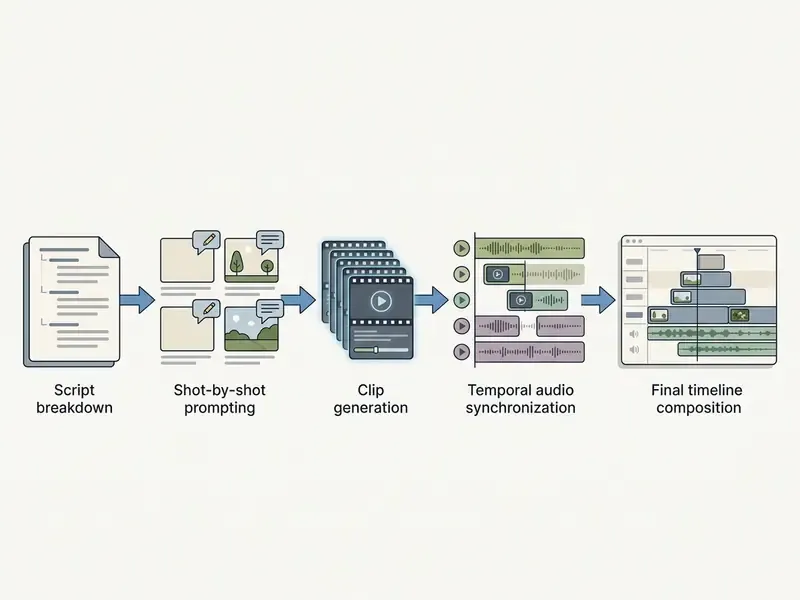
Academic research frameworks demonstrate three core methodologies for multi-shot long video assembly:
«The VideoRepair approach reports relative text-to-video alignment gains of 6.22–9.32% over baseline T2V models while preserving motion quality and temporal consistency.»
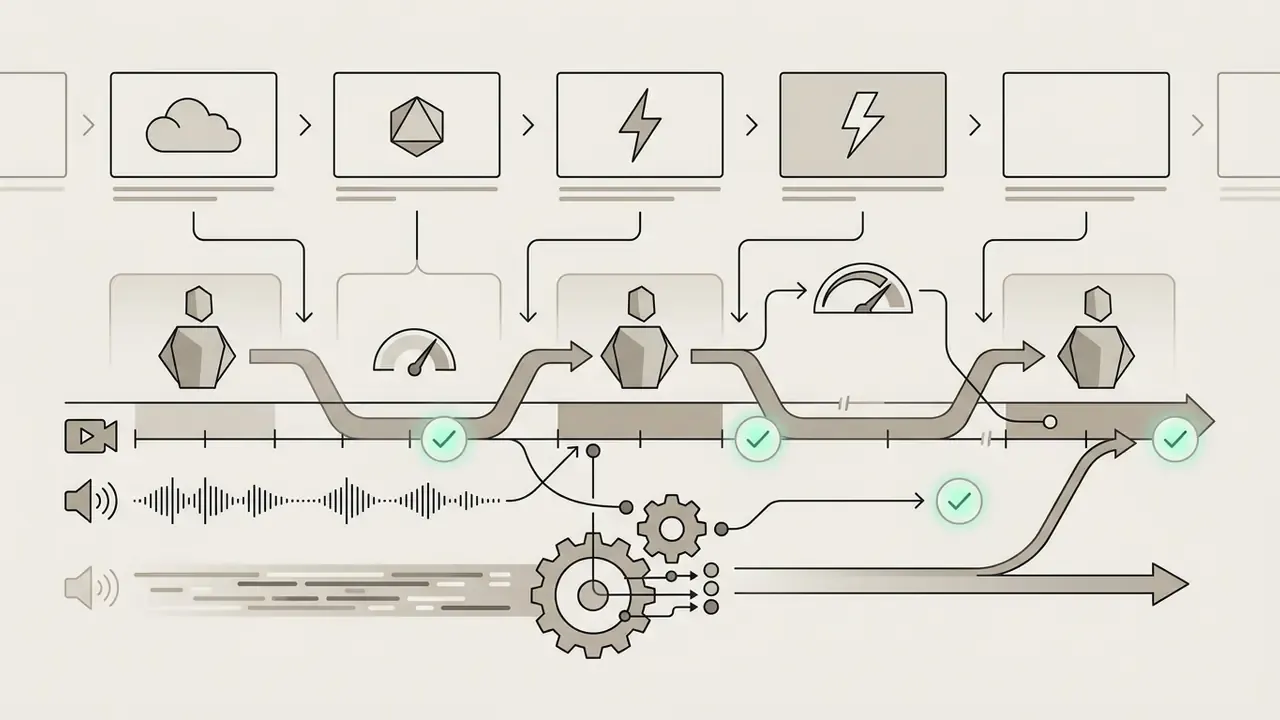
Agentic assembly is the 2026 commercial expression of the same research. A planning agent drafts the storyboard, casts avatars and voices, renders each scene, then revises individual shots on request, which is how aggregator platforms advertise coherent output up to 10 minutes rather than 10 seconds. Treat that agent the way you would treat any digital worker: it needs a named owner, a defined scope, a review gate before publication, and a stop button. Whichever route you take, the final stitch still benefits from a conventional NLE; compare options in the roundup of free video editing software before committing a long-form project to a browser-only timeline.
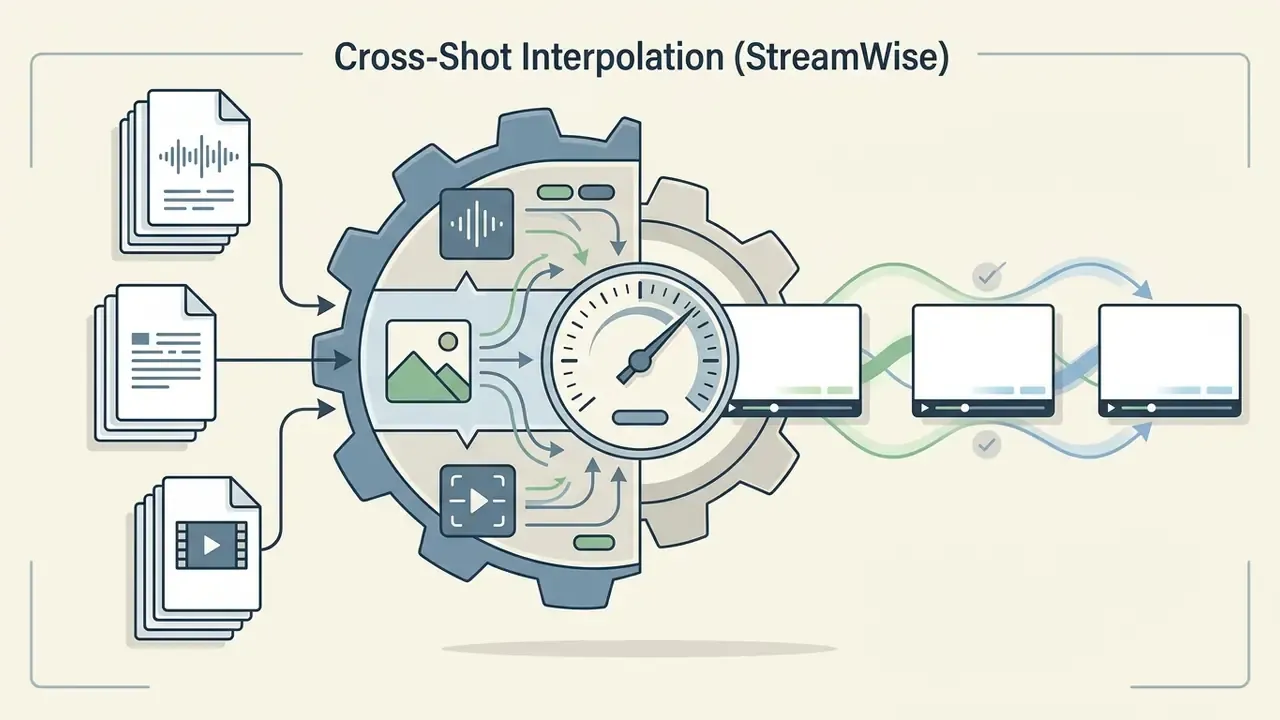
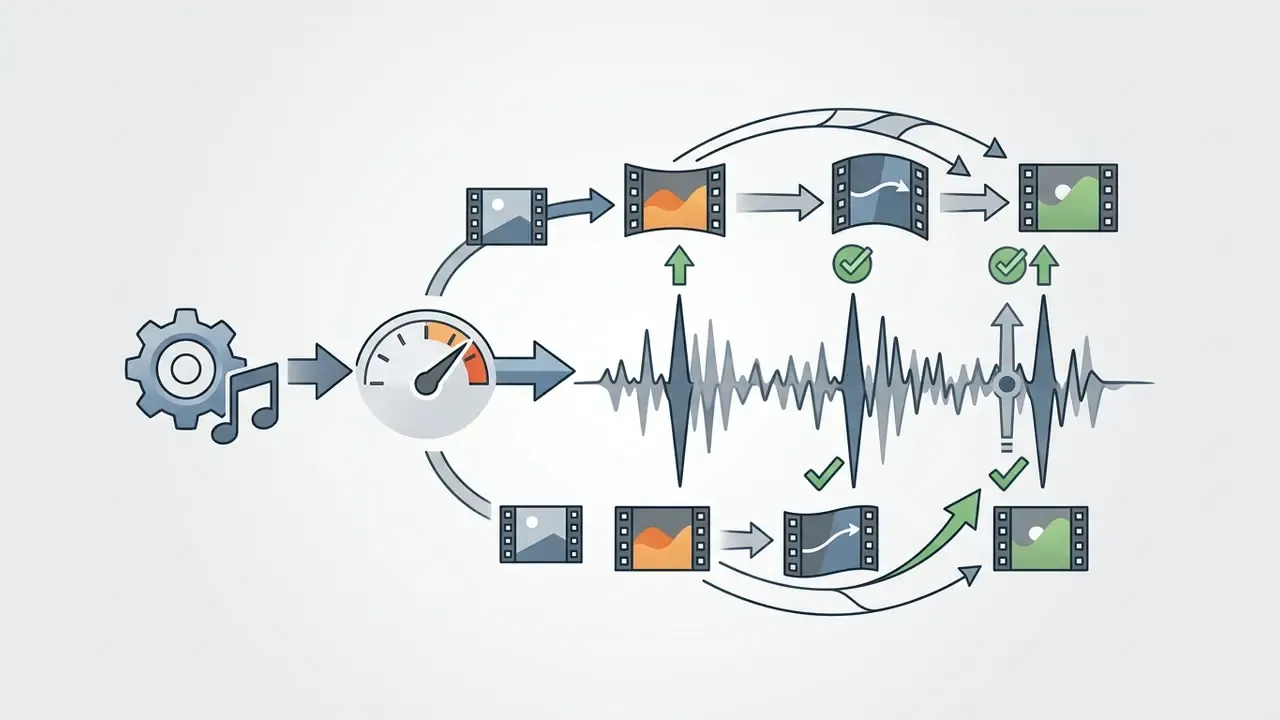
When a free tier stops making sense: TCO escalation matrix
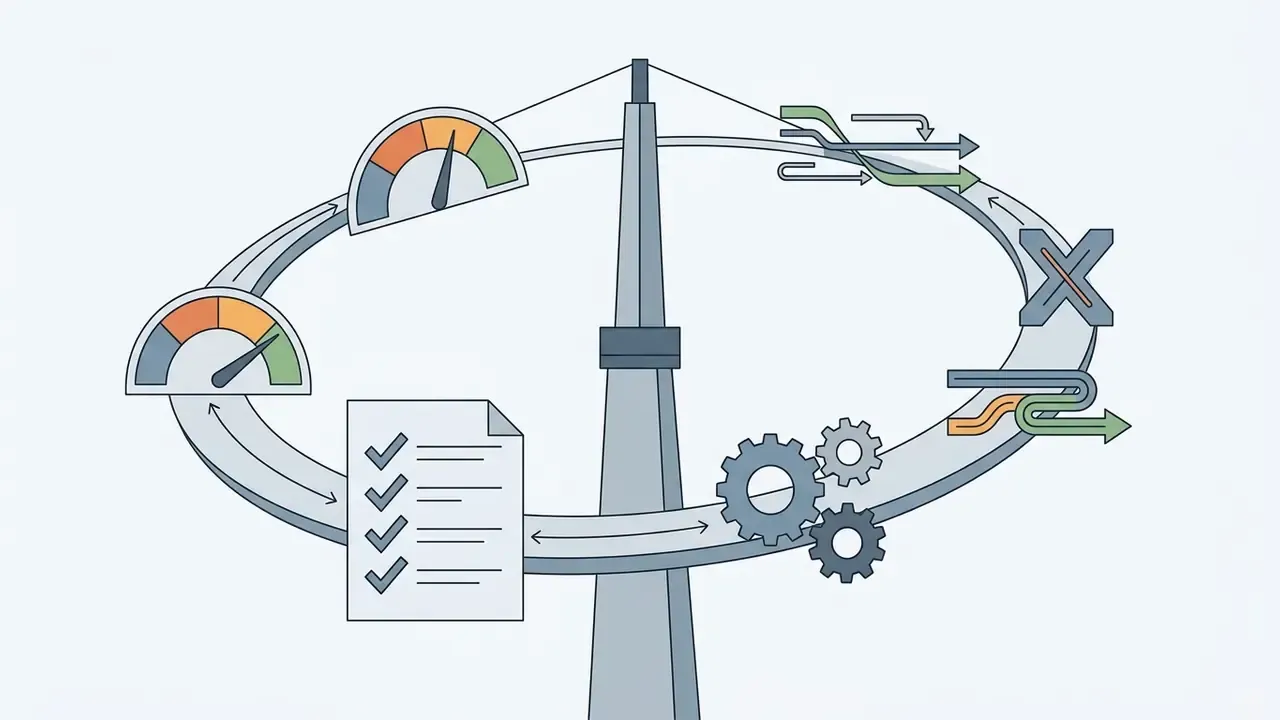
Free plans are an evaluation instrument. The moment any of the following thresholds is crossed, the true cost of staying free (rework, watermark workarounds, licensing ambiguity, manual review time) exceeds the subscription price.
Escalation triggers from free tier to paid, API, or enterprise deployment
| Requirement | Free tier viable? | Recommended tier | Primary cost driver |
|---|---|---|---|
| Under 10 exploratory clips per month, internal viewing only | Yes | Free / aggregator free plan | None (credit-capped) |
| Watermark-free delivery to a client or ad platform | No | Entry paid plan (Creator-class) | Per-seat subscription |
| 1080p or 4K masters, 30-minute runtimes | No | Pro-class plan | Render credits + resolution premium |
| Documented commercial licence and indemnity | No | Business / Enterprise | Contract + legal review |
| Confidential inputs, data residency, no training reuse | No | Enterprise agreement or self-hosted model | Compliance and infrastructure |
| Programmatic generation at volume (100+ renders/week) | No | API access (per-second/per-clip billing) | Inference cost + orchestration engineering |
Notice what the cost drivers have in common. Only the first two are priced on a public page. Contract review, compliance work, and orchestration engineering land in someone else's budget, which is exactly why free-tier ROI estimates tend to look better than they are. To model these thresholds against your own volume, you can explore the hub for credit and cost estimation tools, or explore the hub to review detailed subscription tiers across major AI services.
How to create AI videos with a free generator
Creating an AI video without prior editing experience follows a structured sequence: script conceptualization, model configuration, clip generation, post-editing, validation, then final export.
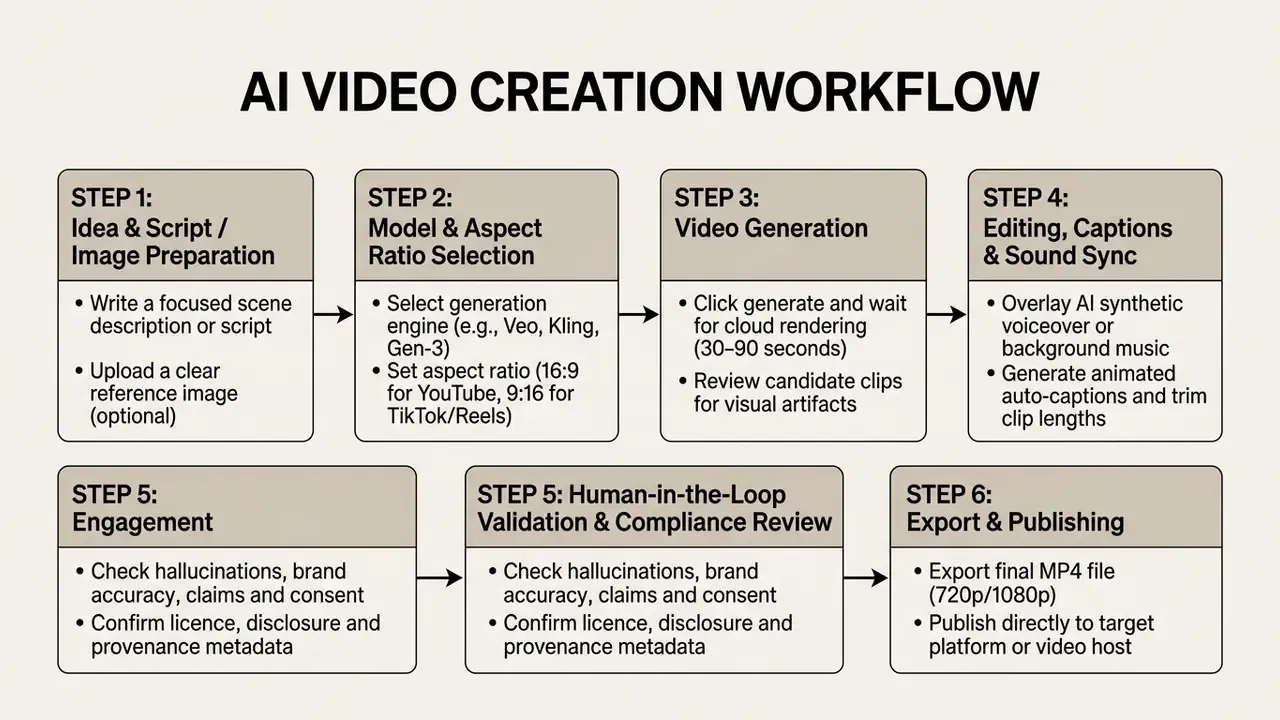
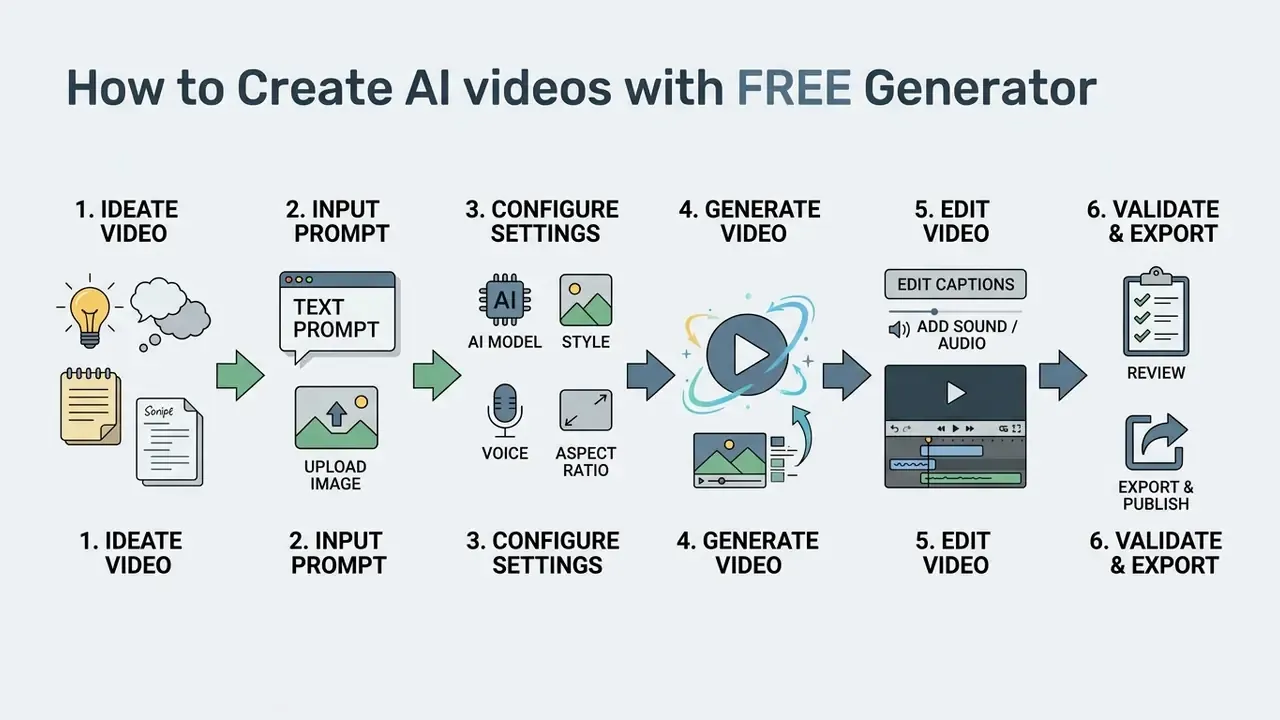
Step-by-step production sequence
- Define the video concept and scriptWrite a concise text script or prompt detailing the visual subjects, setting, lighting, and intended motion.
- Configure model parametersChoose your aspect ratio (16:9 widescreen or 9:16 vertical) and select camera movement presets. Aspect ratio is set before generation on most engines and cannot be changed afterward without loss.
- Generate candidate clipsInitiate the generation request. Cloud rendering typically completes within 30 to 90 seconds, depending on server queue priority.
- Edit audio and captionsAdd an AI voiceover, overlay background audio tracks, and enable automatic subtitle generation.
- Run a human-in-the-loop validation passReview the cut against the checklist below before anything leaves the workspace.
- Export and publishRender the finalized video file into MP4 format for distribution.
Validation and risk checklist before export
- Hallucination scan Inspect for vanishing subjects, extra or missing limbs, warped text, morphing product geometry, and floating objects.
- Factual and claims review Verify every spoken or on-screen claim, especially in regulated categories such as health, finance, legal, and safety.
- Brand accuracy Confirm logo placement, palette fidelity, typography, and product colour survived any prompt-based relighting or restyling.
- Consent and likeness Confirm documented consent for every cloned voice and avatar likeness used in the cut.
- Licence check Re-confirm whether your current plan grants commercial rights for the specific model that produced each shot.
- Disclosure and provenance Add required AI-disclosure labelling and retain provenance metadata, for example C2PA credentials, with the master file.
- Accessibility Verify caption accuracy, reading speed, and contrast inside the mobile safe zone.
- Archive the prompt Store the prompt, model version, and seed alongside the export so the render stays reproducible and auditable.
That last item is the one creative teams skip and auditors ask about first. An unreproducible render is an unexplainable asset.
Write a text prompt or prepare a script and AI image
Effective generation begins with a structured text prompt, or a clean input image that clearly defines subject, action, lighting, and camera movement.
Prompts should follow a standardized structure to maximize model instruction adherence:
Prompt = [Shot Size / Angle] + [Subject Description] + [Action / Motion] + [Lighting / Environment] + [Camera Movement]
- Example prompt: "Medium close-up shot of a software engineer reviewing code on a futuristic monitor, subtle soft ambient blue lighting, slow dolly-in camera movement, cinematic 4k aesthetic."
Vendor guidance converges on the same discipline: start simple, describe motion explicitly, then add detail one variable at a time. Avoid overloading a single prompt. Adobe's video prompt documentation warns that stacking too many instructions degrades output quality rather than enriching it, which matches what most testers find after a dozen runs.
If you are using image-to-video generation, make sure reference photos are high-resolution, correctly cropped to the target aspect ratio, and free of compression artifacts. Preparing those seed frames in dedicated AI photo editors, or generating them from scratch with free AI image generators, produces noticeably more stable motion than animating a low-resolution screenshot, because a sharp seed frame gives the diffusion model unambiguous geometry to track.
Generate, edit, and publish the finished video
Finalizing an AI video means generating preview clips, refining timing in a timeline editor, adding auto-captions and background music, running the validation pass, then exporting to standard web formats.
Review generated previews carefully to identify visual hallucinations such as subject dysmorphia, floating objects, or unnatural limb movements. Trim flawed frames in the editor timeline before applying audio sync and auto-captions. Render the finalized video file into MP4 format for distribution, and if delivery targets have strict file-size ceilings, run the master through a video compressor rather than re-exporting at a lower resolution. You keep more perceived detail per megabyte that way.
How to get better results from AI video models
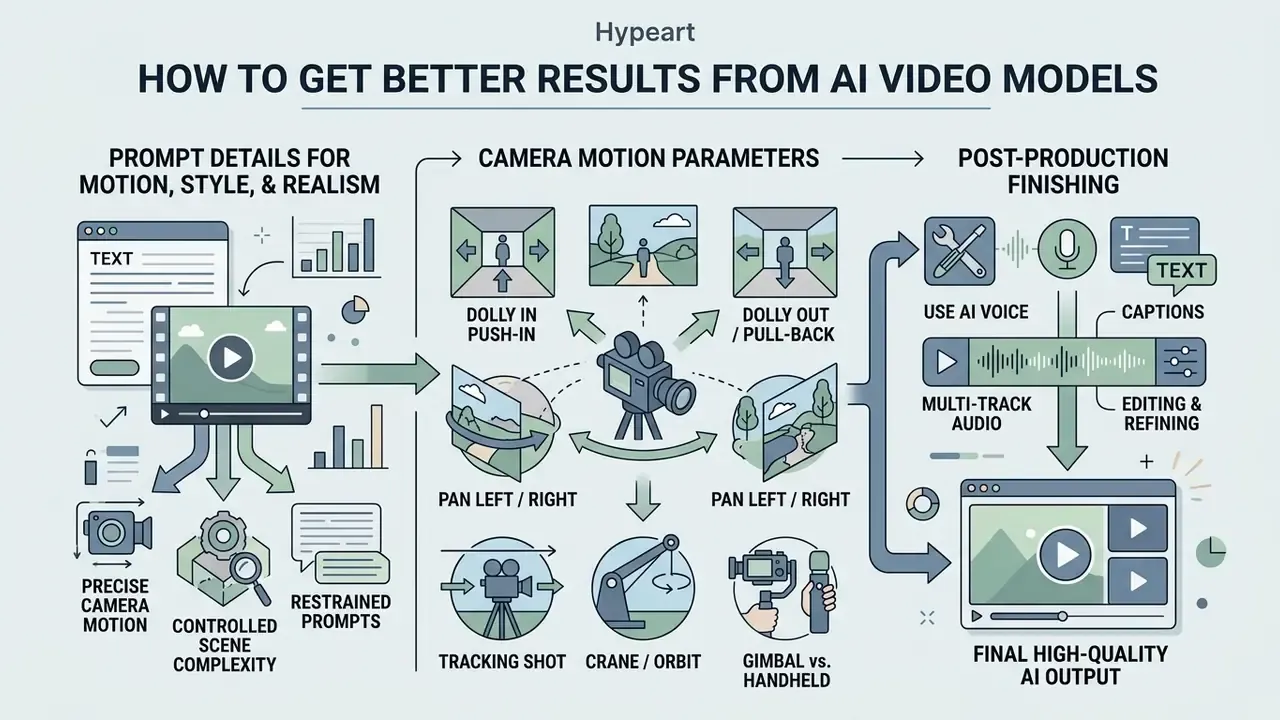
Improving AI video quality comes down to precise camera motion parameters, controlled scene complexity, restrained prompts, and careful multi-track audio in post-production.
Prompt details that improve motion, style, and realistic AI output
Specifying explicit shot sizes, camera vectors, lighting conditions, and physical constraints significantly reduces visual artifacts and subject dysmorphia.
«GRADEO-Instruct comprises 3,300 videos from more than 10 generative models and 16,000 human annotations converted into multi-step evaluations to train an evaluator model that mimics human judgment.»
Standardized camera movement terms give you predictable motion control across major video models:
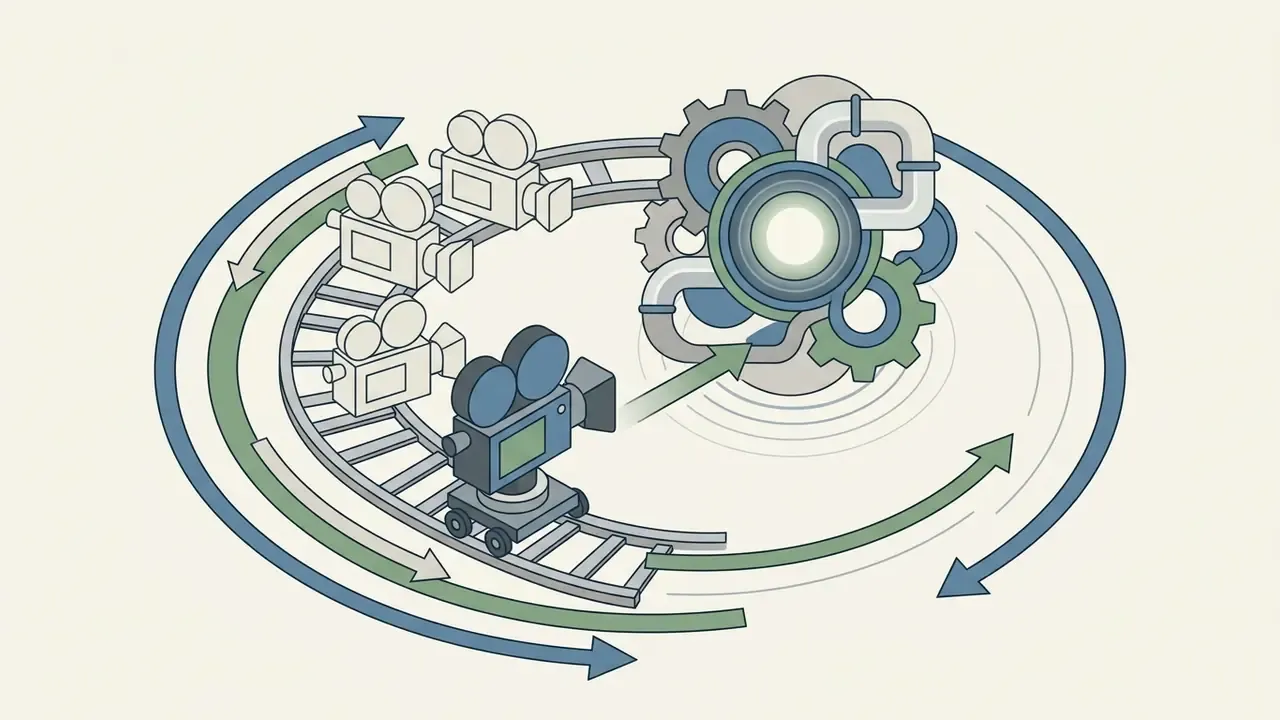

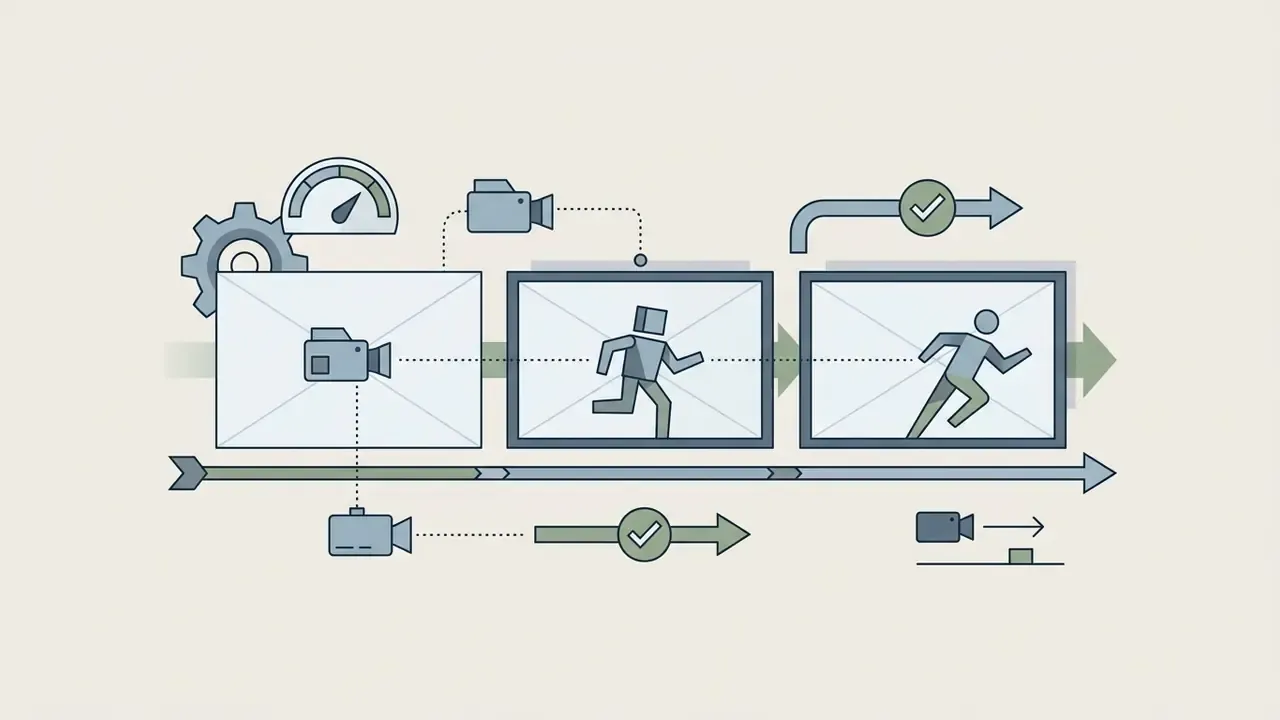
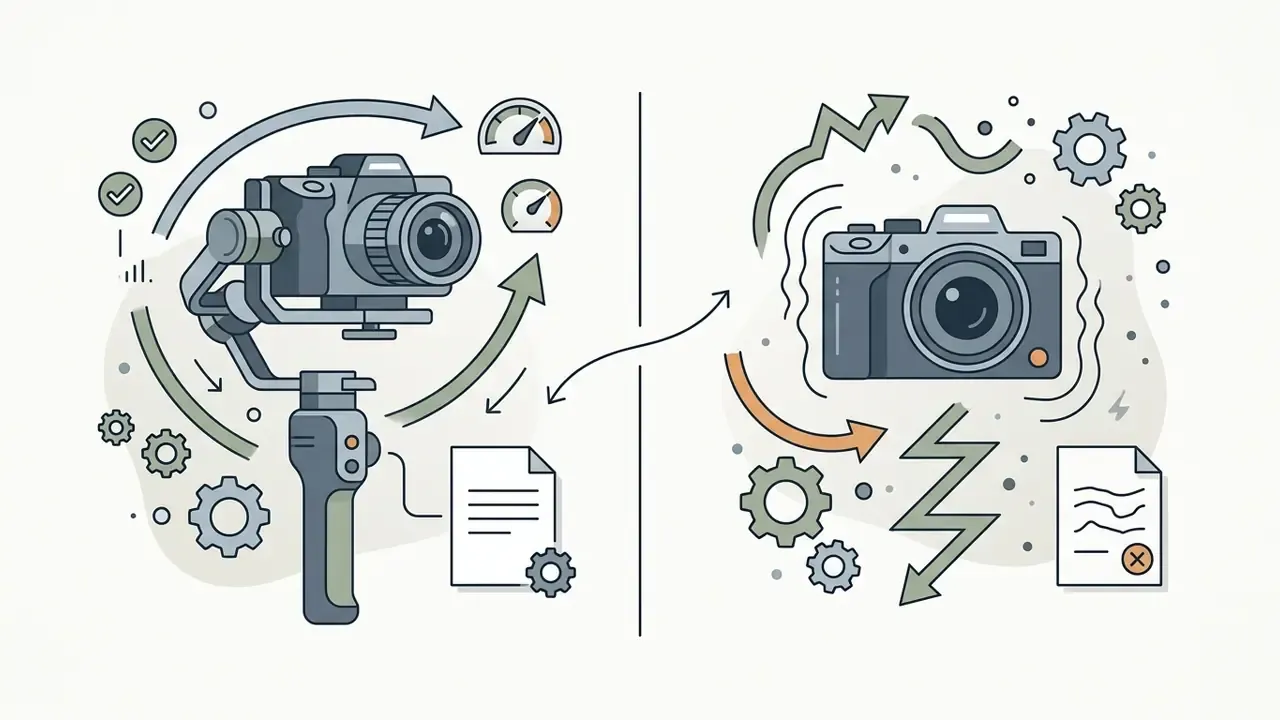
A reliable prompt order used across current camera-control guides runs: shot size, angle, movement with direction and speed, subject and action, lens or focal length, lighting and mood, then what the shot reveals. Research on motion prompting confirms the mechanism. Conditioning video diffusion models on explicit spatio-temporal motion trajectories measurably improves controllability and realism.
To mitigate common visual hallucinations documented in research, limit the number of active moving subjects in a single prompt to one or two entities, and use negative prompts to suppress flicker and chaotic background motion.
Use AI voice, captions, and editing to finish the video
Natural synthetic speech, styled subtitles, and leveled background audio are what lift a raw AI clip into publication-ready video content.
Post-production audio suites like ElevenLabs Studio 3.0 enable precise timeline alignment between AI voice narration, sound effects, and background music, including speaker assignment and caption publishing from the same timeline. To compare voice engines by naturalness, language coverage, and licensing terms before cloning anything, review the guide to AI voice generators. Automated localization tools like Mux let creators translate captions, generate dubbed audio with correct timing, attach audio files to existing video assets, and expose switchable audio tracks at playback for global distribution.
FAQ about free AI video generators in 2025 and 2026
The following questions cover the technical, legal, and operational points that usually come up right before a first pilot.
Can I create professional AI videos without video editing experience?
Yes. All-in-one AI video generators automate script segmentation, visual matching, voiceover synthesis, and subtitle generation through guided web interfaces. Beginners can produce complete explainer clips or social videos by entering a text prompt or a URL, with no manual timeline editing skills required.
Can I edit an AI video using only text commands?
Yes. Prompt-based editing workspaces, with invideo's Magic Box and HeyGen's AI Studio as the widely documented examples, accept instructions such as "delete the second scene," "change the narrator's accent," "swap this object," or "re-light this shot as sunset." The model re-renders the affected region instead of trimming a track, so always re-review the result for altered colours, logos, or on-screen text.
Which AI video models generate audio natively?
Google's Veo 3.1 family generates synchronized dialogue, sound design, and music in the same inference pass as the video frames, which is why Canva's Veo-powered clip generator returns up to eight seconds of 16:9 video with audio from a single prompt. Most earlier text-to-video pipelines still require a separate text-to-speech or AI music step afterward.
Are there genuinely watermark-free free AI video generators?
Yes, but they cluster in one segment. Standalone enterprise platforms almost always watermark free output, whereas multi-model aggregator hubs that bundle 30+ engines under one interface frequently allow watermark-free draft exports to attract evaluation traffic. Verify the licence separately, because a clean export is not the same thing as a commercial licence.
Do free tiers use my prompts and uploads to train models?
It depends on the vendor and the plan, and free tiers generally reserve broader rights than enterprise agreements. Check the retention window, the training opt-out, and whether compliance certifications extend to the free tier before uploading confidential scripts, unreleased product assets, or any identifiable person's likeness.
Are mobile AI video generator apps as powerful as desktop tools?
A mobile AI app video generator usually calls the same cloud-based generation engines as its desktop counterpart. Hardware acceleration through mobile NPUs and GPUs handles UI processing efficiently, and Google reports up to 25× speedups versus CPU for on-device models. Multi-track timeline editing and precise prompt configuration still remain easier on a desktop screen, so many creators draft on the phone and finish on the laptop.
Which AI movie creator app works for longer narrative projects?
No single-shot engine holds a story past roughly ten seconds today. For narrative work, pick script-first tools that break a screenplay into scene prompts and reassemble the clips, then finish in a conventional editor. A 10 minute AI video generator claim almost always describes stitched output, not one continuous render.
How long does it take for an AI model to render a video clip?
Standard 5-to-10-second AI video clips typically render within 30 to 90 seconds on standard priority queues. Higher-tier models like Veo 3.1 Fast process clips in 60 to 90 seconds, while high-fidelity standard modes or peak server hours can extend render times to 2.5 to 4 minutes.
Do free AI video generators grant commercial usage rights?
Most free plans restrict output to personal, non-commercial use and apply mandatory watermarks. Commercial rights generally require a paid tier, such as HeyGen's Creator plan or Pika's Standard tier. A few vendors are explicit exceptions and grant commercial use on free plans. Always verify the platform's specific licensing terms before using generated content in campaigns, and note that AI output is rarely exclusive to you.