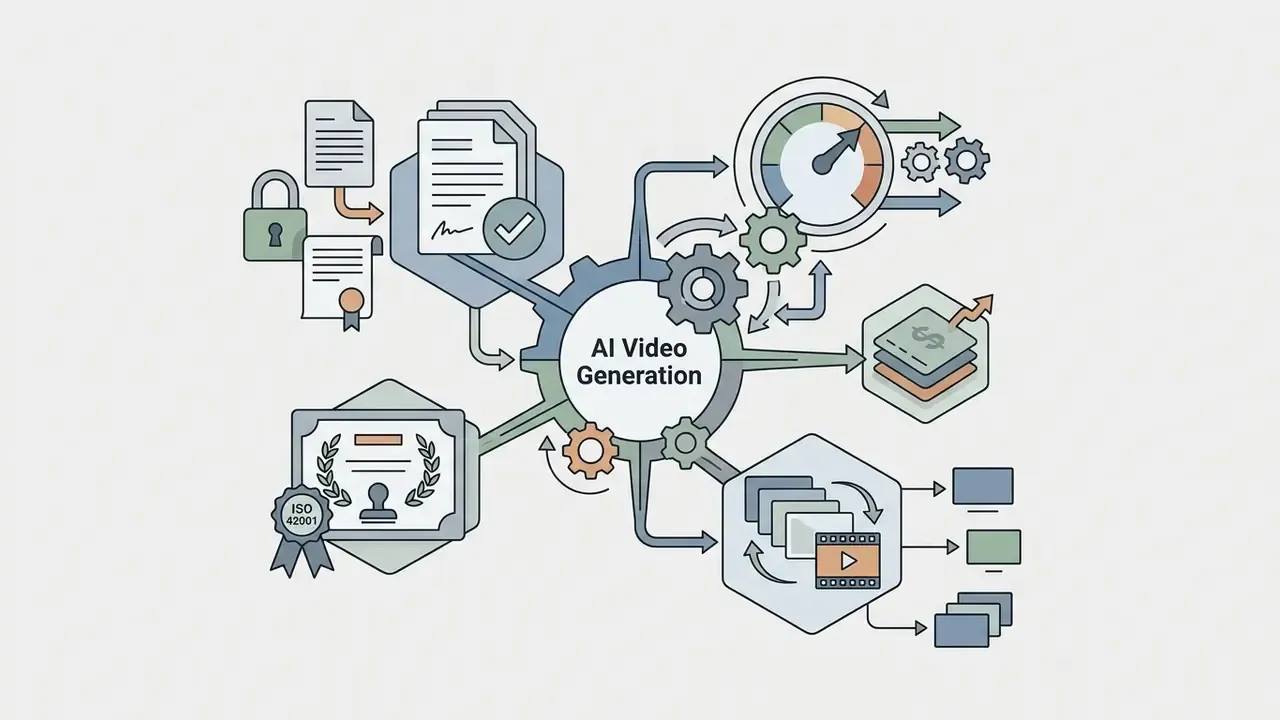
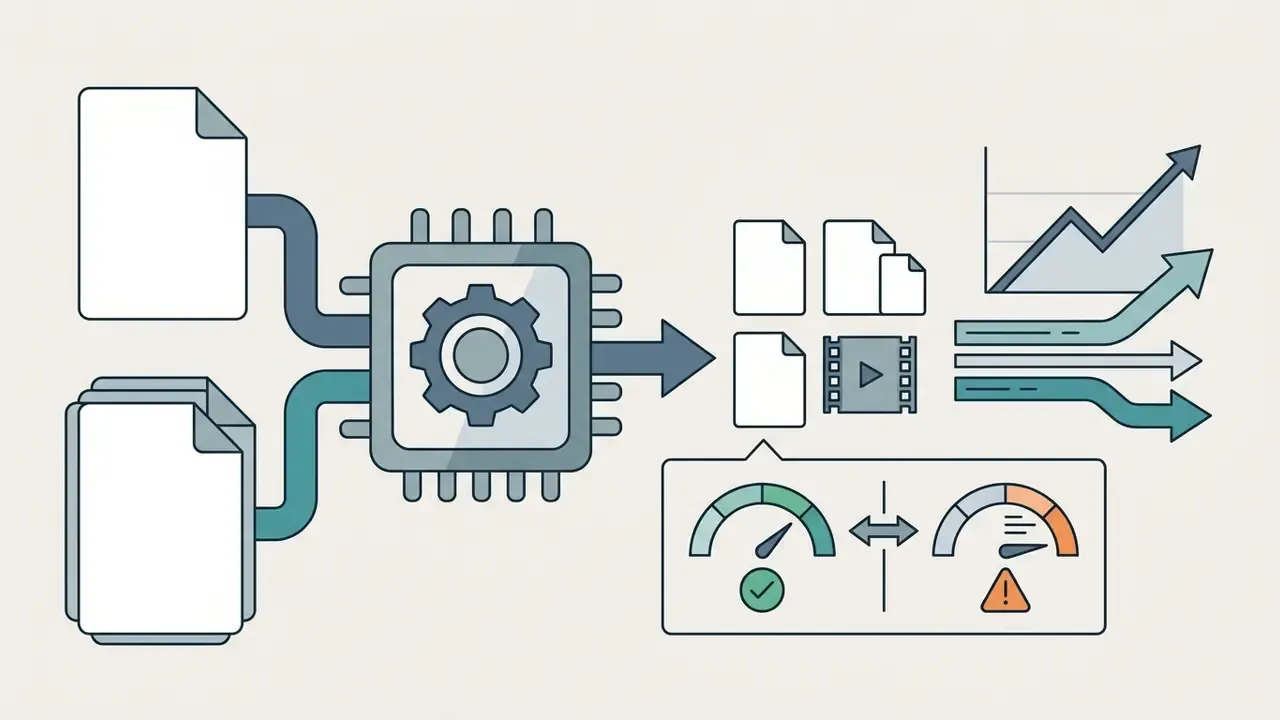
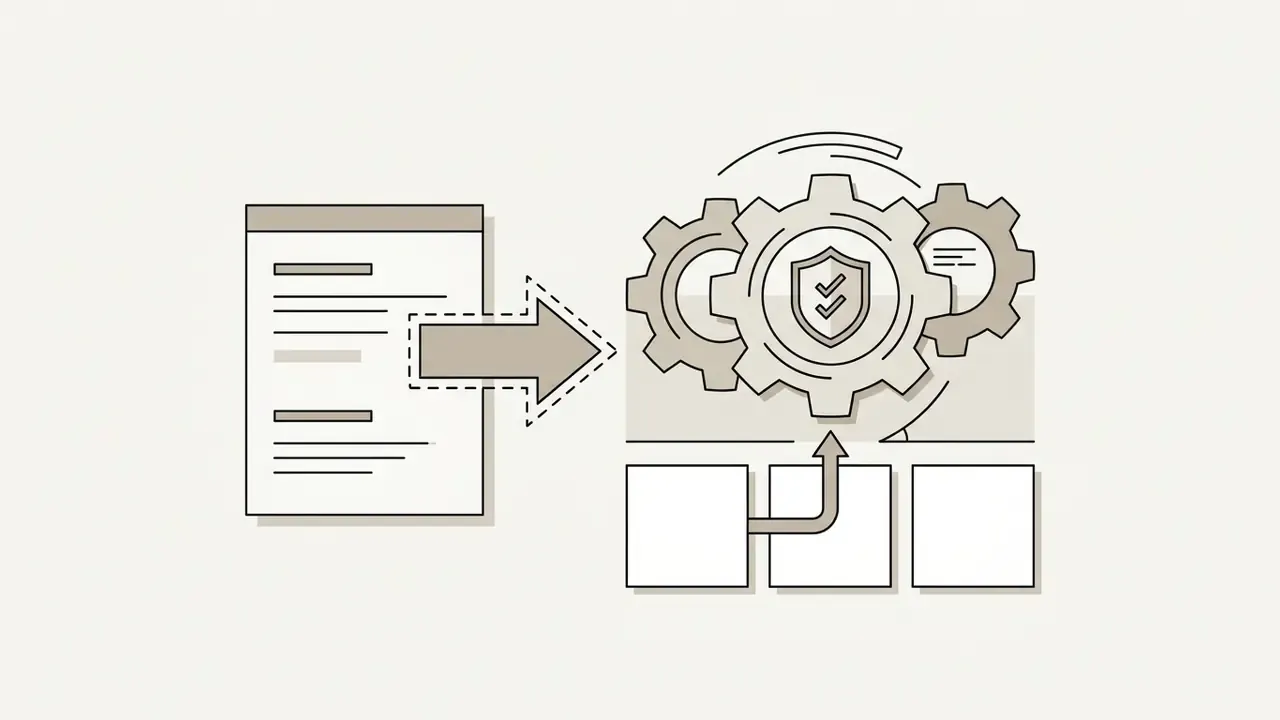
An AI video creation platform is an enterprise generative software environment that converts text prompts, uploaded documents, reference images, or source video into synthetic digital video. In 2026, these platforms route multi-model architectures (Google Veo 3.1, Kling 3.0, OpenAI Sora 2, Seedance 2.0, Runway Gen-4.5) into unified creative workspaces to streamline marketing, corporate L&D, and sales workflows.
Why should a risk or finance leader care about video tooling at all? Because the moment a bank publishes synthetic footage of a "presenter" explaining a product, that clip becomes a controlled output with disclosure, likeness, and audit obligations attached.
Executive Summary
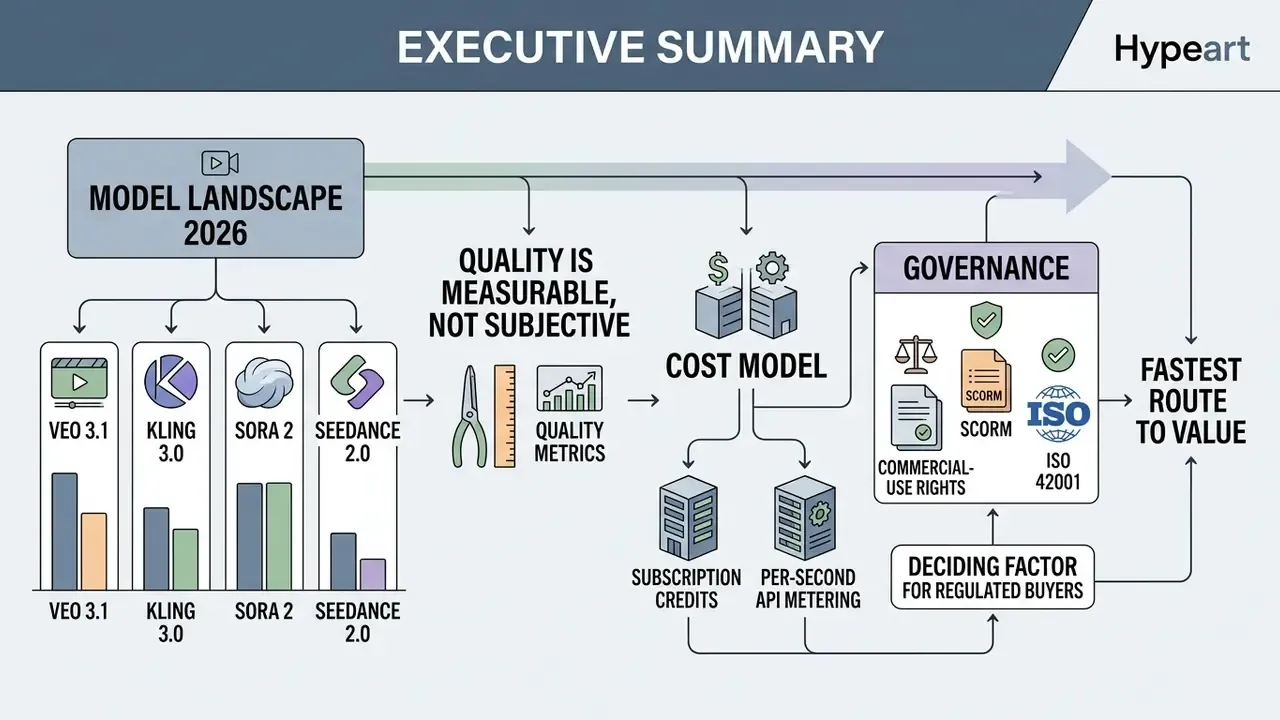
- What these platforms are. An AI video creation platform combines generative video models, avatar and speech synthesis, template libraries, and governance tooling into a single production pipeline that converts text, PDFs, decks, images, or source footage into finished assets. Some teams still call the output "ai artificial videos"; the label matters less than the control path behind it.
- Model landscape in 2026. The flagship engines are Google Veo 3.1 (up to 4K, synchronized audio), Kling 3.0 and Kling o1 (fluid motion, reasoning-based scene composition), OpenAI Sora 2 (world simulation and object permanence), Runway Gen-4.5 (multi-shot camera control), Seedance 2.0 (native audio-video in one inference pass), Wan 2.7 (fast, low-credit iteration), and Hailuo 2.3 (10-second social clips).
- Quality is measurable, not subjective. VBench, EvalCrafter, AIGVQA-DB, T2V-CompBench, TC-Bench, and T2VWorldBench quantify temporal consistency, compositional accuracy, and physical realism. Best-in-class models still cluster near 0.68 on normalized world-knowledge scoring, which means human review stays mandatory for factual content.
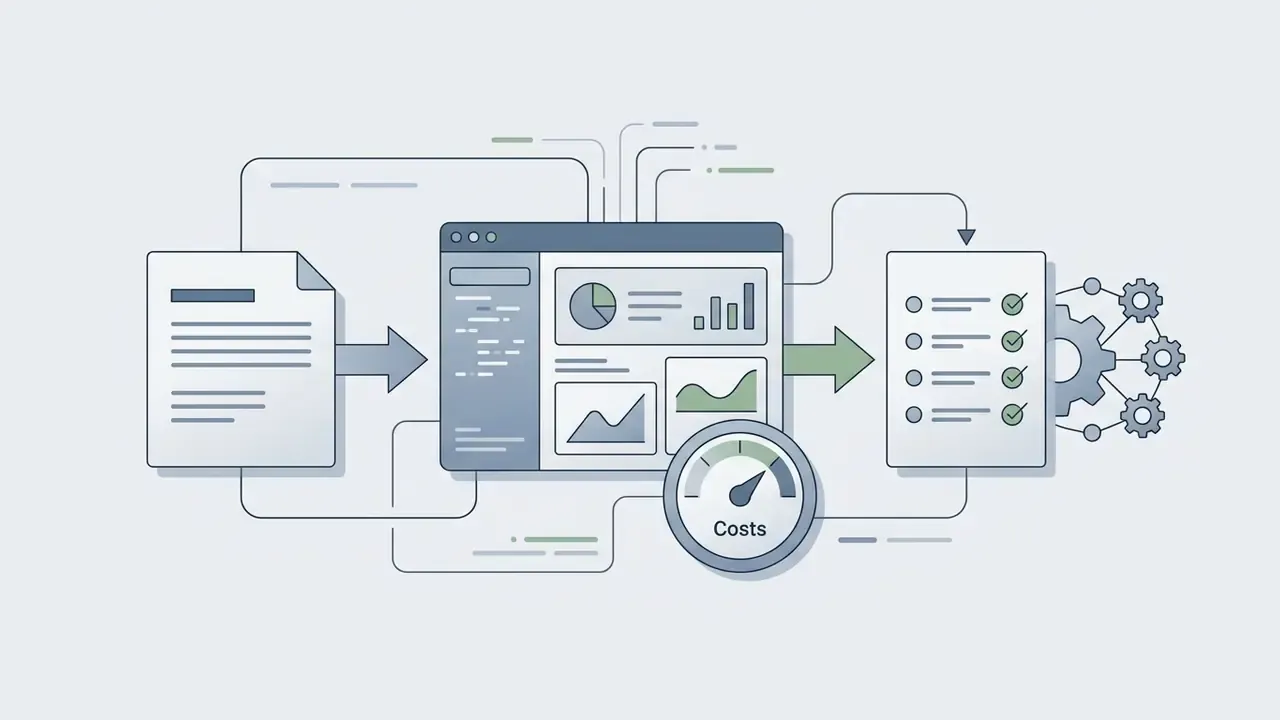
- Cost model. Pricing splits into subscription credits and per-second API metering. Flagship generation consumes roughly 9 to 40 credits per second, which translates to about $0.15 to $0.60 for a 5-second clip depending on tier. Enterprise contracts usually separate platform seats from generation capacity through credit add-on packs.
- Governance is the deciding factor for regulated buyers. Look for SOC 2 Type II, ISO 42001 (AI management system), SSO and RBAC, immutable audit logs, C2PA provenance metadata, EU AI Act Article 50 labeling, SCORM 1.2/2004 and xAPI export, and registration of the platform inside the enterprise model risk inventory.
- Fastest route to value. Map one primary use case, benchmark two or three engines on your own prompts, price the risk-adjusted total cost (generation credits plus control costs), then run a controlled 30-day pilot with defined approval gates.
Who This Guide Is For and What Decision It Supports
This guide is written for the people who sign off on the purchase rather than the people who type the prompts: CROs, CCOs, heads of model risk, AI governance leads, and the finance transformation teams sitting next to them.
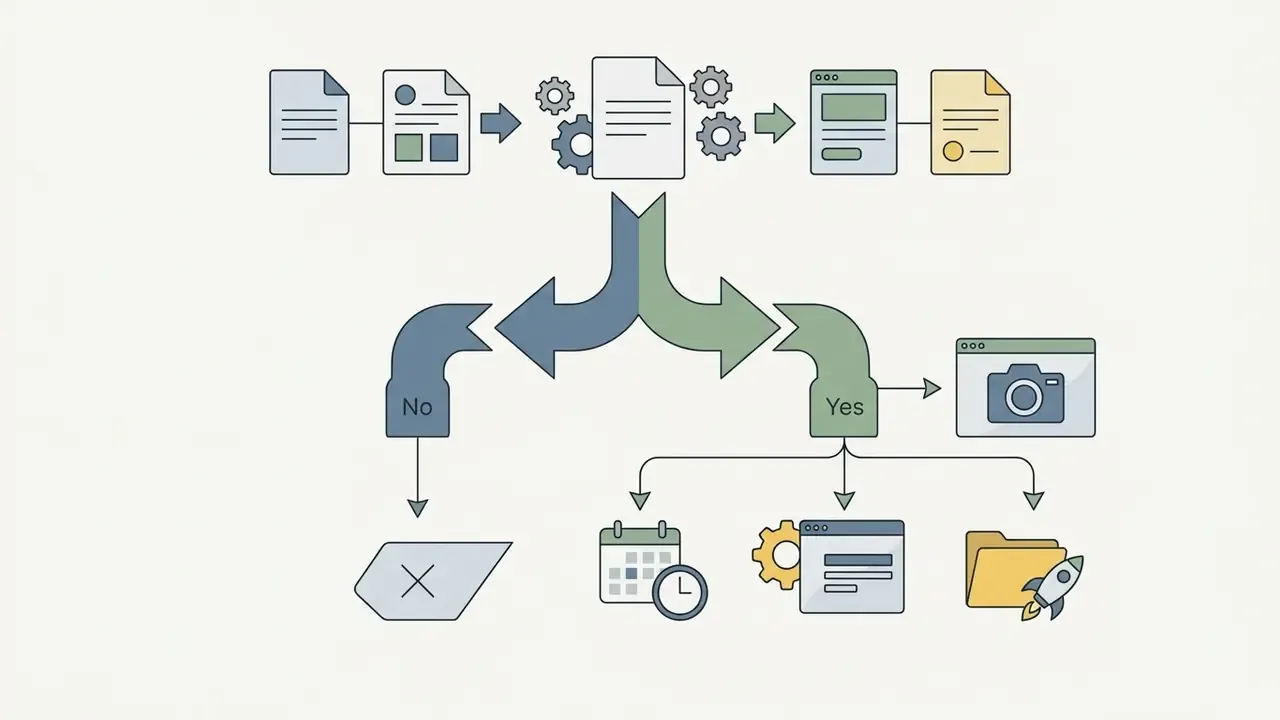
The decision path it supports is narrow and practical:
Everything below follows that order. Audience assumptions here remain hypotheses until confirmed by your own interviews, CRM data, or usage analytics; treat them as a starting frame, not a finding.
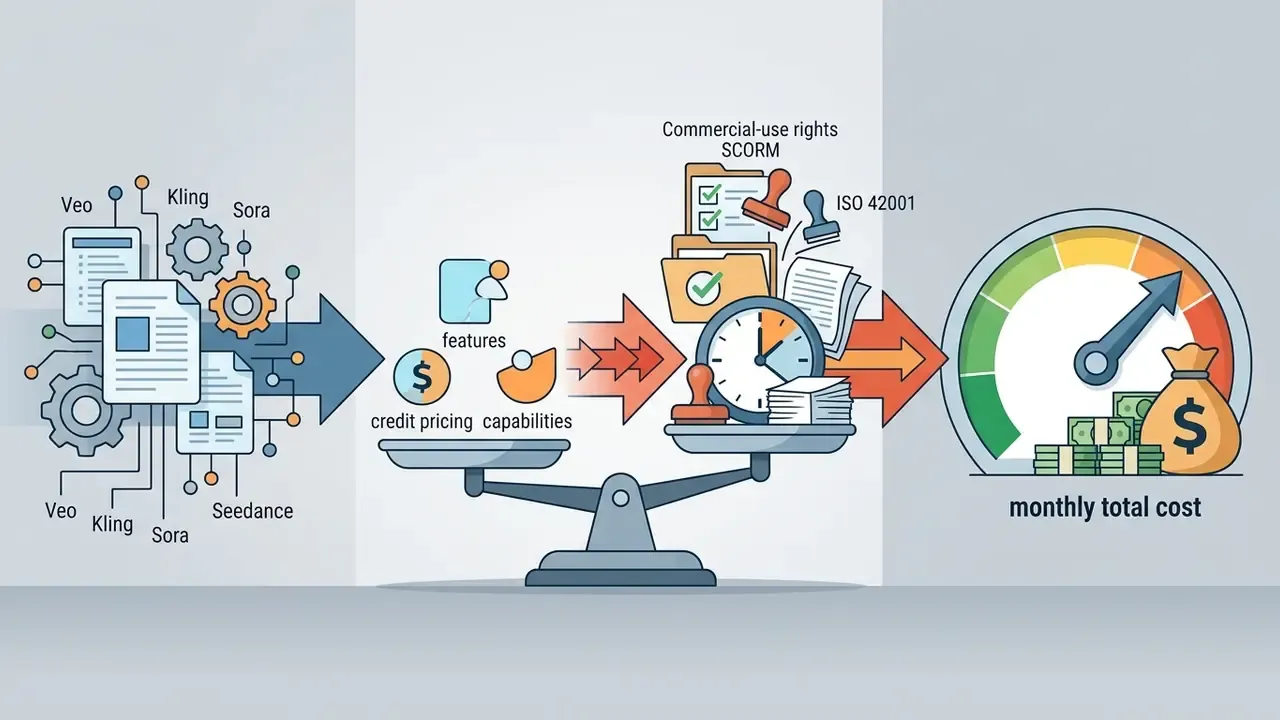
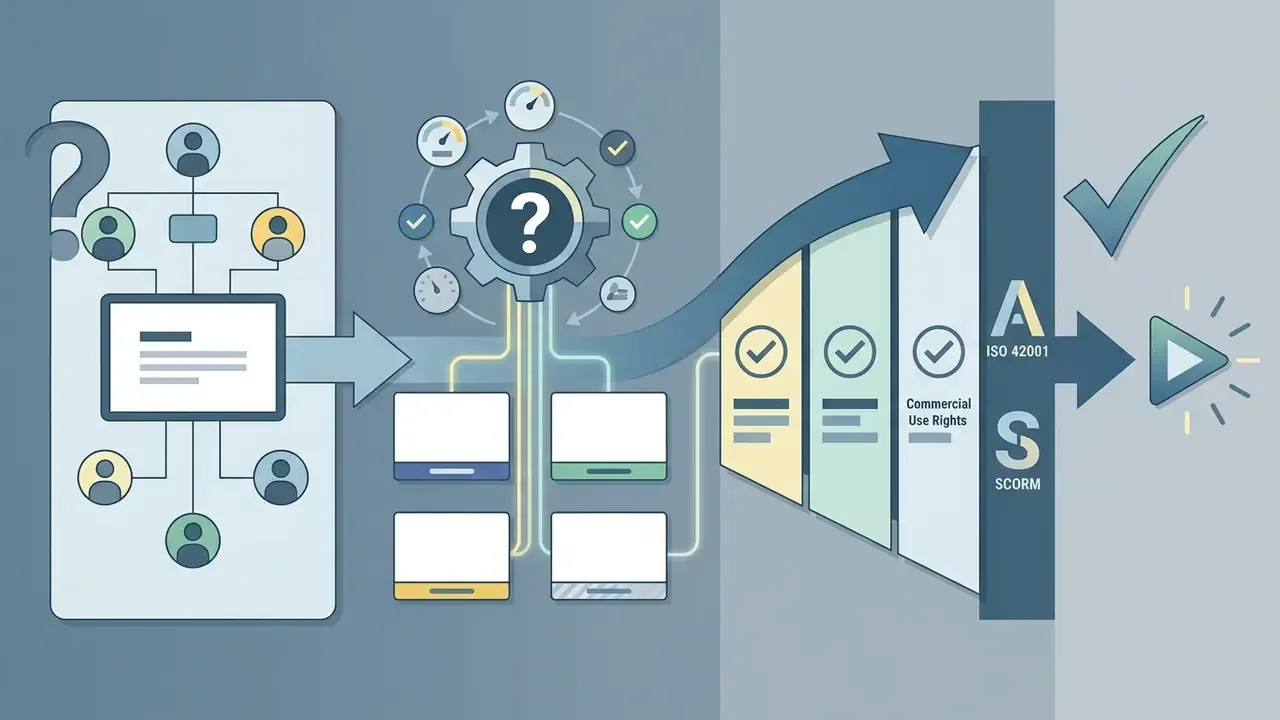
What is an AI Video Creation Platform and What Problems Does It Solve
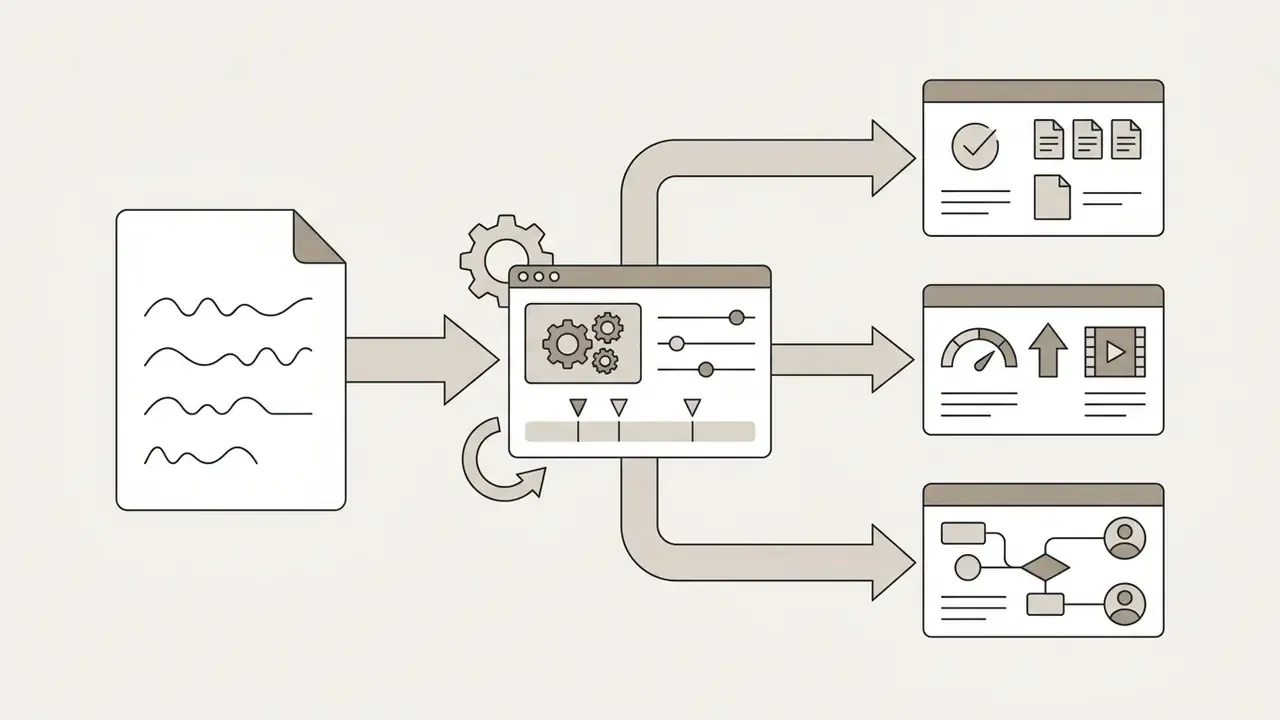
In two sentences: An AI video creation platform replaces cameras, crews, and manual post-production with a software pipeline that turns text, documents, images, or source footage into rendered video. For enterprises, the real value is not speed alone but repeatability: the same governed workflow can produce, localize, audit, and re-render hundreds of assets without new shoots.
An AI video creation platform is a software environment that leverages generative models to produce, edit, and export synthetic video from structured or unstructured inputs. According to the National Institute of Standards and Technology (NIST) AI Risk Management Framework, generative systems derive synthetic outputs (text, audio, images, video) from foundational training data and conditioning prompts.
«Modern video generation platforms consolidate models for video creation, video understanding, and video streaming into a single ecosystem.»
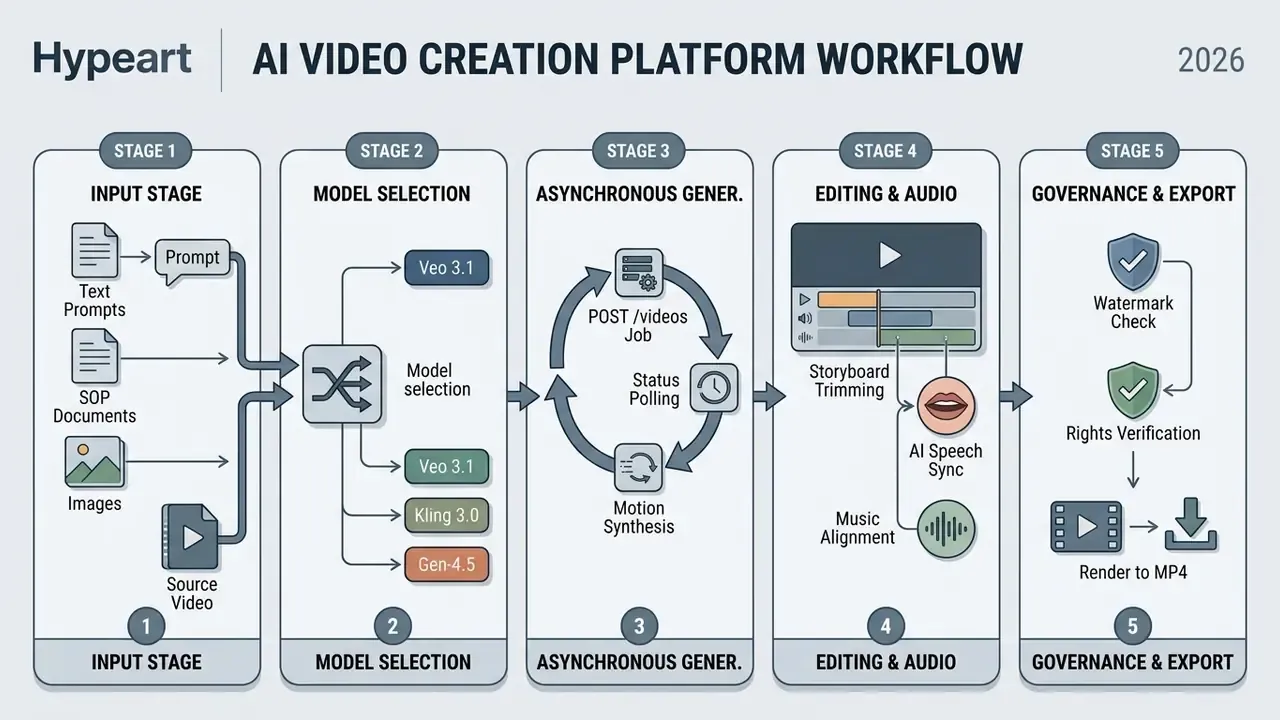
An ai video creation platform website serves as a central hub where organizations consolidate scattered video generation workflows. Traditional production needs filming gear, talent scheduling, manual editing, and multi-stage post, so cost scales linearly with volume. An ai video creation platform swaps those studio constraints for a pipeline that converts documents, scripts, and brand assets into finished clips in minutes.
Organizations use these tools to clear bottlenecks in content localization, compliance training updates, and dynamic ad production. With an ai video generator inside a managed enterprise workspace, a team can generate a video on demand while brand safety and data loss prevention (DLP) rules still apply. For broader context on generative media terminology, see our AI Media Glossary and the dedicated reference on AI video generators.
Traditional Video Production vs. AI Video Platform
| Dimension | Traditional Production | AI Video Creation Platform |
|---|---|---|
| Time to first cut | 2 to 6 weeks (scripting, booking, shoot, edit) | Minutes to hours from prompt, script, or document |
| Cost per finished minute | $1,000 to $10,000+ (crew, talent, studio, post) | $5 to $150 in credits and seats, plus internal review time |
| Localization | Re-shoot or re-dub per language; new talent contracts | Re-render the same scene in 40 to 160+ languages from text |
| Content updates | Full or partial re-shoot when policy or product changes | Edit the script text and re-render the affected scenes |
| Auditability | Fragmented across agencies, drives, and email threads | Prompt history, asset lineage, and approvals in one log |
| Rights exposure | Talent releases, music licences, location permits | Platform licence, likeness consent, C2PA provenance, AI disclosure |
| Scalability limit | Crew availability and studio calendar | GPU queue priority and credit budget |
Formats of AI Video Generation: Text-to-Video, Image-to-Video, and Video-to-Video
AI video generation relies on three conditioning modalities: text-to-video (T2V), image-to-video (I2V), and video-to-video (V2V). Each uses specialized architectures, typically diffusion transformers (DiTs) with temporal attention layers, to hold spatial and temporal continuity across frames.
- Text-to-Video (T2V)
- Accepts natural language prompts and synthesizes sequences from latent noise. T2V models interpret scene geometry, lighting, camera movement, and subject action from the text alone. Teams that want a deeper walkthrough of prompt syntax and parameters can review our reference on text-to-video AI tools. Benchmarks such as T2V-CompBench evaluate these architectures across seven compositional dimensions, including attribute binding, spatial positioning, and physical interaction.
Which modality you pick depends on how much precision the brief demands. T2V offers maximum creative freedom, I2V guarantees fidelity to existing brand imagery, and V2V allows controlled restyling of pre-shot footage. One caveat worth checking early: not every vendor exposes all three modes through the same endpoint. Several public APIs ship only text-to-video and image-to-video, while video-to-video sits in a separate editing surface with different rights terms.
- Image-to-Video (I2V)
- Uses a static source image as a structural reference frame alongside a motion prompt. The underlying video generator preserves subject identity and background fidelity while adding movement: a camera pan, a gesture, a slow push-in. For a practical breakdown of reference-image conditioning, see our guide to image-to-video AI tools.
- Video-to-Video (V2V)
- Takes an existing file as a temporal and structural baseline. The model restyles frames, replaces elements, or shifts visual grade while keeping the original motion trajectory and subject tracking.
From Idea to Finished Video: Creation, Editing, and Export
Criteria for Comparing AI Video Creation Platforms
In two sentences: Platform comparison should combine benchmarked model performance with operational controls: governance, collaboration, and cost predictability. Published evaluation research converges on four technical axes (visual quality, text-video alignment, motion quality, temporal consistency), to which enterprise buyers add trustworthiness, provenance, and auditability.
Evaluating ai generated video platforms means assessing model performance, editing controls, governance frameworks, and integration flexibility together. Search queries like "#1 ai video generator" promise a single winner; the benchmark literature says the ranking flips depending on prompt type, so treat any absolute claim with mild suspicion. For a ready-made shortlist, see our comparison of leading AI video generators.
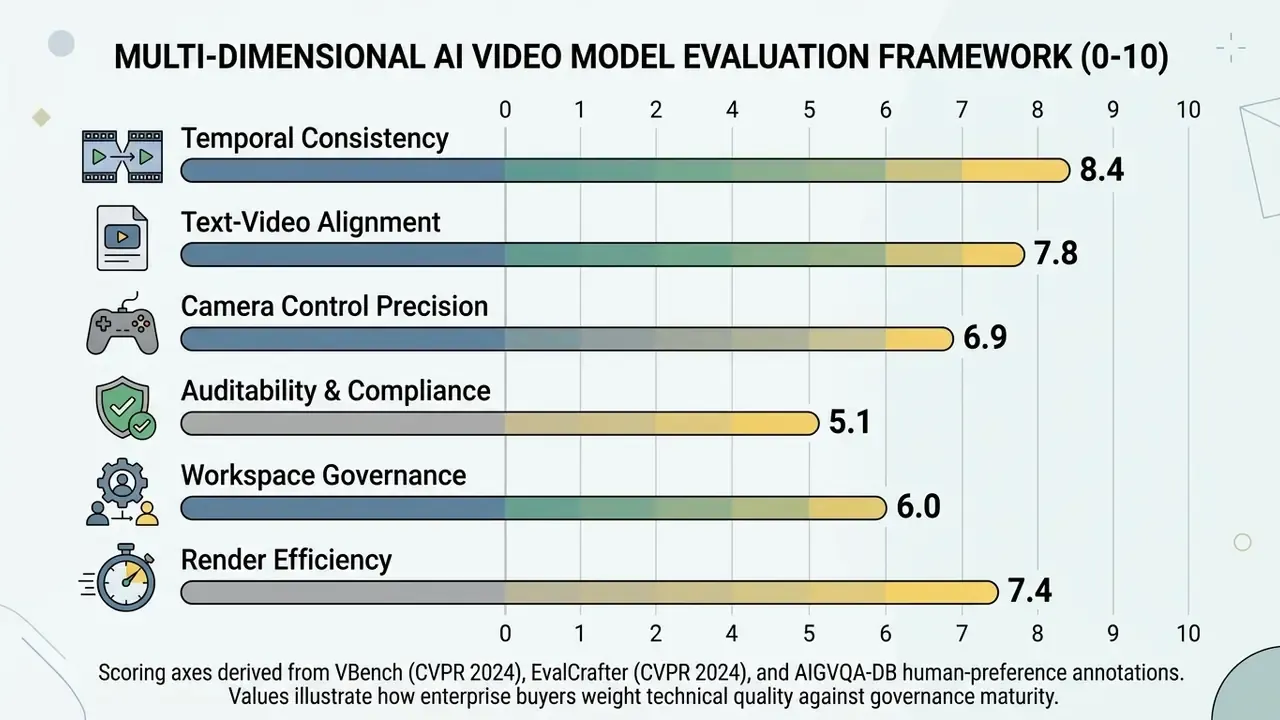
Figure: Radar-equivalent evaluation matrix for comparing enterprise AI video generation engines across performance and governance axes.
Video Models, Generation Quality, and Scene Control
The core engine of any ai video generator is its diffusion or transformer backbone. Quality assessment has to move past "looks good in the demo reel" toward standardized benchmark performance.
- Temporal and Subject Consistency: Measured with metrics from VBench and AIGVQA-DB, covering frame-wise quality, motion smoothness, subject and background consistency, temporal flickering, and identity preservation across multi-second clips.
«A 2024 benchmark built on 700 prompts drawn from real user queries applies 17 objective metrics and calibrates their weights against human preference data.»
- Compositional and Temporal Change Control: T2V-CompBench and TC-Bench test whether a model can bind attributes, place objects correctly, and carry out a described change of state over time.
«TC-Bench showed that most video generators realize fewer than 20% of the specified compositional transitions between the initial and final scene state.»
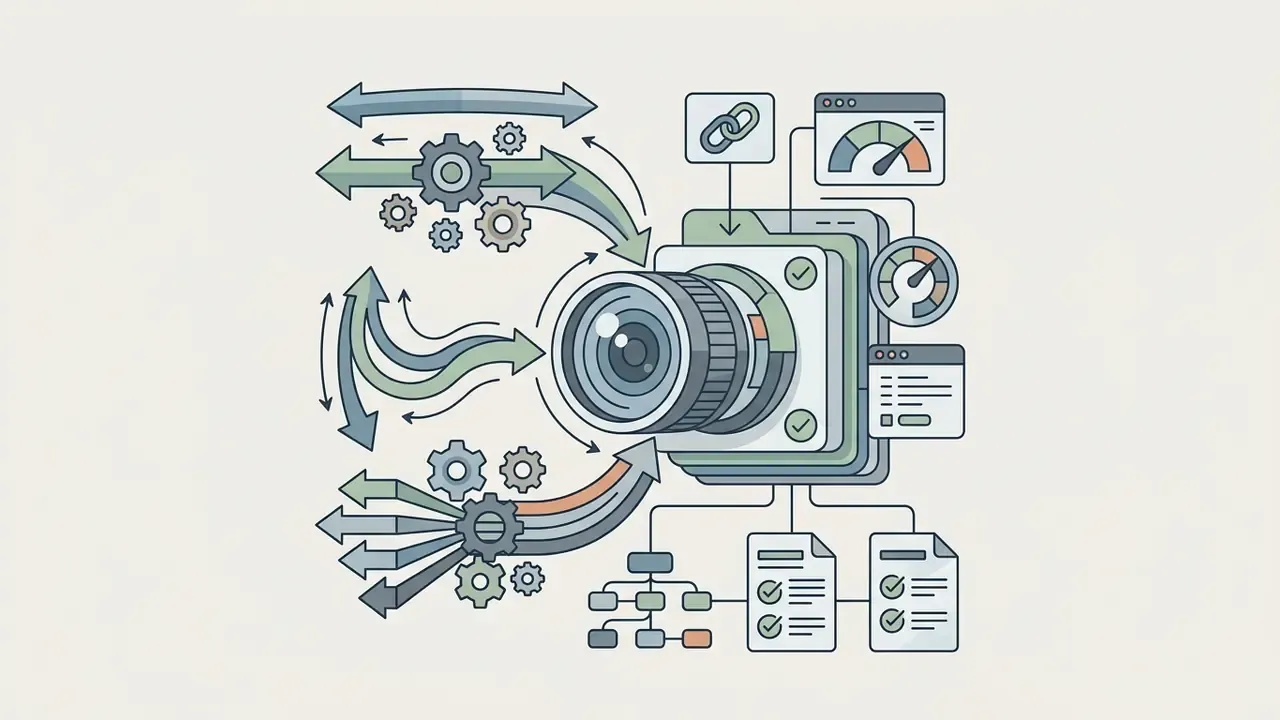
- Camera and Motion Control Advanced platforms expose explicit virtual camera controls (pan, tilt, zoom, dolly speed) so creators can execute deliberate cinematic shots. Verification note: camera-control fidelity is measurable. Research from 2025 and 2026 quantifies it through rotation error, translation error, and camera-matrix consistency against ground-truth trajectories, while a 2026 camera-quality benchmark rates viewpoint consistency, motion coherence, and content preservation using PLCC, SRCC, and KRCC correlation with human scores. Validate vendor camera claims on your own trajectories rather than accepting marketing copy.
- World Knowledge and Physical Realism T2VWorldBench measures whether clips respect physical laws, causal relationships, and spatial logic.
The practical implication is blunt. Even frontier text-to-video systems fail roughly a third of world-knowledge checks, so factual, regulated, or safety-related content requires documented human validation before publication. No evidence, no autonomy.
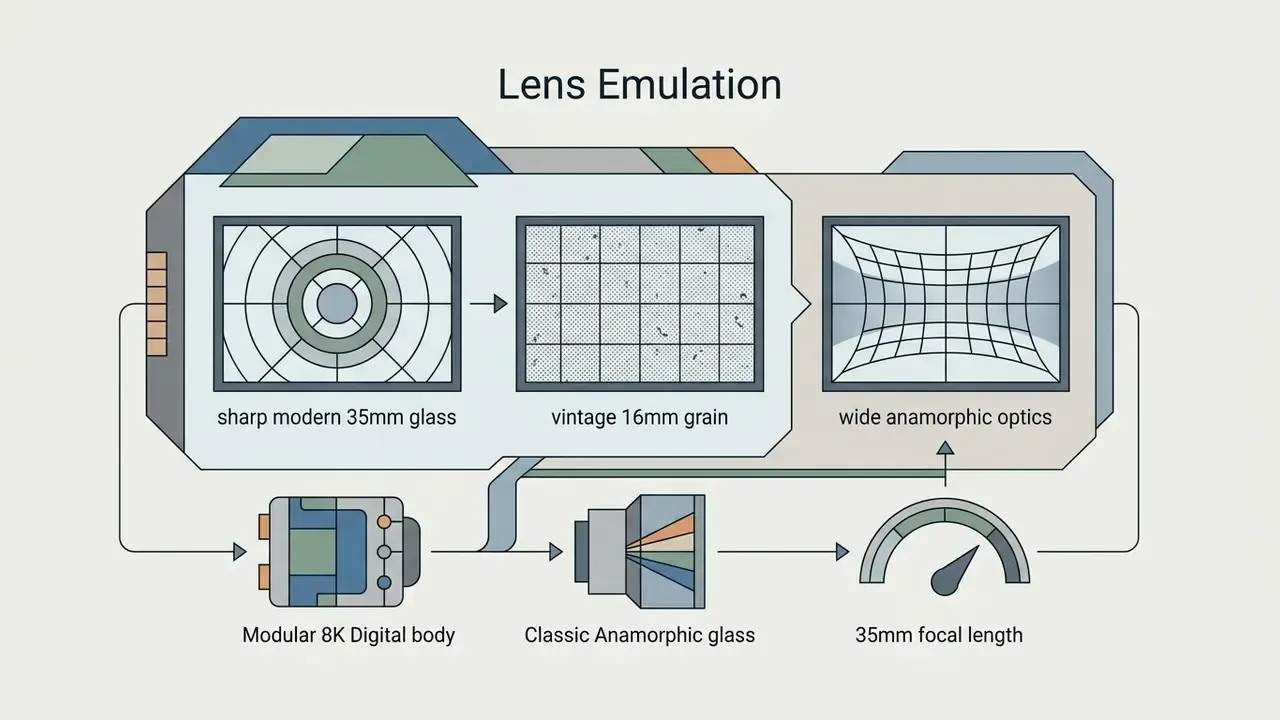
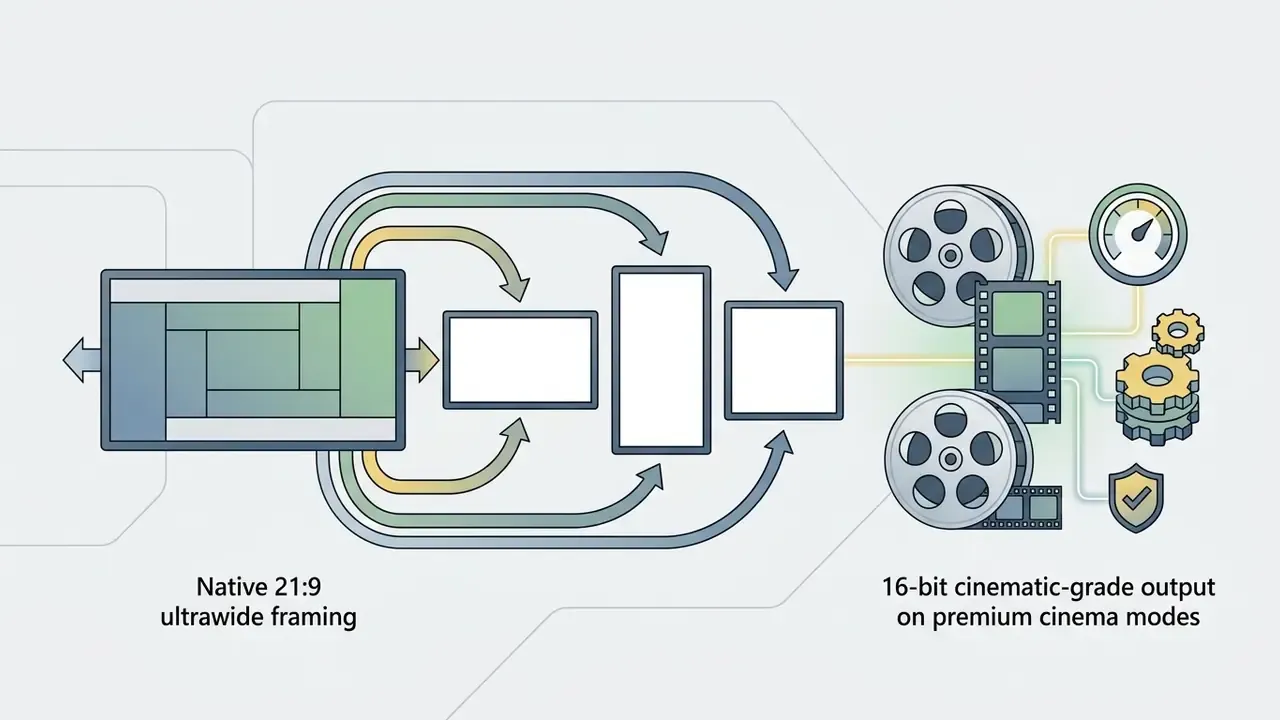
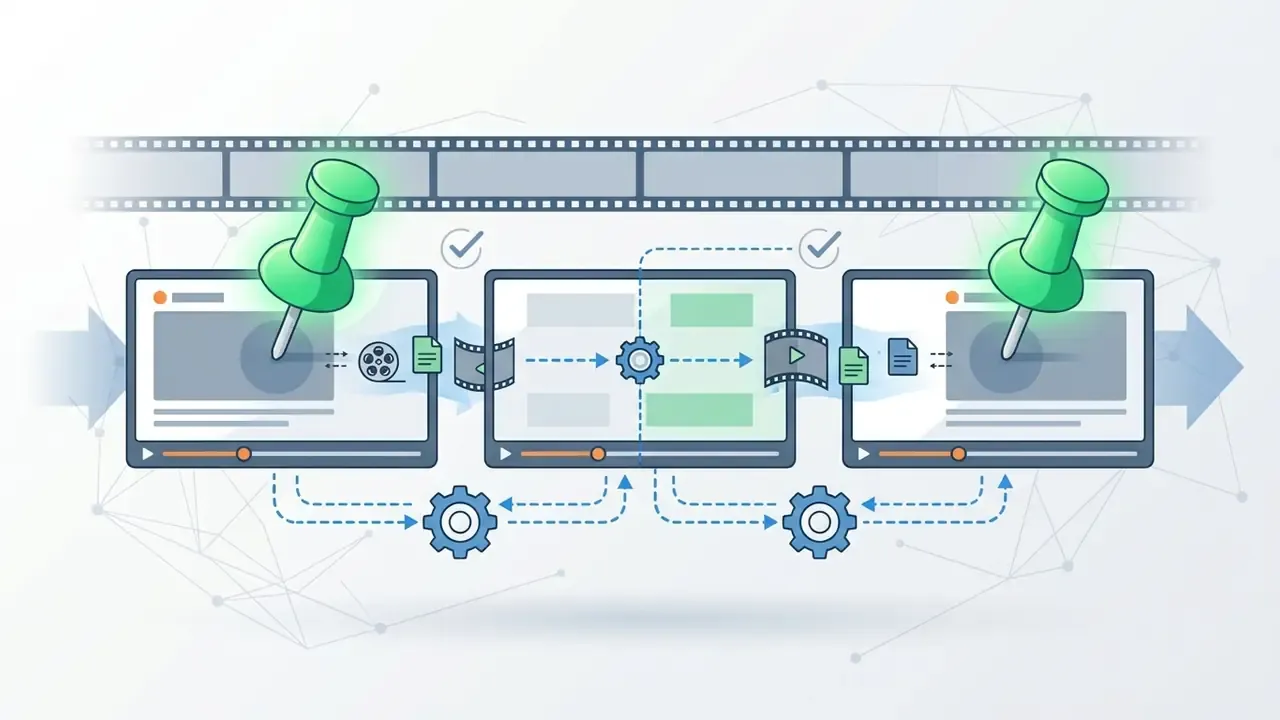
Virtual optical physics and camera emulation. High-end cinematic suites now let directors define optical parameters before generation instead of grading them afterwards:
Templates, Prompts, and Editing Tools
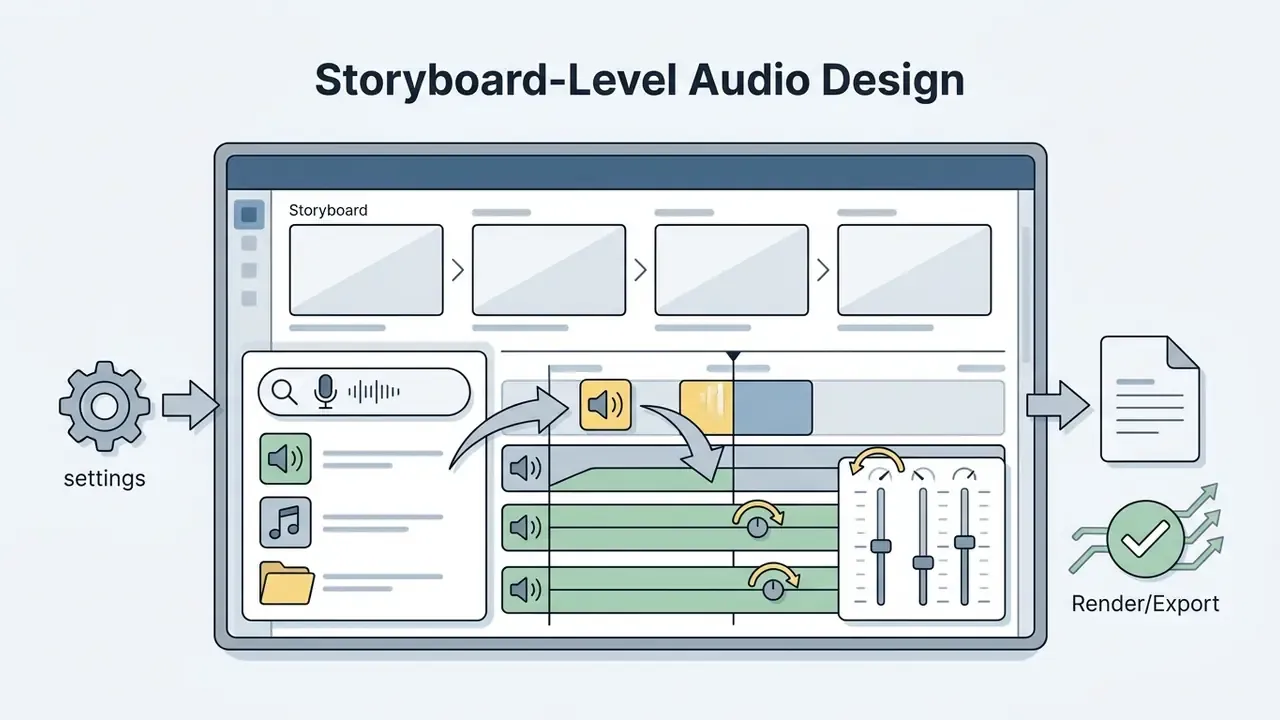
Productivity across ai powered video creation templates vendors depends on the flexibility of the layout library and the quality of prompt assistance. Modern platforms provide storyboard boards where creators arrange visual prompts, brand colours, and asset references before anything renders.
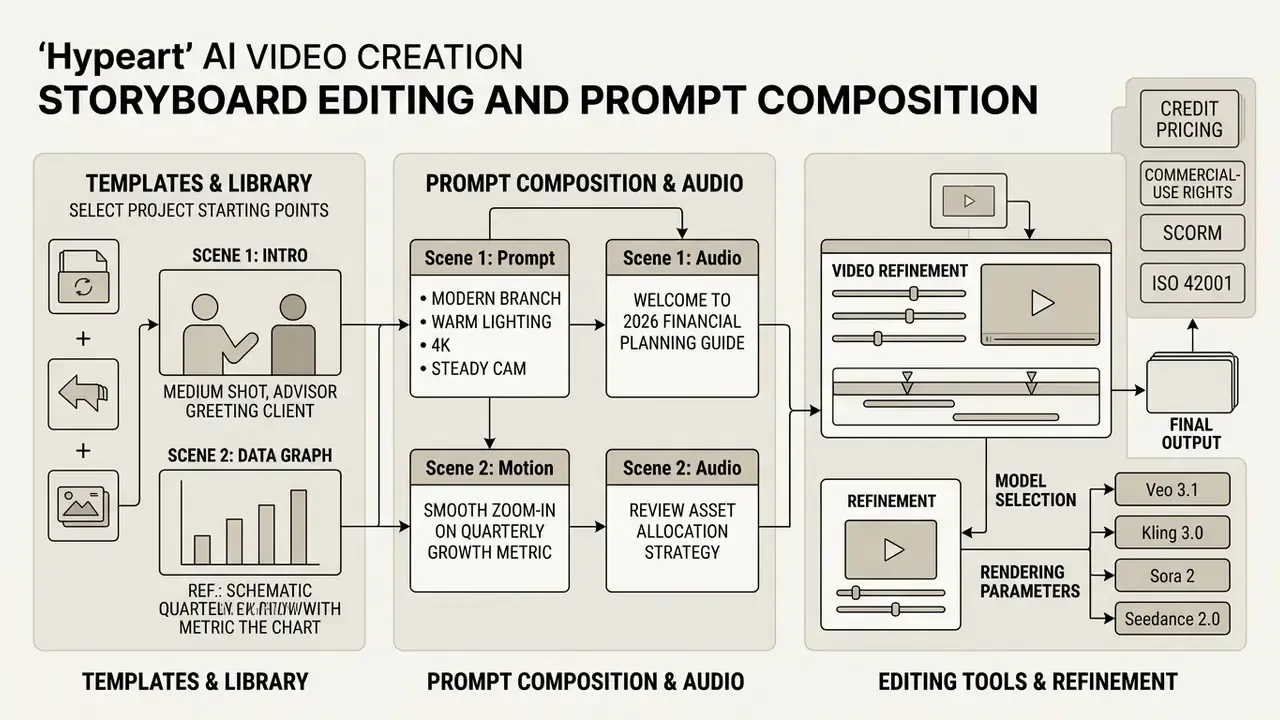
Template libraries built as ai generated video templates for marketers let teams swap product imagery, adjust aspect ratios for multi-channel publishing (16:9, 9:16, 1:1), and update script variables automatically. Teams comparing downstream trimming and captioning options can also review our roundup of free video editing software. Prompt helpers, usually fine-tuned LLMs, convert a two-line brief into a detailed, camera-aware prompt sequence. To evaluate feature matrices across generative categories, see our AI Media Comparison Matrices.
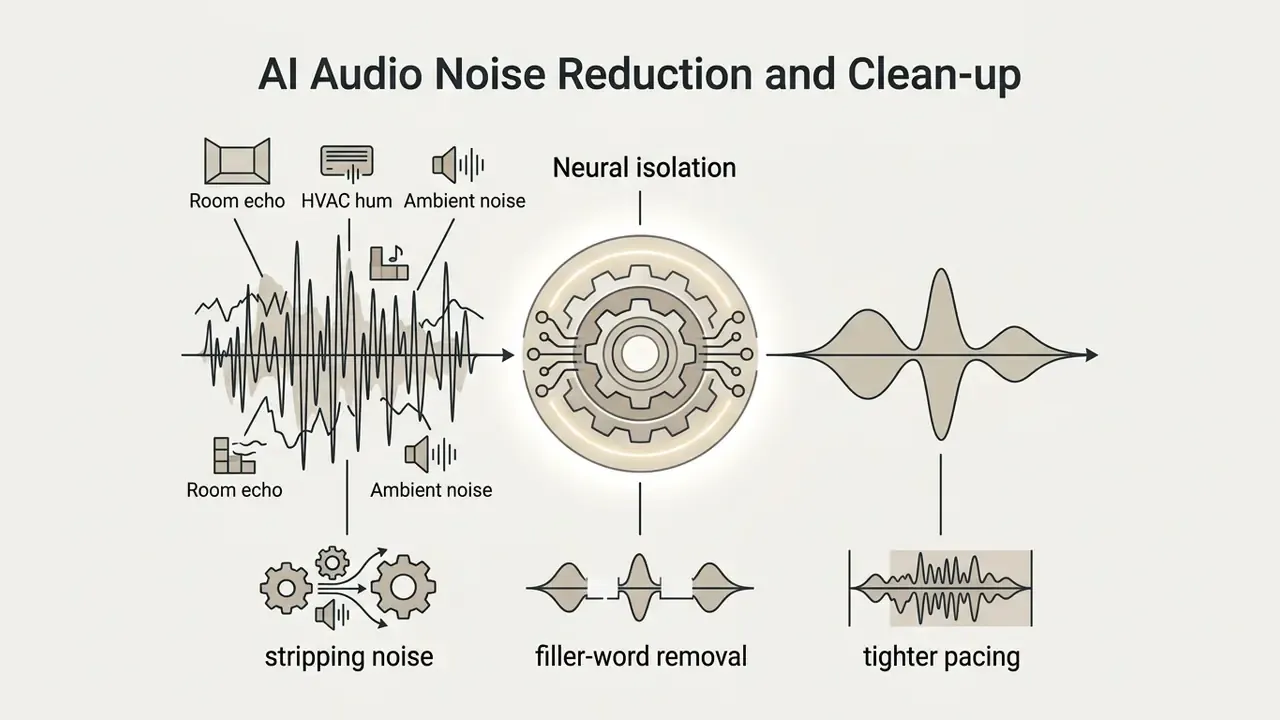
AI-assisted post-production utilities. Polish tools now sit directly inside the timeline, and they move conversion numbers on UGC-style creative more than most people expect:

Team Collaboration, Workspace, and Content Management
Enterprise deployments need centralized workspace administration to enforce access control, role segregation, and asset sharing across departments.
- Role-Based Access Control (RBAC) Admin permissions distinguish Creators, Editors, Viewers, and Compliance Officers, restricting who can generate clips, reach API keys, or export final renders. In mature implementations, workspace members default to Viewer, Contributors can modify assets, and Managers define roles.
- Shared Asset Repositories Central libraries store approved logos, brand fonts, vector icons, custom avatars, and licensed audio, with files and folders inheriting project-level permissions. Teams that also need static asset generation can explore our guide on using an ai icon generator or an ai illustration generator for supporting graphics.
- Audit Logging Tracking of prompt history, source document uploads, generation timestamps, and user actions, sufficient to satisfy internal risk management policy.
- Model Risk Inventory and GRC Integration In a regulated institution, the video platform is a model-adjacent system and belongs in the AI inventory. Register the platform and each active generation model with an assigned system owner, tier rating, and validation evidence. Then link the audit log export to your GRC stack (Archer, MetricStream, or equivalent) so generation volumes, override events, and rejected renders appear in existing control reporting. NIST AI RMF functions (Govern, Map, Measure, Manage) give you the mapping structure for those entries.
Which AI Video Generator Platforms to Choose for Different Scenarios
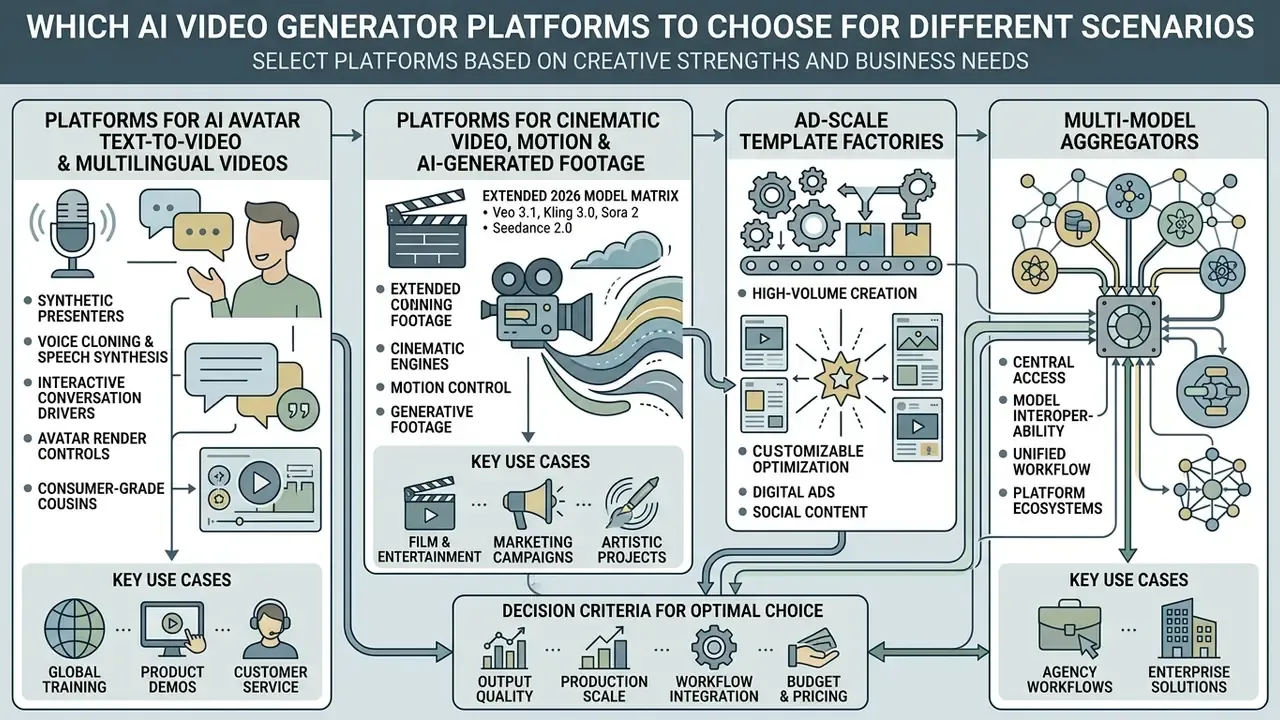
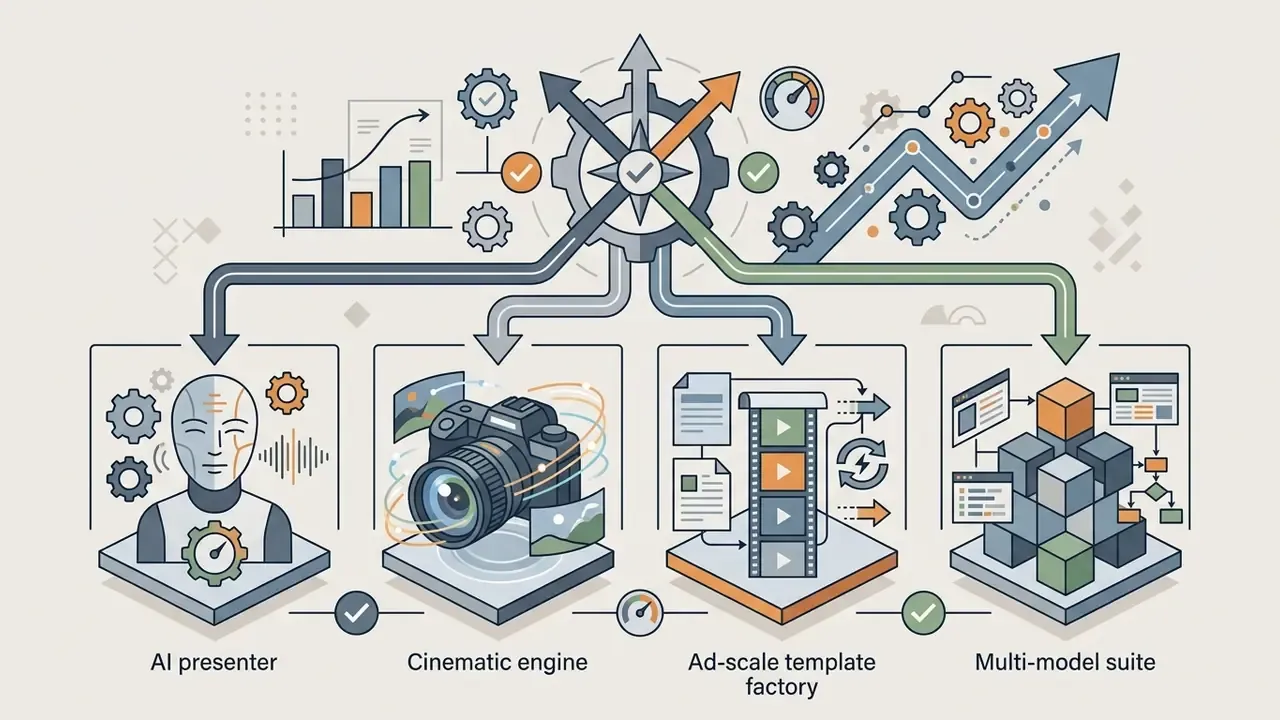
In two sentences: Platform categories are defined by their conditioning strengths: avatar presenters, cinematic engines, ad-scale template factories, or multi-model aggregators. Pick the category that matches your dominant output volume, then verify that governance and export formats fit your compliance perimeter.
Different business applications call for different architectures. The question is whether your primary requirement is talking-head presentation, cinematic fidelity, scalable ad production, or API-driven automation.
| Category | Primary Scenarios | Key Strengths | Limitations | Target Teams |
|---|---|---|---|---|
| Avatar Text-to-Video | Training intros, internal comms, localized explainers | High lip-sync accuracy, 40+ language voice cloning, fast script-to-video, SCORM export | Synthetic avatar aesthetics, strict deepfake policy limits | L&D, Corporate HR, Customer Support |
| Cinematic Video Generators | Brand campaigns, concept trailers, high-fidelity B-roll | 4K output, lens emulation, realistic camera motion, strong style fidelity | Higher credit cost per second, weaker physical logic scores | Creative Agencies, Marketing Studios |
| Marketing & Ad Platforms | Dynamic ad creatives, product videos, social clips | Automated multi-ratio rendering, product catalog sync, UGC polish tools | Template rigidity, standardized visual layouts | Performance Marketing, Social Media Teams |
| Multi-Model Suites | Cross-departmental creative operations, research | Access to 10+ models (Veo, Kling, Sora, Seedance, Gen-4.5) in one workspace | Interface complexity, uneven quality across models | Enterprise Innovation & AI Steering Groups |
Platforms for AI Avatar Text-to-Video and Multilingual Videos
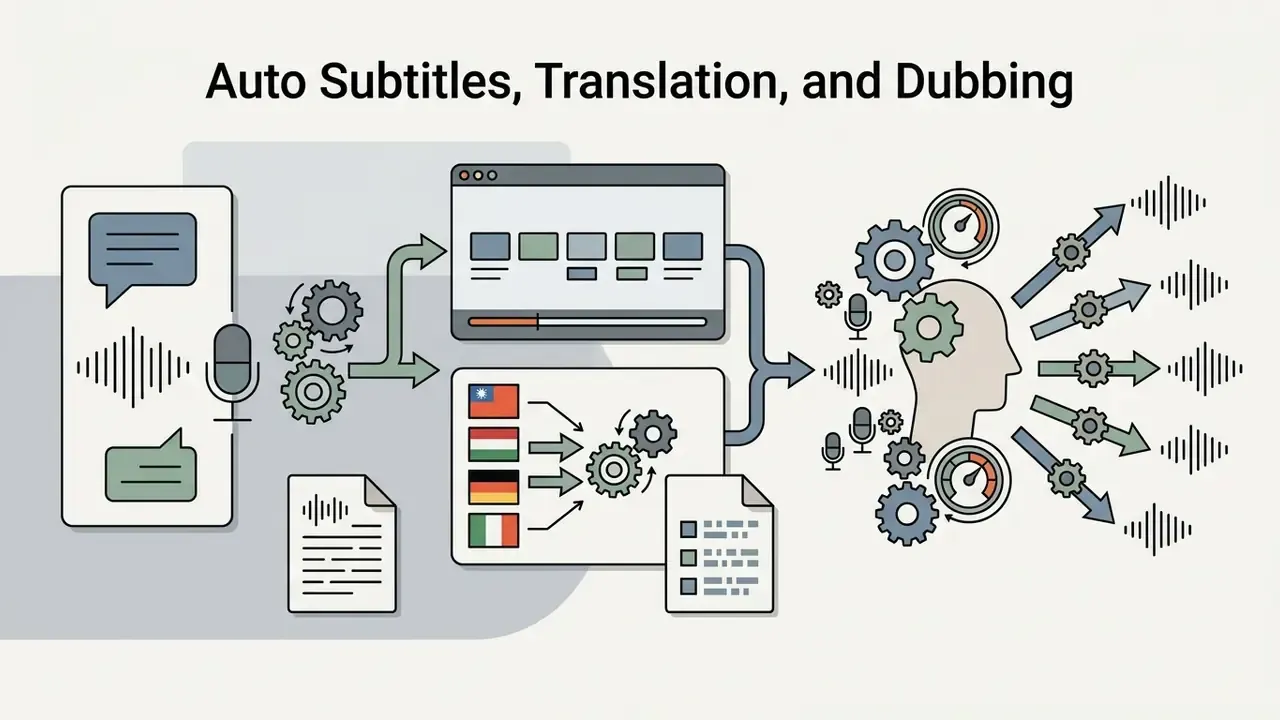
Avatar-centric platforms generate synthetic human presenters from a script or an audio track. An ai avatar video generator from text synthesizes facial expression, head movement, and voice timing to produce a believable talking-head presentation. Vendors ship the same capability under several names: an ai avatar video generation tool in enterprise packaging, an ai avatar video maker app on mobile, occasionally an ai human generator video feature bolted onto a broader suite.
Advanced systems use models comparable to GAIA or SkyReels V3. Vendor documentation for SkyReels V3 claims 40+ language lip-sync with roughly 40 to 80 milliseconds of phoneme-to-mouth alignment. Treat that as a vendor-stated figure until you validate it on your own scripts, since no independent public benchmark currently reproduces it.
«GAIA uses speech-conditioned latent diffusion and outperforms prior methods on naturalness, diversity, and lip-sync quality.»
Key capabilities include:
Platforms for Cinematic Video, Motion, and AI-Generated Footage
Cinematic generators emphasize photorealism, lighting control, dynamic physics, and explicit virtual camera trajectories.
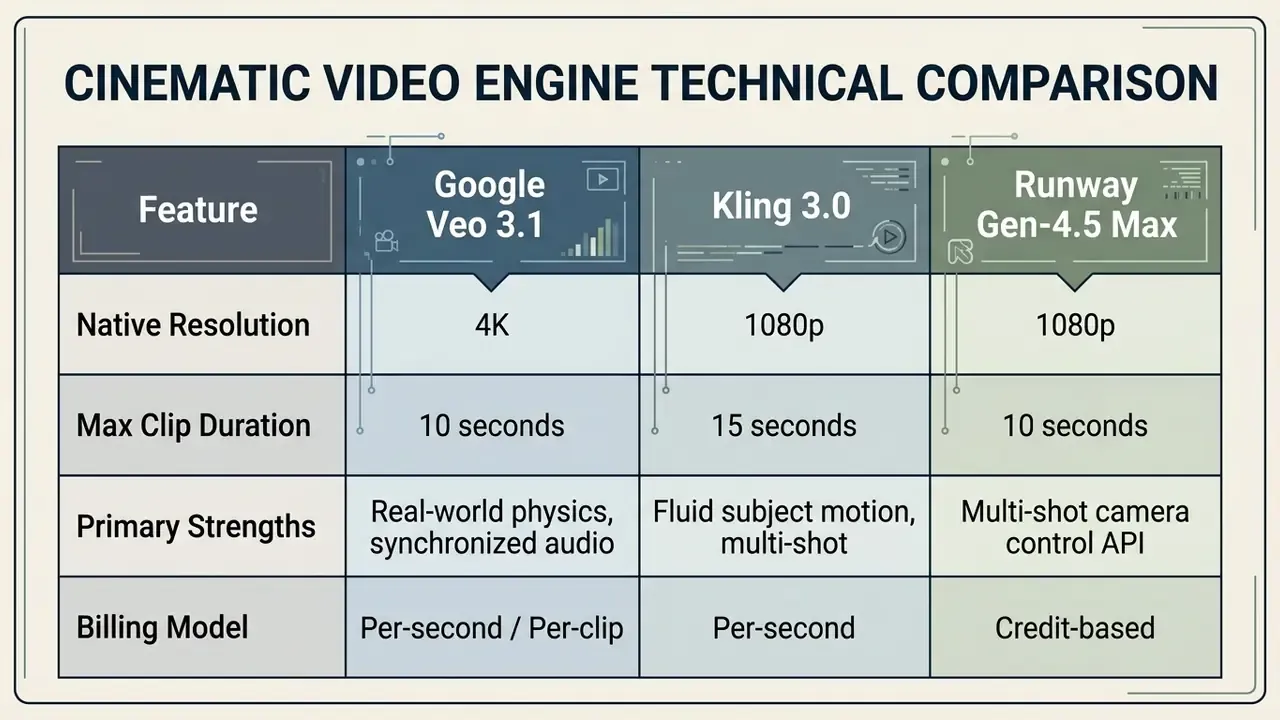
Extended 2026 Model Matrix
| Model | Max Resolution | Max Clip Duration | Primary Strengths | Billing |
|---|---|---|---|---|
| Google Veo 3.1 | 4K | 10 seconds | Real-world physics, synchronized native audio, cinematic camera moves | Per-second or per-clip (about 20 credits/sec without audio, about 40 with audio on aggregator platforms) |
| Kling 3.0 | 1080p | 15 seconds | Fluid subject motion, photorealism, multi-shot support, native audio on Pro | Per-second (about 9 credits/sec silent, about 13 with audio) |
| Kling o1 | 1080p | up to 10 seconds | Reasoning-based diffusion for layered scene composition and physical causality | Per-second |
| OpenAI Sora 2 | 1080p | about 12 seconds | Deep world simulation, object permanence, physical accuracy | Per-second API |
| Runway Gen-4.5 | 1080p | 10 seconds | Multi-shot camera control, generative editing workflows | Credit-based (12 credits/sec) |
| Seedance 2.0 | up to 4K | 10 seconds | First native audio-video model: synced lip-sync, ambient SFX, and score in one inference pass; stable complex motion | Per-second or credit |
| Wan 2.7 | 1080p | 5 to 10 seconds | High-speed inference for rapid iteration at low credit consumption | Credit-based |
| Hailuo 2.3 | 1080p | 10 seconds | Fast, expressive short-form social clips | Credit-based |
| Kling 2.6 | 1080p | 10 seconds | Proven engine for fast, stable, consistent character animation | Per-second |
Platforms built on Google Veo 3.1 and Kling 3.0 deliver footage suitable for commercial spots and background plates. Google positions Veo 3.1 in the Gemini API as a cinematic engine for professional-grade 4K output with synchronized audio and complex camera movement (Google AI for Developers, 2026, https://ai.google.dev/gemini-api/docs/models/veo-3.1-generate-preview). Kling 3.0 is documented at up to 1080p with 3 to 15 second durations, fluid motion, and native audio (fal.ai, 2026, https://fal.ai/kling-3).
«CogVideoX generates 10-second videos at 16 fps and 768×1360 pixels, supporting complex motion and coherent narratives.»
Engineers who need underlying API specifications can review our documentation on Google Veo AI Video Generator implementation alongside the wider set of AI Media API Guides. Teams weighing a lighter cinematic option can compare it against PixVerse AI, which targets multi-shot testing and 1 to 15 second clips.
Multi-Model Creative Suites and All-in-One Video Workspaces
Aggregator platforms put several video models behind one canvas. Instead of separate subscriptions for Runway, Kling, Veo, Seedance, and Pika, a creative team works in an all-in-one studio that routes prompts to the most suitable model for the selected parameters. Hybrid workflows let a designer flip between photography mode and videography mode, iterate on a still frame, then promote the approved frame into motion generation.
A regional financial institution evaluated multi-model platforms to streamline marketing creative. After consolidating onto one all-in-one workspace, the creative team reported a material reduction in redundant software subscriptions, directionally around a third of prior tooling spend, plus a single audit queue for model risk management. (Self-reported internal figure; not independently verified. Treat consolidation savings as directional and re-measure against your own licence inventory.)
NIST's Generative AI Profile is the closest official framing for this product class. It defines generative AI as systems producing synthetic images, video, audio, and text, and NIST SP 800-218A adds that secure development must address data privacy, intellectual property, and human-AI interaction. Those are precisely the risks that appear when one shared workspace routes prompts across many third-party models.
Pricing, Free Plans, and Cost of AI Video Generation
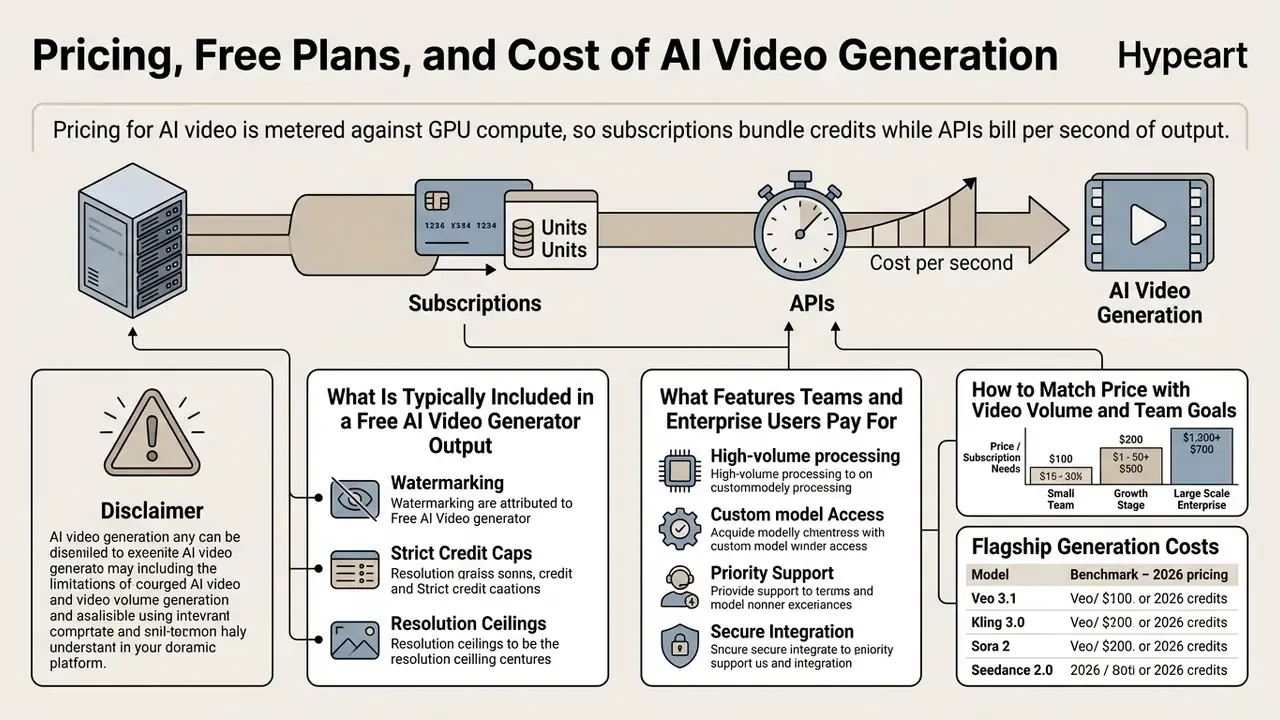
In two sentences: Pricing for AI video is metered against GPU compute, so subscriptions bundle credits while APIs bill per second of output. Realistic budgeting means adding iteration waste and internal control costs to the sticker price.
Understanding the economics of ai generated videos platforms requires comparing subscription pricing against credit consumption. Video generation is compute-hungry, so vendor pricing leans heavily on per-second or per-credit metering.
«Training frontier text-to-video models requires datasets on the scale of InternVid (7.1M videos) and Panda-70M (70.8M clips), which explains high inference costs.»
| Tier | Price Range | Generation Limits | Watermarking | Model Access | Team Features |
|---|---|---|---|---|---|
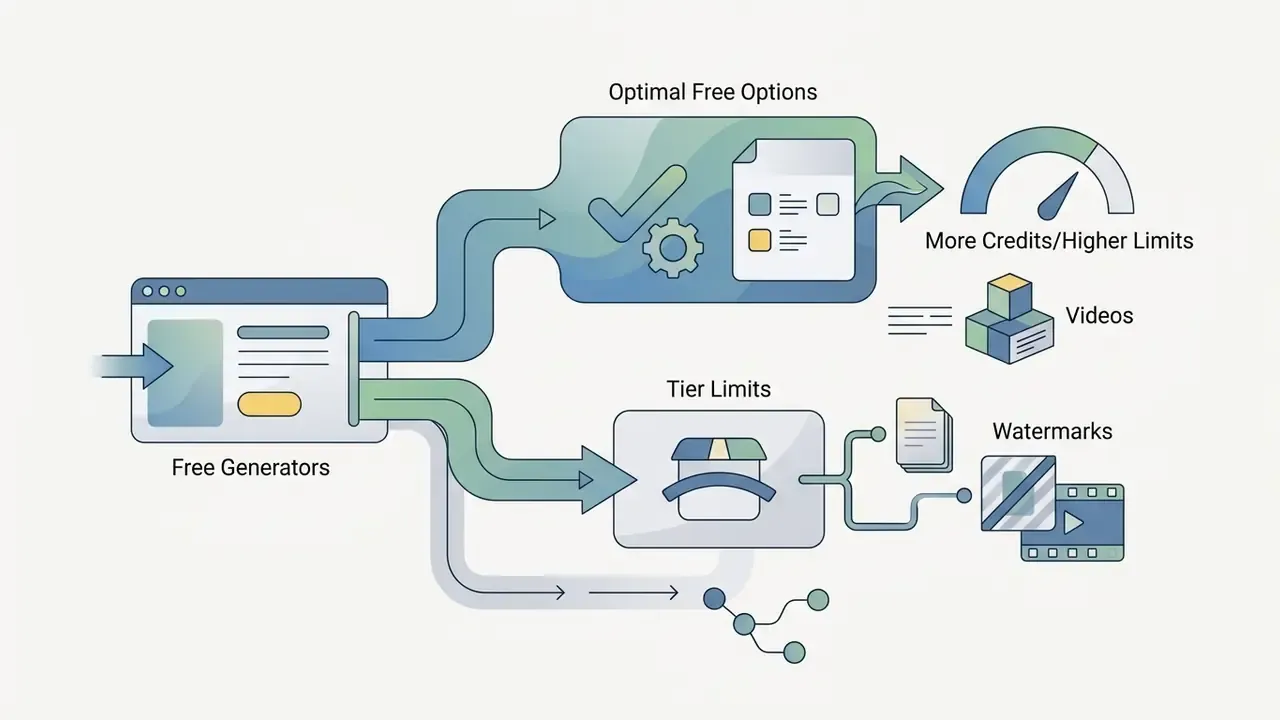
| Free | $0/mo | 10 to 125 total credits (1 to 3 short clips); some vendors cap at 10 min/month or 3 videos/month | Mandatory vendor watermark on most tools | Standard or basic models only | Single user, no workspace sharing |
| Pro | $12 to $49/mo | 625 to 2,500 credits/mo (about 60 to 200 seconds); credit add-on packs available | No watermark | Access to flagship models (1080p/4K) | Individual or small team sharing |
| Enterprise | Custom ($249+/mo) | Custom bulk credit packages, SLA, elastic credit add-ons | No watermark | Full model suite + API access + SSO | Role-based permissions, audit logs, SCORM export |
Note: pricing reflects published vendor rate cards as of early 2026 and remains subject to tier revisions. Consumer and creator bundles in 2026 comparison data range from roughly $9 to $129 per month, with premium ecosystem plans such as Google AI Ultra listed at $249.99 per month.
What Is Typically Included in a Free AI Video Generator
Free tiers work as evaluation sandboxes, not production environments. An ai deep fake video generator free plan or a free video trial typically enforces three constraints:
- Output WatermarkingRenders carry persistent vendor branding, which blocks unbranded commercial deployment. A minority of free editors export watermark-free at standard settings, so verify per tool instead of assuming.
- Strict Credit CapsMonthly allocations sit at trial level (roughly 80 to 125 credits, or 3 videos of up to 3 minutes), yielding seconds to a few minutes of finished video.
- Resolution CeilingsExports are often capped at 480p or 720p, with priority queuing disabled during peak GPU demand.
To compare zero-cost creative utilities, see our evaluation of free AI video generators and the reference entry on free AI video generator limits.
What Features Teams and Enterprise Users Pay For
Paid tiers unlock what professional production and regulatory compliance actually require.
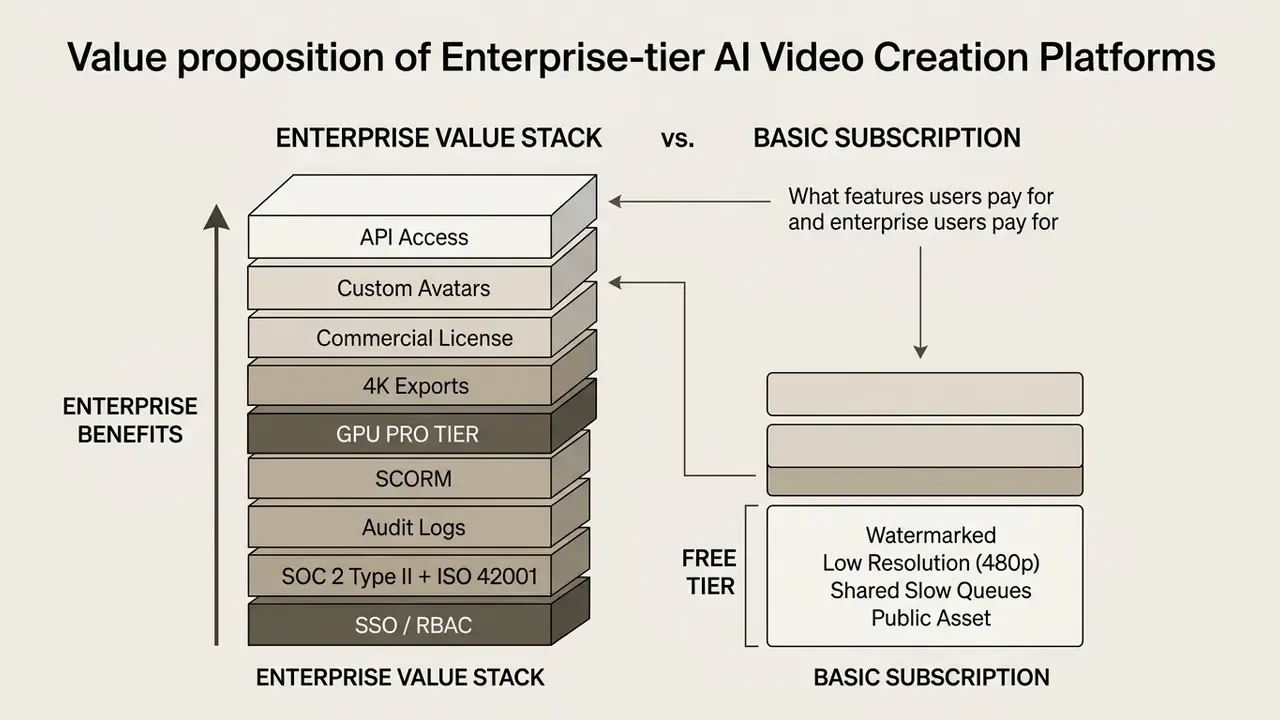
Enterprise agreements add priority GPU queue routing, rendering SLAs, custom digital twin avatars, commercial rights indemnification, expanded avatar counts, branding controls, and direct API endpoints (including digital-twin and proofreading APIs). Financial institutions need these tiers mainly for single sign-on (SSO), data retention control, and model auditability. For detailed software cost breakdowns, visit our AI Media Pricing Guides and compare underlying video editor pricing models.
How to Match Price with Video Volume and Team Goals
Calculating true cost means mapping credit burn against expected monthly output.
- Flagship Generation Costs: Premium models (Runway Gen-4.5, Veo 3.1) consume between 12 and 40 credits per second. Kling 3.0 Standard is documented at 9 credits/second silent and 13 with audio. A 5-second flagship clip lands between $0.15 and $0.60 depending on tier.
- Credit Budgeting Formula: Multiply target monthly output in seconds by average model cost per second, then add a 30% buffer for drafts and rejected renders.
- Risk-Adjusted Budget Formula:
Monthly Cost = [ (Target Seconds x Credit Cost/Sec) x 1.30 iteration buffer ]
             + Platform Seat Fees
             + C_control
where C_control =
      (Compliance reviewer hours x loaded hourly rate)
    + (Creative/brand approval hours x loaded hourly rate)
    + (Audit-log & asset storage cost)
    + (Model validation / periodic revalidation effort)
For regulated buyers, C_control frequently equals or exceeds raw generation spend during the first two quarters, because every externally published clip passes dual sign-off. Model it explicitly so ROI is expressed on a risk-adjusted basis rather than as GPU cost alone. That single line item is where most business cases quietly break.
- Production ROI: Compare subscription cost plus
C_controlagainst agency retainers or internal crew expense, using the cost-per-finished-minute benchmarks in the comparison table above. - Credit Add-Ons vs. Seats: Enterprise contracts often separate base seats from generation capacity. Dynamic credit add-on packs absorb seasonal ad spikes, keeping fixed seat cost stable while GPU billing stays elastic. Where volume swings hard, per-second API billing may beat pre-purchased bundles; where volume is predictable, annual credit commitments typically cut effective cost per second by 2 to 4 times.
To estimate operating expenditure for custom software integrations, teams can use our specialized financial calculators.
Commercial Use, AI Deepfakes, and Brand Safety
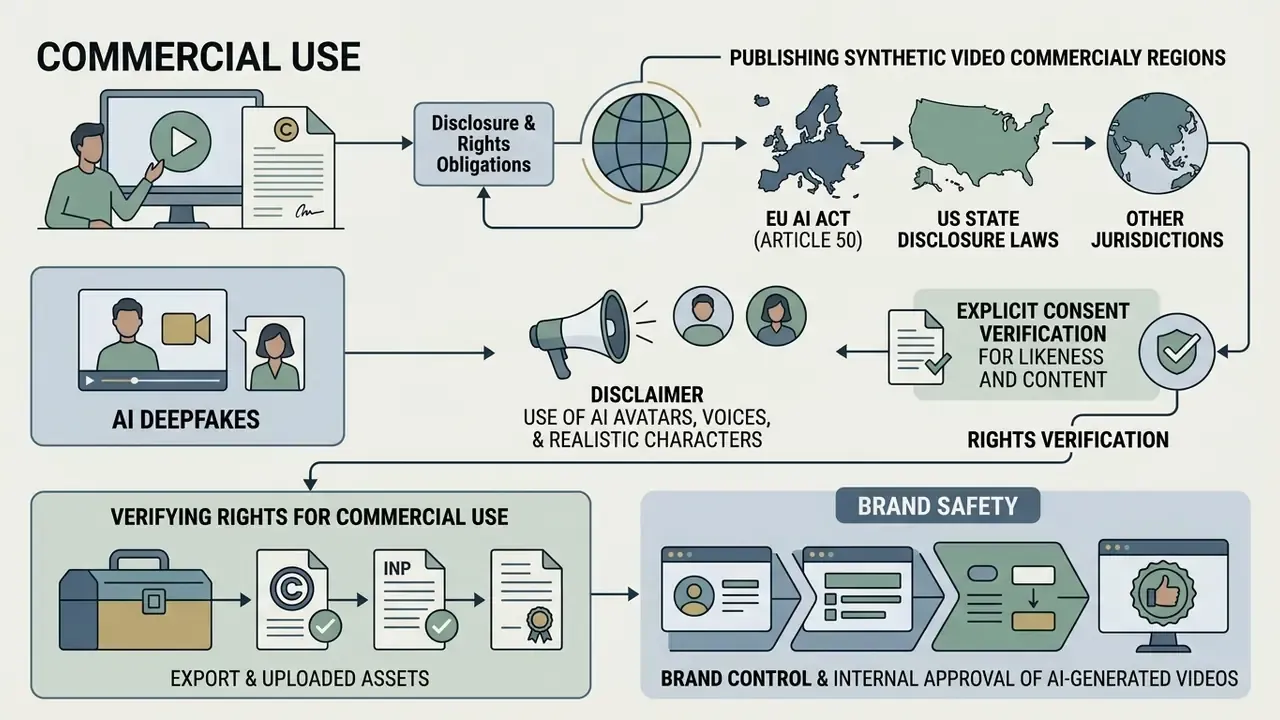
In two sentences: Publishing synthetic video commercially triggers disclosure, likeness, and copyright obligations that differ by jurisdiction. Build the controls into the workflow, through consent capture, provenance metadata, and dual sign-off, rather than resolving them after publication.
Deploying synthetic video commercially brings regulatory, intellectual property, and reputational exposure. Risk leaders need governance gates that monitor any use of an ai deep fake video creator, an ai deepfake video creator, or an ai fake video creator inside corporate workflows.
Use of AI Avatars, Voices, and Realistic Characters
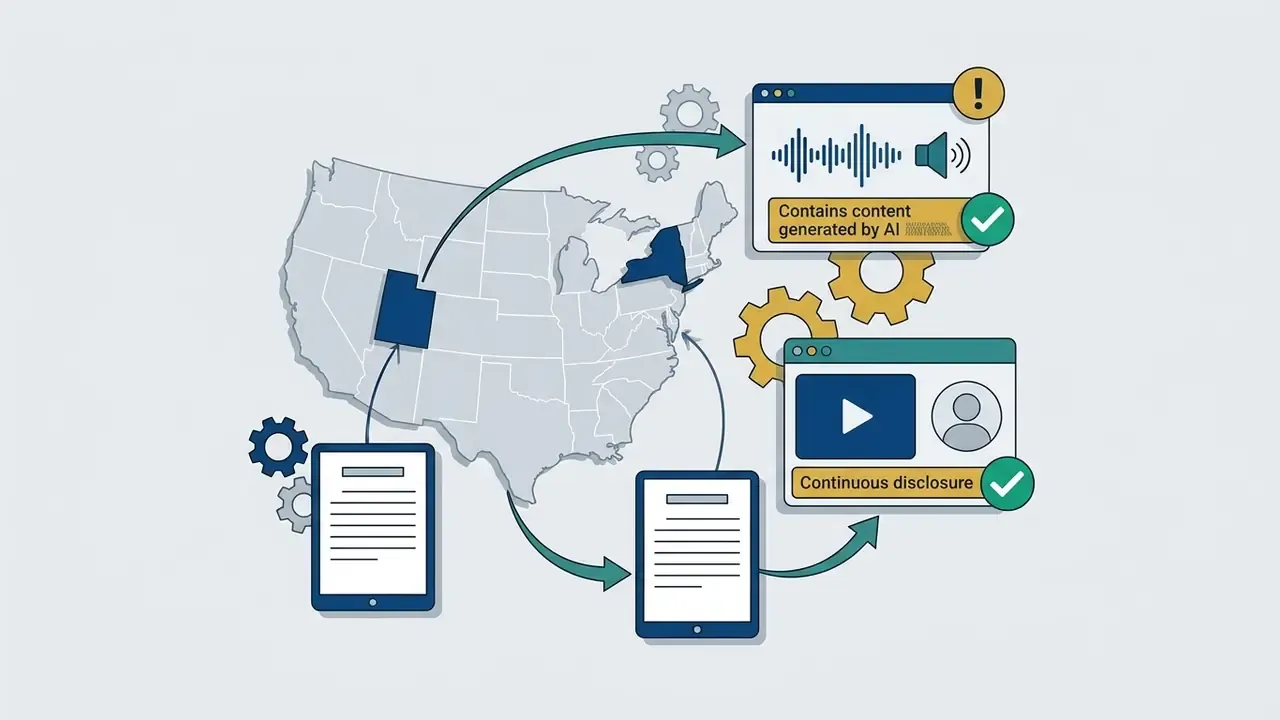
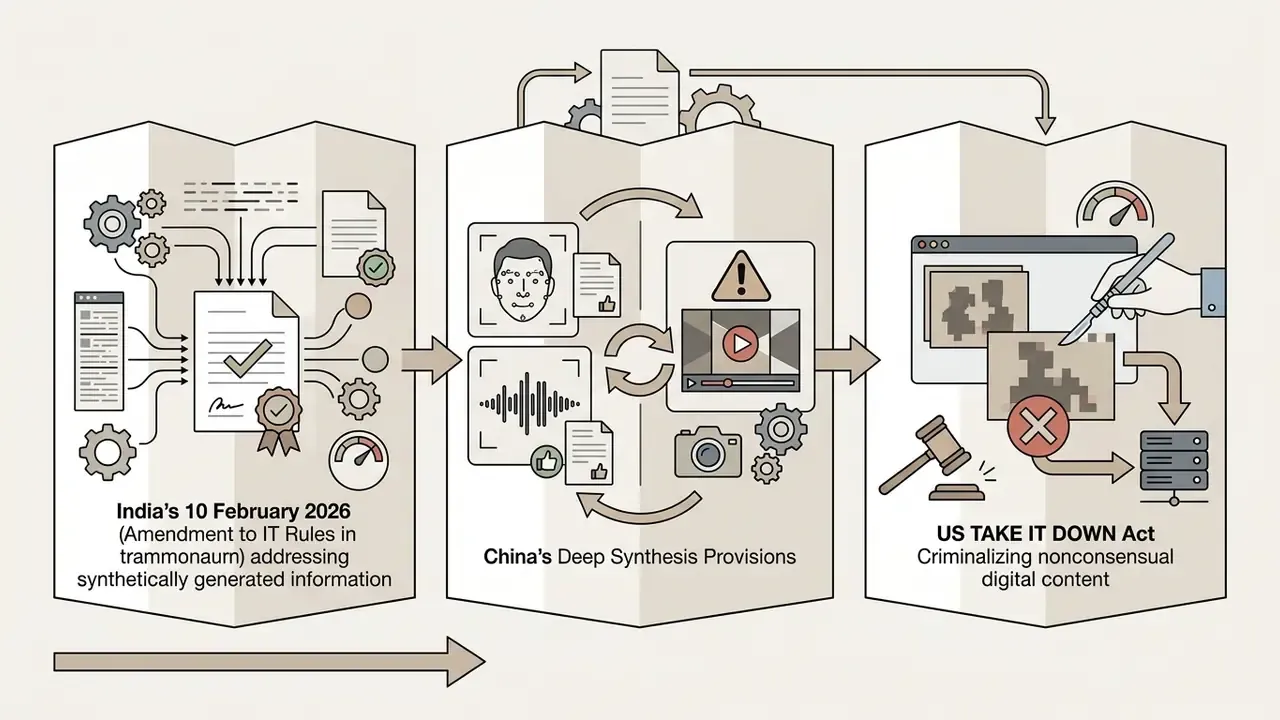
The regulatory landscape around synthetic likeness tightened noticeably heading into 2026.
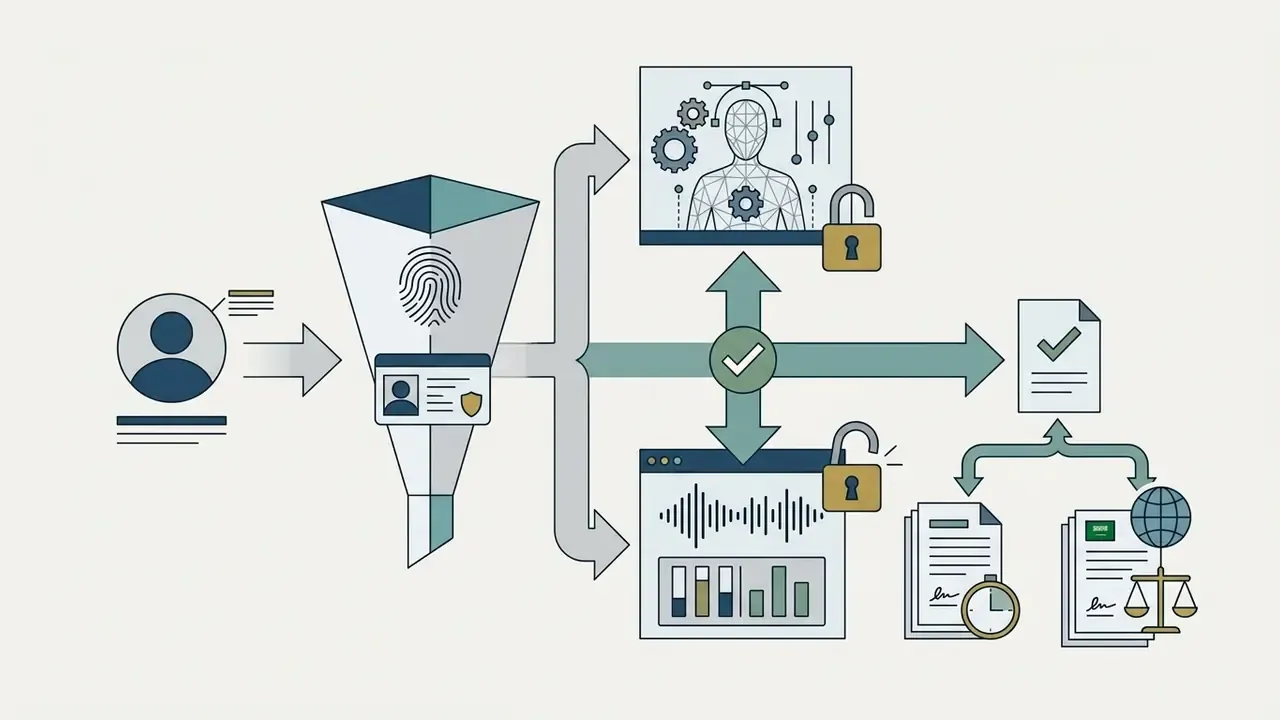
- EU AI Act (Article 50): Mandatory machine-readable marking and visible labeling for AI-generated video, audio, and visual synthetic media, ensuring transparent provenance. Transparency obligations apply from 2 August 2026 under Regulation (EU) 2024/1689.
«Partnership on AI recommends standardized visual signals that indicate how content was created, the source of disclosure, and the degree of editing.»
Put consent contracts in place for every digital replica; retrofitting them after a campaign is the expensive path. Track active legal developments through our page on AI Litigation and Case Timelines.
Verifying Rights for Commercial Use, Export, and Uploaded Assets
Running an ai video creation platform website for commercial campaigns means verifying copyright chain-of-custody on both inputs and outputs.
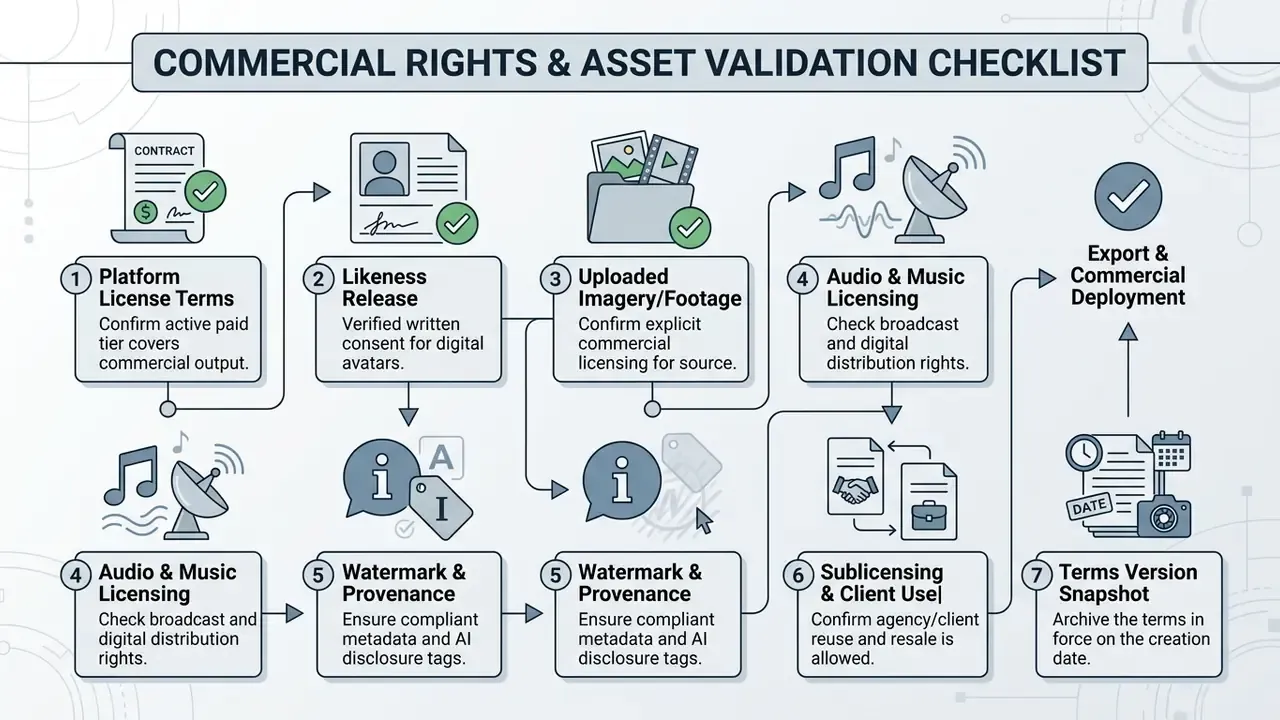
Fair-use doctrine does not automatically grant commercial redistribution rights for outputs trained on copyrighted material. Confirm that uploaded source imagery, background music, and reference clips carry explicit commercial licences, and remember that a plan-level "commercial rights" claim can still be narrowed by asset-level restrictions on stock footage, music, voices, and templates. For a full analysis of licensing terms across generative media, consult our guide on AI Media Commercial-Use and the parallel breakdown for AI image generator commercial use.
Brand Control and Internal Approval of AI-Generated Videos
To hold visual consistency and prevent unauthorized distribution, establish pre-publication approval workflows.
- Style Guide CodificationStore official colour palettes, typography, tone guidelines, and banned prompt lexicons inside the shared workspace. Institutional guidance, including Purdue's 2026 AI Content Guidelines, explicitly requires AI-generated output to meet existing brand and quality standards.
- Human-in-the-Loop ApprovalRequire dual sign-off from a Creative Lead and a Risk or Compliance Officer before any synthetic clip goes external.
- Watermarking and Watermark IntegrityApply cryptographic C2PA metadata to every exported asset to verify creation history and defend against brand impersonation. The European Commission's 2026 Code of Practice on transparency of AI-generated content and Australian Government 2026 guidance both list labeling, watermarking, and metadata recording as the concrete methods for making generated media identifiable.
«Synthetic content labeling policy is grounded in users' epistemic interest in knowing whether a video was filmed by a human or generated by AI.»
AI Video Platforms for Training, Sales, and Marketing Content
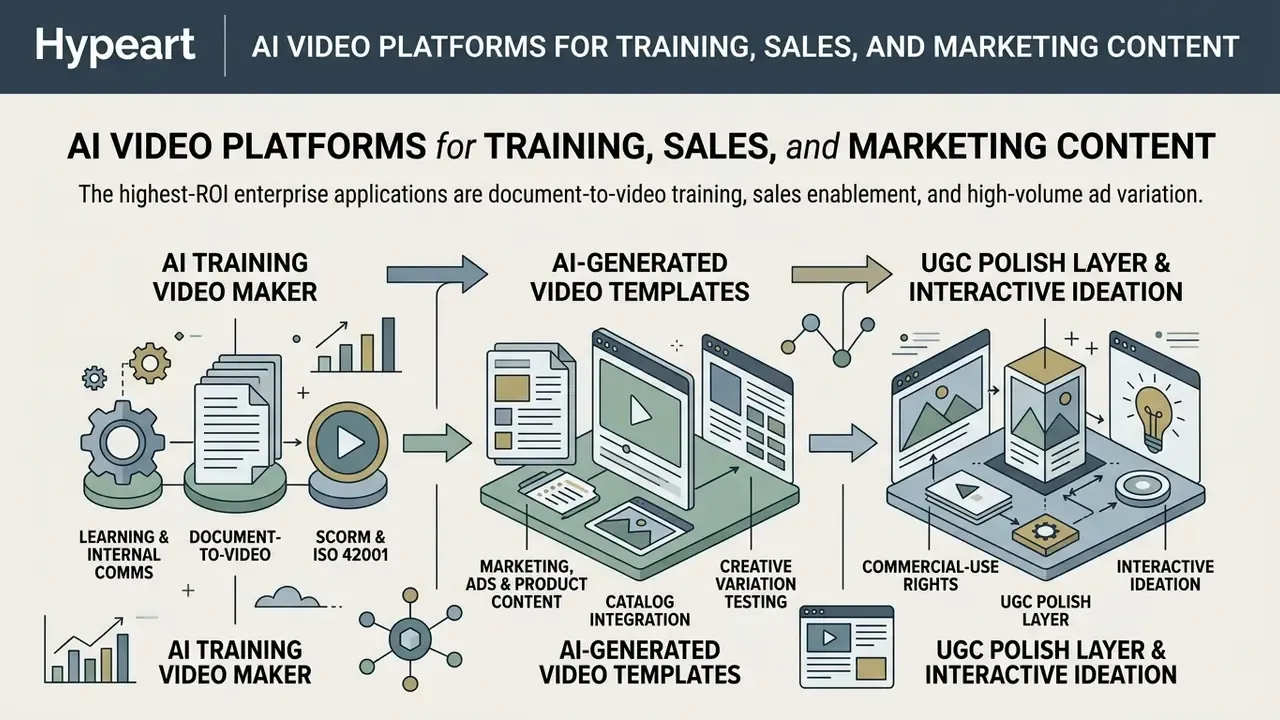
In two sentences: The highest-ROI enterprise applications are document-to-video training, sales enablement, and high-volume ad variation. Each needs a different export format: SCORM and xAPI for L&D, CRM-embedded links for sales, platform-native aspect ratios for paid social.
Applying these tools effectively means aligning the workflow with a defined objective. The category matrix above answers which platform class to buy; this section covers how the workflow runs once the platform is live.
AI Training Video Maker for Learning and Internal Communications
«A 2026 randomized controlled trial (n=87) found that both AI virtual-patient simulation and video-based training significantly improved competence and self-efficacy, with no clear superiority of one format over the other.»
«A 2024 study of DEI training found that all video formats, generative, descriptive, and control, improved post-test outcomes equally relative to pre-test scores.» Master's thesis on online video-based training (2024)
The practical reading for L&D leaders: video is a reliable delivery format for knowledge and confidence gains, but format novelty alone adds no measurable lift. Budget should go toward coverage, localization, and update velocity rather than production gloss.
AI-Generated Video Templates for Marketing, Ads, and Product Content
Marketing teams lean on template engines to scale visual output across channels. With ai generated video templates for marketers, a creative team can turn one product shot into dynamic ads tailored for TikTok, Instagram Reels, and YouTube Shorts. For publishing-side workflows, review our guide to YouTube video editors.
«A 2025 study distinguishes two types of generative-AI video advertising, collaborative (human plus AI character) and fully AI-generated, with different effects on audience perception.»
Since collaborative and fully synthetic formats read differently to viewers, treat the human/AI mix as a testable variable in the creative matrix, not just a production shortcut.
- UGC Polish Layer Apply eye contact correction, noise reduction, and auto-captioning to creator-supplied footage before variation rendering. Practitioners describe this post layer as a direct driver of return on ad spend for UGC-style creative.
- Interactive Ideation Teams exploring narrative concepts before production can use an ai idea generator to draft creative briefs.
How to Choose an AI Video Creation Platform and Launch Your First Workflow
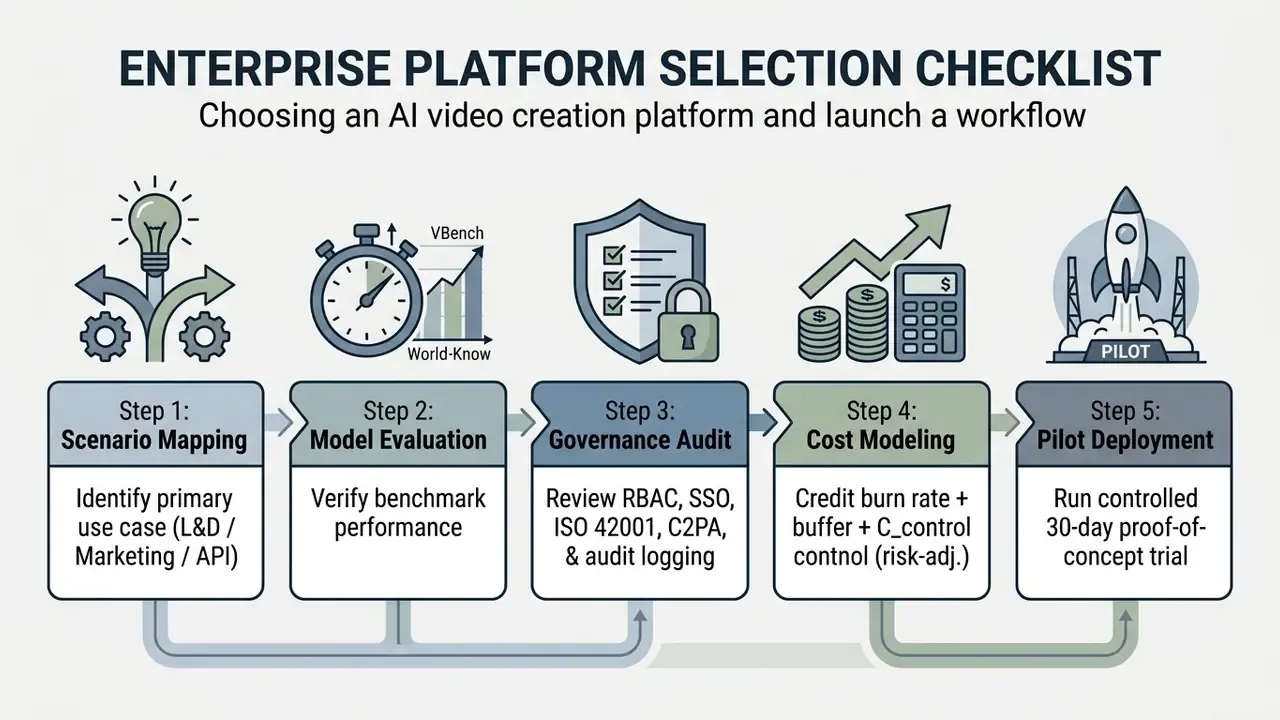
In two sentences: Selection is a five-step sequence: scenario mapping, benchmark validation, governance audit, cost modeling, and a controlled pilot. Skipping the governance audit is the most common cause of stalled enterprise rollouts.
Choosing among ai video creation platforms means testing organizational requirements against vendor capability before capital is committed. Many buyers now start from an adjacent question: can the in-house AI assistant create videos directly from an approved brief? If so, confirm exactly what the ai assistant video generation capability covers, which models it calls, and where its output is logged.
Step-by-Step Pilot Deployment Guide
- Define Primary Use CaseDecide whether the immediate priority is avatar-based L&D, cinematic ad creation, or high-volume marketing automation. One use case, not three.
- Audit Security and ComplianceConfirm enterprise security standards, role-based access control, SOC 2 Type II and ISO 42001 attestations, and machine-readable AI disclosures. Register the system in the AI model inventory before the pilot starts, not after.
For complex procedural skills, then, plan AI video as the scalable knowledge layer and pair it with interactive assessment or simulation wherever error cost runs high.
3. Execute a Controlled Pilot: Launch a 30-day trial with a focused project group. Test prompt responsiveness, render speed, editing flexibility, and export quality using your own prompts, not vendor demos. Zero-cost tools from our comparison of the best free AI video generators can de-risk the first week before any purchase order.
- Establish Governance Guards Define prompt guidelines, asset clearance protocols, and approval gates so every generated clip meets brand safety requirements. Check retention rules early. Some providers keep generated videos for only 2 days, which means pipeline automation must download and archive assets locally.
- Scale Production Move approved workflows into full production, using API integrations and template libraries to keep marginal cost per asset falling.
For help during vendor evaluation or platform integration, reach our team through AI Media Support.
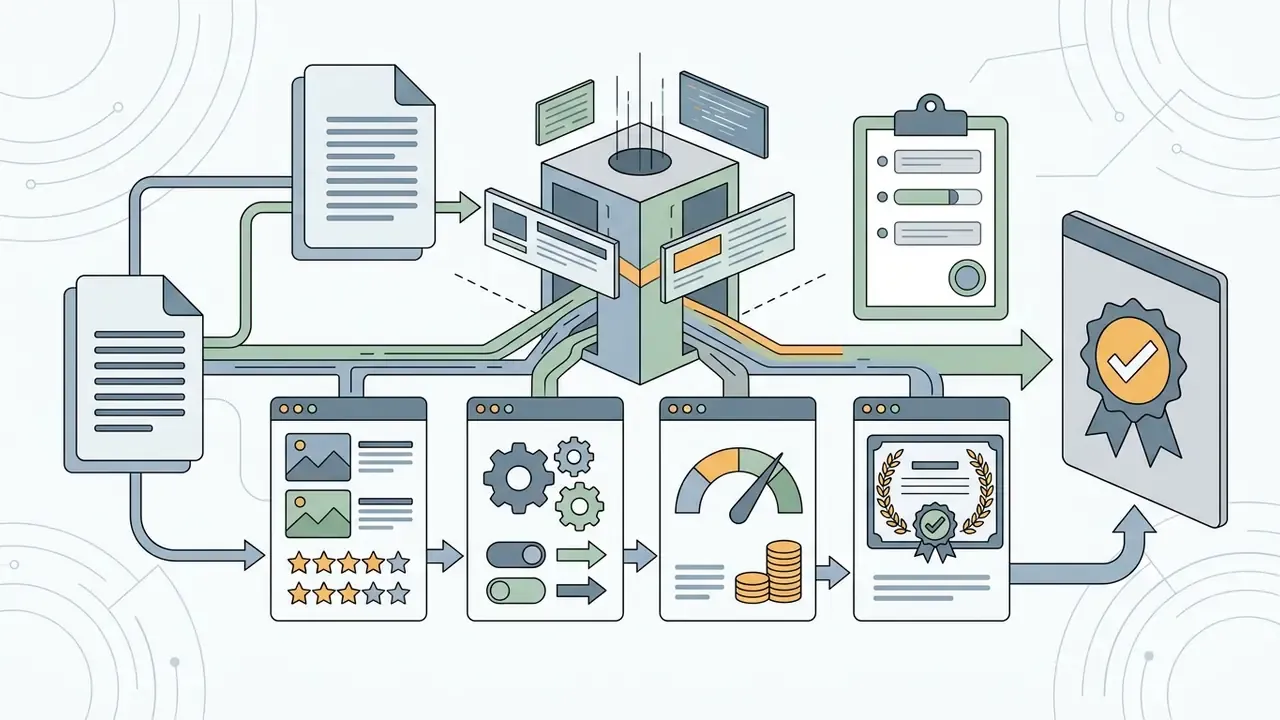
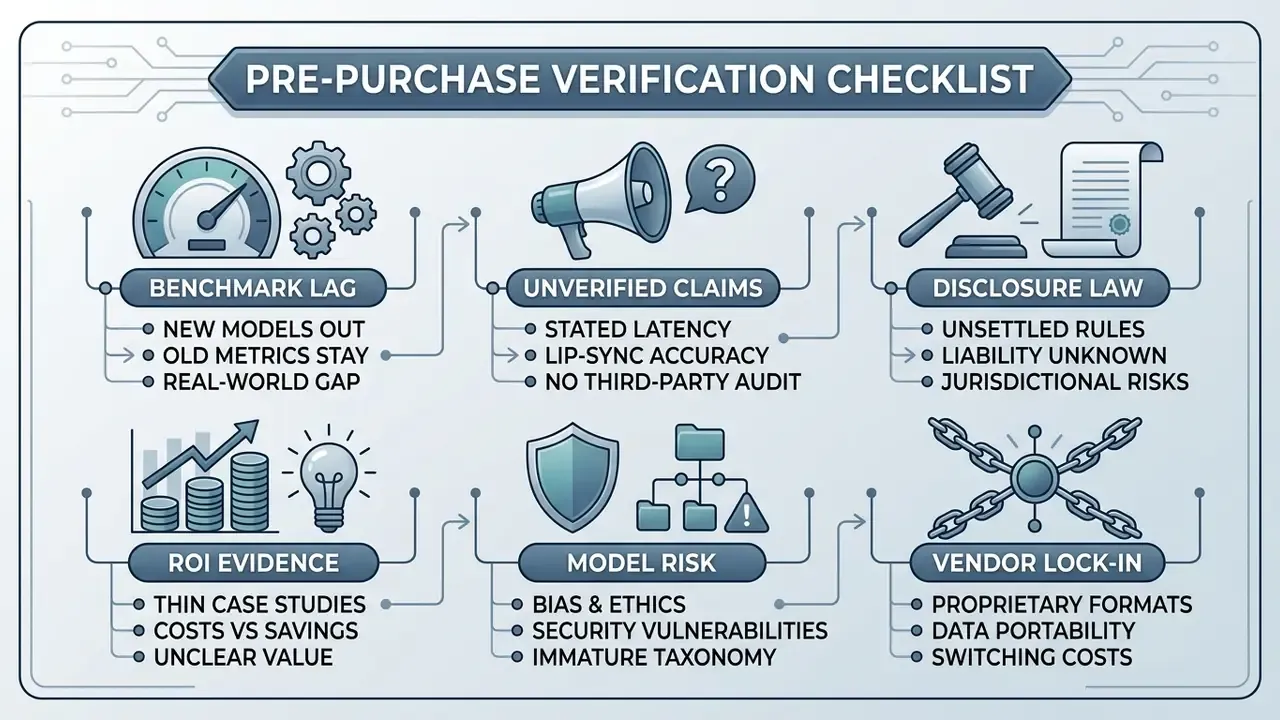
Pre-Purchase Verification Checklist
Checklist0 / 8
Limitations and Open Questions
FAQ: AI Video Creation Platforms
Is a video generator a model under our model risk framework?
Often, yes, at least model-adjacent. If the output influences customer communication, training content, or disclosure obligations, register it in the AI inventory with an owner, tier, and validation evidence. The safer default is inclusion with a light-touch tier rather than exclusion.
Can we publish AI-generated marketing video commercially on a paid plan?
Usually, but the plan-level licence is only the first layer. Asset-level restrictions on stock footage, music, voices, and templates can still limit reuse or client resale, so archive the terms in force on the creation date.
What does a realistic first-year budget look like?
Take generation credits, add a 30% iteration buffer, add seats, then add C_control for reviewer hours, storage, and revalidation. In regulated environments, control cost can match or exceed compute cost during the first two quarters.
Which platform class should a bank pilot first?
Avatar text-to-video for internal training tends to be the lowest-risk starting point: no external publication, clear SCORM export path, and a contained audit trail. Cinematic and paid-social workflows carry heavier disclosure exposure and belong in phase two.
Technical Appendix & Reference Architecture
For enterprise architects, the following OpenAPI 3.0 snippet illustrates the standard asynchronous workflow for dispatching generation requests to a cloud-hosted video engine. It mirrors production API patterns: create a job, poll status (or receive a webhook), then retrieve the rendered file.
openapi: 3.0.3
info:
  title: Enterprise AI Video Generation API
  version: 1.0.0
paths:
  /v1/videos/generate:
    post:
      summary: Dispatch Asynchronous Video Generation Job
      requestBody:
        required: true
        content:
          application/json:
            schema:
              type: object
              properties:
                prompt:
                  type: string
                  example: "Cinematic shot, corporate bank lobby, modern design, 4k"
                model_id:
                  type: string
                  example: "veo-3.1-pro"
                aspect_ratio:
                  type: string
                  enum: ["16:9", "9:16", "1:1", "21:9"]
                  default: "16:9"
                duration_seconds:
                  type: integer
                  default: 5
      responses:
        '202':
          description: Job Accepted
          content:
            application/json:
              schema:
                type: object
                properties:
                  job_id:
                    type: string
                    example: "job_982347198234"
                  status:
                    type: string
                    example: "PROCESSING"
  /v1/videos/jobs/{job_id}:
    get:
      summary: Retrieve Job Status and Download URL
      parameters:
        - name: job_id
          in: path
          required: true
          schema:
            type: string
      responses:
        '200':
          description: Job Details
          content:
            application/json:
              schema:
                type: object
                properties:
                  status:
                    type: string
                    example: "COMPLETED"
                  download_url:
                    type: string
                    example: "https://cdn.platform.com/exports/clip_982347.mp4"
Integration notes. Public implementations follow the same three-call contract: POST /videos returns a job identifier and status; GET /videos/{id} or a webhook tracks completion; GET /videos/{id}/content returns the MP4. Google's Veo API expresses the same lifecycle as a long-running operation polled until done=true, then downloads by URI. Because retention windows can be as short as 48 hours, production pipelines should persist assets to object storage immediately, write the prompt, model ID, seed, and operator identity into the audit record, and attach C2PA provenance metadata at export.
Primary Sources and Further Reading
- NIST, Artificial Intelligence Risk Management Framework (AI RMF 1.0) and Generative AI Profile (2024): definition of generative AI and lifecycle risk functions.
- BMC Medical Education, randomized controlled trial (2026) and Orthopaedic Surgery VR vs. Video RCT (2024, NCT05807828): training-effectiveness evidence.
- Google AI for Developers, Veo 3.1 model documentation (2026): https://ai.google.dev/gemini-api/docs/models/veo-3.1-generate-preview
- fal.ai, Kling 3.0 model documentation (2026): https://fal.ai/kling-3
About the editorial desk. This guide is maintained by our AI governance and generative-media research team, whose reviewers have implemented model risk management, vendor due diligence, and synthetic-content disclosure controls inside regulated financial institutions. Benchmarks, pricing, and compliance requirements are re-verified against primary vendor documentation each quarter. Marcus Hale, author.




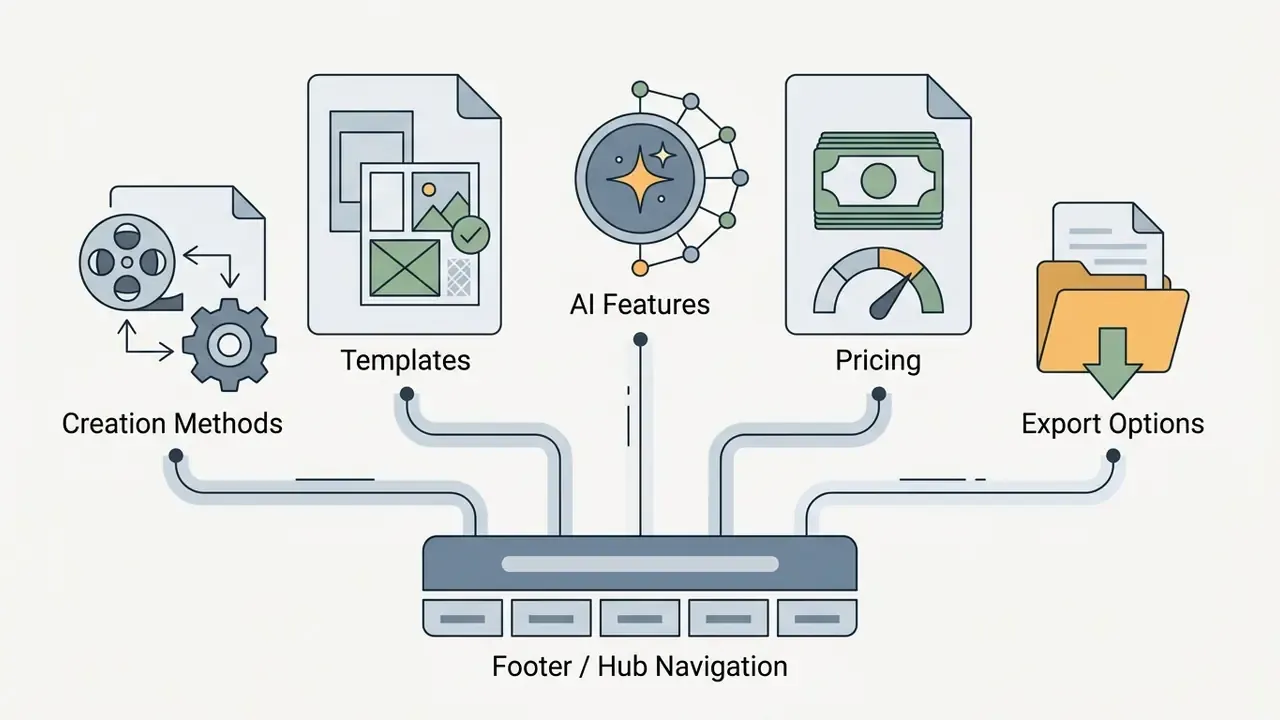
Footer / Hub Navigation
Enterprise, governance, and implementation resources:
Adjacent consumer and creator tools: