Three Things to Know Before You Convert
- It is neural synthesis, not a filter.A genuine AI photo to sketch converter learns a photo-to-drawing mapping from paired datasets, so output fidelity depends on input contrast, focus, and the abstraction parameters you select, not on a fixed edge-detection matrix.
- "Free" has three different meanings.Browser-side tools (in-browser WebAssembly or WebGPU) are usually unlimited and watermark-free because nothing leaves your device. Freemium cloud tiers cap daily generations and may brand exports. Pro tiers unlock 4K, SVG, and batch conversion.
- Commercial use is a two-key lock.You need rights to the source photograph and a license tier that permits commercial output. Purely machine-generated material is not registrable for copyright in the United States without substantial human authorship.
Who This Guide Is For, and How to Read It
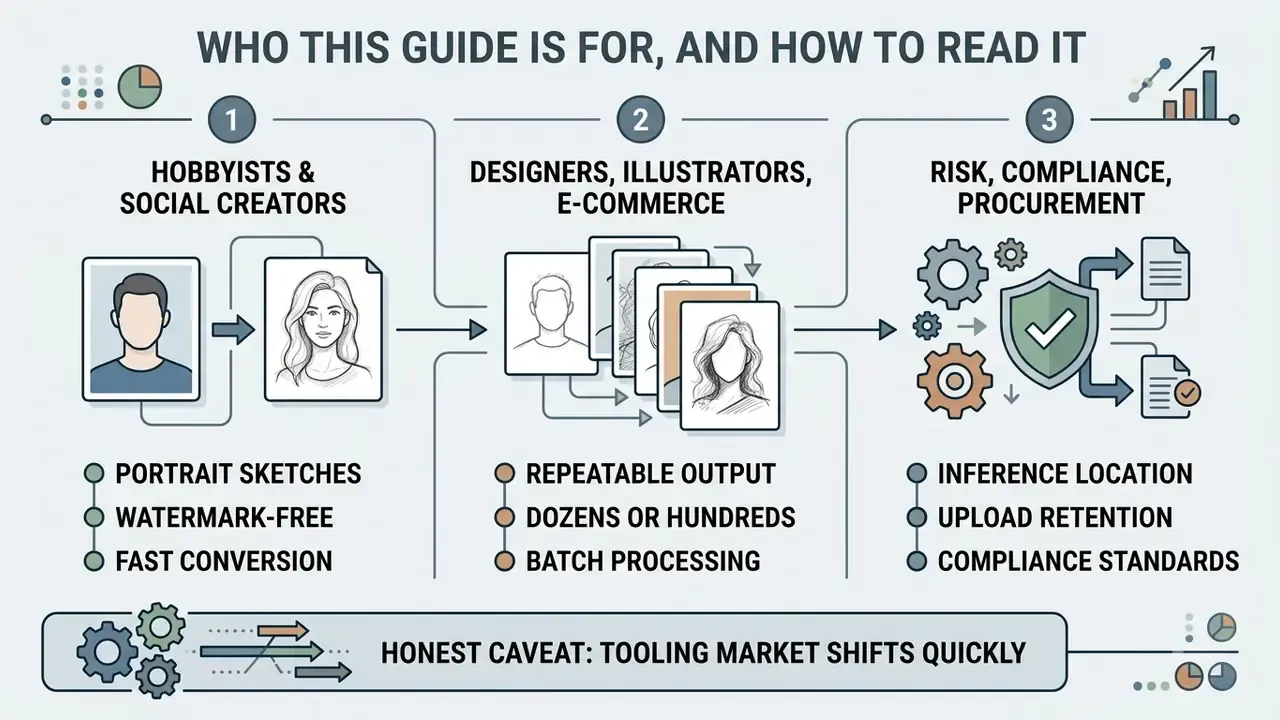
Three groups usually land on a page like this, and they need different things.
- Hobbyists and social creators want one clean portrait sketch, watermark-free, in under a minute. Read the workflow section, then the style table, and stop there.
- Designers, illustrators, and e-commerce teams need repeatable output across dozens or hundreds of files. The batch, quality, and export-chain sections matter most, because consistency, not novelty, is what makes the asset set usable.
- Risk, compliance, and procurement reviewers care about where inference runs, how long uploads are retained, and whether commercial rights are contractually granted. Jump to the privacy governance checklist and the commercial-use section.
One honest caveat before we go further: the tooling market shifts quickly. Free-tier caps, retention windows, and license text get revised without announcements, so treat everything described below as a pattern to verify rather than a fixed specification. Where evidence is thin, this guide says so.
What Is an AI Photo to Sketch Converter?
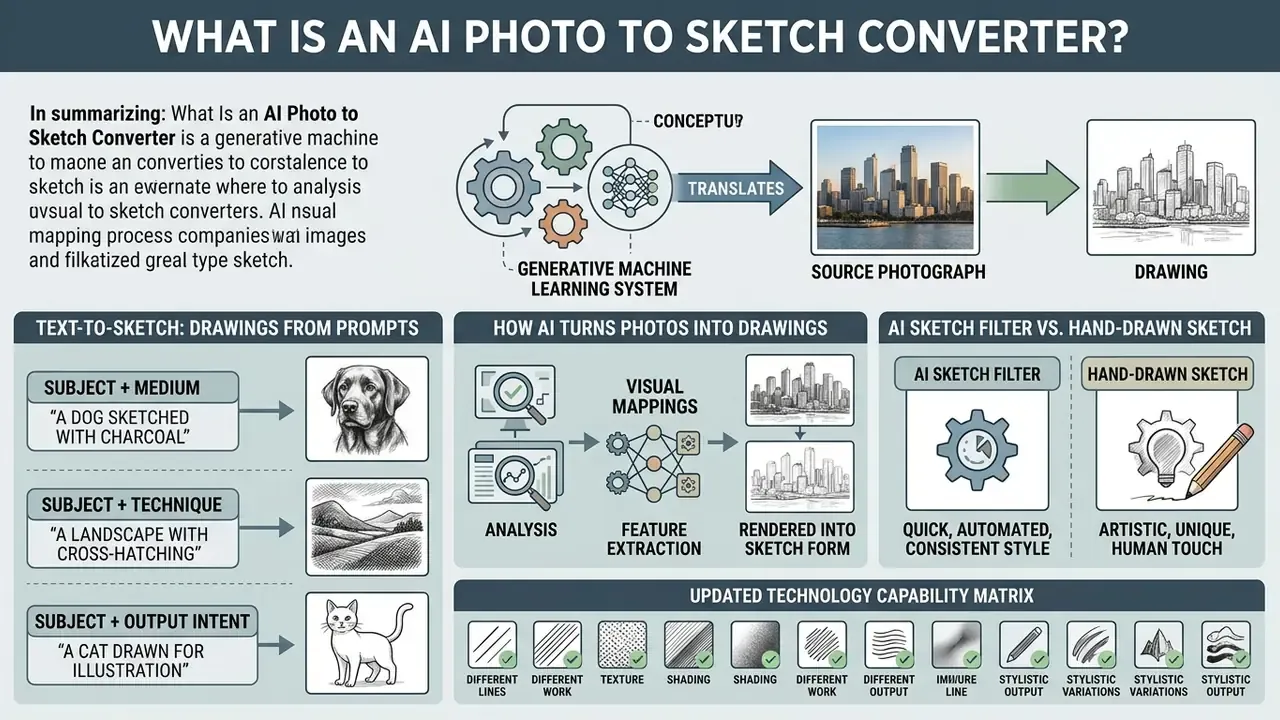
An ai image to sketch converter is a generative machine learning system that translates a source photograph into a drawing by learning complex visual mappings between photos and hand-drawn artwork. Unlike legacy graphic software, an ai photo sketch generator does not apply static edge-detection scripts. It belongs to the broader family of image-to-image AI generators. Instead of thresholding pixels, it extracts structural features from an original photo and predicts where a human artist would place strokes, shading, and line boundaries to create a generated sketch.
"AI converters learn to map photographs to drawings by taking a photo x and a style condition s to produce an identity-invariant sketch y."
When you use an ai that turns photos into drawings, the system evaluates facial or object features to hold identity and composition steady while applying a specific drawing style. That identity-invariance requirement is why a converter behaves differently from a free-form image generator: it is constrained by your photo. For technical terms and architecture references across creative tools, consult our comprehensive AI Media Glossary.
Text-to-Sketch: Generating Drawings from Prompts
Modern AI sketch generators are not limited to image inputs. Advanced latent diffusion models let creators generate hand-drawn art directly from textual prompts, which matters when you simply do not have a usable reference photograph. By specifying subject, medium, stroke type, and background, for example "pencil sketch of a futuristic city skyline, crosshatching style, fine graphite lines, clean white background, 4K detail", the neural network synthesizes original line art from scratch.
Vendor documentation confirms this dual-input workflow: Adobe's sketch generator accepts either a reference image or a text-to-image prompt, and explicitly notes that adding prompt detail (subject, style, mood) increases output accuracy. In practice, three prompt patterns cover most needs:
Text-to-sketch workflows are most useful for mood boards, storyboard frames, tattoo concepting, and logo drafts where no photograph exists yet. If you already have a photo, reference-image conversion will always preserve identity and composition more reliably than a prompt alone. Prompts invent; references constrain.
- Subject + medium
- "charcoal sketch portrait of an elderly fisherman, deep shadow values, visible paper grain."
- Subject + technique
- "ink outline sketch of a vintage motorcycle, crosshatching shadows, comic panel style."
- Subject + output intent
- "minimalist line art of a house plant, single continuous contour, transparent background, sticker-ready."
How AI Turns Photos into Drawings
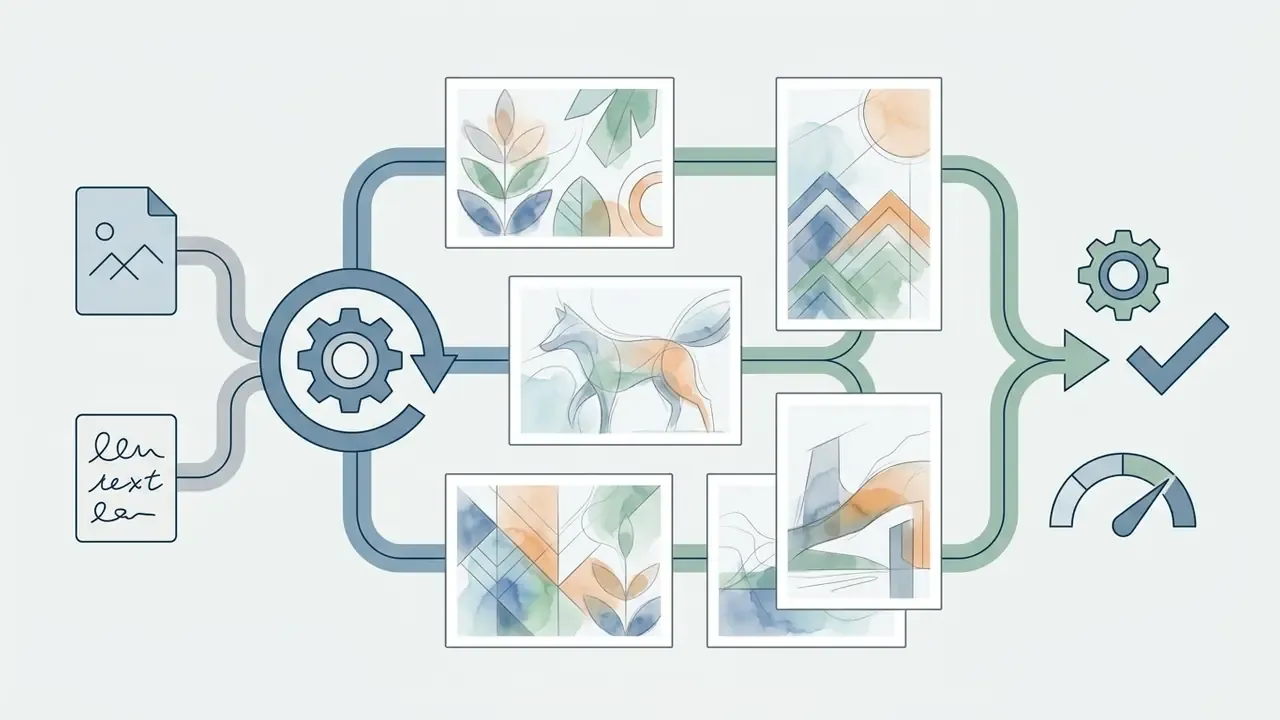
An ai image to sketch generator free relies on deep learning architectures such as conditional Generative Adversarial Networks (cGANs), Convolutional Neural Networks (CNNs), and latent diffusion models to convert photos into drawings. First, the model's encoder extracts high-level semantic features and edge maps from uploaded photos.
CNN-based contour detectors classify each pixel as edge or non-edge using multiscale features, producing a pixel-level structural map. Diffusion-based systems then apply the denoising process directly at image resolution, yielding crisp edge maps without manual post-processing. Next, the network maps continuous photographic detail into discrete stroke patterns, cross-hatching, and tonal shading. Stroke-guided diffusion models take the contour input plus reference stroke attributes, and a U-Net-based denoiser aligns structure while generating stylized strokes.
"The method uses a feature encoder, a vector-quantized tokenizer, and a generative transformer that iteratively predicts masked image tokens."
This multi-stage pipeline lets the system instantly transform complex visual data into structured sketch style images that reflect the target sketch style while remaining identity-invariant. Worth remembering: each stage can fail independently. Weak edges upstream produce broken hatching downstream, and no amount of style tuning repairs that.
AI Sketch Filter vs. Hand-Drawn Sketch
An ai sketch filter differs fundamentally from a traditional hand-drawn illustration in execution and line mechanics. Algorithmic filters apply fixed convolution matrix operations to detect intensity discontinuities, producing uniform vector edges without artistic intention. Classical sketch and edge filters work by smoothing, computing derivatives and gradients, locating Laplacian zero-crossings, and thresholding; the operator is hand-designed and frozen. Neural sketch tools instead learn their filter statistics from large datasets of human artwork to reach an authentic look hand drawn aesthetic.
| Metric / Feature | Classic Graphic Filter | Neural AI Sketch Generator | Human Hand-Drawn Sketch |
|---|---|---|---|
| Generation Method | Fixed edge-detection math | Learned neural feature mapping | Manual physical stroke application |
| Stroke Variability | Uniform, rigid line weight | Variable pressure & stroke density | Natural human pressure & organic flaws |
| Texture & Shading | Static pixel thresholding | Algorithmic cross-hatching & paper tooth | Physical paper tooth & pencil blending |
| Processing Speed | Instant (under 1 second) | Near-instant (1 to 5 seconds) | 1 to 10+ hours |
| Structural Realism | High edge-match, zero depth | High structural match with depth | Stylized, artist-dependent abstraction |
The texture difference is measurable in method, not only in feel. AI pipelines frequently assemble paper grain from tiled scanned hatch patches and simulate graphite pressure through a computed pressure function that varies stroke thickness. A human artist produces the same effects physically: hatching emerges from continuous parallel hand movements at even spacing, and fine texture appears where the graphite core meets the tooth of the paper. AI detail comes from dedicated detail-enhancement and stroke-synthesis modules. Hand drawing yields more random micro-irregularities, variable stroke lengths, and visible traces of erasure and correction.
While a neural model can recreate realistic pencil shading, structural fidelity is now benchmarked quantitatively rather than described subjectively:
"SketchRef introduces the pose-estimation-based mOKS metric to measure keypoint-level structural similarity between a sketch and its source photo."
| Feature / Capability | AI Photo to Sketch Converter | Traditional Graphics Filters (Photoshop) | Manual Graphic Tablet Tracing |
|---|---|---|---|
| Execution Time | 1 to 5 seconds | Instant (under 1 sec) | 2 to 8 hours |
| Background Separation | Automatic semantic isolation | Manual clipping paths | Manual masking |
| Edge Intelligence | Contextual stroke generation | Static pixel thresholding | Artistic intent |
| Batch Processing | Supported (bulk queues) | Supported via Actions | Not possible |
| Vector / Stencil Export | Direct SVG / high-res PNG | Requires Live Trace | Native vector paths |
| Retry Cost | Free or credit-based re-roll | Parameter re-tuning | Full redraw |
How to Turn a Photo into a Sketch Free Online
To turn photo into sketch free, you follow a short online process that needs no prior drawing skills and no desktop graphic software. Modern web platforms process uploads either in the cloud or directly inside the web browser using optimized neural inference models.
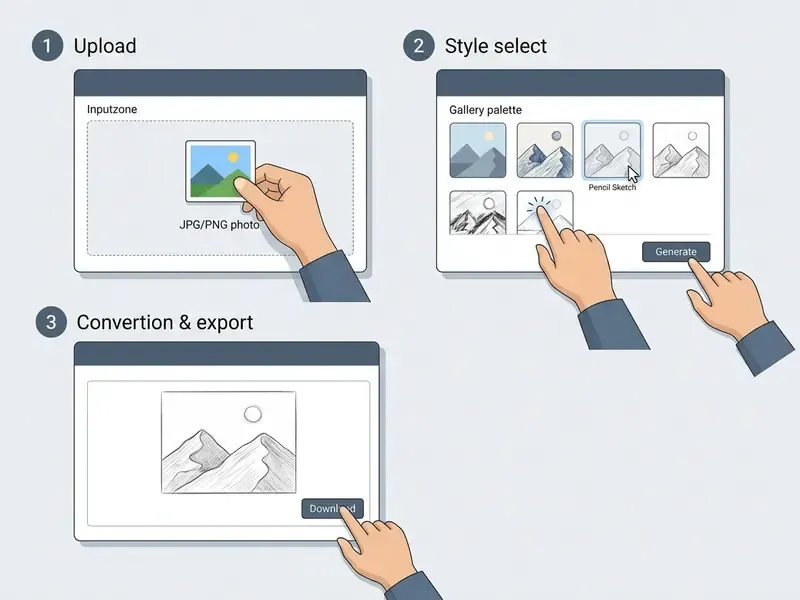
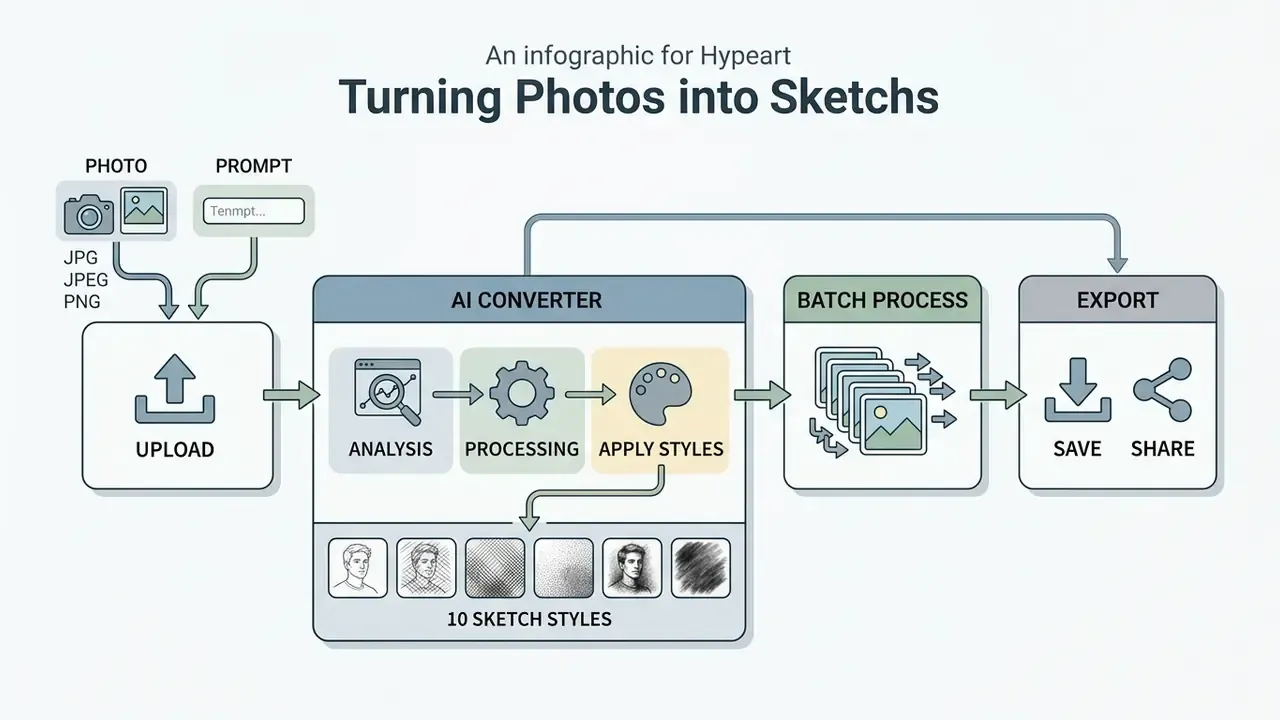
To complete the transformation, follow these three operational steps:
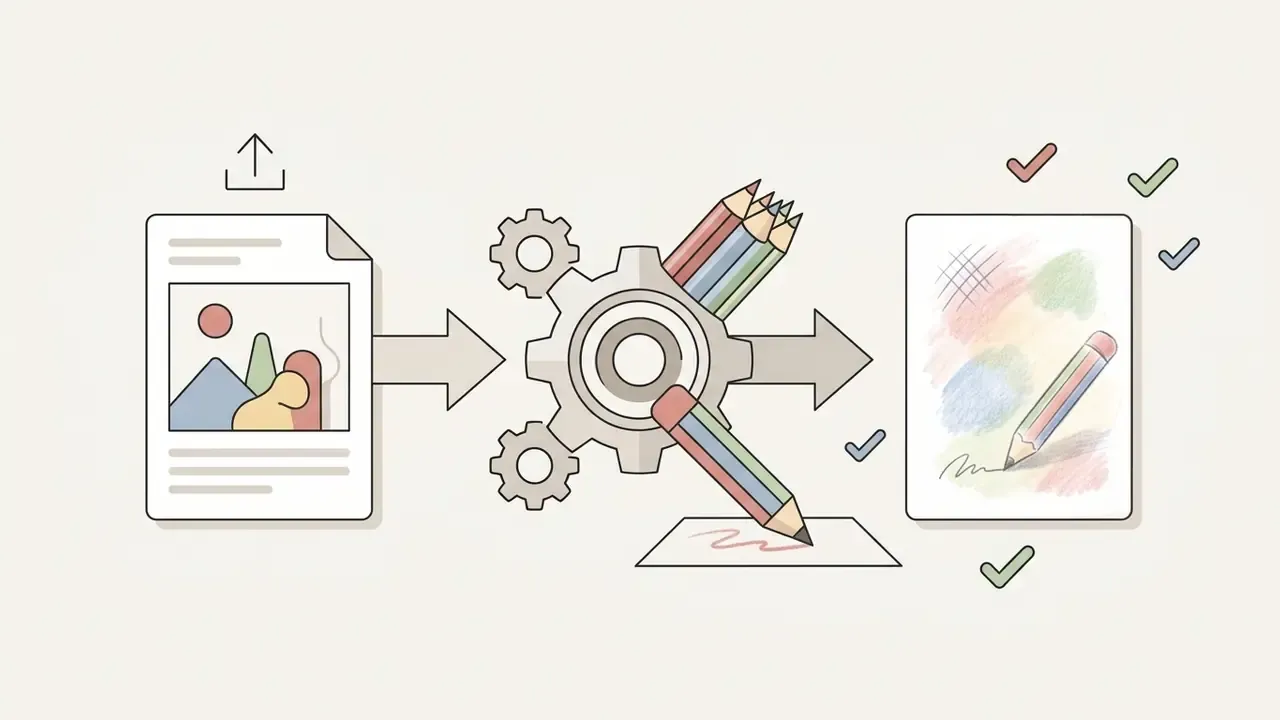
- Upload your source image select a clean image file from your device.
- Choose style parameters pick a pencil sketch, line art, watercolor, or charcoal sketch preset.
- Execute generation click the primary generate button and download your final sketch.
For specialized creative workflows, you can test platforms like openart ai or explore alternative styling capabilities in our openart overview.
Upload a JPG, JPEG, or PNG Image
An online ai photo converter to sketch accepts standard digital image formats, primarily jpg jpeg png files, and WebP is widely supported as well. For reliable feature extraction, source images should have balanced lighting and clear subject boundaries.
High-resolution uploads let the network's feature extraction layers identify fine details: eye outlines, individual hair strands, architectural edges. Web platforms handle compressed formats easily, but avoiding heavily pixelated files prevents visible artifacts in the generated sketch. Practical upload ceilings vary widely by platform. Consumer tools commonly cap files between 6 MB and 20 MB, while enterprise-grade systems accept far larger assets and enforce pixel-dimension limits instead, for example 15,000 px on the long edge.
Batch photo-to-sketch conversion. For large-scale visual campaigns, professional workflows need bulk processing rather than one-by-one uploads. Cloud-based AI systems let creators upload ZIP archives or select up to 50 images at once, applying uniform sketch parameters (line weight, contrast threshold, abstraction level, aspect ratio) across the entire set, so every asset in a catalog, lookbook, or storyboard stays visually consistent. Batch mode is the single biggest time multiplier for e-commerce teams and illustrators working on serial output, and it is the capability most often reserved for paid tiers.
To estimate the real cost of a large batch, multiply the number of assets by the per-image credit cost, then add the expected retry rate. A 1,000-image catalog at 6 credits per image with a 20% retry rate consumes roughly 7,200 credits. That is a calculation worth running before committing to a plan. Our AI Media Calculators automate the comparison across providers.
Choose a Sketch Style and Generate
When you configure an ai photo sketch generator, the preset you select dictates line thickness, stroke density, and tonal contrast. You can pick from multiple sketch styles, ranging from minimalist sketches line art to deep charcoal sketch textures. Many platforms also expose an explicit line-intensity control, labelled Bold Lines, Ink, or Detail Level, which maps directly to stroke weight before generation runs.
Once you simply upload your photo and select a target style, the click generate trigger initializes model inference. Advanced web tools process the visual data in a few clicks, producing sketches instantly through server-side GPU clusters or client-side WebGPU acceleration. If the first output is wrong, adjust the prompt, swap the style reference, or raise the abstraction level and run it again. Unlimited free retries are a genuine differentiator between tools, and they change how you work: you stop over-thinking settings and start iterating.
10 Sketch Styles You Can Create from a Photo
An ai sketch generator offers a wide selection of different sketch styles designed to mimic traditional physical art mediums. Generative systems adjust their internal loss functions to render varying stroke weights, cross-hatching patterns, and color saturations.
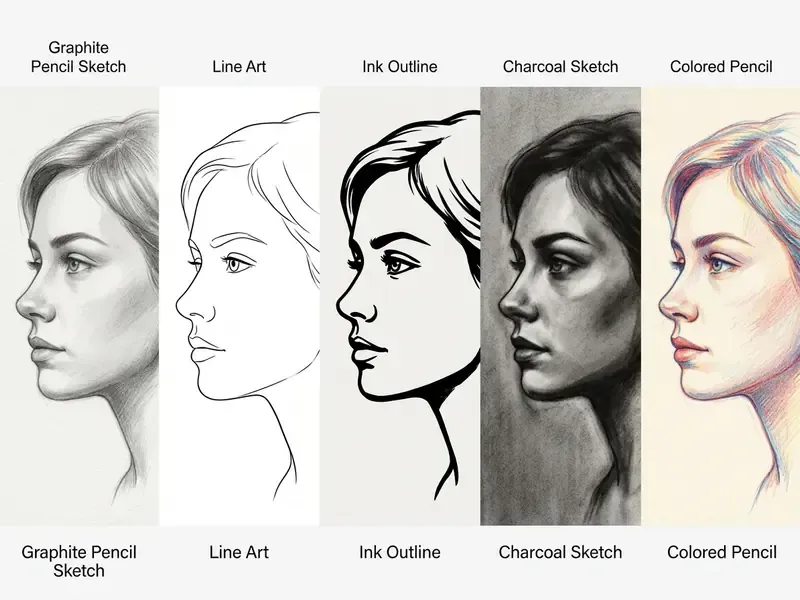
Select a style that matches your project's visual requirements:
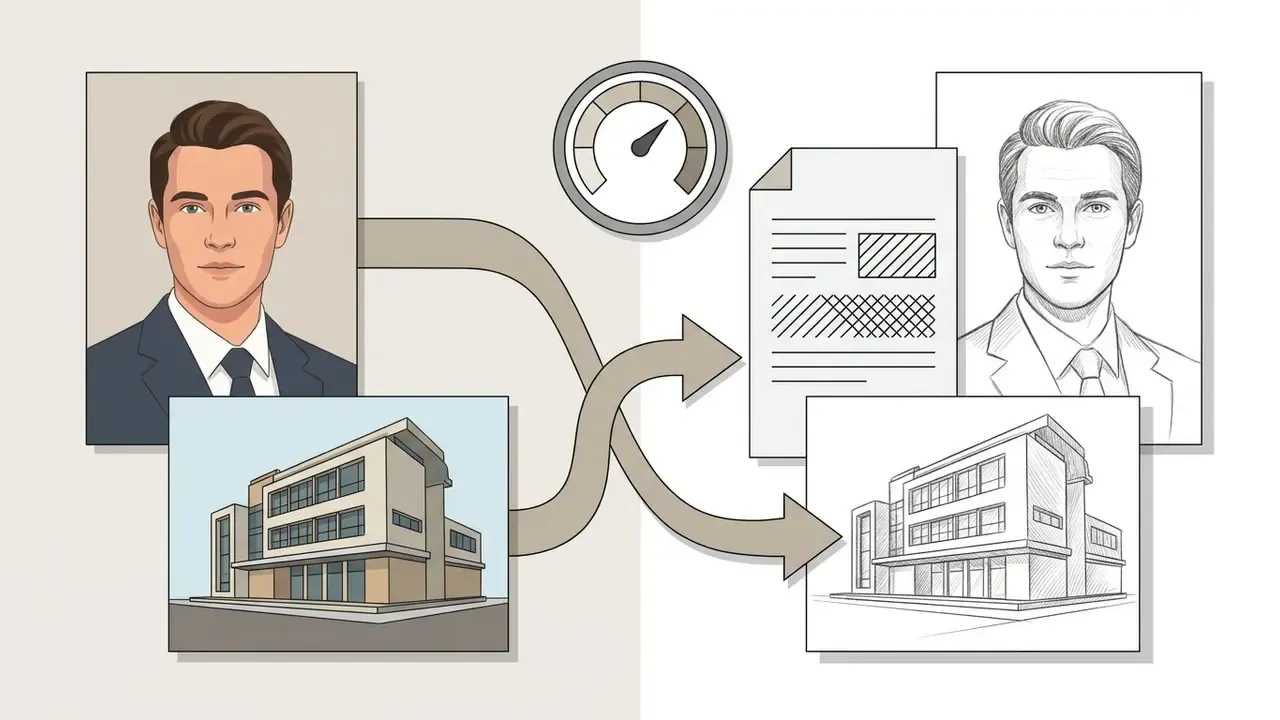
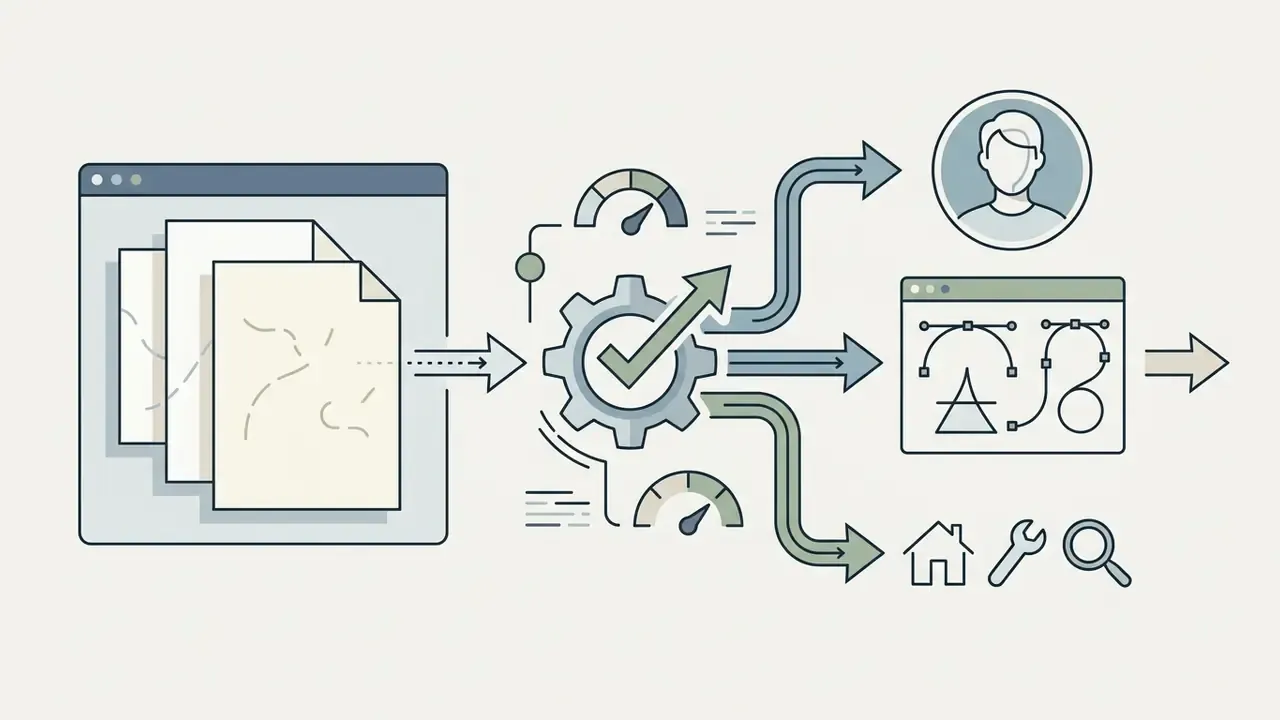
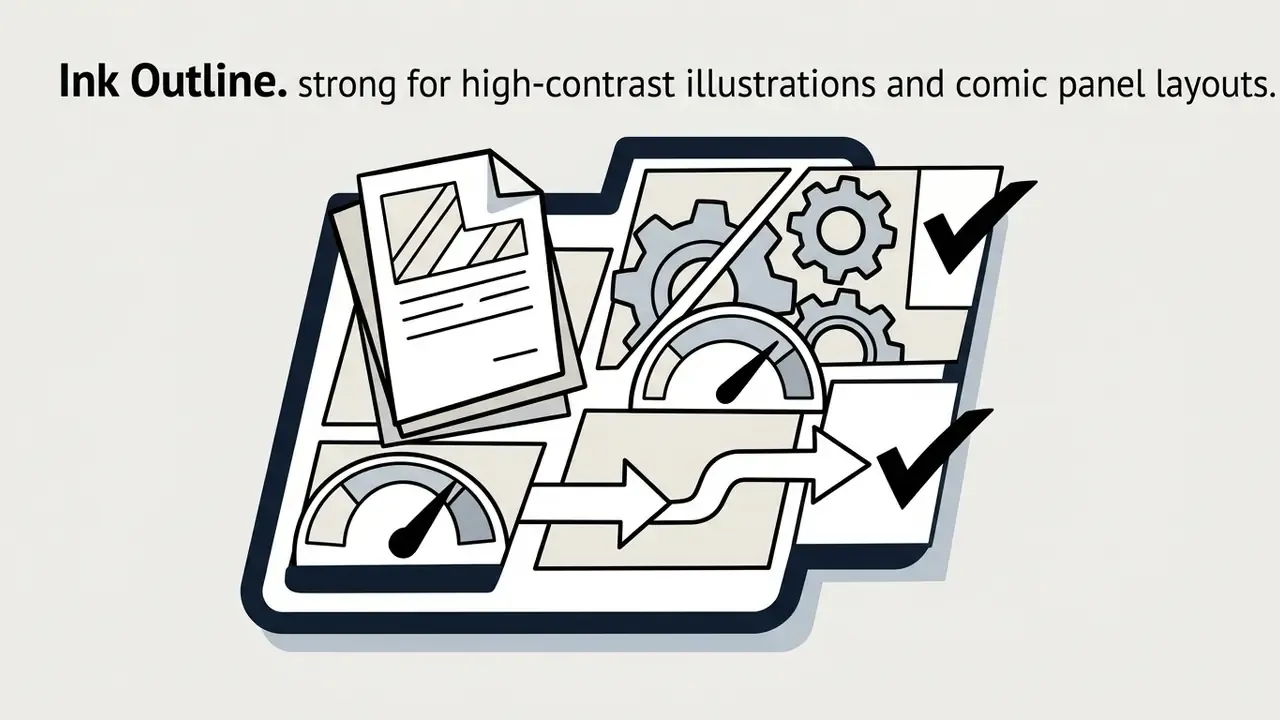
| Sketch Style | Visual Technique | Primary Subject Match | Recommended Output Format |
|---|---|---|---|
| Pencil Sketch | Graphite gradients (2H to 6B) | Portraits, close-ups | JPG / PNG |
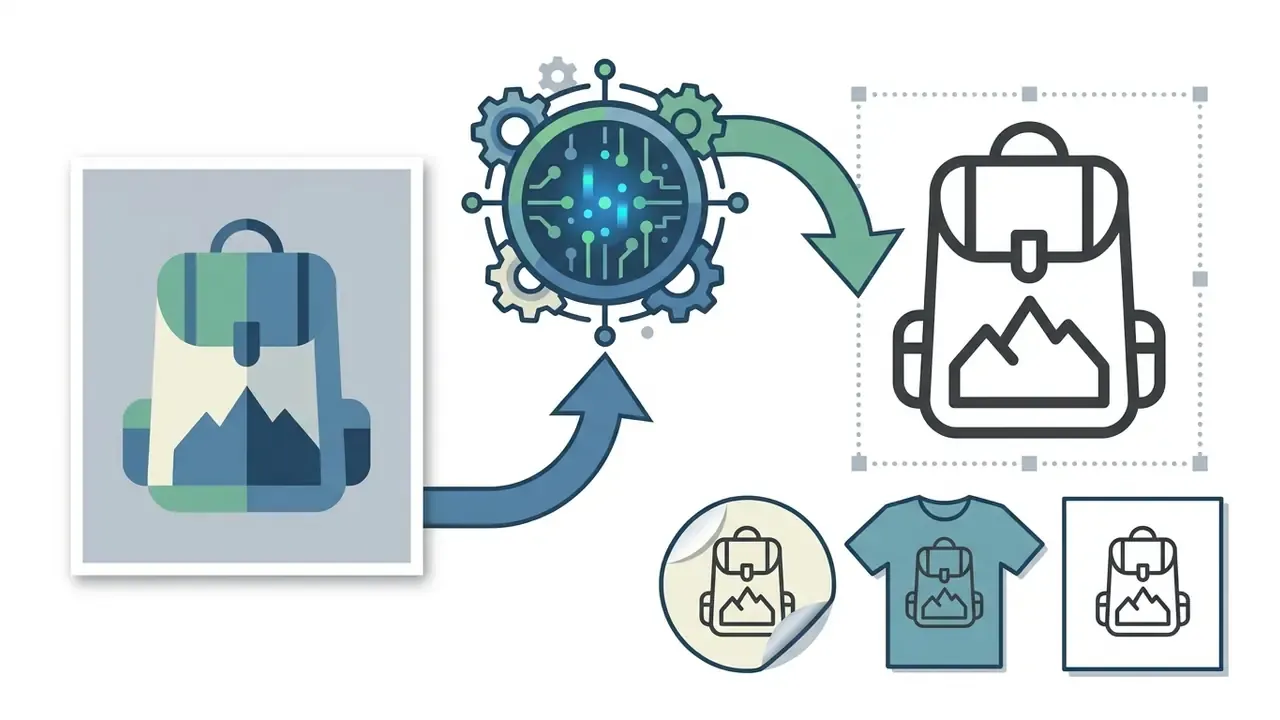
| Line Art | Pure boundary contours | Icons, vector tracing | SVG / transparent PNG |
| Ink Outline | Pen-and-ink with cross-hatching | Comics, editorial art | High-res PNG |
| Charcoal | Smudged carbon & paper grain | High-contrast landscapes | High-res JPG |
| Colored Pencil | Layered hue strokes on paper tooth | Children's art, gifts | High-res PNG |
| Watercolor Sketch | Ink outlines + soft color wash | Pets, wedding & travel | High-res PNG |
| Crosshatching / Stippling | Intersecting stroke arrays, dot density | Architecture, vintage art | PDF / PNG |
| No-BG Outline | Subject isolation + line art | Merchandise, stickers | Transparent PNG |
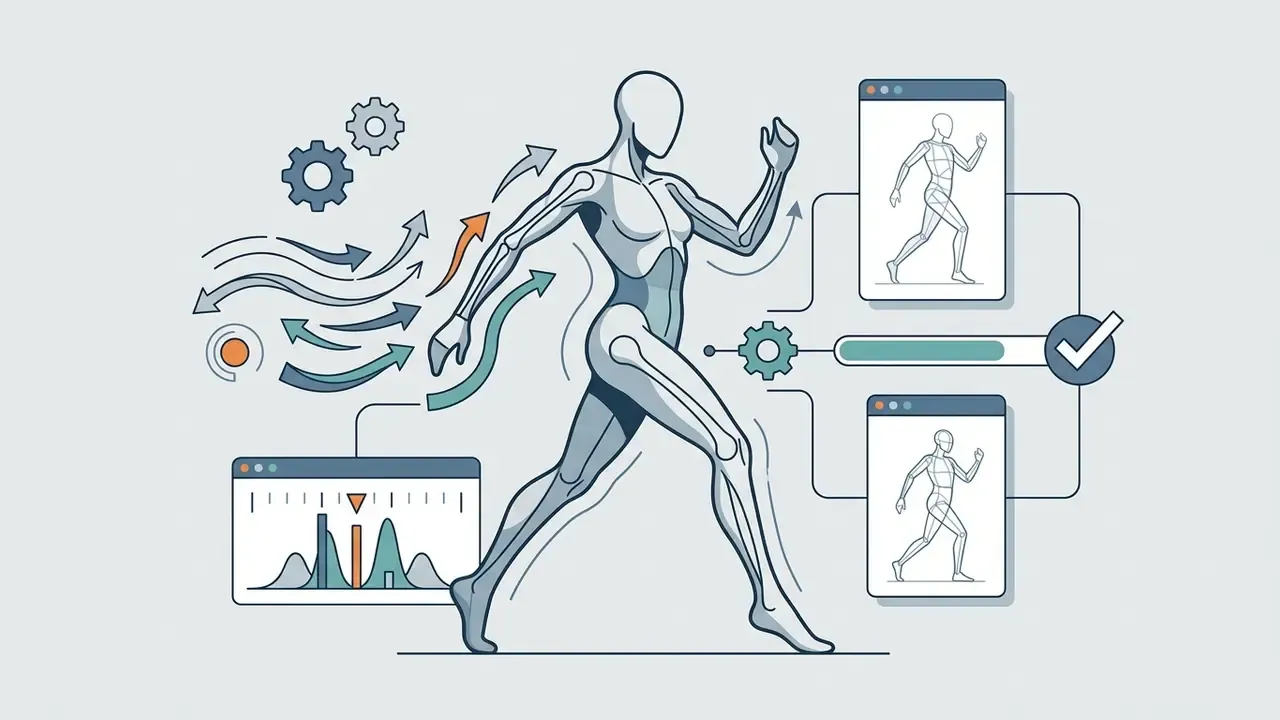
| Figure Sketch | Pose and proportion emphasis | Fashion, character concepts | JPG / PNG |
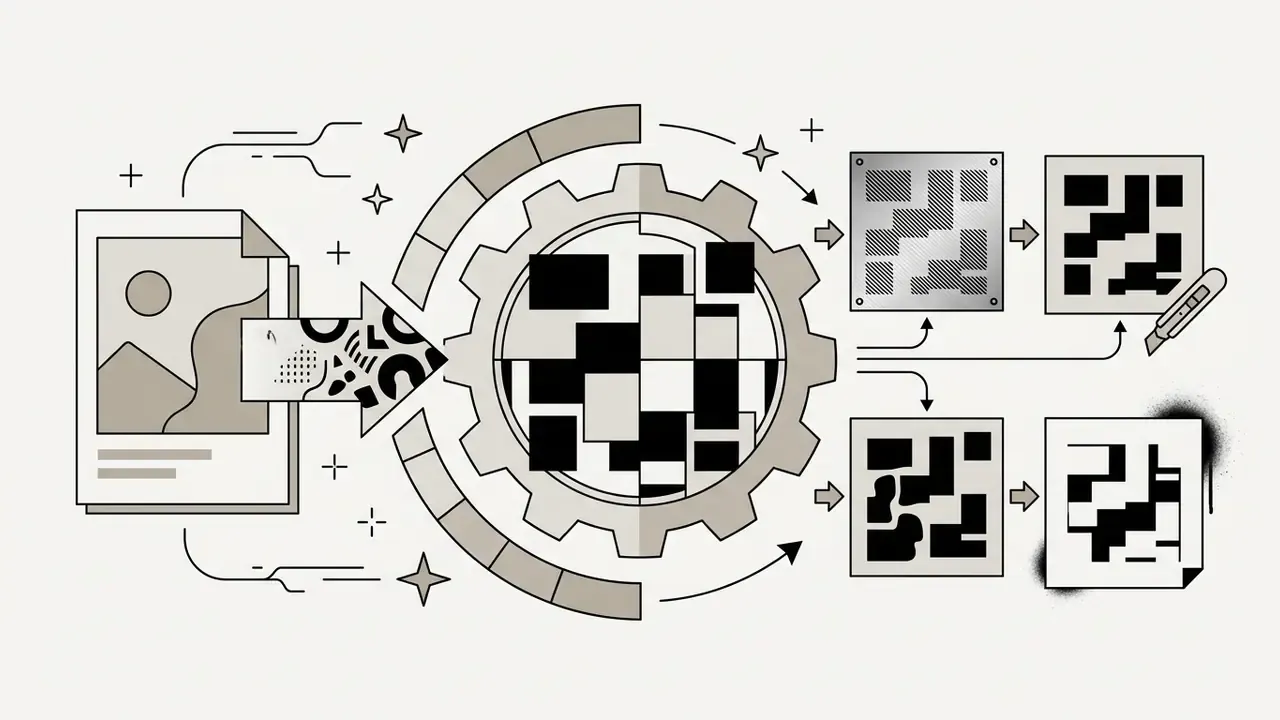
| Minimal Stencil | Pure B&W threshold shapes | Tattoos, laser cutting | SVG / DXF |
Pencil Sketch and Realistic Pencil Style
The pencil sketch style remains the most used setting in an ai image to sketch converter. This mode simulates graphite pencils ranging from hard (2H) fine lines to soft (6B) dark shading accents.
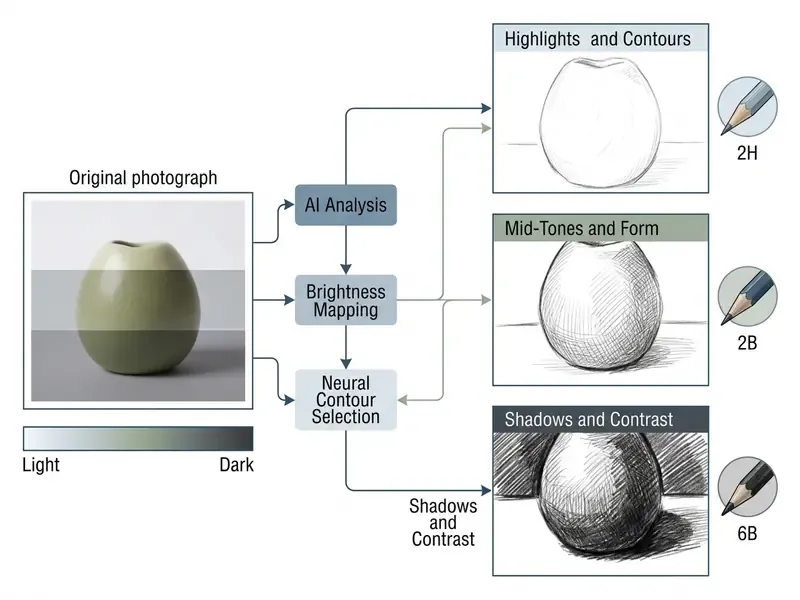
In study evaluations of portrait-to-pencil translation, neural models using advanced U-Net (UNet++) architectures reached measurable parity with artist references:
"Pix2Pix++ achieved a median MS-SSIM of 84%, PSNR of 21.17, and median MSE of 495.55, outperforming baseline methods on detail and tonal variation."
This capability allows an ai to turn picture into drawing formats with continuous tone transitions across portraits landscapes and personal photography. For landscapes, effective pencil renders keep distant planes light while darkening and sharpening the foreground, using cross-hatching for bark and stone and soft blending for clouds and water. For portraits, tone is built in layers with soft shading rather than hard contour lines, concentrating transitions around the nose, cheekbones, and jaw. Preparing the source file with dedicated AI photo editors or a general-purpose photo editor before conversion measurably improves that tonal range.
Line Art and Ink Outline for Clean Drawings
The line art and ink outline styles reduce continuous photographic tones into crisp, high-contrast contours. This approach strips away background gradients, leaving a clean ink sketch structure focused entirely on primary subject boundaries. Line art is fundamentally monochrome line work in which line weight variation, not shading, carries structure and depth. Ink outlines rely on flowing, visible edges built from as few lines as the subject allows.
Graphic designers use ink outline outputs for branding assets, vector conversions, and custom profile pictures. By emphasizing edge weight over internal shading, these minimalist style sketches produce clear, professional visual assets without clutter, and they are the correct starting point for anything destined to become an SVG.
Charcoal, Colored Pencil, and Artistic Sketches
For projects needing richer texture and tonal depth, styles like charcoal sketch and colored pencil offer dramatic alternatives. Charcoal presets emphasize deep shadow values, heavy contrast, and simulated paper grain. In traditional practice, charcoal on laid or textured paper visibly reveals the paper tooth, with vine charcoal producing lighter marks and compressed charcoal delivering dense blacks. Neural presets reproduce this by widening the value range and overlaying a grain layer.
Colored pencil modes, by contrast, apply layered hue strokes and smooth color gradients while preserving the paper-tooth appearance. Contrast in colored pencil work is built through differences in hue, value, and saturation rather than through pure black, with layering and pressure variation deepening intensity. Watercolor sketch presets sit between the two, blending ink contours with translucent washes.
"A transformer-based latent diffusion model with abstraction control generates diverse, non-rigid, human-like sketches with precise point- and stroke-level control."
Explicit abstraction control is the parameter that most separates a credible artistic sketch from a flattened filter. Raise abstraction and micro-detail disappears, leaving gestural strokes. Lower it and texture plus tonal nuance return. These multi-medium artistic sketches give creators genuinely useful range for producing stunning sketches without physical art supplies.
How to Get High-Quality Photo-to-Sketch Results
Achieving high quality results from an ai photo converter to sketch requires understanding how input photo characteristics influence neural feature extraction. Model accuracy rises substantially when it is fed clear visual data with distinct contrast boundaries.
"Perceptual losses in sketch synthesis compare feature similarity between synthesized and reference sketches, and are more informative when edges and textures are well defined."
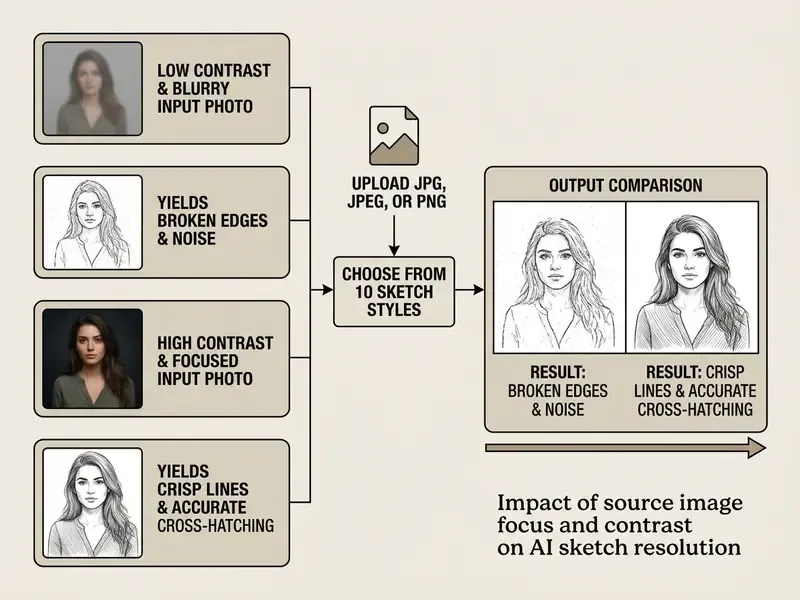
Start with a Clear Original Photo
Match the Style to the Image Details
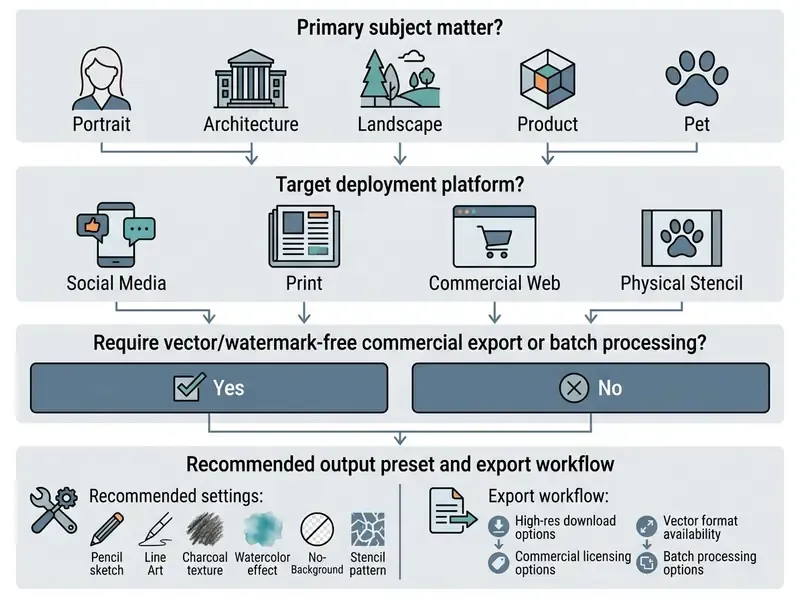
Different photograph subjects pair best with specific sketch style choices:
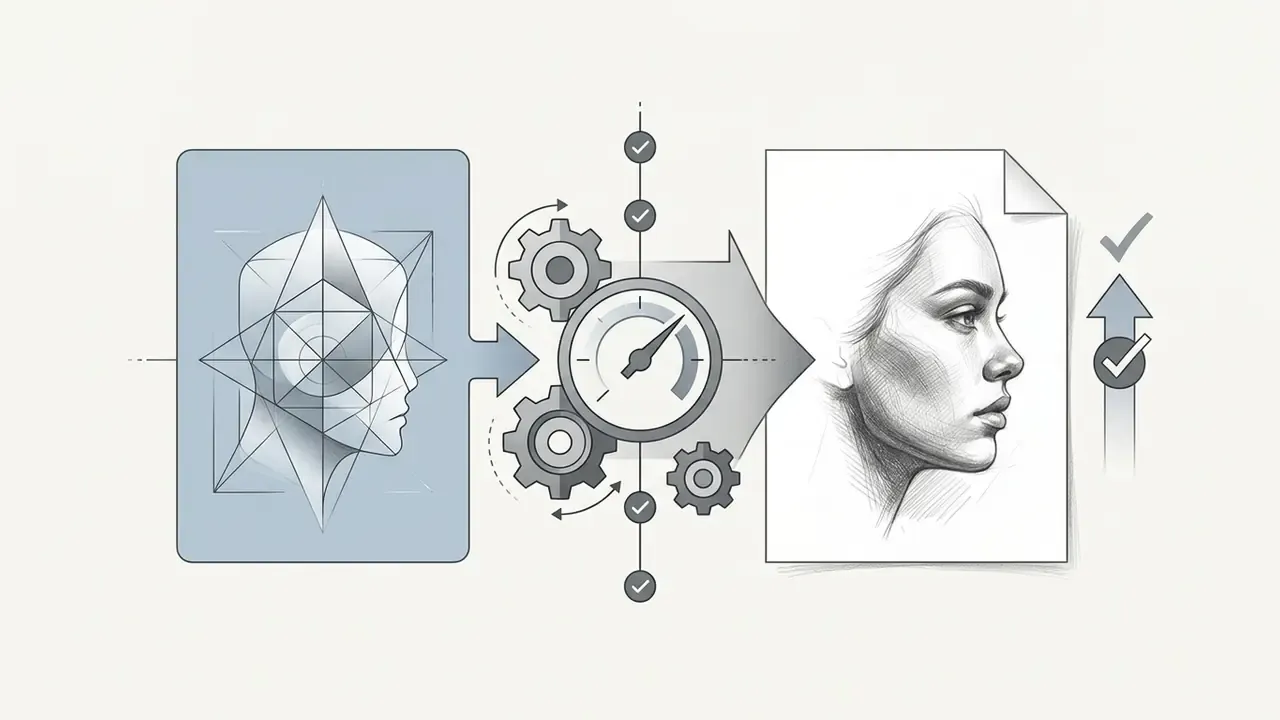
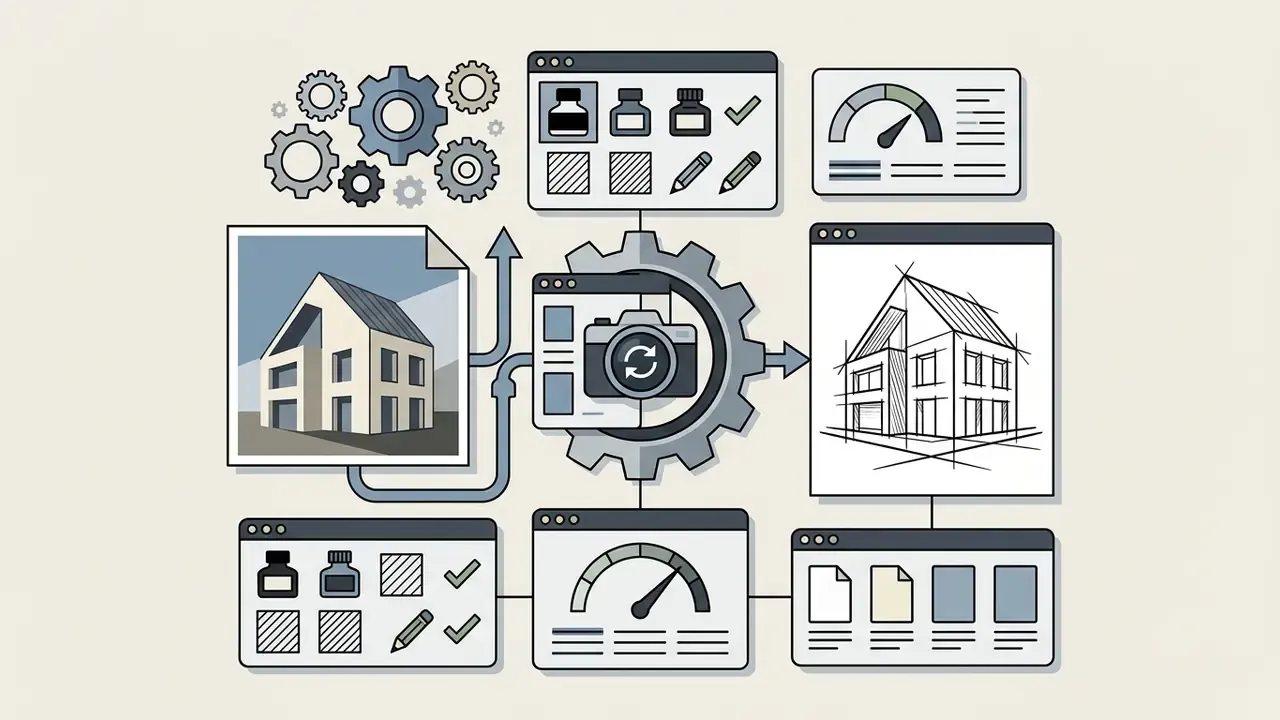
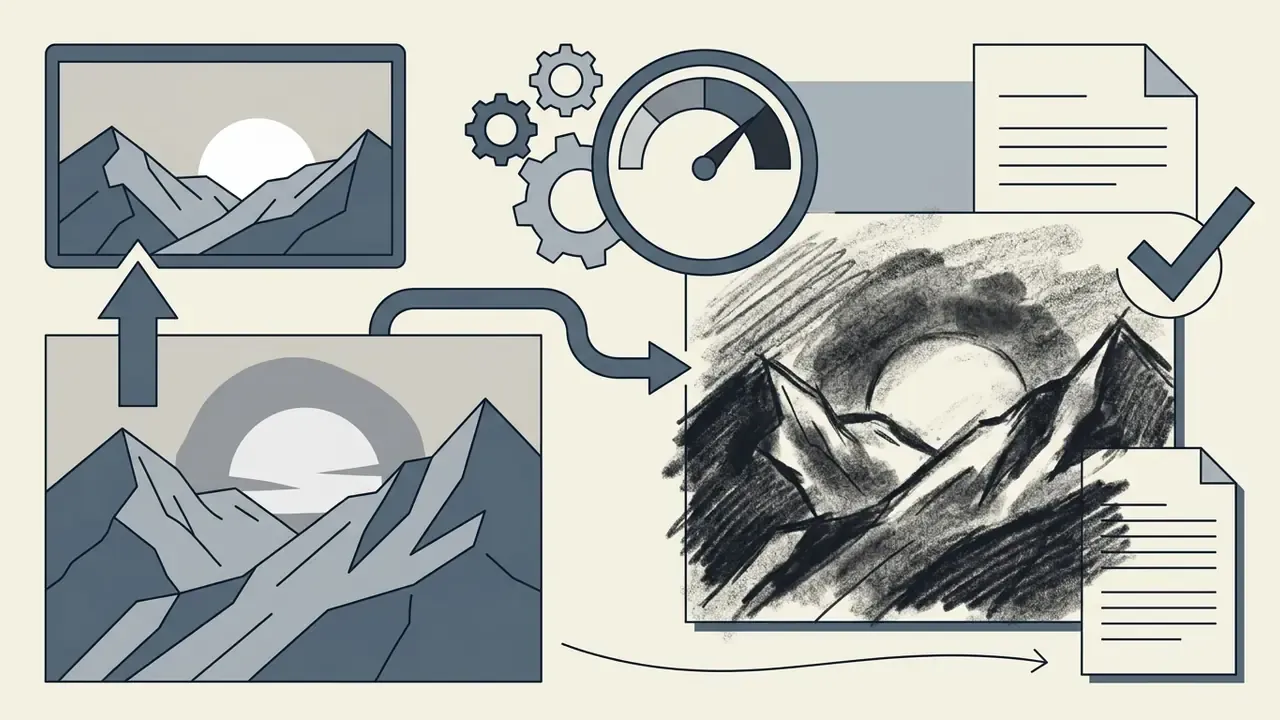
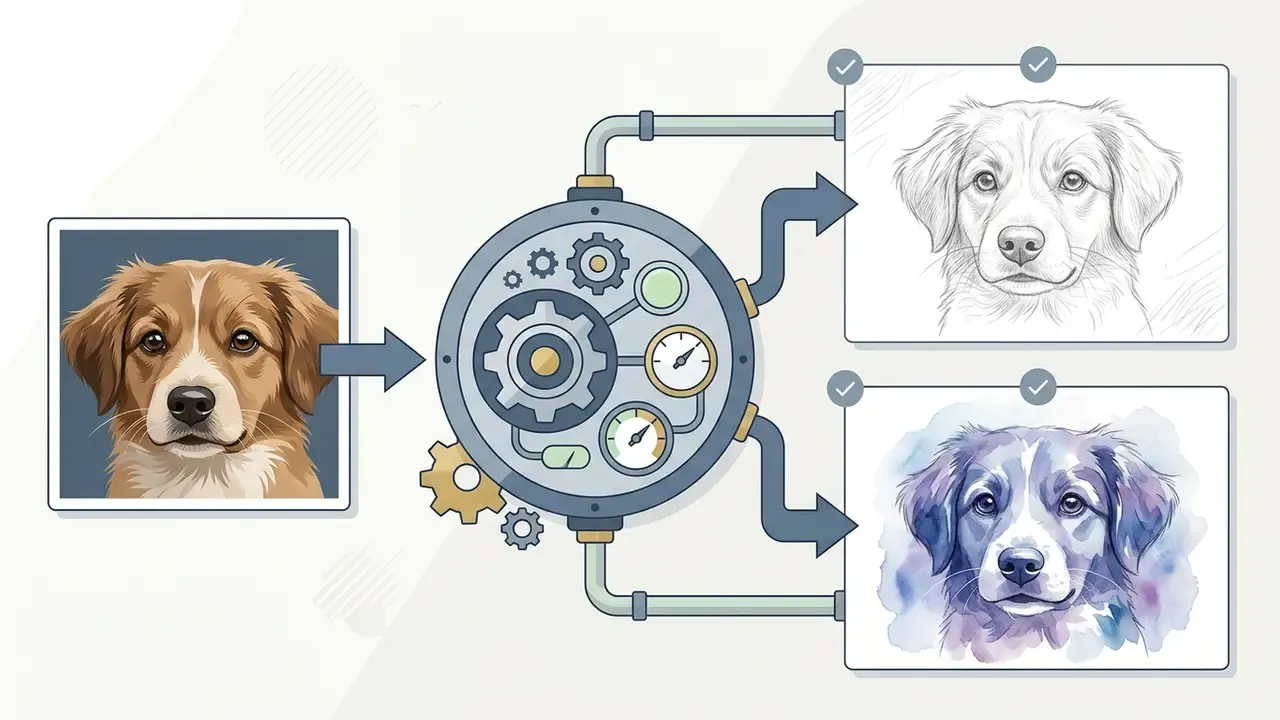
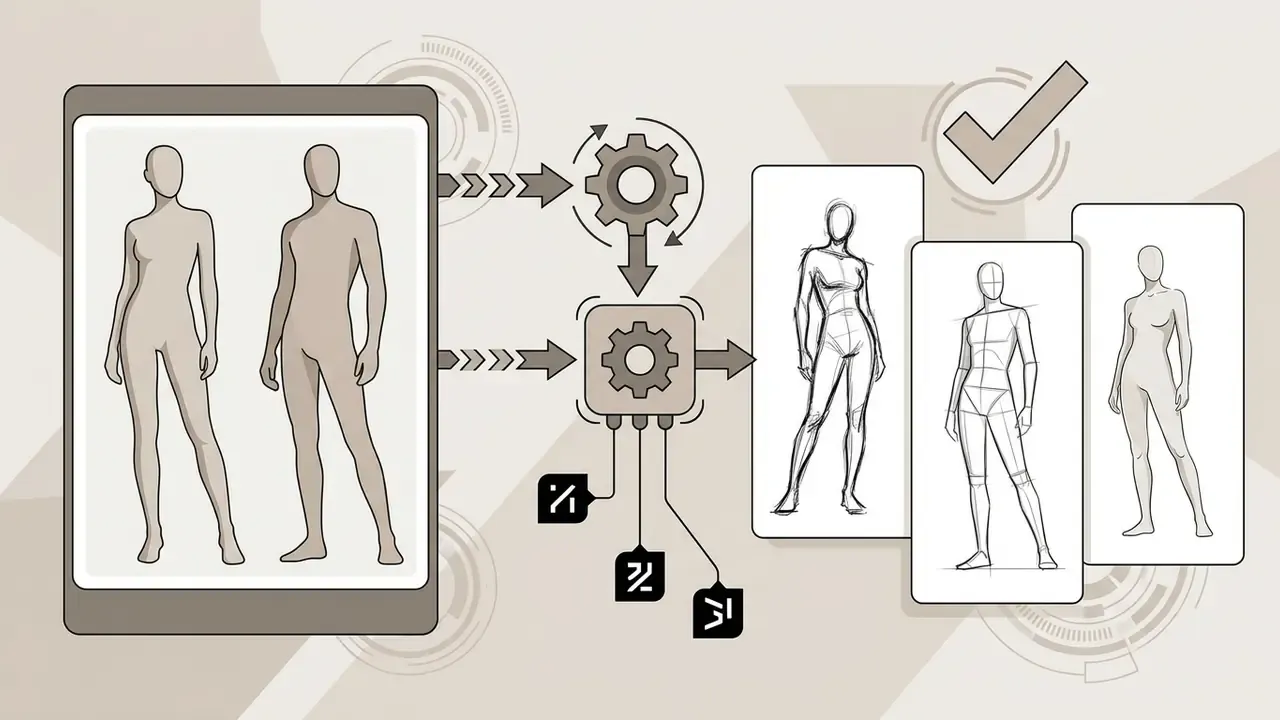
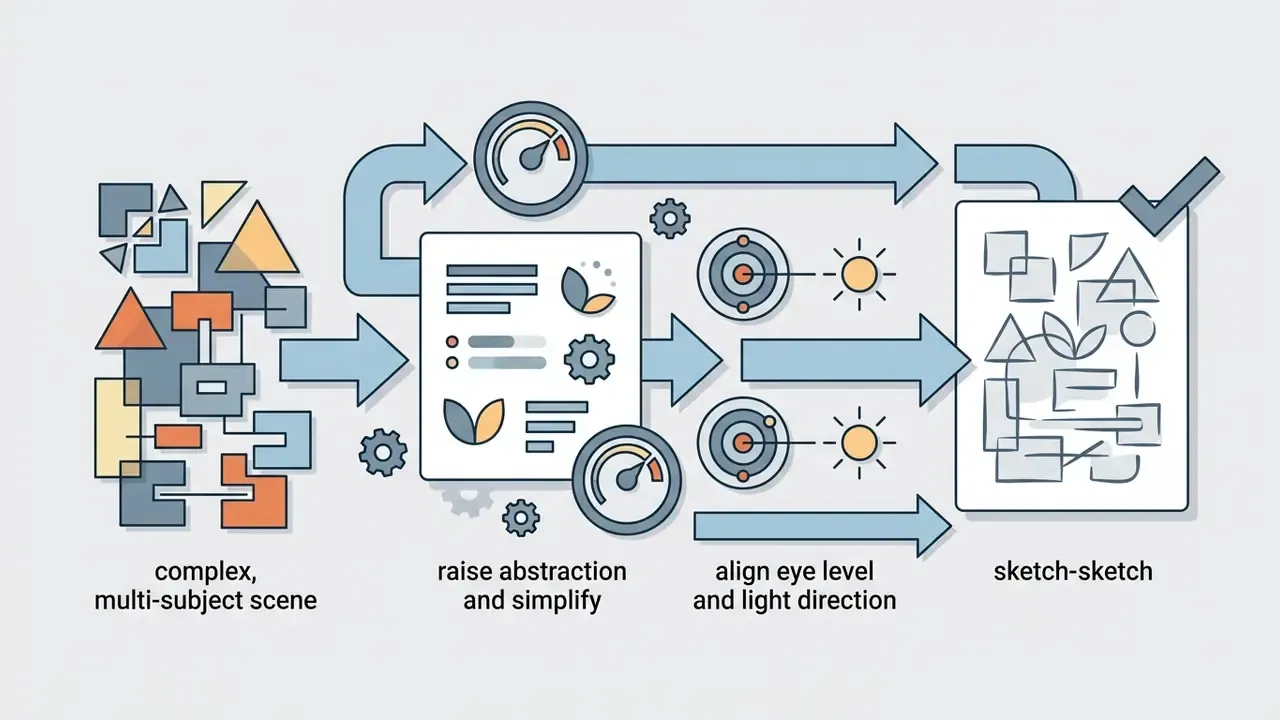
Matching subject complexity to the right preset prevents over-simplification and yields better high quality sketches. When source resolution, rather than style, is the limiting factor, AI image upscalers restore detail density before the sketch pass. For photo preparation, see our guide to passport photo editor free options, our overview of passport photo editor tools, and advanced asset handling via free photo editor solutions.
Review the Generated Sketch Before Downloading
Before finalizing your download, inspect the sketch results at 100% zoom to verify structural fidelity. Check facial features, fine line continuity, and background transition zones for computational artifacts.
Use three concrete acceptance criteria: (1) the smallest element you care about is still legible rather than dissolved; (2) lines are opaque, of uniform intended weight, and crisp, with no gaps and no unintended overlaps; (3) there are no masking artifacts along the boundary where subject isolation happened, which is exactly where background-removal presets fail most often.
Evaluating detail preservation before export ensures your final sketch meets requirements for print or high-resolution digital publication. If specific lines look fragmented, adjusting input contrast or switching to an alternative drawing style usually resolves the edge continuity problem. If it does not, the source photo is the constraint, not the model.
Is AI Photo to Sketch Really Free, Private, and Watermark-Free?
"The 2024 recommendation calls for ensuring that generative AI content is detectable through watermarks, metadata, and cryptographic provenance methods."
Regulatory pressure runs opposite to consumer demand. Users want watermark-free exports; policymakers increasingly want AI-generated material labelled or traceable. Expect provenance metadata, rather than visible logos, to become the default compromise. If you need to verify whether an incoming asset was machine-generated, AI image detectors are the practical counterpart to watermarking.
What "Free" Includes in an AI Sketch Tool
A free ai photo conversion tool typically gives you basic generative models, standard export resolutions (often 1024×1024 pixels), and primary pencil sketch presets. Advanced capabilities such as 4K exports, SVG output, and batch processing are usually reserved for paid accounts. Observed free-tier caps through 2025 and into 2026 cluster around 2 to 20 generations per day, with some services granting a fixed daily credit refresh (five conversions, for instance) and others reserving the right to change limits at any time.
| Service Tier | Daily Generation Cap | Max Export Resolution | Watermark Status | Privacy & Retention |
|---|---|---|---|---|
| Browser-Based Free | Unlimited | Native image resolution | Watermark free | 100% in-browser (no upload) |
| Freemium Cloud Tier | 2 to 10 photos / day | Standard HD (1080p) | Variable (may add logo) | Auto-deleted (1 to 24 hours) |
| Pro / Commercial Tier | Unlimited / high quota | 4K / vector (SVG/PDF) | Guaranteed watermark free | Encrypted storage & priority purge |
To estimate operational costs for scaled media workflows, review our AI Media Pricing Guides or size batch processing requirements using AI Media Calculators.
Watermarks, Downloads, and Uploaded Photo Privacy
Enterprise Risk and Governance Assessment
Teams inside regulated organizations rarely fail on image quality. They fail on unvetted "Shadow AI" uploads of client or employee photographs to consumer endpoints. Use this checklist before approving any photo-to-sketch tool for corporate use.
| Control | What to verify | Red flag |
|---|---|---|
| Processing location | In-browser (no upload) vs. cloud inference; data residency region | Region unspecified |
| Retention window | Explicit deletion period documented in the DPA, not just marketing copy | "Temporarily stored" with no duration |
| Training reuse | Written guarantee that uploads are not used to train models | Silence in the terms |
| Third-party subprocessors | Named model providers and CDNs in the subprocessor list | Undisclosed downstream vendors |
| Security attestation | SOC 2 Type II, ISO 27001, or equivalent | None available |
| PII handling | Face and biometric data policy; consent capture workflow | No biometric clause |
| Provenance & watermarking | C2PA or metadata labelling support for generated output | No provenance option |
| IP indemnification | Contractual indemnity for training-data claims on paid tiers | Indemnity excluded |
| Audit & logging | Exportable generation logs, admin seat controls, SSO | Personal accounts only |
A workable rule of thumb: personal and low-sensitivity photographs are fine on in-browser free tools. Anything containing client likenesses, unreleased product designs, or internal documents should be processed only under an enterprise agreement with the controls above in place. One named owner per approved tool, plus a documented escalation path, prevents most of the incidents that follow from casual adoption.
Can You Use an AI-Generated Sketch Commercially?
Check Rights for the Original Photo and AI-Created Output
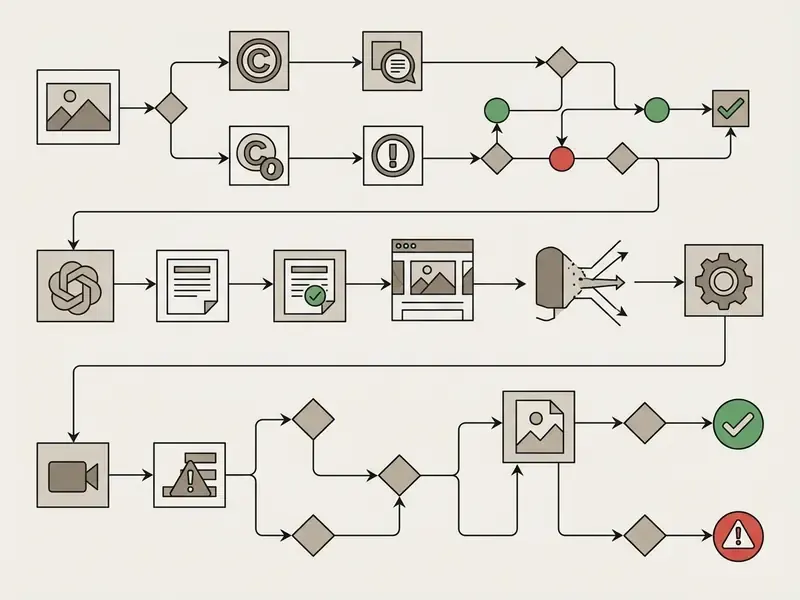
Using an ai image to sketch converter does not strip underlying copyright protection from the source photograph. If you do not own or license the original photo, converting it into an ai art drawing may create an unauthorized derivative work. Where the source is licensed, the license terms continue to govern the derived sketch; conversion does not reset or extinguish them.
"When AI technology determines the expressive elements of its output, the generated material is not the product of human authorship and is not protected by copyright."
Guidance from the U.S. Copyright Office further clarifies that purely machine-generated visual outputs lacking human creative authorship cannot be registered. Protection extends only to human-authored creative contributions such as manual digital retouching, custom collage arrangement, or substantial secondary design modification. Jurisdictions diverge here: UK consultation material frames the question around whether an AI output reproduces a substantial part of a protected work, while the United States frames it around human authorship. The same asset can therefore raise different questions in different markets.
Commercial Use for Designers and Brand Content
For a graphic designer or marketing team, deployment rules depend on the specific image tool license agreement. Updated: as a general market pattern rather than a vendor-specific promise, major creative platforms grant full commercial rights on paid subscription tiers, free and trial tiers frequently restrict output to non-commercial personal use, and some vendors add revenue thresholds that push larger companies onto higher plans. Read the current license text rather than a summary. These terms are revised often.
"Authors may claim protection only for their own creative contributions and must identify and disclaim AI-generated portions when registering copyright."
Illustrative example: an agency built a series of stylized brand assets by converting client-owned photography into unique sketch illustrations. By verifying source image permissions and working under a commercial AI image generator for commercial use subscription, it published the complete artwork without copyright infringement exposure. The order of operations matters more than the tool choice, honestly: rights first, generation second.
For legal tracking and regulatory updates across creative AI software, consult our AI Litigation and Case Timelines hub.
Popular Ways to Use Photo-to-Sketch AI
An ai that can turn pictures into drawings opens diverse applications across personal media, digital marketing, and professional design workflows, and it sits alongside general-purpose AI art generators in most modern creative stacks.
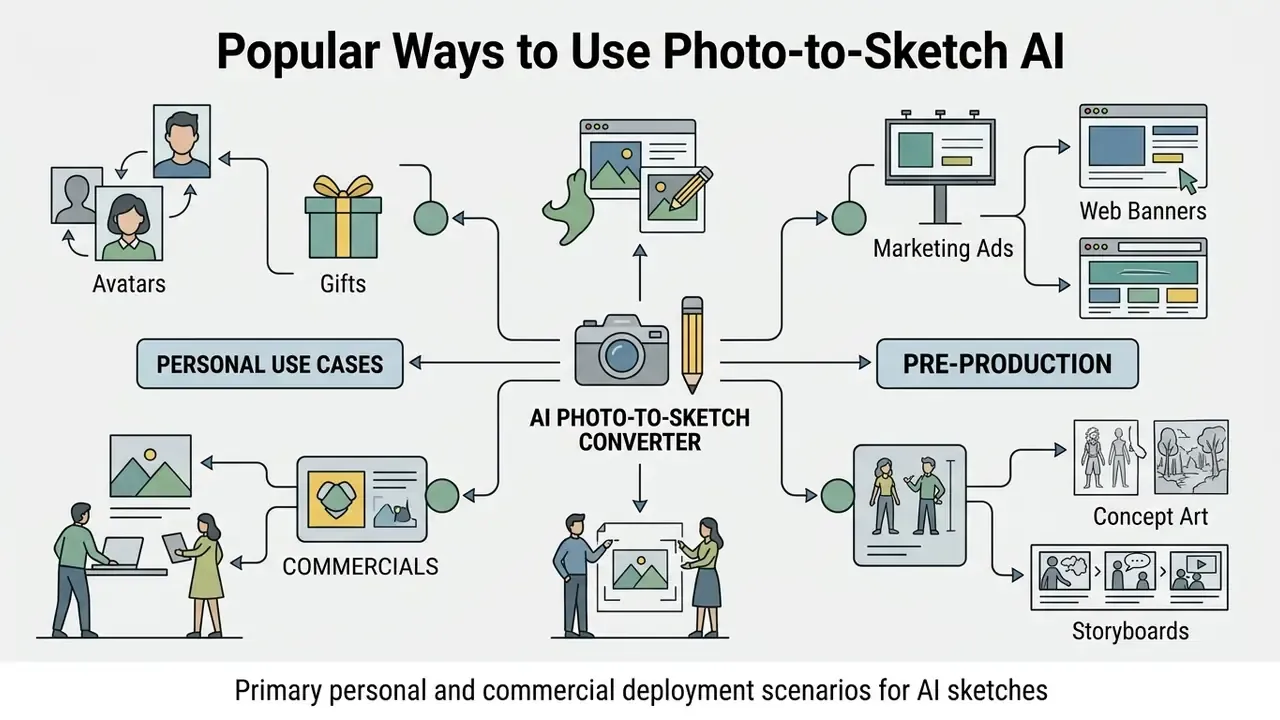
E-Commerce Product Line Art and Mockups
Online retailers convert raw product photography into clean, black-and-white line art. These vector-ready sketches highlight product geometry, seam structure, and assembly detail for instruction manuals, patent filings, size guides, and minimal landing-page visuals, without the expense of manual CAD tracing. Because batch mode applies identical line weight and contrast thresholds across an entire catalog, a 500-SKU store can produce a visually uniform illustration set in one session. Combined with background removal, the same pass yields transparent-PNG assets that drop straight into marketplace templates and comparison tables.
Pet Memorials and Customized Animal Artwork
Pet photography often suffers from cluttered backgrounds or uneven lighting. Applying a watercolor or graphite pencil sketch filter neutralizes background noise while emphasizing fur texture and expressive eye highlights, producing print-ready artwork for framed decor, memorial keepsakes, and personalized gifts. A direct or three-quarter gaze in the source photo reads as personality in the sketch, and a raised abstraction level hides clutter that would otherwise dominate a full-tone render.
Coloring Pages and Tattoo Stencil Creation
Select a high-contrast line art or ink outline preset and real-world photographs become custom coloring pages for children, or clean transfer stencils for tattoo artists. The same output feeds laser engraving, vinyl cutting, and screen-printing workflows once exported as SVG. Teachers build themed worksheet packs from field-trip photos; tattoo artists test line placement before committing to a stencil transfer.
Concept Sketches and Creative Artwork
In commercial design studios, an ai photo sketch generator accelerates pre-production and ideation. Designers convert photographic reference assets into rapid concept sketch layouts, visual storyboards, and editorial illustrations, exporting frames as JPEG, PNG, or PDF for pre-production decks.
Illustrative example: a marketing team needed stylized concept art for a digital campaign on a tight deadline. By adding an ai photo to sketch online tool to the workflow, it converted 45 product photographs into cohesive artistic sketches in under thirty minutes using a single batch queue with fixed line-weight parameters. That removed manual vector tracing, cut asset production cost materially, and kept every frame stylistically consistent across the campaign.
This rapid conversion capability lets art directors explore multiple visual directions during early project stages. Whether you are building digital mood boards, drafting comic panels, planning animation pre-work, or designing website graphics, AI sketch tools remain flexible and cost-effective.
To explore additional creative tools, review our Canva AI generator overview, compare options in our best AI art generator matrix, check out animation maker tools, or reference technical setup documentation via AI Media API Guides. For broader platform integration help, visit AI Media Support and Troubleshooting or open our AI Media Commercial-Use Hub.
Photo to Sketch FAQ
How does an AI photo to sketch converter work?
An AI converter uses deep neural networks (cGANs or diffusion models, typically) trained on paired photographs and drawings. It extracts key structural features from your photo and predicts authentic stroke, contour, and shading placement to generate a hand-drawn style image.
Can I generate a sketch without uploading a photo?
Yes. Text-to-sketch generation uses a latent diffusion model to synthesize line art directly from a written prompt. Specify subject, medium, stroke technique, and background, for example "ink outline sketch of a lighthouse, crosshatching shadows, white background", then refine the prompt until the composition matches your intent.
Can I convert many photos at once?
Batch conversion is supported by most cloud-based platforms, typically allowing ZIP uploads or multi-select of up to 50 images per job with shared style parameters. This is the standard approach for e-commerce catalogs, lookbooks, and storyboard sets, where visual consistency matters more than per-image tuning.
Is it safe to upload personal photos to online sketch converters?
Safety depends on the tool's privacy policy. Browser-based converters process images locally without storing files on external servers. Cloud-based platforms vary, with retention windows ranging from immediate session deletion to 6 hours, 24 hours, or up to 30 days. Always check the data retention policy, and for corporate assets also the subprocessor list and security attestations, before uploading sensitive images.
Can I convert photos into sketches without watermarks for free?
Yes. Several web-based conversion tools offer watermark-free exports on their free tiers, particularly browser-processed tools. Some freemium cloud services, however, require a paid subscription or account upgrade to remove exported watermarks, and desktop trial builds may stamp output until purchase.
What photograph resolution works best for sketch conversion?
High-resolution, well-lit photos with clear subject contrast yield the best sketch outputs. Standard 1080p or higher JPG/PNG files let the AI's feature extraction layers capture fine details like hair texture, facial features, and sharp architectural edges. For print, prepare photographic output at around 300 dpi and pure line art at 600 to 1200 dpi at final size.
Which sketch style should I pick for my subject?
Portraits pair with graphite pencil; architecture with line art or ink; landscapes with charcoal; pets and wedding photos with watercolor; full-body fashion shots with figure sketch; and stickers, tattoos, or laser cutting with no-background outline or minimal stencil presets.
Can I use AI-generated sketch drawings for commercial projects?
You can use AI sketches commercially provided you own or license the original source photograph, and the tool's terms of service permit commercial usage on your account tier. Note that purely machine-generated outputs cannot be copyrighted under current U.S. law without substantial human creative input, and registration requires disclaiming the AI-generated portions.
What can I do with the sketch after downloading it?
Export high-contrast line art into a vector tracing tool to produce scalable SVG files for signage, apparel, or cutting machines; import outlines into Procreate or Photoshop for manual inking; or run them through an AI colorizer to build a full illustration from the generated lines.
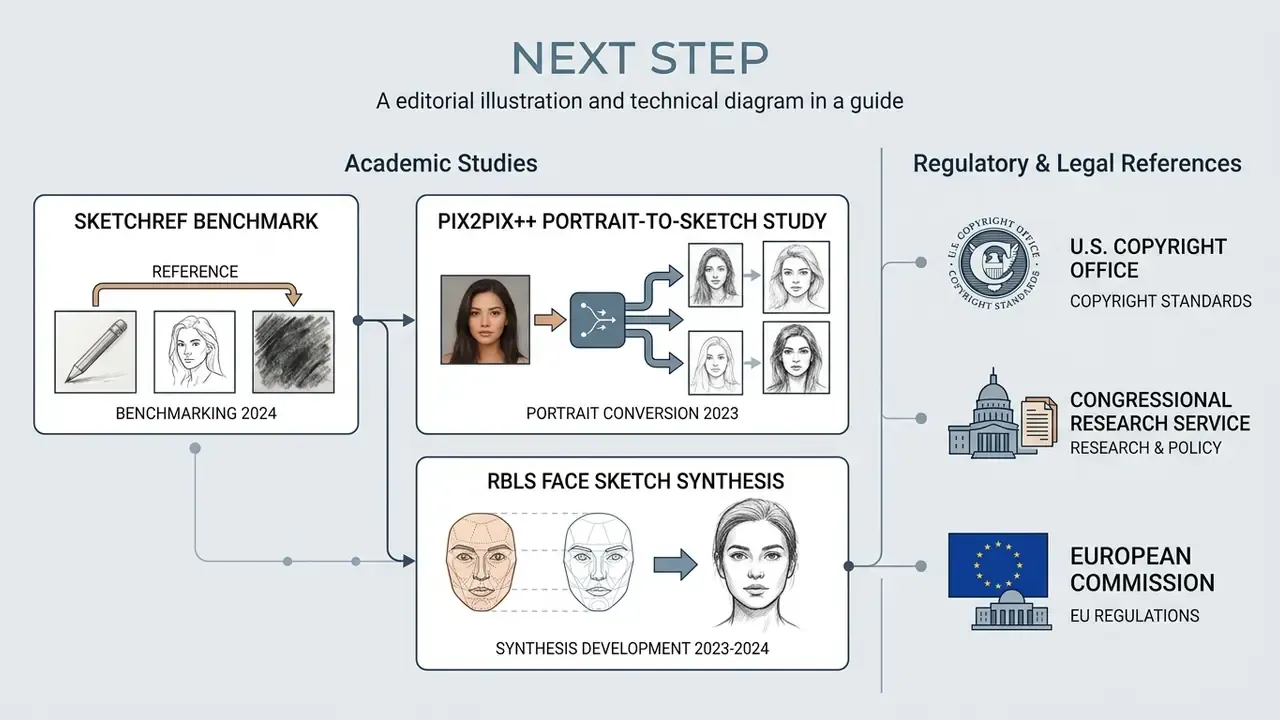
Next Step
Pick your input path first: reference photo for likeness, text prompt for invention. Then match the style table above to your output format, verify privacy and license terms against the governance checklist, and run a single test image at 100% zoom before committing to a batch. If you are evaluating tools for a team, start with our AI Media Comparison Matrices and AI Media Pricing Guides.
About This Guide
Appendix A: Superseded Passages (Change Log)
Sources Referenced in This Guide
- Sun, Lu & Zheng. Multi-Style Facial Sketch Synthesis (2024). https://arxiv.org/
- SketchRef Benchmark, arXiv preprint (2024). https://arxiv.org/
- Pix2Pix++ Portrait-to-Sketch Study (2023). https://arxiv.org/
- Dar-Yen Chen. Conditional Human Sketch Synthesis with Explicit Abstraction Control (2023). https://arxiv.org/
- RBLS Face Sketch Synthesis Study (2023 to 2024). https://arxiv.org/
- U.S. Copyright Office. Copyright Registration Guidance: Works Containing AI-Generated Material (2023). https://www.copyright.gov/ai/
- Congressional Research Service. Generative Artificial Intelligence and Copyright Law (2023). https://arxiv.org/
- European Commission. Recommendation on Generative AI and Electoral Processes (2024). https://arxiv.org/
- Style Facial Sketch Synthesis* (2024).
- - Sun, Lu & Zheng. Multi-Style Facial Sketch Synthesis (2024).
- Generated Material* (2023).
- - U.S. Copyright Office. Copyright Registration Guidance: Works Containing AI-Generated Material (2023).