Executive summary
If you read one block, read this one.
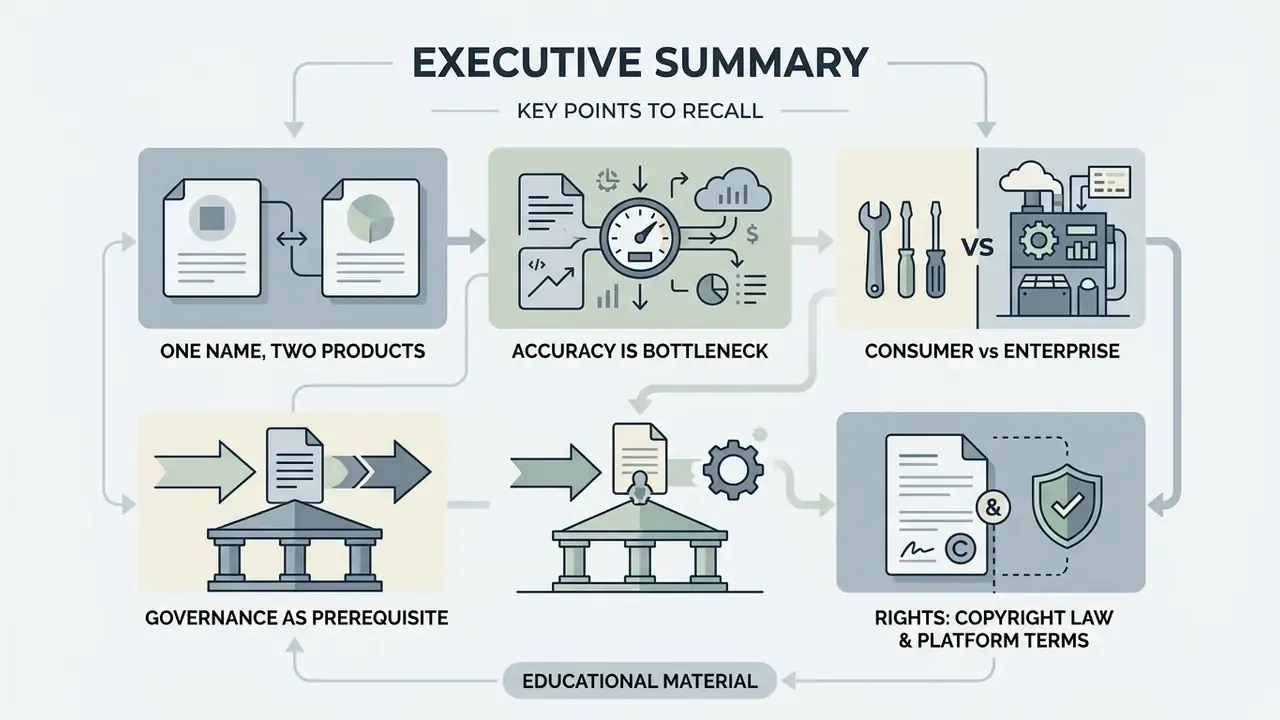
- Two different products share one name. "AI image chat" covers two distinct workflows: visual analysis (Visual Question Answering, OCR, chart reading) and conversational generation and editing (text-to-image, inpainting, outpainting). They differ by input evidence and output type. More importantly, they fail in different ways.
- Accuracy is still the bottleneck. Frontier vision-language models (VLMs) remain far below human reliability on adversarial, mathematical and multi-panel visual tasks. GPT-4V scored 31.42% question-pair accuracy on HallusionBench and 49.9% on MathVista, roughly 10.4 points below the human baseline. Any workflow touching money, health, law or engineering needs a human-in-the-loop control.
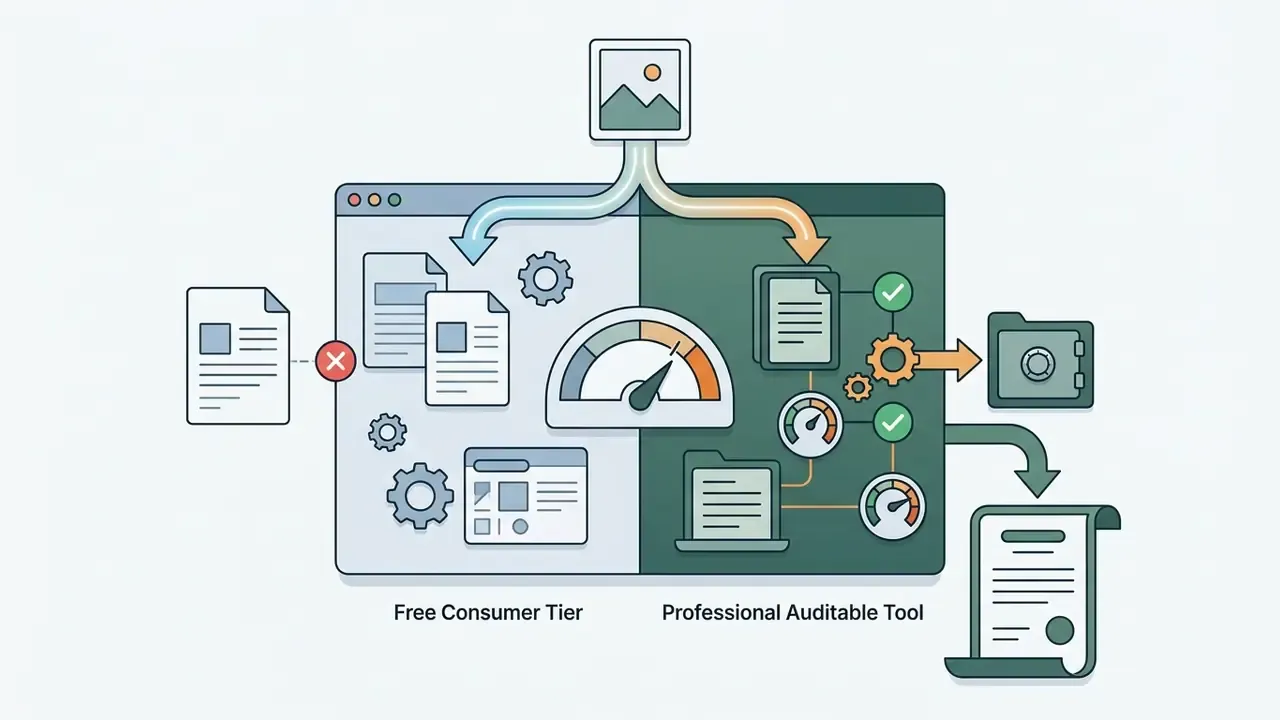
- Free consumer tiers are not enterprise tools. Consumer plans (ChatGPT Free, Gemini Free, Claude Free, Microsoft Copilot) are fine for learning and personal tasks. They are not a lawful home for non-public personal information (NPI), PII, customer documents or internal financials. Regulated organisations need enterprise or private deployments with contractual Zero Data Retention (ZDR), SOC 2 Type II or ISO 27001 assurance, and customer-managed encryption keys.
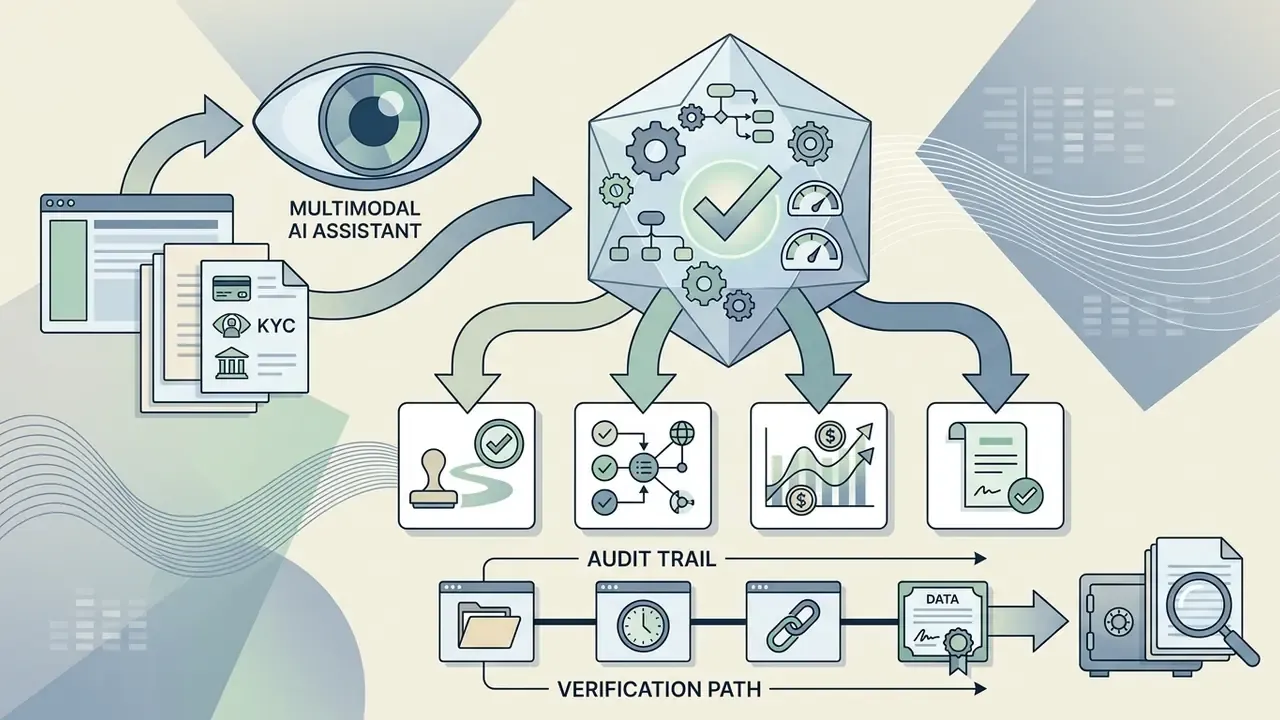
- Governance is a prerequisite, not an afterthought. For banks and large FinTech, a multimodal chat assistant is a model. It must be inventoried, validated and monitored under Federal Reserve/OCC SR 11-7, and mapped to the NIST AI Risk Management Framework (AI RMF 1.0) functions: Govern, Map, Measure, Manage.
- Rights are split between copyright law and platform terms. Purely AI-generated images generally receive no copyright protection in the U.S. or the EU, while commercial usage rights depend on the vendor licence. The Stability AI Community License, for instance, permits free commercial use of Stable Diffusion 3.5 only below $1M annual revenue.
This article is educational. It is not legal, medical, financial or engineering advice. Information is general in nature and does not replace consultation with a qualified specialist.
The decisions this guide supports
Search demand for this topic arrives under near-identical phrasings: ai picture chat, picture chat ai, chat ai picture. Same product, different keyboards. Underneath the wording, six practical questions keep recurring, and each one is answered somewhere below.
For risk and control owners at US institutions, the last two questions usually dominate the other four. Fair enough. That is why the governance section is long.
Multimodal models changed the format of interaction with artificial intelligence. Today AI image chat is a single environment that combines visual analysis and conversational generation: the user can run object recognition and, in the same window, keep a flexible dialogue about how the resulting graphics should be reworked.
«Adding a visual channel to a conversational interface measurably increases session depth; the third modality amplifies engagement beyond what two modalities achieve.»
The mechanism matters more than the headline. Engagement grows because each extra modality gives the model more grounded context per turn, and gives the user fewer reasons to leave the chat to fetch information manually. That is why the same interface pattern now shows up in consumer assistants, accessibility tools and back-office document pipelines.
Instead of a single promotional expert quote, we anchor the capability claim in vendor documentation. OpenAI's API guides describe image understanding as extracting information from visual content: OCR, scene description, object detection and comparison of several images in one request. Image generation is documented as a separate task that produces photorealistic images, illustrations and diagrams from text prompts. Google's Vertex AI documentation draws the same architectural line, exposing ImageQnAModel for answering questions about an image and ImageGenerationModel for producing one.
For adjacent solutions and scenarios you can open the hub, where our methodological materials on multimodal services are collected.
What AI Image Chat is and what problems it solves
AI Image Chat vs traditional editors vs one-shot generators
| Criterion | Traditional editors (Photoshop, Canva) | One-shot generators (web prompt box) | AI Image Chat (conversational AI) |
|---|---|---|---|
| Task input | Manual tools, layers, brushes, masks | One isolated prompt | Natural language, text-level corrections |
| Skill threshold | High: tool knowledge required | Medium: prompt craft required | Low: describe the outcome in words |
| Edit context | History lost when files change | Every prompt regenerates from scratch | Session memory across 10+ turns |
| Iteration speed | 15–60 minutes per revision | 3–5 minutes (full regeneration) | 10–30 seconds (targeted correction) |
| Analysis capability | None (editing only) | None (generation only) | VQA, OCR, chart and diagram reading |
| Reproducibility / audit | Layer file is the record | Prompt plus seed only | Full prompt and image log per turn |
No matching rows Clear one or more filters to restore the matrix.
The practical conclusion: conversational chat wins on iteration speed and accessibility, dedicated editors still win on pixel-precise deterministic control, and one-shot generators win on raw throughput when no revision loop is needed. Teams that already run a design pipeline usually keep an online photo editor for finishing work and use chat for ideation, analysis and fast variants.
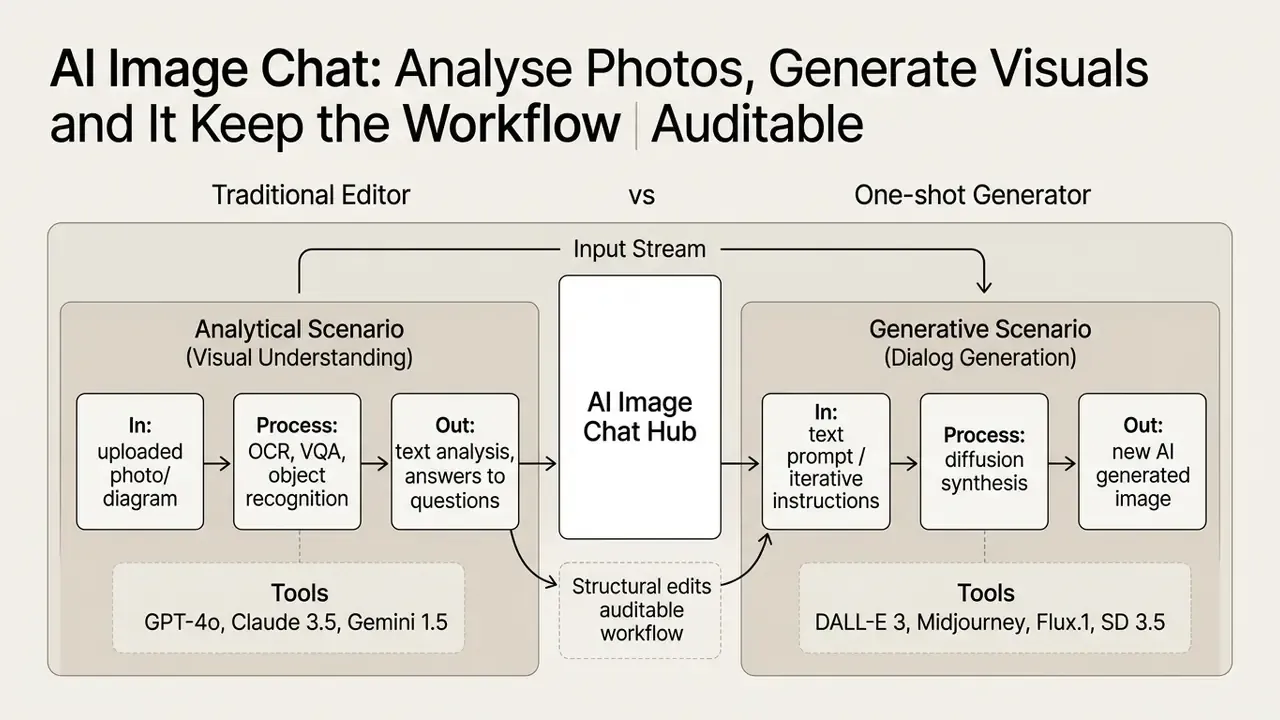
Chat with an uploaded picture: from image to answers
Chat with an uploaded image works on the Visual Question Answering principle: the model answers questions relying exclusively on visible details of the graphic file. Users turn to AI chat for images to automatically identify objects, pull printed or handwritten text (OCR), and unpack complex visual scenes. When the goal is bulk transcription rather than conversation, dedicated image-to-text recognition tools remain more predictable than a general chat.
Modern Vision-Language models process visual content images using a shared vector space: the network extracts local patches and matches them against text tokens. Architectural surveys of large vision-language models (2024) split the stack into three stages, representation, modelling and generation, with visual tokenisation, modality compression and multimodal decoding as the load-bearing blocks.
«LLaVA-1.6 reaches 76.54 on the MMBench V1.1 (EN) benchmark with a comparatively modest parameter count.»
That number is the practical takeaway of the architectural race: capability per parameter, not parameter count alone, is what made image chat cheap enough to ship inside free consumer tiers.
Chat to image: creating images inside a dialogue
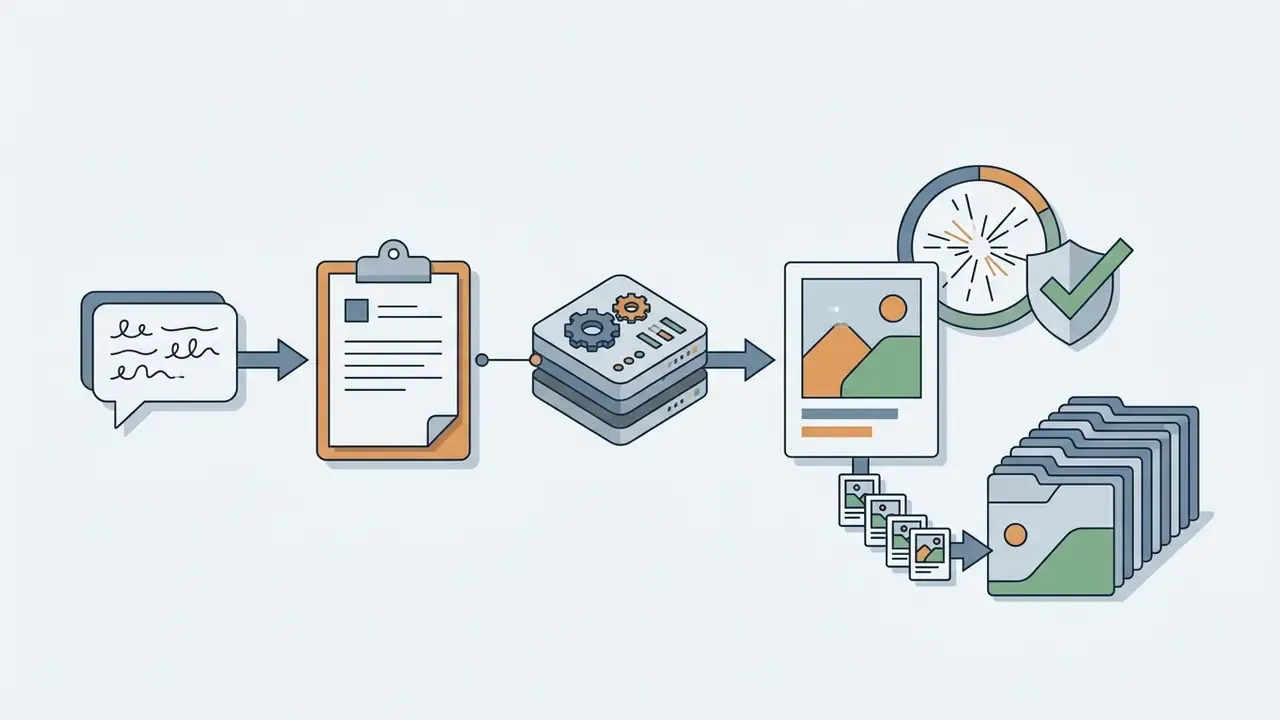
Creating images in a dialogue is an iterative loop of generation and editing driven by successive text instructions. Unlike one-shot generators, a conversational image generator keeps the context of previous iterations, letting you refine composition, change lighting and add new objects step by step.
In systems of the DALL-E 3 and Midjourney class the conversational layer rewrites the user's first request into a more detailed prompt. OpenAI's API even exposes the rewritten version in a revised_prompt field. If you are choosing between platforms before committing, our comparison of the best AI image generators and the head-to-head review of Midjourney and alternative generators cover output quality, controls and licensing side by side. Motion work follows the same dialogue logic: an ai animated image pipeline adds frame consistency as one more constraint to negotiate turn by turn.
When you use AI image chat for generation, you can correct the result in stages:
Realistic expectations matter here:
«T2I-CompBench++ evaluates 11 models on 8,000 prompts: even FLUX.1 and DALL-E 3 regularly violate spatial and numerical constraints.»
In other words, conversational refinement reduces compositional errors but does not eliminate them. Counting objects ("exactly five bottles"), enforcing relative position ("the logo to the left of the cup") and rendering long literal text remain the three weakest points of every current generator. Three weak points. Plan around them.
Everyday photo editing inside the dialogue
Most search demand around image chat is not architectural. It is a concrete file transformation. These intents are the most common, and all of them work as plain-language instructions in a multimodal chat.
- Background removal and transparency "Isolate the subject and make the background transparent (PNG). Preserve crisp edges around hair and fine details."
- Unblur and sharpness recovery "Increase sharpness on the face in this shot and remove micro-motion blur without changing facial expression or proportions."
- Outpainting or canvas extension "Extend this frame 30% to the left and right, continuing the same wall texture and lighting direction. Do not add new people." For batch or precision work, dedicated AI outpainting tools for expanding images give more control over the generated margins.
- AI ID photo "Replace the clothing in this portrait with a business suit, make the background an even light grey, crop to a 3×4 document ratio, keep the face untouched." For team pages and LinkedIn sets, an AI headshot generator produces more consistent results across a group.
- Mirror or flip "Flip the image horizontally and keep all text legible, re-render any reversed lettering."
- Upscale "Upscale to 4× resolution, restore clipped edges, remove JPEG artefacts." Scaling for print usually belongs to a specialised AI image upscaler rather than a chat.
Two cautions. First, generative editing repaints pixels rather than moving them. An "unblurred" face is a plausible reconstruction, not recovered evidence, which makes it unsuitable for identification, insurance or litigation purposes. Second, document photos are still governed by the accepting authority's rules, so a generated suit or background may simply be rejected at the counter.
Quick intent templates
Instead of writing every request from scratch, keep a library of one-click formulations. Paste these directly into the chat after uploading a file.
| Intent template | Ready-to-paste prompt |
|---|---|
| Describe in detail | "Describe this image in maximum detail: foreground, background, lighting, objects, colour palette and overall mood. Report only what is visible." |
| Describe briefly | "Give a one-sentence factual caption for this image, under 20 words, no interpretation." |
| Extract text (OCR) | "Extract all text from the image preserving formatting, line breaks and paragraph order. Do not paraphrase or correct spelling." |
| Extract tables | "Convert every table in this scan into Markdown. Keep original column order and mark unreadable cells as [illegible]." |
| Generate a Midjourney prompt | "Write an English Midjourney v6 prompt that reproduces the style, lighting and composition of this photo. Include aspect ratio." |
| Design critique | "Review this UI mockup: list accessibility issues, contrast failures, alignment errors and unclear affordances. Order by severity." |
| Error or defect hunt | "Find visual artefacts, logical inconsistencies or manufacturing defects in this image. If uncertain, say 'uncertain' instead of guessing." |
| Image to JSON | "Return a JSON object with fields: objects[], dominant_colors[], visible_text, scene_type, confidence. Use null for missing values." |
| Compare two images | "Compare the two uploaded images and list only the differences in object position, colour and text." |
| Chart reading | "Read this chart: extract the series names, axis units and values, then state the three main trends without extrapolating." |
No matching rows Clear one or more filters to restore the matrix.
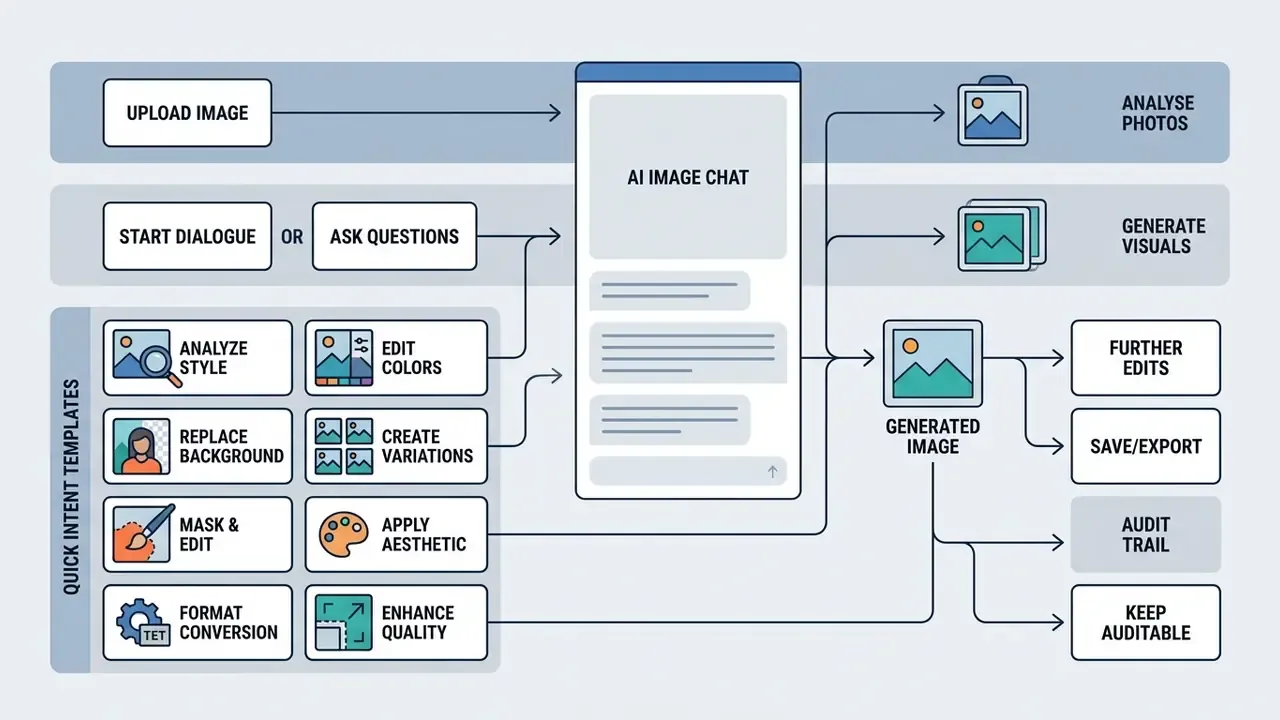
How AI chat with image works
AI chat with image works through the joint operation of a neural image encoder (Vision Transformer) and a language-model decoder. Once the user decides to upload an image into the interface, the network splits the pixel grid into fragments (patches), turns them into visual embeddings, and passes them to the language model alongside ordinary text.
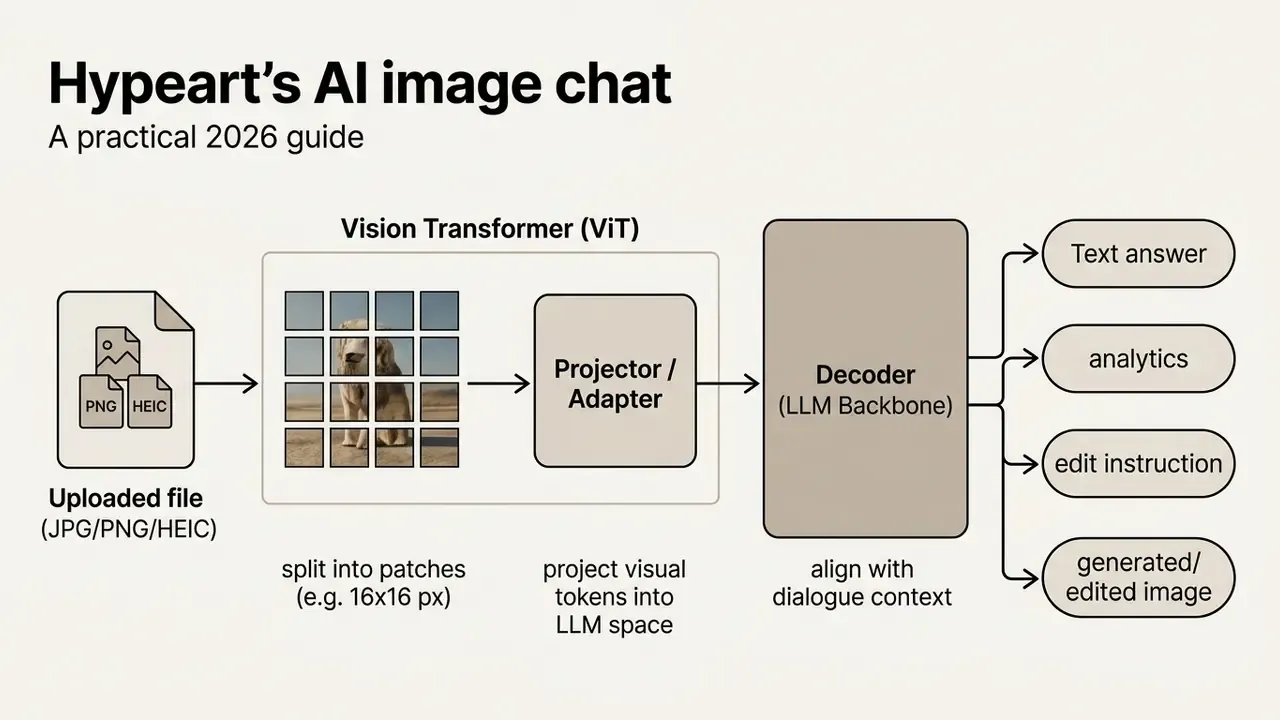
AI powered processing keeps the message history, so when you ask follow-up questions the model matches new text tokens against the previously uploaded file.
Upload and visual content recognition
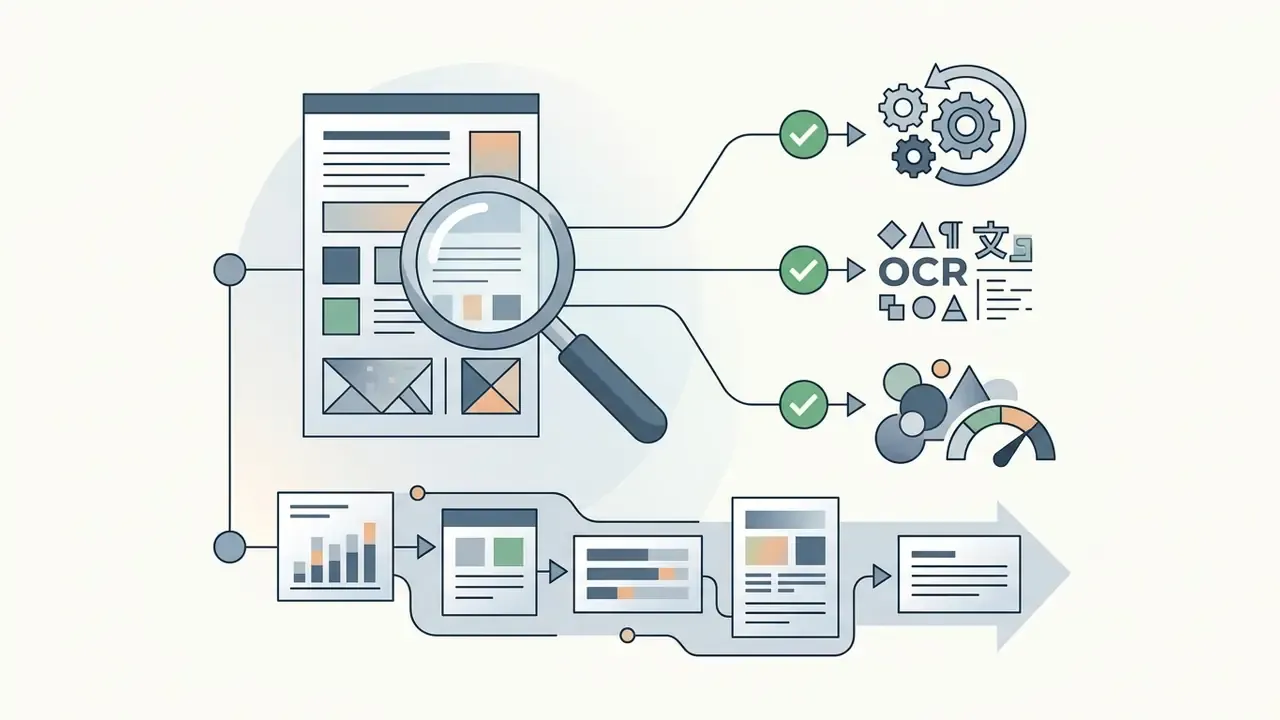
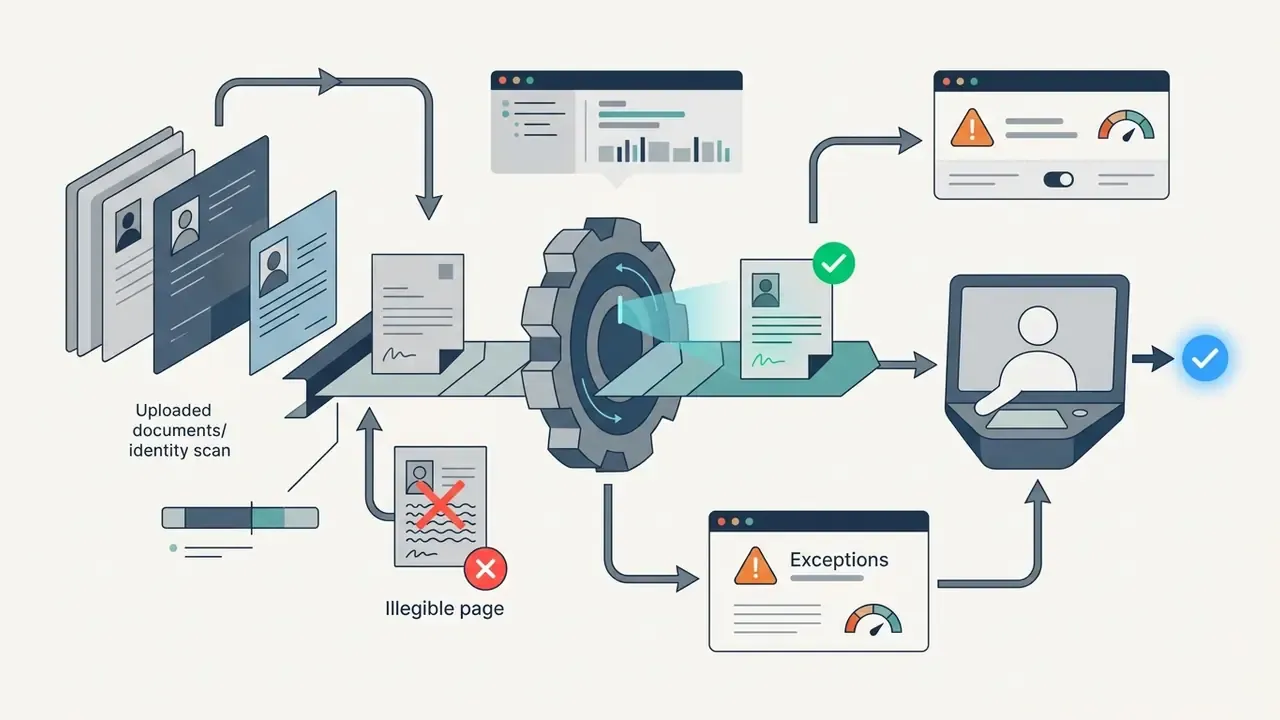
File handling starts with preprocessing (image processing): resolution normalisation, contrast handling and segmentation. At the recognition stage, advanced AI algorithms isolate text blocks (OCR), key objects and the spatial relations between them.
NIST's own OCR evaluation work shows how much of the outcome is decided before the model sees anything. Grayscale conversion and preprocessing improved mean recognition scores by 28%–47% in one NIST comparison. Resolution is equally decisive: NIST IR 7830 reports that below 96 pixels of inter-eye distance on portrait images recognition accuracy deteriorates, and recommends 96 pixels as the floor for optimal accuracy (NIST Interagency Report 7830, https://nvlpubs.nist.gov/nistpubs/ir/2013/NIST.IR.7830.pdf).
Text-on-image analysis uses three-component architectures (TextVQA) that jointly model the question words, the detected visual objects and the tokenised scene text.
Accuracy also depends on what kind of question you ask:
«GPT-4V produces confident but factually wrong answers on knowledge-intensive VQA, heavy hallucination when world knowledge is required.»
Practical rule: questions answerable from pixels ("what colour is the car?") are reliable. Questions requiring outside knowledge ("which year was this building completed?") are the hallucination zone.
Contextual and clarifying questions in one chat
Voice prompts: describing the change out loud
In the mobile interfaces of ChatGPT and Gemini the flow no longer requires typing. The user uploads a photo and speaks the request. A speech-recognition module (Whisper class) transcribes the utterance into text, which is then processed together with the image's visual tokens without losing context. This matters in three situations: hands-busy field work (equipment, construction, retail shelves), accessibility for users with low vision or motor impairment, and long descriptive prompts where speaking is simply faster than typing.
Practical tip: dictate structure, not stream of consciousness. Say the subject, then the change, then the constraint ("this invoice... extract the totals table... do not correct the numbers").
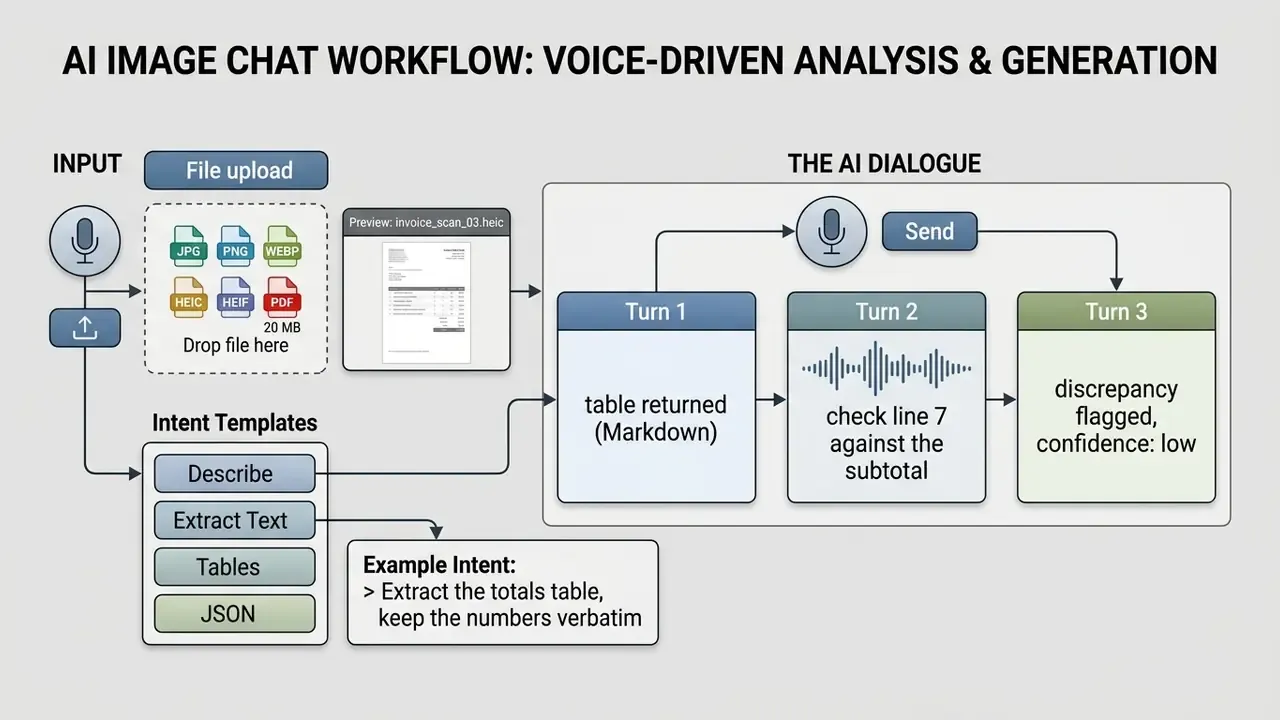
How to use AI Image Chat: a step-by-step scenario
To work effectively with AI pic chat or AI picture chat, move sequentially from file preparation to validating the answer. Using proven AI tools reduces the number of iterations and produces a high quality result on the first attempt more often than luck alone would suggest.
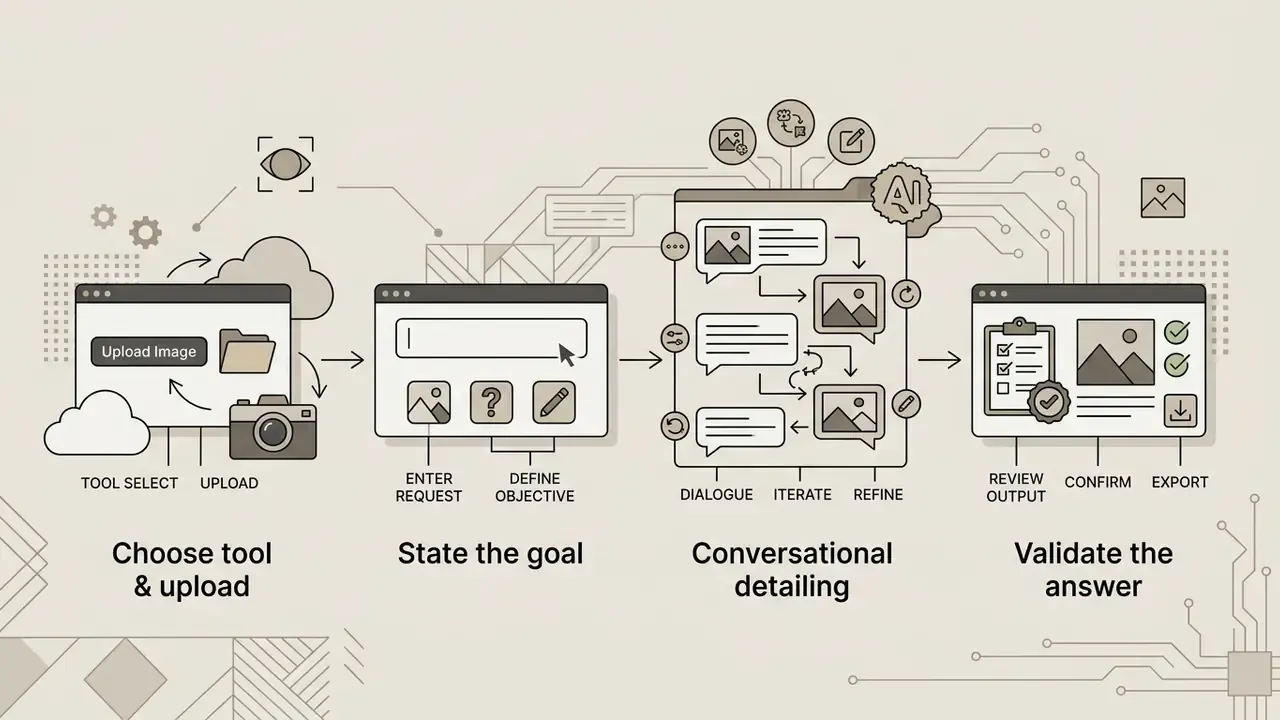
Upload the image and state your goal
To begin, simply upload the file in the service window and assign the AI a role. If your goal is factual data, restrict the question's context strictly to what is visible. If the source is a low-resolution or poorly lit photo, pre-process it in an AI photo editor before you start chatting: crop, straighten and raise contrast, because the model cannot recover detail that the file never contained.
Example of a correct task statement for an analytical chat:
Microsoft's prompt guidance adds two concrete mechanics for image inputs: place the image before the text, and ask for a detailed description first, then the task. That ordering measurably reduces answers that ignore parts of the frame.
What questions to ask AI about a photo or picture
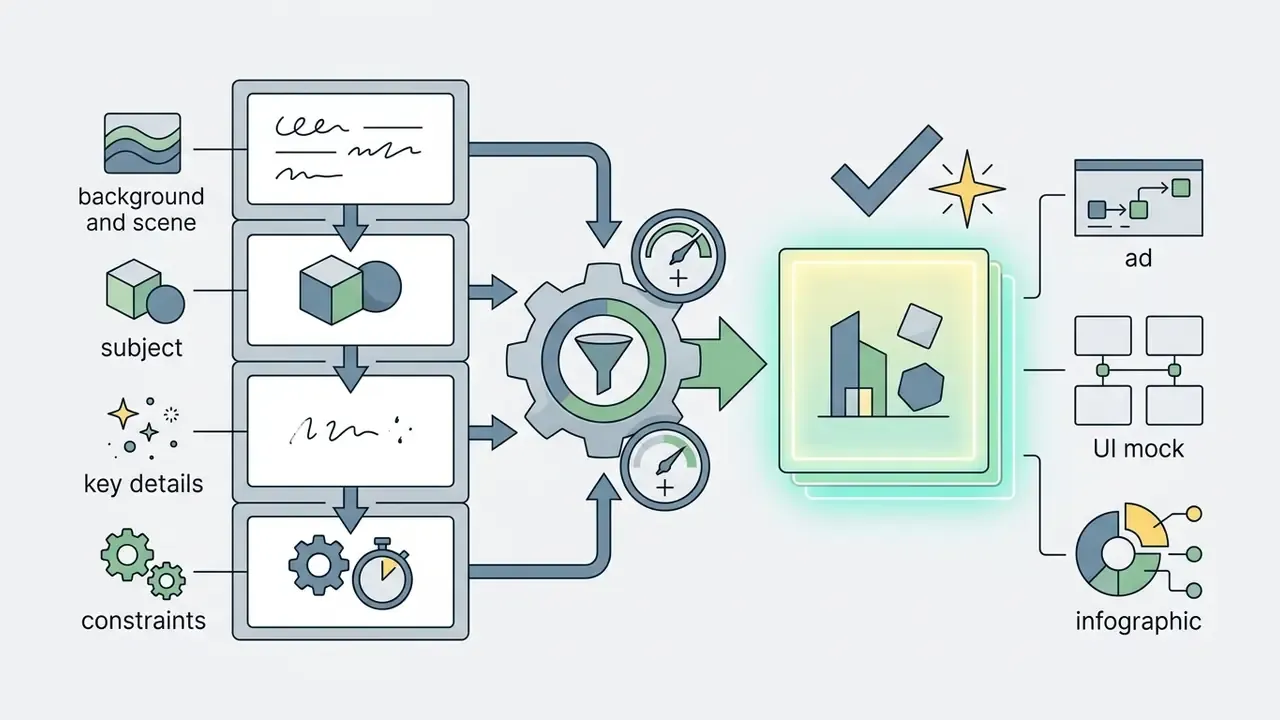
For the AI to correctly identify objects and describe visual content exhaustively, structure questions as "Task, visible details, output format".
Recommended question types for chat images AI:
- Text extraction (OCR)"Transcribe all handwritten text from this sheet exactly as written."
- Defect and error hunting"Find logical inconsistencies or visual artefacts in this interface mockup."
- Style analysis"Describe the colour solution, light direction and architectural style of the object in the photo."
- Comparison"Compare the two uploaded shots and highlight the difference in object placement."
- Uncertainty handling"If the image does not contain enough evidence to answer, reply 'unanswerable' instead of guessing."
That fifth template is the cheapest control in this article. It costs one sentence and removes a whole class of confident nonsense.
How to improve the quality of an answer or generated image
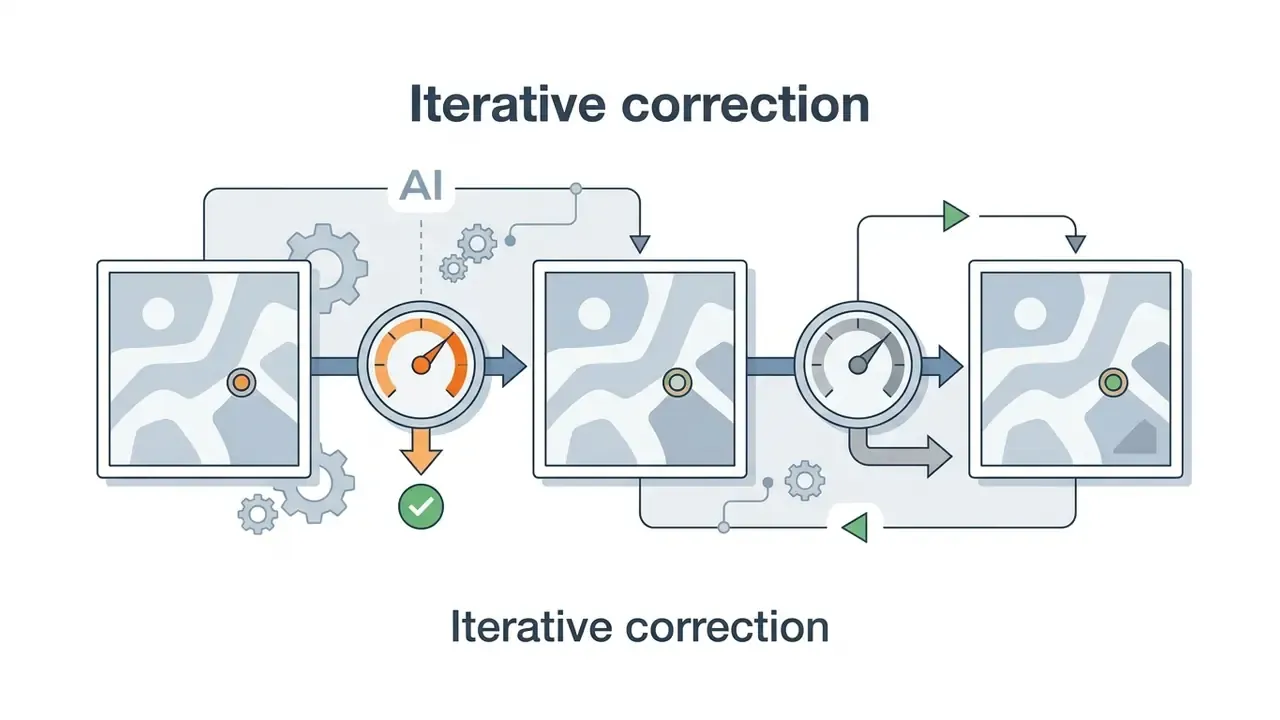
If the first answer or the generated image contains inaccuracies, use stepwise refinement. The REFINE method formalised in prompt-engineering literature (2024–2025) is a useful loop: Rephrase keywords, Experiment with context and examples, Feedback loop, Inquiry questions, Next iteration, Evaluate the output.
Core rules for improving results:
- Change one parameter per turn. Vendor image-prompting guidance is consistent on this: start from a clean base prompt, then apply small single-change follow-ups (lighting, removal, background restoration). Bundled edits make it impossible to attribute which instruction caused the regression.
- Separate edits from constraints. State explicitly what must change and which elements must remain untouched, then repeat the preservation clause in every subsequent turn to reduce drift.
- Use concrete visual vocabulary. Instead of "make it nicer", write "add cinematic side lighting and a frosted-glass texture".
- Manage exclusions. Spell out stop-conditions ("no watermark, no blurred text, no extra fingers, no additional people").
- Assign roles to references. When you attach several images, number them and state the role of each ("image 1 = subject, image 2 = style, image 3 = background").
Expect limits even with perfect prompting:
«ScImage shows that models systematically err on object counts and spatial relations; iterative prompt refinement reduces but does not remove these errors.»
What tasks people use image chat AI for
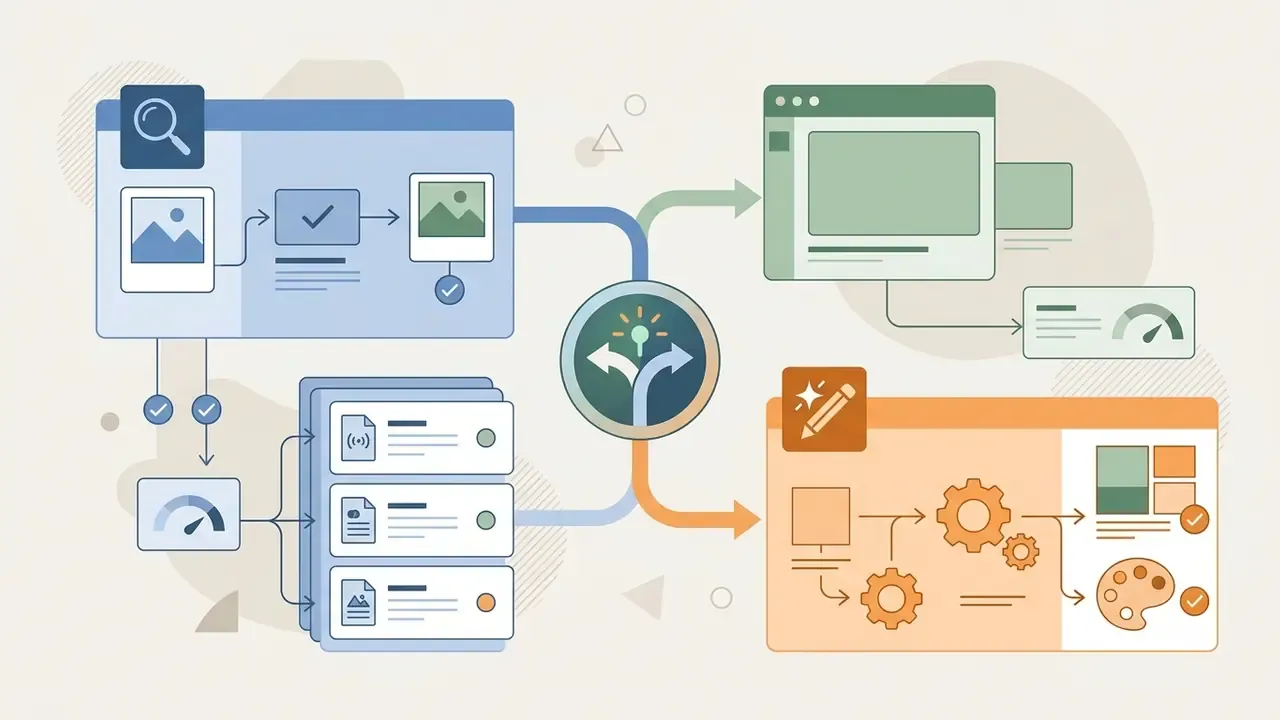
The application range of image chat AI spans marketing research, education, commercial design, back-office operations and everyday analytics. Being able to use AI to unpack images and text at the same time simplifies processing visual information of almost any complexity.
| Domain | Analytical scenario (Visual QA) | Generative scenario (Chat-to-Image) |
|---|---|---|
| Marketing and SMM | Competitor creative analysis, banner legibility scoring. | Ad illustrations, banners, social grids. |
| Design and UI/UX | Mockup critique, accessibility (a11y) audit. | Icons, concept art, UI prototypes. |
| Education | Explaining charts, solving problems from a photo, OCR of notes. | Illustrating learning materials, infographics. |
| Development | Bug hunting from interface screenshots, markup from a mockup. | Sprites, textures, pseudo-graphics. |
| Operations / finance | Invoice and receipt extraction, document triage, chart reading. | Internal report visuals, process diagrams. |
| Accessibility | Alt-text generation, scene description, text-to-speech pipelines. | Simplified visual explanations. |
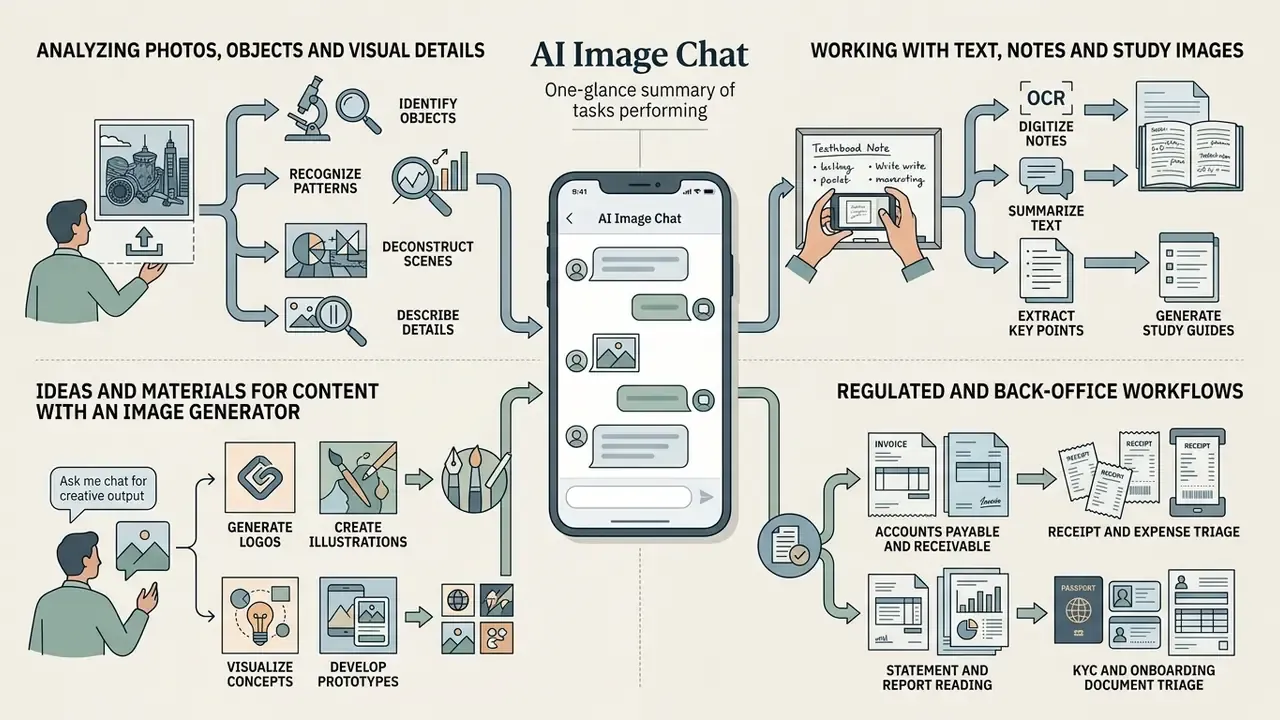
Analysing photos, objects and visual details
In everyday and professional scenarios chat with image AI identifies unfamiliar objects, labels equipment parts and determines architectural styles. Google Lens documentation shows the pattern plainly: identify a product or plant from a photo, then ask follow-up questions about visible features. Meta AI's image-recognition examples use prompts such as "Identify this product and explain what it's used for."
The quantified gain over older pipelines:
«GPT-4V with enriched category descriptions improves zero-shot recognition by about 7 percentage points top-1 accuracy across 16 datasets versus a CLIP baseline.»
Where provenance rather than identification is the question, for example who else published this photo, whether it is stock, whether it is a reused asset, a chat is the wrong tool. Use AI reverse image search instead.
Working with text, notes and study images
Using image AI for study and documentation automates the transcription of scans, charts and handwritten notes. The task has a long official baseline: NIST Special Database 19 remains the reference corpus for handprinted document and character recognition, and NIST's OCR pipeline descriptions (line isolation, segmentation, character classification, spell correction) still describe what modern VLMs do implicitly.
«The @Bench assistive-technology benchmark includes OCR as one of five core VLM tasks, confirming the practical value of transcription for people with visual impairments.»
Example of classroom use:
Ideas and materials for content with an image generator
For content makers a conversational image generator works as a full assistant. The ability to create images through multi-step dialogue simplifies brand visual production: background swaps, text clean-up, aspect-ratio variants and brand-asset refinement all become follow-up turns instead of new projects. You can use the analytics of the Hypeart AI Media Decision Support platform to assemble a generative stack that fits your business tasks, and the AI Media Glossary for the terminology behind style transfer and art generation.
Set expectations honestly with stakeholders. T2I-CompBench++ (2024) documents that even the strongest models regularly break compositional constraints, especially on spatial relations and numeric requirements. Conversational refinement improves alignment with the brief; it does not guarantee it. Budget a human design pass for anything that ships.
Regulated and back-office workflows
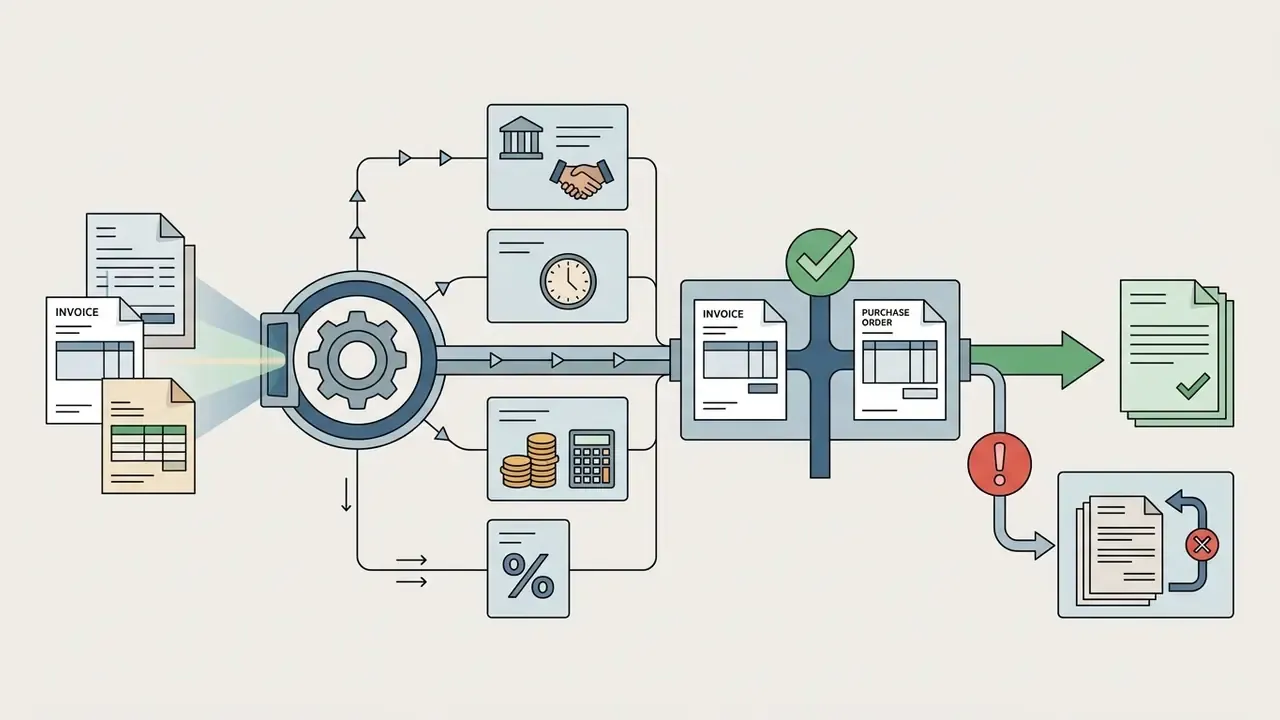
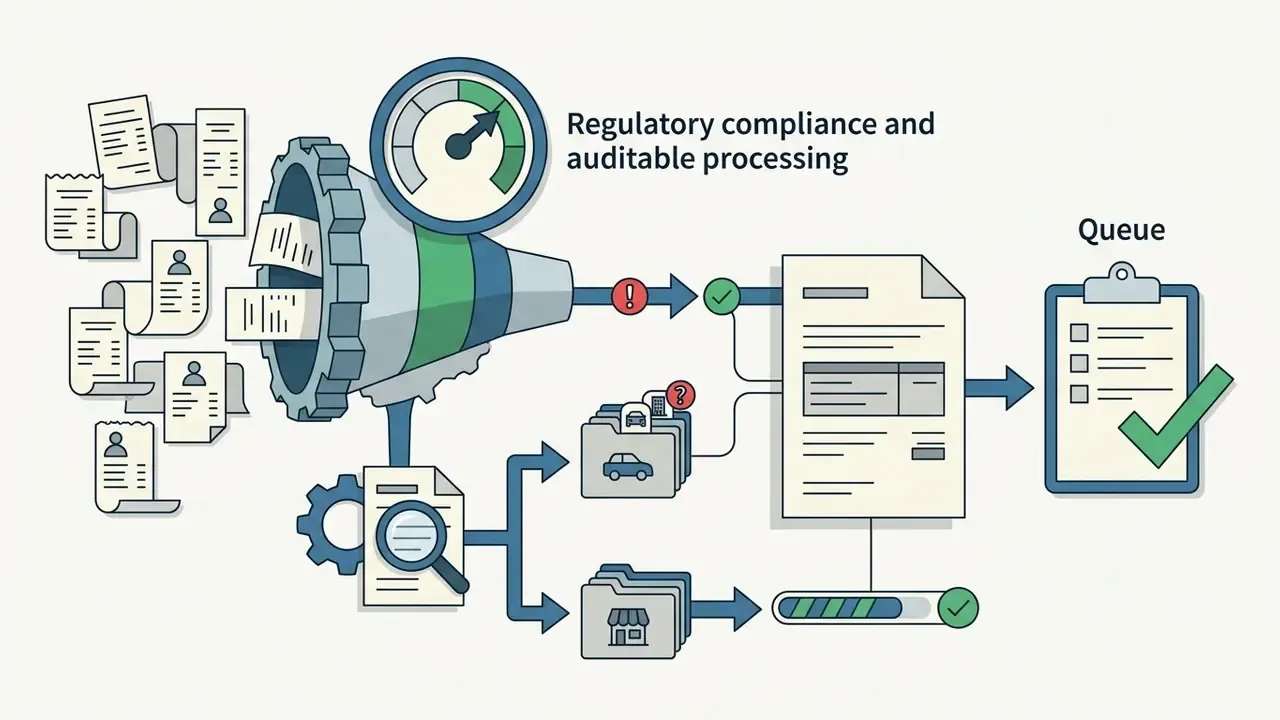
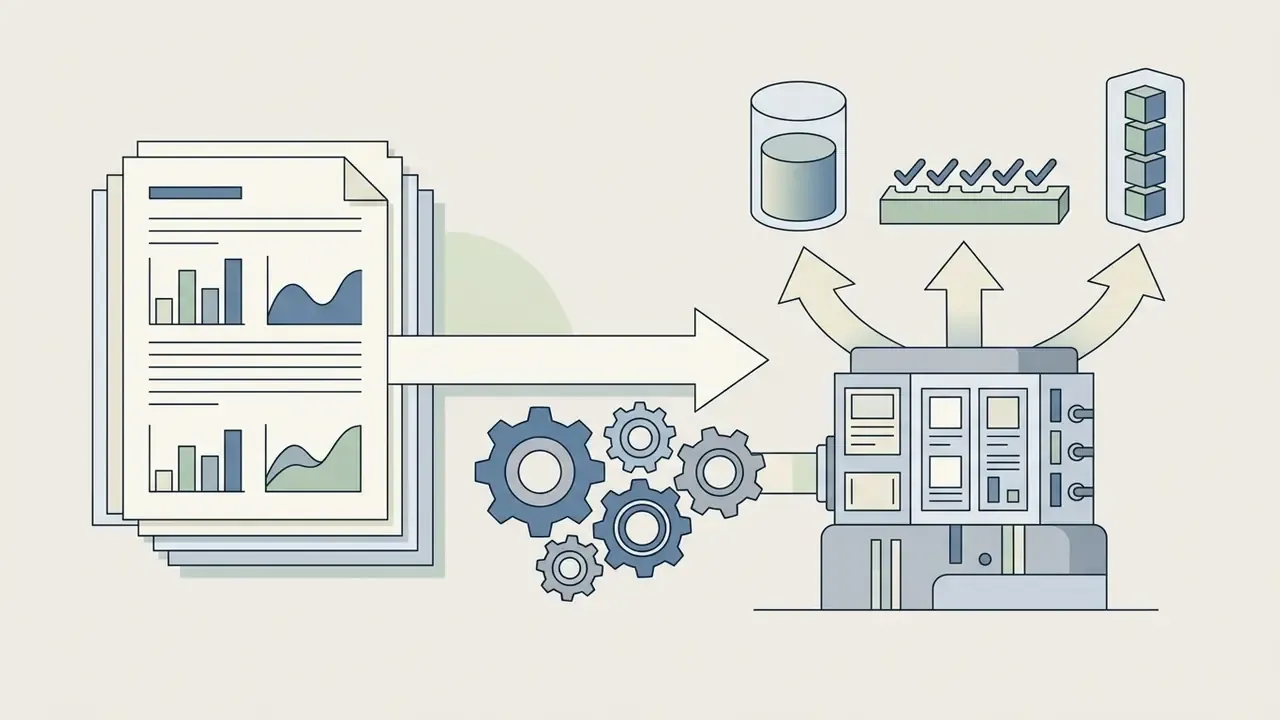
For finance, insurance and banking operations, the value of multimodal chat concentrates in document-heavy processes rather than creative work:
In each case the correct architecture is the same: the model proposes, a control validates, and the decision record keeps both. Which controls are mandatory is covered in the governance section below.
How to choose a free AI image chat for personal and commercial use
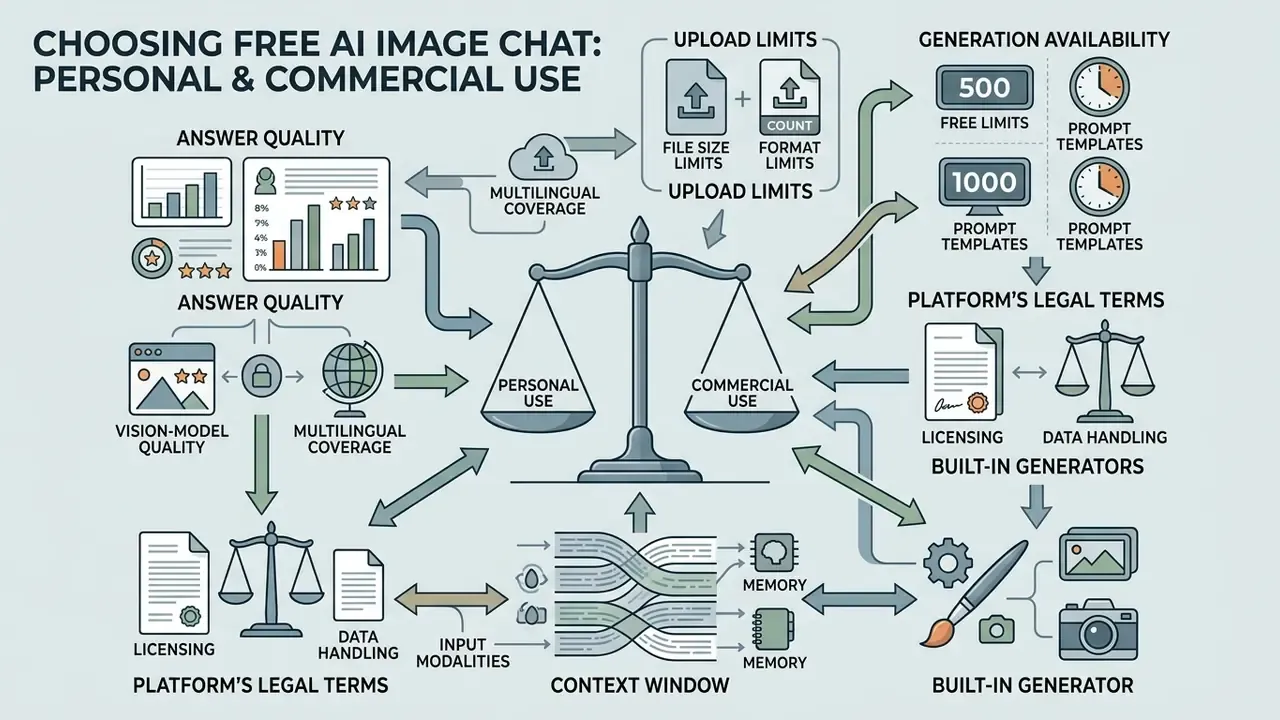
When selecting a free AI image chat or free AI photo chat, weigh answer quality, upload limits, generation availability and the platform's legal terms. Many services offer free access (image chat AI free) while imposing hard restrictions on commercial use of the results. A side-by-side view of free AI image generators and of free photo editors helps separate genuine free tiers from trial funnels.
Which features to compare before you start
- File size and format limits: support for JPG, PNG, WEBP, BMP, HEIC/HEIF and PDF, plus the permitted file volume (from 15 MB to 500 MB depending on vendor).
- Context window and memory: whether the model remembers previously uploaded pictures within one session.
- Built-in generator: whether the service only analyses or can also produce a generated image.
- Vision-model quality: accuracy in independent benchmarks (MMBench, MathVista, OCRBench, HallusionBench).
- Multilingual coverage: whether OCR and dialogue work in your languages. Mainstream services handle 15 or more, including English, Spanish, French, German, Portuguese, Italian, Russian, Arabic, Farsi, Hindi, Simplified and Traditional Chinese, Japanese and Korean.
- Input modalities: typing, drag-and-drop, image URL and voice input.
- Data handling: whether training on your uploads can be switched off, and what the retention window is.
- Export and portability: whether you can export the conversation, the extracted text and the generated assets in usable formats.
Free access and AI tool limits
Free tiers of popular services carry clearly documented restrictions that must be factored into planning:
| Platform | Upload limit | Generation limits (free tier) |
|---|---|---|
| ChatGPT Free | Up to 20 MB per image (PNG, JPEG, non-animated GIF) | About 2 to 3 generations per rolling 24 hours |
| Gemini Free | Up to about 10 MB per file | About 2 to 3 images/day, capped near 1K resolution, visible watermark plus SynthID |
| Claude Free | Up to 500 MB per file, images to 8000×8000 px | No built-in image generation |
| Microsoft Copilot | Up to 15 MB per file (JPG, PNG, WebP, PDF, GIF) | Limited number of accelerated generations |
Figures reflect published vendor help-centre documentation and change frequently. Verify the current limit in the provider's own help centre before you build a process on it. Platform-specific breakdowns are available for Microsoft's AI image generator, Bing AI image creation, Google's AI image generator and ChatGPT's picture generator.
What to check before commercial use of results
Before using outputs for commercial purposes, read the Terms of Service of the chosen AI tool. Yes, all of it. The interesting clauses are rarely in the first paragraph.
Key legal aspects:
- Copyright in AI output: under U.S. Copyright Office registration guidance for works containing AI-generated material (2023–2024) and the European Parliament's 2025 study, purely AI-generated images without substantial human authorship are not protected by copyright. Applicants must disclose AI-generated material and explain the human contribution. https://www.copyright.gov/ai/ai_policy_guidance.pdf
- Transfer of rights to the user: OpenAI's Terms of Use place outputs under the user's control to the extent permitted by law. Other vendors are stricter. Adobe's regional AI terms have prohibited commercial use of outputs in some jurisdictions, and Adobe Stock requires full rights clearance before generative images are submitted for licensing.
- Open-source model licences: under the Stability AI Community License, free commercial use of Stable Diffusion 3.5 is permitted only for organisations with annual revenue below $1 million. Above that threshold an enterprise licence is required. Users retain the rights to the images they generate. https://stability.ai/community-license-agreement
- Public sharing clauses: OpenAI's service terms note that publicly sharing an image or video on the service grants OpenAI the right to reproduce, distribute, modify, display and perform that content for operating and promoting the service. Read these clauses before publishing client assets into public galleries.
- Content-policy limits: acceptable-use rules, not only copyright, decide what you may generate. Tools marketed as an ai art generator with few filters still sit under platform, payment-provider and advertising policies, and adult categories such as ai art porn are prohibited outright in most corporate and financial contexts. For a regulated brand, a policy breach is a reputational event before it is a legal one.
- Third-party rights in the input: you also need rights to the reference image you upload. Uploading a licensed stock photo, a competitor's artwork or a customer's document may breach terms independently of what the model outputs.
| Service / Model | Photo analysis | Conversational generation | Free access | Commercial use permitted |
|---|---|---|---|---|
| ChatGPT (GPT-4o) | Yes | Yes (DALL-E 3) | Yes (with limits) | Yes (per Terms of Use) |
| Google Gemini | Yes | Yes (Imagen 3) | Yes | Yes (with SynthID watermark) |
| Anthropic Claude | Yes | No | Yes | Yes (for generated text and code) |
| Microsoft Copilot | Yes | Yes | Yes (limited) | Yes (per Microsoft terms) |
| Stable Diffusion 3.5 | No (T2I only) | Yes | Yes (open weights) | Yes (revenue under $1M/year via Community License) |
For a deeper analysis of licence conditions and commercial risks, see the materials in the AI Media Glossary, and for precedent-level disputes you can explore the hub with a selection of cases.
Under the privacy policies of the leading developers, uploaded photos are stored on servers for processing, abuse prevention and safety. On most platforms the user can disable the use of their data for training future models in account privacy settings.
Enterprise deployment: Shadow AI, data protection and model risk
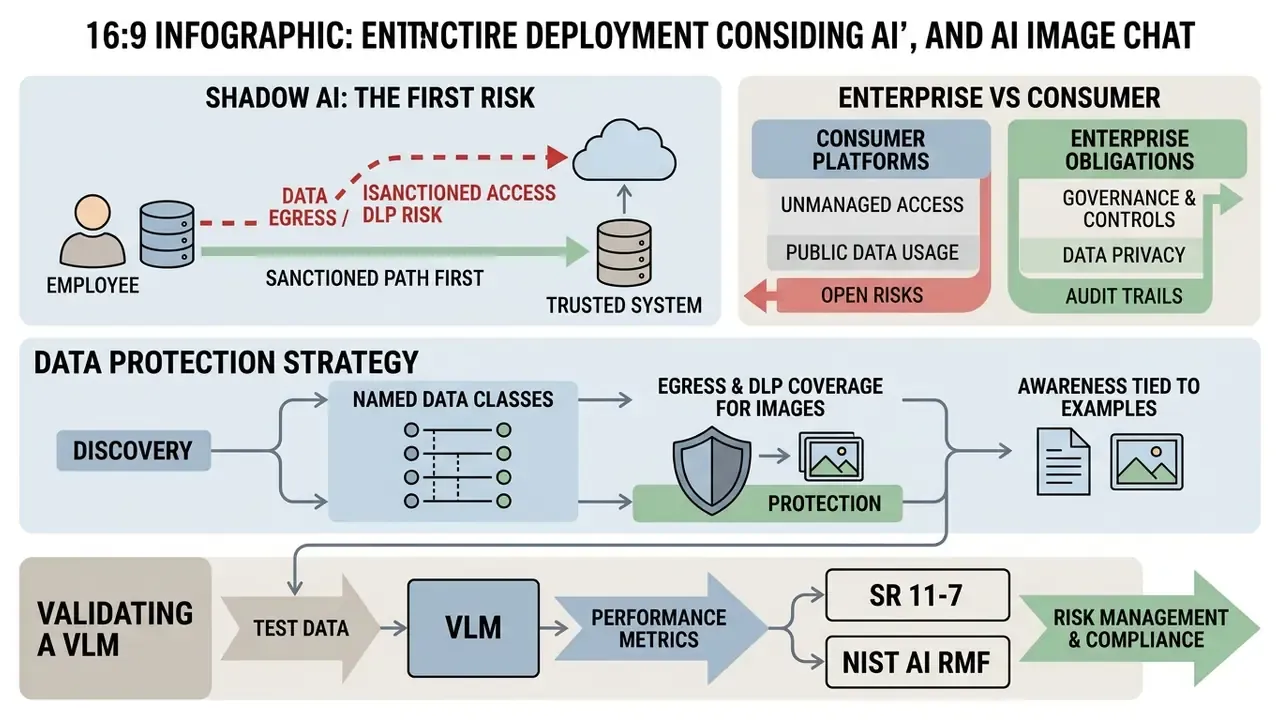
Consumer tiers and enterprise obligations are not the same decision. If your organisation handles non-public personal information, this section is the operative one.
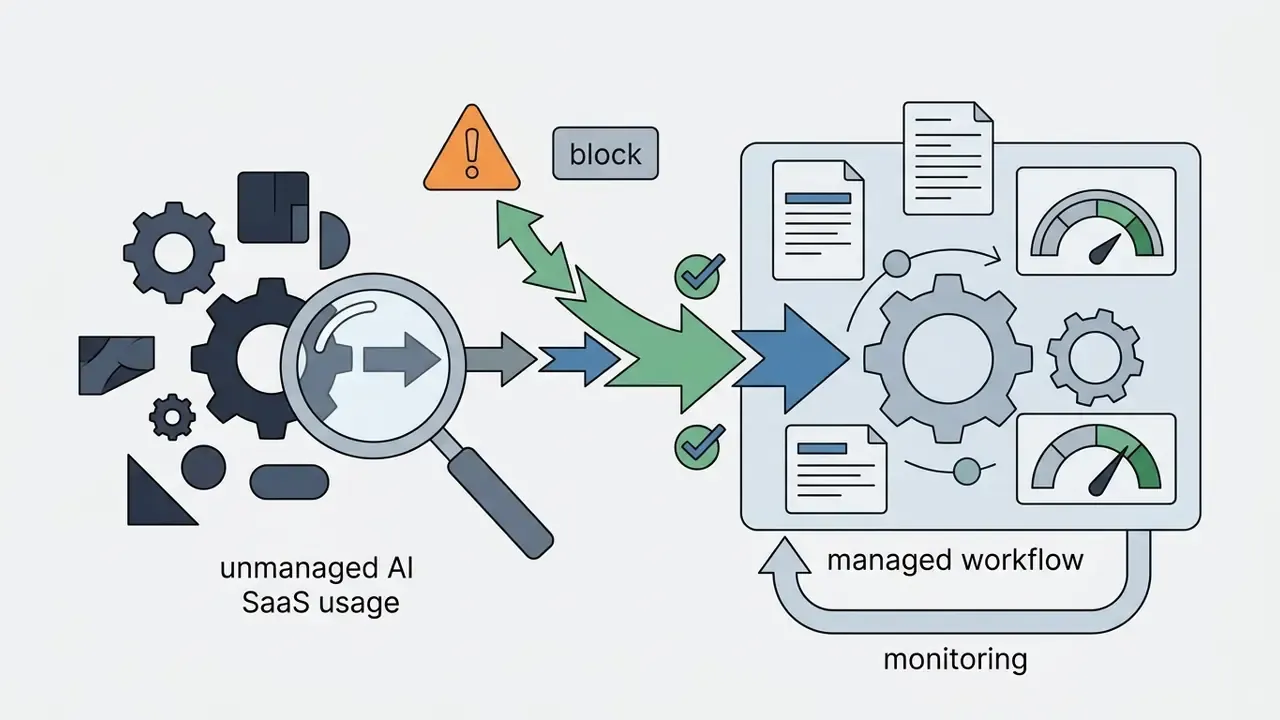
Shadow AI: the real first risk
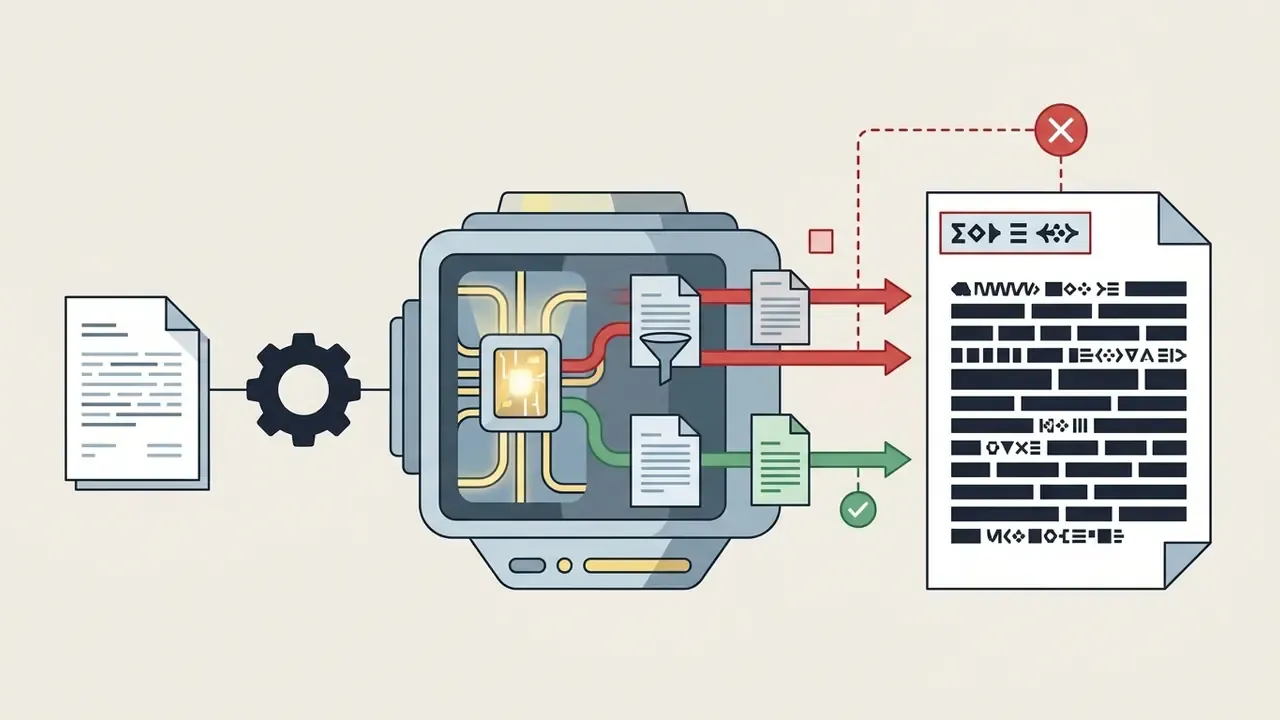
The dominant multimodal risk in large organisations is not a model error. It is an employee pasting a screenshot into a personal account. A single upload can move a customer statement, a passport scan, a claims file or an internal board chart outside the corporate perimeter, into a consumer product whose terms may permit retention and training.
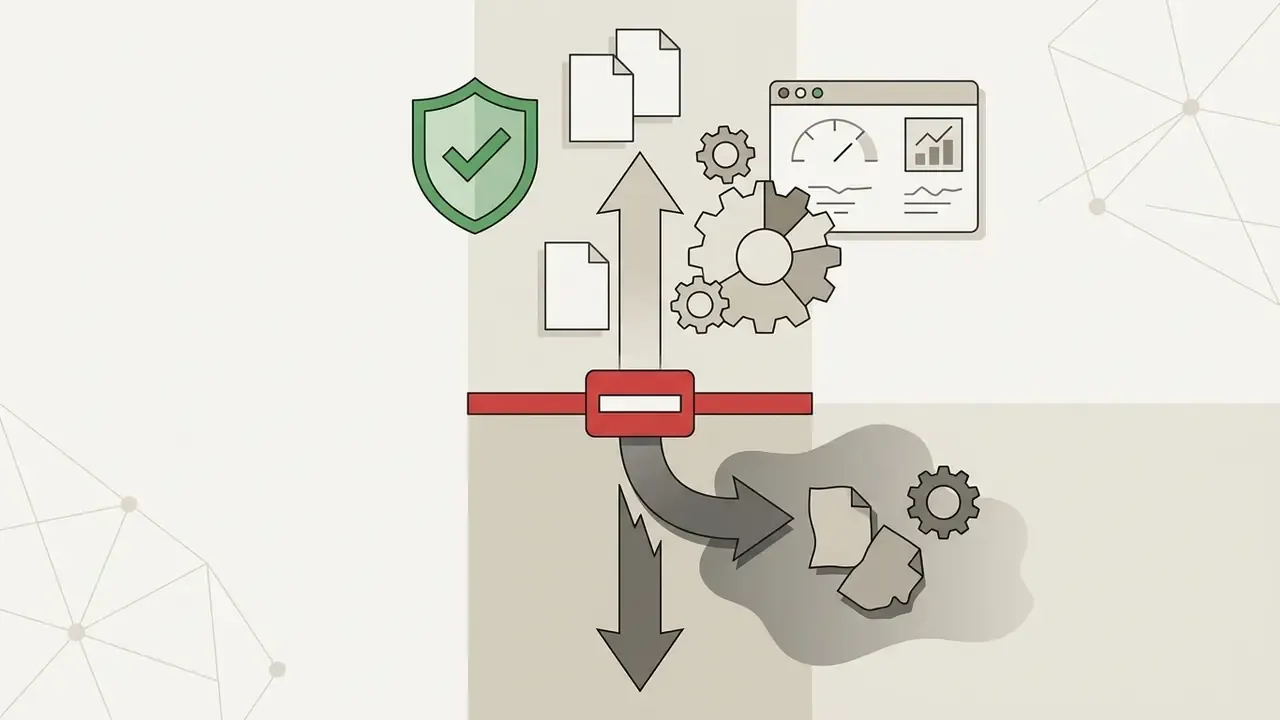
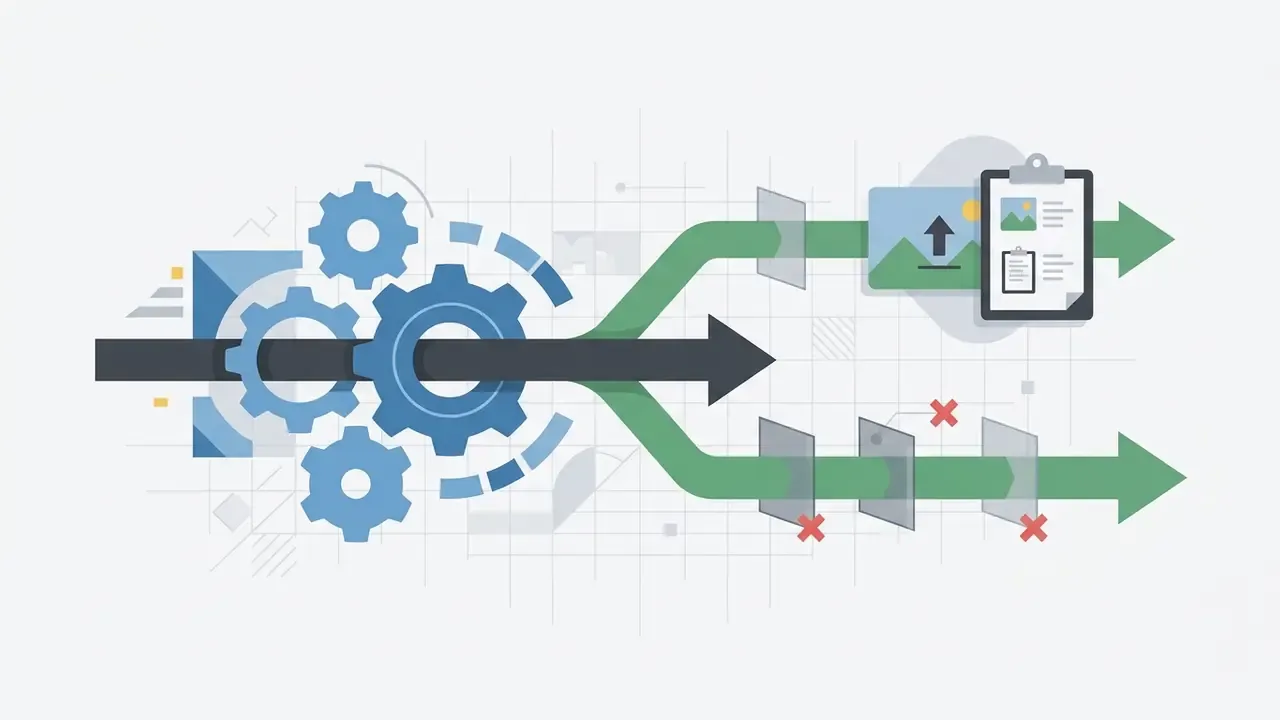
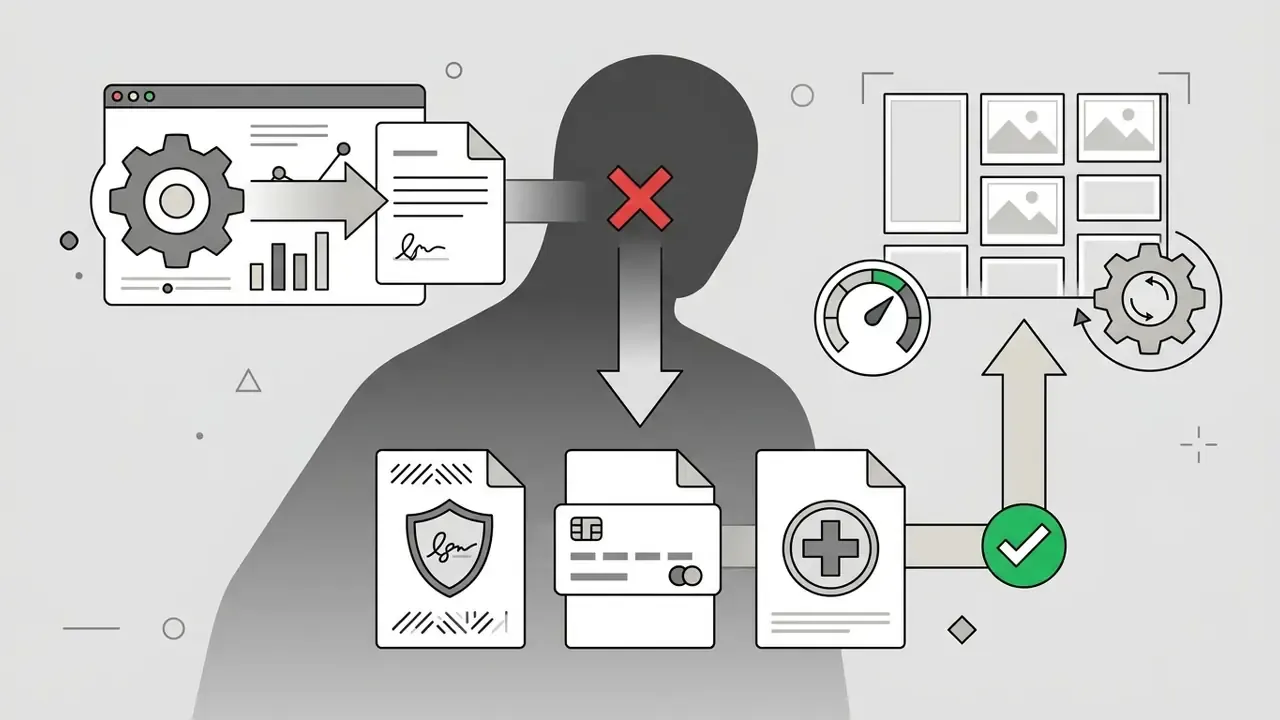
Controls that actually work:
Enterprise vs consumer platform comparison
| Criterion | Consumer chat (free/Plus tiers) | Enterprise API & workspace tiers | Private / VPC deployment (open-weight VLM) |
|---|---|---|---|
| Training on your data | Often on by default, user-toggled | Contractually excluded | Fully under your control |
| Retention | Vendor-defined windows | Configurable; Zero Data Retention available on request for eligible endpoints | You define retention |
| Assurance artefacts | Public policy pages | SOC 2 Type II, ISO 27001, DPAs, subprocessor lists | Your own control environment |
| Encryption keys | Vendor-managed | Customer-managed keys (KMS) on major clouds | Fully customer-managed |
| Access control | Individual account | SSO/SAML, SCIM, role-based access, audit logs | Native to your IAM |
| Logging for audit | Client-side history | Server-side request and response logs with retention policy | Complete, in your estate |
| Residency | Limited control | Regional hosting options | Chosen by you |
| Vendor concentration | Single vendor | Multi-model gateways reduce lock-in | Model-agnostic |
No matching rows Clear one or more filters to restore the matrix.
Practical selection note: route regulated multimodal workloads through cloud AI platforms with contractual data-handling commitments, for example enterprise-hosted OpenAI models, managed Anthropic endpoints, or self-hosted open-weight VLMs. Keep at least two viable model providers behind an internal gateway to avoid single-vendor dependency.
Validating a VLM under SR 11-7 and NIST AI RMF
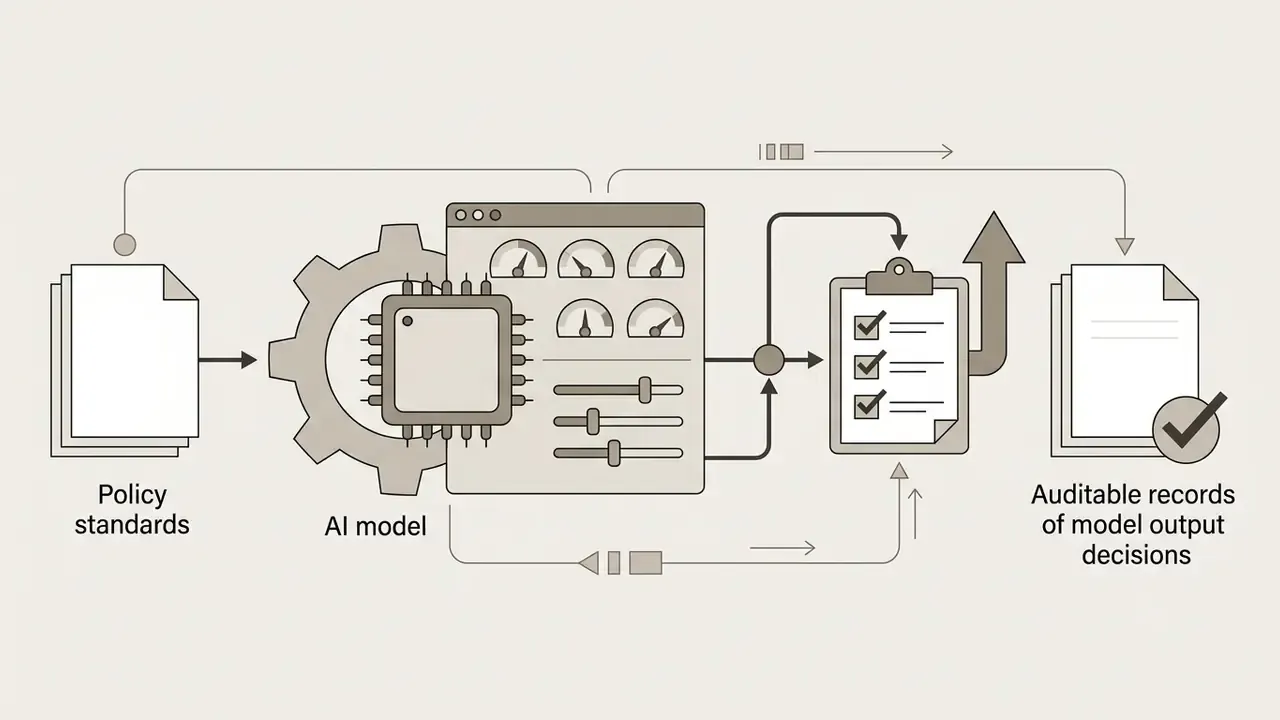
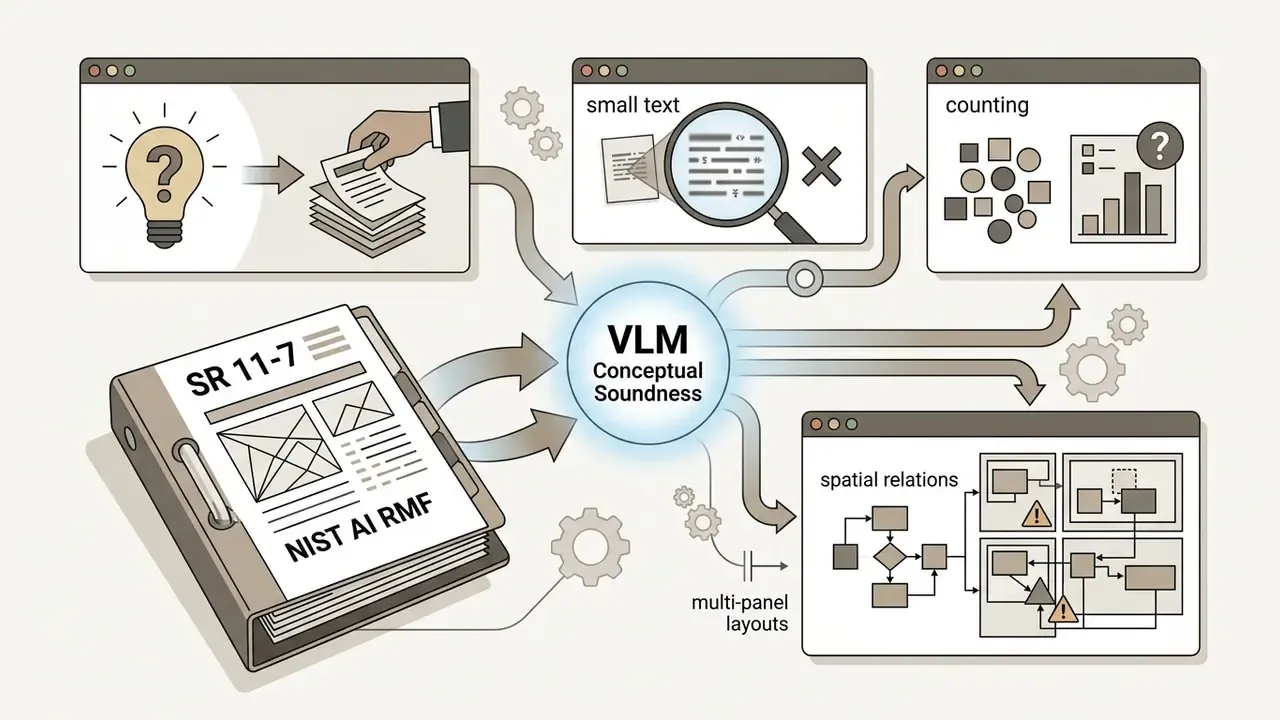
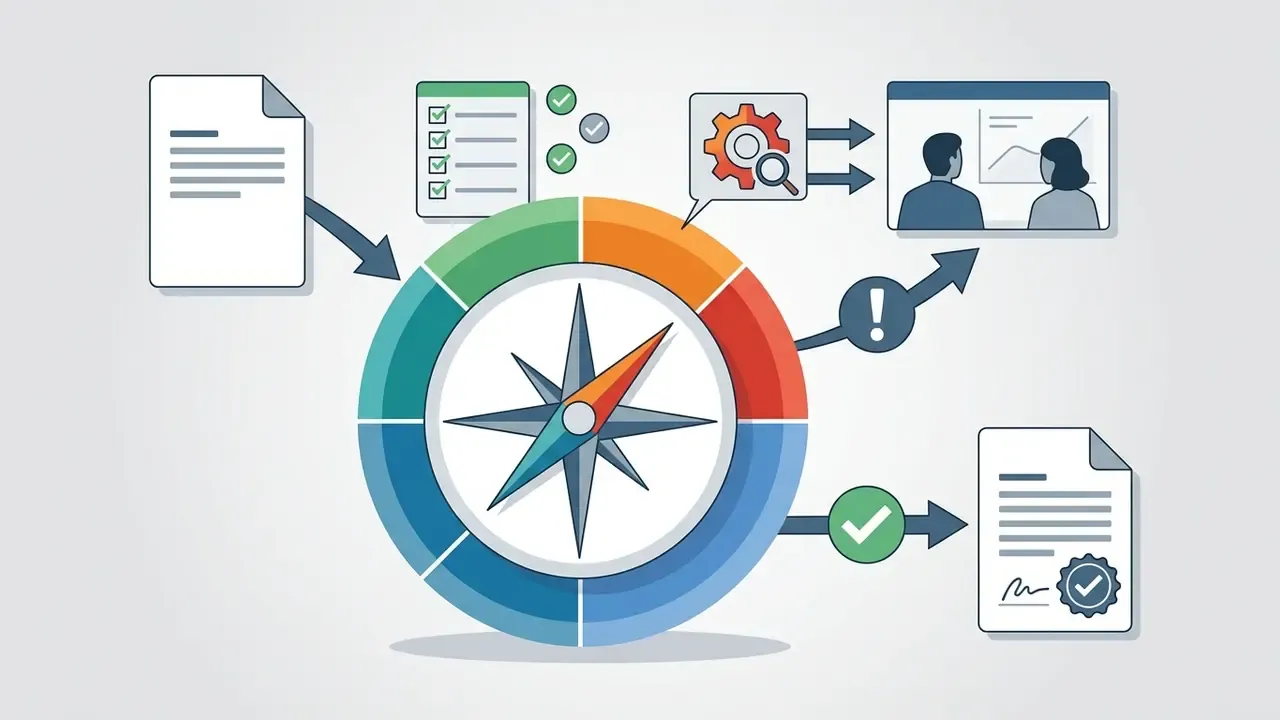
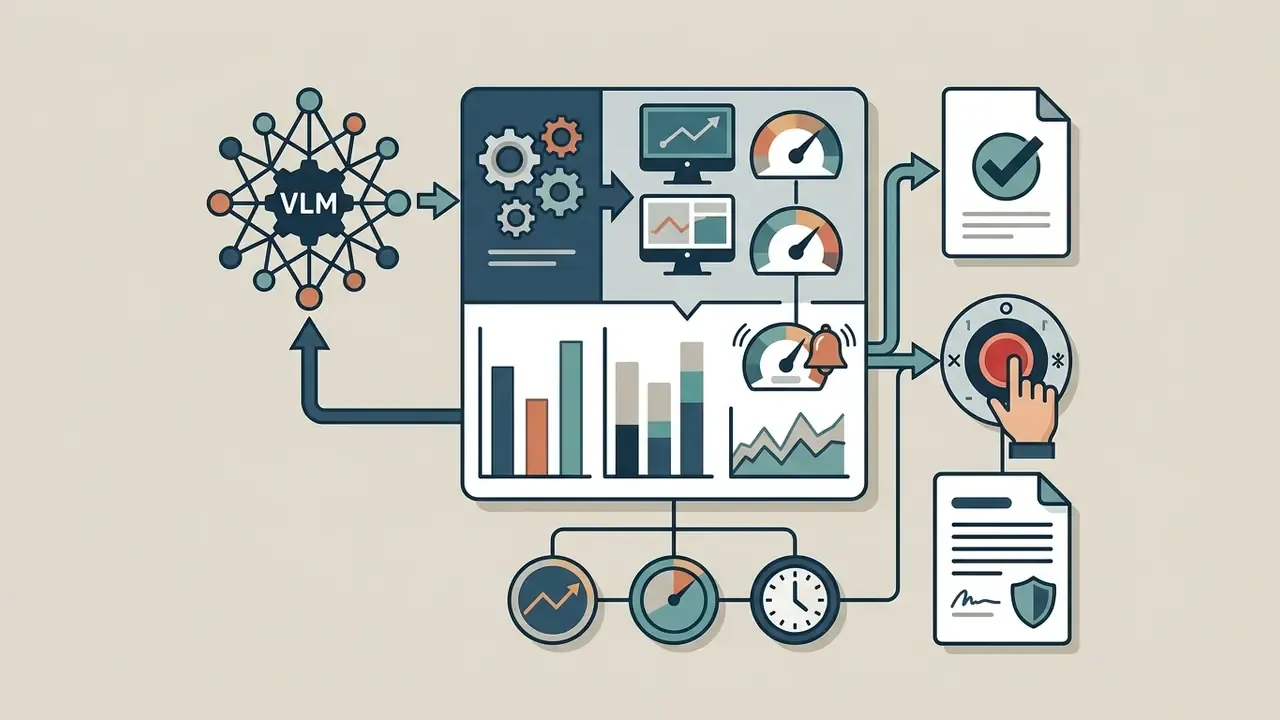
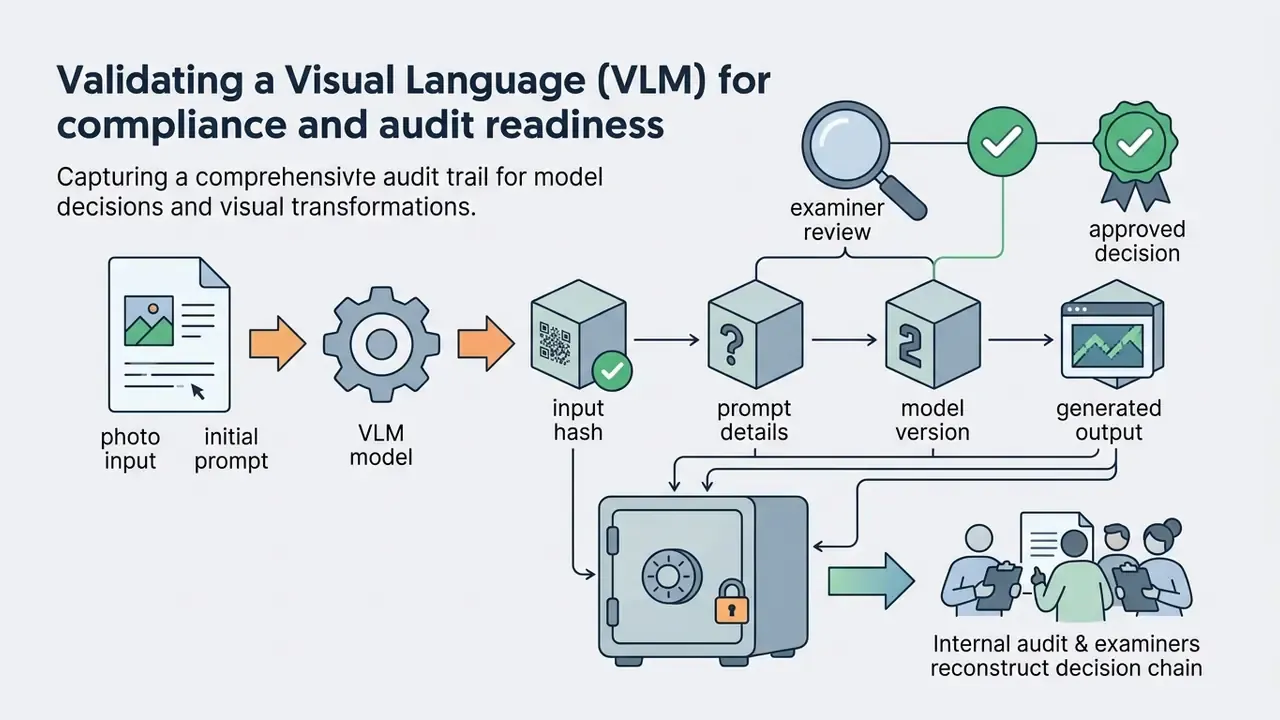
A multimodal assistant that informs a business decision is a model, and SR 11-7 ("Supervisory Guidance on Model Risk Management", Federal Reserve and OCC) applies: robust development, independent validation, governance. Map the programme onto the NIST AI Risk Management Framework 1.0 functions, Govern, Map, Measure, Manage. https://www.federalreserve.gov/supervisionreg/srletters/sr1107.htm · https://www.nist.gov/itl/ai-risk-management-framework
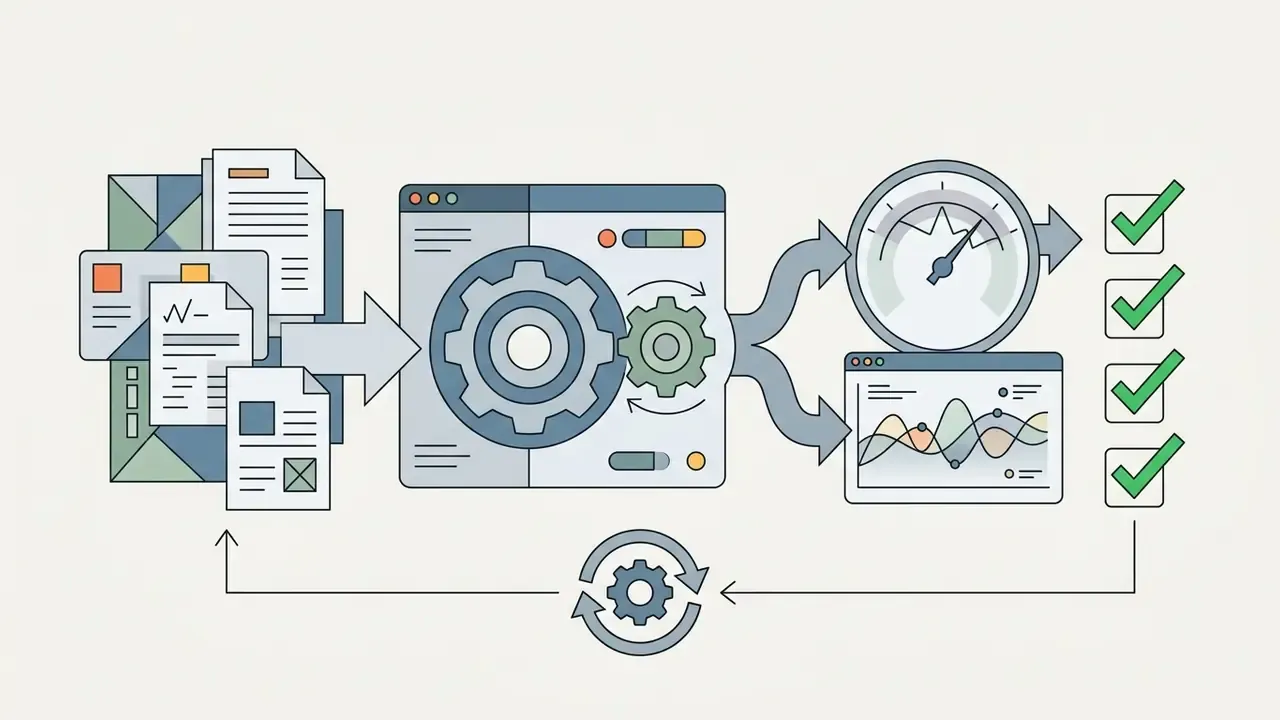
A workable validation sequence for image-capable models:
No evidence, no autonomy. A multimodal assistant without a reconstructable decision record is a prototype, whatever the vendor slide calls it.
Risk-adjusted ROI
A multimodal automation case only holds if the cost of control is priced in:
Risk-adjusted ROI = (Manual cost avoided + Cycle-time value)
                  - (Licence/API cost + Integration + HITL review cost
                     + Validation & monitoring + Expected residual loss)
Where HITL review cost = documents × review rate × minutes × loaded hourly rate, and expected residual loss = error rate after controls × average loss per error × volume. Two figures decide most business cases: the share of documents that still need human review, and the cost of an undetected error escaping into a customer-facing outcome. Pilots that measure only extraction accuracy, and never reviewer override rate, systematically overstate savings. This is the most common flaw we see in submitted pilot write-ups, and it is usually not deliberate.
Responsibility should be explicit (RACI): the business process owner is accountable for outcomes, model risk performs independent validation, security owns data-flow controls, and compliance owns regulatory interpretation. The model owns nothing.
Limitations of AI chat for images: accuracy, quality and verification
«On MathVista GPT-4V reaches only 49.9% accuracy, 10.4 points below the human baseline; on MMCode, Pass@1 is 19.4%.»
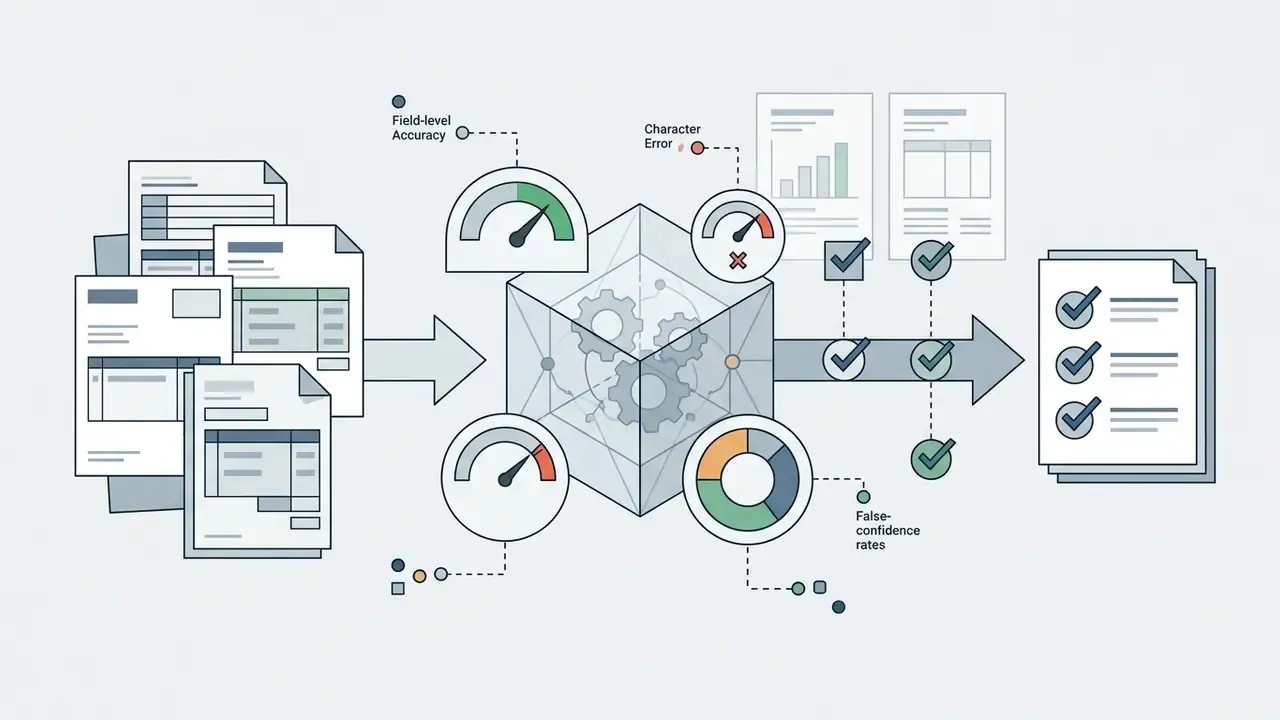
On small text, OCRBench v2 (2024) and FICO (ACL Findings) both document persistent failure: character error rates of no less than 10% even for OCR-specialised models under default rendering. Never treat transcribed digits as verified.
Why source image quality affects the answer
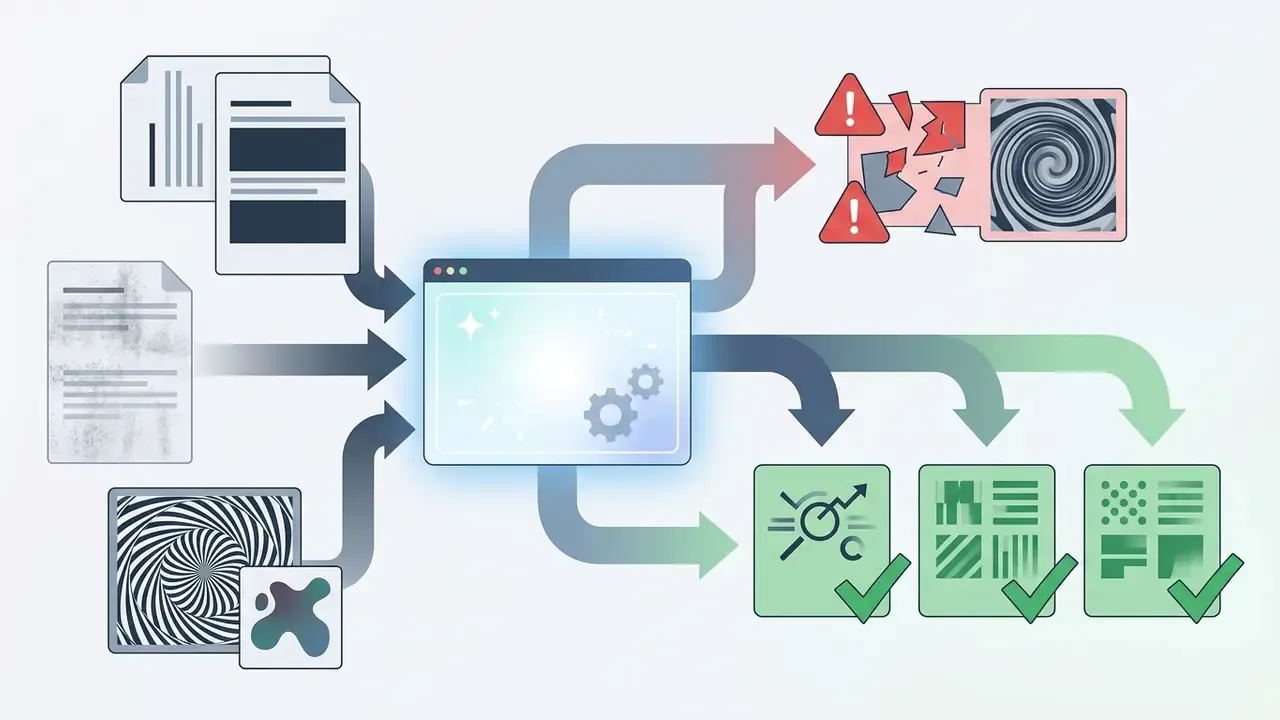
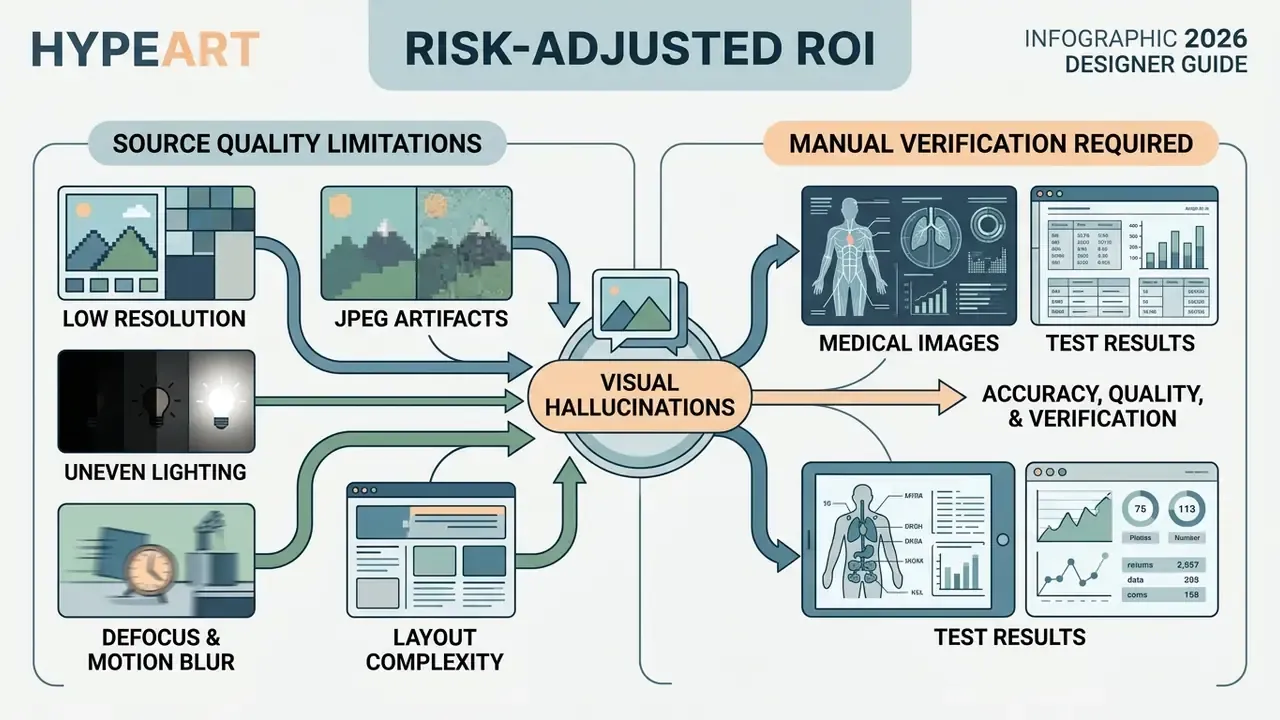
Algorithm accuracy depends directly on the parameters of the uploaded file. With strong compression, blur or insufficient lighting, object-recognition quality drops sharply.
Factors that degrade VLM accuracy:
- Low resolution
- small text and distant objects lose definition during tokenisation. If detail is missing from the file, consider an AI image upscaler before upload, while remembering that upscaling reconstructs plausible detail rather than recovering the original.
- JPEG artefacts
- block-grid compression distorts object and glyph contours. NIST quality specifications measure these artefacts on the 8×8 grid precisely because they erode recognition accuracy.
- Uneven lighting
- deep shadows cause scene-segmentation errors. NIST image-quality materials treat poor illumination as a measurable defect.
- Defocus and motion blur
- NIST FRVT quality assessment classes defocus, low spatial sampling and homogeneous blur kernels in a single defect family.
- Layout complexity
- multi-panel and dense composite images remain disproportionately hard.
«On MultipanelVQA humans solve multi-panel image questions with about 99% accuracy, while GPT-4V and other MLLMs lag substantially even on synthetically clean images.»
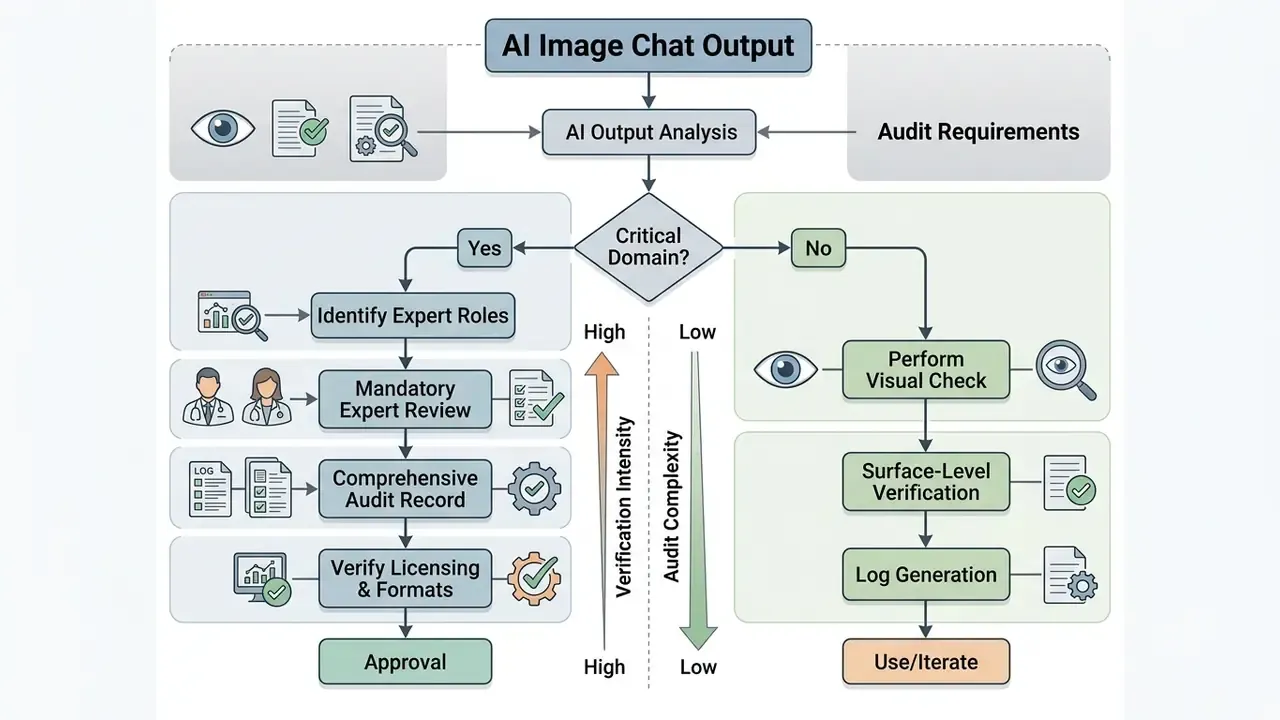
Which answers and images require manual checking
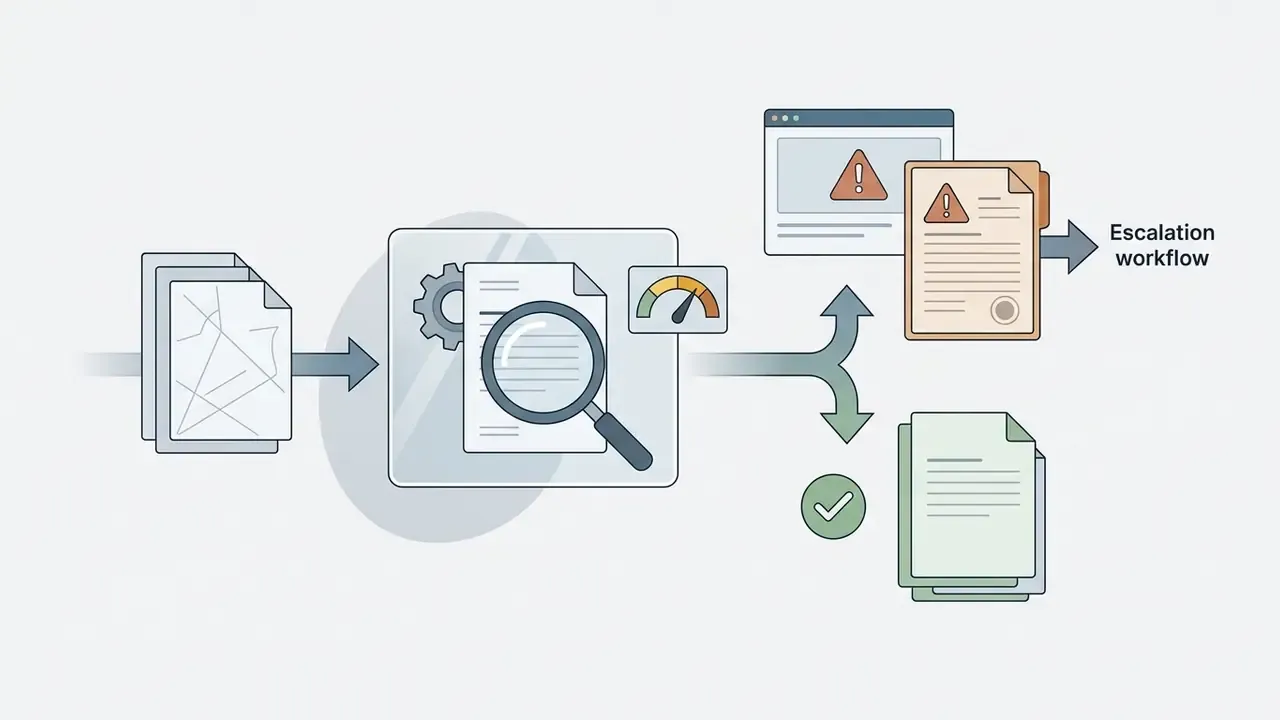
Results from AI chat for images require mandatory human verification in high-responsibility domains.
For a deeper audit of tools before purchase, move to the compare section for functionality comparisons, and browse the hub for pipeline walkthroughs such as the YouTube video editing workflow.
FAQ about AI Image Chat
Which image formats does AI image chat support?
Most modern services (image AI chat) support the main raster formats:
- JPG / JPEG: the universal photo format.
- PNG: optimal for screenshots, diagrams and graphics with transparent backgrounds.
- WEBP: modern compressed web format.
- BMP: accepted by several analysis tools without conversion.
- HEIC / HEIF: the native capture formats on Apple iOS devices. Current VLM chats increasingly accept them directly, but support is inconsistent. Some help pages still list HEIC as unsupported, so keep JPG conversion as a fallback.
- PDF: supported by a number of services (Claude, Copilot) for extracting pages with graphics. Maximum file size ranges from 15 MB (Microsoft Copilot) through 20 MB (ChatGPT, per image) to 500 MB with image dimensions up to 8000×8000 pixels (Claude). Many tools also accept a direct image URL instead of a file upload.
Which languages does image chat support?
Mainstream multimodal assistants handle recognition and dialogue in 15 or more languages, including English, Spanish, French, German, Portuguese, Italian, Russian, Arabic, Farsi, Hindi, Simplified and Traditional Chinese, Japanese and Korean. You can ask a question in one language and request the answer in another, which is useful for translating infographics or foreign-language documents. Accuracy is highest for Latin-script printed text and lowest for handwritten and mixed-script documents.
Can I use voice instead of typing?
Yes. In the mobile apps of the major assistants you can upload a photo and speak the request; speech recognition transcribes it, and the model processes the text together with the image tokens. Voice is fastest for long descriptive prompts and for hands-busy or accessibility scenarios. For precision instructions with exact wording, such as literal text to render, field names or numeric constraints, typing remains more reliable.
How do I remove a background or make an image transparent?
Upload the file and ask the model to isolate the subject and remove the background, then request a PNG with an alpha channel: "Isolate the subject, make the background fully transparent, preserve edge detail on hair and fabric." Check the result at 100% zoom around hair, glass and motion-blurred edges, where masks fail most often.
How do I unblur or sharpen a photo?
Upload the image and ask for sharpness restoration without changing content: "Sharpen the subject, remove motion blur, do not alter facial features or proportions." Remember that generative sharpening invents plausible detail. It is not evidence recovery and must not be used for identification.
How do I extend an image beyond its original frame?
Ask the model to extend the canvas in a specific direction and describe what should continue: "Extend the frame 25% upward, continuing the same sky gradient and cloud structure; add no new objects." Dedicated outpainting tools provide finer control over the generated margins and aspect ratios.
Can I generate a document or passport photo?
You can generate a compliant-looking headshot, with an even background, neutral expression, business attire and a fixed crop ratio. Acceptance, however, is decided by the issuing authority, and many explicitly prohibit digitally altered or AI-generated portraits for official identity documents. Use these outputs for corporate profiles and CVs, and follow the official specification for passports and visas.
Are uploaded images and chat history stored?
Uploaded images and dialogue histories are saved in the user's account to provide session continuity.
- In ChatGPT, history is retained until the user deletes it. Training on your data can be switched off in settings, and specific conversations, Memories or the entire account can be deleted.
- In Microsoft Copilot, an uploaded file is stored securely for no longer than 18 months and then deleted automatically. The related conversation follows your training and personalisation choices and can be deleted at any time.
- In Google Gemini, with Gemini Apps Activity on, chats and uploaded images are saved and may be used to improve and train services. With it off, new chats and images are not saved there and not used for training, but are retained for up to 72 hours for safety purposes. Deleting Gemini Apps Activity begins removal of that data, including associated images. The user may clear dialogue history at any time, or request full deletion of personal data through the account control panel. Privacy guidance in several jurisdictions, for example the Australian OAIC (2024), treats AI-generated or inferred information, images included, as a collection of personal information subject to privacy obligations.
Can I use the answers and images commercially?
Usually yes for descriptions, analyses and prompts, and often yes for generated images, but with three conditions. You must hold rights to any reference image you upload, you must comply with the platform's usage policies, and you should remember that purely AI-generated output generally attracts no copyright protection, so you may be unable to stop others from using a similar image.
Is a free tier enough for business use?
For ideation, learning and low-stakes internal work, yes. For anything involving customer data, regulated records or contractual confidentiality obligations, no. Use an enterprise tier or private deployment with documented data-handling terms, as described in the enterprise deployment section above.
Correction and source log
In the interest of transparency, the following citations from the earlier version of this article were corrected during fact-checking:
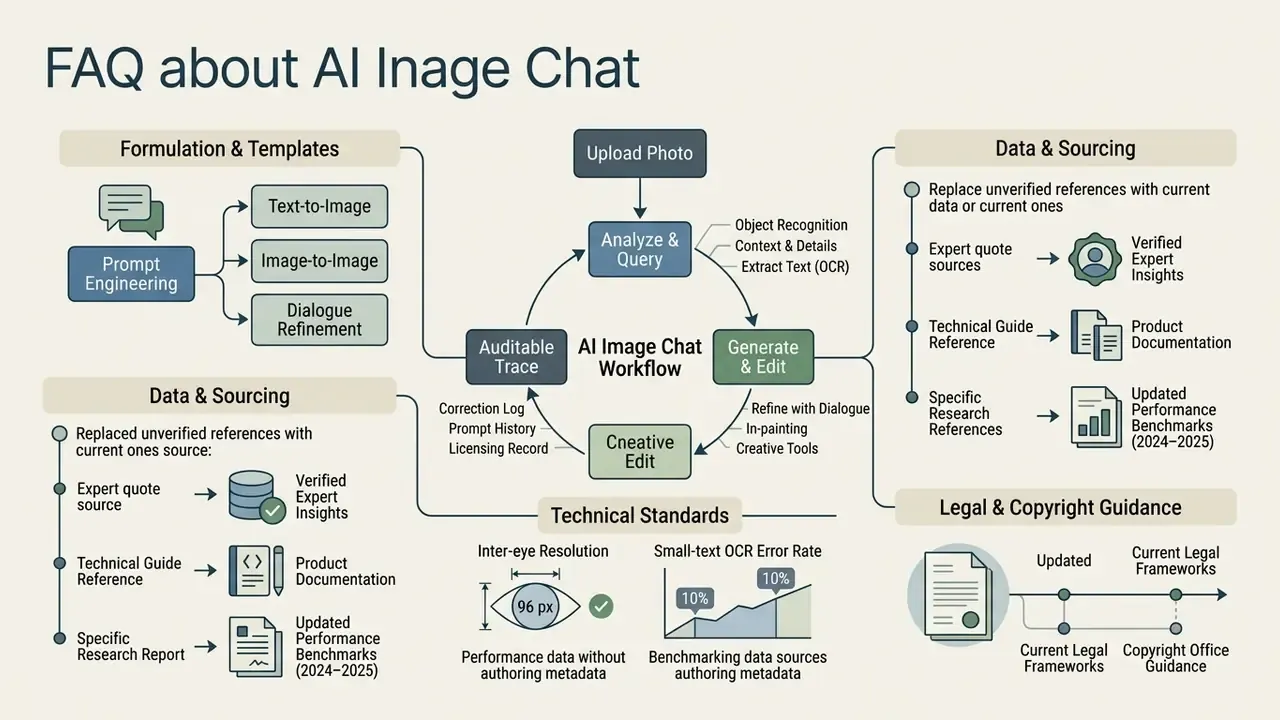
- An introductory quotation attributed to an individual expert on multimodal AI systems could not be verified and has been replaced with capability descriptions drawn from OpenAI and Google Cloud product documentation.
- A reference to a 2026 "OpenAI Image Prompting Guide" has been replaced by the vendor's published image-prompting guidance, with the undated attribution removed, plus the REFINE prompt-refinement framework from the 2024–2025 prompt-engineering literature.
- References to "Google Lens & Meta AI Technical Reports (2025–2026)" have been replaced with product documentation examples and with quantified results from GPT4Vis (2023–2024).
- A reference to "NIST OpenHaRT (2025)" has been supplemented with NIST Special Database 19 and the @Bench assistive-technology benchmark (2024).
- Copyright guidance previously dated "2025–2026" is now cited as the U.S. Copyright Office registration guidance for works containing AI-generated material (2023–2024).
- A previously unattributed claim that conversational refinement improves brief-compliance "by 35%" has been removed. The underlying benchmark (T2I-CompBench++) documents persistent compositional failures rather than a fixed improvement rate.
- The claimed 10% small-text OCR error rate is retained but re-attributed to OCRBench v2 (2024) and FICO (ACL Findings), which report character error rates no lower than 10% under default rendering.
- The 96-pixel inter-eye resolution threshold is retained and cited to NIST Interagency Report 7830.
- Statements about multi-turn image-history retention are retained as directional, citing BI-MDRG (2024) and ACL work on conversational grounding, with a note that turn limits are vendor- and context-window-dependent.
Related methodology, tool reviews and licence notes are collected in the commercial-use section, where you can open the hub for the full index.
- A reference to a 2026 "Frontier Vision-Language Models
- Architectural Evolution" report has been supplemented with verifiable benchmark data from MMBench and MMBench V1.1, and with peer-reviewed surveys of large vision-language model architecture (2024).